Tag: ui

  • Top 5 Android Launchers You Need To Try

    Top 5 Android Launchers You Need To Try

    Android launchers allow you to get a totally different user experience from your existing smartphone. The capabilities of these launchers are infinite ranging from theme customization to swipe gestures to battery boost by managing background apps.

    Evie Launcher: 
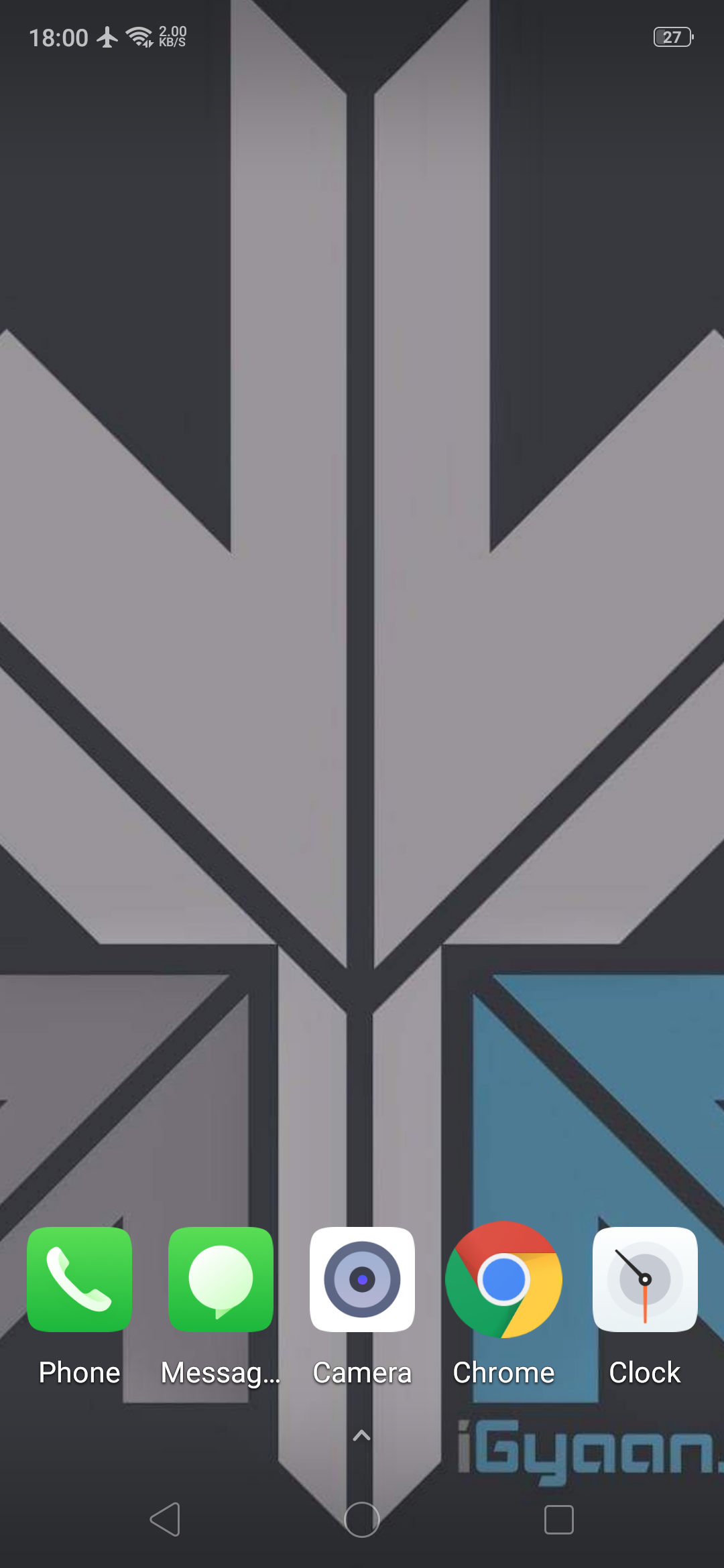
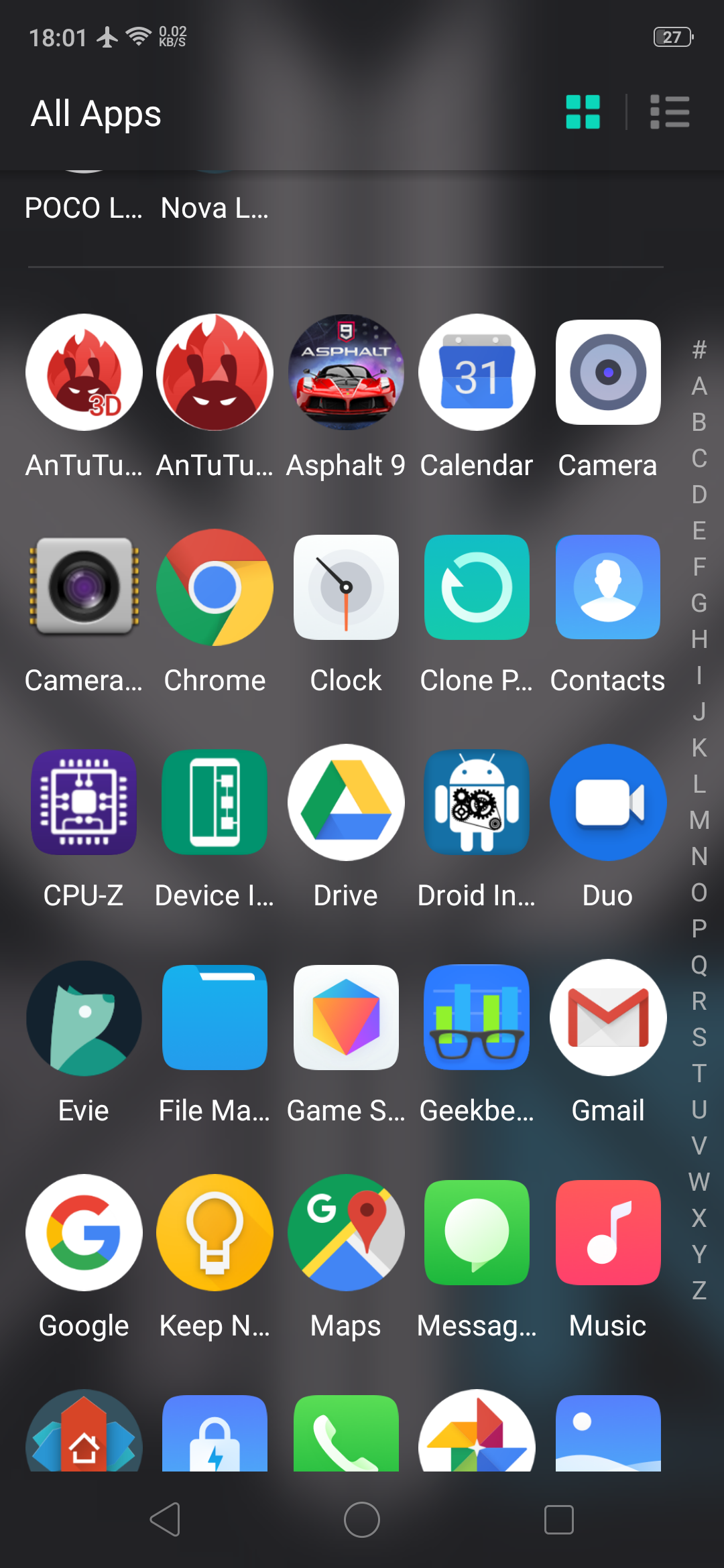
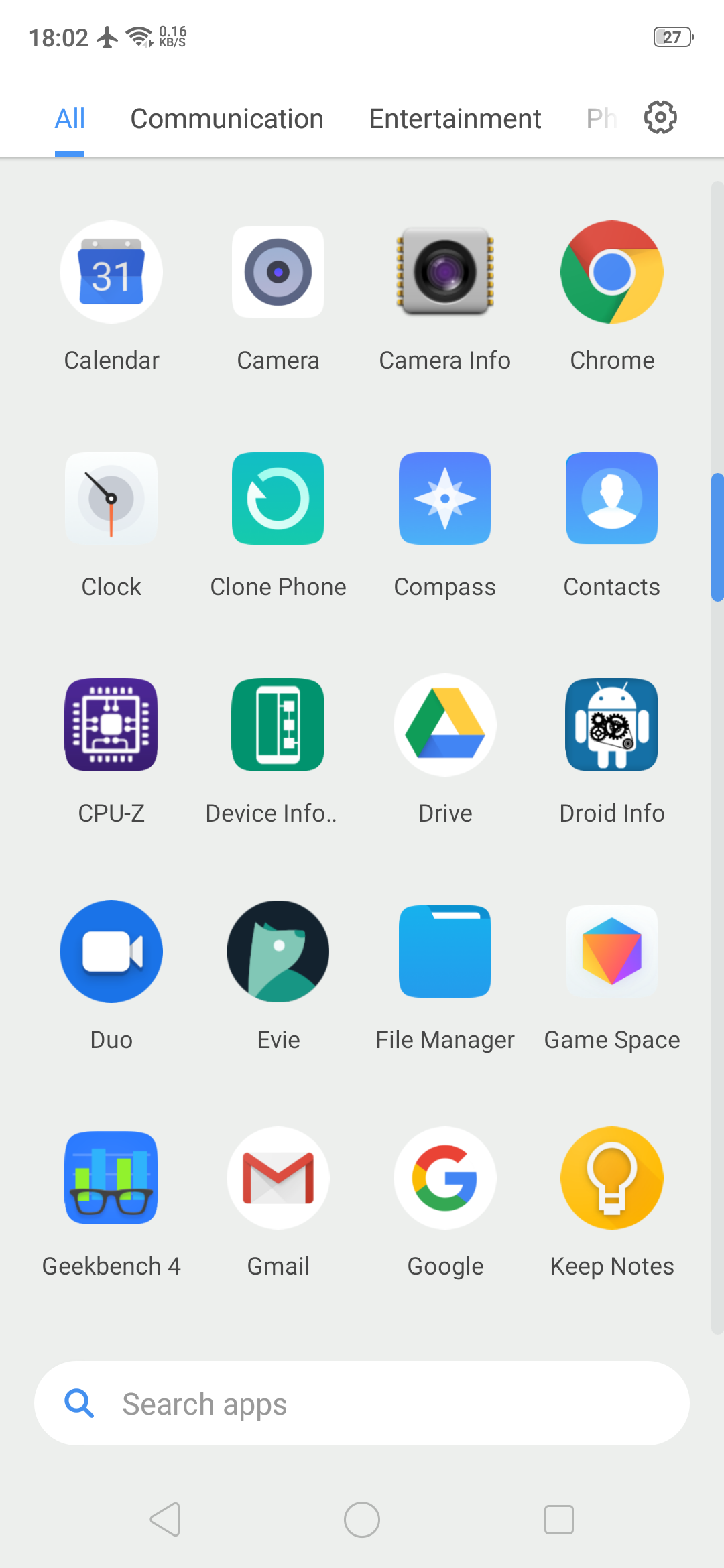
    Evie launcher is a home screen replacement that was designed with performance in mind. It has an alphabetic app drawer with a translucent background that makes it look very pretty. Apart from the looks, the key features of this Android launcher are custom shortcuts which can be user created, quick navigation that allows you to instantly access all apps with a swipe up. The launcher also supports personalization so the user can change app icons, manipulate icon size or customize the layout.

    Play store Rating: 4.7

    Nova Launcher: 
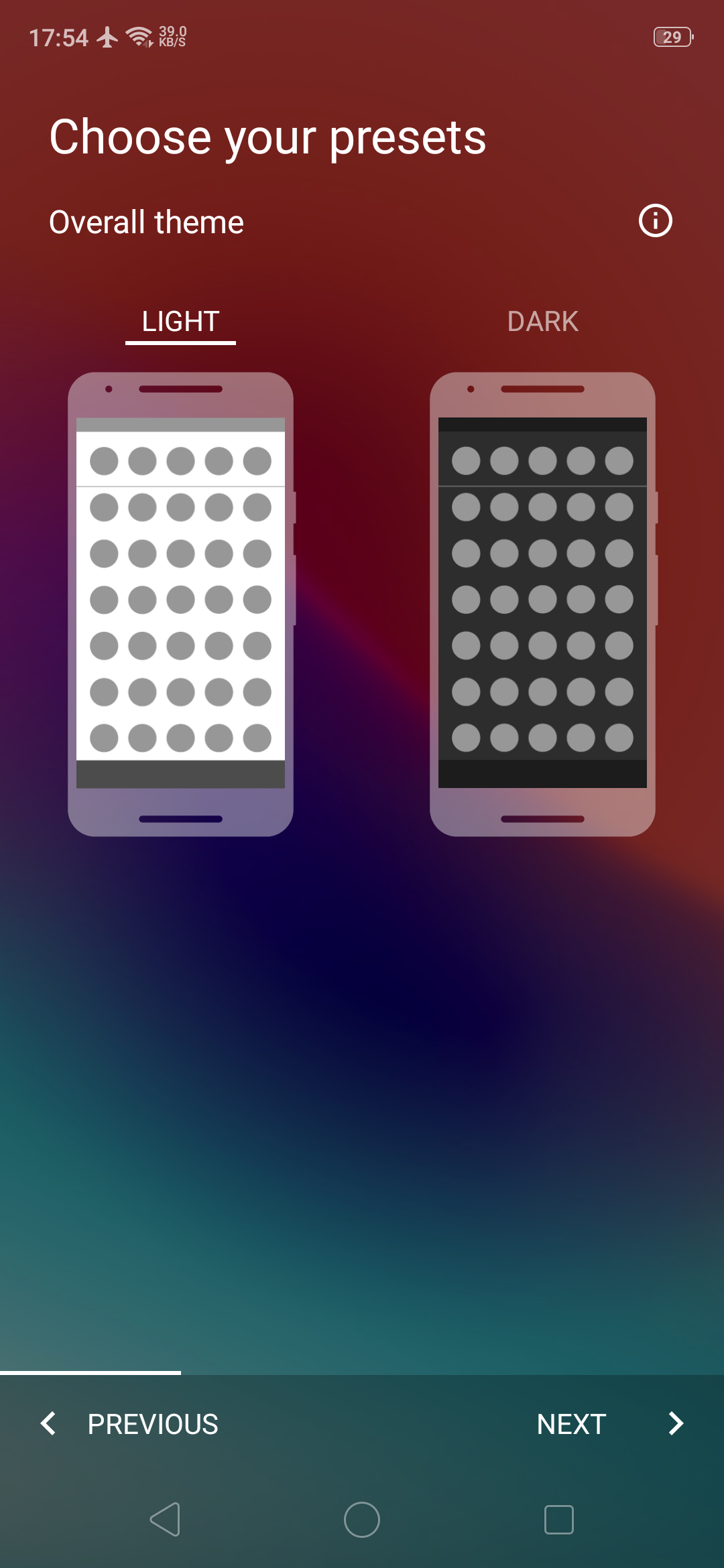
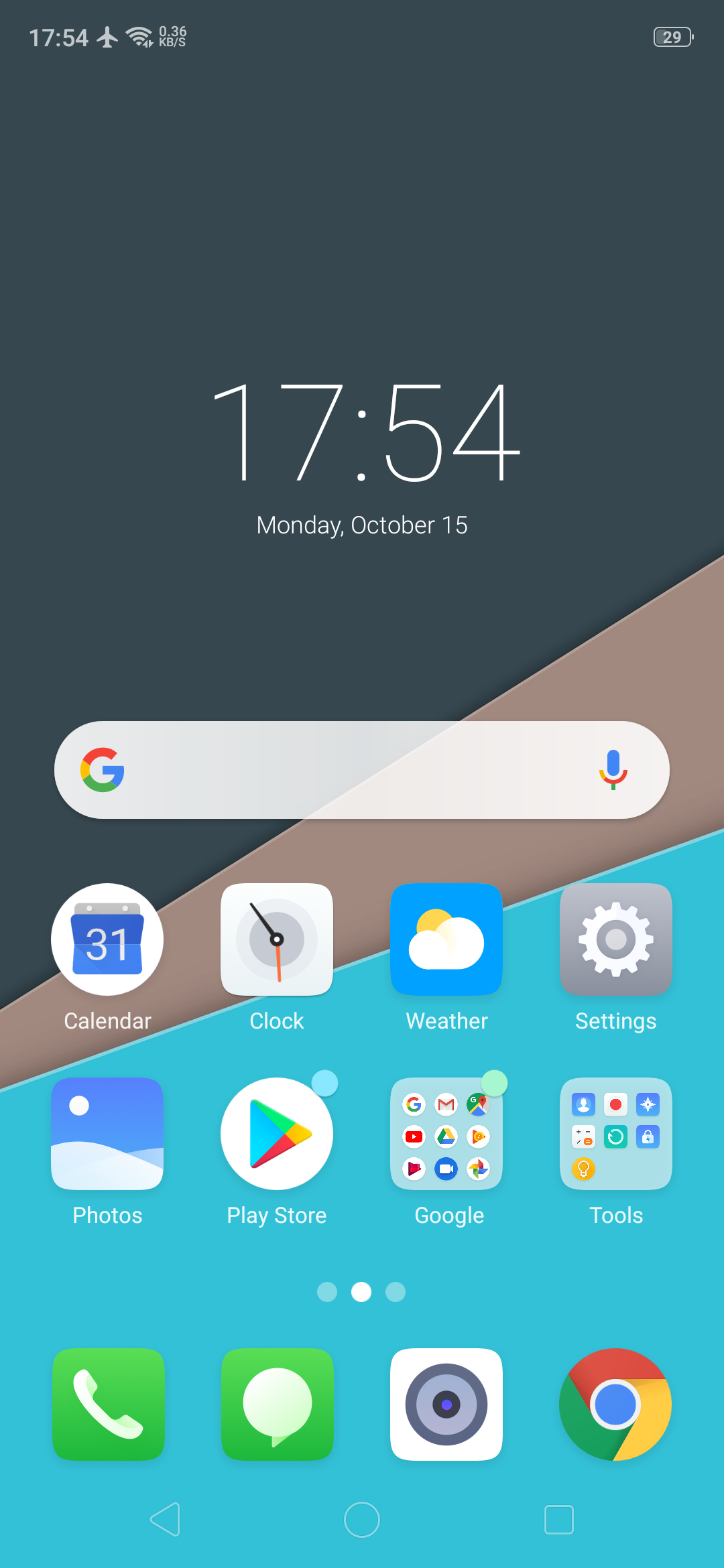
    This is one of the first 3rd party Android launchers. It is available for download as a free version or a paid version with added functionalities. The free version has a customizable App Drawer, color control for label folders and unread badges. The paid version includes gestures like swipe, pinch, and double tap to open your favourite apps, custom app drawers to create new tabs or folders, etc. Overall, it is a very robust and swift android launcher.

    Play store Rating: 4.6

    Also Read: Nokia X7 Design Revealed Ahead Of Launch

    Microsoft Launcher: 
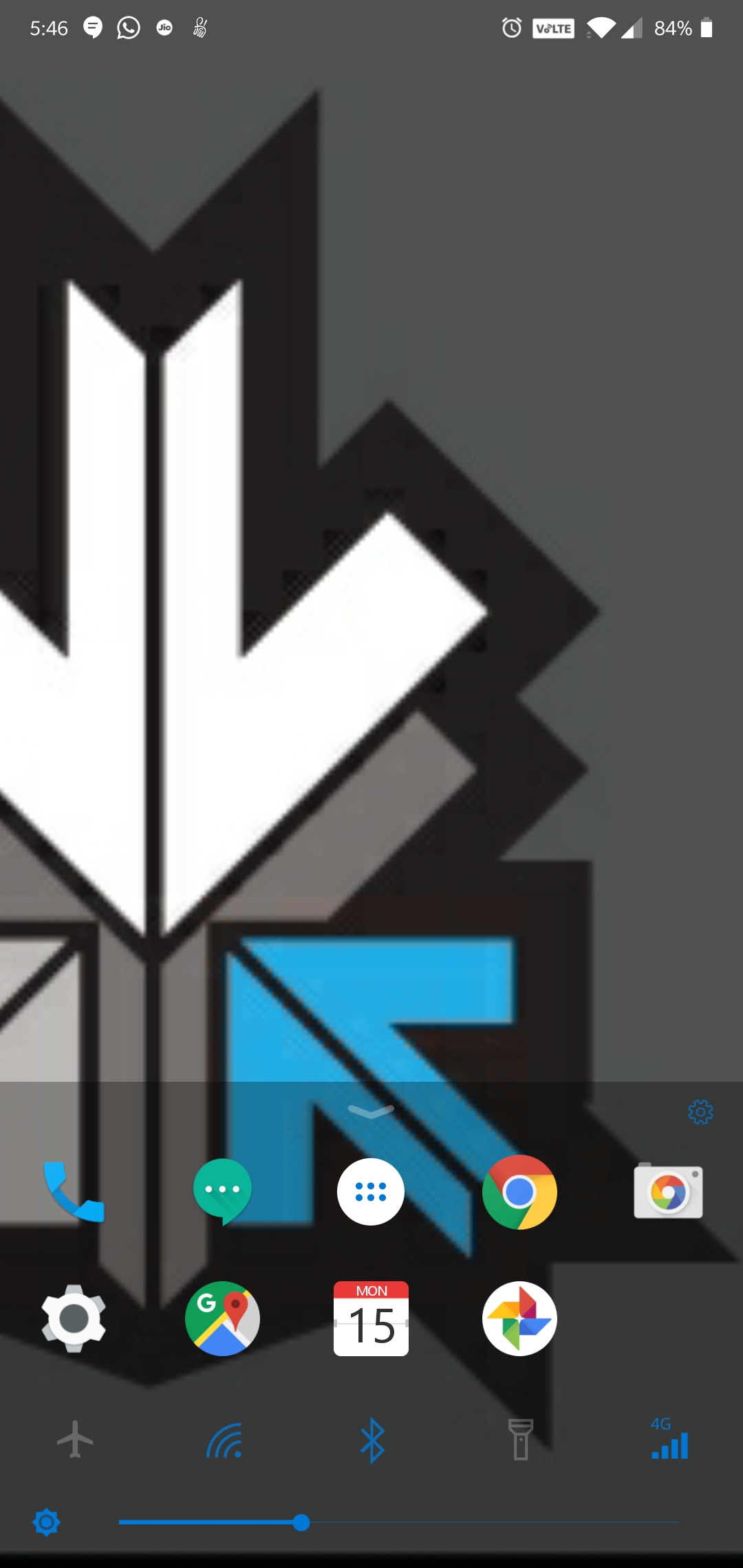
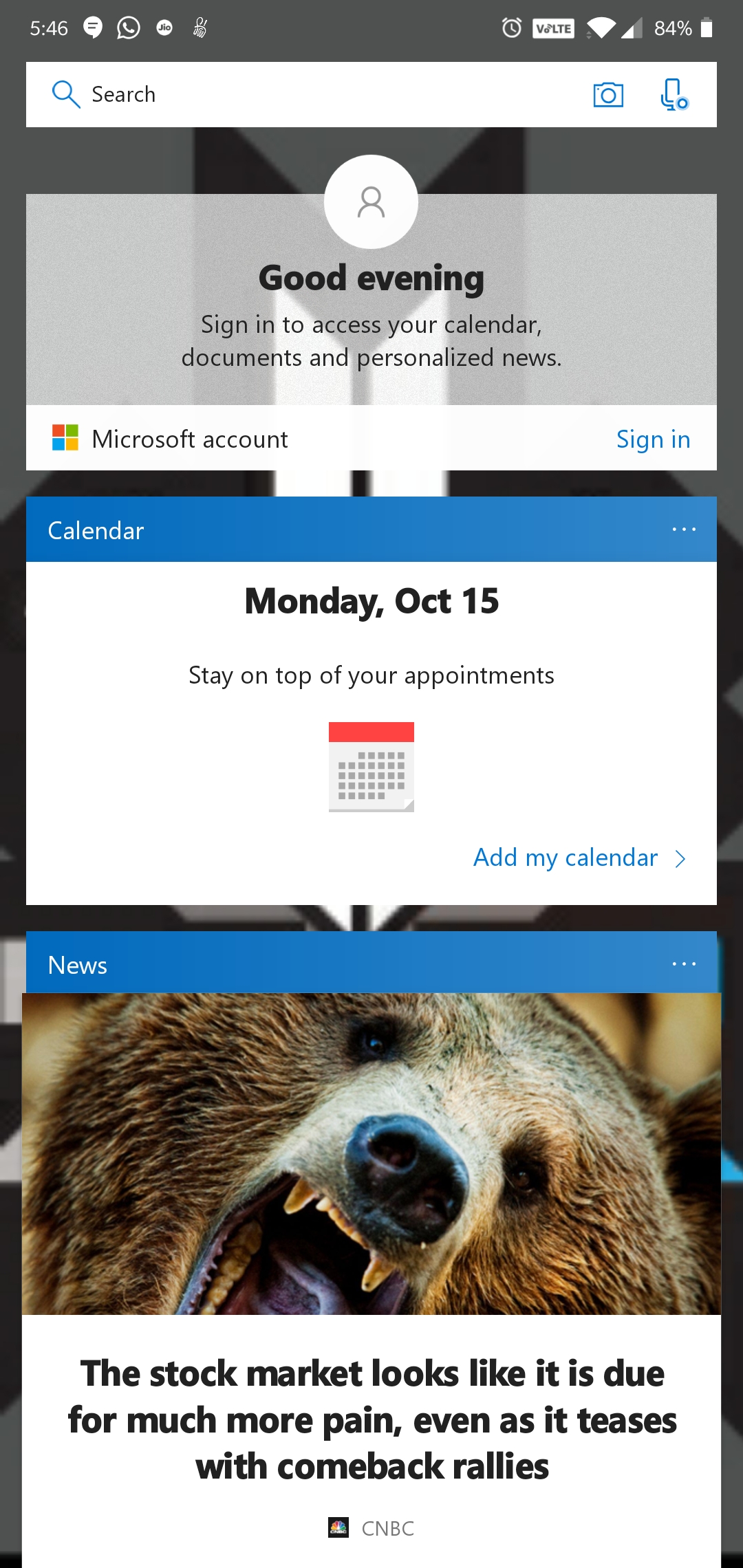
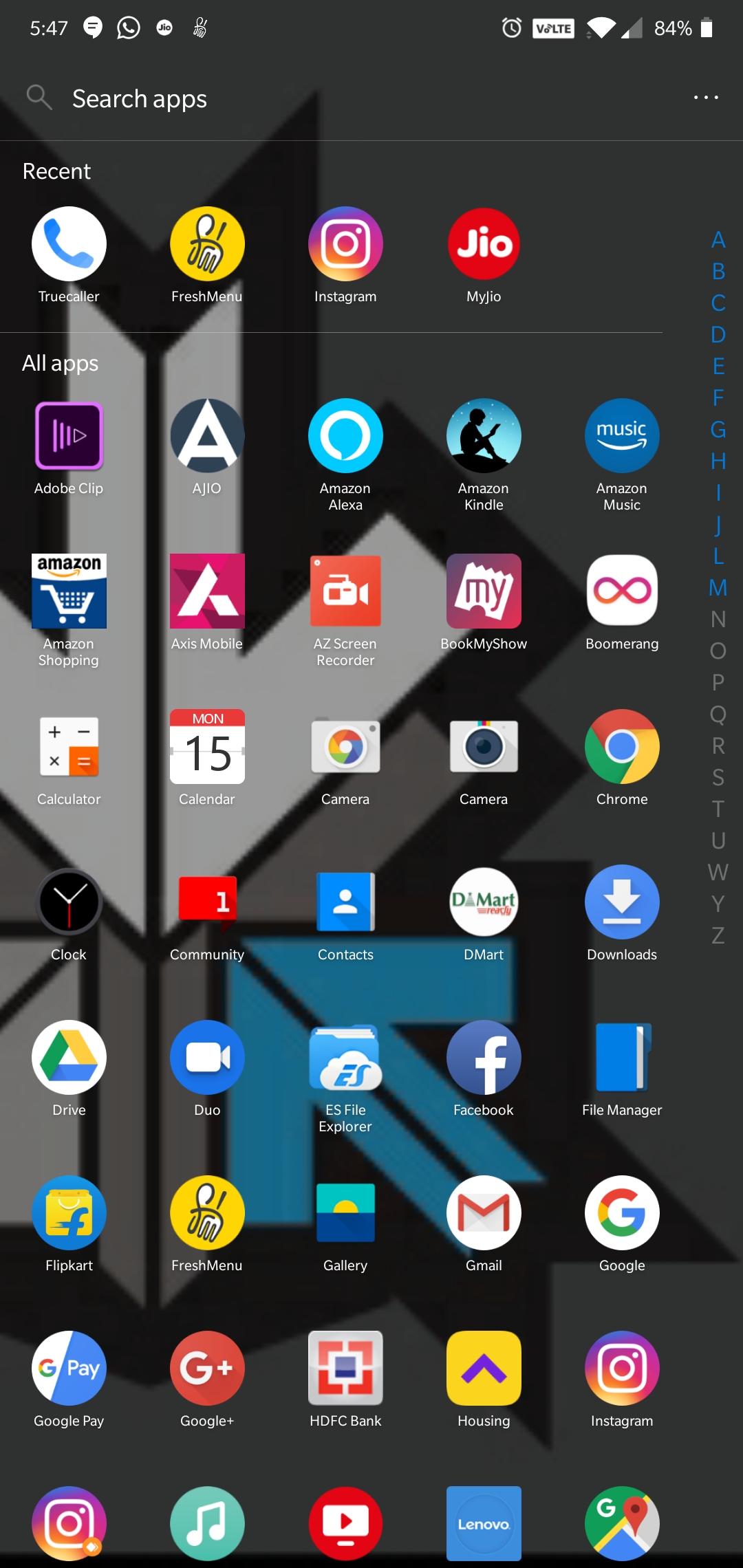
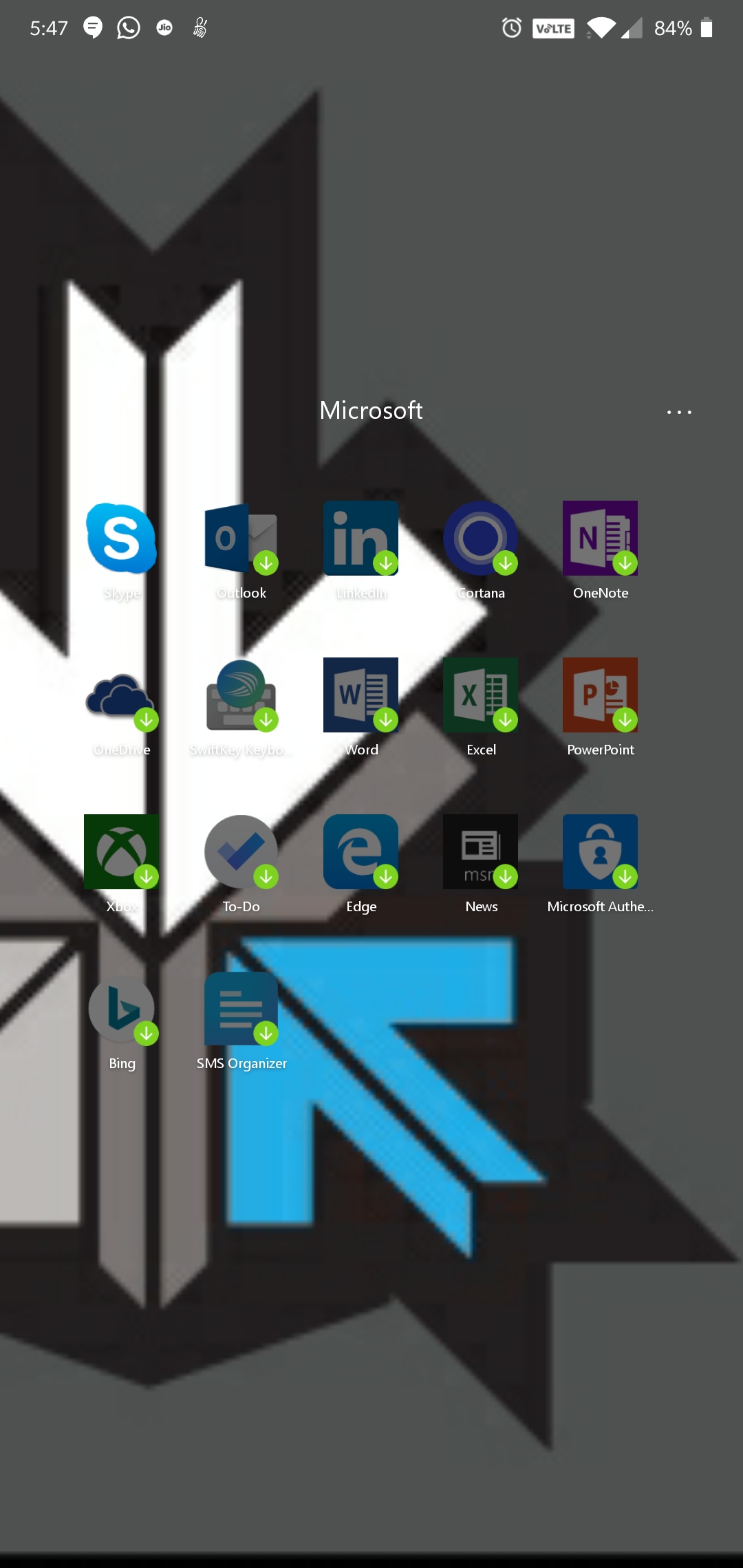
    This is Microsoft’s attempt at making an Android launcher and is surely influenced by the Windows design and themes. The launcher has a quick search bar with photo and audio search capabilities with Bing as the default search engine. It has Cortana support, which is Microsoft’s personal voice assistant. The launcher has a swipe up toggle menu for easily turning on/off options like Wi-Fi, Bluetooth, Rotation lock, etc.

    Play store Rating: 4.6

    POCO Launcher:
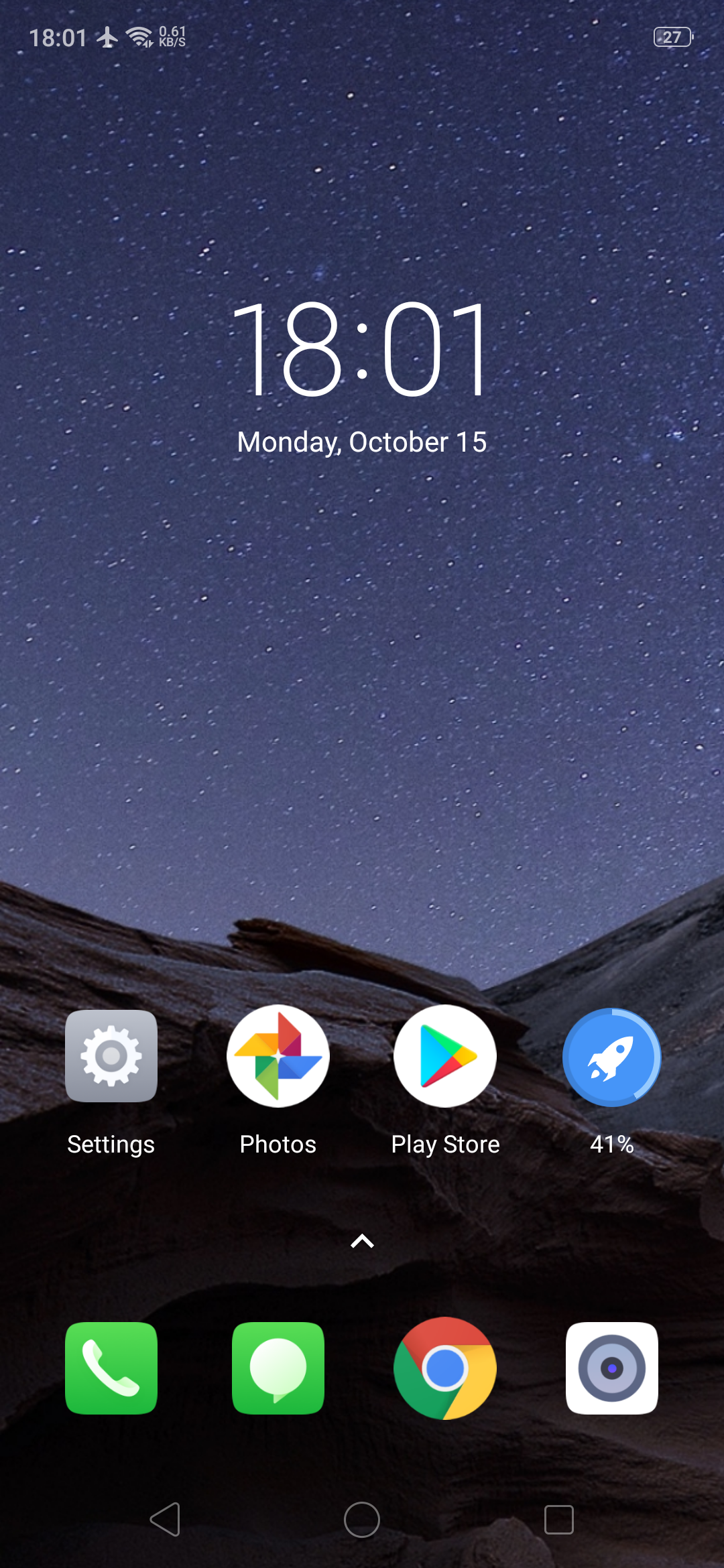
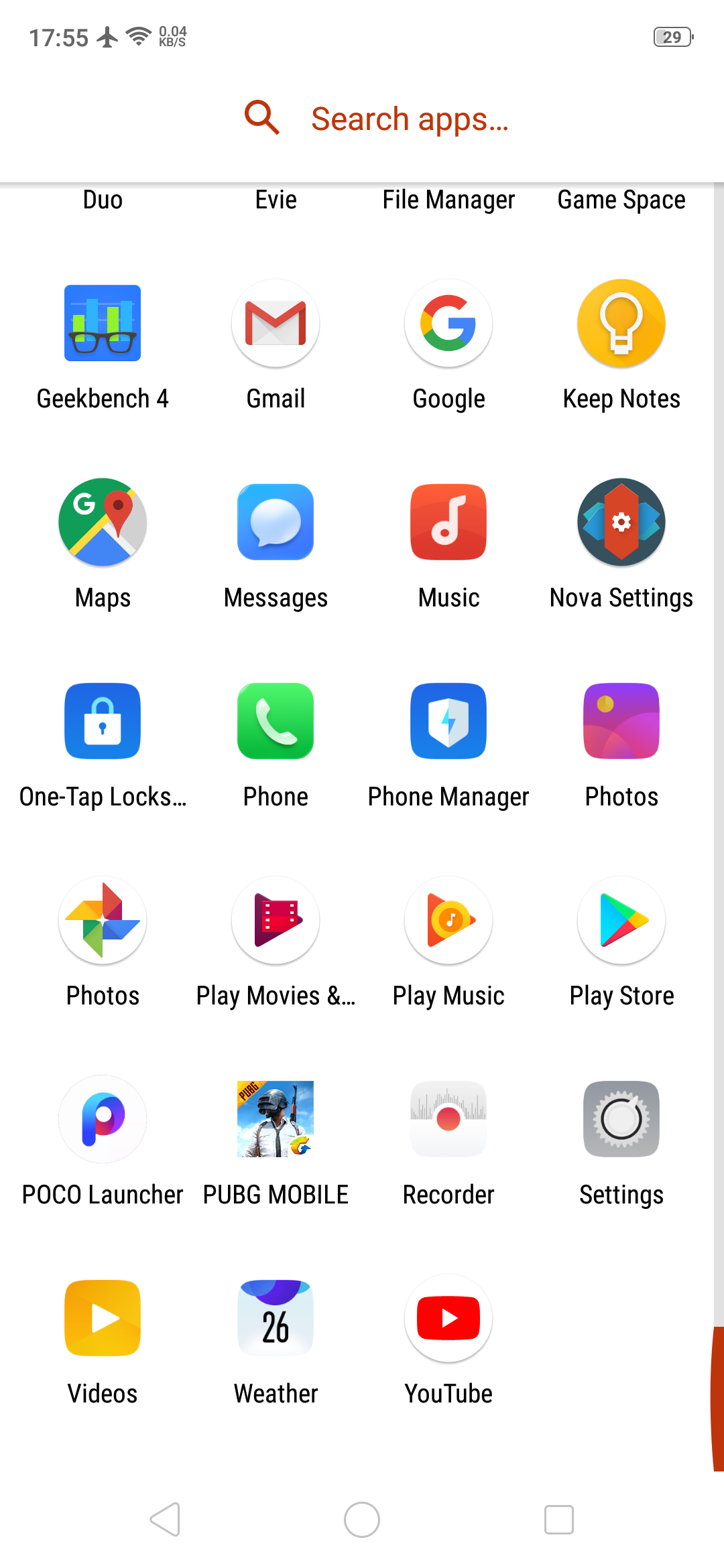
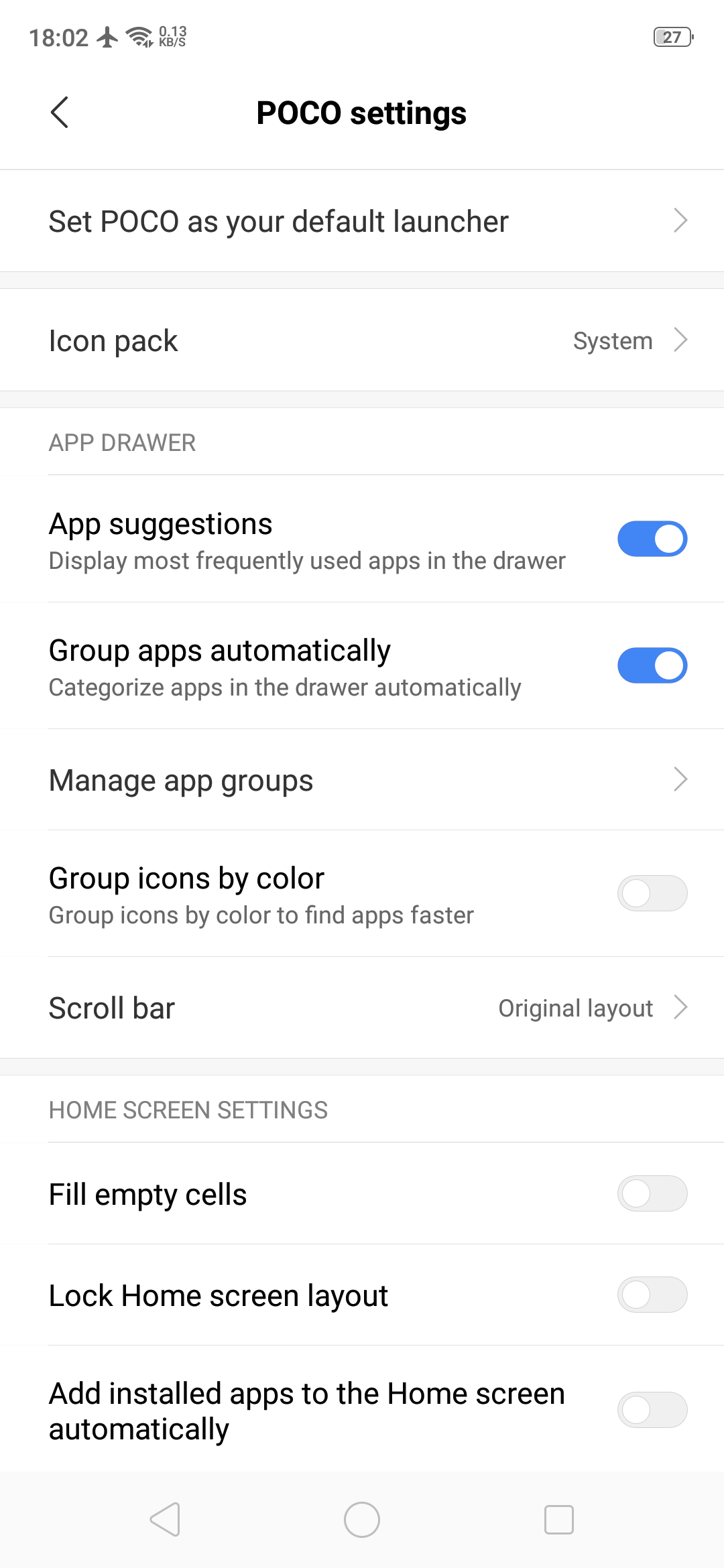
    POCO Launcher is the same launcher that the budget flagship smartphone Poco F1 has. It is fully customizable with a beautiful design and is super fast and light. Some key features include convenient search with recommended apps, easy app management by category and privacy protection by hiding private app icons.

    Play store Rating: 4.2

    Pixel Launcher: 
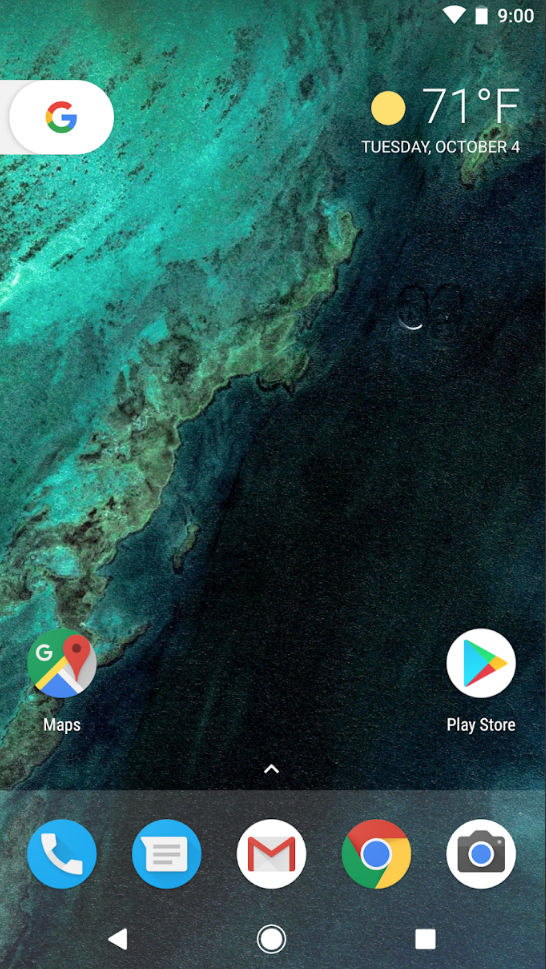
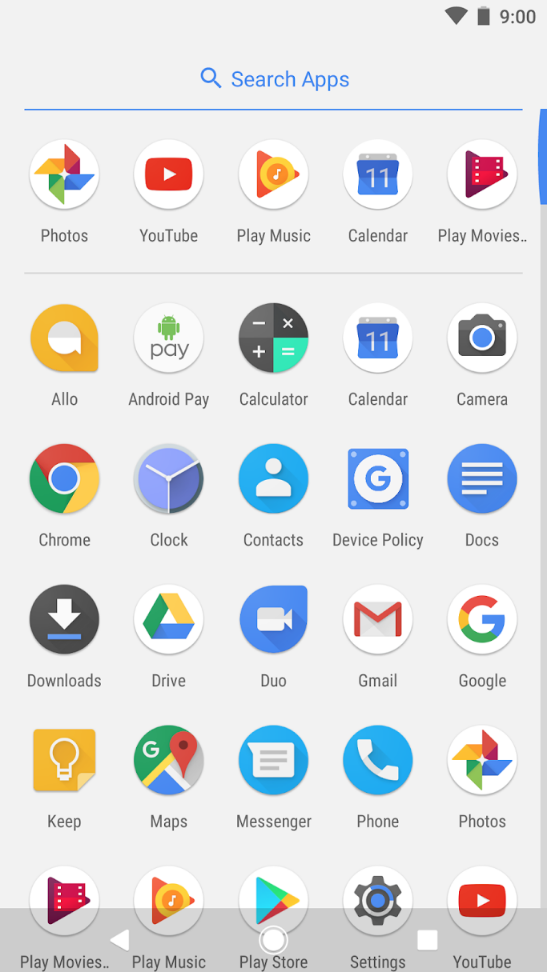
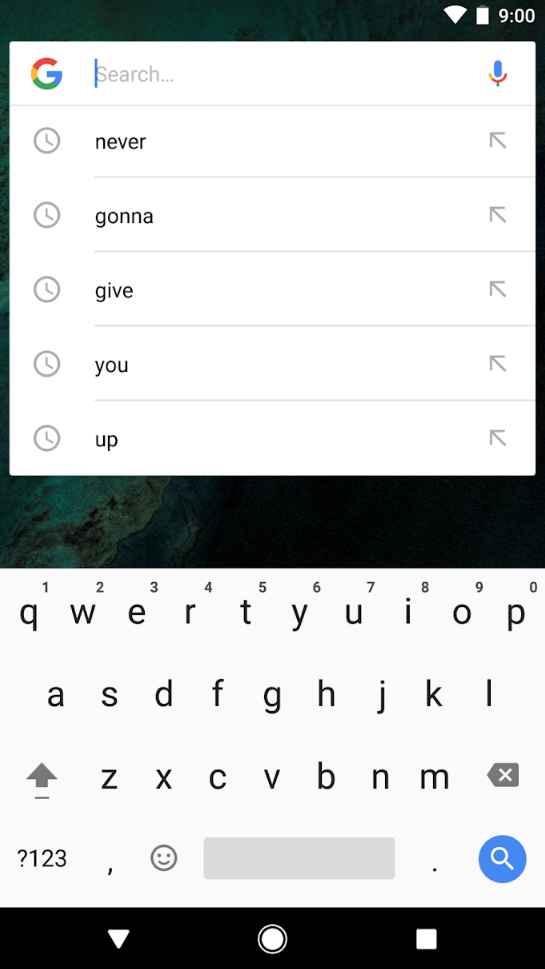
    Pixel Launcher is the home screen experience straight from the Pixel phones by Google. Key features of this Android launcher are quick access to Google search from the primary home screen, app suggestions, swipe right from home screen for Google news cards and personalized information like upcoming birthdays of friends. The Android launcher is very simple and easy to use which is synonymous to Google’s vision of using technology.

    Play store Rating: 4.2
  • BlackBerry CEO : iPhone UI Is Old, Lacking Innovation

    BlackBerry CEO : iPhone UI Is Old, Lacking Innovation

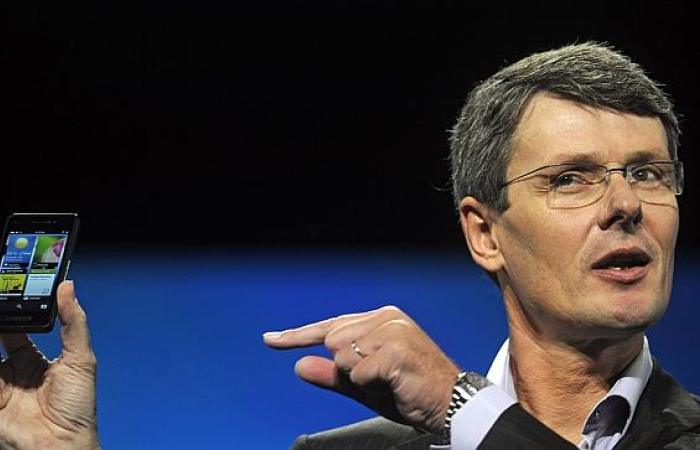
    Thorsten Heins, BlackBerry’s CEO, has been on a mission to bring back the glory days of the smartphone maker. A huge sign of adoption occurred last week when BlackBerry revealed that an unknown partner signed up to purchase 1 million BlackBerry 10 smartphones – this was the “largest ever single purchase order in BlackBerry’s history.”

    Now Heins has laid a burn on the iPhone, pointing out that its software is starting to look a bit dated. He is currently visiting Australia for the launch of the Z10 and had some choice words for their competitors, namely Apple.

    Heins said “Apple did a fantastic job in bringing touch devices to market… They did a fantastic job with the user interface, they are a design icon. There is a reason why they were so successful, and we actually have to admit this and respect that. History repeats itself again I guess… the rate of innovation is so high in our industry that if you don’t innovate at that speed you can be replaced pretty quickly. The user interface on the iPhone, with all due respect for what this invention was all about is now five years old.”

    Mr Heins said one area that the new BlackBerry phones had surpassed the iPhone was in the ability to multi-task – running multiple apps at once – meaning that users could work in the same fashion on their smartphone as they liked to on a laptop.

    Apple’s future direction with iOS and its user interface are now a point of interest for the company, as it parted ways with its previous iOS software chief, Scott Forstall, late last year. That role, along with control of the design of OS X, has been handed to Jonathan Ive, who has overseen development of the company’s iconic hardware for years.

    [Via Financial Review]

  • YouTube – Cosmic Panda Interface Now Available

    YouTube – Cosmic Panda Interface Now Available

    With the beta test of Google+ we’ve seen an across the board redesign of most of Google’s services. Google search got the black bar on top. Gmail got two new themes for users to try out. Now it’s YouTube’s turn.

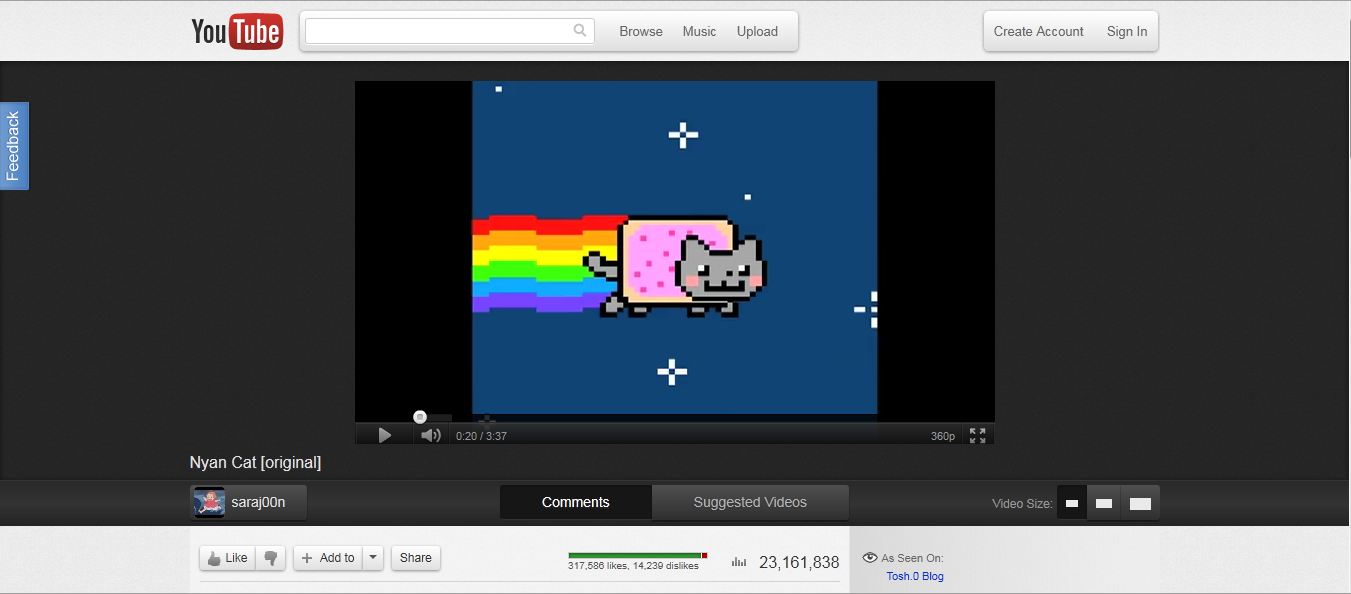
    Google has announced the availability of the Cosmic Panda Interface for users to test. The interface sports a clean and professional look which gives more emphasis to video space. The interface is designed to be quite dark, which might be an effort by Google to reduce electricity consumption across the world.

    The first thing that you notice when you use the new interface is the video. It has been brought to the center of the screen and the clutter around it has been removed. It is very easy to switch video sizes from the buttons at the bottom of the interface. The comments section has been placed under the video in a better interface which makes viewing comments easier.


    Another feature to note is that Google has increased the size of the related video preview images. This makes it easier to view related videos but the downside is that it requires users to scroll a bit more. One feature we really liked is the redesign of the video player itself. The progress bar has been coloured in such a way that the loaded section is grey and blends into the background. The section that has already been played turns red like the old interface.


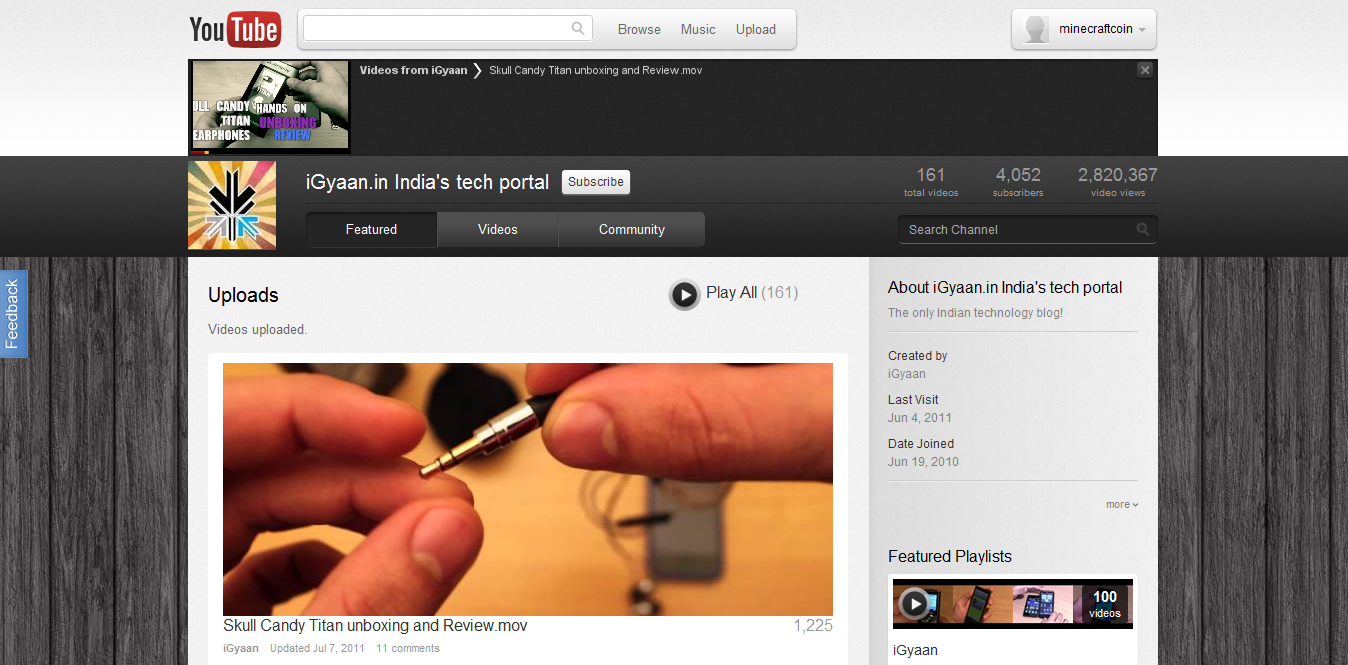
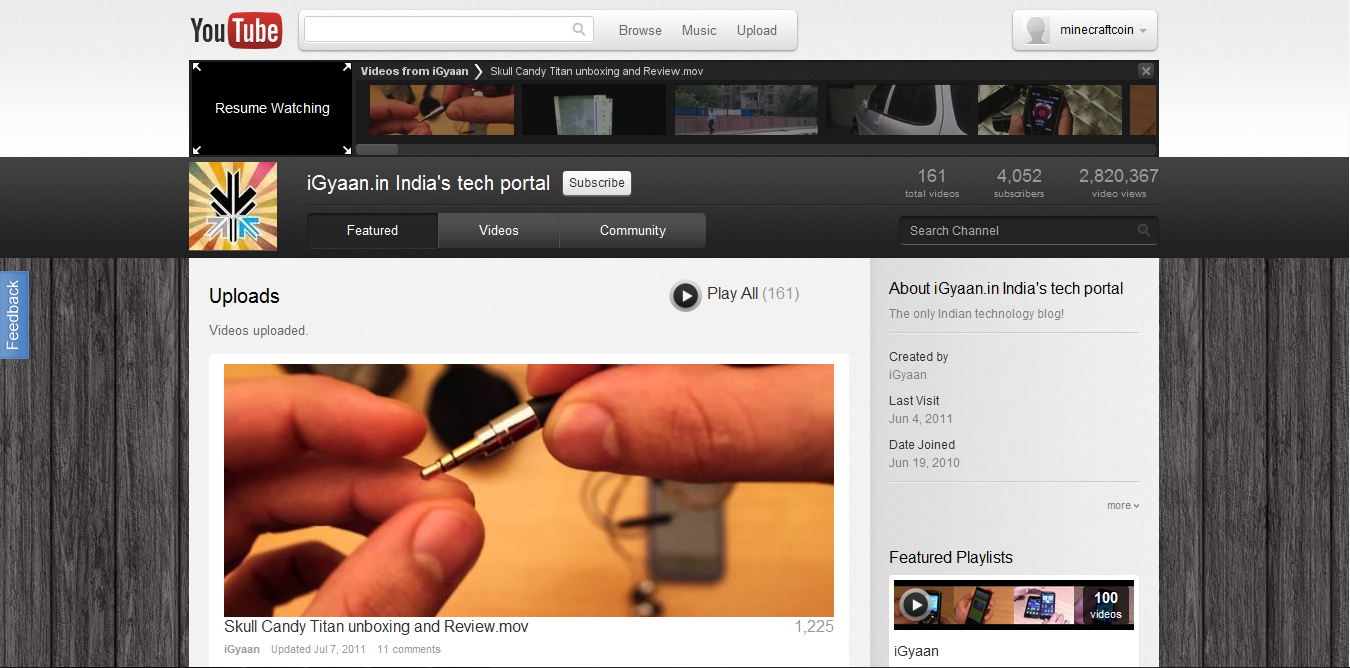
    The channels interface has gone through an upgrade as well. The video links are now much larger and the latest video player has been removed. Chrome users will benefit from a really cool feature called “Keep Watching” which lets you watch a video and browse a users channel at the same time to queue your next video. The video that is playing gets reduced to a small thumbnail on the top of the screen. You can queue videos and resume watching the currently playing video simply by clicking the thumbnail.

    You can test out the new interface and leave your feedback with Google at http://www.youtube.com/cosmicpanda.

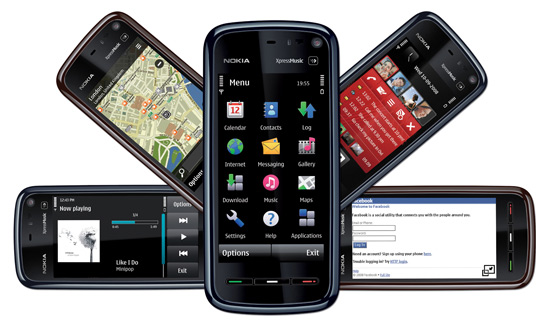
  • Nokia ready for a Revamp – Starts with font

    Nokia ready for a Revamp – Starts with font


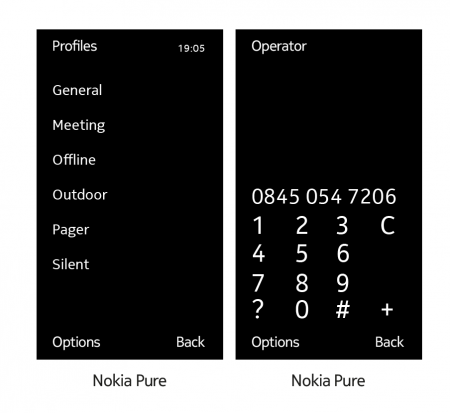
    Nokia is all set to revamp its brand image, with the coming of a new era for Nokia it is a great move to change the looks of this legendary mobile phone brand. For starters Nokia has replaced its famous Nokia Sans font with a new “Nokia Pure” typeface.

    “the letters [of the new font] flow into each other somewhat, creating the impression of forward movement.”

    The new typeface will be used throughout the user interface — in areas such as the user menu and dial pad — on future Nokia phones, hopefully on their much awaited and upcoming Windows Phone 7 Series.

    [Nokia]

  • New Revamped Symbian coming by August

    New Revamped Symbian coming by August

    Marc Driessen, Nokia Benelux product manager has let out some details on the unannounced updates that Nokia will be offering to Symbian Lovers. Talks about a symbian revamp have been going on for quite some time now, but now the companys own people are spilling the juicy details. According to Driessen, Nokia is targeting a major UI overhaul in the fall, an update rumored to include

    • dedicated pull-down status bar up top
    • new iconography
    • new flexible widgets
    • simplified navigation bar
    • better menus

    Any of those sound familiar to the “rejected by Nokia” OS?

    It is also Rumored that that N8 and E7 will get this update faster than others, possibly by Summer 2011.

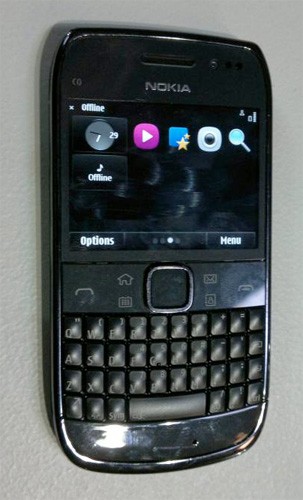
  • Nokia E6 caught with touch Symbian UI

    Nokia E6 caught with touch Symbian UI

    The Nokia E6 caught earlier, has been detailed yet again in this cleaner more visible picture, and what more this time the display is actually turned on.

    The UI looks nice and clean, with large touchable icons. Whats more , the grid layout also looks half decent. YOu can also see the updated Symbian^3 operating system with 4 homescreen dots and different widget placements.

    The only thing bothering us is the fact, that despite announcing the discontinuation of Symbian on Smart-phones, Nokia is still persistently set on releasing Symbian based phones this year, which will become obsolete once the company ditches the OS for Redmond’s baby

    [mobilesguruji.co.cc]

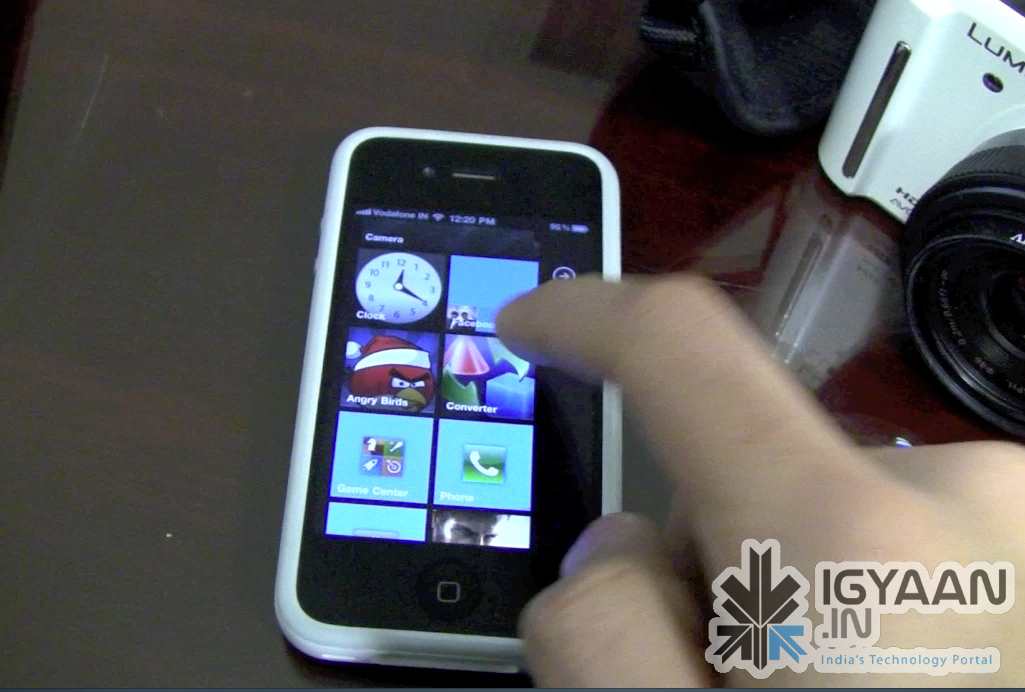
  • WP7 Metro UI on iPhone 4 – We go Hands on!

    WP7 Metro UI on iPhone 4 – We go Hands on!

    You have a Jailbroken iPhone/iPod/iPad? Do you love the new Metro UI from Microsoft Windows Phone 7?  Then this bit of information might just make you very very excited! Don’t get naughty!

    The video below previews a beta version of a Theme designed by Wynd, The theme is called OS7 and is fairly easy to Install. Check out the video Below and head on over to the source link to try it for yourself.


    Source modmyi

iGyaan Network
Privacy Overview

This website uses cookies so that we can provide you with the best user experience possible. Cookie information is stored in your browser and performs functions such as recognising you when you return to our website and helping our team to understand which sections of the website you find most interesting and useful.