Tag: Voice Command

  • Google’s New App Lets You Use Your Android Device Hands-Free

    Google’s New App Lets You Use Your Android Device Hands-Free

    The Google Voice Access app has been launched and provides an entirely hands-free experience to users. The feature is only available on Android phones as of now and lets you navigate through apps, compose and edit text, and talk to Google Assistant. The tech giant has made this app keeping in mind the millions of people with motor and mobility impairments.

    The app provides a much more extensive experience as compared to the Google Assistant. With the new app, you can “click buttons”, control apps, scroll and navigate app screens and basically do almost anything, without having to touch the phone. While Google has built the app to help people with disabilities, those without a disability can use it too. The app will is handy in tight situations like cooking or when one has got their hands full.

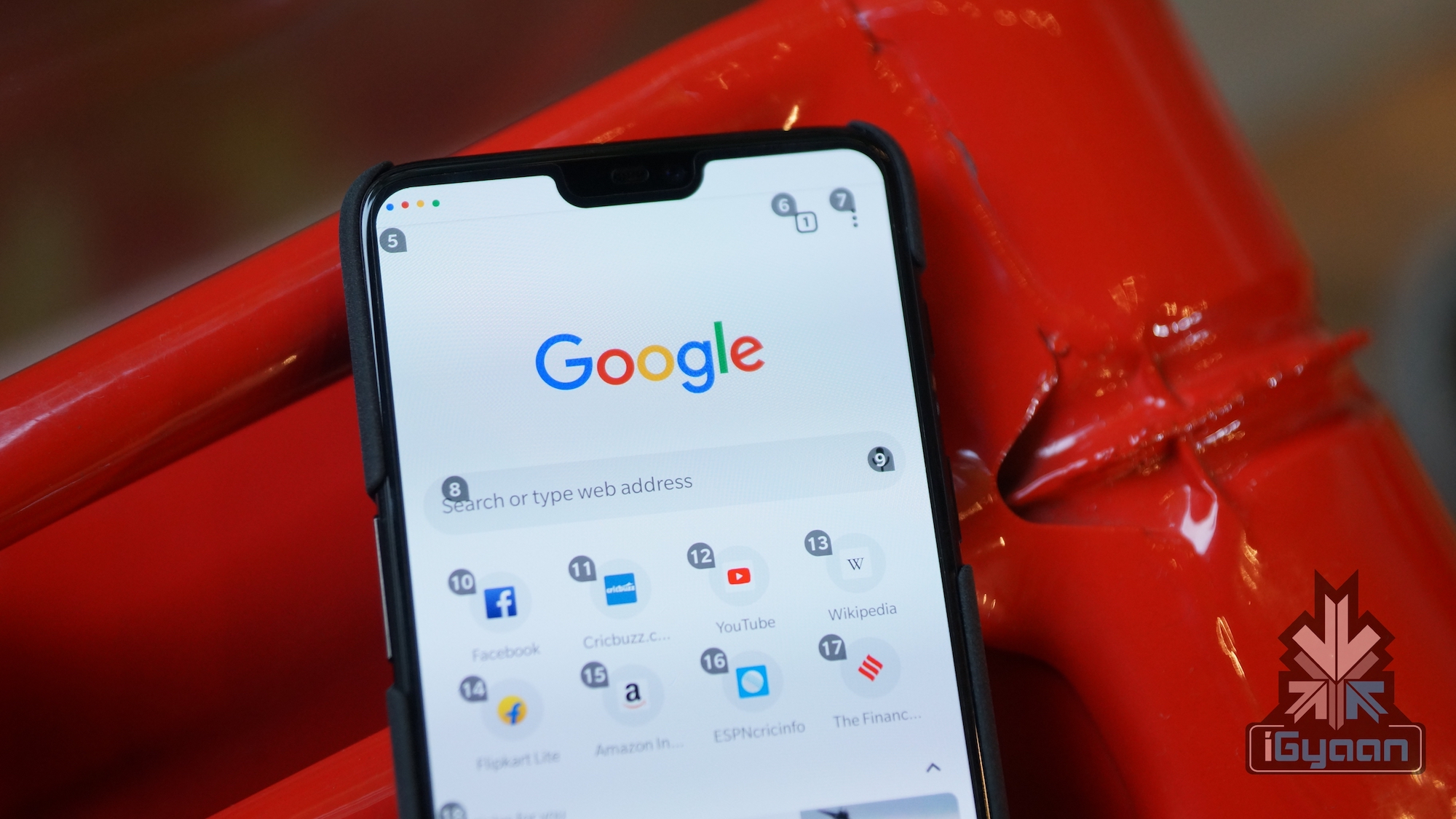
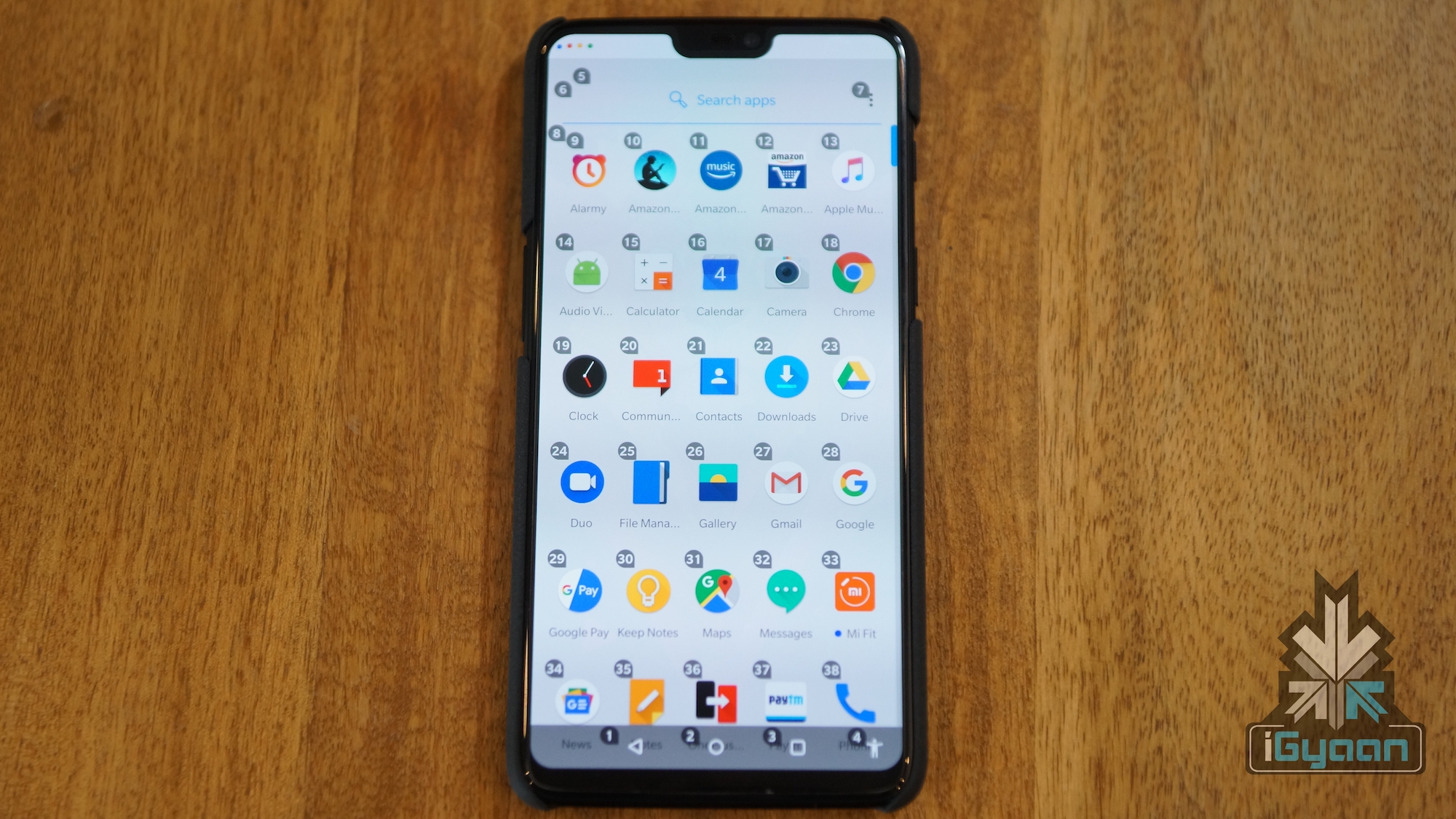
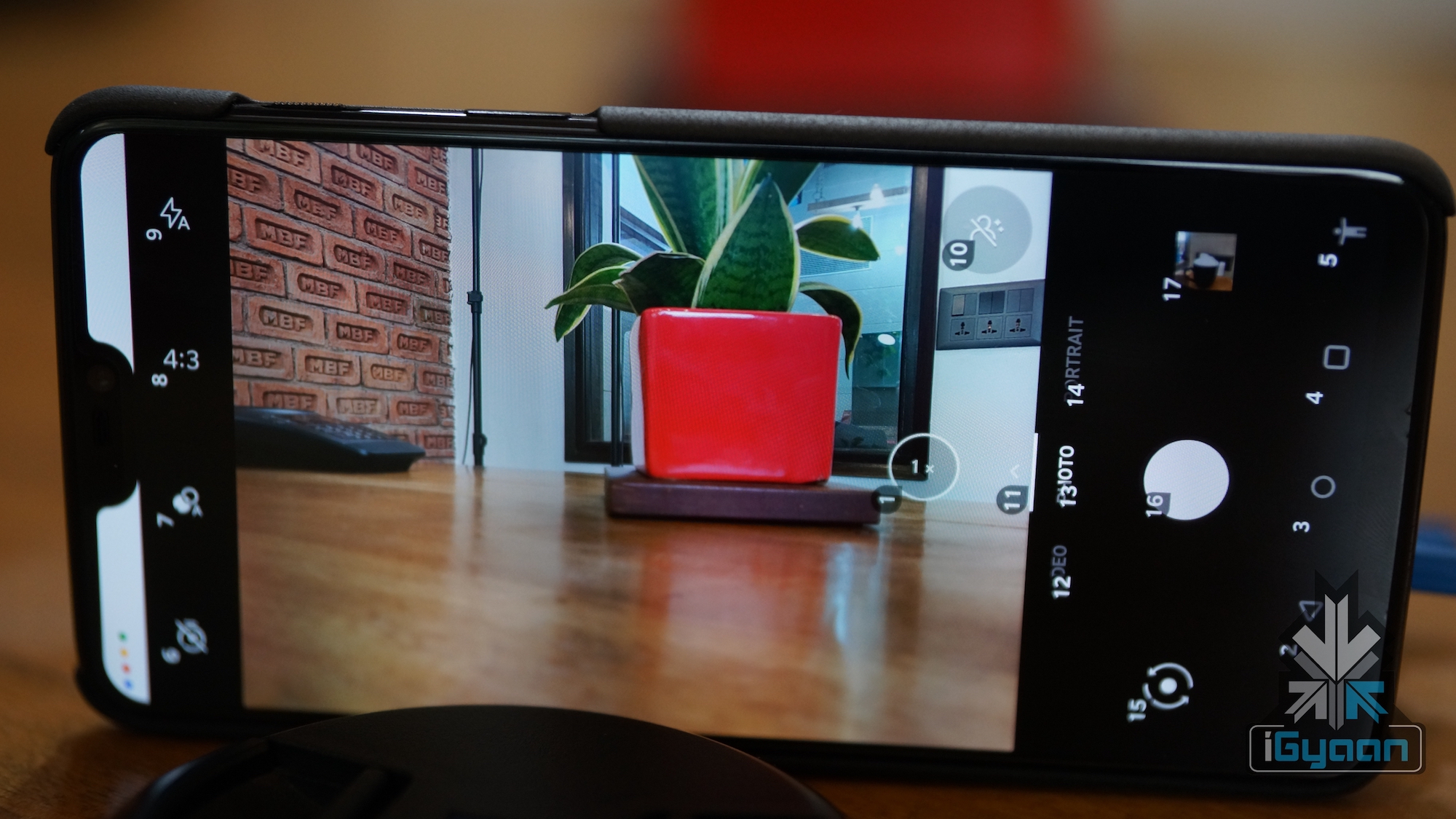
    It works through a system which places numbers on the screen, which you can call out to access those features. Simply call out the number and the app will perform the specific task or open the feature. To get a better understanding the position of numbers, take a look at the image below.
     

    Other than this, you can also instruct your smartphone to “turn up the volume” or “turn off device”. You can also change these in the settings menu. You can also instruct the device to scroll up or down through a menu. The app also helps you send whole messages and has simple editing tools as well.  You can tell the app to change or delete certain words and even delete entire lines. You can also access the full list of commands under the “show all commands” section in the settings menu.
    The Google Voice Access App is available Globally on the PlayStore for free. As of now, it only supports English language and Google is bringing additional languages to the app soon.

  • Xiaomi Mi TV 4A 40 Inch Officially Launched In China

    Xiaomi Mi TV 4A 40 Inch Officially Launched In China

    Xiaomi launched yet another smart TV in China. This time the company has launched the Xiaomi Mi TV 4A  40 inch with FHD 1920 x 1080px resolution LCD display. The features and specifications are similar to the 43 inch model. Additionally, the TV also supports voice control.

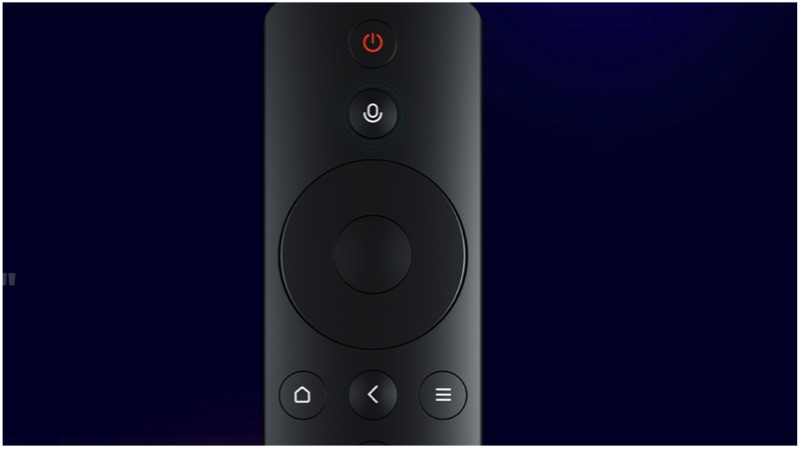
    The voice control is the one feature that differentiates the Mi TV 4A 40 inch from the other Mi TVs. The TV can be controlled using the remote, which has a built-in microphone. It accepts commands like “shut down after five minutes” or “fast-forward the movie by 9 minutes 9 seconds” etc.

    Pricing and availability

    The Xiaomi Mi TV 4A 40 inch is priced at CNY 1699 (Rs 17,500). Interestingly, the TV will be available in China from next week in a typical Xiaomi “flash sale” mode.

    Mi TV 4A 40 inch
    Mi Bluetooth Remote
    Specifications

    The Xiaomi Mi TV 4C 40 inch has a Full HD 1920 x 1080px LCD display. Under the hood, the TV is powered by Amlogic Quad-core chipset with 1GB RAM and 8GB storage. In fact, this is the same chipset that is used in the Xiaomi Mi TV 4, which launched in India for Rs 39,999.

    The smart TV has a selective set of ports, including a dual HDMI port, AV ports, analogue signal DTMB, and an ethernet port. Similarly, the TV also supports Bluetooth 4.2 LE and dual-channel Wifi.

    The TV is based on Android TV OS with the custom PatchWall User interface. The PatchWall is a unique user interface, which displays curated shows based on the user’s interest. Similarly, the company has partnered with the online streaming service providers to offer free content.

    Conclusion

    This is a bang for your buck smart TV with a price tag of Rs 17,500. However, there is no confirmation if the voice command feature will trickle down to Xiaomi’s other markets like India. In fact, Xiaomi is expected to launch the Mi TV 4C or the Mi TV 4A in India with a similar set of specifications on 7th of March. But, whether the voice command feature will make its way to the TV is yet to be seen.

  • “Hey Google” Can Now Wake Up Your Device

    “Hey Google” Can Now Wake Up Your Device

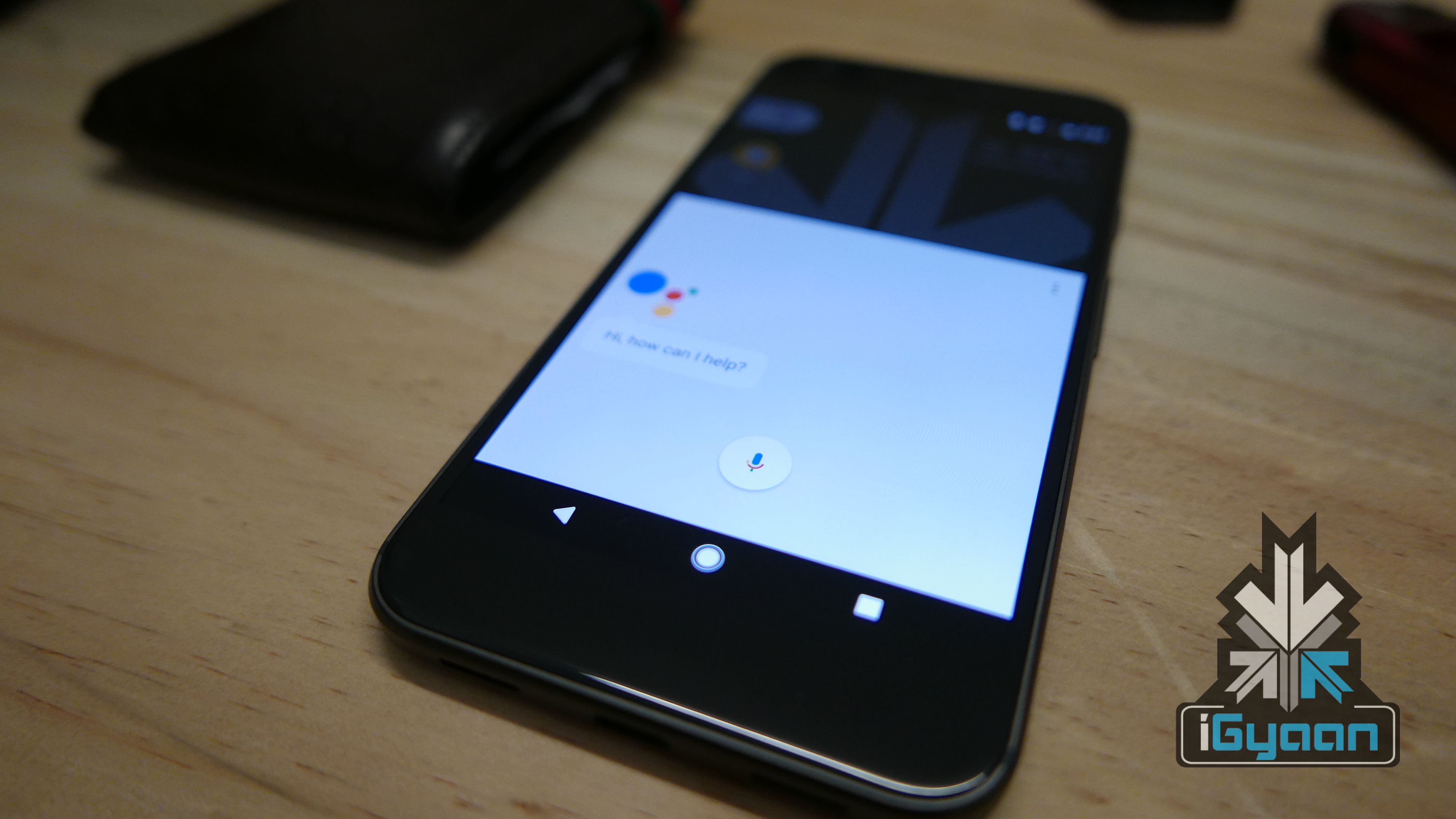
    The Google Assistant was introduced with Android 7 Nougat and with it, came the ability talk to your AI assistant. There has been the ability to search for anything on the Google app via voice commands but, a new feature is rolling out to devices that have Google Assistant which is different than just a voice search. Using the hotword “Hey Google” or “OK Google,” people can launch the Google Assistant and invoke a search.

    This feature was introduced back in October but, it was only available on a handful of devices. Now, a larger rollout of this feature has begun for devices that have Google Assistant support. Google also recently started seeding out Google Assistant support for Android 5 Lollipop users.

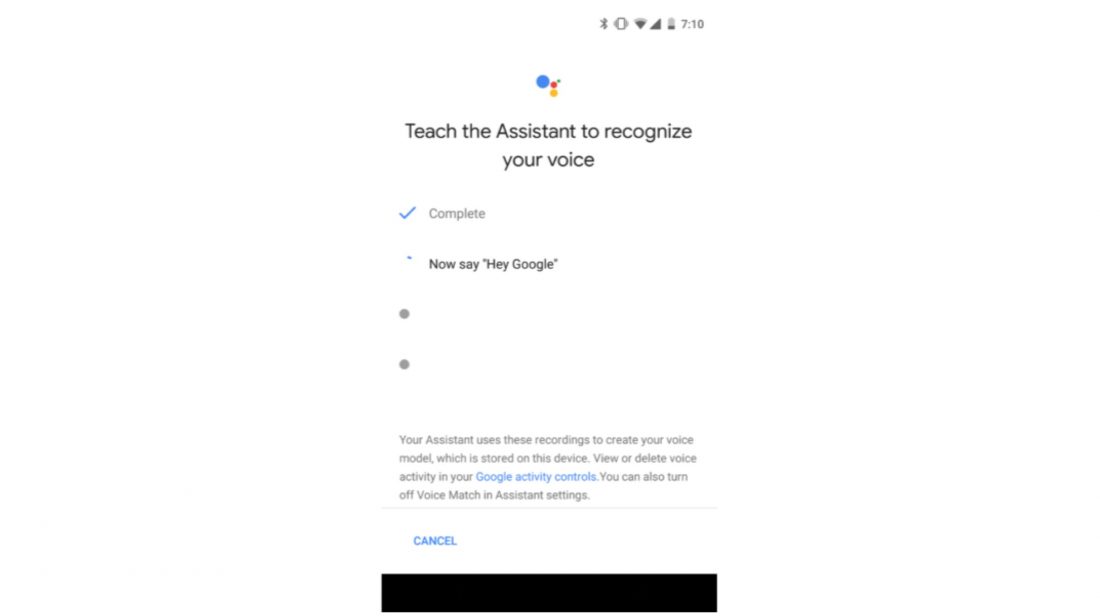
    A notification asking people to re-setup the voice model (which is required for the new command to work) has appeared on many devices. If a user has not received any notification of this kind, they can head over to Settings > Google > Voice and re-setup the voice model.

    Once you re-setup the voice model, you can use either “OK Google” or “Hey Google” to open Google Search/Assistant. Just like with the old phrase, it even works when your screen is off, on some devices.

  • BMW Will Integrate Alexa Into Its Cars In 2018

    BMW Will Integrate Alexa Into Its Cars In 2018

    The Amazon Hardware Show 2017 showcased a lot of tech that revolved around Alexa. There were new variants of the Echo, Amazon’s smart speakers, and a lot of smart home products that integrated Alexa. Amazon is pushing really hard to make sure that everyone talks to its AI assistant in the coming years. Another huge announcement at the hardware show included BMW. BMW announced that Alexa will be integrated into BMWs and selected Mini vehicles starting in mid-2018. “It’s a complete, comprehensive set of internet capabilities that is available inside your vehicle,” a BMW executive said during the Amazon show.

    The integration uses microphones embedded inside the car. With Alexa inside the vehicle, drivers can use voice commands to use basic Alexa commands like asking for news and weather, in addition to third-party apps like Starbucks. Previously, Amazon and BMW had worked together on an Alexa Skill that allows car owners to talk to their apps or Echo to check things like remaining fuel in the car. This integration of Alexa and BMW will also take the level of involvement of AI in an average consumer’s life a notch higher. Whether you are a supporter or a cynic of voice controlled tech, the future seems to be tilting towards a voice controlled environment.

    However, this is not the first time that Alexa has been integrated into a car, at CES this year, Ford introduced a line of cars that allows users to sync their Alexa devices so they can remotely unlock or start their car with voice commands.

    Tech companies have been working towards adding software in cars and the likes of Apple and Samsung are even testing self-driving cars in the United States. Amazon’s recent push puts them at par with other tech giants looking to hold their own in the space of car technology.

    Alexa will be available in all BMW vehicles for the 2018 model year, and mid-2017 Mini models in the US, Germany, and UK.

  • Google Now Lets You Hear and Reply to Messages With Voice Command

    Google Now Lets You Hear and Reply to Messages With Voice Command

    Google Now has come out with yet another feature that will allow you to ask to hear your last messages and then proceed to give them to you.

    The voice command “show me my last messages” will lead Google Now to list your newest five SMS messages. It would first ask if you wish to hear them, followed by if you wish to reply to them. However, the user has to word the command either as “show me my last messages” or “show me my latest messages” for Google Now to decipher it correctly. A variation of these two manners might lead Google Now to simply open your Gmail messages and leave it at that.

    Additionally, this feature only works with carrier SMS messages. It is pretty much useless for Google Voice for SMS as of now. But if you use carrier SMS, it doesn’t care much for the default SMS app and should work with anything.


iGyaan Network
Privacy Overview

This website uses cookies so that we can provide you with the best user experience possible. Cookie information is stored in your browser and performs functions such as recognising you when you return to our website and helping our team to understand which sections of the website you find most interesting and useful.