Tag: YouTube App

  • YouTube Home Feed Update Provides Better Control Over Recommendations

    YouTube Home Feed Update Provides Better Control Over Recommendations

    YouTube is one of the largest and most recognisable platforms for viewing online content. However, the company has been a target of various criticism over the past couple of weeks. The media giant has faced multiple critiques regarding it’s Home Feed and recommendations column.

    Now, YouTube has sought to give users more control over which videos that may possibly show up on their Feed.
    YouTube

    The Problem

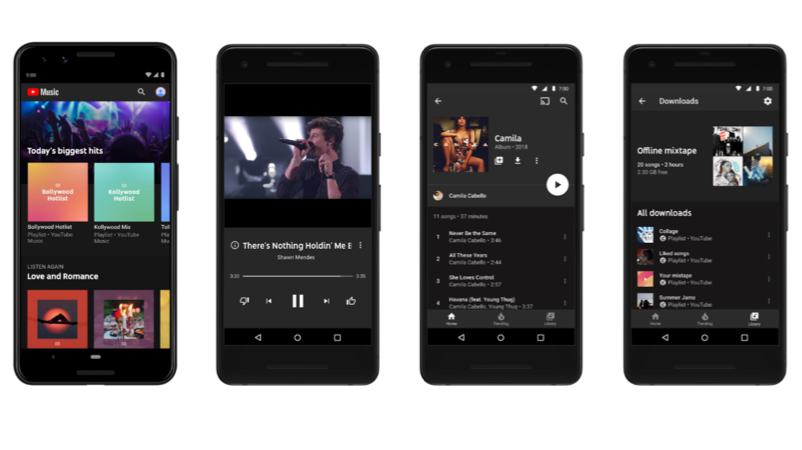
    Users are shown a collection of videos when browsing YouTube which is cleverly provided based on their preferences and browsing history. YouTube uses an algorithm to cater to its millions of visitors every day in a personalised fashion. Advertising strategies and paid artificial boosting from content creators have unfortunately caused an issue. Users have started receiving recommendations of videos that they have neither subscribed or would likely never see. The problem lies in the implementation, not the system itself. Artificial boosting offers a healthy growth to any channel but not if it is received by a person that is not inclined to watch their videos.
    YouTube

    New Suggestions

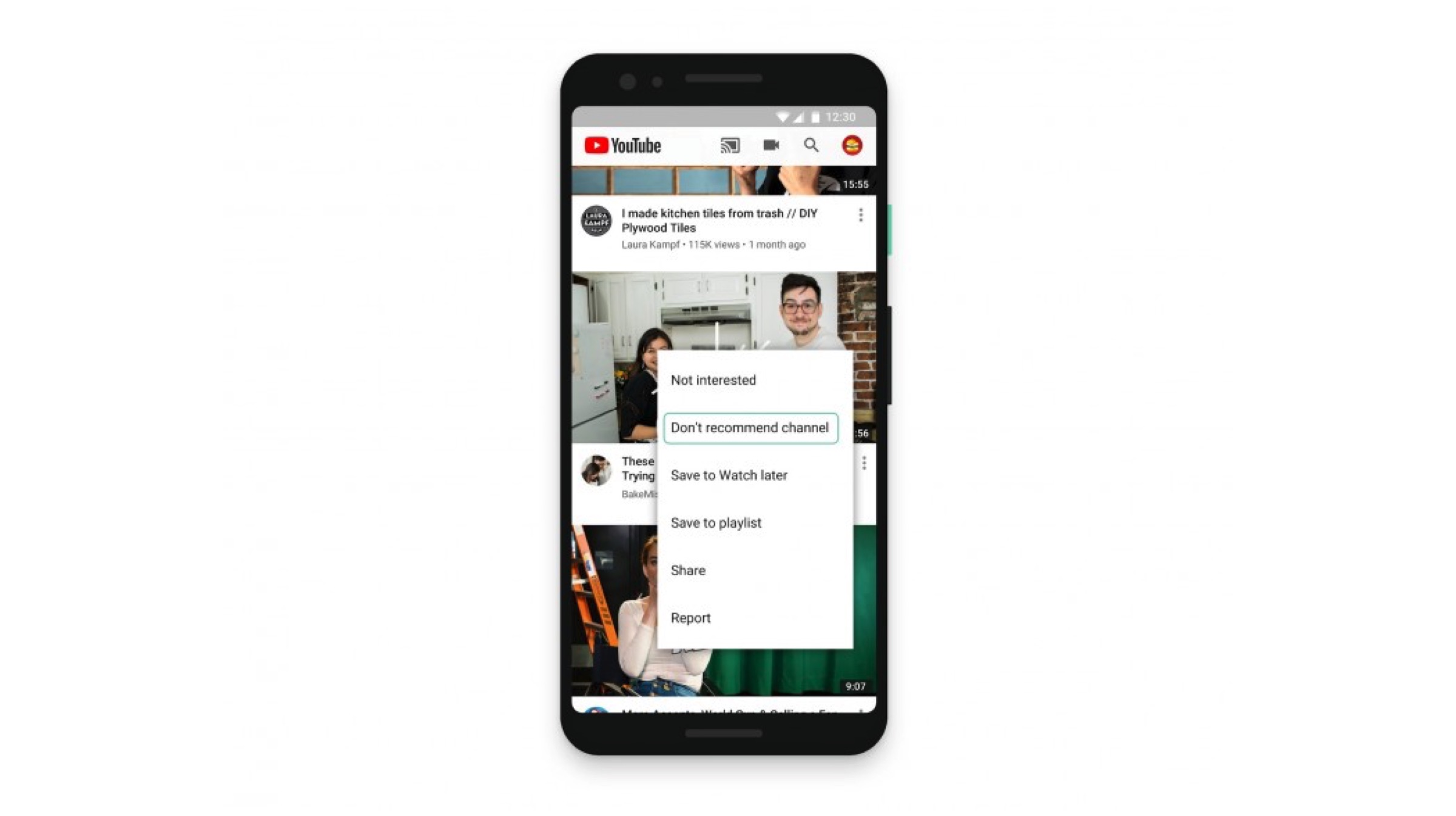
    After numerous backlash, YouTube is finally offering more choices to its consumers. People who wish to stop receiving unwanted content can remove suggestions from their Home Feeds. Users can do this by tapping the three-dot menu next to a video on the homepage or Up Next, then “Don’t recommend channel.” The option, once activated, removes any unnecessary videos that one might end up receiving via notifications or in their feeds. Furthermore, users can still look up the dismissed channel by simply searching for it or their videos.
    YouTube

    Explore Topics & Videos

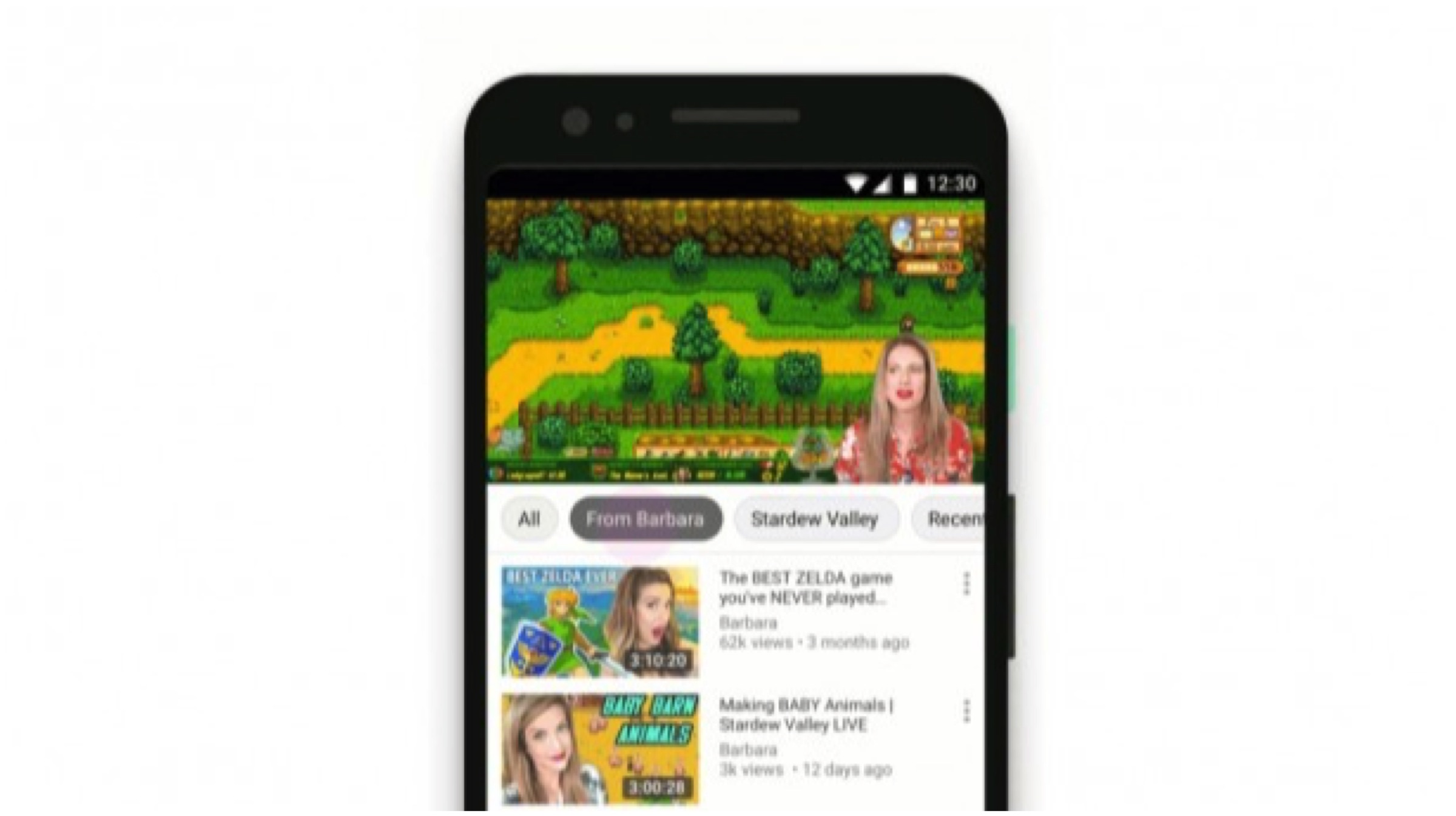
    The addition of the new explore topics and related videos options now allows one to browse more videos of their preferred genres. The suggestions could be related to the video a person is watching or more from the same channel. The options presented are based on users existing personalized suggestions and are meant to help them quickly find what they are looking for. Explore feature can be found on the homepage when you scroll up or on the Up Next when browsing.
    Transparency

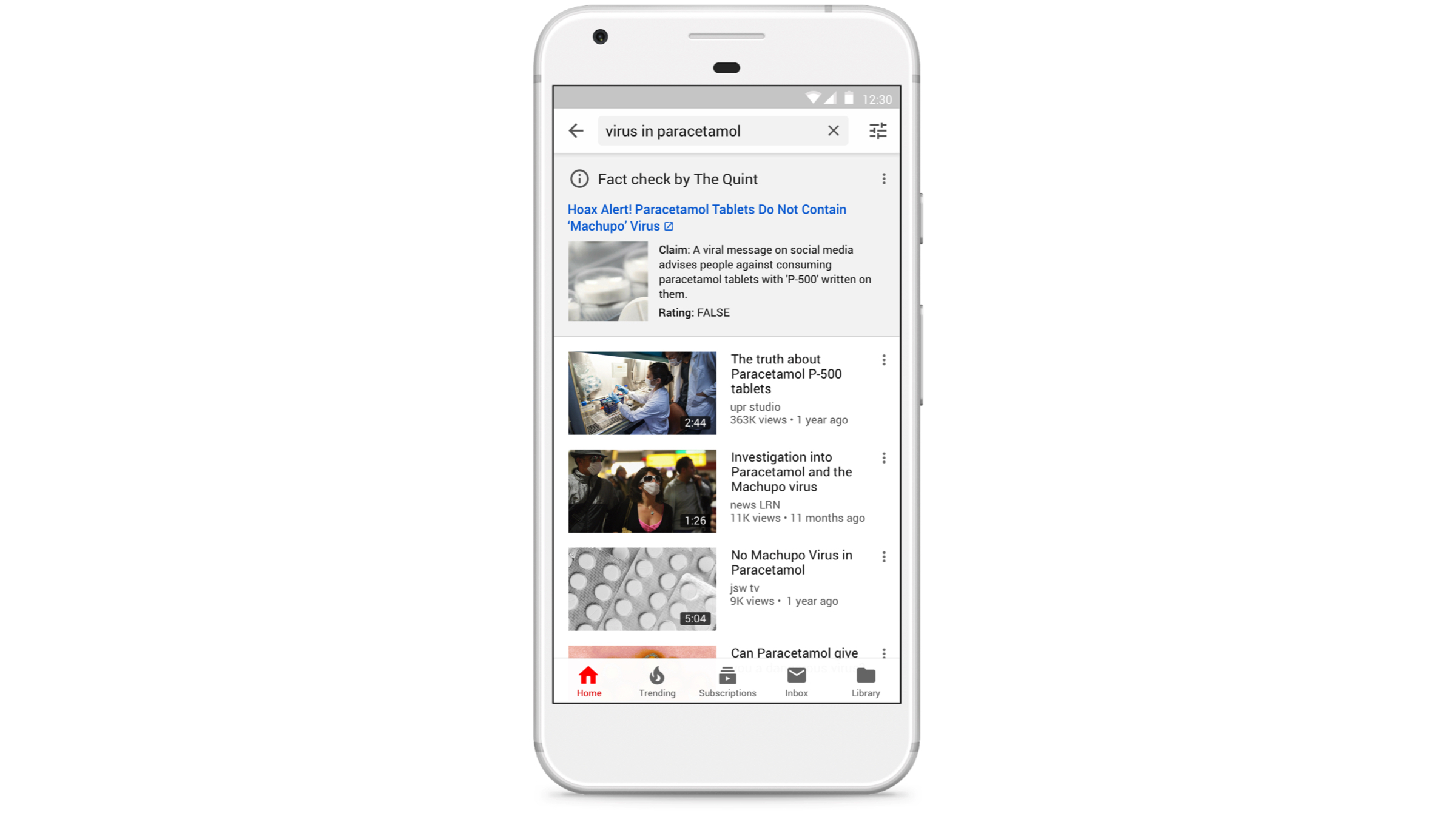
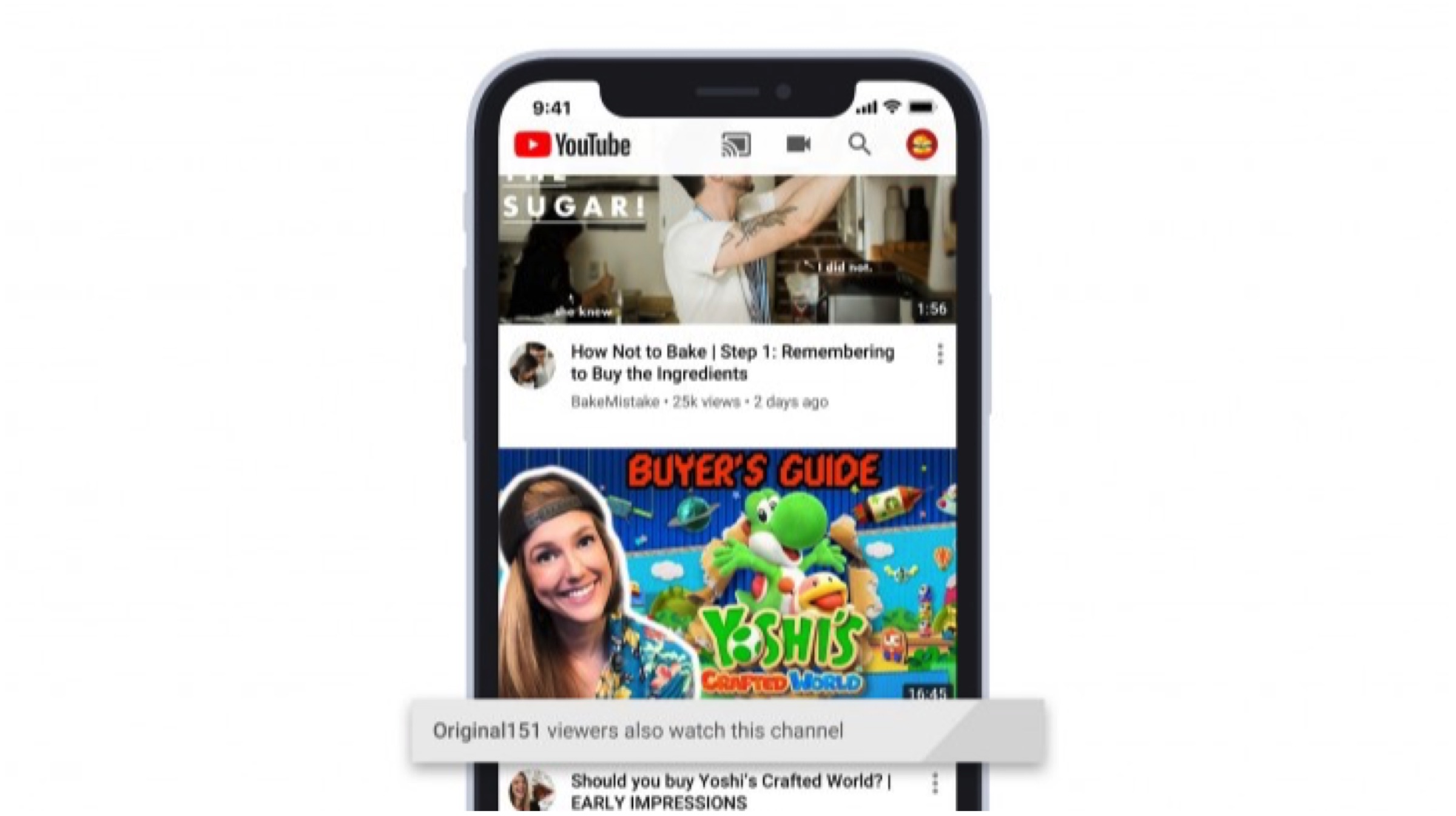
    YouTube has stated that it uses the data collected via the channels a person visits and their similar interests to recommend videos. The company now plans to include a small box underneath a video that provides more information when recommending similar content. For example, a cooking video recommended might carry a tag of baking in the small box. This is done to explain why certain videos from unfamiliar new channels may end up on the homepages.
    Also ReadLenovo India Introduces “Made To Order” Customisable Laptops

    The new features will be made globally available. An update for the YouTube app on iOS will be released prior to the Android counterpart and even the desktop main website. The company has added a great new feature which is a pro-consumer move. It should help the company regain lost reputation over past mishaps and pave the way for a user-friendly business model. It is also likely to ensure YoutTube’s long-standing reign in the online multimedia segment.

  • YouTube To Shut Down Its Gaming App In March

    YouTube To Shut Down Its Gaming App In March

    YouTube recently updated its gaming hub to look more like the how YouTube normally looks on a laptop or desktop. Following this, it is going to shut down its dedicated gaming app in March 2019. Most of the features the app used has now made its way to the Youtube page, leaving the app redundant.

    The YouTube gaming app was launched in 2015 by Google to compete against Amazon’s Twitch. Twitch is a popular video game live-streaming site. The reason why Google felt this need can be seen in the numbers. 1.9 billion users visit YouTube every month, out of which about 200 million use the platform to watch other people playing video games. This is exactly what Twitch is built for, exclusively. Therefore, the company wanted to provided a dedicated platform to address the specific needs of gamers.

    The New Hub:

    The New Gaming Hub

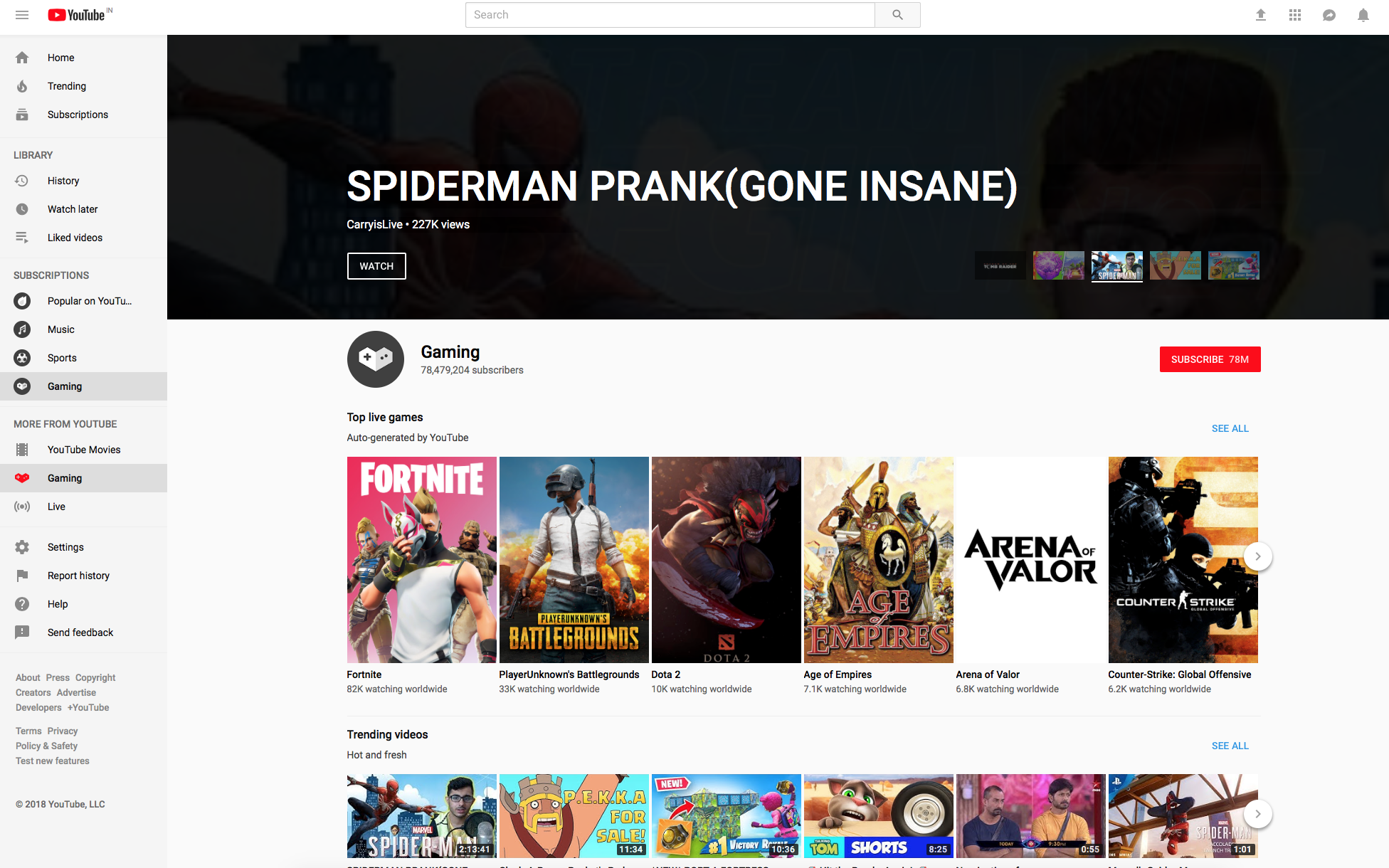
    This didn’t work out in the way it was intended, as the company itself feels that the app is now redundant. Users have another alternative, of course.  The new YouTube gaming hub is more suited for users and is built around discovering creators, according to the company. The hub will also integrate more clearly on to the main site.  Another important aspect is that the hub will resemble the YouTube homepage, which users are familiar with and will find easier to navigate through.

    Personalised recommendations based on your watch history will appear at the top along with ‘top live games’ and latest gaming videos from subscribers. It will also include a dedicated slots for live streams and trending videos.

    The company has also worked to  ensure the experience is as good as one gets from Twitch. The entire layout has been changed, to make its easier to access videos. Now, if you choose a certain game, you get a whole lot of options. If one clicks on Fortnite, it will have various shelves such as VOD (Video on Demand), Live, creators, etc which are highlighted.

    The company plans to ensure that YouTube’s biggest user base stays in tact. The rising competition from Twitch has sounded off alarms and a call for action. You can have a look at the new gaming hub here.

  • YouTube Will Remind Users To ‘Take A Break’ With New Update

    YouTube Will Remind Users To ‘Take A Break’ With New Update

    At the Google I/O 2018 conference, the company unveiled a lot of new technological advancements including Google Duplex. One of the most anticipated announcements was that of Android P. The next iteration of the world’s most populat mobile OS will officially roll out later in the year but, Google gave us a glimpse of what’s in store for us. One of the main areas where Google has worked on is the digital well-being. YouTube appears to be a part of that initiative by Google as the new update to YouTube for Android brings a ‘Take A Break’ feature.

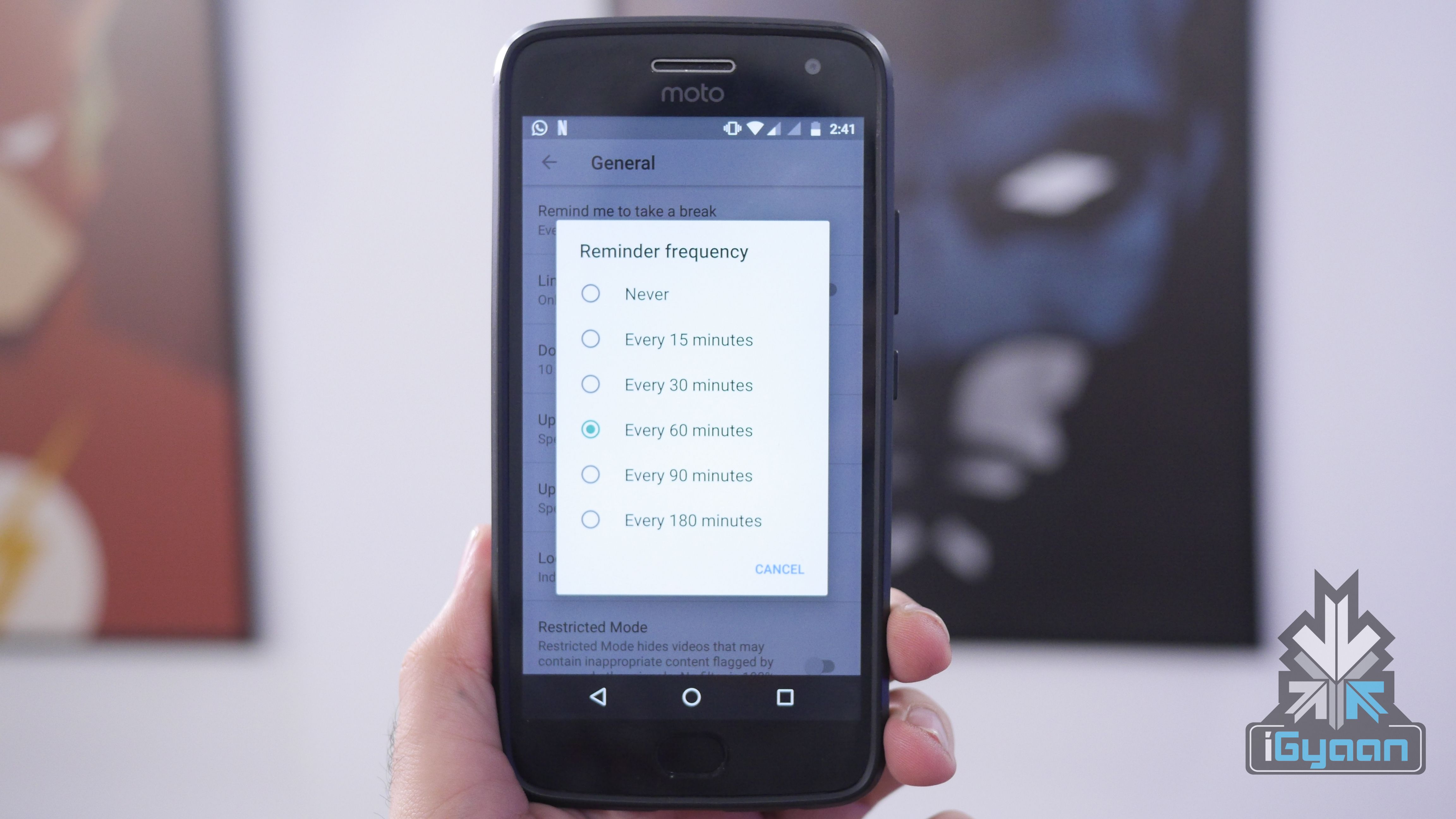
    The ‘Take A Break’ feature will allow users to keep a check on their YouTube habit and monitor their usage of the app. This is in line with what’s in store for Android P in the future. To start using the new feature, head over to the YouTube app’s setting and then click on general. There on, you can choose different ways to monitor your activity and work on your “Digital Well Being.”

    Must Read: Android 9 P: Google I/O 2018 New Features

    Users can set a reminder for 15, 30, 60, or 90 minutes. Once a user sets a reminder for a certain time, YouTube will automatically pause the video at those intervals. A user can decide whether continue to watch the video or dismiss the reminder. Another option available in “Disable sounds & vibrations’ for the app. This will essentially stop all notifications from the app to pop up on the screen. The idea here is that the app won’t try to grab your attention, and the user will be able to avoid getting distracted from constant notifications.

    The third feature available is the ‘Scheduled Digest’ and will again revolve around notifications. This feature lets users get all of their notifications from the app once a day at a time of their liking. Users can select the time they feel they can devote to YouTube and get all the notifications at that particular time.

    The feature is available in the latest version of YouTube app for Android. The version number is 13.17.55 and should be rolled out to all Android devices soon.

  • Now Enjoy High Frame Rate Videos on YouTube App

    Now Enjoy High Frame Rate Videos on YouTube App

    Today, Google has announced that the YouTube’s iOS and Android app will support HFR playback, meaning that you can watch Mario steer through obstacles at a smooth 60fps on your phone, just like you see it on your Xbox or PS4. The announcement follows the one Google made in October last year, as it rolled out HFR video for YouTube, allowing users to watch videos with a smooth playback on web browsers.

    Over the past few years, High Frame Rate (HFR) video playback has been a craze around the world. The feature plays videos at 48-or-60 fps, as compared to the normal 24 fps playback. Videos playing in high frame rates appear silky smooth and without motion blurs. It is usually used by gamers who upload footage from video games and want the same quality they expect from a  PS4 or Xbox. YouTube currently offers HFR playback only on HD videos.

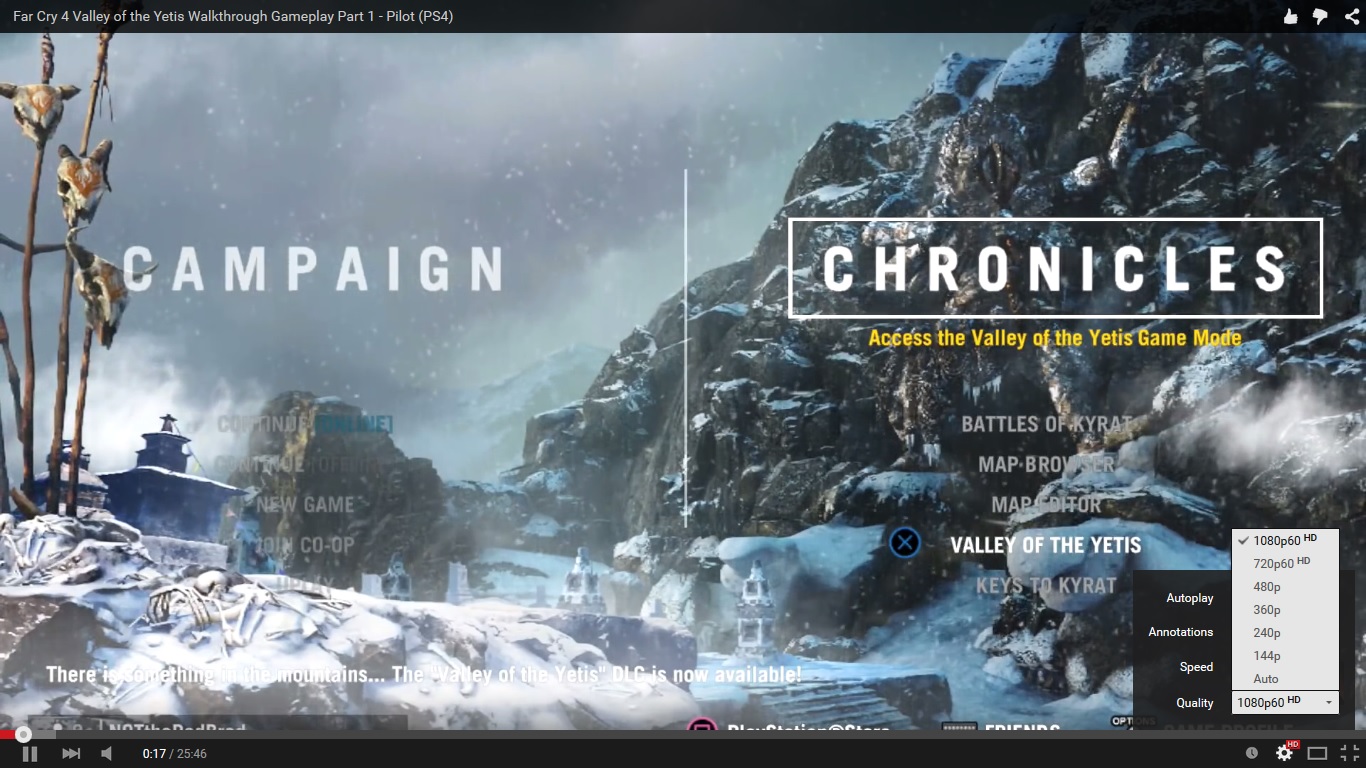
    Since Google is updating the content from the servers, Android and iOS users don’t have to update their apps to access HFR videos. If the video has been uploaded in HFR format, all users would have to do is select the resolution, which will be marked as 720p60 or 1080p60. The app users won’t be able to view live streaming in HFR though. In May, Google extended HFR support for live streaming for desktop users.

    youtube

    If you have no idea how HFR video looks like, play the video below and select 720p60 or 1080p60 to enjoy the smooth playback. Trust us, you’ll know the difference.

iGyaan Network
Privacy Overview

This website uses cookies so that we can provide you with the best user experience possible. Cookie information is stored in your browser and performs functions such as recognising you when you return to our website and helping our team to understand which sections of the website you find most interesting and useful.