WhatsApp voice-calling is the feature Android users have been waiting for, for a long long time. The company has finally rolled out the update and the tool functions amazing on smartphones (on good network, of course.)
Now you don’t need to figure out a way to get an invite, users just need to download the latest version of the cross-platform mobile messaging service i.e. 2.12.5. Once downloaded, the free voice-calling service will be activated on your phones. It’s observed that some people, especially Samsung users, still don’t have access to the new calling feature, but it’s likely that they will receive it soon.
We tried the new WhatsApp free calling feature on an HTC model. Here’s what we found new in the mobile messaging service:
Split screen
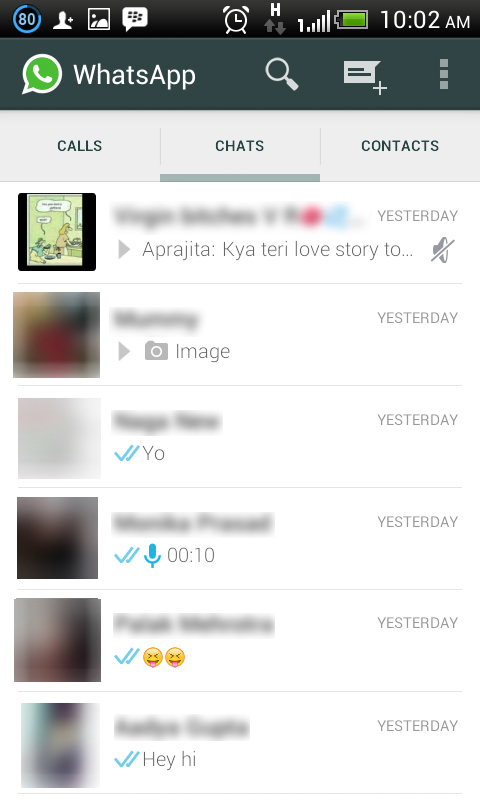
The new version of WhatsApp has a divided screen, just what we saw in the leaked images, a few months back. The page is split into three parts with categories: Calls, Chats and Contacts. Earlier there used to be one screen with Chats where you could find the chat history with your WhatsApp contacts.
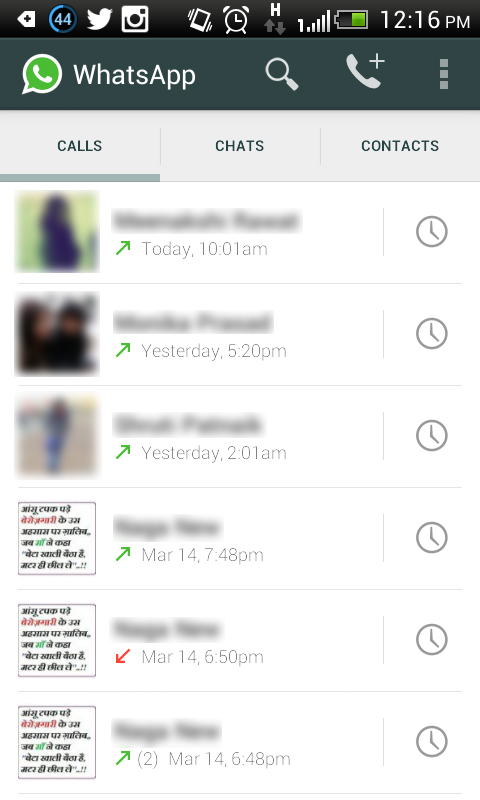
Call Log
Just like the chat history, there is a call history option in the updated version. Just tap on Calls to see incoming calls, outgoing calls and missed calls. The feature is very much similar to the call log option on your phone, with notifications about the date and time of the calls as well.
New WhatsApp Panel
WhatsApp has done major modifications in the app along with embedding the voice-calling tool. The Contacts section is shifted to the bottom and given it a place in one out of the three split columns of the screen. A dropdown option sits at the top right of the new panel, and on its left is Contacts field to add more contacts. The dropdown menu comprises of three options: Refresh, Status and Settings.


Uncluttered Format
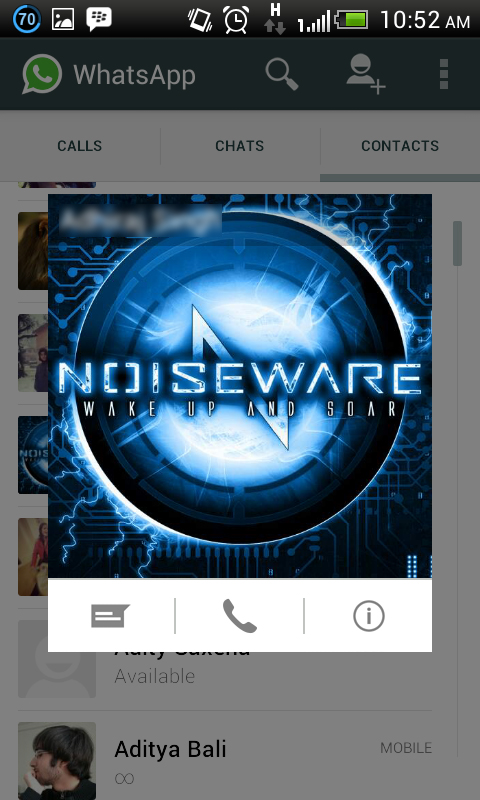
WhatsApp has become more organised with the new version. Earlier, users have to go to the user’s profile to see a particular profile picture, but now it’s pretty easy. Click on the image of the contact and the picture appears in another window with options to start a call or chat.
Tried and Tested:
We tried the voice-calling feature from an HTC phone with a Samsung S3 device, which doesn’t have the access to the upgrade. The calling was average, and there was a gap of a mere few seconds while sending out one conversation and receiving it at the other end. Overall, it’s not as smooth as a regular call, but again it depends on the strength of your internet.

Leave a Reply to Samudra Nanyasi Cancel reply