How to Install Android M on Your Nexus Device

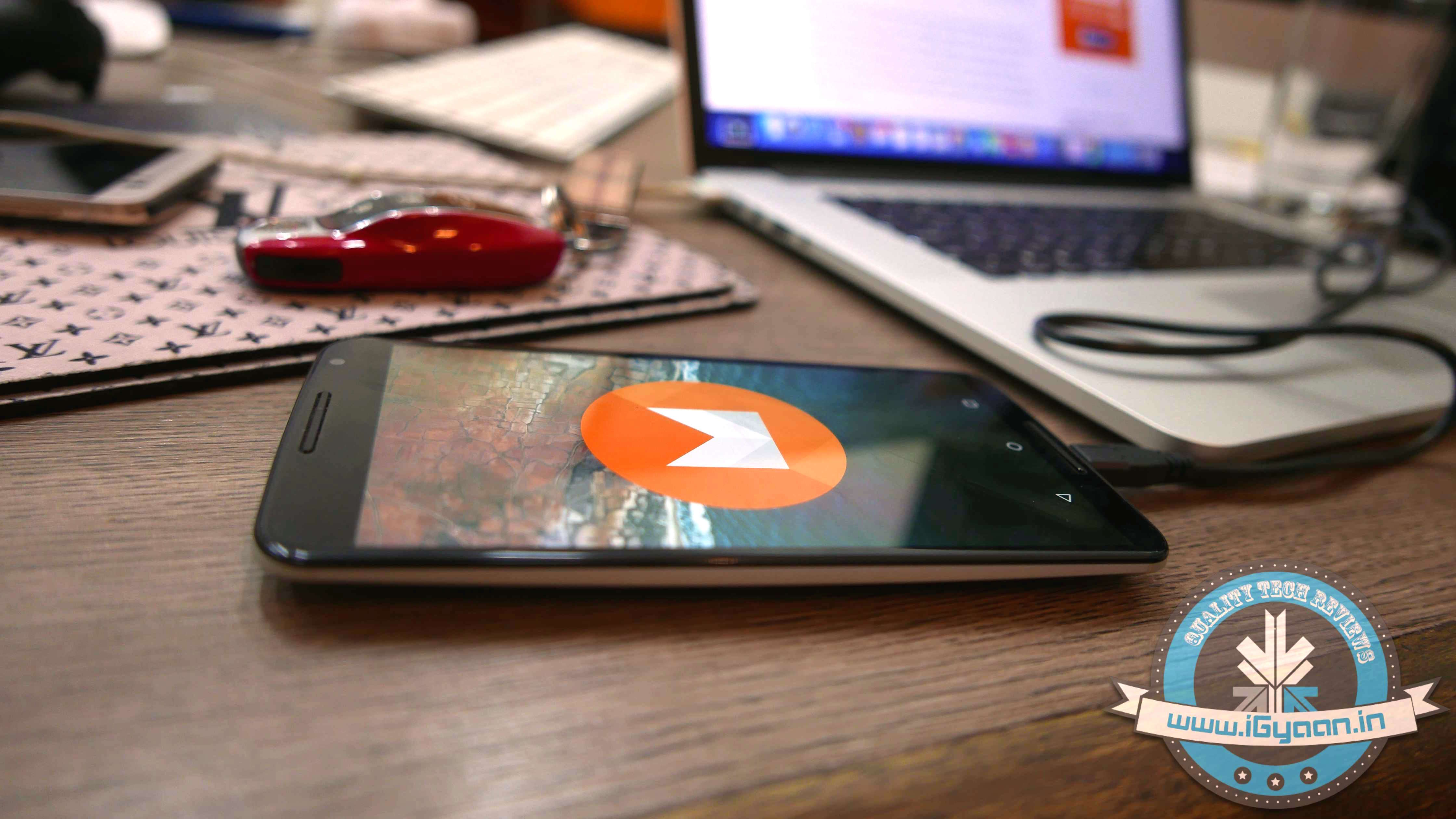
At the I/O 2015 conference, Google announced the next version of Android. The company detailed some interesting features that will be available on Android devices later this year. With Android M, they have focused on improving the system’s overall quality and fixing the bugs found on Lollipop. While Google SVP Sundar Pichai’s speech seemed impressive, we wanted to see for ourselves what the fuss was all about.

We installed Google’s Android M developer preview on our Nexus 6 and decided to share the step-by-step procedure.

Disclaimer: 

  • Before you decide to install Android M on your device, consider the fact that it will wipe the smartphone’s memory entirely.
  • The developer preview also contains several bugs and may be unstable.
  • We wouldn’t recommend installing the OS on the Nexus device you use on an everyday basis. Some of the major applications are having trouble loading on Android M.
  • The Developer Preview is only out for Nexus 5, Nexus 6, Nexus 9 and Nexus Player.

Preparation 

  • Back-up your Nexus Device.
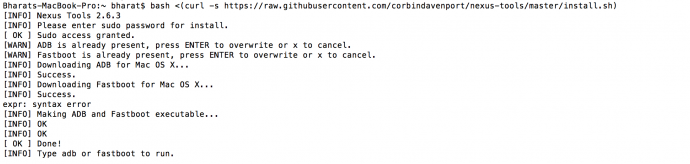
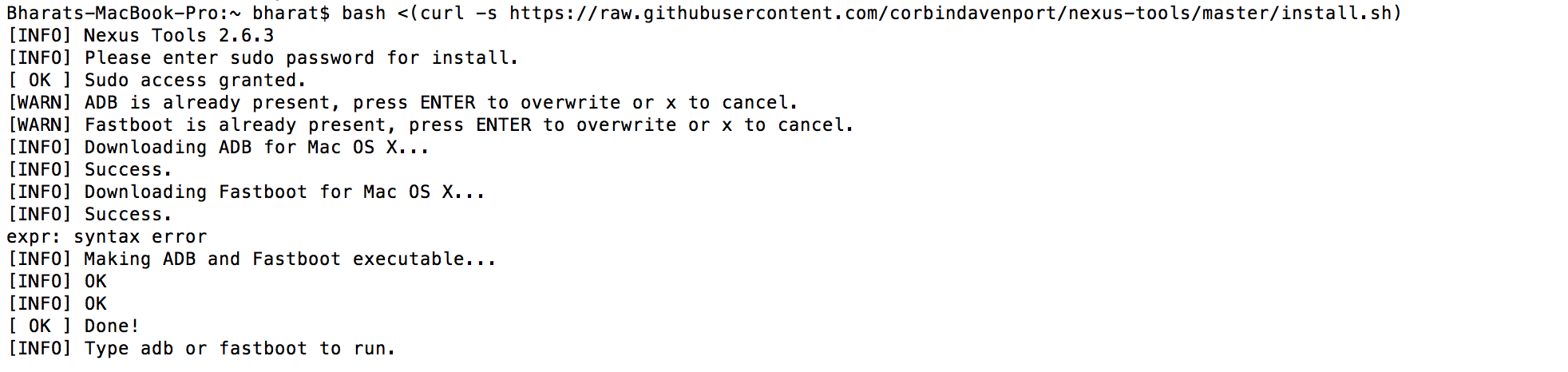
  • To make this quick and easy, before you begin, make sure you have ADB and fastboot installed on your computer.  The easiest way to install ADB on your machine is by inserting the following command on your Command Line/Terminal:
    bash <(curl -s https://raw.githubusercontent.com/corbindavenport/nexus-tools/master/install.sh)Android M 3
  • Download the factory images for your device here. Unzip and save them on a file on your desktop.
Method

  • Now to begin, enable your device’s debugging mode and connect it to your computer via a USB cable.
  • Open an ADB command line and enter ‘adb reboot boot loader’Android M
  • Open the folder containing your factory images.
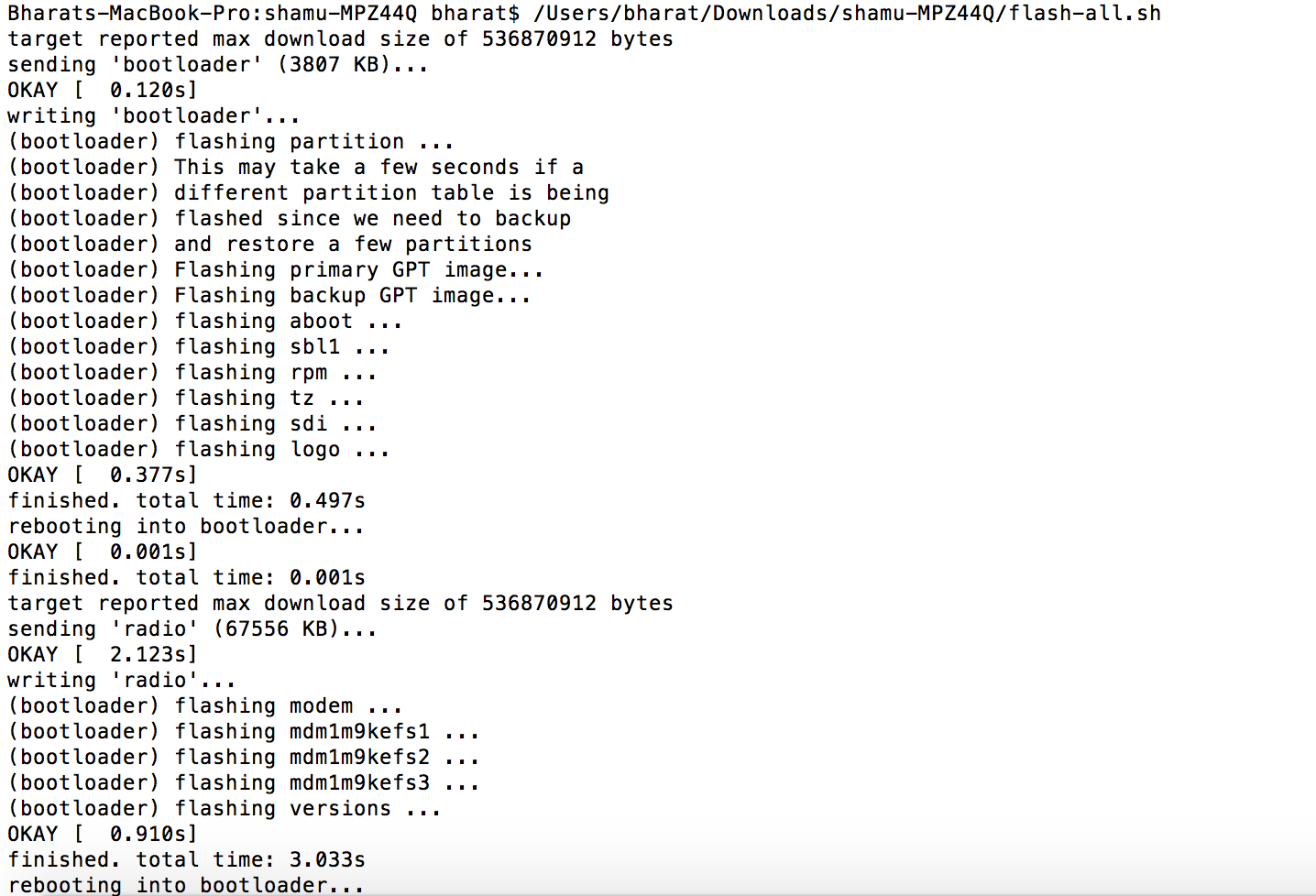
  • Now on the ADB command line, enter ‘flash-all’ to run the installation. This is the final step and it will initiate the process, as seen below: android M 2
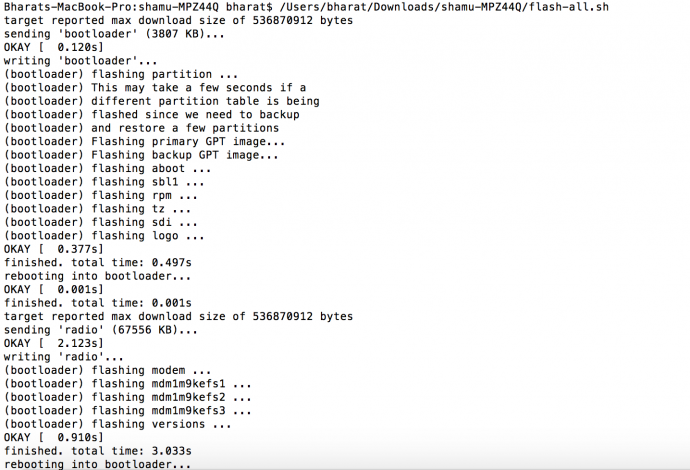
You will now have to wait till it gets installed. It took us approximately 5 minutes.

Now you can enjoy fiddling around. To read more about Android M, click here.

Comments

35 responses to “How to Install Android M on Your Nexus Device”

  1. Omkar Nagvekar Avatar
    Omkar Nagvekar

    Has it arrived?

  2. MD Arafat Avatar
    MD Arafat

    ?????

  3. Aashish Udaya Shankar Avatar
    Aashish Udaya Shankar

    Ankit Immadigoudar

  4. Rahul Sharma Avatar
    Rahul Sharma

    Arre..kuch toh bolo..kuch toh bolo

  5. Akshay Pandey Avatar
    Akshay Pandey

    Aisa brutal mazaak nahi chalega

  6. Rahul Sharma Avatar
    Rahul Sharma

    Akshay Pandey :p

  7. Akash Parmar Avatar
    Akash Parmar

    ill your self :3

  8. Lipi Mehta Avatar
    Lipi Mehta

    K U0001f64c

  9. Akash Parmar Avatar
    Akash Parmar

    hu aatlu badhu nathi vachvano . compo na lakh pls :3

  10. Lipi Mehta Avatar
    Lipi Mehta

    Joine etle evu joine k kai device mate 6.. Mare nexus 5,6,9 k nexus player na hoy to b tu mane tag kare em.. Ne koi ahiya radtu nathi jiemdishi U0001f60f

  11. Akash Parmar Avatar
    Akash Parmar

    joine su ? che to karva ma aavse .. radvanu nai jiemdishi :3

  12. Lipi Mehta Avatar
    Lipi Mehta

    K! U0001f64c next time at least joine tag karj pan..

  13. Akash Parmar Avatar
    Akash Parmar

    yus babae :v chal have lavari na kar

  14. Lipi Mehta Avatar
    Lipi Mehta

    To su pan etle tag karvana khali dekhadva I have “3” friends who own a “nexus” device U0001f612U0001f612

  15. Akash Parmar Avatar
    Akash Parmar

    lol ok

  16. Aarsh Pandit Avatar
    Aarsh Pandit

    Bhai pan am b thoda months ma lauu 6u navo…. J 6 e chalse ty

  17. Akash Parmar Avatar
    Akash Parmar

    i have 3 friends, who owns a nexus device so stfu

  18. Lipi Mehta Avatar
    Lipi Mehta

    To tag km karto hase U0001f60fU0001f612

  19. Akash Parmar Avatar
    Akash Parmar

    Lipi Mehta tane to em em j kari che tag .. srsly na lais :v

  20. Akash Parmar Avatar
    Akash Parmar

    Aarsh Pandit la .. engineering e su sikhvadyu ? risk loh and problem ne jate solve karo .. :3

  21. Lipi Mehta Avatar
    Lipi Mehta

    Its only for nexus 5,6,9 and nexus player ???????????????? ne “it will wipe the smartphone’s memory entirely.” To chalse baka hamna ????

  22. Aarsh Pandit Avatar
    Aarsh Pandit

    Bhai pan nexus na group ma badha keh 6 k etli b stable nathi so risk nai leto!U0001f605

  23. Akash Parmar Avatar
    Akash Parmar

    Yash Shah Lipi Mehta Aarsh Pandit :3

  24. ArpitKumar Avatar
    ArpitKumar

    Can u suggest me the best camera under 30k??

  25. Roopansanjeev Raju Avatar
    Roopansanjeev Raju

    Does yureka get m android update?

  26. Bhavey Durga Avatar
    Bhavey Durga

    No i will wait for it to come from googles factory.

  27. Dhairyadev Arora Avatar
    Dhairyadev Arora

    It probably wont be bug free, but you can revert to the factory OS anytime. Data will be lost.

  28. Bhavey Durga Avatar
    Bhavey Durga

    Okay hws it

  29. Shiva Kumar Avatar
    Shiva Kumar

    just use multirom Android M zip to just test new version

  30. Vasanth Ramachandran Avatar
    Vasanth Ramachandran

    Like your new site.. But, Please remove the drop shadow in the logo

  31. Bhavey Durga Avatar
    Bhavey Durga

    iGyaan.in is it bug free and can we revert back our stock os if we want

  32. Amey Shetye Avatar
    Amey Shetye

    Prateek Mundra Raghu Babbal

Leave a Reply to Lipi Mehta Cancel reply

Your email address will not be published. Required fields are marked *

iGyaan Network
Privacy Overview

This website uses cookies so that we can provide you with the best user experience possible. Cookie information is stored in your browser and performs functions such as recognising you when you return to our website and helping our team to understand which sections of the website you find most interesting and useful.

Share via