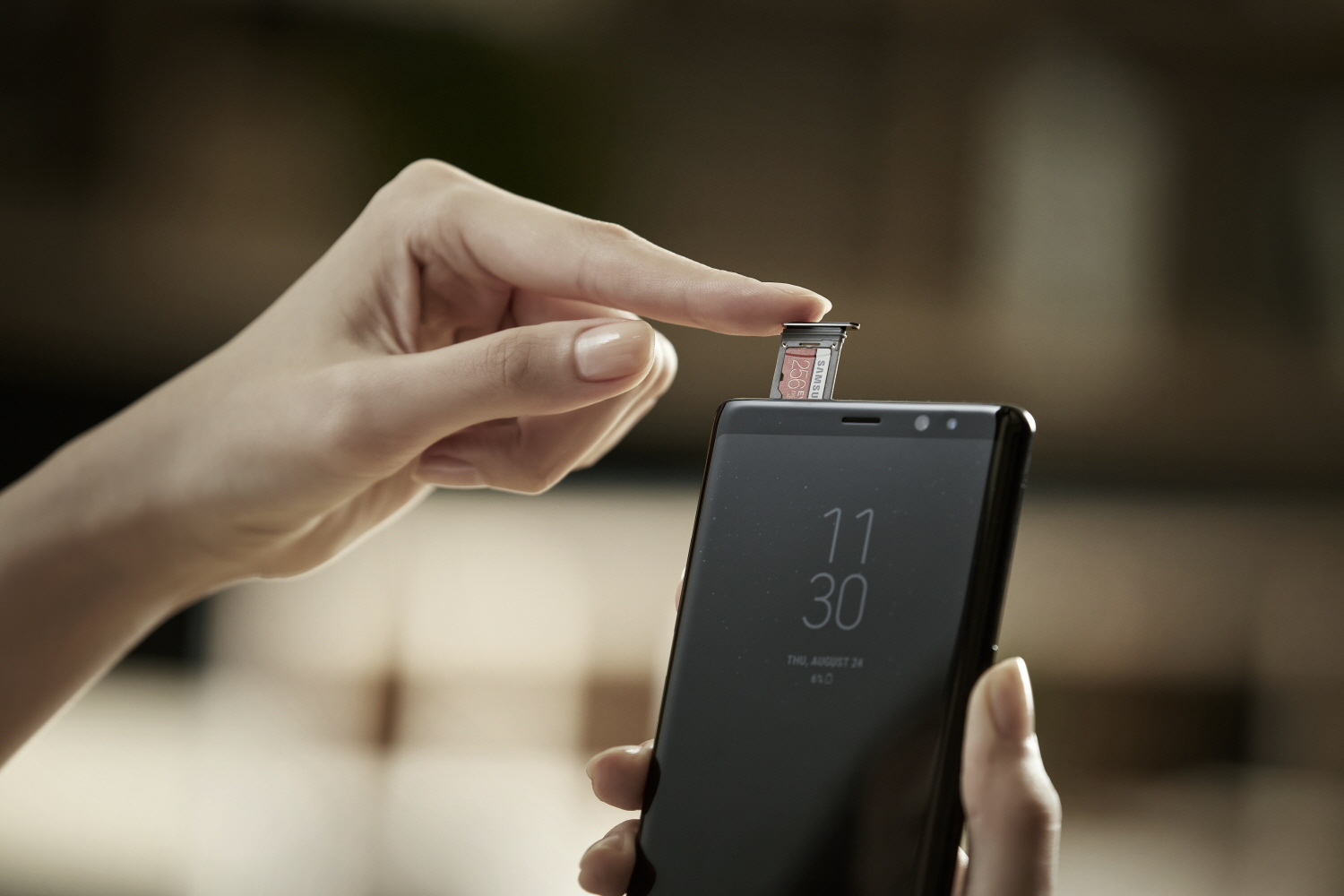
Samsung has silently added support to showcase GIFs on its smartphones with Always on Display (AOD). Always On Display is a feature where the phone’s screen is off, except for the clock and notification icon. This features required an AMOLED panel, and it only works in the Samsung flagship series smartphones.
To get this feature working, you should have AOD application version 3.2.26.4. If you are running on the latest version, then select ‘set always on display image’ and select a GIF. However, note that the app can only rear GIF formatted pictures, not .webp. Similarly, if the GIF is too long, the app will recommend it to trim down to a specific time frame.
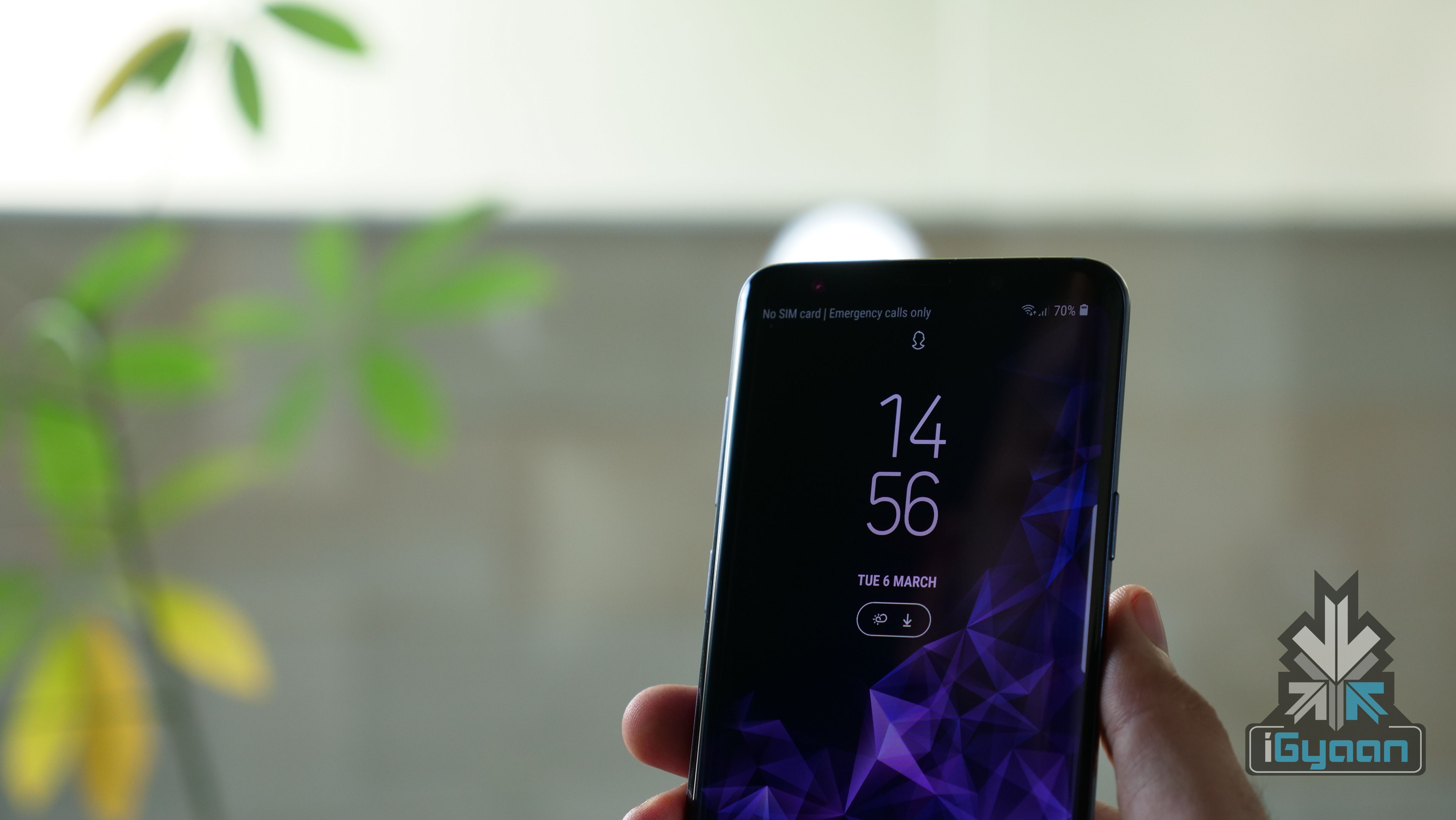
Once, you lock your smartphone, the GIF will animate for a once and will stay in the fixed frame after that. Additionally, one can also set a super slow motion video recorded on the Galaxy S9/S9+ as an AOD picture as well.
This feature will work on devices including, the Samsung Galaxy S9/s9+, Galaxy S8/S8+ and the Galaxy Note 8. If you are yet to receive this update and you don’t want to wait. Then, click on this link to manually download the APK and sideload it. However, we don’t recommend sideloading third-party apps as they might goof-up your smartphone.
Leave a Reply