Category: Brands and Companies

All Brands and Company Names

  • Samsung Galaxy Mega 2 Specs Leaked

    Samsung Galaxy Mega 2 Specs Leaked

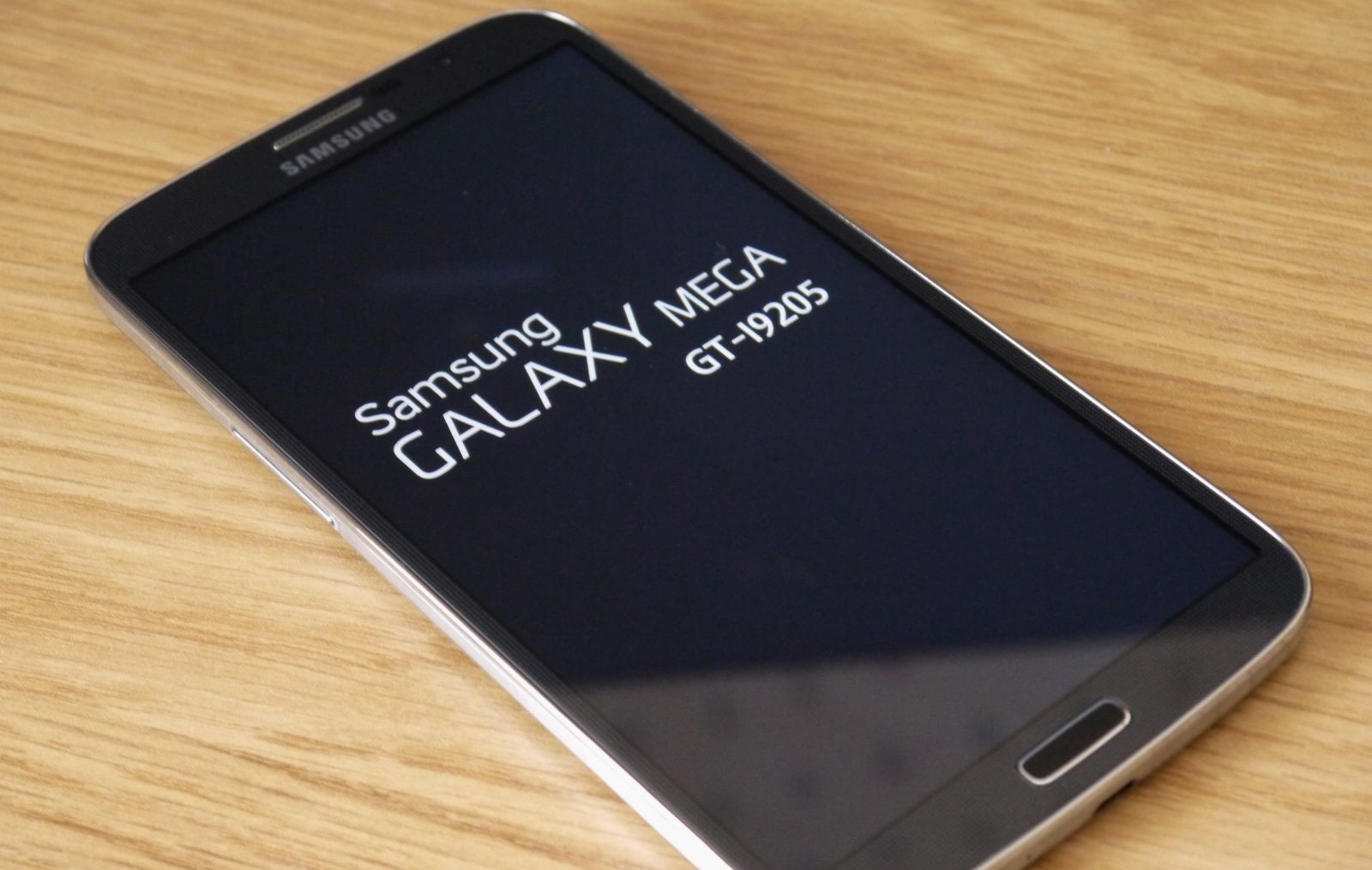
    We have been hearing rumors about the new successor of the Samsung Mega series for quite some time, and now it seems like Samsung is finally pulling up its sleeves and getting ready to launch.

    Recently, the Galaxy Mega 2 has had most of its important specs leaked because a pre-production unit has been put through the paces of a well known graphics benchmark. It is said that the handset maker might offer a plus-size device with a budget-friendly price tag.

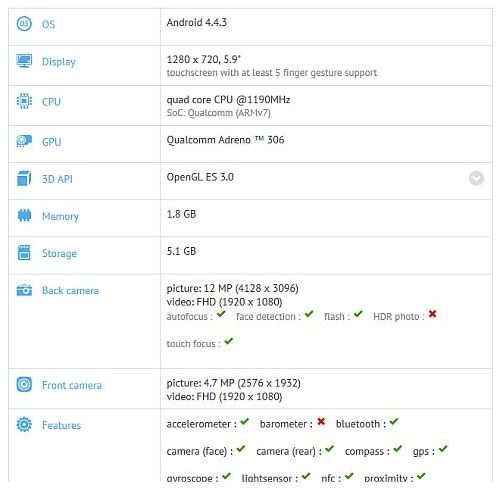
    Specs of Samsung Galaxy Mega 2 as per the GFX results
    Specs of Samsung Galaxy Mega 2 as per the GFXbench

    Benchmarks on GFXbench disclosed a 5.9-inch display that targets a low to mid-range market, though earlier rumors suggested that the new device will sport a 6″ display (a slight difference). However, Samsung has maintained the same resolution as its predecessor at 1,280 x 720 pixels.

    It is likely that the new Mega 2 will be Samsung’s first smartphone to run on 64-bit processor with a Qualcomm Snapdragon 410 quad-core chipset. There are also rumors floating that the new Samsung Mega 2 may run on Android L. Galaxy Mega 2 will  have 720p HD resolution, 2GB of RAM, 8GB of internal storage, a 12 MP rear camera, and a 5 MP front shooter for selfies.

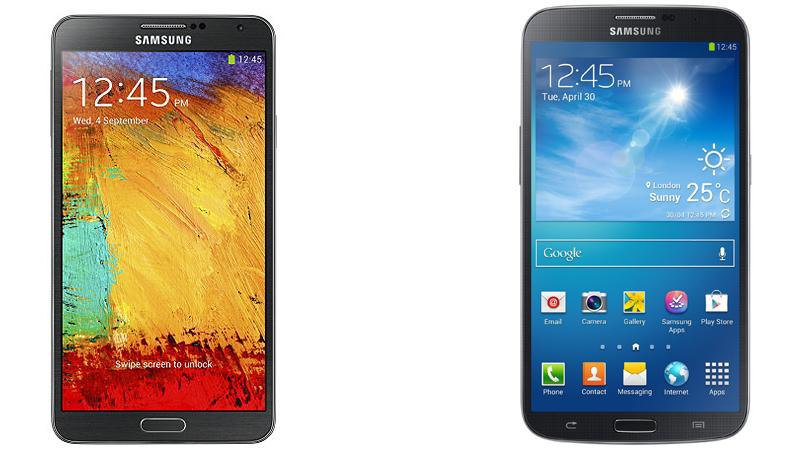
    Samsung Galaxy Mega 6.3, released last year
    Samsung Galaxy Mega 6.3, released last year

    Other Galaxy Mega 2 features listed on GFXbench includes accelerometer, barometer, Bluetooth, gyroscope, compass, GPS, light sensor, NFC, proximity sensor and Wi-Fi. Apart from these features not much is known about the phone’s specs or when it will be released. It is said that with the Mega 2, Samsung is trying to introduce  low-end Note-like phones in the mid-range segment.

  • Rumors Surface About Windows 9 Release Date and Free Upgrade

    Rumors Surface About Windows 9 Release Date and Free Upgrade

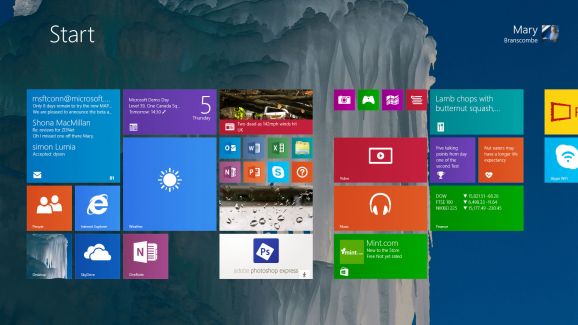
    While, Microsoft is preparing a second update to its Windows 8.1, it is also focused on the larger “Windows 9” release. The new upgrade of  the not entirely successful Windows 8 and now Windows 8.1, seems to be in focus.

    Leaker WZOR claims that either Windows 9 will come out as a free update for those who installed Windows 8.1/Windows 8 Update 2 or these users could have the Windows 9 update with a good discount. Despite rumors of an aggressive development and shipping schedule, there’s no official word about what’s in the next version of Windows, however there are plenty of rumors.

    app tile to download-578-80

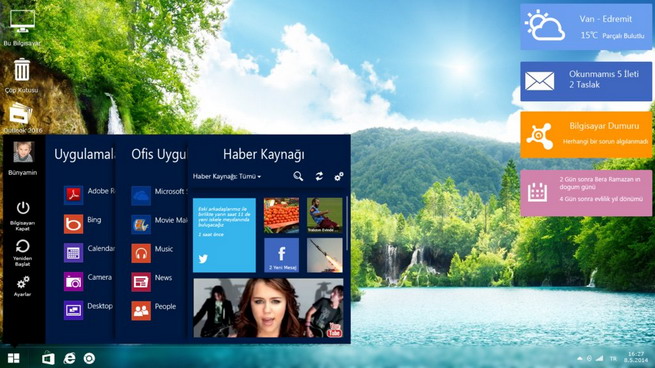
    ZDNet reported that “a preview of codename Threshold — which may or may not be named Windows 9 once it’s released — will be available later this year.” It is said that the public preview will be released this fall, and it may be after Windows 8.1 Update 2 is released. Microsoft had been planning to bring the Start Menu back with Update 2, but the company is now planning to deliver that change with Threshold.

    There are also rumors that Microsoft is looking to merge Windows RT and Windows Phone into one “Phone/Tablet” SKU that will just use the Modern UI and will run on ARM-based tablets and phones, along with Intel Atom tablets. That version could also run two apps side by side, which is already a feature on Windows 8 and 8.1 but has yet to be added to Windows Phone. The Desktop/Tablet version of Threshold could offer the desktop UI as default.

    windows-9-design-concept

    The new update also features improvements to the Start Screen including the ability to boot straight into the Desktop, the return of shutdown on the Start menu and a more familiar task bar to unify the old and new user interfaces. The update was announced at Build 2014, along with features teased for Windows updates to come. Microsoft Communications Chief Frank Shaw said the company wasn’t ready to talk about how often Windows updates might come out.

    Meanwhile, Windows 8.1 Update 2 is expected to arrive as part of Microsoft’s monthly security patches in August. The update will include the usual bug fixes, and improvements for upcoming hardware ahead of the holiday season. Windows’ 8.1 Update included a number of interface changes and functionality tweaks, and Update 2 is expected to include some additional minor interface tweaks.

  • Exclusive : Hands On with Gionee’s S5.5 KitKat Update

    Exclusive : Hands On with Gionee’s S5.5 KitKat Update

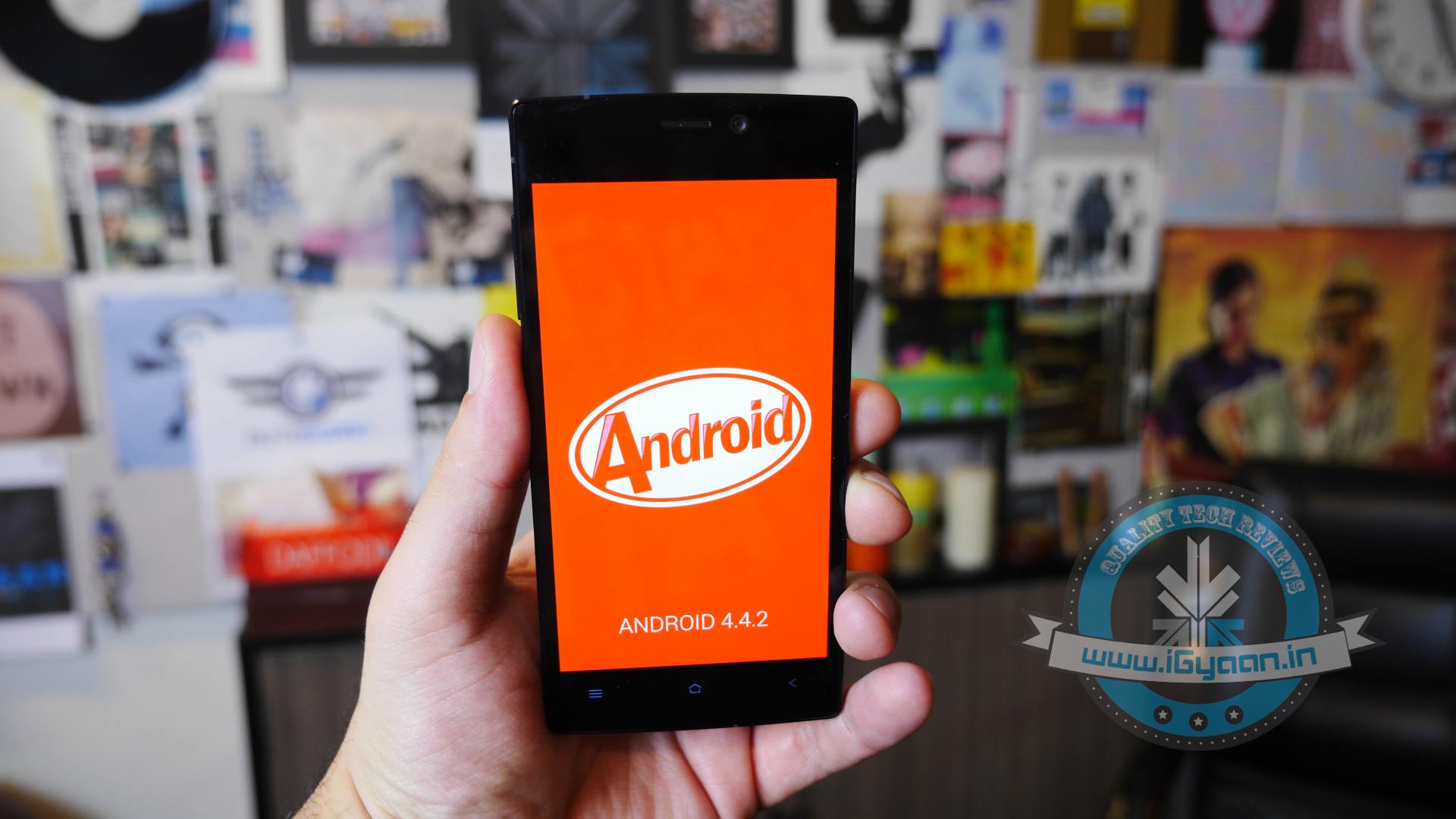
    Gionee will be pushing out Android KitKat Update version 4.4.2 with the new Amigo UI to some devices in the coming days (as told to us by Arvind Vohra in our LetsTalkShop ).

    The first two devices to get the said update are the CTRL V5 and Gionee Elife S5.5,  while most owners of the V5 should already be getting update notifications, owners of the Elife S5.5 will soon get a notification for the proposed update.

    We went hands on with the Elife S5.5’s Android 4.4 KitKat Update, and we can tell you, it is one major improvement. Apart from being a major overhaul in frameworks the new upgrade is at least twice as responsive and 50% lighter on the resources.

    Gionee S5.5 Kitkat

    Here is a ChangeLog for the devices:

    For the Gionee Elife Slim S5.5 and Gionee Ctrl V5

    1. Android KitKat Update

    2. New Desktop layout

    3. Removed the World Cricket Champion and Real Football game

    4. Added Du Speed Booster

    5. Updated Amigo Paper with a brand New UI

    6. Updated Game Zone with a New UI

    7. Updated GioneeXender

    8. Updated UC Browser

    9.Updated NQ Mobile Security

    10. Updated Kingsoft WPS

    11. Removed Settings Shortcut from Notification Panel

    12.Theme and Wallpaper will be reset to Default after System Update, but Data will not be Lost.

    While you wait for the final KitKat update which should be a big download 800-900 MB in size, other devices including the Elife E7 and possible previous versions are also set to get Android KitKat in the coming weeks. As mentioned above, we did an update and the data remains safe, while some of the settings get reset, including the wallpaper, which you can reselect.

    Stay Tuned for more updates.

  • Samsung Launched iPad Rival, The Galaxy Tab S

    Samsung Launched iPad Rival, The Galaxy Tab S

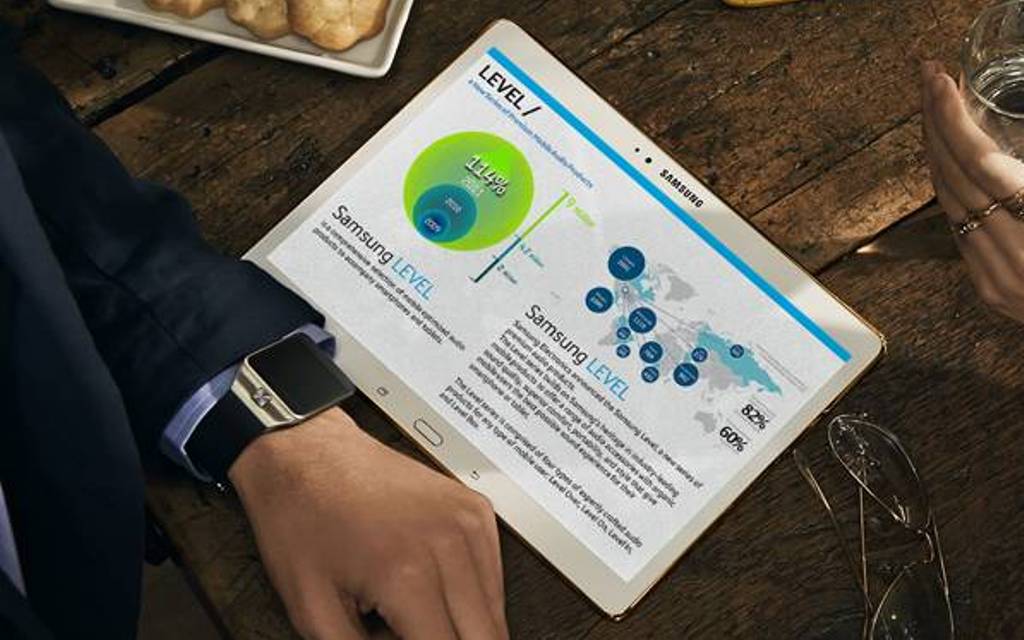
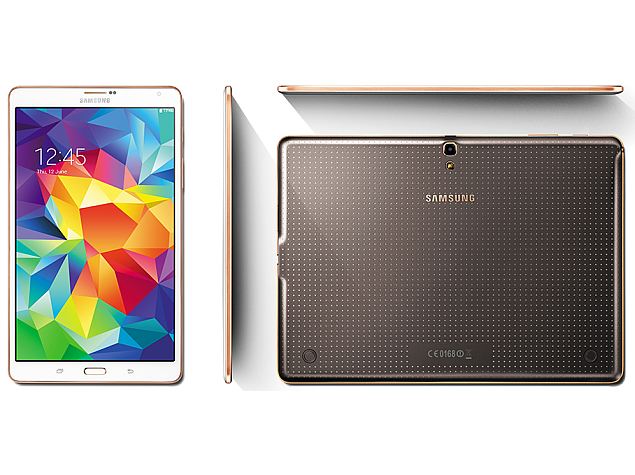
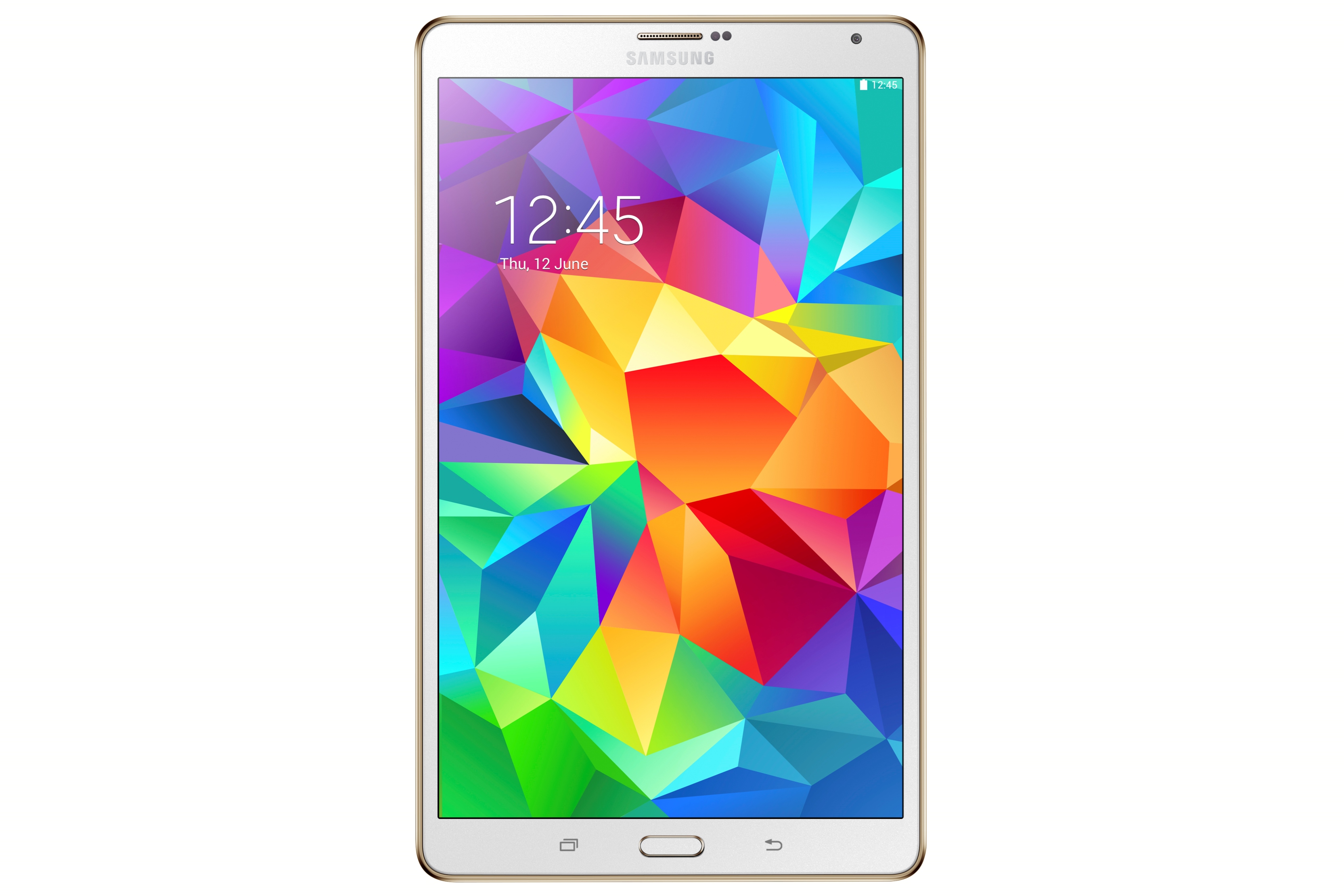
    Samsung has launched its two latest tablets, Galaxy Tab S 10.5 and 8.4. The two models are scheduled for a mid-July release in both 3G and 4G LTE variants. The new Samsung Galaxy Tab S tablets were first unveiled on June 13 at an event in New York. This new line of high-end tablet computers, obviously, rivals against Apple’s iPad.

    As far as specs and user experience are concerned, Samsung has done a great job but the prices are higher than what Apple is offering. The Galaxy Tab S features Super AMOLED displays. AMOLED stands for active-matrix organic light-emitting diodes which are already found in smartphones made by Samsung and a few other manufacturers. But until now, tablets haven’t used them because larger AMOLED screens are difficult to produce.

    samsung_galaxy_tab_s_launch

    Besides producing richer colours, AMOLED allows the Galaxy Tab S tablets to be thinner and use less power because screens typically don’t require backlighting. Samsung did release an AMOLED tablet in 2012 which didn’t sell well because it was too expensive. The new ones will be priced more competitively. The Galaxy Tab S tablets are a quarter of an inch (6.6 millimeters) thick, which is thinner than the iPads. The smaller version is also lighter than the iPad Mini, while the larger one is about the same as the iPad Air.

    Galaxy Tab S 10.5 and 8.4 are powered by an Exynos 5 Octa processor (1.9GHz quad-core+ 1.3GHz quad-core), and 3GB RAM. The devices run Android 4.4 (KitKat) with Samsung’s customized UI. These feature 16GB internal storage and a microSD card slot that supports cards of up to 128GB. Both the variants sport 8MP rear cameras with LED flash and a 2.1MP front-facing cameras. In terms of connectivity, the tablets offer Wi-Fi (including 802.11ac), Bluetooth 4.0, IrLED, 3G and voice calling capabilities.

    Galaxy Tab S 8 4_inch_Dazzling White_Final

    The new tablets will also allow users to make calls and the device can be unlocked using a fingerprint. The tablets can support up to eight user profiles, so members of a single family can get separate home screens simply by swiping their finger on the sensor.

    Until now, iPad rivals have succeeded largely by undercutting Apple on price, and better hardware hasn’t been enough. AMOLED screens could change that, because Samsung certainly have an edge with it. The Galaxy Tab S range will be available in India at Rs 37,800 for 8.4 inch and Rs 44,800/- for 10.5 inch variant.  It comes in two colour options, Titanium Bronze and Dazzling White.

  • Samsung Refreshes its Galaxy Line-Up With Four New Budget Phones

    Samsung Refreshes its Galaxy Line-Up With Four New Budget Phones

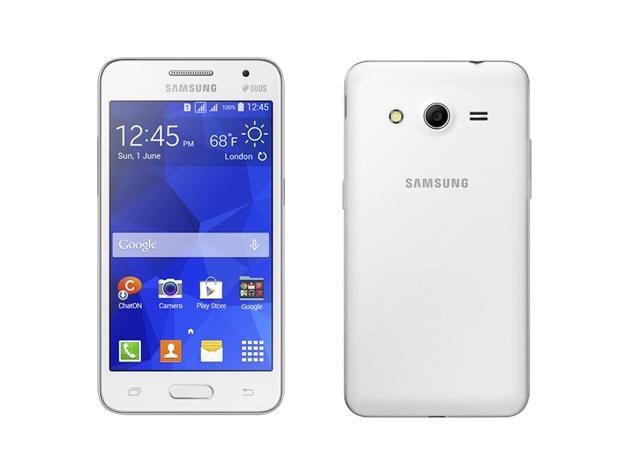
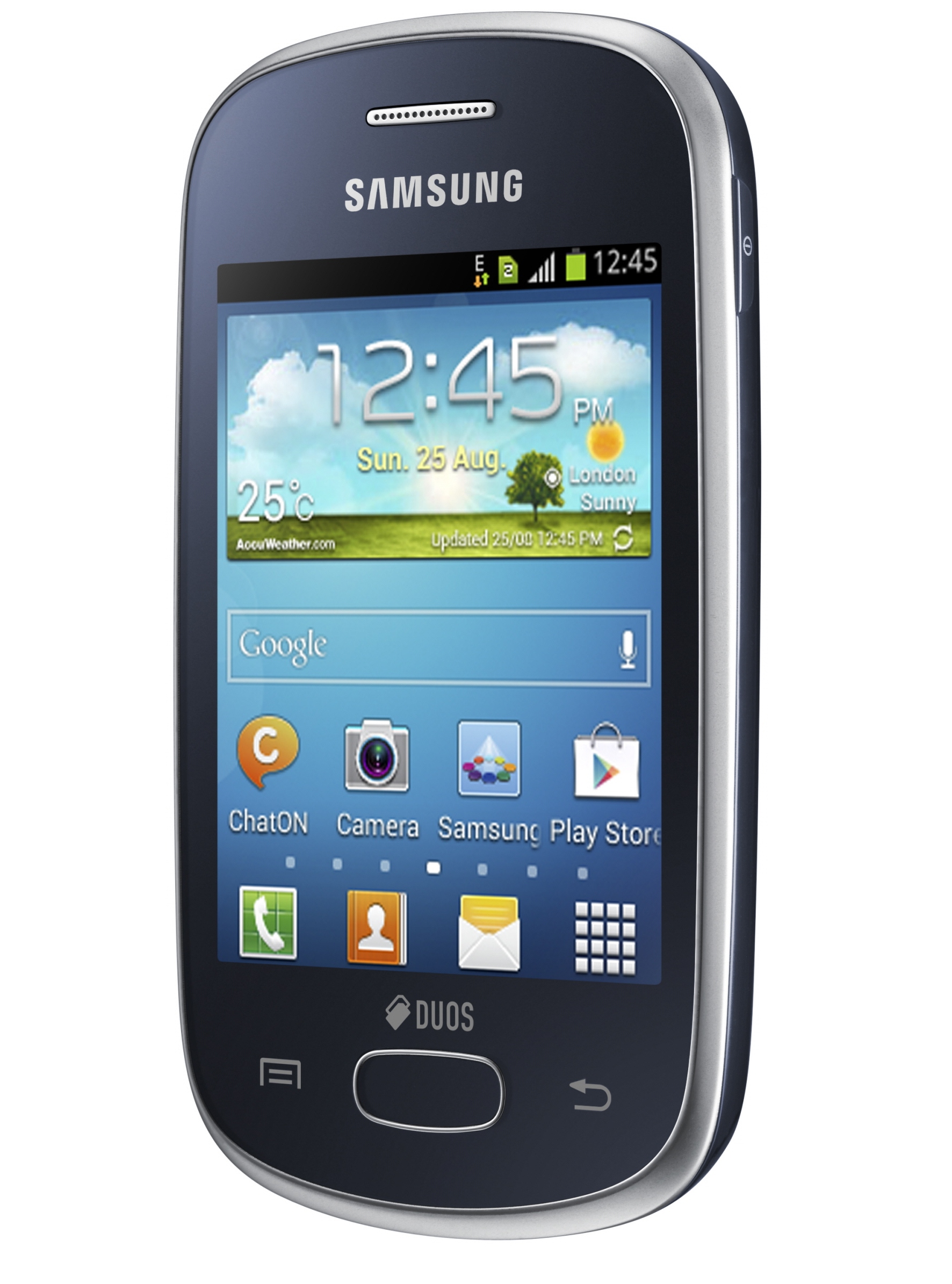
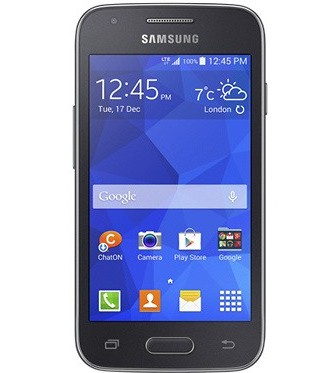
    Samsung is getting ready to play its card in the ever-crowded budget phone segment with the release of its four new phones. The Galaxy Core II, Galaxy Young 2, Galaxy Ace 4 and Galaxy Star 2 are successors of the best-selling range of Samsung phones. These newly launched Galaxy smartphones are touted to be targeted at the affordable segment. The South Korean consumer electronics giant, as of now, has not revealed any pricing or availability details of the four smartphones.

    All the four phones run on KitKat 4.4 with the company’s TouchWiz Essence UI. While, Galaxy Core II, Galaxy Star 2, and Galaxy Young 2 are dual-SIM devices, the Galaxy Ace 4 is a single SIM device and has been launched in 3G and LTE variants.

    1. Galaxy Core II

    galaxy_core_ii

    Galaxy Core II is the most powerful device among the recently announced phones. It is equipped with a 4.5″ WVGA display and runs on a quad-core 1.2GHz processor. Furthermore, it includes 768MB of RAM, 4GB expandable storage, a 5MP rear camera with a LED flash, a VGA front snapper, and a 2,000mAh battery. Samsung Galaxy Core II offers fast 3G connectivity with 21Mbps downlink, dual-SIM, Wi-Fi N, Bluetooth 4.0, GPS with GLONASS and FM radio. It runs on Android 4.4 KitKat and will become available in White and Black colours.

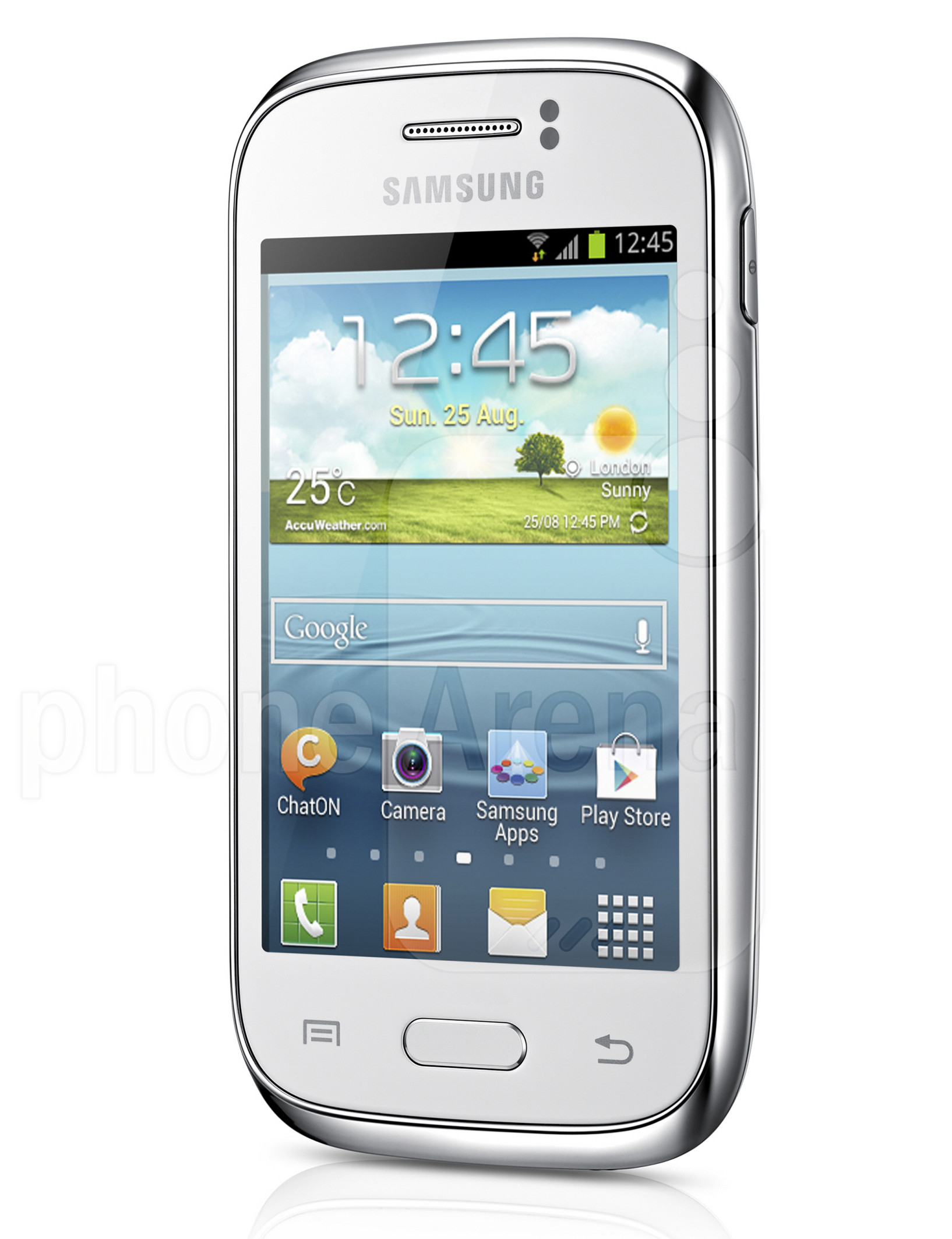
    2. Galaxy Young 2

    samsung

    A small sized smartphone with 3.5″ HVGA display phone, Galaxy Young 2  is backed by a 1GHz single-core processor clubbed with 512MB of RAM. There is a 3-megapixel fixed-focus rear camera. It comes with 4GB inbuilt storage which is further expandable up to 32GB via microSD card. The phone provides you with connectivity options including Bluetooth 4.0, Wi-Fi b/g/n, A-GPS, GLONASS, 3G and Micro-USB. It measures 109.8×59.9×11.8mm and weighs 108 grams. The Galaxy Young 2 packs a 1300mAh battery and comes in two colour variants – Iris Charcoal and White.

    3. Galaxy Star 2

    GALAXY-Star-DS-Product-Image-2

    The Samsung Galaxy Star 2 also comes with a 3.5-inch HVGA. It is powered by a single-core Spreadtrum SC6815A clocked at 1GHz alongside 512MB of RAM. The smartphone sports a 2-megapixel fixed focus rear camera and includes 4GB of inbuilt storage which is further expandable up to 32GB via microSD card. The phone has 1300mAh of battery and for connectivity it includes Bluetooth 4.0, Wi-Fi b/g/n, and Micro-USB options. The major dissapointment in this phone would be the fact that it does not have 3G network support.

    4. Galaxy Ace 4

    gsmarena_001

    The Samsung Galaxy Ace 4, as mentioned earlier, comes in two variants – LTE and 3G. The Galaxy Ace 4 3G features a 1GHz dual-core processor, 512 MB of RAM, 4-inch WVGA display, 4GB of internal storage, a microSD slot, 5-megapixel rear camera, VGA front-facing camera, and a 1,800 mAh battery. The LTE variant of the Ace 4 gets a faster processor clocked at 1.2GHz, 1GB of RAM, and a higher-capacity 1,800 mAh battery. The smartphone comes with Bluetooth 4.0, Wi-Fi b/g/n, A-GPS, GLONASS, and Micro-USB connectivity options. Both variants will be available in Iris Charcoal and Classic White colors.

  • Sony Finally Launches A7S With 4K Video Capture in India

    Sony Finally Launches A7S With 4K Video Capture in India

    Adding to its extensive camera market, Japanese Electronic giant Sony has launched three new cameras in its Alpha range of DSLR segment and cyber-shot range; A77 II, A7s and Rx100 III.

    a7s
    Sony Alpha A7s

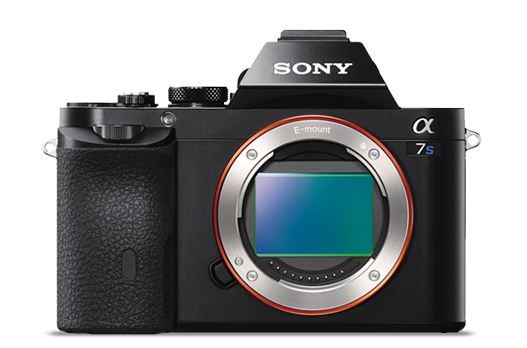
    The highlight of the launch is the A7S which brings in 4K video quality for professional photographers and videographers. Successor of A7 and A7R, the camera features a new 12.2 effective megapixel 35mm full frame Exmor CMOS sensor with a BIONZ X image processor which will allow it to shoot at a sensitivity range of ISO 50–409,600. It is also the first model to utilise the entire width of a full-frame image sensor for 4K video. Priced at Rs 1,54,990, the A7s will start selling in mid July.

    In video mode, the A7S can output 4K video at QFHD (3,840 x 2,160) to an optional external 4K compatible recorder, and can record full HD (1,920 x 1,080) at frame rates of 60p, 60i, 30p and 24p directly to a compatible memory card. Video modes can be changed from full-frame to APS-C (super 35mm equivalent) if desired, and in this crop mode, the camera can support high frame rate 120fps shooting at standard HD resolution (1,280 x 720p), creating a 5x slow-motion effect.

    a77 iii
    Sony Alpha A77 III

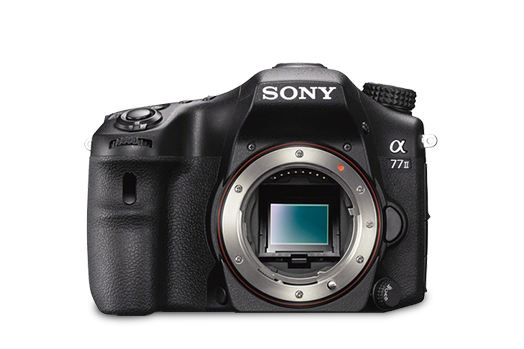
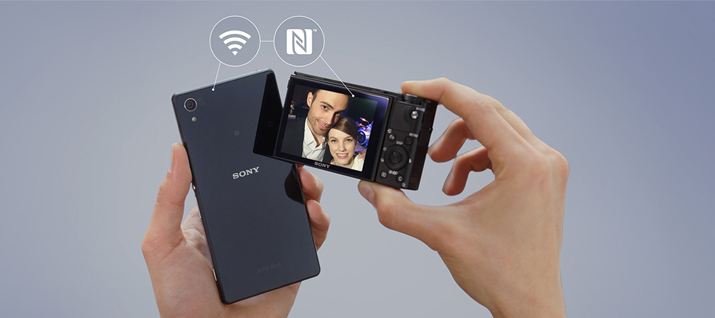
    Secondly, the company has also launched three models of A77 II, priced between Rs 84,990 to Rs 1.14 lakh. It features a 79 autofocus detection points with 24.3 megapixel image sensors and already available in the market.  It will also come with an on-board Wi-Fi that allows one-touch connection with smartphones and tablets.

    rx100
    CyberShot RX100 III

    The last addition to Sony’s camera market is an update of its popular Cyber-shotTM RX100 camera. The Cyber-shotTM RX100 III comes with an upgraded lens and faster image processor and a retractable OLED Tru-FinderTM with ZEISS T. The camera will have enhanced movie features and a 180-degree tilting LCD. The camera will have a 20.1 effective megapixel back-illuminated 1.0-type Exmor RTM CMOS sensor. The camera is priced Rs 54,900.

  • DIY : Install Android L On a Nexus Device Right Now

    DIY : Install Android L On a Nexus Device Right Now

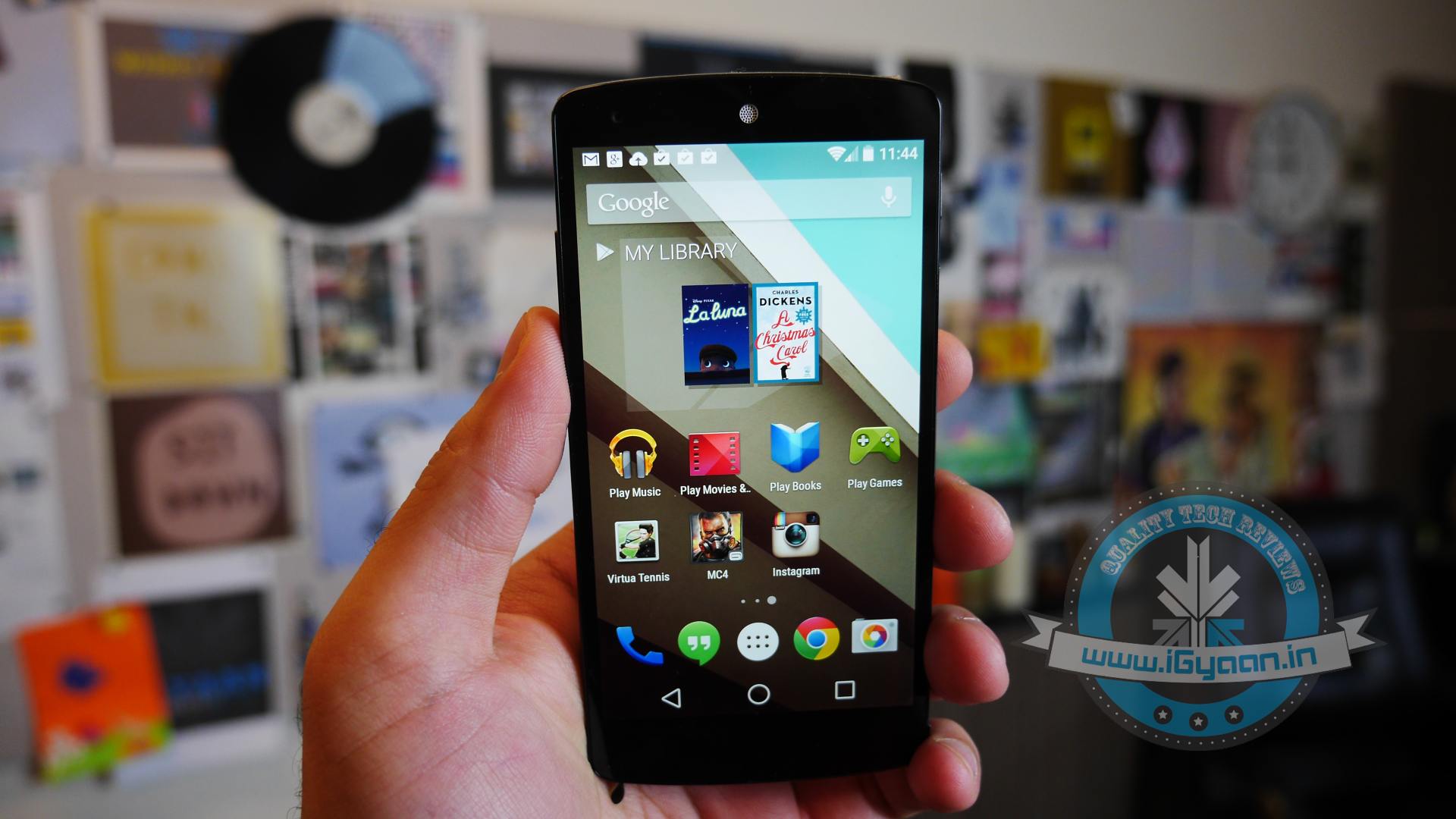
    At the I/O 2014 conference, Google showcased the latest version of Android, known only as L until its official launch later this year. Now, Google is offering an Android L Developer Preview, which is essentially an Android L Beta that comes complete with Android L factory images for the Nexus 7 and Nexus 5. You will need these Android L factory images to install the Android L Beta on your device. In addition you will need to install the Android SDK or at least ADB and Fastboot.

    Android L may not yet be ready for prime time, but a preview version is now available for Nexus 5 and Nexus 7 (2013 Wi-Fi model), giving users the option to get comfortable with the slew of changes it introduces. Here is how you can download and install it.

    P.S. Don’t forget to Back-up first.

    Also, if you are just interested in our detailed look at Android L : Hit the bottom ! or Click Here.

    google_android_l_developer_preview_screenshot_googleio

    What you Need

    • The Android SDK Tools, that you can download from Google Developers
    • The Android L preview factory image for your Nexus 5 and/or 2013 Wi-Fi Nexus 7, that you can also download from Google Developers.
    • A program that can handle archived files, like 7-Zip or WinRAR.

    How to do it

    Step 1.

    Before you can install the Android L Beta to Nexus devices you will need to install ADB and Fastboot to your computer. This is a program that runs on your computer to connect to your Android through a USB cable and flash the Android L Beta to your device.

    HOW TO INSTALL ADB ON WINDOWS

    If you are using a Windows machine, including up to Windows 8 and Windows 8.1 you can use the 15 second adb installer to streamline the process.

    Download the ADB installer for Windows. Find the file, right-click on it and choose Run as Administrator. When prompted you need to give the app access to run as an administrator. After the app launches type a Y and enter to select yes to Install ADB & Fastboot, to intsll ADB/Fastboot systemwide and to install Drivers. When a new window pops up follow the steps to install the drivers.

    After this is installed you should be ready to install the Android L Beta on the Nexus 5 and Nexus 7.

    HOW TO INSTALL ADB ON MAC, LINUX & CHROMEOS

    Nexus Tools makes it easy to install ADB on a Mac, Linux or even ChromeOS. All you need to do is open Terminal on your computer and paste in the code from xda.

    This will install ADB and Fastboot on Mac, Linux and Chrome OS without the need to do anything else.

    After the script completes you can type ADB or Fastboot to start running either program.

    Step 2.

    If you are on a Mac/Linux/Chrome OS jump to Step 12
    Windows PC folks; go to the folder where Android SDK Platform-tools is located (in my case, its path is C:\Program Files (x86)\Android\android-sdk\platform-tools) and copy the following files to the Root folder:

    • AdbWinApi.dll;
    • AdbWinUsbApi.dll;
    • fastboot.exe.

    Step 3.

    While in the Root folder, extract the Android L preview factory image to the same location. This will create a new folder inside Root, which name depends on the device.

    Step 4.

    Open the folder and copy all of its contents to Root.

    Step 5.

     Now, you have to install the correct drivers for your Nexus 5 and/or Nexus 7. Here is what you need to do:

    • After connecting the device to the PC, power the Nexus off.
    • Turn on your device in fastboot mode; the key combination for your device is either volume down + power  or volume up + volume down + power.
    • From Device Manager (Computer -> Properties -> Device Manager) identify your device (it will show up with a yellow exclamation mark icon).
    • Right click on it, select Update Driver Software and then select Browse my computer for driver software.
    • Select Let me pick from a list of device drivers on my computer.
    • From Have Disk… option manually install the android_winusb.inf driver ( its location may be same as C:\Program Files (x86)\Android\android-sdk\extras\google\usb_driver). Accept any prompts that may appear.
    • Select the Android ADB Interface option when given the option. Accept any prompts that appears.

    Step 6.

    Enter fastboot mode, open a command prompt window in the Root folder (while pressing the Shift key, right click inside it and select Open command window here) and use the fastboot devices command.

    Step 7. 

    Open a command prompt in the Root folder. Use the fastboot oem unlock command to unlock the bootloader. A prompt will show up on your Nexus device; use the volume keys to select Yes and press the power button to validate. This command will erase all personal data from the device.

    Step 8. 

    Use the flash-all.bat command to perform a clean install of the Android L preview. Alternatively, you can also open the file with the same name from the Root folder.

    Step 9.

    Using Notepad, open the flash-all.bat file (or, right click on it and select Edit). To avoid any issues make sure that your Nexus device is disconnected from the PC beforehand.

    Step 10.

    Identify the fastboot -w update sequence. Remove the -w so the sequence is fastboot update. Save the changes.

    Step 11. 

    Connect your Nexus device to the PC in fastboot mode. Open the flash-all.bat file in the Root folder.

    Android L 1

    Step 12

    For Mac/Linux/ Chrome OS users

    Extract the downloaded Android L file onto a folder on your desktop named “android”

    Now open a Terminal window and type the following:

    adb reboot bootloader
    (this will reboot your device into fastboot mode)

    In Fastboot type:

    fastboot oem unlock

    Then hit enter. Follow the on-screen instructions and choose to erase the device. Wait a minute or so for it to unlock. This removes everything on your device.

    Now Go into your desktop folder in Terminal

    cd /USER/desktop/android
    (replace "USER" with your username)
    
    Then type in the following
    sudo ./flash-all.sh
    (wait about 5 minutes and your phone will reboot into Android L)

    And you’re done. Following these steps your device will run the Android L preview. Be aware that you may encounter bugs due to it being in an earlier stage of development. In case you wish to go back to KitKat, you can apply the same steps as detailed in this article, but using a KitKat factory image instead. 

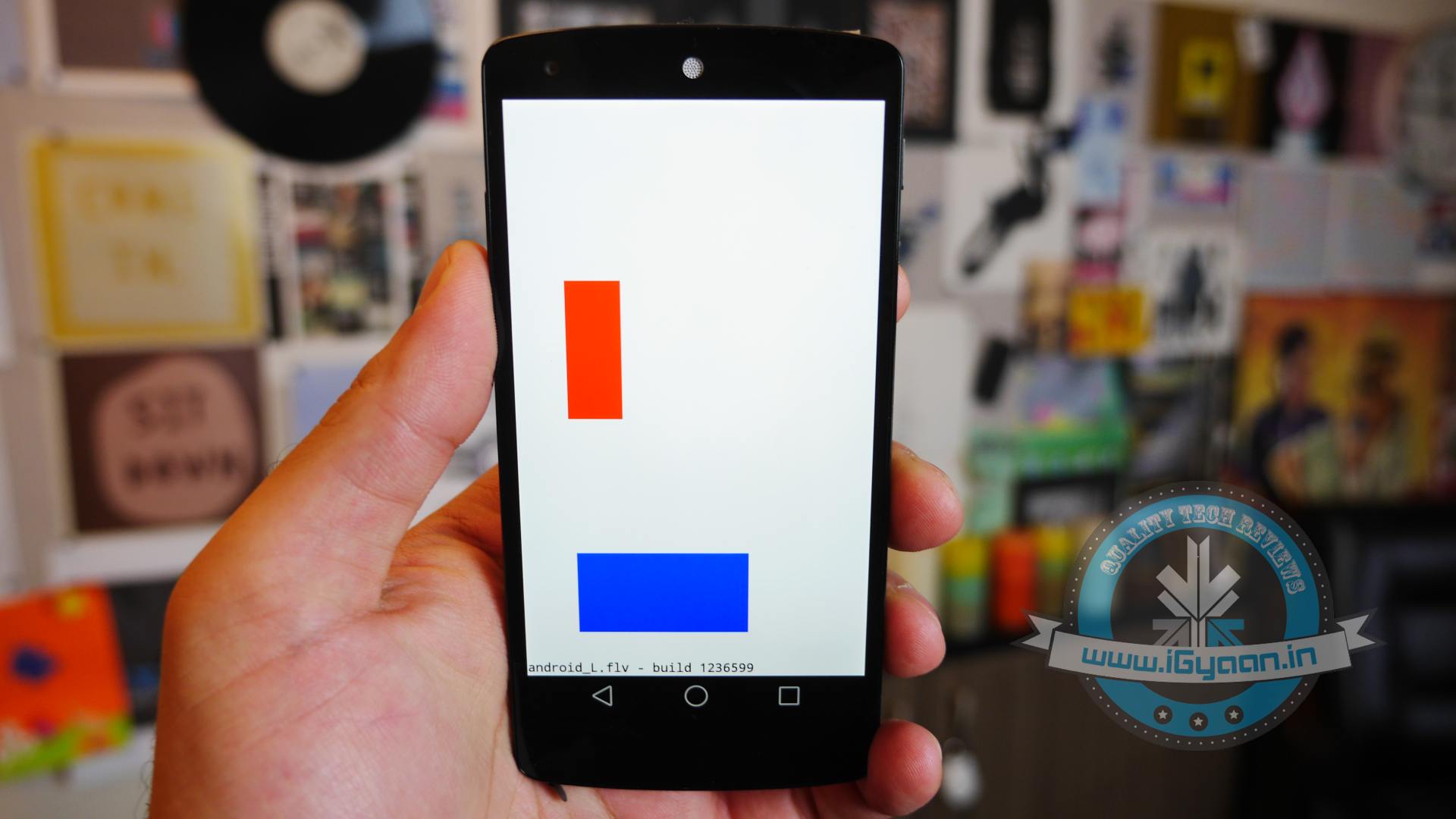
    Hands on with Android L

    Here is what the Animation looks Like:

  • Micromax Canvas Gold A300 Review

    Micromax Canvas Gold A300 Review

    Micromax has recently transitioned into a newer dimension of phones, from bulky and dated phones running older versions of Android, the trend is now to get shapely, sleek devices with Android KitKat out of the box. The current flagship, aka the Micromax Canvas Gold A300, is a testament of that, and while the Canvas Knight was burning our desires (quite literally), the Golden boy here may have turned our mood around. Let’s see how it holds up.
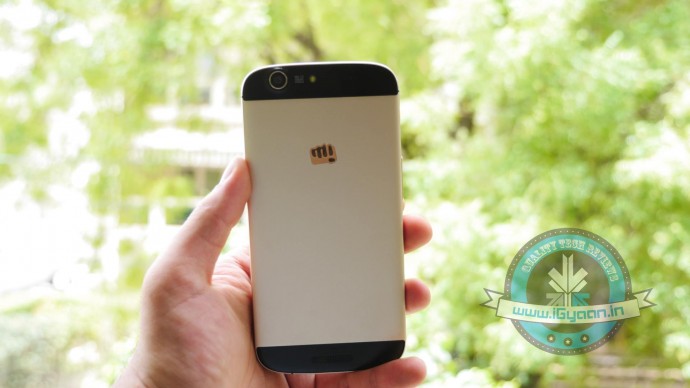
    canvas gold a300 review 6

    Overview

    [pullquote_left]The oddly questionable gold colour is far from that of the iPhone 5s[/pullquote_left]

    The Canvas Gold A300 is yet another flagship Canvas phone from the company that promises a roundup of interesting elements. A good set of specifications, great build quality, design and good optics, giving it a big thumbs up on the premium look and feel. Even though most have called it a replica of the iPhone 5s in a bigger version, the oddly questionable gold colour is far from that of the iPhone 5s.

    Hardware and Build

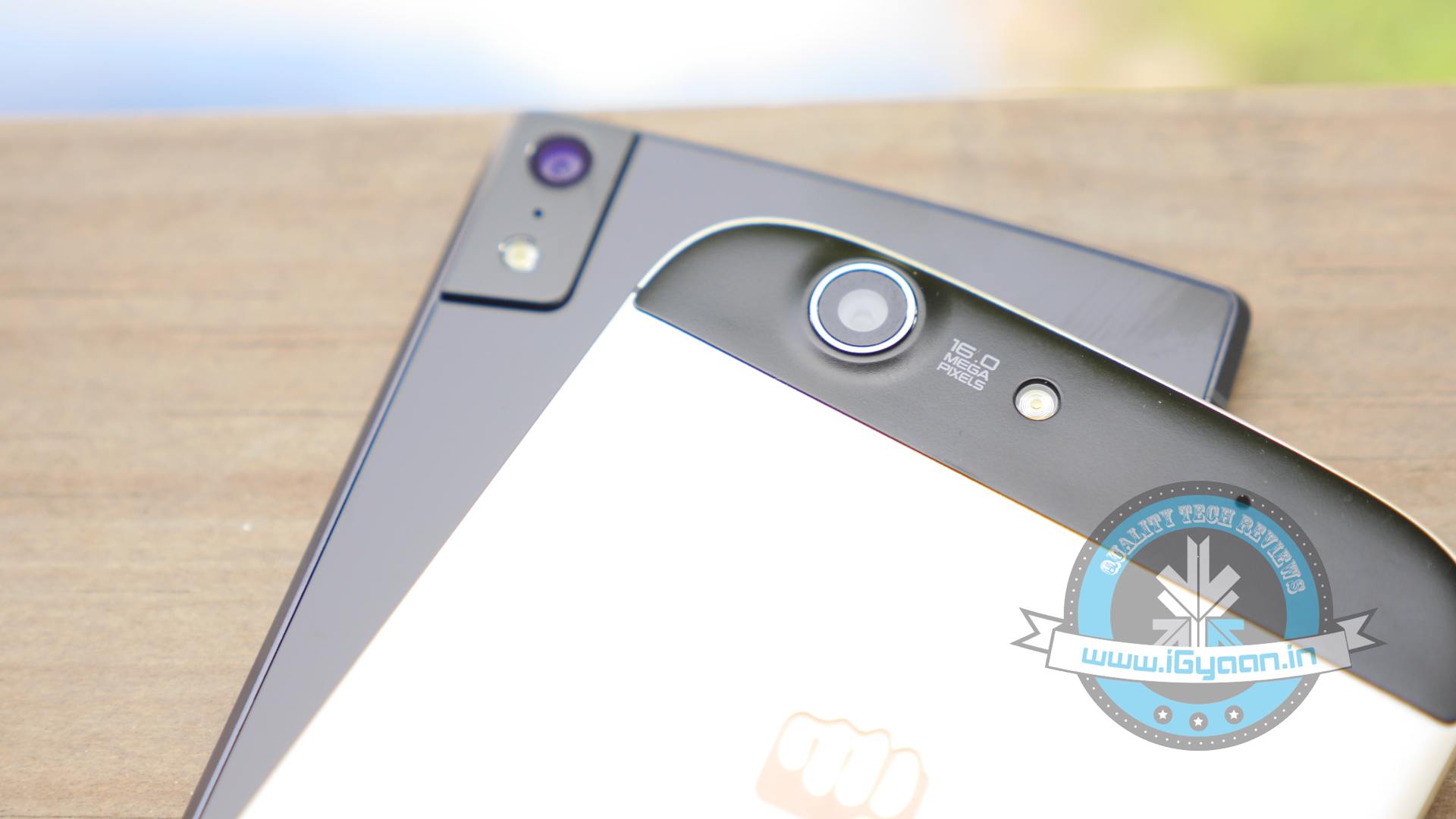
    Running the Canvas Gold A300 is an Octa-Core Mediatek 6592T chipset clocked at 2.0 GHz tied up with 2 GB of RAM and 32 GB of Storage. 25GB of the 32 GB is available to dump your media, games and files. The rear camera is a 16MP shooter with a 5MP front camera which does an impressive job with selfies (see camera section)
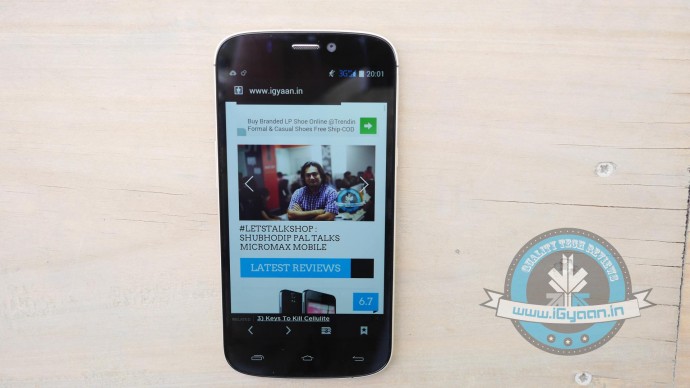
    canvas gold a300 review 14

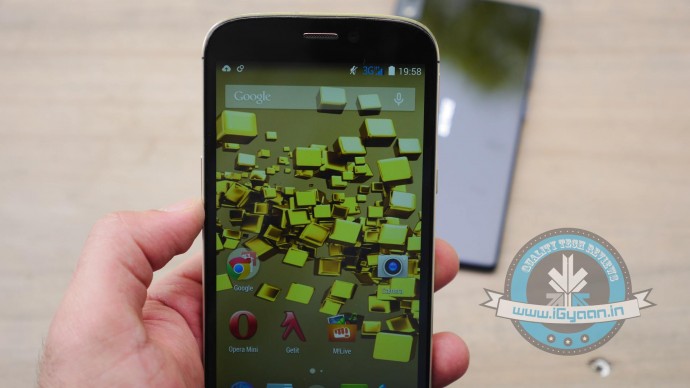
    The front has an impressive and vivid 5.5 inch 1920 x 1080p display this is surprisingly visible outdoors and has good viewing angles. The phone has dual SIM capabilities and can run data on 3g on both cards. The Sim slots comprise of a full size SIM slot and a micro SIM slot on either side of the device.

    The phone is manufactured out of a “single billet” of aluminium alloy with slots for antennas in plastic on the rear of the device. The phone is readily available in two variants, a Gold+White and the Gold+Black, the only difference being the plastic inserts and the colour of the bezel.
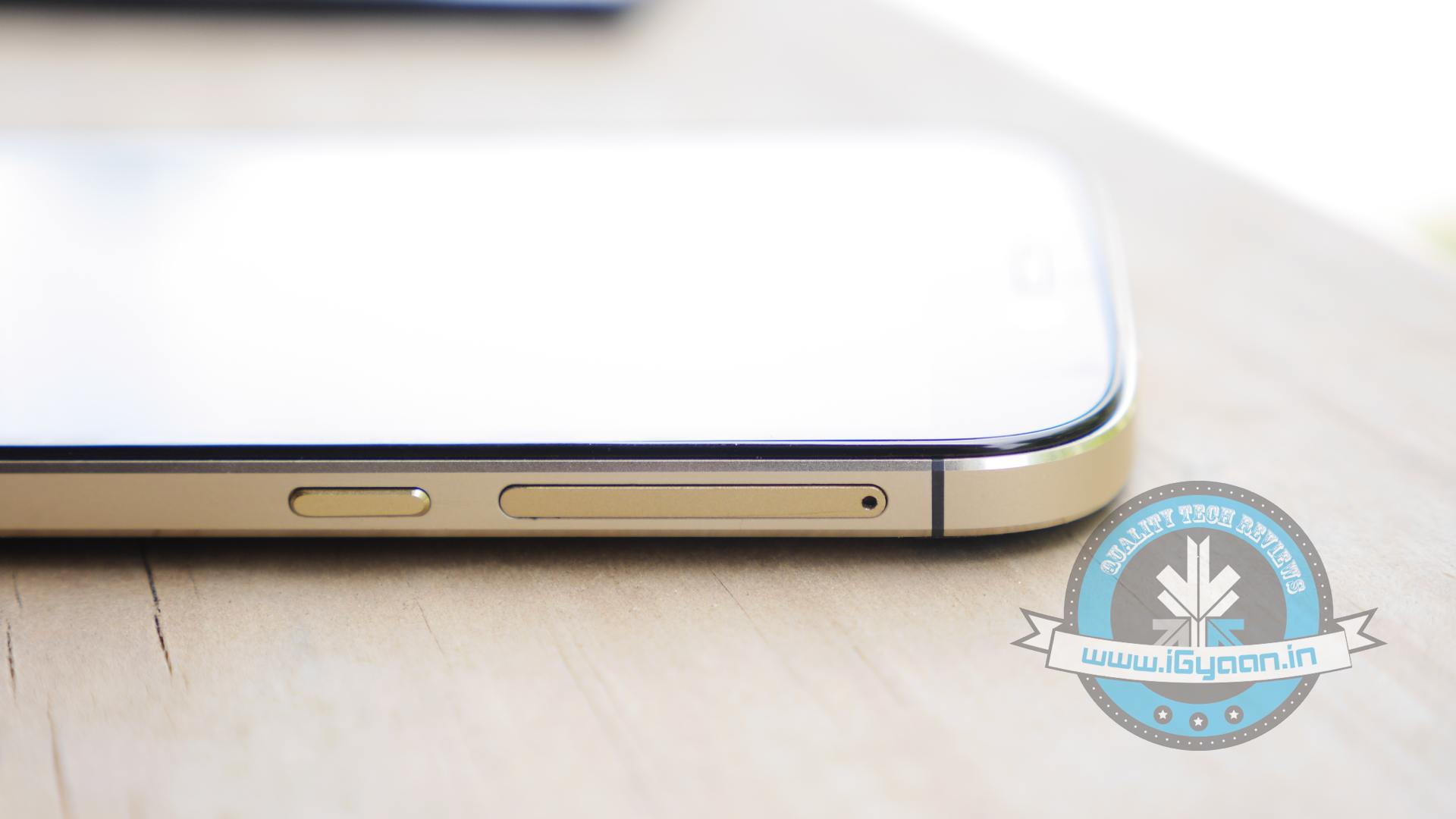
    canvas gold a300 review 20

    Apart from the exceptionally golden – gold colour the phone has a pretty good design, and the metal is nicely finished to give a great feel in the hand. The beveled edges of the phone quite replicate the iPhone look, seen specifically iPhone 4 and up. The flat lay-on-the table design will be appreciated by owners quite a lot, although a fatter lip for the front would have given a strong protection to the screen albeit taking away a bit of the slim profile of the smartphone.

    Phone and Networks

    The phone is unique in many ways, instead of selection your data network, you can have data on either SIM, which is great. The weird combination of Sim card sizes may work for some people, especially if they don’t want to cut/get micro SIM cards vs. regular sized ones.
    canvas gold a300 review 4

    The networks are strong and audio in and out of the phone is impressive. The network remains positively active even during tower switches, and we didn’t see a huge problem with dropped calls.

    The WiFi seemed a bit low to us, and in our initial tests seemed weak.

    Multimedia, Display and Camera

    For most media is playable on the Canvas Gold A300, and we found nothing to complain about, the audio could be a little bit louder in our opinion. The music output from the headphones is a lot more impressive when compared to any previous handset, the “flaming knight” included.

    As far as the video playback goes, the display does a fantastic job, jitter-free vibrant video playback. The phone is capable enough and will deliver a good experience to most users.
    canvas gold a300 review 3
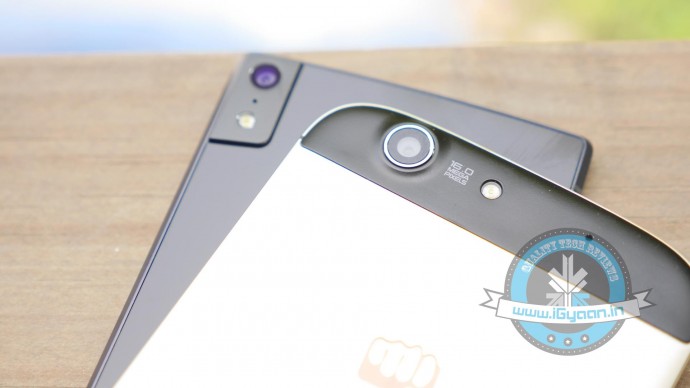
    The camera system is a good hardware and software upgrade, and the 16 MP sensor is big enough to give a noise free low light performance. The day shots are noteworthy and brilliantly saturated to give a larger than life photography experience. The camera app is simplistic and new features like 99 shot continuous burst along with tap-hold to track subjects actively will come in handy for video.

    Video capture frame rates are slow to display on the screen, in fact when you are capturing video there seems to be a lag in the screen aka the viewfinder. But, we were testing a pre-production software and apparently this has been fixed in the final build. Video is captured at a resolution of 1920 x 1080p at 30fps just like many other handsets in this bracket.

    Performance and Gaming

    The Canvas Gold A300 is a star performer scoring great results on benchmarks and showing excellent performance in daily use overall. You will be happy multitasking on this handset as it can handle app switching very well and thanks to inbuilt RAM management the phone automatically drives resources to the active application. The apps in the background use the adaptive suspend from Android KitKat.

    Thanks to all this software and management goodness, the gaming experience is excellent, with heat at a minimum. The device does heat up from around the camera with extended periods of use, however the minute you are done you will be happy to put the phone in your pocket and move out. Games have a superfluid experience along with excellent touch screen feedback and responsiveness.

    Battery Life and Conclusion

    The battery on the Canvas Gold A300 lasts a good full day of use, and thanks to KitKat and power management you will not be searching for the charger in a hurry. The bloatware on the Canvas Gold A300 has been brought down to a minimum, and most of the preloaded apps useful, those which are not required can be gotten rid of.

    With a software update thanks to FOTA, the device may get Android L (hopefully) and with the company working to fix their service issues the Micromax Canvas Gold seems like a good overall product. With little or no complaints from the hardware and excellent UI including a new keyboard (Swiftkey) pre loaded for use, most will be happy with the device out of the box.

    With more options in this price bracket including Gionee Elife S5.5,  the Moto X and the Desire 816 it will mostly come down to user requirements.

    Review Video

    [tw-column width=”one-half”]

    GOOD THINGS

    • Build Quality is Impressive
    • Powerful Hardware
    • Great Battery
    • KitKat and FOTA Updates
    • Cameras are sharp

    [/tw-column]

    [tw-column width=”one-half” position=”last”]

    BAD THINGS

    • Strange Gold Colour
    • No Lip around Display
    • No Included Case

    [/tw-column]
  • Microsoft Rumored to Launch its Own Smartwatch This October

    Microsoft Rumored to Launch its Own Smartwatch This October

    We start this new week with a fresh rumor about Microsoft’s plans to come up with a new Smartwatch. After Google and Apple, its arch-rivals, investing huge in the wearable technology, Microsoft also may enter this segment with the launch of a Smartwatch this October.

    Though there are hardly any details about the device Microsoft is coming up with, Tom’s Hardware, an online publication, has reported “trusted source with knowledge of the development has verified some of that information and provided us with additional details about the device.”

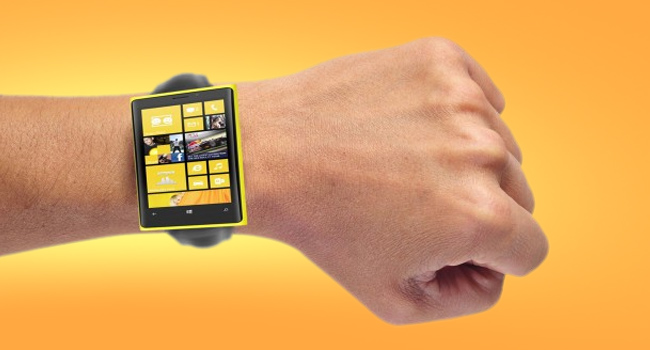
    Microsoft’s watch apparently ditching the popular chunky appearance we're seeing with current smartwatches like the Gear and the G Watch. Instead, Microsoft has gone with a slim band design that is said to resemble a thinner, flatter version of the Nike Fuel band.
    Microsoft’s watch is ditching the popular chunky appearance wand has gone with a slim band design.

    For starters, the source confirmed the earlier rumors about Microsoft’s plan of preparing a cross-platform Smartwatch with the ability to continuously track your heart rate and sync the data to your devices.

    It has also been said that the device might be dropping the popular chunky appearance we’re seeing on the current Smartwatches like the Gear and the G Watch. Instead, Microsoft will go for a slim band design that is said to resemble a thinner, flatter version of the Nike Fuel band. Details about the hardware are less, though it is said that there are 11 sensors under the hood and a mix of chips including some from TI and Atmel.

    Like the rest of the rumors, the timeline for the watch’s release date isn’t too certain. But it is said that Microsoft could be targeting for an October release. Also the Smartwatch won’t just tie in with Windows Phone devices, but will also work with both iOS and Android smartphones.

    The market is just starting to explode with wearables, with Apple announcing its first iWatch later this year and Samsung expected to launch a Smartwatch in the summer that can independently make calls. Google is also aiming big in this segment with the launch of Android Wear at this year’s Google I/O.

  • Android TV : Could it Mean Third Time Lucky for Google?

    Android TV : Could it Mean Third Time Lucky for Google?

    Google has been trying very hard to get into our living rooms for long time now. Google TV was introduced way back in 2010 with the first Google TV’s being made by Sony and Logitech. In the second generation of devices, LG, Asus and others had also partnered on Google TV. But sadly, Google TV wasn’t a success. Nor was the Nexus Q which was a media-streaming entertainment device introduced in June 2012. Even Nexus Q wasn’t much of a success and later was replaced by Chromecast which was launched at last year’s Google I/O.

    android-tv

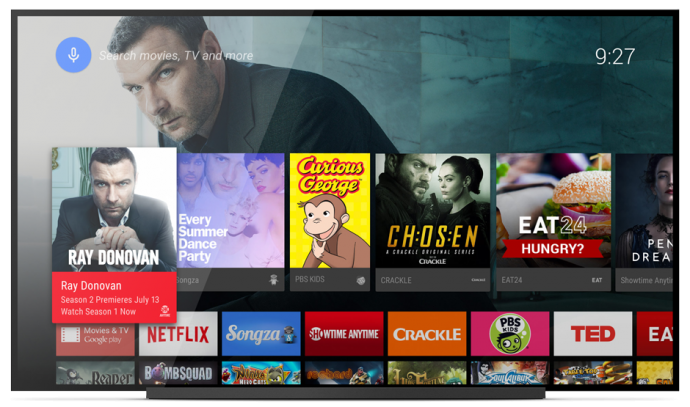
    Though, it seems like Google’s new Android TV may have a bright future ahead of it. Since Google has only showcased the developer-kit of the Android TV called ADT-1, you won’t be able to buy it for a while. But that won’t be an issue once manufacturers begin selling their consumer-facing devices later this fall. Android TV is still in pre-production, so a lot of things are likely to change between now and its final release.

    Unlike its previous effort in smart TV software mentioned above, Android TV will work with a number of different chipsets. It’s designed to enable Android developers to create apps using the same Android toolset that they use for mobile phones and tablets.

    android tv3

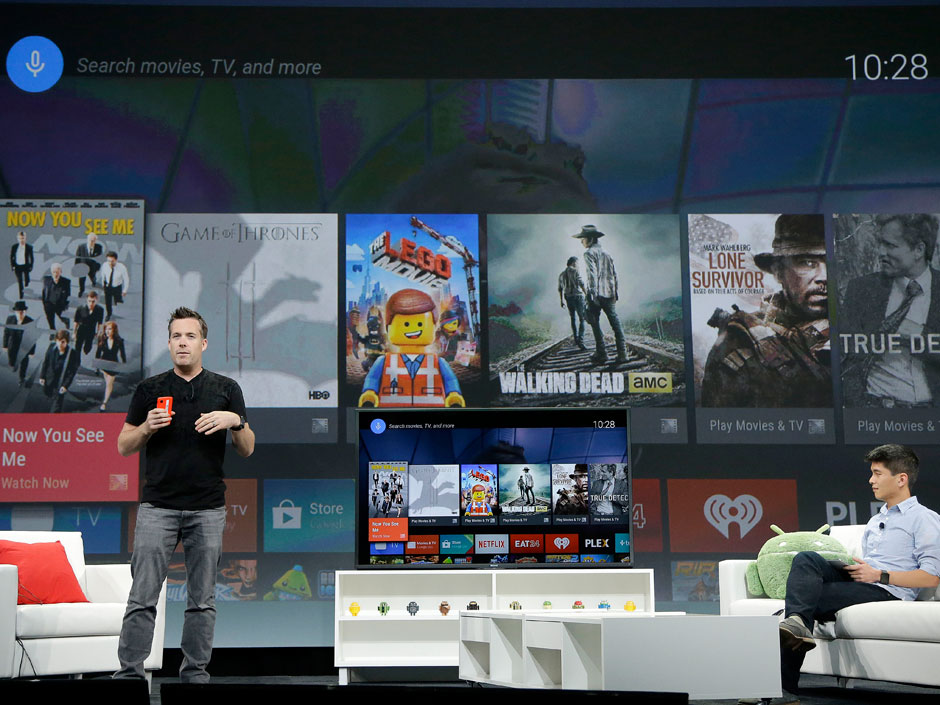
    Android TV will play movies and TV shows, and users will be able to control it via mobiles phones and tablets. Google Engineering Director Dave Burke showed off how the system works to enable search and navigation either via text or voice. He even showed off the ability to control the TV via an Android Gear Smartwatch.

    Chromecast will run on Android TV with full support, so users can beam content from their mobile devices straight to the TV. The new platform also enables users to launch an app store developed specifically for a 10/UI.

    android tv2

    According to Google, the OS will be available for smart TVs (Sony and Sharp have signed on to build televisions with the OS built in), media streamers, set-top boxes, cable boxes and micro consoles. This platform will be ideal for those manufacturers that are interested in getting into the smart TV businesses, but don’t have the resources to develop their own ecosystem. It’s a good opportunity for smaller companies and start-ups to help building the Android TV hardware.

    Google pointed out some technical requirements to ensure that Android TV doesn’t offer an inconsistent  user experience such as:

    • 2GB of RAM,
    • 8GB of flash storage,
    • WiFi and/or Ethernet,
    • Bluetooth 4,
    • Play-ready DRM,
    •  Widevine level

    Companies also suggested to incorporate mics for voice input, and standardized controller button mapping. These guidelines are cricial because the system needs to be powerful enough to handle graphic-intensive games, entertainment apps and connectivity between the TV and mobile devices via Google Cast which Google is focusing on with Android TV.

    No one can give a final verdict for Android TV as yet, company has a long way ahead as far as it is concerned. Of course, a lot will depend on the pricing of the new software which has to compete with the already settled Smart TV makers.

  • Apple Launches an Updated 16GB iPod Touch With a Low Price Tag in India

    Apple Launches an Updated 16GB iPod Touch With a Low Price Tag in India

    It’s been two years, Apple has’t come up with any notable updates about its iPod Touch products. Without any formal announcement Apple decided to launch its 16GB iPod touch in India. The new device comes with a 5MP iSight camera as well as a lower price tag.

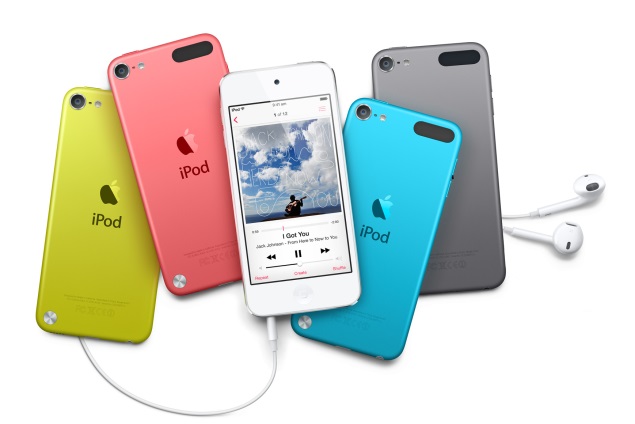
    Earlier, the 16GB variant was the only member of the iPod family that came without a rear camera and was available only in Silver color. Now, like the 32GB and 64GB variants, it will come with a 5-megapixel iSight rear camera capable of recording full-HD video and will be available in Pink, Yellow, Blue, Silver, Space Grey, and Red color.

    touch

    The iSight camera is the same which was found on the aged iPhone 4. The updated and cheaper 16GB iPod touch now comes with pricetag of Rs 16,900. The other sizes are getting a price drop, too. The 32GB is priced at Rs 20,900, and the 64GB is for Rs 24,900. This is probably because of the continued slide in iPod sales as more people shift to smartphones as their preferred mobile entertainment device.

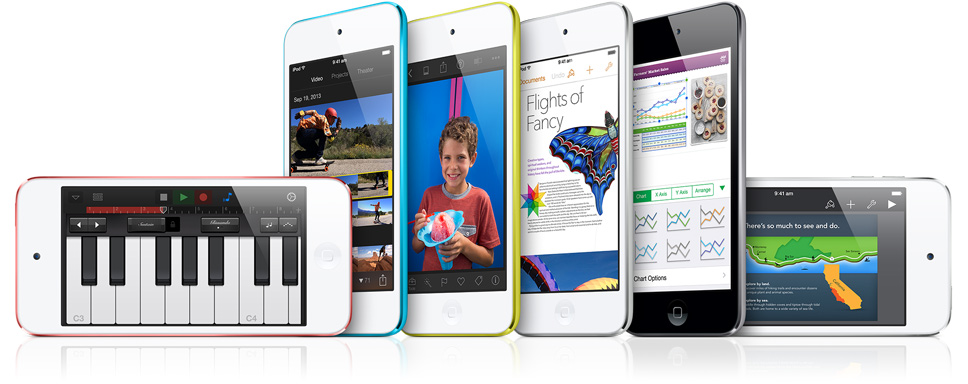
    All members of the iPod touch family now feature the same 4-inch Retina display, 5-megapixel iSight camera, Apple A5 SoC, and FaceTime (front-facing) camera. The A5 processor is also used in the iPhone 4S. The iPod touch runs iOS 7 with support for Siri, Apple’s virtual assistant. The company claims 40 hours of battery life with audio playback, and 8 hours of video playback.

    Apple had launched its ‘iPod’ range of portable media players in 2001 and its various versions include iPod Shuffle, iPod Nano, iPod Touch and iPod Classic. According to the company’s annual report, Apple globally sold over 26.3 million units of iPods in the year ending September 28, 2013.

  • Moto 360 Finally Unveiled, While LG G Watch And Samsung Gear Live Are Now For Sale

    Moto 360 Finally Unveiled, While LG G Watch And Samsung Gear Live Are Now For Sale

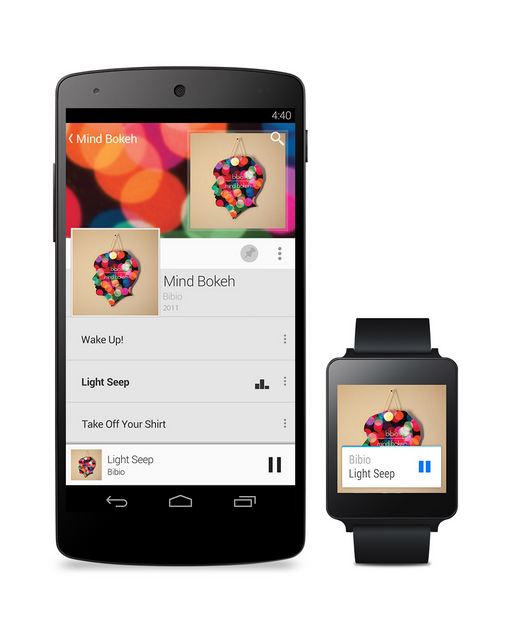
    Exciting new Android Wear was finally showcased at the Google I/O 2014 with announcements of the launches of LG G Watch and Samsung Gear Live. The only one remaining is the Moto 360 smartwatch, which won’t be available to pre-order until later this summer.

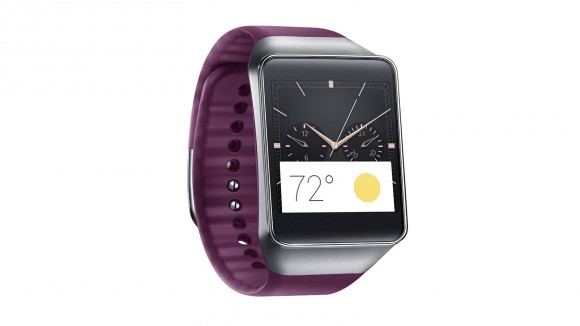
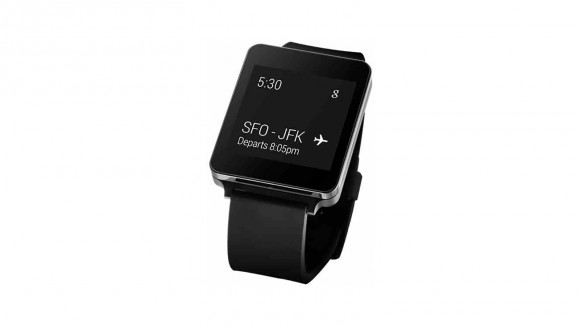
    Samsung’s Gear Live and LG’s G Watch, both powered by Android Wear are the first devices to adopt the new Google software specifically designed for wearables. The G Watch is equipped with Google’s voice recognition service and can perform the simplest of tasks including checking email, sending text messages and carrying out an online search at users’ voice command.

    Samsung 03-580-90
    The Samsung Gear Live

    Both of the devices cannot make phone calls by themselves but can be connected to many of the latest Android-based smartphones. A typical smartwatch allows users to make calls, receive texts and e-mails, take photos and access apps. The G Watch opened Thursday for online pre-order in 12 countries including the United States, France and Japan before it hits stores in 27 more including Brazil and Russia, which is touted for early July. Read our story about the Top 4 Awesome things Google Android Wear can do.

    lg watch
    The LG G Watch

    Gear Live was also available for online pre-order from Thursday. Samsung introduced its Android-based Galaxy Gear smartwatch last year but it was given a lukewarm reception by consumers.  Samsung’s arch rival Apple is believed to readying to launch its own smartwatch soon.

    Despite the Moto 360 still being one of the first watches to arrive running Android Wear OS, there is still some time before you can get your hands on the device. Google did, however, demonstrate many of the features that will be available to these devices, including voice commands for sending texts, getting directions, and music playback. With the smartwatch you’ll also be able to receive and dismiss notifications, accept or decline calls, and dictate notes and reminders.

    moto360lead
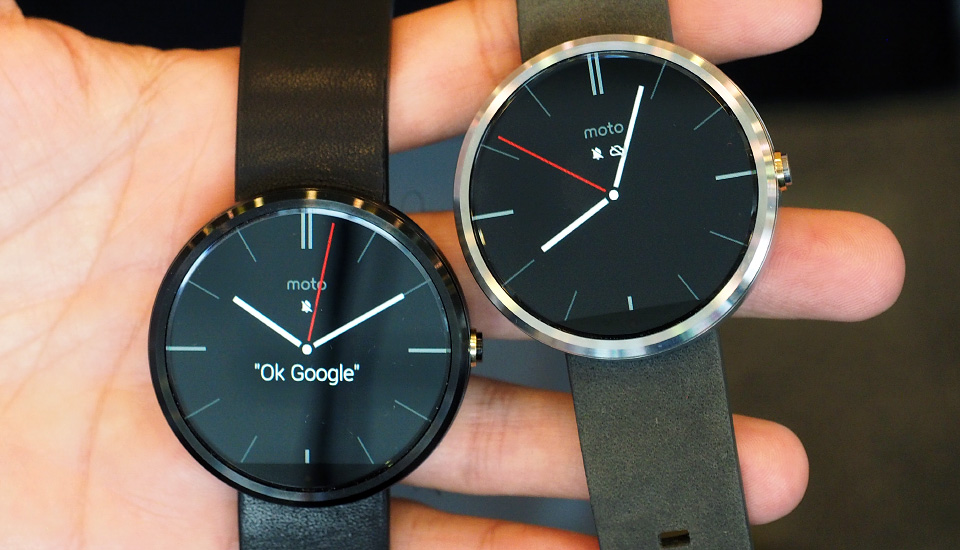
    The Moto 360

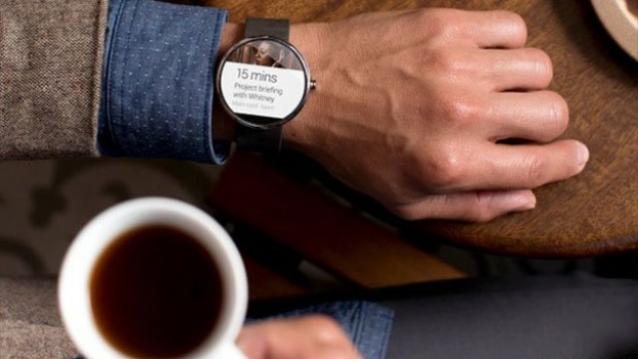
    The looks of the Motorola smartwatch is its best feature. According to the team, the round design is meant to appeal to both genders while ditching the sharp corners that can dig into your wrist. The shape is an improvement over the square designs that we normally see on smartwatches, which makes the Moto 360 look like a regular fashionable watch from a distance.

    The launch of Android Wear is fueling the empty smartwatch market. If Android Wear’s market takes of, our domestic lives will be soon be ruled by Android powered smart devices. Unless, Apple surprises us with its contender.

  • Top 4 Awesome Things Google Android Wear Can Do

    Top 4 Awesome Things Google Android Wear Can Do

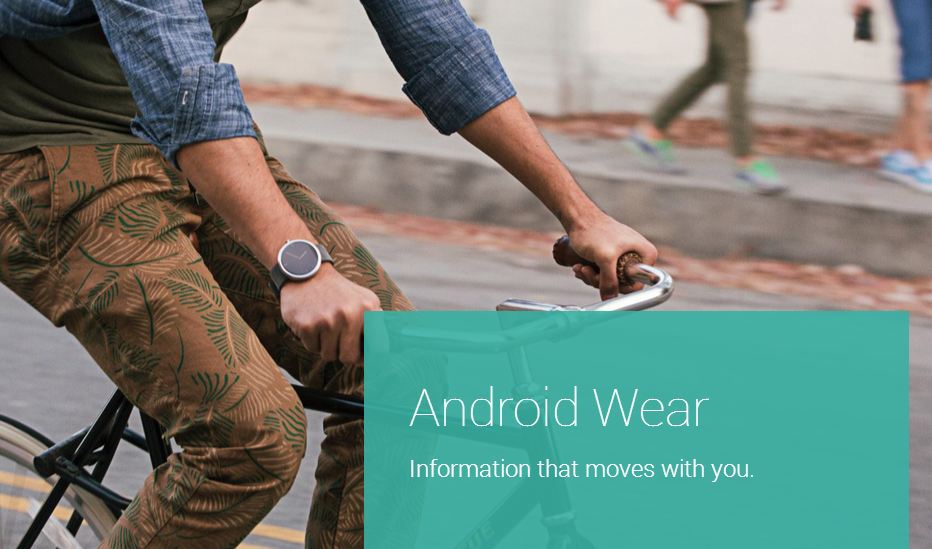
    If Google achieves its goal, Android will be not only on the phone in your pocket, but also wrapped around your wrist soon. As Google pointed out that we check our phones 125 time per day on an average, the new wearable gadget, aptly dubbed as Smartwatch, will take on much of that burden from the hand set. 

    During an I/O 2014 demo, it showed how smartwatches like LG’s G Watch paired with Android 4.3 or higher phones which will display the most important info to you at any given time. That includes flights, the weather, your commute, appointments, reminders,  notes and messages.  Here are the list of thing Android Wear can do: 

     1. Search

    awOne feature that comes handy with Android wear is ‘Google Now’. If you’ve used Google voice search or Google Now on an Android smartphone you’ll know what to expect here. Google Now is built into Google’s search app on both Android and iOS and serves as an answer to Apple’s Siri. A virtual digital assistant, just without the sarcasm and personality that the iPhone’s disembodied voice is known for. Google Now is all about answers—it can answer a wide range of questions, make recommendations and predict what information users need based on what they are doing or where they are at.

    You can ask Google Now, what song is playing, for nearby locations, for the latest sports score, and for the weather forecast. Even better Google Now shows search information before users even ask for it—such as flight information popping up when you have to catch the plane. All of this information is presented on white cards that slide up on the watch face and can be tapped or flicked for more info, or swiped away when no longer needed—this too is the familiar Google Now user interface and similar to what Google Glass does, which is also powered by Android.

     2. Voice

    a w1
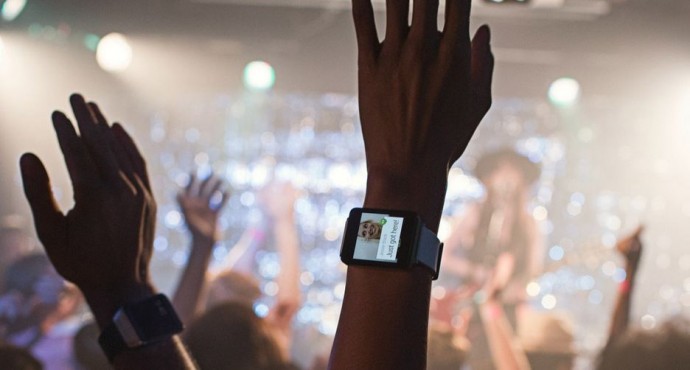
    Google Now is dependent on two types of input; speech and text while we use it on the phone. With Android Wear nobody seems to be typing. Rather, all the input seems to be dependent on voice commands for both search and messaging. Though, it seems that using Android wear in noisy places like concerts or stadiums will be a tough task. But on the other hand, Google does have a reputation for best-in-class voice recognition. 

    3. Location

    Finding location is one of the key features of the Android Wear. Same as Google Now, Android Wear will aim on hands-free and voice navigation. Being a Google product will also send various notification based on the location like possibility of rain, good resturants around, warning about floods in the area etc.

    4. Fitnessa w

    One more important function is its fitness tracking. Right now, such functions are being handled by devices like the Jawbone’s Up, the Fitbit and the Nike+ FuelBand. With Android Wear, Google clearly wants the only thing on your wrist to be an Android powered watch. One example high at Google I/O is showing the number of steps taken for the day and week. Android Wear devices made with heart rate monitors will also be able to tap into that data for compatible apps.

    After showing-off Android Wear, Google announced a number of upcoming devices that will run its new platform. Chief among them was the new Samsung Gear Live, company’s first device to use Google’s wearable platform, along with LG G watch which are now available to preorder from the Google Play store. But those interested in the Moto 360 smartwatch will have to wait, as Google said it won’t be available to pre-order until later this summer.

  • Another Moto G Competitor Launched, Meet The HTC Desire 516

    Another Moto G Competitor Launched, Meet The HTC Desire 516

    The new HTC Desire 516 Dual Sim secretly went online in eBay for Rs 13,302. Now, the Taiwanese vendor has officially launched the phone in the country for Rs 14,200. Well, availability of this device will certainly spice up the already crowded segment.

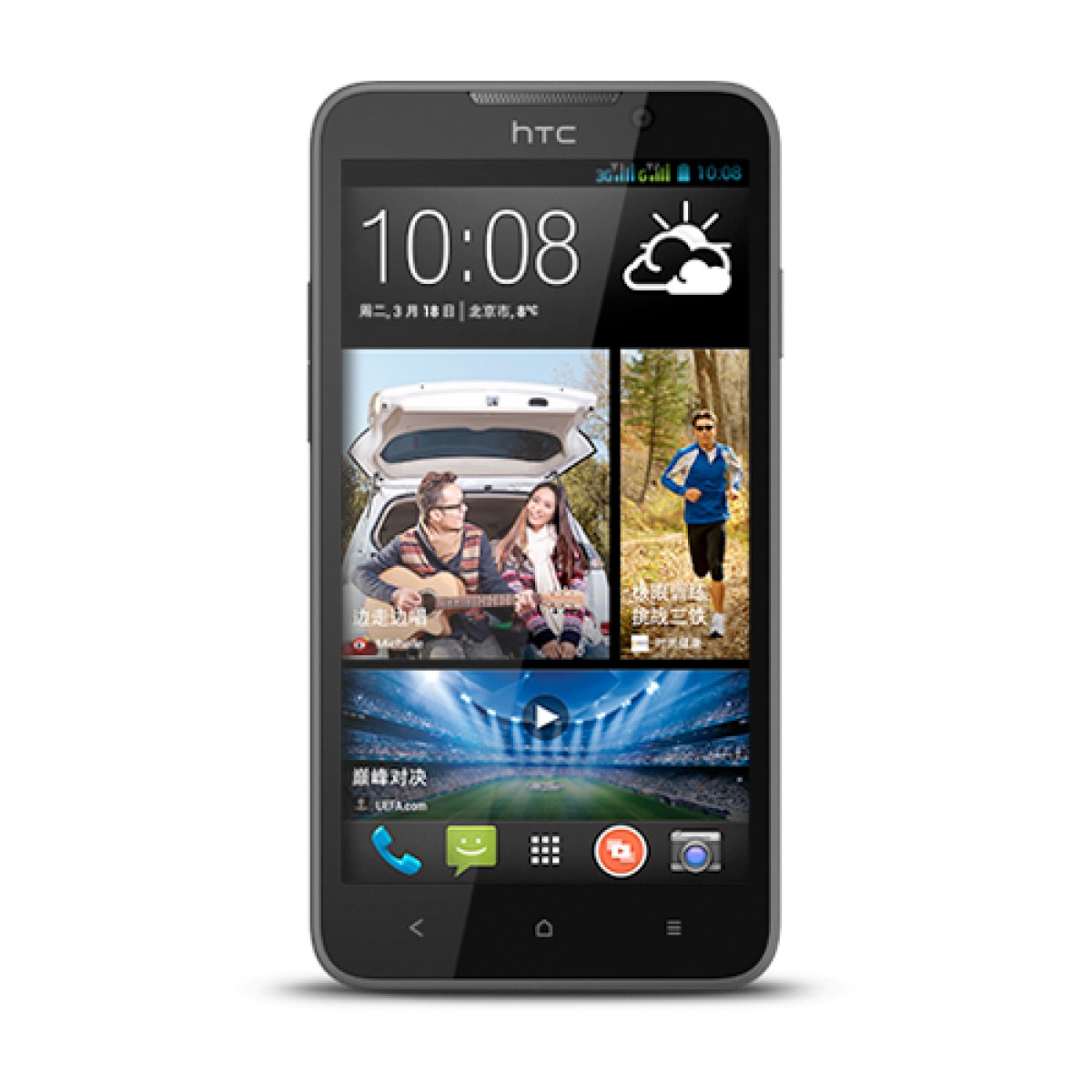
    The HTC Desire 516 is equipped with Android 4.2.2 Jelly Bean skinned with HTC Sense UI v5.1 and is a Dual Sim Smartphone that will give though competition to the Moto G. The handset that is already available in China, runs on  Snapdragon 200 SoC with quad-core 1.2 GHz Cortex-A7 processor and a Adreno 302 GPU with 1 GB of RAM.

    Desire 516 sports a 5-megapixel rear camera with LED flash and backside-illuminated sensor (BSI), while it also houses a 2-megapixel front-facing camera. The HTC Desire 516 packs a 1950mAh battery that is rated to deliver up to 9 hours of talk time with no word on standby time.

    The smartphone will be available in Black and White colour variants only. It comes with dimensions 140x72x9.7mm and weighs 160 grams. The Desire 516 is currently on sale at eBay and was first spotted by Maktech blog.

    The company had also launched Desire 816 in May through Flipkart in India at Rs. 24,450. Well, the new device has a direct competition with Moto G. Moto G is priced at INR 12,499, and is equipped with 4.5 inches HD Display, 1.2 GHz Snapdragon  400 quad-core processor. 1 GB RAM, 8 GB or 16 GB Internal Storage, 5MP rear and 1.3MP front camera and runs on Android 4.4.2 KitKat.

    Key Features of HTC Desire 516 –timthumb

    • 5-inch Capacitive Touchscreen Display (540 x 960 pixels)
    • Android v4.2.2 (Jelly Bean) OS
    • 1.2 GHz, Quad core, Qualcomm QSC6270
    • Adreno 302
    • 1 GB RAM, 4GB Internal Memory (expandable upto 32GB via microSD card)
    • 5 MP Primary Camera with LED Flash, 2 MP Secondary Camera
    • Dual SIM, GSM+GSM
    • GPRS, EDGE, 3G, HSDPA, Wi-Fi 802.11, b/g/n, Bluetooth, A-GPS, GPS, USB Connectivity
    • 1950 mAH Battery

    [poll id=”11″]
  • Here Is What Happened At The Google I/O

    Here Is What Happened At The Google I/O

    The developer’s conference, Google I/O was kicked off with with a ton of interesting news. Google has taken the wraps off and unveiled several new products, including the Android TV, Android Auto and the Android L. The keynote for the Google I/O 2014 developer conference created  a lot of buzz for the tech community. Here is a list of some of the keynotes from the conference:

    Android Wear

    Google-Android-Wear

    We finally got to see smartwatches running on Google’s Android Wear OS, in the form of LG’s G Watch and the Samsung Gear Live.The watches connect with your smartphones to provide direct access to handset notifications, allowing you keep check on your mobile apps without using your phone. And yes, they are also equipped with sensors that can monitor things like how many steps you took and your heart rate.

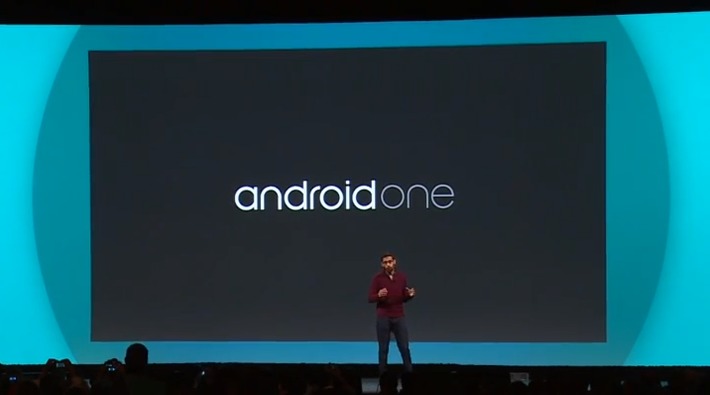
    AndroidOne

    android-one

    Google also announced a new set of hardware reference platforms, called AndroidOne. This will provide opportunity for Google’s partners, such as Micromax. This also means that companies will now be able to develop devices quickly and cheaply.With AndroidOne, Google aims to bring a quality Android experience to the emerging markets, at affordable prices.

    Android ‘L’


    It may not have been announced officially just yet, but we did get a peek at what Google’s plans for it are. The next “L” version of Android is updated with a new software layer called Android Runtime (ART) that Google claims will double performance. It will also be bringing an entirely new interface with it. Google is calling the new look Material Design, and it focuses on the dynamic animations and creating depth through the use of virtual lighting and shadows. The design will also be consistent across all of Google’s apps on all devices associated with it.

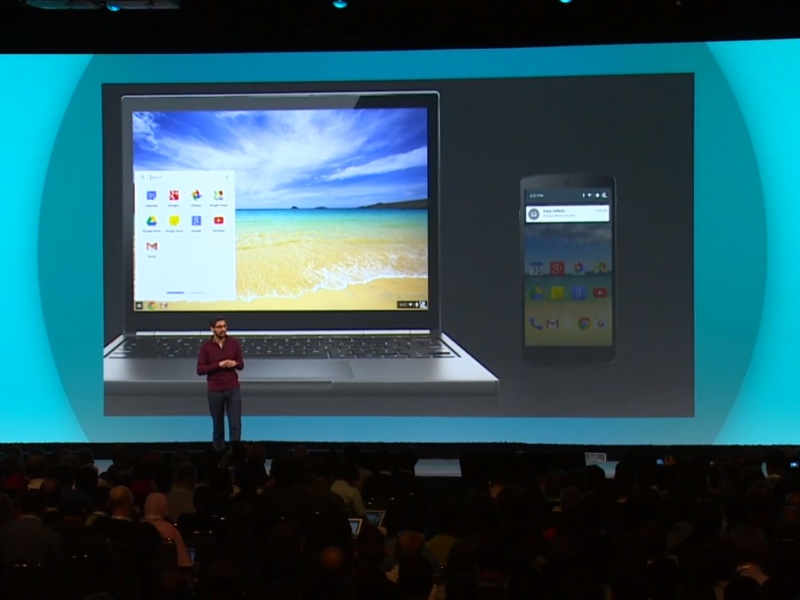
    Chromebook

    sundar-pichai-google-io-chromebook-1

    Google Chromebooks are focused on avalabilty of the Internet at budget prices. And this year these Chromebooks have gotten several new tricks under their sleeves. You’ll soon be able to receive calls and notifications of your phone right from your Chromebook, and open Android apps on the device.

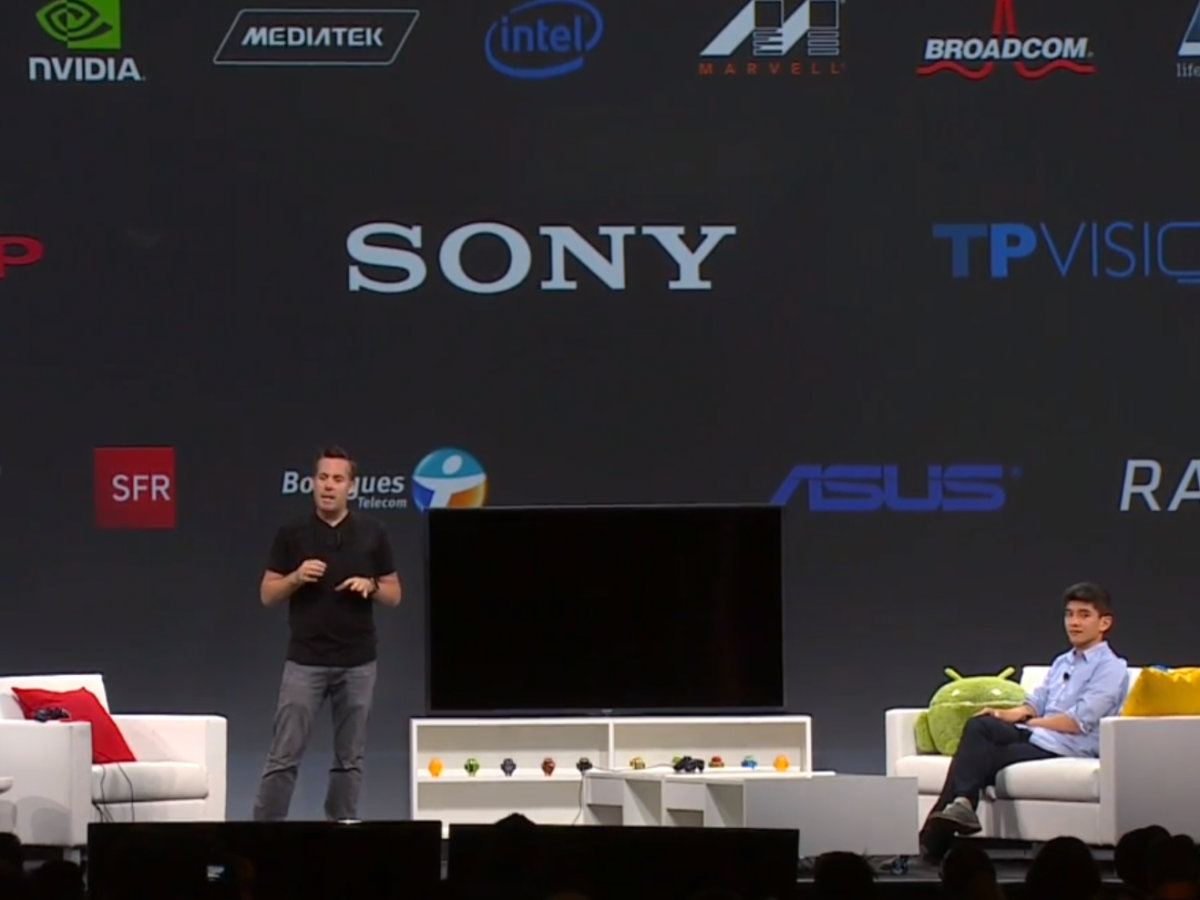
    Android TV

    google-io--android-tv

    Google’s Android TV is another initative all set to rule our domestic lives. With Android TV, smartphones, tablets, and even smartwatches, can now replace your old remote control. The entire platform is designed to give you a fresh Android experience on the biggest screen in your house.

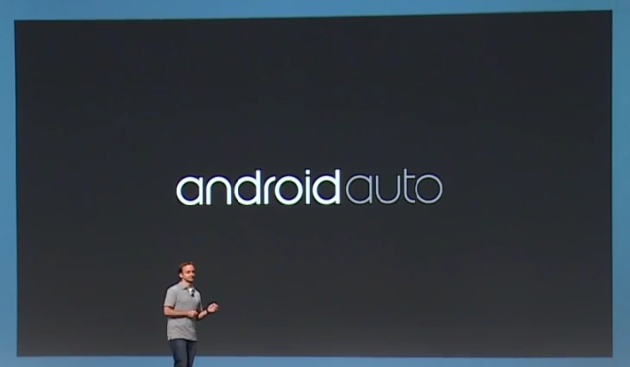
    Android Auto

    google_io_2014_android_auto-630x367

    Competing against Apple’s CarPlay, Google announced a new interface for cars that will create a whole new hands-free Android experience to your vehicle’s navigation system. Now, plugging your device into a compatible car will launch Android Auto, with Google Now-style info cards, navigation directions, and some awesome features like dictating text messages or letting you answer calls, without taking your eyes off the road.

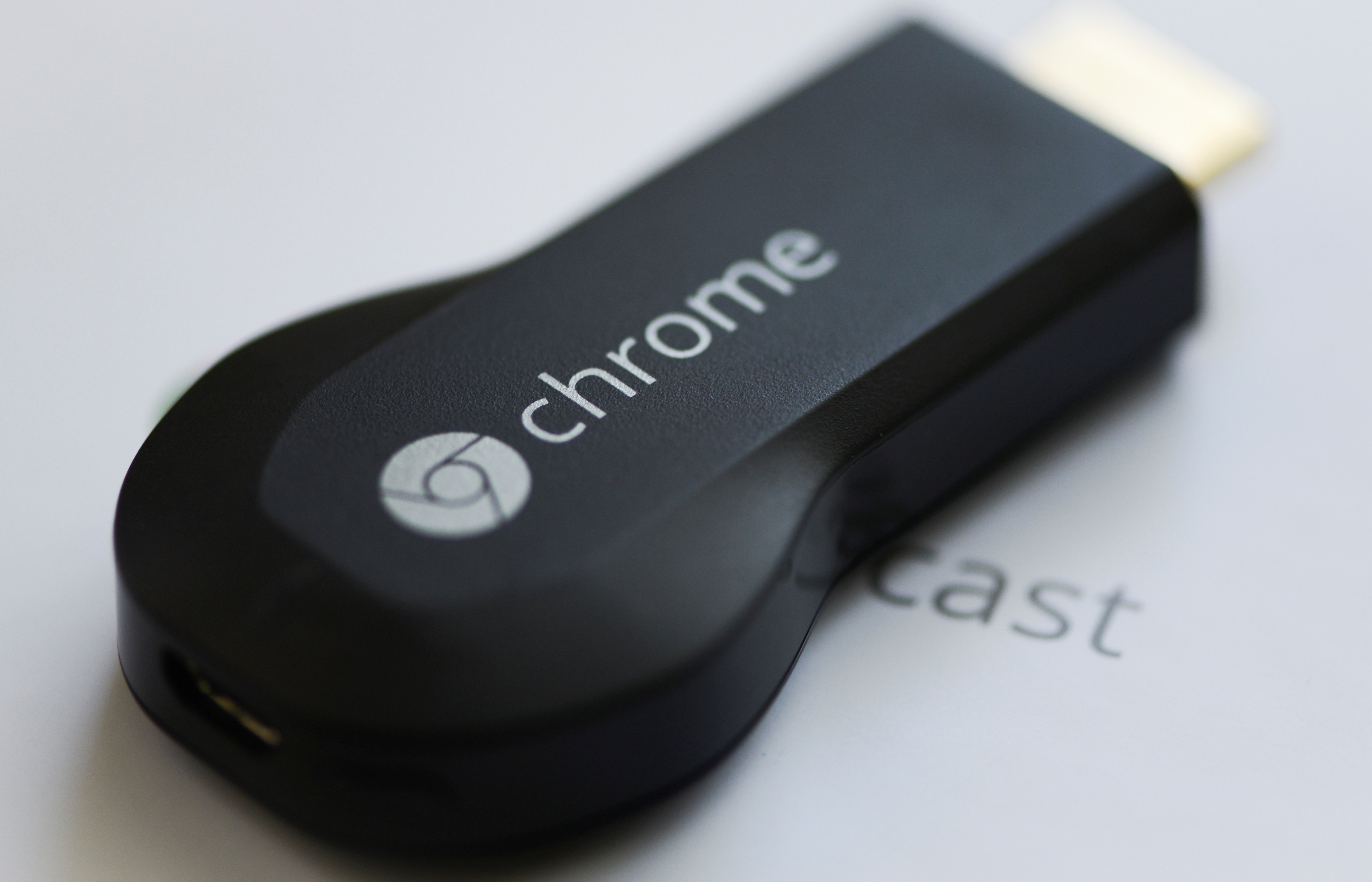
    Chromecast

    Chromecast_dongle

    Though there was no news about new Chromecast during the event, still Google hinted a few updates on the streaming media stick including its ability to mirror your entire Android device directly onto your television screen. The Chromecast’s biggest weakness is obviously the lack of supporting apps, and this new feature shall solve this problem.

iGyaan Network
Privacy Overview

This website uses cookies so that we can provide you with the best user experience possible. Cookie information is stored in your browser and performs functions such as recognising you when you return to our website and helping our team to understand which sections of the website you find most interesting and useful.