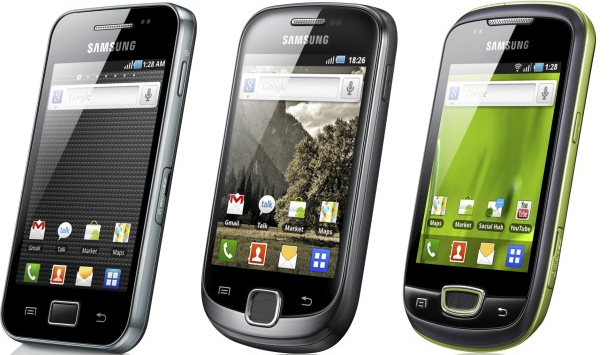
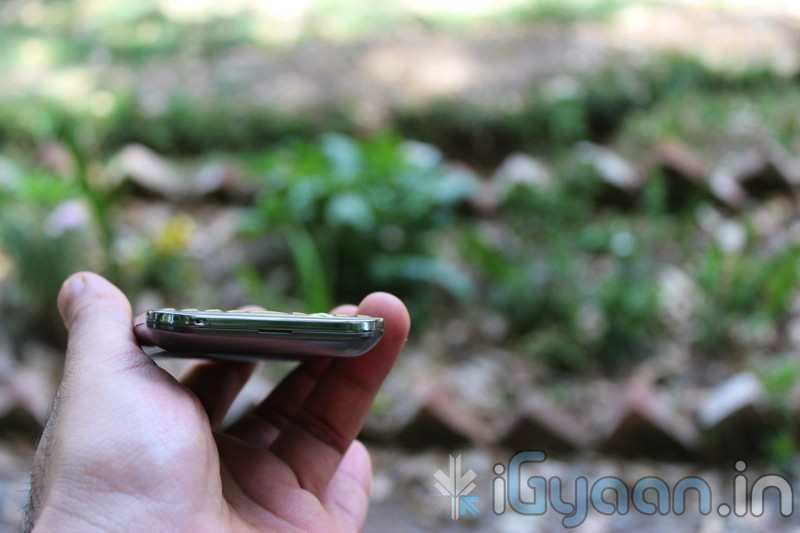
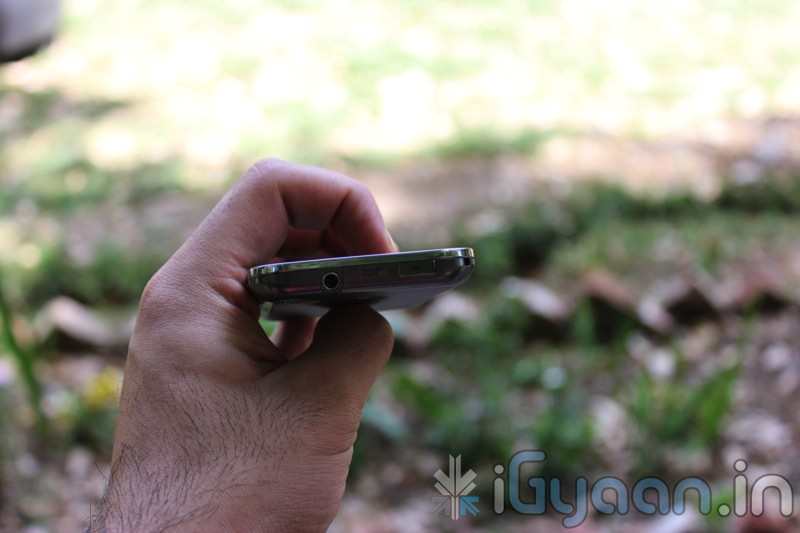
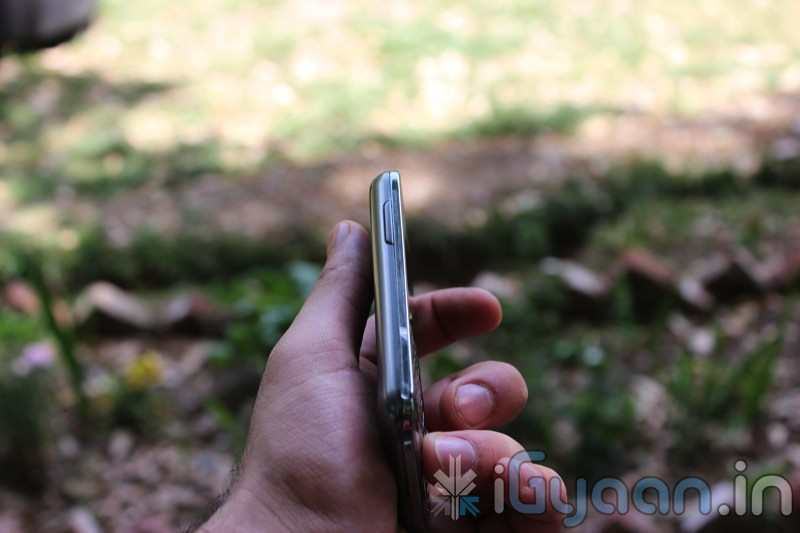
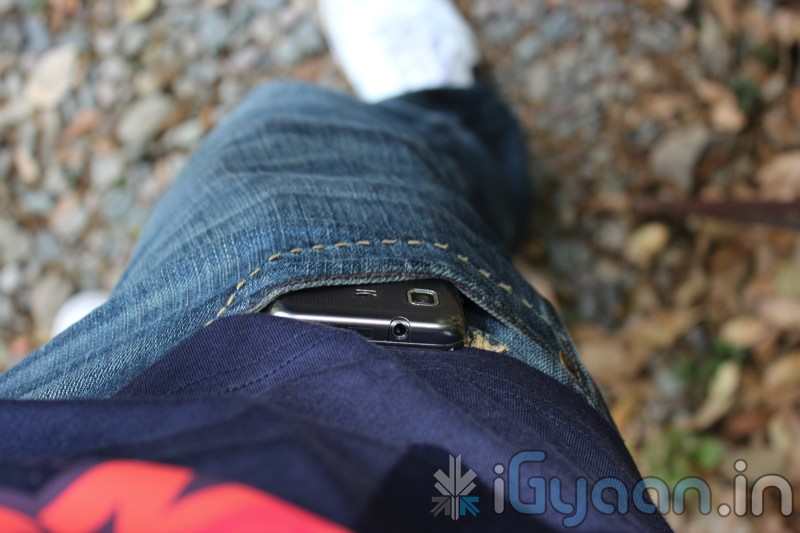
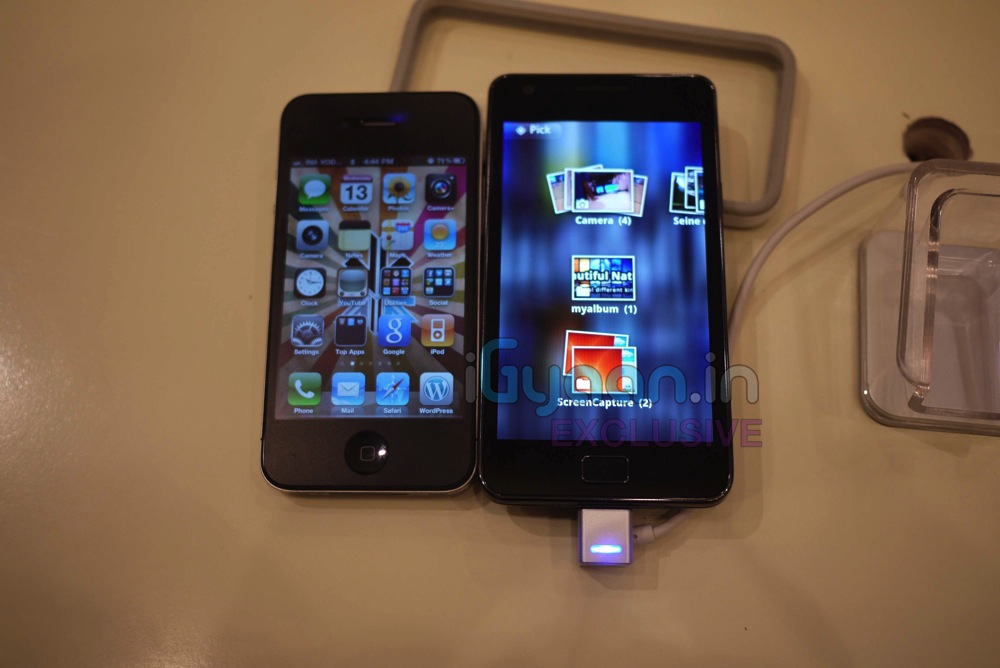
Looks like everyone in this world believes that Nokia is a dying breed. Analysts from Nomura Research say Nokia’s will lose the top spot this quarter for the first time since 1996. Its a shame really. Also, according to the Analysts the top two spots will had by Apple and Samsung pushing Nokia to No. 3.
[quote]“Nokia looks set to relinquish its smartphone crown to Samsung and Apple,” Nomura wrote in a note to investors on Monday. “Further emphasizing the shift in power to Asia is our forecast for HTC to almost match Nokia during 2012.” Nokia will retain its lead in overall cell phone sales, Nomura says[/quote]
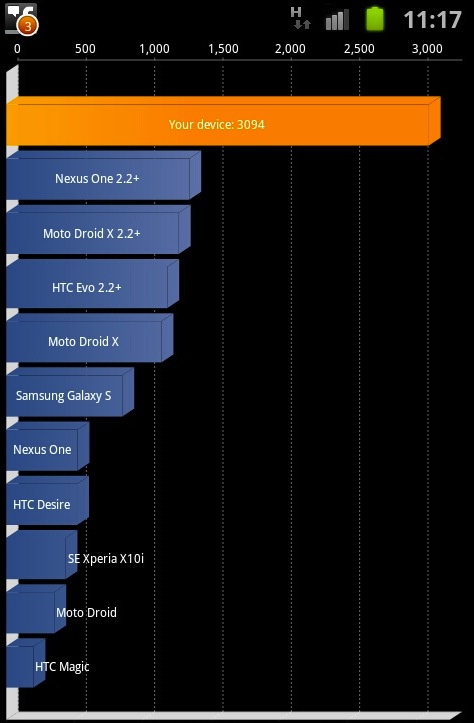
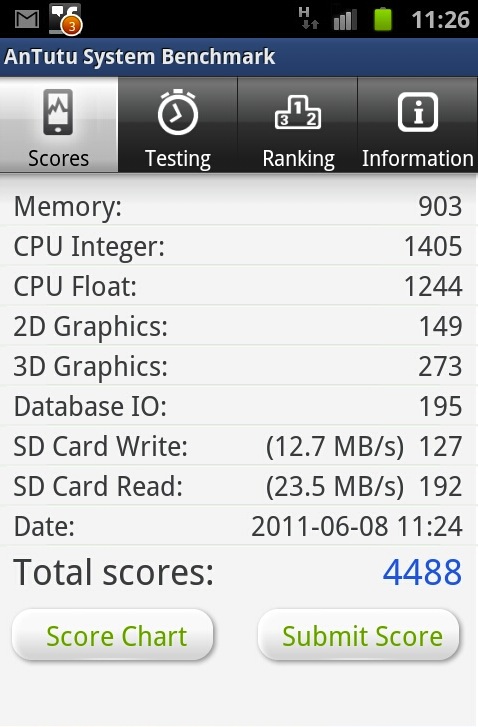
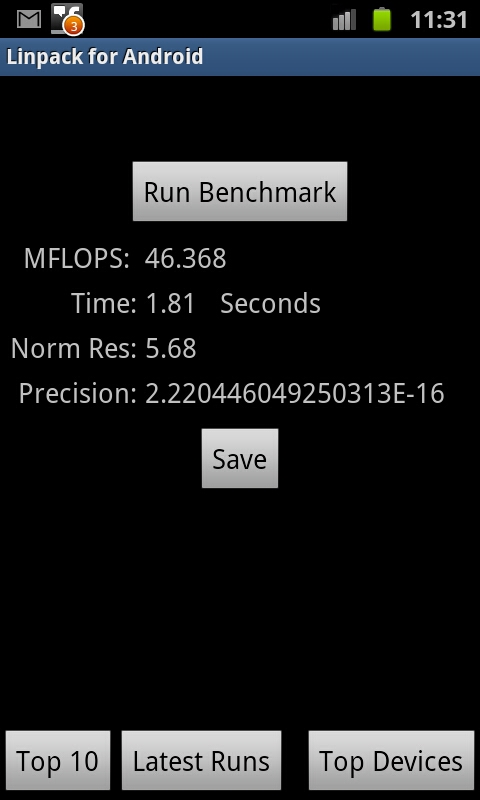
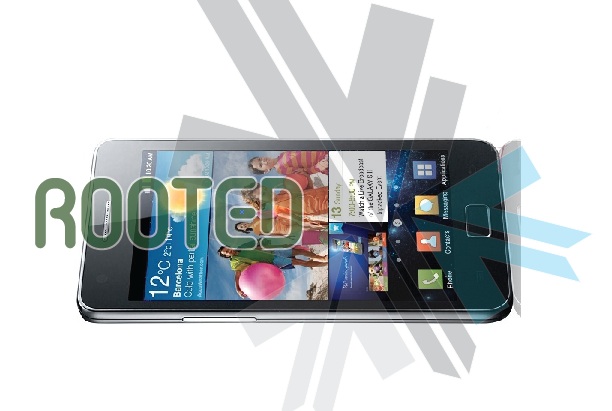
So while we were playing around with the new Samsung Galaxy S2 and found a great screenshot feature so we decided to show you benchmark screenshots: take a look at the amazing scores from Samsung Galaxy S2
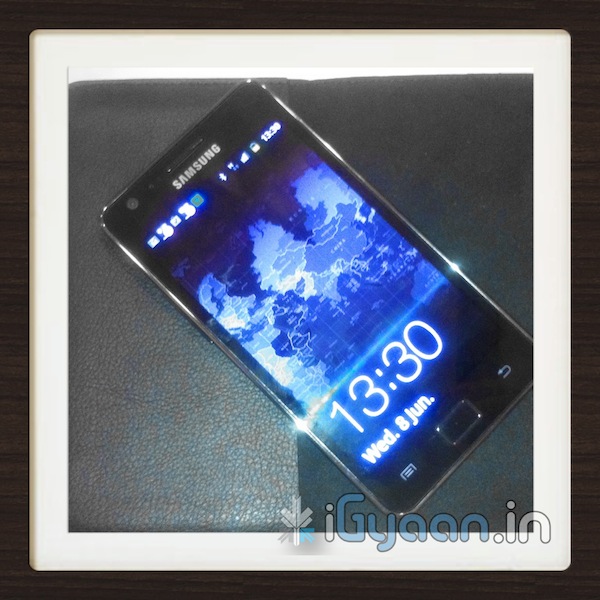
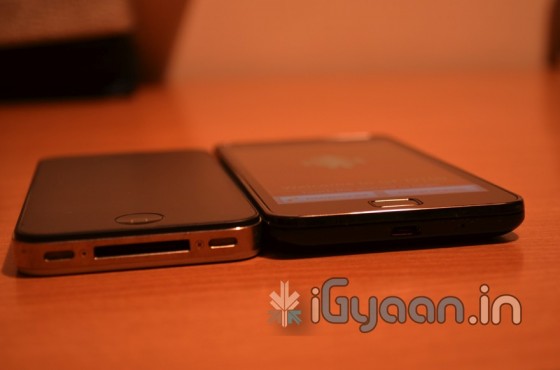
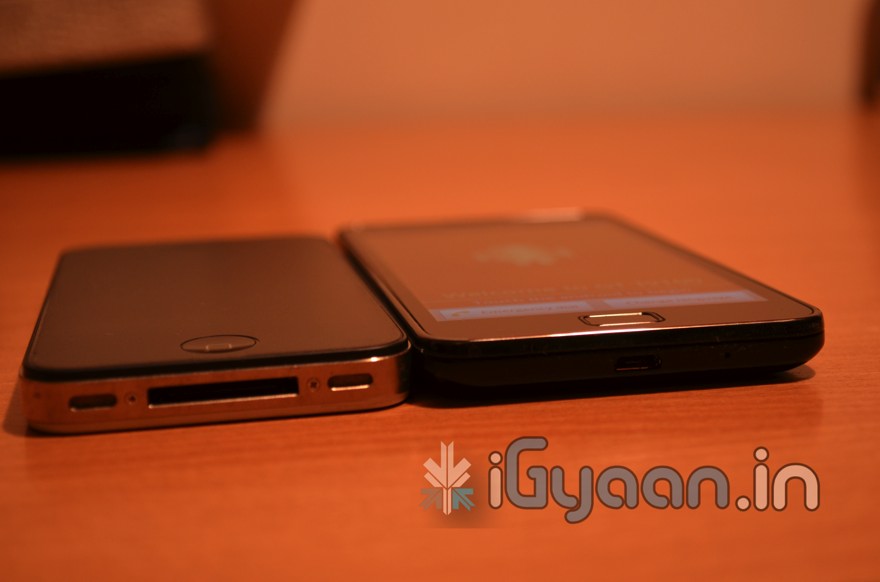
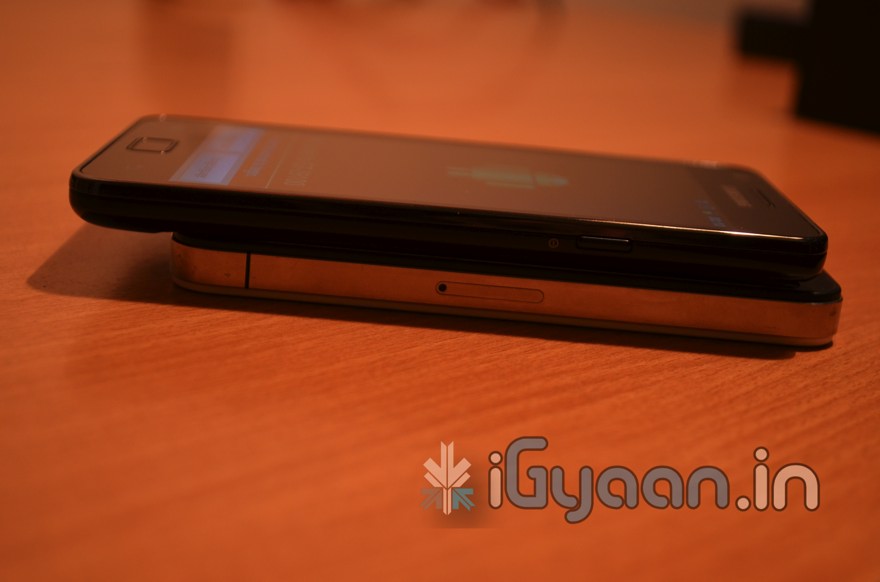
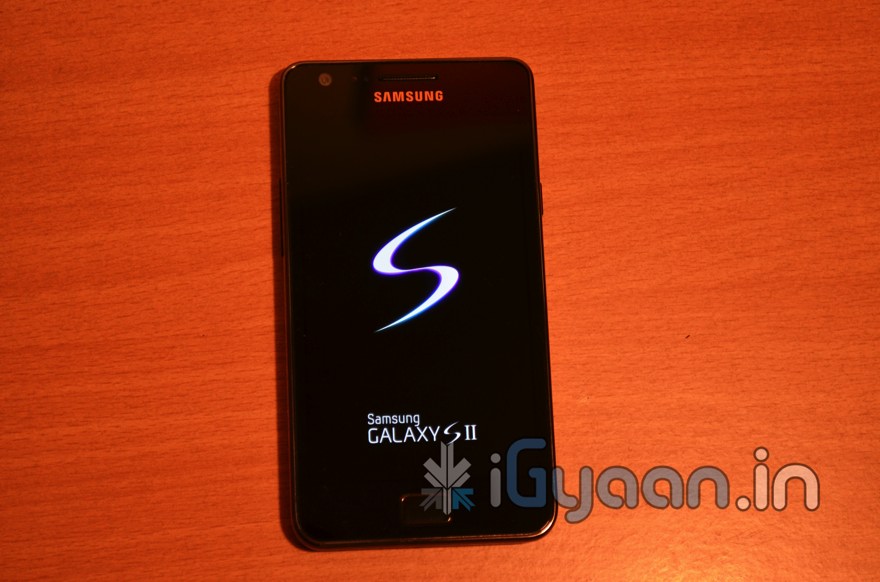
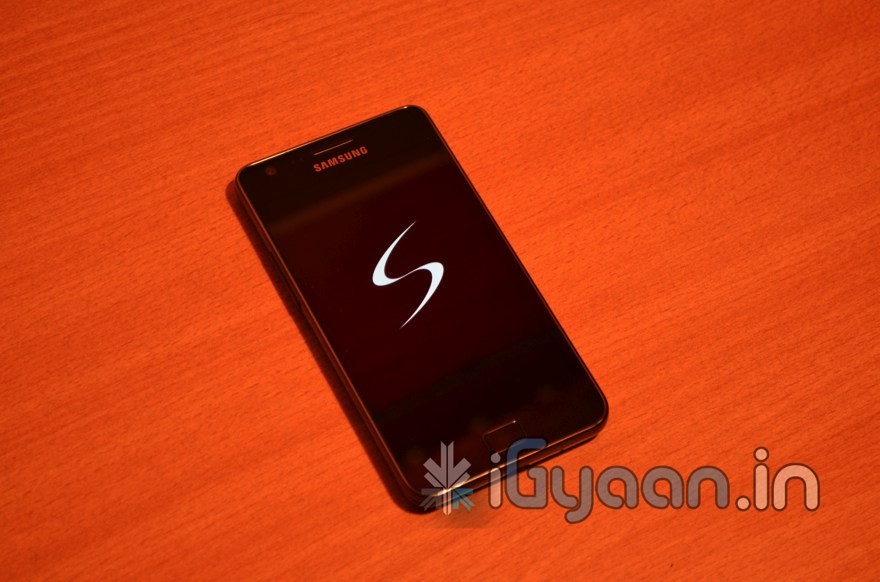
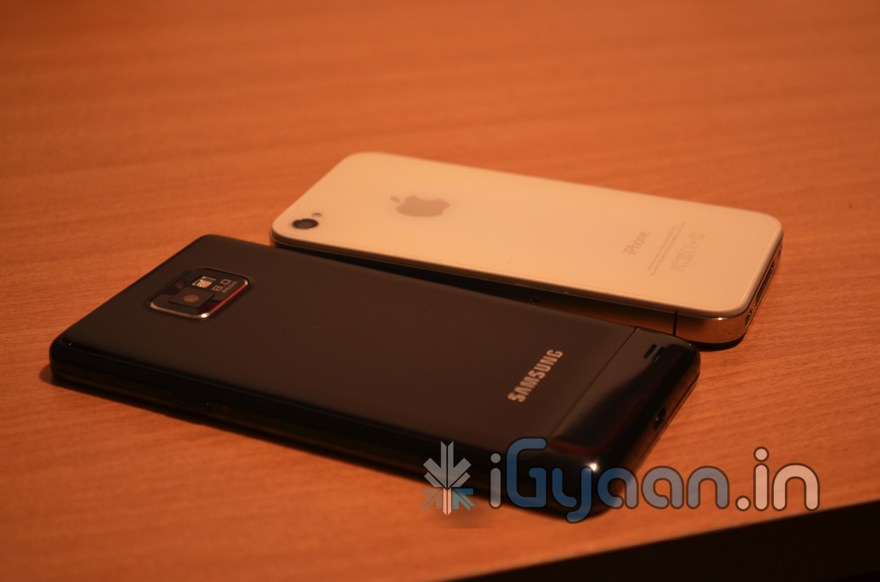
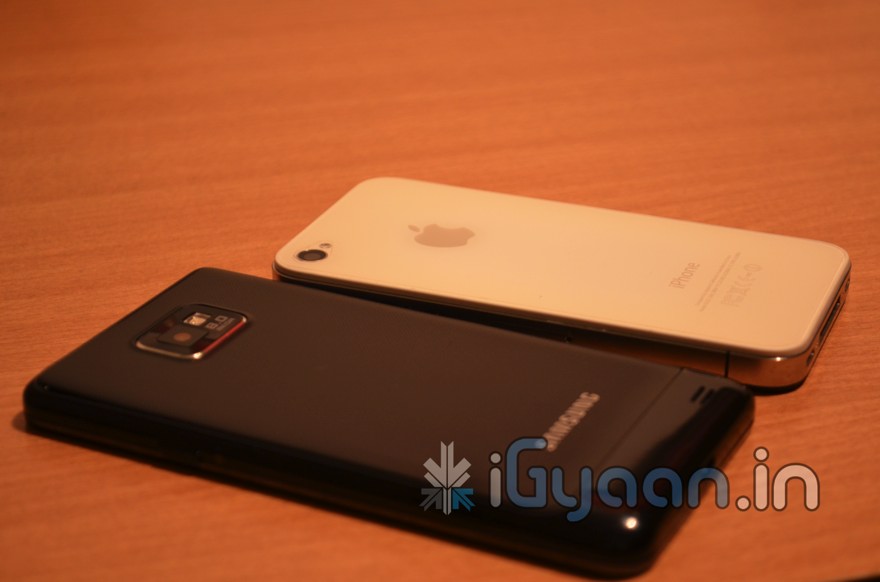
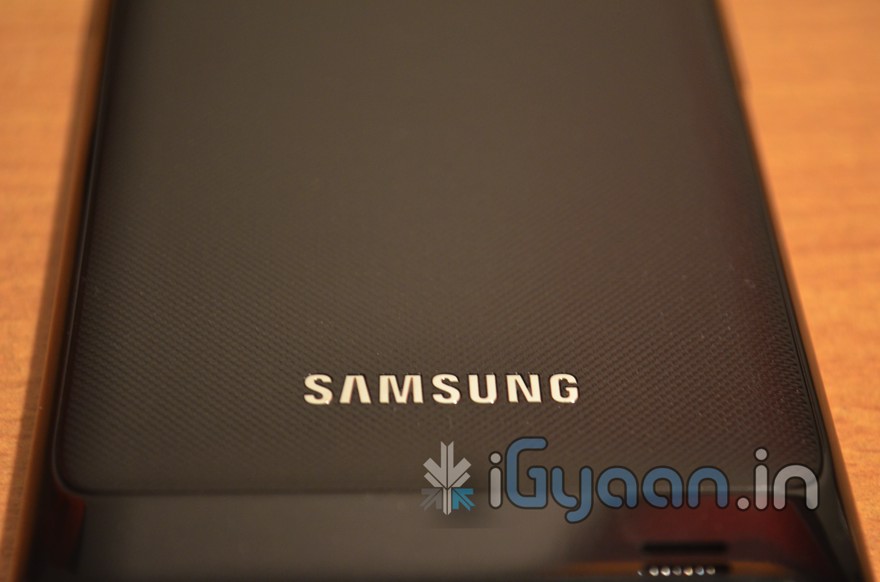
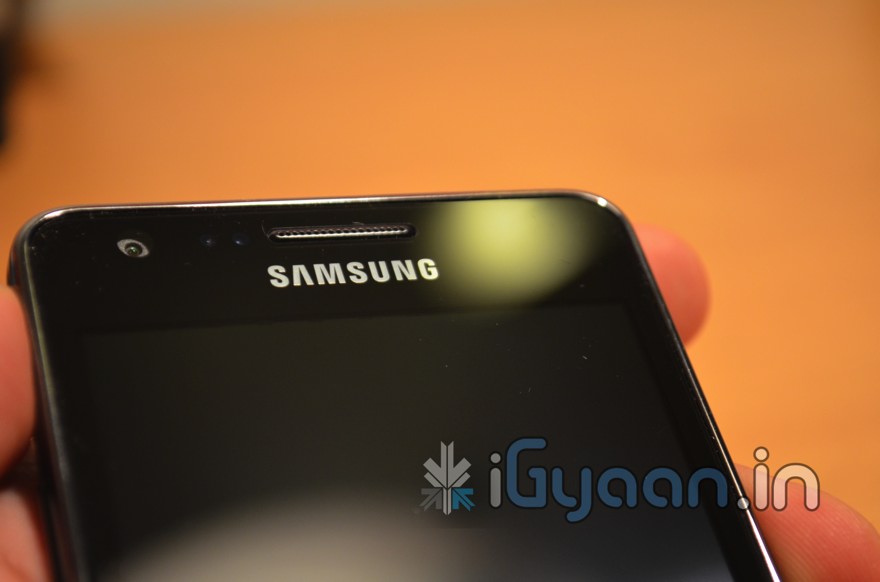
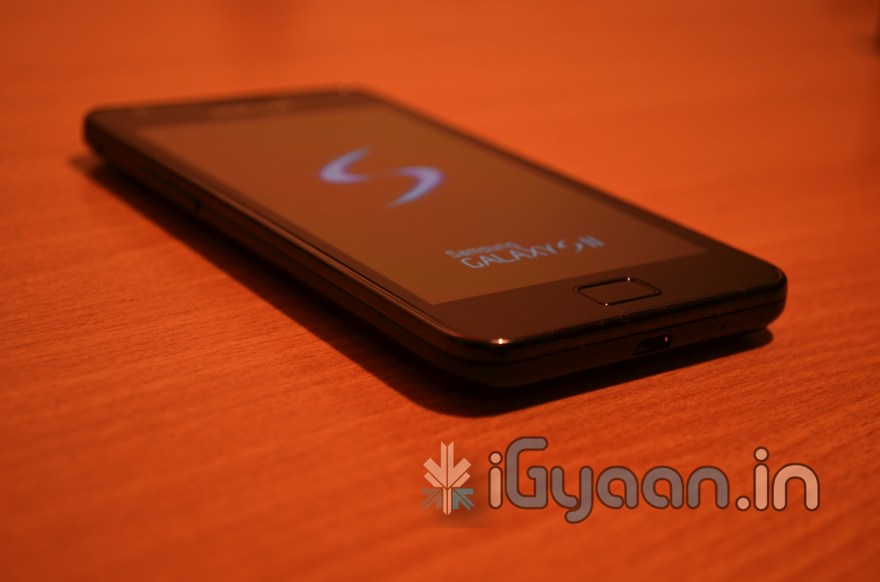
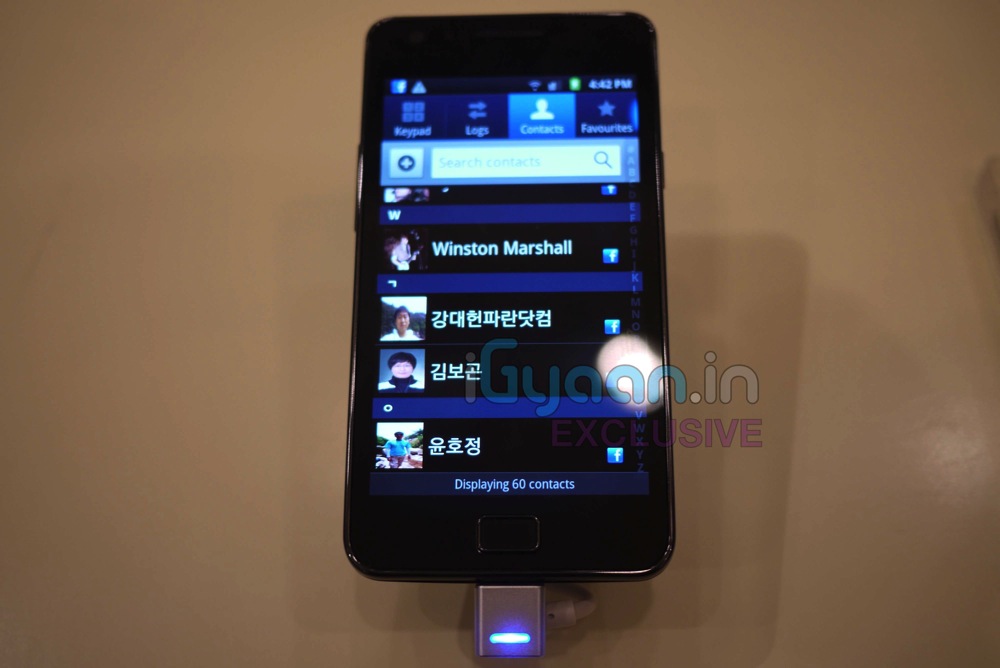
Is it here Finally? Yes it is, the new Samsung Galaxy S2, The Epic Smartphone of the Year! (Till now Anyway) While we unbox the beauty check out the Hands On Pics below. Remember you got all exclusive news on the Samsung Galaxy S2 here at iGyaan.in.
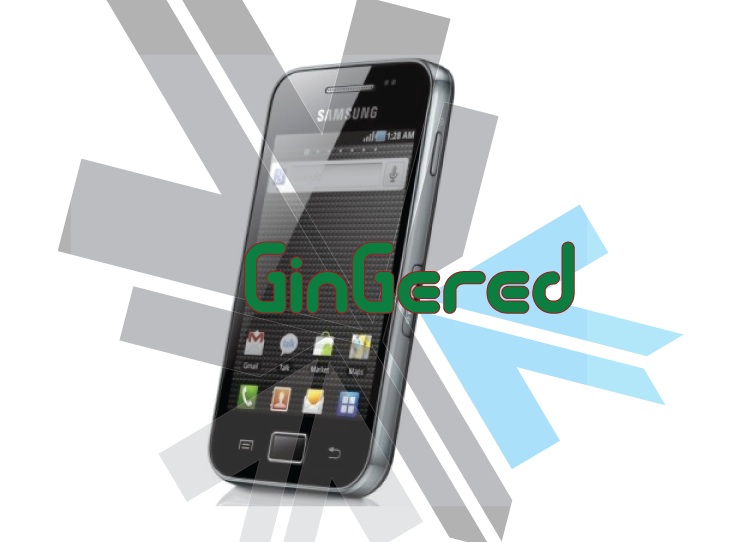
If you have a Galaxy POP / FIT / POP cdma or even a Galaxy Ace
You are probably complaining of the poor battery life! SO were we.
But iGyaan has found a quick fix for all your woes. It seems that something in the devices is causing the chipset to overheat and cause the battery to drain. Sometimes enough to drain the battery in a few hours of NON-USE.
So here is what you need to do ( incase you didn’t already know)
Make Sure you remember to turn off Wifi / GPS and Location services
Turning off Background Data will also improve the battery life considerably.
But we found that the above steps, may improve battery life, but do not improve it to an extent where the device is still usable. And a simple uncheck helped us resolve this predicament.
Go to Settings < Wireless And Networks < Mobile Networks
And turn of Cellular data / Phone data / Mobile data ( whatever it is called on your device)
You will see a 10x improvement in battery life to say the least. And guess what ? No more overheating of the device. We found that the processor and chipset are constantly struggling to maintain a connection with the IP provided by the cellular network. In India the Cellular data is not stable and hence causes a change in IP every few minutes, Causing the device to go into a constant loop to resolve itself on the network. Hence leading to processor overload and battery drain.
Please tell us if turning data off improved your battery life. We tested with several devices and were quite happy with the results.
If you use cellular data often you can place a quick widget on the home screen which will toggle Cellular data when you need it.
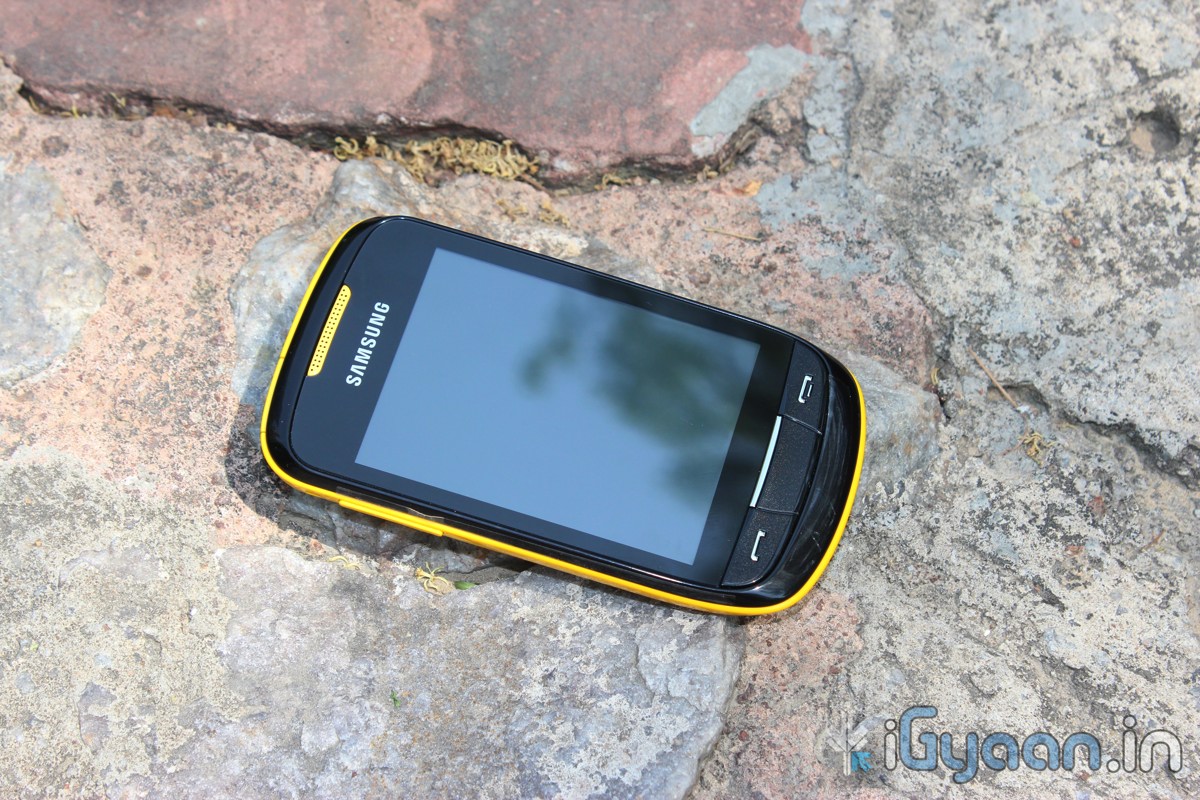
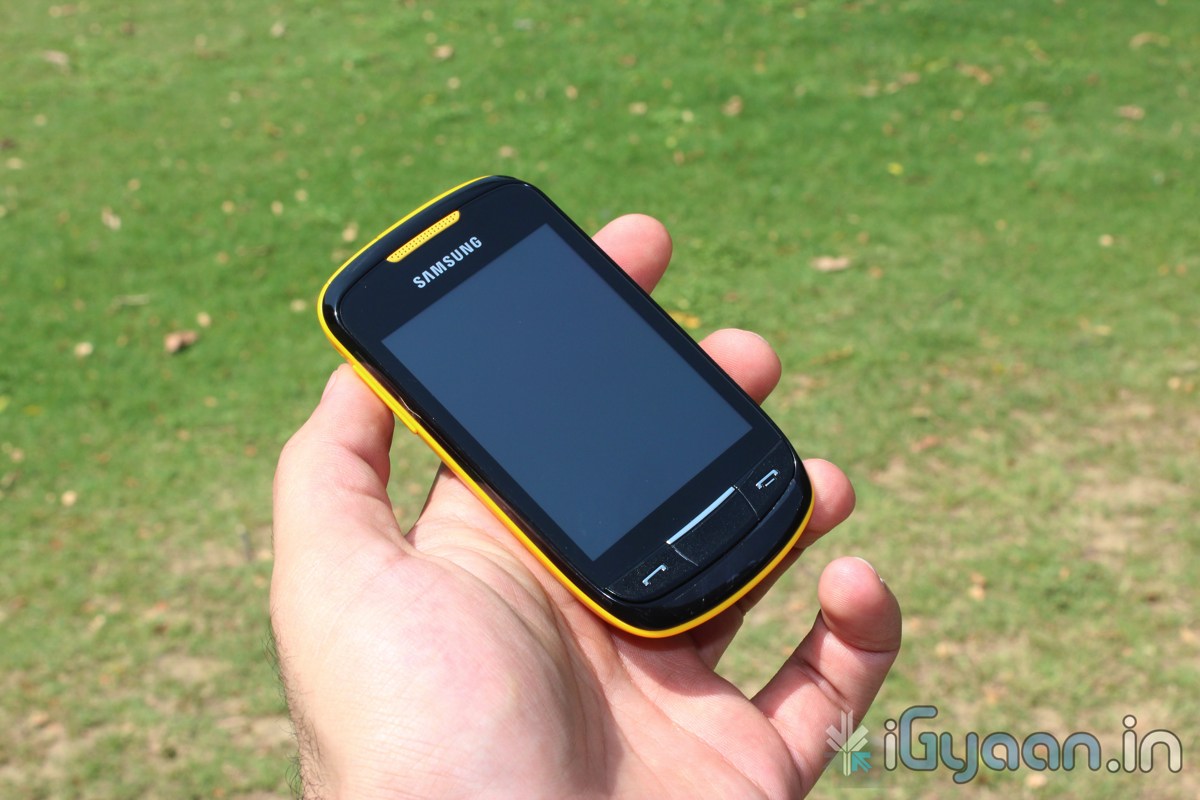
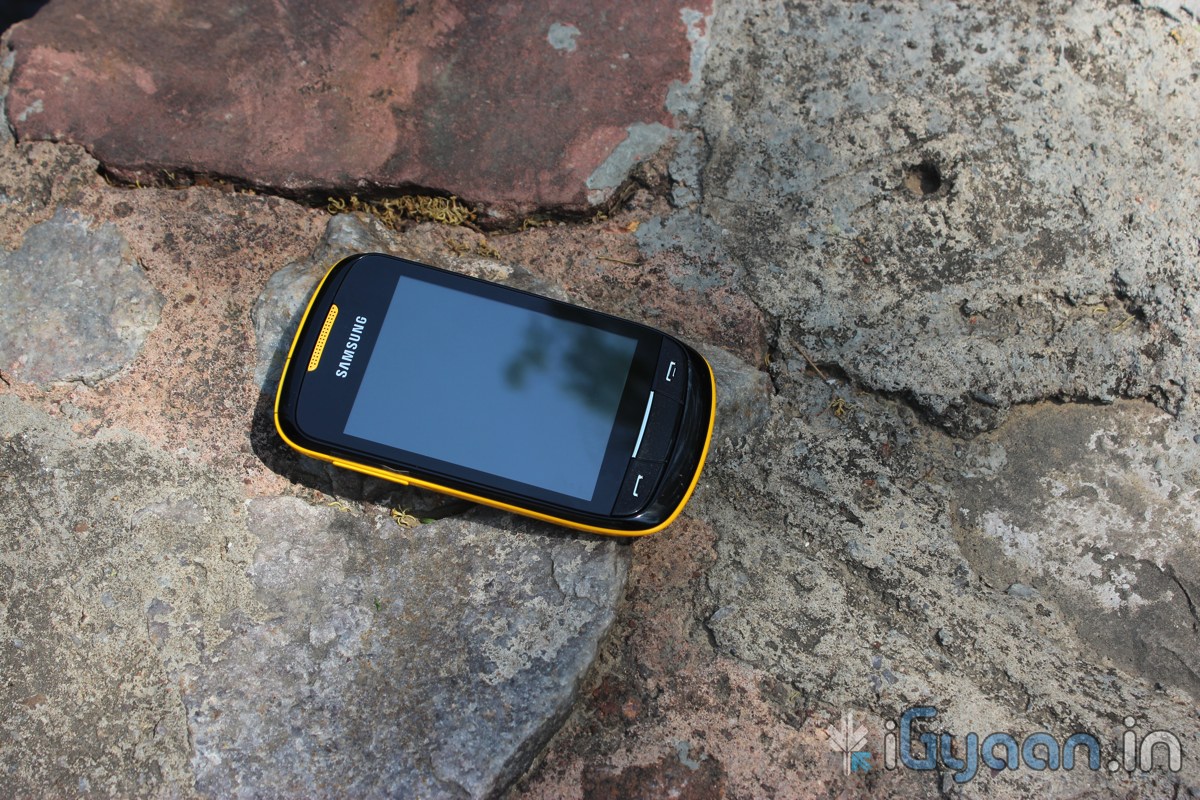
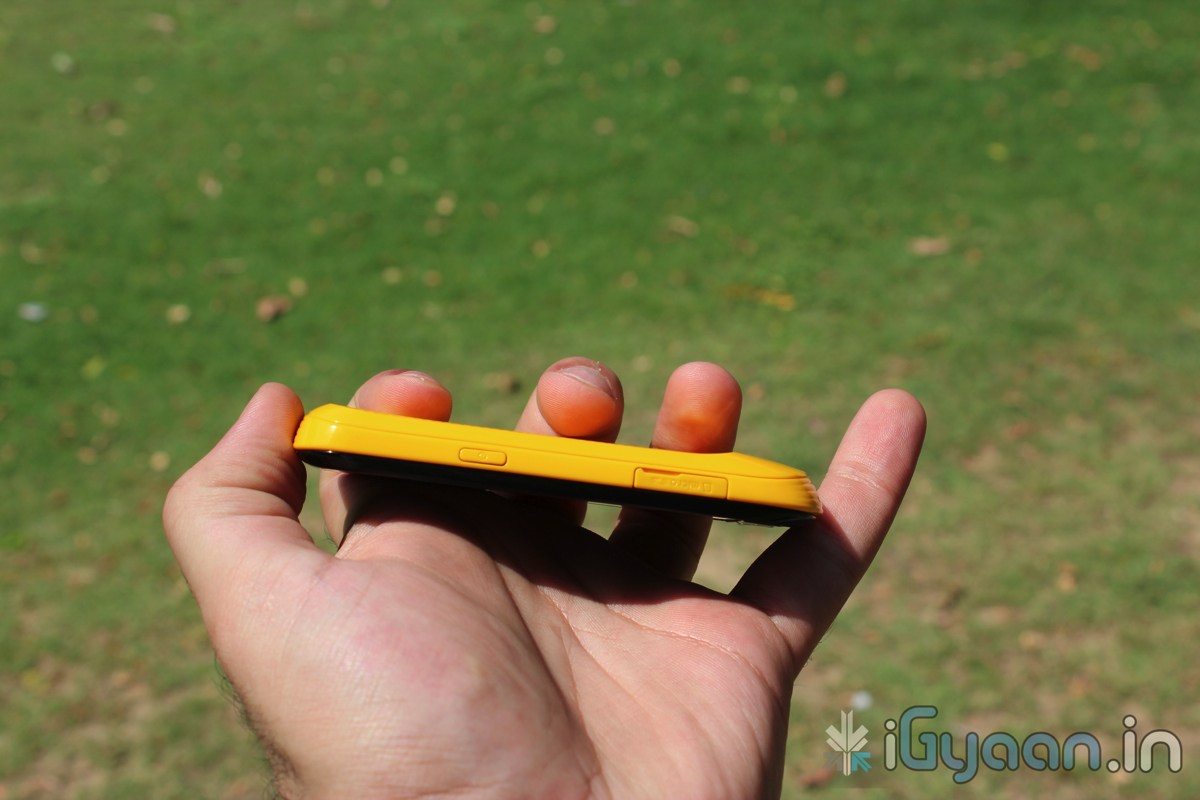
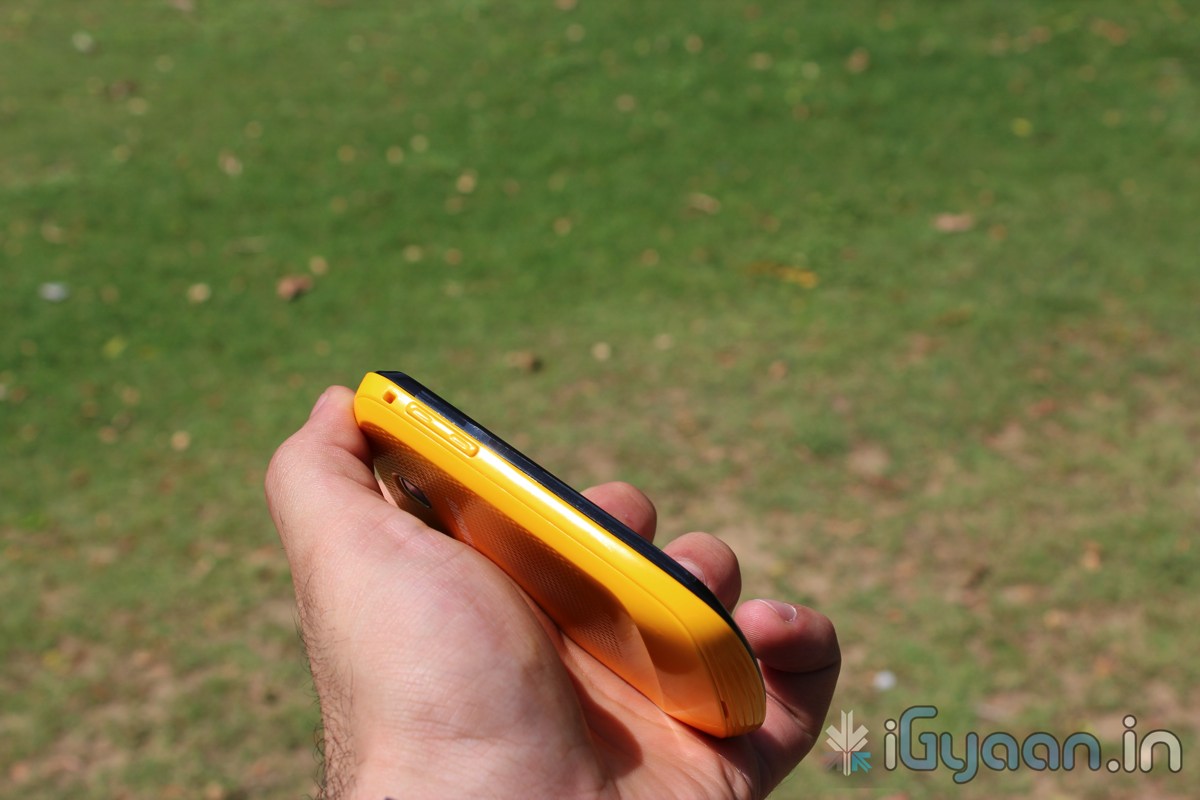
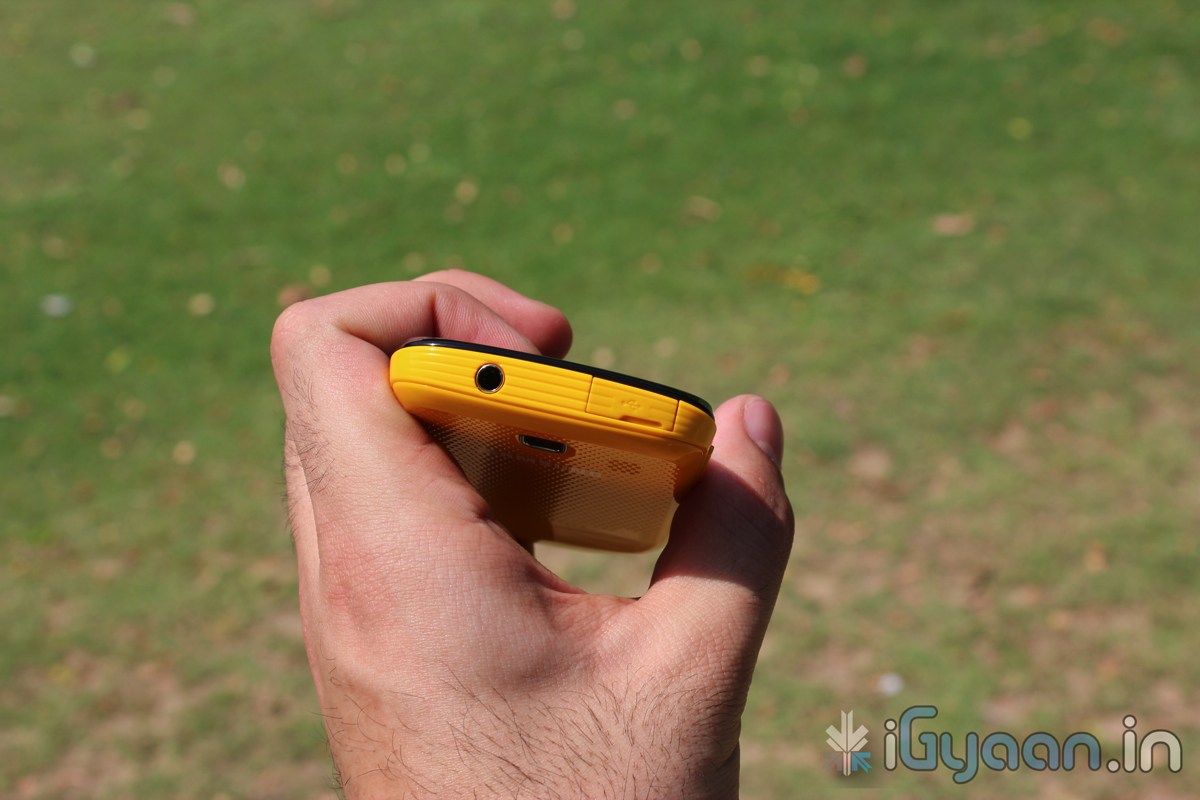
The Samsung Corby 2 is the successor to the original Corby, a might successful college/ ladies phone. So, the corby 2 has huge shoes to fill, the question here arises weather or not it can fill them. We take a look at the new Corby 2 and see its capability in the exact situation where a lot more competition is available even from the likes of Samsung themselves.
BUILD QUALITY and HARDWARE
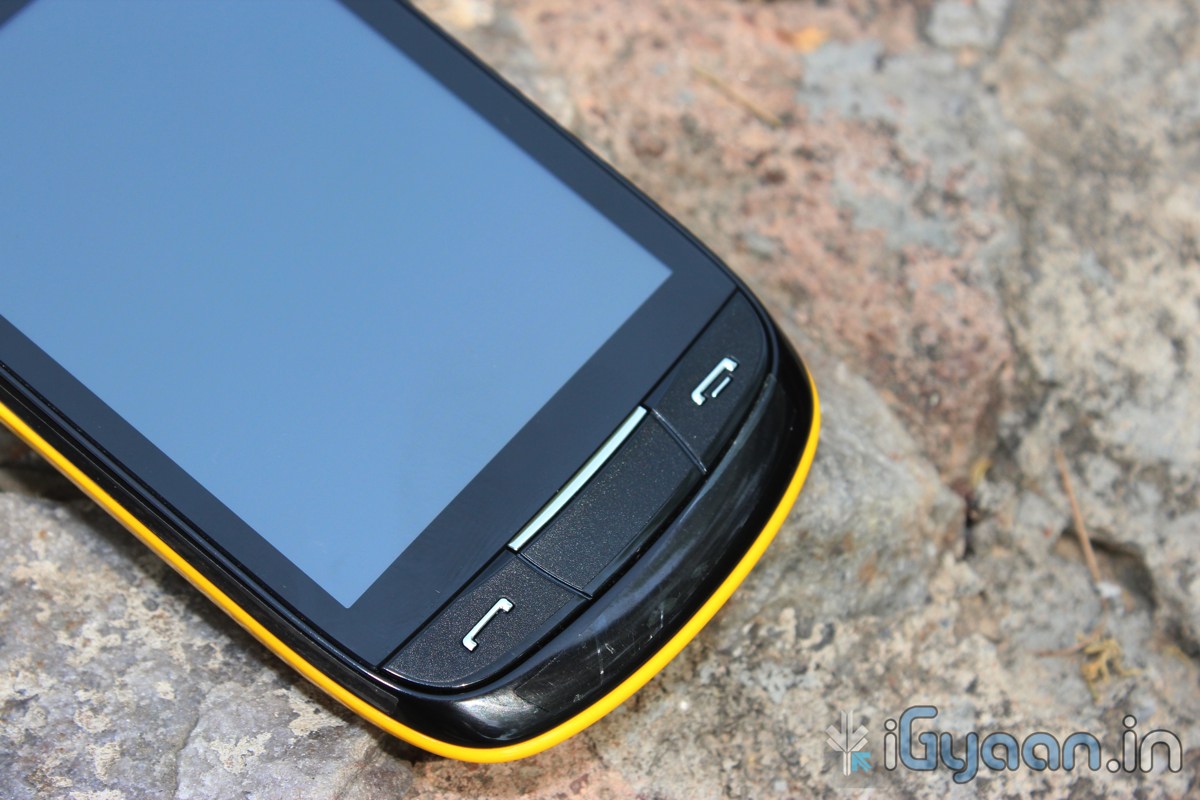
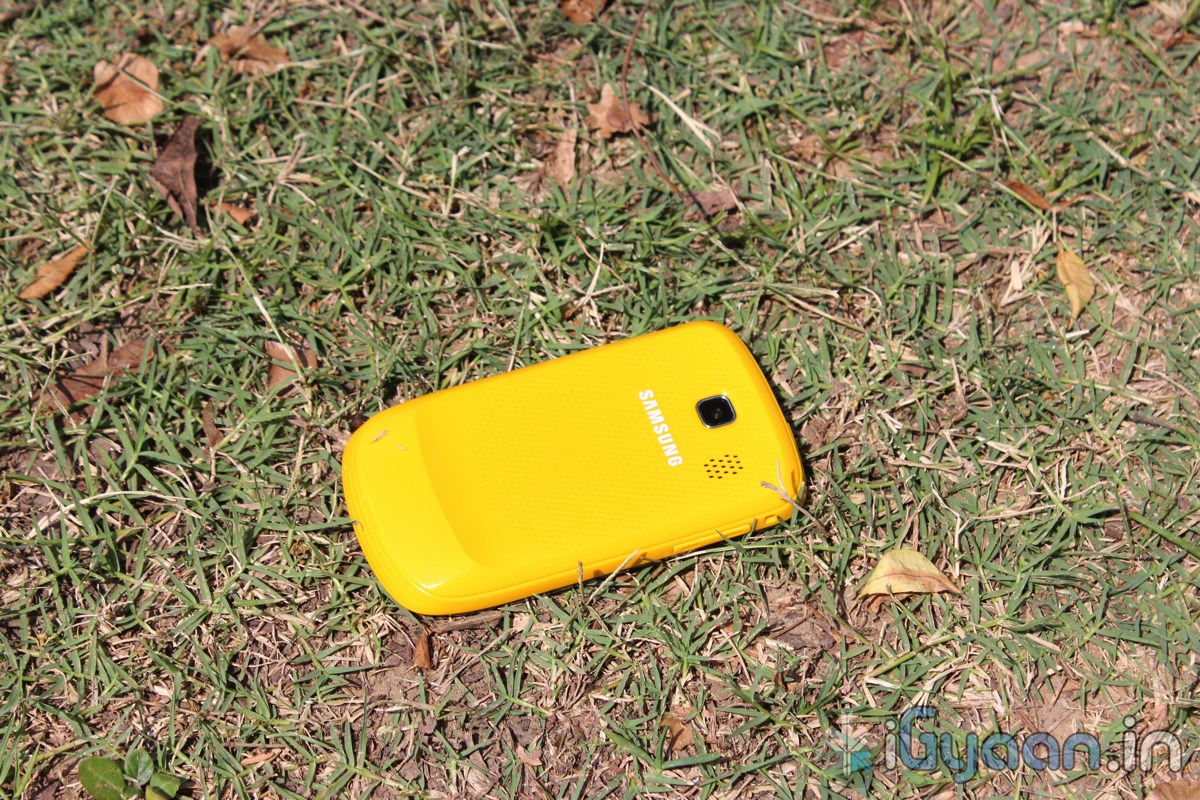
The build quality of the new Corby 2 is far superior to its predecessor. The plastics are well weighed and the switchable panels are form moulded and fit perfectly like a glove without creaks or sounds.
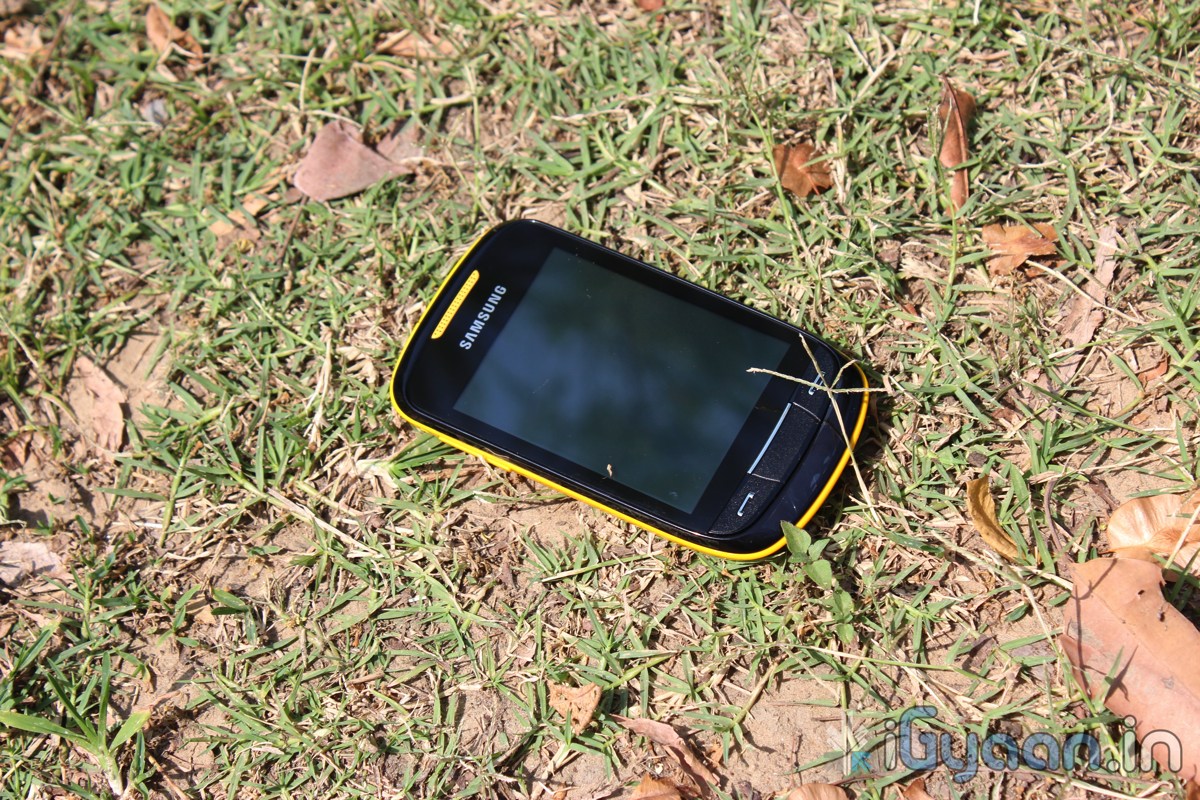
As far as hardware is concerned the Corby 2 has two major changes (corby 2 = 2 changes hah). Seriously the addition of a capacitive touchscreen will definitely attract previous Corby owners to buy the new improved Corby 2. But wait there is WiFi onboard so that means faster internet and easily downloaded Apps.
SPECS and FEATURES
Camera & Display
Camera – 2.0 Mega Pixels, Resolution 1600×1200 Pixels, (VGA)Video
Color – TFT Capacitive Touch Screen with 256K colors
Special Features
Accelerometer
Digital Natural Sound Engine
Social networking integration with live updates
TouchWiz UI
Find Music recognition service
Organizer, Document viewer
Voice memo
Audio, Video Recorder & Playback
MP3, MP4 Player
MP3, WAV Ring tones, Vibration
3.5 mm Headphone Jack
Stereo FM radio with RDS
Speaker Phone
Message Support
SMS, MMS, Email, Push Email
Instant Messaging
Predictive Text Input
Connectivity
Connectivity Options – Bluetooth v3.0, Micro USB v2.0, Wi-Fi 802.11 b/g/n
Data Modes – GPRS 32 – 48 Kbps, EDGE, WAP 2.0/xHTML, HTML Internet Browsing
Memory
Internal Memory – 26 MB
Expandable Memory- 16 GB MicroSD/Card Slot
Phone Book – Contacts, Photo call
Call Records – Yes
Battery Power
1000 mAh Li-Ion Standard Battery
Battery Life – 620 hours
Battery Talk Time – 9.30 hours
Mobile Size and Looks
Size – 109.9 x 60.6 x 11.7 mm
Weight – 102 grams
Body Colors – White, Pink, Yellow & Black
MULTIMEDIA and CAMERA
The Speaker is nice and loud, Wifi enables users to watch youtube videos (read iGyaan videos) directly on the phone, The lack of 3G somewhat limits the Multimedia aspect on the go, the screen resolution is also somewhat a disappointment at 240×320 px with only 256 colors. Although, movies and videos can still be streamed via wifi and loaded onto the memory card and the device is ready to serve its master.
The camera is a poor demonstration of keeping the price of the phone low. But, then what all do you expect in a phone that costs merely minimum wage + couple of hundred. But, hey there are effects and scene modes and brightness setting and movie mode, The quality of which is as bad as you think it is. If you want a phone with a camera, that you will use, this is definitely not it.
PHONE and MESSAGING
Thank you Samsung for making us work hard with the resistive screen to make us understand that a capacitive screen is heaven sent. The dialer and messaging on the keyboard just seem to improve tenfold simply because of the touchscreen improvement. The call quality is decent with little or no dropped calls. Volume at both ends is good and no issues there. An overall performer in the phone department.
The messaging in portrait does not bring up a QWERTY keyboard but switch to landscape and “boom” a QWERTY experience the keyboard is fast and intuitive with the text prediction and large keys make it fun to use. So, Messaging and Phone systems are sorted in this device and will not disappoint basic users at all.
OTHER
The Touch-wiz 3.0 UI is a great add-on , the BADA-esque interface is a great improvement, with widgets and a notification panel make this device a better Smart-phone than the Corby ever could have been. The interface is hugely colorful and the icons are large and easily readable. The interface is pleasing to the eyes and the menus are fast and responsive.
CONCLUSION
The Corby 2 is a huge improvement over the Corby, But, is it enough with a host of Android devices from companies like Micromax and Spice the corby seems lost. There is still however a charm about the Corby brand and those loyal to it should definitely upgrade to the new Corby 2. Build and Phone is impressive along with good multimedia, But, a poor camera and a average display. The touchscreen is a massive improvement and Wifi adds to the experience.
[xrr rating=3.5/5 label=”We Rate The Corby II” imageset=shiny_yellow_star display_as=fraction_stars]
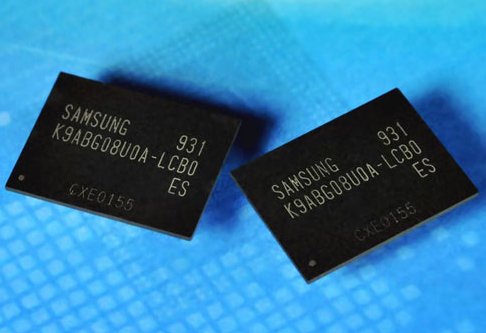
Samsung announced that is is going to be producing DDR (Double Data Rate) 2.0 NAND flash memory chips based on its smallest 20 nanometer architecture. The chips boast a doubling in memory storage upto 64GB and a performance increase of upto three times, over their current DDR 1.0 technology.
These chips will be used extensivly in mobile devices like Smartphones, Tablets and SSDs. Equipped with a toggleable DDR 2.0 interface the new 64 GB chips can transmit data at speeds of upto 400 Mbit/sec. DDR 2.0 provides a ten times increase in performance from the current 40 Mbit/sec DDR 1.0 interface. It also triples the performance over current toggleable DDR 1.0 chips which have a throughput of 133 Mbit/sec.
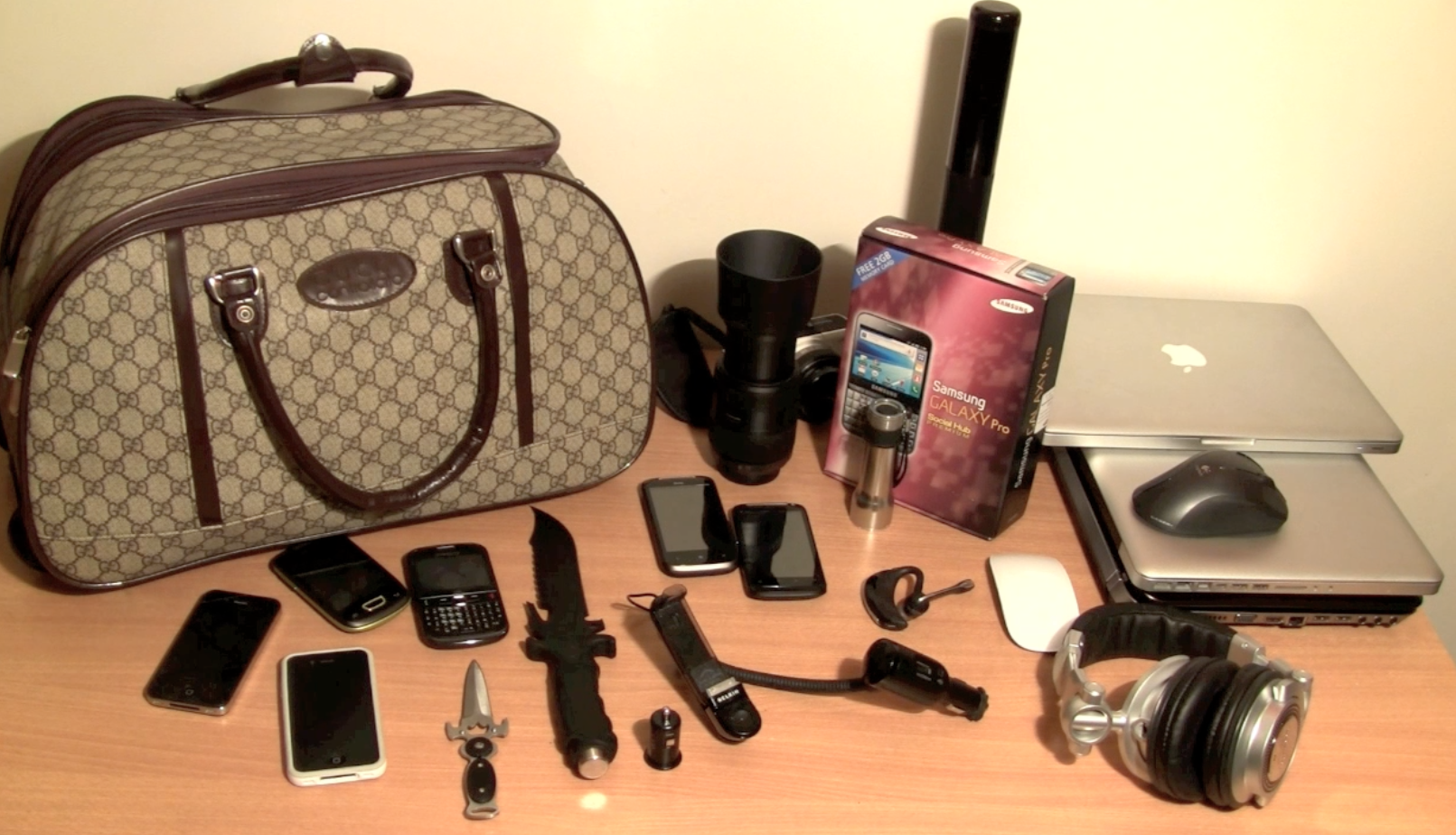
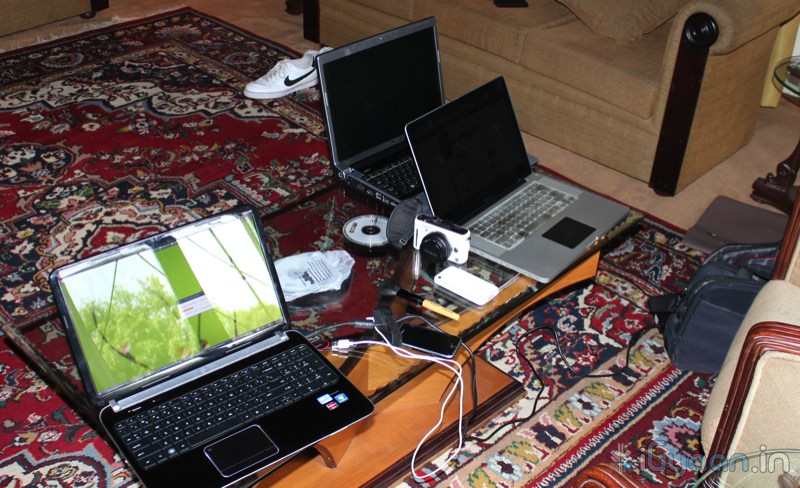
The iGyaan Crew decided to take a break, So, All of us poped up to Nainital and we took along our gear and equipment. This is a blog of whatever equipment I took. This does not include everyones equipment, only my personal and test gear.
LAPTOPS:
Macbook Pro 15 Core i7
Macbook Pro 13 Core i3
HP DV6
Dell Xps 17 (2011)
PHONES
iPhone 4
iPhone 4 (Indian)
Nexus S
Samsung Chat 322
iPhone 3GS
HTC Desire S
HTC Mozart
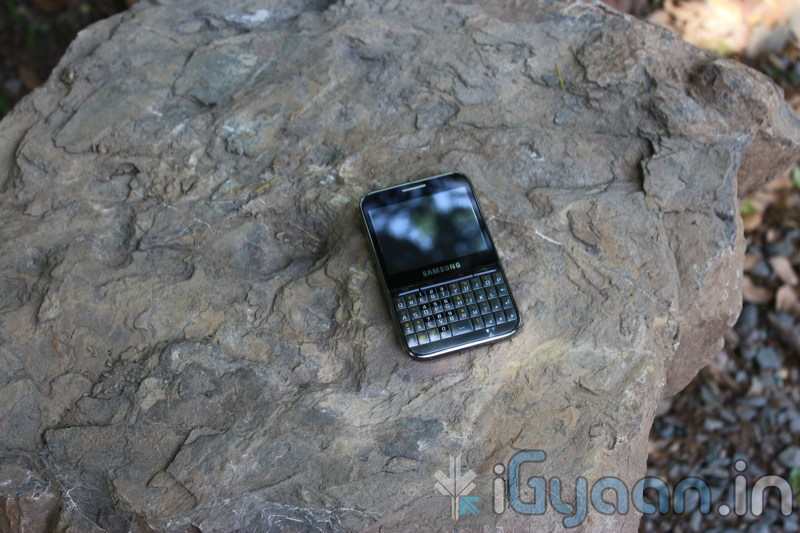
Samsung Galaxy Pro
Samsung Galaxy Pop(CDMA)
CAMERAS
Panasonic DMC – GF1 + Lenses
Canon 600D + Lenses
Canon HFM 31
Canon XL-H1 3CCD
Other
Unbox knife
Hunting Knife
Portable Speakers
Maglite 5D Flash Light
Maglite Solitaire
Hunter Spotlight
Seagate 500gb Freeagent
Seagate Freeagent GO 1 TB
Seagate Freeagent GO Flex 1TB
Transcend Portable 500Gb
Technics 1200 Headphones
Sony MDR EarPhones
Belkin iPhone Mount for Car
Belkin USB cigarette lighter port
Apple Magic Mouse
Apple Mighty Mouse
Logitech Laser Pro Mouse
A whole bunch of Cables and other little gizmos, Power adapters, power strips, multi plugs etc
We Had a great experience and decided to test out our stuff while on vacation. We will continue to update this post and give our insights on how a tech lover can travel within his comfort zone.
If you get errors after upgrade : i.e. error: phone application has stopped working or get constant crashes,do the following:
To fix phone not working, initiate restore phone to factory settings command from Settings – Privacy
TAKE SERIOUS CONSIDERATION BEFORE UPGRADING AND HAVE YOUR BACKUP IMAGE READY IF SOMETHING GOES WRONG – use the OLD FIRMWARES: (All backup images can be found here)
Make sure your device is fully charged!
BE sure to backup all your data!
You are doing this at your own risk, Although, This will NOT void your warranty!
Your phone does not need to be rooted to get this working.
AFTER BACKUP – FACTORY RESET YOUR PHONE BY ENTERING THE FOLLOWING CODE
*2767*3855#
STEP 1
Download all the files above, and make sure you have the latest version of KIES software installed.
STEP 2
Extract the RAR to get a .tar file.
STEP 3
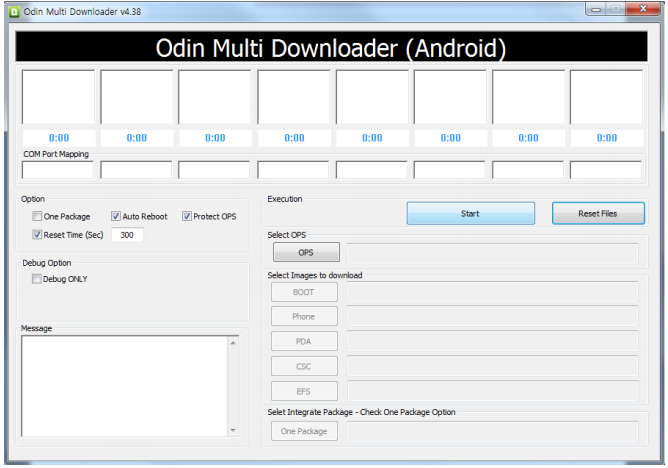
Open ODIN Downloader.
MAKE SURE you select One Package, Auto Reboot and Protect Ops checkboxes.
Select the Ops file (the file we downloaded earlier).
And finally select the tar package we extracted from the RAR downloaded earlier.
(You can also extract the rtar and select packages indivisually)
NOW CLOSE ODIN.
STEP 4
Backup you phone and data with the KIES software (after you are done exit KIES)
Turn OFF the Galaxy ACE and remove the Battery
Reinsert The Battery and Press the following buttons together
CENTER HOME BUTTON + POWER BUTTON + VOLUME DOWN Together
Hold the buttons together till you see the downloading screen
STEP 6 (Final Step)
CLICK START and wait for process to finish, once done your device will automatically reboot and will have Android 2.3 running on it.
A Few Things you will notice with 2.3
The rom runs faster but uses more RAM
Video now is up to 640x480px
Camera can’t auto focus.
The interface is overall nicer looking and runs smooth
There are a lot of bugs and it may crash frequently
Test this out at your own risk, if you have feedback please leave it below
Froyo’d or Doomed? The official update Galaxy 3 Update for Android 2.2 came out a couple of Days ago and multiple users are reporting several problems with the update:
Proximity sensor issues
Battery Life
Problem with silencing the device with volume rockers
Swype not working
Camera App Crashing
So if you did update and are facing issues select your issues in the poll below and vote. If You still have not updated and want to despite the errors visit our Step by Step Guide
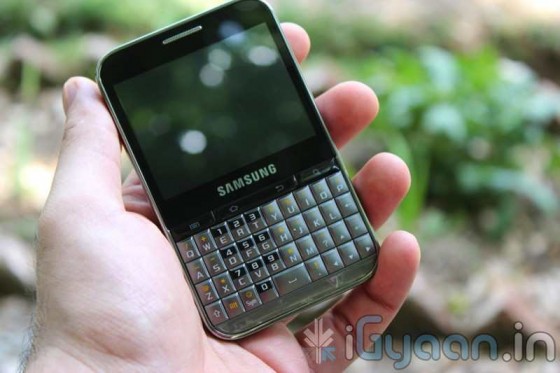
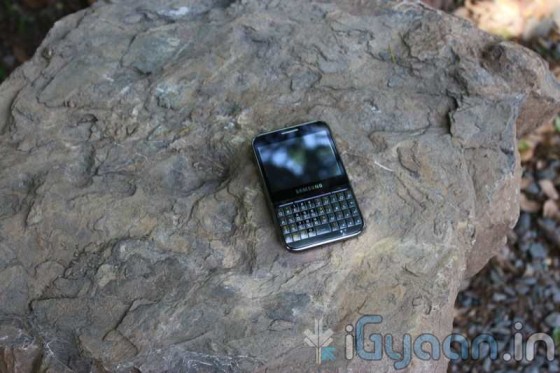
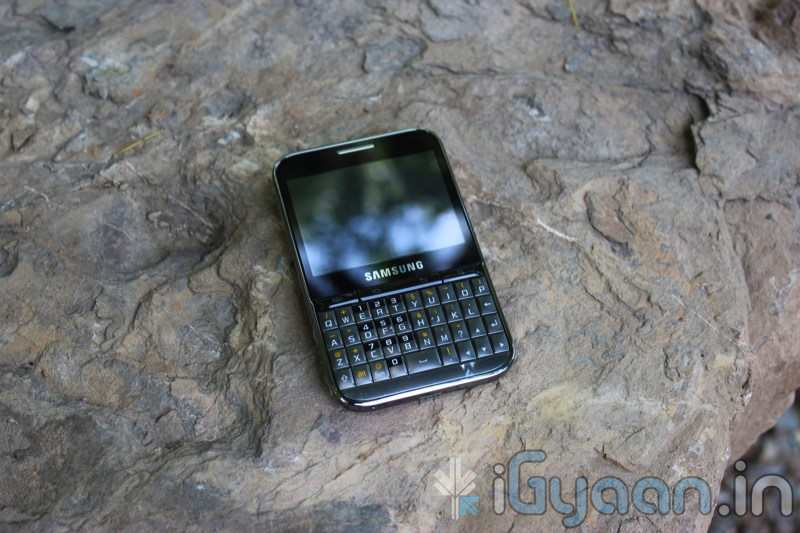
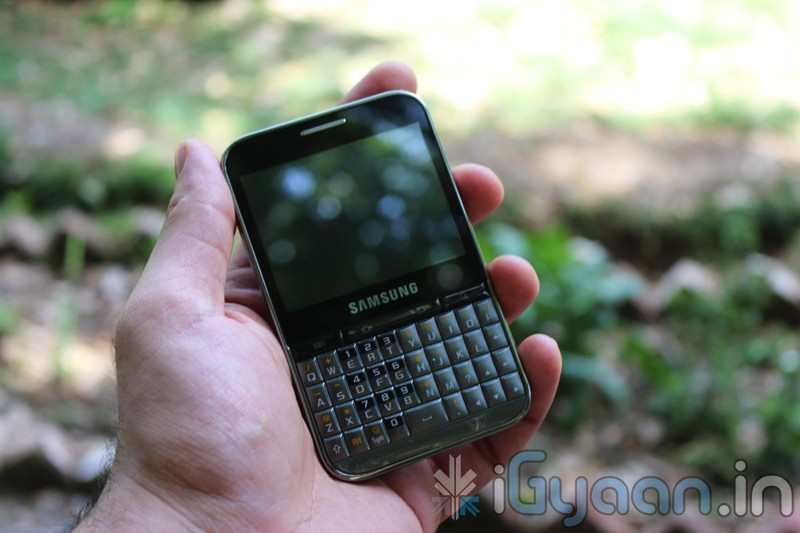
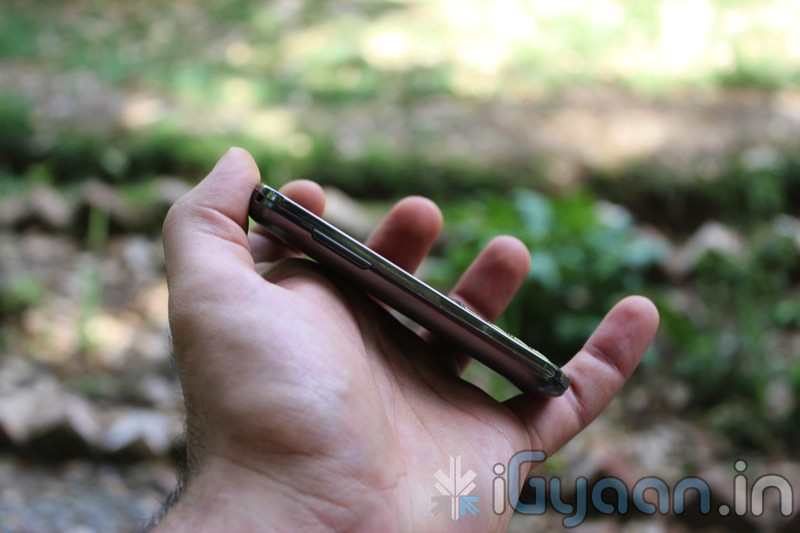
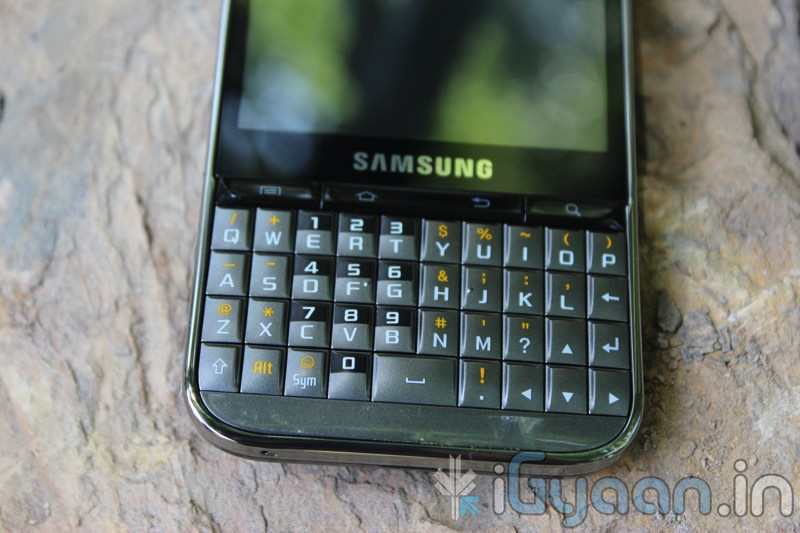
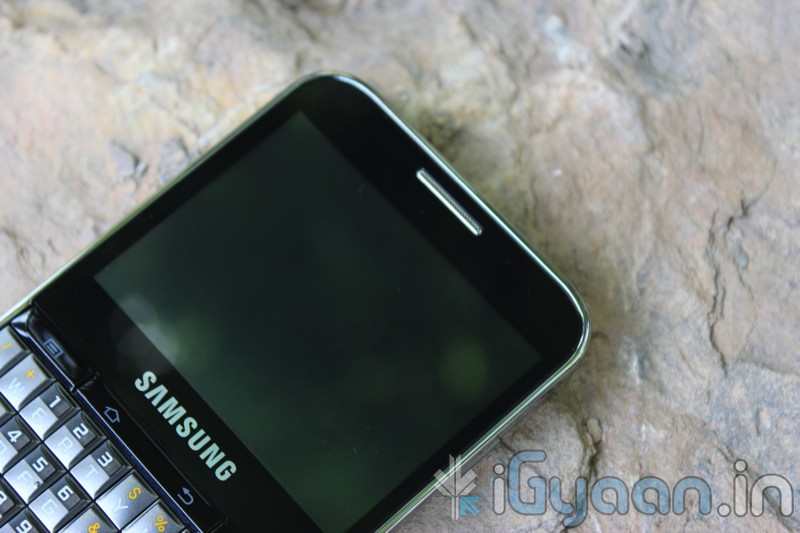
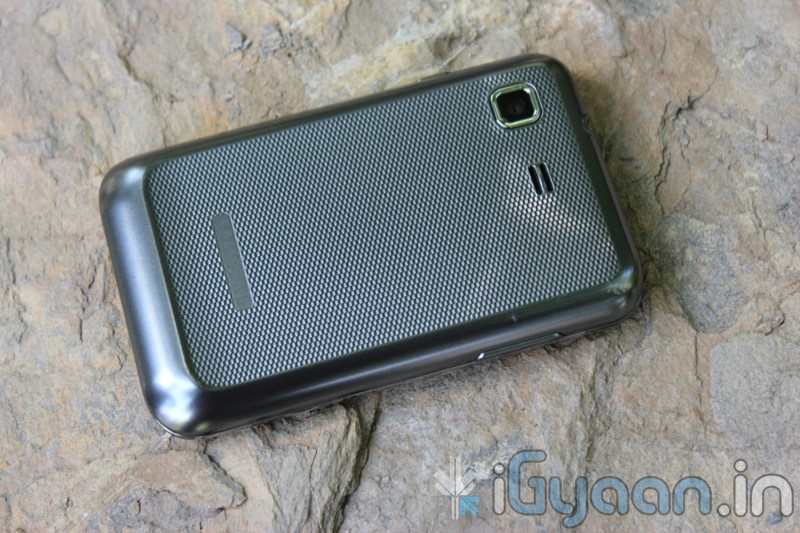
Samsung just announced the new Samsung Galaxy Pro in India. The QWERTY + Touchscreen Android Phone is targeted at the business segment, delivering the Applications and open source nature of Android plus enterprise features of Business class phones.
The device is Priced at 12990/- check out the full specs below and hold on till we get a device for unboxing and review.
According to a report by the Wall Street Journal , Apple sued Samsung Electronics Co., claiming that Samsung’s Galaxy line of mobile phones and tablet copied Apple’s iPhone and iPad. For patent infringements.
The Filing claims
“Rather than innovate and develop its own technology and a unique Samsung style for its smart phone products and computer tablets, Samsung chose to copy Apple’s technology, user interface and innovative style in these infringing products,”
The lawsuit is kind of ironic, because Samsung manufactures key components that go into Apple Products, from Displays, to microchips and even camera sensors. This lawsuit ma actually sour the relationships between the two smartphone giants and result in other tie-ups.
The new Galaxy Tab is also the strongest rival to the iPad 2 , which may have been the biggest cause for the lawsuit.
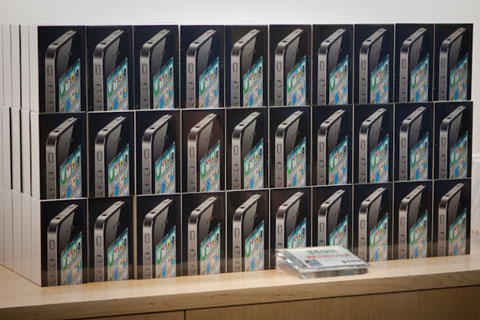
 Looks like everyone in this world believes that Nokia is a dying breed. Analysts from Nomura Research say Nokia’s will lose the top spot this quarter for the first time since 1996. Its a shame really. Also, according to the Analysts the top two spots will had by Apple and Samsung pushing Nokia to No. 3.