Want to Win a Nexus 5 ? iGyaan is always thankful to its readers and is giving away a shiny new 32 GB White Nexus 5 to one lucky winner who takes part in our Giveaway below. The giveaway is brought to you by UC Browser, one of the most popular browsers for Mobile devices, available on Android, iOS and even Windows Phone.
UC Browser has been updated with exciting features like AutoPager , Speed Mode II and a new Facebook Video Uploader
Check out our Video on the UC Browser and take part in the Contest Below.
Here is your chance to Win a Nexus 5, for either your self or for one of your friends. Standard Contest rules apply, and Valid Identification is required by the Winner to claim a prize. Tell your friends that they can plan as they will stand a chance to Win a Nexus 5 courtesy of UC Browser on iGyaan
Winner
Congratulations Vikram Chandhok for winning the UC Browser Nexus 5 giveaway! Here is your winning entry:
“The best thing about iGyaan is the emphasis it pays towards the quality of its content, both for high end products as well as low end products.”
“The answer is pretty obvious, we need a fast mobile browser because of our country’s slow mobile networks”
We will be contacting you soon to co-ordinate with you.
To all those who did not win the grand prize, we will be coming up with another major giveaway pretty soon. So stay tuned for iGyaan for more updates.
iGyaan is a growing community, and at the very end we hold nothing but your love responsible for it. Today at the very end of 3.5 years of existence iGyaan is one of India’s largest community and we continue to grow. We have few positions open for our expansion plans so if you think you fit the bill below hit us a hello.
Note: Full Time positions will require Graduation as a minimum requirement in respective cities, with their results already out. Minimum age for application is 18. Do not apply if you do not fit the criteria for requirement.
Positions Open
1. Copy Editor: Full Time : New Delhi :
This individual will be responsible for churning out editorials, ensuring that content from every other writer is going out in quality as per iGyaan Guidelines. Ensuring the right news is getting covered and everyone is delivering their quota. Applicants with previous work experience will be preferred. Command over english, and previous writing experience is a must. Should be able to churn out 2000-3000 words daily apart from proofing. Areas of writing : Technology : Research : Automobiles : Development : Industry.
2. Features Writer: Full Time Internship : New Delhi : Mumbai : Pune :
If you are based in any of the cites mentioned, and have English as a main subject in your degree, you can apply. Previous work experience will be preferred, and a devious interest in technology along with out of the box thinking will do wonders for your position. Ability to type minimum 2000-3000 words daily along with basic photography skills. Areas of writing : Technology : Automobiles.
3. Features Writer: Part Time Internship: India : Sydney : New York : London :
If you are based in India, or any of the international cities listed you can apply for this position. This position will cover news from around the world, and events at respective cities. Submissions will be daily, and the applicant must have the ability to type minimum 2000-3000 words daily. Areas of writing : Technology : Automobiles.
4. Marketing, Social and PR : New Delhi : Full Time.
This position is in New Delhi only, Applicant must have experience in this domain and should have excellent command over english. Graduates only, with English or Marketing backgrounds. Handling Social Accounts, clients and PR activities will be a part of the job descriptor.
5. Video Camera : New Delhi : Full Time Internship
No, not the traditional camera types, we do new age work at iGyaan and would love some young video lovers and camera handlers to get on board. If you can handle a DSLR for video, you will love working with the gear we have. Hit us up if you are open for a full time internship in New Delhi. You will love working in our environment.
6. Video Editing :New Delhi : Full Time Internship
If you breathe words like Final Cut, Premiere Pro and Sony Vegas, if snapping, aligning and grading are in your daily lingo. iGyaan is the place to be. We are looking for fresh minds, with a need of learning and a desire to do more.If you can chop and skew videos like eating breakfast hit us up.
How to Apply.
Drop in An Email to [email protected] with subject as : Apply – “Job tittle”. Replace “job title” with the post you are applying for. Include a cover letter, CV and previous writing experience where applicable. Also include your certifications and credentials along with a Photo ID. If we like your email we will get back to you. If you don’t hear from us, you probably don’t suit our requirements and may apply at a later stage.
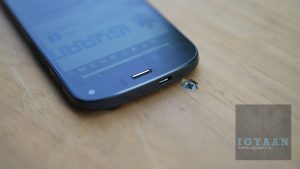
Micromax has launched its latest flagship dubbed the Micromax Canvas Turbo A250 and we go Hands on with the device. Priced at Rs. 19999 the Micromax Canvas Turbo A250 features a Media Tek 6589T 1.5 Ghz quad-core CPU and a Power VR SGXT GPU, 16 Gigs of inbuilt storage along with a 2 GB of RAM. The Hugh Jackman promoted smartphone has a unidbody metal construction along with a Full HD display, the device runs on Android 4.2.1 Jelly Bean.
In The Canvas Turbo BOX.
Micromax Canvas Turbo A250
2000 mAh Battery
USB Flat cable
USB Wall Charger
IN Flat Earphones
Extra Ear tips
Quick Start guide
SIM Removal Tool
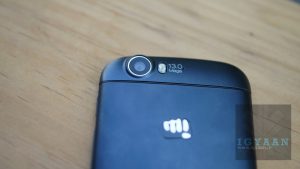
The Canvas Turbo A250 is the first Canvas phone with a 5 inch Full HD display with a resolution of 1920 x 1080 pixels. The Canvas Turbo A250 also appears to be made with a full lightweight aluminum construction which at first appears to be plasticky. The device also sports a 13 MP primary camera along with a 5 MP secondary camera, the device is capable of Full HD 1080p video recording and 30 fps from both cameras.
The In Box contents of the Micromax devices have improved lately, as the quality of the earphones and the USB cable seems to be improved than what we saw earlier as standard. The Canvas Turbo A250 builds on the design from Canvas doodle 2 and the Canvas 4, the screen is Full HD but the UI is still the same which might not be appreciated by all.
Check out our unboxing video above. Benchmarks, Gaming and alot more to come soon, stay Tuned!
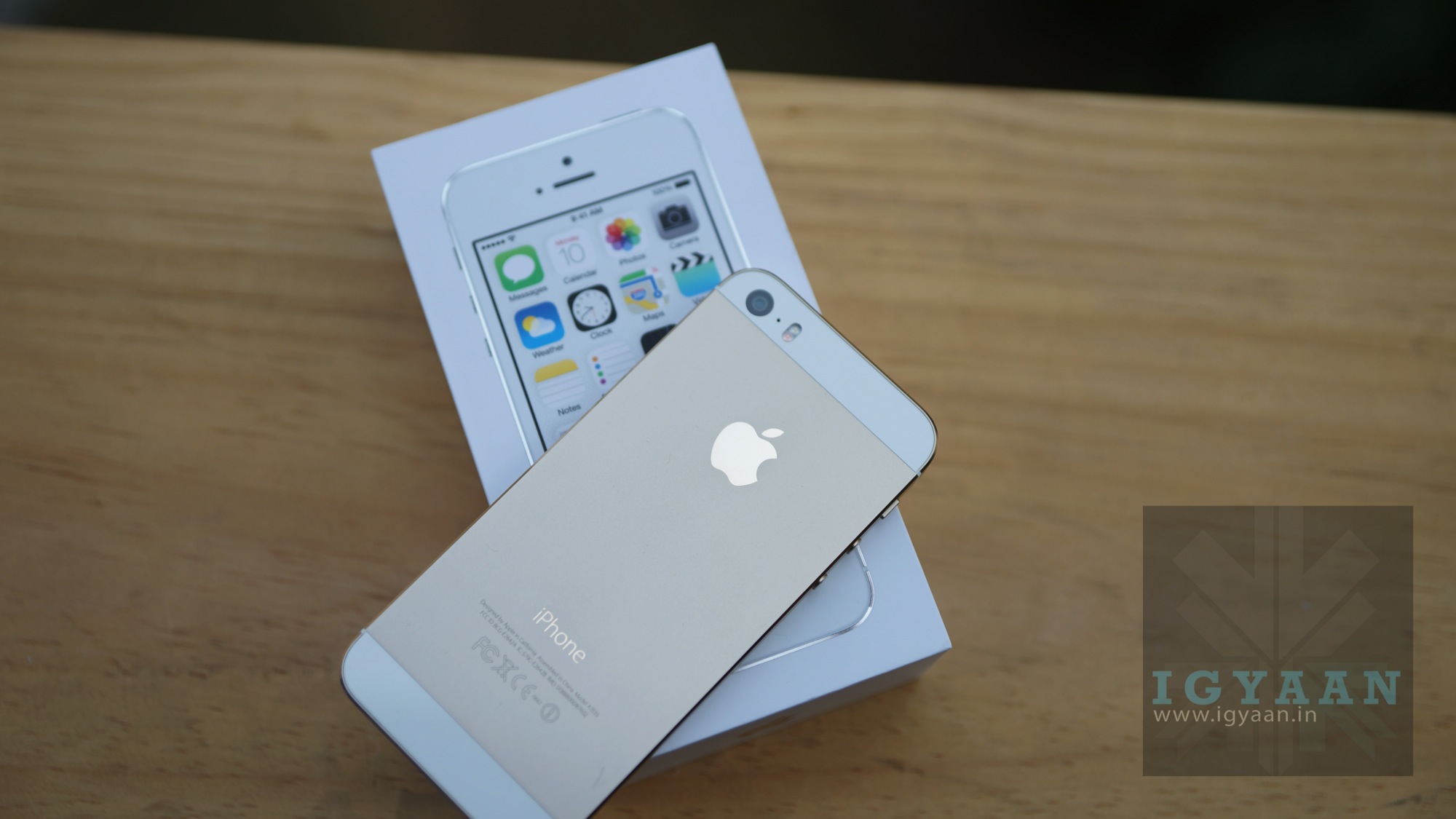
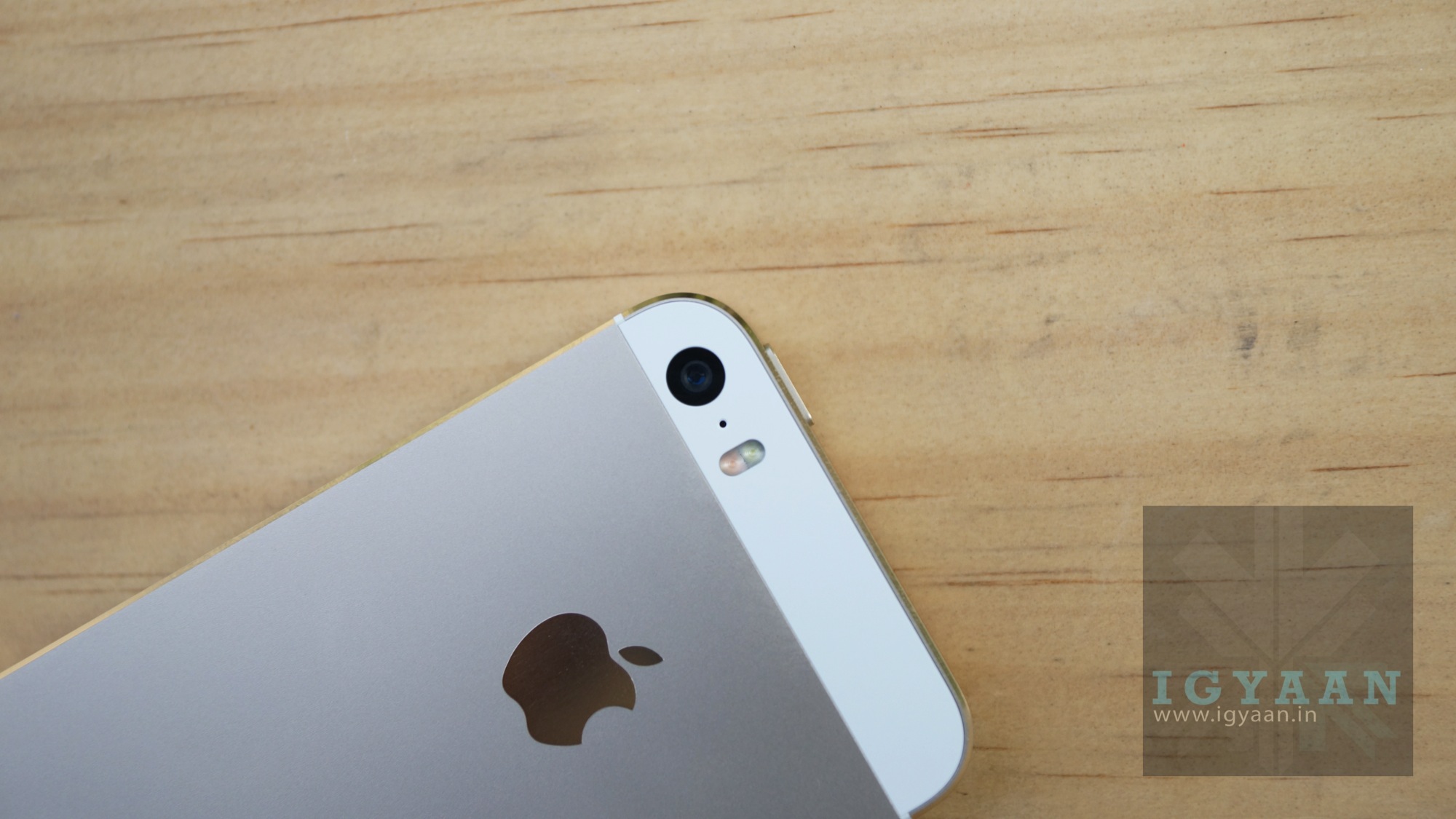
You Read it right , iGyaan is bringing a Diwali Giveaway for the Gold iPhone 5s in India, a variant that is sold out globally. Diwali is one occasion where all expenses go unbarred in India, people meet up with old friends and new, revive relationships and build new ones. To show how much you guys mean to us this Diwali we are giving away an iPhone 5s (did we mention its the golden one) to one of you because we want to make this Diwali not just happy, but a Happier Diwali!
This Giveaway comes to you before the launch of the iPhone 5s in India so play hard and tell all your friends to take part in the iPhone 5s Giveaway and you could stand a chance to win a iPhone 5s for yourself or your loved one.
How do you plan to make this a #HappierDiwali Entry :
I will celebrate my Diwali with my loved ones, festivals these days are not celebrated as they were before. So i am gonna celebrate with a family get together worshiping goddess Lakshmi, so that she can bestow her blessing on my family. I don’t buy crackers, and instead plan to give money to a good cause. I am also planning to give some new clothes to my family and lastly we will have a family dinner together. Most importantly iPhone 5s is my love i love each and everything made by Apple, the design the hardware, the software, camera, screen everything is made to love. I would be the happiest person to own the iPhone 5s.
Congratulations ! We hope you did give the money to a good cause.
Other goodie winners are announced on Twitter @iGyaan.
Stay tuned for our Nexus 5 Giveaway this week. Happy Contesting.
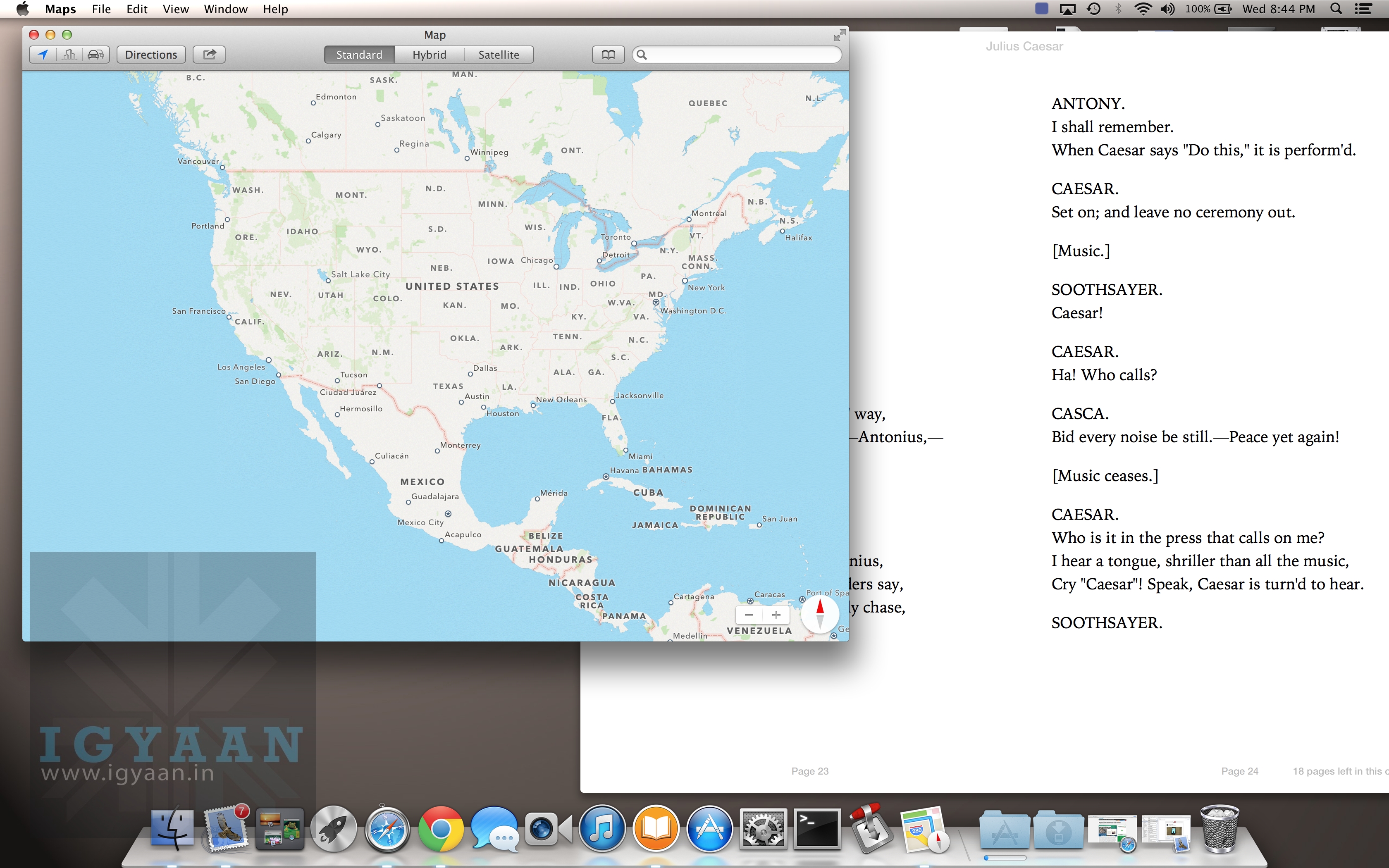
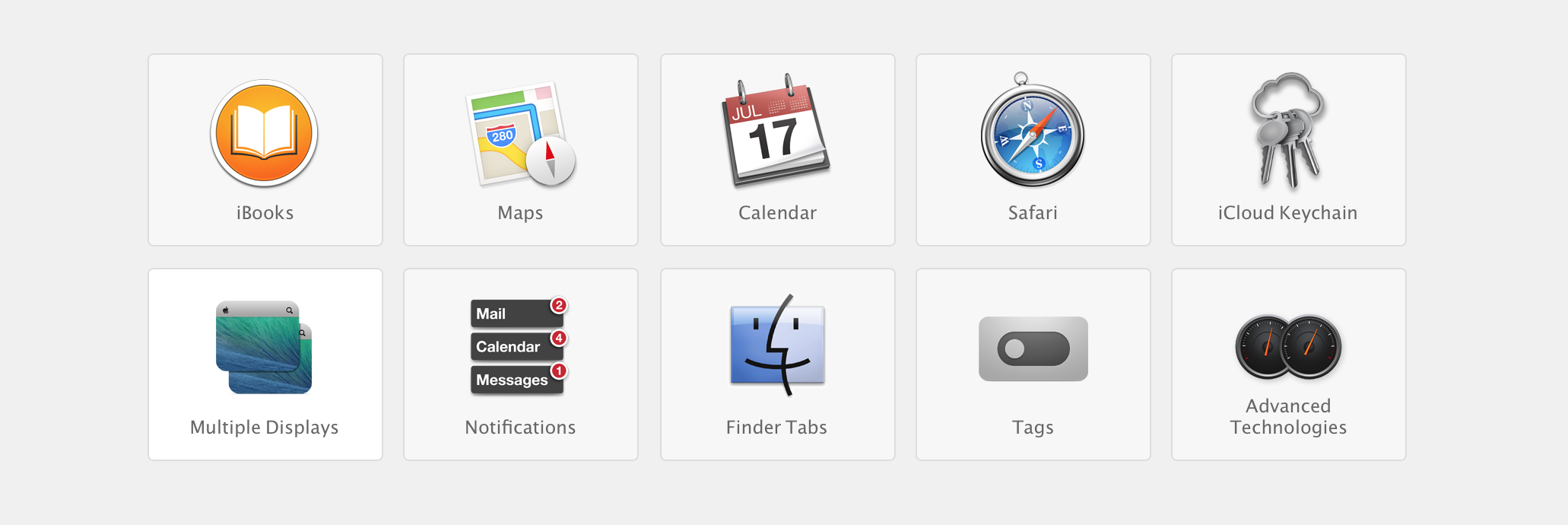
Apple yesterday announced a flurry of new products from the new iPad Air to the iPad Mini with Retina Display, brand new Mac Pro and a revamped Macbook Pro with retina display. Possibly the most subtle and less talked about are the software launches. Apple launched the new Mac OS X 10.9 Mavericks and 7 new applications including a revamp of popular iMovie, iPhoto and Garage Band which made the iLife suite and work based Pages, Numbers and Keynote which made the iWork suite. The best part being the fact that all of the above comes free to Mac owners.
Logically all these Apps and Operating System updates are meant for consumption on Apple products, and by making these crucial applications and a major Operating System update free, Apple may have stirred the industry and the likes of Microsoft who basically survive by selling their operating systems and apps.
Highlights
Prices of Apple’s Mac OS X have dropped in cost considerably over the years. Apple charged users US $129 for four main OS updates, then Apple dropped the operating system’s upgrade price to $29 with 2009’s OS X 10.6 Snow Leopard, and then to $19 with last year’s OS X 10.8 Mountain Lion.
Microsoft was forced to lower the price of its expensive Windows 8 to a mere US $ 29 to compete with Apple last year, where the Redmond company offered its previous OS owners a cheaper upgrade to the new Operating System. However post a golden period the price was returned to a whopping US $ 199 which the company charges for their PRO variant of Windows 8. Microsoft this year however offered Windows 8.1 as a free upgrade to Windows 8 owners, and while many may call it an incremental upgrade, Microsoft continues to claim that Windows 8.1 is a major software overhaul which is “worthy of a price tag”.
Back in the 80’s software was a part of commuters as a vertically integrated product. Apple with OS X Mavericks has suddenly sprung that era into present day. Since Apple is the only company that manufactures hardware for their software or vice versa, it makes sense for the company to gain profit from hardware sales and make the software free. In essence the user sees it as a freebie especially since it had a price tag prior to it being free.
Apple has also ensured that anyone with a Mac computer upto 4 years ago can update to the new Mac OS X Mavericks, which will make old owners of Apple computers happy, since they won’t need to spend money for new operating systems each year.
What’s more, Apple has also enabled users to get Apple own apps like the iLIfe suite and iWork suite free of cost, making it a boon for students and daily users. Apple used to drive huge profits from selling applications and operating system upgrades. Most people don’t upgrade their Operating Systems till they buy a new computer, Apple however has sort of changed that, or has tried to change it. Just like software updates on the iPhone that drove more than 80% iPhone owners to upgrade to iOS 7, it is expected that a whole chunk of Mac owners have probably already upgraded to Mac OS X 10.9 Mavericks, or plan to over the weekend.
Installer
The upgrade process is simple, hit the Mac App Store download the Mavericks installer, run the installer and about 20 minutes later you are upgraded. As Steve Jobs would say “It just Works!”, exactly how upgrading a modern operating system should feel like. It gets done with the minimal of fuss and fanfare, and then the operating system steps aside and lets the user get back to work.
For Apple owners this may not seem as a big deal, however the folks over at Microsoft are probably festering out new plans as we speak to keep their investors happy. Do you think OS should be free? Let us know below!
In this festival season if you want to spend some money on your loved ones, here we bring you the recommended list of tablets that you can gift to your near and dear ones.
BSNL Penta IS701C:
The BSNL Penta IS701C is a budget tablet which is available for 3950 INR. The device features a 7 inch Multi touch TFT screen and runs on Android 4.0 Ice Cream Sandwich. The Tablet is powered by a ARM Cortex A8 1 GHz Processor which is coupled with a 512 MB DDR3 RAM and 4 GB inbuilt memory -expandable memory upto 32 GB. The device has a 0.3 MP primary camera and it is a 3G tablet which is packed with a 3000 mAh battery.
Intex I-Buddy 7.0 Tablet:
The Intex I-Buddy 7.0 Tablet is available in WiFi only and also in calling support individually. The Wifi Only version is available for 6300 INR. The device features a 7 inch Capacitive Touch Screen and runs on Android 4.0 Ice Cream Sandwich. The Tablet is powered by a Boxchip A13 1.0 GHz Processor which is coupled with a 512 MB DDR3 RAM and 4 GB inbuilt memory -expandable memory upto 32 GB. The device has a 0.3 MP primary camera and it is a 3G via dongle tablet which is packed with a 2350 mAh battery.
iBall 6318i Tablet:
The iBall 6318i is a 7 inch tablet which is available for 5395 INR. This tablet is powered by a 1.2 GHz ARM Cortex-A9 Processor and runs on Android 4.1 Jelly Bean. The device features a 2 MP primary camera and a VGA secondary camera. The Tablet is packed with a 1 GB of DDR3 RAM and 4 GB of inbuilt storage which is expandable to 32 GB, the device has a 4000 mAh battery and supports 3G via dongle.
Lenovo A2107 Tablet:
The Lenovo A2107 is a 7 inch tablet which is available for 5395 INR. This tablet is powered by a 1.2 GHz ARM Cortex-A9 Processor and runs on Android 4.1 Jelly Bean. The device features a 2 MP primary camera and a VGA secondary camera. The Tablet is packed with a 1 GB of DDR2 RAM and 16 GB of inbuilt storage which is expandable to 32 GB, the device has a 3550 mAh battery.
Nexus 7 Tablet (1st and 2nd generation):
Nexus 7 1st generation is already available in the Indian market from a long time now, while the second generation Nexus 7 will supposedly be available in India by the month of November.
Samsung Galaxy Tab 3:
The Samsung Galaxy Tab 3 T211 features a 7 inch touchscreen and is priced at 16250 INR. The device sports a 3 MP rear camera and a 1.3 MP front camera. The device is powered by a 1.2 Ghz dual core processor and has 1 GB of RAM, the tab has an expandable storage option of upto 32 GB.
Sony SGPT211IN/S:
The Sony Sony SGPT211IN/S is a foldable tablet which has a 5.5 inch screen and is priced at 15999 INR. The device runs on Android Honeycomb. The sony Sony SGPT211IN/S sports a 5 MP primary camera and a 3 MP secondary camera. The device is powered by a ARM Cortex Dual Core Processor.
Apple 16 GB iPad Mini with Wi-Fi:
The Apple iPad Mini runs an a relatively older, Apple A5 chip that has a dual-core 1GHz cortex A9 processor and 512MB of RAM. The tablet sports a 7.85-inch IPS display that has a resolution of 768 x 1024 pixels (roughly 162 ppi) which was one of the biggest downers of the iPad Mini when it was announced, as it lacked a retina display. If you consider, you can actually wait for the upcoming iPads, the iPad mini retina display.
Lenovo Idea Tab S6000 Tablet:
The Lenovo Idea Tab S6000 Tablet has a 10.1 inch screen and is priced at 22499 INR. The device runs on Android 4.2 and is powered by a 1.2 Ghz processor. Lenovo Idea Tab S6000 Tablet sports a 5 MP main camera along with a VGA secondary camera.
Sony (SGPT111IN/S) Tablet S:
The Sony (SGPT111IN/S) Tablet S sports a 9.4 inch screen and is priced at 22900 INR. The device is powered by a 1 GHz ARM Cortex-A9 Dual Core processor and runs on Android Honeycomb. It has 1 GB of RAM along with a 16 GB of inbuilt storage.
Apple 16GB iPad with Retina Display and Wi-Fi (4th Generation):
The Apple 16GB iPad with Retina Display and Wi-Fi (4th Generation) features a beautiful 9.7 inch screen and starts with a price tag of 31900 INR. The device runs on latest iOS from Apple and is powered by A6X Chip with Quad-Core Graphics. You might want to wait for the newly launched iPad Air to hit the Indian Market!
Samsung Galaxy Note 800:
Samsung Galaxy note 800 and Samsung Galaxy note 10.1 both are great value for money, the Note 800 is priced at 35490 INR which can be reasonable to some compare to 49990 INR for the newly launched Galaxy Note 10.1 2014 edition. Both tablets share the same screen size and the S Pen support.
Sony Xperia Z Tablet:
The Sony Xperia Z Tablet features a 10.1 inch display and is priced at 41499 INR. The device runs on Android 4.1 and is powered by a 1.5 GHz Quad Core Snapdragon S4 Pro Processor. The device sports 8.1 MP and 2.2 MP primary and secondary cameras respectively.
These are few recommended tablets, there could be many others as well. If you have any tablet we missed on which you think can be a best gift and great value for money, you can leave your valuable inputs in the comment section below.
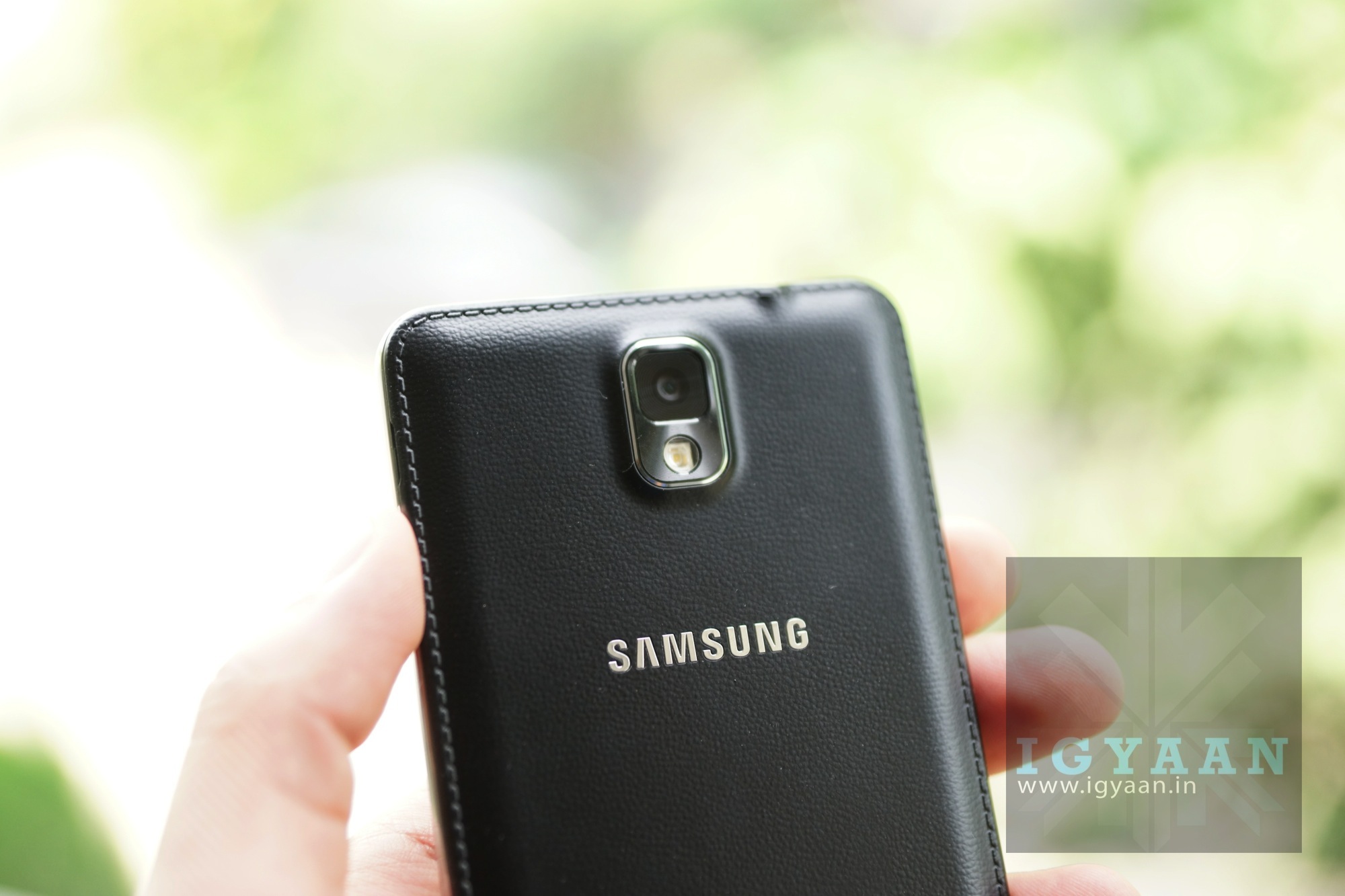
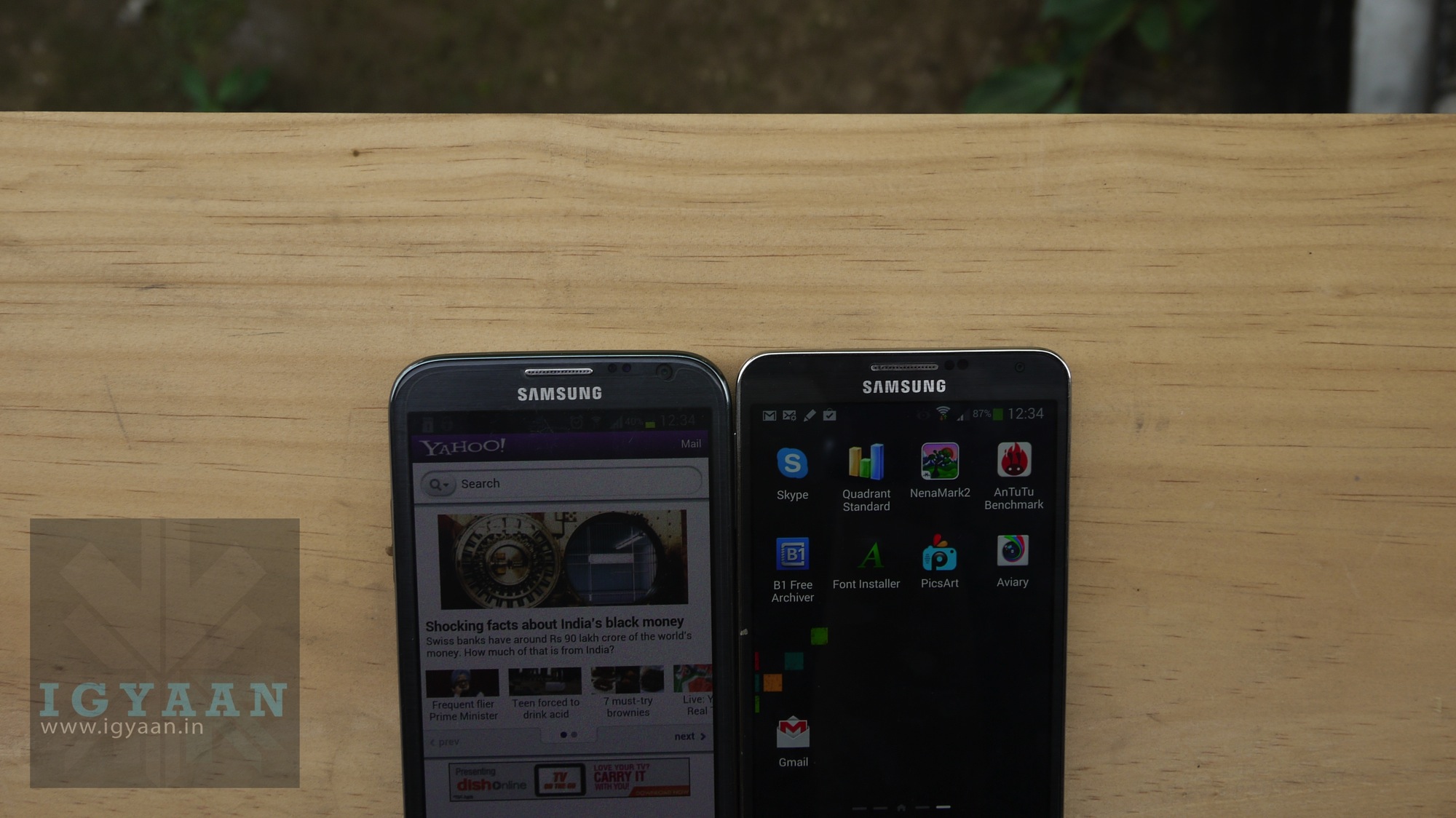
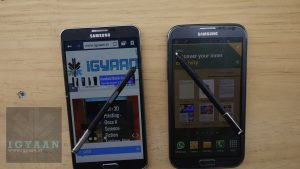
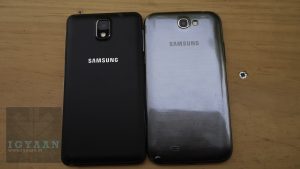
The Samsung Galaxy Note 3 was launched in India for a price of Rs. 49900 (roughly translated to “more than most can afford”) and is now available throughout India. The Samsung Galaxy Note 3 features a new design over its predecessor boasting a soft-touch, leather like back, along with many hardware changes that put it right in line with many flagships out there. But, at the price at which it has launched, should you go in for the Galaxy Note 3? or should you get the Galaxy Note 2? Here is where we break it down for you.
Aesthetics
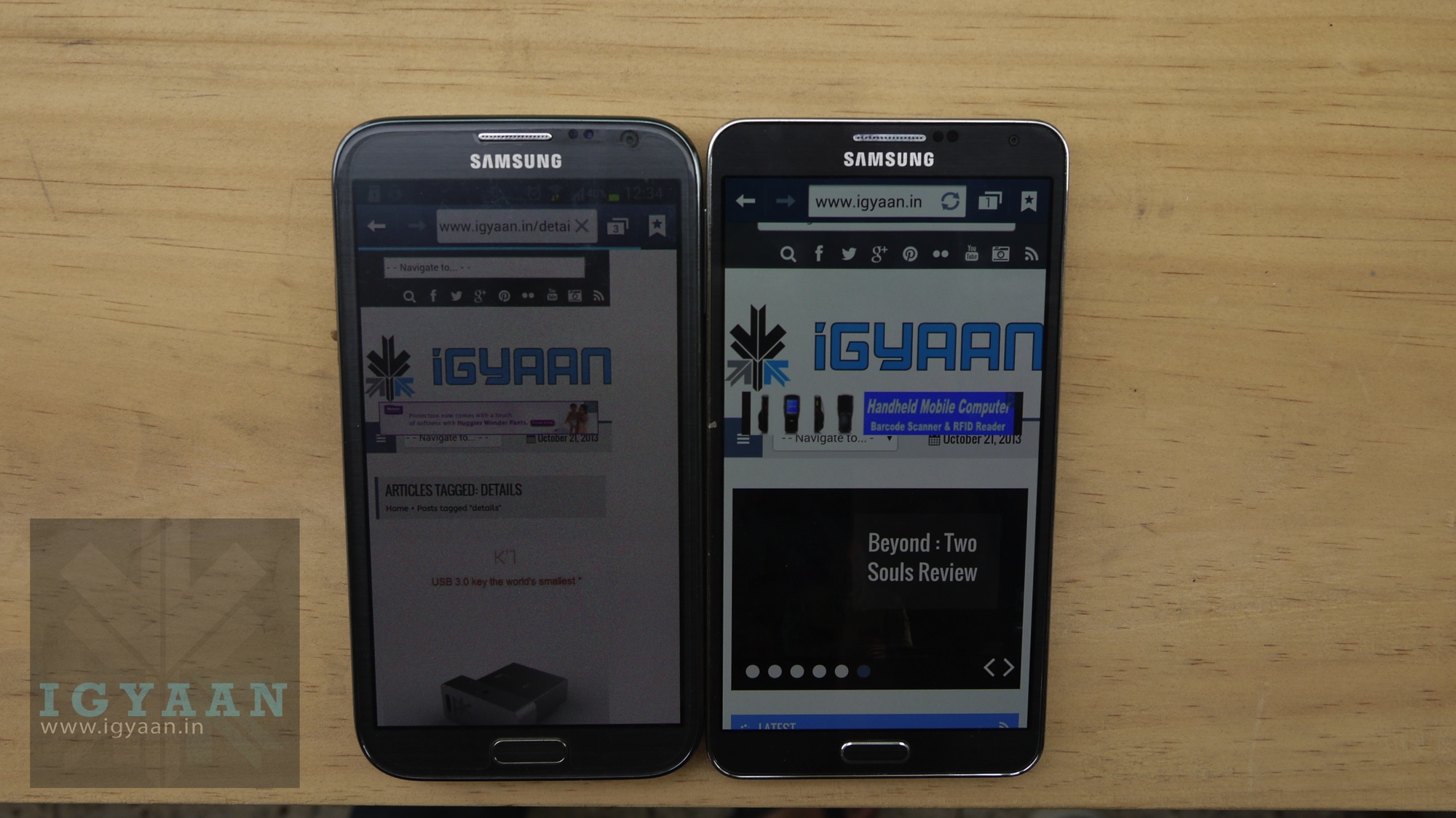
The Note 3 is actually slimmer and thinner than the Galaxy Note 2 despite getting a larger 5.7-inch full HD 1920 x 1080p display. The Note 3 also appears to be squarish from the front and has a slightly raised bezel, as opposed to the roundish bezel on the Galaxy Note 2.
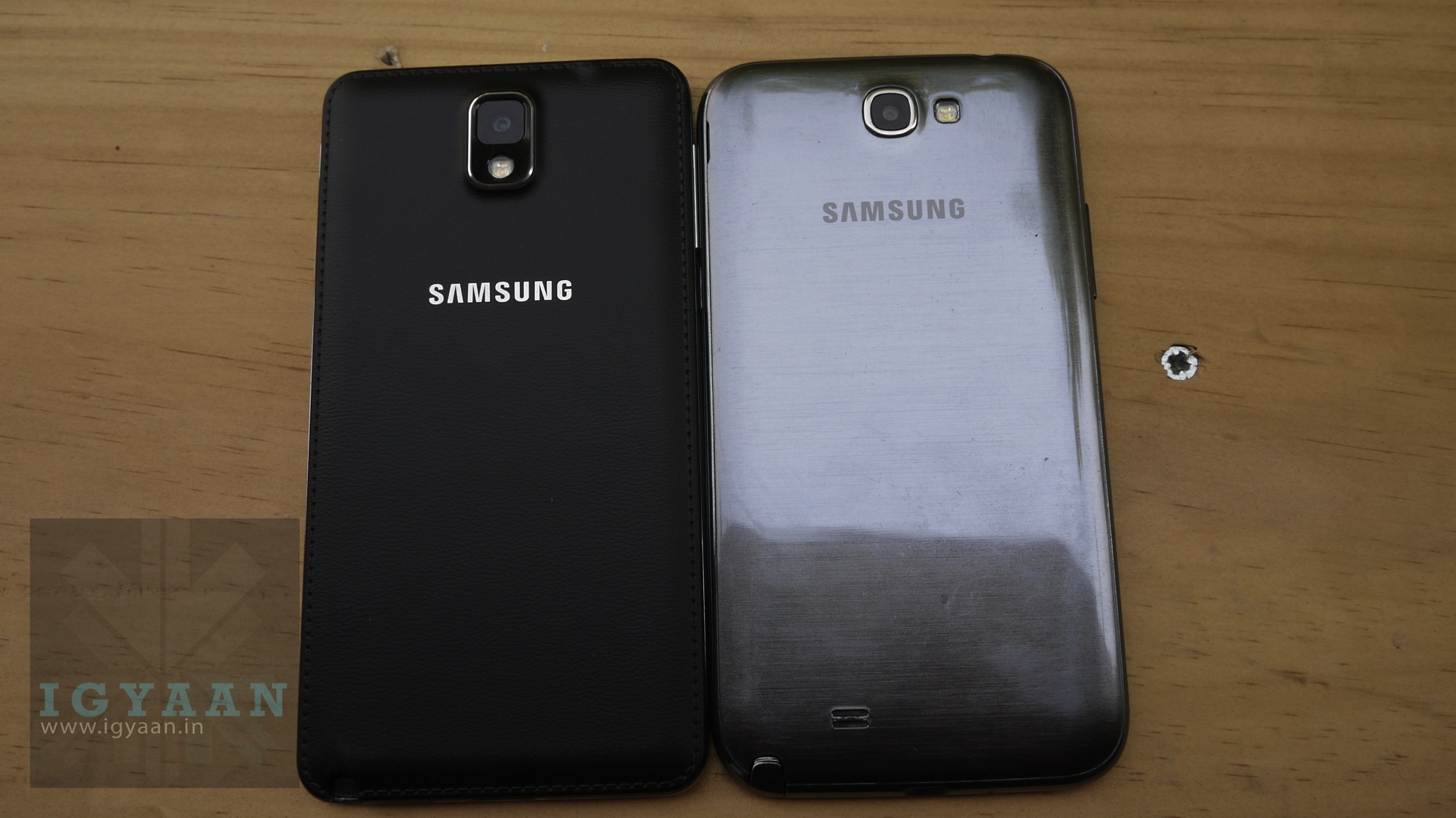
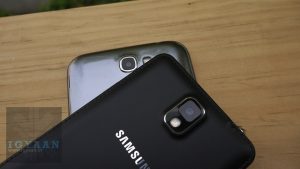
The new leather look back panel on the Note 3 definitely adds a lot more premium appeal to the previous plastic and poorly constructed look. Which however, does not change the fact that the phone is still completely plastic, now its just plastic hidden behind faux leather-appearing plastic.
Hardware Comparison
Apart from the obvious differences in the specs, the major changes on the new Note 3 worth noting are, the aforementioned Full HD display, a new Exynos 5 chipset vs Exynos 4 on the Note 2 which offers an effective 1.9 GHz on Quad cores (with full octa-core functionality by December.). You also get 3 new temperature, humidity and gesture sensors, along with an additional gigabyte of RAM.
A 16GB bump in storage capacity makes the basic variant (and the only one available in India) a 32GB variant. A slightly larger 3200 mAh battery and 13 MP camera finish off the changes on hardware. Check out a comparative below.
Specifications
Galaxy Note3
Galaxy Note 2
Display
5.7 inch full HD Super AMOLED display with a resolution of 1920 × 1080 pixels (386 ppi)
5.5 inch Super AMOLED display with a resolution of 1280 x 720 pixels (267 ppi)
13 MP with smart stabilization and high CRI LED flash
8 MP with image stabilization and LED flash
Video
Full HD @60fps
Full HD @30fps
Secondary camera
2 MP, Full HD
1.9 MP
RAM
3 GB
2 GB
Internal Storage
32 GB
16 GB
Connectivity
Bluetooth 4.0, NFC, Infrared booster and USB 3.0
Bluetooth 4.0, NFC and USB 2.0
OS
Android 4.3 Jelly Bean
Android 4.1.2 Jelly Bean
Colors
Black, White and Blush Pink
Titanium Gray, Marble White, Amber Brown, Ruby Wine, Pink, Blue
Battery
3200 mAh
3100 mAh
Dimensions
151.2 x 79.2 x 8.3 mm
151.1 x 80.5 x 9.4 mm
Weight
168 grams
183 grams
Price
49,990
30,000
Software
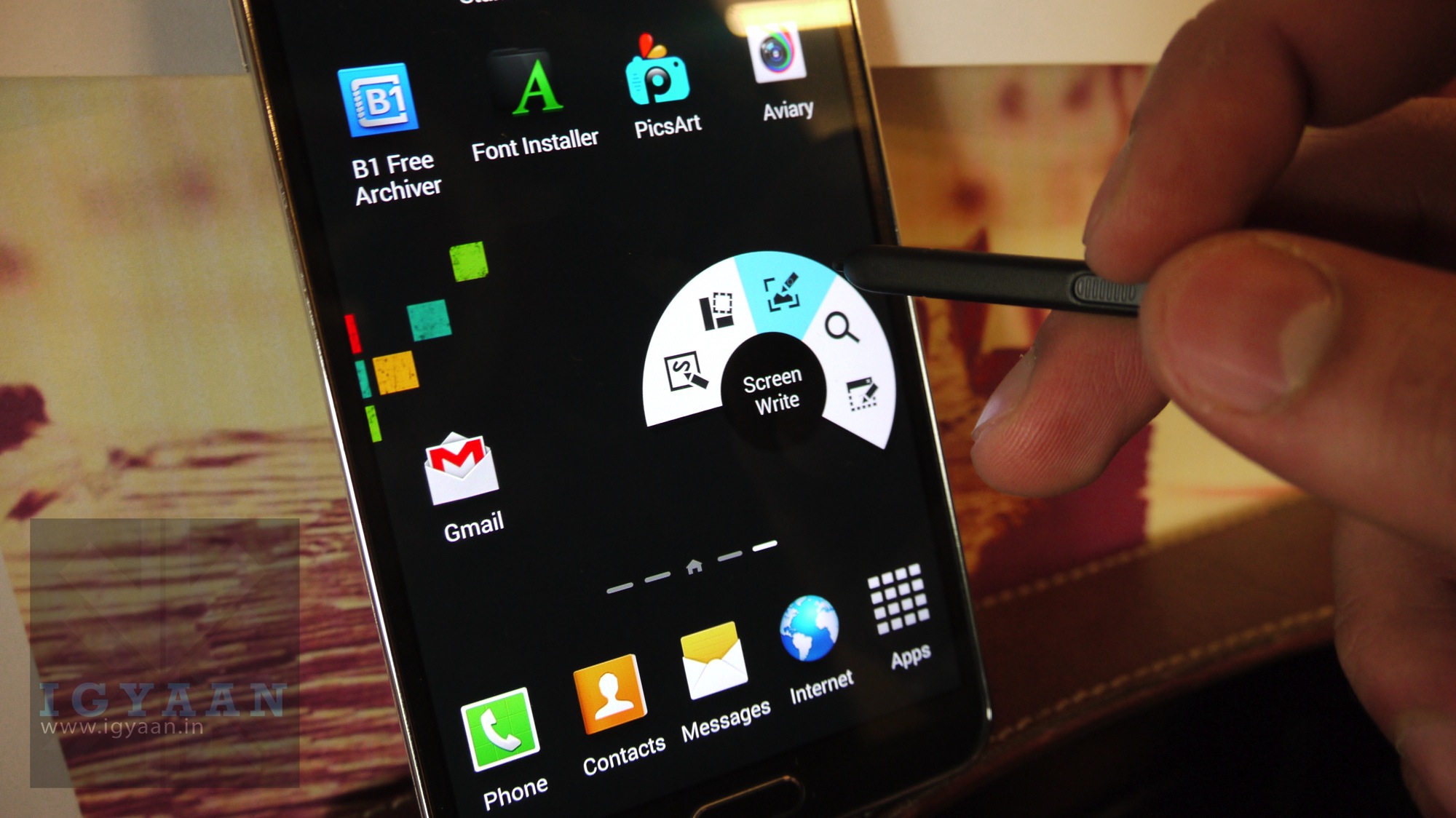
Despite most attempts by the company, most of the new features of the Galaxy Note 3 will be available on the Galaxy Note 2. Including the new Action command feature which can be executed from the S Pen.
With not a lot of difference for the end user, one would consider going for the Note 2 as it would mostly achieve all the features that one would require from a smart phone with pen functionality.
The Galaxy Note 3 is the latest flagship from the company while the Galaxy Note 2 did really well in the past and offers most of the features for the Note 3 at a considerably low price. If you really need to get the most for your money’s worth, the Galaxy Note 2 is still an impressive piece of hardware with a lot going on under the hood, it is still capable of handling every app in the Google Play store, and whatever you can throw at it. If the latest is what you must get, then consider spending a lot more for the newest Note 3.
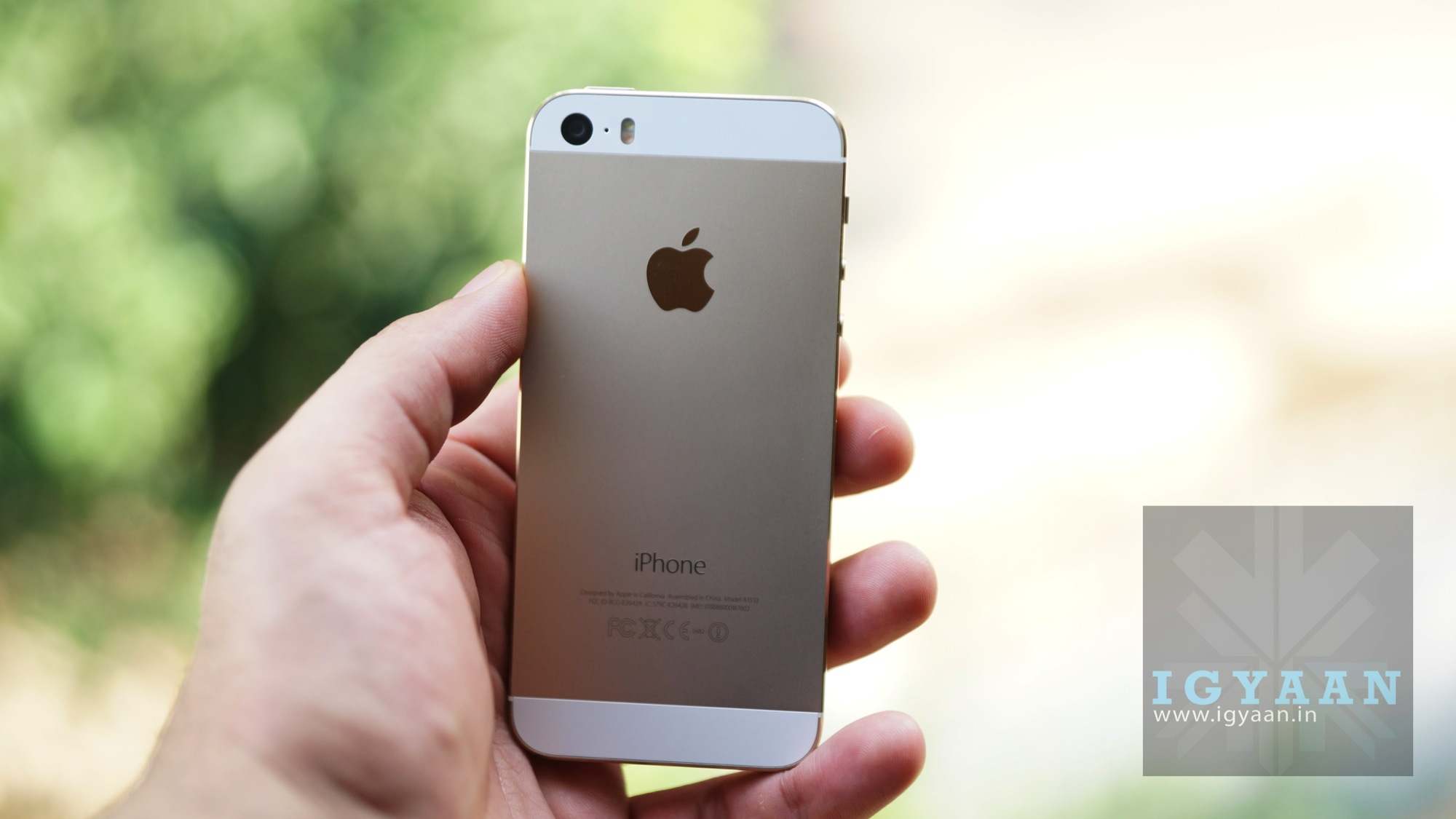
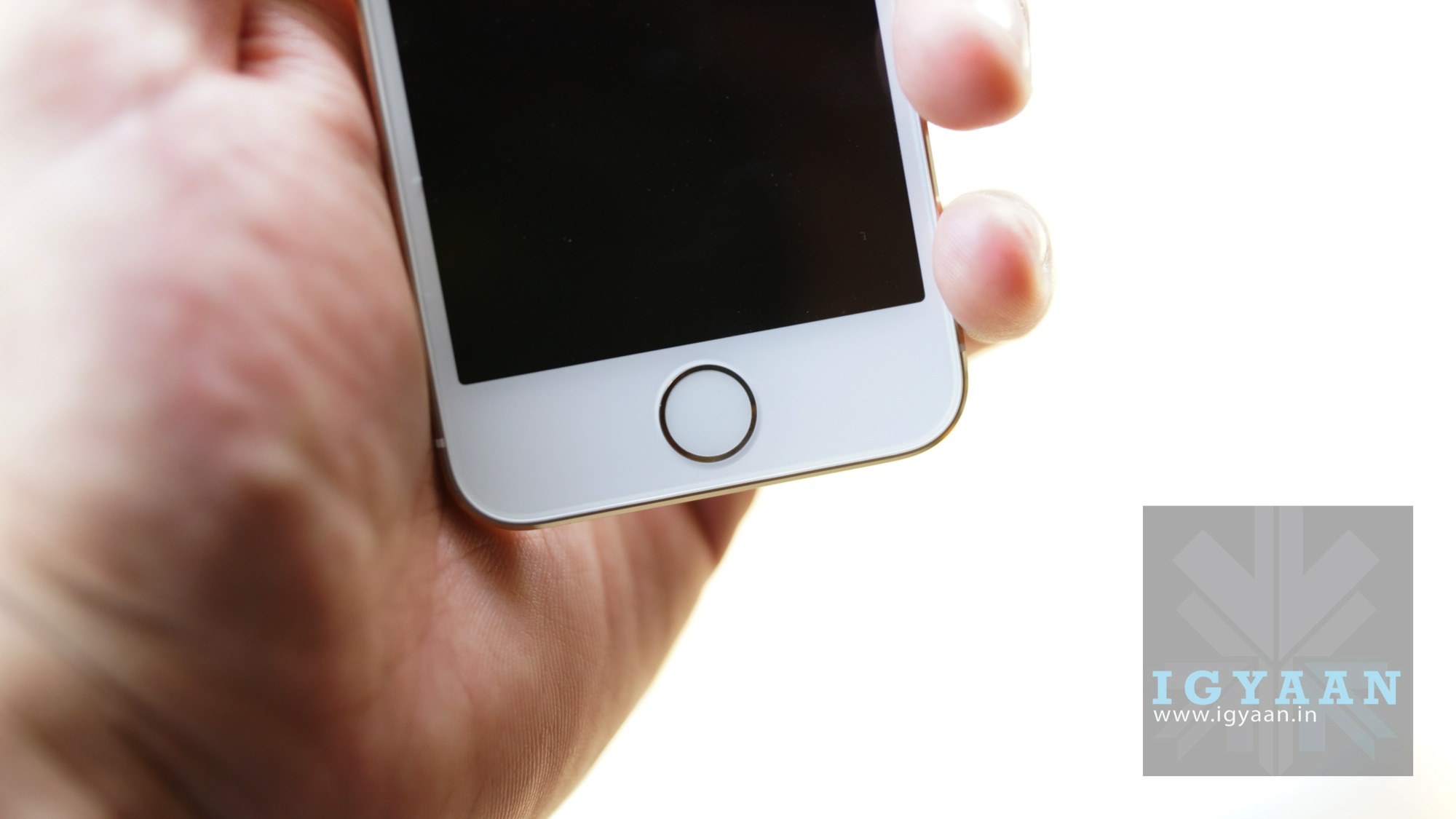
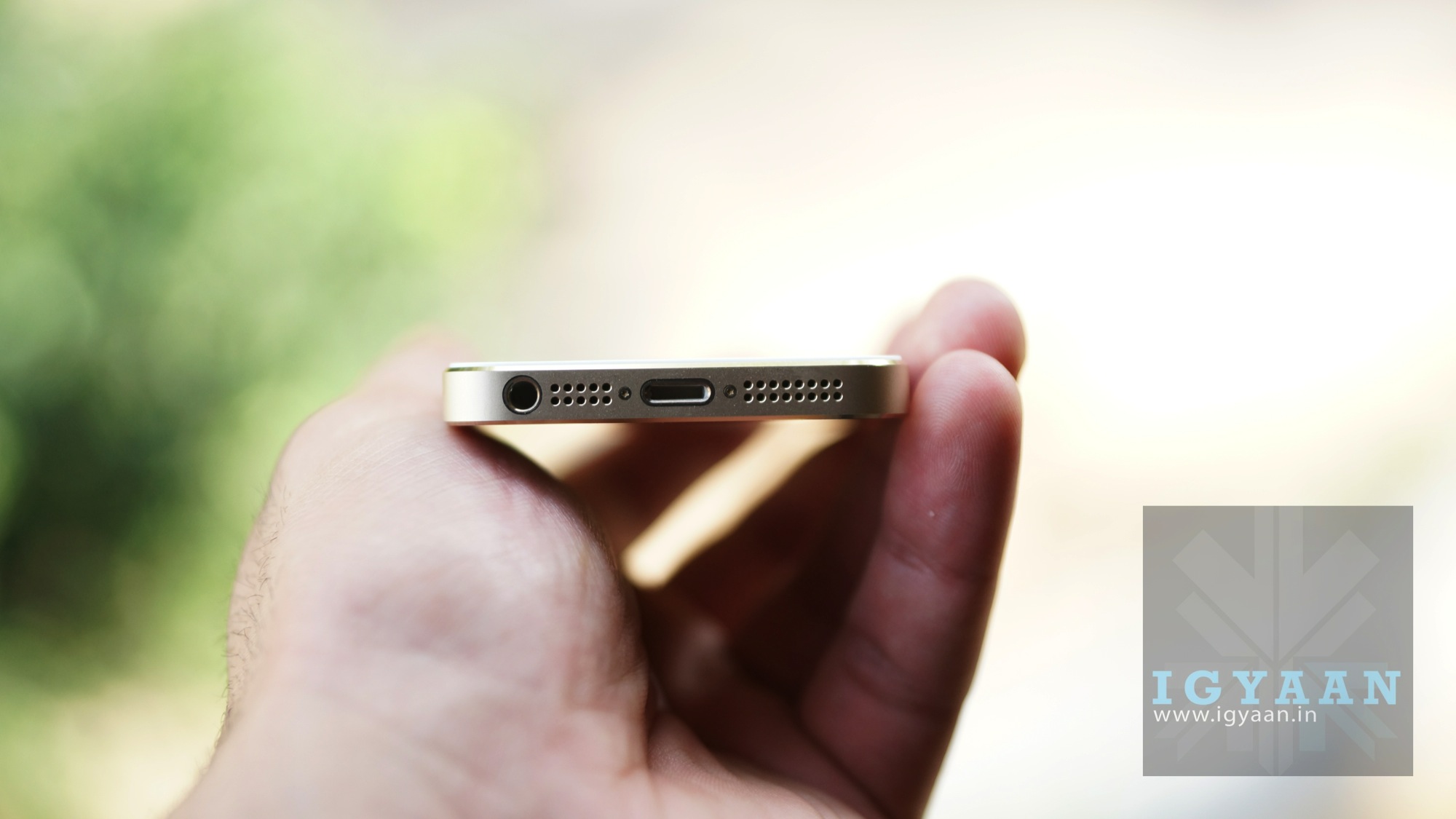
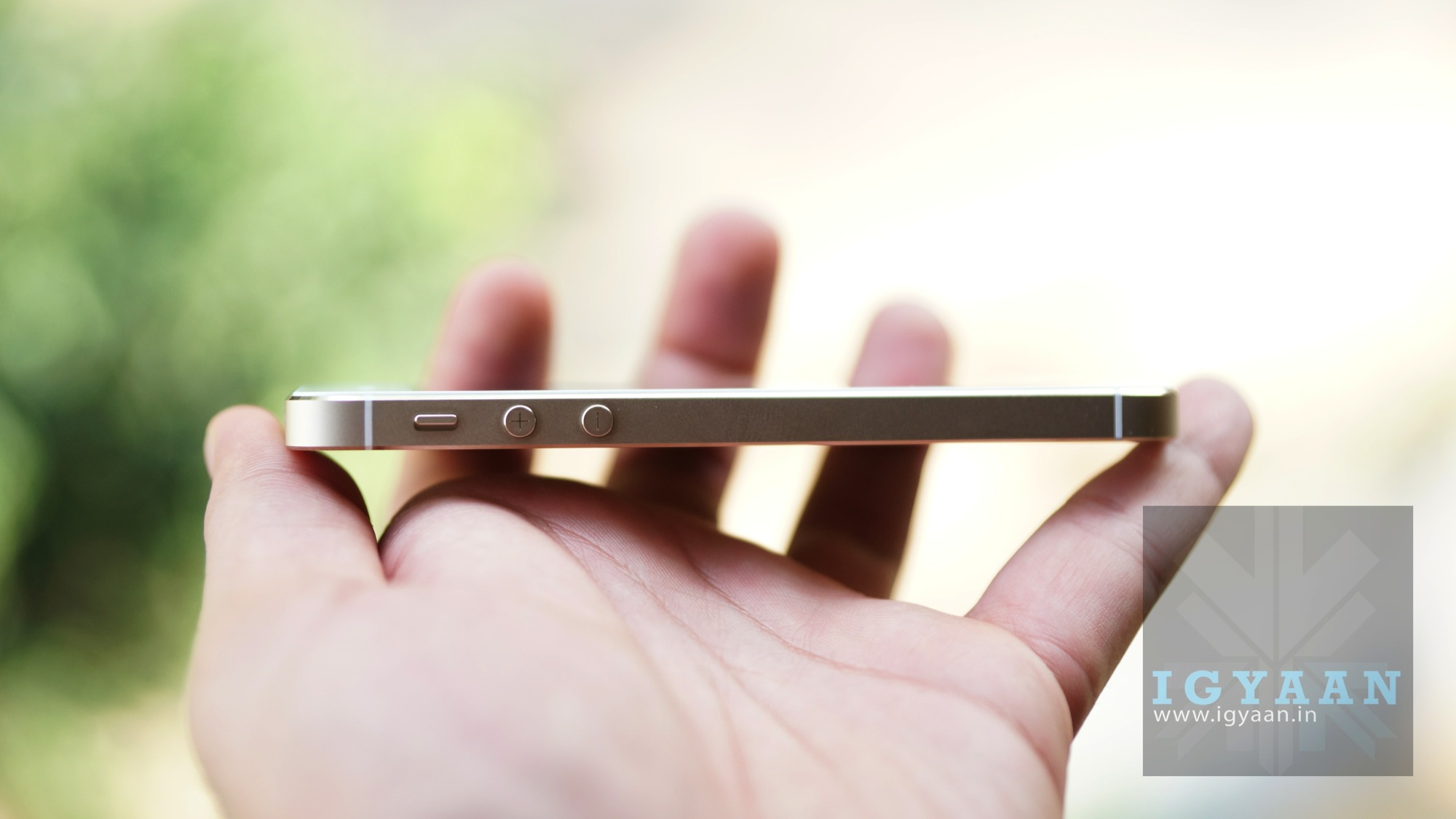
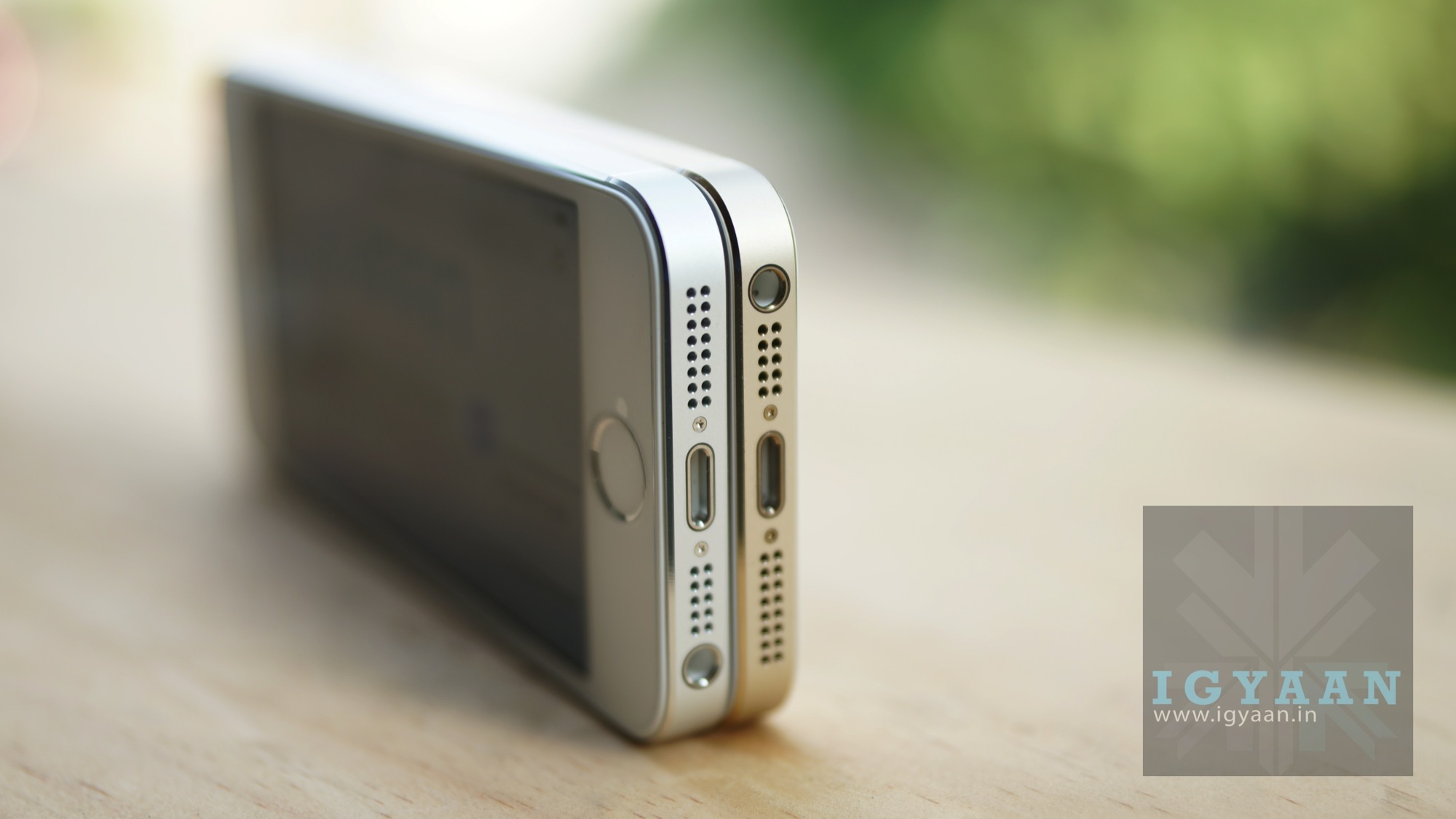
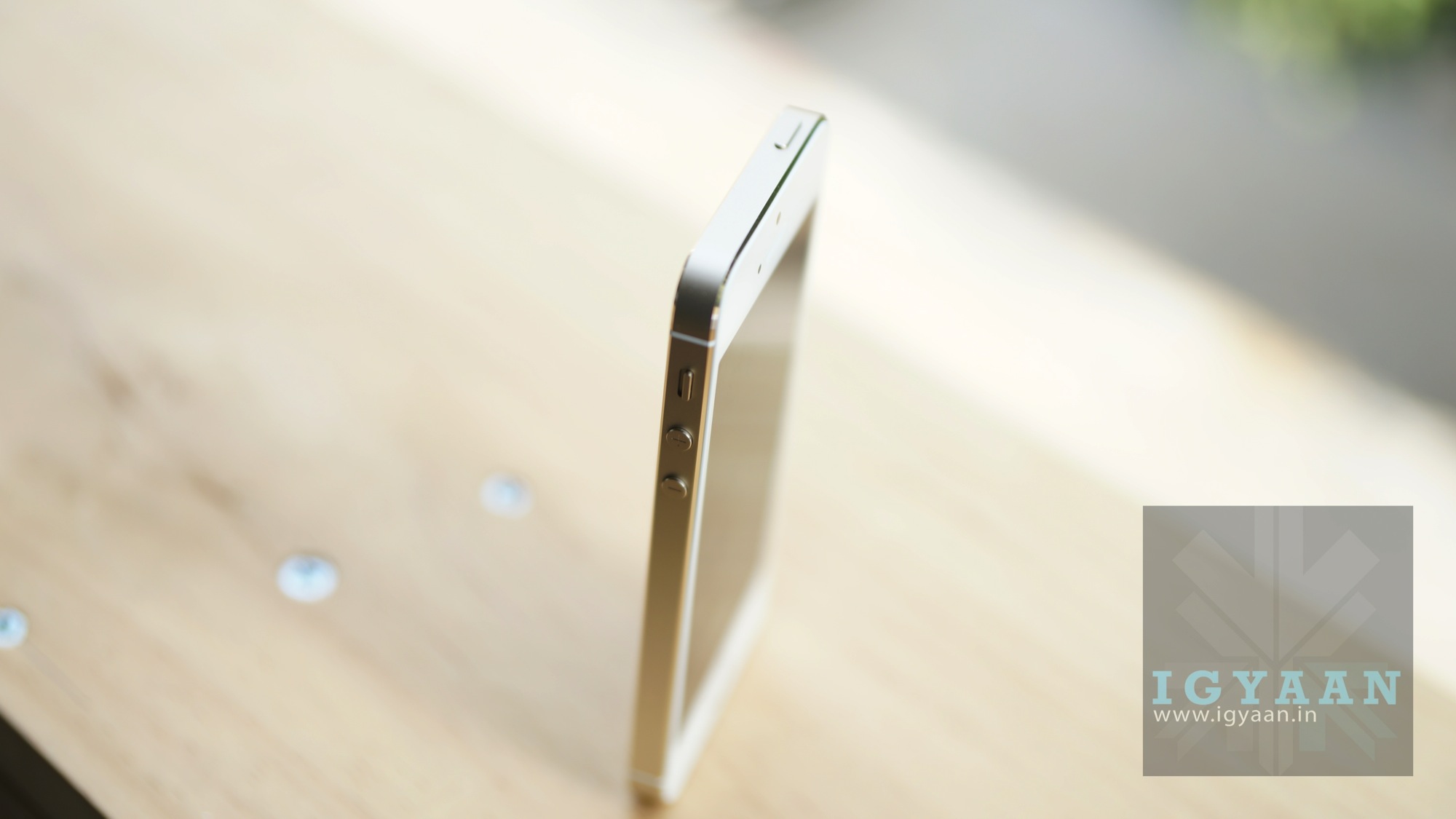
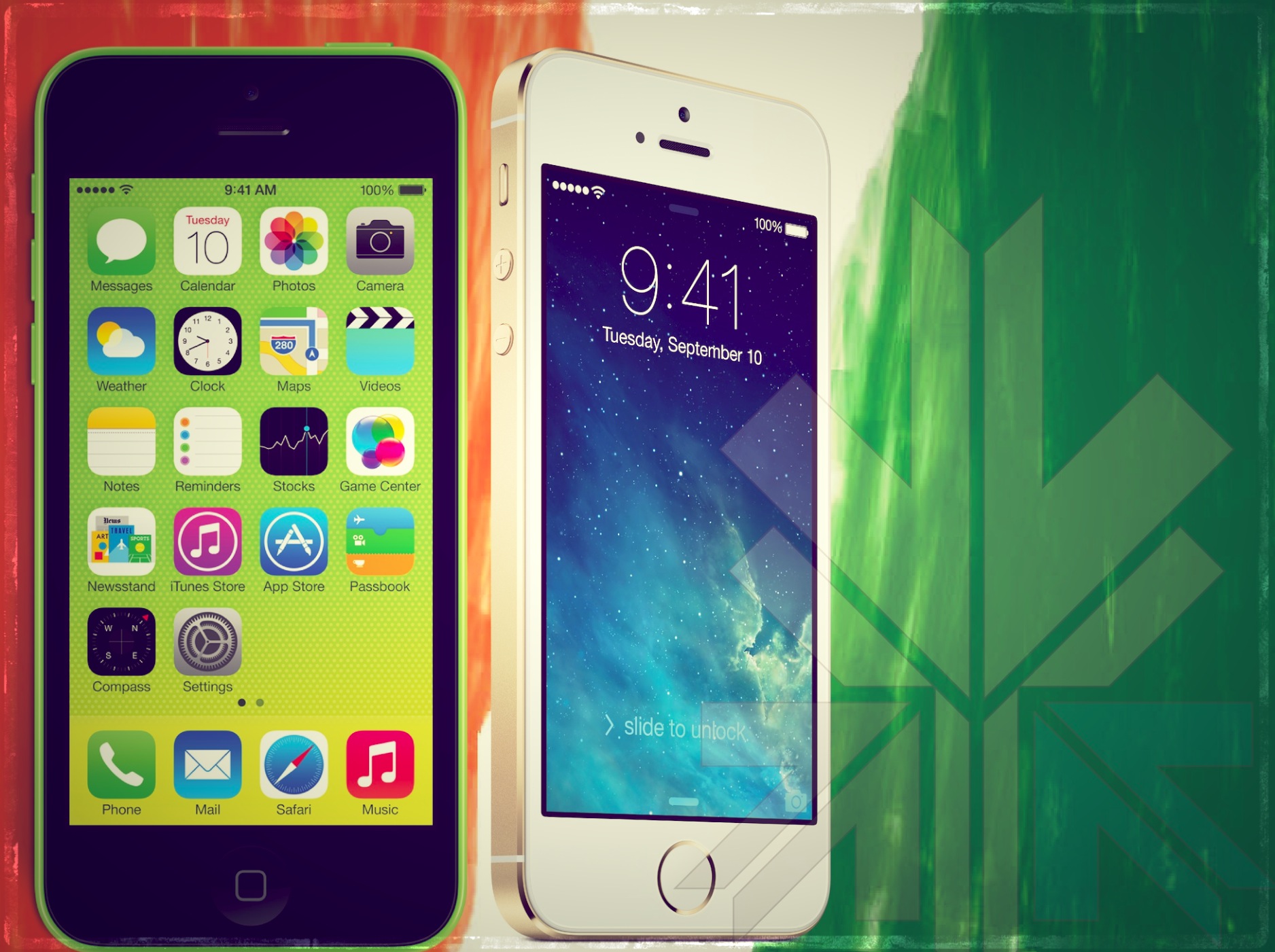
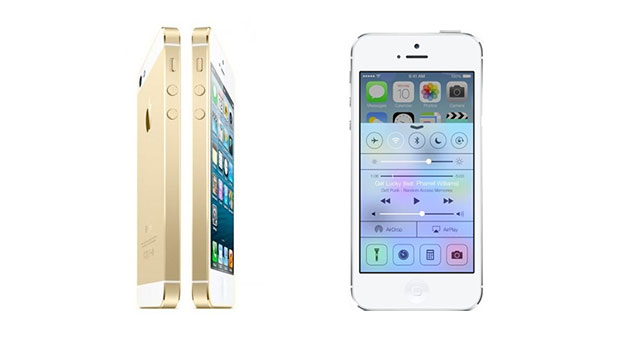
Apple is all set to launch the new iPhone 5s and 5c in India on the 1st of November 2013. The Prices for the 2013 edition iPhones vary from Rs. 41000 all the way up to Rs 71500, which is sort of a new record price for a consumer smartphone in India. The new iPhone 5s is aesthetically same as the iPhone 5 but differs only with the addition of the TouchID sensor where the home button usually is.
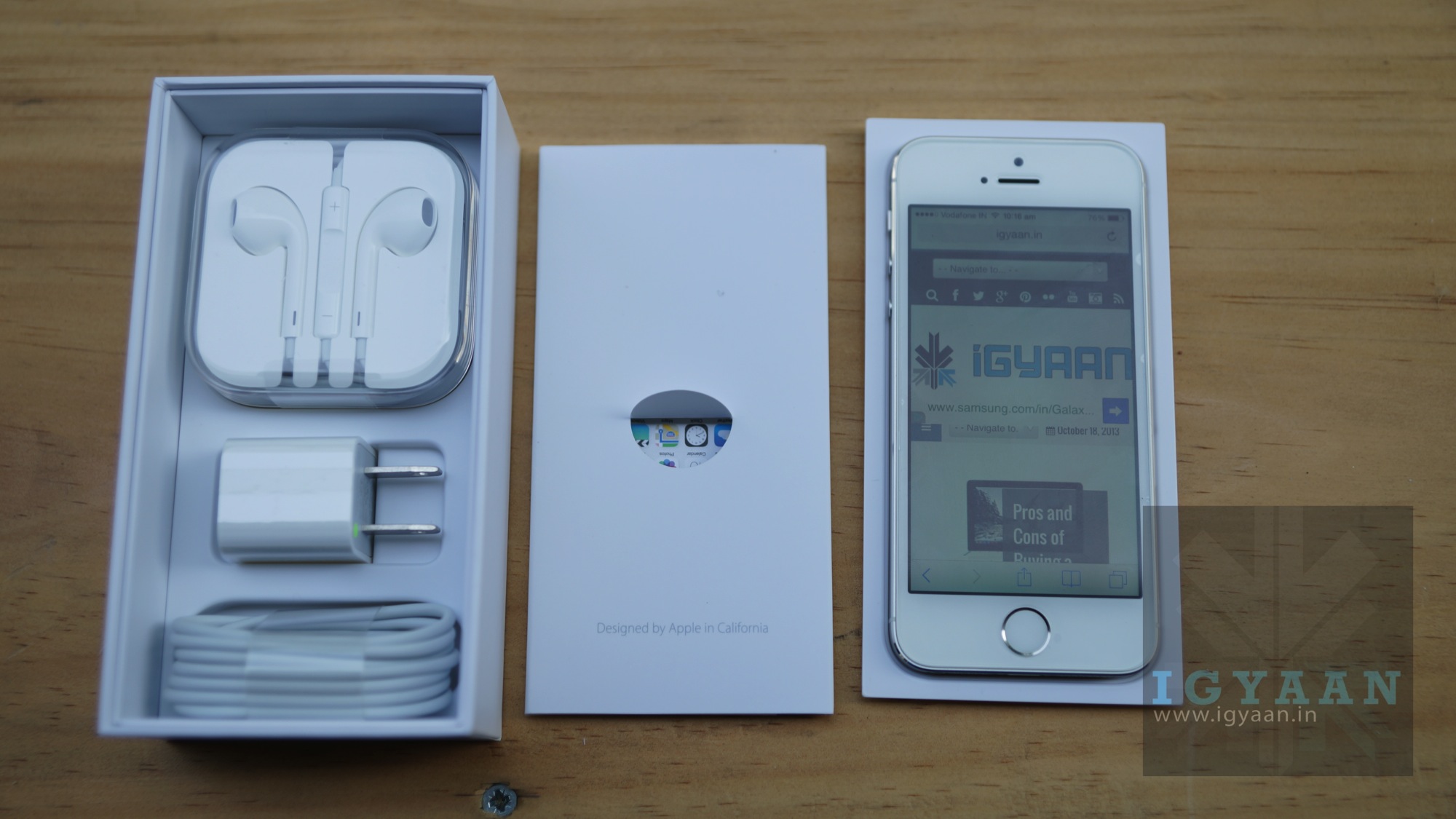
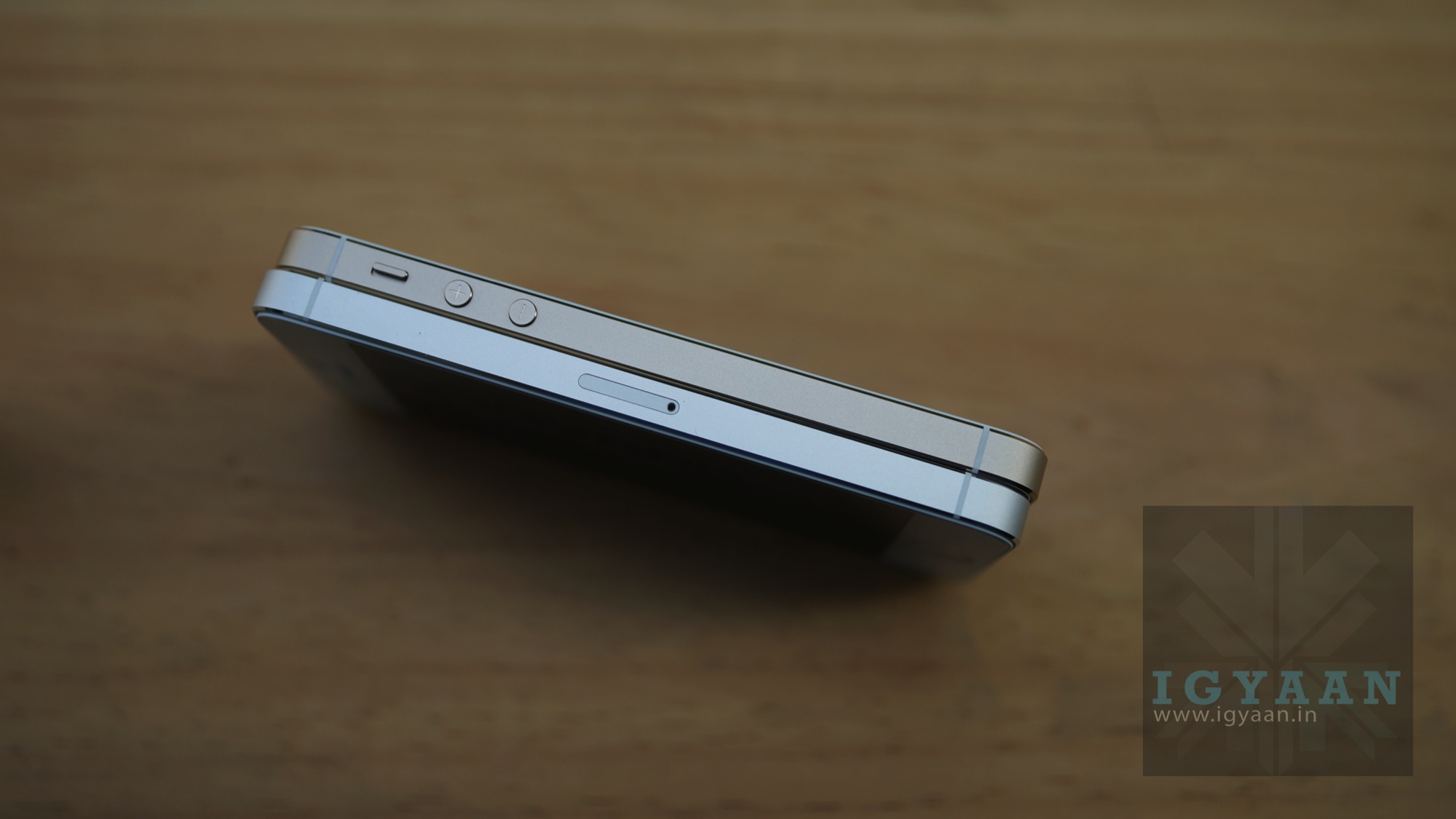
The new iPhone 5s comes with the standard set of things in the box, a wall charger a usb to lightning cable and a set of well packaged ear pods. Apple has chosen to keep the sim ejection tool to themselves this time around, as users will struggle with safety and paper clips to pop open the sim tray.
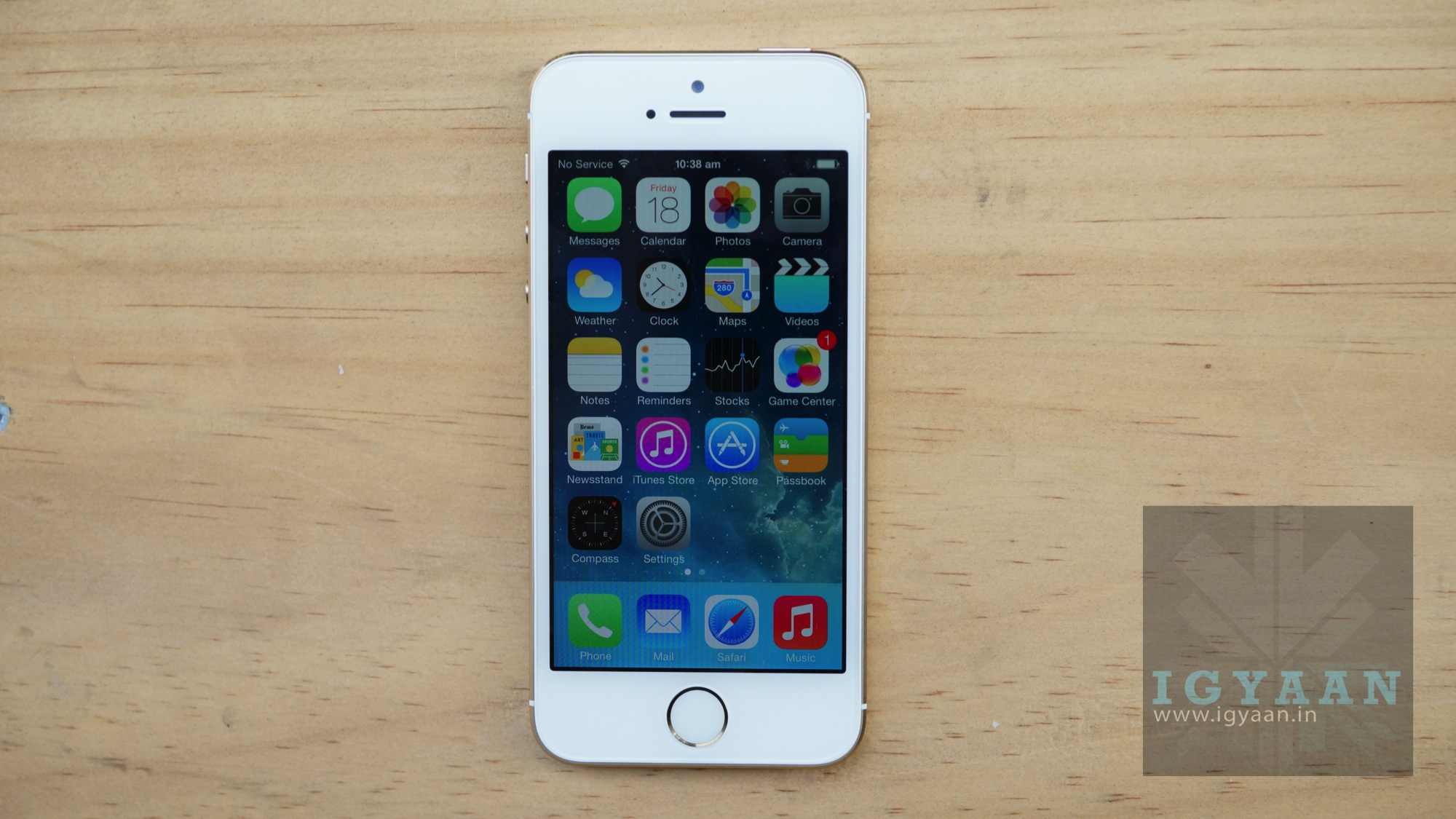
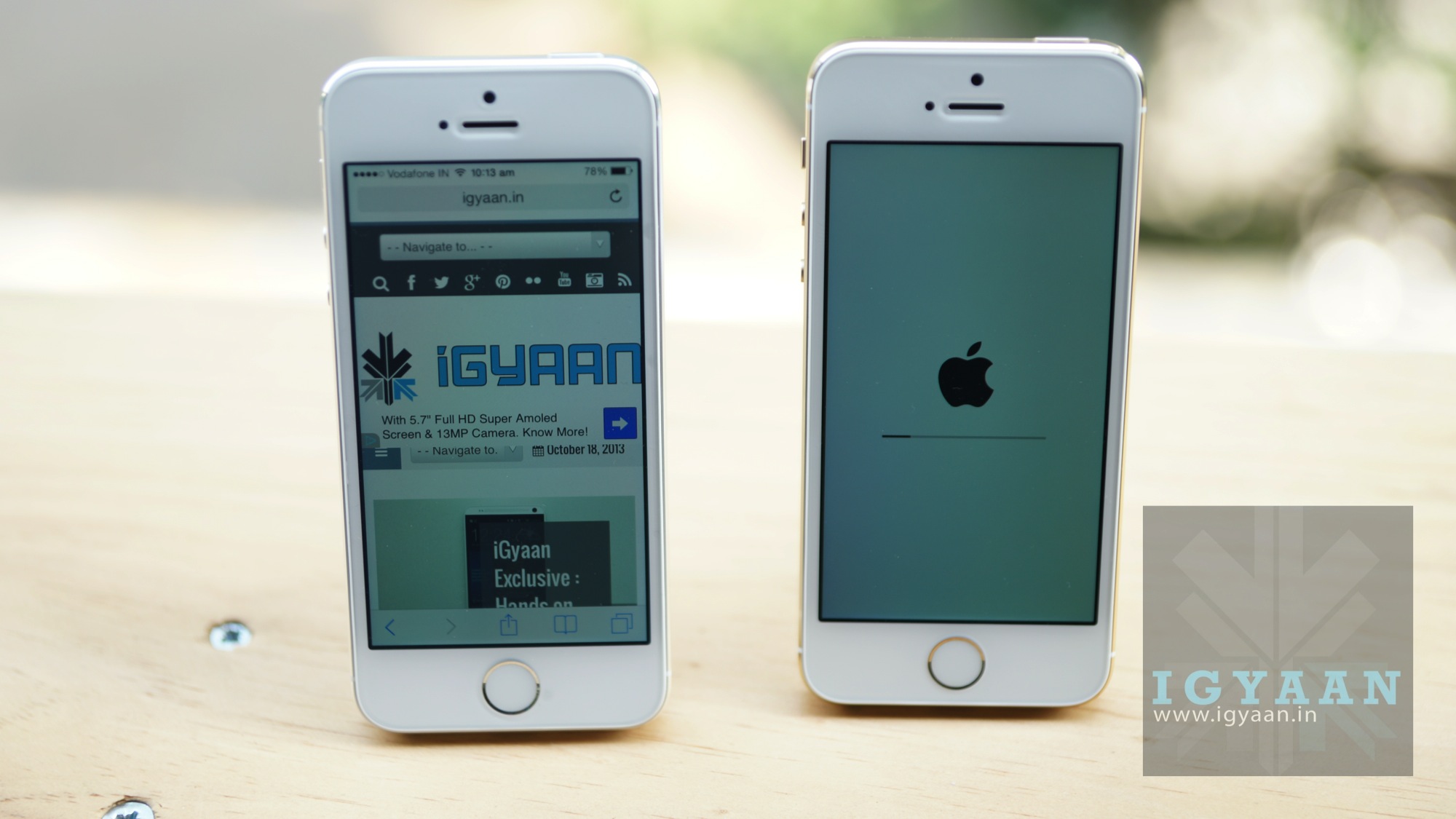
The iPhone 5s Gold color actually looks better than anticipated, and no video or image can truly depict the touch and feel of the phone. The rough finish back panel and the color tone are subtle and not overpowering as one would imagine.
The new iPhone 5s runs on a A7 chipset and also has a M7 motion co-processor, the A7 chipset runs on 64 bit architecture and is an industry first as far as portable mobile devices are concerned. The touchID sensor also is excellent, its quick to setup and very accurate from the get go, one can really get used to it. Check out details in our unboxing video above and images below. The iPhone 5s goes on sale in India starting 1st Nov :
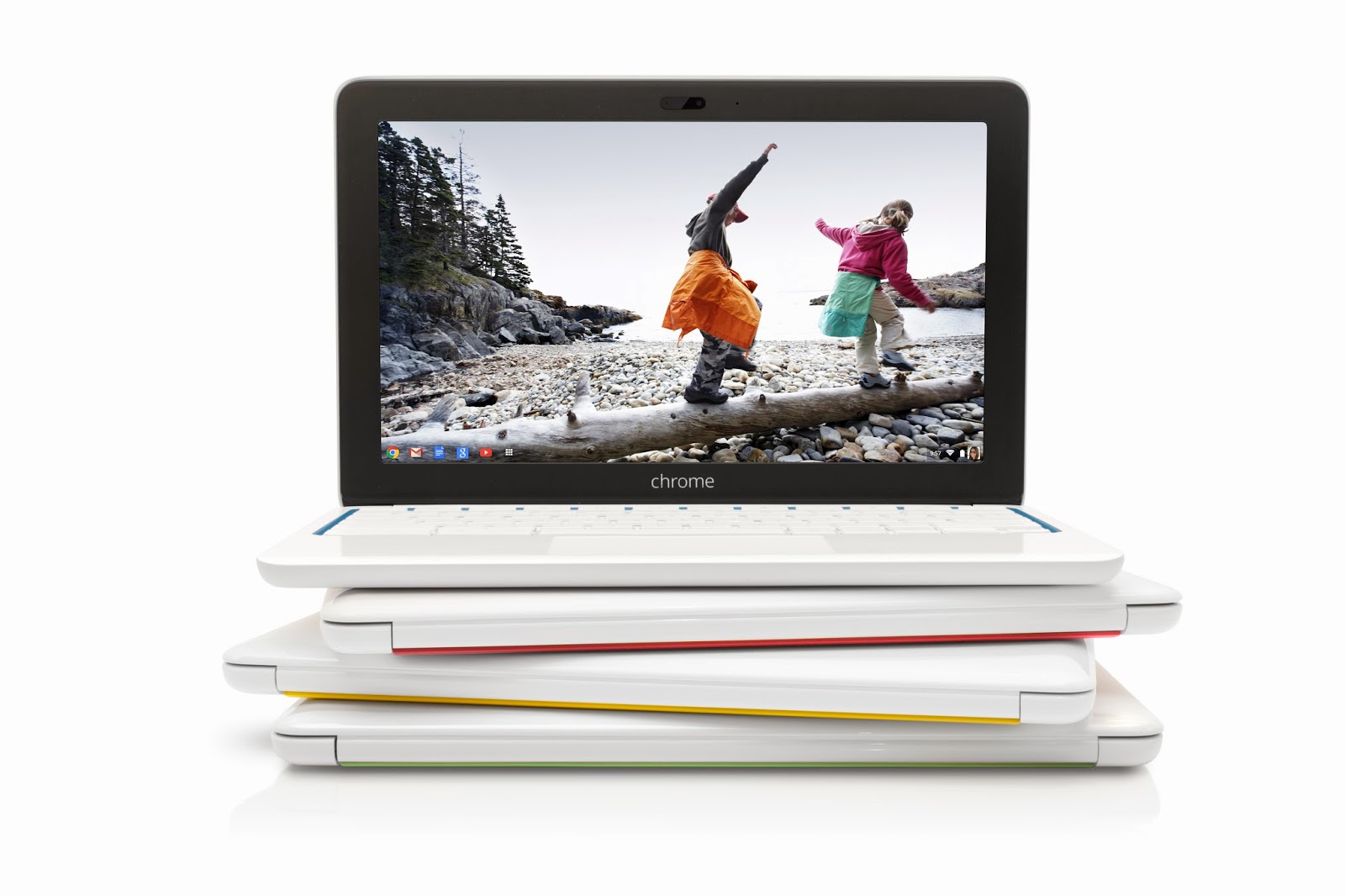
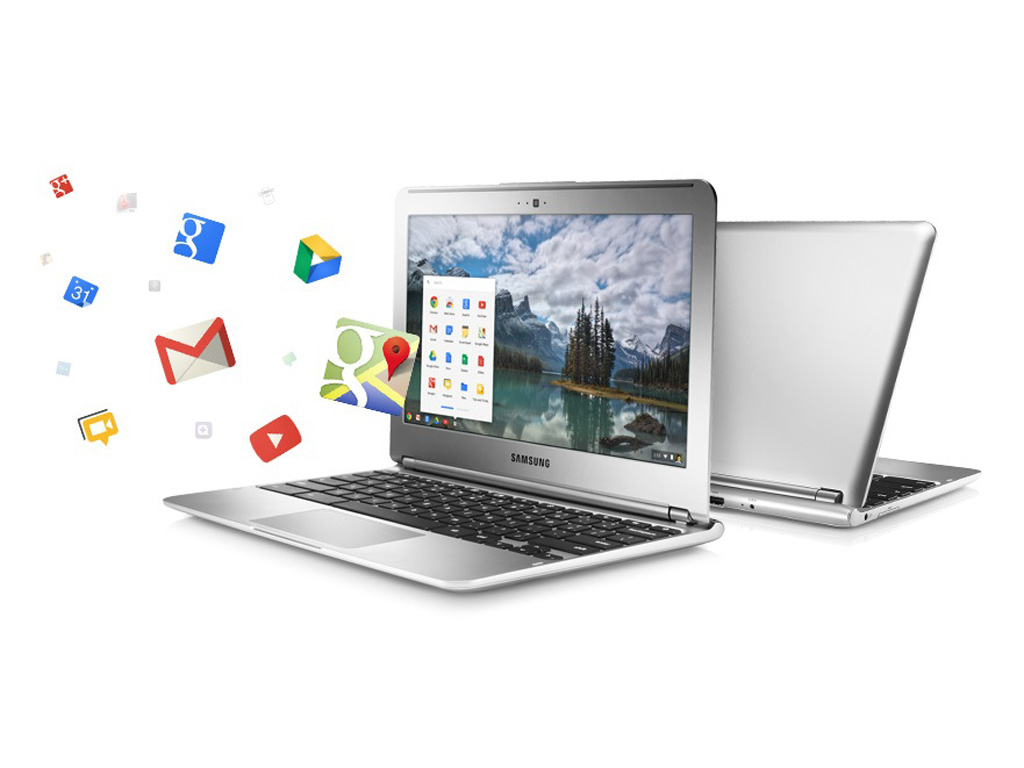
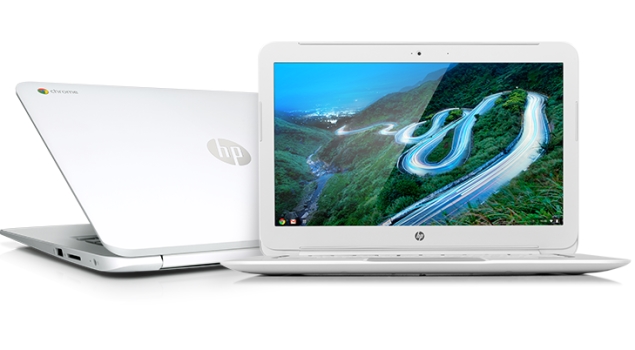
Google announced the launch of their cloud-centric ChromeBooks in India. Two models; namely the Acer C720 and HP Chromebook 14 are going to be sold via select outlets of Croma and Reliance Digital and online via Flipkart.com. Priced at Rs. 22,999 and Rs. 26,990 respectively, these will go head-to-head with a variety of traditional Netbooks and Laptops available at those price points. With respect to hardware, they’re almost similar but instead of running Windows or Linux as their OS, they run Chrome OS. Chrome OS is a lightweight Linux-based Operating System designed to work purely with web applications. That means, there are very few ‘native’ apps baked into the OS; most of the work you’ll do is online, powered by the built-in Chrome browser. So, what are the Pros and Cons of buying a Chromebook in India over a regular laptop?
Pros of a Google Chromebook:
Instant Boot: Chrome OS strips many of the unnecessary processes that a typical computer goes through when you power it on. Thus, a Chromebook is able to typically boot up in about 10 seconds. This is pretty fast; considering a regular laptop running Windows or Linux may take as long as a full 30 seconds for the same. When you close the lid, the Chromebook goes into sleep mode. But when left unused for an extended period, it may shut off to save battery. The good thing is, when you start it again, it would be less agonising of a wait before you can get back to using it.
Multi-user features: Chromebooks are designed to be shared. The multiple-login feature, that allows multiple users to keep their data and settings private, and the Guest mode that protects your data when somebody else is using it aren’t unique features as they’re available in other Operating Systems too. But one unique thing is — since very little data is residing on the Chromebook itself, when you log into your Google account on any Chromebook, your desktop, shortcuts, wallpaper…basically everything you personalised shows up the way you left it on any other Chromebook.
Virus Protection and Auto Updates: Chrome OS is fairly immune to viruses as it is based on Linux, which by itself has been reasonably virus-free as compared to Windows. Beyond that, Google has baked in the Verified Boot, which stores the initial booting code in read-only memory, so a malicious app cannot take over when your Chromebook boots up. Then there’s the Trusted Platform Module (TPM); a specialised chip that serves hardware-based authentication. Also, all the apps installed from the Web Store run in a sandboxed mode, which means a malicious app cannot mess up the core of the OS. Finally, since there aren’t any apps natively installed in Chrome OS; web-apps by default run their latest version. And Chrome OS updates by itself; much like how the Chrome browser does on other Operating Systems.
Cons of a Google Chromebook:
Cannot use native applications: Because Chrome OS is a Linux-based OS that boots into the Chrome browser, there’s no scope for installing native applications. So, if you need to use Tally, Photoshop, MS Office, Skype or any other typical applications people use on computers, beware that you cannot install them on a Chromebook. Sure, you can use web-based alternatives to these apps that may be available on the Chrome Web Store, but they may not provide you with the kind of usability you’re used to.
Can’t use Printers and Scanners in a Typical fashion: Google promotes the use of ‘Cloud Print’ with their Chromebooks. What this means is, you’ll need to have a Cloud Print Ready Printer , or have a printer connected to a computer with Internet and Chrome browser installed with Cloud Print set up, to be able to fire a Print from your Chromebook. So, although you may have noticed the USB ports on that Chromebook, you can’t simply plug it in and print or scan, like you can on a regular computer.
Can’t store a lot of files locally: Many Chromebooks (especially the ones mentioned above) come with a 16GB SSD as the primary storage. Out of this, roughly 10GB is available to the user. So, if you intend to tank up the Chromebook with photos, videos, music and other big files, you’ll be running out of space pretty soon. Then again, the concept of Chromebook involves you not having to store anything locally, but rather store it on the Internet (Google offers 100GB of cloud storage complimentary for the first two years). In comparison, typical laptops in its price range come with an ample 500GB hard disk that you can fill up to your heart’s desire.
Can’t use discs: Chromebooks don’t come with optical drives, nor do they support external ones that connect over USB. If you require to use CDs and DVDs from time to time, the Chromebook is a no-go for you.
It needs the Internet to work (most of the time): Although Chrome OS has supports apps to work offline, the crux of the matter is that your content is still online. With the puny 10GB internal storage, most of us possibly cannot have everything we need stored in that much space. So, to retrieve something, the Chromebook is going to need the Internet. And in a country like India where easy-to-connect, open WiFi networks are non-existent, it could be cumbersome when you’re out in the open. Sure, you can use a 3G dongle, but then be prepared to incur the expenditure to access every file that could have just resided on a typical computer.
Weighing the Pros and Cons suggests that the Chromebooks are suitable only to a certain type of audience — the kinds who are assuredly going to have Internet omnipresent, and for whom the only application they use on a computer is the web browser. Some people argue that Chromebooks aren’t meant to replace computers; rather serve as inexpensive 2nd computers. Compared to their cost in the US, the Chromebooks launched in India are being sold good 25 to 35 percent higher. In fact, their India pricing is at par with traditional laptops from the same manufacturers. This makes a tough case for Chromebooks to the Indian consumer. But even if it got cheaper, would you want to get one? Or are you not yet ready to migrate to a cloud-only computer?
Rohan Naravane manages the content for PriceBaba.com. He is usually found rambling tech on Twitter @r0han.
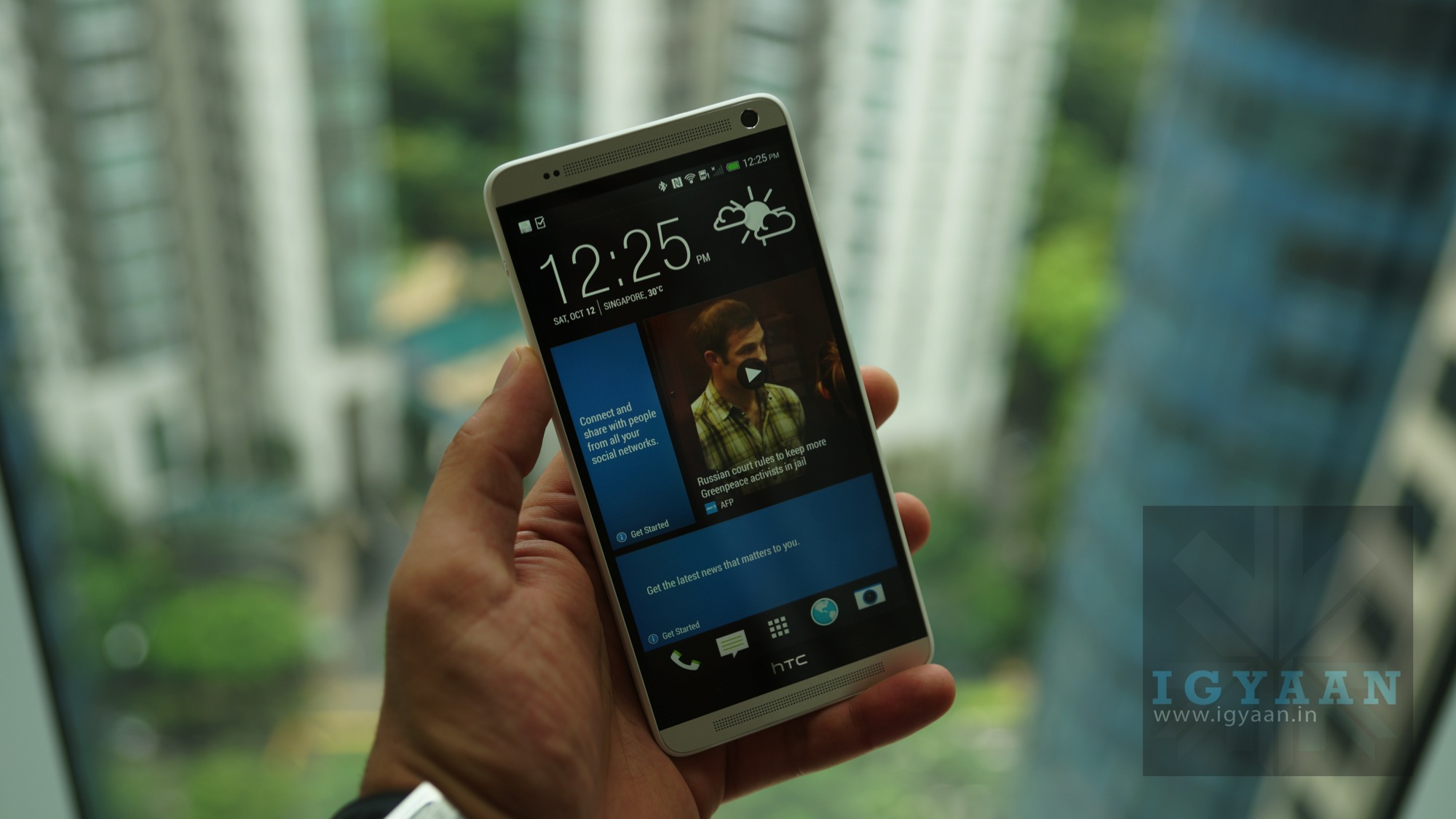
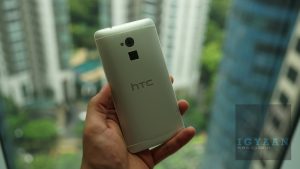
HTC has just launched the new HTC One Max globally. The phone that has been in numerous leaks and rumors ofor weeks now has finally been made official and here is what its all about. The HTC One Max as anticipated is a big daddy of the HTC One and features a new bigger 5.9 inch Full HD Display with IPS /= LCD panel and Gorilla Glass 3.
On the core of the HTC One Max is a 1.7 GHz Snapdragon 600 chipset and Adreno 320 GPU, you get 2 GB RAM and 16/32 GB storage along with microSD expandability upto 64 GB. The back of the HTC One Max has a new set of features, including a new Ultrapixel camera which retains the 4 Megapixel 1/3″ sensor but adds a lager 2 micron pixel size. The front facing camera is a 2.1 MP wide angle shooter, and both cameras capture burst shots with zero shutter lag and 1080p full hd video.
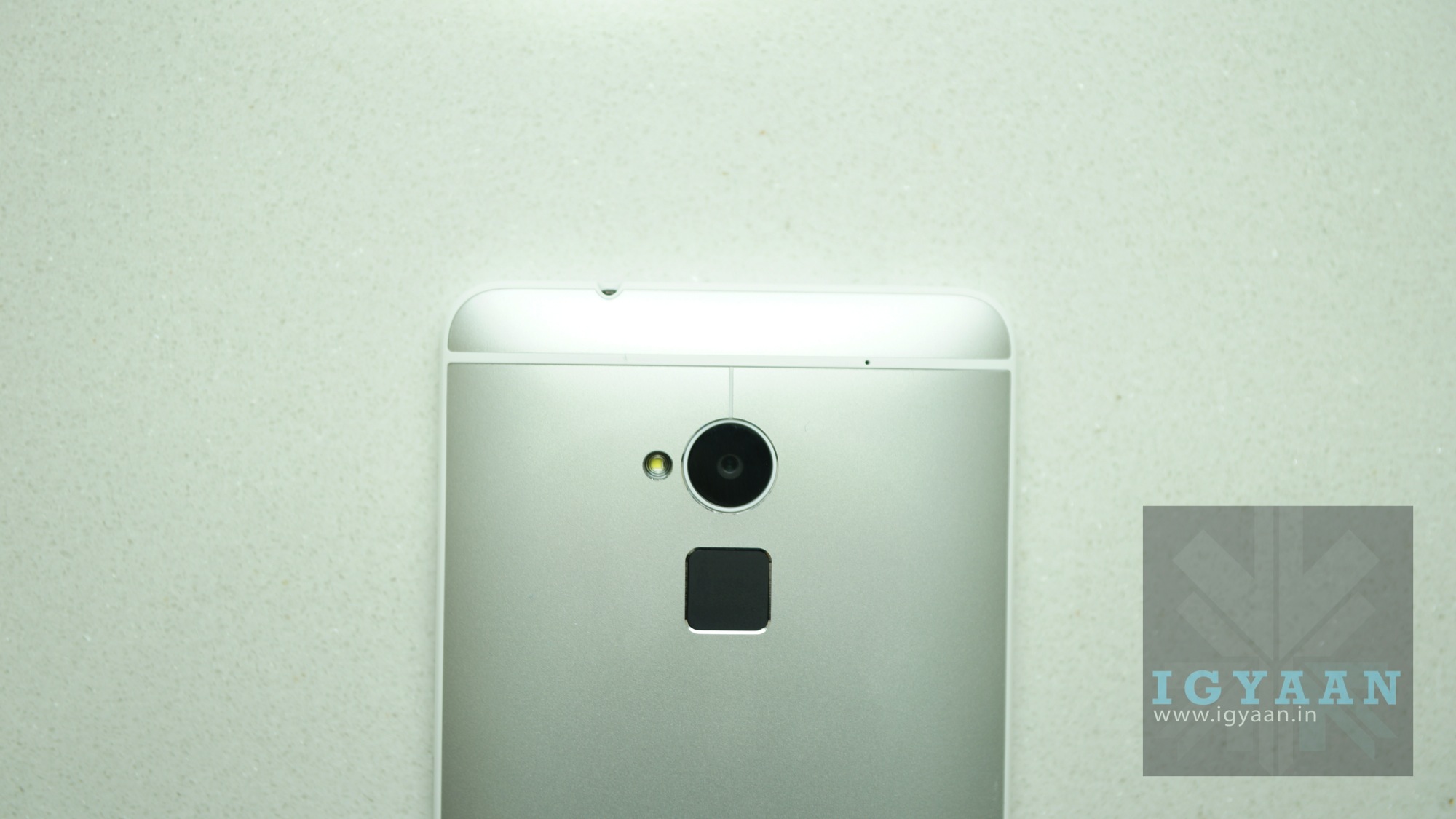
The HTC One Max comes with Android 4.3 and HTC Sense 5.5 which adds a flurry of new features to the HTC One Max’s interface, including a newly revamped BlinkFeed which allows subscription to custom topics and websites. And great new video highlights and Gif maker add-ons in the camera interface among many other UI elements. The back of the HTC One Max is removable , but only to access the MicroSD and MicroSIM slots, the black square at the back of the HTC One Max is a fingerprint scanner that can record upto a maximum of 3 fingers to be used to either unlock the device securely or launch applications. HTC might enable more finger recognition if the consumer feedback may so agree. HTC has also retained the HTC BoomSound speakers adding more sound, thanks to the lager available space on the HTC One Max, we can certify that the sound is definitely much better than on the One.
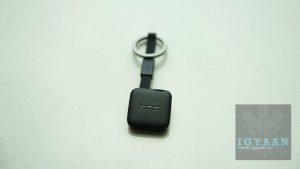
HTC has also launched a new 30% battery case that adds another 30% battery life to the HTC One Max’s already huge 3300mAh battery, a new BoomBass Speaker that makes the HTC One Max a 2.1 enabled device, the new Mini + Bluetooth Accessory and a new device finder called HTC Fetch. Stay tuned for details on those.
iGyaan is the first to know exclusively, directly from Apple, that the Public launch of the new iPhone 5s and iPhone 5c in India will be on 1st Nov in 10 cities across the country which include Delhi, Mumbai, Bangalore and Chennai among 6 other cities. The Pricing for the phones is as follows:
iPhone 5s 16 GB : Rs. 53500
iPhone 5s 32 GB : Rs. 63500
iPhone 5s 64 GB : Rs. 71500
iPhone 5c 16 GB : Rs. 41900
iPhone 5c 32 GB : Rs. 53500
The iPhone 5s and 5c will be available on first come first serve basis at the event,
Here is another exciting thing, iGyaan is also planning a few giveaways post the iPhone launch in India, so you can stay tuned for the days ahead.
The iPhone 5s and 5c were announced in September at an event held at Cupertino in the United States. The iPhone 5s is the first phone to integrate a 64bit chipset and a TouchID fingerprint Sensor.
We live in a world where technology evolves every minute, heck, every second. Even before you’ve got the hang of something, it is replaced by something newer, better.
The other day while I was watching an episode of “The Big Bang Theory”, I was intrigued by something I hadn’t heard of before – 3D printing.
While the “Third Dimension” had crept into virtual space quite some time ago – 3D games, 3D movies etc. – I never really imagined it being introduced into print any time soon (though it has been available and used by companies in automobiles sector for the past 8-10 years).
So the first thing I did after the episode was to switch on my computer and, as is the norm these days, turn to the tried and trusted Google Search to enlighten me on this topic.
What is 3D printing? – An Overview.
Imagine a future in which a device connected to a computer can print a solid object. A future in which we can have tangible goods as well as intangible services delivered to our desktops or highstreet shops over the Internet. And a future in which the everyday “atomization” of virtual objects into hard reality has turned the mass pre-production and stock-holding of a wide range of goods and spare parts into no more than an historical legacy.
Such a future may sound like it is being plucked from the worlds of Star Trek. But lo and behold, 3D printing. The medium which can help us achieve these.
[pullquote_left]Charles Hull is the inventor of the modern 3D printer and originator of de facto standard technologies. The first published account of a printed solid model was made in 1981 by Hideo Kodama of Nagoya Municipal Industrial Research Institute.[/pullquote_left]
There are a variety of very different types of 3D printing technologies, but they all share one core thing in common: they create a three dimensional object creating it layer by successive layer, until the entire object is complete.
Each of these layers is a thinly sliced, horizontal cross-section of the eventual object. Imagine a multi-layer cake, with the baker laying down each layer one at a time until the entire cake is formed. 3D printing is similar, but just a bit more precise, and scientific if you may, than 3D baking.
Two particular technologies are used in 3D printing – fused deposition modeling (FDM) and PolyJet.
FDM printers essentially use thermoplastic ABS filament, that is fed into the printhead which melts the material and then deposits it layer by layer to build up the object.
PolyJet printers, on the other hand, are more similar to regular inkjet printers, but instead of jetting drops of ink on paper, a PolyJet 3D printer deposits droplets of liquid photopolymer which is then cured (or hardened) by exposing it to ultraviolet (UV) light.
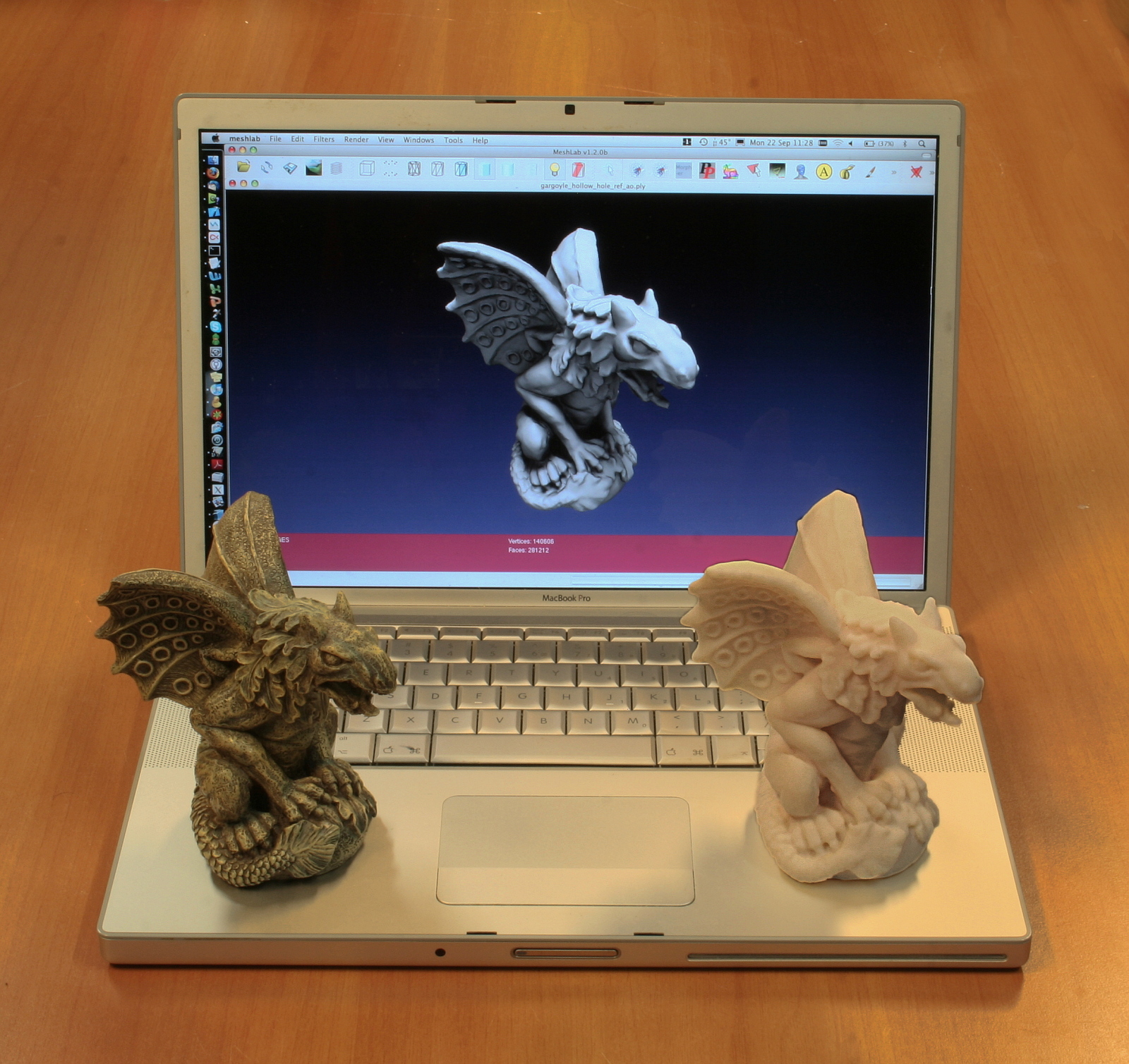
Each 3D-printed object begins with a digital Computer Aided Design (CAD) file, created with a 3D modeling program, or which was scanned into a 3D modeling program with a 3D scanner. To get from this digital file into instructions that the 3D printer understands, software then slices the design into hundred or thousands of horizontal layers.
The 3D printer reads this file, and proceeds to create each layer exactly to specification. As the layers are created, they blend together with no hint of the layering visible, resulting in one three dimensional object.
What can we do with 3D printing?
The answer to the above question is simple yet complicated – anything.
Once a science-fiction fantasy, three-dimensional printers are popping up everywhere from the desks of home hobbyists to Air Force drone research centers. The machines, generally the size of a microwave oven, cost from $400 to more than $500,000.
From bicycles, toys, accessories to Nuclear warheads, guns and buildings. Anything and everything.
Recently, a baby was afflicted with a condition that blocked his ability to breathe, professors at the University of Michigan developed a 3D-printed splint that saved the child’s life.
A 3D printed splint helped cure this baby’s breathing problem.
Companies are continuing to reap the benefits of 3D printing, a decades-old technology that has increased in popularity over the past few years as the prices of printing machines and materials have come down.
A 3D printed guitar
The Wall Street Journal recently took a look at how three major U.S. manufacturers — Ford, GE and Mattel — are using 3D printing to cut costs and production times during the prototyping phase.
Thanks to 3D printing, production time for one type of cylinder head, used in its fuel-efficient EcoBoost engines, is cut down from four to five months to three, shaving 25% to 40% off production time.
The Side Effect
[pullquote_right]The effect of 3D printers falling into the wrong hands can be catastrophic.[/pullquote_right]
New South Wales Police Force, the largest in Australia recently issued a public warning video about the ‘emerging worldwide threat’ of 3D printable weapons.
In a YouTube video highlighting the dangers 3D printable guns, Andrew Schipione, the commissioner for New South Wales Police, urges the public not to download the Computer Aided Design (CAD) files for the gun, known as the Liberator.
A 3D Printed Gun
He explained how his ballistics team had acquired a 3D printer, downloaded the blueprint for the weapons and assembled two possible future application is in the use of 3D printers to create replacement organs for the human body. This is known as bioprinting, and is an area of rapid development.pistols at a cost of just £22.
When fired, a bullet from one of the guns penetrated almost seven inches into a solid resin block resembling human flesh, deep enough to kill any human. The other weapon fell apart when it was fired.
Though some fear it is already too late.
A May 21 Department of Homeland Security bulletin distributed to several law enforcement agencies across the country, and obtained by Fox News, basically states that there might be nothing that can be done to stop people from downloading and printing plastic guns. “Limiting access may be impossible,” the memo states.
What Lies Ahead
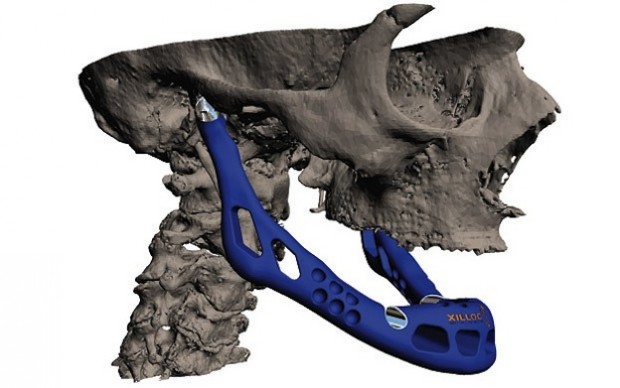
A possible future application is in the use of 3D printers to create replacement organs for the human body. This is known as bioprinting, and is an area of rapid development.
A 3D printed jaw.
Instantly printing parts and entire products, anywhere in the world, is a game changer. But it doesn’t stop there. 3D printing will affect almost every aspect of industry and our personal lives.
3-D printing is a disruptive technology of mammoth proportions, with effects on energy use, waste, customization, product availability, art, medicine, construction, the sciences and of course manufacturing. It will change the world as we know it. Before you know it.
[With valuable inputs from Explaining The Future, Wikipedia and 3dprinter,net]
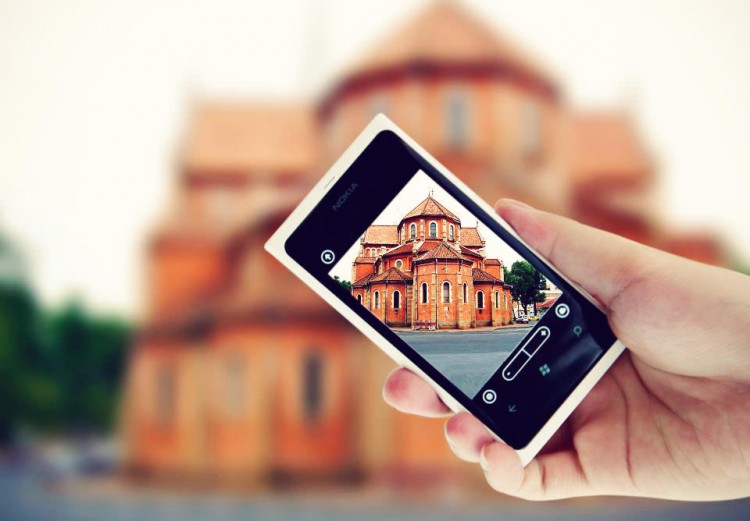
These days digital cameras are found in a variety of other gadgets – including cell phones. In fact Camera Phones are one of the fastest growing segments of the digital camera market and with the improvements in the quality of what is being offered in some phones (higher megapixels, better lenses, high capacity storage) some believe that they are beginning to win market share away from the low end offerings of many digital camera manufacturers.
So keeping that in mind, we present to you some basic tips to improve the quality of images that you click from your cell phone.
1. Stand Still
It is really difficult to keep still while clicking images with your phone. Even the slightest of movements can leave the image blurred. The shutter delay is what causes these blurs.
Holding the camera really steady and even after the shutter is released, keep it steady for a few seconds more just to be sure. You could also try supporting the phone on a few books, table, against the table vase and get sharper images.
2. The Better The Lighting, The Clearer The Image
The better lit your subject is the clearer your image is likely to be. If possible shoot outside or turn on lights when shooting inside. Your phone’s biggest weakness is its inability to take good pictures in low light (unless you have a Lumia 920 or a HTC One), which means you generally will want to get as much light as you possibly can on your subject.
If your phone camera has the basic white balance features then experiment with them to get the near possible match.
3. Focus!
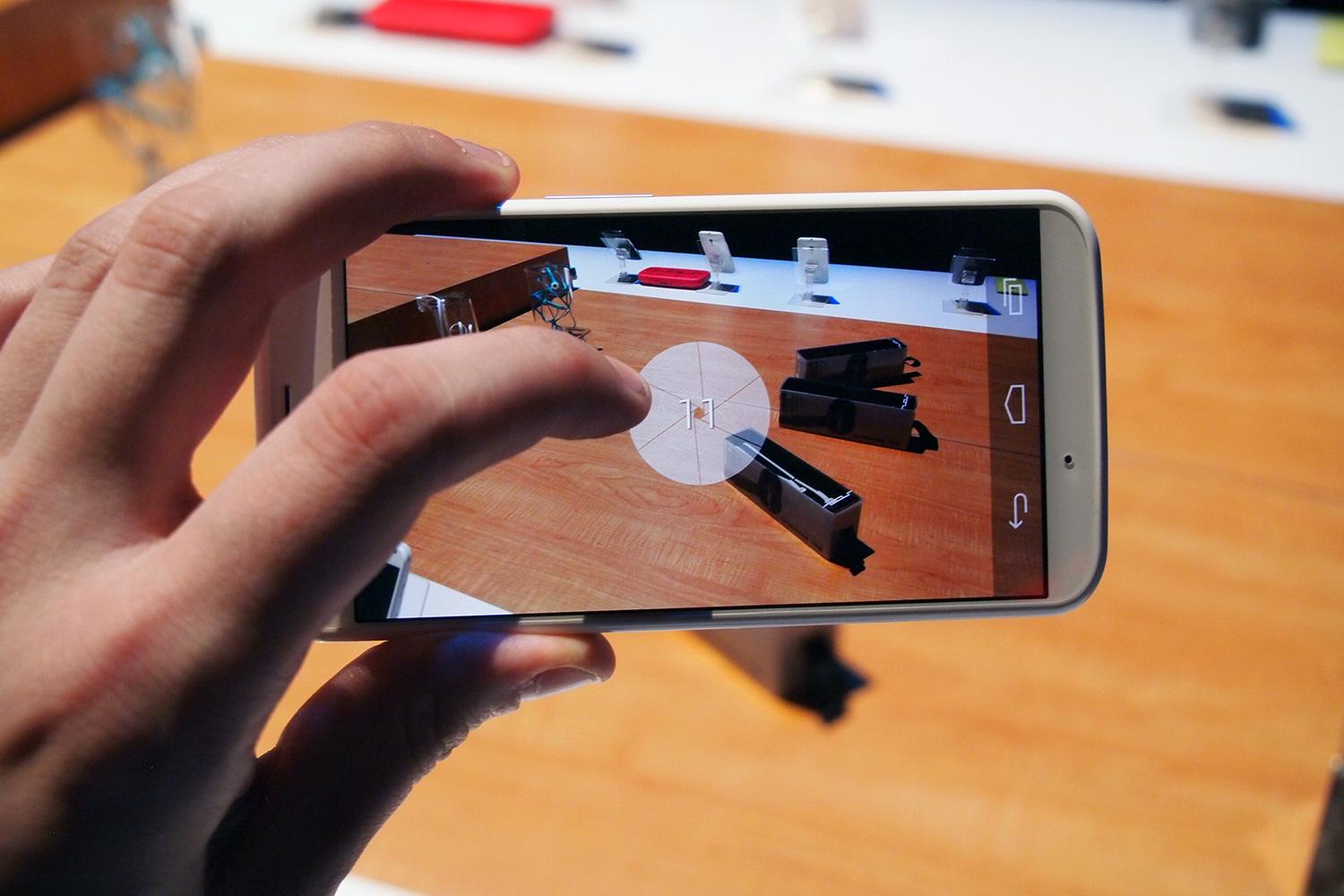
When you’re taking a close-up, your phone generally focuses on the element closest to the lens. Switching the focus can allow objects in the background to stand out instead, thus making a run-of-the-mill shot more interesting. To focus on an element, gently tap your screen’s viewfinder.
Wait for the subject to be in focus. Then take the shot. There are apps you can use to selectively focus areas in your image. More on apps later.
4. Avoid Zoom
The built-in zoom in most phone cameras are not optical but digital. Hence, it is advisable to not zoom in to compose a picture because you are not really zooming.
Instead, move closer to the object and crop the image later if you have to. You will notice a considerable difference in the quality of the image.
Most smartphones have 8+ megapixels of resolution and sometimes more. That means you can crop substantially and still have plenty of resolution left for display on the web.
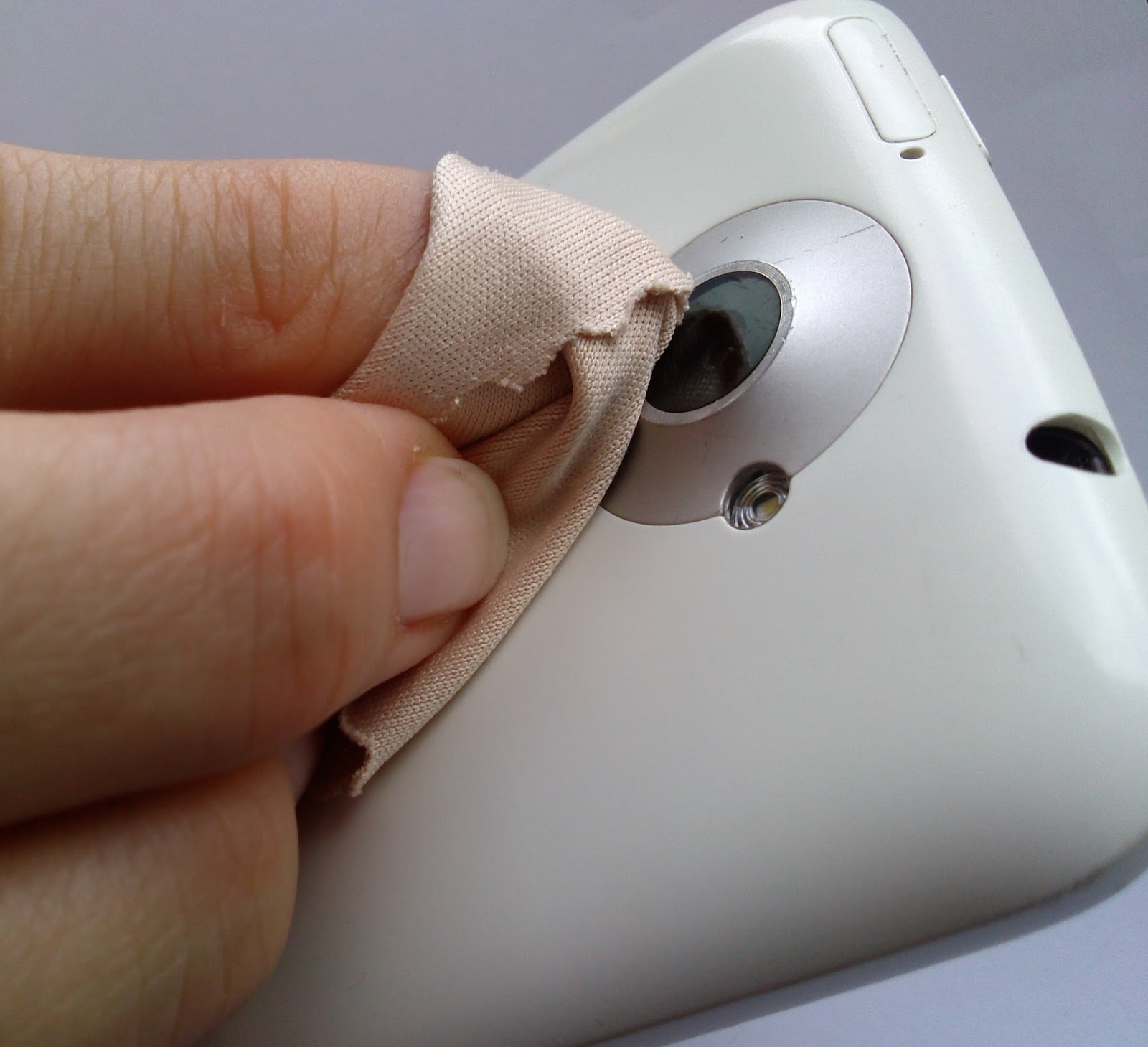
5. Keep The Lens Clean
While most of us spend loads of money on buying screen protectors for the front of your devices, we must realise that there is a lens on the back of your device that needs maintenance too.
Phones spend a lot of time in pockets, in bags and being used in all manner of weather and conditions and over time the camera lens can collect lint/dust and create a blurred image. Just give it a good wipe with a clean cloth.
6. Keep The Background In Mind
We all have images in our phones that were ruined by poor background surroundings. From photobombing friends or garbage on the road, keep in mind that the background is as important as the subject.
Backgrounds should vary from shot to shot. You can either go for a subtle, clean background or one with motion and movement.
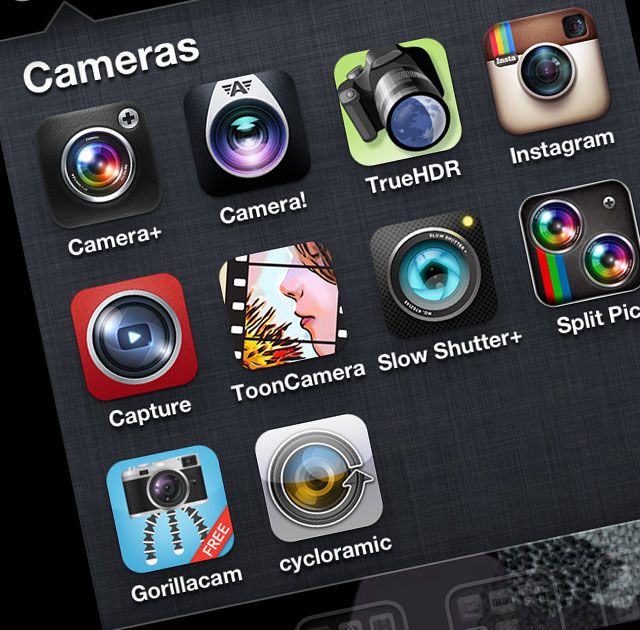
7. The Default Camera App Isn’t The Only One You Can/Should Use!
Depending on your particular phone and the camera app that comes with it, you may have a few settings you can adjust before taking a picture. In almost every case, though, you can do better by grabbing a more advanced camera app.
Apps like Camera Awesome allow you to shoot in bursts and separates the AF lock from the exposure lock. Other apps like Camera+ have similar options for more controlled shooting.
There are a ton out there, so look around!
8. Use Accessories!
If you intend to use your mobile phone as a digital camera, then you would do well to add on some accessories to maximise the camera experience.
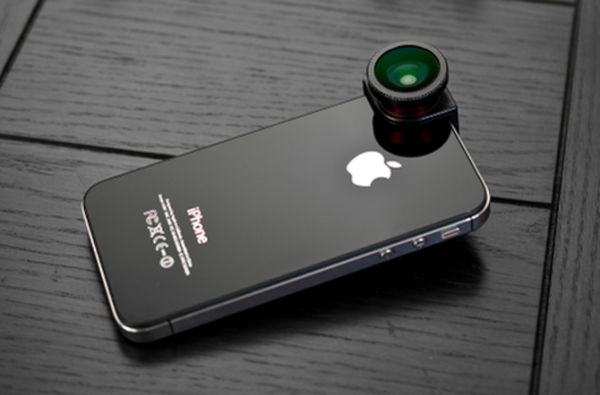
Given the success of cameras on smartphones, more and more manufacturers are selling accessories specially designed for use with camera phones. These include camera phone tripods, Bluetooth adapters to transfer photos to a PC, and an attachable wide-angle lens.
When professional photographers want to up the quality of their shots, they often upgrade their lenses. If you have a good smartphone, there are plenty of lens add-ons that allow you to do the same.
An example is the Olloclip. Easy to slip on and off, the Olloclip is actually three lenses in one: macro, fish-eye, and wide angle. The HitCase for the iPhone 5 also comes with a wide-angle lens, which helps you in taking macro-shots.
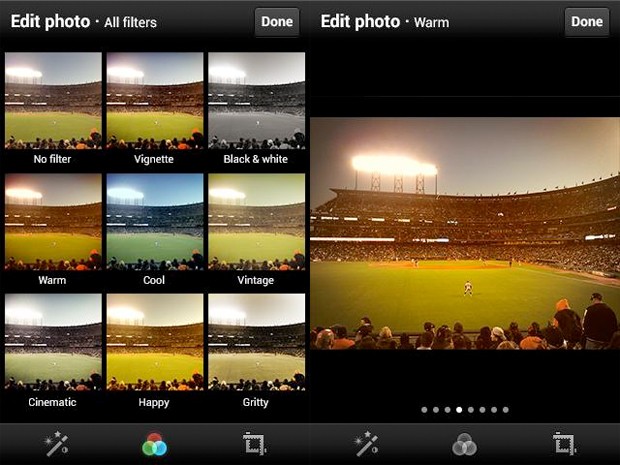
9. Edit Later, Avoid Using Filters
While you’re better off tweaking some settings before you take the photo, you can always make a picture look better by editing it after you’ve downloaded the pictures to your computer.
Take your shots in color at high resolution to keep your options open on how to treat it later. You can always make it black and white on your computer, but you can’t make it colour if you take it in Black and White mode.
Apps like Snapseed (free) can be used to edit photos easily. Snapseed is very easy to use, and less onerous or labour-intensive than Photoshop Touch. It can auto-fix photos, definitely, but it can be used to make subtle and even minute edits to photos that affect exposure, saturation, sharpness and contrast. In other words, it’s a fully-fledged photo editor that competes with iPhoto.
10. Experiment!
The beauty of all forms of digital photography (including that of camera phones) is the ability to shoot off many shots quickly and without cost. This means you can experiment with different modes and composition and discard those that you don’t want to keep.
Don’t be afraid to try interesting angles. Sometimes playing around with angles can make an image look contrived, and other times, it just works.
Most importantly, just like any other camera, practice. Practice practice practice.Take lots of pictures. Learn what you like and what you need to improve on. It takes a while to get into a groove where you really start to excel, so shoot often and keep only your best work.
Armed with these tips and techniques, you’ll be surprised what you can do with a simple camera phone.
Let us know your tips in the comments section below!