Category: iGyaan

Everything Exclusive to iGyaan

  • Samsung Galaxy Mega 5.8 Review – iGyaan

    Samsung Galaxy Mega 5.8 Review – iGyaan

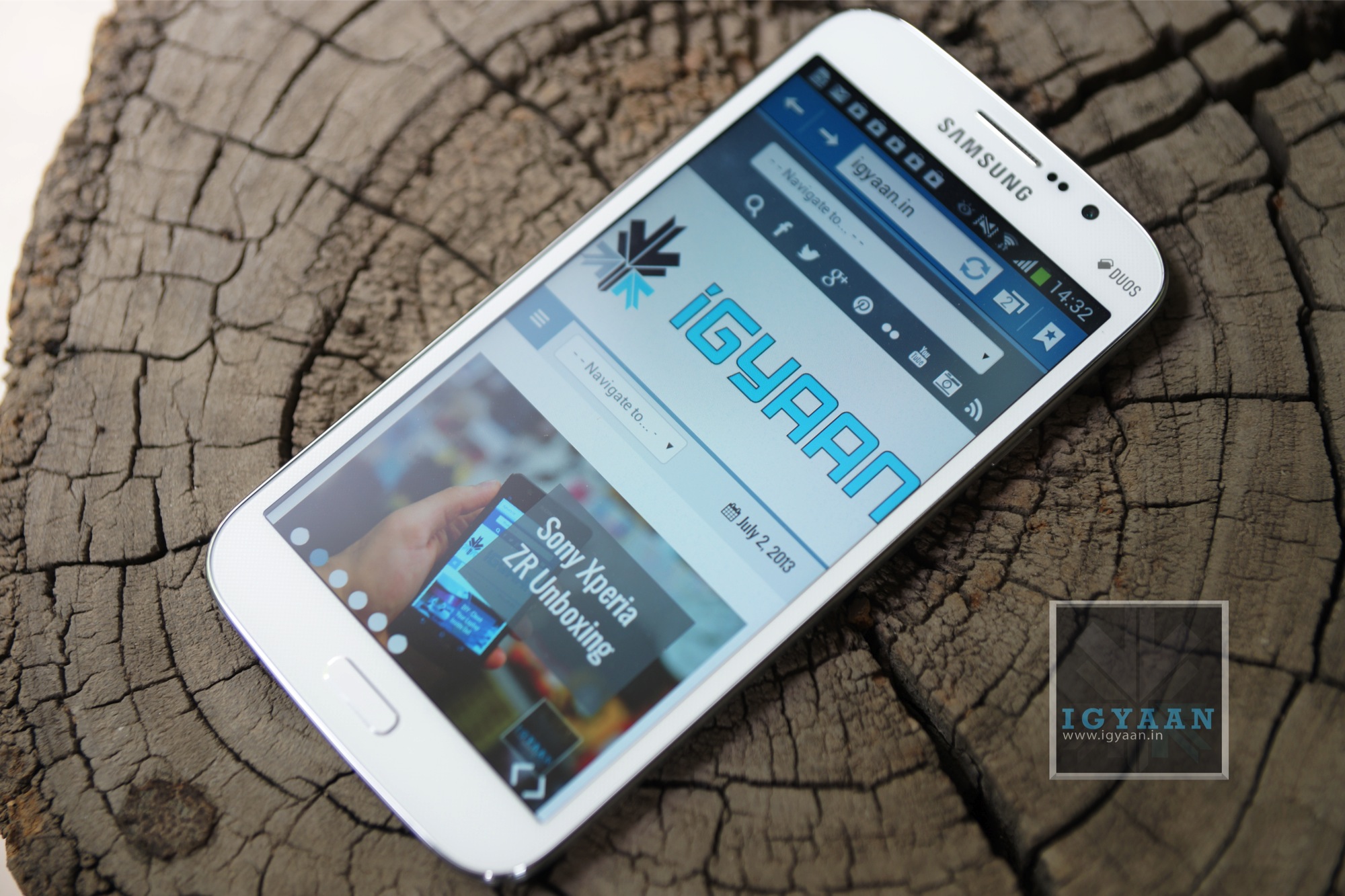
    Samsung in the recent times has bombarded the market with phones of all sizes, but mostly of the same shape. The Galaxy Mega 5.8 is a blown up Galaxy Grand and it appears to behave in a similar manner. Lets see if the Galaxy Mega 5.8 is really the value for money smartphone that Samsung claims it to be. 
    Samsung Galaxy Mega 5.8 7

    Build Quality and Design

    [pullquote_left]It’s the little details that are vital. Little things make big things happen.[/pullquote_left]

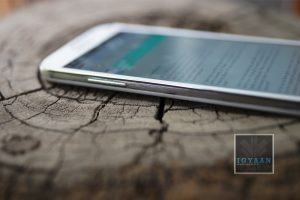
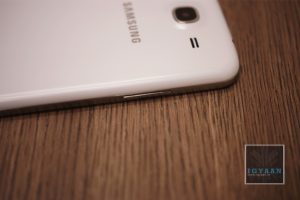
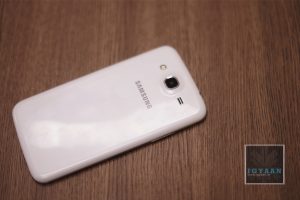
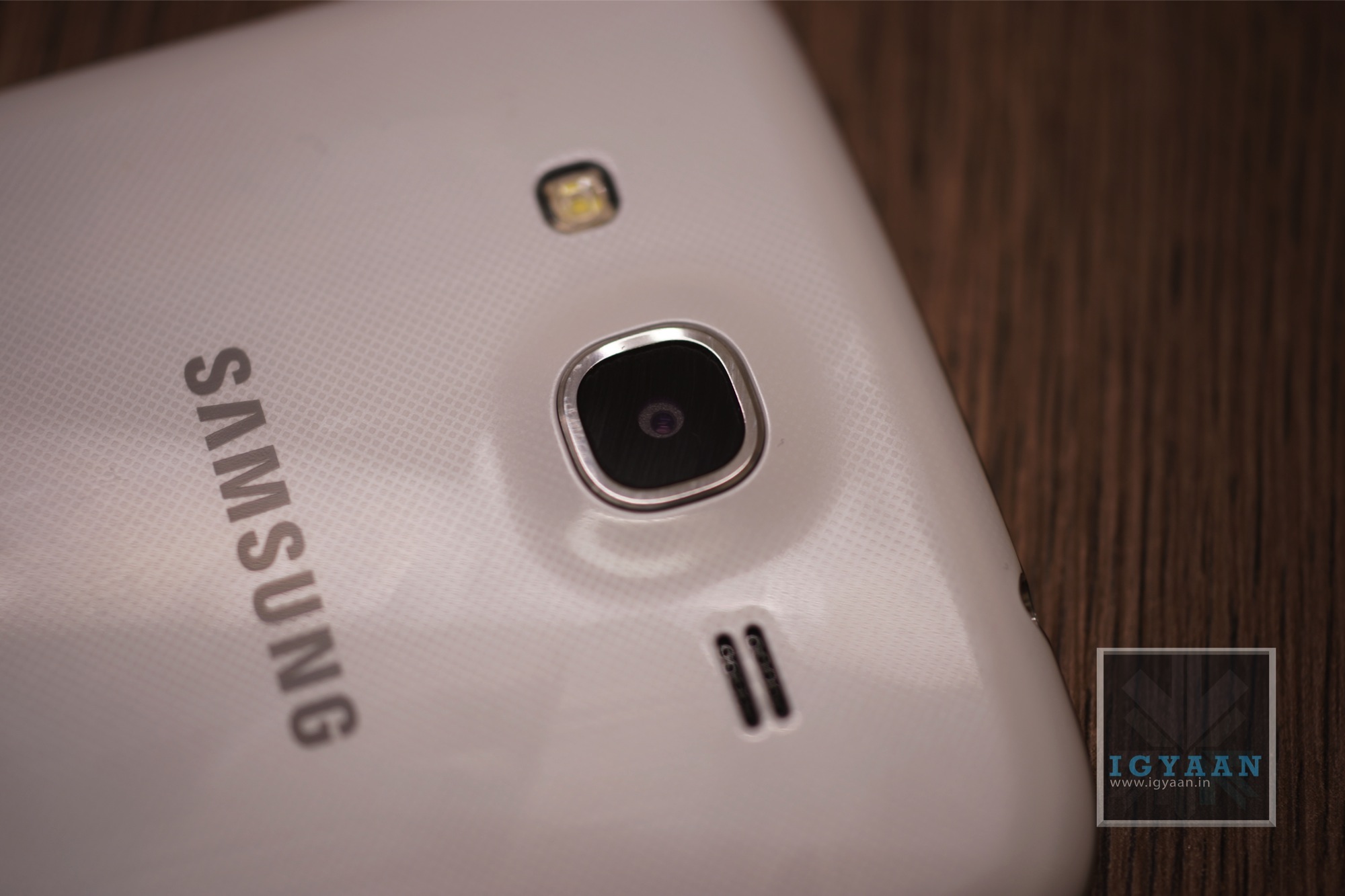
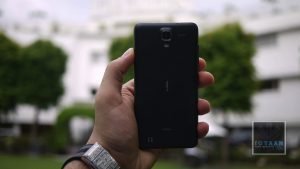
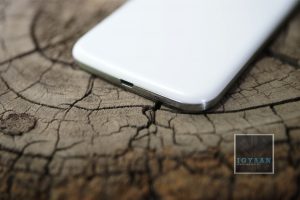
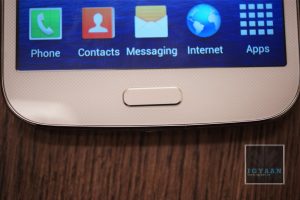
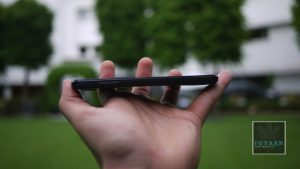
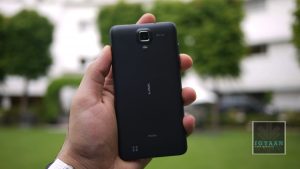
    The Galaxy Mega will remind you of every other Samsung phone till date, maybe even many other Samsung phones to come. Built with the same plastic as seen on many-a-Samsung device, the Galaxy Grand fails to impress. First impression of the Galaxy Mega 5.8 will show you either a larger S4, a Galaxy Grand, or a slightly different Note 2, so for innovative new design points; Samsung gets a big zero.

    The problem with the design is that despite being old, it still works. People still love the shape and the handleability of the phone, and the first look creates a instant connect with the brand, making this design an identifier, or even a statement for some.

    [youtube id=”7AeSLEntqUQ” width=”100%” height=”300px”]

    Hardware

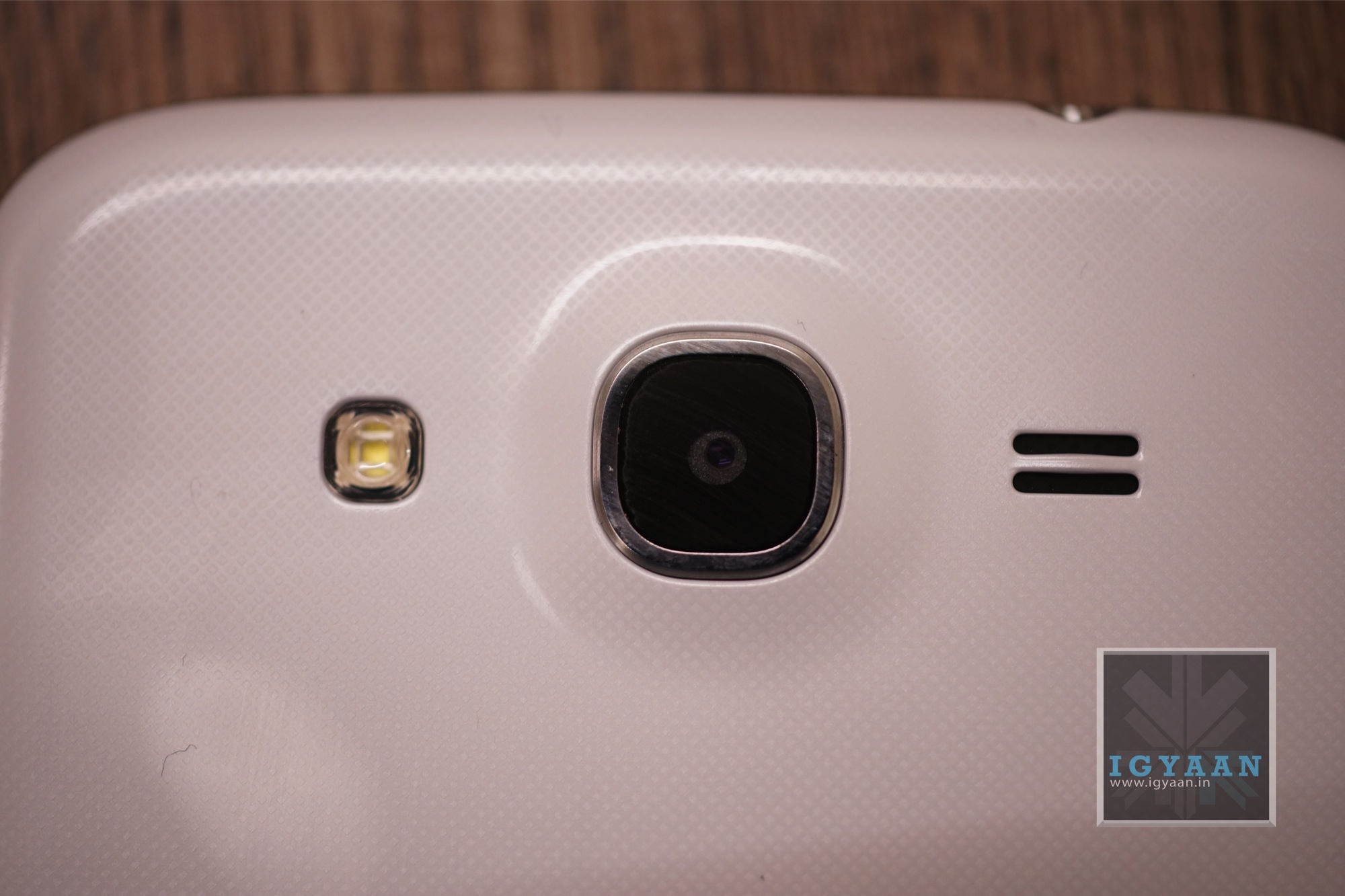
    Samsung has truly disappointed us with the hardware on the Galaxy Mega 5.8, not that it is really old, considering that the Galaxy Grand was launched in February 2013. Today a few months is as good as a year, even more if you compare it to 2 years ago. The Broadcom chipset still holds its ground and the benchmark performance is not all that bad, the CPU is Dual-core clocked at 1.4 GHz. The Galaxy Mega adds a bit of RAM to reach the 1.5 GB mark and retains the 8 GB capacity. The cameras are also a stark reminder with the 8 MP main and the 1.9 MP secondary. What is different is the large 5.8 inch capacitive touch screen, with its 540 x 960 px resolution gives a bare 190 ppi, which on parer sounds really low for today. The display however is great and we will explain that in the next segment. 

    The Battery on the Mega 5.8 is a 2600 mAh cell and for some reason it seems Samsung has managed to manage it quite well, there is a significant improvement in battery life.

     [youtube id=”On9v3b1rdFs” width=”100%” height=”300px”]


    Samsung Galaxy Mega 5.8 6

    Display and Multimedia

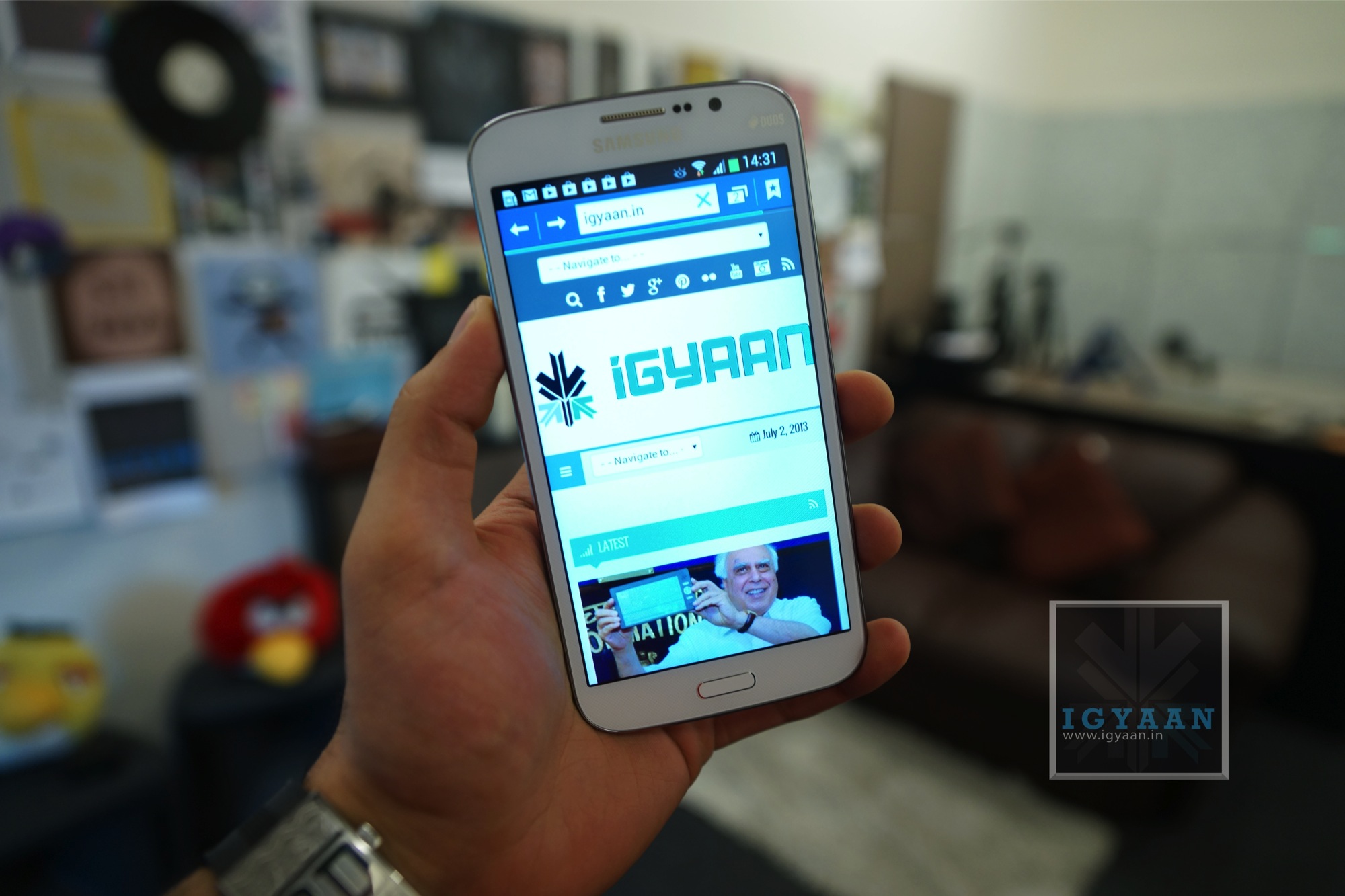
    The Galaxy Mega 5.8 as the name suggests has a Mega display, a 5.8 inch smartphone is not really a divine though. In the early days the idea was to make phones smaller and more compact. Today as smartphones begin to replace basic forms of computing screens are getting bigger and bigger. The Galaxy Mega’s 5.8 inch display is still smaller than its 6.3 inch sibling, but is quite an interesting display. For one, it does not appear to be much larger than the Note 2 thanks to the design strategy employed by Samsung. The display is also bright and crisp despite its low ppi. This may be because of sheer size of the screen, you tend to hold it further than you would a traditional smartphone, say 3.5-4.5 inch.  The screen however uses what Samsung calls a “display enhancement engine” that reduces the noise and pixellation on the display as it does in their televisions, this seems to work well on the Mega 5.8.

    The speakerphone on the Mega is fantastic, it is really loud, but not in a painfully distorted way, it sounds good through videos, music and even games. It does not however compete with HTC One’s Boomsound which has a more direct sound delivery approach. The sheer size of the screen makes consuming media enjoyable and almost stress free, and the chipset is more than capable of handling HD video playback and streaming. 

     [youtube id=”YldZpBeQwnw” width=”100%” height=”300px”]
     

    Samsung Galaxy Mega 5.8 4

    Camera and Interface

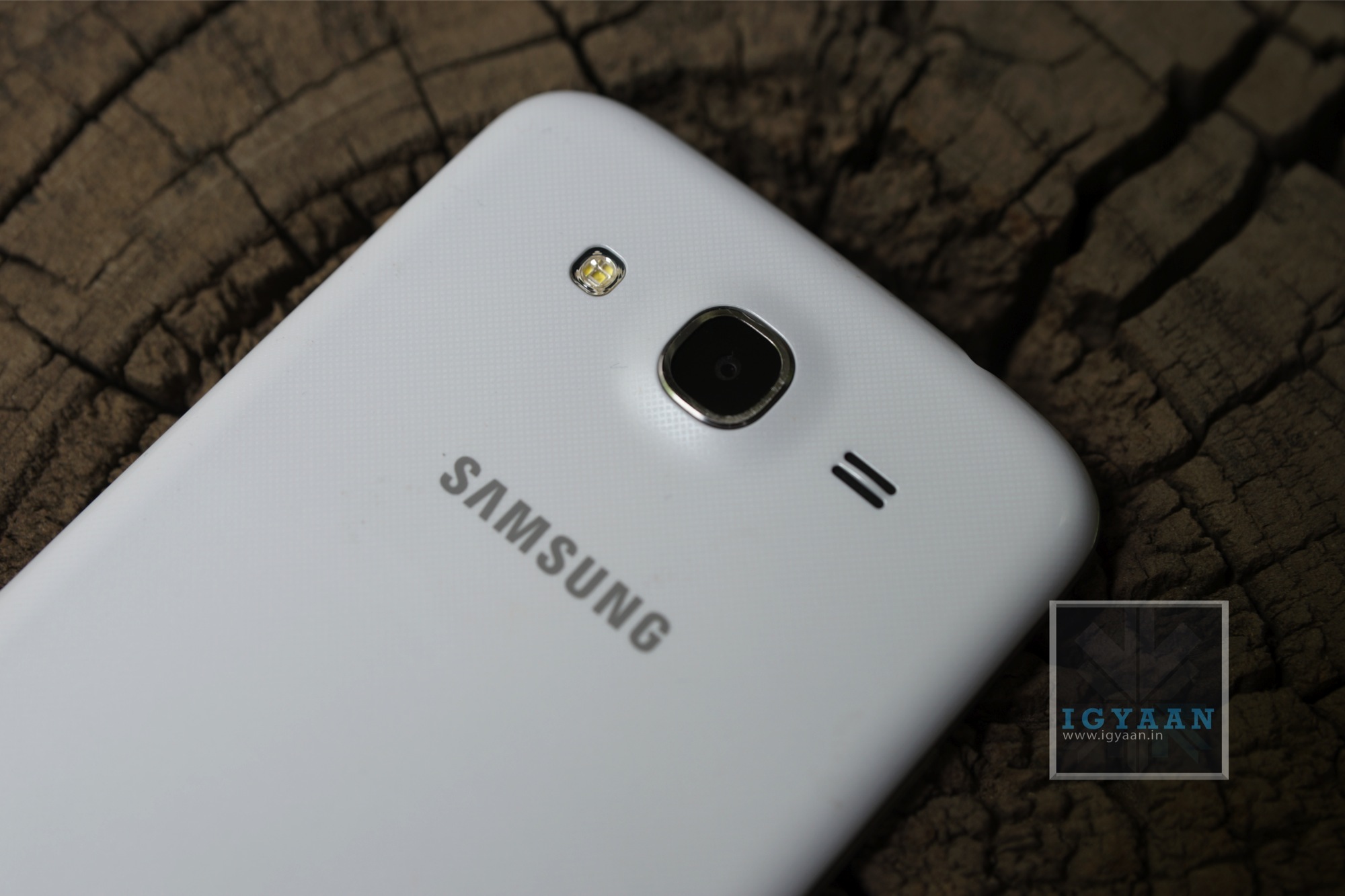
    The camera app on the Samsung Galaxy Mega 5.8 has been brought down from the Galaxy S4 which is initially inspired from the Galaxy Camera. With multiple shooting modes the camera app gives a lot of versatility to the user. Interesting shooting modes like “Best Photo”, “Best Face” and “Sound and Shot” worked really well on the S4, and they work just as great on the Galaxy Mega 5.8 .

    Video is captured at Full HD and employs anti-shake if you need it from the main UI, the front camera however- captures 720p video. You can also add some effects to your pictures in the Auto Mode. 

    The Samsung Galaxy Mega 5.8 runs on Android 4.2.2 and slaps on a large lump of their popular Touchwiz UI. The interface brings many elements to make this device larger than life. For starters you have smart features, Smart Stay : Keeps your display on as long as you stare at the device.  You do have motion gestures ; Screenshots by a palm swipe and muting the device by simply moving your hand on top of the phone. 

    [pullquote_left]E.T. fingers are a must[/pullquote_left]

    The old elements of the TouchWiz UI are intact too, with features like Direct call (lift the phone from within a message to call), Smart Alert, tilting to zoom into pictures or gallery. Pan device to move the Icons or browse a zoomed in Image and even Flipping the device to Mute or pause.

    The One handed use feature borrowed from the Galaxy Note 2, makes it slightly easier to dial on the Galaxy Mega 5.8, and also use the calculator. What we find funnily missing however is this feature in the main keyboard. You simply cannot use the keyboard with the same hand you are holding the phone with, unless you have gigantic E.T. fingers.

    The Touchwiz UI adds more to the experience, a nice notification panel with scrollable toggles, a task manger and even “S-Voice” (Samsung’s long ignored voice assistant). Samsung often ignores required features in these phones, for example a phone of this size would do wonderfully well as a remote, but since the hardware is absent there is really no point.
    Phone, Networks and Battery

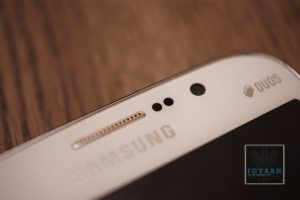
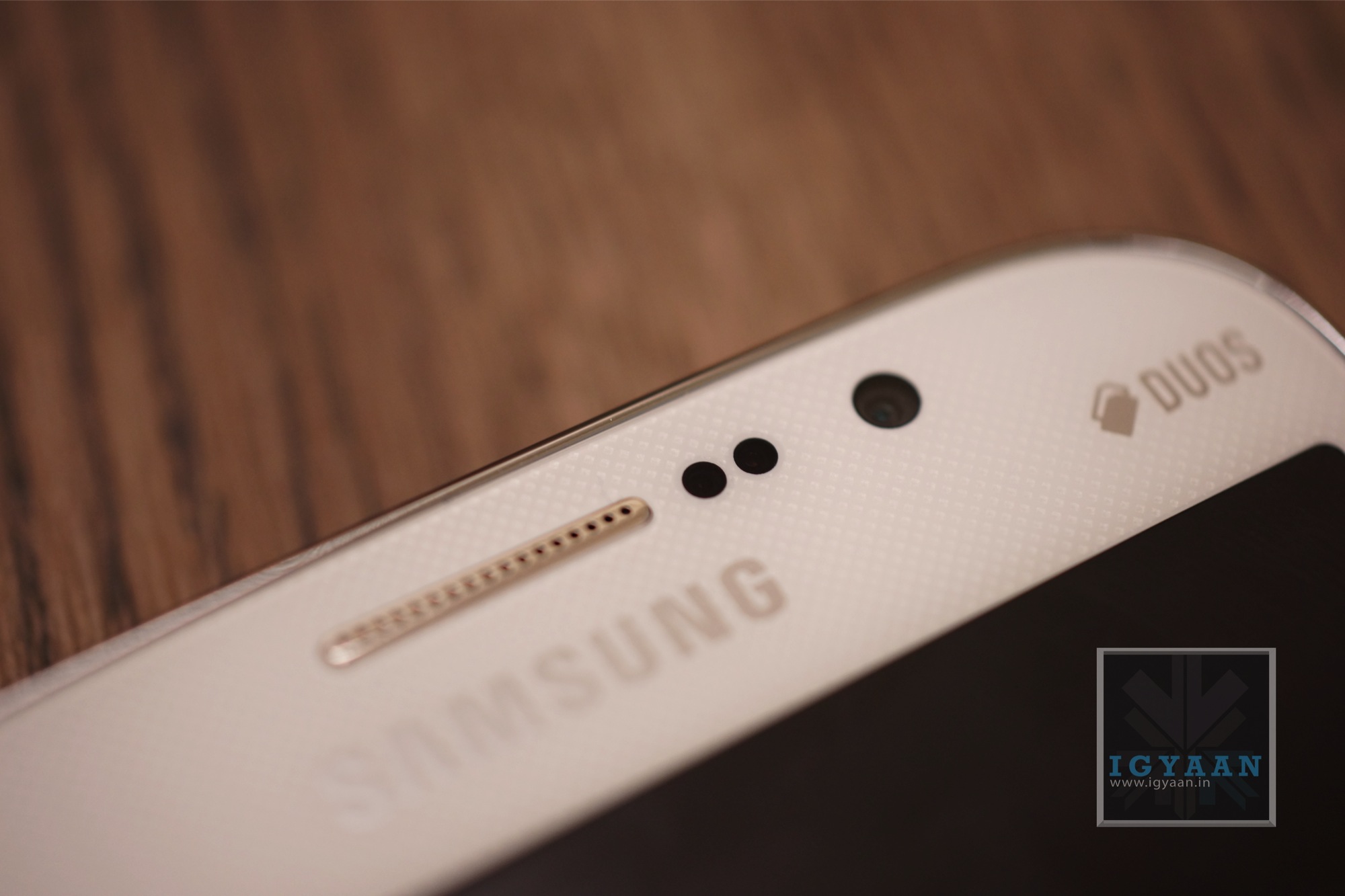
    The Samsung Galaxy Mega 5.8 is a dual sim smartphone (micro Sim), while the technology to have two sim cards running in the same device may exist, Samsung chooses to not employ it in their latest iteration of the big phone. Phone call handling is easy and simple, and once you get the hang of it you become a master of the device. 

    The network is solid and we faced almost zero to none dropped calls. We saw a frequent full signal bar, whether in software or in reality the network performance on the Galaxy Mega 5.8 is excellent. Voice is clear through and through, and while both ends of the phone call get clear and crisp audio streams. The speakerphone also keeps up with its name and is sufficiently loud for hands free voice calls. 

    Battery life is great on the Galaxy Mega and despite the fact that it has a mere 200 mAh increase from the Galaxy Grand’s 2400 mAh, and taking into consideration the increase in display size, the battery performance is far superior. 

      • Talk time : 5.5+ hours
      • Internet : 6 hours
      • Music : 10 Hours +
      • Video :  4+ Hours
      • Average battery life : 1 Day +


    Samsung Galaxy Mega 5.8 Unboxing 10

    Conclusion

    The Samsung Galaxy Mega 5.8 is no magical innovation and does not really create a wow statement, except probably “Wow its Big!”, which actually may be good enough for a lot of people. The blown up version of the Galaxy Grand actually improves on many things, including a larger yet better display, an improved battery life and a great camera. The price difference however seems a bit much for these. 

    The Galaxy Mega 5.8 is a phone that might as well be the next big thing, but, the problem here may be that its just too big to be an everyday phone. All size judgements aside Samsung has really managed to increase their portfolio across different price segments, but here a Galaxy S3 for Rs. 27,000 seems a lot more promising and portable. The Galaxy Mega 5.8 also does not have multi-window a feature which now comes out of the box on the Galaxy S3.


    Buy Now 
     

  • Sony Xperia ZR Unboxing

    Sony Xperia ZR Unboxing

    The Sony Xperia ZR is a small brother of the Xperia Z with a major differences in design and hardware. The one thing that remains common is the water resistance and dust proof nature of the phone.

    Inside the box of the Xperia ZR you will get the standard set of accessories, including a wall charger, the USB to micro USB cable and in ear headset along with documentation.

    Sony Xperia Zr unboxing 6

    Xperia ZR Initial Impressions

    The Xperia ZR is water resistant to the point where you can go swimming with it, but the build is slightly different than the Xperia Z. The back panel is made up of a rubber coating vs a glass back on the Xperia Z. The Xperia ZR has a 4.55 inch 1280 x 720p display which makes it 323 ppi .

    The back of the Xperia ZR has a 13 MP camera, but it appears that the company held back with the front camera which is a VGA camera. The phone is also slightly thicker at 10.5 mm and also shorter thanks to the size of the display, which makes the overall device more compact and slightly more portable.

    Sony has really gained popularity with its Xperia series thanks to the right mix of Hardware design and build quality and the Xperia ZR is not behind in this trend. Based on a Qualcomm Snapdragon APQ8064 1.5 GHz Quad core Krait chipset the phone also has the might Adreno 320 GPU. The whole mix is powered by a 2300 mAh battery and has 8 GB of storage along with 2GB of RAM.

    You do have storage expandability in the Xperia ZR but only to 32GB vs the 64GB offered by many. Sony has also shipped this handset with Android 4.1.2 while many companies are now offering Android 4.2.2 out of the box.

    Check out our images and video and stay tuned for the followup, iGyaan style.


    Buy Now

  • DIY : Clean Your Laptop Inside Out

    DIY : Clean Your Laptop Inside Out

    Most of us recognise the noise – the incessant whirring of an overworked laptop fan, struggling to keep a computer cool. You might put it down to old age, assuming that notebooks always get noisier and hotter until, eventually, they just stop working.

    That doesn’t have to be the case though. When your laptop is starting to get on a bit, overheating and shutting down on its own, it might not be worn out – it might just be dirty.

    However clean you keep the outside of your notebook, dust inevitably gets sucked into fans, crumbs fall into keyboards and fluff gets into vents.

    Follow these tips to keep the inside and outside of your laptop clean and running faster and smoother. 

    Note : Before cleaning any laptop, we suggest the laptop first be turned off and unplugged.

    To give your laptop a thorough cleaning, you will need:

    – Compressed Air Can
    – Rubbing alcohol
    – Cotton swabs (Q-Tips)
    – Dish soap (without bleach) or some other mild detergent
    – Paper towels
    – Flathead screwdriver
    – Towel

    1. To clean the keyboard.

    So your laptop keys stick for one reason or another. Perhaps you spilled a drink on it, or you just like to eat and surf the web at the same time. Your keys were basically snapped onto your keyboard at the factory and therefore can be unsnapped.

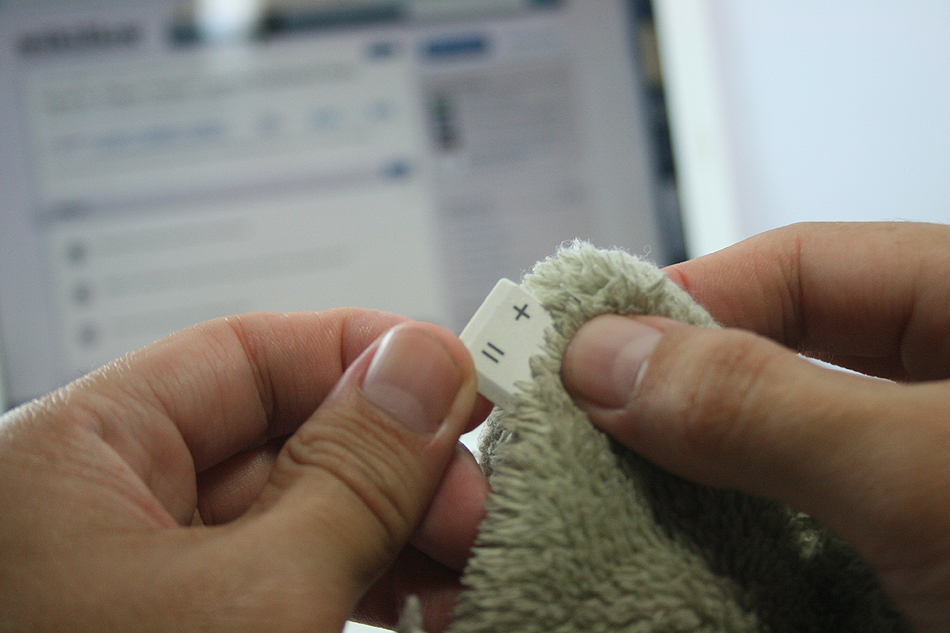
    Grab onto a corner of a key and firmly lift up.  You may be required to pry on more than one corner at a time to unsnap each key.  If a key (especially larger ones) prove difficult, wiggle a flathead screwdriver underneath the key and rotate the blade in several places to “persuade” it to let go.

    This process will take some time, be patient and don’t rush this part… that’s a sure way to break something important. Clean the keys one by one with the soap and cotton swabs.

    laptop

    Some of your larger keys may have one or several metal guide bars on their underside.  These bars slide into slots on your keyboard, so make sure not to bend the bars or their slots on your computer.

    Dip your cotton swab into the rubbing alcohol and begin to clean around each key post.  Remember if any liquid made its way under your keys to remove the key carriers as well and soak them with the keys.

    Once your keys are cleaned, wait for them to dry out and start popping them back in and you’re done!

    2. Cleaning the insides of the laptop

    When you can see dust and hair in or on the vents on the bottom and sides of the case, you can bet there is more inside the laptop. The only way to get it all out is to open the case. Don’t attempt to blow it out from the outside. This will only clog it up inside the case. All laptop cases will come apart fairly easily. There are several small screws that hold the case together.

    laptop

    There will probably be little rubber or plastic caps covering screws that hold the display on. Most all cases will be disassembled from the bottom. Make sure that the power cord and battery are removed before starting. Remove the hard drive and place in a secure place out of the way.

    Note : DO NOT USE MAGNETIC SCREWDRIVERS OR CORDLESS TOOLS.

    When the case is completely apart, you will see the ‘dust bunnies’ hiding near the case cooling fan and cpu cooling heat sink. Remove large pieces with a pair of tweezers. Compressed air in a can will work well to blow out the dust on and around the motherboard and keys.

    Be sure to hold the case upright when using air in a can. If the can of air is tilted downward when spraying, the gas inside will become a liquid. This will damage the components inside the laptop. When reassembling the laptop, be sure to use the right screws in the right places. Some screws are longer than others, and need to be used where they were originally. Pay particular attention to any ribbon cables and their connectors.

    The keyboard and mouse pad will use this. Make sure that the compression or wedge connectors are tight before proceeding to the next step. You don’t want to have to open the case again until it is time to clean it again. When you are finished, your laptop will be as good as new.

    3. Fans And Vents

    As for case fans, these can be removed and the blades wiped clean with cotton buds. It’s never a good idea to blow compressed air into them, because they may be forced to spin in the wrong direction, damaging them.

    laptop

    Before you close your machine up, take a good look down the sides of the case to locate the vents and passive heat sinks. Use your can of compressed air to carefully blow dust out of the case.

    4. Cleaning the outsides of the laptop

    Cleaning the exterior portion of the laptop case can help keep the laptop looking new. The exterior case of a laptop can be cleaned by using a damp cotton cloth that has been dampened with water.

    It is not recommended that the exterior case of the laptop be cleaned with household cleaning solutions. However, if there is a substance on the laptop that cannot be cleaned with water, we suggest using rubbing alcohol.

    5. Cleaning the LCD Screen

    It’s very easy to get streaks on your screens from just a couple of finger swipes. LCD wipes or a soft dust-free cloth sprayed with your home-made solution of distilled water and white vinegar can clean that up in a jiffy.

    laptop


    First, use the canned air to get rid of the bigger bits of dust. Then rub the moistened cloth or wipe the screen in circular motions.

    Disclaimer : Although these methods have been used to measurable success by various people, you should do so at your own risk. Make sure that the ports and other sensitive parts of your device are not exposed to the ingredients you use!

  • Hitcase Pro for iPhone 5 Review

    Hitcase Pro for iPhone 5 Review

    Since the beginning of the smartphones, as a matter of fact, since the beginning of mobile phones, we have been finding ways to have our handhelds resist the elements. While technology has come a long way, there are always restrictions when it comes to water resistant and dust proof designs. The Hitcase Pro for the iPhone 5 aims to achieve that with a design that does not stall the daily usability of the iPhone 5. 

    Build Quality

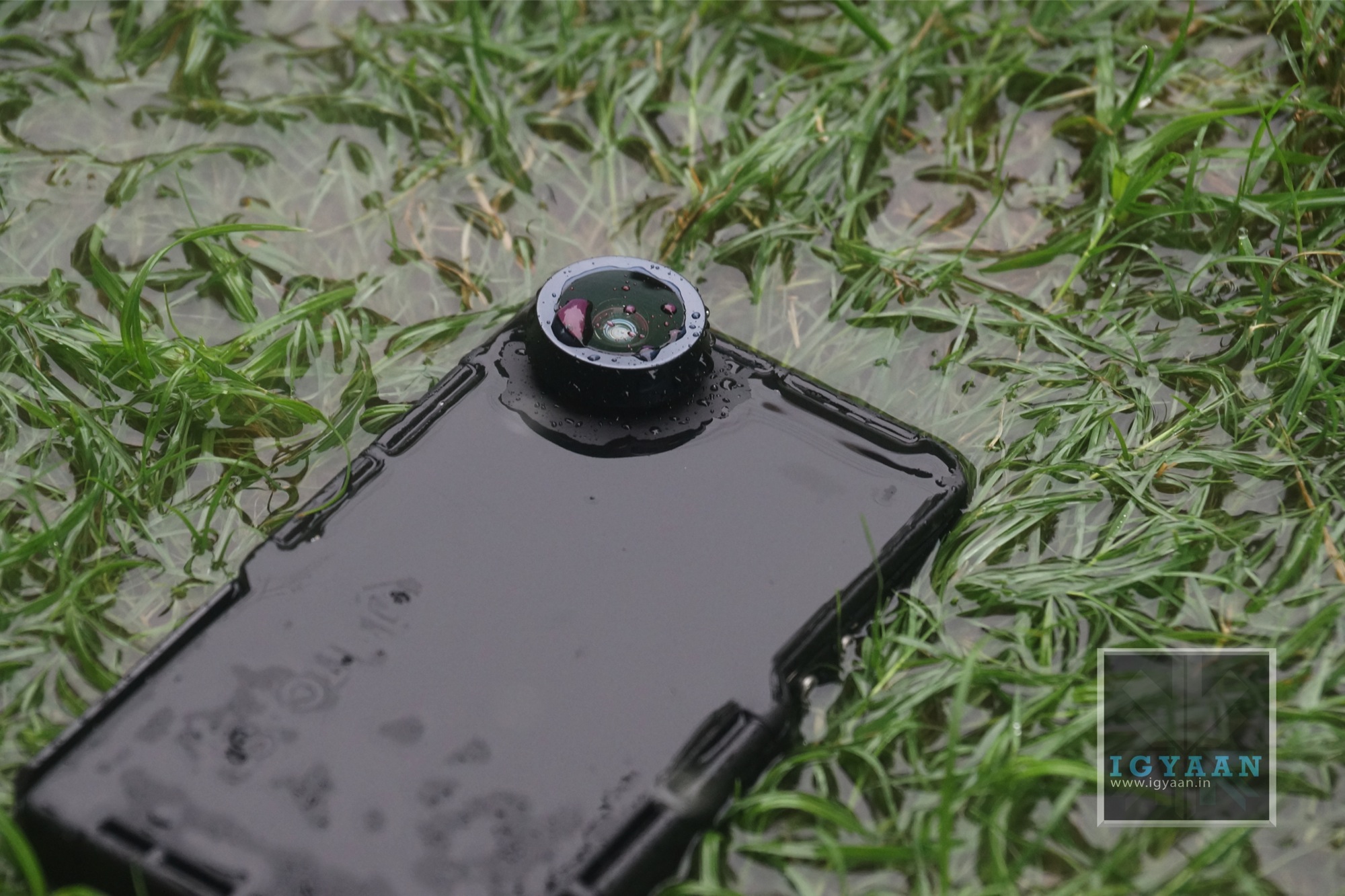
    The Hitcase Pro is very well built, to say the least. The moment you go hands on with this case, you don’t feel like you have lost your iPhone in a big pit of protection. Designed keeping the Go Pro in mind, the case has a very strong railside mount, you also have a metal engulfed wide angled lens that unfortunately is very prone to scratching. 

    hitcase pro iphone 5 review 2

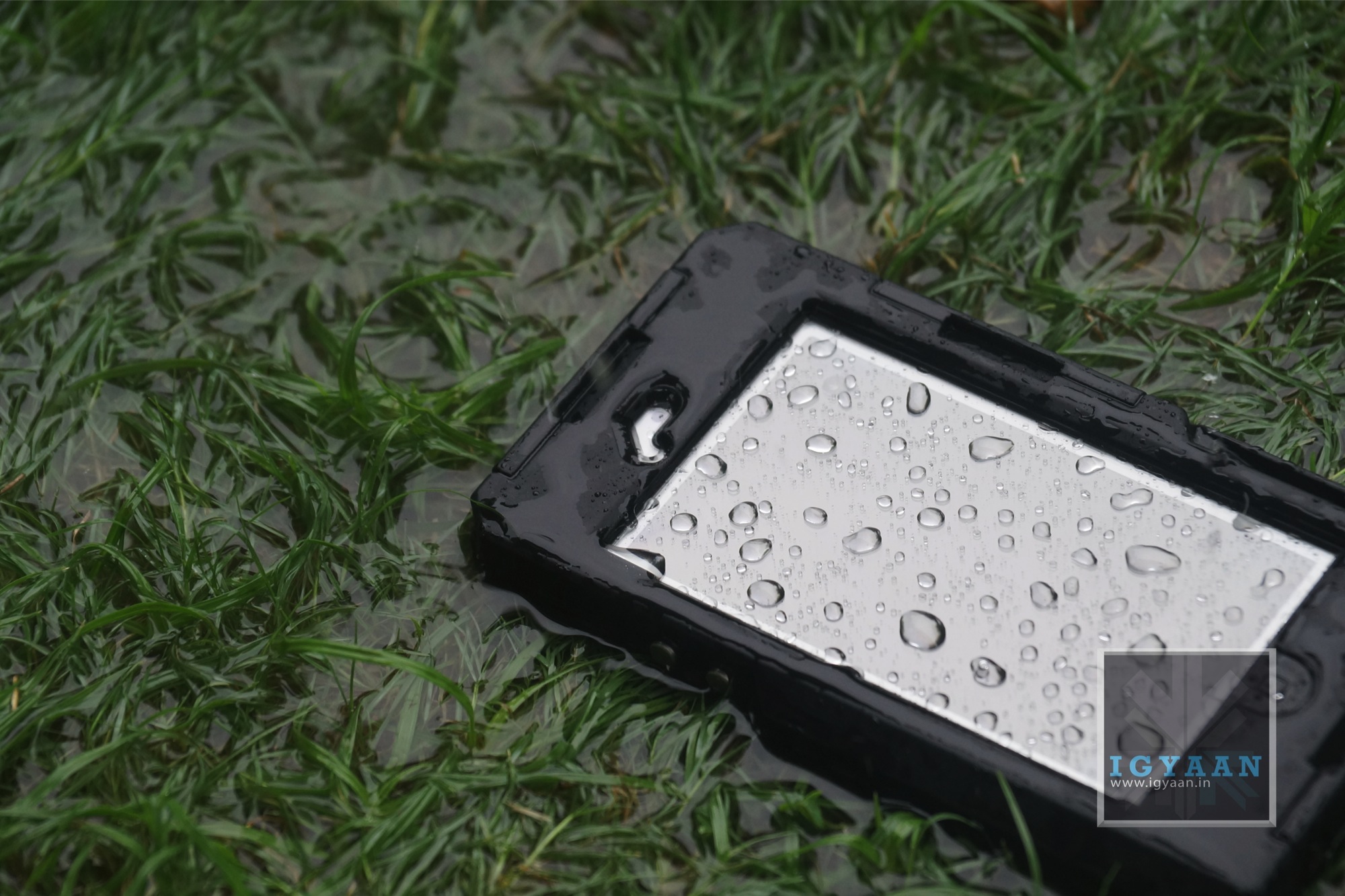
    The case is built from a composite of ABS and Polycarbonate and is layered with a rubberized coating all around that not only keeps the case clean but also provides ample grip. The case locks in from three sides, almost like a food box, but seals the phone completely to the point where you don’t feel afraid dunking it in water. The H-Seal on the inside of the case is made out of Poron and should last a really long time.


    Features

    The Hitcase Pro not only protects the iPhone when you go into water or sand, it also retains the usability of the iPhone 5. The Hitcase Pro also features a great 170 degree 3 X Wide angle lens that is an absolute treat for photographers. The lens also allows close up shots upto 3X and makes focusing on subjects really easy. 

    The Lens also adds a Go-Pro Style video effect to the video – where you get a wide angle video frame, that captures a lot more in the same 16:9 aspect ratio. 

    The free app called Vidometer, captures GPS tracking info along with speed, G force, altitude and angle of approach and displays it directly on the video. This can come in handy when you look at your footage later on. 

    mzl.fufcrpuc.320x480-75

    The Hitcase Pro can be used 33 ft/10 Meters underwater thanks to the IP68 rating. The railside mount allows you to use the Hitcase Pro with all sorts of Go Pro mounts and gear. The Included TiltR and StickR mounts also help those who have no Go Pro mounts. A Wrist strap also ensures the safety of your phone and case when you are at great heights and decide to hold onto the case vs mounting it.

    The only downside to the case, is that the microphone gets really muffled up taking phone calls becomes slightly difficult as you will find yourself screaming to the person on the other side. 

    hitcase pro iphone 5 review 9

    Conclusion

    Despite the availability of several cases for the iPhone 5 in the Market, the HitCase Pro for the iPhone 5 is easily the most robust design. It allows the use of the phone while being packaged in a Waterproof and Dustproof cage. Whats more, the 170-degree wide angle lens and Railside mounts make the use of the case in extreme/ adventure sports very easy. Allowing you to use your iPhone as the primary camera, will almost replace the need for a dedicated rugged camera for a lot of folks. If the speaker and Microphone volume levels are something you can deal with, The Hitcase Pro is the best action case for the iPhone 5

  • Lava Iris 504Q Unboxing And Hands-On

    Lava Iris 504Q Unboxing And Hands-On

    The Lava Iris 504Q is a smartphone targeted at the likes of Micromax and Karbonn with their Canvas and Titanium series. Powered by a Mediatek Processor (6589) the company is trying to differentiate the product from the mass of multiple devices in the market with features like gesture control and software enhancements. 

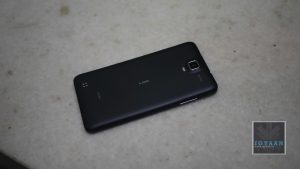
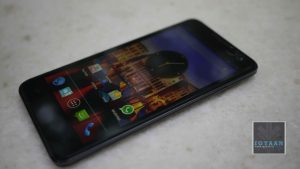
    The handset is manufactured well and almost resembles the HTC Butterfly from a distance, thanks to the resemblance to the earpiece grill. The back of the Lava iris 504Q is a soft touch plastic, that almost feels rubberized for added grip. 

    lava iris 504q

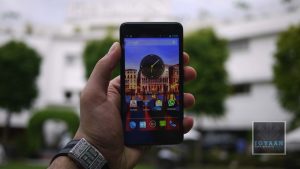
    The new Lava Iris 504q has a slim 8.4mm thickness that makes it the slimmest handset in its category.  It brings HD experience to a 5 inch IPS screen with OGS display technology and a resolution of 1280×720 pixels.  Powered by a Quad Core 1.2GHz processor and running on the latest Android 4.2 (Jelly Bean), the Iris 504q comes with an intelligent flip cover.

    This device sports an 8MP camera with rear auto-focus and BSI sensor. Lava Iris 504q also packs in 1GB RAM and an internal memory of 4 GB, which is expandable up to 32 GB.

    For a price of Rs.13499/- in the market Lava has added yet another competitor in the Quad Core dual sim market.

    You can watch our unboxing and hands-on below. We’ll be back with the gaming and full-review soon!

    [youtube id=”EbTC_qg113k” width=”100%” height=”300px”]

  • Report : Micromax Canvas 4 A210 to launch for Rs. 16,900

    Report : Micromax Canvas 4 A210 to launch for Rs. 16,900

    Although many websites are reporting that the Micromax Canvas 4 A210 will launch for upwards of 24 thousand Rupees, the truth is far from the rumors. Micromax is all set to officially announce and launch the Canvas 4 at an event being held on 8th of July. The event will showcase the product and will also announce official pricing. According to sources close to iGyaan, the Micromax Canvas 4 A210 will launch at a price under Rs. 20,000/-. While the market price will be Rs. 16,999/- at the beginning.

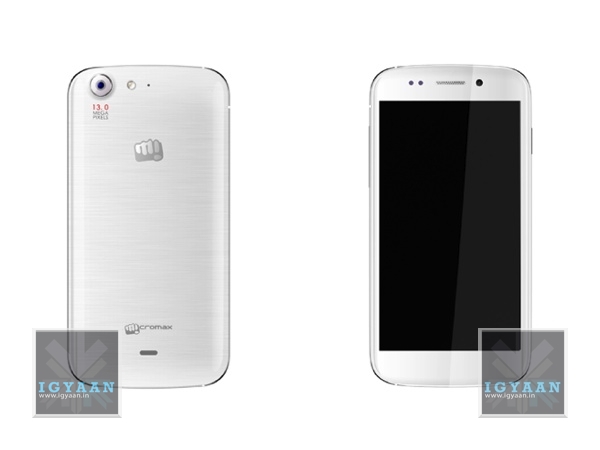
    Micromax has also initiated this phone, with its key feature being a blow to unlock software, and a 5 MP camera in the front ensuring that the users have nothing to complain about lack of basic features. The main camera is a 13 MP autofocus camera and the back panel is glazed just like on Samsung Galaxy phones. 

    canvas 4 sides

    Micromax is also planning to launch the Canvas 4 A210 in White and Black colors, with a graphic texture back panel. The Micromax Canvas 4 A210 is expected to be under 9 mm in thickness, where the 8.9mm standard may come into play. The 5 inch 1280 x 720 p  display indicates that the phone will be at-least 144 mm high (5.67 inches ) and 76 mm wide (2.87 inches).

    We will get you more details when available, and you can expect iGyaan style videos to follow suit. 

  • A Guide To PC And TV Cables

    A Guide To PC And TV Cables

    Despite advances in wireless technologies, most computer networks and Televisions in the 21st century continue utilizing cables as a physical medium for devices to transfer data. Several different types of network cables exist, each designed for specific purposes. 

    We try explain the most commonly used cables, both for your PC as well as your TV/Entertainment console.

    1. HDMI

    cables

    Technically speaking, HDMI (which stands for High Definition Multimedia Interface) is a global connectivity standard developed by a consortium of major electronics manufacturers including Hitachi, Panasonic, Philips, Sony, Thomson (RCA), Toshiba, and Silicon Image. HDMI establishes a “future-proof” foundation for the transmission of high-definition video and multichannel audio among a wide variety of audio, video and computer products. Today, more than 800 companies have adopted the HDMI standard and are building HDMI into their products.

    Having a single cable handling both images and sound has the potential to make home theaters much simpler. This cable connects every device to your home network, allowing you to distribute movies, music and photos from PCs to HDTVs.

    2. Component Cable

    cables

    Component cables provide a high definition connection between devices, such as between an HD converter and an HDTV. They include three separate color-coded video wires. To ensure that the three cables are connected to the correct ports, devices usually identify the ports by both color and letter:

    1. Y — Green

    2. Pb — Blue

    3. Pr — Red

    Component cables are for video up to 1080p, but audio cables must also be used.

    3. Composite Cable 

    cables

    Composite is what the name says – a composite signal made up of all the components of the video signal, limited to 480 line (standard definition) resolution.

    There are three separate colored wires in a composite cable:

    1. Red and white for left audio and right audio.

    2. Yellow for video.

    Composite cables are sometimes referred to as RCA cables, Audio/Video cables, or just A/V cables. They are common on older equipment.

    4. DVI

    cables

    DVI (Digital Visual Interface) is a digital video interface developed by the Digital Display Working Group (DDWG). It is able to support both digital and analogue video signals over a single DVI cable and is commonly found on computers, LCD monitors, projectors and other digital display equipment.

    The DVI digital connection removes the digital – analogue – digital conversion process that plagues older generation devices, and so removes inaccuracies and information loss due to each conversion process.

    The DVI interface has proven to be extremely versatile; it provides manufacturers with the flexibility to support digital devices while remaining backwards compatible with analogue devices.

    Many PCs now have built-in AV connectors, but DVI, a video-only screen output, is still the most common way to get HD images out of a computer. 

    5. Cat-5e (Ethernet Cable)

    cables

    Cat-5 cable, sometimes called Ethernet cable, is short for Category 5 cable, a current industry standard for network and telephone wiring. This type of cable is unshielded wire containing four pairs of 24-gauge twisted copper pairs, terminating in an RJ-45 jack.

    The Cat 5e standard was first released in 1999 as part of the Telecommunications Industry Association’s TIA/EIA-568-5-A document specification. 

    This cable connects every device to your home network, allowing you to distribute movies, music and photos from PCs to HDTVs.

    6. RCA Audio Cable

    cables

    The RCA connector is named for the Radio Corporation of America, which first used it in the 1940s to connect phonographs to amplifiers.

    It is a standard type of cable used to transmit analog audio and composite-videosignals between devices such as televisions, satellite or cable receivers, VCRs, game console systems, speakers and more. Typical RCA cables will have two or three color coded connectors.

    RCA cables transmit analog, or non-digital, signals. Because of this, they cannot be plugged directly into a computer or other digital device.

    7. Auxiliary Cable

    cables

    If you buy a new car or borrow a friend’s you may be presented with a handy-dandy aux jack. Aux stands for auxilliary, it lets you hook up your music player to the car’s stereo. You’ll also find these ports on stereo systems, as well.


    Let us know in the comment’s section below if we missed out on any other important cables!

  • LG LA6910 55 inch 3D Smart TV Review

    LG LA6910 55 inch 3D Smart TV Review

    At a time when manufacturers like Sony are concentrating on pushing forward their 4K televisions, LG recently released their new lineup of smart televisions, and among them was the LG LA6910 55-inch 3D TV.

    The LG LA6910 has a 55″, 1920 x 1080 pixels display which is an advanced IPS LED LCD Panel. It has 9 aspect ratio modes including  16:9, Just scan, Original, Full Wide, 4:3, 14:9, Cinema Zoom 1, Zoom.

    LG LA6910

    At the back it has a 2.1 speaker system (2way 3speaker) with Virtual Surround Sound Plus and Dolby Digital Decoder. The LG LA6910 has a bunch of engines to process images like Triple XD Engine, Dynamic Color Enhancer, Contrast Optimizer, Picture Wizard II, (3D MPEG) Noise Reduction.

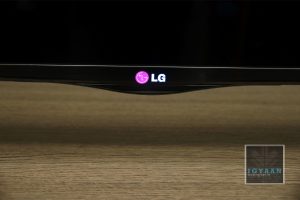
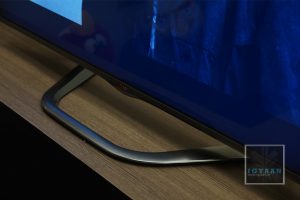
    In terms of design the LG LA6910 has a diminutive bezel with a brushed aluminum finish. A relatively thick brushed steel section of the bezel runs across the bottom lip that’s accentuated with a backlit LG logo at the centre. The stand has a unique chrome finish design with wheels at the bottom to make adjustments. Build quality is as you’d expect from a TV of this price range, solid.

    Backlight bleed is virtually non-existent, and this is a mark of the emphasis that LG has paid in terms of the design and build-quality of the TV.

    LG LA6910

    Since it is a smart TV you get access to various applications such as Skype and YouTube. You also have local apps such as NDTV which exist to cater to India-specific needs.

    The LG LA6910 has the basic analogue video and audio inputs, Ethernet, Wi-Fi and USB connectivity options, in addition to 3 HDMIs. 

    The LG LA6910 is available in the market for about Rs 2,00,000/-.

    You can watch our video review below :

    [youtube id=”2GbYD26BC3M” width=”100%” height=”300px”]


  • Samsung Galaxy Mega 5.8 Unboxing and Hands on

    Samsung Galaxy Mega 5.8 Unboxing and Hands on

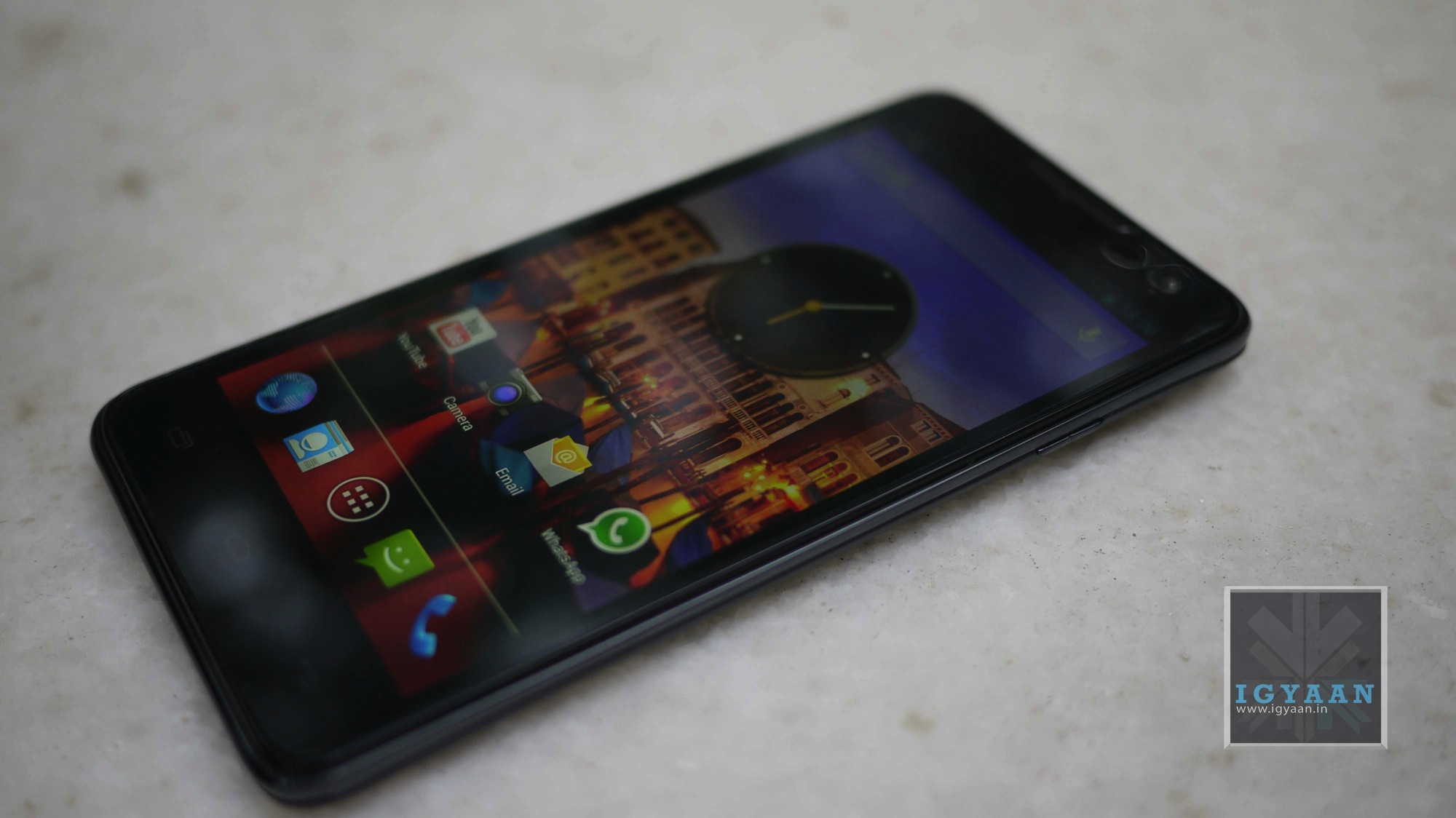
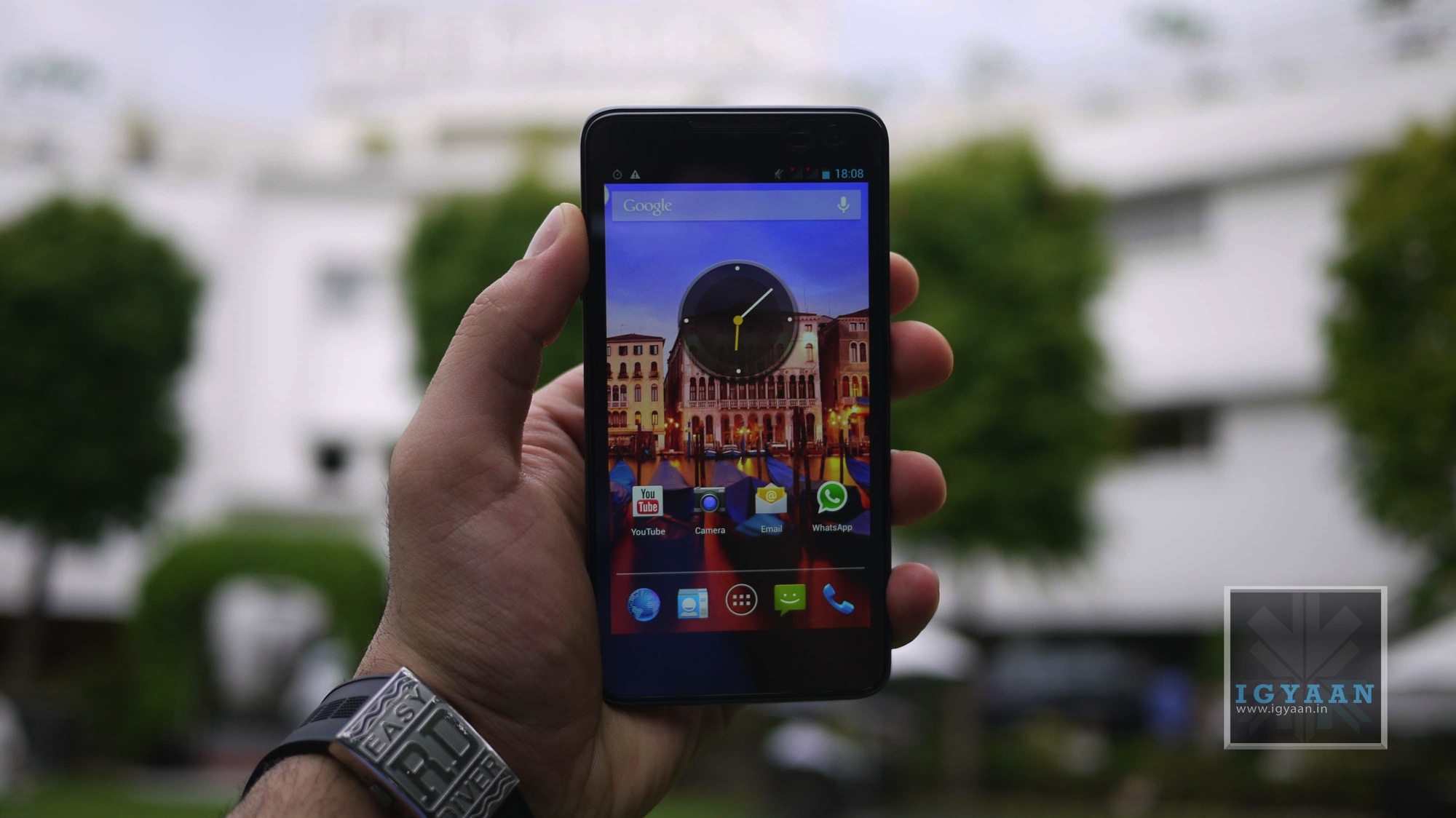
    Samsung recently launched the Galaxy Mega 5.8 and 6.3 at an event in New Delhi, the phones building on the success of the Galaxy note and the Grand build on the success of Phone – Tablet hybrids in the market or better known as “phablets”. Priced at Rs. 25,999/ the Galaxy Mega 5.8 essentially is a bigger Galaxy Grand, but there is something slightly different about the phone. 


    Samsung Galaxy Mega 5.8 Unboxing 0


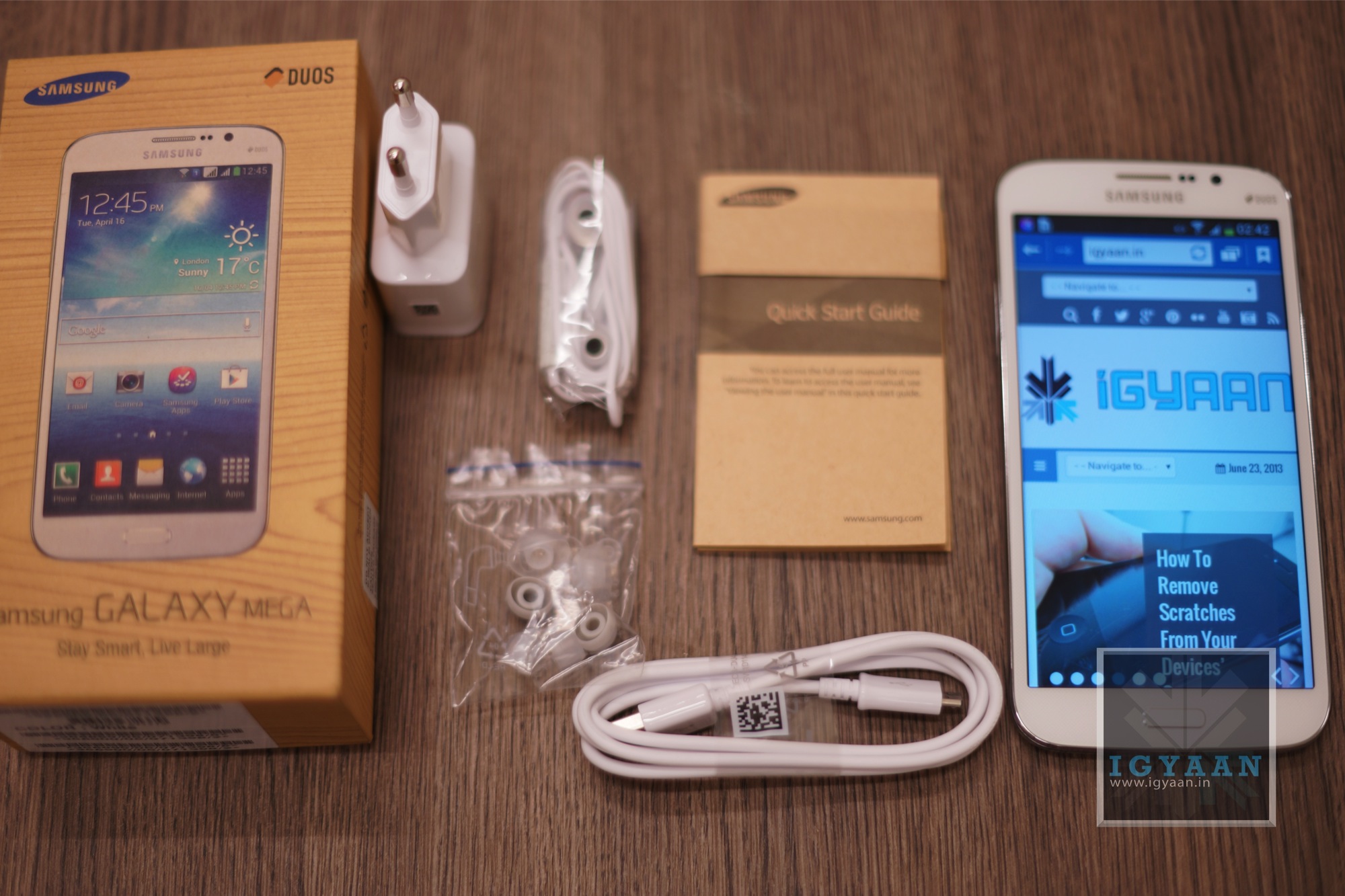
    Galaxy Mega 5.8 Box Contents 

    The Samsung Galaxy Mega comes with the standard list of Box contents;

      • Handset
      • 2600 mAh Battery
      • USB Charge and Sync Cable
      • In Ear Earphones with Mic
      • Extra Ear Tips
      • Wall Charger
      • Documentation and Warranty Card.


    Samsung Galaxy Mega 5.8 Unboxing 14

    Galaxy Mega 5.8 Initial Impressions

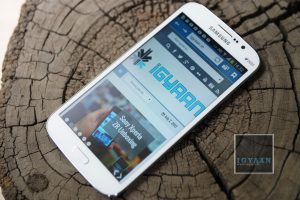
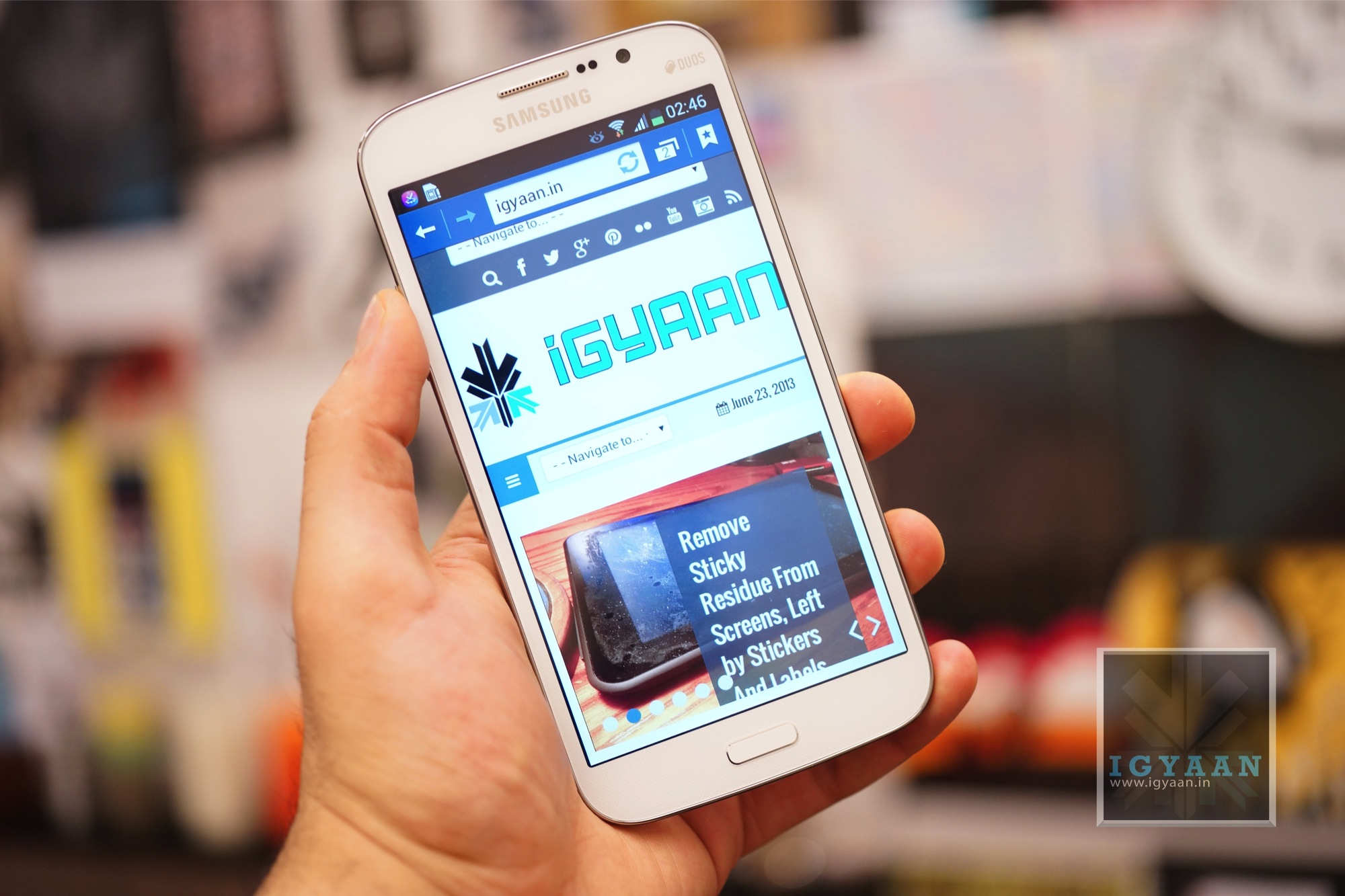
    The Samsung Galaxy Mega 5.8 is a large device, but clearly is not as large as its big brother the Mega 6.3, next to the Galaxy S4 the Mega 5.8 simply dwarfs the current flagship from the Korean Manufacturer. The display is a 540 x 960 px capacitive touchscreen, and despite a lowly 190 ppi the screen is really sharp and great to look at. The screen is also extremely bright, fairly visible outdoors and has good viewing angles. 


    Samsung Galaxy Mega 5.8 Unboxing 8


    The Galaxy Mega features a dual core 1.4 GHz chipset which is the same chipset seen on the Galaxy Grand, which was pretty good at handling gaming on the smaller variant, but may not deliver on a larger screen with a higher resolution. The phone also has 8 GB storage and 1.5GB of RAM, along with expandability upto 64 GB via microSD. 

    The phone is also capable of handling two sim cards at the same time with Samsung’s new dual sim smart active mode with active forwarding to your numbers. 


    Samsung Galaxy Mega 5.8 Unboxing 4

    The Galaxy Mega 5.8 has dual cameras, an 8MP main shooter and a secondary 1.9 MP camera, both of which capture video at 1080p. The phone also comes with Android 4.2.2 out of the box slapped on with a generous dose of Touchwiz, with many of the UI elements inspired from the S4. 

    The Galaxy Mega 5.8 appears to be big but is easily handleable and is not that bigger than the Galaxy Note 2. The phone will fit into regular denim pockets, but may cause issues if you are one of those skinny fit lovers. 

    The UI seems fast and responsive and the handset seems to be holding up well, stay tuned for a barrage of videos iGyaan Style. 


    [tabgroup][tab title=” Buy Now” icon=”icon-shopping-cart”][/tab][/tabgroup]

  • Suunto Launches AMBIT2 with GPS and Navigation and Quick MultiSport Mode (Hands On) (PR)

    Suunto Launches AMBIT2 with GPS and Navigation and Quick MultiSport Mode (Hands On) (PR)

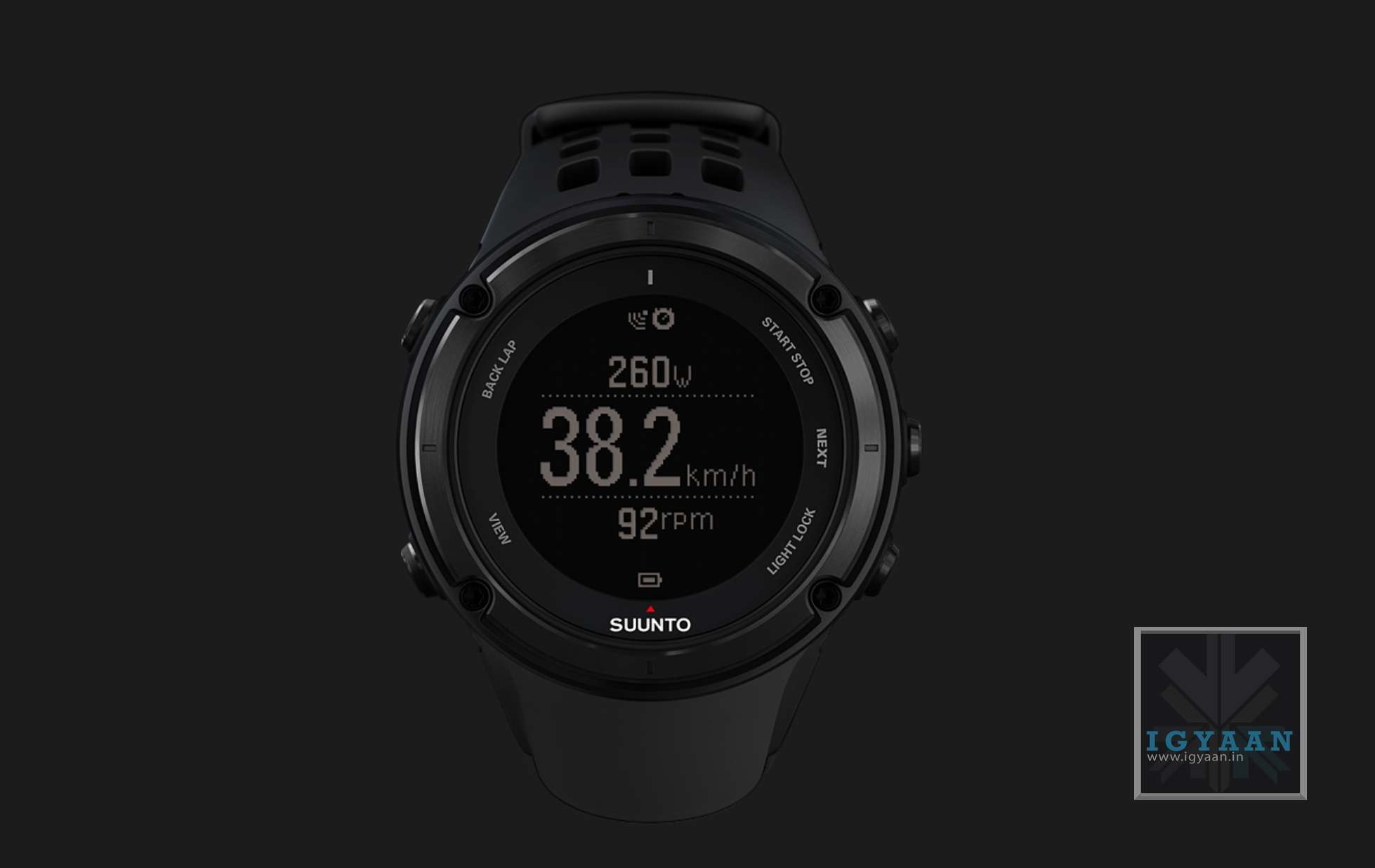
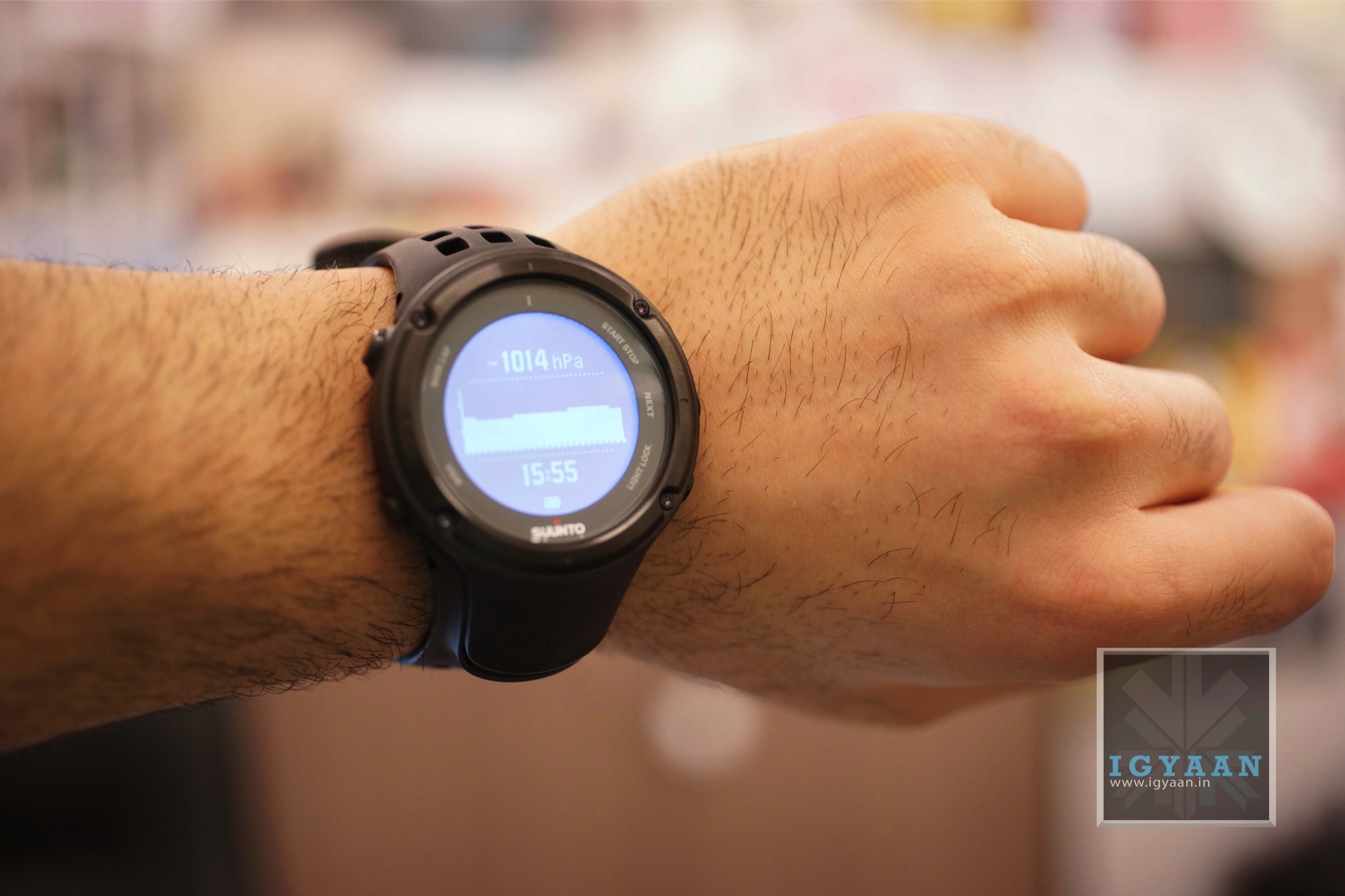
    Suunto has been a name synonymous with pro athletes and adventurers of all types. The company’s foray into the Indian market targets more enthusiasts and youth. The new Ambit2 is the successor of the popular Ambit, and adds a new Multi Sports mode. 

    The new apps on the Suunto Ambit 2 have been designed for a large variety of use, including swimming, cycling, running and multisport training. 


    suunto AMbit2 7


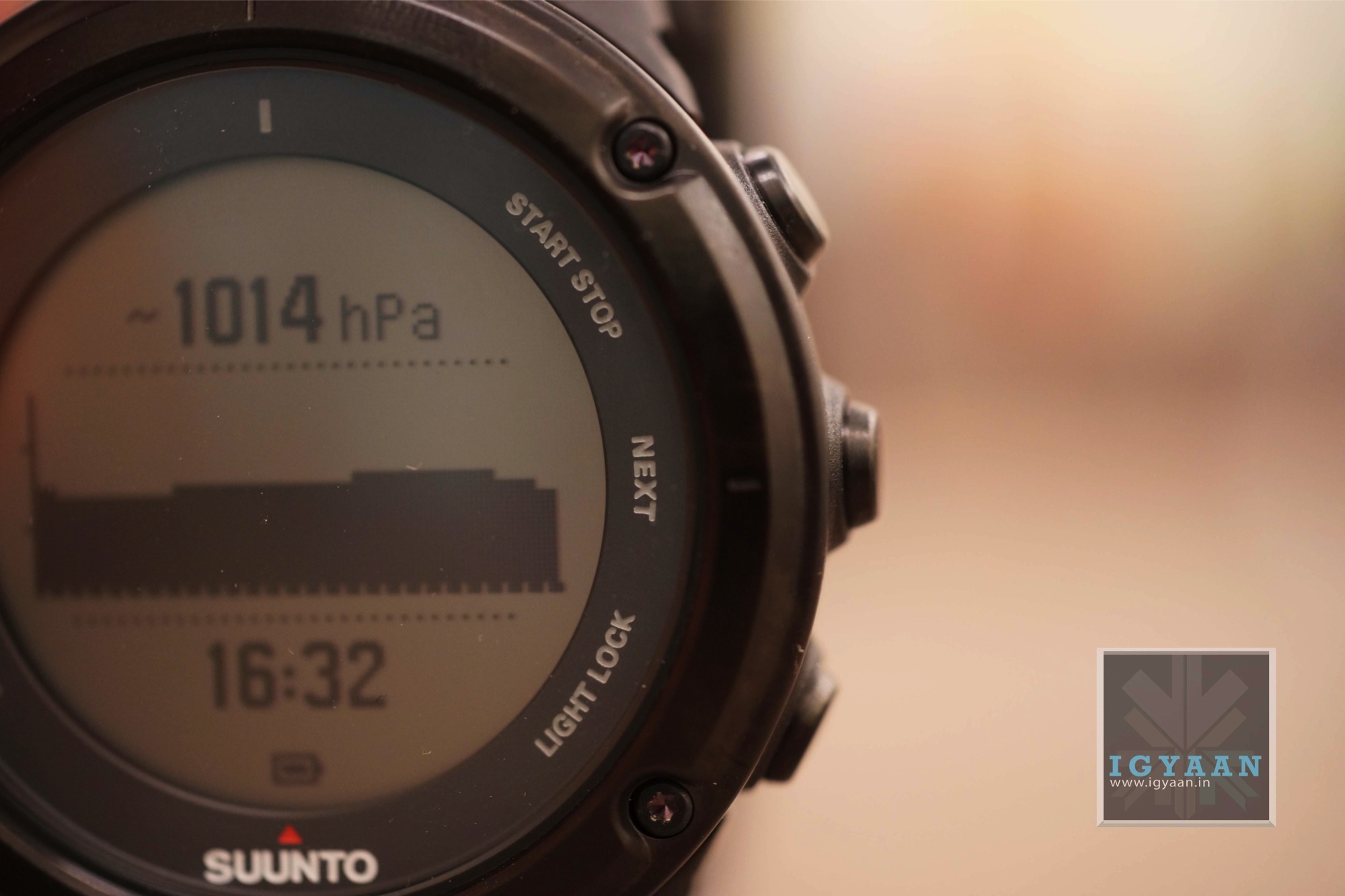
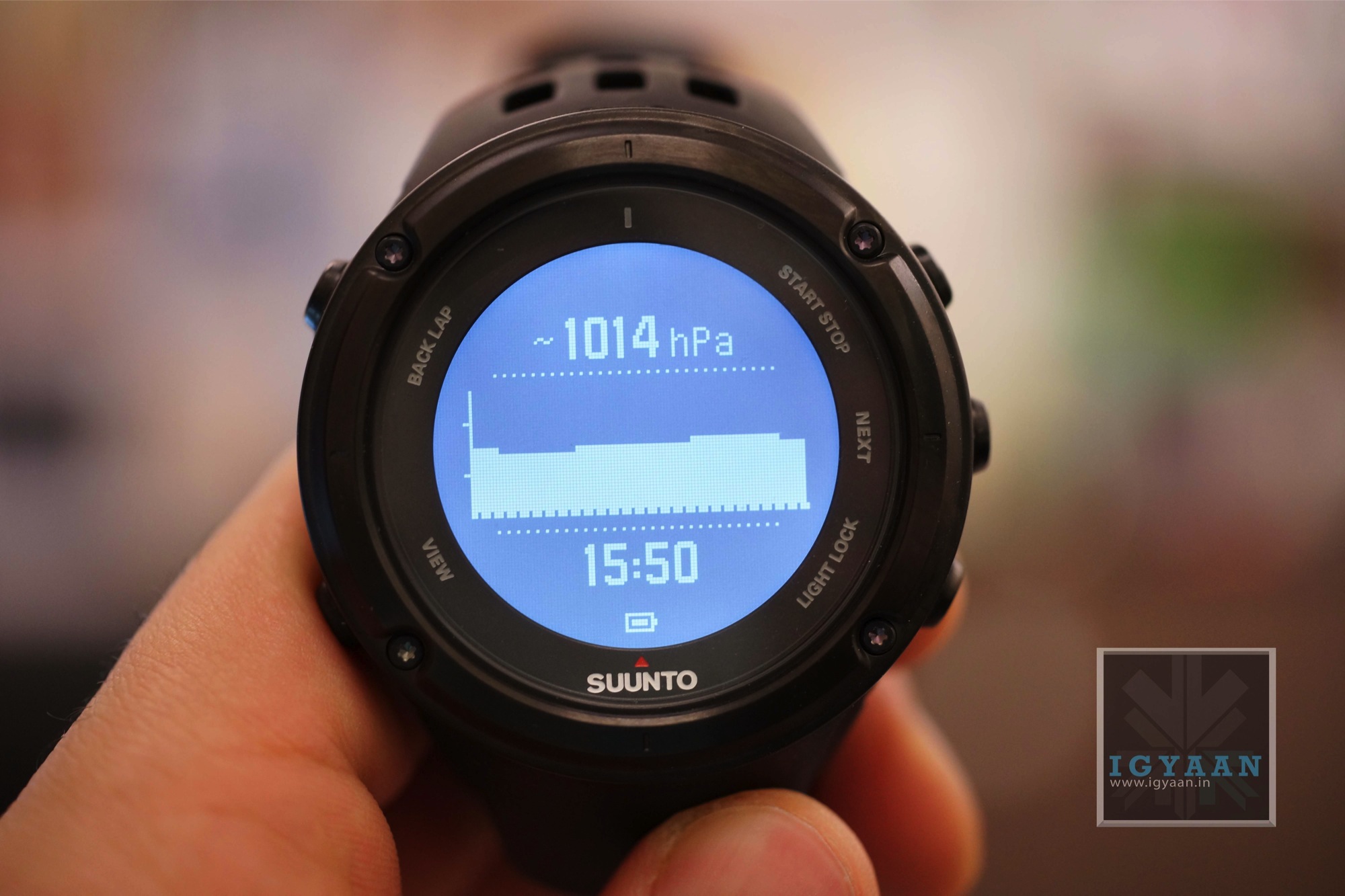
    The watch features interesting features including route navigation, barometric information, altimeter with FusedAltiTM, 3D compass and other outdoor specific features. In addition the Ambit2 has all the training features of the Ambit2 S.

    suunto AMbit2 11


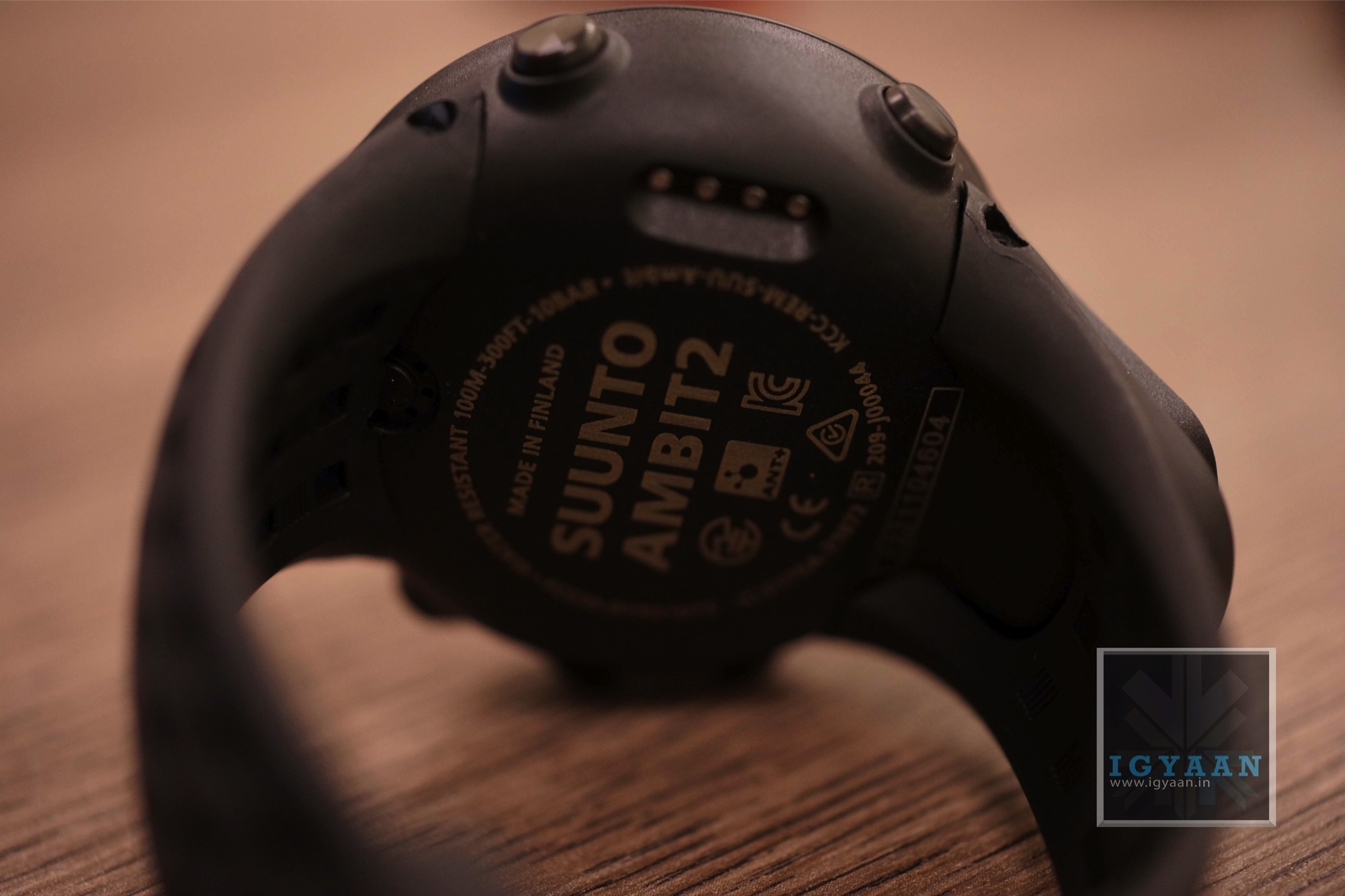
    The Ambit 2 is made inside a glass fiber reinforced casing with a battery life of up to 50 hours in GPS mode, the Ambit2 is a watch designed for serious adventurers, explorers and multisport athletes. The HR edition we put our hands on features a heart monitor belt which syncs up with the watch to track your heart rate through your workout/swim or trek. 

    suunto AMbit2 9


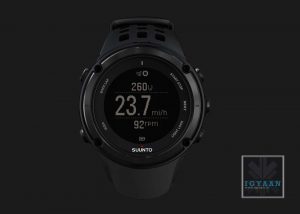
    The watch is really easy to handle and works great while on the hand, switching form one mode to another is fast and conveniently handled by one hand. The watch can be worn on either hand due to the design and the button layout.

    suunto AMbit2 4


    The watch has a massive 50 mm bezel, which to us felt really nice, but a lot of athletes may not want such a huge dial. The backlight is nicely spread and is not overbearing, and should provide ample lighting during the night.

    suunto AMbit2 3


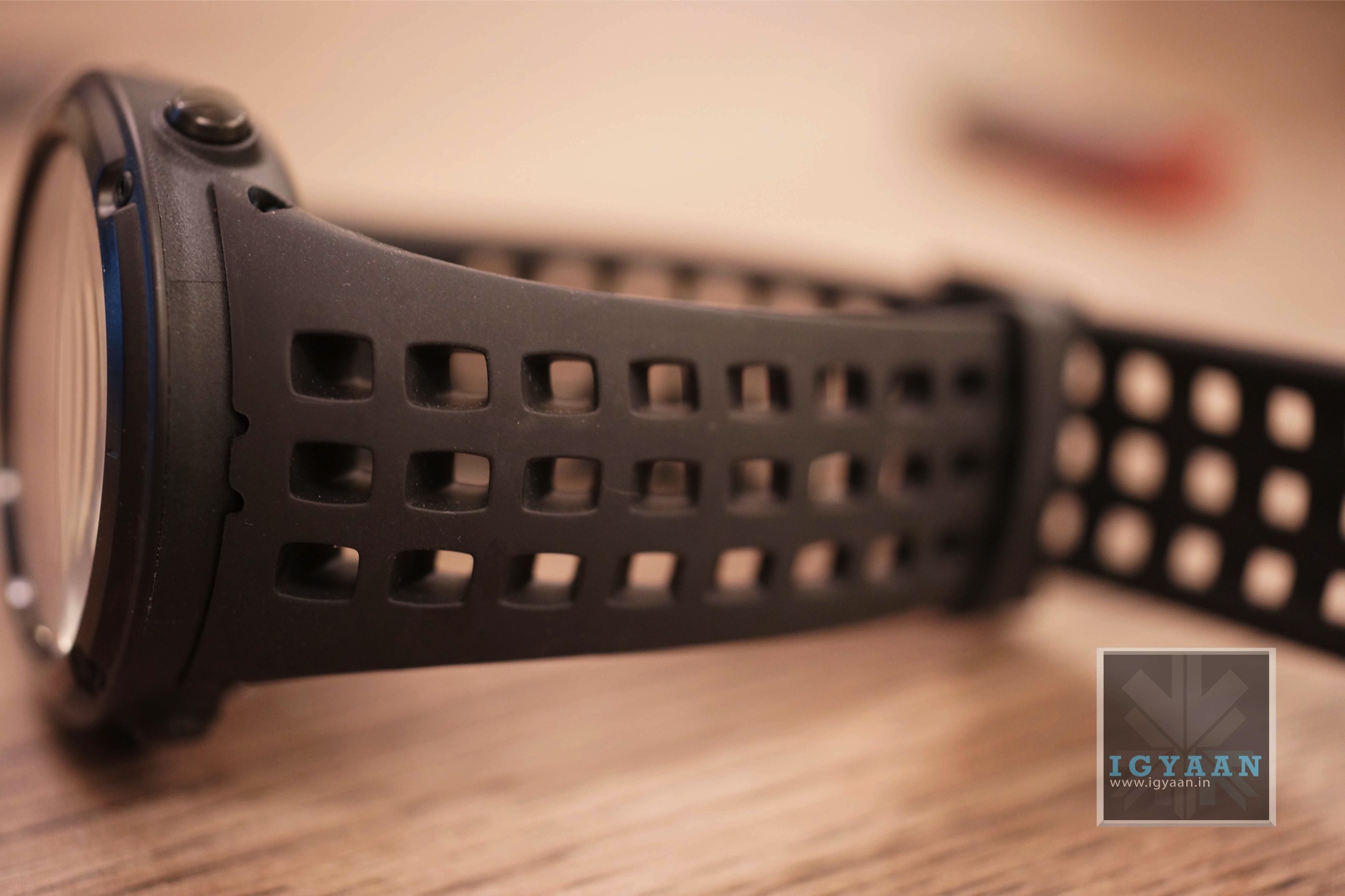
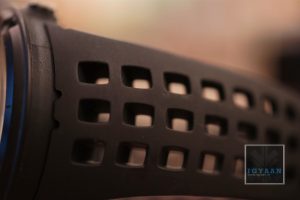
    The strap is also designed keeping the active folks in mind, a stretch rubber strap with large breathable perforated holes. 

    suunto AMbit2 6


    While we take this watch for a spin, check out the video (uploading ) and images and stay tuned for a full review. 


    [toggle title=”Press Release”]Suunto recently unveils the second generation of Ambit outdoor GPS watches, the new line-up of Ambit2 S and the Ambit2. This creates a collection of Suunto GPS watches for every occassion — whether a multisport training session or a serious adventure.

    Comments President of Suunto, Mikko Moilanen: “The Ambit got a tremendously positive response from consumers last year. To meet the needs of perfomance sports oriented users even better we felt that a lighter, slimmer GPS with sports-specific features but less focus on outdoor functionality was needed to complement the Ambit family. In addition, the rapidly advancing technology made it meaningful to update the Ambit family with new members already now.”

    Ambit2 S – The GPS watch for athletes
    The new Ambit2 S is a light and sleek GPS watch for multisport athletes that packs all the features needed for cycling, running, swimming and multisport training. The GPS provides accurate pace, route navigation and tracking, while the heart rate monitor lets you train within your ideal zone.
    • Cycling: The new Suunto Ambit2 S will support power meters (ANT+) and offers various power measurement values and numerous options for in-depth analysis.
    • Swimming: The Ambit2 S also offers comprehensive swimming functionality, including pace and distance, automatic intervals, stroke rate and swimming time related to different pool lengths. The Ambit2 S will also learn to recognize your swimming style, which makes performance analysis easier.
    • Running: Runners benefit from highly accurate pace and distance thanks to FusedSpeed™, the Ambit’s accelerometer integrated GPS, as well as interval timer and autolaps for training.
    • Multisport Training: Users can switch between sports, making the Suunto Ambit2 S ideal for recording your multisport training or race.

    Ambit2 – The GPS for explorers and athletes
    Suunto also launches the Ambit2, which builds on the success of the award-winning Suunto Ambit. It includes Suunto’s hallmark outdoor functions such as route navigation, barometric information, altimeter with FusedAltiTM, 3D compass and other outdoor specific features. In addition the Ambit2 has all the training features of the Ambit2 S.
    Packed in a glass fiber reinforced casing with a battery life of up to 50 hours in GPS mode, the Ambit2 is the ultimate watch for serious adventurers, explorers and multisport athletes. The Sapphire edition of the Ambit2, features a brushed steel bezel and sapphire crystal glass, adding some serious style to the Ambit2’s extreme functionality.

    Comments Suunto ambassador and climber Ueli Steck: “In the mountains you need a watch you can rely on. I’ve been using Suunto products for many years and the Ambit2 is the ideal product out there for anyone serious about their mountain sports.”

    Both Ambit2 S and Ambit2 will be globally available from May 2013.

    App Zone and Movescount.com are also upgraded
    Suunto is also upgrading the Suunto App Zone, the community forum where users can find and create free Apps for the Ambit GPS watches. Since it launched in November 2012, the App Zone has proved popular with users, who have created over 5,000 Apps so far. The upgrade gives Ambit owners the chance to create and share more advanced Apps. Suunto’s online sports community Movescount.comwhich hosts the App Zone, will also be updated to provide new tools for in-depth analysis, enhanced navigation and improved opportunities for sharing.

    About Suunto

    Suunto was founded in 1936 by Tuomas Vohlonen, a Finnish orienteer and inventor of the liquid-filled field compass. Since then Suunto has been at the forefront of design and innovation for dive computers, instruments and sports watches used by adventure seekers all over the globe. From the highest mountains to the deepest oceans, Suunto physically and mentally equips outdoor adventurers to conquer new territory. Suunto’s headquarters and manufacturing plant is in Vantaa, Finland. Employing more than 400 people worldwide, Suunto products are sold in over 100 countries. The company is a subsidiary of Amer Sports Corporation along with its sister brands Salomon, Arc’teryx, Atomic, Wilson, Precor, and Mavic
    [/toggle]

  • Remove Sticky Residue From Screens, Left by Stickers And Labels

    Remove Sticky Residue From Screens, Left by Stickers And Labels

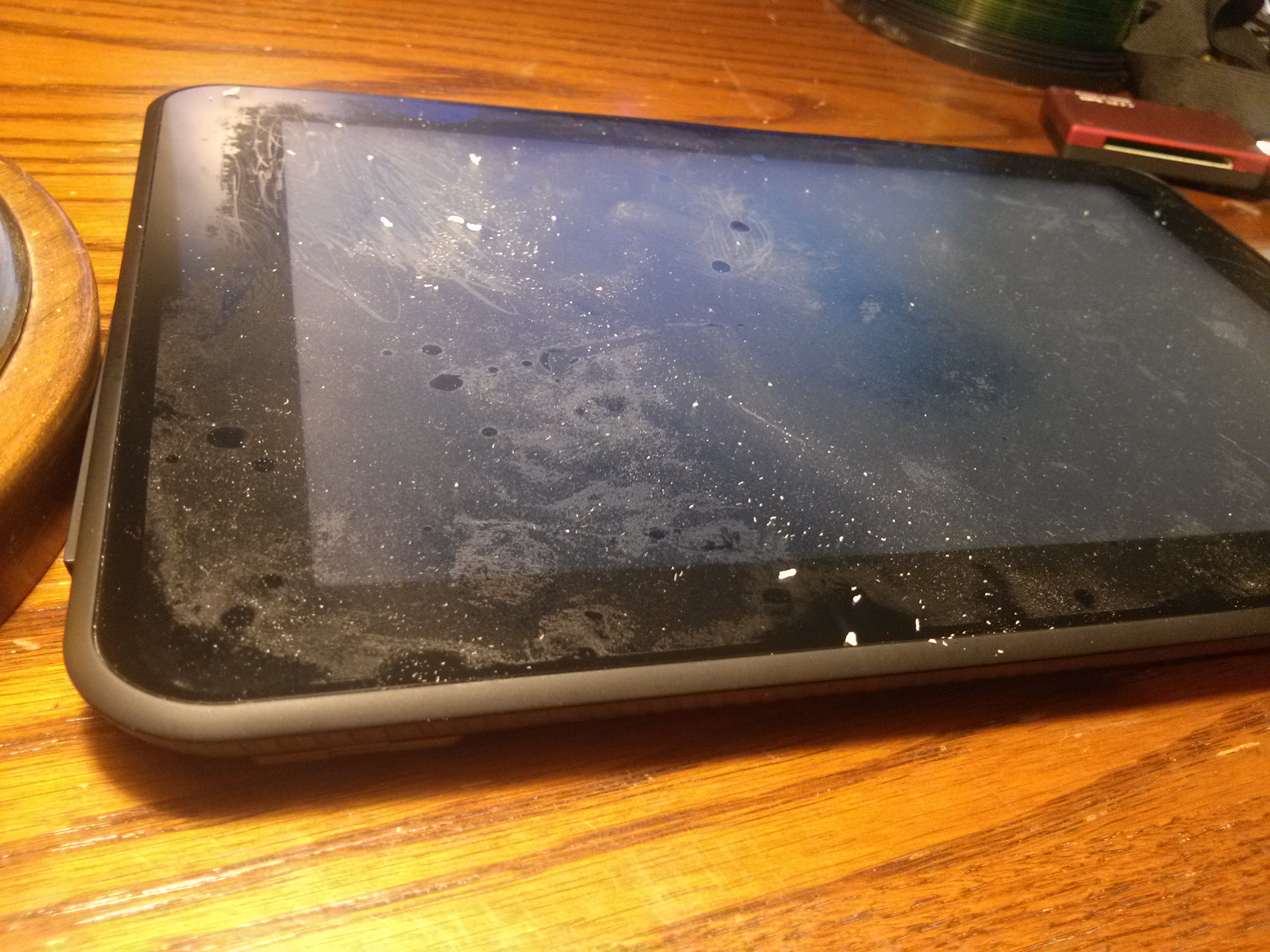
    Things like price stickers and labels, different types of tape (packing, masking, scotch tape) can leave behind a sticky, gooey residue that’s a tricky mess to remove. That old screen protector that you just removed from you device’s screen also leaves behind sticky residue.

    The sticky residue that is left behind can collect dirt and quickly become a dark, sticky area that takes away from the attractiveness of the new piece.

    Here’s a list of methods that can help make the cleanup job a lot easier.

    1. Finger Rubbing

    The most obvious solution, but the most widely used. If it’s really sticky, skip this method as you’ll just make it worse. If not, try to “ball-up” the residue with your fingers and wiping the surface with a wet cloth.

    2. Use Vinegar

    Soak a washcloth or rag in a mixture of vinegar and water (a bit more vinegar than water), then use the cloth to apply the mixture to your label or sticky area. Let the mixture sit on the area for a few minutes so it has time to dissolve the glue. The glue should rub off easily, taking the sticky residue with it.

    3. Alcohol

    That bottle of Romanov you’ve been eyeing in your dad’s closet, yes that one, can be used to remove adhesive residue as well. Avoid using any sweet or flavored alcohols, as these will introduce more stickiness from the sugar content. 

    Dab a little alcohol onto a paper towel or soft cleaning rag, and lay the moistened area of the paper or rag over the sticky stain. Let sit for a few minutes to be absorbed by the stain.

    Remove the soaked sticky residue with your fingers or use a plastic scraper. The residue should lift off easily.

    Note : Alcohol could also damage the paint on your device in some cases, so be careful.  

    4. Petroleum Jelly 

    Rub the petroleum jelly directly onto the sticker glue residue. Allow it to remain on the residue for a few hours. Scrape off the petroleum jelly, along with the glue, using a credit card or any other flat plastic surface.

    Wipe the affected area with a damp rag to remove the petroleum jelly and any remaining glue.

    Let us know in the comments section below if we missed out on any method!

  • How To Remove Scratches From Your Devices’ Screens

    How To Remove Scratches From Your Devices’ Screens

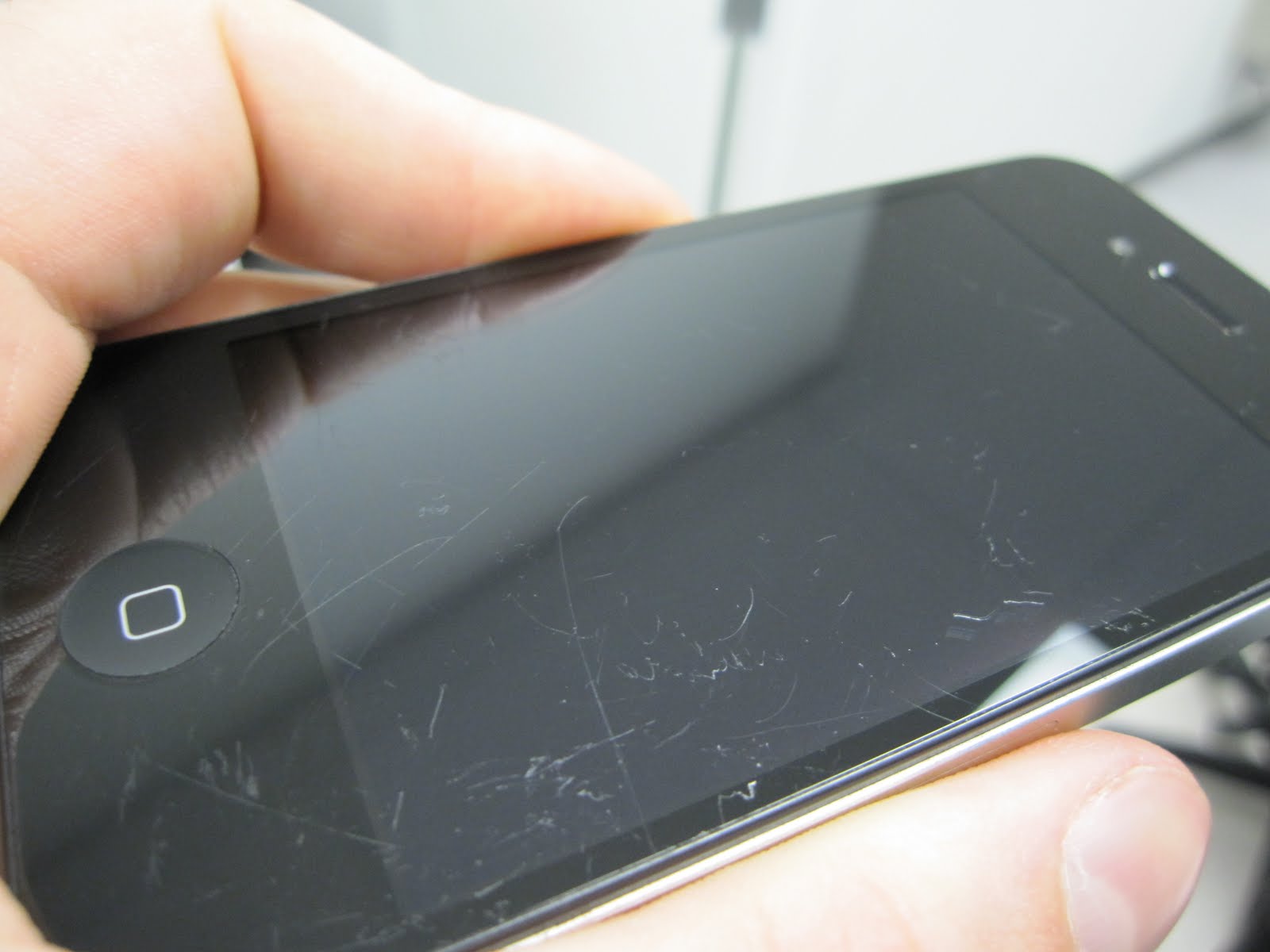
    Some of you out there may know the horrible frozen-in-time moment, somewhere between the cozy grip of your hand and the rough gravel of the terrain below, when you realize you’re about to damage your expensive and beloved device. A thousand thoughts can fly by through your head between losing control and the eventual painful landing.

    Scratches on your cell phone screen are an inconvenience, not to mention an ugly eyesore. No matter how much you try to ignore it, it’s there. 

    So here’s what you’ve got to do to remove them from your device’s screen :

    Things Required 

    • Microfiber Cloth
    • Toothpaste
    • Baking Soda
    • Polish 

    1. The Toothpaste Method

    Just dab a bit of toothpaste at the end of a cotton swab or a soft cloth. Gently rub it in to your screen’s scratches in a circular motion, being careful not to rub too hard and remove any surface coating. Then wipe the whole thing down with a soft, barely-damp cloth.

    Note –  The abrasives in the toothpaste will also buff off the screen’s oleophobic coating, which is what guards against smudges and makes the screen really easy to wipe clean. Also, make sure you’re using a paste based toothpaste and not one of those gel based toothpastes. 

    2. The Baking Soda Method

    Not only good to keep your refrigerator smelling fresh, but can do some amazing things with scratches as well. Use with a few drops of water. 

    Mix two parts baking soda with one part water to form a thick paste. Use the Micro-fiber cloth to apply the paste to the lens, rubbing in a circular motion. Wipe with a wet cloth afterward and dry with a separate cloth. This step may need to be repeated for stalwart scratches.

    3. The Polish Method

    To begin with you’ll need a suitable polish. We’re dealing with glass screens only (check your phone’s specs to make sure it doesn’t have a plastic screen), so you need a tough polish. We recommend cerium oxide, which comes as a powder that you need to mix with water, although you can buy 100ml of pre-mixed compound online.

    Disclaimer – Although these methods have been used to measurable success by various people, you should do so at your own risk. Make sure that the ports and other sensitive parts of your device are not exposed to the ingredients you use!

    Have we missed out on any method? Do let us know in the comments section below!

  • Sony Launches New 55″, 65″ 4K X9004 BRAVIA UHDTV (Eyes On)

    Sony Launches New 55″, 65″ 4K X9004 BRAVIA UHDTV (Eyes On)

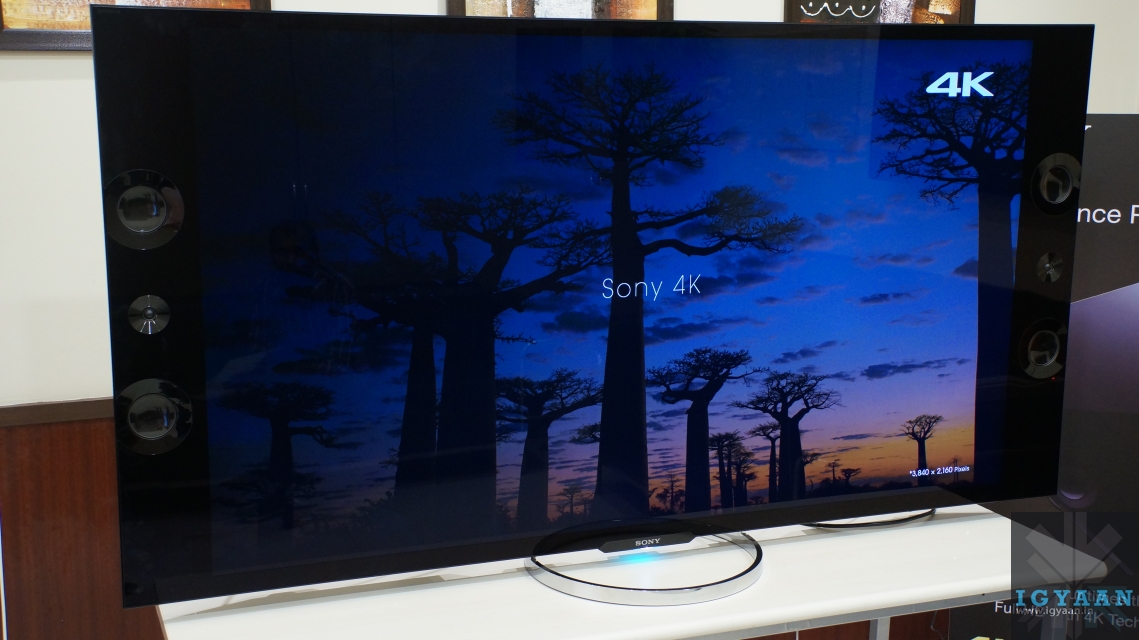
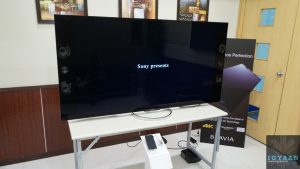
    At an event in Delhi today, Sony launched 2 variants of its X9004 Ultra-HD television range, a 55″ model and a 65″ model.

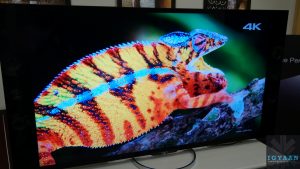
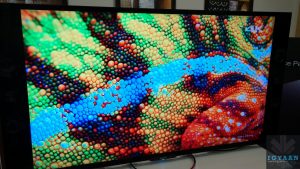
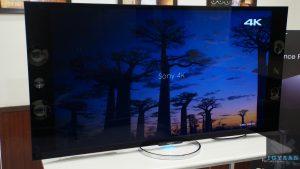
    The 4K LED televisions contain 8 million individual pixels (3840 x 2160 pixels), have a 16:9 aspect ratio and come with Sony’s latest generation processing engine analysis, which cleans and refines images, restoring impressive results from lower quality sources.

    X9004 Bravia

    The X9004 Bravia series also up-scales 2K data to 4K quality and deliver images which are clearer and sharper. This is also aided by the Reality Creation database and super resolution processing optimisation that these TVs come with.

    The X9004 Bravia also comes with Sony’s unique TRILUMINOS display with Edge-LED backlight, which expand the range of colours BRAVIA TVs can display when compared with normal TVs. 

    As is the norm these days, the X9004 Bravia is a 3D TV and 4 pieces of 3D glasses are bundled with the television.

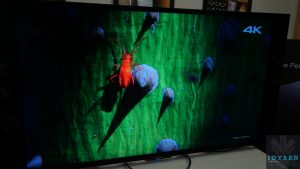
    X9004 Bravia

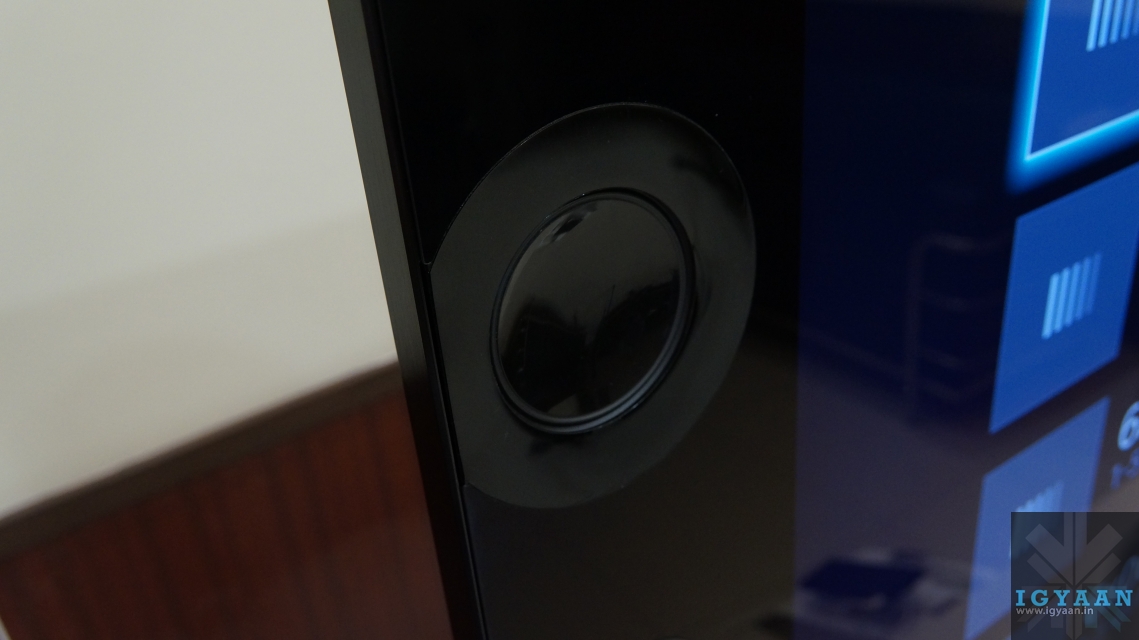
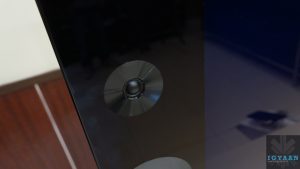
    At a time when most TV manufacturers pay lesser attention to the audio output of TVs, Sony has added Magnetic Fluid Speakers to the front of the device, which deliver amazing sound with lesser energy consumption. These are a 2.2 channel, 2 way speaker system, and have various sound modes such as sports and cinema. 

    On both these TVs you can access Skype via an optional camera, with WiFi direct for WiFi connectivity. As it is a smart-TV you also get an inbuit browser and various application for accessing web content. 

    X9004 Bravia

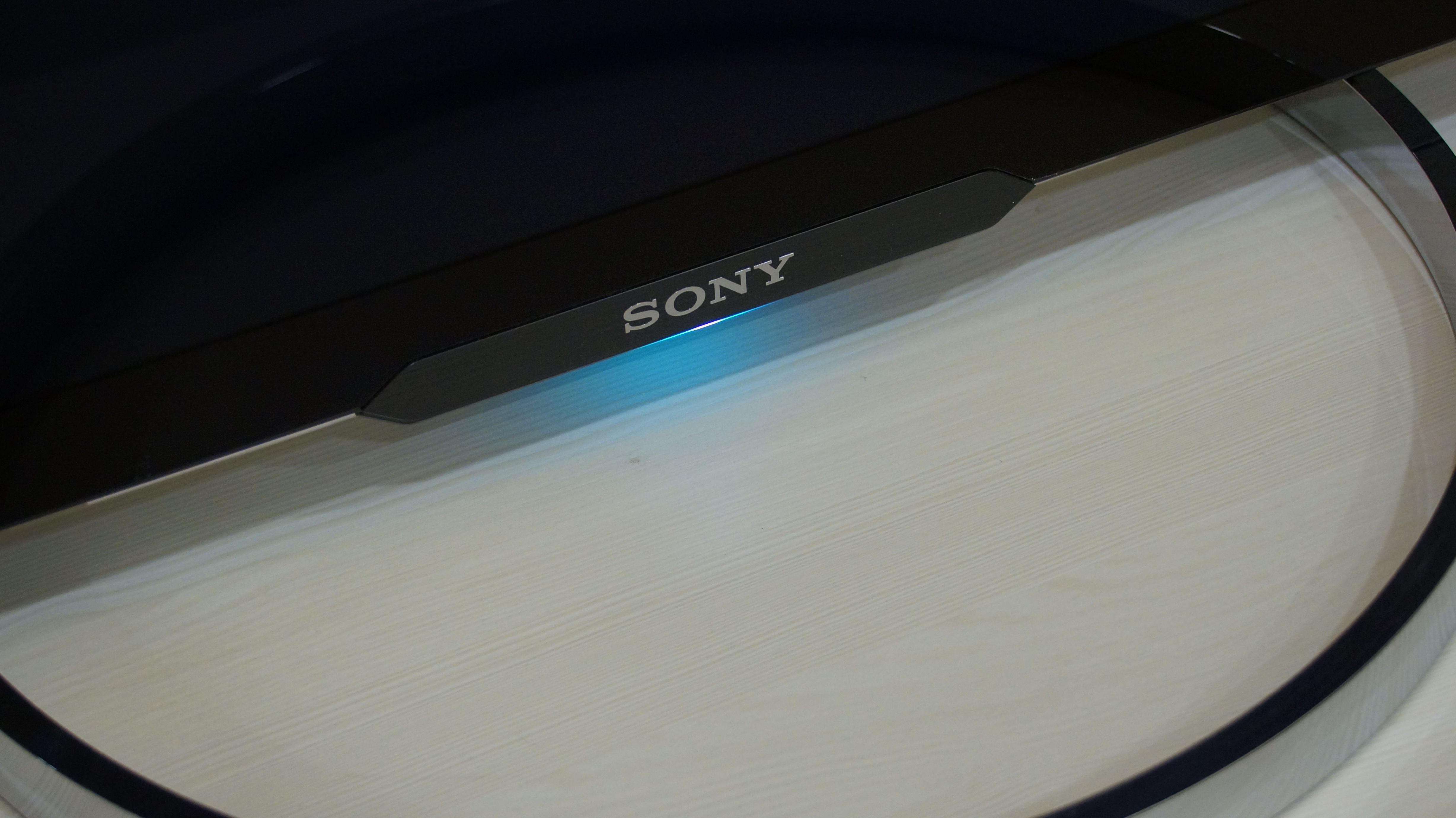
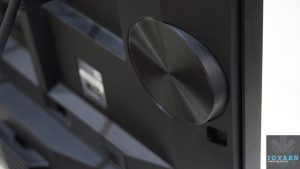
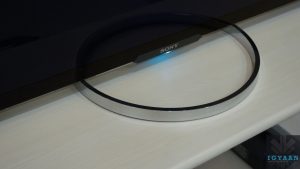
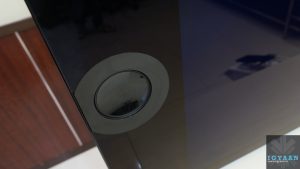
    In terms of dimensions, the Sony X9004 Bravia is 58mm at the edge. These TVs come with a chrome plated stand with a blinking LED light at the bottom, to make the design a lot more elegant. 

    The 55″ X9004 Bravia has been priced at Rs.3,00,000/- and the 65″ has been priced at Rs 4,00,000/-. 

    You can watch our eyes-on video with the Sony X9004 Bravia TV below :

    [youtube id=”T6_5TfVWSe4″ width=”100%” height=”300px”]

    Images

  • Hands On with the Lava Iris 504Q at Launch in India (PR)

    Hands On with the Lava Iris 504Q at Launch in India (PR)

    Lava and Xolo are essentially the same company, and traditionally Xolo was formed by the company to take care of smartphone needs of the market and Lava remained focused on the feature phone market. As the market transitions from a feature phone to a smartphone market. Lava has also transitioned into the smartphone market with the new iris 504q, and the company says it is happy competing within the organization, even if it has to.

    Lava on Friday launched the Iris 504Q, a smartphone targeted at the likes of Micromax and Karbonn with their Canvas and Titanium series. Powered by a Mediatek Processor (6589) the company is trying to differentiate the product from the mass of multiple devices in the market with features like gesture control and software enhancements. 

    Lava Iris 504q hands on 23

    Lava iris 504Q Initial Impressions

    The handset is manufactured well and almost resembles the HTC Butterfly from a distance, thanks to the resemblance to the earpiece grill. The back of the Lava iris 504Q is a soft touch plastic, that almost feels rubberized for added grip. Lava has managed to get a good balance of subtle branding and design to ensure the phone does not look overly flash and cheap.

    The hardware list on the Lava iris 504Q is also pretty common on the market, a 5 inch 1280 x 720p screen, quad core processor , a mix of 8 MP and 2 MP cameras, 1 Gig of RAM and a 4 GB storage. Lava is trying various software tweaks to appeal to the market like gestures for the image gallery and clicking pictures. This will definitely attract buyers who were influenced by these features in the Galaxy S4, but the it does not work that well. 

    The Lava Iris 504Q is also fairly slim at just 8.4mm and fits well in the hand. For a price of Rs.13499/- in the market Lava has added yet another competitor in the Quad Core dual sim market.

    Check out the images below.

    [toggle title=”Press Release”]New Delhi, June 15, 2013: LAVA International Limited, a fast growing company in the mobile handset industry, today announced its entry into the high-end smartphone category with its new flagship smartphone, Lava Iris504q. The phone boasts of technologically advanced gesture motion control that reinvents the mobile experience and set a new standard for smartphones in its category. Lava Iris504q is designed to address a large and important segment of the smartphone market where customers are looking to upgrade to an affordable, easy-to-use, full-featured and technologically competitive smartphone.

    The Lava Iris 504q is a high-end Android smartphone with 8.4mm thickness that makes it the slimmest in its category. It brings HD experience to a 5 inch IPS screen with OGS display technology and a resolution of 1280×720 pixels. The new gesture motion feature allows the users to interact with the phone with just a swipe of the hand in the air. The gesture control feature can be used for clicking photos, changing tracks on the music player and video player, tuning FM channels and browsing entertainment gallery on the smartphone.

    Powered by a Quad Core 1.2GHz processor and running on Android 4.2 (Jelly Bean), the Iris 504q comes with an intelligent flip cover, offering comfort and convenience to the consumer. This device sports an 8MP camera (rear auto-focus with in-built flash and BSI sensor) that provides multiple camera options to capture stunning photographs and a 2 MP front camera for 3G video calling. .

    Lava Iris 504q also packs in 1GB RAM and an internal memory of 4 GB, which is expandable up to 32 GB,
    giving users enough space to store their multimedia content. A large 2,000-mAh battery provides ample back up for multimedia, stand by and talk time.

    Lava has also partnered with Hungama to provide seamless entertainment experience and various VAS initiatives latest being integration of Hungama’s Music Application and ‘LavaZone’ the storefront (Powered by Hungama.com) on Iris 504Q . With this user gets access to over 2 million pieces of content across genres and languages, in the form of music tracks, music videos , trailers & dialogues; mobile content such as ringtones & wallpapers.Iris504q comes with some preloaded apps such as Opera web browser, Hungama Music App and Moden Combat HD from gameloft, making it a smart choice for the smartphone buyers.

    Mr. Hari Om Rai, Co-Founder & Director, Lava International Ltd., said, “Lava believes in enhancing consumer experience while assisting efficiency and helping consumers to enjoy products that meet their needs. Our innovative products are a result of careful planning, intense R&D and listening to the needs of our consumers. We are proud to announce the launch of our flagship and the much awaited, Lava Iris 504q – a technologically competitive product, with superior features and high quality, available to our discerning customers at a smart price.”

    Lava Iris 504q is a super slim, fast and easy-to-use smartphone that delivers effortless multitasking, making life easier and hassle-free. Priced at Rs. 13,499 Lava Iris 504q will be available across national retail chain stores, multi-brand outlets across India and online stores beginning 4th week of June.

    For more information, please visit www.lavamobiles.com[/toggle]


    Buy Now

  • Edit : iOS 7 Battery Life : One Word “Unfortunate”

    Edit : iOS 7 Battery Life : One Word “Unfortunate”

    Apple released iOS 7 for Beta testers and App developers a couple of days back. While we updated to the new OS in almost utter haste, 48 hours into the update few things are different. There are certain things that once you switch over you will simply adore and get used to. But then there are things that, while iOS 7 is in beta, beckon the user to simply flash back to iOS 6.


    Here is what we like about iOS 7

    A lot of things have become easier, and although small little changes don’t make sense to the observer, in the entirety of the situation they add up to an amazing overhaul of the usage experience.

      • Control Center : iOS 7 Control Center, according to my personal opinion, is the most awaited change in the OS. The only reason SBSettings ever existed and the only reason I ever Jailbroke my iPhone. Yes it has existed in Android forever, but Apple put it in a different location. Notifications from the top, control toggles from the bottom. Whether it is building on someone’s idea or simply changing a creation to make your own, it makes sense. Why has no one else ever thought of this? Our money is on multiple apps enabling this bottom toggle drawer on Android in 3 -2-1….. 
      • Page Swiping : To unlock iOS you can now swipe anywhere on the lock screen, you can also swipe back from your Text Messages and Emails to come back into your conversations. It’s not a big deal but I can’t imagine my iPhone without it anymore, and i have used it only for 48 hours with these gestures. Gizmodo shows it off in a beautiful way.
      • Minimal Design : As we progress into the future, a more minimal approach cleans up clutter and sort of de-stresses the effort. While many elements of the UI are truly unfinished and kiddish, the overall idea is marvelous. The interface is a lot more relaxed and “sober”, for the lack of a better word. It does a lot more with animations and highlight. Once Apple does fix the major design issues, and they must, the UI should be well appreciated by those in the iOS ecosystem.
      • Blocking: Over a hundred Apps on Android do this, iOS 7 has a wonderful new feature built in that simply lets you block all conversations from a particular number to you phone. Those annoying property sale messages are a thing of the past for me, any new spam number gets added almost instantly. The person calling on the other end gets a busy tone, and you don’t even get a notification. The blocking feature is also premature, I would like to select what all I want to block, only messages or only phone should be an option when they finally roll out. Another feature that would allow you to have a log of all the blocked calls or messages, which users could manually access, would make the feature perfect.
     

    Here is what we don’t like about iOS 7

    The OS is still in BETA stage and although it is a bit premature to give out opinion on Apple’s new iOS 7, these are things that may make us switch back to iOS 6.
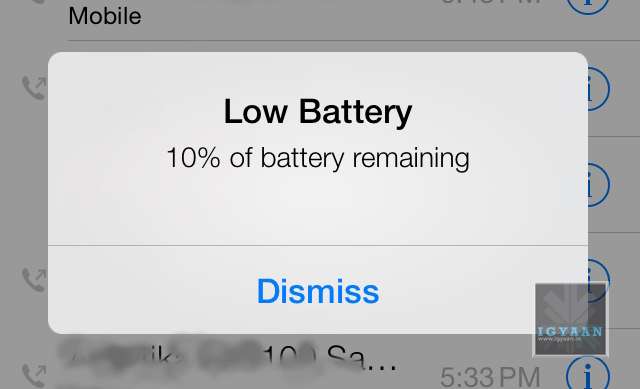
      • Battery Life : There is only one word : Unfortunate. The battery life on iOS 7 is lower than ever, we do understand that the OS needs to be tweaked and so do the Apps to work with the ecosystem. But an iPhone 5 on iOS 7, heats up like a firecracker and is ready to go off any moment. Even for developers, the reliability of the battery needs to be perfect, before Developers can start testing their Apps on the OS. At present, only a few may be able to get any work done. 


    Get used to this symbol!


      • Tap Precision : While many will debate the fact that the OS is new, the overly minimal design has made it a lot more difficult to use the iPhone or iPod on iOS 7. At some deeper level this may be Apple’s way of improving concentration with people (Apple a Day, makes you witty and gray). All Apple puns aside, the company needs to ensure that the final build is either more relaxed in terms of precision of tapping, or less minimal.

    A lot more design improvements as well as software fixes are required to make iOS 7 stable and ready for public consumption. However, even with the changes that Apple has shown off, the interface lacks a certain finished feel. While some elements are overly appreciated, some bugs have forced us to revert. A phone that requires a charge every 2 hours if of no use. So, While its time for us to switch back to iOS 6.1.4 on our iPhone 5, it is safe to say Apple is headed in the right direction. Are you switching yet ?

    [youtube id=”S5-KmW1QhcE” width=”100%” height=”300px”]

iGyaan Network
Privacy Overview

This website uses cookies so that we can provide you with the best user experience possible. Cookie information is stored in your browser and performs functions such as recognising you when you return to our website and helping our team to understand which sections of the website you find most interesting and useful.