Category: Review

REVIEWS – All tech reviews by iGyaan.in

  • BlackBerry 10.2 OS Update Brings Notification Preview and More

    BlackBerry 10.2 OS Update Brings Notification Preview and More

    BlackBerry has rolled out BlackBerry 10.2 which will be out for BlackBerry Z10 and Q10. These devices are supposed to get the update starting this week, the update will bring a lot of new features including BlackBerry Priority Hub, BlackBerry Natural Sound for BBM and many other improvements as noted by the company. 

    The new features included in the latest update from BlackBerry will allow users to look forward to the new BB Priority Hub which organizes user communications according to importance, message previews throughout the user interface and the lockscreen, and the ability to reply directly to BBM notifications.

    To update your BlackBerry smartphone to BlackBerry 10.2 software, look for the alert in the notifications section of the BlackBerry Hub. You can also check for software updates through the System Settings menu and selecting Software Updates. The download will happen in the background, so you can continue to use your smartphone as it downloads. For more information on how to update your BlackBerry 10 smartphone check out the source.

    BlackBerry OS 10.2 is expected to start rolling out in the following regions pending carrier availability:

    • Africa: Starting this week
    • Asia Pacific: Starting this week
    • Canada: Starting this week
    • Europe: Starting this week
    • Latin America: Starting in November
    • Middle East: Starting this week
    • US: Starting this winter

    [BlackBerry 10.2]


  • Nokia Leaks Lumia 1520, Confirms 20 MP PureView Camera and Snapdragon 800

    Nokia Lumia 1520 is spinning in the rumor mills for quiet some time now, we have seen various leaks showing that Nokia will launch its first phablet device within this month.

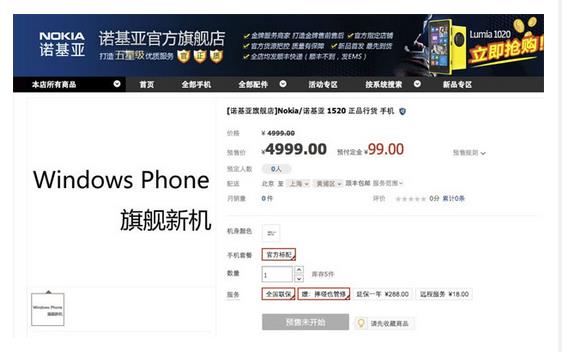
    The company’s official Tmall store -which is an online marketplace in China- recently published a product detail page for the phablet Nokia Lumia 1520. However, the page has no images of the product itself, but the listing shows the same information that we have seen in the leaks lately, 6-inch 1080p display and 20-megapixel PureView camera. The page also shows a Snapdragon 800 Chipset and the price of the device is shown as 4,999 Yuan (about 50,000 INR) price tag. 

    1520

    While this could just be an intentional display of the specs, just like what happened with Nexus 5 when Google accidentally placed the phone on the Play Store. Having said that, the device will supposedly launch at the Nokia World event which is held tomorrow that is 22 October 2013, if interested you can watch the webcast by clicking here.

    [via]

  • BlackBerry 9720 Review

    BlackBerry 9720 Review

    Build Quality and Design

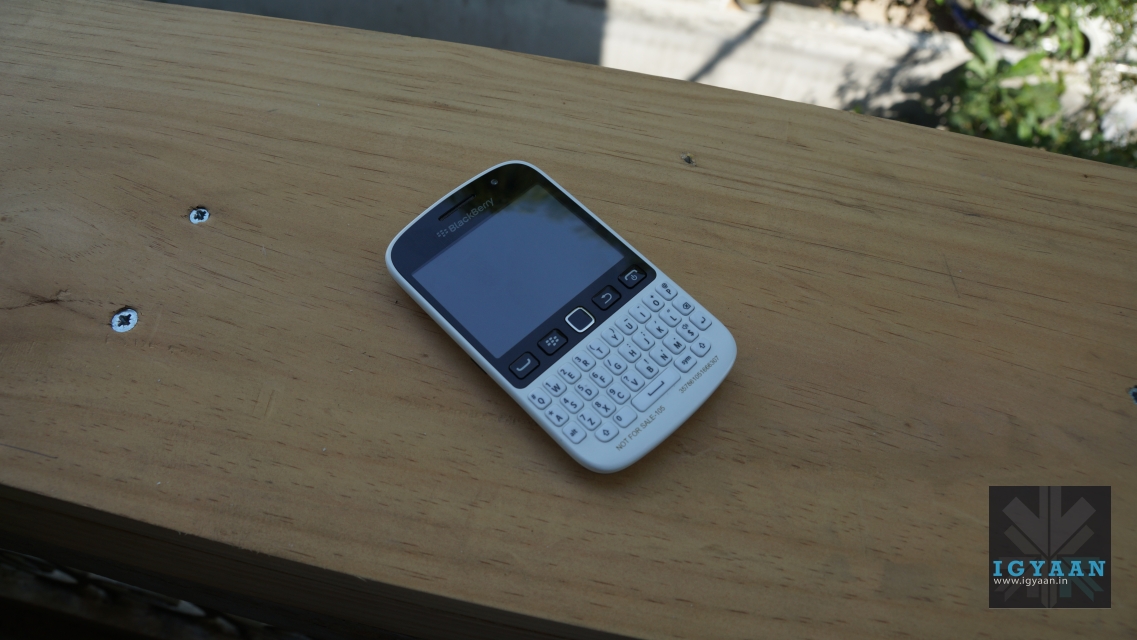
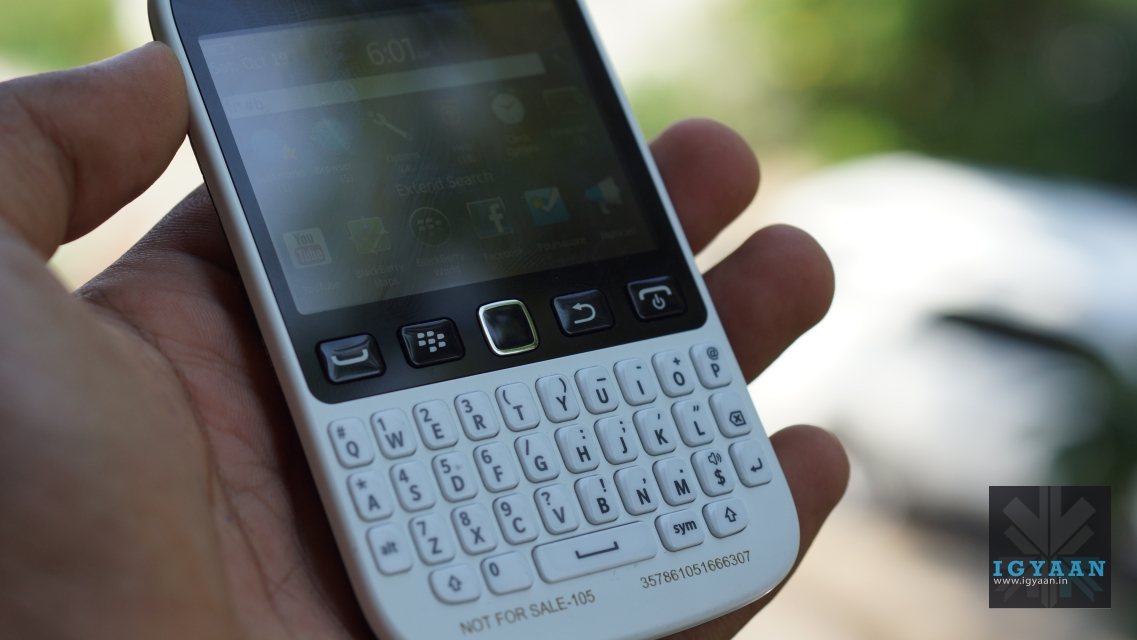
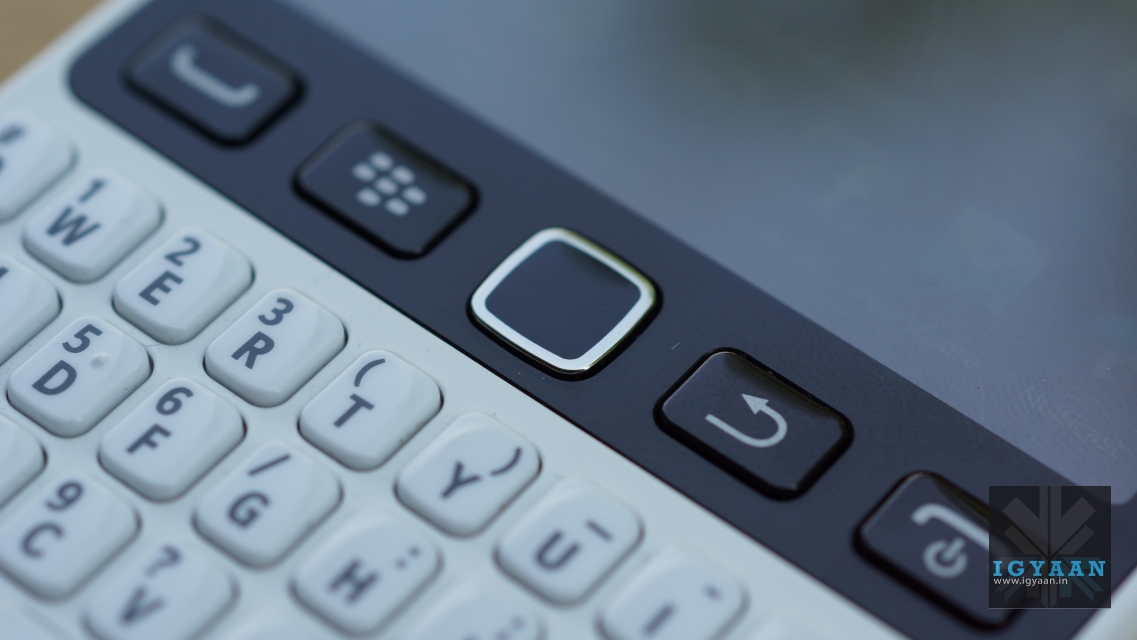
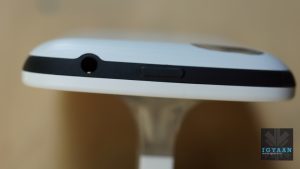
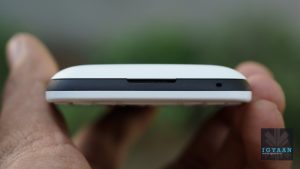
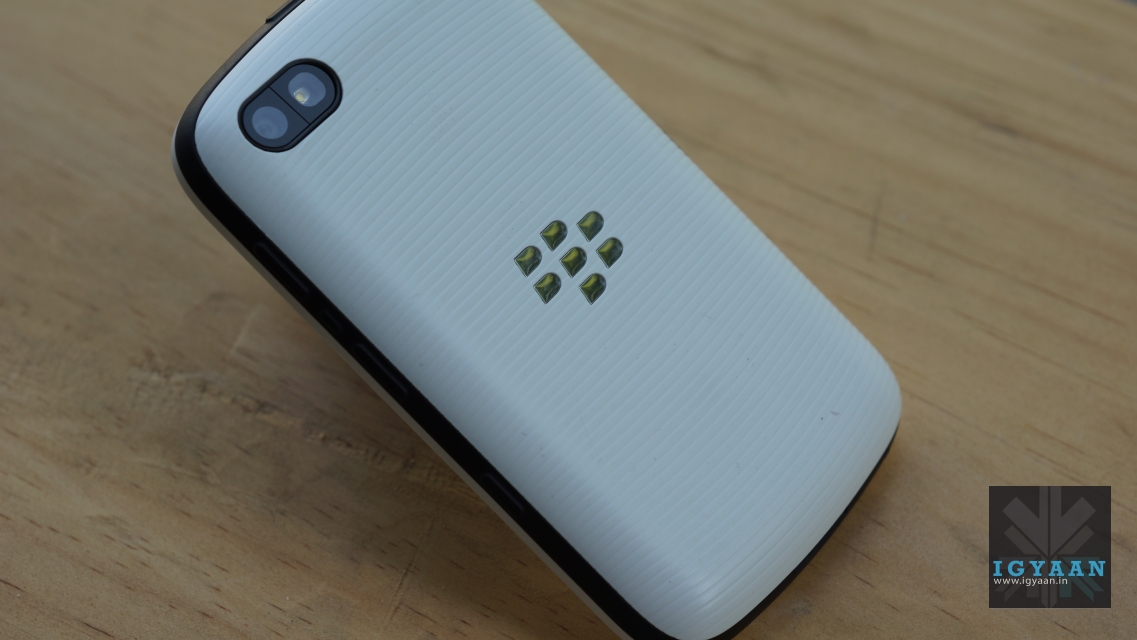
    No surprises here. The BlackBerry 9720 is the quintessential BlackBerry – candybar design, the iconic trackpad and the adored QWERTY keypad. It resembles almost every other BlackBerry smartphone ever made, especially the curve series.

    BlackBerry 9720

    The BlackBerry 9720 is really light and fits perfectly in to your palms. The back panel has a rubber finish and has a texture running throughout which gives the phone a nice grip, while making it safe from fingerprints. 

    blackberry 9720

    One of the highlights is the inclusion of a dedicated BBM (BlackBerry Messenger) key on the phone’s left side. In truth both this key and the convenience key on the right side are programmable, adding a little flexibility to the hardware layout of the 9720, despite the letters ‘BBM’ embossed into the side of the handset.

    [pullquote_left]The BlackBerry 9720 is the quintessential BlackBerry.[/pullquote_left]

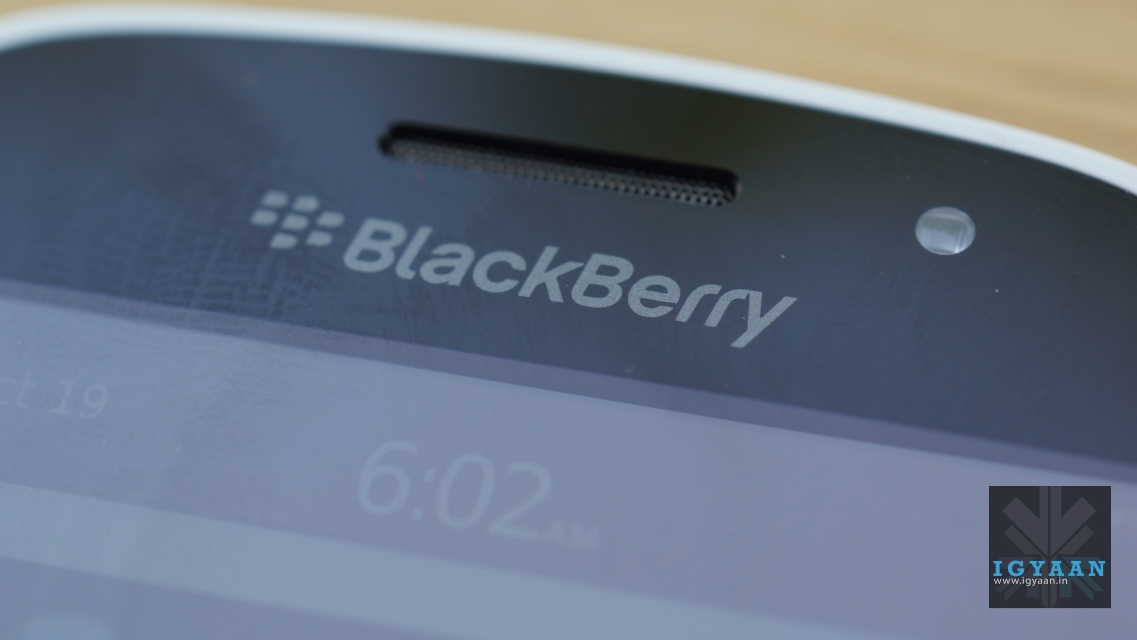
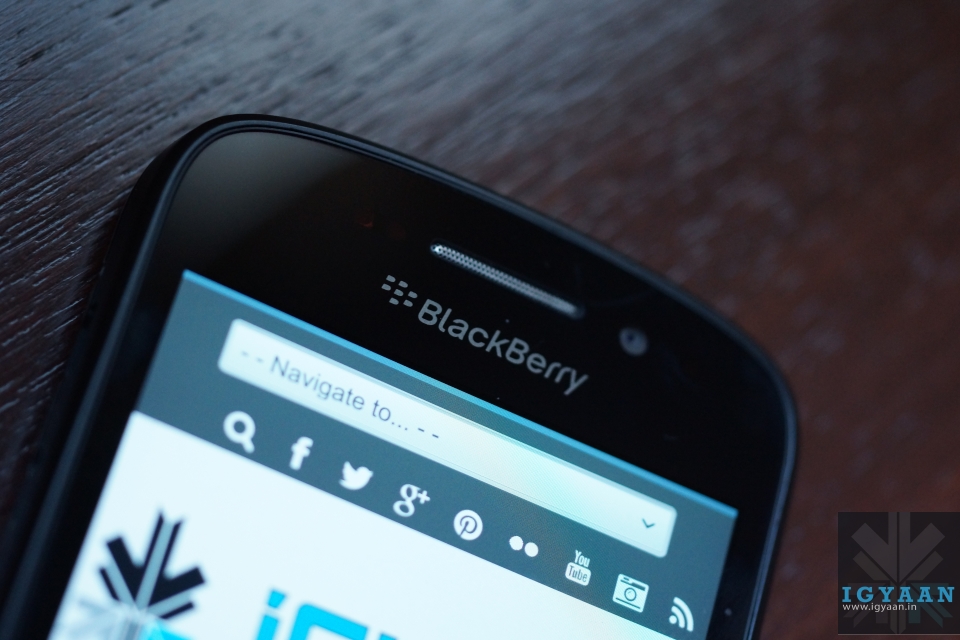
    The front has the earpiece grill and the BlackBerry logo up top. Underneath that is the touch-screen with its array of buttons finishing up the front. 

    Overall, the design would please all BlackBerry purists, but the build quality could have been better. Our review unit already had its back panel squeaking and loosened up.

    Hardware

    The BlackBerry 9720 has a 2.8-inch capacitive display which offers a resolution of 480×360 pixels and it’s responsive and bright. Though there’s only 512MB of internal storage — and a matching amount of RAM — the microSD card slot supports cards up to 32GB, and it’s unreasonable to expect more substantial storage for the price. It also has a video-capable 5-megapixel camera, Wi-Fi and an FM radio.

    Display, Performance and Multimedia

    The BlackBerry 9720 sports a 2.8-inch IPS LCD display with a resolution of 360×480 pixels, boasting of a pixel density of 214ppi. It is a rather attractive HVGA panel with a respectable 214ppi and a nice vibrant colour palette at its disposal. It’s size it its biggest weakness, a problem somewhat rectified on the pricier Q5.

    blackberry 9720

    Due to the screensize, this device is not for media consumption. What impressed us most was the inclusion of the FM radio. In the day and age where even smartphones exceeding the 50k price mark do not have a feature as basic as the FM radio, it is nice to see the BlackBerry 9720 have one.

    The BlackBerry 9720 has an 806MHz Tavor MG1 processor and 512MB RAM. we feel it these are lacking at times as we often get the spinning clock and prompts that the device has to be restarted due to it not having enough memory. If you’re doing simple tasks and not using too many apps we think you can get by, but for most users this will be one of the biggest downsides of the device.

    Running BBOS 7.1 you’re getting the latest pre-BB10 experience, which admittedly comes with a number of handy features for BB fans, such as Social Feeds, Multicast and BBM with BBM Voice functionality playing to the phone’s social strengths, however, it is still a dated OS, and reminds us of the reason BlackBerry came out with the BlackBerry 10 OS.

    Keyboard

    blackberry 9720

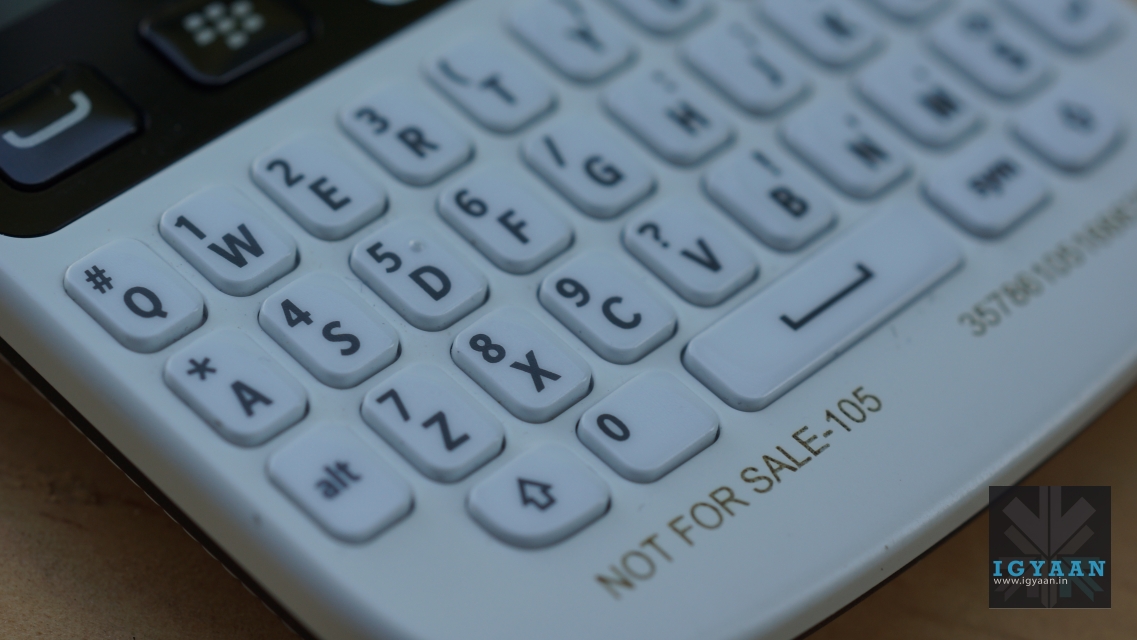
    The 9720 is the first BlackBerry OS smartphone (not including the Porsche Design P’9981) to have a straight keyboard, as found on the Q10 and Q5. So, for anyone coming from another BlackBerry OS there may be a slight learning curve in getting used to  the keyboard.

    Camera

    The 5-megapixel snapper on the back produces usable shots in natural light, although macro photography is pretty much off the cards. Low light environments breed heavy noise, although the in built LED flash works wonders to fill out a shot. The lowly internals also limit video performance to 480p SD recording with very weak audio recording capabilities.

    blackberry 9720

    Auto-focus would have been nice but seeing as it looks like it’s part of the Curve line, it fits the bill. One thing that has been added to the camera app is the ability to share the picture you just took, making things a lot easier. 

    Battery

    The battery is a 1450mAh JS1 and we found it did last us a day. It is also a removable battery so you could swap it out if you had a spare too. Since this is targeted at emerging markets, battery life may suffice. You might burn through the battery life if you used BBM Groups a lot though but it would still go for more than half a working day.

    Conclusion

    The 9720 is a basic, traditional BlackBerry; it has strong messaging, email and phone capabilities as you’d expect – but it doesn’t bring anything new to the table. If you take a 2-year old BlackBerry you’d find that it has the same specs as the BlackBerry 9720, and more or less the same features.

    It’s not a bad device, but it will confuse consumers, which the company should be bombarding with the benefits of BBOS 10, not the older ecosystem that represents the many troubles the company has been trying to leave behind.

  • Google Maps Update For iOS Brings In-Line Route Previews, Tips and Tricks

    Google Maps Update For iOS Brings In-Line Route Previews, Tips and Tricks

    Google Maps For iOS might not have satisfied every user, but Google is constantly trying to improve its map on the iOS devices through updates often.

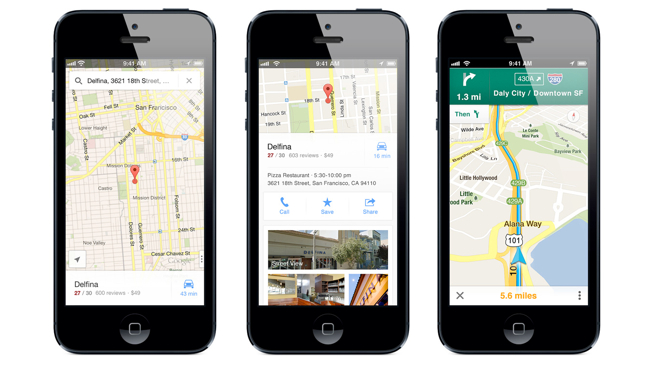
    The new release shows brief route previews with traffic overlays, which makes it easier and less complicated ways to get from one place to another. If you are not aware of how to use the Google Maps on the iOS devices you can also browse a new Tips and Tricks section for help.

    google maps

    The company also claims in the version 2.3.4 update release notes that the new version brings enhanced support for the Arabic and Hebrew languages (including voice commands and prompts) and bug fixes. The update is now available at the app store.

    [via]

  • Flickr Previews New Design for Photo Pages

    Flickr Previews New Design for Photo Pages

    Flickr has rolled out previews for its new design of photo pages, which makes your image appear bigger. With the new look, a 25-percent larger picture fills the left side of a page, while its description, comments, meta information and more take rest on a right-hand side.

    Yahoo has also made other changes like, promising a speed boost while loading the next image, which can now be done by clicking the current photo. Marissa Mayer and Co. say that this is an early version of the revamp, however, and that not all features have been included. To preview the fresh layout, just navigate to a photo and hit the “Try Our New Photo Experience” button, and you will be able to enjoy the new preview. 

  • Samsung Galaxy Mega 6.3 Review

    Samsung Galaxy Mega 6.3 Review

    Build Quality And Design

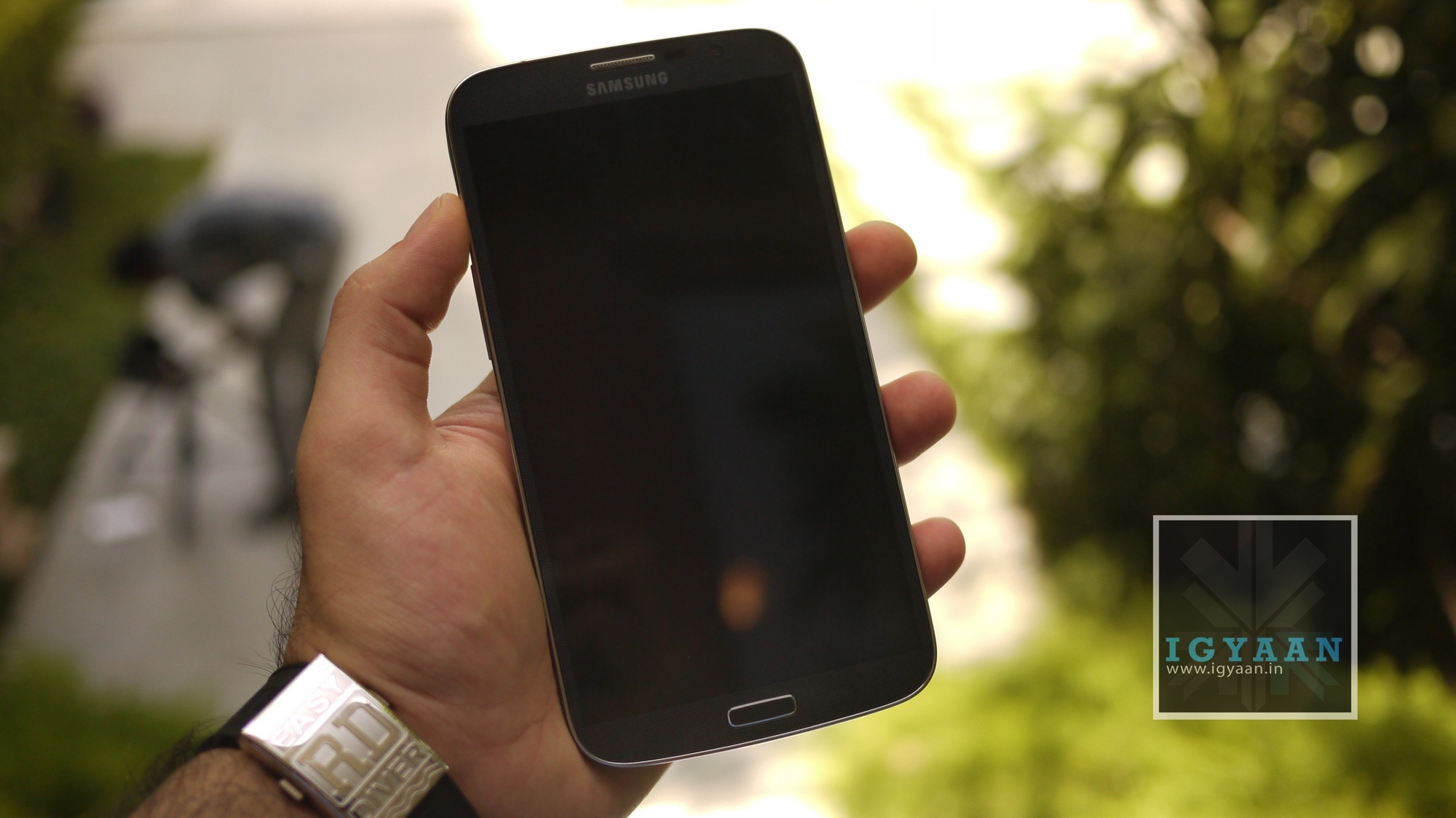
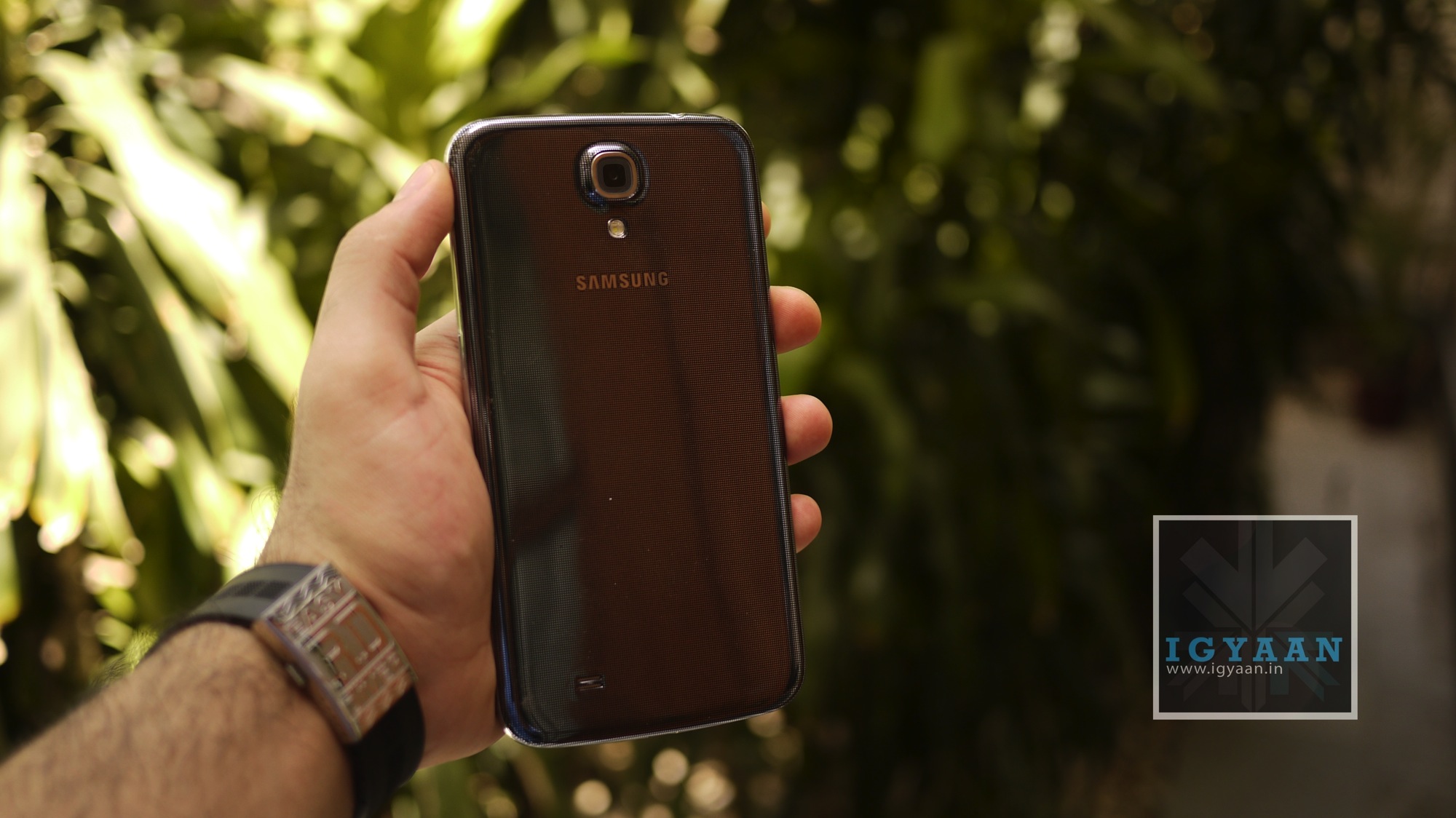
    Just like the rest of the Galaxy series, the Samsung Galaxy Mega 6.3 is a plastic-bodied phone with the same Galaxy S4-like template design. It has the same metallic edging, the silver-edged home button and shiny speaker grille. The back panel shares the same black and silver crosshatch pattern.
    samsung galaxy mega 6.3

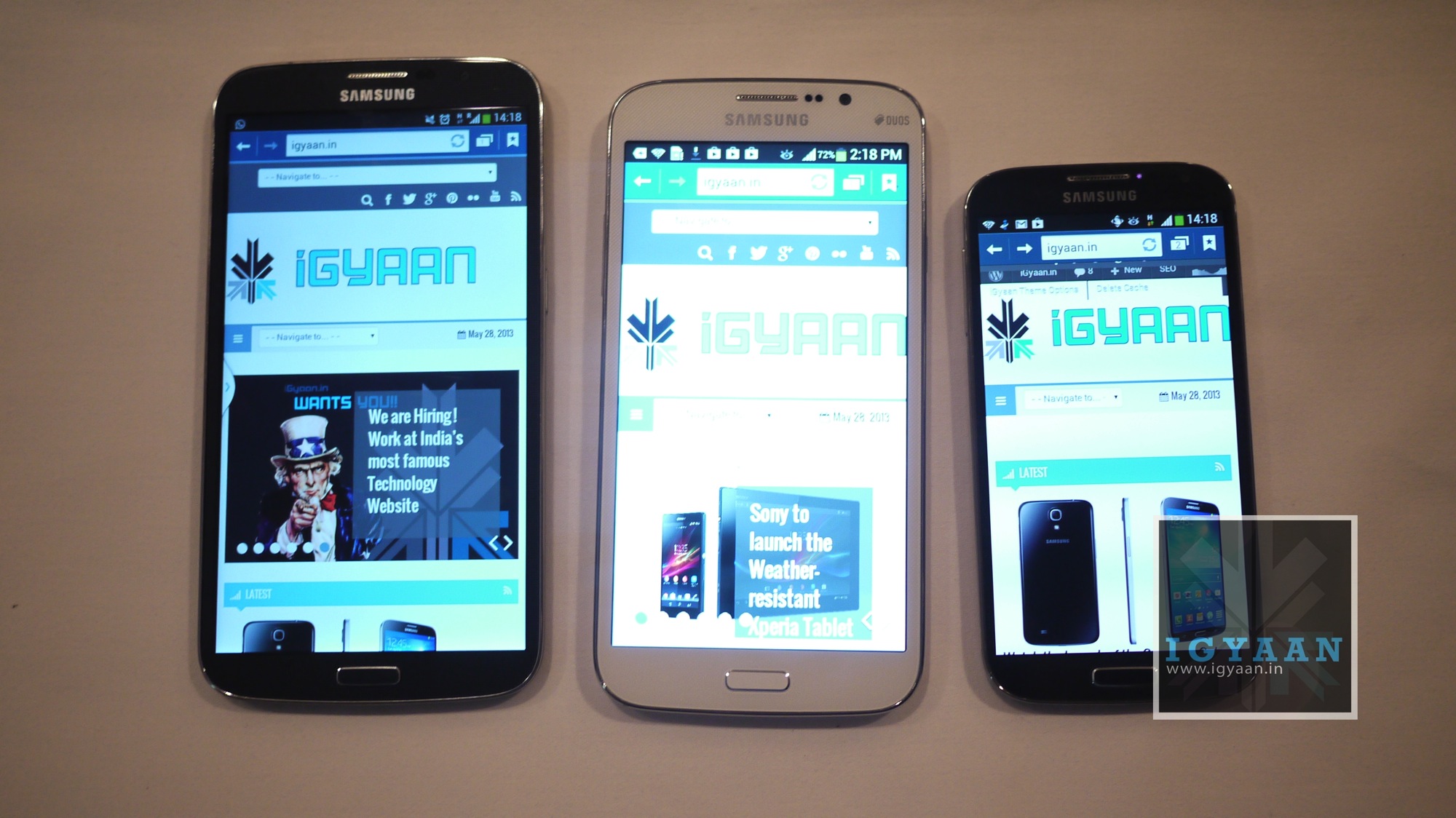
    The Galaxy Mega 6.3 is absolutely huge. At 88mm wide and almost 198mm tall, this is the biggest smartphone we’ve ever reviewed. It weighs almost 200g, but it doesn’t feel overly heavy in the hand considering its size.

    Moving around the device, there’s a microUSB charging port on the bottom, a volume rocker on the left-hand side, a power button on the right-hand side and a 3.5mm headphone jack up top. There’s a microSD card slot for adding additional storage under the flimsy battery cover.
    samsung galaxy mega 6.3

    Overall build quality is like any other Samsung device, but the mammoth screen size raises a few questions over the durability of the Samsung Galaxy Mega 6.3.

    Specifications And Hardware

    The Samsung Galaxy Mega 6.3 sports a 6.3-inch 720×1280 display and features the same camera as that of the Galaxy Mega 5.8. It is powered by a dual-core processor clocked at 1.7GHz. The Galaxy Mega has 1.5GB of RAM, Bluetooth 4.0, Wi-Fi 802.11 a/b/g/n and A-GPS. The Samsung Galaxy Mega 6.3 comes with a 3,200 mAh battery and runs Android 4.2 Jelly Bean. The phone comes with 16GB internal storage capacity and has a microSD card slot for expanding the storage up to 64GB. 

    Display And Multimedia

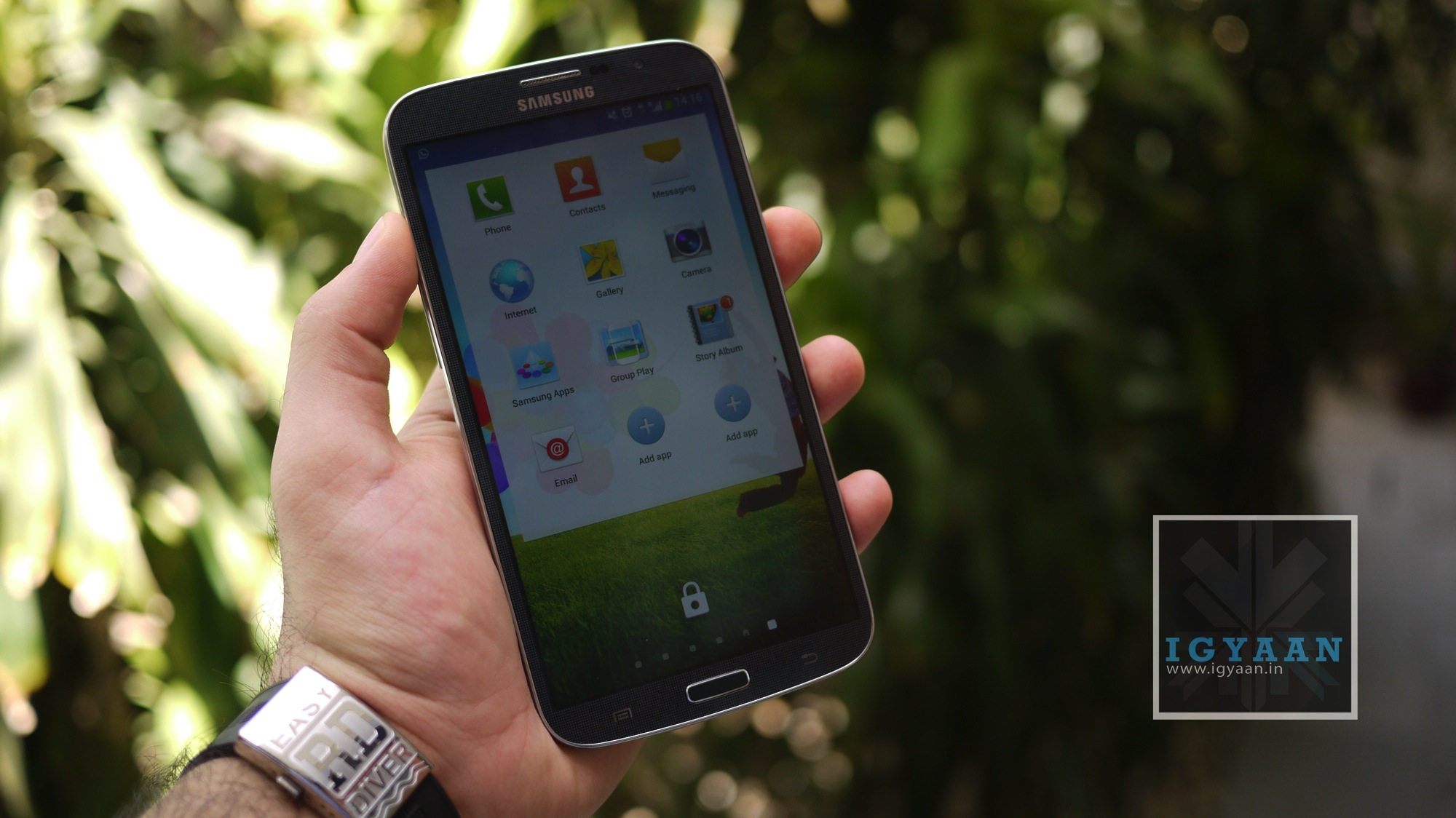
    The USP of the Samsung Galaxy Mega 6.3 is its display. While the sheer size of the display is impressive itself, we were also pleased with the colour reproduction. Samsung opted for a Super Clear LCD display instead of their AMOLED panel, and this makes it one of the better Samsung devices to use outdoors.
    samsung galaxy mega 6.3

    The thing that disappointed us though was the resolution of the display. At a time when companies are coming out with 5.5″+ Full HD displays on devices, and Samsung too will release the Note 3 with one, the 720×1280 resolution is a let down. A device of this size will by default be used for a lot of media consumption which involves a lot of text as well, so a 233 ppi pixel density is inadequate in our opinion. 

    The sheer size of the screen on the Samsung Galaxy Mega 6.3 though makes consuming media enjoyable and almost stress free, and the chipset is more than capable of handling HD video playback and streaming. 

    When it comes to general performance though, the Samsung Galaxy Mega 6.3 left us disappointed. The phablet lags while performing even the simplest of tasks sometimes, like scrolling through your apps grid. Samsung could have gone with a quad-core chipset on the Samsung Galaxy Mega 6.3 given the fact that it is priced above the Rs. 30,000 price mark, but instead it chose to extend its profits margin by using a dual-core chipset.

    We’re forced to believe this is poor optimization in TouchWiz more so than the capabilities of the chip though, as other Snapdragon 400 devices manage to perform smoothly, and the Snapdragon 600-powered Galaxy S 4 was also laggy until an update just before launch.

    The speakerphone on the Samsung Galaxy Mega 6.3 is fantastic, it is really loud, but not in a painfully distorted way, it sounds good through videos, music and even games.

    [youtube id=”_oIoZgw6-oU” width=”100%” height=”300px”]

    Camera

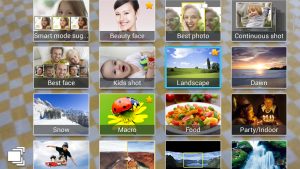
    The Samsung Galaxy Mega 6.3 has an 8-megapixel rear-facing camera and a front-facing 1.9-megapixel camera for video calls. The camera app is almost identical to the one used on the Galaxy S4 and we particularly like the excellent scrolling carousel to change camera modes.
    samsung galaxy mega 6.3

    Video is captured at Full HD and employs anti-shake if you need it from the main UI, the front camera however- captures 720p video. You can also add some effects to your pictures in the Auto Mode. Shooting modes like “Best Photo”, “Best Face” and “Sound and Shot” worked really well on the S4, and they work just as great on the Galaxy Mega 5.8 .

    Images are processed to give a punchy, high-contrast look that is high on impact, if not quite as great at producing an entirely natural look. 

    [youtube id=”Qv_q4IrY-sA” width=”100%” height=”300px”]

    Software

    The Samsung Galaxy Mega 6.3 runs Android 4.2 Jelly Bean, with the usual Samsung TouchWiz interface laid on top. Consequently, it looks and feels almost identical to the other high-end Galaxy phones, including the Galaxy S4.

    The old elements of the TouchWiz UI are intact too, with features like Direct call (lift the phone from within a message to call), Smart Alert, tilting to zoom into pictures or gallery. Pan device to move the Icons or browse a zoomed in Image and even Flipping the device to Mute or pause.

    Battery And Network

    One might think that such an enormous screen, coupled with a big flat form, would mean that the Samsung Galaxy Mega 6.3 battery life suffers. In fact, the very opposite it true. You can easily get a day and a half of moderate to heavy use out of this phone before it packs up. Given that there’s only two cores and that it’s not a 1080p screen, the quite large 3,200mAh actually goes a very long way, and that’s no small shakes if you’re looking at the Mega as both your tablet and phone.

    One area the Galaxy Mega 6.3 shines is call quality. The rear speaker for speakerphone and the earpiece speaker are both quite loud, and they provide crisp, clear audio.

    However, putting a phone as large as the Galaxy Mega against your head looks and feels odd. You may get used to it, but passers-by won’t any time soon. 

    Conclusion

    The Galaxy Mega’s name definitely refers to its size rather than specifications. The Galaxy Mega 6.3 is only slightly cheaper than the Galaxy S4, while having a less advanced screen, a much less powerful processor, less RAM, a worse camera and – worst of all – diminished usability. 

    The Galaxy Mega 6.3 is a phone that might as well be the next big thing, but, the problem here may be that its just too big to be an everyday phone.
  • BlackBerry Q5 Review

    BlackBerry Q5 Review

    Build Quality and Design

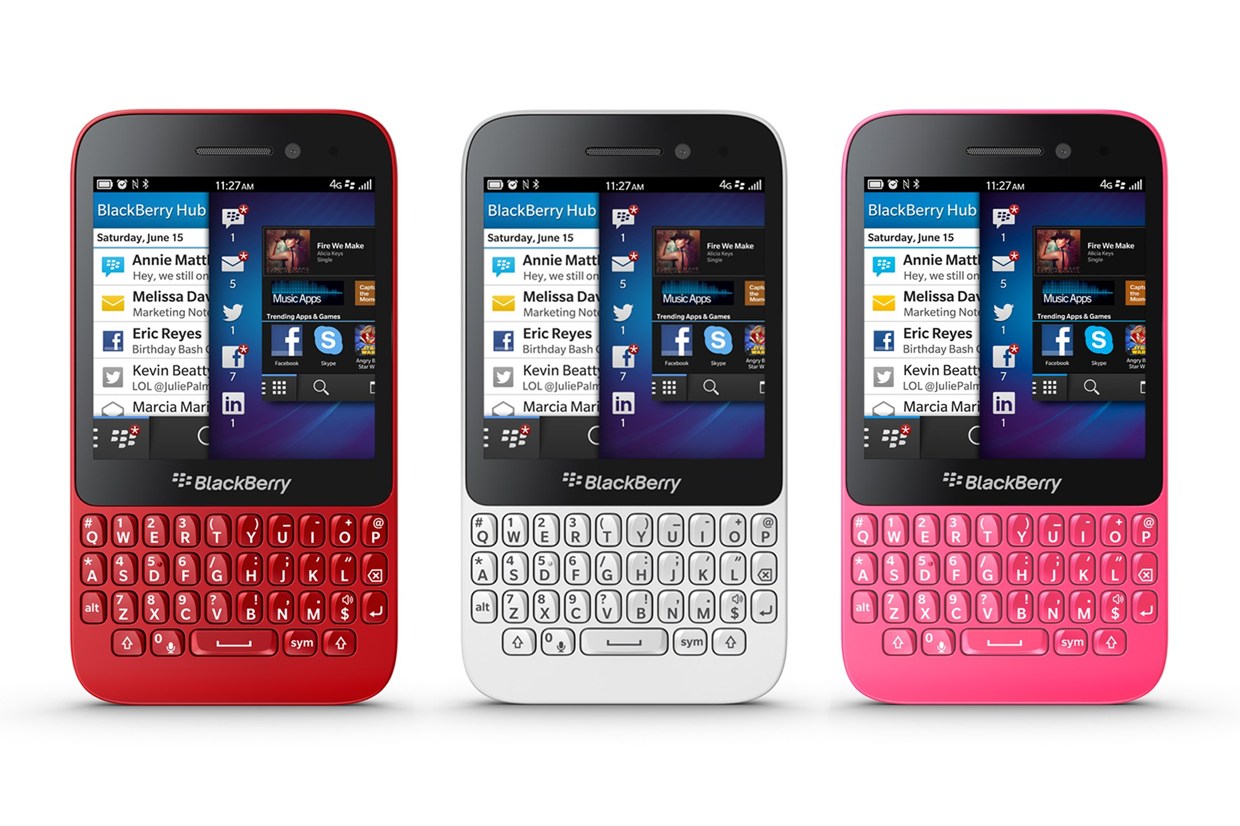
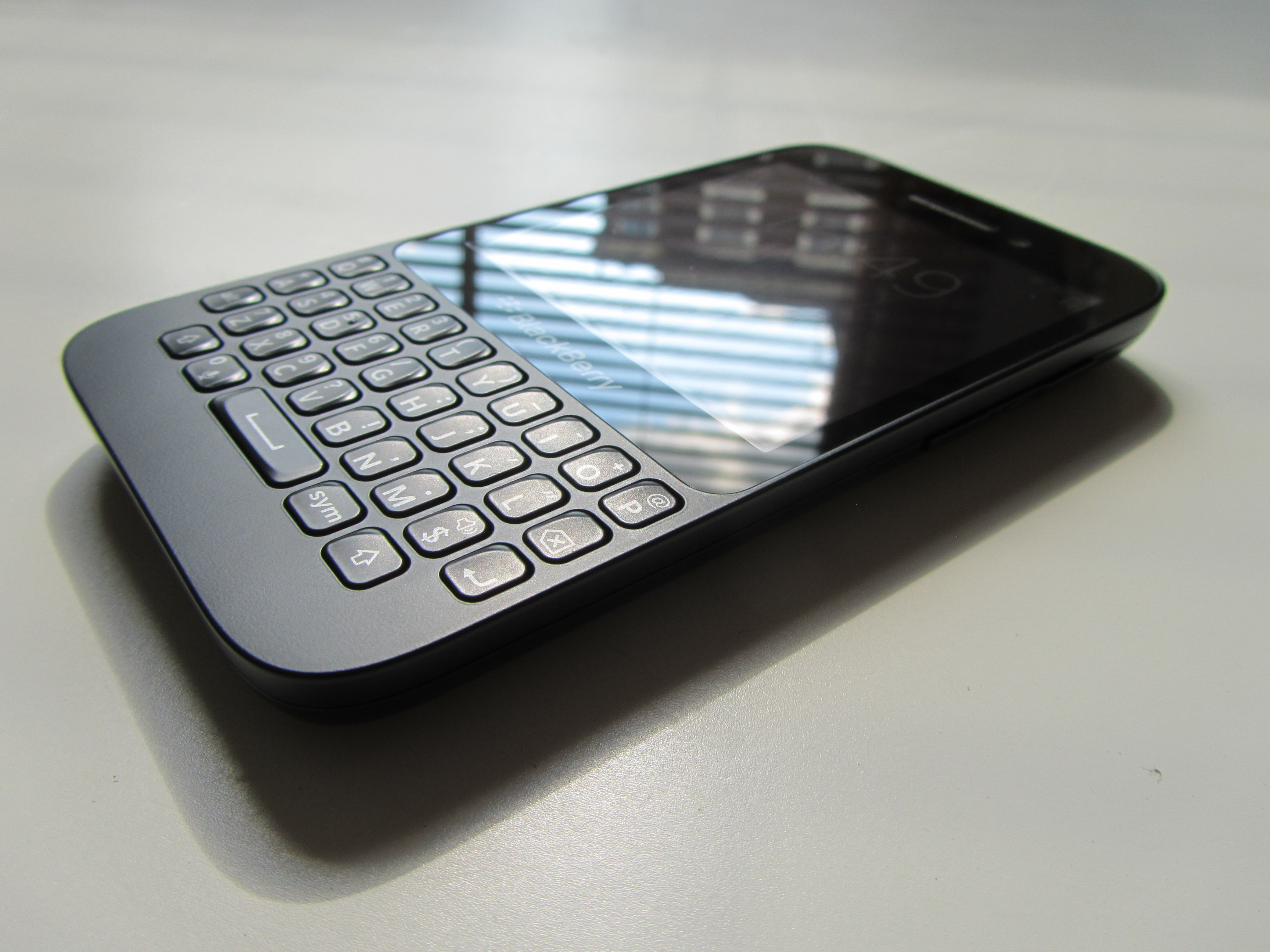
    Unlike the BlackBerry Q10 model, the casing of BlackBerry’s Q5 is made of polycarbonate. At first glance the BlackBerry Q5 could fit well into the Curve line thanks to the classic BlackBerry design and separated Curve-style keys, but once started up it’s obvious this is a new device for a new set of BlackBerry users. 

    blackberry q5

    It’s immediately obvious that this isn’t a premium device, with a sizeable bezel above and below the screen, and then a chunk of plastic below the keyboard too. This is utilitarian design sends the message that this smartphone is a workhorse, not a peacock.

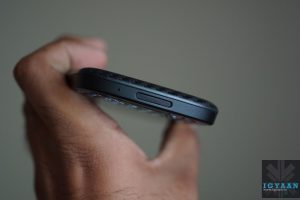
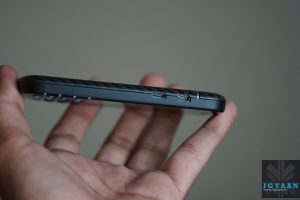
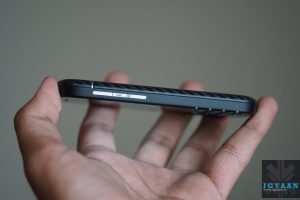
    The casing is sealed, so you can’t get at the battery, but there’s a flap at the side for swapping your SIM and microSD cards. The volume buttons on the side flank a button that activates voice control. There’s also a power/sleep button and 3.5mm headphone jack on top and a microUSB power/sync port on the side.

    blackberry q5

    Overall, the build quality is solid, but the design feels dated.

    Hardware

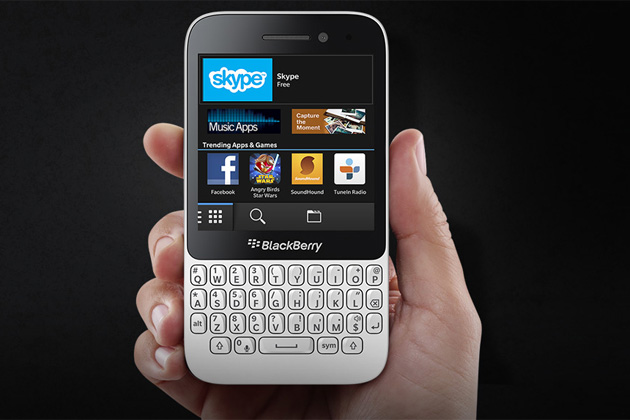
    What you get on the BlackBerry Q5 is the same, oddly proportioned 3.1-inch, 720p IPS LCD display you find on the BlackBerry Q10, 1.2GHz dual-core processor, 2GB of RAM, microSD slot, 5MP rear camera, 2MP front camera, Wi-Fi, Bluetooth, NFC, 4G and a 2180mAh battery.

    Of course below that rather square screen you’ll also find a 35-key physical QWERTY keyboard, which sports isolated keys instead of the side by side layout on the BlackBerry Q10.

    Display and Multimedia

    As opposed to the SuperAMOLED screen of the Q10, the BlackBerry Q5 has an LCD screen which is what we’ve been accustomed to in the past. 

    Because the screen is square, you can’t turn the phone on its side to improve your browsing or video-watching experience either, as you can with most other smartphones.

    main-1-weekly-210713

    The resolution of the BlackBerry Q5 screen is 720 by 720 pixels (329ppi), which is why everything on it, from graphics and photos to small text in web pages, looks sharp and detailed. The colour representation is neutral, which is actually a good thing as all hues are as saturated as they should be. 

    All the standard features for consuming music, video and photos are included on the BlackBerry Q5, so you won’t be left completely in the lurch here. The music player app may not feature any of the bells and whistles you’ll find on some other smartphones, it’s a functional and intuitive offering.

    The BlackBerry Q5 does come with a dedicated video app, which thankfully means you don’t have to scrabble around in the gallery to find your clips – and its basic, unfussy design makes it easy to find what you want.

    Once again where BlackBerry 10 seems to excel is in the web surfing department, and while the BlackBerry Q5 may not be quite as fast as the BlackBerry Z10 and BlackBerry Q10, it still puts in a decent performance that it can be proud of.

    Camera

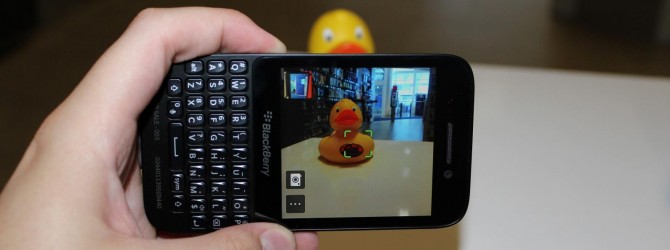
    The Canadian manufacturer makes cutbacks in the primary camera and installs a 5 MP lens. Although it also features an f/2.4 aperture as well as autofocus and LED flash like the Q10, the picture quality is not satisfying. The pictures exhibit intense image noise, look milky and lack focus and brilliant colors even in well-lit rooms. All in all, the camera modules cannot compete with the contenders.

    1371811449-large

    The front-facing camera rings in at just 2MP – just barely enough for decent Skype or BBM Video and maybe a selfie or two. The short of it – don’t expect too much from the cameras on the BlackBerry Q5. 

    Calling And Networks

    In terms of call quality, the BlackBerry Q5 has a decent volume, meaning you shouldn’t have trouble hearing the person at the other end of the line, even if you’re in noisy surroundings.

    The clarity of voice did become a little distorted as the earpiece volume was turned up, although we were still able to understand what was being said.

    We found the BlackBerry Q5 was able to hold onto signal pretty well, with no dropped calls experienced during our review period.

    Battery Life

    The 2180mAh battery in the Q5 is one of the largest to date in a BlackBerry and it’s big enough that most days we don’t need to worry about swapping a battery anyway (not that we can). We found that it kept going even on our busiest days.

    Conclusion

    If you’re a diehard Qwerty fan looking for a mid-range device, the BlackBerry Q5 may hold some interest. The screen is sharp and sensitive, even if it’s an unusual shape. The keyboard is excellent for messaging and the BlackBerry 10 OS is fast, slick and easy to get the hang of.

    However, build quality isn’t inspiring and while BlackBerry 10 is smooth with good features, a shortage of apps remains a downfall. The BlackBerry Q5 obviously won’t be competing with more modern devices, but for BlackBerry users on a budget or those looking to get started with BlackBerry 10, the Q5 is a good option.

  • BlackBerry Q10 Review

    BlackBerry Q10 Review

    Build Quality And Design

    At a time when every major manufacturer has shifted its focus towards touchscreen phones, Blackberry remains adamant on providing the QWERTY experience to their customers that they were once famous for. Hence, the Blackberry Q10.

    blackberry q10

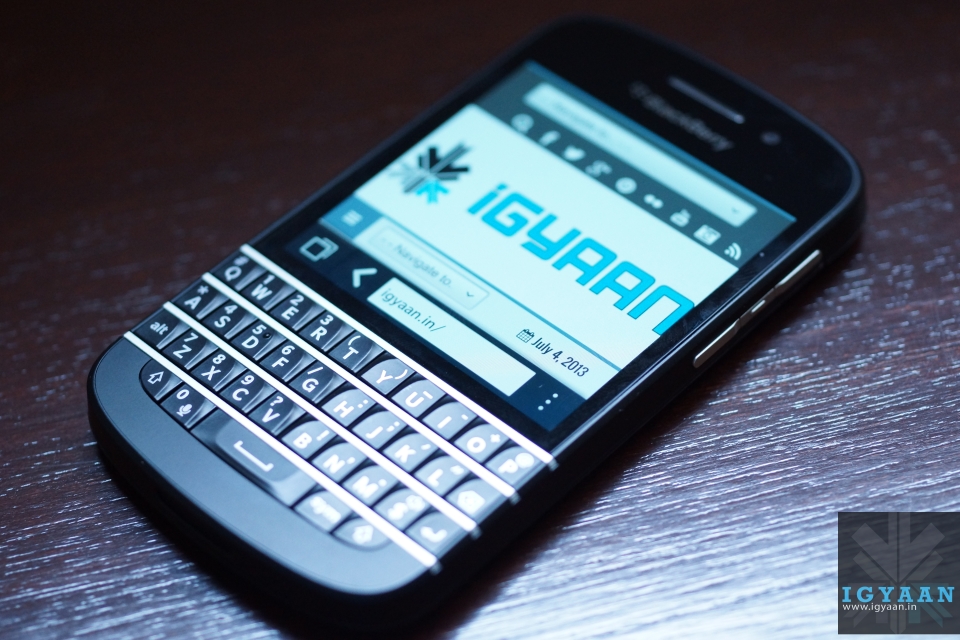
    In terms of its design, the Blackberry Q10 will remind you instantly of any other QWERTY Blackberry ever made. It ditches the trackball/trackpad of the older BlackBerry devices in favor of a touchscreen display that works pretty well, though we still really miss the hardware buttons.

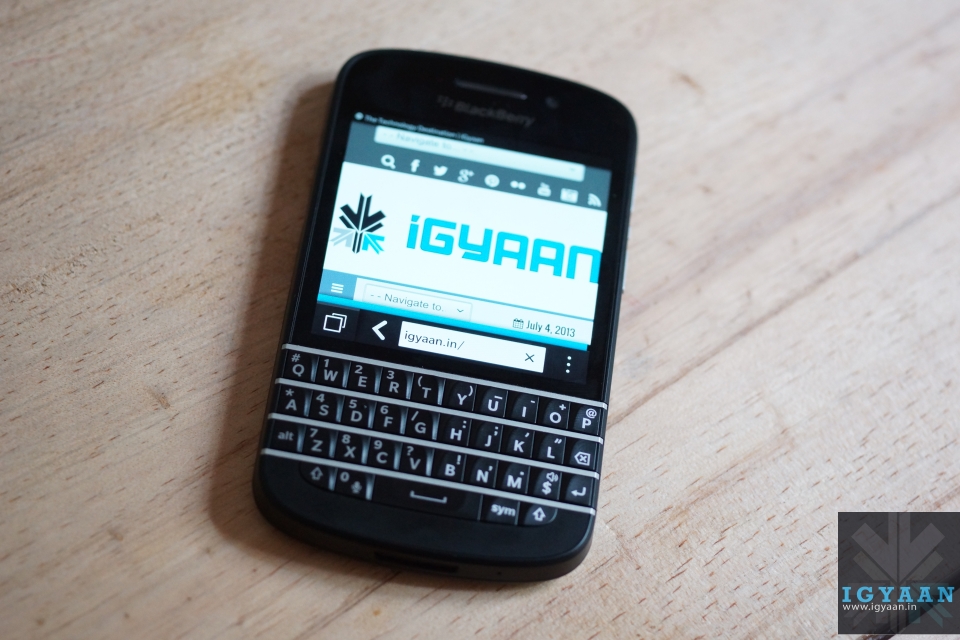
    The Blackberry Q10 is a compact phone, sporting a small display with a keyboard underneath. With a soft, rubbery rear case and a plastic band along the sides, the Blackberry Q10 shares obvious design cues with BlackBerry’s other new device, the full touchscreen Z10.

    blackberry q10

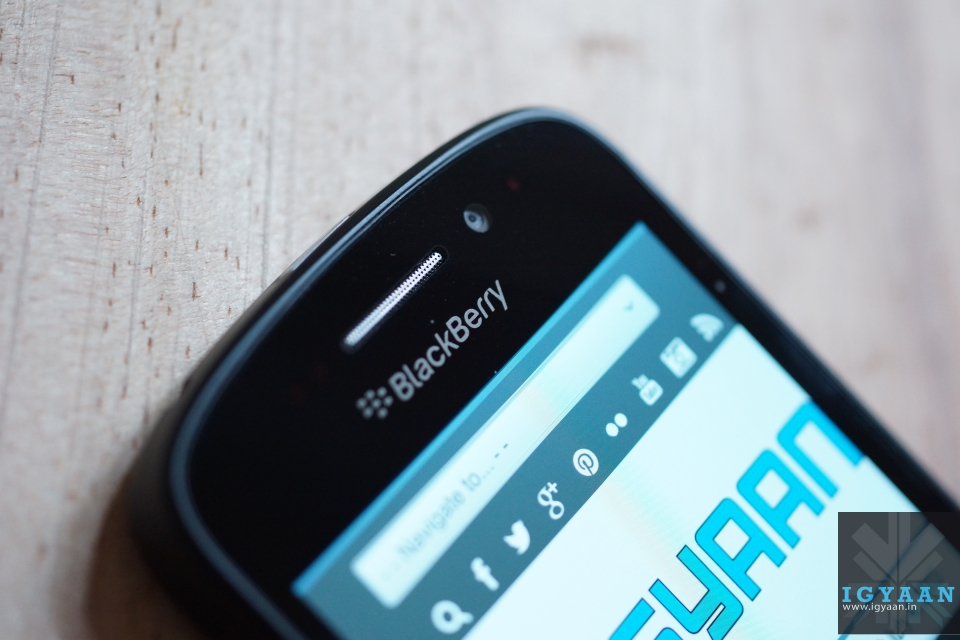
    Surrounding the square screen is a thin bezel on the bottom and sides, while above the screen is where you’ll find a BlackBerry logo, front-facing camera and its speaker. Below the screen is the star of the show, the QWERTY keyboard.

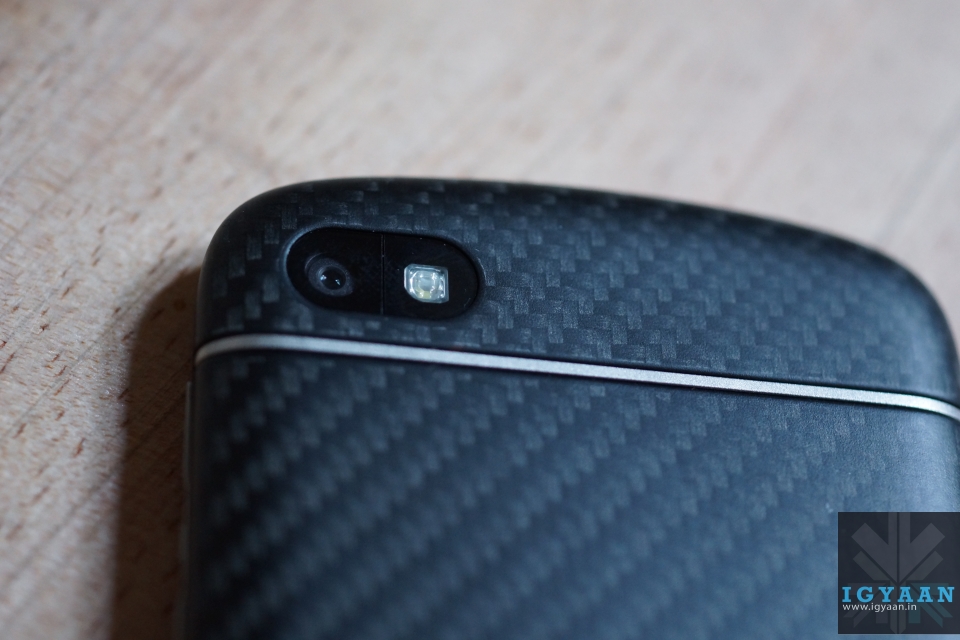
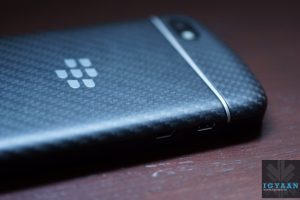
    The back panel of the black Blackberry Q10 has a carbon weave texture which Blackberry claims is unique to each device. 

    Overall, it looks and feels elegant, refined and professional. 

    Keyboard

    Blackberry Q10 34

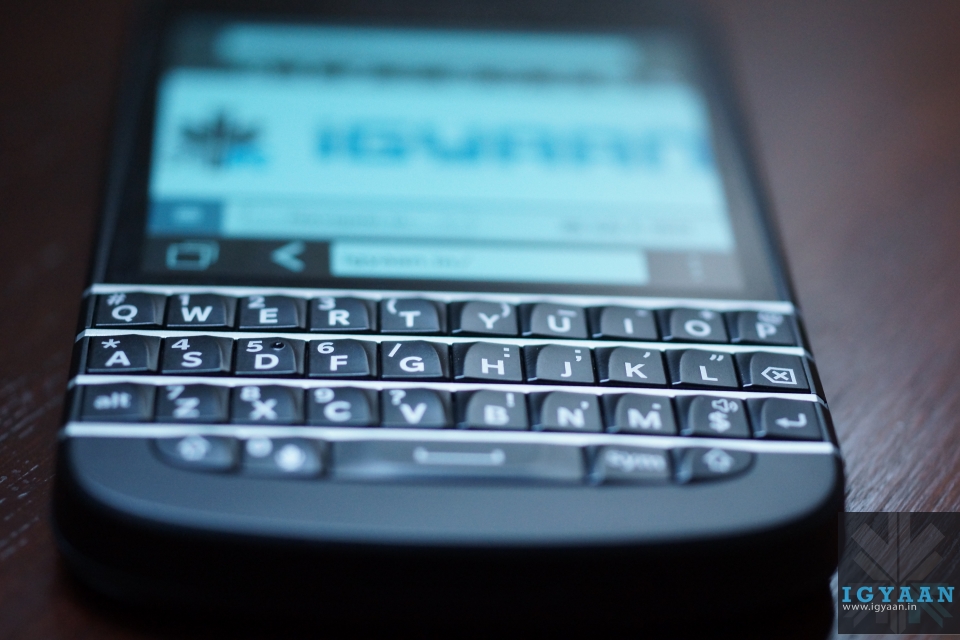
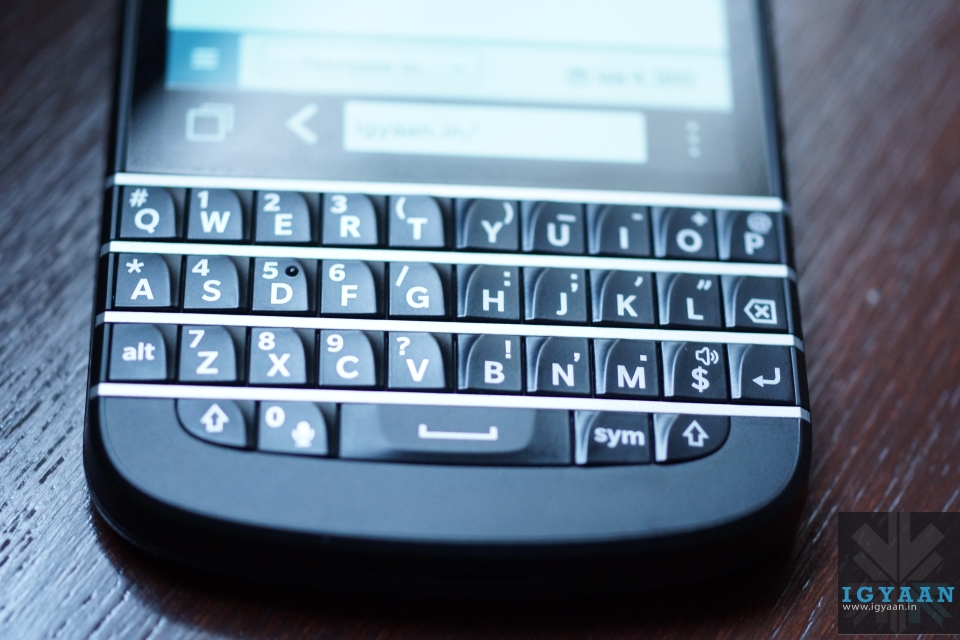
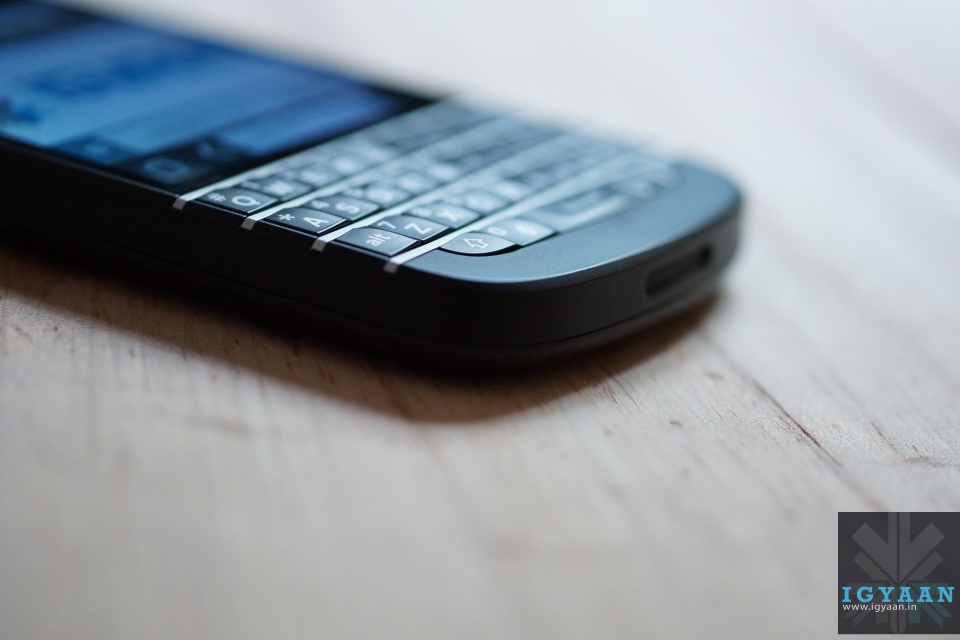
    Moving on to the keyboard, one thing to note is that the once curved keyboard has now been straightened out and the metallic frets separating the rows of characters are now slightly raised for improved tactile feedback – in other words you should be able to feel where your thumbs are on the board more easily. The break in the keys is a nice clean look however and the overall size of the keyboard is similar to previous devices. 

    Specifications And Hardware

    The Blackberry Q10 is equipped with the famous Qualcomm Snapdragon S4 MSM8960 SoC, operating at 1.5 GHz, and the integrated Qualcomm Adreno 225 graphics card with 400 MHz core frequency and 2 GB of RAM. It has a 3.1-inch Super AMOLED touchscreen, albeit with a square 720 x 720 resolution rather than a widescreen aspect like a typical touchscreen phone. 16 GB flash memory and LTE round up the specifications of the Blackberry Q10. You can reach the entire specs list at the top.
    Display, Performance And Multimedia

    The 720 x 720 pixel, 3.1-inch square screen doesn’t feel too small at first glance, especially since the narrow bezel allows the screen to command maximum attention when it’s on. It’s also pixel dense, a key factor in readability. BlackBerry 10 defaults to a text size of 8 and small fonts need to be crisp to be legible.

    Blackberry Q10 32

    The Super AMOLED touchscreen isn’t as bright as we’d like, yet is good enough for sunlight visibility. Colors pop and blacks are deep, as we’d expect with AMOLED. Viewing angles are generally good, though off-center a blue tinge creeps in that’s really noticeable on light backgrounds.

    Just as with the Z10, the BlackBerry Q10 is powerful enough to run BlackBerry 10 smoothly with no lag or performance hiccups. If anything, the Q10 feels faster, potentially because the smaller screen requires less oomph or the update to version 10.1 sped things up all around.

    blackberry q10

    The square screen means that videos on the BlackBerry Q10 are letter-boxed, which is disappointing. Playback though is quite smooth.

    The speaker that sits on the bottom edge of the Q10 is well-placed; you’re unlikely to muffle with your hands. Overall audio quality is decent for a smartphone and loud enough to be heard over some background noise.

    Camera 

    The BlackBerry Q10 has the same 8-megapixel camera as the BlackBerry Z10. While it has some neat features that allows you to choose the best photo, the actual quality of the pictures left a lot to be desired. It’s just not on the same level with pictures we shoot with other smartphones from this price segment.

    Blackberry Q10 20

    There’s more noise in mixed light shots and little crispness or detail in outdoor pictures. We’re glad that the BlackBerry 10.1 update brought HDR to the feature set since there aren’t many at hand. It balances shadow and bright light better than Auto but requires a very steady hand. There’s no shutter icon in the camera app; to snap a picture you have to tap the display or press the space bar.

    Battery Life

    Battery wise, the Q10 is great. It requires less power to run than its Z10 cousin, but includes a larger 2100 mAH battery. With this size battery, the Q10 easily lasts all day and with regular usage, it can round out the day with around 15-20% of battery life left.

    Calling And Network

    Blackberry Q10 7

    During calls, voices came through the earpiece and speaker clearly and we only encountered a bit of static in a low bar area. Our voice came through loud and clear on the other end as well in quiet and semi-noisy situations. The phone though is able to latch on to cellular networks even in weak signal areas.

    Conclusion

    There are a million touchscreen smartphones in the world. There aren’t many phones with good physical keyboards (and the competition mainly consists of other BlackBerry devices). The BlackBerry Q10 too serves those people who still feel the need for a physical keyboard and for those who are still BlackBerry purists. 

    The actual BB10 operating system is great and its implementation is clean. For people who prioritize this above everything else, including good apps, the BlackBerry Q10 is a decent buy, but the pricing of the device is too high for most.

  • Samsung Galaxy S4 Zoom Full Review

    Samsung Galaxy S4 Zoom Full Review

    Design And Build Quality

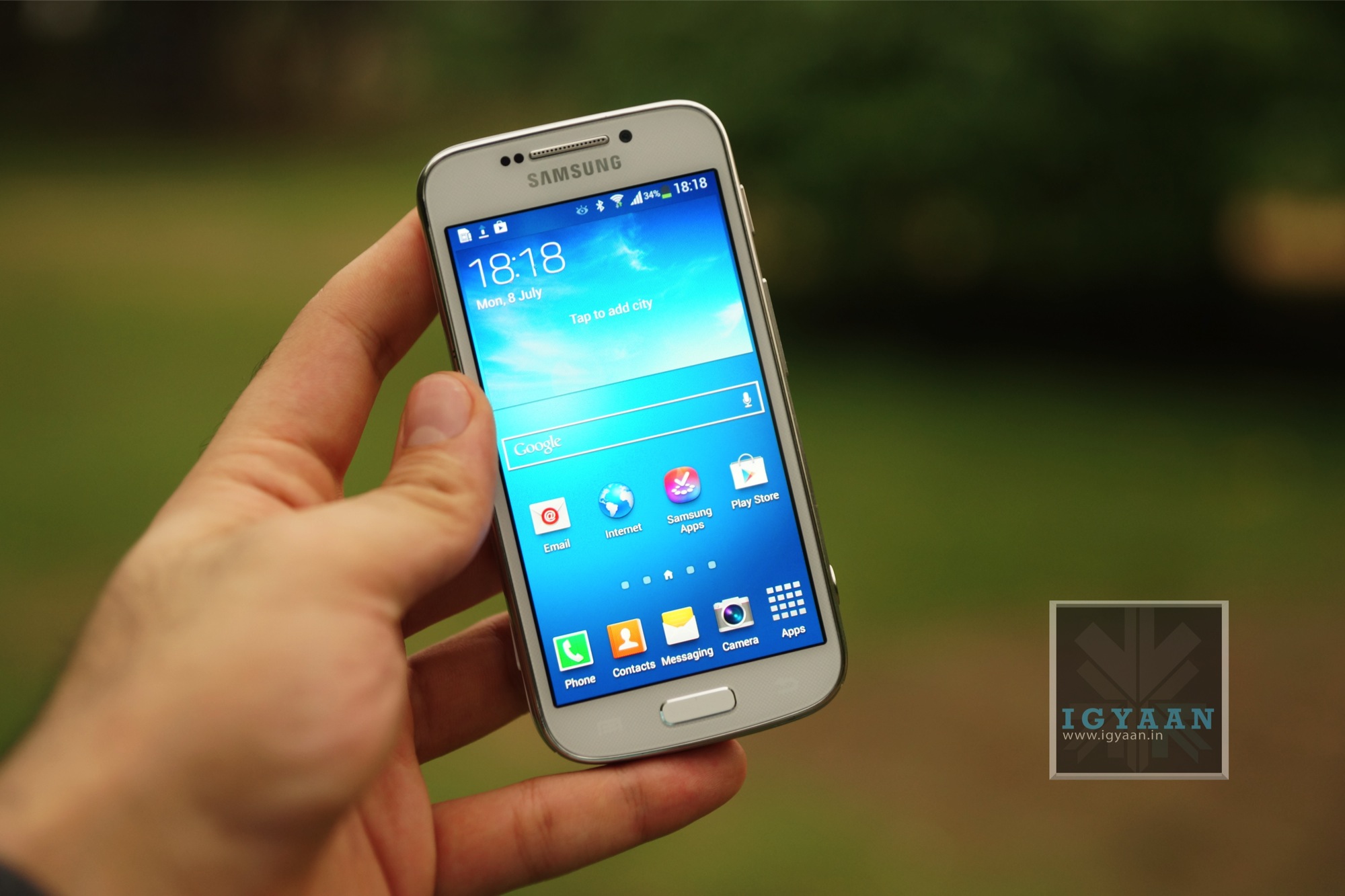
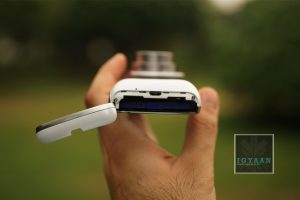
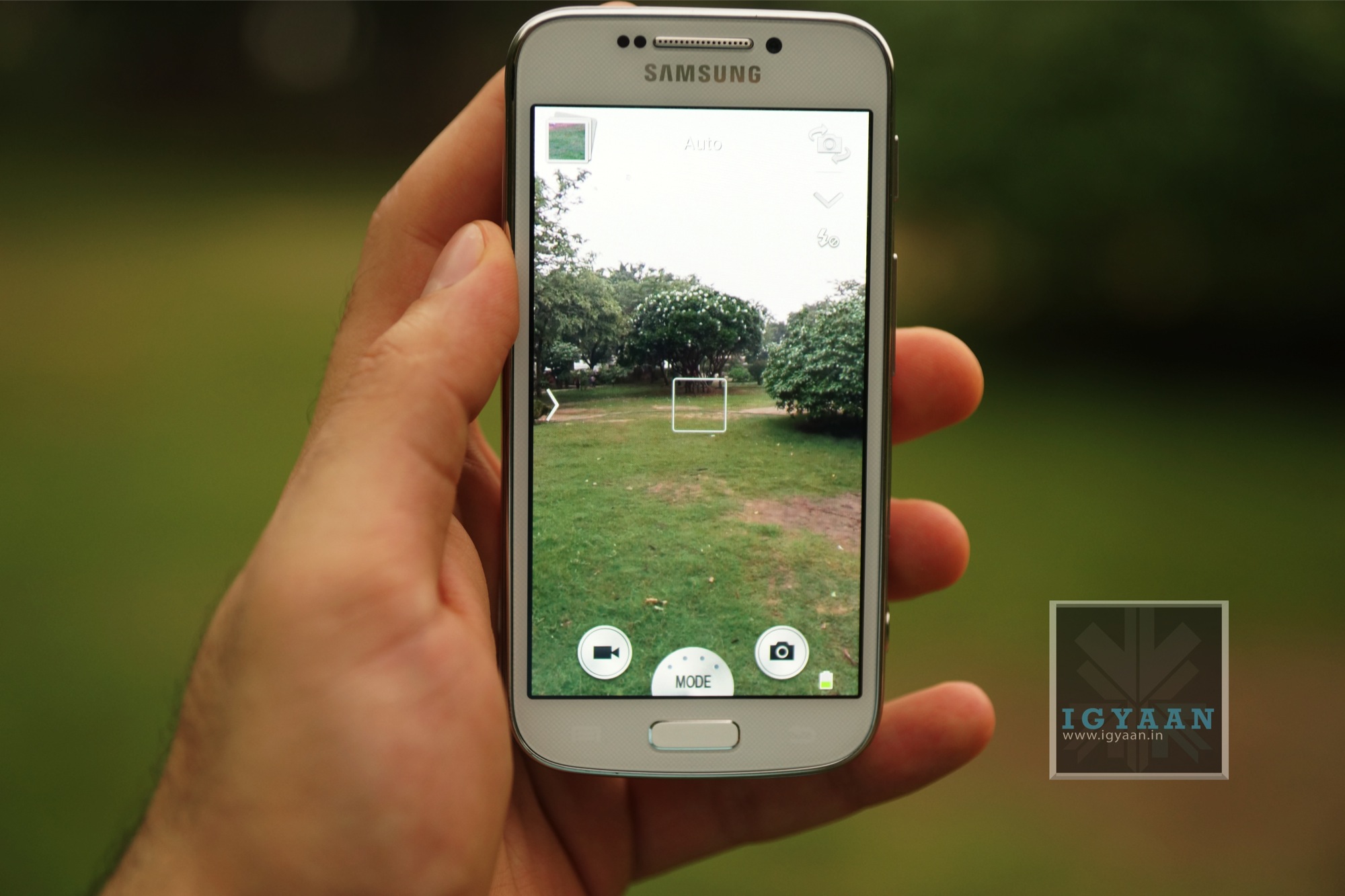
    No surprises here. From the front, the device is a carbon copy of the Samsung Galaxy S4 Mini. It has the same 4.3 inch screen towards the front, with the default Samsung layout of buttons underneath it. It has a brushed aluminum finish bezel running along the sides. Volume and power are on the right side, speaker grille up top, a tripod port and MicroSD card slot towards the left. 

    samsung galaxy s4 zoom

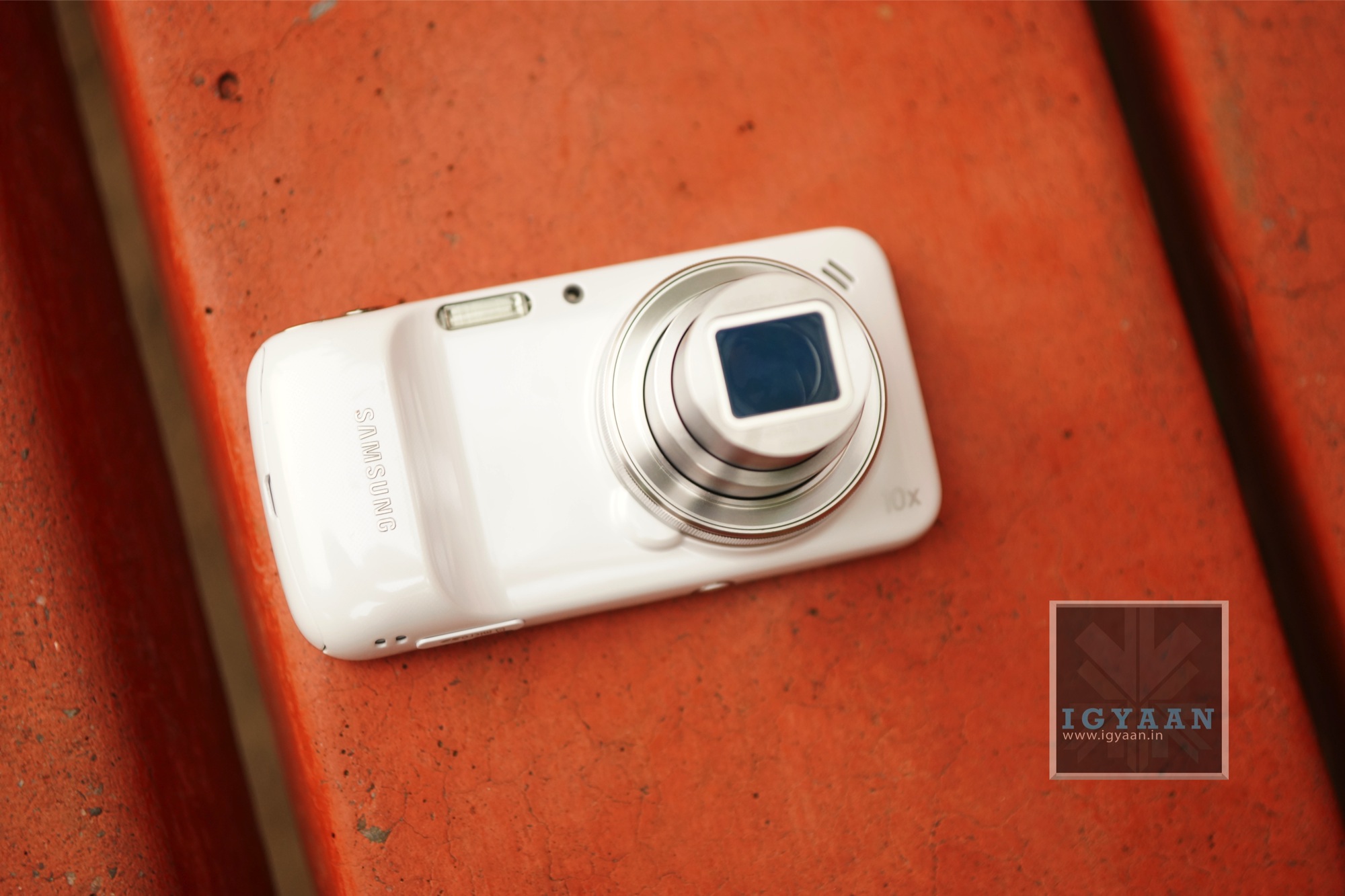
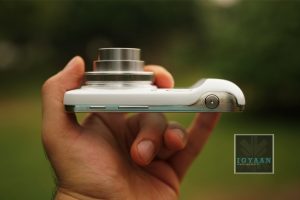
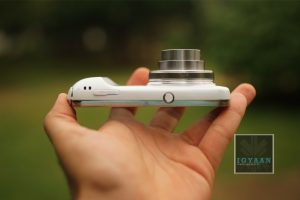
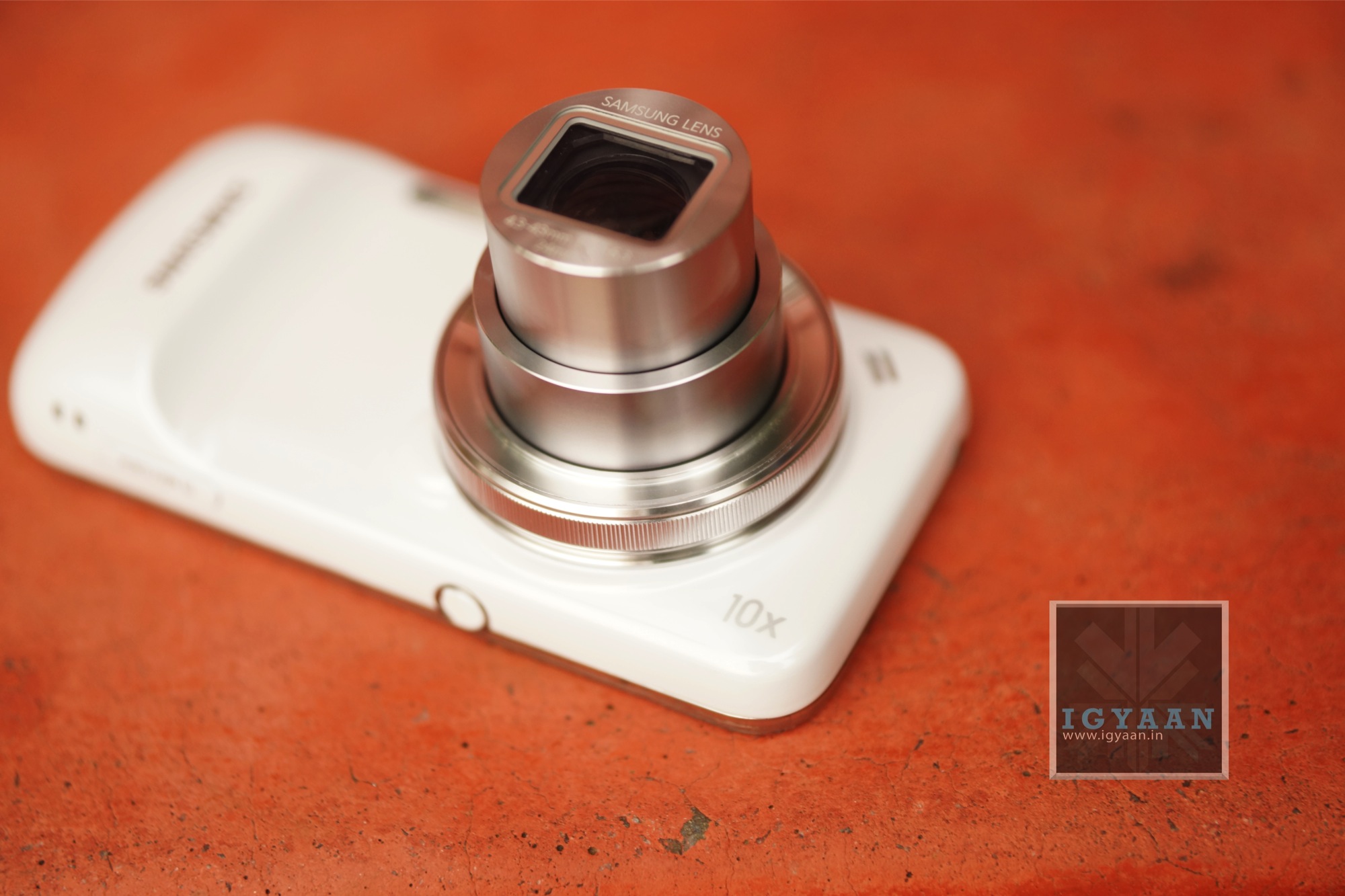
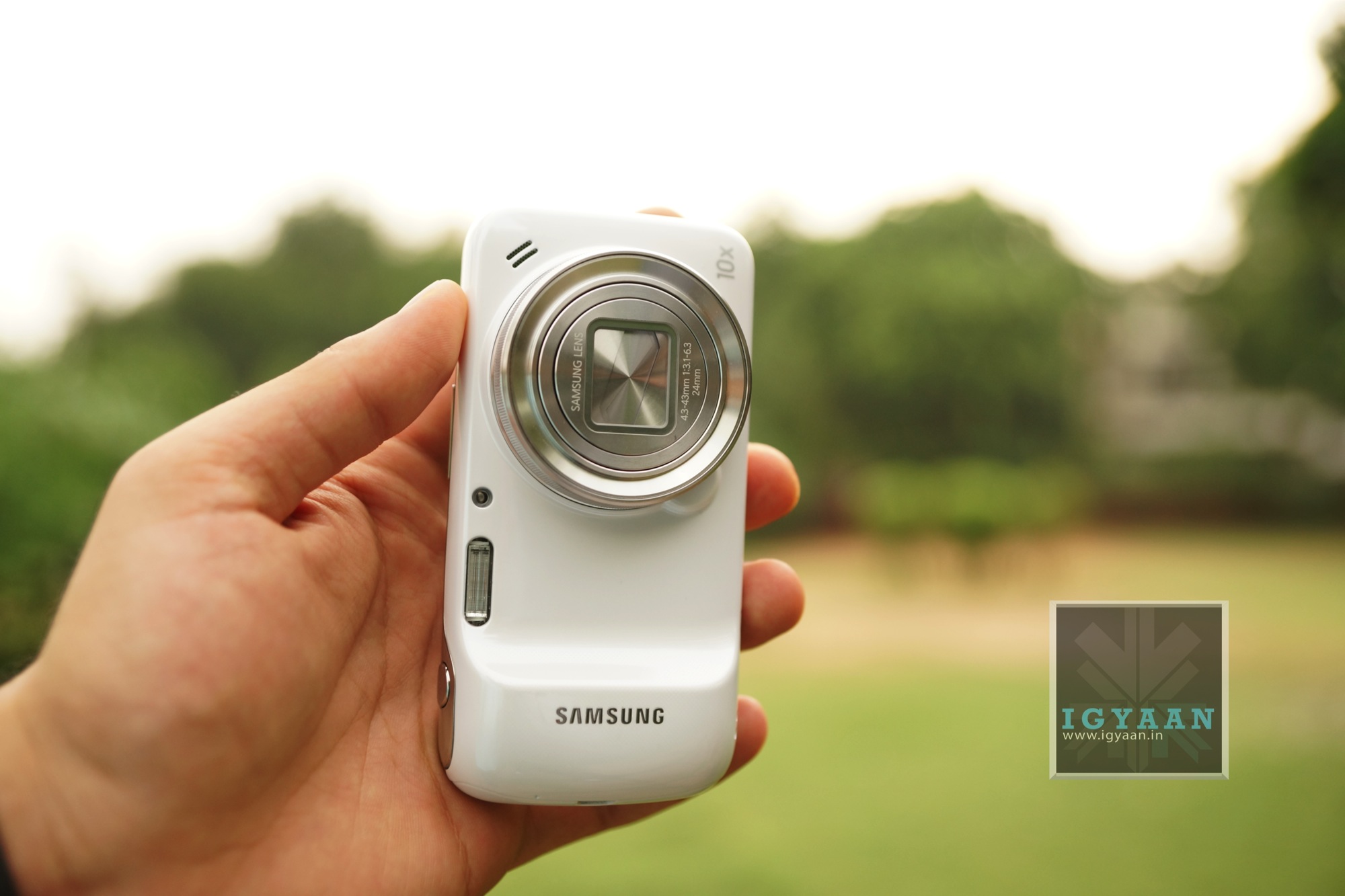
    From that back the S4 Zoom looks like the front of a standard compact digital camera. A circular silver lens case is surrounded by a chunky white plastic case. There’s a flash at the tip to the left as you look, and even further left is a handle with ‘Samsung’ written on it in silver.

    The Galaxy S4 Zoom measures 15.4mm thick, and we struggled to squeeze it into our jeans pocket or hold it comfortably, with the chunky lens making it difficult to fit the handset naturally in the palm of the hand.

    Samsung Galaxy S4 Zoom


    At 208g it’s also much heavier than many of its rivals, as Nokia’s 41MP Lumia 1020 weighs just 158g.

    Hardware

    The Samsung Galaxy S4 Zoom is powered by a 1.5GHz dual-core processor, has a 4.3-inch Super AMOLED display with resolution of 960 x 540, 1GB of RAM.

    It runs Android 4.2.2 Jelly Bean skinned with Samsung’s TouchWiz UI. The camera set-up includes a 16-megapixel rear camera with optical image stabilization (OIS), optical 10x Zoom, Xenon flash, HDR, panorama, and 24mm wide-angle lens. It offers full HD video capture, and there’s also a 1.9-megapixel front-facing camera.

    Thee’s 8GB of storage, which you can expand via Micro SD. That’s good because photos and video take up a lot of space and in our review sample there was only 5GB free space when we started.

    Display

    The Galaxy S4 Zoom features a 4.3in 540×960 Super AMOLED touchscreen, the same display found on the Galaxy S4 Mini. That gives it a pixel density of 256ppi. It’s bright and clear, and great for viewing pictures on.

    samsung galaxy s4 zoom

    Being an AMOLED display though, its colour reproduction is fairly inaccurate and over-exaggerated. As a result, photos can end up looking far less exciting on your computer screen than the S4 Zoom’s.

    Outdoor visibility though was better than we expected, but the viewing angles hampered that a bit.

    Camera

    As expected, the Galaxy S4 Zoom’s 16MP rear-facing camera is the handset’s standout feature, arriving complete with a 10x optical zoom and additional software features that Samsung hopes brings the phone in line with dedicated camera devices.

    Samsung Galaxy S4 Zoom

    With its last attempt, the Galaxy Camera, Samsung never quite got the imaging tech right – the pictures just weren’t sharp enough. With the S4 Zoom, most of these issues appear to be fixed.

    Bright sunlight and high contrast images have a decent amount of dynamic range, while darker environments are helped with some good optical image stabilisation. Video is also of a good enough quality for it to outdo what most smartphones offer right now.

    The 10x zoom is also a slightly bizarre thing to have. On a smartphone, you almost don’t expect it to be there, but it actually becomes a very handy thing. It allows you to pull out more detail than you could get from a normal smartphone, by zooming in further.

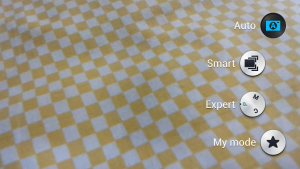
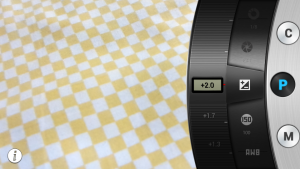
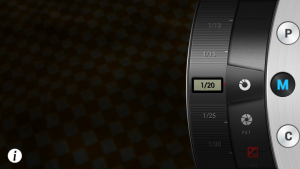
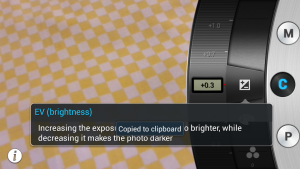
    There are several different shot modes available, including Auto, Smart and Expert. We found ourselves reverting to Smart mode most of the time, as it easily let us select a mode such as HDR or nighttime rather than having to fiddle with the complicated settings found in Expert mode, which lets you tweak settings such as shutter speed and aperture. 

    Zoom Ring : The Samsung Galaxy S4 Zoom has a Zoom ring around the camera lens, similar to the one found on the Sony Rx100 cameras. It functions as the name suggests, zooming in and out of images, both while shooting and in the image gallery. It also helps you to select the imaging mode to jump straight into, without opening the camera app itself. 

    Samsung Galaxy S4 Zoom 25

    We found the amount of effort required to turn the zoom ring often produced unavoidable shaking in video footage.

    Battery

    With mixed use, we found that the phone’s 2330mAh battery provided more than enough juice to get us through the day — unsurprising since similarly-specced smartphones get by with much smaller batteries. The Galaxy S4 Zoom likely will need to be charged every night following a day of average usage.

    Conclusion

    “Jack of all trades, master of none.” That line perfectly sums the Samsung Galaxy S4 Zoom. It has a camera which is miles above any other smartphone camera, except probably the Nokia Lumia 1020. Then again it isn’t good enough to replace your standard point and shoot any time soon.

    The smartphone side of the device again is decent enough to get most things done, but it isn’t as powerful as other devices in this price segment. It is too bulky to become someone’s daily driver.

    For those who want a compact camera and a mobile, with space saved in their pockets for something else, it’s ideal. Then again, we don’t think there are many people out there who do want that.

    Videos

    [youtube id=”51q-oEYyu4s” width=”100%” height=”300px”]

    [youtube id=”WPXmKwVnXsU” width=”100%” height=”300px”]

    [youtube id=”Uk6JGCJKOvM” width=”100%” height=”300px”]

  • LG G2 Unboxing and Hands on Review

    LG G2 Unboxing and Hands on Review

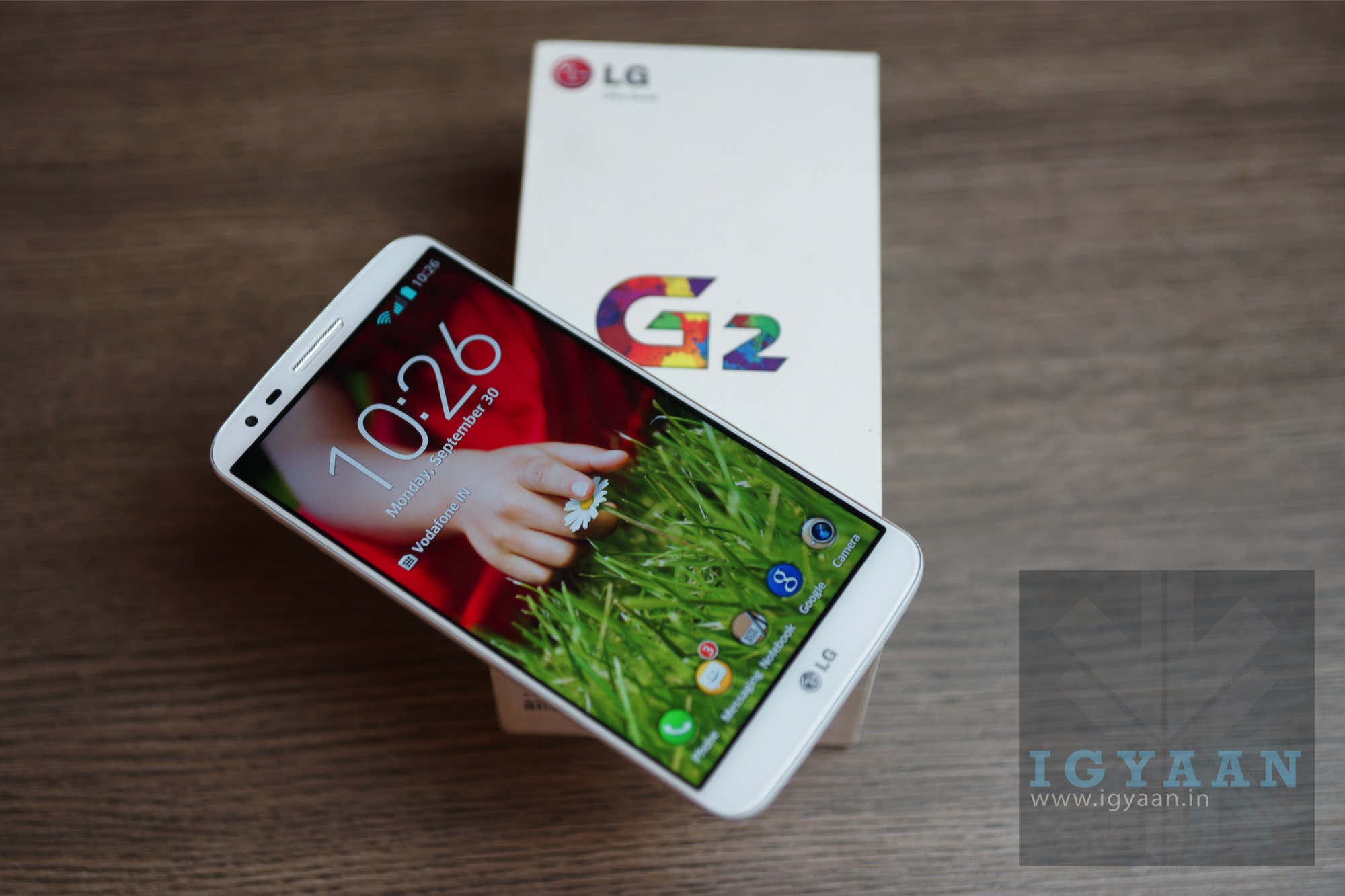
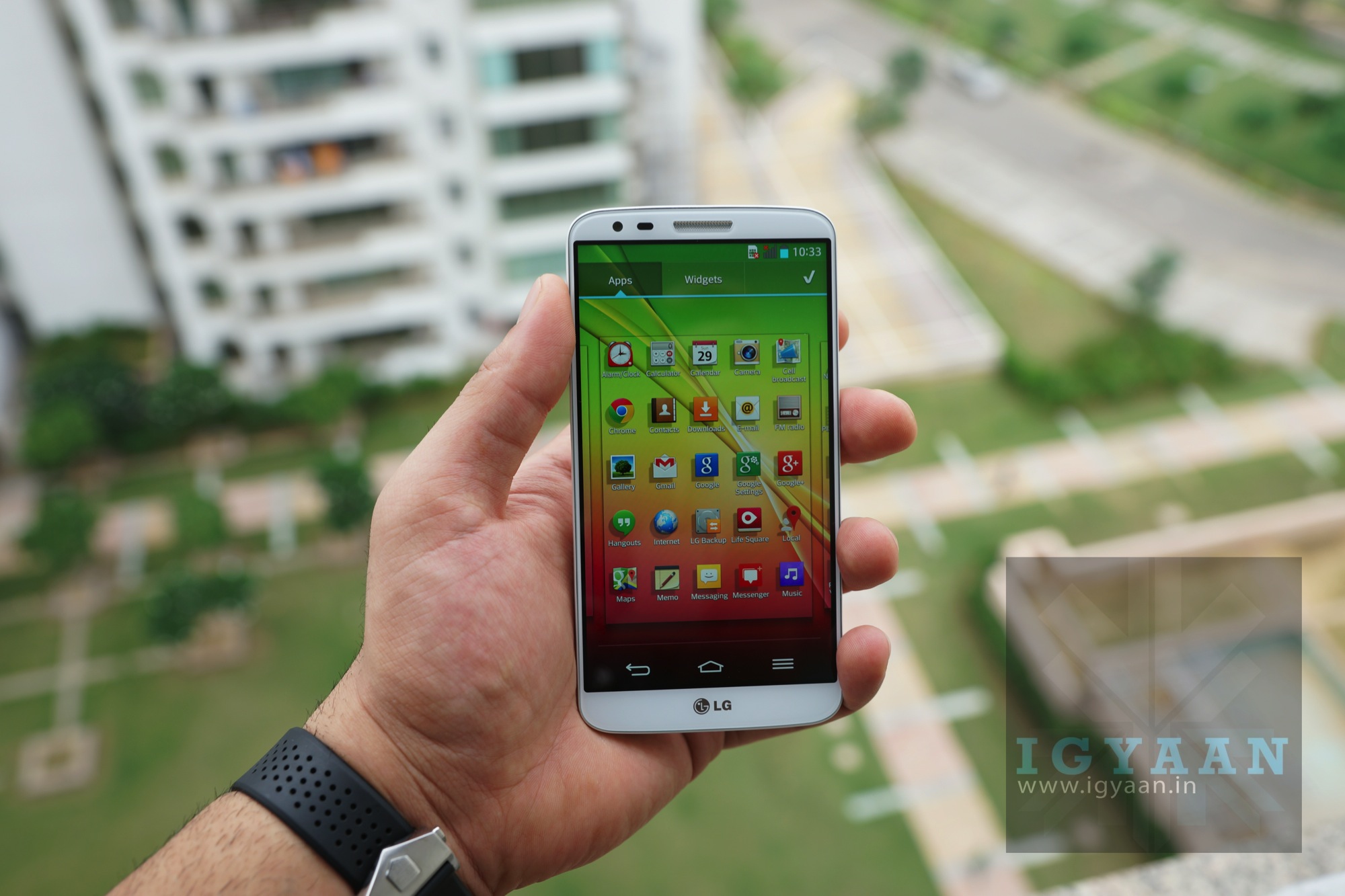
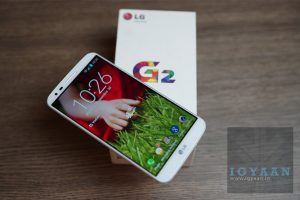
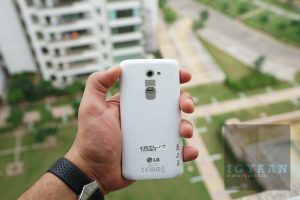
    LG today launched the G2 a successor to the Nexus style Optimus G and the G Pro, the new LG G2 brings to the table what LG seems to have been missing from a long time. The LG G2 offers a mix of impressive hardware a decent design and build along with the right pricing. The two variants the 16 GB and 32 GB have been launched in India for prices Rs. 40497 and Rs. 43497 respectively (latest price below) .LG G2 Unboxing 5

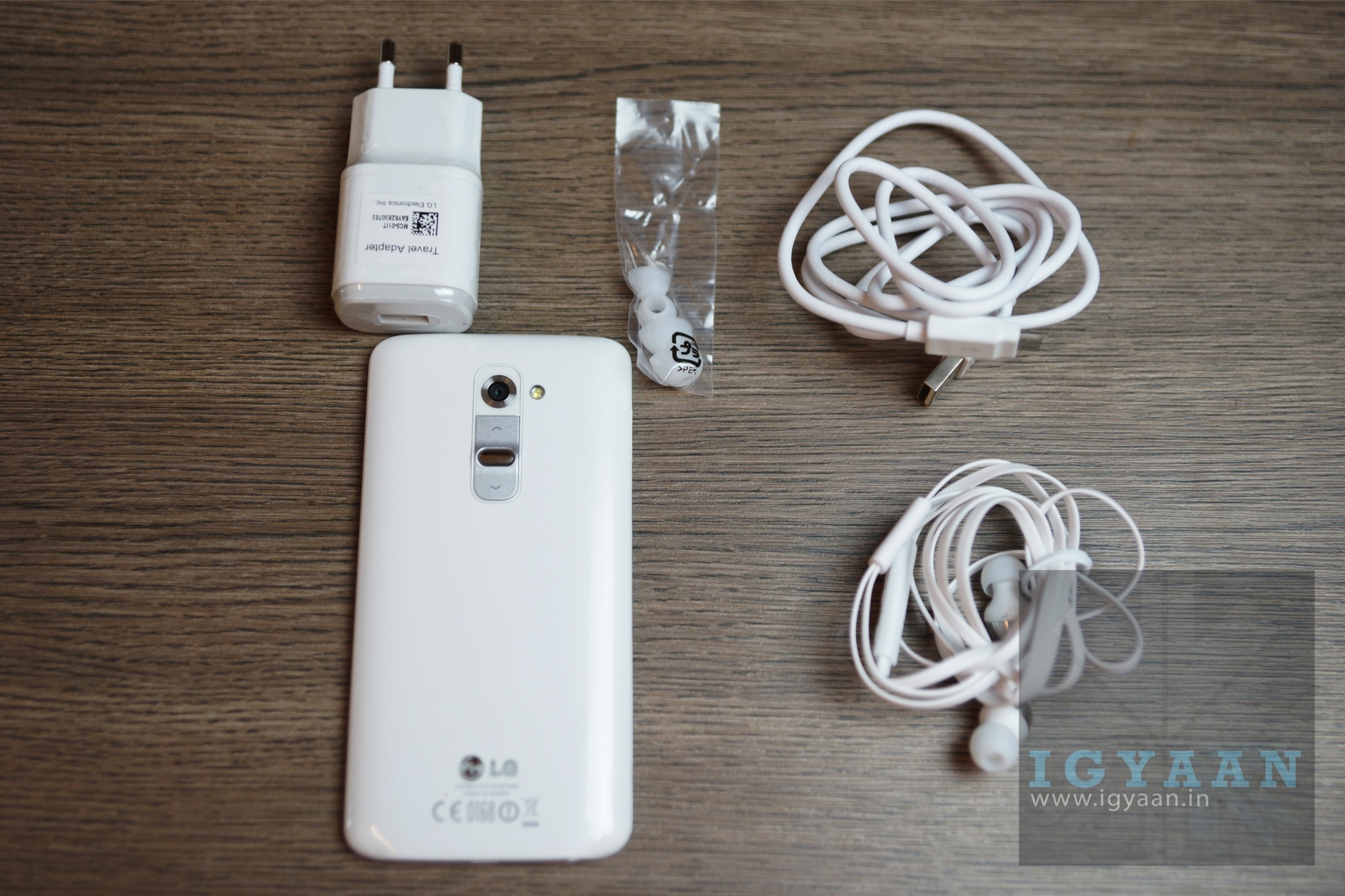
    In the box of the LG G2 are the usual things:

      • The LG G2
      • In Ear : Quadbeat 2 Headsets
      • USB CAble
      • Wall Charger
      • Documentation

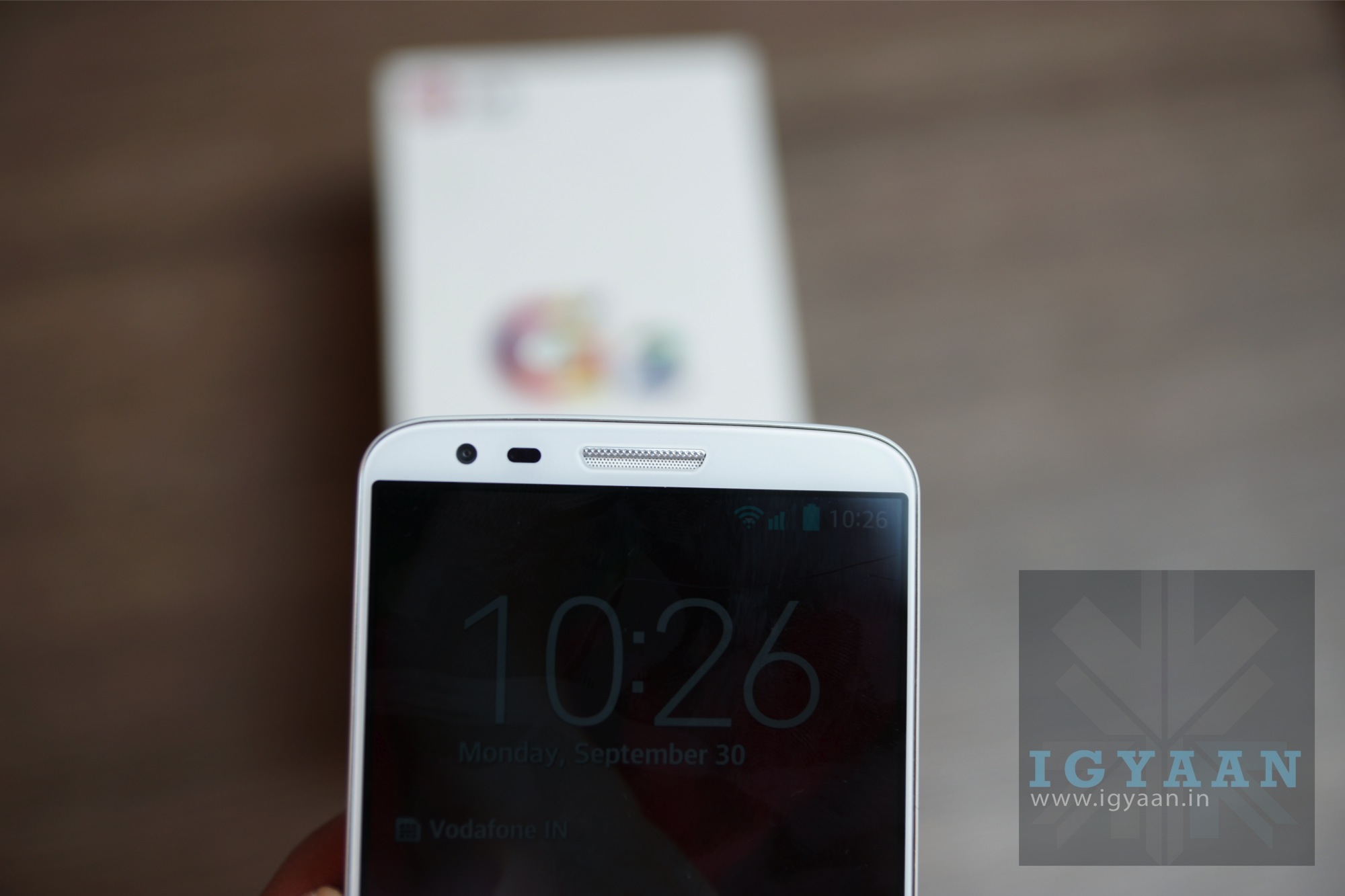
    The initial impressions of the LG G2 are quite impressive, out the box, the device just blazes across tasks. The impressive 5.2 inch display has a minimal bezel and great visibility outdoors, the usual great viewing angles, Gorilla Glass 2 and OGS HD IPS LCD which has a full HD 1920x1080p resolution. The LG G2 comes with a non-removable 3000 mAh battery along with a non expandable storage capacity of either 16 or 32 GB. 

    LG G2 Hands On 8

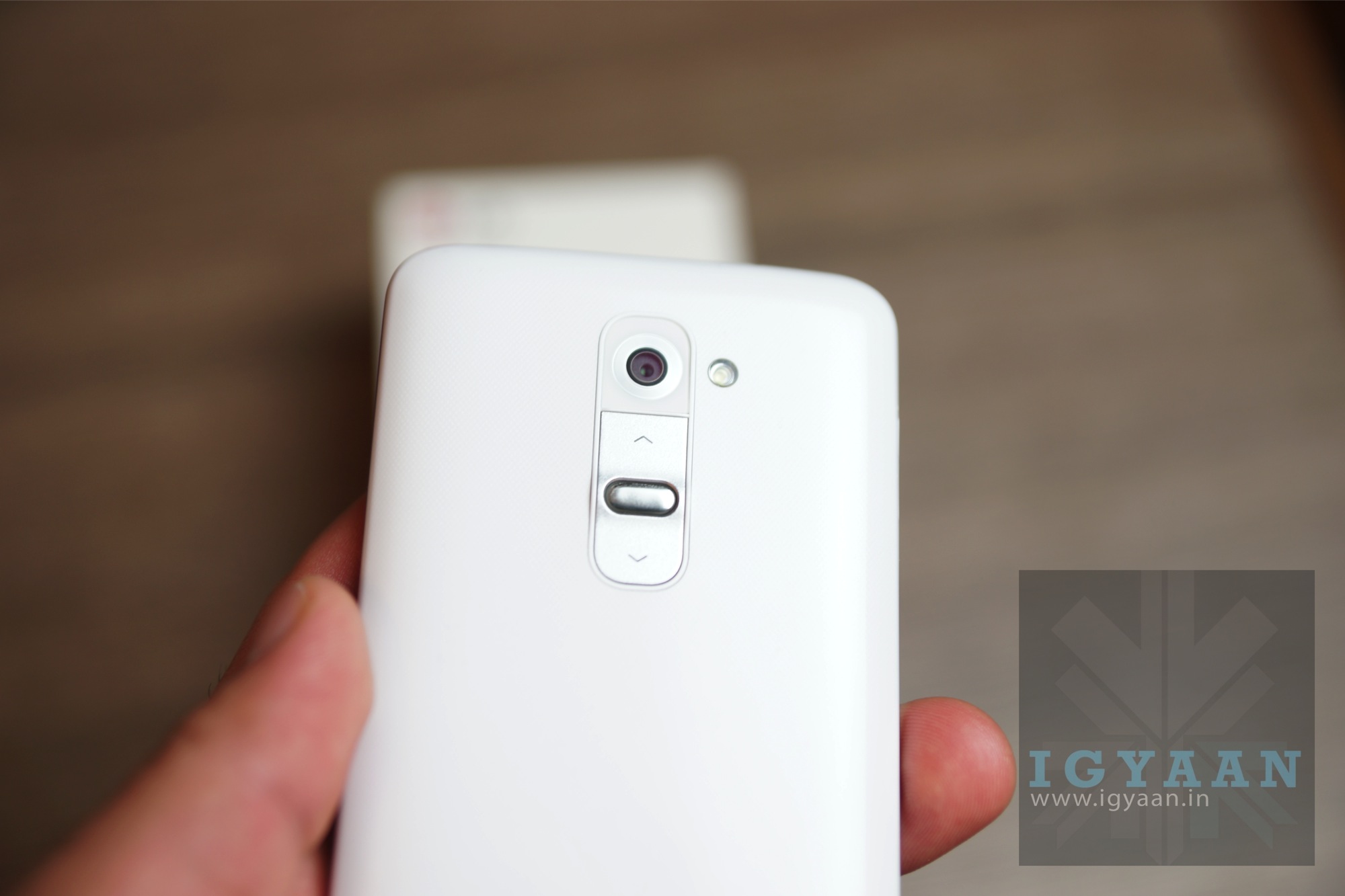
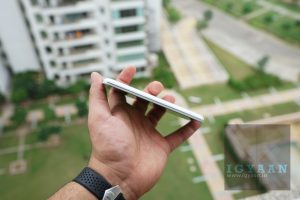
    The rear camera on the LG G2 is an improved version of the on Optimus G pro with a 13 MP BSI sensor with OIS and 1920 x 1080 p hd video capture at 60 fps. The G2 will remain LG’s flagship this year and with great conviction thanks to the great set of hardware. The phone aesthetically is good to look at, the rear of the device sits in the hand really comfortably thanks to the curved edges and rounded corners. The phone is extremely light when you pick it up and at first appears as if is without a battery. The subtle chrome lines and the metallic back buttons ensure that the device looks premium adding to the patterned back panel. 

    LG G2 Unboxing 0

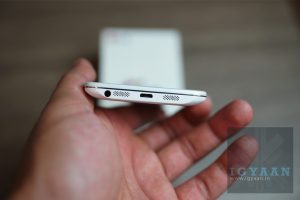
    Putting the buttons on the back of the device may not be LG’s most shining moment, but it also makes the device free from bumps and ridges, letting your hand and fingers slide smoothly across the sides of the device. The knock to unlock screen also makes the experience of locking and unlocking the device a lot more potent.

    LG G2 Unboxing 3

    [pullquote_left]LG might have a winner here[/pullquote_left]

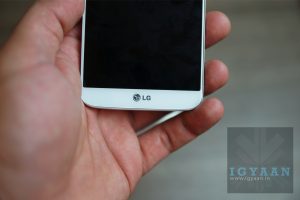
    The biggest A factor of the device has to be the gorgeous display along with the minimal bezel design which makes the front of the device fell as if its purely display (edge to edge). LG might have a winner here, but lets wait for our full review!


    BUY NOW


  • Sony Xperia Z1 Honami Unboxing and Hands on Review

    Sony Xperia Z1 Honami Unboxing and Hands on Review

    As promised, we are back with the unboxing and hands-on review video of the Sony Xperia Z1 Honami.

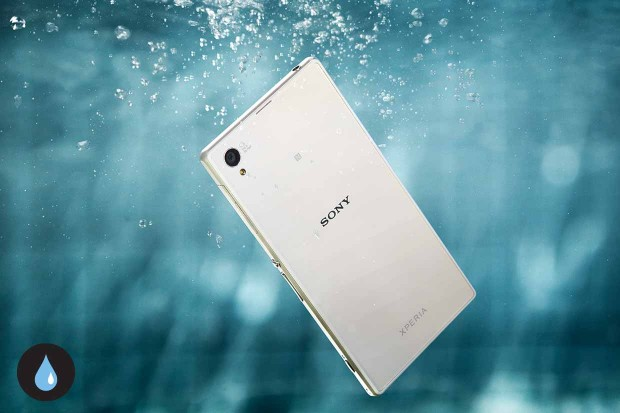
    The Sony Xperia Z1 boatst modern specs worthy of a flagship smartphone, including a 5-inch full HD 1080p display (441ppi) sporting Sony’s TRILUMINOS screen tech and X-Reality for mobile that debuted on the Xperia Z Ultra 6.4-inch phablet. There is a 2.2Ghz Snapdragon 800 SoC inside, along with 2GB of RAM. 16GB of storage (expandable via MicroSD) and a 3000mAh battery.

    The device sports a 20.7 MP Exmor RS sensor with a  size of 1/2.3″, along with a G Lens from its higher-end cameras. Its F2.0 aperture and 27 mm wide-angle lens can be the biggest competitor for the Nokia’s flagship device Lumia 1020. 

    The camera on Sony Xperia Z1 will include set of Xperia Camera Applications like Social Live, Info-Eye, Time Shift Burst and Ar Effect. You can expect are hands on this device really soon.

    Stay tuned for the full review of the Sony Xperia Z1.

  • App Review : Paytm

    App Review : Paytm

    For quite some time now, Patym has been one of the best websites in India as far as online recharging goes. Naturally, when they came out with an application for mobile recharging, it was met with high expectations. Does it live up to the brand name? We find out.

    Compatibility : iOS, Android, Windows Phone and Nokia Asha

    File Size : 2.3MB For Android, 4.9MB For iOS

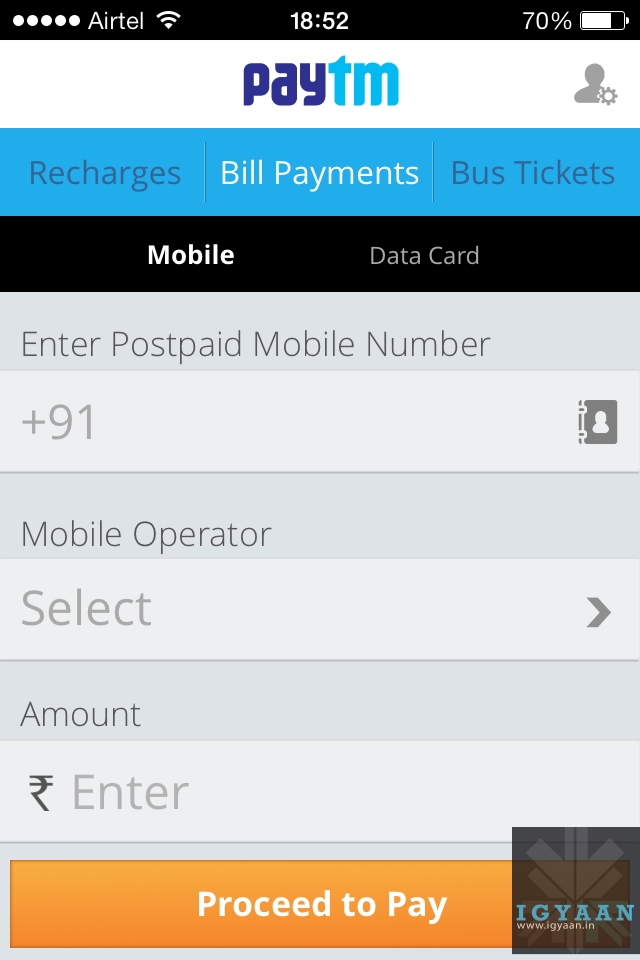
    The User Interface of the applications clearly follows on from the website. Three colours dominate the app windows, Blue, Yellow and Grey. The application isn’t cluttered and is easy to use and navigate, even for beginners. 

    paytm

    As soon as you open the app, you’re met with the home screen which asks for your number and automatically detects your carrier and circle.

    A bar at the top has 3 toggles, Recharges, Bill Payments and Bus Tickets. Recharges are further categorized into Mobile, DTH, Data Card and Toll Card.

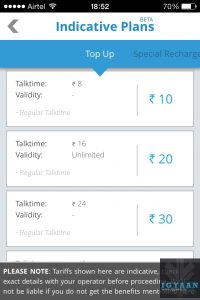
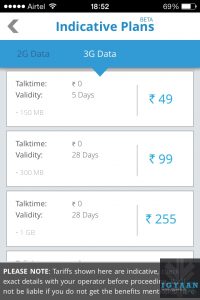
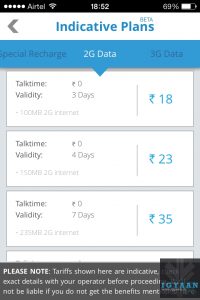
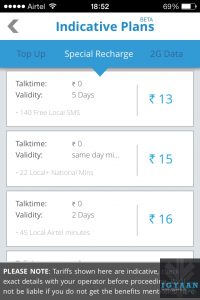
    For mobile recharges, Paytm has an impressive array of recharge packages. You can either entire the recharge amount yourself or go to the Special Recharges tab that provides you with various recharge options divided into 3G data, 2G data, Top-Ups and Special recharges that contain minutes packs and tariff reduction packages. 

    The drawback however, is that it does not offer the entire catalog of recharges that you would find at your local telecom shop.

    Recharging is a simple process. Select your recharge amount and you’re taken into a tokens page from where you can select various coupons to choose from as a special bonus. The coupons range from eatery joints to clothing brands, both free and paid.

    paytm

    After you select a coupon or skip, you’re taken into the payments page where the app connects to the payment system that offers support for most credits cards and several popular banks for direct transfer.

    If the payment goes through, you get notifications in the form of an SMS and an email. You can also store money in the app itself in the form of Paytm cash that can be used to recharge later. This is helpful as you do not need to carry your card with you at all places in order to recharge your accounts.

    One thing to note however, is that the payment gateway opens up in an inbuilt browser that is somewhat choppy. It fails to establish connections from time to time which can be irritating for most.

    The application offers recharges for most telecom operators across the country and within all the circles, making this app useful for any and all prepaid and postpaid users.

    Conclusion : The Paytm app certainly lives up to its website standards. While the app itself, with a clean and easy to use UI, is nice, it would certainly have been better had their been more recharges available to the user. 

    What do you think? Which app do you use for mobile recharging? Let us know below!

    Developers’ App Description

    Paytm is the most preferred partner for prepaid mobile recharges, DTH recharges, postpaid bill payments and bus ticket booking in India. It is truly the fastest way to do recharge, in under 10 seconds, via Paytm Cash; our virtual wallet. In addition to the awesome recharge experience, Paytm provides the best in class customer care service with unwavering trust and support to keep customers 100% satisfied and always charged.

    Download Paytm now and get the best online recharge and ticket booking experience on your iPhone.
    What we offer:

    * All payment options – credit card, debit card, net banking and IMPS as well
    * Prepaid recharge and Postpaid payment on ALL major operators
    * Data Card Payment available on ALL major operators
    * DTH Payment on ALL service providers
    * Toll Card Recharge service (Currently only for the Delhi-Gurgaon Expressway)
    * Landline payment option on select service providers
    * Latest prepaid and postpaid plan offers for Topups, SMS, Data (GPRS 2G and 3G) packs
    * Bus ticket booking covering over 1200 operators across the country
    * Exciting discount coupons with each recharge! The best ever.


  • HTC Butterfly S Unboxing and Initial Review

    HTC Butterfly S Unboxing and Initial Review

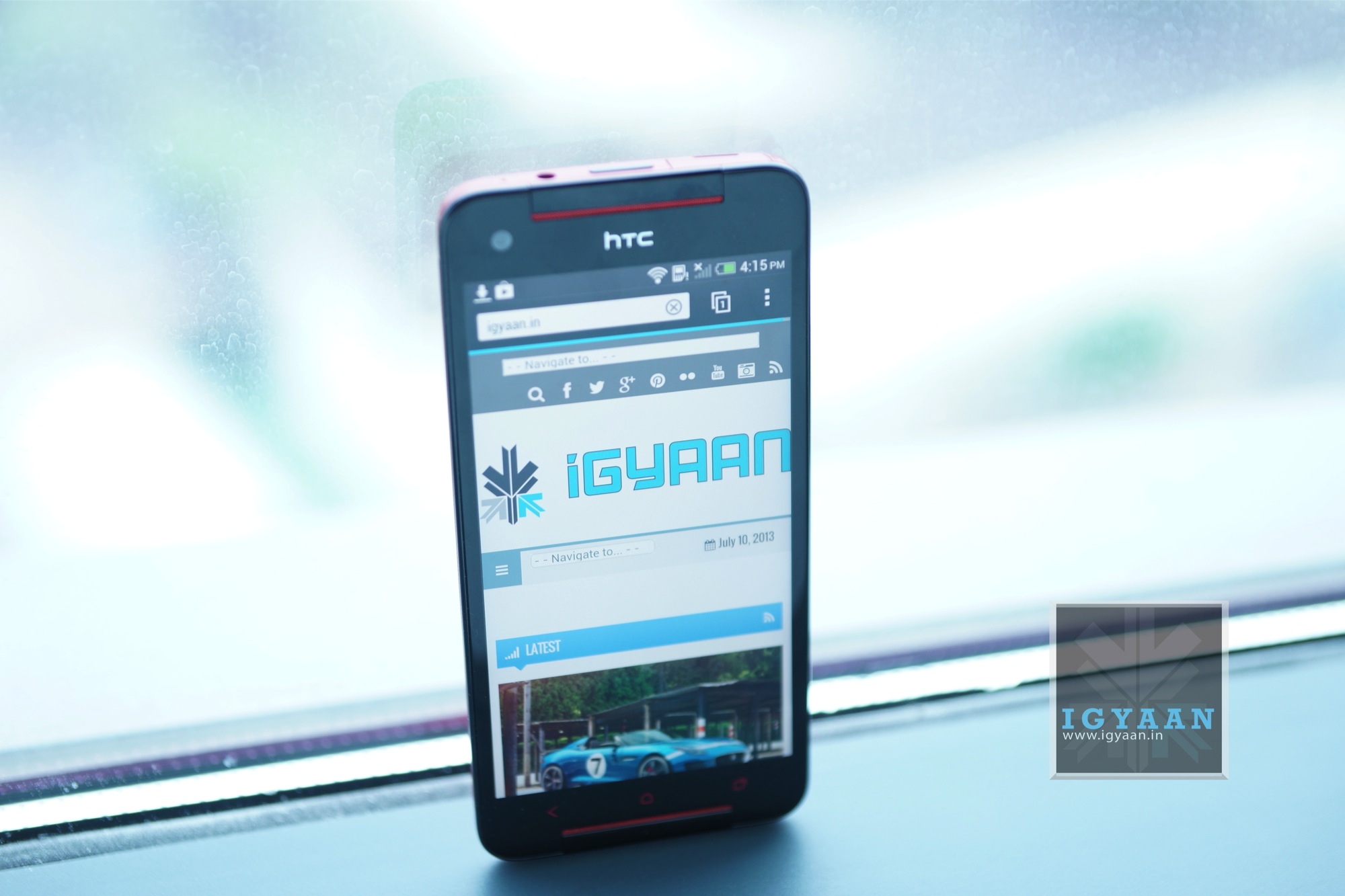
    A revamp of the HTC Butterfly, the new HTC Butterfly S builds along the same design strategy but adding features from HTC’s popular HTC ONE. 

    Curved to fit in the hand the new HTC Butterfly S has been splashed with a metallic finish making it resemble a “car paint job”. The color options for the handset are also not limited to two like last year, this year they include a white, a metal grey and a glossy red. 

    The HTC Butterfly S is packed with a lot of exciting elements including a 3200 mAh battery, a Qualcomm APQ8064T Snapdragon 600 chipset with a Quad-core 1.9 GHz Krait 300 CPU and the Adreno 320 GPU. The front has a beautiful IPS LCD 3 display of a 5 inch size and a full HD 1920 x1080p resolution and a layer of Gorilla Glass 3. The design and the materials used in the construction of the HTC Butterfly S show to a great extent what the thought process of the company is when they are building a handset. The HTC Butterfly S is not only functional but looks really good. 

    The new HTC Sense 5.0 on top of Android 4.2.2 improves on the Blinkfeed experience as well as the Camera features, including enhanced ZOE file management amang many other improvements. 


  • LG 32LN5650 ‘Jazz’ LED TV Review

    LG 32LN5650 ‘Jazz’ LED TV Review

    One of the common complaints that users have with LED TVs is the weak sound. Because of the slim design, most LED TVs do not have powerful speakers. However, LG’s Jazz series of TVs have been known for loud sound. The new addition to the series for 2013, the LG 32LN5650, further improves the sound and built in features.

    With a total of 90W RMS output power, the volume level of the LG 32LN5650 is unbelievably high for a flat screen TV. The 32-inch panel offers good viewing angles with great clarity. The only letdown is that it has a resolution of 1366 x 768 pixels (HD ready). Otherwise the display performance is impressive — sharp details, good black levels and good brightness. 

    USB media playback on the LG 32LN5650 is top-notch with support for major audio and video file formats including MKV, in addition to full subtitle support. The interface is clean and, most importantly, lag free as well.

    The LG 32LN5650 is available in the market for about Rs 37,000.

    [youtube id=”XzqJeGxVzWk” width=”100%” height=”300px”]

iGyaan Network
Privacy Overview

This website uses cookies so that we can provide you with the best user experience possible. Cookie information is stored in your browser and performs functions such as recognising you when you return to our website and helping our team to understand which sections of the website you find most interesting and useful.