Category: Apps and Software

Games, Apps, Softwares, Operating Systems and Software Hacks

  • Apple iPhone Users Can Watch Facebook And Instagram Videos On WhatsApp

    Apple iPhone Users Can Watch Facebook And Instagram Videos On WhatsApp

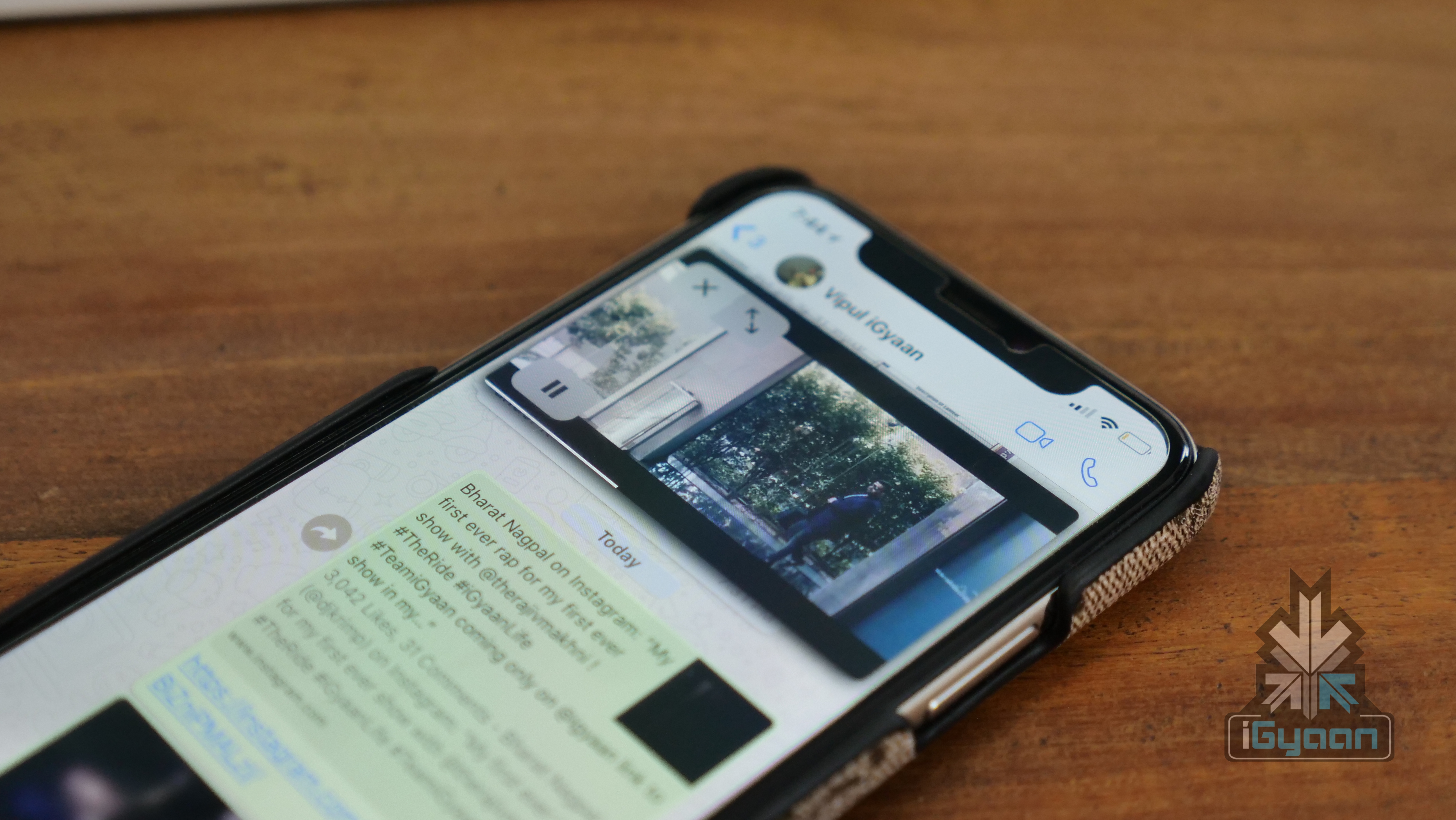
    A few days ago, Mark Zuckerberg took to stage and announced all the new features coming to Facebook and its properties. WhatsApp, bought by Facebook in 2016 for US$ 19 billion has been receiving a few interesting features over the past few months. WhatsApp on iPhones will now allow users to embed and play Instagram and Facebook video directly within WhatsApp with PIP.

    PiP is picture-in-picture wherein users can essentially watch a video without leaving the current app and simultaneously do other tasks. With the new feature rolling out to WhatsApp for iPhones, users will be able to watch Instagram and Facebook videos within the app, without leaving WhatsApp. This feature is already available for YouTube videos.

    Earlier, if users clicked on a link to an Instagram or Facebook video, it would open in their respective apps installed on smartphones. Users can move the video bubble around the screen. The video bubble comes with play/pause, close, and fullscreen buttons, like YouTube’s PiP video bubble.

    Must Read: Twitter Warns 330 Million Users Of A Password Vulnerability

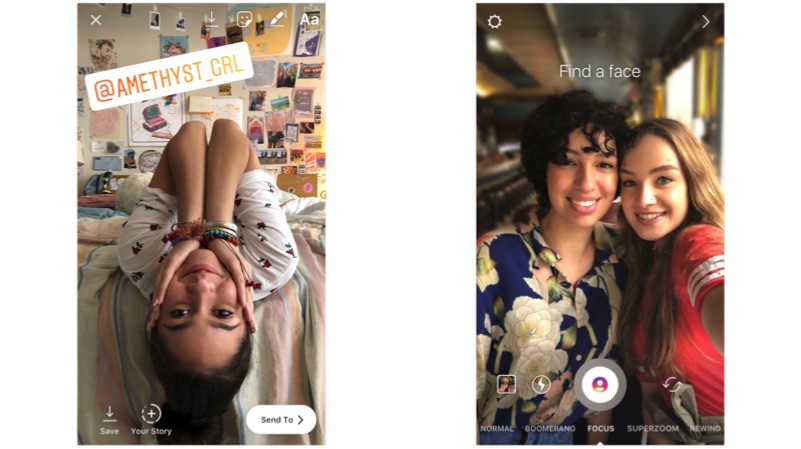
    Along with the new feature, WhatsApp will soon also receive group video calling feature. Facebook users can already make a group video call and at the conference, Facebook announced that the feature will finally trickle down to WhatsApp and Instagram users as well. On Instagram, users will be able to minimize the video and continue video chatting while using Instagram simultaneously. Facebook is also cracking down on bullying on Instagram. The photo-sharing service getting a new filter to protect users from bullying comments.

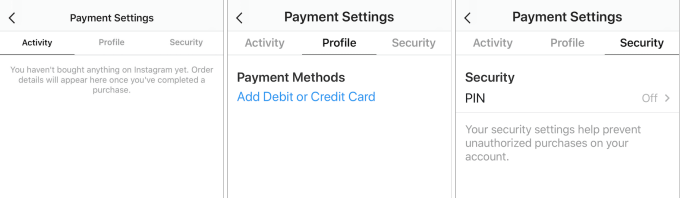
    In-app payment method has become an important feature for Facebook-owned properties. WhatsApp recently introduced the feature and is currently in testing phase. WhatsApp even introduced verified accounts for businesses in order to gain traction from owners and customers of small to mid-level businesses.

    Must Read: Gboard Lets Users Make Their Own GIFs

    Currently, users are able to book appointments at restaurants, spas through a Resy, a third-party dinner reservation app. With the new feature, users will be able to book services from a limited number of businesses on the platform. In March 2017, the company announced its plans to give business profiles the option to let users book their services. At the time, the company said it that it would roll out the feature in late-2017, however, that didn’t happen.

    The new feature has started rolling out to iPhones but, there is no timeline for this feature to reach Android devices.


  • Gboard Lets Users Make Their Own GIFs

    Gboard Lets Users Make Their Own GIFs

    Gboard is one of the best, if not the best keyboard for Android. Google has consistently added new features to the keyboard and now, a new feature in its beta version might be the most interesting one. In the latest beta version 0f the Gboard app, users can make their own GIFs from the keyboard itself.

    To make a GIF, simply tap on the emoji button on the keyboard. Then click on “Make A GIF” and click on the record button. The GIF can be made from either the front or the rear camera. Users can also add effects before recording. Once the GIF is made, users can either instantly share it, save it or re-do it if any changes are to be made.

    Gboard

    We expect this feature to soon make its way to the stable version of Gboard. GIFs or Graphics Interchange Format are already very popular and have become a way of expression on social media. Adding this feature to chats will only intensify the populairty of GIFs and Google would want the stable version users to experience it as well.

    Must Read: 76% iOS Devices Are On iOS 11 While Only 4.1% Android Devices Are On Android 8 Oreo

    If you really want to try out the feature right now, you can always sign up as a beta tester. Once the feature has been rolled out to the stable version, you can end your run as a beta tester and move back to the stable Gboard app. To sign up for the beta test, simply go to Google Play Store and search for Gboard. You can also head straight to the Gboard app listing by clicking here. Once there, scroll to the bottom of the listing and join the beta test. Once enrolled, you will get a notification to update your Gboard app which will have the new “Make A GIF” feature.

  • Google Updates Gmail For Web With New UI And Features

    Google Updates Gmail For Web With New UI And Features

    Gmail is the most popular email service in the world. It has over 1.2 billion active users and so far, there aren’t many rivals to it. Despite the popularity, Google has ignored Gmail for web for way too long. The UI has been the same for many years which, honestly, is the one thing that most users care about. However, that has finally changed as Google has announced a few changes for Gmail in a new blog.

    In its blog, Google has talked about the new UI design which is rolling out to all Gmail users along with a few but, important changes with regards to security. The new Gmail for web now looks more similar to the Gmail app in terms of design. Google has also added a new shortcut bar on the right-hand side of the inbox. In that bar, users can access the Calender app to set reminders about follow-up emails. There is also a marketplace where users can download shortcuts for apps like Trello etc. Gmail will also “nudge” users to follow up and respond to messages with quick reminders that appear next to their email messages to help make sure nothing slips through the cracks.

    The inbox has three modes, in Default, the attachments in an email are present right in the inbox, meaning users can cess attachments without clicking on the email. However, that can feel a bit congested hence, the other two modes, Comfortable and Compact move to a traditional way of showing attachments. One interesting feature trickling down to Gmail for web from the Gmail app is Smart Reply. It essentially allows users to send quick replies that Gmail suggests like “Got It,” “I’ll be there” and many more. These suggestions of quick replied obviously depends on the email users are replying to.

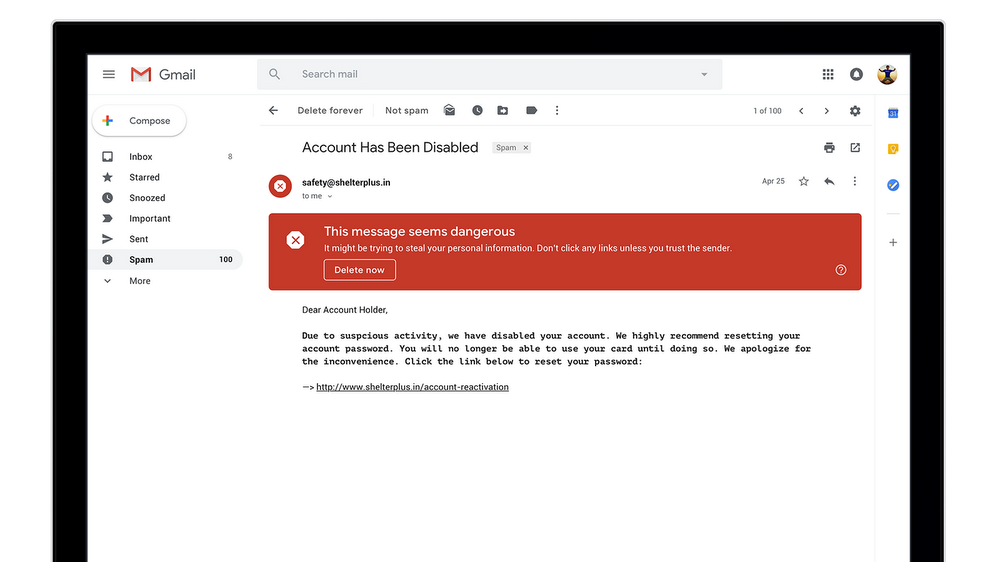
    In terms of security, Google has updated the warning message for risky emails. Now, it is a huge red box which is much harder to ignore and should help users identify risky emails and deal with them accordingly. A new Confidential Mode is Google’s email version of Snapchat. It allows users to remove the option to forward, copy, download or print messages—useful for when they have to send sensitive information via email like a tax return. Users can also make a message expire after a set period of time to help them stay in control of their information.

     Google has not rolled out this feature to everyone and is not readily available as a default option. To check if you have received this update, click on the settings icon in the top-right corner. If the new Gmail is available to you, the top option should be “Try The New Gmail.”
  • Most Apple iPhone X Users Love Their iPhone But Not Siri

    Most Apple iPhone X Users Love Their iPhone But Not Siri

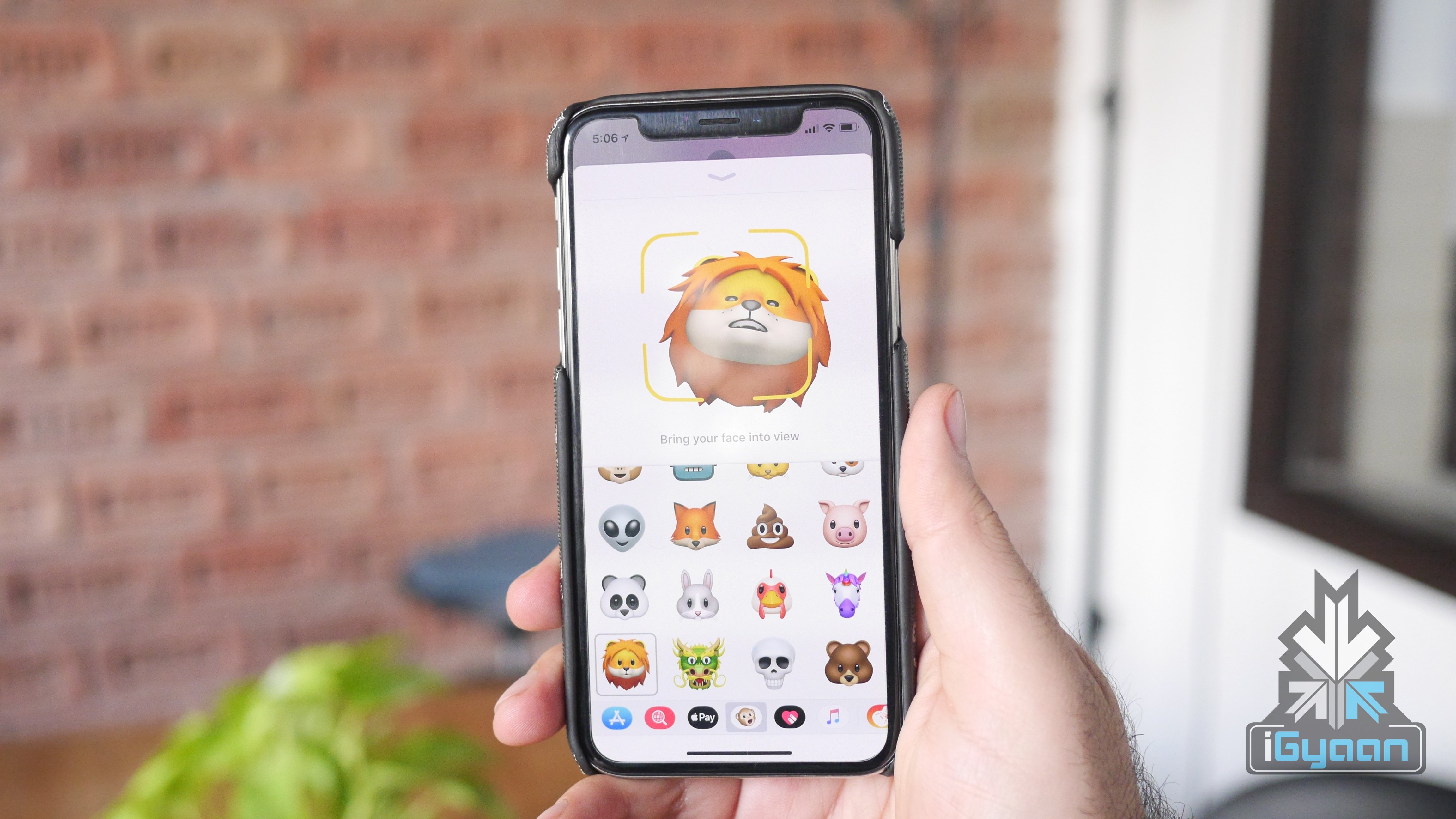
    The Apple iPhone X, even before its launch, garnered a lot of attention for its possible design. On 12th September, Apple confirmed those rumours and unveiled the iPhone X with a notch and nearly bezel-less design. Face ID, introduced with the iPhone X as a replacement for Touch ID was met with scepticism at first but, has since been praised for accuracy and ease of use. This was further reaffirmed by a recent survey conducted by Creative Strategies which concluded that 97% of early adopters of iPhone X are satisfied by their new iPhone.

    [amazon_link asins=’B072LPF91D’ template=’ProductAd’ store=’igyaan-21′ marketplace=’IN’ link_id=’dfd5c058-47aa-11e8-b3e7-8d7bfeef1eb5′]

    According to the survey, 85% of the participants said that they were “very satisfied” with the iPhone X. Creative Strategies analyst Ben Bajarin has said that this is among the highest he has ever seen in all the customer satisfaction studies they have conducted across a range of technology products. 12% respondents said they were “satisfied” with the iPhone X. The remaining 3% were unsatisfied to various degrees.

    Apple conducted a similar survey of 451 people and said that 99% respondents were satisfied with their iPhone X. However, Creative Strategies has 1746 people which meant there was more room for slight variance. According to the research firm, the respondents were profiled as early adopters based on a series of questions about their purchasing habits. Also, early adopters tend to be more critical than mainstream consumers of technology, according to the research firm.

    Coming down to the nitty-gritty of the survey, Face ID and battery life saw satisfaction rates of above 90%. Other features were also very well accepted by early adopters of the iPhone X, apart from Siri. The Apple voice assistant scored only a 20% satisfaction rate among the 1746 respondents.

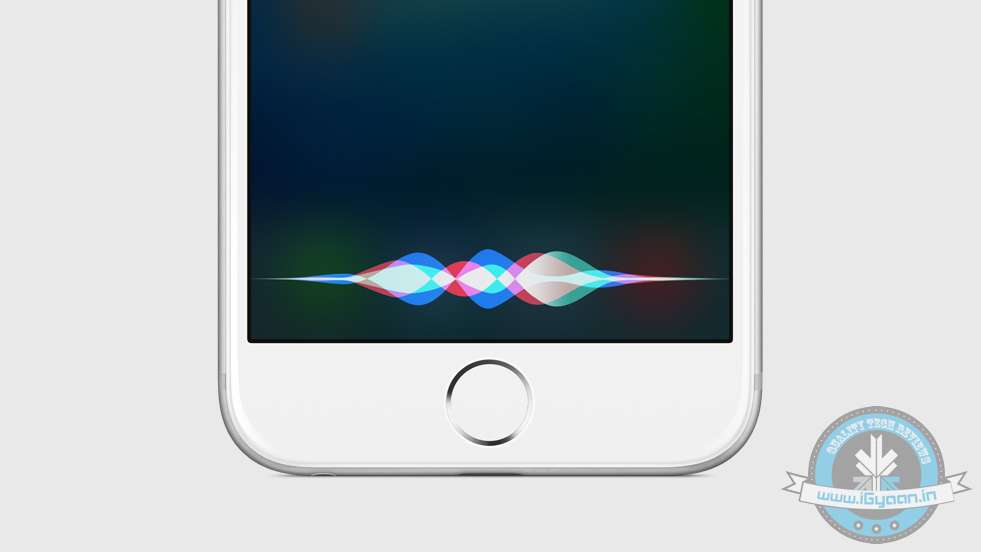
    Siri has been under the cosh recently after details about the dwindling HomePod sales were released. It is believed that HomePod has had an underwhelming start mainly because of its price and Siri. Its competitors like Amazon Alexa and Google Assistant are considered to be far superior in smartphones as well as smart speakers. With WWDC 2018 coming up, we expect Apple to unveil new Siri features which will make the user experience much better than what it is right now.

  • New Amazon Internet Browser For Android Weighs 2MB

    New Amazon Internet Browser For Android Weighs 2MB

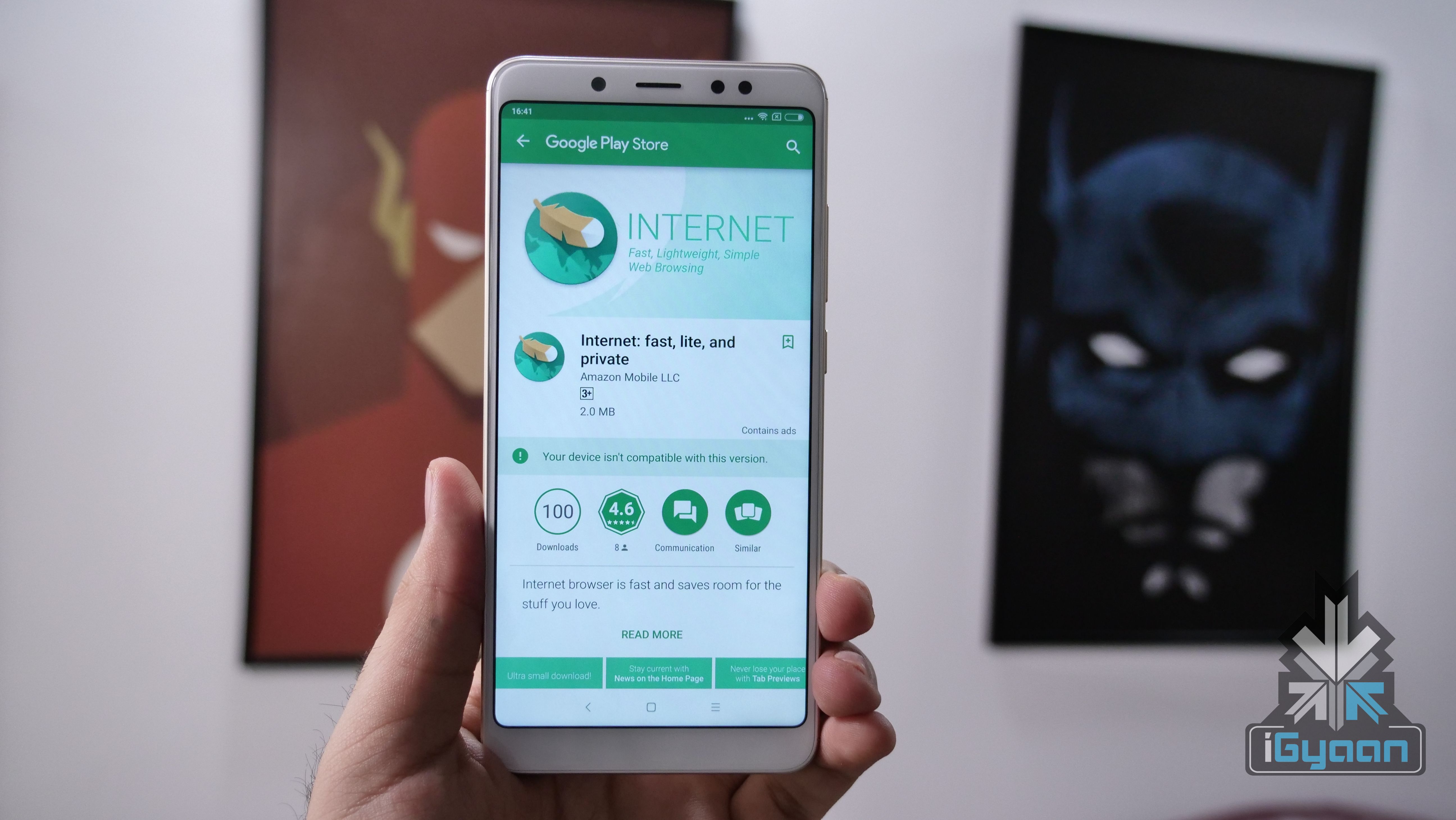
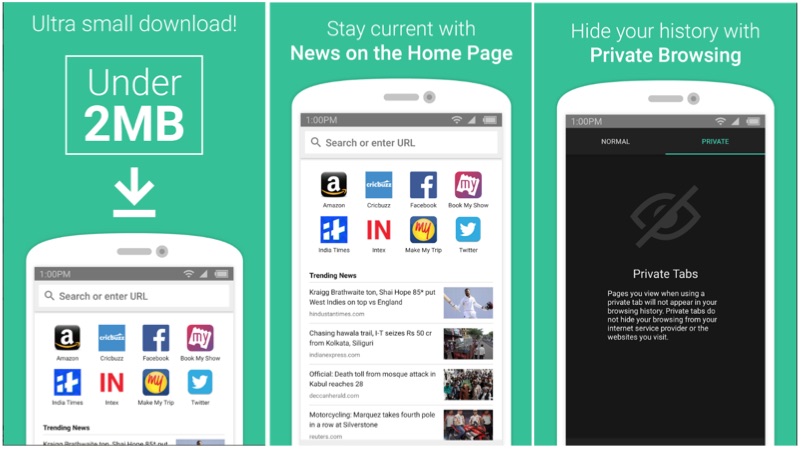
    Amazon has just released a new browser for Android users in India. The new browser, named ‘Internet’ is specifically designed for to consume much less data than usual browsers. Apparently, the Amazon Internet browser also provides a very private user experience as it does not ask for any permissions to collect private data. The app is available to download via Google Play Store and is compatible with Android devices running Android 5.0 Lollipop and above. However, we were not able to install the app on our Redmi Note 5 Pro running Android 7.1.1 Nougat.

    Just like any other browser, the Internet browser app from Amazon Internet has basic features like fullscreen reading mode. The homepage layout is also very similar to other browsers like Chrome with tabs for trending news and most visited pages. Just like the incognito mode on Chrome, there is a private mode to let users hide browsing history from their devices.

    Amazon Internet is not the first ‘lite’ app by Amazon for the Indian audience. The company recently launched the lite version of its highly popular reading app, Kindle. The Kindle Lite, just like Internet, weighs less than 2MB in size and offers a basic e-book reading experience. The app is specifically designed for devices with a slower internet connection and for areas with unstable data connectivity.

    A full-fledged browser that hardly takes up any space is ideal for people with entry-level smartphones. While many of us are used to 4GB RAM and minimum of 64GB onboard storage, there are consumers with entry-level Android smartphones with 8GB of onboard storage. This means that apps like Internet, Messenger Lite etc can help these users get a good user experience without their smartphones running out of space constantly.


  • Top Free IPL Streaming Apps For Smartphones

    Top Free IPL Streaming Apps For Smartphones

    The 11th edition of Indian Premier League is just around the corner. There will be a grand inaugural ceremony on the 7th of April. This season, we have 8 teams battling for a single trophy. If you are an IPL enthusiast, then here are the top three free IPL streaming apps available for Android and iOS. However, some of these apps are carrier specific and work only with a certain telecom operator.

    Hotstar

    free IPL streaming apps

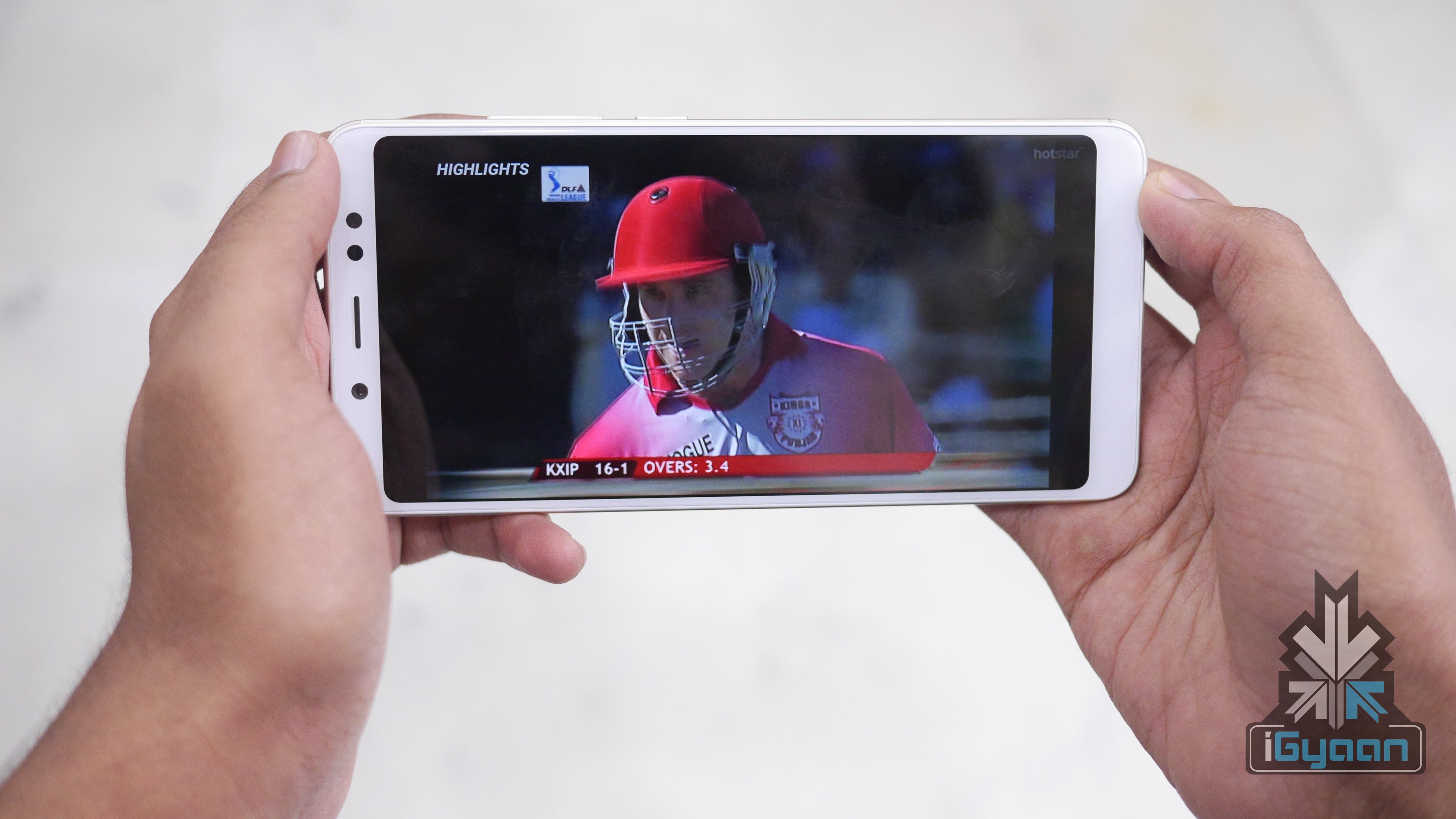
    Hotstar is our first pick of the lot. In fact, Hotstar has been offering free streaming for different Star-only cricket tournaments since its inception. With Hotstar, the user will be able to enjoy other regional content, cinemas and Hotstar exclusive titles. However, there will be a few seconds of delay in the streaming and one can overcome that by subscribing as a paid member. Do note that Hotstar offers free one month of premium for free of cost.

    Download link: For Android and iOS

    JioTV

    free IPL streaming apps

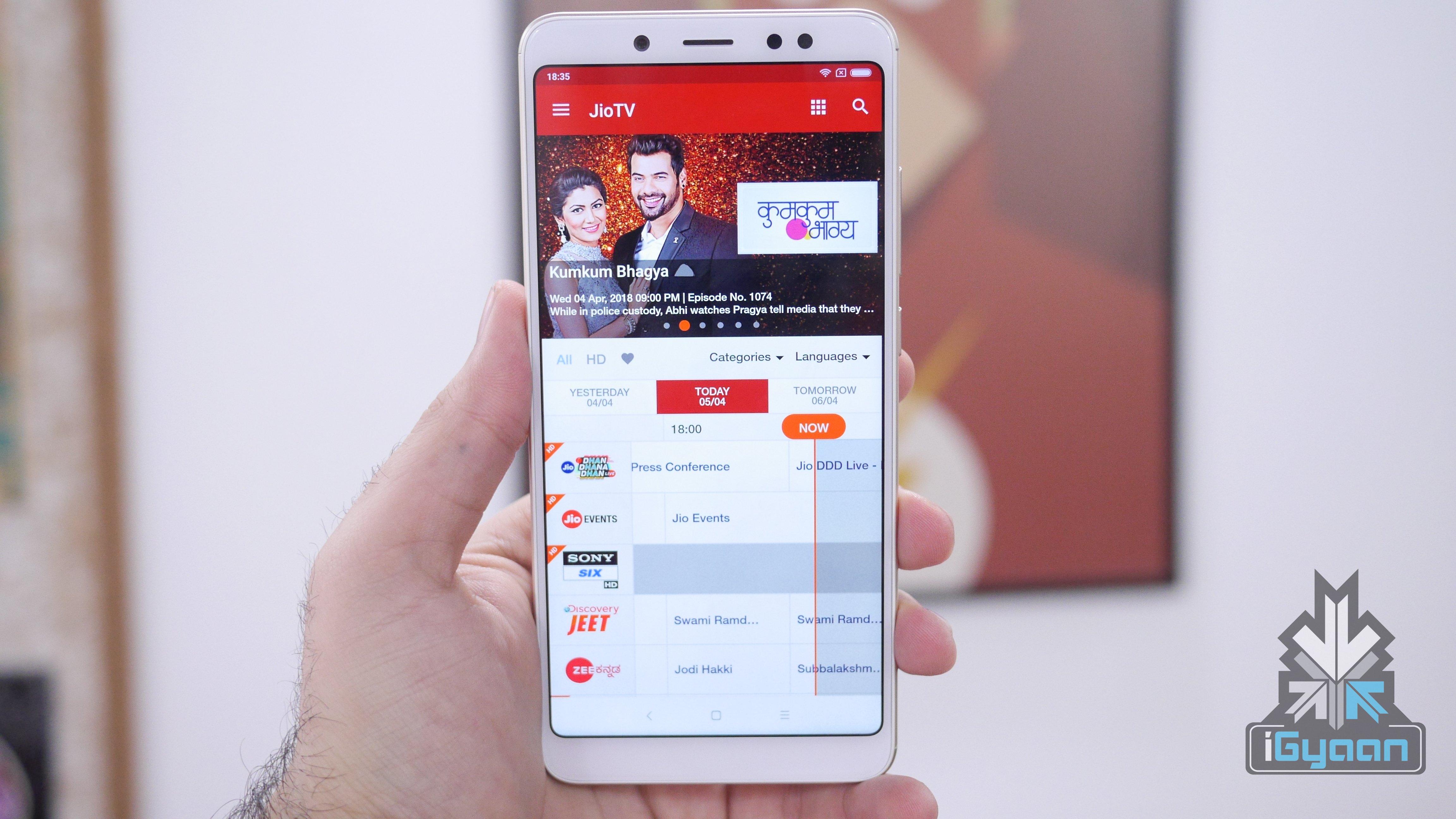
    Reliance Jio Network now has 100 million subscribers and the company is offering free IPL streaming for the entire customer base. One has to download the JioTV application on iOS or Android device. If the user is connected via Jio network, the JioTV logins automatically using My Jio credentials. Jio TV offers free IPL streaming not only in English and Hind but, also other regional languages including Kannada, Telugu, and Tamil. The company has also announced new Jio Cricket Season packs for Rs 251, which comes with 102 GB 4G data for 51 days (2GB/day).

    Download link: For Android and iOS

    Airtel TV

    free IPL streaming apps

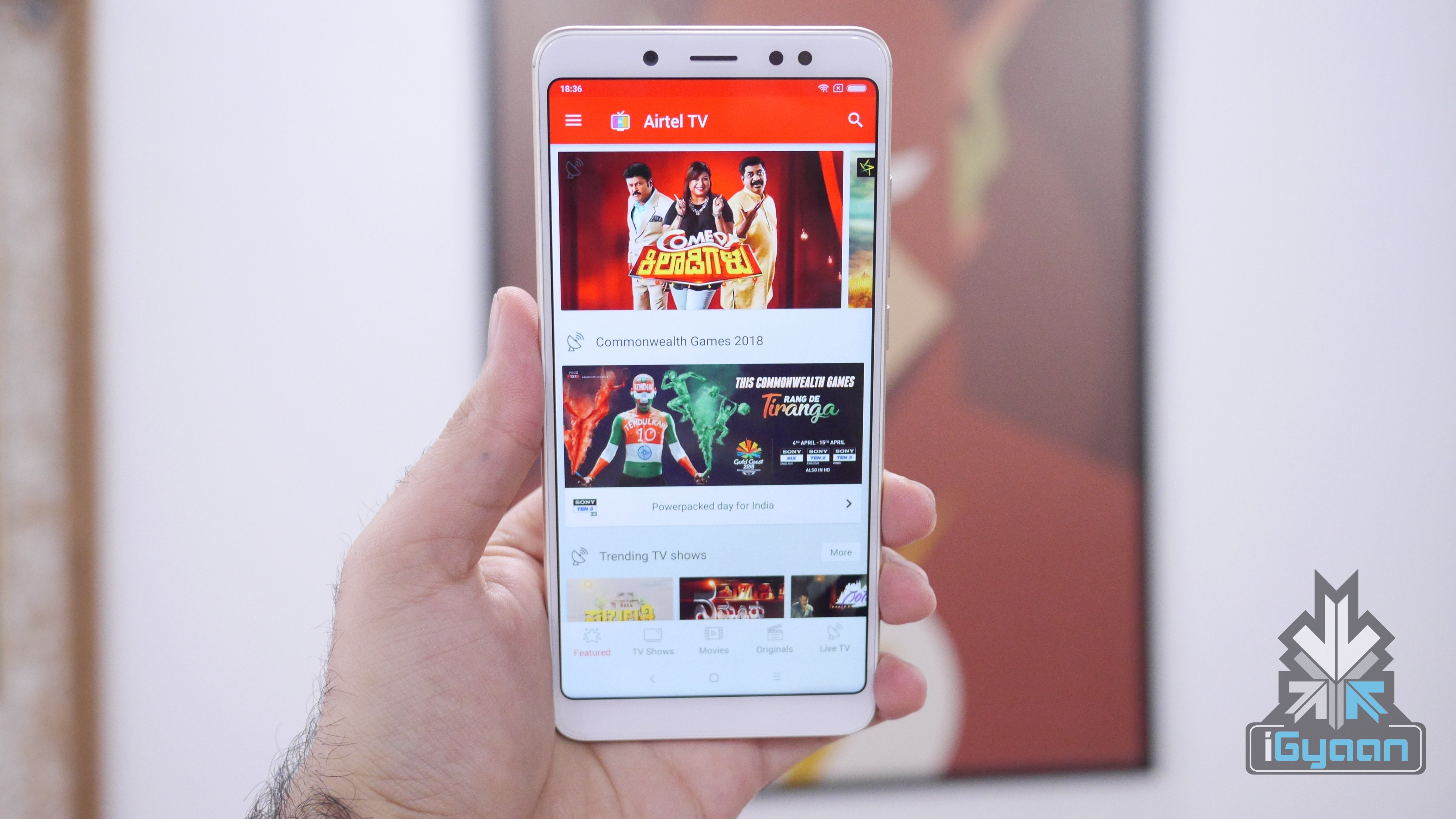
    Airtel TV is the latest addition to the free IPL streaming services. Download the Airtel TV app and register using your Airtel number. If you are a first time Airtel TV user, then the company is offering free 1GB 4G data for the first 3 days. Along with the IPL season 11, one can also follow the ongoing Common Wealth Games 2018. Like Jio TV, this app is limited to Airtel subscribers and works well for both prepaid and postpaid users.

    Download link: For Android and iOS

  • Users Can Now Download Paid Android Games For Free Using Amazon App Store

    Users Can Now Download Paid Android Games For Free Using Amazon App Store

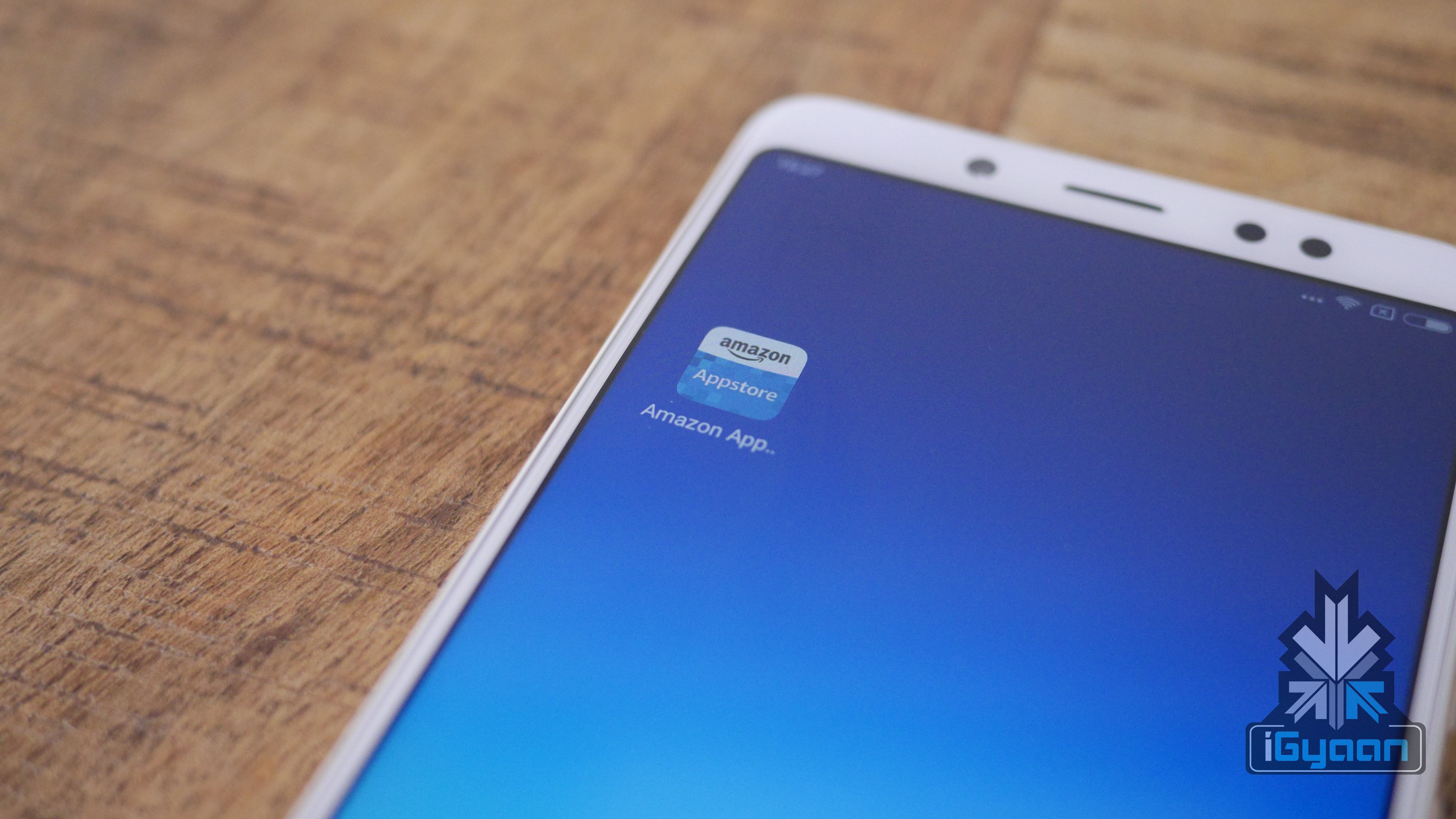
    Amazon has officially launched Amazon App Store in India. It is an alternative application to the Google Play Store found on Android smartphones. However, one has to download the APK and then install it manually to use this service.

    Unlike Amazon Music and Prime Video, the App Store is readily available for non-Prime subscribers as well. The app requires one’s Amazon account credentials to log in, which will then display featured games and apps. The App Store was originally introduced in 2011 in the US and other western markets. Though there was no official launch, the Amazon App store was readily available for download even for Indian customers.

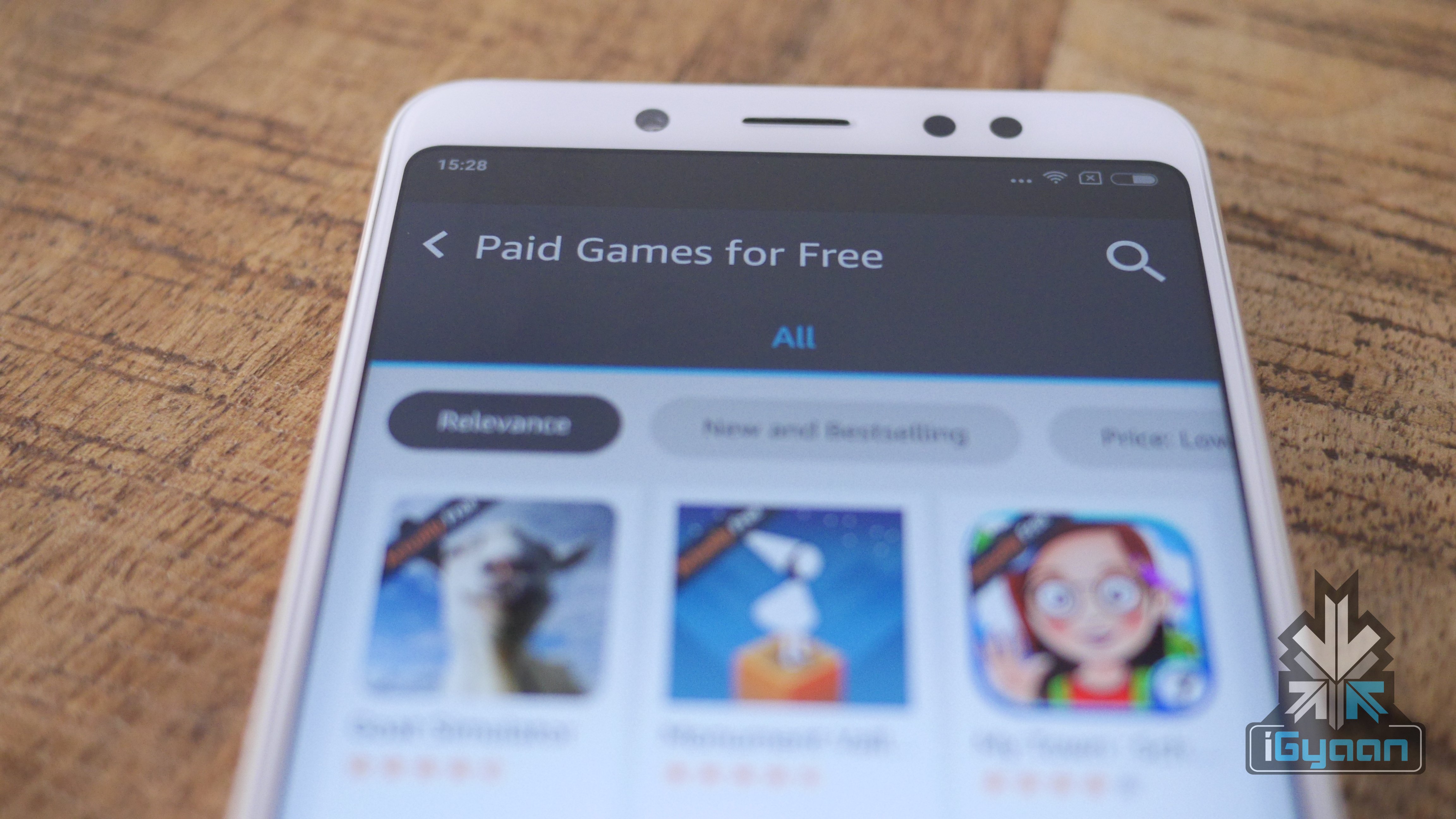
    As an introductory offer, the Store is offering some of the paid games for free of cost. Games like Goat Simulator and Fruit Ninja Classic are available for free. However, compared to the Google Play Store, the Amazon App store limited selection of games and apps.

    How to install Amazon App Store

    Go to App Store actually free on your smartphone, download the APK. Go to settings, privacy, and allow installation of unknown applications. Log in to the store using your Amazon credentials to enjoy free games and apps. However, we do not ‘allow the installation of unknown application’ due to security reasons.

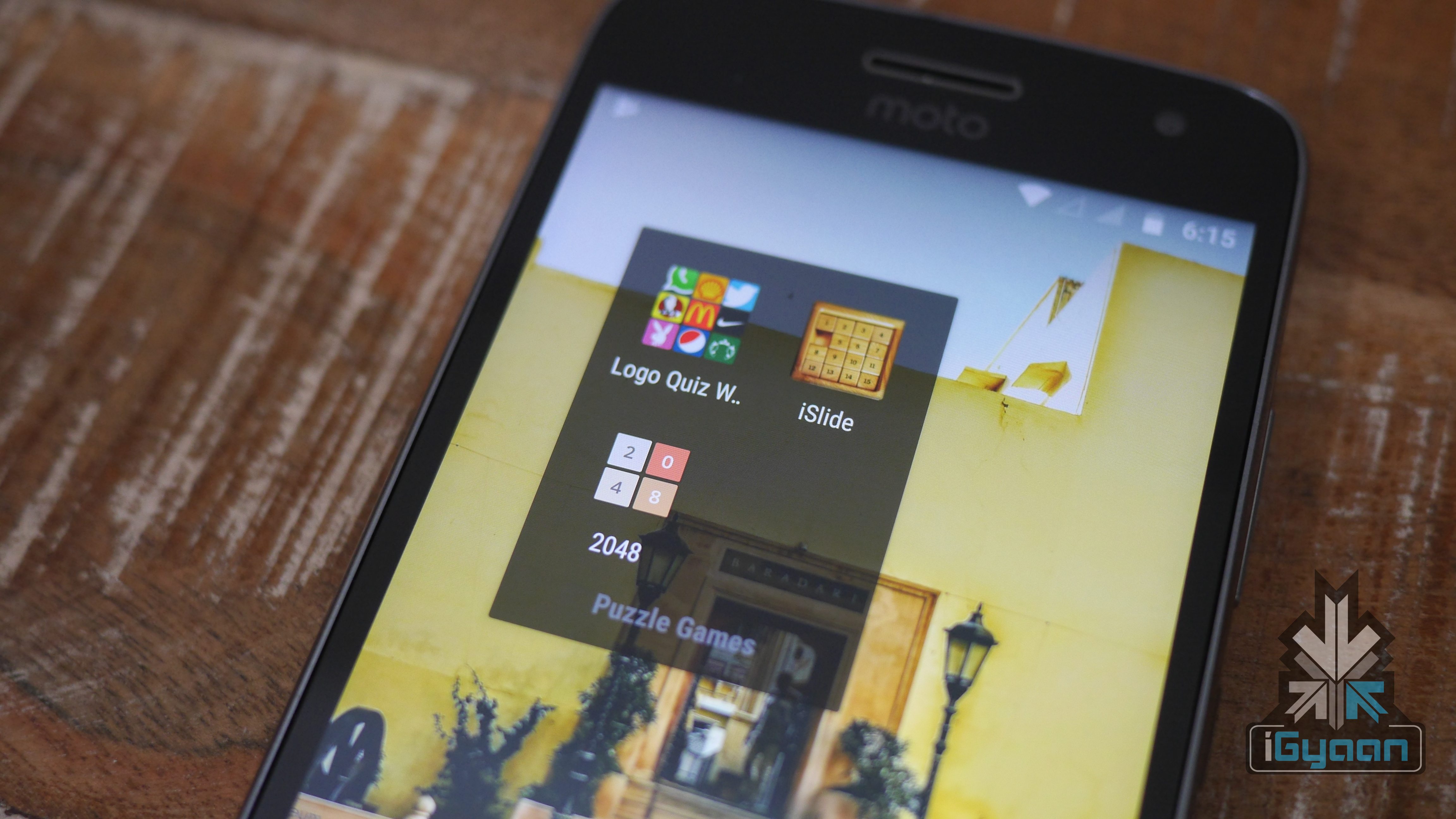
  • Top Three Puzzle Games For Android

    Top Three Puzzle Games For Android

    Not everyone has a smartphone with plenty of storage and RAM. This means that PUBG and Fortnite is not everyone’s cup of tea and we still need good games to pass the time. These games will help you to kill the time by giving a bot of exercise to your brain. These three games can run on any device with minimal hardware specifications. Additionally, once you download they do not require active internet connections.

    2048

    Puzzle Games

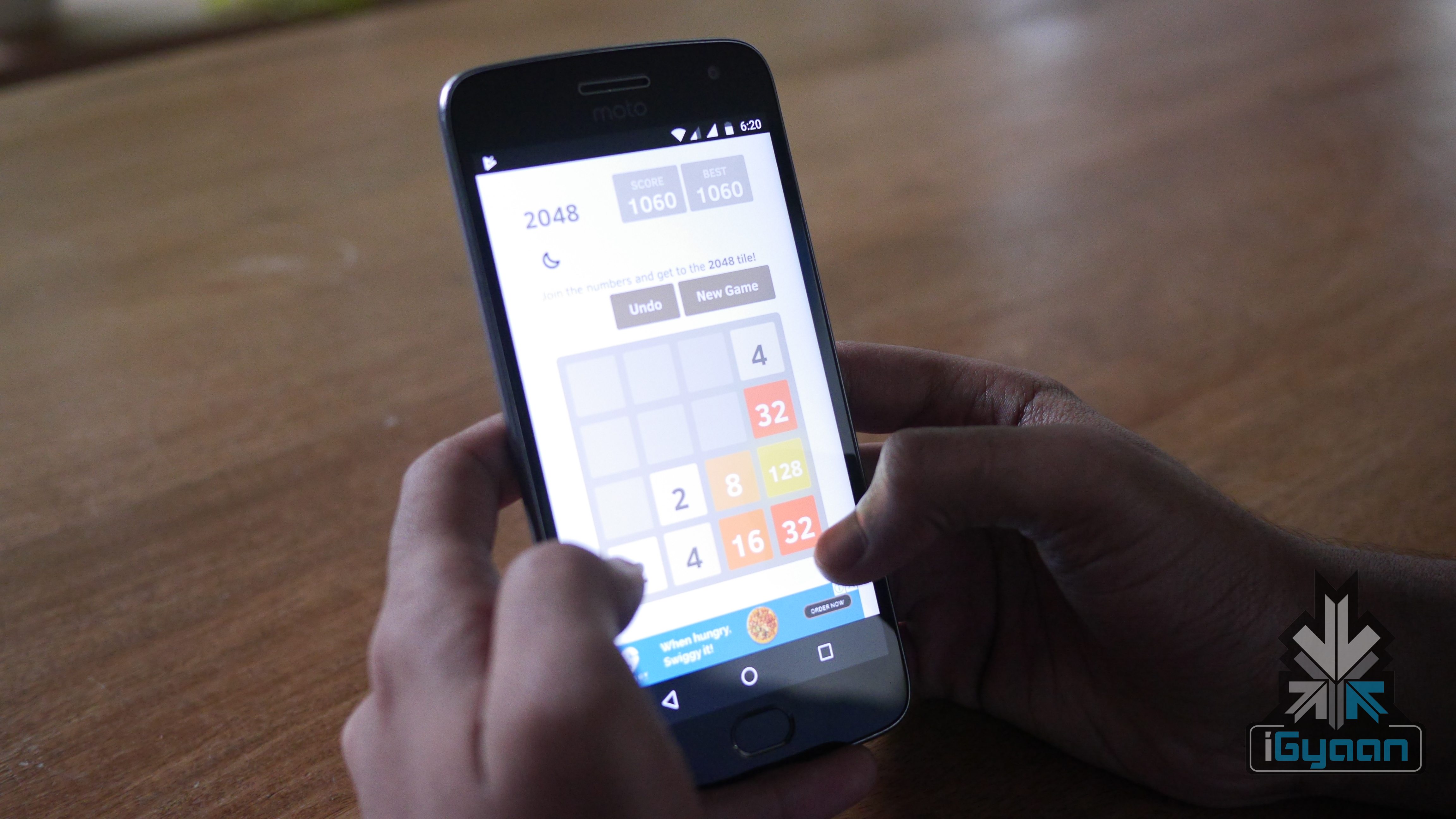
    Unlike most of the games, this does not have a learning curve. As soon as you download, you can start playing the game without any experience. The player will be presented with 4×4 square with different numbers. you can swipe up, down, sideways to bring those numbers together. When two identical number come together, they add up. The target is to make the number 2048 by adding different numbers. However, the game gets complicated if you are not careful about your moves. However, sometimes the in-app advertisements get unbearable.

    Link to download

    iSlide

    Puzzle Games

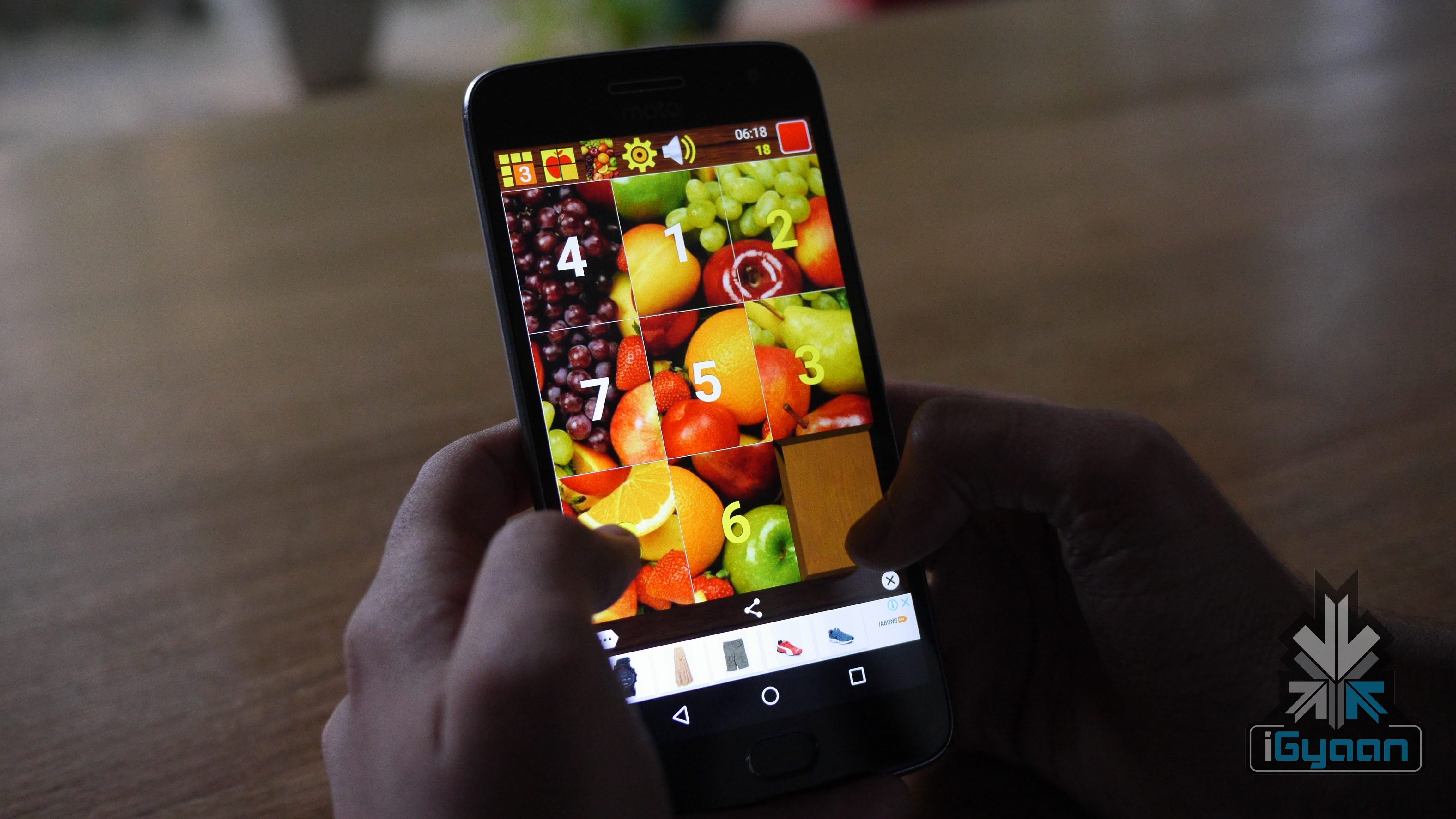
    iSlide is another fun puzzle game, where the user will be presented with a jumbled up picture. The player has to move those tiles around to complete the picture. The game comes with a large collection of photo library to choose from and this could be a fun group play game. There is a timer, which measures the time taken by you to solve the puzzle.

    Link to download

    Logo Quiz World

    Puzzle Games

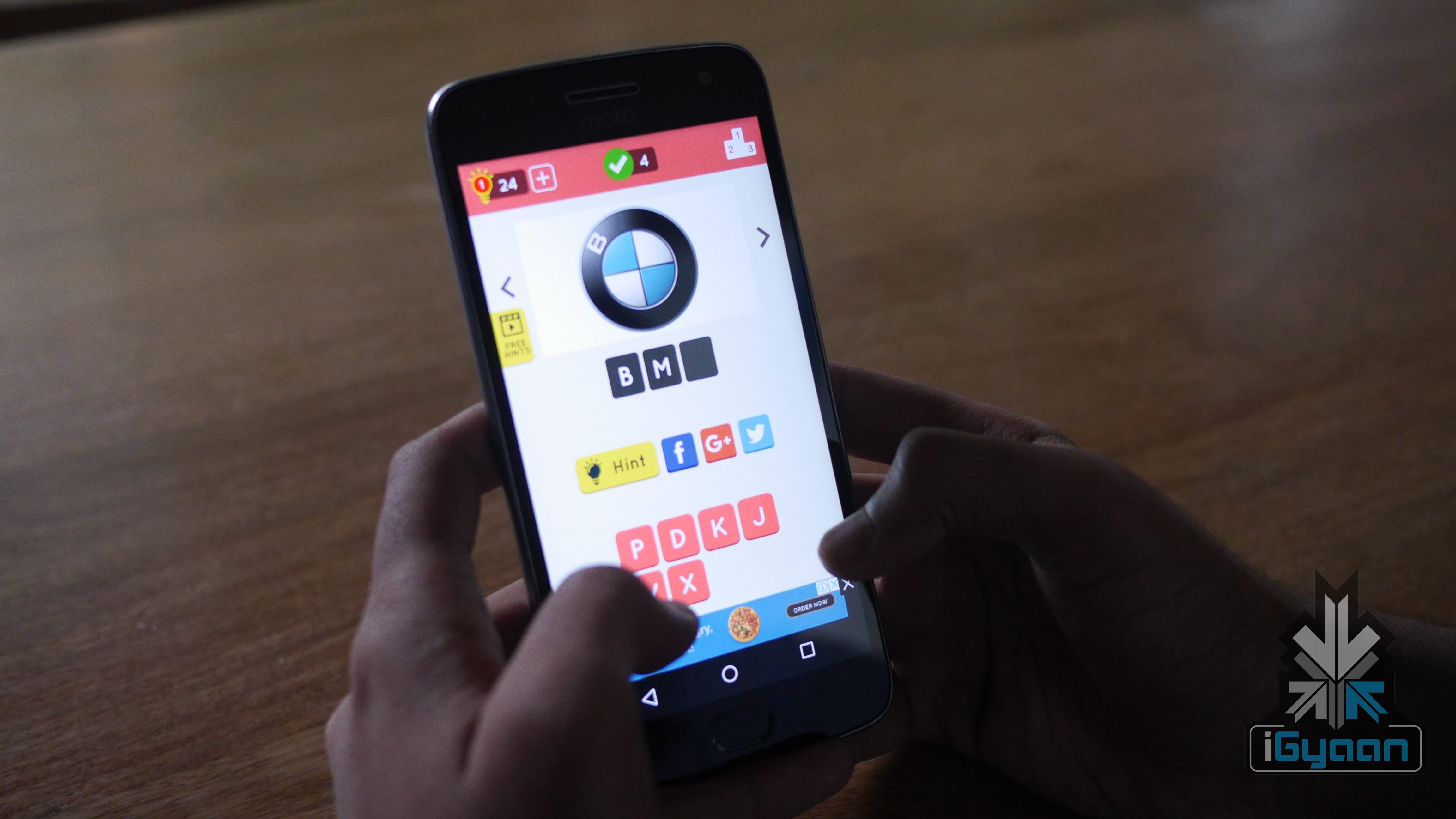
    Logo Quiz World is a great game to test your memory. A user has to pass a level to go to the next level. The game begins by showing a semi logo of a famous brand and using the alphabet provided in the bottom one has to complete the name. Upon successful completion of a level, a user will be offered hints, which can be used to solve difficult puzzles. This not only tests your memory, but it will help you to recognise new brands by just looking at their logo.

    Link to download

  • Samsung Smartphones With Always-On Displays Get Support For GIFs

    Samsung Smartphones With Always-On Displays Get Support For GIFs

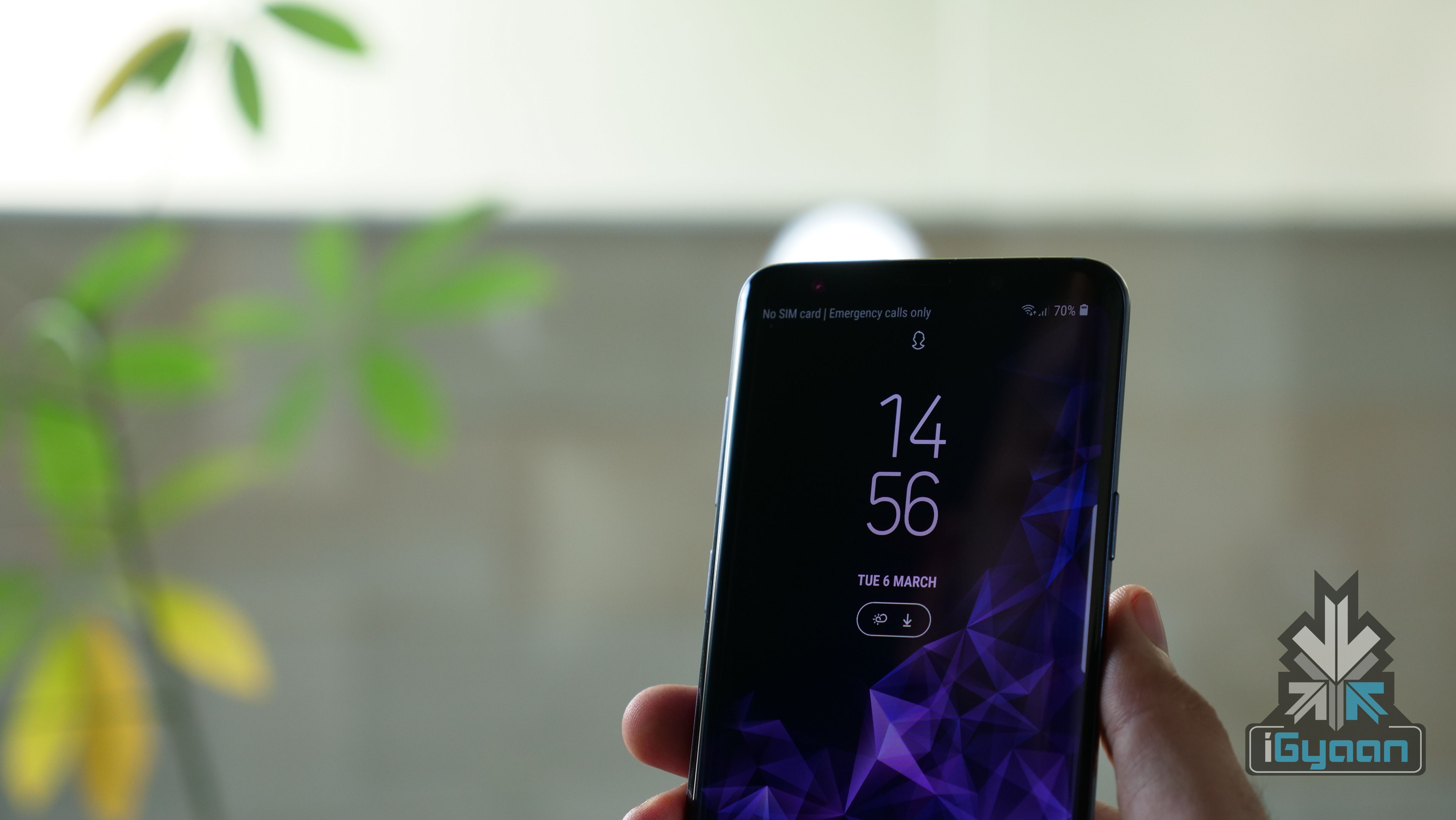
    Samsung has silently added support to showcase GIFs on its smartphones with Always on Display (AOD). Always On Display is a feature where the phone’s screen is off, except for the clock and notification icon. This features required an AMOLED panel, and it only works in the Samsung flagship series smartphones.

    To get this feature working, you should have AOD application version  3.2.26.4. If you are running on the latest version, then select ‘set always on display image’ and select a GIF. However, note that the app can only rear GIF formatted pictures, not .webp. Similarly, if the GIF is too long, the app will recommend it to trim down to a specific time frame.

    Always On Display

    Once, you lock your smartphone, the GIF will animate for a once and will stay in the fixed frame after that. Additionally, one can also set a super slow motion video recorded on the Galaxy S9/S9+ as an AOD picture as well.

    This feature will work on devices including, the Samsung Galaxy S9/s9+, Galaxy S8/S8+ and the Galaxy Note 8. If you are yet to receive this update and you don’t want to wait. Then, click on this link to manually download the APK and sideload it. However, we don’t recommend sideloading third-party apps as they might goof-up your smartphone.

  • Marvel Strike Force Now Available On Android And iOS Devices

    Marvel Strike Force Now Available On Android And iOS Devices

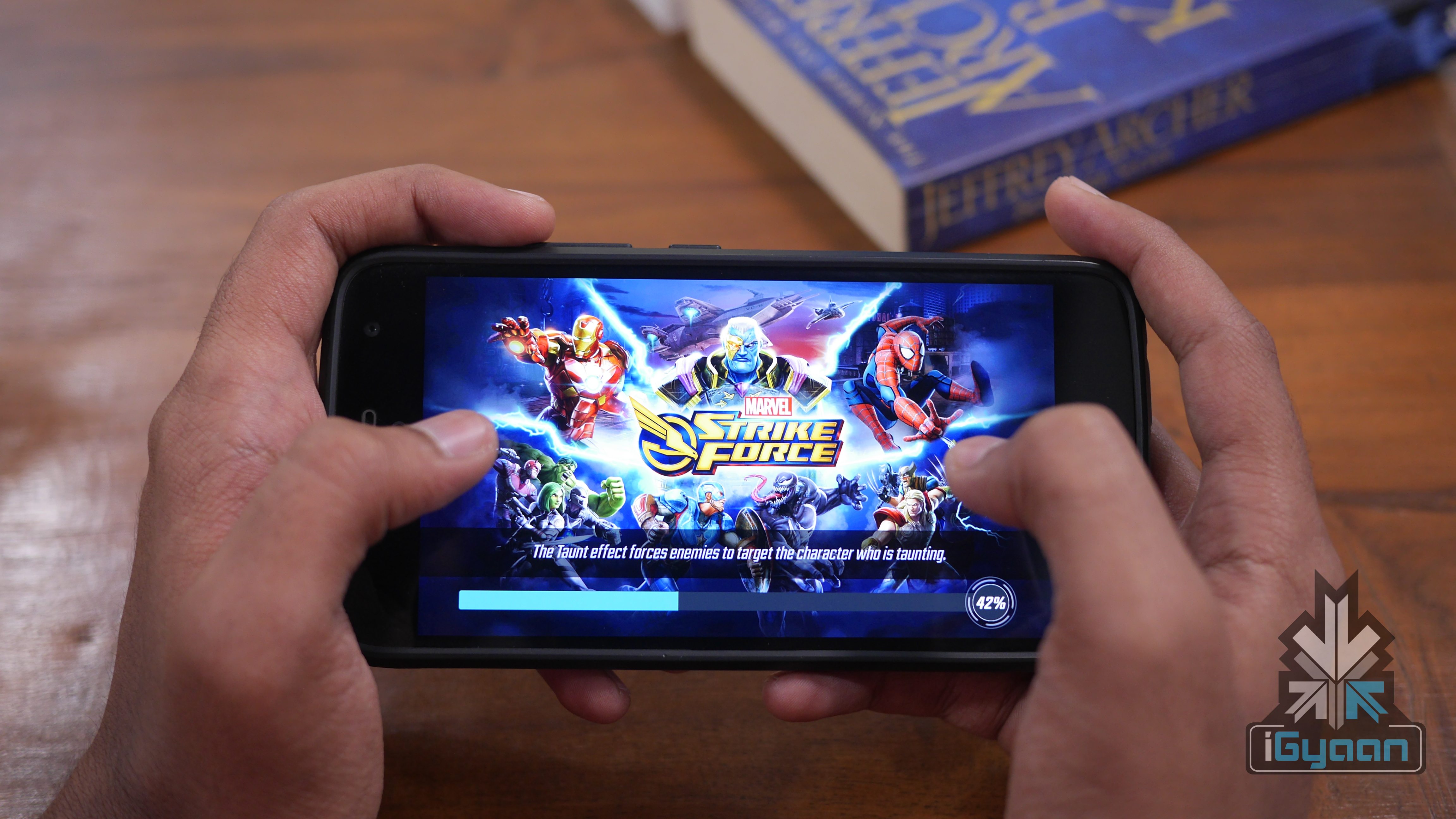
    Marvel in collaboration with FoxNext Games has released free to play Marvel Strike Force game for iOS and Android devices. This is a role-playing-style (RPG) game which features characters from Marvel Universe.
    A user has to form a team using 60 defined characters. One can choose between Spider-Man, Doctor Strange, Groot, Rocket Raccoon, Loki, Elektra, Captain America and Iron Man. After the formation of a team, you have to battle against evil-minded opposition to save the earth. The player has to use different attacks and moves to fight the enemy. Though the game is free to download, one can boost up the characters using in-app purchases.

    Marvel Strike Force

    Game Play

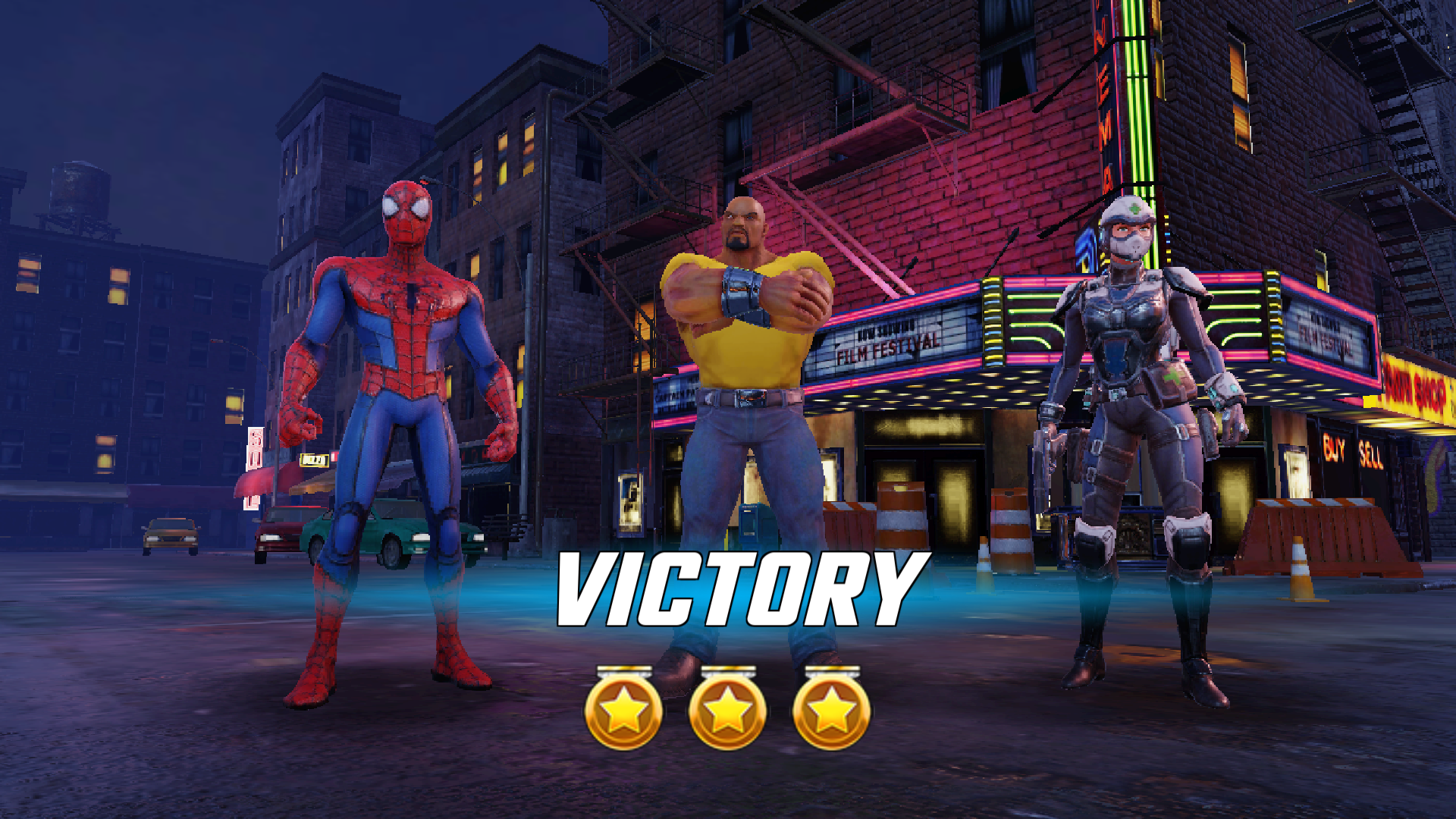
    In the introduction, the game will display Marvel’s logo. At the time of loading, it will feature important characters like Spiderman and Ironman. Similarly, the loading app also displays important villain characters. Then character named Luke Cage will explain the gameplay. After that, a user has to select the squad. After selecting the team, the actual gameplay begins, where a user has to choose play as a different character to defeat the enemies in the arena.

    To give your characters more strength, they have to be tried using the gold bars collected by winning fights. As the game continues to progress more and more missions will be unlocked. The gameplay was smooth for the most part and the background music suits the theme of the game.

    The game weighs at 89MP in the Play Store and it requires additional 200MB of in-app data. Finally, if you are looking for an RPG game, then try the Marvel Strike Force.

    Links to download

    Android 

    iOS

  • Top Free Video Streaming Services

    Top Free Video Streaming Services

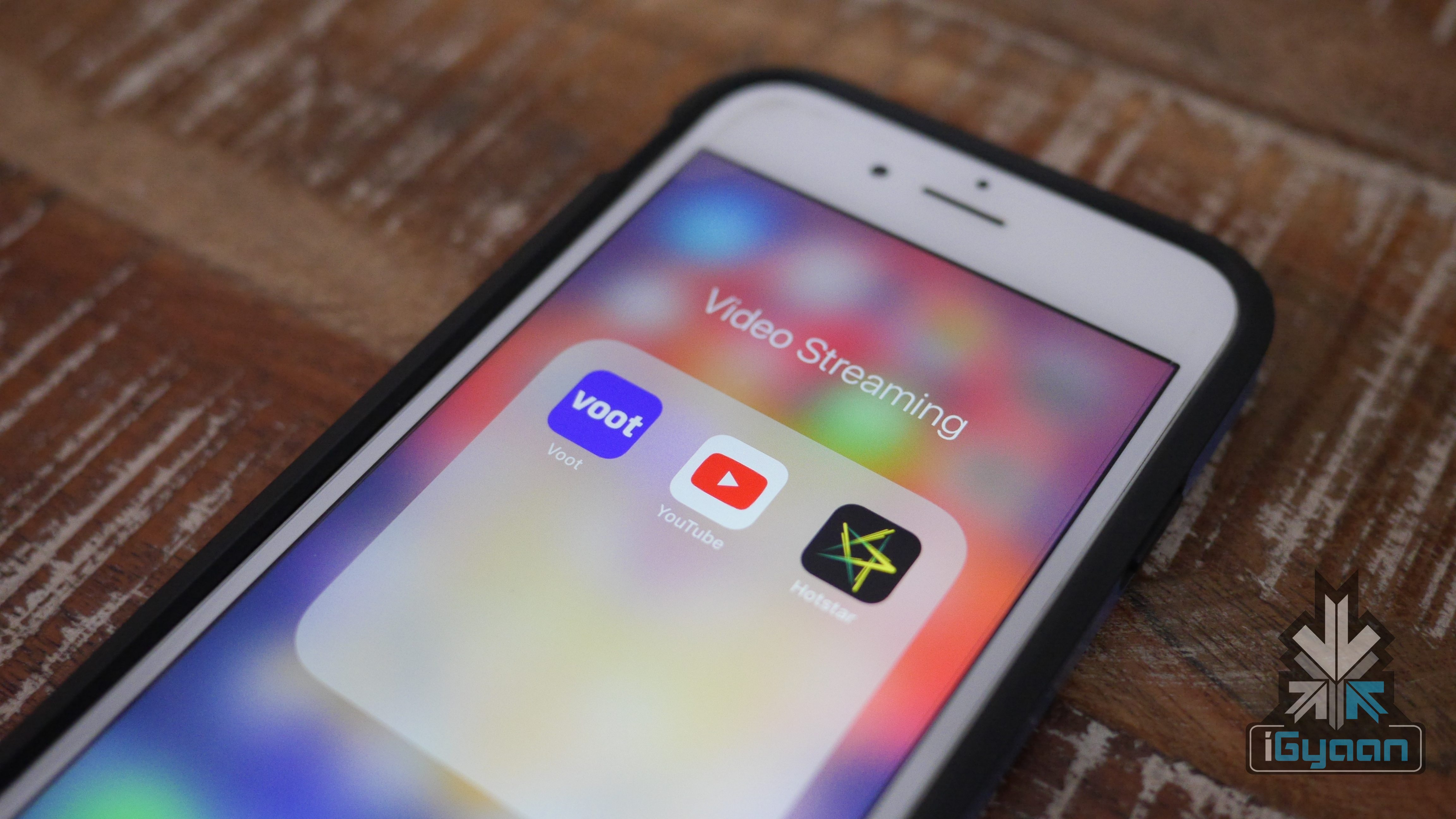
    Streaming services like HBO Go, Amazon Prime Video and Netflix offer a lot of exclusive content. However, a user has to pay a certain amount of money to access these services. Here are top three streaming services available, which offer a lot of content, without charging a rupee. However, as these are free services, these apps generate revenue using in-app advertisements.

    YouTube

    Video Streaming

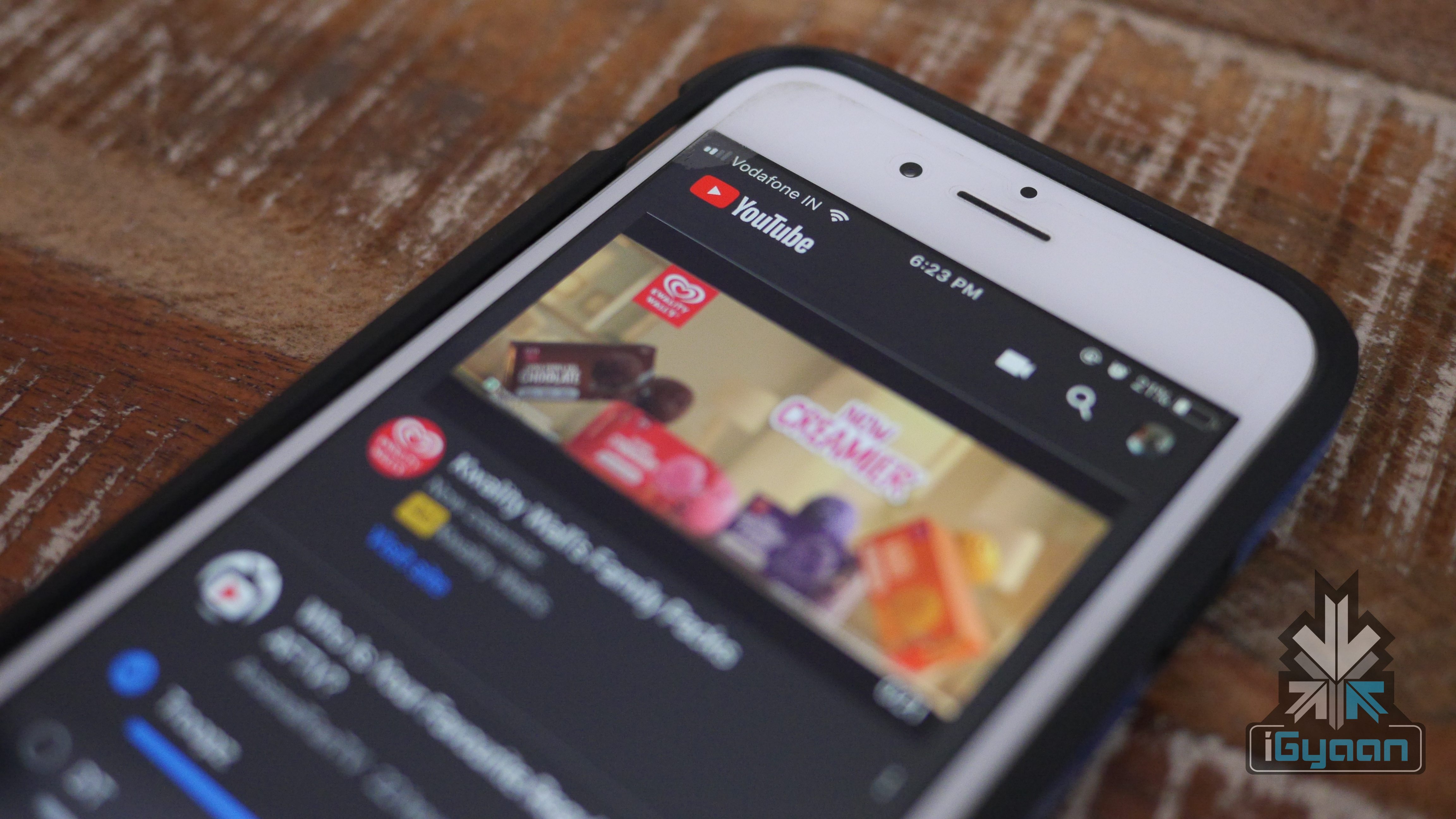
    YouTube is our first choice. In most of the smartphones, the application comes pre-installed. The video streaming service has 1,300,000,000+ hours of content to watch, which gets bigger over the time. One can watch the content using YouTube and can also upload the content for the world. Considering our tech-related work, YouTube is a great platform to learn new things, watching movies or your favourite web series. The app is available for Android and iOS devices. Similarly, one can access this platform literally from any device with a browser and a decent internet connection.
    Links:

    Web

    Android

    iOS

    Voot

    Video Streaming

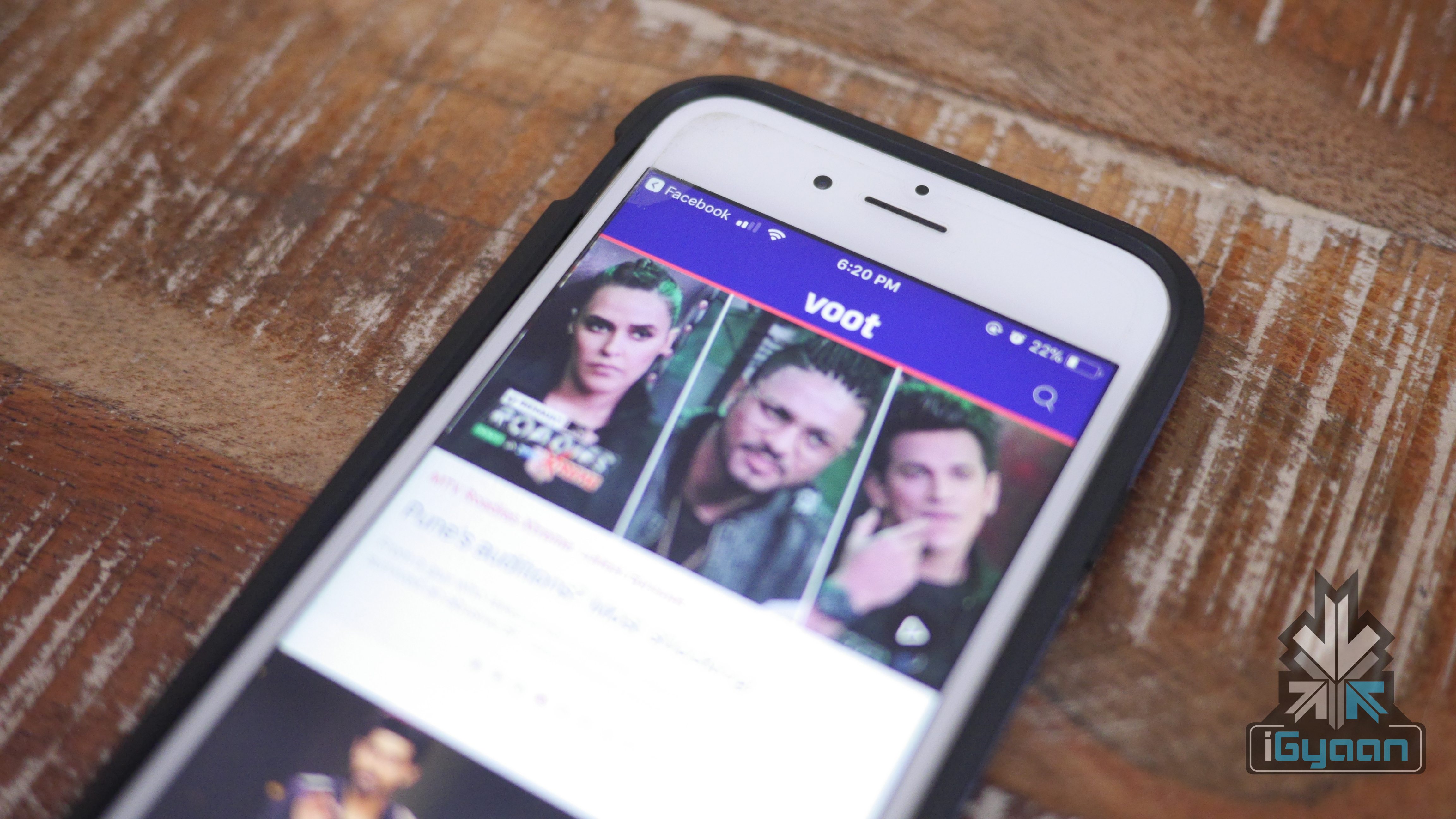
    Voot, the digital platform is a property of Viacom 18. A user can access the content by signing in to the application or can guest watch as well. The main application has two sections, Voot and Voot KIDS. Entering into the Voot section will offer trending shows and programmes. Based on the viewer’s interest, the recommendation list gets better. One can also lock restrict the general content access for your kids using a parental pin. Shows like Bigg Boss and Roadies are some of the exclusive content available on Voot.

    Links:

    Web

    Android

    iOS

    Hotstar

    Video Streaming

    If you are planning to stream live cricket or football match, then Hotstar is one of the platforms which does that for free. The app has a lot of western content and regional content as well. One can stream new movies, new television series from star network. Additionally, you can avail paid membership to access shows like Game of Thrones and Modern Family.

    Links:

    Web

    Android

    iOS

  • Facebook CEO Zuckerberg Promises To Protect Personal Data

    Facebook CEO Zuckerberg Promises To Protect Personal Data

    Facebook has been under the scanner for the past few days. The controversy of Cambridge Analytica has sparked a huge debate about Facebook and its data sharing practices. Apparently, Cambridge Analytica performed work for the campaign of President Donald Trump. It made ads for the Defeat Crooked Hillary Facebook page. Co-incidentally, both the Cambridge Analytica and Make America Number One financed by Robert and Rebekah Mercer, who backed Donald Trump in the general election.

    Mark Zuckerberg’s Statement

    Now, Facebook co-founder and CEO, Mark Zuckerberg has come out and addressed the issue. This post comes in a few hours after the #DeleteFacebook started trending across social media. The long post, in a nutshell, talks about the controversy and Facebook’s stance. While talking about the issue in hand, he also outlined a few steps Facebook will take.

    • Facebook will investigate all apps that had access to user data before 2014. This is because it was in 2015 when Facebook changed its Privacy Policy to reduce data access. The company plans on banning any user that had misused the data. Every “thisisyourdigitallife” user will be informed about their data breach. Every user of an app will be informed about it when Facebook bans that app.
    • If someone hasn’t used an app within the last three months, Facebook will turn off the app’s access to their information.
    • From now on, every app that requires a Facebook Login will only have access to name, profile photo and email address.

    The rest of the press release tells us what we have known already. While the steps mentioned by Zuckerberg do make a lot of sense, their implementation is what will matter. Facebook has already lost over US$ 60 million in market cap. Astonishingly, that is more than the entire market capitalisation of Tesla Inc.


iGyaan Network
Privacy Overview

This website uses cookies so that we can provide you with the best user experience possible. Cookie information is stored in your browser and performs functions such as recognising you when you return to our website and helping our team to understand which sections of the website you find most interesting and useful.