You can always count on Google to come up with something new and useful. According to reports, the search engine giant might be prepping its own app-based taxi service; going head on against Uber. David Drummond, Google’s Chief Legal Officer and a member of Uber’s board, has revealed Google’s plans of developing an app-based taxi service.
GPS-based cabs have a tracking module installed in them which gives real-time location information to the central computers. This helps the companies keep a play by play track of the movements of their vehicles. When a cab request arrives at the call center, it gets forwarded to the cabs in the area. The driver who can make the trip, replies to the request and the tracking begins till the end of your journey. The trackers are part of the tamper proof meters which can give you a printout of the details of the journey and fare for your records.
Recently, app-based services have managed to gain massive popularity, which can be credited to their easy accessibility. Popular services in India include Uber and Ola. This move from Google may jeopardize Uber’s reliance on Google, as the cab service’s smartphone apps for drivers and customers heavily relies on Google Maps.
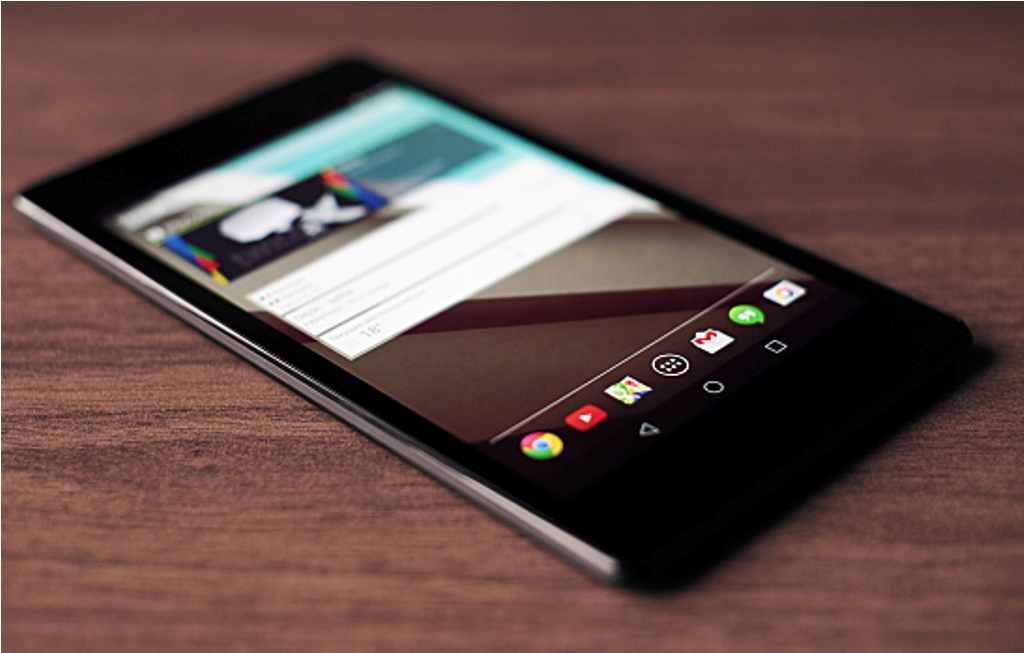
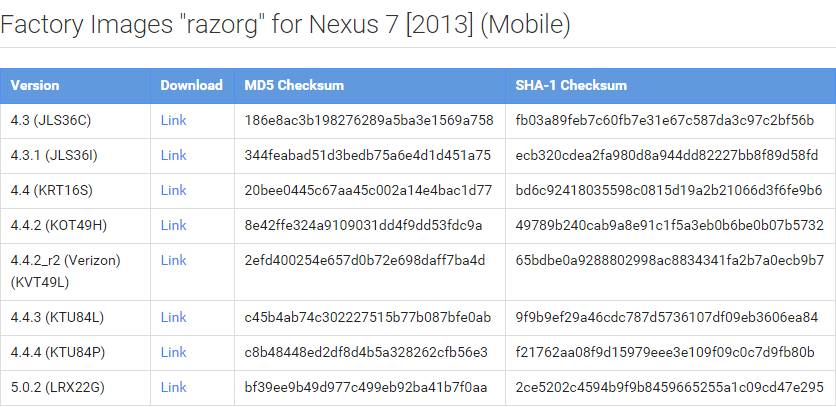
Slowly but steadily, all Nexus devices are getting the latest Lollipop 5.0.2 update. Back in November, Google released the newest version of Lollipop for Wi-Fi only devices, and now the company has started releasing the same update for the cellular variants of the Asus Google Nexus 7 (both 2012 and 2013). Google has posted factory images on its official Developers page.
Users can download and install the update from the Google Developers > Nexus Factory Image.
The recent upgrade comes with build number LRX22G on the Nexus 7 (2012 and 2013) tablets. The company has directly jumped from Android 4.4.4 KitKat to Android 5.0.2 Lollipop, skipping Lollipop 5.0 and 5.0.1.
There is yet no information about the OTA (over-the-air) update and but users can keep a check on it by clicking Settings > System Update. The OTA update is expected to roll out soon.
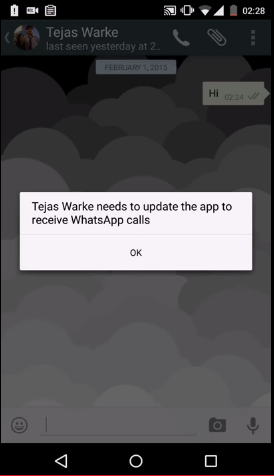
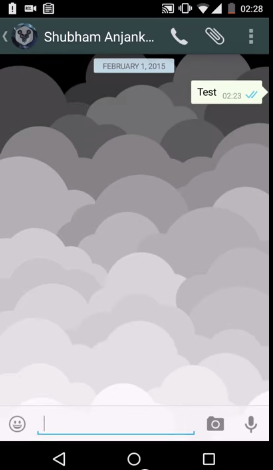
After launching WhatsApp on the Desktop, the instant messaging service WhatsApp has finally started rolloing out the much-awaited voice calling feature to select users for beta testing.
Here are three things you should know about the recently added voice calling tool:
Invite System
As the voice calling feature on WhatsApp is releasing to selected customers, all the users will not be able to enjoy it on their devices as of now. The company said that there is an invite system and a person with the update can send invites to their friends by giving them a call.
Easy calling
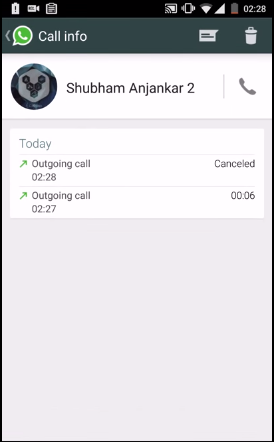
The instant messaging service has kept things simple. Until now there was an attachment option in the chat record of every person, but now a call icon has been added to make a call. Also, there would be an option to put the phone on speaker while calling.
Call Log
If you think you can just make and receive a call, then this may surprise you. WhatsApp has an organised call log system where the app keeps a track of your recent calling history. That means you will be notified of the missed calls as well.
Have a look at this video to better understand the voice calling feature:
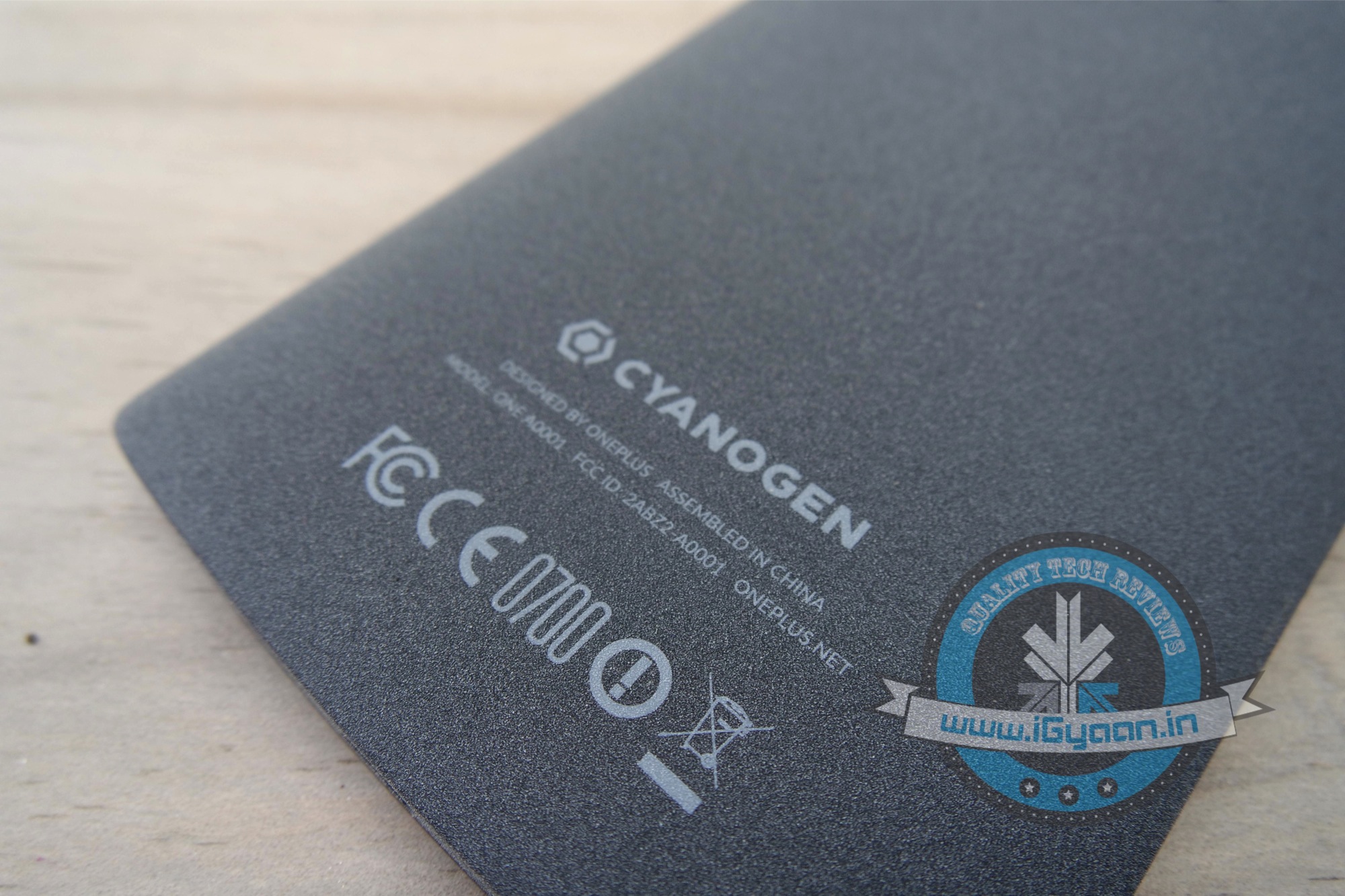
Despite all the discrepancies between Cyanogen and OnePlus, CyanogenMod 12S is in its final stages of testing and ready to roll out for OnePlus Global devices. This implies that most of the phones shipped with CyanogenMod 11 S are still going to get updates in the future. Though an exact date has not been announced yet, since multiple parties are involved.
Lollipop build for @oneplus one has entered QA/QE stage for release! Testing & cert to begin alongside 3rd party partners to meet GMS reqs.
This is quite contrary to OnePlus’ recent announcement that they will be developing their own exclusive software called Oxygen OS. With Cyanogen no longer the partner of choice for OnePlus, there will still be support for all phones that shipped with CyanogenMod 11S.
As most of us are already aware, OnePlus and Cyanogen had a tiff of sorts after Micromax bagged an exclusive deal for CyanogenMod in India. OnePlus One devices purchased outside of India, will get to keep their OS, while devices manufactured specifically for the Indian market will at some point get an update to OxygenOS. Now that is a bit of a bummer for OnePlus One owners in India.
Few days back, Microsoft unveiled the much-awaited consumer version of Windows 10. The company announced that the upgrade will be free for the buyers for one year, but unfortunately, the free deal doesn’t extend to the enterprise segment.
The confirmation came from the General Manager of Security at Microsoft, Jim Alkove, who stated in a blog post –
Windows 7 Enterprise and Windows 8/8.1 Enterprise are not included in the terms of free Windows 10 Upgrade offer we announced last week…
He further added, “Windows 7 Enterprise and Windows 8/8.1 Enterprise are not included in the terms of free Windows 10 Upgrade offer we announced last week, given active Software Assurance customers will continue to have rights to upgrade to Windows 10 Enterprise offerings outside of this offer – while also benefitting from the full flexibility to deploy Windows 10 using their existing management infrastructure.”
The company wants to attract more business for upgrade and has rolled out two new operating system service plans for firms to get updates. These are Long Term Servicing Branch and the Current Branch for Business.
The Long Term Servicing Branch is designed for the companies who don’t require all the features and plan for long-term installation. To such firms, Microsoft will dispatch security and critical updates. On the other hand, Current Branch for Business, is what Microsoft hopes most companies will opt for. In this, critical patches and security fixes will be installed automatically, and IT people will be able to experience many new features.
The news is no surprise as Microsoft aims at making profit from Windows 10 and business sector is the primary source from which it produces maximum revenue.
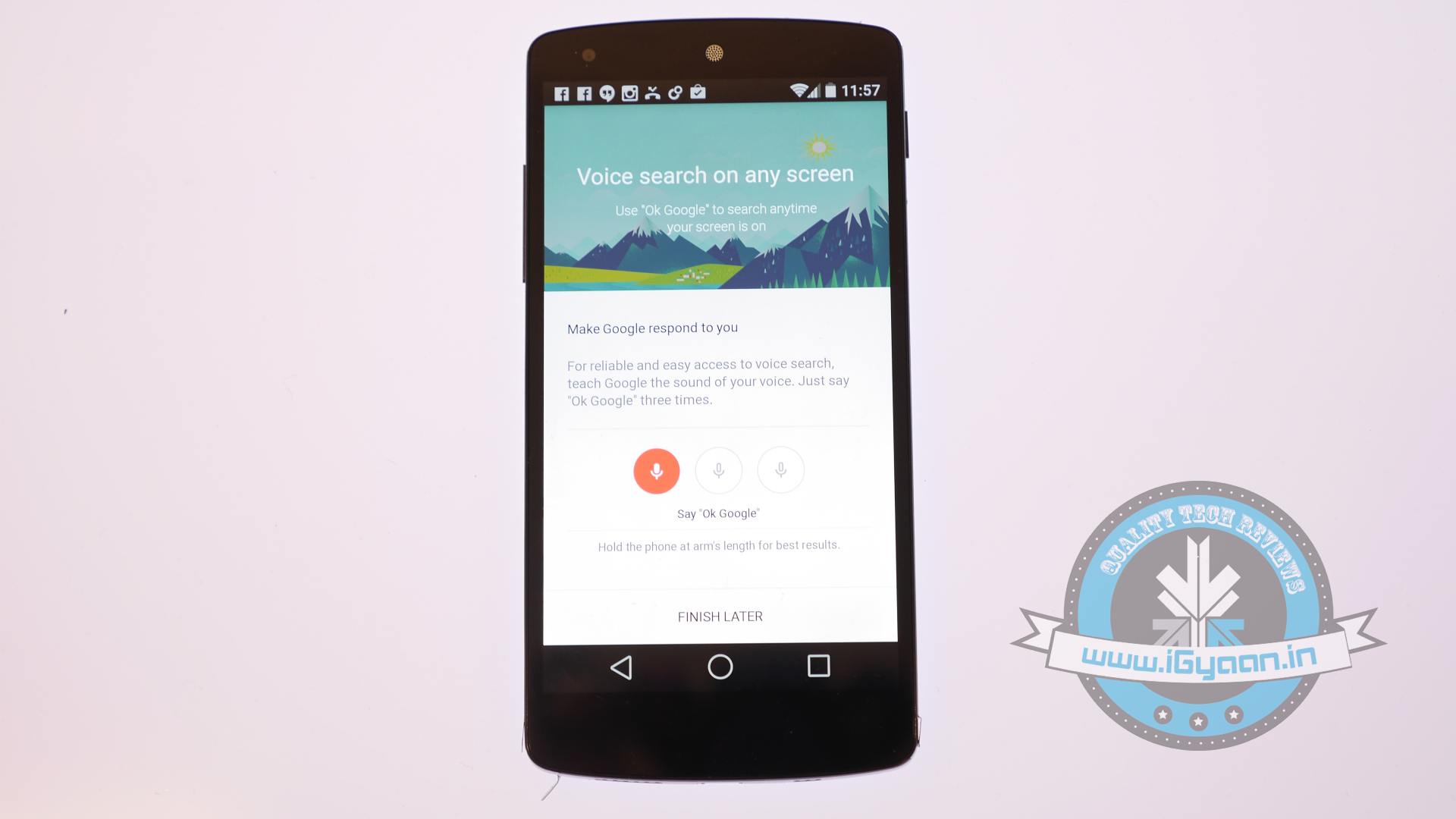
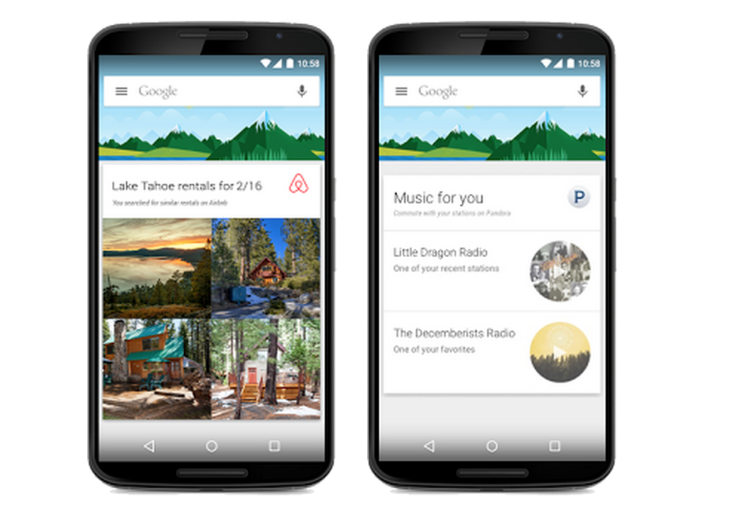
Google Now, the service which focuses on bringing real-time information to your mobile device including traffic updates, scores, stock changes, travel times, your flight status, got a notable update today.
The new update brings the information from over 40 Android applications, in order to show things like last-minute hotel deals to home-buying tip. The update integrates popular apps like Trip Advisor, Book My Show, CricInfo, Lyft, Ford, Runtastic and many more.
The integration is optional, too, and you’ll be able to disable it from Google Now’s settings once the update is available on your device. Earlier, Google Now could pull lots of data from other apps through the email notifications they send you, but this direct app integration is new.
The new card-based feature only comes with a third-party app download, of course. You wouldn’t see a Lyft notification without the Lyft app installed. If you’re curious what you might end up seeing, Google has a full list of the new cards which is linked in teh source below.
The update makes Google Now very powerful. Google’s idea behind all of this is that you should get the information you need when you need it, without even having to ask for it. Obviously, there are some privacy concerns related to this update, but Google assured that no private information will be shared with third-party applications.
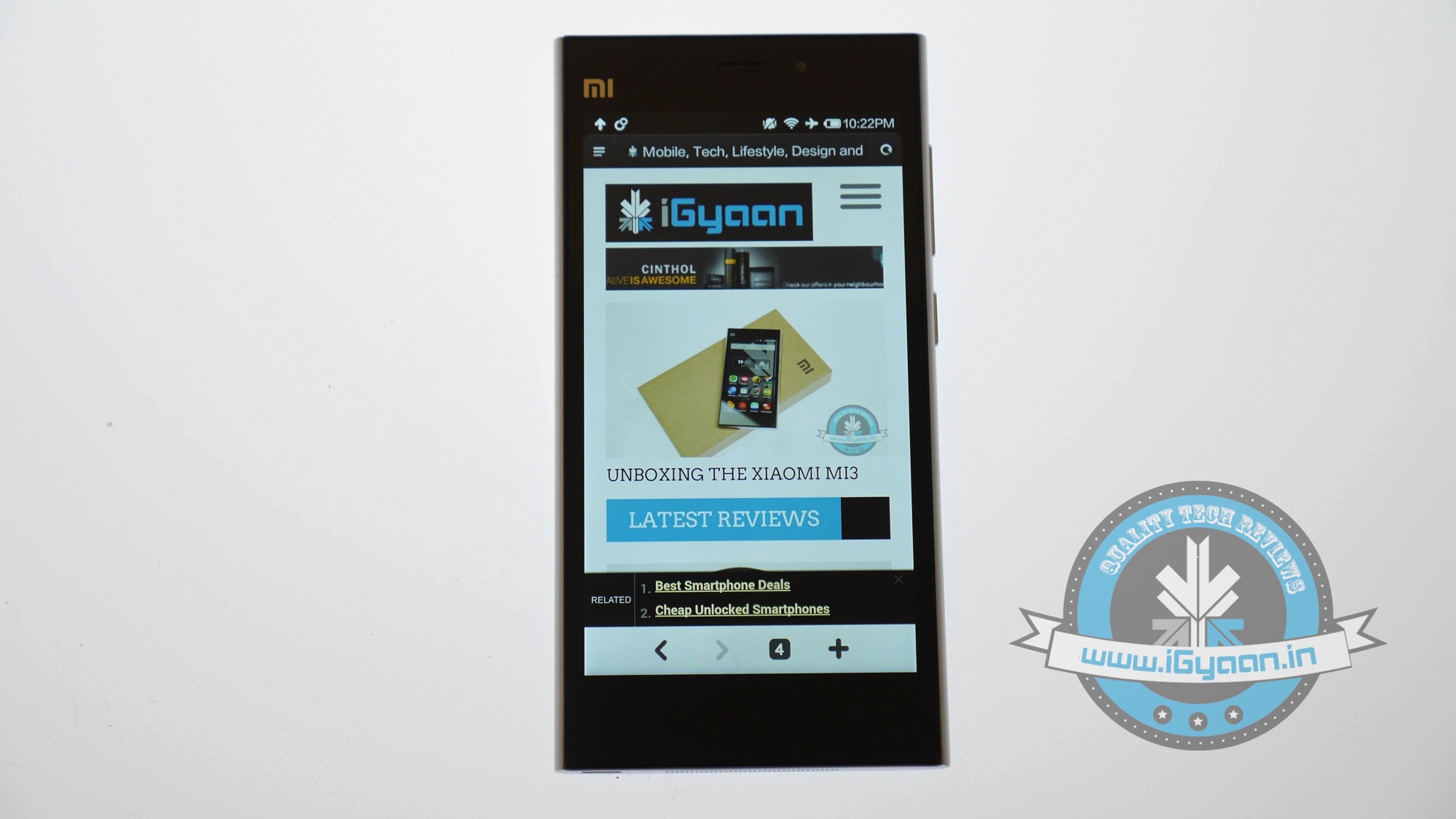
A couple of days back, Xiaomi launched its flagship device Mi 4 which comes with the latest MIUI 6 update. The company announced that it would soon roll out the update for Mi 3 based on Android 4.4 KitKat in India, and the company has kept up its promise.
Xiaomi has released the update for the Indian Mi 3 users, and one can download it from the official Forum page of Xiaomi. It will take some time for the OTA update to appear on the device. Meanwhile, other models like Redmi Note 4G will receive the update by February, while it will reach the Redmi 1S and Redmi Note 3G by March.
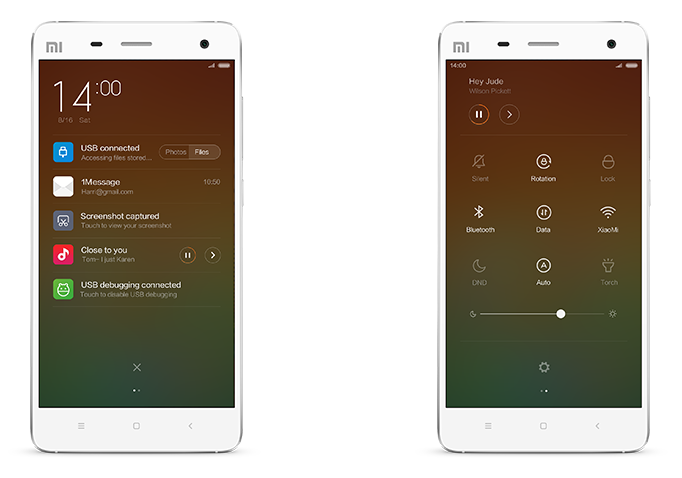
The new MIUI 6 has some fantastic features that are simple yet beautiful. The key features of the new Mi User Interface are Motion, Colour Content, Customisation and Security. Also, it introduced animation to apps like Clock, Weather, and Device unlock, etc.
The Dialler has been tweaked to give it a clean look. Now, users can identify unknown numbers, and avoid fraudulent and sales calls. There is a brand new notification panel that has toggles for convenient on and off. Also, the Notifications is divided; so one can classify important and unimportant as per preference. Also, it facilitates you to access notifications through the Lock Screen itself.
The MIUI 6 adds more than 5,000 themes and powerful tools to achieve more in less time. The Calendar has been improved to subscribe your interests ranging from games, holidays to TV shows and more.
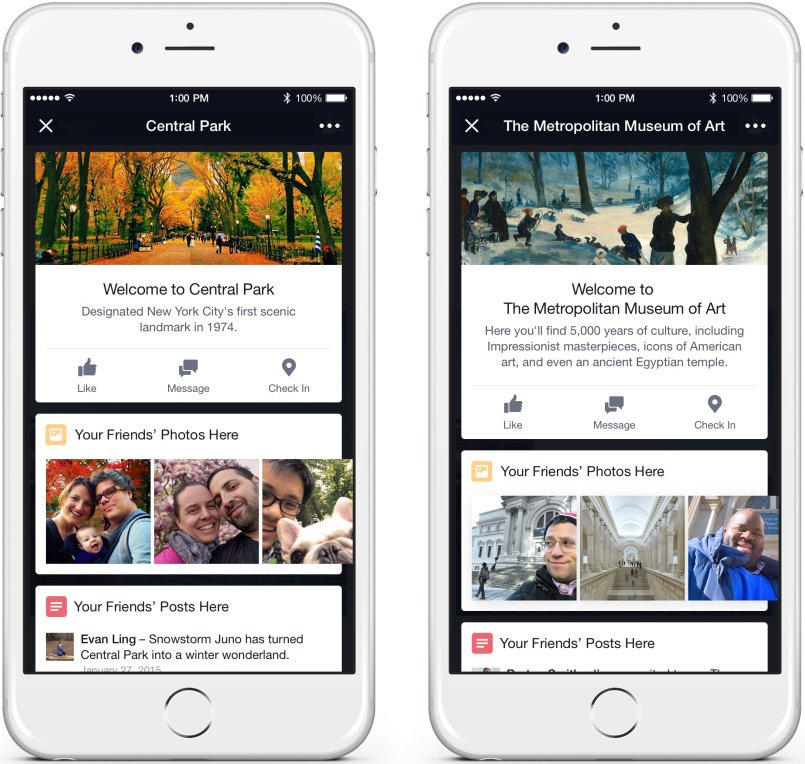
Facebook has introduced a cool new feature to keep things exciting for its massive user base. Recently, the social networking site announced a new tool called Place Tips which will give location-based suggestions to the user posted by friends like Photos, Notes and Status Updates.
The feature designed for the mobile app uses the location of your phone. When you move around with your internet connection on, the Facebook Place Tips will draw on the posts by your friends and will keep them at the top of your homepage. So, when you enter a famous place next time, you will see the posted photos by your friends.
The best part is that it’s optional, and one can disable it anytime by denying Facebook access to your location. The feature is currently in testing mode and is only available for iPhone users as of now.
The company said that however it uses your location to provide information,but doesn’t share it publicly. The company wrote in its official blog post –
Place tips will show you fun, useful and relevant info about the place you’re at.
Nailing down the exact location of a person in a densely packed city is not easy, and Facebook has found out a solution to that problem as well. The company say that it is developing Facebook Bluetooth Beacons (a type of transmitter). These beacons will be deployed at seven places in the New York – Dominique Ansel Bakery, Strand Book Store, The Burger Joint at Le Parker Meridien Hotel, Brooklyn Bowl, Pianos, the Big Gay Ice Cream Shop, and Veselka. So, when any person using Facebook reaches any of these stores, the company will be able to identify the exact location.
The app works for restaurants as well. If you visit a restaurant, the new tool will eliminate the need of looking at the menu card and will showcase all the popular menu items and upcoming events, along with your friends’ posts. That’s something for which we can consider it a bit useful. Other than that, it will also give building recommendations, making Yelp and Foursquare less functional. It would be interesting to see how users respond to the new initiative.
In a surprising round of rumors, The Wall Street Journal has reported that Microsoft is putting money into Cyanogen. According to the report, Microsoft may invest in Cyanogen and strike a commercial partnership. While the companies are discussing the deal, Microsoft has not committed to an investment.
Bloomberg also reported that the two companies are in negotiations to create a version of CyanogenOS that features Microsoft’s services. The deal seems quite similar to what Nokia did with the X series (smartphones running a heavily customised version of Android), which Microsoft killed back in July, 2014.
The investment would be unusual, because Microsoft offers its own Windows Phone operating system. But Windows Phone has only about 3% market share, which may be prompting Microsoft to consider unconventional steps.
Back in October 2014, some reports claimed that the Cyanogen CEO Kirt McMaster shrugged off Google Senior Vice President of Android, Sundar Pichai’s interest in purchasing the company. The interest of these tech giants in the hot start-up is natural, considering the popularity and enormous community associated with the company.
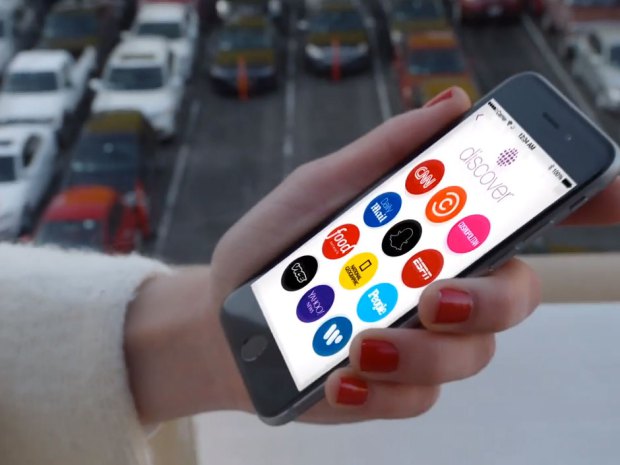
Snapchat revamped its whole interface with a massive new update. Well, many are heartbroken after the update removed the ‘Best Friend’ feature. However, there is much more to it than that. Snapchat has added a new ‘Discover’ tool which seems like the beginning of a whole new chapter in the way we consume content online.
We are listing all the changes and new features of the updated Snapchat.
1. Discover Tool
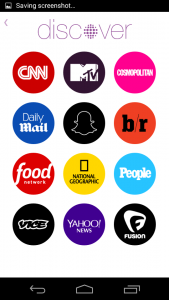
This is the most major change in the app, affecting both the users as well as companies directly. The Discover tool is more like an online magazine than a social media platform. It is intended to feed Snapchat’s young audience a daily flow of content from major media companies. Imagine Flipboard combined with Snapchat.
The discover tool features full screen photos and videos, awesome long form layouts, and gorgeous advertising. Discover seems like it will act as an always-on Snapchat “channel guide,” focused on delivering users advertising.
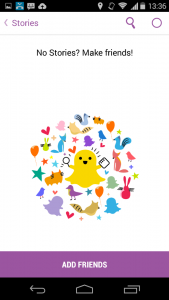
How to Use it: To open the tool, swipe left to open the story page, on the top right side of this page there is a small purple dot. Clicking on it will take you to the Discover homepage and users can select the outlet they wish to view with a simple click. From here you are taken to the available content and swiping left or right allows you to check out everything they have to offer. If you like what you see, it is as simple as swiping up to view extended content such as videos, text and photos. Once you have finished exploring, all you have to is swipe down to return to the homepage of Discover.
2. The Absence of the Best Friends feature
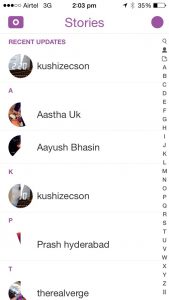
This one caused teens everywhere to flip out of disappointment. The update quietly removed everyone’s Best Friends list. The Best Friends feature was simply a list of people who a user interacted with the most frequently on the app. It’s similar to Myspace’s Top 8 friends, except users can’t control who shows up on their list. Best Friends lists were previously public, so that anyone in a user’s Snapchat contact list could see who they were sending the most snaps to. With this new upgrade, this list became private.
Another new addition, instead of the long list of friends, there are only the recent updates visible, reminiscent of Blackberry’s BBM messenger updates.
3. QR Snaptags
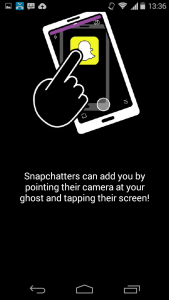
One more BlackBerry-like feature is the new ‘Snaptags’. This creates a unique QR code for every Snapchat user. When someone points their Snapchat camera at a Snaptag, the app adds the corresponding person as a friend. All you have to do is swipe down on the landing screen and it will show your QR Snaptag. This not only easy but also a great way to fetch more followers. There is a whole community of creators who use Snapchat Stories to entertain millions of fans. They can easily toss their Snaptag up on Instagram, Twitter or Facebook to score more followers.
After the much hyped ban of OnePlus in India due to Cyanogen turning its back on the company, the cult-favourite Chinese smartphone maker started working on its own Android release for its phones.
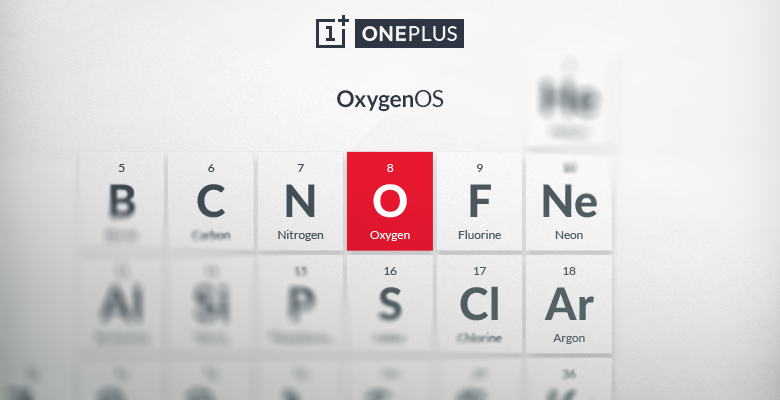
Back in mid-December, OnePlus announced that it would hold a contest to determine the name of the custom Android ROM that it’s working on. Now, in a recent blog post, the company announced the name of the its custom Android ROM, the ‘OxygenOS.’ Announcing the new name, Brandon H (Forum Administrator for OnePlus) said in the official forum post:
We realized that, like everything we do, our true goal is to make the product that we ourselves would want to use—to make great technology more accessible for everyone. With our ROM, that means software that is open, customizable, and free of bloat and unnecessary features.
The company says that it likes this name because the element oxygen “is the epitome of simplicity, yet it’s also extraordinarily powerful,” going on to say that oxygen is everywhere, is part of everything that we do, and is an important building block to other “amazing things”.
The new Oxygen OS will be based on Android 5.0 Lollipop, and OnePlus had already released the alpha version of Oxygen OS few weeks back which was basically just the stock AOSP version of Android 5.0 with no other customizations. There is not too much detail available on the OxygenOS as of now, but OnePlus says that more details will be shared on February 12, so it won’t be long before we learn more.
Lately, the smartphone market has seen number of companies developing both smartphones and their customized operating system. Xiaomi was one of the first company which was commercially successful in doing this. Cyanogen has risen to prominence with its high profile tie ups with Micromax and OnePlus with its bloat free software.
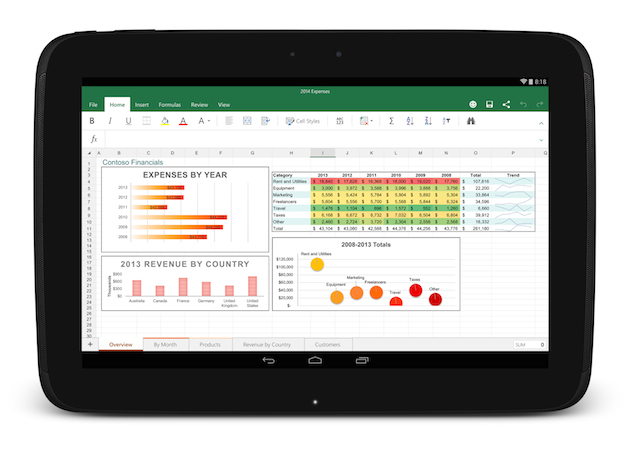
After two months of beta testing, Microsoft has released the final version of Office for Android tablets. As with the iOS apps launched last year, Office is essentially free to use on Android for most consumers, though certain premium features and business functionality require an Office 365 subscription.
The list of requirements to use the app include having a tablet that’s 7-inches or larger that’s also running Android 4.4 KitKat or newer. They also need to have to have an ARM-based processor and 1GB of RAM or above.
All of the Office apps have a similar home screen. You can store your files either locally on your device, on your Microsoft OneDrive account, at a SharePoint location or on Dropbox. Once you sign in you’ll automatically be signed into OneDrive so you can sync files between devices, but the apps also feature Dropbox integration if that’s the file syncing solution you prefer.
The one thing the new Android version of Office lacks is support for phones, which are still stuck with the older, more limited Office Mobile. The recent flood of Microsoft apps is a part of the company’s plan to put Office apps on all the popular devices whether they are running on Microsoft’s OS or not.
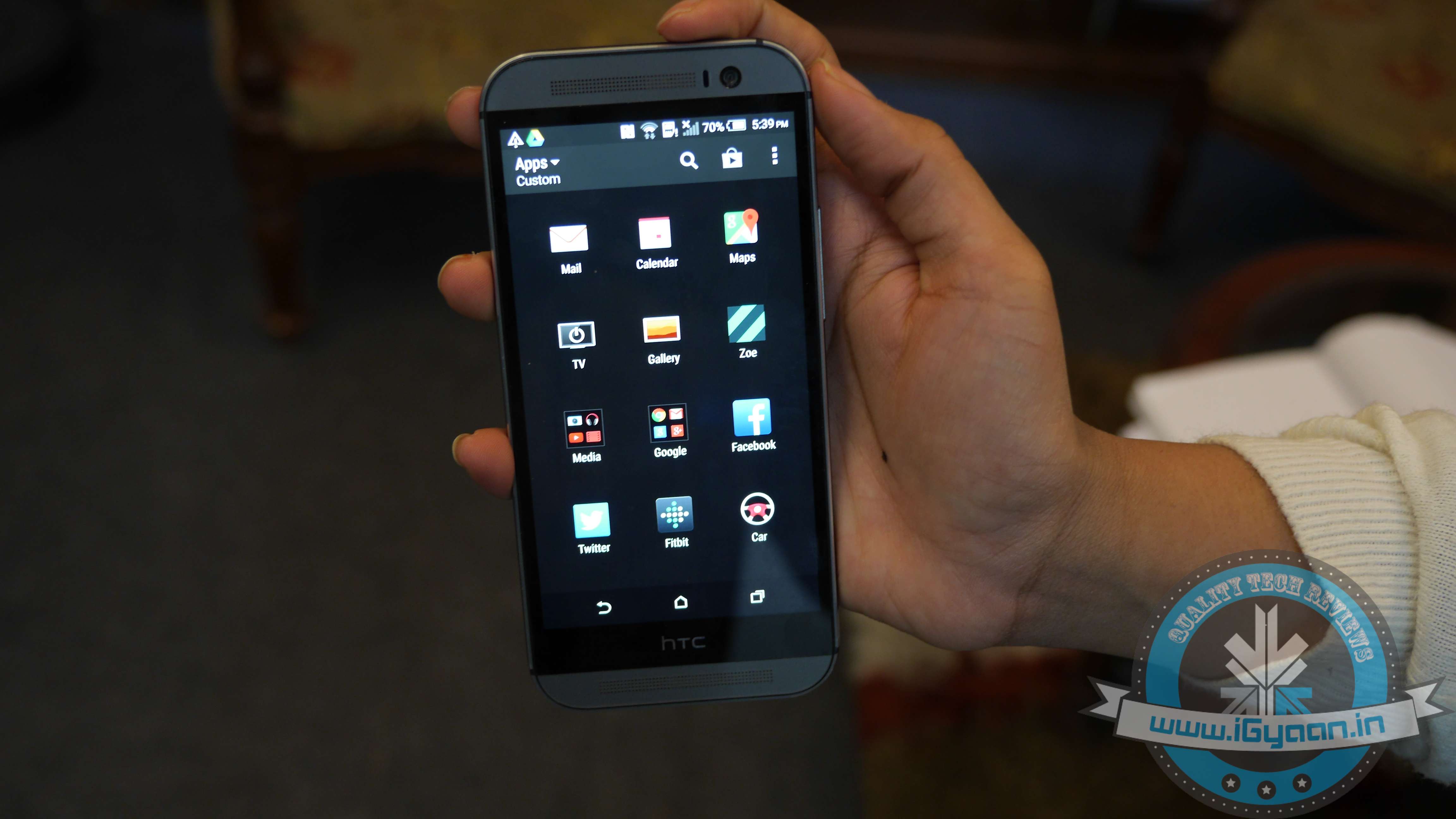
HTC One (M8) owners can now rejoice as the Lollipop version of HTC’s Sense is rolling out. The roll out began today (28th January) and is likely to hit the majority of One (M8) users in the following days. We were lucky enough to get the update on our HTC device.
Weighing in at the hefty 780MB, the update will probably hit your device in the following hours. Among its more notable new features is the revamped notification drawer/quick toggle settings and the recent tasks switcher, which have been inspired by the Material Design guidelines
The majority of improvements make the UI more fluid and snappier than ever before. We are listing top changes in UI of HTC One (M8) with the Lollipop update.
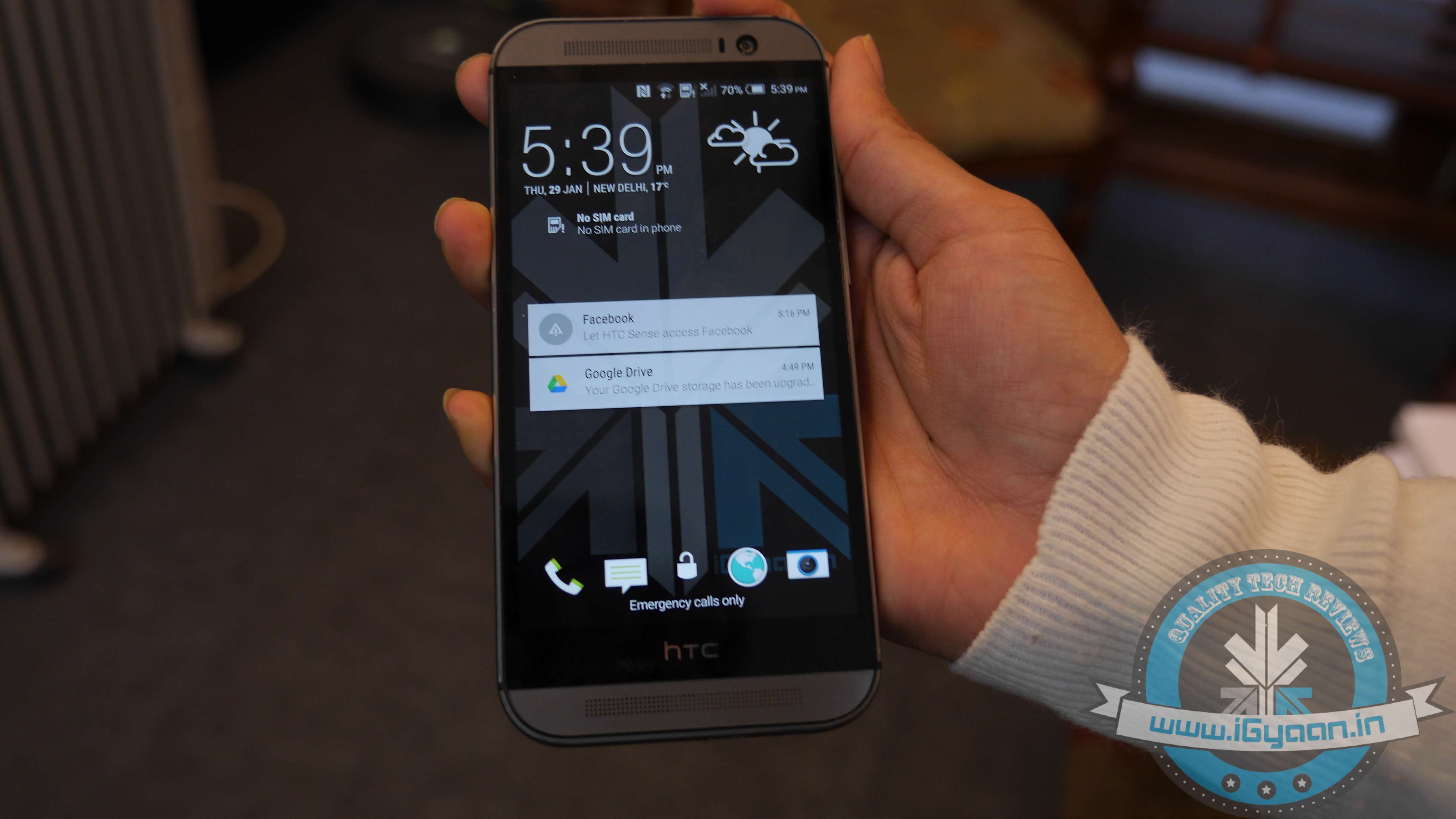
1. Lock screen
First and foremost, your lockscreen is going to look more sleeker and polished with the Material Design-inspired UI. Just like in stock Android, swiping dismisses the notification and double-tapping it opens the corresponding app. Apart from the slightly dimmed lock screen wallpaper at the bottom, you are also treated to an estimate of how long it will approximately take before your phone’s battery gets drained. The lock screen shortcuts at the bottom are untouched.
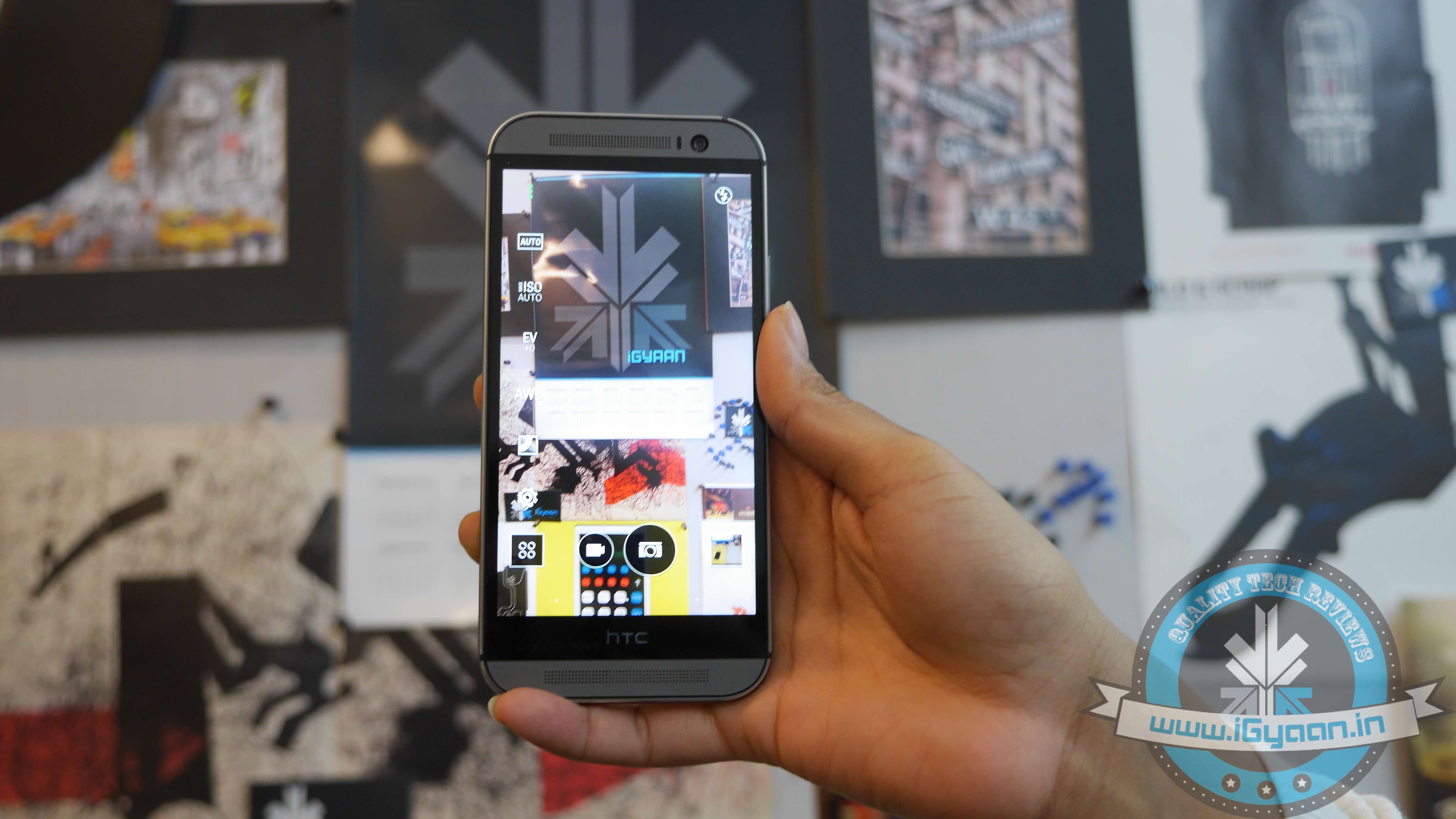
2. New Camera Features and Weather app
The new update adds some camera features such as the Auto Selfie mode, along with some Zoey features as well. The HTC weather app has been removed and replaced with the AccuWeather app.
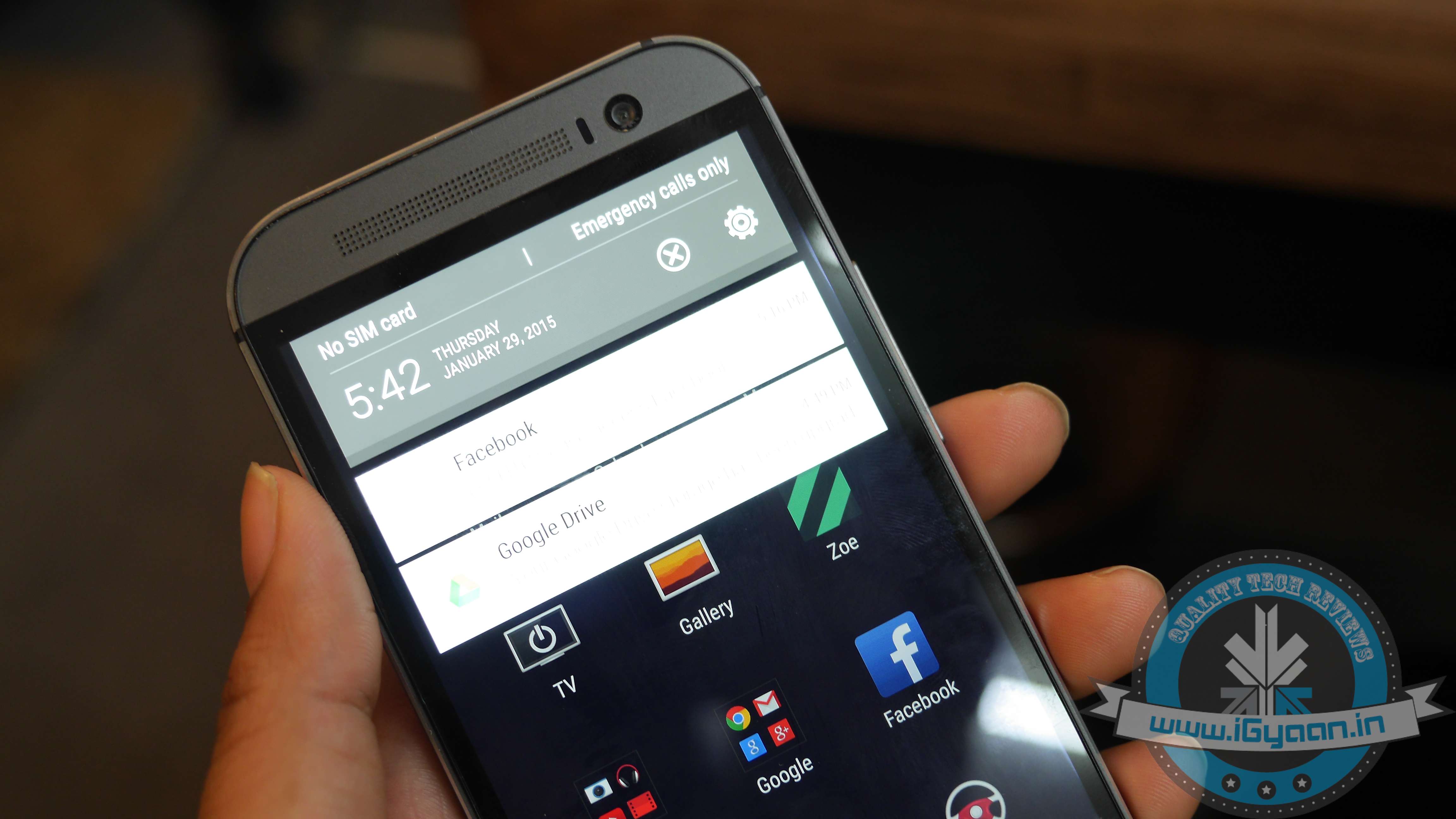
3. Notification drawer
The Lollipop update of Sense 6.0 has adopted a revamped stock Android notification centre. The One (M8) drops the separate side-by-side screens (one for your notifications and the other one housing your quick toggles) and now comes with a slightly revamped Lollipop drawer. A single swipe brings down your notifications, while an additional one reveals the quick toggles shade, which has got a prominent Material Design makeover.
4. Recent App Switcher and Menu
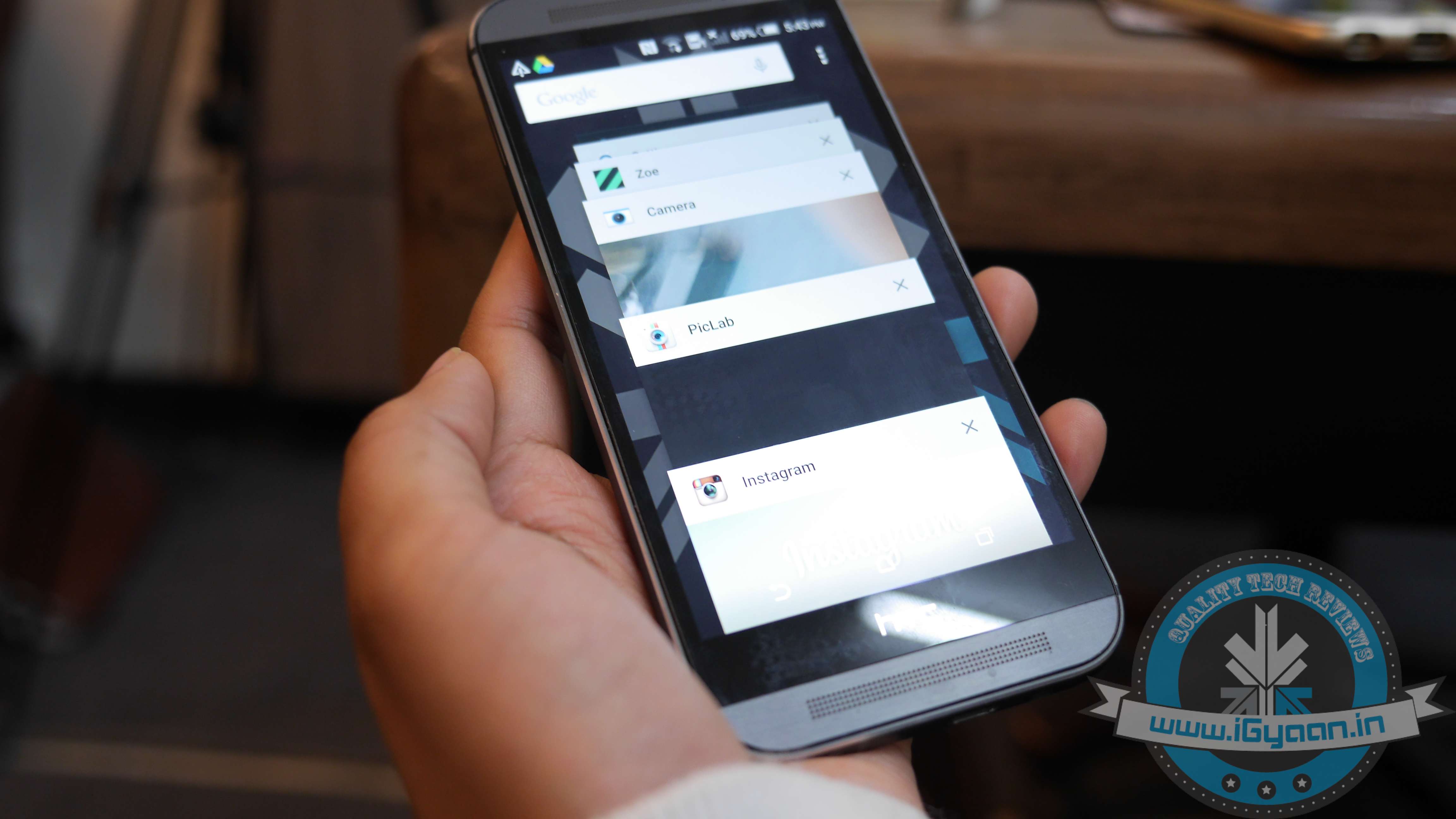
The app switcher has undergone the most drastic change. Instead of the more classic, Sense UI-like grid menu with your recent apps, you will get the carousel-like menu inspired by the Material Design guidelines.
5. Settings and Battery Menu
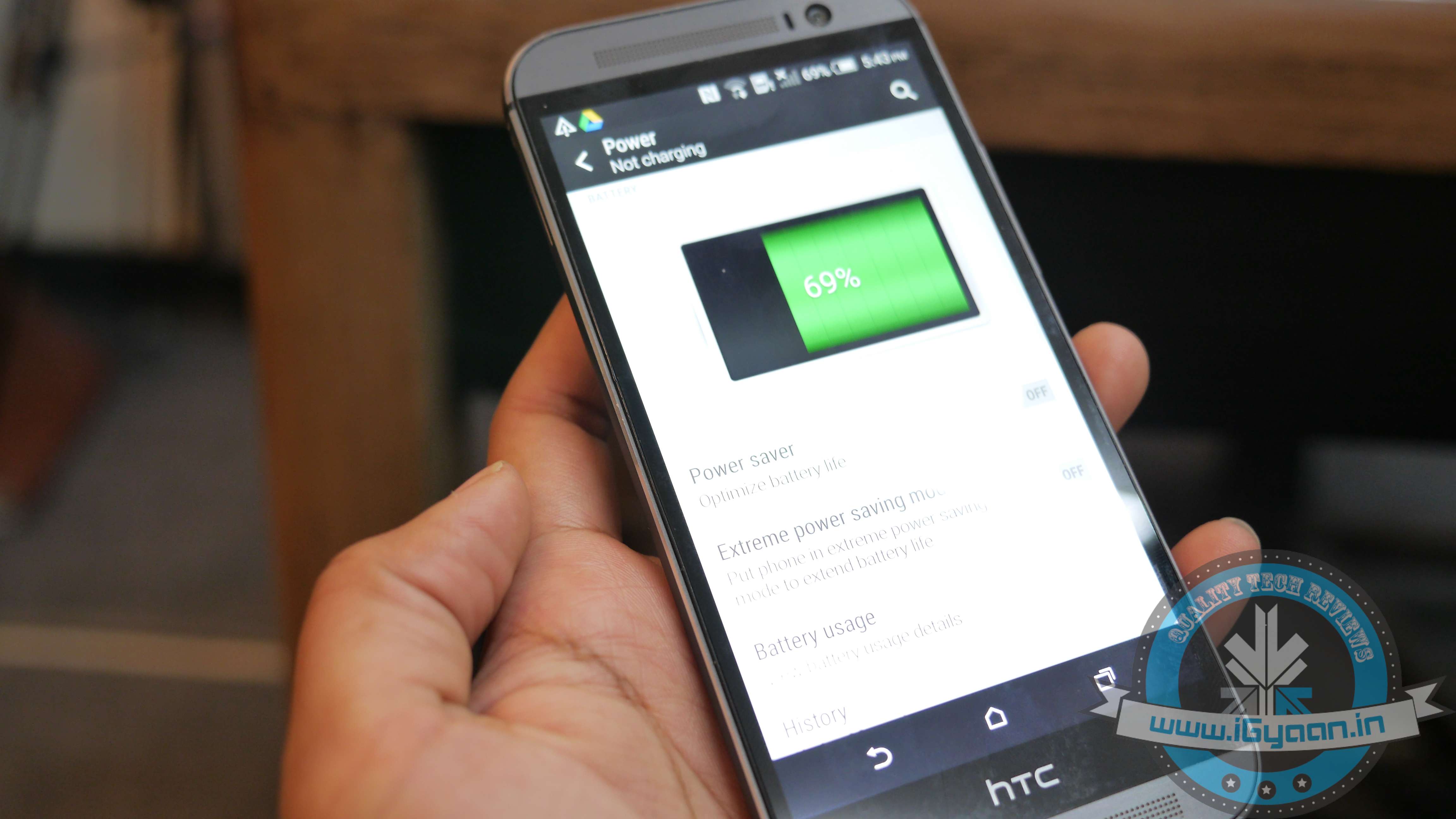
The setting menu is untouched but with one very important addition – a search button in the upper right corner of Sense UI’s Settings. This probably may go unnoticed but adds the ease to search things in the Settings menu. Another noteworthy improvement can be found in the battery consumption menu of the Lollipop-based Sense UI. It’s pretty similar to the one in stock Android. It now provides you with a more in-depth breakdown of your battery usage. Apart from this, the Running Apps menu hidden in Settings has also been improved. It now displays a much more user-friendly breakdown of the current state of your 2GB of RAM, separating the system from the user-installed apps.
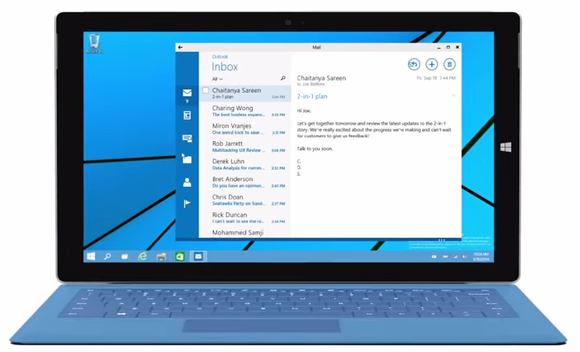
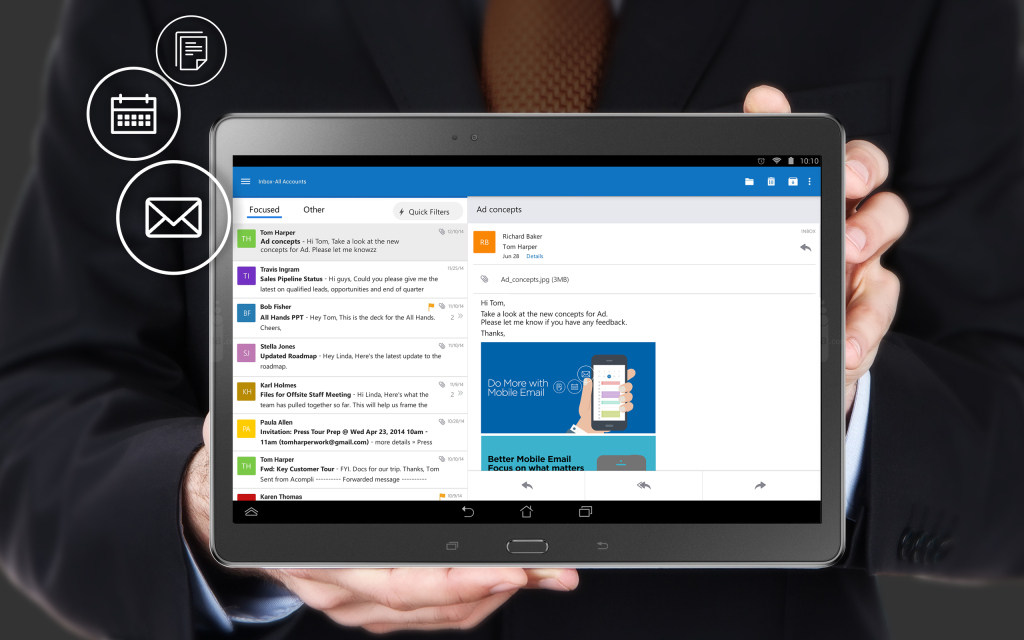
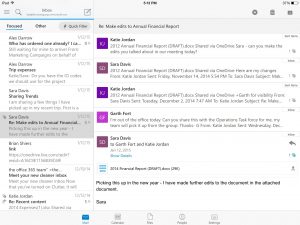
Matching Google at its best game, Microsoft has brought a fully featured version of Outlook to iOS and Android today. The new app is based on the application it acquired, called Acompli, last December.
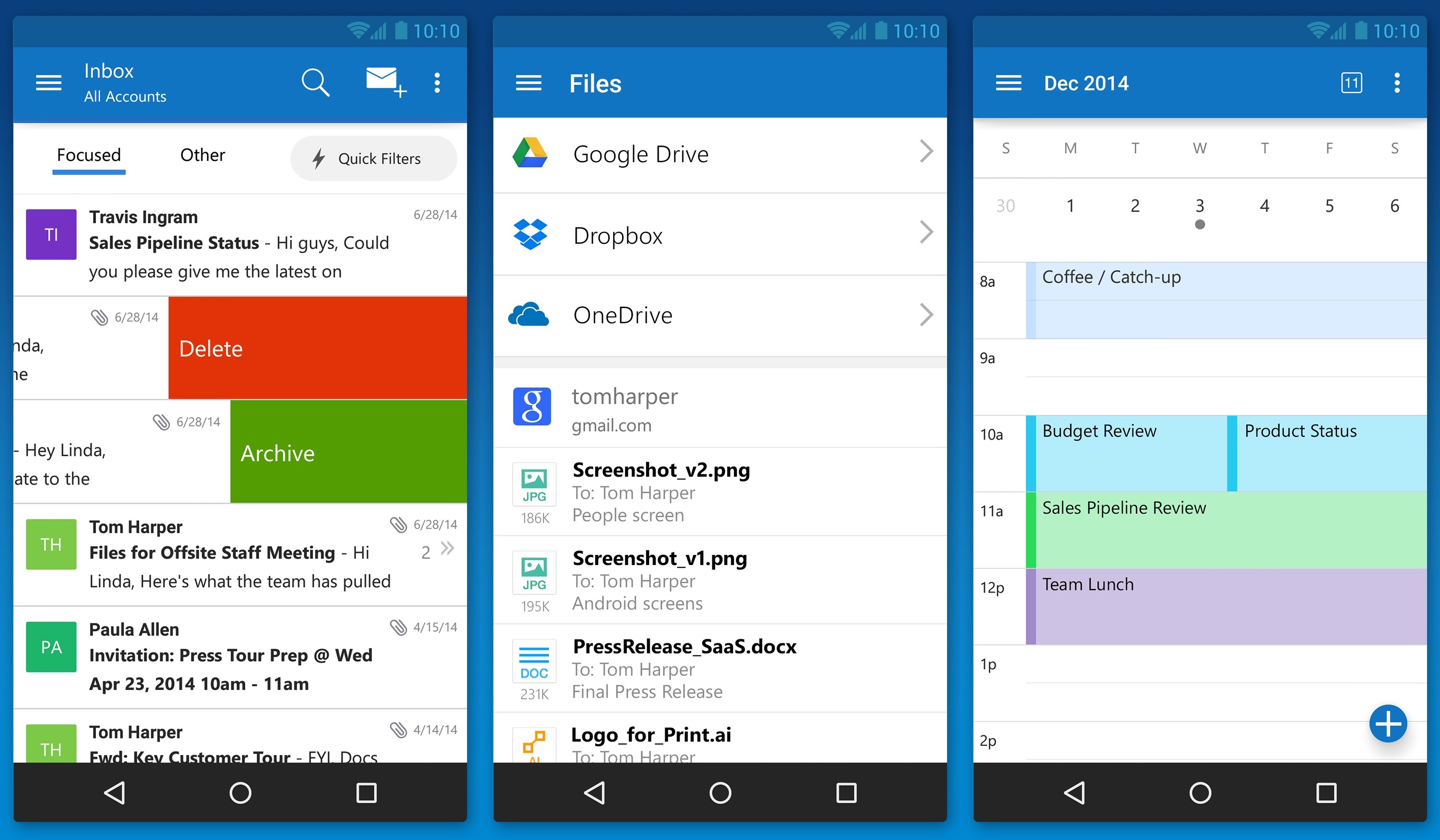
Julia White, General Manager of Microsoft Office said that the Acompli team has already been integrated into the Outlook team, and today’s launch is a direct result of that. Acompli aimed to set itself apart from other email clients by focusing on multitasking. The app included a built-in calendar and features that made it easier to find attachments and contact information without digging through your inbox, all of which have now been carried over to the new Outlook-branded apps.
Surprisingly, Microsoft is keeping powerful features such as integration with Google Drive and Dropbox. This ensures the same quick access to calendar, contacts, mail, and files; just like the desktop variant of Outlook. In the long run, these new apps will replace all of Microsoft’s current range of Outlook apps such as Outlook.com app for Android and OWA apps for Android and iOS.
The new Outlook app experience will also carry over to the touch-optimized version of Outlook for Windows 10. As with Microsoft’s previous Android app releases, the first version of Outlook for Android will come with a “preview” label as Microsoft looks for feedback from users with different types of devices.
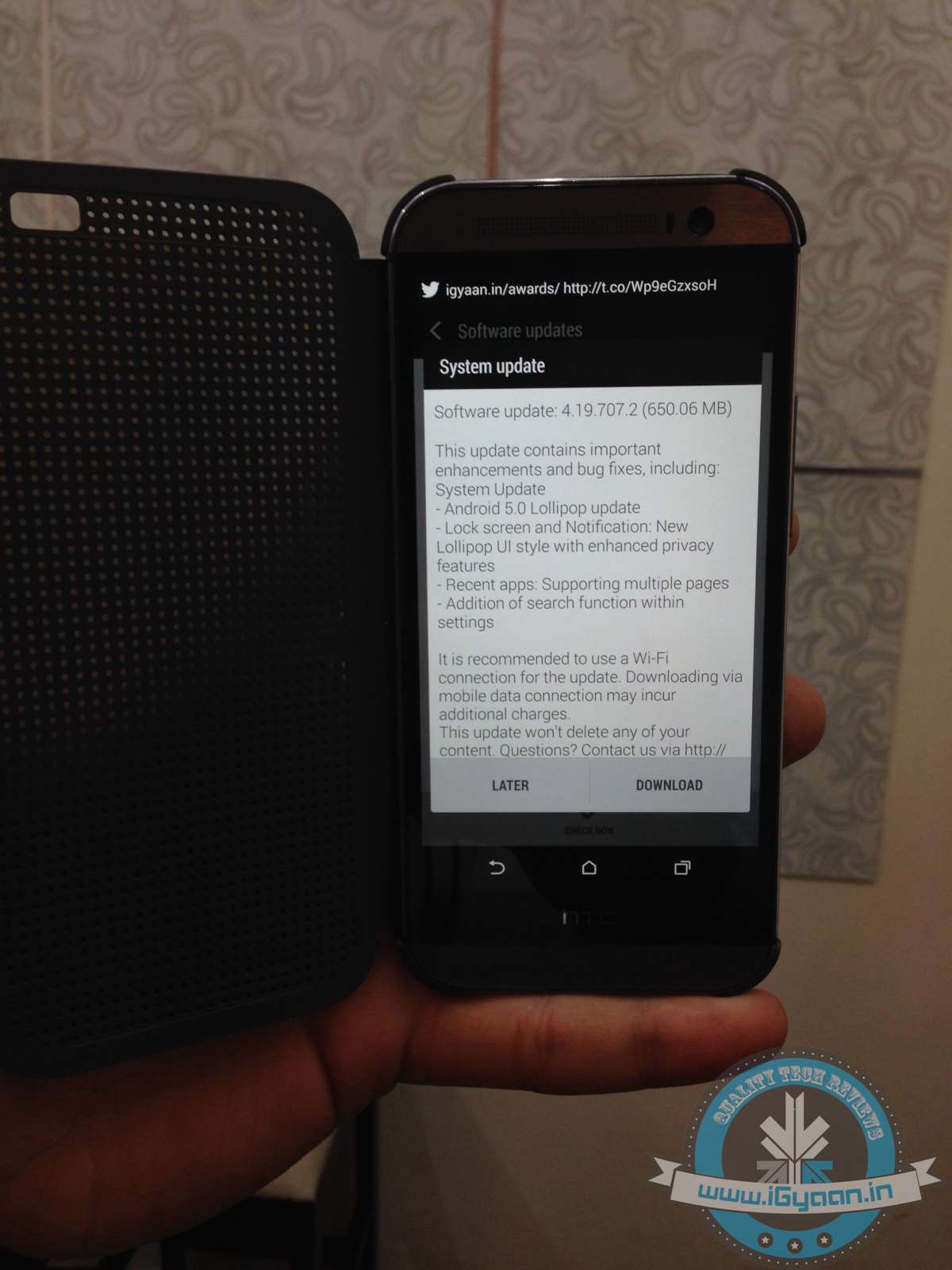
Few days ago, it was announced that HTC One M8 users of Europe had received the Lollipop update. Now, without any further delay, the company has started rolling out the same for Indian users as well.
The update will automatically pop up if you are connected to Wi-Fi. But if you’re not on a Wi-Fi connection, you can still do it manually. Go on to Settings > About Phone > System Update.
With the news of Android 5.0 Lollipop coming for European users, Indians were anticipating it to come out within a span of days. The users can now enjoy the added fluidity, improved natural touch screen interactions, Material Design and lot many other features.