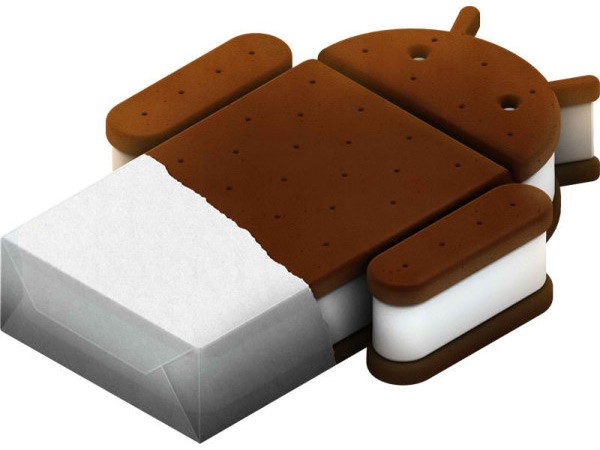
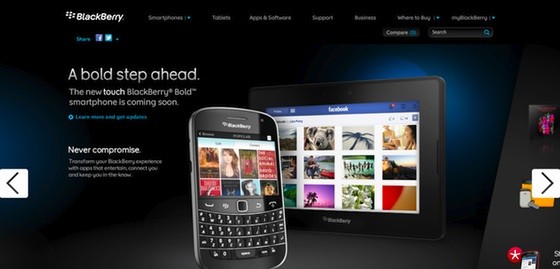
Google has just officially announced that they are working on the next build of Android that works together on all devices. In their own words “One OS that runs everywhere.” This OS will adapt to its device identifying the smartphone from a tablet and customizing itself to fit the bill properly. The launch of ICS is scheduled for Q4 2011.
Category: Apps and Software
Games, Apps, Softwares, Operating Systems and Software Hacks
-

Microsoft Acquires Skype for US $8.5 billion (PR)

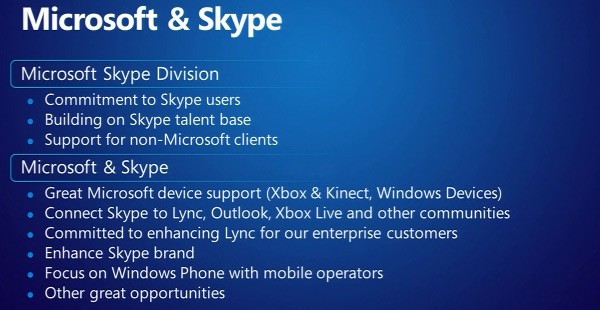
Microsoft and Skype have made it official , The Mega Software/Hardware giant has acquired the Video Chat mega-enterprise for a whopping 8.5 Billion (Yes BILLION) US dollars. There is also a mention of XBOX and Kinect Support.
The other important aspect of the acquisition is that non-MS users (existing Skype users) will not be affected in any way with the acquisition.
According to data: Skype was first sold to eBay in 2005 for 2.5$ Billion US who in turn sold it for 2.75 Billion US $ to Silver Lake. The deal is expected to close by the end of this year and you can read Microsofts and Skype’s full announcement below.

PRESS RELEASE
Microsoft to Acquire Skype
Combined companies will benefit consumers, businesses and increase market opportunity.
REDMOND, Wash., and LUXEMBOURG – May 10, 2011 – Microsoft Corp. (Nasdaq: “MSFT”) and Skype Global S.à r.l today announced that they have entered into a definitive agreement under which Microsoft will acquire Skype, the leading Internet communications company, for $8.5 billion in cash from the investor group led by Silver Lake. The agreement has been approved by the boards of directors of both Microsoft and Skype.
The acquisition will increase the accessibility of real-time video and voice communications, bringing benefits to both consumers and enterprise users and generating significant new business and revenue opportunities. The combination will extend Skype’s world-class brand and the reach of its networked platform, while enhancing Microsoft’s existing portfolio of real-time communications products and services.
With 170 million connected users and over 207 billion minutes of voice and video conversations in 2010, Skype has been a pioneer in creating rich, meaningful connections among friends, families and business colleagues globally. Microsoft has a long-standing focus and investment in real-time communications across its various platforms, including Lync (which saw 30 percent revenue growth in Q3), Outlook, Messenger, Hotmail and Xbox LIVE.
Skype will support Microsoft devices like Xbox and Kinect, Windows Phone and a wide array of Windows devices, and Microsoft will connect Skype users with Lync, Outlook, Xbox Live and other communities. Microsoft will continue to invest in and support Skype clients on non-Microsoft platforms.
“Skype is a phenomenal service that is loved by millions of people around the world,” said Microsoft CEO Steve Ballmer. “Together we will create the future of real-time communications so people can easily stay connected to family, friends, clients and colleagues anywhere in the world.”
Skype will become a new business division within Microsoft, and Skype CEO Tony Bates will assume the title of president of the Microsoft Skype Division, reporting directly to Ballmer.
“Microsoft and Skype share the vision of bringing software innovation and products to our customers,” said Tony Bates. “Together, we will be able to accelerate Skype’s plans to extend our global community and introduce new ways for everyone to communicate and collaborate,” Bates said.
“Tony Bates has a great track record as a leader and will strengthen the Microsoft management team. I’m looking forward to Skype’s talented global workforce bringing its insights, ideas and experience to Microsoft,” Ballmer said.
Speaking on behalf of the investor group that sold Skype to Microsoft, Egon Durban, managing director of Silver Lake, said: “We are thrilled with Skype’s transformation during the period of our ownership and grateful for the extraordinary commitment of its management team and employees. We are excited about Skype’s long-term future with Microsoft, as it is poised to become one of the world’s most dynamic and comprehensive communications platforms.”
Founded in 2003, Skype was acquired by eBay in September 2005, and then acquired by an investment group led by Silver Lake in November 2009. Skype has made impressive progress over the past 18 months under Silver Lake’s leadership, increasing monthly calling minutes by 150 percent, developing new revenue streams and strategic partnerships, acquiring the intellectual property powering its peer-to-peer network, and recruiting an outstanding senior management team.
Other members of the selling investor group led by Silver Lake include eBay International AG, CPP Investment Board, Joltid Limited in partnership with Europlay Capital Advisors; and Andreessen Horowitz.
The acquisition is subject to regulatory approvals and other customary closing conditions. The parties hope to obtain all required regulatory clearances during the course of this calendar year.
About Skype
Skype is communications software whose purpose is to break down barriers to communication. With an Internet-connected device, families, friends and colleagues can get together for free with messaging, voice and video. At low cost, they can also call landlines or mobiles virtually anywhere in the world. Skype has recently introduced group video, allowing groups of more than two people to do things together whenever they’re apart.Founded in 2003 and based in Luxembourg. Skype can be downloaded onto computers, mobile phones and other connected devices for free.
-

Gmail Contact Storage now up to 25,000
Are you insanely popular, or a mass emailing spammer? Either way, Google has got you covered! The new Gmail address book can now store contacts upto 25,000. This number has gone up from the original 10,000. What is also interesting is the fact that the data entry size has been increased to 128kb from the existing 32kb = more entries per data entry. Celebrations all round! -

How To: Remove Spam from your Website Best Captcha Alternative

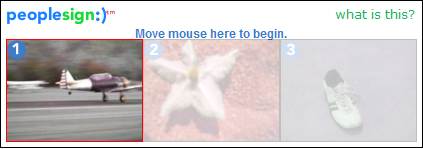
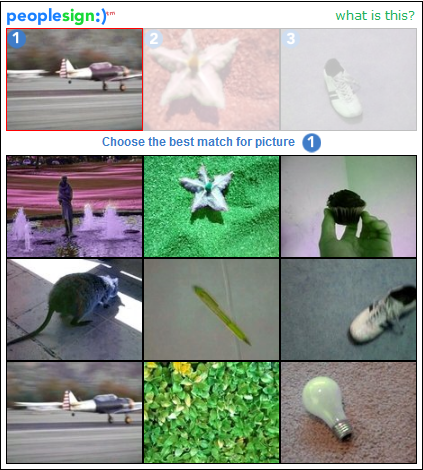
How many people have had to enter the funny squiggly text while registering on a new website? We have, and we’re sick of it. So when we went looking for alternatives, we found a brilliant piece of software. Its the same old captcha theory, with a new twist. It’s called PeopleSign. Instead of using text as a input field, it uses pictures. What you basically have to do is that you match a picture from a list of pictures. Spambots are currently programmed to decifer text captchas but they have no image processing capabilities. We have faced a huge reduction in spammers by using this captcha technology. Try it for yourself and leave your comments below.
You can sign up for this service here: http://www.peoplesign.com/main/registerToHostPeoplesign.html
-

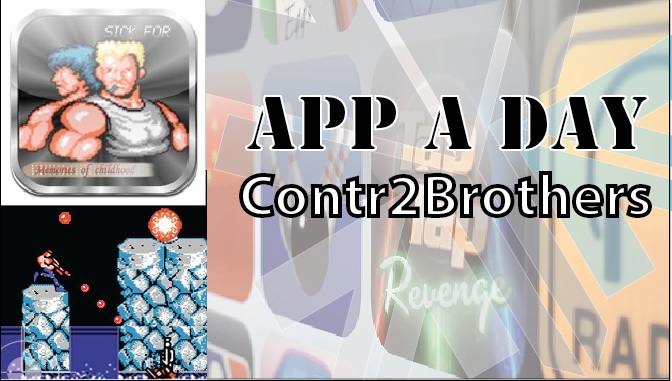
App a Day:Contr2Brothers – Contra for iOS
Well we found an app that brings back a few childhood memories of sitting in front of the TV and furiously mashing the controls of the NES to kill a few bad guys and achieve 14-bit glory. Here we have a misappropriatly named game called Contr2Brothers – a copy of the good-old game Contra. It features the same game-play as the original with on-screen controls that are slightly tough to use. The game claims to offer 30 lives but we still haven’t figured out how to get there. The audio is a little irritating after a while so you might want to mute it. One good feature is that the game supports upto 2 players via a bluetooth connection. Download it from the link below to relive your childhood…[xrr rating=3/5 label=”Price : $0.99 ” imageset=shiny_yellow_star display_as=fraction_stars]
[xrr rating=4/5 label=”Ease of Use :” imageset=shiny_yellow_star display_as=fraction_stars]
[xrr rating=3.75/5 label=”Features :” imageset=shiny_yellow_star display_as=fraction_stars]
[qrcode]
-

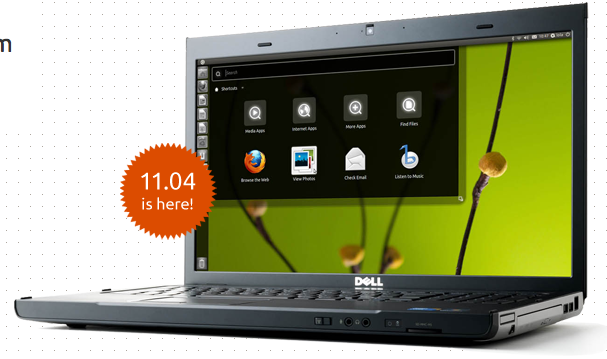
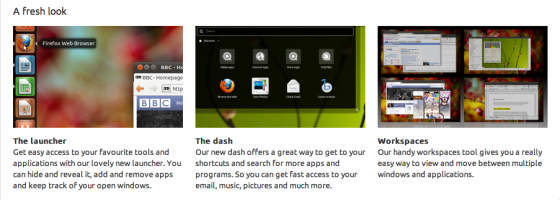
UBUNTU 11.04 finally out, Open Source and Linux communities rejoice

The Latest version of the most popular open-source Operating system for Computers is out. The new version adds some interesting UI changes
Their servers are higly overloaded. We are downloading the new build right now, we will be back soon with a full change-log, tweaks and setup instructions shortly.
-

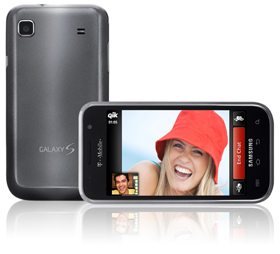
Video Chat Coming to Android 2.3.4
Looks like a bunch of Rumors floating around the web including a tweet which talks about the Nexus S – Video Chat on Gingerbread 2.3.4.
What this means is that all Android Devices with front facing cameras and the latest version of Gingerbread will be Able to use it to Video Chat amongst other with similar availabilities.
-

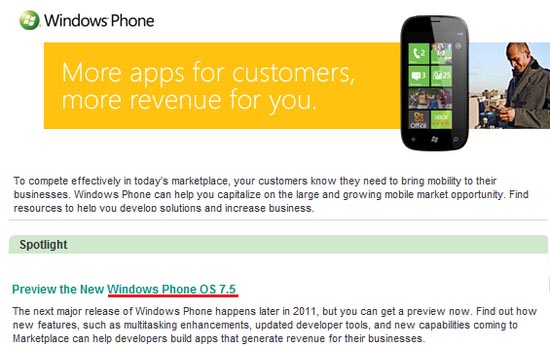
Next Windows Phone 7 Software update (Mango) to be called Windows Phone 7.5

Microsoft has accidentally confirmed that its next major Windows Phone update aka Mango will be infact Called WIndows Phone 7.5.
Mango update will bring
- Multitasking
- Internet Explorer 9 mobile
- Twitter integration
Microsoft also showcased several new features of the Mango Update Earlier this Year at the MIX developers confrence.
[VIA]
-

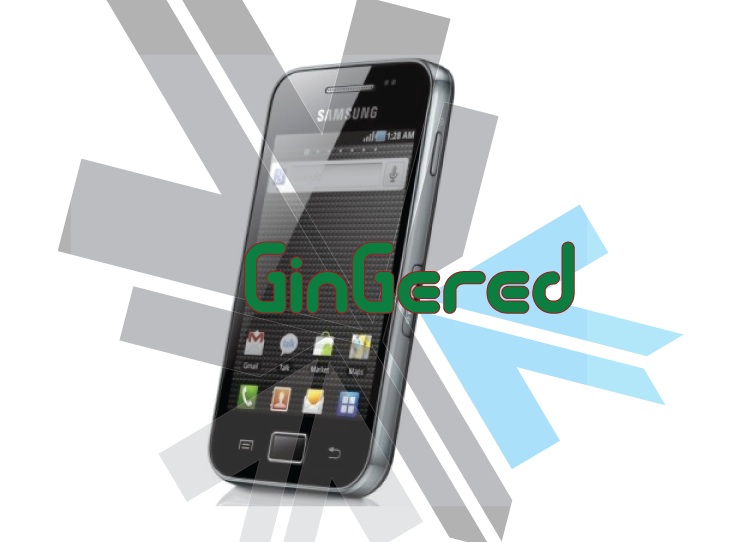
DIY : How to Install Android 2.3 Gigerbread on you Samsung Galaxy Ace

Today we are going to show you how to Install GingerBread 2.3 on your SAMSUNG GALAXY ACE mobile PHONE.
What you will NEED!
1. A Samsung Galaxy ACE (DUH!).
2. The 2.3 Firmware S5830( click here to download password = samfirmware.com).
3. ODIN downloader (click here to download). and USB Driver (Click HERE)
4. OPS files (click here to download).
5. A windows PC + samsung data cable.
Important NOTES:
If you get errors after upgrade : i.e. error: phone application has stopped working or get constant crashes,do the following:
To fix phone not working, initiate restore phone to factory settings command from Settings – Privacy
TAKE SERIOUS CONSIDERATION BEFORE UPGRADING AND HAVE YOUR BACKUP IMAGE READY IF SOMETHING GOES WRONG – use the OLD FIRMWARES: (All backup images can be found here)
- Make sure your device is fully charged!
- BE sure to backup all your data!
- You are doing this at your own risk, Although, This will NOT void your warranty!
- Your phone does not need to be rooted to get this working.
AFTER BACKUP – FACTORY RESET YOUR PHONE BY ENTERING THE FOLLOWING CODE
*2767*3855#
STEP 1
Download all the files above, and make sure you have the latest version of KIES software installed.
STEP 2
Extract the RAR to get a .tar file.
STEP 3
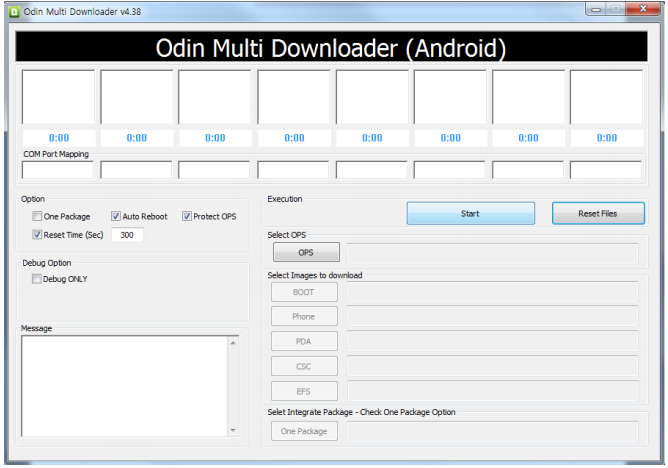
Open ODIN Downloader.
MAKE SURE you select One Package, Auto Reboot and Protect Ops checkboxes.
Select the Ops file (the file we downloaded earlier).
And finally select the tar package we extracted from the RAR downloaded earlier.
(You can also extract the rtar and select packages indivisually)
NOW CLOSE ODIN.
STEP 4
Backup you phone and data with the KIES software (after you are done exit KIES)
Turn OFF the Galaxy ACE and remove the Battery
Reinsert The Battery and Press the following buttons together
CENTER HOME BUTTON + POWER BUTTON + VOLUME DOWN Together
Hold the buttons together till you see the downloading screen

STEP 6 (Final Step)
CLICK START and wait for process to finish, once done your device will automatically reboot and will have Android 2.3 running on it.
A Few Things you will notice with 2.3
- The rom runs faster but uses more RAM
- Video now is up to 640x480px
- Camera can’t auto focus.
- The interface is overall nicer looking and runs smooth
- There are a lot of bugs and it may crash frequently
Test this out at your own risk, if you have feedback please leave it below
Rom Files courtesy (samfirmware.com)
-

Samsung Galaxy 3 Official Android 2.2 Update Giving major Problems | Froyo’d or Doomed?

Froyo’d or Doomed? The official update Galaxy 3 Update for Android 2.2 came out a couple of Days ago and multiple users are reporting several problems with the update:
- Proximity sensor issues
- Battery Life
- Problem with silencing the device with volume rockers
- Swype not working
- Camera App Crashing
So if you did update and are facing issues select your issues in the poll below and vote. If You still have not updated and want to despite the errors visit our Step by Step Guide
[polldaddy poll=4954275] -

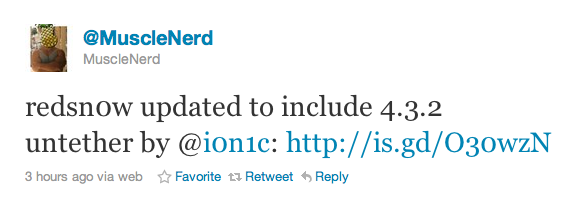
Untethered Jailbreak released for iOS 4.3.2, iPhone 4 still tethered

The latest version of iOS 4.3.2 was released by Apple just days after the jailbreak for the iOS 4.3.1 came out. But, in an exciting turn of events looks like the newest version is still vulnerable to i0n1c’s untethered jailbreak method. Although a lot of failures occurred and the Dev-Team decided to pull the iPhone 4 jailbreak from redsn0w, leaving iPhone 4 users to rely on a tethered jailbreak, atleast till i0n1c has a chance to fix the venerability patch for iPhone 4.
You can download the latest version of Redsn0w Here.
Please Note : Jailbreak does not mean unlock, if your device is locked to a carrier network this will not work to unlock your device.
-

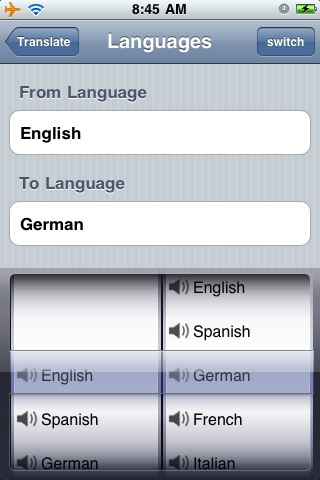
Google Translate 2.1 on Android brings Japanese, Korean And Arabic Text-to-Speech (TTS)
The newest updated version of the Google Translate app on Android Devices brings Japanese, Korean and Arabic languages in its text to speech recognition, apart from the currently supported 21 languages. The new version also enhances the 15 other popular languages including Russian, Chinese and Portuguese.Now, if you are not already aware the app already supports text-text translation in over 55 languages.
This app is available Free in the Android Marketplace.
-

AppGyaan: Top Apps of the Week Part 1: LinkedIn and Wheres My Droid
A Weekly dose of what we think are the top apps of this week.
1. LinkedIn :
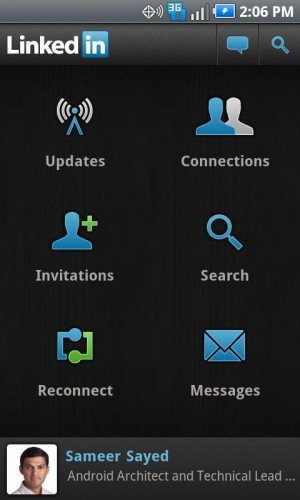
LinkedIn is possibly the only social network for professionals, which has become popular all across the globe. Although the app for mobile platforms on iOS and Blackberry existed for some time the app was recently announced for the Android Platform. We reviewed the App and found it to be a perfect portable companion to the full desktop version of the app.The app has six modules to view updates from your professional network, updates from newly established connections, changes to people’s profiles, and articles and information being shared by your contacts.
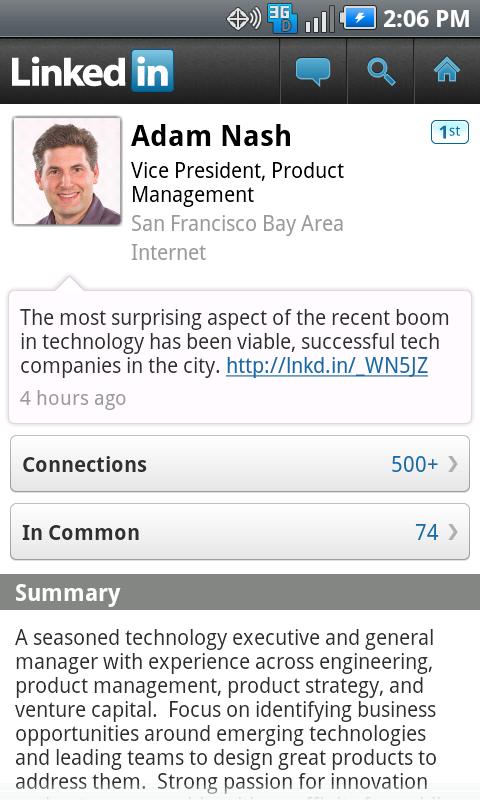
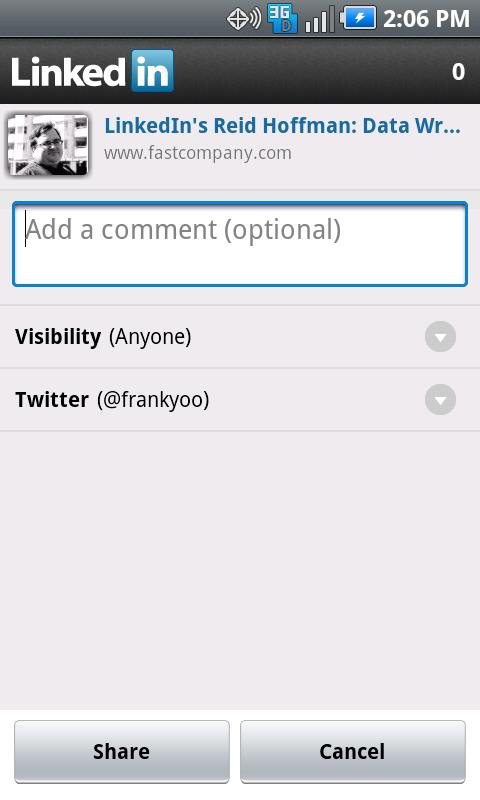
Something new to the application is the sharing aspect where now you can share news and information across facebook and twitter. it also allows you to share information among your contacts, making the network aspect of LinkedIn stronger.
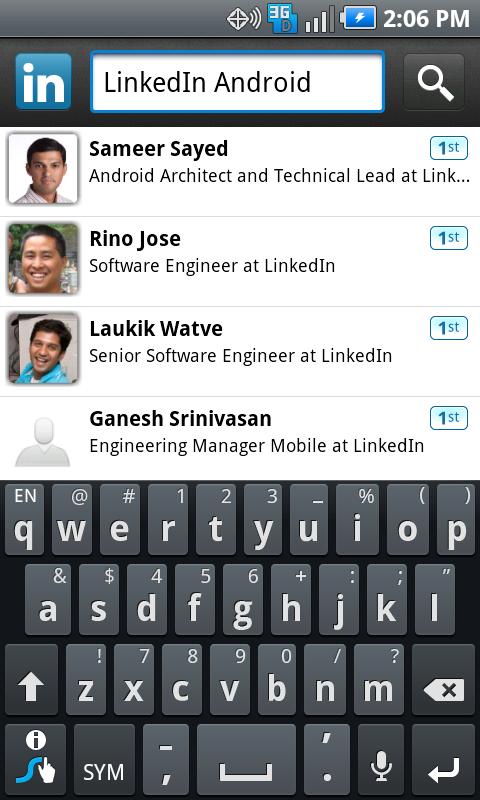
You can also access the profiles of your connections and send them messages and invites. Messaging is an integral part of the network and is now fully featured in the app. You can also, read and respond to messages and invites directly from your mobile phone. Another new feature of the app is the” people you may know ” section which allows you to search for your contacts and aconnections easily suggesting the people through the search criteria and already existing connections.
Overall the app provides good interaction with the network, leaving little or no features compared to the desktop mode, we also like the module look which makes navigating through the app fairly simple. Some people also reported crashing and the app not working on some devices. We also faced issues on our Desire HD which was resolved after reinstalling the App.
- [xrr rating=5/5 label=”Price : FREE ” imageset=shiny_yellow_star display_as=fraction_stars]
- [xrr rating=4/5 label=”Ease of Use :” imageset=shiny_yellow_star display_as=fraction_stars]
- [xrr rating=4.5/5 label=”Features :” imageset=shiny_yellow_star display_as=fraction_stars]
Download the App.
Android : Android App Download
Apple iOS :LinkedIn – LinkedIn Corporation

2. Wheres my Droid.
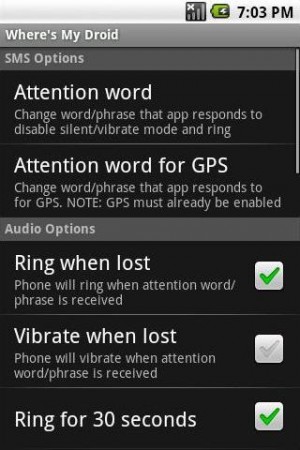
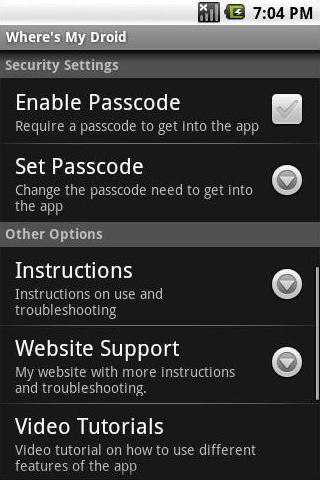
Not everyone can afford an iPhone or an HTC phone, that come with an added feature of geo-locating the device. Also making a device ring even though its in silent mode should be easier than just logging on to the internet and opening websites and whatnot. This is where “Wheres my Droid” comes in. a free and novel app that allows users to find their phone by simply making it ring at full volume.“How do you make it ring?” you ask. Well just use any other cellphone around you and sms a pre-defined passcode message to your device. The message with the passcode will trigger the app which in turn will trigger the phones ringer to ing at full volumes. a fairly simple idea which well “WORKS”. The app also gives the users ability to customize the passcode to one that you remember.
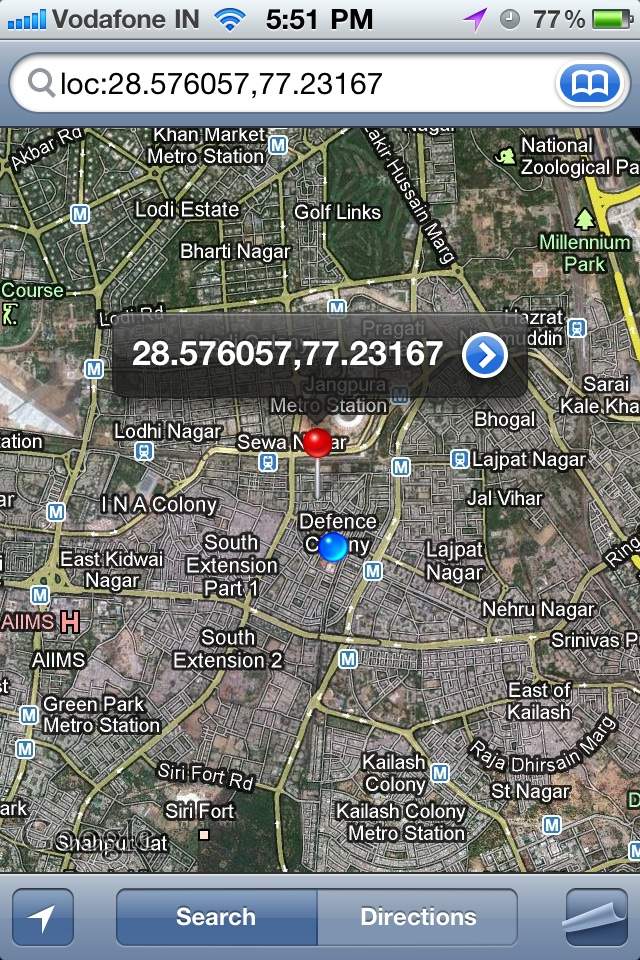
Now the feature that was most interesting to us was the fact that you can also find the location of the device using this app. Using a different GPS only passcode you can ping the device to send you back an SMS with the location based in google maps. This feature works brilliantly if you have a smartphone which has google maps installed(mostly all smart-phones have Google MAPS). we tested it out and it worked brilliantly between our iPhone and our “lost Desire S”
- [xrr rating=5/5 label=”Price : FREE ” imageset=shiny_yellow_star display_as=fraction_stars]
- [xrr rating=5/5 label=”Ease of Use :” imageset=shiny_yellow_star display_as=fraction_stars]
- [xrr rating=4/5 label=”Features :” imageset=shiny_yellow_star display_as=fraction_stars]
Download The App
Android : Android App Download
Similar Apps For iOS/ iPhone
Find my iPhone : Free : Find My iPhone – Apple®
Premium : Device Locator: Track and Locate Your Lost or Stolen iPhone + Google Latitude Integration
Share this post using a barcode scanner on your phone to scan the code below.
[qrcode]