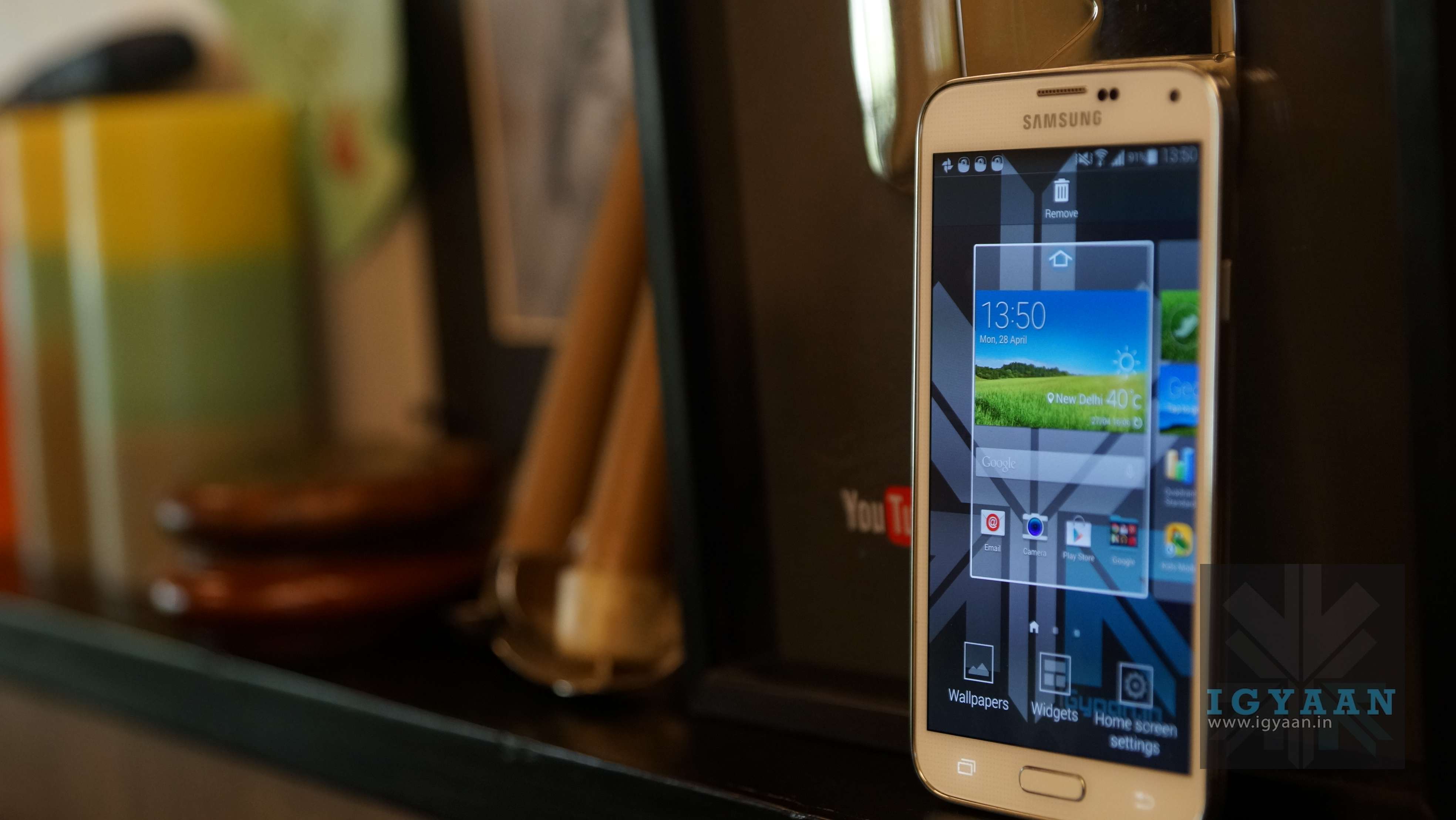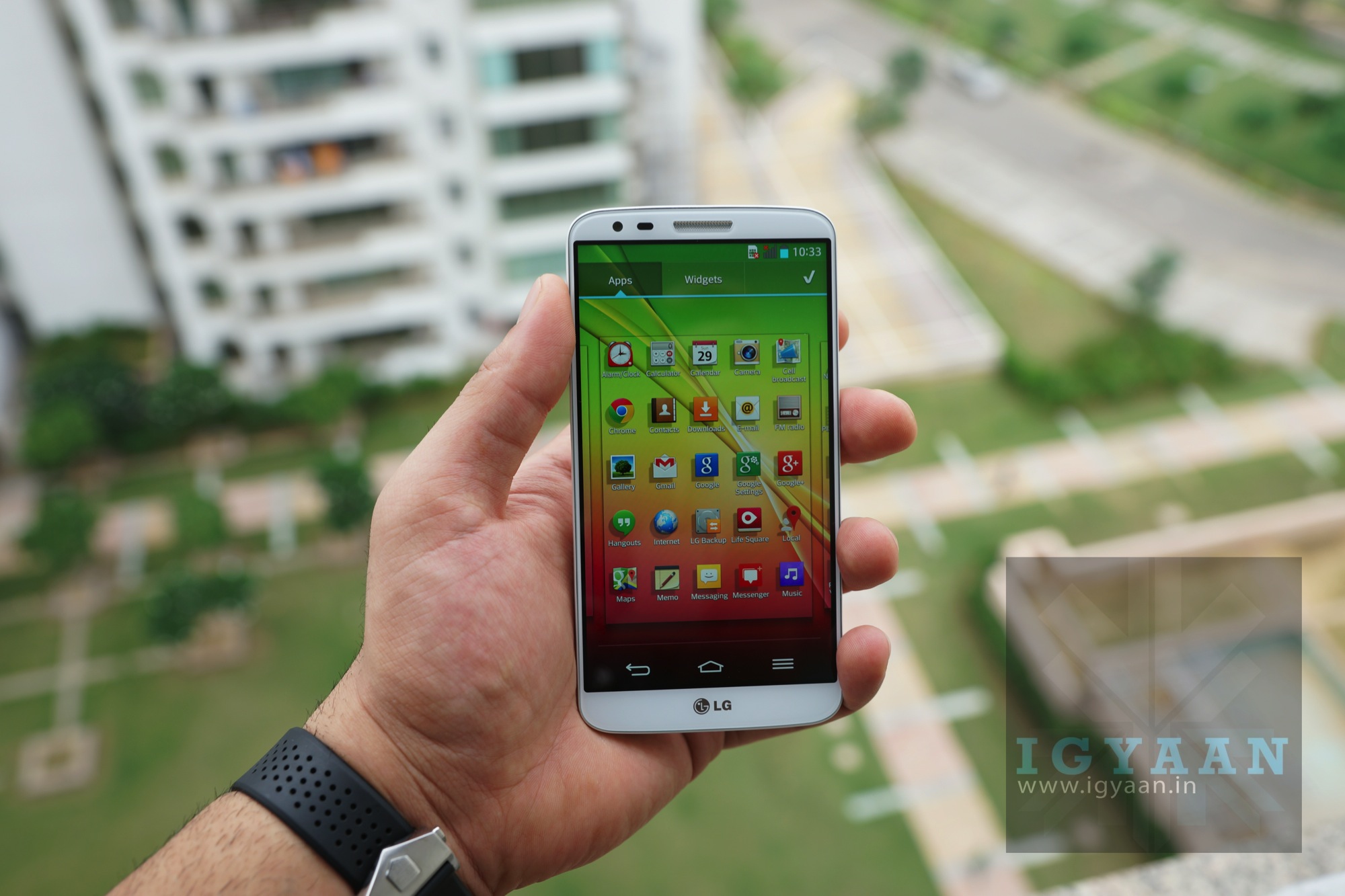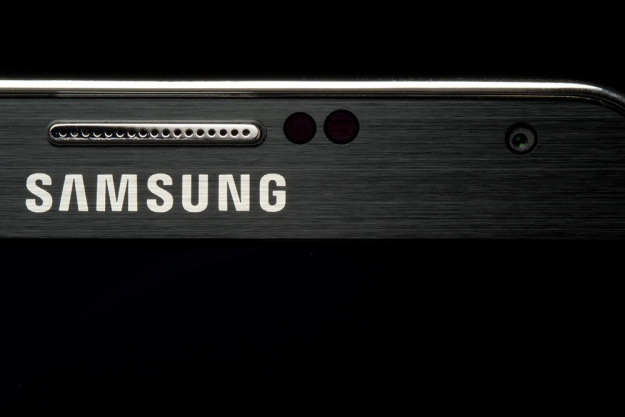
Samsung, is working towards breaking new grounds with it’s upcoming Galaxy F (also referred to as the Galaxy S5 Prime.) This one seems to be targeted towards the ‘premium’ metal smartphone segment.
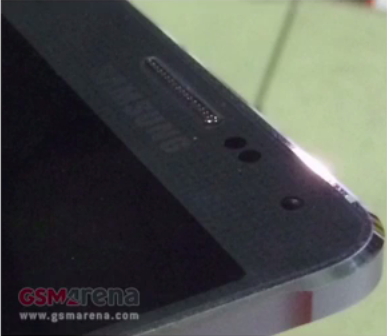
A couple of leaks for the Samsung Galaxy Galaxy F have making rounds apart from the rumors of its production. Recently, new leaked live photo of the Samsung Galaxy F emerged and it seemed to confirm that the said smartphone will in fact feature a metal frame.
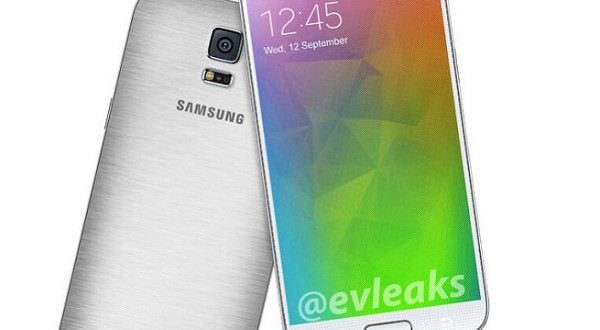
In terms of looks, Galaxy F, is not exactly different from S5. The buttons, the Samsung logo, even the finger scanner, the camera hump, and heart monitor; everything is where we’re used to seeing it in the S5. The biggest change is said to be the metal back that is made with brushed aluminum, a material which has a more premium feel and better heat dissipation properties than plastic.
Reports so far also pointed out that the Galaxy F will come with a super high-res Quad HD (1440 x 2560-pixel) with screen size of 5.24 inches, but given the most recent announcement of the Korea-only S5 LTE-A with a 5.1” Quad HD panel, it seems that the Galaxy F might also come with a 5.1” screen.
With an expected fall release date, it seems like Samsung may ship the Galaxy F with the latest and most powerful Qualcomm chip – the Snapdragon 805 with the new Adreno 420.
The F is also said to have a better finger scanner than the Galaxy Tab S tablets, while we are not expecting it would be a match for fast and accurate one on the iPhone, we would still love to see how Samsung will tackle this problem.
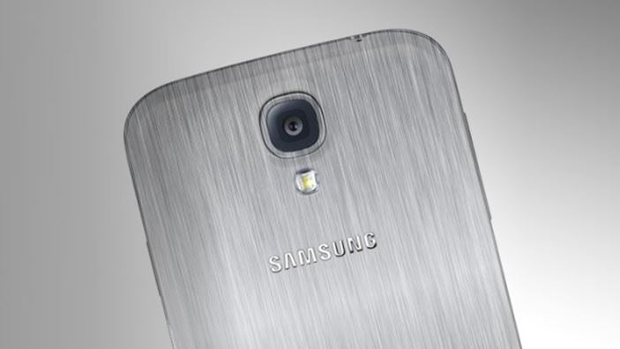
With a visual upgrade, this device not only will be a powerful smartphone but also a good looking one. Till now, we are not sure what the price of this S5 upgrade. The Galaxy F release date is rumored to be in September. With Apple’s rumored plans to bring in the next iPhone and a 5.5-inch iPhone ‘Air’ around the same time, Samsung might reconsider their plans.


 Do you love procrastinating? Is your motto: ‘Why do it today what you can do it tomorrow?’ That’s the spirit! This is the perfect app for you. Tasks not ticked off the previous day are automatically carried forward. Do It (Tomorrow) makes it easy for users to postpone their tasks to the next day, which makes it a very pragmatic and realistic app. The app also supports cloud syncing and has a pretty neat user interface. Though some people may face problems with the interface as the view sometimes freezes in the middle of two pages.
 If you’re looking for an app with a little more options, Astrid is the app to get. It’s easy to set up and also throws in some more “advanced” options like Google task sync, priority levels, tags, timed reminders, and calendar integration. Astrid Tasks is intuitive and compact, but doesn’t skimp on flexibility or options. It has a home-screen widget, quick add function, alarms, reminders, a back-up function, tags and even a timer. Despite these multiple functions, Astrid couldn’t be simpler to use. Perhaps the only drawback is its limited widget options.