Tag: android app

  • Firefox Releases The Lockbox Password Manager For Android

    Firefox Releases The Lockbox Password Manager For Android

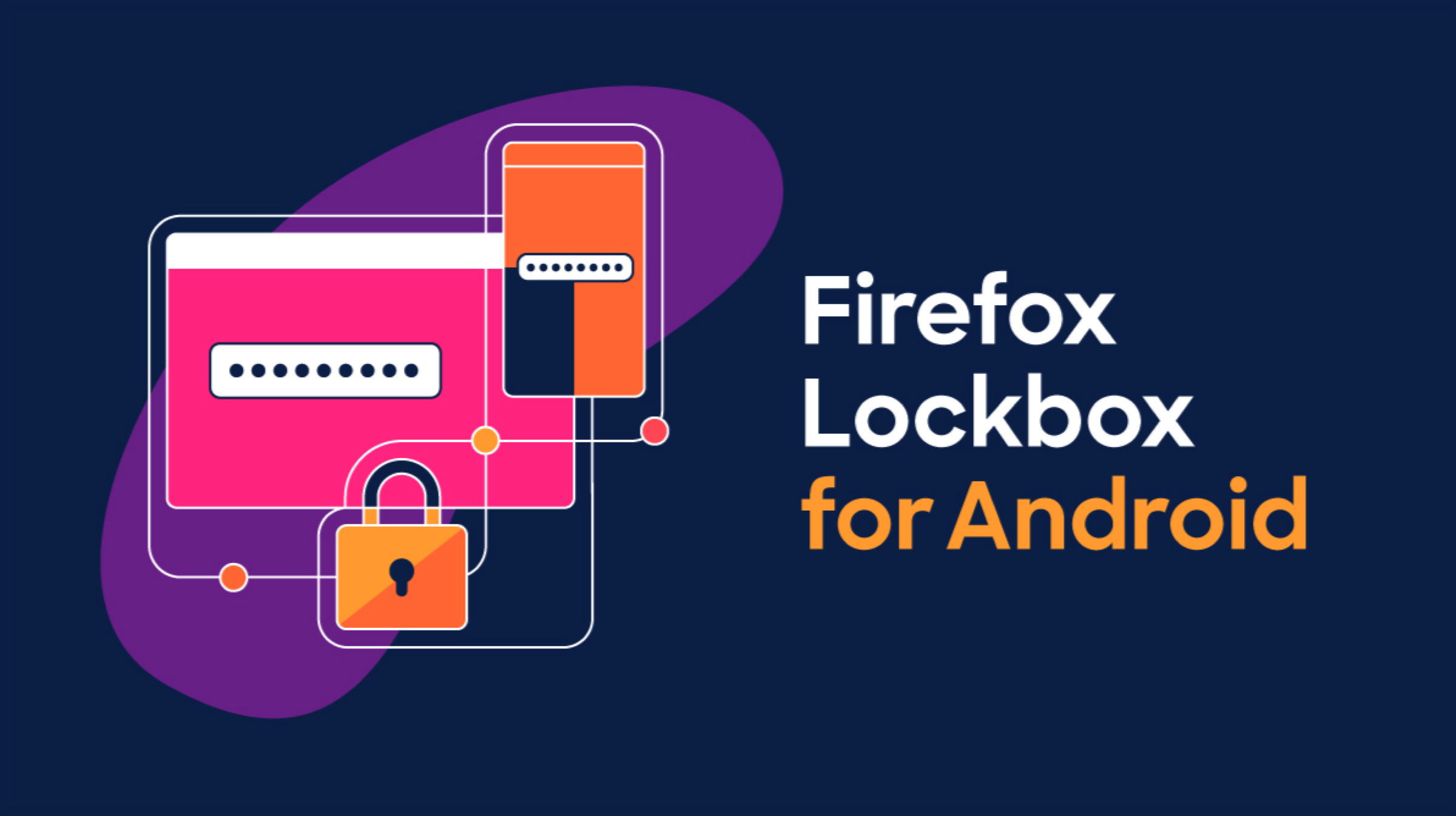
    With the increasing cases of privacy breaches and password leaks, it is important to stay secure in today’s day and age. However, with different usernames and passwords required on major web services, it can often get confusing to remember them all. In a bid to make that easier, Mozilla Corporation, best known for its popular Firefox web browser has launched Firefox Lockbox password manager for Android devices.

    Firefox Lockbox
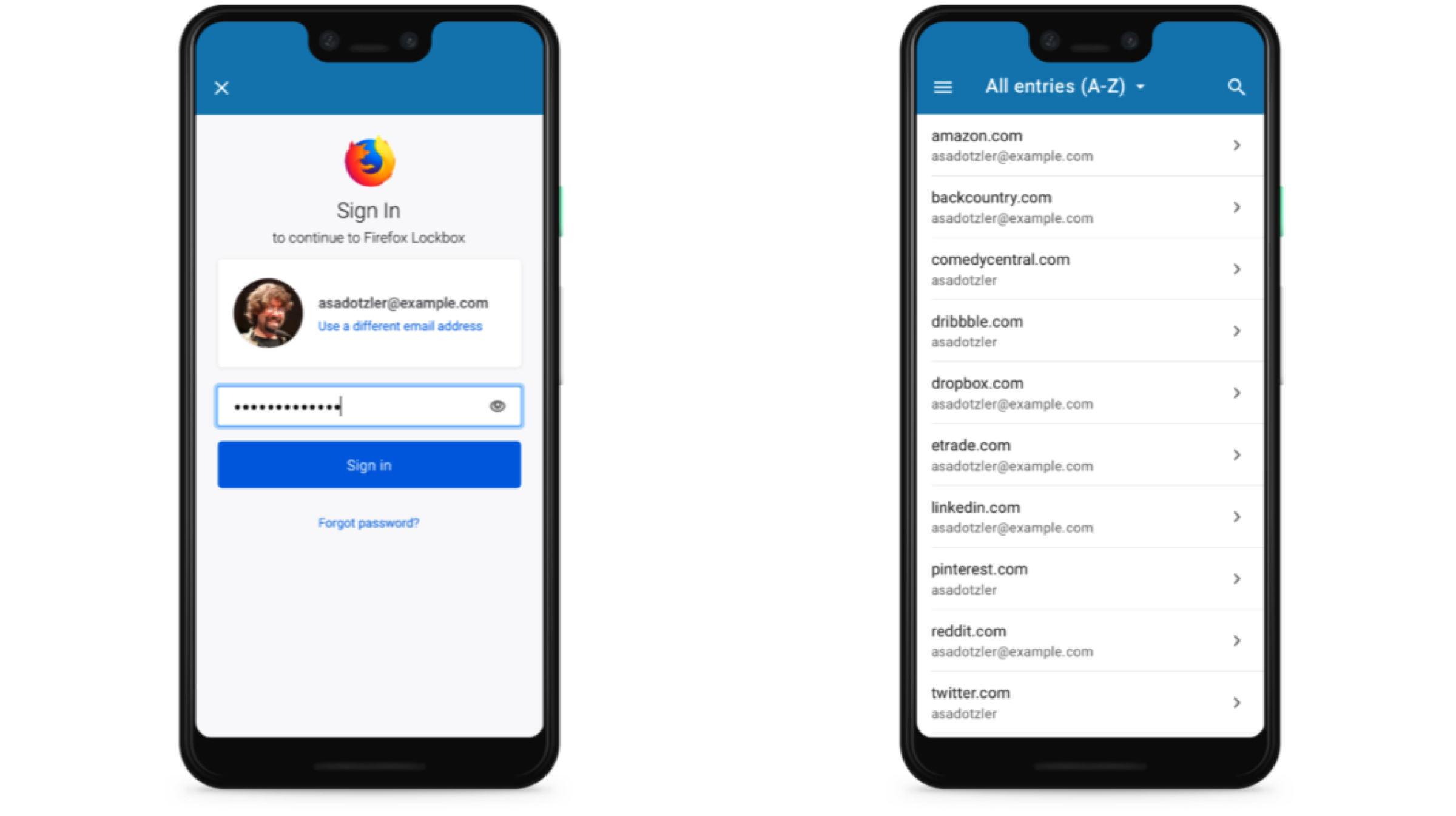
    The Firefox Lockbox is a password managing application that was launched for iOS devices last year. Like the Firefox Send launched a while ago, it is also based on the company’s Test Pilot system. It was an initiative to test a feature or an add-on to the Firefox browser before the tangible release. The latest application claims to be different than traditional password managers in a way that Firefox Lockbox uses the passwords already saved in the desktop Firefox browser. The app syncs the said usernames and passwords with the help of a Firefox account. Unlike the said password managers though, it does not give the option to generate a secure password.

    Also read: WhatsApp For Android Finally Gets A Dark Mode

    Unfortunately, the Firefox Lockbox application does not allow manual entries of the account details. To save new account information, users will need to login to the web service from the desktop browser, save the details there and then it will automatically sync to their devices. For filling in the details easier, the autofill option can be enabled in the settings. The app uses 256 Bit encryption method to safely secure the details and supports the device’s fingerprint scanners and FaceID system for secure access to the software. The software is completely free to download and use on Android and iOS and the application weighs around 41Mb on Android. Interested users can visit the link here to download.
  • Firefox OS 2.5 Comes To Android Phones

    Firefox OS 2.5 Comes To Android Phones

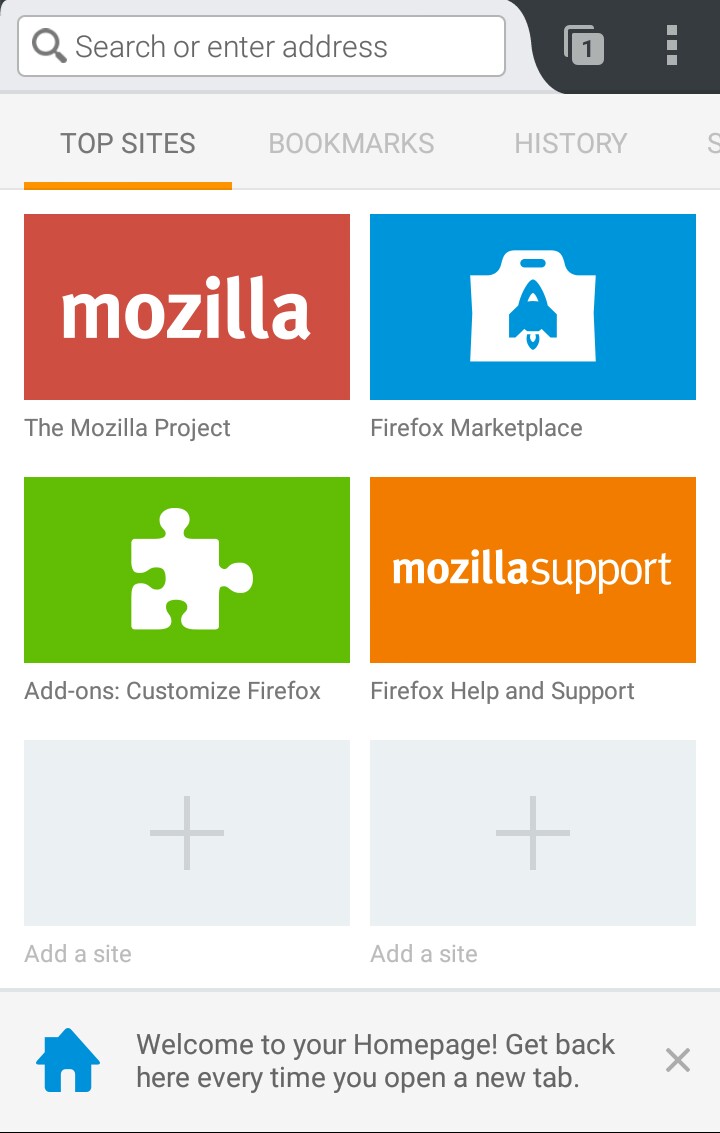
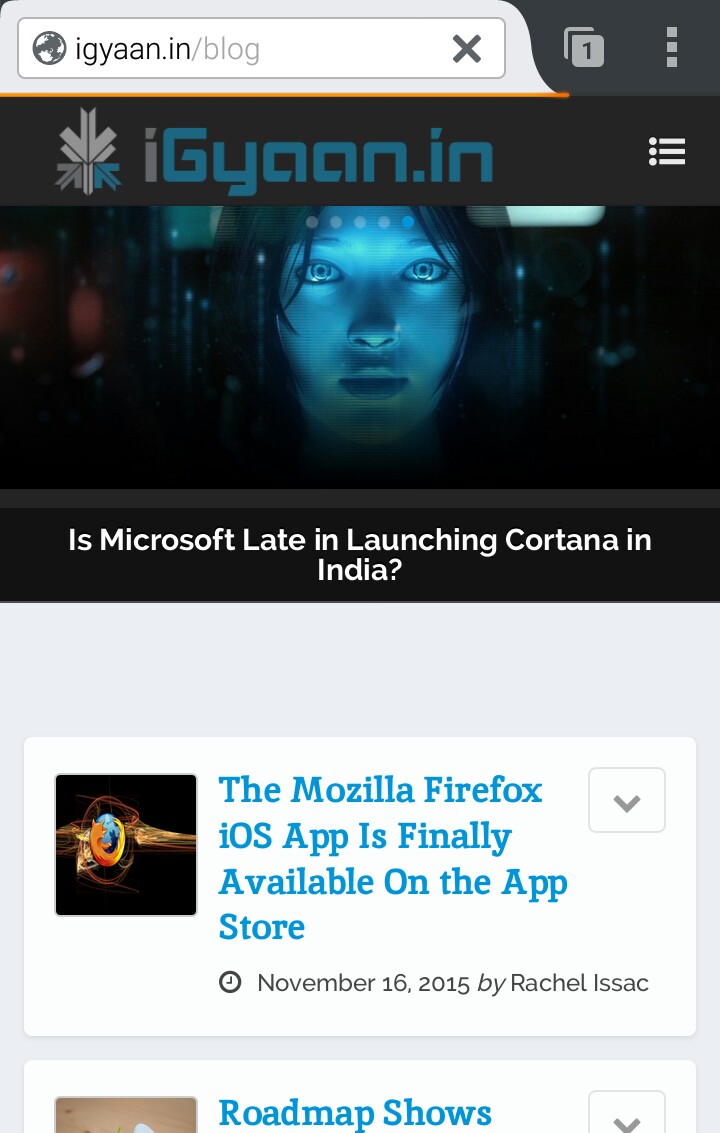
    After having announced an iOS App, Mozilla Firefox now announces the launch of a Firefox OS 2.5 developer preview for all Android devices.

    Mozilla Android

    There are a couple of highlighted features that arrive with the app such as add-ons, private browsing with tracking protection and ‘pin the web’.

    Mozilla Android

    The add-ons are a feature that will allow users to use an extension of one or more apps along with the system app itself; the private browsing feature is exclusive to Mozilla’s Firefox version which allows you to browse through the web with a tracking protection; last but not the least is the ‘pin the web’ feature that removes artificial distinction between web pages and websites so that you can pin any website to your home screen.

    Mozilla Android

    Obviously, the app is still being tested out, and you can click here to check out the ‘developer’s preview’. Oh, just one more thing, the app runs without needing to flash the operating system over your current Android OS.

  • This is What Apple Music Could Look Like on Android

    This is What Apple Music Could Look Like on Android

    Apple haters may hate a lot of things about Apple’s products, but there is one thing that moves beyond hate. Music. And Apple haters and loyalists alike love music. There was a time when Apple revolutionized the way we listen to music with the iPod. But early this year saw the end to the classic iPod. To continue its goal to redefine music, Apple launched the Apple Music.

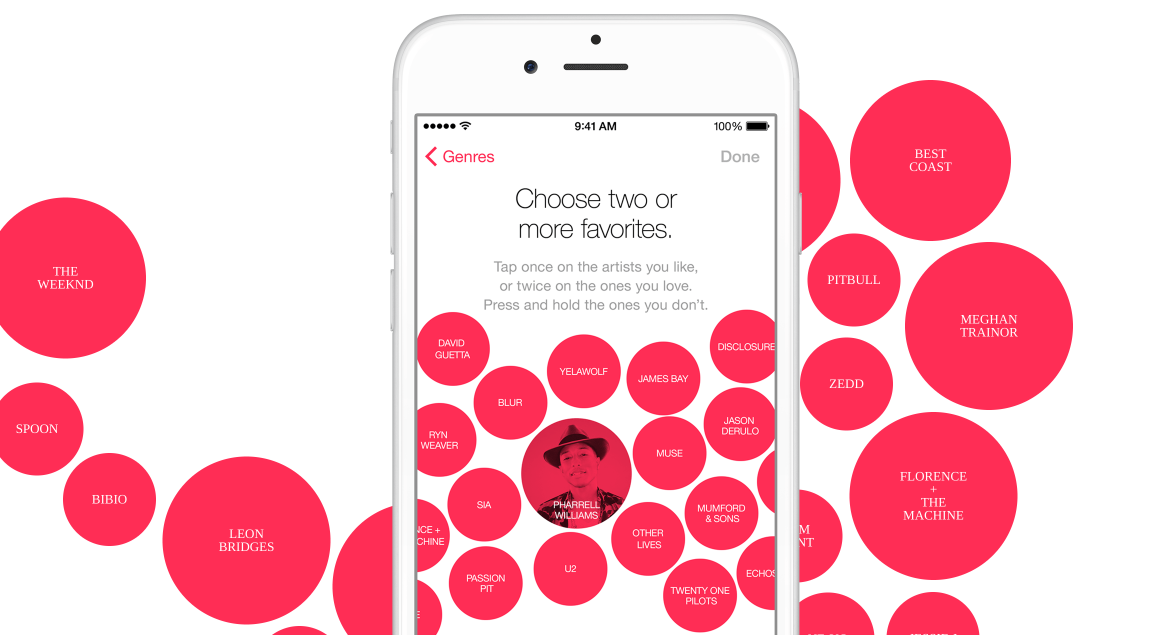
    Apple Music is currently an iOS-only music streaming platform that gives you access to millions of songs from the company’s iTunes library. And for a basic monthly subscription, you can listen to unlimited music. This was Apple’s promise, and this is what they have delivered.

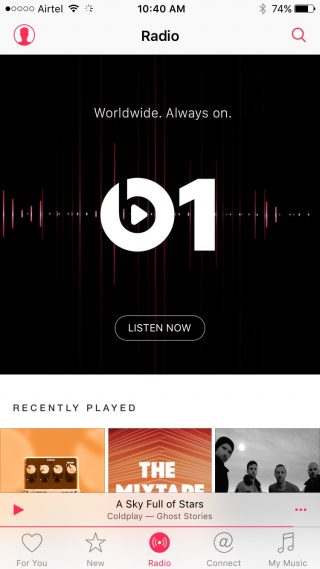
    Apple Music (3) Apple Music (2)

    The Apple Music is actually quite brilliant. It gives the most popular music streaming platform today (Spotify) a run for its money. The reason being is that Apple Music is personal. Apple has put a lot of thought in the way the music service works for you. From curated playlists that have about 12-15 songs, which is just right, to Beats Radio, and Connect that lets you see what your favorite artist is up to. There is everything a music lover could ask for. But iOS users already know this. So why are we saying it now? It’s because Apple had promised that its music streaming service will come to Android soon as well.

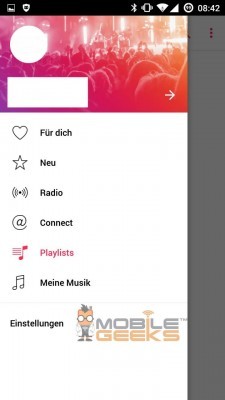
    Apple-Music-Android Apple-Music-Android 02

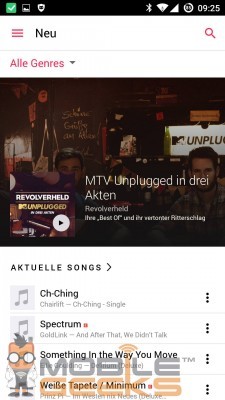
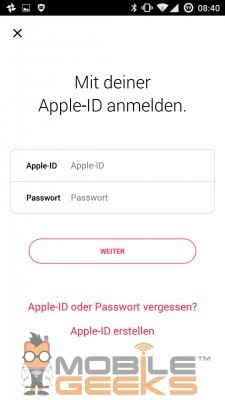
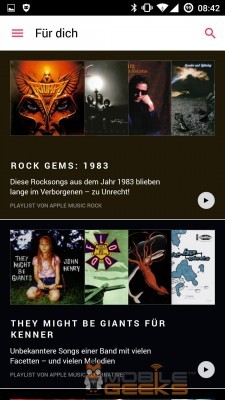
    The company said that Apple Music will be available for Android users this fall, which is any time now. Some screenshots published by Mobile Geeks show what Apple Music could look like for Android, and it’s pretty much what you’d expect. All the main features of Apple Music is present. Users will navigate Apple Music by using a slide-out menu accessible through the hamburger icon or via a swipe from the left side.

    Apple-Music-Android 03 Apple-Music-Android 01

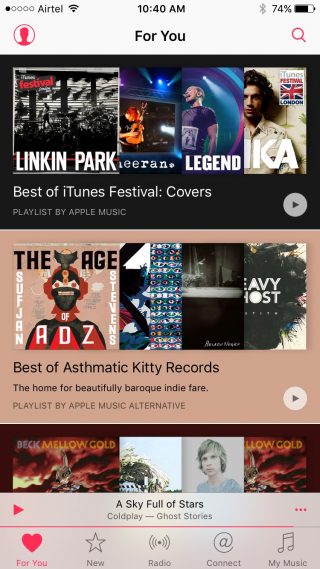
    The For You section that shows curated playlists and artists based on your choice of music and genre, along with New, Beats 1 radio. Connect and My Music are all there. Presumably the My Music will link your phone’s music folder so all your songs are in one place. For iOS users the Apple Music was a natural extension to the Music app.

    So, Android users in India will soon have the option to jump on to the Apple Music service. There are already a few music streaming platforms in India like Wynk, Saavn, Gaana and Hungama, that are pretty good. It is likely that Apple will provide a 3-months free trial of Apple Music for Android users as well. So once the app is out, give it a whirl and see if this is the service  for you. The monthly subscription for iOS users is Rs. 120 for individuals and Rs. 180 for families. For Android users, the cost is likely to be around the same.

    https://www.youtube.com/watch?v=Y1zs0uHHoSw

  • Nike Finally Makes Nike+ Fuelband App for Android

    Nike Finally Makes Nike+ Fuelband App for Android

    Nike has finally answered millions of Android owners demands by making the Nike+ Fuelband App now available on Android OS.

    [quote text_size=”small” author=”Stefan Olander- Nike” link=”http://nikeinc.com/news/nike-fuelband-app-for-android-now-available#/inline/30666″]

    With 30 million users, NikeFuel is rapidly becoming the universal measure of activity. Now, with the launch of the Nike+ FuelBand App for Android we’re delighted to help even more athletes get better, This is another important step in the continued growth of our powerful ecosystem of digital products and services.

    [/quote]

    NikeFuel_Android_PR_6_original

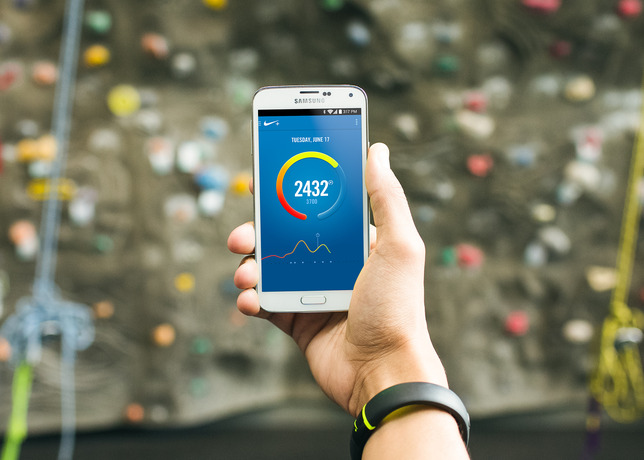
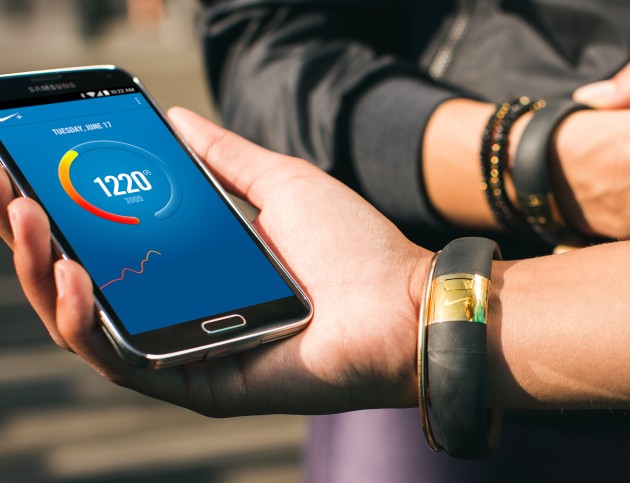
    Just like the iOS app, the Fuelband app on Android communicates with the fitness band via Bluetooth and syncs up your information. Any Android phone running Android 4.3 and UP and Bluetooth LE support can download and run this app, right now that list includes the Samsung Galaxy S3, Samsung Galaxy S4, Samsung Galaxy S5, HTC One, Nexus 5 and the Moto X.

    So if you were waiting to get your hands on the fuel band and the Android device in your pocket was the only hurdle, you might want to get to it. Now should we wait for the Windows Phone variant?

    fuelbandandroidyup

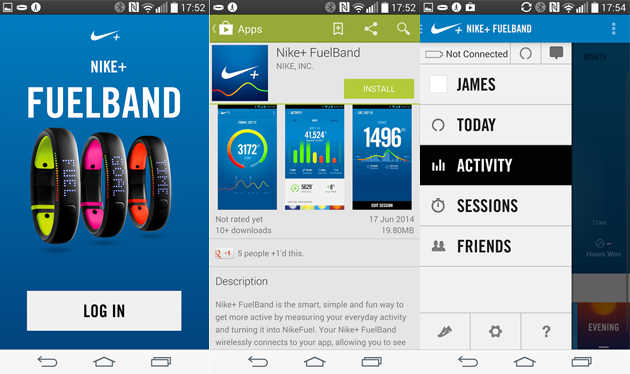
    The app will monitor the same activity, and users can sign in using their Nike accounts or Facebook Logins, once you have your Fuelband registered to your account all you need to do is log-in from the same account to get up and running. Some of the features highlighted by Nike:

    NikeFuel Daily Goal – Create a goal, edit and view progress toward that goal.

    Sessions – Track deliberate periods of movement, such as workouts and games, by starting and ending a Session on the Nike+ FuelBand SE. Review session data afterward for a focused analysis of movement. Users can calibrate and share sessions via Nikeplus.com.

    Move Reminders and Win The Hour – Users can set up Move Reminders on their Nike+ FuelBand SE so they will remember to get moving for five minutes out of every hour. The Nike+ FuelBand App allows users to track their success with Win The Hour stats.

    NikeFuel Leaderboards – Compare data with friends and the community by using Nike+ Friends and the NikeFuel community.

    Activity and Session History – Analyze past activity data to see progress and patterns.

    NikeFuel Daily Goal Recognition – When a goal is achieved, an onscreen celebration will appear.

    Automatic Syncing – Bluetooth LE seamlessly syncs Nike+ FuelBand data to a compatible Android handset.

    Profile and Settings – View and edit Nike+ account information and Nike+ FuelBand SE device settings on the app.

  • Instagram updates Android App, is now Faster and More Responsive.

    Instagram updates Android App, is now Faster and More Responsive.

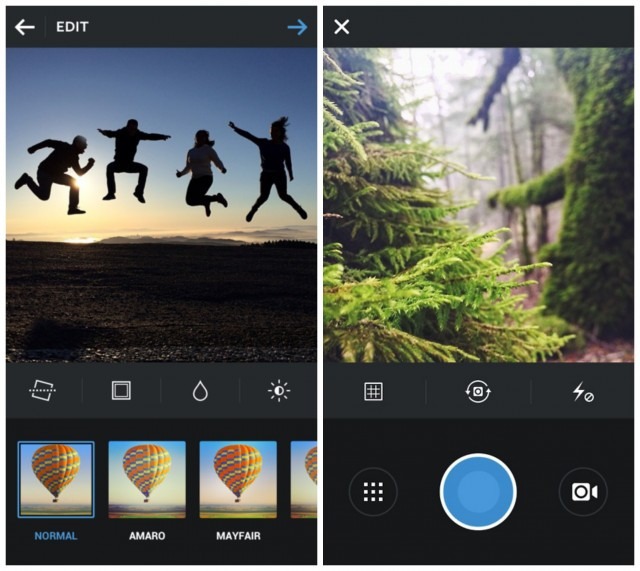
    Instagram’s latest updated Android app may come as a great welcome to selfie fans on Android. With version 5.1, Instagram has cut the footprint of the app in half, while making the app faster. Profile pages, for example, now load twice as quickly. The buttons have also been rearranged to make the app easier to navigate on different sized handsets.

    [quote text_size=”small” author=”Instagram” link=”http://blog.instagram.com/post/79272915088/android-update”]We’ve worked to make sure that Instagram feels native and at home on any Android device, We’ve simplified our visuals throughout our app, making use of valuable screen space for small devices and feature phones and rearranging our design to keep buttons within easy reach as you navigate the app on a larger device.[/quote]

    The Update did not however bring the much desirable “Lux Tool” that came out for iOS users earlier this week. This slider lets users define the saturation of Range in their images. The company does claim that the Android App will get the “Lux Tool” soon.


  • Skype To Port Android App To BlackBerry 10

    Skype To Port Android App To BlackBerry 10

    skype

    On January 30, Canadian mobile phone maker BlackBerry officially launched its new BlackBerry 10 operating system, and confirmed that the Skype application will be available for it. On Skype’s support page, the company detailed that its BlackBerry 10 app will be a port of its Android app.

    [quote]”If you have a new BlackBerry smartphone powered by the BlackBerry 10 platform, you will soon be able to download and run Skype on these devices. We are working closely with BlackBerry to ensure the Skype for Android app runs great in the BlackBerry 10 environment.”[/quote]

    Skype for BlackBerry 10 will be a port of the company’s already-poor Android app. While Microsoft seems to be eager to pour resources into mobile app development on iOS, the Android app has suffered from poor performance and incomplete tablet support for some time. A port to BlackBerry 10 will likely pale in comparison to a native experience, and won’t come close to the new BBM Audio and Video features bundled in the new OS.

    In other words, Microsoft is wasting an opportunity here. Or, more realistically, they’re taking a wait-and-see approach to the whole thing, satisfied to say that it has something available for BlackBerry 10, even if it merely a rough port of its existing Android code.

    Given the majority of BlackBerry 10 apps are Android ports, does this pose a problem for BlackBerry 10 users? Let us know below!

    [Mobile Syrup]

  • Facebook for Android Gets Updated

    Facebook for Android Gets Updated

    facebook

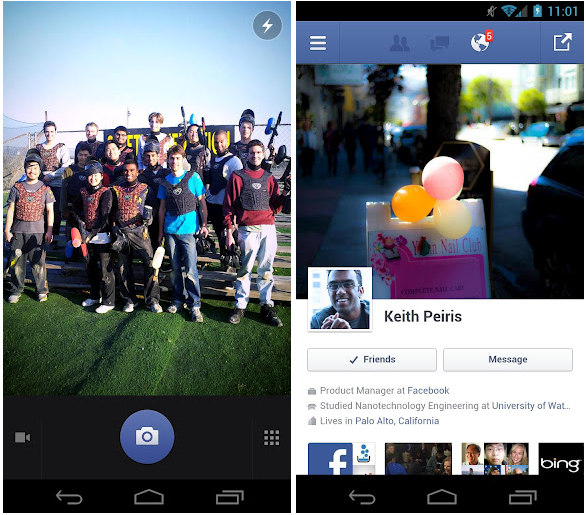
    Facebook for Android is now available for download in version 1.9.11, and, while the latest update is not very special compared with recent ones, it does come with three straightforward and important changes.

    Photo functionality should be improved with these three tweaks, which allow for faster photo tagging and a better organizing of your pics in albums. Finally, there’s also the customary bug fix, which this time helps solve a problem that was restricting “people using certain languages” from uploading images from time to time.

    For an app build almost entirely in HTML5, Facebook for Android is actually quite spritely, especially when run on more modern hardware. We’re excited for the day when Facebook for Android is built on native code, but for the time being enjoy your improved photo uploading experience.

    Facebook also made the “biggest overhaul of [its] Android SDK so far,” making it easier for developers to integrate the social network into third-party apps. These features include the Friend Picker and Places Picker, which apps can use to access the Open Grap in more comprehensive ways.

  • Samsung SIII gets exclusive Flipboard App, other Android users need to wait for “coming months”

    Samsung SIII gets exclusive Flipboard App, other Android users need to wait for “coming months”

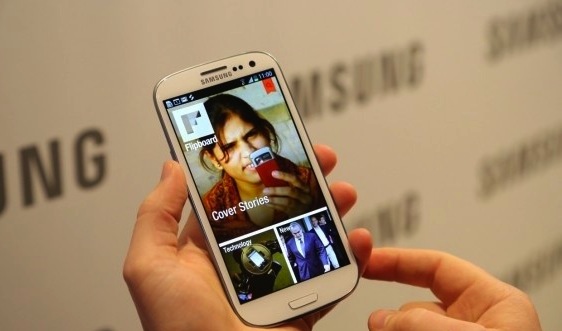
    Uberly popular iOS app “FlipBoard” has made it to the Samsung Galaxy SIII  as an exclusive for a couple of months before the app is released to the Android Google Play store for the public gestation. Apart from its similarities to the iOS version the Android version ( or the Galaxy SIII version) will also add notable widgets for the dashboards of the device.

    [Flipboard]

  • New YouTube Android App brings HD Streams to your Old Androids

    New YouTube Android App brings HD Streams to your Old Androids

    Still rocking Froyo or Gingerbread devices that fail to stream in HD? Fret no more, the new app update from YouTube will bring HD res YouTube streams to all those devices. Although Honeycomb and ICS devices have been rocking this for some time now, the new app now allows streaming on all those devices that were left out. 

    Still not all devices will be able to enjoy this app as the update is dependent on screen size and resolution. Alternatively you can find the .apk online and install it! which may or may not work for you.

    [Android Market]

  • Microsoft releases a Hotmail Android App

    Microsoft releases a Hotmail Android App

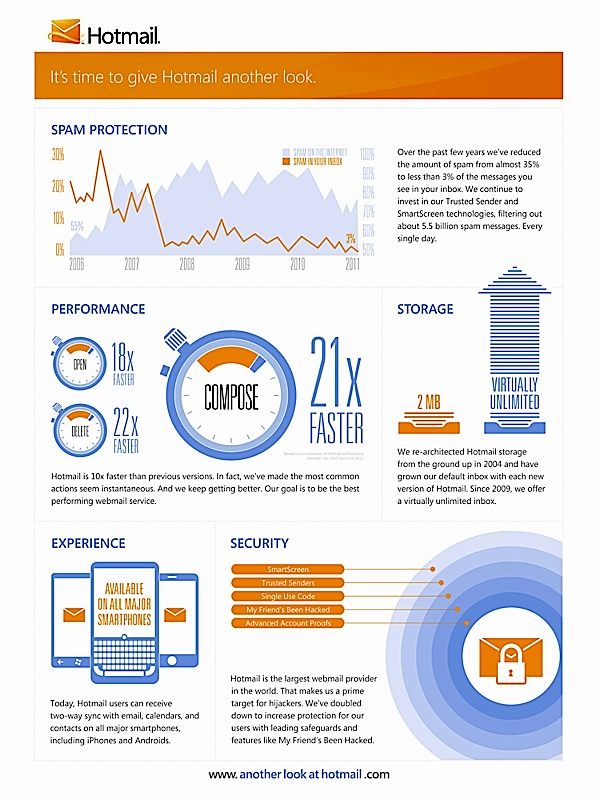
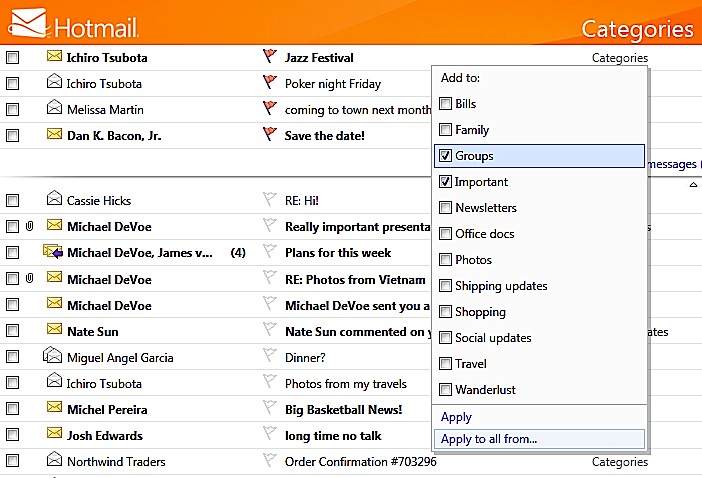
    Microsoft has announed and launched a hotmail Android App with dual way syncing for email contacts and calendar. Adding some interesting features in the app.

    • Automatically categorize incoming mail as newsletters.
    • Unsubscribe to whole newsletters
    • Flagged messages will on top of the inbox
    • Manage and edit folders 
    • Apply categories to individual emails
  • Panasonic Announces UT-PB1 Dedicated E-reader Tablet, with Android

    Panasonic Announces UT-PB1 Dedicated E-reader Tablet, with Android

    Panasonic has just announced a EBook Reader Tablet for the Japanese market. The device is based on the Android OS and features a 7-inch 1024 x 600px display, expandability via micro SD slot, a front facing camera, and WiFi. The device will come with 600 Preview titles when its launched. Weighing in at just 400gms. There is no news on Pricing or date of release.

  • Photowall Android app turns your Facebook friend’s pictures into a live wallpaper

    Photowall Android app turns your Facebook friend’s pictures into a live wallpaper


    This cool app for all Android devices pulls up all your and your friends’s pictures from Facebook and sets it as your live wallpaper. You can play around with a bunch of settings and effects can be added to the pictures aswell. This is real nifty especially to get pictures automatically. Make sure you set the update feature to once a day or you will be dropping battery life like dead birds out of the sky.

    [Android Market]

iGyaan Network
Privacy Overview

This website uses cookies so that we can provide you with the best user experience possible. Cookie information is stored in your browser and performs functions such as recognising you when you return to our website and helping our team to understand which sections of the website you find most interesting and useful.