Tag: hands on

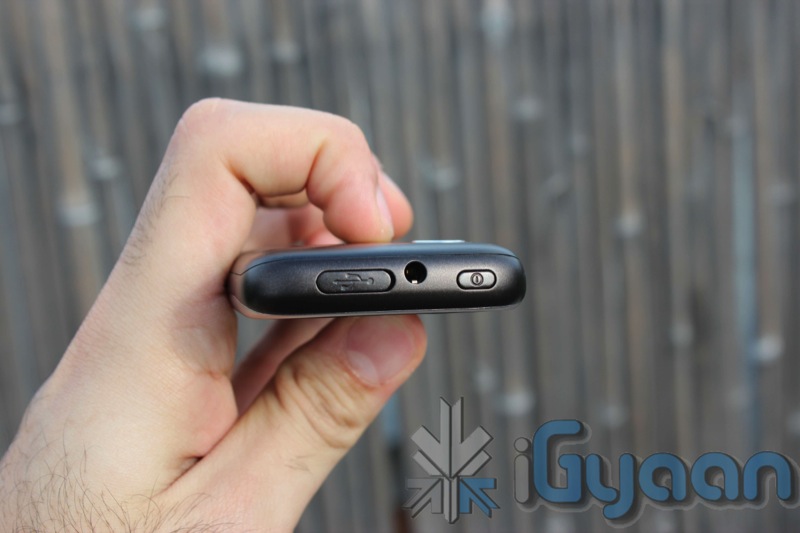
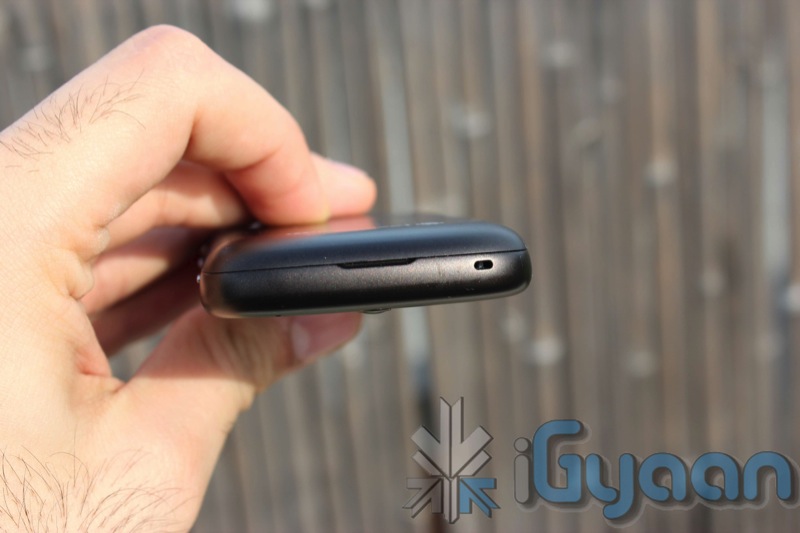
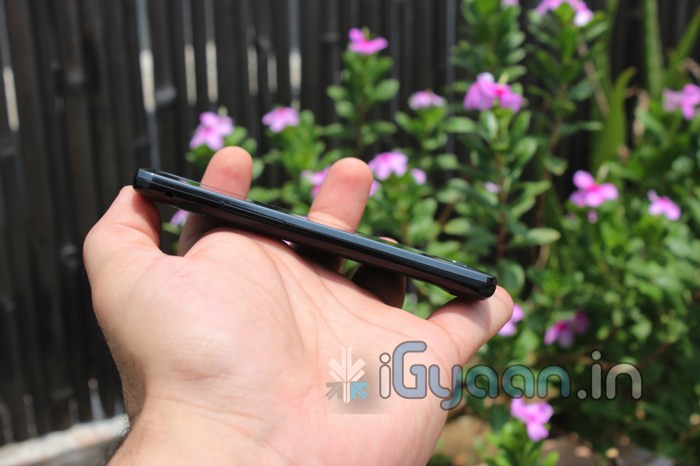
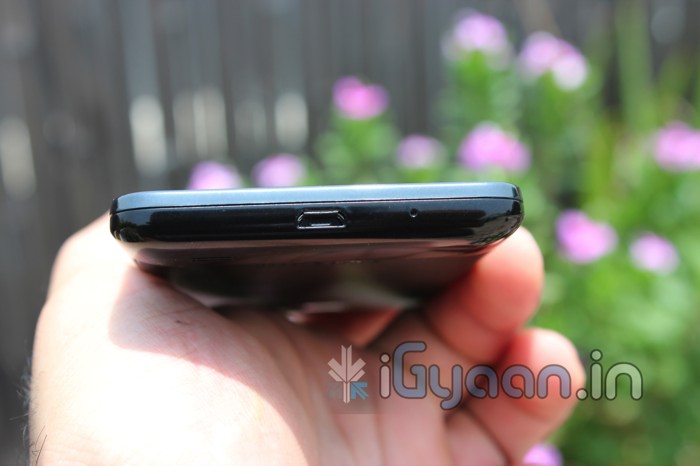
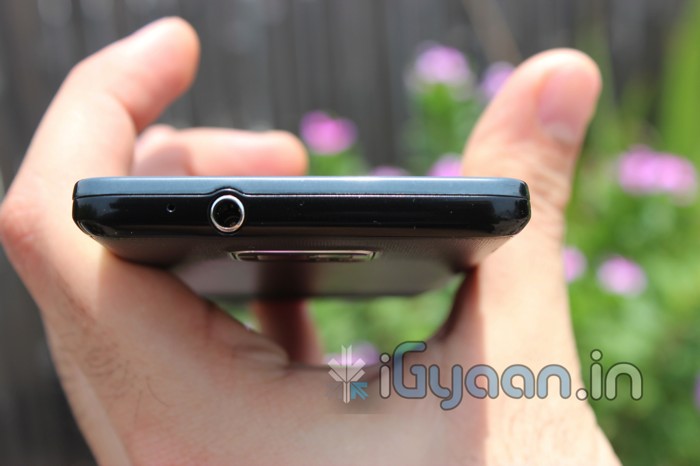
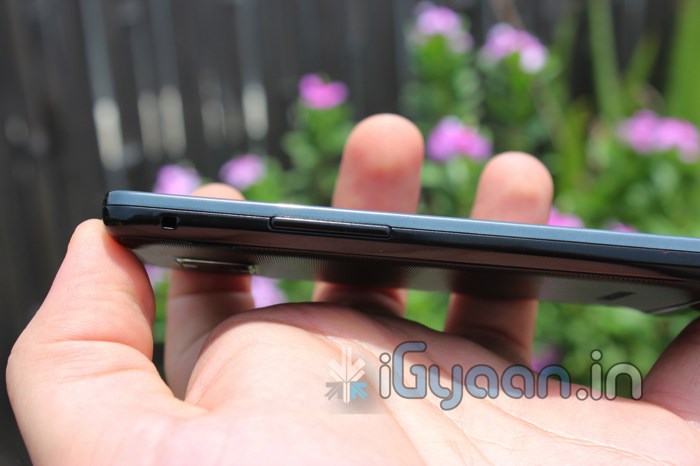
  • Blackberry Bold 9900 / Bold Touch 4 Unboxing and Hands On

    Blackberry Bold 9900 / Bold Touch 4 Unboxing and Hands On

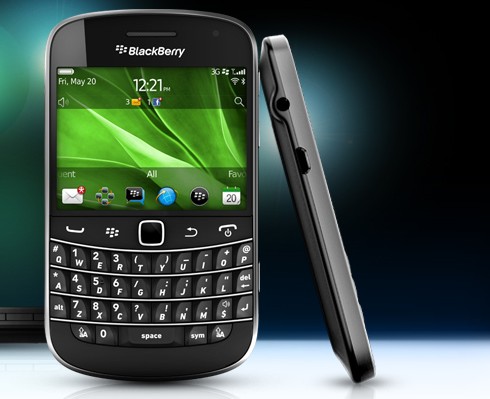
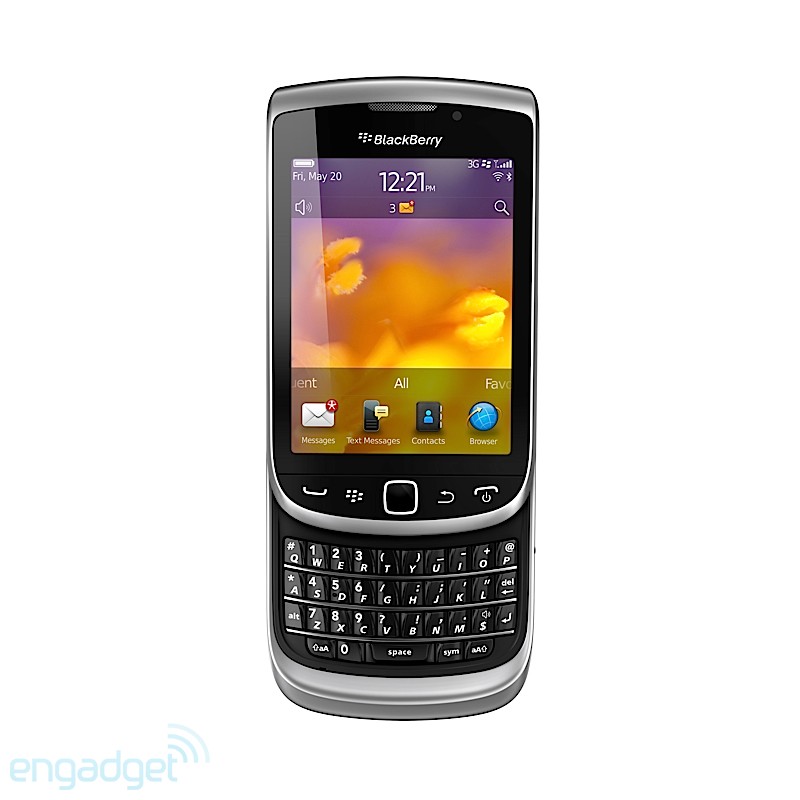
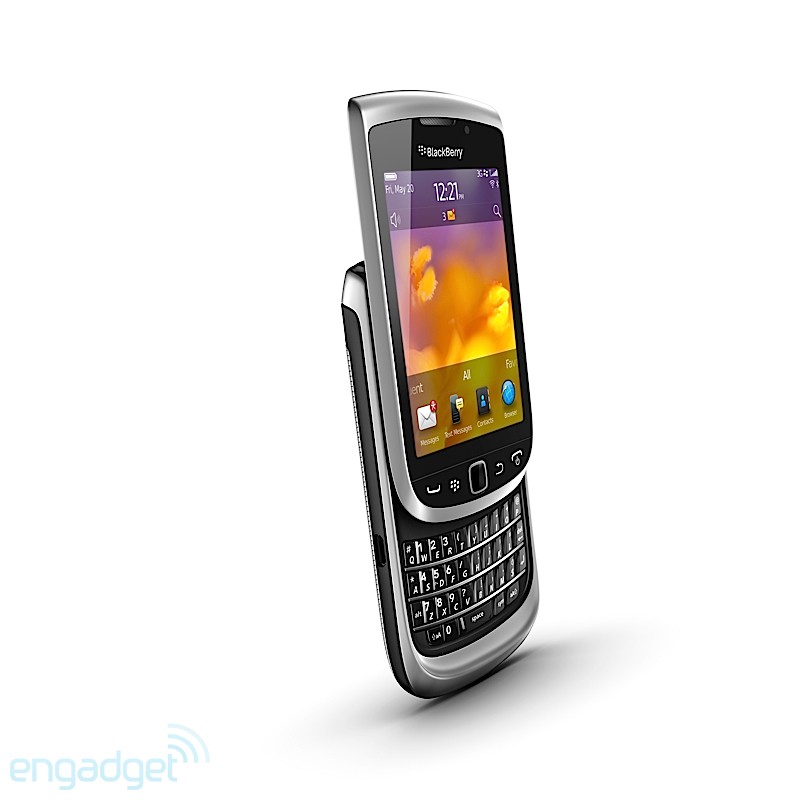
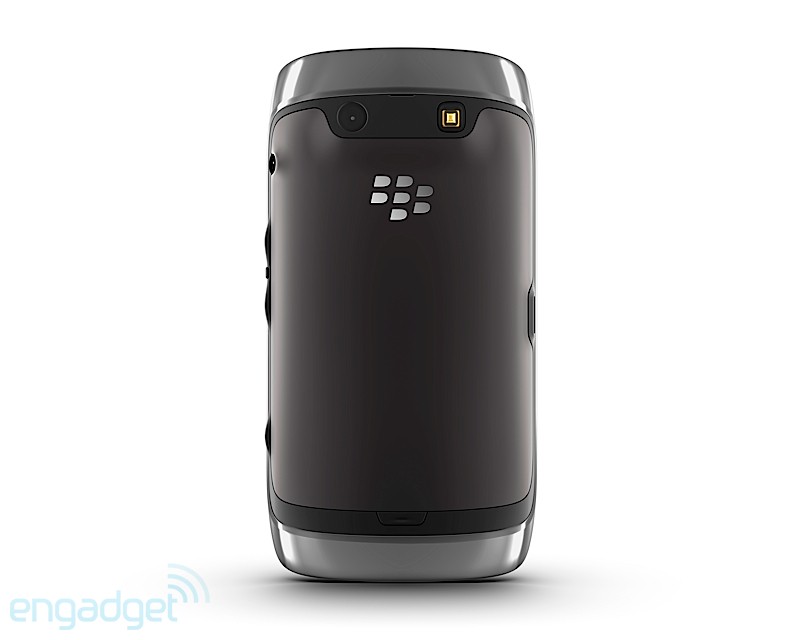
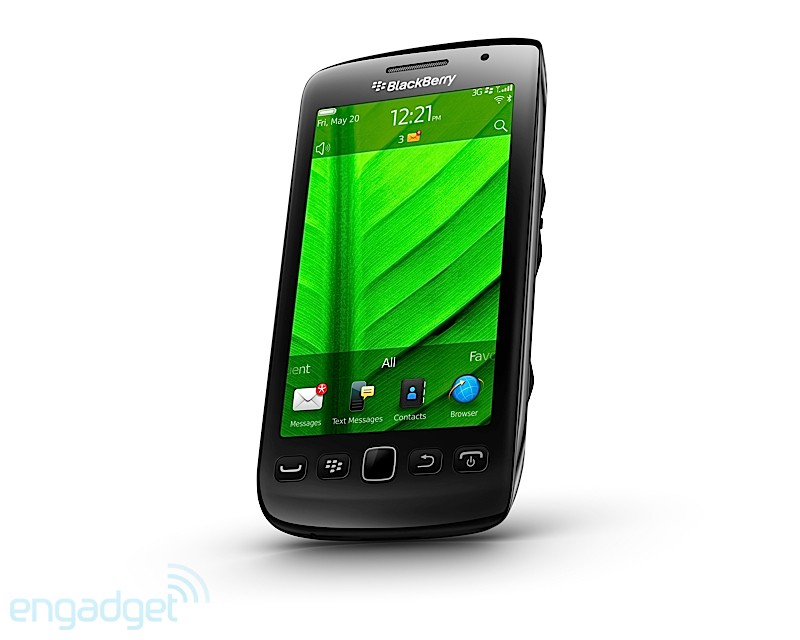
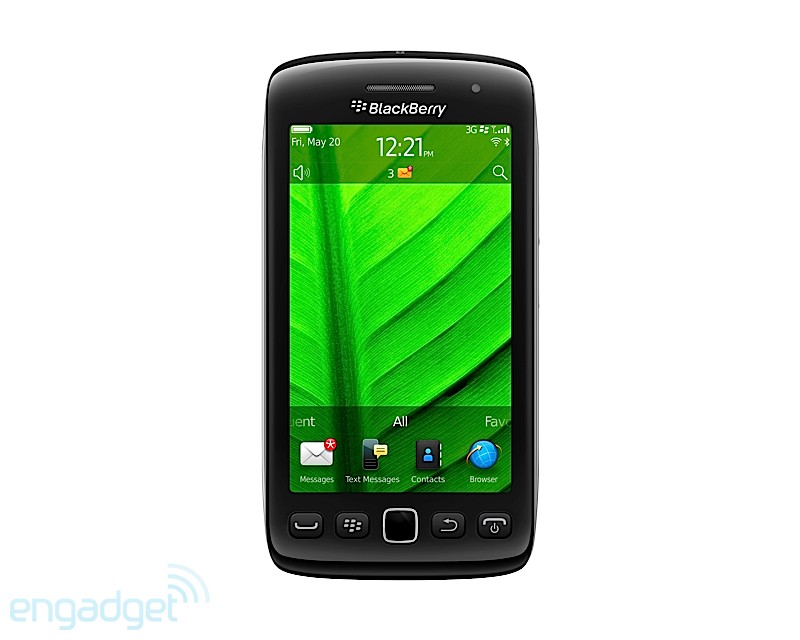
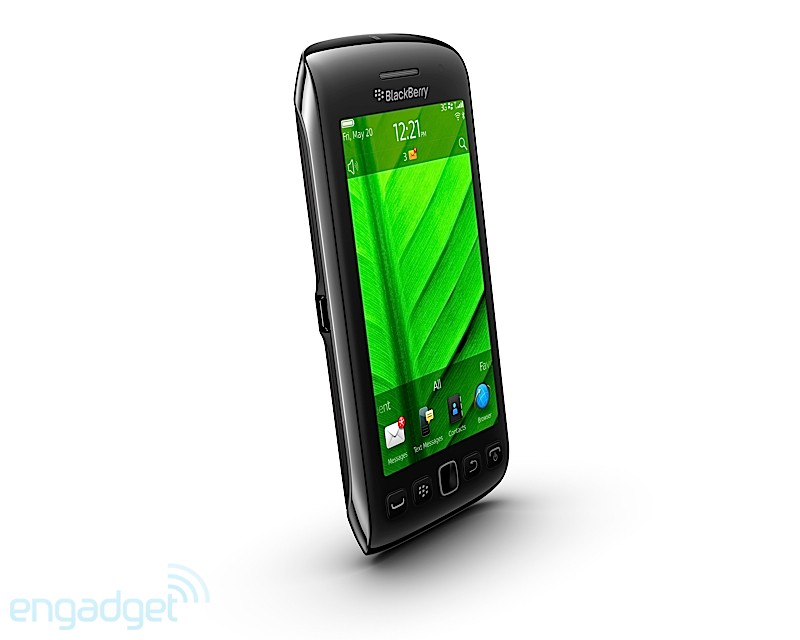
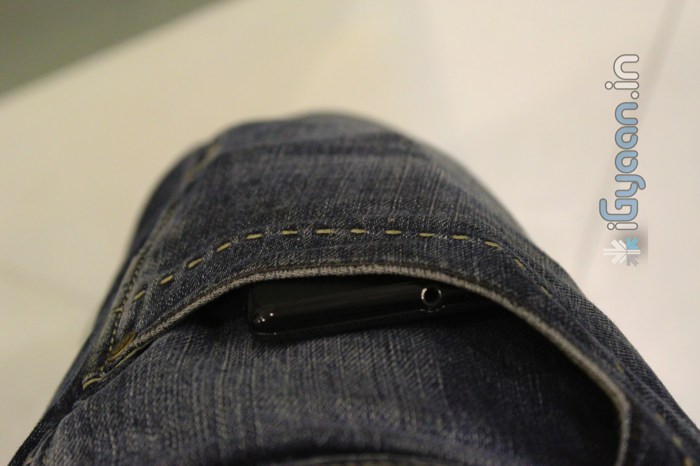
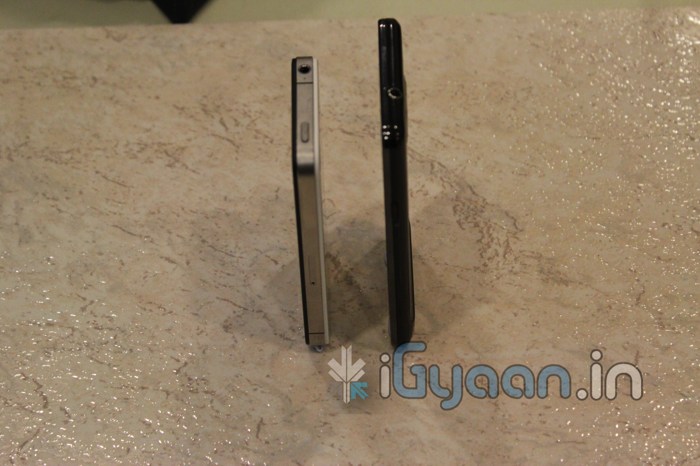
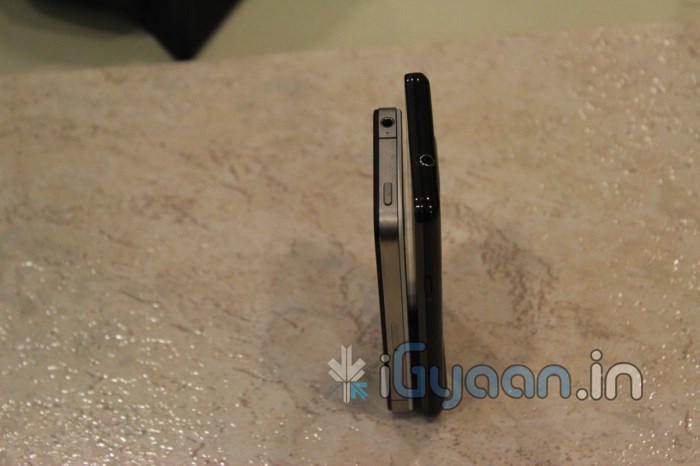
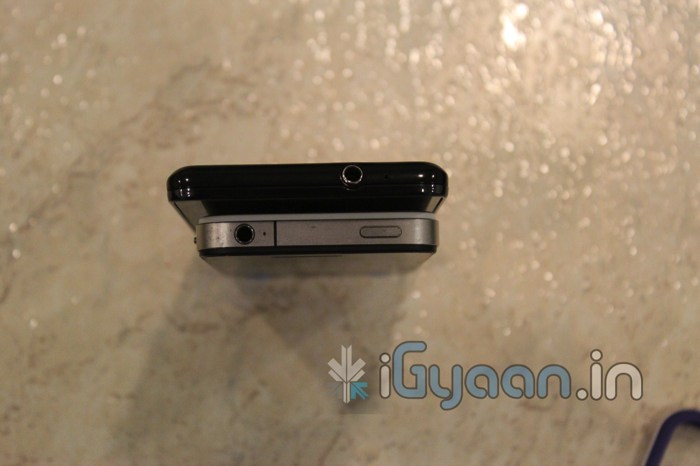
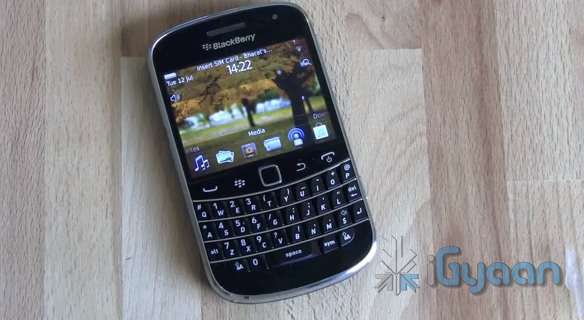
    A quick Unboxing and Preview of the new Blackberry Bold 9900, QWERTY + Touch  phone from RIM’s Stable.


    Bold 9900/9930 Features and Specifications

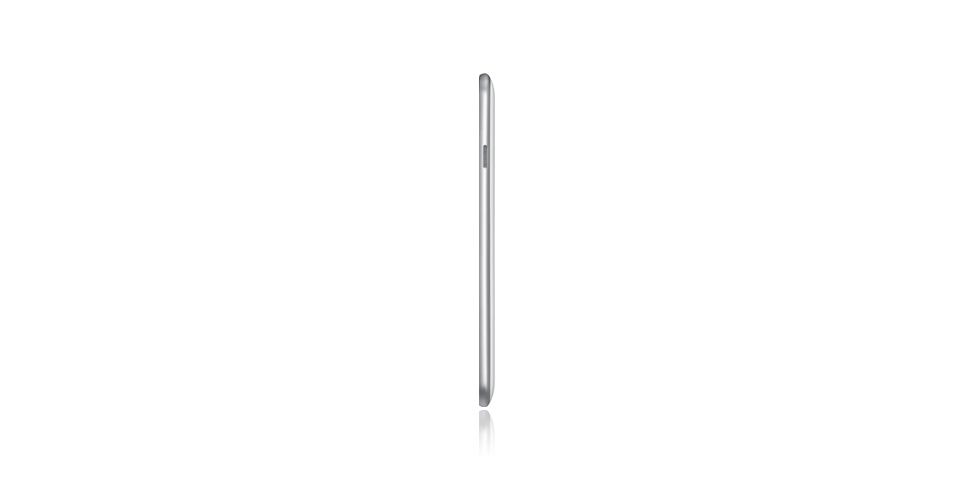
    Size 115 x 66 x 10.5 mm, approximately 130g
    Display 2.8″ capacitive touch screen display – VGA (640×480), 287 dpi resolution
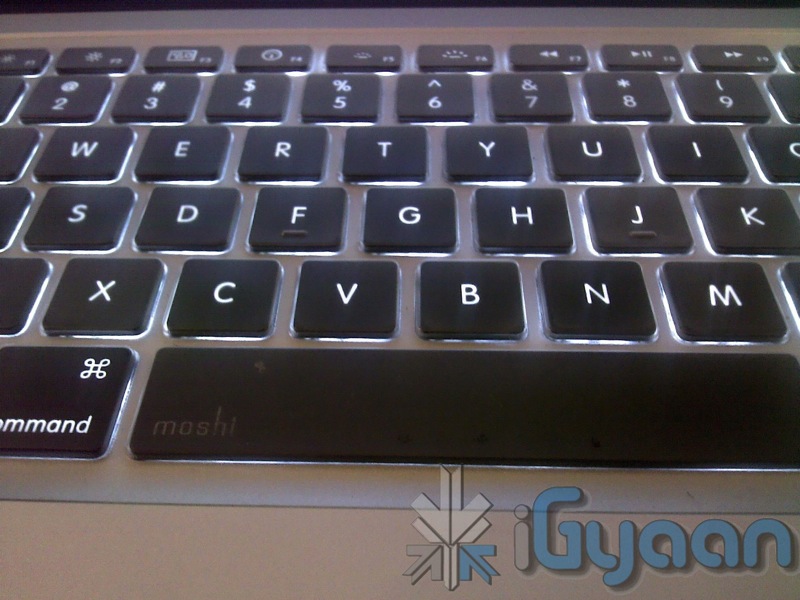
    Keyboard Ultra-easy QWERTY keyboard, optical trackpad
    CPU 1.2 GHz Processor
    Memory 768 MB RAM; 8 GB on-board memory, plus microSD slot supporting up to 32 GB cards
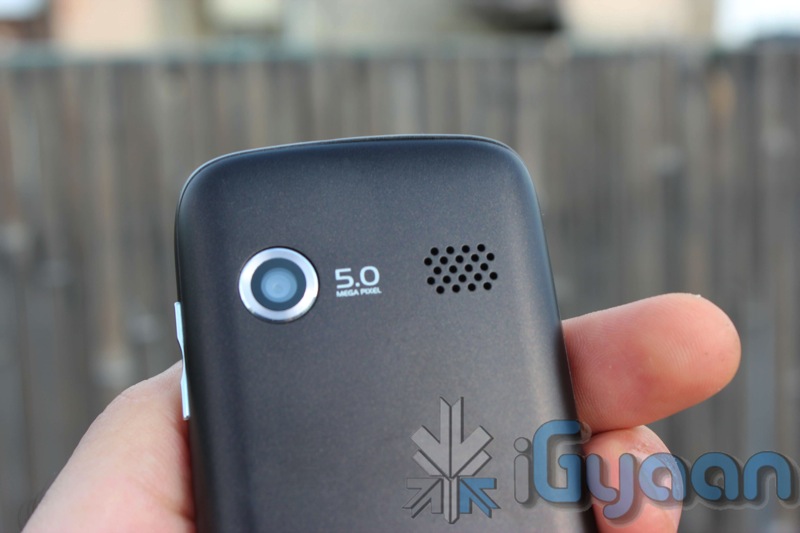
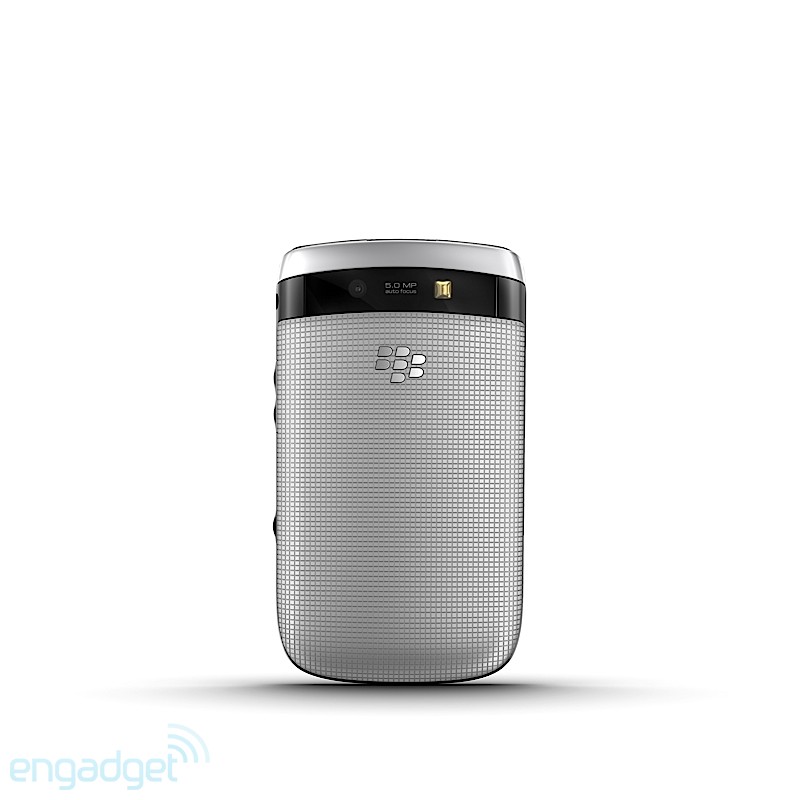
    Camera 5.0 MP camera, supports 720p HD video recording
    Accelerometer/Magnetometer Orientation Sensor (Accelerometer), Digital Compass (Magnetometer), Proximity Sensor
    GPS Built-in GPS / aGPS
    Wifi

    Dual-Band Wi-Fi – 802.11 b/g/n at 2.4 GHz and 802.11 a/n at 5 GHz:

    • 9900: Tri-BandHSPA+,Quad-BandGSM/EDGE
    • 9930: Dual-BandCDMA/EV-DORev.A,Dual-BandHSPA+,Quad-Band GSM/EDGE
    Bluetooth Bluetooth® 2.1+EDR support
    Operating System BlackBerry 7 OS
    Battery 1230 mAh removable, rechargeable battery

  • Olympus PEN E-PM1 Mini Announced for US$ 500 and September launch

    Olympus PEN E-PM1 Mini Announced for US$ 500 and September launch

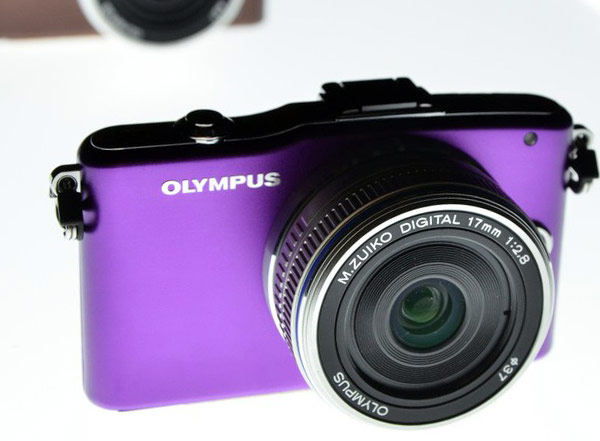
    Olympus has finally made the PEN E-PM1 Official and that too for a pretty ginormous 500 US $ or about 2500o Indian, including a 14-42mm f/3.5-5.6 kit lens. The company is calling it  “the easiest PEN to use,” yet the Olympus PEN is possibly the most impressive Micro four thirds series camera.

    Specs Include

    • New simpler user interface 
    • 23 Scene-Select modes
    • 3-inch 460k-dot LCD
    • 1080i HD video capture
    • RAW shooting 
    • ISO 12,800
    • Manual, Aperture Priority, and Shutter Priority shooting modes.
    • purple, pink, brown, white, silver, and black color options
     

    [toggle title_open=”Full Press Release” title_closed=”Full Press Release” hide=”no” border=”yes” style=”default” excerpt_length=”0″ read_more_text=”Read More” read_less_text=”Read Less” include_excerpt_html=”no”]

    The World’S Smallest Olympus PEN Is Also The Most Affordable: The PEN E-PM1 Packs Mega Power In A Micro Body For Under $500

    Small, Easy and Stylish Compact System Camera Ships in September and Fulfills the Promise of a Camera with Impressive DSLR Image Quality and HD Video in a Mini Camera Body

    CENTER VALLEY, Pa., August 25, 2011 – The wait is over! Starting next month, the smallest, lightest, and the most portable Olympus PEN camera – the PEN E-PM1 – will be available at the affordable price of $499.99. The Olympus “PEN Mini” comes in six stylish colors (purple, pink, brown, white, silver and black) to suit your personal style. The PEN E-PM1 packs a powerful punch with the same amazing image quality, lightning-fast speed, and 1080i high-definition (HD) video offered by the recently introduced PEN E-P3 and PEN E-PL3.

    The “PEN Mini” is also the easiest PEN to use, with simple controls that enable you to effortlessly access the power of digital photography. A step up from a point- and- shoot camera, the Olympus PEN E-PM1 features a new user interface that takes the guesswork out of capturing the perfect shot. A simple one-touch button enables you shoot HD video. iAuto and scene select modes enable you capture images with ease and speed, and six built-in Art Filters enable you explore your artistic side. The Olympus PEN E-PM1 puts the portability of a point-and-shoot with the performance of a DSLR in the palm of your hands.

    “The Olympus PEN E-PM1 is the ideal camera for those interested in DSLR quality in a compact camera design. It’s fun to use, super powerful, and its small size means it’s the ‘goes anywhere you go’ PEN camera,” said Katie Roseman, senior product manager, Olympus Imaging America Inc. “Whether you’re recording your child blowing out the candles on a birthday cake, capturing an elaborate candle-lit table setting at your favorite restaurant or chronicling a vacation, you will never worry about missing a fun or spontaneous moment with the PEN Mini by your side.”

    EASE OF USE

    Operating the “PEN Mini” is more intuitive with the newly-designed user interface. Popular menu options such as Art Filters, iAuto, Scene Modes, and Movie are immediately available for your selection. On-screen graphics are easy to read on the 3″ LCD and even include a handy pop-up guide to help you understand every setting. The Olympus PEN E-PM1’s Live Guide system allows you to preview effects as you adjust them before the image is even captured. iAuto mode automatically identifies the scene you’re shooting; portrait, landscape, night portrait, macro, or sport and adjusts the settings to optimize results. Choose from 23 Scene-Select modes, including the new 3D mode, Fireworks, Sunset, Children, Macro and Panorama, and more that cover almost any shooting situation. The camera’s three-inch widescreen 460-dot high-resolution LCD is so big and bright it enables you shoot and share photos and HD videos with ease.

    PROFESSIONAL IMAGE QUALITY

    The new 12.3 megapixel sensor is the same size as those used in pro quality DSLRs. Olympus’ in-body image stabilization technology makes it possible to use any compatible lens from wide-angle to telephoto, for perfectly clear, crisp photos no matter what the shooting situation, even in low light. New Face Detection Auto Focus adjusts focus automatically on the subject’s eyes for the best shot every time. You no longer need to worry about subjects appearing too dark against a light background with the PEN E-PM1’s Advanced Shadow Adjustment Technology.

    CREATIVE FREEDOM

    Shoot up to 29 minutes of full 1080i HD video with Dolby Digital stereo sound using the direct HD Movie Button. Add more flair to your photos and videos with six in-camera Art Filters (Pop Art, Soft Focus, Grainy Film, Pin Hole, Diorama and Dramatic Tone). Every Art Filter can be used in all shooting modes, including HD movie mode. Art Filters can achieve dramatic results on the go without the need for a computer or editing software, so you can spend more time shooting and less time computing. A variety of interchangeable lenses, accessories and flashes are compatible with the Olympus PEN E-PM1 to support all different photography needs. High-precision engineering and an improved internal focusing mechanism have enabled the Olympus MSC (Movie+Still Compatible) lenses to autofocus quickly, smoothly and silently; perfect for stills and HD movies in stereo with amazing clarity. In any mode, from close up to landscape, 3D technology brings your images to another dimension. The 3D data is processed in-camera for easy display on 3D televisions or laptops.

    LOW-LIGHT PERFORMANCE

    Capture the life of the party with the PEN E-PM1’s super luminosity AF Illuminator LED beam, which allows the camera to focus faster in low-light. Stunning night-time photos are a click away with a maximum sensitivity of 12,800 ISO. Additionally, the “PEN Mini” provides the flexibility of an optional slide-on flash included with camera.

    BLAZING SPEED

    The Olympus PEN E-PM1 offers fast sequential shooting, enabling you to take up to five photos per second. Capture that perfect shot, even when your subject is moving. The new FAST (Frequency Acceleration Sensor Technology) AF System is able to focus at an incredible speed and offers 35 separate focus areas that are spread over nearly the entire sensor, which makes it possible for pin-point accurate focusing on small subjects wherever they appear in the frame. The TruePic VI image processor has been designed specifically for the Olympus PEN series, with two (dual core) processing engines for superb color and clarity.

    AVAILABILITY

    The Olympus PEN E-PM1 kit will be available starting in September 2011. The kit includes the PEN E-PM1 body, MSC M.ZUIKO DIGITAL 14-42mm, FL-LM1 Flash, USB cable, video cable, BLS-1 Li-Ion battery pack, Li-Ion battery charger, shoulder strap, OLYMPUS [ib] software CD-ROM, manuals and registration card.

    U.S. PRICING / PRODUCT CONFIGURATIONS
    Olympus PEN E-PM1 Body with MSC M.ZUIKO DIGITAL ED m14-42mm II R f3.5/5.6 Zoom Street Price: $499.99

    Journalists interested in more information, review units and high-resolution images of the Olympus PEN cameras and PEN lenses and accessories should contact Keith Gordon, Mullen Public Relations, 212-885-3218, [email protected], or Jennifer Colucci, Olympus Imaging America Inc., 484-896-5719, [email protected], or visit the Olympus website: http://www.getolympus.com.

    [/toggle]

  • Exclusive : HP DV6 6121TX Unboxing and Comparison

    Exclusive : HP DV6 6121TX Unboxing and Comparison

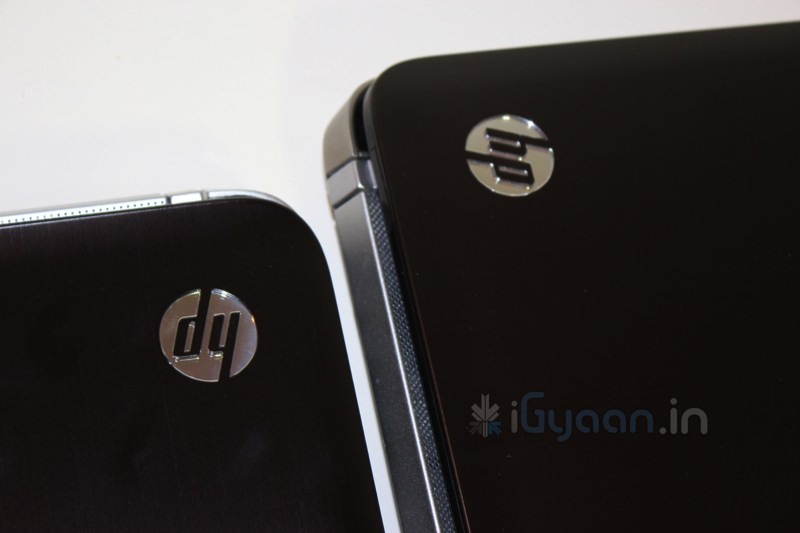
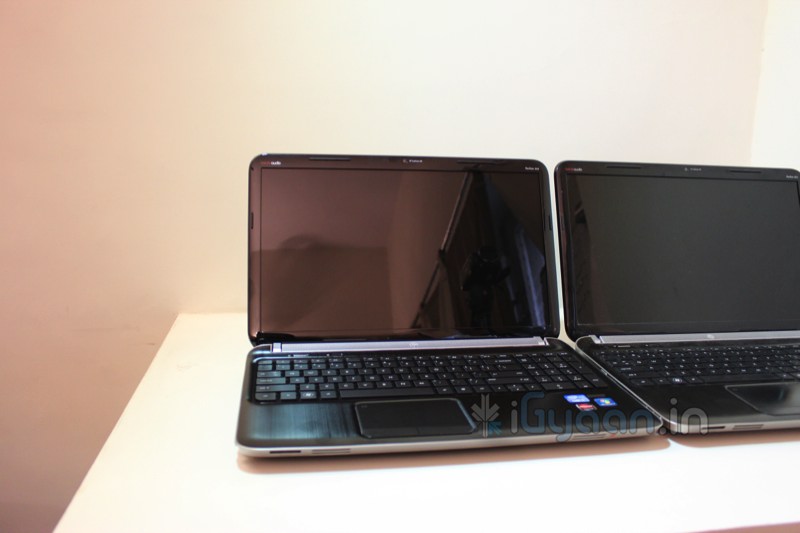
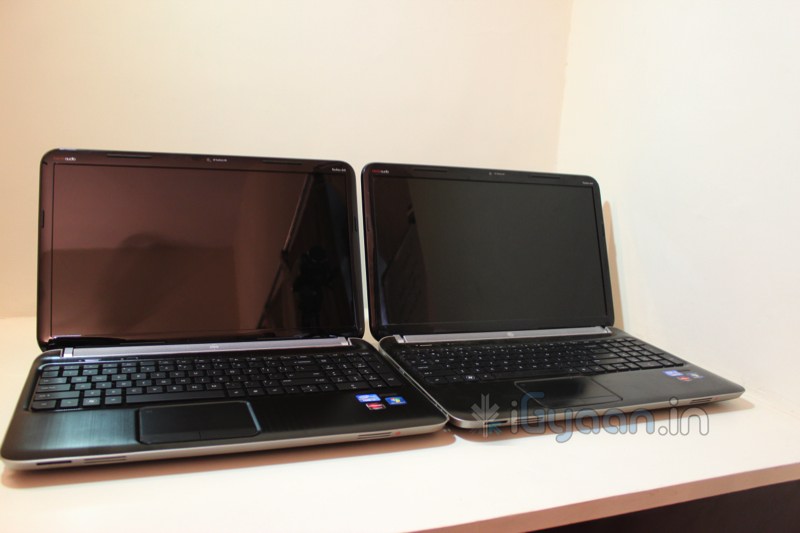
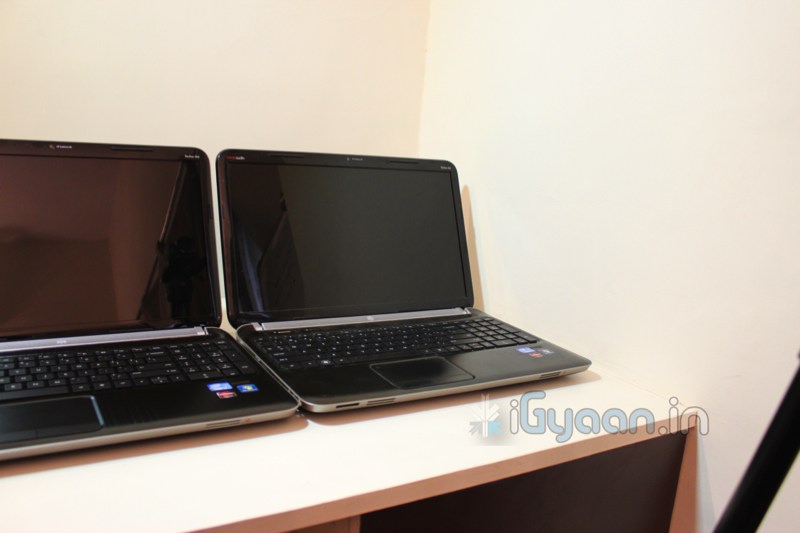
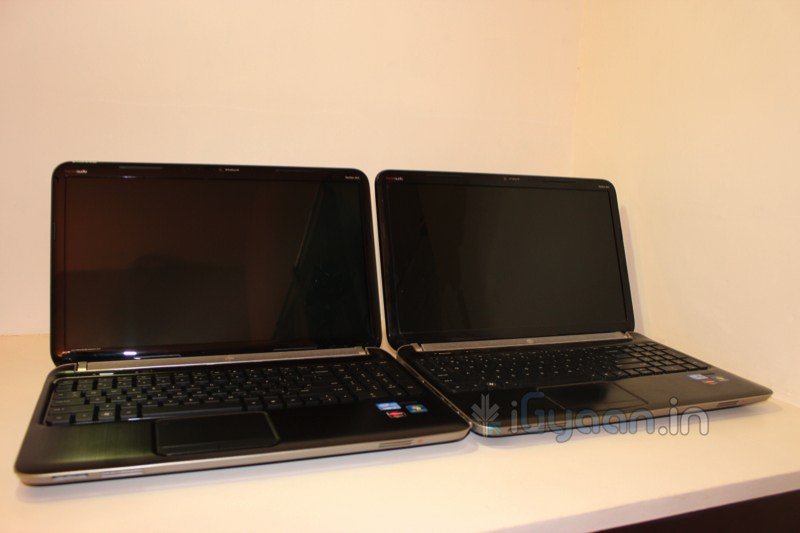
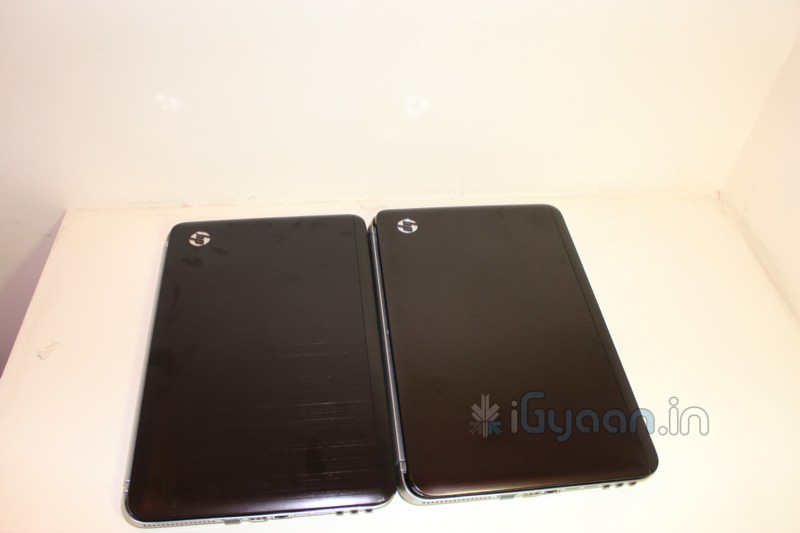
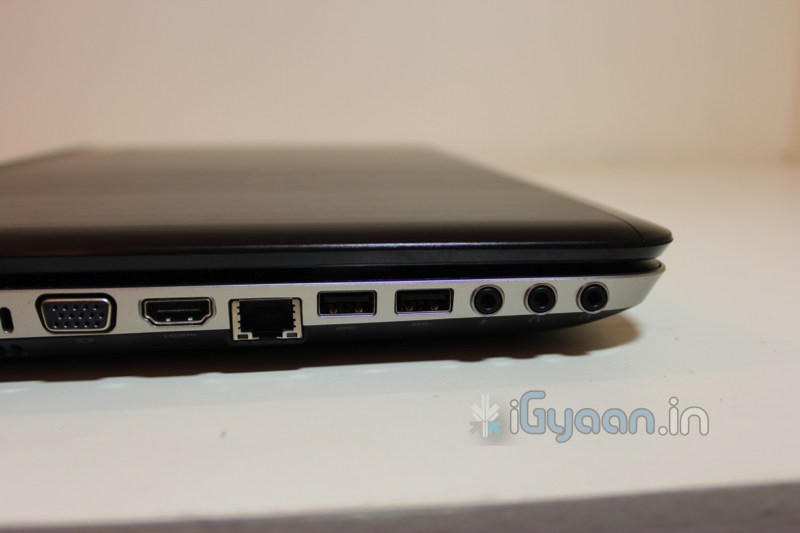
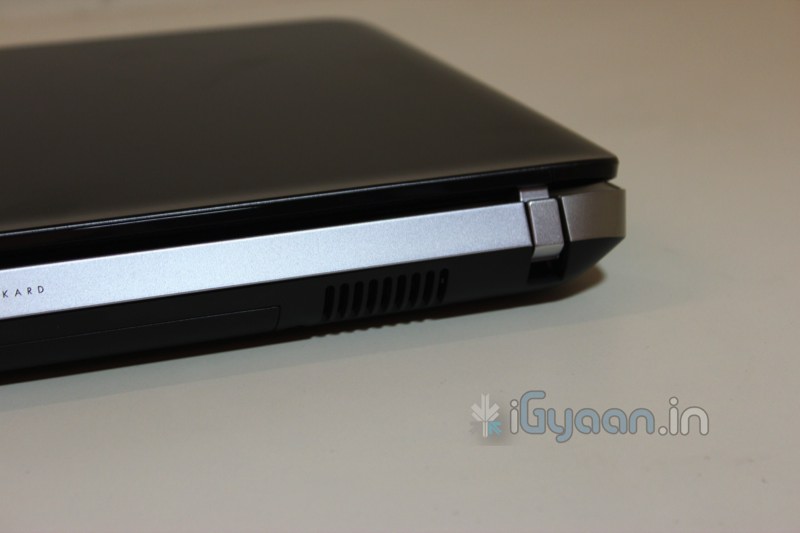
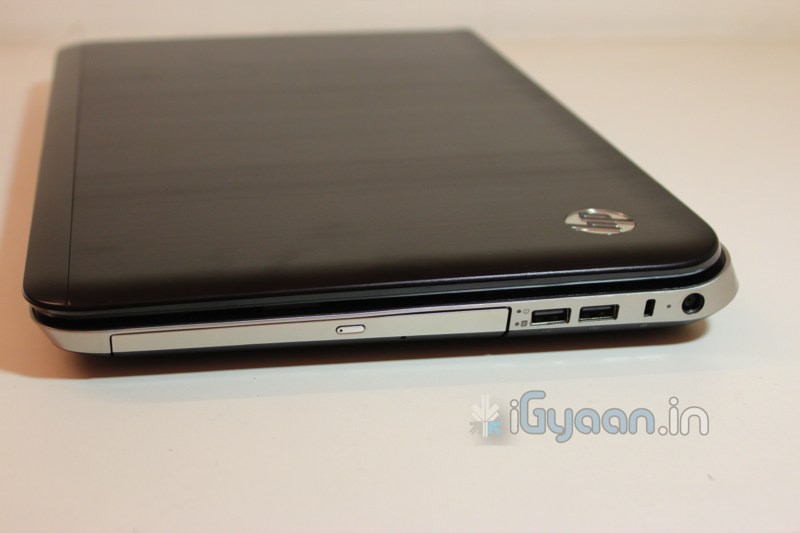
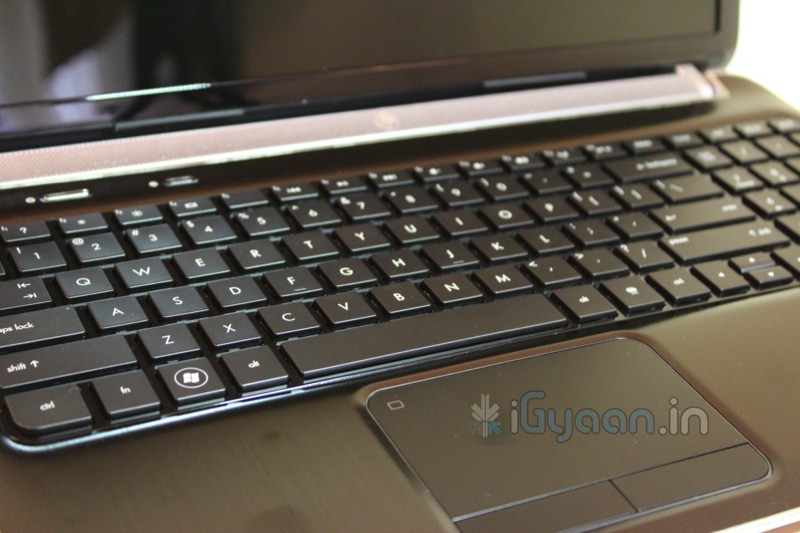
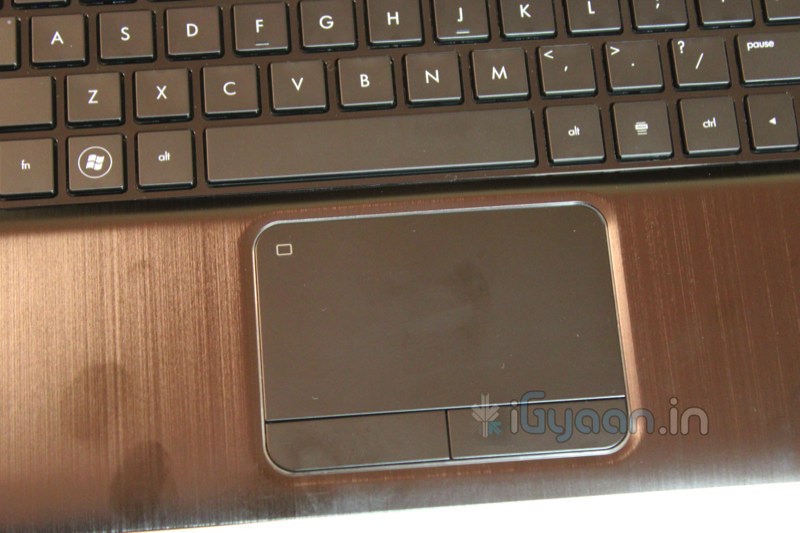
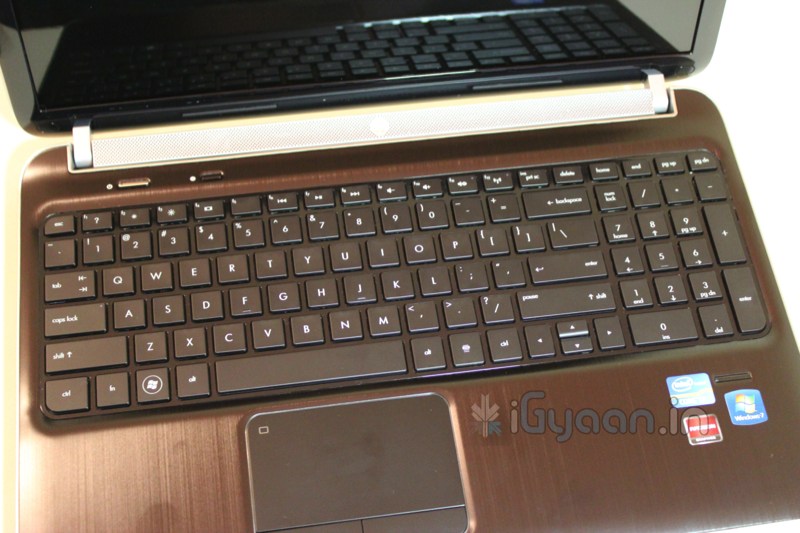
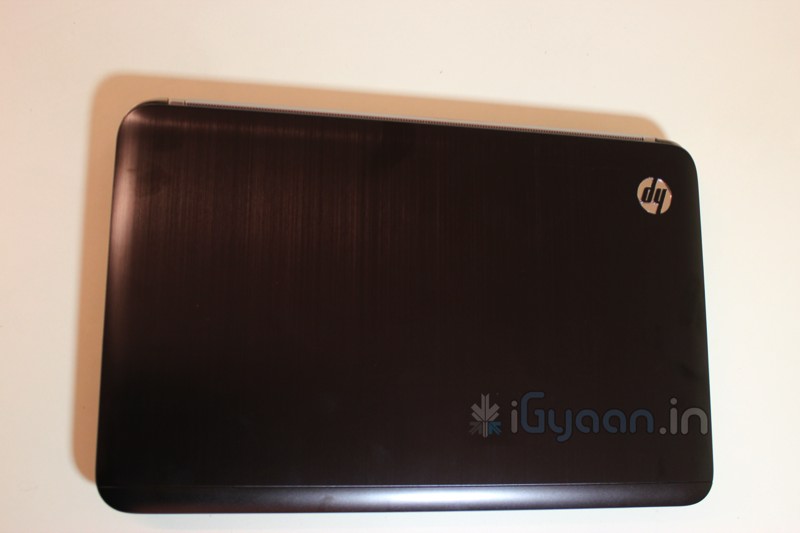
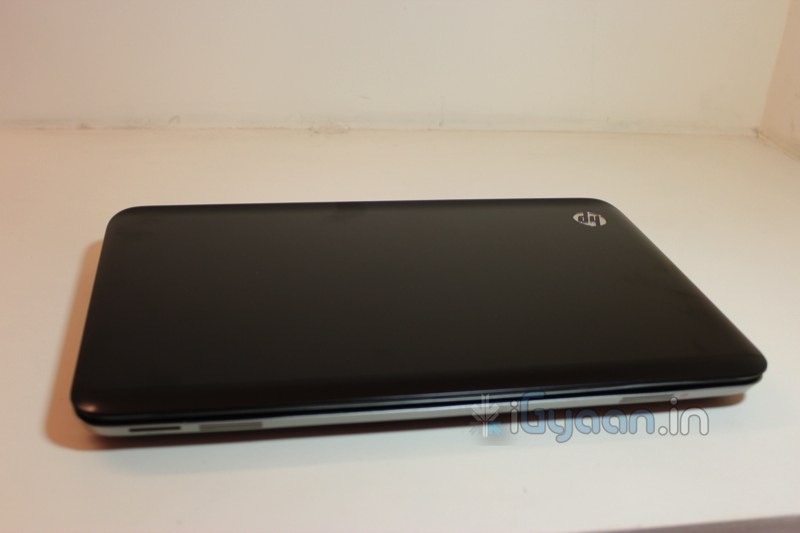
    We got our hands on the brother of DV6 6017 tx that we Unboxed and Reviewed earlier. The HP DV6 6121TX adds few major upgrades and does not affect the price of the computer.


    Available in the market for about INR. 54,000/-

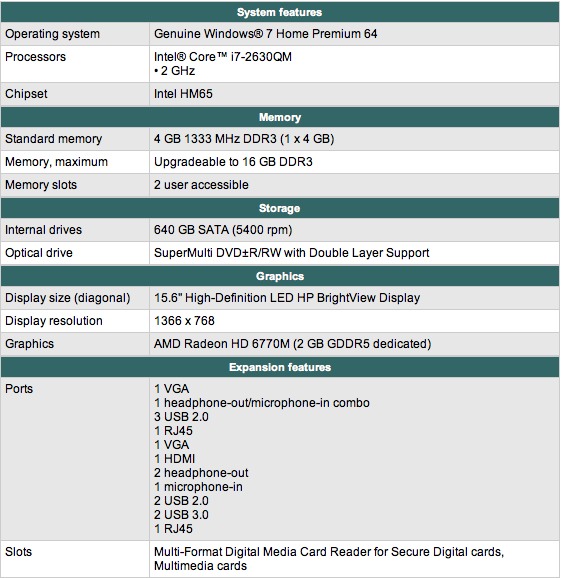
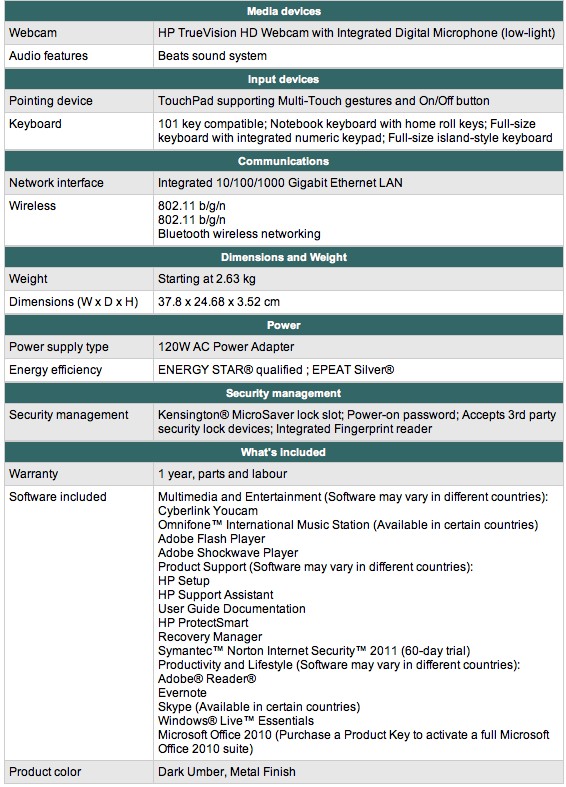
    HP DV6 6121TX Specs Sheet


    Images


    Unboxing Video

    Stay tuned for an in-depth review. 

    iG Test Labs

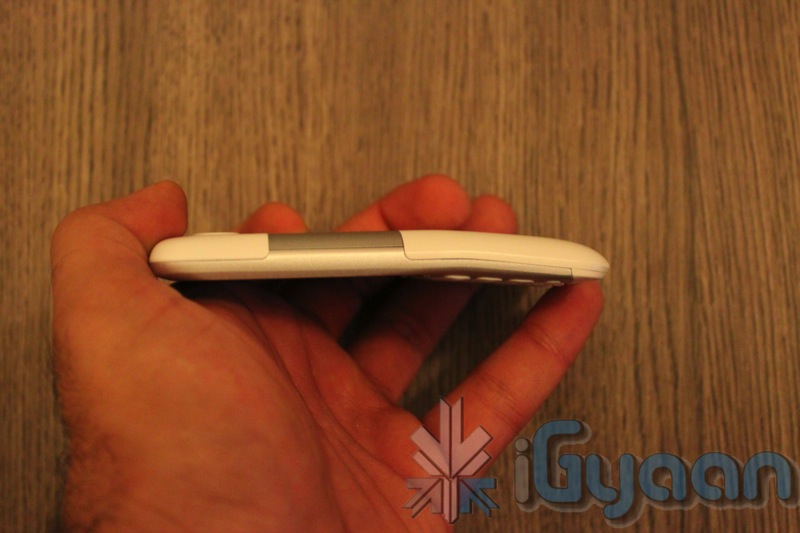
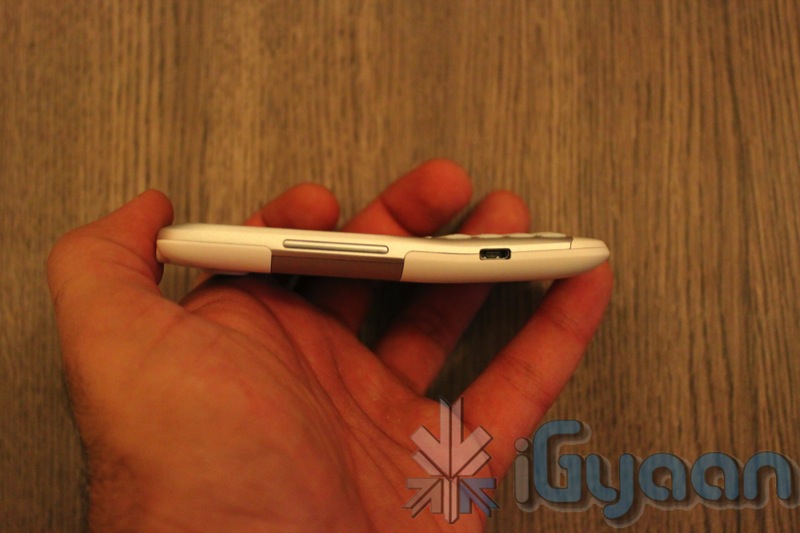
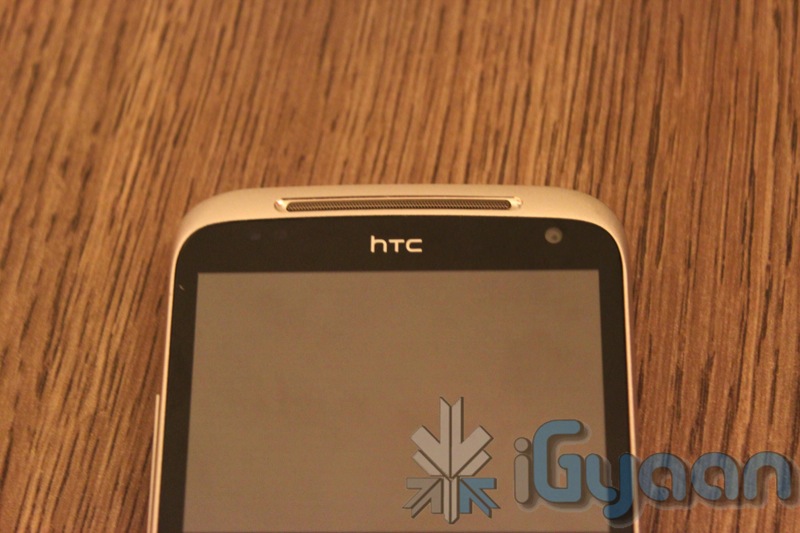
  • HTC Chacha Unboxing and Quick Review

    HTC Chacha Unboxing and Quick Review

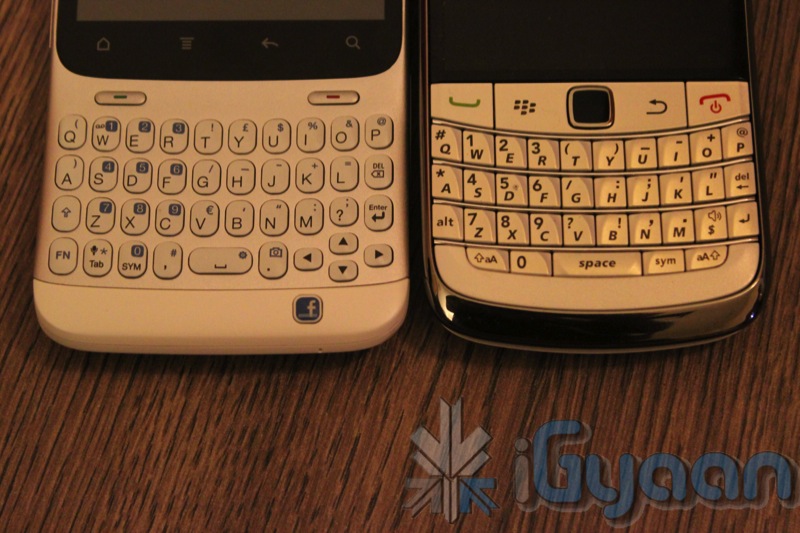
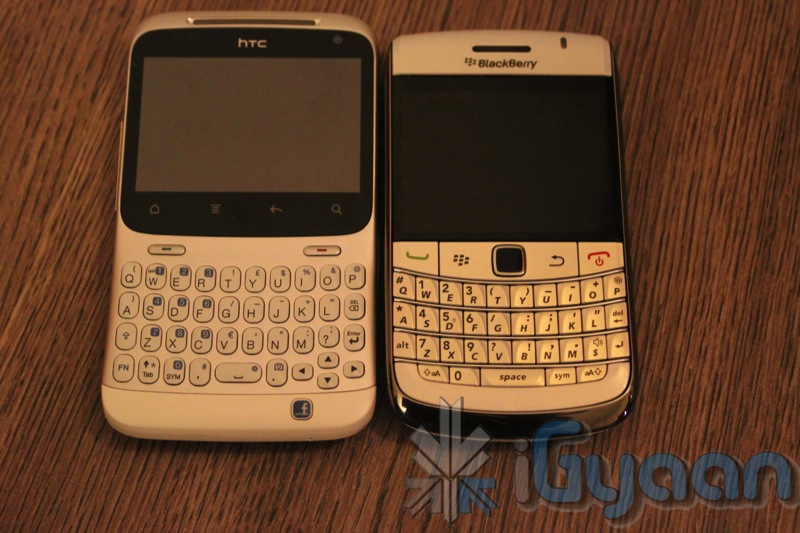
    HTC has launched the ChaCha in the Indian market, with hopes of capturing a different segment of the crowd. With Blackberry phones including the new 9900 with touch and type coming in at a premium one can only wonder if the target audience is looking for an alternative.

    Here are some of the specs of the HTC ChaCha:

    • Android 2.3 Gingerbread
    • HTC Sense 2.1 for Keyboard devices ( variant of 3.0)
    • 800Mhz Processor
    • 512MB RAM
    • Front Facing Camera (WiFi Video Calls)
    • 5 Megapixel Camera
    • HSDPA 7.2mb/s
    • Bluetooth 3.0
    • 802.11 B/G/N WiFi
    • GPS
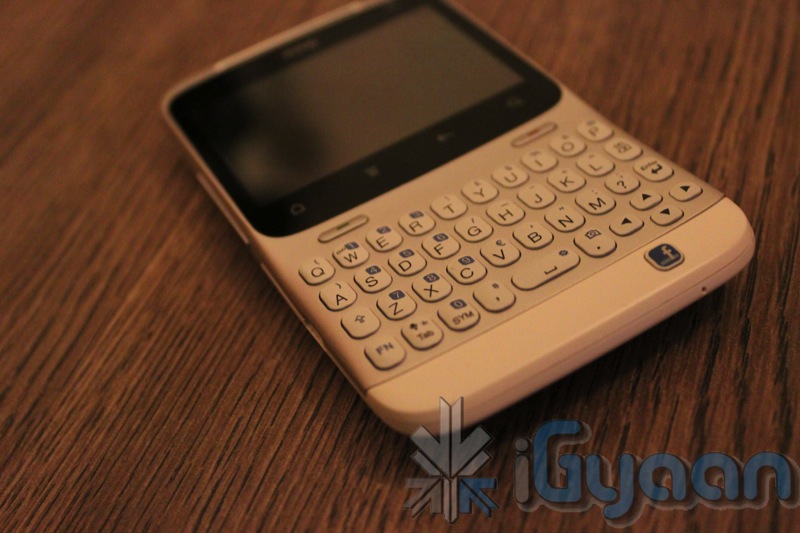
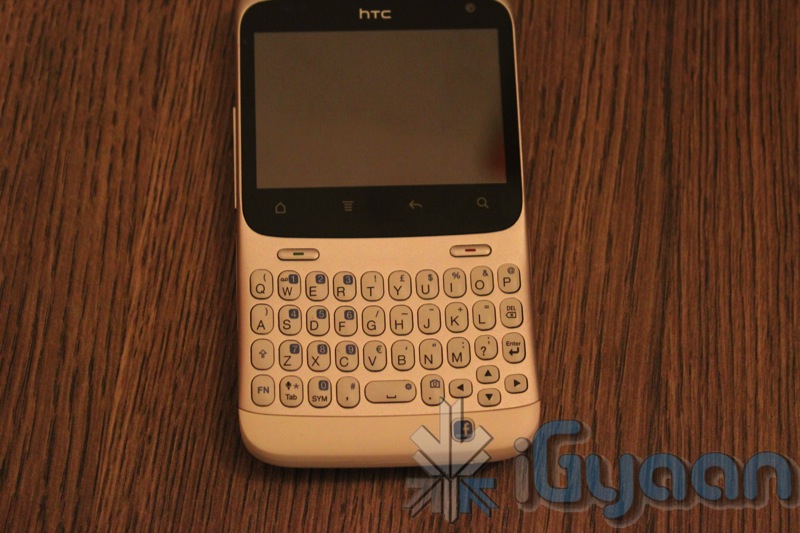
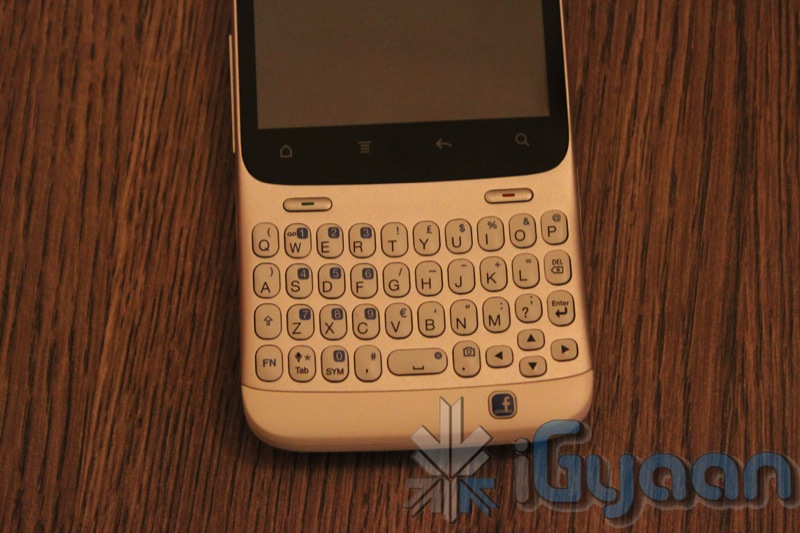
    The device is extremely well built with metal and plastic accents the construction is robust and almost robot-like. The shape and form factor is also kind of new with the forward tilted screen and new design qwerty keyboard. 
    This is also possibly the only other Android device to have a dedicated Facebook button. Which is what also makes it a young persons phone, while remaining a strong competitor in the business smartphone market.


    Video Unboxing and Preview

    iG Tech Labs

  • Micromax Andro A70 Review

    Micromax Andro A70 Review

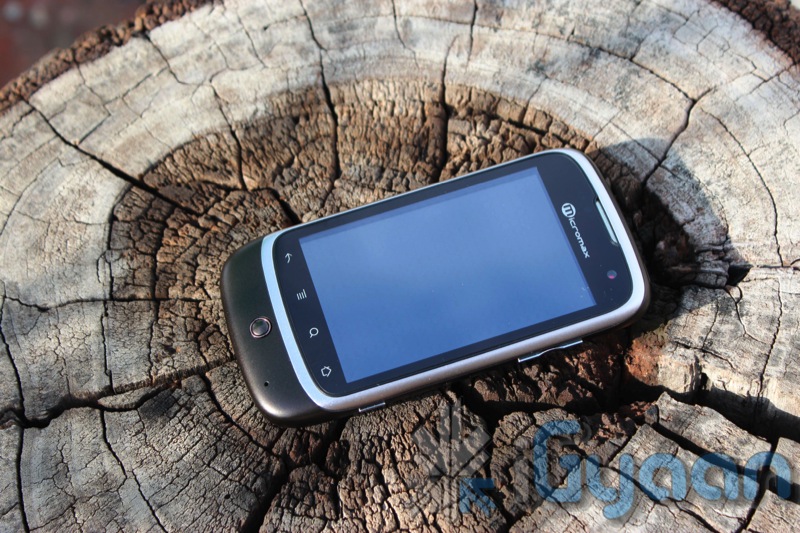
    The Micromax Andro A70 was one of the most anticipated phones of this quarter, especially in the sub Rs. 8000 bracket. To be honest, at first we thought of it as just a minor upgrade to the existing Andro A60. But as we reviewed this little marvel we began so see a major change in its operation. Lets see why the Andro A70 is our pick for the price range.

    Build Quality and Design

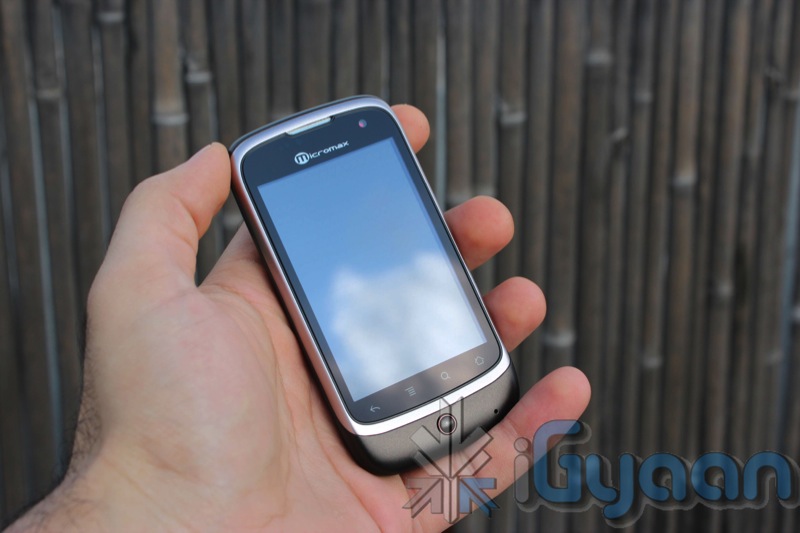
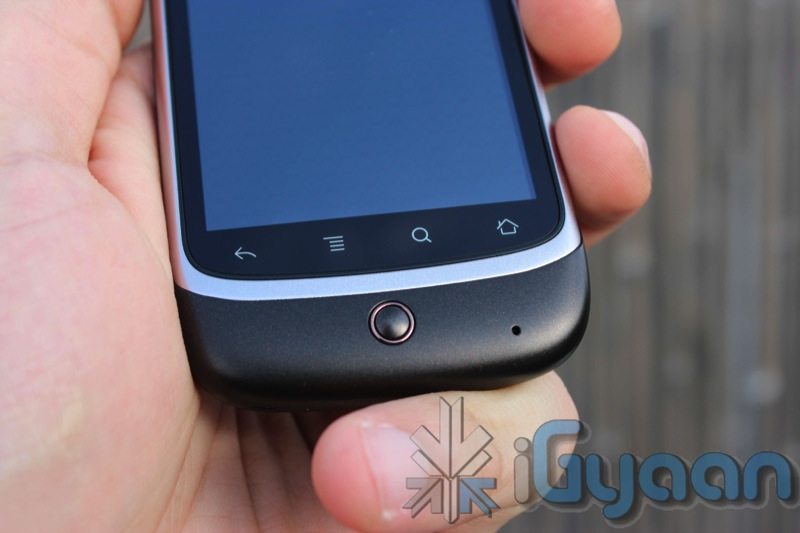
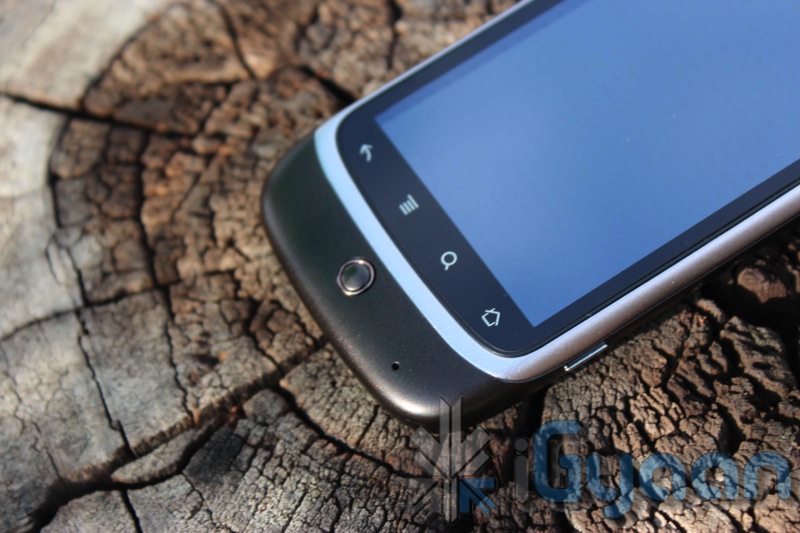
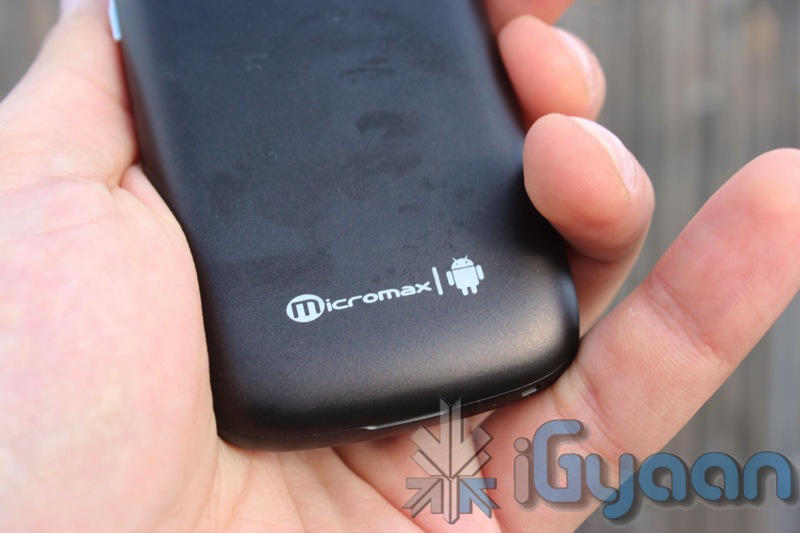
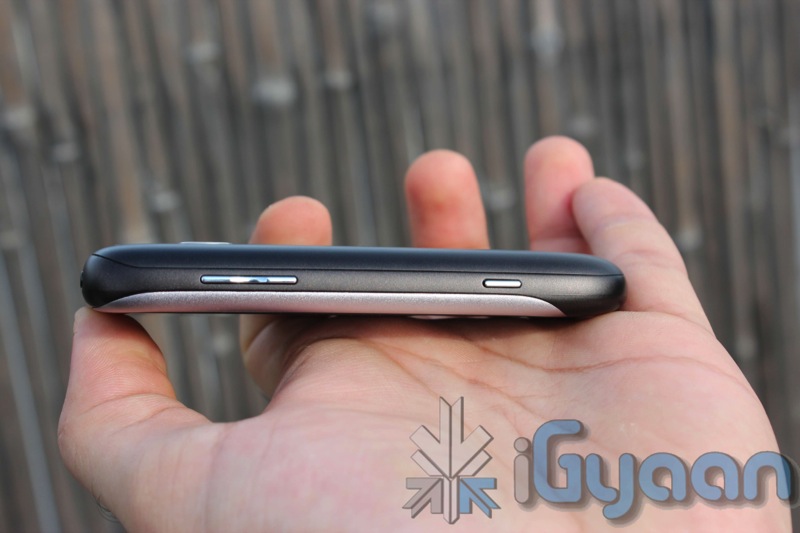
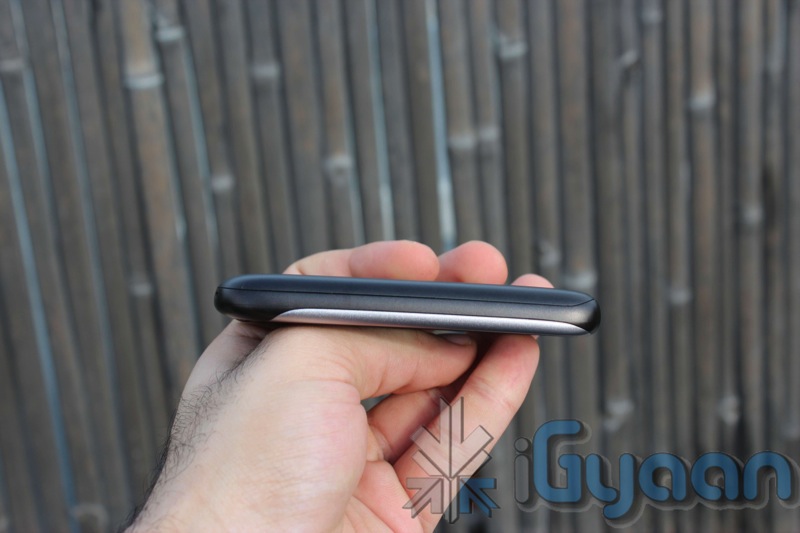
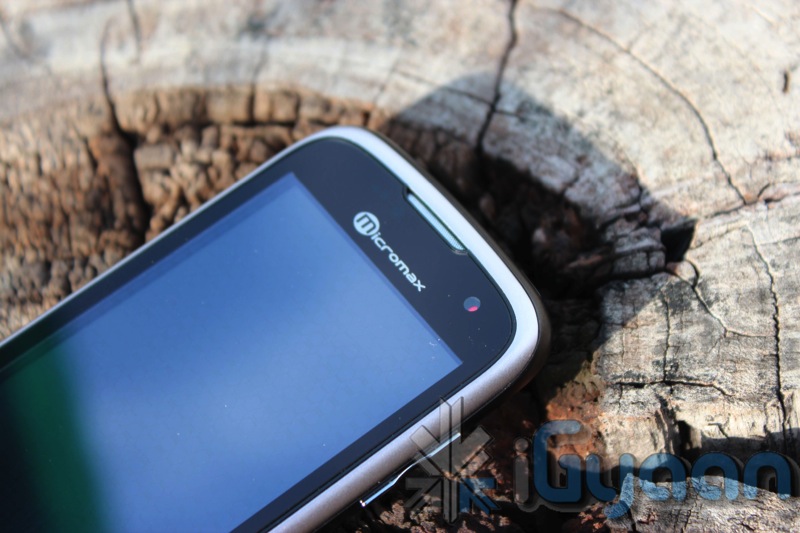
    Reminiscent of the Nexus One’s design, the Micromax Andro A70 is built with sturdy plastics. Nice curvaceous ends make it an extremely attractive design, and very comfortable to hold in the hand. The screen on the front is tough and provides the extra protection required for a touch phone of this nature. The buttons are tactile and easy to use, the overall standard of construction is quite impressive.

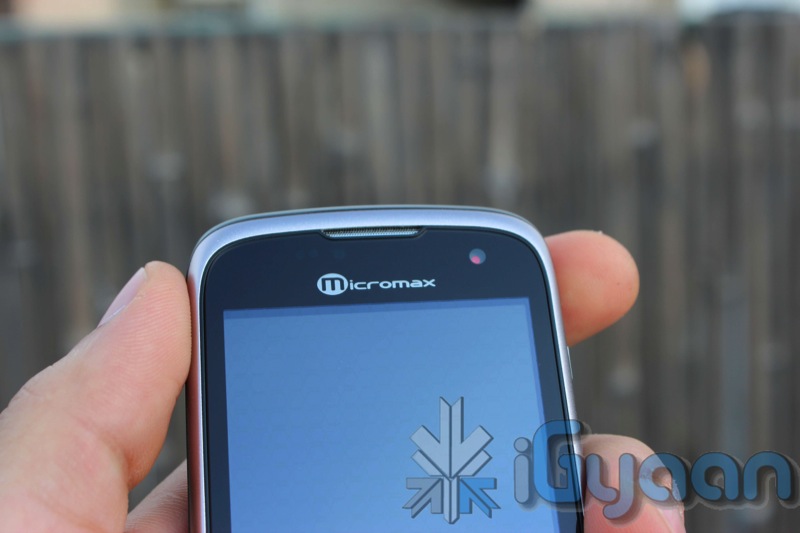
    The front of the display is also glass and not plastic unlike its predecessor, Which makes the overall build of the device impressive. The phone is sturdy and does not make rattling noises even when tossed around.


    Hardware 

    •   Android 2.2 (Froyo)
    •   Camera Primary 5.0 MP Secondary – VGA
    •   600MHz Processor
    •   3.2 inch Multi Touch Capacitive Screen
    •   Mi – apps –  application store by Micromax
    •  Full Android Market
    •   WCDMA 2100 MHz
    •   HSDPA 7.2 Mbps
    •   Mi-Fi Pocket Wireless Internet
    •   GPS             
    •   Wi-Fi 802.11 b/g
    •   Battery 1450mAh
    •   Proximity Sensor
    •   Gravity Sensor

    Camera and Multimedia

    A surprisingly interesting 5 MP camera with autofocus that delivers exceptionally good pictures. The camera displays great skill when it comes to auto-focus and cannot be tackled down by any other device in this price range. Although colors appear washed out at first but a little playing around with the settings gives a good picture.

    Video on the other hand is simply OK, you cannot expect much from the VGA video capability. A simple tweak, by changing the video quality settings to custom in the camera we were able to get VGA video. If you leave the video quality to high, it captures a much lower resolution video. A sample of the video can be seen in the videos below.

    The Front facing camera, is a simple VGA camera and can be used for nothing but clicking self portraits and video. We tried several times to initiate a camera response from Skype /fring etc, but failed to do so.

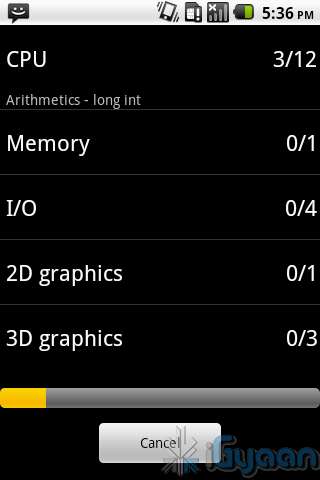
    The screen of the Andro A70 is great for watching videos and browsing the internet. It is also a capacitive 2 point multitouch screen, so pinch to zoom works great and with the 3.2 inch 320x480px screen text is crisp and easily read. 

    Speakers are loud and clear when it comes to watching videos or simply listening to music. Overall multimedia experience was satisfactory and a lot more than you can expect from a device which costs only 7500 Rs.

    Phone and Messaging

    No complaints here, the phone call capability was excellent , little or no dropped calls, clear speaker and earpiece. the microphone also pics up sound aptly and delivers to the other side. One thing with mentioning is the number of connection errors faced in process of dialing a number were far more than any other device tested.

    Messaging and emailing has also improved vastly over the previous A60 thanks to the inclusion of the capacitive screen. This makes the device almost brilliant, keyboard is nice and spread out and easy to type on even with relatively large fingers. The keyboard can also be easily replaced with customizable keyboards from the Marketplace, including Better Keyboard. Swype however does not work with the Andro A70.


    Internet and Portable Hotspot

    This section is dedicated to connectivity and utilization of the Internet, Data and WiFi. 
    The A70 has a very weak WiFi antenna, and mostly requires you to be relatively close to the router to get a decent signal. This was kind of a let down especially after the excellent WiFi antenna on the Andro A60.

    The Portable Hotspot also fails throughout the board, dropping WiFi and asking for reactivations several times.

    Apart from the above, browsing works great on the A70 especially 3G networks perform as good as high end phones.

    Battery Life

    We were quite impressed with the battery life on the A70, with over 5 hours of talk time, and a good 7-8 of internet usage, upto 3 days of standby, make it an excellent device in terms of battery life. But with Android as an OS, you never know what app you install, suddenly battery life is critically lower than before. Overall great battery , be sure to inspect your apps if you face battery issues.

    Conclusion

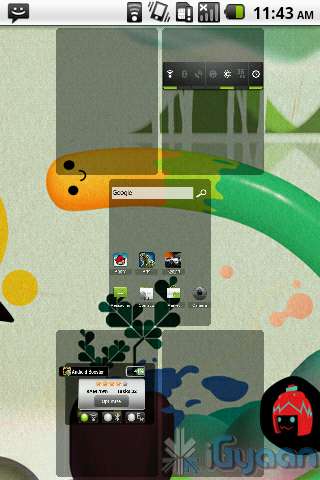
    While its an extremely awesome device for its price, it definitely has its ups and its down . With limited WiFi range and useless front camera this device lacks little and gives more. Good things include impressive build quality, a great photo camera, Android 2.2, wifi hotspot, easily root-able ( with possibility of custom rome). This device is a little understated by the company. The UI is much improved and a launcher from the market like ADW launcher can make this device a gem with pinch home screens, and smooth scrolling. 

    The Micromax Andro A70 is a good package for someone who wants to enter the Android ecosystem, or even a good upgrade for an A60 user. This device is also an excellent secondary device for a expensive smartphone. 

    We say go for it!

    [xrr rating=3.5/5 label=”We Rate it: ” imageset=shiny_yellow_star display_as=fraction_stars]

    Video Sample

    Unboxing Video

    Full Review

    Image Gallery

    Developing……

     UPDATE: 

    We got news from Micromax for Gingerbread and Video Calls : Read Here

    iG Test Labs

  • Samsung Shows of the New Galaxy Tab 750 / 10.1 in Video Demo – Full Interface walkthrough

    Samsung Shows of the New Galaxy Tab 750 / 10.1 in Video Demo – Full Interface walkthrough

    Samsung’s latest tablet is getting all the attention it deserves, the company has now made a full demo of the User Interface walkthrough. 

    Not only is the tablet thin and light its easy to use, says the video demo. Demonstrating the new multitasking features and the dedicated multitask button, makes us wonder why other companies haven’t thought of it. 

    It is also the first tablet to have individual speakers of either side, full stereo sound. Samsung sneakily also shows off the dock in the video, which makes the device, that tad bit more special.

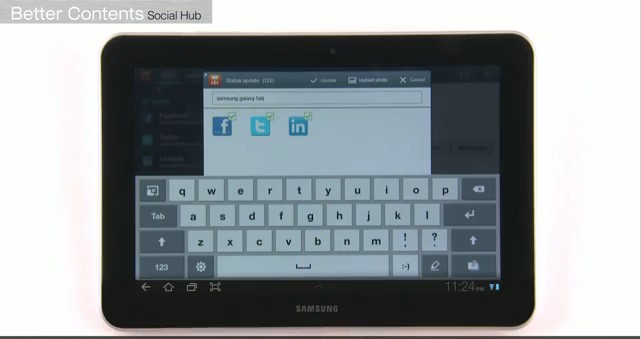
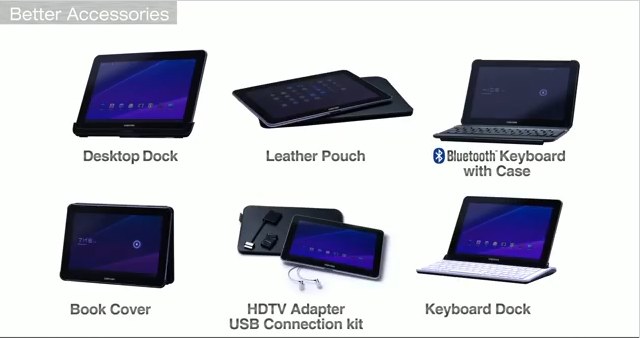
    The Samsung Bookshelf and new TouchWiz Keyboard are also shown off in the demo. The video also details the Social Hub , additional accessories and a detailed demo of the Music Hub which is Samsung’s own version of the music store.

    Check it out.

    Don’t forget to read our EDIT : Its Time To Tabulate

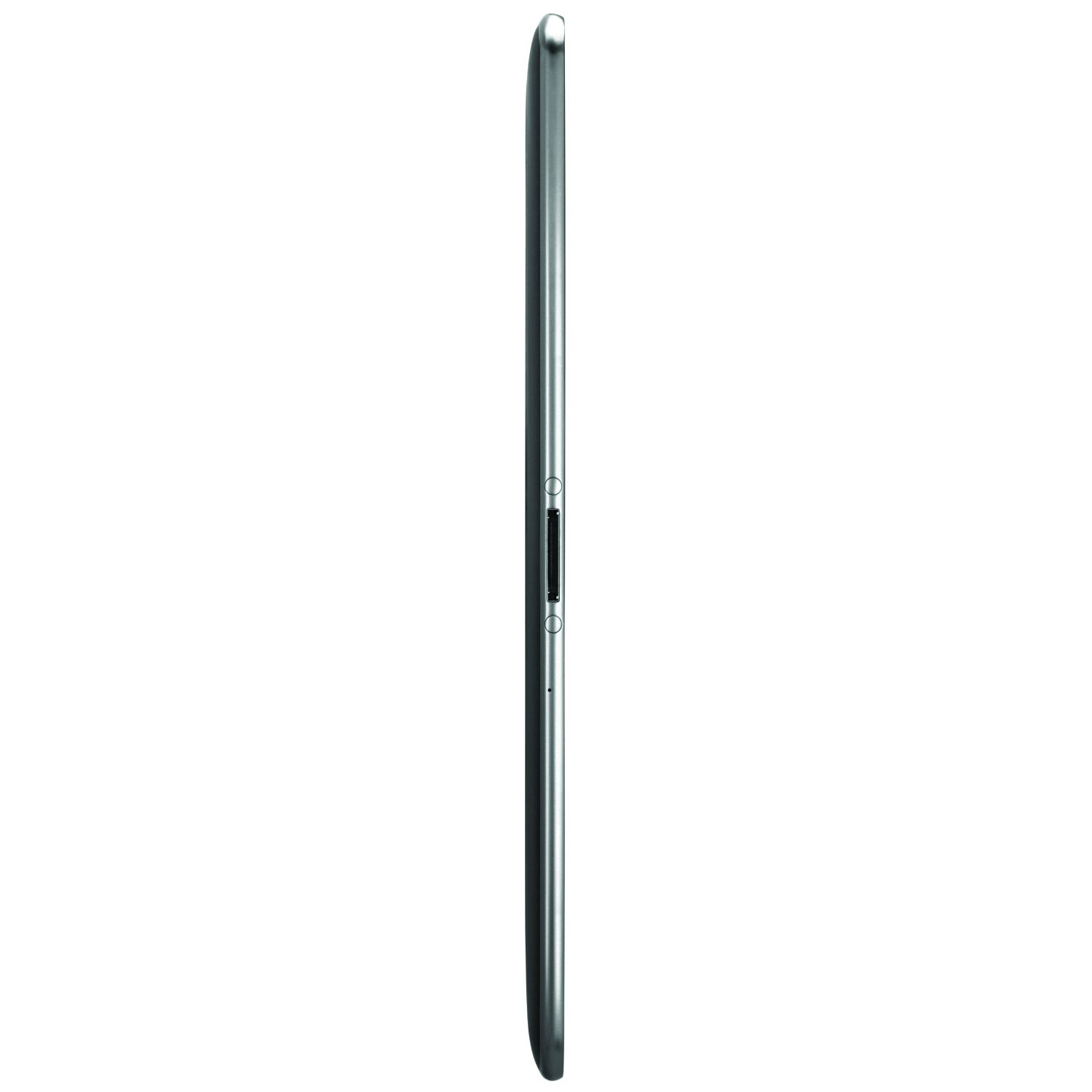
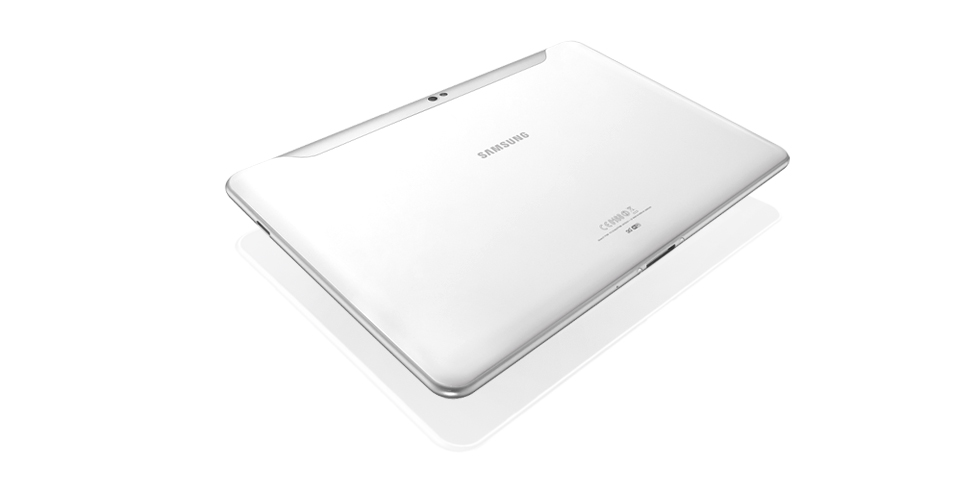
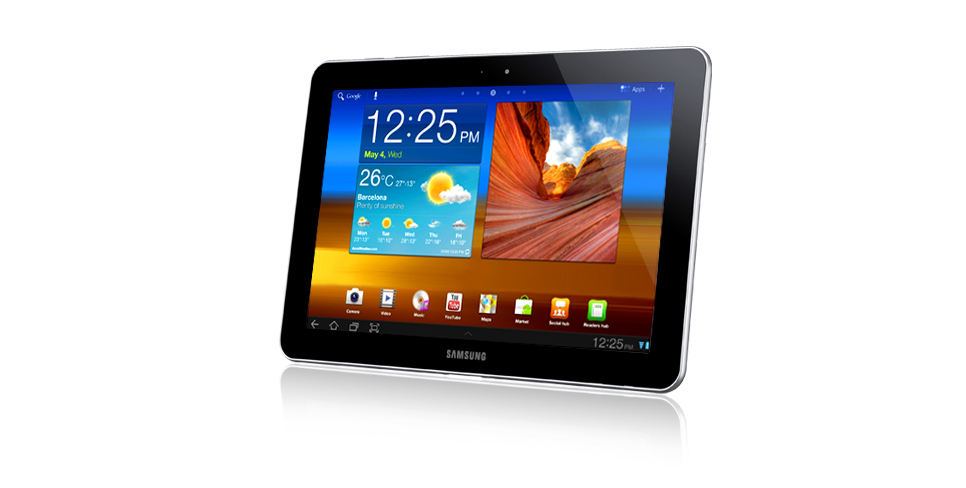
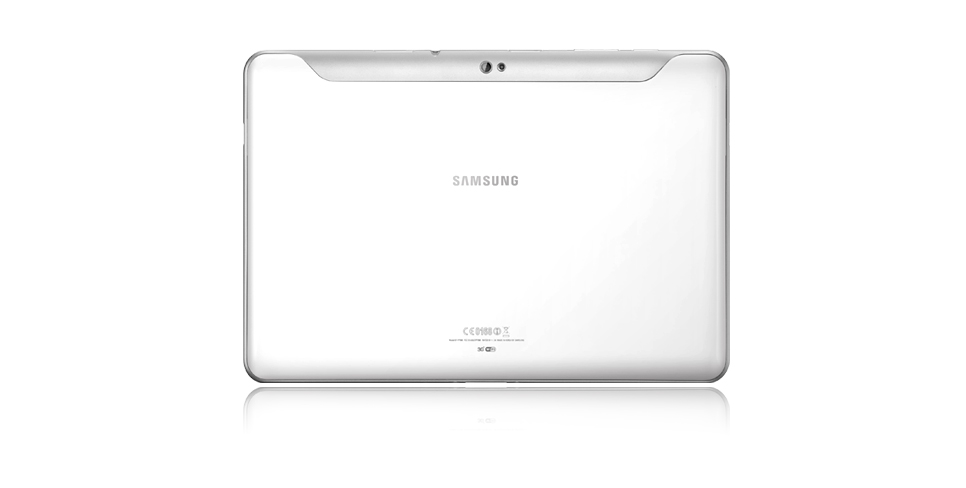
  • Edit: Its time to Tabulate with the Galaxy Tab 750

    Edit: Its time to Tabulate with the Galaxy Tab 750

    Its one of those things that takes time to reach its prime potential. Tablets were introduced in 2010 and primarily a couple of brands ruled the market. With the iPad eating the largest slice of the market share, Android tablets started to pour in by the second half of 2010.

    The Original 7 inch Galaxy tab was the first true Android tablet to be launched in India. While it filled a major void that was left in the market due to the unavailability of the iPad, people were not quite ready for a switch to tablets and the tablets weren’t quite ready for human consumption.

    2011 marked the era of the Tablets, with advancements in technology that allowed for powerful devices to be manufactured at prices well within the buying power of the consumer, Tablets have taken the market by storm, bent it, made space and created a new segment of electronic goods.

    The year started with many tablets, The iPad 2 being the most impressive and the most dominating, followed by low numbers of the Motorola Xoom, RIM Playbook and others. Samsung had announced plans of launching the 10 inch tablet before the announcement of the iPad 2, but later changes in design and specs caused a major delay in the actual release date of the device.

    Most are calling this tablet a true iPad 2 rival, a market favorite of sorts. So, in a market like India where people are finally making space in their life for tablets, where does the Samsung Galaxy Tab 10.1 or the Indian Galaxy 750 fit in? 

    Here is our EDIT  on why the Galaxy 750 is special for us and the Indian Market.

    Galaxy 750

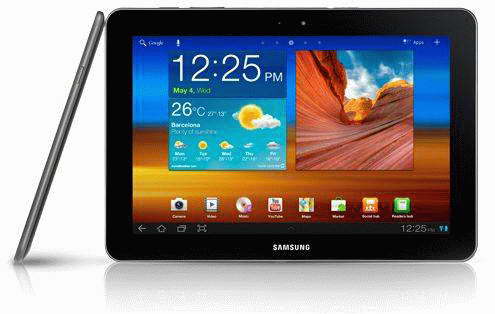
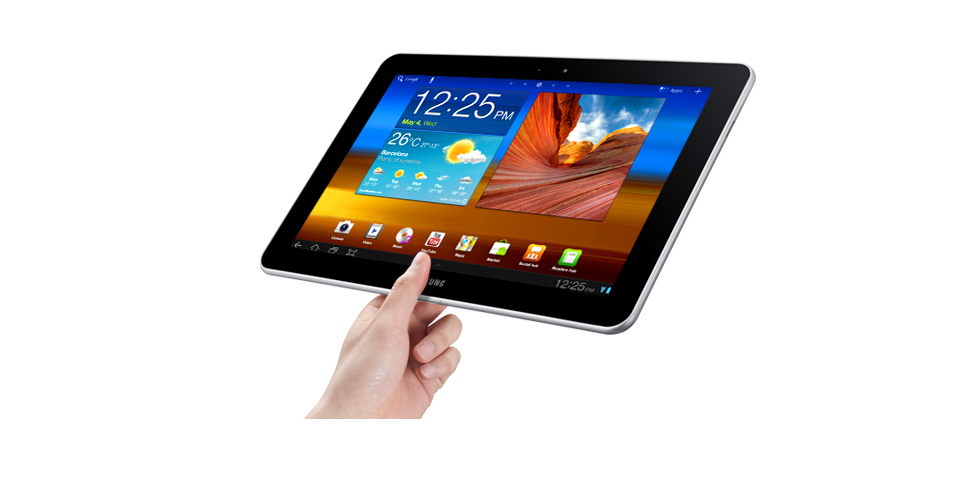
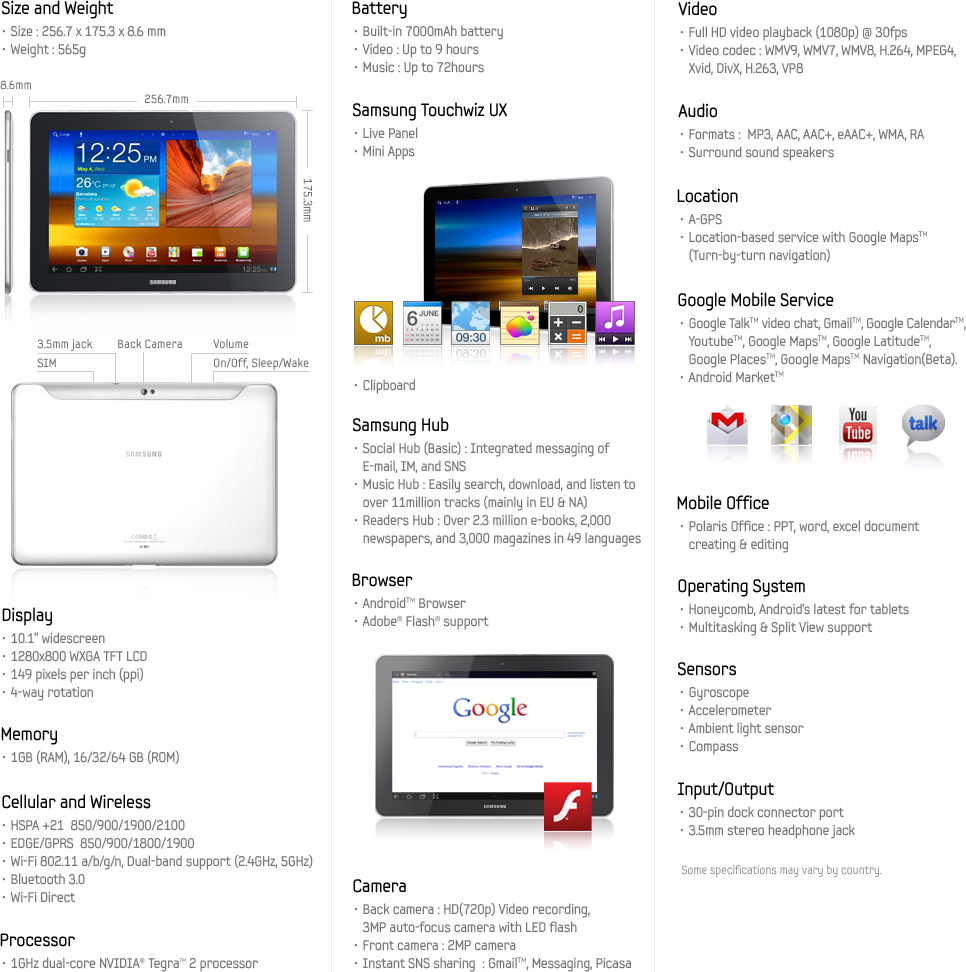
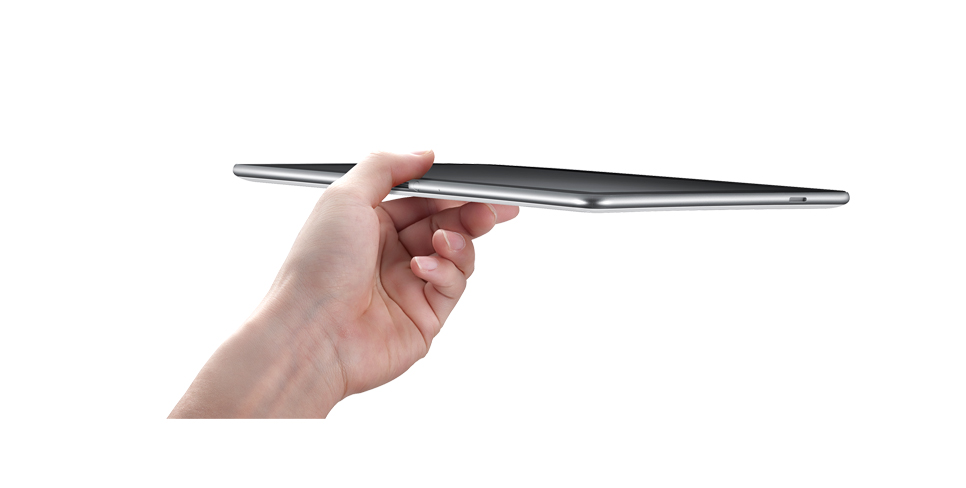
    We already handled the earlier Tab ( thicker version), but for reasons unknown the device was never released and its a good thing. The new Galaxy 750 is just 8.6mm, it is 0.2mm thinner than the iPad 2. and weighing only 565g it’s also 36g lighter than the Cupertino tablet. The device is brilliantly built from from to back and is easily held in one hand. The shape and the design of the Tablet along with a good mix of materials make it feel like a luxury.

    The Galaxy 750 runs Android Honeycomb 3.1, which is the latest version of Android meant for Tablets. This brings about much more usability to the device including  resizable widgets and a better application management system as shown by us in out preview of Honeycomb.

    The newer Galaxy 750 also drops the 8mp rear camera for a 3mp one, which doesn’t bother us and is still far superior than the iPad 2’s unknown less than 1Mp camera.

    TouchWiz

    The Galaxy 750 also adds the newer version of TouchWiz on what is usually a boring interface. TouchWiz not only makes the user interface on the device more attractive to look at, but also adds a whole host of features. The inbuilt task manager, ram management, Voice functions and several multimedia enhancements make the experience a lot better.

    No Chains

    One of the biggest deciding factors for the device has to be the fact that, people want to use a Tablet as a replacement for a laptop or a netbook. The iPad does not fulfill that gap because of the closed structure of iOS. While ruling the mobile structure , iOS does not quite answer to the day to day requirements for a tablet user. 

    Basic file sharing is disabled in iOS, where as Android allows all sorts of file sharing. The device also has the ability to read from USB host devices, but itself lacks a usb port. The Galaxy 750 will require a proprietary cable and will be able to read content from USB hard drives or flash sticks. Making it a far better laptop/netbook replacement than any other Tablet in the market.

    The fact that the Galaxy 750 runs Android, also means that its an easily customizable device, if you don’t like the theme or layout, you can change it. Widgets make it easy to stay up to date on all sorts of information, from stocks to weather, from social networking to emails, new releases and quick actions. The widget- laden interface is a lot of fun to interact with and is also one of the primary reasons we like Android.

    Companion

    The Galaxy 750 can also be the perfect travel companion, not only for business, but also for fun. Download the Kindle App or read a book from the Samsung bookshelf, watch movies on the stunning 1280x800px display which is exceptionally bright. The Galaxy 750 also has a 4 way motion sensor, a Gyroscope, which would make the gaming experience better than any other tablet in the market, including the iPad 2. Samsung also uses this technology for panoramas in the camera and for navigating through the UI like in the case of the Galaxy S2.

    If you didn’t consider buying a tablet prior to this, the time is now. Samsung have brought Tablets, especially Android Tablets, to a place where no one has been able achieve before. A portable media centre which begs attention, a device powerful enough to replace a netbook or even a laptop. Enterprise emails and Office Apps are already on the device along with a 16GB storage (expandable). The device also features a dual core 1 GHZ NVidia Tegra 2 processor with 1 GB of Ram dedicated to the Tablet.

    The Future of tablets is here and its Time to Tabulate with the Galaxy 750.

    Until something better shows up anyway! 

    We can’t express how excited we are to unbox and review this device for you guys! If you have some special requests please leave them in the comments below.

    [polldaddy poll=5388771]

    Full Specs for the Galaxy 750


    Image Gallery

  • Blackberry Torch 9810, Torch 9860 and Bold 9900 Launched Globally

    Blackberry Torch 9810, Torch 9860 and Bold 9900 Launched Globally

    Just as we reported Rim has just launched the new Bold Touch 9900  along with the Torch 9810 and 9860 at an even in the UK. All handsets now officially run on a1.2GHz processor, have 768MB of onboard RAM and have Blackberry OS7

    The Bold Touch 9900 is the most anticipated Blackberry handset since the original Bold 9000. Ever since the announcement was made in May, the Bold Touch is the favorable upgrade for existing Blackberry lovers. RIM is calling it the “Largest Global Launch of BlackBerry Smartphones Ever With More Than 225 Partners Around the World”, we already know that RIM has tied up with Airtel, Vodafone and Aircel as GSM partners and Tata and Reliance as CDMA partners.

    [toggle title_open=”Collapse” title_closed=”Read the Full Press Release” hide=”yes” border=”yes” style=”default” excerpt_length=”0″ read_more_text=”Read More” read_less_text=”Read Less” include_excerpt_html=”no”]Largest Global Launch of BlackBerry Smartphones Ever With More Than 225 Partners Around the World

    Waterloo, ON – Research In Motion (RIM) (NASDAQ: RIMM; TSX: RIM) today announced plans to launch 5 new BlackBerry® smartphones based on the BlackBerry® 7 Operating System (OS). RIM, in conjunction with carriers and distribution partners around the world, is rolling out two new BlackBerry® Bold™ models and three new BlackBerry® Torch™ models, all running the powerful new BlackBerry® 7 OS.

    The launch of this family of handsets will be RIM’s largest global launch ever and more than 225 carriers and distribution partners have already commenced or completed over 500 certification programs for these 5 new handsets.

    Featuring RIM’s next generation of hardware and software platforms, these five new BlackBerry 7 based smartphones offer users a variety of designs to choose from and deliver the ultimate in communications, multimedia and productivity.

    The new BlackBerry® Bold™ 9900 and 9930 are RIM’s thinnest smartphones ever, each offering a large keyboard and brilliant touch display. The new BlackBerry® Torch™ 9810 smartphone builds on the popularity of the BlackBerry® Torch™ 9800 and combines a large touch display with a convenient slide-out keyboard. The BlackBerry® Torch™ 9850 and 9860 introduce an all-new, all-touch design featuring the largest display on a BlackBerry® smartphone to date.

    “This is the largest global launch of BlackBerry smartphones in our history,” said Mike Lazaridis, President and Co-CEO of Research In Motion. “The BlackBerry solution offers a best-in-class mobile communications experience that customers love and we think they will be thrilled by the faster performance, enhanced browsing and richer multimedia delivered by these powerful new BlackBerry Bold and BlackBerry Torch smartphones.”

    Next-Generation BlackBerry 7 OS
    BlackBerry 7 introduces a next generation BlackBerry browser with a significantly faster, more fluid web browsing experience that is among the best in the industry. Combining the dramatically improved performance of the advanced WebKit browser engine together with the powerful hardware enhancements found in the BlackBerry 7 based smartphones delivers browsing results that are up to 40% faster than BlackBerry® 6 based smartphones and up to 100% faster than BlackBerry® 5 based smartphones*. Additional enhancements to this next generation BlackBerry browser have also optimized zooming and panning for smoother web navigation and optimized HTML5 performance for incredible gaming and video experiences.

    RIM’s new BlackBerry 7 based smartphones also feature Liquid GraphicsTM technology, with each smartphone combining a dedicated high-performance graphics processor with a blazingly fast CPU and stunning high resolution display to deliver a highly responsive touch interface with incredibly fast and smooth graphics.

    In addition, BlackBerry 7 based smartphones continue the tradition of delivering the world’s best mobile communications experience with a highly refined and integrated suite of phone, email, messaging and social apps to keep users connected and productive throughout the day. Recent enhancements include the newest release of BBM™ (BlackBerry® Messenger) which now extends the real time BBM experience to a range of other apps (see separate announcement on July 28, 2011). The updated Social Feeds (2.0) app has been extended to capture updates from media, podcasts, and favorites all in one consolidated view. The new Facebook® for BlackBerry smartphones (2.0) app introduces features like Facebook chat and BBM integration that makes it easier for users to connect with their Facebook friends in real time.

    BlackBerry 7 OS also includes a number of other pre-loaded applications and integrated functionality for increased productivity and collaboration right out of the box. The Premium version of Documents To Go is now included free of charge, offering users powerful document editing features as well as a native PDF document viewer. BlackBerry® Protect is also pre-loaded**, offering customers the peace of mind that personal data can be backed up and secured in the cloud. BlackBerry® Balance (announced May 2, 2011) is now integrated in BlackBerry 7, allowing users to enjoy the full BlackBerry smartphone experience for both work and personal purposes without compromising the IT department’s need for advanced security and IT controls. And further, the popular universal search capability has been enhanced with support for voice-activated search, so users can now simply speak to begin searching their device and the web for information.

    A New Performance Driven Platform
    RIM’s line up of next generation BlackBerry smartphones are built on a new performance driven platform powered by the latest BlackBerry software and hardware. In addition to supporting the new BlackBerry 7 OS, each smartphone also features a range of powerful hardware enhancements including a 1.2 GHz processor, HD video recording, 24-bit high resolution graphics, and advanced sensors enabling new augmented reality applications such as Wikitude that can be seamlessly integrated with BBM 6 – all designed to deliver the ultimate in communications, multimedia and productivity for users around the world.

    BlackBerry Bold 9900 and 9930 Smartphones with Touch Display and Keyboard
    The BlackBerry Bold 9900 series is the thinnest BlackBerry smartphone yet (at only 10.5mm) and the first to offer the perfect union of a high performance keyboard and touch display integrated within the iconic BlackBerry Bold design. The new BlackBerry Bold 9900 and 9930 are also the first BlackBerry smartphones to include built-in support for NFC (Near Field Communications), a new technology that is enabling many new and exciting capabilities, including the ability to pair accessories or read SmartPoster tags with a simple tap of the smartphone. Distinguished by its beautiful design, amazingly effective keyboard and brilliant touch display, the BlackBerry Bold 9900 series is crafted with premium materials including a brushed stainless steel frame that puts the finishing touch on a truly outstanding smartphone.

    BlackBerry Torch 9810 Smartphone with Touch Display and Slide-Out Keyboard
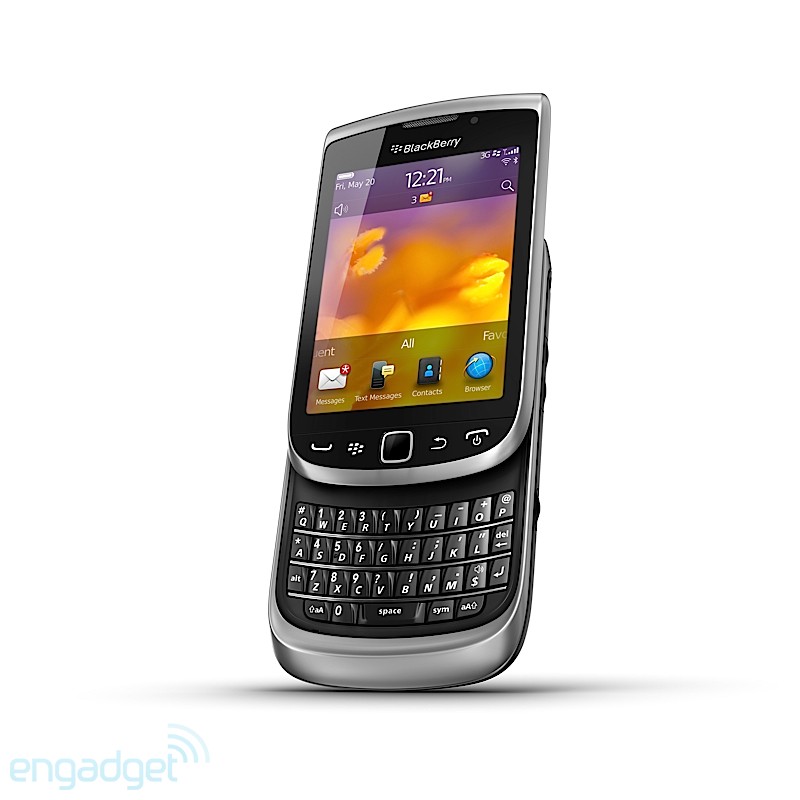
    Building on the popular design of the BlackBerry Torch 9800, the new BlackBerry Torch 9810 is faster and more fluid with high performance hardware features and the new BlackBerry 7 OS delivering an enhanced multimedia experience. Featuring a large 3.2″, high resolution touch display and a distinctive BlackBerry keyboard that easily slides out to allow faster typing, the BlackBerry Torch 9810 truly delivers the best of both worlds.

    All-Touch BlackBerry Torch 9850 and 9860 Smartphones
    The BlackBerry Torch 9850 and 9860 smartphones offer the fast, fluid BlackBerry 7 experience in a stylish new all-touch design. With a spectacular new 3.7″ display, the largest ever on a BlackBerry smartphone, the new all-touch BlackBerry Torch 9850 and 9860 smartphones are optimized for displaying web pages, photos, videos, and powerful gaming experiences and still deliver the real-time communication and collaboration experience loved by millions of BlackBerry smartphone users around the world.

    Availability
    The next generation of BlackBerry smartphones will begin to be available from carriers around the world starting later this month. Availability dates for specific devices from specific carriers will be announced in conjunction with RIM’s partners.

    Additional Information
    For additional information please visit www.blackberry.com

    Note to Editors:
    For devices images and more details, visit the BlackBerry 7 Virtual Press Room at: www.rim.com/newsroom/blackberry7

    * Requires BlackBerry 7 OS. Testing was performed by RIM in July 2011 and measured average page load speeds using pre-release BlackBerry 7 software.
    ** BlackBerry Protect will be pre-loaded where available. Check with your local operator for availability.

    About Research In Motion
    Research In Motion (RIM), a global leader in wireless innovation, revolutionized the mobile industry with the introduction of the BlackBerry® solution in 1999. Today, BlackBerry products and services are used by millions of customers around the world to stay connected to the people and content that matter most throughout their day. Founded in 1984 and based in Waterloo, Ontario, RIM operates offices in North America, Europe, Asia Pacific and Latin America. RIM is listed on the NASDAQ Stock Market (NASDAQ: RIMM) and the Toronto Stock Exchange (TSX: RIM). For more information, visit www.rim.com or www.blackberry.com.

    Forward-looking statements in this news release are made pursuant to the “safe harbor” provisions of the U.S. Private Securities Litigation Reform Act of 1995 and applicable Canadian securities laws. When used herein, words such as “expect”, “anticipate”, “estimate”, “may”, “will”, “should”, “intend,” “believe”, and similar expressions, are intended to identify forward-looking statements. Forward-looking statements are based on estimates and assumptions made by RIM in light of its experience and its perception of historical trends, current conditions and expected future developments, as well as other factors that RIM believes are appropriate in the circumstances. Many factors could cause RIM’s actual results, performance or achievements to differ materially from those expressed or implied by the forward-looking statements, including those described in the “Risk Factors” section of RIM’s Annual Information Form, which is included in its Annual Report on Form 40-F (copies of which filings may be obtained at www.sedar.com or www.sec.gov). These factors should be considered carefully, and readers should not place undue reliance on RIM’s forward-looking statements. RIM has no intention and undertakes no obligation to update or revise any forward-looking statements, whether as a result of new information, future events or otherwise, except as required by law.

    The BlackBerry and RIM families of related marks, images and symbols are the exclusive properties and trademarks of Research In Motion Limited. RIM, Research In Motion and BlackBerry are registered with the U.S. Patent and Trademark Office and may be pending or registered in other countries. All other brands, product names, company names, trademarks and service marks are the properties of their respective owners. RIM assumes no obligations or liability and makes no representation, warranty, endorsement or guarantee in relation to any aspect of any third party products or services.[/toggle]
  • Fake iPhone 5 arrives before original, makes us hope for better!

    Fake iPhone 5 arrives before original, makes us hope for better!

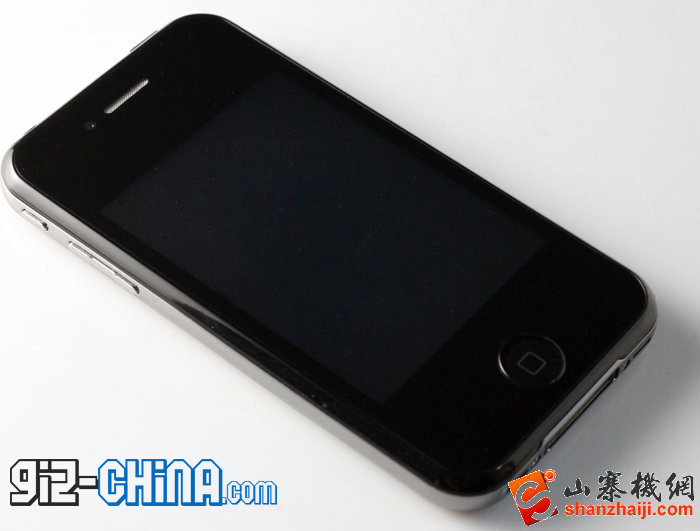
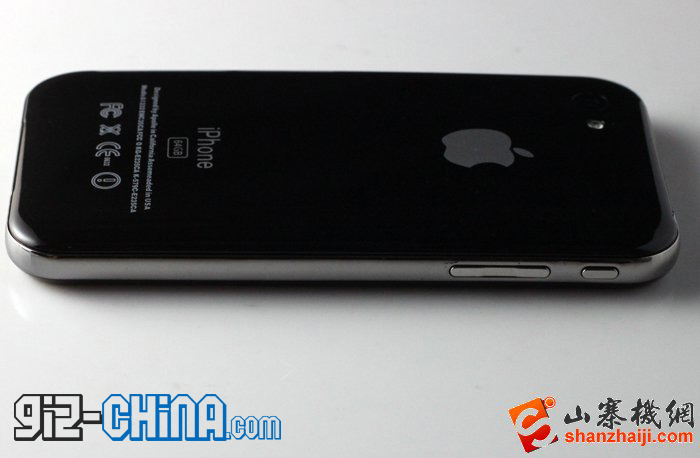
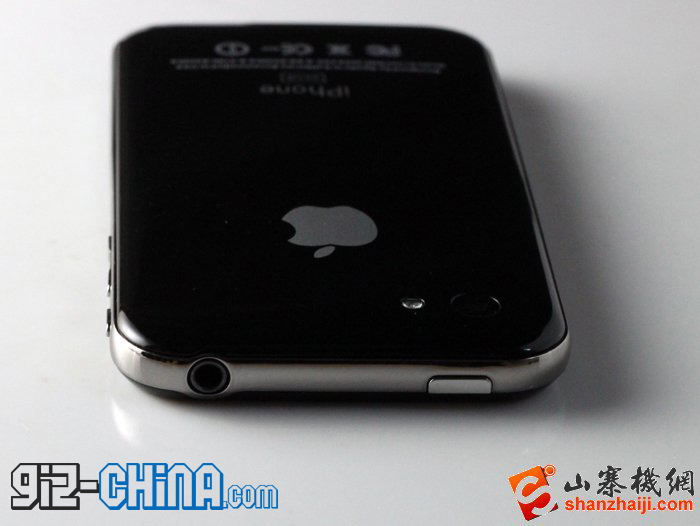
    A iPhone 5 replica has emerged for sale in the deep underground ripoff markets of China. The device pictured above and below, is quite a representation of recent rumors, with the tapered back and front glass on the device, it also seems to have a different and well spaced camera module. The device in the pictures is only 7mm thick, identical to claims of an even thinner iPhone from Apple. The replica device couldn’t possibly stuck a edge to edge display within the confines of their budget hence it looks like they stuck to their standard low res variant.

    You can source this device for about US $108 or just under 4500 Indian. Check out the video below.

    This could be an exact replica of the Apple design or just something the Chinese designers cooked up using their imagination mixed with iPhone 5 rumors. The device is anything but pleasing on the eyes and because one can see its made from sub standard materials, it really makes us hope that there is a major difference between this and the actual iPhone 5.

    [GizChina]

  • Skype for iPad Released (PR)

    Skype for iPad Released (PR)

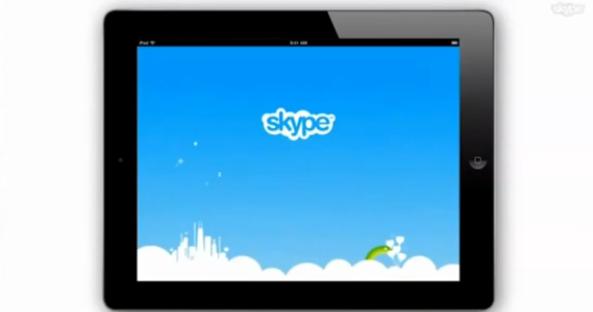
    The most anticipated update for Skype has been finally released. Skype for iPad is now official and brings voice and video chatting with others on Macs, PCs or other Skype clients. The app is not an add-on in the Skype for iPhone app but a separate iPad app available to download now from the App-Store. The app will let you enjoy the Skype goodness over Wifi or your data connection.


    [toggle title_open=”Collapse” title_closed=”Read the Press Release” hide=”yes” border=”yes” style=”default” excerpt_length=”0″ read_more_text=”Read More” read_less_text=”Read Less” include_excerpt_html=”no”]Skype for iPad

    Bring your Skype contacts closer with full screen video at your fingertips.
    Beautiful and simple, this is Skype built especially for the iPad. Call, video call, or instant message anyone on Skype. Plus, if you add a little Skype Credit, call landlines and mobiles at really low rates.

    Simple to use:
    • Join Skype on your iPad in a few moments or just sign straight in to your account.
    • If you already have a Skype account, your Skype contacts will automatically be there on your iPad.
    • We’ve made adding new Skype contacts really easy.
    • Once they’re in your Contact list, call, video or instant message them in one touch.
    • Flick through recent calls and instant messages in your Skype for iPad history.
    • Skype for iPad works over Wi-Fi or 3G (operator data charges may apply). Call Skype contacts on their iPhone, iPod touch, iPad, PC, Mac and even Skype enabled TVs.

    Access free Skype features:
    • Talk face-to-face or show what you’re seeing with front and back-facing cameras.
    • Use Skype for iPad to call anyone else on Skype – and enjoy near CD quality (SILK) sound.
    • Instant message and add emoticons to personalize your messages.

    Then unlock even more features when you pay a little:
    • Make cheap calls to landlines or mobiles from your iPad.
    • Get an Online Number from Skype so people can call you on your iPad.

    If you want to unlock these extra features, you can pay in a way that suits you.
    • Pay As You Go with Skype Credit – great for when you’re using Skype every now and again.
    • Pay monthly with a subscription – best if you use Skype a lot.

    System requirements:
    • Skype video calling requires iOS 4.0 or above.
    • Send and receive video using front or back camera on iPhone 4, iPad 2nd Generation, and iPod touch 4th Generation.
    • Send and receive video using rear camera on iPhone 3GS.
    • Receive video only on iPad 1st Generation and iPod touch 3rd Generation.
    • Works with any H264 compatible devices, including TVs.[/toggle]
  • Epic Sunday Treat : Micromax Andro A70 Unboxing and Hands On

    Epic Sunday Treat : Micromax Andro A70 Unboxing and Hands On

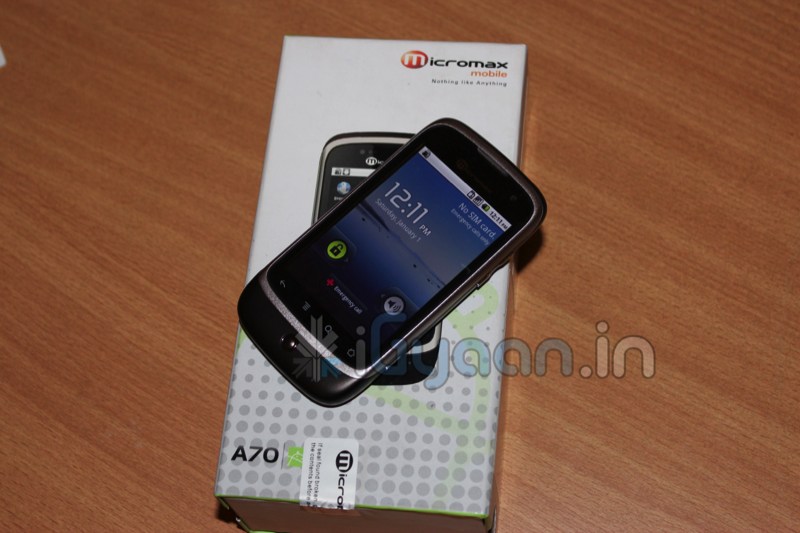
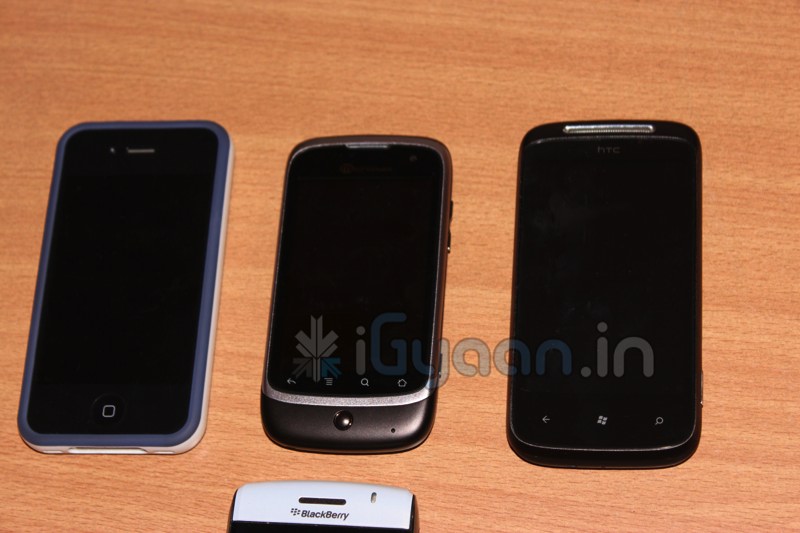
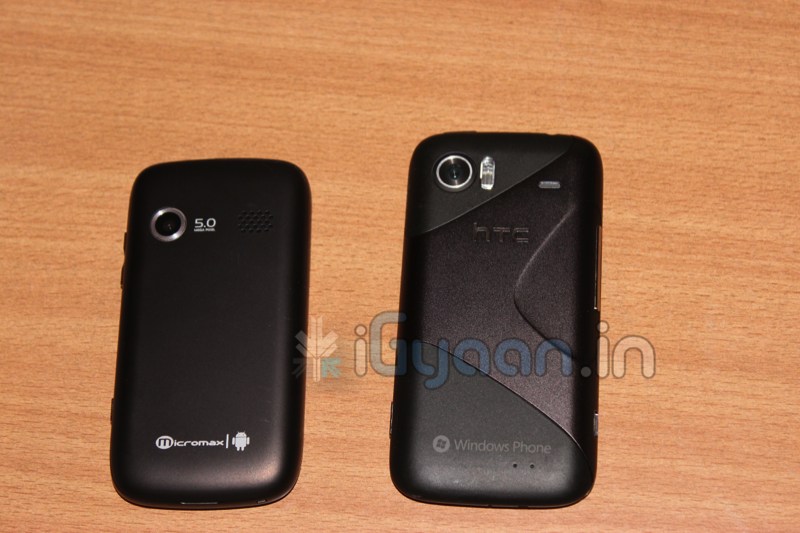
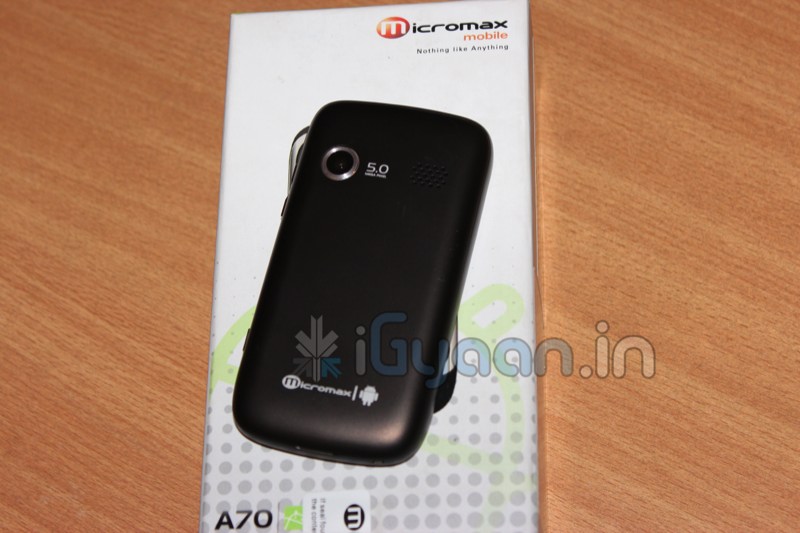
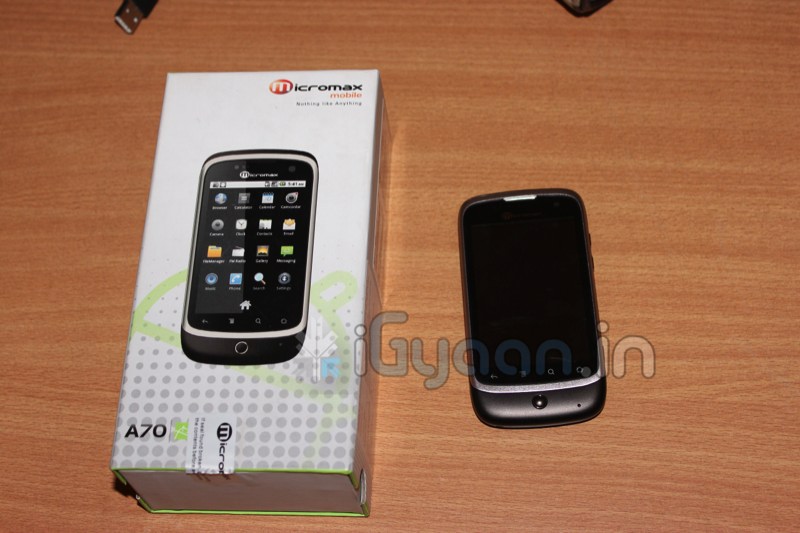
    Here it is, we got over a thousand requests for the Andro A70 Unboxing and Review, while the review process is on, check out the unboxing and hands on below.

    Key Features Include

    •   Android 2.2 (Froyo)
    •   Camera Primary 5.0 MP Secondary – VGA
    •   600MHz Processor
    •   8.128cm Multi Touch Capacitive Screen
    •   M! – apps –  application store by Micromax
    •   WCDMA 2100 MHz
    •   HSDPA 7.2 Mbps
    •   Mi-Fi Pocket Wireless Internet
    •   GPS             
    •   Wi-Fi 802.11 b/g
    •   Battery 1450mAh
    •   Proximity Sensor
    •   Gravity Sensor
     Price : Rs. 7599/-

  • Dell Streak Pro 10 Launched in China for the World

    Dell Streak Pro 10 Launched in China for the World

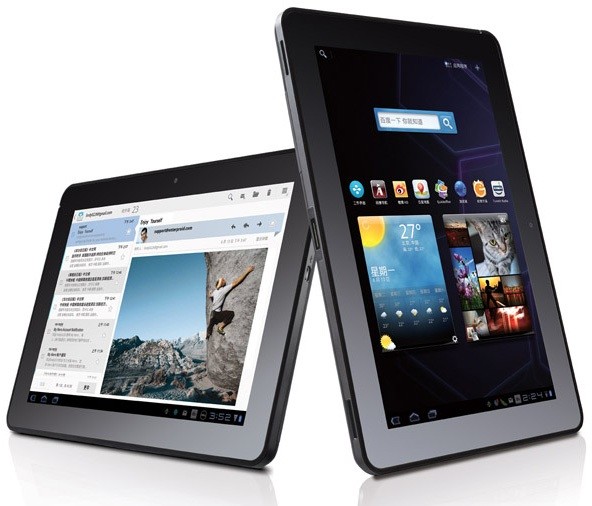
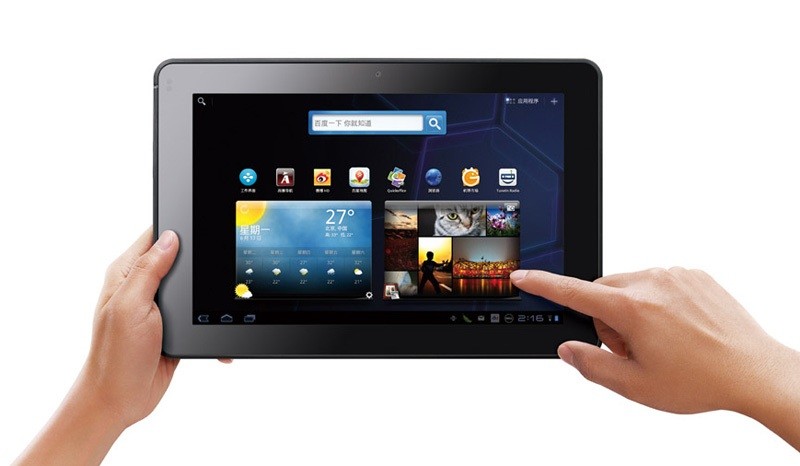
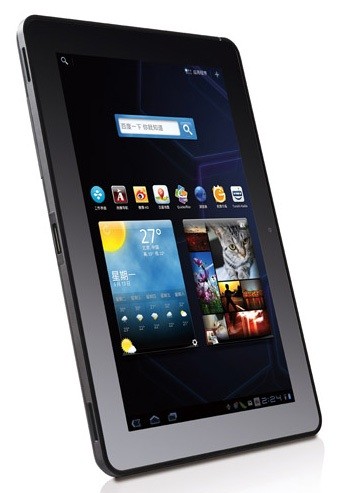
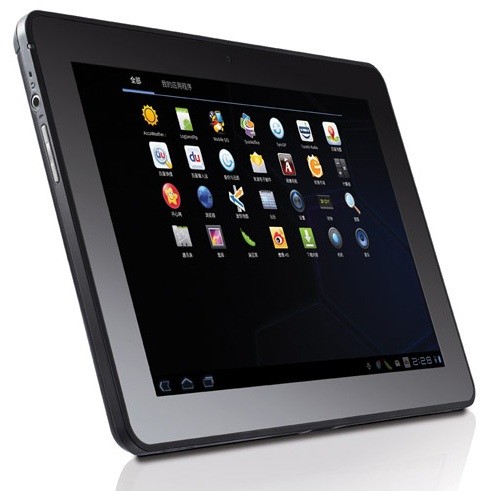
    The Dell Streak never really gained popularity in India, but its successors might catch on if the timing is right. The new Dell Streak Pro 10 / 10 Pro has been launched globally with a unveiling in China yesterday. The device has interesting specs and a really good price, it is also backed by Dell’s reliable service in India.

    • 1GHz NVIDIA Tegra 2 T20 chip
    • 1GB DDR2 RAM
    • 1,280 x 800 LCD 
    • Corning’s Gorilla Glass
    • 5 megapixel camera
    • 2 megapixel camera ( front)
    • SDHC expansion slot
    • 24.1WH battery
    • Honeycomb 3.1

    Price of the 16GB WiFi tablet plus 2GB of cloud storage for just ¥2,999 ($465) (Rs.22,000). Stay tuned while we try and contact Dell for official word on release in India.


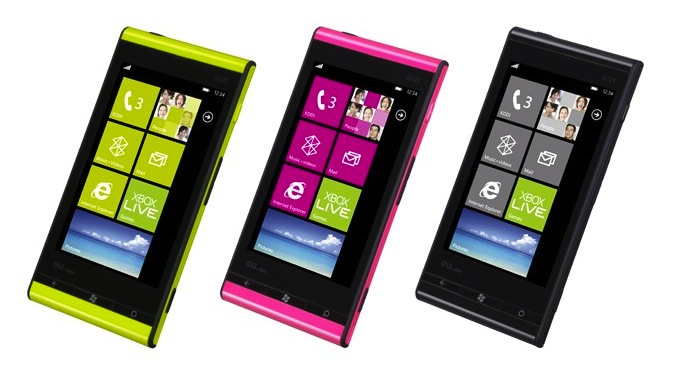
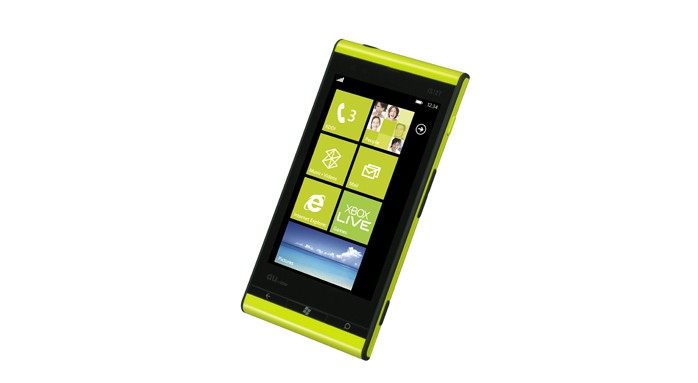
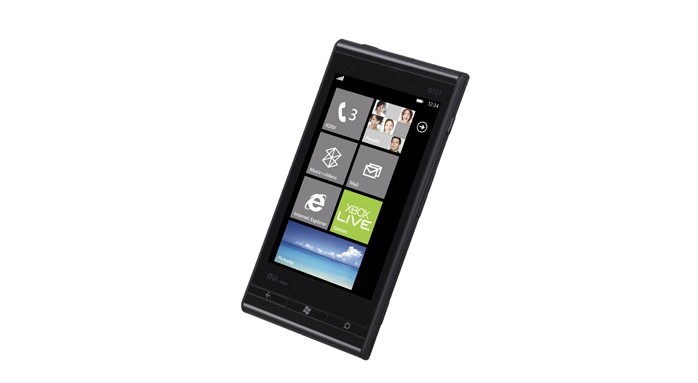
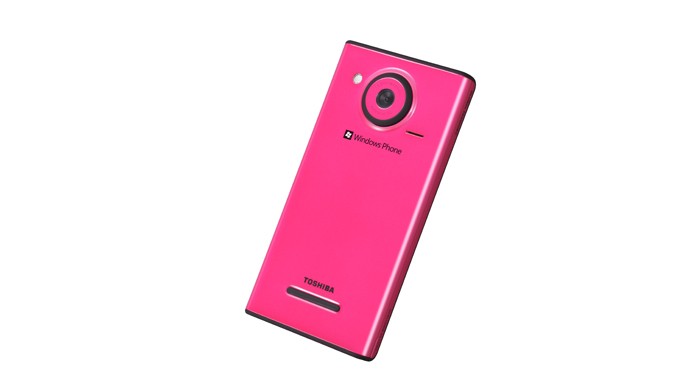
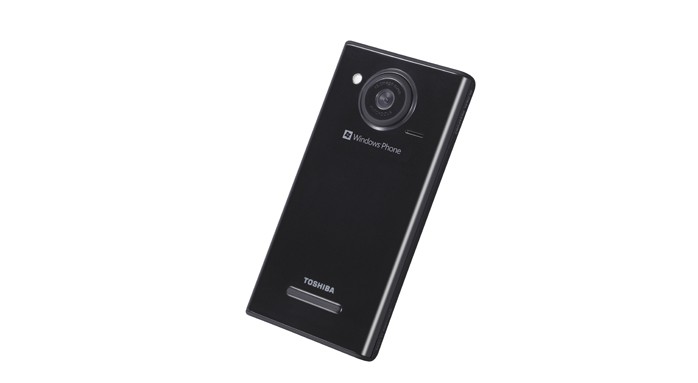
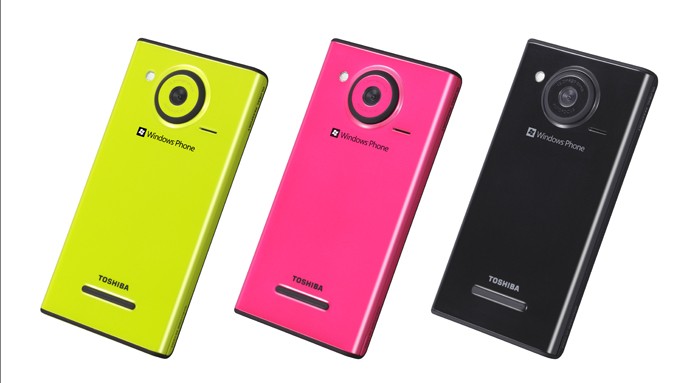
  • Fujitsu Toshiba  au IS12T is the world’s first Mango phone

    Fujitsu Toshiba au IS12T is the world’s first Mango phone

    Fujitsu Toshiba mobile communications have just announced the au IS12T, world’s first Mango phone. The device is not only waterproof but also packs in decent specs including a massive camera.

    • 3.7″ WXGA screen
    • Qualcomm’s MSM8655 CPU
    • 13.2 megapixel camera with autofocus
    • 32GB of flash storage
    • Bluetooth (2.1 + EDR) and WiFi (802.11b/g/n)
    The device was just launched in Japan so don’t expect an Indian version anytime soon.
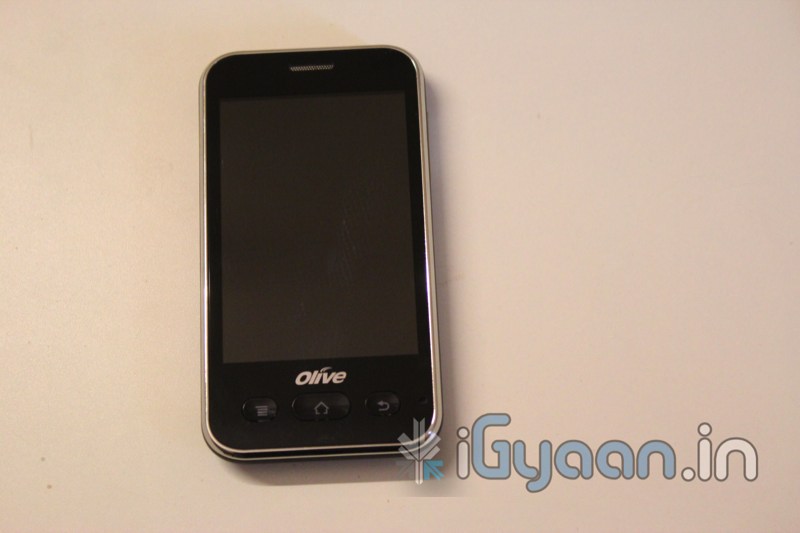
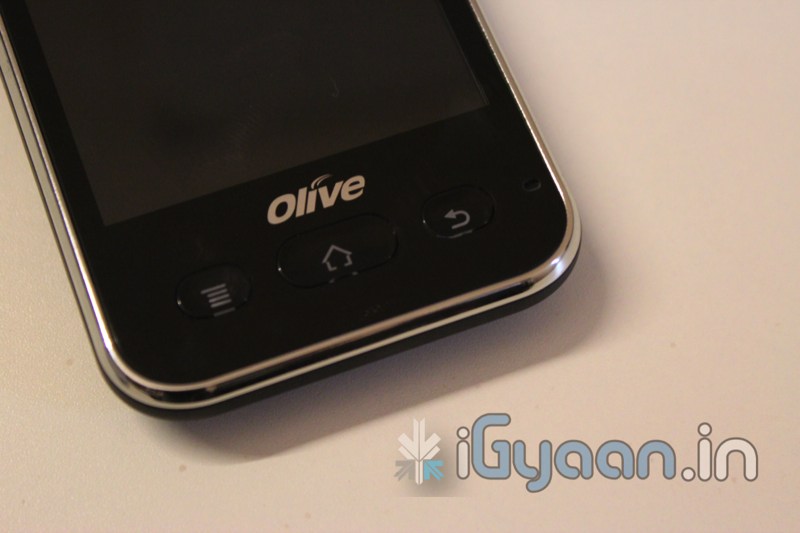
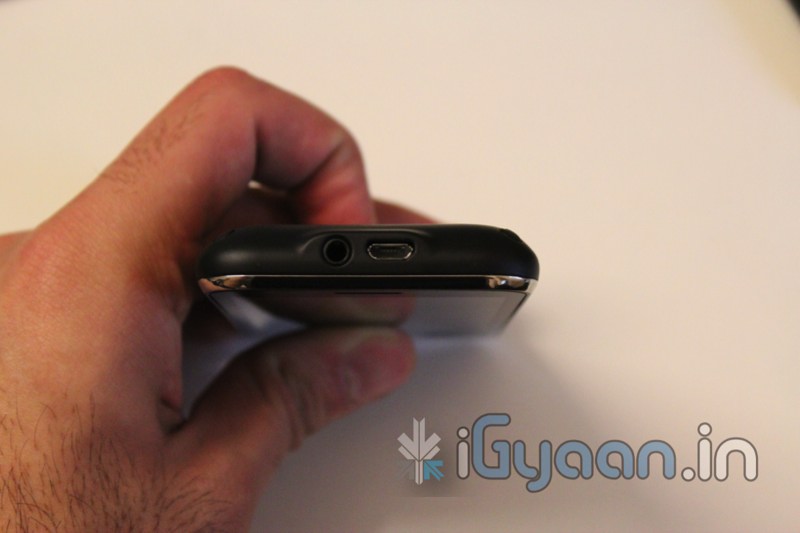
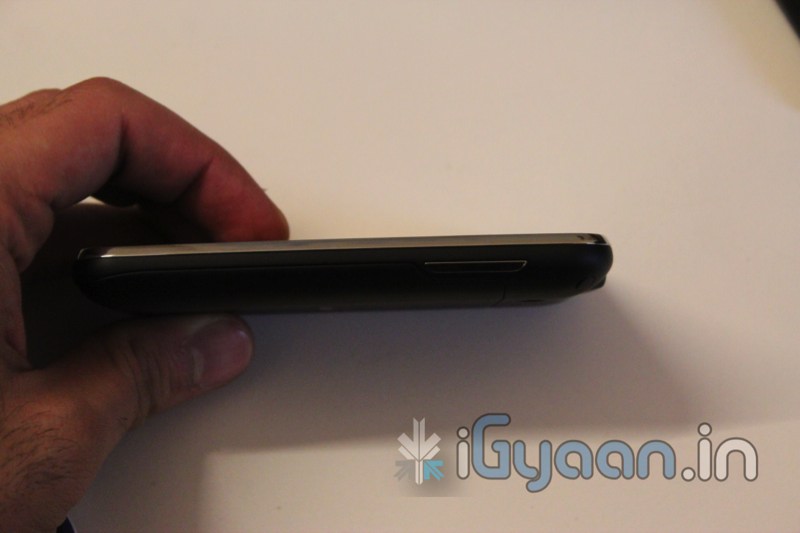
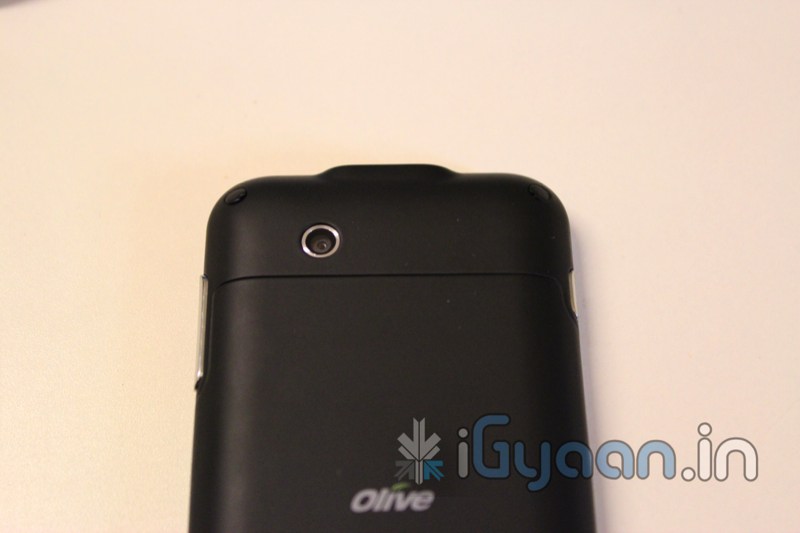
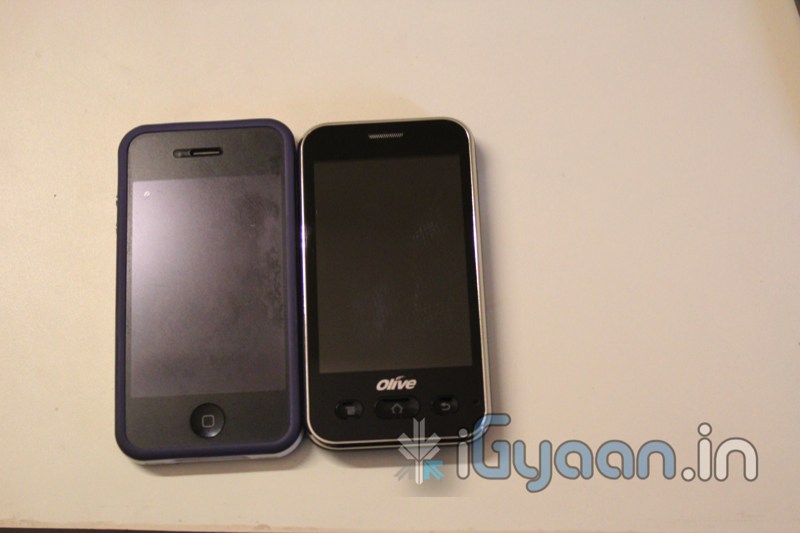
  • Olive Fluid VW1 Unboxing and Hands on + Video

    Olive Fluid VW1 Unboxing and Hands on + Video

    So you wanted to see the Olive Fluid and we show you the Olive Fluid, A fairly budget Android handset with decent features and good looks. Check out the specs followed by images and video.

    Stay Tuned for a Full Review

    Tech Specs

    Display and User Interface Size 3.5″
    Resolution 320X480 pixels
    Type TFT Capacitive Touch Screen
    Design Dimensions 109*52*14.8 mm
    Weight 117g
    Processor and Chipset Processor STE6715, 468MHz Processor
    Network Operating System Android OS, v2.1 (Eclair)
    Operating frequency  GSM 900/1800/1900
    3G HSDPA 7.2 Mbps (900 / 2100)
    Battery Capacity  1300 mAH
    Talk time (maximum) Up to 240 mins
    Standby time (maximum) Up to 192 Hrs
    Data and Connectivity 3G/GPS Yes
    GPRS  Yes
    USB Yes, v2.0 micro USB
    Wi-fi/ Bluetooth Yes
    Memory  Flash Memory 256 MB
    Expandable Memory Micro SD up to 32GB
    Communications Messaging SMS, MMS
    Email POP/IMAP/Exchange
    Social Networking  Social Networking  Yes
    Camera Resolution 3 Mega Pixels
    Video Player and Recording Yes
    Music and audio Music player Yes
    Stereo FM radio Yes
    Others Gaming Yes

    Price: Rs. 7,650.00 


    Images

    Video

  • The Samsung Galaxy S2 Review

    The Samsung Galaxy S2 Review

    One of the Smartest Smart Phones to hit our country, The Samsung Galaxy S2 has gathered a lot of public attention. But, does it stand up to the challenge put out by Day-to-Day Smart-Phone use? Lets Find Out!

    BUILD QUALITY, HARDWARE & DESIGN

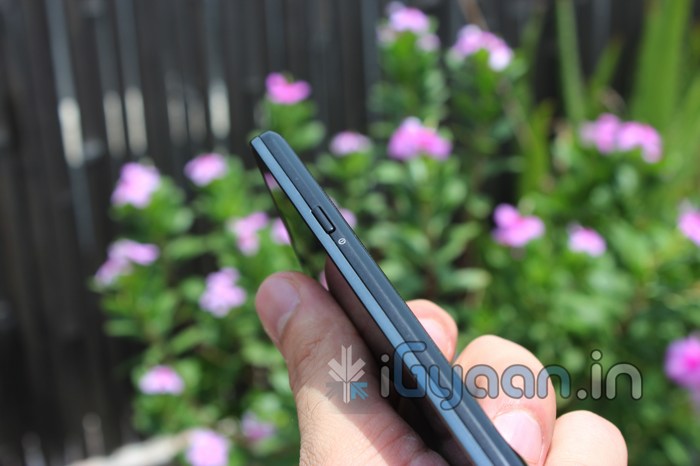
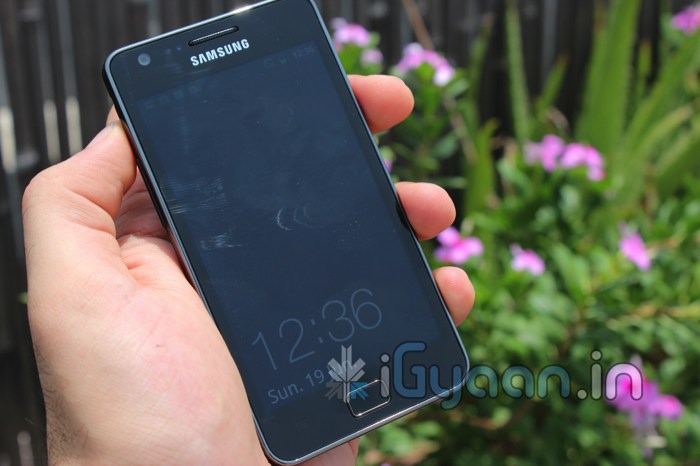
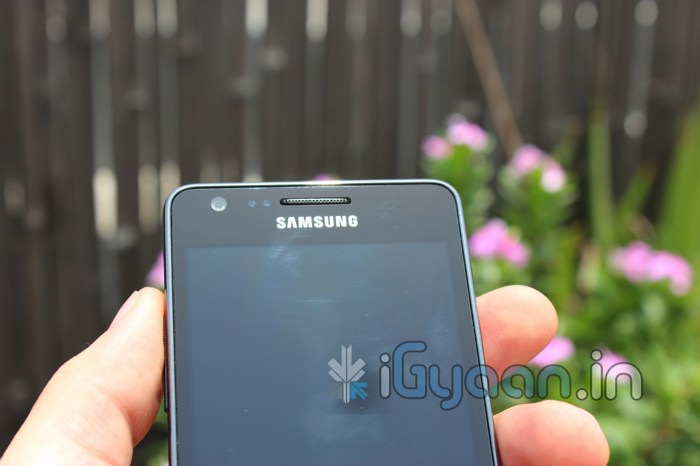
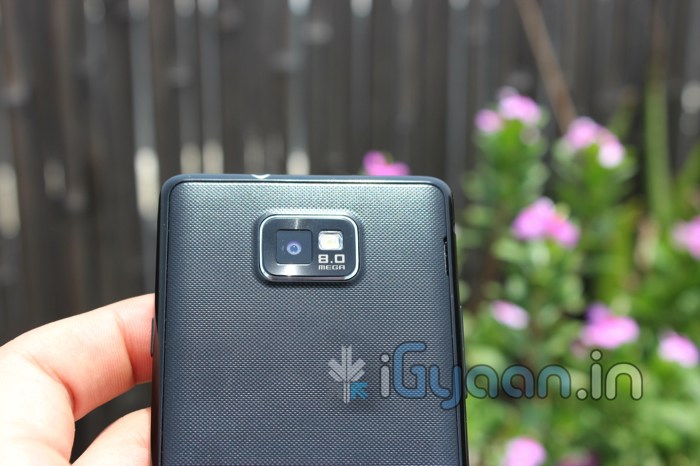
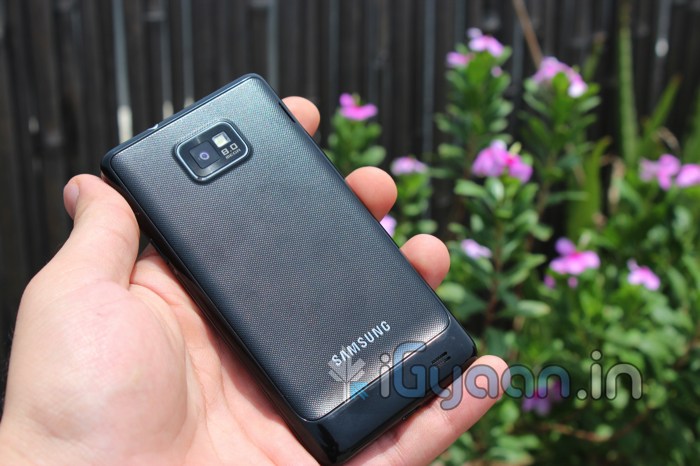
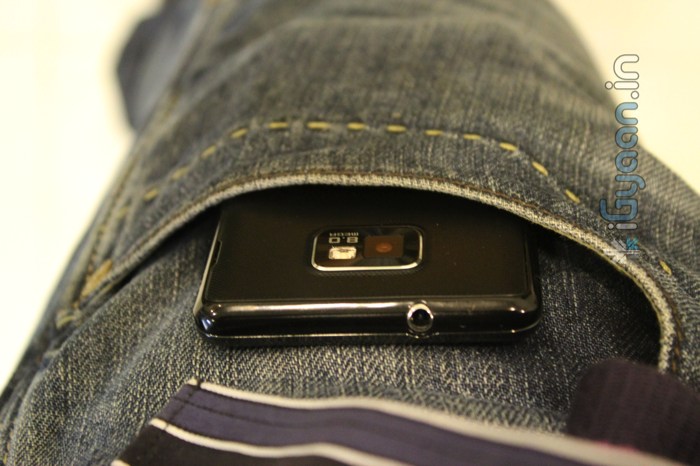
    The Galaxy S2 has a nice design, a sleek body and extra tough glass. But the build quality of the phone may not be up to the mark. The device features a total plastic construction that defies all laws of mobile phone existence. At just 8.5mm thick the device boasts an extremely slim profile. The back panel/cover is a flimsy piece of plastic that is fidgety to remove and put back on and also rattles when the phone is shaken.

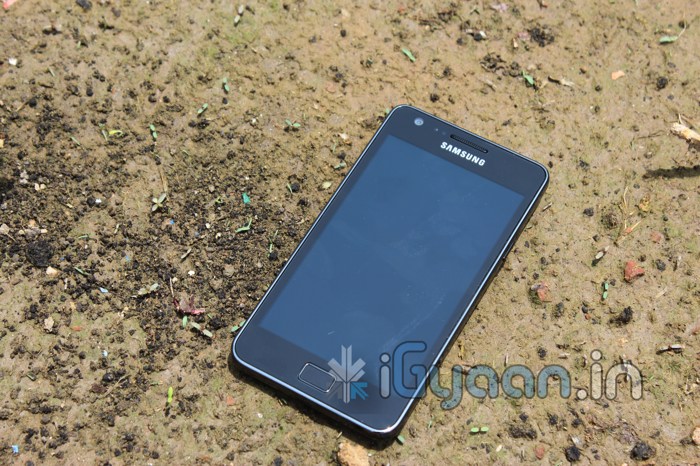
    The screen on the other hand is extremely tough, it also resists scratches and impacts without a question in mind. Overall, the build is solid, the plastics don’t bend easily and are not cheap to look at either. But are not nearly enough when you compare it with what you pay for the device.

    In terms of hardware the two major things working for the Indian version of the Samsung Galaxy S2 are

    • Super Amoled Plus Screen – 480 x 800 px – 4.3 inches
    • 1.2 GHZ dual core processor

    The performances of these two major hardware components can be seen from the get go, and are attracting people towards the GS2. There is also 1 GB of RAM, giving an effective 853MB for usage (we really don’t know why only 853 is there totally). There is no NFC on the Indian Samsung Galaxy S2, and why would you need it anyway? The 8 MP rear camera with full HD video recording, a 2 MP front camera, 1650mah battery. You can also check out the full Spec Sheet Here

    CAMERA AND MULTIMEDIA

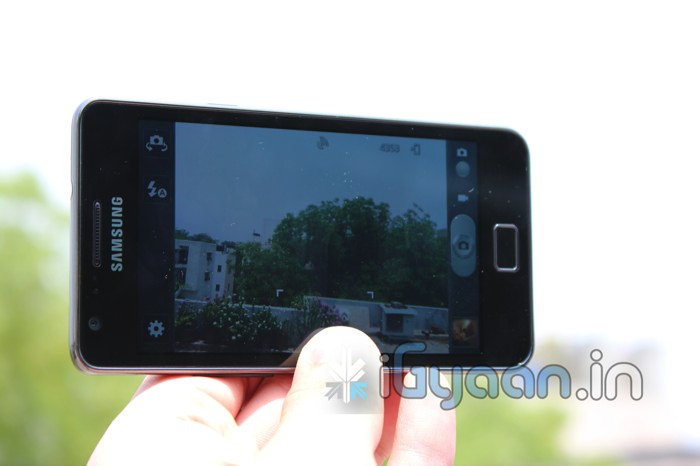
    The Camera on the S2 is brilliant; the screen viewfinder makes it even better. The colors are projected to the screen as-is, and are captured beautifully with the 8MP lens. The camera is fast to focus and has great exposure values. Tap to focus lets you select you subject and one click capture brings you an experience that’s hard to replicate. The camera app is also packed with a long list of settings and effects you can tweak and play around with. Shooting modes, scene modes, effects, image size, exposure values, white balance, noise reduction and anti shake to name a few.

    Macro mode is exceptionally great as it can capture close-ups with great detail. There is also a timer, ISO settings, Metering selection, blink detection and geo-tagging. The S2 has a fully loaded camera app and a great camera lens to go with it. Overall performance of the camera is easily notable and can replace your point and shoot camera for day-to-day use. The flash is bright and has a great field of coverage.

    Video capture at 1080p is smooth and without frame drops, although you can notice the autofocus on the camera struggle during the video recording output. Videos are clean and the microphone picks up sound just great. Video is so good in fact we actually shot an unboxing video on full HD with the Samsung Galaxy S2 – Check it HERE

    Sounds from the speaker are actually louder than we expected. Audio quality is clear and speech notions can be understood easily. Why we emphasize on speech is because you will be watching a lot of videos and movies on the STUNNING AMOLED PLUS display. It is the best possible display from Samsung to date. With amazing depths of color and a great resolution (480 x 800) the display is very vivid. Colors are bold and there is no washout even at greater viewing angles. Some may argue that the colors on the screen are not what they appear to be, and the AMOLED screen gives a heightened look to a normal display/video.

    The included earphones are not a great match with the S2, the bass on the earphones is poor, watching movies or listening to music. If you enjoy good depth, you wont enjoy the included earphones. The placement of the main speaker can also be bothersome, especially when you hold the device in landscape to watch videos or play games. You will find your fingers covering up the main speaker for a total loss of sound.

    PHONE AND MESSAGING

    Nice large dialer, good speaker, strong mic and excellent network performance make the Galaxy S2 a great phone aswell. We tested the phone capability over extended periods of use and failed to get one reason to complain about the device. It was pure performance for the phone through out.

    The Keyboard on the GS2 is well spaced out in portrait and is very responsive during those long messaging sessions. You also have a huge list of settings that you can modify to make the keyboard a complete unit for you. From auto text to auto replace, modifiers and word learning, the keyboard is simply intelligent. You can also switch to the included Swype keyboard for a faster input experience. In Landscape, typing is fast and efficient and the keys are wide enough to compile long emails without breaking a sweat.


    DATA & INTERNET

    Getting a smartphone like this? Expect to get a 3G data plan if you don’t already have one. This phone turns you into an “on the go data monster”. With the constant need to feed information into the device the unit comes ready to handle all sorts of online activity, from social feeds directly on your homescreen to business mails in a secret box. You get the latest news, weather information and stock prices without ever needing to install an app or setup the device. 3G / HSDPA performance is somewhat good, we found that the device would drop the connection to the server and would require a restart of the data service from the settings app. We have never faced a similar issue with any other Android device an it appears to be a glitch in the software somewhere. Another thing to note, is that when the device is in this suspended data connection mode, the back of the phone starts to heat up incredibly fast which leads to an equally fast battery drain.

    Wi-Fi Hotspot, also acts up (due to the network error we presume) and you will find your self constantly struggling with the error messages on the portable hotspot window.

    BATTERY LIFE

    If you haven’t read the section above we suggest you go ahead and read it. The battery life is largely affected by data mismanagement.

    Values 2G 3G 3G with Error
    Talk Time upto 7 Hours 4.5 hours 1 hour
    Standby time 36 Hours 24 hours 6 Hours
    Web Browsing 8-9 hours 4-5 hours
    Video Streaming 4 Hours 2 Hours
    Music Streaming 14 hours 6 hours

    Wi-Fi Values stand more or less the same with 2G data


    GAMING

    We though we would include this section just to clarify a lot of questions. While the device is perfectly capable of running high graphic games, you will not find us showing you videos of any such games for one simple reason. They don’t work on the device. Most games like Fast 5, NFS shift Asphalt, Assassins creed, Settlers crash on start up and some don’t show visuals. This is possibly a software -hardware integration glitch and perhaps the games are not designed to run on dual core smart phones. Other games like Angry Birds -All, Gun Brothers and our new favorite Age of the Zombies work perfect and without any issues.

    DUAL CORE

    The Samsung Galaxy S2 is India’s second phone to boast a dual core processor, and after our previous let down, we a happy to say that Samsung has managed to utilize the dual core- Android combo perfectly and has made it possible for the end user to enjoy the total experience. The phone is not only fast and responsive it is a super performer. All visuals play smooth, graphics and renders are fast all of this with tons of ram to spare. The Galaxy S2 also uses Android suspend multitasking which enables you to pause your ongoing app in real time and switch to another app, and then come back to the previous app without loosing data, or in our case lives.

    There is the heating issue that is causing battery loss but we believe its due to the data glitch and can be resolved by switching data modes, or turning on data as and when required (which can be troublesome, but is a quick fix until Samsung can fix it). If you haven’t already seen the benchmarks, check them out here.

    CONCLUSION

    The Samsung Galaxy S2 is highest spec’d phone available in India through official channels, its thin and light, its got a beautifully vivid display and a dual core processor that’s on steroids. The Galaxy S2 is ready to perform from the get-go and looks good doing it. Yes its got a flimsy looking build and some overheating issues. But why do we feel okay looking  past those? Possibly because poor build usually leads to a damaged display, but in this case the gorilla glass wont let that happen. As far as the battery drain- data error issue, Samsung is already working on pushing an update that will fix these issues.

    [xrr rating=4.25/5 label=”We Rate The Galaxy S 2 : ” imageset=shiny_yellow_star display_as=fraction_stars]
    PRICE :

    Rs: 30500/-

    US$ 700 /-


    VIDEOS


    UNBOXING VIDEO

    REVIEW VIDEO PART I

    REVIEW VIDEO PART II

iGyaan Network
Privacy Overview

This website uses cookies so that we can provide you with the best user experience possible. Cookie information is stored in your browser and performs functions such as recognising you when you return to our website and helping our team to understand which sections of the website you find most interesting and useful.