Waze. The new social navigation app which provides you with real-time traffic updates as well as turn-by-turn navigation. The app is really fun to use and comes with a host of features. Since the maps are crowd-sourced, they’re always up to date and accurate in areas where google maps fail. The social aspect of the app comes from its ability to create local traffic groups, which help all drivers in the group by providing traffic updates, accident reports, speed trap data etc.
The app is more of a game than a navigation app as it has a PAC-MANesque interface that has little dots that your car can gobble up while you drive, you also have toffees that appear from time to time for extra points. If you’re in an area where there are no maps or the maps are wrong, you can re-map them by switching to dozer mode, which turns your car into a bull-dozer so you can pave your own road! This is a great feature and the first time we’ve seen a navigation app providing this level of detail. A full feature list of the app is below.
NAVIGATION FEATURES:
Voice-guided, turn-by-turn navigation
Live crowdsourced traffic information
Real-time monitoring of road conditions and automatic re-routing as conditions on the road change
Alternative route options
Notification when approaching police traps and speed cams
Learns and personalizes your preferred routes
Free, community-updated map
SOCIAL DRIVING FEATURES:
Road reports from nearby drivers – speed cams, police traps, accidents hazards and more, with the ability to add a photo to your report
Ability to create or join local driving groups
See your Facebook friends on the map
Check in via Foursquare to earn the ‘Road Warrior’ badge
Fun avatars to choose from
Ability to ‘ping’ other wazers
Twitter integration to share your road reports
‘Road goodies’ for extra points, scoreboard, plus other cool geo-gaming elements
SAFETY AND OTHER FEATURES:
Typing disabled while car is in motion
Voice-alerts when approaching a hazard
Automatic shut-down after 10 minutes of no movement to preserve battery life
You can download the app from the following links. Remember to join the iGyaan Waze group called iGTraffic.
For all other devices, visit http://m.waze.com from your mobile browser. The Blackberry version is still in Beta and does not have the full feature set.
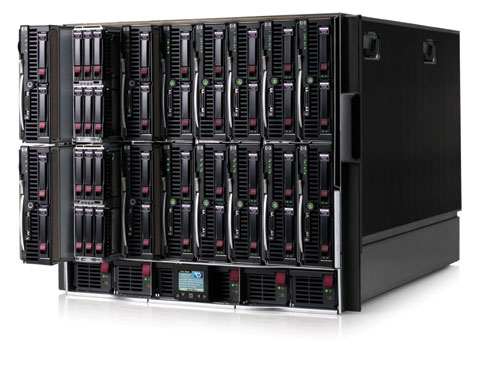
Thanks you to all you guys for being patient, iGyaan is back and stronger than ever, Say hello to Blade Servers. We are constantly tweaking the current servers. So please bear with us some more! Although, News Reviews and information will start rolling out in a couple of hours.
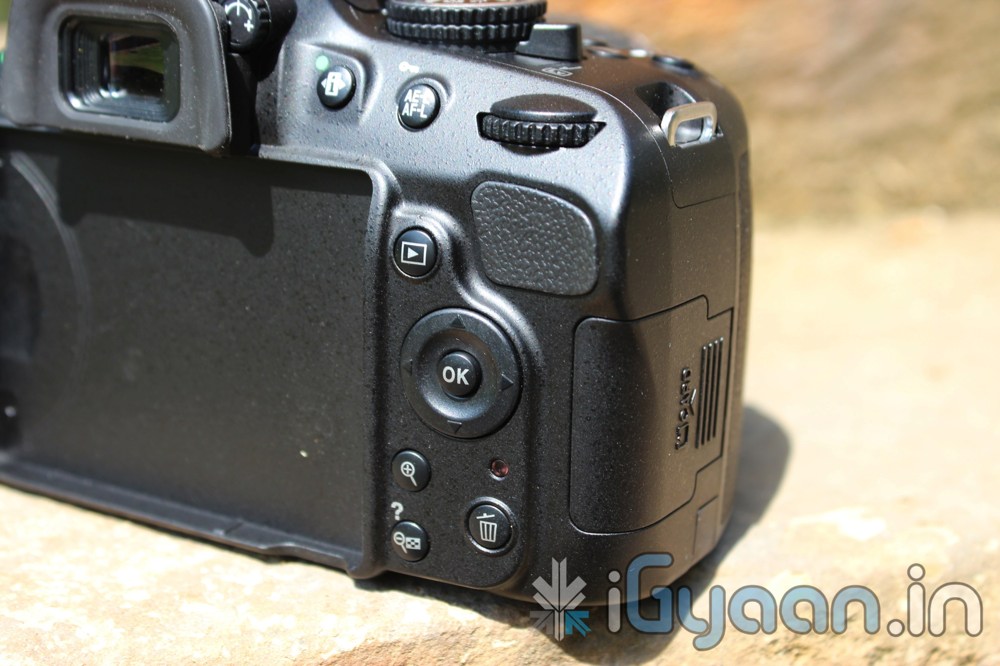
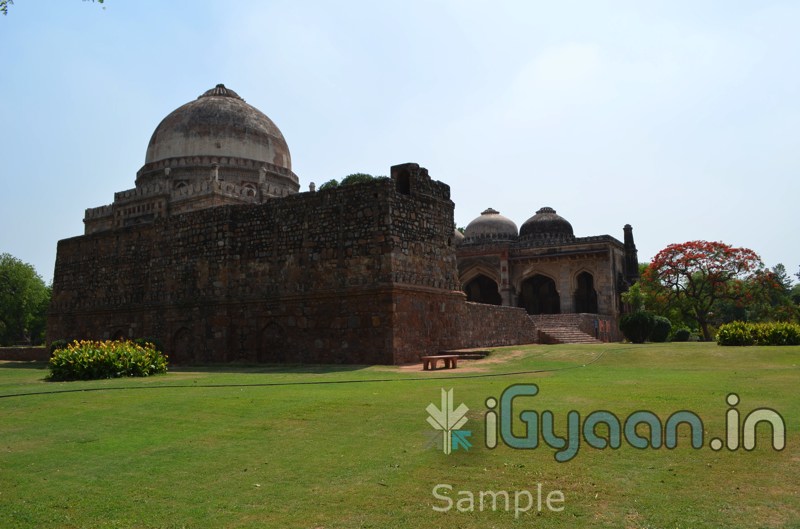
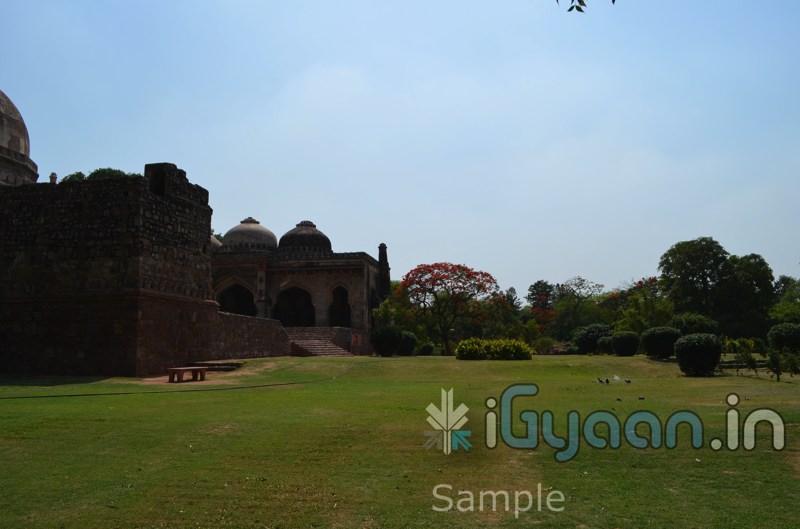
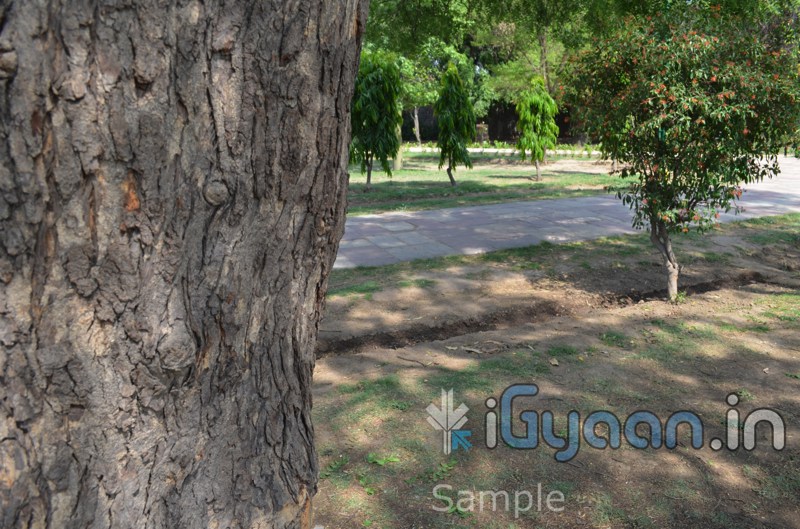
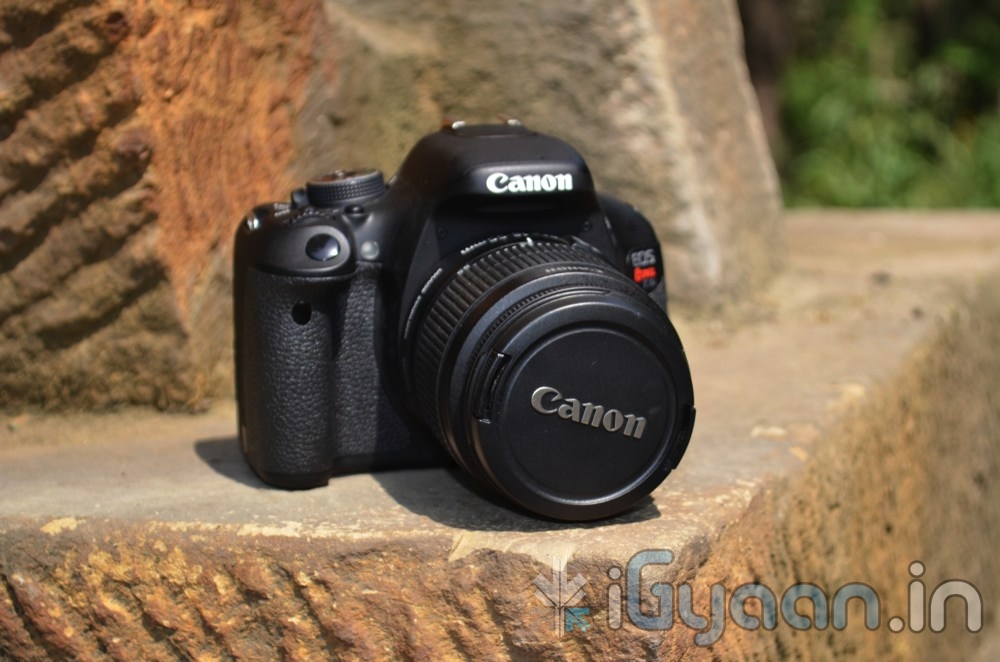
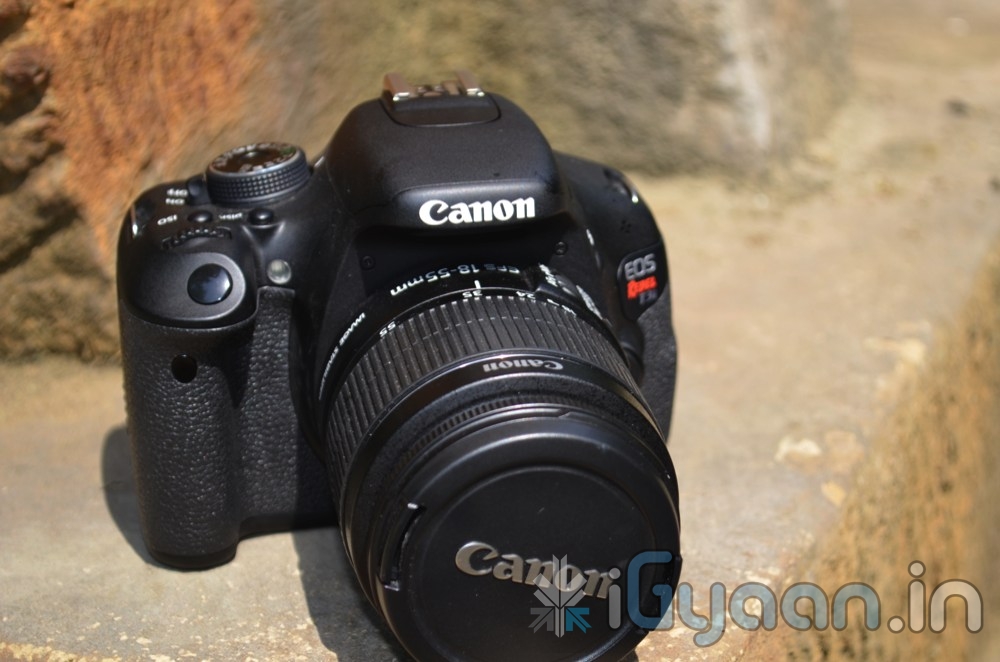
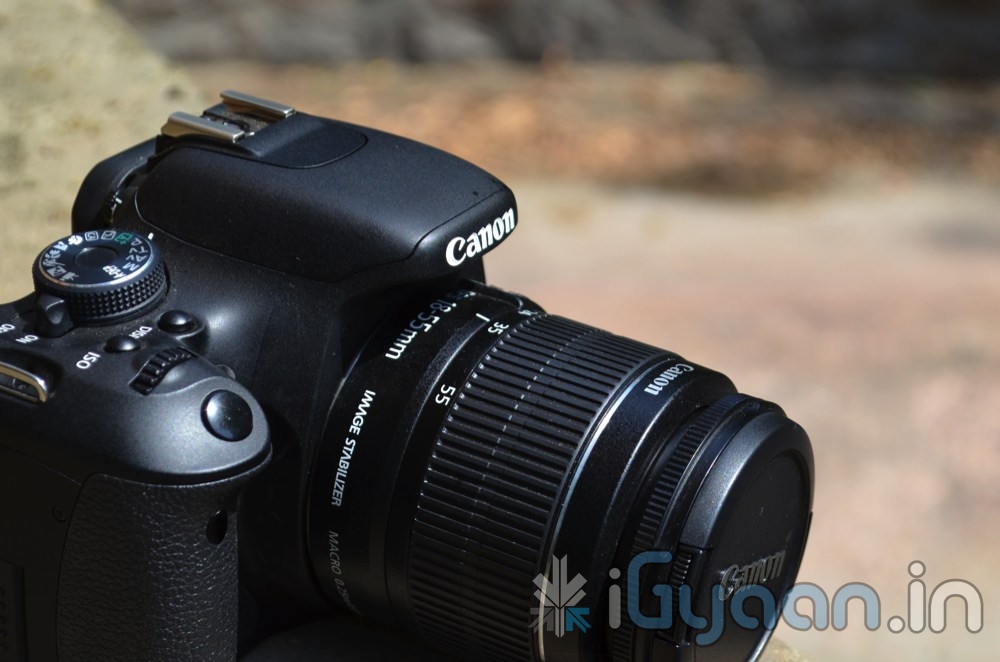
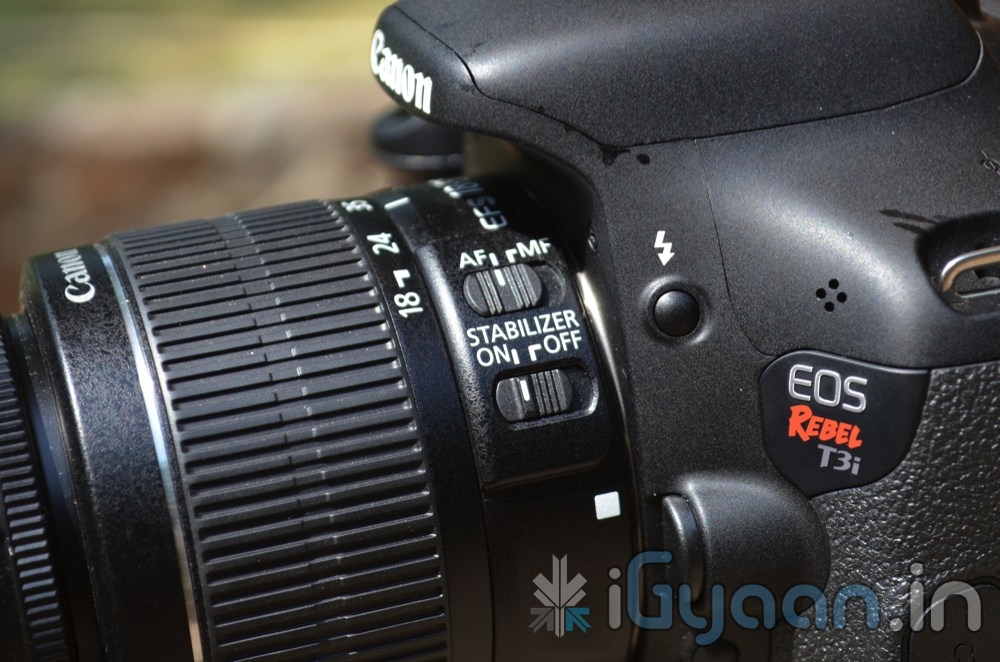
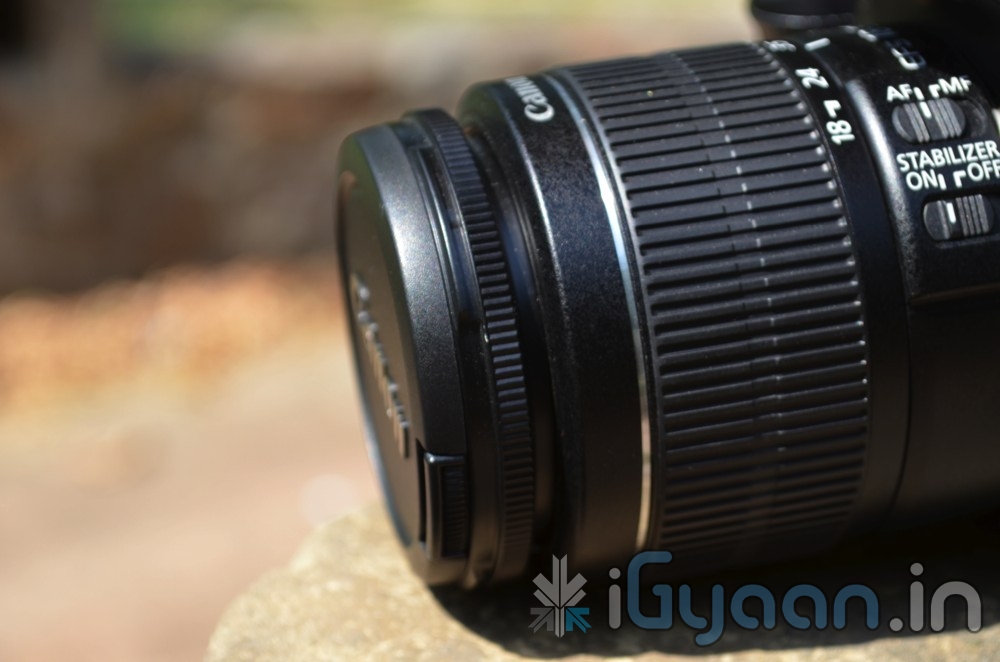
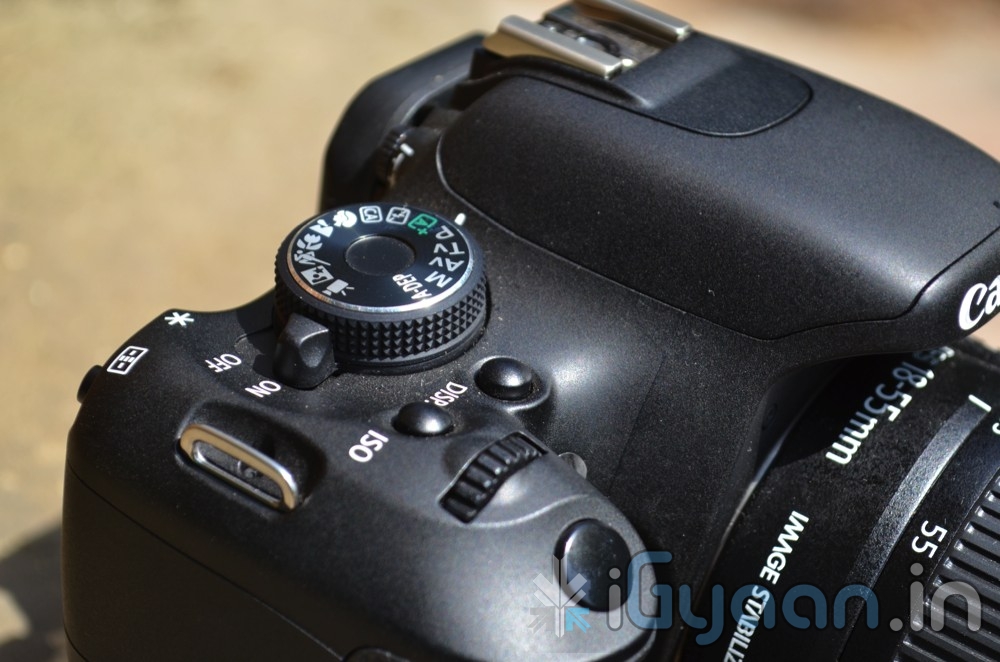
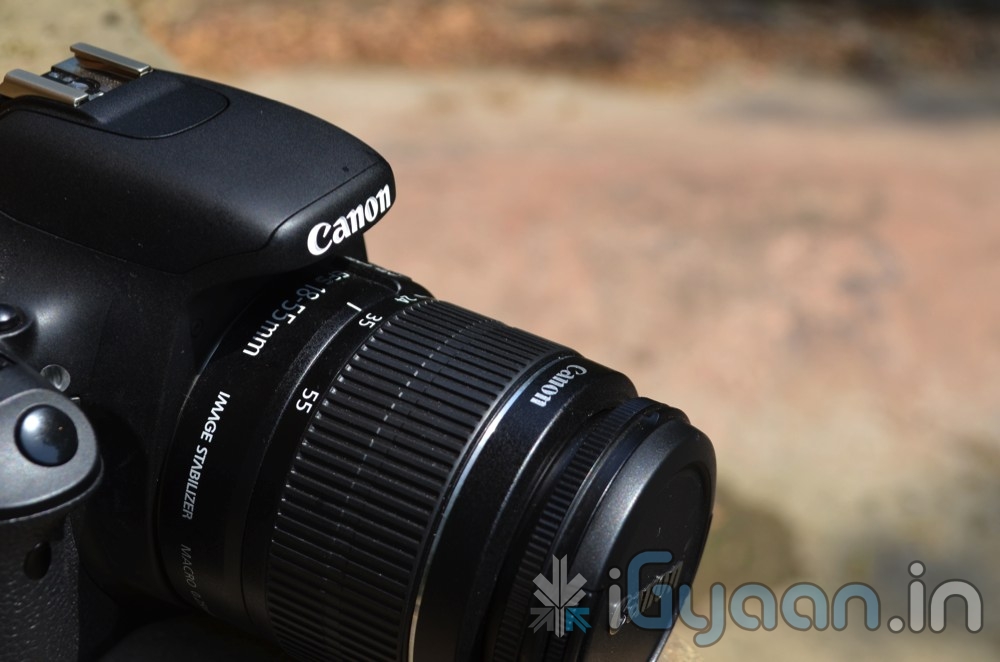
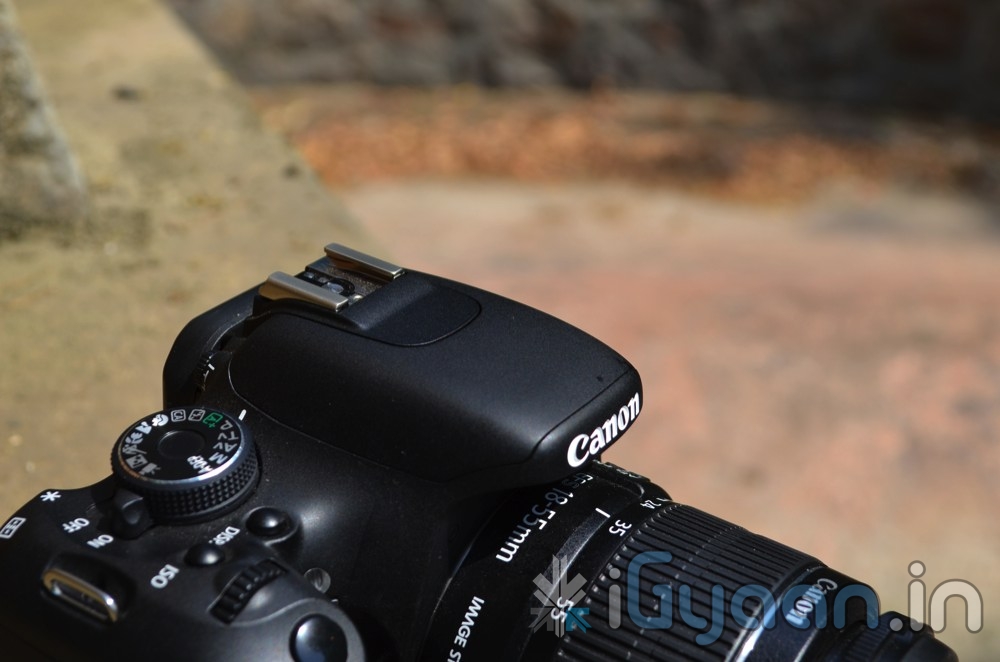
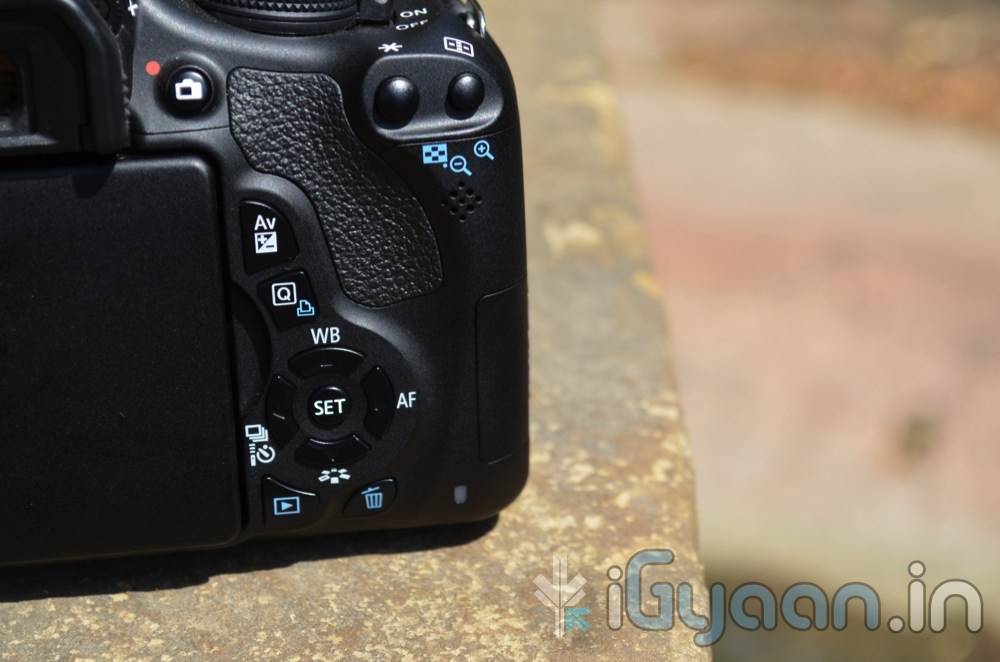
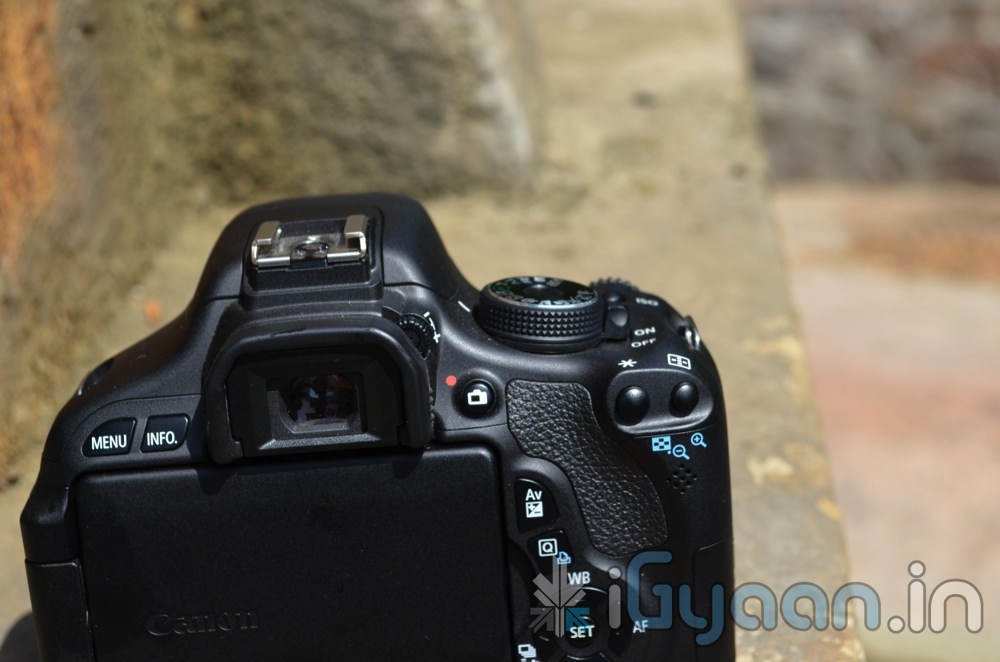
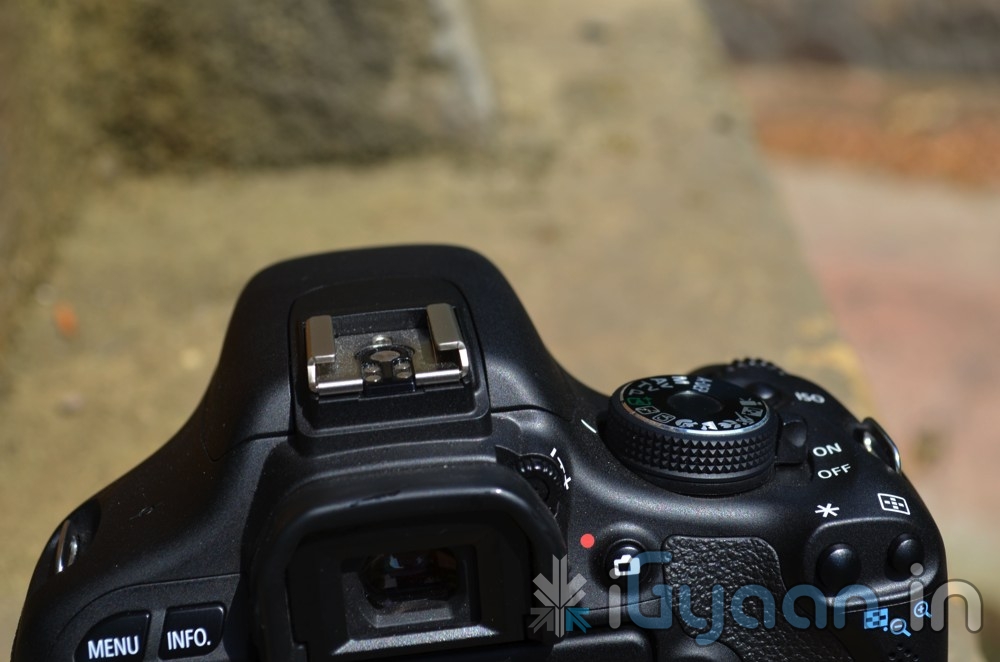
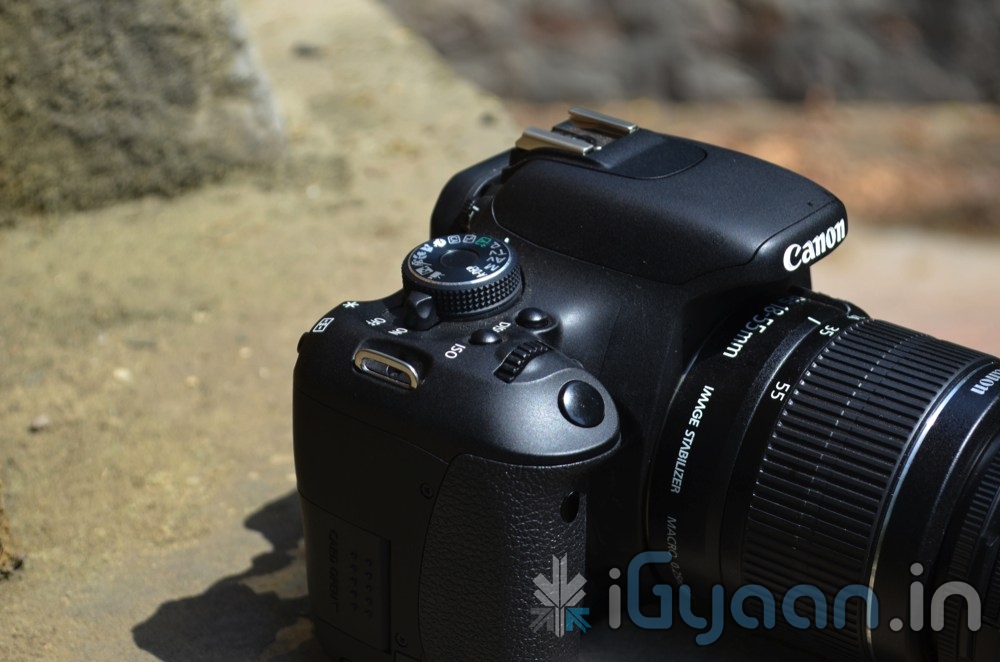
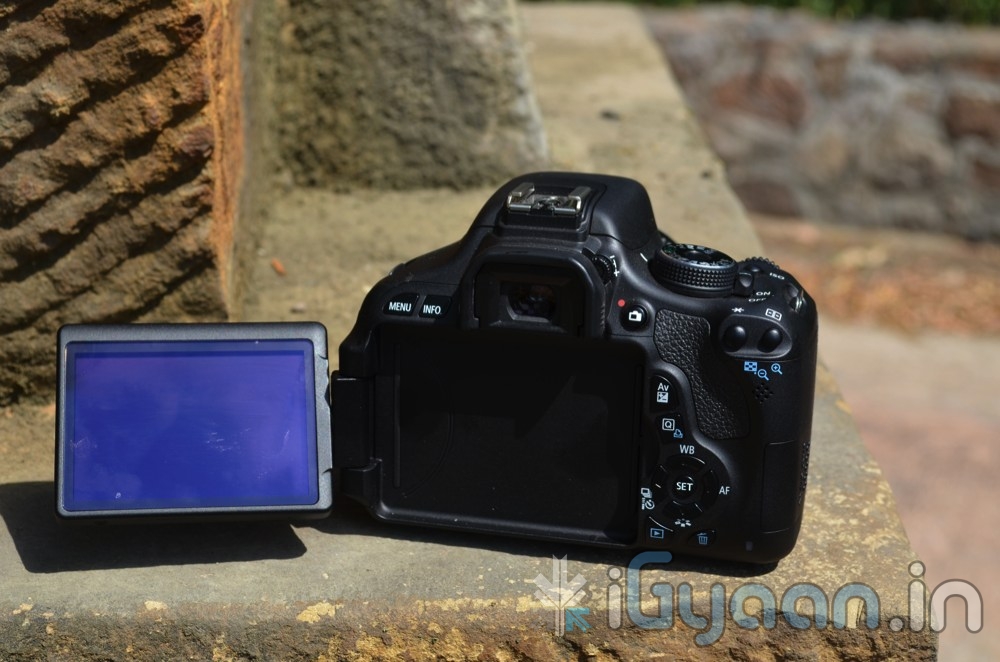
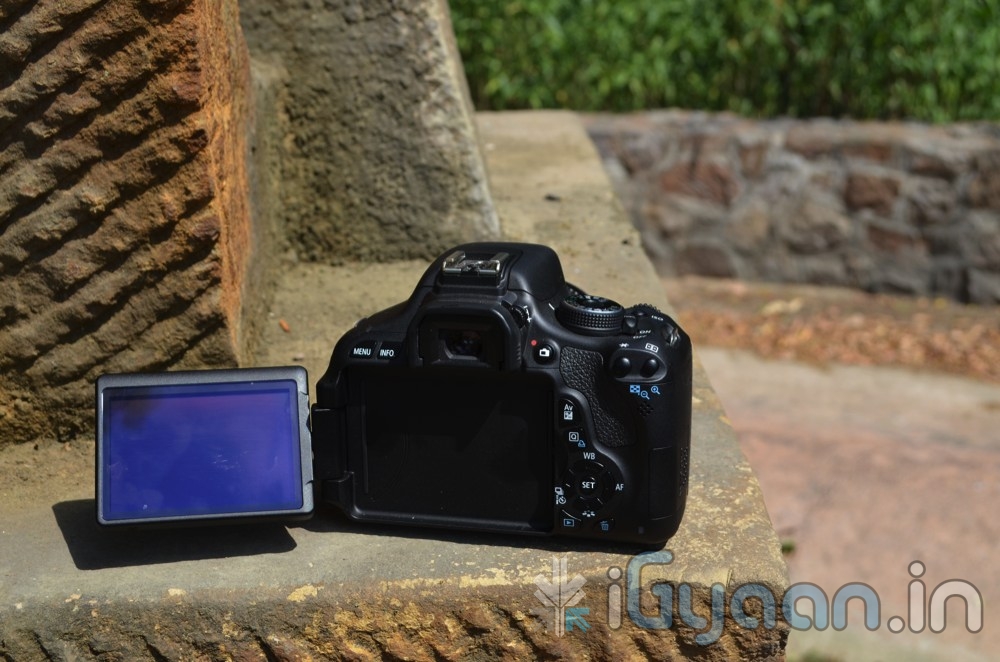
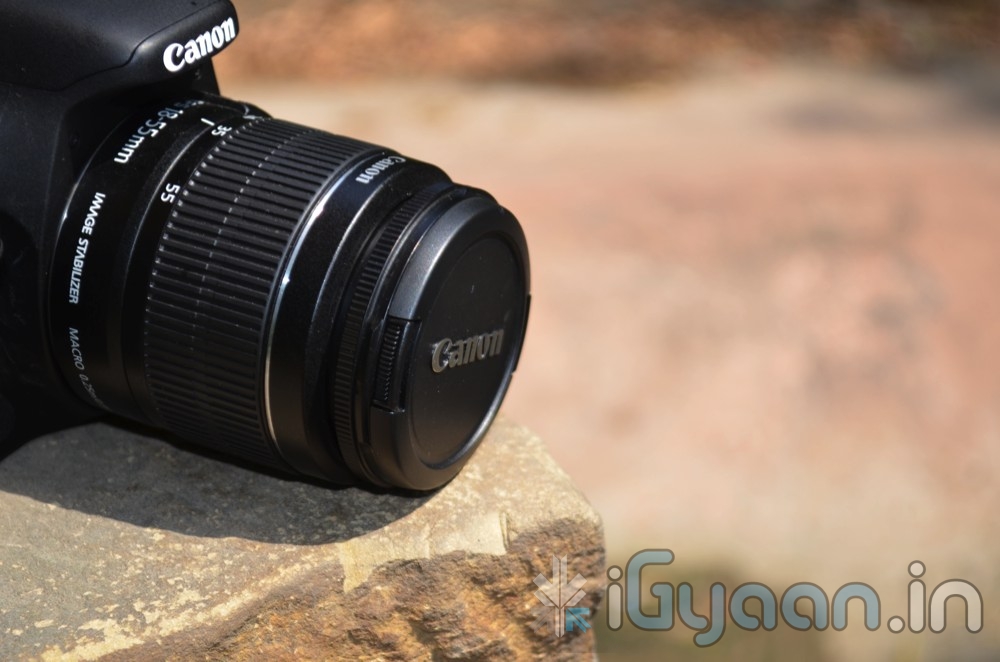
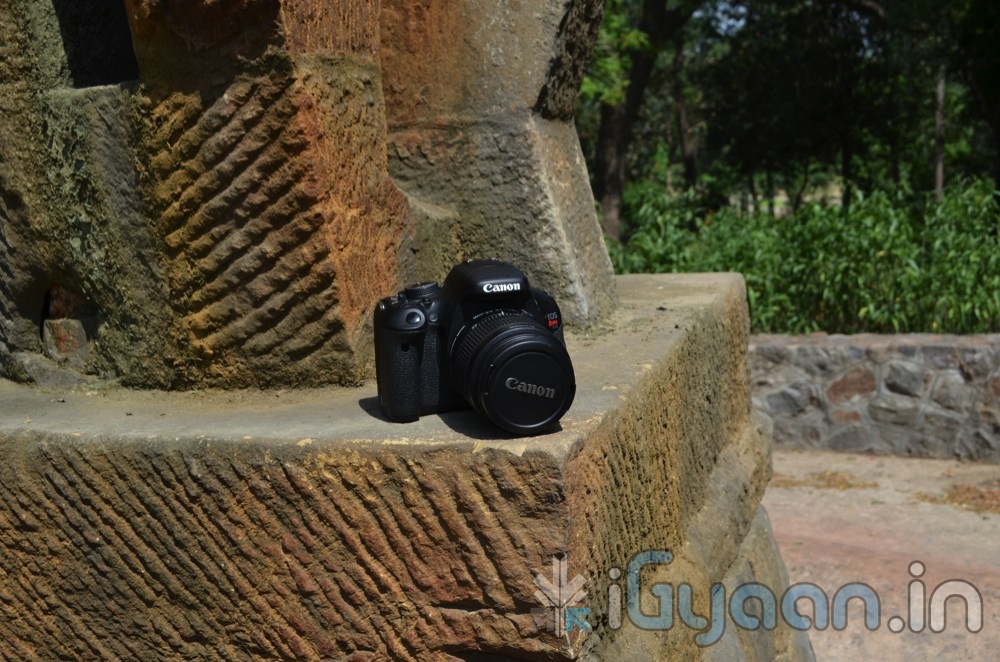
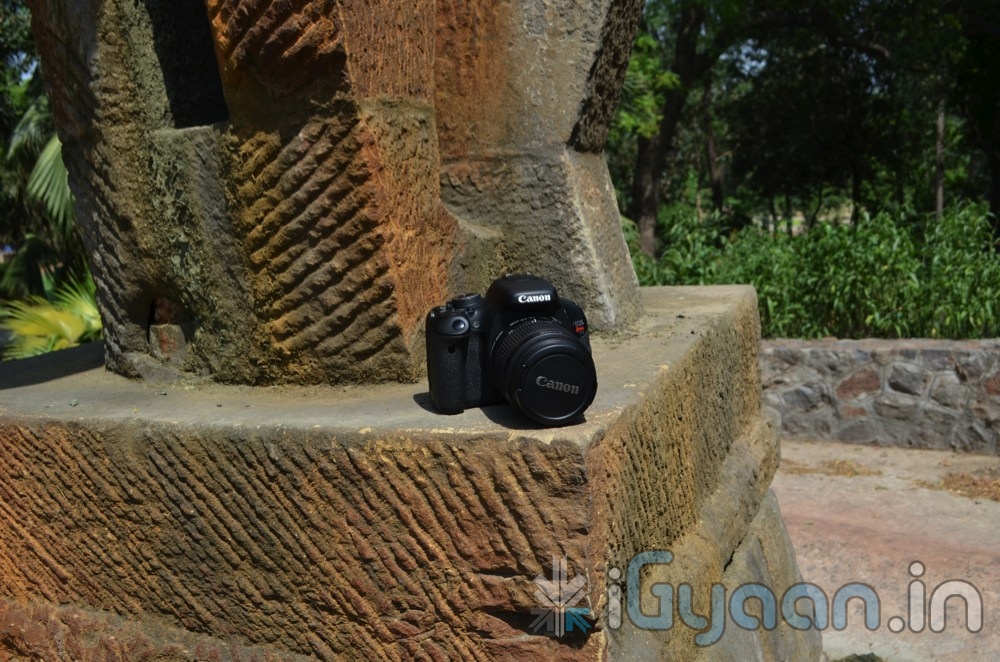
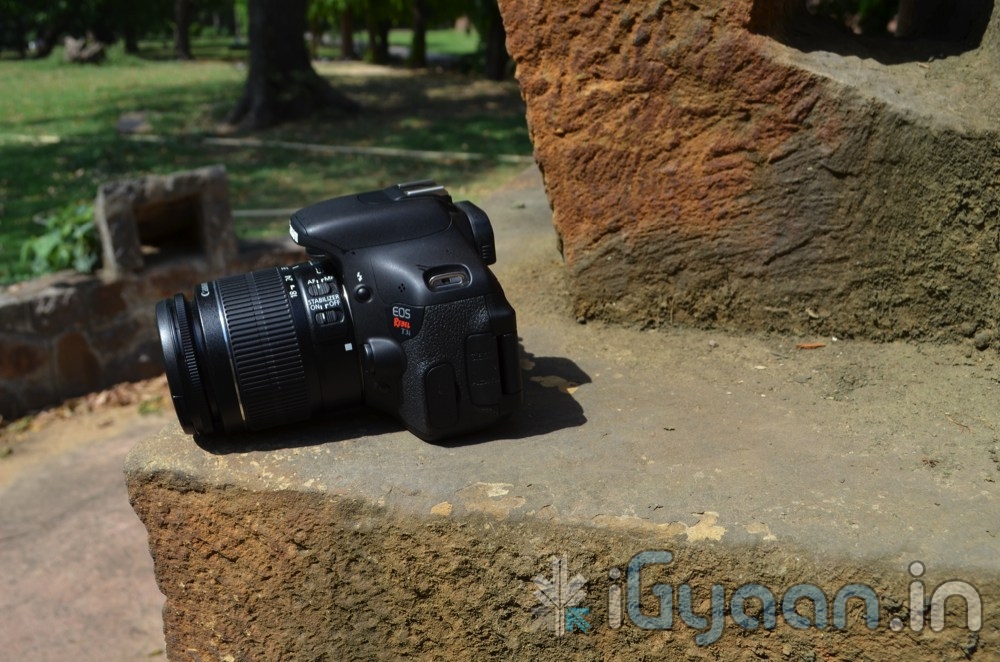
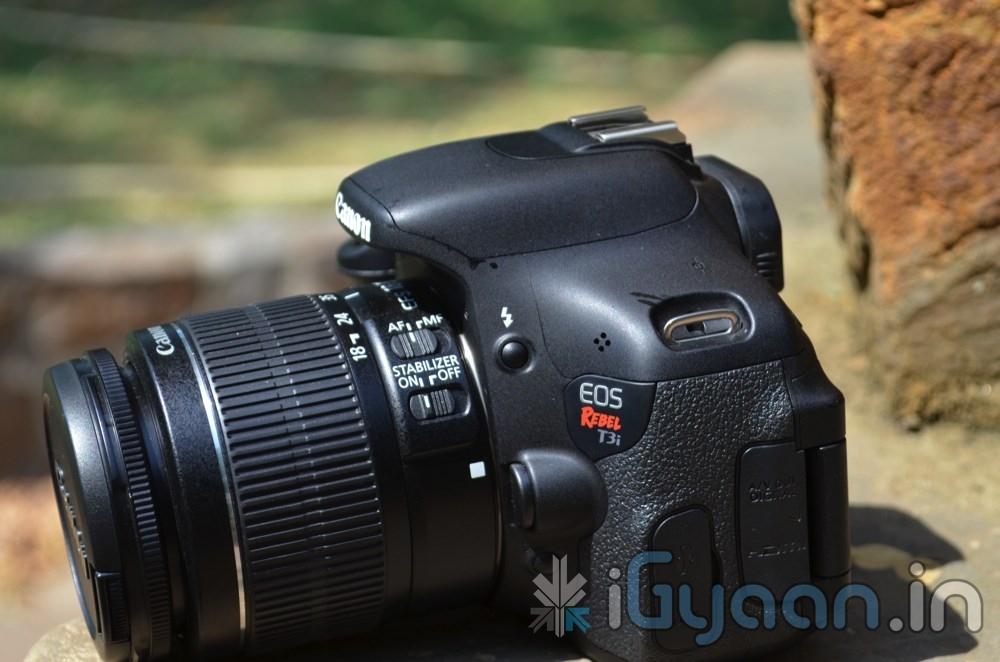
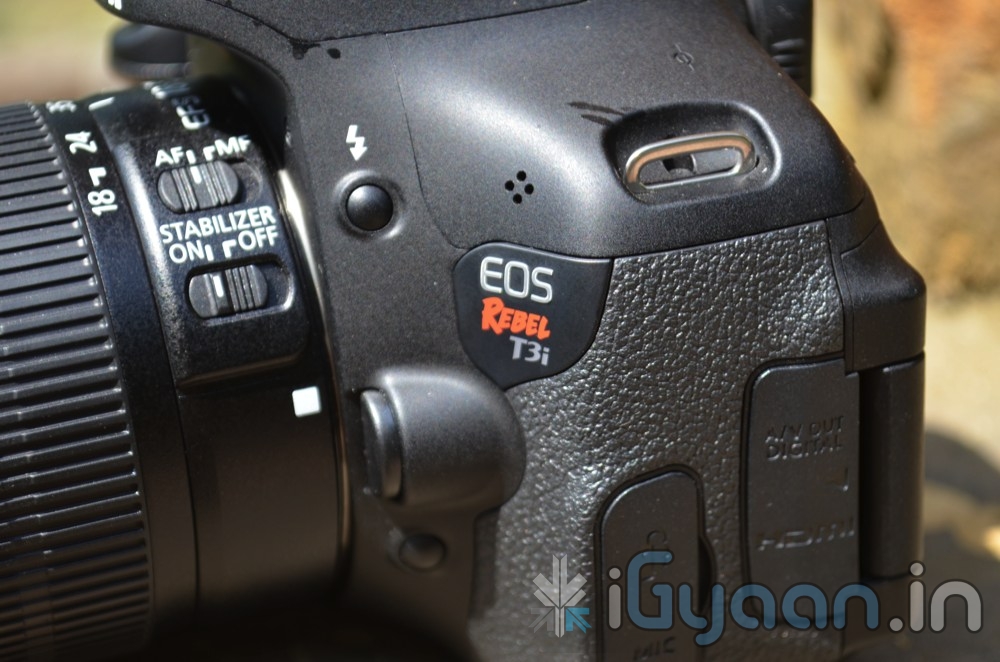
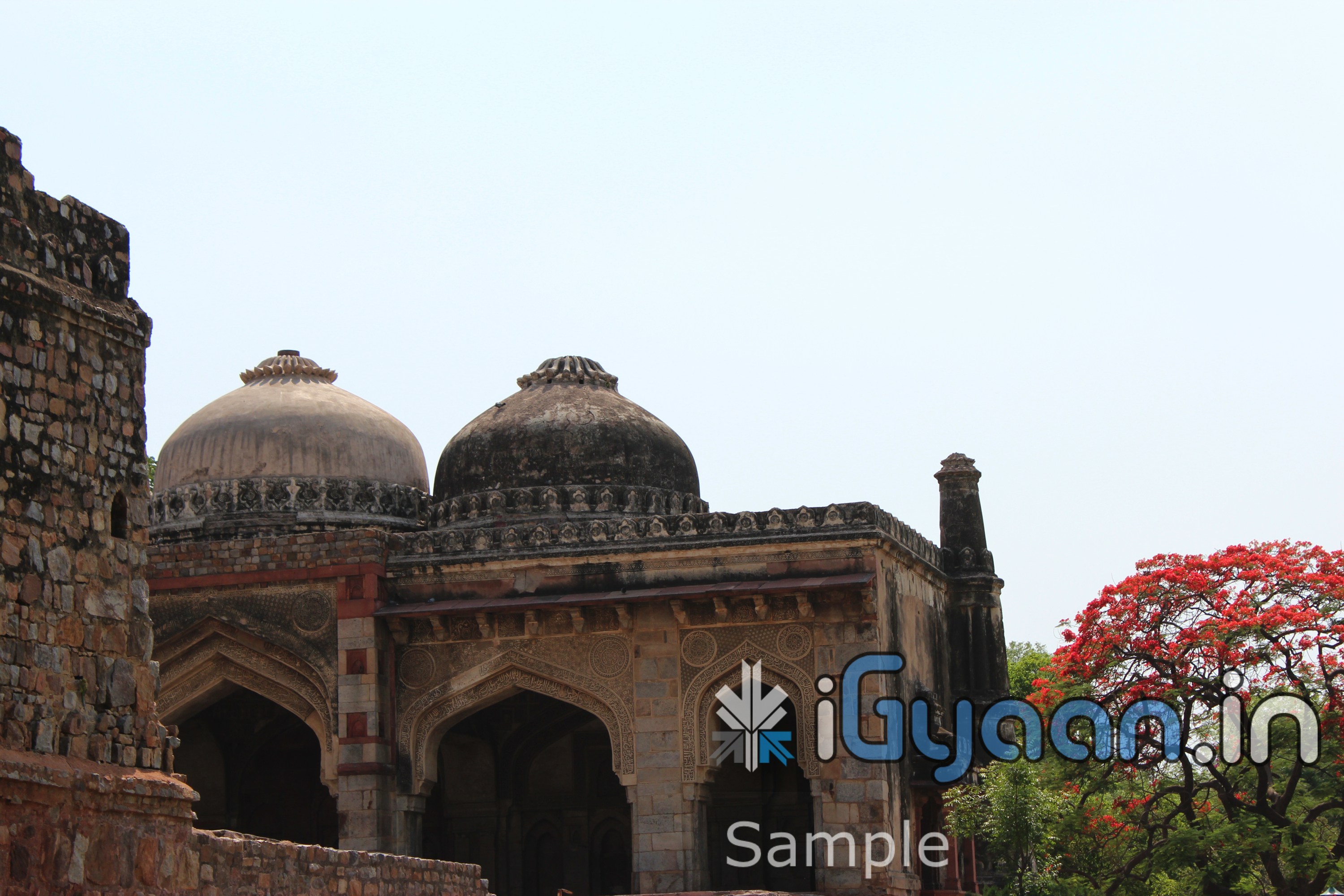
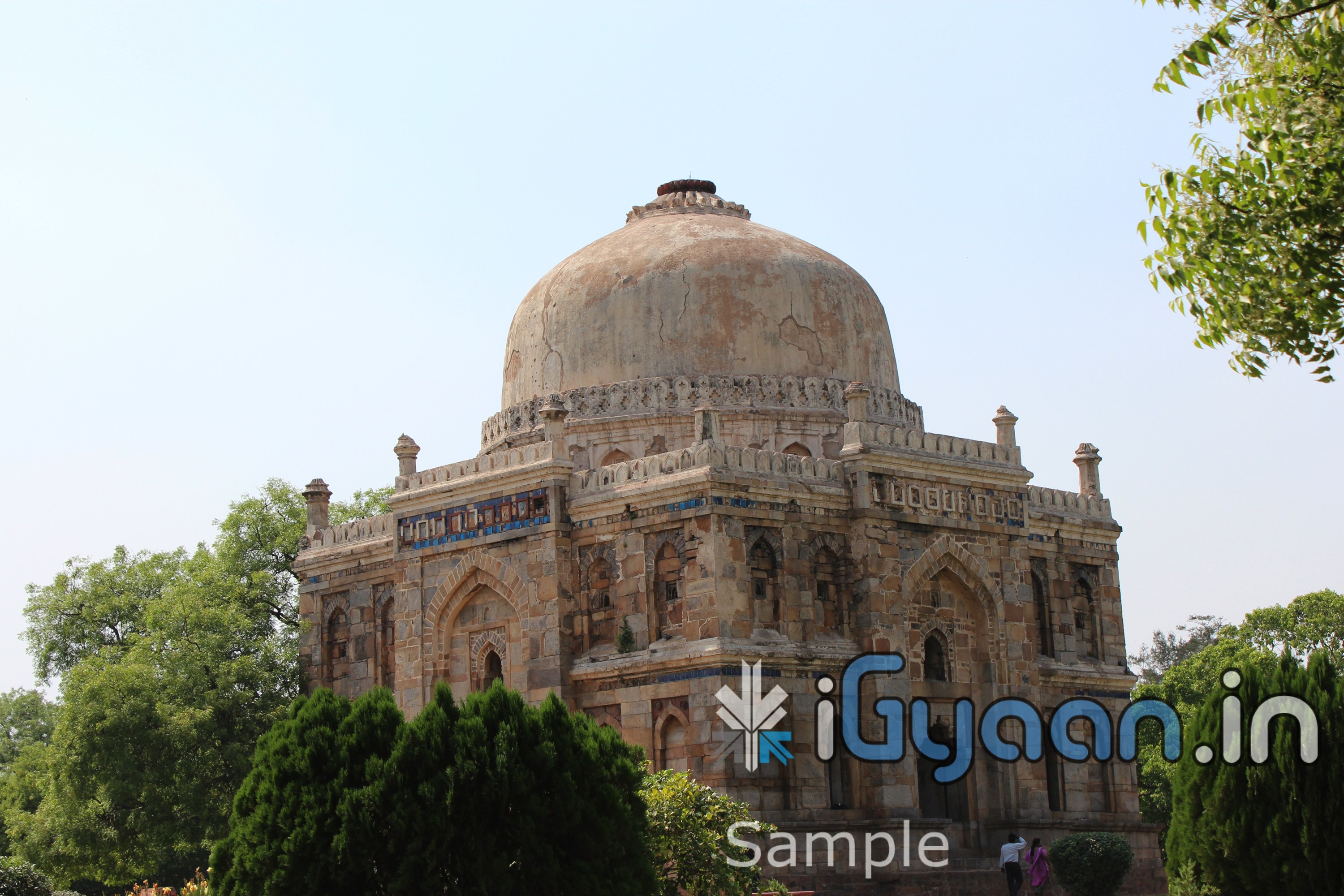
Check it out guys we got the new Canon 600d / Rebel T3i . Check out the unboxing of the camera below along with sample images at the bottom of this post.
PRODUCT PICTURES
SAMPLE PICTURES from The CAMERA
SPECIFICATIONS
Battery
Battery type(s) Lithium ion
Battery Charger Yes
Camera
Optical sensor CMOS
Light sensitivity ISO 100, ISO 125, ISO 200, ISO 400, ISO 600, ISO 800, ISO 1000, ISO 1200, ISO 1250, ISO 1600, ISO 2000, ISO 2500, ISO 3200, ISO 5000, ISO 6400
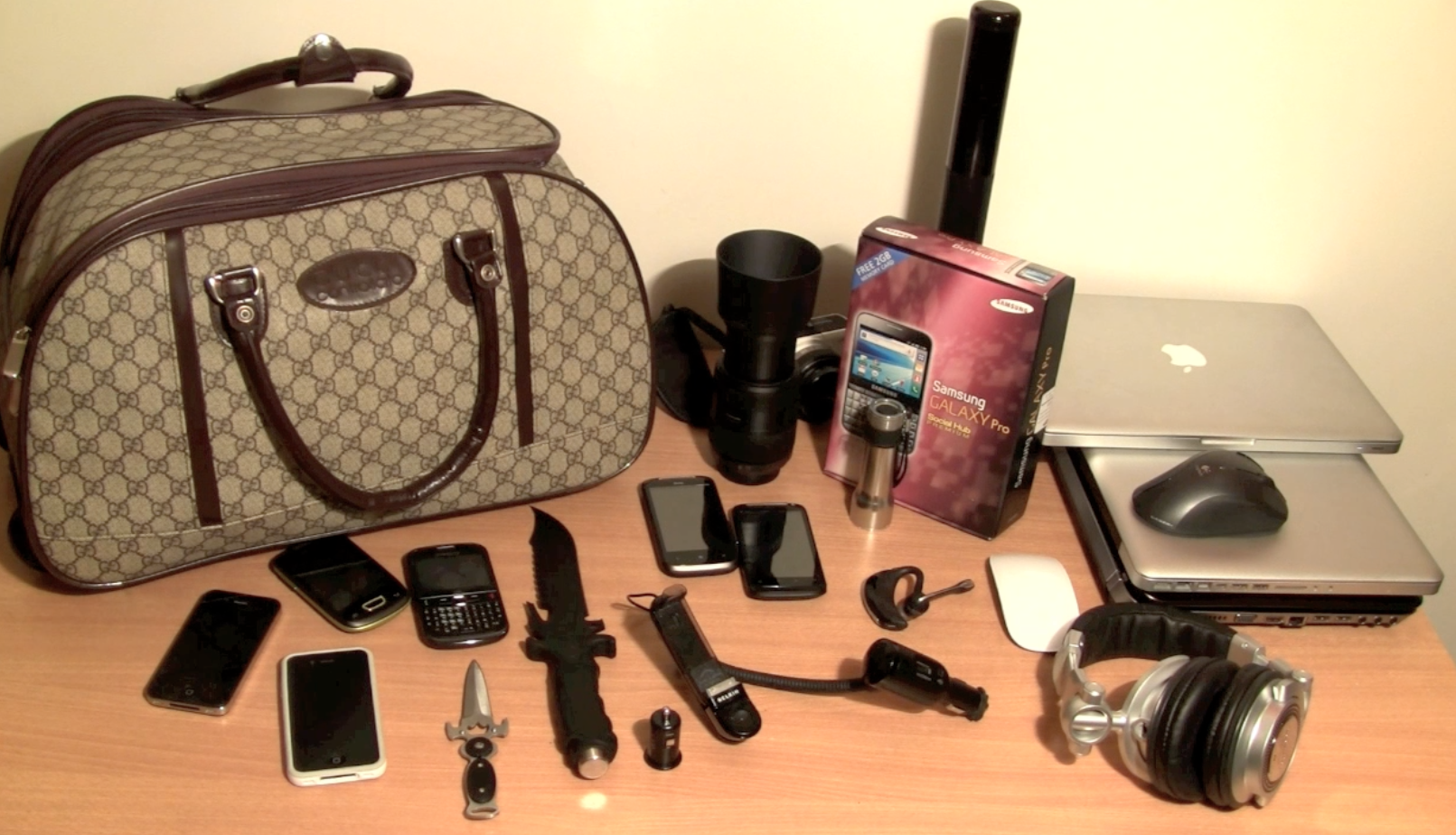
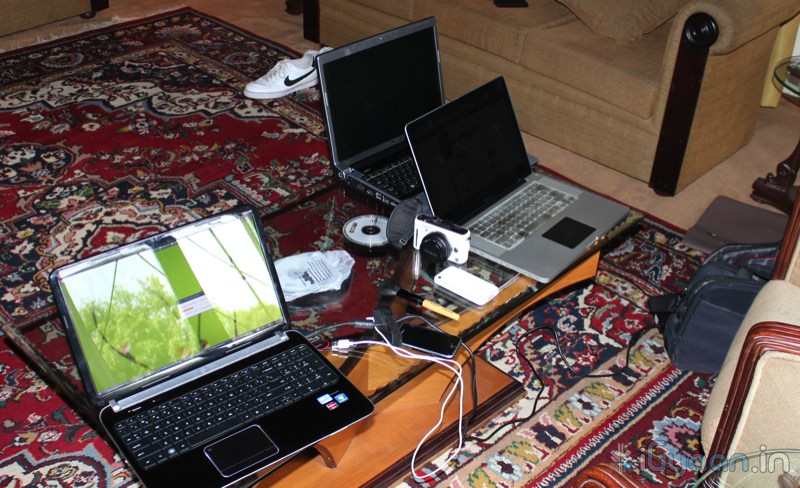
The iGyaan Crew decided to take a break, So, All of us poped up to Nainital and we took along our gear and equipment. This is a blog of whatever equipment I took. This does not include everyones equipment, only my personal and test gear.
LAPTOPS:
Macbook Pro 15 Core i7
Macbook Pro 13 Core i3
HP DV6
Dell Xps 17 (2011)
PHONES
iPhone 4
iPhone 4 (Indian)
Nexus S
Samsung Chat 322
iPhone 3GS
HTC Desire S
HTC Mozart
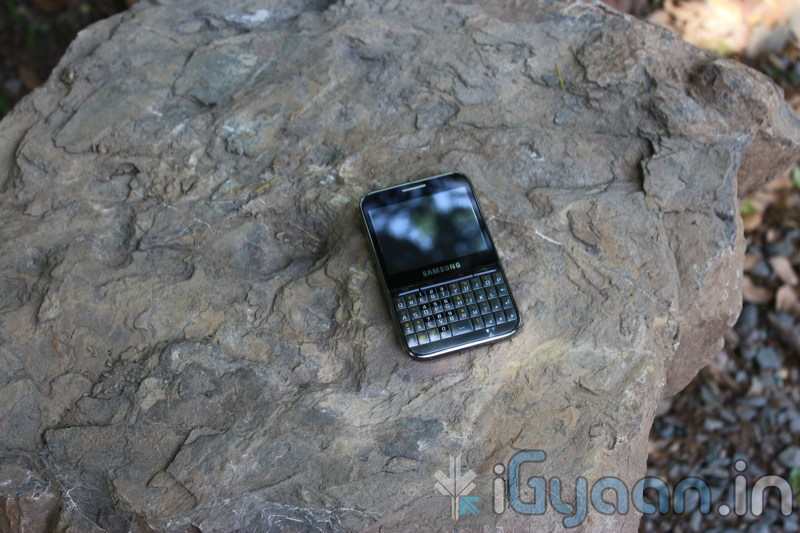
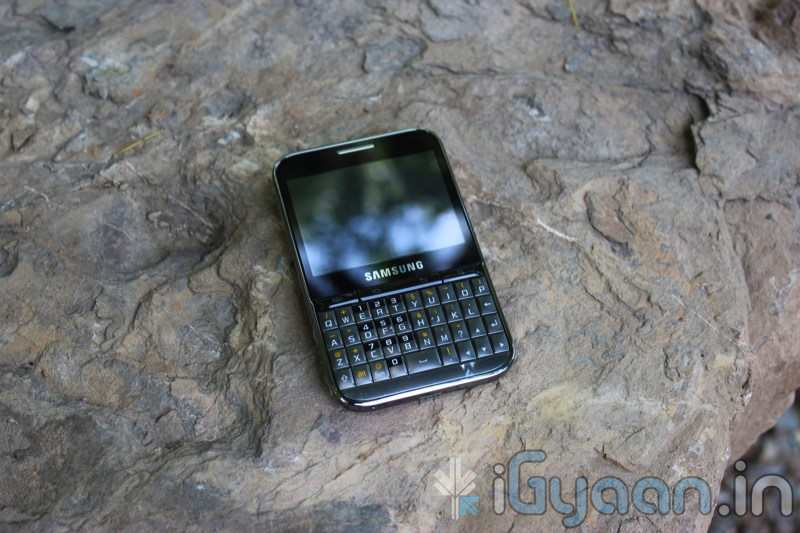
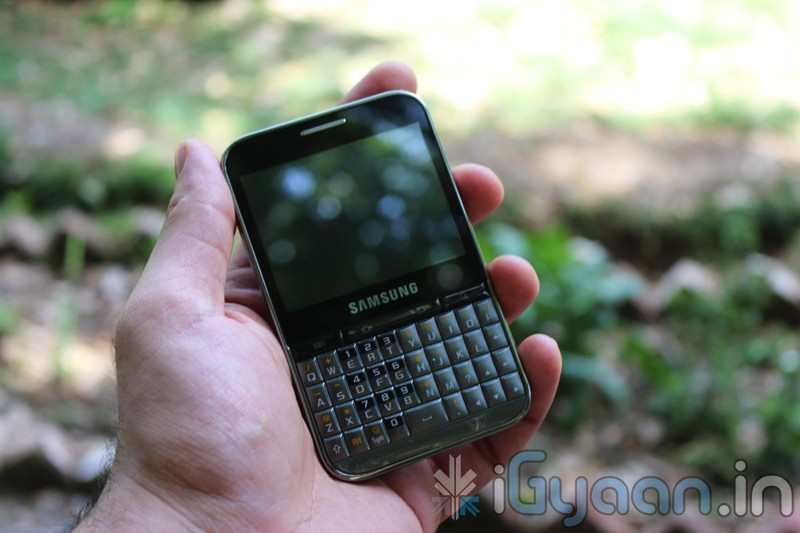
Samsung Galaxy Pro
Samsung Galaxy Pop(CDMA)
CAMERAS
Panasonic DMC – GF1 + Lenses
Canon 600D + Lenses
Canon HFM 31
Canon XL-H1 3CCD
Other
Unbox knife
Hunting Knife
Portable Speakers
Maglite 5D Flash Light
Maglite Solitaire
Hunter Spotlight
Seagate 500gb Freeagent
Seagate Freeagent GO 1 TB
Seagate Freeagent GO Flex 1TB
Transcend Portable 500Gb
Technics 1200 Headphones
Sony MDR EarPhones
Belkin iPhone Mount for Car
Belkin USB cigarette lighter port
Apple Magic Mouse
Apple Mighty Mouse
Logitech Laser Pro Mouse
A whole bunch of Cables and other little gizmos, Power adapters, power strips, multi plugs etc
We Had a great experience and decided to test out our stuff while on vacation. We will continue to update this post and give our insights on how a tech lover can travel within his comfort zone.
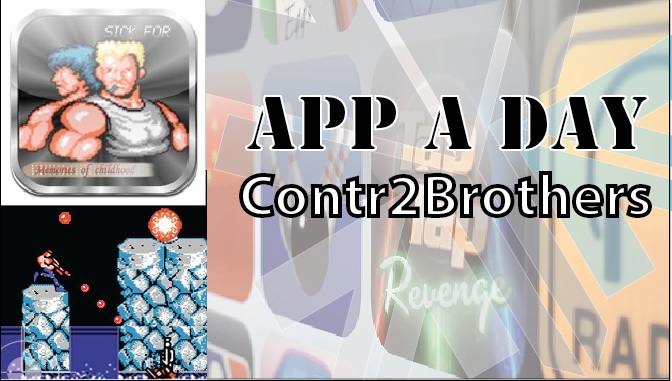
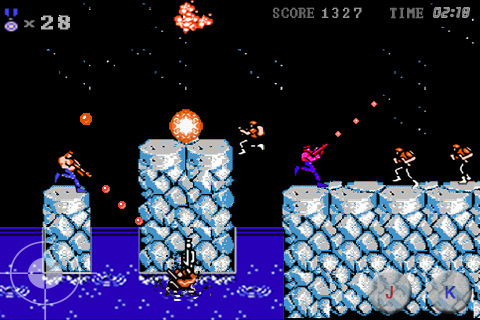
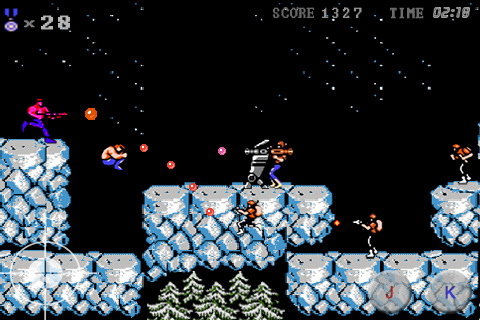
Well we found an app that brings back a few childhood memories of sitting in front of the TV and furiously mashing the controls of the NES to kill a few bad guys and achieve 14-bit glory. Here we have a misappropriatly named game called Contr2Brothers – a copy of the good-old game Contra. It features the same game-play as the original with on-screen controls that are slightly tough to use. The game claims to offer 30 lives but we still haven’t figured out how to get there. The audio is a little irritating after a while so you might want to mute it. One good feature is that the game supports upto 2 players via a bluetooth connection. Download it from the link below to relive your childhood…
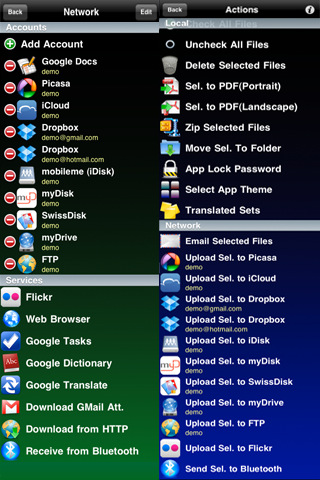
Todays app is exceptionaly useful for Businesses and people who use their phones extensively for work.Superfiles is a frontend for Google Docs, iDisk, Dropbox, Box.net, Flickr, Picasa, WebDAV, FTP, SFTP etc.
What it basically allows you to do is to upload & download documents from your cloud storage or other servers on the go to your iDevice. Edit files on the go. Preview files not supported by other iOS apps, share files between Superfiles via bluetooth, Scan documents with your camera etc.
Some of the features of the app are:
Send/Receive files between Superfiles via Bluetooth
Scan documents, enhance for better OCR
OCR(Optical Character Recognition) of images
Translate documents to 52 languages
Upload/Download files locally to your iPhone using any Web browser
Email selected files
Local preview of CHM, FB2, PDB, EPUB, TXT, CSV, TSV, TAB, XCARDS, HTML, HTM, WEBARCHIVE, PHP, JS, JAVA, CSS, XML, C, CC, CPP, M, MM, H, DOC, DOCX, XLS, XLSX, PPS, PPSX, PPT, PPTX, RTF, RTFD, PAGES, NUMBERS, KEY, PDF files
Create/Edit Text documents
Crop, flip, rotate, resize and enhance images
Convert image from/to JPG/PNG/GIF/BMP/TIF format
Create multipage PDF from several images and text files
Upload/Download/Rename/Move/Delete/Preview for GDocs
Upload/Download from/to Picasa/Flickr
Upload/Download/Rename/Move/Delete/Preview for FTP/SFTP/MobileMe/iDisk/WebDAV/Dropbox/Box.net
Zip and Upzip files
Text-to-speech for 37 languages
Inintially, when you open the app, you might be overwhelmed with the sheer number of options that are available to you. Dont feel intimidated. Its quite easy to use the app. First off, create/log in to your account on any of the providers. After that, just click on the icon for the task you wish to perform.
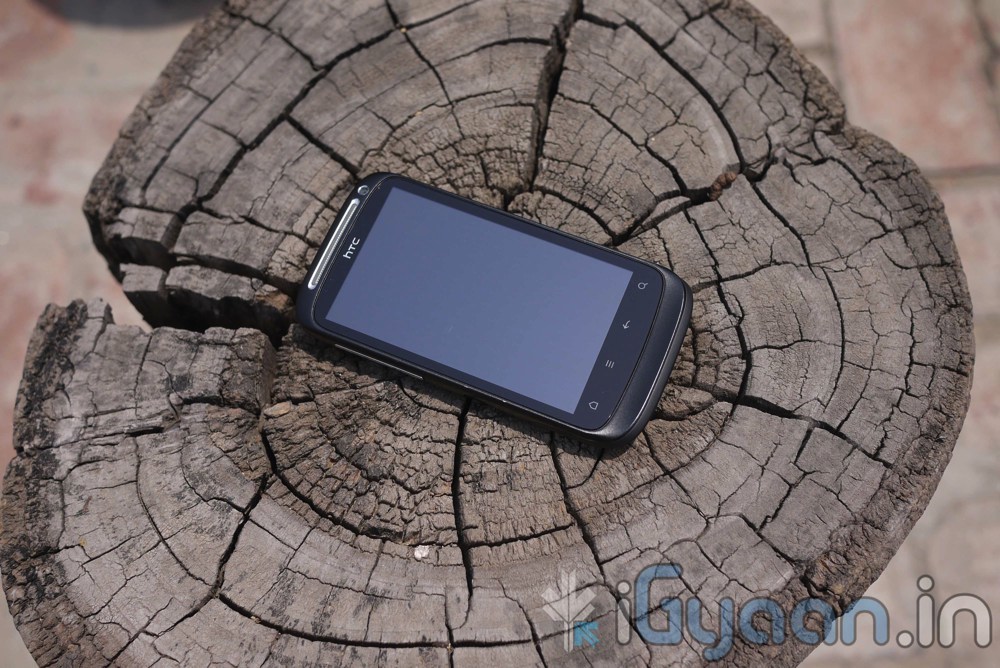
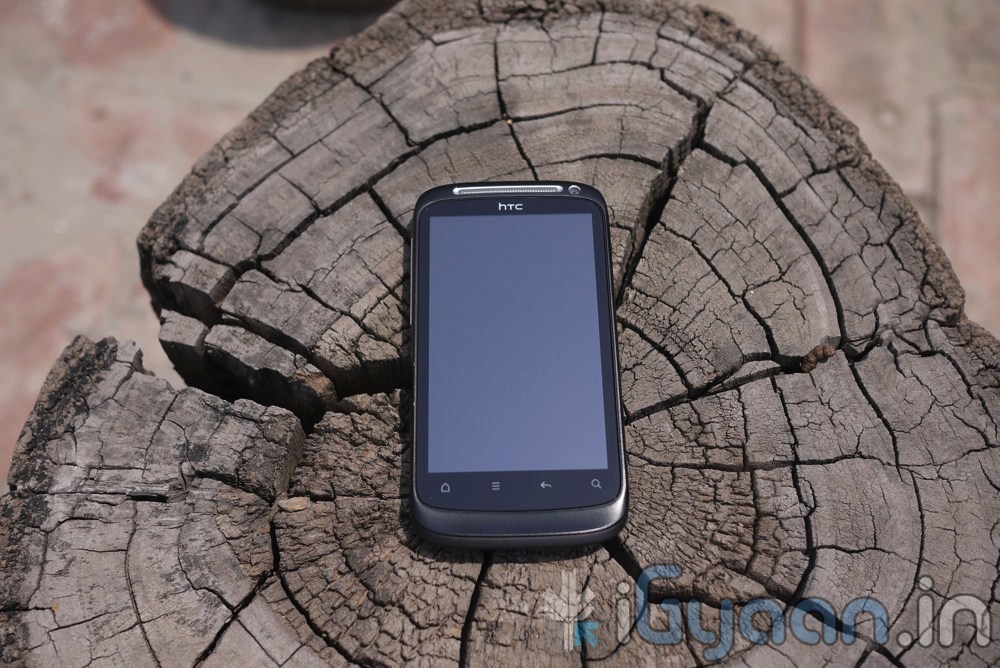
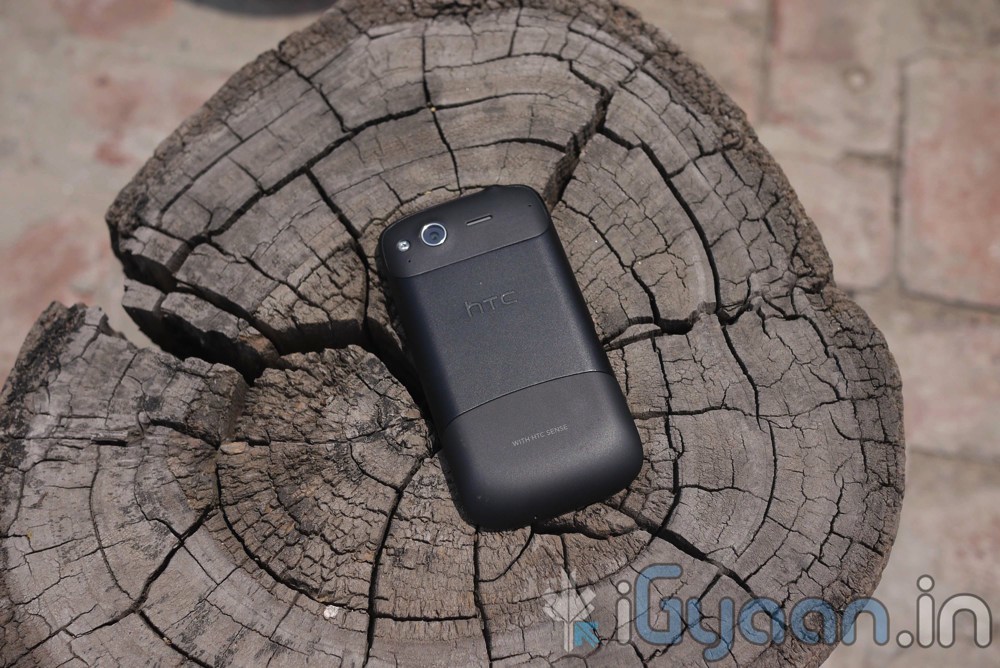
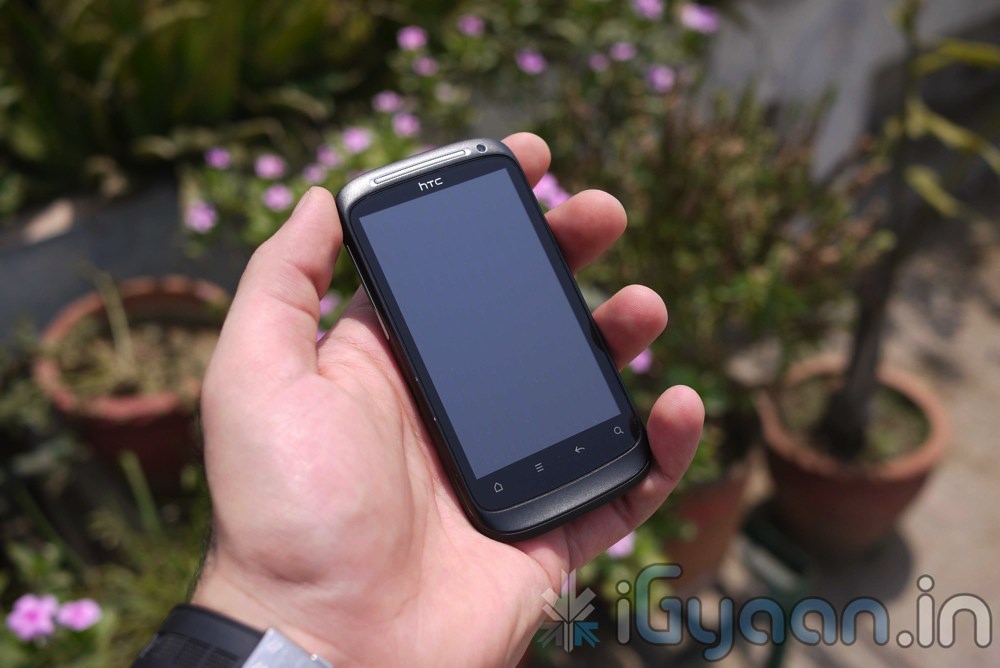
One of the Mighty phones from HTC’s stable the HTC Desire needed a real makeover to take on the market. With a big mass audience to please and some really big shoes to fill, does the Desire S really actually replace the original HTC Desire? Our Review looks into the mass appeal Desire S and tells you what it brings to the table.
BUILD QUALITY AND HARDWARE
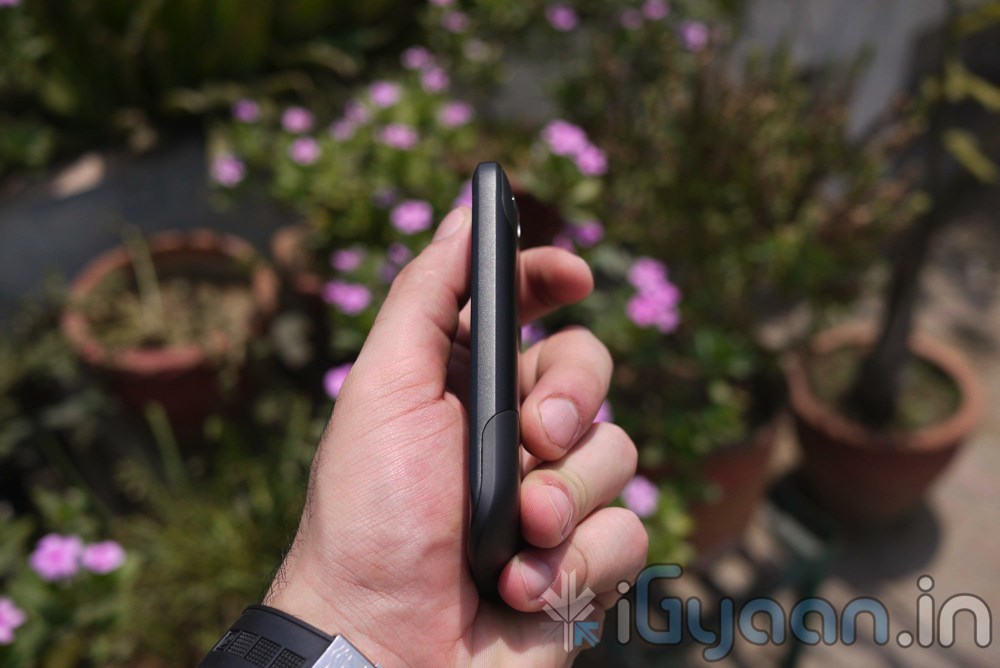
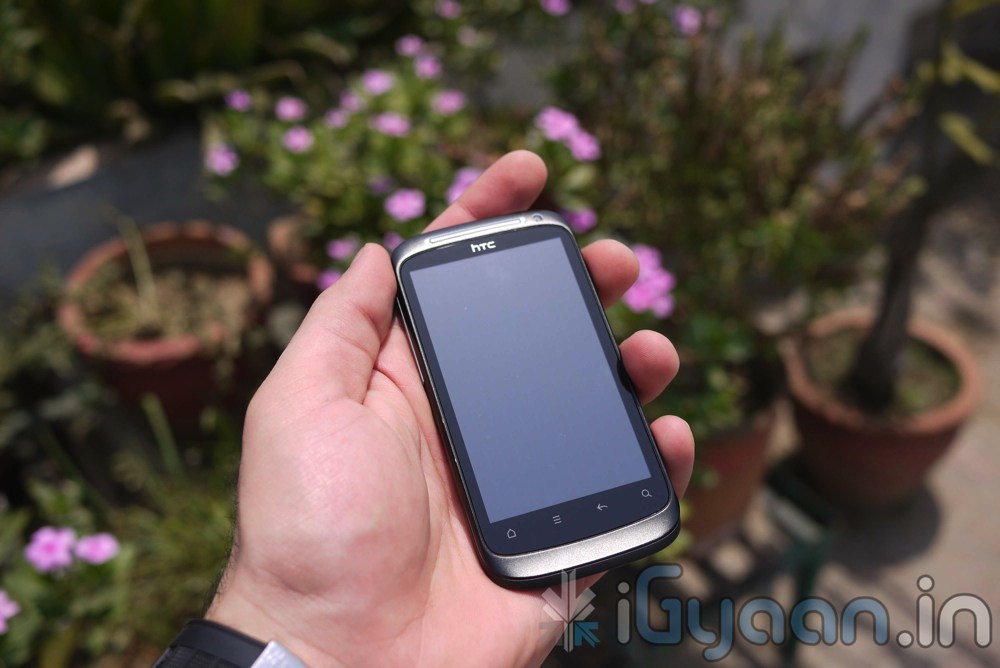
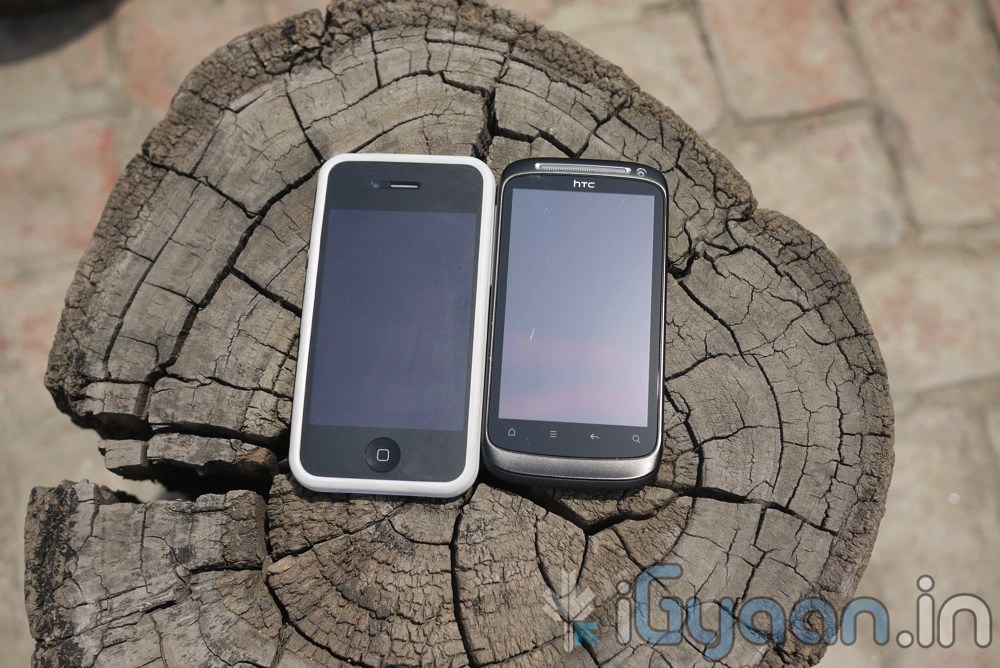
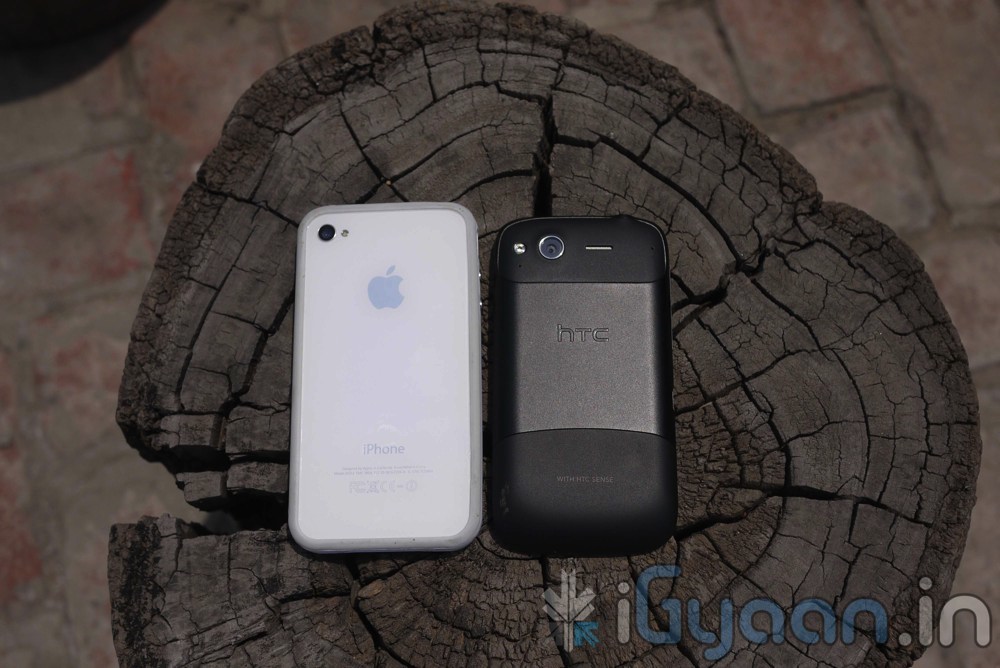
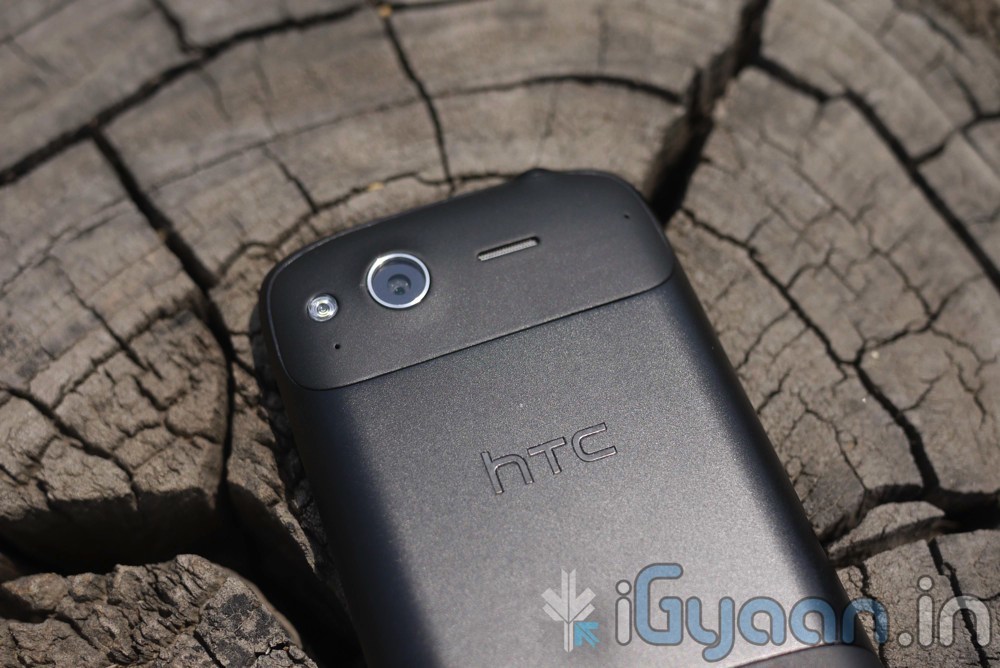
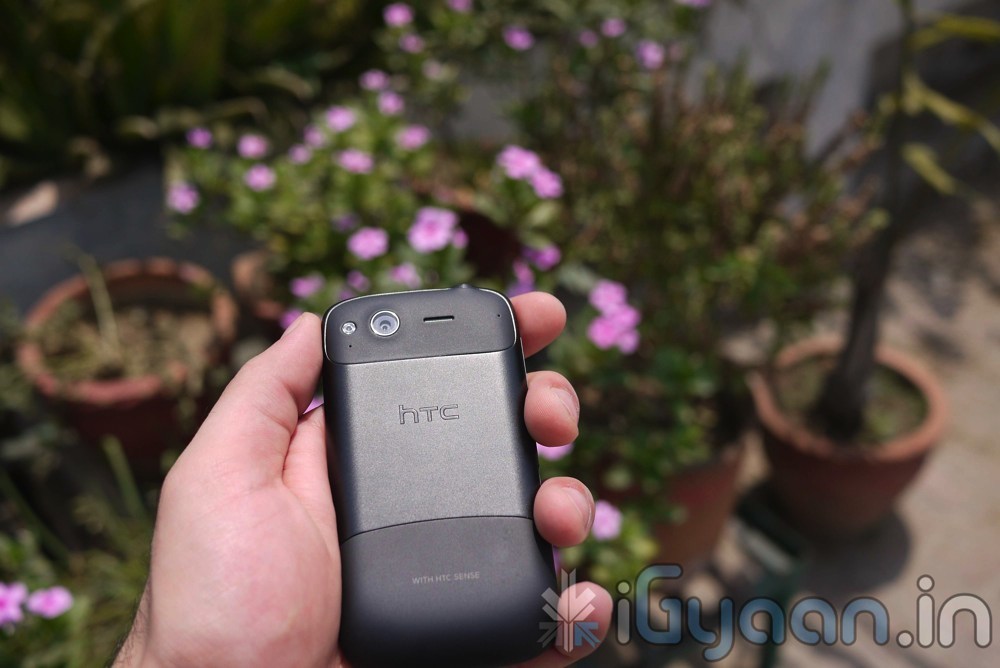
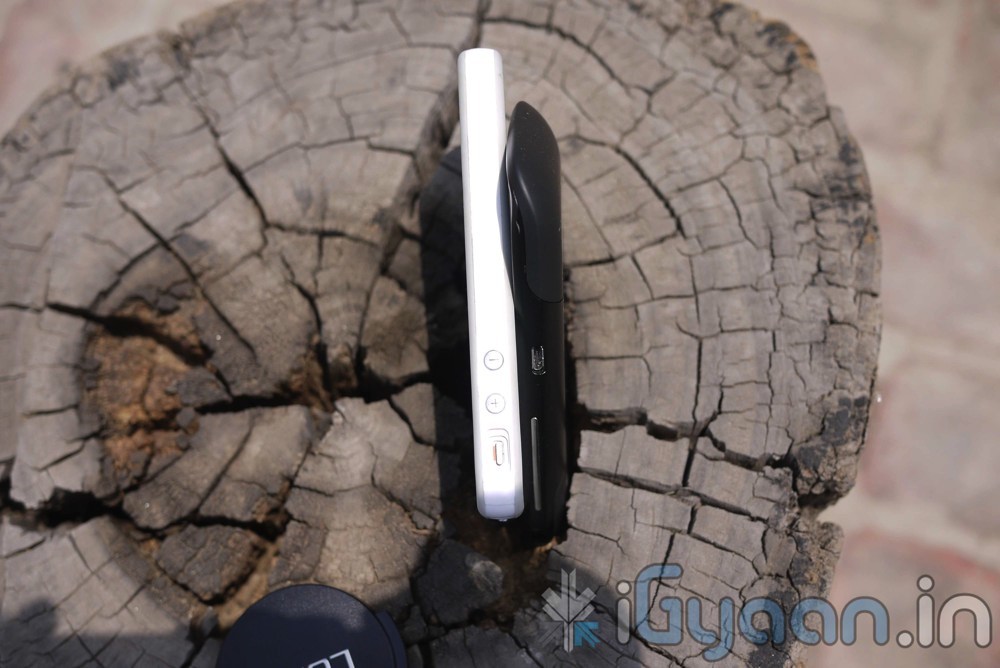
The HTC Desire S is the best form factor of smart-phone from HTC with a perfect size and quality styling and brilliant form factor. The device fits easily in all hand sizes and is convenient to pocket around. This is by far the best representation of form factor from HTC. That being said the paint or the exterior finish was not up to standards, we saw the paint fade from several places with just regular use, within a week. We are not too happy with this fact and are unsure whether or not people can claim warranty on such units.
In terms of specs we have the following
Frequency
Quad Band
Phone Style
Touchscreen
OS
Android 2.3 Gingerbread
Thickness
11.63mm
Length
115mm
Width
59.8mm
Weight
130g
Built-in Memory
1.1GB
Additional Memory
MicroSD support (up to 32GB)
High-speed Data
GPRS, HSDPA,Wi-Fi,
Connectivity
Bluetooth, USB
Screen Size
3.7-inch touch screen with 480 x 800 resolution
Camera Resolution
5 megapixels
Flash
power LED flash
Battery
1450 mAh
We are calling it the Lightweight Champion because of the simple fact that it bring most high end features at a much reasonable price than one would expect from an HTC Phone
PHONE AND MESSAGING
The phone dialer is as great as any other HTC phone we have tested in the past, the earpiece and mic make us wonder if anyone can become any better with the voice quality. Network connections are smooth, we did face the “Death grip” issues in some case where the network dropped significantly when the device was held too tight.
Messaging is simple and easy with the HTC keyboard and even better with keyboard replacements from the Marketplace, the touch screen is accurate and responsive hence there is no problem with the accuracy of the keyboard.
we simple love the fact that HTC devotes a huge chunk of its time in fixing the phone inside the Smartphone, to make it work seamlessly. As is the case with every thing man-made problems are there in devices, But we have seen a huge uptrend where HTC and constantly improved their products over-time, focusing on past issues.
SCREEN AND MULTIMEDIA
We don’t see how this is an improvement over the past Desire, we were actually lucky enough to get the original Desire with an AMOLED screen, which basically trumped all other screens including the sLCD offered by HTC these days, the resolution is also somewhat similar at 480×800 pixels and the screen size is small compared to competition. Although touchscreen technology has improved significantly we can see that the device is more responsive and accurate at receiving inputs. Which makes the overall experience worthwhile.
Video playback quality is simply great on this device, we tested a huge array of video files, buffer sizes and audio syncs they all played great and the device just scored a ten in our books in terms of multimedia. The screen is still great and watching videos on it is still a lot of fun. Speakerphone on the device is actually the only thing we can complain about, because it is poor for a device that is so great. Low volumes make utilization of this device in public places a horrid experience.
CAMERAS
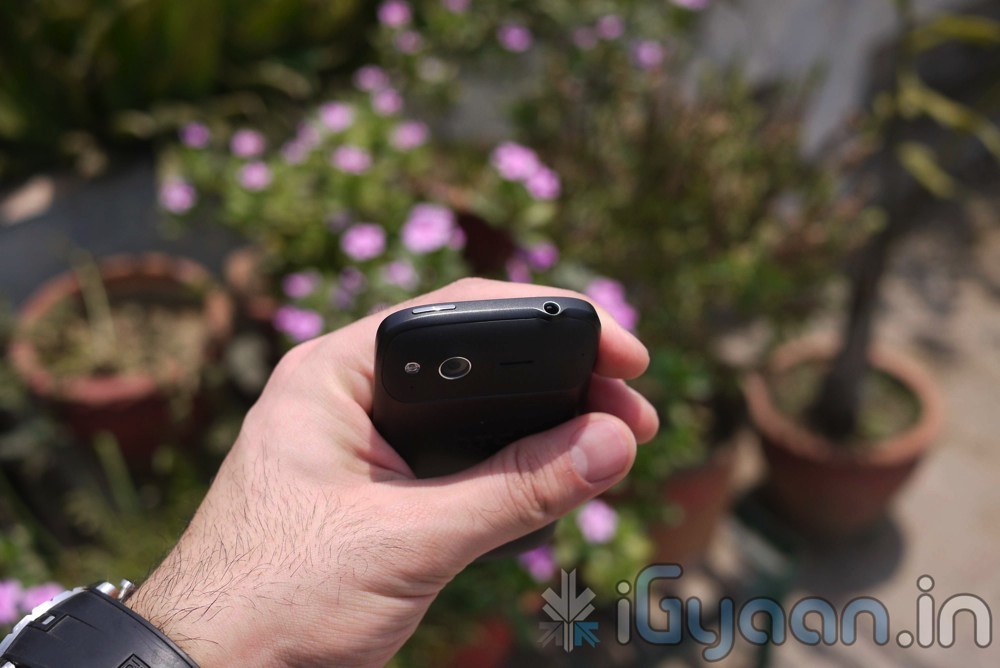
The device has 2 cameras a rear 5 MP snapper which can also take 720p video and a front facing VGA cam that not only looks far better than any other VGA cam that we have tested but records great video.
The rear 5 MP sensor has great color depth and a large view field, we also saw that the camera was much snappier at taking pictures and the rest of the HTC devices tested by US. Pictures were clear and crisp and low light performance was quite surprisingly good. Video is the standard 720p Lossless format, with little or no jitter. We love the added picture and video effects, makes the camera app a much more complete app, and you wont find yourself searching for a marketplace camera app replacement.
The front camera is great for portrait pictures and even great for video logging, without needed the mention of Video calling over skype fring etc which works natively and brilliantly.
CONCLUSION
The device packs a lot of features at a price bracket of 22,000/- to 24,000/- Indian Rupees. Possibly the best device in the market at that price, Comes with Android 2.3 right out the box, a front and rear camera and simply great form and construction. You cant beat that at a price of 22K . The fact that you can add a couple of thousand and get the Incredible S, makes us kinda jiggly on our own decision, Incredible S gives a Better Performance CPU-GPU, an sLCD, an 8 Mega Pixel camera and Better sound output.
[xrr rating=4/5 label=”We Rate The Desire S” imageset=shiny_yellow_star display_as=fraction_stars]
If you get errors after upgrade : i.e. error: phone application has stopped working or get constant crashes,do the following:
To fix phone not working, initiate restore phone to factory settings command from Settings – Privacy
TAKE SERIOUS CONSIDERATION BEFORE UPGRADING AND HAVE YOUR BACKUP IMAGE READY IF SOMETHING GOES WRONG – use the OLD FIRMWARES: (All backup images can be found here)
Make sure your device is fully charged!
BE sure to backup all your data!
You are doing this at your own risk, Although, This will NOT void your warranty!
Your phone does not need to be rooted to get this working.
AFTER BACKUP – FACTORY RESET YOUR PHONE BY ENTERING THE FOLLOWING CODE
*2767*3855#
STEP 1
Download all the files above, and make sure you have the latest version of KIES software installed.
STEP 2
Extract the RAR to get a .tar file.
STEP 3
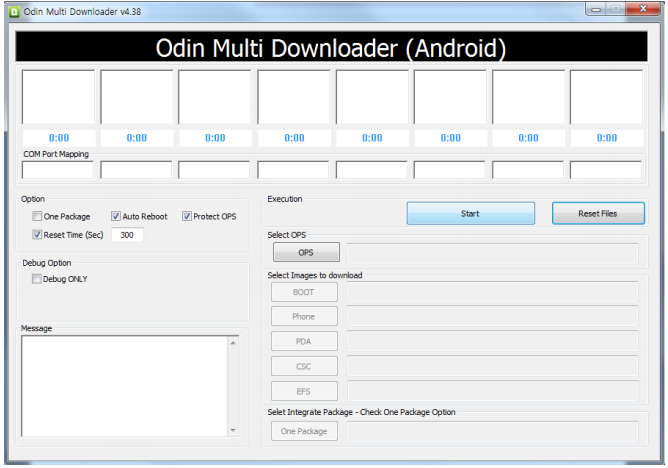
Open ODIN Downloader.
MAKE SURE you select One Package, Auto Reboot and Protect Ops checkboxes.
Select the Ops file (the file we downloaded earlier).
And finally select the tar package we extracted from the RAR downloaded earlier.
(You can also extract the rtar and select packages indivisually)
NOW CLOSE ODIN.
STEP 4
Backup you phone and data with the KIES software (after you are done exit KIES)
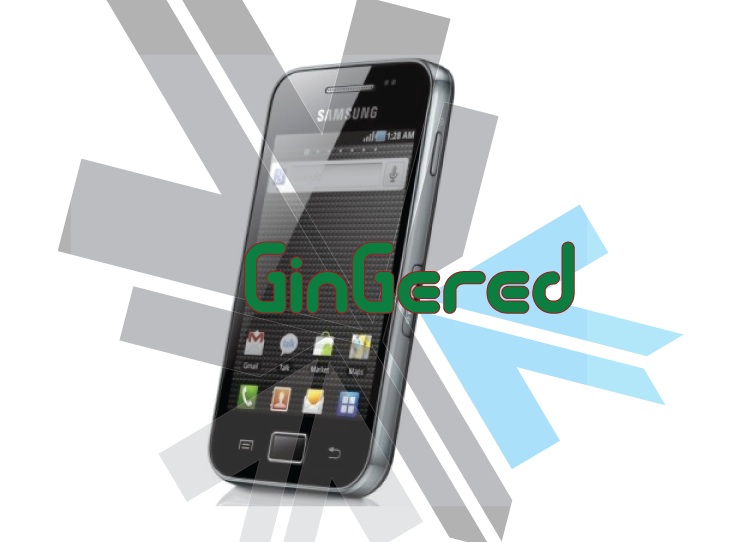
Turn OFF the Galaxy ACE and remove the Battery
Reinsert The Battery and Press the following buttons together
CENTER HOME BUTTON + POWER BUTTON + VOLUME DOWN Together
Hold the buttons together till you see the downloading screen
STEP 6 (Final Step)
CLICK START and wait for process to finish, once done your device will automatically reboot and will have Android 2.3 running on it.
A Few Things you will notice with 2.3
The rom runs faster but uses more RAM
Video now is up to 640x480px
Camera can’t auto focus.
The interface is overall nicer looking and runs smooth
There are a lot of bugs and it may crash frequently
Test this out at your own risk, if you have feedback please leave it below
I wonder how many of you have used cheat-codes in games?? Quite a few i presume. Well here’s a cheat code for windows that gives you God like powers to control your machine. To enable it, create a folder on your desktop and name it:
GodMode.{ED7BA470-8E54-465E-825C-99712043E01C}
This should give you an icon like this
Double click on the God Mode icon to open a control-panelesque folder which contains over 48 different setting groups which let you control EVERY aspect of your windows computer. Have fun being God!
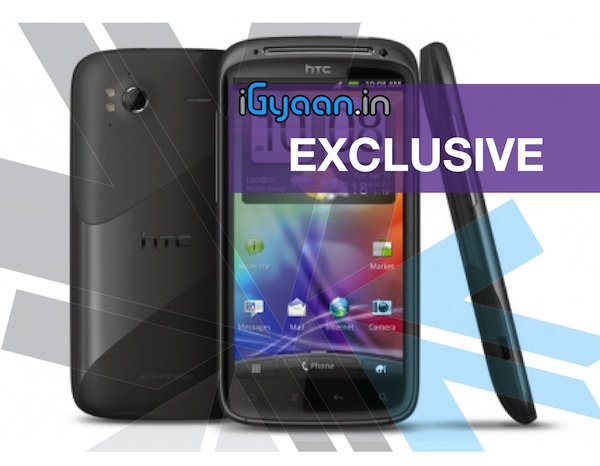
Woah! We just hit the information jackpot here folks! You better hold your smartphone purchases for the next month if you are looking to get a powerhouse of an Android Device. A very reliable source at HTC India (Delhi Office) claims that the HTC sensation after its UK launch in first week of June, will hit the Indian Shores soon after.
According to this High Level Manager (who refused to be named) :
“The HTC market in India has grown tremendously after the launch of the new range of Android Handsets including the Desire HD, Desire S and Incredible S. We are seeing a continuous uptrend in market sales and earnings from the smartphone segment. The company sees the demand and has decided to make the handset available as early as June 22nd.”
In a later Q&A session we also were able to find out that there are 2 new Windows 7 Phones coming later this year along with a 3D HTC Android Device.
The pricing of the HTC Sensation will be upwards of Rs. 32k During Launch and then later fall below the Rs. 28K segment.
The HTC Sensation is the First Device from HTC to sport a 1.2GHZ Dual core processor and HTC Sense 3.0 along with the new SLCD High res display.
Like all our Previous Exclusive Launch announcements including the ones below. (For all those who don’t know our track record!)
Froyo’d or Doomed? The official update Galaxy 3 Update for Android 2.2 came out a couple of Days ago and multiple users are reporting several problems with the update:
Proximity sensor issues
Battery Life
Problem with silencing the device with volume rockers
Swype not working
Camera App Crashing
So if you did update and are facing issues select your issues in the poll below and vote. If You still have not updated and want to despite the errors visit our Step by Step Guide