Tag: igyaan

  • Exclusive : HP Pavilion DV6 6017tx Core i7 Laptop Pre-Release Hands-On, Unboxing with Video

    Exclusive : HP Pavilion DV6 6017tx Core i7 Laptop Pre-Release Hands-On, Unboxing with Video

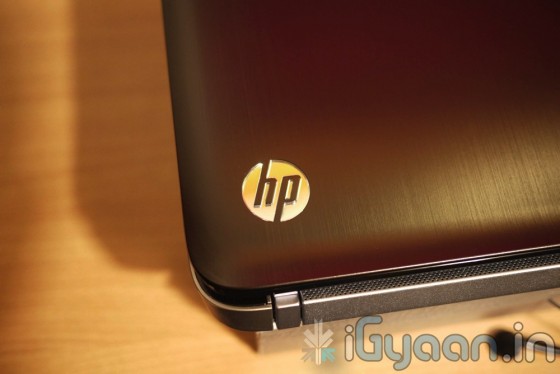
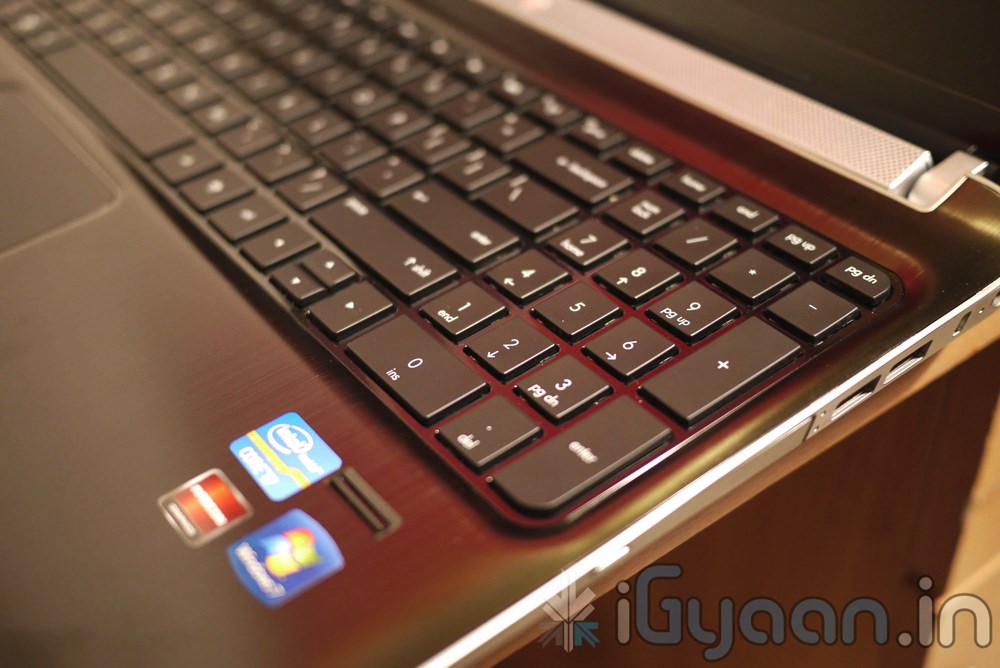
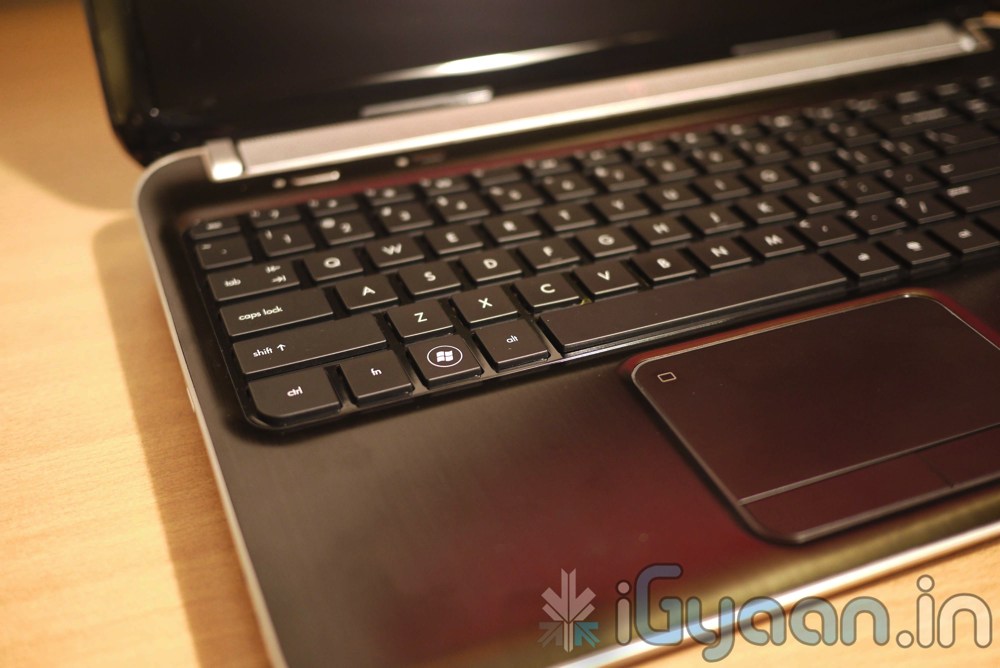
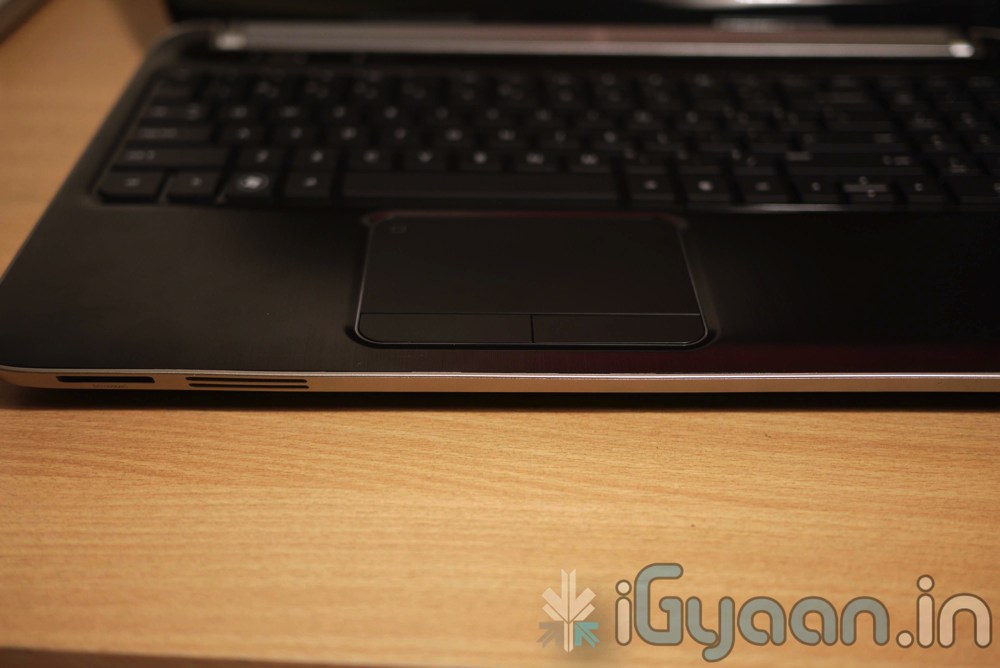
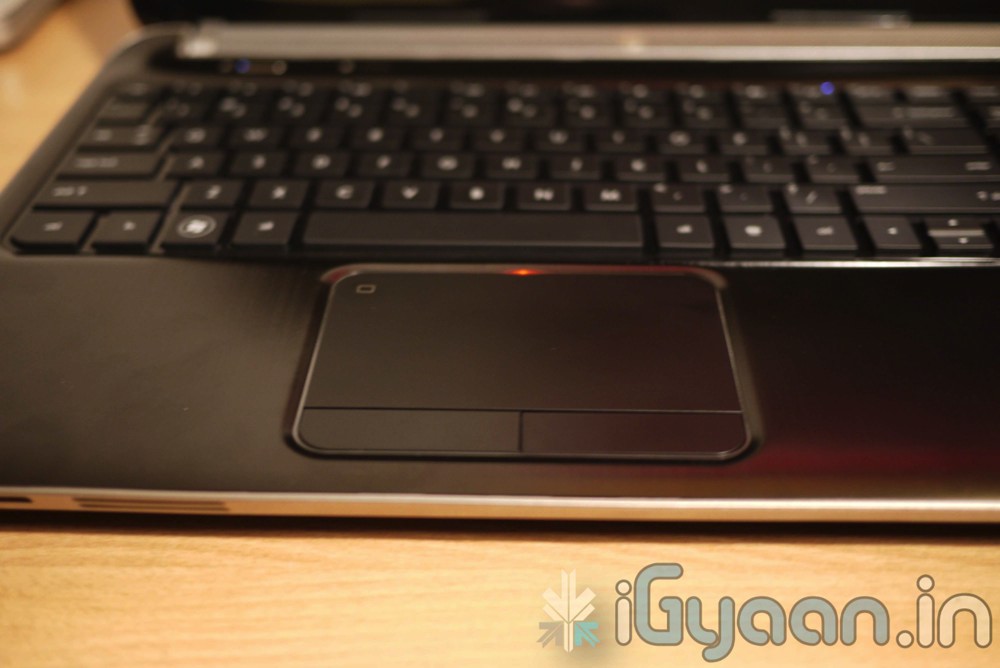
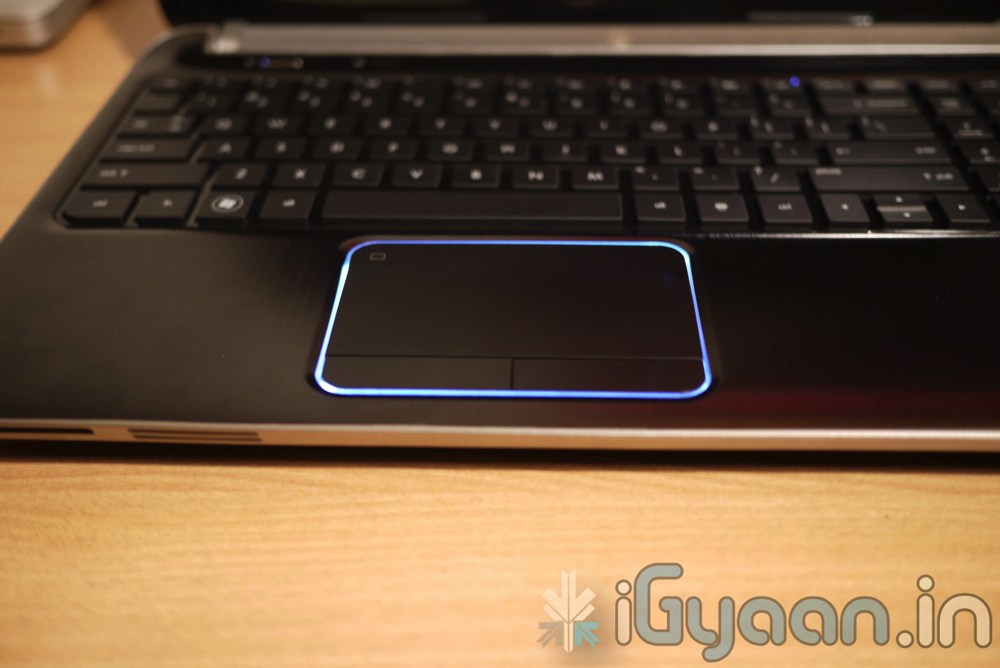
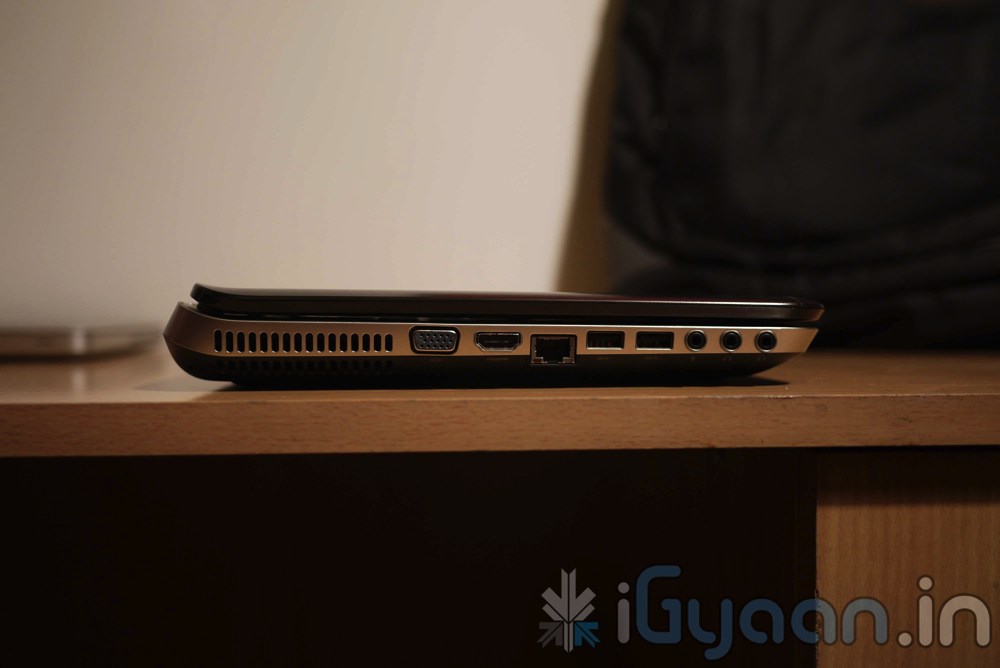
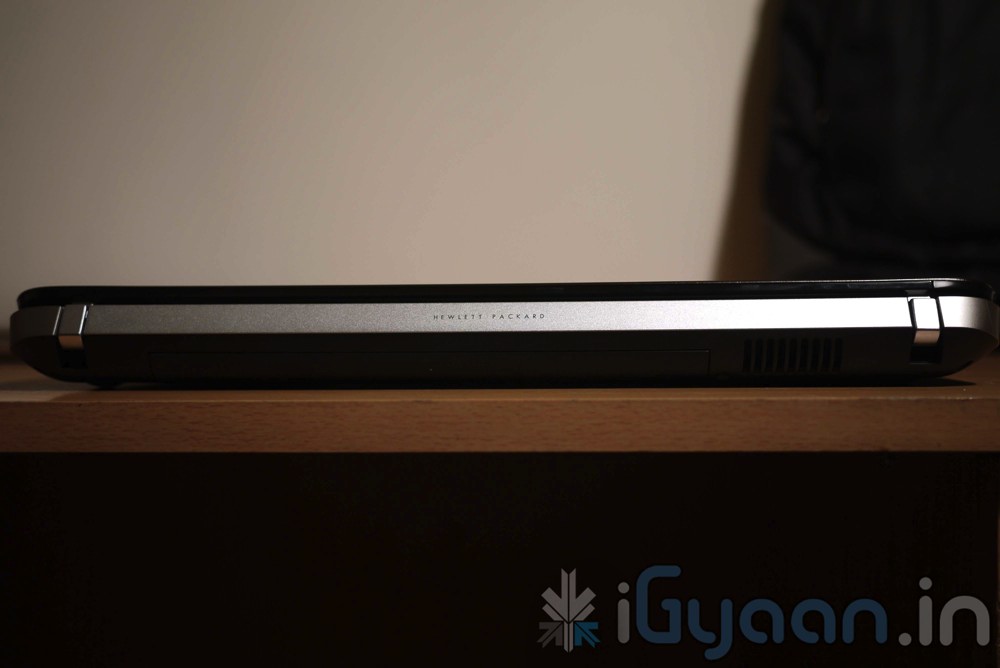
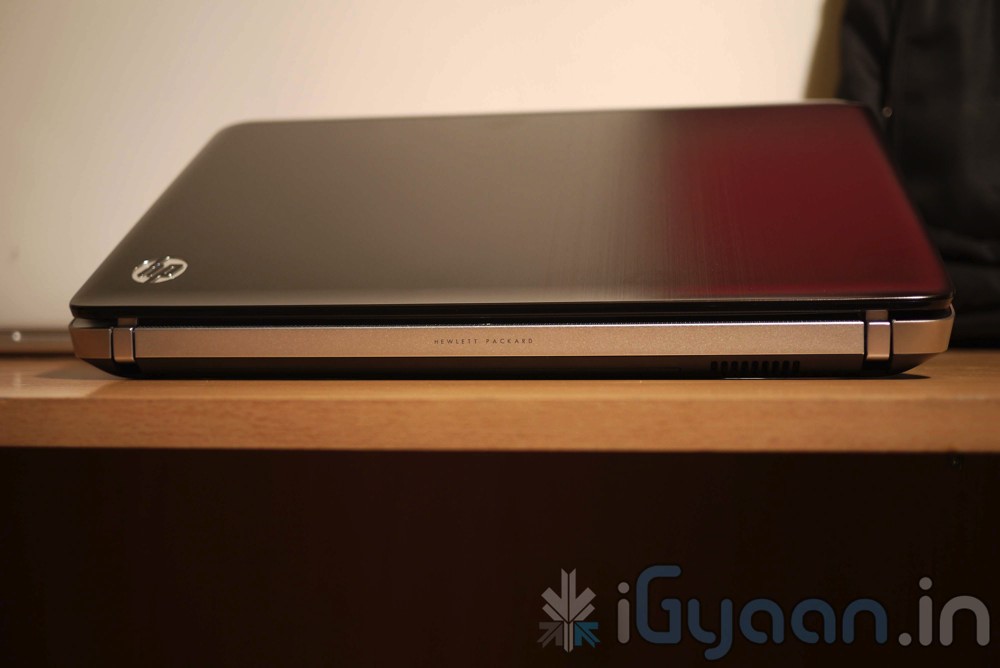
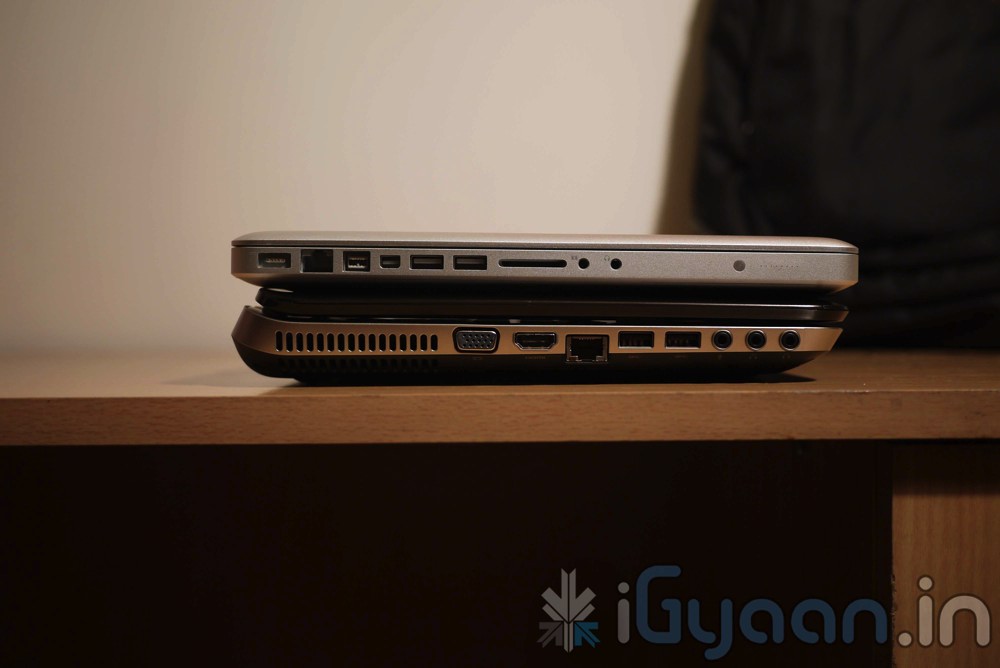
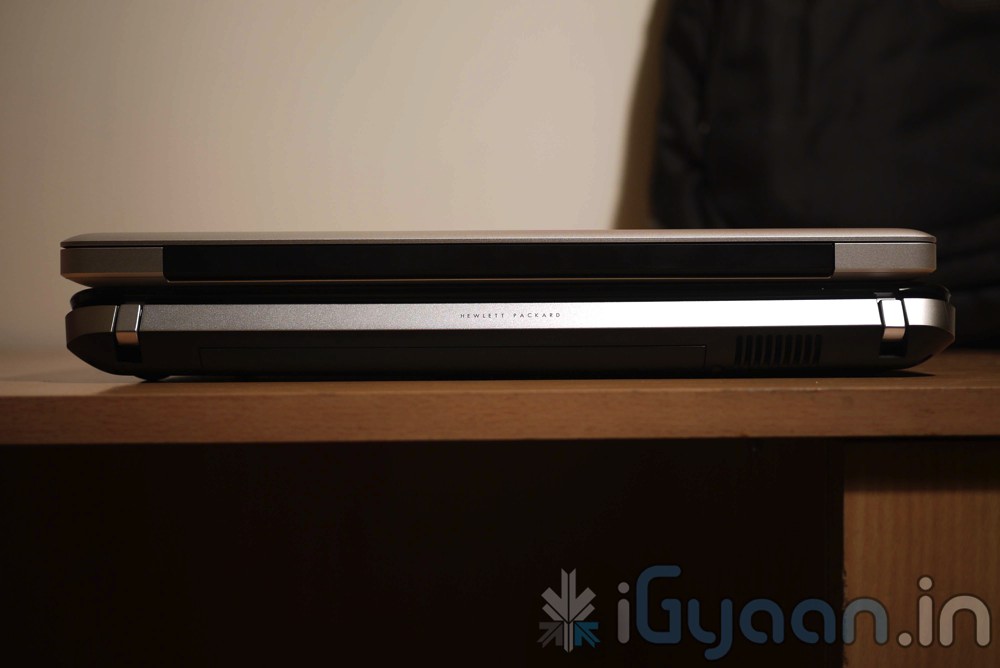
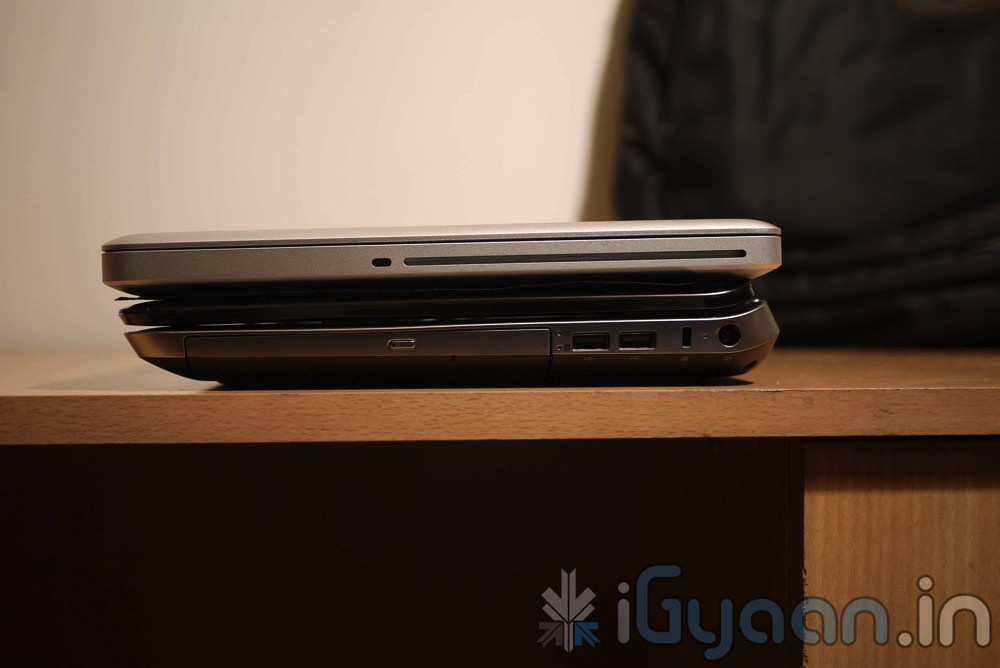
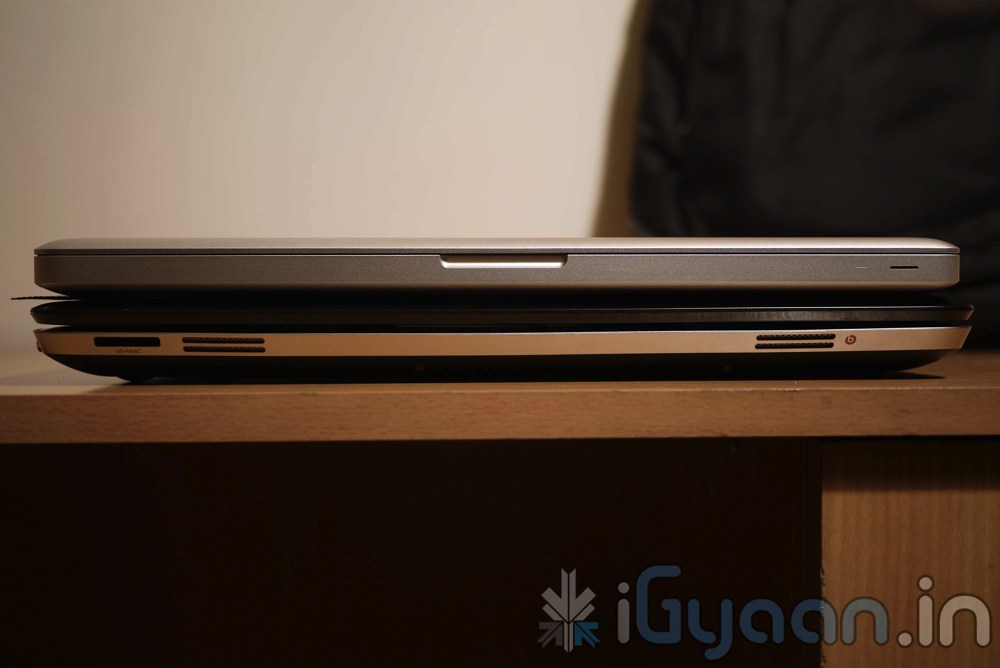
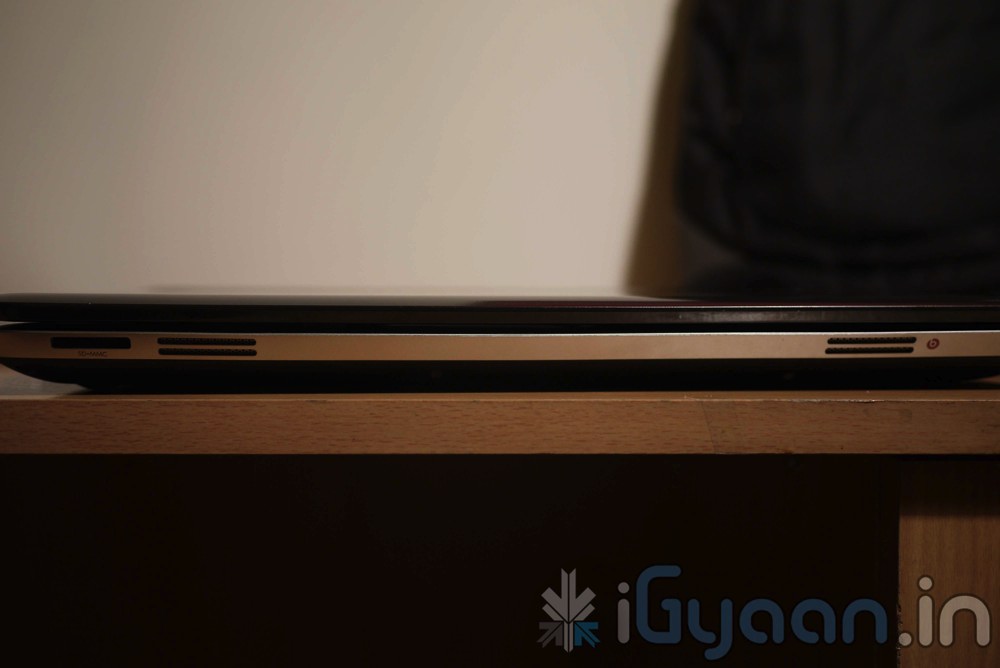
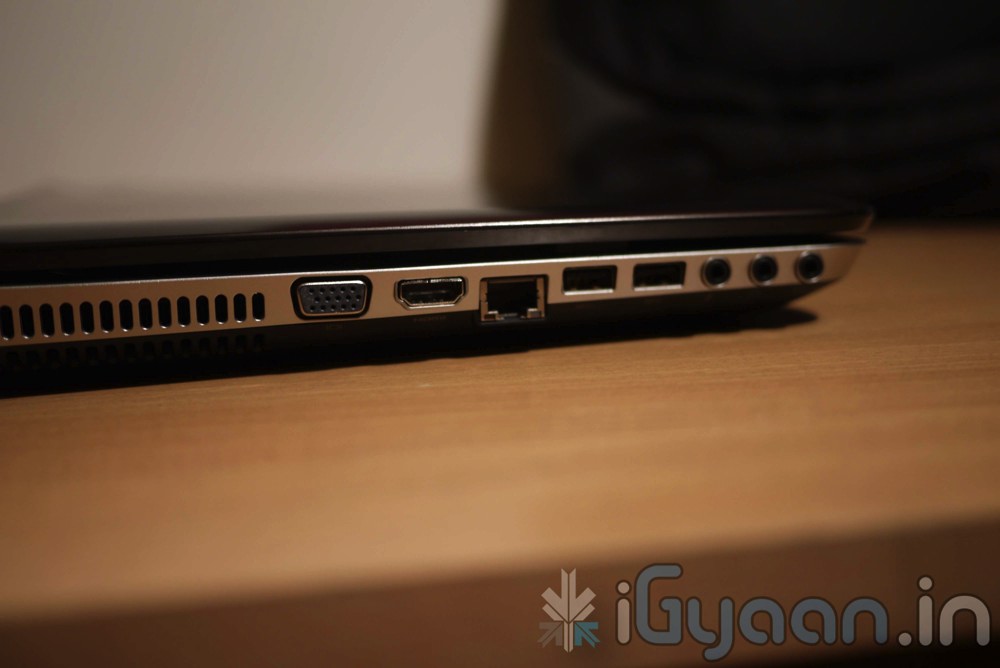
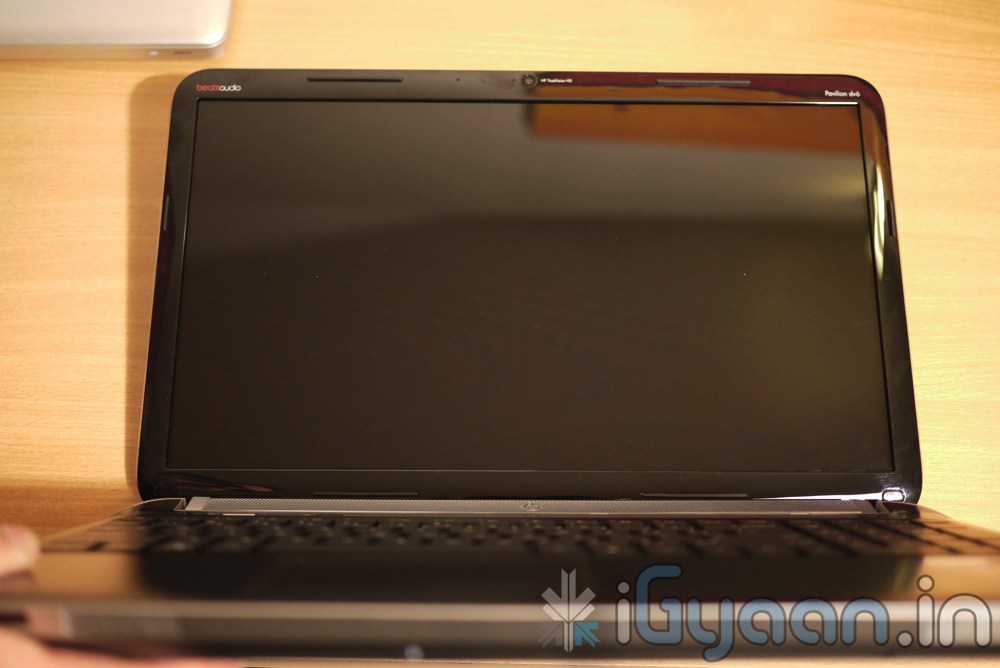
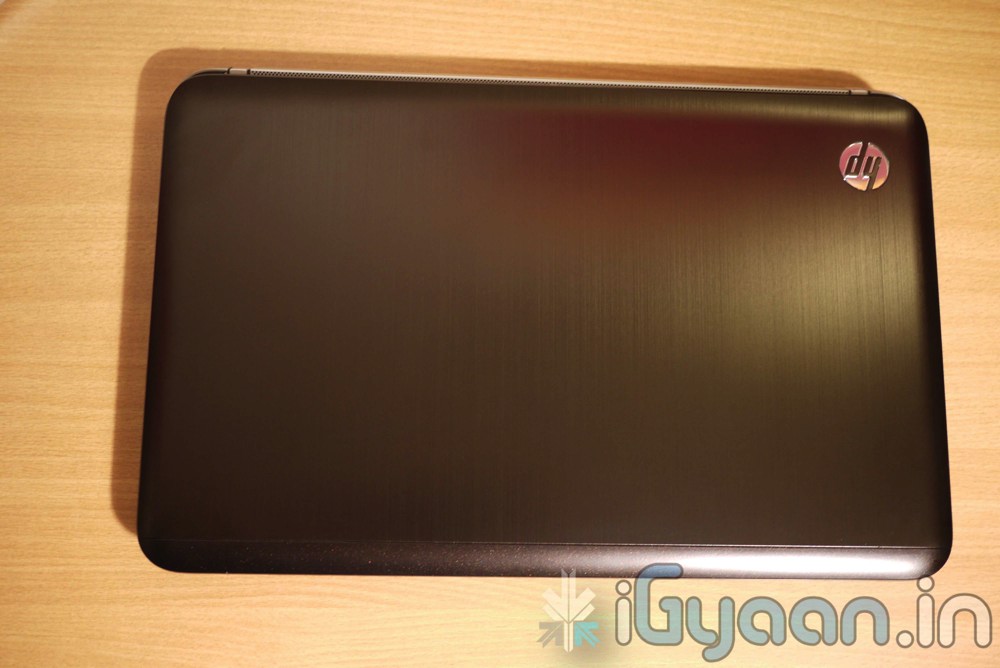
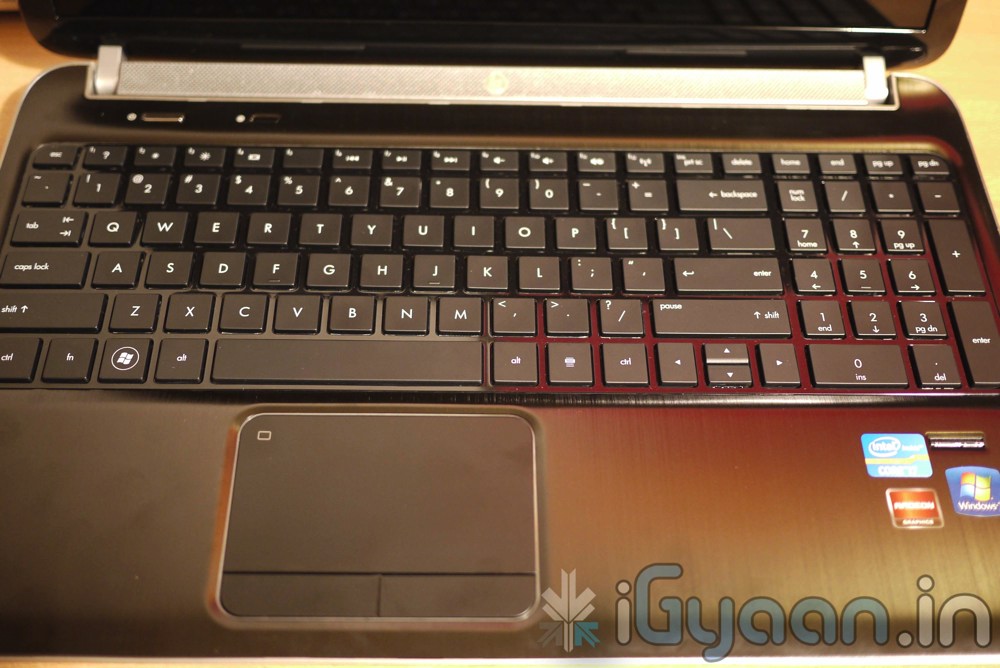
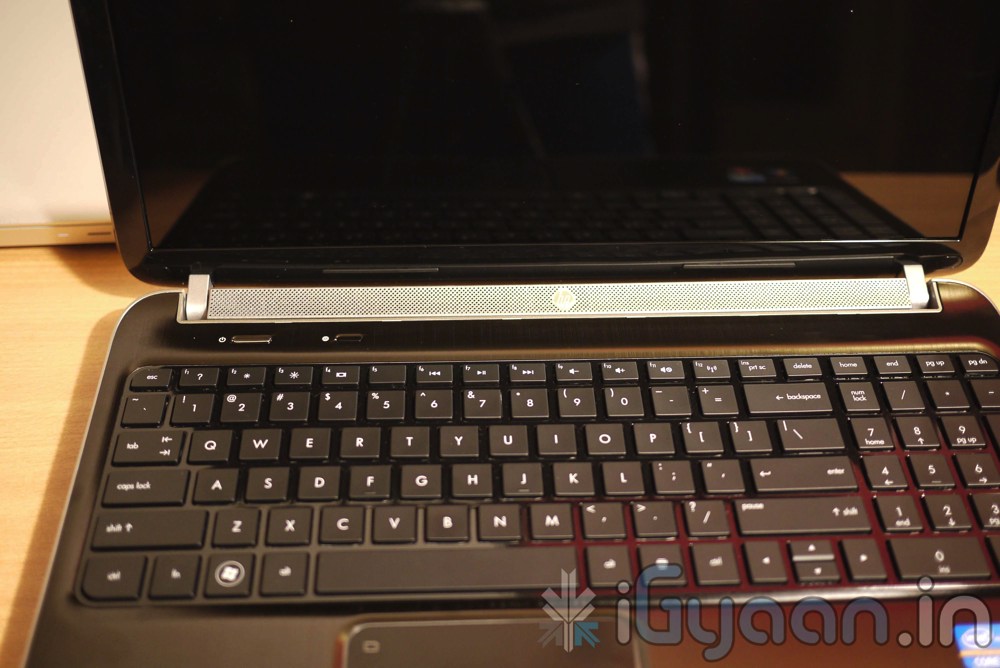
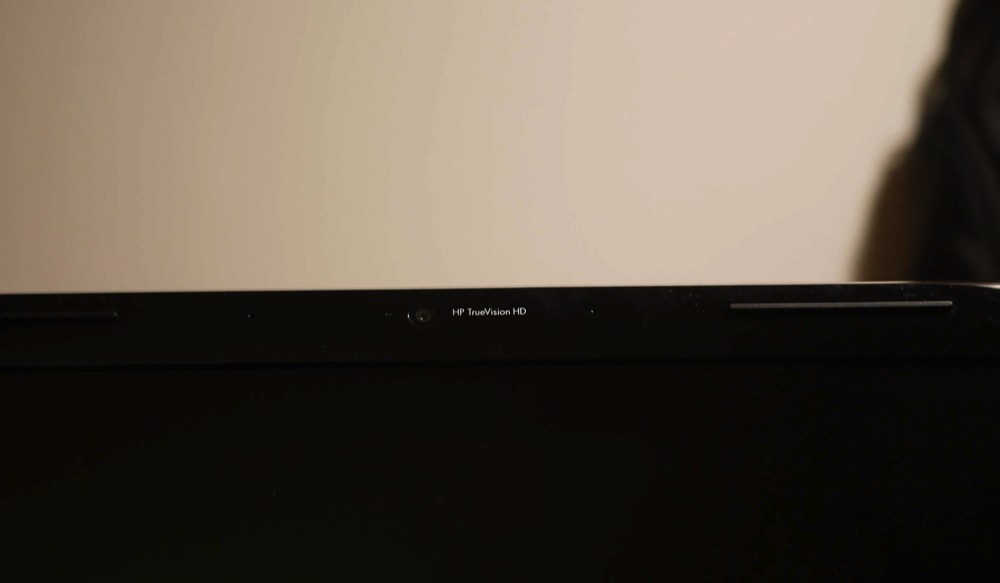
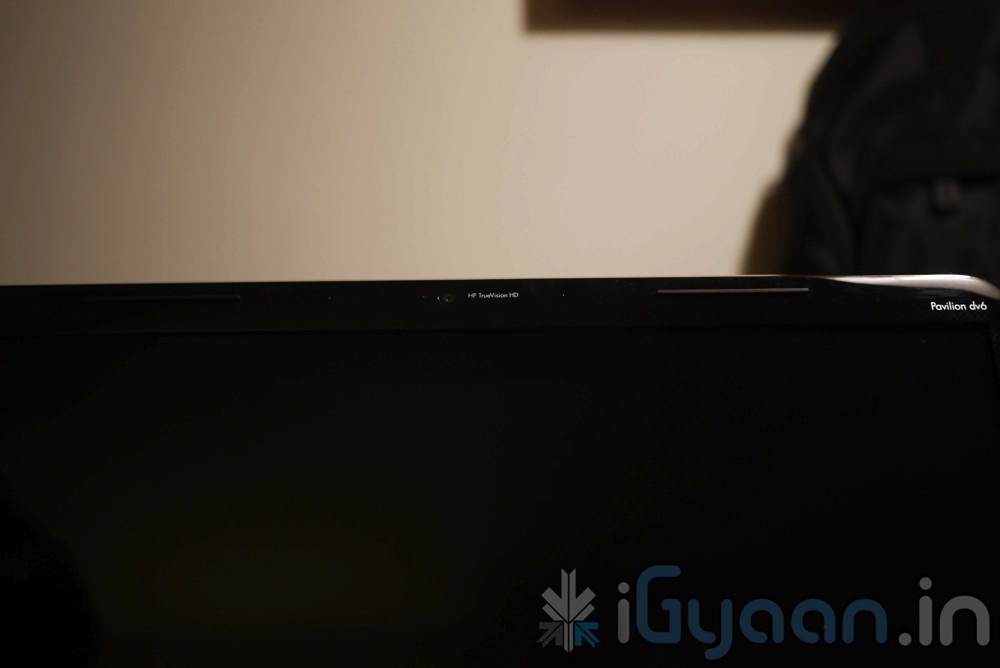
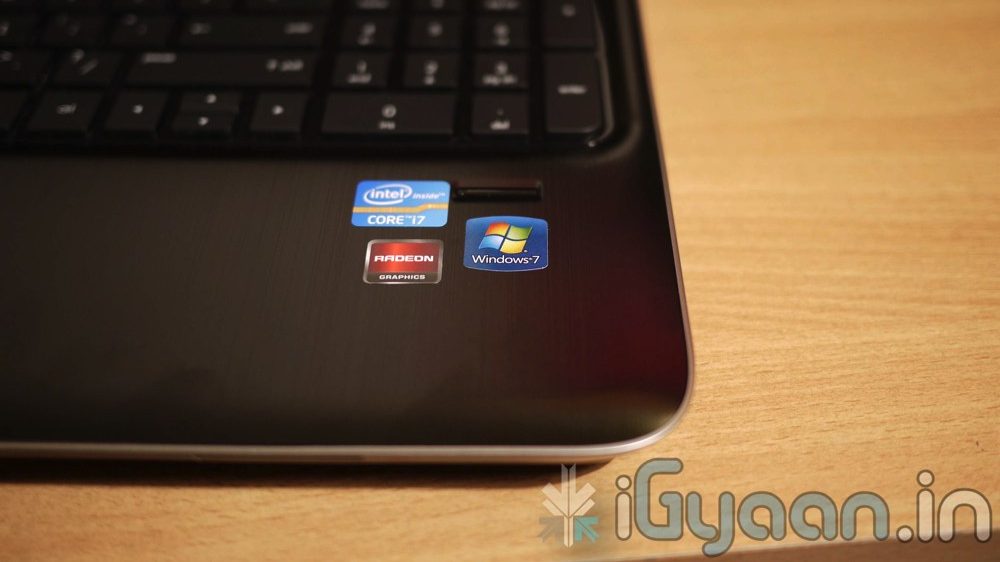
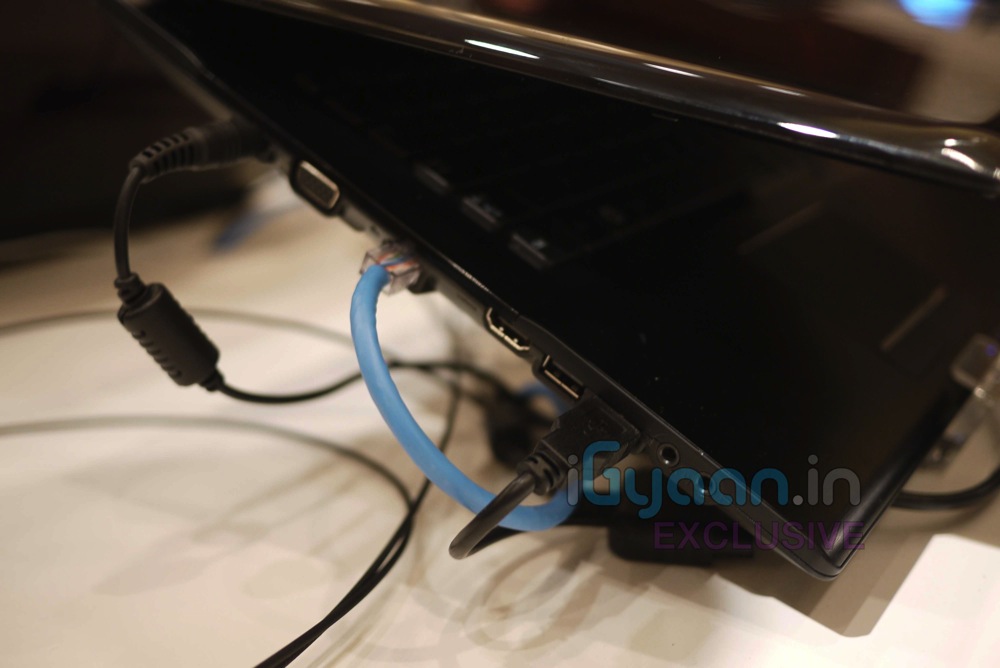
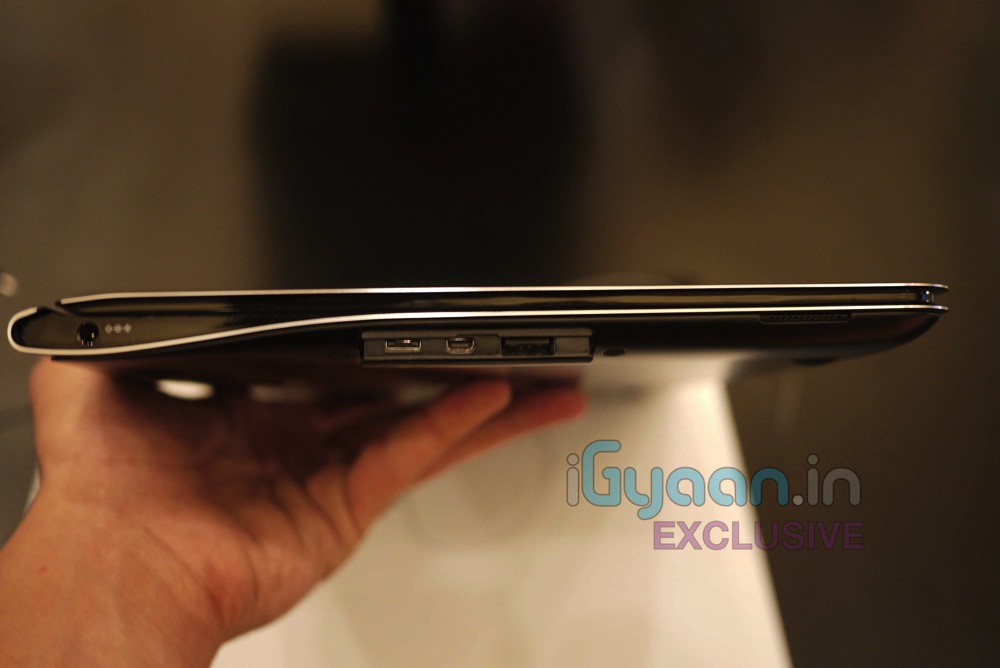
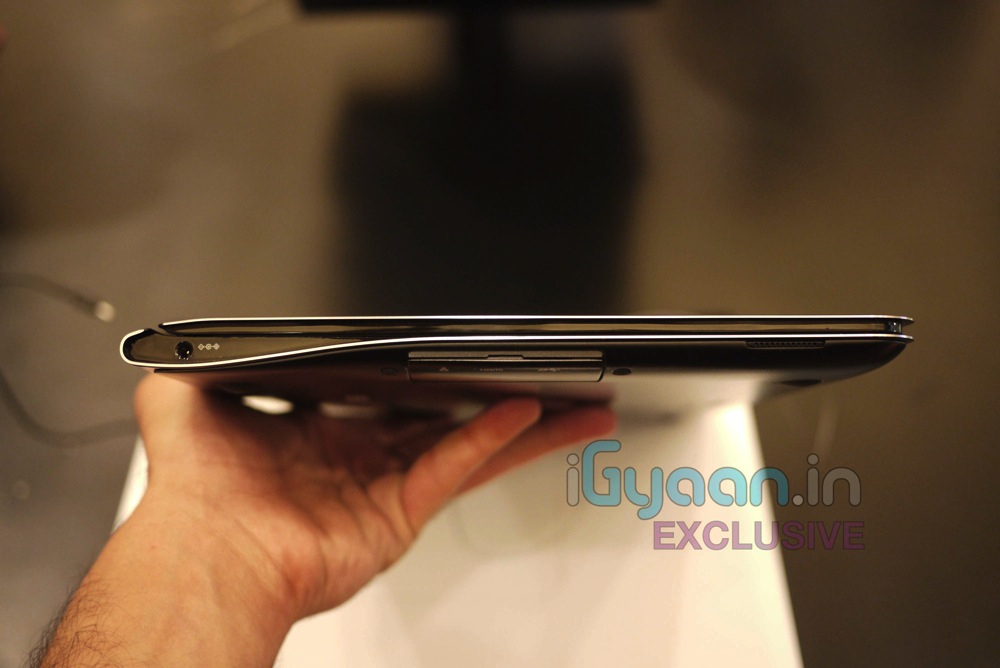
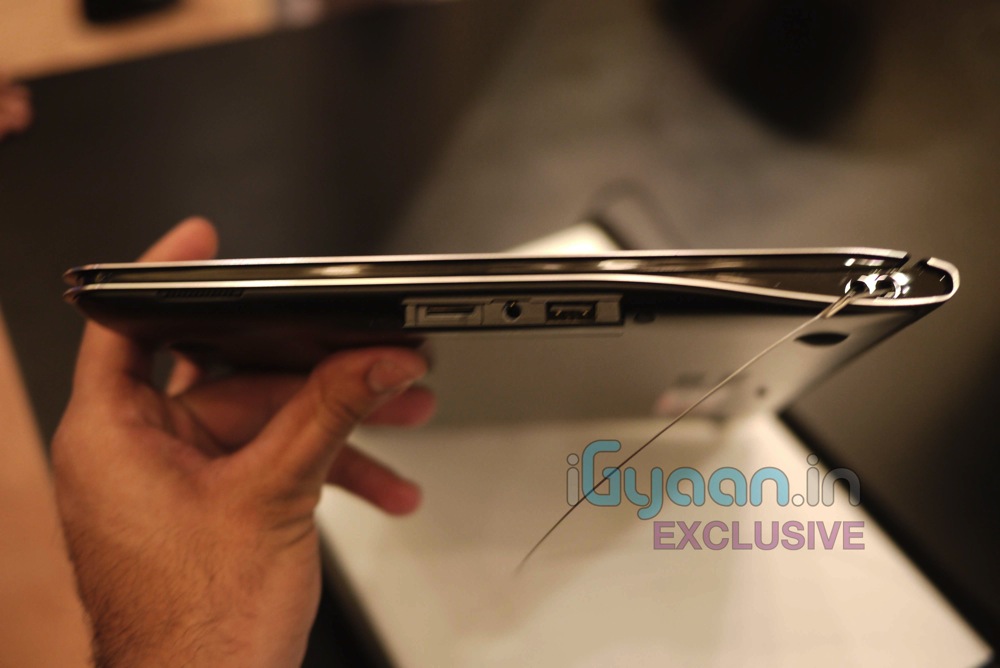
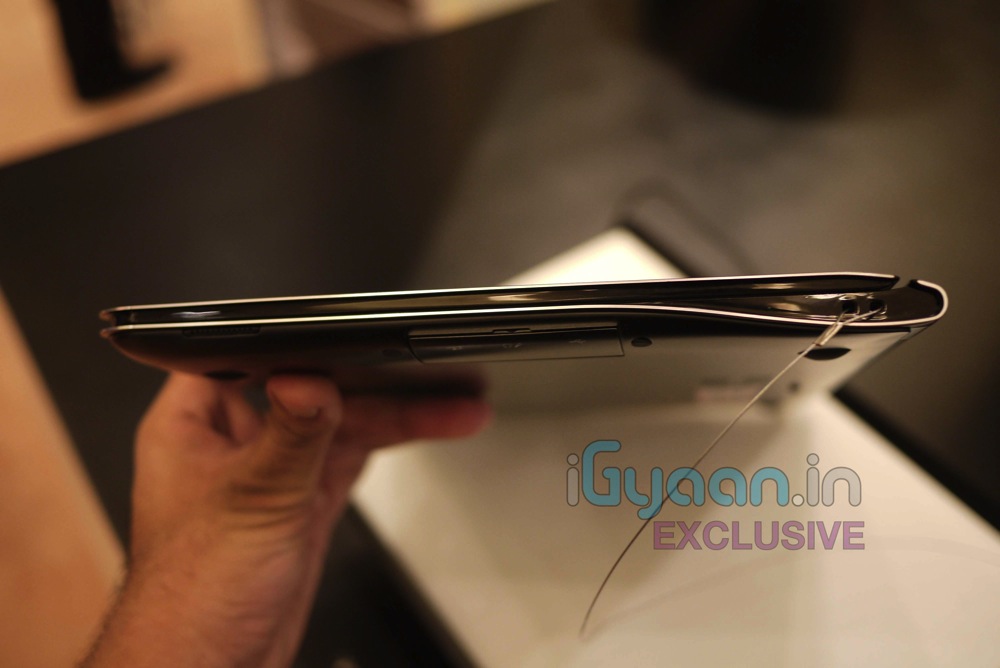
    Hp will launch the new DV6 2016 tx for the market in a day or two and we managed to score a device for your viewing pleasure. We have also ordered a bunch of these laptops for use in our offices. So you can expect a full in-depth review to follow SUIT

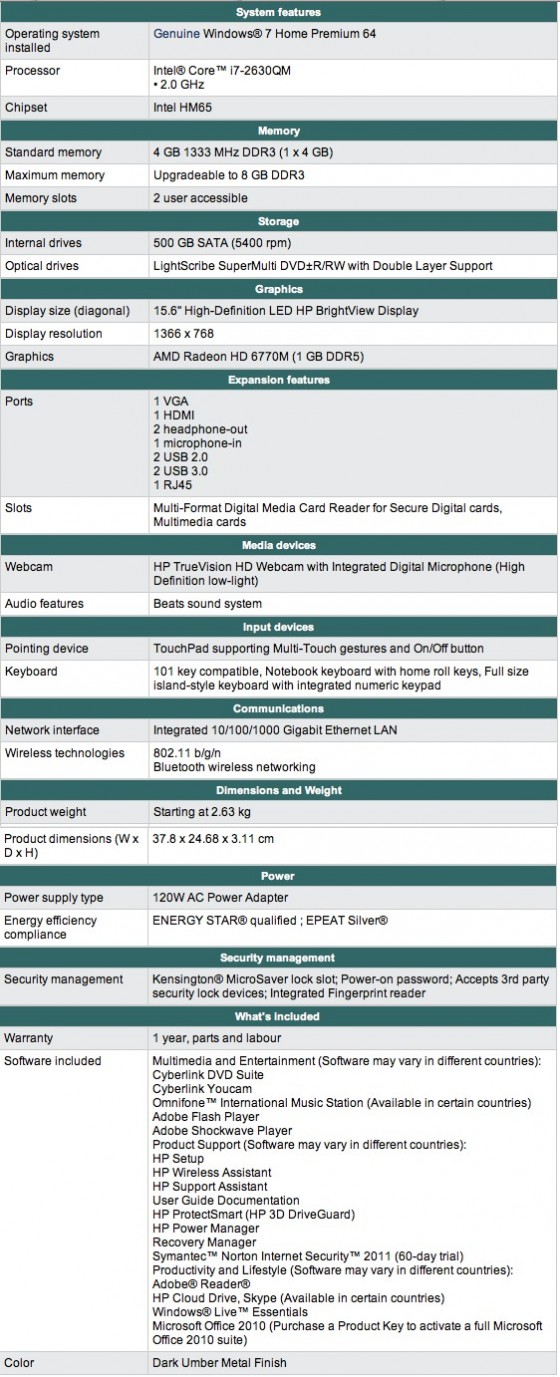
    So, for now check out the Specifications of this beautiful laptop from HP and gallery of images below and stay tuned for the full unboxing video that will be going up really soon.

    Priced at : INR 53,000/- Net Inclusive of Taxes and Free Backpack (check video below)

    Unboxing Video


    iG Tech

  • Leaked : Micromax A70 is the successor to the Popular Andro A60

    Leaked : Micromax A70 is the successor to the Popular Andro A60

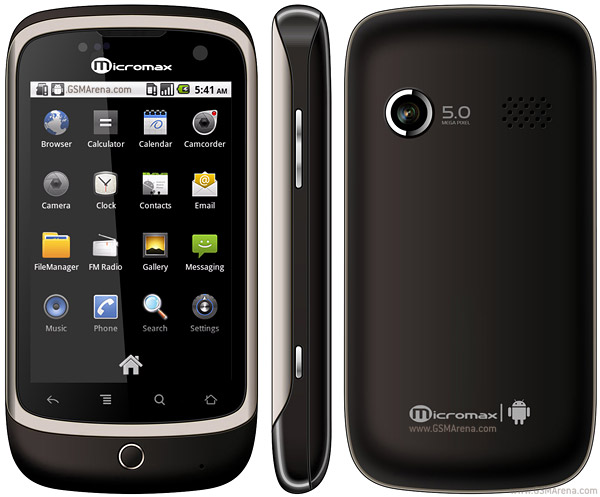
    GsmArena has put up specs and images of the new upcoming Android bomber from Micromax on their website. The Specs suggest that the device will have:


    • 320 x 480 pixels, 3.2 inches screen, 256K colors Lcd Capacitive
    • Wi-Fi 802.11 b/g, Wi-Fi hotspot
    • 5 MP, 2592?1944 pixels, autofocus
    • 1450 mAh
    • It also appears to have a secondary VGA front facing camera

    Although the device images are rendered , we have a strong feeling that the device will not look like the Image. We also have enough reason to believe that the device will not have a trackball or a trackpad.  But, hey at-least we have something to look forward to.

    Looks like the company is planning to launch the A70 and the A55 to target both male and female markets. Giving Micromax the edge over their competitors. Check out our exclusive on the A55 Bling 2 here.

    We are also trying to get more on the device.

    Check out GSMARENA for more.

    UPDATE : The Price of the Device is said to be Below 8,000 INR, we are trying to get an official from Micromax on this.

  • ASUS to Launch Eee Slate EP121-1A010M 12.1-Inch core i5 Win 7 Tablet PC in India

    ASUS to Launch Eee Slate EP121-1A010M 12.1-Inch core i5 Win 7 Tablet PC in India

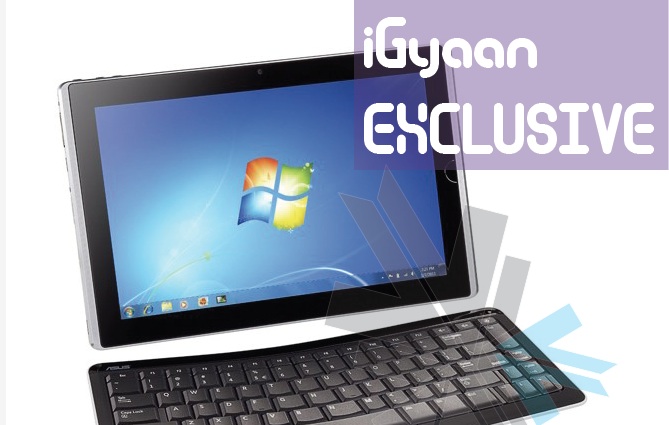
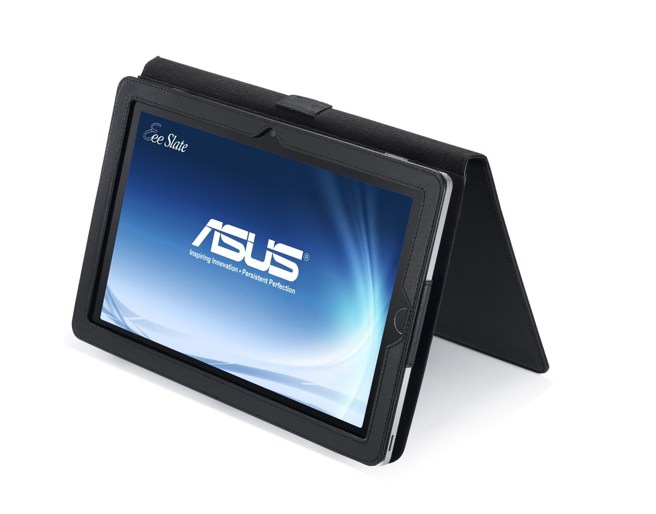
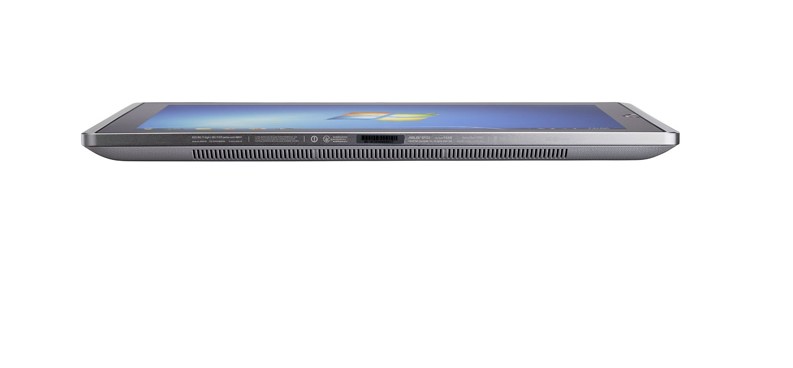
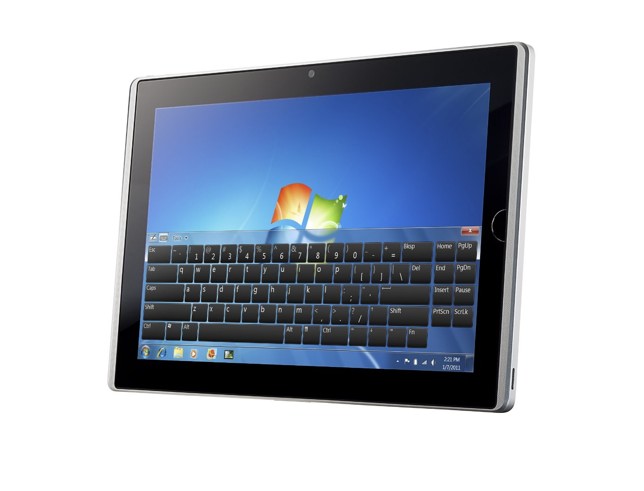
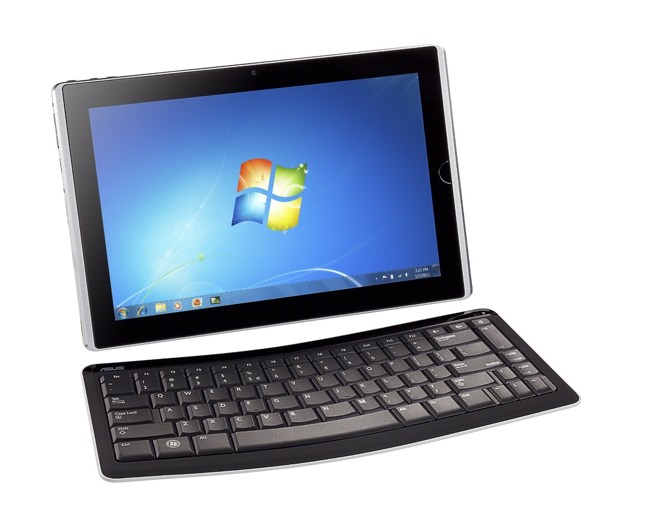
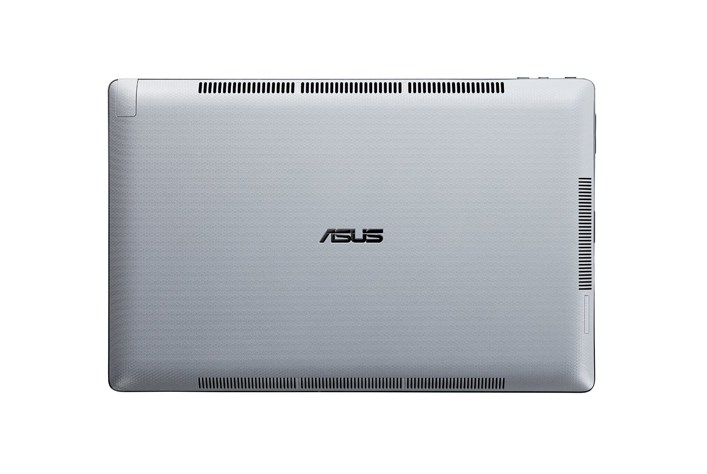
    According to a reliable source at ASUS, the company is ready to launch its  Eee Slate EP121-1A010M 12.1-Inch Tablet PC in India. The launch will happen within the coming weeks and we will have full coverage for your viewing pleasure. Its quite an interesting device, the only of its kind from a reputed manufacturer to run  house a Core i5 processor and Windows 7 in a full tablet format. Specs of the Core i5 tablet include:

    • 12.1″ WSVGA (1280×800) Capacitive LED Touchscreen
    • Pen or Finger Touch
    • Windows 7 Home Premium (64 bit) Operating System
    • Intel Core i5-470UM CPU
    • 4GB of DDR3 1333MHz SDRAM, 1x4GB; 1 slot, 4GB Max
    • Intel HD Graphics
    • 64GB Solid State Drive
    • Wireless 802.11bgn
    • Bluetooth 3.0
    • 2.0MP Webcam
    • Internal Speaker
    • Internal Microphone
    • Mini HDMI Port
    • 2 USB 2.0 ports
    • 2-in-1 Card Reader (SD & MMC)
    • 4 Cell 34W/h Battery (Up to 3 Hours Battery Life)
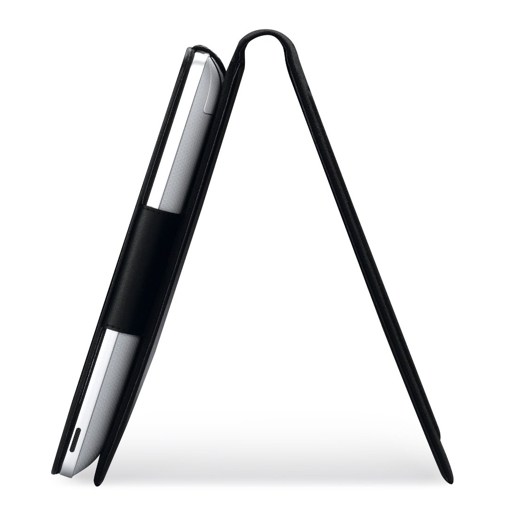
    • Includes Digitizer Pen; Folio Case; Bluetooth Keyboard

    Pricing still remains a factor, and since the tablet will come in 2 variants 32GB and 64GB . for 55,000 and 65,000 INR respectively.

  • AppGyaan: Top Apps of the Week Part 1: LinkedIn and Wheres My Droid

    AppGyaan: Top Apps of the Week Part 1: LinkedIn and Wheres My Droid

    A Weekly dose of what we think are the top apps of this week.

    1. LinkedIn :

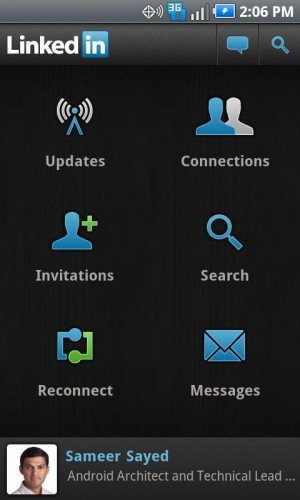
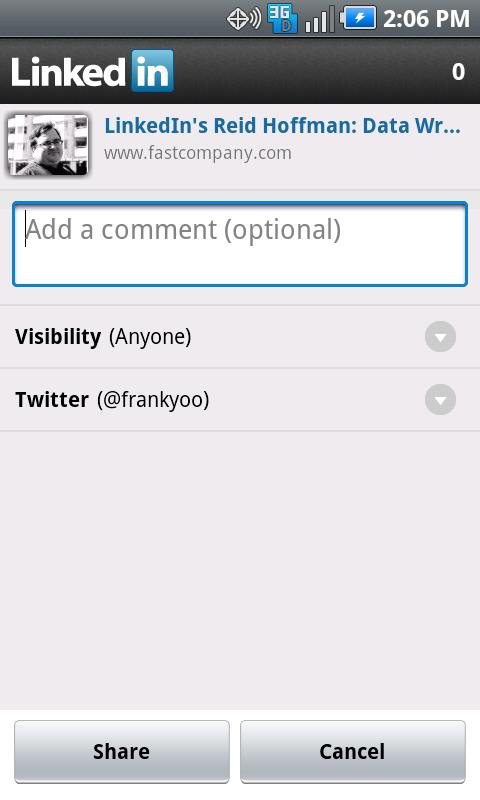
    LinkedIn is possibly the only social network for professionals, which has become popular all across the globe. Although the app for mobile platforms on iOS and Blackberry existed for some time the app was recently announced for the Android Platform. We reviewed the App and found it to be a perfect portable companion to the full desktop version of the app.

    The app has six modules  to view updates from your professional network, updates from newly established connections, changes to people’s profiles, and articles and information being shared by your contacts.

    Something new to the application is the sharing aspect where now you can share news and information across facebook and twitter. it also allows you to share information among your contacts, making the network aspect of LinkedIn stronger.

    You can also access the profiles of your connections and send them messages and invites. Messaging is an integral part of the network and is now fully featured in the app. You can also, read and respond to messages and invites directly from your mobile phone. Another new feature of the app is the” people you may know ” section which allows you to search for your contacts and aconnections easily suggesting the people through the search criteria and already existing connections.

    Overall the app provides good interaction with the network, leaving little or no features compared to the desktop mode, we also like the module look which makes navigating through the app fairly simple. Some people also reported crashing and the app not working on some devices. We also faced issues on our Desire HD which was resolved after reinstalling the App.

    • [xrr rating=5/5 label=”Price : FREE ” imageset=shiny_yellow_star display_as=fraction_stars]
    • [xrr rating=4/5 label=”Ease of Use :” imageset=shiny_yellow_star display_as=fraction_stars]
    • [xrr rating=4.5/5 label=”Features :” imageset=shiny_yellow_star display_as=fraction_stars]


    Download the App.


    AndroidAndroid App Download

    Apple iOS :LinkedIn – LinkedIn Corporation LinkedIn - LinkedIn Corporation


    2. Wheres my Droid.

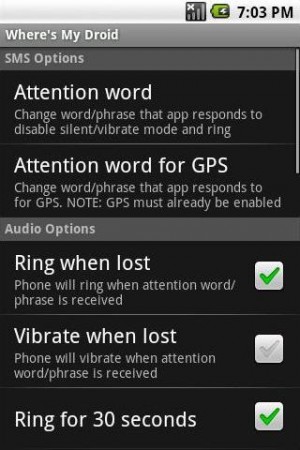
    Not everyone can afford an iPhone or an HTC phone, that come with an added feature of geo-locating  the device. Also making a device ring even though its in silent mode should be easier than just logging on to the internet and opening websites and whatnot. This is where “Wheres my Droid” comes in. a free and novel app that allows users to find their phone by simply making it ring at full volume.

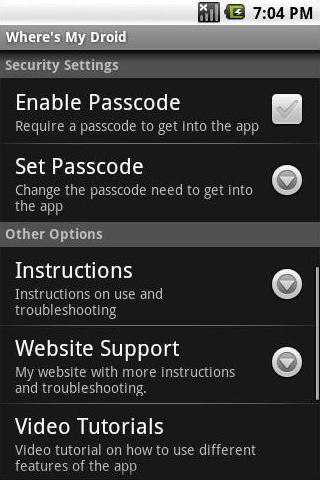
    “How do you make it ring?” you ask. Well just use any other cellphone around you and sms a pre-defined passcode message to your device. The message with the passcode will trigger the app which in turn will trigger the phones ringer to ing at full volumes. a fairly simple idea which well “WORKS”. The app also gives the users ability to customize the passcode to one that you remember.

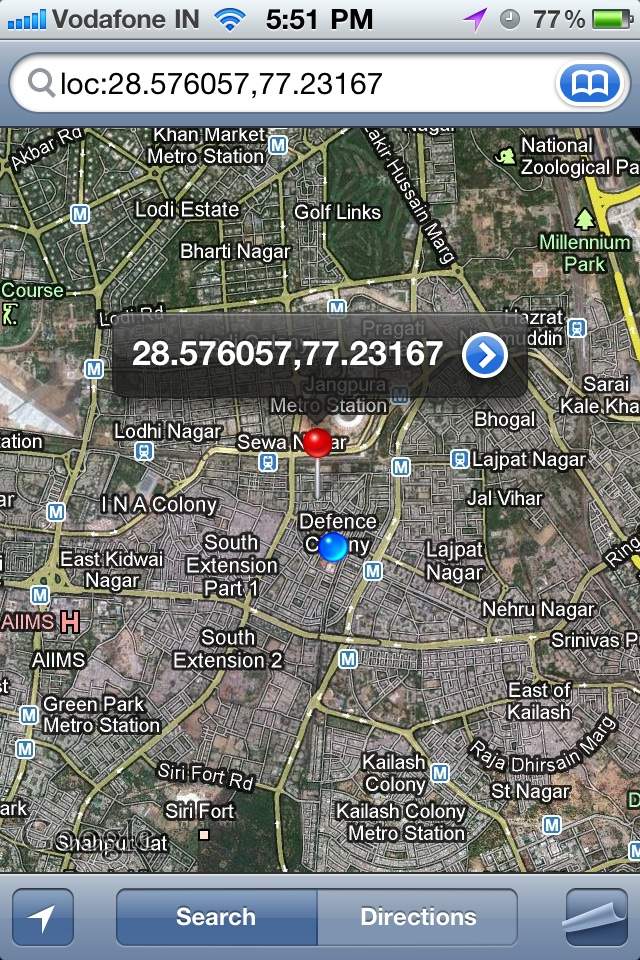
    Now the feature that was most interesting to us was the fact that you can also find the location of the device using this app. Using a different GPS only  passcode you can ping the device to send you back an SMS with the location based in google maps. This feature works brilliantly if you have a smartphone which has google maps installed(mostly all smart-phones have Google MAPS). we tested it out and it worked brilliantly between our iPhone and our “lost Desire S”

    • [xrr rating=5/5 label=”Price : FREE ” imageset=shiny_yellow_star display_as=fraction_stars]
    • [xrr rating=5/5 label=”Ease of Use :” imageset=shiny_yellow_star display_as=fraction_stars]
    • [xrr rating=4/5 label=”Features :” imageset=shiny_yellow_star display_as=fraction_stars]


    Download The App

    Android : Android App Download


    Similar Apps For iOS/ iPhone

    Find my iPhone : Free : Find My iPhone – Apple®

    Premium : Device Locator: Track and Locate Your Lost or Stolen iPhone + Google Latitude Integration

    Device Locator: Track and Locate Your Lost or Stolen iPhone + Google Latitude Integration - Ravneet Singh


    Share this post using a barcode scanner on your phone to scan the code below.

    [qrcode]

  • Samsung Galaxy 3 I5801 gets Android 2.2 FroYo update in India + How To

    Samsung Galaxy 3 I5801 gets Android 2.2 FroYo update in India + How To

    Samsung has finally let out their most awaited update for the Samsung Galaxy 3. Android 2.2 aka Froyo is now available for all those with samsung Galaxy 3s in India and Europe.

    To Update your Device

    Make sure your device is fully charged!

    BE sure to backup all your data!


    Step one

    Download the latest version of Kies

    Step two

    Fully charge your Galaxy 3

    Step three

    Connect via the USB cable to your computer

    Step four

    Fire up kies and let it search for update

    if it does not give you an update, check for update manually by clicking the update button in the bottom row.

    Step Five

    Follow the steps on the screen and your device will begin the new update.

    Few features that are in the 2.2 update –

    • A very colorful menu interface
    • The ability to Install apps to the SD CARD
    • Apart from general Performance boost in processor, better battery and ram management.
    • The 2.2 update also adds a lot of bug fixes and tweaks.

    Please leave your questions and feedback below.

  • App a Day: ToonPAINT for iOS and Android

    App a Day: ToonPAINT for iOS and Android

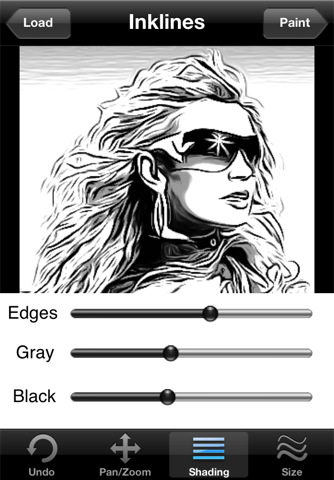
    Today we have an image editing software for you which manipulates images and allows you to re-colour them. Like the caricature artists in fairs you too can now cartoonize and re-colour your images from your photo albums or take fresh images from your camera. You can share your images in the ToonPAINT hall of fame, post them directly to facebook, tweet about them and also e-mail them.


    Lets look at some of the features of the app. After you’ve selected your image, the app processes the image and you can pan/zoom to the desired region, change shading options and the sizes of various attributes that modify the image. After you’ve set the image the way you want it, we move on to the painting section. Here, you can select colours, set brush sizes and pan/zoom into a section of the image and work your magic.


    The palette  has a few other options to Auto Colour the image (Available as an in-app purchase) and an Alpha Brush(Available as an in-app purchase), which re-colours your image from the original. Although the interface is attractive, several of the actions are a pain to complete as you must switch between control panels constantly.


    Check out the GIF we made below:


    • [xrr rating=2.5/5 label=”Price : $1.99 ” imageset=shiny_yellow_star display_as=fraction_stars]
    • ($3.97 with in-app purchases)

    • [xrr rating=2.5/5 label=”Ease of Use :” imageset=shiny_yellow_star display_as=fraction_stars]
    • [xrr rating=3.5/5 label=”Features :” imageset=shiny_yellow_star display_as=fraction_stars]


    ToonPAINT – Toon-FX

    ToonPAINT - Toon-FX

    Scan the QR Code with your Smart Phone to share this post.

    [qrcode]

  • Sony Ericsson Xperia Arc : Full Review with Video

    Sony Ericsson Xperia Arc : Full Review with Video

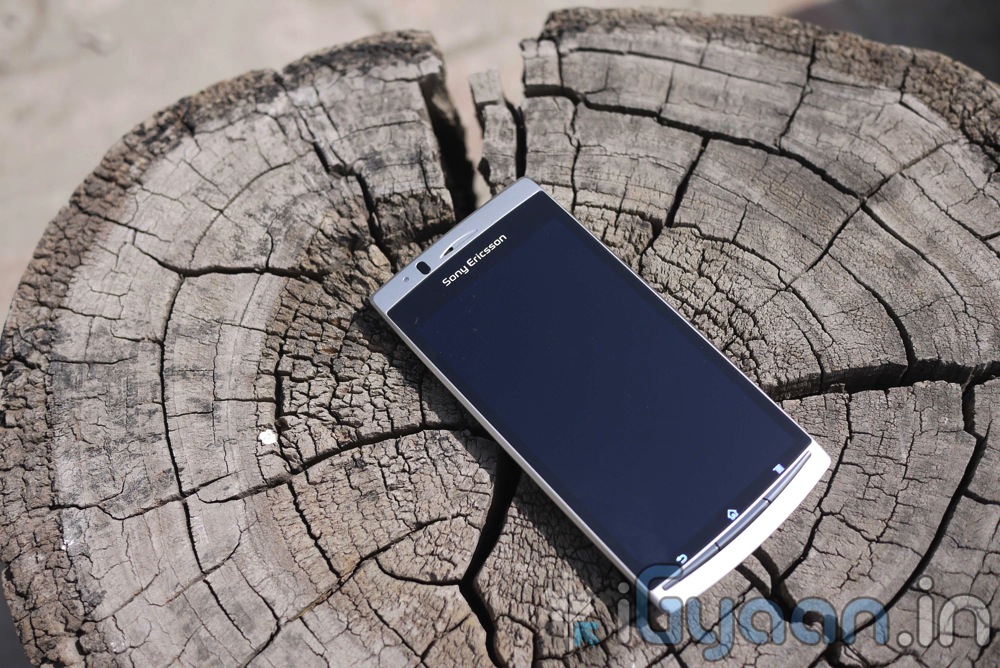
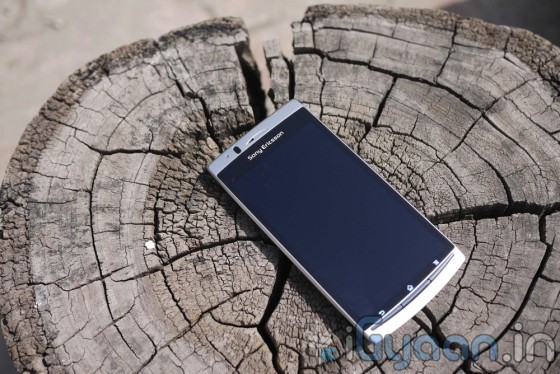
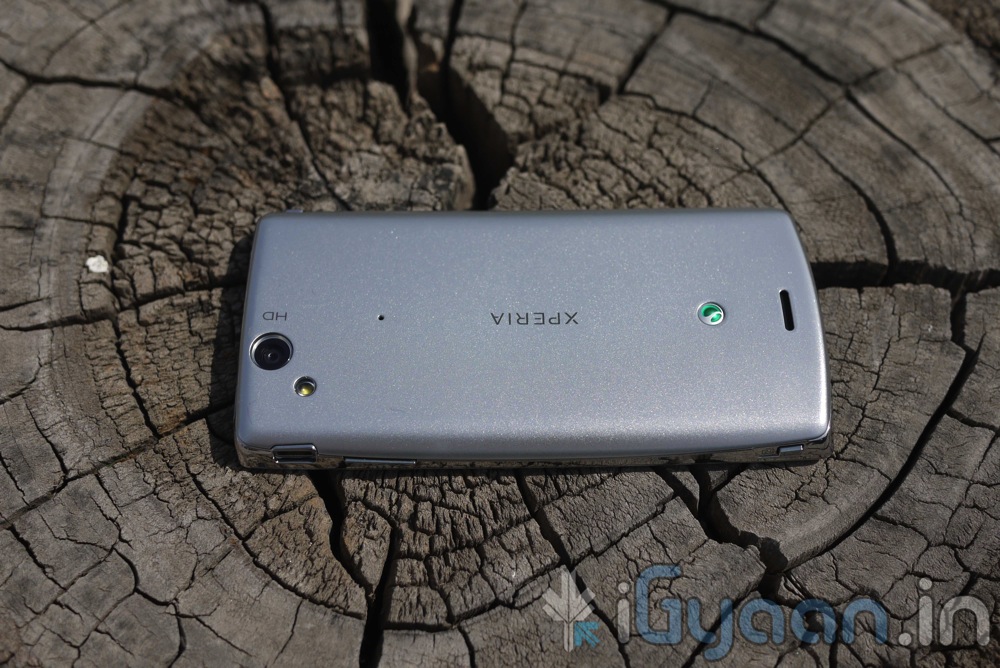
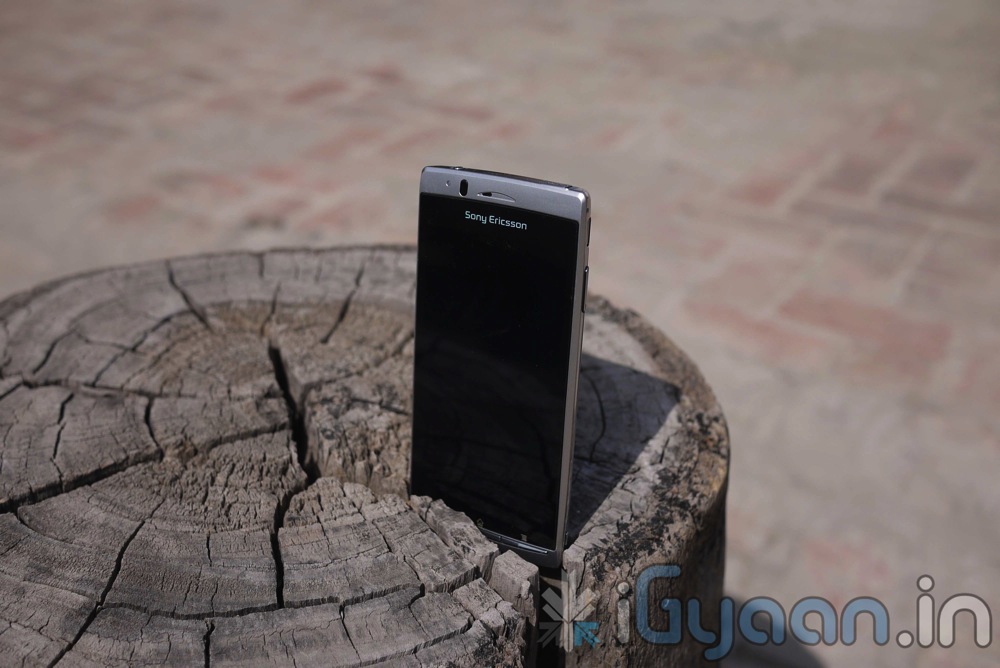
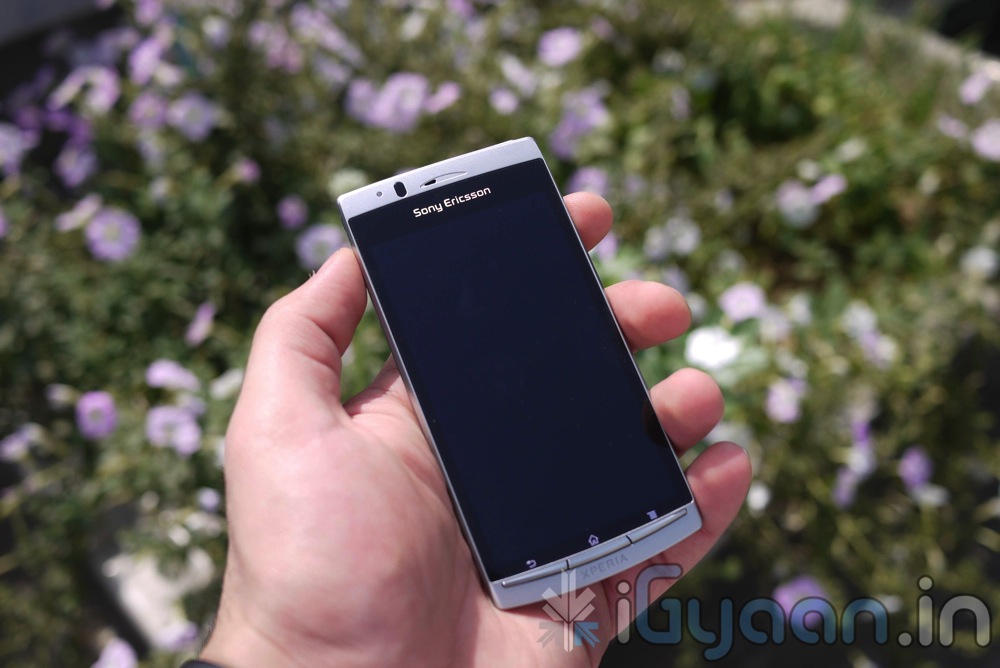
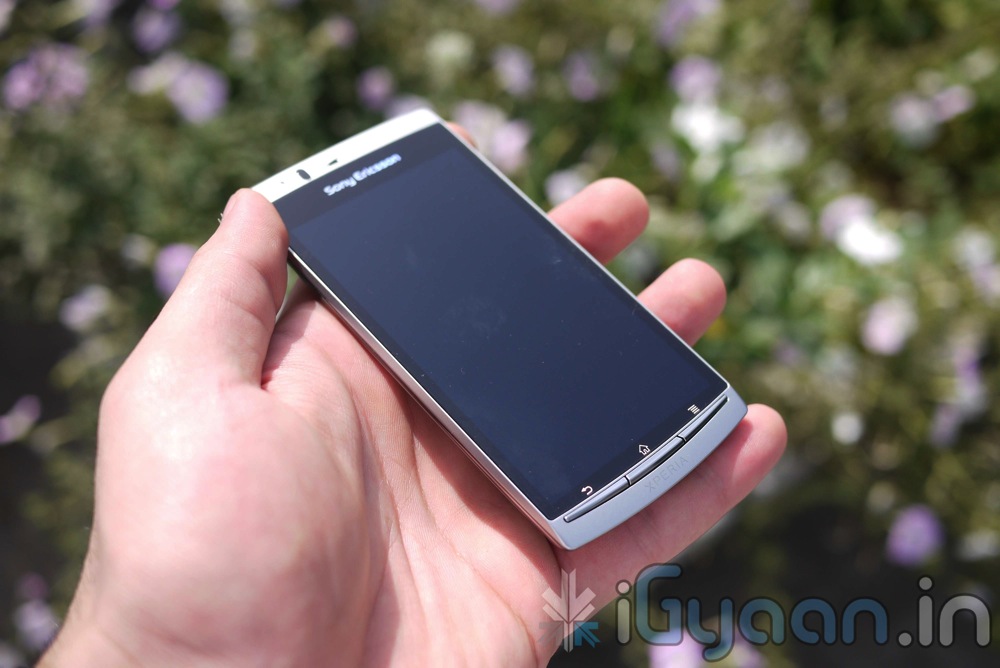
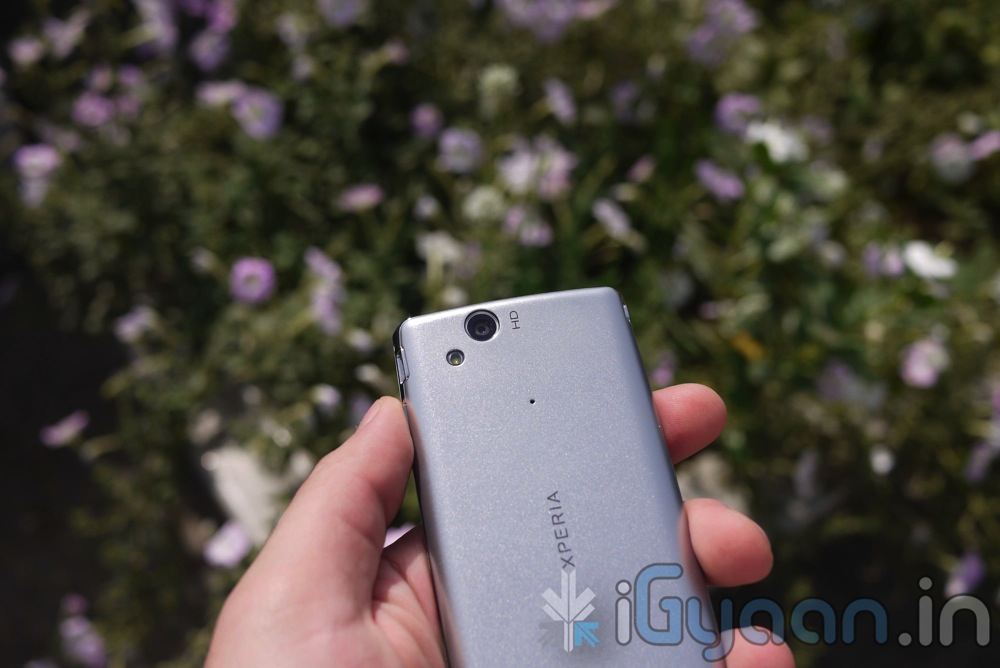
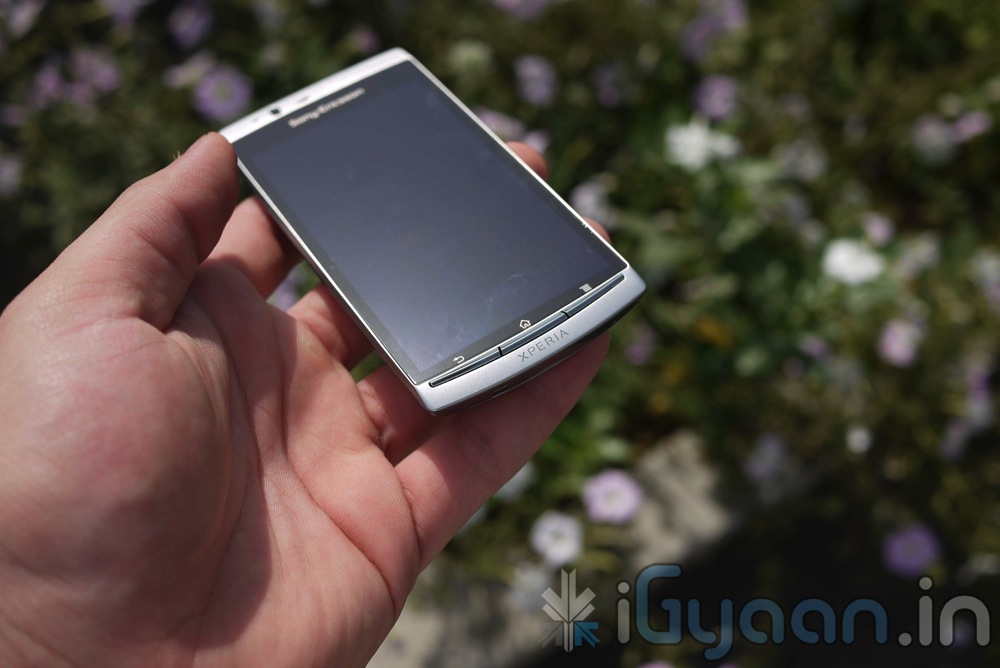
    One of the most beautiful Android devices in the market yet, The Sony Ericsson Xperia Arc proves that not all Android Devices need to be dull and boring. The Arc is a show stopper, and it certainly impressed us on another level.

    Let start with the usual line up.

    BUILD QUALITY and HARDWARE

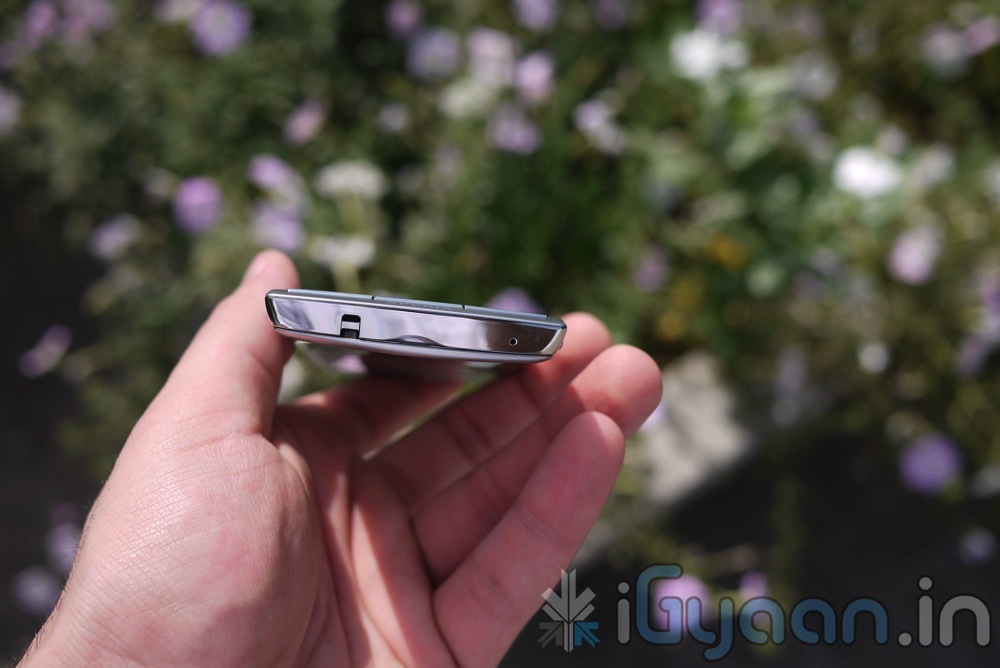
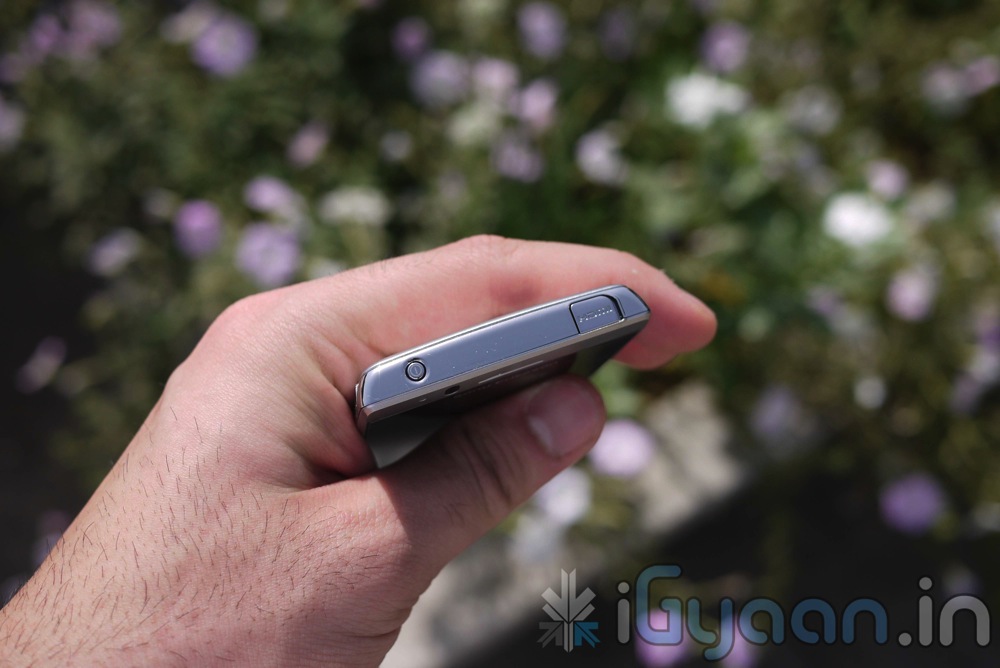
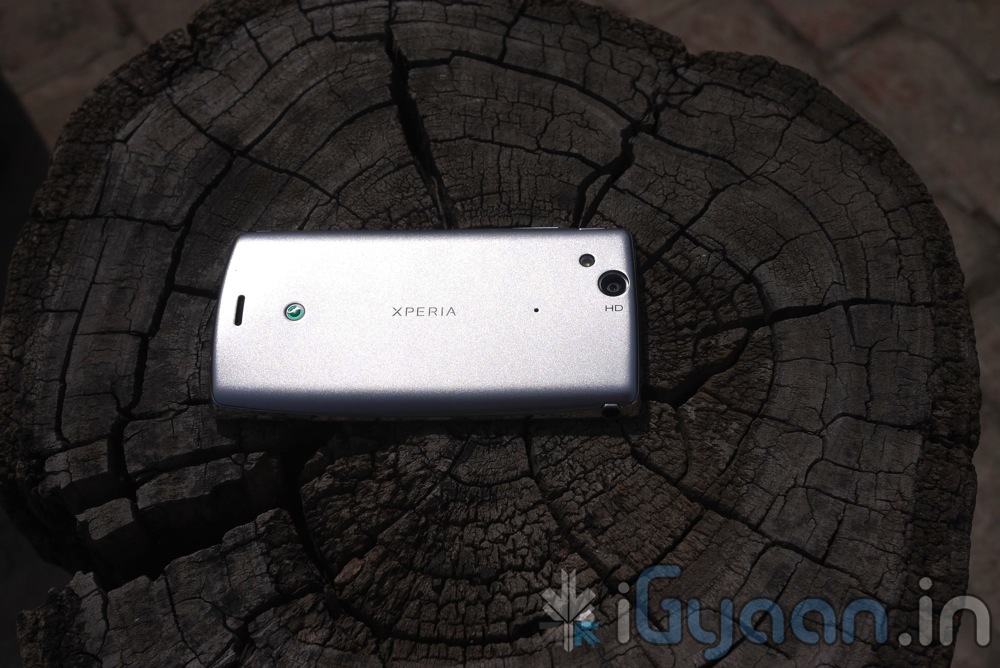
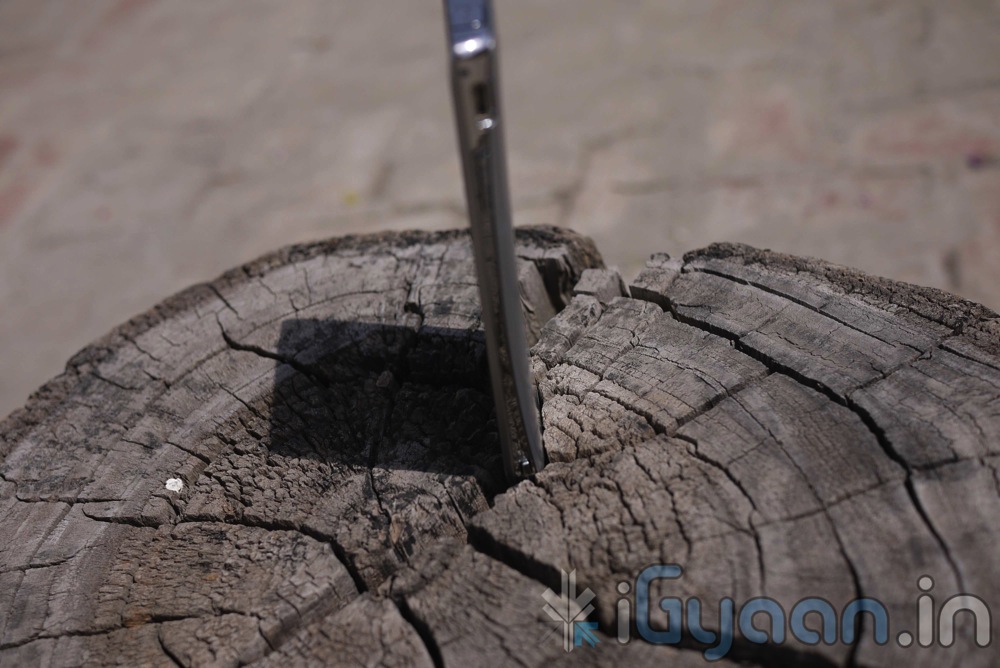
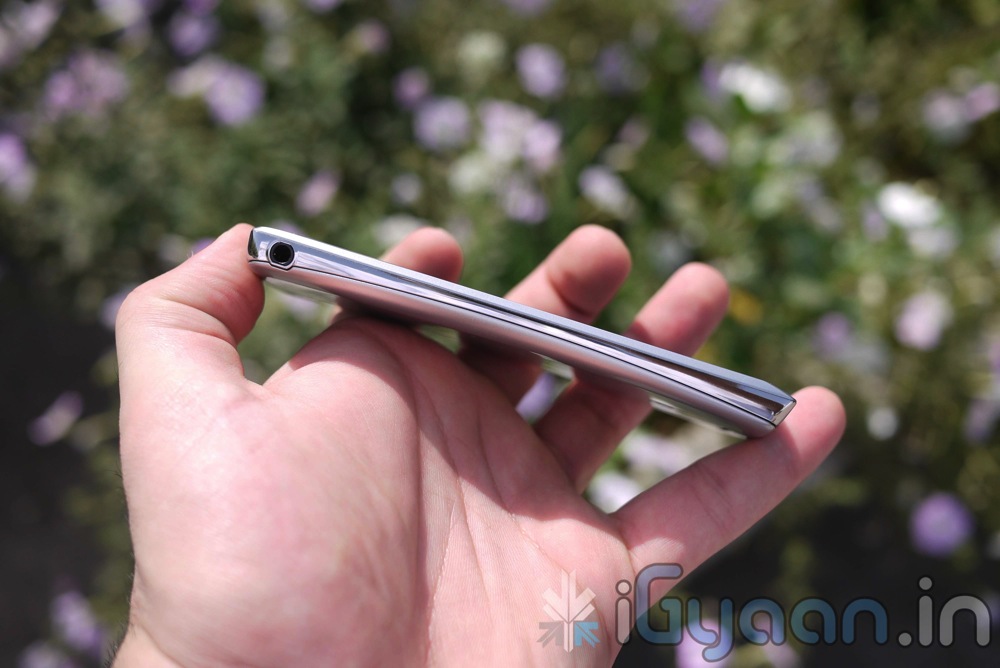
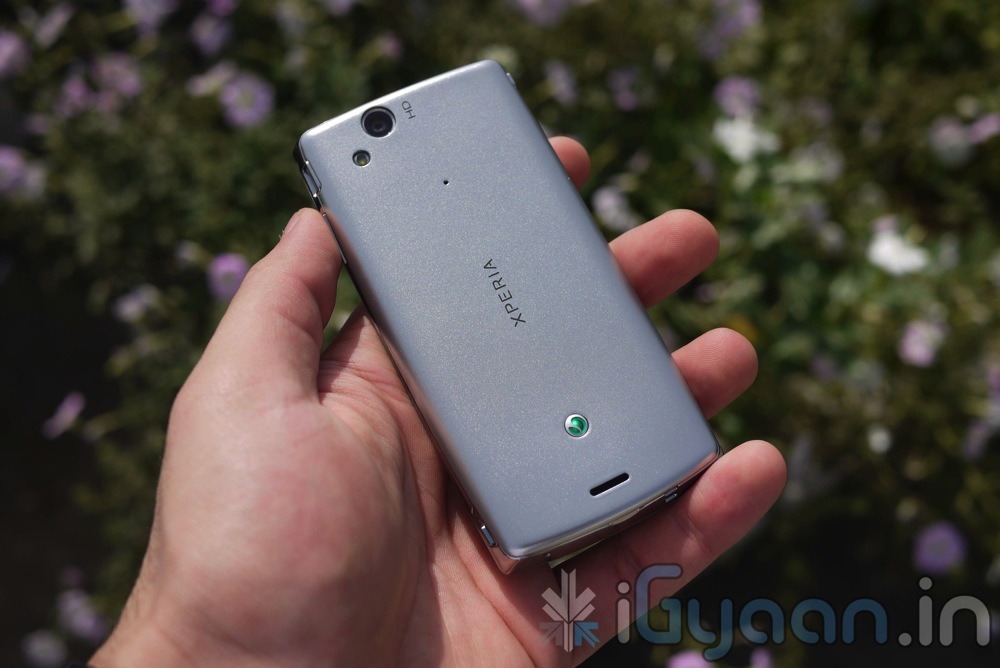
    The Xperia Arc has a deceiving structure, the device looks like a plastic toy initially, but is extremely well built and once you hold the device in your hand you will never make the same mistake again. It has a great design which tapers out in the center and broadens out to the side.

    Contrary to what most critics are saying the device is extremely comfortable to hold in the hand and fits comfortably when gripping the device during those in game driving scenes.

    The Xperia Arc also packs a brilliant bit of hardware in terms of specs. Check them out :

    Specifications of Sony Ericsson Xperia Arc

    Frequency Quad band
    Phone Style Touchscreen
    OS Android 2.3
    Thickness 8.7mm
    Length 125mm
    Width 63mm
    Weight 117g
    Built-in Memory 512MB
    Additional Memory MicroSD up to 32GB
    High-speed Data HSDPA
    Connectivity GPS, Bluetooth, Wi-Fi
    Screen Size 4.2-inch, 480×854 pixels
    Secondary Screen Size N/A
    Screen Colours 16 million colours
    Camera Yes
    Camera Resolution 8-megapixel
    Flash Yes
    Ringtones Yes
    Music Player Yes
    Music Formats MP3/eAAC+/WMA/WAV
    Radio Yes
    Speaker Yes
    Internet Yes
    Browser WAP
    Games Yes
    Processor Qualcomm MSM8250 Snapdragon 1 GHz processor
    Battery 1500mAh

    Price :Rs.  27,500

    CAMERA and MULTIMEDIA

    The camera on the Sony Ericsson Xperia Arc has an 8 MegaPixel Sony Exmor-R Sensor. It is just something you will love to – well, LOVE. The camera is absolutely brilliant, and comes close to a perfect replacement for a day use digital camera. The camera is extremely sensitive to light and will pick up the slightest detail in the image. The device also has 720p recording capability which when combined with onboard image stabilization methods provides a decent set of tools for video capture.

    We were however, disappointed with the lack of quality and depth in the video captured by the Arc. while it looks absolutely stunning on the Device , video playback on a big screen looks washed out to say the least.

    The Arc also provided the best movie/video experience we have had with an Android Device. The Display simply cannot be praised enough, the colors are deep and the resolution combined with the all new Bravia Engine for Mobile phones makes the video quality just Superb. We have not seen better quality on a Phone display period.

    Sound quality, video playback and Audio/Video streaming work flawlessly and deliver a promising multimedia experience. The placement of the onboard loudspeaker is at an akward position and when you are holding the device in landscape, you will find yourself covering he speaker with your finger. The results of which can be devastating for the volume levels.

    Check out the Video Capture Sample


    PHONE and MESSAGING

    The device is exceptionally good at doing what its meant to , the voice clarity is -bang on- at both ends, and network performance is sustained. The device is really good and pocket-able and simple to use, the phone dialer is fast and has large keys, the contacts and messaging screens are easy to navigate and simple to use.


    The keyboard on the device is also, possibly the best stock keyboard we have used, clean large-square button layout increases the accuracy of your typing capabilities many-a-fold. The keyboard is quick as is the touchscreen responsive, creating one of the best touch input interfaces. You will actually enjoy typing on this keyboard, so text away!


    BATTERY

    Usage life on the Xperia Arc was erratic. Sometimes lasting a full day without a recharge, and sometimes asking for juice every 5-6 hours. The battery life tests revealed a lot more info :-

    • 2G Talk Time  : 4.5-6 Hours
    • 3G Talk Time  : 3.5 Hours
    • 3G Browsing : 4 Hours
    • Wifi Browsing : 5-6 Hours
    • Video Playback : BE : 4.5 Hours / Without BE : 6 Hours
    • Audio Playback : Screen Off : 14 Hours (approx)


    USER INTERFACE

    The device runs Android 2.3 with a custom time-scape UI on top. The UI is simply beautiful and is like a melodious song that has no ending. The UI is the most innovative form of developer work seen on a stock device since the HTC Sense. The use of new widgets with the clean interface and the customizable App Drawer/ Full Menu make the device User Experience a wonderful one.

    CONCLUSION


    The device is good to look at and comes with Android 2.3 from the get go. The camera is good at taking pictures but, just average at video quality. The build is solid and the display like we said earlier has no parallel comparison. The device attempts at fulfilling the purpose of the average user and taking to task the pro user. We found no reason to root the device as we were happy with both performance as well as the UI (our major reasons for rooting). Although a new tool for the boot-loader unlock is now available and the full root for the device will come out sooner than we expected.

    The device comes with a free leather cover and a free screen protector, which are excellent freebies.

    There were a few negative aspects to the device and we will list them for easy access

    • The device gets overheated with prolonged use, does not affect usage but gets too hot to hold against the face.
    • The device also has unsteady HSDPA connection which breaks quite frequently
    • The battery is erratic and drains faster when the device is hot (see first)

    [xrr rating=3.25/5 label=”WE RATE THE ARC” imageset=shiny_yellow_star display_as=fraction_stars]

    Check out the remaining pictures below while you wait for the Full Video Review to go up.


    Full VIDEO REVIEW


  • App A Day : Game : Blockees for iOS

    App A Day : Game : Blockees for iOS

    Today we have a fun game from Runloop Ltd. called Blockees. This is a puzzle game about uniting blocks of the same colour in as few strokes as possible. It sounds kind of silly but is quite addictive.


    The music is very happy happy fun fun at first but gets on your nerves very soon, so this game is best played with the sound muted. It is quite challenging as there are grey coloured blocks which are quite miserable (so says the app) and don’t like to unite with other blocks.


    The game comes with 75 levels in 3 level-packs for you to play. It also has a Puzzle Editor section for user created levels so you can challenge your friends. There’s even a pack generator which downloads user-created maps according to your criteria, so you’ll probably be spending a lot of time swiping little blocks around to unite them with their coloured counterparts. All-in-all the app is quite nice and puts a new twist to puzzle games.


    • Price : $0.99

    [xrr rating=5/5 label=”Rating” imageset=shiny_yellow_star display_as=fraction_stars]

    • Ease of Use :

    [xrr rating=4/5 label=”Rating” imageset=shiny_yellow_star display_as=fraction_stars]

    • Features :

    [xrr rating=4/5 label=”Rating” imageset=shiny_yellow_star display_as=fraction_stars]

    To download the app Click the button below.

    Blockees - Runloop Ltd


    Link To this Post by sharing the QR-Code with your Cell Phone

    [qrcode]

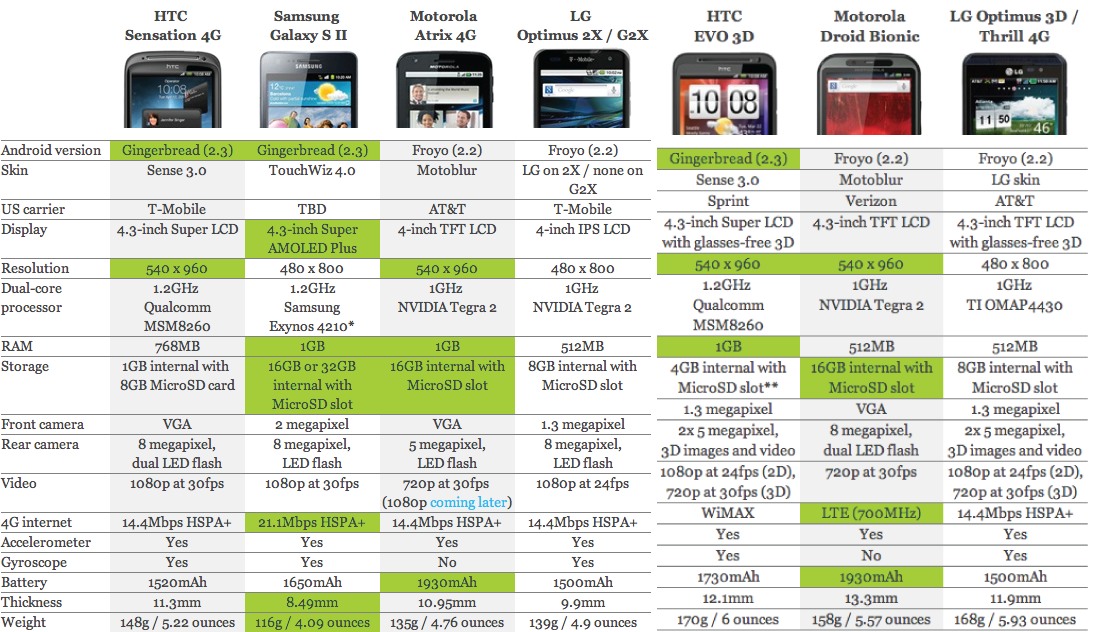
  • Clash OF the Titans : HTC Sensation vs Galaxy S II vs Motorola Atrix vs LG Optimus 2X vs HTC Evo 3D vs LG Optimus 3D Vs Droid Bionic

    Clash OF the Titans : HTC Sensation vs Galaxy S II vs Motorola Atrix vs LG Optimus 2X vs HTC Evo 3D vs LG Optimus 3D Vs Droid Bionic

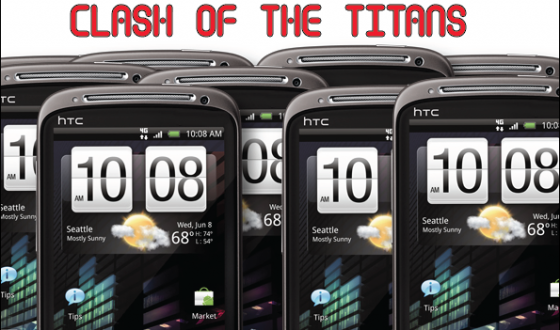
    Single Core cpu on a mobile phone is so passe’, its the break of the new world of technology and we are hitting it with the new dual core processors. Folks over at Engadget assembled the specs to all the dual core goodness available yet. We have it here for you in a tabulated form comparing spec for spec and detail for detail. Which one will you choose?
    Click to Enlarge
  • App A Day : Sleep Cycle For iOS

    App A Day : Sleep Cycle For iOS

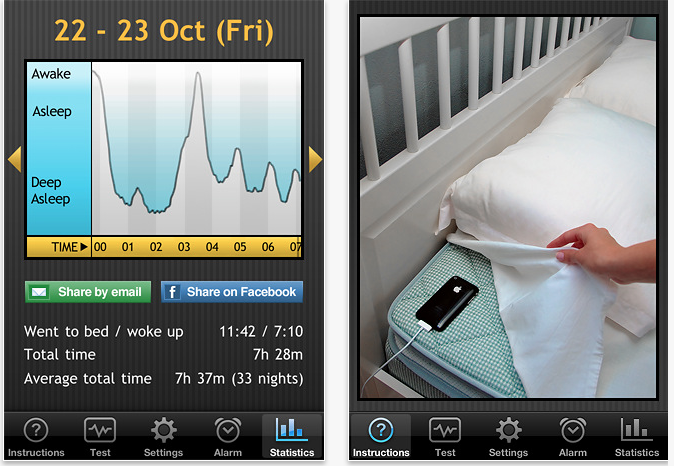
    Do you have erratic sleep patterns? Do you suffer from sleepless nights and drowsy days? Then Sleep Cycle is the iOS App for you. This is one of the most innovative ways to incorporate the device’s accelerometer to monitor your motion patterns during sleep. This alarm clock helps keep us on our toes even if we have been busy all night.

    The app monitors your sleep pattern throughout the night and will ‘wake you up when you are in the lightest sleep phase’. When we sleep, we go through phases of light sleep and deep sleep. Which phase you wake up in results in the kind of mood you will be in all day. If you wake up in your deep sleep phase you will find your self dull and sleepy throughout the day.


    The app works brilliantly, and takes upto 4 days to register your sleep patterns, once they are fully registered you will find yourself waking up on time. The only catch is that the app requires that you plug in the iPhone all night leave the app running and place the iPhone on your bed upside down, so that the accelerometer can monitor your movement. The good thing however, is that the app uses the proximity sensor to turn off the display.

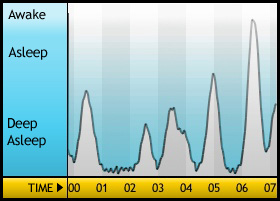
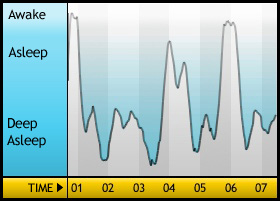
    The App also gives you a report of your sleep patterns over the period of use of the app. With this you can monitor your sleep time and deep sleep patterns.

    The disadvantage : if you leave the app to do some other activity the alarm is reset. However it should be used as the last point of interaction.

    • Price  :  0.99$  [xrr rating=5/5  imageset=shiny_yellow_star display_as=fraction_stars]
    • Ease of Use : [xrr rating=4/5  imageset=shiny_yellow_star display_as=fraction_stars]
    • Features : [xrr rating=3/5  imageset=shiny_yellow_star display_as=fraction_stars]

    Download It By clicking the button below.

    Sleep Cycle alarm clock - Maciek Drejak Labs

    [qrcode]

  • Live from the Samsung Forum 2011 : Samsung’s New Lineup of Full HD and 3D monitors : Eyes On

    Live from the Samsung Forum 2011 : Samsung’s New Lineup of Full HD and 3D monitors : Eyes On

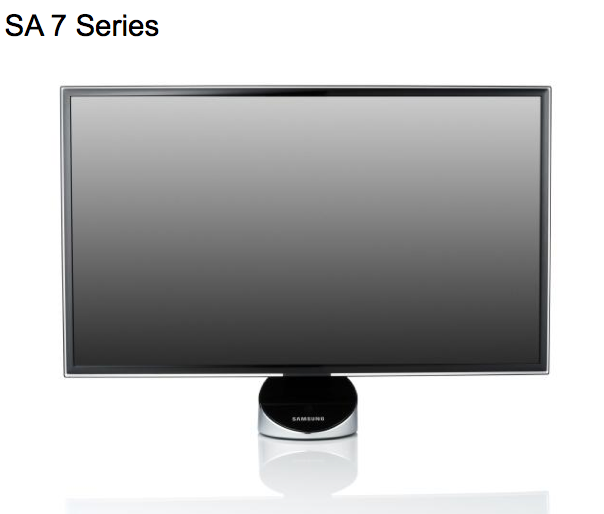
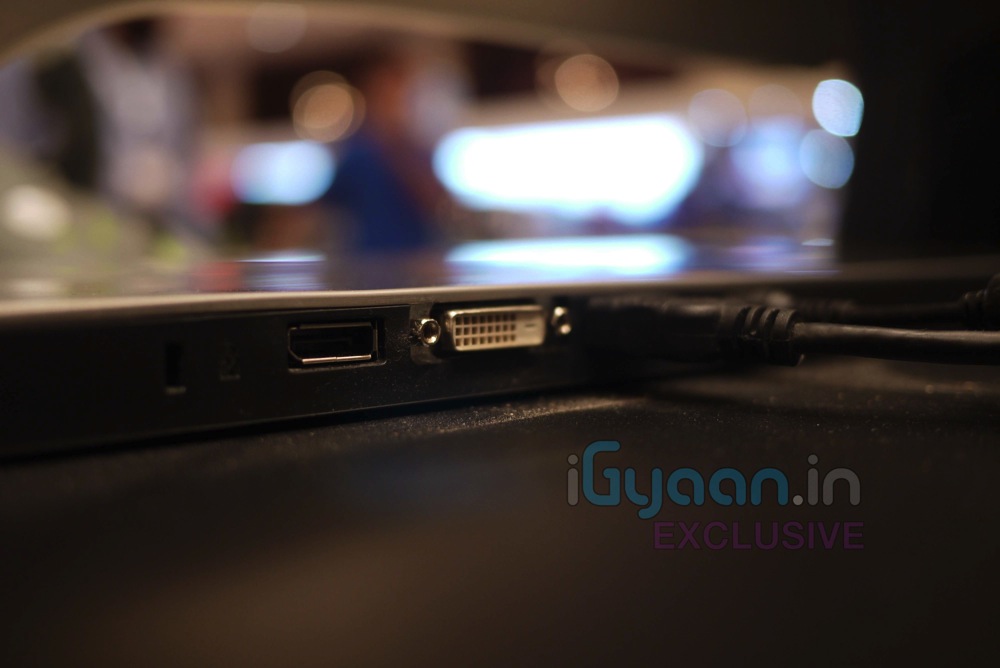
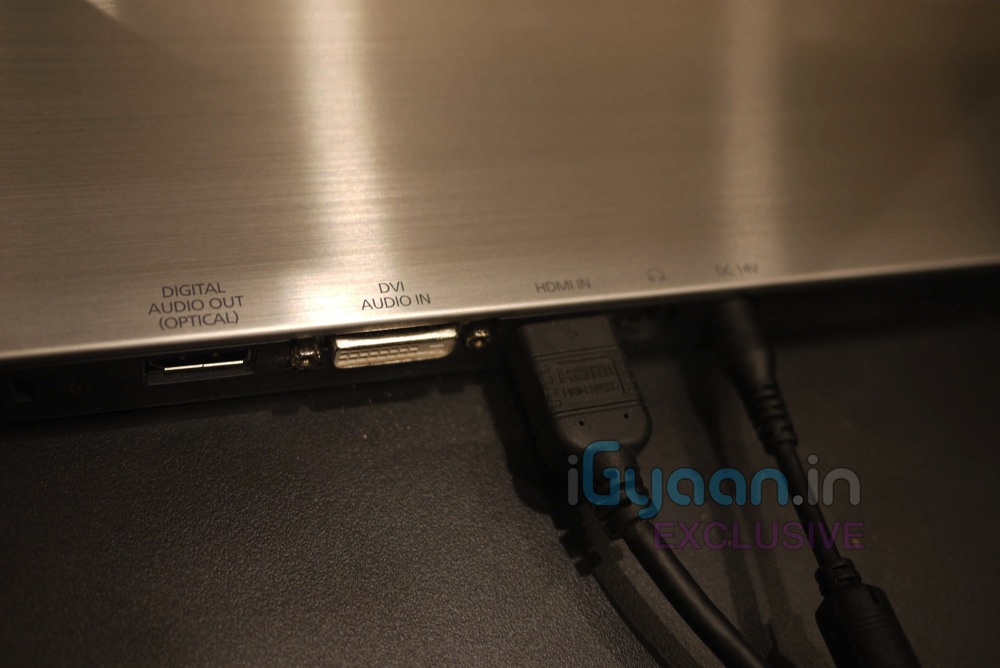
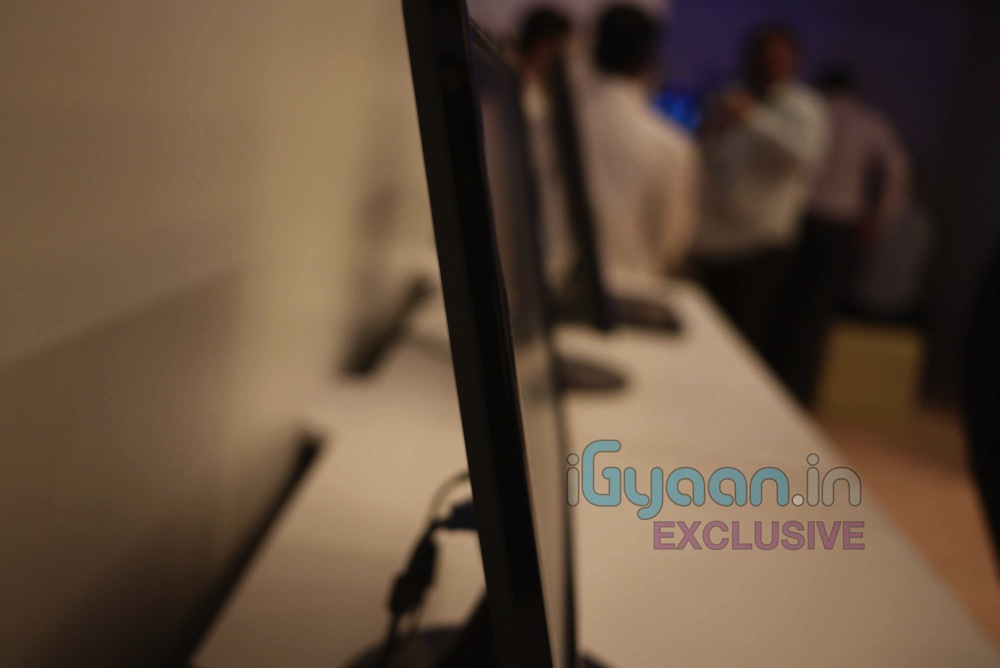
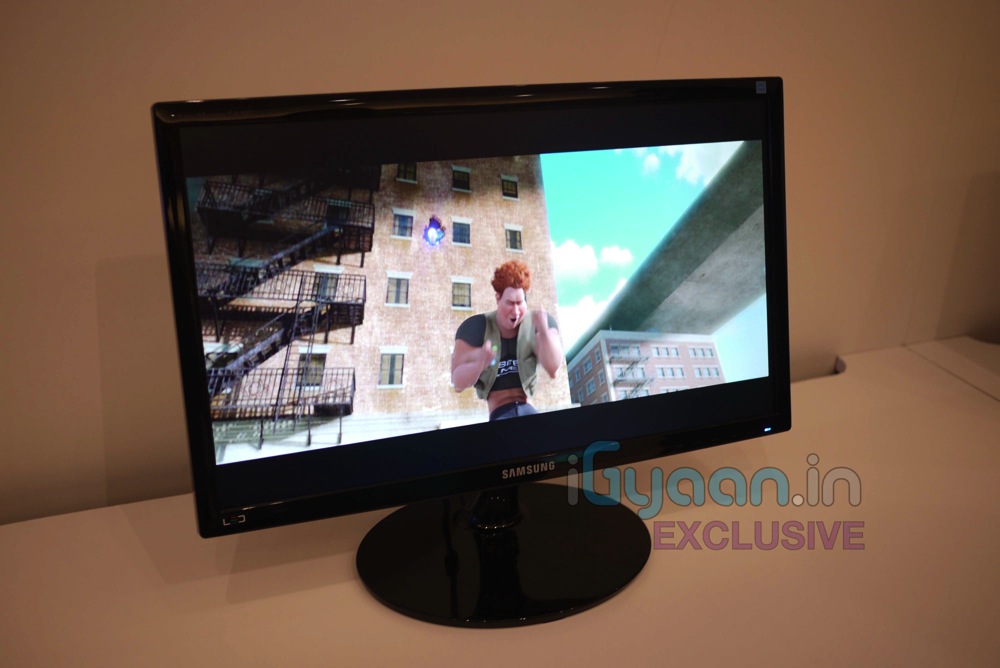
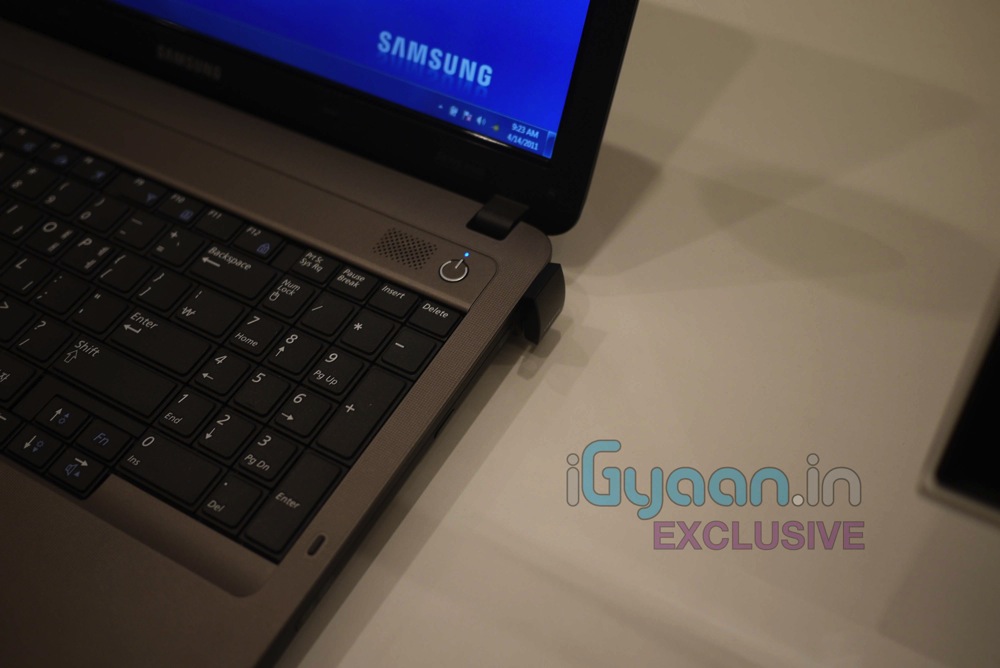
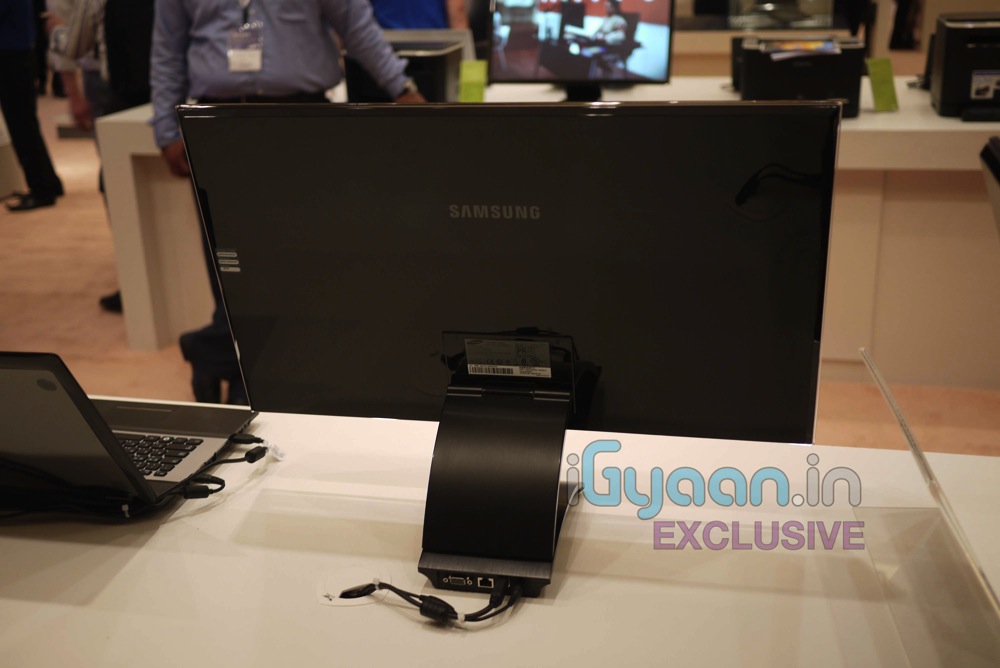
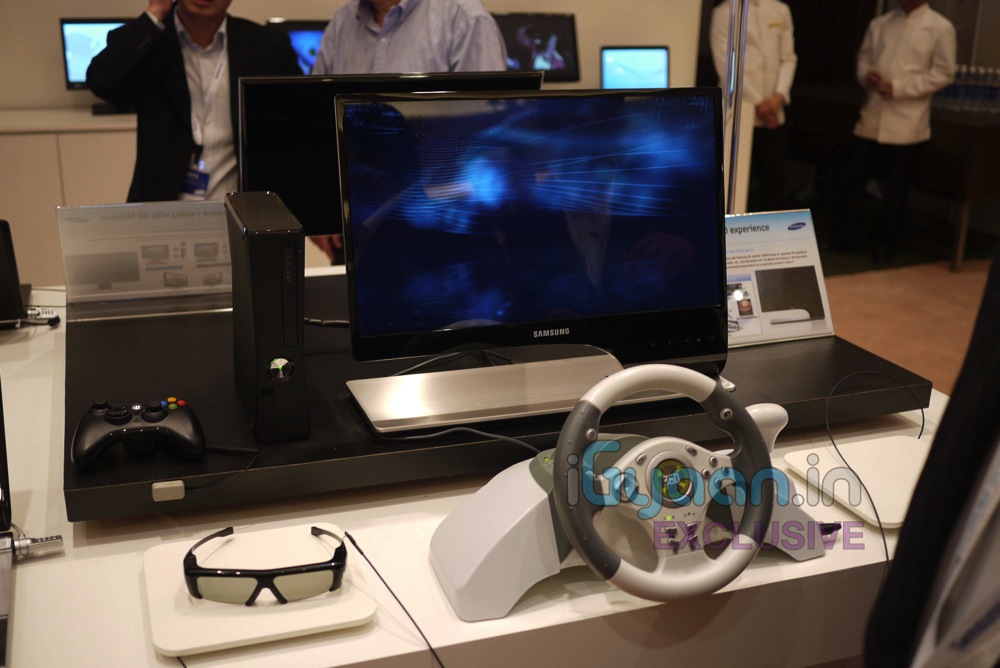
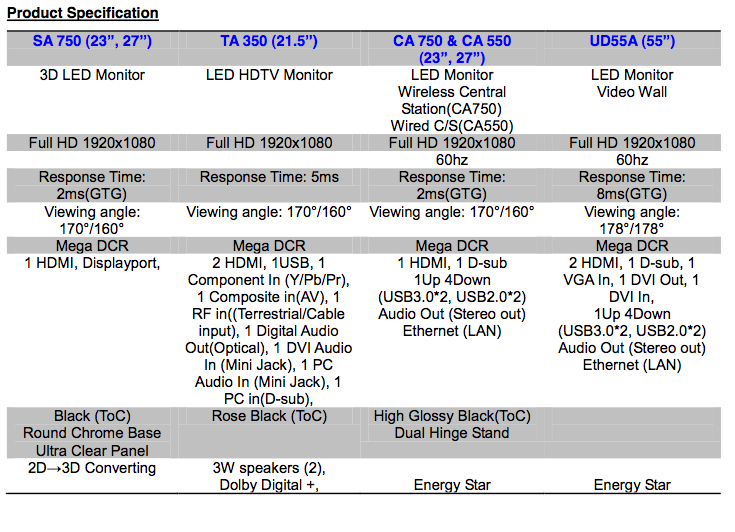
    We are live at the Samsung Forum 2011, and we are looking at some interesting things including the latest monitors from Samsung, including the latest monitors from Samsung (SA 750, TA 350, CA 750, CA 550, UD Series).

    Check out the Pictures and details below, with a quick video of them coming shortly.


    SA 750

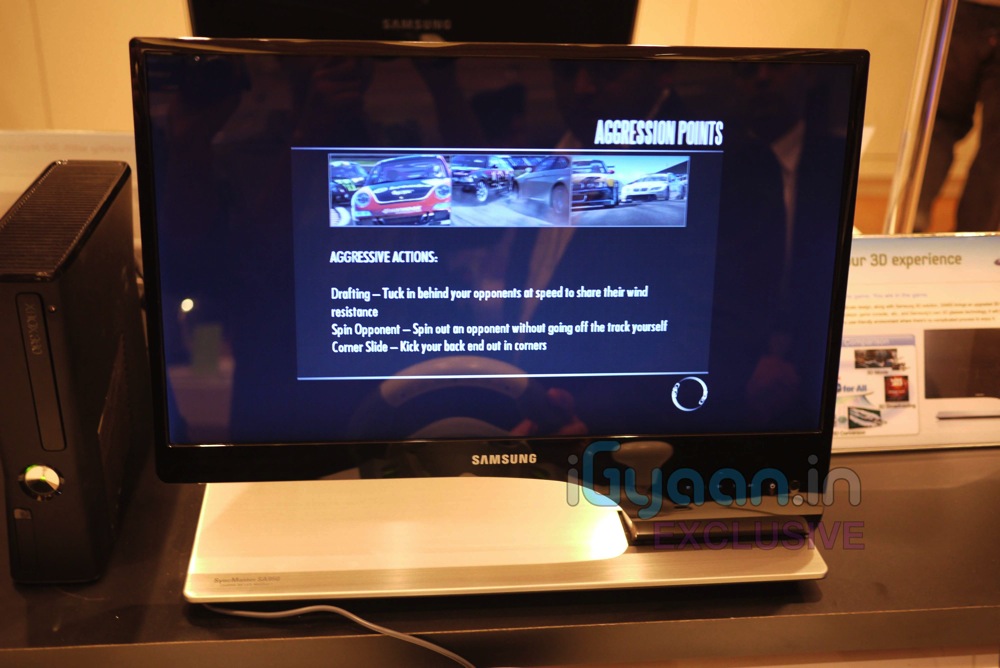
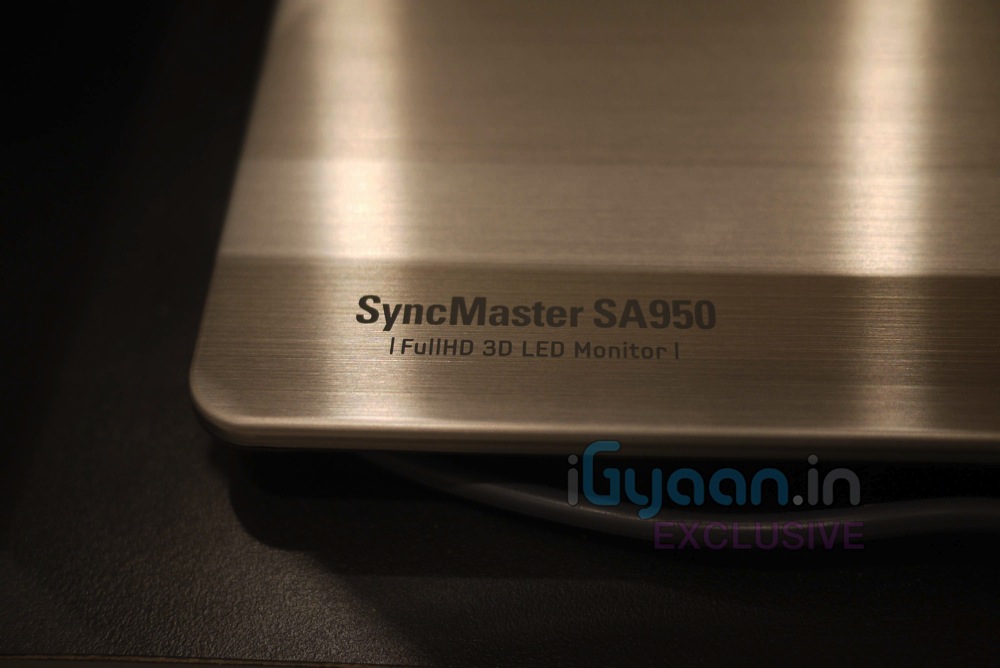
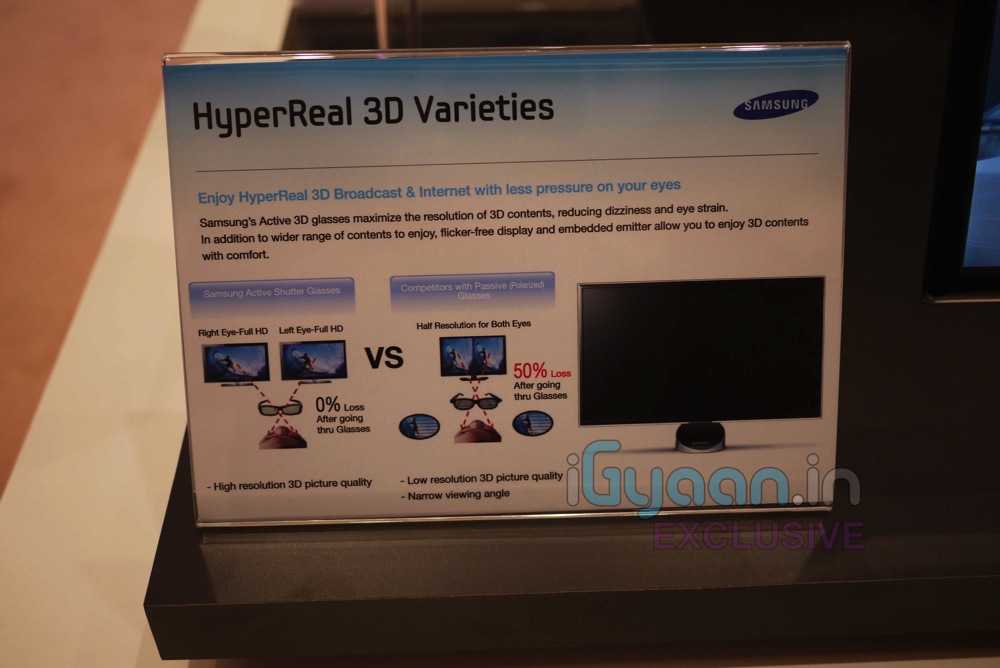
    Samsung’s Full HD 3D LED Monitor Series 7 monitors—available in 23- and 27-inch configurations—offer full HD 1920×1080 resolution and hyper-realistic 3D playback on a wide variety of 3D content, including 3D video games, 3D movies, and user-created 3D content like photos and videos. The SA 750 can also automatically analyze and render 2D content in real-time to stunning 3D, supporting not only PC content, but also content from Blu-ray players, gaming consoles and set-top boxes.

    The monitors enable cleaner, flicker-free textures for fast-moving games in the 120Hz mode, delivering a comfortable 3D viewing experience without any interruption. The SA 750 also boasts blazing fast response time (2 ms) for an optimal gaming and movie viewing experience, without ghosting or streaking.

    Adding appeal to eco-conscious users, Samsung’s SA 750 features an Eco Light Sensor that saves energy and creates a comfortable viewing environment by automatically adjusting the brightness of the screen based on ambient light, while the Eco Motion Sensor contributes to ease of use and lower energy consumption by automatically turning the display on or off when a user is within, or has left, the vicinity of the monitor.

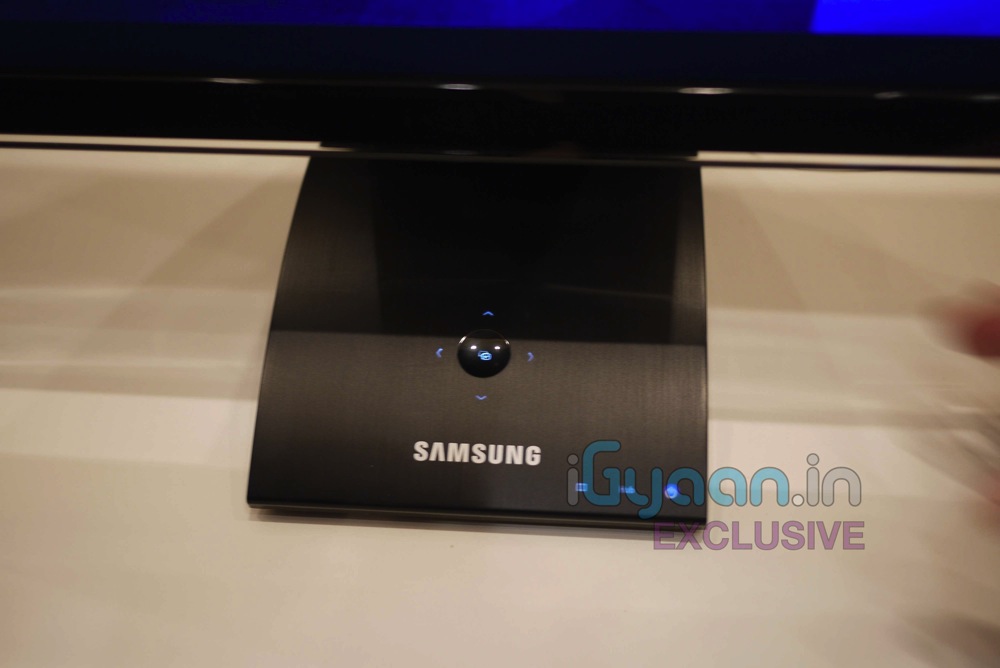
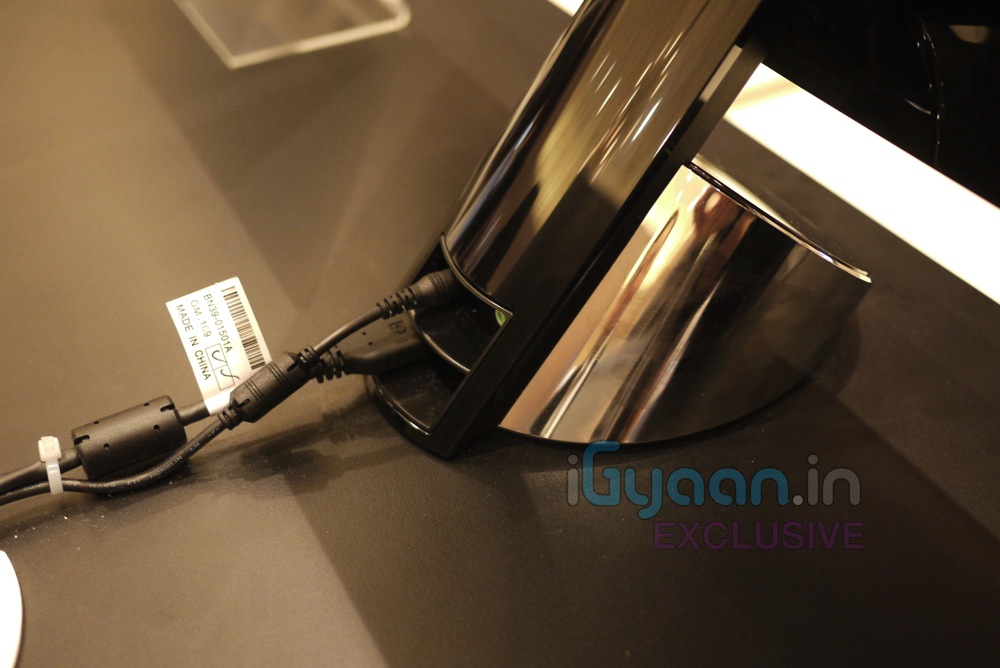
    The SA 750 is a sophisticated design product featuring a narrow bezel, compact, cylindrical stand with glowing buttons and UltraSlim depth, the slimmest in the world.

    T22A350

    The TA 3 Series includes a 21.5-inch LED monitor that offers full HD 1920×1080 resolution and a brightness of 250cd. The TA 3 Series can receive TV broadcast signals through a built-in tuner.

    The system has ConnectShareTM features that allow people to enjoy digital contents from USB memory stick and supports Dolby Digital DTS 2.0.

    CA 750 and CA 550

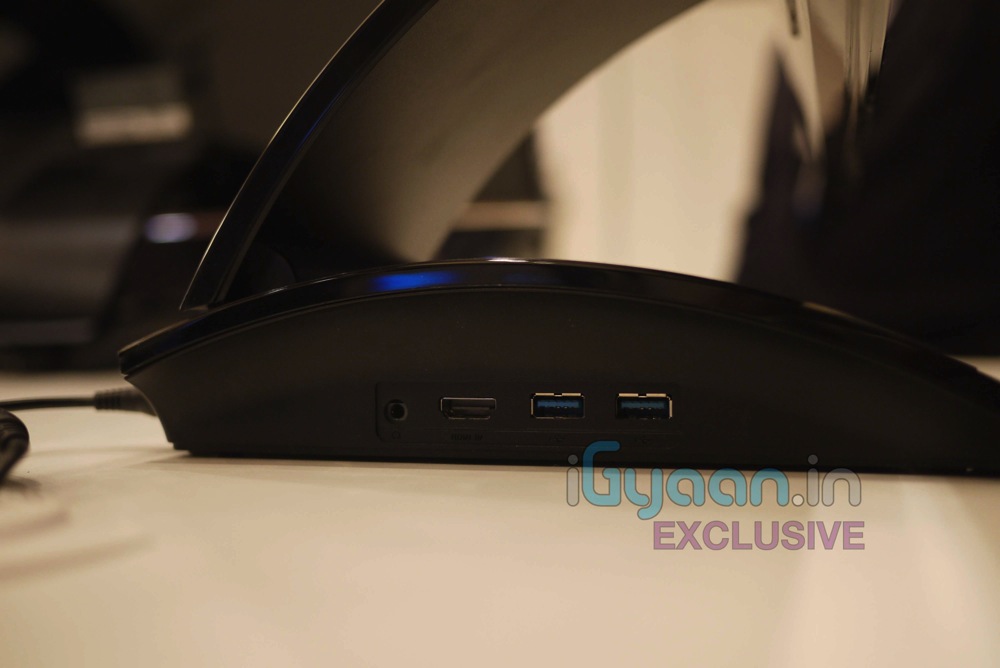
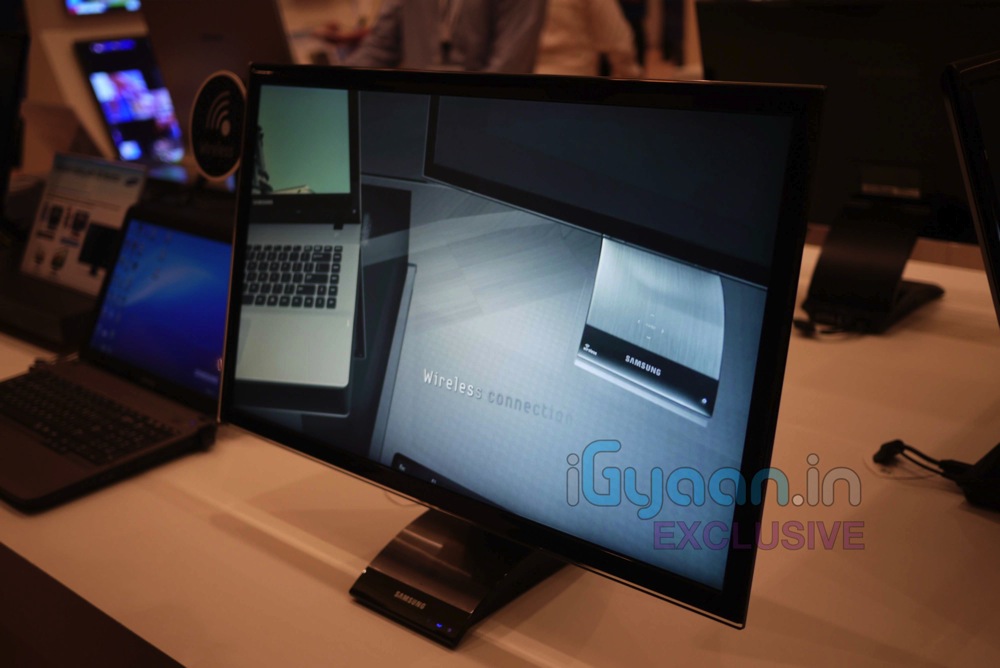
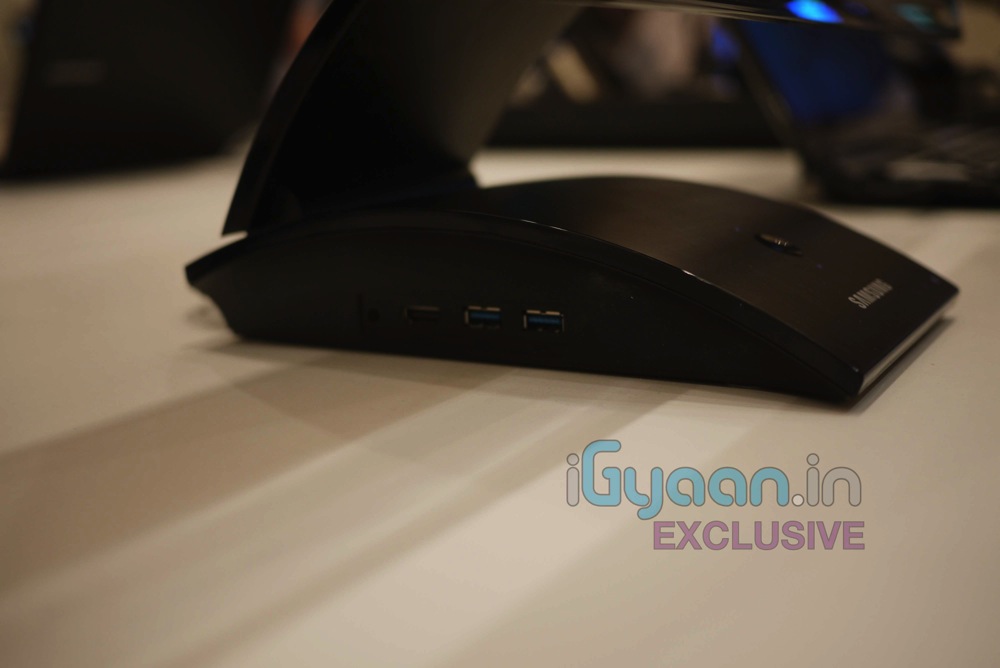
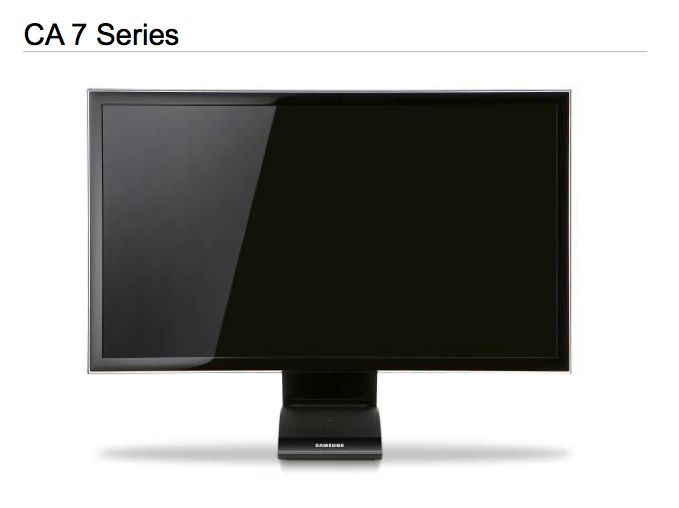
    Like a docking station, Samsung’s Central Station Series 7 and 5 monitors serve as hubs that easily connect a user’s laptop to a range of other devices without the hassle of plugging and unplugging multiple cables every time. After the initial setup, when the user connects LAN and audio cables to the Central Station monitor, the system is primed for instant use the next time the user is ready to connect; all the user has to do is link his or her laptop to the Central Station using a single USB connection. Exclusive to the CA 750 is an auto wireless detection option, which can free users from the restriction of wires by automatically finding and connecting with a user’s laptop.

    The CA 750 and CA 550 Series also create a better, more comfortable viewing experience by instantly transforming a small laptop screen to a 23- or 27-inch screen with LED backlight and superior picture quality. The monitor offers full HD 1920×1080 resolution and blazing fast response time (2 ms) to prevent ghosting or streaking. Samsung’s Mega DCR technology boosts the contrast level to more than a million to one, showing life-like depth and vivid color on any multimedia content. Additionally, the CA 750 and CA 550’s ergonomicdual-hinge design can change the height or tilt of the screen with ease. The Auto Configuration feature automatically adjusts the screen resolution between the user’s laptop and Central Station monitor when the two are connected via USB.

    Among the many input and output options offered by the Central Station, the CA 750 and CA 550 support USB 3.0 technology, which enables users to transfer data 10 times faster than by USB 2.0, and to charge mobile devices twice as fast as by conventional electric charging. Despite this power, the system has earned both Energy Star and EPEAT Gold ratings by helping users save energy. Additionally, Central Station automatically powers on or off when a laptop is connected or disconnected. The system’s Eco Saving mode enables users to choose the energy consumption level from three options: 0 percent, 25 percent and 50 percent down—meaning users can save on the system’s energy costs by up to 50 percent.


    UD Series

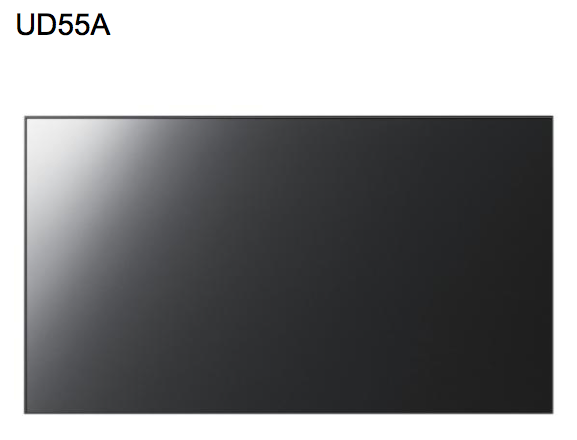
    Featuring ultra-thin bezels, the 55” UD Series of Large Format Display (LFD) units measure only 5.3mm from bezel to bezel, dramatically reducing the distance between the parts of the image and enabling companies to create seamless and effective video wall solutions at any budget. The UD55A delivers 700 Nits of brightness with 1920×1080 resolution. Maintaining Samsung’s signature pristine picture quality, the UD55A includes two intelligent features that ensure the best picture is always displayed: Automatic Color Calibration automatically adjusts the White Balance on video walls; while a detachable Ambient Brightness sensor automatically adjusts the on-screen brightness in conjunction with the ambient light level of the area surrounding the display.

    Providing full connectivity options, the UD55A includes one D-SUB, one DVI and two HDMI ports, in addition to a DVI-out interface, which enables the seamless sharing of content among up to 100 monitors. The UD55A also features a built-in network PC running Microsoft Windows Embedded Standard 2009, along with Samsung’s exclusive MagicInfoTM software, for effortless content management over a network. Additionally, the RJ45 interface, included with the monitor, provides users with long distance remote control abilities via LAN.



  • Live Video from Samsung Forum 2011 : Samsung Series RF 3D Laptop Launched : Hands On : 3D Gaming Beast

    Live Video from Samsung Forum 2011 : Samsung Series RF 3D Laptop Launched : Hands On : 3D Gaming Beast

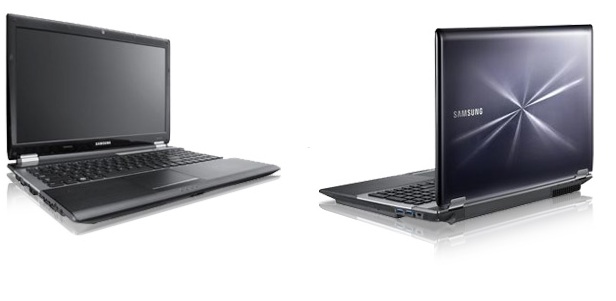
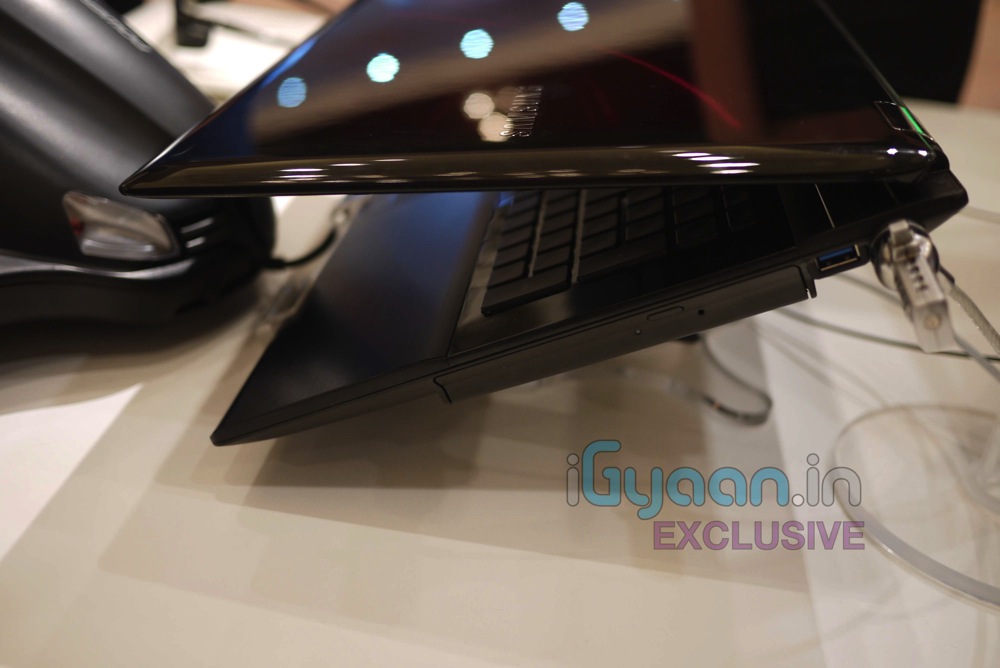
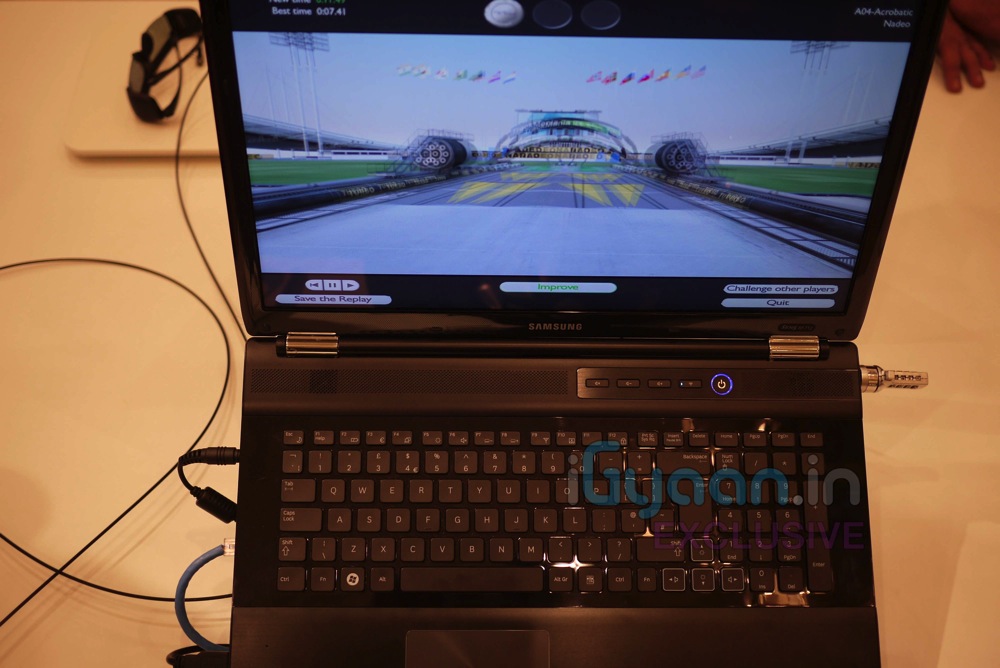
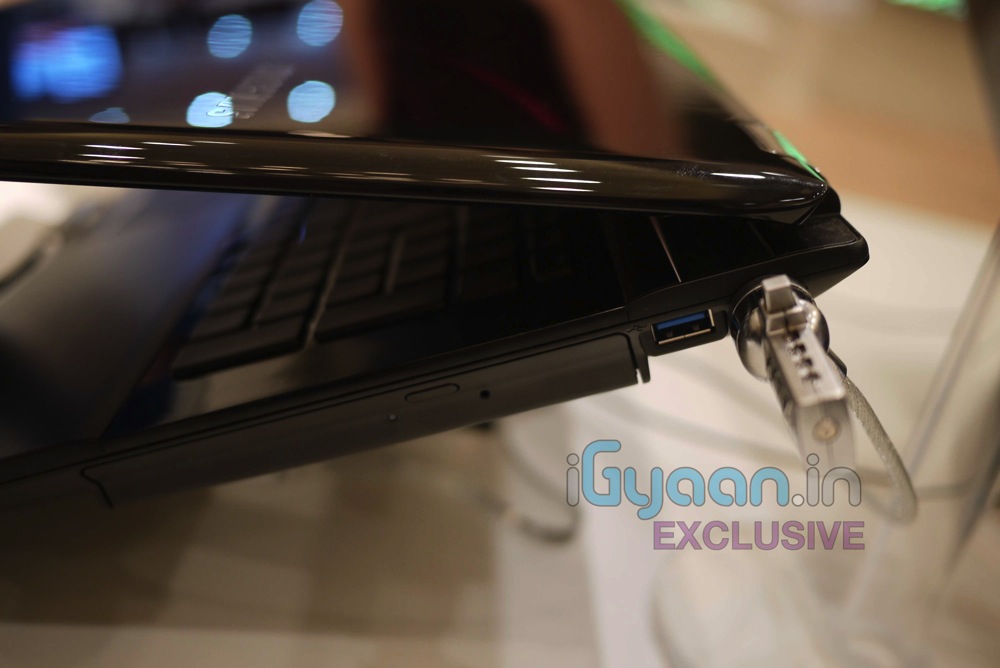
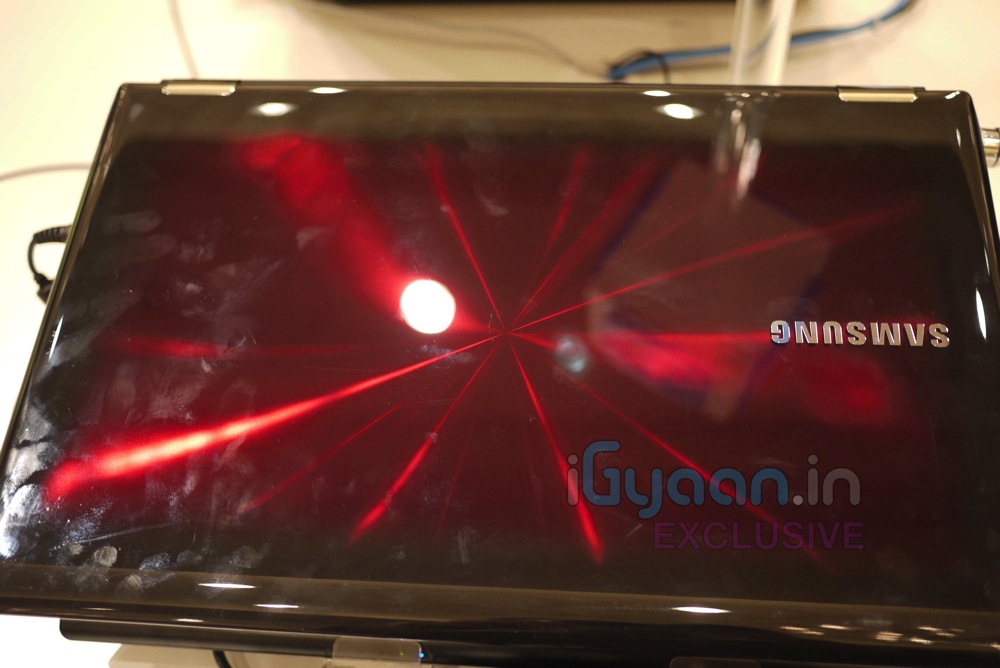
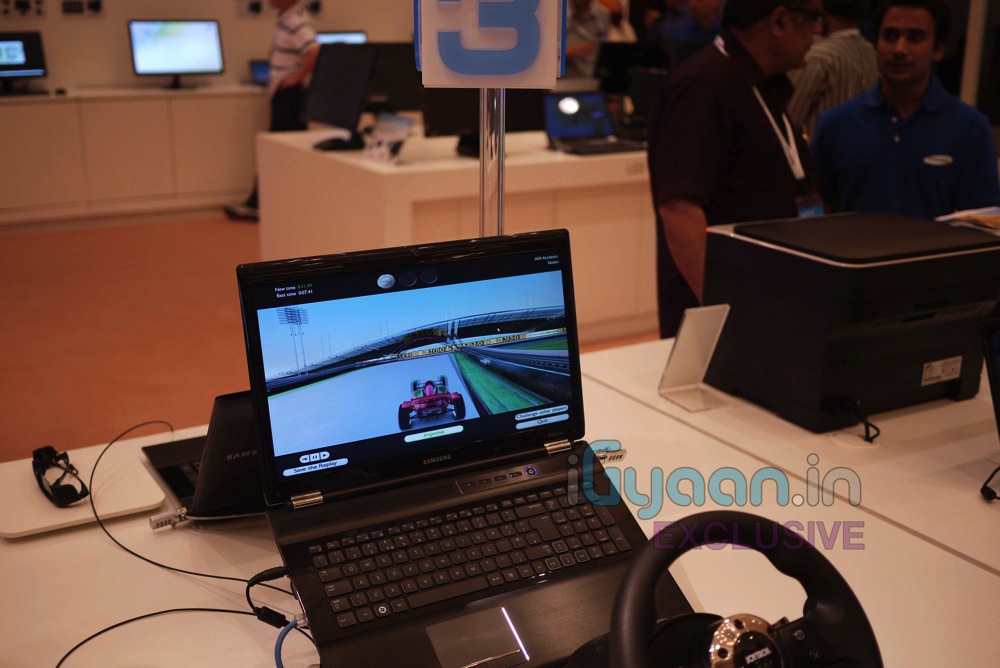
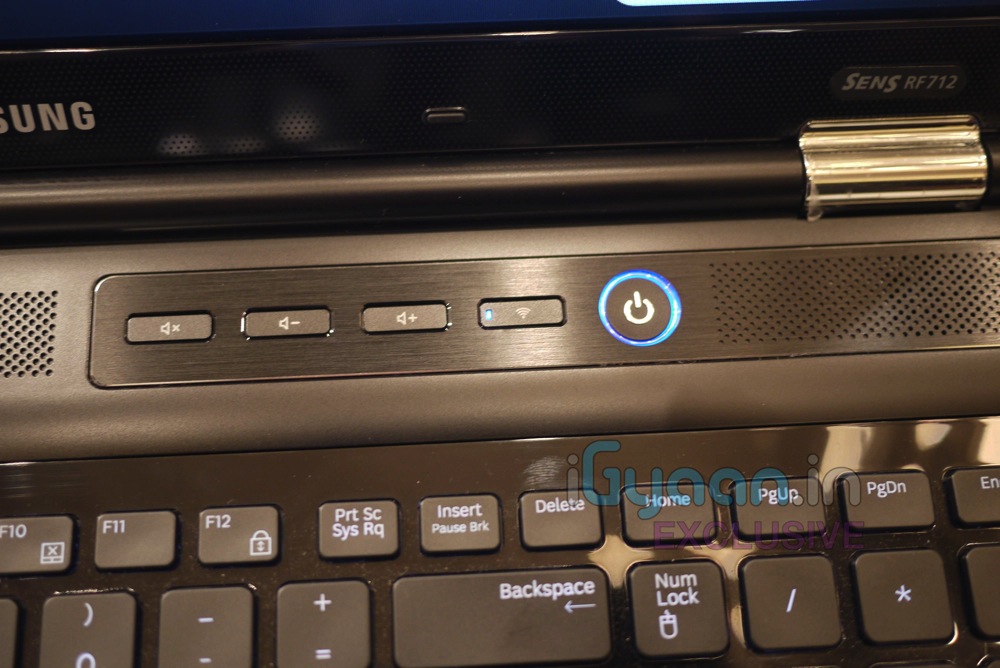
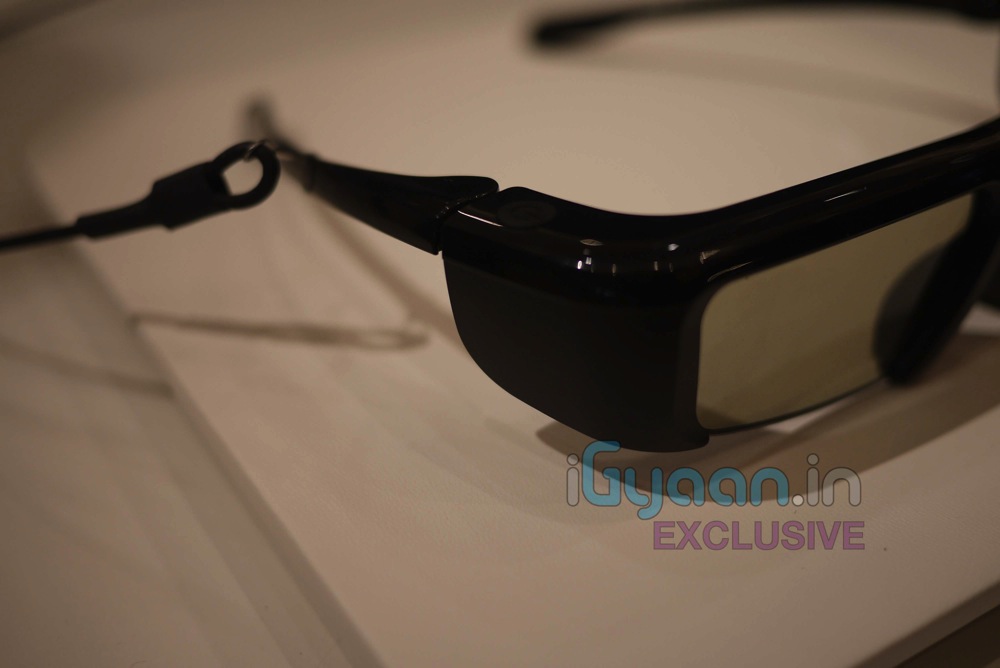
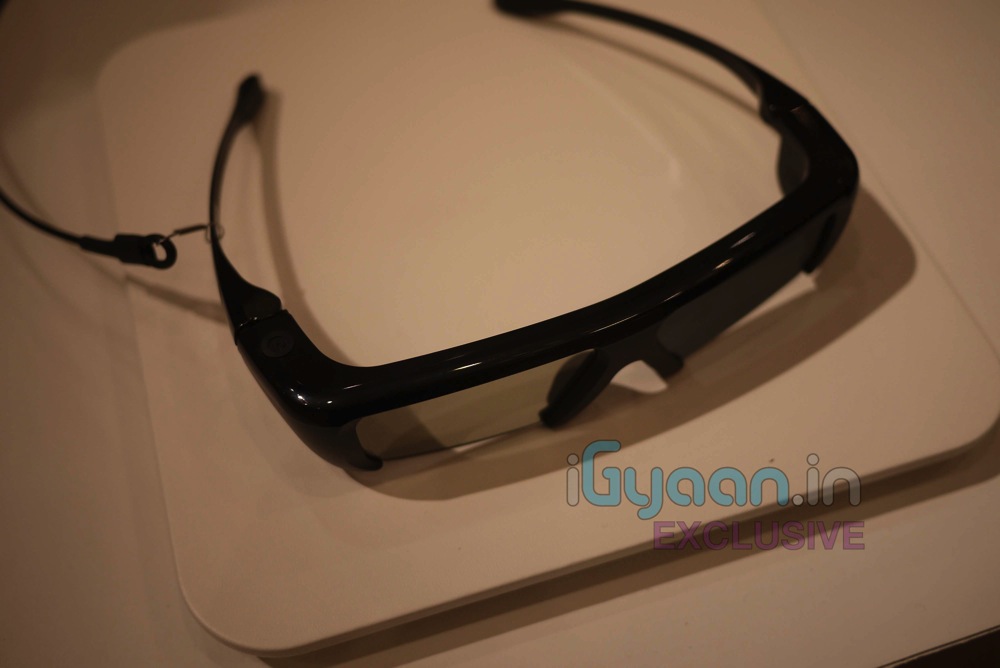
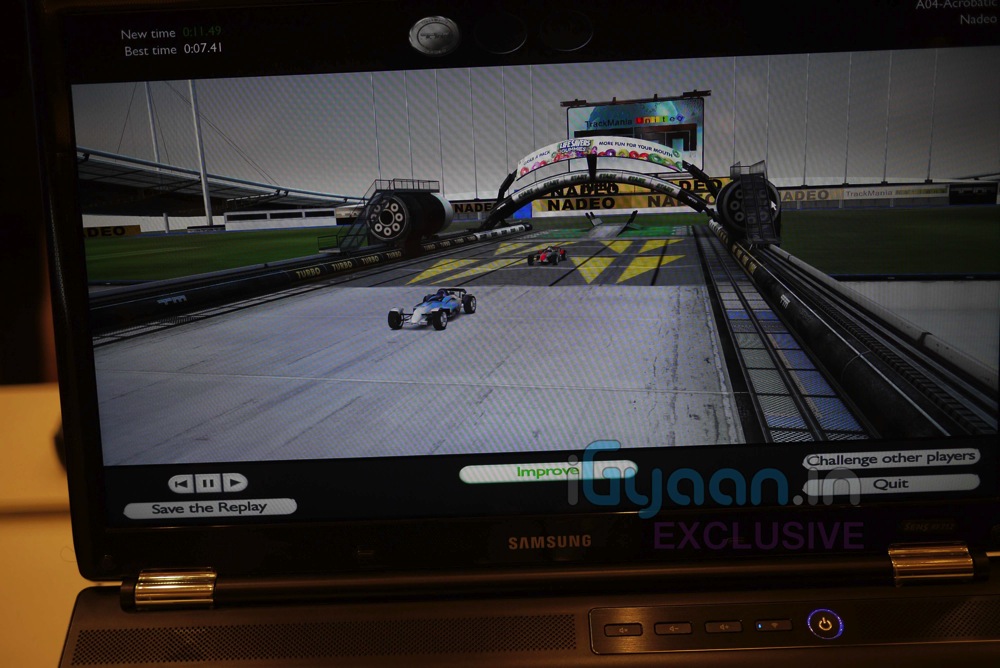
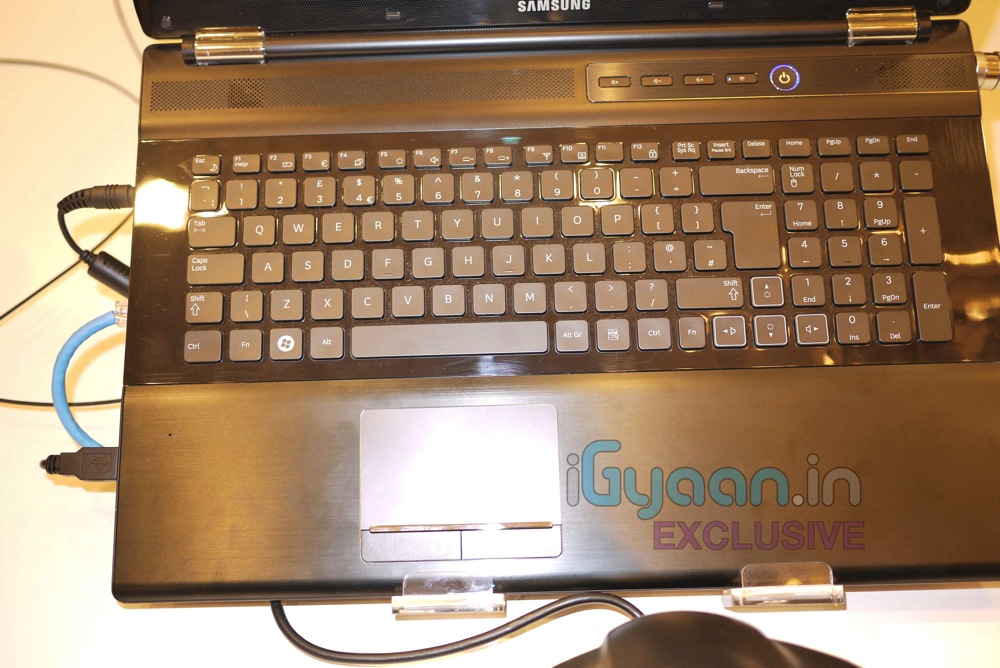
    We are live at the Samsung Forum 2011 here in New Delhi. We got some hands on Time with the new Samsung Series RF Laptop. They come with Glasses-on 3d/2d switchable displays. Launched in India, these gaming powerhouses will be available by the end of April 2011. Options of upto 2GB Graphics Memory, 1.5tb onboard HDD, and 17 HD displays with 2D/3D options.

    Check out the images and the Video hands on Below …


    FULL SPECS

    Operating System Operating System Genuine Windows® 7 Home Premium
    (64b)
    Processor Processor Intel® Core™ i7 Processor 720QM
    (1.60GHz, 6MB)
    Intel® Core™ i5 Processor 460M
    (2.53GHz, 3MB)
    Main Chipset Main Chipset Intel HM55
    Memory System Memory 4GB (DDR3 / 2GB x 2)
    Memory Slot 2 x SODIMM
    Display LCD 15.6″ LED HD (1366 x 768) 16:9 Gloss
    Graphic Graphic Memory 1GB gDDR3 (Ext. Graphic)
    Graphic Processor nVIDIA GeForce GT 330M (Ext. Graphic)
    Multimedia Sound HD (High Definition) Audio
    Sound Effect SRS Premium Sound Effect
    Multimedia Player Cyberlink Power DVD
    Speaker 3W Stereo Speaker (1.5W x 2)
    TV No
    Integrated Camera High Sensitivity Web Camera
    Storage HDD 640GB (5,400rpm S-ATA)
    ODD Super Multi Dual Layer (S-ATA)
    Intel Turbo Memory No
    Communication Modem No
    Wired Ethernet LAN Gigabit LAN
    Wireless LAN 802.11bg/n
    Bluetooth Bluetooth v3.0 High Speed
    I/O Port VGA Yes
    HDMI Yes
    Headphone-out Headphone-out
    Mic-in Yes
    Internal Mic Yes
    USB 2 x USB 2.0, 2 x USB 3.0
    (Chargable USB included)
    Multi Card Slot 4-in-1 (SD, SDHC, SDXC, MMC)
    X-Dock Port No
    SIO No
    IEEE1394 No
    RJ11 (Modem) No
    RJ45 (LAN) Yes
    TV Antenna No
    DC-In (Power Port) Yes
    PC CardBus Slot No
    S-Video (TV-out) No
    Input Keyboard Type 103 Key
    104 Key
    EZ BLU Keys Fn + F8 (Easy SpeedUp Manager)
    Fn + F7 (Samsung Support Centre)
    Touch Pad, Touch Screen Touch Pad (Scroll Scope, Flat Type)
    Security TPM No
    AMT No
    Virus Norton Internet Security (60 days free)
    Lock Kensington Lock Port
    Recovery Samsung Recovery Solution
    Security BIOS Boot Up Password
    FingerPrint Reader No
    Power AC Adapter 120 Watt
    90 Watt
    Battery 6 Cell
    Physical Dimension (W x D x H mm) 379.6 x 255.5 x 31.4 ~ 37.0mm
    (14.90″ x 10.00″ x 1.23″ ~ 1.45″)
    Weight, include Standard Battery (kg) 2.60Kg (5.73lbs)
    Software Installed S/W Samsung Update Plus
    Easy Display Manager
    Easy Battery Manager
    Easy Network Manager
    Easy SpeedUp Manager
    Easy Partition Manager
    Adobe Reader
    Microsoft Office Starter 2010
    Samsung Support Centre
    Standard DVD OS DVD
  • Live Video from Samsung Forum 2011 : Samsung Series 9 Laptop Launched : Hands On : Super slim Core i5 / i7 (PR)

    Live Video from Samsung Forum 2011 : Samsung Series 9 Laptop Launched : Hands On : Super slim Core i5 / i7 (PR)

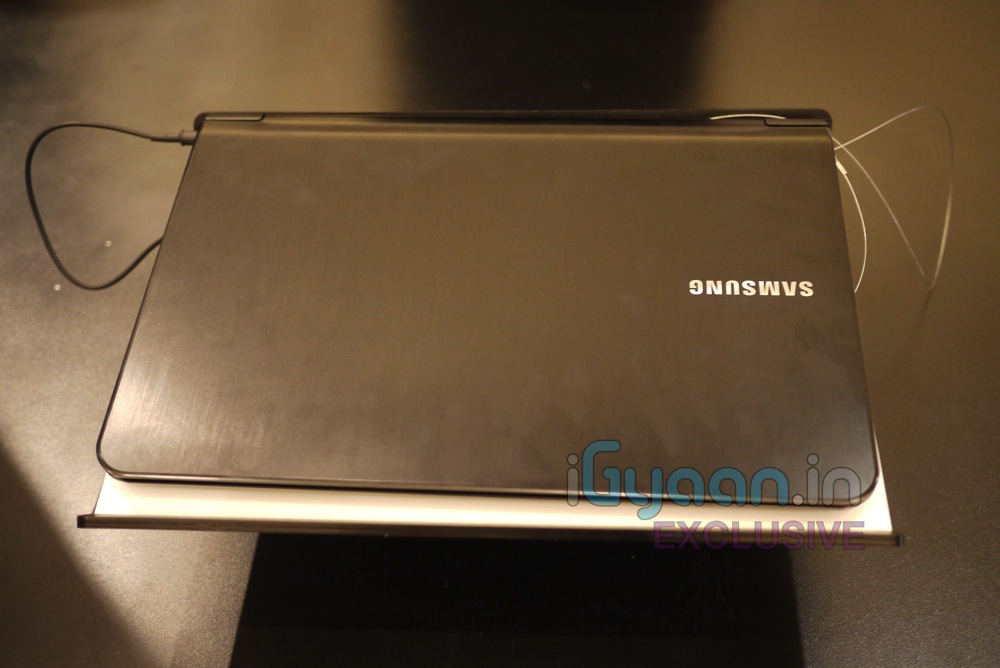
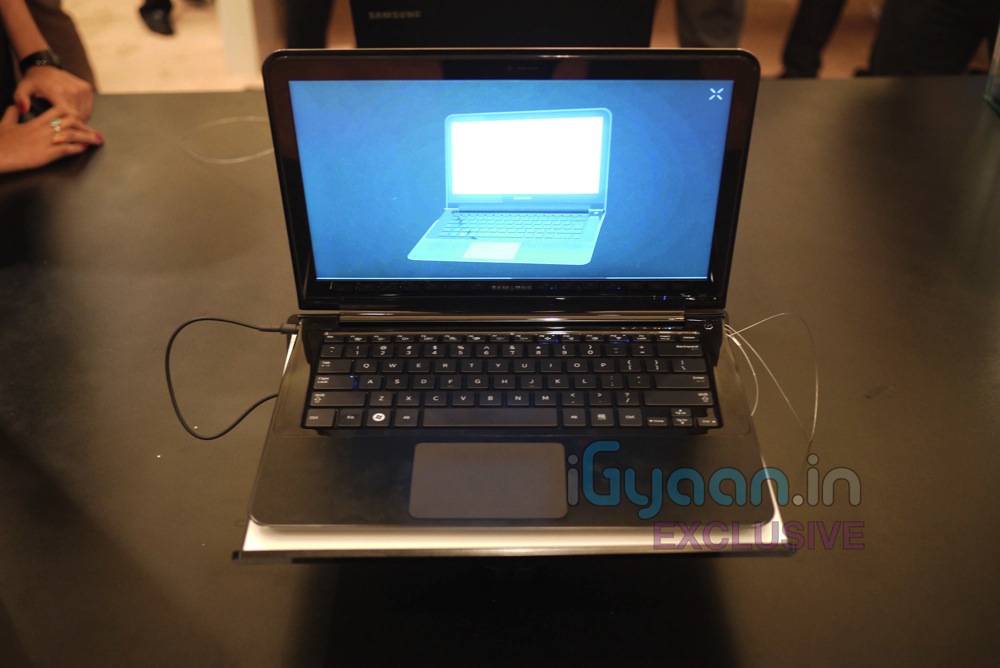
    We are live at the Samsung Forum 2011 here in New Delhi. We got some hands on Time with the new Samsung Series 9 Laptop. The devices are super slim and will come in variants of i5 and i7 Intel processors. with 128Gb and 256GB SSD options in 13 inch duralumin chassis. Super light at just 1.3 KGS


    FIRST LOOK VIDEO (iGyaan Exclusive)

    Price : Starting just under 1,00,000/- INR for the 13 inch i5 Version

    Availability : 3rd week April 2011
    Processor
    • Intel® Core™ i5 and i7 Processor options

    Operating System

    • Genuine Windows® 7 Home Premium (64-bit)

    Display

    • LED HD Screen
    • 13.3″ SuperBright Plus widescreen display
    • 400 nits, up to 16 million colors, HD LED Backlit anti-glare display

    Graphics

    • Intel® HD Graphics 3000

    Memory

    • 4GB DDR3 System Memory
    • 8 GB Max. System Memory

    Storage

    • 128 /256 GB Solid State Drive

    Multimedia

    • 3 W Stereo Speaker (1.5 W x 2) with HD Audio
    • 1.3 MP HD Webcam

    Communication

    • 802.11 b/g/n WiFi
    • Bluetooth V3.0 High Speed

    I/O Ports

    • HDMI Input
    • Headphone Jack
    • Mic-in
    • 1 MicroSD Slot
    • RJ45 LAN
    • 2 USB Ports (1 Chargeable)

    Input Devices

    • 81 Key Keyboard
    • Touch Pad

    Security

    • Samsung Recovery Solution

    Power

    • 40 Watt AC Adapter
    • 6-Cell Lithium, 6300 mAh, up to 7 hours of battery life*

    Design

    • Duralumin Design

    Dimensions

    • 12.9″ (W) x 8.9″ (D) x 0.62″ ~ 0.64″ (H)

    Weight

    • 2.88 lbs. with Standard Battery / 1.3 KG

    Warranty


    • 3 Year


    FULL PR

    Samsung Notebook Series 9

    The Samsung Notebook Series 9 marries innovative design and performance for a new dimension in mobile computing

    The Samsung Notebook Series 9 is a premium notebook for consumers who pursue the best of everything: design, performance and usability. With a weight of only 1.31kg (2.89lbs.), measuring only 16.3mm (0.64inches) in depth and with a screen size of 13 inches, the Samsung Notebook Series 9 combines the latest technology with mobile computing experience to drive the market forward in terms of design, display and overall capabilities.

    Crafted from duralumin, a lightweight material that is twice as strong as aluminum and normally used in advanced aircraft design, the Notebook Series 9 underwent an exhaustive testing process to ensure it is durable enough for use at home and on the go. In terms of design, the sophisticated beauty of the flowing line on the side of the Notebook Series 9 is a key design concept that gives it an aerodynamic and sleek style much like a premium sports car.

    Additionally, the notebook’s SuperBright Plus display with 400nit brightness, which is two times brighter than conventional displays, as well as its vibrant Color reproduction (16 million colors) and Super Contrast ratio (1,300:1), makes it one of the most beautiful notebook displays on the market.

    Product Specification

    CPU: Second Generation Intel® CoreTM i5 Processor

    Storage (max): 128GB Solid State Drive (256GB)

    Screen: 13.3-inch HD LED-backlit SuperBright Plus display (400 nit)

    Resolution: 1366×768

    Battery: Lithium Polymer; Max 7.7 hours (Battery Mark v 4.0.1)

    Weight: 2.89 lbs


  • Live from Samsung Forum 2011 : Samsung Galaxy S PMP Launched, Hands On (PR)

    Live from Samsung Forum 2011 : Samsung Galaxy S PMP Launched, Hands On (PR)

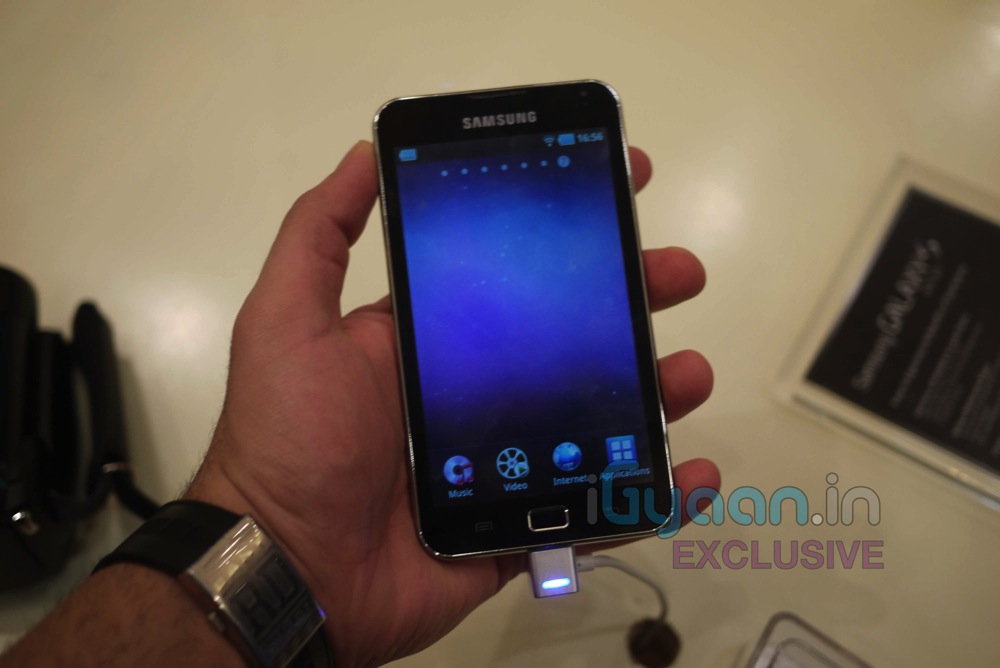
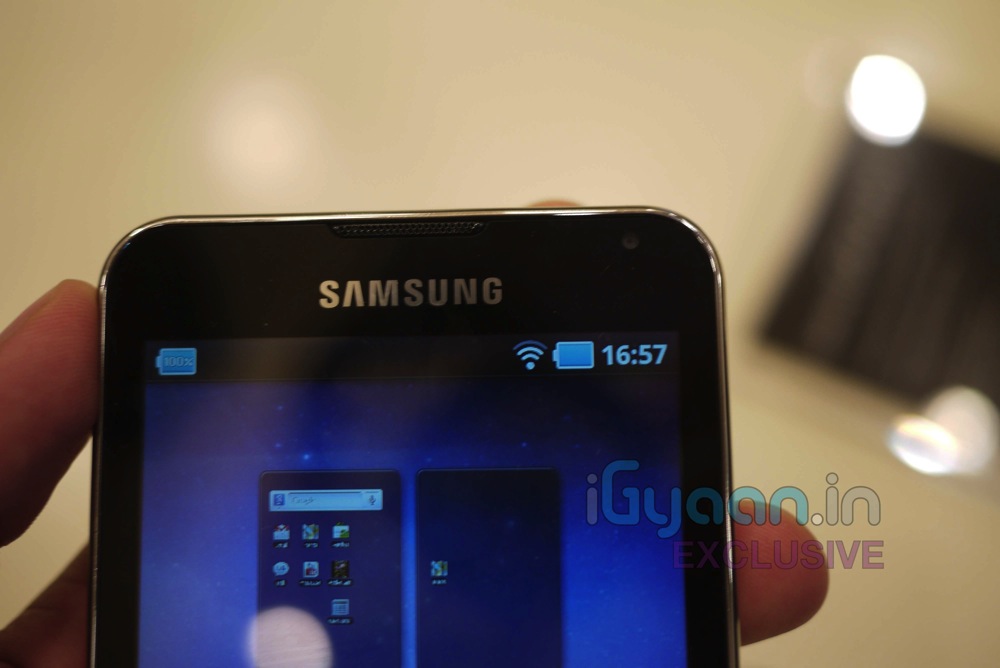
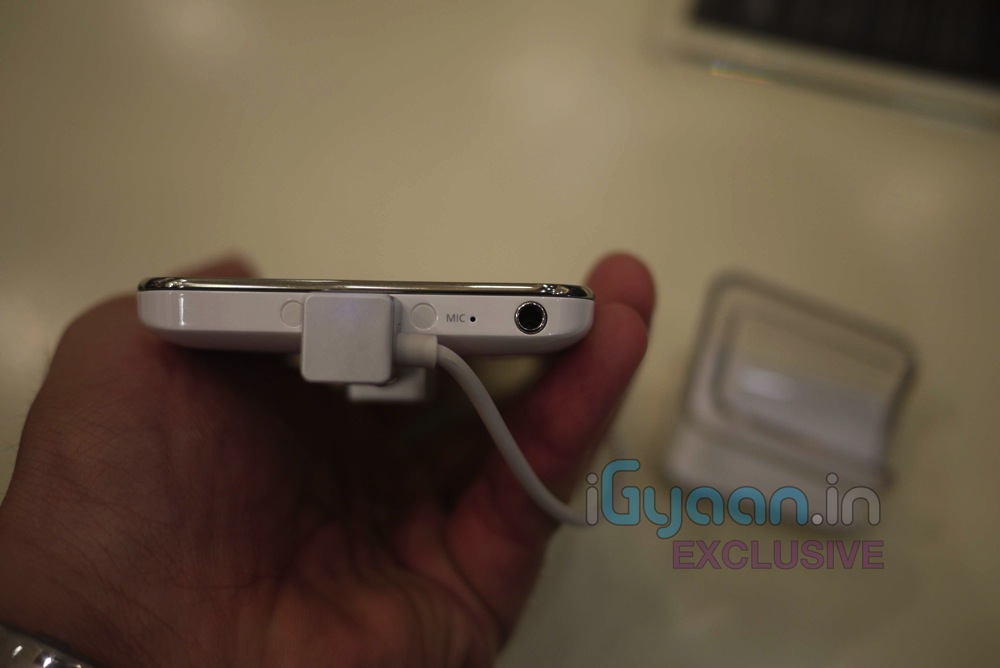
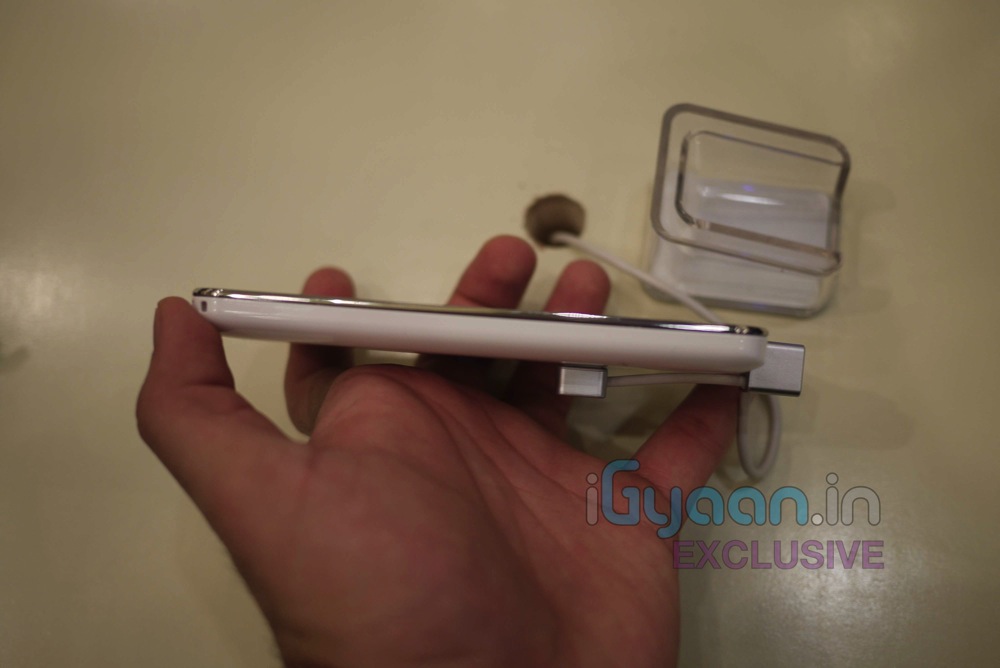
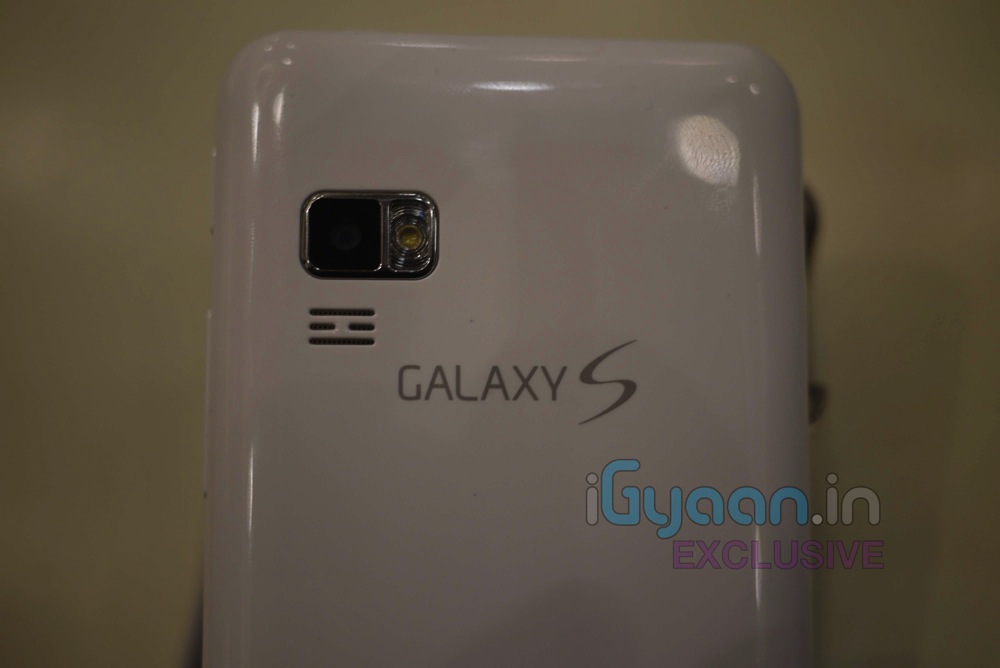
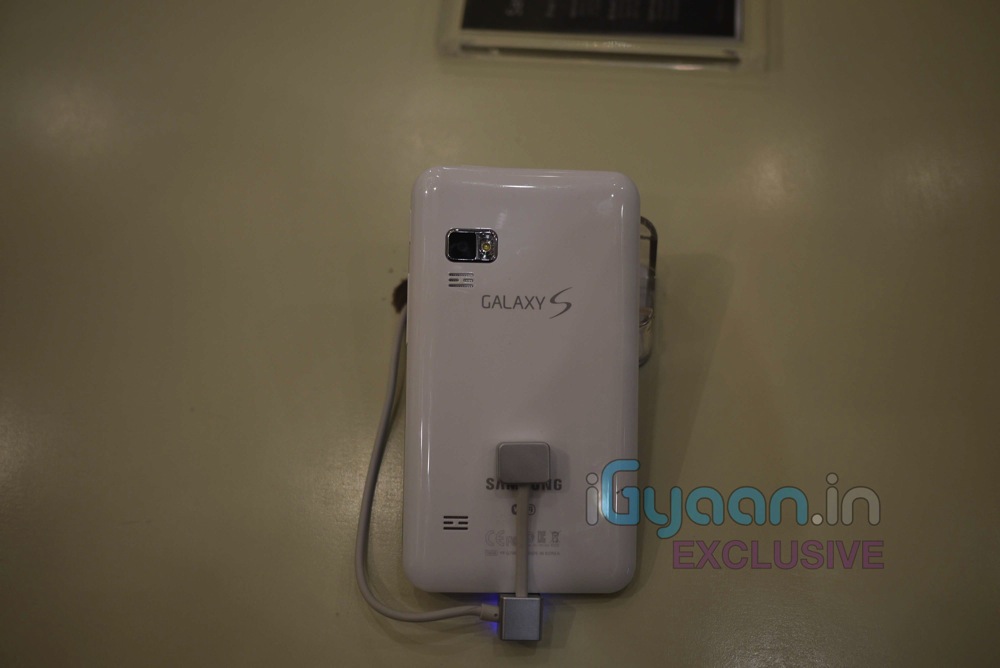
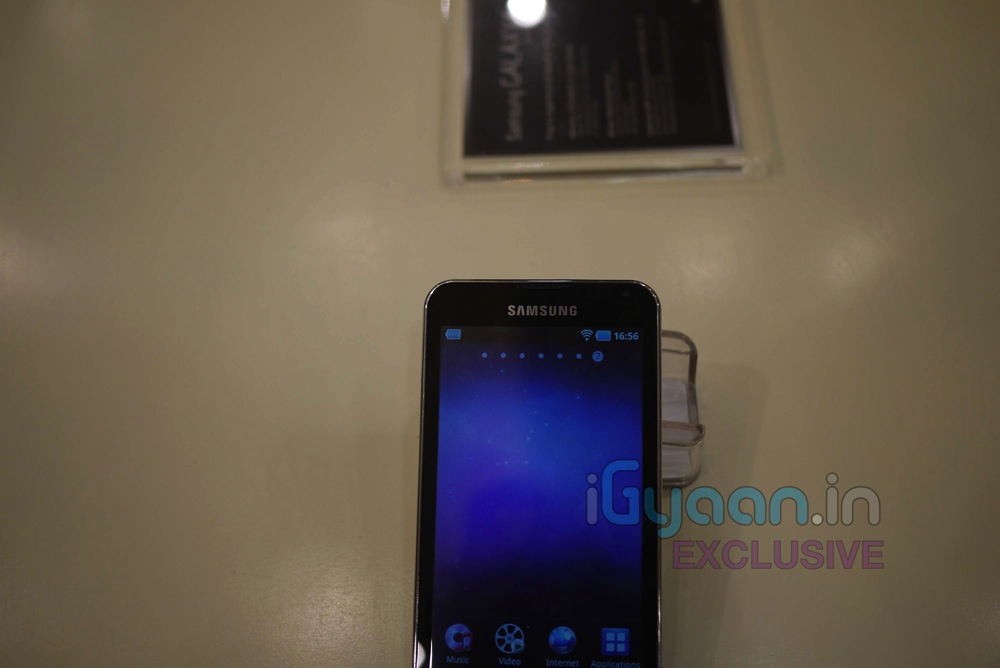
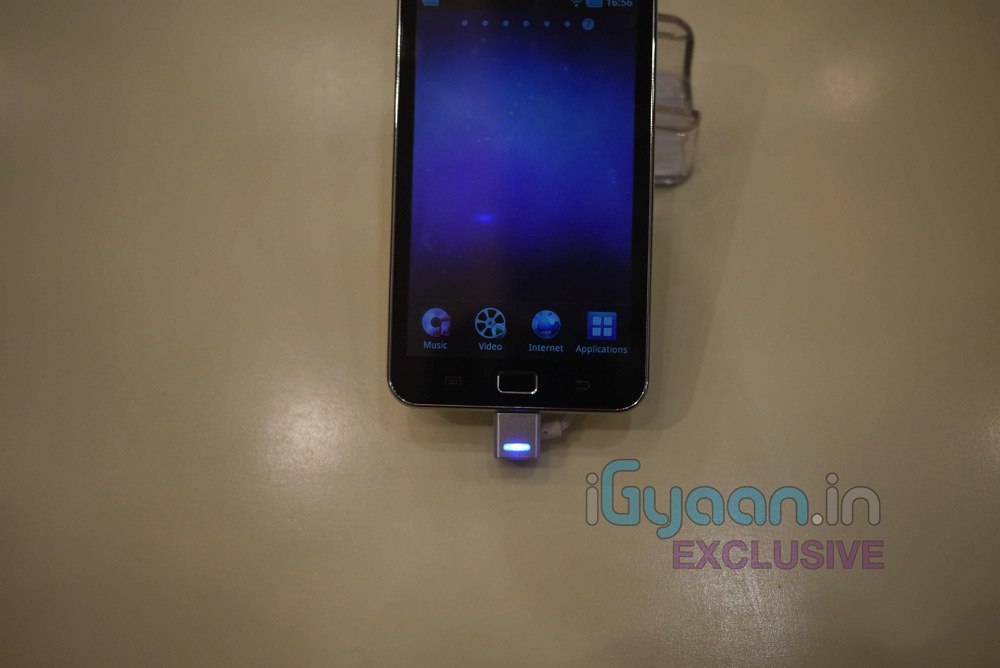
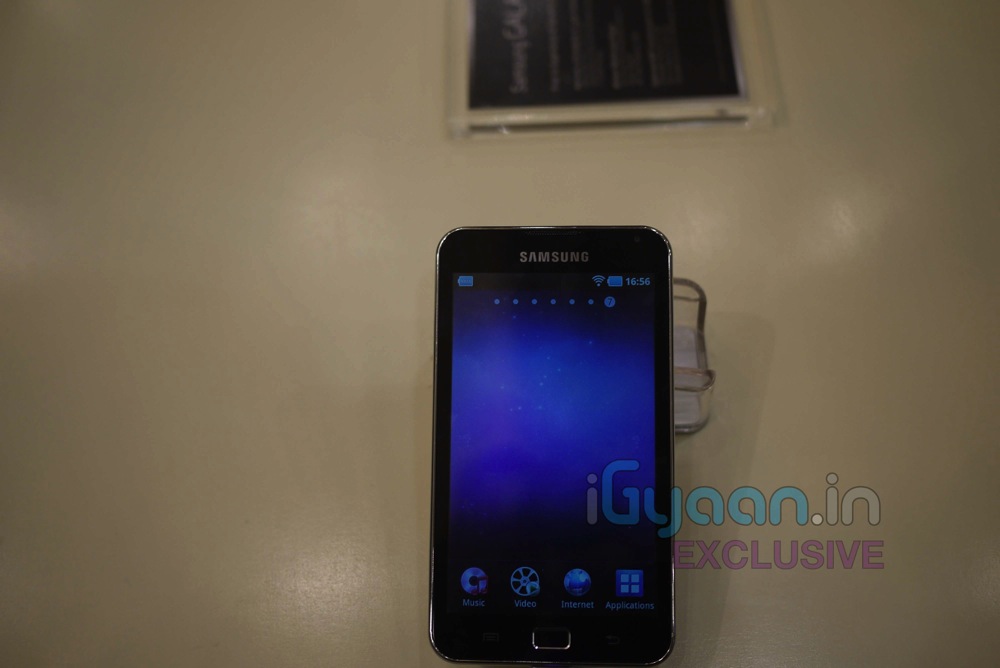
    We are Live at the Samsung Forum 2011 and we got some hands on time with the new Samsung Galaxy S Personal Media Player which was just announced for India. Check out the images below and Stay Tuned for the demo Video.

    Video Hands on (iGyaan Exclusive)

    Key Features

    * 141.3 x 78.2 x 9.9 mm
    * 5.0 inches ( 400 x 800 pixel ) LCD Capacitive Touch Screen
    * TouchWiz UI
    * Multi-touch input method
    * Touch-sensitive controls
    * Swype text input
    * Accelerometer sensor for auto-rotate
    * Digital Compass
    * 5 MP Camera with video recording, auto focus and LED flash
    * 2 MP  front camera
    * Android OS, v2.2 (Froyo)
    * 16GB internal memory which can be expanded up to 48GB
    * Wi-Fi, Bluetooth and USB
    * GPS with A-GPS support
    * 1 GHz Processor
    * Image and video editor
    * 2500 mAH Li-Ion battery

  • App a Day: MicDroid for Android

    App a Day: MicDroid for Android

    Hi Guys,


    Today we decided to review something fun for you. Here’s MicDroid from the Android Marketplace. Its a audio recording software which auto tunes your ‘be-sura’ voice into a one hit wonder. We had quite a lot of fun while playing with this app. It can provide random entertainment while your waiting for a bus or a train or in line for your movie tickets.
     

    Features:
    -Automatic pitch-correction
    -On-the-fly pitch correction
    -Email recordings
    -Set recordings as ringtone
    -Disable/enable ads in settings


    The best thing about this app is that its FREE! So record yourself, your friends and even your dog and post the links below in the comments. Although the app is still in Beta, it promises to have an exiting future.  You can get a free audio hosting account from Chirbit and upload files in multiple formats.


    Here’s a sample of us singing a popular song from Youtube.


    You can download the app from this link or scan the QR code below from your phone.


iGyaan Network
Privacy Overview

This website uses cookies so that we can provide you with the best user experience possible. Cookie information is stored in your browser and performs functions such as recognising you when you return to our website and helping our team to understand which sections of the website you find most interesting and useful.