Tag: internet explorer

  • Google Chrome Turns 10: The Journey

    Google Chrome Turns 10: The Journey

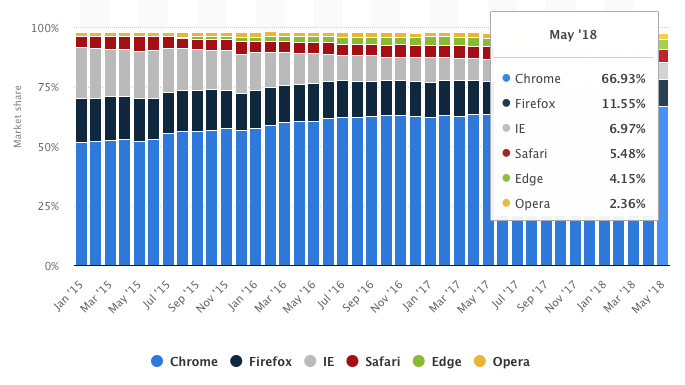
    10 years ago, Google brought the Chrome internet browser into this world. At a time when Firefox was battling the giant Internet Explorer and Safari was used by a few, Chrome marched in and built an empire for itself. Most switched to Google Chrome around 8 years back, and since then,  have never looked back.
    Google Chrome


    Google officially introduced Chrome in 2008 and it supported Windows at that time. By 2009, the company released Chrome for Mac Os and Linux as well. Fast forward to 2018 and Chrome now holds more than 60% of the internet browser market share, way ahead of its competition, the closest holding 11 %. The journey has been incredible, both for Google and the users. So here’s a look at 10 years of Chrome and the revolution that it brought along.

    The Rise and Fall of Microsoft:

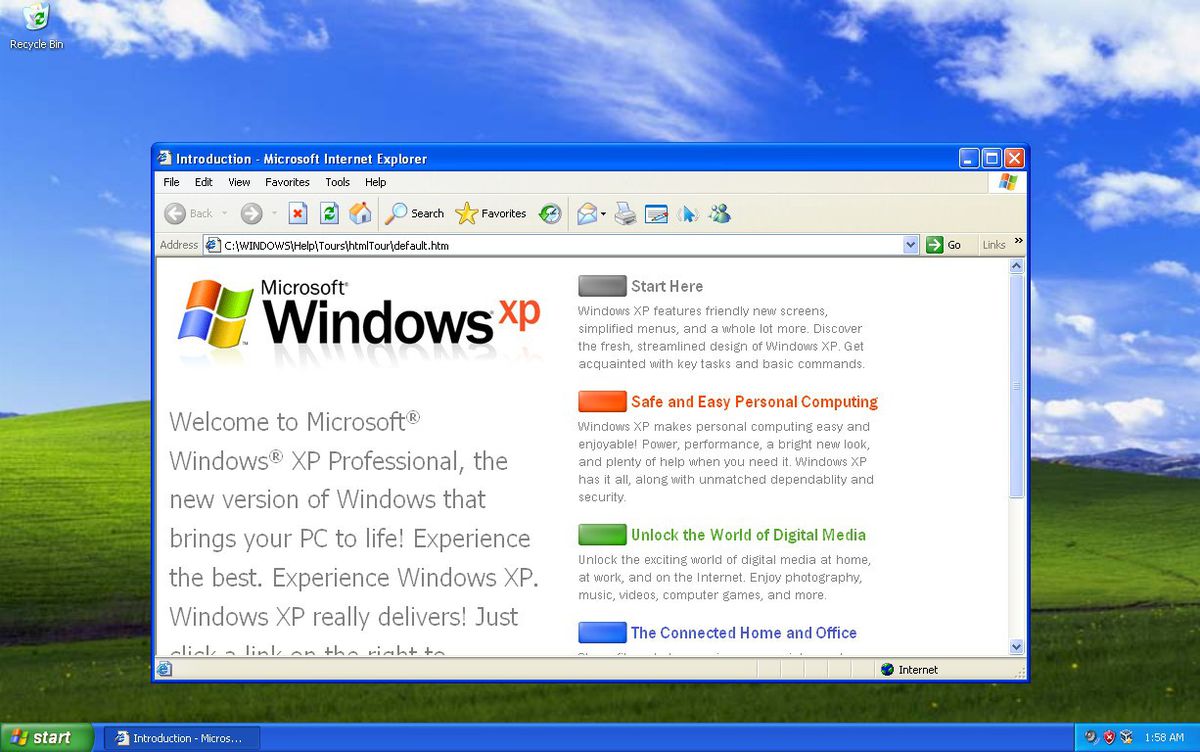
    In the early 2000’s, the only competition Microsoft had was from Netscape. After it gained certain victory over Netscape, Microsoft now dominated the market, mostly because it had no rival. Microsoft introduced the Internet Explorer 6 along with Windows XP. Internet Explorer 6 worked very well with certain features of XP and came into a booming internet market. The users of Windows XP utilised IE 6 to access the web and soon it became synonymous with the internet for those users. IE 6 continued to rise in popularity and soon commanded more than 90% of the market. The top position gave Microsoft the power to do what it felt, or so it thought. Microsoft started disregarding open web standards and policies. Most websites started optimising themselves for IE 6, giving one the best experience.
    With the rising popularity of the web, were set which would help developers design sites to work across various browsers and platforms. Microsoft largely ignored these standards. With the rising popularity of IE 6, developers had no other way out than to optimise their websites for IE.

    Soon competition rose in the form of Firefox and it came out with new features such as tabbed browsing and a pop-up blocker. With IE 7, Microsoft introduced tabbed browsing and a few other features to ensure its relevance is up to date. However, it didn’t make much of an effort to improve its compliance with web standards. The criticism against Microsoft started growing.

    Enter: Google Chrome!

    Google Chrome came crashing down on this. It focused on web standards and passed the Acid 1 and Acid 2 tests. These tests determined the degree of compliance with web standards that a browser exhibited. Microsoft had not been able to pass these tests at that point of time.
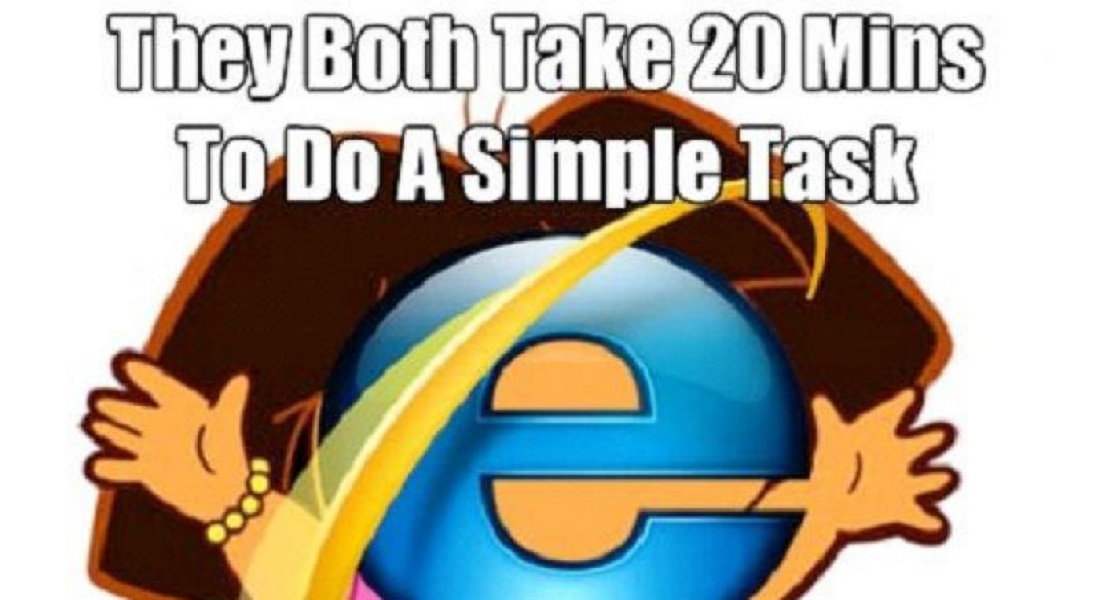
    The entry of Google Chrome made the Internet Explorer a Meme Favourite


    Soon, developers started moving towards Chrome as they could now build better websites based on web standards. Now Microsoft had two threats to worry about and the internet browser battle ensued. Google used components from Apple’s WebKit rendering engine and Mozilla’s Firefox to help build Chrome. It also made Chrome’s source code available openly under the name Chromium Project.

    Also Read: HMD Global Acquires PureView Trademark

    The Chrome Way:

    One of the most important features that Chrome brought with it was that of sandboxing. In simple words, sandboxing ensured that the contents of one tab stay in that tab. For example, if you accidentally access a sit which has malware or has been hacked, the sandboxing feature ensure that the other tabs will not be affected. Furthermore, the malware from that tab won’t spread into other parts of your computer. Sandboxing also helps in increasing the speed and stability of Chrome.
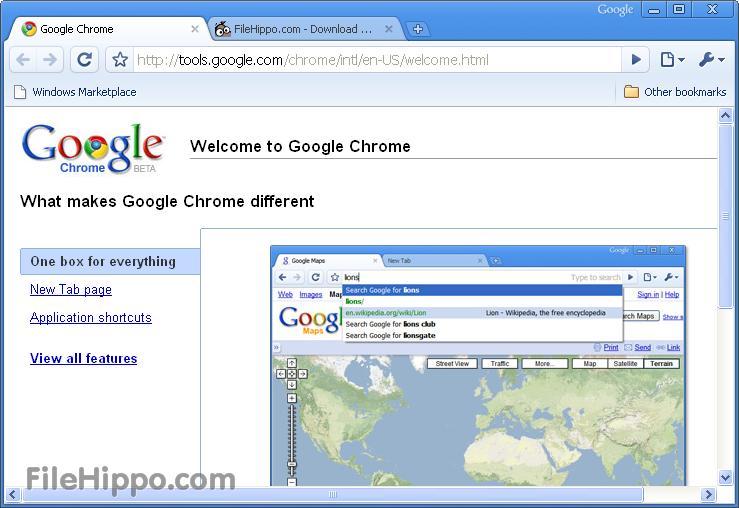
     

    Soon, Chrome evolved to become something that was just more than a browser for PC’s. Over the years, it has grown to be one of the most preferred browsers for laptops, mobiles and tablets as well. Numerous applications such as Opera and Steam also use Chrome’s Blink engine.

    However:

    It is not all sunshine for Google. Recently, Google has drawn criticism as some allege it is stepping into the same spot that Microsoft did years back. With the development of new apps that ‘work best with chrome’ on the rise, some comparisons can certainly be drawn. Apps like Google Meet, Allo, YouTube TV, Google Earth, and YouTube Studio Beta block Microsoft Edge from accessing them and instruct users to download Google Chrome instead.
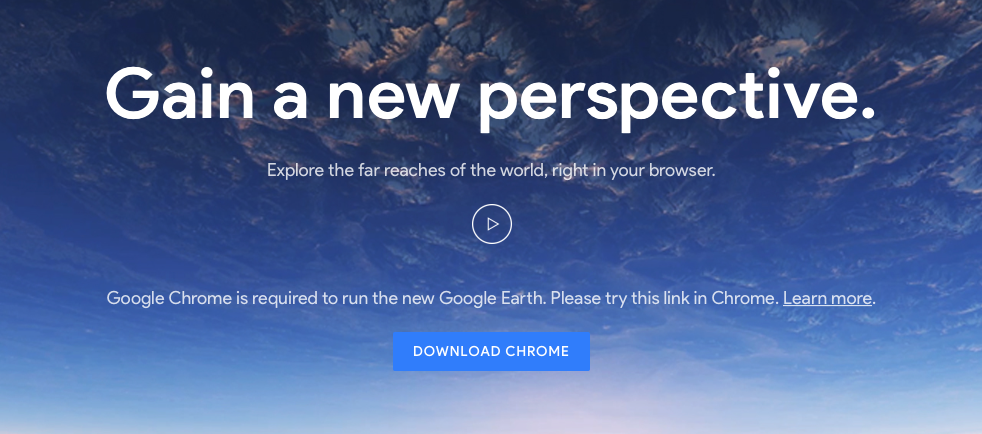
     

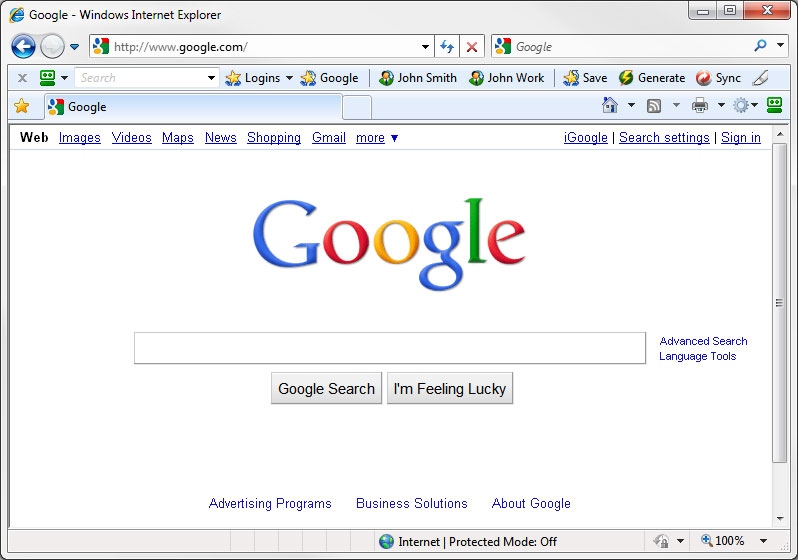
    The use of the Google homepage for the ‘propagation’ of Chrome is also something which cannot be ignored Since google is the most widely used search engine, millions of people visit the homepage every day. If you happen to visit the page through a browser other than google, numerous messages will suggest that you download Chrome instead of the regular browser.

    Companies other than Google are also making ‘Chrome only’ apps and websites optimised for Chrome. This surely does remind us of Microsoft’s tactics with IE 6. This is ironic, considering that Google Championed the cause of sticking to open web standards.

    The Future:

    Via Bleeping Computer


    Over a decade, Chrome has evolved into a platform and it is no longer just an internet browser. Chrome books are extremely successful and perform a majority of tasks revolving around the browser. Considering the fact that it has grown to such an extent within this time, it is exciting to think about what it may bring in the coming few years.


  • Microsoft Ends Support for Internet Explorer 8, 9 and 10

    Microsoft Ends Support for Internet Explorer 8, 9 and 10

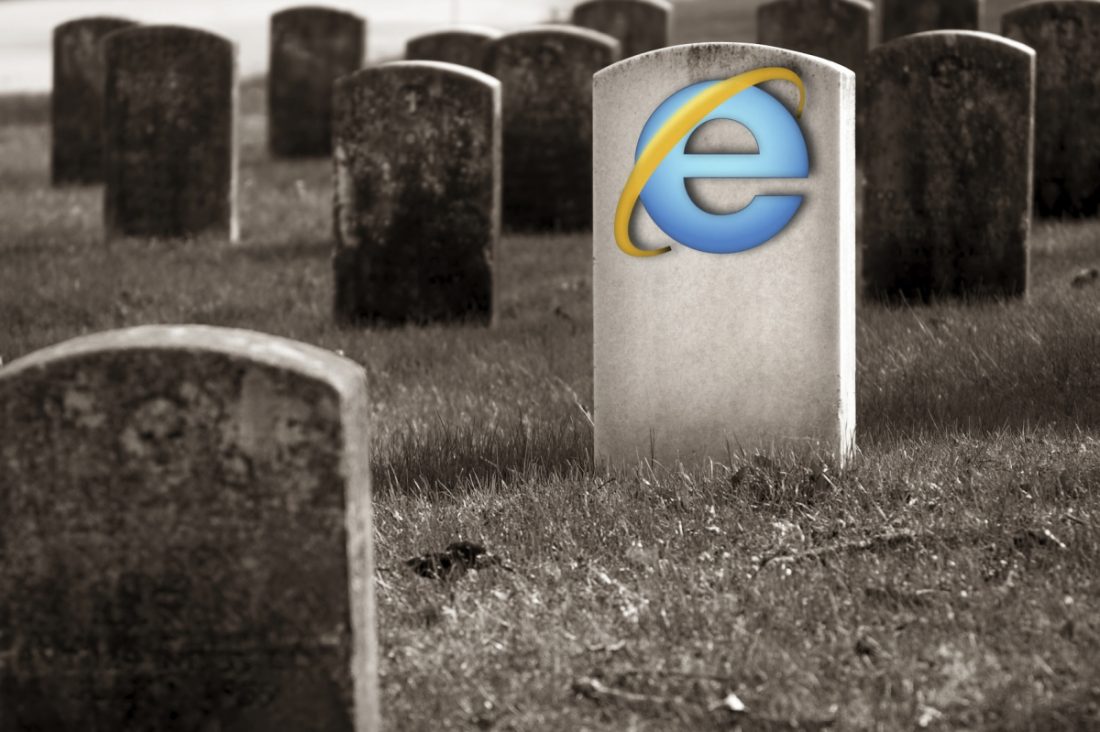
    The first generation of netizens would fondly recall their days of web browsing and how Internet Explorer played such an integral part in it. But looks like it’s time to let go and move on, folks, as Microsoft finalised its withdrawal of support for the browser. The company would no longer offer technical support or security updates for Internet Explorer 8, 9 and 10.Internet ExplorerMicrosoft had declared its plan to end support for the browser first in July 2014, and starting today, these plans have gone into action. However, the company would still continue to support Internet Explorer 11 and Microsoft Edge. Microsoft Edge comes embedded with any device running on Windows 10, and also offers integration with Cortana.
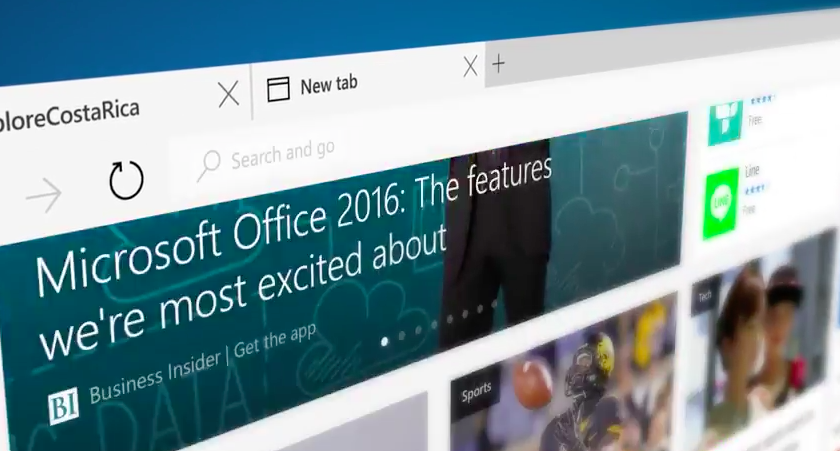
    If users wish to continue using the older versions of the browser -not sure if there are many takers for it to begin with -Microsoft warns you against malicious software that might harm your computer. According to statistics, one in every five internet user was still using Internet Explorer 8, 9 or 10 in December. However, looks like now users might want to experiment with other options, especially since there are so many available to them -Opera Mini, Google Chrome, Firefox, Safari et al.

  • Microsoft Introduces ‘Microsoft Edge’, the New Windows 10 Browser

    Microsoft Introduces ‘Microsoft Edge’, the New Windows 10 Browser

    Work on a new browser for Windows 10 has been underway since January. For months it  had been codenamed as Project Spartan, today Microsoft has finally unveiled this browser with a new name, Microsoft Edge. New features like faster rendering, voice assistant Cortana, note-taking mode, customizable reading note, these gave the Project Spartan an ‘edge’ upon the traditional Internet Explorer.

    Here are the new developments:

    Break-up with Internet Explorer

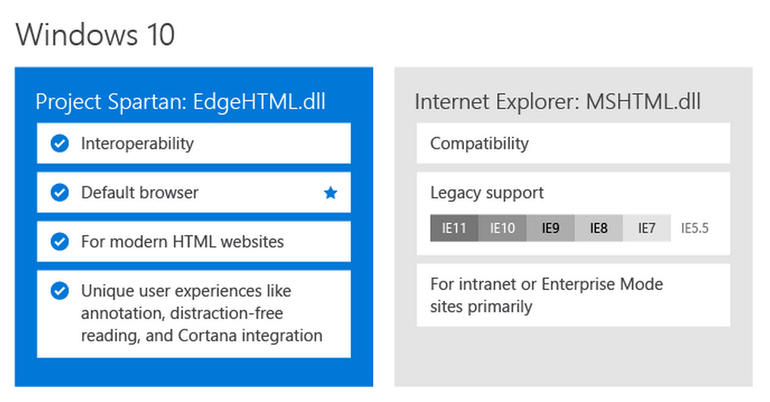
    It is definitely a replacement for the Internet Explorer because it features a new and faster rendering machine called EdgeHTML. With a basic and minimal designing layout, it looks like a browser from the future. It will be set as the default browser for Windows 10 and, as claimed by Microsoft, the only one that will be used by the customers.

    windows 10

    Microsoft Edge’s logo

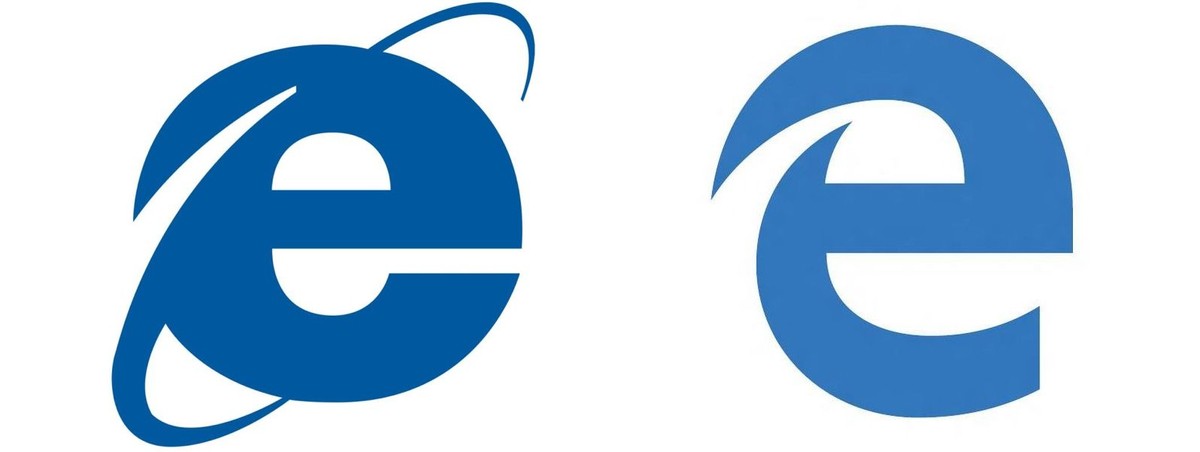
    Logo of the Edge browser does not stray far from its original logo of the Internet Explorer. The lower-case Explorer ‘e’ was not exactly a favourite among users after the entry of Mozilla or Chrome. The Edge’s logo is almost the same, just added a futuristic look to convey a message that it knows where it came from.

    edge logo
    Then and Now

    Edge will not support Extension until after RTM

     Though the browser is loaded with new features like Cortana, customizable reading note, etc., the company says the browser is not yet ready to be integrate RTM support on Microsoft Edge. It has said the Edge will continue to iterate through updates in the Windows Insider Program. Although still far off, Microsoft is now making it easier for developers to port extensions from other browsers.

    Check out the video below by Microsoft introducing Microsoft Edge

    https://www.youtube.com/watch?v=iH1D31YHsgY

  • Spartan Vs Internet Explorer : 6 Factors That Give Microsoft’s New Browser an Edge

    Spartan Vs Internet Explorer : 6 Factors That Give Microsoft’s New Browser an Edge

    When Microsoft made official its biggest innovation of the year, Windows 10, everybody was excited to hear about all the modifications it brought with it. It was not just another Windows upgrade, but was a whole new effort to push something fresh. Among other revelations that thrilled the audience, a huge amount of attention was gathered by the modern browser Spartan.

    Spartan is an entirely new web browsing platform for Windows 10 that holds a bunch of really cool new features. The browser has been designed to meet the demands of the today’s fast striding world with a pinch of simplicity. Spartan is the way ahead for Internet Explorer (IE) and a dive into the revolutionary world of the future.

    Here are some of the major differences that makes Spartan stand apart from the fast-fading Internet Explorer.

    1. Faster Rendering Engine:

    spartan edge

    The most vital and unnoticeable change that makes Spartan a real spartan is the all-new rendering engine ‘Edge’. It is the core of Spartan and is much faster than the existing renderer, Trident. It loads complex pages many times faster than the IE, making it a strong competitor of Google Chrome.

    Meanwhile, Windows 10 comes with two rendering engines as the latest Windows version comprises of two browsers. The Explorer works on Trident, while Spartan is powered by Edge; the latter is the default rendering engine on Windows 10.

    2. Voice Assistant Cortana:

    cortana-03

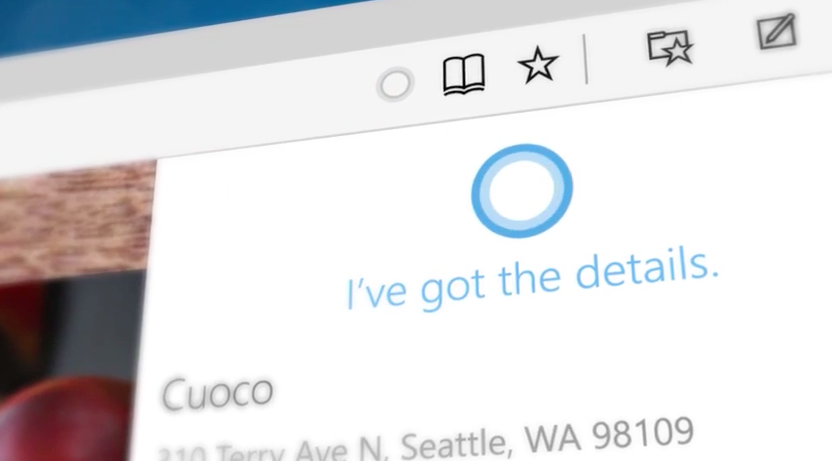
    Cortana is another significant development that has made Windows and Chrome users restless to try their hands on it. The web browser assimilates with the company’s digital assistance service, Cortana. Through the smart assistance, Windows 10 users can get information on flights, hotel bookings and other vital data on their browser. One can track a particular flight just by typing its name and all the data like departure time, arrival time and current status will appear.

    3. Note-Taking Mode:

    project spartan

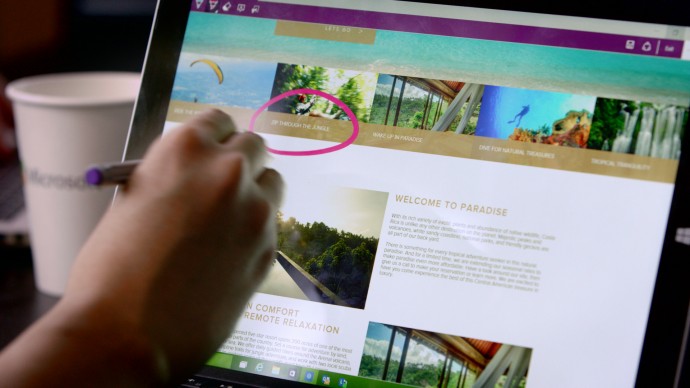
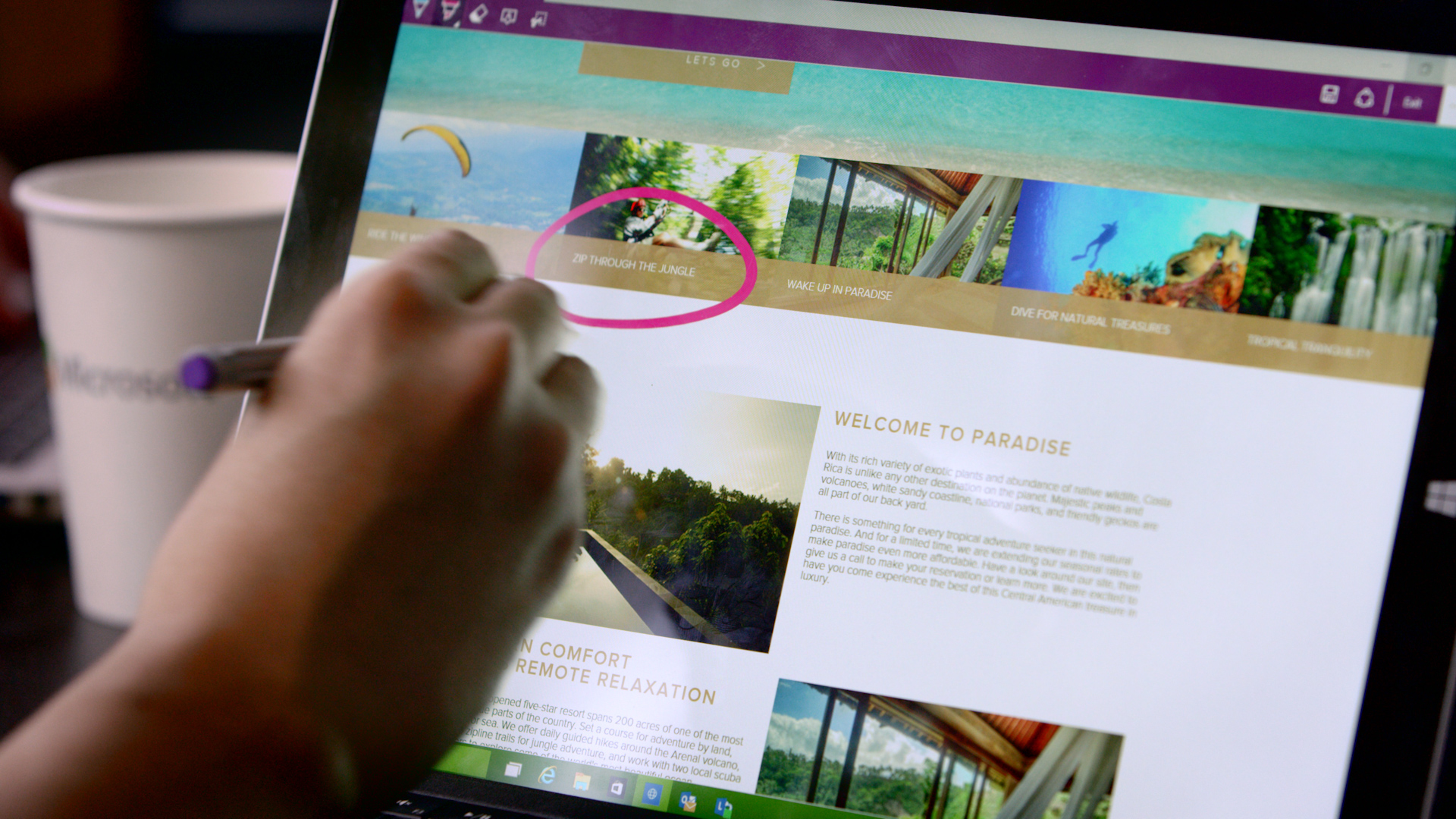
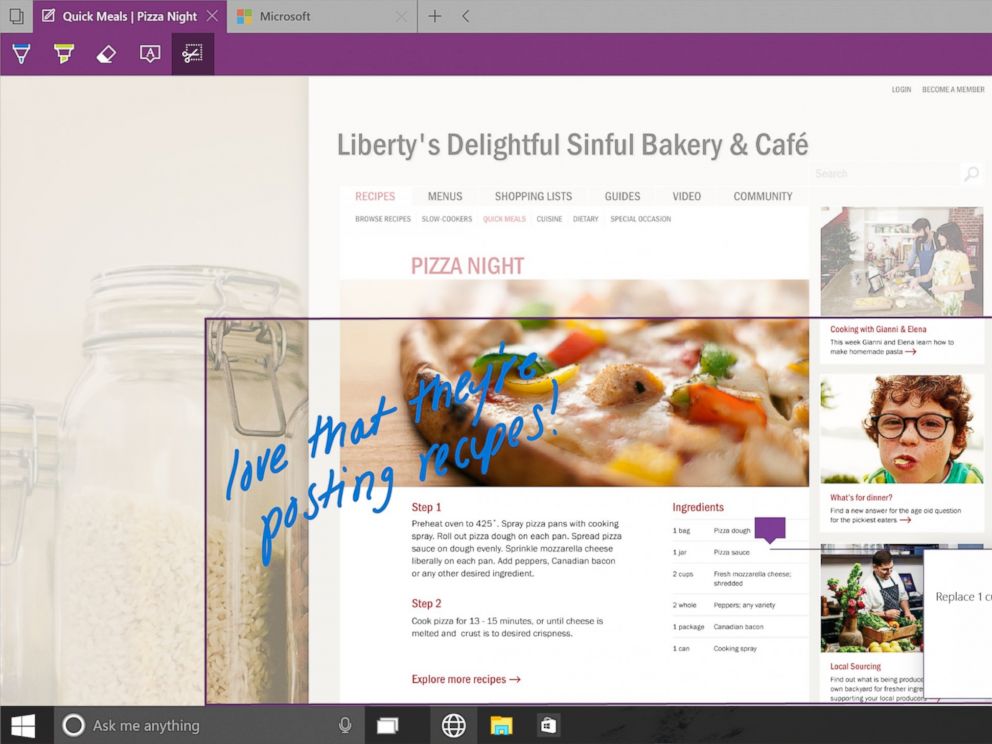
    Spartan has made it easy for users to highlight a specific section on the web page. The note-taking tool facilitates users to add comments and annotations to the web pages with the help of stylus. These pages can also be sent to a friend. As all the browsers support the web note service, the messages can easily be read by any of your friends or colleagues using a different version or OS.

    4. Clutter-free reading mode:

    IE will be replaced with Spartan which will be the browser of the future for Microsoft.
    IE will be replaced with Spartan which will be the browser of the future for Microsoft.

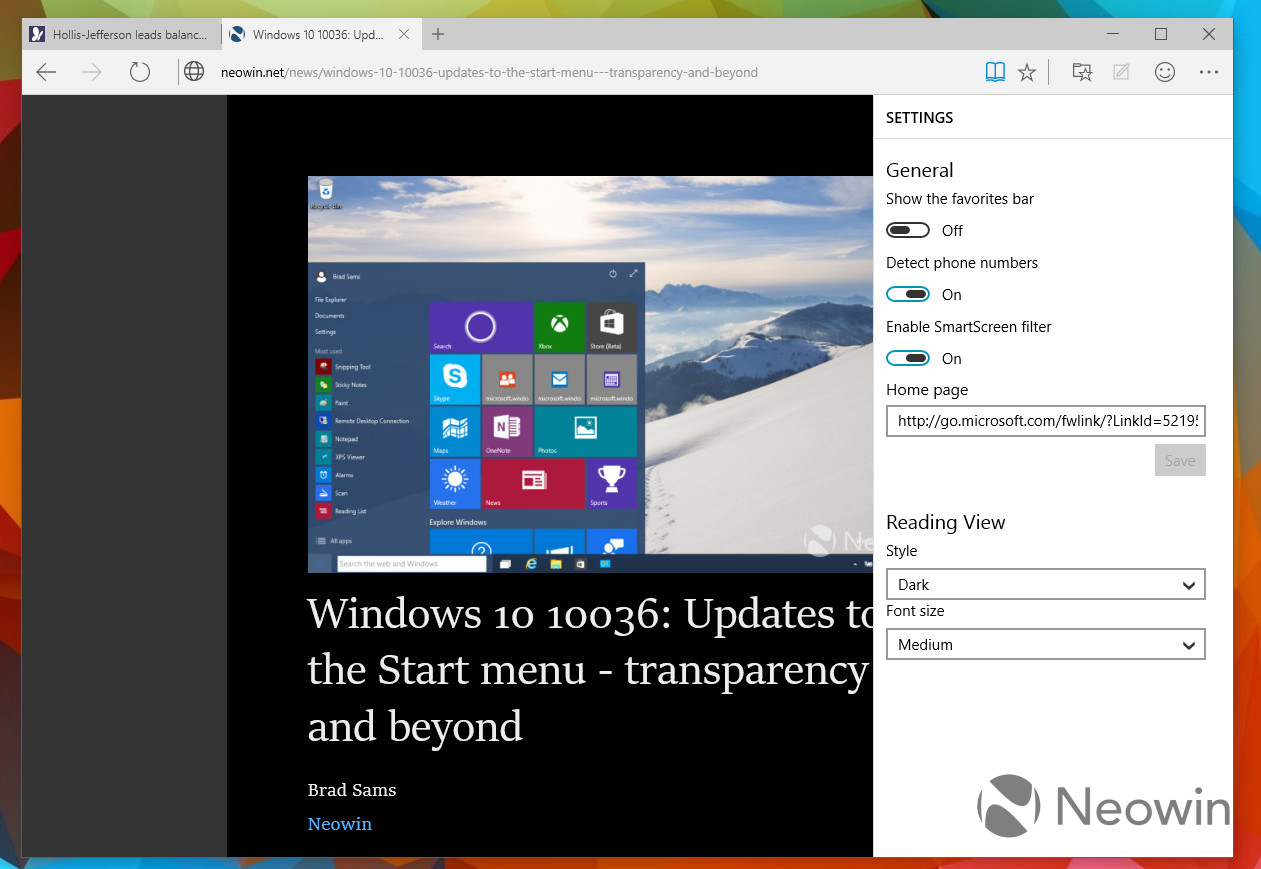
    One of the major modulation that is sure to mesmerise users is the clutter-free reading mode. The feature crops the important details and throws it ahead to focus on the information. The rest unwanted stuff is dumped in the background by default, giving users a de-cluttered view of the web page.

    5. Customizable reading list:

    spartan reading list

    It’s an another new feature in Spartan that offers users a facility of read PDFs and web pages offline. It’s a cross-platform feature that syncs URLs between devices. The feature is almost exactly like what Apple has already offered with its Safari browser.

    6. Simple interface with Group Tab Feature

    spartan interface

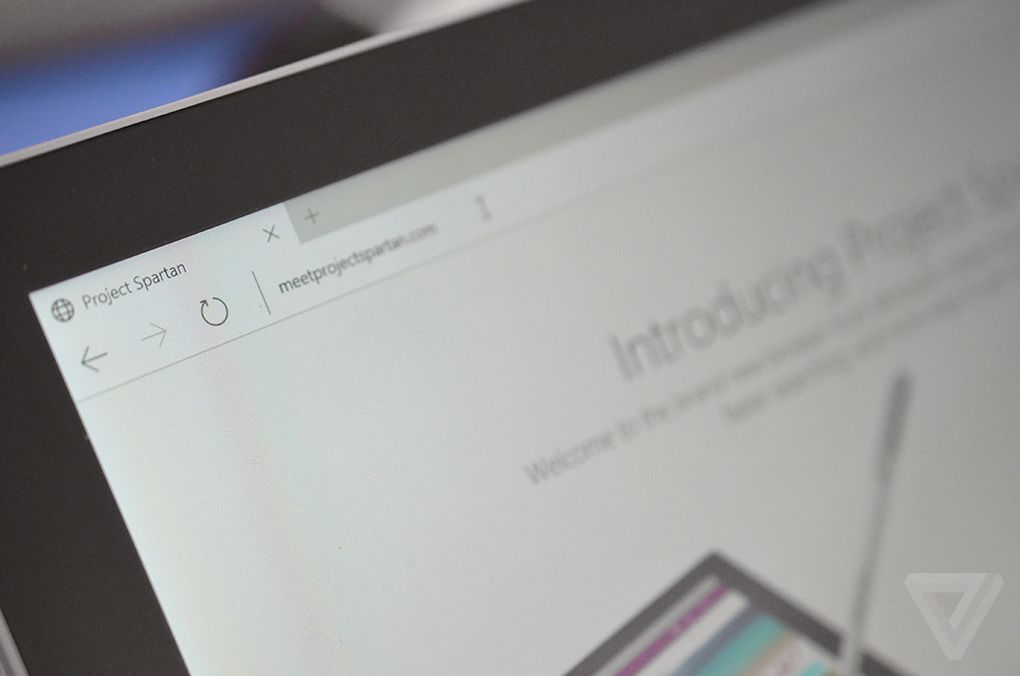
    Microsoft has kept its web browser simple because the more simple, the more elegant it looks. The interface is quite light, which makes it all the more appealing, and the icons have been designed for easy and quick understandability. Along with that, there’s a group tab feature that keeps multiple tabs in an organized manner. One can split work tab from personal tab to declutter the messy screen.

    With the launch of Spartan, Internet Explorer – one of the vital means to bring internet to the masses since 1995 – has taken a backseat in Windows 10. It is estimated that Project Spartan will soon be a pivotal part of the golden tech history.

  • Microsoft is Breaking Up With Internet Explorer, Nice and Slow

    Microsoft is Breaking Up With Internet Explorer, Nice and Slow

    It was once the only way to connect to the internet in most personal computers. For years, Microsoft’s Internet Explorer brought internet to the masses. Before the arrival of multiple tabs, search from address bars, and a multitude of browsers to choose from, there was the Internet Explorer (IE). Now it’s the year 2015, and we have come a long way from 1995 when IE first came into existence. The browser landscape has changed dramatically, and Microsoft has decided to slowly say farewell to the good old IE.

    Microsoft launched the Internet Explorer in 1995 as an add-on package Plus! for Windows 95. After its launch, Microsoft had to face a much publicised lawsuit against the American government who alleged that by integrating the internet browser with the operating system, the company was engaging in monopolistic behaviour. It was said Microsoft’s inclusion of a web browser would be severely detrimental to other browsers of that time such as the Netscape Navigator. Microsoft used its monopoly power and eventually won the war of browsers as well as reached a settlement, in that case.

    Over the years, IE has constantly lost ground to newer browsers like Firefox and Chrome.
    Over the years, IE has constantly lost ground to newer browsers like Firefox and Chrome.

    In recent years, there have been immense developments in the field of browsers and IE has now taken a back-seat. Not just that, it has received much ridicule over the internet for not keeping up with the times. Browsers like Mozilla Firefox and Google Chrome are fast eating into the IE’s market share though IE still enjoys a comfortable majority with almost 40% of the market share as its present by default in most systems.

    Coming to the future of IE, Microsoft has already announced that it would be replacing IE for a whole new default browser for Windows 10 OS with what is presently known as Project Spartan. Internet Explorer will still be present on a few Windows 10 systems, for enterprise consumers who use it for its business applications. Microsoft had previously said that the new rendering engine for Spartan will also be shared with IE, but the company said that it would not be doing that any more.

    IE will be replaced with Spartan which will be the browser of the future for Microsoft.
    Internet Explorer will be replaced with Spartan which will be the browser of the future for Microsoft.

    In Windows 10, IE will be carried forward unchanged from Windows 8.1. Spartan, on the other hand, will offer unique features that would let it take on the present giants of the business. Microsoft’s voice assistant, Cortana, will also feature in this new browser to make it easier for you to find what you are looking for.

    Every journey has its end, and IE is on the last leg of its journey. As the enterprises and governments who still use IE shift to newer browsers, IE will rapidly lose its share in the market. But considering the iconic stature of the browser, Microsoft needs to send it off in style. We hope Microsoft gets this message, and it hosts a legendary farewell event for the grand old Explorer.

  • Top 5 Expected Features of Microsoft’s Windows 10 Browser, Spartan

    Top 5 Expected Features of Microsoft’s Windows 10 Browser, Spartan

    Microsoft’s new Windows 10 internet browser, codenamed Spartan, has started to garner attention. Various leaks and rumors suggest that Spartan will be one of the major elements of Microsoft’s upcoming Windows 10 operating system and will come with some ground-breaking features which are currently missing in competing browsers such as Chrome and Firefox.

    We’ve listed the top 5 expected features of the Windows 10 internet browser, Spartan.

    1. Digital Inking Support

    Spartan-Microsoft

    Word has it that Spartan will include digital inking support which allows Windows 10 users to annotate a web page with a stylus and send the notes and annotations to a friend or colleague. According to The Verge, the annotated Web pages will be capable to be stored on OneDrive, “which can be accessed by any browser across multiple platforms”.

    2. Cortana Integration

    cortana-03

    The recent rumors claim that the Spartan web browser will be heavily linked to Microsoft’s Cortana digital assistant. Moreover, current features that work with Bing on Internet Explorer will be used on the Cortana interface in Spartan. Given that the company has already revealed that Cortana will form an integral part of the Windows 10 operating system, this speculation makes sense.

    3. Group Tabs

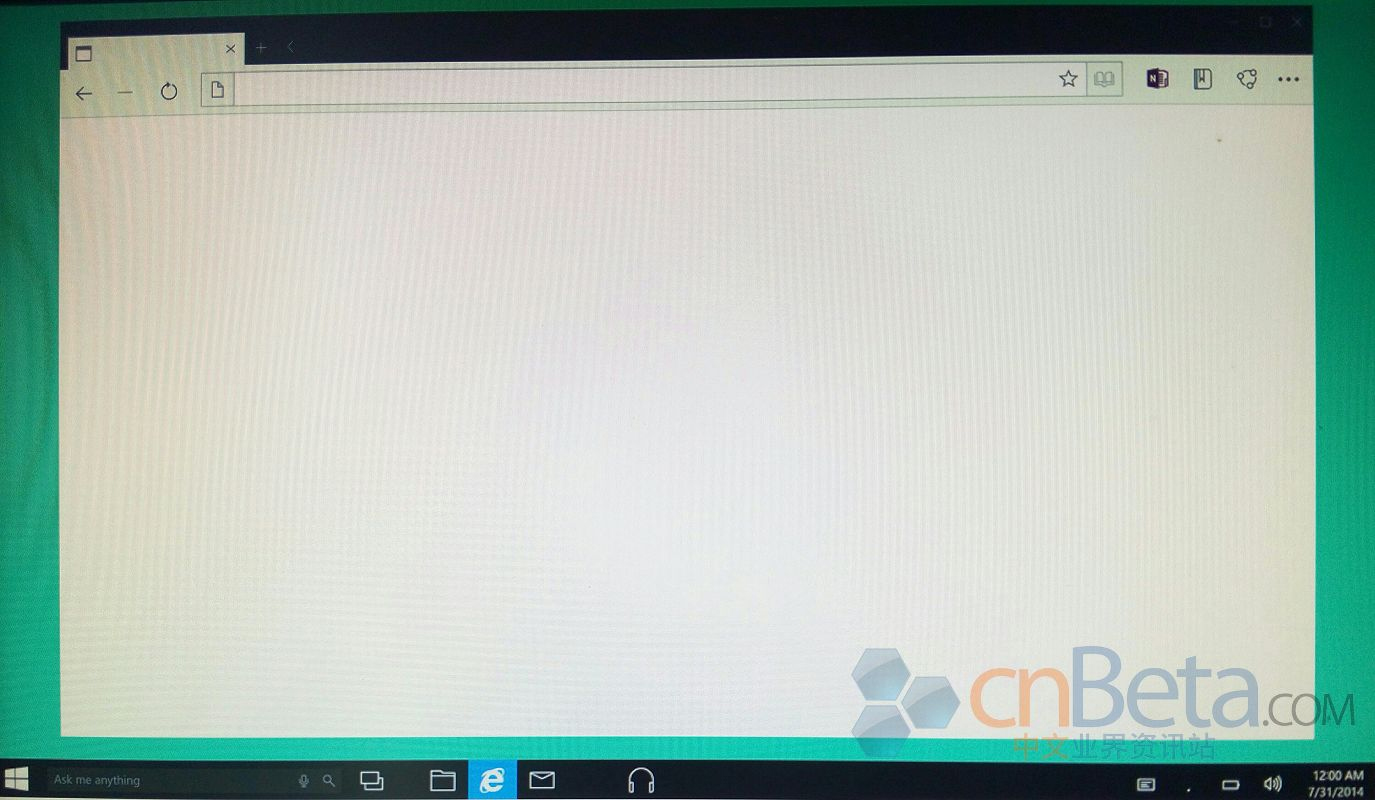
    Leaked images of Spartan  by Cnbeta
    Leaked images of Spartan by Cnbeta

    A third major feature of Spartan will be a new way to group tabs together which will help declutter the occasionally messy interface of multiple browser tabs. Spartan may allow users to open multiple sites in grouped tabs together, so they can do things like compare prices of a new phone without having to switch between tabs or split up personal tabs from work ones.

    4. Fast Updates

    spartan-browser

    According to leaks, Microsoft is planning to feature Spartan as an app in order to facilitate smooth and faster updates. Right now, Internet Explorer isn’t an app that Windows 8 or Windows Phone users get via the Windows Store or Windows Phone Store; it’s part of the OS platform. By making Spartan an app, Microsoft should be able to update it more quickly.

    5. Minimalistic Design

    cortanaspartan.0

    Spartan will use the Trident rendering engine and the Chakra JavaScript engine that are a part of the Internet Explorer. It is expected to look and work more like lightweight browsers such as Google’s Chrome and Mozilla’s Firefox. It will allegedly support extensions. Also, the company originally was expected to add custom themes to the new browser. It appears that will not be the case at launch. However, it is possible custom themes may come in future updates.

    Microsoft has said that the browser is not just a newer version of the Internet Explorer but a different browser altogether. Microsoft is expected to show off and discuss Spartan during the 21st January Windows 10 preview event it is hosting in Redmond, Wash.

  • Apple’s iCloud now Lets Windows users Sync Bookmarks With Chrome and Firefox

    Apple’s iCloud now Lets Windows users Sync Bookmarks With Chrome and Firefox

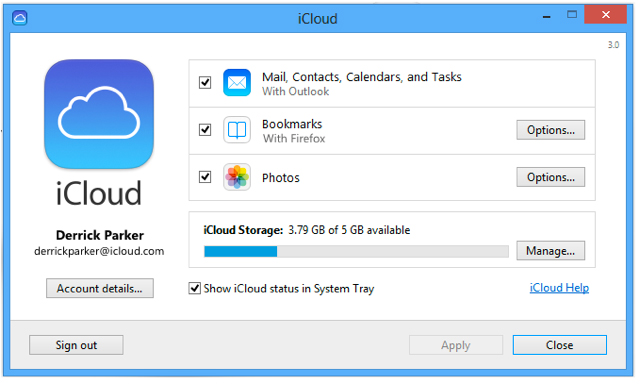
    Apple’s iCloud previosuly allowed Windows users to sync mobile Safari bookmarks with Internet Explorer, but now Apple is opening this functionality up to more web browsers

    The additional functionality comes by an update to Apple’s iCloud Control Panel for Windows, a small app designed to keep contacts, calendars and bookmarks up-to-date between iOS devices, Mac and PC.

    As reported by Apple Insider, the extra options mean the majority of Windows users will be able to take their bookmarks with them without resorting to using a third-party browser like Chrome for iOS. It also means that PC users can enjoy far greater freedom of browsers than those with Macs can.

    Apple notes that the appropriate iCloud Bookmarks extensions for Chrome and Firefox must be installed for the system to work. Apple has yet to add iCloud bookmark syncing support for the Mac versions of Chrome and Firefox.

    iCloud Control Panel 3.0 for Windows can be downloaded for free from Apple’s Support Downloads webpage.

  • Internet Explorer 11 Release Preview For Windows 7 Now Available

    Internet Explorer 11 Release Preview For Windows 7 Now Available

    For the past few months, Windows 8.1 Release Preview users have been able to test drive the latest Internet Explorer – Internet Explorer 11. Now Windows 7 users are getting that same opportunity.

    Microsoft announced today that the Internet Explorer 11 Release Preview is now available on Windows 7. Just like the Windows 8 version, IE11 will make extensive use of hardware acceleration. According to Microsoft, this new version is about 9% faster than IE10 and 5% faster than the developer preview. Microsoft also claims Internet Explorer 11 is 30% faster than any other browser.

    Microsoft also has removed the prefixes from the Pointer Events API for HTML5. That means that the API will no longer an IE-specific flag to work in non-IE browsers. The API governs how the browser reacts to input from multiple “pointers,” including mouse, pen, and touch screens, which are of utmost importance to Microsoft now that most Windows 8 hardware ships with touch screens.

    “This release also signals the final preview release before general availability of IE11 for Windows 7 later this fall,” said Roger Capriotti, Microsoft’s senior director of product marketing for Internet Explorer, in a statement.

    No word yet on the final release, but given the timing, certainly by the end of the year, we’re guessing within 30 days of the general availability of Windows 8.1.

    It can be downloaded from the Microsoft Download site here:  Internet Explorer 11 Release Preview for Windows 7

  • Microsoft Releases Internet Explorer Security Bugfix

    Microsoft Releases Internet Explorer Security Bugfix

    Microsoft has released a temporary software fix for a bug in its Internet Explorer web browser. Cybercriminals used the flaw to install the Poison Ivy trojan on users’ computers. This piece of malware can steal data or take remote control of a PC.

    [quote]”Earlier this week, an issue impacting Internet Explorer affected a small number of customers. The potential exists, however, that more customers could be affected… On September 21, we will release a cumulative update for Internet Explorer through Windows Update and our other standard distribution channels,” Trustworthy Computing Director Yunsun Wee said on the Microsoft Security Response Centre website. [/quote]

    The solution will be automatically installed on PCs running on Microsoft’s Windows operating system if the machine is set up to receive important updates, Wee added. 

    Microsoft had began offering a temporary patch for the problem on September 19. 

    “We have released a Fix it (on September 19) that is available to address that issue. This is an easy, one-click solution that will help protect your computer right away. It will not affect your ability to browse the web, and it does not require a reboot of your computer,” Wee said. 

  • Google Chrome becomes worlds most popular browser, IE left in the dust

    Google Chrome becomes worlds most popular browser, IE left in the dust

    Google Chrome has now become the world’s most popular internet browser as it leaves the long running champion the “Internet Explorer” in its dust. According to new numbers from StatCounter, last week Google’s Web browser garnered a 32.76% share, ahead of Microsoft’s 31.94% and Mozilla Firefox’s 25.47% share. At the start of this week, however, Chrome’s share began to slide, falling to 31.88%, just ahead of Internet Explorer’s 31.47% share.

  • Internet Explorer 10 Preview 4 out : Windows 7 not supported

    Internet Explorer 10 Preview 4 out : Windows 7 not supported

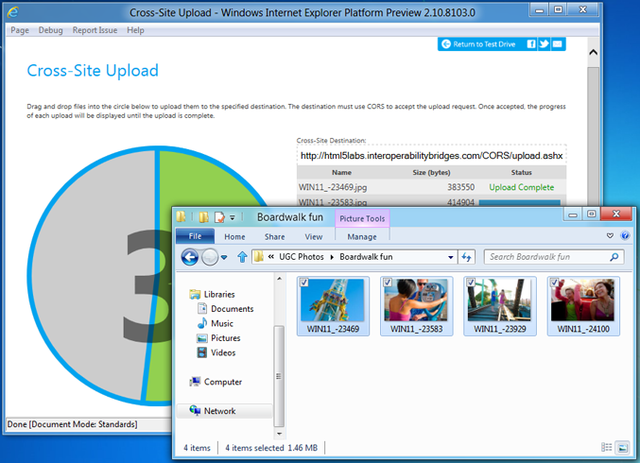
    Microsoft has just released the 4th preview of the Internet Explorer 10, with feature improvements targeted at creating Rich and creative Web Apps for the Browser. There should be little energy movement for this new preview because  most devs will not be able to use the browser, because it can only run on Windows 8 preview release that came during BUILD conference. 

    The new features include Cross-Origin Resource Sharing (CORS), JavaScript typed arrays and binary file manipulation, and HTML5 video subtitling. Typed arrays and support for binary files enable much better performance for JavaScript applications that handle binary data, such as images and audio. CORS provides a safe way for JavaScript applications to use services offered by different providers. CORS allows one application to expose its data to another application even when the same-origin policy would otherwise deny such access.

    Focusing more on Metro Style UI and Apps, looks like Microsoft missed the point of the preview. Since the entire developer community develops on Windows 7, excluding them from the preview will exclude the time and the insights they could have given.

  • Internet Explorer share dips to 50%, marks the end of a legacy?

    Internet Explorer share dips to 50%, marks the end of a legacy?

    The Microsoft Internet explorer has been the most popular browser since forever, it still is. But its share has rapidly dipped from the 95% high seven years ago to around 50% and dipping. The market is more attuned now to using new age browsers like Chrome and Firefox, which are much more flexible to the users needs. According to  Net Marketshare’s latest report the browser has dipped to its all time low and is expected to dip further by the end of the year. The browser is still the highest used, but the gap is quickly decreasing with Firefox now owning 23% and Chrome sustaining a large 19% chunk of the market pie.

  • Google Chrome eating IE and Firefox’s share of the Pie, Now at 20.7% of Total Market

    Google Chrome eating IE and Firefox’s share of the Pie, Now at 20.7% of Total Market

    StatCounter reports suggest, Google’s Chrome web browser now has a 20.7% share of the web browser pie, An increase of seven times over just two years. This also means that highest competition Internet Explorer’s Share is now only 50% of the total pie and Firefox has a 28% share which has come down from 30%.


    StatCounter gathers its data from more than 3 million websites with more than 15 billion page views.

  • Internet Explorer 9 first to get WebM support courtesy a ‘preview plugin’

    Internet Explorer 9 first to get WebM support courtesy a ‘preview plugin’

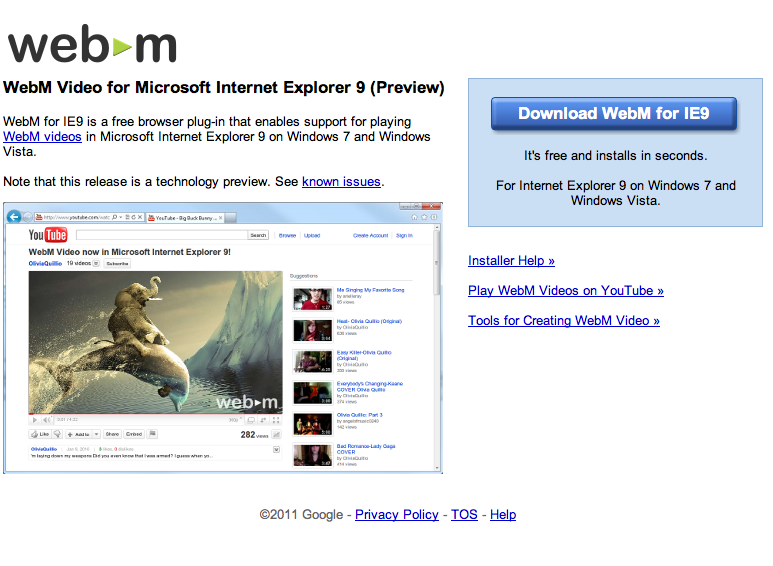
    Google has release a preview plugin that will enable WebM support on the recently released Internet Explorer 9.  The plugin will enable WebM compatible content, a one time download is required.

    [WebM for IE9]

iGyaan Network
Privacy Overview

This website uses cookies so that we can provide you with the best user experience possible. Cookie information is stored in your browser and performs functions such as recognising you when you return to our website and helping our team to understand which sections of the website you find most interesting and useful.