Tag: laptop

  • Dell Unveils Latitude 7400 Laptop With New ExpressSign-In Feature

    Dell Unveils Latitude 7400 Laptop With New ExpressSign-In Feature

    The advent of technological innovation has made human lives easier. A couple of decades ago, fingerprint sensor or facial recognition was a term pulled straight out of a science fiction novel. American multinational company Dell has launched a new laptop, the Latitude 7400 that takes another step towards the seamless integration of modern technology into our lives. The company introduced a new method of turning on a laptop and logging in without touching the keyboard at all.

    ExpressSign-In 

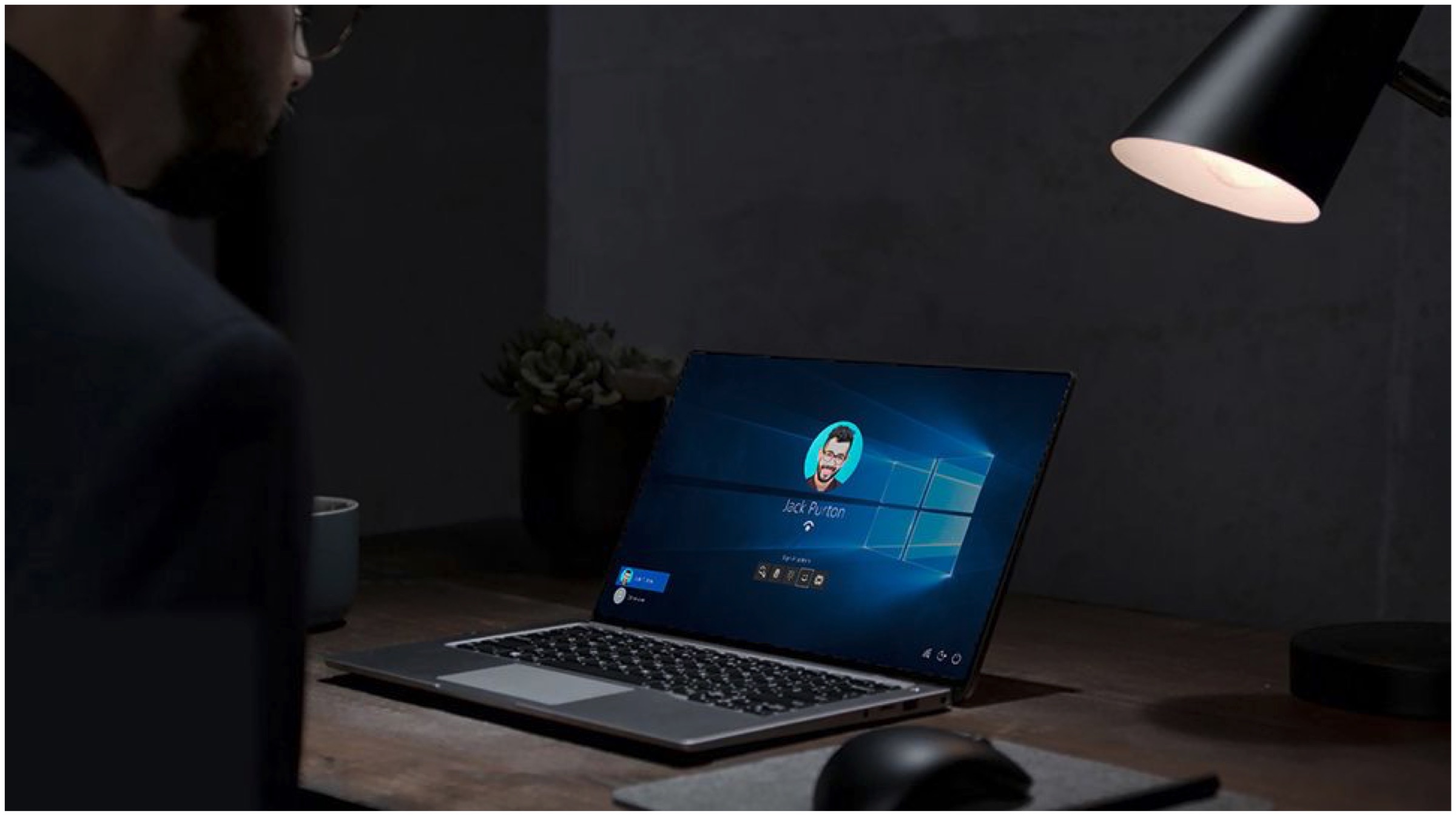
    The new ExpressSign-in feature from Dell will now scan for the user’s face even when the system is in sleep mode to automatically sign in to the system. The feature is introduced in a recently unveiled business-oriented laptop, the Latitude 7400 2-in-1. Apart from the new login feature, the laptop features a slim form factor.
    Dell Latitude 7400

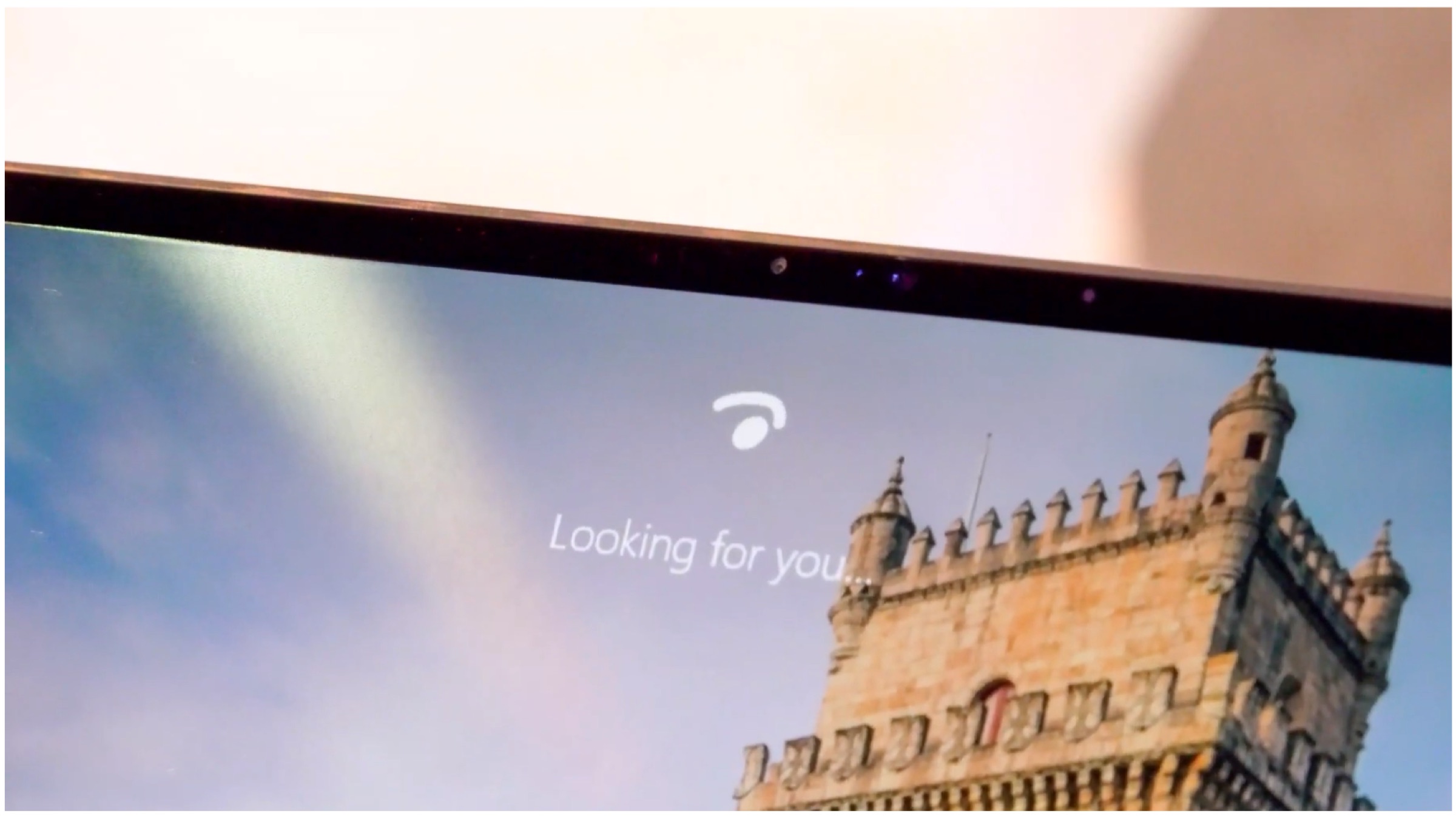
    Dell achieves the new login method with the help of Intel’s Context Sensing technology and Microsoft Windows ‘Hello’ recognition system. The Hello recognition system and other fingerprint-based sensors have aimed towards making life easier with previously attempted hands-free tests. Dell’s new method, however, takes this a step forward with the Latitude recognizing the user’s face and boots up with no user input via keyboard or any other device.
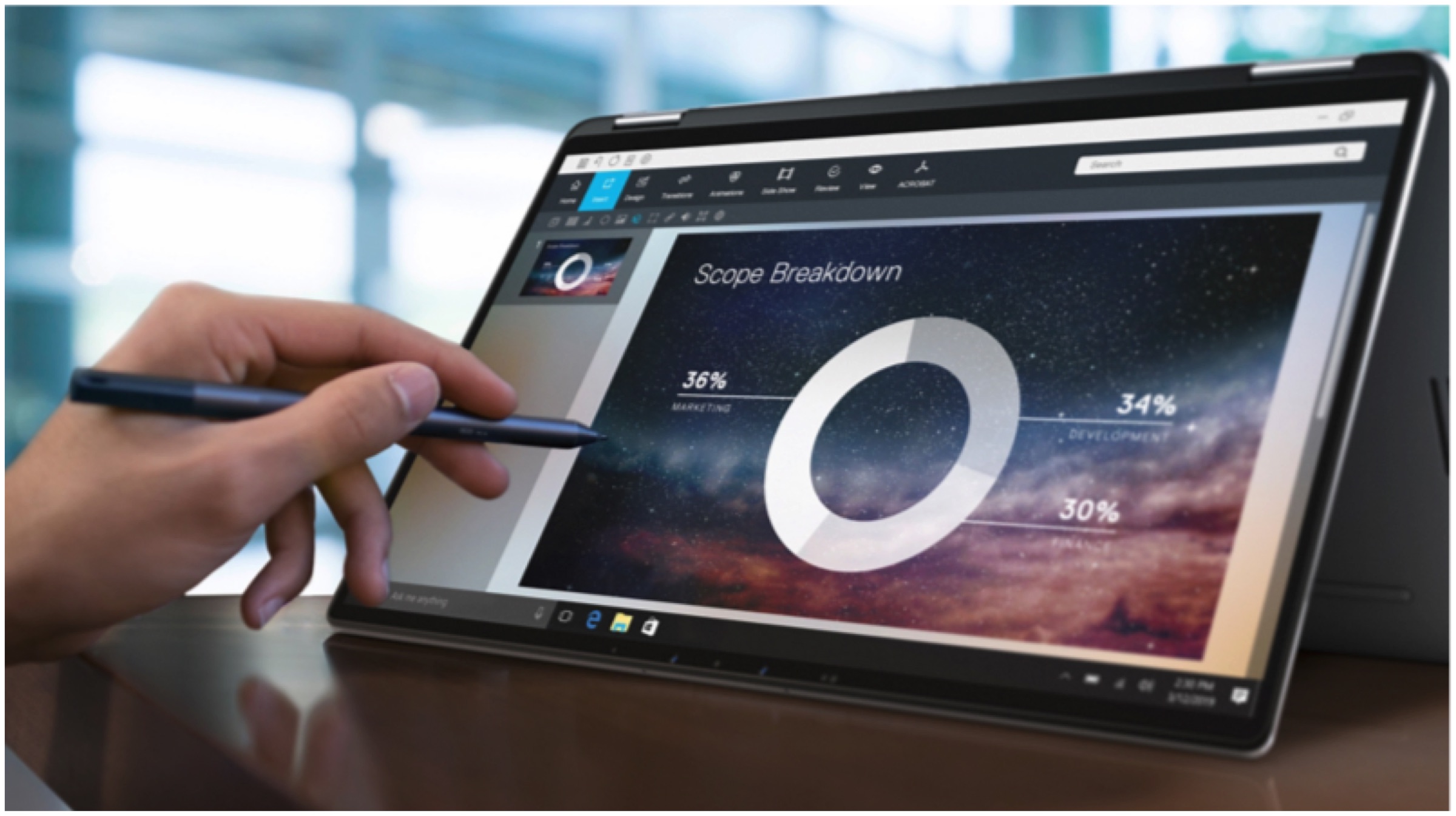
    Dell ExpressSign-In Latitude 7400

    Dell’s trick to the new login method is to simply look at the screen while proximity sensors enable two LED lights to strobe from either side of the camera. After the screen turns on, the Windows Hello eye icon will try to recognize the user. The entire process of recognition by the system takes less than 5 seconds, as demonstrated by the company. 

    Specifications

    The Latitude 7400 2-in-1 from Dell is equipped with the i5 8th Generation Intel Core Processor with 8GB of RAM, which can be expanded up to 16GB. The laptop has various internal storage variants that start from 128GB PCIe/NVMe to 512GB. The battery pack also gets two variants: a 4-cell 52WHr and a 6-cell 78WHr. The laptop houses two USB 3.1, two Thunderbolt, HDMI, SIM, and a microSD card reader ports. 
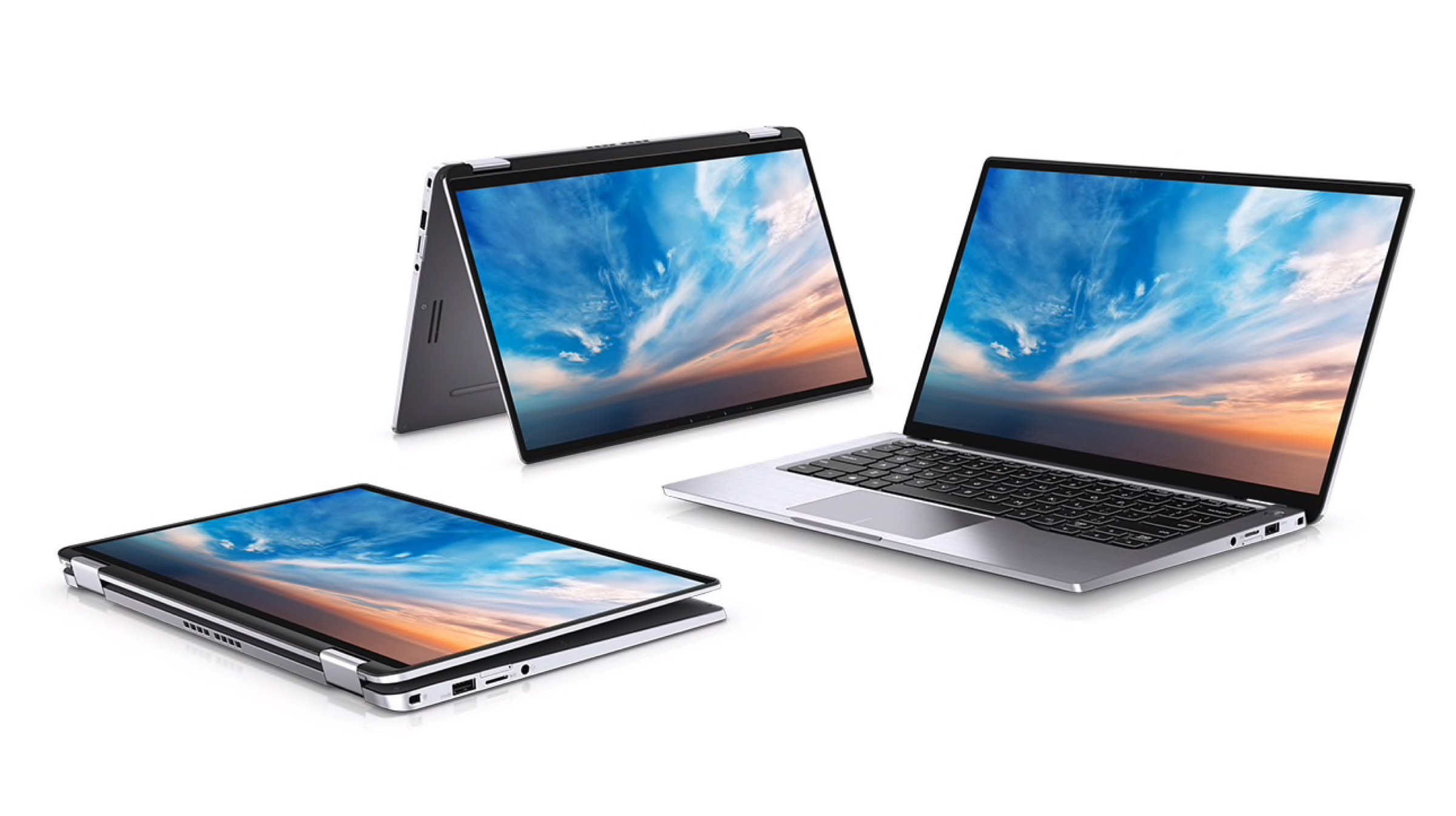
    Dell

    Also ReadMicrosoft Renames The Windows 10 Xbox App To Xbox Console Companion

    The aforementioned configuration is packed in 12.59 x 7.87 x 0.34-inch compact form factor, with an all-aluminium build. The laptop also has a backlit keyboard. Dell Latitude 7400 is currently available for purchase starting from $1,599 (approx. Rs.1,11,000) and going upto $2000 (approx. Rs.1,38,000) for the specced-up variants.
  • HP Launches The Spectre Folio, Spectre x360 In India

    HP Launches The Spectre Folio, Spectre x360 In India

    US Electronic giant HP at an event today in New Delhi has launched two products under its premium Spectre series. The company has launched the Spectre Folio and the Spectre x360 in India. Both the devices are a 2-in-1 and feature 8th generation Intel chipsets.


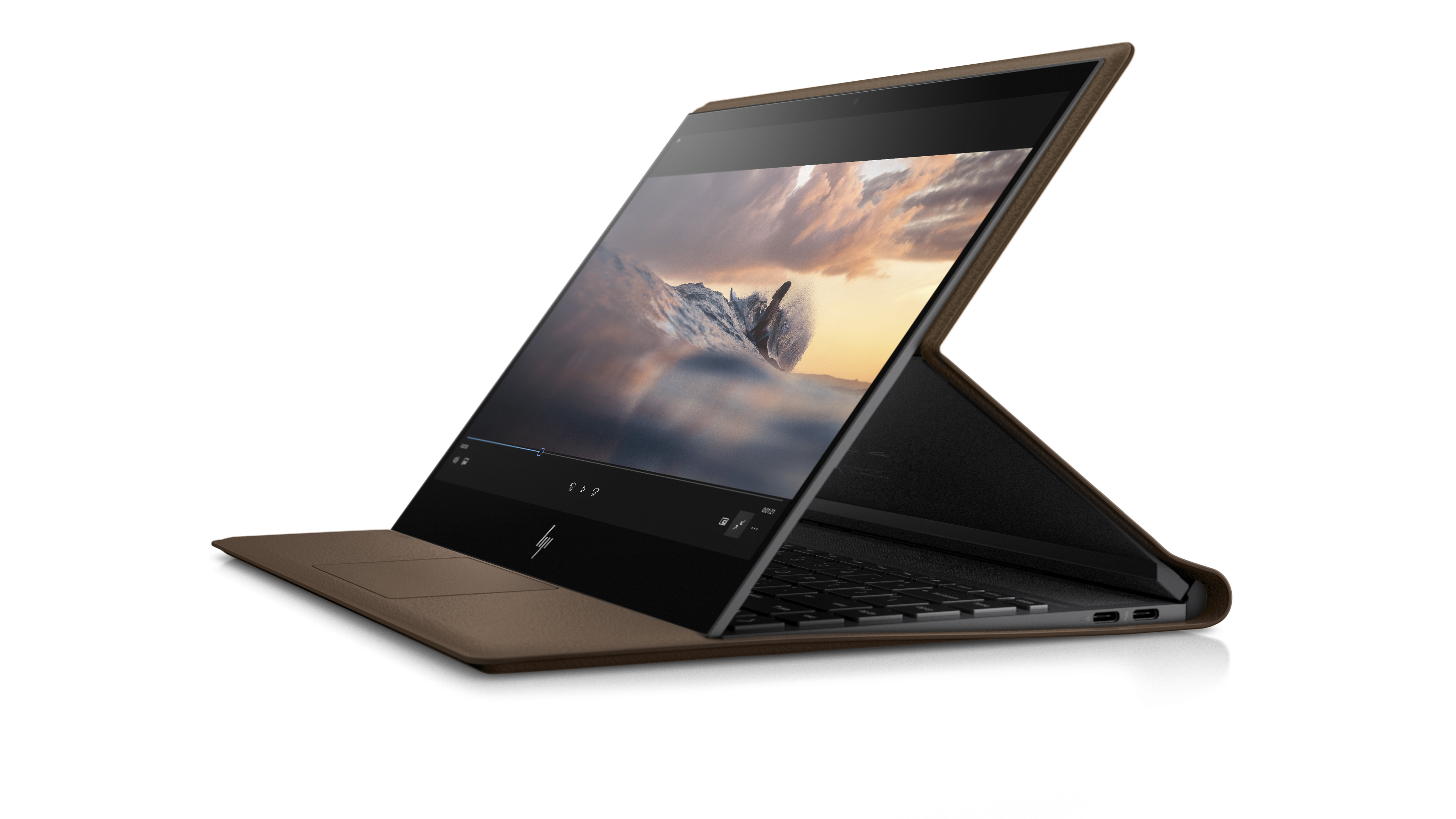
    HP Spectre Folio

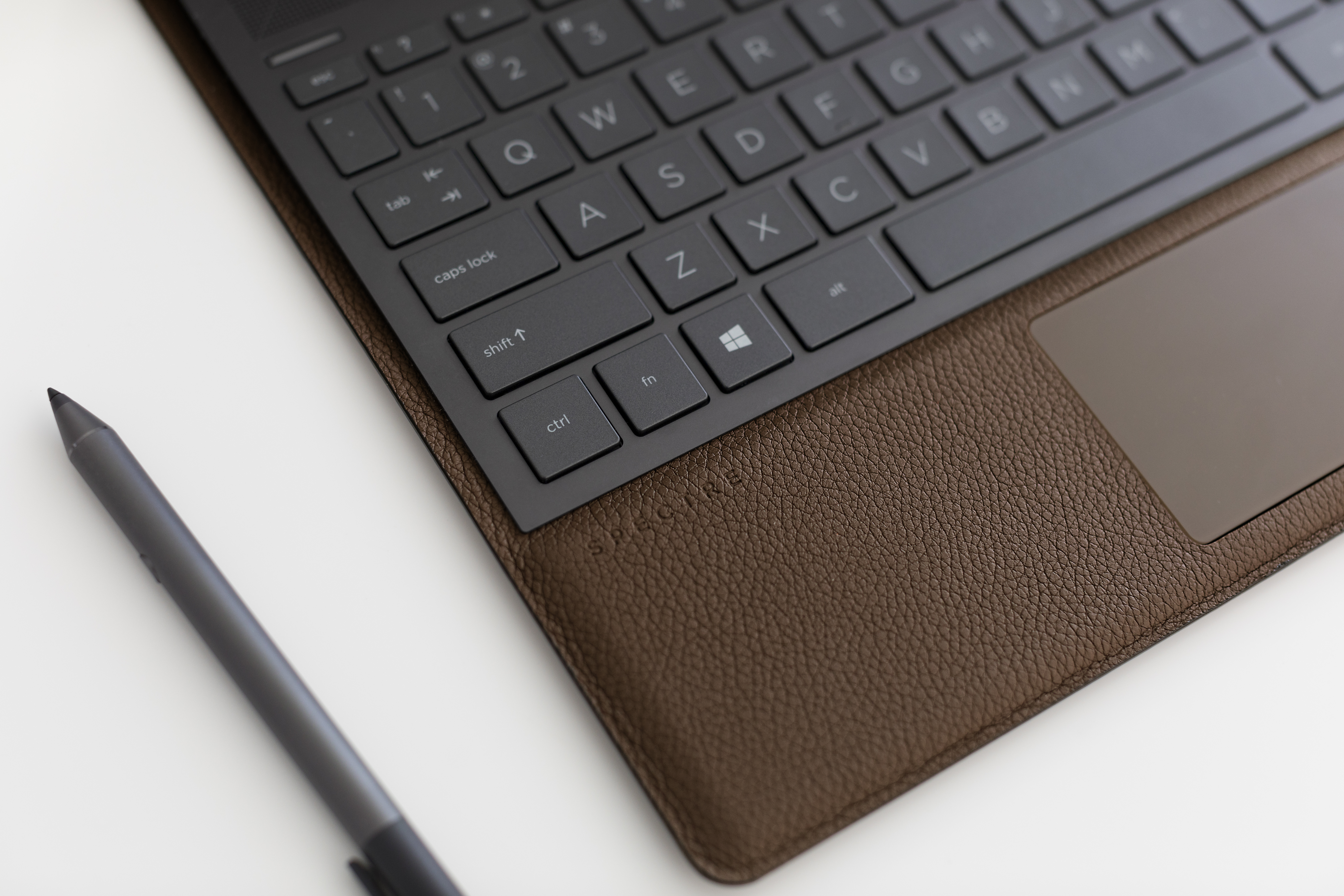
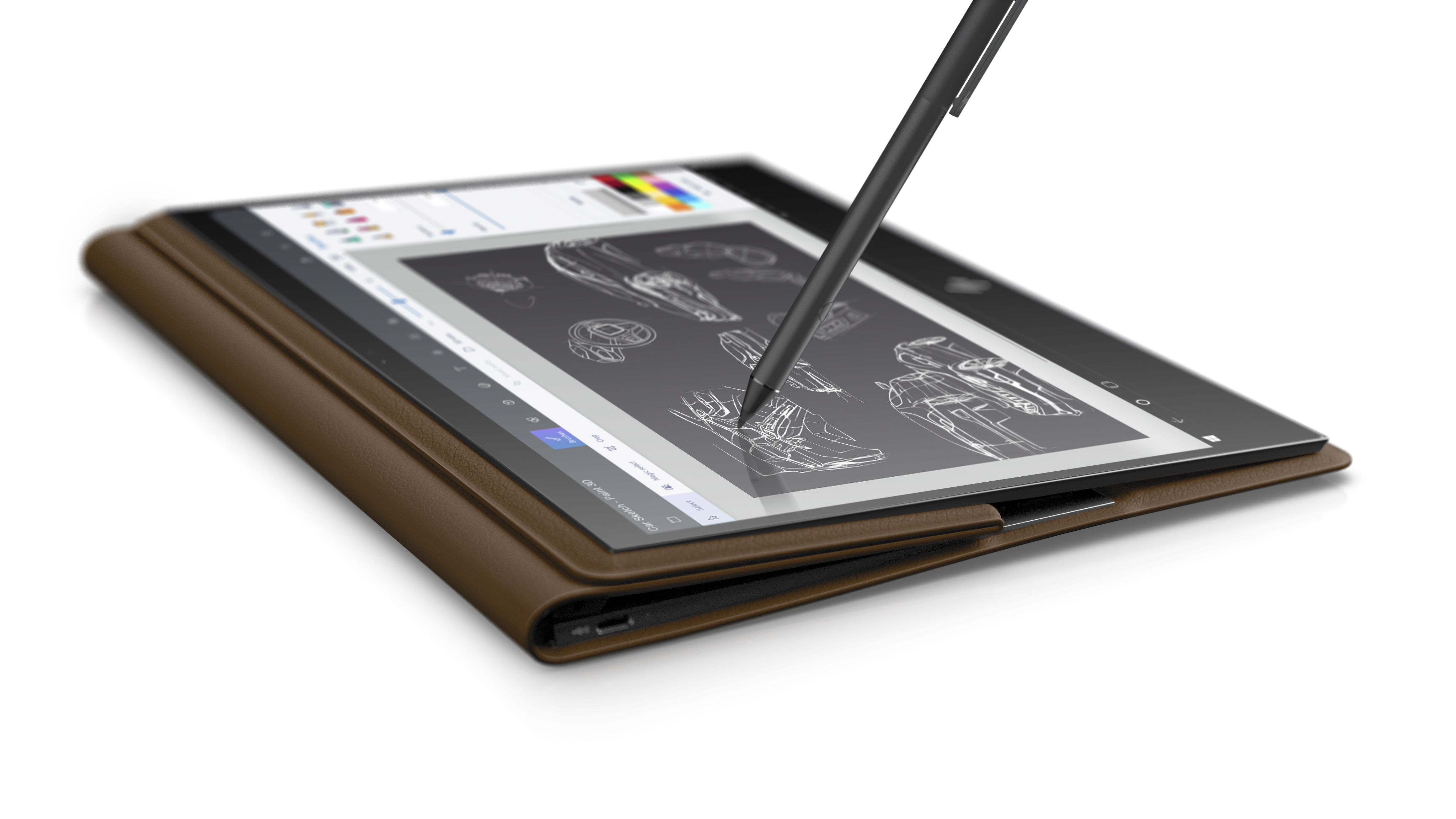
    The HP Spectre Folio is the world’s first leather convertible PC. The device has a 13.3-inch low-power, 1W 400-nits FHD display which supports touch input. It also has an 8th Gen Intel Core i7 processor. Boasting of a fanless thermal design, the device weighs 1.47Kg. Other features include up to 16 GB of RAM, and 512 GB of SSD storage. The device arrives with Windows 10 Pro preinstalled. It also features four front-facing speakers tuned by Bang & Olufsen. The Spectre Folio will be available in Cognac Brown at a price of Rs. 1,99,990.

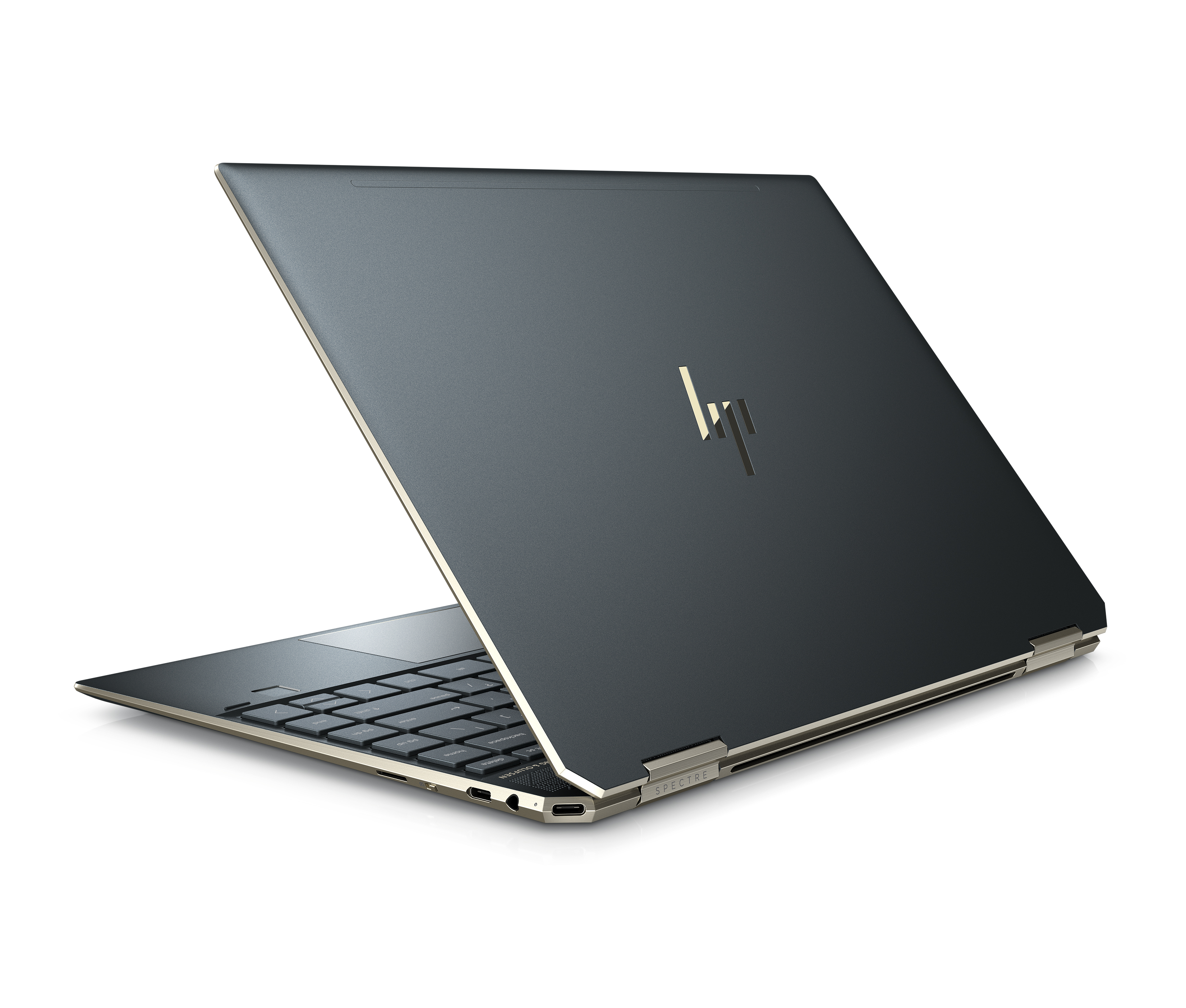
    HP Spectre x360

    The Spectre x360 is another convertible offering launched by HP today. The device is available in a number of variants, differing in screen size, screen type, and internal specifications. The Spectre x360 is available in a 13-inch display in either FullHD or 4K resolution with a touchscreen. The device features either an 8th Gen Intel Core i5 or an i7 processors and will be available in 8GB or 16GB memory configuration. The convertible can be configured with up to 1TB of storage. The device also comes with a privacy camera kill switch which allows the user to electrically turn off the webcam when not in use. The Spectre x360 Dark Ash Grey is available at a starting price of INR 1,29,990, and in Poseidon Blue at a starting price of INR 1,39,990.

    Also read: Nvidia GeForce GTX 1660 Ti Retail Packaging Images Surface Again

    Both the devices come with McAfee Livesafe which will be free for a period of 12 months. The HP Spectre series is a premium lineup of convertibles and is targeted towards businessmen and students.

    Model: Spectre x360
    Weight: 1.32Kg
    Design: Aluminum Casing
    Screen: 13.3-inch WLED (FHD/4K)
    Chipset: Intel Core i5 8265U/ Intel Core i7 8565U
    RAM: 8GB/16GB
    Storage: 256GB/512GB/1TB
    Battery:  61Wh
    Price: Rs. 1,29,990 (Starts at)
    Colors: Dark Ash Silver, Poseidon Blue


  • Coconics, Kerala’s Own Laptop Project, Announces 3 Laptops

    Coconics, Kerala’s Own Laptop Project, Announces 3 Laptops

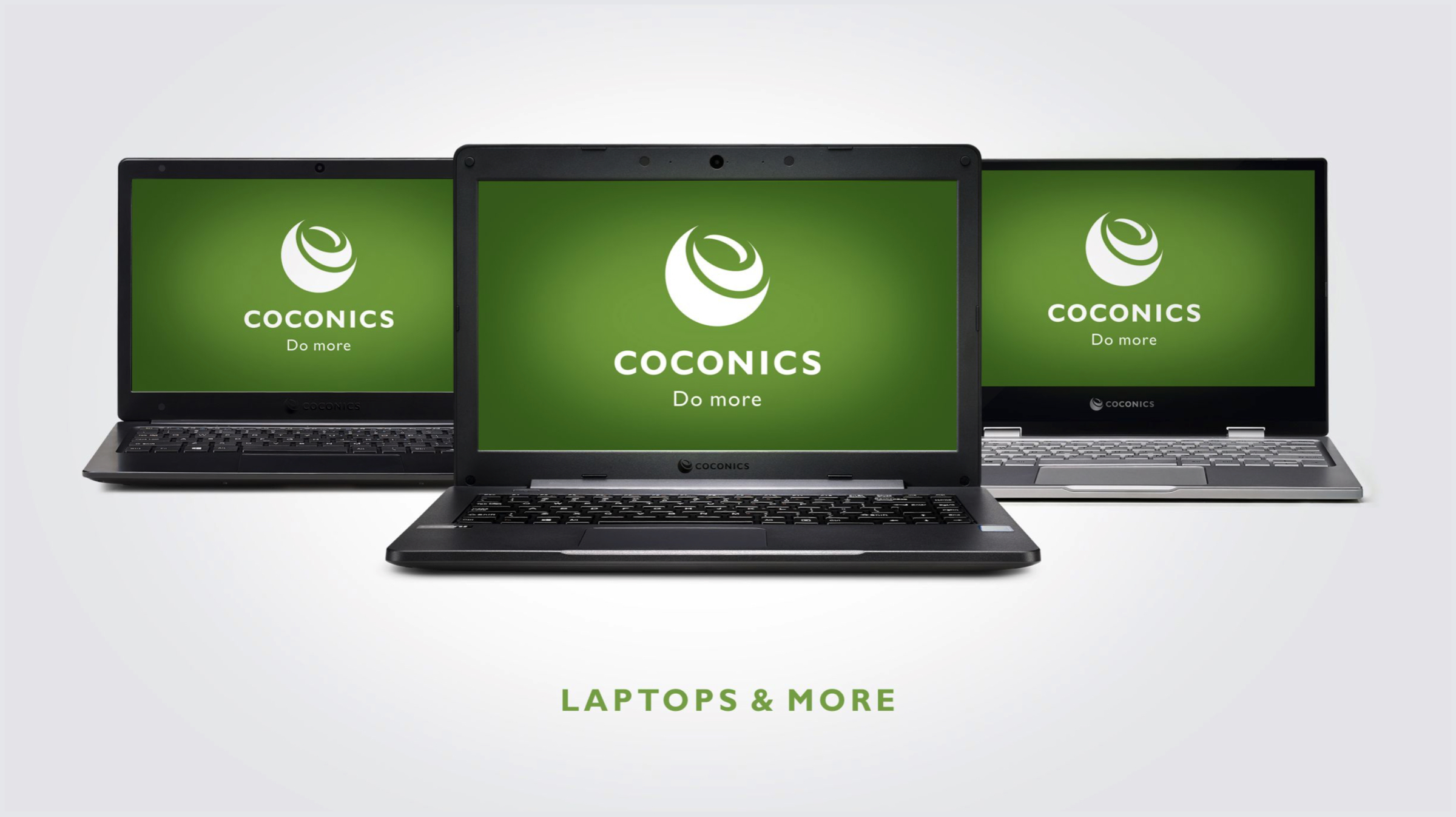
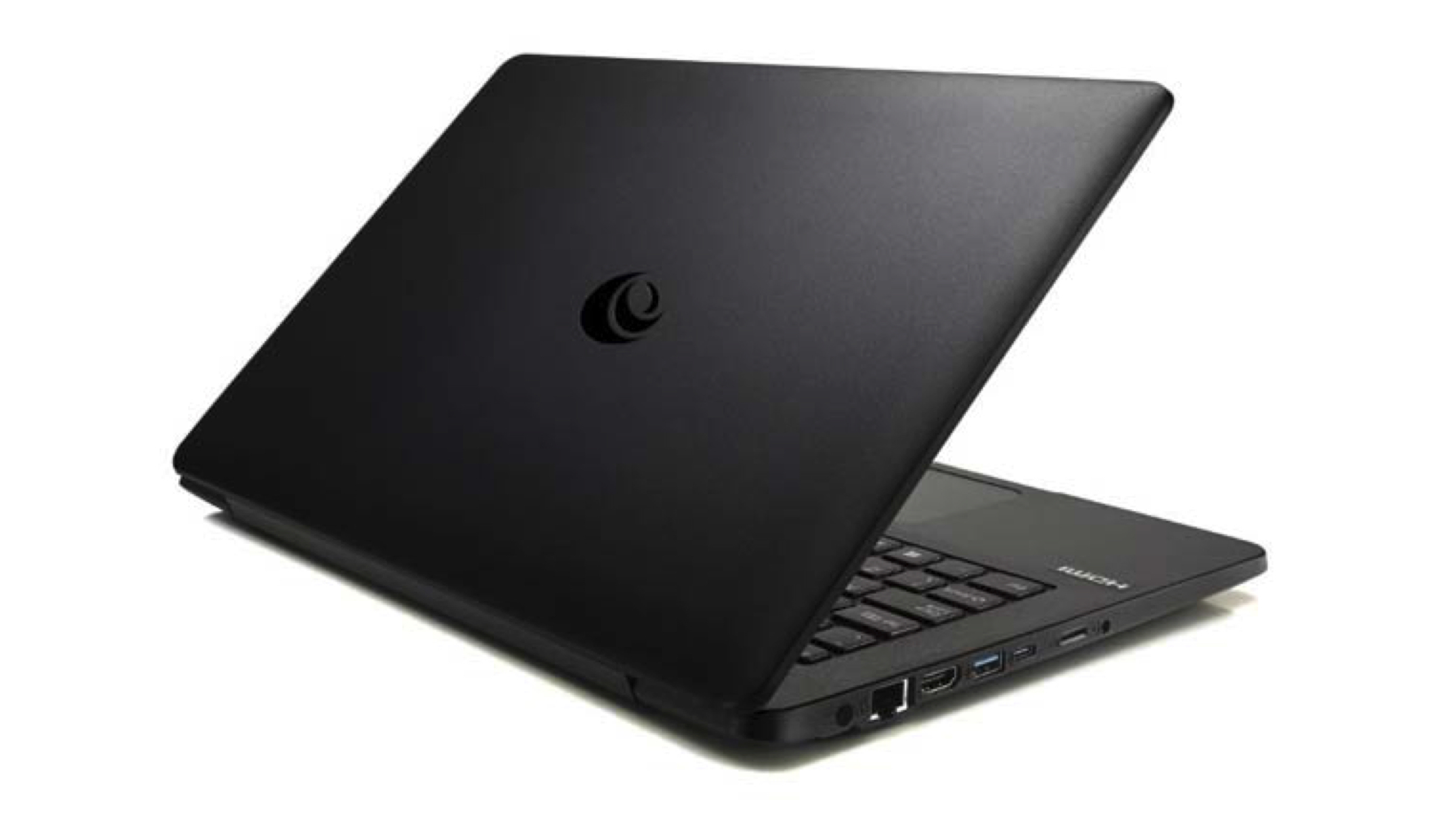
    Coconics, Kerala’s own laptop server project, has seen a big leap with the logo of the project being rolled out in PPP mode released by state Chief Minister Pinarayi Vijayan. Industries Minister E P Jayarajan handed over the first Coconics laptop to the Chief Minister. Now, Coconics has announced three new models today on the sidelines of the Electronics Manufacturing Summit in New Delhi.

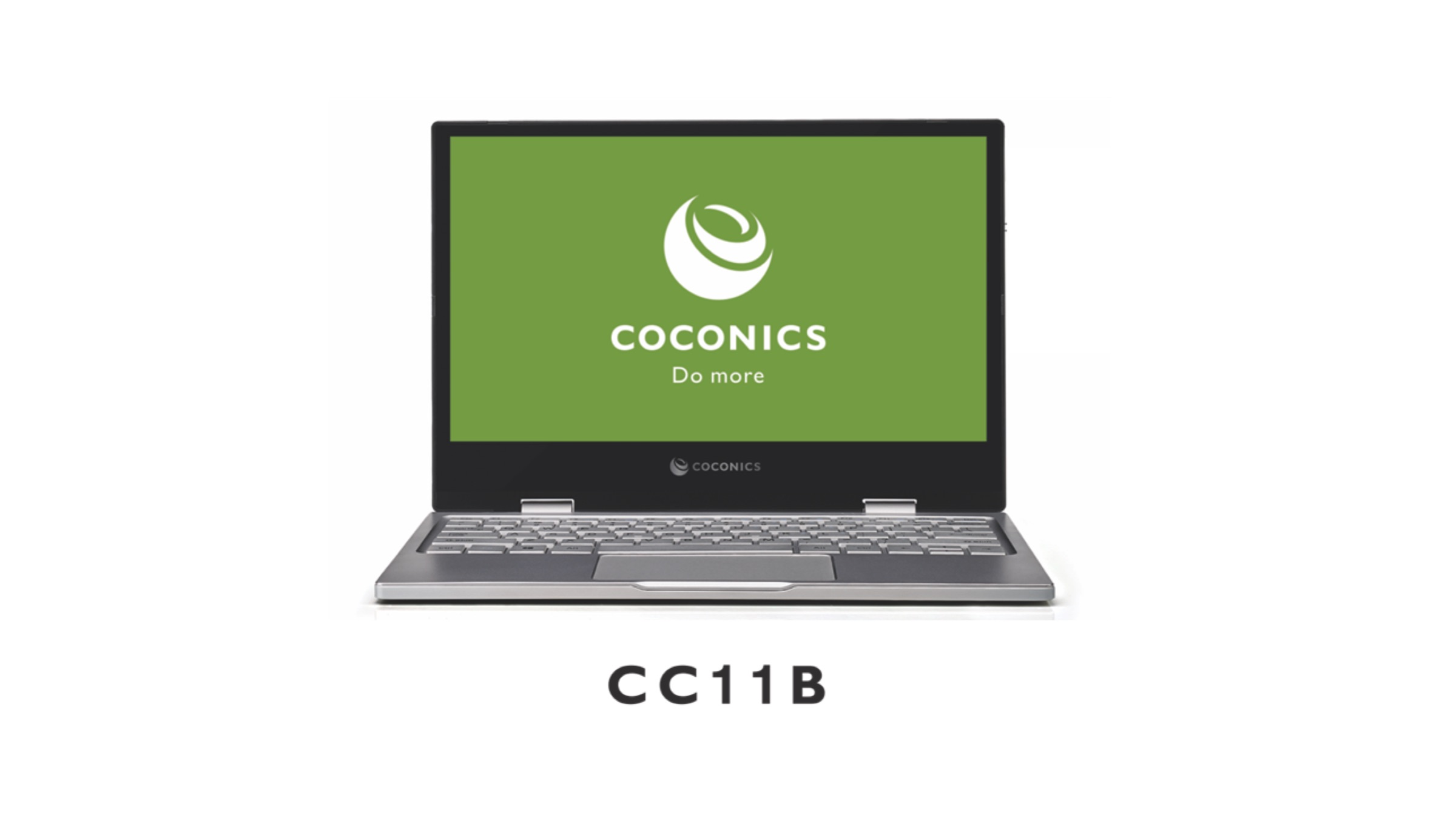
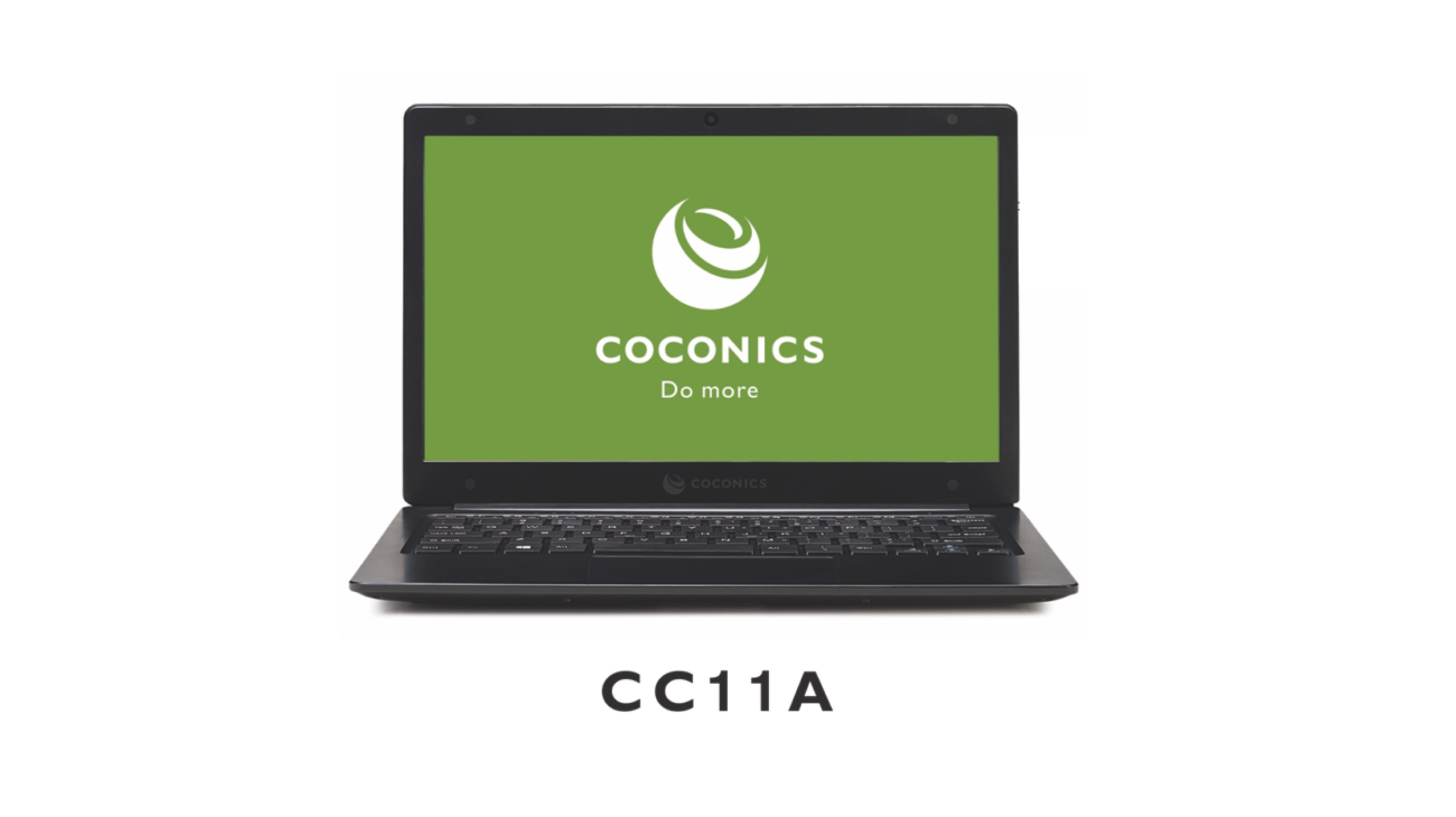
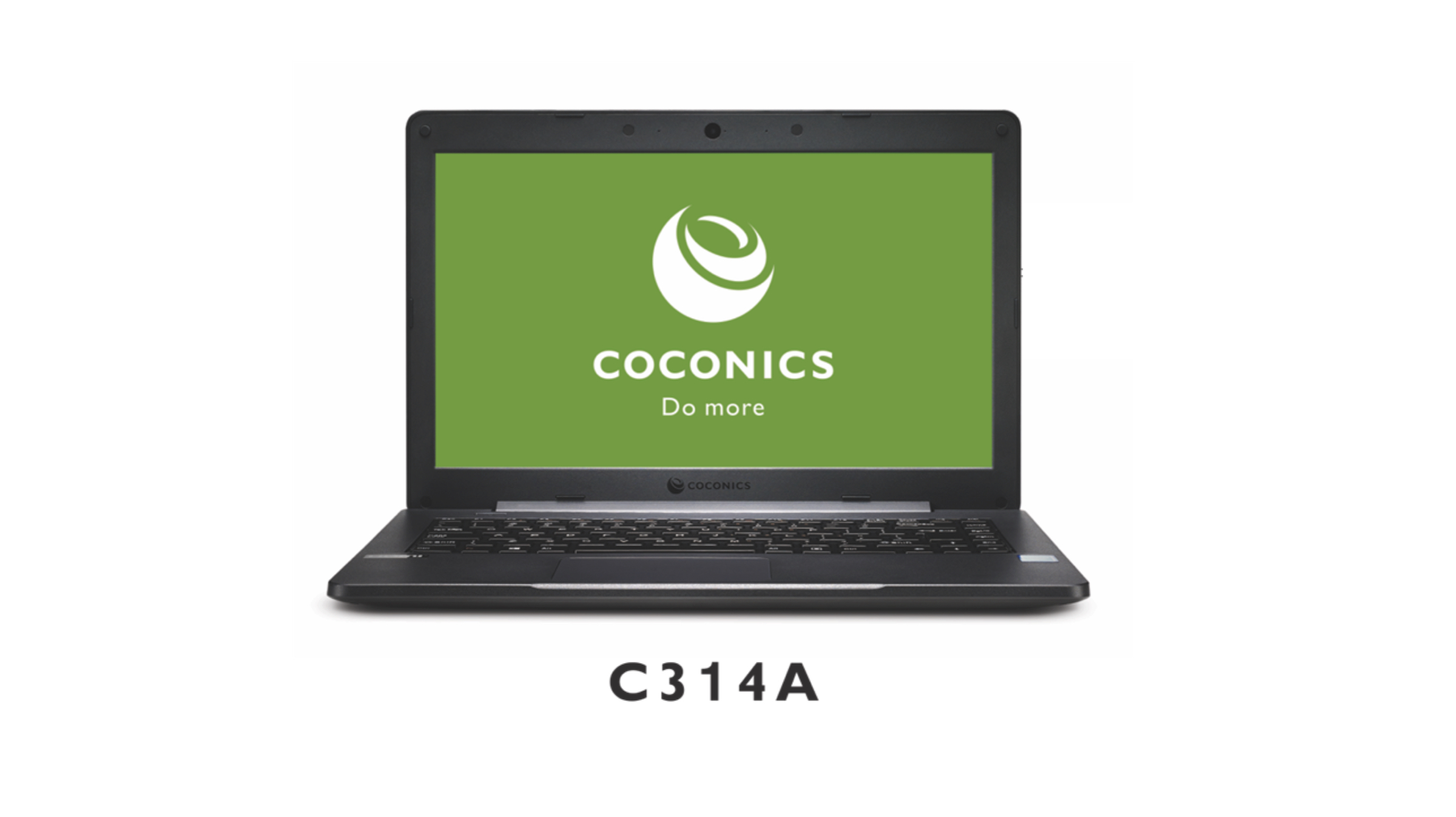
    The three laptop models introduced by Coconics include CC11B, CC11A, and C314A. The CC11B is an 11 inch 2-in-1 and the other two are normal notebooks. These laptops boast of a metal casing and also a  long battery life of up to 8 hours.

    Kerala – India’s First Laptop Manufacturing State

    Coconics is a joint venture of the state-run Keltron, a US-based technology firm UST Global, KSIDC and Acceleron. It is pitched as a unique public-private laptop and server manufacturing company from Kerala. Also, Intel is providing the guidance and technical assistance to manufacture laptops in India under the ambitious ‘Make in India’ initiative.

    The laptops feature some good specifications. The CC11B is an 11 inch 2-in-1 having a FullHD resolution. It has an Intel Celeron N3350 inside coupled with 4GB RAM and a 64GB eMMC storage. It features a Type-C port and has Windows 10 on board. The CC11A has a 11 inch HD display with an Intel Celeron N4000 inside. It has 2GB of RAM and 64GB of eMMC storage. The laptops will arrive with Windows 10 pre-installed.

    The C314A is a little more powerful than the rest. It has a 14 inch HD Display. It has a Intel i3 7I00U inside with 4GB of RAM and 500GB HDD. The laptop also has Windows 10 pre-installed. It is drop resistant and has also been tested for water and spill resistance.

    Also read: Google Maps Will Support Augmented Reality Navigation Soon

    The laptops will be manufactured at the plant in Monvilla, Thiruvananthapuram. It also has a capacity to produce 2,50,000 laptops annually. The manufacturing plant is ready and an official plant inauguration will happen this month. That’s when the manufacturing of the laptops will also begin. With this, Kerala becomes the first state in India to design and manufacture laptops. The pricing and the availablity of the laptops hasn’t been announced yet.

  • Xiaomi Mi Gaming Laptop Officially Launched

    Xiaomi Mi Gaming Laptop Officially Launched

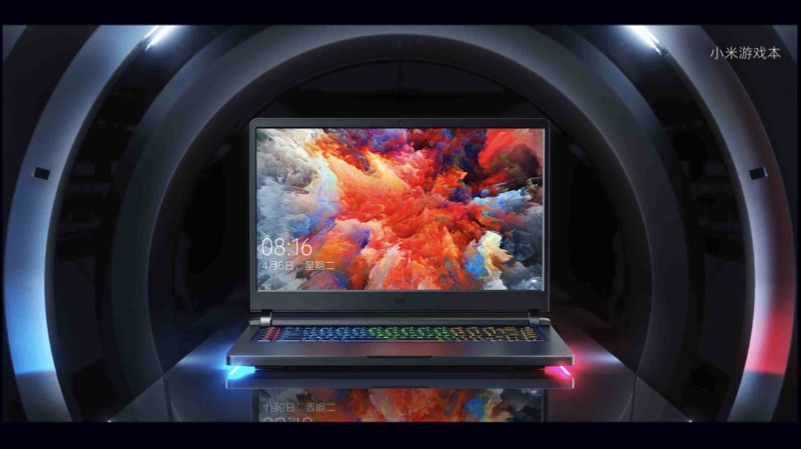
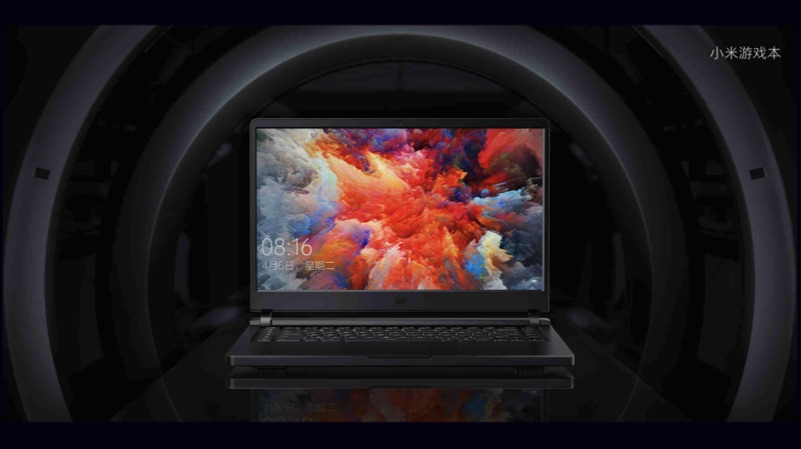
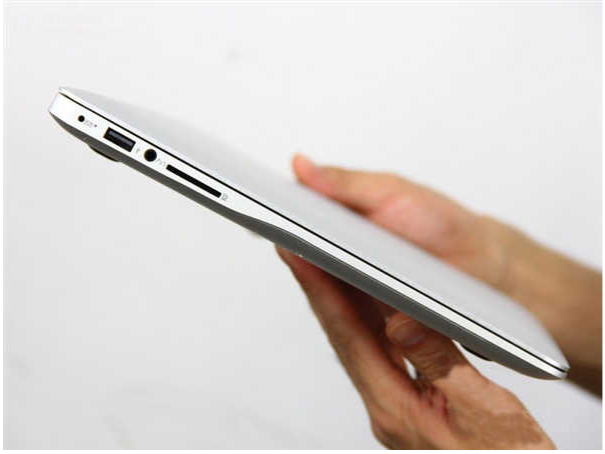
    Xiaomi has officially launched the Mi MIX 2s in China on the 27th of March. Along with its flagship smartphone, the company has also launched a gaming laptop named Xiaomi Mi Gaming Laptop. The notebook comes two variants. The 8GB RAM model is priced at 5,999 Yuan and the 16GB RAM model retails for 8,999 Yuan. The notebook has design similarities as of the Xiaomi Mi Notebook with a full metal unibody design. In fact, the notebook also looks similar to the Apple MacBook Pro.
    Xiaomi Mi Gaming Laptop Specs

    The Xiaomi Mi Gaming Laptop has a 15.4 inch FHD 1920 x 1080 px IPS LCD display with narrow bezels. Under the hood, the device will be powered by the Intel 7th generation Kaby Lake Core i7-7700HQ processor with 16GB RAM and 256GB SSD plus 1TB HDD with NVIDIA GTX 1060 GPU. Similarly, the entry-level model has the Core i5 7300HQ chipset with 8GB RAM and 128GB onboard flash storage with and a 1TB HDD with NVIDIA GTX 1050 Ti GPU.

    Xiaomi Mi Gaming Laptop

    The laptop measures 20.99mm at its thickest point and also has a full-sized keypad with RGB lighting. Additionally, the notebook offers a wide range of ports, including 4 full-sized USB 3.0 port, 2 USB type C ports, HDMI port and a 3.5mm headphone jack. The headphone jack has a dedicated AMP to increase the audio listing experience through wired headphones. Additionally, the speakers are certified by Dolby Atmos.

    To keep this device cool all the time, the device is equipped with 3+2 design heat pipes with four air outlets. The company claims that the thermal design will keep the device cooler, even in an extensive gaming session.

  • Best Laptop Deals to Score at Amazon Prime Day

    Best Laptop Deals to Score at Amazon Prime Day

    It’s raining deals on Amazon and it’s not to late to score yours. Here is a list of handpicked laptops deals available at Amazon Prime Day.

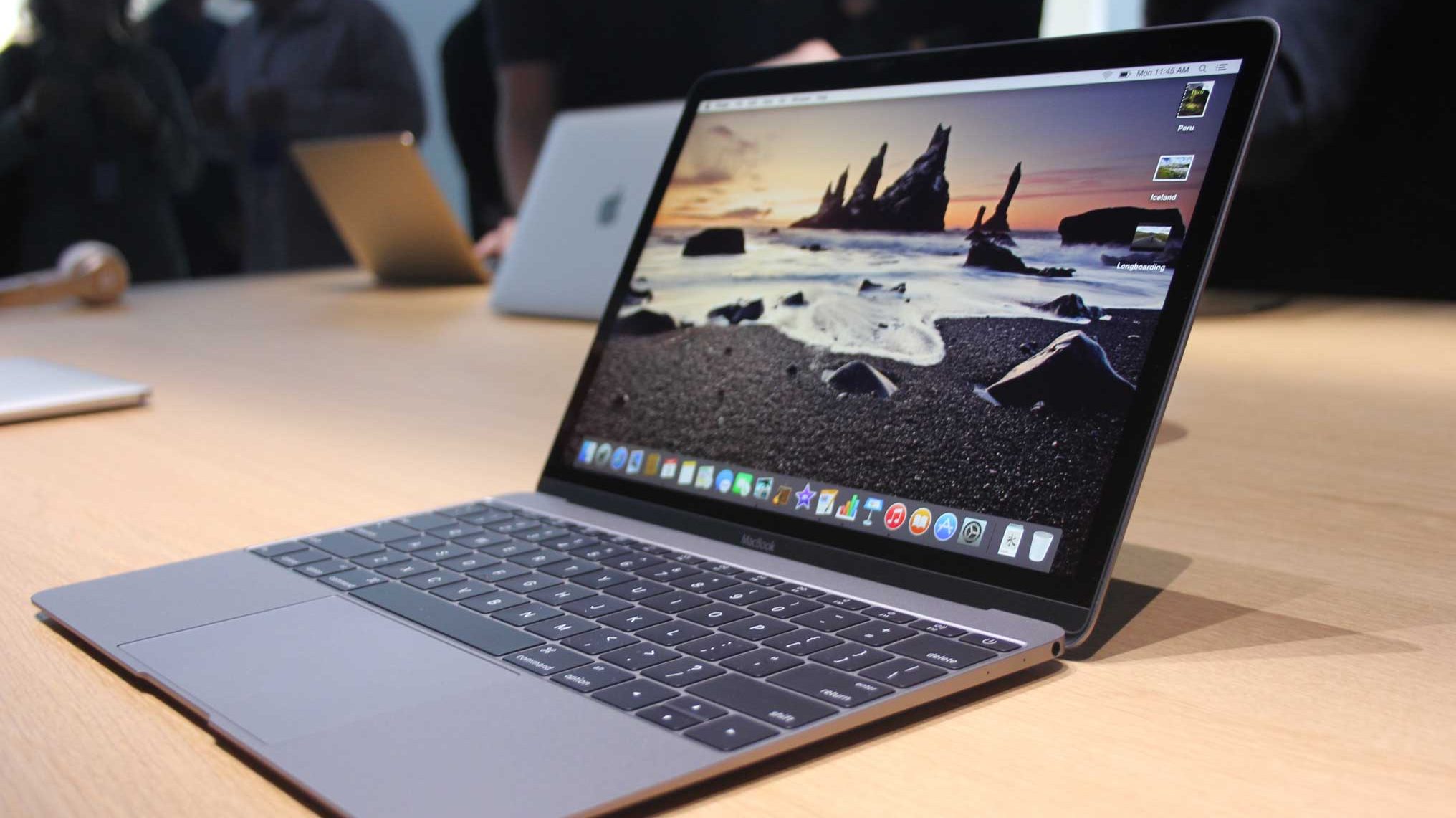
    Apple MacBook Air

    Super classy, super fast and super light.

    Installed with Intel Core i5 processor and 8GB RAM, Apple’s 13-inch MacBook Air offers excellent battery life, fast storage and amazing design. Weighing 1.4 kg, this ultraportable is perfect for stepping in the Apple Ecosystem.

    Screen Size 13.3 Inches
    Maximum Display Resolution 1440×900
    Product Dimensions 22.7 x 32.5 x 1.7 cm
    Processor Type Core i5
    Processor Speed 1.6 GHz
    Processor Count 2
    RAM Size 8 GB
    Hard Drive Size 128 GB
    Graphics Co-processor Intel HD 6000
    Operating System Mac OS X
    Average Battery Life (in hours) 12 Hours

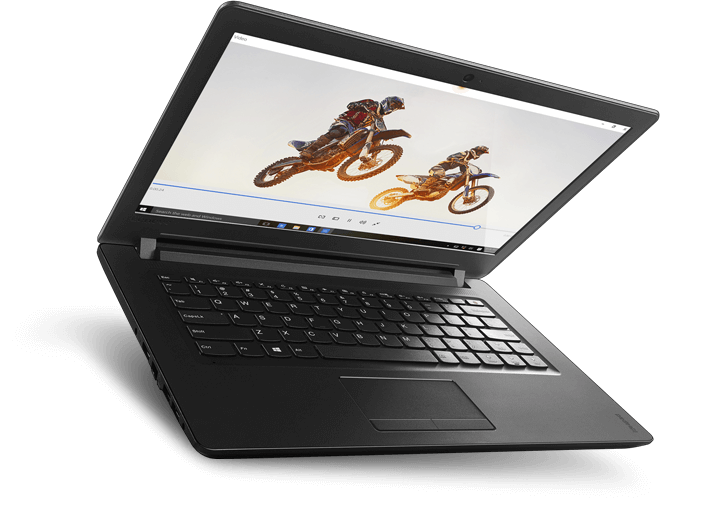
    Lenovo Ideapad 110

    Perfect for the first-time buyers.

    It’sturdy build, responsive keyboard and 8 GB RAM size makes it a great buy. Another interesting feature is the DOS operating system which allows you to install the OS of your choice.

    Screen Size 15.6 Inches
    Maximum Display Resolution 1366×768
    Product Dimensions 26.4 x 37.7 x 2.3 cm
    Processor Type Core i5 6200U
    Processor Speed 2.3 GHz
    RAM Size 8 GB
    Hard Drive Size 1 TB
    Graphics Co-processor AMD R16M-M1-30
    Graphics Card Ram Size 2 MB
    Operating System DOS
    Average Battery Life (in hours) 4 Hours

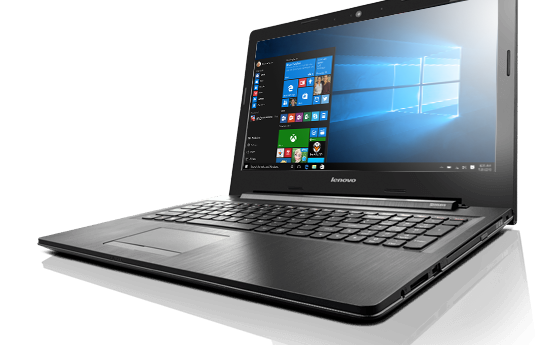
    Lenovo G50-80

    An affordable pick with a solid build.

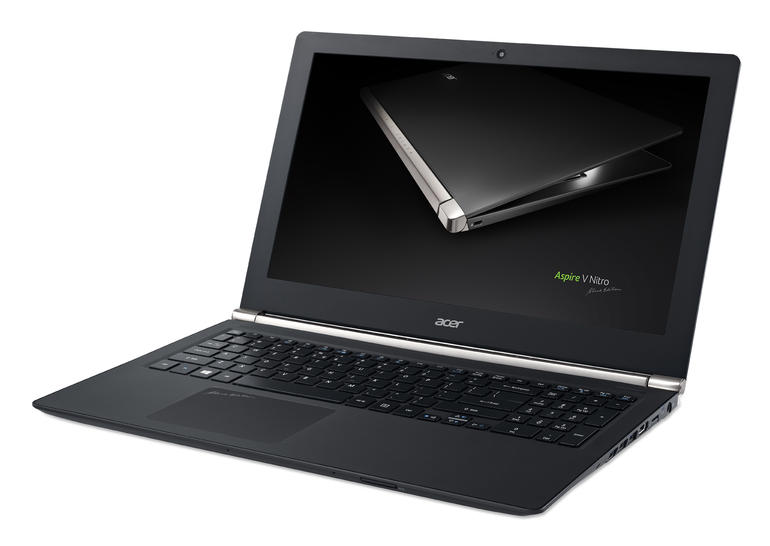
    Featuring 15.6 HD display, 8GB RAM and Core i5 processor, Lenovo G50-80 is designed to handle all your day to day requirements.
    Screen Size 15.6 Inches
    Maximum Display Resolution 1366×768
    Product Dimensions 38.4 x 26.5 x 2.5 cm
    Processor Type Core i3-5005U
    Processor Speed 2 GHz
    RAM Size 8 GB
    Hard Drive Size 1 TB
    Graphics Co-processor AMD Radeon R5 M330
    Graphics Card Ram Size 2000 MB
    Operating System Windows 10 Home
    Average Battery Life (in hours) 4 Hours

    Dell Vostro 3468

    Powerful, functional and ideal for professionals.

    Powered by a 7th Generation Intel Core i3 processor clocked at a speed of up to 2.4 GHz,Dell Vostro 3468 is also a great starter pro laptop.

    Screen Size 14-inch screen
    Maximum Display Resolution 1366×768
    Product Dimensions 9.56 x 13.58 x 0.91 cm
    Processor Type Core i3 – 7100U
    Processor Speed 2.4 GHz
    RAM Size 4 GB
    Hard Drive Size 1 TB
    Graphics Co-processor Intel HD Graphics
    Operating System Windows 10
    Average Battery Life (in hours) 4 Hours

    HP Pavilion 11

    Compact, lightweight, functional and perfect for work and play.

    A compact convertible that doubles as a laptop and a tablet. Some of  it’s interesting features include a powerful core m performance, excellent battery life; and great audio. Check it out now.

    Screen Size 11.6 Inches
    Maximum Display Resolution 1366×768
    Product Dimensions 48 x 30 x 6 cm
    Processor Type Pentium
    Processor Speed 1.6 GHz
    RAM Size 4 GB
    Hard Drive Size 500 GB
    Graphics Co-processor Intel HD 405
    Operating System Windows 10 Home

  • CES 2016: Alienware 13 Gets a Beautiful OLED Display

    CES 2016: Alienware 13 Gets a Beautiful OLED Display

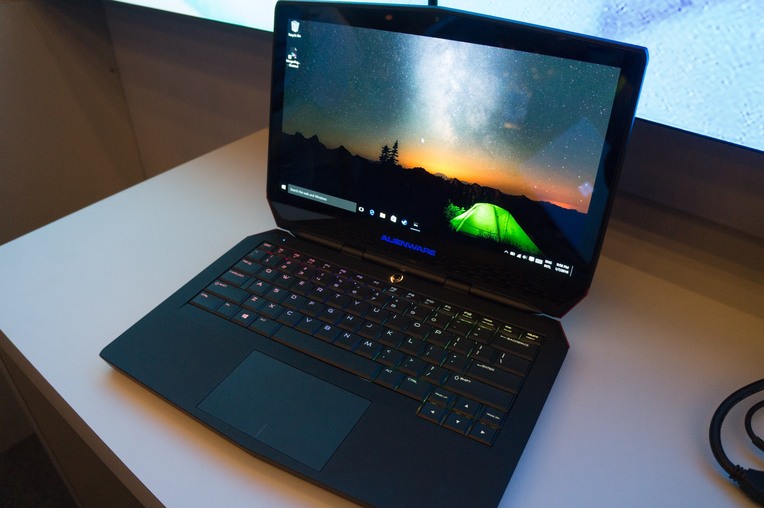
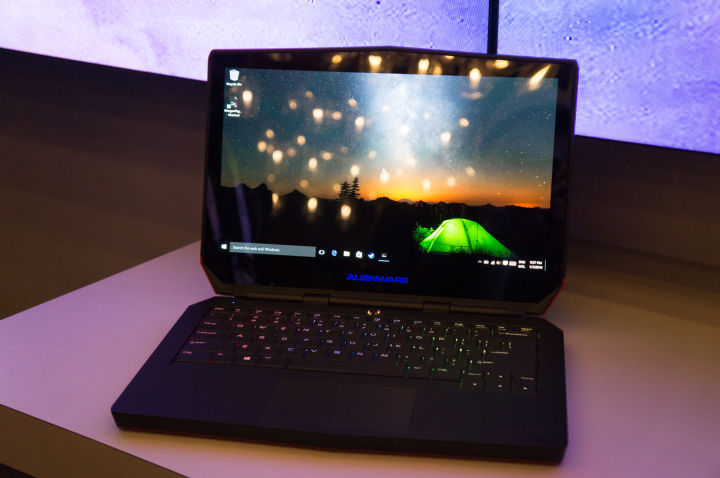
    CES 2016 has seen a number of firsts. From the world’s thinnest TV to the world’s first transparent display, the technological fest has seen it all. Now, Alienware has joined the league of firsts by unveiling the world’s first OLED gaming laptop.
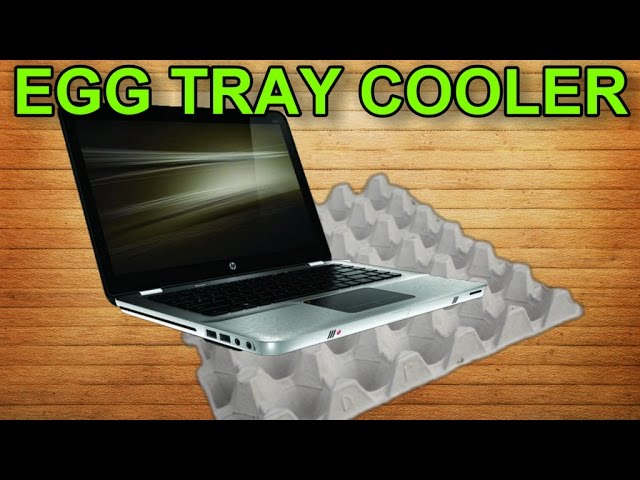
    Those familiar with OLED displays will know why this is a big deal for a gaming laptop. OLEDs offer deeper blacks since there’s no need for a backlight and lower latency. Alienware has claimed that its new Alienware 13 laptop will have a one millisecond refresh rate thanks to OLED.

    Alienware-OLED-gaming-laptop-1-720x478

    The reason behind the delay to embrace OLED screens for gaming laptops is that OLED panels used to be expensive in larger sizes, but they are now affordable enough to be used by Alienware without having its laptops cost and exuberant amount.

    The Alienware 13 will be priced similar to its Quad-HD display variant. The starting price of the OLED model is $1499 and the laptop is expected to launch mid-April.

  • Lenovo Yoga 900S is the Thinnest, Lightest Laptop in the World

    Lenovo Yoga 900S is the Thinnest, Lightest Laptop in the World

    The Consumer Electronics Show (CES) 2016 doesn’t officially begin until Wednesday. However, the conference kicked off today with CES Unveiled, where some companies were allowed to preview their products in a smaller, closed space with limited numbers. Lenovo was one such company that kicked off the event with a bang, unveiling a bunch of products, among which is the Lenovo 900S convertible laptop.
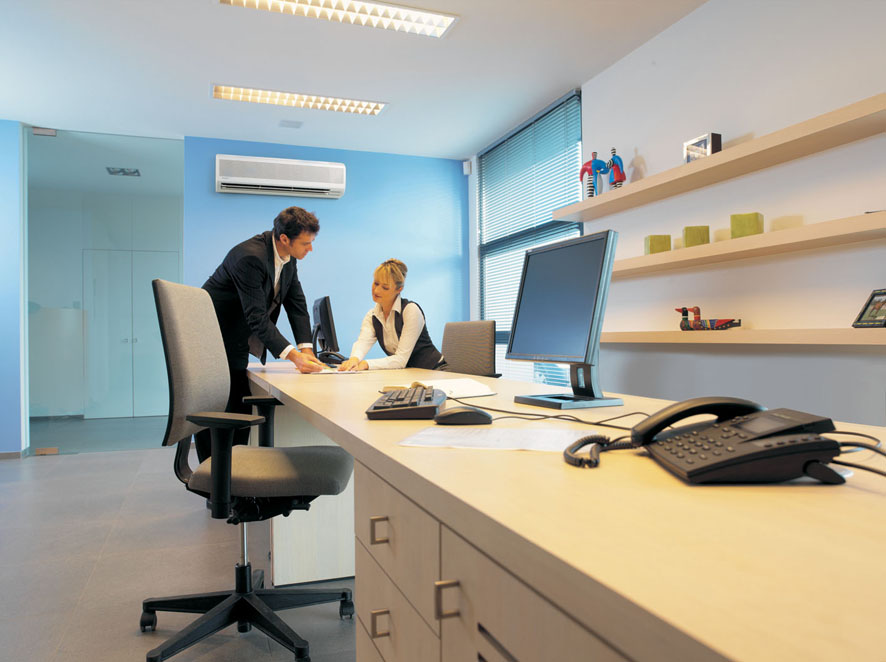
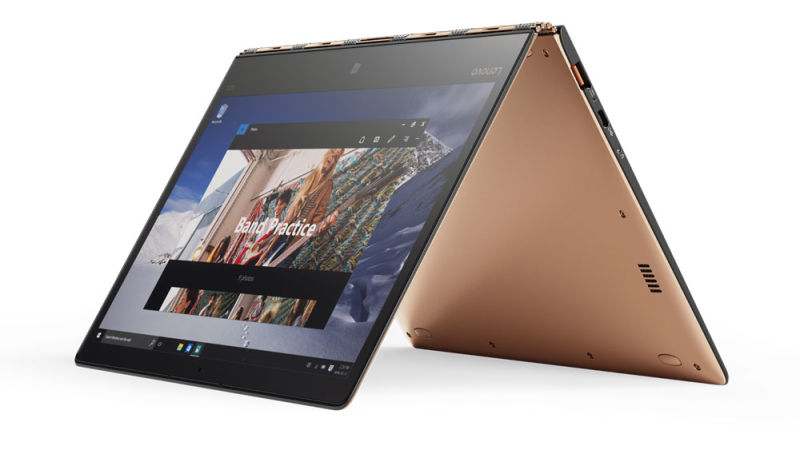
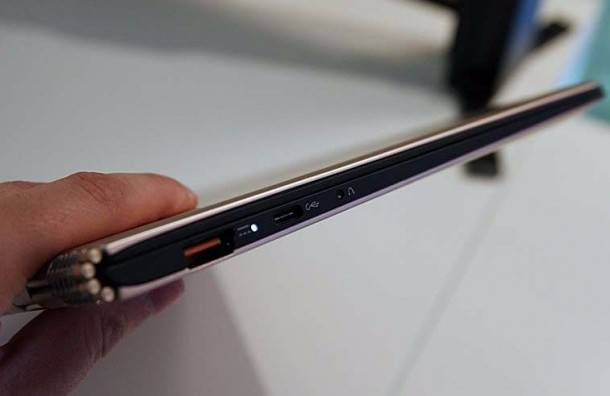
    The new Lenovo Yoga 900S, which is a spinoff of the Lenovo 900 that was unveiled at last year’s CES, is officially the world’s thinnest convertible laptop weighing at 2.2 pounds (0.99kg), making even the 3 pound MacBook Air look a little bloated. The 12.5-inch QHD display hybrid laptop also promises up to 10.5 hours of battery life thanks to Intel’s low energy Core M processors powering it, which means the performance of the laptop will take a hit.

    yoga-900s-left-side_675403


    That’s not all. Because of its carbon fibre construction, the Lenovo 900S measures at an incredibly thin 12.88 millimetres, which is the same as the iPhone 3GS. The laptop also comes with an active stylus for drawing. Starting at a price of $1,099, the Lenovo 900S will be available in the US in March. It’ll be interesting to see just how well a thinner, lighter laptop from Lenovo will do.

  • Here’s a List Of Some of the Best Weekend Tech-Deals

    Here’s a List Of Some of the Best Weekend Tech-Deals

    It is Friday, which means we’re here to bring you the best-prices of some pretty cool gadgets for the weekend.

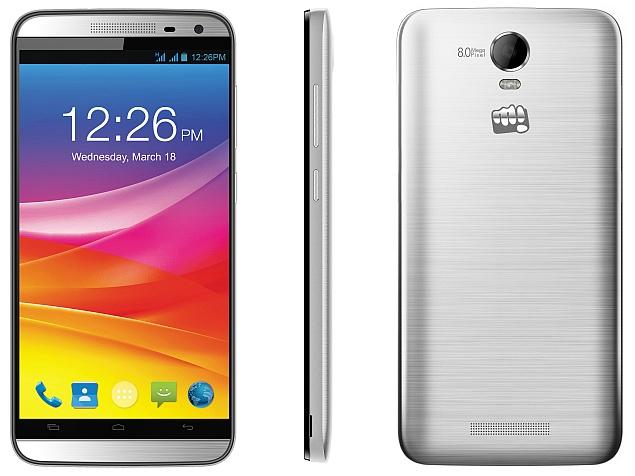
    Micromax Canvas Juice 2 (Silver)

    This smartphone comes with am 8MP rear camera and a 2MP front camera, 5 inch IPS HD capacitive touchscreen with 1280 x 720 pixels resolution, runs on Android v5 Lollipop operating system with 1.3GHz quad core processor, has a 2GB RAM with 8GB internal memory expandable up to 32GB and supports dual SIM connectivity. The Canvas Juice 2 is fueled by a 3000mAh li-on battery. Originally priced at Rs. 8,999, it will now be available on Amazon at Rs. 6,999.

    Micromax Canvas Juice 2

  • Dell Reveals World’s First Convertible 4K PC With a 12.5 Inch Display

    Dell Reveals World’s First Convertible 4K PC With a 12.5 Inch Display

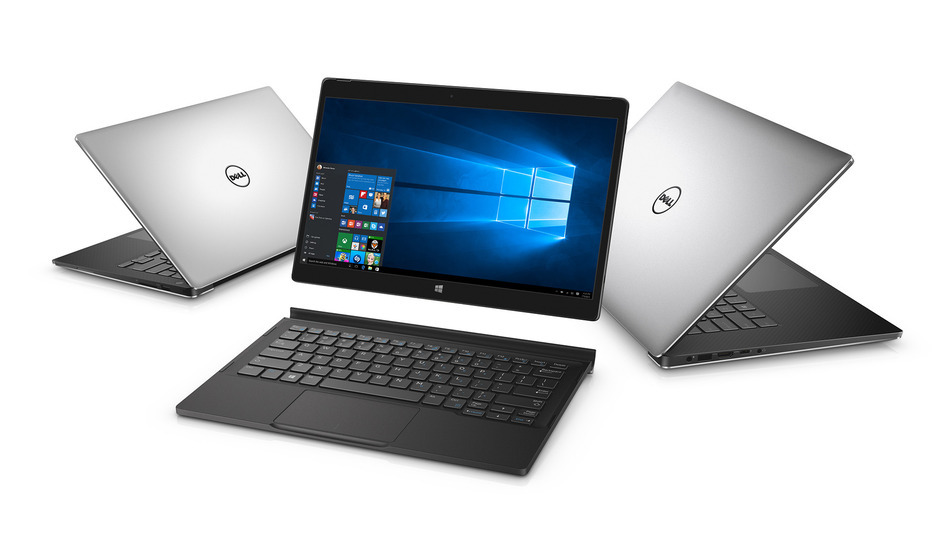
    Dell has just revealed the world’s first 2-in-1 convertible 4K PC – the XPS 12. It has a 12.5 inch 4K InfinityEdge display and shifts between being a tablet and a laptop. It weighs 2.8 pounds and is powered by a sixth-generation Intel Core M processor with a clock speed of up to 2.7GHz. It also comes with Intel HD Graphics 515, 8GB of RAM and two storage variants of either a 128GB hard drive or 256GB of SSD storage.

    Dell XPS 12

    The display resolution is 3840 x 2160 pixels and the 4K display can be attached to the keyboard via a magnetic connection. The new XPS 12 also supports the Dell Active Pen, that works on OneNote, sketching apps, and Microsoft Edge.

    On the camera front it has an 8MP rear camera and a 5MP front camera. The hardware comes with two Thunderbolt 3 ports, along with a built-in USB Type-C port and an SD card reader.

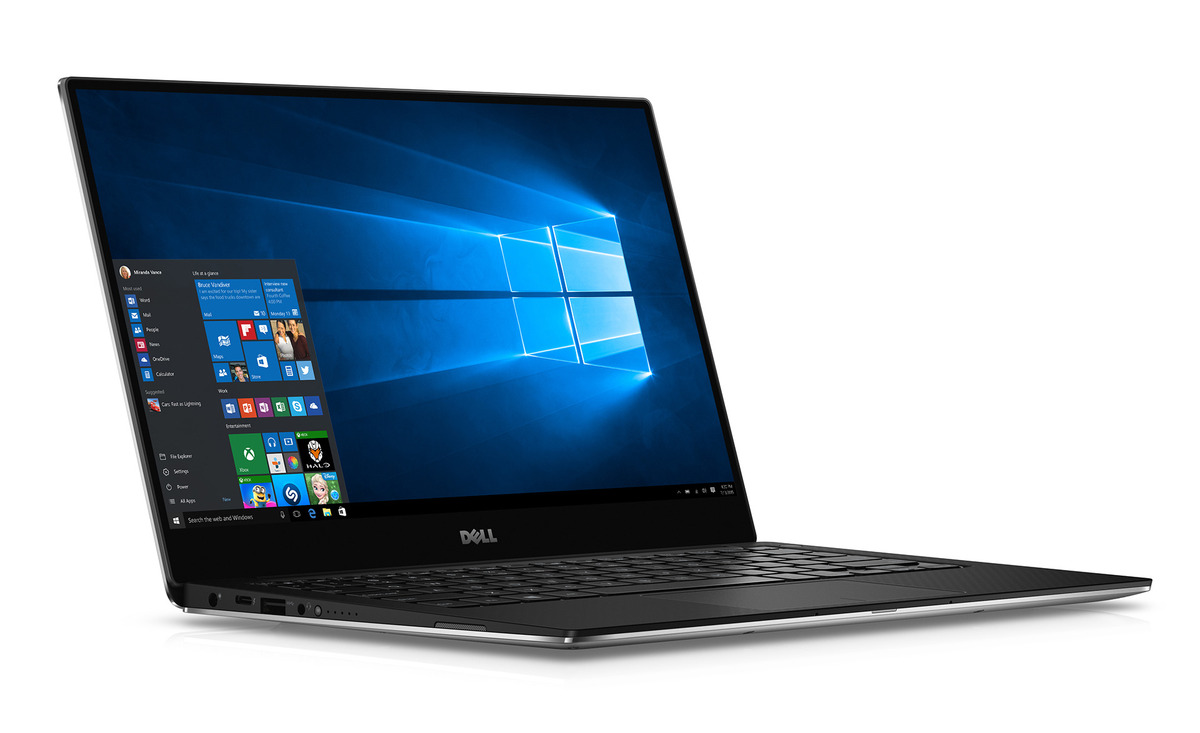
    Dell has also refreshed their XPS 13 and XPS 15 laptops internally. The XPS 13 will now be powered by a sixth-generation Intel processor, with a clock speed of up to 3.4GHz Core i7 and the Intel HD Graphics 520. On the storage front it will have a PCie SSD storage that can go up to 1TB and a 16GB of RAM.

    XPS 13 Touch Notebook

    The display comes with two options now, first it has a QuadHD+ 3200 x 1800p touchscreen model  and second, a full HD 1920 x 1080p anti-glare non-touchscreen model. The device comes with two USB 3.0 ports, an SD card slot, and a Thunderbolt 3 port and can get up to 18 hours of battery life on a single charge.

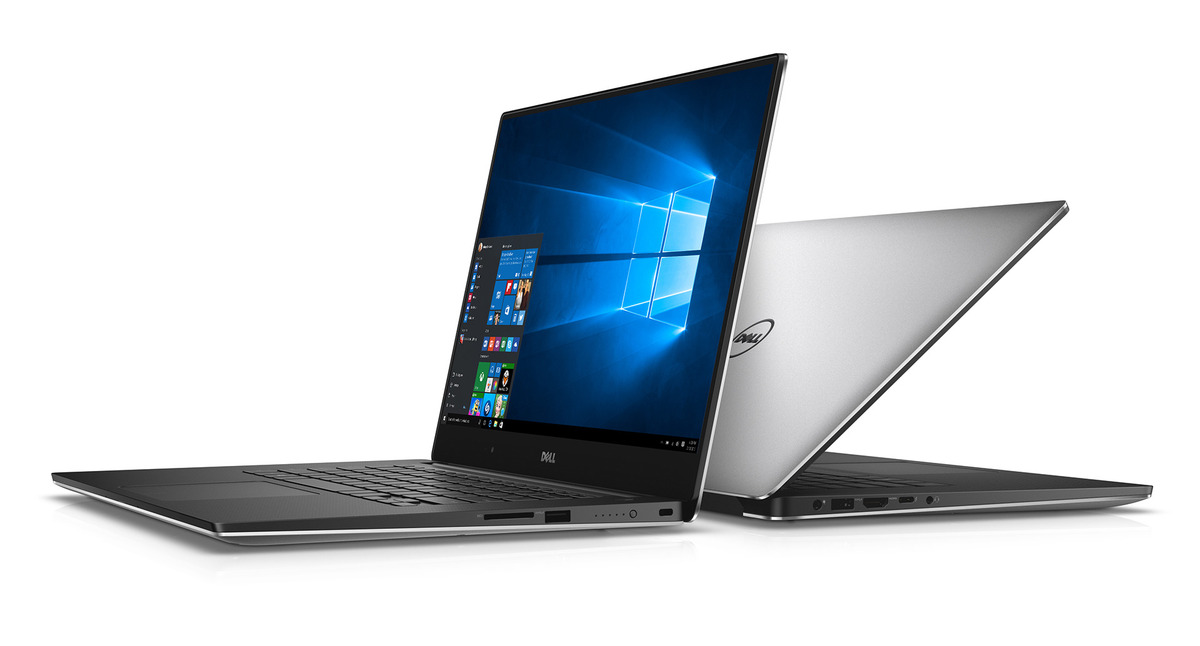
    The XPS 15 on the other hand is a slightly heavier laptop weighing 3.9 pounds and also has a 15 inch display. It has been made compatible in order to support a 4K display, sixth-generation Intel Core processors Core i7 quad-core, Nvidia GeForce GTX 960M graphics with 2GB of GDDR5 RAM, up to 16GB of RAM, along with a hard drive or SSD that goes up to 1TB of storage, and Thunderbolt 3.

    XPS 15 Touch Notebooks

    The XPS 12 will be available from November on Dell’s website and will start at a price of about Rs.65,070 for the full HD model and About Rs.84,610 for the 4K model with 8GB of RAM and a 256GB SSD.

    The XPS 13 and 15 will be available from the 8th of October on the same website with the XPS 1 starting at a price of about Rs.52,043 and the XPS 15 starting at Rs.65,070.

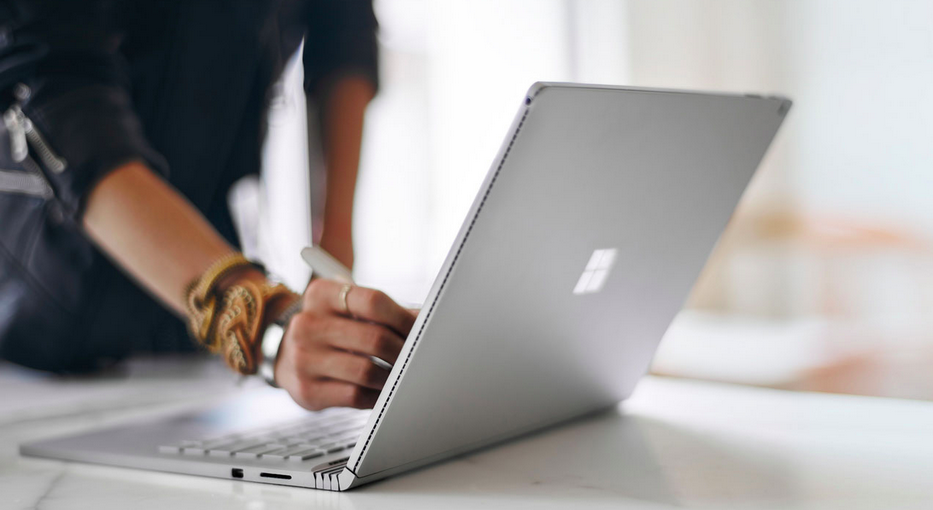
  • Microsoft’s Surface Book is a Gorgeous Piece of Machinery

    Microsoft’s Surface Book is a Gorgeous Piece of Machinery

    If you want to put on a spectacular show, you need to learn a thing or two from Microsoft. Not only did the company showcase some jaw dropping devices such as the Lumia phones and the Surface Pro 4, along with a bunch of other delectables yesterday, but it also had an ace up its sleeve. We knew the devices that were expected to be revealed at the event, however, Microsoft cleverly managed to hide perhaps their best creation yet, until last night.

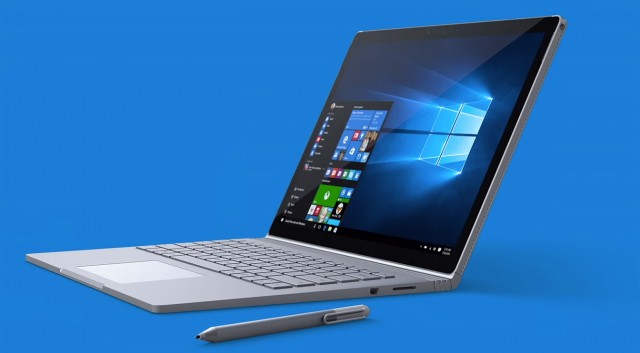
    Arguably the star of the show, Microsoft unveiled the Surface Book laptop and it is simply gorgeous. The Surface Book is Microsoft’s very first laptop, so to say. Though it is surprising since the Surface Pro was pegged as the laptop killer. But once you’ve had a glimpse of the Surface Book all is forgiven. This 3.34 pound Windows 10 laptop features a 13.5-inch display with a ridiculously high 3,000 x 2,000 pixel resolution and 267 ppi optically bonded to the screen. So it goes without saying that videos and images are as crisp as it’s going to get.

    Surface Book

    It’s Microsoft’s first laptop but it’s more than just a laptop. Consider it a laptop-tablet hybrid if you will. The screen is fully removable so that it can be used as a tablet. You can also pop the screen back on and flip it around and have the keyboard as a stand.

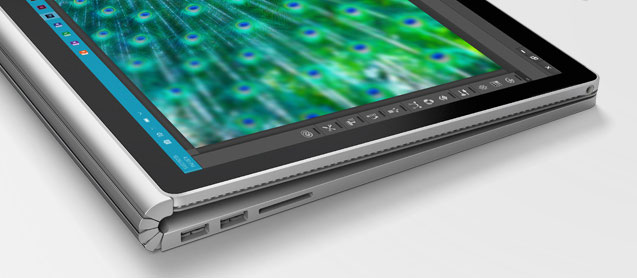
    It is a silver metal laptop but looks different than the MacBook, but challenges the MacBook in every way. One of the highlights in the design is the Surface Book’s hinge, which Microsoft calls a “dynamic fulcrum.” From the side it appears it can flex and bend, and leaves a little gap when the laptop is closed, but also elevates the display at an angle.

    Surface Book (2)

    More on the look of things, the Surface Book has a backlit keyboard and keys with 1.6mm of travel, which Microsoft is particularly proud of. It’s calling it “perfect” saying that it’ll type almost silently. And to top it off, the laptop comes with a large glass trackpad with five points of touch sensitivity. The Surface Pen stylus attaches magnetically to the side of the laptop as well as the Surface Pro 4.

    Let’s talk about the interiors now. The laptop has the latest Intel Core i5 and i7 processors and Nvidia GeForce GPU with GDDR5 memory. The dock includes two USB 3.0 ports and an SD card slot. Here’s the cherry on the cake – the machine will give you 12 hours of battery life on a single charge. Are you listening, Apple?

    Microsoft claims this is “the fast is the fastest 13-inch laptop ever made anywhere on any planet.” And the company also added that it will be twice as fast as the MacBook Pro. We can’t stress it enough, but the Surface Book is a beauty of a machine and the company seems to have nailed every aspect of it. The laptop will go on sale October 26th and is expected to have a steep price tag starting at $1,499. Follow this space as we’ll be looking at other devices Microsoft unveiled yesterday.

    Till then, check out the video of the Surface Book below in all its glory.

    https://www.youtube.com/watch?v=XVfOe5mFbAE


  • Xiaomi is Officially Working on its First Laptop

    Xiaomi is moving onto bigger things. The Chinese company is now working on its first laptop, according to reports. Since the company’s inception in 2010, Xiaomi has grown rapidly to become the fourth biggest smartphone maker in the world. The company is looking to create the same magic in the laptop game. The notebook is being manufactured by Inventec.

    Xiaomi has made an impact in the smartphone market by selling near-premium phones at budget prices. But whether the company will use the same formula for its first laptop is a different story. “I am not sure if the smartphone approach will be applicable to notebooks, but I expect Xiaomi’s entry into the notebook industry to bring something new to the market,” said Inventec chairman, Richard Lee.

    Leaked images of Xiaomi’s laptop were moving around as far back as December 2014, and it showed a very Macbook Air-ish design.

    The leaked pictures of this laptop uncannily resemble the Macbook Air. Who knows it may even be called the Xiaomi Air when released.
    The leaked pictures of this laptop uncannily resemble the Macbook Air.

    Lee also stated that Xiaomi’s first laptops will start shipping in the first two quarters of 2016. “I am upbeat about the business outlook for Xiaomi’s notebook computers, as the firm has more than 200 million registered smartphone users,” Lee said.

    The company recently launched the China-only Mi 4c smartphone and introduced the Mi Mobile service in China with which the company is looking to compete against other Chinese-based carriers.

    Though the news of Xiaomi’s new notebook was made official on Wednesday, rumors of it have been circulating much before. Bloomberg reported earlier this month that Xiaomi’s first laptop is likely to be in the range of Apple’s Macbook Air, thereby stating who the Chinese company is planning to compete with. We will have to wait till next year to confirm the authenticity of those images.

  • 5 Easy Ways To Cool Down Your Laptop

    5 Easy Ways To Cool Down Your Laptop

    Has your laptop been heating up way too often for the past few days, making you worried about it crashing or burning your fingers? You know you’ve got a heating problem when your laptop sounds like an airplane taking off. We understand your plight and have a few ways to beat the heat.

     Find a flat surface

    One of the reasons your laptop is burning up is because you’re keeping it in all the wrong places. Keeping the laptop on your lap, or the bed, or any soft surface will cause it to heat up as you’re blocking the airflow vent that’s under the laptop. Make sure your laptop is sitting on a flat, hard surface and try to work in a cool room on a hot summer day.

    Don’t keep it constantly charged

    Make sure that the moment your laptop reaches a hundred percent charge, you take it off the charger. Keeping the laptop constantly charged won’t increase the battery life, but will only harm the battery further. The charger adds to the heat that is already being produced inside your laptop.

    Keep limited open tabs

    We tend to keep multiple tabs open when browsing the net. You may have YouTube open in one tab, Facebook in another, Gmail in one more, and so on. While its perfectly okay to do that because background tabs become inactive, however, having multiple tabs open in your internet browser (which include video and heavy data sites) does take its toll on the processor. So keep as few tabs open as possible.

    Close all idle apps

    Sometimes we tend to minimize apps not being used rather than closing it. Minimizing the apps such as VLC player, or Office programs, only clears up the screen, but the app is still active in the background. These apps continue to take up processing space and consume battery, so it’s recommended you close the apps not being used. Basically, close down those apps that demand excessive amounts ( 90% and above).

     Use a cooling pad

    Finally, the most obvious tip is to use a cooling pad. This is so obvious that almost all of you might already be using it. However, some may find it a troublesome affair to carry around a cooling pad everywhere you go. A cooling pad is handy if you plan to use your laptop in one fixed place. The important thing is to find a cooling pad that is right for your laptop and your work environment.

    Here is a neat pad that you can keep on your lap, desk, or even on one leg while lounging around.

    Though many of you may already be aware of some or most of these tips, there are always some tech novices out there who could use a little help. We hope these suggestions are helpful. If you know of more ways to cool a laptop, leave a comment below.

  • Rumour: Xiaomi and Samsung Are Working Together on a New Laptop

    Rumour: Xiaomi and Samsung Are Working Together on a New Laptop

    Xiaomi, the fourth-largest smartphone vendor, has decided to enter the world of PC manufacturing if Jungah Lee’s report in Bloomberg is to be believed. Xiaomi is working on the launch of a laptop early next year. There have been talks with Samsung to provide memory chips, which could further lead to Samsung also taking care of the display of the new product. The two companies refused to make any comments on this.

    Samsung too has been struggling to maintain a stable hold over the Chinese as well as markets all over the world. However, after impressing the market with its smartphones which use a highly customised Android version called MIUI, this venture could turn out to be a wise move for Xiaomi.

  • Tips and Tricks to Keep Your Laptop Cool

    Tips and Tricks to Keep Your Laptop Cool

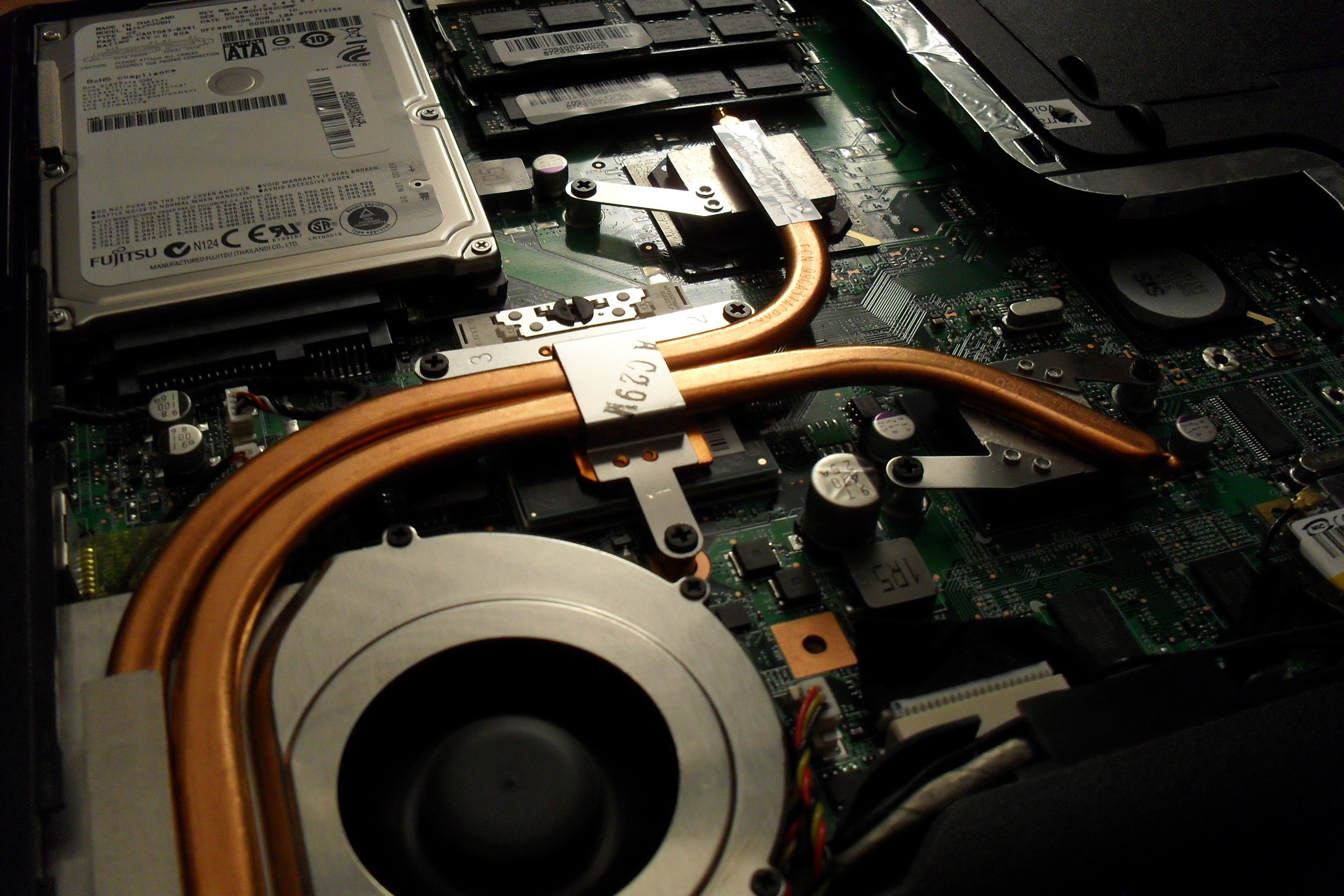
    Things tend to heat up a lot in the summer, especially all our electronic devices that we use everyday. Many laptops bake because the fan on the bottom is blocked, and the hard drive then quickly crashes. By using one (or all) of these techniques, you can keep your laptop cool and efficient without squandering your money on a cooling pad, we have got five really simple hacks for you:

    1. Use egg cartons as Trays

    sddefault

    Flip some empty egg cartons over and you will get plenty of airflow. Plus point, you won’t burn your legs if you want to actually put your laptop on your lap. It is not the best-looking thing, but it is affordable and gets the job done. An ugly setting is better than an overheating machine.

    2. Keep the surrounding cool

    0013
    0013

    Keep a cool atmosphere. Try putting your laptop in an air-conditioned or cool area to allow your system to cool down and prevent it from heating.

    3. Clean out the Dust

    clean

    Dust are the main reason laptops and computers heat up. There are many ways to address this problem. The simplest way is to buy a can of compressed air and spray it into the vents in swift and short bursts. Be sure your laptop is switched off and unplugged before doing so. You can also use a cotton swab to clean out any visible dust or suck it out using a computer vacuum.

    4. Check and adjust your settings

    Change-Plan-Settings

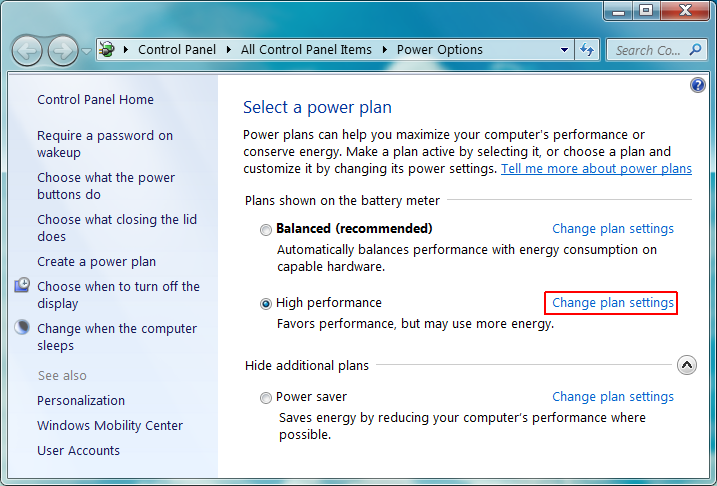
    Make sure your laptop is set up to manage a heavy graphics load. Gamers and movie watchers, this mainly concerns you. At the same time, if your software runs fine as is, do not update it unnecessarily. The goal is to reduce your machine’s workload. If your BIOS settings were freshly updated, for example, and your fan starts acting up shortly after that, you might try reinstalling them. Decreasing your screen’s brightness, unplugging U.S.B. powered devices and terminating idle apps that are hogging up CPU time will also further cool things down.

    5. Give it some rest

    maxresdefault

    If you have a desktop and a laptop, divide your time between the two. Don’t sleep/hibernate/shut down every other second. If you just logged on to check your e-mail, better to leave your laptop on than to turn it off shortly after, especially if you may use it again later that day. Your laptop might not be able to take as much exploitation as your desktop, so treat it with care.

  • Micromax Enters the Personal Computing Space with ‘Canvas LapTab’, a Laptop-Tablet Hybrid

    Micromax Enters the Personal Computing Space with ‘Canvas LapTab’, a Laptop-Tablet Hybrid

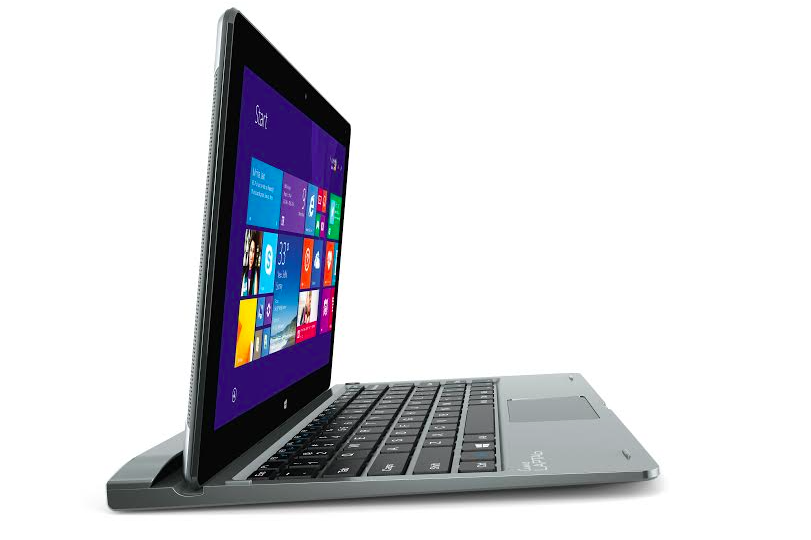
    Today, the homegrown handset maker Micromax debuted into personal computing arena with the launch of a tablet/laptop. It is the third segment where the company plans to gain a foothold, after smartphones and televisions. Dubbed as Canvas LapTab, the tablet transforms into a laptop when attached to a portable keyboard. The portable gadget is available at an easy price of Rs. 14,999.

    The Co-Founder of Micromax Vikas Jain stated at the launch event –

    We will launch five to six laptab models by March next year, which will more than 10-inches in screen size. We will move into pure laptops and pure personal computers overtime. We are thinking of manufacturing it in India.

    The device is different from the one unveiled at CES 2015 and runs on Windows 8.1 OS. The compact machine has been targeted at students, travellers, and enterprises.

    Coming to the specifications of the device, the Canvas LapTab features a 10.1-inch WXGA IPS touch screen. The processor powering the device is a 1.83GHz Intel Atom Z3735F, which comes bundled with 2GB of RAM. The memory storage details are still unknown. As mentioned above, the tablet runs on Windows 8.1 as of now, and can be upgraded to Windows 10 once its released.

    Optics includes a 2MP front and rear shooter. The LapTab has a mammoth battery of 7,700mAh, which can keep it going for 10 hours, the company claims. It comes with a 3G SIM slot for mobile data connectivity.

    The Canvas LapTab will be available on May 6 with the company’s online partner Amazon India. The product may be available through offline channels at a later stage.

iGyaan Network
Privacy Overview

This website uses cookies so that we can provide you with the best user experience possible. Cookie information is stored in your browser and performs functions such as recognising you when you return to our website and helping our team to understand which sections of the website you find most interesting and useful.