Netflix brought its streaming service platform to India in January 2016. Ever since its release, many people have switched over to online TV streaming services instead of the conventional satellite television. Following Netflix, Amazon also released their streaming service called the Prime Video which comes bundled with the Amazon Prime membership. A Netflix membership starts from Rs. 500 for a single screen and goes all the way to Rs. 800 for a total of four screens sharing a single account simultaneously. In this rainy season, it is rather difficult to make weekend plans with friends to go outside. For this very reason, we have compiled a list of Top 5 Netflix shows anyone can binge watch this week.
This American Sci-Fi animated show which was created by Justin Roiland and Dan Harmon. The show aired in The US on Cartoon Network for their late night program block called the Adult Swim. This dark humoured show is also available on Netflix in India. We decided to put in the list of Top 5 Netflix shows because it has all the elements expected from a good show. To start with, the art direction for the show contains blood and gore which is depicted in a way which is quite unique to the show. The show also does not shy away from playing with colours and character variations. While we the two protagonists of the show get the most screen time, the show also gives other characters a proper background. Justin Roiland, who is also one of the creators of the show, is the voice behind both Rick and Morty. What is worth noting here is that while Rick is a drunk super genius scientist, Morty is a timid schoolboy and Rick’s grandson. Justin manages to pull off both of these voices exceptionally well.
2. Final Space
This is again an animated, dark humoured, Sci-Fi show which launched recently. Final Space is about a character named Gary imprisoned on a spaceship. Gary also has a side-kick named Mooncake, these characters take us through a journey filled with intergalactic adventures. The show has a unique way of storytelling which caught our attention. Going back and forth in time, we see all the events which transpired to lead to the current situation which the protagonist finds himself in. Again, the art direction here also has a colourful vibe and a lot of gruesome shots. While an animated show, we definitely do not recommend this for kids.
3. Stranger Things
While Stranger Things tells a story about many characters, the main focus is on a female protagonist, Eleven (Millie Bobbie Brown). This show has a very rusty vibe which is very well depicted through its cinematography. The way that the plot thickens with each episode is one of the reasons why this is on our list of Top 5 Netflix shows. This Sci-Fi show has it all, alternate dimension, giant scary aliens, telepathy. While the show has a lot of funny moments, the overall tone is quite serious. Anything more about the show and it will be a borderline spoiler. If you for some reason already haven’t watched this show, you should start ASAP.
4. The Ranch
In our list of Top 5 Netflix shows, the Ranch has some of the most critically acclaimed actors. Known for movies like The Big Lebowski, and his moustache, Sam Elliot plays the role of a rancher, Beau Bennett. Beau is a father of two sons, Colt (played by Ashton Kutcher) and Rooster Bennett (Danny Masterson). The show also casts Elisha Cuthbert known for her role in The Girl Next Door. This is a family-friendly show about how these characters try to run a ranch while facing all the hardships life throws their way.
5. Sacred Games
This Netflix original show has the potential to change the way we think about the Indian television. The show breaks free from the “Saas-bahu” genre and offers a very interesting story about a police inspector, Sartaj Singh. Sacred Games tells the story of how Sartaj Singh (played by Saif Ali Khan) who is working on a case of a popular Mumbai gangster, Ganesh Gaitonde (Nawazuddin Siddiqui). The show also has a soundtrack by the artist DIVINE known for his unique rapping style and lyrics.
While Netflix has a lot of shows worth binge-watching, the above mentioned are some of the shows we feel are worth starting your weekend with. The shows are not listed in any particular order since each targets a very different story arch and audience. We will be bringing more of these Top lists so stay tuned.
Three days ago, Google announced the sweet its Android OS was named after; Marshmallow. Now that it’s out in the open, let’s take a look at 5 noteworthy features it has:
App Permissions : You’re the Boss
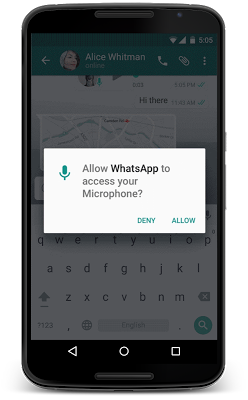
This feature has gotten a makeover and Google will now allow users to take a call on which permissions they want to allow or revoke, based on the usage of these functions. Unlike right now, where you don’t have a choice but to agree to all app permissions on first install or updates, in Android M, you will get a notification asking you to allow an app to use a specific function.
Google helps to give permission in parameters like, location, camera, contacts etc. So if you’re using WhatsApp and you want to send a voice message, the App Permissions tab will pop up, asking you for permission to use the microphone. You can also revoke the permission later if you so wish. This is exactly the way Apple handles it on iOS.
2. Better Web Experience: Custom Chrome Tabs
The web browsing experience has been further enhanced with Chrome Custom tabs, a new feature, that will let you include webviews within a particular app, without switching to the Chrome browser on your phone. Features such as automatic sign-in, saved passwords, autofill etc., will work on the apps seamlessly. The Chrome Custom tab also blends with the colours and fonts of the app it is being opened with to make it more seamless than it already is.
3. App Linking
Known as Intents, Android currently supports the app linking system, which lets you open a web link in a web browser or app. Before, if you had a Twitter link in, say your inbox and you clicked on it, you got a prompt asking if you want to open the link in your browser or within the Twitter app, which is installed on your phone.
So now, Android M will first let developers add an auto-verify feature within their code, which will, in turn, help open the link within the respective app (provided the app is installed on your phone). Instead of giving you the option. Don’t worry about the security because it is only after post-authentication and verification, that this feature will follow through.
4. Android Pay
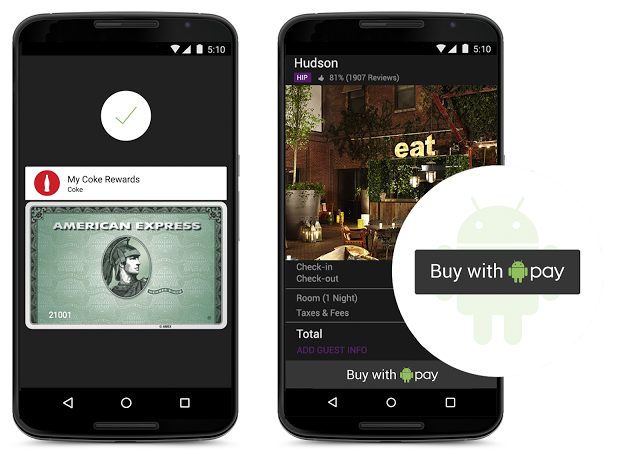
With this feature, all you need to do is unlock your phone, keep it near and NFC (near-field communication) terminal and voila, your payment is done. You don’t even have to open the app for this because payments are done by using NFC and host card emulation techniques for smooth tap-to-pay services.
Worried about security again? Google claims that once you share your credit card details, it creates a virtual account number. So, your real card number isn’t actually shared with the store you’ve shopped from.
5. Power management
Since battery is a perpetual problem, Android M will feature something called ‘Doze’ that will optimally manage the background processes.The OS keeps a watch on the motion detection sensor and if it sees no activity for a while, it shuts down some processes. However, alarms and high priority notifications can still be activated on this mode. Confident about this feature, Google claims that it helped the Nexus 9 to increase its stand by time by almost double, as compared to Android 5.0 Lollipop.
Although those were just top 5, features like the standardised finger support and the USB Type-C for charging support, will just make your life easier. You can authorise an Android Pay transaction, unlock your device or make Play Store purchases, all with the sensor. Similarly, a USB Type-C has a bi-directional port which you can use to charge the phone along with another device.
The world we live in today is based completely on technology. It surrounds us, and we have allowed it to embed itself in our lives today. Living in the 21st century, we simply cannot deny the fact that without science and technology, our lives would not be as half as easy as it is now. For every technology that makes our lives comfortable, we have to thank the tech geniuses behind the idea. We cannot imagine Apple without Steve Jobs or Microsoft without Bill Gates.
Like ways, we have compiled a list of tech geniuses of our generation below:
Sergey Brin and Larry Page (Google)
What is the defining contribution to technology made by Larry Page and Sergey Brin? The answer is Google, the single most important business in Silicon Valley today.
What fascinated so many early fans was Google’s constant pursuit of refinement and efficiency in its search algorithm. While other search engines’ results tended to be loaded with spam, Google’s were generally on target. The company had lots of other tricks up its sleeve as well: the rapidly growing Google universe now grants handfuls of productivity and entertainment tools – from word processing to video – most of them free, underwritten by the company’s universal ad-serving system.
Bill Gates (Microsoft)
The world’s richest man is also one of its most outstanding technologists–a guy who dropped out of Harvard to launch Microsoft to find the company that all techies are closely familiar with. No hands-off executive, Bill Gates has been involved with Microsoft product development at an amazingly detailed level over the company’s entire 30-year history.
Gates left Microsoft in July 2008 to focus full-time on his non-profit endeavor, the Gates Foundation, which he has provided with an eye-popping $29 billion to strengthen global health and learning.
Steve Jobs (Apple)
The King of Apple, Steve Jobs is familiar to even the most random non-technophile. Jobs lays claim to two critical moments in tech history. First, with the original Apple, he established the idea that computers belong in the home; and then, 20 years down the line, he proved the world that people ought to carry their (digital) music with them wherever they travel.
Apple may not have developed the PC, and it certainly didn’t make the first MP3 player, but Jobs’ famous “reality distortion field” has shown that who got there first is sometimes less important than what they brought with them. Today, Apple is bigger than ever, owning market share since the company started off.
Evan Williams, Christopher Isaac Stone and Jack Dorsey (Twitter)
The founders introduced Twitter at South by Southwest in Austin, Texas. Their first tweet? “Inviting co-workers.” Since then, a flood of messages, no greater than 140 characters, has streamed from the site. As of September, Twitter had more than 100 million active users around the world.
“We got lucky,” says Twitter co-founder Biz Stone. “It doesn’t mean we’re geniuses.”
It may be luck or genius, but the microblogging site has grown to be one of the most popular websites in the world in the four years since it was first launched. With over 302 million users, Twitter has become popular not only as a social networking site, but as a grassroots news outlet for late-breaking events. The road that came before, however, was not an easy one for the young company.
Mark Zuckerberg (Facebook)
Facebook CEO and Harvard dropout Mark Zuckerberg, 27, has changed the way we communicate, not only online but in other areas of our life. The social network platform that began in a dorm room in 2004 has arguably waived the need for high school yearbooks, greeting cards and reunions. It’s a website that is now used by 300 million people around the world.
Since then, Zuckerberg has grown into his role as the face of Facebook, which is now valued more than $200 billion.
Lei Jung (Xiaomi)
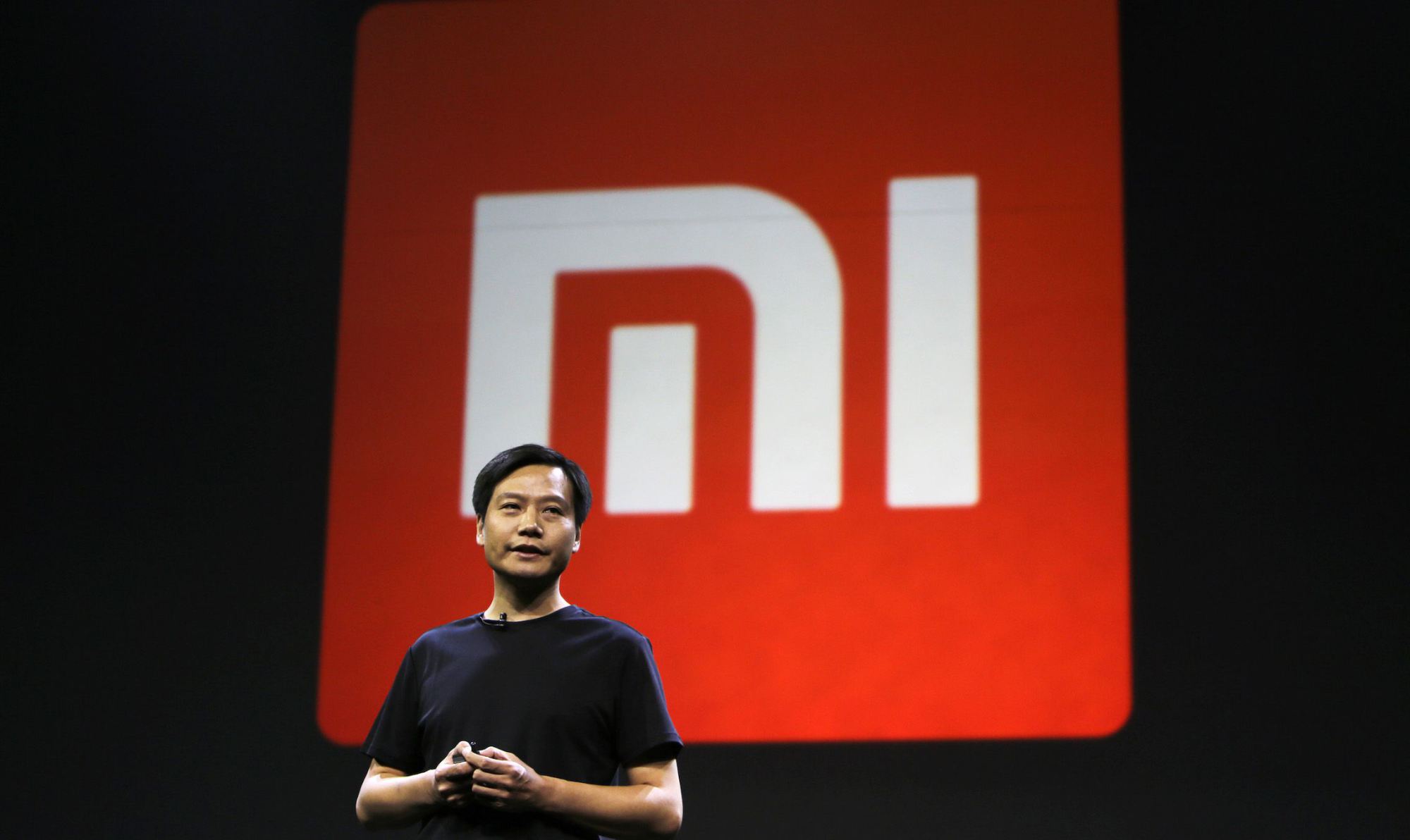
As a startup CEO, Lei Jun prided himself on out hustling his competitors: 100-hour workweeks were standard. It is his pride that has allowed Xiaomi to quickly emerge as one of the world’s most valuable private tech companies. Today, Lei ranks as the eighth richest person in China.
Xiaomi is winning by giving the Chinese what they want: Cheap, feature-packed Android phones. Xiaomi will sell 60 million handsets in 2014, doubling 2013’s total; its $5.5 billion in sales in the first half of 2014 surpassed all of 2013, when its phone division netted an estimated $80 million. With Asia accounting for more than half of the 1.5 billion smartphones sold worldwide each year, that feat alone has vaulted Xiaomi to number three in the world, after Samsung and Apple. Lei has been called the Steve Jobs of China, and for good reason.
Jimmy Wales (Wikipedia)
In 2001, Wales founded the open-content internet resource Wikipedia, which later became the world’s largest encyclopedia. Wales also founded the for-profit web-hosting company Wikia, and has advised governments and universities. The online encyclopedia also has a co-founder in the form of Larry Sanger, who helped develop the project but left in 2002 shortly after it was launched.
The origins of Wikipedia began in March 2000, when Wales began Nupedia (“the free encyclopedia”), which was identified by an extensive peer-review process designed to make its articles of a quality similar to that of acknowledged encyclopedias. With the addition of wikis (a collection of web pages designed to allow anyone who accesses it to contribute or modify content), the project was named “Wikipedia.” Mr. Wales laid down the founding principles and content, establishing an Internet-based community of contributors during that year. Wikipedia was initially meant to be a wiki-based site for collaboration on early encyclopedic content for submission to Nupedia, but Wikipedia’s rapid growth quickly overshadowed Nupedia’s development.
Chad Hurley, Steve Chen and Jawed Karim (YouTube)
YouTube was invented by Steve Chen, Chad Hurley and Jawed Karim out of a garage in Menlo Park. Hurley attended Indiana University of Pennsylvania, where he received his bachelor’s degree in fine art. After graduating, he joined eBay’s PayPal division, primarily focusing on user interface. It was there that he met Steve Chen and Jawed Karim, with whom he founded YouTube.com, a video-sharing website, in 2005.
YouTube quickly became one of the web’s fastest-growing sites, and was ranked as the 10th most popular website just a year after its launch. There are reportedly 100 million clips viewed daily on YouTube, with an additional 65,000 new videos uploaded every 24 hours.
Travel today has become simple. Well, simpler than what it used to be. With some who travel frequently and the summer upon us, a chance or need to visit a new destination may arise for a lot of people. However, with a lot to consider when traveling to new lands; from modes of transport to lodging and getting around. It has become more a stressful exercise. Having spent the early part of 2014 and 2015 traveling from one part of the world to another, I have come across people who seem fearful of said experience. They find what is supposed to be a fun exercise, a torture or a stressful endeavour.
Here are a few of my tips to overclock your travel experience and hack into making everything work better for you when you travel.
1. Pro Packing
The one thing you must educate yourself with before you travel, is the general atmospheric nature of the region to where you are headed. This will help you determine what all you need to take with you. Take only what you must, and as little as possible, you might end up shopping more than you expected to. If splurging on consumerism is not your thing, traveling light has many benefits. With Airlines trying to extract the profit balance, the Allowed weight of baggage is becoming lesser and lesser. If you do go on a shopping frenzy, always keep a digital luggage scale handy, so that you know when you have reached your limit.
Pack Like A Pro
While everyone is an expert in packing their own things, few tips like rolling up clothes, and lining the bottles to the side of your luggage really works to free up that space. Stuff your shoes with socks and other soft small clothing items, double pack your liquids in sealed plastic bags to avoid those unwanted shampoo stains on your favorite business suit.
An extra set of clothing in your carry on luggage goes a long way, especially when your luggage is delayed or lost in transit. Never put anything of value in checked in baggage and wrap fragile items in layers of newspaper or bubble wrap.
TSA Lock
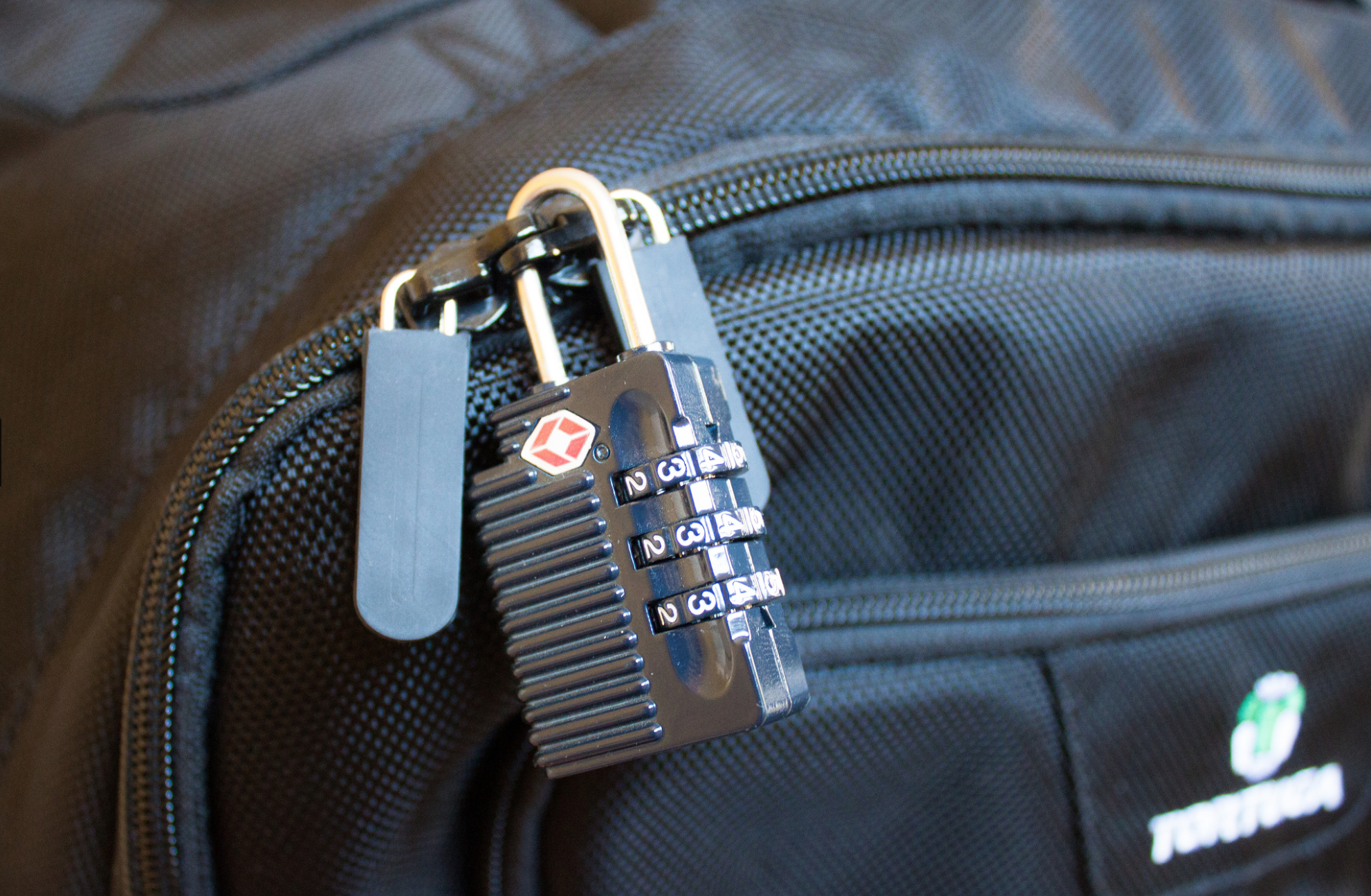
Lock your checked in bags with a TSA approved locks. This type of lock will allow security agencies to open and check the bag if they so need to, then re lock it safely. Travel size is the way to go, so ensure that, if you carry any liquids in your carry-on bags they are within the carry-on size limits (below 100ml in most cases).
2. Beat The Airline
When you travel, it seems that everything is chargeable. Extra luggage, food and even basic comfort is a paid luxury. When possible, plan in advance; buy tickets early and even pay for the extra luggage online. This will save over 50% of what airlines call “opportunity earnings”. Always check in online, this helps you beat the queue, find a fairly comfortable seat and also mostly get away with slightly heavier baggage. Use the bag drop service, when available, after checking in online, to avoid the luggage being weighed when traveling within countries.
If you can afford to, then always only buy business class tickets, use the same airline as often as you can and always join that airlines frequent flyer program. If booked well in time, business class tickets can be had for only a slight percentage more than the economy tickets. The business class service is fantastic , seats are very spacious, enough to be sleep-worthy on a long haul and food is actually edible and healthy, while alcohol is poured in generous quantities.
Business Class is Awesome!
Tanking up on frequent flyer miles miles can have its privileges, once you progress from silver to gold to platinum, you will see a host of possibilities open up. An additional bag, priority check-in, free lounge access, porter service at most international airports all this for basically being loyal to the airline. You will also get free upgrade vouchers, and freebie gifts as a frequent flyer.
Your miles always come in handy too, pay excess baggage fee, get upgrades, or even buy tickets using up your miles as modes of payment. You can often end up traveling for free if you are smart from the get go.
3. Pick Your Transport
Depending on the kind of person you are pick your transport and plan for it in advance. The best way to get around in a new city is to use what the locals use. For example, New York city is best seen with the use of the underground rail and the bus network.
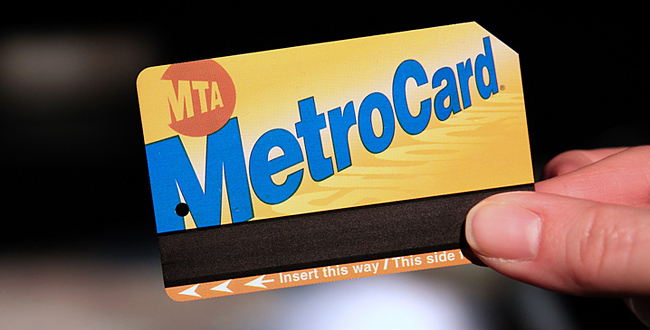
New York Metro Card
If you are traveling for a week or more, buying a weekly/monthly pass may come in handy. This card allows free unlimited rides on the train and bus network within the city, also a month long pass usually ends up being cheaper than one single taxi ride.
Car Rental Counter
Some cities are easily accessible on foot, and some using cycles available for rent. Barcelona is one such place, where travelers can get around best using rented bicycles. Goa is best seen by renting motorbikes, or even cars and open trucks. You can even rent vehicles when traveling considerable distances, an hour or two hours drive away from your place of stay. Most rental companies will accept foreign Drivers licenses and offer great discounts and upgrades when booked well in time. These rental companies also have loyalty programs which almost work like frequent flyer programs, allowing free upgrades, priority service, etc.
Airport transfers can be tricky too, always plan these in advance. Usually governments arrange bus services from Airports to downtown areas. New York has the “NYC Airporter” service which is run by the city, this service costs US $ 15 one way VS the one way taxi fare which is roughly US $ 70. New Delhi Airport has shuttles that run for free and sometimes for a very nominal fee. If you cannot find such a service, try using the local public transport when available. Berlin for example ( and most European destinations) has a great bus networks that connects to the airport.
Pro-Tip: Pre booking a taxi or finding a govt. authorized taxi service works well.
4. Pro Lodging
Depending on the kind of person you are, there are always lots of options available when booking a place to stay. If you are okay sharing spaces, websites like AirBnB have proven to be pocket friendly.
If you are booking a hotel that you have never stayed at before, always only book for the first night. Your epic vacation could come to a screeching halt if the pictures you saw while booking lied about the exact state or locality of said hotel. If you have paid only for the first night you can always go look for a better place incase your existing spot does not cut it for you.
Smart Booking can be healthy!
If the place of stay is known by you or those around you, then always book well in advance to get the best possible deals. Try booking directly with the hotels from their websites, using coupons or by emailing hotels. This usually turns out much cheaper than using websites that claim to be cheapest, and you often get deals like free breakfast and room upgrades.
5. Eat and Party where the Locals Do
Make friends before you arrive! The best way to know a place is to actually have friends who live there. Lots of travel forums and social networks allow you to get to know people before you arrive to a new city.
Ho Chi Minh Food Market
Avoid going to “touristy” places, they usually end up being a disappointment. As far as food goes, there is no better way to experience the food of new place than to eat where the locals eat. This will have the most authentic flavors and the best prices, you will meet fun people and have a blast.
6. Pro Connectivity
While travel sim cards are available a plenty, staying connected nowadays is more than just phone calls. Data is a very important need of the modern day traveller, and it’s best had by getting a local number. Most countries issue Sim cards to tourist almost instantly, after taking a copy of your passport. Find out the best phone and data plans for pre paid cards and simply get there and get connected. Retain these cards and activate online account for your numbers, so you can simply recharge your number before you travel again, to be connected on arrival.
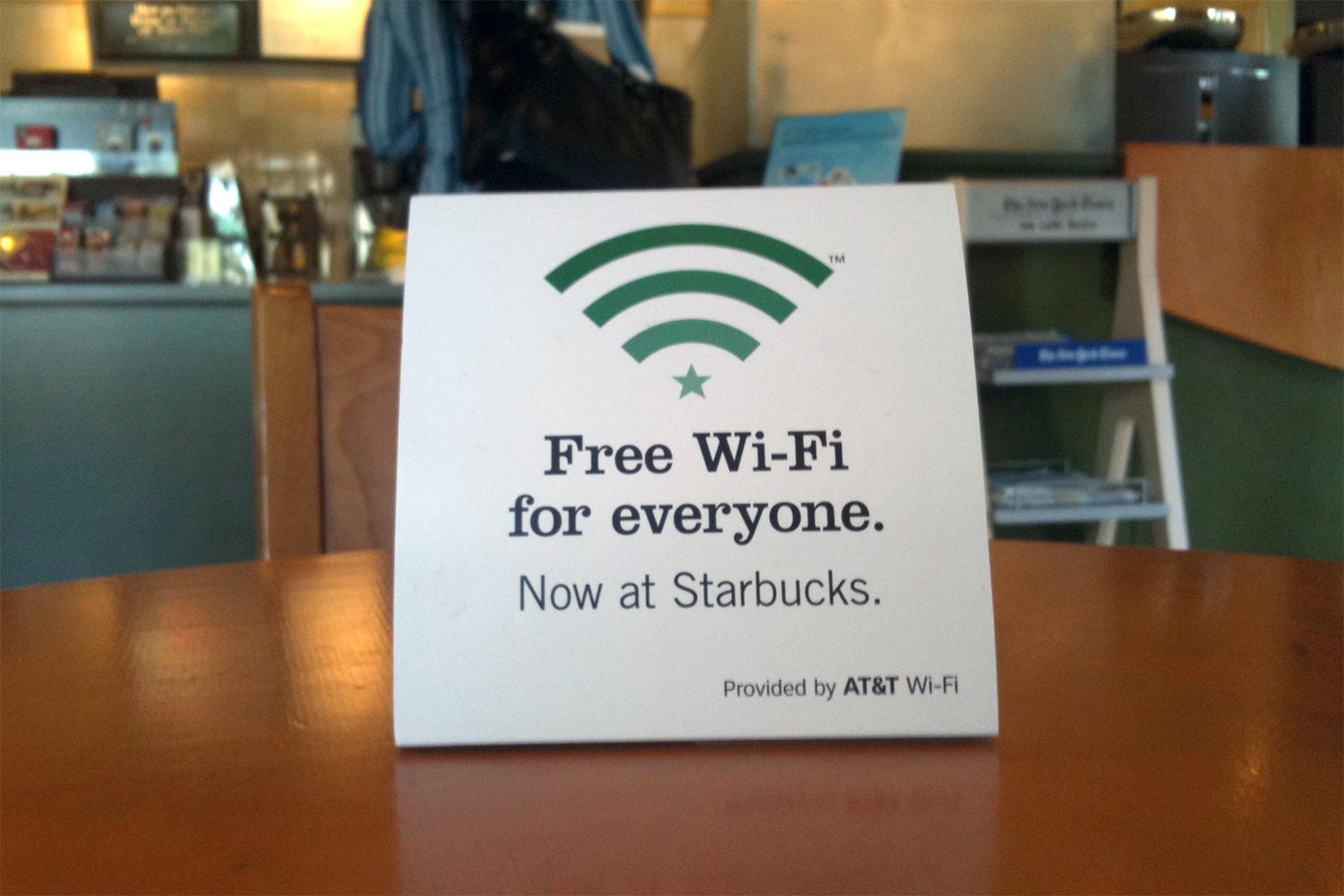
Coffee shops and Cafes like Starbucks provide free Wi-Fi and power sockets to charge your devices. Never miss an opportunity to grab a hot cuppa, or a mocha frappuchino and get connected while you recharge your portable.
Most airlines now have Apps that not only allow you to check in and get your boarding cards on your phone, but also send instant notifications on delays, gate closing times and last minute gate change. Just so you don’t miss the last call announcement while listening to music on your fancy noise canceling headphones. If you own an iPhone, Passbook will scan your emails and remind you about your flights and add boarding cards to the book.
Bonus : Tech Travel
While most travel to enjoy visiting a new place, there are some with a fixed agenda. If you fly often, a long battery life tablet like an iPad and noise cancellation headphones may as well become your best friends.
A tablet allows you to carry millions of books, games , movies and a lot more to keep you busy. The noise cancellation headphones with active noise cancellation will almost entirely eliminate the loud airline engine hum and also prevent babies from waking you up with their first flight in a pressurised torture tube.
A travel adapter you own, will save you upto US $ 100 that some hotels may charge you, for not owning one. Some hotels don’t even carry these, so you might get stuck at a hotel without being able to charge your phone, your laptop or even your shaver. Different countries and regions have different power sockets and a multi country travel adapter is a must for a frequent flyer to international destinations.
Related Travel Products
Enjoy you Summer, plan well and if you do end up in some disaster let us know!
If you’re one of the lucky few who get to escape the country’s blistering summer, we’ve got some handy tips for you. We’re here to tell you how to utilise what technology has to offer to ensure you have a safe, fun, and stress-free vacation.
First things first, figure out the best way to get an affordable data connection on your phone, in the countries you’re visiting. There are several companies (Lyca, Matrix) that provide you with international calling cards, even before you leave the country.
So, let’s get started.
Pack Up!
The excitement of the journey begins when you start deciding the stuff you’re going to be carrying with you. If you’re willing to spend a minimal amount on an app, we’d recommend Packing Pro (iOS). Just like its name suggests, it helps you pack like a pro. You can make customised to-do lists, but the best part about this app would be the ‘Expert List’ assistant. This has already got packing lists ready depending on if you’re a male/female, if you’re going camping or if you’re stepping out for a short business trip. The app is intuitive and customisable, and in our opinion, worth every rupee spent.
How to Fill the Language Gap
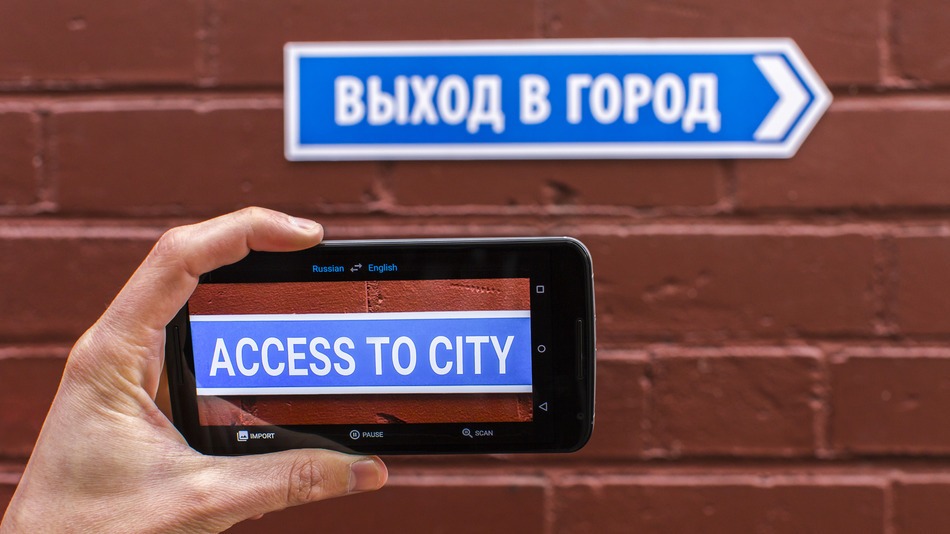
A recent update to the Google Translate app, integrated a World Lens tool. Word Lens uses the smartphone’s camera to scan scenes, identify writing and then display it as if it were written in English. You can hover your device in front of menus, road signs, and more, and see the translated text overlaid on the screen immediately without any internet connection. Pretty neat, right? A super useful feature when you’re jet-setting across the world and trying to make your way through foreign cities, where English isn’t the first or second language.
TripLingo, on the other hand, gives you some of the commonly used phrases in a particular language. Believe us when we say this, you’d want to memorise how to say “Where is the Bathroom?” in Mandarin, before you land in China. This app also gives you a crash course in local customs and etiquette.
Both Google Translate and TripLingo, are available for free on the Play Store.
Make Some Lists
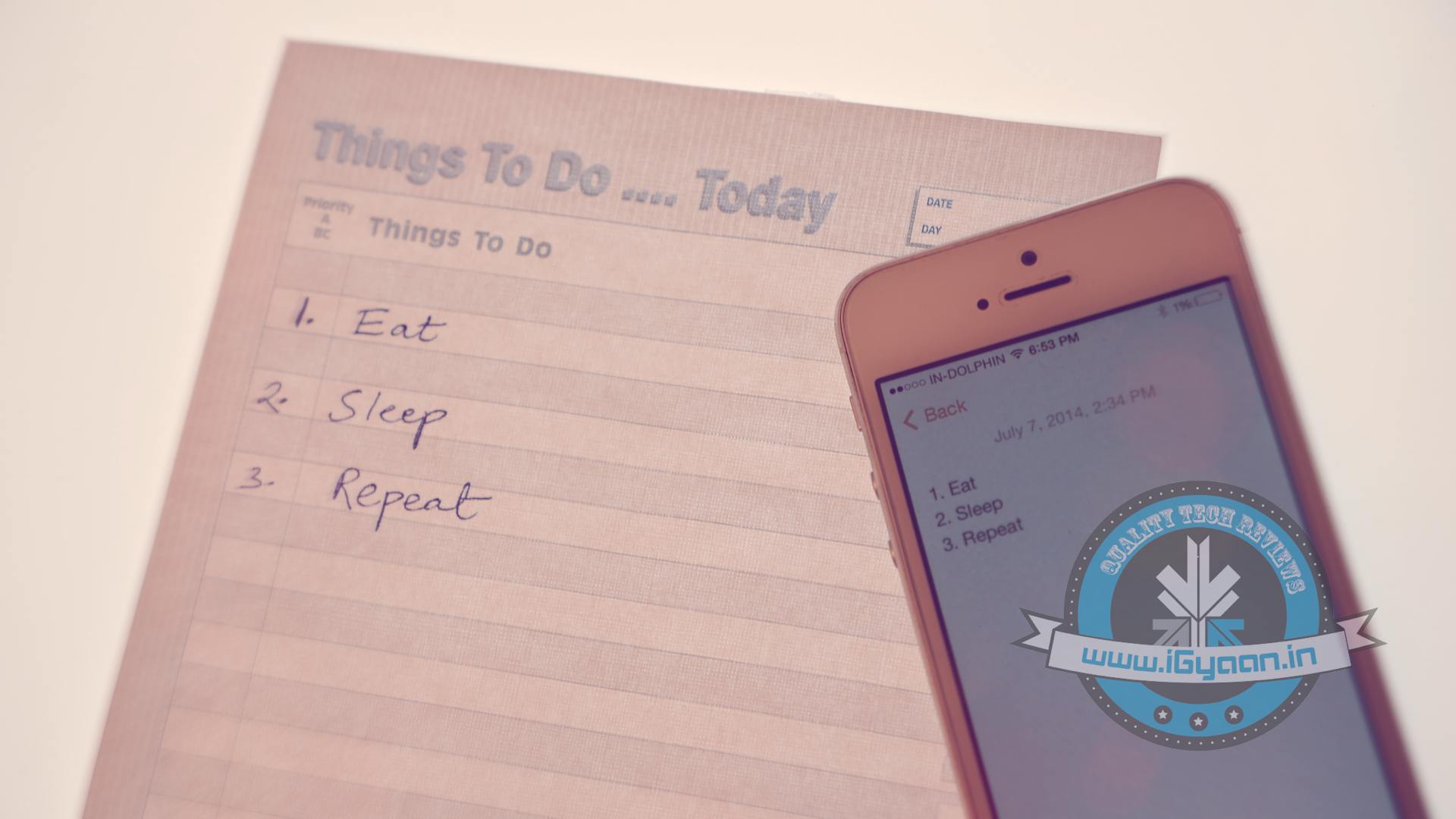
To prepare for a trip abroad, the first thing any travel magazine will recommend is that you make a list. A list of things to pack, a list of places you’d want to visit and even a list of things you want to buy. If you’re flying solo, the Notes app provided on your smartphone would suffice. However, in case you’re travelling in a group, ask everyone to download a single note-taking app. Go for Slack or Evernote. You can make a checklist and multiple people can contribute and edit the list while on the go. While these apps may be designed for businesses, they serve the purpose just as well.
Both Slack and Evernote are available for free on the Google Play Store.
How to Make Sure You Never Get Lost
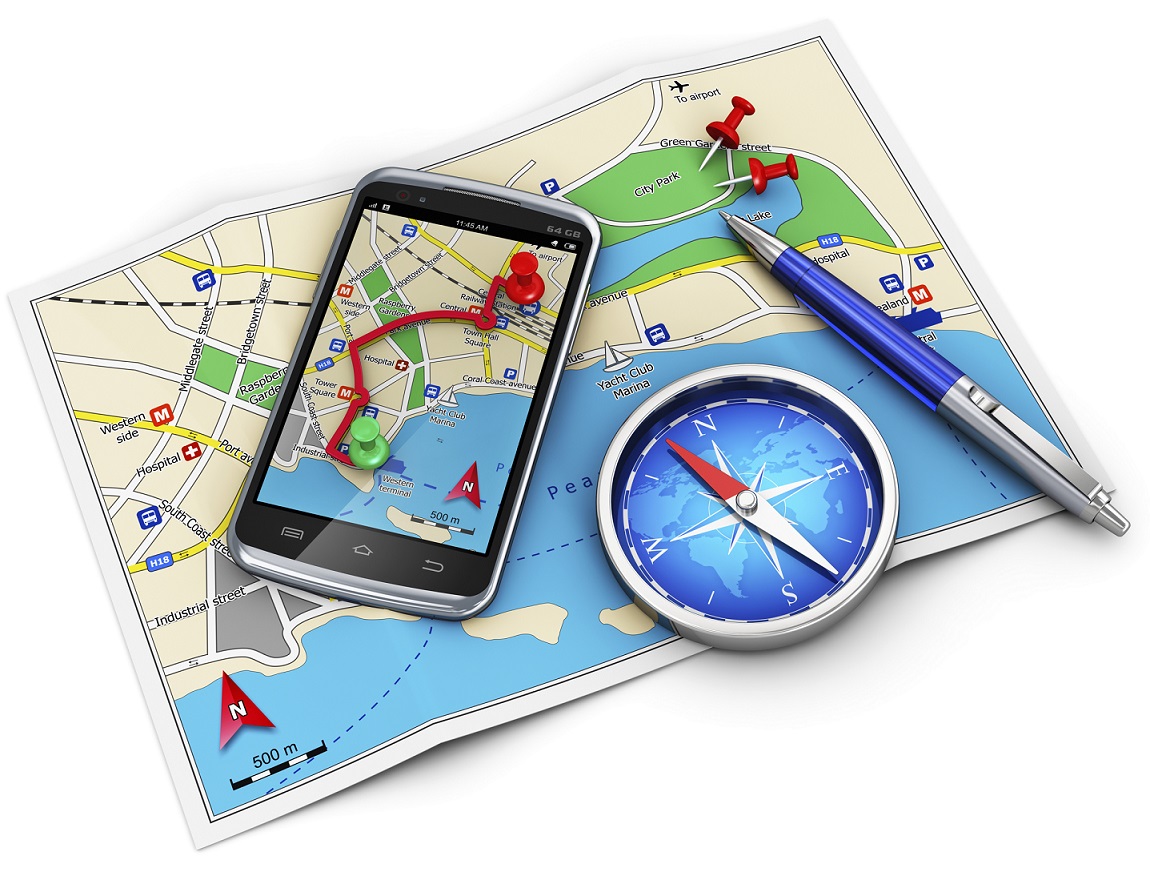
Other than Google Maps, there are a slew of apps available to help you navigate your way through an unknown city. From the bunch, we would recommend City Mapper and Moovit. The two help you make your way around a city’s public transport system. Just add your destination and it will tell you how to get there. Other than route-navigation, it gives you step-by-step instructions which include local modes of travel (ferry timings, cycle pick-up, etc.) The highlight about the apps is the fact that they provide real-time updates. For example, if the bus you’re waiting for is held up in traffic, it will tell you exactly how much longer you would have to wait for.
Google Maps, City Mapper and Moovit, are available for free on the Play Store.
So, What do Locals Do Around Here?
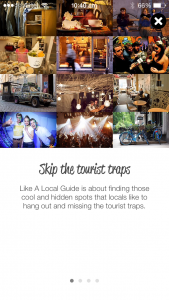
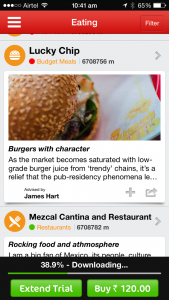
The traditional way to find out the hidden gems of a city, would be to try and strike a conversation with a local resident of the town you’re visiting. We now have an app which will help you with this, and much more. Available in more than 40 cities worldwide, Like a Local gives you genuine reviews about the local restaurants and markets to check out. The app promises that their recommendations have been curated solely by local editors. If you hate being a tourist in a foreign city, this one’s for you.
Like a Local Offline CityGuide is available for free on the Google Play Store. If you’re still contemplating where to head to this summer, you can click here for inspiration.
Before there were emails and video conferences, fax machines were the convenient mode of instant communication. It was one of the fastest way to send important documents and memos across the sea. However, there were some glitches and it led to the wastage of paper. You needed a print out of the document first to send it over. Fax is still deep-rooted in many parts of the world. Some enterprises still hold on to the fax machines for their documentation and office matters. In case you don’t have a fax machine, you have to run around looking for shops to send a fax. But not anymore.
Here is a list of websites that will send your faxes for free:
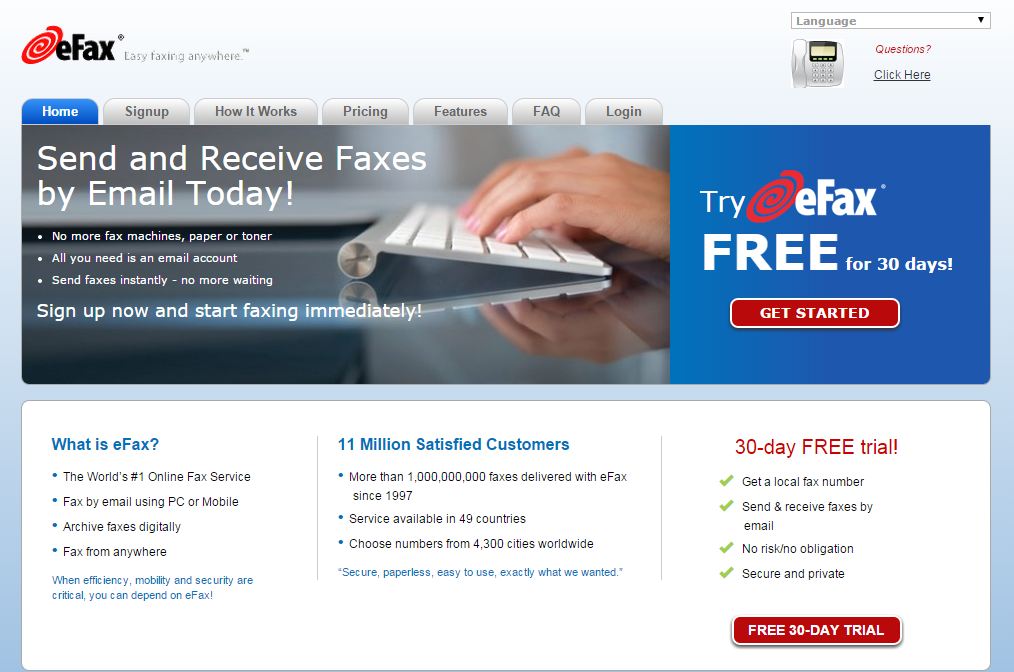
Well, as the name suggests, this is one of the most popular websites to send faxes over the internet. However, eFax is not a free service but you get 30 days trial. You will get a local fax number to send and receive faxes. This service is running since 1977 across 49 countries including India. After the free trial, you can go for a monthly plan.
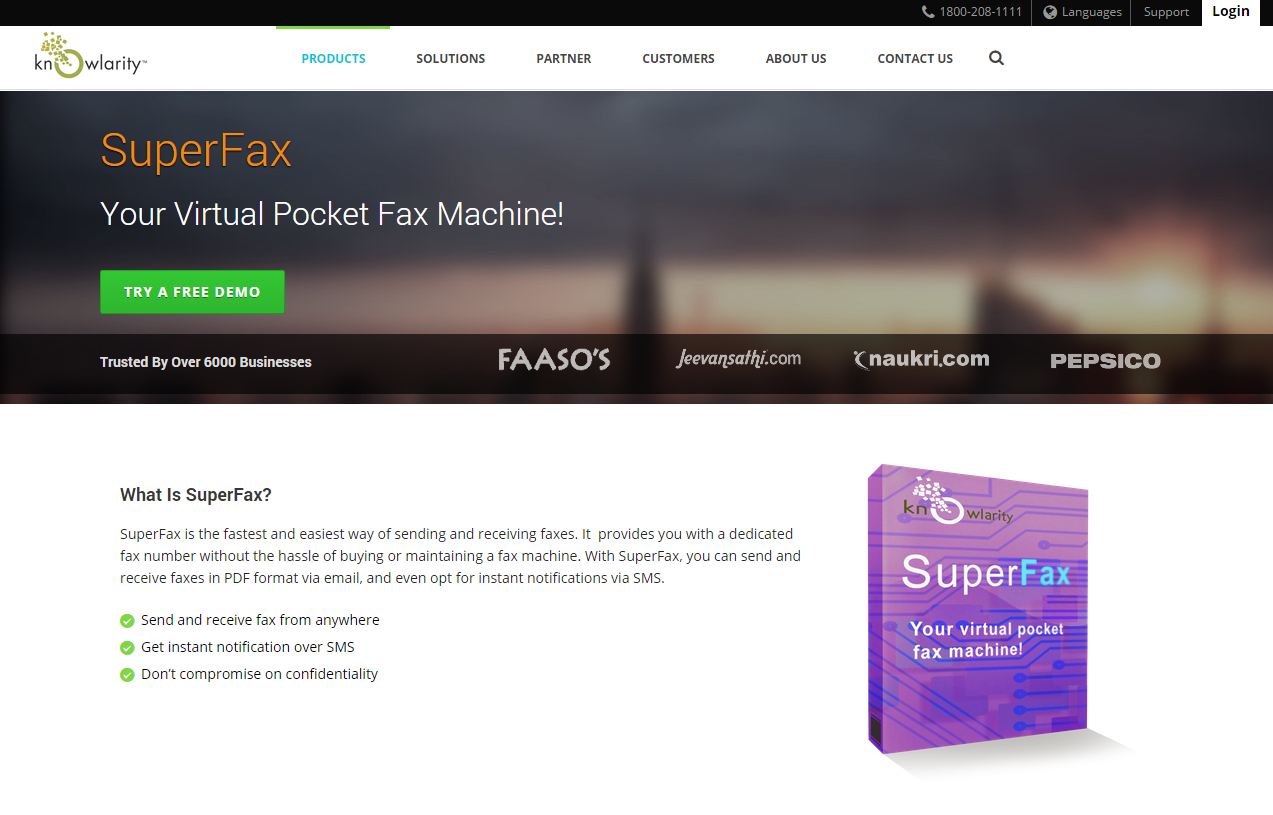
It is the most popular website with pricing in Indian currency and office in India, which adds credibility. It is an email to fax service which gives you free demo account for three days. You will get 10 incoming and outgoing faxes with the demo account. After three days, you can sign up for an annual or a lifetime plan.
Another Indian company, SpeedFax is also an email-based service to send and receive faxes. You get three days trial pack and after that you can go for six months or one-year plan.
Sending a fax from this is similar to sending an online SMS. This service is only for Indians and it is absolutely free. To use this service, you do not have to enter a country code. It is basically a hassle-free service, however, we can’t comment on the credibility of the website.
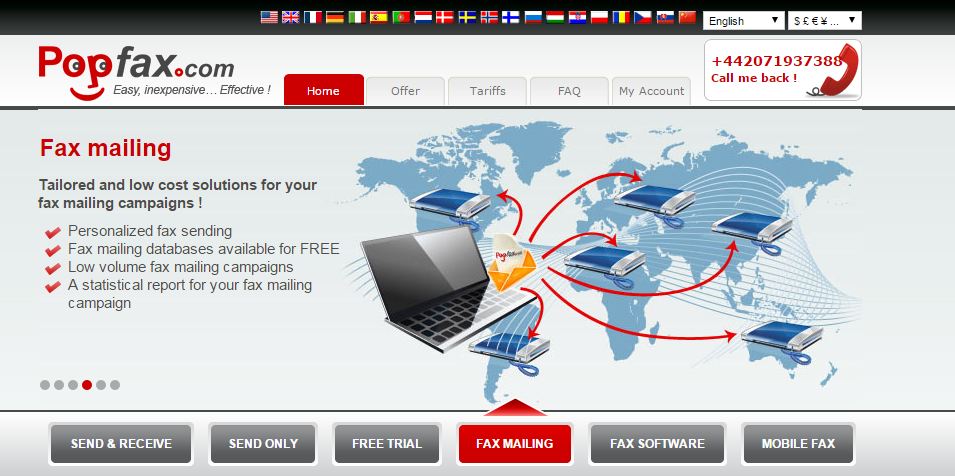
It is quite the same service as all the above with one added advantage. You can use this service from your mobile and yes, you do not need credit card to use this trial. The website provides services in 500 cities across 20 countries.
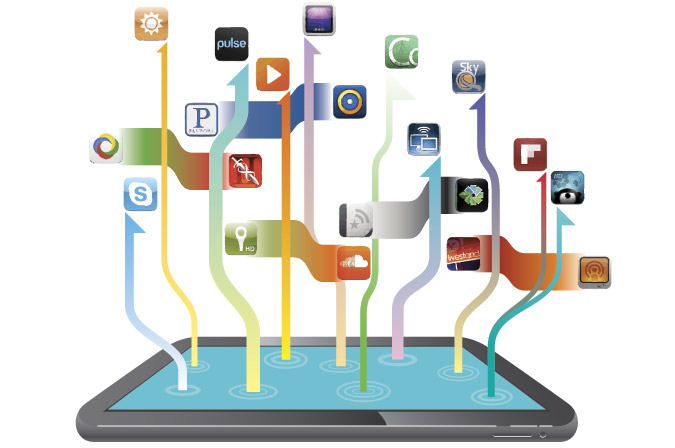
Android tablets have evolved to become full-featured devices. But these tablets have been criticized for not having a mature ecosystem, they require good apps to take advantage of everything they have to offer.
We are listing Top 5 tablet-specific apps to make your Android tablet work well for both professional and leisure activities.
This app certainly won’t replace its powerful desktop counterpart, but for the more serious designer, Photoshop Touch offers a plethora of tools that no other photo editing app suites can think of touching on Android, such as Layered images, magic wand selections, clone stamps and plenty more. You can also integrate it into Adobe’s Creative Cloud, which means that you can do minor editing on your tablet and then sync a file to your desktop to continue working on it on Photoshop.
One of the most comfortable uses of a tablet is sitting on the couch and reading. Pocket lets you set aside articles for casual browse later. Also, it automatically downloads saved articles for offline reading and is particularly handy if you want to load up a Wi-Fi-only tablet and take it with you when you leave home.
AirDroid is the only app on the list which is not specifically designed for a tablet. However, it is one of the best apps to work on a tablet. AirDroid allows you to access your files and data on your tablet remotely without having to plug it in to your desktop. You can even reply to text messages or update applications. If you spend a lot of time at your desk with your devices plugged in, AirDroid is a must-have.
Dashclock widgets is one of the best suited widget app for tablets. With a variety of extensions that you can plug in, you can use this widget to keep updated of everything in your digital life. There are a ton of extensions available to customise the Dashclock and on a larger tablet, you can turn this widget into a veritable control panel, which is not available on any other widget app until now.
Hipmunk has raised the expectations from travel search every other travel app, offering a unique “misery index” algorithm for evaluating flights. Hotels get similar treatment, making this an ideal app for travel research.
Festive season is here and every smartphone maker is gearing up to bring their flagship devices to India. With new phones pouring in, old phones have finally started getting some serious price drops. Heading into the holiday season, there are always some excellent smartphone choices to look into and you really can’t go wrong with any of them. So whether you want to gift it to your brother, sister, father or husband, with these top budget-friendly phones, you never can go wrong.
[row cols_nr=”2″]
[col size=”6″]
5. Micromax Canvas Nitro A310
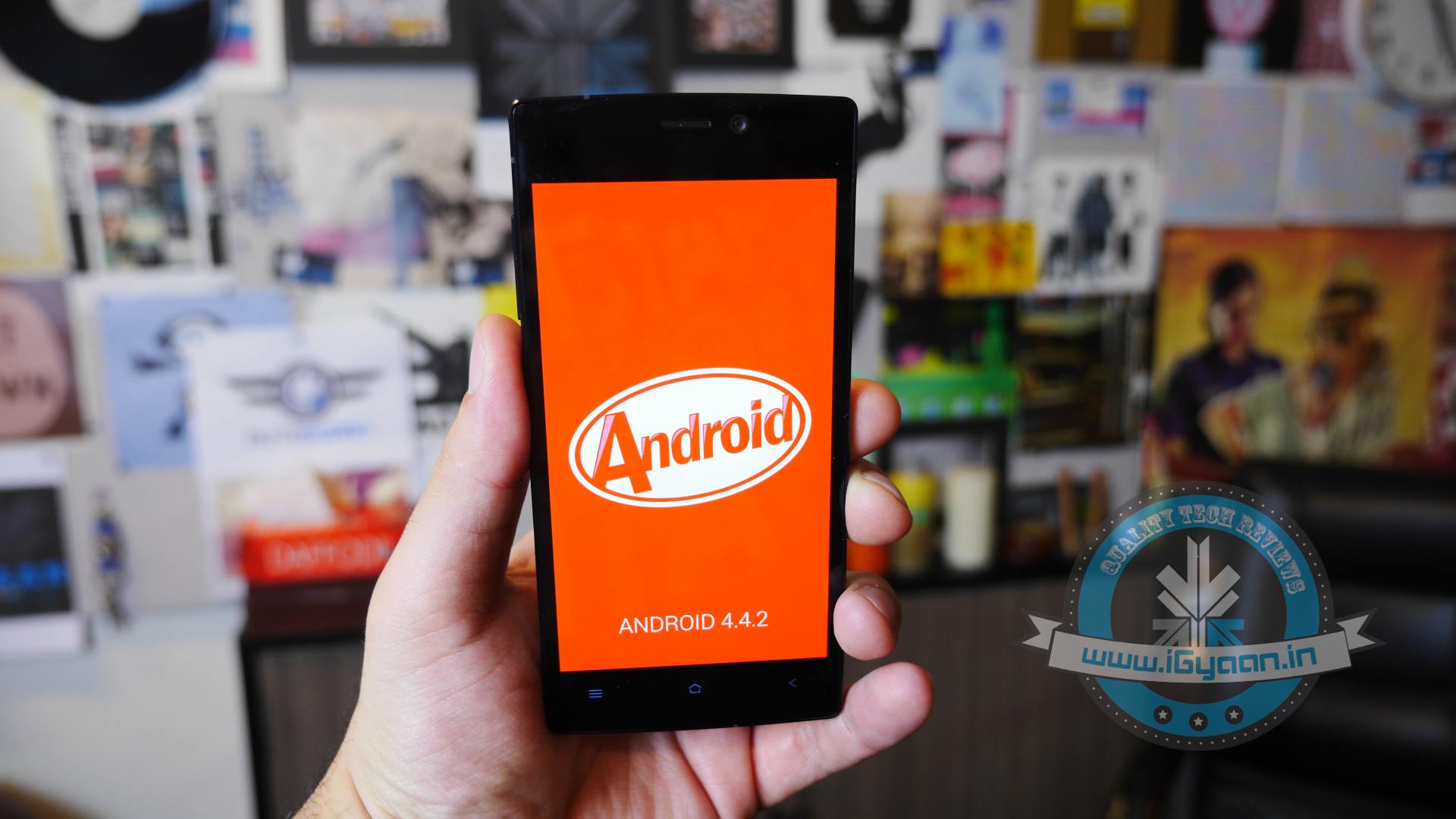
The Canvas Nitro A310 is a well built phone with good specs. It comes with a Mediatek Mt6592 Octa Core Chipset clocked at 1.7 GHz on all eight cores. The phone also has 2 GB of RAM and a Mali 450 MP2 GPU. The Nitro runs on a 2500 mAh battery and has 8 GB of inbuilt storage, out of which roughly 5.2 GB is available to the user. The device has a great screen and battery for its price bracket.
Specs
Canvas Nitro A310
OS
Android OS, v4.4.2 (KitKat)
Processor
Octa-core 1.7 GHz Mediatek MT6592
Display
720 x 1280 pixels, 5.0 inches (~294 ppi pixel density)
Storage
8 GB internal, expandable up to 32 GB
RAM
2 GB
Battery
2500 mAh battery
Camera
13MP rear and 5MP front
Buy Now
[/col]
[col size=”6″]
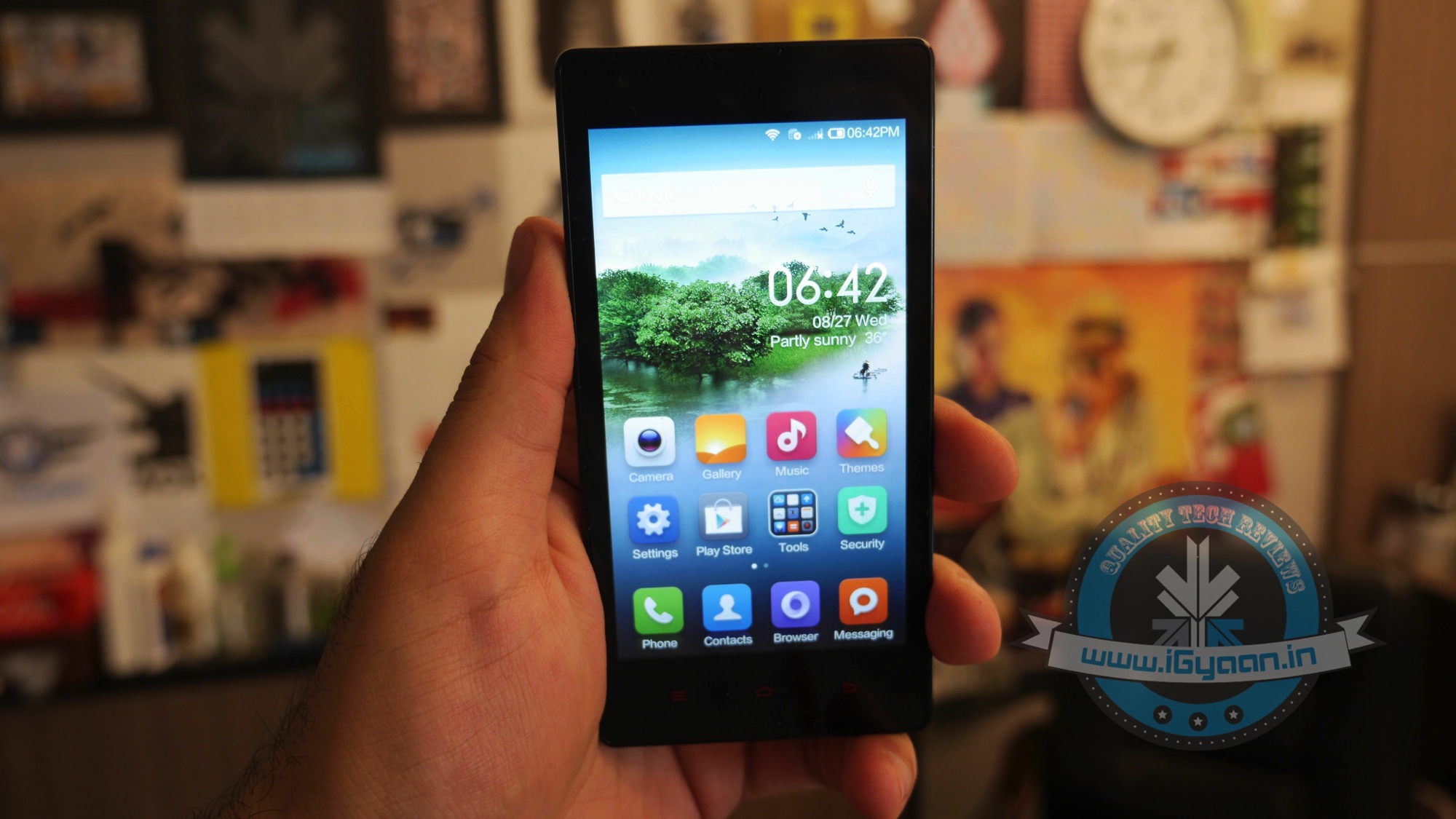
4. Xiaomi Redmi 1S
The Redmi 1S just like the Xiaomi phones in the past has built a burning desire in everyones hearts to own the phone, it comes with an impressive price tag and a good spec sheet. The performance on the phone is excellent and everything just seems to be too good to be true. The phone is good looking, well built and supported with respect to the OS and UI, with the added advantage of cheap accessories and quick updates one really can’t complain. For the price you will not find a better device, even if you add another Rs. 4,o00.
Specs
Xiaomi Redmi 1S
OS
Android OS, v4.3 (Jelly Bean)
Processor
Quad-core 1.6 GHz Snapdragon 400
Display
720 x 1280 pixels, 4.7 inches (~312 ppi pixel density)
Storage
8 GB internal, expandable up to 32 GB
RAM
1 GB
Battery
2000 mAh battery
Camera
8MP rear and 1.6MP front
Buy Now
[/col]
[/row]
[row cols_nr=”2″]
[col size=”6″]
3. Asus ZenFone 5
Asus has launched some great, and reasonably priced phones recently. Asus’s ZenFone 5 has a lower price tag, better hardware and superior performance all around. The 8GB model is available for under Rs. 10,000. It is a no brainer if you want buy it for your mother or sister because it is a beautiful handset too.
Specs
Asus ZenFone 5
OS
Android OS, v4.3 (Jelly Bean), upgradable to v4.4.2 (KitKat)
Processor
Intel Atom Dual-core 1.6 GHz
Display
720 x 1280 pixels, 5.0 inches (~294 ppi pixel density)
Storage
16 GB internal, expandable up to 64 GB
RAM
2 GB
Battery
2110 mAh battery
Camera
8MP rear and 2MP front
Buy Now
[/col]
[col size=”6″]
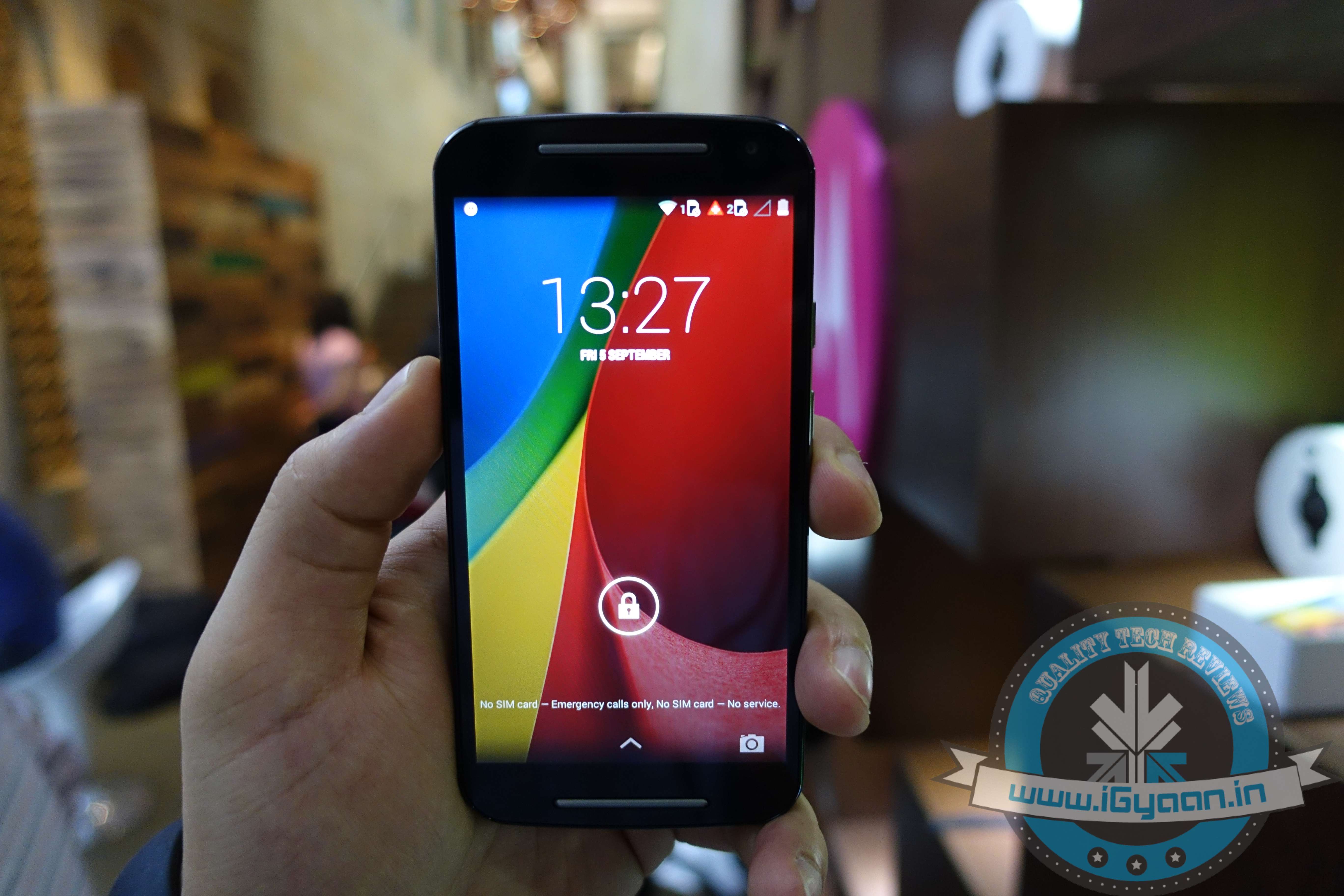
2. Motorola Moto G (Gen 2)
Motorola recently launched the second generation of its blockbuster Moto G. The device was much awaited and comes with considerable improvement over its trendsetting predecessor. The 2nd Gen Moto G has a 5.0-inch 720p HD IPS display made out of Corning Gorilla Glass. Other improvements to the G include two front stereo speakers and an 8-megapixel rear camera and a 2-megapixel front-facing one. One of the best feature to come with the 2nd generation device is the external SDcard slot.
Specs
Motorola Moto G (Gen 2)
OS
Android v4.4.4 (KitKat)
Processor
1.2 GHz Qualcomm Snapdragon 400, Quad Core
Display
720 x 1280 pixels, 5.0 inches (~294 ppi pixel density)
Storage
16 GB internal, expandable up to 32 GB
RAM
1GB
Battery
2070 mAh battery
Camera
8MP rear and 2MP front
Buy Now
[/col]
[/row]
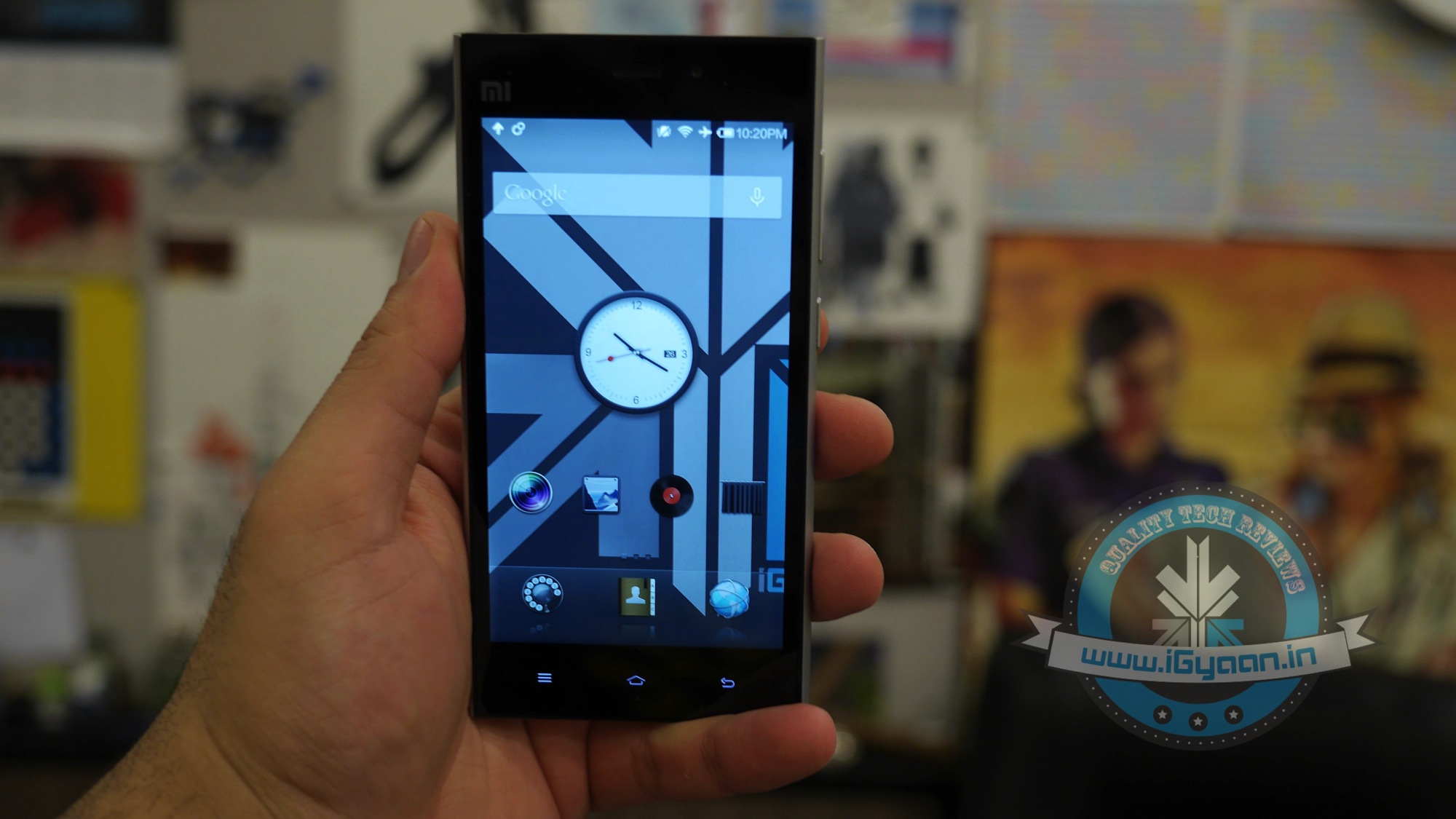
1. Xiaomi Mi3
Xaiomi has just announced that they will ship large number of Mi3’s this festive season. The company has chosen the path of flash sales for their smartphones because of short supply and massive demand for their products. The heavy demand for these devices has led to Flipkart’s website crashing down. The Xiaomi Mi3 is encased in a solid brushed aluminium shell and laden with Gorilla Glass 3 in the front. Mi3 carries a Snapdragon 800 chipset with quad cores clocked at 2.3 GHz, a full HD 1920 x 1080p IPS LCD display made by Sharp or LG, 2 GB of RAM, 16GB of storage and a whopping 3050 mAh battery.
Specs
Xiaomi Mi3
OS
Android OS, v4.3 (Jelly Bean), upgradable to v4.4.2 (KitKat)
Processor
Qualcomm Snapdragon 800 Quad-core 2.3 GHz
Display
1080 x 1920 pixels, 5.0 inches (~441 ppi pixel density)
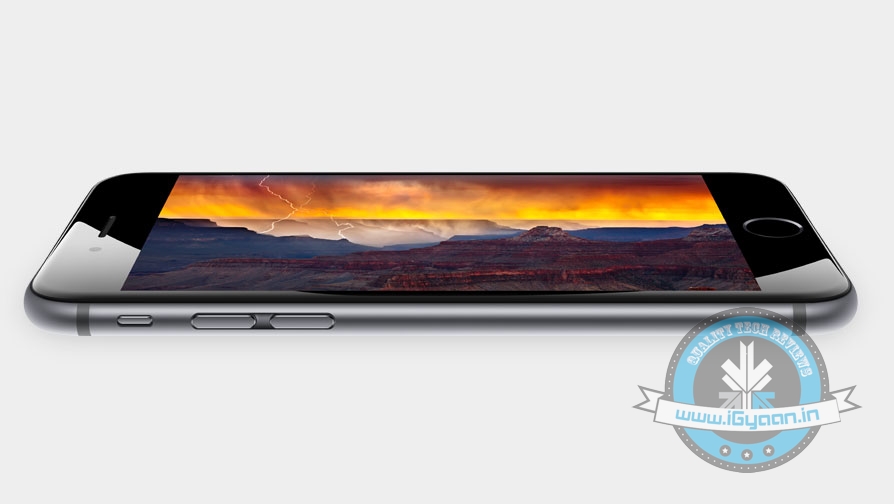
Apple’s latest flagship is finally out and the new iPhone 6 and iPhone 6 Plus will be available in India from the 17th of October. Many of you are probably waiting to get your hands on one. Though it shows marked improvements from its previous iteration, the new iPhone faces stiff competition from its Android rivals. Furthermore, Apple has been criticized to adopt the new technologies and design in a very slow pace. With handful of smartphones already offering the same technology and productivity, Apple’s new iPhone flagship has already been mocked.
We are listing top 5 smartphones which you can buy instead of iPhone 6 or iPhone 6 Plus.
5. HTC One M8/E8
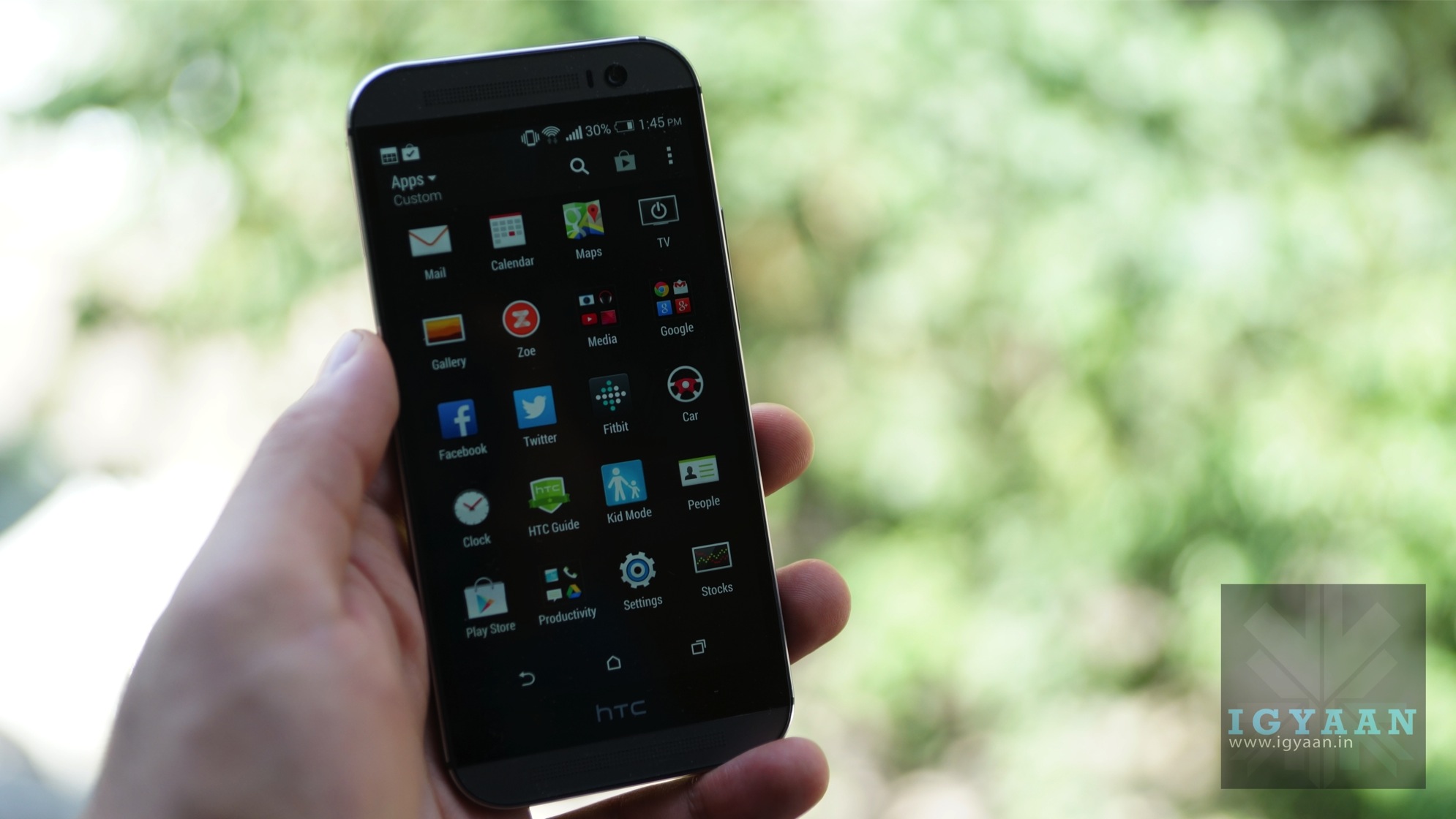
HTC’s flagship is regarded as one of the best Android flagships right now. Sure, it has its flaws, but there’s still a lot to love about it. The HTC One (M8) measures 5-inch, with a chassis of 146.4 x 70.6 x 9.4mm. When compared to the smaller model, it’s clear that the HTC One (M8) is a lot bigger. The HTC One (M8)’s 5in Super LCD3 screen is one of the many reason tech critics love this smartphone.. Throw on top a pixels per inch count of 441 ppi, and the HTC One (M8) boasts a crisp, clear and sharp display protected by super-strong Gorilla Glass 3. The HTC One (M8) is one of the most modern, accomplished smartphones we’ve seen in terms of design. With a fill metal body and elegantly curved edges, it more than matches the iPhone 6.
4. Google Nexus 5
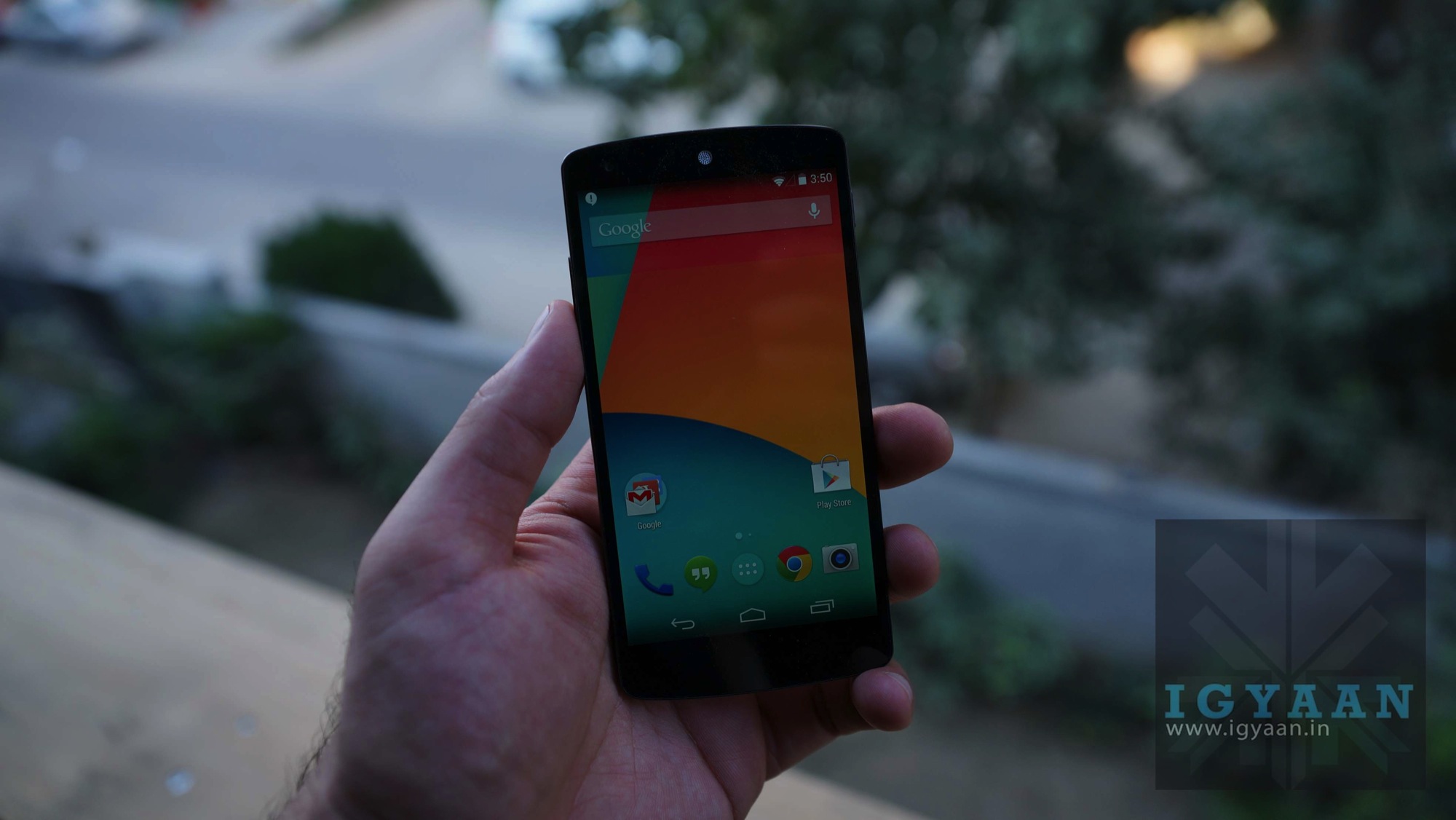
The Nexus 5 has a very competitive display with LG’s “True HD” IPS+ LCD technology which provides some pretty sharp visual quality. It has a 1920 x 1080 pixel full HD resolution on a 4.95-inch panel at 445ppi. Apple’s iPhone 6 launch revealed the company’s new mobile payment system, Apple Pay, which combines Touch ID with NFC to allow you to pay for items at point of sale counters equipped with contactless card readers. However, Nexus 5 gives you great alternative to this with Google Wallet and the built-in NFC and that too at a cheaper price tag.
3. Xiaomi Mi4
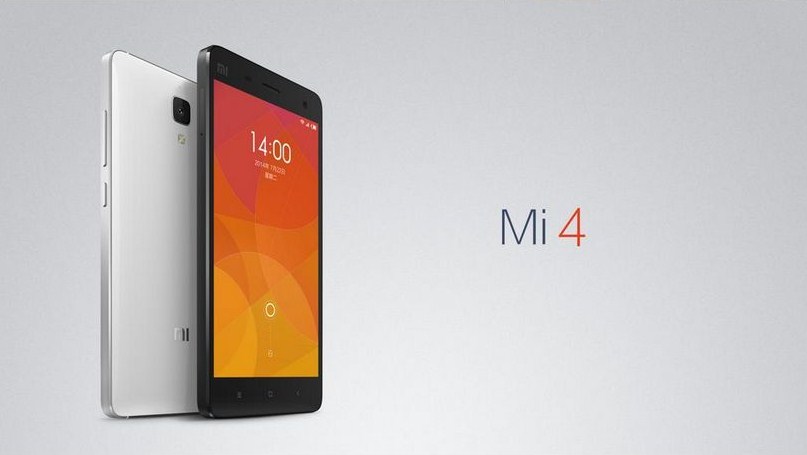
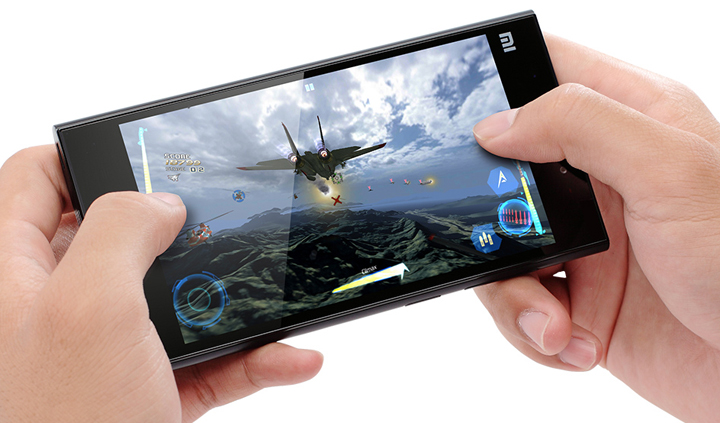
Xiaomi Mi4 provides you with better screen resolution density of 441ppi when compared to the iPhone 6/6+ which are at 336ppi and 401ppi respectively. Xiaomi uses Quad-core 2.5 GHz Krait 400 compared to iPhone 6’s Dual-core 1.4 GHz Cyclone. Also you get 1GB of RAM extra in Mi4 and a better cameras too (Mi4 – Rear: 13 MP + Front Facing: 8 MP vs iPhone 6 -Rear: 8 MP + Front Facing: 1.2 MP). And yes, don’t forget with the pricing, you can buy three Mi4 together in the price of one iPhone 6, once they are launched here that is.
2. OnePlus One
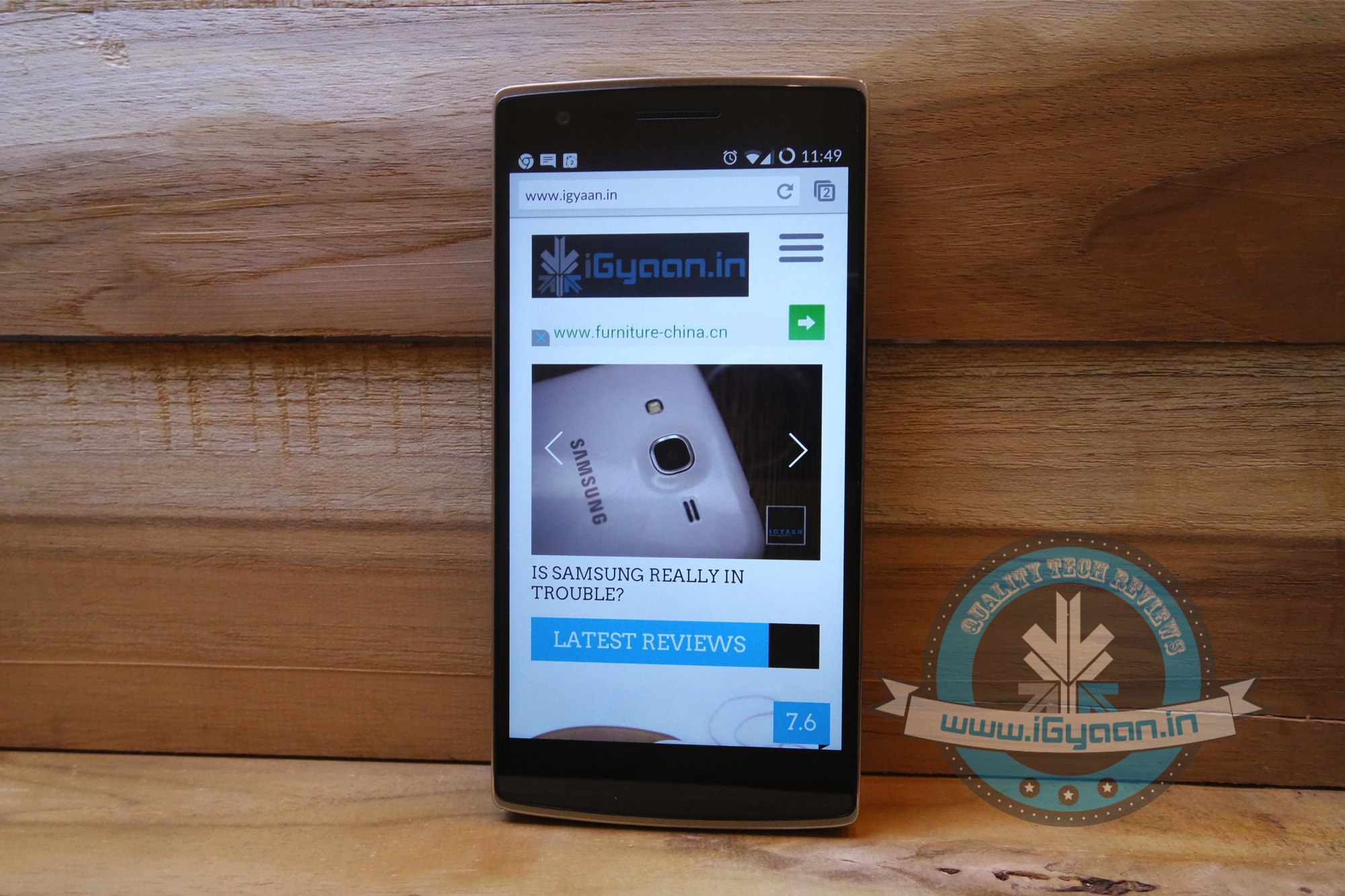
The OnePlus One shares the same display size as the iPhone 6 Plus at 5.5-inches. It has powerful video recording and imaging capabilities, strong performance components and much more, all at an extremely low price point. The phone also uses CyangogenMod 11S, which allows for an amazing amount of flexibility and freedom, unlike Apple’s iOS, which has several restrictions. Also, the OnePlus One costs a third of the iPhone 6 Plus and offers most of the same features.
1. Galaxy Note 4
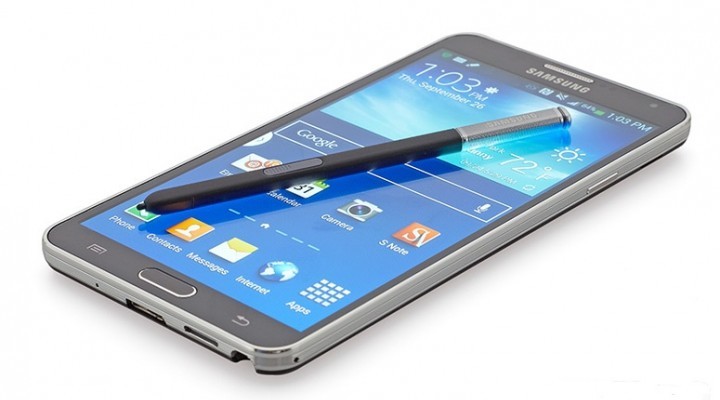
Samsung’s newly launched Note series flagship has been appreciated by reviewers even before it has started shipping. The phone includes all software features of Galaxy S5, in addition to features optimised for the S Pen stylus that Apple can’t even think of touching. Samsung Note 4 has a QHD resolution (2560x1440p) while Apple’s new iPhone 6 has a full-HD display (1920x1080p). The Note 4 also packs in more pixels per inch at 515ppi compared to iPhone 6 Plus (401ppi). This means text and images would look sharper on the Note 4. Also, the Galaxy Note 4 is considered as one of the most powerful Android devices around.
Shopping for a new smartphone is a hard task. With some amazing smartphones flooding the market every day, it is hard to choose one. The idea is to carefully go through what you exactly want your smartphone to do. These days smartphones are going for a bigger screen as a norm and 4.5 inch is becoming lowest screen size available in the market. People prefer big screens as they provide you better multimedia experience on the go and are also convenient for business purpose.
We are listing top 5 big screen smartphones under Rs. 25,000.
5. Sony Xperia T2 Ultra
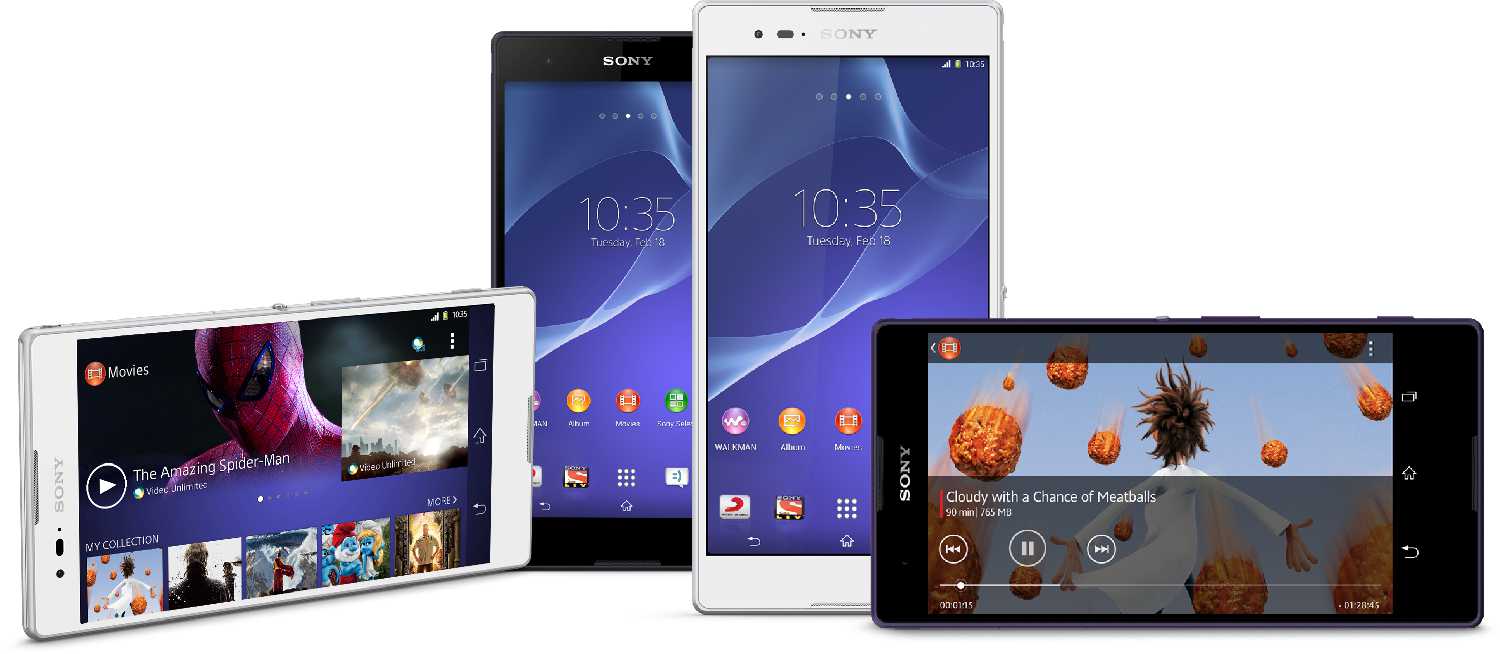
The Sony Xperia T2 Ultra is a big screen smartphone as it sports a 6 inch HD display (720p) with TRILUMINOS and Mobile BRAVIA Engine 2 for mobile. It is also powered by a 1.4 GHz Quad-Core Snapdragon 400 processor and runs on Android 4.3 Jelly Bean. The handset is packed with a 1 GB of RAM and 8 GB of internal storage which is expandable upto 32 GB via microSD card. For a mere Rs 600 more you can get the T3 which comes with the Sony SmartBand SWR10 and a Sony Premium case a total worth of Rs. 8480.
4. OnePlus One
Okay! you need to get an invite to buy this Awesome big screen smartphone. But, don’t worry, we are giving out 5 invitation to our subscribers. Be sure to sign up for the giveaway here. The device is as impressive as it gets, it sports 5.5 Inch display at 1920 x 1080p with a 13 MP primary camera (4K video) and 5 MP front camera (1080p video). It is surely going to create a stir when it launches later this year for roughly Rs. 22,000. Check out the Hands on of OnePlus One.
3. Xiaomi Mi4
Well yes, this big screen smartphone has not launched in India yet, But the follow up of the blockbuster Mi3 is expected to launch soon. The impressive device is said to be launch post-Diwali in all likelihood, And our exclusive source told us it is going to available in two variants at Rs. 22,000 and Rs. 25,000. At first glance, the Xiaomi Mi 4 bears a striking resemblance to the design of the iPhone, especially the stainless steel banding around the sides.
Gionee S5.5 is a gorgeous device with 5-inch screen at 1080×1920 pixels, does not qualify as a really big screen smartphone. However, hardware wise the Gionee Elife S5.5 somehow seems to find a good balance. A Mediatek 6592 chipset with 8 cores clocked at 1.7 GHz a Mali450 MP4 variant GPU, 2 GB of RAM and comes in 16/32 GB storage capacities. The main camera sensor is 13 MP and the front camera sensor is 5 MP both with 1080p capture. Battery is on the low side with just 2300 mAh under the hood, however with the slimness of this device in consideration, its a pretty high value. If looks, beautiful display and a better than average camera is what you need, at Rs 22,999 the Elife S5.5 makes a strong case for itself.
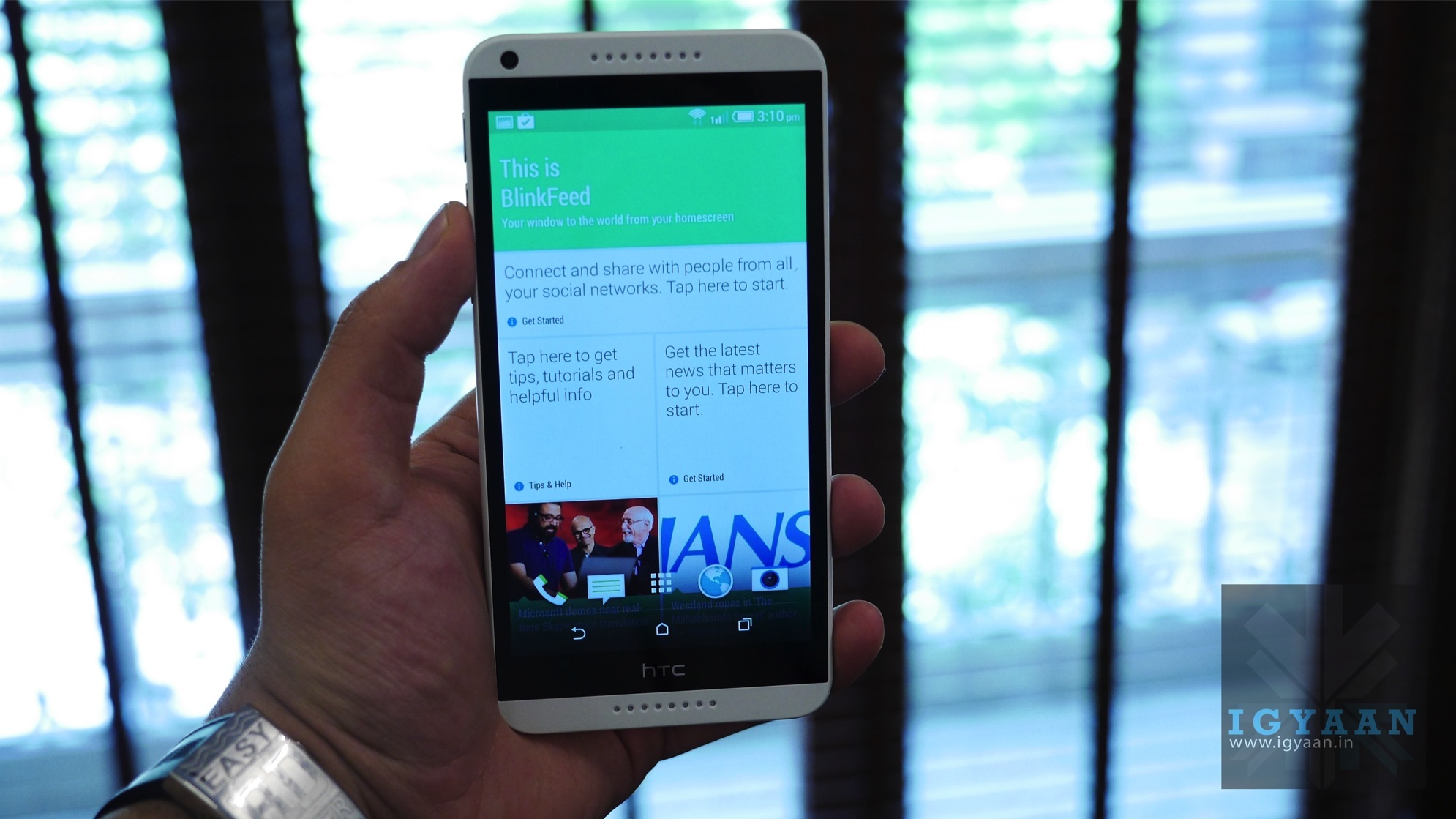
The HTC Desire 816 is a brilliant display equipped big screen smartphone, that looks great from the moment you first hold the device in your hand. The 5.5 inch Super LCD 2 display offers excellent brightness and great wide viewing angles. Almost every time you turn on the display you get a slight smirk on your face as to how beautifully HTC manages color and how good this screen looks.The HTC Desire 816 may be a large device but it fits comfortably, and is an excellent phone with solid network strength.
Re-commerce i.e. trading old gadgets for a price is not a common practice in India. But with more and more people wanting to buy the latest in technology, dispensing old gadgets safely has become important. And its all the more better if you can make some money while doing it. Even though prices offered depend on the time, market demand and the condition of the gadget, putting your old gizmos on sale is a good idea. There are numerous websites which offer the service of trading old gadgets.
We are listing 5 of these website where you can sell you old gadgets in return of cash.
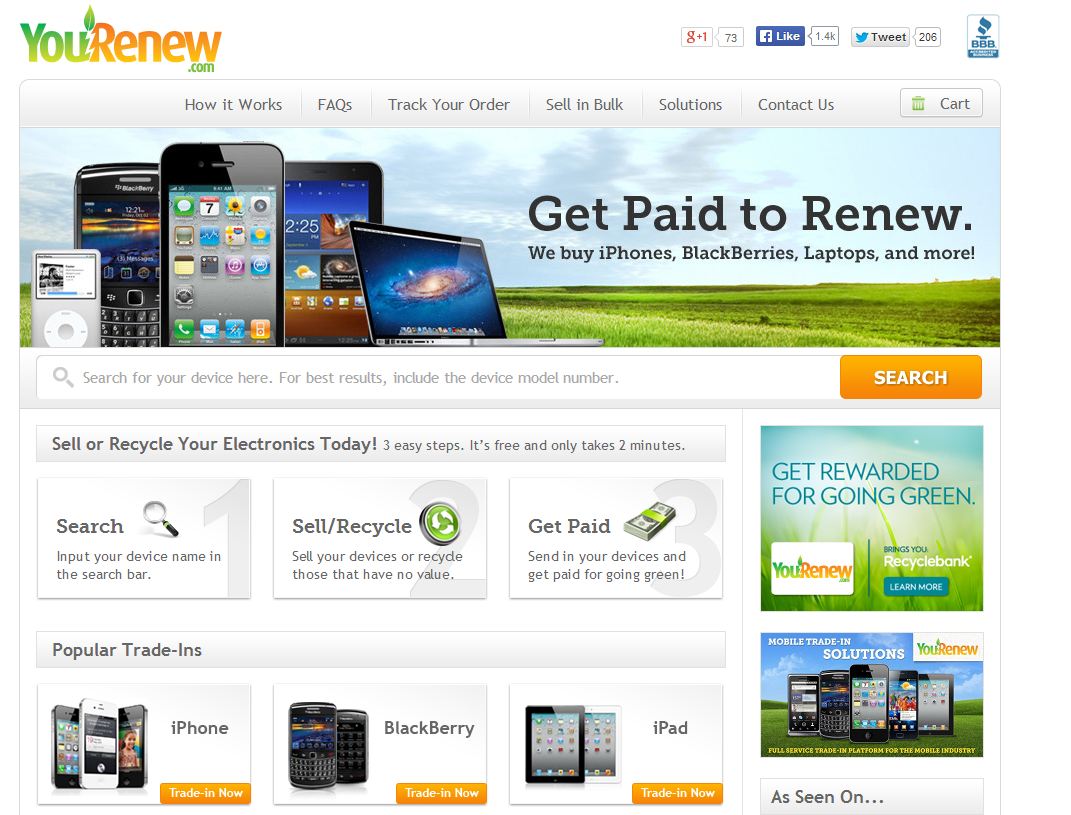
The company offers consumers a profitable and environment-friendly way to dispose of their used smartphones, MP3 players, laptops, digital cameras, tablets and other electronic goods. The site is user friendly and three easy steps let you recycle your old gizmo. You need to type in the name of the device and if it is listed on YouRenew.com, then answer a few questions about the device and you’ll know how much the site would pay you.
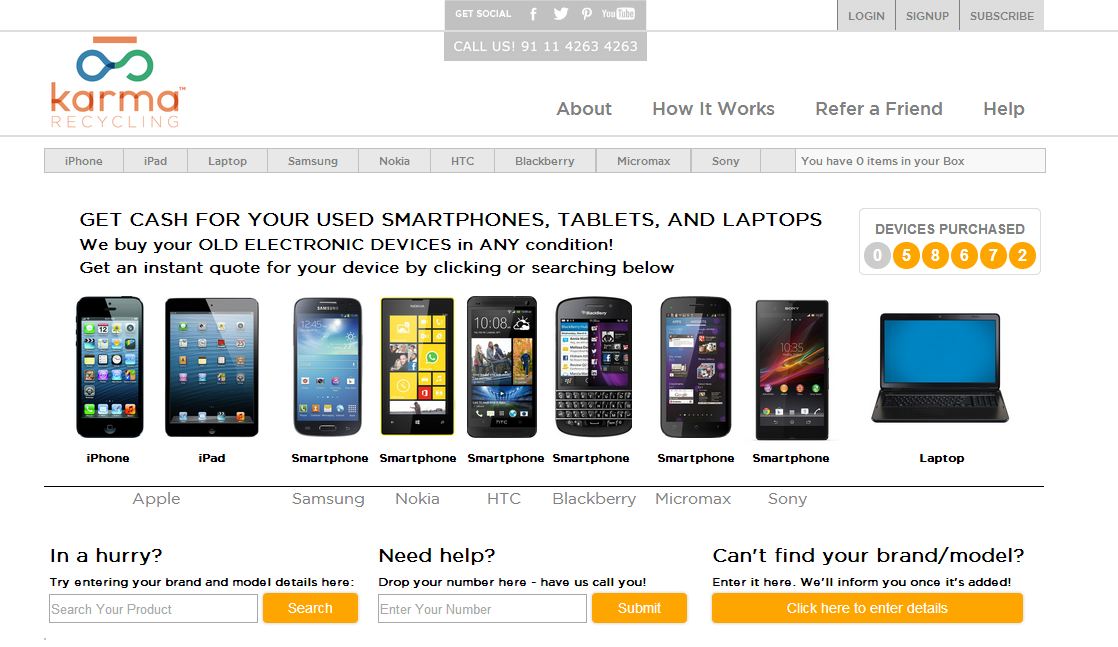
Karma Recycling is one of the leading e-waste management services in India. The website is also quite user-friendly; you have go through 4 steps to sell your mobile. Choose your mobile, its condition and they will offer you a price. You can choose your payment through check , yatra.com or yebi.com gift card.
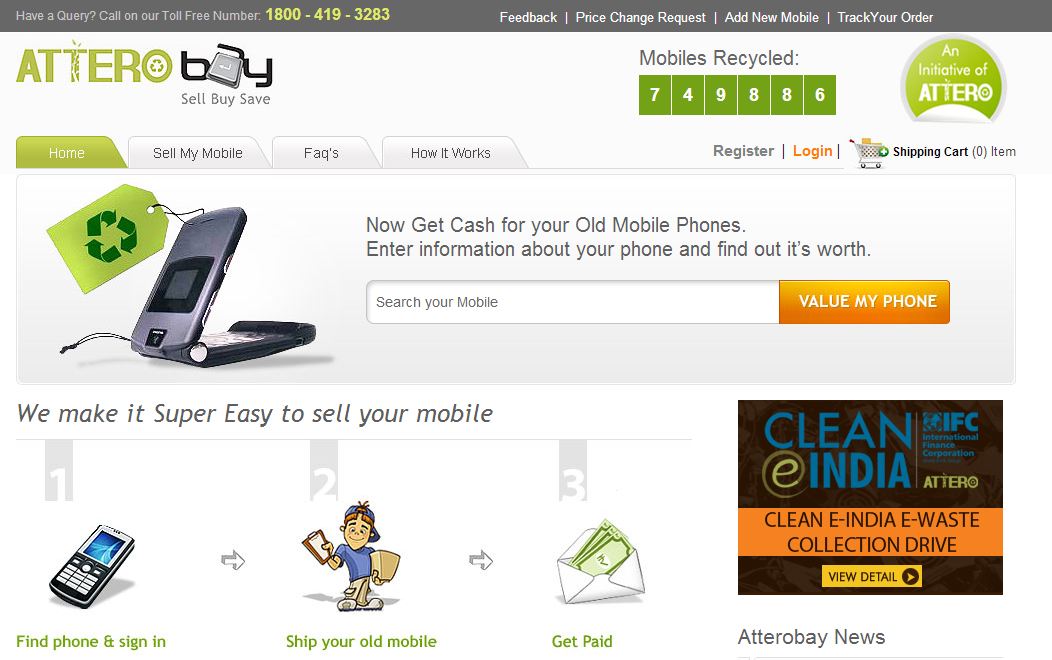
Atteroboy works similar to Karma Recycling. Website works in a same way, choose you mobile, its condition and they will offer you a price. Though we noticed that they might pay you less than Karma recycling.
The first thing to remember when you decide to sell old mobile phones online is if you send handsets in beat up condition – that do not work or without accessories – then don’t expect a high payoff. Cellforcash.com clearly highlights in its ‘Terms and Condition’ section that it is looking for quality used-items and the better conditioned the phone, the better chances of getting a nice payout.
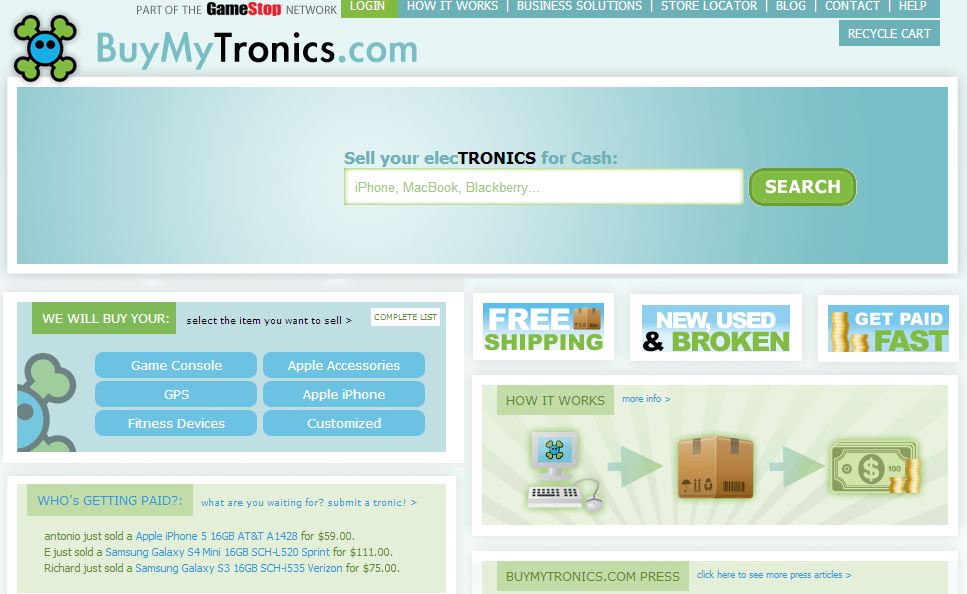
Buymytronics.com, earlier known as www.BuyMyBrokeniPod.com, lets customers sell used iPods, iPhones and consumer electronics like laptops, game consoles and digital cameras. The process of selling the item is the same as other websites — select the category of the gadget, select it from the list and specify its working condition. The site would then quote a price, and if you think it’s a good bargain, then you need to ship it to the address provided to you by email.
Using smartphones and tablets is a big help for every creative person. A quick note of an idea that popped out of no where or to save blueprints that are worth checking out, apps these days not only help you save ideas but also allow you to share them with your friends. Even better, they inspire you to bring your creative insight out in the light.
We are listing top 5 apps to help you inspire and manage your creative endeavours.
The first recommendation for a creatively inclined person is a cross-device easy-to-use app which stores your notes, photos and to-do lists. Evernote is an easy-to-use, free app that helps you remember everything across all of the devices you use. It lets you stay organized, save your ideas and improve your productivity. Evernote lets you take notes, snap photos, create to-do lists, scan business cards, record voice reminders. Best part? It makes everything searchable, whether you are at home, at work, or on the go.
If you are not familiar with TedTalks then, we don’t know which planet you are from. TedTalks believe in power of ideas to change attitudes, lives and, ultimately, the world. The official app as simply as it can be named is called TED. It even sports a button called “Inspire.” Press it and get an earful from the geniuses, mavens, and rule-breakers who are changing the world.
This amazing drawing app has won numerous awards like Apple’s App of the Year award, a Verge interaction-design award, and a Fast Company Crunchy for best design. Furthermore, it’s not all about drawing, you can start with just jotting down ideas, sketching, and outlining. If you want to see all the awesomeness it has to offer, there are loads of tutorials online that are very much worth checking out.
The Whack Pack is a great tool for establishing innovative thinking as a daily habit or for pulling fresh ideas out of one’s subconscious. The app features the 64 cards offered in the physical deck – divided into 4 suits: Explorer, Artist, Judge and Warrior. Each card features a whimsical drawing by Von Oech and a snappy yet detailed explanation of the concept behind the card. For the app, Von Oech has also added 20 cards that illuminate the wisdom of the Greek sage Heraclitus, whom Von Oech refers to as “the world’s first creativity teacher.”
Clear is a nice-looking list-keeping app that is really simple, quick and easy to use, no matter if you are creating notes or to-do lists. Clear’s playful and clutter-free interface makes it easier than ever to stay organized. It’s as easy to use as pen and paper: pull down to add a new item and swipe right to complete a task – it’s that simple.
Every week the Technology world shows us the reason why we love tech so much. In this ever changing tech world , its almost impossible to stay on top of things. However here is the tech thats worth notice this week.
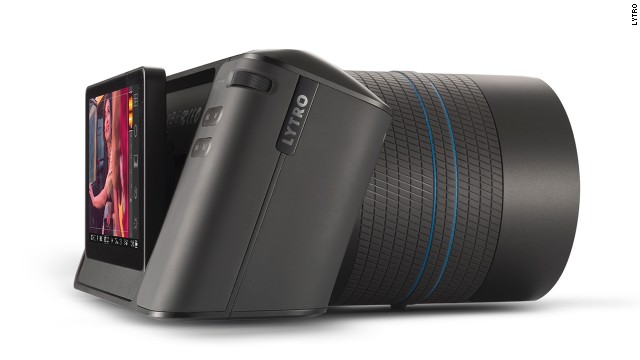
1. Lytro Illum
When Lytro first introduced their light field camera, it looked and worked like a toy.This time around the company has taken a more serious approach to design and optics, also adding better materials and larger sensors. New software and a new way to click pictures lets users think of Lytro Illum as a more usable camera. Or so the company claims anyway. The Illum is currently on Pre-Order for US $ 1599.
2. The HTC One M8
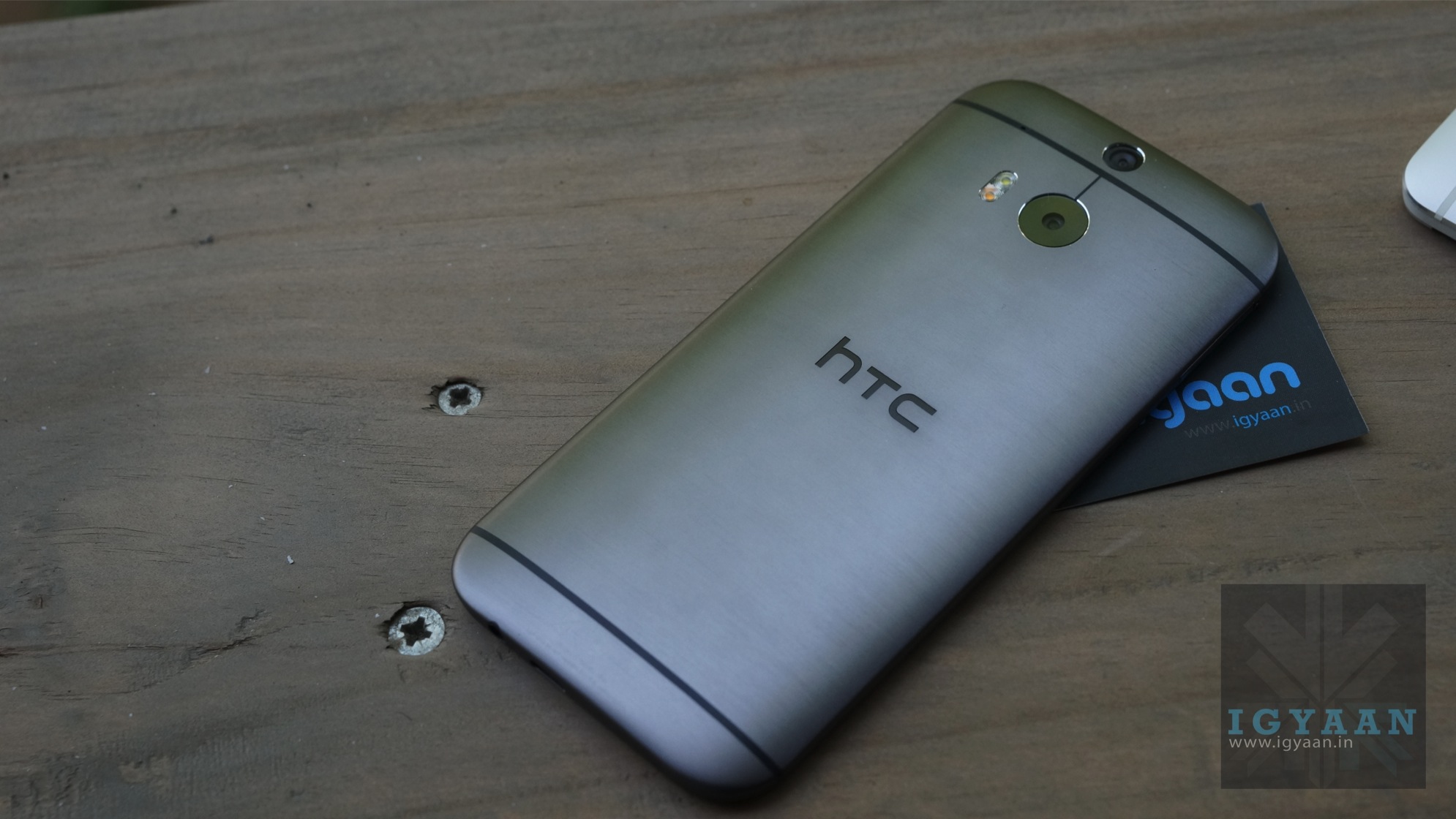
The HTC One M8 has been launched in India, at a price of Rs. 49,900, an impressive price for an impressive handset. The Qualcom Snapdragon 801 powered HTC One M8is not only snappy on the inside its beautiful on the outside. The HTC One M8 brings Lytro’s tech seen in the camera above into a more usable day to day scenario. The HTC One M8 has a dual camera setup that lets users refocus images, after the fact. Read our review here.
3. The GL 63 AMG
As far as vehicles go the new GL 63 AMG takes the centre stage. Announced to be made available in India for a whopping Rs. 1.66 Crore as the starting price, the new GL 63 5.5-litre V8 BITURBO engine, which develops a peak output of 410 kW along with a torque of 760 Nm. Pure Power Anyone?
4. The LG Curved TV 55EA9800
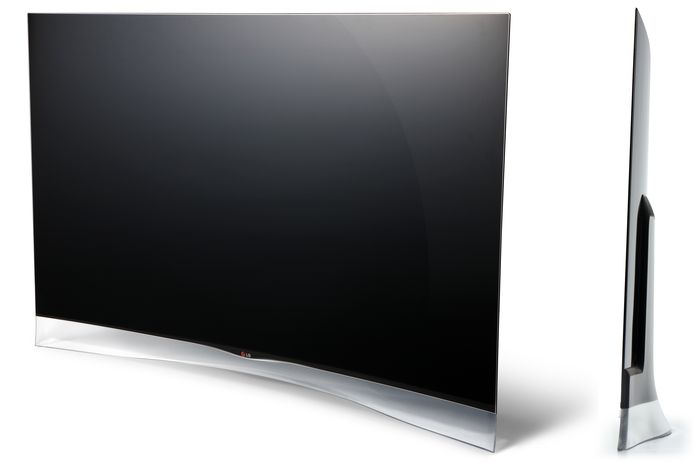
Its a massive 55 inch TV with an OLED display that is not only curved but also bendable. Costs are upwards of 6 Lakh, but for those looking to set a trend this might just fit in beautifully in your manor. The 1920 x 1080p display is Fully 3D compliant and comes with a Motion eye camera, an Air Mouse capable Remote and 4 3D Glasses. Check out our hands on Unboxing here.
5. Budget : Micromax Canvas Doodle 3
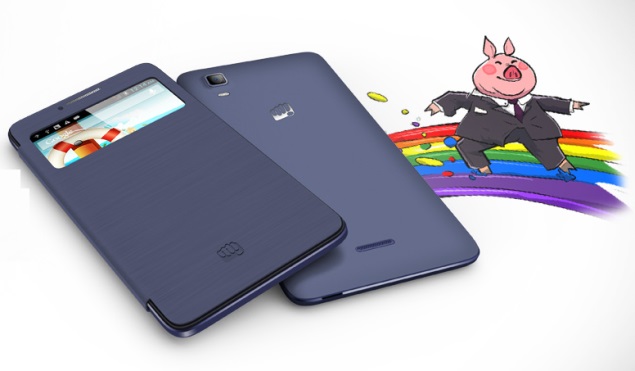
The last spot in this series is taken by Micromax’s new budget entrant. A dual-SIM (GSM+GSM) “phablet” (for lack of a better call sign), the Canvas Doodle 3 is powered by a 1.3GHz dual-core MediaTek (MT6572) processor alongside 512MB of RAM. Runs on Android 4.2 and features a 5 Mp + VGA camera setup. What makes it really exciting is the 6 inch 480×854 pixel display and a price tag of Rs. 8200.
We have so much to thank Smartphones for! They help us keep tabs on our friends, emails, daily events and pictures. If we ever have a random doubt, thanks to 3G, an answer is ready within seconds. Since now we can look up anything, anywhere and at anytime – it has led to the death of debates.
As much as it has made our lives simpler, too many hours are wasted on it as well. At iGyaan, with the million things we do daily, staying on top of the online world is a skill we’ve perfected over time. The aim is to spend the least amount of time scouring through junk and get straight to what’s important. Here are our picks of the top apps which will make you the most digitally organized person around:
Social Media Mania
1. Pixable
After being on Facebook for years, it’s easy to accumulate friends who now hold no significance in your life. You couldn’t care less about who, when and why, the girl you met at a conference in 2008 is getting married to today. Even though unimportant newsfeed annoys us daily, deleting these “friends” is not an option. Here is where Pixable steps in. The app gathers all the pictures shared by your friends, and customizes it to show you only the profiles you choose. It compiles your Twitter, Instagram and Facebook feed, and organizes into sections according to relevance personalized by you. Some of the useful sections include – Top Photos of the Day, New Profile Pics, and Most Recent Photos.
2. Socialgiri
It could be to stay in tune with the entertainment industry or the need to know which teenager James Franco tried to pick up lately on Instagram. We all have specific celebrities we like to keep track of (read: stalk) via social media. There are times when we’ve considered getting rid of the constant updates, but we secretly love being a part of the drama in their lives. This app helps you create a separate timeline solely dedicated to your chosen celebrities, consequently tidying up your Instagram, Facebook and Twitter. Socialgiri users can choose from over 500 social media celebrities from Bollywood, Hollywood, music, sports, fashion and politics. So, in a single flow you’ll see Critiano Ronaldo’s tweet about where he’s eating lunch, which would be followed by a perfectly Instagrammed picture of his dish. It also gives you an option to be able to like or comment through any of your three accounts. Available on Android and iOS, it recently launched its iPad Version.
Daily Reading
3. Flipboard
We can’t speak about aggregating feeds without mentioning Flipboard. It is the one-stop destination to stay in clue about what’s happening in the world. You can combine your favourite media portals and search for any news you might be interested in. Its clean interface reminiscent of a print magazine makes this our favourite way to browse through everyday stories. The action of flipping through news pieces, attempts to recreate the experience of physically using a print publication. You can also add your personal networks such as Facebook, Twitter and share stories directly through the app.
4.Pulse
Another one similar to Flipboard is Pulse. Like its competitor it collects and organizes news to suit your needs. Created by Stanford graduates Ankit Gupta and Akshay Kothari, the app got rave reviews for its slick interface. The display is more image-based, making it faster to get through articles. The key feature which gives it an edge above Flipboard is that it can load previously read stories even when you’re stuck without internet.
How To Never Miss An Email
5. Mailbox
This handy app promises to make your inbox light, fast and mobile-friendly. It helps you combine your Gmail, Google Apps and iCloud accounts into one single app. Some of its significant functions which should be utilized: You can snooze emails and get back to them later, mute conversations which aren’t important and it also automates your common actions. The mailbox swiftly recognizes what’s important and what’s not.
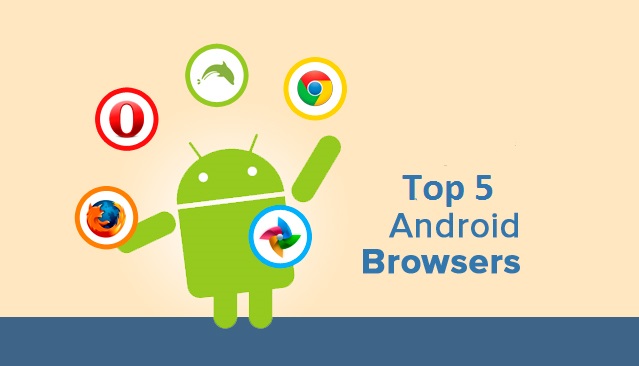
Competition among browsers is more fierce than ever. Chrome and Firefox release 72 new versions every week for desktop versions, but their Android counterparts are equally, if not more competitive. As we all race to tablets and smartphones we’re being tempted with all kinds of alternatives to systems’ stock browsers.
But which are the best browsers for you and your Android device? Let’s find out.
1. Opera
Opera comes with an interface that has been easily adapted from Desktop version to mobile UI. It rose to fame because of its data compression algorithms which work whenever the user requests for a page. Its powerful server will compress the data which will make the page will load faster and use lesser data.
With the download manager, users can start, stop, resume, and rename media files. If you haven’t already, you can download Opera from the Google Play Store here.
2. Dolphin Browser
This is one of the most popular and, at the same time, fastest browsers ever released for Android devices. It features tabbed browsing along with Dolphin Connect, it allows you to sync and send contents between your mobile and desktop browsers. . This browser is allows to enhance your browsing experience by simply installation of additional Add-ons.
The way a user uses the Dolphin Browser HD is unique as most of the usage is gesture based and voice guided. The improved UI and the voice dictation service has propelled this browser in to the elite league.
You can download Dolphin Browser from the Google Play Store here.
3. FireFox
Mozilla Firefox, we all are familiar with it’s good name and how it works. The features are pretty tight including smart tabs and a ‘hiding’ feature of the open tabs. The privacy options will be updated and Mozilla sync is fully functional.
It is highly customizable as you can add Add-ons/ extensions, Awesome Screen functions that allows users to set favorite websites and an easy to use page. Awesome Bar is another great feature along with Sync functions that yo can use to Sync the mobile variant of Firefox with the Desktop variant.
Sync function will bring all the bookmarks, history, passwords, bookmarks and opened tabs from your desktop Firefox browser and to your mobile Firefox app.
You can download Firefox from the Google Play Store here.
4. Chrome
Chrome Browser on PC is the most popular browser. and soon after its launch gained the same popularity on Android as well!
The app combined the desktop software’s varied abilities with a mobile’s agility. The user gets a very intuitive experience while using the browser, shifting screens and flipping through tabs.
You can enter your Google account details and sign it into your Desktop Chrome variant and then sing in into the mobile version and, every single thing will be automatically synced between both devices. Chrome for Android will not work with older Android phones and this might be a low-point.
You can download Chrome web browser from the Google Play Store here.
5. UC Browser
The main feature of this small browser is the ‘adaptable setup’ feature, which allows users to adjust their browsing styles and create separate configurations for multiple network connections.
Some other great features of UC Browser for your Android device are these: Multi-touch support for gestures and commands, a download manager that allows you to grab files from all over the web faster. Quick Reads is another option that you can enable to grab RSS feeds. The other important functions you’ll find in UC Browser are: Vox – control the app using voice; AutoFill – it will show suggestions as you type a word in the address field; Night Mode – when enabled, it will offer you a better browsing experience in a dark environment.
You can download UC Web Browser from the Google Play Store here.
What do you think? Do you agree with the list above? Let us know in the comments section below!