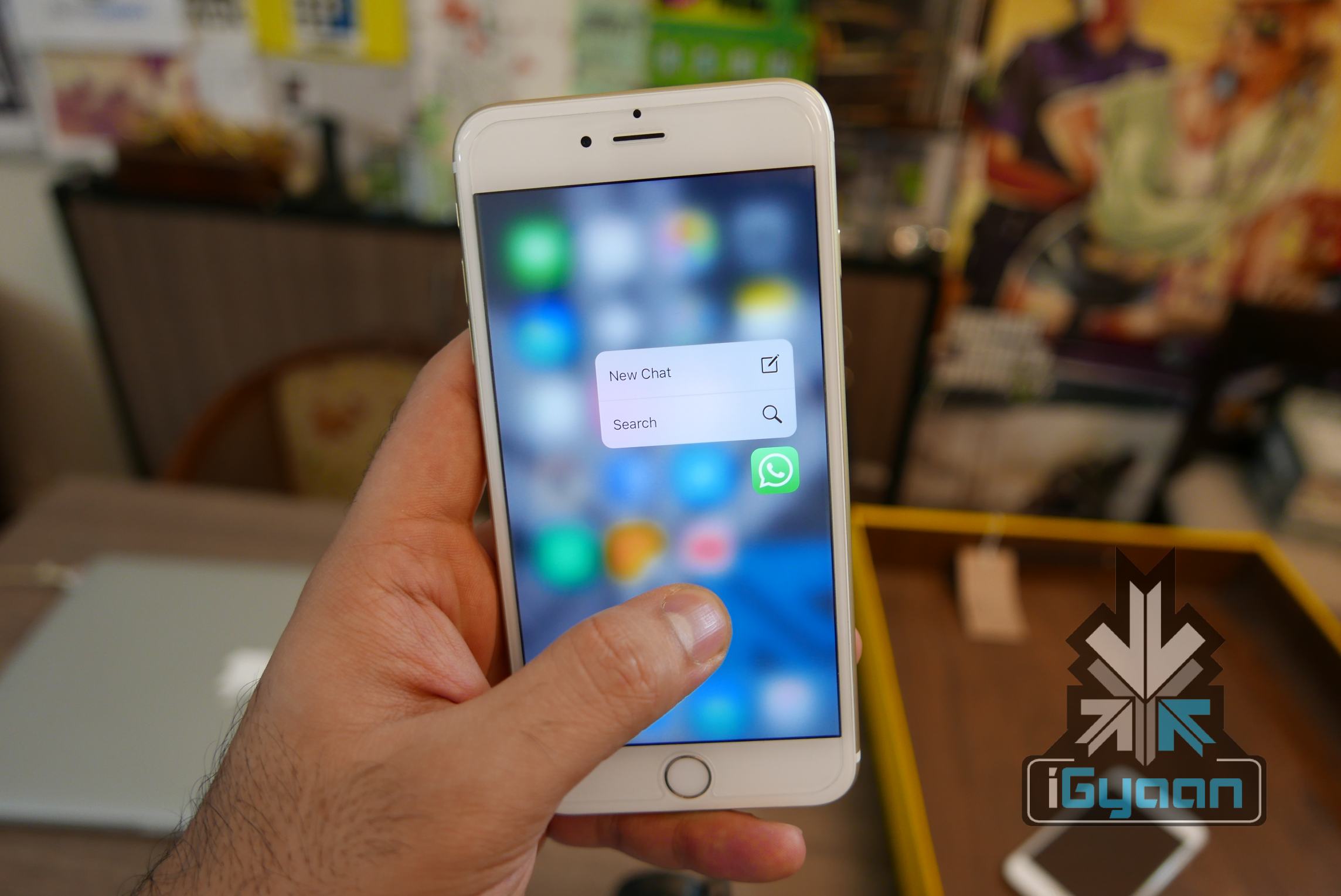
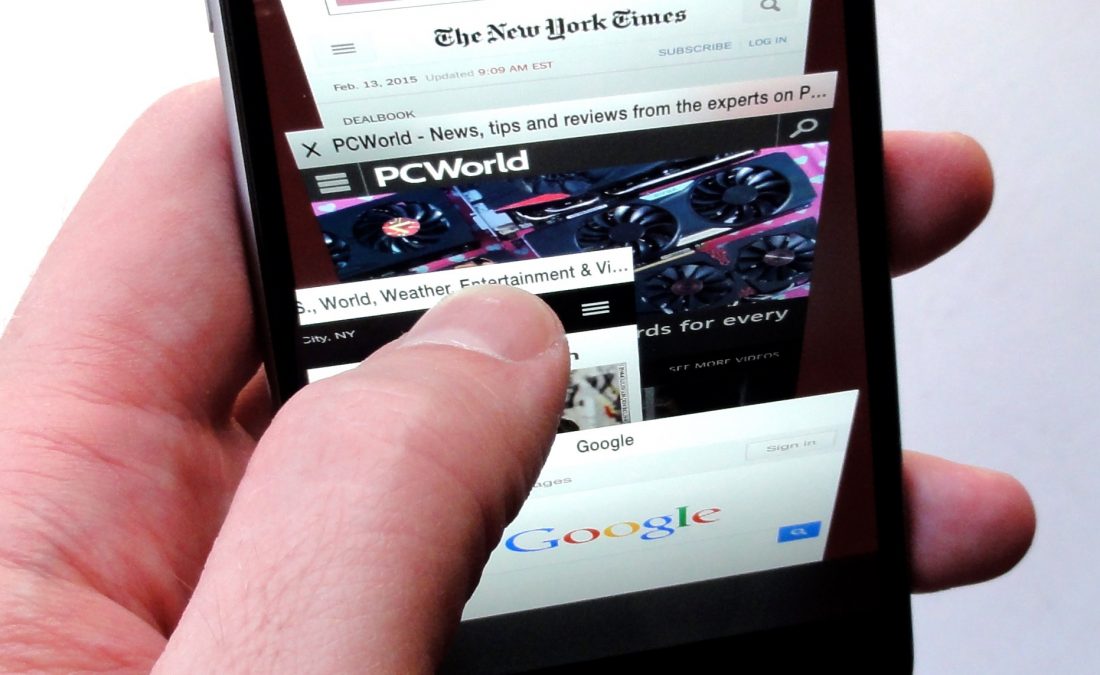
Imagine tinkering a device without even touching it -turning on or off a display, handling volume controls or screen brightness, attending calls, replying to messages -all of it without any physical contact. While this may sound like a futuristic gadget from the last sci-fi movie you watched, let it be known that this is precisely the kind of device Apple is planning to make.
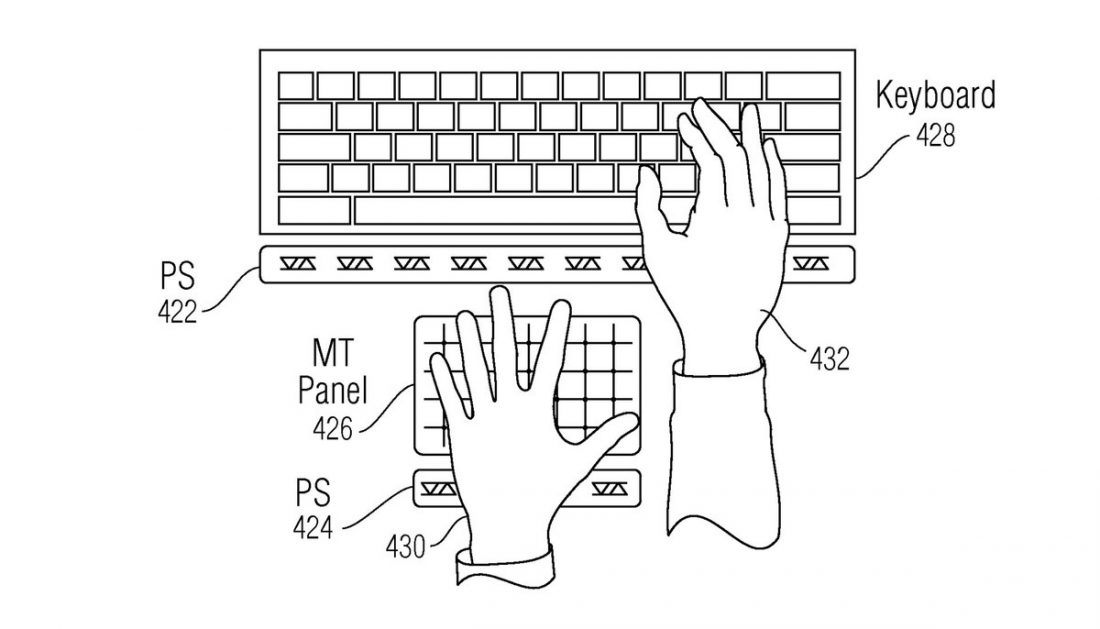
The Cupertino based tech-giant filed a non-contact patent on Tuesday for devices that can be controlled with only gestures, minus any physical contact. The patent is for multi-touch surfaces with touch-free proximity centers, and it describes this new tech as follows, “the no-touch, close proximity hovering of fingers or other objects above a touch-sensitive surface but outside the near-field detection capabilities of touch sensors.”
Apple plans to fulfill these goals with the help of proximity sensors made of infrared LEDs and photodiodes. Electrical currents could be altered by photodiodes depending on how much light falls on them. By detection of infrared light that reaches these sensors after getting reflected or deflected with the user’s hand, the sensors would be able to interpret gestures and commands.
It is unclear at this point in which Apple device this patent would be put to test first. But since the patent includes image of a laptop that is using non-contact input with a standard touchpad maybe we could hope to see it first in a Macbook or an iMac. For all that we know, these plans could be trashed as well before they even see the light of day, as often happens with patents. Either way, there is nothing stopping you or us from keeping our fingers crossed.
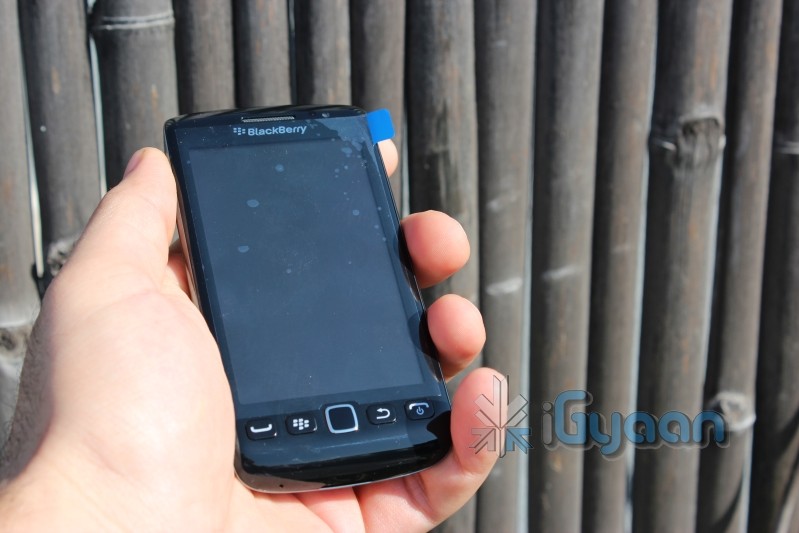
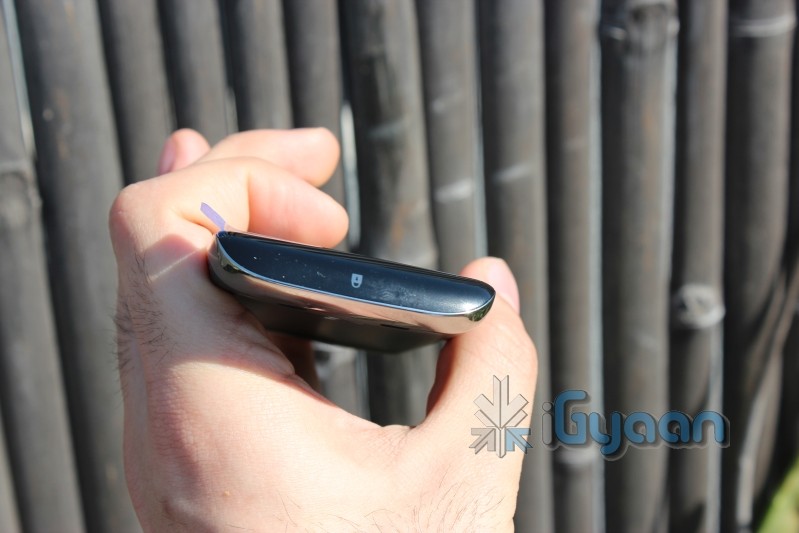
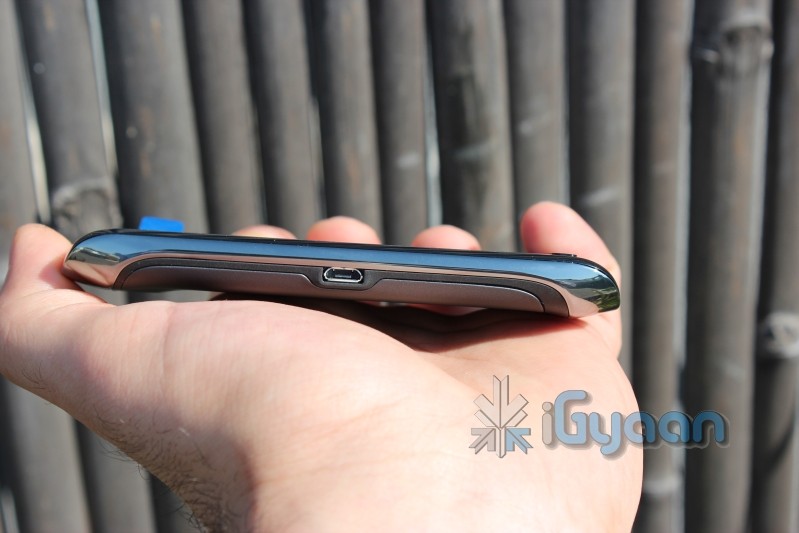
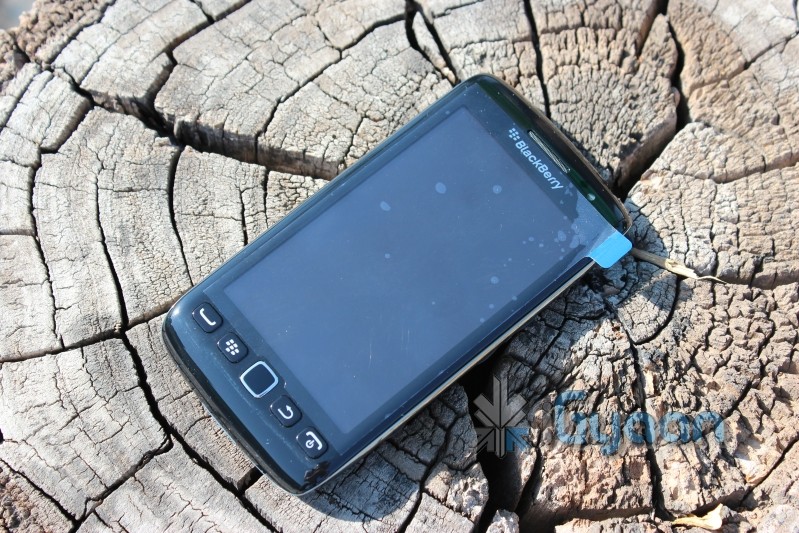
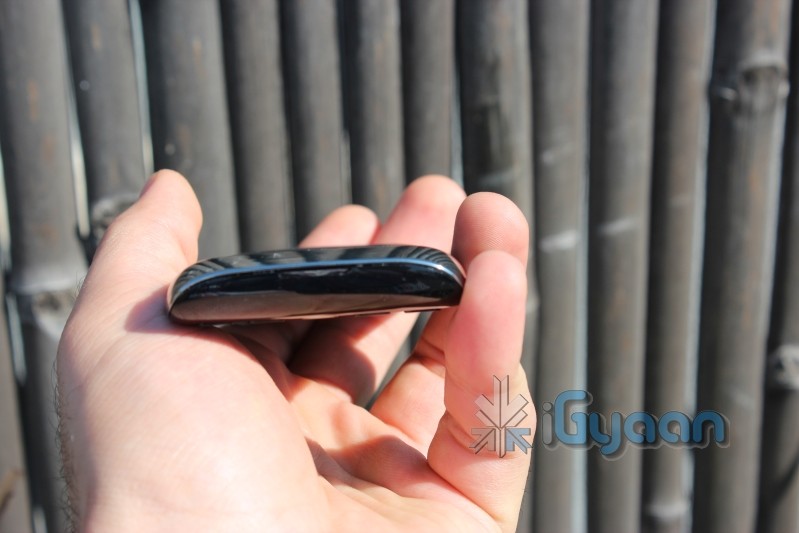
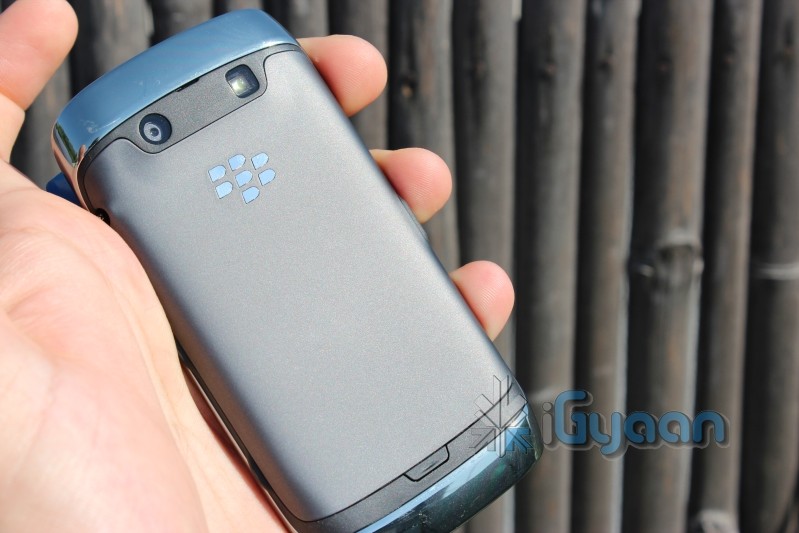
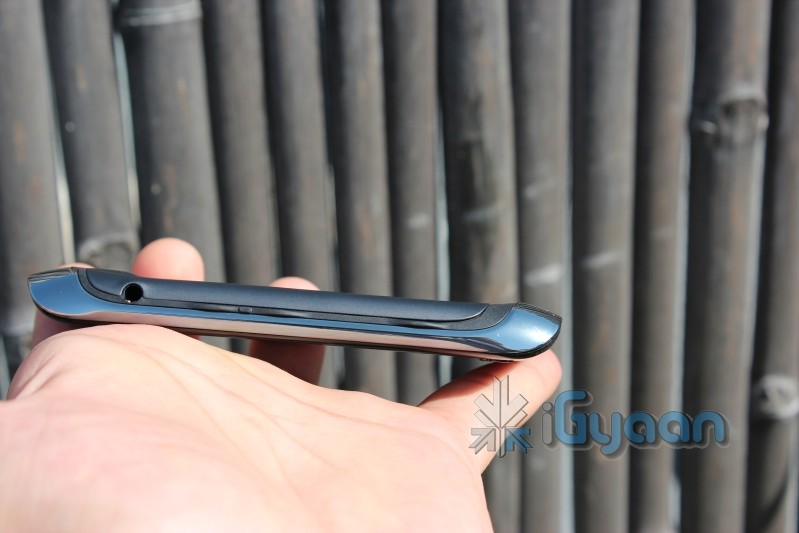
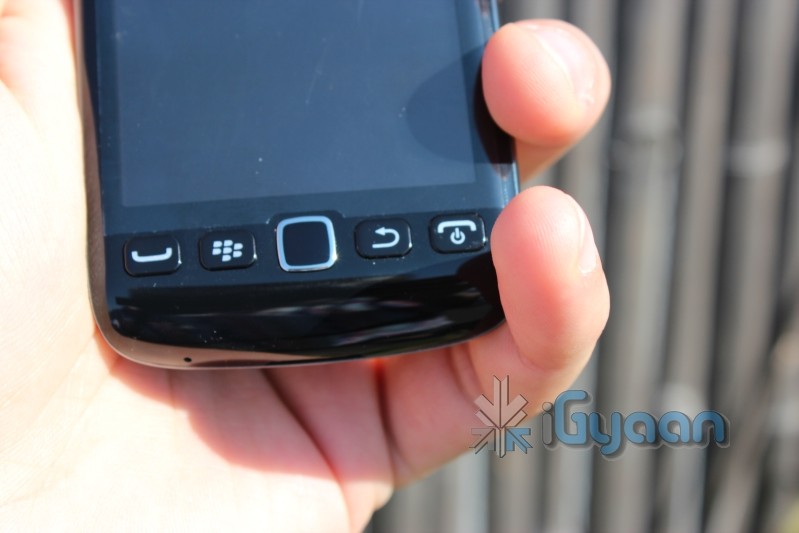
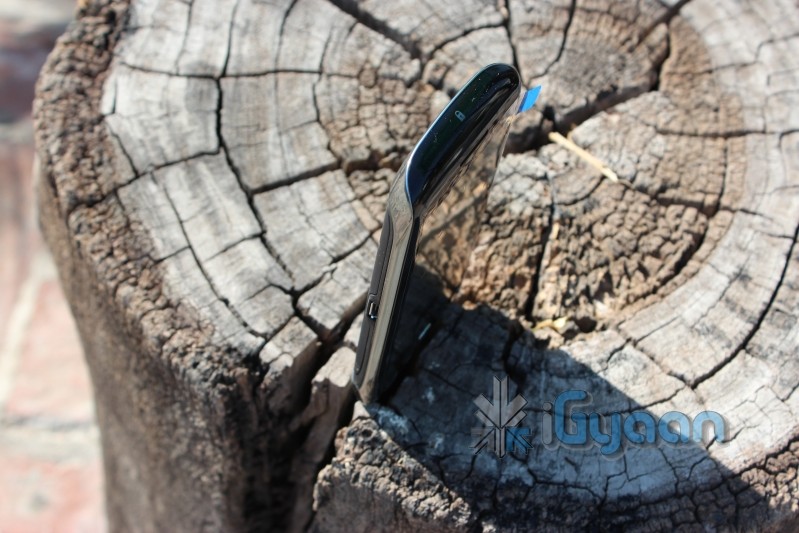
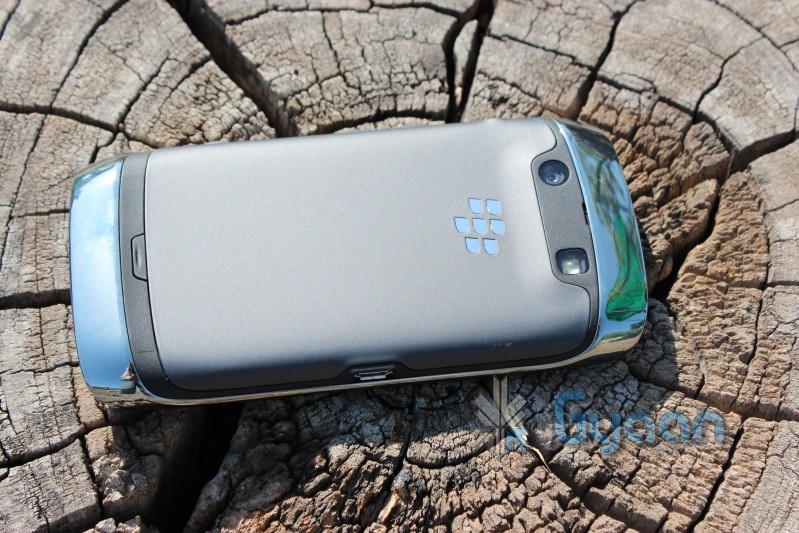
A quick unboxing and hands on review of the new Blackberry Torch 9860. The device is a far distance away from the original touchscreen Storm devices from Blackberry. Check out the Tech Specs followed by hands on images and a complete unboxing and mini review extravaganza.
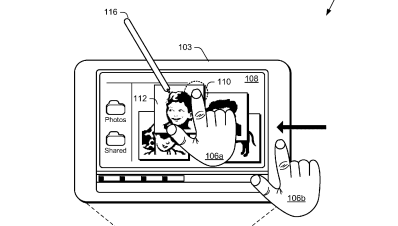
Microsoft has been playing with the idea of a dual screen tablet for quite some time, remember the courier tablet? This time around MS is teasing the world of tech itself with the Tablet patent that promises a dual screen experience. Microsoft has been talking a lot about Windows 8 and a tablet specific OS.
MS has filed for multiple patents including, Muti-screen dual tap, on-off gesture, Muti Screen Pinch and expand, Muti-screen – Hold – Expand- page flip and radial gestures. Microsoft has not yet been awarded with these patents. But looks like the whole Tablet frenzy has been fueled by the Apple Patent Lawsuits.
Touch Screens are all the rage today. You’ll find them in many devices like tablets, smart-phones, computer monitors, PDAs, ATMs, table tops, kiosks etc. A touch screen can use multiple inputs from your fingers to styluses and even sausages! But how does this marvel of technology really work? There are many different types of touch screen displays. You will hear many marketing gimmicks regarding capacitive or resistive technology, but most people just don’t know the difference. Read on to learn more about this fascinating technology.
The first touch screen was made all the way back in 1965 by E.A. Johnson at the Royal Radar Establishment, Malvern, UK. Since that first prototype, many methods of detecting touch on a display have been developed. The most widely used touch screen technologies are explained below:
Resistive Touch Screens
A resistive touch screen is composed of many layers. The two most important layers are made of a flexible polymer which are coated with a resistive material and are separated with an air gap or microdots. The resistive material is applied in lines on each sheet and they are placed perpendicular to each other. When a person touches their finger to a resistive touch screen, the two layers are pressed together, and the points of intersection on the two layers allow the processor to accurately measure the position of the touch.
When pressure is applied to the screen, a uniform voltage is applied to the first sheet, and the second sheet measures the voltage as distance along the first sheet, which gives the X coordinate. Similarly, when the X coordinate has been ascertained, a voltage is applied to the second sheet, and the first sheet is used to measure the distance, which gives the Y coordinate. These measurements take place in only a few milliseconds, which means that a touch is registered as soon as contact is made.
Since these types of touch screens rely on a point of contact between the two resistive layers, any pointing device like a finger or stylus can be used on them. These screens are also quite inexpensive to manufacture as they don’t require any specialized components. Due to the design of these screens, registering multiple points of contact was not possible due to vectoring issues. However, new technology is now available that overcomes these vectoring issues and allows multiple points of contact to be measured.
Capacitive Touch Screens
Capacitive touch screens can be based on two different technologies:
Surface Capacitance
This is the most basic form of capacitive touch screen technology. One side of the insulator is coated with a conductive layer. A voltage is applied to this conductive layer, which results in a uniform electrostatic field. When you bring your finger in contact with the screen, a capacitor is formed dynamically. This changes the electrostatic field across the screen and this change is measured by sensors placed in the four corners of the screen. The point of contact can be accurately measured based on the change in capacitance in the four corners of the screen. The greater the change in any corner, the closer the point of touch is to that corner. As there are no moving parts, these types of capacitive touch screens are very durable and are used in industrial applications as well as kiosks.
Projected Capacitance
Projected capacitive touch screens work on a principle similar to the matrix found in Liquid Crystal Displays. There can be either a single layer on which an X-Y grid is etched to form a grid pattern of electrodes or two separate perpendicular layers on which parallel lines are etched to form the grid. There are two basic types of projected capacitance technologies – Mutual capacitance and self capacitance.
Mutual Capacitance: These types of capacitive displays have a capacitor at every intersection along the grid. A voltage is applied across the rows or columns which creates a local electric field across the display. When it is touched with a finger or capacitive stylus, the capacitance at each point on the grid changes, which can be measured and gives an accurate location of the point o contact. This technology can measure multiple points of touch.
Self Capacitance: This type of capacitive touch screen can have the same grid pattern as a Mutual Capacitance screen but the rows and columns operate independently. With this type of screen, the capacitive load of a finger is measured on each row and column by a current meter which gives the point of touch. These types of screens can only measure one point of touch at a time.
Projected Capacitance touch screens can operate without direct contact and can have a layer of insulation between the user and the screen itself. However, they require the use of a capacitive input device in the form of a human finger or a specialized stylus with a capacitive foam tip. These types of touchscreens are more expensive to manufacture than resistive touch screens. They also face issues when in contact with any capacitive material like water.
Infrared Touch Screens
These types of touch screens work on a very simple principle. Infrared LEDs or lasers are used to form an X-Y grid on the surface of the screen. These transmitters are coupled with receivers that monitor the grid pattern. When a touch event occurs, the infrared light from the transmitters is blocked in that region. The receivers that are no longer detecting an infrared signal are used to measure the exact point of contact.
Infrared touch screens face many problems from objects that obstruct the infrared grid such as smudges on the screen and dust particles. Any kind of input can be taken on these screen from fingers to gloves to styluses.
So now that you know how a touch screen works, we hope that you can have a new-found appreciation for all the devices that use this technology. A tremendous amount of research and hard work has been put in to make an input interface for a sense that most of us take for granted – Touch.
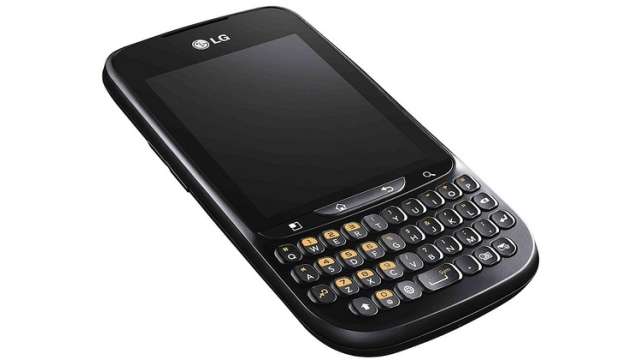
Looks like a Samsung Galaxy Pro competitor from Samsung competitor – The LG Optimus Pro is on sale in Italy and coming to the rest of the world soon. Known specs include Android 2.3 gingerbread a 2.8 inch QVGA touchscreen and a 3.2 MP camera. All of this will run on a 800MHZ processor and 256mb of RAM. The device has a nice Candy Bar design and should fare well against competition if the pricing is right. Currently it sells for €179 which seems a tad bit high.
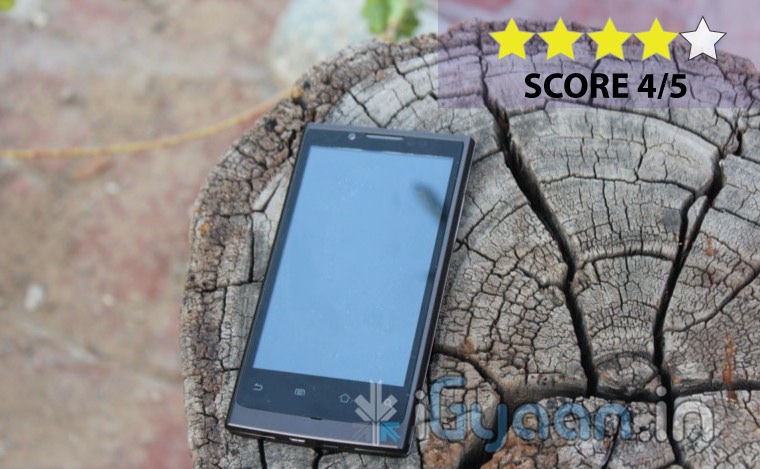
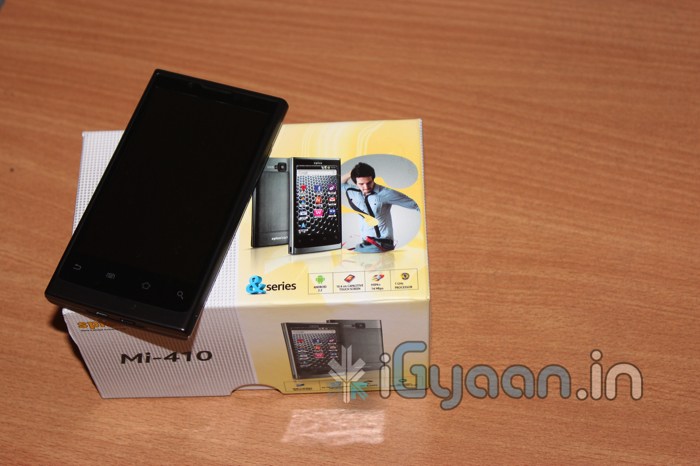
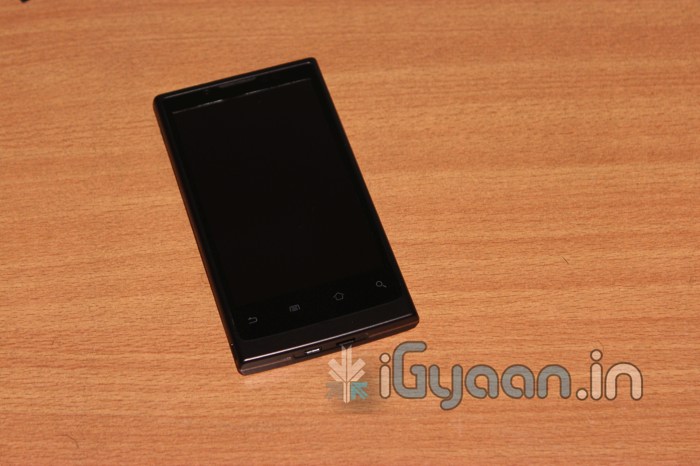
The Mi 410 is the first attempt from Spice to attack the 1 GHZ smartphone market in India. Possibly the only phone to offer these specs at a pretty decent price. Lets look into the Spice MI 410 carefully.
BUILD QUALITY, HARDWARE & DESIGN
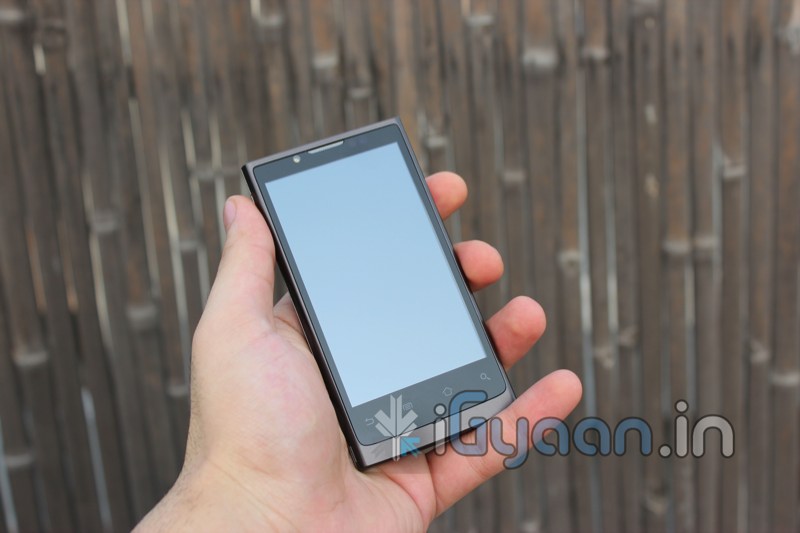
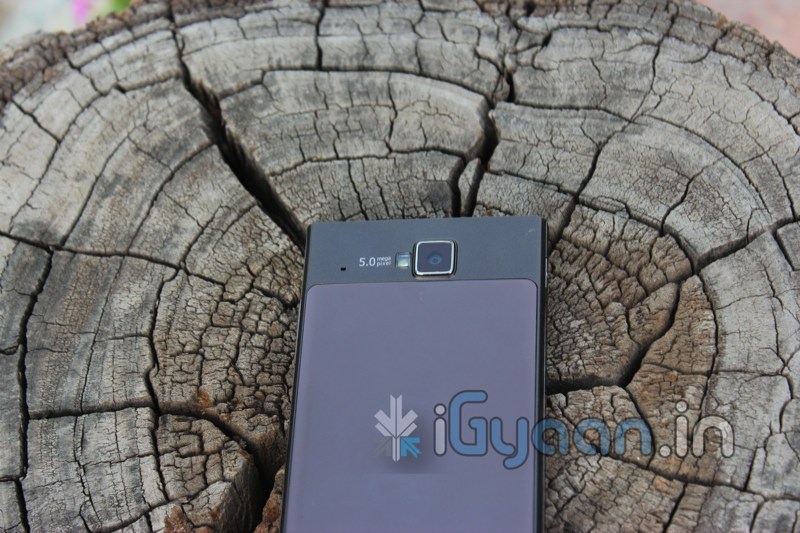
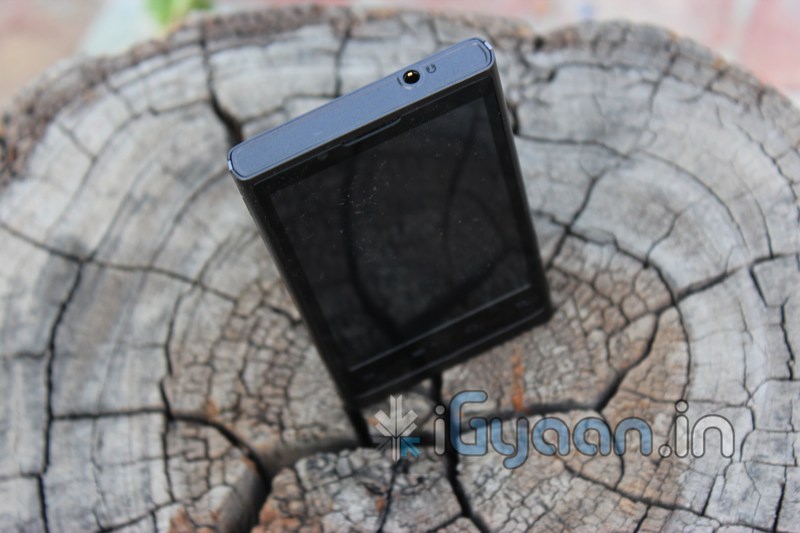
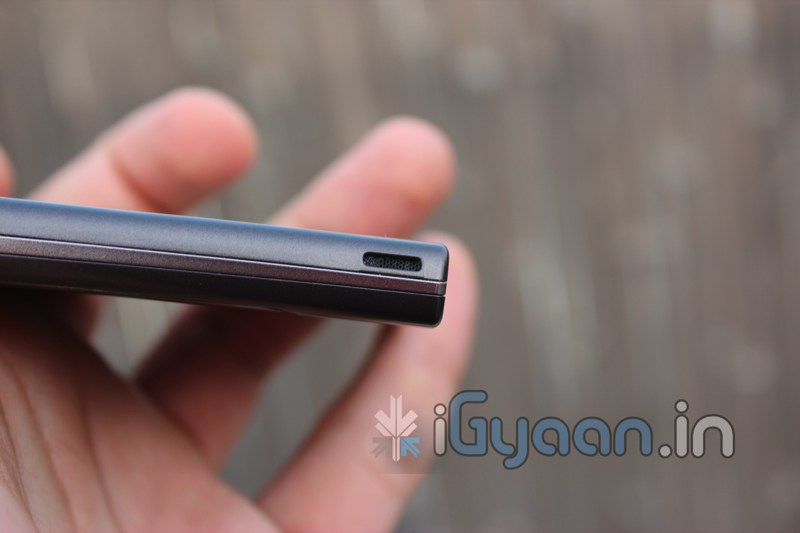
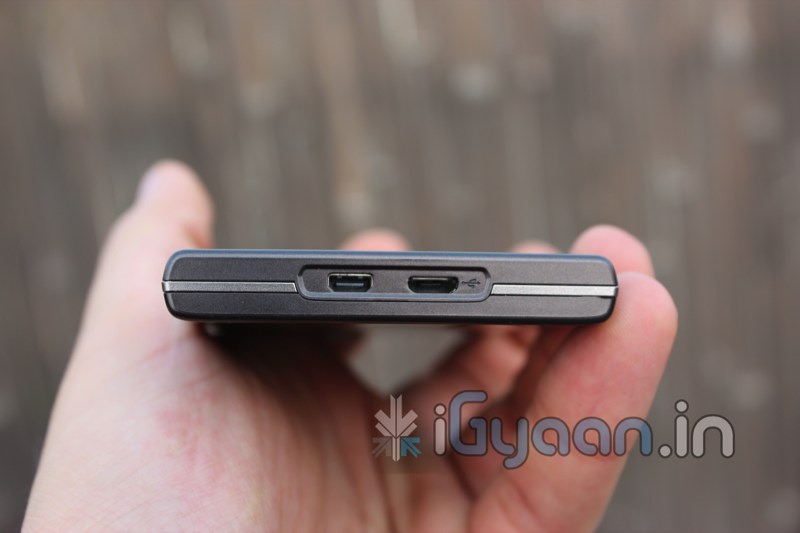
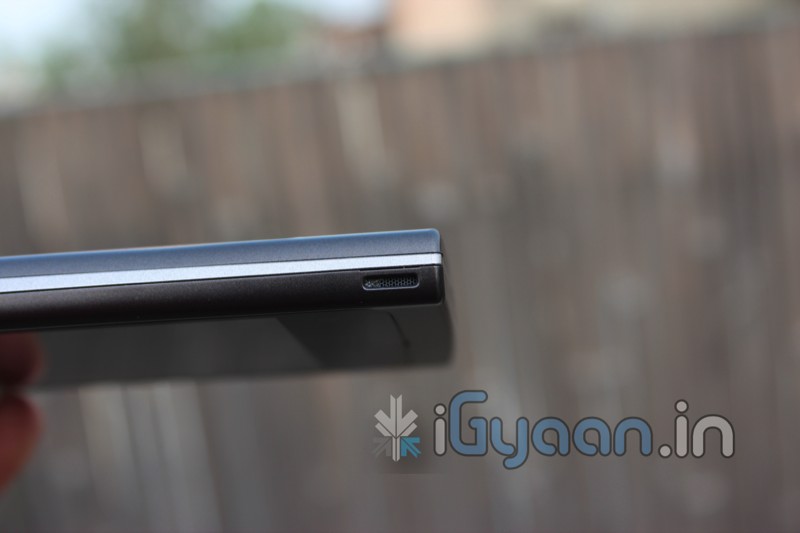
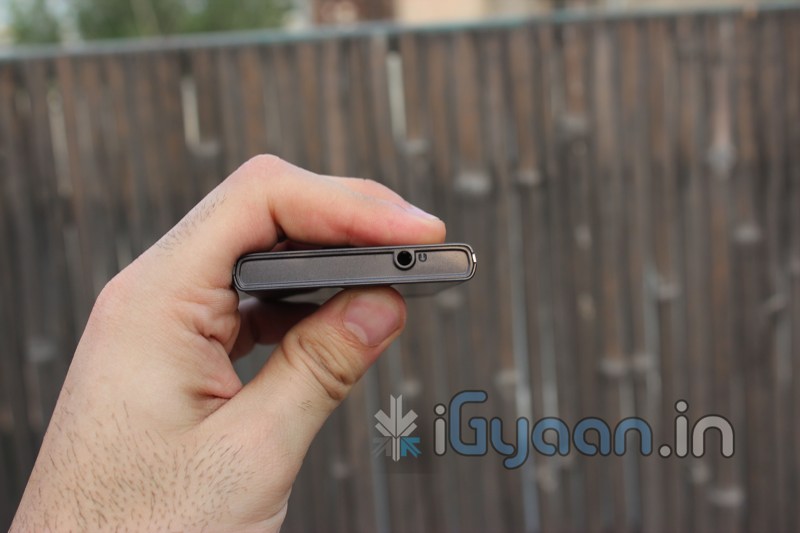
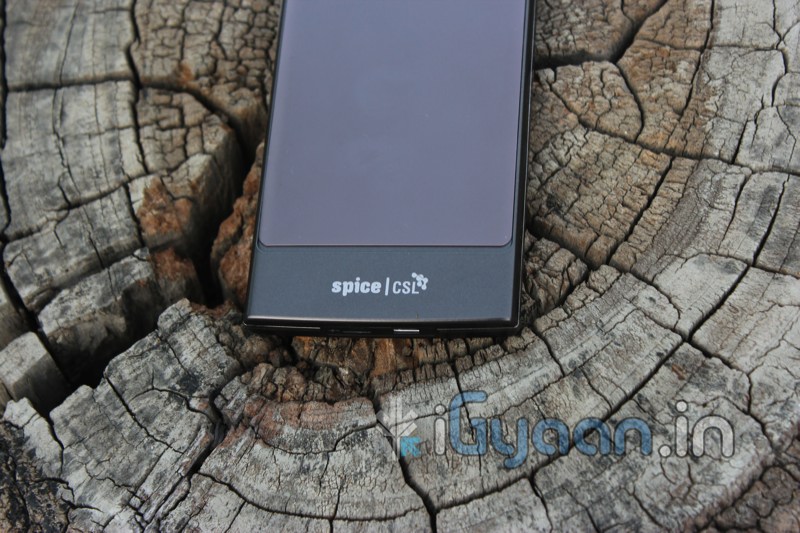
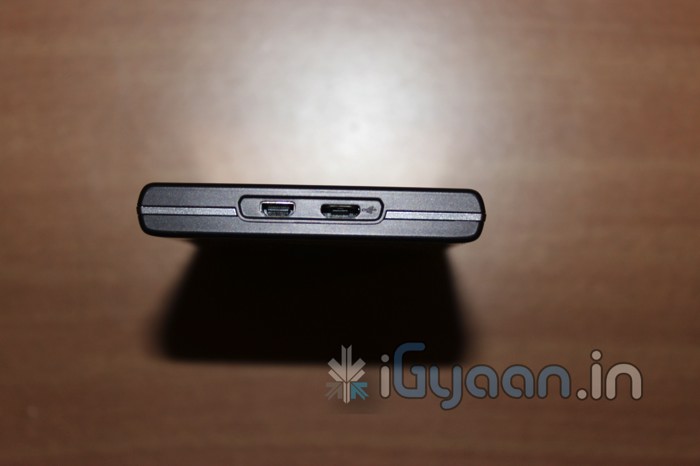
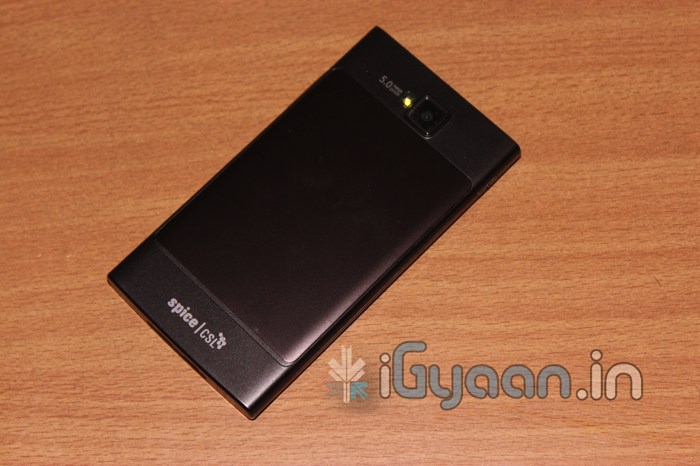
The Spice MI 410 is built to last, metal accents and a full metal back cover, a metal frame and solid construction make the Mi 410 an extremely robust device. The volume rocker and the power button are flush with the device and highly tactile. The screen is also scratch resistant, but its no gorilla glass.
The device or its internals don’t shake or rattle and the phone is like one solid piece of hardware. Talking about hardware, lets look at the specs.
OS
ANDROID 2.2
Processor
1GHz Qualcomm Snapdragon MSM8255
Flash ROM
2GB eMMC
Ram
512MB
Dimensions
122X 66X 9.9 mm
Weight
143 gm
Display
4.1-inch Capacitive Touch Screen , 800 X 480 WVGA
Camera
5 MP rear with HD Video, 0.3MP front
Battery
1400 mAH
Talk Time
Upto 380 Mins GSM , Upto 300 Mins (3G)
Standby Time
Upto 300 Hours
Network
Quad band GSM , Tri-band 3G, HSDPA/HSUPA , up to 14.2 Mbps
Connect
Bluetooth v2.1 EDR
Other
Supports Flash 10.1
Price
Rs. 14,000/-
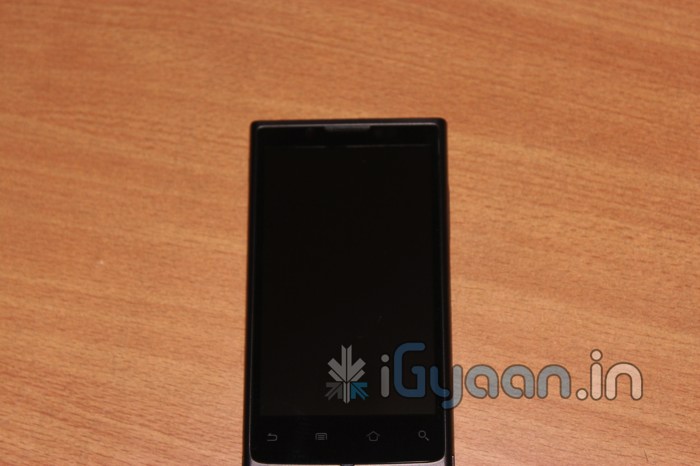
Design on the Mi410 is pretty good too with a flat slab/tablet type structure on the device. It one of those designs that may not appeal to all in the beginning, but grows on you as you begin to use the device. Honestly, it kind of reminds us of end 2010 HTC phones, with really prominent edges.
CAMERA & MULTIMEDIA
The rear camera on the Mi410 is a 5MP autofocus camera which does a good job of focusing, you can actually see the camera move when its trying to focus, making it an exceptionally great autofocus mechanism. It also utilized 4 point metering to gain a focus point allowing it to be accurate in most situations, indoor, outdoor or night mode.
Video quality is also decent with jitter free recording and smooth capture. While in video mode the zoom option while recording is missing, but was not quite missed.
The screen is nice and vivid and has a comparatively large ppi at 227.55 ppi. With a native resolution of 480×800 pixels making it a very good display. We have no complaints with the display and in-fact were quite happy with it. The screen is good for watching videos and browsing the internet. The ppi is rich enough for reading books, documents and articles without trouble. Let us remind you that its no retina display, but its possibly one of the best resolutions you can get for the price.
The inclusion of stereo speakers caught our attention at the get go. Its surprising the kind of sound you can get from these speakers. In a normally quiet environment the speakers are sufficient for watching videos and movies. The speakers are loud and clear with accurate channel mapping.
The touch screen on the Mi410 seems like a bother initially, after a bit of playing around we found out that the maximum issue is with the lock screen, where the screen response seems to be less, it also seems like a software glitch, as we upgraded to 2.3 the touch sensitivity issue reduced significantly, but is still there. Pinch to zoom and scrolling work fine and are not affected by the issue.
The included earphones are simply ordinary and don’t expect much from them. While they can be used for simple handsfree usage, if you want to enjoy music on this device, invest in a good pair of earphones.
PHONE & MESSAGING
The sound quality from the earphones and the outgoing sound from the mic is great, and more than expected. While network strength is constantly 1 bar less, it does not affect the usage of the device and in our signal measurement test we would get a consistent -60db value.
Messaging and typing on the keyboard is achieved with ease and effortlessness. The keyboard is well spaces with large keys and responsive, the touch sensitivity issue does not occur in the keyboard, that why we insist its a software issue and not hardware (we could be wrong too).
BATTERY LIFE
A lot of people asked us to test the battery and we did some extensive tests on the battery.
VALUES
2G
3G
WiFI
Talk Time
5 Hours
3.5 Hours
-NA-
Standby Time
72 Hours
50 Hours
5 days
Internet Browsing
5-6 hours
5 hours
8 hours
Video Playback
3 hours
3 hours
3 hours
Video Stream
2.5 hours
1 Hour
3.5 hours
Music
12 hours
12 hours
12 hours
Music Stream
7 hours
5 hours
8.5 hours
We noticed a well managed battery life even with the wifi hotspot on. Battery was inconsistent and scores above are average from out tests.
CONCLUSION
The Spice Mi410 is an extremely great option at its price. With features usually found in devices upwards of 20k. This device also looks, feels and performs like an expensive phone, so it should be a satisfying experience for the user. The fact that this handset is easily root-able will let people exploit the real benefits of the device. The screen issue may bother some , but it is not enough to not let us recommend this phone to some one who has this device in mind.
PRICE : 14,000/-
[xrr rating=4/5 label=”We Rate it : ” imageset=shiny_yellow_star display_as=fraction_stars]
So we finally got the new Spice Mi 410 here in our studios. So here it is the Unboxing and quick review video for your pleasure. As always stay tuned for the complete Review.
VIDEO UNBOXING
IMAGES
SPECS
OS
ANDROID 2.2
Processor
1GHz Qualcomm Snapdragon MSM8255
Flash ROM
2GB eMMC
Ram
512MB
Dimensions
122X 66X 9.9 mm
Weight
143 gm
Display
4.1-inch Capacitive Touch Screen , 800 X 480 WVGA
Camera
5 MP rear with HD Video, 0.3MP front
Battery
1400 mAH
Talk Time
Upto 380 Mins GSM , Upto 300 Mins (3G)
Standby Time
Upto 300 Hours
Network
Quad band GSM , Tri-band 3G, HSDPA/HSUPA , up to 14.2 Mbps
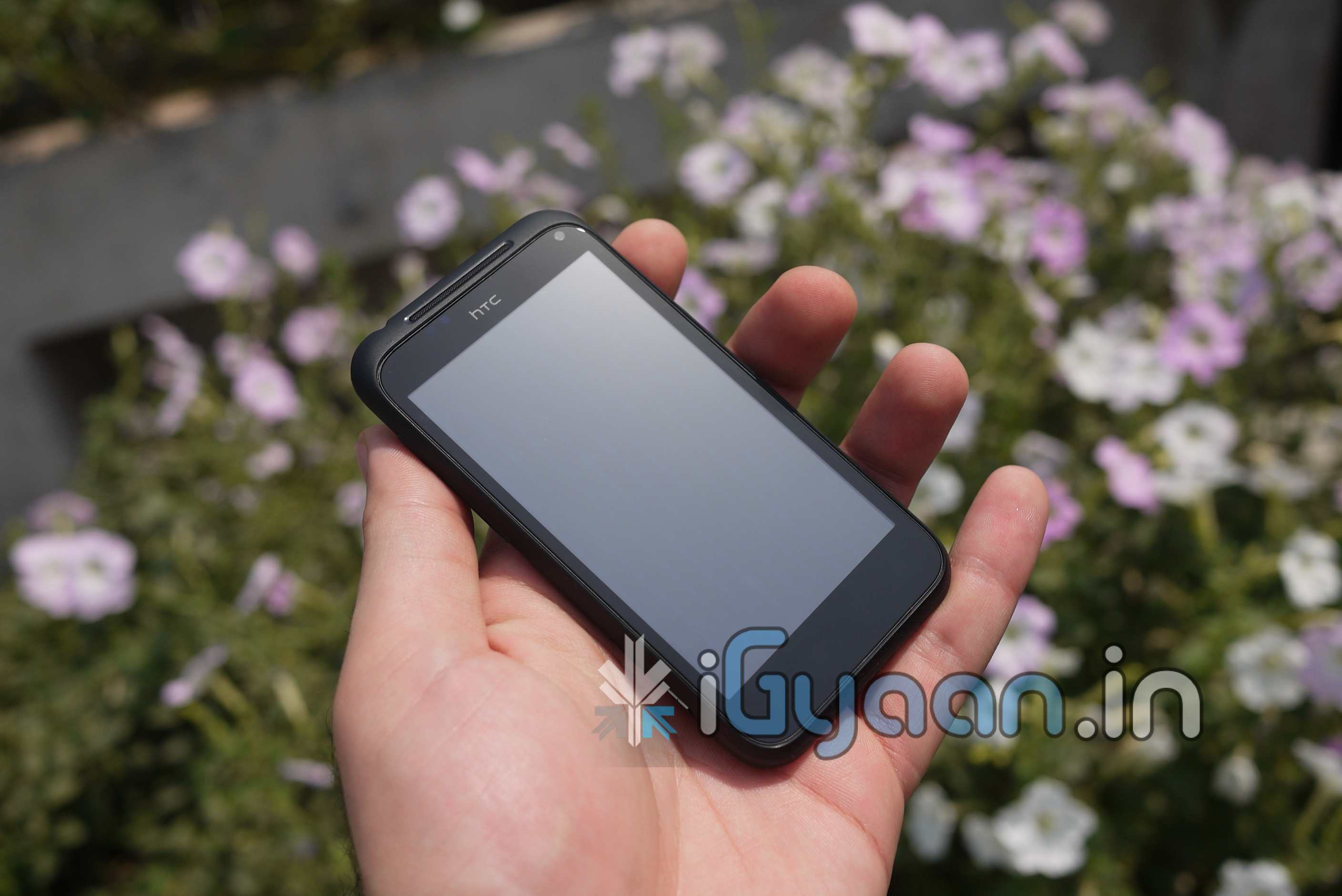
The HTC Incredible S is HTC’s latest and greatest, But, does it really fit that mark? Lets find out.
HARDWARE AND BUILD QUALITY
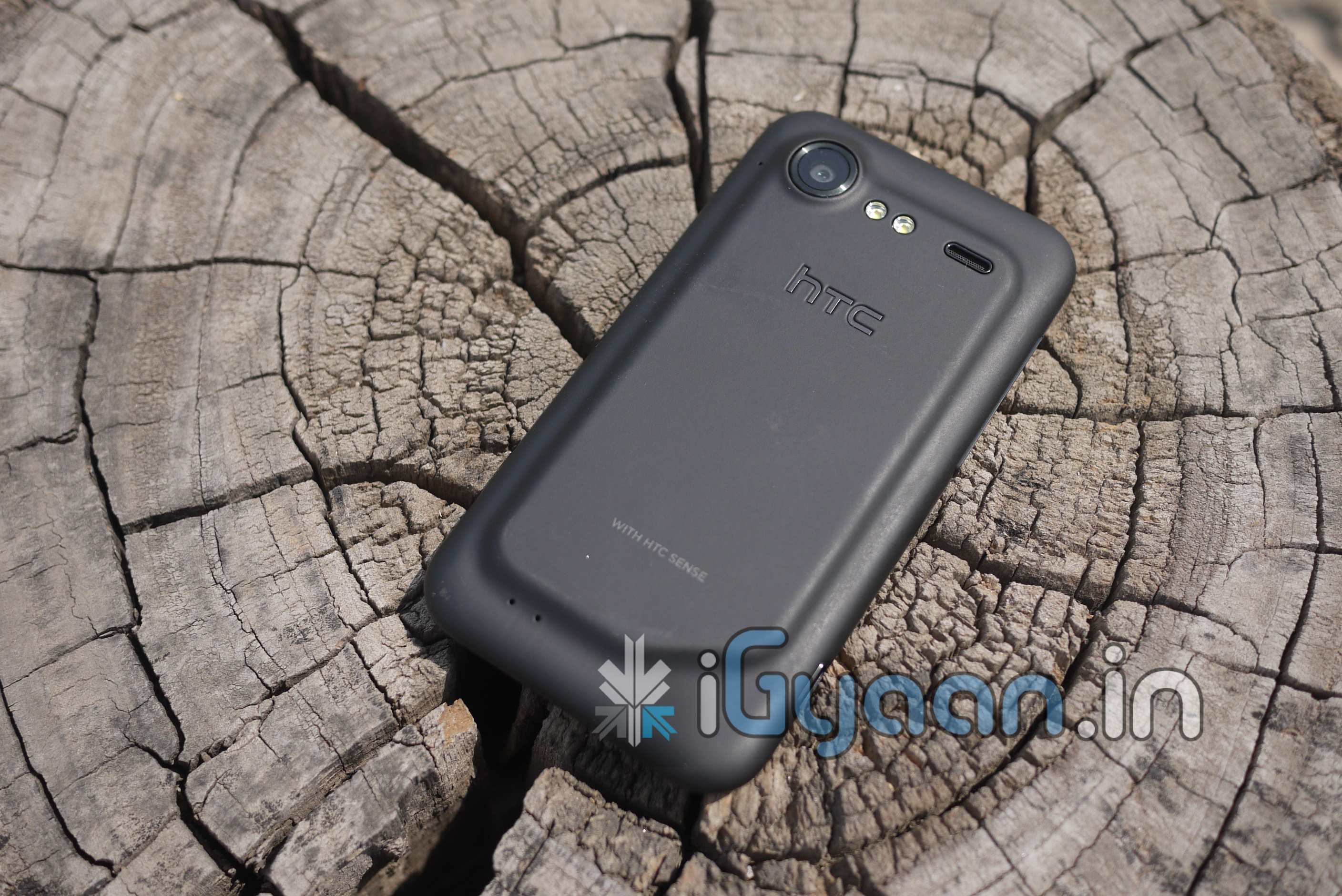
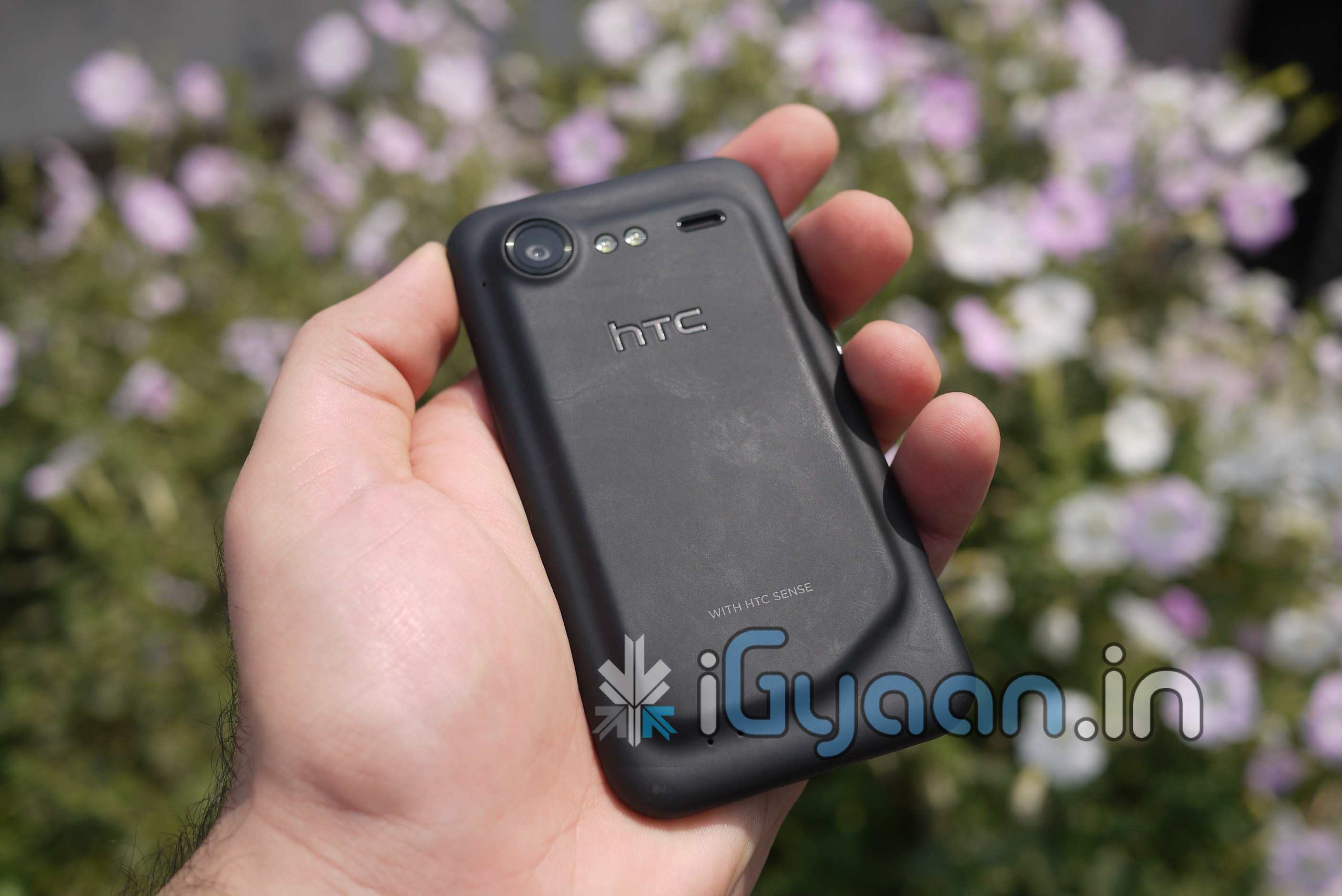
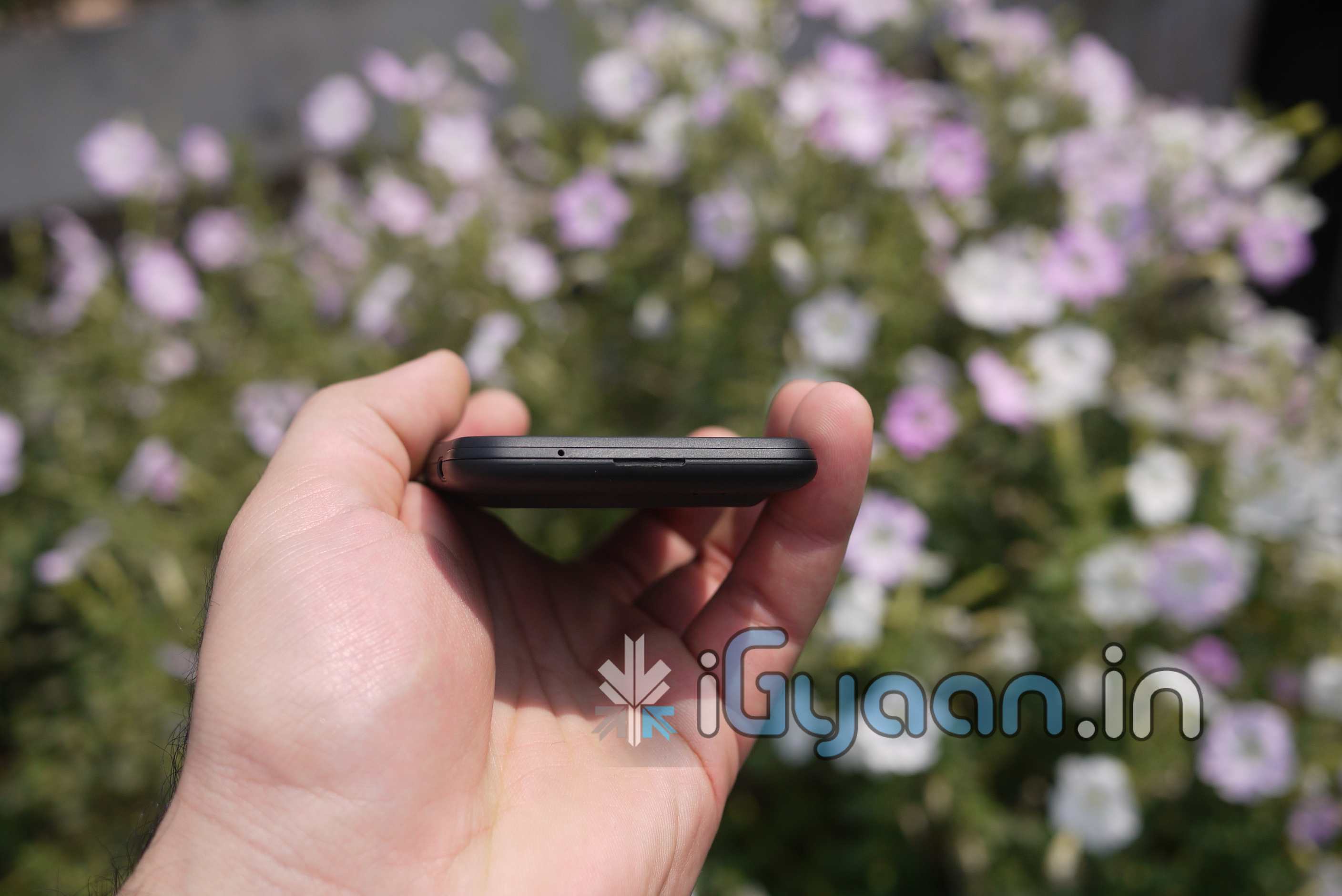
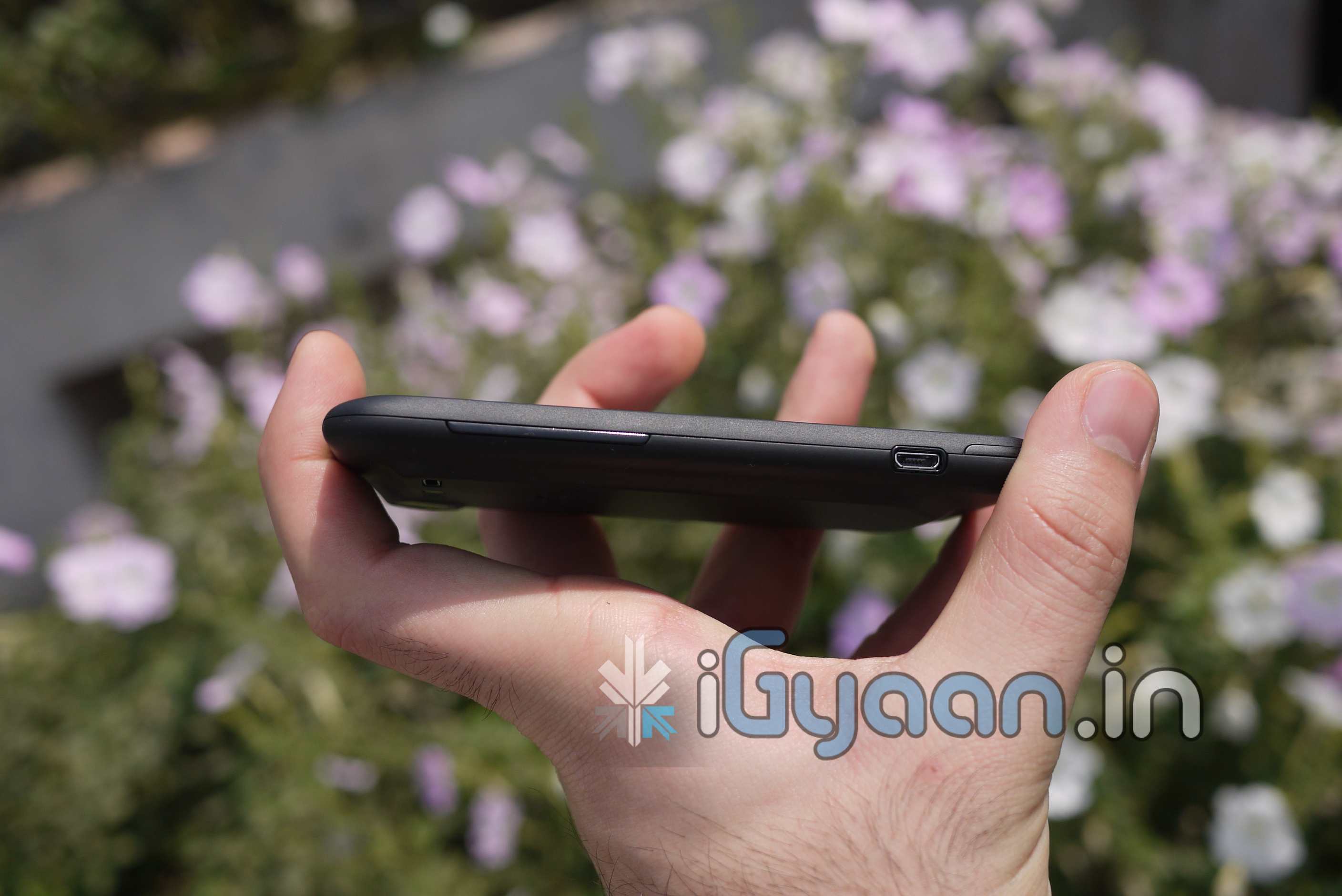
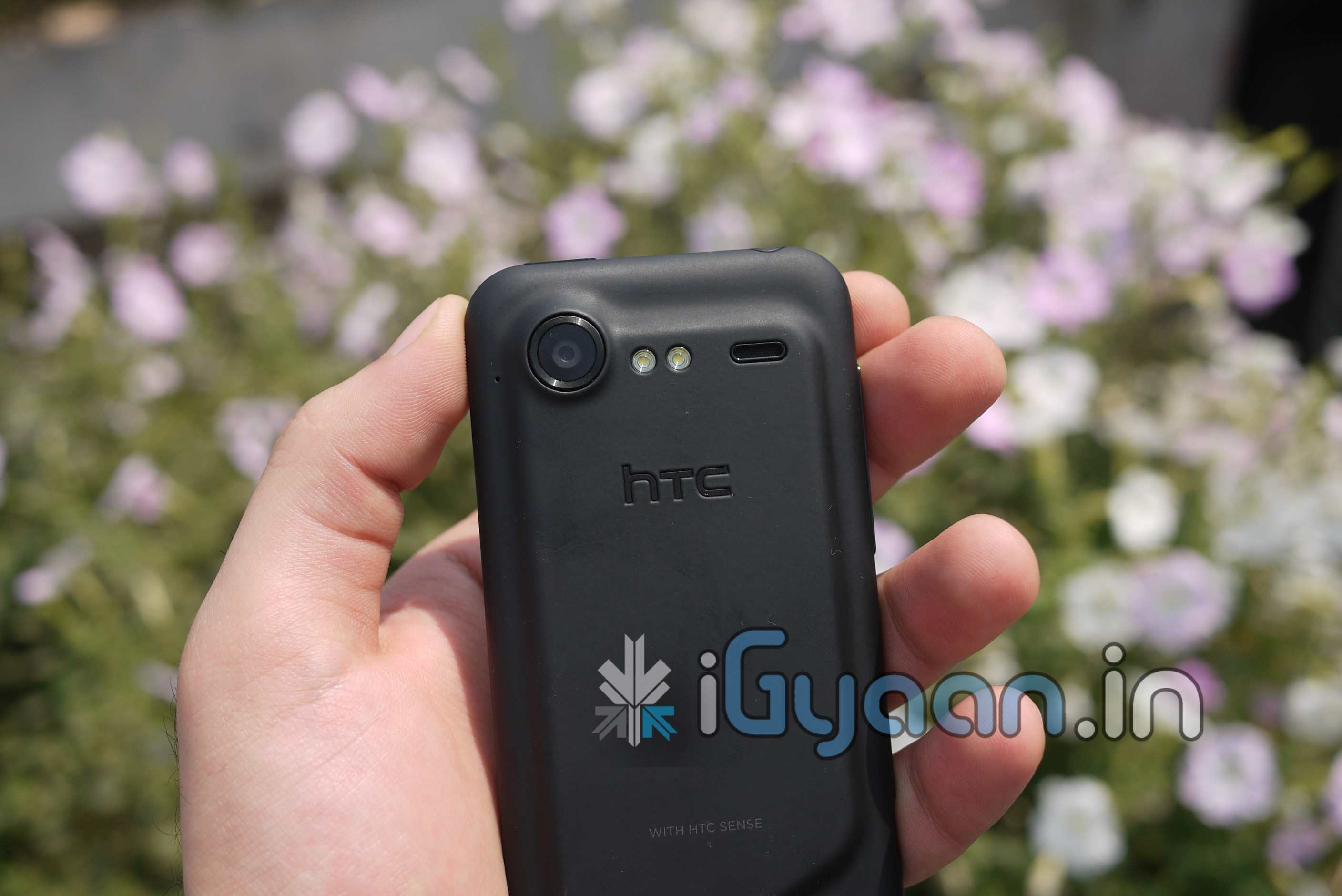
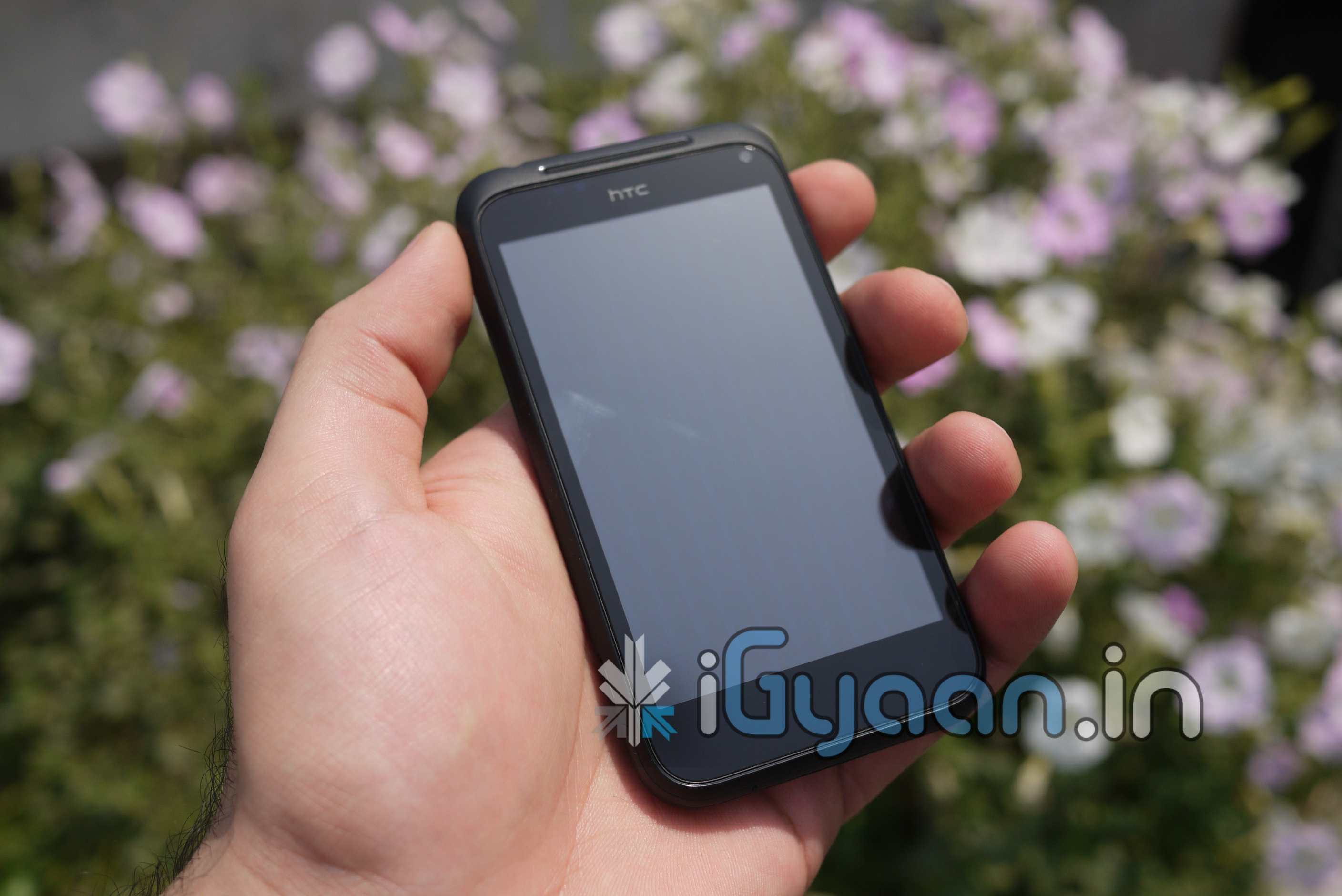
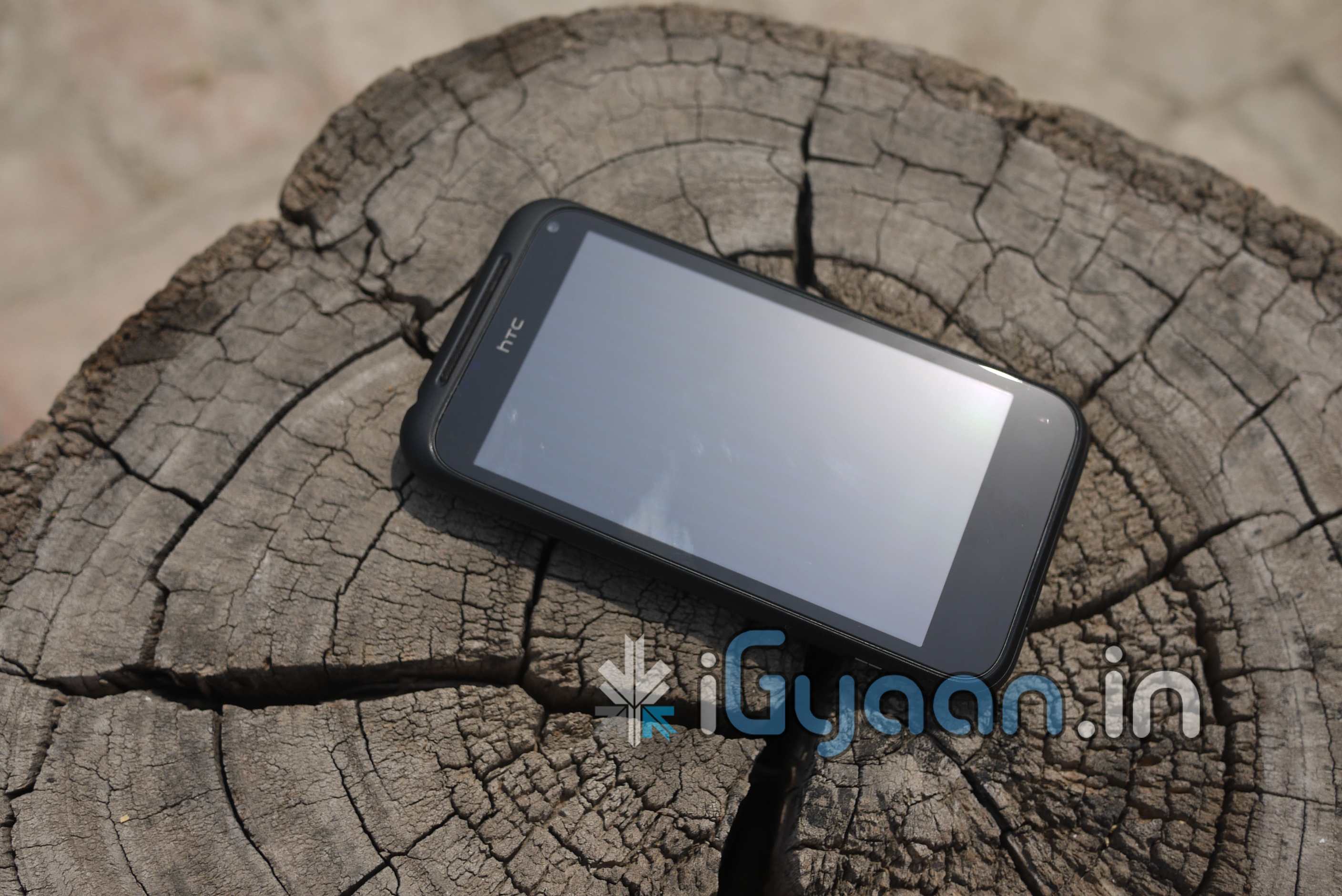
The device features one of the most robust constructions yet, a rubberized body , is not only rugged but also the new in-thing. The device is great to hold in the hand and feels really good thanks again to the rubber grip backing. It also sheds some of the added weight that the Desire HD has. No squeaks or rattling from the device. Better buttons in comparison to the Desire HD and a nicer looking display with rotating menu buttons. The build quality is surprisingly good and we were happy with it.
Tech Specs
Qualcomm Snapdragon MSM8255 1GHZ
768 MB RAM
Android 2.2
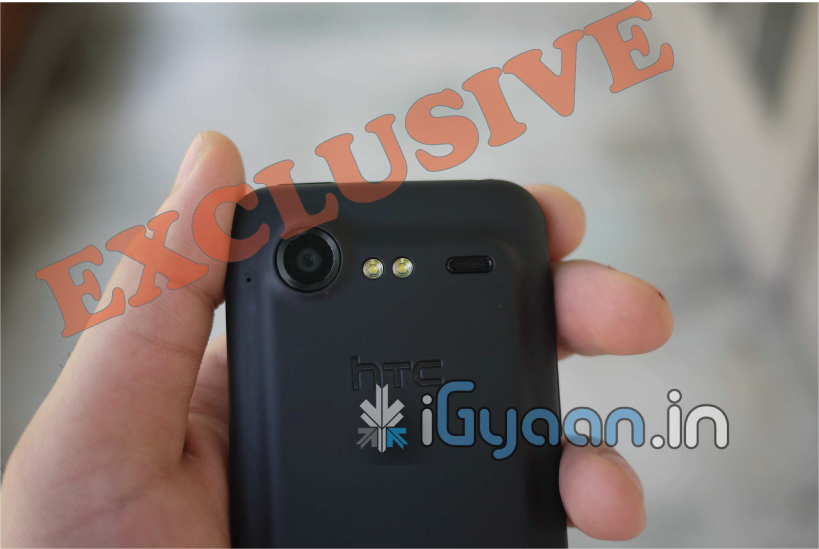
8 megapixel camera with Autofocus, Dual LED Flash and 720p video recording
1.3 megapixel front facing camera
1450 mAh Battery
480 x 800 pixels Capacitive multitouch SLCD display 4.0 Inch
The display on the Incredible S is simply stunning, the comparatively high resolution along with the SLCD screen just do wonders for the device. The colors are deep and the text crisp. The Processor may also play a role in the responsiveness of the device, but the basic functionality of the display and touchscreen is simply great.
The speaker on the device is slightly louder than its cousins ( the Desire HD/Mozart etc). But still not up to the mark from a device in this range. The video playback is smooth with zero lag and the fact that almost all formats can be played or play on the device thanks to Android is an added bonus.
The camera is no-where near where we want it to be, the images were bad, and we fail to see what dumping megapixels in a camera would do if the sensor is basically a dud. The camera is a big disappointment, although in crisp clear daylight , you may even get impressive shots, indoor and low light images are just very very poor. HTC should work on the Hardware instead of cramming specs in their devices. The 5MP backlit sensor on my personal iPhone 4 is far superior than this 8MP one from HTC.
PERFORMANCE, PHONE and MESSAGING
The device is a performer when comparing it to earlier versions of HTC devices and even some competition from Samsung. We ran Quadrant and Neocore on the device and we were quite pleased with what we saw. The scores ranged from
Quadrant : 1550-1600 (Highest Rank in the Stats)
Neocore : 56.5-57.0 FPS
The phone call capability of this device sets it apart, we cant stress enough on the crispness of the earpiece or the sensitivity of the microphone, the call quality was just brilliant. We did several hours of testing on the device and we got (get this) NO DROPPED CALLS in areas where we usually get several call drops within a couple of hours.
The messaging is similar to HTC Desire HD with the sense keyboard, the keyboard has navigation keys at the bottom which make it a lot more easy to navigate while in a text compose screen. The typing experience is much better on the Incredible S simply because of the improved responsiveness of the display and the processing capabilities of the device.
CONCLUSION
The Incredible S is a abandoned phone, it comes at a time where devices of its kind are becoming obsolete. The SE Xperia Arc, Nexus S and OPTIMUS 2x are already here and in the market. So a single core processor based device at this price point seems worthless to us. The Incredible S is truly incredible in performance and its built it also has a good set of specs, But its a little too late for the party. The camera is a disappointment, and the price point of 27-28000 makes us reject the device and look at dual core alternatives.
Here is the Unboxing Video of the HTC Incredible S, The video also contains a comparison of the device with the Desire HD. Check it out and stay tuned for the Full Review.