Tag: websites

  • Top 5 Free Web-Based Photo Editing Applications

    Top 5 Free Web-Based Photo Editing Applications

    Being in a small business, you won’t have much funds to purchase industry leading software. And these days every business, whether small or large, need good images to woo customers on a social media platform. Don’t worry, there is an alternative. There are some great feature rich photo editing applications which are capable of enhancing your images and creatively adding effects without emptying your pockets.

    Here’s a list of 5 of the very best web-based photo editing applications.

    1. GIMP (Free)
    1-gimp

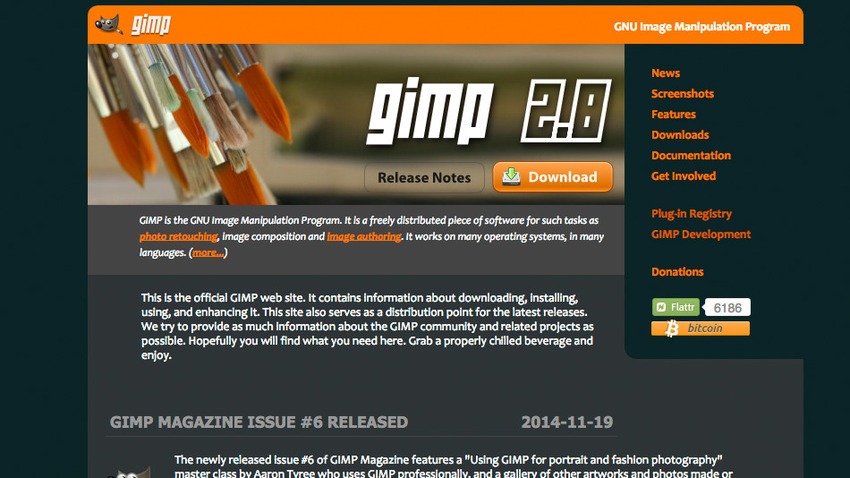
    GIMP or GNU Image Manipulation Program is a free, open-source, image editor. It has been a go-to tool for Linux users for years. GIMP is a versatile image editor that allows you to customize the application view and behavior to suit your requirements. Menus are closely parallel Photoshop’s, with File, Edit, Select, View, Image, Filters, and help serving the same functions — although in a slightly different order. GIMP is expandable and extensive, with the advanced scripting interface allowing everything from simple tasks to complex image manipulation, to be completed.

    2. Picadilo (Free)
    5-picadilo

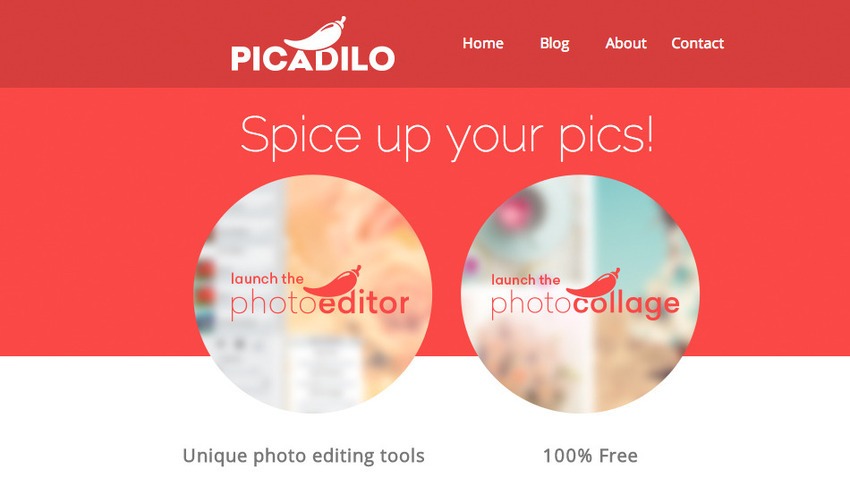
    Picadilo is a free photo editor app for the Chrome browser and requires no registration. Picadilo offers you a wide range of unique tools, including brushes, selections, text, effects and more. Once you upload an image you can resize, crop, retouch, add text and filters and even put frames around your image. With more than 100 fonts, 40 photo effects, 19 retouch tools and 140 unique stickers, there are enough features to easily edit any image.You can adjust the exposure, especially useful for either very dark or bright images and can also use the Magnify tool which lets you zoom in to any part of your image.

    3. Sumo Paint (Free or $4 per month for Pro version)
    sumopaint

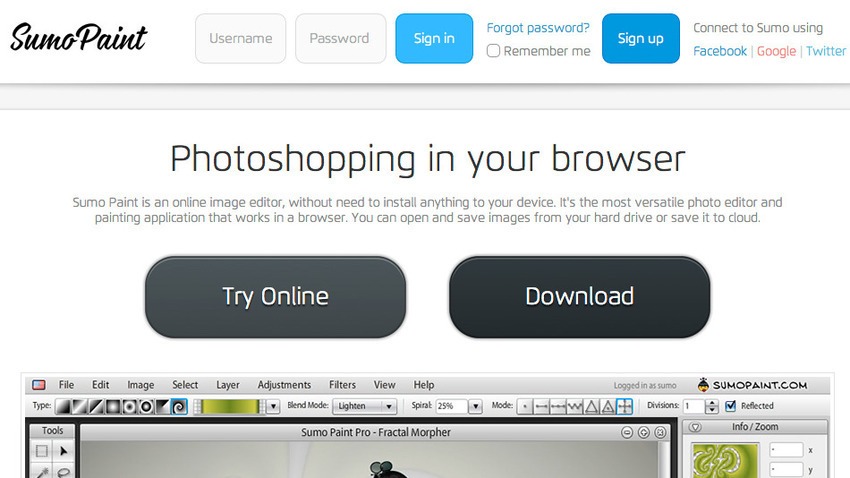
    Sumo Paint is another browser-based image editor which gives you fantastic sets of tools, ranging from the basic to an advanced level. Unlike other apps, Sumo Paint has an online community of over 4 million users who share, update, retouch and rate the artwork of other members. You can open files from your computer, Sumo Paint or a URL and edit with a range of tools, including paint brushes, erasers, shapes, pattern palettes, eyedropper, paint, text and a variety of blend modes. You can also utilize the curves tool to control colors and contrast, and levels for adjusting tones just like Photoshop.

    4. BeFunky (Free)
    8-befunky

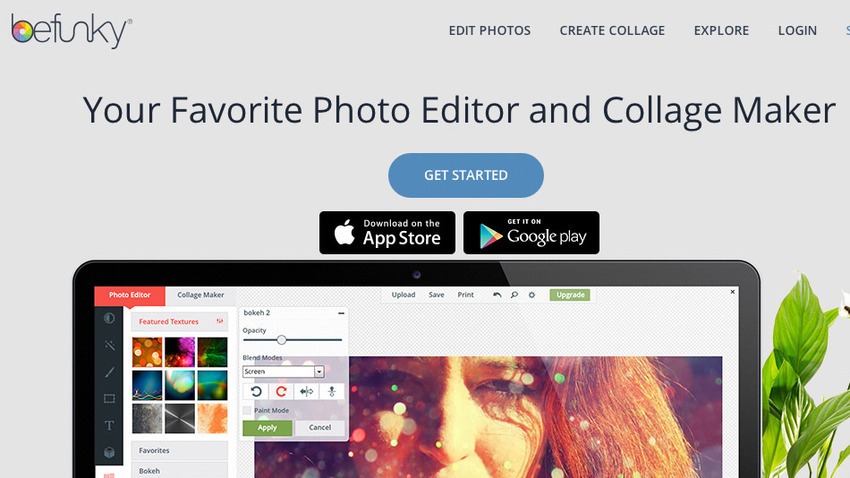
    Uploading an image to Befunky allows users to edit and create a variety of different styles from photographs including fixes and sizes. Using the basics of the flash-based tool, you can increase the colouration, sharpen the image, crop out specifics, resize and much more. You could add stamps to the images for an added touch including text in a variety of styles to fit nearly any need. Like Instagram, there are filters and social discovery, but it’s more organized, with categories for photo types, such as nature, pets, faces, and so on. Instead of spending money on expensive graphic design programs, this app could be one of your most visited websites.

    5. FotoFlexer (Free)
    11-fotoflexer

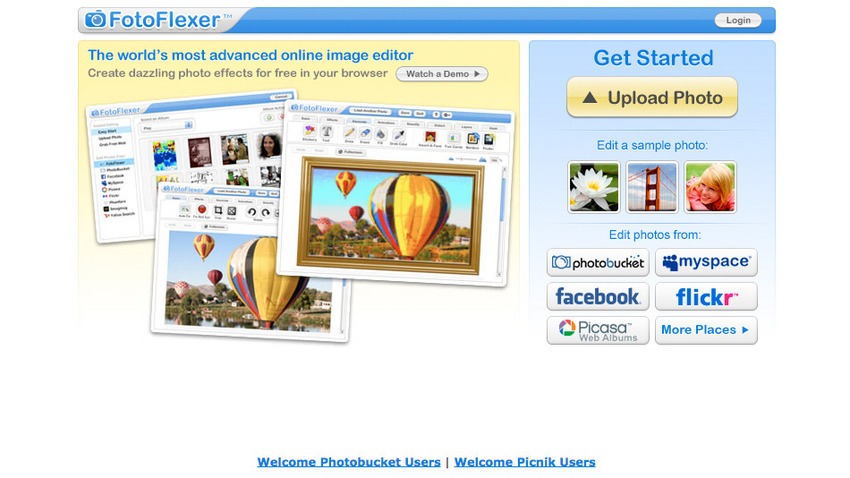
    FotoFlexer is one of the most advanced online editors offering a handful of features like red-eye removal, crop, resize and flip. There are advanced tools like smart resize, recolour, cutout, scissors, curves and morph. The interface is divided into tabs, each of which contain between eight to twenty effects that can add borders, fix mistakes and save the image in either JPG or PNG format when you’ve finished editing. With filters and effects, increased options for import and export and a visual history panel, FotoFlexer is likely to be one of the best online editor out there.

  • Top 5 Websites that Let You Send Fax for Free

    Top 5 Websites that Let You Send Fax for Free

    Before there were emails and video conferences, fax machines were the convenient mode of instant communication. It was one of the fastest way to send important documents and memos across the sea. However, there were some glitches and it led to the wastage of paper. You needed a print out of the document first to send it over. Fax is still deep-rooted in many parts of the world. Some enterprises still hold on to the fax machines for their documentation and office matters. In case you don’t have a fax machine, you have to run around looking for shops to send a fax. But not anymore.

    Here is a list of websites that will send your faxes for free:

    1. eFax

    efax

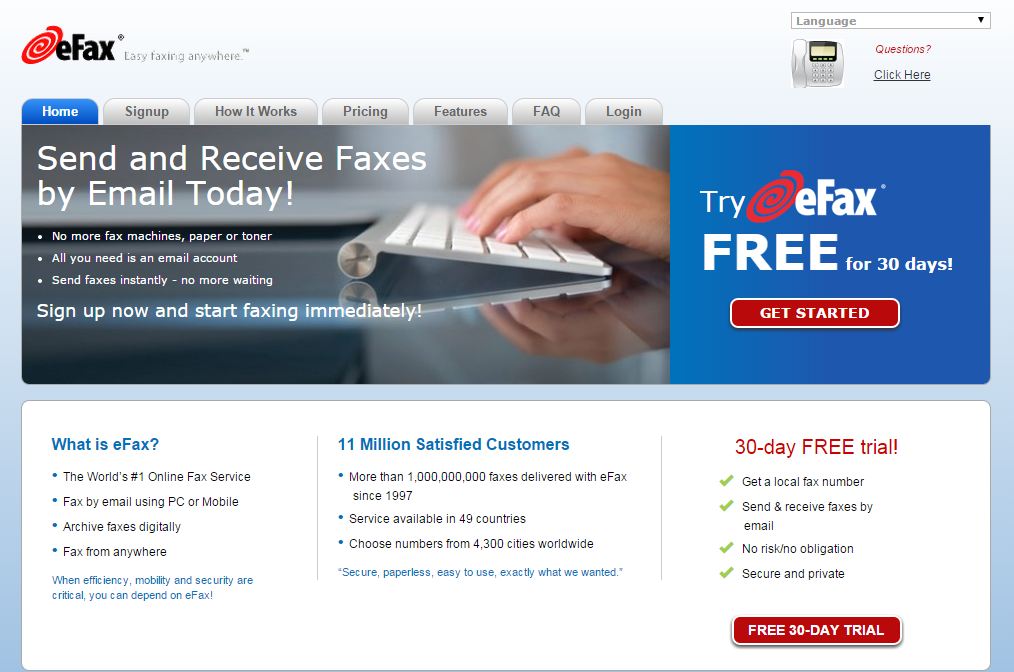
    Well, as the name suggests, this is one of the most popular websites to send faxes over the internet. However, eFax is not a free service but you get 30 days trial. You will get a local fax number to send and receive faxes. This service is running since 1977 across 49 countries including India. After the free trial, you can go for a monthly plan.

    2. Superfax

    superfax

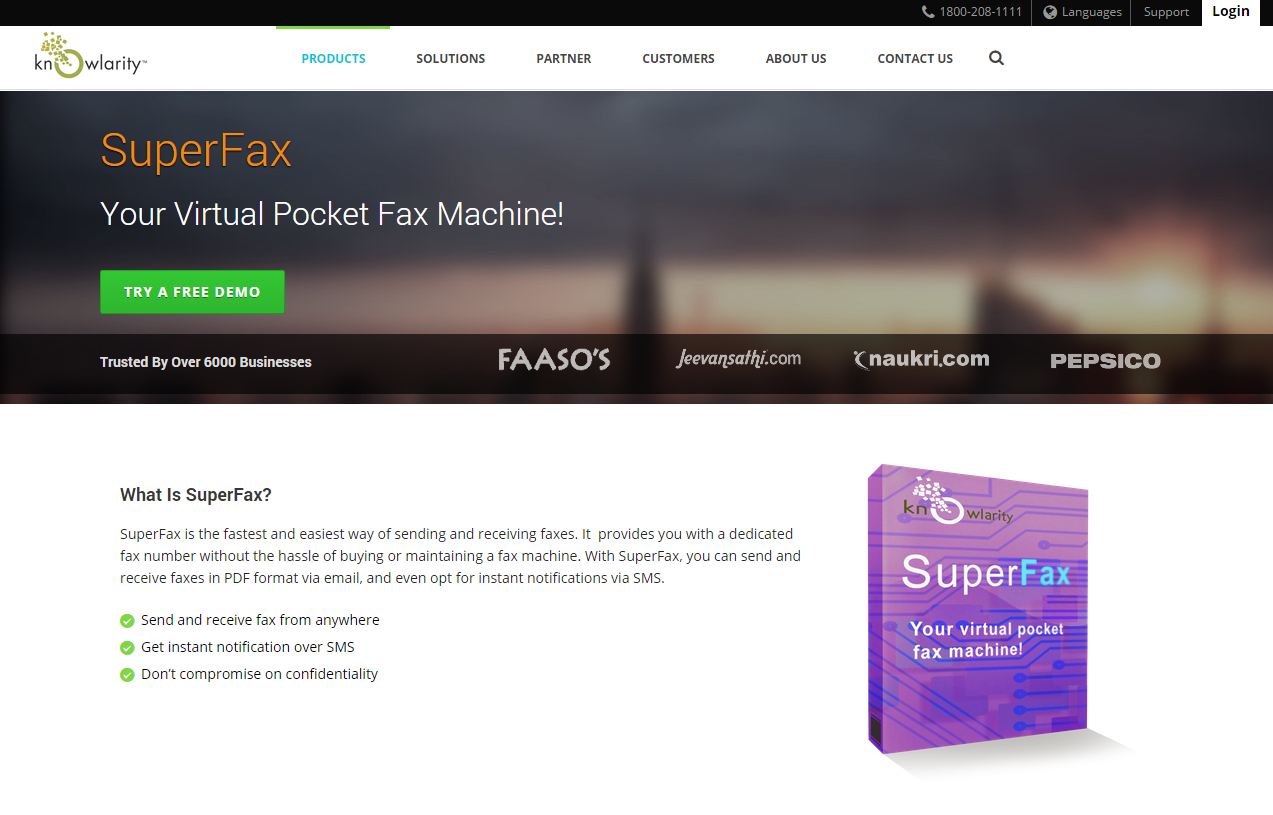
    It is the most popular website with pricing in Indian currency and office in India, which adds credibility. It is an email to fax service which gives you free demo account for three days. You will get 10 incoming and outgoing faxes with the demo account. After three days, you can sign up for an annual or a lifetime plan.

    3. Speedfax

    speedfax

    Another Indian company, SpeedFax is also an email-based service to send and receive faxes. You get three days trial pack and after that you can go for six months or one-year plan.

    4, SendFreeFax

    sendfreefax

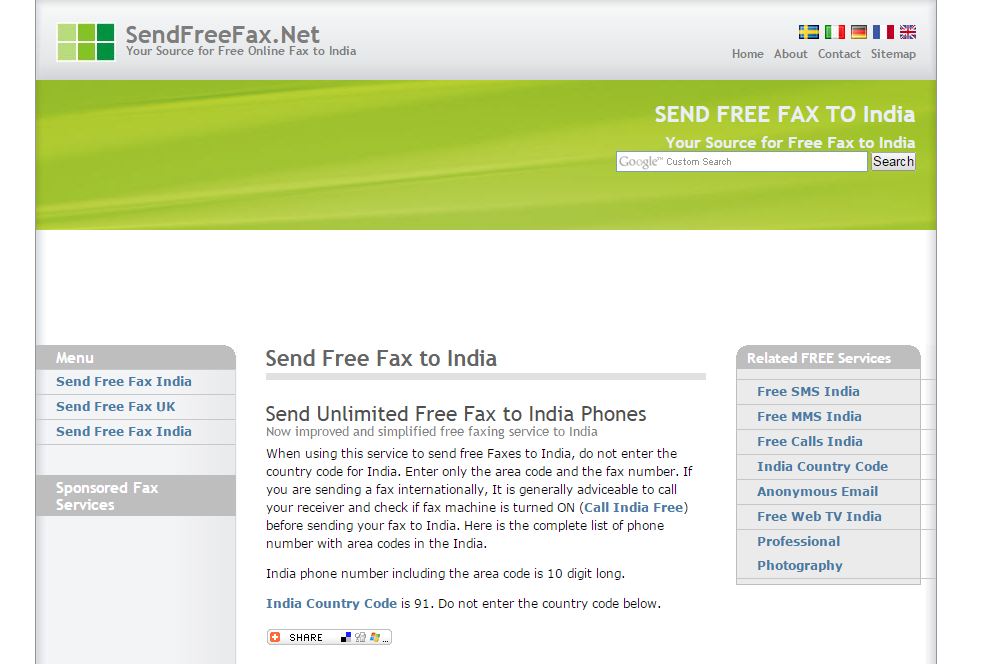
    Sending a fax from this is similar to sending an online SMS. This service is only for Indians and it is absolutely free. To use this service, you do not have to enter a country code. It is basically a hassle-free service, however, we can’t comment on the credibility of the website.

    5. Popfax

    popfax

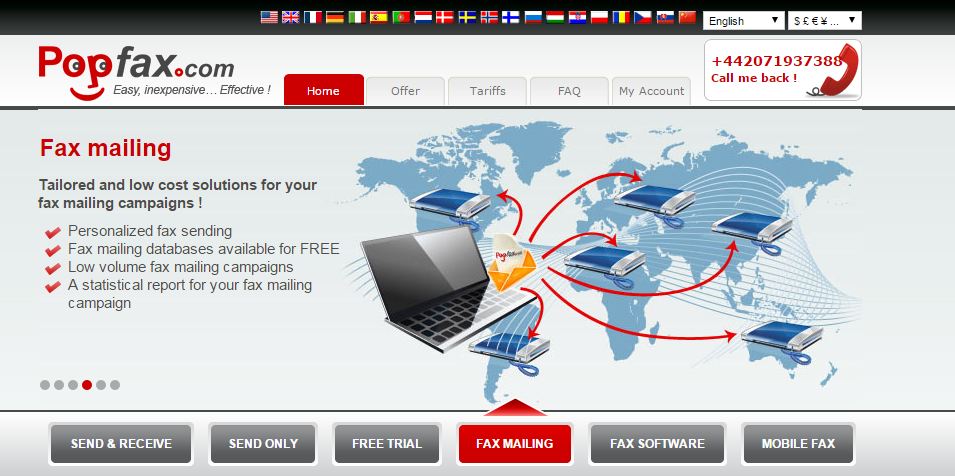
    It is quite the same service as all the above with one added advantage. You can use this service from your mobile and yes, you do not need credit card to use this trial. The website provides services in 500 cities across 20 countries.

  • Tips For a Happy Traveler: 5 Best Websites to Check and Apps to Download

    Tips For a Happy Traveler: 5 Best Websites to Check and Apps to Download

    All great travel apps have one thing in common: they all solve problems you don’t even realise you have. Whether they’re helping you in easy and quick navigation, pointing you in the direction of authentic local nosh or simply showing you how to ask after a toilet in Japanese, you need to pick and choose which one works for you best.

    Here are our picks of apps and websites for the best travel experience you can have:

    Ultimate Travel Packing Guide

    Ultimate-Travel-Packing-List

    Do you travel often, reach your destination, unpack your things, and ask yourself, ‘Where is my toothbrush?’. It happens to the best of us because it’s far easier to create a mental list of things to pack in the week leading up to your departure than it is to actually remember them all when you’re packing. The logical thing to do would be to create a small travel pack or make a list of things to pack as you remember them. Ultimate Travel Packing List is a little web app that generates a list of things you should pack based on your gender, the length of your trip, the climate you’ll be experiencing, and the nature of your trip. 

    Seatguru

    seatgurucom1

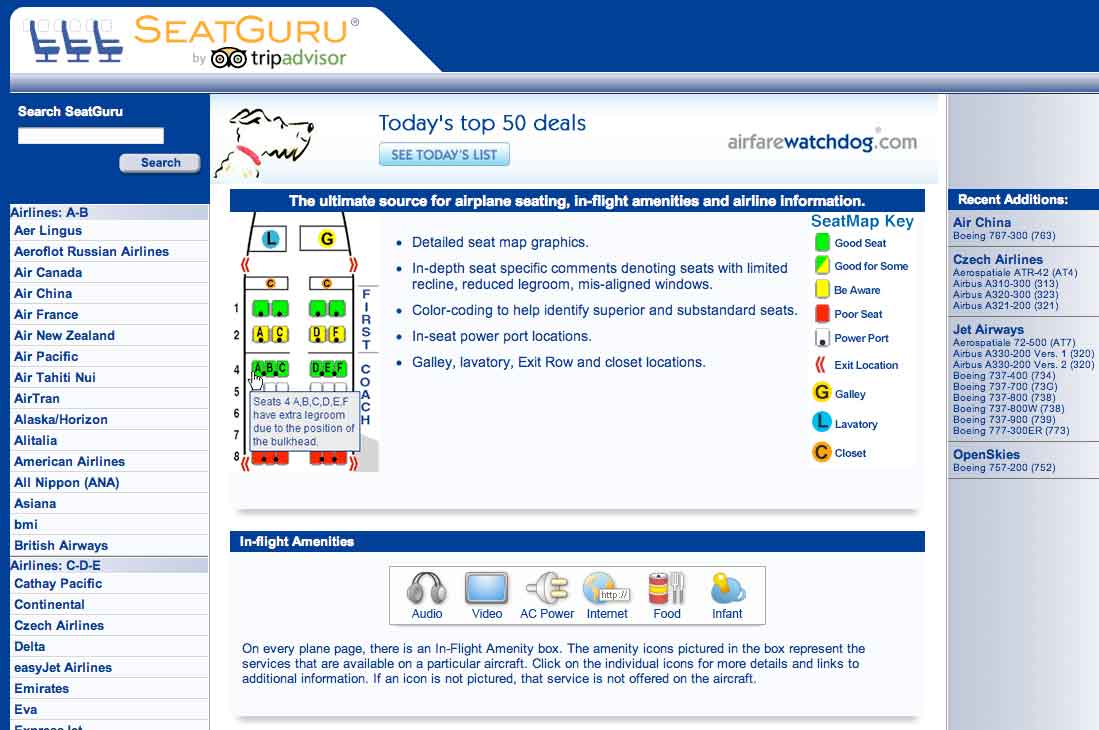
    Which seats are the best seats on the plane? Since airlines began charging for everything from a checked bag to a bag of peanuts, the answer is, “Whichever ones I don’t have to pay extra for.” SeatGuru provides commercial cabin seat maps, advising travelers which seats in the cabin to select or not select when booking a flight. The free app lets you access over 700 seat maps from over 100 airlines. It features advice and insights drawn from over 45,000 passenger reviews, so you can always find the best seat before you fly. Plus, the new app now helps you compare and find great low airfares from low-cost carriers, big online travel agencies, and the airlines themselves. You can even set up real-time flight alerts that monitor your flight arrival time and other information.

    Bing Travel App

    Screenshot.216116.1000004

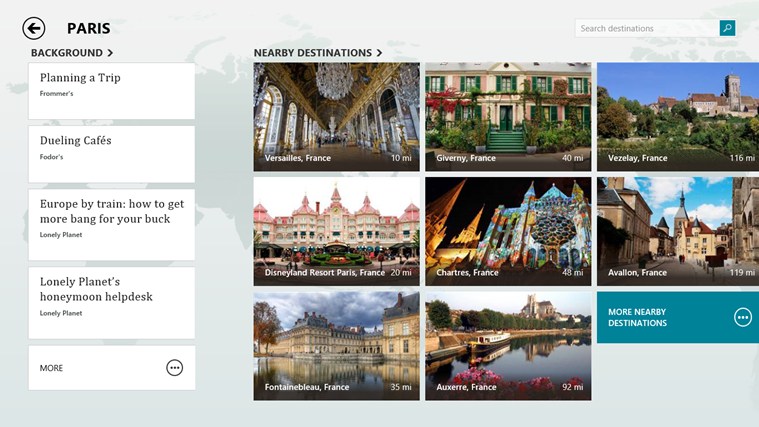
    The Bing Travel app lets you explore over 2,000 destinations from all over the world through beautiful photos and panoramas. Travel guides, booking tools, real time currency conversion, and weather provide everything you need to turn travel inspiration into your next great trip. Enable location services for Bing Travel Beta, so they can have more specific recommendations. For example, the destinations section recommends several places near New York. Each destination displays a summary syndicated from Frommer’s, traveler photos, attractions, restaurants, and hotels. Prices for hotel rooms are displayed by the app, grabbing rates from services like Booking, Kayak, Travelocity, Expedia, and more. Click on the rate you like and the web browser opens for you to continue the booking on that particular site.

    Tripit

    flight

    The iPhone app TripIt offers a unique service to travelers. It automatically connects to your email accounts, finds travel-confirmation emails, and turns them into a neat, complete itineraries. TripIt is familiar with purchases you make on all the major search and booking sites, such as Orbitz and Kayak, as well as airlines, car rental services, hotels, restaurant reservations, and much more. If TripIt misses an important travel email, you can forward it along, and the service will either figure out what to do with info or stick it to the side until you can review and type in the details manually.

    Uber

    Uber-Taxi

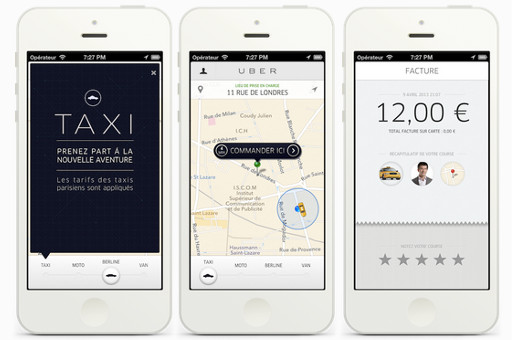
    Uber hit 100 cities recently, and what many call the fastest growing cab company in the world is adding more cities fast. When you open the app in any of the 100-plus Uber cities and order a car, the app will estimate the arrival time and send a text saying your driver is on the way. A small photo with the driver’s name and phone number pops up on the app, while a car icon on the map shows you in real time where the car is located. Cash isn’t an issue, Uber bills your credit card at the end of the ride. Both users and drivers can rate each other at the end of the ride using the app for other users to view. Rather than a cheap taxi app with prices similar to local cabs, in Asia Uber provides a luxury experience, with much higher prices and limo chauffeurs.

  • Top 5 Websites to Sell Your Old Gadgets Online

    Top 5 Websites to Sell Your Old Gadgets Online

    Re-commerce i.e. trading old gadgets for a price is not a common practice in India. But with more and more people wanting to buy the latest in technology, dispensing old gadgets safely has become important. And its all the more better if you can make some money while doing it. Even though prices offered depend on the time, market demand and the condition of the gadget, putting your old gizmos on sale is a good idea. There are numerous websites which offer the service of trading old gadgets.

    We are listing 5 of these website where you can sell you old gadgets in return of cash.

    1.YouRenew

    yourenew

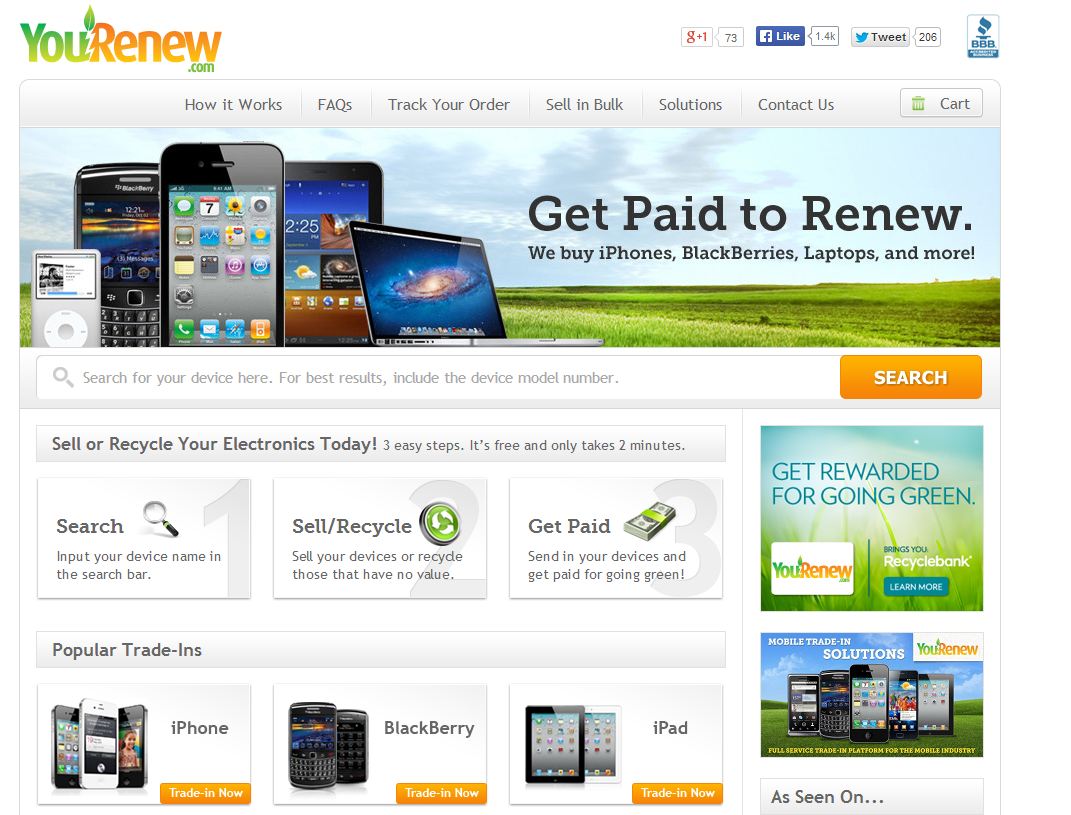
     The company offers consumers a profitable and environment-friendly way to dispose of their used smartphones, MP3 players, laptops, digital cameras, tablets and other electronic goods. The site is user friendly and three easy steps let you recycle your old gizmo. You need to type in the name of the device and if it is listed on YouRenew.com, then answer a few questions about the device and you’ll know how much the site would pay you. 

    2. Karma Recycling

    karma

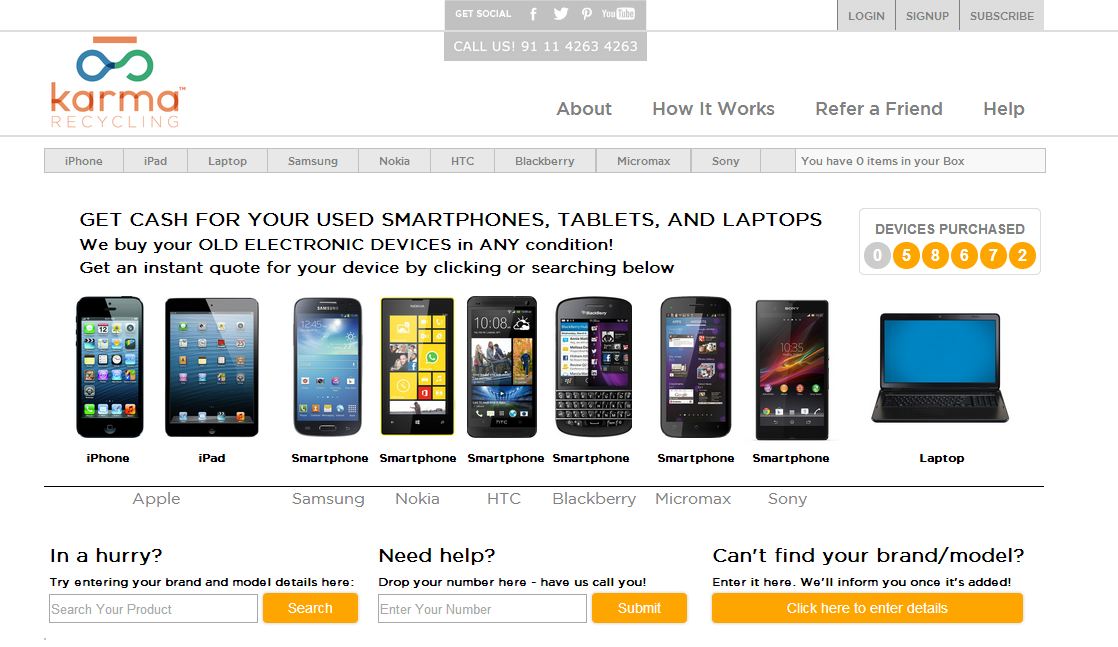
    Karma Recycling is one of the leading e-waste management services in India. The website is also quite user-friendly; you have go through 4 steps to sell your mobile. Choose your mobile, its condition and they will offer you a price. You can choose your payment through check , yatra.com or yebi.com gift card.

    3. Atteroboy

    attero

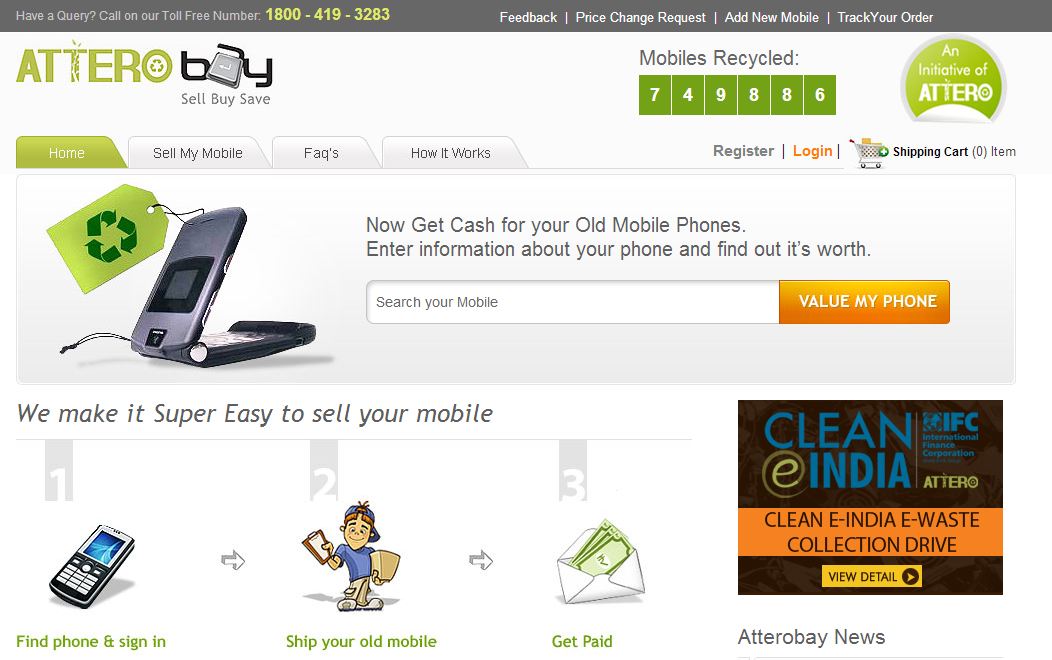
    Atteroboy works similar to Karma Recycling. Website works in a same way, choose you mobile, its condition and they will offer you a price. Though we noticed that they might pay you less than Karma recycling.

    4. Cellforcash

    cell4cash

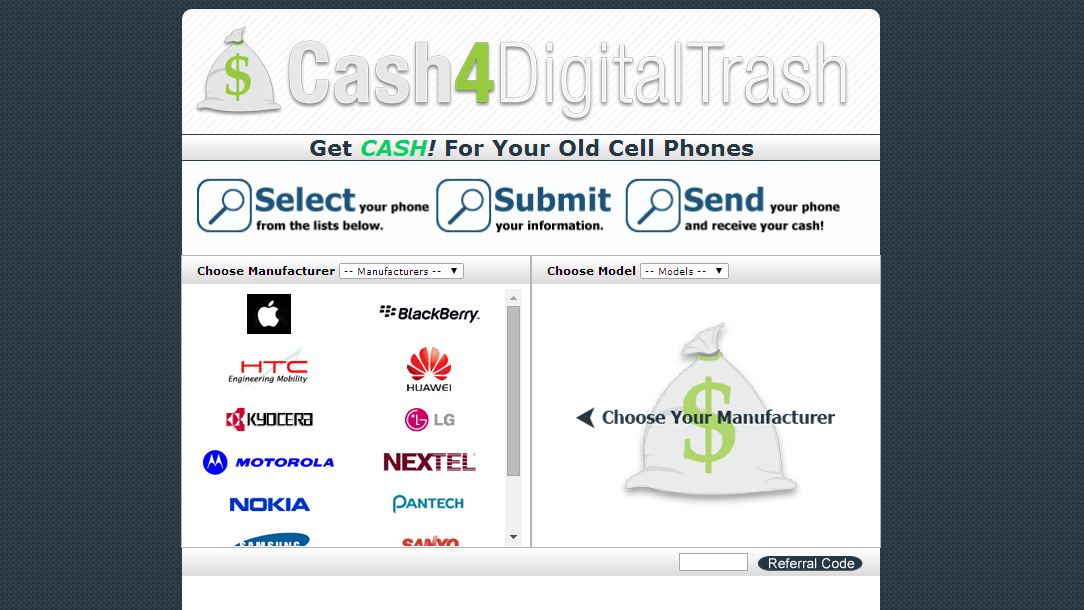
    The first thing to remember when you decide to sell old mobile phones online is if you send handsets in beat up condition – that do not work or without accessories – then don’t expect a high payoff. Cellforcash.com clearly highlights in its ‘Terms and Condition’ section that it is looking for quality used-items and the better conditioned the phone, the better chances of getting a nice payout.

    5. Buymytronics

    buymytronic

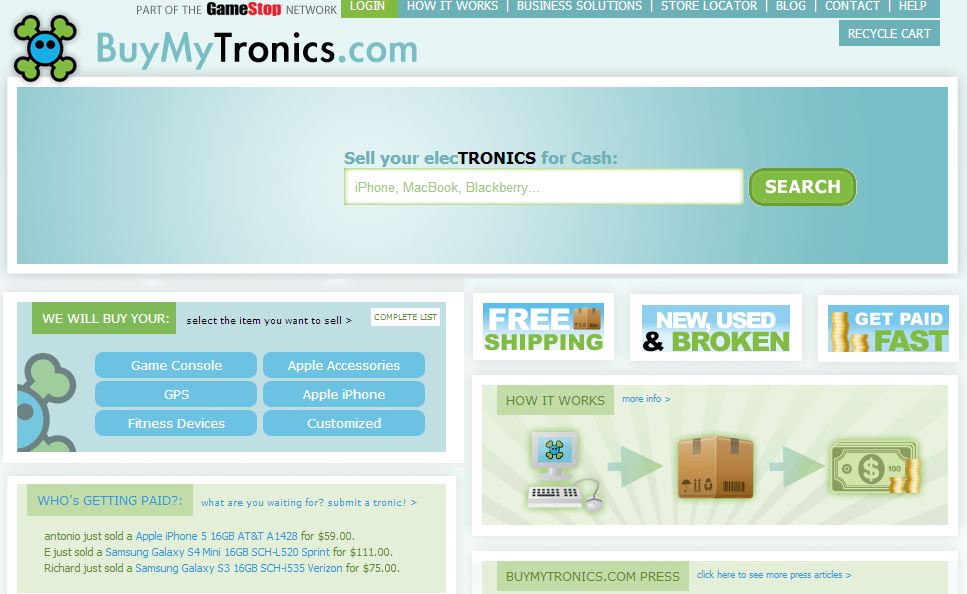
    Buymytronics.com, earlier known as www.BuyMyBrokeniPod.com, lets customers sell used iPods, iPhones and consumer electronics like laptops, game consoles and digital cameras. The process of selling the item is the same as other websites — select the category of the gadget, select it from the list and specify its working condition. The site would then quote a price, and if you think it’s a good bargain, then you need to ship it to the address provided to you by email.

  • Top 5 Once-Popular Websites That Are Now History

    Top 5 Once-Popular Websites That Are Now History

     The internet has led to some amazing success stories, Amazon, Yahoo, iTunes, eBay, Facebook, Google. But it has seen some dark days too. When the dot com bubble burst around 2000, many companies who made millions in pre-Google era failed miserably. Some failed because of the dot com bust, others were ahead of their time and some simply disappeared. We are listing 5 of these websites which are now defunct successes.

    1. Google Answer

    google-answers

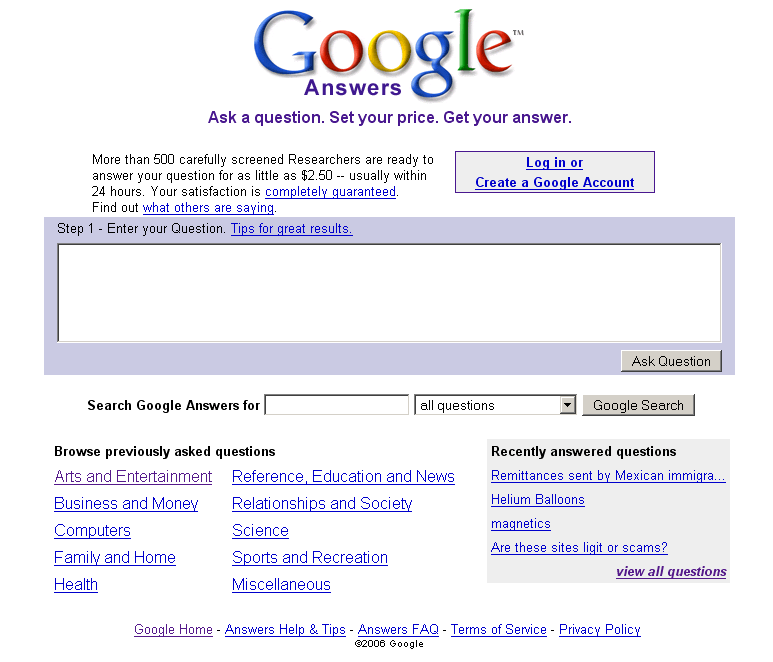
    Google Answers was an online knowledge market. It worked like a traditional search engine but paid one. You pay someone else to do the search for you. People would post questions which would then be answered for a fee, or “bounty”, ranging from $2 to $200 by contractors who completed a registration process. There were of course restrictions: links to adult oriented sites, copy righted material, plagiarism and questions of uncertain legality, i.e. “How do I make a bomb?” were not allowed. The site launched in April 2002 and lasted for four years before Google shut it down. Some of Google Answers contractors went on to form another online knowledge website, Uclue.com.

    2. Yahoo! Auction

    yahoo_auction

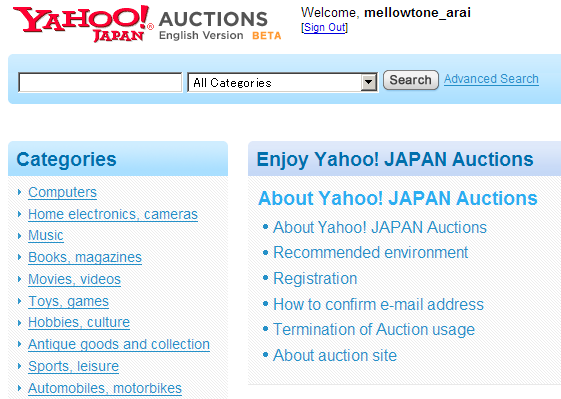
    Launched in 1998 as as direct rival for eBay, Yahoo! Auctions used the same proxy bidding system as eBay and even had its own version of PayPal, Yahoo! Wallet. The big difference between the two was Yahoo! Auctions had no seller’s fees, all revenue was from ad sales. This would have made Yahoo! Auctions more popular than eBay, but somehow the site just never made it. Maybe it just wasn’t trusted like eBay. Either way, the U.S. and European sites failed in 2003. Though the site still operates in Hong Kong, Japan and Taiwan but for the rest of the world, this site is nothing but a memory.

    3. Ogrish.com

    maxresdefault

    Ogrish.com was a website featuring uncensored video and photos of war zones, accidents, executions and other similar material. For example, in 2002, graphic pictures and videos of the jumpers of the September 11, 2001 attacks were displayed. In summer 2004 the site was targeted for hacking attacks from South Koreans after Ogrish uploaded the execution video of Kim Sun-il. In September 2005, graphic pictures of Hurricane Katrina victims were posted. As you can imagine the site proved very controversial and was banned in many countries including Germany (Wow, they really had to have crossed a violence threshold to get banned by the Germans.) Over time Ogrish.com became less about blood and guts and more about uncensored news and video. Today, Ogrish.com redirects to LiveLeak.com, a video sharing and “citizen journalism” website which was among the first to feature footage of the execution of former Iraqi dictator Saddam Hussein.

    4. Nupedia

    nupedia2

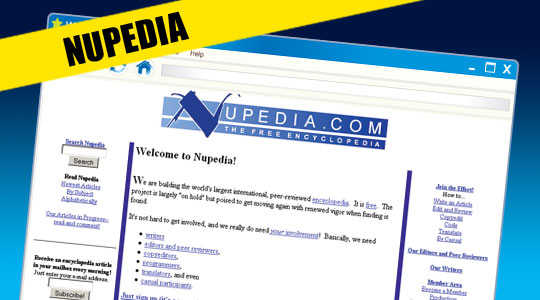
    Nupedia was an online encyclopedia, launched in March of 2000. But while its sister site, Wikipedia, went on to become one of the biggest websites in the world, Nupedia faded into obscurity. What happened? Unlike Wikipedia, Nupedia was not open to public editing. Each article had an extensive peer-review process which resulted in infrequent updates. In fact, Wikipedia was originally created as side-project to get around this very problem. By the time it folded in September 2003, Nupedia had a mere 24 articles.

    5. Audiogalaxy

    audiogalaxysatellite

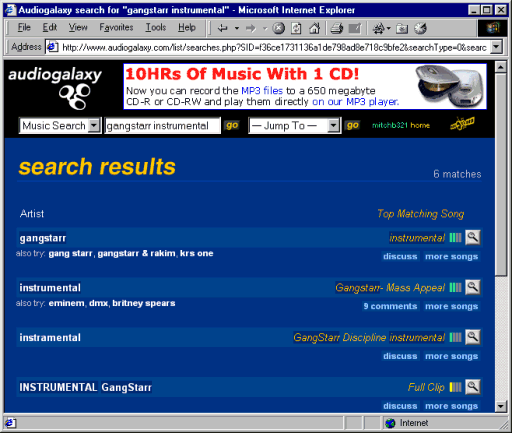
    The original Audiogalaxy system was created in 1998 by Michael Merhej as an FTP site index called The Borg Search. It quickly evolved into a robust peer-to-peer system with client software (the Audiogalaxy “Satellite”), a web-based search engine, always-on searching for requested files, auto-resume and low system impact. It quickly gained ground among file sharers abandoning Napster in 2001. From 1998 to 2002, it was a file sharing system that indexed MP3 files. From mid-2002 to mid-2010, it was a promotional website for the Rhapsody music subscription service. From mid-2010 through 2012, it was a personal audio placeshifting service. Audiogalaxy finally ceased operations on January 31, 2013.

  • Top 4 Cloud Office Suites To Make Your Working Life Easy

    Top 4 Cloud Office Suites To Make Your Working Life Easy

    Working online has become an integral aspect of the corporate world. The cloud, as we call it, contains everything we need to work on the go and is available 24X7. Online office suites make that work easy with their varied tools, document and slide show creators and much more.

    Three features that particularly help the Cloud stand out: the ability to access files from any internet-connected systems, ease of file-sharing, and automated back up with versioning. The suites may not be as comfortable to use as Office, nor as feature-packed, but as long as the basics are in place, most users are unlikely to complain – especially if they’re getting them for free, as is usually the case for personal use.

    We are listing 4 of the best online office suites you should use while working:

    1. Google Drive/Docs

    google drive

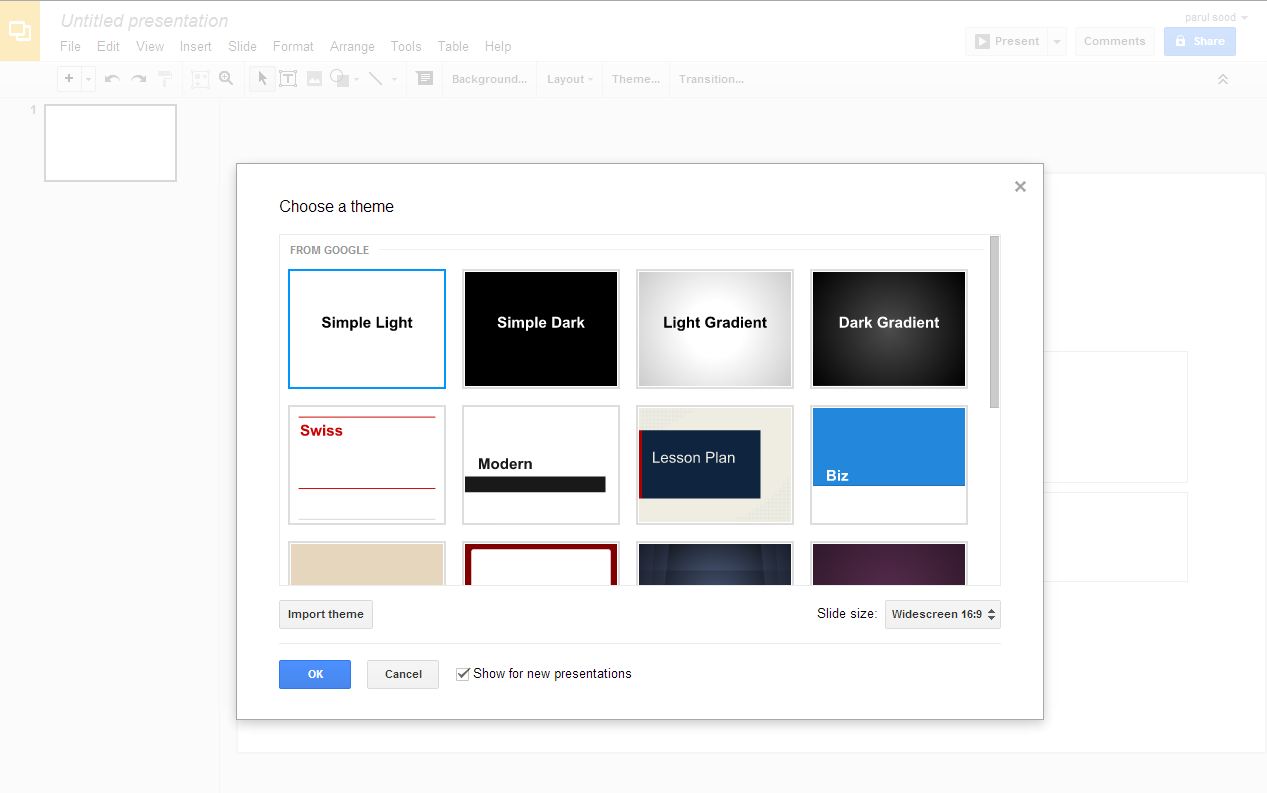
    Google Docs was the first online office suite which actually worked as needed, and is still one of the most popular ones out there. Compared to when it was first launched, it has improved tremendously. Now it looks and feels far more like Microsoft Office, from the virtual sheet-of-paper view used by its word processor to the availability of multiple fonts, including Office’s current default, Calibre. Docs doesn’t offer anything close to Office’s power. It rather focuses on the basics that everyone needs for word processing, spreadsheets, presentations and simple vector-based drawing. Along with this it provides online storage space for additional files and decent file conversion options from Office formats. Google adds features on a regular basis, but don’t hold your breath for specific improvements. Development on Docs feels slow – too slow, and there is still a long way to go.
    2. Zoho

    zoho

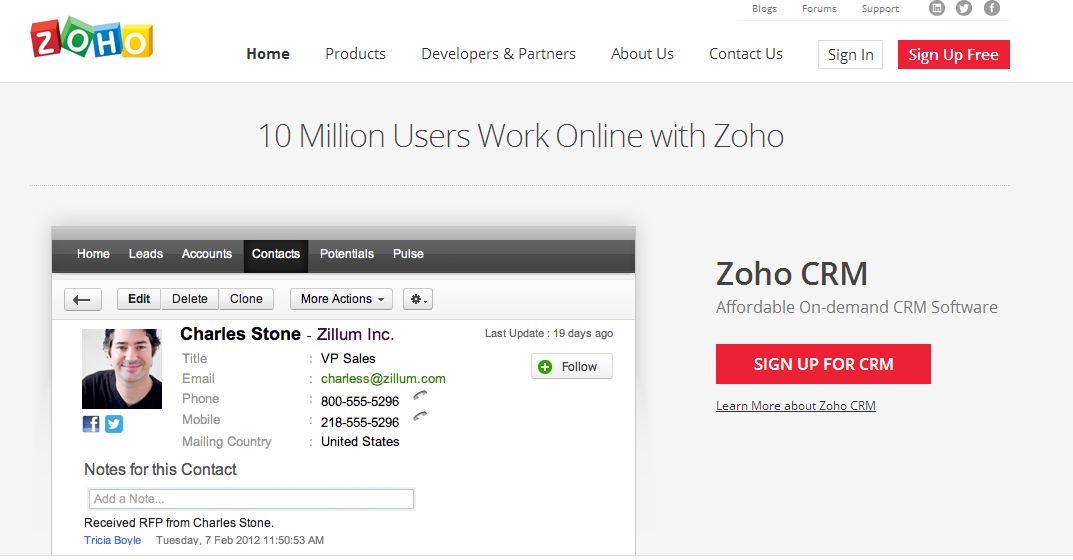
    Zoho is the king of online office suites and the reason is the variety of feature provide by this office suite. With text documents, accounting, spreadsheets, presentations, mail, calendars, notebooks, wikis, discussion groups, invoicing and more, Zoho offers a jaw-dropping number of features. Better yet, all of them are available free for personal use. They’re geared towards business use though, with the idea being that you pay for additional users and features in specific apps. The website doesn’t do a great job of explaining this up front, but at least you can try everything without having to pay first. You can’t argue with its power though. If you want all of your business and editing tools in one place, this is where you’ll find them waiting for you.

    3. ThinkFree Online Office

    thinkfree office

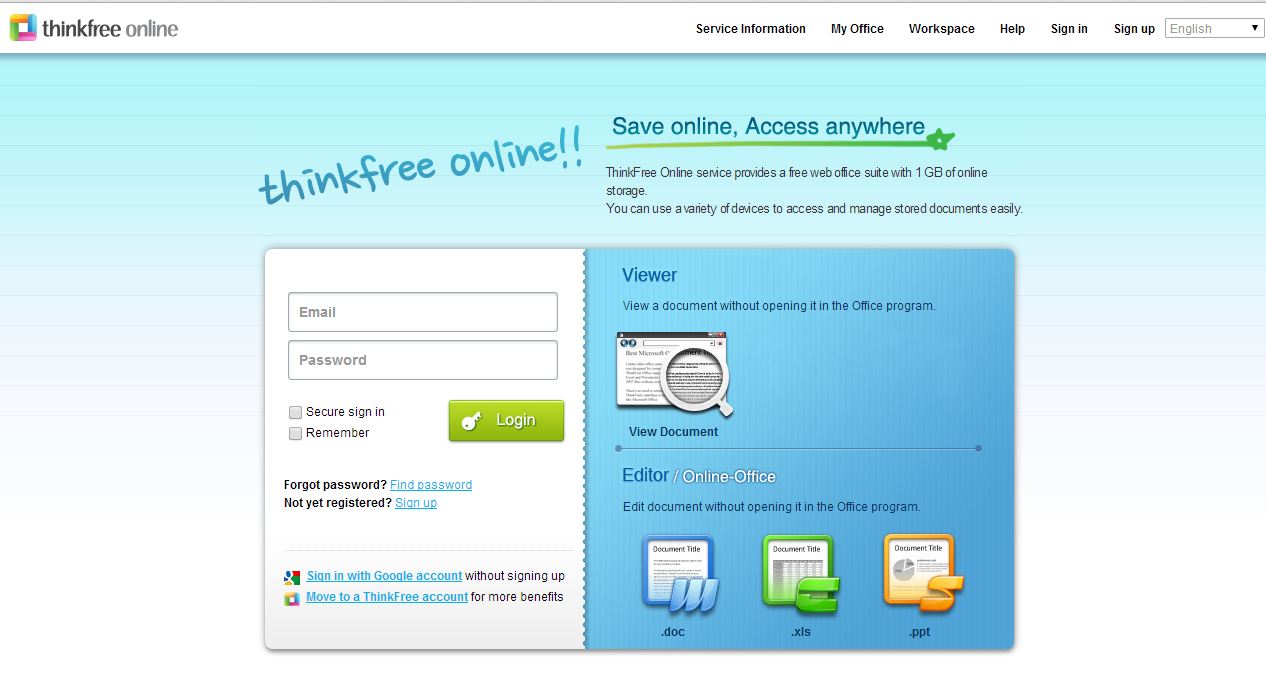
    ThinkFree is a Java-based office suite, which needs a download on your desktop. Being a Java app, it’s not the speediest – and you don’t get to use it offline just because you’ve installed it. If you want to do that, you have to buy the slightly misnamed ThinkFree Office, which costs £35. Not a huge amount compared to a copy of Microsoft Office, but still lightens up your wallet. There is, however, a dedicated syncing tool that you can download, so that you can at least fire up another tool and continue working until your internet connection resumes, and there are mobile apps available to access and share files too.

    4. iWork

    iwork

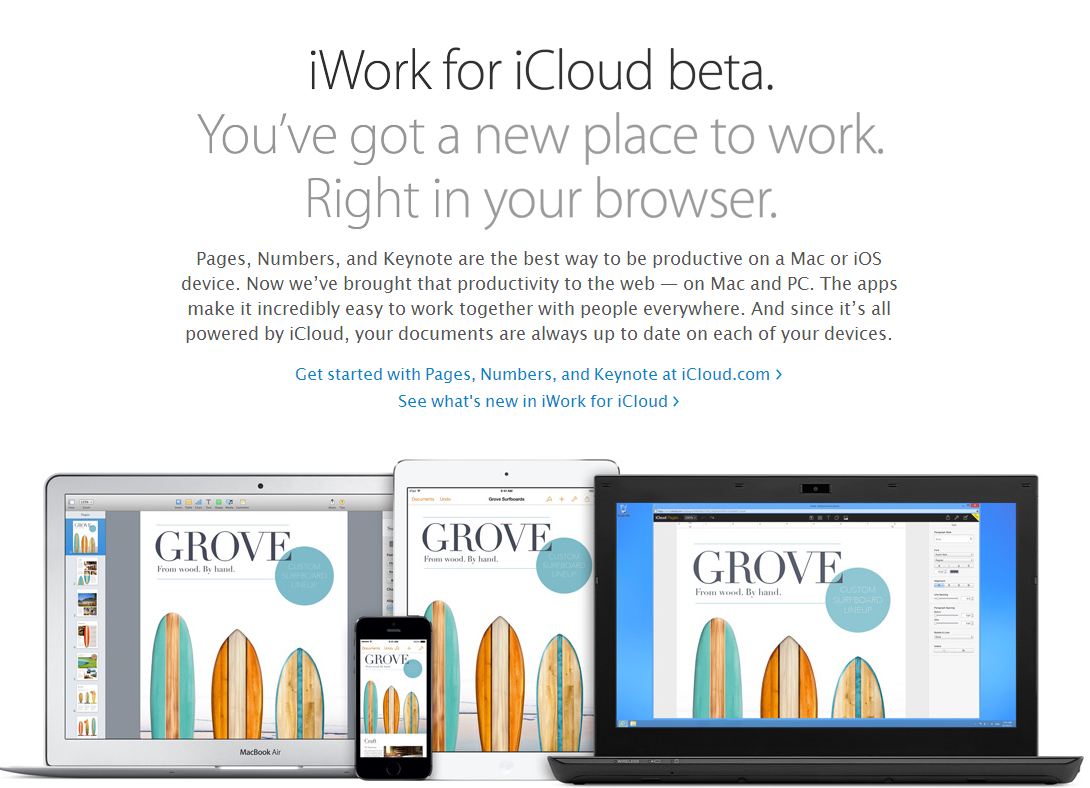
    Apple’s hallmark intuitive interface and extensive help and support make their feature-rich products a pleasure to use. If you’re an all-Mac (or mostly Mac) business or a personal Mac user/student, iWork is the Mac office software for you. It will provide you with all of the power you will need to make your work look professional and well-polished. The different programs Pages, Numbers and Keynote give you the ability to tackle just about any assignment, whether it’s for school or work. If you need the more ubiquitous presence and collaborative options of Microsoft, you’d be well-advised to choose Microsoft Office for Mac.

  • The Best 4 Websites to Showcase Your Creative Talent

    The Best 4 Websites to Showcase Your Creative Talent

    If you are a serious artist, you may have a website for your artwork, but how much traffic are you really able to grab online? In my opinion, it is not a great option until to you are modern day Picasso. Furthermore, coding a website is tricky and time-consuming. You’d rather use those hours to concentrate on your work.

    The best option is to sign up to one of these ready-made websites that provide you a platform to showcase your artwork. These websites charge you little or nothing and some of them even allow you to sell it to a global audience. Moreover, you get to interact with an enormous community of worldwide artists and get their feedback. Here is a list of our favorite four:

    1. ISSUU

    issuu

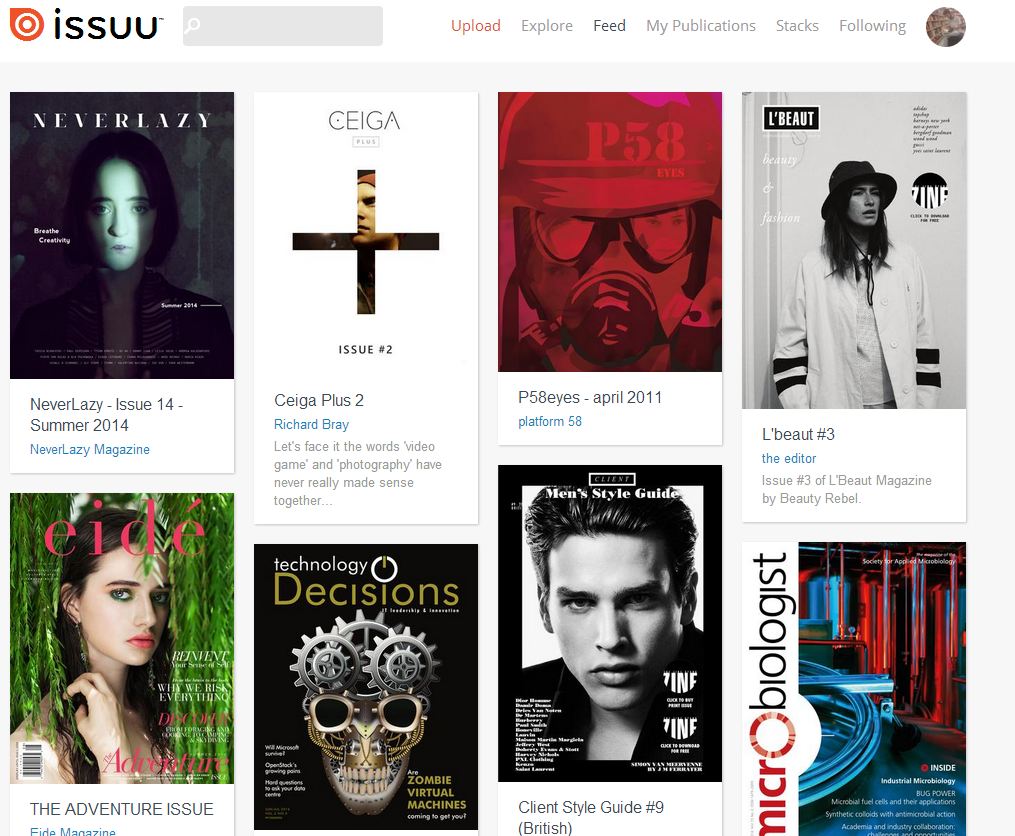
    If you are into writing articles, this the best website you can go to. Issuu is the fastest growing digital publishing platform in the world. It is a community of millions of avid readers who use this website to read the free publications created by enthusiastic young writers from all over the globe. They cover a top of topics:  fashion, lifestyle, art, sports and global affairs are just a few of them. You can publish anything that you want for free. The website also provides you with the option of a premium account where you can customize your magazine layout.

    2. Touchtalent

    touch

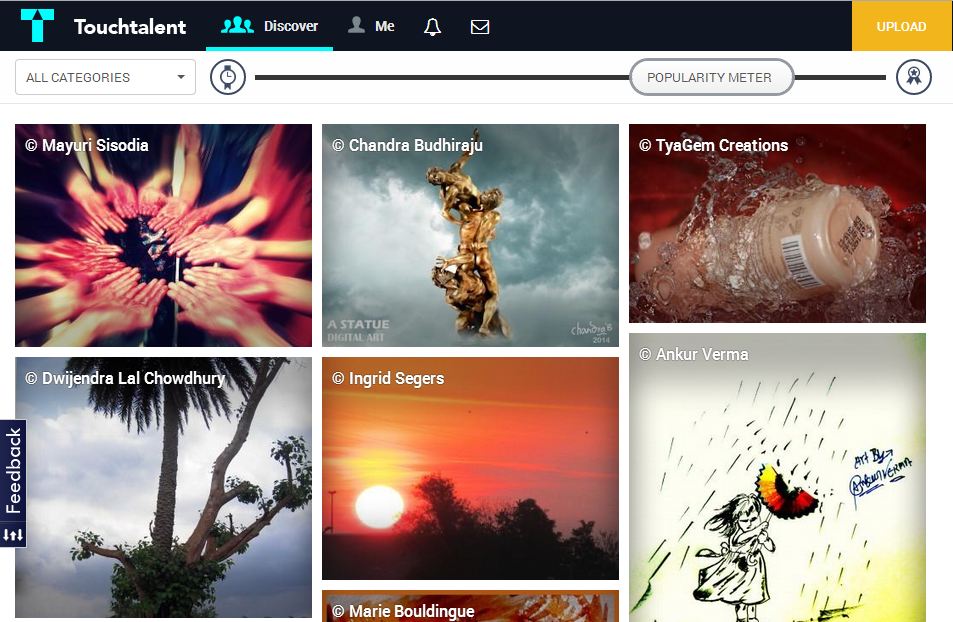
    Touchtalent is a community of art lovers, art buyers and artists. Touchtalent is the perfect if you are a painter or a poet. They provide you with an interactive interface and an option of creating a digital portfolio. You also can get connecting with art lovers and buyers to sell your artwork. It is heavily based on the social media, and you can share your artworks in different social networking websites very easily through Twitter, Tumblr, Facebook, etc.You can also use their Go-pro option for $60 a year. It provides you extra perks like unlimited uploads and personal messaging.

    3. deviantART

    deviantart

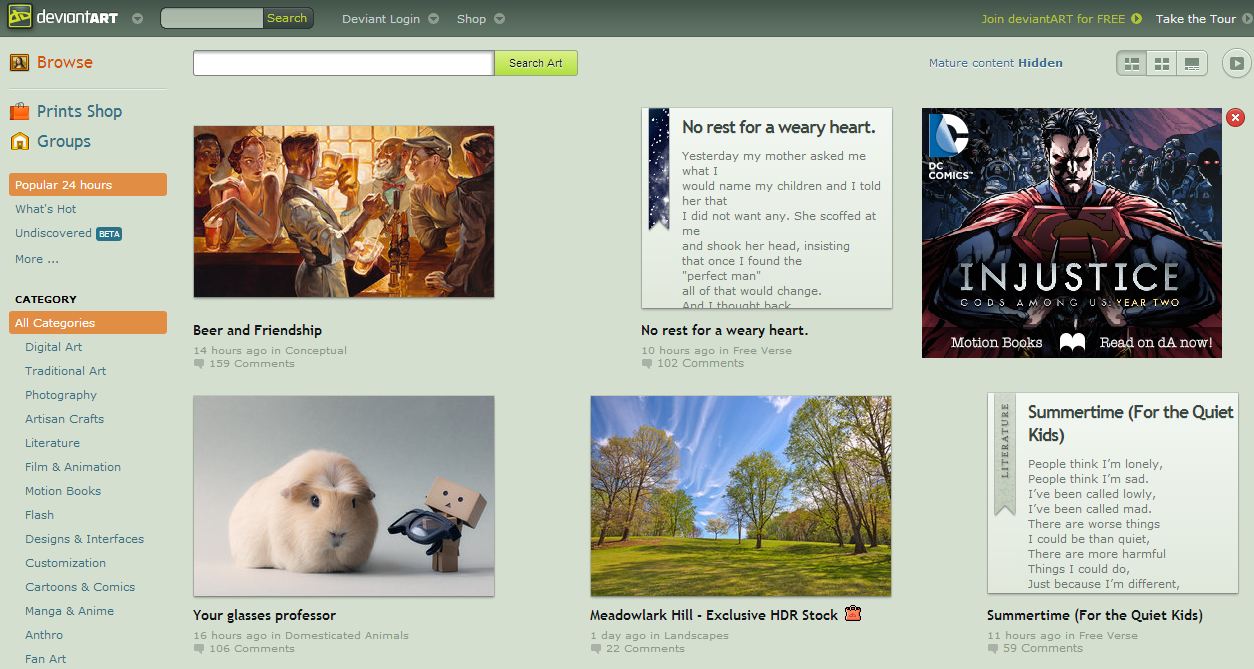
    devianART is probably the most famous websites on this list. It is an online community showcasing various forms of user-made artwork. DeviantArt aims to provide a platform for any artist to exhibit and discuss pieces of work. The Works of artists are organized in a comprehensive category structure, including photography, digital art, traditional art, literature, etc. deviantART is totally free and enables you to build a strong fanbase. It also has a section called deviantART shop where you can sell your work.

    4.Behance

    behance

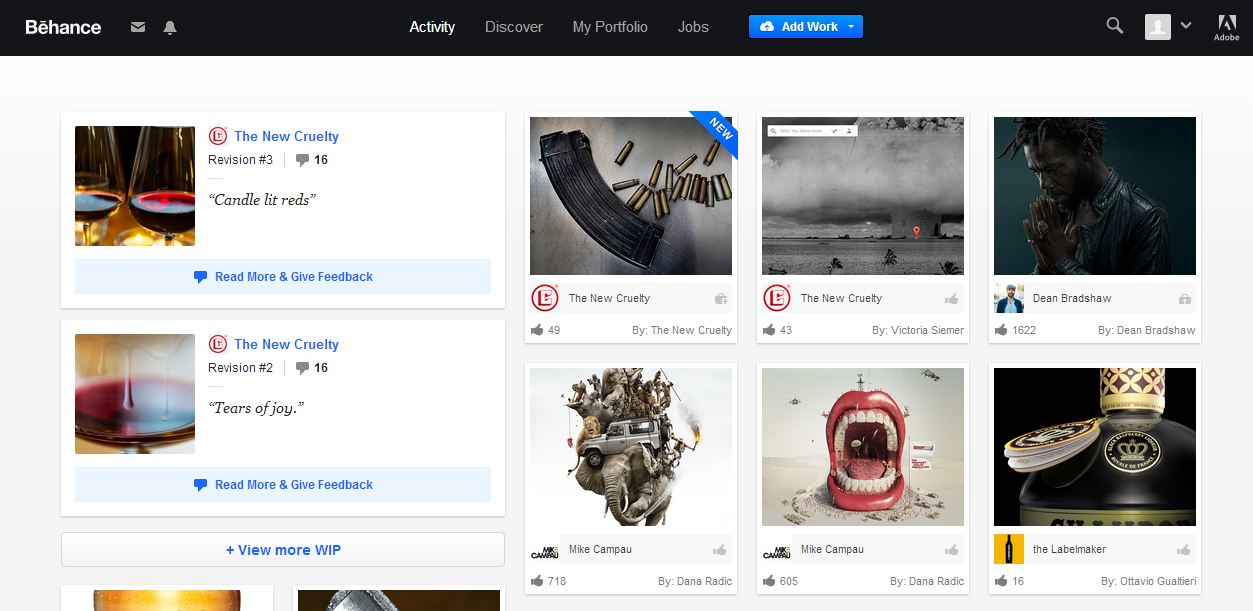
    Behance is a leading online platform to showcase and discover creative work. Introduced by Adobe in 2006 this website provides you with a platform to update your creative work in one place and broadcast it widely and efficiently. Through which companies explore the work and access talent on a global scale. Their Motto is: To empower the creative world to make ideas happen.

  • Top 5 Websites to Get You Thinking Again

    Top 5 Websites to Get You Thinking Again

    Maybe it’s just us, but we miss classroom education. To be in awe of a professor who manages everytime to open your eyes to ideas and blow your mind with new concepts. The thrill of preparing for a test and the anxiety before the results are out.  Maybe it’s just us, but they truth is that the monotony of life and work stagnates our thinking. We can’t stress upon how important it is to keep adding and refreshing information.

    The concept of self-education and distance learning is widely accepted these days. Sitting at home, taking video lessons and earning degree from an international university may sound unfeasible, but we’re lucky that the power of internet has made it possible. Somehow, a power that not enough people are utilizing.

    It’s more practical in India where most of the colleges don’t provide specialized courses you want to do. Solving this problem, there are some website which provide free education and degrees for small fee. We are listing amazing educational websites which provide you with variety of courses and help to strengthen your CV.

    coursera logo

    Coursrea

    Coursera is an education platform that partners with top universities and organizations worldwide, to offer courses online for anyone to take, for free. The aim of Corsera is to provide everyone with world-class education.  The website provides free courses online from top universities, including Princeton University and the University of Michigan. The topics are varied, and lectures are formatted into series of 15-minute-long clips.

    Udacity

    Udacity

    Udacity’s mission is to bring accessible, affordable, engaging, and highly effective higher education to the world. They believe that higher education is a basic human right, and seek to empower students all over the world to advance their education and careers. Udacity at present offers 11 courses , all of which are in science and math-related topics. According to the website, plans are in progress to spread out the set of courses. Udacity is free of deadlines, free of quizzes and other annoying school stuff. Needless to say, courses are also free of charge.

    big_white_logo

    Open Culture

    Open Culture brings together high-quality cultural & educational media for the worldwide lifelong learning community. The website’s mission is to centralize the  content which is ‘scattered across the web, and not easy to find’, curate it, and give you access to this high quality content whenever and wherever you want it. Open Culture offers you incredible compilation of 400 courses for free, from Ivy League universities, such as Stanford, UCLA, Columbia and Oxford University. Courses ranges from science and art to math and economics.

    screenshot-large-khan

    Khan Academy

    The Khan Academy has a large library of videos covering math, biology, chemistry, physics and even the humanities, finance and history. Khan videos aren’t so much recorded lectures as short 10 minute long tutorials with an instructor narrating explanations and working things out on a board by hand on your computer screen.

    ted-ed-icon

    Ted-Ed

    Ted-Ed is a powerhouse of really fascinating and amazing lectures combining expert educators, screenwriters and animators. A riches of amazingly animated and gripping videos on a wide collection of subjects, such as The Power of Simple Words  and How Many Universes are There.  All videos are under 10-minutes-long. Ted-Ed videos are already very popular all over internet with huge amount of viewers on Youtube. Ted-Ed also provide supplemental  materials such as quizzes, books, e-books etc.

  • The 10 Most Interactive Websites On the Internet

    The 10 Most Interactive Websites On the Internet

    It’s the new age of marketing and companies have juiced every kind of media gimmick to promote themselves. It’s not only the online world, but all sorts of companies are looking to use new-age technology to attract more viewership. Now, interactive websites are the new ‘IT’ thing to advertise, as well as engage viewers with user-based interactive flash games.

    Creating bespoke design and digital solutions help you glue the customers on your site. Here are 10 hand-picked websites that will glue your eyeballs to your laptop screens:

    Hello Sour Sally

    wwwhellosoursal

    It is the first frozen yogurt store in Jakarta and their site is just so much fun! The site allows you to move “Sally” through a wonder world of ingredients. It is designed as a small game where you help sally collect all the ingredients to make the yogurt. Not the most easy to navigate, perhaps, but adorable. 

  • Websites We Wish We Had in India

    Websites We Wish We Had in India

    The last decade saw the entrance of e-commerce giants Ebay and Amazon, in India. The interest of overseas websites in the Indian market has consistently increased. Undeniably, our country has a huge untapped market of online users. Yet we’re still waiting and wishing to experience some amazing websites, which are a part of everyday lives abroad.

    Here’s a list of websites, we’re hoping launch here soon:

    Television and Movies

    Netflix

    netflix

    Netflix, Inc. is an American supplier of on-demand Internet streaming media accessible to viewers in North and South America, the Caribbean, and parts of Europe. They also have a service of flat rate DVD-by-mail in the United States, where mailed DVDs are sent via Permit Reply Mail. Whenever you try to access Netflix India, they crush your hopes and send you a notification informing you that it is not available in India. Though, they ask you to register and promise to inform you when it launches.

    Hulu

    hulu

    Hulu is a website subscription service offering on-demand streaming video of TV shows, movies, webisodes, trailers, clips, and behind-the-scenes footage from NBC, Fox, ABC, TBS, WWE, and many other major networks and studios. Hulu videos are currently offered only to users in the United States, its overseas territories and Japan.
    Earlier many people outside the US used to access Hulu from their respective nations. But now TV streaming service supplier is functioning on rigid rules to make sure that people out of the country are not able to access its program library. Going a step further. the company is now trying to make sure that it is able to stop anyone trying to access its library from virtual private network (VPN) or through proxy.

    Red Box Instant

    redbox

    Redbox Automated Retail, LLC is a contributory of Outerwall, Inc. specializing in DVD, Blu-ray Discs, and video game rentals via computerized retail kiosks. As of the end of November 2012, Redbox had over 42,000 kiosks at more than 34,000 locations. Redbox titles can be rented or purchased, in SD or HD quality. Redbox is also cheaper than Netflix. For $8(Rs 480 approx) a month, Redbox Instant provides unlimited streaming of movies and lets you borrow four DVDs. When customers rent a title, they have 30 days to begin watching it and then 48 hours to watch it as many times as they like. It seems like we are a long way from seeing Redbox kiosks or any similar services in India.

    Music

    Spotify

    spotify-logo

    Spotify is a profitable music streaming service providing digital rights management-restricted content from record labels including Sony, EMI, Warner Music Group and Universal. Music can be browsed by artist, album, genre, playlist, or record label, as well as by direct searches. Spotify was launched in 2008, and now it is available in over 40 countries all over the world, however India is not a part of that exclusive list. 

    There are many websites and apps which are tagged as ‘Indian Spotify’  such as Saavn,  Dhingaana and Gaana but none of the as good as Spotify. These websites are trying hard to compete with each other, but none of them have impressive music lists or social media integration – which Spotify  is known for.

    Vevo

    Screenshot-75

    Vevo is a video hosting service owned and operated by a joint undertaking of Universal Music Group, Google, Sony Music Entertainment and Abu Dhabi Media. It launched on December 8, 2009. The videos on Vevo are syndicated across the web, with Google and Vevo sharing the advertising revenue. 

    Since launching in 2009, Vevo has become the go-to place for watching music videos online. But it hasn’t been available everywhere. Though you can watch most of Vevo videos on its YouTube channel,  it doesn’t have the entire collection of videos launched by them.

    Pandora Radio

    pandora-radio

    Pandora Radio is a music streaming and automated music recommendation service operated by Pandora Media, Inc. It is only available in the United States, Australia and New Zealand. It is a feedback-based music recommendation in which the user  provides positive or negative feedback for songs chosen by the service, which are taken into account when Pandora selects future songs. While listening, users are offered the ability to buy the songs or albums at various online retailers. Over 400 different musical attributes are considered when selecting the next song.

    India’s internet market, not only misses Pandora, it currently has no such service available. Last.fm has similar features, but it is not as user-friendly as Pandora Radio. 


iGyaan Network
Privacy Overview

This website uses cookies so that we can provide you with the best user experience possible. Cookie information is stored in your browser and performs functions such as recognising you when you return to our website and helping our team to understand which sections of the website you find most interesting and useful.