
We’ve known that Facebook has been working on Slingshot for the last six months. The app has just went live on Google Play. Along with that, they officially announced it on their Facebook page and also released a new promo video announcing availability of Slingshot for both Android and iOS.
If there were any doubt that Facebook will be taking on Snapchat, the public launch and availability of its new Slingshot app has now confirmed it.
The free app lets you take a quick photo or video, mark it up with colorful drawings, caption it with big white text, and then send it off to your chosen contacts. But when you receive your first message, you realize that this app is something completely different. Rather than just copying Snapchat feature by feature, Facebook is putting in a rather intriguing twist to the messaging trend by focusing on a more social aspect. So, we decided to list 5 things that make Slingshot different from Snapchat.
1. The Social Factor
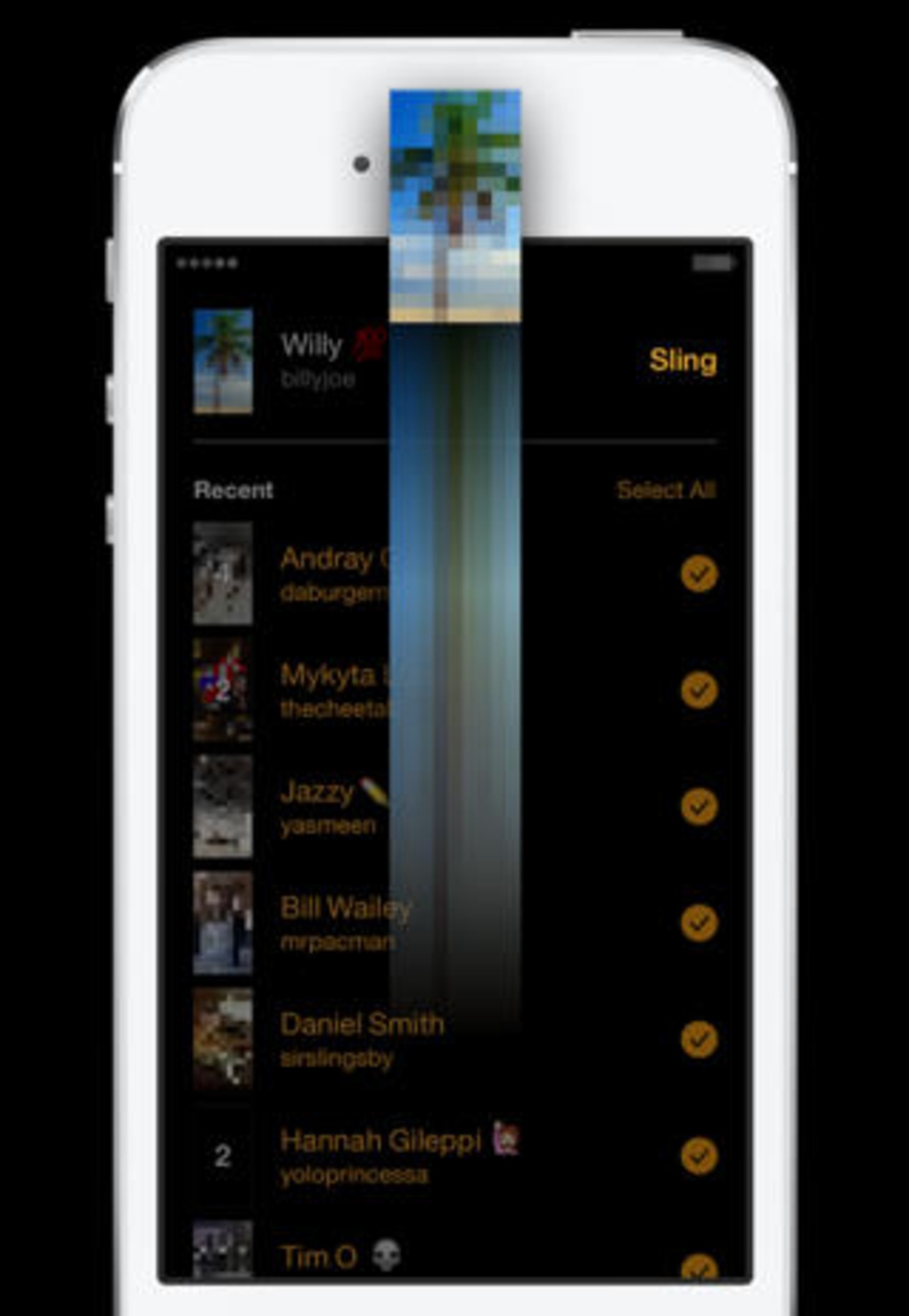
When an app comes out of the Facebook oven, there is not even a slight chance that there can be anything lacking in its social media element. Slingshot does not solely rely on your Facebook friends list for contacts. Accounts are tied to your phone number, which you must verify before you can start using the app. Once you have verified your account, you can search for friends from your contacts list, Facebook or look up individuals by user name.
2. No Approval Needed
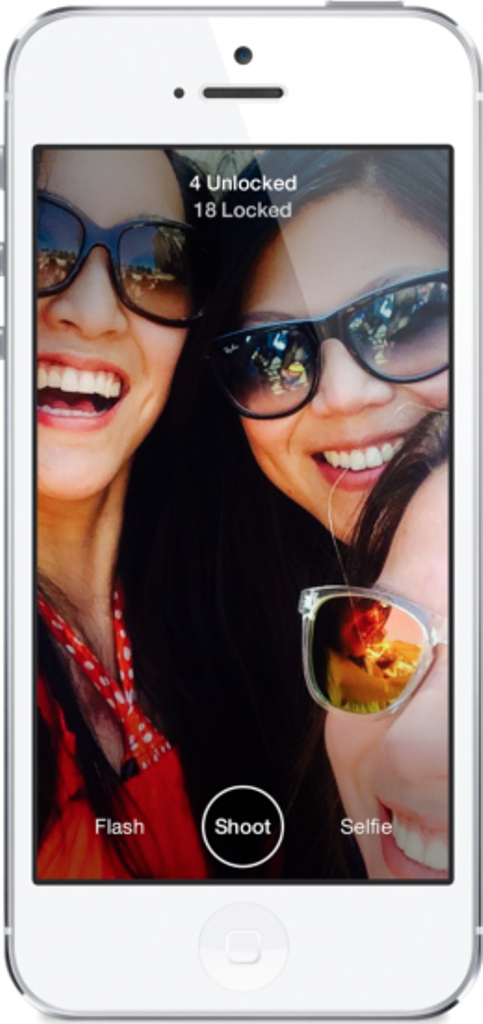
Slingshot allows you to search for people you know and there isn’t one central contacts menu where you can easily view all your connections. And, unlike Snapchat, there is no approval process for adding connections. Anyone can send messages to anyone whose information they might have. Facebook says an approval process is necessary because users can simply choose to ignore the message they don’t want to see. You can also choose to ignore all messages from individual users by hiding them.
3. No One-Sided Sharing
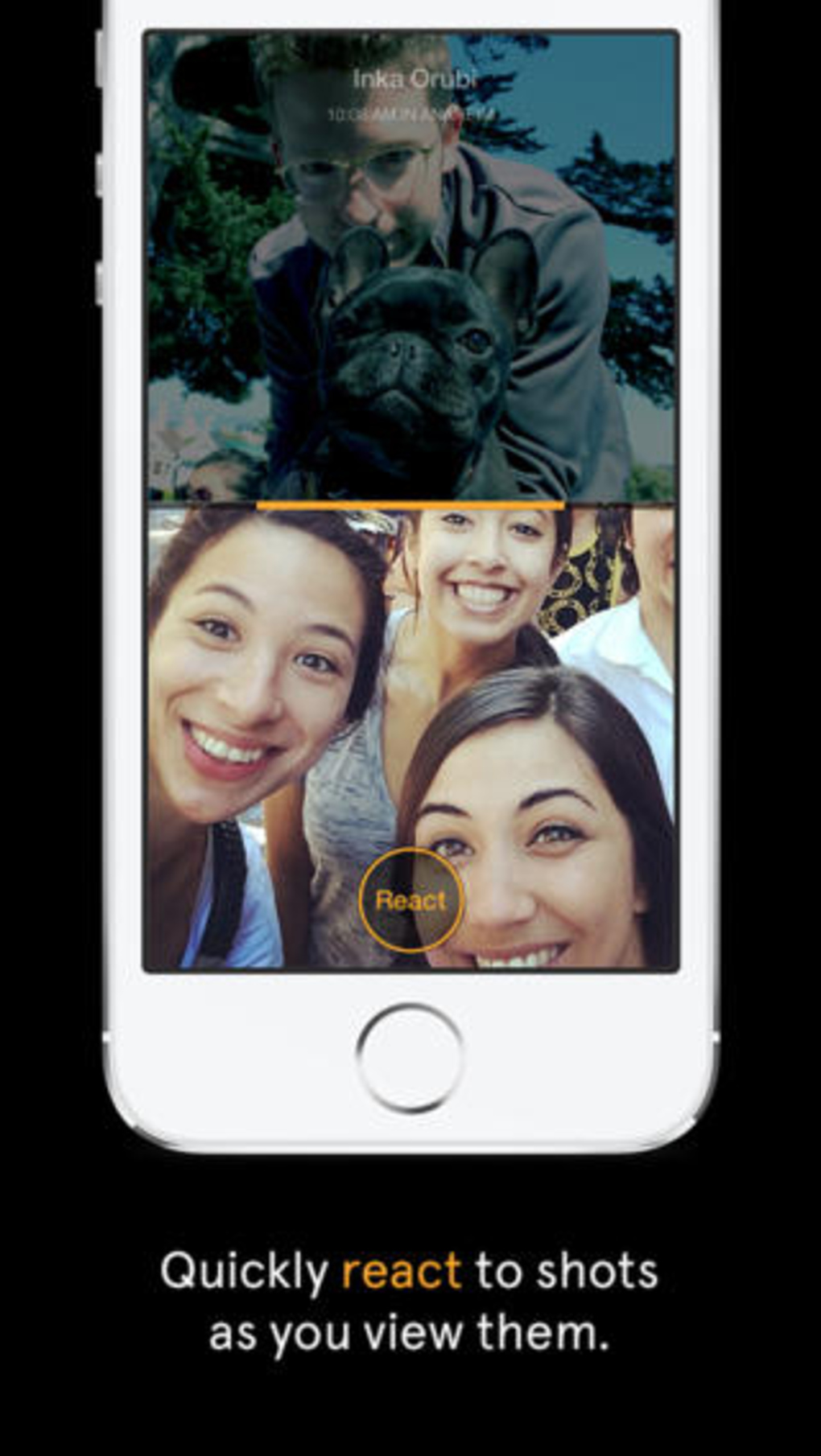
One noteworthy aspect of the app is that it won’t allow you to see a new picture messages unless you send one of your own back. Facebook says the reason behind this is to take the pressure off users to constantly read and send messages. With so many mobile apps competing for people’s attention, Slingshot’s ability to self-perpetuate engagement could be the key to traction. One friend doesn’t have to do all the work to entertain others, who consume without creating, breaking the chain. With Slingshot, the conversation never dies because the last message is always waiting to be unlocked.
4. Better Camera quality
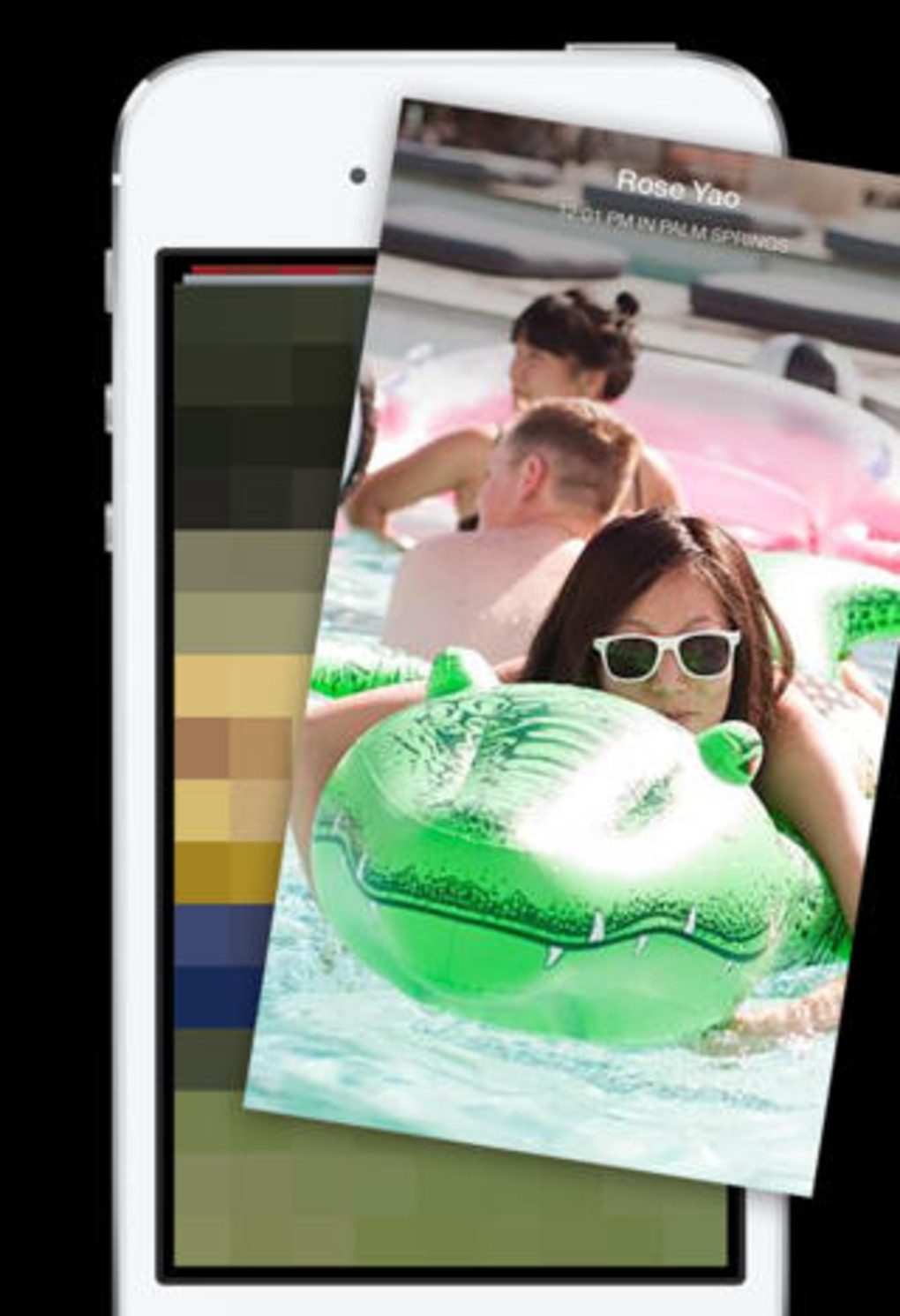
Launching Slingshot immediately takes you to the app’s camera. The selfie button toggles between the device’s front and rear-facing cameras, and holding down the shutter button allows you to record a video. Slingshot’s overall camera quality is better than Snapchat’s, even when you zoom in. As with Snapchat, you can add drawings and text to the photos and videos you send in Slingshot but both features feel far more elegant and give you much more control in the latter.
5. Customized Text
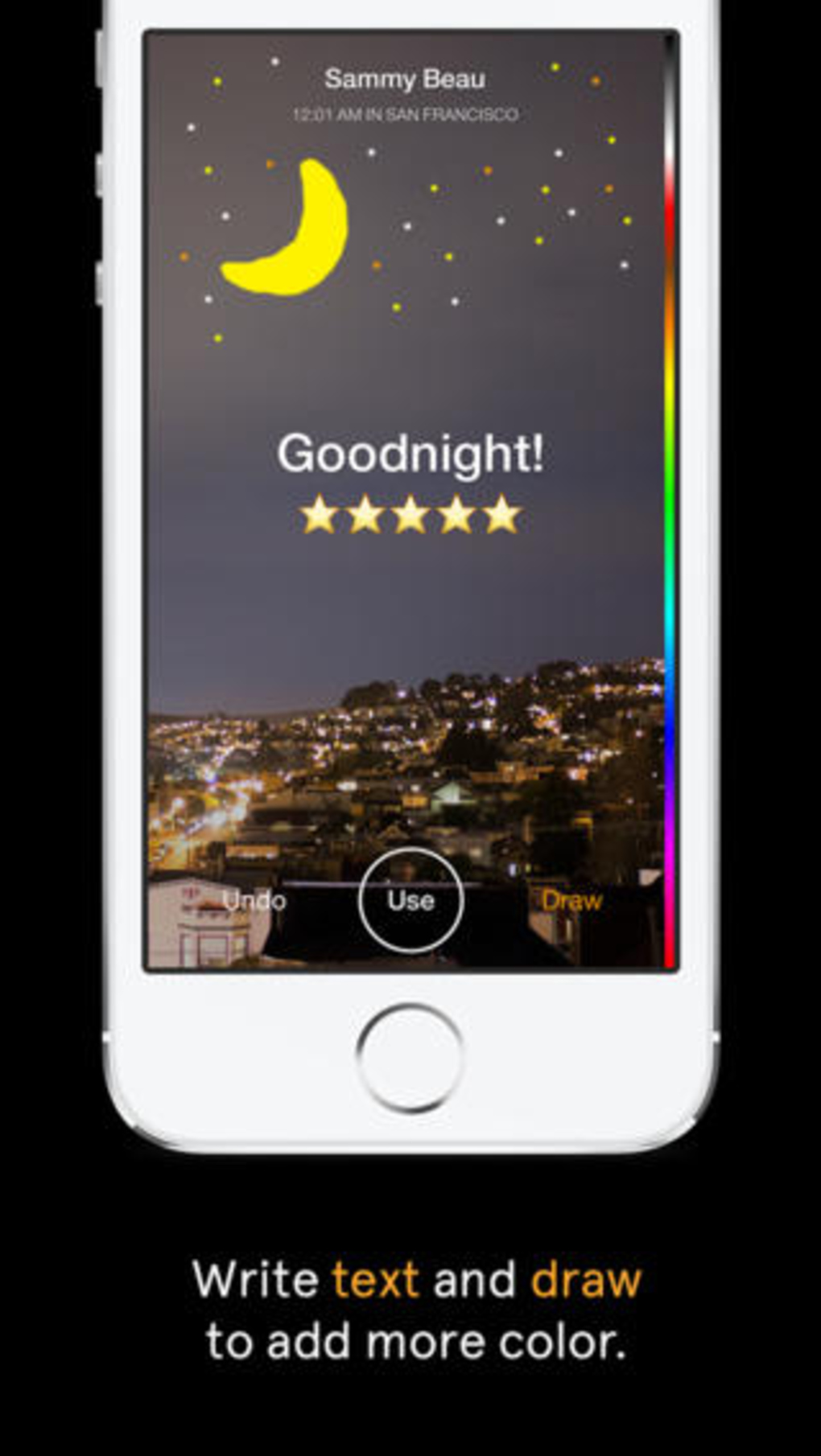
Text is limited to 140 characters, but can be repositioned on the image. Unlike Snapchat’s text, which always remains the same size and at the same place, Slingshot’s text will get bigger when you drag it down from the top of the screen. The drawing tool is also far more advanced than Snapchat’s — you can adjust both the color and the size of the brush. Dragging along the color bar selects a color, dragging left or right changes the brush size, moving the tool right makes the brush smaller and moving it left makes it larger.

Leave a Reply to Deep Infernoz Cancel reply