Author: Anand Kapre

  • App a Day: Superfiles for iOS

    App a Day: Superfiles for iOS

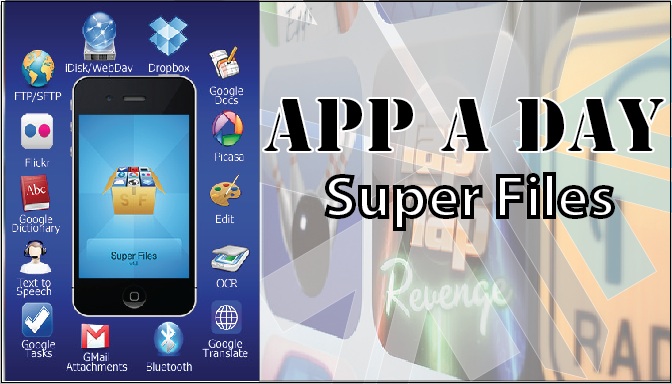
    Todays app is exceptionaly useful for Businesses and people who use their phones extensively for work.Superfiles is a frontend for Google Docs, iDisk, Dropbox, Box.net, Flickr, Picasa, WebDAV, FTP, SFTP etc.


    What it basically allows you to do is to upload & download documents from your cloud storage or other servers on the go to your iDevice. Edit files on the go. Preview files not supported by other iOS apps, share files between Superfiles via bluetooth, Scan documents with your camera etc.

    Some of the features of the app are:

    • Send/Receive files between Superfiles via Bluetooth
    • Scan documents, enhance for better OCR
    • OCR(Optical Character Recognition) of images
    • Translate documents to 52 languages
    • Upload/Download files locally to your iPhone using any Web browser
    • Email selected files
    • Local preview of  CHM, FB2, PDB, EPUB, TXT, CSV, TSV, TAB, XCARDS, HTML, HTM, WEBARCHIVE, PHP, JS, JAVA, CSS, XML, C, CC, CPP, M, MM, H, DOC, DOCX, XLS, XLSX, PPS, PPSX, PPT, PPTX, RTF, RTFD, PAGES, NUMBERS, KEY, PDF files
    • Create/Edit Text documents
    • Crop, flip, rotate, resize and enhance images
    • Convert image from/to JPG/PNG/GIF/BMP/TIF format
    • Create multipage PDF from several images and text files
    • Upload/Download/Rename/Move/Delete/Preview for GDocs
    • Upload/Download from/to Picasa/Flickr
    • Upload/Download/Rename/Move/Delete/Preview for FTP/SFTP/MobileMe/iDisk/WebDAV/Dropbox/Box.net
    • Zip and Upzip files
    • Text-to-speech for 37 languages


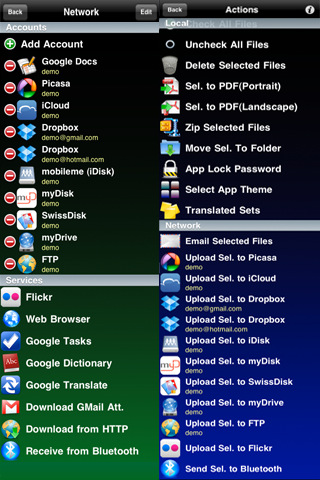
    Inintially, when you open the app, you might be overwhelmed with the sheer number of options that are available to you. Dont feel intimidated. Its quite easy to use the app. First off, create/log in to your account on any of the providers. After that, just click on the icon for the task you wish to perform.

    [xrr rating=3/5 label=”Price : $9.99 ” imageset=shiny_yellow_star display_as=fraction_stars]

    [xrr rating=3.75/5 label=”Ease of Use :” imageset=shiny_yellow_star display_as=fraction_stars]

    [xrr rating=4.75/5 label=”Features :” imageset=shiny_yellow_star display_as=fraction_stars]


    SuperFiles – ArlexSoft

    SuperFiles - ArlexSoft


    [qrcode]

  • Activate GOD MODE in Windows

    Activate GOD MODE in Windows


    WARNING: DO NOT TRY THIS ON VISTA 64-bit!

    I wonder how many of you have used cheat-codes in games?? Quite a few i presume. Well here’s a cheat code for windows that gives you God like powers to control your machine. To enable it, create a folder on your desktop and name it:


    GodMode.{ED7BA470-8E54-465E-825C-99712043E01C}


    This should give you an icon like this             


    Double click on the God Mode icon to open a control-panelesque folder which contains over 48 different setting groups which let you control EVERY aspect of your windows computer.  Have fun being God!


    WARNING: DO NOT TRY THIS ON VISTA 64-bit!

  • App a Day: ToonPAINT for iOS and Android

    App a Day: ToonPAINT for iOS and Android

    Today we have an image editing software for you which manipulates images and allows you to re-colour them. Like the caricature artists in fairs you too can now cartoonize and re-colour your images from your photo albums or take fresh images from your camera. You can share your images in the ToonPAINT hall of fame, post them directly to facebook, tweet about them and also e-mail them.


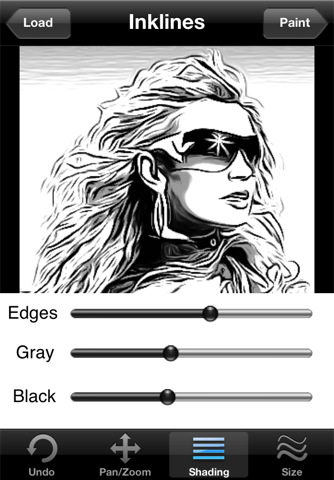
    Lets look at some of the features of the app. After you’ve selected your image, the app processes the image and you can pan/zoom to the desired region, change shading options and the sizes of various attributes that modify the image. After you’ve set the image the way you want it, we move on to the painting section. Here, you can select colours, set brush sizes and pan/zoom into a section of the image and work your magic.


    The palette  has a few other options to Auto Colour the image (Available as an in-app purchase) and an Alpha Brush(Available as an in-app purchase), which re-colours your image from the original. Although the interface is attractive, several of the actions are a pain to complete as you must switch between control panels constantly.


    Check out the GIF we made below:


    • [xrr rating=2.5/5 label=”Price : $1.99 ” imageset=shiny_yellow_star display_as=fraction_stars]
    • ($3.97 with in-app purchases)

    • [xrr rating=2.5/5 label=”Ease of Use :” imageset=shiny_yellow_star display_as=fraction_stars]
    • [xrr rating=3.5/5 label=”Features :” imageset=shiny_yellow_star display_as=fraction_stars]


    ToonPAINT – Toon-FX

    ToonPAINT - Toon-FX

    Scan the QR Code with your Smart Phone to share this post.

    [qrcode]

  • App A Day : Game : Blockees for iOS

    App A Day : Game : Blockees for iOS

    Today we have a fun game from Runloop Ltd. called Blockees. This is a puzzle game about uniting blocks of the same colour in as few strokes as possible. It sounds kind of silly but is quite addictive.


    The music is very happy happy fun fun at first but gets on your nerves very soon, so this game is best played with the sound muted. It is quite challenging as there are grey coloured blocks which are quite miserable (so says the app) and don’t like to unite with other blocks.


    The game comes with 75 levels in 3 level-packs for you to play. It also has a Puzzle Editor section for user created levels so you can challenge your friends. There’s even a pack generator which downloads user-created maps according to your criteria, so you’ll probably be spending a lot of time swiping little blocks around to unite them with their coloured counterparts. All-in-all the app is quite nice and puts a new twist to puzzle games.


    • Price : $0.99

    [xrr rating=5/5 label=”Rating” imageset=shiny_yellow_star display_as=fraction_stars]

    • Ease of Use :

    [xrr rating=4/5 label=”Rating” imageset=shiny_yellow_star display_as=fraction_stars]

    • Features :

    [xrr rating=4/5 label=”Rating” imageset=shiny_yellow_star display_as=fraction_stars]

    To download the app Click the button below.

    Blockees - Runloop Ltd


    Link To this Post by sharing the QR-Code with your Cell Phone

    [qrcode]

  • Live from Samsung Forum 2011 : Samsung Galaxy S PMP Launched, Hands On (PR)

    Live from Samsung Forum 2011 : Samsung Galaxy S PMP Launched, Hands On (PR)

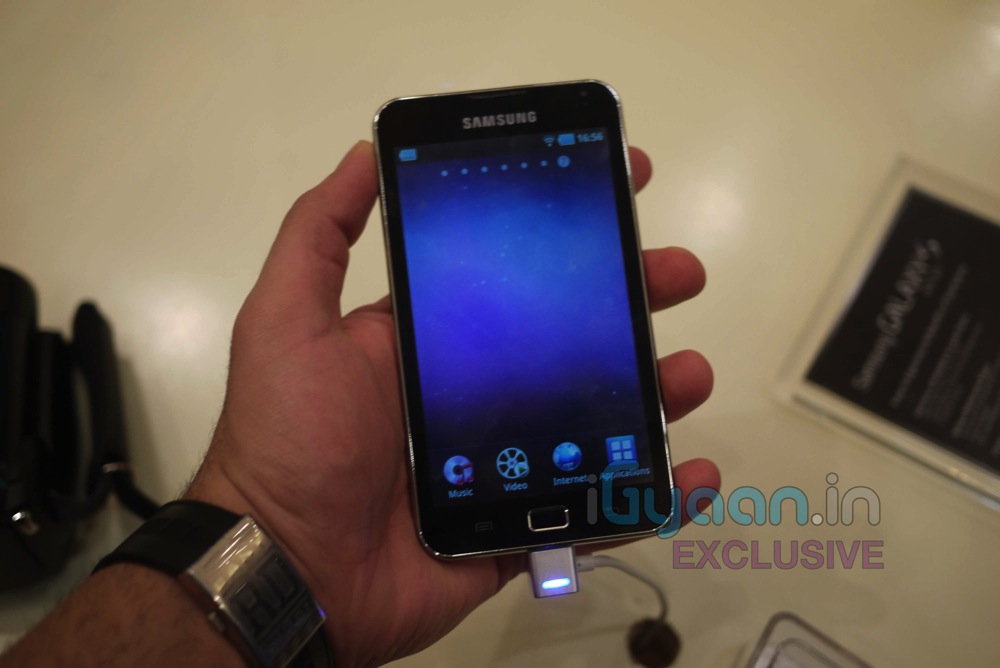
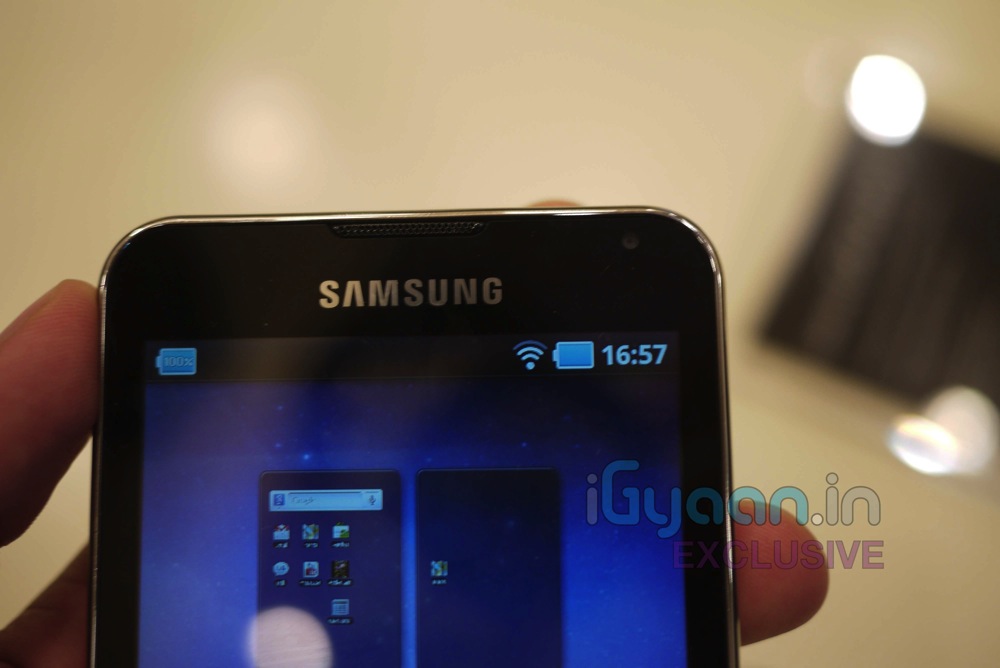
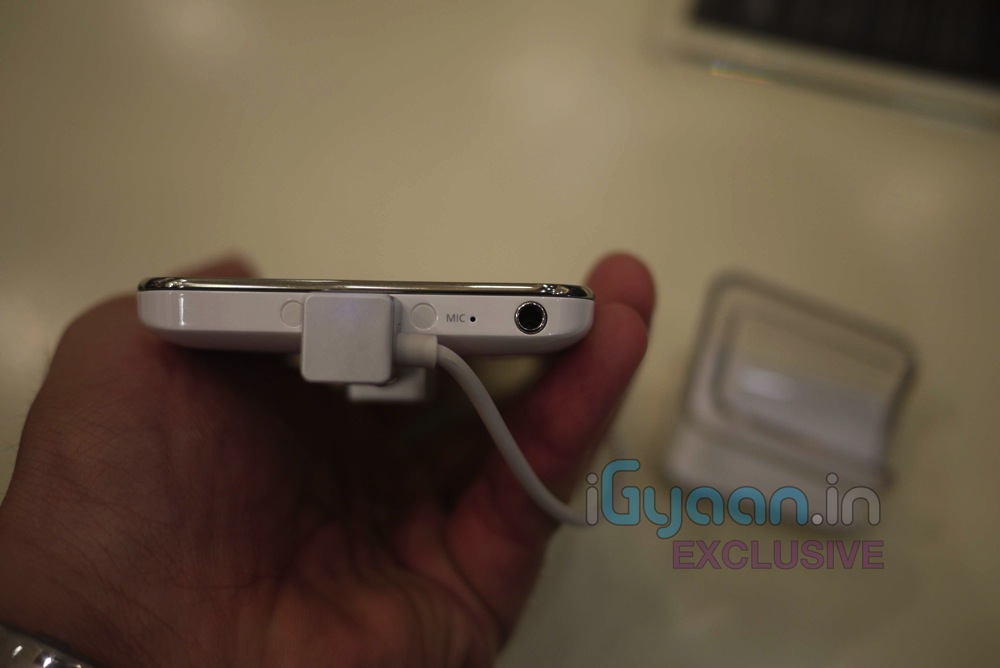
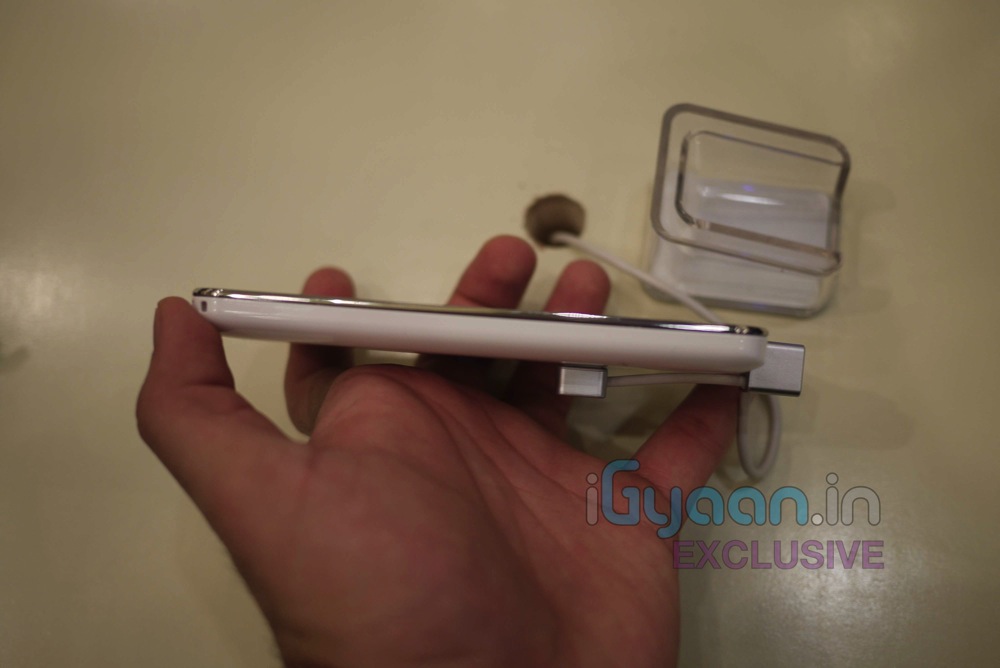
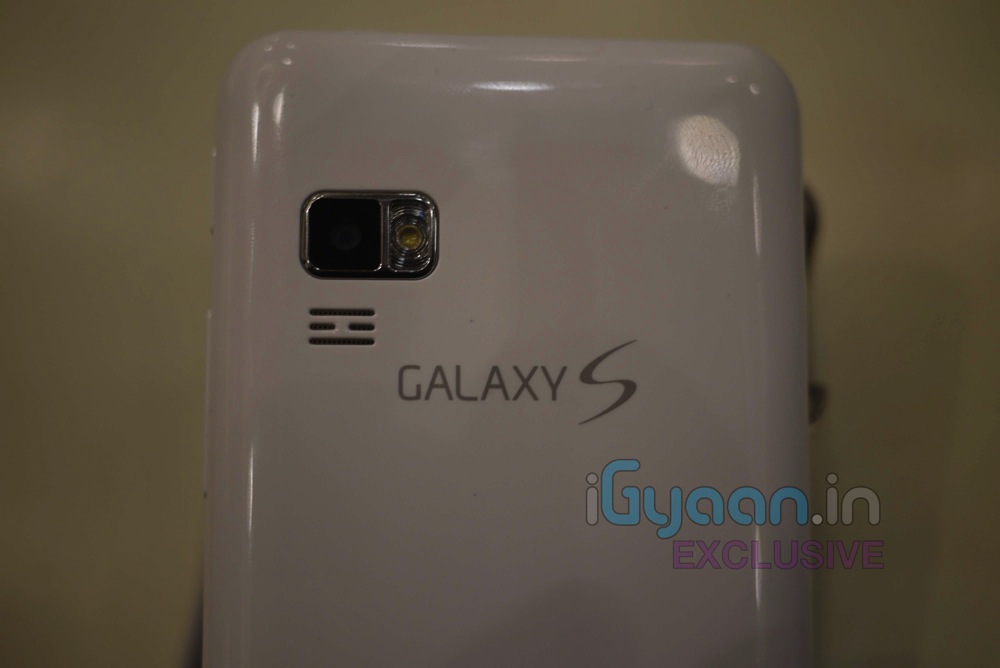
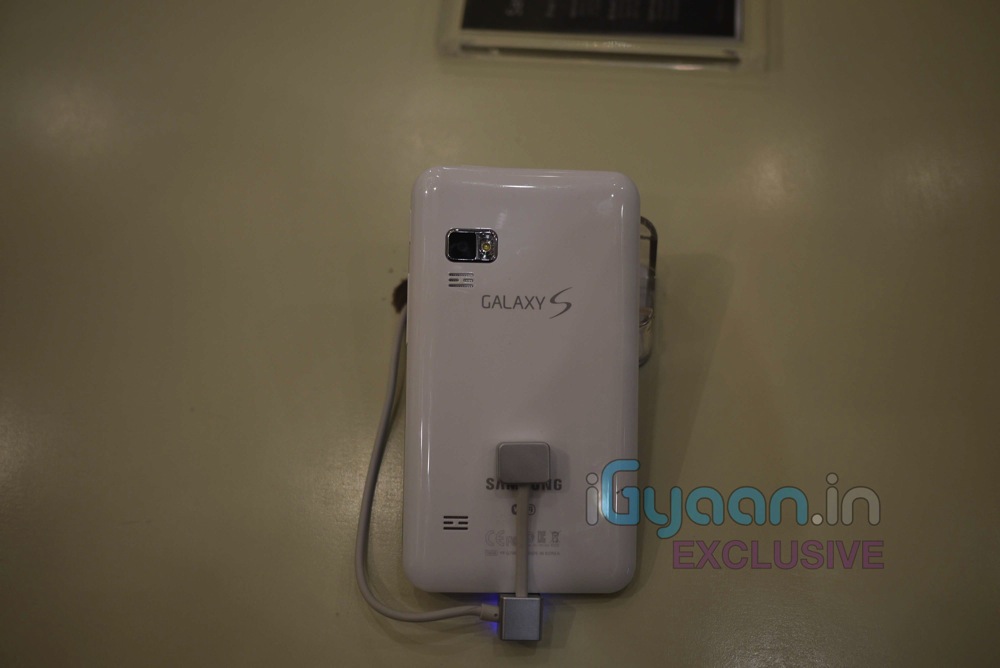
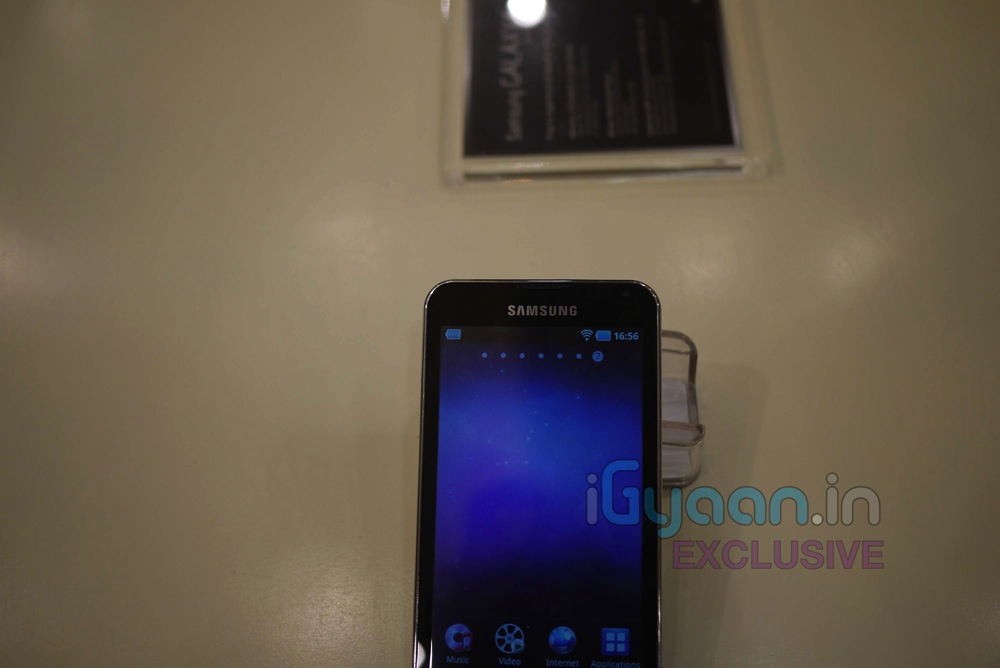
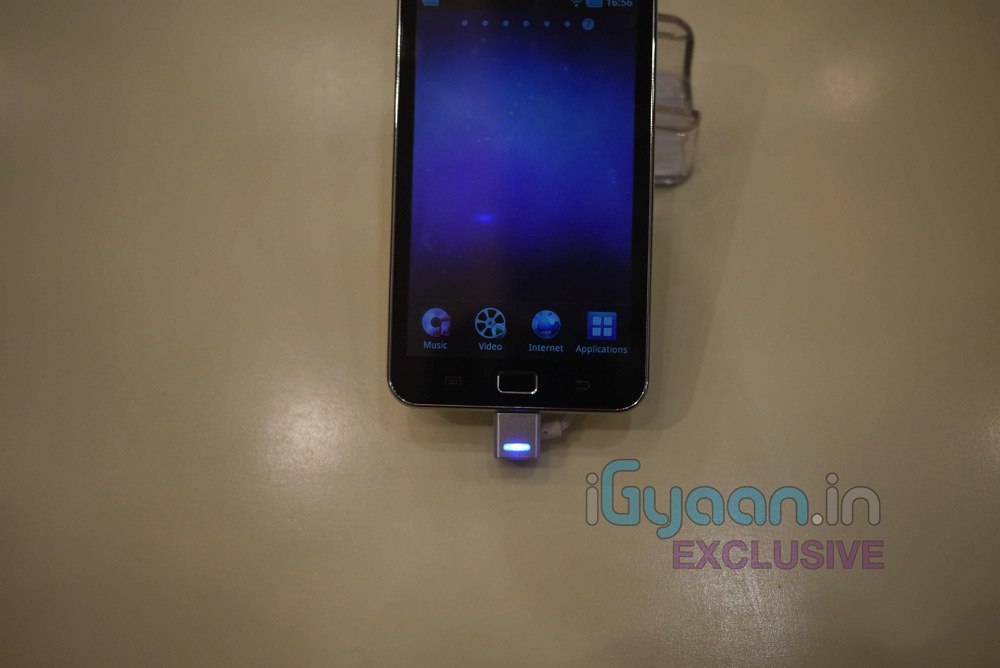
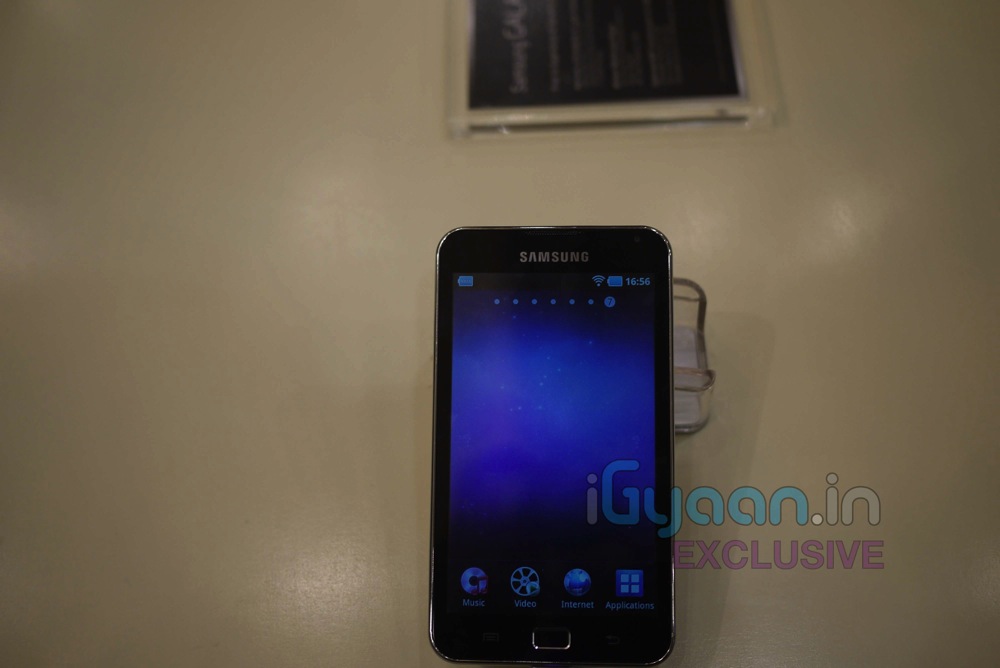
    We are Live at the Samsung Forum 2011 and we got some hands on time with the new Samsung Galaxy S Personal Media Player which was just announced for India. Check out the images below and Stay Tuned for the demo Video.

    Video Hands on (iGyaan Exclusive)

    Key Features

    * 141.3 x 78.2 x 9.9 mm
    * 5.0 inches ( 400 x 800 pixel ) LCD Capacitive Touch Screen
    * TouchWiz UI
    * Multi-touch input method
    * Touch-sensitive controls
    * Swype text input
    * Accelerometer sensor for auto-rotate
    * Digital Compass
    * 5 MP Camera with video recording, auto focus and LED flash
    * 2 MP  front camera
    * Android OS, v2.2 (Froyo)
    * 16GB internal memory which can be expanded up to 48GB
    * Wi-Fi, Bluetooth and USB
    * GPS with A-GPS support
    * 1 GHz Processor
    * Image and video editor
    * 2500 mAH Li-Ion battery

  • App a Day: MicDroid for Android

    App a Day: MicDroid for Android

    Hi Guys,


    Today we decided to review something fun for you. Here’s MicDroid from the Android Marketplace. Its a audio recording software which auto tunes your ‘be-sura’ voice into a one hit wonder. We had quite a lot of fun while playing with this app. It can provide random entertainment while your waiting for a bus or a train or in line for your movie tickets.


    Features:
    -Automatic pitch-correction
    -On-the-fly pitch correction
    -Email recordings
    -Set recordings as ringtone
    -Disable/enable ads in settings


    The best thing about this app is that its FREE! So record yourself, your friends and even your dog and post the links below in the comments. Although the app is still in Beta, it promises to have an exiting future.  You can get a free audio hosting account from Chirbit and upload files in multiple formats.


    Here’s a sample of us singing a popular song from Youtube.


    You can download the app from this link or scan the QR code below from your phone.


  • App a Day: Times of India

    App a Day: Times of India

    We’re starting a new section to review apps from various mobile app marketplaces. These will include the latest and best releases from Android, iOS and Windows Phone 7 Marketplace.


    Todays App is the Times of India App.


    This particular app is a portal for the Times of India website on your mobile device. Reading news and staying up to date with current events has never been easier. It features many sections to segregate news for easier reading. You can customize what news you receive on your front page and you can also download news for off-line viewing.


    The app also shows a nifty live Sen-sex ticker in the top right corner and has a separate section for Photo galleries and Video news. The only feature we thought was lacking was a citizen journalist section to report news as it happens live around you. All in all this is a must have app for your device to keep yourself up to date with the changing world around you.


    Stay tuned for tomorrows app review.

    Download: iPad App | iPhone App | Android App | BlackBerry App

  • Spice MI 310 Review + Pictures : UPDATE Video Now Up

    Spice MI 310 Review + Pictures : UPDATE Video Now Up

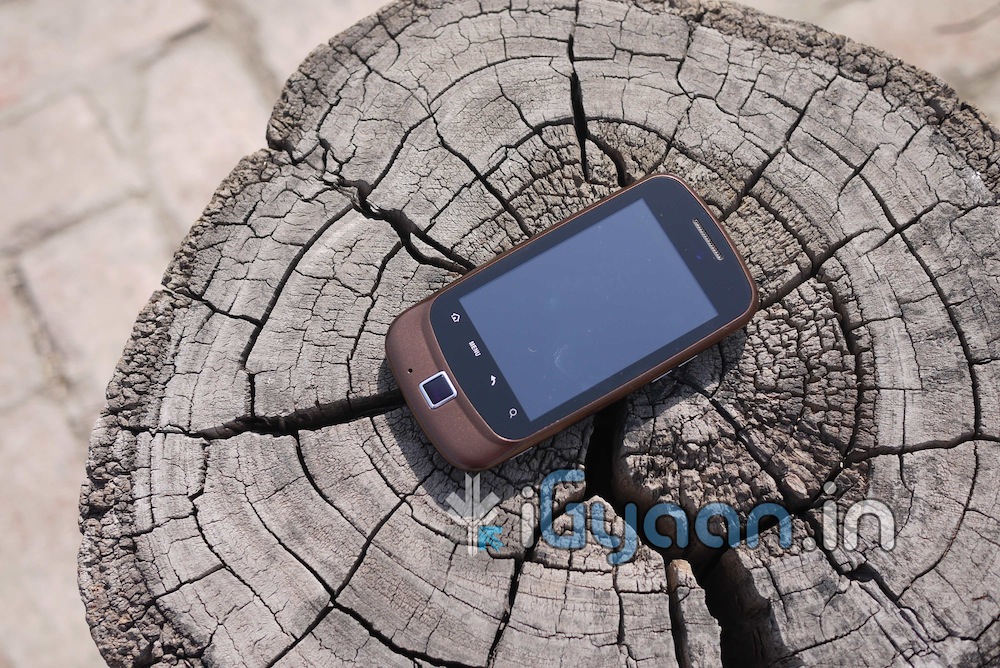
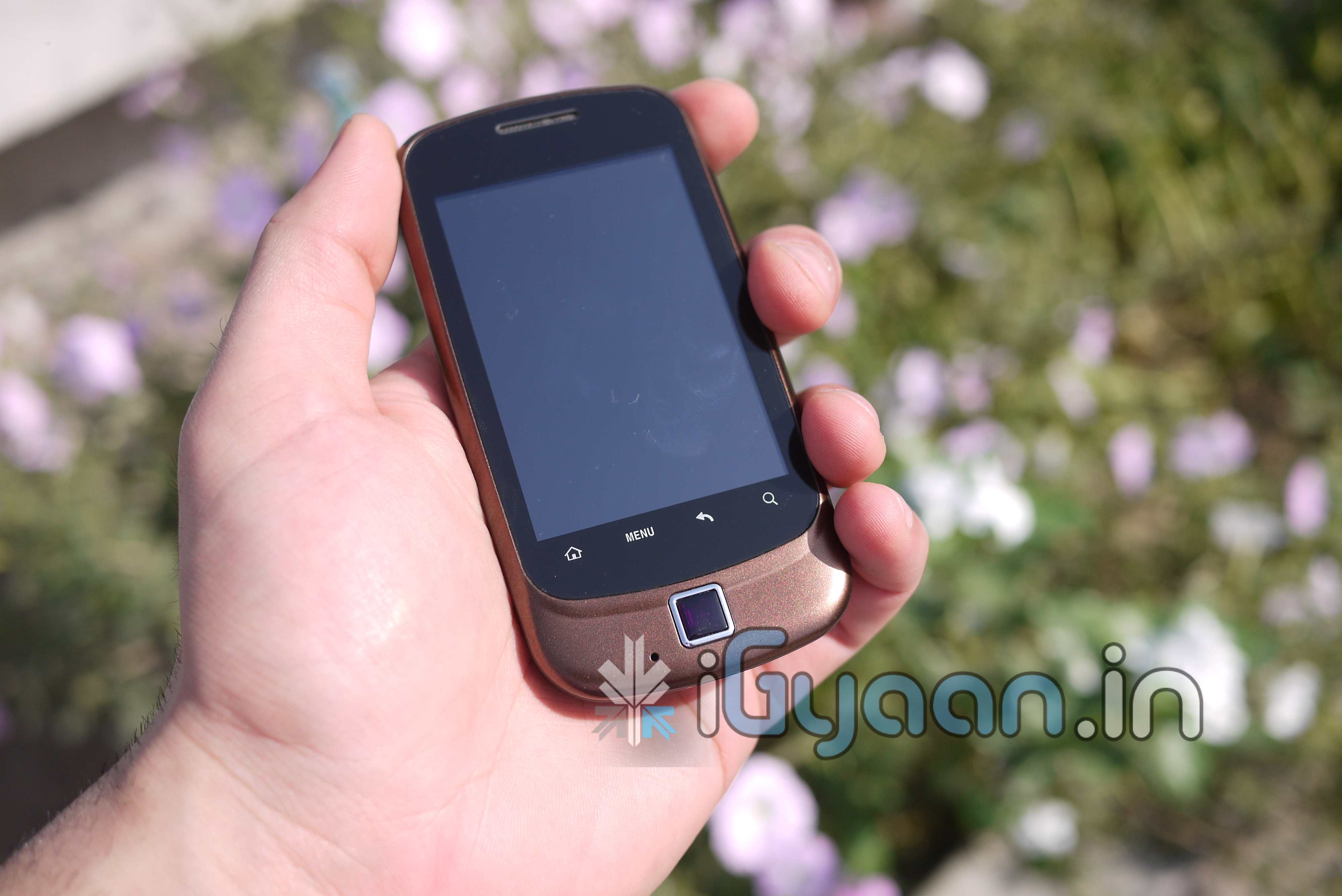
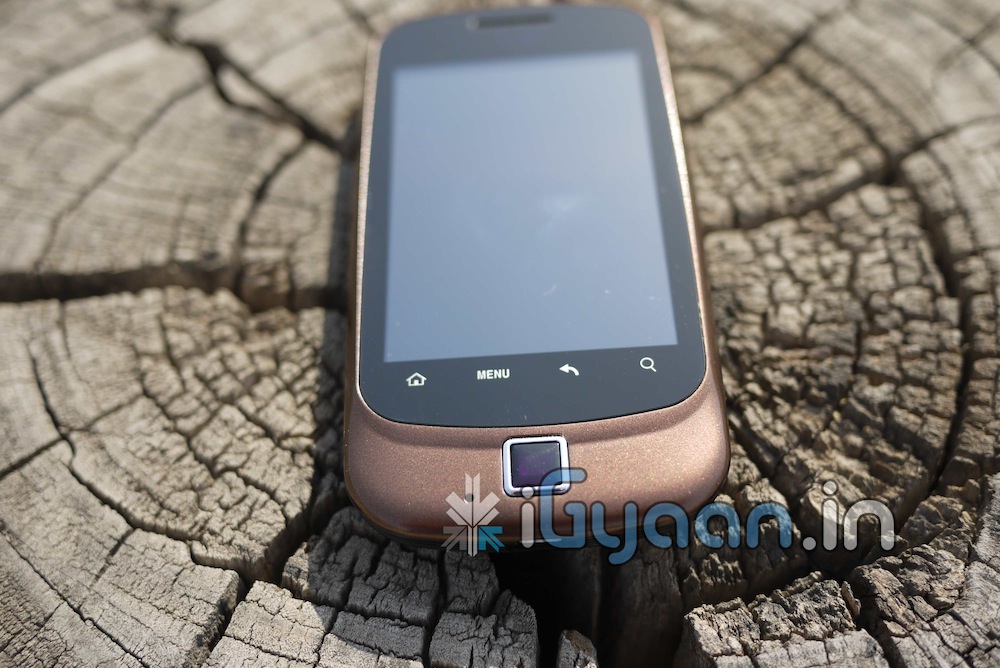
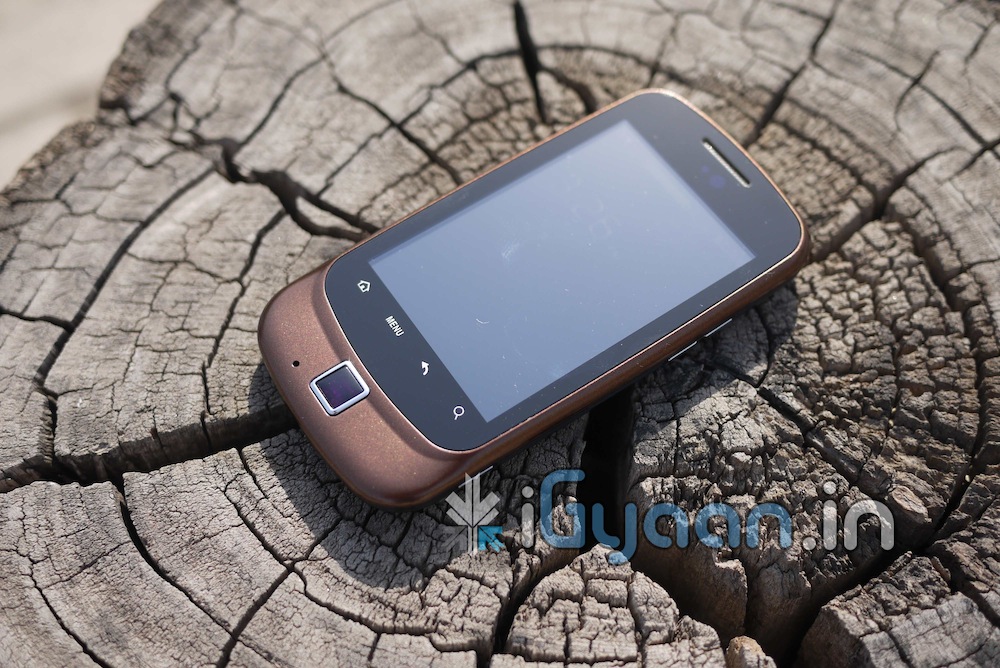
    Spice has launched a new Android Smartphone, the MI-310 running Android 2.2 Froyo to compete in the mid-range mobile market. Read the review for more details.


    BUILD QUALITY AND HARDWARE

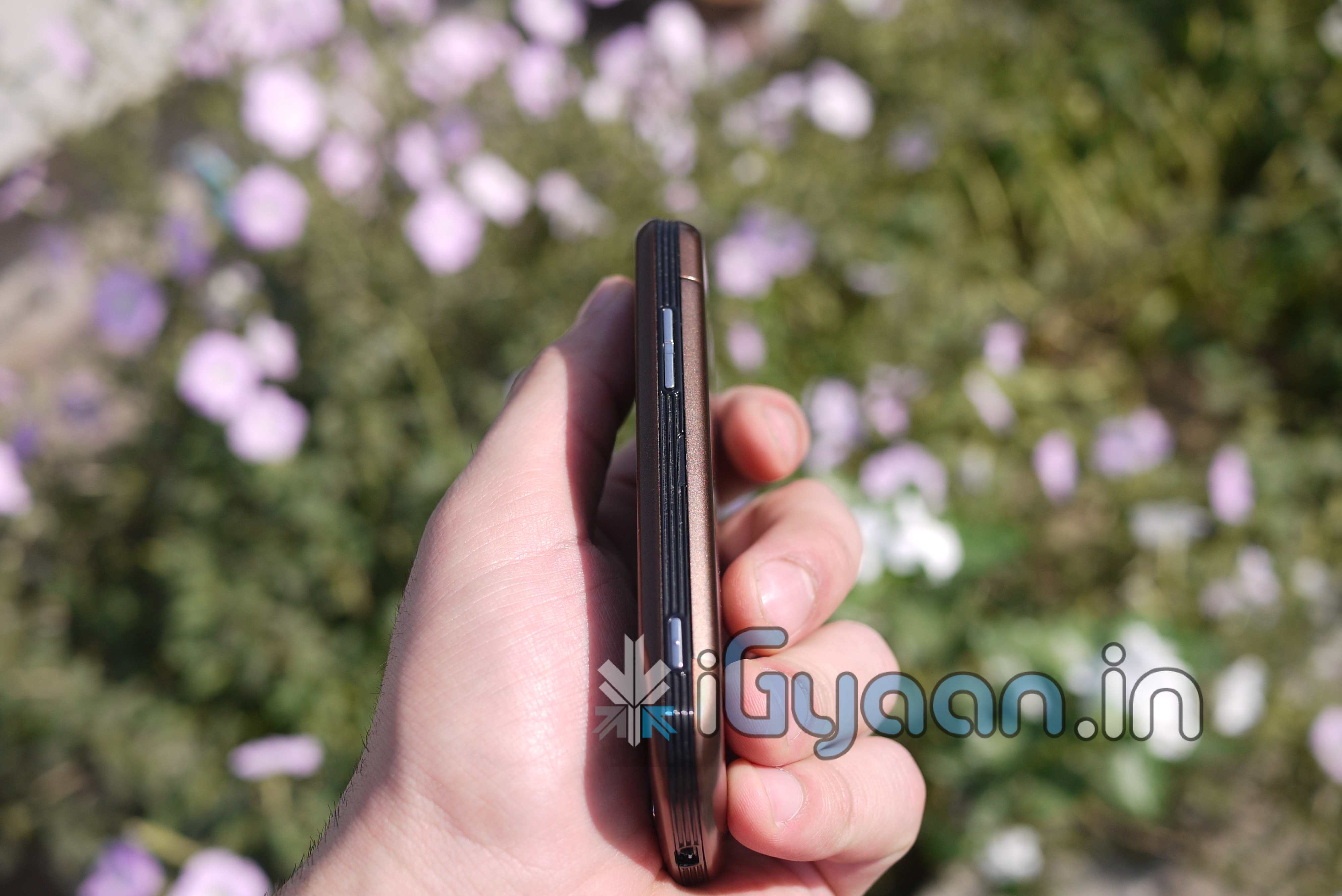
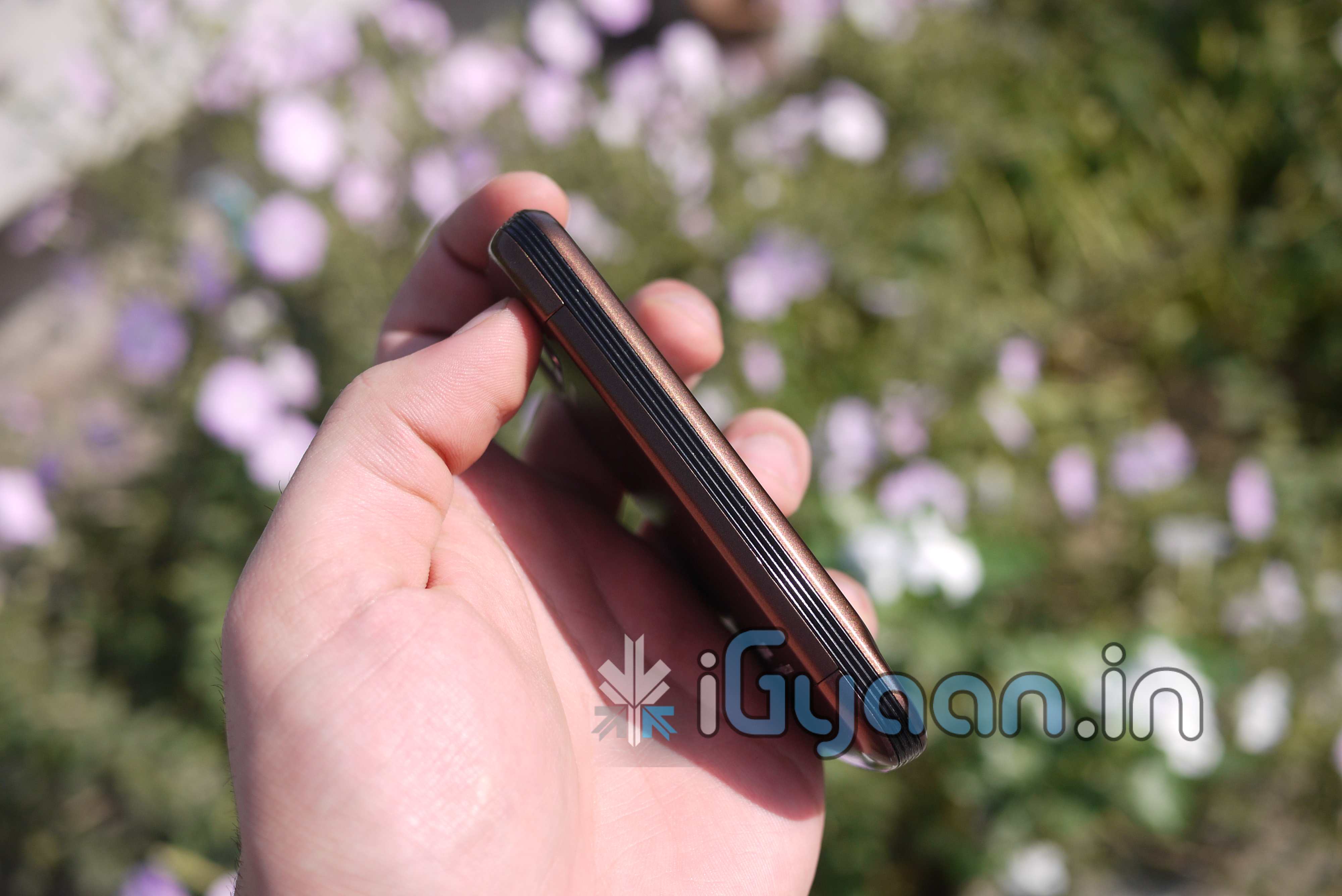
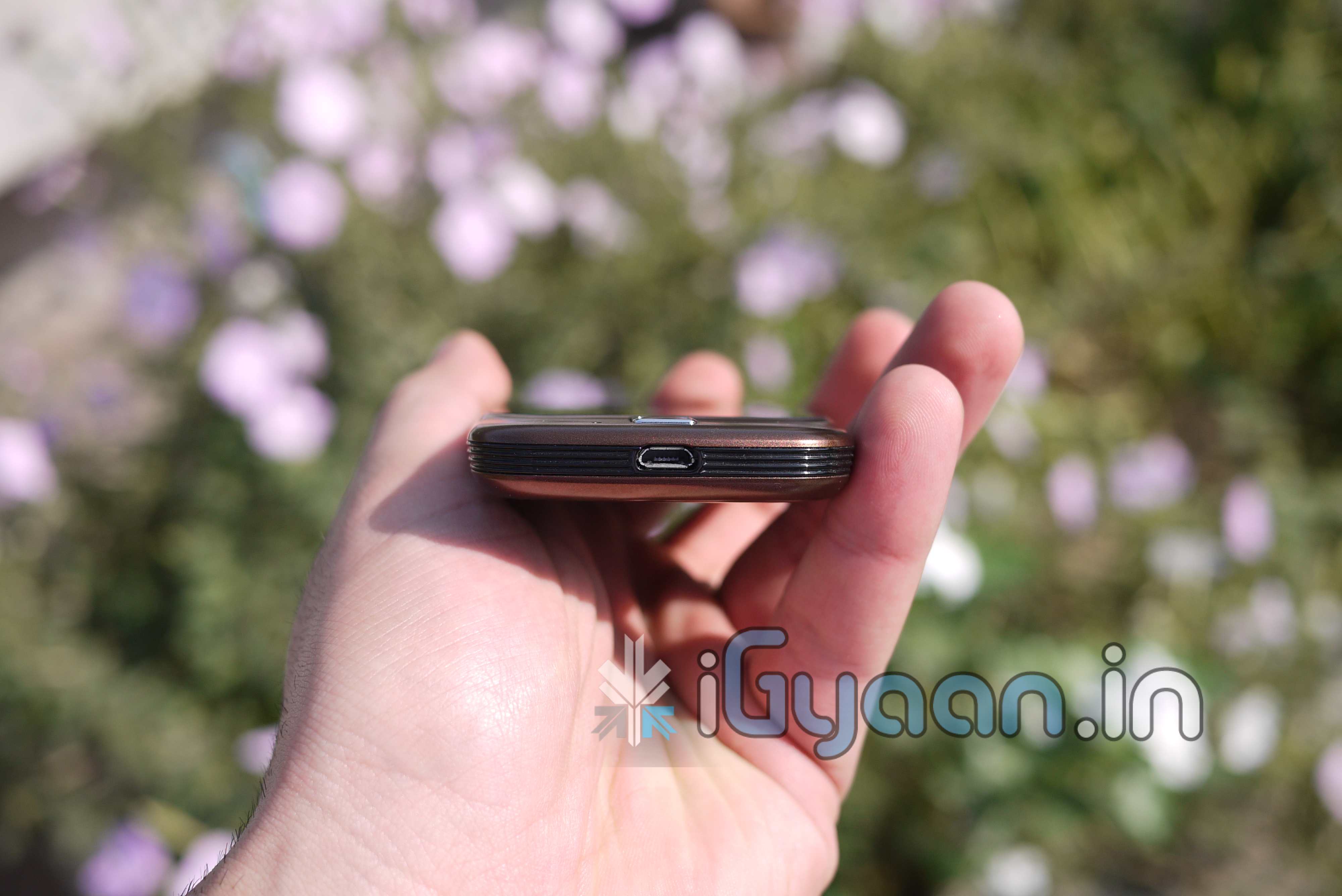
    The MI-310 has a stylish aluminium body which gives easy access to the battery and internally fitted Micro SD card.  The Power/Unlock button on the top of the phone is flush with the bezel which may cause some difficulty while unlocking the device. It has a 320×480 pixel, 3.15 inch capacitive touch screen display which displays vivid images and videos and there are no complaints there. The phone also comes with a stand-alone camera shutter button, volume buttons and a small touch-sensitive trackpad for easier scrolling.

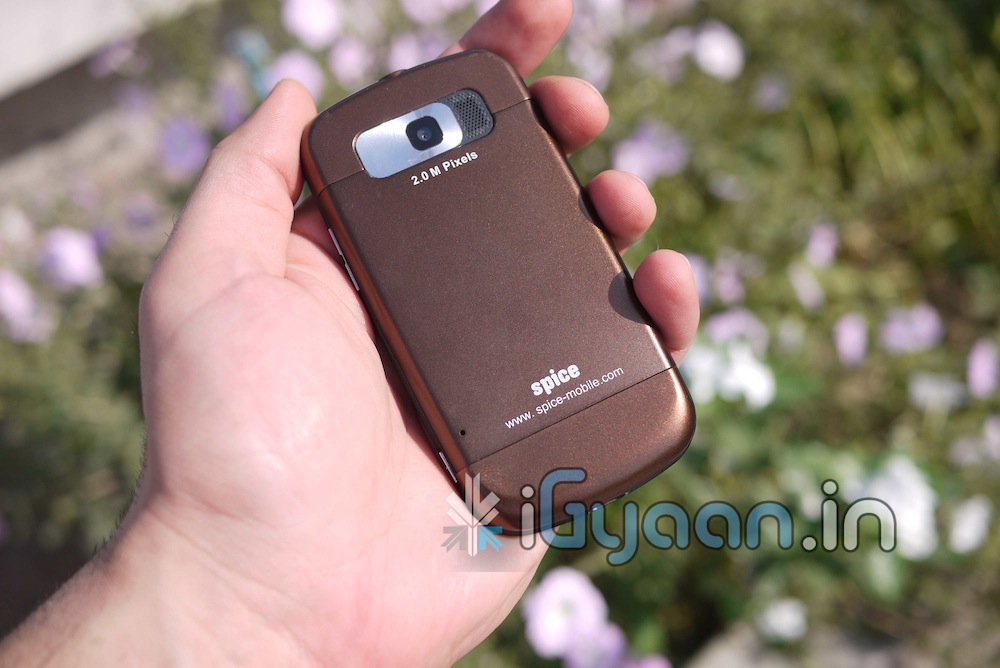
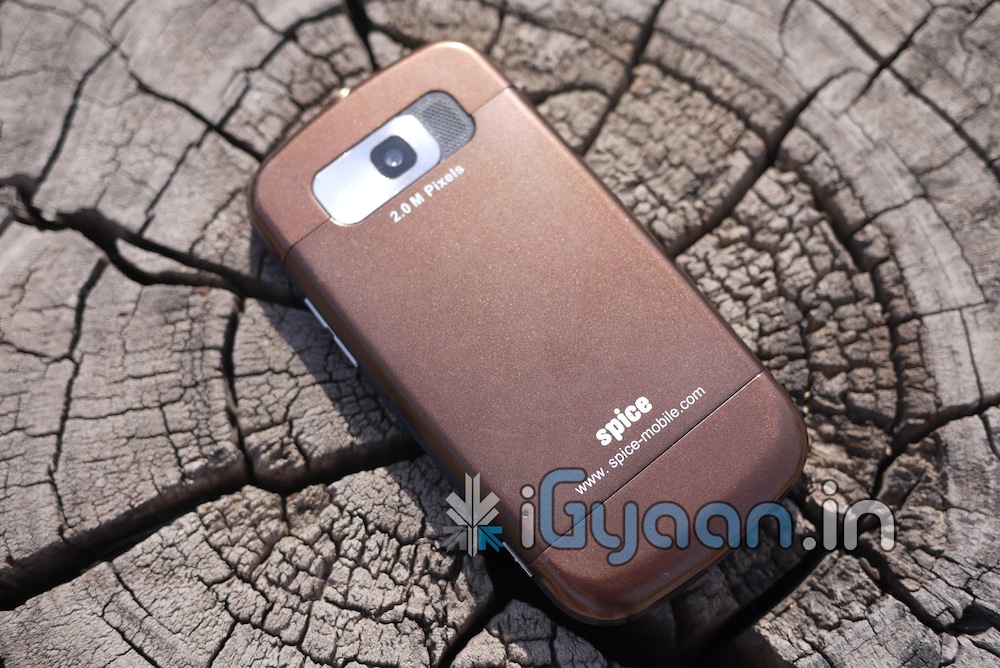
    The overall construction of the phone feels quite sturdy and its quite comfortable to hold and use. It has an inbuilt memory of 85 mb with a Micro SD slot expandable to 16Gb, built in GPS with AGPS support, 3G compliance with HSDPA access (7.2 mbps), bluetooth 2.0, WiFi 802.11 b/g, a 2.0 MP camera with digital zoom and video recording and an internal FM radio. As far as sensors go the phone has a built in proximity sensor and accelerometer. While in a call, the proximity sensor sometimes fails and causes your cheeks to start pushing buttons on-screen, which can get quite frustrating. (A factory reset of the device however fixed this problem for us)


    MULTIMEDIA AND CAMERA

    The 320x480px screen is quite vivid and does a great job of displaying videos (even in HQ) and photographs. The audio output of the loudspeaker is pretty loud,and is sufficient while on the move. The in-ear headphones that come with the phone are quite comfortable and the sound quality is clear and crisp. The  high notes are quite sharp and the bass is quite deep. The phone doesn’t come with any games, but there’s LOTS of games that can be downloaded from the Android store. The inbuilt Android Music and Video player support many formats and are quite user friendly. The phone also comes with an in-built FM radio which can scan and store pre-set channels  and favourites.

    The 2.0 MP camera leave a little to be desired but is quite easy to use with the stand-alone camera shutter button. Video recording is a breeze. The two things that would make the experience better are better focusing and the addition of a camera flash. The phone comes with all the standard camera effects for video recording and image capture. We did notice that Video capability on this camera was much better than still images.


    PHONE, MESSAGING and BATTERY

    The Spice MI-310 is  a very easy to use phone. It has a very large phonebook, and the ability to sync  your contacts with Gmail, FaceBook etc. The biggest issue we faced with this handset was the microphone. At some point during the review the diaphragm of the mic got stuck and we got REALLY  BAD  voice quality. Now we dont know if this was a problem with the design of the phone or just this particular  piece but this is something to be wary of a little air dusting and light whack to the microphone fixed the problem. There were no signal issues for voice calls but we faced repeated issues with the HSDPA network. Eventually the phone refused to connect to 3G and remained in EDGE mode or WiFi (when we were in range). Switching the mode to WCDMA only via an app from the Android MarketPlace fixed this issue.

    When it comes to typing on the on-screen keyboard, its a bit of a hassle in portrait mode (we have big fingers), but works brilliantly in landscape mode. The best thing about messaging is the speech to text function. The bottom strip of menu buttons (standard on most android phones) are a bit too sensitive and may cause unwated tension while typing. The phone has decent battery life, lasting for approximately  3-4 hours talk-time and around 48 – 60 hours standby depending on usage.


    CONCLUSION

    The Spice MI-310 is good to look at, lightweight and is feature packed for its price. The display is quite vivid and getting a capacitive touch screen for this price is amazing. The fact that this is an android phone opens up many avenues for customisation through the Google Marketplace. However, there were slight  problems that we faced with the microphone, the proximity sensor and the 3G which after resolution can make this device the only one in this price bracket with the brilliant spec list.


    MRP : RS 7999/-

    [xrr rating=3.5/5 label=”We Rate it” imageset=shiny_yellow_star display_as=fraction_stars]


    Check out the Remaining Images Below, Please Stay Tuned for Full Review Video.


    FULL VIDEO REVIEW

    Scan the QR Code with your SmartPhone to share this Post

    [qrcode]

  • Reduce Pedestrian Mortality with this Prototype

    Reduce Pedestrian Mortality with this Prototype


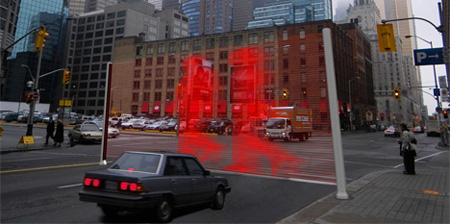
    A revolutionary new stop sign has been invented by designer Hanyoung Lee. It stops drivers with a large visual representation of  pedestrians crossing the street in laser light when the light is red.  Coming soon to a pedestrian crossing near you.

  • Your Desktop Supercomputer: Coming Soon

    Your Desktop Supercomputer: Coming Soon

    Scientists at the University of Massachusetts Lowell have managed to squeeze over a thousand processor cores onto a single chip. We’ve heard a lot about the potential for future desktop-sized supercomputers, but more than anything else this research proves that in the not-too-distant future it’s likely to be a reality. Interestingly enough, there’s also a green angle to this idea: FPGA chips can be more power efficient than their competitors, and if less computer time is needed to process complex tasks, then the overall power consumption of computers using the tech could be impressively low.


    The advance was made by Dr. Wim Vanderbauwhede’s team, who programmed an advanced chip called a Field Programmable Gate Array (FPGA). FPGA systems have been around for a while, and their strength is that they can be programmed “in the field” to best suit whatever task they’re needed for, unlike the hard-coded silicon ship designs you’re probably imagining. The UM team’s innovation was in working out how to program the FPGA to act as mini processor cores, since the tech is typically difficult to work with. This has traditionally been a barrier to their use in desktop PCs, although small FPGAs are often found inside devices like LCD TVs.


    Once the 1,000 individual CPU cores had been programmed onto the chip, the scientists took the necessary next step to prove how useful their innovation is: They ran an intensive algorithm through it to test how powerful it was, and they chose a tricky one too–at the core of motion MPEG video processing, used in many online video systems. The results speak for themselves. Using the kilo-core FPGA computer, the team was able to process 5 gigabytes per sec of movie files, which is about 20 times the rate that existing high-end computers can manage.

  • DIY : How To Revive An Old Computer Part 1

    DIY : How To Revive An Old Computer Part 1

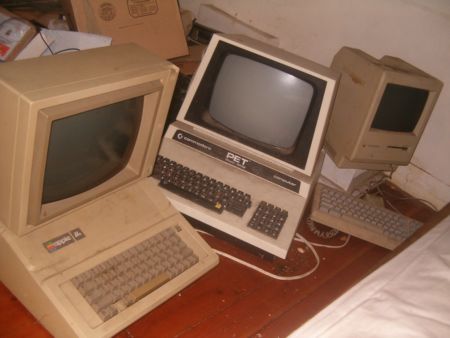
    Lots of people today are looking for a new computer. Their reasons for doing so are varied but there are many common complaints that people have with old computers. The primary complaint i receive from users is that their computer is ‘too slow’. While the day to day tasks of the end-user remain pretty much the same (using Microsoft Office, surfing the web, watching movies,playing games etc.), the computing power required to perform those tasks has increased significantly.  So does this mean that your old desktop/laptop is now useless and obsolete? Should you throw it away or let it collect dust in a corner? NO. There are many uses for an old computer, a few of which i will be listing below:


    Make a Home Server

    The home server is one of the easiest and most common uses for an old computer. The basic home server can do simple tasks like sharing files over your home network, while more advanced setups can perform a plethora of tasks such as file sharing, website hosting, torrent downloader,  a dedicated firewall for your network, controlling electronic devices in your house etc. The requirements of each user will be different and you should decide the tasks that you would like your server to perform in advance to ensure an easier setup.


    The Basic Setup:


    I recommend using FreeNAS as an OS for your home server. It is an open-source OS based on FreeBSD which means it is free to download, use and distribute. The most basic task performed by FreeNAS, as the name suggests, is to provide Network Attached Storage in your home.  It can perform a wider variety of tasks but we’ll get to that later.


    Things you’ll need:

    • FreeNAS Live CD (Link Below)
    • Old Computer
    • Monitor & Keyboard for installation only (you can disconnect them after the install)
    • A few Hard Disks (minimum 1)
    • A 512mb or larger Pen Drive


    Download FreeNAS 32-bit Live CD

    Download FreeNAS 64-bit Live CD


    Insert the Live CD into your CD drive and wait for the computer to boot up. This can take some time, 5-10 minutes, and you will hear a *chirp* from your PC speaker when the system is ready. At this moment, the system is ready to use as-is from the Live CD or it can be installed onto our hdd or pen drive. I would personally recommend installing the system on your pen drive if your PC supports USB Boot. This leaves more SATA/IDE ports free to attach extra storage.

    When you reach the above screen, the system is booted. Since we dont want to run our system off a CD, choose option 9.

    We are going to be installing our system on a pen drive so we will choose option 1.


    You will receive a warning, Press OK.


    Choose your installation media and press OK. In most cases you will have only one option in this step.

    Choose your install destination and press OK. In most cases you will have a few options here. Please remember to choose your pen drive at this stage. If the device names (ad0, ad1, etc.) are confusing, you can identify your device with the capacity or manufacturer details.

    After this step, FreeNAS is installed on your system. Press Enter and choose the Exit option and you will be returned to the main menu. Choose option no. 7 to reboot your system. To ensure that the system boots from the pen drive, please remove the Live CD  and ensure that the pen drive is selected as the primary boot device in your BIOS.


    After the reboot, the first thing you have to do is to configure your network interface and LAN IP. These are the last things you need to configure on your FreeNAS box. When you get to the Console Menu, Choose option 1.

    Select your Primary interface. If you have multiple interfaces, you can select optional interfaces from the same menu.

    After assigning all interfaces select none and press OK.


    You will be given a list of assigned interfaces. Press OK and you will be taken back to the Console Menu.

    Select option 2 to assign your ip address. I recommend assigning a static ip to your server, so select No when given the option to use DHCP. Enter your ip address, subnet mask, internet gateway and DNS addresses. You do not need to configure an ipv6 address.
iGyaan Network
Privacy Overview

This website uses cookies so that we can provide you with the best user experience possible. Cookie information is stored in your browser and performs functions such as recognising you when you return to our website and helping our team to understand which sections of the website you find most interesting and useful.