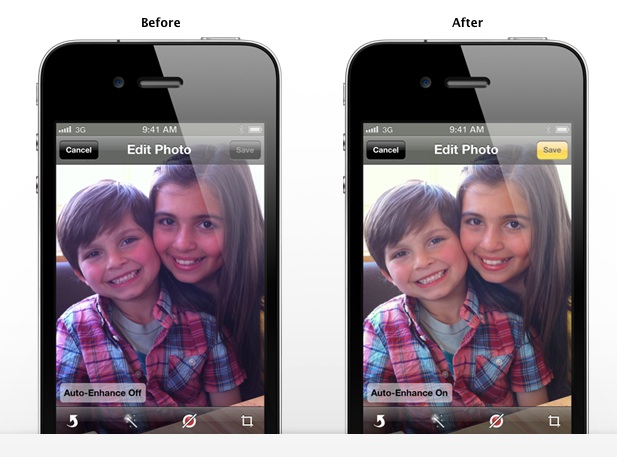
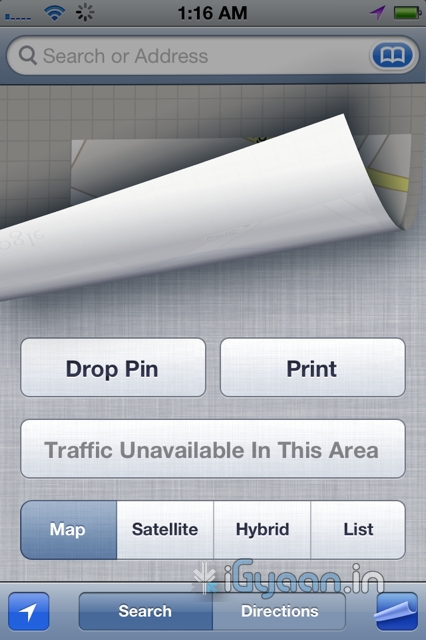
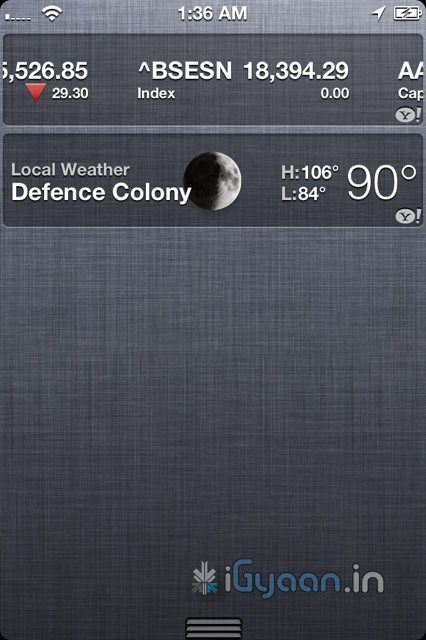
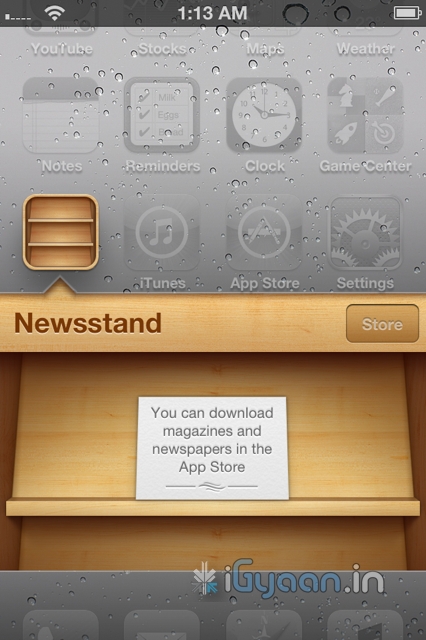
The Google Plus app for the iOS is finally here. Looks identical to the Android App and is available to download from the App Store.
Hit the Link Below to get your own.
[iTunes]

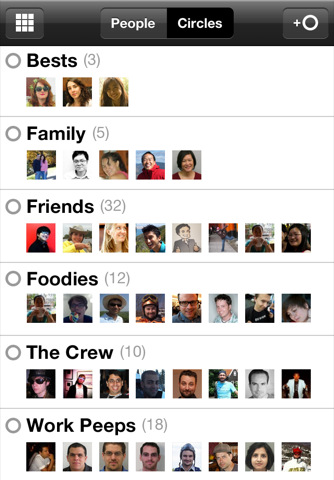

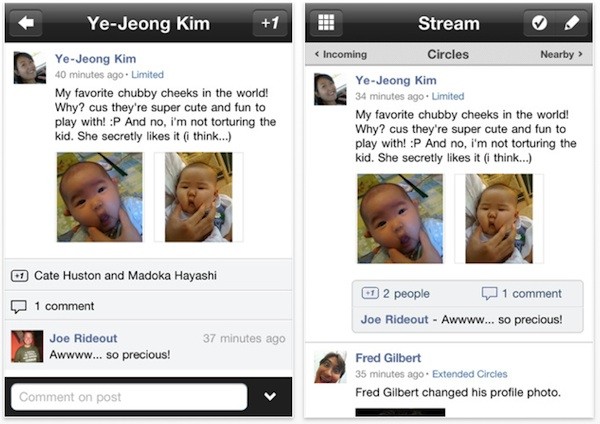
The Google Plus app for the iOS is finally here. Looks identical to the Android App and is available to download from the App Store.
Hit the Link Below to get your own.
[iTunes]

HTC has just invited us to the launch of their new Smartphone tomorrow. Most likely its the HTC ChaCha, but it could also be the 3D. We wont know till we know, But we do know that there is a new phone coming tomorrow and iGyaan will have the details. Also Check out the invite below, and yes we know you folks act funny so we have smudged out the details of the location etc.

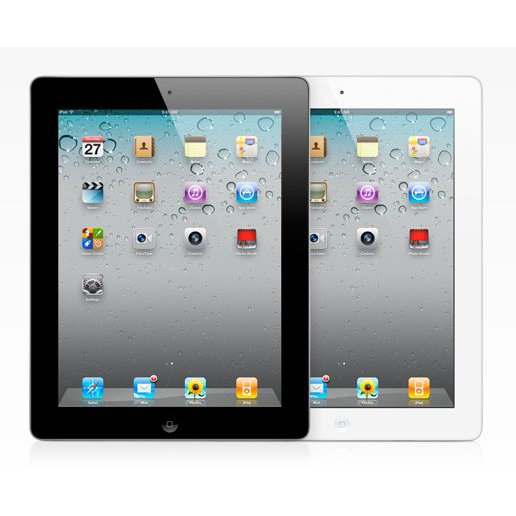
According to Korean Times, Apple is testing 2048 x 1536 displays for the iPad next.
Apple’s upcoming iPad 3 will feature an improved display to support quad extended graphics (QXGA), a display resolution of 2048×1536 pixels with a 4:3 aspect ratio to provide full high definition (HD) viewing experience,
According to their source the iPad 3 is the actual name of the device and not iPad HD. Apple did change its supplier of its primary chipset from Samsung to TSMC earlier this year. This happened due to the series of legal actions b/w Apple and Samsung. Apple however may not find a better manufacturer than Samsung or LG for the display.

And Telling you
We are now helping you shift your Facebook contacts to Google + .
It is a tedious, process but it works

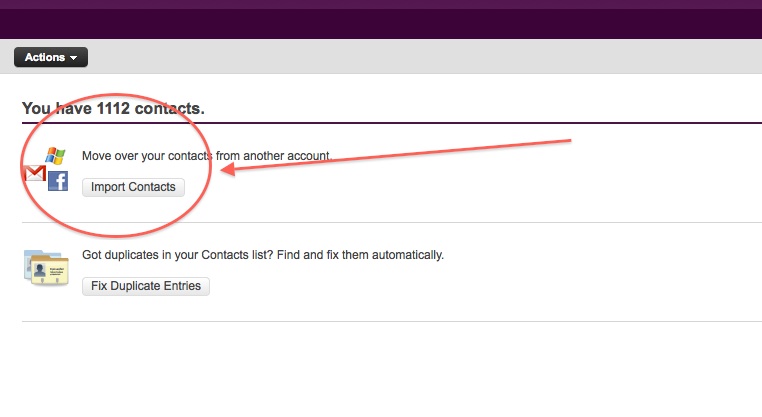
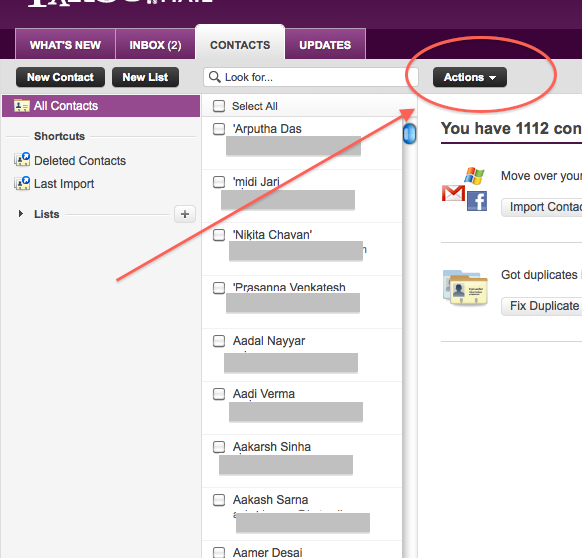

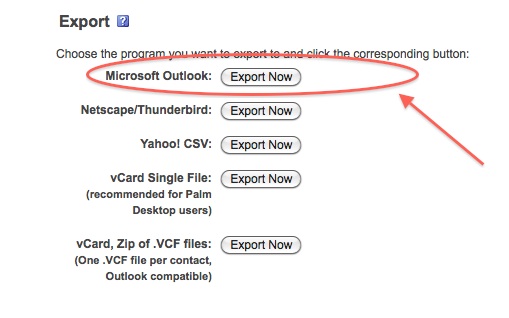
At this point you would want to say to yourself, Why would i need a windows mail account?
Answer : Currently Google + supports contact import from Yahoo and Hotmail. But once you import your contacts from Facebook to yahoo mail, Google plus can’t import them. Same is the case with Hotmail/Windows Live Mail. But with our work around Google Plus will import your contacts, So go on ahead:

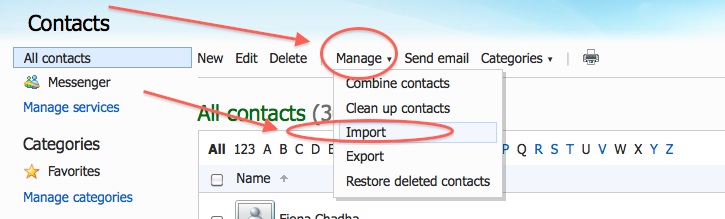
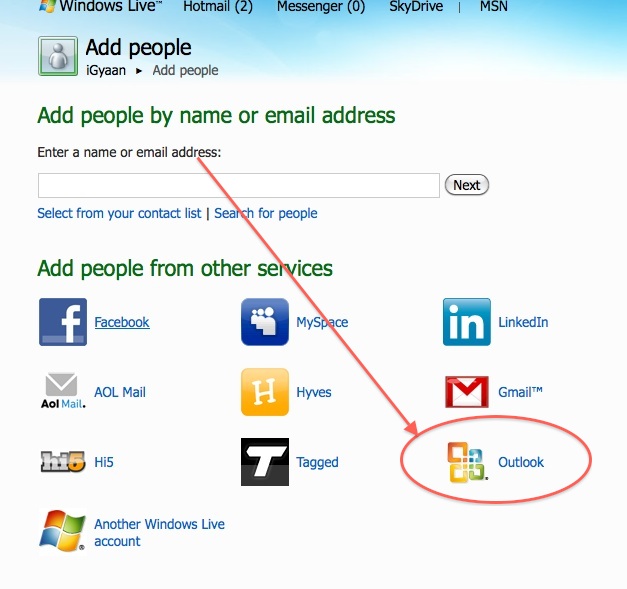

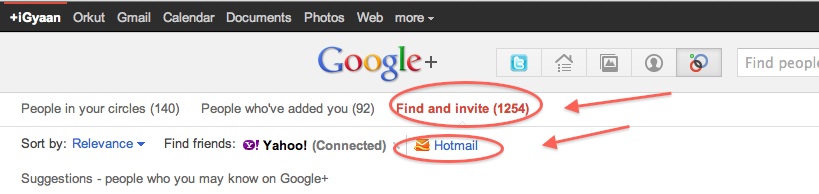

 Its been almost 2 weeks since the inception of Google + and a lot of people are still struggling for invitations to the G+ ecosystem.
iGyaan can Help!
Update: Due to the overwhelming response we have changed the terms a little bit.
Now, just use the contact link on top of our website and send us your name and email address.
We will Invite you into the new world of Social Networking.

 Apple’s largest manufacturer of their devices like The iPhone and The iPad – Foxconn (they also the worlds largest contract manufacturer of electronics) will now produce the Android gutted tablet from the stables of Amazon. A report released yesterday claims that a 10.1 inch display is in the manufactory, and Quanta Computer, another contract manufacturer from Asia, is already shipping a 7 inch device to Amazon.
Foxconn Electronics (Hon Hai Precision Industry) has reportedly landed orders for 10.1-inch tablet PCs from Amazon with shipments to begin in 2012, while Quanta Computer has begun shipping a 7-inch model to Amazon. Foxconn declined to comment on market speculation.
The smaller version dubbed “coyote” packs a dual-core NVIDIA Tegra processor and will be available in Aug-Sept timeframe. While the larger 10 inch version will ship later this year and is dubbed ” Hollywood”, has a quad-core Kal-El chip.
Foxconn already manufacturers the Kindle for Amazon, about 12 million a year, compare that to the 40 Million iPad for Apple this year and it seems like even Foxconn has a lot to loose if they loose Apple as a client.
Looks like Apple lost on securing their manufacturer by signing an exclusive deal of tablet manufacture with them. It is highly unlikely of Apple to allow such a thing to happen, hopefully no high level exec gets fired from cupertino – because he didn’t read his memo!
Today we are going to help you set up a Google Plus Account – Step By Step
If you don’t already have an invitation to Google plus, then you should consider making friends with better people, like us.
Hit this link to get an Invite
Note:
When you get an invite it should look something like the image below
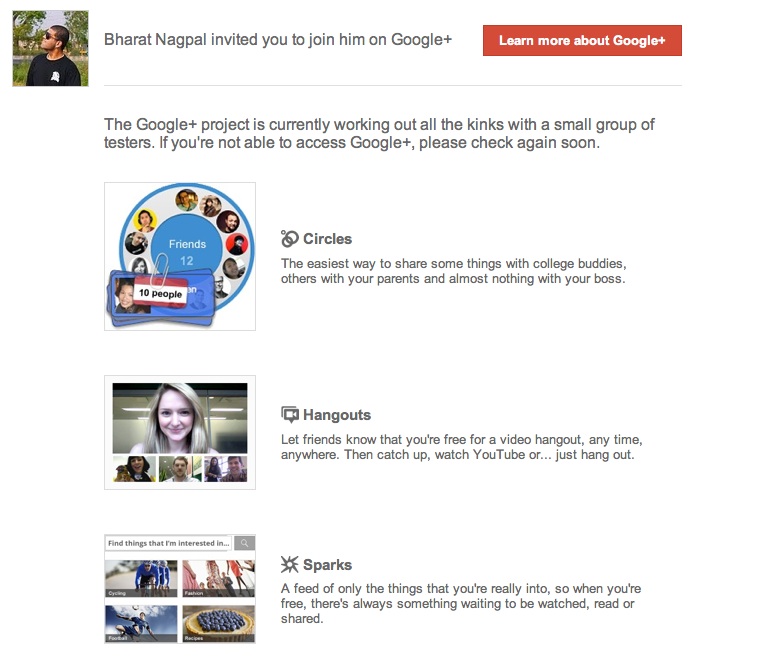
After you get an invite you will need to click the button : 
Once you click on the button you will be redirected to the registration page:

Add your details, upload and crop your profile Photo.
And you are all set to CLICK JOIN
Now that you are in, you would want to set up your profile.
You will be greeted with a similar welcome page :

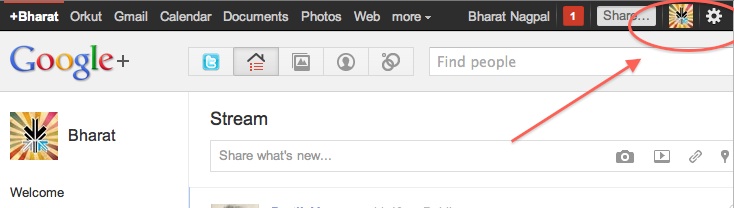
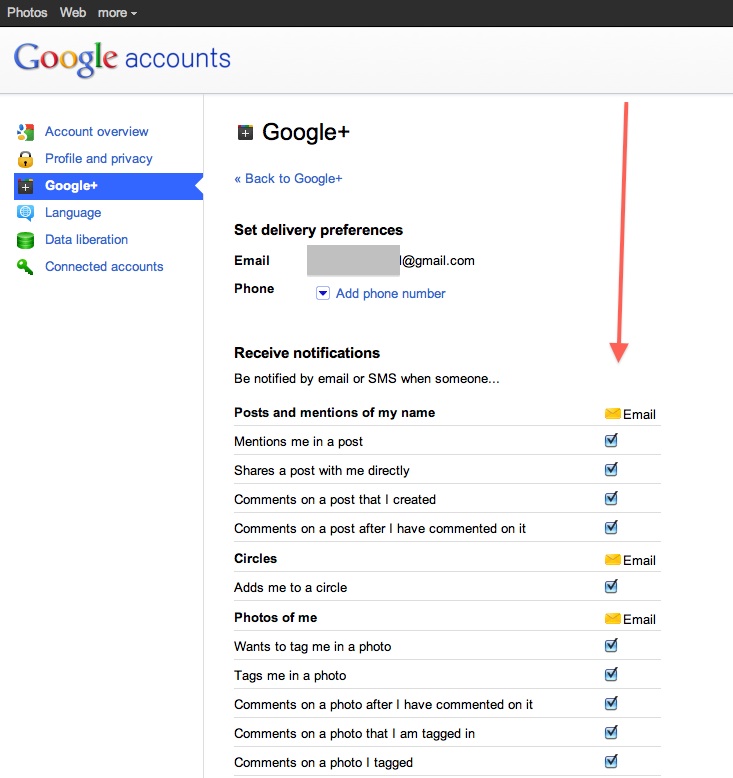
Hit the circles button on your profile page to set up Circles.

Once on the circles page you will be able to , find people by email addresses or by searching for them over other networks and email services like yahoo mail or hotmail.

Simple create circles of your choice, Like Friends, Family, Colleagues, Game Buddies, College, etc.
You can also add the same person to multiple circles.
Once you are done finding and adding your friends, its time to start posting!.

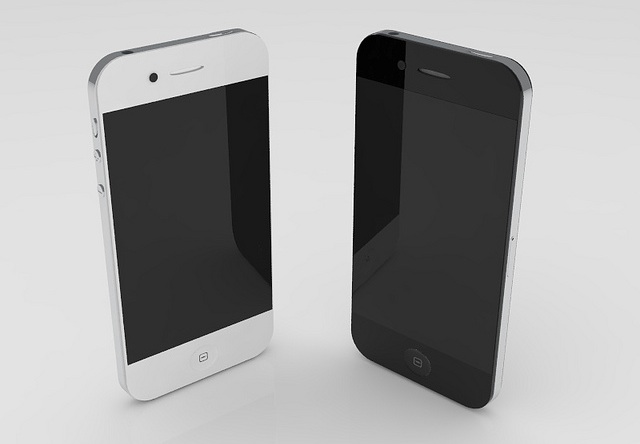
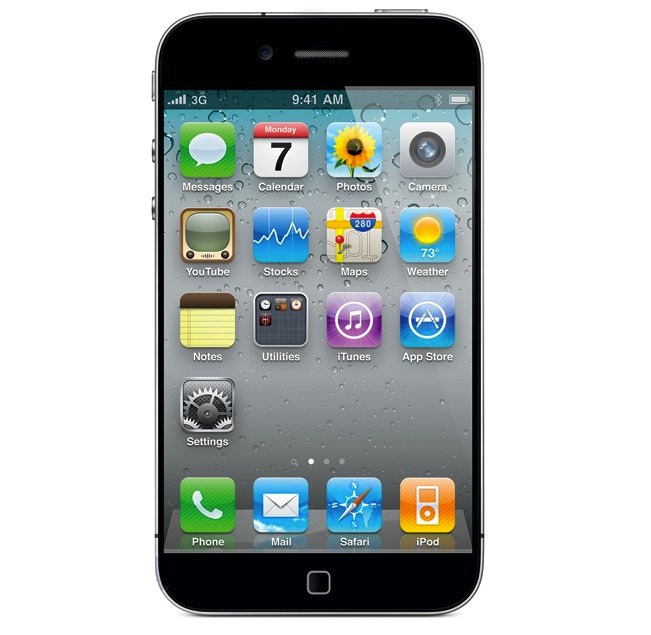 Say it isn’t so! Several rumors are pointing to a further delay in the launch of Apple most anticipated phone since the original iPhone n 2007. According to a story on a chinese website, the overheating A5 chip was the first cause of delay in the iPhone 5 and the shift from June to a supposed September release.
The story goes on to say that Apple will be transitioning to a 28-nanometer manufacturing process with the A6 chip, apparently due next year. The A5 chip that goes into iPad 2 is manufactured on Samsung’s 45-nanometer process and is almost twice the size of the iPhone 4?s A4 processor. That is not acceptable for the constantly shrinking size of the iPhone.
If there is any truth to the story, then we think Apple might release an iPhone 4s sort of modest yet sufficient upgrade which will satisfy the hungry customer for another year, say gorilla glass, 8mp camera dual core A4 chipsets. Either way get ready to take on news with a pinch of salt as we start to get closer to the real deadlines.


Adobe is now allowing people to download the latest version of their desktop flash player, Flash Player 11 beta.
Key benefits of the Flash Player 11 desktop beta include:
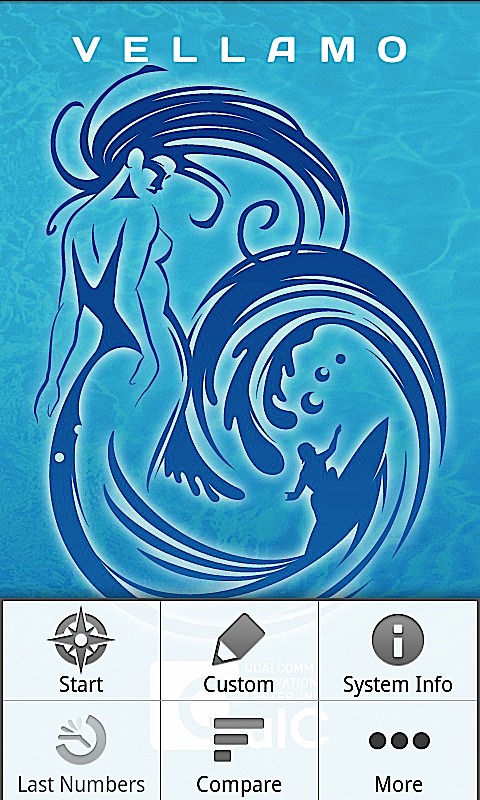
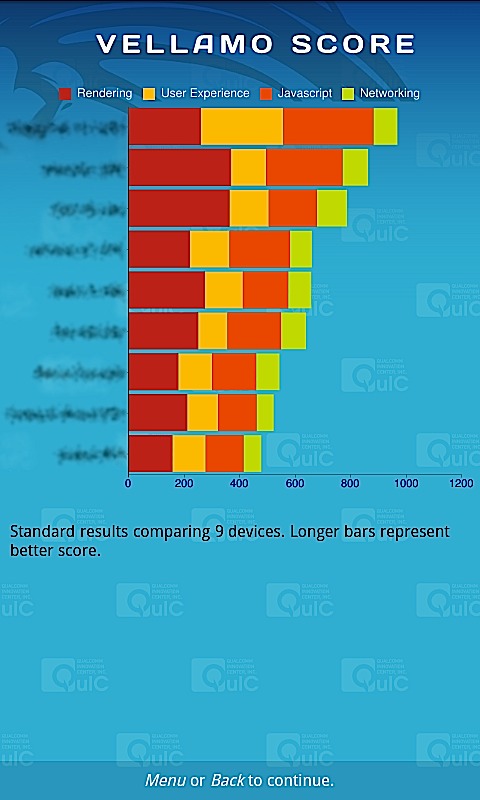
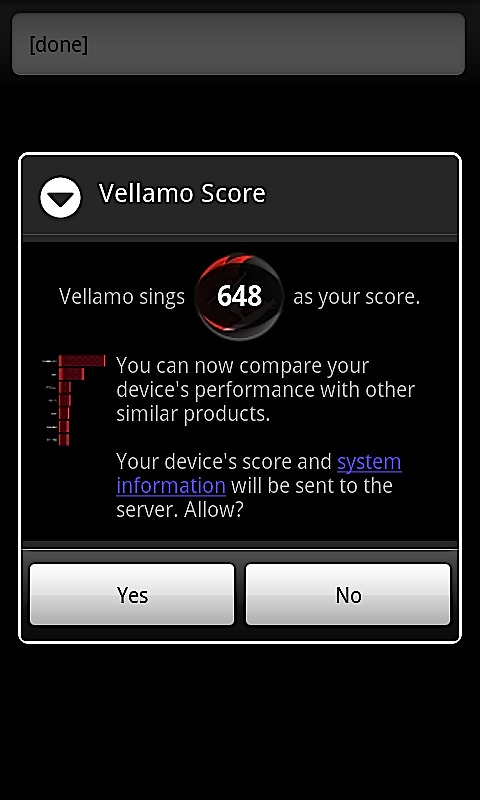
The mastermind behind a flurry of chipsets for Mobile phones, also responsible for graphic benchmarks like Neocore. Qualcomm has just launched the Vellamo Benchmark for Android devices. This benchmark if for mobile browser lagging tests. Vellamo is essentially a suite of 11 tests designed to gauge browser performance on Android phones and tablets.
To operate it requires any Android Device over OS 2.0

Paypal usually not preferred by Sellers has announced a new Mobile-Mobile NFC payment system at the Mobile Beat 2011. NFC equipped Device owners, majorly Nexus S, can accept transactions from other NFC equipped devices.
Currently the functionality is limited – there is only the Nexus S which is supported- and only specific type of transfer requests can be made. Paypal promises its working hard to roll out the system more commercially. Also to note – Inter-Mobile transactions will be free of cost especially if you are using a tied bank account or Paypal credit.
The app will be available for free in the Android Marketplace in the coming months. Check out the video demo below

 In the case of Apple vs Samsung, Samsung was earlier denied the motion to put a stop on sale of Apple products in the US which broke the patents held by Samsung. Apple went on to countersue and asked for a ban on sale of Samsung Products like the Galaxy Tab and Galaxy S2 / S among others. Apple has also asked to see upcoming products from the company to ensure that none of them violate trademark and copyright laws.
Whats more Apple had also asked for the Judge to speed up the hearing and briefing process. The court put Apple down by denying its request to compress the briefing schedule. The reson for denial is stated as “Apple’s knowledge of Samsung’s alleged infringement for more than a year and the fact it engaged in license negotiations with the Korean company during that time.”
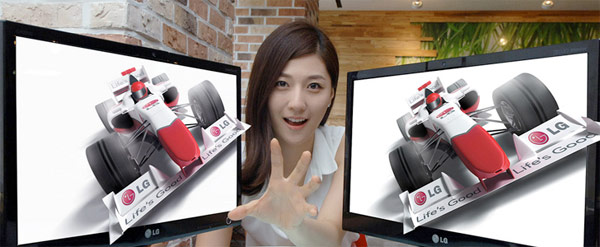
The LG D2000 has been officially launched and It features a glasses free 3D experience.
“With a full line-up of 3D TVs, laptops, projectors and smartphones, LG Electronics is by far and away the industry leader in all things 3D.” said Si-hwan Park, Vice President of the Monitor Division at LG’s Home Entertainment Company. “LG’s position has always been that 3D will and must eventually function without glasses. The D2000 is a look at what the future has in store.”
The monitors are already shipping in Korea with the DX2000 label and will soon hit India somewhat south of September 2011.
Read the press release below
[toggle title_open=”Collapse” title_closed=”Read the Press Release” hide=”yes” border=”yes” style=”default” excerpt_length=”0″ read_more_text=”Read More” read_less_text=”Read Less” include_excerpt_html=”no”]
 SEOUL, July, 13, 2011 – LG Electronics (LG) today unveiled the world’s first glasses-free monitor utilizing eye-tracking technology to maintain an optimal 3D image from a range of viewing angles. The 20-inch D2000 (Korean model: DX2000) monitor was developed as a fully functional entertainment display capable of reproducing games, movies and images in all their realistic glory. “With a full line-up of 3D TVs, laptops, projectors and smartphones, LG Electronics is by far and away the industry leader in all things 3D.” said Si-hwan Park, Vice President of the Monitor Division at LG’s Home Entertainment Company. “LG’s position has always been that 3D will and must eventually function without glasses. The D2000 is a look at what the future has in store.”
The D2000’s 3D effect comes courtesy of glasses-free parallax barrier 3D technology, and the application of the world’s first eye-tracking feature to the monitor. The combination of parallax barrier and eye-tracking in a single unit promises to open up new horizons for glasses-free 3D products.
Existing glasses-free 3D technologies generally require viewers to stay within a tightly restricted angle and distance to perceive the 3D images. However, the D2000 has done much to resolve this issue, allowing viewer much freer movement and more comfortable viewing. Eye tracking in the D2000 works via a special camera sensor attached to the monitor which detects changes in the user’s eye position in real-time. With this information, the monitor calculates the angle and position of the viewer and adjusts the displayed image for the optimal 3D effect.
In addition to playing back existing 3D content, the D2000 has a highly refined 2D to 3D conversion feature which adds a new dimension to existing movies and game playing.
The D2000, available in Korea this month, will be introduced in other markets around the world in the latter part of 2011.
[/toggle]
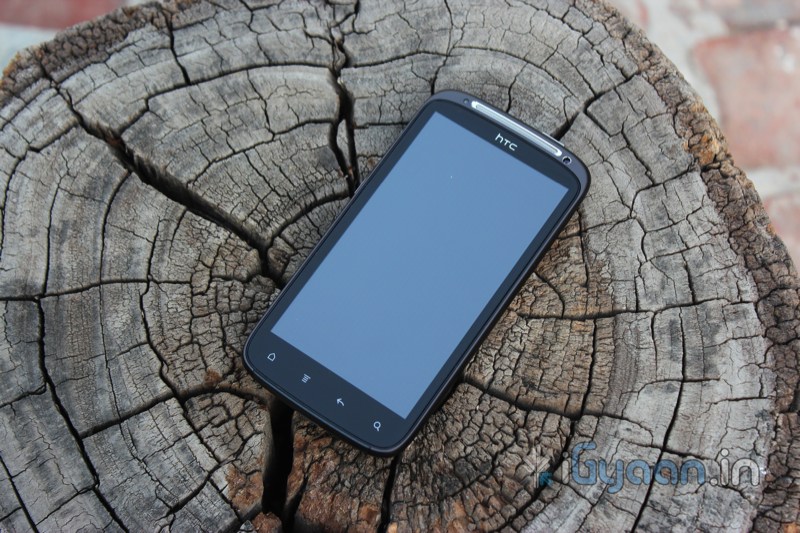
After the sudden downpour of benchmark gods in the division of mobility, HTC also let out its dual core beast amidst the ever growing population. The HTC Sensation is the first dual core phone from HTC and also the highest resolution device from the company. Lets see if it actually fares decently well with the competition in the market.
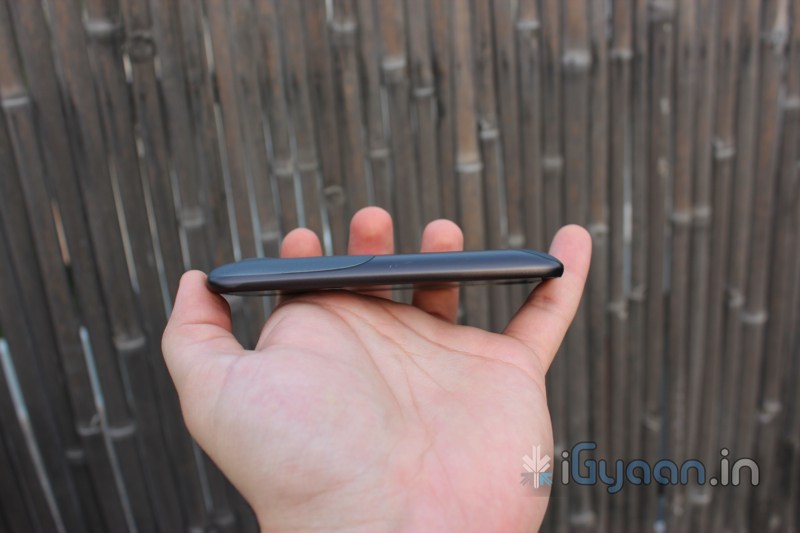
If you want benchmarks for build quality when it comes to mobile devices, HTC is the global standard. HTC has always managed to surprise us with their quality and build standards. Solid unibody construction along with a tough front facing gorilla glass display which is not only impact resistant, but is also very scratch resistant. The back of the device has rubber accents in strategic locations making it an easy to handle and operate phone. The device is well build and you can see that as soon as you pick up the device in your hand.
With no shaking and rattling this device is robust and built to last. The upward edged glass is functional and is easy on the fingers as you slide off – off the screen. The designers of the HTC Sensation took everything into perspective from the aesthetics to the functionality and the intelligent placement of the buttons – which by the way are extremely tactile and responsive.
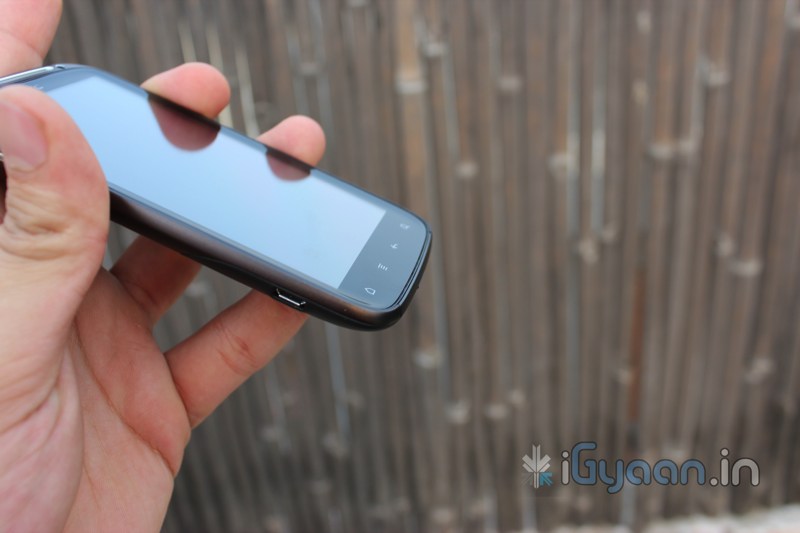
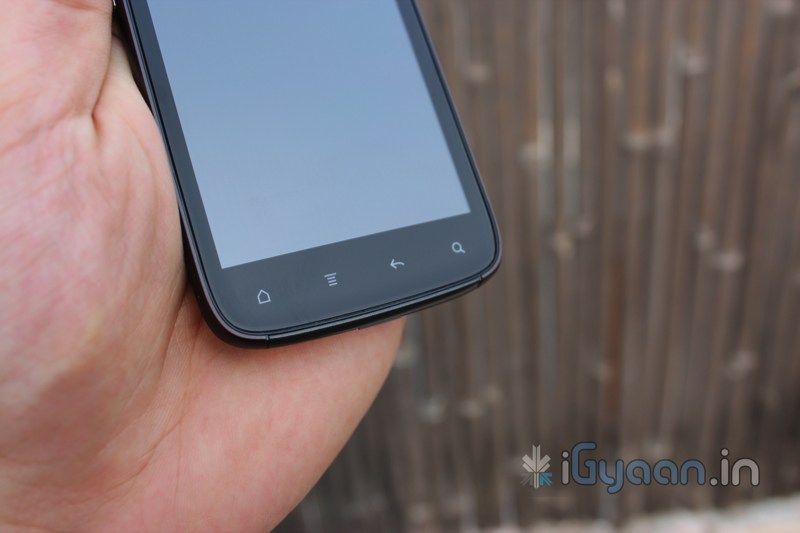
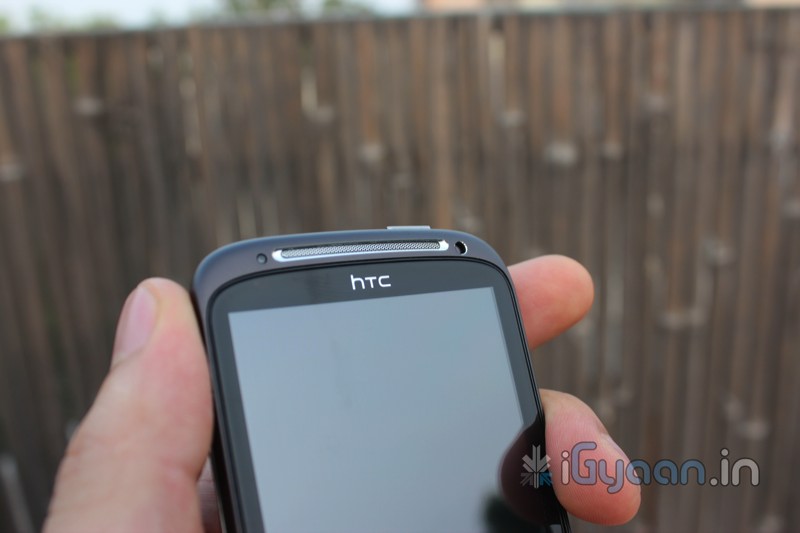
There is no questioning the latest hardware in the Sensation, the latest dual core processors a very high resolution screen, functional 8 megapixel camera with full HD video at 1080p.

While it may not be as clean and sleek as the Samsung Galaxy S2, The Sensation wasn’t meant to be. HTC Sensation takes its design cues from the practical and robust hues of life. You can call it a Range Rover in front of a 7 series ( Galaxy S2) while both may have powerful engines, the rover is more practical in India, is tougher, bolder and solid. Nothing describes holding the HTC Sensation better than this, Its a premium SUV in the smartphone market.
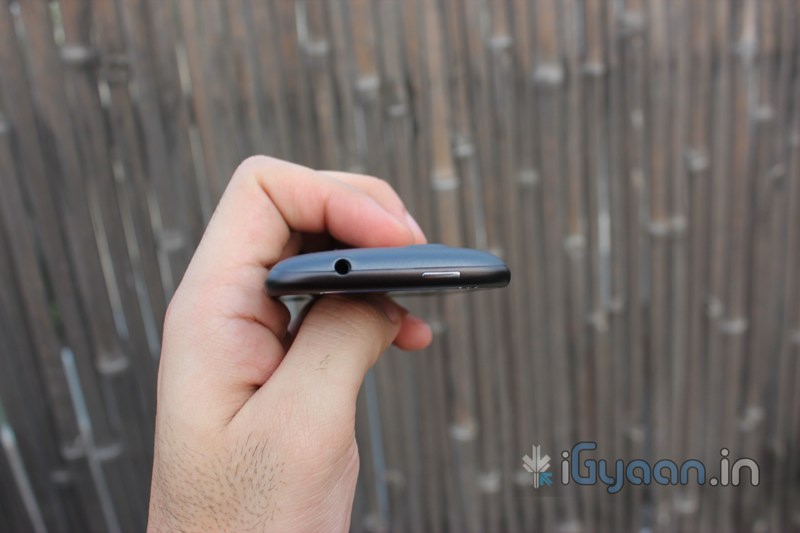
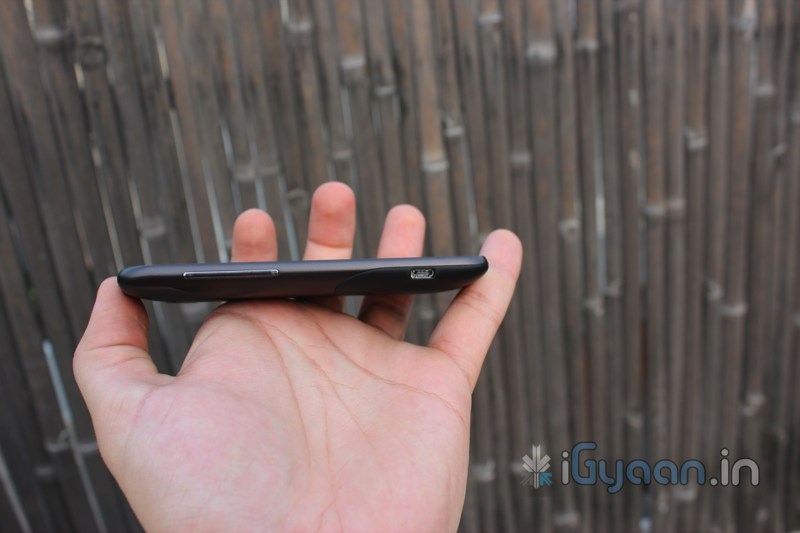
Superior audio in and out from the Sensation during calls, is the only main thing we saw. The network performance was excellent and sustained throughout our test period. 3G and WCDMA performance excelled in the Sensation as we literally hogged the bandwidth of our providers. With brilliant performance from even the likes of an MTNL trump number ( usually 2 – bars, and weak performance in our area), we were literally amazed at how well this phone handled networks. With as little as two dropped calls in two weeks of testing, this phone has scored the top rank in the iG Phone- Networks Review till date.
The touchscreen on the Sensation is a 4 point multitouch, what that means is that you can have 4 simultaneous inputs. What it also means is that you can use the onboard keyboard as fast as you can move your thumbs. As soon as you lift the finger and tap the next letter, the device is already recognizing your input and will accept the desired letter. Brilliant keyboard , with an definable auto-correct smooth interactions throughout.
Getting a phone like the sensation and ignoring the Internet connectivity is like buying a spacecraft without the intention to visit the moon. The device is built for online connectivity, with a superb end user experience while browsing the web, streaming audio, playing multiplayer games or even watching an iGyaan review or two. The connections to WiFi are strong and stable, the device can connect to our wireless networks in areas which other phones would term as dead spots. In a head to head comparison the WiFi network on the Sensation was much better than that on the Galaxy S2.
The Hotspot feature is possibly the one we used the most on the Sensation. Because, the network performance was so great, we were able to share our 3G networks over 7 devices and were able to enjoy the shared bandwidth and download speeds of the connection. We did struggle to upload our posts from a off road cafe on the Delhi-Gurgaon expressway over a 512kbps upload connection split 7 way, but the Sensation is not to blame for it.
Unlike the Galaxy S2 the Sensation has a very stable OS, add to the mix a brilliant power management framework and you get a brilliant powerhouse with excellent battery life.
| Values | 2G | 3G | WiFi |
| Talk Time | upto 9 Hours | 6 hours | – |
| Standby time | 48 Hours | 36 hours | 7 Days |
| Web Browsing | 8-9 hours | 5 hours | 5 Hours |
| Video Streaming | 4 Hours | 2.5 Hours | 4 Hours |
| Music Streaming | 14 hours | 9 hours | 14 hours |
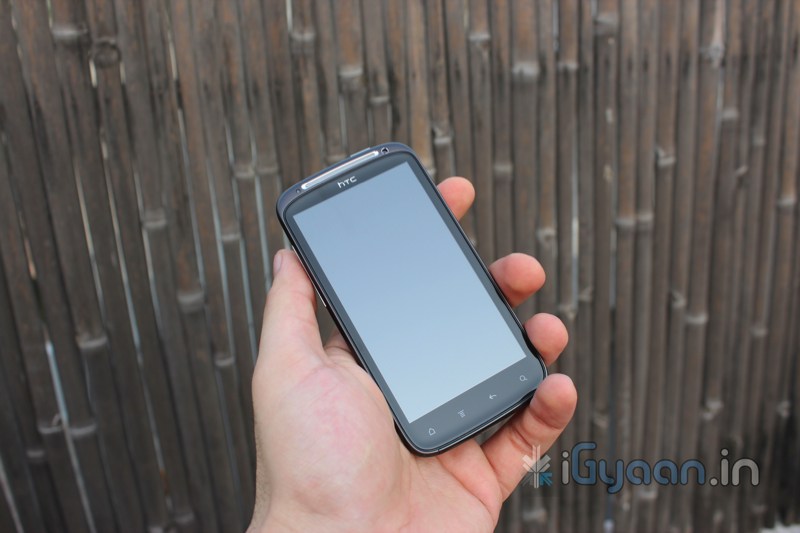
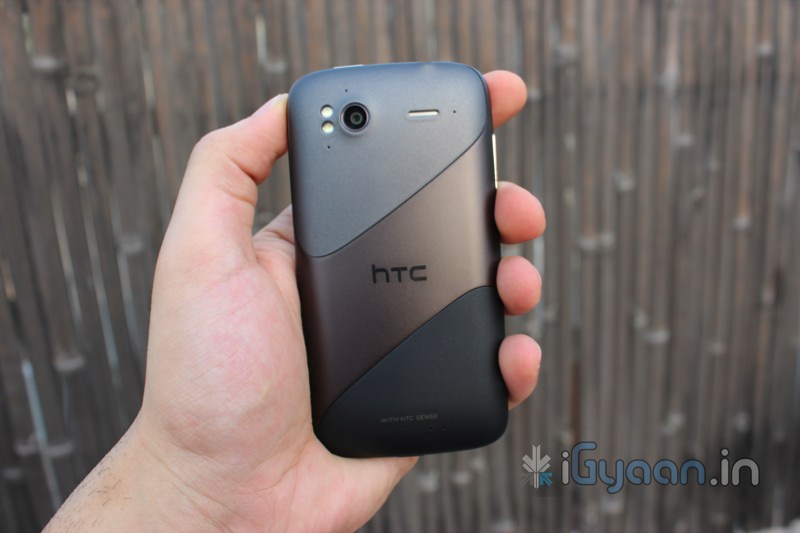
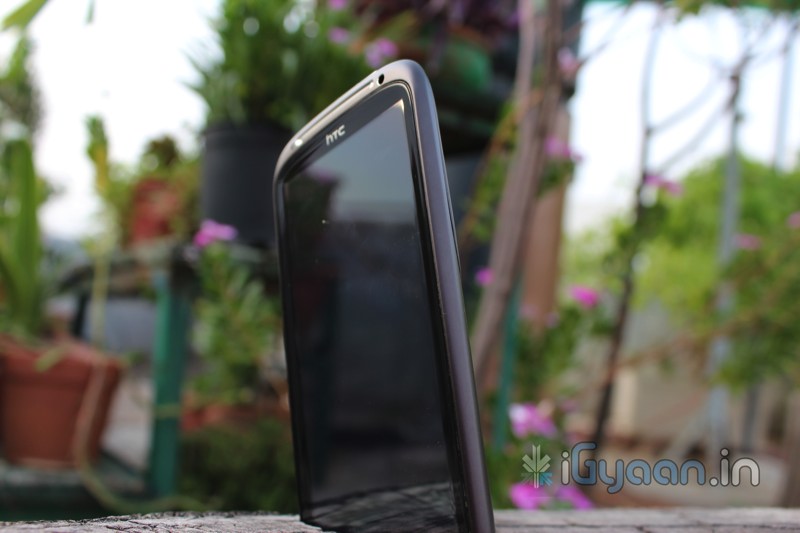
We found that most games work great with the device and we had no issues with incompatibilities. The only issue that we did see is the difference in display size. Some apps failed to recognize the QHD display on the HTC Sensation and came as mini boxes within the screen of the Sensation, limiting them to their maximum pixel size. The processor is managed well with the GPU and can deliver great graphics and a brilliant gaming experience. Align those with excellent sensors, including a gyroscope and a brilliant touch screen, you have yourself a gaming device
We feel HTC did a better job than LG did on the Optimus 2X and Samsung on the S2. Sure the Optimus 2x is cheaper and Samsung has better benchmark results, HTC is more organized and professional and the framework and implementation of the hardware is built to last. The OS is tweaked to give little or no errors and is bug and crash free. Graphics and Implementation of the user interface elements is absolutely stunning and smooth. The Sensation impressed us in all hooks when it came to stuff under the hood, yes it didn’t score high on quadrant, but it can with a little tweaking. Currently the Sensation is a mature device and not as young and energetic as the Galaxy S2 especially when it comes to Processor and Graphics.
The Sensation has a much higher resolution display in comparison to the S2, but the super Amoled plus trumps the extra resolution 4 times over. The Amoled plus screen is extremely vivid and lifelike. We faced a lot of network issues on the S2, but none on the Sensation, the battery drain issue faced on the S2 was also nowhere to be found on the Sensation. The device does not overheat and performance is smooth throughout.
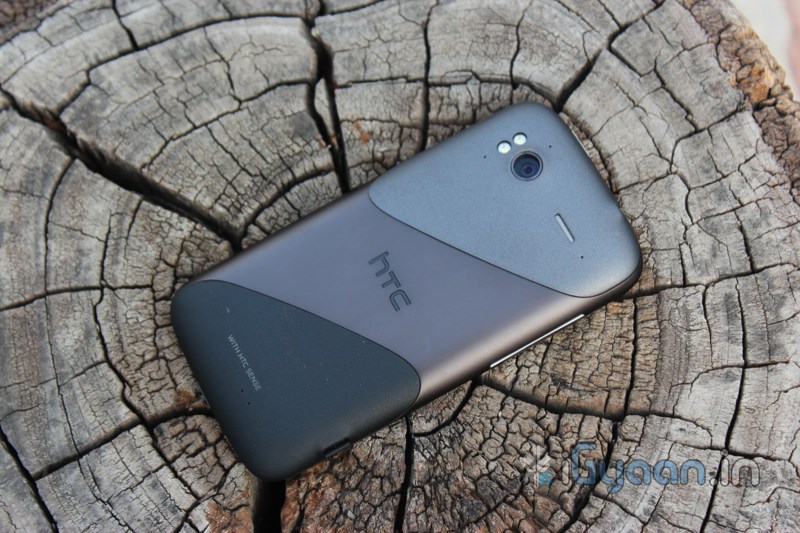
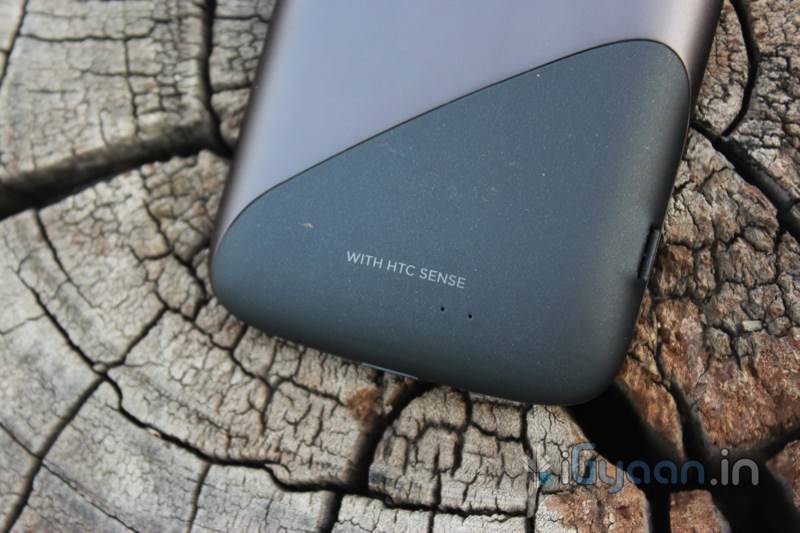
The HTC Sensation is true competition to the Samsung Galaxy S2 and the hype around it. The S2 failed to deliver where it mattered most, the Sensation on the other hand does everything that its meant to and more. The Sensation also is a bit cheaper than the Galaxy S2 in the market and provides excellent user support throughout its service channels. The device is robust, well made and is built to impress. If you are looking for a good investment for your moolah, this is the true multi-taskers of choice.
If it wasn’t for the washed out display in comparison to the Super Amoled Plus, this device would have scored maximum score but for now :
[xrr rating=4.5/5 label=”We Rate The Sensation : ” imageset=shiny_yellow_star display_as=fraction_stars]
PRICE :IN Rs. 29,000/-