The Giveaway is now over! Results are out : Click Here
Here is your chance to win a Brand new Google Nexus 7 2nd Gen courtesy MoboGenie.
One of the advantages of owning an Android smartphone is the endless customizations you have access to. From a wallpaper of your choice, to playing with icons and setting up widgets, An Android phone can mirror your mood or personality.
However, what if you want to switch from one Android phone to another, want to install a custom ROM on the same device or even want to reset your device? You need a backup of your entire smart phone so that you don’t lose critical data. This is where MoboGenie comes in, A simple desktop utility that lets you back-up restore and manage your smartphones content directly from your Windows PC. The MoboGenie utility also lets you manage your contacts, applications, media as well as important text messages. You also get access to a wide range of wallpapers, apps and ringtones for ease of customization fro your Android Devices.
You can download the MoboGenie app for free here : [button_2 color=”#71889c” size=”button-med” icon=”icon-download” float=”none” text=”Download” link=”http://server.mobogenie.com/download/downloadClient.htm?media=38″ id=”mobogenie”]
Once you have downloaded the MoboGenie client above head on over to the contest below and take part to win yourself a brand new 16 GB Nexus 7 2013 edition Courtesy MoboGenie and iGyaan. If you dont see the contest below click here.
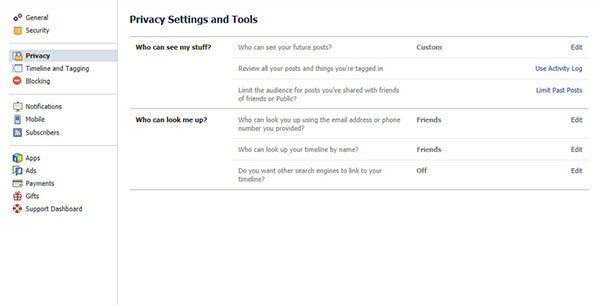
Facebook is part of our daily routine, it is very important for us to take care of its security so that it does not harms us in some or the other way. Here are some steps you may want to follow to make sure that you have your Facebook account secured:
Privacy settings:
Set your privacy setting to ‘Friends only’, by doing this, you will be able to have control who has access to your information and pictures. For certain pictures, you can also select certain friends that you do or do not want them to see. this is known as “Custom” sharing.
Always monitor pictures:
Always monitor pictures that other people put of you and tag you on. You can see the tagged pictures of you by going to your profile, click on “Photos”- you should see “Photos of You” and the number of tagged pictures. Click on that, and look through the pictures. You can un-tag any photo of you, but people still have the ability to see it. Click “Report/Remove Tag” under the “Options” on the bottom of the picture. Also if you think that the particular picture could put you in a compromising situation, consult whoever put it up and ask him or her to remove it immediately. If they are your so called friends they should acknowledge your request.
Personal Information:
Avoid putting your phone number, mailing address, or your home address in your profile. People often use words such as pet’s names or numbers as passwords, so it is not recommended to publish them on-line.
Change your password:
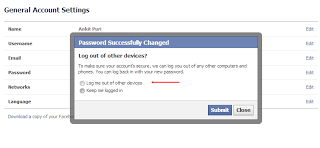
Don’t make your password something obvious such as your birthday or mother’s maiden name. Try to have at least one capital letter, one lowercase letter, two numbers, and a symbol. The longer and more complicated the password, the safer you are from getting your account hacked. Always remember to log out after you’re finished with Facebook, especially on a shared computer.
Connecting Facebook with untrusted websites:
The purpose of Facebook is to connect you with people you know and not adding everyone randomly. Making your profile public means you’re sharing your information with everyone, even though you don’t know them, a risk that you would not want to take. Never link Facebook with any untrusted websites.
Add someone you know:
Don’t friend anyone out of your state/country unless you know them pretty well. Only friend people you know. Make sure they are the correct person by looking through their pictures. If they are not familiar, then remove them as a friend by getting to your friend list. Report/Block anyone that seems to threaten or harass you.
These are some steps that will help you to update and secure your much loved Facebook account. If we missed any please let us know below!
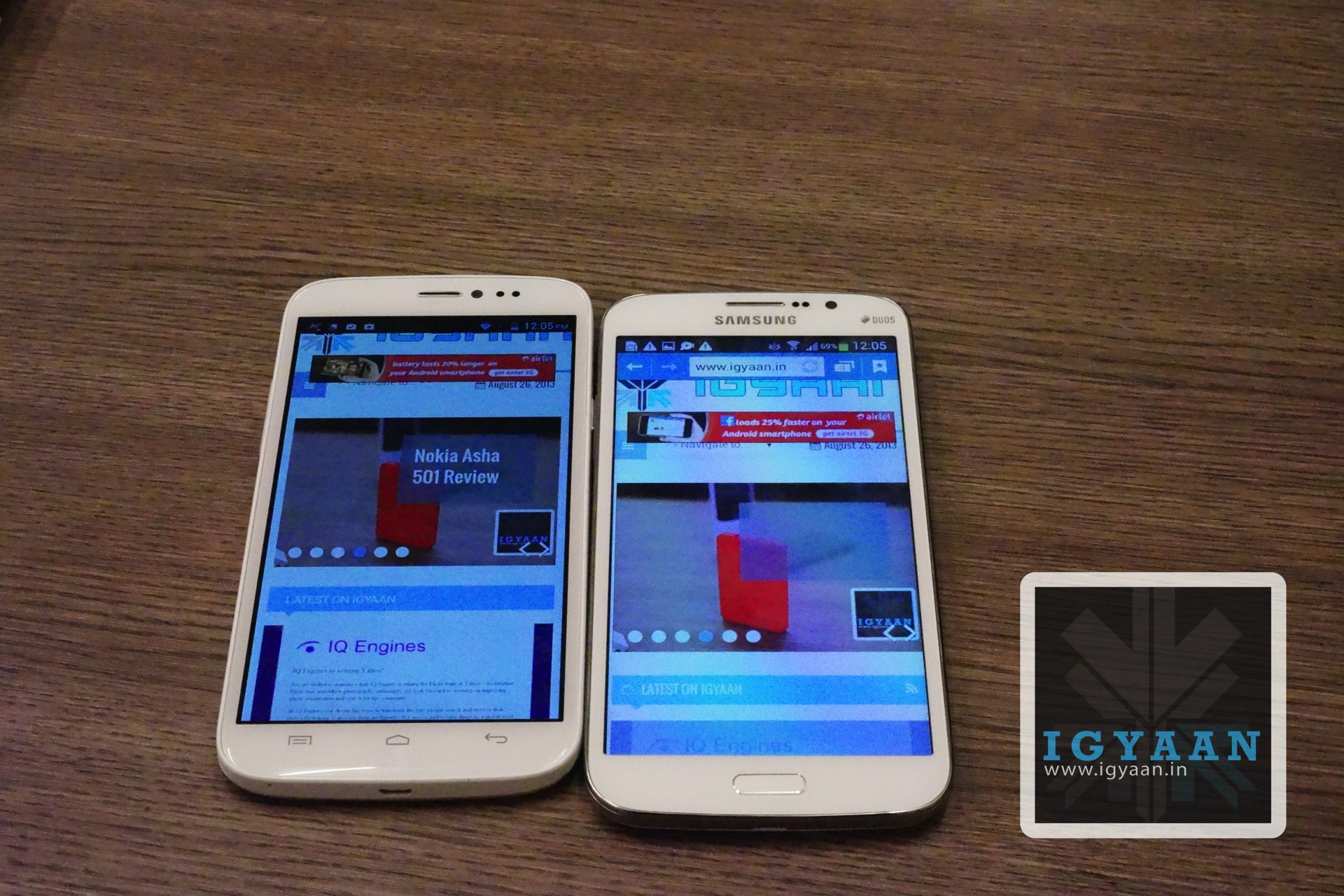
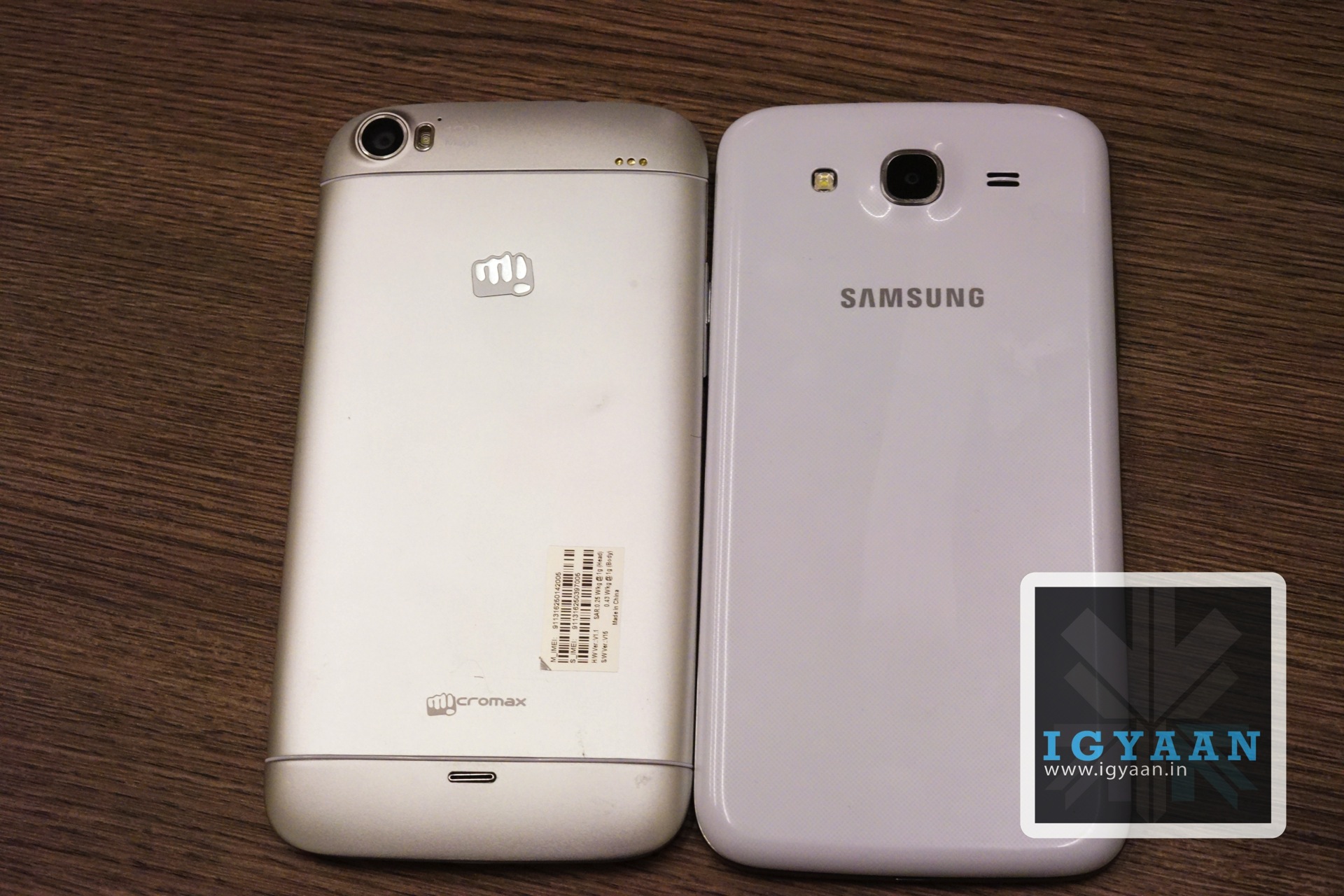
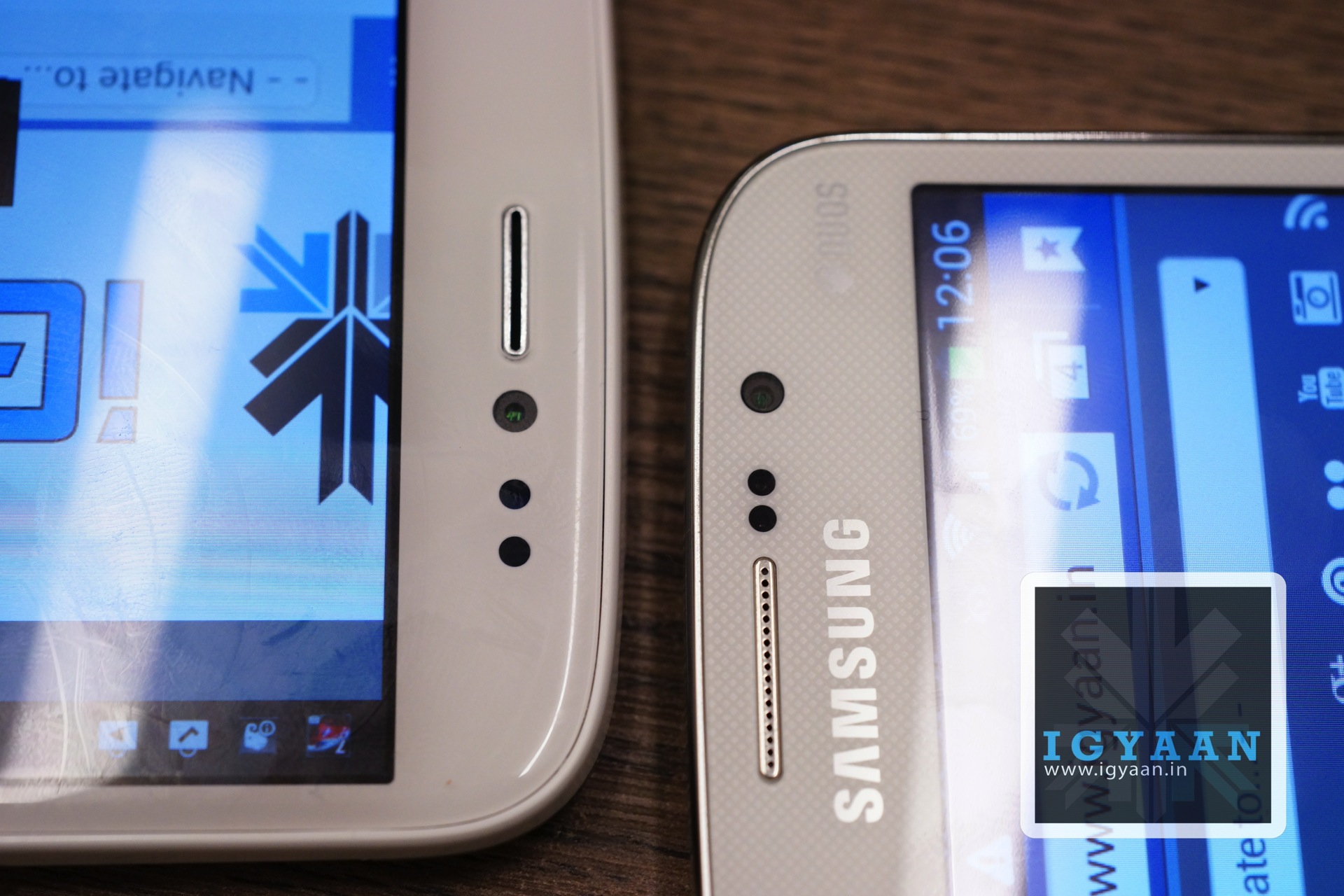
Samsung has been the leader in the “phablet” segment for quite some time, but Indian brands are trying to change that and fast. With the iBerry Auxus Nuclea N1 coming awfully close to the title. But, today its the Micromax Canvas Doodle 2 A240 vs Samsung Galaxy Mega 5.8 ,the Micromax Canvas Doodle 2 is almost the same when it comes to screen size and dimensions. There are pros and cons on both devices, and in most cases users tend to choose Samsung over any other brand, for the sheer brand value and service network.
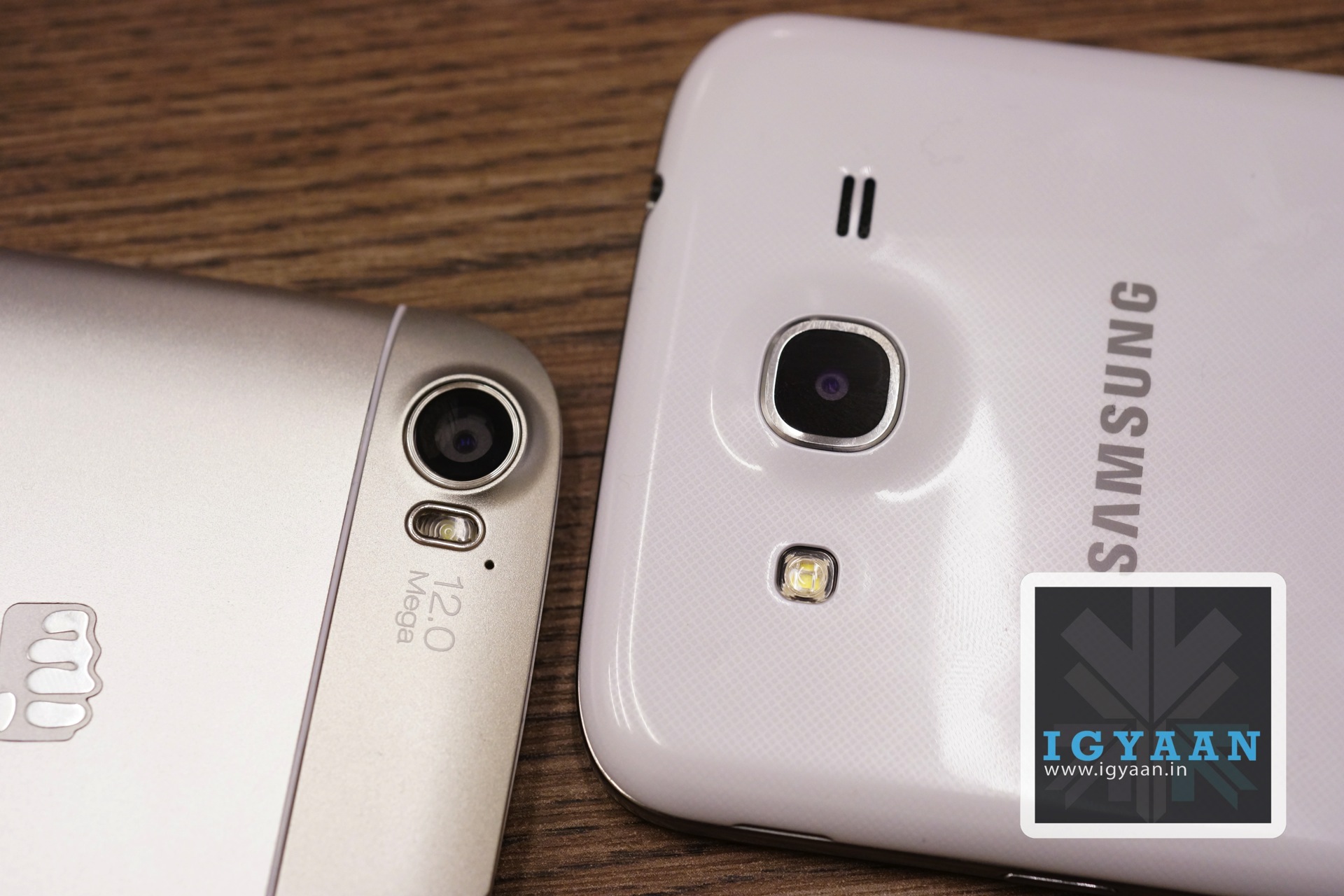
The Micromax Canvas Doodle 2 has one major disadvantage in all of this, the inability to accept microSD cards for storage expansion. We saw that with just a few games and music we ran out of space which can be really crucial on Smartphones these days. However the Canvas Doodle 2 wins hands down against the Samsung Galaxy Mega 5.8 in a few departments including cameras, where the doodle 2 carries a 12 + 5 MP combo the Mega 5.8 carries a 8 +1.9 MP combo. The display on the Micromax Canvas Doodle 2 also leaves Samsung Galaxy mega in the pixel dust, with a 1280 x 720 pixel on a 5.7 Doodle 2 inch vs a 960 x 550 px on a 5.8 inch Galaxy Mega 5.8.
The Samsung Galaxy Mega 5.8 is not ready to go down without a fight simply because, what it loses in the hardware department it brings in an additional 0.5 GB of RAM and the TouchWiz experience which some like and some hate. Most can also argue that the heavy to use TouchWiz itself will be responsible for additional RAM requirements.
PHONE
MICROMAX A240 CANVAS DOODLE 2
SAMSUNG GALAXY MEGA 5.8
Display
5.7-inch 720p HD LED-backlit IPS
5.8-inch qHD TFT
Processor
1.2 GHz Cortex-A7 MediaTek MT6589 quad-core
1.4GHz dual-core Broadcom
RAM
1GB
1.5GB
Internal Storage
16GB (12GB user-accessible)
8GB (around 5GB user-accessible)
MicroSDcard slot
No (unconfirmed, but most probably ‘no’)
Yes
Cameras
12MP rear camera with LED flash, 5MP front camera
8MP rear camera with LED flash, 1.9MP front camera
Dimensions
161 x 82.5 x 9.3mm
162.6 x 82.4 x 9 mm
240 g
182 g
Battery
2600 mAh
2600 mAh
Connectivity/ Ports
Wi-Fi b/g/n, Wi-Fi Direct, Bluetooth 4.0/ microUSB v2.0, 3.5mm audio jack
Wi-Fi a/b/g/n, Wi-Fi Direct, Bluetooth 4.0/ microUSB v2.0, 3.5mm audio jack
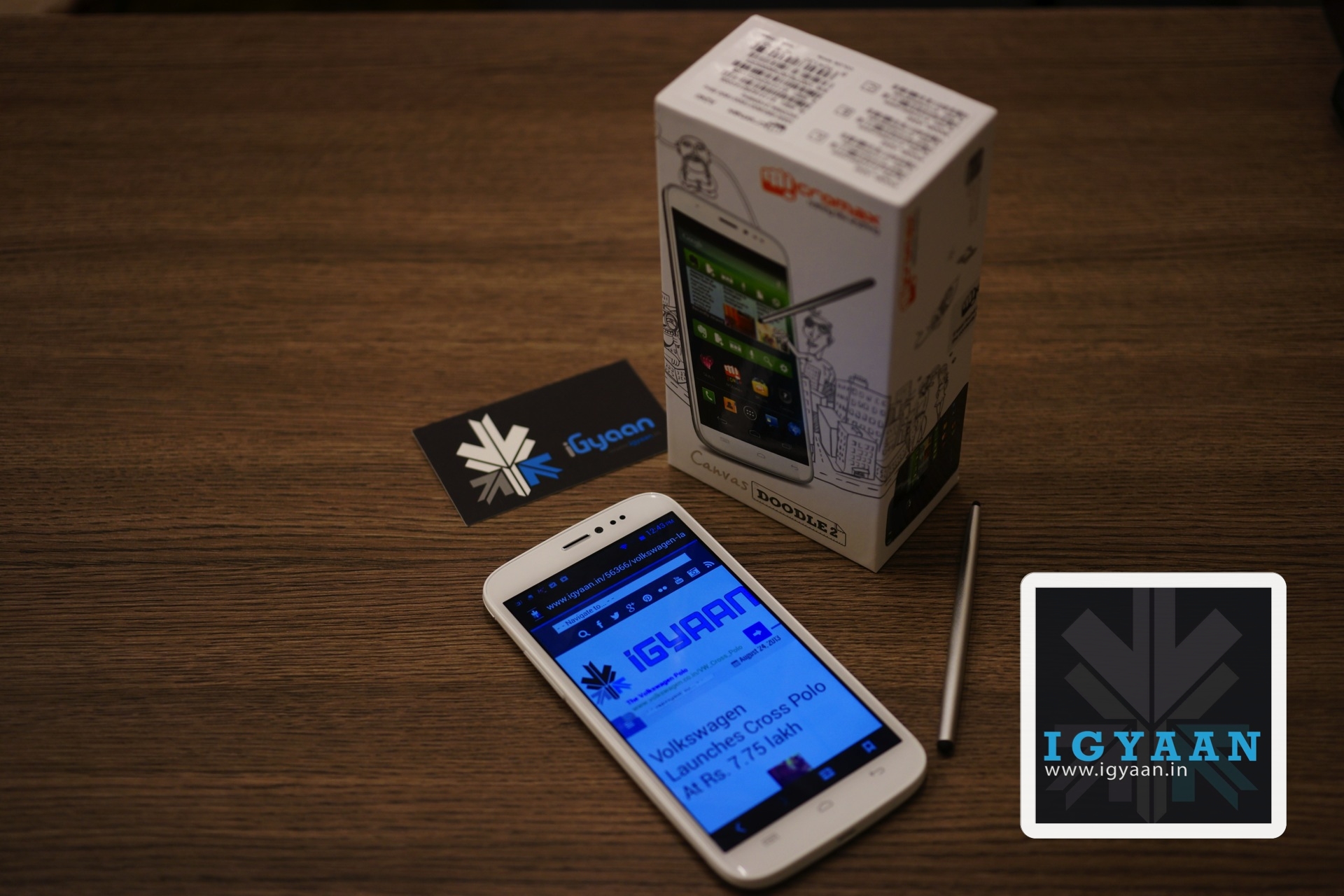
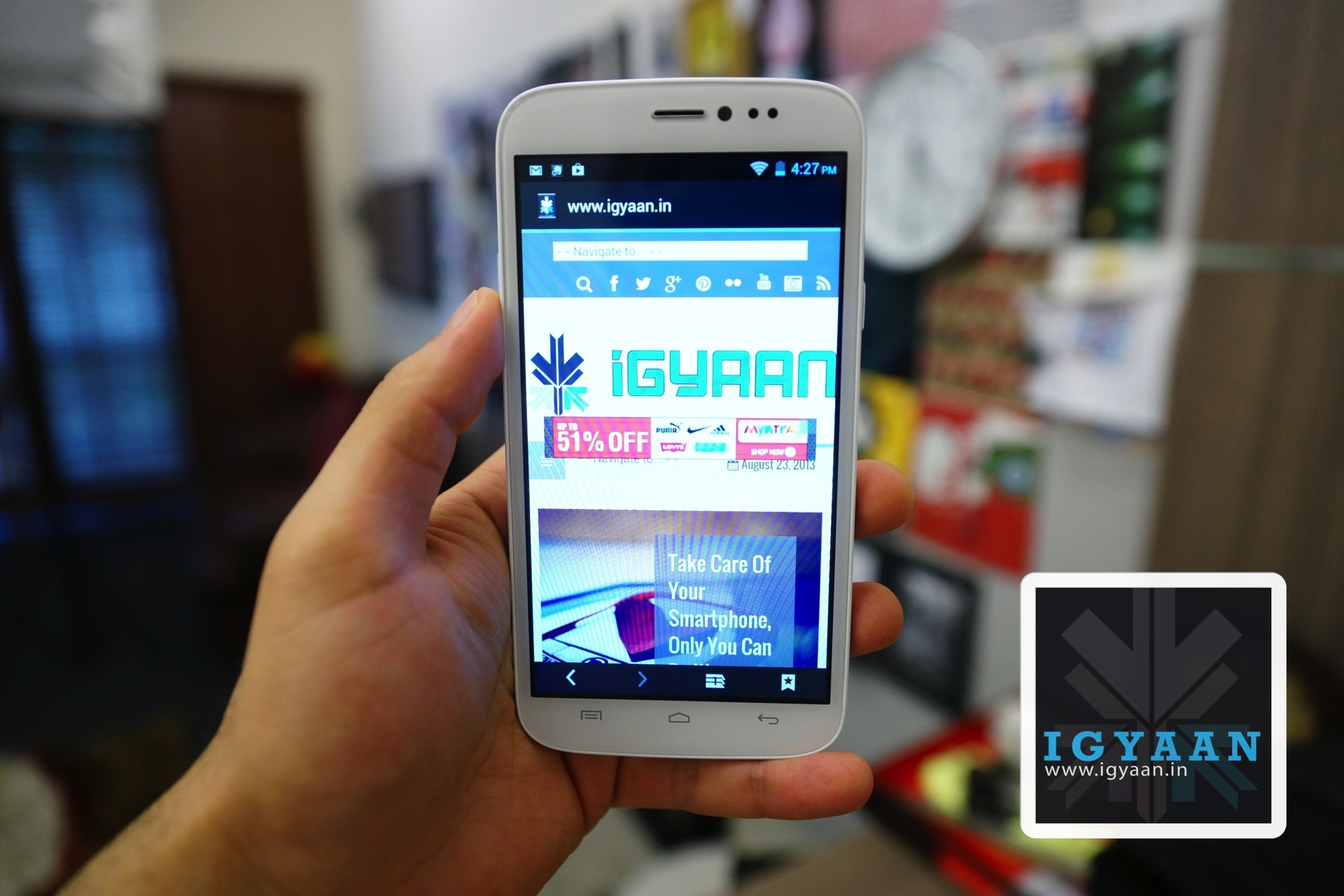
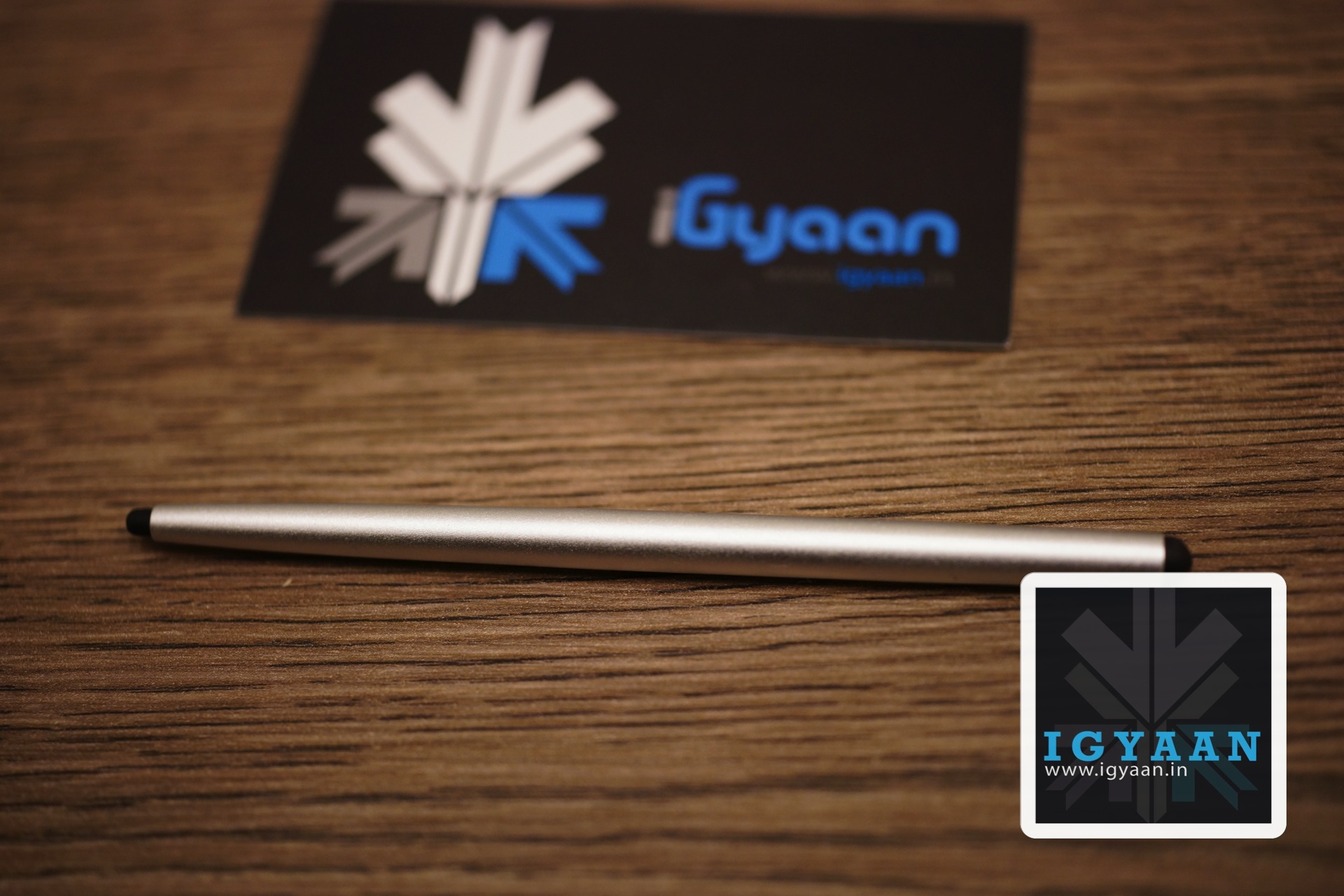
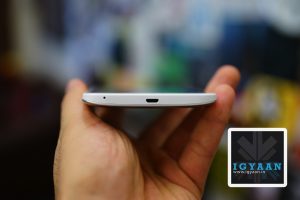
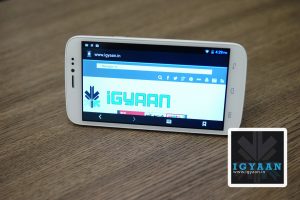
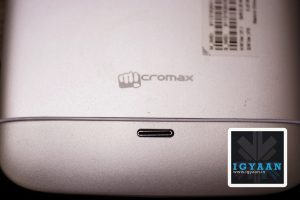
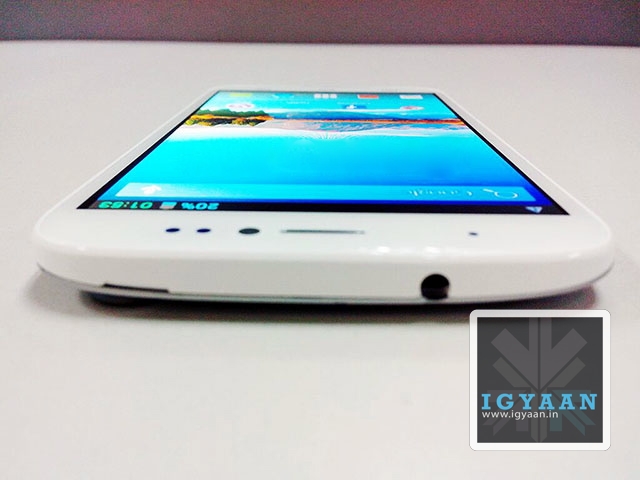
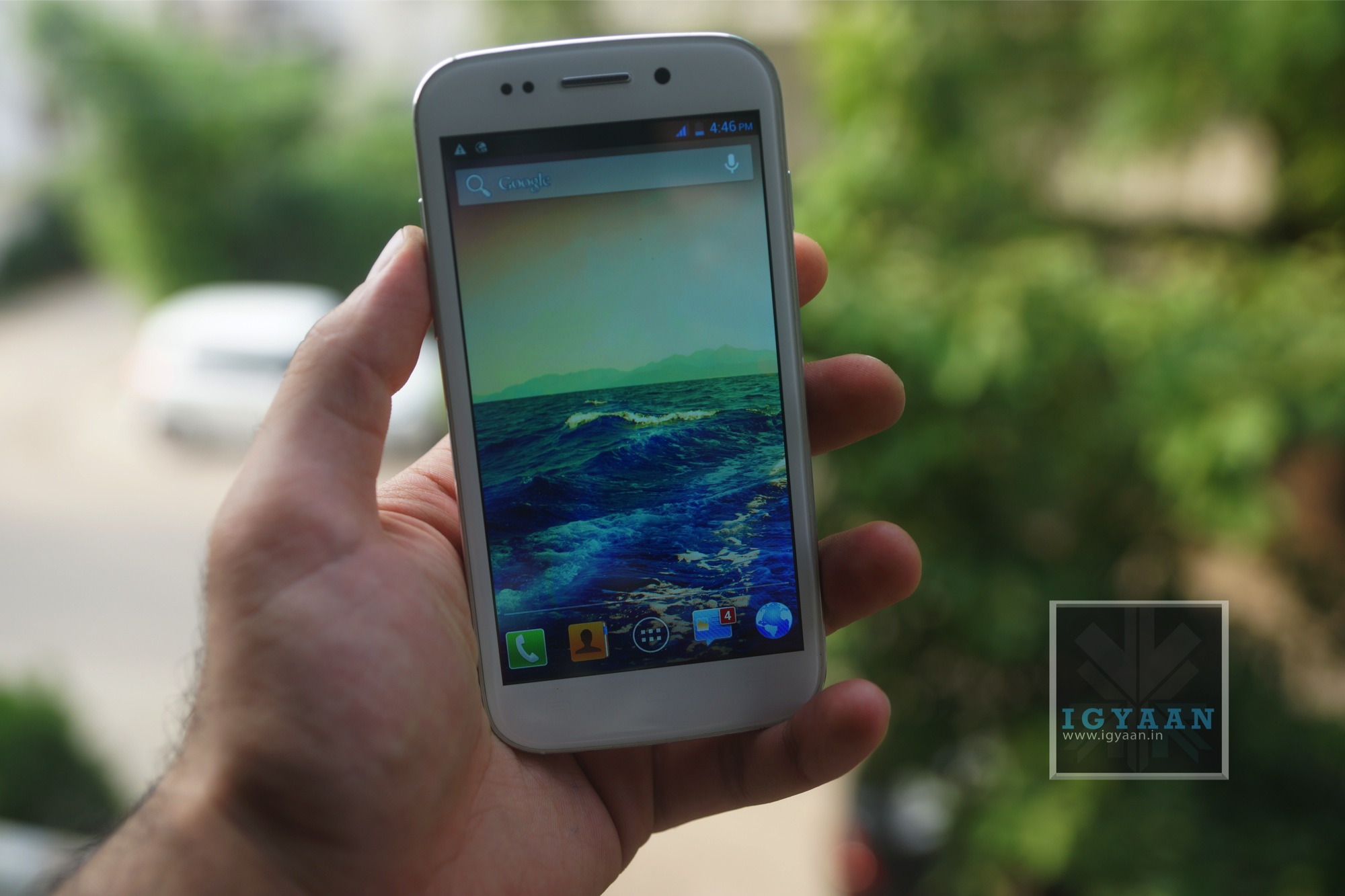
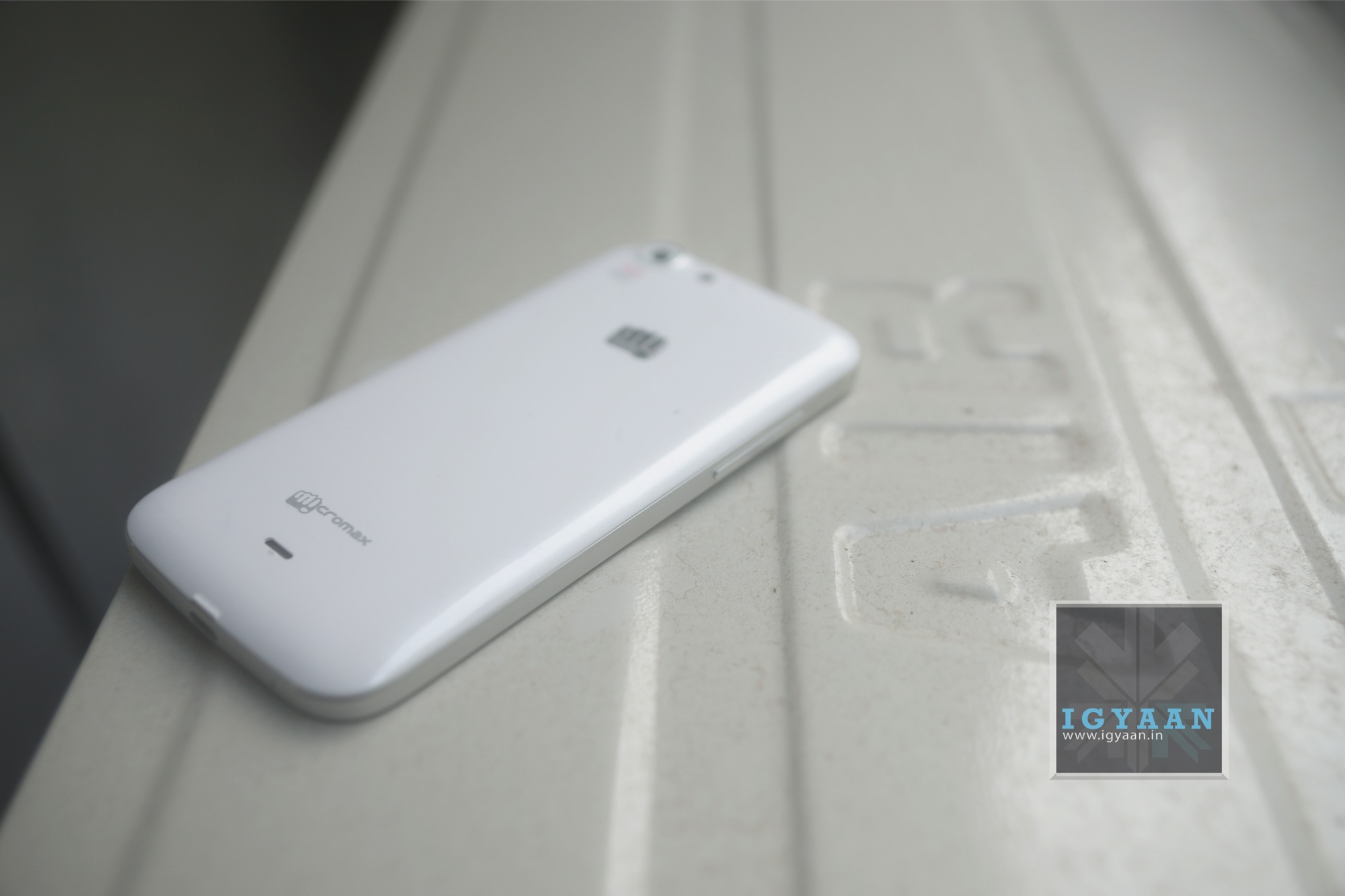
Micromax is all set to launch its new flagship smartphone the Micromax A240 Canvas Doodle 2, the phone is a revision of the original doodle which created a new pen/stylus+ phone category for the company. The new Micromax Canvas Doodle 2 has a Aluminum back with a unibody chassis and a matching two tip stylus.
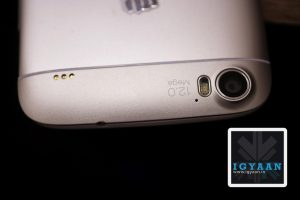
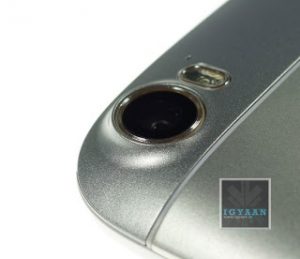
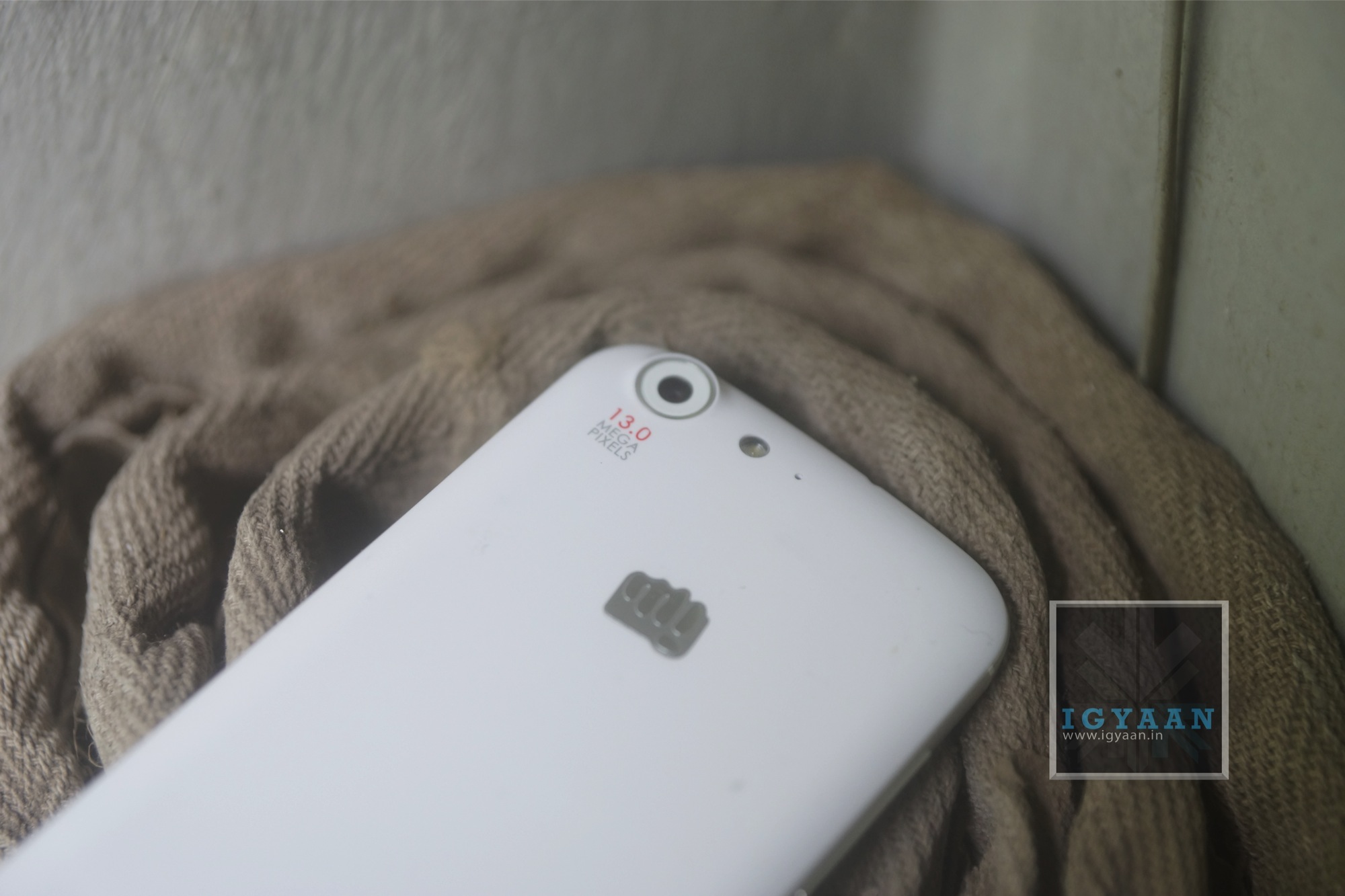
The two major highlighting factors of the Micromax Canvas Doodle 2 are the 5.7 inch 1280 x 720p inch display and the cameras, a 12 MP out back and a 5 mp in the front. A few things users may not like are the non replaceable battery and the non expandable storage which is fixed at a 16 GB out of which 12.64 + 0.98 GB are user available. The Micromax Canvas Doodle 2 is powered by a 2800 mAh battery pack and runs the Mediatek 6589 Quad Core 1.2 GHz chipset with the PowerVR SGX544MP GPU, which might create a bit of stir.
The device fits beautifully in the hands and is really convenient to hold, the stylus is ergonomically for both tiny and large hands thanks to the oval-ish design which creates two differential holding points. The two tips on either side of the stylus also offer two levels of firmness which might be appreciated by artists and doodlers alike.
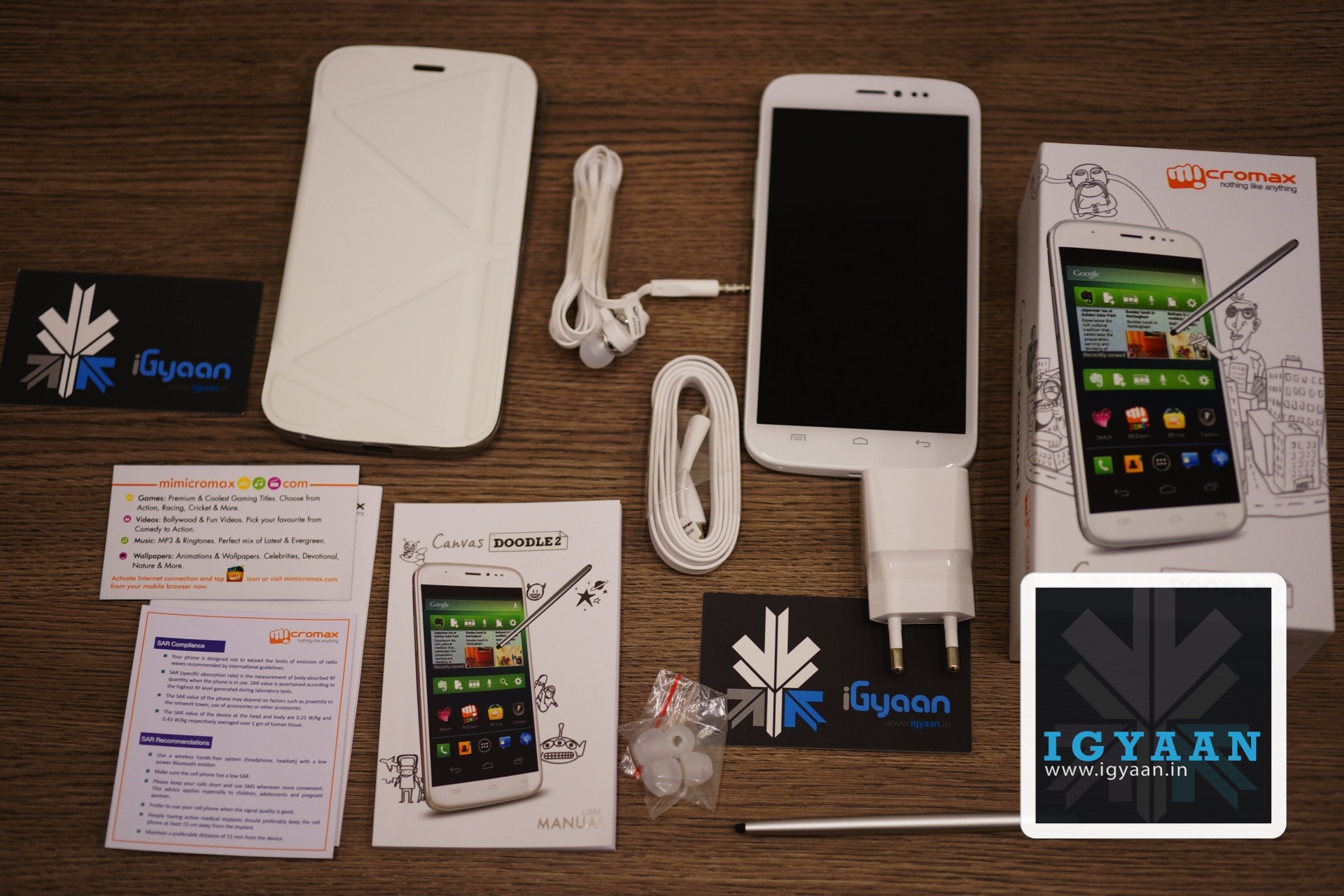
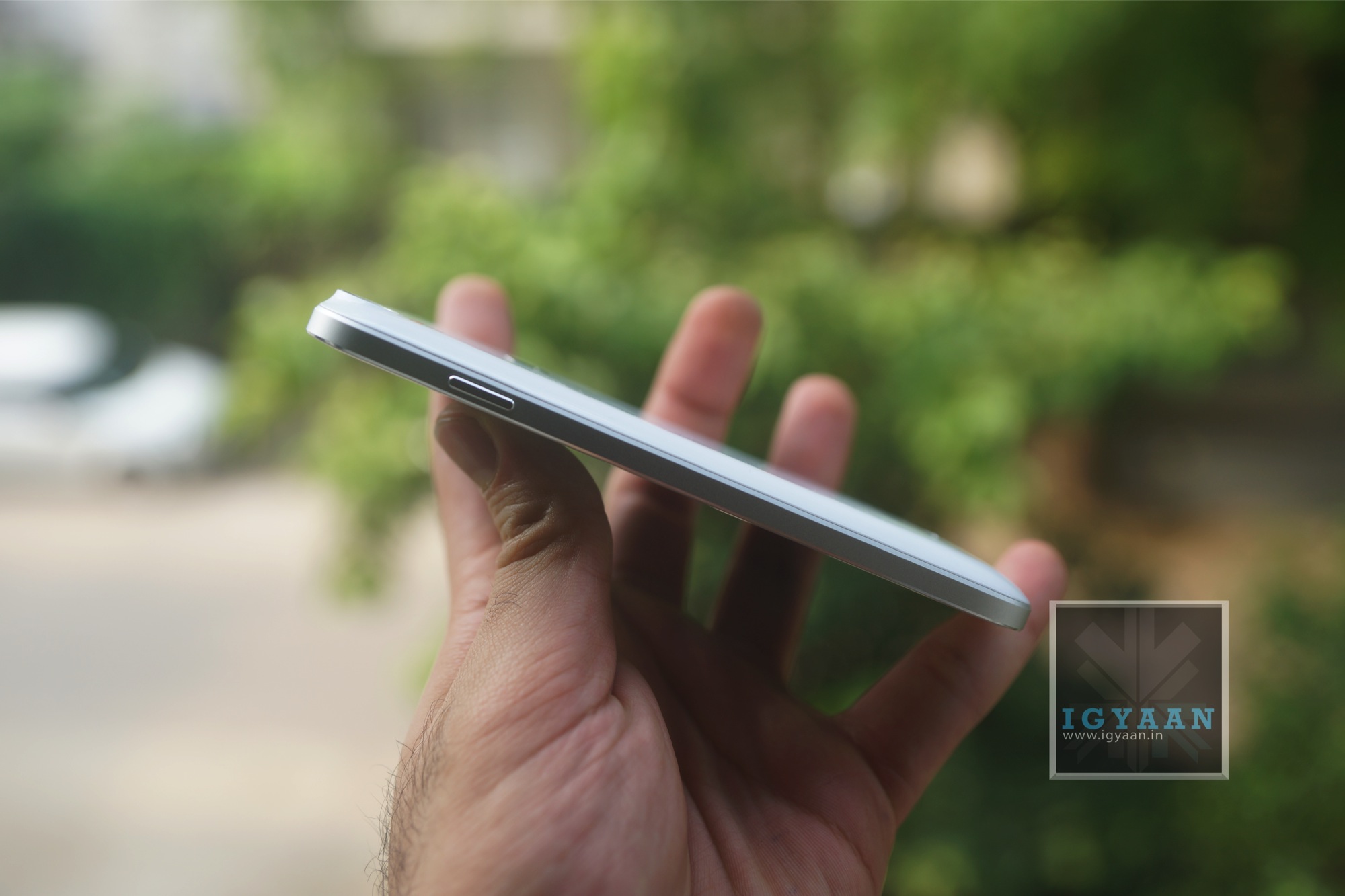
The Doodle 2 is fairly pocketable too, considering its size it actually fits quite well into pockets, this could also be due to the 9.3mm thickness vs the 10+ on the previous version (although the tapered edges help too.). In the box there is a usual mix up of things, a flat cable charging cable, a flat cable set of earphones + ear tips, the USB wall charger, a flip case that also converts into a stand and documentation.
When compared to the Galaxy Mega 5.8 by Samsung the Micromax Canvas Doodle 2 misses the MicroSD card Slot and also a customized UI that offers additional features, the Canvas Doodle 2 however has a higher resolution display a better build quality and bigger MP cameras .
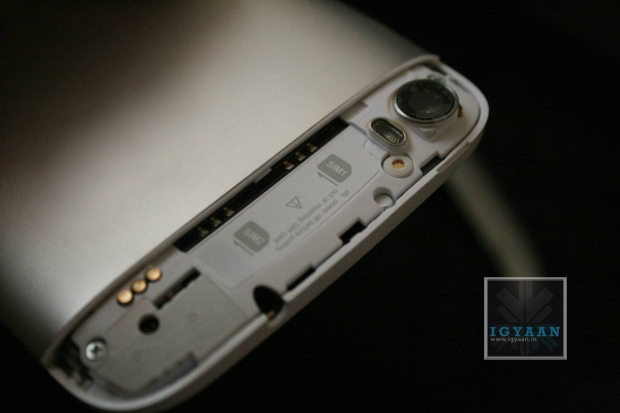
Micromax is planning to launch a couple of phones in the coming months and the first in this list will be the Micromax Canvas Doodle 2, the phone will be powered by a 1.2GHz quad-core MediaTek MT6589 processor paired with 1GB of RAM and 16GB internal storage. The device is expected to sport a 12 megapixel rear camera with LED flash. Other specifications my include are a 5-megapixel front-facing camera, Dual-SIM support and the gestures software seen on the Micromax Canvas 4. The device is likely to be juiced by a 2,600mAh battery and run Android 4.2 Jelly Bean. This device will compete with rivals like Samsung Galaxy Mega 5.8 and the Galaxy Grand Series. Preview a couple of the images of the upcoming device below and wait for a featured Hands On.
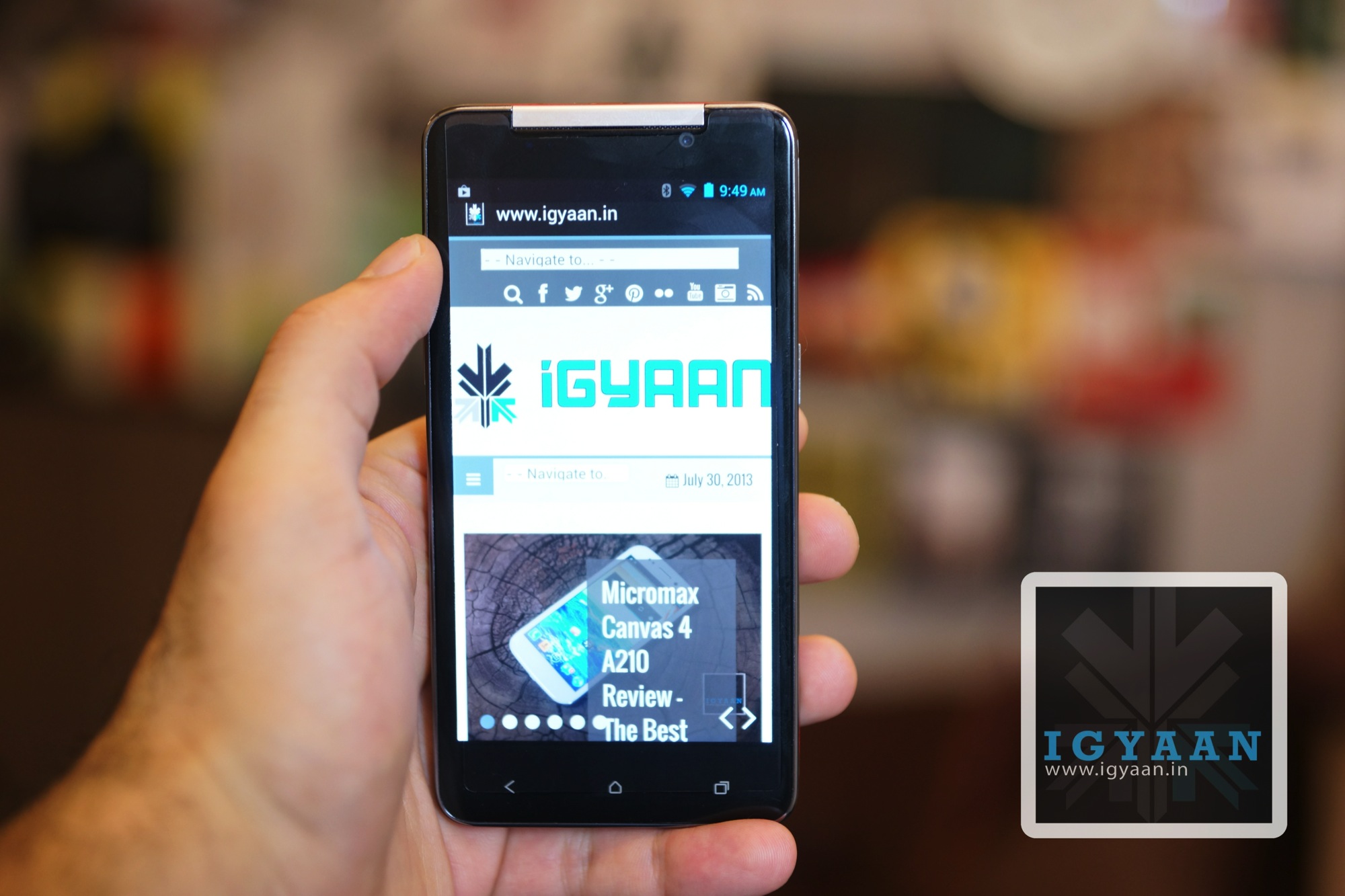
Micromax had recently launched the Micromax Canvas 4 A210 and this will be the second iteration of Micromax’s high build quality phones. The company is planning to demonstrate better builds with their latest handsets, but the inclusion of merely a MT6589 vs MT6589T that the competition is using may turn out to be a disadvantage for the company. The Micromax Canvas Doodle 2 may be dubbed as the A240 and will feature a HD 5.7 inch display. If the company does end up using the MT6589T chipset they might actually bump the screen resolution to 1920 x 1080 px as seen in the iBerry Auxus Nuclea N1. The top flap of the phone around the camera will open up to make space for the two sim cards. It is also expected that the phone may not have expandable storage.
Update: It appears the above images are of the MyPhone Iceberg (A Philippines based brand), the same phone is going to be the Canvas Doodle 2.
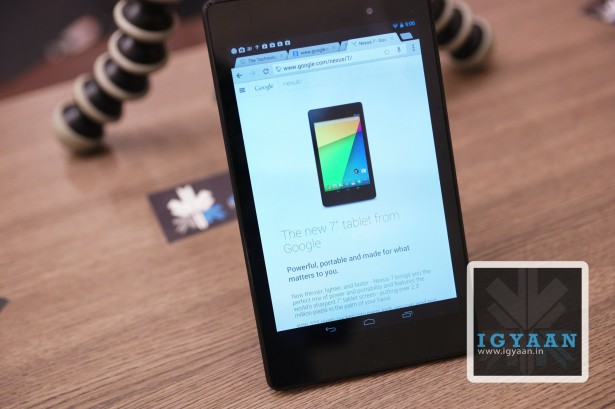
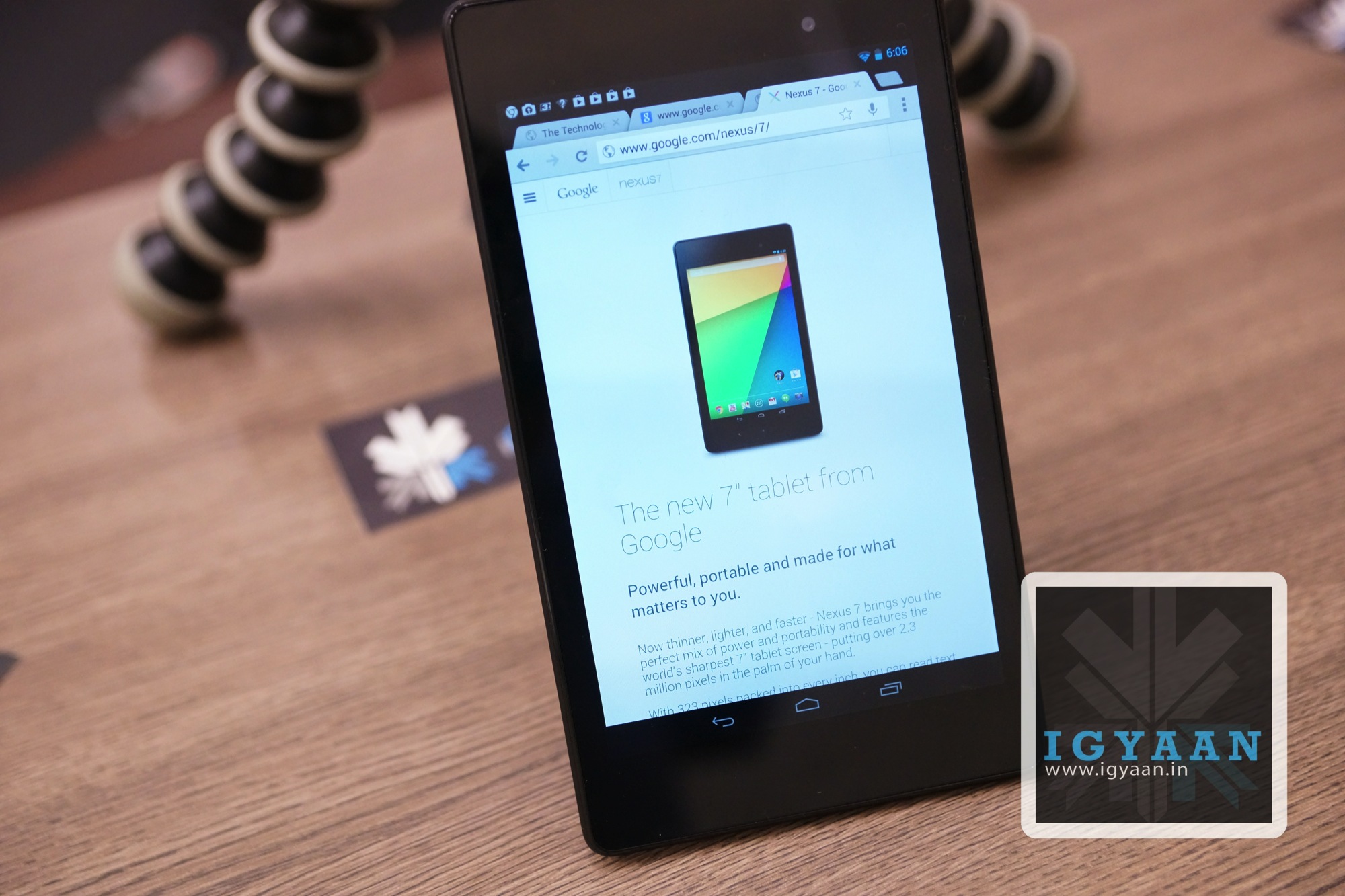
Last year the Google Nexus 7 became the best 7 inch tablet on Android, only because the best 10 inch tablet turned out to be the Nexus 10. This year the Nexus 7 is back in a sleeker and more refined format, only to tackle the title yet again. This is iGyaan’s review of the new Nexus 7.
Build Quality and Hardware
[pullquote_left]Slimmer, Taller, and Thinner[/pullquote_left]
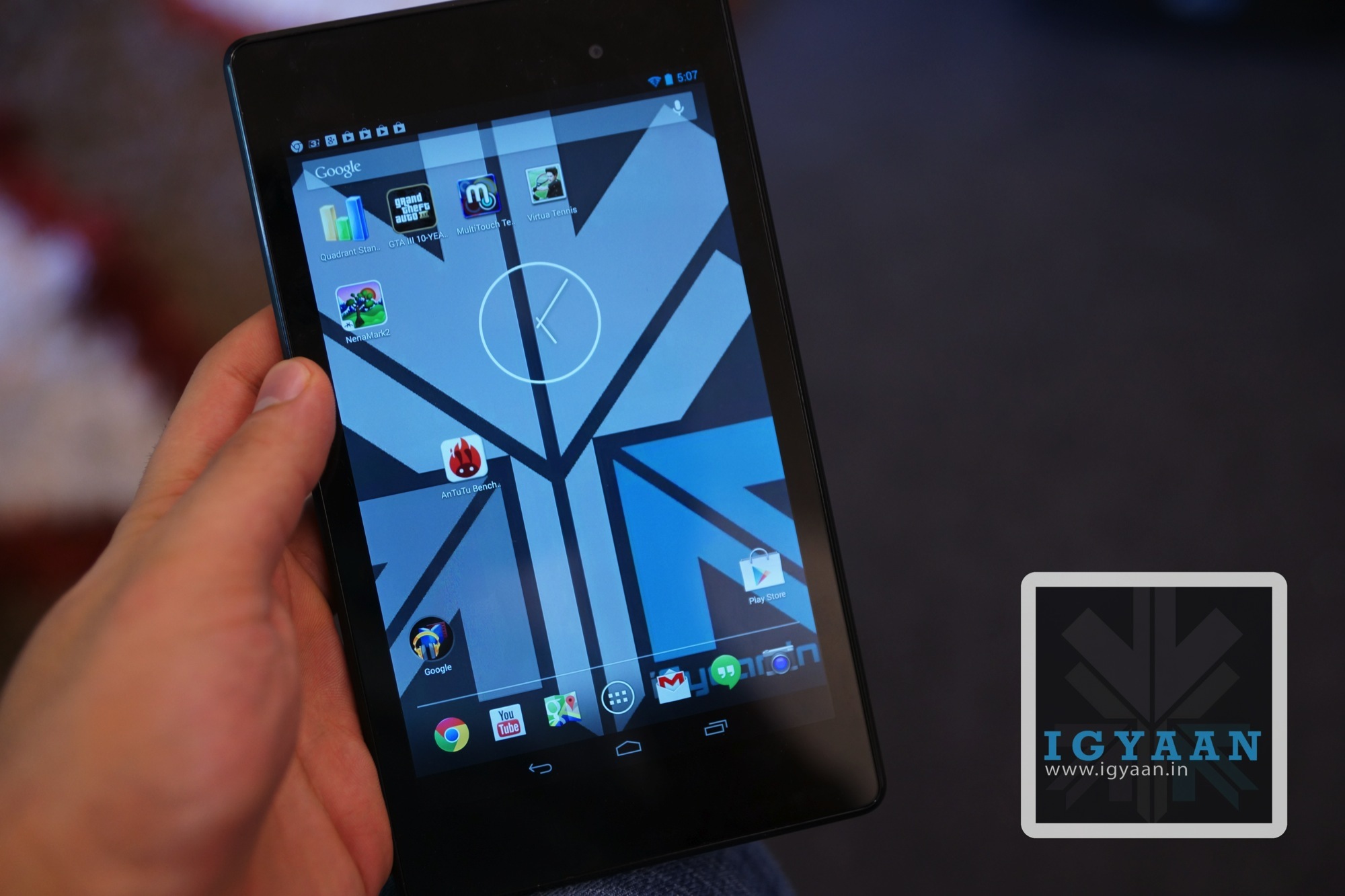
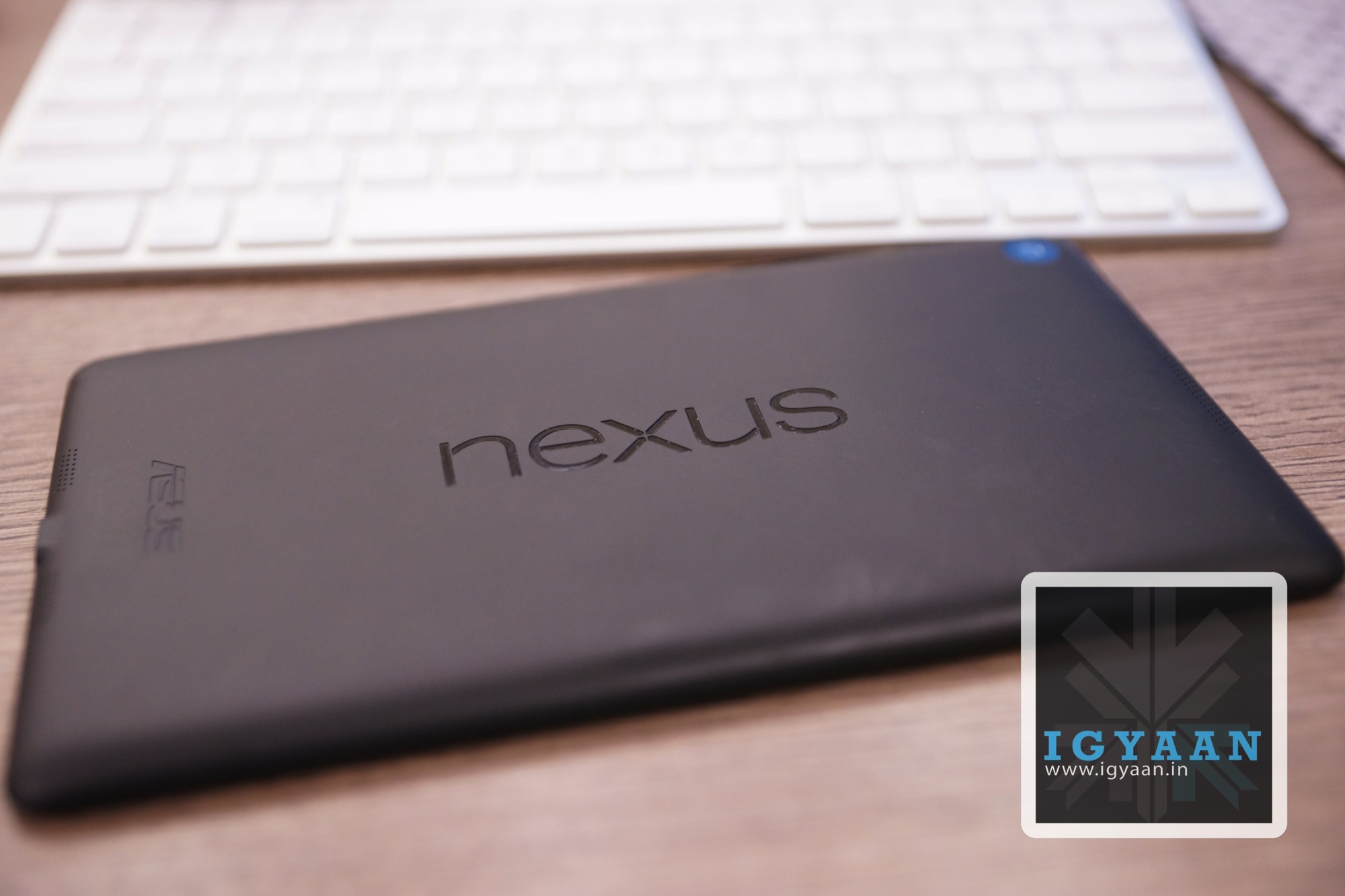
Setting the standards yet again the new Nexus 7 from Google offers the perfect mix of the right build and design you would expect from a tablet today. The back of the Nexus 7 loses the ribbed texture, only to be replaced with a plain soft touch back panel which not only is more comfortable to hold but also adds to the aesthetic. The new Nexus 7 2013 is slimmer, taller, and thinner than the first edition of the market breaking Android tablet.
The front of the new Nexus 7 2013 is laden with a Gorilla Glass display that stretches out to 7.02 inches and features a high resolution of 1920 x 1200 px, simply dwarfing any and every tablet in the market today when it comes to the display resolution. The overall pixel density of the display rests at 323 ppi and the Touchscreen will accept a 10 point touch input.
The Innards are comprised of a Quad core Qualcomm Snapdragon S4 Pro chipset with a 1.5 GHz Krait CPU and an impressive Adreno 320 GPU which is clocked at 400 MHz. The 3950 mAh battery provides the juice and the optics are defined by a 5 MP main shooter and a docile 1.2 MP forward facing peephole. All this is supported by fixed internal storage options of 16 GB and 32 GB along with 2 GB of RAM.
Display and Multimedia
Who says extra pixels are not good? On a larger screen the more pixels you can get the less they seem. The New Nexus 7 2013 finds this balance in the display size and pixel density nearing the retina stature for small handhelds. The display is gorgeous no matter what you do with it, movies, browsing and even gaming. The display delivers with vivid colors and excellent viewing angles.
The new Nexus 7 is a great content consumption device you will almost always enjoy picking up the tablet. The interface is instant in terms of response and the overall multimedia experience is just shy of what you could expect from a flagship tablet. The only real downside is the lack of enhanced audio, the inbuilt speakers, although stereo and well placed, simply are not enough.
Cameras
The new Nexus 7 2013 is US $ 20 more expensive than last years edition, most of which can be blamed on the additional 5 MP camera at the back of the tablet. The new camera may be an addition in price, but a lot of owners will accept is as a welcome addition and a valid additional expense.
The camera is no design and engineering marvel, with flat pictures and no real points of emphasis, it is just a camera on a tablet which may as well not have been there. Pictures from the main camera are prone to loss of focus and sometimes exposed inaccurately causing a severe problem in the overall feel when using the new Nexus 7.
Video capture is also average, with a lot of shake getting carried through to the 1080p footage.
Nexus Performance and Gaming
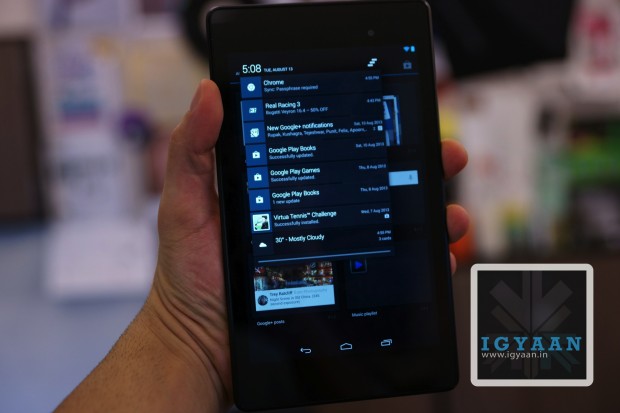
One of the biggest reasons the Nexus 7 came out on top last year was the fact that the tablet ran a completely vanilla Nexus rom with no customizations. Same is the case with newer edition Nexus 7 2013, the experience of pure Android makes performance of the device a notch better, the tablet a notch more responsive than any other custom Tablet UI including those from Samsung and Sony.
Gaming has been best defined in our video below. But, to elaborate a little more, the perfect size of the tablet, the light weigh and the hardware on the inside promises an unmatched gaming experience. You really will appreciate the Adreno 320 Graphics and the S4 chipset in action along with the ample 2 Gigs of RAM which make for an exciting gaming experience.
The new Nexus 7 2013 is more a tablet than its predecessor. Since a modern day tablet has to be portable, powerful, thin and light yet capable of long hours of use, the new Nexus 7 fits those criterion like a glove. The new Nexus 7 is a perfect balance, where on one hand it give you the portability you will need, on the other it offers up the performance you will demand. The tablet choses to look good while doing it as well.
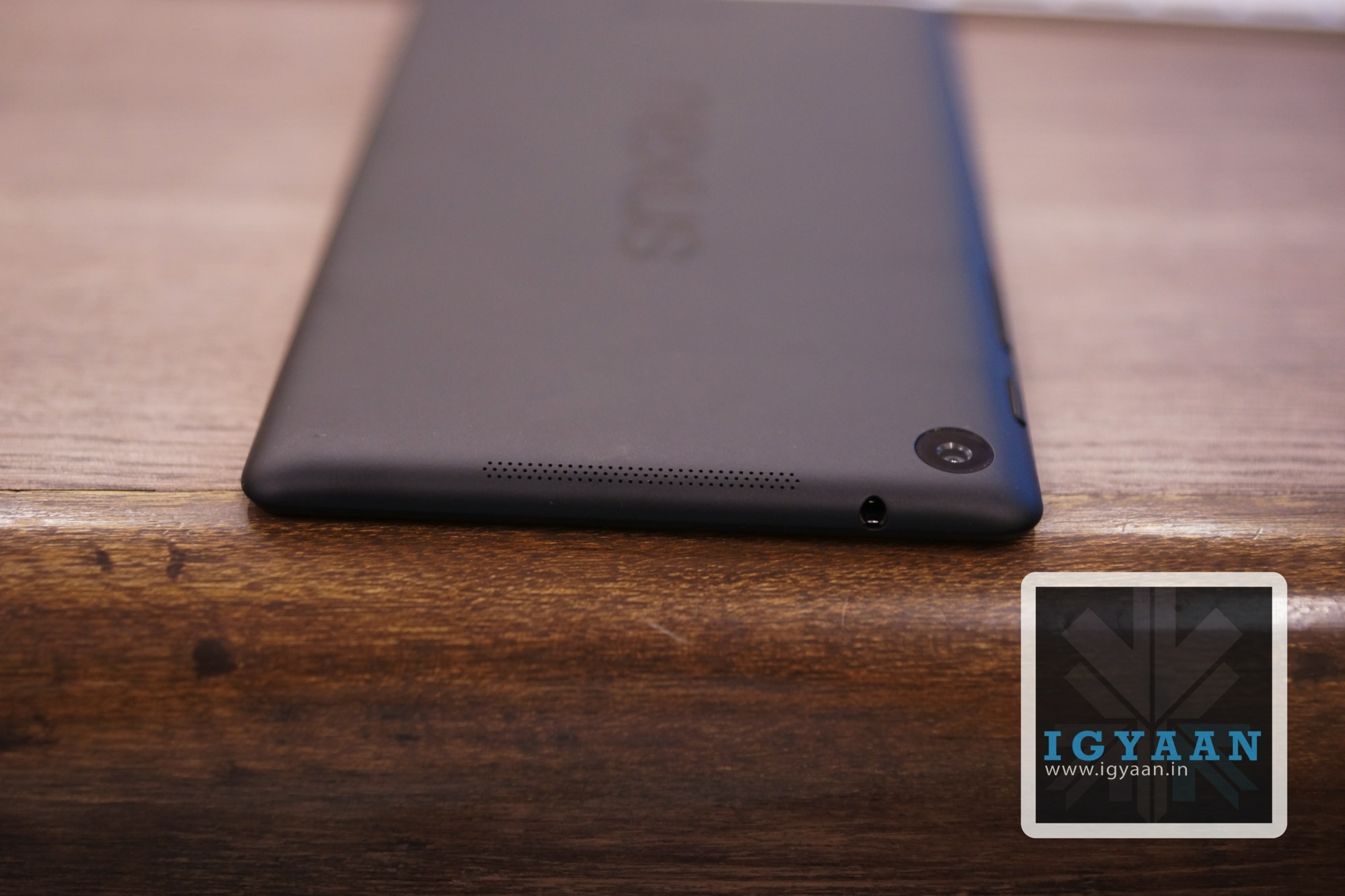
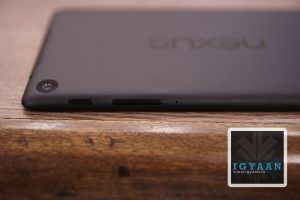
Charging port and Speaker
Buttons Layout
Analogue TV OUT
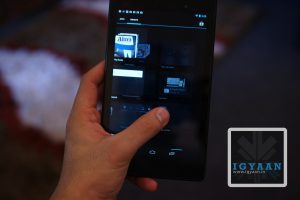
smooth UI
still pocketable
Conclusion
Since the lower strata of the market is crowded by tablets of the third edition, the slightly expensive Nexus 7 provides the ultimate satisfaction. But since no one is ever fully satisfied, the Nexus 7, just like the iPad, will never be a phone. Honestly, we don’t want it to be a phone, the 4G variant will offer up data on the go for those who need it. The new Nexus 7 has the highest resolution display, the best gaming performance, good looks and portable yet solid construction. Need we say more?
The new Nexus 7 gets tablet of the year 2013 (till September) from iGyaan.We expect the new Nexus 7 to launch in India soon, for pricing and more details click here.
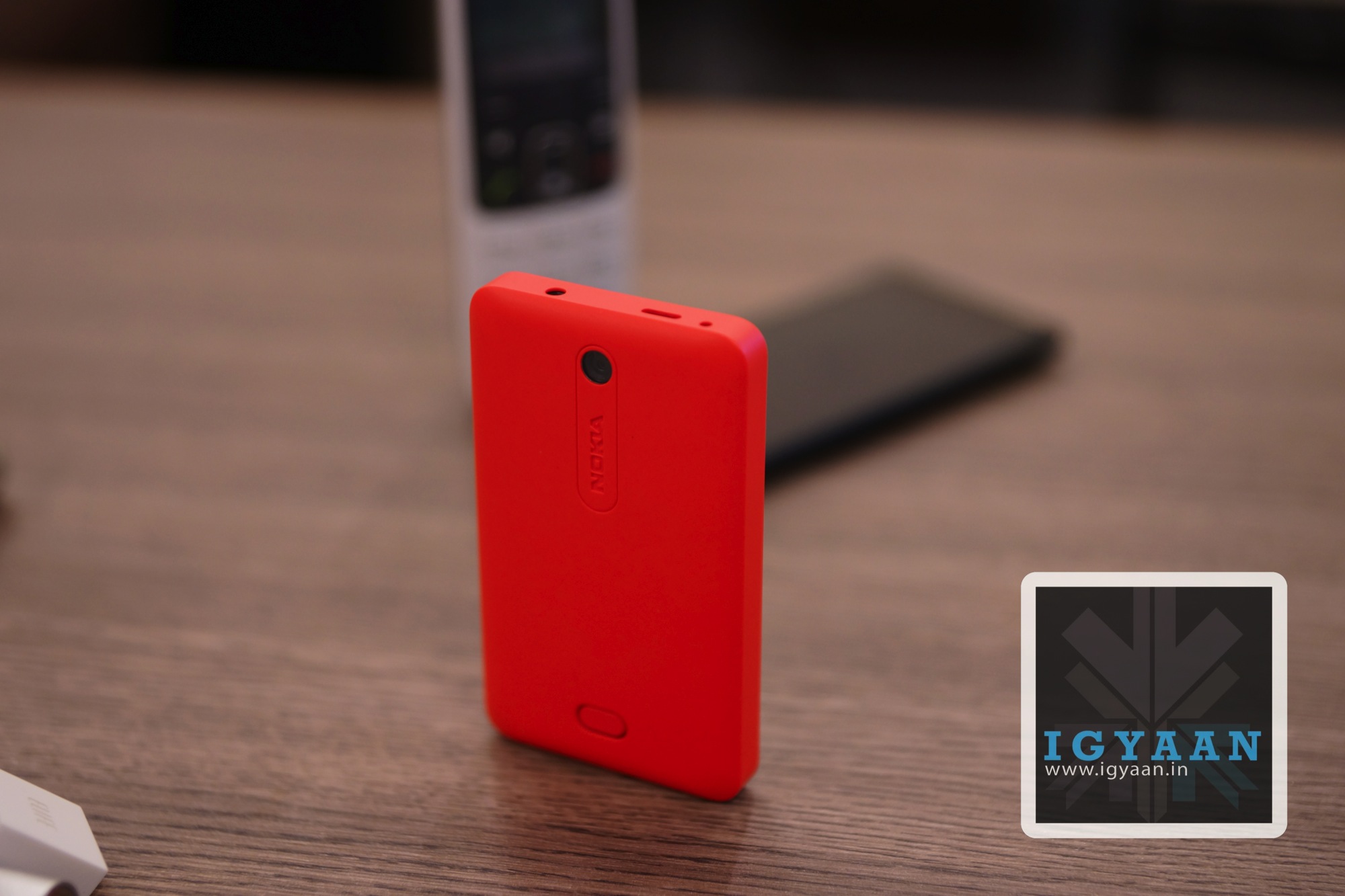
Nokia has long lost the major chunk of the market it used to own, and it is not easy to come down from the 80% market share to a lowly 15%. Despite the continued efforts of the the Finnish manufacturer, the market seems to not want to adapt to their ecosystem anymore. Fortunately for Nokia, countries like India still exist and devices like the Nokia Asha 501 are the only Asha (ray of hope) the company may have at surviving their toughest time yet. Does the Nokia Asha 501 cut its place out in the market which is now dominated by cheap Chinese replicas.
Build Quality and Hardware
Impressive. That is the only word that comes to mind the minute you pick up the Nokia Asha 501, its almost nostalgic. Suddenly Nokia has been able to remind us why we have so many MEMEs about the Nokia 3310. Nokia has once again focused on making a sturdy and strong device, that will promise to last long through the battles of life. The Nokia Asha 501 also targets the youth with a array of beautiful color options including Cyan, Green, White, Black and the “Pinkenta” that we got (seriously !)
With its Unibody-esque ( the shell is openable) design and polycarbonate feel, which is actually plastic make this phone really robust. The quality of materials used has actually shown off in the end result and will be appreciated for a long time to come.
On the hardware front all is sketch, in an age where people want to know everything about the workings of their phone, the 3 pieces of relevant information here are : 3 inch screen, 1200 mAh battery and 3 MP camera. All of which are in the 3 negatives; below par, below standard and below competition.
Software and UI
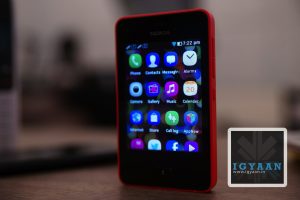
Nokia has done something fascinating with the new “ASHA” UI, which makes is a lot more appealing. The number of interactions required by a user before execution have been considerably reduced with the new Nokia Asha 501.
The new ASHA interface truly is a rebuild of S40 which is a rebuild of Symbian which means you have JAVA on this phone. Which means that you should not expect an experience close to any Smartphone that you have ever seen, in fact despite Nokia’s huge software attempt, the UI is slow, boring and sort of dated.
Coming down from an Android, best of luck transferring contacts! Despite the series of softwares available, its still not done automatically via Gmail.
Sure you get Nokia Music and Express Browser that do work well and the music service is truly worth the value. You also get FM radio, but you still need a headset ( incidentally the one in the box is color coded to the color of the handset).
Phone and Battery Life
The Dual Sim Nokia Asha 501, is one hell of a phone, and that is what it is. The modern marvel of Nokia build engineering and possible Meme star (part deux) has immaculate network reception along with impressive voice handling and transmission. No network lag during travel and little or no disturbance through usage. In todays low/no network enviorment, the phone works as great indoors as it does outdoors.
The battery life is another gem in the treasure chest, over 12 hours of talk time on our test, with endless standby. The company claimed 17 hours of talk time and over 600 hours of standby actually seem possible with time.
Camera and Multimedia
Dont think this phone is limited in terms of features, you get a pretty impressive browser that actually impressed us with the promptness with which is handled many websites including iGyaan. The video playback from Youtube over Wifi is smooth and lag free and the speaker is pretty loud.
The 3 MP camera is a feature that you get but may never use, the images are poor and composed without a pop of color, are flat and underexposed. Low light conditions will remind you of the days of 3310 indeed, where a no camera is better than any camera at all.
Conclusion
The Nokia Asha 501 is not supposed to be a Smart Phone, even though the company may be leading the world to believe so. The Asha 501 is a fantastic phone, built with an impressive quality and attention to detail, and a battery life that puts the big dogs to shame the market over. Unfortunately Nokia fails to communicate this to potential buyers, when its trying to show off features like music playback and Facebook access, which truly are not the highlights of this phone.
The Nokia Asha 501 is a fantastic second phone, I’d buy one just because its that good a phone, which that good battery life, but that is all there is to it. Several options in the Rs. 5000 price bracket offer Smartphone-features especially if the phone is loaded with Android. We have listed a few options below.
Maintaining a bike is an easy routine. But for most it can be kind of troublesome and tiring. Taking care of your bike is the key to a bike that will serve you well for years.
First of all change your engine oil or gear oil frequently as it lubricates your gears and engines, and also keeps your engine cool. Not changing the engine oil will cause further damage to the engine Which can’t be noticed early. The owner’s manual will specify how frequently the oil should be changed and this schedule should be followed.
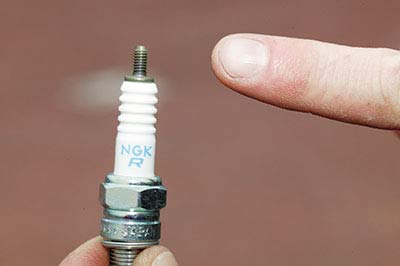
Next is the spark plugs; it is the item which causes a spark which in turn will ignite the petrol. This should be changed as specified in the owner’s manual (or if a problem is suspected). It is critically important to use the correct spark plug grade and type. If the manual suggests an iridium plug then these can be worth the extra cost, lasting 16,000 kms or more. Considering that it can take several hours to access the spark plugs on many modern bikes this is money well spent.
Spark Plug
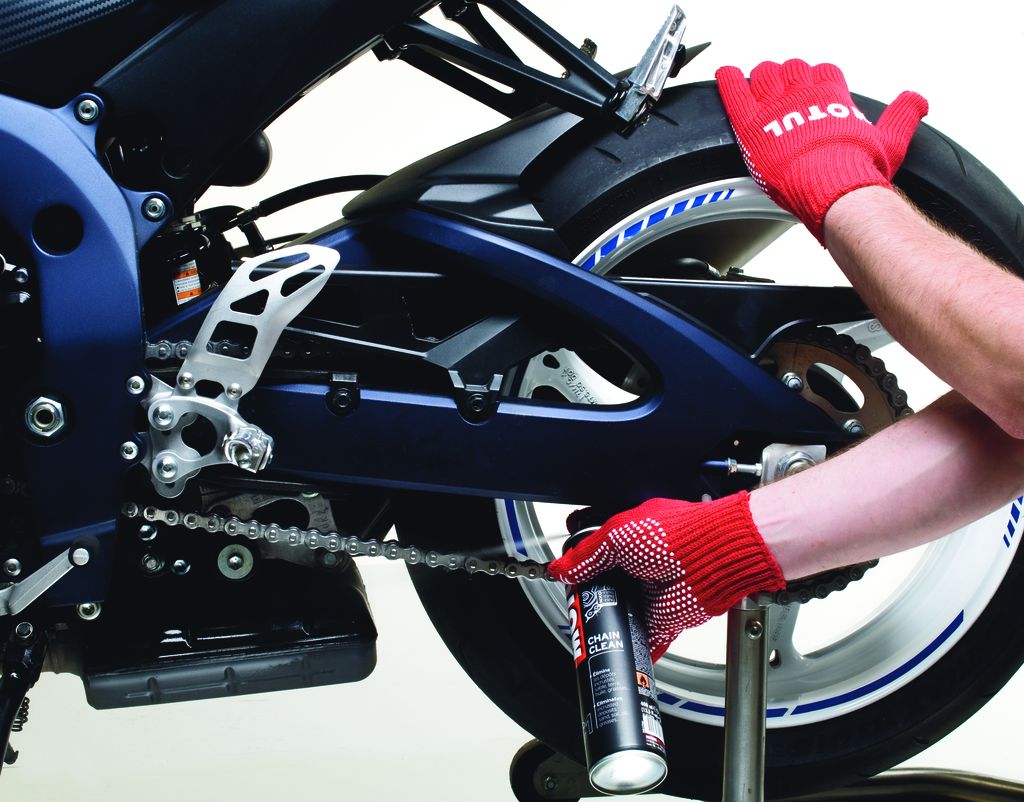
The chain which rotates the rear tire should be kept lubricated. If it’s kept lubricated, it should last for a very long time (50,000 kms is not unusual). If it’s not lubricated, it would be damaged due to excess heat and will wear. This cumulative wear on all the separate links makes the chain loose, and more likely to fall off the sprockets. This can be very dangerous indeed. The chain tightening procedure should be detailed in the owner’s manual, but bear in mind that too tight is a lot worse than too loose.
Also washing the bike is part of maintaining. Keeping it clean of dirt will not only make it look nice, it has its benefits and it’s the key to a bike which lasts long. It also makes it easier to notice missing or loose bolts and nuts.
Washing the bike.
Checking the tire treads every once a week is a good habit. You should change the tyres when you notice a change in the way the bike handles, or at the very latest when the tread is worn down to the wear bars. Under-inflated tyres will overheat and may fail. Over-inflated tyres will give less than optimal grip specially on Indian roads.
It is difficult to find someone these days who does not uses a smartphone, no matter if its a low or high end device they come up with hard earned money. Even while you take care of your phone have you ever faced any problems or do you have anything you would want to change with your smartphones ? We are sure 90% answers would be yes!
A smartphone makes your life easier and helps you in daily tasks and activities, imagine your life without whatapp? facebook on mobile? a good camera ? emailing on the go? these are just few that are done with the smartphones. We really do not count on the tasks that we do on our phone, a lot of multitasking and using the phones every now and then. The only thing we forget is that even though the phone gives us so many benefits to make life easy, at the end of the day it is a machine which needs to be cared for.
We get our car/bike serviced because when you use them for a while or so they would need to be thoroughly cleaned and tuned up as they are machines. We are not saying to get your smartphone serviced, but what you can do is to take care of it on daily basis. Here are some basic steps that you can follow:
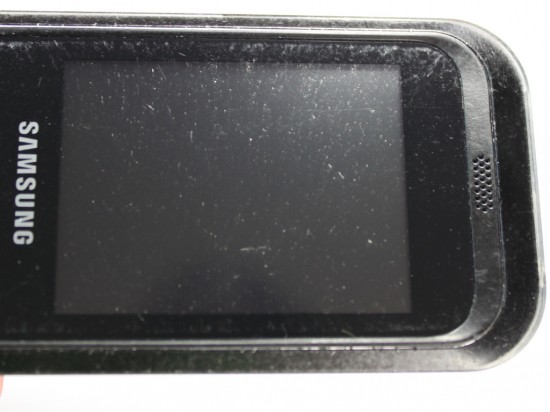
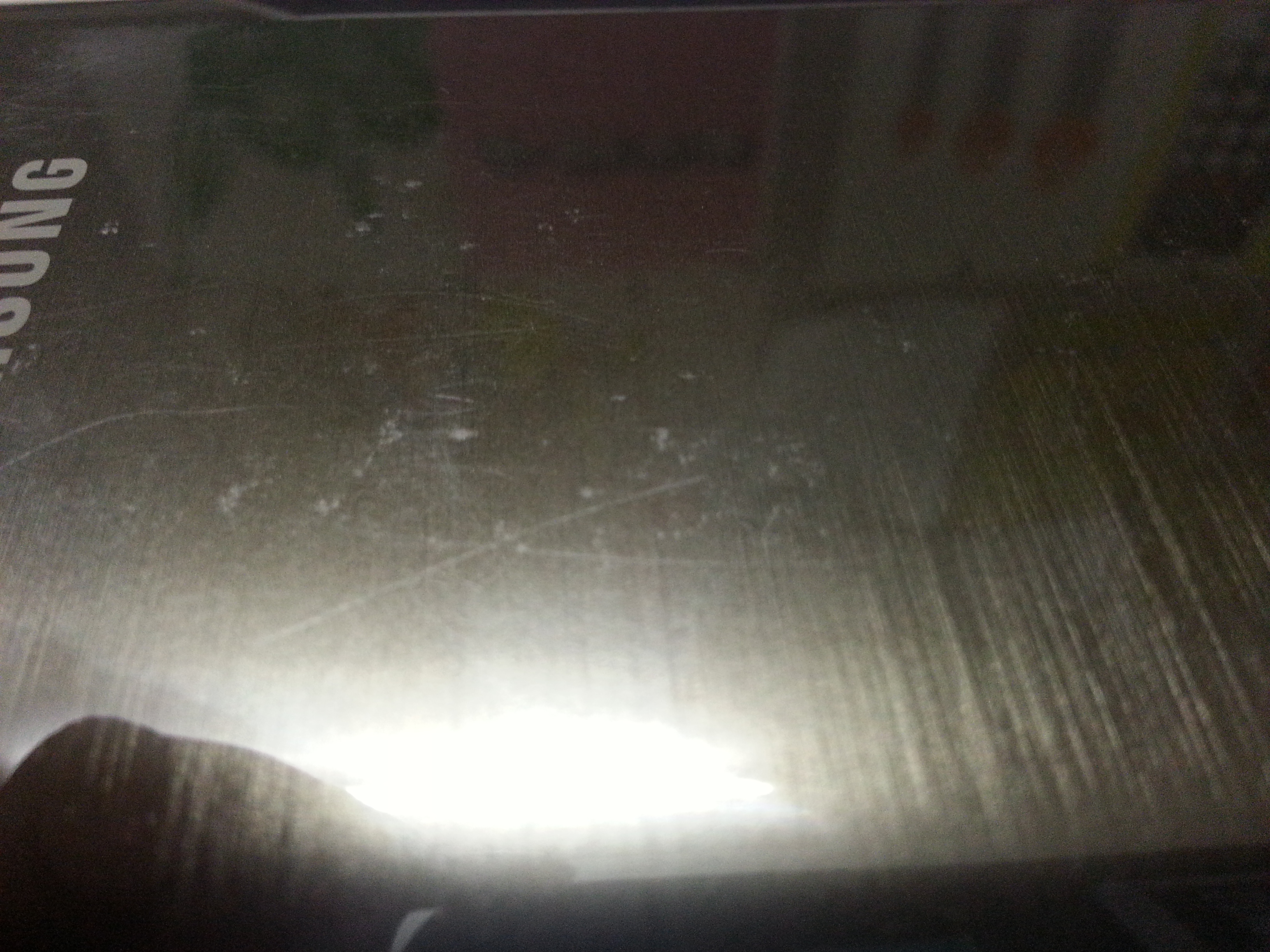
The Screen- This is one of the first part prone to scratches, can be because of anything like: nails, keys in the pocket, some change, the irregular surface its kept on or a bad quality screen guard. It is very important that we use good quality screen guards on our much loved smartphone and also taking care of small things like where we keep our phone.
Screen scratches
The Phone Itself- Not only the screen but the phone’s body is easily prone to scratches too, no matter how much you care for the phone there are some scratches that shows up now and then. In order to protect your phone’s body you can use a good back cover, that might not only give safety but add up to looks.
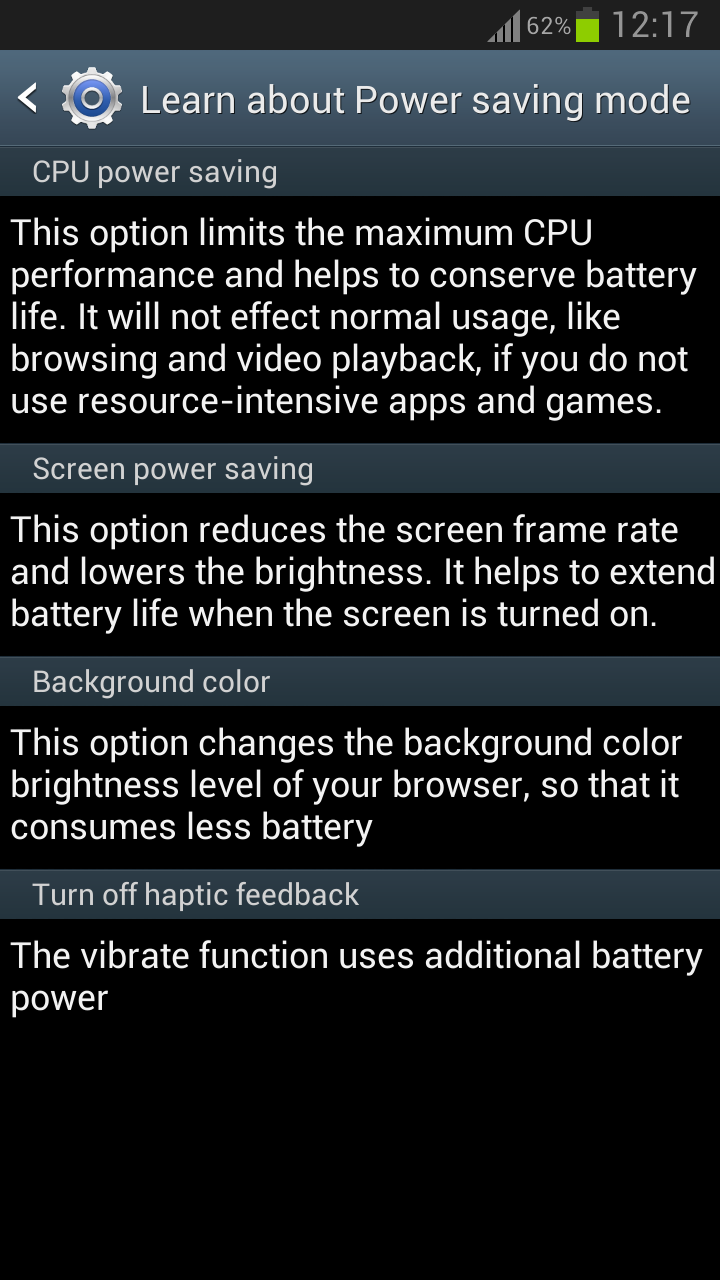
The Battery- The most talked about problems is the quick draining battery, does your phone lasts for just a day ? or not even that ? well, here are few steps that might just help you. Make sure that the brightness of the screen is as per your need because the more brighter it is the more battery it consumes. You should enable the power saving mode. Close all unnecessary apps and most importantly NEVER overcharge your phone, this can result to low life of battery or harm the phone charging port in the long run.
These are few steps that can help you to take better care of your phone. We spend upto 45,000 Rupees for the best of smartphones available, so its good if we take care of them which would further ensure these phones to be with us for long times.
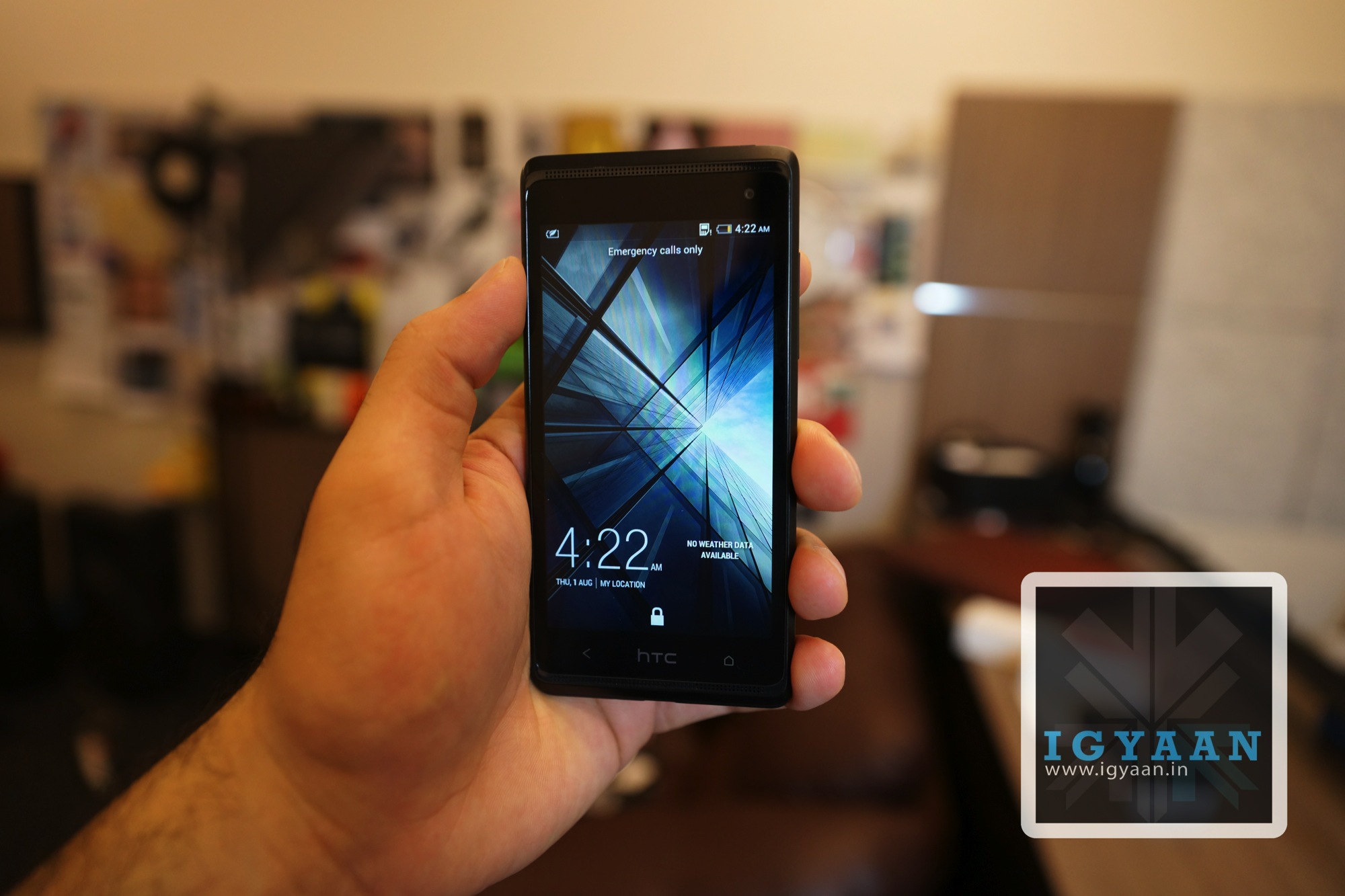
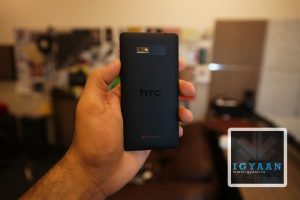
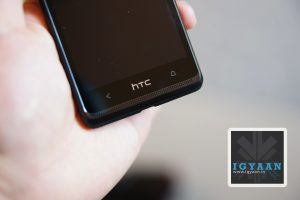
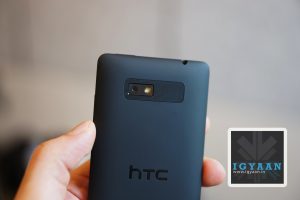
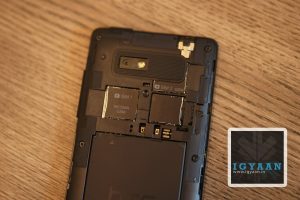
HTC is ready to bring its flagship features to the masses with the new HTC Desire 600 Dual Sim. The Smartphone running Android 4.1 Jelly bean also features the Latest HTC Sense and Blinkfeed UI. Laid out with a 4.5 inch 540 x 960 px Super LCD2 capacitive touchscreen display, it has a nimble 242 ppi pixel density. Cameras are borrowed from the HTC 8X with a 8 MP snapper 1/3.2” sensor size, 1.4µm pixel size. The front facing camera is a 1.7 MP shooter both will do 720p video.
The HTC Desire 600 dual sim is based on a Qualcomm MSM8625Q Snapdragon 200 with a Quad-core 1.2 GHz Cortex-A5 and an Adreno 203, all of which according to the company can tak on any Mediatek based handset offering similar features. The Build quality and feel of the HTC Desire 600 Dual Sim is definitely great. With its rubberized grippy back panel and slim brushed steel bezel the dual sim smartphone is really worth of the brand.
The box we got is not a retail box , but the usual in-box items should include :
Handset
Earphones
USB Cable
Warranty
User Guide
Wall Charger
1860 mAh Battery
HTC has not left out on the usual Sense features bundling 25 GB Dropbox storage. Check out the unbxoing video (uploading) and stay tuned for Gaming Benchmarks and full review shortly.
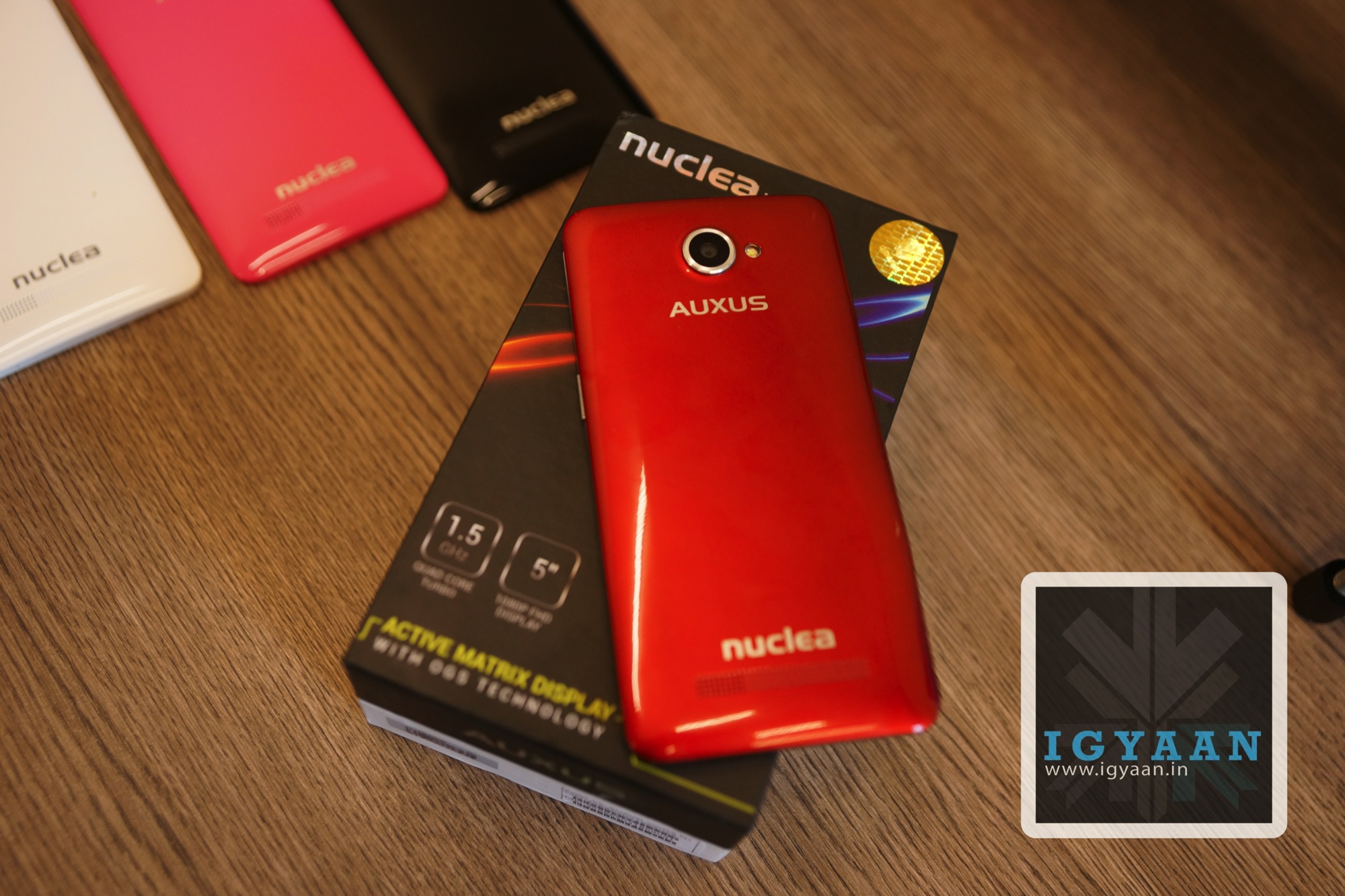
We get you an exclusive unboxing today for the iBerry Auxus Nuclea N1, a smartphone that has basically given Micromax a run for their money when the Canvas 4 was announced. The handset takes away a lot of things but adds a few that will be might appreciated by the phone buyers.
For starters the iBerry Auxus Nuclea N1 has a 5 inch 1080p display, and dual BSI cameras a 13 MP rear and a 8 MP front camera sensor, both capable of 1080p video at 30fps. The chipset that powers this device is a Mediatek 6589t clocked at 1.5 GHz on all four cores. RAM and storage can be the only downsides to this handset with only 4 GB of inbuilt storage and 1 GB of RAM, you may not be able to fully exploit the additional power on the chipset.
Everything on the iBerry Auxus Nuclea N1is backed by a 2800mAh battery that ensures a better battery backup, vs the competition. The iBerry Auxus Nuclea N1also runs Android 4.2.1 Jelly out of the box with little or no custom UI modifications and almost zero bloatware, which also improves on performance and stability (we hope) .
Another thing worth appreciating is that rooting will not void your warranty, well you wont have to root the device anyway, because its pre rooted.
iBerry Auxus Nuclea N1
HTC Butterfly S
The Build and design are actually quite like the HTC Butterfly, with the paint finish matching the newer HTC Butterfly S. the build quality seems robust at first, no indication as to what the display glass is , but the phone does have an 5 inch 1920 x 1080p Active matrix display and an OGS panel, which means the display and the touchscreen are fused together, which also means that the likely maker of the LCD panel is LG.
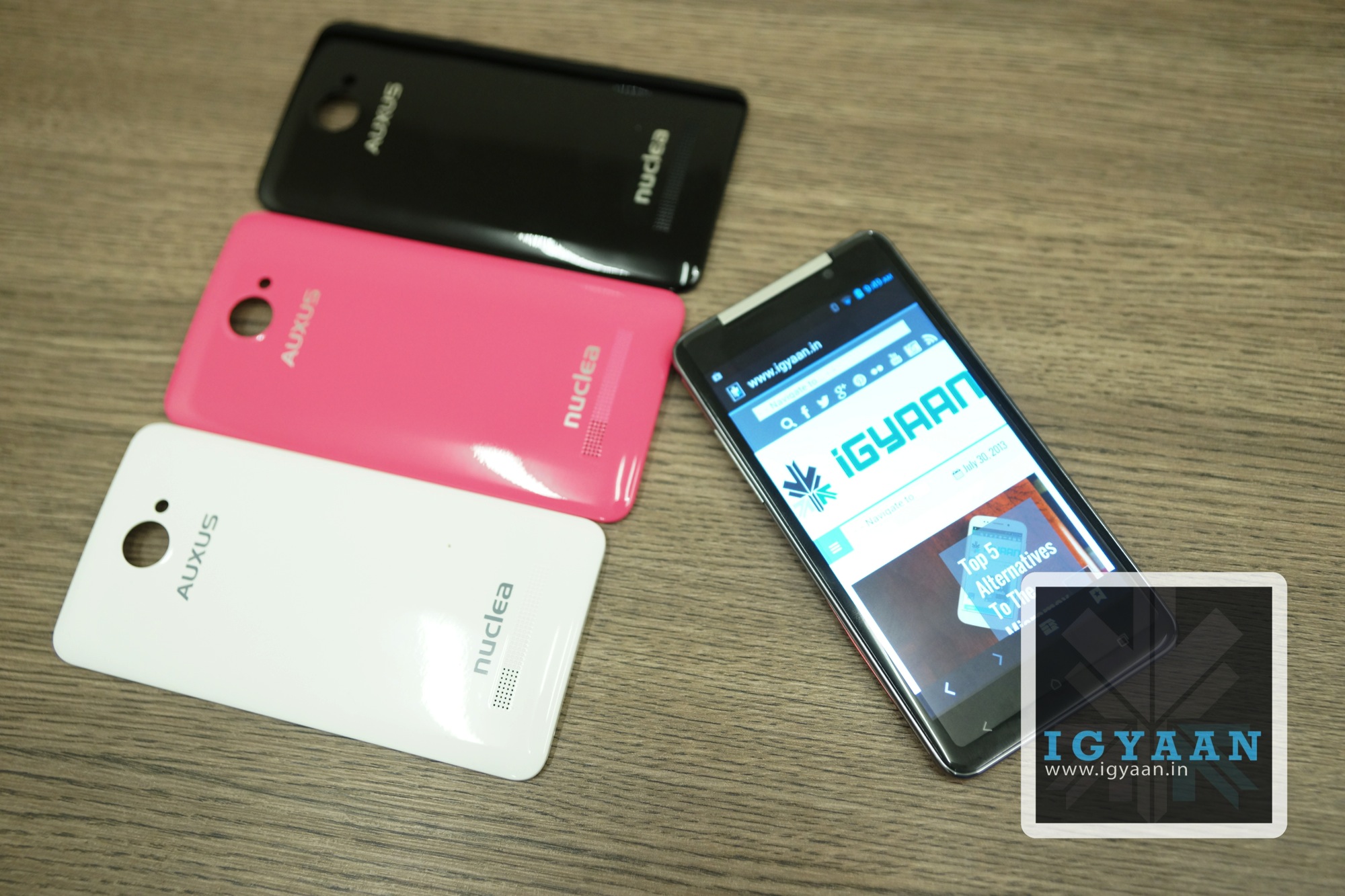
The Power and volume rocker buttons appear to have been made from steel, and are very tactile. The replaceable panels included in the box are a great boon, and will reduce the need of a back cover, the handset also comes with an antiglare screen protector, which may be replaced with a more suitable one which cover the ful screen as the one included does not.
The feel and finish of the iBerry Auxus Nuclea N1 are premium, although, some may not appreciate the overly large Logos at the back of the device. Now lets see how the handset performs, stay tuned for benchmarks and gaming.
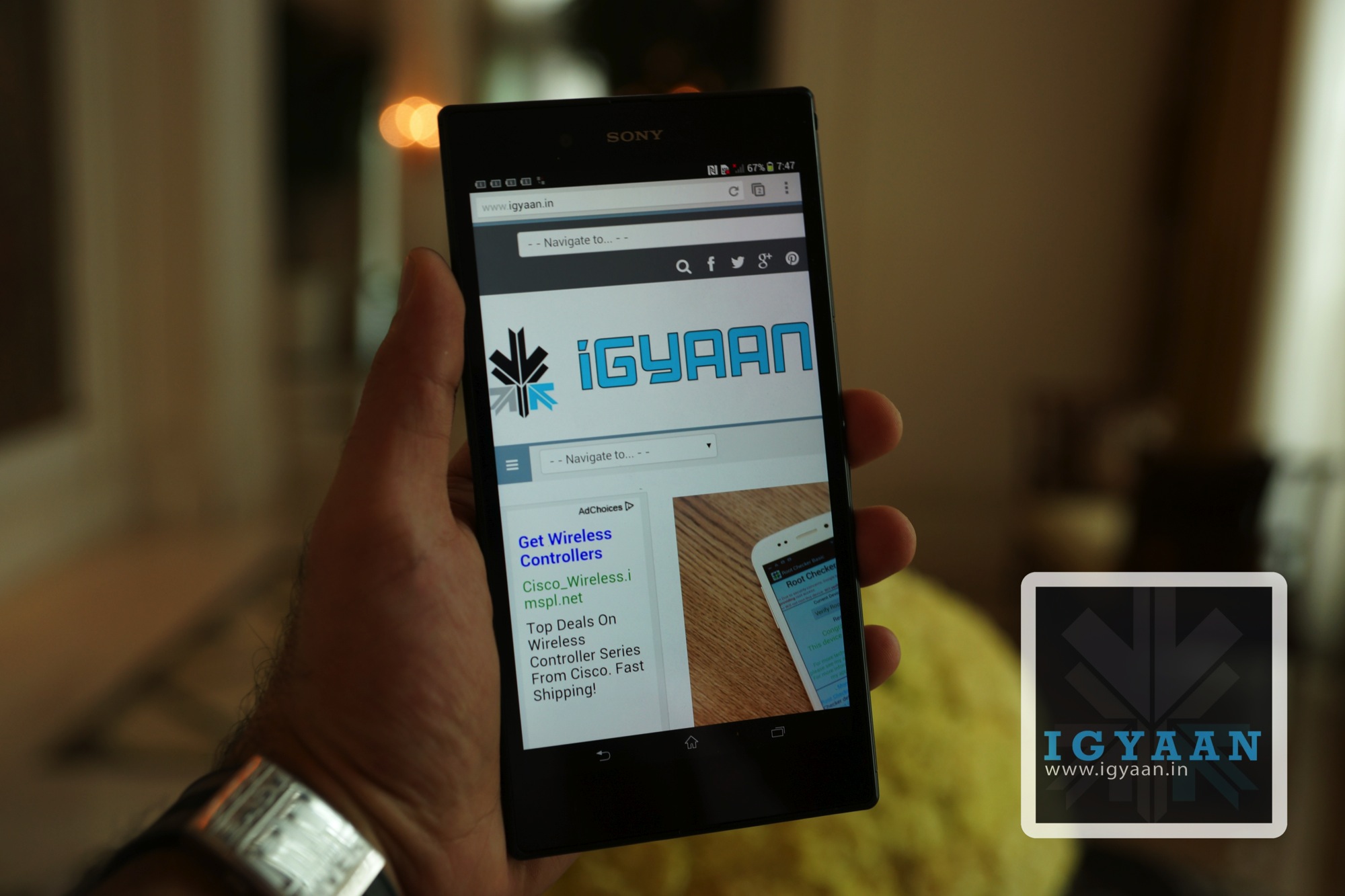
Sony today launched the new Xperia Z Ultra in India, the phone is a bigger (really) sized variant of the Xperia Z and in theory really builds on the design and the features of the Xperia Z. The Xperia Z Ultra features a 6.4 inch Full HD 1920 x 1080p display with 344 ppi pixel density which is powered by the Triluminous and X-reality engines of the Mobile Bravia embed. The Xperia Z Ultra also features a MSM8974 Snapdragon 800 chipset which is more than capable of powering the device, with Quad-core 2.2 GHz Krait 400 CPU and Adreno 330 the phone is really a mammoth creation in both size and hardware power. The Xperia Z Ultra just like the Z before it, is IP58 certified – dust and water proof which means the the Xperia Z Ultra is Water resistant up to 1 meter and 30 minutes.
For Cameras you have an 8 MP rear snapper and a 2 MP front camera both sans a LED Flash and capable of 1080p video at 30fps. The Xperia Z Ultra comes with a 3050 mAh battery which is embedded into the device and is non removable, the profile of the handset is truly fantastic where it is only 6.5mm thick and weighs only 212g considering the size. Sony have also rounded off the sides so that it does not bite your hands when you attempt to grip this passport sized handset. The phone will be available in Black, White and Purple and boasts lots of freebies from the get go, including Asphalt 7 which is pre installed, Sony Live Content from Indian Idol Etc. and free 3months subscription to Big Flix.
The Xperia Z Ultra has 16 GB inbuilt storage and 2 GB of RAm and you can expand the storage with upto a 64 GB microSD card, class 10 recommended.
Micromax has forever been associated with cheap and budget phones, earlier with feature phones now with budget Android phones. With the Micromax Canvas 4 A210 the company tries to find a balance between the desires of the market and a stable ecosystem. The Micromax Canvas 4 A210 has been perceived a big negative mark on the company’s ever tarnished reputation, So is the Micromax Canvas 4 A210 the marvel of innovation Micromax claims it to be? or is it just another attempt at making more money, lets find out.
Build Quality and Hardware
The Micromax Canvas 4 A210 is exceptionally well built, it uses the two elements found in the worlds most popular handsets, the steel bezel and frame of the iPhone and the plastic back panel of the Samsung Galaxy series. The end result is a beautiful looking device that fits well in the hand and feels great to use. The plastics on the Micromax Canvas 4 A210 are cleverly used and remain at a minimal, whereas no serious strengthening has been utilized to the glass.
On the inside of this phone is a Mediatek 6589 chipset that offers up 1.2 GHz on Quad cores and a sufficient Power VR SGX GPU. On the inside is 16 GB of Storage and 1 GB of RAM, whereas the cameras are fitted with a 13 MP BSI Sony Sensor with full HD capabilities and a front facing 5 MP shooter also with 1080p capabilities. The display is a 1280 x 720p 5 inch display and the overall device offers quite a balanced mix of hardware and build quality. Although many companies are offering higher specs with similar handsets, the build quality on the Micromax Canvas 4 comes out on top.
The Micromax Canvas 4 A210 uses a new type of display, unseen on any of the company’s earlier devices, the display has a serious blue hue imbalance, but is exceptionally visible outdoors compared to the previous Gen display. The 1280 x 720p resolution was a major let down for many a buyers because of many rumors that pitted the phone equipped with a 1080p display. All “unethical journalism” aside the display is great for almost all requirements including gaming and multimedia, however it never hurts to get more resolution even if you don’t need it.
The touchscreen is very responsive and the display is perfectly fused into the body of the device, a lower resolution display also ensures better battery life considering that this device only has a 2000 mAh battery which you can read more about in the battery section below.
Multimedia, Gaming and OS
The Micromax Canvas 4 A210 is based on Android 4.2 and is mostly a vanilla interface, some basic customizations have been added to give additional UI features. “Blow to Unlock” for one is and example of a feature that has been added which may actually be liked by some, we personally feel that it is a waste of battery and a serious red flag to safe mobile phone usage.
Micromax has also added some features like smart pause on Samsung devices, a software feature which uses the sensors and front camera to detect when a user looks away, while watching a video , and pauses the video. Some fun UI elements like bouncing notifications and alerts in the lock screen add to the user experience.
We feel that Micromax now needs to work on a proprietary UI for Android on their devices, much like TouchWiz or Sense, they need to develop a UI which will truly make their devices unique. For now the Micromax Canvas 4 is based on vanilla android and mostly third party modifications which may or may not be activated.
If you aim to do some gaming on the Canvas 4, you will be happy to know that most games work out of the box and work well. On the occasion some heavy spec’d games will hang or crash, which can only be expected.
Watching videos and movies is great especially thanks to the great display and loud speaker, but you do start to miss a full HD experience if you have had one.
One thing which really changes the perception of the Micromax Canvas 4 A210 is the camera with its f2.2 lens equipped Sony BSI 13 MP sensor. The camera is the same unit used in the Xperia Z and performs exceptionally well. The camera also works great in low light conditions and captures great videos. The front facing camera is a bit of overkill, unless you do a lot of self portraits. The front camera is great but only if you have ample lighting, and honestly we don’t deny that sometime soon in the future front cameras may also start to get a dedicated flash diode.
The camera module is far too advanced for the software that has been included in the Canvas 4, and if you manage to root your device using our method, you can easily install the camera app ported from other devices. Any camera app that will give you additional manual controls is the app you are looking for.
A word to the wise, if you plan on doing macro photography with this camera, Autofocus will not be your friend. An add on lens might also be helpful.
The camera has great image composition ensuring great color reproduction and great crisp focus. If you intend to use auto mode the included app works fairly well and will not disappoint. Wait for our detailed camera review.
Performance
if you are looking for extreme performance on this smartphone you are actually looking in the wrong place, you are better off buying a Nexus or HTC One if that is your objective. The Micromax Canvas 4 A210 aims to achieve a few things and extreme performance is not one of them. The phone is pretty good for what its worth, gaming is decent, day to day usage is excellent, multitasking works great and for once the OS is quite stable.
The Micromax Canvas 4 A210 will get you through most of the tasks you can put it through and then some, but it will not satisfy the tweak hungry junkies. The chipset has its limitations and they can’t be witnessed in the day to day usage of an average user.
Micromax as a Company
We take off from the regular review process to point out a couple of things to our readers, The Micromax Canvas 4 is very identical to the Blu Life One, in fact it may as well be the same phone. Both companies Micromax and Blu have many things in common, they are both young companies and they both have the same vendors. But, Blu handsets will never come to India, because the company is presently focused in the Americas, just like Micromax’s main focus is in India. Even though we got many requests to compare the two handsets we feel it is unnecessary at the least.
Micromax has taken a bold step and tried to take care of the biggest concern of users with the improved build of their handset, in doing so the cost of their handset has gone up considerably . That tied with the inflated cost of the US $ made it a pricing fail for the company, and we feel Micromax is a bit premature to be entering the sub 20k market with handsets based on Mediatek chipsets in fact the same chipset that goes in sub 10k handsets. But, what most people are neglecting is the use of quality materials and components is bound to raise costs, the Sony 13 MP sensor itself justifies such a bump in pricing.
Micromax is no Samsung when it comes to customer satisfaction, hell even Samsung are not that great. The company aims to become a big mobile brand, but it is presently far from that goal simply because of their dependence on readily available products and components.
Battery Life
The Canvas 4 has slightly low battery life and the constant use of included apps does not help. On average you will get 3-4 hours of continuos talk time. Features like smart pause and blow to unlock will really mould your battery life usage and are best avoided. Real Life Tests:
Talk Time : 4 Hours on 3G / 6 Hours on 2G
Internet : 3 Hours on 3G / 5 hours on Wifi
Music : Upto 12 Hours
Video : 3 Hours
The Good
Micromax has for once tried to focus on the user experience more than the specs, the Micromax Canvas 4 A210 is extremely well built when compared to competition and even their own previous phones. The warranty for the Canvas 4 ensures that if your phone is damaged or defective (within warranty guidelines) you instantly get a replacement phone. Software elements like smart stay and smart pause that usually require expensive devices to begin with.
The cameras are also an advantage on the Canvas 4 and those with a taste for mobile photography will truly come to appreciate the device for that. The phone achieves what most phones by sector 2 manufacturers dont, premium feel.
The Bad
The price for one is a little off the mark, a 15k price point would appear to be a more worthy option for the Canvas 4. The OS is still mostly stock and with the added bloatware and software gimmicks, we are not impressed.
Conclusion
There is no doubt that the Micromax Canvas 4 A210 is the best Canvas / Micromax phone till date, but with the impending release of iBerry Nuclea N1 and a series of devices already in the market. The decision is truly in the hands of the buyer, the company is attempting to change its ranks in the smartphone market and the Micromax Canvas 4 A210 may be that very device. Once Micromax realizes the market status and drops the price by 1500- 2000 this very well may be the best smartphone in the market in the Rs. 15000 price bracket, but until then this seems like an investment which may not yield a return worth of value.
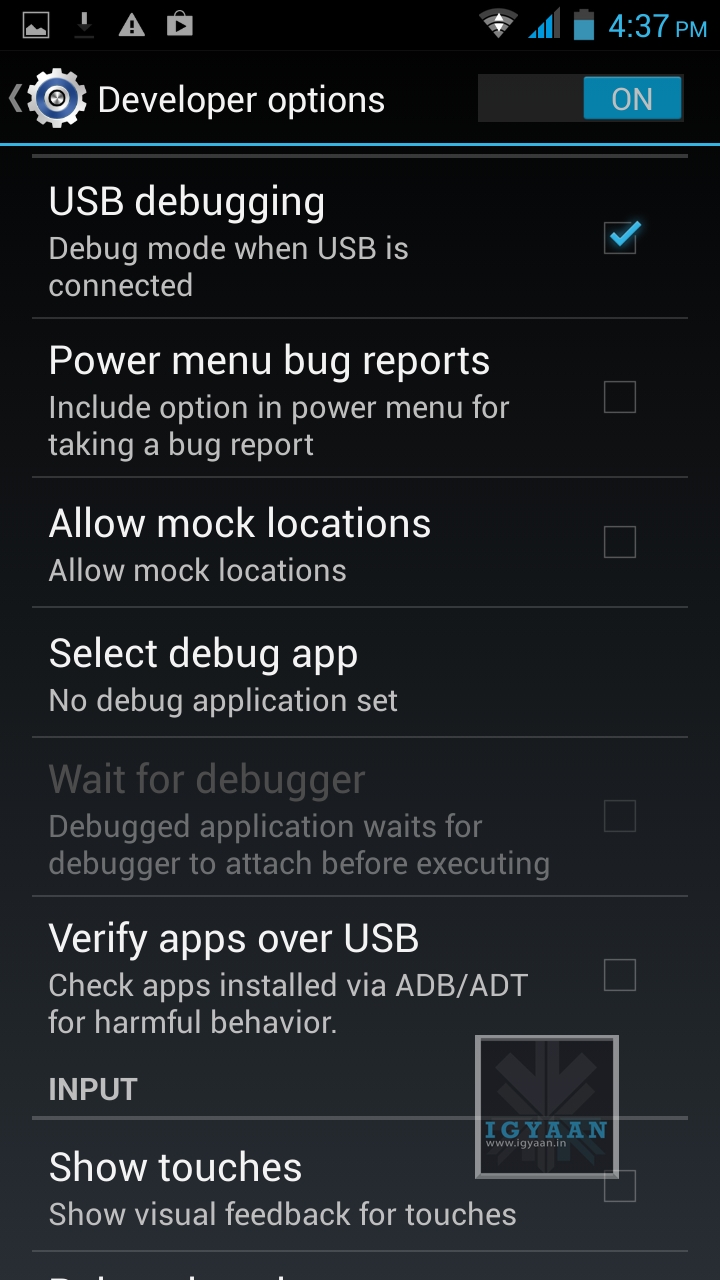
Not: If you don’t see the Development Panel, enable it by tapping several times on the Build Number in the Setting > About screen .
Once enabled connect your Canvas 4 to your PC via the USB cable. (make sure all the drivers for the phone are installed, this will happen automatically)
Step 3:
Download the iGyaan Root Tools zip file above and unzip them into a folder called “root” on the Desktop.
Step 4:
Open this new “root” folder and launch Run.bat and press Enter.
The Process will begin and your device may reboot several times, DO NOT REMOVE THE CABLE until the process is compete.
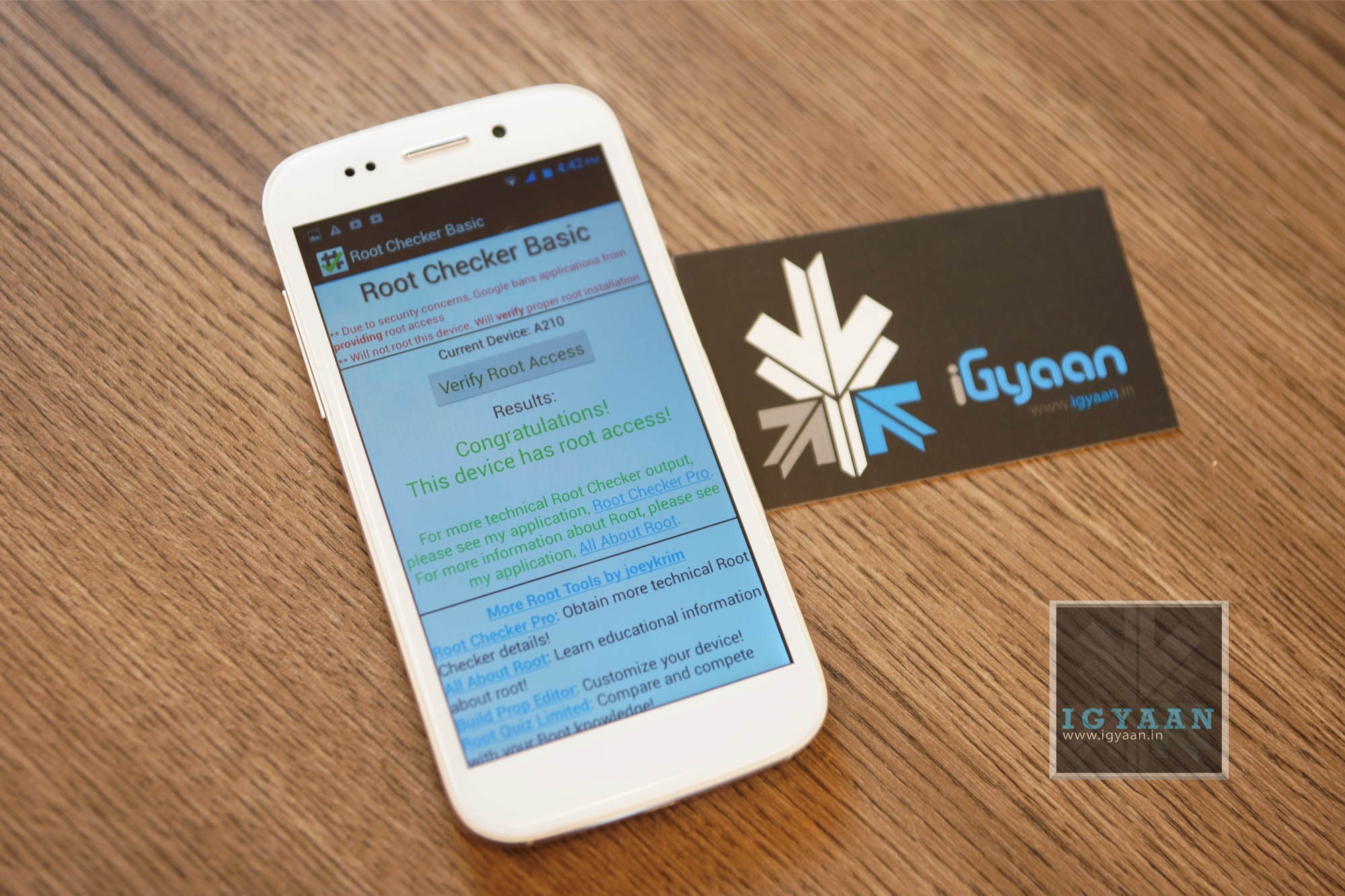
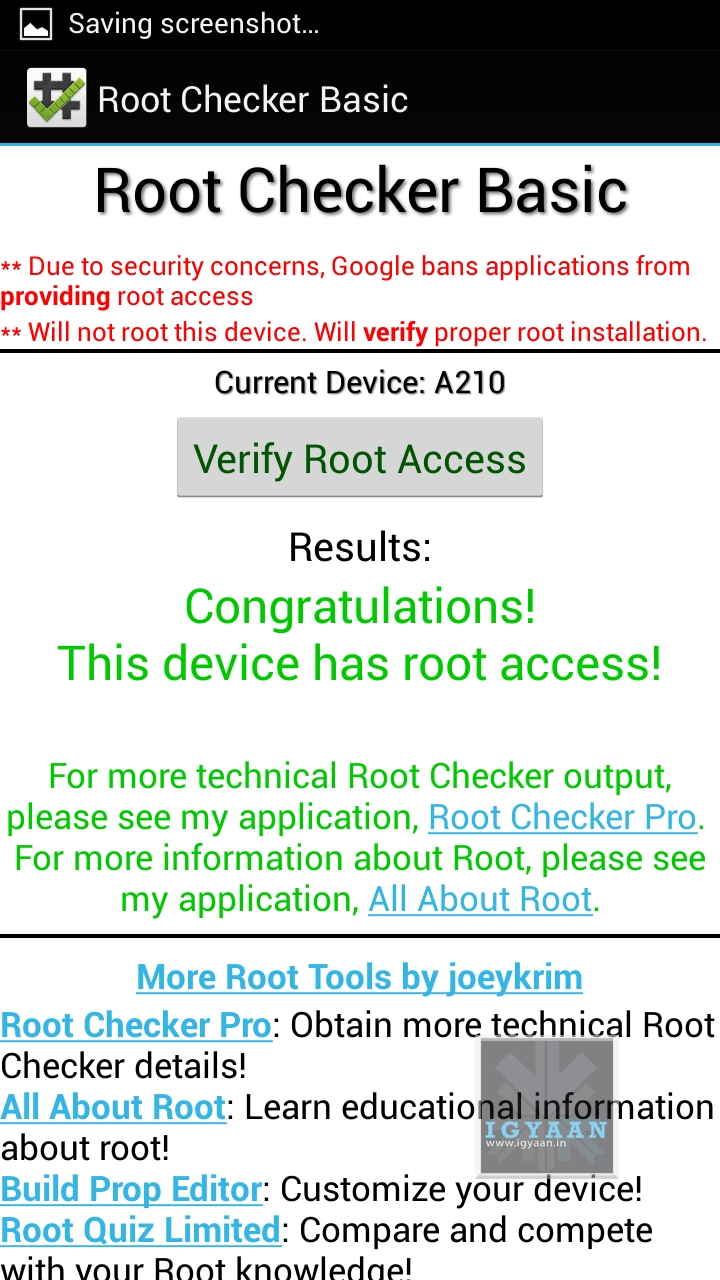
Once completed you will find “SuperSu” in the application list. You now know how to root the Micromax Canvas 4 A210.
UN Root Micromax Canvas 4
Simply Open SuperSU > Settings > Full Unroot
Your Micromax Canvas 4 A210 will reboot and Unroot.
 However, what if you want to switch from one Android phone to another, want to install a custom ROM on the same device or even want to reset your device? You need a backup of your entire smart phone so that you don’t lose critical data. This is where MoboGenie comes in, A simple desktop utility that lets you back-up restore and manage your smartphones content directly from your Windows PC. The MoboGenie utility also lets you manage your contacts, applications, media as well as important text messages. You also get access to a wide range of wallpapers, apps and ringtones for ease of customization fro your Android Devices.