Category: Multimedia and Storage

  • Samsung To Unveil New Portable T7 Plus SSD

    Samsung To Unveil New Portable T7 Plus SSD

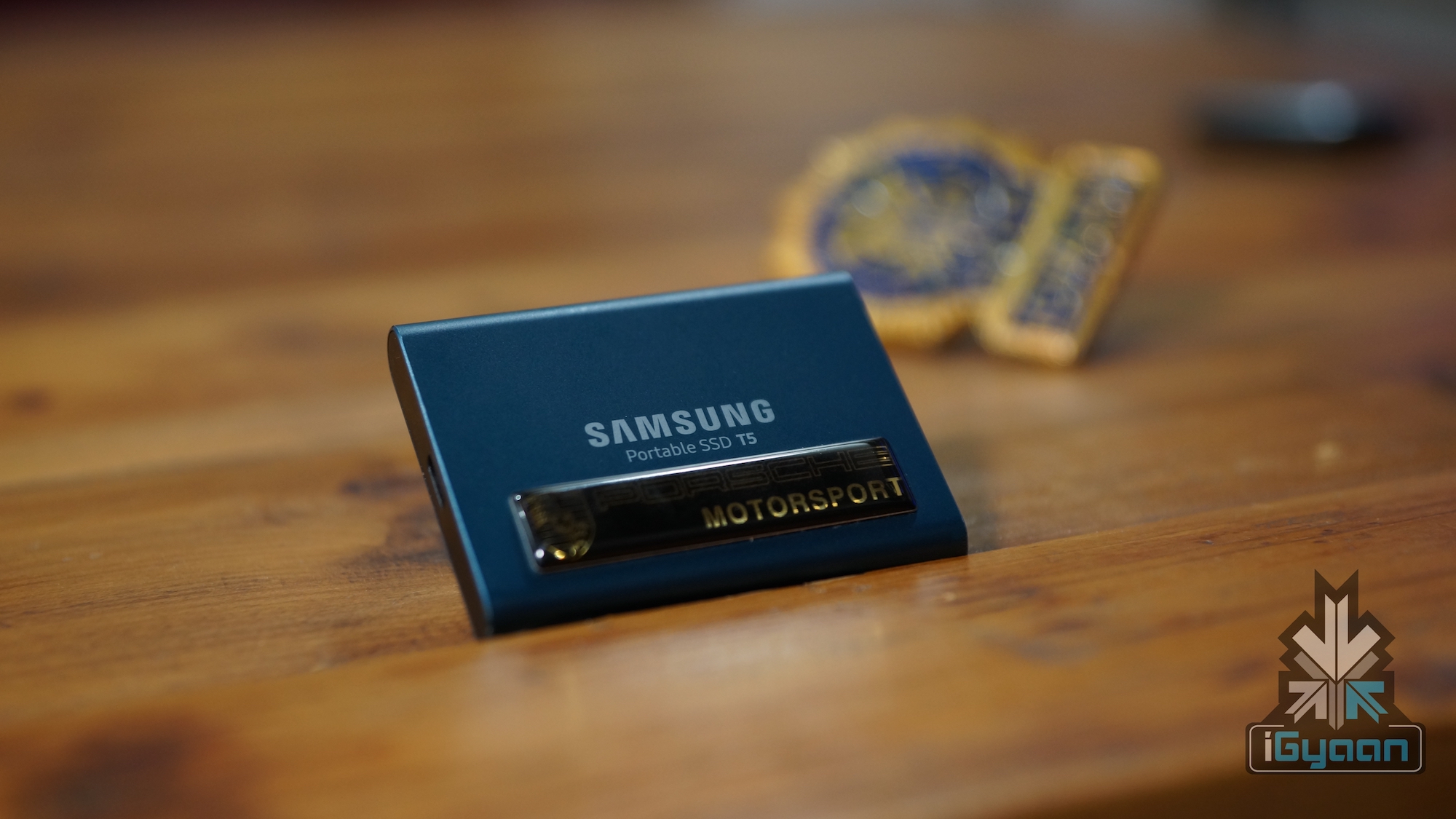
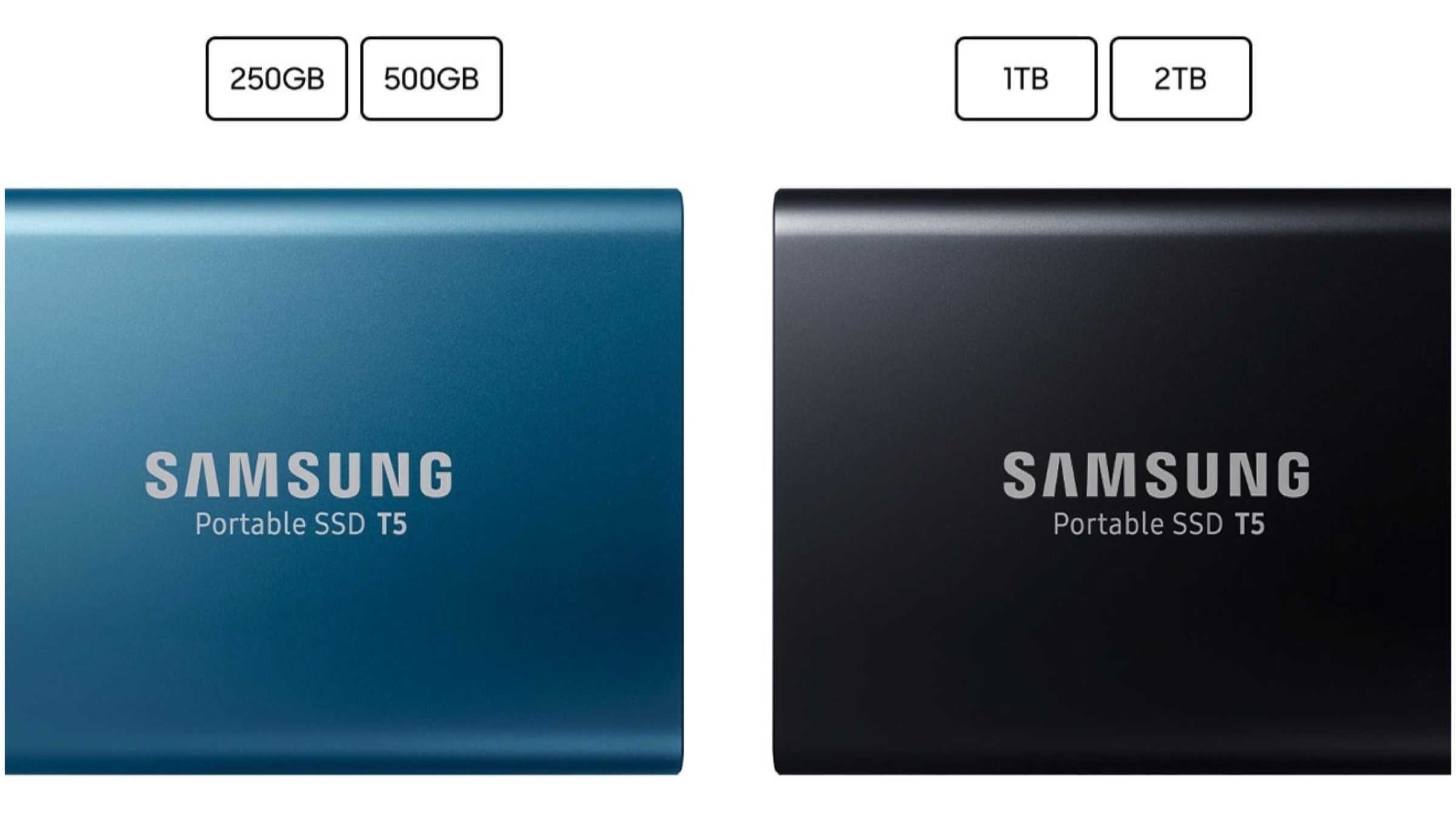
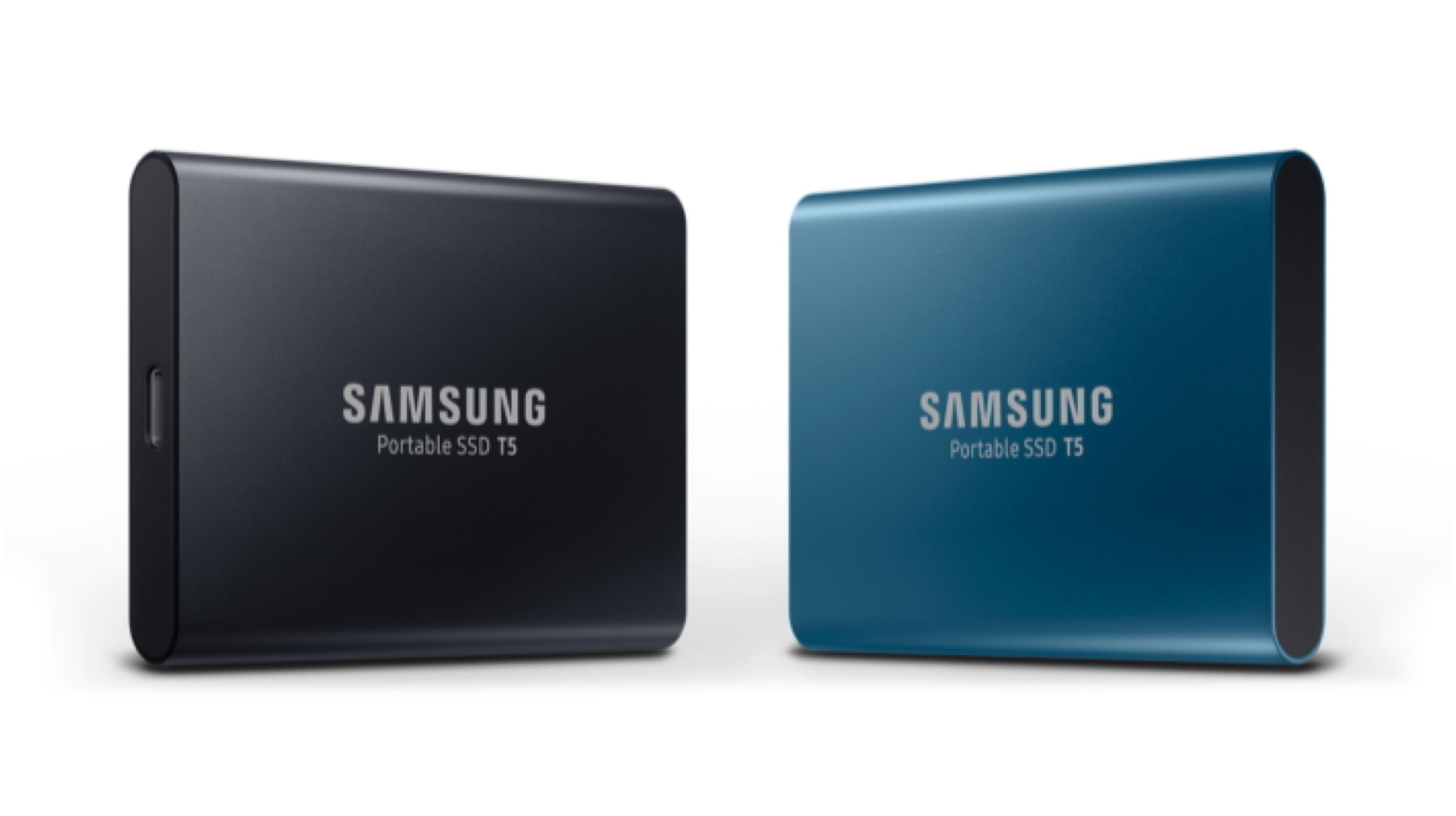
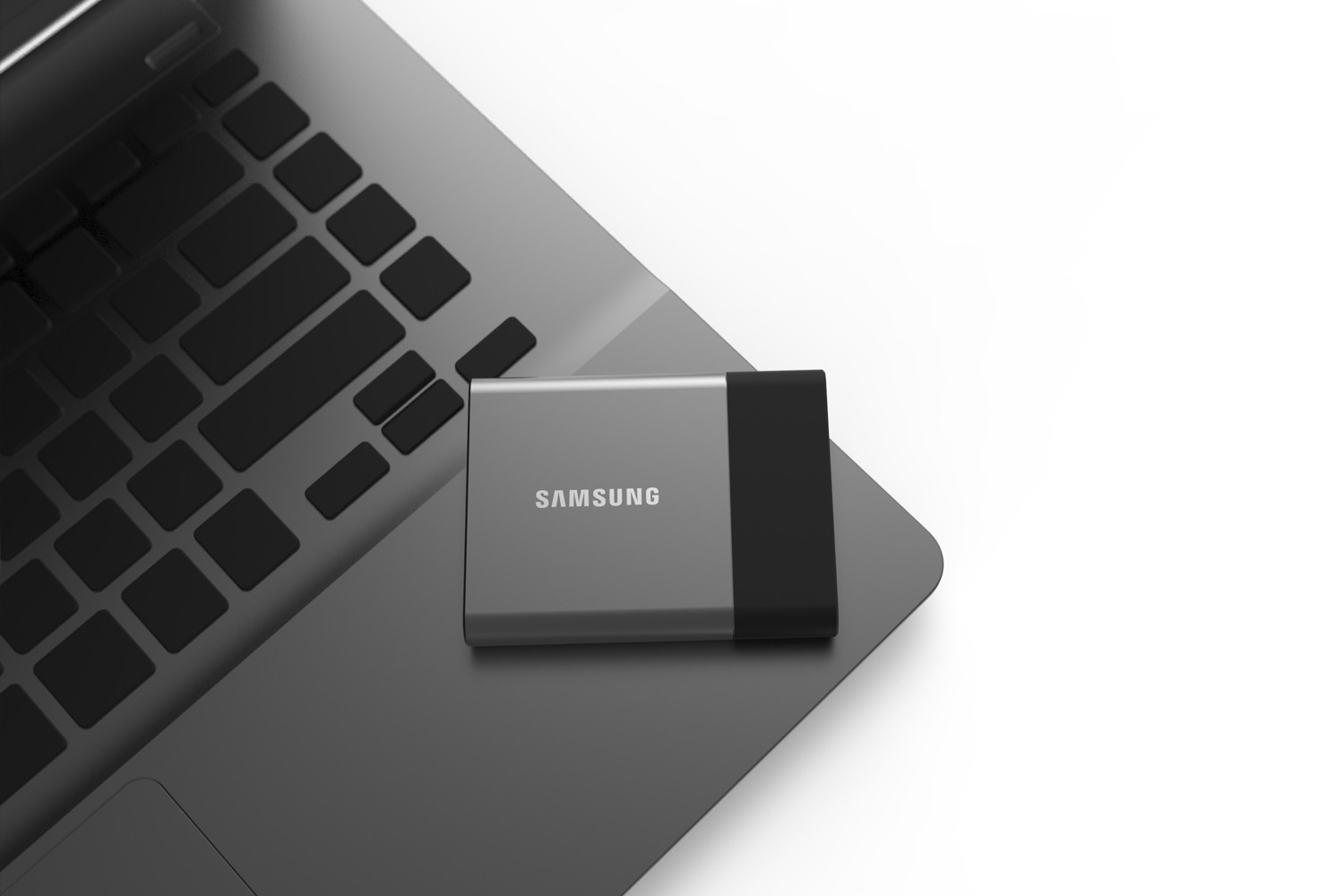
    Samsung has developed a new external Solid State Drive (SSD), T7 Plus portable SSD, which is the successor to the T5 SSD. The company had first introduced portable SSD T5 back in 2017. The storage hardware was available in four different variants, namely 256GB, 512GB, 1TB and 2TB, and four colour variations, ocean blue, deep black, metallic red, and rose gold. The Korean company will announce a new SSD in the same T-series of SSD, according to a trademark application. Samsung

    Samsung Electronics on 12th June 2019 applied for the name Samsung Portable SSD T7 Plus at the Intellectual Property Office in Great Britain. The trademark falls under the Class 9 category carrying the description of a ‘solid state drive; data storage device.’ The tech giant has not given out any finer details regarding the specifications of the new storage device. However, it can be gathered that the external SSD probably is similar to the T5 but with performance improvements across the board.

    Samsung

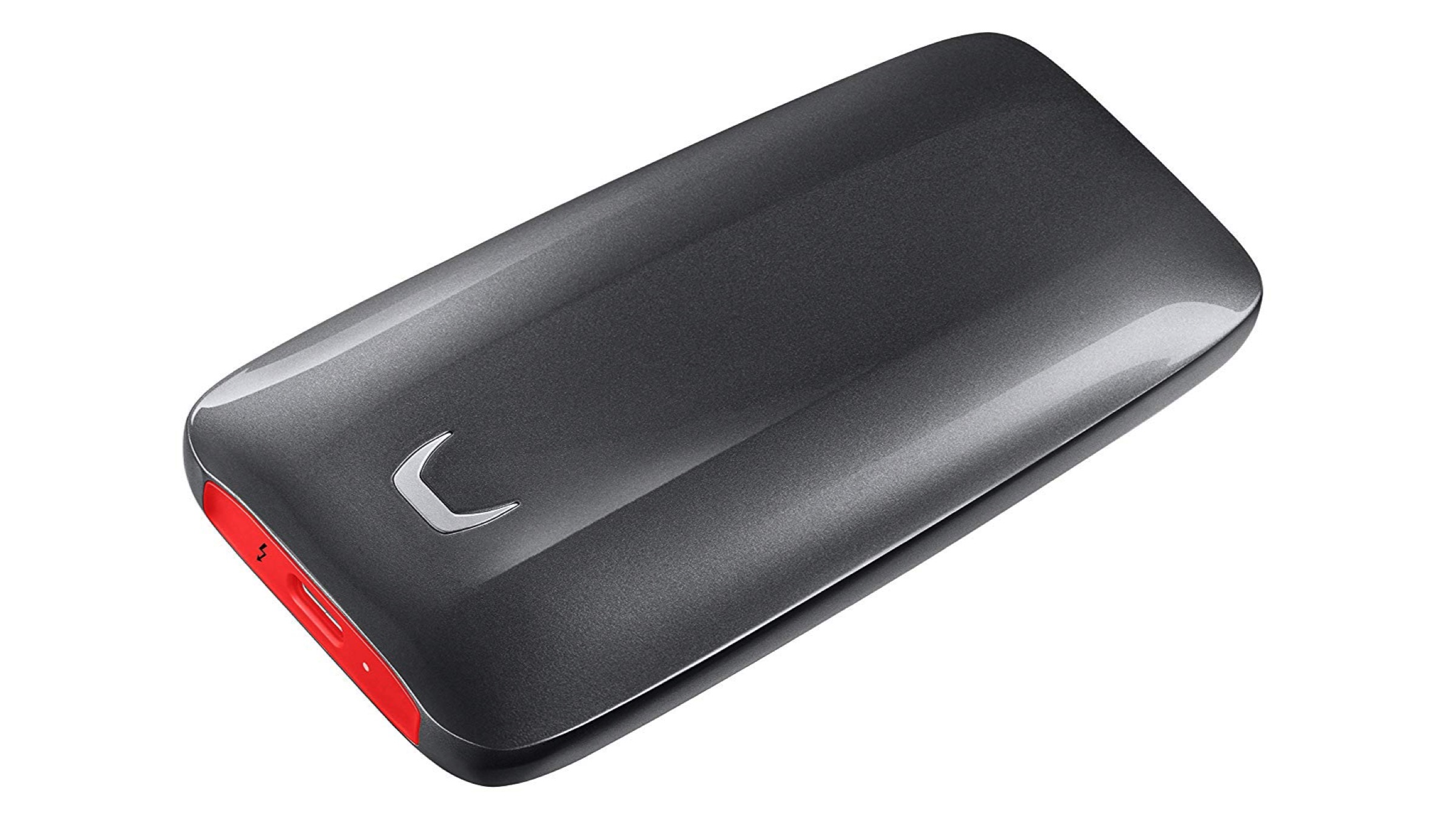
    The T7 portable SSD, as the name suggests is most likely a made on a streamlined, light and compact chassis. Furthermore, features such as capable storage capacity and password protection will likely be available, being the norm. Alongside this upcoming official announcement, Samsung unveiled a Portable SSD X5, a first of its kind SSD that is compatible with Thunderbolt 3 and NVMe that makes data transfer even quicker. This portable SSD is noticeably larger, however, with a heftier price tag than the T5.

    Samsung

    Also ReadSamsung Launches The 292 Inch, 8K Wall Luxury TV

    It is still uncertain exactly when Samsung’s Portable SSD T7 Plus will be announced. The upcoming storage device will probably be a successor to T5 rather than the X5 SSD. Samsung will probably announce the T7 in the IFA (The Internationale Funkausstellung), an annual consumer electronics and home appliances exhibition in Berlin. The event takes place from the 6th to the 11th of September.

  • Samsung Launches New 12GB RAM Modules For Future Smartphones

    Samsung Launches New 12GB RAM Modules For Future Smartphones

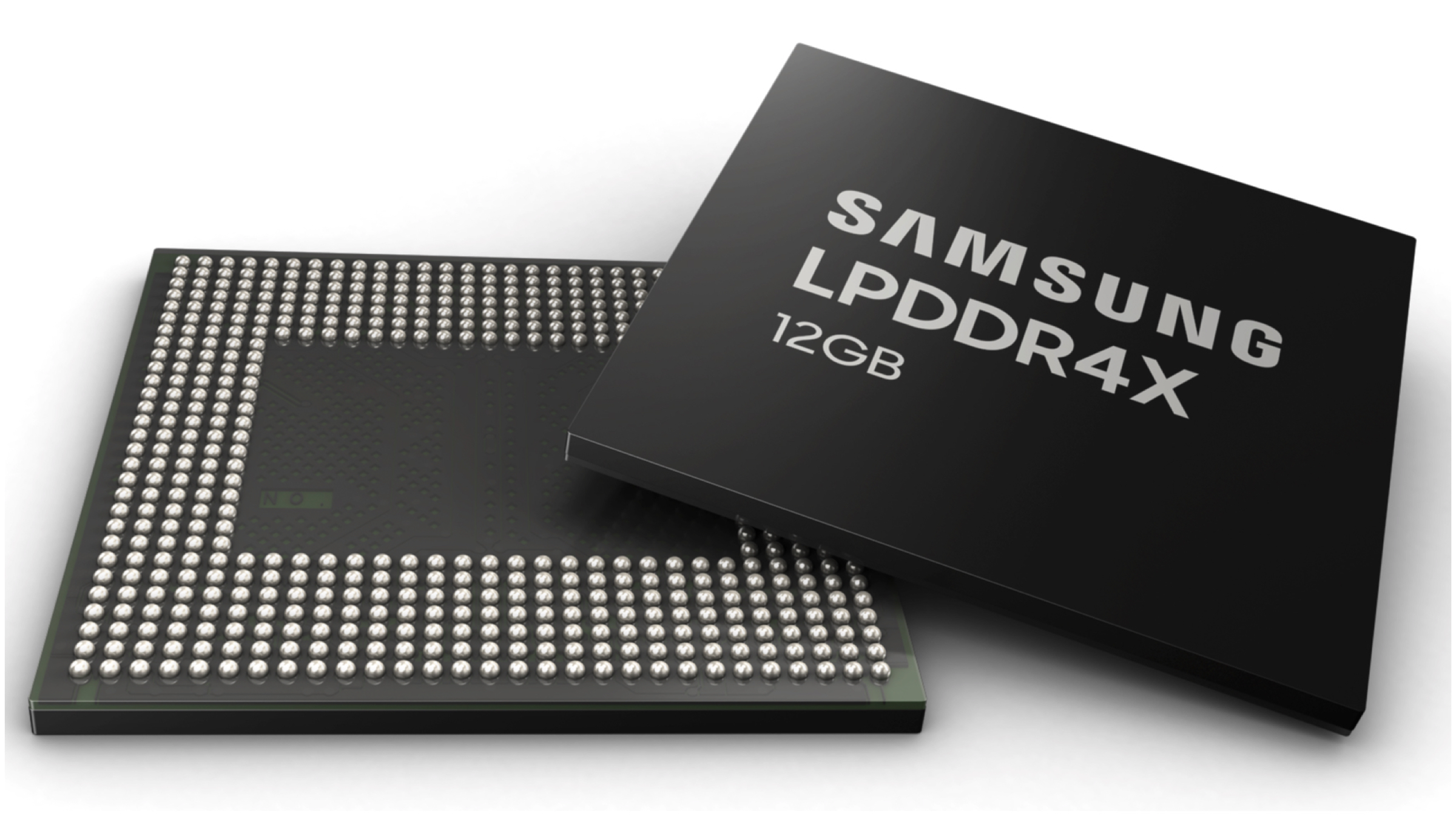
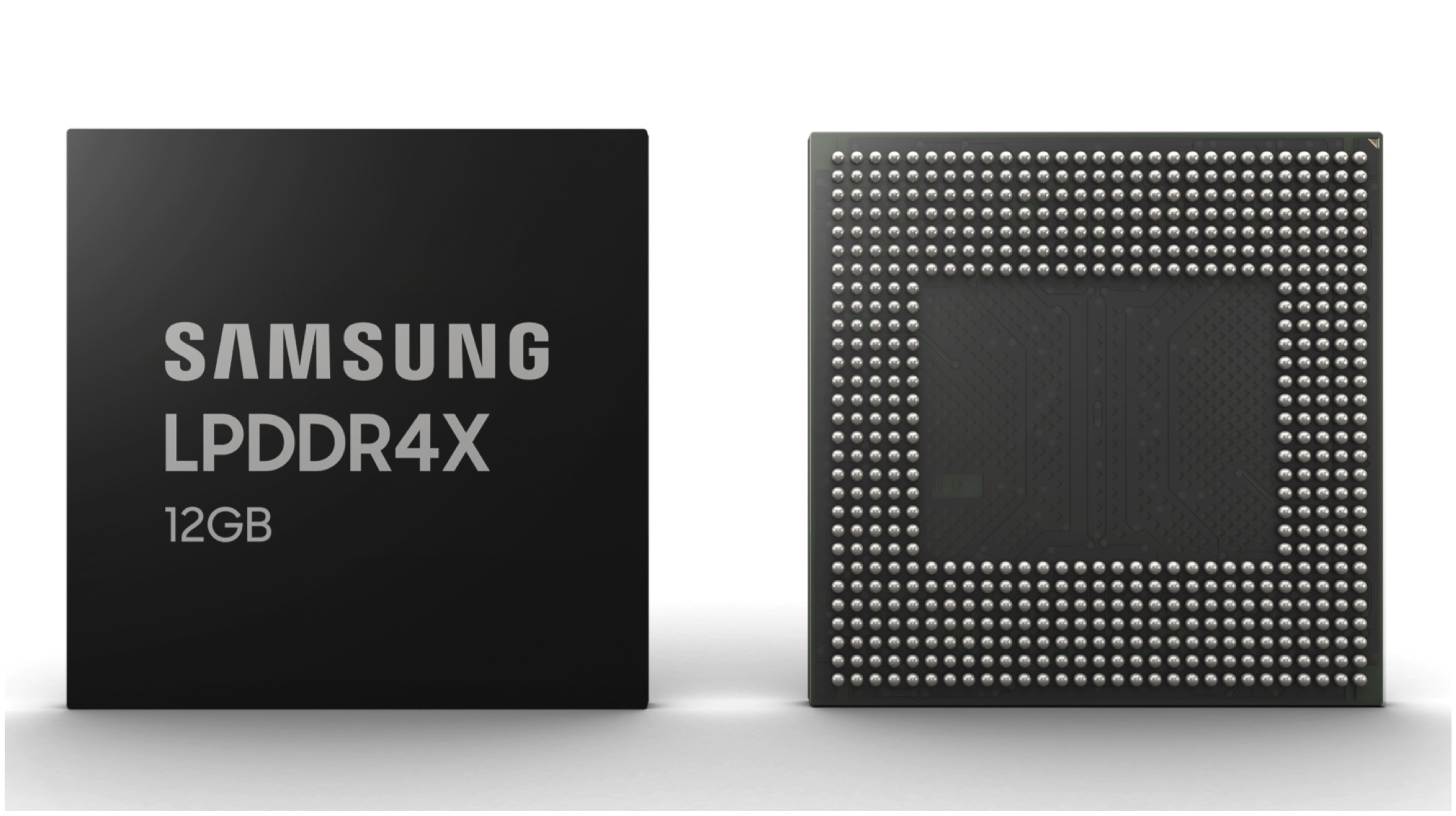
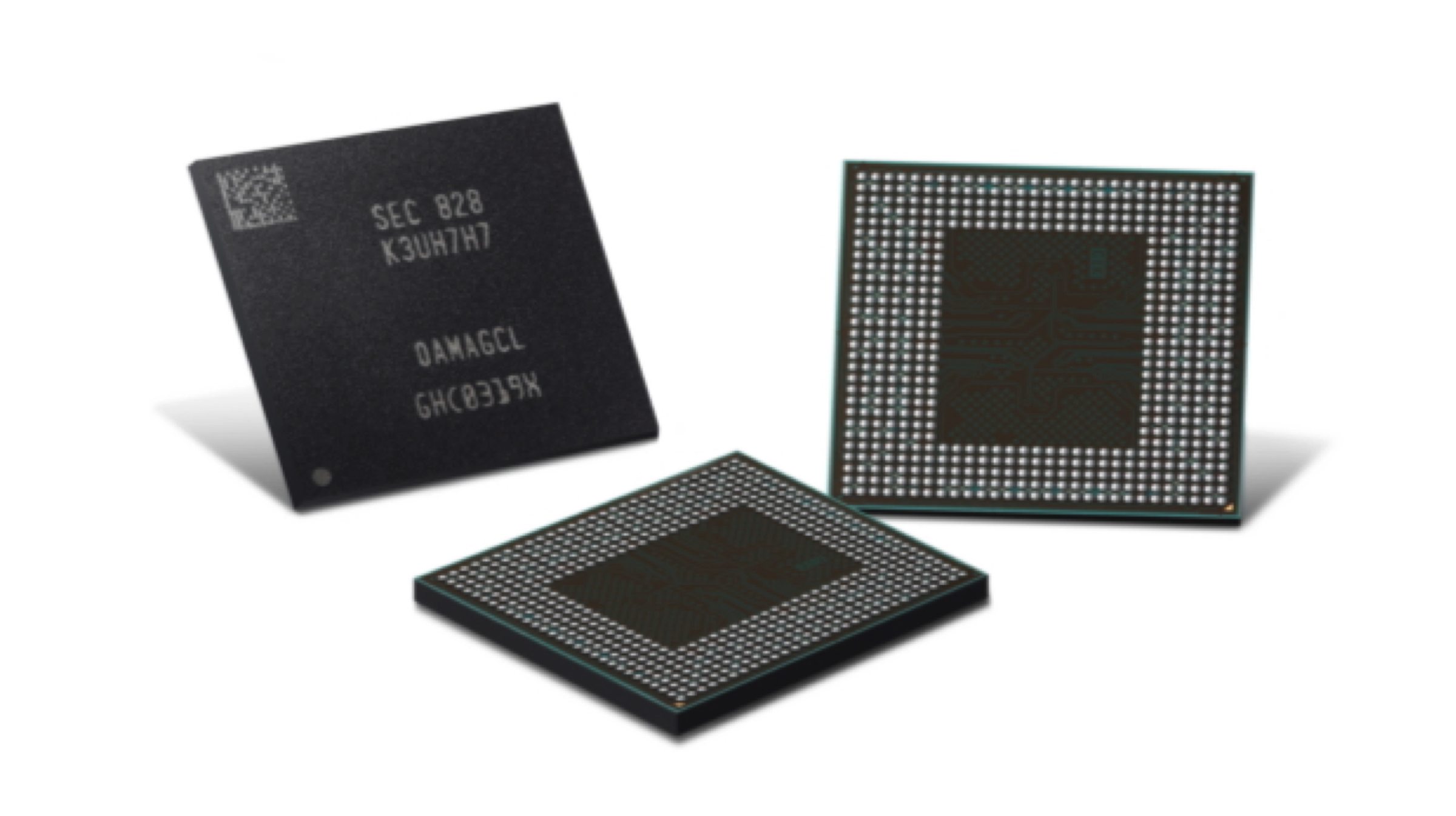
    Samsung Electronics has announced today that it has begun the mass production of the highest capacity of mobile Dynamic Random Access Memory (DRAM) currently available. It is the first 12GB Low-Power Double Data Rate 4X (LPDDR4X) RAM which is made for future smartphones. According to the company, the new product will enable users to take full advantage of all the features that are expected to arrive in the next generation of smartphones.

    Samsung 12GB LPDDR4X Mobile DRAM

    With the new 12GB LPDDR4X mobile DRAM module from Samsung, the company aims to maximize the potential of devices that feature more than five cameras. It will also help with the ever-increasing display sizes on devices and will boost Artificial Intelligence and 5G capabilities in smartphones. More RAM, in general, signifies better multitasking and faster operations in the device’s UI. Samsung claims an industry leading 1.1 millimetres thickness of the DRAM module, which may lead to slimmer smart devices featuring the technology.

    The new 12GB LPDDR4X mobile DRAM module is manufactured using a 10nm fabrication process. According to Samsung, this is achieved by combining six 16-gigabit (Gb) LPDDR4X chips based on the second generation 10nm process into a single package. This new module is thus capable of data transfer rates of up to 34.1GB per second. It also claims that the new technology reduces power consumption, making smartphone batteries last even longer.

    Also read: Huawei Patents Smartphone With Second Display And Periscopic Camera

    Notably, the only products in Samsung’s current lineup with 12GB of RAM are the Galaxy S10+ Ceramic Edition and the Galaxy Fold foldable smartphone. However, both the devices use a different technology than the aforementioned one. The mobile DRAMs inside them is manufactured using a 20nm architecture, instead of a 10nm one found in the latest generation. The new 12GB RAM standard, along with the recently announced 512GB UFS 3.0 storage will be seen in devices starting next year.

  • Samsung Begins Mass Production of First 512GB eUFS 3.0 Storage

    Samsung Begins Mass Production of First 512GB eUFS 3.0 Storage

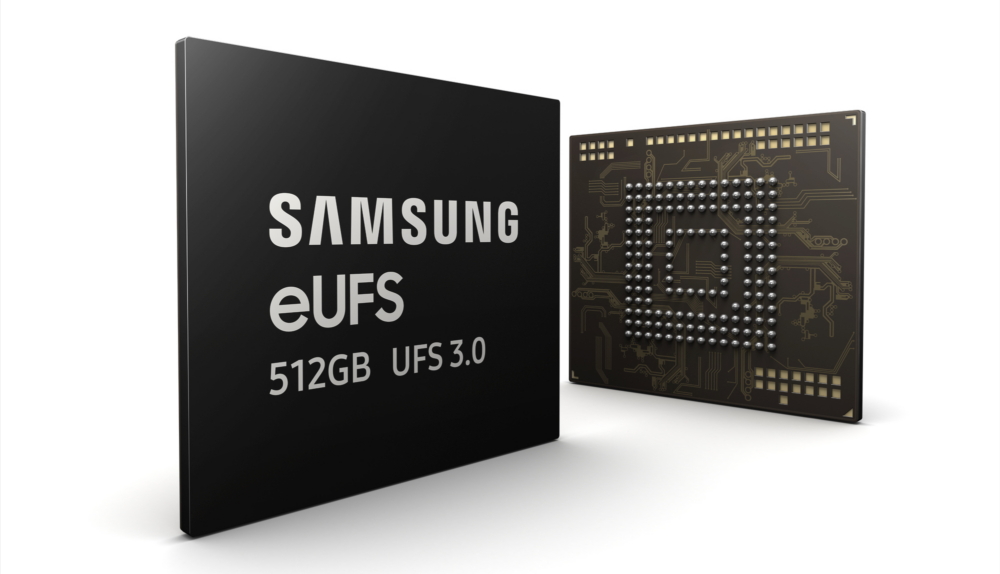
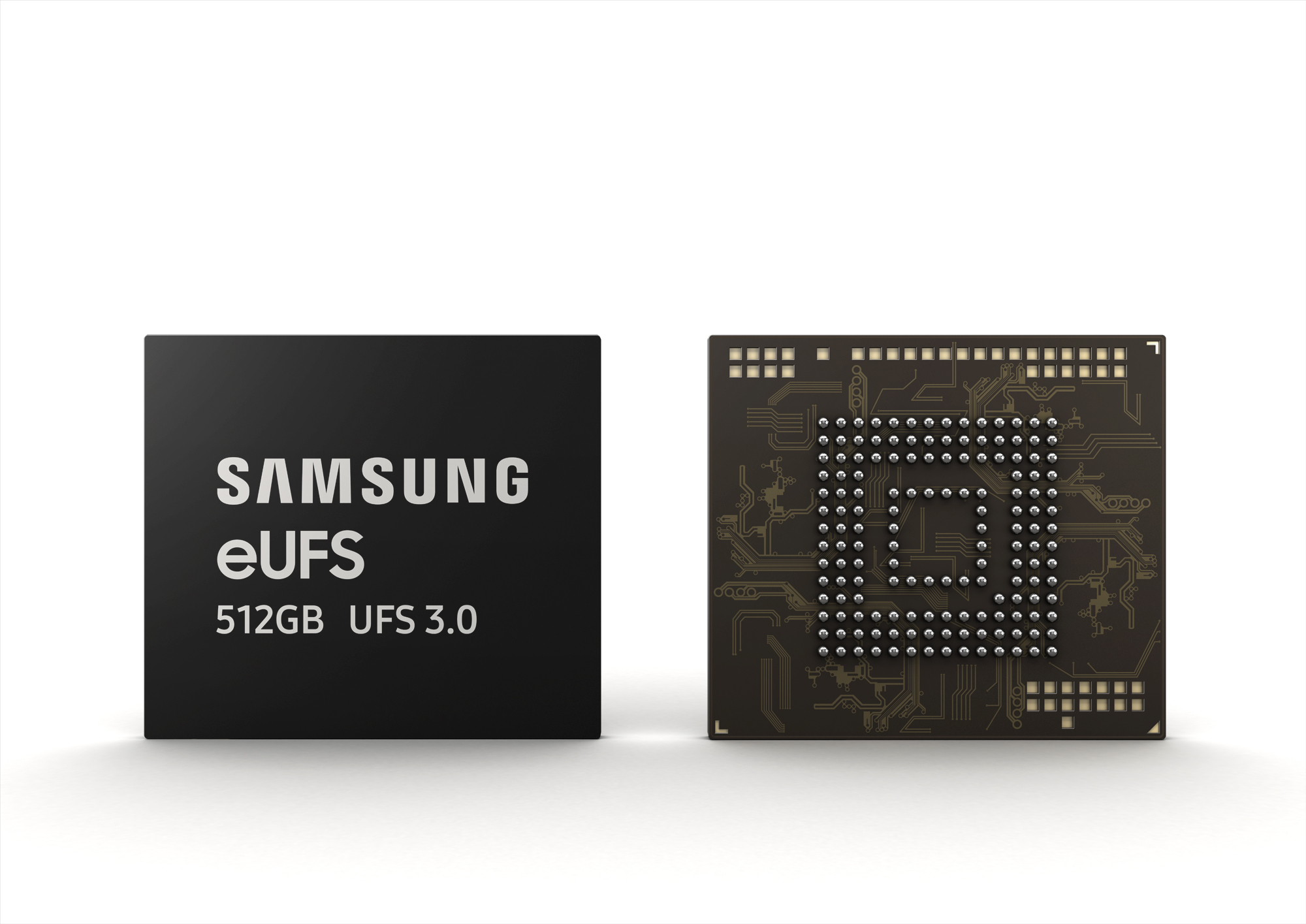
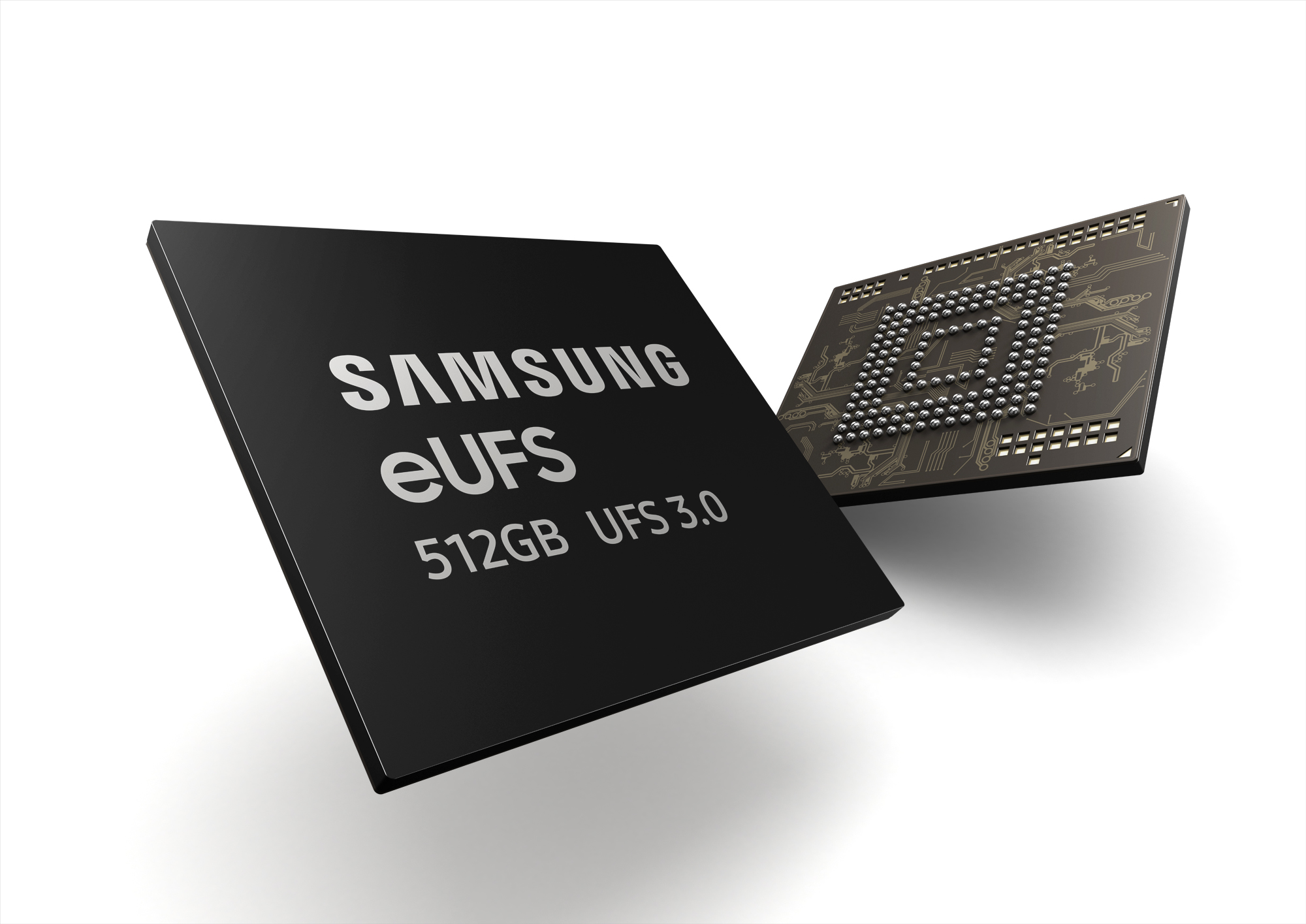
    On February 20, Samsung announced the Galaxy Fold, its first foldable smartphone. The device had some groundbreaking features like a foldable display and six cameras in total. One feature that was mentioned in the device was 512GB of eUFS 3.0 storage which would translate to lightning fast read and write speeds on paper. Samsung has announced that it has started the mass production of the Industry’s first 512GB embedded Universal Flash Storage (eUFS) 3.0 for smart device.

    Samsung’s 512GB eUFS 3.0 Storage

    Samsung’s new eUFS 3.0 storage for mobile devices claims to deliver twice the read and write speeds of the previous generation, which was eUFS 2.1. The company also claims that this new storage solution would make the transfer speeds on mobile devices that were only available on ultra-slim laptops. This would suggest that Samsung is promising SSD level of speeds on its eUFS 3.0 storage. This offers the read speed of up to 2,100MB per second and offers write speed of up to 410MB per second.

    Interestingly, Samsung was the first company to produce the first UFS interface with eUFS 2.0 storage in early 2015. This was claimed to be 1.4 times faster than the mobile memory standards at the time, embedded multi-media card 5.1 (eMMC). It is surprising to see the company match up to ultrabook-level of speeds in four years.

    Also read: Xiaomi Black Shark 2 Gaming Smartphone Leaks Online

    Samsung also plans to launch a 128GB version of the eUFS 3.0 storage and it is planning to launch a 256GB and a whopping 1TB version in the second half of the year 2019. The 512GB version will debut with the Galaxy Fold, which goes on sale starting April 26. The mass production of the storage may suggest that it will be available in upcoming Samsung flagships.

  • 1TB MicroSD Cards Are A Reality At MWC 2019

    1TB MicroSD Cards Are A Reality At MWC 2019

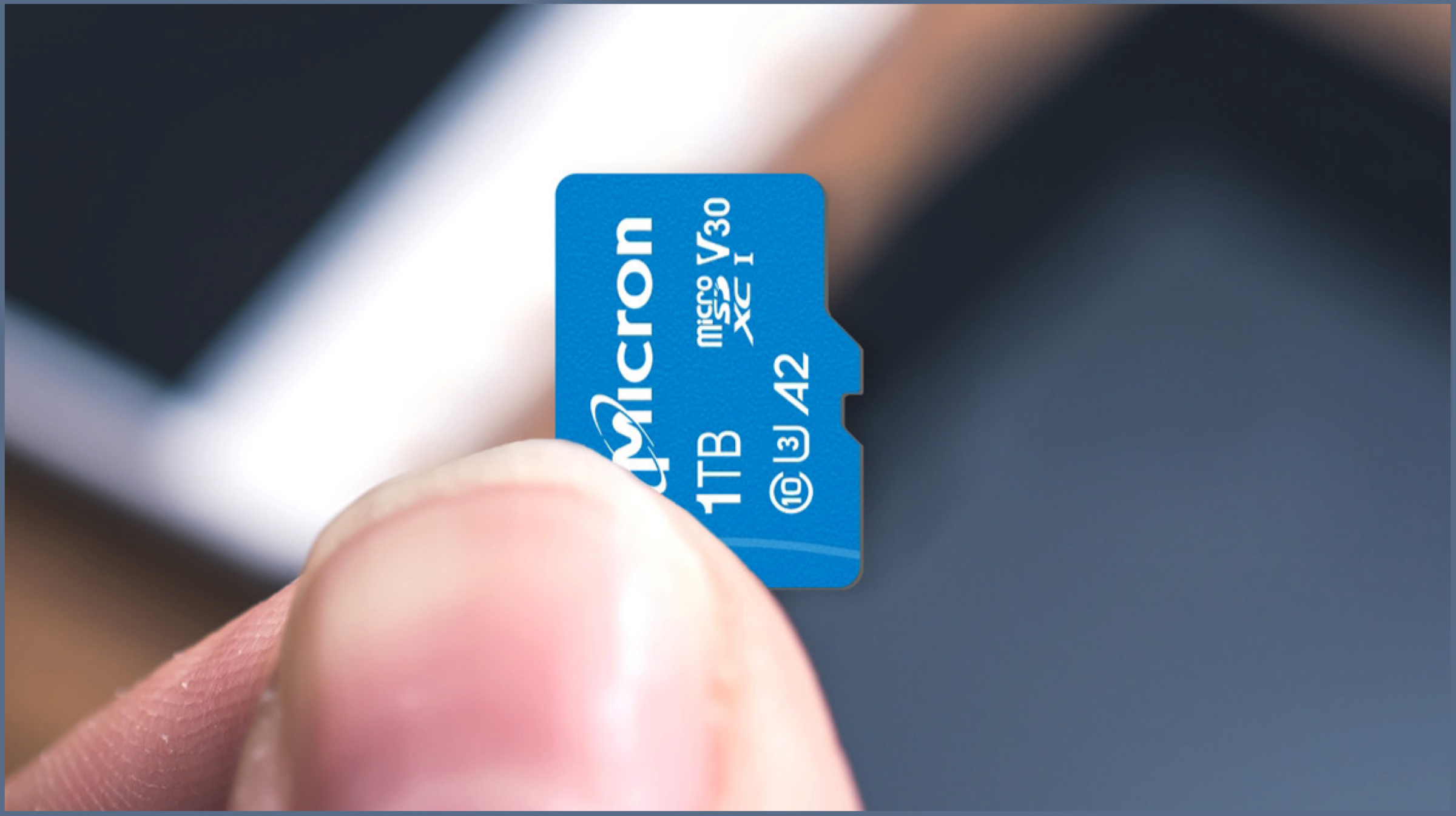
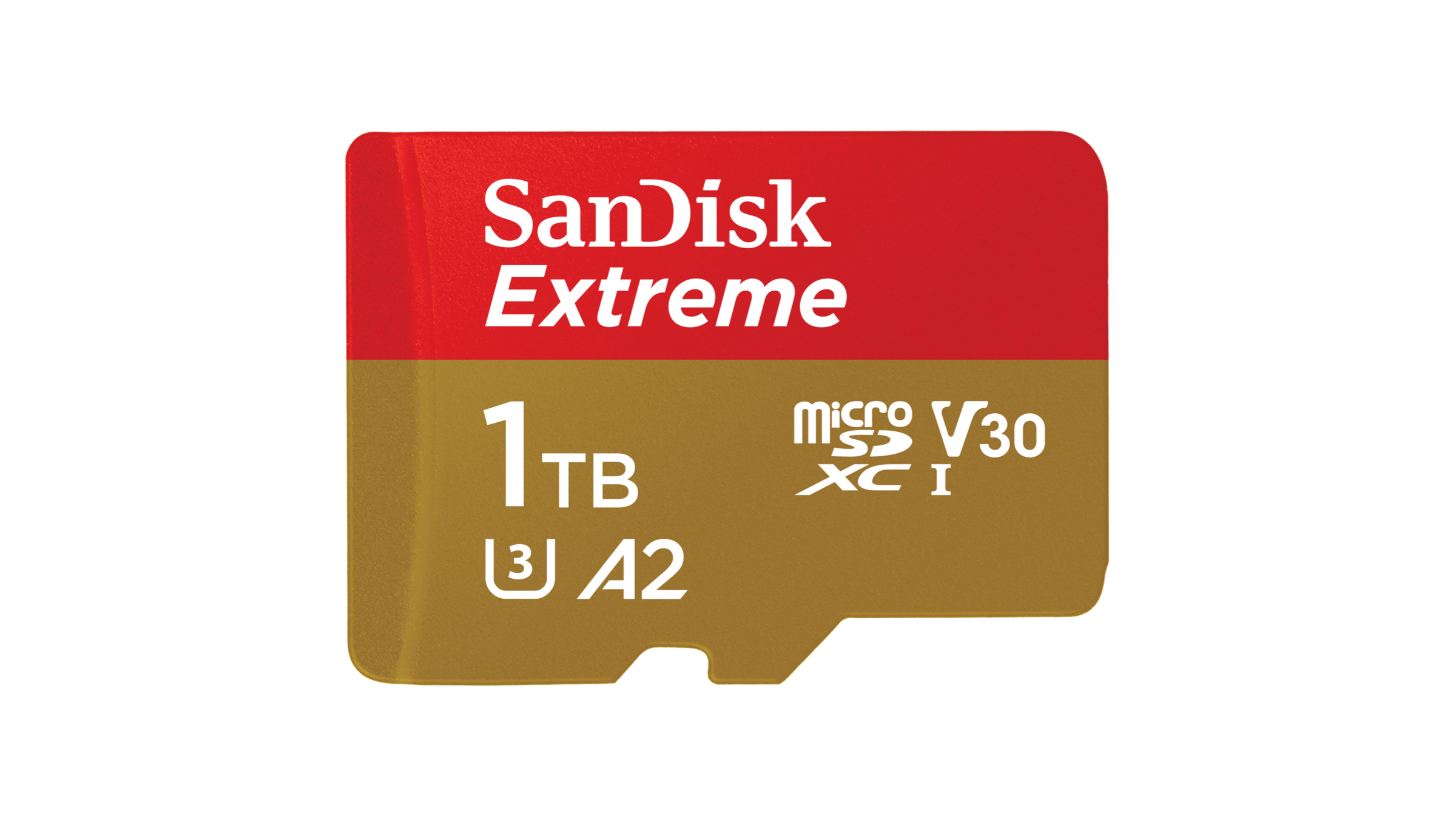
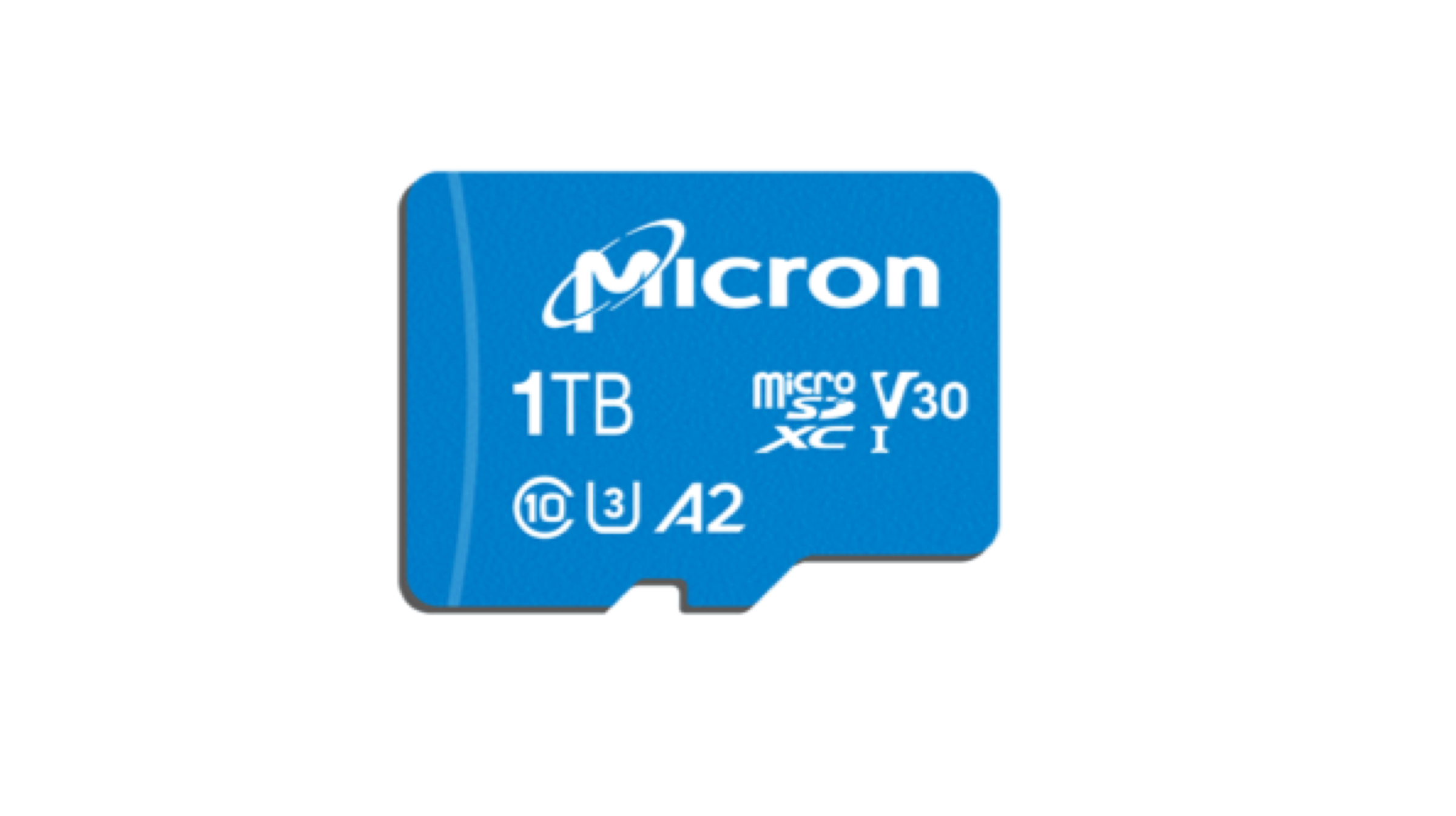
    The Mobile World Congress (MWC) in Barcelona is a stage to showcase cutting edge products in the field of technology. Due to the high speed internet boom, the production and consumption of digital media content has risen several folds. With the growth of digital media consumption, the  need for hardware to store this content has also risen. Two well-known names in storage solutions, Micron and Sandisk owned by Western Digital have announced the world’s first microSD cards with a whopping 1TB storage capacity. Both companies claim promising transfer speeds with the products.

    1TB MicroSD Cards

    The two praiseworthy storage microSD cards launched at the event include Sandisk Extreme microSDXC UHS-I 1TB; and the Micron c200 1TB microSDXC UHS-I. These cards are, as mentioned above, the world’s first microSD cards to support 1TB of storage. The Western Digital’s 1TB microSD card is claimed to be capable of a data read speed of up to 160MBps and a peak data write speed of 90MBps. It follows the A2 specification for launching and loading apps which the company claims offer a performance output of 400 Input/Output Operations Per Second (IOPS) and 2000 IOPS. This allows the card to be very fast while performing tasks like app launching or file transfers.

    The Micron c200 1TB microSD has a lower read speed than Western Digital’s offering. The read and write speeds are clocked at 100MBps and 95MBps respectively. It employs the Dynamic SLC cache and performs automatic resource management for sustained peak performance. Just like the Sandisk’s 1TB card, it also follows the A2 specification. The card leverages Micron’s 96 layer 3D quad level cell (QLC) NAND technology for faster speeds. Both these cards are expected to be helpful in providing efficient storage for 4K videos, pictures and games on smartphones and other electronic devices.

    Also read: Upcoming Update Will Augment Messaging App & Google Assistant Integration

    The SanDisk Extreme microSDXC UHS-I 1TB microSD card will be sold $449.99 (around Rs. 32,000) and is up for pre-order from the official SanDisk website. The Micron’s offering will be available to buy in Q2 2019 but unfortunately, the company has not provided any information on pricing of the card. But it is expected to be priced lower to Western Digital’s offering.

  • Samsung Breaks Terabyte Threshold for Smartphone Storage

    Samsung Breaks Terabyte Threshold for Smartphone Storage

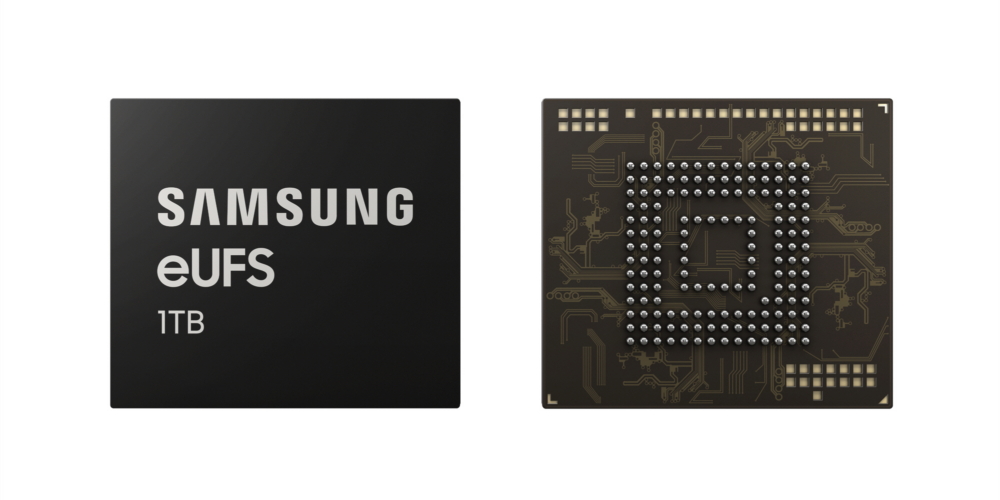
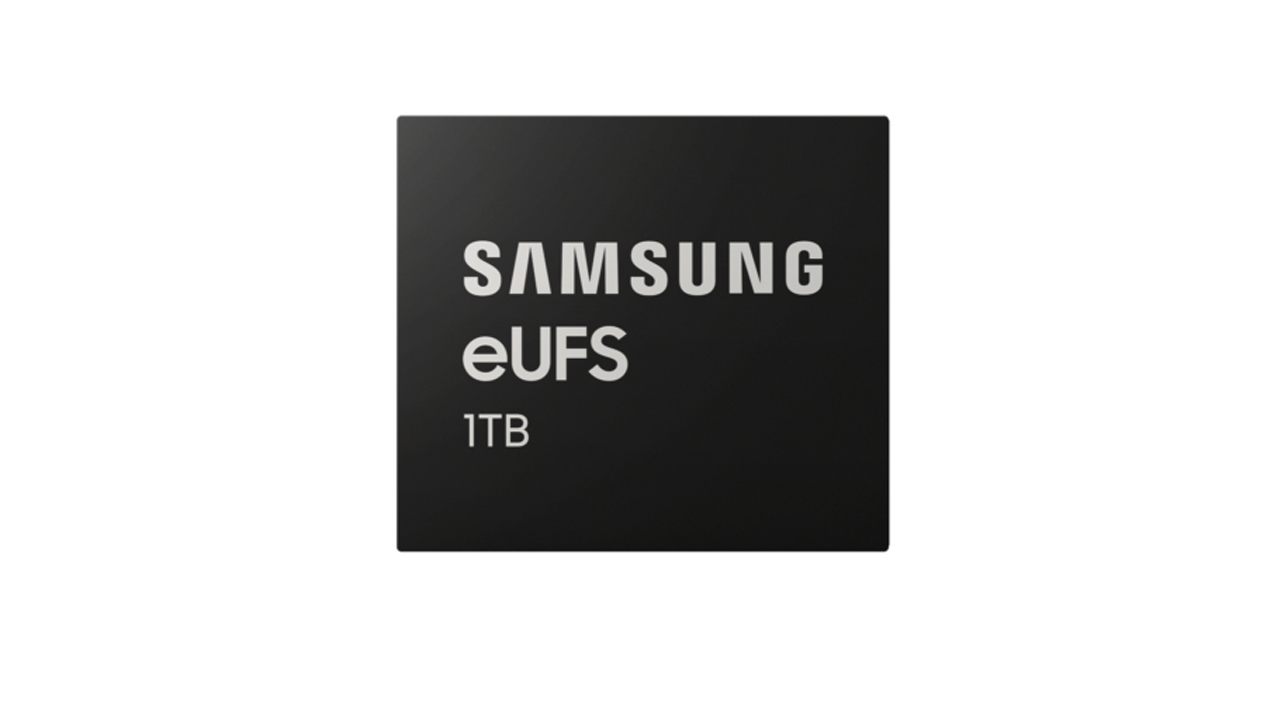
    The race has been heating up to increase storage on smartphones. Every smartphone manufacturer is trying to include more and more space due to the size of everything including music, photos, videos etc increasing. Turing Robotics Industries had introduced a phone with a whopping 12GB RAM and 1 TB space back in 2019. But the phone was big and hard to carry around. But latest Samsung news suggests that Samsung is finally breaking grounds and getting ready to introduce a 1TB storage on a smartphone. The company recently announced that it has begun mass producing the industry’s first one-terabyte (TB) embedded Universal Flash storage.


    Features

    Samsung suggests that customers will soon be able to enjoy similar storage capacities as a laptop on their smartphone. The technology used by the company can fit double the storage in the same package size (11.5mm x 13.0mm) as the 512GB.

    This is done by combining 16 stacked layers of Samsung’s advanced 512-gigabit (Gb) V-NAND flash memory which are vertically stacked NAND cells thus increasing density but not changing in size. Samsung also claims that the new eUFS features approximately twice the sequential read speed of a typical 2.5-inch SATA solid state drive (SSD). They claim the sequential read speed to be 1,000 megabytes per second. This means that 5GB-sized full HD videos can be offloaded to an NVMe SSD in as fast as five seconds, according to Samsung. The random read speed has reportedly increased by up to 38 percent over the 512GB version, clocking in at up to 58,000 IOPS. 

    This may be a much needed upgrade as cameras on smartphones have started to get better sensors with more megapixels. The images shot with higher megapixel phone cameras are much larger in size, and with most phones these days being offered without expansion options, the 1 TB storage may be the perfect solution. Whether Samsung uses it on their upcoming flagship Samsung S10, we will have to wait and see. 


  • Lexar Announces World’s First 1 TB SD XC Card

    Lexar Announces World’s First 1 TB SD XC Card

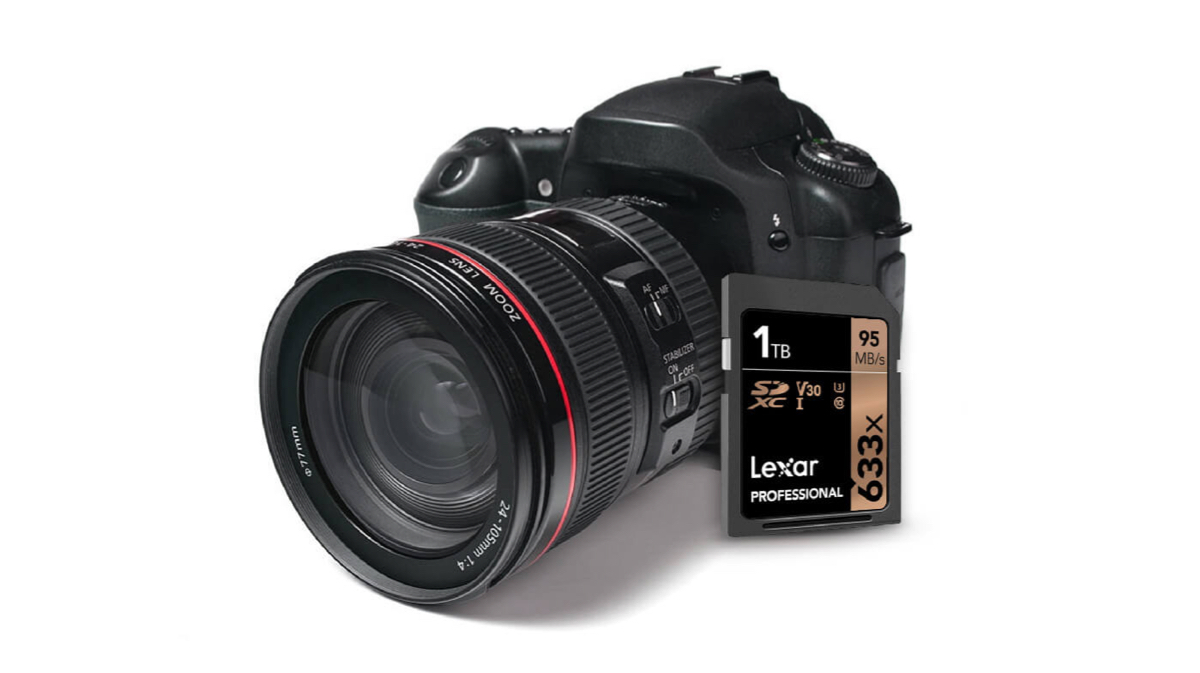
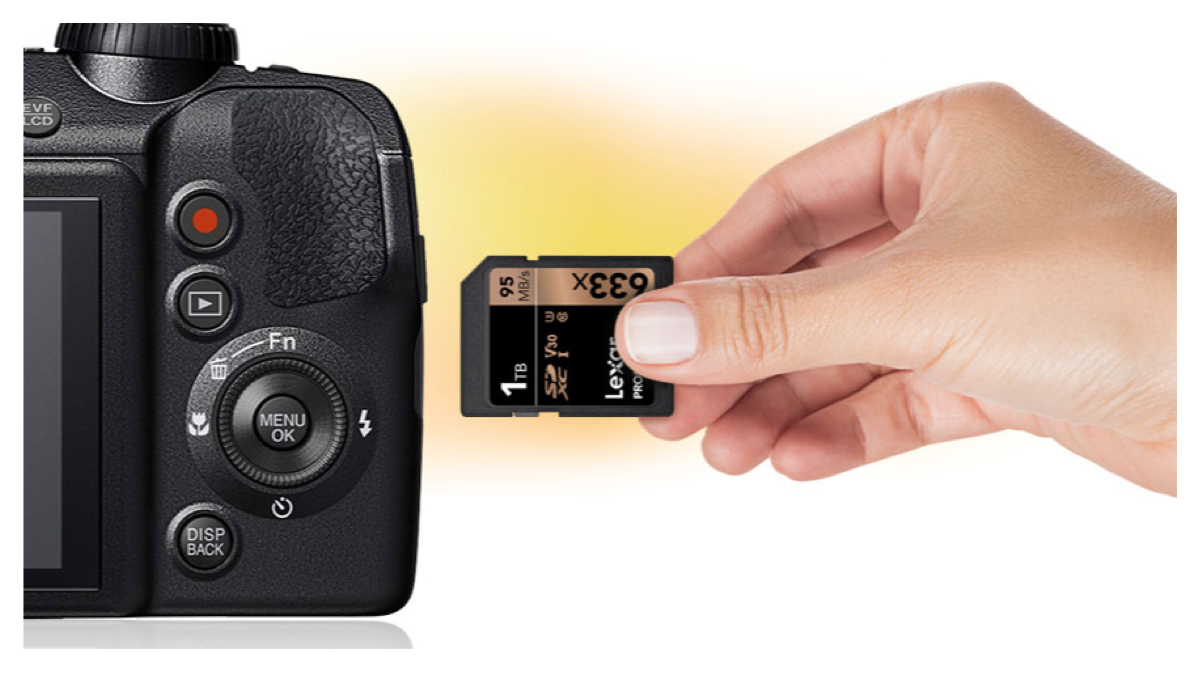
    Back in 2016, SanDisk had unveiled the world’s first 1 TB SD card, but unfortunately it never made it to the market. However, Lexar, a brand that was bought by Longsys two years back, has now released a 1 TB SD card that is available for purchase! It is noteworthy that the Lexar brand was shutting shop when Micron, the then parent company decided to discontinue the brand.

    Specifications

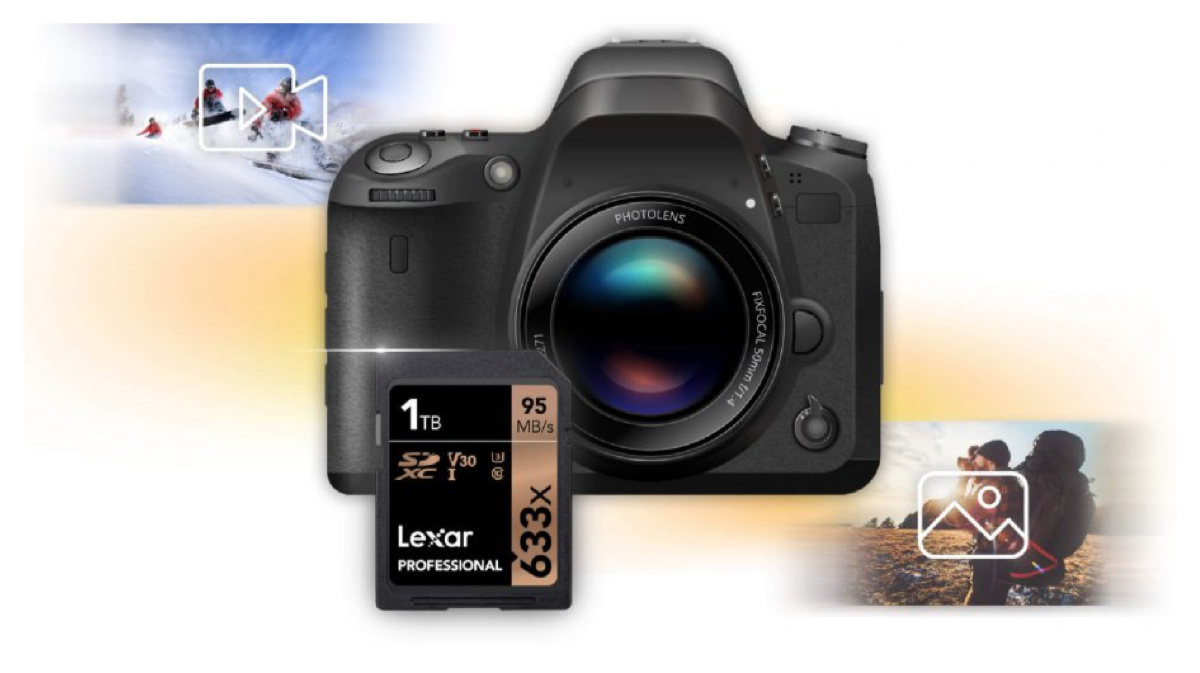
    The card promises to transfer high-quality photos and 1080p full-HD, 3D, and 4K video extremely fast. It promises to deliver read speeds of up to 633x (95MB/s). The card has a video recording speed class of V30. The main competition to this card will be Sand Disk’s 512 Extreme Pro SDHC/SDXC UHS-I memory card. 

    A senior official from Lexar stated that almost fifteen years ago Lexar had announced a 1GB SD card. And now the company has achieved to have a 1 TB storage capacity in the same convenient form factor. He also stated that as consumers continue to demand greater storage for their cameras, the combination of high-speed performance with a 1TB option now offers a solution for content creators. Specially those who shoot large volumes of high-resolution images and 4K video. 

    According to the company, all Lexar product designs undergo extensive testing in the Lexar Quality Labs. This occurs in facilities with more than 1,100 digital devices. This is done to ensure performance, quality, compatibility, and reliability.

    This card however, being a pathfinder of sorts, is quite expensive. The 1TB Lexar Professional 633x SDXC UHS-I card is available at an MRP of $499.99. Buying two 512 GB SD cards are still cheaper, but it might mean taking a cut in between recording footage  to change cards if you frequently record 4K videos.  The new 1 TB card also comes with a limited-lifetime warranty. 

  • Google Increases Storage Limit To 20,000 Photos And Videos For Google Photos Albums

    Google Increases Storage Limit To 20,000 Photos And Videos For Google Photos Albums

    There is some good news for all the Android users! Google has increased the number of photos and videos that can be stored in an album to 20,000. Google Photos is a widely used service and most Android phone users backup their photos and videos in Google’s cloud storage. This enables a user to seamlessly switch to new phones without the hassle of shifting gigabytes of data from one phone to another. Each Google Photos storage is associated with a Gmail account. The limit for each album was previously set to 10,000 photos. With Google introducing the Live Album feature, there will now be more albums than before. The Live Album feature enables the app to differentiate between different photographs and creates and segregates photographs for you. This makes an album of your pets, your travels and so on.

    What This Means For Users

    With smartphone cameras becoming better and better, the size of images have increased. So has the user’s tendency to shoot more photographs with mobile phones. This new expansion of storage allows the user to not have to worry about running low on space and having to delete images from Google Photos. Google has also confirmed that it won’t count some formats of videos under the ‘unlimited storage’ umbrella. These include videos saved in mpg, .mod, .mmv, .tod, .wmv, .asf, .avi, .divx, .mov, .m4v,  .3gp, .3g2, .mp4, .m2t, .m2ts, .mts, and .mkv formats. These videos can still be uploaded to Google Photos, but will take up space on your Google Drive.

    Also ReadXiaomi Launches Mi Pay Mobile Payment Service In India

    While a user gets 15 GB storage for free on Google Drive, one can choose to increase that space by paying a premium. There are six different plans available at the moment which are 100 GB, 200 GB, 2 TB, 10 TB, 20 TB and 30 TB. The lowest plan for 100 GB data storage will set you back by Rs 130 per month. Alternatively, one can create another Gmail account to get 15 GB more data but that would mean you will need to keep both logged in on your phone to access the storage without interruptions.

  • Samsung Launches T3 SSD in India, Offers up to 2TB Storage

    Samsung Launches T3 SSD in India, Offers up to 2TB Storage

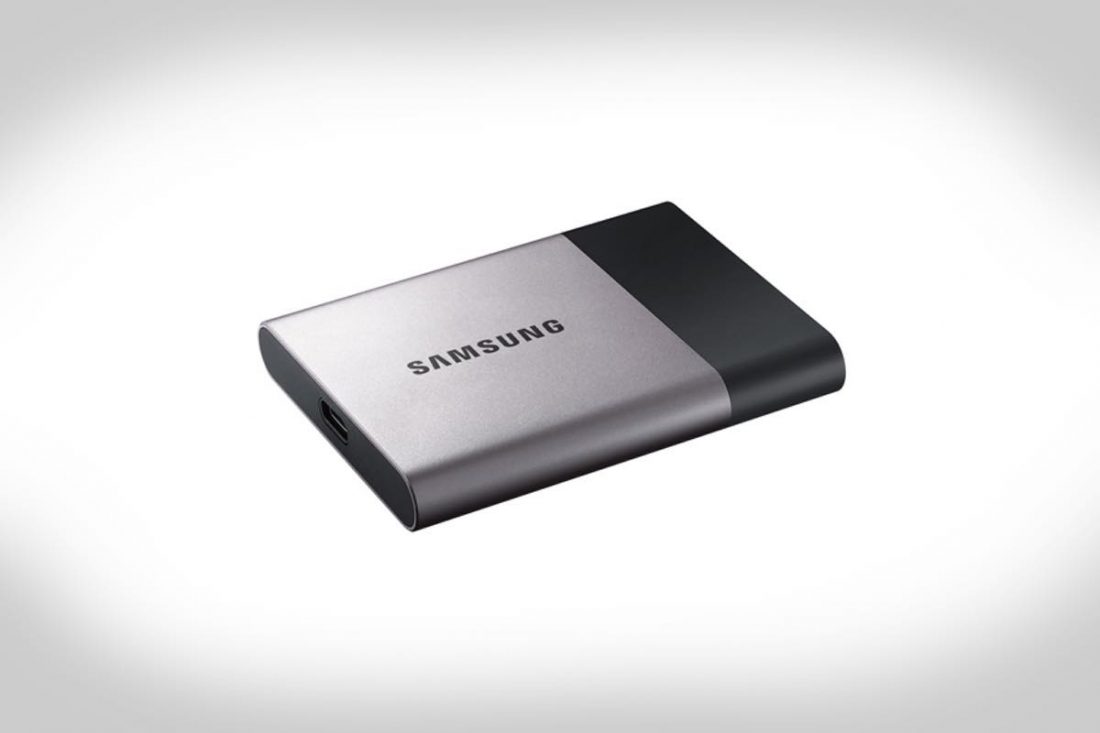
    Samsung Electronics India today launched the successor to the T1 ultra portable SSD with the T3. The T1 was a light, thin and fast SSD that was launched last year. The T3 is bigger and offers a lot more storage than its predecessor.

    The T3 is available in 250GB, 500GB, 1TB and 2TB options priced at Rs 10,999, Rs 18,999, Rs 37,999 and Rs 74,999, respectively. The T1 sports an all-metal body and will be available for purchase starting March 21 across offline and online stores including Flipkart, Amazon and Snapdeal. The T1 also comes with a 3-year warranty.

    samsung-ssd-t3

    Like the T1, the T3 has a credit-card shape and is light and compact, weighing around 51 gms, designed for easy portability. Samsung claims that the SSD can survive a 6 feet drop. The T3 is capable of read/write speeds up to 450 MB/s. With a full AES 256-bit hardware encryption, the T3 guarantees safe and secure data.

    The T3 supports both USB 3.1 Type C as well as USB 2.0 and is compatible with laptops, desktops, SmartTVs, tablets and Android devices. The T3 was first unveiled at CES 2016 and Samsung will gradually phase out the T1 after the launch of the successor on the 21st.

    https://www.youtube.com/watch?time_continue=20&v=GsVHSykXB0Y

  • Sony to Launch USB Type-C Flash Drives

    Sony to Launch USB Type-C Flash Drives

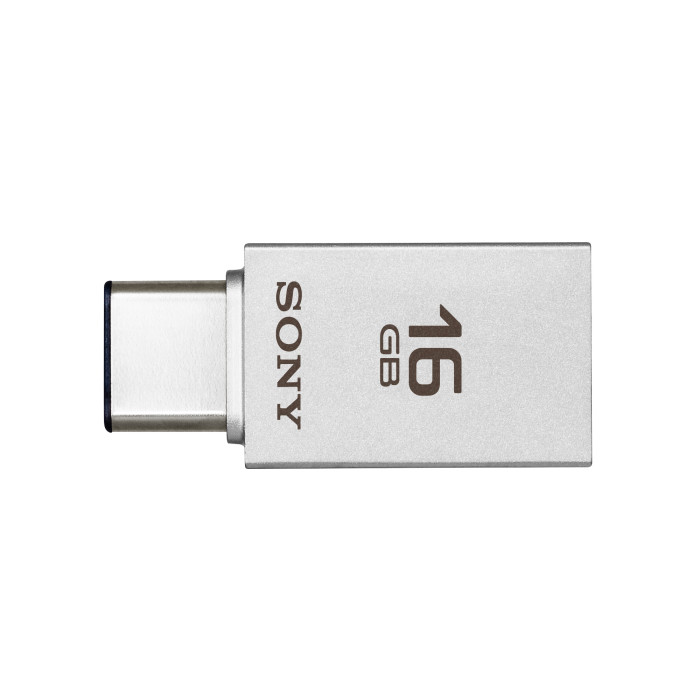
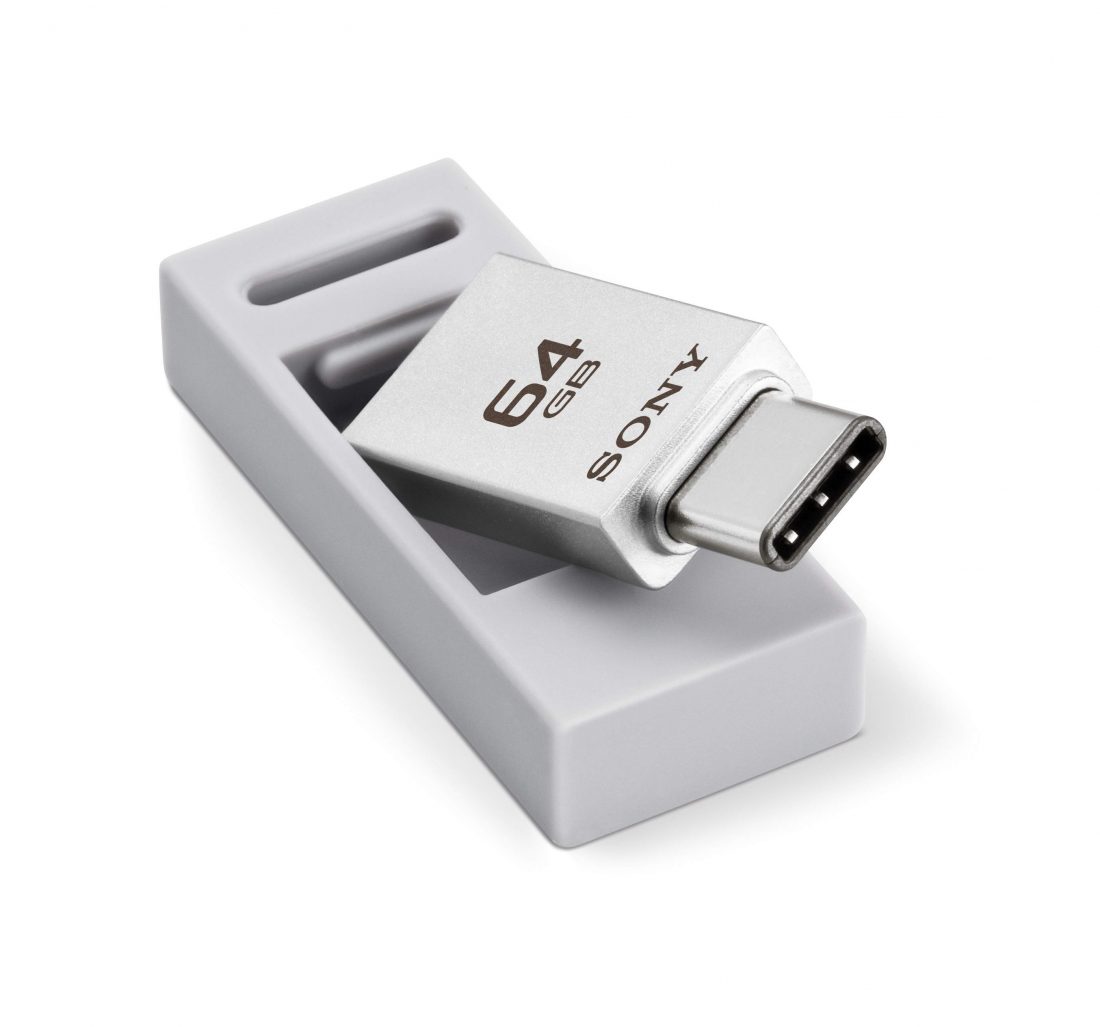
    Sony has launched a new portable flash drive that will be compatible for use with both USB-A connectors, along with USB-C ports.This might not come as the biggest news of the day, but for most struggling between older and new generation systems, these USB Type-C drives will be nothing short of godsend coming with a promise to make their lives a lot easier than before.

    USB-Type-C™-Flash-Drive

    USM-CA1 according to Sony will feature dual connectors to allow for wider connectivity. These will be available in three sizes, 16GB/32GB/64GB, and will have write speeds of up to 130 Mb/s.

    The USM-C1 will be available starting sometime next week. No information on pricing has been revealed. Sony also revealed that these drives will support Windows 7 and abov, OS X 10.8 and higher along with compatibility for Android 5 and above.

  • Tips and Tricks to Survive With a 16 GB iPhone

    Tips and Tricks to Survive With a 16 GB iPhone

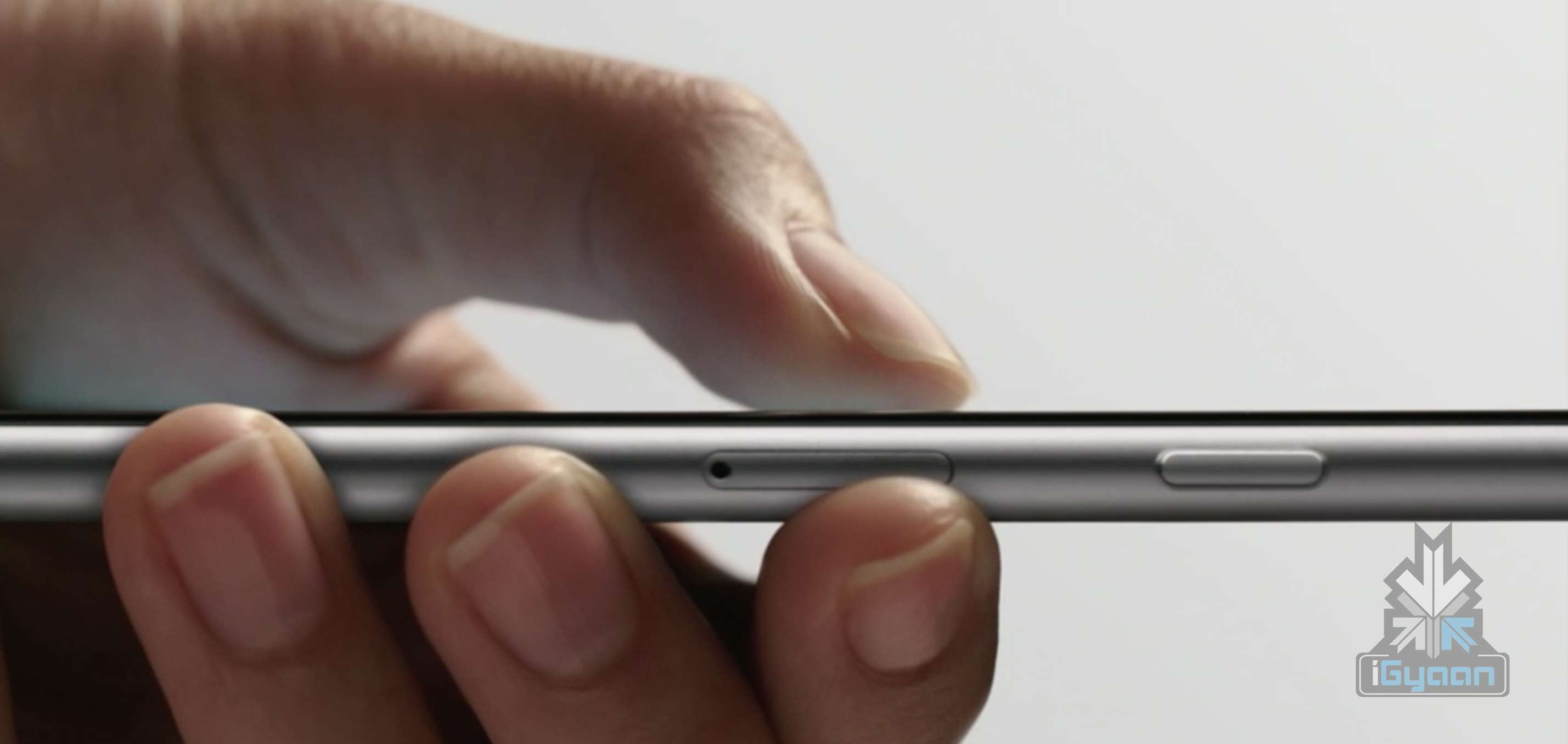
    So you have a 16 GB iPhone and you don’t really know why. You just do. Or you might be planning to go for the new iPhone 6s series, but you’re not sure whether a 16 GB storage is worth it. Well, even we don’t know why Apple hasn’t already killed off the 16 GB variant. But the fact is that they haven’t and there are people around the world who have to deal with living with a 16 GB iPhone.

    Moreover, it’s not really 16 GB, is it? It’s actually about 10 GB as Apple’s OS and pre-loaded apps like iBooks, Photo Booth and others eat up about one-third of your storage. So, considering all that, close to 10 GB is what you’re left with that you can actually call your own.

    With new technology comes new, faster ways to fill up your limited storage. A single graphic-intense game like GTA can take up 1-2 GB of storage. An HD movie can take up to 5 GB. So 16 GB users feel the storage blues at least once a month. But don’t worry, we’re here to give you some tips and tricks on how you can easily manage with your 16 GB device.

    1. HDR Comes With a Price

    If you have an iPhone 4 or higher, you have the ability to take amazing High Dynamic Range (HDR) images. Yes, the images are crisp and spectacular, but heavy on your storage. What HDR does is that it combines multiple pictures at different exposures and then combines them to give you one great shot. This is what makes the camera in your iPhone one to beat.

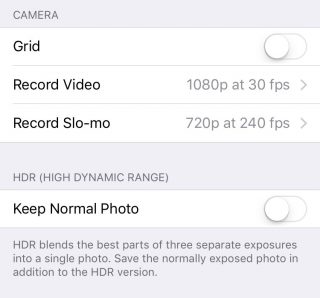
    But what HDR also does is that it saves the original picture as well, so that you can see and compare the detailing. Depending on whether the HDR has come out better or not, you can choose to keep the former and delete the latter, or vice versa. Either way, double photos take up double space, which is not good if you’re a 16 GB iPhone user. You can choose not to save your original photo if you know HDR images is what you want by going to Settings > Photos & Camera > Keep Normal Photo and unselecting it.

    HDR

    2. Thank God for Apple Music

    Say what you may about Apple Music, but it is definitely a godsend for 16 GB iPhone users. One of the major storage eaters is music. We tend to store a lot of music because we need it for our morning office trips, exercising, studying, everything. And we tend not to realise that in our excitement to store every new song that takes our fancy, we eat up that precious storage space.

    Along came Apple Music to save the day. The music streaming service that began three months ago lets you stream unlimited music and lets you add as many songs and albums to your library without taking a single megabyte.

    Apple Music (4)

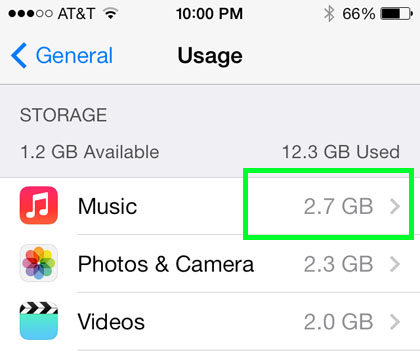
    To delete your stored music, head on over to Settings > General > Storage & iCloud Usage > Manage Storage > Music and left slide on artists you want to delete or delete them all together via All Songs. Once you’ve deleted all your songs, you can go nuts and start loading up your library with music from Apple Music that won’t leave a mark in your storage.

    3. Get Religious

    iPhone users have to practice a specific religion. This religion requires you to check in on your storage every once in a while, see the apps that are consuming a lot of storage, delete them, and download the app(s) again.

    Storage-iPhone

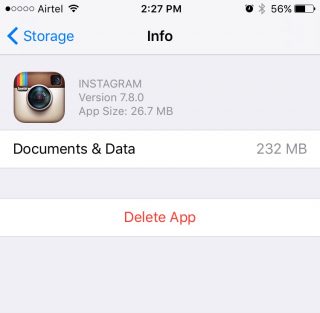
    With a 16 GB storage, you can download any app you want. Go crazy with it as long as you remember to check back on them every once or twice a month. Apps like WhatsApp and Instagram take up a lot of space over time because of all media files that you end up downloading, or the hundreds of pictures you scroll through. When you find yourself approaching the 16 GB limit, head over to Settings > General > Usage > Manage Storage, find out whats bulking up and delete that app. You can always download the app again.

    4. Don’t Let Your iPhone Download Without Your Permission

    Apple tends to choose certain settings on your behalf. You may not even be aware of it until much later. One such setting is the Media Auto Download on WhatsApp, which is set on both Wi-Fi and Cellular by default. This means that any media file sent your way, be it in a group or individual, will automatically be downloaded to your media folder, whether you like it or not.

    WhatsApp-iOS (2)


    So, if you want to control the media you download, open WhatsApp and go to Setting > Chats and Calls > Media Auto-Download where you’ll find three separate options: Images, Audio and Video. You can then make the changes to each option accordingly.

    5. iCloud’s the Limit

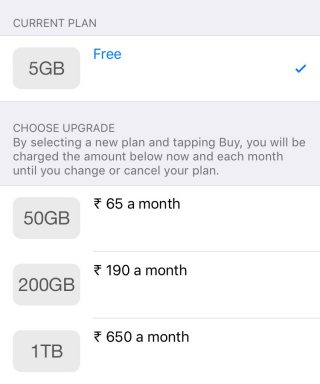
    The best way to beat storage woes is to pay for it. Along with the launch of iOS 9, Apple also bumped up the storage offered on iCloud as well as cut the prices of its plans. You can now get 50 GB of cloud storage at Rs. 65 ($0.99) per month, 200 GB at Rs 190 ($2.99) and 1 TB at Rs. 650 ($9.99). That comes to around Rs. 650 a year for a the base tier, which is not bad considering a 64 GB iPhone would cost around Rs. 10,000 more. You can purchase more storage by going to Setting > iCloud > Storage and click on ‘Buy More Storage’.

    iCloud

    To activate iCloud, all you have to do is go to Settings > iCloud and log in using your Apple ID. Once your Cloud is set up, you can choose the options like Photos, Mail, Contacts  and Calendars that you want stored in the Cloud. Next thing you’ll want to do is go to Photos via settings and turn on the ‘iCloud Photo Library’ option so that your entire library gets uploaded in iCloud.

    6. Stay Up-to-Date

    By this we mean always be on the latest update. iOS 9 has made some neat changes and the company has tried to focus on storage solutions more than ever before. Apple also introduced “app thinning”, which is a combination of enhancements that result in apps taking only as much space as they need in the moment. With this feature, developers are working on improving their apps so that it doesn’t take up unnecessary space.

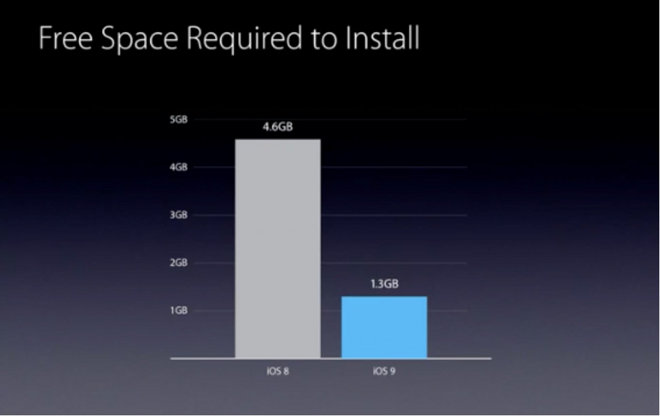
    Apple has also reduced the amount of storage space required by the iOS 9 OTA update from 4.6 GB to 1.3 GB. The difference won’t show in your storage, however. iOS 9 doesn’t free up storage for users, but it does make updating your iPhone easier with lighter files over the air.

  • SanDisk Launches Connect Wireless Stick in India

    SanDisk Launches Connect Wireless Stick in India

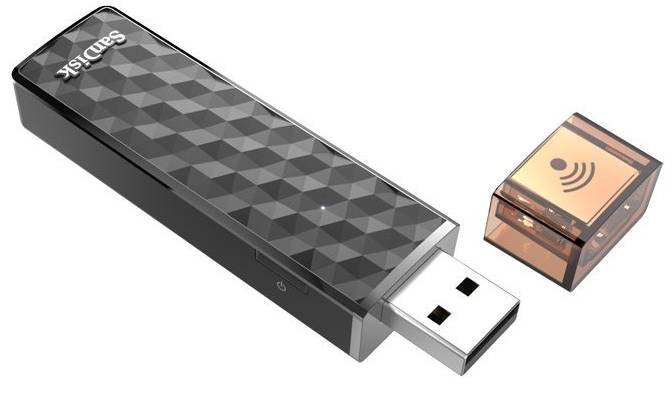
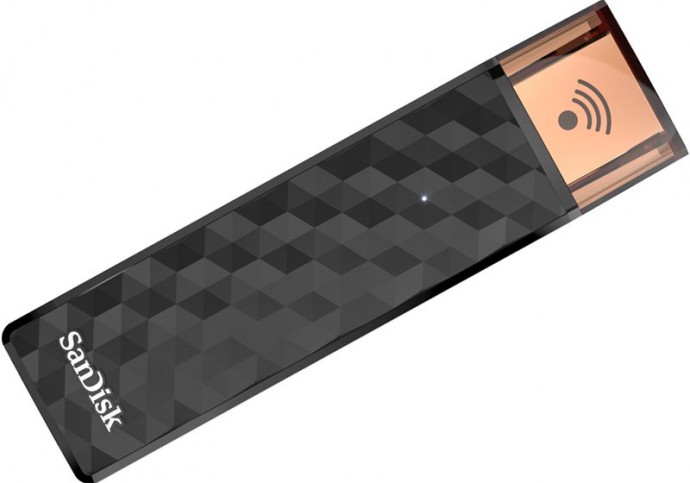
    SanDisk has come out with a way that allows you to store data wirelessly. The company launched the Connect Wireless Stick in India that allows wireless transfer of files and media to and from your laptops, PCs, and mobile devices with the help of its built in Wi-Fi hotspot. The device is especially useful since most Tablets these days come without a MicroSD storage. The Connect Wirless Stick can allow multiple devices to transfer and store data, simultaneously.The device will also function as a standard USB flash drive as well.

    1e8-OBLzyPWH.878×0.Z-Z96KYq


    It terms of design, the device looks both stylish and professional with a hexagonal pattern on the body and a LED in the front to indicate whether the device is on, if the battery is low, if it is charging, or if data is being transferred. The device also comes with an auto back-up of images and videos from your camera roll. The Stick will surely speed up the way data is transferred by not having to connect it manually to a device everytime. However, the device only supports USB 2.0 and not 3.0 which limits the transfer speed to a maximum of 60mbps.

    SanDisk says that the Connect Wireless Stick can stream 4.5 hours of video on a single charge, but can lower the figure when connected to multiple tablets and phones.

    Dinesh Bahal, Vice President, Product Marketing, SanDisk had said at the global launch in July, “We live in an era where we are truly living a mobile lifestyle. We use our devices to capture life’s moments, and work in a way that was never before possible – all of which has created the need for a new generation of mobile storage,”

    The device will be available on Flipkart from the 18th of September and will come in 16GB, 32GB, 64GB, and 128GB for Rs. 2,790, Rs. 3,790, Rs. 5,490, and Rs. 9,490 respectively.

  • Why USB Type-C Might be the Way of the Future

    Why USB Type-C Might be the Way of the Future

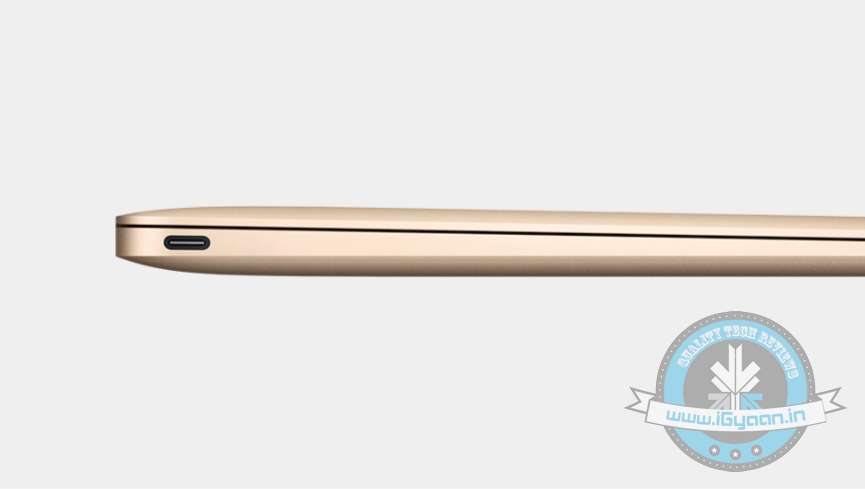
    When Apple presented to the world its cutting-edge Macbook with a universal USB Type-C port, some of the tech critics were suspicion about its usability on present computers and renounced it as technology of the future. However, the tech biggies set their eyes on it and discovering its wide approach, installed the same on its forthcoming products. Now, we see Google Chromebooks, and many other manufacturers like Asus getting on board the revolutionary connector USB-C on its laptops. So, how valuable is USB-C really?

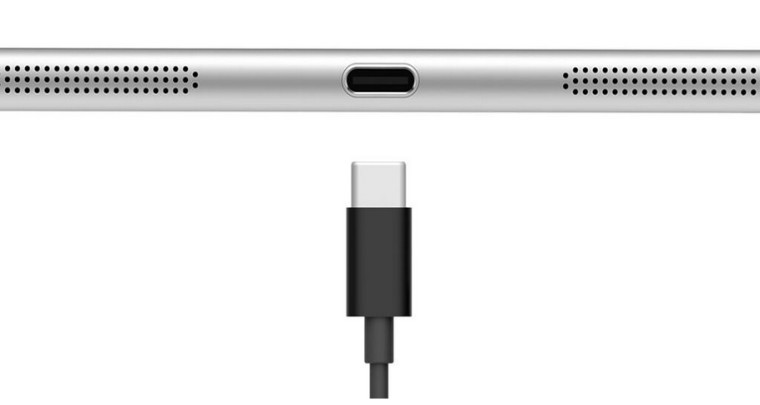
    As many of us know, the USB-C connector is one reversible port that takes care of power, data transfers, and display output. It is slim and compatible with almost every device with standard USB ports. This rids customers of four or six connecting ports that demand your system’s side space and gives manufacturers freedom to trim down the size of machines and, hence, weight. There were speculations that USB-C could outdo Lightning and Thunderbolt connectors, but Thunderbolt has shown its confidence in USB-C connector and unveiled Thunderbolt 3.

    usb-c

    Thunderbolt 3 is a computer port that uses USB-C. The port delivers two 4K displays, fast data transfer, quick charging, and up to 40 Gbps speed over Thunderbolt, which is double the speed of the previous generation, USB 3.1 10Gbps, and DisplayPort 1. With faster connection, users can transfer a 4K movie in just a few seconds. Two 4K displays can be connected that will give astonishing picture quality than an HDTV, nearly 16 million more pixels. As it offers superior viewing experience, gamers can “connect plug ‘n’ play external graphics to a notebook.” But there is a limitation; only the devices with lightning-bolt logo on the USB port will be able to access its blazing speed. Products with Thunderbolt 3 are expected to begin shipping before the end of this year.

    usb-c 1

    According to Intel, the new 12-inch MacBook, Asus Transformer Book, and Chromebook PixelProducts will not work with upcoming Thunderbolt 3 products. Devices with Thunderbolt 3 are expected to begin shipping before the end of this year.

    A USB-C connector is the one standard solution to asymmetrical USB jacks, except for audio. It’s convenient to use and has the potential to replace all jacks. The cross-platform connector of the next-generation will omit all kinds of jacks from future devices and would be a fundamental addition that every producer has to embrace. Nokia has caught up with the trend and its tablet Nokia N1 boasts the reversible USB-C connector. More tablets and even smartphones are expected to hold this tool. The future seems compact and fast, and soon people would prefer to buy devices with a USB-C port already embedded.

  • Review: SanDisk iXpand Flash Drive

    Review: SanDisk iXpand Flash Drive

    With every update, Apple makes it simpler to click pictures using an iPhone. With the ability to launch the camera without having to unlock the phone, it is now easier to click a picture than make a call. Inevitably iPhone users use the excellent camera and effortless launcher to click a ton of pictures, which poses a problem on the storage of the phone. Especially for users with 8/16GB smartphones, with no expandable storage options, the available memory vanishes sooner than expected.

    SanDisk claims to offer an easy solution to this problem. Meet the iXpand Flash Drive; it’s portable and promises to help you easily shift files between devices, subsequently expanding the storage of your iPhone. The flash drive we checked out, costs Rs. 4,490 and provides 16GB of extra storage. Here we explore if it’s worth the money spent.

    Overview

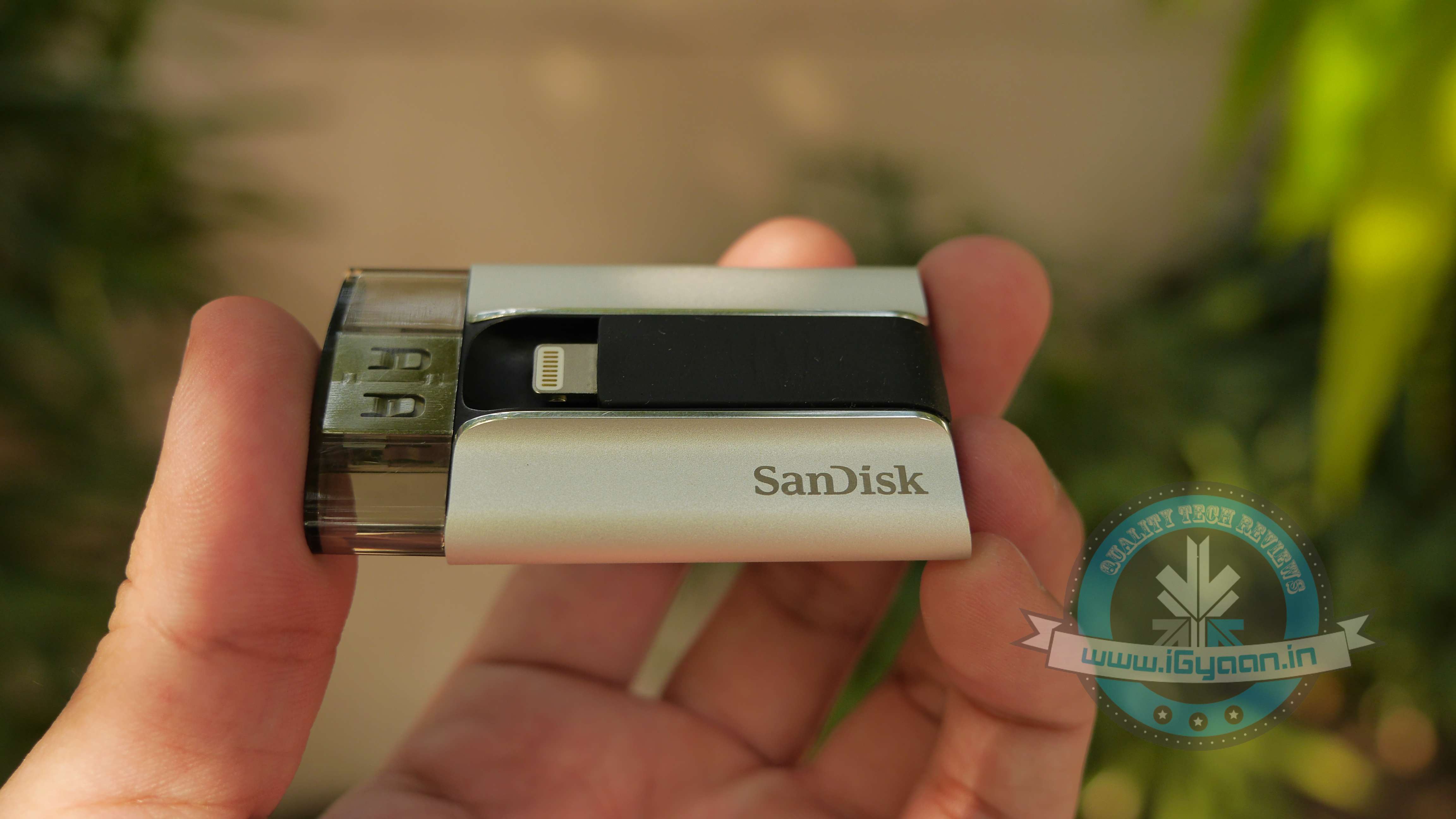
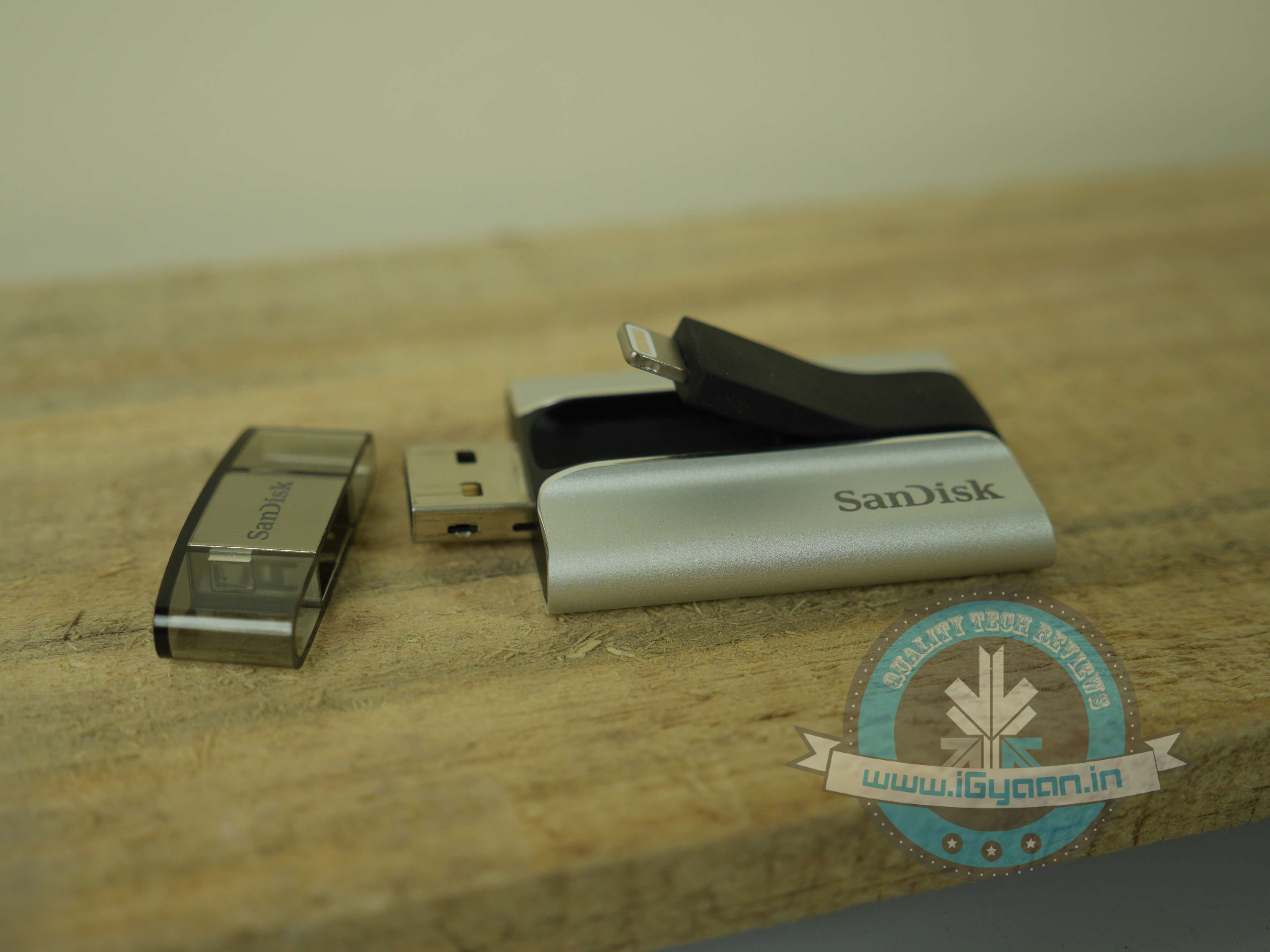
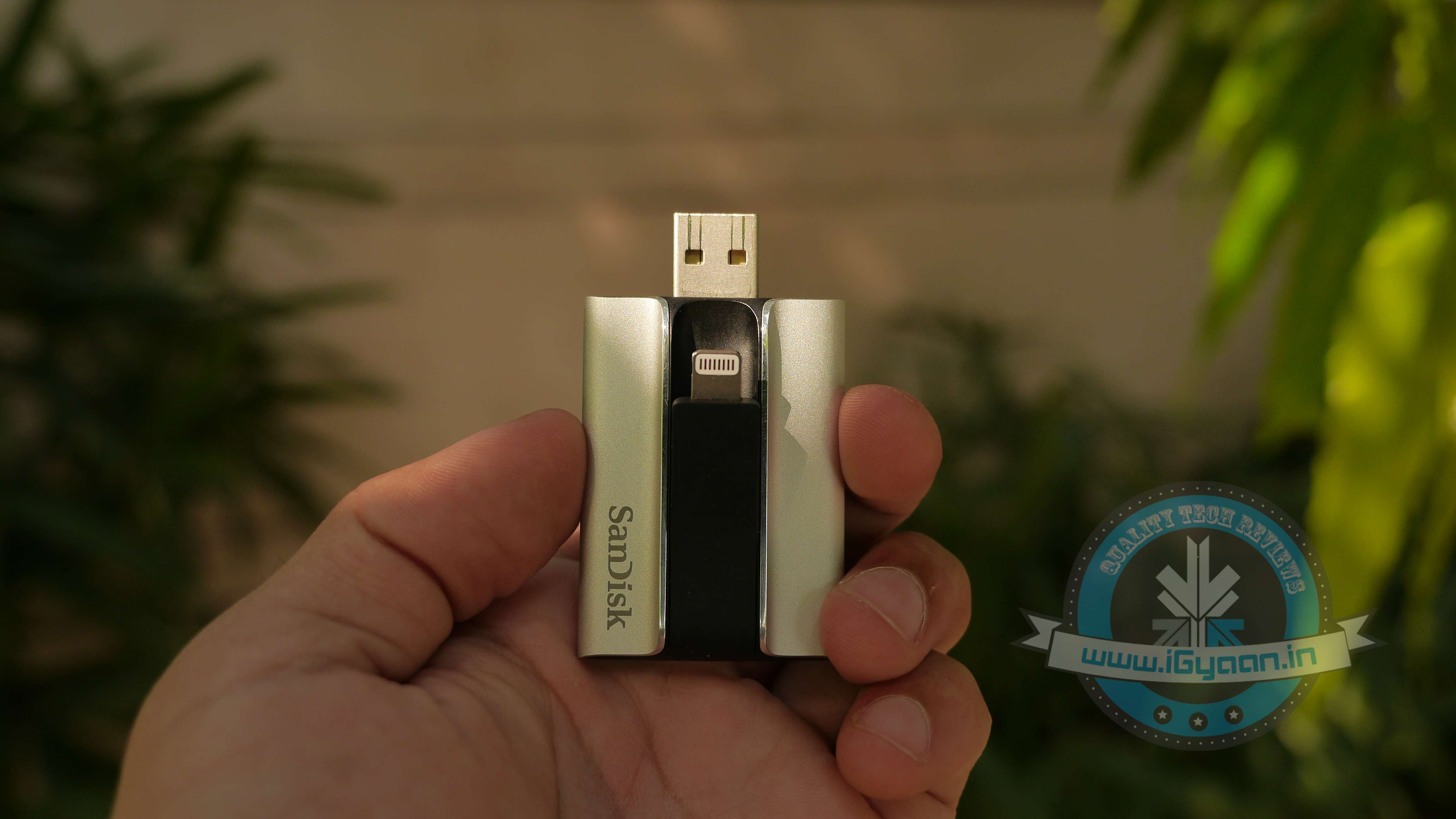
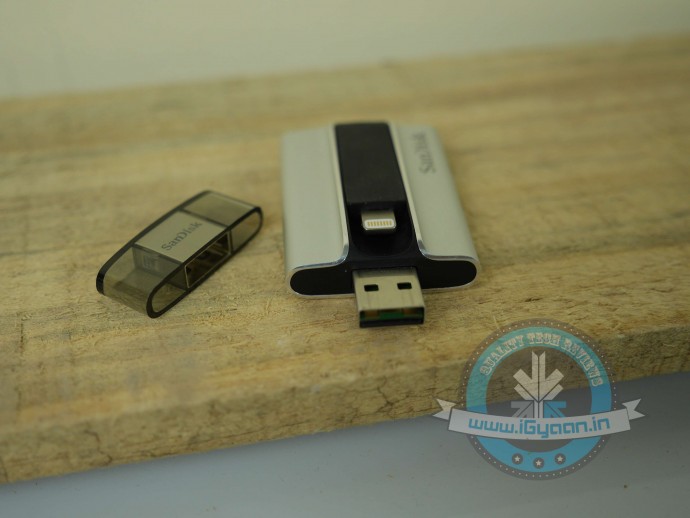
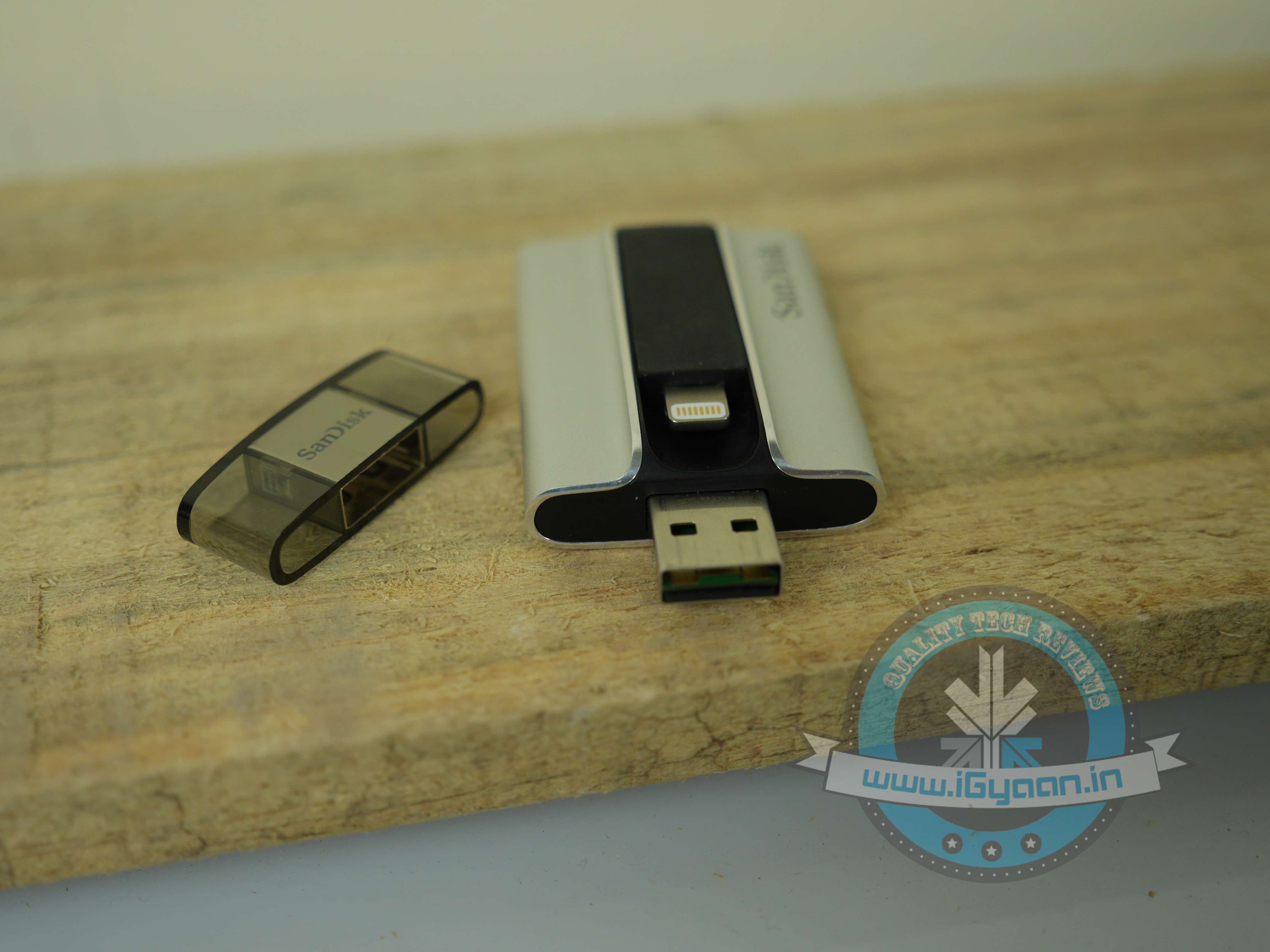
    The SanDisk iXpand flash drive is a solid dual flash drive that comes with both, a USB 2.0 jack and a lighting connector. It is available in 16/32/64/128 GB variants, priced at Rs. 4,490/5,990/7,999/11,490 respectively. The drive is recognized easily on iPhones, iPads and desktops. To use the flash drive, you are also required to download a free app on your Apple device.
    iXpand Sandisk 1

    Design and Build Quality

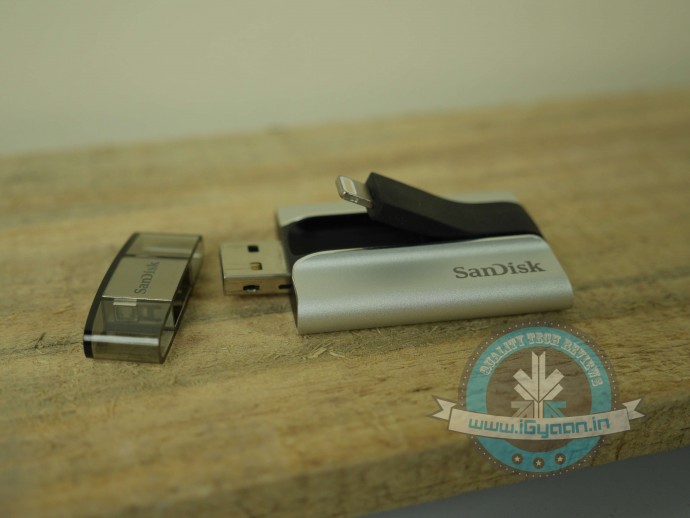
    Most parts of the device are covered in a solid encased brushed aluminium shell, which is complemented by a rubberised centre. The USB side of the flash drive is provided with a plastic cover. As a compact device, it is quite sturdy. You can easily dump it in your bag, without worrying about possible scratches.

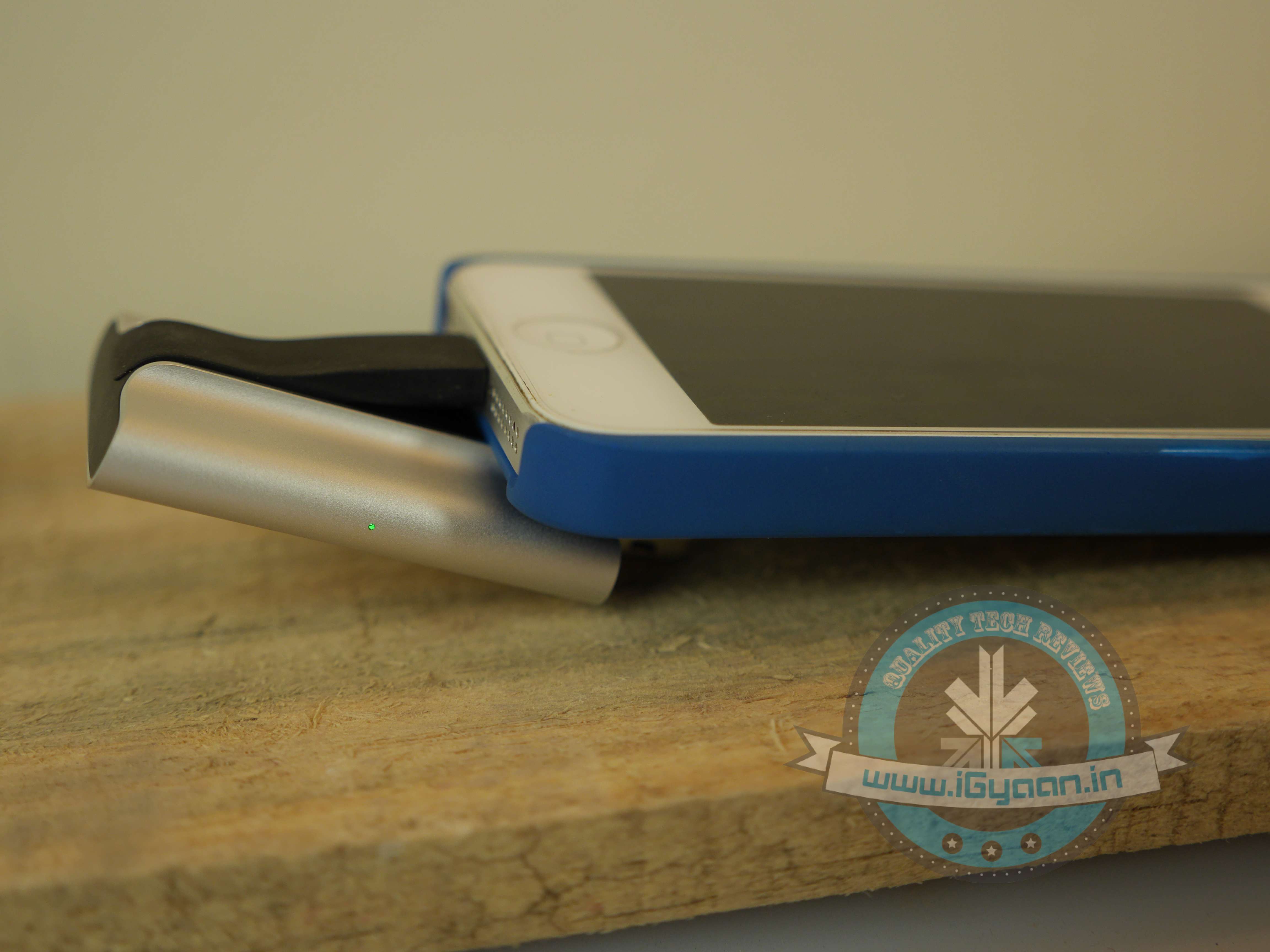
    While it looks solid, usability-wise, the design fails to work. The lightning port being stuck in the centre makes it an awkward device to use. If you latch your iPhone onto the flash drive and the USB onto your laptop at the same time, your smartphone is going to end up covering most part of your keyboard. Basically, the two devices cannot be accommodated at the same time, they need to be used separately. This also means that you can’t use it to charge your device, which is a shame.

    After using the flash drive for a while, we also noticed that the lightning port, which is connected to the rubberised centre, got displaced and started sticking out of the device, making it prone to damage.
    iXpand Sandisk 8

    Performance

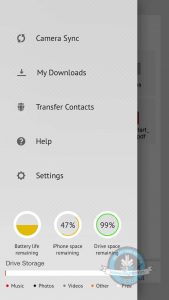
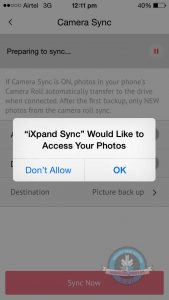
    The iXpand App : To manage data, you need to install an app onto your App device. Downloading the App is fairly simple. When you connect the flash drive to your smartphone, it automatically opens up a message asking if you’d wish to download the app. In case the pop-up is missing, simply go to the App Store and download the ‘SanDisk iXpand Sync’. It’s sized 45.9MB, requires iOS 7.1 or later versions. While we have our problems with the design of the flash drive, the design of the iXpand app is quirky, clean and easy-to-use. With the app, you have an option of setting a mode which helps automatically sync the camera’s picture roll onto the SanDisk iXpand.

    One of the super helpful features of the app is that with the use of a pie chart, it shows you exactly the amount of free or used space on your iPhone/iPad, as well as on the drive. And using colour codes, it illustrates the different things (Music, Photos, Videos etc.) taking up space on your flash drive.

    Syncing pictures: By turning on the Camera Sync option, you can automatically sync files when the iXpand is plugged onto your iPhone. There is another option, which helps you delete photos and videos after sync, you can use it to conveniently free up space on your iPhone. This way you don’t have to go back and manually pick and delete files you’ve synced. In case you’re nervous you might delete the wrong pictures from your iPhone, remember they remain in the “Recently Deleted” album in your photos app for 30 days.

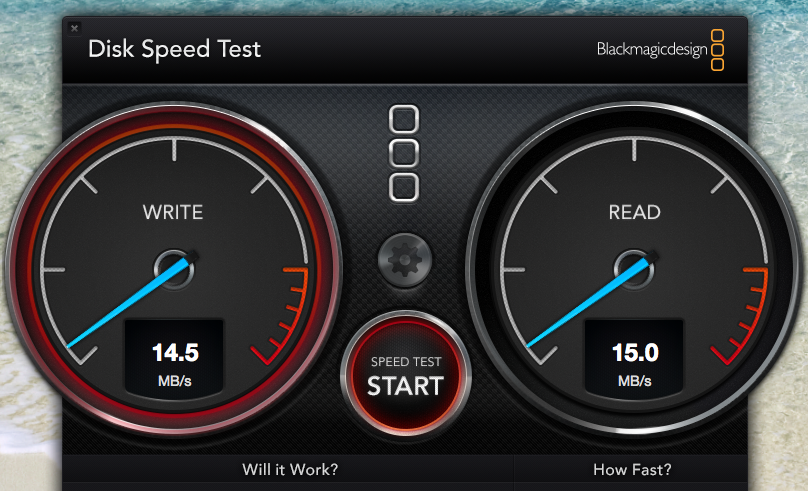
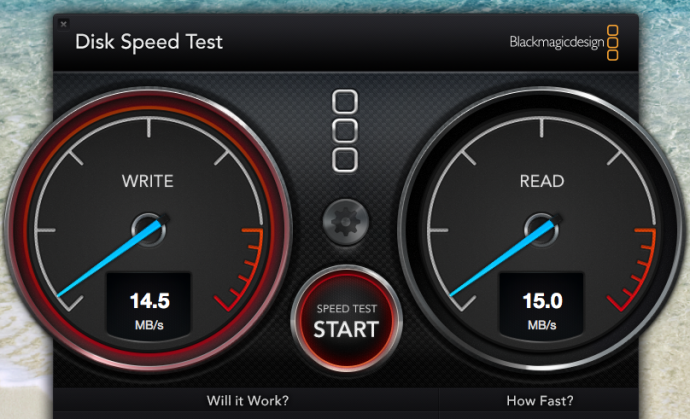
    Speed Test: The SanDisk flash drive uses USB 3.0, and one of its major advantages is supposed to be its high transfer speed.  It can give upto 640MBps but our speed test only gave us a maximum speed of 15.0 MB/s. We ran the same test on the USB 2.0 and the maximum speed we got was 4.5 MB/s. There is a considerable improvement in the speed, however it doesn’t utilise its true potential.
    ixpand speed test

    Watching Movies Using iXpand: Most Apple users have trouble admitting it, but iOS comes with several limitations. One of the major restrictions has been the tedious task to transfer videos/movies onto an ‘iDevice’. While Android users  can transfer movies onto their phones with ease and watch them on-the-go, what do iPhone/iPad users need to do? First, Apple products support only certain kinds of formats, such as P4, M4V and MOV files. So videos are required to be converted to those format. Secondly, you  need to install iTunes onto your laptop. Sure, there are third-party apps which cut short the procedure, but we need to admit, it is quite a hassle.

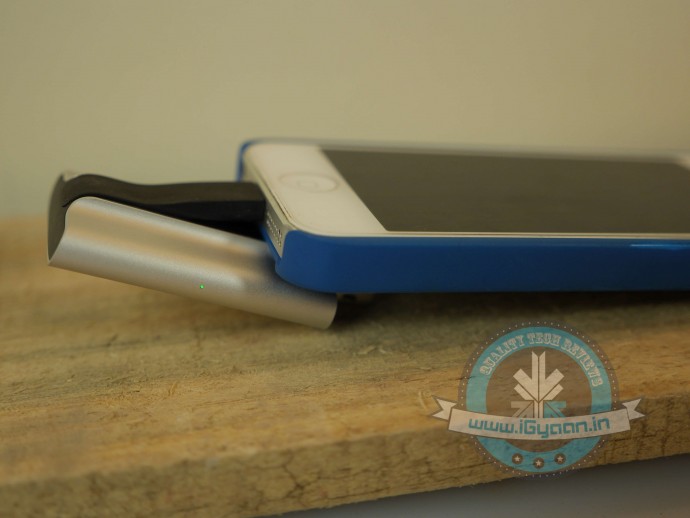
    With the iXpand Flash Drive, all you need to do is dump the movie onto the drive and insert it into your smartphone and enjoy. Point to note: while you’re watching the movie, the iXpand drive might make the phone slightly uncomfortable to hold, but the drive is extremely sturdy and it really latches onto your phone. In case you’re shifting around, nudging the pen drive will not cause any damage to your movie. The app also has excellent playback speed; as soon as you tap on your video of choice, it plays it almost instantly.
    iXpand Sandisk 6

    Charging the Flash Drive: The iXpand flash drive requires charging. An LED light on the right side of the device reminds you if the drive needs to be plugged in for charging. This is so it doesn’t take any juice from your iPhone/iPad, when being used and it automatically charges itself when plugged onto a computer.
    iXpand Sandisk 10

    Conclusion

    Overall, the Sandisk iXpand Flash Drive is a convenient device to have around. If you’re looking to free up some space on your iPhone, it might be the simplest solution available. However, instead you could also invest in extra iCloud storage, that way your files remain online, and can be accessed any place and at any time. On the other hand, with the iXpand, you wouldn’t need an internet connection to retrieve your files. We would, without doubt, recommend the device for its ability to play videos/movies on the go.

    You can pick up the device here:

    [tw-column width=”one-half”]

    GOOD THINGS

    • Sturdy build
    • Excellent media playback speed
    • User-friendly apps
    • Supports all video formats

    [/tw-column]

    [tw-column width=”one-half” position=”last”]

    BAD THINGS

    • Awkaward design
    • Slow speed
    • High price

    [/tw-column]

  • Samsung Bets On 128 GB Storage To Boost Sales of Affordable Devices

    Samsung Bets On 128 GB Storage To Boost Sales of Affordable Devices

    Samsung has been losing the interest of budget device buyers as its competition has been offering better specs and features to the customers. So how does Samsung take on this challenge? The Korean electronics giant decided to offer 128GB storage options to in its affordable smartphone line-up.

    128GB Samsung CardsSamsung has already introduced 128 GB internal UFS storage on its latest flagship, the Galaxy S6. Now the company is planning to offer the huge internal storage in its phones and tablets that are lower in the price listings.

    The new 128 GB 3-bit NAND-based eMMC 5.0 storage would adorn the future line of affordable devices from Samsung.  It will also help in recording high-definition videos and multi-tasking in those smart-gadgets. This massive storage option will be a boon to multimedia hoarders who always have to depend on SD cards and Cloud storages for their content.

    It is not sure as of yet as to when this technology would come to Samsung’s lower end devices. While Samsung figures out when it can bring the storage, it should also work towards bringing attractive devices that sell on their own merits, like many other devices in the affordable segment. That would help Samsung more in the long run instead of flaunting individual features.
  • SanDisk Unveils Massive 200GB microSD Card at MWC 2015

    SanDisk Unveils Massive 200GB microSD Card at MWC 2015

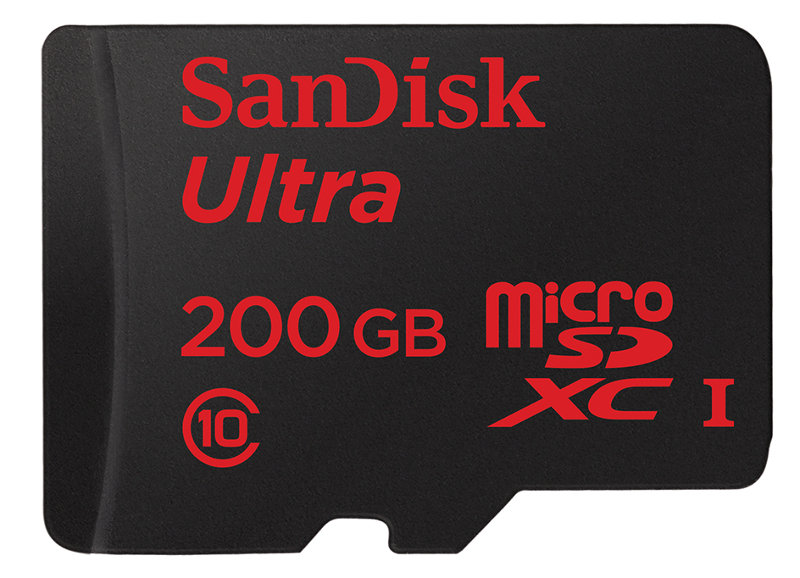
    It seems 128GB wasn’t enough, as flash memory specialists SanDisk has announced a 200GB microSD card (the Ultra microSDXC UHS-I card Premium Edition). It is claimed to be the largest commercially available microSD card.

    The 200GB microSDXC card will sell for about $400 when it arrives in Q2 of this year, and your phone should be compatible with SDXC standard to make the card work. It is claimed to have transfer speeds of about 90MB per second, or approx. 1,200 photos per minute.

    Sandisk-Ultra-200GB-microSD

    Meanwhile, SanDisk’s Memory Zone app for Android can automatically transfer data to the microSD card at times when storage is limited on a smartphone or a tablet.

    In addition, the company also announced 32GB and 64GB high endurance microSD cards, specially created for dash-cams and home security systems. These high endurance memory cards can withstand extreme temperatures such as heat and extreme chills. These high-endurance cards are also designed keeping in mind heavy duty video recording. They come with a two year warranty and will be available in the U.S, Europe and South Korea.

iGyaan Network
Privacy Overview

This website uses cookies so that we can provide you with the best user experience possible. Cookie information is stored in your browser and performs functions such as recognising you when you return to our website and helping our team to understand which sections of the website you find most interesting and useful.