Everyone needs a reliable WiFi connection today. Almost all our devices are WiFi enabled, and the Internet is a crucial part of our lives too. We stream radio, music and videos from any corner of our house and connect multiple devices thanks to the wireless technology. Although it is one of the most important part of our lives now; slow speed, bad receptions and other negative WiFi issues are very frustrating.
Here are some common ways to boost your WiFi signal:
The Perfect Spot for your Router
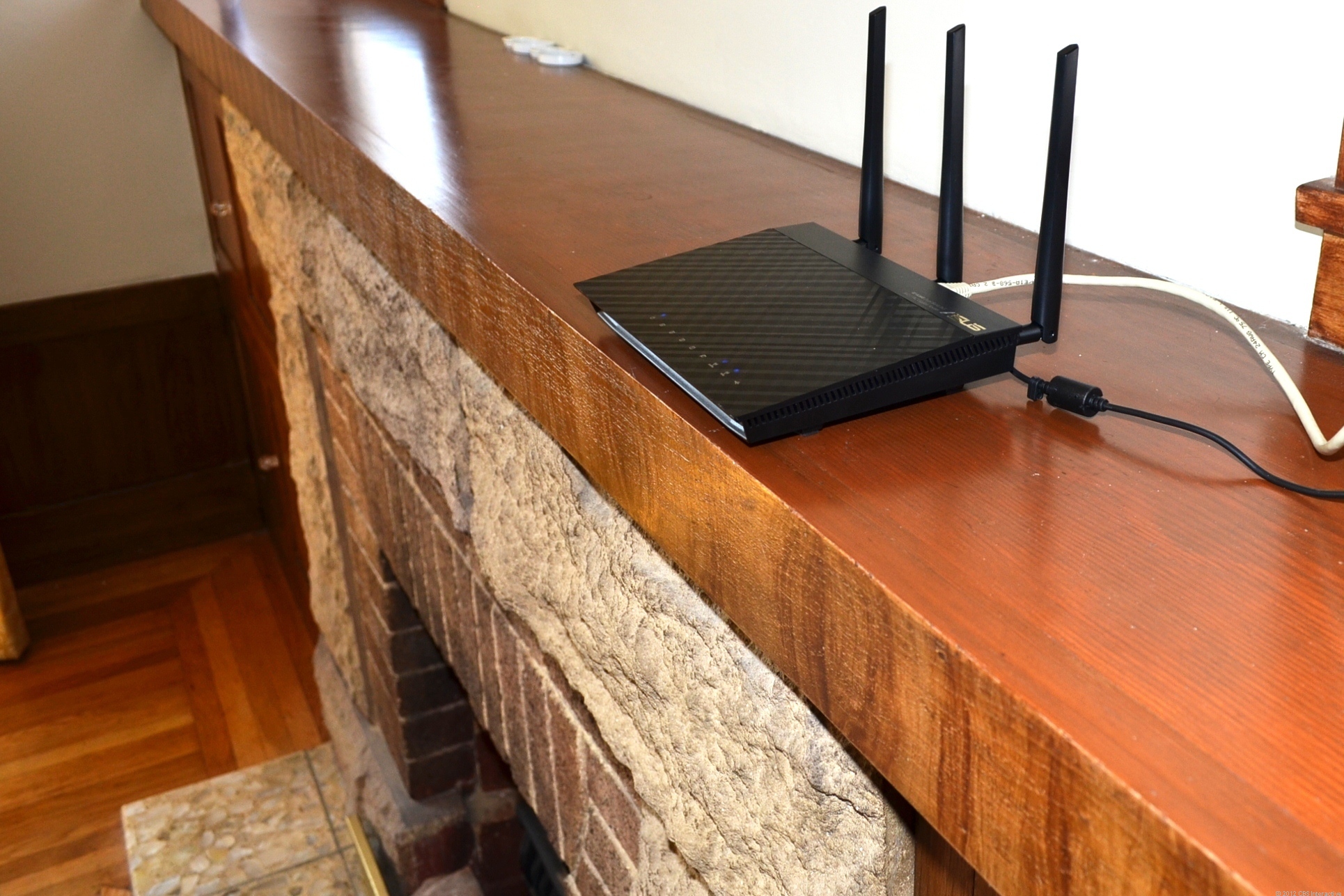
Just because the router looks dirty or outdated does not mean you hide it behind the desk or dressing table. In order to get the best signal, it must be put in a place that has minimum obstruction and is free of any walls. For example, the best place would be the living room because of the huge area. An elevated area would prove to be an advantage too.
Switching the Channel
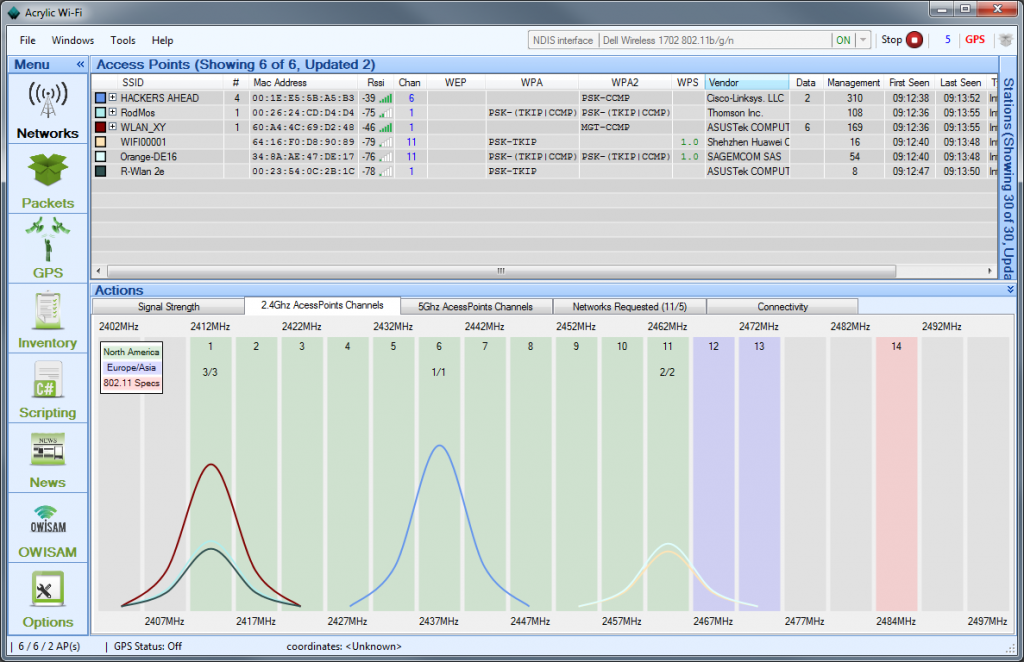
Neighbouring WiFi signals tend to interfere with your own WiFi signals, thus leading to the degrading of the network. WiFi routers operate on different channels, and you would want to adjust your channel on to the one with minimum interference. The most common channels for wireless networking are channel 1,6 and 11.
The more, the merrier
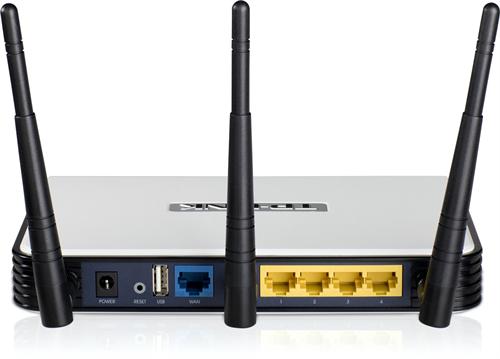
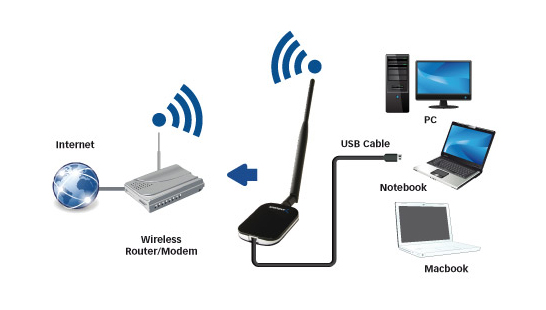
Most WiFi routers come with two fixed antennas, which are obviously not strong enough to send signals to the distant corners of the house. Adding a booster antenna can solve this problem. With three antennas in place, it comfortably covers large areas, throughout entire homes or offices.
Avoid Interfering Devices
Devices like cell phones, cordless phones, microwaves can often interfere with your signal. Suggestions would be to move the router as far as you can from the interfering appliances.
For example, a microwave operates at the same frequency as one of the WiFi access points, thus reducing efficiency and capacity of your access by 50%.
Install a Wireless Repeater or Booster
Attaching a wireless Booster will boost the strength of your wireless network. But, if you need to boost the range too, connect a wireless Repeater. These devices allow you to communicate with specific SSID or repeat the signal with the same or a different name, thus providing enhanced coverage and strength, without having an Ethernet cable to connect to the access points. The greatest benefit is it works like an extended signal provider, without requiring additional wiring. Both attachments are very cheap in cost.
While Android Lollipop was a complete overhaul from its previous iteration (in terms of design and features), Android M is said to be a mere improvement. At the Google I/O conference, Senior VP Sunder Pichai announced that the company has spent effort on improving the software, rather than redesigning it. Nonetheless, we can’t wait to have the brand new set of features on our smartphones.
Well, we’ve now decided to take on the burning question everyone wants answered, “Will my smartphone be upgraded to Android M?”.
Here’s a list of smartphones that are most likely to receive the update first.
Nexus Devices
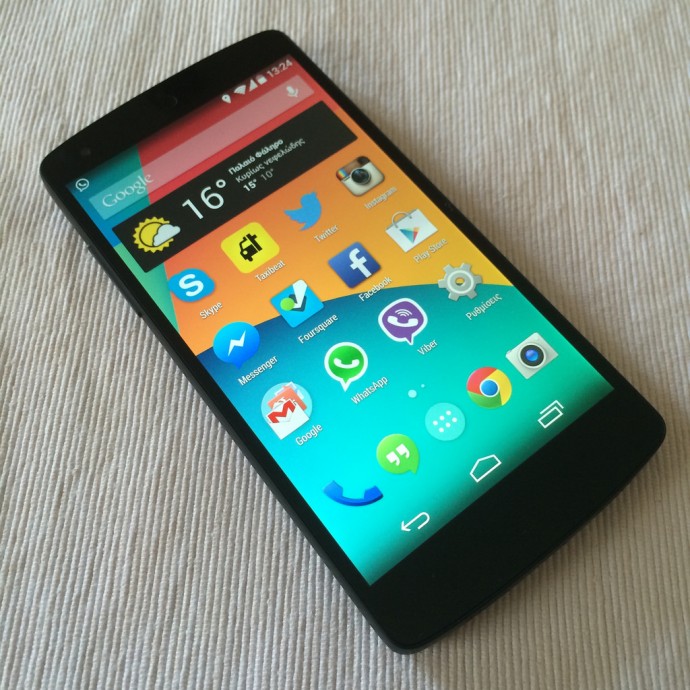
No surprise here. The Developer Preview is already out for Nexus 5, Nexus 6, Nexus 9, Nexus Player; and it sure looks good. As tradition goes, Google’s very own line-up of Nexus devices will be the first ones to receive the official update.
The Moto Brigade
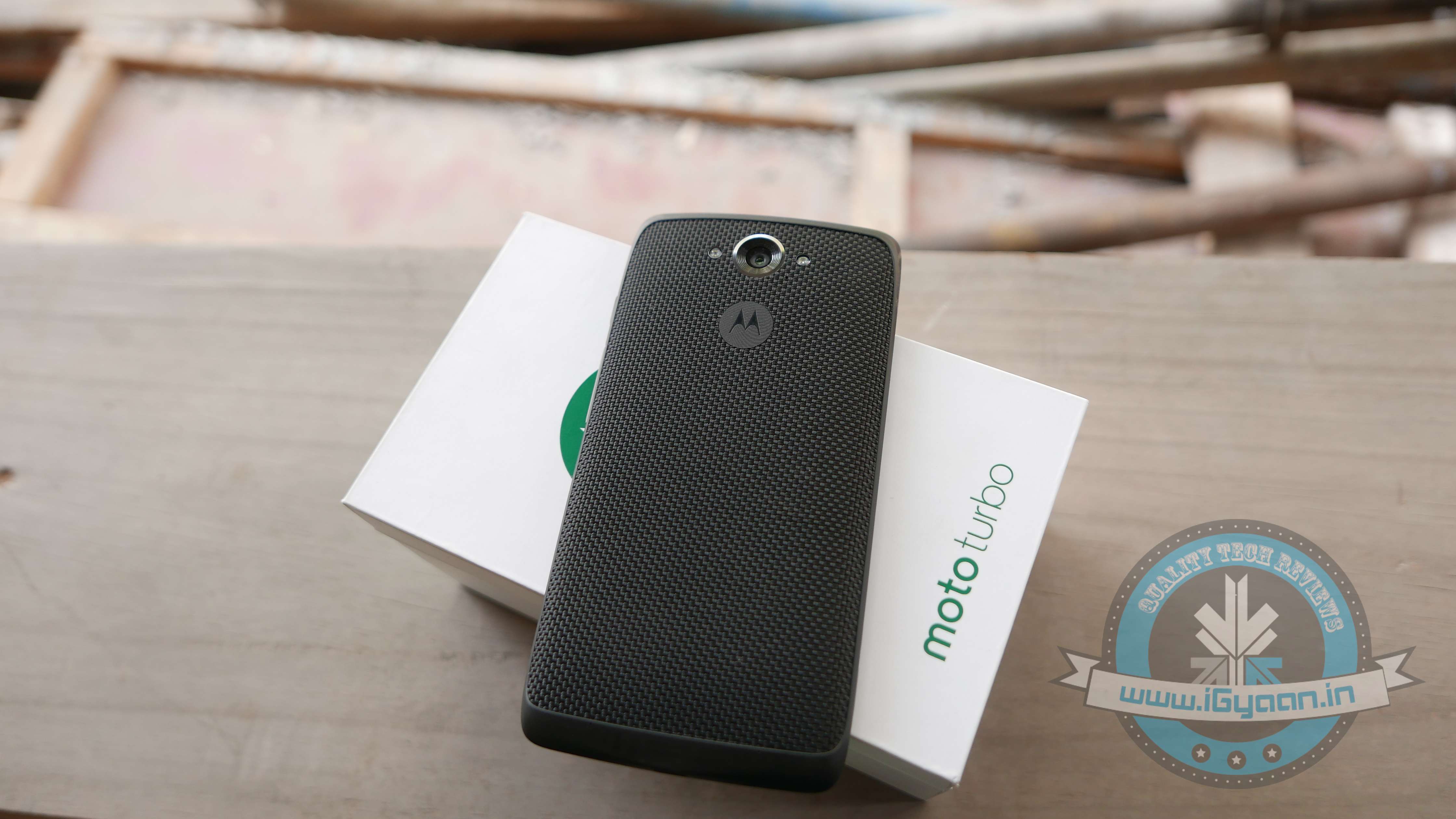
Motorola has always been efficient in providing timely software updates. Even when Android Lollipop released, Motorola ensured its customers had it before many others. Moto X and Moto Turbo are first in line to get the Android M update, followed by the Moto G. Unfortunately, Moto E may not make the cut.
OnePlus
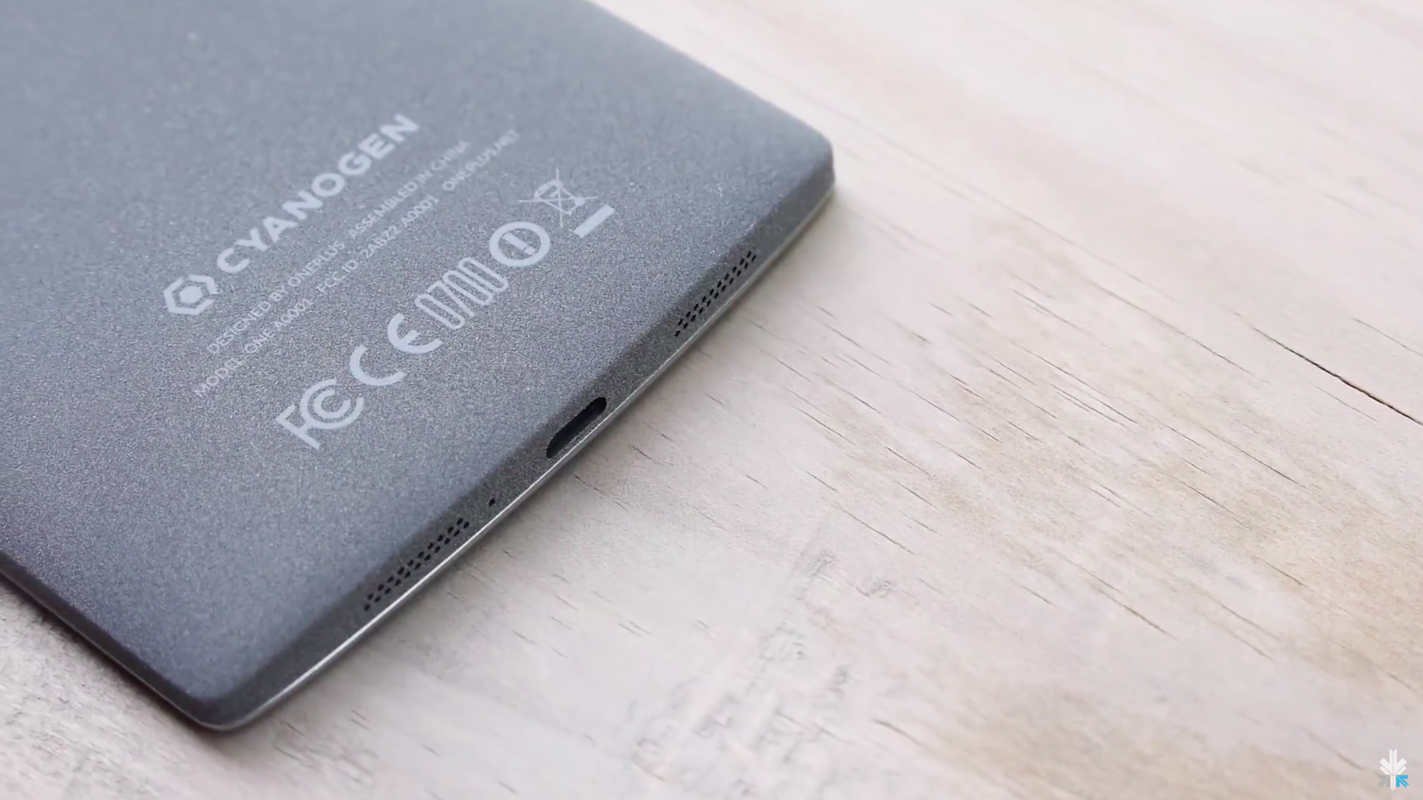
By the time Android M rolls out, we expect OnePlus would have announced its next flagship, the OnePlus Two. The company, just like Motorola, has been known to provide timely updates. Also heeding to the fact that the company has buried the hatchet with Cyanogen, we can expect both, OxygenOS as well as Cyanogen to be out in their Android M versions soon. In fact, all devices powered by Cyanogen (such as Yuphoria, Yureka) would be the privileged ones to receive Google’s latest update.
Samsung Devices
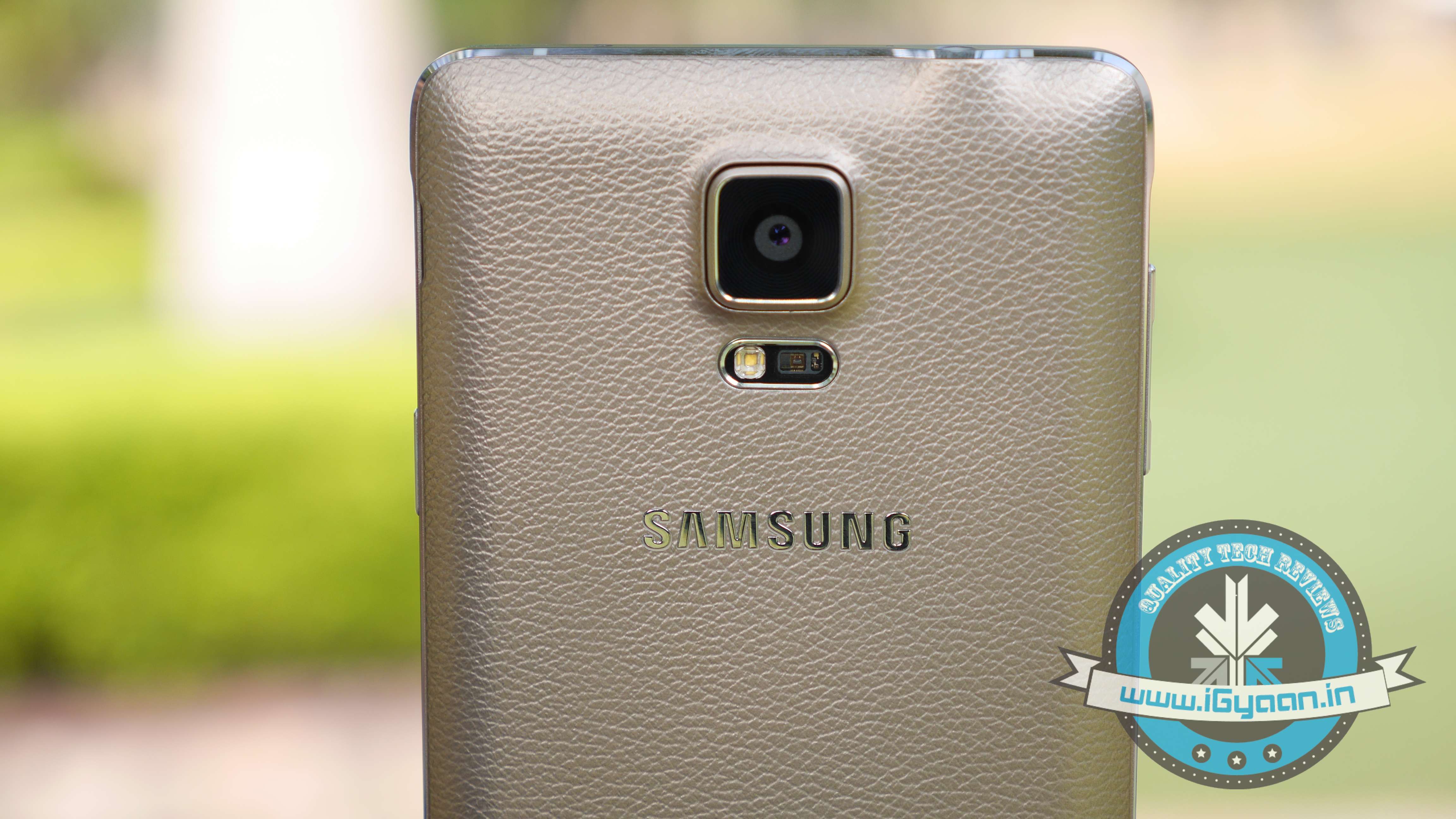
While there is no official word from the company, Samsung Galaxy S6, Galaxy S5 and Samsung Note 4 are expected to be the first few devices to receive the Android M update. Also, the Samsung Galaxy Note 5 which is expected to launch between October and September 2015, will be upgraded to Android’s latest operating system.
HTC
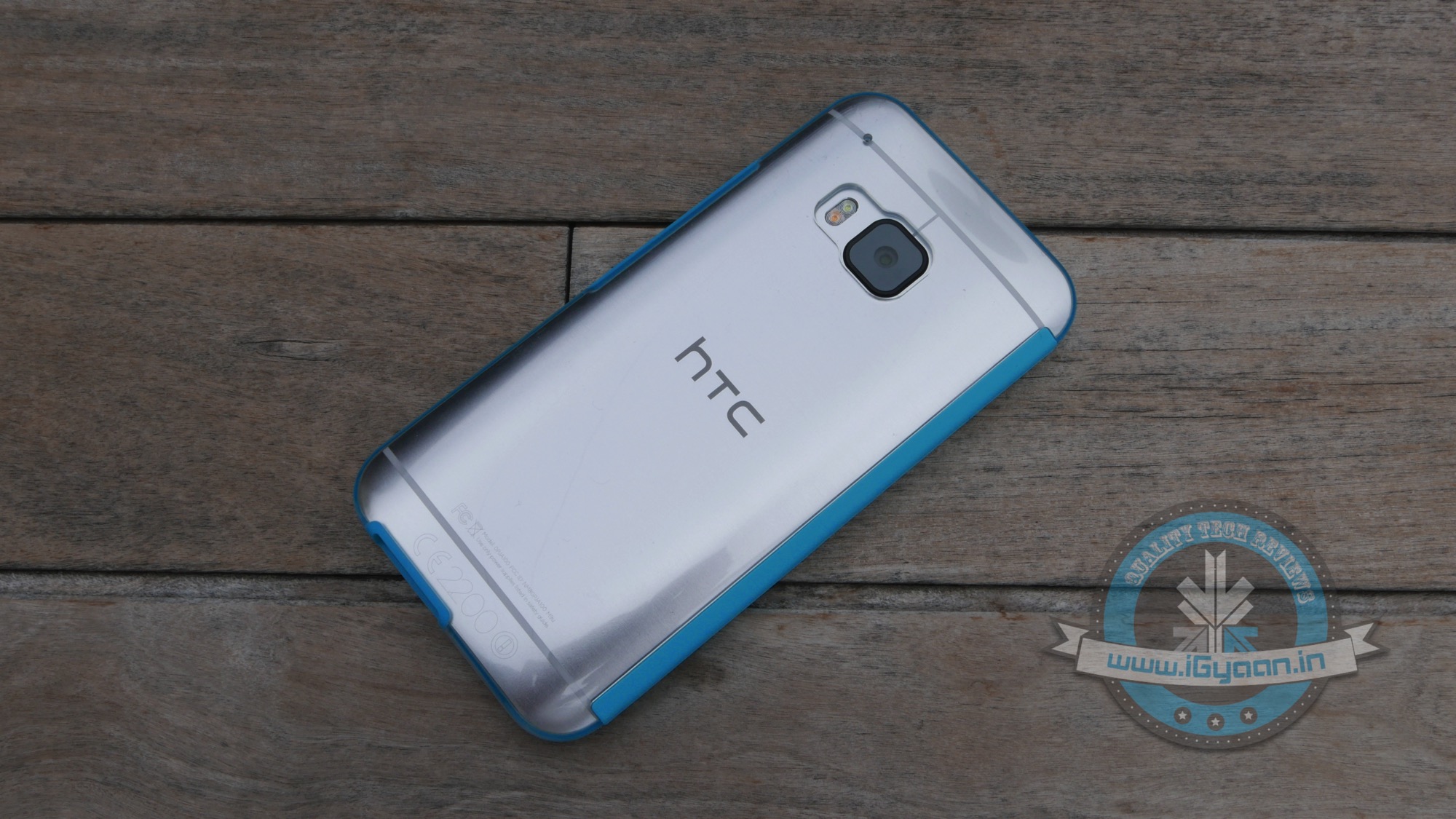
HTC is one of the few companies that has jumped the gun and officially announced that their line-up of smartphones will be receiving the Android M update. The company recently stated that HTC One M9 and One M9+ are going to get it first, followed by other devices. The company was unclear about which these ‘other devices’ might be, we’re guessing they were talking about the HTC One E9 and the previous-gen One M8.
While heat waves this summer are causing the temperatures to escalate, Flipkart has some cool deals that will give you a sigh of relief. The e-commerce player has announced some exclusive deals on smartphones where you can get popular products on discounts of up to Rs. 10,000. Every brand from Asus, Motorola to Apple are on sale, so you choose from your favourite handsets.
We have picked out some of the best deals for you:
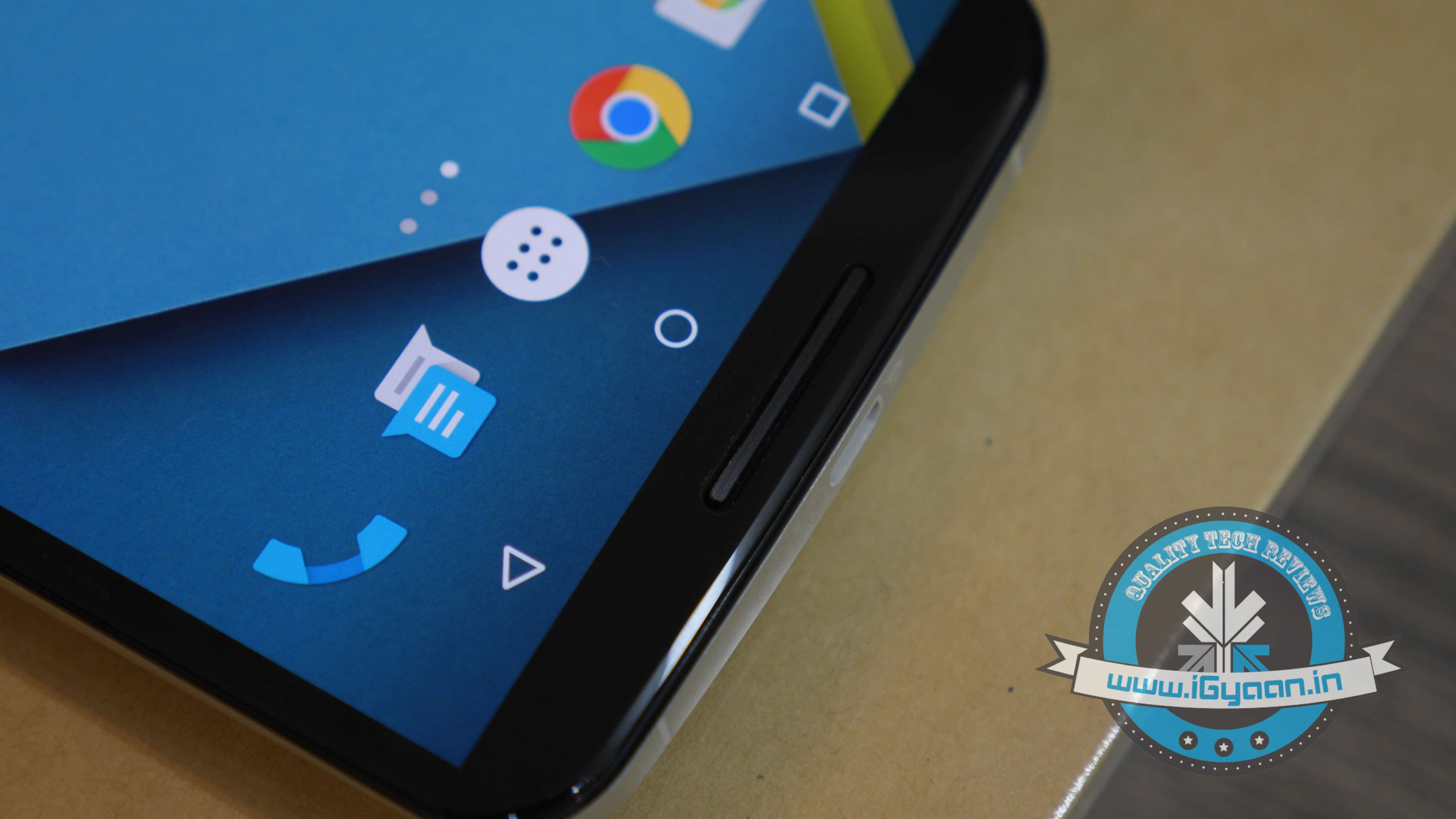
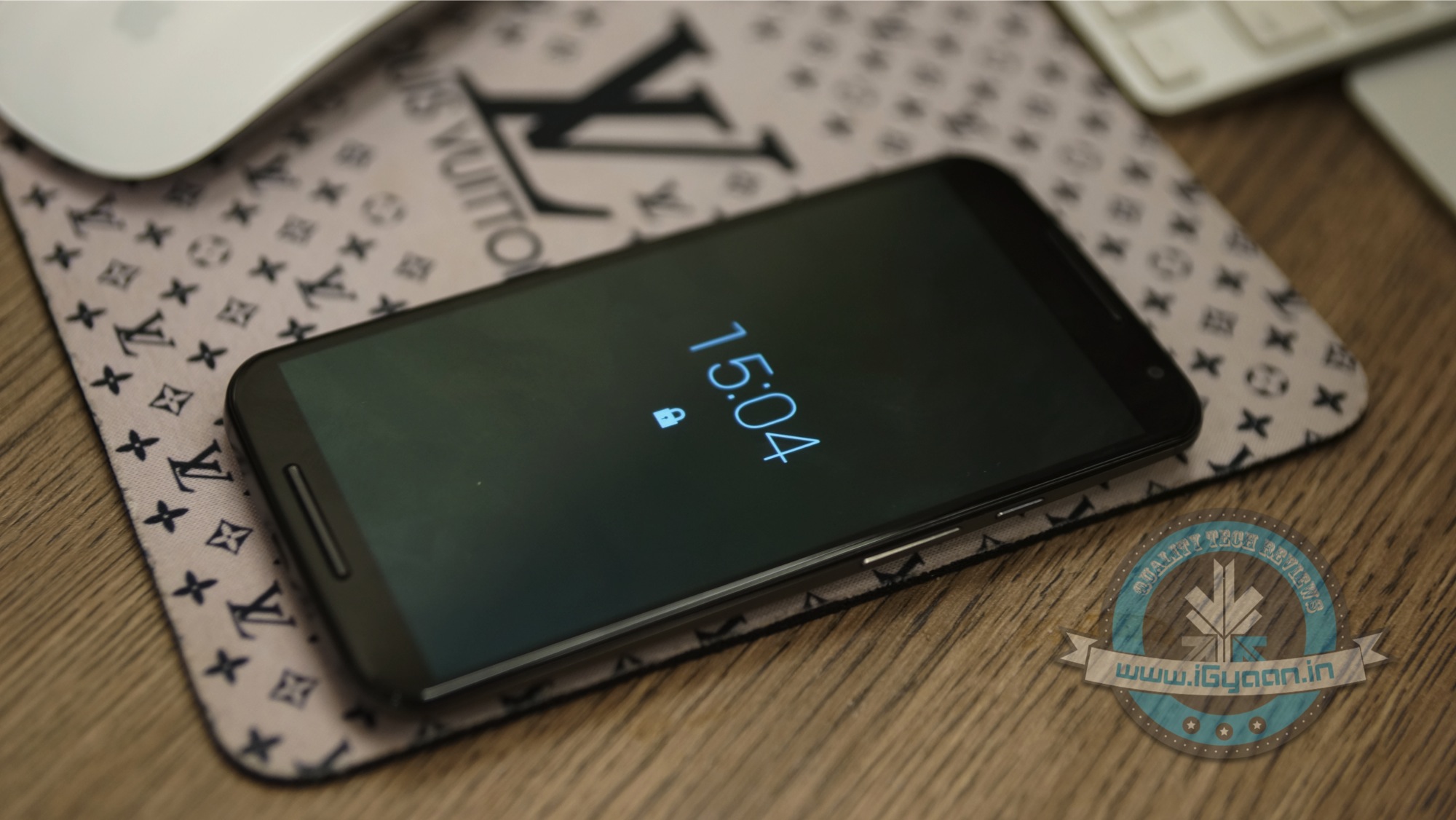
There is a huge Rs. 7,000 off on one of the best-sellers, Nexus 6. Today, users can grab one at Rs. 36,999 with 32GB internal memory support. The Nexus 6 boasts of a 5.96-inch QHD (2560×1440p) AMOLED display. It is powered by a 2.7GHz Snapdragon 805 quad-core processor coupled with 3 GB of RAM. It runs on Android 5.0 Lollipop out of the box. On the camera front, it sports a 13MP rear and 2MP front snapper.
It is available in two colour options – midnight blue and cloud white.
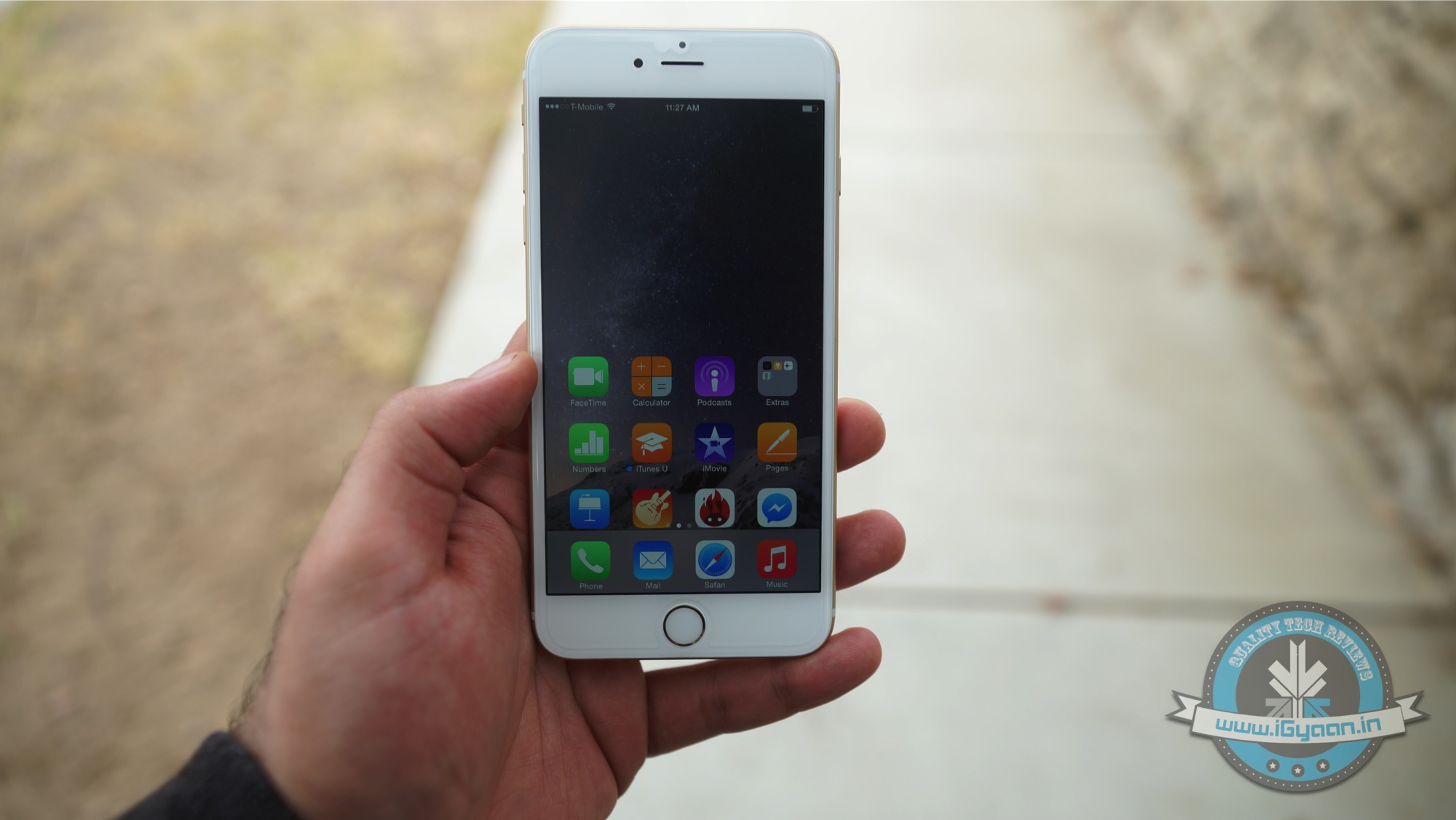
It may be the best time for iPhone lovers to buy the new and improved iPhone 6 Plus. The 16GB variant of the bigger iPhone 6, launched at a price of Rs. 62,500, is now up for grabs at Rs. 56,044 for the gold version, 53,999 for the space grey and Rs. 53,499 for the silver version. The 5.5-inch device sports 1.4GHz dual-core A8 chipset with 1GB RAM and 16GB internal storage. The back of the phone holds 8MP shooter, while the front is a 1.2MP snapper. The phone runs on iOS 8.
The premium Motorola series is also covered in the Flipkart sale. The second-gen device in the Moto X series has received a price drop of Rs. 8,000, coming down to Rs. 21,999 from its original cost of Rs. 29,999. The handset boasts of a 5.2-inch (1080x1920pl) AMOLED display with Corning Gorilla Glass 3 protection. It features 2.5GHz quad-core Qualcomm Snapdragon 801 processor, 2GB RAM and 16GB memory. Running on the Android 4.4 KitKat, the phone can be upgraded to Lollipop.
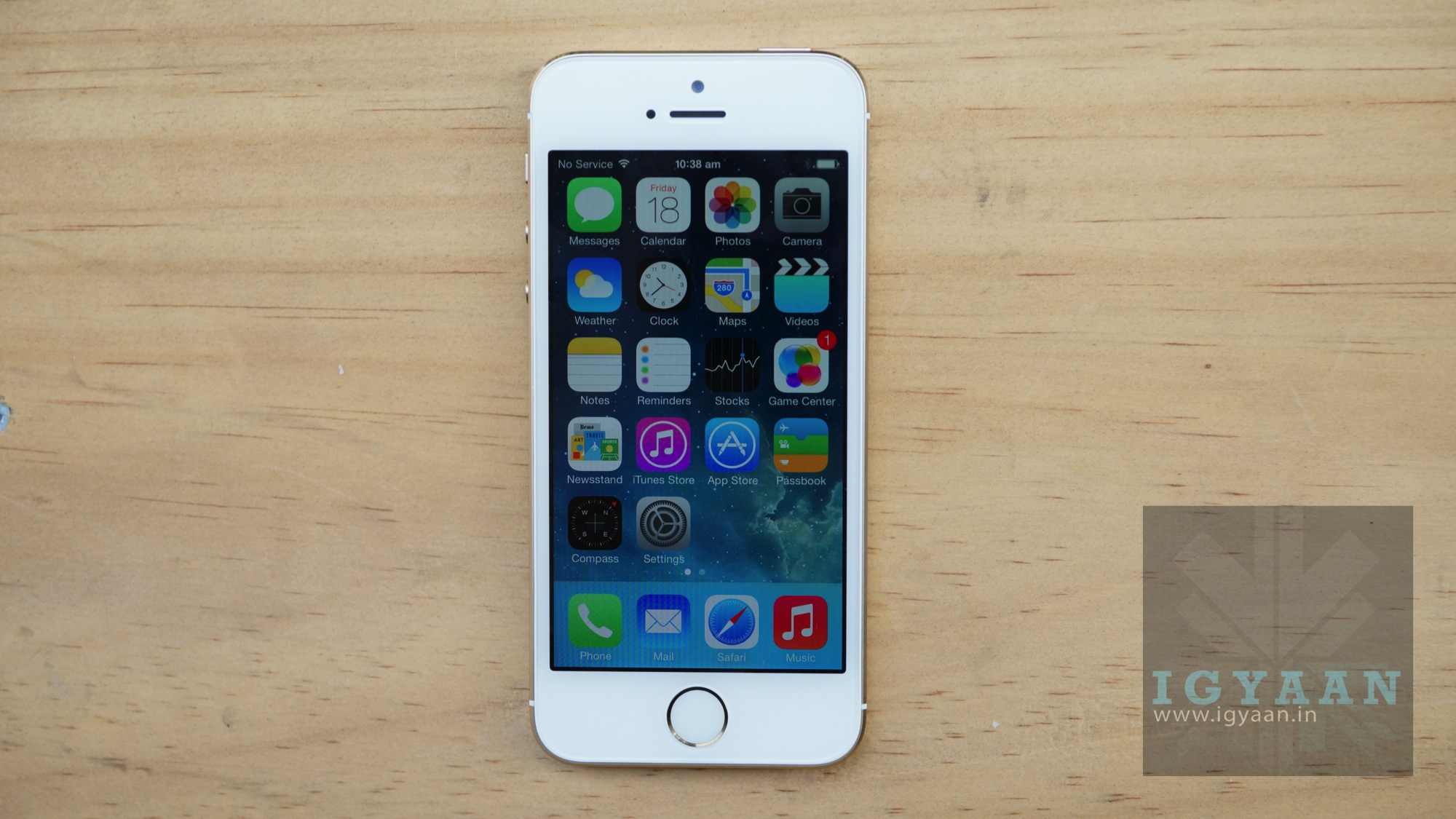
The 2013 edition of the Apple iPhone has seen a major price cut in today’s smartphone sale. iPhone 5s, coming at a price of Rs. 44,500 is now listed on Flipkart at Rs. 35,800 for the 16GB Gold variant. The Space Grey and Silver models have received comparatively lower discounts. The phone features A7 chipset and also has a M7 motion co-processor. The new fingerprint identity scanner is also equipped to the device.
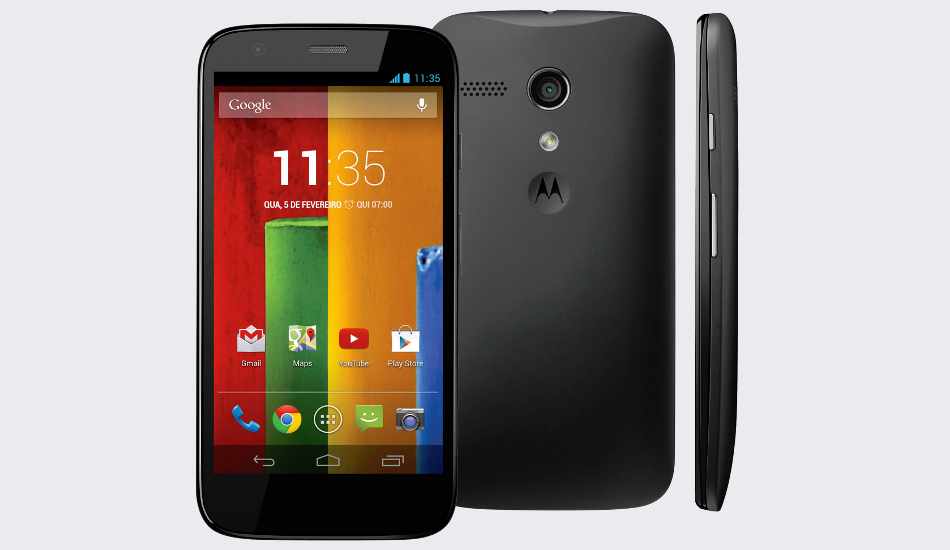
The 2nd Gen Moto G launched at a price of Rs. 12,999 last year is now available on Flipkart for Rs. 10,999; a price cut of Rs. 2,000. It boasts of a 5.0-inch 720p HD IPS display with an 8MP rear and 2MP front snapper. It features a 1.2GHz Snapdragon 400 processor, 1GB RAM and 16GB memory.
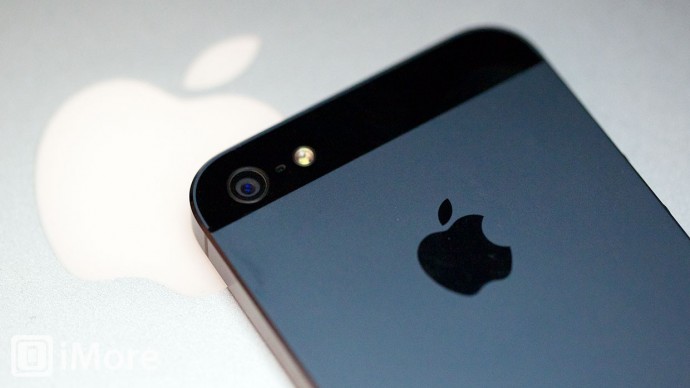
Apple’s future iPhone series has already become a trending topic for all the Apple fanatics around the world, that too, only eight months after the iPhone 6 launch. There are already many speculations and rumours surfacing about the future iPhone such as the design, specifications and features.
No matter how secretive a company is about its next version, they have to issue a list of patents to USPTO (United States Patent and Trademark Office), which in turn provide hints of the features of the next flagship. Here are some key patents that were filed by Apple, let us check them out:
Apple iPhone Sidewall Display
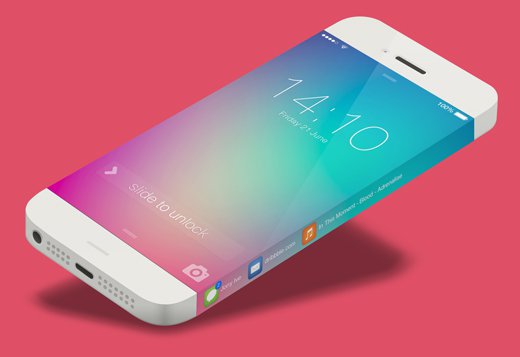
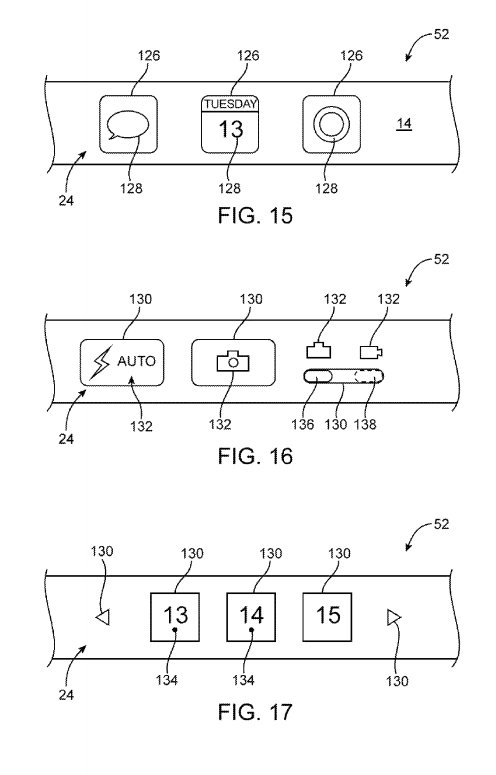
Apple was granted a patent for ‘Electronic devices with sidewall display’ on May 2014. This patent very well suggests that the next iPhone may have its display screen extended to the edges as well. The patent suggests that the side screen will work as the primary screen extension with touch sensitive portions.
This screen can eliminate the use of traditional physical keys that are used for volume and locking the device. Apple suggests the side display could be used for slide-unlock functionality, music player control, called ID, etc.
Waterproof Design
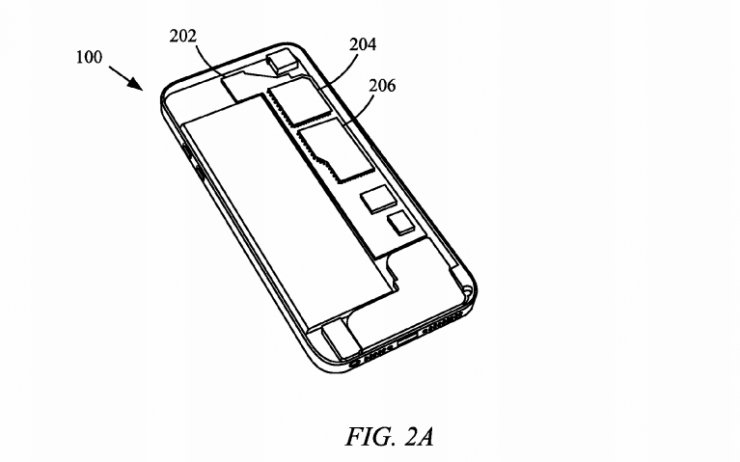
A patent signed in March 2015 by Apple may allow you to take a bath and use your iPhone without the risk of electrocuting its circuits and without compromising the stylish looks of the device. Apple is working on a new protective coating that can prevent the iPhone from getting damaged from water or any liquid entering beyond the chassis of it.
Flexible iPhone
This patent may very well take the new iPhone over the edge. In January 2015, Apple signed a patent that the company may very well consider the idea of a flexible device. It was written in the patent that by making the iPhone flexible, certain applications could be opened by bending it in a particular way.
Home Button Joystick
Apple signed yet another patent on January 2015, which sounds good for iPhone gamers. This patent describes the Home button of the iPhone with a spring beneath it. The new Home button will be able to be used as a multifunctional button and comes in two modes. One is the standard functionality mode and the other will transform it into a joystick.
Password
In the iPhone 6 and iPhone 6 Plus, we have the finger print scan lock system. But in December 2014, Apple signed a patent that would make your face the password. Yes, in the process of digging deeper into a personal computing device, Apple’s new device in the future, can soon be unlocked using facial recognition.
Camera Patents
Interchangeable Camera Lens:
Apple filed two patents back in January 2014 that could make it possible to change an iPhone’s camera lens, a possibility. One patent read that the device, possibly the next iPhone may have a removable case that would allow camera attachments. The second patent offers an alternative method of attaching new lenses to the iPhone using magnets.
Super Resolution Photos:
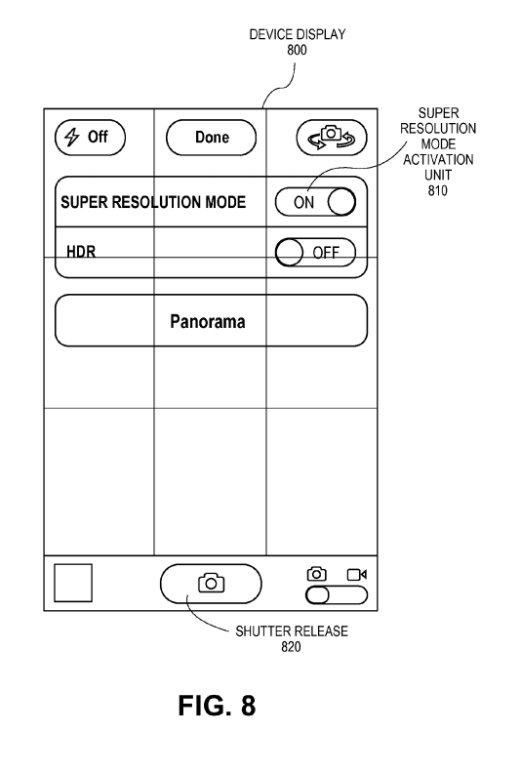
Apple signed a patent in May 2014 that would improve picture qualities taken by iPhone at different heights. The patent describes a series of slightly tilted photographs at different angles and stitches them together to create Super-Resolution photographs.
If you’re one of the lucky few who get to escape the country’s blistering summer, we’ve got some handy tips for you. We’re here to tell you how to utilise what technology has to offer to ensure you have a safe, fun, and stress-free vacation.
First things first, figure out the best way to get an affordable data connection on your phone, in the countries you’re visiting. There are several companies (Lyca, Matrix) that provide you with international calling cards, even before you leave the country.
So, let’s get started.
Pack Up!
The excitement of the journey begins when you start deciding the stuff you’re going to be carrying with you. If you’re willing to spend a minimal amount on an app, we’d recommend Packing Pro (iOS). Just like its name suggests, it helps you pack like a pro. You can make customised to-do lists, but the best part about this app would be the ‘Expert List’ assistant. This has already got packing lists ready depending on if you’re a male/female, if you’re going camping or if you’re stepping out for a short business trip. The app is intuitive and customisable, and in our opinion, worth every rupee spent.
How to Fill the Language Gap
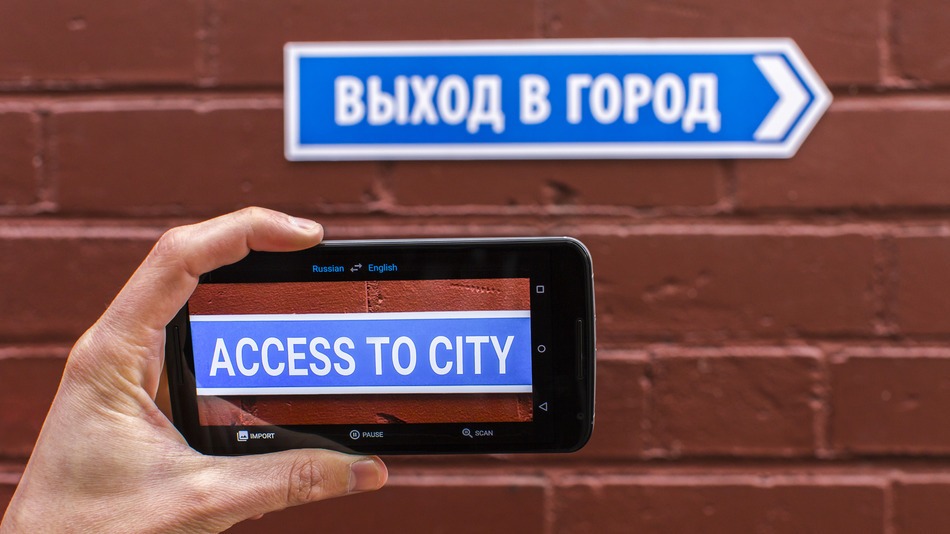
A recent update to the Google Translate app, integrated a World Lens tool. Word Lens uses the smartphone’s camera to scan scenes, identify writing and then display it as if it were written in English. You can hover your device in front of menus, road signs, and more, and see the translated text overlaid on the screen immediately without any internet connection. Pretty neat, right? A super useful feature when you’re jet-setting across the world and trying to make your way through foreign cities, where English isn’t the first or second language.
TripLingo, on the other hand, gives you some of the commonly used phrases in a particular language. Believe us when we say this, you’d want to memorise how to say “Where is the Bathroom?” in Mandarin, before you land in China. This app also gives you a crash course in local customs and etiquette.
Both Google Translate and TripLingo, are available for free on the Play Store.
Make Some Lists
To prepare for a trip abroad, the first thing any travel magazine will recommend is that you make a list. A list of things to pack, a list of places you’d want to visit and even a list of things you want to buy. If you’re flying solo, the Notes app provided on your smartphone would suffice. However, in case you’re travelling in a group, ask everyone to download a single note-taking app. Go for Slack or Evernote. You can make a checklist and multiple people can contribute and edit the list while on the go. While these apps may be designed for businesses, they serve the purpose just as well.
Both Slack and Evernote are available for free on the Google Play Store.
How to Make Sure You Never Get Lost
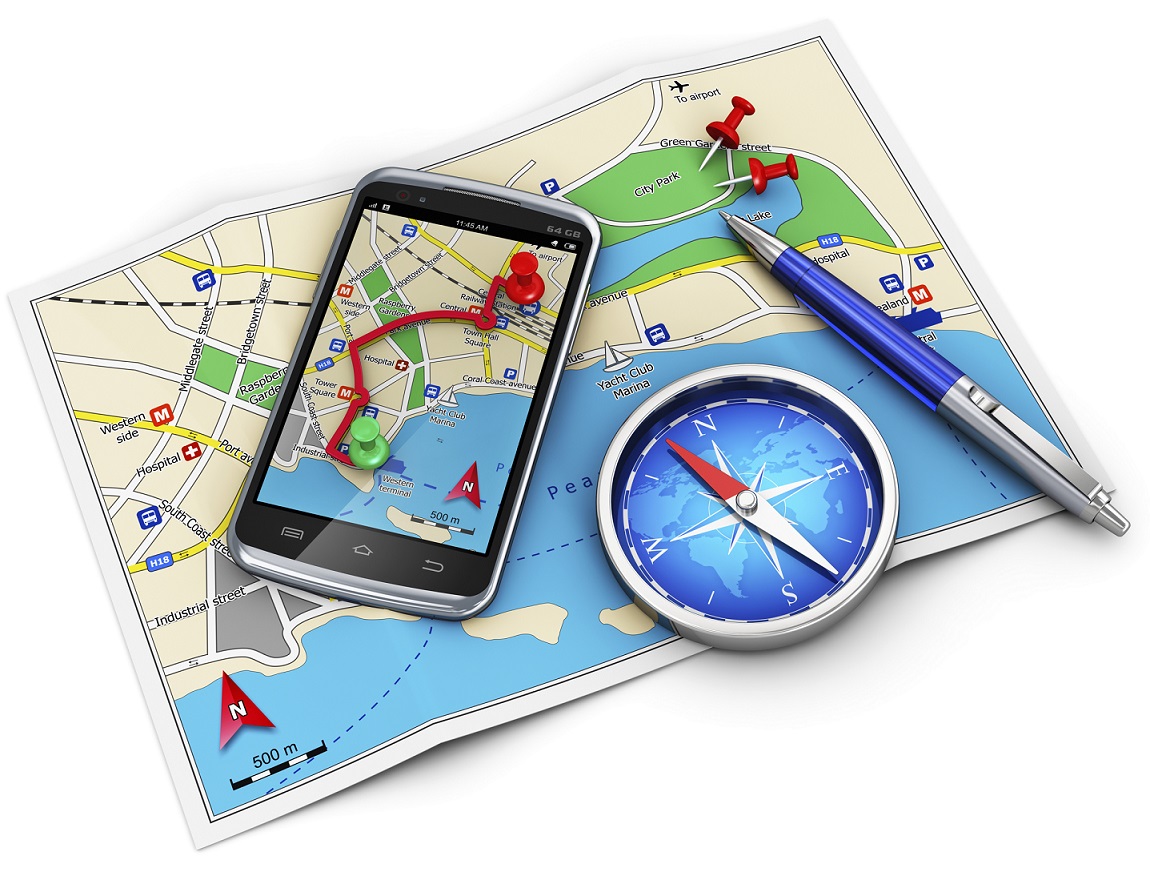
Other than Google Maps, there are a slew of apps available to help you navigate your way through an unknown city. From the bunch, we would recommend City Mapper and Moovit. The two help you make your way around a city’s public transport system. Just add your destination and it will tell you how to get there. Other than route-navigation, it gives you step-by-step instructions which include local modes of travel (ferry timings, cycle pick-up, etc.) The highlight about the apps is the fact that they provide real-time updates. For example, if the bus you’re waiting for is held up in traffic, it will tell you exactly how much longer you would have to wait for.
Google Maps, City Mapper and Moovit, are available for free on the Play Store.
So, What do Locals Do Around Here?
The traditional way to find out the hidden gems of a city, would be to try and strike a conversation with a local resident of the town you’re visiting. We now have an app which will help you with this, and much more. Available in more than 40 cities worldwide, Like a Local gives you genuine reviews about the local restaurants and markets to check out. The app promises that their recommendations have been curated solely by local editors. If you hate being a tourist in a foreign city, this one’s for you.
Like a Local Offline CityGuide is available for free on the Google Play Store. If you’re still contemplating where to head to this summer, you can click here for inspiration.
It’s official. After much speculation and anticipation, the prices of the new and improved Windows 10 has been revealed, as of yesterday. While we all knew that the Windows upgrade was going to be free, the pricing for people who did not have the OS or the licensed version of it, was unclear.
[pullquote_left] The upgrade from a Windows 10 Home pack to a Pro Pack will just cost $99 [/pullquote_left]
However, Microsoft, through Neowin, finally announced the prices and the date of release. The cost of Windows 10 Home will be $109 while Windows Pro will cost $199. Incidentally, there was been no hike in price since the Windows 8.1 version came out, which is a pleasant surprise. The upgrade from a Windows 10 Home pack to a Pro Pack will just cost $99. The system will be ready for upgrade on the 29th of July.
While there was a lot of speculation over the weekend with Newegg reporting a price leak, it has been confirmed that the prices put up by the website, initially, were incorrect.
Now that we know the price and date, It is important to know a few more things about the Windows 10 upgrade:
The upgrade is available for free, for a year, after which all Windows 7 and 8.1 users, will have to purchase the upgrade. So do avail of this offer, soon.
You can either download the OS on your Windows 7 and 8.1 versions or buy the new PC.
All updates and fixes will come at no additional cost once you’ve downloaded it.
They have a ‘reservation link option’ which means you can preload the software and it will install, as soon as it’s ready.
All non-genuine Windows users will not get a free upgrade and people using Windows OEM (Other Equipment Manufacturers) will be offered attractive discounts, as per the company’s statement.
With the revelation of prices, the Redmond-based beast hopes to secure its fortunes in what can be the largest sales of PCs and upgrades that will be witnessed. As per Neowin, the company expects users to avail of the free upgrade that is available for one year and hence is targeting 1 billion installs of Windows 10, in the next 2-3 years. While the task seems daunting at the moment, it’s definitely not an impossible feat.
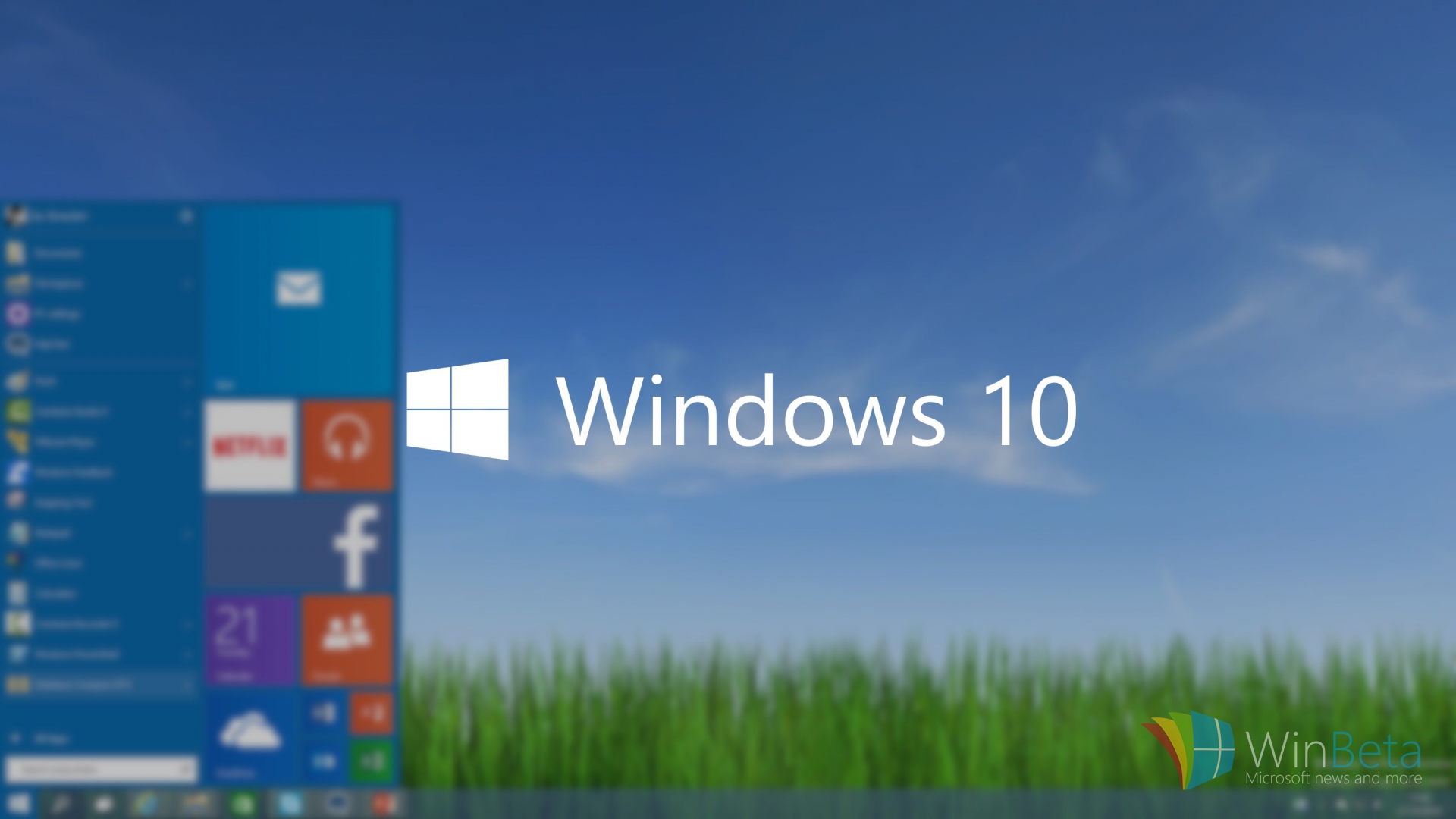
Microsoft had earlier announced that the consumer version of its newest OS, Windows 10, will arrive this summer. Keeping up its promise, the software major today announced the release date of its latest Windows iteration. The much-awaited operating system will be available to download on computers and tablets running Windows 7 and 8.1 from July 29th onwards. Windows-running smartphones are expected to receive an update later this year.
Terry Myerson of Microsoft stated in the official blog post –
On July 29, you can get Windows 10 for PCs and tablets by taking advantage of the free upgrade offer, or on a new Windows 10 PC from your favourite retailer. If you purchase a new Windows 8.1 device between now and then, the Windows 10 upgrade will be available to you and many retail stores will upgrade your new device for you.
Recently, the hardware and software giant commented on a blog post stating that Genuine Windows 7 and Windows 8.1 customers will be upgraded to Windows 10 for free and will continue receiving ongoing Windows innovation and security updates for the supported lifetime of that device. On the other hand, customers using pirated softwares have been recommended to purchase a licensed copy.
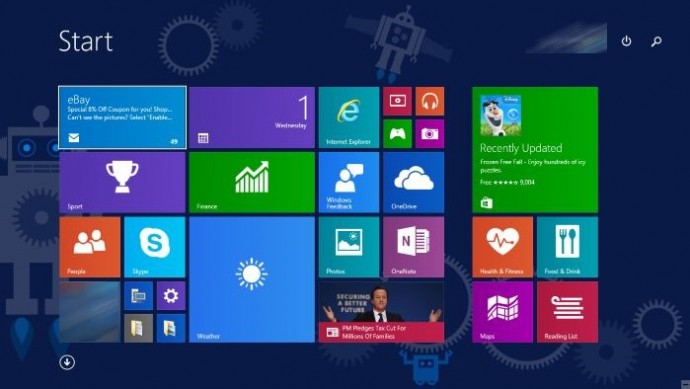
Microsoft is also sending a notification to genuine Windows users, clicking which, a slide show appears giving a slight glimpse of Windows 10. The new version brings back the Start Menu (that was missing in Windows 8), Continuum, a virtual assistant Cortana, the revamped browser Microsoft Edge that is fast and organised, and many other features. The software will launch in 190 countries.
[pullquote_right] Microsoft recently confirmed that there will be no Windows 11 [/pullquote_right]
Microsoft recently confirmed, that the firm is quitting the revision of Windows operating system and confirmed there will be no Windows 11. The company wanted perfection in the latest Windows as it aims to standardize Windows 10. Microsoft intends to make Windows a service. That means, instead of releasing versions of Windows every couple of years, they will be sending out regular updates to Windows just like Apple’s OS X.
Along with unveiling the brand new version of Android OS, Android M, at the annual developers conference I/0 2015, Google cleared its vision to help customers buy regular products with utmost ease. The tech powerhouse showed the Android community its recent development on mobile payments that made Android lovers applaud Google. The ace up its sleeves was Android Pay, through which Google was aiming at Apple’s contactless payment service, Apple Pay. However Android Pay came late into the mobile payment battle, it has certain distinctive features that would strengthen its position in this domain. Let’s check out how it works and how it can contribute to making our lives easier.
How to Use it?
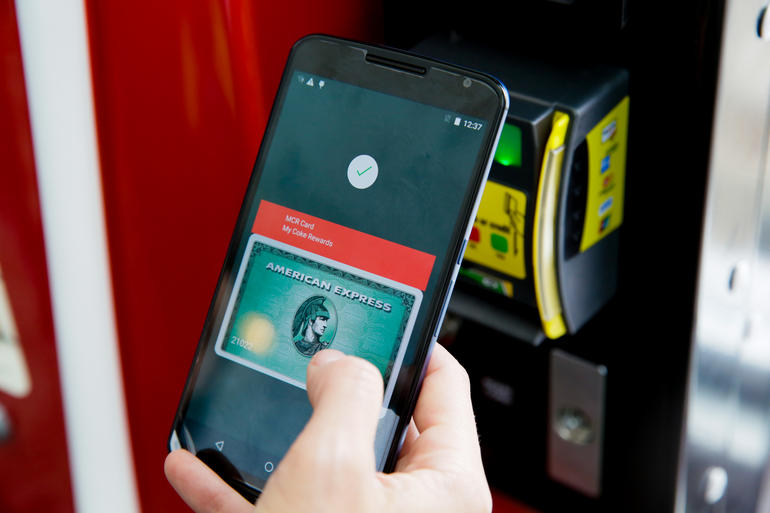
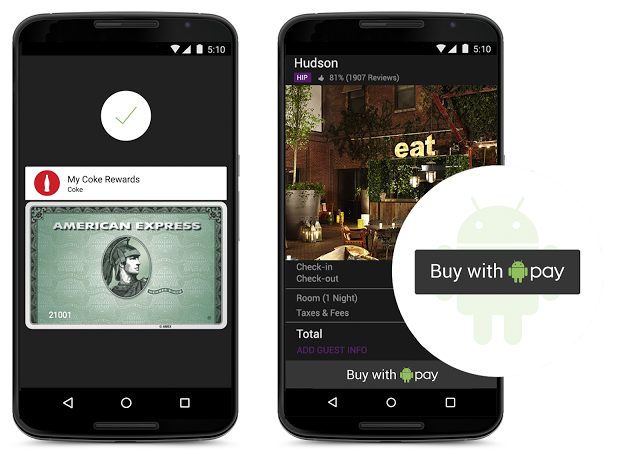
Android Pay relieves users from the hassle of carrying cards and the payment is done at merchants’ contactless terminals. Simply unlock the device and as soon as you place it near the machine’s NFC reader, a card interface will pop up automatically. Fingerprint scanning isn’t a must. Pick from the virtual cards to complete your payment. With this, you are done. Payment confirmation and transaction details will be received on your smartphone. There is no need to call up Android Pay and put in a separate PIN or password to authenticate payments. Android Pay deals with all by integrating with the security of the operating system. The feature is much easier to use with Android M as devices equipped with the latest Android OS version supports fingerprint reading just like Apple Pay.
Along with that, Google has thought of another strategy to allure Android users. As the users checkout, the loyalty programs and special offers automatically apply. This way, loyalty programs and offers get received along with payments, which is essential for the contactless payment system.
Here’s the video demonstrating the use of Android Pay:
The technology governing Android Pay is analogous to the one regulating Apple Pay. It makes use of the similar NFC (Near Field Communications) technology, which is regular on most Android smartphones these days. Together with that, current software is all that is needed for Android Pay to run on any Android handset. Google has partnered with top payment processors, mobile carriers, payment networks, banks and retailers to deliver your choice and flexibility. The bank apps also pay a pivotal role of integrating with Google’s platform to add your credit and debit cards directly to Android Pay.
Talking about the security parameters equipped in Android Pay, the tokenization method spotted on Apple Pay dominates Google’s payment system as well. A virtual account number is created for the user so that retailers never come to know your actual card details.
Why it is likely to beat Apple Pay?
Google’s payment system will give a major boost to mobile payment. Users can pay in stores, food courts, buy apps, and at every possible place where Android Pay or an NFC logo is visible. According to the company, the feature arriving this summer will work in 7,00,000 stores in the US and with a 1,000 Android apps.
Though Apple Pay is efficient, its usage is limited to those using iPhone 6, iPhone 6 Plus, Apple Watch and iPad. On the contrary, Android Pay is expected to work with all smartphones with Android 4.4 KitKat and above. Considering the vast user base of Android, Android Pay is likely to take over Apple Pay in the near future. Android users account for more than 80 per cent of the smartphone users. Even if a small per cent of total Android user base utilizes Android Pay, it will easily surpass Apple Pay users.
The second factor that will add to Android Pay’s success is its compatibility with older phones. The feature will allow even the 2013 models to work with Android Pay such as Galaxy S4, HTC One M7, and more. As there will be more users, more retailers would like to install the NFC payment system at their stores. This way, Google will penetrate deep into the mobile payment segment than Apple, in spite of the fact that Apple came in early in October last year.
Meanwhile, there is no detail about it coming to countries outside the US, but we are anticipating it to arrive in India later this year.
Technology plays a crucial role in today’s military weapons and is advancing at a good speed. Military weapons are not only limited to lightweight uniforms, arms and night goggles, mind blowing advancements today in military tech has produced products that we thought to be as fiction ten years ago.
We will look at some of the greatest improvements that today’s military warfare has adopted and can change the face of war:
Wearable Robots
In 2014, DARPA (Defence Advanced Research Projects Agency), an agency of the U.S. Department of Defence responsible for the development of emerging technologies for use by the military, developed wearable robots. A wearable robot is a mechatronic system that is designed to the shape and function of the human body, with segments and joints corresponding to those of the person it is externally coupled with. This exoskeleton enables a soldier to carry heavy objects weighing more than 100 kgs while running or climbing stairs, with ease. It also allows the wearer to wield heavier weaponry. The exoskeletons use a hydraulic system that is controlled by an on-board computer.
Smart Bullets
Very soon, the phrase ‘dodging the bullet’ will be termed as void, as the US military has made significant progress in its effort to develop self-guiding missiles. Initially, the program, Extreme Accuracy Tasked Ordnance program, known as EXACTO, was started by DARPA that worked on the continuous guidance of a bullet to its target.
.50 caliber bullets were fitted with optical sensors and were able to hit moving targets with extreme accuracy during a live-fire demonstration. DARPA says the goal of the EXACTO program is to give shooters accuracy for hitting their mark at greater distances and engaging the targets sooner, thus enhancing the safety of its troops.
Phantom Drone
The Phantom Eye drone, developed by Boeing, is a liquid hydrogen-fueled aircraft system that is capable of staying 65,000 feet up in the air for four days and carries a weight of 450 pounds. Boeing also released a larger version of the Phantom Eye that can stay up in the air for ten days and ship 2,000 pounds.
The Phantom Eye first completed its 80-hour test flight on March 2010. Its primary role is providing airborne intelligence, surveillance and reconnaissance capabilities to support a variety of missions. But, lately, it is being used by the US Navy as a communications relay.
Fly-by-wire technology
Fly-by-wire technology is a technology that allows the plane to go to ‘Auto-Pilot’ mode. In simple words, the pilot’s instructions or inputs from the cockpit are relayed by an electric wire to an electric motor that moves the control surface. Major advantages of the electrical systems are lighter weight, less complexity, and easier maintenance, all of which ultimately reduced the airplane’s operating costs. Many catastrophic accidents throughout aviation history resulted from the lack of safeguards ready for any situation, and today’s effective safety and reliability statistics are proof of the advanced technology represented in fly-by-wire digital flight control systems.
Electronic Warfare
Electromagnetic Pulse Grenade
Communication plays the greatest role during a war. To weaken your enemy, you must first take down their eyes and ears, that is, communication servers and relays. The US army is on its way to developing the technology that can target specific areas and knock out enemy communication. The best example for this is electromagnetic pulse grenades and small signal jammers used by various military aircrafts.
In developing times like now, we live under the constant threat of computer viruses and malware that reach your system through emails or any external devices like a pen drive. We have multiple Anti-Virus programs available and it is critical to keep updating them. But the key to a virus-free environment is beyond using an anti-virus program. Safe computing practices and policies should be used to safeguard your PC from such threats.
Let’s take a look at some user friendly, yet efficient methods of dealing with viruses, other than using Anti-Virus programs:
Do not open suspicious email attachments
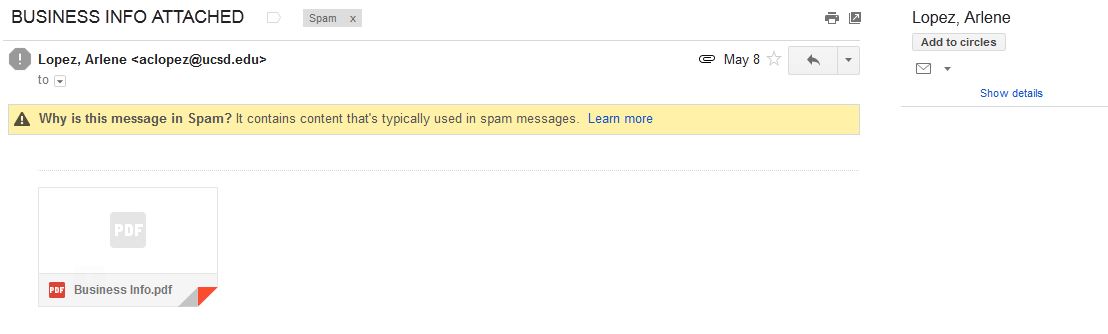
Most of the infected emails are filtered in the SPAM Folder
It is wise not to open any unknown email with an attachment unless you are expecting them. Most of the viruses and links to phishing websites come through emails. To know whether the mail contains a virus or not, you can follow the steps below:
Always check the sender’s address. If the address is known to you, it is safe to open the mail. But if the address is unknown, we would recommend caution before clicking on the mail.
Check the subject line. If the subject line shows some random sentences asking you to open the mail, Do Not click on it. Some viruses are capable of mimic, or spoof, legitimate email addresses.
Keeping your computer updated
Keeping your computer updated helps to lower down incoming viruses from external sources. It is because across different Operating Systems, various security updates are released, thus helping in protecting your computer.
Using a Firewall
Pictorial representation of how a Firewall works
Use of Firewall does not entirely eliminate the threat of Viruses, but it helps in alerting you if a virus or worm attempts to connect to your computer. It can also block hackers from downloading potentially harmful files to your computer.
Disabling the Auto-Play Option
Many viruses attach themselves to a drive and start installing automatically when the media is connected to a computer. As a result, connecting any external hard disk or external data can lead to automatic propagation of such threats. Hence, disable Autoplay.
Lastly, Surf Safe
Many anti-malware programs include browser plug-ins that help avoid virus infections and internet phishing. These plug-ins should always be utilized with regular web browsing. Personal data and sensitive information should never be entered on any web page that has arrived independently. They should instead open a web browser, enter the address of the page they need to reach, and enter their information instead of clicking on a hyperlink and assuming the link has directed them to the proper URL. Hyperlinks contained within an e-mail message often redirect users to fraudulent, fake, or unauthorized websites. By entering web addresses manually, users can help ensure that they arrive at the actual page they intend.
Although the above methods should be carried out on a daily basis, the only fool-proof savior is a good Anti-Virus program, like Avast! to name one. Many computers receive free anti-virus programs, but these are not enough to provide sufficient protection against the ever-growing list of threats. We need to stay updated with ever-growing technology. Browse safe!
At the I/O 2015 conference, Google announced the next version of Android. The company detailed some interesting features that will be available on Android devices later this year. With Android M, they have focused on improving the system’s overall quality and fixing the bugs found on Lollipop. While Google SVP Sundar Pichai’s speech seemed impressive, we wanted to see for ourselves what the fuss was all about.
We installed Google’s Android M developer preview on our Nexus 6 and decided to share the step-by-step procedure.
Disclaimer:
Before you decide to install Android M on your device, consider the fact that it will wipe the smartphone’s memory entirely.
The developer preview also contains several bugs and may be unstable.
We wouldn’t recommend installing the OS on the Nexus device you use on an everyday basis. Some of the major applications are having trouble loading on Android M.
The Developer Preview is only out for Nexus 5, Nexus 6, Nexus 9 and Nexus Player.
Preparation
Back-up your Nexus Device.
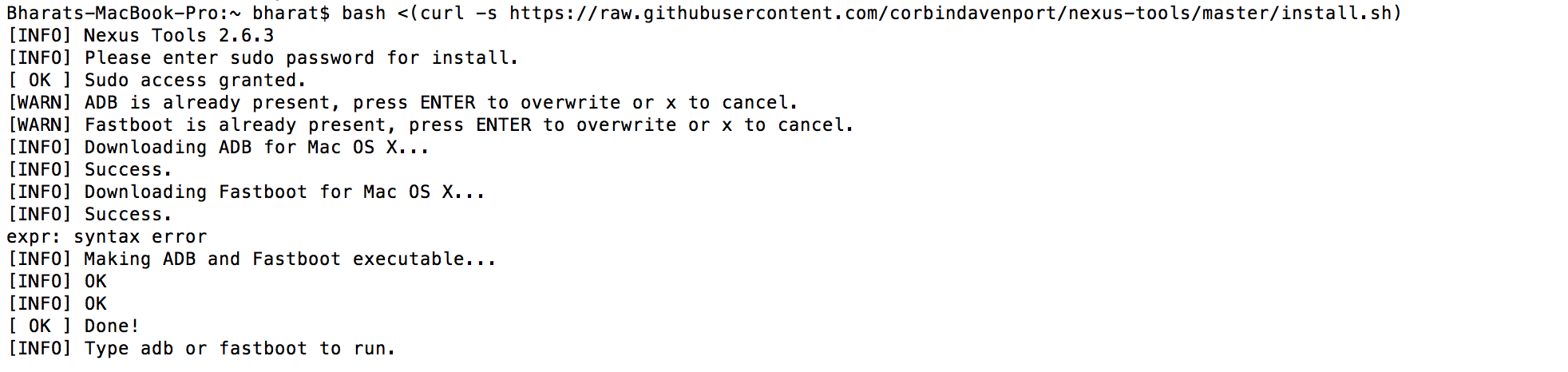
To make this quick and easy, before you begin, make sure you have ADB and fastboot installed on your computer. The easiest way to install ADB on your machine is by inserting the following command on your Command Line/Terminal:
bash <(curl -s https://raw.githubusercontent.com/corbindavenport/nexus-tools/master/install.sh)
Download the factory images for your device here. Unzip and save them on a file on your desktop.
Method
Now to begin, enable your device’s debugging mode and connect it to your computer via a USB cable.
Open an ADB command line and enter ‘adb reboot boot loader’
Open the folder containing your factory images.
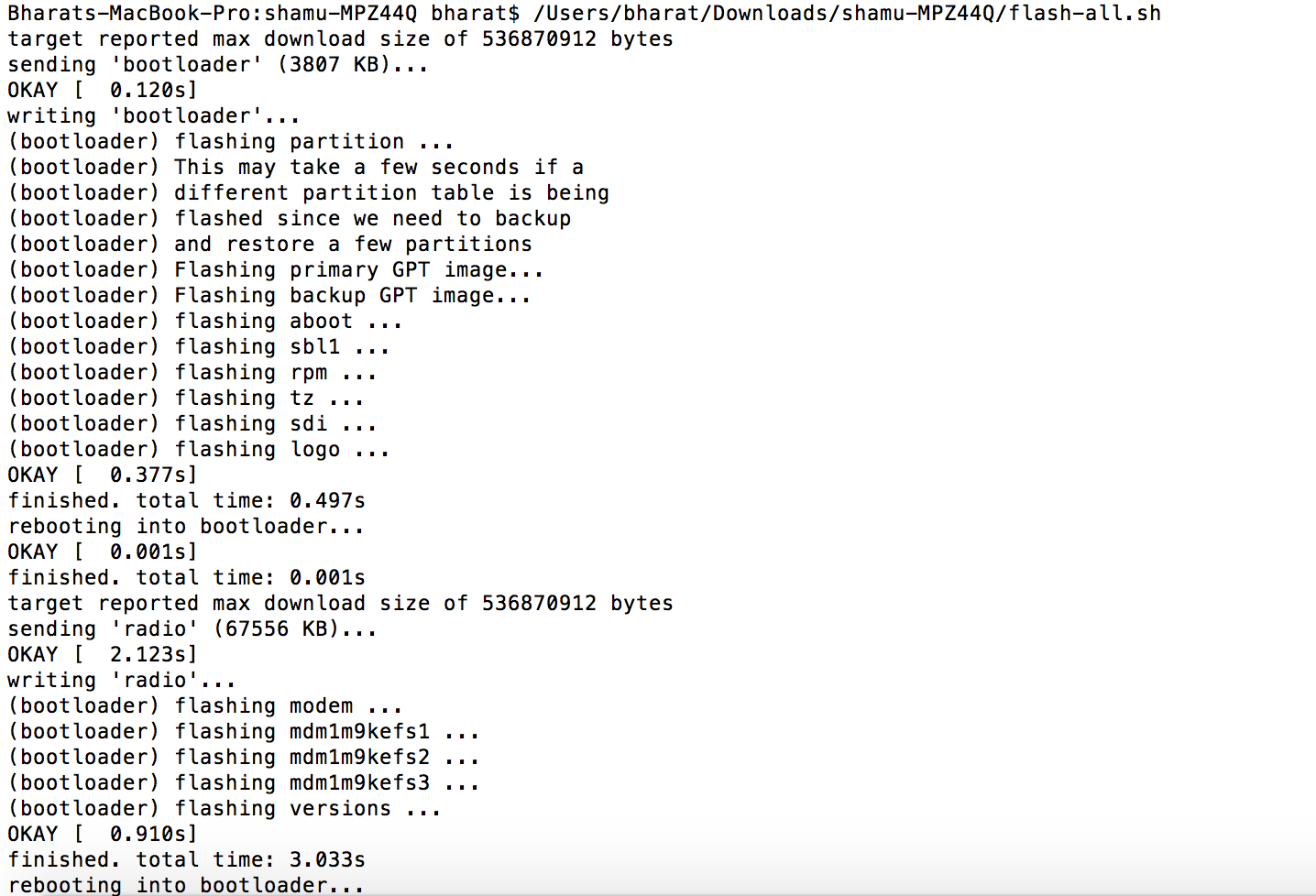
Now on the ADB command line, enter ‘flash-all’ to run the installation. This is the final step and it will initiate the process, as seen below:
You will now have to wait till it gets installed. It took us approximately 5 minutes.
Now you can enjoy fiddling around. To read more about Android M, click here.
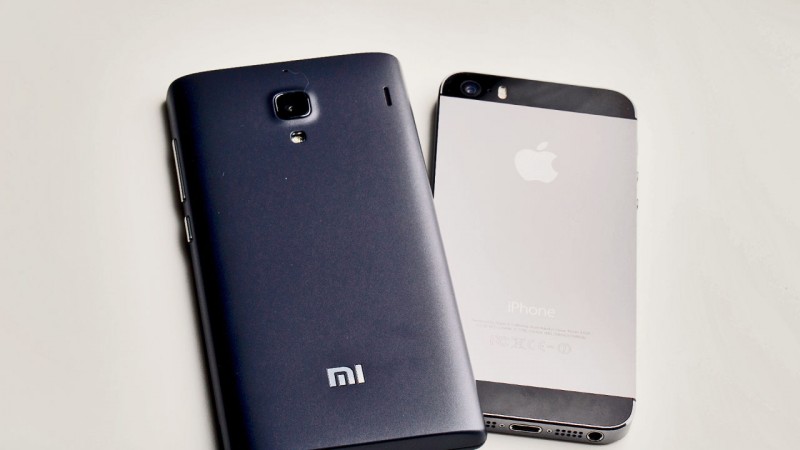
When it first started off in 2010, this company did not expect that five years down the line, it would would become one of the biggest smartphone companies globally. Yes, Xiaomi had taken the tech world by surprise when they released the Xiaomi Mi series lineup, capable of holding its own ground against Apple or Samsung smartphones. Additionally, Google had lost one of its top Android executives, Hugo Barra, to an ‘unknown Chinese smartphone company’ in 2013. Yes, he was headed to Xiaomi as the Vice President of Xiaomi Global, also dubbed as ‘Apple of the East’ by New York Times.
History
Xiaomi was initially started by Mr. Jun Lei and seven more partners on April 6th, 2010. Initial investors included Temasek Holdings, an investment office from Singapore, and Chinese venture capital funds IDG Capital and Qiming Venture Partners. After Mobile Processor developer, Qualcomm, joined hands with Xiaomi, the smartphone company launched the first Android-based user-interface, MIUI. Xiaomi’s Mi1 smartphone was announced immediately next year, and since then there was no turning back.
Xiaomi Founding Team with Mr. Mr. Jun Lei (in red).
Rise of the Name
After three and a half years of entering the market, Xiaomi had employed a small number of 2,400 staff and sold its wares only in China, Hong Kong and Taiwan. Despite the limited market, Xiaomi managed to sell more than 7 million devices 2012. It is quite an impressive feat, keeping in mind that it was around the same time that Nokia and BlackBerry were struggling to reach up to the same number worldwide.
The expansion campaign did not stop just there. Xiaomi unveiled its second high-end phone, Xiaomi Mi2, in August 2012, and it sold 10 million devices in the next 11 months. In total, Xiaomi sold over 18.7 million smartphones in 2013 and 26.1 million smartphones in 2014.
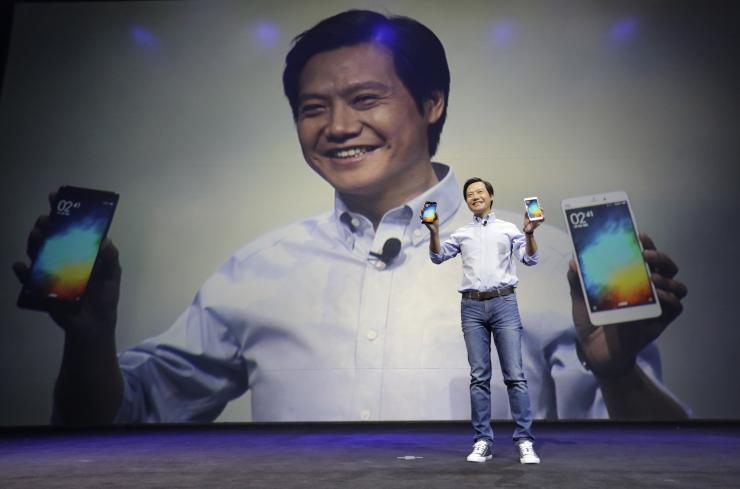
Lei Jun, founder and Chief Executive Officer of China’s mobile company Xiaomi, shows Mi Notes at its launch in Beijing January 15, 2015.
It opened its first international expansion outside with their first destination in Singapore. On its Opening day, Xiaomi Mi3 batches were sold off within two minutes. Apart from Singapore, Xiaomi had also landed in the markets of Malaysia, Philippines and India. Xiaomi entered the Indian market via an exclusive retail partnership with Flipkart and offline retailers for the first time.
In April 2014, Xiaomi purchased a new domain- mi.com for $3.6 million. It became the most expensive domain name ever bought in China and it replaced xiaomi.com as the official website for Xiaomi.
Idea behind the Success
What separates Xiaomi from other smartphone companies is that the company sells its products at a cost that has virtually no profit margin. So, how does the company make a profit? It makes its money when customers pay for its cloud services like messaging and data backup. The company also pointed out its iconoclastic business model which instead of using traditional marketing and distribution practices, it heavily relies on the Internet to fuel its sales, thus reducing advertising and promotional costs.
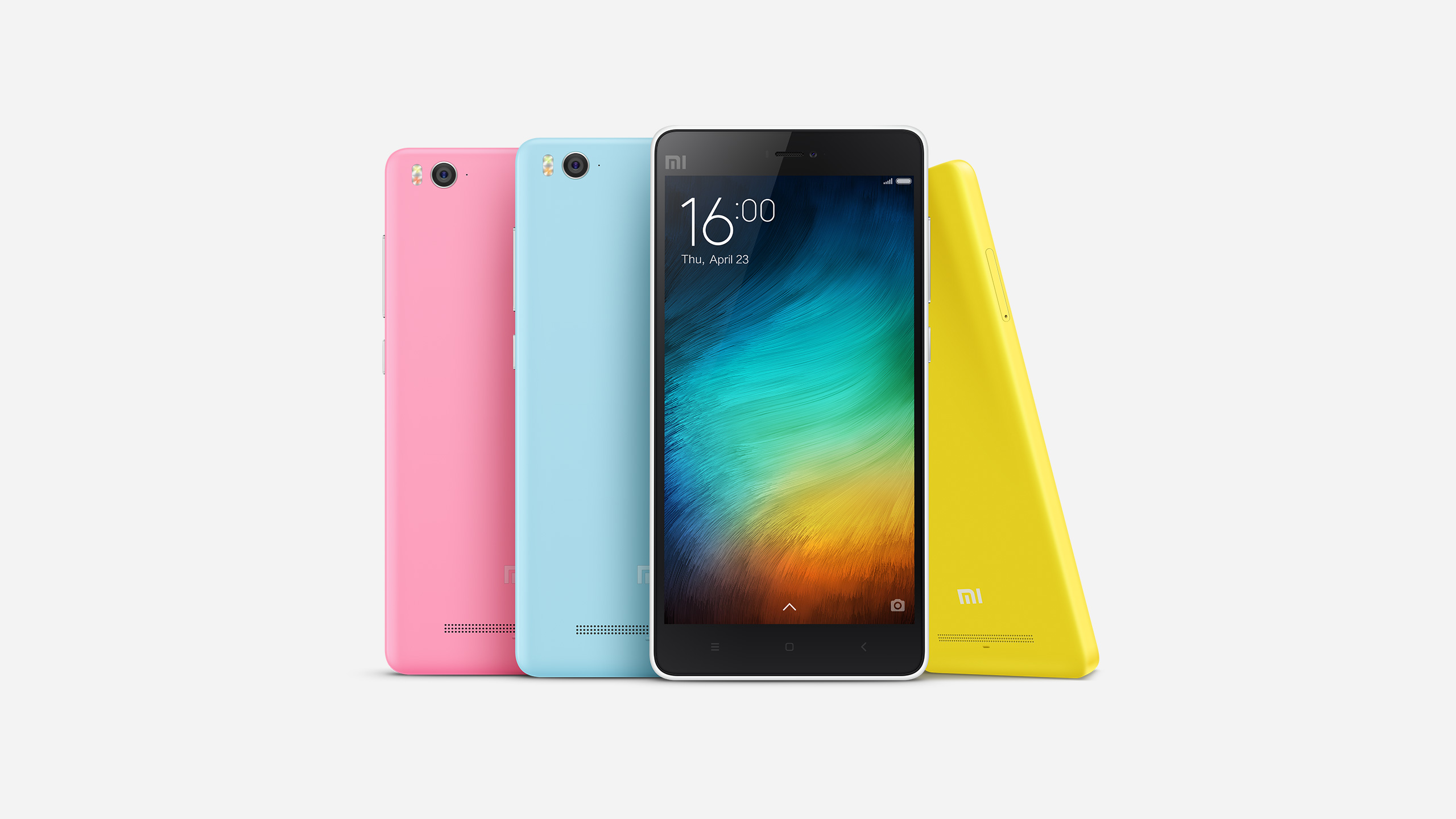
Xiaomi Mi 4i was the first Xiaomi phone to see its initial release outside of China
Another reason the handset is so much cheaper than its competitors is because of the weekly/monthly Flash Sales. Releasing only a small quantity of phones per sale keeps down the production cost. But the only drawback is that eager customers have to wait, thus leading to a loss in sales.
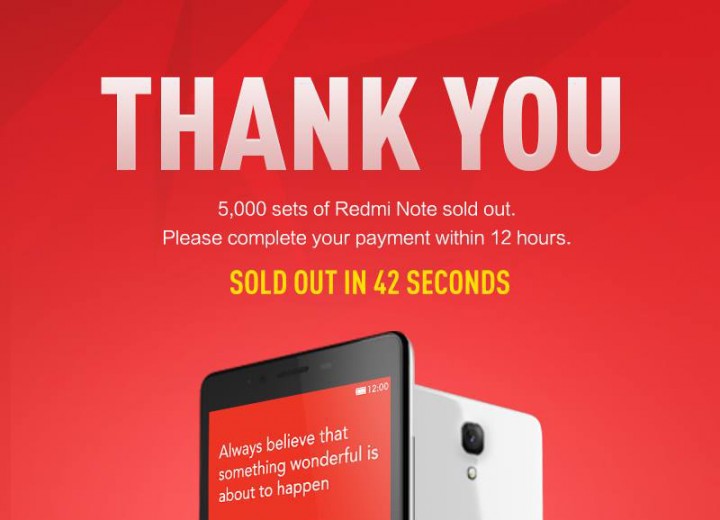
In a Singapore flash sale, Xiaomi sells 5,000 Redmi Note units in 42 seconds.
To make up for its thin line profit margin, Xiaomi continues to sell the same phones for a long period of time, rather than coming out with a new handset every six months. This gives more flexibility with profits and ensures the sale of accessories too.
Here is a fun fact: Apart from its own website, the company also sells devices on Tmall.com, one of China’s largest online retail sites. Xiaomi not only sells its handsets here, but also sells accessories like headphones, T-Shirts and its toy rabbit mascots. The company claims it sold over 180,000 units of mascots in 2012 alone!
Controversies
With great success, criticism and controversies are sure to follow. Xiaomi’s first controversy was the similarity in the design of its products and Apple products. If this weren’t enough, Xiaomi CEO, Lei Jung cultivated a Steve Job image after reading his about him in college. Thus, Xiaomi was accused by Apple for copying their philosophy and mindset. Xiaomi stated that it followed a different set of principles. While many pointed out the similarities between the two companies, few others said the ability to customize the software based on user preferences sets Xiaomi apart.
In India, import and export of Xiaomi’s products were banned on December 9th 2014. This was because of a complaint filed by Ericsson. Ericsson had alleged earlier this month that Xiaomi was selling Mediatek chipset powered smartphones through the site Xiaomishop.com. Ericcson claimed it to be a violation of the interim order of the Delhi High Court that allowed the company to sell only Qualcomm chipset based smartphones. Xiaomi, in turn, told the court that the site was not an authorized seller of its products.
Conclusion
Today, Xiaomi is the 3rd largest smartphone distributor. Many Chinese companies sprung up after the success story of Xiaomi across the world, with Huawei creating real impact with visible success. Along with controversies surrounding it, it will be interesting to see how Xiaomi copes in the global market. We will just have to wait and watch.
These days if there is another gadget which is more sought after than a smartphone, it’s a powerbank. Since smartphone manufacturers have failed miserably at providing batteries that last more than a day, the powerbank industry is currently booming.
OnePlus and Xiaomi, two manufactures that entered the Indian market last year, recently launched their own battery packs in the country. If you haven’t noticed, the young Chinese companies have kept an eye on each other. Their current flagships, the Mi4 and the One, both come with similar specifications and a similar price tag. So much so that the OnePlus One and Xiaomi Mi4 have even faced price cuts at the same time.
Now it seems like OnePlus and Xiaomi are playing the same game with their powerbanks.
OnePlus, after teasing their portable charger endlessly, finally brought it to India earlier this month. The charger provides 10,000mAh of power, can easily slip in your pocket and apparently charges the OnePlus One 3 times on a single charge. OnePlus introduced the power bank at an affordable price tag of Rs. 1,399. Less than a month later, Xiaomi retaliated.
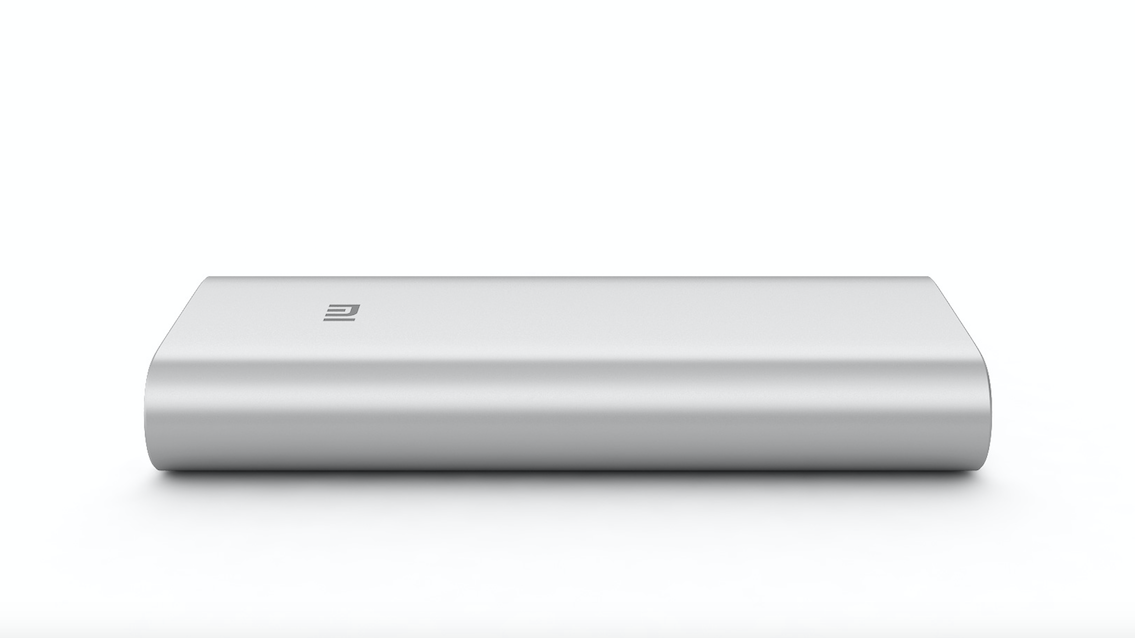
Yesterday, Xiaomi announced they’re bringing in the massive 16,000mAh external battery, priced same as OnePlus’ power bank, down to the last Rupee.
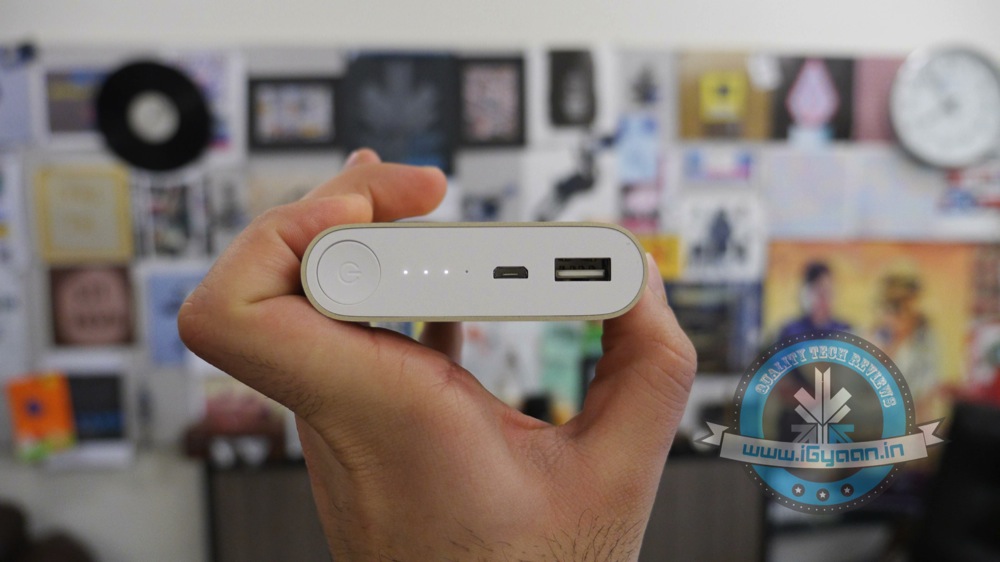
Other than the amount of power they provide and their design, the two power banks are almost identical in features. Both feature two USB 2.0 ports and one Micro-USB port; both can charge two devices at the same time. Since it’s an additional device you need to carry around, it is worth mentioning that the OnePlus power bank weighs 225g and the Xiaomi power bank weighs, 350g.
We have an inkling that the OnePlus powerbank may face a price cut within the next few weeks. Only time will tell how the company decides to play its cards – it’s time for their move.
It is shocking when one of the largest cab services in the world suffer a blow like Uber did in 2014, in India. The rape unnerved thousands and the company’s fortunes sank in a country where they had the largest following, after the US.
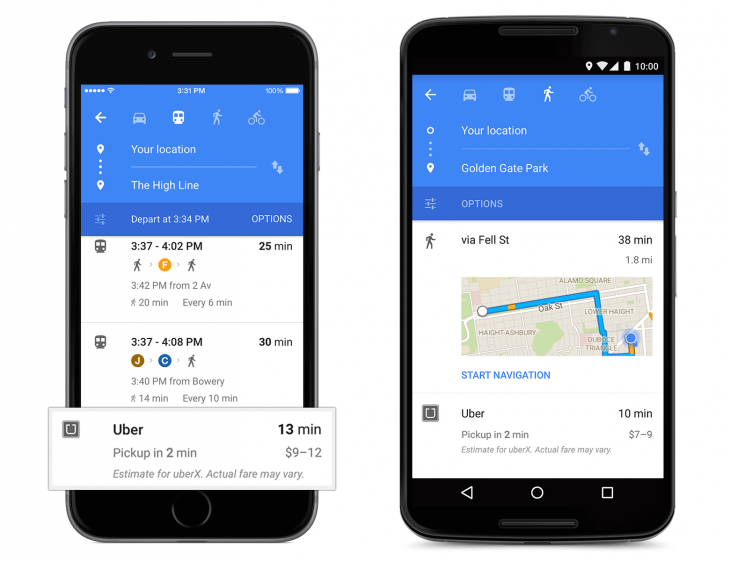
A year later, Uber has recovered and has come a long way from having a marred reputation. They recently revised their privacy policies and have resolved to tighten their riders security. There’s no room for worry because here’s why Uber just got safer and hence, cooler.
We care deeply about the privacy of our riders and drivers. It’s why we’re always looking at ways to improve our practices.
[pullquote_right] the driver can access your personal data and past rides only if you wish. [/pullquote_right] Recently, Uber’s Katherine Tassi, who manages the Counsel of Data Privacy at Uber Technologies, announced that Uber has doubled the size of their privacy team and tightened the leash on their policies. That means three important benefits:
Uber will now make sharing background information of the rider, optional. This means that the driver can access your personal data and past rides only if you wish.
The texts that have been shared between the driver and rider will be accessible to the company so there is a limited scope of malicious activities.
It will also have an option to share your contacts with the app. This means that your friends and family can receive exciting new offers, if you wish to give Uber that information.
With their privacy and security in place, the app is likely to be updated on July 15th.
[tw-divider][/tw-divider]
Unfortunately, India isn’t going to experience the other updates that have taken place. Uber has partnered with Spotify to bring your type of music to your cab ride, when you’re party hopping or just heading home on a regular day. It would’ve been great to have this feature as one can just connect their Spotify account to the music tab of their Uber app and listen to their favourite tracks, instead of balmy item numbers or loud Radio Jockeys. Hopefully, Uber will develop an alternative for their growing number of riders in India.
Lastly, many might not know that one can only book an Uber minutes or half an hour before they want a ride. This is very tricky for nervous travellers who want to be organised and book a cab at least a day in advance. You don’t want to bank on it if you have an early morning flight to catch. Nevertheless, if you do trust Uber showing up on time and if you’re a disorganised traveller, this feature wouldn’t bother you too much.
As of yesterday, the internet was in a frenzy with people saying how fed up they were with a code that shuts down their iPhones, Macs and Apple Watches. The hardy giant that is known for its immunity against any virus, witnessed an obstinate bug take over its OS.
The ‘Unicode of Death’ as it is called, is said to have a code that contains Marathi and Arabic symbols. When sent as a text message, it shuts down your iPhone, causing it to reboot without prior notice and even crashes apps. The bug is so effective that it can even work when the message shows up on your home screen.
The crashing seems to occur in iOS 8.1, iOS 8.2 and iOS 8.3 versions and can be transferred from Android to iOS.
We are aware of an iMessage issue caused by a specific series of unicode characters and we will make a fix available in a software update.
While Apple issued a statement acknowledging the problem, they also gave tips for a temporary solution.The company even promised that an upcoming software update will fix the problem permanently. Until then, here are the official instructions from the company:
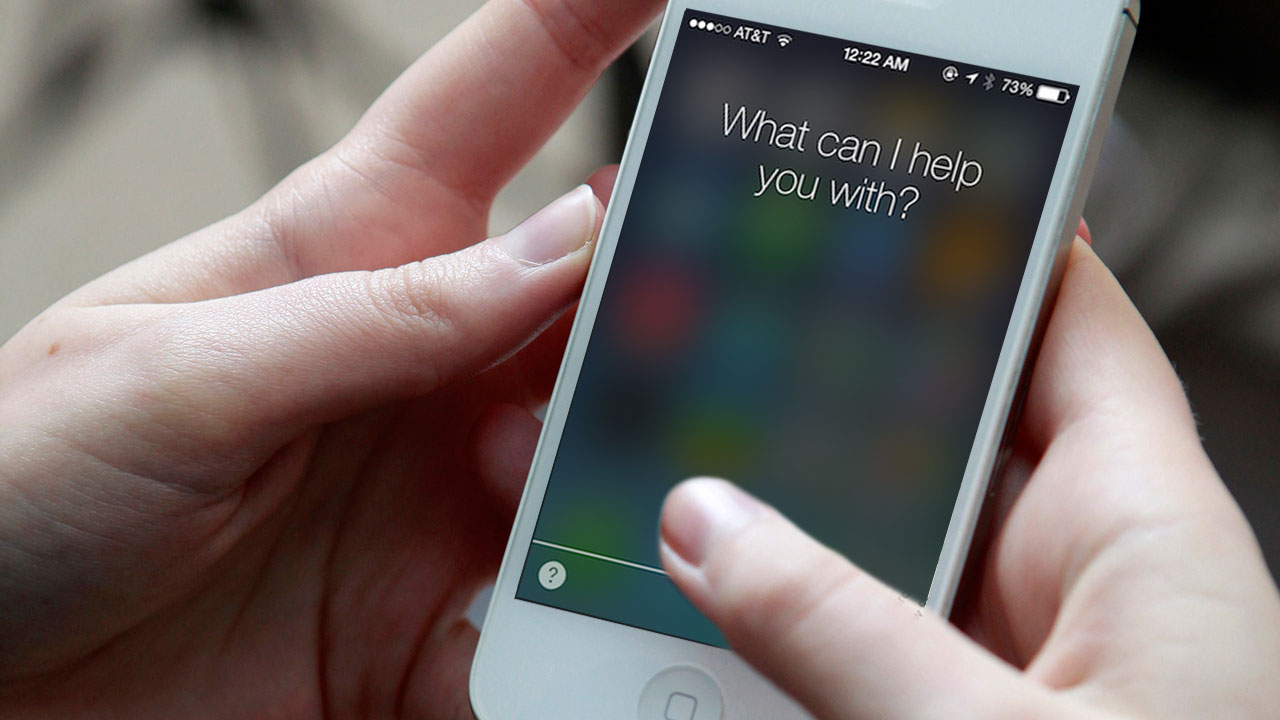
Ask Siri to “read unread messages.”
Use Siri to reply to the malicious message. After you reply, you’ll be able to open Messages again.
In Messages, swipe left to delete the entire thread. Or tap and hold the malicious message, tap More, and delete the message from the thread.
9to5Mac, an online magazine dedicated to Apple, also suggested three more ways to combat the bug. Keep yourself armed with these tips:
1. Tell the offender to immediately send another message thereby cancelling the effect of the initial strand.
2. Send yourself a message via Siri, the share sheet or your Mac.
3. Some users said that sending a photo via the photo app can allow them to access the message history and delete the conversation.
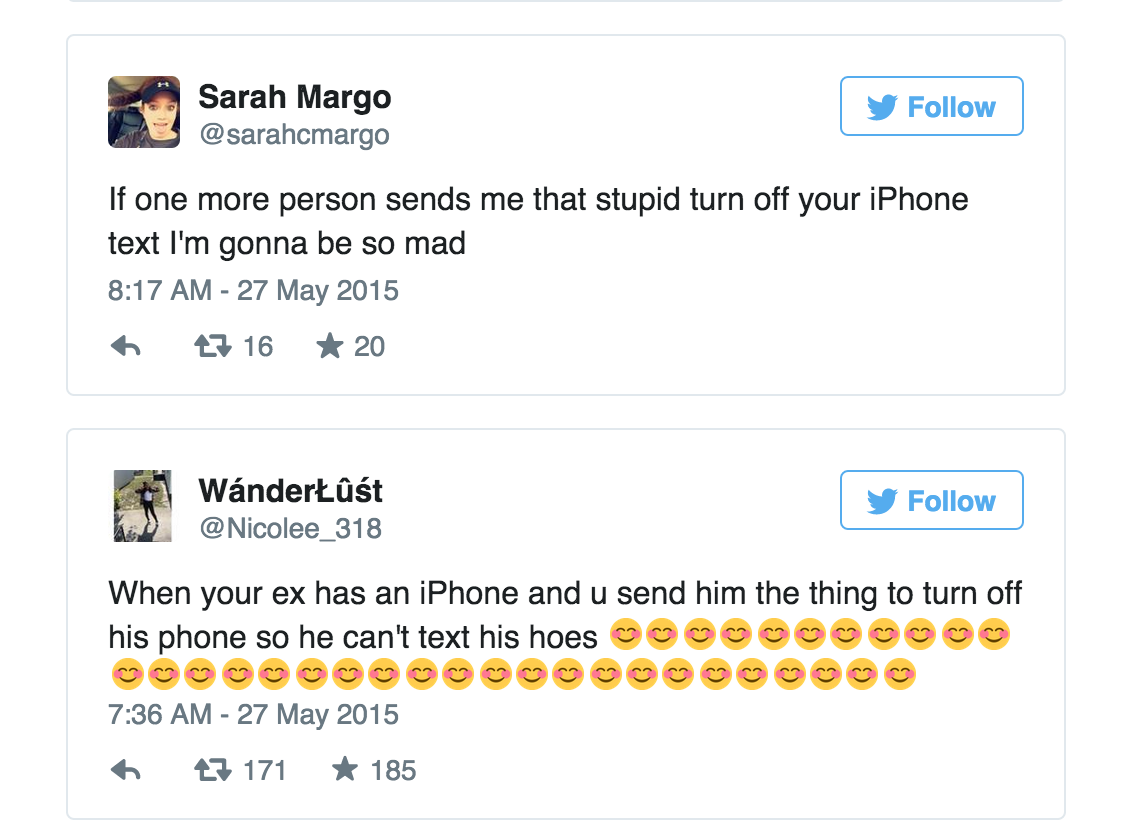
Most people are using the code as a revenge tool against their ex-boyfriends and girlfriends and some are enjoying pranking their friends. While the problem seems to annoy some, it’s leaving others amused.
However, The ‘Unicode of Death’ can adversely affect your device if not handled with caution. Beware.




















![[tw-button size=”medium” background=”” color=”blue” target=”_blank” link=”http://www.flipkart.com/apple-iphone-5s/p/itme76pyyanhyzpq?pid=MOBDPPZZDX8WSPAT&offer=b%3Amp%3Ac%3A05d5e98501.&ref=L%3A4925717279235394059&affid=bhnagpalgm”]Buy Now[/tw-button]](https://www.igyaan.in/wp-content/uploads/2014/11/nexus-62.jpg)