Category: Web & Cloud

  • Google Cloud Restored After Outage, Multiple Applications Affected

    Google Cloud Restored After Outage, Multiple Applications Affected

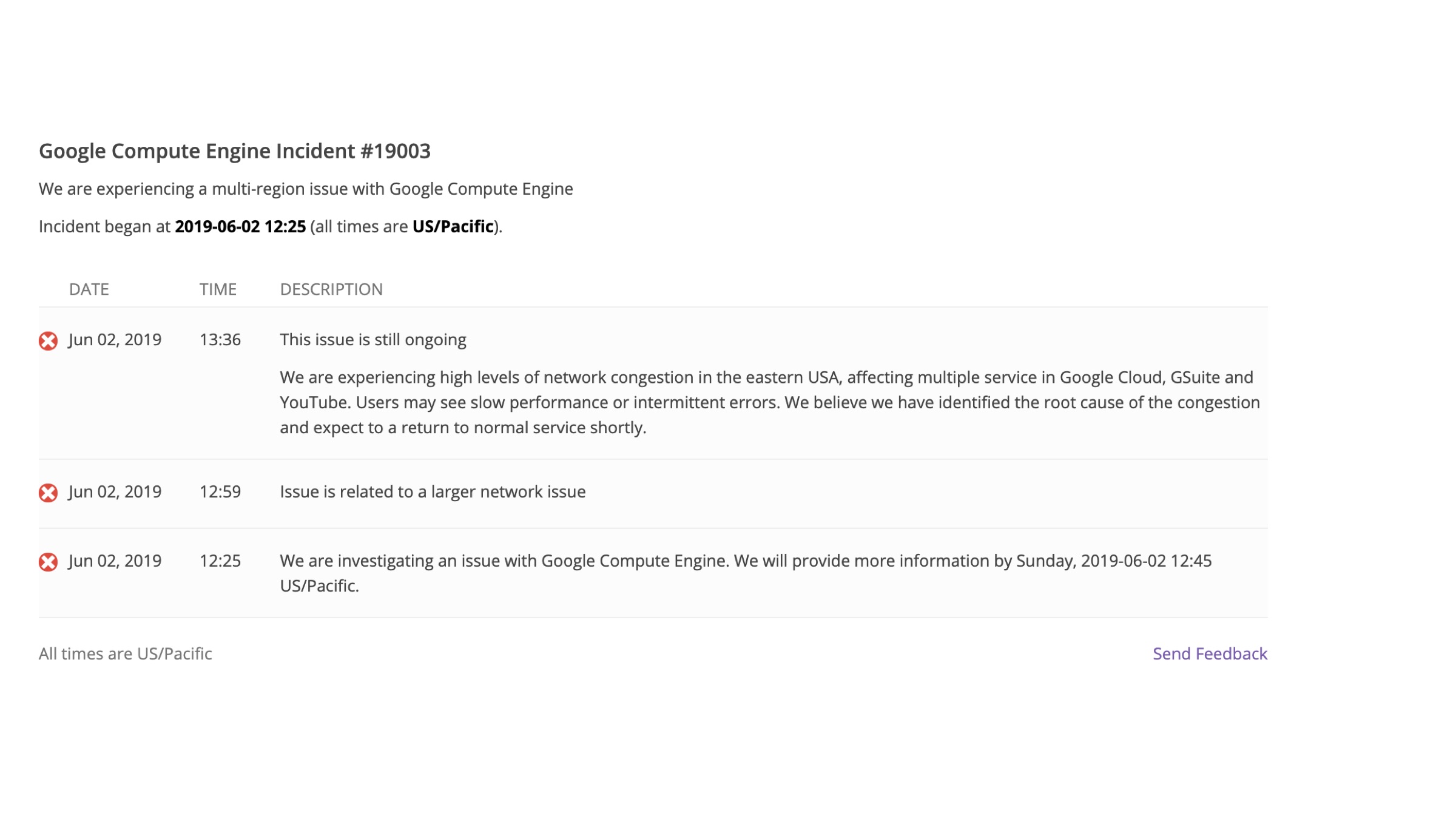
    It seems that Facebook and Instagram are not the only platforms that suffered outages in the year 2019 so far, as Google Cloud services were down as well on June 3, 2019. The outage affected multiple applications such as Gmail and Nest. Furthermore, applications that implement Google Suite including Snap and popular voice-chat platform, Discord were offline as well. First reported by users in the United States, a similar issue was also brought to light by other users across the world.

    Google Cloud OutageAs per a statement released by the company, the Google Compute Engine was suffering from a multi-region issue that was affecting Google Cloud services. Owing to network congestion in Eastern USA, users were experiencing extremely slow loading times and errors. Moreover, people reported issues with Google Nest that was not allowing them to change the temperature in their homes and apartments. 

    Reportedly, the issue was resolved a few hours later after its occurrence. Another statement put forward by the company confirmed that Google was conducting an internal investigation of the problem in order to prevent future recurrence of the same. However, concerns were raised regarding the vulnerability of Cloud-based software and applications. Since a multitude of services relies on Google’s Cloud Service, a lot of developers and organizations may start thinking about contingency plans in case an outage occurs again. 

    Also Read: WhatsApp Profile Photos Now Can’ Be Saved, New Album Features

    Even though the cost of hosting applications on a third-party cloud platform is quite low, it basically implies that the entirety of the service is dependant on one platform to function. In such a case, a backup storage or cloud storage can be helpful for the organization. This particular outage experienced by Google may be a wake-up call for network-dependant applications that suffer if the service stops functioning even for a short duration of time. 

  • A New Google Tool Discovered Which Tracks All Of The User’s Purchases

    A New Google Tool Discovered Which Tracks All Of The User’s Purchases

    American technology giant Google has been accused of breaching the internet privacy of users; and collecting their data to serve them advertisements online multiple times in the past. The company has released statements denying the claims but latest reports from a reputed media source reignite the accusations. It alleges the search engine behemoth also tracks the entire purchase history of its users ever since they signed up for Gmail, its email service.

    Gmail Purchase History

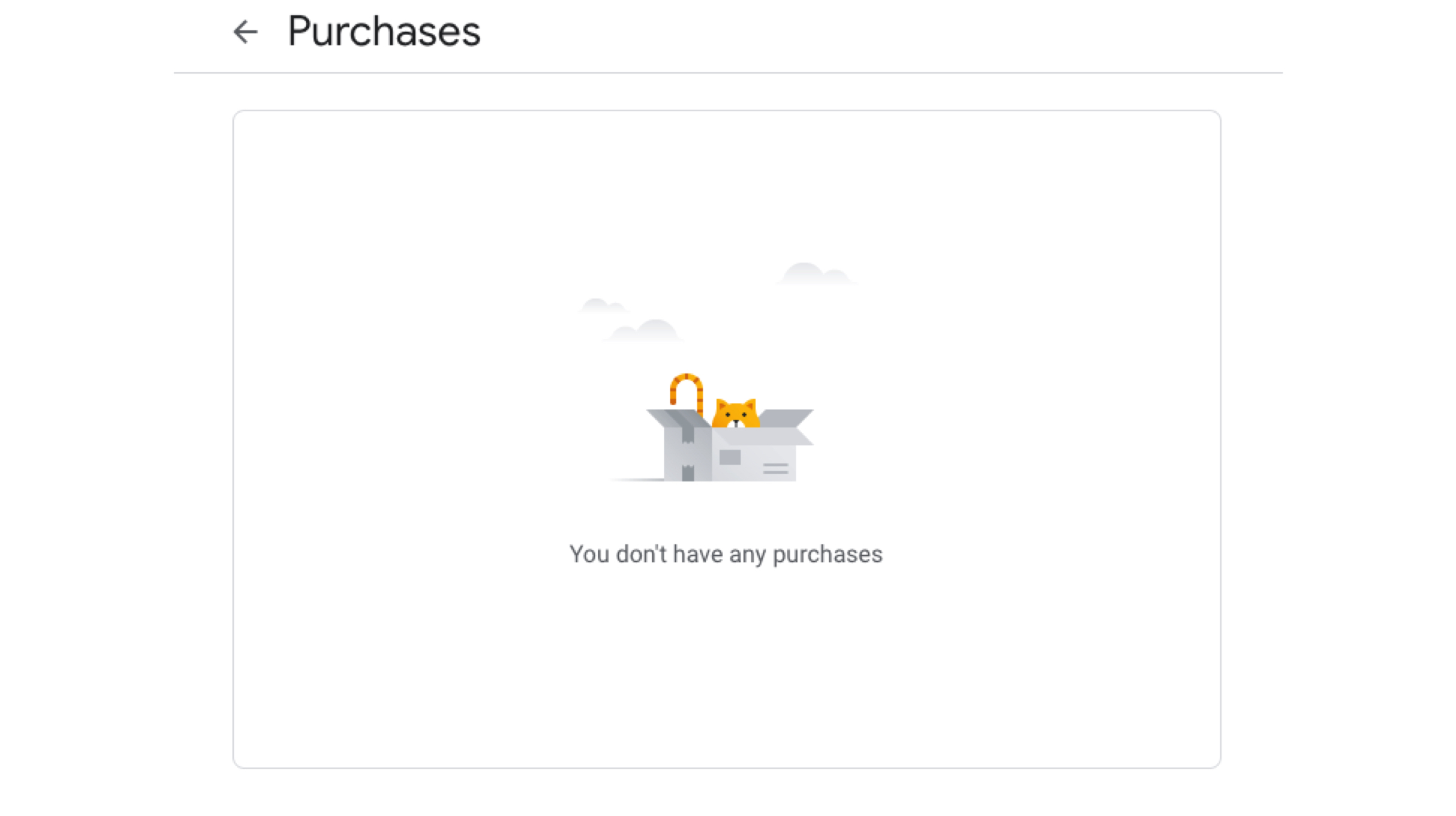
    The report affirms Google has been tracking the purchase history of Gmail users via the confirmation or order receipts when they make a purchase. Notably, this only works if the outlet or place the person has made a purchase from has their email address. The company has clarified in a statement that it has built this tool to help its users easily view and keep track of their purchases, bookings and subscriptions in one place. It claims the information can only be seen by the user and no one else. The information about user’s orders can also be saved in other Google’s services. The aforementioned revelation is expected to be a huge privacy controversy, as the information is not stored locally but instead on the company’s cloud services.

    Deleting The Data

    Also read: PUBG Mobile Season 7 Released, New Weapon, Skin Among Other Features Added

    While Google storing your purchase data on its servers might sound like a grim situation, luckily, there is a way to delete the information. Users can go to this page and check their purchase histories. To delete the data, users need to click on the order details and select the option on the bottom of the page. Unfortunately, deleting the details is only possible if the original email containing the receipt or order detail is deleted, which might be inconvenient for some users. 

  • What Are VPNs, And Should You Use One?

    What Are VPNs, And Should You Use One?

    The Internet has become an essential part of life in today’s day and age. It is really difficult to imagine what our lives would have been like if the invention of the internet didn’t happen. But if one stops and thinks how much of our life is shared through the medium; or how much of the data shared can be traced back to the user by someone with malicious intents, a feeling of trepidation is natural. To ensure that the data shared over the internet is secure and private, many people use a VPN. But what is it and should everyone get one?

    What is a VPN?
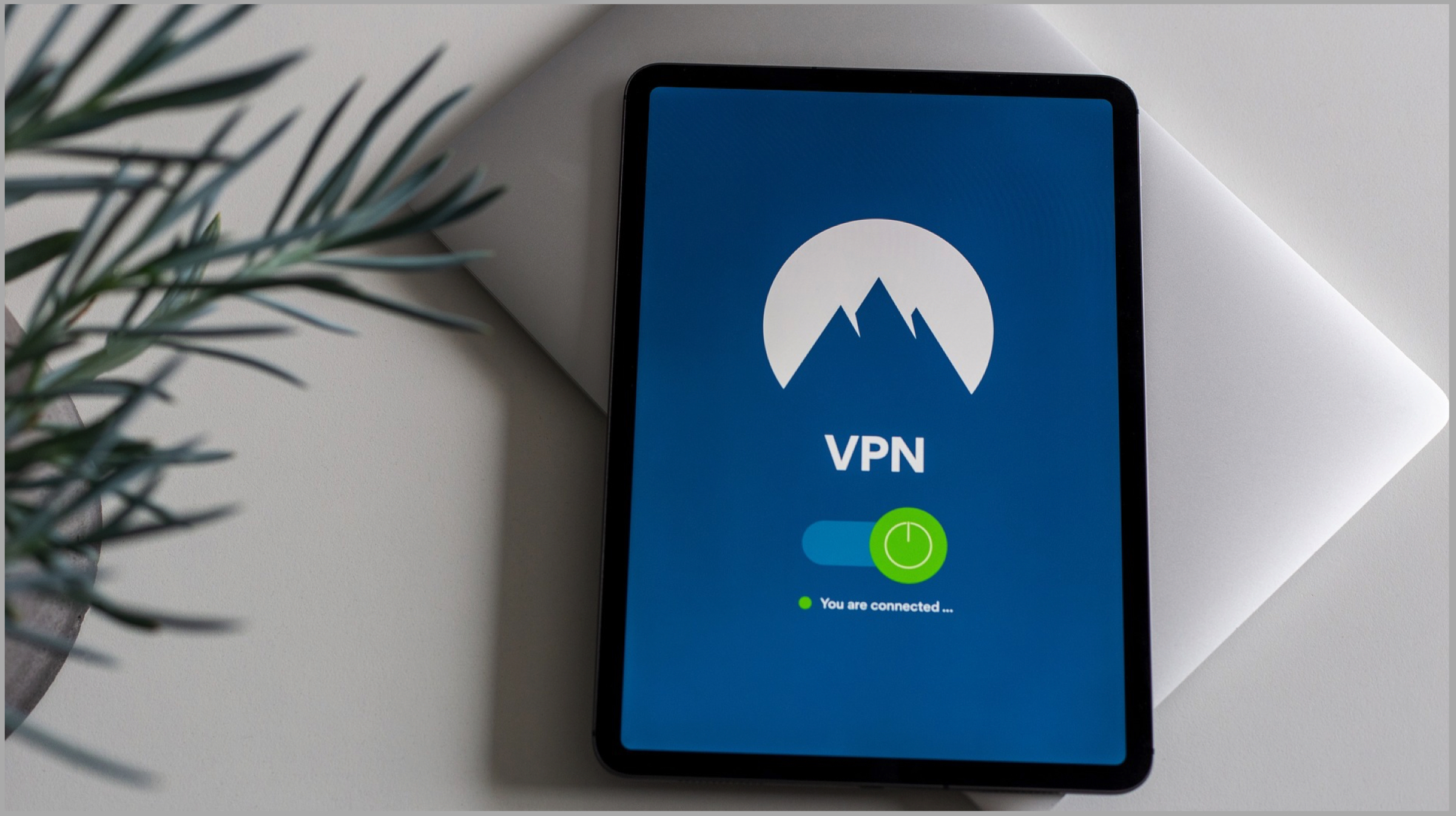
    Virtual Private Networks or VPNs for short is used to connect to another computer, usually called server anywhere on the internet. It then seems that the user is browsing through a private server. To explain it further, a VPN creates a virtual tunnel which is encrypted, so any data shared over the internet passes through the heavily encrypted tunnel; thus making it extremely difficult to track the user. The device that has the VPN installed will gain the IP address of the server, masking the original address and therefore, the user.

    Why Is VPN Useful?
    There are many scenarios where a VPN can genuinely be useful. But to realise whether you need it or not, one has to understand the advantages of using a VPN service, some of which are highlighted below. 

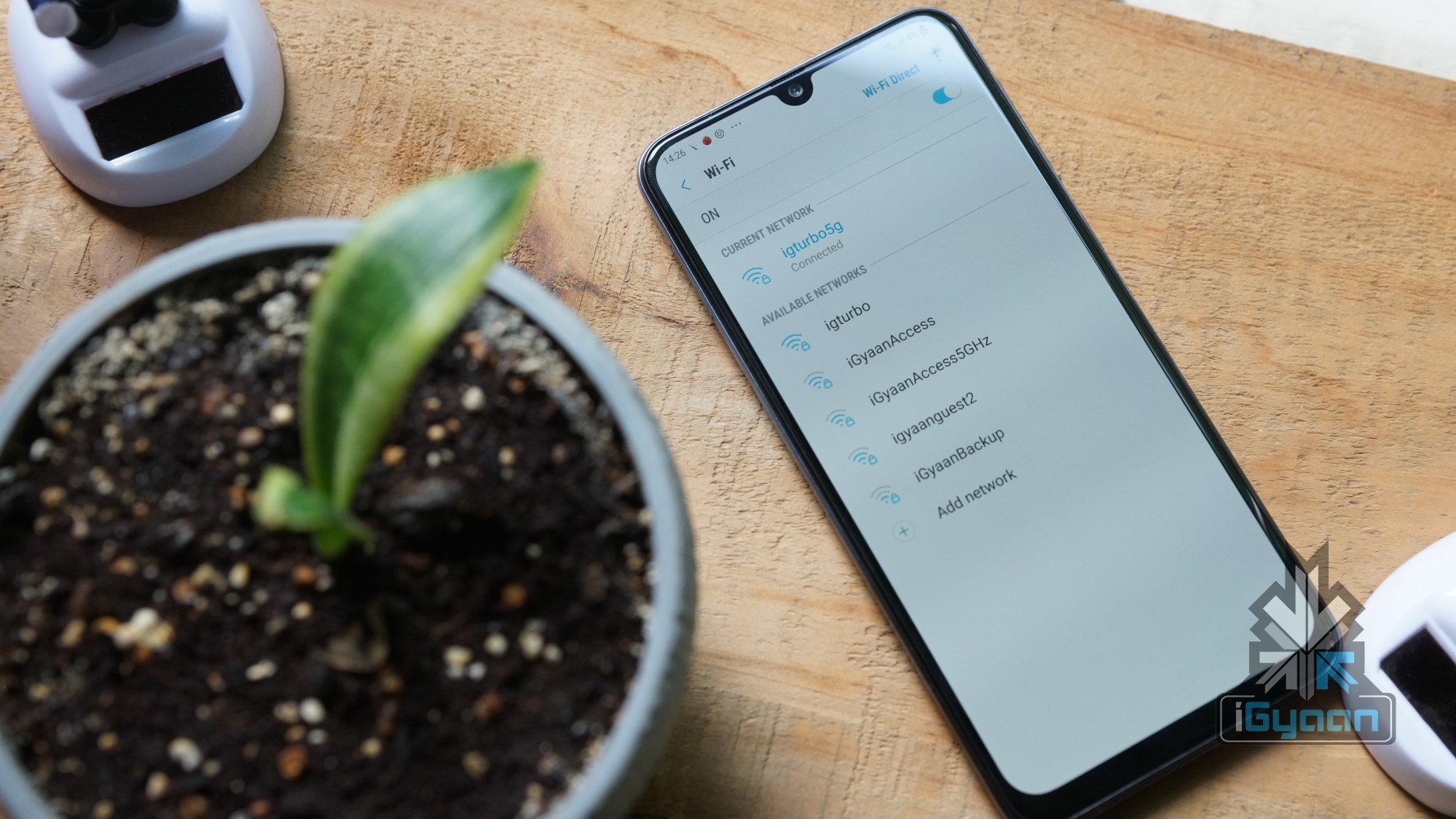
    Security over public networks: Each one of us has connected to a public Wi-Fi network or a shared network connection at least once. The threat of connecting to one remains higher than ever; as public or shared connections doesn’t restrict other people connected to the same network to spy on you. A VPN acts like taking you off the grid while still connected over the same network.
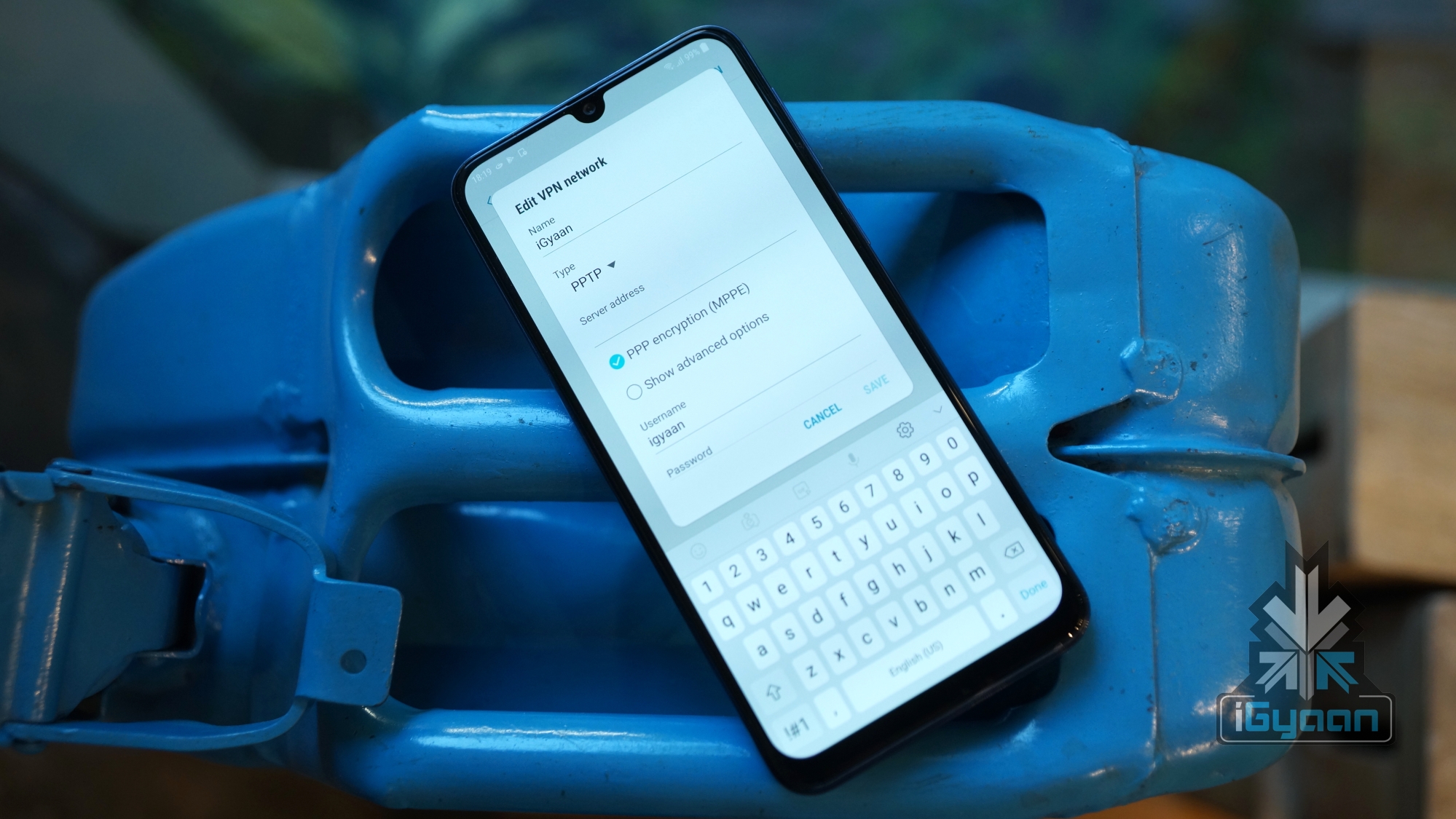
    Anonymity over the internet: Using a VPN makes it extremely difficult to track the user’s IP address, which helps in making them anonymous. The service also allows switching between servers based on countries. This, while not being totally foolproof, lets them gain at least some anonymity, making internet usage a tad bit safer.

    Keep prying eyes away: Be it the movies or an overgrowing paranoia, the fear of being tracked over the internet is growing substantially. In spite of using a private network, organizations like the Internet Service Provider (ISP) and the government; who have more access to the internet than regular people, can still track a person. Using a VPN might not eliminate the chances of them doing that entirely, but it reduces them to a great extent.

    Bypassing censorships: There is no telling when someone’s favourite website is banned because of censorships. So if a website like Reddit or YouTube is banned in a country, it can be bypassed using a VPN service and can be used normally.

    Prevent throttling: Conversations about Net Neutrality aside, major ISPs are known to favour a handful of websites over others. They also can throttle or restrict speeds to a particular website. Using a VPN bypasses that, and thus allows an unrestricted, fast internet.

    So Should You Get A VPN?
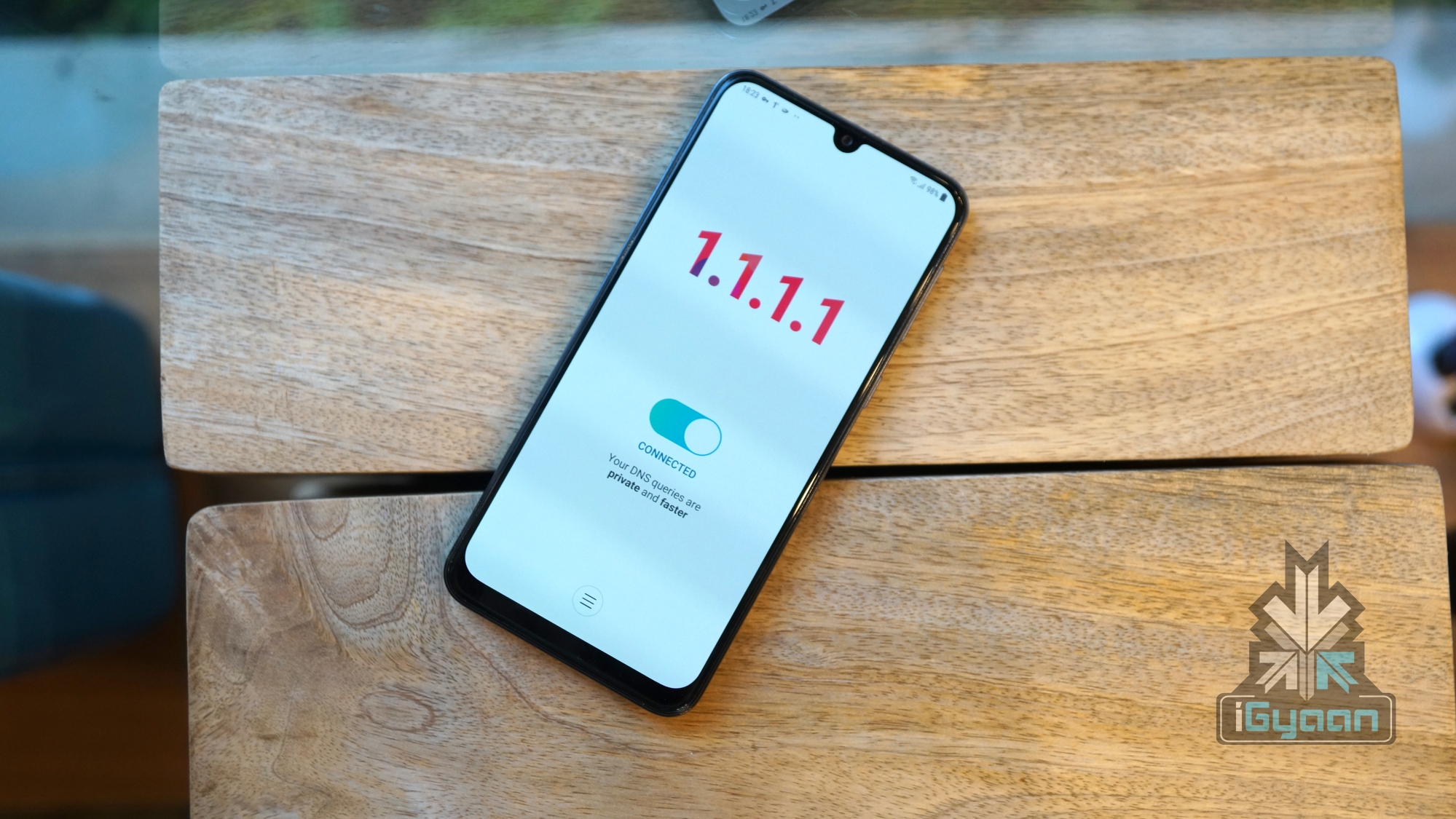
    The question of whether a VPN service is good for you or not depends on your usage, and ultimately how much do you value your privacy. Most quality VPNs offer paid subscriptions and the ones that are free offer dicey security support. The speeds of the free VPNs can also be slower than their paid counterparts. Another problem the service has is that while it advertises security over the internet, it doesn’t prevent the user from cookies employed on most websites, which can track data even after the particular website is closed. VPNs also don’t or simply can’t provide full anonymity as even after the connection is encrypted, the service can do only so much to keep you anonymous.  

    Also read: Call Of Duty Battle Royale Launching Soon For Android & iOS

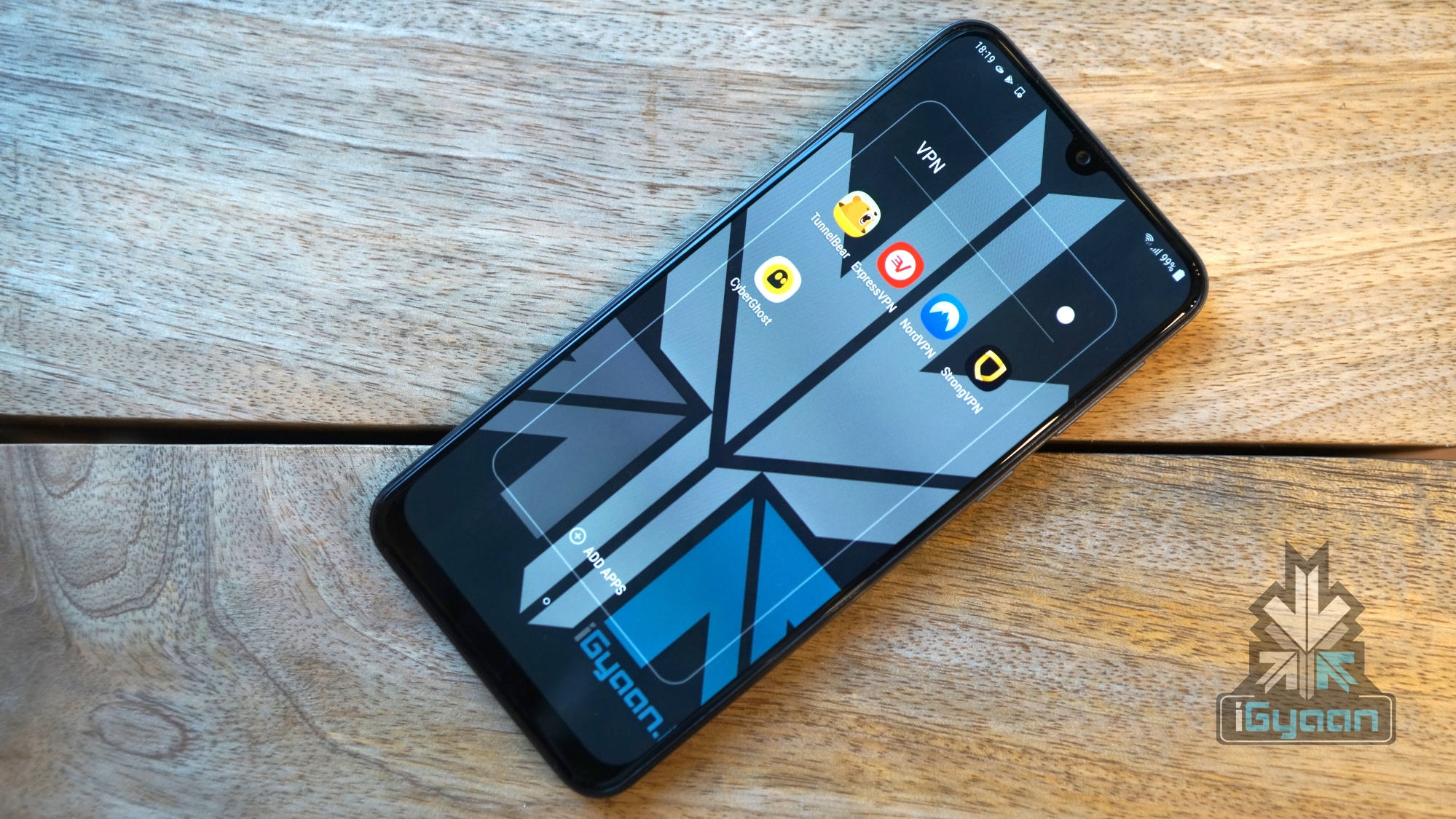
    One should decide if they value their internet privacy as a reason, which honestly, everyone should. To get started, there are many great options available if you want to try using a VPN service. Most of them also offer free trials to dip your feet once before diving all in. Some of the well-known VPN services available in the market are TunnelBear, NordVPN, StrongVPN, ExpressVPN and CyberGhost and Cloudfare’s 1.1.1.1.
  • New Google Chrome 72 Update, Lots Of New Features

    New Google Chrome 72 Update, Lots Of New Features

    The latest update for the popular search browser, Chrome 72 recently rolled out. The new update packs a ton of new features, bug fixes, and some security updates. Some of the features are aimed towards making the OS more “material friendly”, focusing on Google’s preferred theme. Read on to find other improvements within the update.

    PiP And App Shortcuts

    The new Chrome 72 update brings extra storage access for Android apps, which includes options for microSD cards and USB drives. The update also introduces Picture in Picture (PiP) for Chrome supported websites. As per Google’s blog post, they optimized Chrome 72 for tablet mode and touchscreen devices. Apart from this, Google also added app shortcuts for searchable applications in the launcher. Now you can find the app shortcut you want by just holding the app icon for some seconds. You can also right click on it to reveal the same options.
    Google Assistant And ChromeVox Gestures

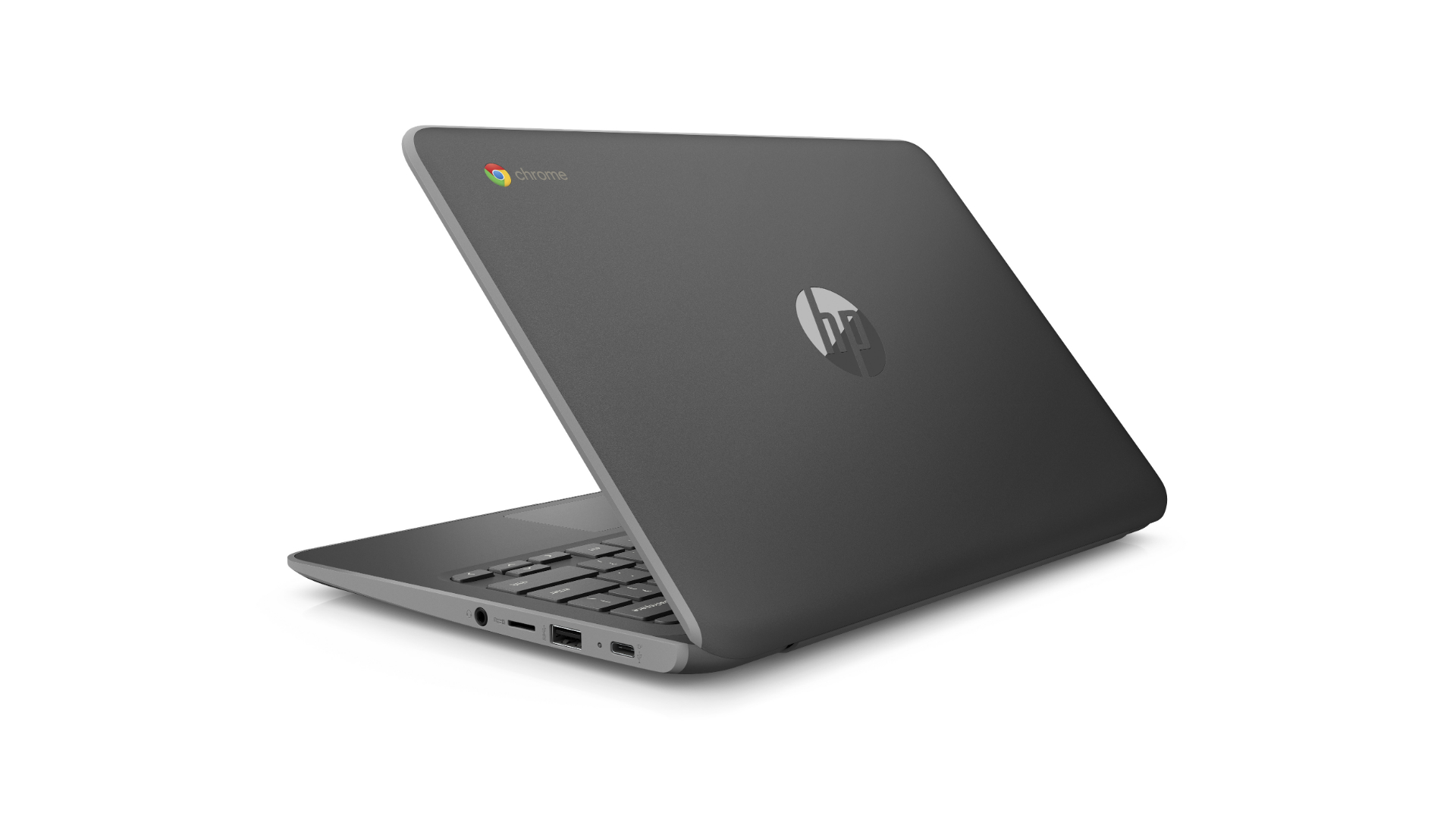
    It seems that Google has finished testing the latest features of the Pixel Slate because they have brought Google Assistant and Android 9 Pie to even more Chromebooks. The new update also has a page dedicated to touch-screen gestures. It also explains how to use these gestures in Chrome’s built-in screen reader, ChromeVox. Google has added a setting in the ChromeVox options page that would read anything that’s placed under the mouse cursor.
    Also Read: AMD Has Launched The World’s First 7nm Based GPU, Radeon VII In India

    Also, Chrome 72 will now show the files that you’ve saved via Backup and Sync under My Drive/Computers section. What do you think about the new update? Let us know in the comment section. 


  • Google’s New Extension Tells You If Your Password Is Unsafe

    Google’s New Extension Tells You If Your Password Is Unsafe

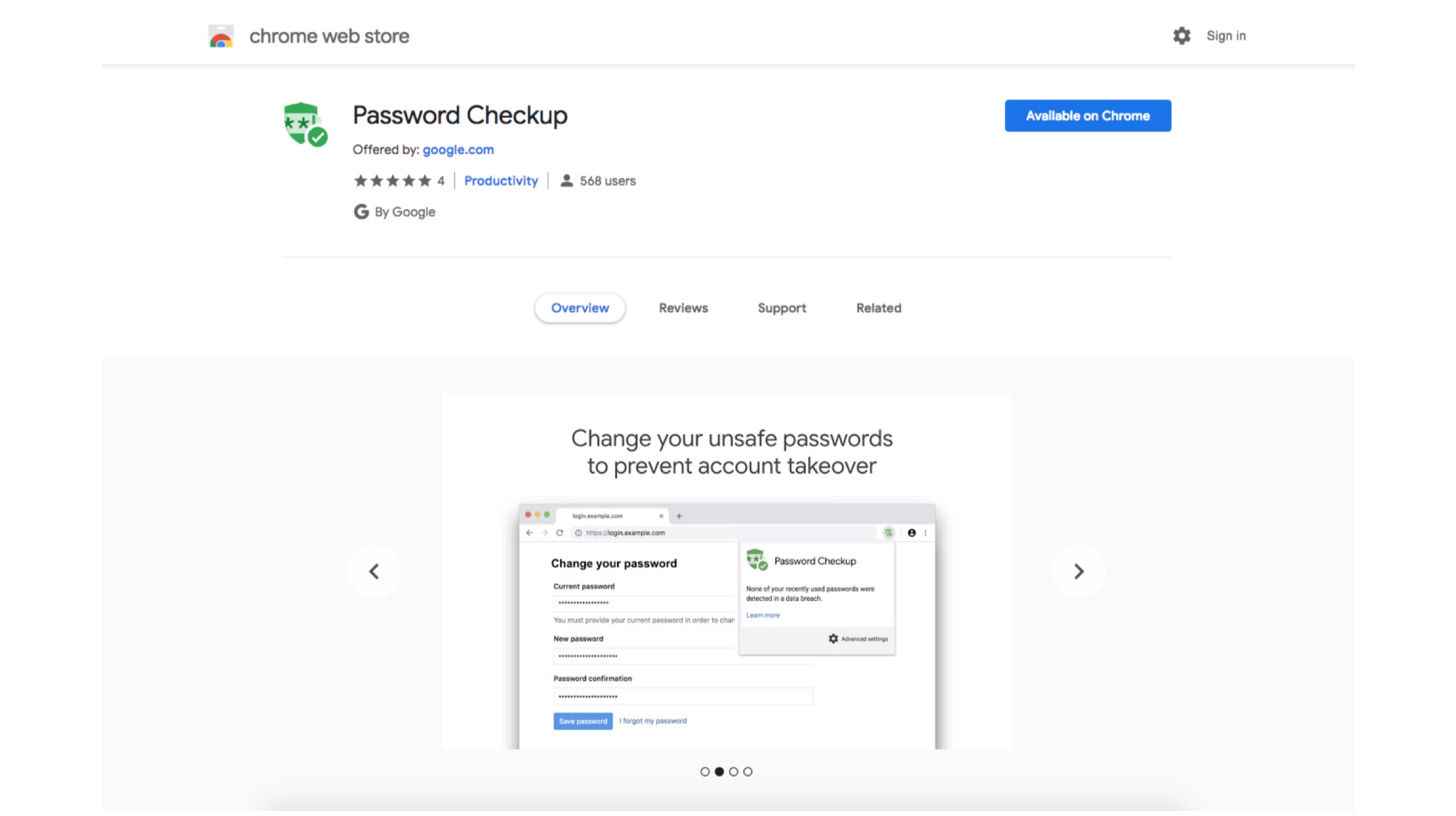
    In this day and age where Internet has taken over everything, one can never be too careful. There have been several data breaches over the past few months which have made people anxious about privacy on internet. Google aims to minimize that anxiety by launching an extension called Password Checkup. The tool will help you check if your data credentials have been compromised in a previous data leak.

    Password Checkup: How Does It Work?

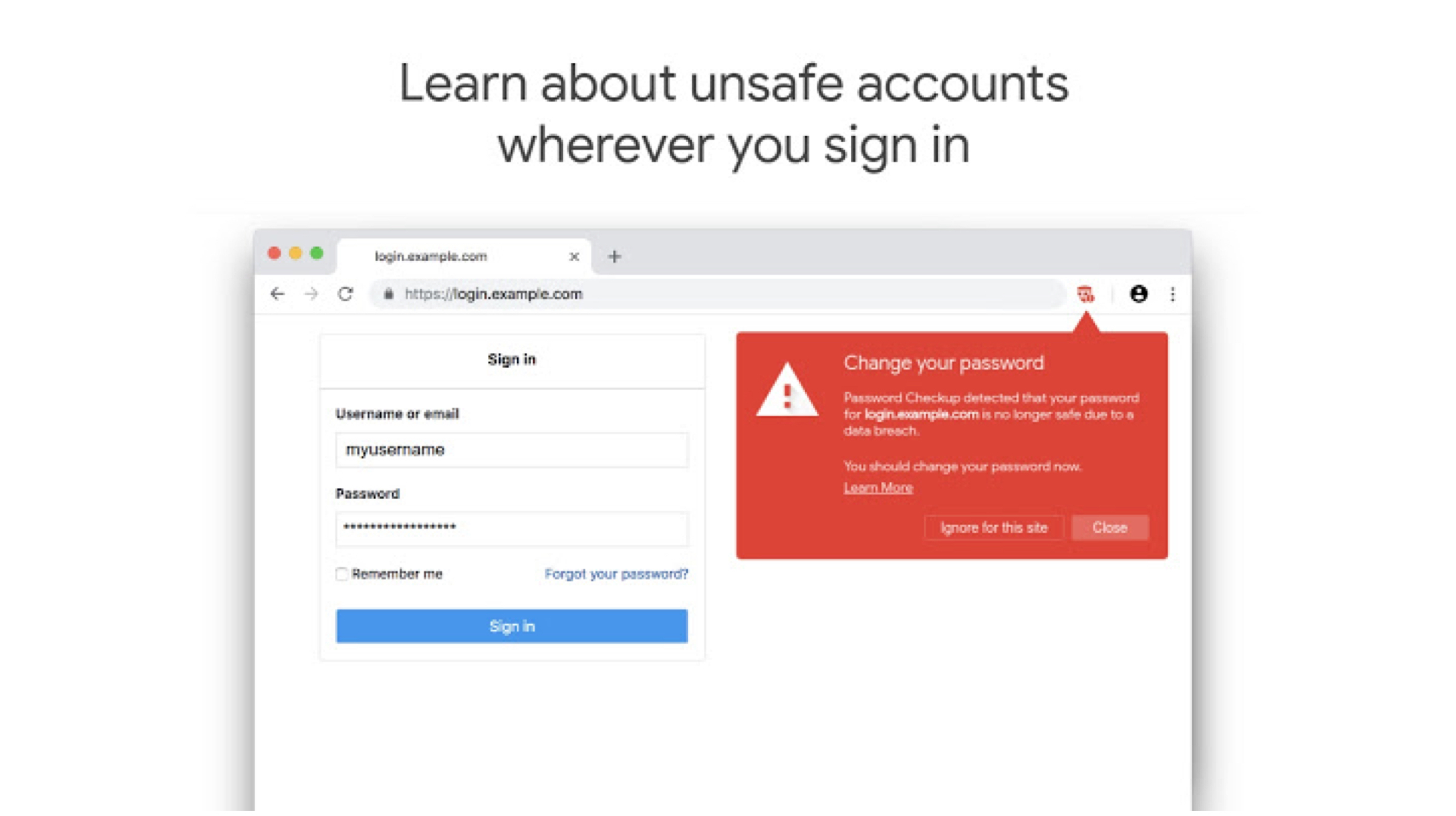
    The extension can be added to the Chrome browser to track login details every time a sign in occurs. It then searches through approximately 4 billion compromised credentials. The extension will then alert if the credentials have been part of a breach and if a password change is required. Google says that it won’t store any of the users data and that the extension will never reveal the credentials to Google. The aim of this added security is to prevent hijack of the extension’s functionality, which could then be used to gain access to a users private info.


    According to the description of the extension, it will anonymously report information on the number of look-ups. Google is also looking to improve the way the extension works over time; hopefully it’ll be embedded into a future version of the Chrome browser so more users can take the necessary steps to protect their accounts. This seems like a great initiative by Google. 

    Also read: Mi Men’s Sports Shoes 2 Launched In India

    Google hasn’t had the best reputation when it comes to data security. But, if their claims are true about not harvesting this data, this could be a great new add-on for people who are concerned about their privacy on the internet. If you are interested in checking out the extension, you can head to the Chrome Extension store, or alternatively click here. 

  • Twitter May Add The Option To Edit Tweets Soon

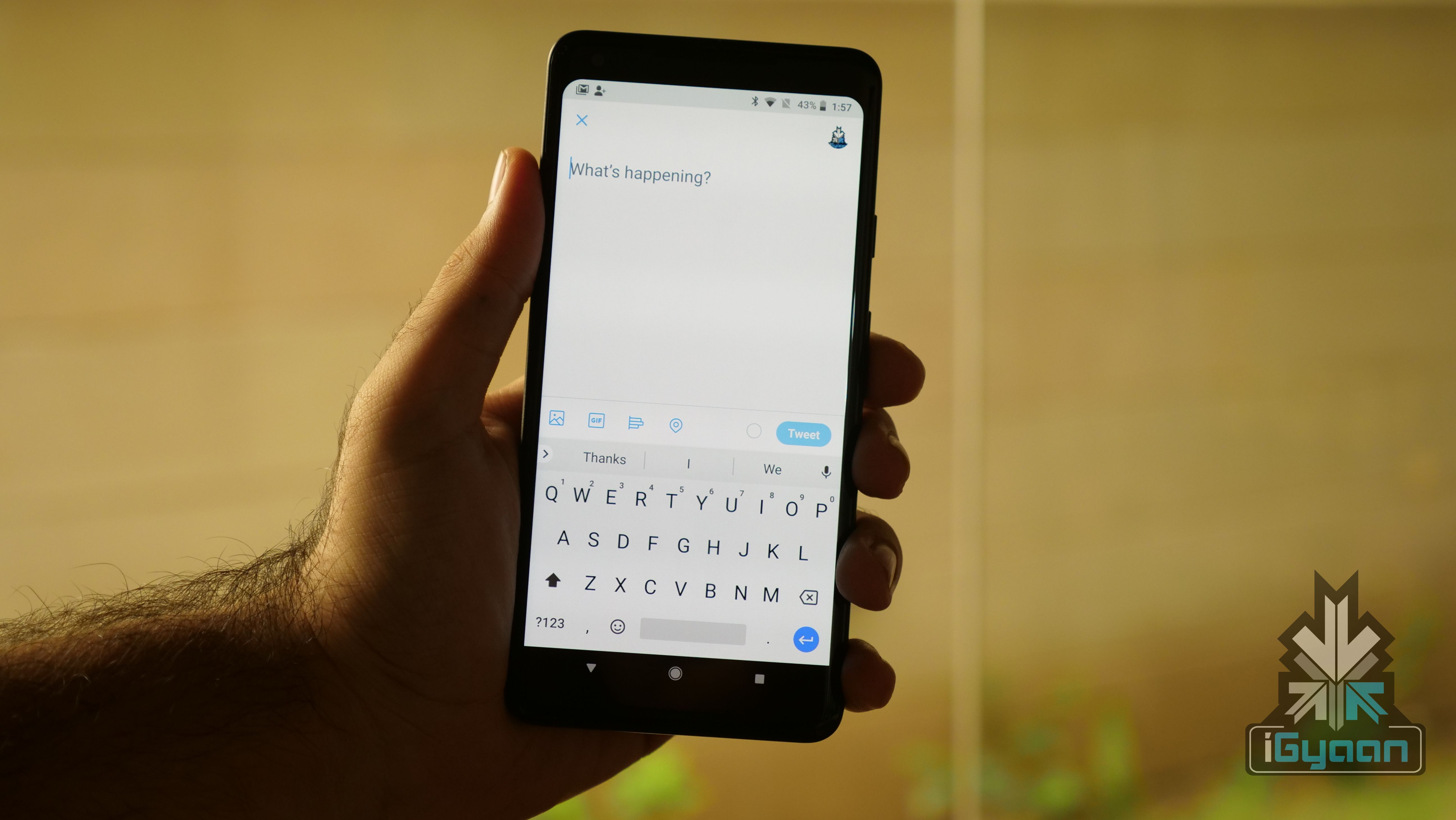
    Twitter May Add The Option To Edit Tweets Soon

    Twitter as a medium has been really popular to get updates by the seconds on all whats happening around the world. But the Achilles heel of Twitter has always been not getting an option of editing tweets. There has been a lot of discussion over the topic and Twitter didn’t give a firm reply. Recently, the CEO of Twitter Jack Dorsey said on the Joe Rogan Podcast that Twitter is considering adding the functionality of editable tweets.

    In his discussion, when asked about the functionality, Rogan said “You could build it as such so maybe we introduce a 5-second to 30-second delay in the sending. And within that window, you can edit. The issue with going longer than that is it takes that real-time nature of the conversational flow out of it.”

    Editable Tweets- A Boon or Bane?

    The quest for editable tweets is nothing new. Since a long time, some famous people have been asking for the feature. Popular Tech YouTuber Marques Brownlee has voiced his opinions many times over the past few years.

    The idea of Tweets that are editable for a while seems like a good one for now, if people can see the edit history. This would make the platform more transparent, which its already quite is. The time period that Twitter would decide to let edits happen isn’t known yet.

    Read more: 11-Year Old Moves To Court To Ban PUBG

    It seems that the micro-blogging site is headed in the right direction. This change may also lead to more people interested in the platform, something Twitter has wanted do for years.

  • Gmail Adds Useful Shortcuts, Allows Message Downloading

    Gmail Adds Useful Shortcuts, Allows Message Downloading

    Gmail is one of the most widely used email services in the world. Being that as it may, it constantly keeps evolving and changing to make the user experience better and more convenient. An enterprise UI needs to be simple, efficient and easy to use. Gmail, in its bid to simplify life for people who regularly use the service, has introduced a host of new features and shortcuts. 

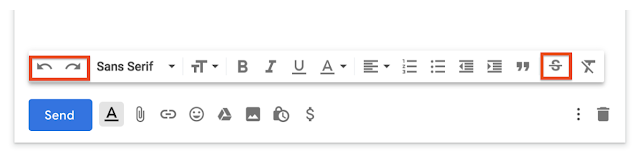
    One of the best features in the new update are the Undo and Redo shortcuts. These are specially great for people who like using their mouse to undo or redo words or sentences. The Undo button restores the previously typed text while the Redo button will reverse the changes. The buttons are added to the taskbar, preceding the font type and font size options. When you open the compose window it should appear right in the front of the taskbar. The positioning of the buttons are convenient and easily visible. These two commands are very frequently used by most people when composing an email. 

    Another great feature added to the taskbar is the option for Strikethrough. This allows a user to mark something as completed. It can also be helpful when suggesting edits in a text. The strikethrough button can also be found in the taskbar itself. 

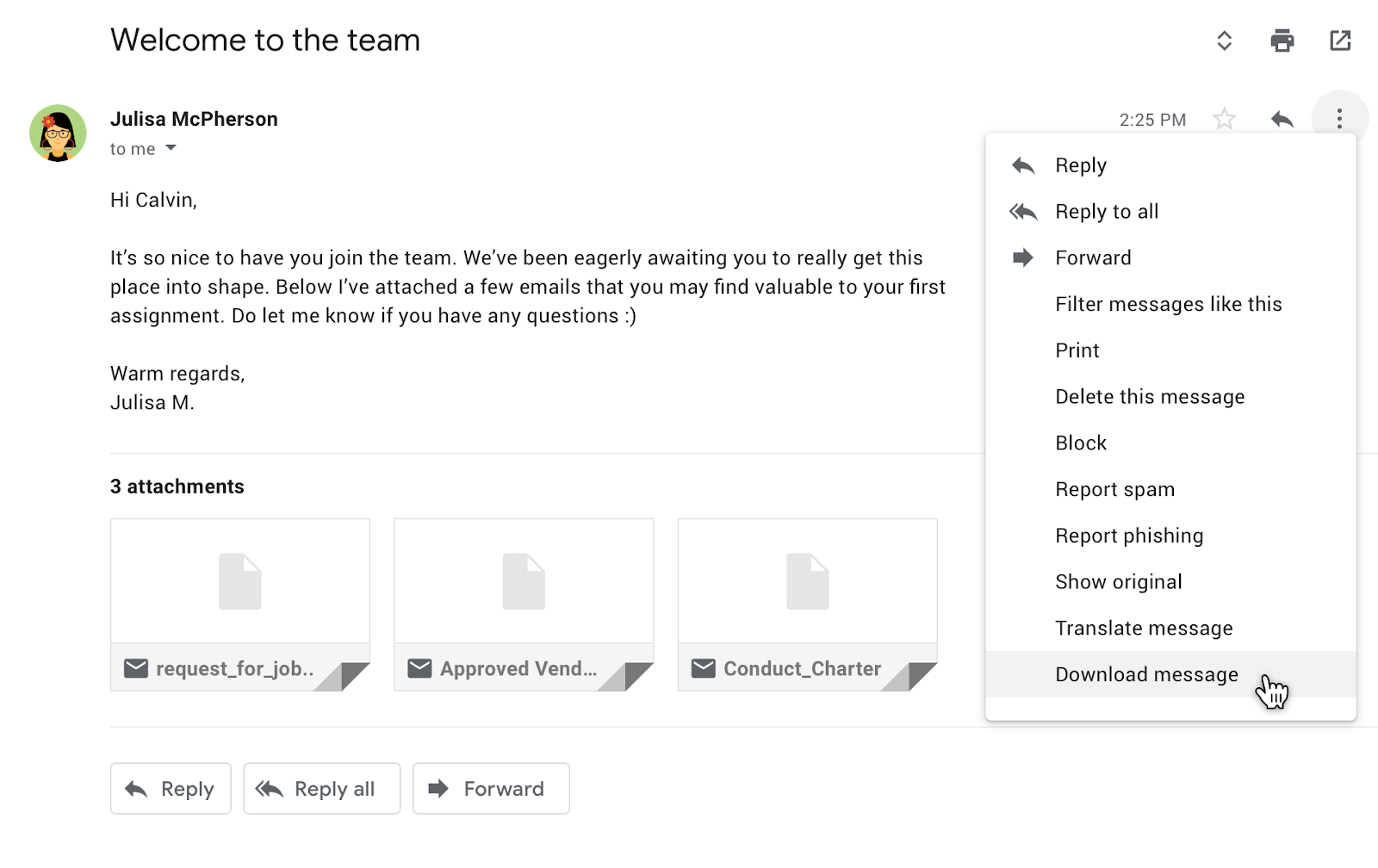
    A great feature, that Gmail has recently introduced and was much anticipated by people is the ability to download messages in the EML format. This feature allows one to view the Gmail content along with attachments within different email clients. Users will have the ability to add these downloaded messages as attachments in other emails. 

    The features are slowly being rolled out for Gmail and GSuit users. It will automatically be added to your Gmail UI soon. The rolling out of these features has started from January 22 and should be available globally in a few more days. These changes however are for the web clients and there is no news of these coming to the App clients anytime soon yet. 

iGyaan Network
Privacy Overview

This website uses cookies so that we can provide you with the best user experience possible. Cookie information is stored in your browser and performs functions such as recognising you when you return to our website and helping our team to understand which sections of the website you find most interesting and useful.