Tag: gestures

  • Xiaomi Introduces 3D Air Gestures To Toggle Apps With One Hand

    Xiaomi Introduces 3D Air Gestures To Toggle Apps With One Hand

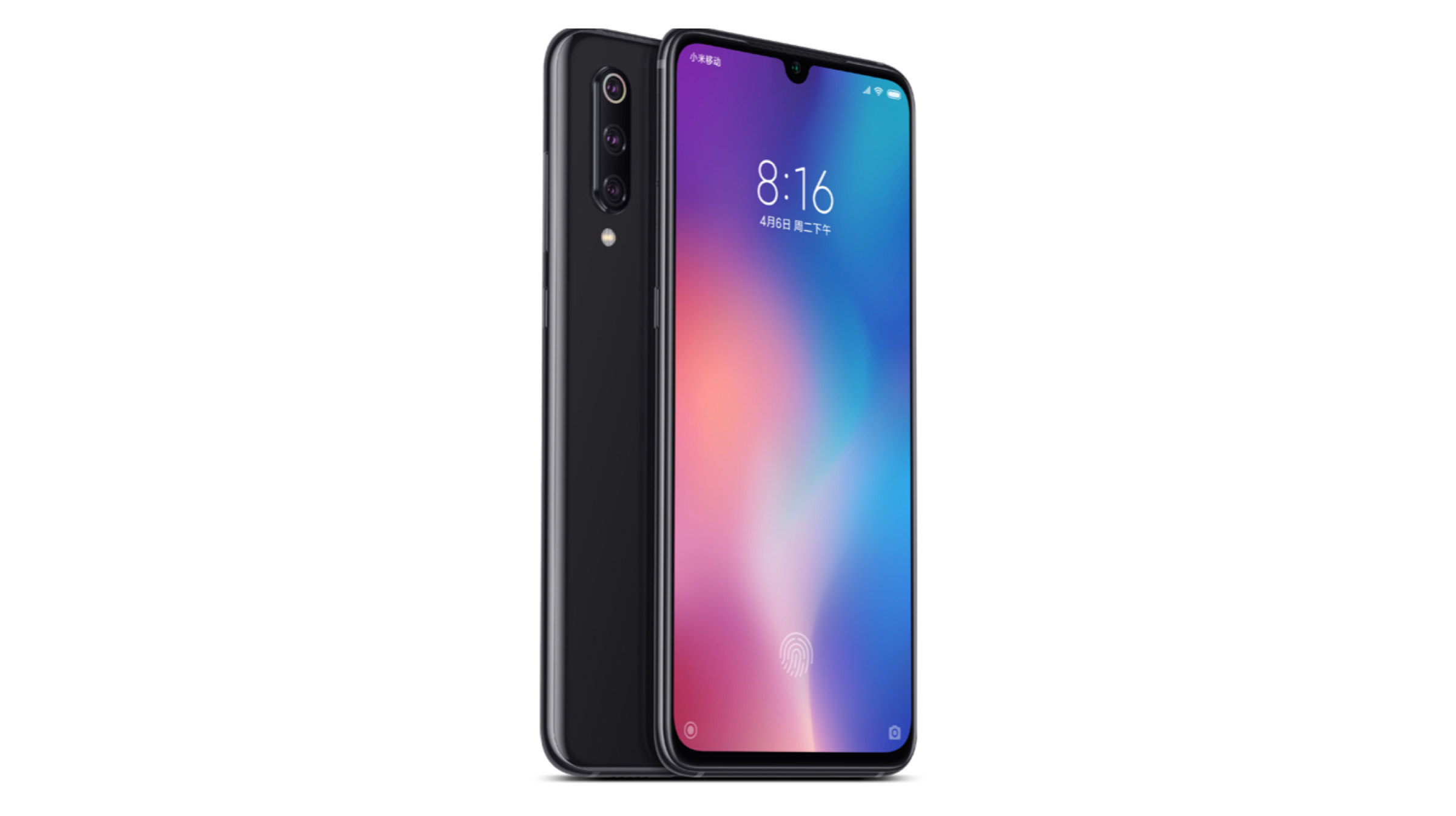
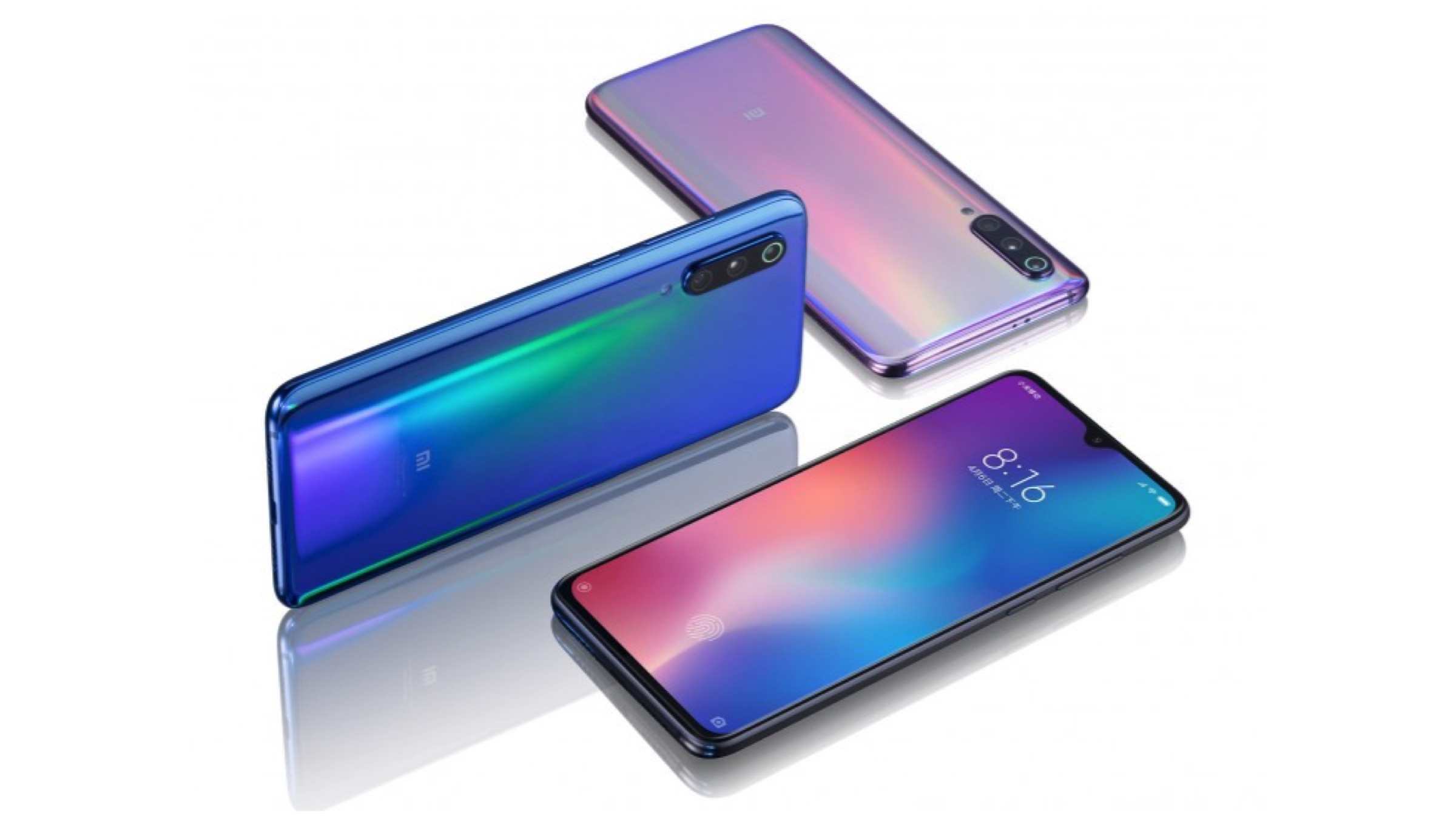
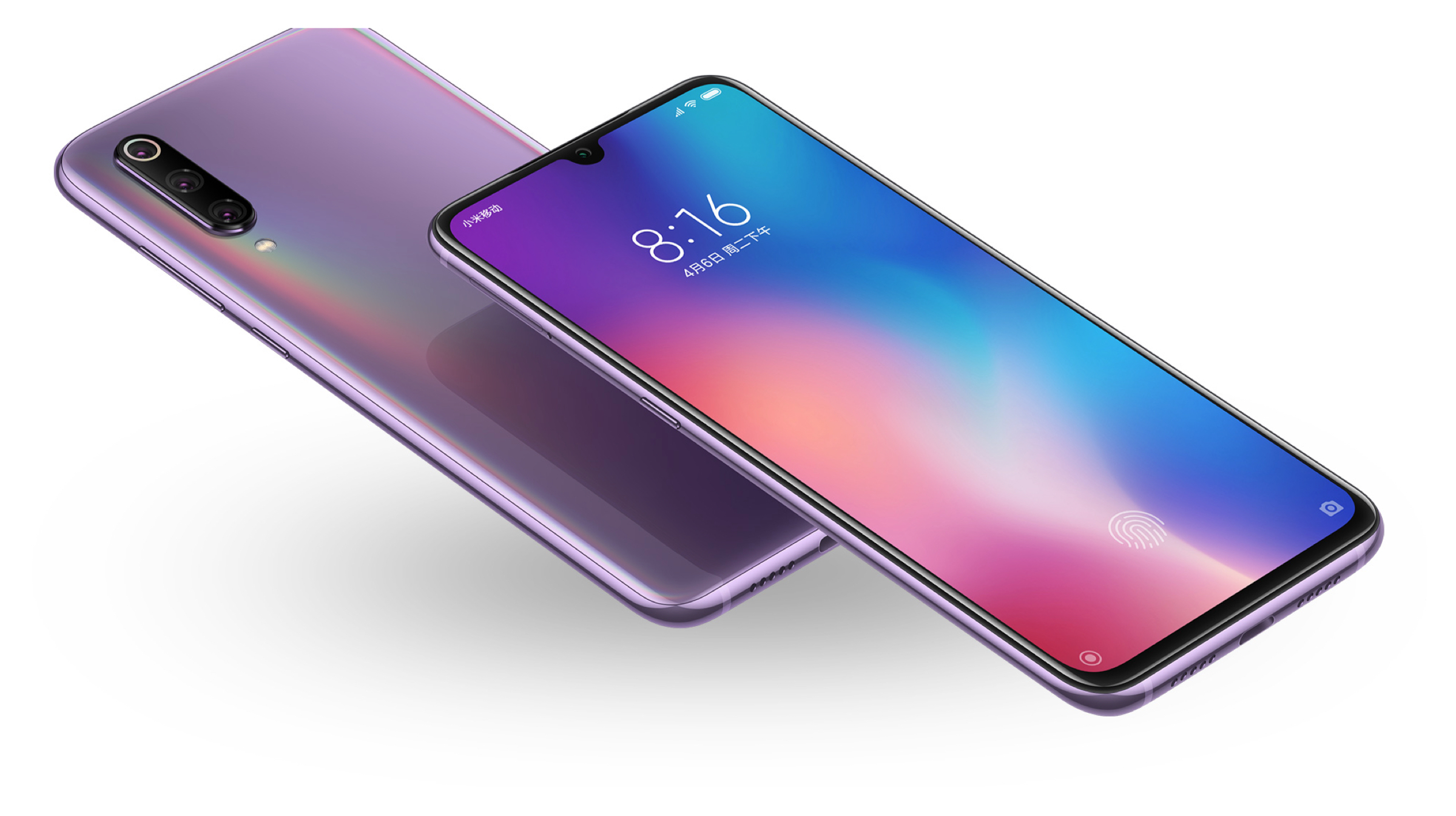
    Xiaomi is known to incorporate its Beta builds of MIUI with multiple new features that it wants to test out. Historically speaking, the Chinese region generally receives these form of updates before any other country. The latest beta build for MIUI has just received new gestures support for the Xiaomi Mi 9. The company has dubbed this new feature “3D Air Gestures”.
    Xiaomi

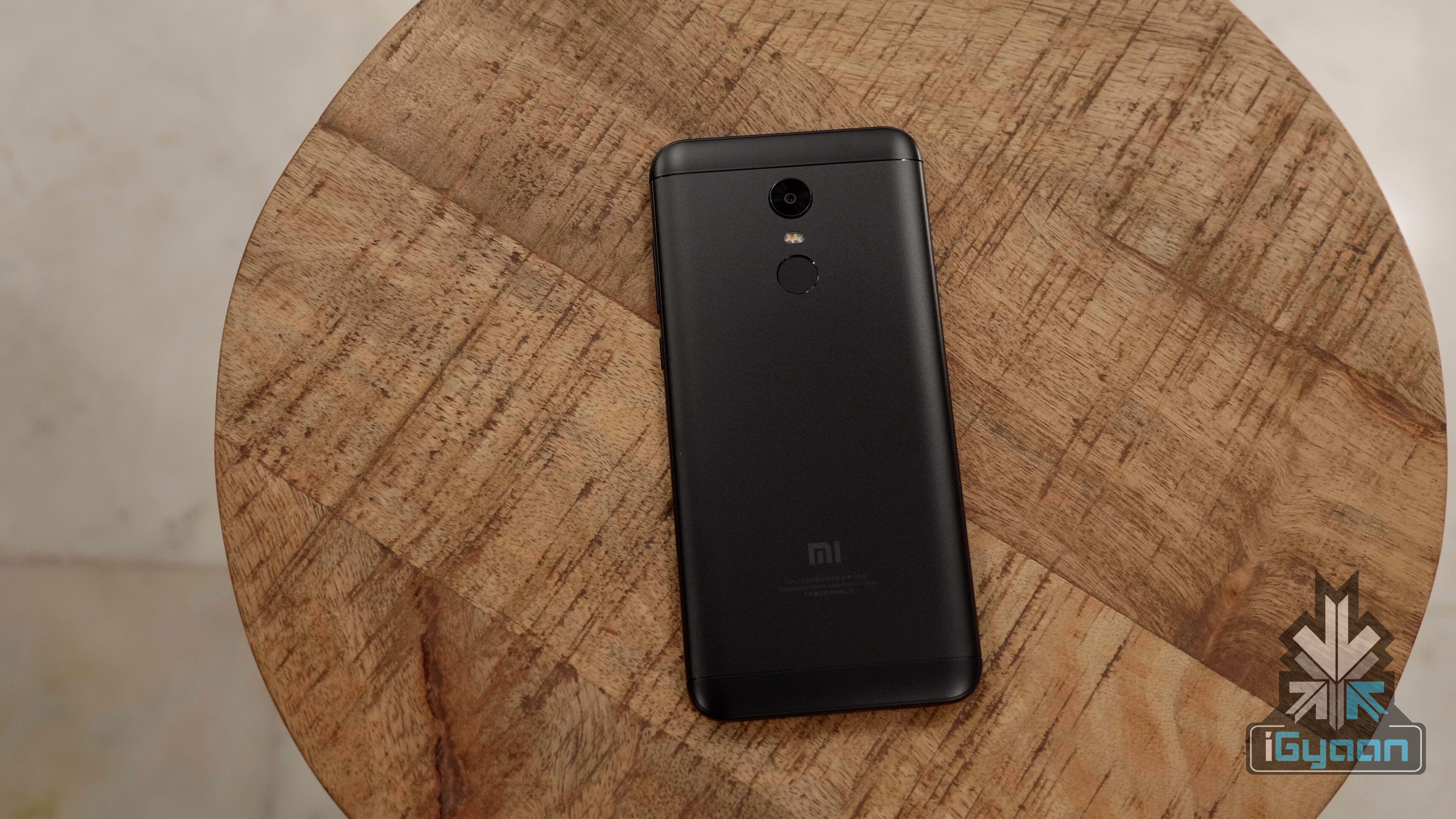
    The new feature will let users launch various apps by simply waving their smartphones in the air in a certain manner. Programmable gestures demonstrated by a Xiaomi executive include M, W, C, and Z. According to the source, drawing any of the previously mentioned alphabets in the air with the device can open a certain application which might be user programmable. As seen so far, the feature can only be accessed while the device is an unlocked state. However, when the feature rolls out in a consumer ready update, it might even work on the lock screen which is similar to Moto actions seen on Motorola smartphones. Speaking of functionality, the feature uses a combination of the accelerometer and gyroscope sensors which are present on most modern smartphones. Therefore, this feature may even be seen on the current lineup of Mi device and not just future releases. 

    3D Air Gestures were first seen in a video by a Xiaomi employee on Weibo that has since been reposted on YouTube. In the video, the employee can be seen drawing a C with his Mi 9 to launch the camera app, a W to launch TikTok and drawing a Z to launch an unspecified app. However, the exact method of how the feature truly works in regards to the sensors is yet to be discerned.
    Xiaomi


    Also ReadSamsung Has Sold 1 Million Units Of Galaxy S10 5G In South Korea

    All in all, this seems to be a great feature from Xiaomi which might actually turn into a mainstream feature amongst offerings from other OEMs as well. To get precise details of this feature’s capabilities, we will have to wait patiently as Xiaomi is yet to release the launch date of the upcoming MIUI 11 update. 

  • OnePlus 5T Gets iPhone X Like Gesture Navigation With OxygenOS 5.1.0

    OnePlus 5T Gets iPhone X Like Gesture Navigation With OxygenOS 5.1.0

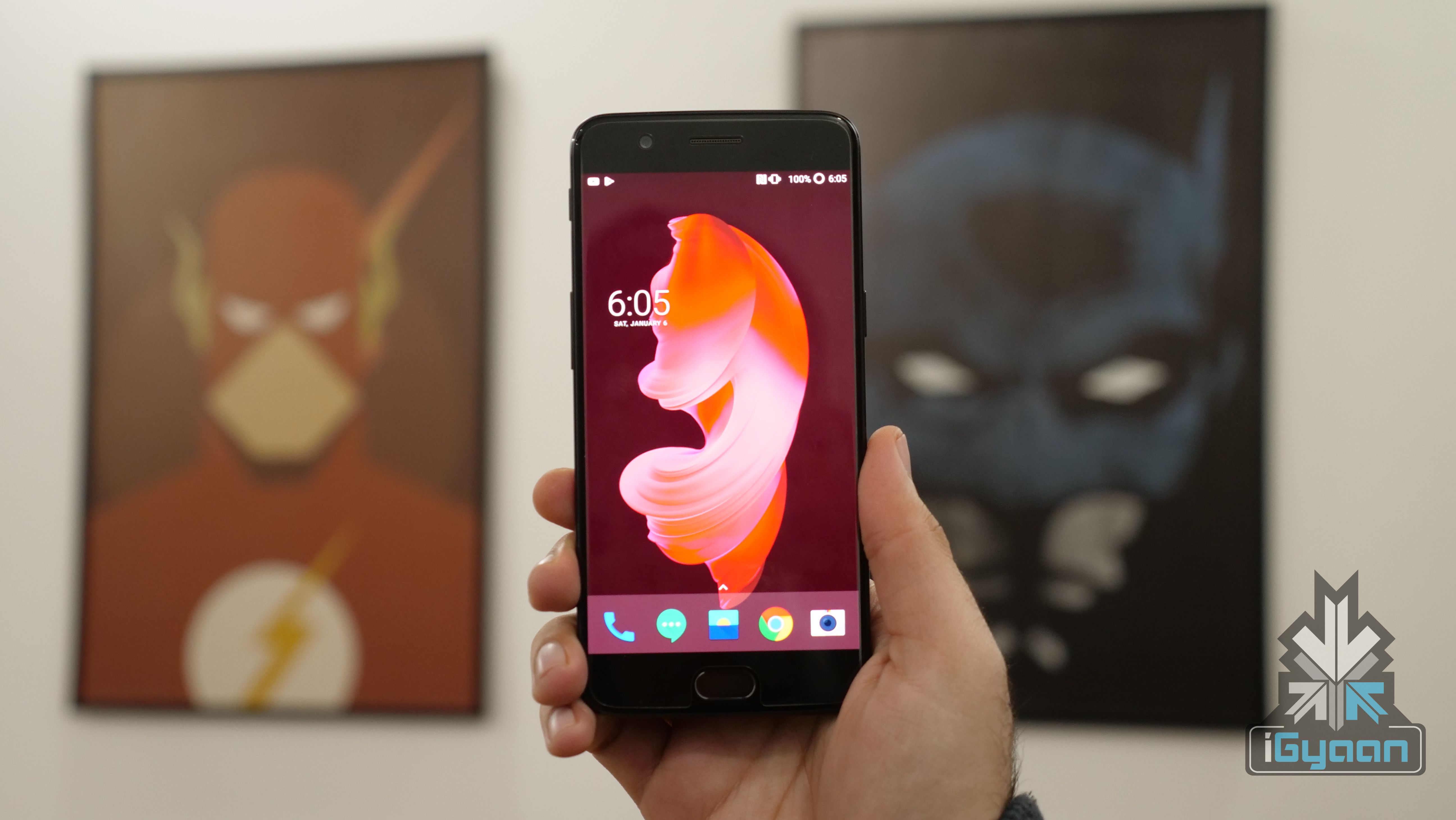
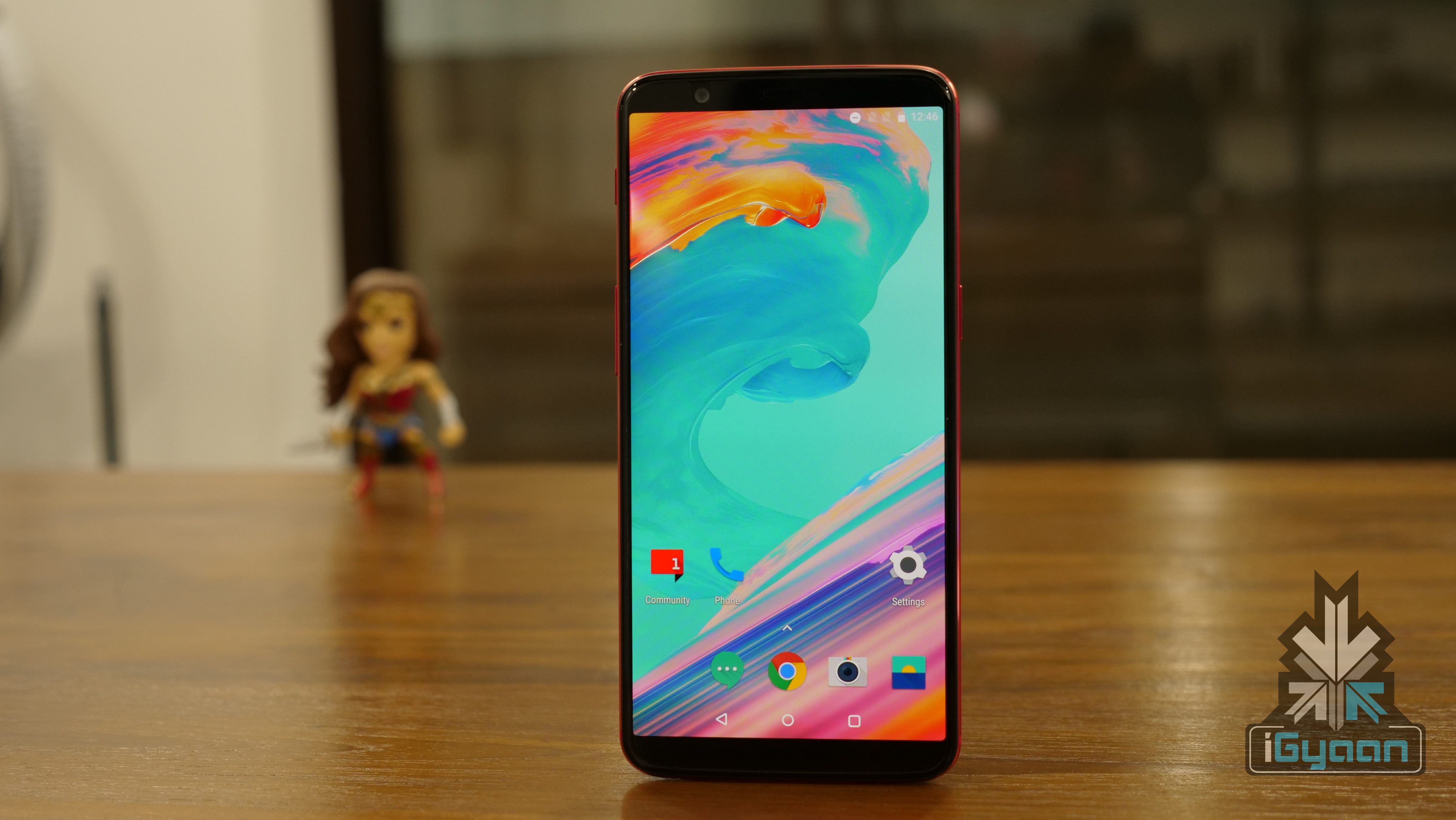
    With the launch of the OnePlus 6 just around the corner, the focus of OnePlus has not completely shifted from its existing smartphones. The OnePlus 5 and OnePlus 5T recently received an update to Android 8 Oreo and a new version of OxygenOS is now seeding for the two smartphones. One of the most interesting features that is being introduced to the OnePlus 5T with OxygenOS 5.1.0 is gesture navigation.

    Back in December 2017, OnePlus introduced iPhone X like gestures to the OnePlus 5T in an Open Beta version of OxygenOS. It now appears that the company has honed these gestures over the past few months and is ready to roll out the feature to all the OnePlus 5 and 5T users. The timing of this update is worth noting because the launch of the OnePlus 6 is imminent. The company has already teased the gestures for navigation feature of the OnePlus 6 in a promo video.

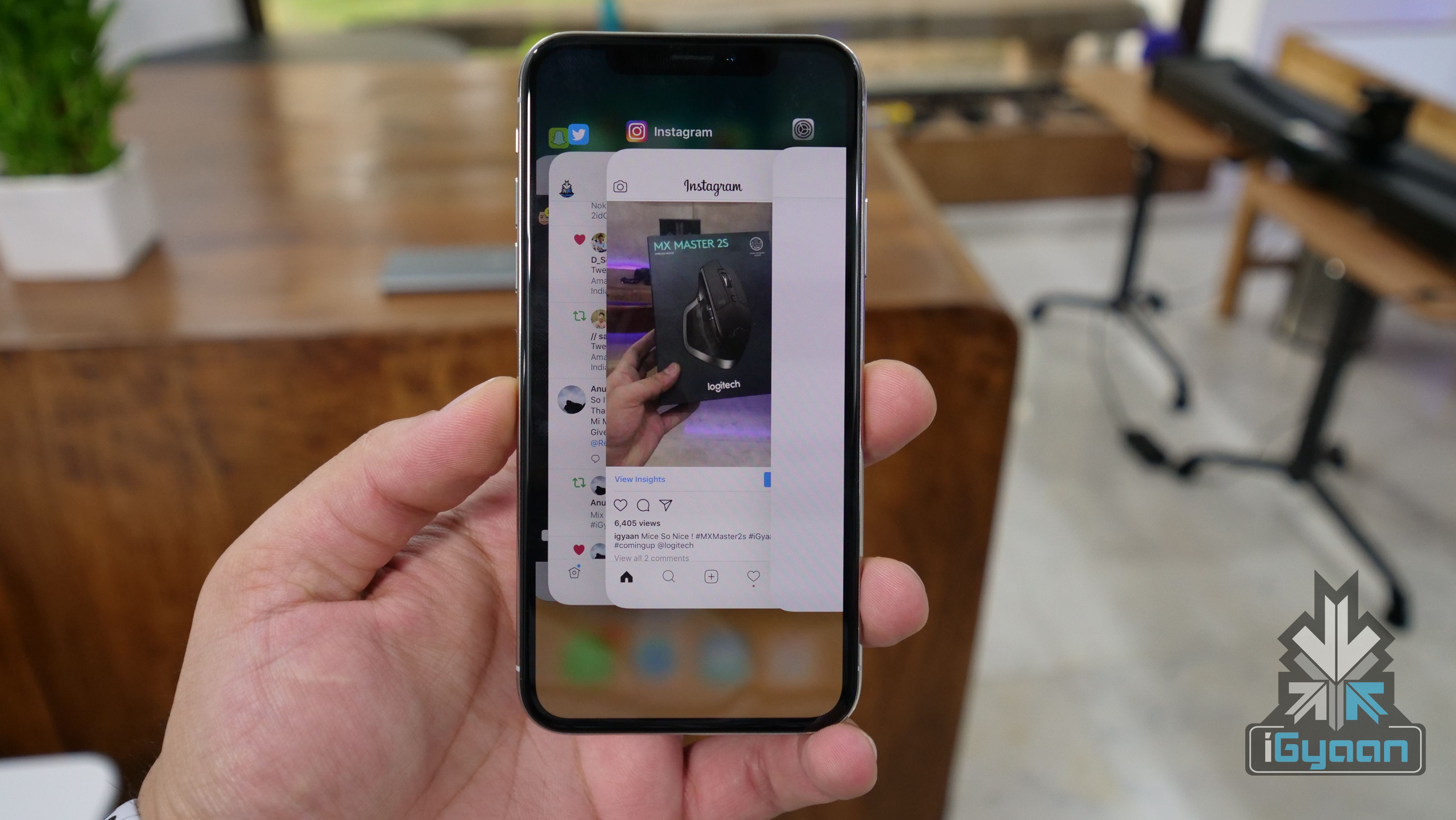
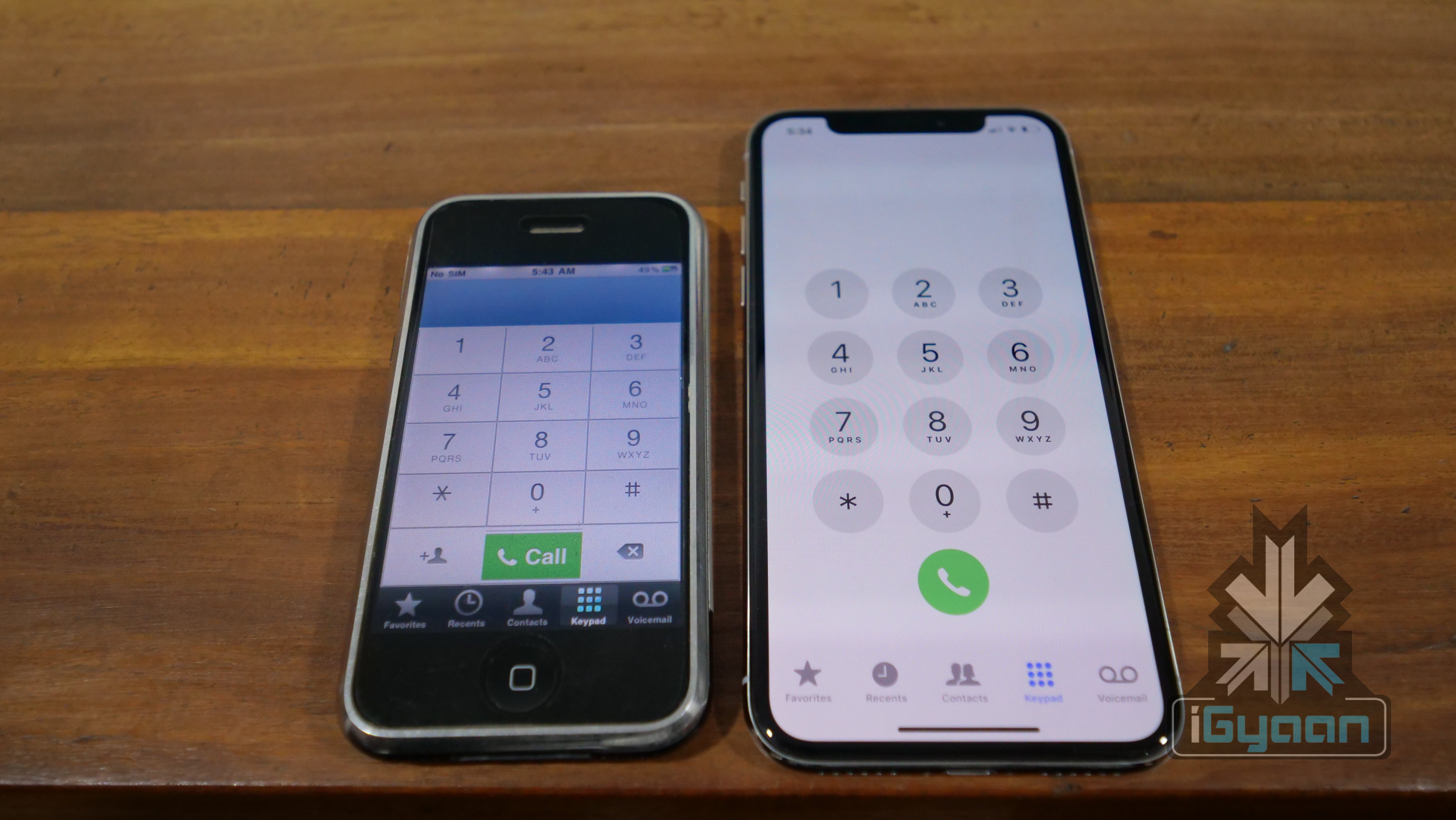
    The gesture navigation was made famous by the iPhone X even though it was not the first smartphone to do it. WebOS had gestures for navigation and so did BlackBerryOS. But, the timing of smartphone makers like Xiaomi and OnePlus introducing gestures for navigation to their devices can certainly be attributed to the iPhone X. However, gestures work differently for all the three smartphone makers.

    The OnePlus 5T with Open Beta 3 that we tested, had the initial phase of gestures. In order to go back, you had to swipe up from the bottom corner of the screen. Swiping up from the bottom centre of the screen mimics the home button. For multi-tasking, you swipe up from the bottom centre of the screen and hold your finger in the centre of the display until multitasking cards show up.

    To get the gestures working on your OnePlus 5/5T simply update to the latest OTA update.

    Update: The article has been updated to reflect that only the OnePlus 5T has received gestures for navigation.

  • Apple iPhones With Curved Displays To Launch In 2-3 Years

    Apple iPhones With Curved Displays To Launch In 2-3 Years

    Apple may never be the first to introduce a feature but, it usually sets an industry-wide trend. In 2017 again, Apple was not the first one to introduce a notch (not a feature but, still). However, it is not rocket science to figure out the overall design shift across Android smartphones ever since the iPhone X was launched. Now, Apple appears to be working on launching a few iPhones with a curved display. However, this reality is still a few years away.

    According to few people close to the matter at Apple, these panels will curve inward gradually from top to bottom. This implementation is different from Samsung’s for its recent flagship smartphones. Now, so far we have seen smartphone makers choose the same route for curves, like Samsung. So, it is unclear why Apple would go a different way. It could be because Apple’s research team identified ergonomic advantages with this method. The other reason could be to potentially prevent people from saying that they copied Samsung.

    Another interesting feature in future iPhones will be touchless gestures. Since the launch of the iPhone X, other smartphone makers have also identified gestures for navigation as a viable replacement to the same old navigation buttons found on Android since its inception. However, Apple wants to that a step further with touchless gestures. Users will be able to perform certain tasks by just hovering their fingers over the display. But, since the technology will be built into the display, users will have to bring their fingers very close to the display.

    These features, as of now, are in early stages of R&D. As we know, Apple never puts out something until the technology is perfected which means we will have to wait a while for the new iPhones. However, the features are very interesting and could, potentially, set another industry trend in the years to come.

  • MIUI 9.5 Is Coming To These 30 Smartphones

    MIUI 9.5 Is Coming To These 30 Smartphones

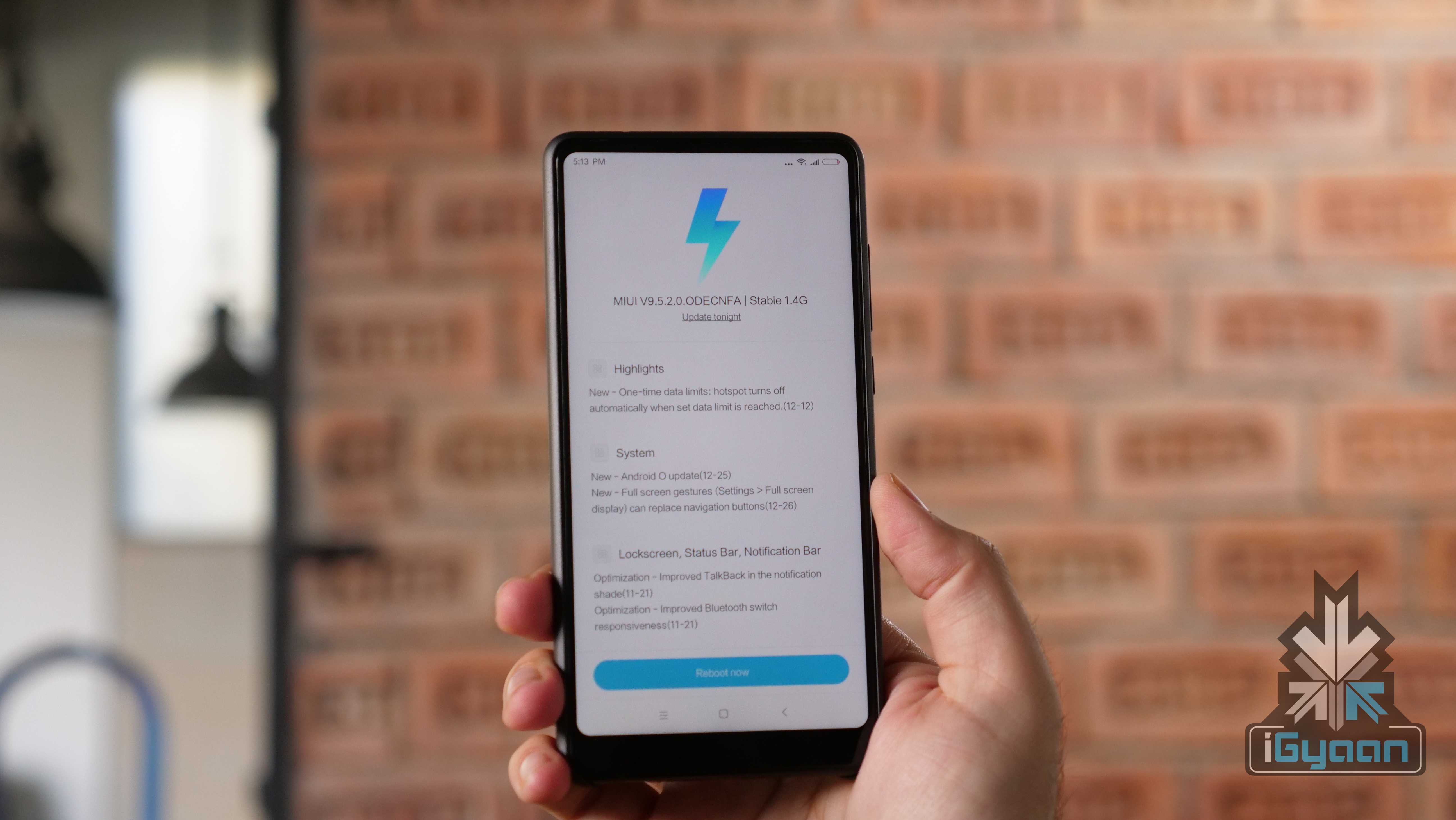
    Xiaomi only recently rolled out MIUI 9 for almost all of its smartphones here in India. The Chinese smartphone maker was commended for not leaving old devices in the dark and even the Redmi 1s, launched over three years ago, received the MIUI 9 update. However, the support will end there for a lot of these smartphones. Xiaomi has announced that the new MIUI 9.5 update will start seeding in late-March. It will gradually reach about 30 Xiaomi devices by the end of April 2018.

    MIUI 9.5 Update Timeline

    Late-March: Redmi Note 3 Special Edition, Redmi Note 3 Qualcomm, Redmi Note 4 Qualcomm/Redmi Note 4X, Mi Max, Mi Max Prime, Redmi 3S, Redmi 4 Prime, Redmi 4A and Redmi Note 4 MTK.

    Early-April: Redmi Note 5A Prime/Redmi Y1, Redmi Note 5A/Redmi Y1 Lite, Redmi 5A, Redmi 5 Plus, Redmi Note 5/Pro, Redmi 5, Mi Max 2, Mi 5/Pro, Redmi 4X, Mi 6 and Mi MIX 2

    Mid-April: Mi Note 2, Mi 5s, Mi MIX, Mi Note 3, Mi 5s Plus, Redmi Note 2, Redmi 3, Redmi 4, Mi 3, Mi 4

    The company has not announced any new features that will be a part of the new MIUI update. However, there are a few users who have been using a stable build of MIUI 9.5 on Redmi Note 4 units. The new update will bring in features like Notification Shade, Quick Reply and the February security patch.

    Despite the latest MIUI update, none of the Xiaomi smartphones barring the Mi MIX 2 run on Android 8 Oreo. However, after Xiaomi launched the Redmi Note 5 in China running Android 8 Oreo, it looks like at least the 2018 Xiaomi lineup will get a software upgrade.

    The Xiaomi Redmi Note 5, Note 5 Pro and Redmi 5 have an 18:9 aspect ratio, like the Mi MIX 2. There is a possibility of these devices also getting support for gesture-based navigation with a future Android 8 Oreo update.

  • Android P Might Have iPhone X Like Gesture-Based Navigation

    Android P Might Have iPhone X Like Gesture-Based Navigation

    Google recently released the first developer preview of Android P. Since this is the first preview, the official version will be very different and new features will be added and discarded.

    Reported by 9to5Google, it is possible that Android P will have native gesture-based navigation, similar to the iPhone X. While it might seem a bit far-fetched, it is possible. Google has already conceded that the “notch” is here to stay. The developer preview has support for a notch. Sources have said that an internal build of Android P running the April or May security patch has an iPhone X-like user interface.

    OnePlus 5T Gestures

    If this turns out to be true, there will be a lot of debate around the “inspiration” for this decision. However, Xiaomi and OnePlus have already started moving on to gestures. However, OnePlus is still testing the feature in a Beta build. Xiaomi, on the other hand, introduced the feature with Android 8 Oreo for the Mi MIX 2. This means that the Mi MIX 2S will also have this feature out of the box.

    Over the years, stock Android OS, for all its stability and beauty, has lacked features that were readily available in custom skins. With a few smartphone makers adopting gestures, this could be a sign for Google. It is high time Google goes a step ahead and introduces a popular feature natively.

    With smartphones moving closer to a bezel-less design, it doesn’t make sense to lose out on a little screen real estate because of the navigation buttons. Also, Android’s navigation system needs a little refresh after being so stagnant since its inception.

  • Xiaomi Redmi Note 5 Pro Gets iPhone X Like Gestures For Navigation

    Xiaomi Redmi Note 5 Pro Gets iPhone X Like Gestures For Navigation

    The Apple iPhone X has a display with 19.5:9 aspect ratio with almost no chin, which eliminates the space for a home button. So, the company introduced gesture-based navigation, which replaces the home button.

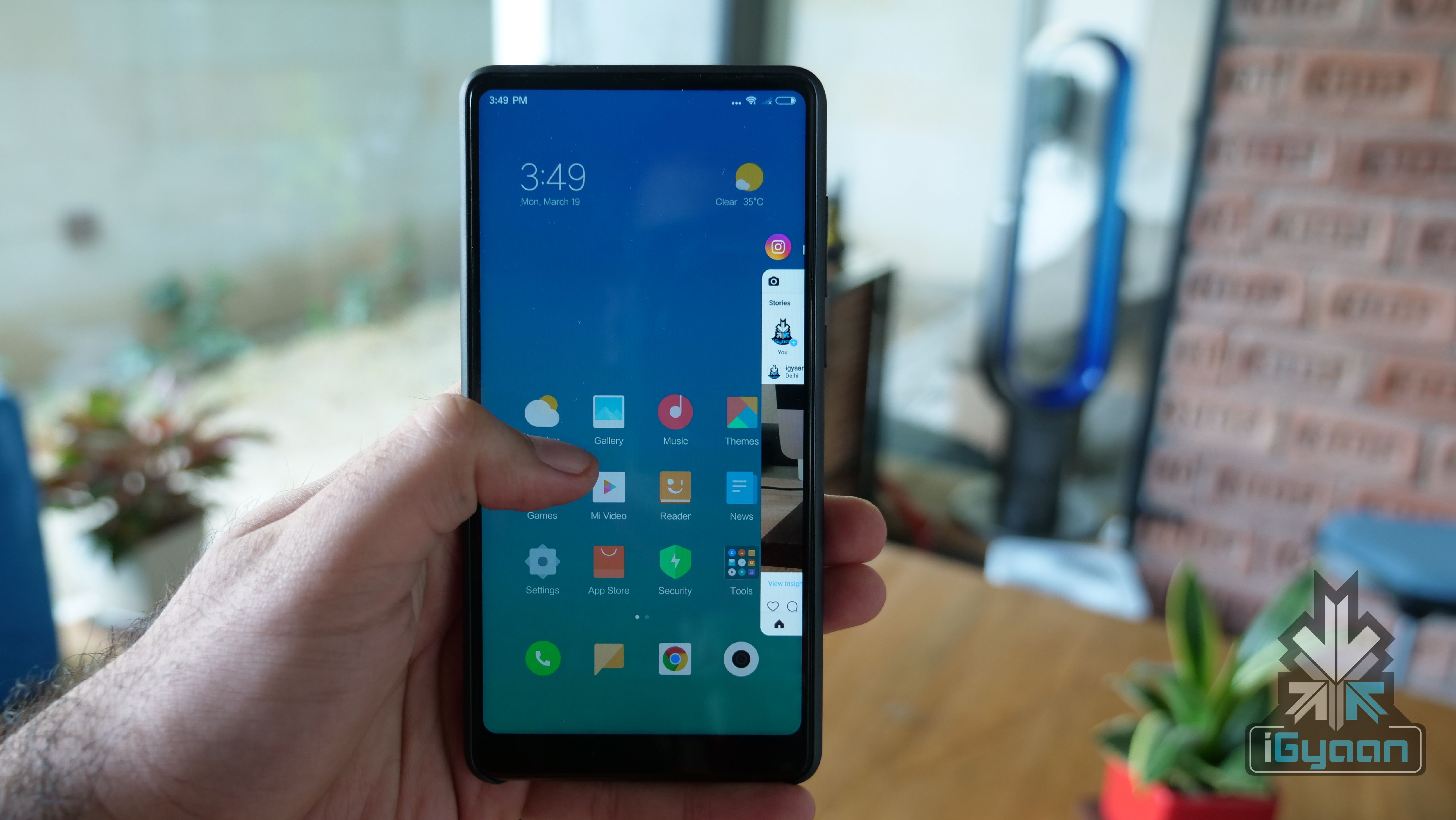
    Similarly, Xiaomi has also started testing the gesture-based UI on its “Full-Screen” devices. The list of compatible devices includes the Xiaomi Mi MIX, MIX 2, Redmi Note 5 Pro, and the Redmi Note 5. Similarly, OnePlus is also testing gesture-based navigation for the OnePlus 5T on an open beta ROM.

    Xiaomi introduced the gesture-based navigation system in the Mi MIX 2 initially. This comes after Apple introduced similar gestures in the iPhone X. With devices moving toward an all-screen and no bezel design, gestures could be the future. While the transition for iPhone users from the home button to gestures was organic, same can’t be said for Android users.

    iOS used gestures before the introduction of the iPhone X as well. Swiping from left to right on the screen to go back in an app was one of them. However, Android has always used three buttons for navigation. Hence, the transition could be a bit more cumbersome. That being said, we expect more smartphone makers to introduce gestures within their UI as time goes by.

    It is worth noting that one has to install Global MIUI 9.5 Beta ROM to test out the feature on this smartphone. Similarly, as this is a beta ROM, we do not recommend installing this on a daily driver. To enable gesture control, go to Settings, full-screen display, select full-screen gestures. Go through the tutorial ones to understand basic commands.

    Basic Gestures
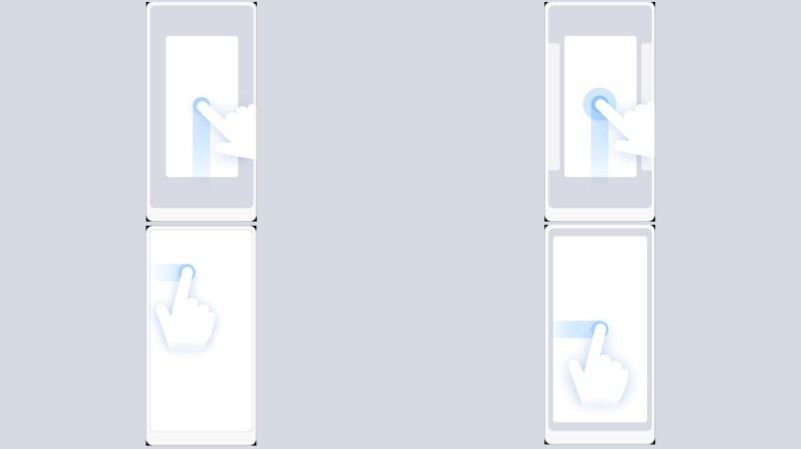
    • Swipe from the middle bottom to go Home from anywhere
    • Swipe and hold from the middle to open multi-tasking tray
    • To go back swipe from the left edge
  • Xiaomi Redmi 5 Plus Receives iPhone X-Like Gesture Navigation Support

    Xiaomi Redmi 5 Plus Receives iPhone X-Like Gesture Navigation Support

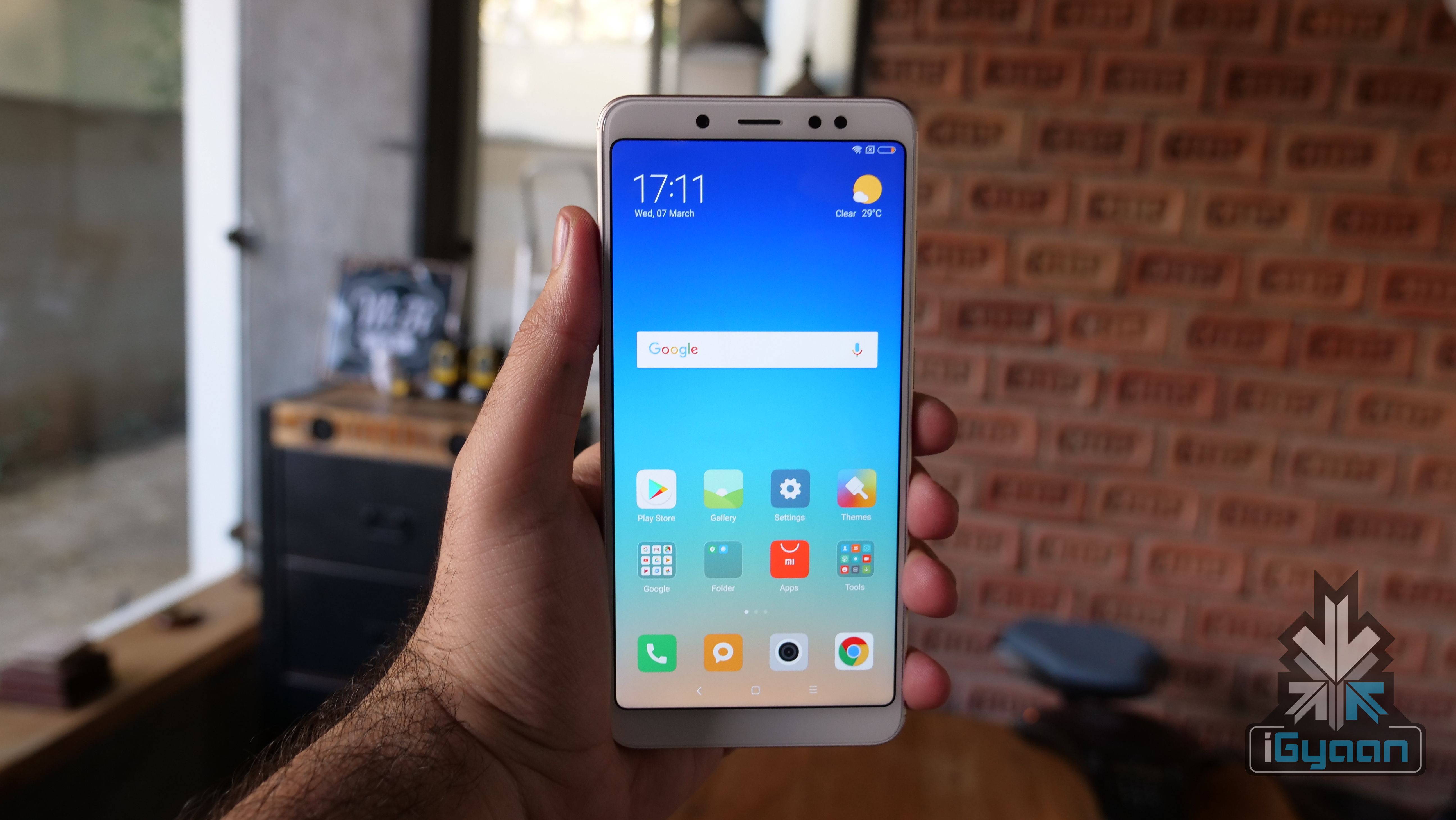
    The Xiaomi Redmi 5 Plus was launched in December 2017 in China. Over the past few weeks, there have been reports that the device will be launched in India as well. While many expect Xiaomi to launch the Redmi Note 5 in India on the 14th of February, it won’t come as a surprise if the Redmi 5 Plus is launched instead.

    The Redmi 5 Plus has a tall display and thin bezels all around. This means that so far, there were on-screen navigation buttons but, Xiaomi appears to be pushing a new update to the device. In the new update, the Redmi 5 Plus gets iPhone X-like navigation gestures which means that the on-screen buttons will no longer take up precious screen space. OnePlus has also introduced gestures for the OnePlus 5T in a new beta build.

    Xiaomi had already introduced these gestures in the Mi Mix 2 but, it was a beta version update. It is unclear as of now, whether these gestures arrive via a stable or a beta update. The gestures resemble the iPhone X a lot.

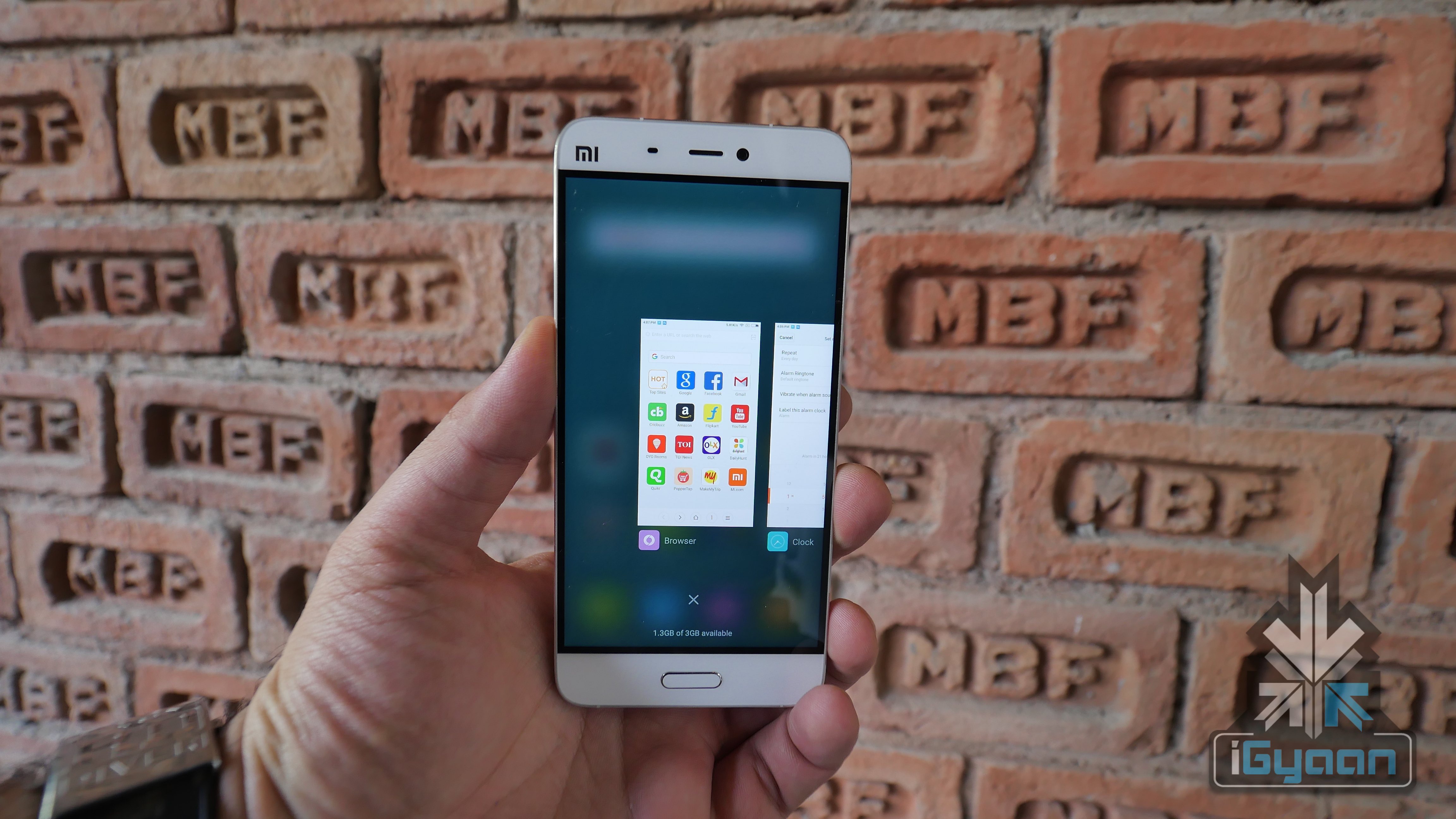
    For example, in order to reach the home screen, the user has to swipe up from the bottom of the screen while swiping from the bottom to the top and pausing for a second brings up your recent apps. Other gestures include swiping from the left or right of the screen to the middle to take the user to the previous page.

    Over the years, Android’s take on navigation within the OS has been different from that of iOS. While Android phones have had three navigation buttons, iOS has had a physical home button which solved multiple purposes like multitasking, invoking Siri and other gestures like swiping from the left or right of the screen to the middle to take the user to the previous page. So, when Apple introduced these gestures in the iPhone X, the transition was a lot smoother thanks to the presence of gestures in the past iPhones.

    Android, on the other hand, has used the three buttons, the home, back and multitasking button for every little navigation within the OS. These have either been software buttons or physical buttons, with nowadays OEMs offering the choice of both the navigation systems. When Android does shift to only gestures, the transition for users might not be as natural and organic as it was for iOS users.

    It will be interesting to see when Xiaomi starts rolling out these gestures to more devices in a stable build. So far, this seems like a China-exclusive feature.

  • OnePlus Adds iPhone X-Like Gestures In Latest Beta Build

    OnePlus Adds iPhone X-Like Gestures In Latest Beta Build

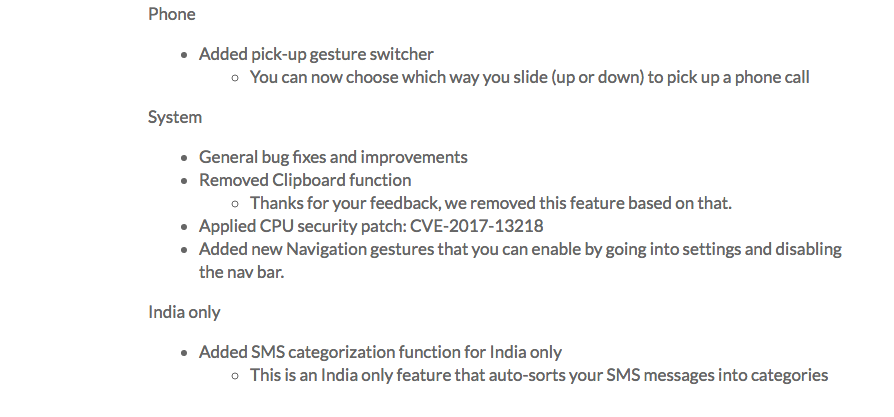
    OnePlus has started rolling out a new beta update to all the testers of the OnePlus 5T. The Oxygen OS Open Beta 3 arrives a couple of weeks after the previous update started seeding. The new update, however, will be noted for two noticeable changes. The first one is the removal of the controversial Clipboard app. The other one is the entry of gesture support.

    OnePlus

    The Clipboard app was introduced in the previous Beta build that started seeding on the 16th of January. It was reported on the OnePlus forums by a user named v1nc. The user found this out by accident when NetGuard blocked the Clipboard app from accessing the network. Clipboard app basically stores all the copy-pasted data on your phone. Further investigation revealed that the app was trying to ping a server that was an Alibaba owned property.

    Although OnePlus came out and quashed these reports, it has now removed the app from the latest beta build.

    The other notable change is the addition of iPhone X-like gestures for navigation. Users now have the option of disabling on-screen navigation buttons. Once disabled, users have to use gestures to navigate through the UI. The gestures are not exactly like the ones found on the iPhone X but, are somewhat similar.

    OnePlus
    Homebar On The iPhone X

    Another change is in the incoming call screen. Users can now choose to slide up or down to answer or ignore an incoming call. Here is a list of all the new changes:

    OnePlus

    The introduction of gestures is an interesting move by OnePlus. With smartphones moving to an all-screen design, wasting that little space on navigation buttons seem counterproductive. Although traditionally, Android OS has had navigation buttons, a slow introduction of gestures can go a long way in helping consumers get acclimatised with the new way of navigation.

  • Xiaomi Introduces Full Display Gestures In The New Beta Build Of MIUI 9

    Xiaomi Introduces Full Display Gestures In The New Beta Build Of MIUI 9

    Xiaomi appears to be preparing its users for the future with the new beta build of MIUI 9. Ever since the iPhone X removed the home button, it has become increasingly inevitable that smartphones in the coming years will solely rely on gestures of navigation with the OS.

    With the latest beta update, Xiaomi has added ‘full display gestures’ that appear to be inspired by the iPhone X a lot. For example, in order to reach the home screen, the user has to swipe up from the bottom of the screen while swiping from the bottom to the top and pausing for a second brings up your recent apps. Other gestures include swiping from the left or right of the screen to the middle to take the user to the previous page. Over the years, Xiaomi has taken “inspiration” for Apple for its platform. From the MIUI layout to “MiDrop,” the not-so-subtle hints have always been there. Being one of the first Android smartphone makers to shift to all display gestures similar to the iPhone X will only strengthen the previous argument.

    Over the years, Android’s take on navigation within the OS has been different from that of iOS. While Android phones have had three navigation buttons, iOS has had a physical home button which solved multiple purposes like multitasking, invoking Siri and other gestures like swiping from the left or right of the screen to the middle to take the user to the previous page. So, when Apple introduced these gestures in the iPhone X, the transition was a lot smoother thanks to the presence of gestures in the past iPhones.

    Android, on the other hand, has used the three buttons, the home, back and multitasking button for every little navigation within the OS. These have either been software buttons or physical buttons, with nowadays OEMs offering the choice of both the navigation systems. When Android does shift to only gestures, the transition for users might not be as natural and organic as it was for iOS users.

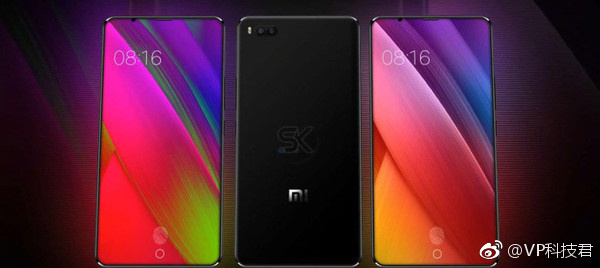
    A few Xiaomi Mi 7 renders were leaked with conflicting reports. Some suggested that the device will have an in-display fingerprint sensor while the other report claimed that Xiaomi is working on an iPhone X-like Face ID system. One thing in common, however, was the all-screen design of the phone. Xiaomi phones have had on-display as well as physical and touch capacitive navigation buttons. Introducing navigation via gestures a few months before the launch of the Mi 7 might hint at an all display design of the Mi 7 and the company’s foray into gesture-based navigation with Android.

    Xiaomi Mi 7 Renders

    For now, users with the Xiaomi Mi Mix 2, Mi Mix, Redmi 5, and Redmi 5 Plus can preview these gestures on their devices.


  • Gestures, Voice Controls and HDMI Capture of Games Confirmed by Sony for the PlayStation 4

    Gestures, Voice Controls and HDMI Capture of Games Confirmed by Sony for the PlayStation 4

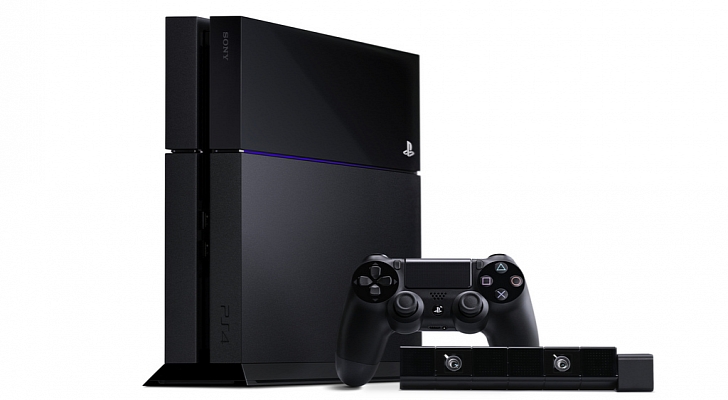
    Sony on August 20 at Gamescom revealed the launch dates for the PlayStation 4, which will launch in North America on November 15 and in European regions on November 29.

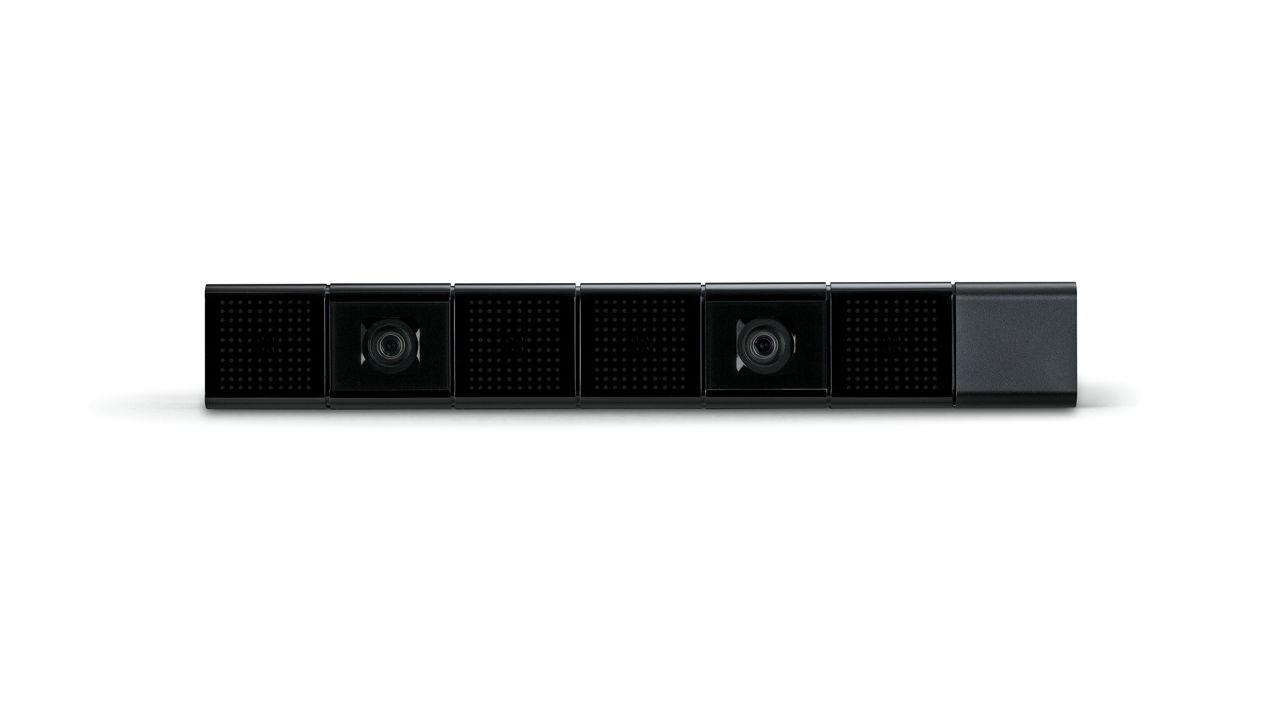
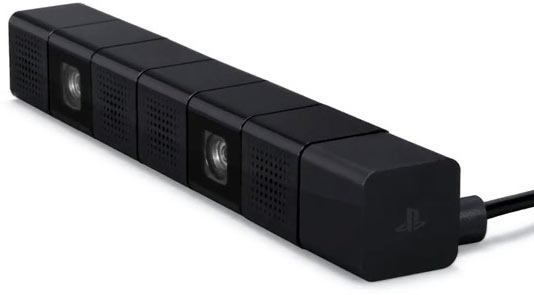
    The Sony’s Keynote at the Tokyo Game Show cleared some of the question related to the the PlayStation 4, to start with, the PS4 Camera will support voice and gesture controls with its dual cameras and built in four mics. The PlayStation 4 will allow unencrypted HDMI output for games which can be used to record your games and will be great for recording game-plays in iGyaan style for you guys to watch.

    I think we just announced that we’re going to allow video capture of games over HDMI! “Details will follow soon.”  said Sony’s representative Brad Douglas.


  • Microsoft Patent Applications Reveal a possible Dual Screen Tablet Future

    Microsoft Patent Applications Reveal a possible Dual Screen Tablet Future

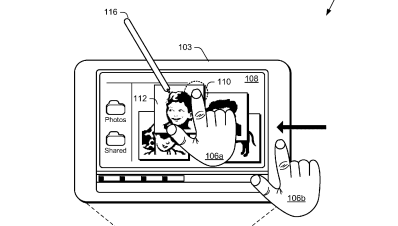
    Microsoft has been playing with the idea of a dual screen tablet for quite some time, remember the courier tablet? This time around MS is teasing the world of tech itself with the Tablet patent that promises a dual screen experience. Microsoft has been talking a lot about Windows 8 and a tablet specific OS.

    MS has filed for multiple patents including, Muti-screen dual tap, on-off gesture, Muti Screen Pinch and expand, Muti-screen – Hold – Expand- page flip and radial gestures. Microsoft has not yet been awarded with these patents. But looks like the whole Tablet frenzy has been fueled by the Apple Patent Lawsuits.

  • Apple Mac OS X Lion Now Available (PR) : Download

    Apple Mac OS X Lion Now Available (PR) : Download

    Just like that Mac OS X Lion / 10.7 is now available to download from the Mac App store. Remember it only works with Mac’s Intel Core 2 Duo, Core i3, i5 or i7 processor. The OS is available to download now for US $ 29.99 and can be purchased later in August on a USB pen Drive for US $ 69

    Download it from the Links Below

    US STORE INDIA STORE

     OS X Lion - Apple®

    OS X Lion – Apple®

     OS X Lion - Apple®

    OS X Lion – Apple®


    [toggle title_open=”Collapse” title_closed=”Read The Press Release” hide=”yes” border=”yes” style=”default” excerpt_length=”0″ read_more_text=”Read More” read_less_text=”Read Less” include_excerpt_html=”no”]Mac OS X Lion Available Today From the Mac App Store

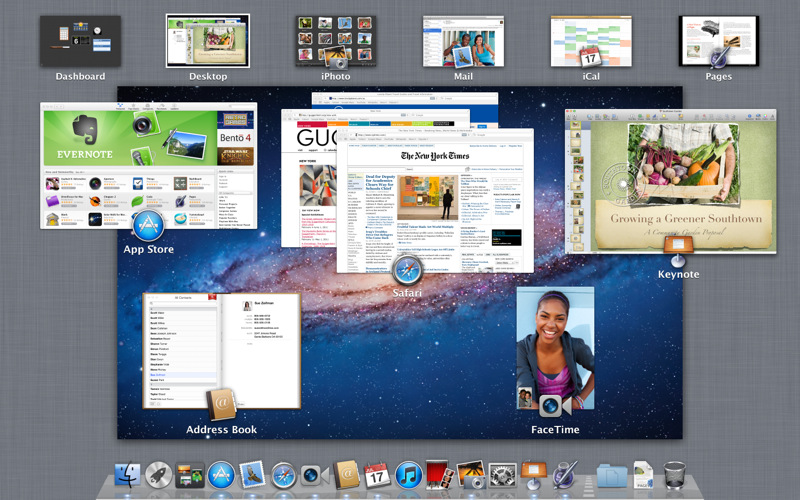
    CUPERTINO, California-July 20, 2011-Apple® today announced that Mac OS® X Lion, the eighth major release of the world’s most advanced operating system with more than 250 new features, is available today as a download from the Mac® App Store™ for $29.99. Some of the amazing features in Lion include: new Multi-Touch® gestures; system-wide support for full screen apps; Mission Control, an innovative view of everything running on your Mac; the Mac App Store, the best place to find and explore great software, built right into the OS; Launchpad, a new home for all your apps; and a completely redesigned Mail app.

    “Lion is the best version of OS X yet, and we’re thrilled that users around the world can download it starting today,” said Philip Schiller, Apple’s senior vice president of Worldwide Product Marketing. “Lion makes upgrading a Mac easier than ever before; just launch the Mac App Store, buy Lion with your iTunes account, and the download and install process will begin automatically.”

    Additional new features in Lion include:

    Resume, which conveniently brings your apps back exactly how you left them when you restart your Mac or quit and relaunch an app; Auto Save, which automatically and continuously saves your documents as you work; Versions, which automatically records the history of your document as you create it, and gives you an easy way to browse, revert and even copy and paste from previous versions; and AirDrop, which finds nearby Macs and automatically sets up a peer-to-peer wireless connection to make transferring files quick and easy.

    Pricing & Availability

    Mac OS X Lion is available as an upgrade to Mac OS X version 10.6.6 Snow Leopard® from the Mac App Store for $29.99 (US). Lion is the easiest OS X upgrade and at around 4GB, it is about the size of an HD movie from the iTunes Store®. Users who do not have broadband access at home, work or school can download Lion at Apple retail stores and later this August, Lion will be made available on a USB thumb drive through the Apple Store® (www.apple.com) for $69 (US). Mac OS X Lion Server requires Lion and is available from the Mac App Store for $49.99 (US).

    Lion requires an Intel-based Mac with a Core 2 Duo, i3, i5, i7 or Xeon processor and 2GB of RAM. Lion is an upgrade and can be installed on all your authorized personal Macs. Details regarding Business and Education licensing can be found at apple.com/macosx.

    The OS X Lion Up-to-Date upgrade will be available through the Mac App Store at no additional charge to all customers who purchased a qualifying new Mac system from Apple or an Apple Authorized Reseller on or after June 6, 2011. Users must request their Up-to-Date upgrade within 30 days of purchase of their Mac computer. Customers who purchased a qualifying Mac between June 6, 2011 and July 20, 2011 will have until August 19, 2011 to make a request. Additional information can be found at apple.com/macosx/uptodate.
    [/toggle]

  • Mac OSX Lion Coming Today to the Mac App Store!

    Mac OSX Lion Coming Today to the Mac App Store!

    The word is official Apple CFO Peter Oppenheimer during today’s earnings call pointed out that the Mac OS 10.7 Lion will be available to download from the Mac App Store for 29.99 US$ The download is only a 4 GB download and has over 250 new features including a Launcher which is based on Apple highly popular mobile Operating System – iOS.

    Of course we will be getting it and will have an Initial hands on with it shortly after release. We will also take an in depth review of the OS soon after. So stay breezy for the impending launch of the king of the Jungle! Also Mac server will be available for US $ 49.99 if anyone is asking!


  • iPhone also getting Multitasking gestures and MobileMe Photo Streams

    iPhone also getting Multitasking gestures and MobileMe Photo Streams

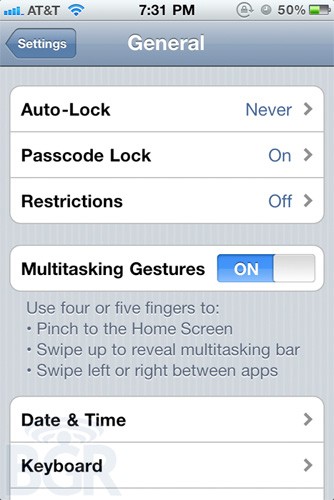
    No matter how much apple may deny that it will disallow multitasking gestures in their final release software, they are starting to show up in various places including the iPhone settings panel.

    The same problem we spoke about earlier, bothers us, using “four or five fingers” sounds pretty unreasonable for a 3.5-inch display.


    9to5 Mac seems to have unearthed traces in the iOS 4.3 beta of a new feature called “Photo Streams” that seems to be a way to share continuous streams of photos with friends you approve, presumably through MobileMe.


    Although Apple charges $99 for the mobileme service, which seems pretty unwanted. But, then again a mobileme refresh is also due this year

    Source : 9to5 MacBGR

iGyaan Network
Privacy Overview

This website uses cookies so that we can provide you with the best user experience possible. Cookie information is stored in your browser and performs functions such as recognising you when you return to our website and helping our team to understand which sections of the website you find most interesting and useful.