Tag: igyaan

  • HTC One Review

    HTC One Review

    HTC has been flirting with Android phones from the beginning of the Ecosystem, But they only recently picked up pace thanks to the HTC One Series. The new HTC One, also referred to as the M7 is a beginning of a whole new design philosophy for the company. Does the HTC One feature all that is required to be the king of the robotic Jungle? Lets Find out.
    HTC One Hands On iGyaan 37

    Build Quality and Design

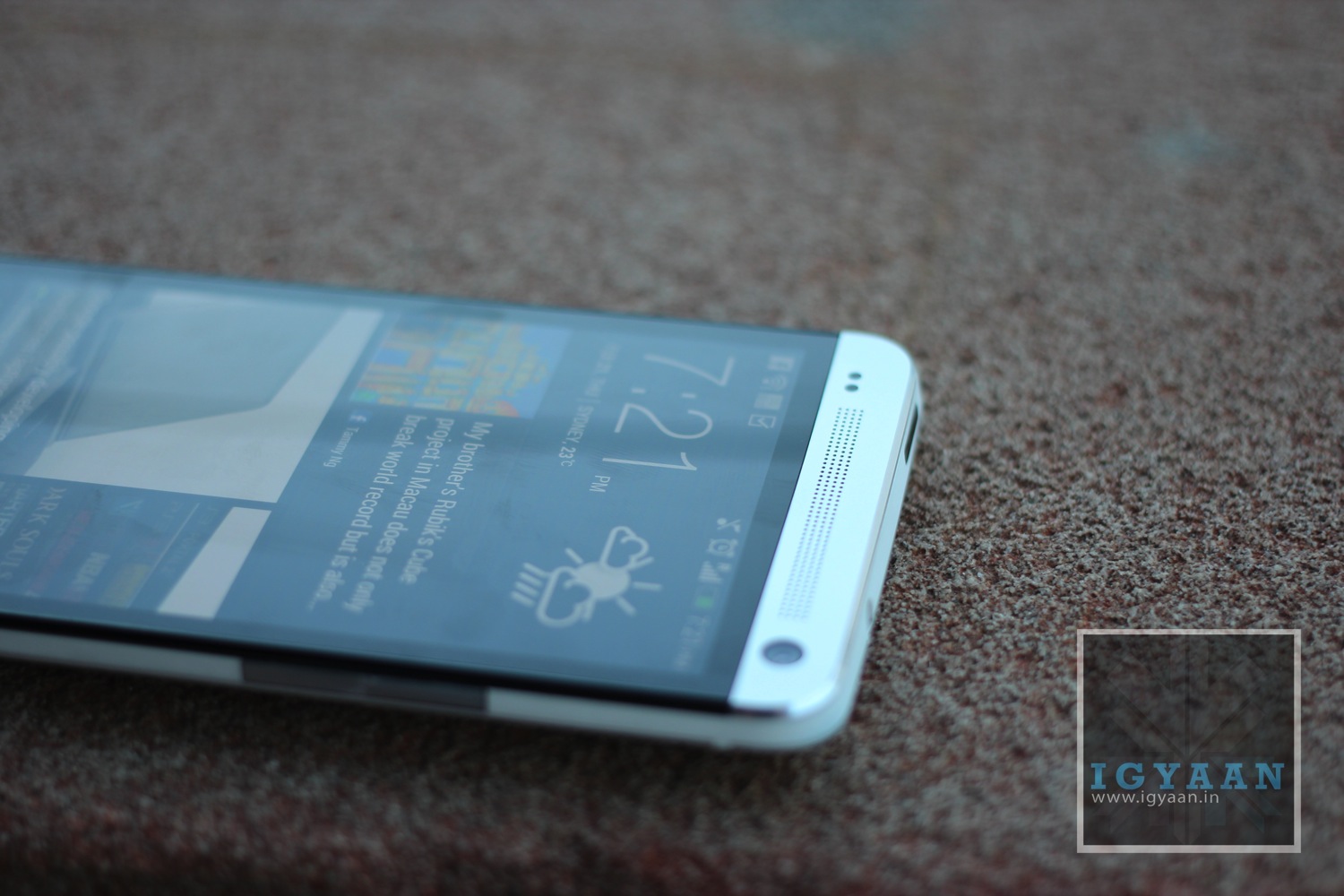
    [pullquote_left]Ecstatic Expression on your Face![/pullquote_left]From the moment you handle the HTC One for the first time, you get this ecstatic expression on your face, you are wow’d by the design and simply amazed by the display. A shiver passes through your hands as you feel the Unibody design fit inside you hand almost perfectly as if it was designed for it. 

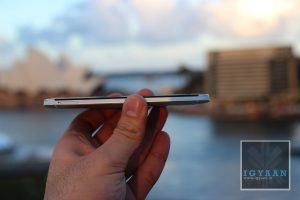
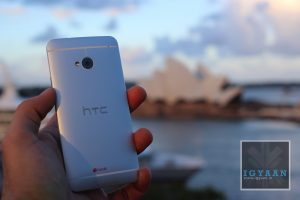
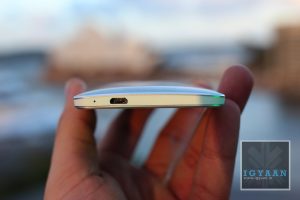
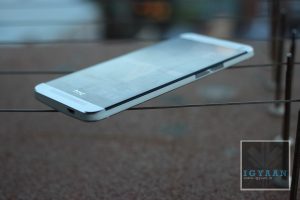
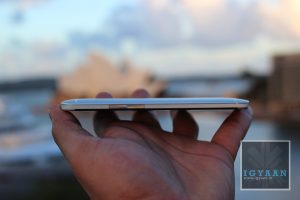
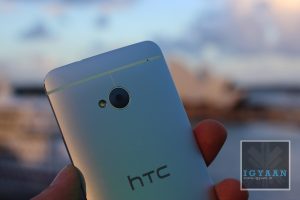
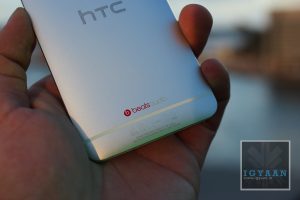
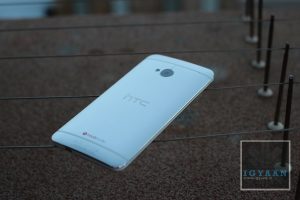
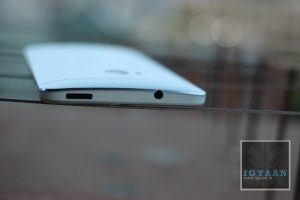
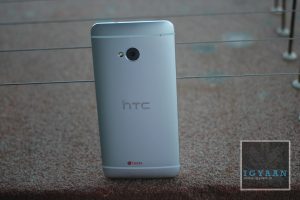
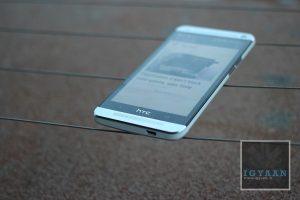
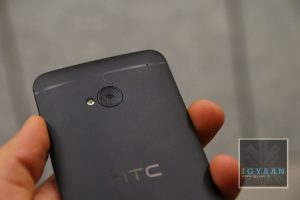
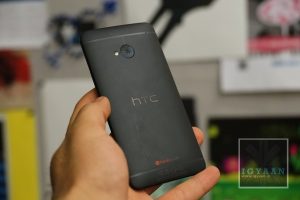
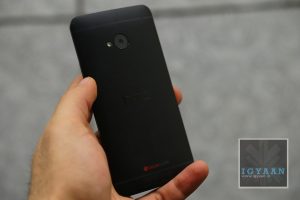
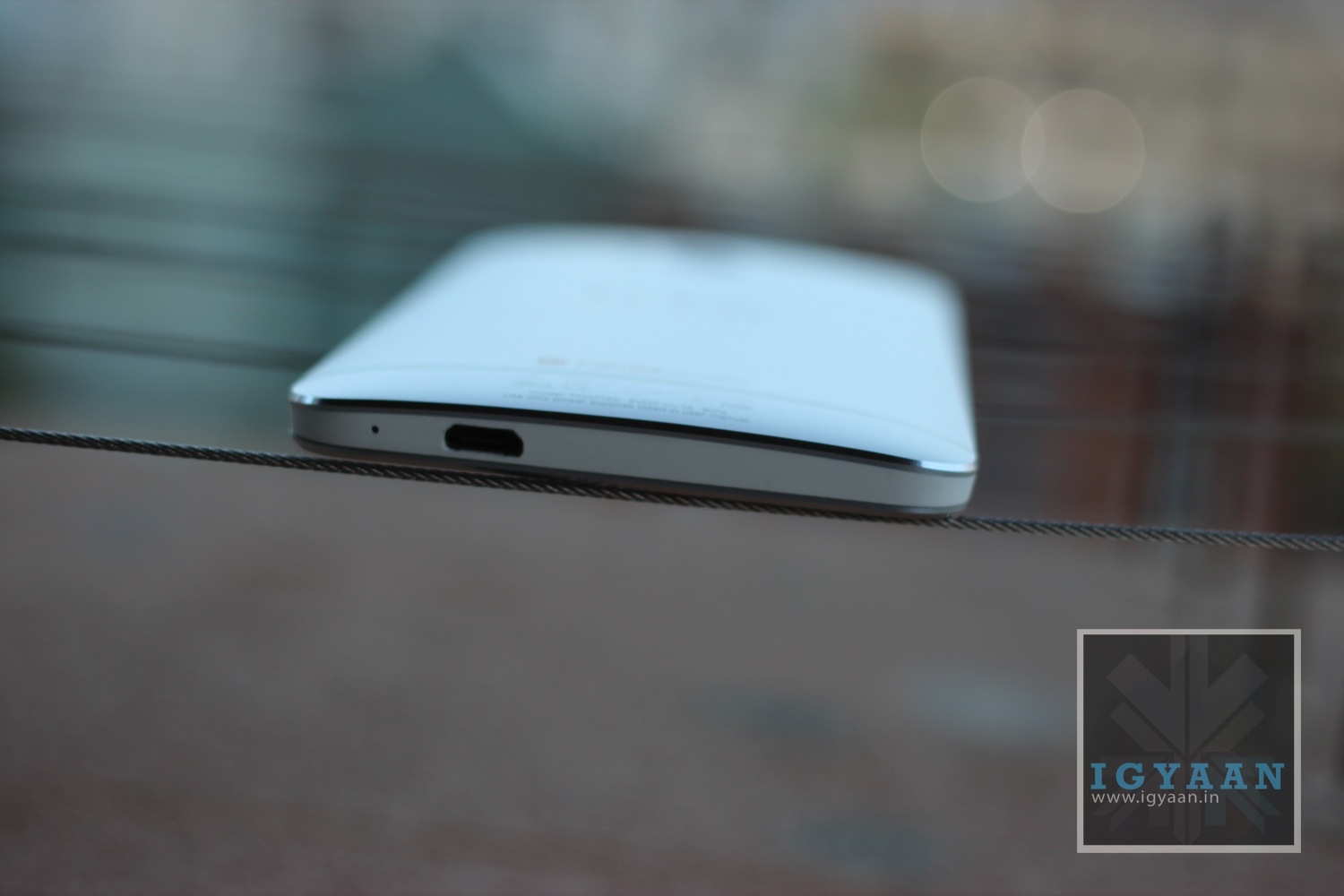
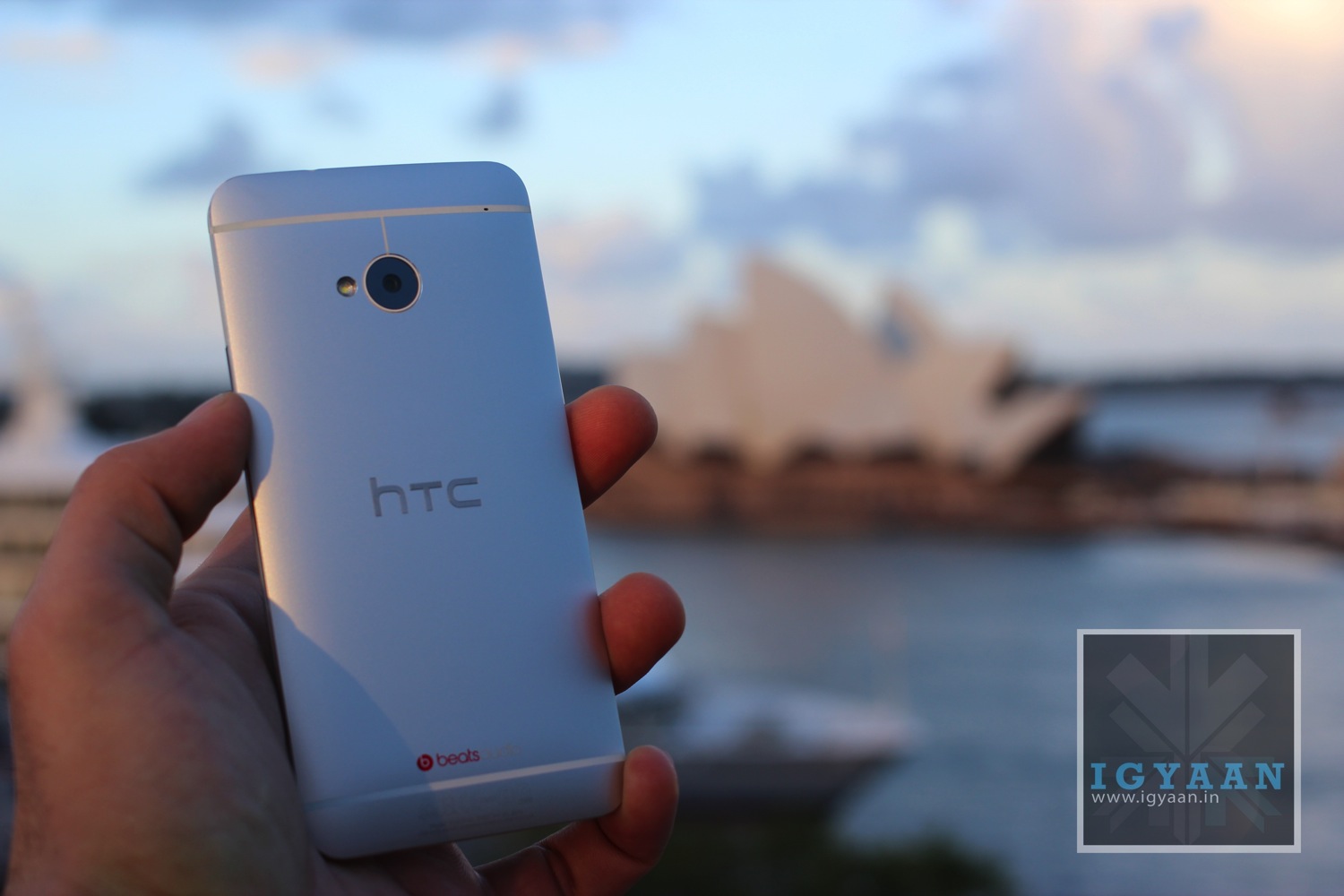
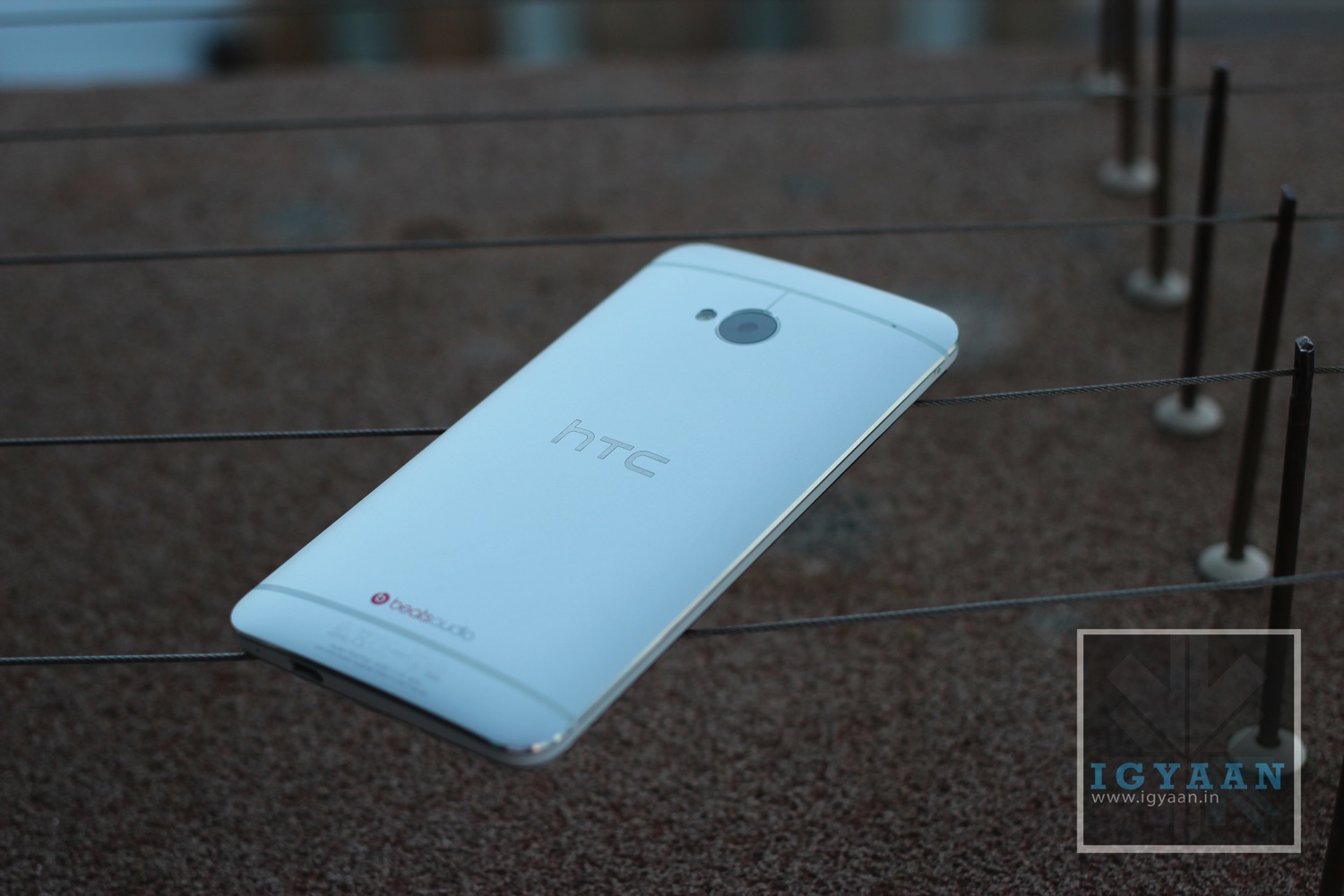
    The HTC One is cast from a single shell unibody Aluminum block, that curves at the back but is flat in the front. The two network bands that run across the back add network strength and aesthetic value to the complete mixture. Also embedded in the back is a subtle HTC logo. 
    htc

    The build, although very tough and robust, feels very damage friendly. The front has Gorilla Glass 2 , but does not have a lay on the table design, in other words if you lay the phone on the screen, the glass will touch the surface that you lay the phone on. The phone seems so metallic in-fact, that every time you hold it, you worry about it getting dented, if you nick it against a door or a table edge. The fear quickly goes away as you start to use the phone and realize how tough, and scratch resistant the back of the phone is.

    The Design strategy infuses the technology they learnt in making the HTC Windows Phone 8 and a mix of their research and experience with metals in the past with their Desire series. The HTC One is a perfect balance, of build quality, design, aesthetic and that wonderful Awe factor it causes in you everytime you pick it up. 

    [youtube id=”2jGmZcdFxi0″ width=”100%” height=”300px”]

    Hardware

    [pullquote_left]right fuse of external and internal[/pullquote_left]HTC has packed the HTC One with just the right amount of specs. Even when a product can never be ahead of technology, the HTC One is a right fuse of external and internal technology. Powered by a 2300 mAh non – replaceable battery, the HTC One carries a Qualcomm Snapdragon 600 Chipset with a wonderfully snappy QuadCore 1.7 GHz CPU. The Graphics are provided by a Adreno 320 GP which remains superior in terms of Mobile Graphics rendering. This intense capability is supported by 2GB of RAM and 32 or 64 GB of storage. 
    HTC One Hands On iGyaan 40

    The Back features an Ultrapixel Camera which has a larger pixel size, making it sufficient at just 4 MP, and the front features a 2.1 MP snapper, both capture full HD video. The main camera is also assisted by an LED flash. 

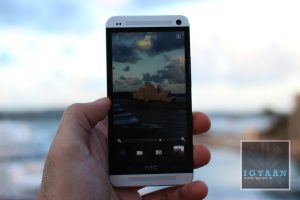
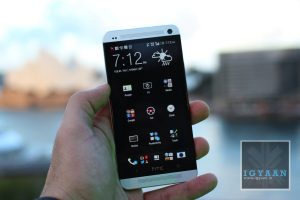
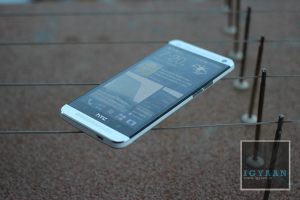
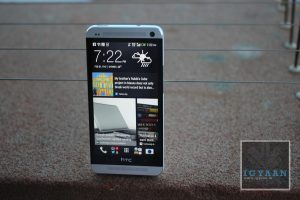
    The Gorgeous front features a 4.7 inch 1920 x 1080p IPS LCD 3 display with an intense 469 ppi making is one of the highest pixel density phones in the market. 

    UltraPixel Camera on the HTC ONE

    Ultrapixel is a word that does not exist in the dictionary, or at least that was the case before the HTC One. The camera comprises of a larger sensor and a larger size of the pixels that combine together to form the sensor. The camera combined with the software on the inside of the HTC One the is able to capture extremely high detail in an image. The large sensor and pixel size also opens up the sensor to low light subjects, allowing for better image quality in dim lighting conditions. 

    [youtube id=”oUWbQhewqbM” width=”100%” height=”300px”]

    The images come out extremely sharp to about a 8×12 inch size, post which you will see degradation of the images. 

    We found that the Video Captured by the HTC One is wonderfully vivid and captured without any stutter, rolling shutter was at a minimum and almost no aliasing was seen in the video. The Autofocus keeps jumping in and out during video especially if you are close to your subject, this can be painfully bothersome while recording or even while playing back. This is however fixed by turning off Continuos AF during video capture at the cost of loss of focus. 

    The HTC Zoe feature within the camera is a wonderful add on, not only does it create beautiful timelines and videos demonstrating your photo groups it also allows you to modify pictures, remove photo bombers, and a lot more. This truly enables a social sharer to stay on top of his game adding just a right amount of usefulness. 

    We did a comparison of the cameras of the top smartphones, and HTC One performed excellently well in low light and landscape capture.

     [youtube id=”HfYr69uVZPk” width=”100%” height=”300px”]


    BlinkFeed and HTC Sense

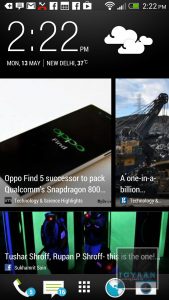
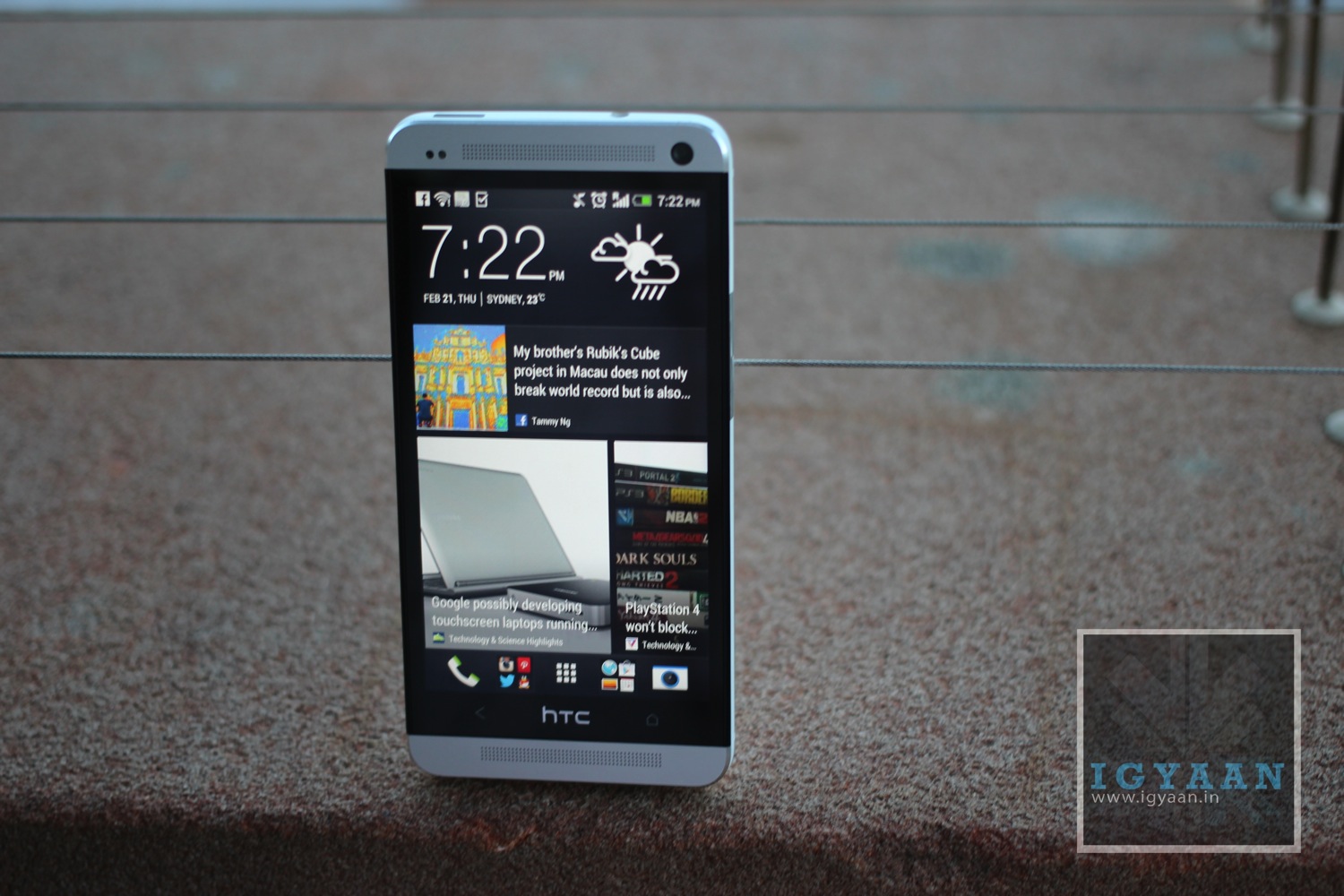
    Here is where we begin to applaud HTC again, whether the BlinkFeed UI is useful or not, HTC with their new ONE has attempted to totally change the norm. While most companies just upgrade the UI, HTC revamps it time and again. They changed it with Sense 4.0 and now they changed it again with the new BlinkFeed on Sense 5.0.
    HTC One Hands On iGyaan 33

    [pullquote_right]practicality and ingenuity[/pullquote_right]A lot of previous owners will complain at the removal of features of the past HTC Sense UI. But, the new experience is a great mix of practicality and ingenuity. Blinkfeed on the HTC One is nothing more than an aggregator, it collects your favorite news streams, your Social Networks and even your connections to display them in a beautiful, seamless,  Flipboard-esque interface which will also remind you of the Windows Phone UI. 
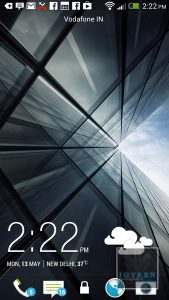
    The information is clean and laid out quickly and beautifully, almost making you go back to it again and again. The other features of HTC Sense are also found in the UI, the Music App, Car Mode, Flashlight App, big chunky widgets and the oh so famous Weather / Flip clock widget are all there. 

    The HTC TV app is not currently available in India, and currently cannot be manually configured. The Power button does have an IR blaster inbuilt so it does function as a remote, but the functionality will be added at a later time. You should possibly be able download 3rd party apps to enable this feature soon.

    [youtube id=”a-qLHE_6xfQ” width=”100%” height=”300px”]


    Display and Multimedia

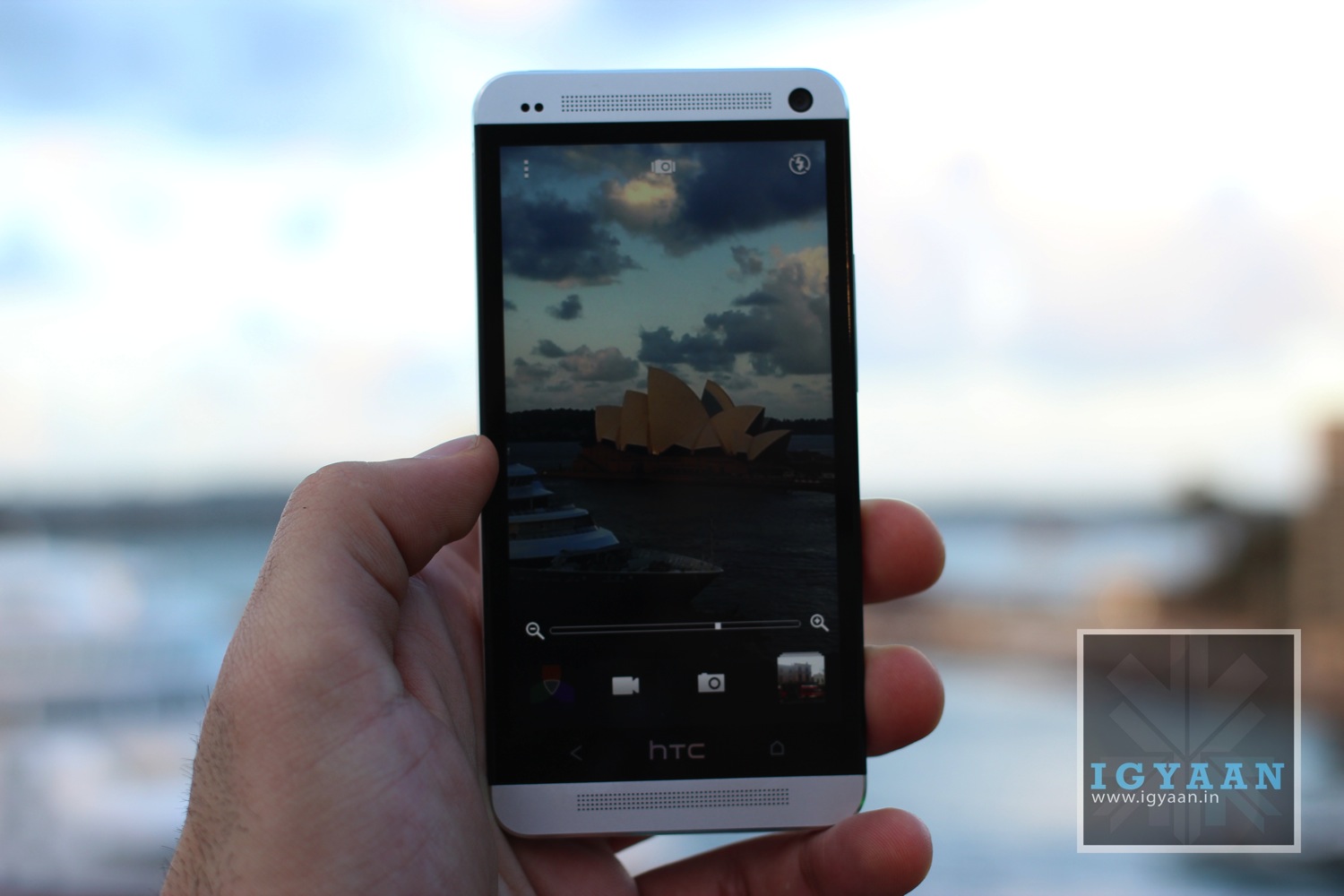
    The HTC One has a gorgeous 1920 x 1080p display, and honestly it looks absolutely stunning, even outdoors. The LCD3 technology with an IPS panel and extremely high pixel density set it apart for the mix. The Screen floats right on top with the touch panel, thanks to the fused display technology borrowed from LG, touching the HTC One feels like touching the elements of the display. 
    HTC One Hands On iGyaan 51

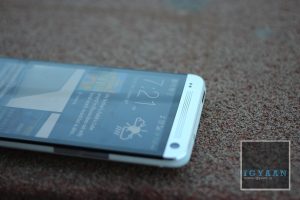
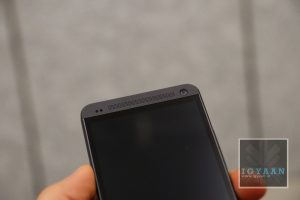
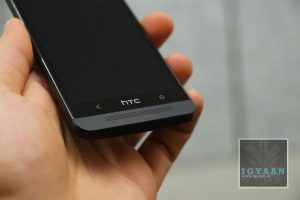
    [pullquote_right]eliminates muffling[/pullquote_right]Watching Videos, playing games and other forms of media is fantastic thanks to HTC BoomSound, a wonderful thought of putting the Stereo Speakers in a forward facing manner, makes the audio extremely accurate and clear. It also eliminates muffling due to accidental finger touches and is easily heard especially while playing games. 

    The HTC One also contains a FM radio which does require a headset to be connected for reception. Audio from the included earphones is absolutely great and in the history of in box earphones, these have to be one of the better ones if not the best. Beats audio is available throughout the array of hardware that you can connect to the Smartphone. 


    Performance and Battery

    The HTC One came out on top in terms of performance tests. The hardware is quite capable of handling all the tasks that you can throw at it with wonderful accuracy and flair. The chipset can handle, multitasking, heavy gaming and performance tasks with ease and still have power to calculate under formulas. 

    Benchmarks for the early developer build beat all scores of the market at the time. For reference the latest build of the HTC One scores a fantastic 12030 on Quadrant, without tweaks of any kind. 

    The phone does heat up a lot with extended use, which is normal for any smartphone, but the extended use of metals is what makes it uncomfortable to hold or even pocket.

    [youtube id=”wijp79uCwFg” width=”100%” height=”300px”]

    Battery on the HTC One is wonderfully managed by the interface, when not in use (aka; standby) the phone barely drains at all unlike other Android devices, the Blinkfeed can be configured to refresh manually to even improve battery life a tad bit more. Often times we found battery life to be good enough to go on into day two. 

    [tabgroup]

    [tab title=”Battery Life with 3G ON” icon=”icon-headphones”]Talk time : 5 Hours
    Standby : 48 Hours
    Gaming : 3.5 Hours 
    Online : 6 hours
    Music 8 hours[/tab]

    [tab title=”Battery Life with 3G OFF” icon=”icon-headphones”]Talk time : 6 Hours
    Standby : 54 Hours
    Gaming : 3.5 Hours 
    Online : 6 hours (wifi)
    Music 8.5 hours[/tab]

    [/tabgroup]

    Phone and Networks

    HTC has always been able to handle networks and phone capabilities in their devices, same is the case for the HTC One. The networks remained strong throughout and audio whether incoming or outgoing was crisp as ever. In our days of testing the phone, we had but only a few dropped calls, which can easily be blamed on the lack of network coverage. 

    HTC has kept it usual features for phone capabilities, loud ringer in the pocket, flip to mute etc are all included making handling of phone calls an easy recipe. 

    Conclusion

    The HTC One is not a perfect smartphone, no smartphone is. But the HTC One, comes as close as it can to delivering a perfect balance between many elements that make up todays smartphone. It is a flagship so it is priced high, but with that price it brings about a sense of achievement, a sense of ownership and pride. A mixed bag of feelings and emotions emerge when you hold and use the HTC One for the first time. Most people cannot stop themselves from passing a smile when they first handle this behemoth of a device. A great phone, a wonderful crisp display enabling a joyful multimedia device and a performance warehouse of the tech junkie. Sure it lacks a lot of software patches and gimmicks, but in entirety of usage it lacks almost nothing.


    Full Review Video

    [youtube id=”1qN9lIzd0_0″ width=”100%” height=”300px”]

    Images
  • We are Hiring ! Work at India’s most famous Technology Website

    We are Hiring ! Work at India’s most famous Technology Website

    Yep, iGyaan is hiring and we are looking for a crack whip team. We have lots of positions open and are looking for the Best of the best of the best. If you think you got what it takes check out available jobs below and Apply Here : Work at iGyaan

    Positions open 

    1. Full Time News Coverage (Positions open : 4): Work at the iGyaan office where all the magic happens, and cover the latest in tech trends, play with all the exciting equipment and latest gear. People with great english, and communications skills, a flair for writing and preferably with past experience of the same. Since we will be 24×7 soon, we need a few night owls 


    2. Full Time Review Writer: (Positions Open : 2) : If you have worked with tech before, then we want you to work with us. Experience with reviews is a must, appropriate knowledge and a good sense of humor comes together. Needless to say Written and spoken english needs to be perfect for written and video reviews.


    3. Remote Coverage (Positions Open : 3) : A lot of people write to us wanting a job, well here is your chance. If you cant come into the office, then we can have you write from home. The work is still the same, News coverage and original articles. Again needless to say, proficiency in english and a flair for writing is a must.


    4. Video Editors (Position Open :1) : If you can chop and skew footage like nobody else, we are looking for you. Mention your background and softwares worked on. This is an in-office position since videos need to be edited. Need to be in Delhi and good at what you do, You can get advanced training, and will learn more and more everyday.


    5. Social Media Handler (Position Open 1) :  In Office or remote, You need to be good with handling Social accounts. Skills needed are proficiency in english, conversational ability, humility and a keen sense of marketing. Facebook, Twitter and Youtube management experience is a boon.


    6. Operations Manager  (Position Open 1) : The title speaks for itself, Office management will include HR activities and Marketing related experience. Client meetings and presentation skills are required. Good Spoken english and conversational capabilities are a boon. In Office Full Time position.


    Click Here to Apply : iGyaan.in | Work at iGyaan ! – iGyaan.in 

  • Micromax A115 Canvas 3D Review

    Micromax A115 Canvas 3D Review

    Micromax has recently taken the budget smart phone market with their Canvas Series in India. The Micromax A115 Canvas 3D is another addition to the lineup. Cheaper than the Canvas 2 at launch, the Canvas 3D adds a 3D Stereoscopic Display into the mix. Lets see how it fares out in our full review.

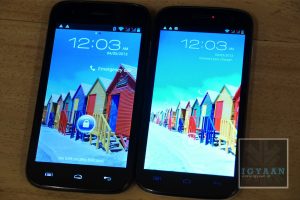
    Display in 2D mode
    Display in 2D mode

    Build Quality and Design

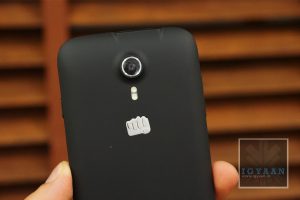
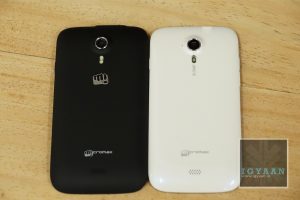
    The Canvas series of phones including the Canvas 2 and Canvas HD are nicely built phones from Micromax. The Micromax A115 Canvas 3D takes it one step ahead. The back of the device is now coated with a soft touch material that makes the phone seem more robust and easy to handle. While the whole chassis is made of plastic it is able to withstand a couple of drops and high intensity jerks. 

    In terms of design the Micromax A115 Canvas 3D will be easily spotted from a distance, the unique build and design will also set it apart for those who want slightly premium looking phones. The ID of the phone resembles more HTC devices vs their previous obsession with Samsung Design. The phone does not appear to be the strongest phone at this time or even price, however it is well-built , looks and feels good in the hand. 

    [youtube id=”sJhvi6qdRhM” width=”100%” height=”300px”]

    Hardware

    The insides are laden with the previous-gen Mediatek 6577 chipset, which in terms of performance lacks behind, in comparison to many of the other devices available at a slightly higher price. Inbuilt storage remains at 4 GB, but the minute you insert a micro SD card the internal storage combines with the card enabling up to 34GB of capacity (32GB card + 2GB onboard). The RAM on the Canvas 3D is lower than required at 512 MB and you will see the grunt of it during gaming and application usage. 

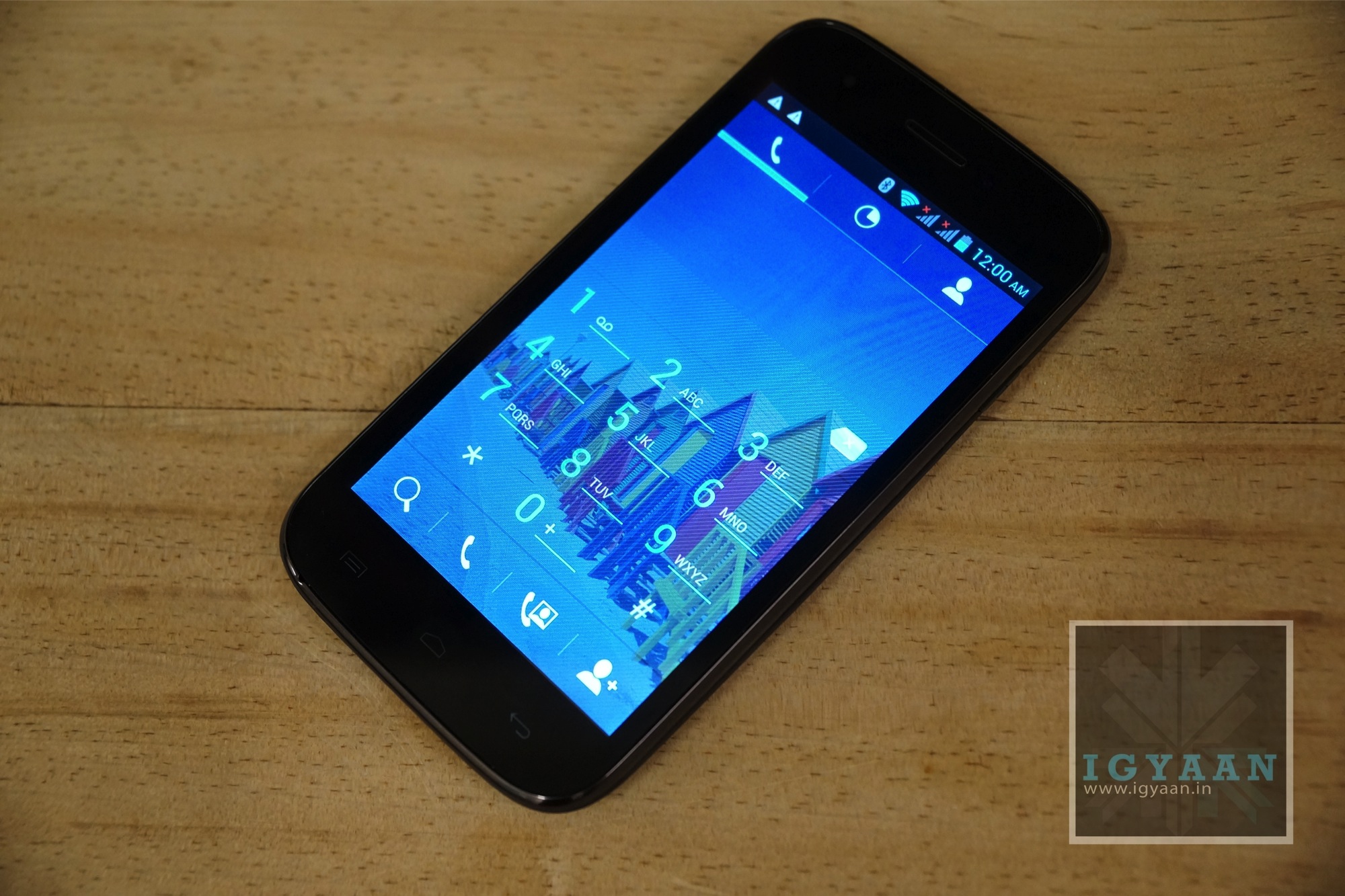
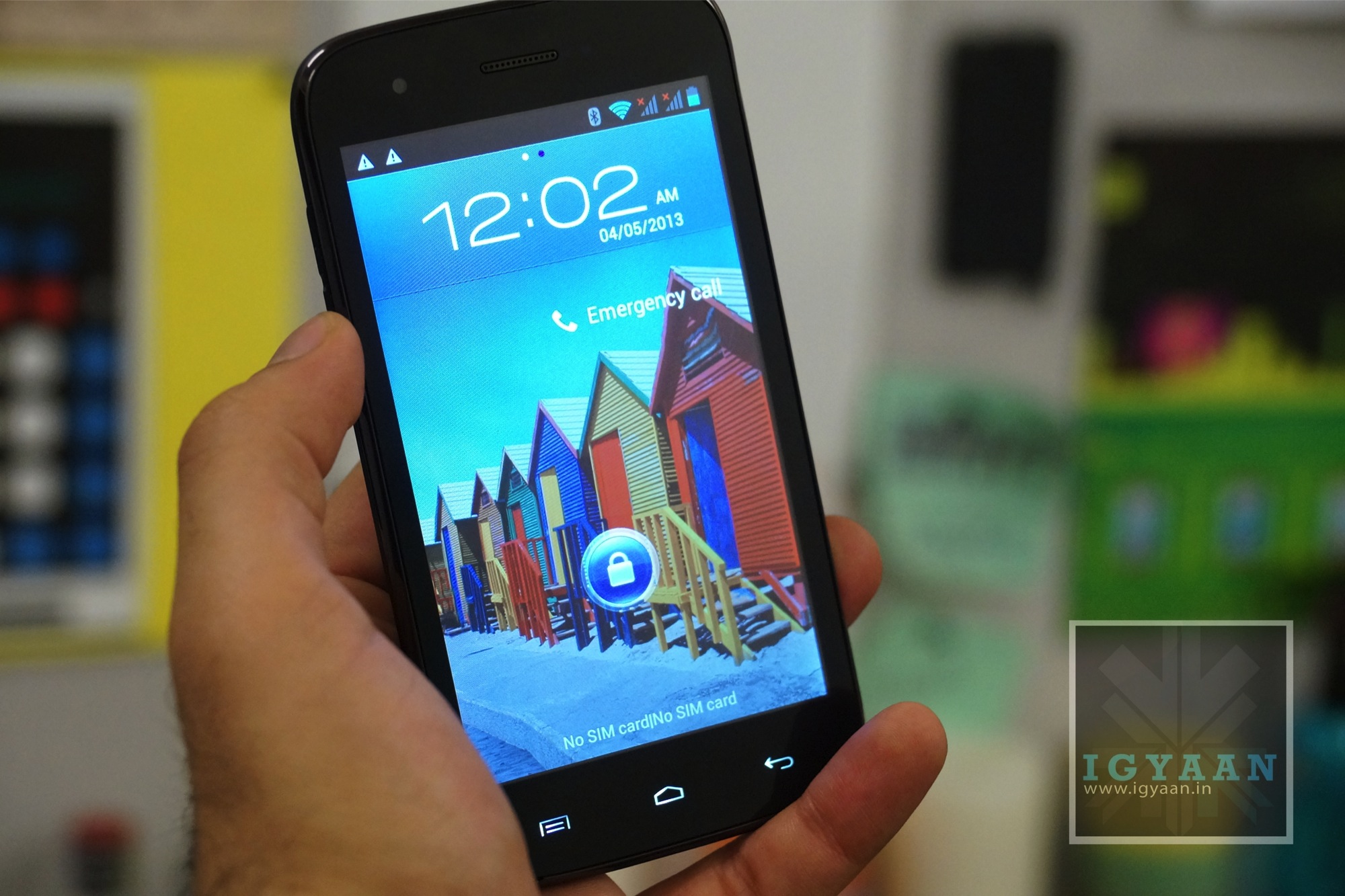
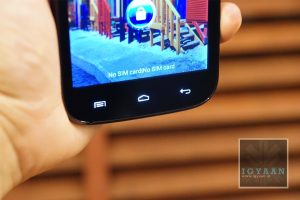
    The Micromax A115 Canvas 3D’s name comes from the 5 inch 480 x 800 px Glasses-Free Stereoscopic 3D display, which turns on in certain applications including the 3D YouTube videos, certain apps from the 3D HUB and Picture preview. The camera is a 5 MP camera that combines two individually clicked images to make a 3D image, unlike other 3D phones which have dual sensors. 

    The power source is a 2000 mAh battery pack and is capable enough, read the battery section below. 

    3D Mode
    3D Mode

    Micromax A115 Canvas 3D and its Use

    [pullquote_left]Economies of Scale vs Economies of Fail[/pullquote_left] So, a 3D display in a budget phone, what does that mean? Essentially, there are only two ways a technology becomes cheaper. One; if a tech has reached its saturation point, and enough development and numbers produced to make the process work for it, to make it cheaper (Economies of Scale). Two; if the technology was not successful to begin with and the stocks and design frameworks liquidate (Economies of Fail?). Well, Glasses Free 3D on mobile phone may as well be a part of the latter, while many companies including LG and HTC tried to make Glasses Free 3D phones. They were just not appreciated by the world, and eventually that technology thrown out. Nintendo used the Glasses Free 3D on their portable gaming console and that just did wonderfully well. The fact remains that the 3D technology is still at far from becoming mainstream, simply because it just does not look that good. 

    So thanks to the effect of expensive phones with this technology not being successful, the technology became cheaper, cheap enough to get fitted inside an under Rs. 10,000 phone for users to enjoy 3D content. Unfortunately there is no ALL time 3D switch , or any form of 2D to 3D conversion engine. 

    The content on 3D is also decent enough and enjoyed once in a while, and not all the time. So at the end it only plays to the fact that you have 3D in your phone, but you will not use it a lot. 

    Camera and Multimedia

    The camera on the Micromax A115 Canvas 3D is a Fixed Focus 5 MP camera, that has a software ability to capture 3D images. Unlike standard 3D cameras which have two lenses, the Lens on the Micromax Canvas 3D utilizes time shift and user movement to capture a 3D image. The images are half decent and truly may not pass off as 3D images, unless the user is professionally focusing on the angle and the distance of the shot from the first click. Video shot is also poor quality, and is not shot in 3D mode. You do not have auto focus or tap to focus what so ever, the phone does recalibrate white balance and ISO for every picture taken.

    Multimedia performance is good, you can enjoy 3D content on the Micromax Canvas 3D without the need of glasses. The viewing angles improve once in 2D mode, but are not great in 3D mode. The Micromax A115 Canvas 3D also has good sounding audio from the main speaker as well as through headphones.

    [youtube id=”It_A9ayPcdM” width=”100%” height=”300px”]

    Performance, Gaming and UI

    Basic UI navigation within the interface was fast and fluid, we did face a bit of lag and it seemed that the phone held back when it came to performance. While the Canvas 2 did really well for Micromax, the Canvas 3D has the same performance only reduced by the 3D display’s punch of the graphics card.

    In the case of the Micromax A115 Canvas 3D, almost all games are downloadable and installable thanks to the storage on memory card option. But, even though the phone can download, install and run almost all games, only basic games will work perfectly on this phone. The Canvas 3D does not have the capability of performing in games like NOVA 3 and Modern Combat 4, simply because of the lack of power under the hood. See out Gaming Video below. 

    The UI remains mostly vanilla, with only the addition of basic things like quick toggles in the notification panel, and custom apps and icons. Every other UI element looks and performs vanilla with the Android 4.1.2 Jelly Bean OS, which comes as stock on the Micromax A115 Canvas 3D. 

    [youtube id=”EryyoYQFLRs” width=”100%” height=”300px”]

    Phone and Networks

    Phone call quality remained good throughout, with little or no dropped calls keeping the network strength in the high range. While the microphone and earpiece are great to use the Speakerphone is not as loud as some would expect.

    Switching b/w Sim cards maybe still a problem, since both SIM slots don’t support 3G outright, only one fixed slot will run 3G at a time, creating issues in low or no network areas for that sim. You will get stuck on 2G or no data network on both sim cards.

    Battery life

    The Micromax A115 Canvas 3D has varied battery life as we demonstrate below, in normal usage the phone lasted a good 5-6 hours on talk time, add any online access etc., the battery life for talk time drops to just 3 hours. 

    [tabgroup]

    [tab title=”Battery Life with 3G ON” icon=”icon-headphones”]Talk time : 5 Hours
    Standby : 48 Hours
    Gaming : 2-3
    Online : 5 hours
    Music 7 hours[/tab]

    [tab title=”Battery Life with 3G OFF” icon=”icon-headphones”]Talk time : 6 Hours
    Standby : 54 Hours
    Gaming : 3
    Online : 5 hours
    Music 7 hours[/tab]

    [/tabgroup]

    Conclusion

    While The Micromax Canvas 3D brings to the market which no other company is offering in the price bracket, one truly needs to understand the give and take for it. Does one really need the 3D feature? why not. If you are getting the same performance like other products in the price bracket and yet you get additional features, why would you refuse. For the sake of the argument, the A115 is as good as the A110 but with 3D powers.

    If you want performance and gaming capabilities, you should seriously reconsider your price bracket, No, you cannot get a Samsung Galaxy S4 replacement in Rs. 10,000 not yet anyway.

    More than anything the Micromax A115 Canvas 3D gives you yet another option in this wide array of phones in the market. If you were considering the A110 the A115 is another option to consider. In Our opinion Micromax has held back on their hardware capabilities and should have used the newer Mediatek Chipset instead of the outdated underpowered MTK 6577.

    Full Review Video

    (upcoming)

    Images
  • Exclusive : Samsung I8552 Galaxy Grand Quattro / Galaxy Win Unboxing and Hands on

    Exclusive : Samsung I8552 Galaxy Grand Quattro / Galaxy Win Unboxing and Hands on

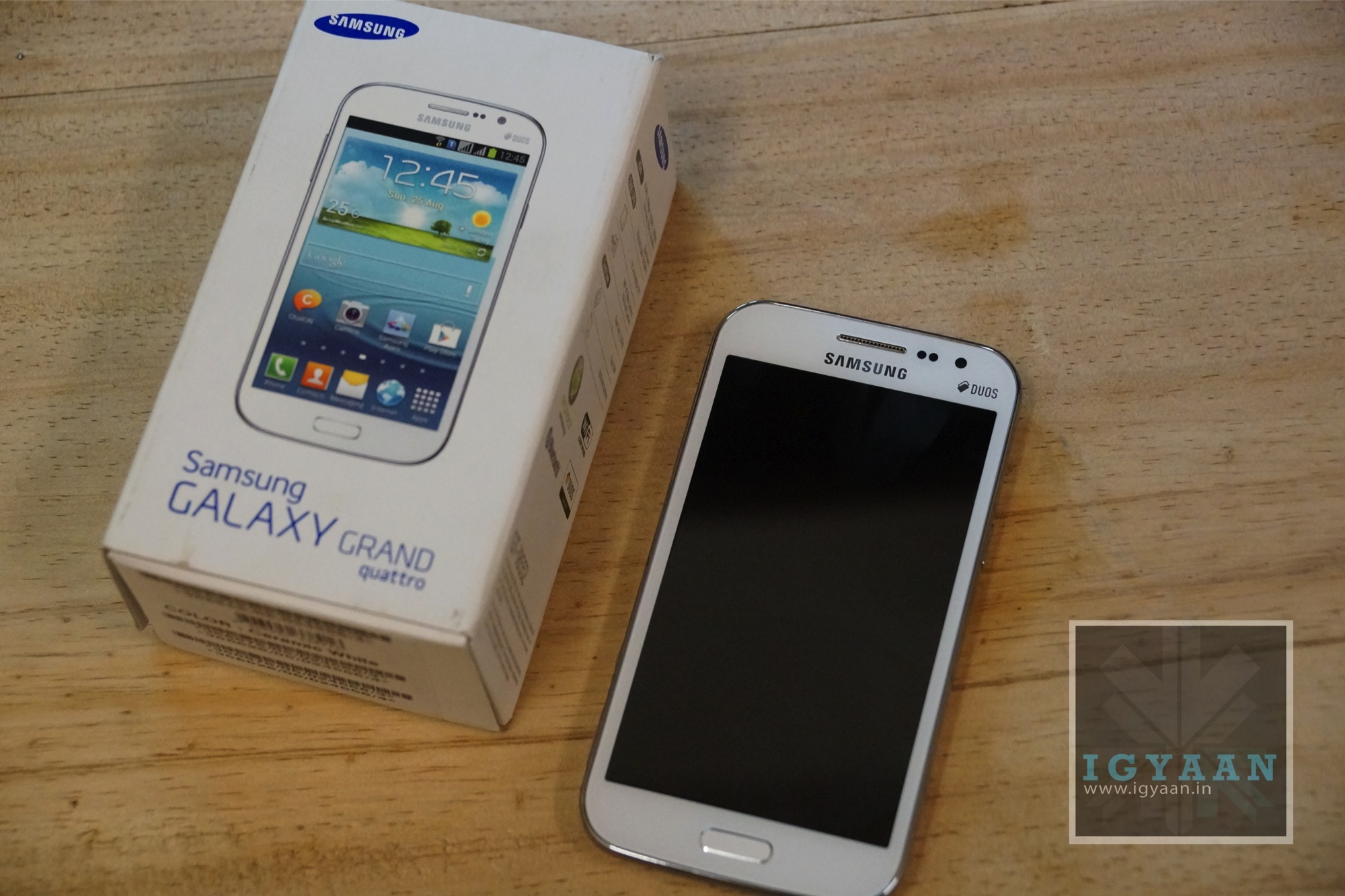
    Samsung has just announced the Galaxy Grand Quattro also known as the Galaxy Win in other markets. This smart phone is a retake on the Galaxy Grand adding a few things and removing a few. 


    Galaxy Grand Quattro : Win 3


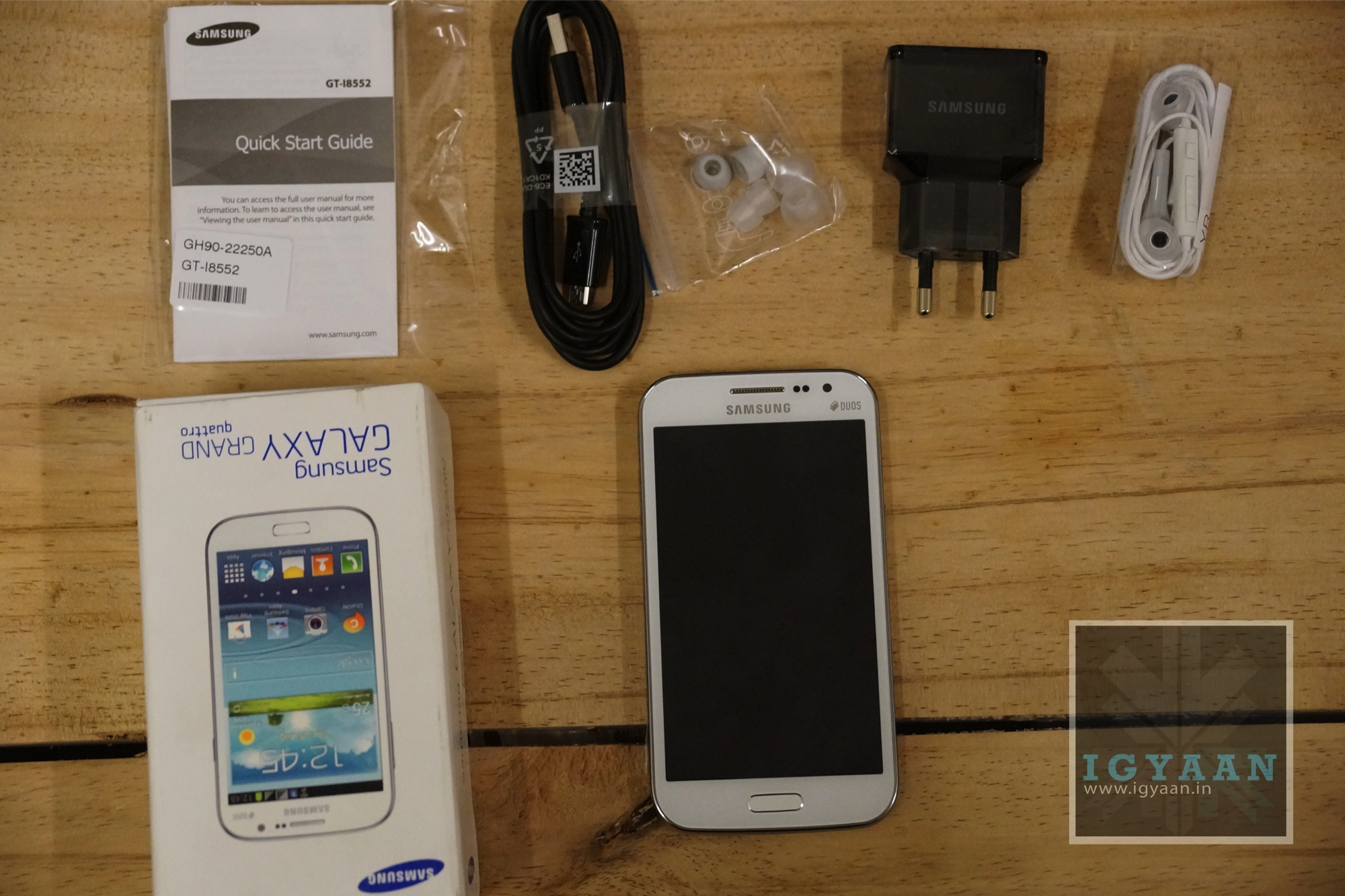
    The packaging is minimal suggesting towards the lower end spectrum for Samsung but also infusing their new less paper (eco-friendly) model they suggested during the launch of the Galaxy S4. Listed below are the box contents:

    • Samsung Galaxy Grand Quattro / Win Handset
    • 2000 mAh Battery
    • USB charging cable
    • USB wall adapter
    • Documentation 
    • In-ear earphones with additional tips.

    Galaxy Grand Quattro : Win 0


    Hardware

    There are a bunch of differences in the Galaxy Grand Quattro, starting with a smaller 4.7 inch 480 x 800 px display, which bumps up the ppi to 199 ppi. The chipset on the inside is now a Qualcomm MSM8625Q Snapdragon 200 quad-core 1.2 GHz chipset, along with an Adreno 203 GPU.

    The rear camera and the front camera have also been downgraded to 5 MP and VGA from 8MP and 2.1 MP respectively. Inside however we still have 8GB of storage (5GB + is available to the user) and 1 GB of RAM. 


    Samsung Galaxy Grand Quattro I8552 Initial impressions


    The build quality is along the lines of the Galaxy Grand, composed of 100% plastic build including the back panel and the bezel. The Galaxy Grand Quattro has a significantly smaller footprint thanks to the smaller screen size. The phone also weighs less and fits comfortably in the hand of the user. 

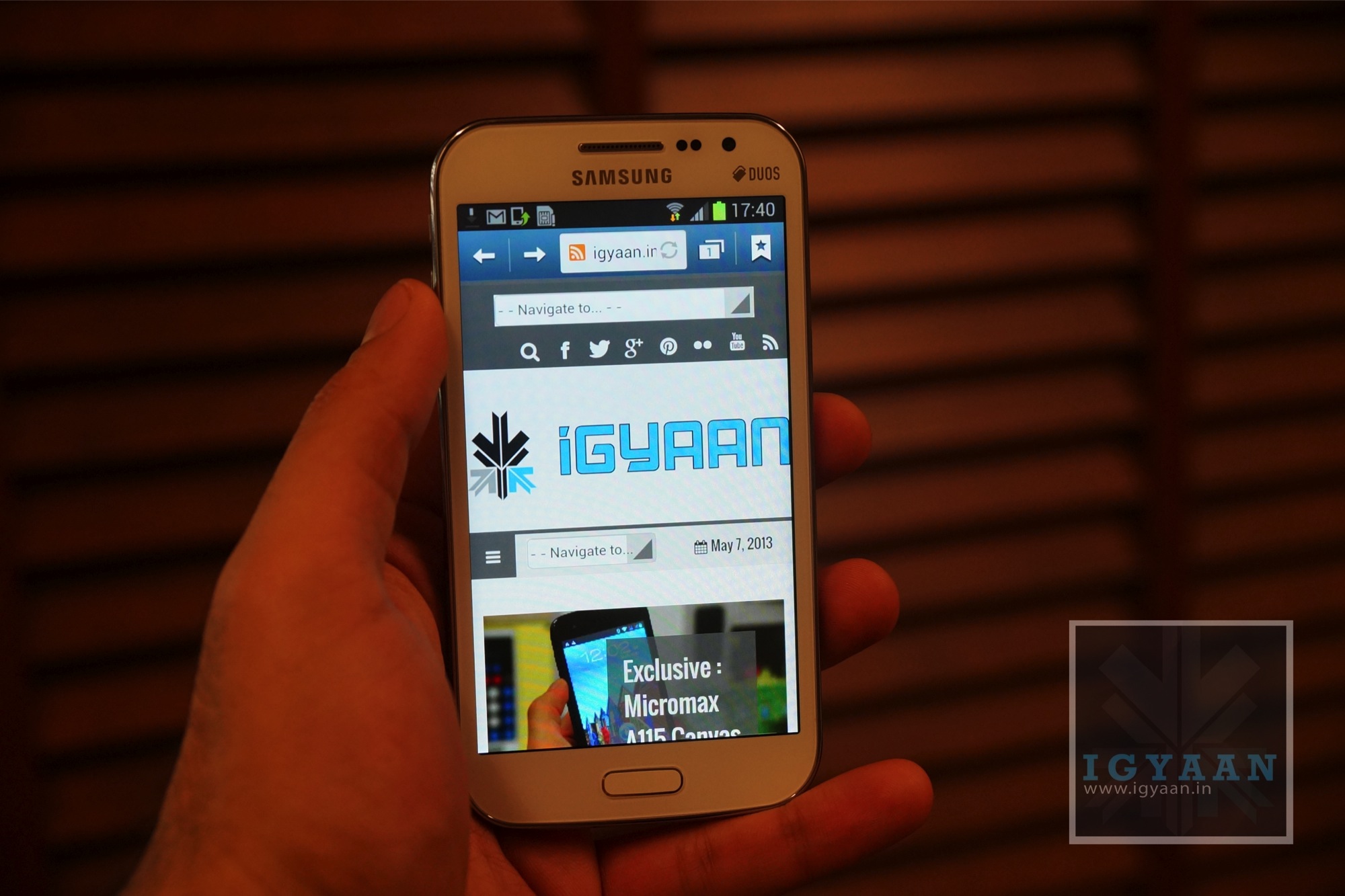
    The interface reminds us of many of the recent Samsung launches all showing of similar Touch-Wiz and Android 4.1.2 functionality. The Galaxy Grand Quattro / Win however, does not carry the smart features seen on the Galaxy Grand, No Multi Window toolbar, no S-Voice and No Pop-Up-Play. Which could nullify the proposition for a lot of buyers. The Smaller screen is definitely more crisp and is evident in the first impression. Video playback is smooth even though we felt a bit of lag in the Internet browser.

    Galaxy Grand Quattro : Win 8


    The keyboard is as fast as ever and retains the continuos input option, along with all of the Samsung customizations for its keyboard. The Samsung Galaxy Grand Quattro / Win is a promising upgrade to the Galaxy Grand, it removes a lot of software and hardware features, but, does two interesting things, Adds a quad-core Processor and drops the price by about Rs. 2500 or US $ 50. 


    Galaxy Grand Quattro Unboxing VIdeo (Uploading)

    [youtube id=”aHleGFEbTxk” width=”100%” height=”300px”]


    Buy The Galaxy Grand Quattro 

    [button color=”default-color” size=”default-size” float=”left” text=”Rs. 17,690″ link=”http://gizmolution.com/details.aspx?ID=714″]


  • Exclusive : Micromax A115 Canvas 3D Unboxing and Impressions

    Exclusive : Micromax A115 Canvas 3D Unboxing and Impressions

    We dig deep into the box of this new device the Micromax A115 Canvas 3D, and see what sets it apart from the rest of the crowd. 

    Box Contents
    Box Contents

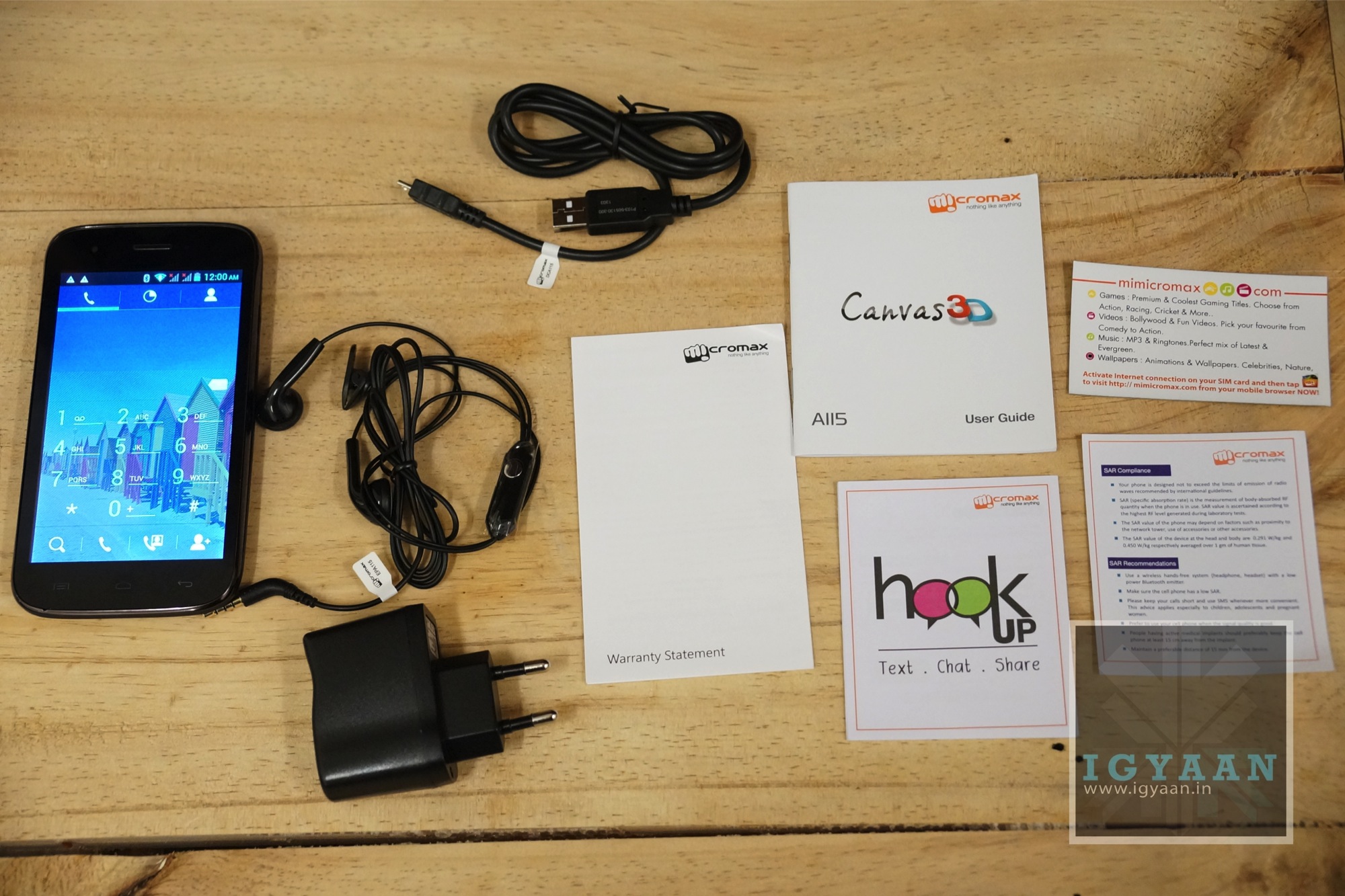
    Micromax A115 Canvas 3D Box Contents

    Plagued by similar box contents, the Micromax A115 Canvas 3D’s box also contains the usual set of things:

    • Wall Brick with USB Port
    • USB to Micro USB Cable
    • Documentation
    • Handsfree Kit
    • Micromax A115 Canvas 3D Unit
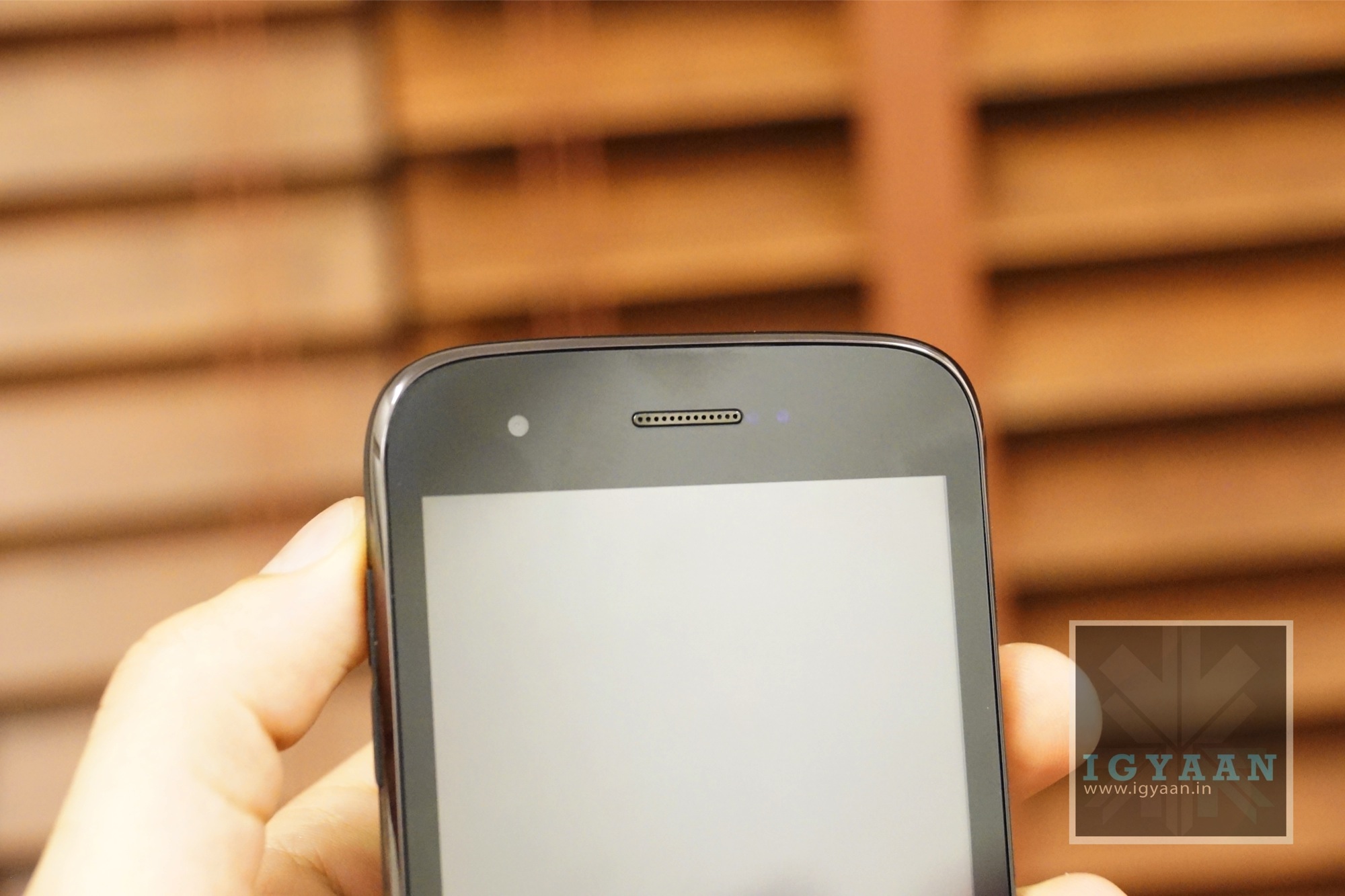
    Front Facing 0.3 MP Cam
    Front Facing 0.3 MP Cam

    Initial Impressions of the Micromax A115 Canvas 3D

    The new 3D capable Canvas is the same body Identity of the A110 or A116, with the exact same form factor and feel, except it’s a lot more comfortable in the hands.

    The display is pretty good for the resolution, the 480 x 800 px laden Stereoscopic front of the Canvas 3D actually puts it in a good place. The Phone also has the ability to natively adjust the screen depending on the content you have on there. 

    3D Mode
    3D Mode

    The build of the Canvas 3d actually seems a little more robust if we compare it with the predecessor, the soft touch back does a lot to add to the overall feel of the phone, we honestly were hoping for a more wide array of colors. (bright blue perhaps). The phone is a cluncky and feel a bit heavier, but we are told that is due to the 3D hardware, which is significantly heavier.

    The Micromax A115 Canvas 3D has a 5 Megapixel camera, which has the capability of converting images and video into 3D and then saving then natively on the device to be viewed later. 

    The Ui and interface elements seem really snappy, and with minimal customizations and very little bloatware the phone zipped through initial tests of usage.

    While we devour the 3D elements of the new Micromax A115 Canvas 3D, Let us know below, what your impressions are of the device, and what you would like for us to check in this phone for the upcoming videos. 

    Stay tuned for the Full Review.

    Images
     

    Canvas 3D Unboxing Video

     [youtube id=”sJhvi6qdRhM” width=”100%” height=”300px”]

  • Exclusive : Samsung Galaxy S4 Discount : Rs. 1500 Cashback Coupon for iGyaan

    Exclusive : Samsung Galaxy S4 Discount : Rs. 1500 Cashback Coupon for iGyaan

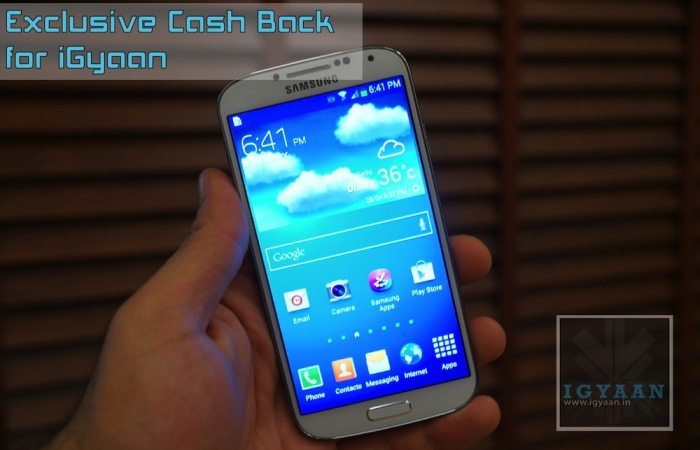
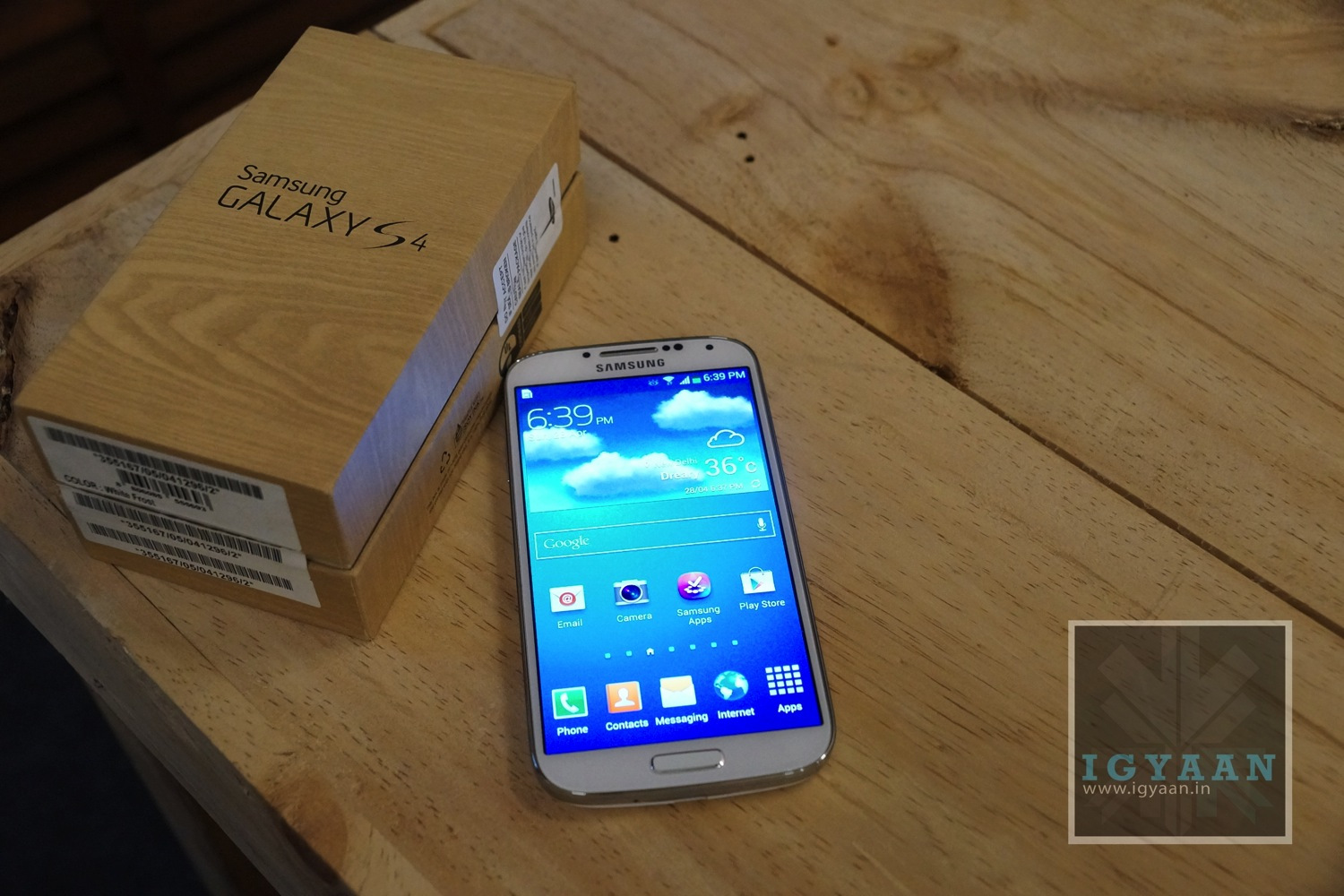
    Only for first 100 buyers! We have an exclusive iGyaan Samsung Galaxy S4 discount. If you have decided on buying the Samsung Galaxy S4, then you will truly enjoy the Samsung Galaxy S4 Discount. 

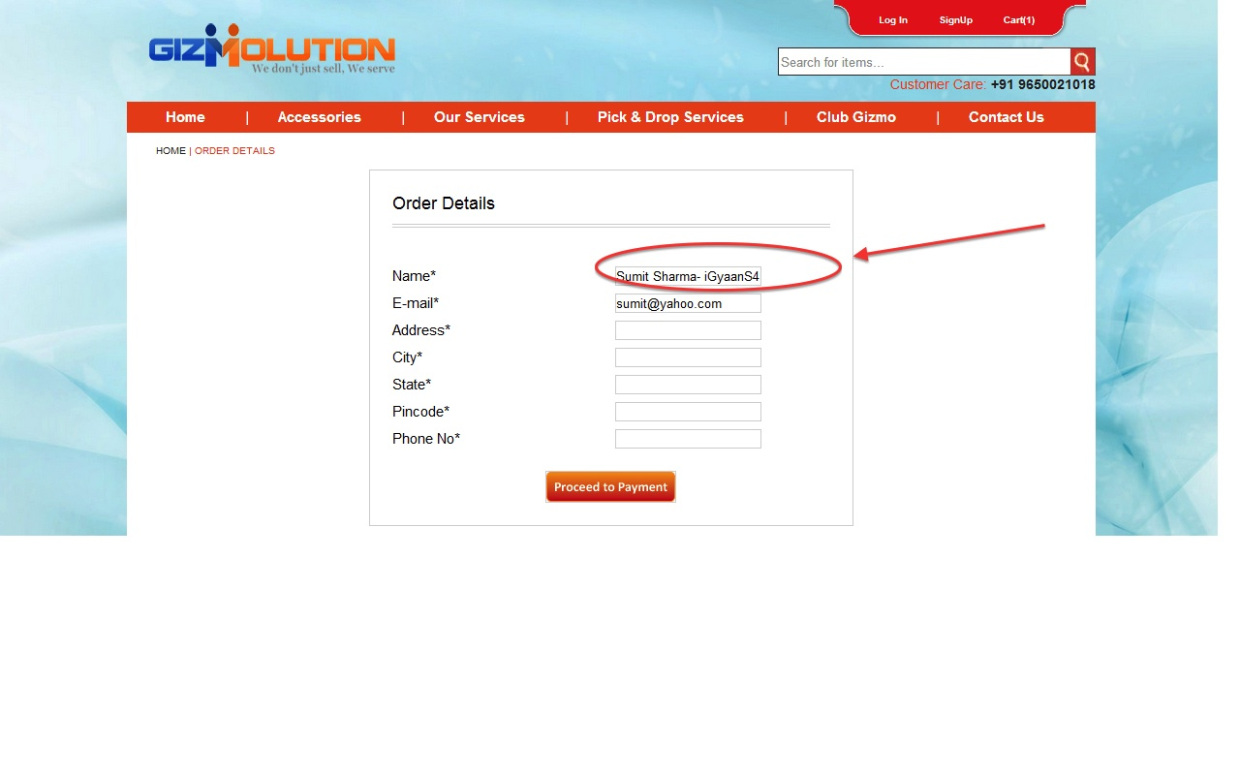
    Simply visit Gizmolution and select the color of preference and check out. However while checking out ensure that you add “-iGyaanS4” in the Name box after your name. If your name is Sumit Sharma , write your name as “Sumit Sharma-iGyaanS4) and you will get a cheque of Rs.1500 along with your Galaxy S4.

    Simple, Easy and effective!

    Now remember this is a limited time offer, and is exclusive to iGyaan Readers. So don’t miss out on the Samsung Galaxy S4 Discount!

    Watch our unboxing video below

    [youtube id=”_c8OsVmdf_A” width=”100%” height=”300px”]

    The Samsung Galaxy S4 was launched on April 26th in India, and retails for a Price of Rs. 41,500. The Smartphone has a dual-Quad core setup along with a 5 inch Full HD Super AMOLED Display. The cameras and optics have improved with a 13mp Sony Sensor and a front facing 2.1 MP camera. Both capable of FULL HD video recording. 

    The Samsung Galaxy S4 in India comes with 2GB of Ram and a 16GB storage capacity along with expandability options via microSD card (max 64GB).

  • Samsung Galaxy S4 Unboxing and Hands On Review

    Samsung Galaxy S4 Unboxing and Hands On Review

    Samsung Galaxy S4 is Samsung’s latest baby in the Super Smart Phone Market. Apart from being loaded with top notch Hardware, the Galaxy S4 also has great software that complements the user experience and makes it a fantastic all round product. 

    Galaxy S4 Box Contents
    1. Charger
    2. USB Cable
    3. Documentation
    4. Tangle Free Earphones
    5. Samsung Galaxy S4 i9500 handset
    6. 2600 mAh Battery
    7. Warranty Card

    The build quality of the Samsung Galaxy S4 seems more robust than its predecessors, including the panel on the back along with the Gorilla Glass 3 laden display. 


    Samsung has booted several Software benefits to the end user, including the latest Android 4.2.2 and tons of Samsung Proprietary Apps like S Health, Memo, Samsung Hub, Air View, Gestures, Samsung Apps and a lot more. 

    While, a lot of Smartphone options exist for the new buyer in the market, see our list here. We feel that at the end of it all, Samsung has the widest reach simply because of the way they market their features to the end user. Between a group of Galaxy users these features can come in real handy as well. Group share, Group cast, Group Play are just some of the things Galaxy Devices can do with each other. 


    [youtube id=”_c8OsVmdf_A” width=”100%” height=”300px”]


  • Top Alternatives to the Samsung Galaxy S4

    Top Alternatives to the Samsung Galaxy S4

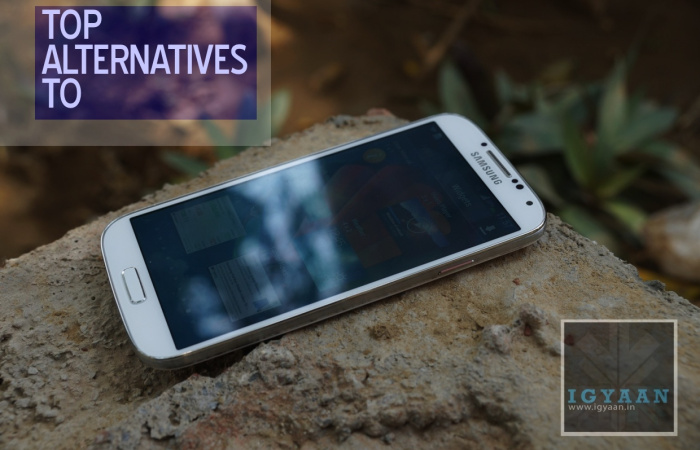
    Now that the Samsung Galaxy S4 has been launched in India for Rs. 41,500, most will want to know what it is pegged up against. While many have already made up their mind there are always a few who would want to know what options are out there.

    HTC One Hands On iGyaan 33

    1. HTC ONE (Rs. 42,990)
      If the plastic body of the S4 is bothering your style, and you are not looking to join the heard of the Galaxy Phones, The HTC One with its Unibody Metal design and insanely crisp 4.7inch 1080p screen is the best alternative to the Magical Galaxy. The HTC One has an impressive camera and blazing fast CPU up its arsenal. Unfortunately does not have an interchangeable battery or a SD card expansion.

      iphone 5 review 7

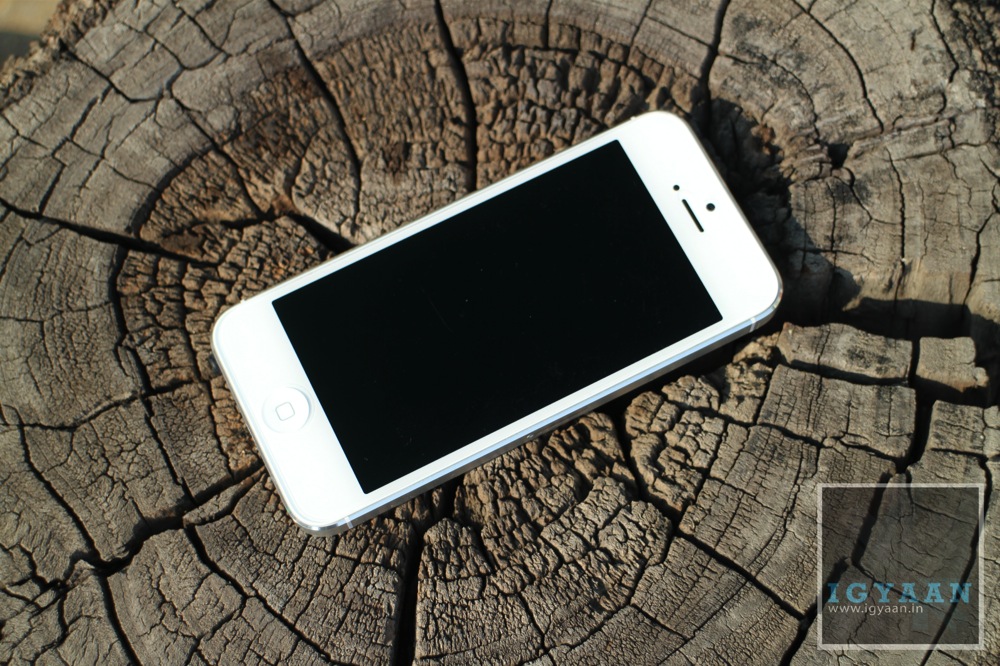
    2. iPhone 5 (Rs 43,500)
      Like it love it or hate it, the iPhone 5 is the preferred choice of many wanting to try this ecosystem built by Apple. More than the hardware, The iPhone depends on the software and the apps eco system and if this is something that excites you, then the iPhone is your choice. Unibody Chassis, 4inch Retina display and one of the best Mobile phone cameras make this an easy target for most buyers. Plus its smaller and easier to hold or pocket.

      samsung

    3. Samsung Galaxy Note 2 (Rs 36500)
      The Samsung Galaxy Note 2 is still a wonder phone and will satisfy a lot of your devilish sins. The Note 2 also has the S Pen which makes productivity easy on a smartphone. There’s the giant 5.5in screen, which pushes it into the contentious grey zone halfway between phone and tablet enabling the market for the so called “phablet”. 

      LG Optimus G Review iGyaan 13

    4. LG Optimus G (Rs. 32990)
      Comes with a 13 MP camera and a display that would put any full HD smartphone to shame. The LG Optimus G is fast, efficient and light, looks good and a great alternative to the Samsung Galaxy S4, Until the Optimus G Pro is released anyway. 


    5. Nokia Lumia 920 - 2Lumia 920 (Rs. 35999)
      The Nokia Lumia 920 is arguably the best Windows Phone device out there, the best built and the most feature full. It also gives the user a break from all the Android madness that is running around. An excellent photosensitive camera, brilliantly clear display and tank like construction, along with almost Rs. 7000 saved make it a considerable option. 

      Galaxy S3 Launch in India iGyaan 47

    6. Samsung Galaxy S3 (Rs. 28500)
      The S4 looks exactly like the S3 to you? then why not just buy the S3? The Galaxy S3 is the most selling Smartphone for Samsung since their Galaxies began to circle the mobile universe. It may be last years king, but its still a great Android device, the most rooted and has possible the maximum number of custom Roms available for it including many that offer over clocking. Great design and a good display are just a few of the things that make this phone desirable. Recent price drops have made it more attractive.

      Sony Xperia Z Review 11


    7. Sony Xperia Z ( Rs 38000)
      Guess what this phone has everything plus water resistivity and dust protection. Its like a magical android wonder beast, I also personally like the design, even though it has some aesthetic flaws in being square. The camera is great and so is the design and look, the hardware is top notch and the price is just right. For the typical Indian the phone is also made by a “JAPANESE” company, even though it is still made in China. 

      blackberry

    8. Blackberry Z10 ( Rs. 42900)
      I would personally not recommend this to you , unless you are a blackberry loyalist, but, the device is still an alternative. Lack of the right hardware, Apps and atrociously high pricing are one of the reasons this Blackberry has failed in India. It still has BBM though!


  • Top 5 Smartphones With Keypads

    Top 5 Smartphones With Keypads

    Last week, a friend of mine called me up. Her question was simple, yet one that left me wondering for quite some time.The question? Which phone should I buy if I don’t like full touch smartphones?

    I brainstormed for quite some time. There was an obvious solution of course, the Blackberry range of smartphones. But outside that, there weren’t really any names that popped to my head. And it was a pretty valid question too, as there are a lot of people out there who aren’t ready to join the “touch revolution” and would prefer a keypad on their devices for typing at least!.

    So we decided to make a list of the top 5 smartphones that weren’t full touchscreens, touch and type would work too! Took us quite some time, but we think we’ve managed to cover them all!

    1. The Blackberry Range

    smartphones

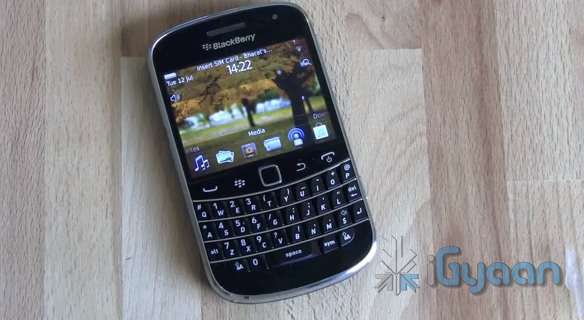
    The most obvious choice. Ever since the launch of the Blackberry 10, the focus has shifted to the all touch Z10. But the older generation of Blackberry smartphones, with the widely loved QWERTY keyboards, are still selling strong. 

    You have a variety of phones to choose from, and from every price bracket. The Curve 9220, the Curve 9360, Bold 9900 etc. These phones still pack in a decent OS- Blackberry 7 OS- and offer a variety of features that you would expect from a smartphone. 

    The first choice for someone looking for some keyboard love.

    2. Sony Ericsson Xperia Pro

    smartphones

    The fact that this phone still has Ericsson in its name shows that it was released quite some time ago. It comes with Android 4.0 on board. The rest of the features? A physical QWERTY keyboard, 1 GHz Scorpion Processor with 512MB RAM, a LED-backlit Reality display with Sony Mobile BRAVIA Engine, an 8 megapixel ExmorR camera sensor, 720p video with continuous autofocus.

    It’s the kind of phone that can enjoy demand from both business users and social networking fans.

    Price – Around Rs 12,000 – 16,000.

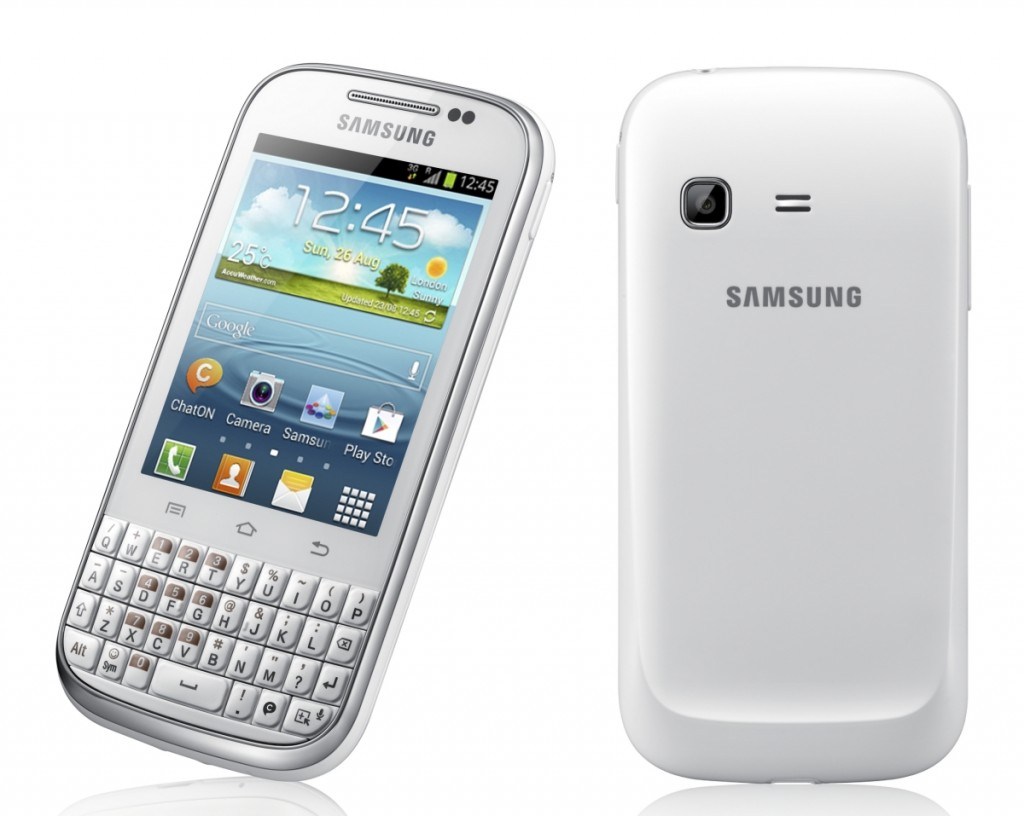
    3. Samsung Galaxy Chat B5330

    smartphones

    The Samsung Galaxy Chat B5330 is a touch and type device, that gives users the comfort of typing on a physical keypad. And the best thing is that it runs on Android 4.0 Ice Cream Sandwich! 

    The phone has 4 GB of inbuilt memory space which can be expanded to 32 GB using a micro SD card. It has a reasonable 850 MHz processor with 512 MB RAM. 

    Android and a keypad? Yes please!

    Price – Rs. 7,990

    4. Nokia Asha 302

    smartphones

    Nokia ASHA is one of the latest entrants in the market. It packs a 2.4 inch QVGA TFT display, Series 40 OS, a 1 GHz single core processor,3.2 megapixel camera,WI-Fi ,3.5 G connectivity. It’s memory can be expanded with  a Micro-SD card up to 32 GB.

    Decent!

    Price – Rs. 6,548.


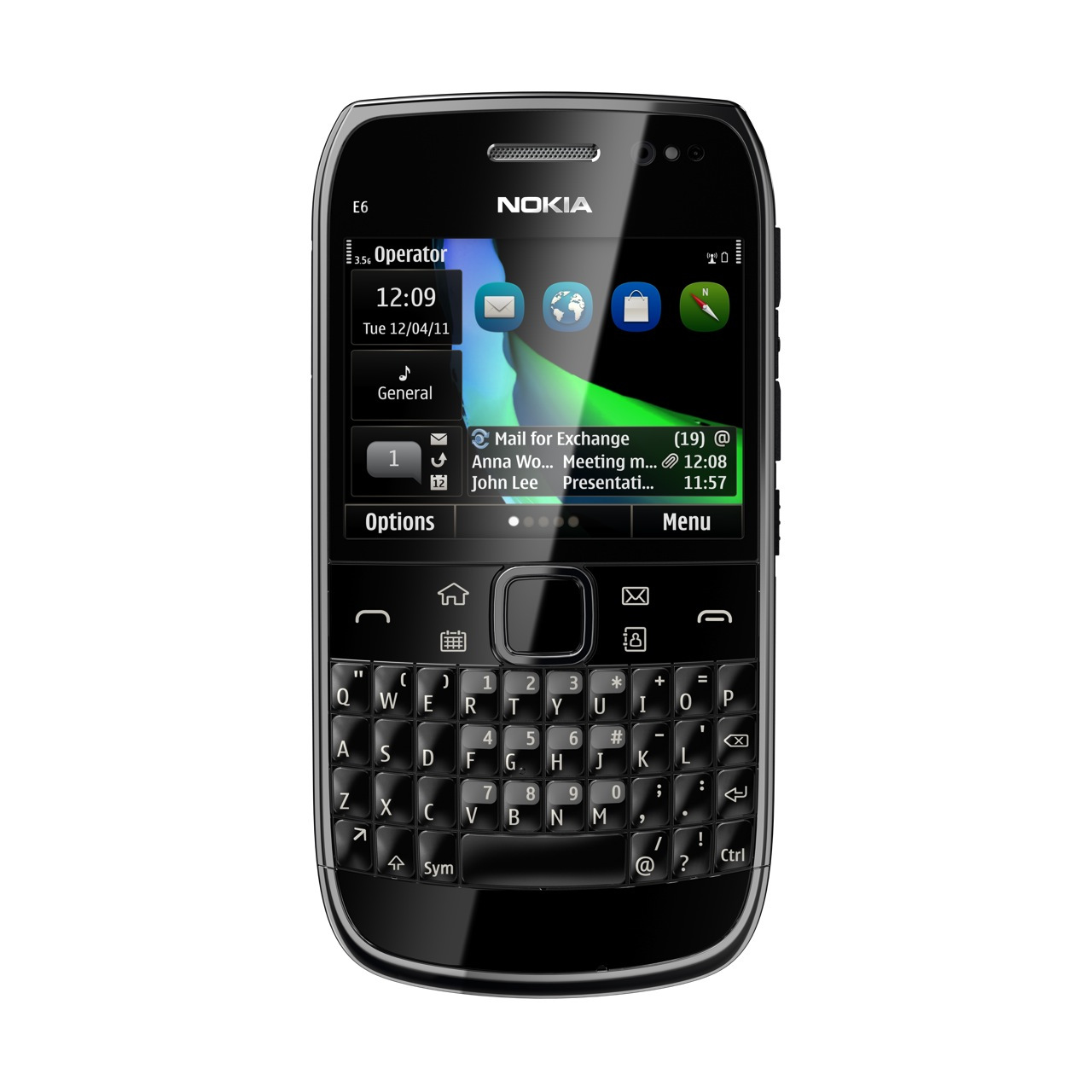
    5. Nokia E6

    smartphones

    Launched a long time ago, we’re still quite fond of this touch/type smartphone. It packs a premium build quality, an excellent display and the desired QWERTY keyboard. 

    The phone runs on Symbian Anna operating system. Powered by a 680 MHz ARM11 processor, the Nokia E6 comes with 256 MB RAM. The handset has a display of 2.46-inch with a resolution of 640 x 480 pixels. It also has an 8MP camera with a LED flash. 

    The drawback? Lack of quality apps. Still a decent purchase if you can find it in the market. 

    Price – Around Rs 10,000.

    So what do you think? Have we missed out on any? Let us know below!

  • Edit : 1080p Full-HD Display On Smartphones – Game Changer Or Marketing Gimmick?

    Edit : 1080p Full-HD Display On Smartphones – Game Changer Or Marketing Gimmick?

    2013 (well 2012-end to be precise) ushered in a new era in the smartphone world. That of 1080p Full-HD  displays. The HTC One, HTC Butterfly, Samsung Galaxy S4 etc all come equipped with what many would call the next step to smartphone greatness. But is it so? Or is it all just a big marketing gimmick?

    This was a rather natural move, the one to Full-HD diplays, a move we all expected manufacturers to make. 

    When the Apple iPhone 4 was launched, with a new “high resolution display”, Steve Jobs decided that the best name for it would be the ‘Retina Display’, by dearth of the fact it was meant to be so high-res that it’s actually more than the eye can cope with. It had a PPI of 326, so high that individual pixels were indistinguishable to the human eye at normal viewing distances!

    PPI is an actual count of the number of pixels found in one inch of a display, which varies depending on the resolution of the display and the overall size of the display.

    Full-HD display
    The pixellation difference between the iPhone 3GS (left), and the Retina Display of the iPhone 4.

    The difference was there for all to see. Consumers were mesmerized by the clarity and sharpness of these displays. More text would show up on the screen at once, and higher-resolution images show in full on a 720p screen.
    [pullquote_left]  Life seemed perfect. [/pullquote_left]

    The focus of manufacturers shifted from WVGA (800*480) to 720p (720*1280) displays. Companies like Samsung, HTC, LG began churning out phone after phone equipped with what they all claimed were the best displays on the market!

    People rejoiced, gone were the days of pixelated displays and watering eyes. Everyone started enjoying browsing the web and reading content on their smartphones now. Life seemed perfect.

    Full-HD display
    Difference between zoomed in text on a WVGA display, and a 720p display.

    But as is the case with almost everything that us homo sapiens do, we wanted more. HTC duly obliged and up came the HTC Butterfly, 

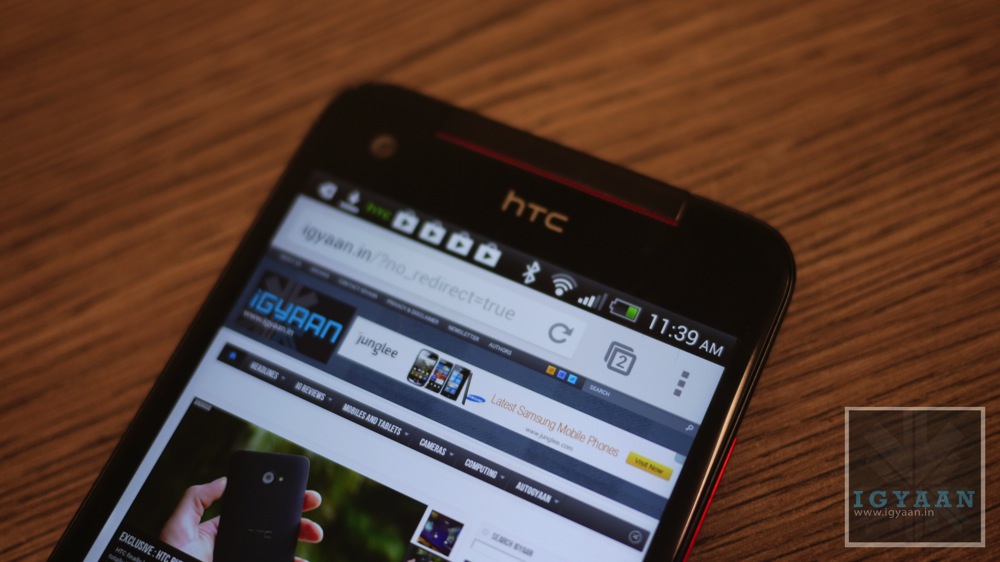
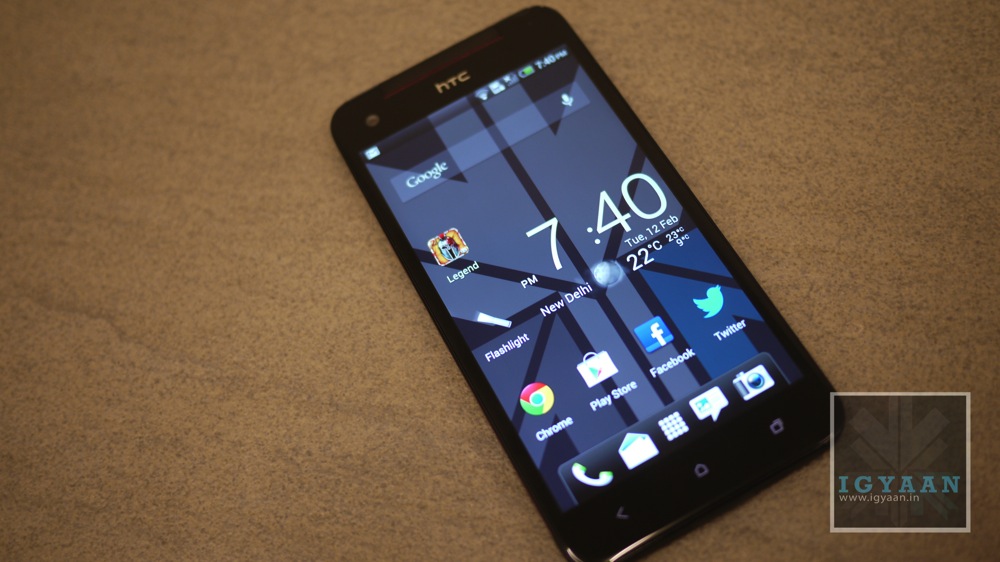
    In addition to an impressive spec sheet and super-sized proportions, the HTC Butterfly packed the world’s first smartphone-sized 1080p Full-HD display, a five-inch Super LCD 3 boasting an insane 440 pixels per inch. Boy were we all excited!

    Honestly though, once we got over all those amazing marketing lines that HTC threw at us, all that related to a Full-HD display and the massive ppi, we wondered about how useful these new displays truly were.

    Full-HD display

    I had a chance to test the Butterfly soon after and was  surprised at how unimpressed I was when I saw the screen. Don’t get me wrong, it’s beautiful. It’s ridiculously sharp, everything looks perfect on it, and the sample videos that come with it truly show off what a 5″ 1080p Full-HD display is capable of, video-wise.

    Despite all of that though, my reaction to it was more one of confirming what I was already expecting than it was one that blew me away. I still remember the first time I saw an iPhone 4; I was amazed at how good it looked. I didn’t get that with the Butterfly, because I fully expected it to look that way. 

    [pullquote_right]Back in February, Richard Yu, head of Huawei’s mobile division, claimed that a 1080p Full-HD display that is smaller than 5 inches didn’t make sense, as the human eye would be incapable of positively identifying the difference between that and a 720p panel.[/pullquote_right]

    Post the launch of the latest smartphones like the HTC One and the Galaxy S4, I realised, it’s more of a psychological effect than a physical one. If today someone was to go out and buy a smartphone with a 720p display, it would keep playing at the back of his/her head that there is another phone out there in the world which has an even better display, scientifically at least, than the one he/she is getting by paying a premium price for that smartphone. Even if that means lesser battery life and more GPU usage. 

    And we can’t really blame ourselves, for the way these Full-HD displays are advertised, we can’t help but feel we’re missing out on something.  

    All that aside, it’s tough to see why anything substantially over 300ppi, the limit Apple initially cited as the “Retina” threshold, is even necessary. If pixels are indistinguishable at 300ppi, are they going to be more indistinguishable at the latest smartphones’ 440+ ppi?

    It’s safe to assume now though that a  Full-HD display will be the saturation point as far as screen resolution is concerned, and we hope manufacturers would now shift their focus on improving other aspects of smartphones such as battery life, durability, audio, OS, performance etc.  

    In conclusion, it’s clear that you can’t really differentiate between a 1080p Full-HD display and a 720p one. Yet we may find ourselves shelling out a bit more money to get a Full-HD “revolutionary” device than what we would on an equally capable 720p one. It’s all good marketing and the need for us humans to have the best of everything (even if that is not the case) in the end. At this point, it feels more like a bragging right than a feature that can make our lives better.

    What do you think? Let us know below!

  • Lifeproof Nuud Waterproof, Shockproof, Dustproof case for iPad 2 / 3 / 4 Review

    Lifeproof Nuud Waterproof, Shockproof, Dustproof case for iPad 2 / 3 / 4 Review

    Build Quality and Design

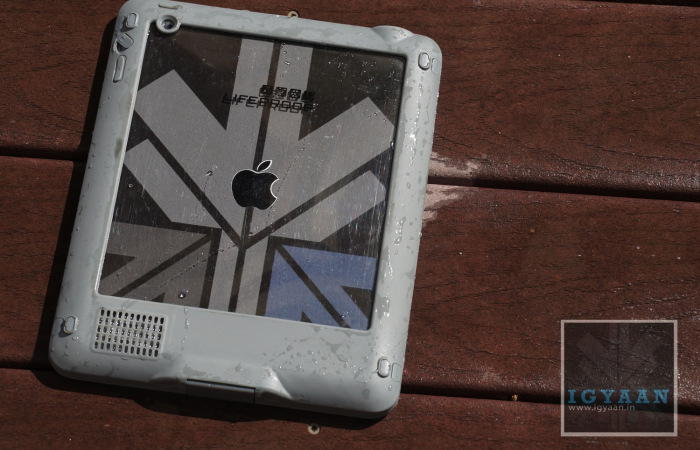
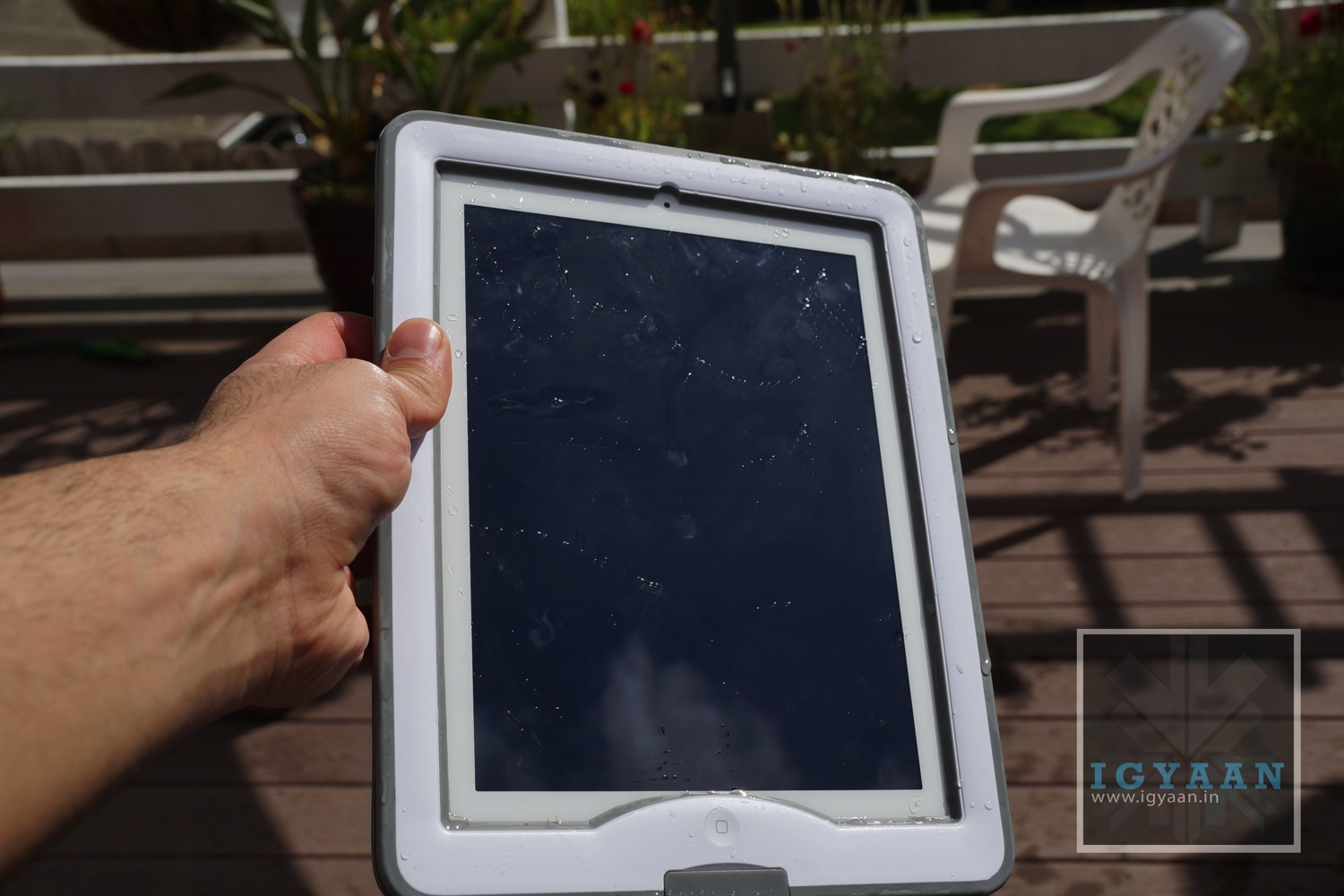
    [pullquote_right] looks pleasant and works well[/pullquote_right]The Lifeproof Nüüd is a case designed to not only look but act rugged. The cover is a complete mix of technology, engineering and design along with several elements of usefulness. The solid plastic center shell is surrounded by a second layer of polycarbonate-esque material which is dived by two layers of rubber seals and specialized O-Rings that prevents water from leaking into the case when the iPad is installed.

    The one thing that bothers us is the fact that the manufacturer asks to remove the screen protector (which we didn’t remove) in order to ensure a proper seal with the Lifeproof Nuud, leaving the glass of your iPad virtually exposed to possible scratching / damage. 

    The case definitely makes the iPad resemble a tough-book from Panasonic or one of their new toughpads. It is solid, yet not a big eyesore so it looks pleasant and works well.

    lifeproof nuud ipad case review 11


    Installation and Usage

    The Lifeproof Nuud installation process is a tedious one, and requires patience. Ensure that the O-RIngs are in place and the angle of approach to the clips is proper, the seals all clip and the covers are all shut. The process is almost like a flight simulator training on a 486 machine (for those later than that time – in simple words its got a learning curve). Once you are thorough the initial installation you are good to go.

    In the box you will get a front and back cover, two O-Rings, 2 x 3.5 mm headphone port cover screws and a extension cable to make the headphone port accessible. There is also a iPad Test unit that is supposed to simulate an iPad for initial waterproof tests, but is a total failure in terms of design and is the main reason to cause frustration to most buying the Lifeproof Nuud.  

    Once Perfectly installed, you will realize how this cover can be useful for you. The Lifeproof Nuud is that one cover that will allow you to use your iPad in the Swimming pool, or simply underwater. In a Jacuzzi you can enjoy watching your favorite movie without being in the constant fear of loosing your iPad to the depths of the shallow blue water. 

    One of the most useful features, the the front cover that transforms into a stand that is not only robust, but also convenient. The front of the Lifeproof Nuud case provides added frontal damage protection, but also lets you prop up your iPad to watch movies or at an appropriate angle to type on the onscreen keyboard.

    Weather you have an adventurous lifestyle or work routine that requires rugged equipment, this case actually may be useful to all. The Lifeproof Nuud will not make your iPad in-destructable and will not work for you if you are not careful. Example – after a few major drops the case may be prone to water leakage, or may case damage to the iPad on further impacts. Its not insurance its added prevention. If you are careful enough with the case, it will actually let you exploit the iPad’s capabilities in environment which were inaccessible earlier, Underwater, Rain, Snow, Dirt or work sites. 

    lifeproof nuud ipad case review 4

    Conclusion

    A cover for those who value their possessions, yet like to enjoy them. The Lifeproof Nuud will let you use your ipad in the pool and listen to music around it, without letting you worry of damage. It will also provide you valid build design information at construction yards and lumber mills. But it will also let you watch a movie at home. This is a rugged case, and if you can get over the initial testing bits, then it works great. Although removing added films is recommended, we didn’t, and our Lifeproof Nuud works great. The question really boils down to – “Do You Need One?”, I guess everyone does and for the price, if you don’t mind the added bulk, this case is Lifeproof.

     [youtube id=”6LPyrXQsB2c” width=”100%” height=”300px”]

  • Top 5 Android Launchers

    Top 5 Android Launchers

    Launchers in Android devices keeps them refreshed and new every time you change them. A correct launcher and a correct hardware combination can make your device faster, smooth and stylish. There are plenty of free Android launchers available on the Play store. Some are marvelous and work on any hardware specs while some require hardware customizations.

    In this article, we list our top 5 Android launchers, both paid and free –

    1. GO Launcher EX

    launcher

    Searching for a reliable home launcher for your Android? Then undoubtedly try the most popular home launcher Go Launcher EX of Google Play.

    Go Launcher is no less than any premium launcher which come per-installed in many Android devices. If you compare the features, this launcher even crosses HTC’s sense and Samsung’s touch Whiz interface. The basic reason for this launcher’s popularity is the number of customization options available in it.

    It has many themes available ranging from Windows 8 theme to Jelly beans to Ubuntu theme. Some of the best features about this launcher includes: Smooth transitions, great custom GO widgets, strong app management functions like hide app, sort app, search app and clean cache options.

    Features:

    • Provides extremely smooth transition animation.
    • Smoothness in flipping operation.
    • It contains more than 5000 personalized themes.
    • Amazing custom gestures.
    • Many needful including GO widgets like weather, switcher, calendar etc.
    • Strong app management function like sorting, hide app, search, cleaning memory and refresh.

    2. Apex Launcher

    launcher

    Apex is a great launcher that comes out looking like Jellybean out of the box, no hunting for themes required.

    The menus are all every easy to get around and figure out what they do, and the launcher itself is designed, ultimately, the way you want it to look. That’s the beauty of Apex, you can get it looking and working the best possible way for your personal style.

    It has up to 9 customizable home screens, infinite elastic scrolling, fancy transition effects, Multiple drawer styles, Lock your desktop to prevent accidental changes and many more features.

    Features:

    • You can customize homescreen grid size and up to 9 homescreens.
    • Scrollable dock with up to 7 icons per page and up to 5 pages.
    • Fancy transition effects (tablet, cube, etc).
    • You can hide elements as you want (persistent search bar, status bar, or even the dock).
    • Customizable icons and labels for shortcuts and folders
    • You can choose different folder preview styles and background.
    • You can hide apps from the drawer.
    • You can lock your desktop to prevent accidental changes.
    • Enjoy homescreen gestures (pinch, swipe up/down, double tap)
    • Advanced theme engine (icon packs, skins, etc.)
    • Backup/restore settings and data
    • It is optimized for both phones and tablets

    3. NOVA Launcher

    launcher

    Nova launcher is another best free Android launcher which is very similar to Apex launcher. It allows use of ADW or Go Launcher themes to change the looks. You can even change the color of the launcher from the launcher settings. It gives full freedom to select an icon pack from GO launcher or Apex launchers. It has infinite scrolling, folders options, transparent drawer, widgets overlapping option, backup and restore options and hide apps options.

    Features:

    • Completely coloured themes.
    • You can change the accent color of the launcher and it is full color picker supported.
    • Customizable App Drawer
    • Icon Themes – You can apply ADW or Go launcher icon themes to all app icons.
    • Scrollable Dock (for Tablets and Phones) – You can keep all your favorite apps on the dock, with up to 7 icons per page and up to 3 pages.
    • Transparency – Scrolling style, you can choose between horizontal paginated or vertical continuous.
    • Scroll Effects – You can enjoy eye candy when scrolling your desktop and drawer. Effects include Cube and Cardstack and more for Prime users.
    • Infinite Scroll – You will never be far from your favorite page, loop through your desktop continuously.
    • Folder Icons – Chose a background, preview style or even replace the whole icon.
    • Backup – Export your settings and layout before a wipe to quickly get back up and running.
    • Widgets in dock – Just add any 1×1 widget to the dock.
    • Widget Overlapping – Overlap on resize or placement, long-press to send to back or bring to front.
    • Bulk Add – You can add multiple apps to the desktop or a folder at any time.
    • Activities shortcut – You can select hidden activities from your favorite apps.

    4. Smart Launcher

    launcher

    Unlike all other launchers out there, with almost the same kind of layout (at a basic level), Smart Launcher is characterized by its minimalist design, low memory usage and a user-friendly UI that lets you start any application with a few taps. You have to use it to know it. My only gripe is that, the Quick Start screen does not have native icons for generic apps such as Google Maps.

    Features:

    • It is ready to use without special configurations.
    • It can support for Live Wallpaper and screens of different sizes.
    • It can support of set of icons for Launcher Pro and ADW Launcher.
    • It support Widgets but available for only PRO version.
    • Main screen with Quick Start.
    • Drawer organized by categories.

    5. ADW Launcher

    ADW-Launcher-EX-logo

    This is one of the oldest launcher apps on the market. The reason why it’s number 5 is that it was for the longest time neglected by the developer. It looks like it is again being updated with the latest version being totally rewritten for Android Jellybean, and also coming with a new default theme. There are several versions of this on the market, but we found the premium Ex version the best one.

    Features:

    • Highly customizable home replacement application.
    • It’s compatible with android versions from 1.6 to 4.1.
    • It contains thousands of skins and themes with support for most popular launcher themes
    • You can mix and match your skins, icons, docks, folders, etc.
    • It can configure your applications in unlimited groups and hide unwanted apps.
    • Fast setup screen with fast access to add items or configure everything.
    • It has configurable visual desktop indicators.- Easy folder tweaking and management, content previews, arrangement, colors, etc.
    • New AppWidget picker for devices running Android 4.1 and newer.
    • Icons editor to create your own customized shortcuts or edit existing ones
    • You can resize AppWidget.
    • It contains AppWidget backup/restore (only for android 4.1 and newer).
    • Customizable applications dock with support for unlimited shortcuts with paginated scroll.
    • Lots of settings to play with: texts, colors, animations, sizes, you should dig in.

    What do you think? Did we miss out on any? Let us know your top 5 below! 

  • Exclusive : Samsung Galaxy S4 Launch in India set at May 10, Price Rs. 44,999/-

    Exclusive : Samsung Galaxy S4 Launch in India set at May 10, Price Rs. 44,999/-

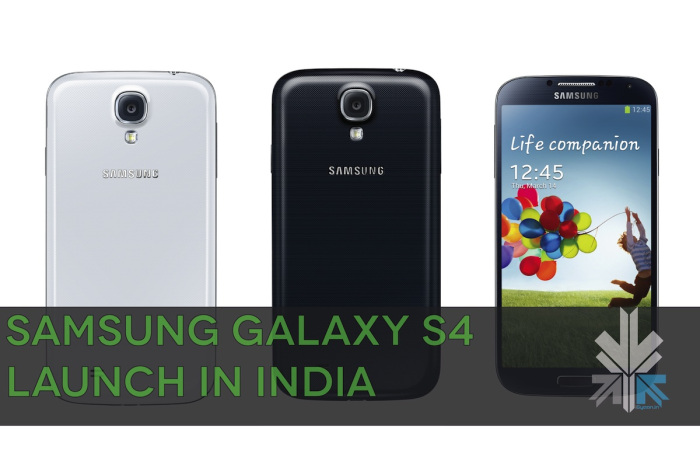
    Just like last year, our Samsung insider has told us that Samsung will launch the Samsung Galaxy S4 on May 10 for India available either the same day or soon after via the online Samsung Store. The company has decided to keep the price of their newest flagship at Rs. 44999/- for the 16GB variant.

    Here is the best part of the news, the Samsung Galaxy S4 set for India is the Exynos based Octa-core variant and not the quad-core as most were expecting. Although Samsung might change over to a quad core variant if the sales are slow as they were for the S2 in India and the company then launched a cheaper Single core alternate chipset variant adding a G at the end of the model number. 

    Samsung has taken a similar strategy with the Samsung Galaxy S4 ( or plans to) with the company expecting good sales numbers based on the hype created by the launch. Post that they plan to shift to a quad core variant similar to the one in the US.

    440x330-samsung-galaxy-s4-back

    Apart from the chipset the Samsung Galaxy S4 also has a 5 inch 1920x1080p Super-Amoled display, 2 GB of RAM, 16 GB of storage for the Indian variant, along with a 13 MP camera at the rear capable of full hd 1080p video at 30fps.

    The Samsung Galaxy S4 also has Android 4.2.2 along with the latest TouchWiz UI .

  • Samsung Galaxy S4 Polycarbonate Glaze Explained!

    Samsung Galaxy S4 Polycarbonate Glaze Explained!

    Since we already spoke about the use of plastics by Samsung, and their unwillingness to move to a different type of build for their most recent flagship the Galaxy S4. A lot of readers are confused about the one statement made by Samsung Executives who said, “The new Samsung Galaxy S4 comes with Polycarbonate Glaze”, in fact it appears Samsung’s use of the said statement has actually met with its purpose. 

    Lets lay down the details first, the Samsung Galaxy S4 is the Korean company’s latest flagship announced at an event held in New York on the 14th of March 2013. The smartphone just like any other from Samsung in the past and others this year, features top of the line specifications. The norm being full HD 1920 x 1080p display, a 13 MP camera, various storage capacities, an octa-core processor and a newer set of software tweaks to satisfy the user and to set them apart from others. The Samsung Galaxy S4 also has a large 2600 mAh battery and the very latest Android 4.2.2 with their new designed for life  TouchWiz/ Nature/ Life UI. 

    But one major element of the latest smartphone that seems to not be catching the fancy of the eye is the lack of design change and the continued use of plastics in the so called natural form factor. We do understand that most companies follow the “if it sells then why change it?” policy, But the reason Samsung came into the limelight is because they changed the norms, with the S2, with the Note series and even with their tablets to some extent, which were unique in their own way and different from the herd of smartphones that were being built on Android. 

    But, before we start another battle, lets talk about the “Polycarbonate Glaze”. Polycarbonate Glazing (confused here), is used to replace glass in areas where extra strength is required, like greenhouses, security cars, safe rooms and even on some fighter jets. However the thinnest form of this polycarbonate glazing which can be used effectively is either 4mm or 5mm, and since most of us know that the Samsung Galaxy S4 is just short of the 8 mm thickness, Samsung did not fill half of that bulk with a polycarbonate sheet.

    samsung-galaxy-s4-camera

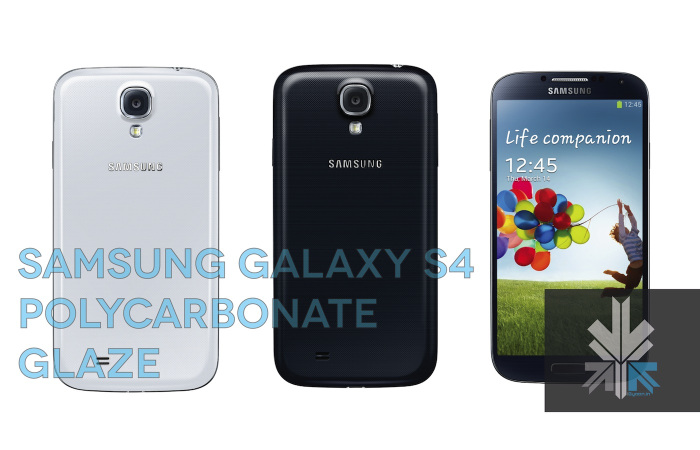
    [pullquote_left] special poly-carbonate body [/pullquote_left]Polycarbonate Glaze, however, is what Samsung has actually done on this variant of the Galaxy, Glaze by definition of its use here is “a layer of paint, thinned with a medium, so as to become somewhat transparent” . The Samsung Galaxy S4 has a fully plastic shell/frame which does not use Polycarbonate anywhere. In-fact Samsung goes to say that the Galaxy S4’s bezel is wrapped in a “special polycarbonate body” which means that the plastic back panel has a coating of polycarbonate paint, generally used to provide added strength to RC boats, cars and toys. This particular “Polycarbonate Glaze” is also used on some other model novelty items to provide some added shine and strength. 


    In May 2012 Samsung responded to several users upset with the build quality of the galaxy S3, claiming that the back cover of the Galaxy S3 in-fact has polycarbonate, “Using three layers of high quality, pure and clear polycarbonate”, what they did not mention is that these three layers are by all intents and purposes laid on top (read: painted/coated) of the plastic back panel of the Galaxy S3, the Note 2 and in-fact the recently launched Galaxy Grand aswell. So, go ahead Grand owners celebrate your phone is made out of polycarbonate. The Lumia series of phones from Nokia, are the greatest example of the kind of feel a polycarbonate shell would give to the one holding it, some HTC phones also possess this type of build.

    The fact remains Samsung may or may not change their design process, especially if they continue to sell the numbers they already do. We have reached out to Samsung for better clarification and will update this article, once they do respond.


  • Xolo X1000 Unboxing and Hands On

    Xolo X1000 Unboxing and Hands On

    [youtube id=”6_AlBMVwzEo” width=”100%” height=”300px”]

    With many a options available, the Android market space has yet another competitor in the Rupees 20,000 price segment. The Xolo X1000 was launched yesterday for a price that was lower than expected, but does it truly offer what the market is looking for?. Interms of Hardware we have an Intel Atom medfield platform at Single core and 2GHz on the clock, for the Graphics we have a 400 MHz GPU.

    The front has a brilliant 4.7 inch SHARP™ HD 2.5 D edge curved glass display, which has a resolution of 1280 x 720p. The cameras are 8 and 1.3 MP with with former being the rear camera with full HD 1080p video, and the latter being the front facer.

    xolo x1000 hands on iGyaan 7


    [pullquote_left] Get ready for premium feel![/pullquote_left] Holding the phone in the hand for the first time might just take you by surprise, the touch and feel of the phone is far from expected (in a positive sense). The phone feels really premium and does a fantastic job of making you feel like you are holding a truly premium device.


     xolo x1000 hands on iGyaan 0


    The HD Display is truly commendable as well, with brilliant viewing angles and fantastic color reproduction, its easily one the best displays of the price segment. The response from the screen is also snappy and initially gave instant feedback. A couple of facts that did let us down start with the fact that the device runs on Android 4.0.3 and Xolo is not yet ready with a jelly bean software update yet.

    Check out the video above or the images below. Stay tuned for the Gaming and benchmarks videos.

iGyaan Network
Privacy Overview

This website uses cookies so that we can provide you with the best user experience possible. Cookie information is stored in your browser and performs functions such as recognising you when you return to our website and helping our team to understand which sections of the website you find most interesting and useful.