Tag: multitouch

  • Cyanogen Mod 7 Comes to Touchpad in Alpha Build

    Cyanogen Mod 7 Comes to Touchpad in Alpha Build

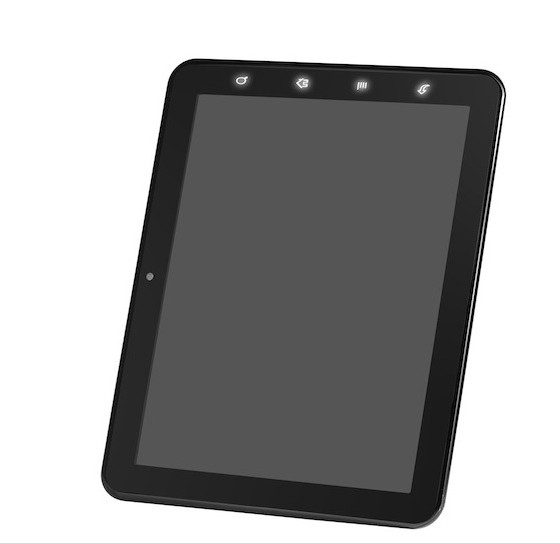
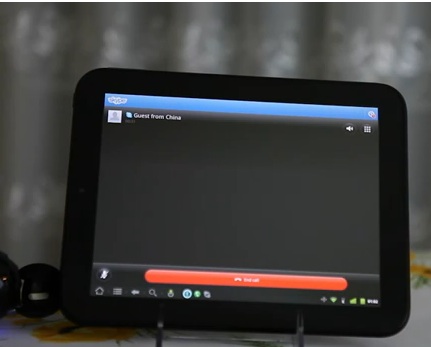
    The folks over at Rootzwiki and the Touchdroid team (whatever is left of it anyway) has finally managed to get CM7 running on the Touchpad, worth noting. The device looks be be running pretty smoothly with most of the aspects working well including Skype calling.

    Note that the build is still alpha and while most things work there is a high chance that things can go wrong. Head over to the link below if you feel like doing it anyway.


    [RootzWiki]

  • Samsung Galaxy Tab 750 / 10.1 Unboxing, Specs, Price and Video

    Samsung Galaxy Tab 750 / 10.1 Unboxing, Specs, Price and Video

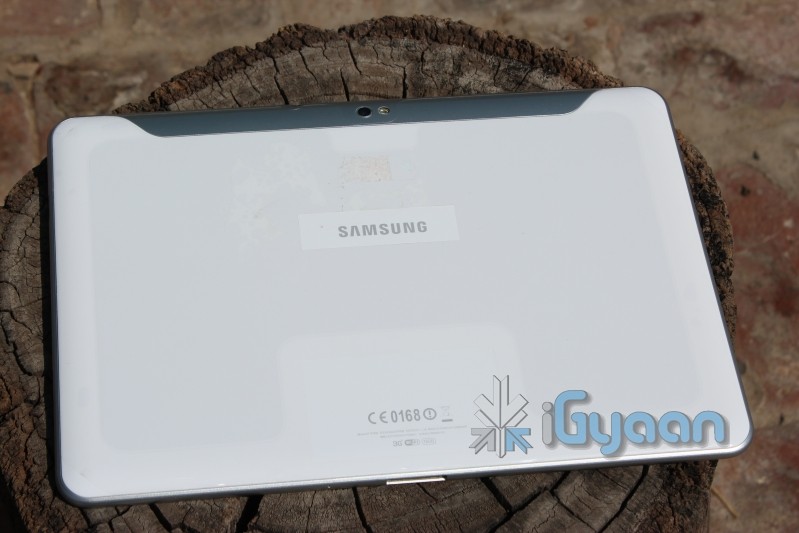
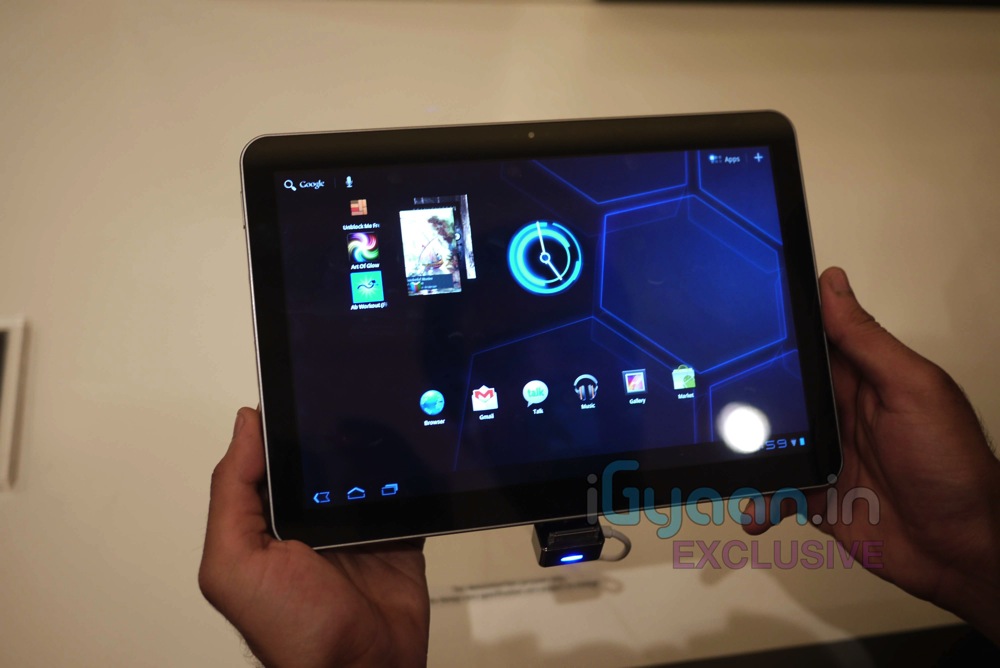
    The Samsung Galaxy Tab has been an elusive device from Samsung. We first got our hands on with the tablet at the Samsung forum earlier this year, where the device was officially announced.

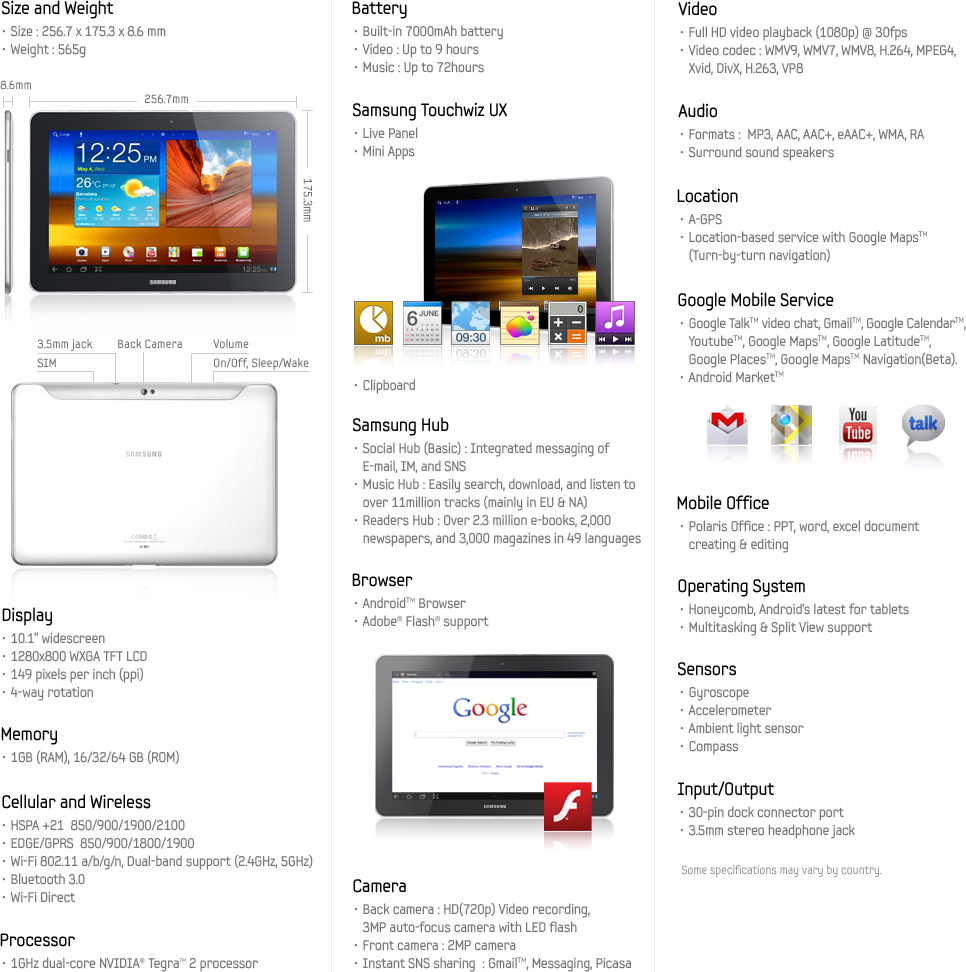
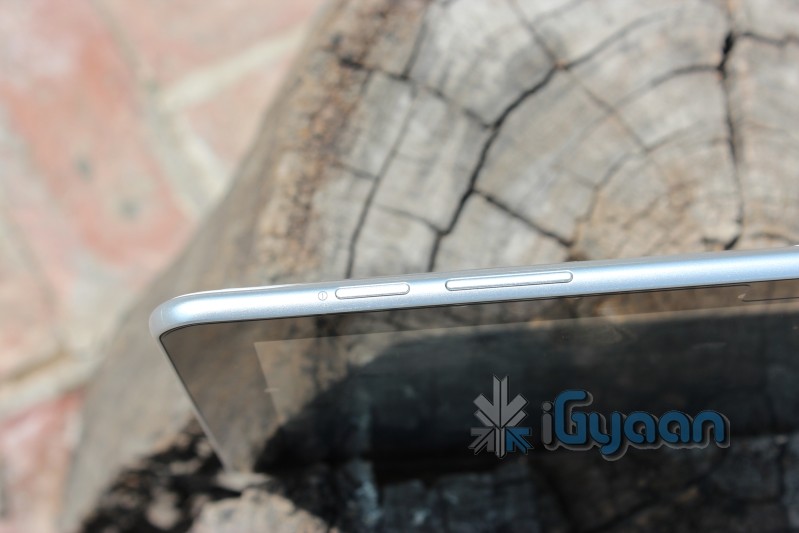
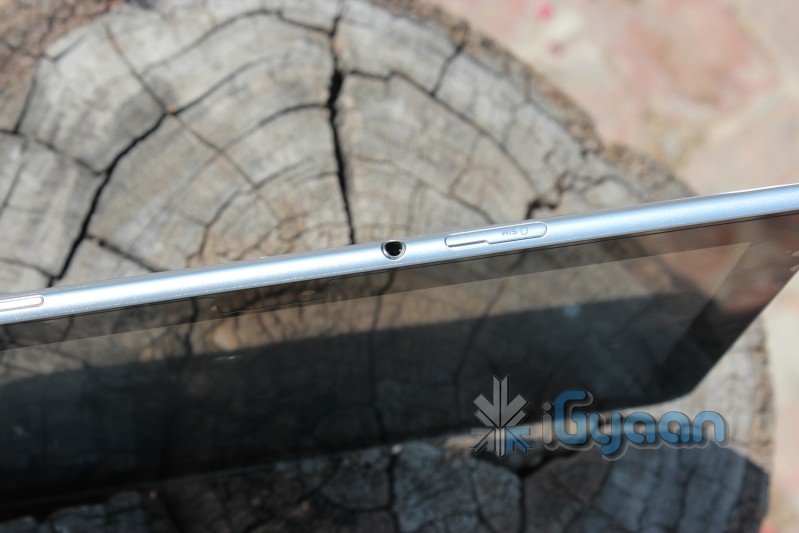
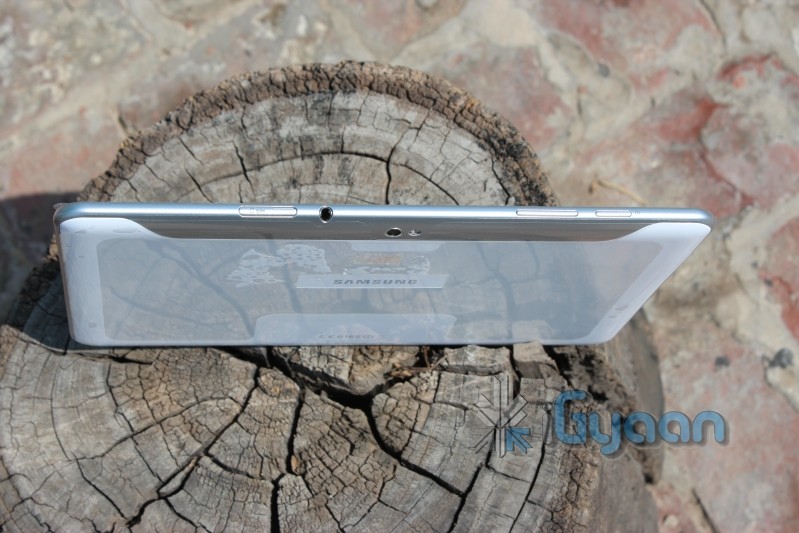
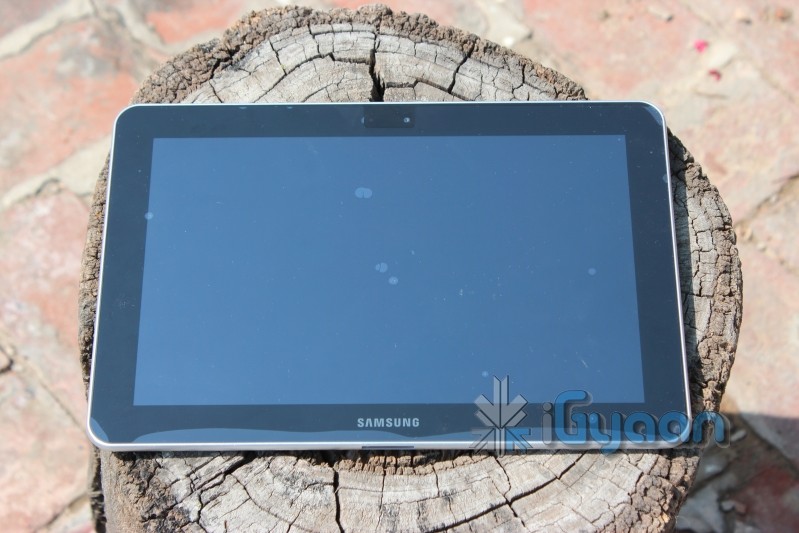
    Now that the Tablet was fully launched in India, we finally got a chance to grab hold of ours and here it is. in all its glory.The device runs on a dual core 1 GHz Nvidia Tegra 2 processor, with a 7000mah battery which should be powerful enough with ample juice for hours of usage.

    Full SPEC-SHEET


    Images

    Video Unboxing

  • Blackberry Torch 9860 Unboxing and Quick Review Video

    Blackberry Torch 9860 Unboxing and Quick Review Video

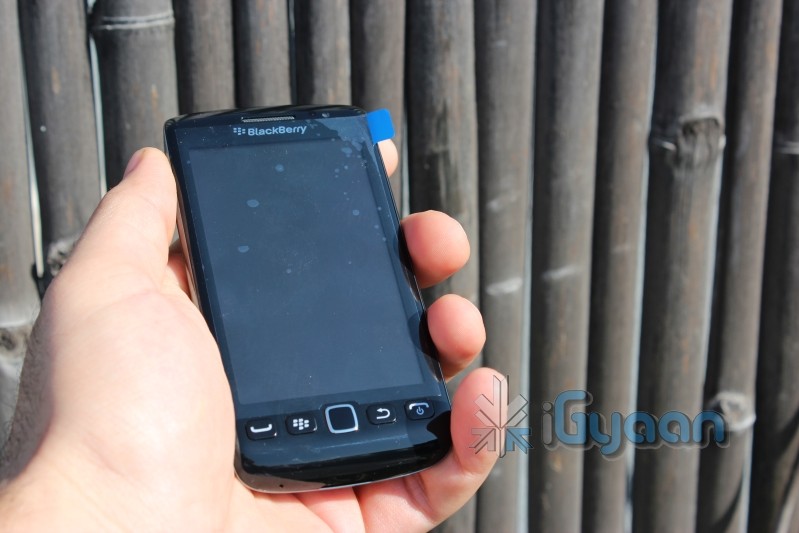
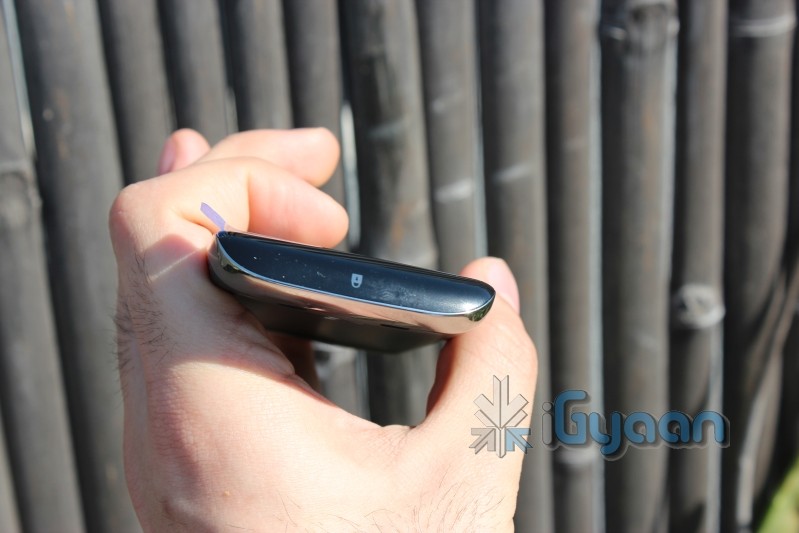
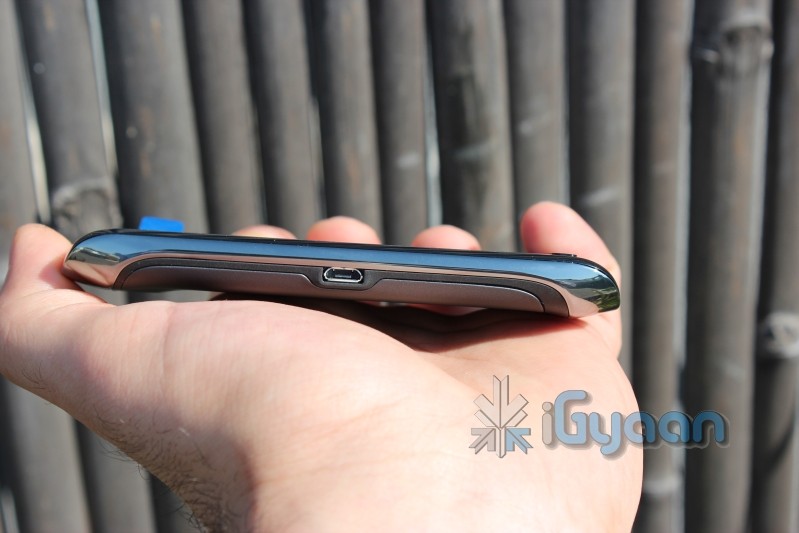
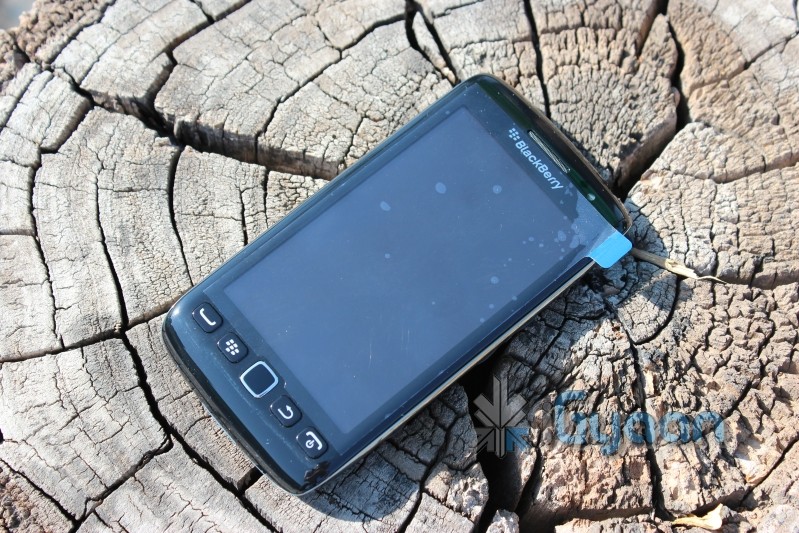
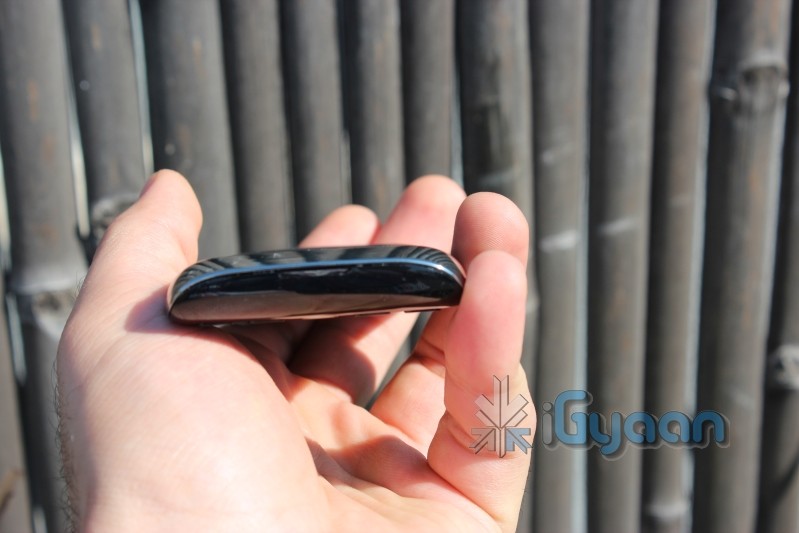
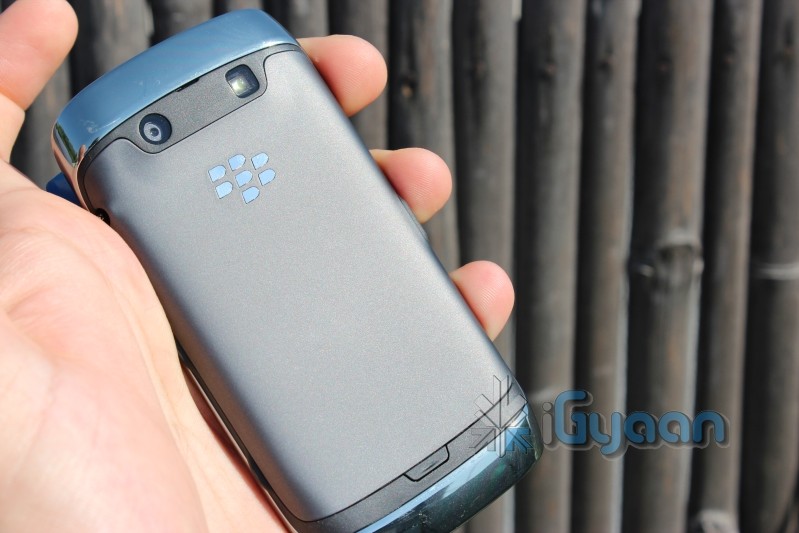
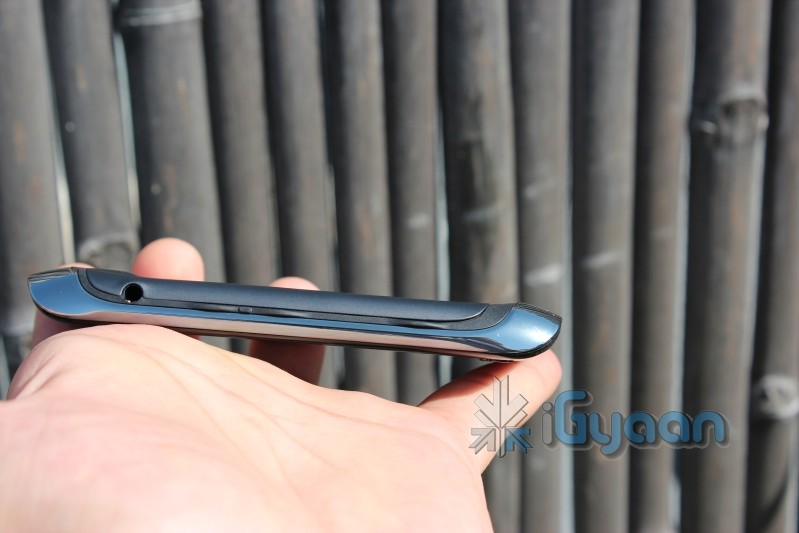
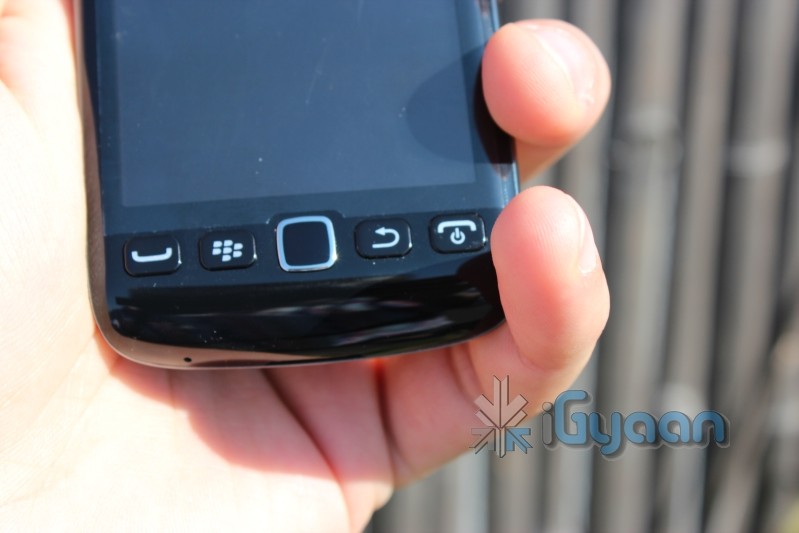
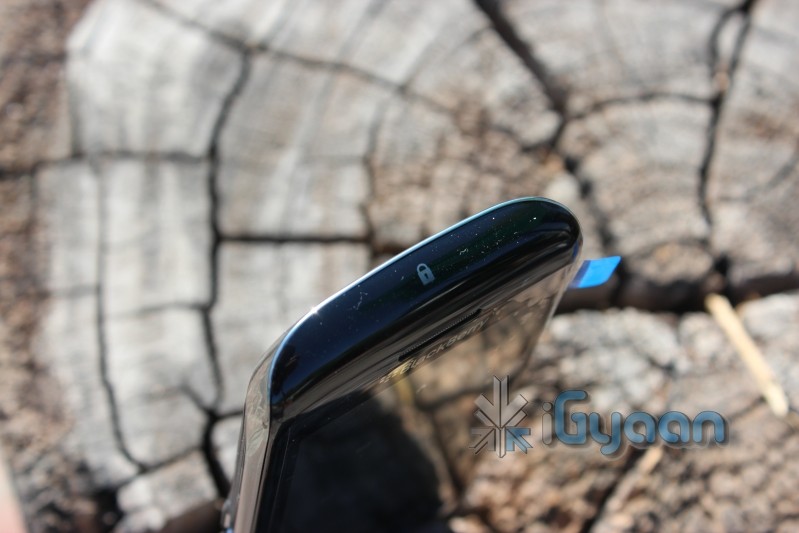
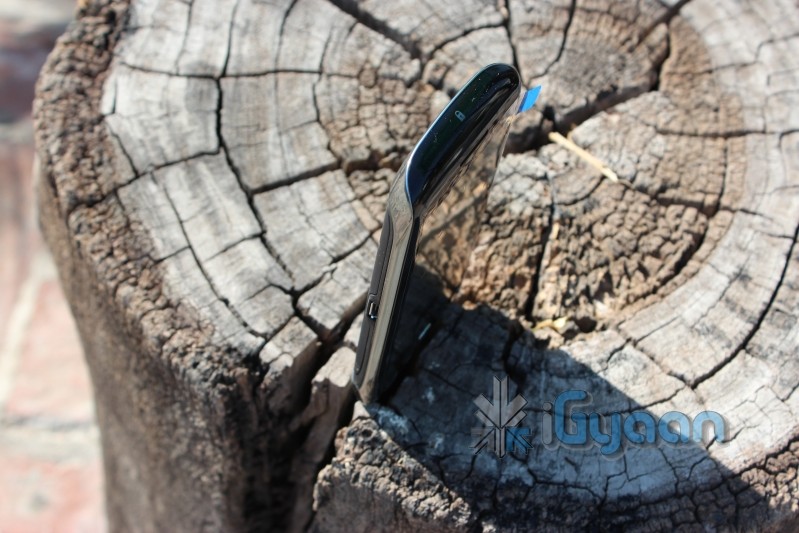
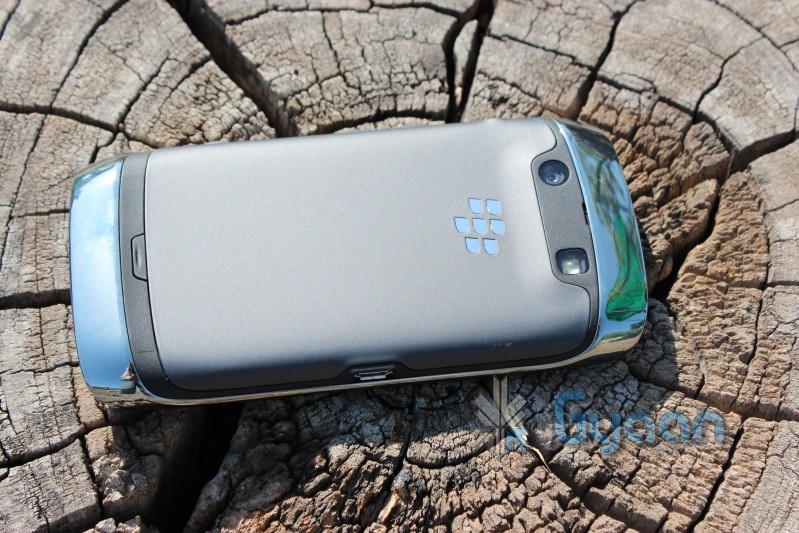
    A quick unboxing and hands on review of the new Blackberry Torch 9860. The device is a far distance away from the original touchscreen Storm devices from Blackberry. Check out the Tech Specs followed by hands on images and a complete unboxing and mini review extravaganza.


    Price Rs. 28,490
    Frequency Tri-band 3G HSDPA UMTS networks: 2100/1900/850/800 MHz or 2100/1700/900 MHz
    Quad-band GSM/GPRS/EDGE networks: 850/900/1800/1900MHz
    Phone Style

    Touch screen bar

    OS BlackBerry OS 7
    Thickness 11.5 mm
    Length 120 mm 
    Width 62 mm
    Weight

    135 g

    Built-in Memory 768 MB RAM memory; 4 GB eMMC
    Additional Memory Up to 32GB
    High-speed Data HSDPA, HSUPA, WLAN, EDGE
    Connectivity Bluetooth, USB,Wi-Fi
    Screen Size 3.7-inches Transmissive TFT LCD with 800×480 pixels
    Secondary Screen Size N/A
    Screen Colours TBC
    Camera Yes
    Camera Resolution 5 MP, autofocus
    Flash Yes
    Ringtones Yes
    Music Player Yes
    Music Formats MP3/WMA/WAV/eAAC+ player
    Radio TBC
    Speaker Yes
    Internet Yes
    Browser HTML
    Games Yes
    Battery Standard battery, Li-Ion 1230 mAh


    Video


    iG Tech

  • Logitech Wireless Touchpad to beat Apple’s by 19$ available this month (PR)

    Logitech Wireless Touchpad to beat Apple’s by 19$ available this month (PR)

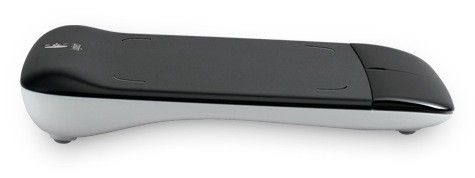
    Logitech is finally bringing something to compete with the Magic Trackpad by Apple. Called the Wireless Touchpad, it will let you use a variety of two, three of four-finger gestures to scroll, navigate and switch between applications or simply control a cursor. Logitech has also intro’d a new unifying receiver which will allow for usage of unto 5 Logitech peripherals.

    The device will be available to all Windows and Mac users for a US$ 49.99 Price tag (or INR 2250 approx)

    [toggle title_open=”Press Release” title_closed=”Press Release” hide=”no” border=”yes” style=”default” excerpt_length=”0″ read_more_text=”Read More” read_less_text=”Read Less” include_excerpt_html=”no”]New Logitech Wireless Touchpad Lets You Point, Scroll and Swipe with Ease
    Multi-Touch PC Device Makes it Easy to Go Wherever You Want on the Web

    FREMONT, Calif., Sep 13, 2011 (BUSINESS WIRE) — Today Logitech unveiled the Logitech(R) Wireless Touchpad, making it easy to point, scroll and swipe your way to wherever you go on the Web — and beyond.

    With multi-touch navigation and intuitive, gesture-based controls, the Logitech(R) Wireless Touchpad lets you navigate your computer naturally. The large touch surface gives you plenty of room to let your fingertips do the clicking. And since there are no cords, there’s no clutter and no hassles. Just put the touchpad anywhere on your desk or tabletop, insert the plug-and-forget Logitech(R) Unifying receiver into your computer’s USB port and let the fun begin. Plus, the receiver stays in your computer and enables you to easily connect up to five other compatible devices.

    “The Logitech Wireless Touchpad is perfect for people who want to surf the Web in a more fun and natural way,” said Rory Dooley, Logitech’s senior vice president and general manager of the Control Devices business unit. “It lets Web surfers flick through websites and effortlessly scan long pages — making browsing easier than ever.”

    The Logitech(R) Wireless Touchpad’s multi-touch navigation offers up to four-finger gestures and swipes to scroll pages, jump tabs and switch applications. Advanced 2.4 GHz wireless virtually eliminates delays, dropouts and interference. And you can easily stay powered up — with up to four months of battery life and an LED indicator light that tells you when the touchpad is on and your batteries are running low.

    Pricing and Availability

    The Logitech Wireless Touchpad is expected to be available in the U.S. and Europe beginning in September 2011, for a suggested retail price of $49.99. For more information please visit our blog or www.logitech.com .

    About Logitech

    Logitech is a world leader in products that connect people to the digital experiences they care about. Spanning multiple computing, communication and entertainment platforms, Logitech’s combined hardware and software enable or enhance digital navigation, music and video entertainment, gaming, social networking, audio and video communication over the Internet, video security and home-entertainment control. Founded in 1981, Logitech International is a Swiss public company listed on the SIX Swiss Exchange (LOGN) and on the Nasdaq Global Select Market (LOGI).

    Logitech, the Logitech logo, and other Logitech marks are registered in Switzerland and other countries. All other trademarks are the property of their respective owners. For more information about Logitech and its products, visit the company’s Web site at www.logitech.com .[/toggle]

  • Micromax Andro A70 Review

    Micromax Andro A70 Review

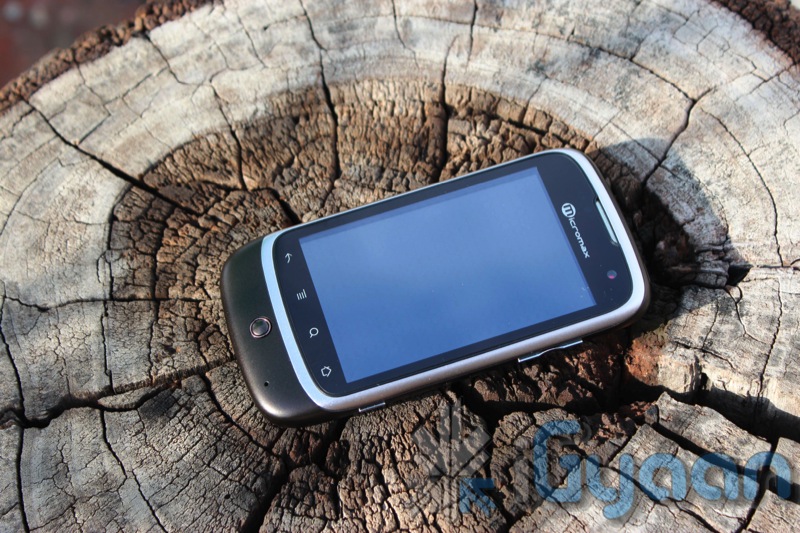
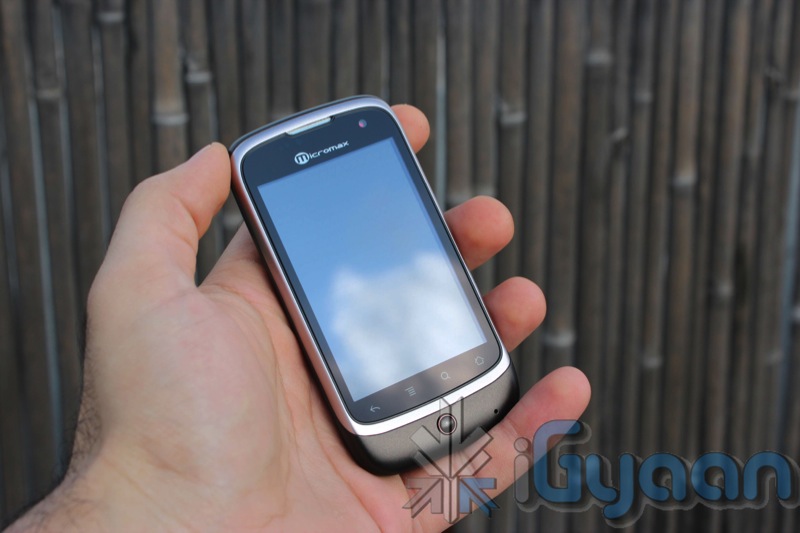
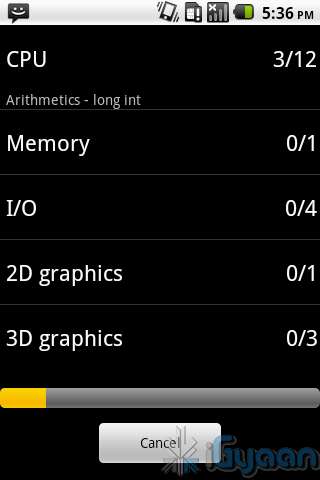
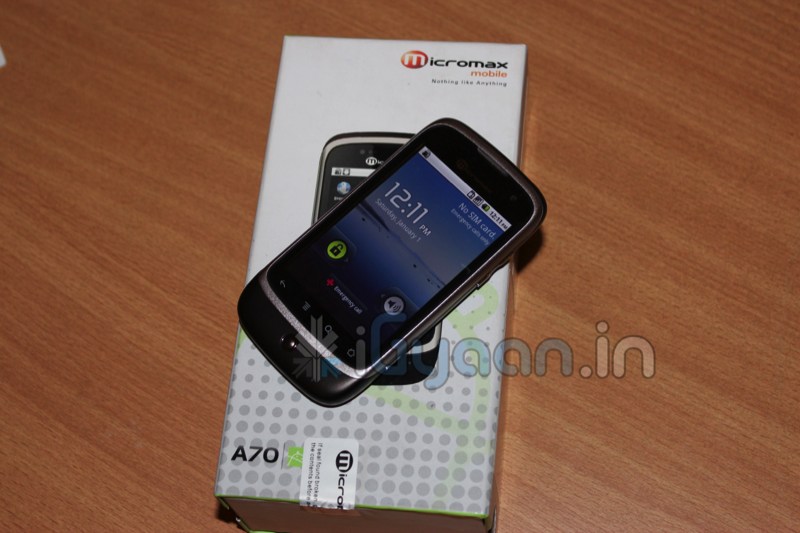
    The Micromax Andro A70 was one of the most anticipated phones of this quarter, especially in the sub Rs. 8000 bracket. To be honest, at first we thought of it as just a minor upgrade to the existing Andro A60. But as we reviewed this little marvel we began so see a major change in its operation. Lets see why the Andro A70 is our pick for the price range.

    Build Quality and Design

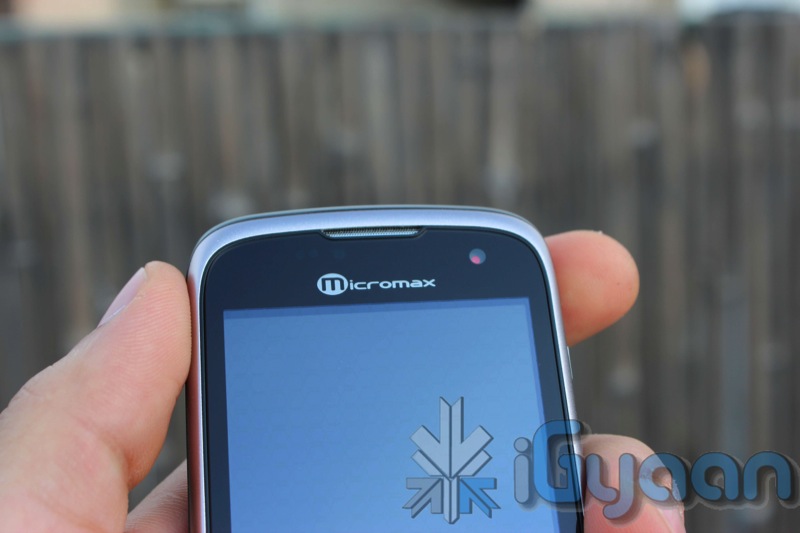
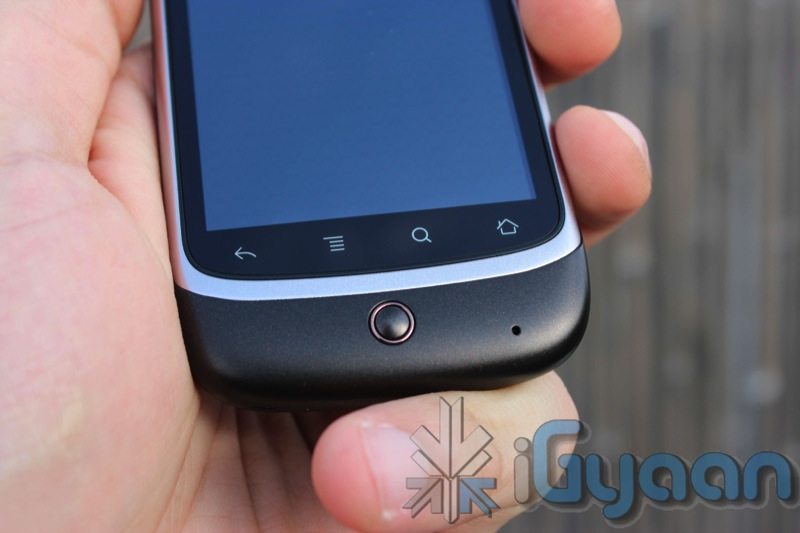
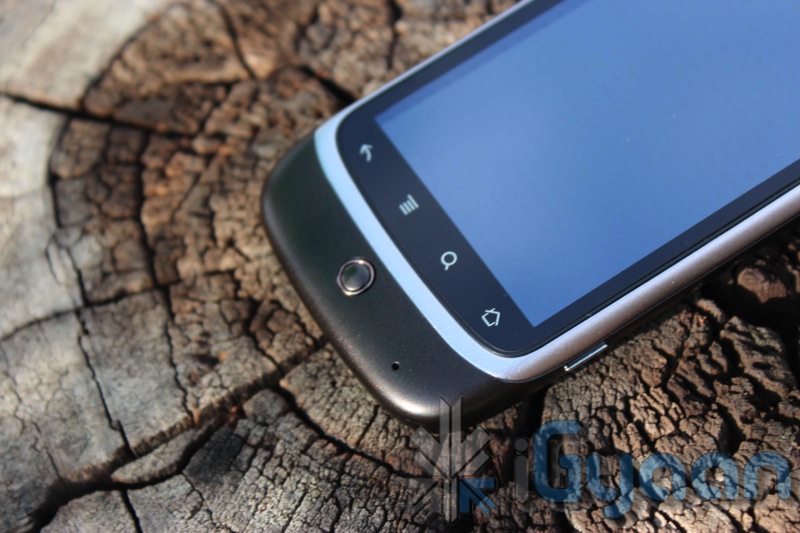
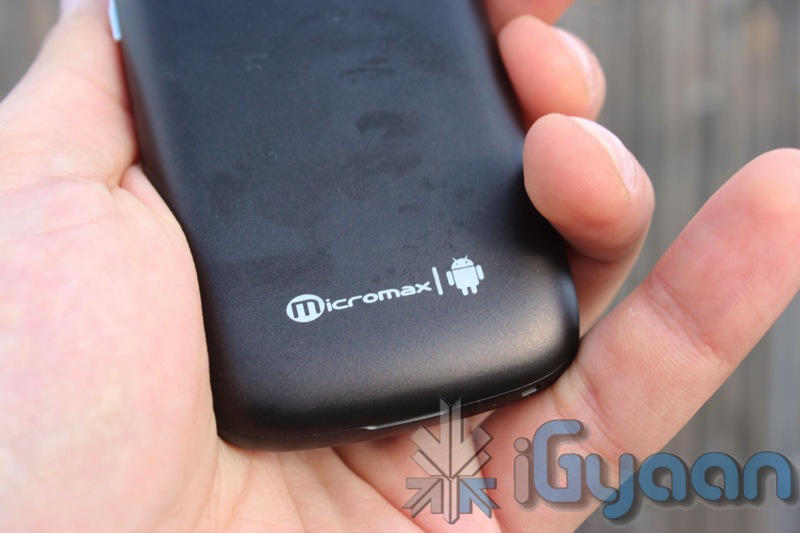
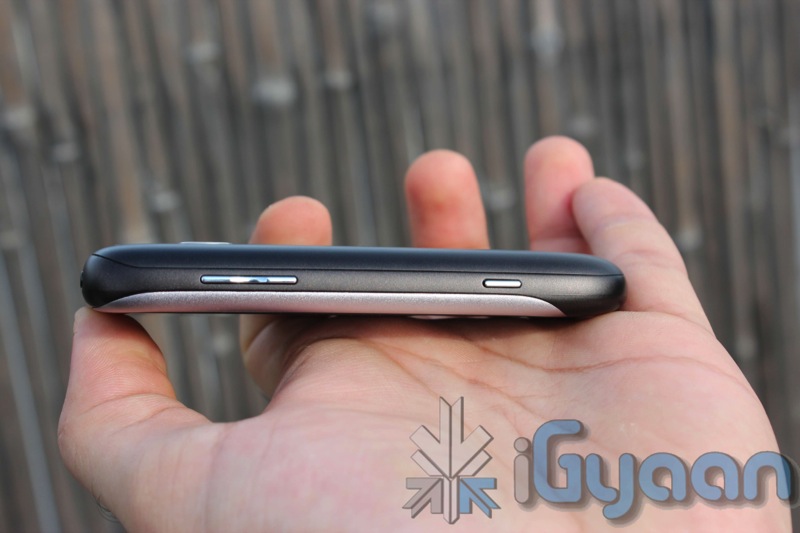
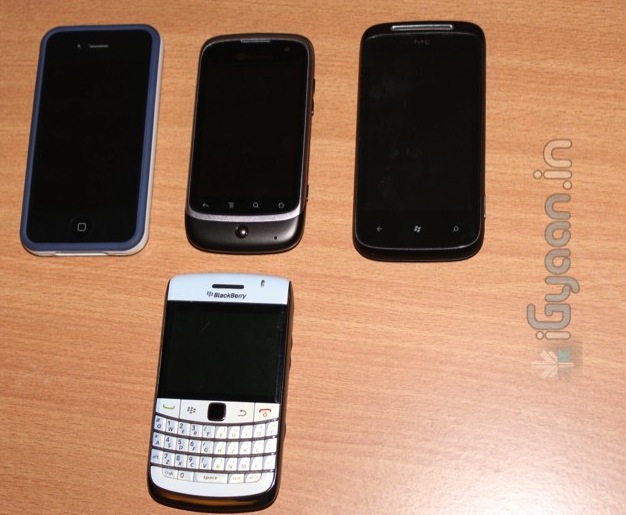
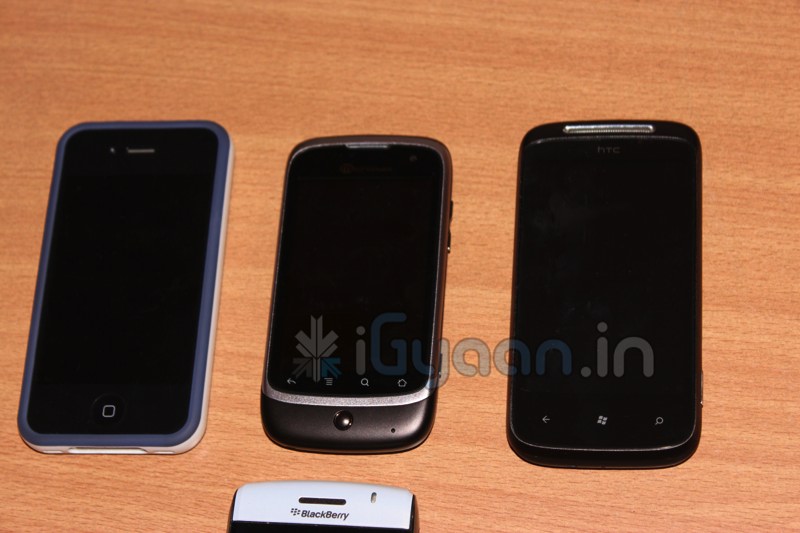
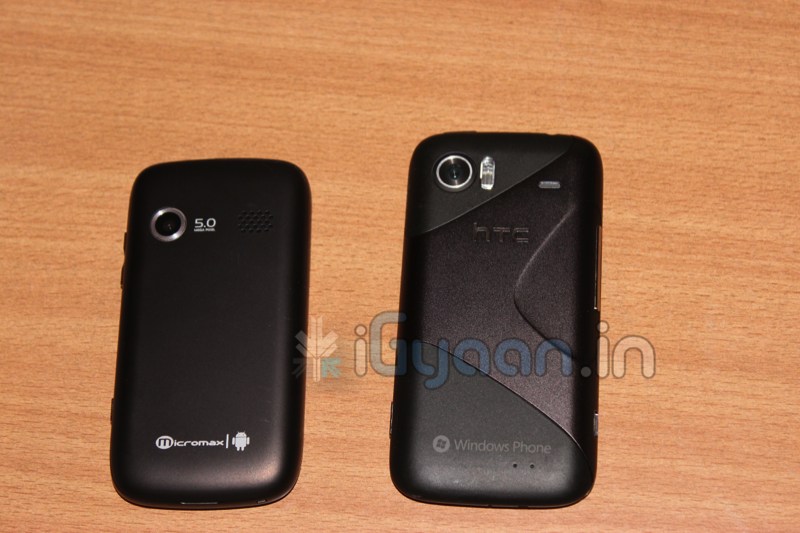
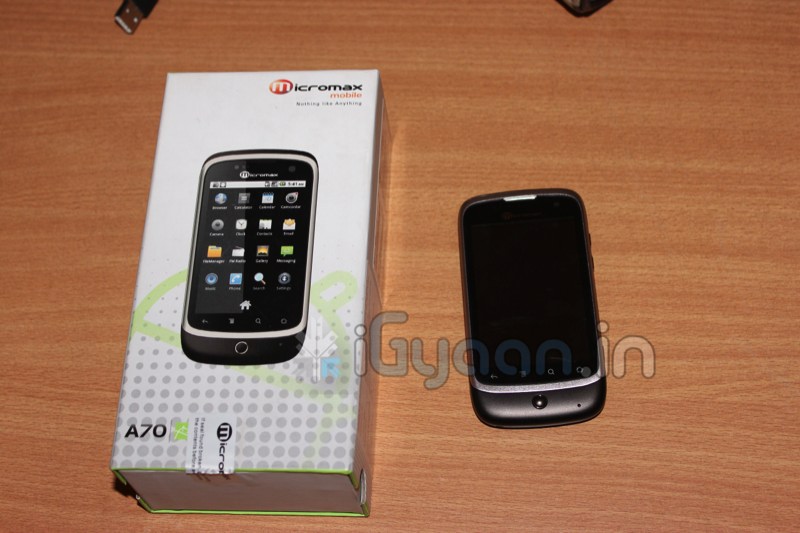
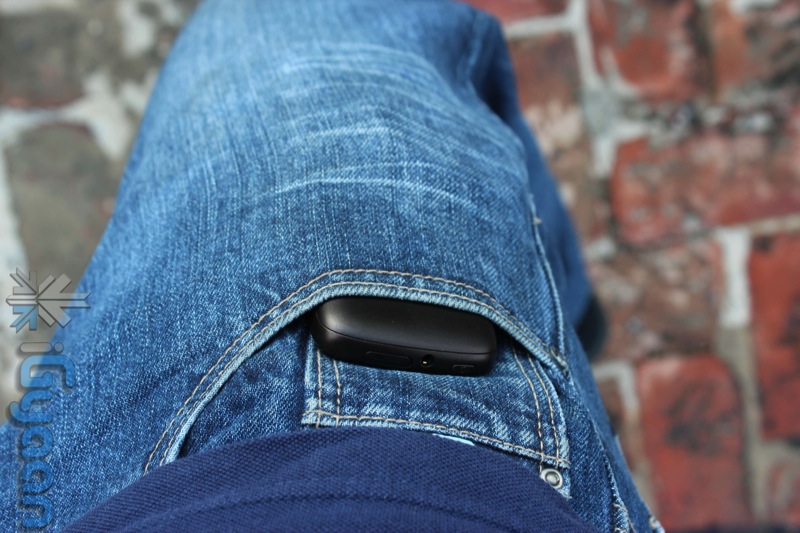
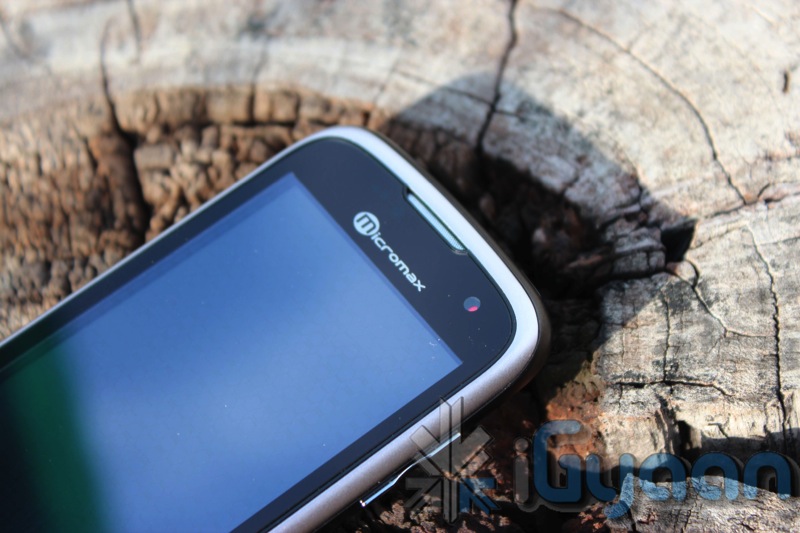
    Reminiscent of the Nexus One’s design, the Micromax Andro A70 is built with sturdy plastics. Nice curvaceous ends make it an extremely attractive design, and very comfortable to hold in the hand. The screen on the front is tough and provides the extra protection required for a touch phone of this nature. The buttons are tactile and easy to use, the overall standard of construction is quite impressive.

    The front of the display is also glass and not plastic unlike its predecessor, Which makes the overall build of the device impressive. The phone is sturdy and does not make rattling noises even when tossed around.


    Hardware 

    •   Android 2.2 (Froyo)
    •   Camera Primary 5.0 MP Secondary – VGA
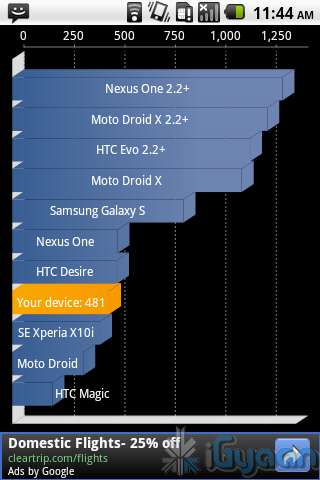
    •   600MHz Processor
    •   3.2 inch Multi Touch Capacitive Screen
    •   Mi – apps –  application store by Micromax
    •  Full Android Market
    •   WCDMA 2100 MHz
    •   HSDPA 7.2 Mbps
    •   Mi-Fi Pocket Wireless Internet
    •   GPS             
    •   Wi-Fi 802.11 b/g
    •   Battery 1450mAh
    •   Proximity Sensor
    •   Gravity Sensor

    Camera and Multimedia

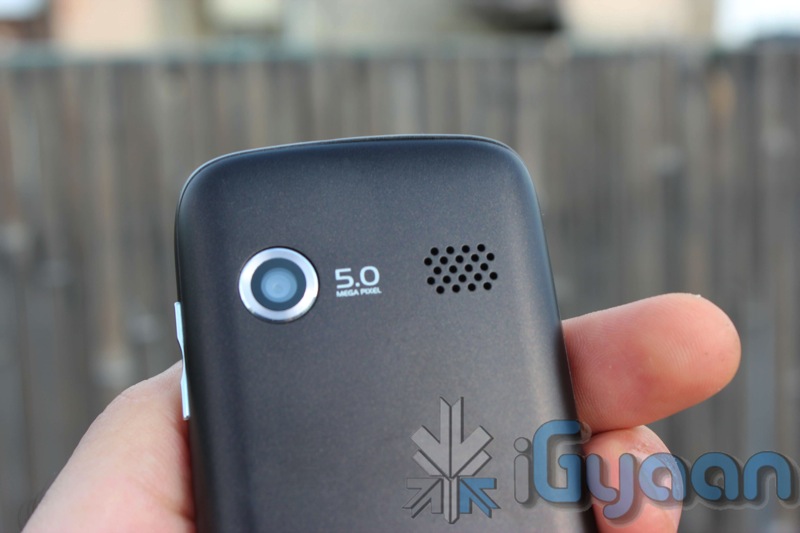
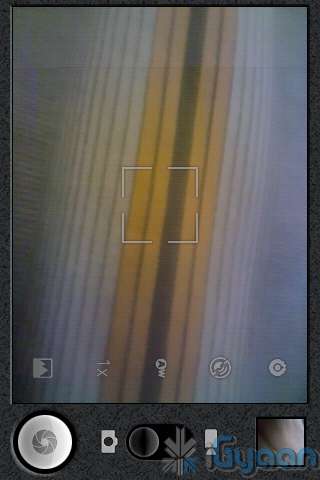
    A surprisingly interesting 5 MP camera with autofocus that delivers exceptionally good pictures. The camera displays great skill when it comes to auto-focus and cannot be tackled down by any other device in this price range. Although colors appear washed out at first but a little playing around with the settings gives a good picture.

    Video on the other hand is simply OK, you cannot expect much from the VGA video capability. A simple tweak, by changing the video quality settings to custom in the camera we were able to get VGA video. If you leave the video quality to high, it captures a much lower resolution video. A sample of the video can be seen in the videos below.

    The Front facing camera, is a simple VGA camera and can be used for nothing but clicking self portraits and video. We tried several times to initiate a camera response from Skype /fring etc, but failed to do so.

    The screen of the Andro A70 is great for watching videos and browsing the internet. It is also a capacitive 2 point multitouch screen, so pinch to zoom works great and with the 3.2 inch 320x480px screen text is crisp and easily read. 

    Speakers are loud and clear when it comes to watching videos or simply listening to music. Overall multimedia experience was satisfactory and a lot more than you can expect from a device which costs only 7500 Rs.

    Phone and Messaging

    No complaints here, the phone call capability was excellent , little or no dropped calls, clear speaker and earpiece. the microphone also pics up sound aptly and delivers to the other side. One thing with mentioning is the number of connection errors faced in process of dialing a number were far more than any other device tested.

    Messaging and emailing has also improved vastly over the previous A60 thanks to the inclusion of the capacitive screen. This makes the device almost brilliant, keyboard is nice and spread out and easy to type on even with relatively large fingers. The keyboard can also be easily replaced with customizable keyboards from the Marketplace, including Better Keyboard. Swype however does not work with the Andro A70.


    Internet and Portable Hotspot

    This section is dedicated to connectivity and utilization of the Internet, Data and WiFi. 
    The A70 has a very weak WiFi antenna, and mostly requires you to be relatively close to the router to get a decent signal. This was kind of a let down especially after the excellent WiFi antenna on the Andro A60.

    The Portable Hotspot also fails throughout the board, dropping WiFi and asking for reactivations several times.

    Apart from the above, browsing works great on the A70 especially 3G networks perform as good as high end phones.

    Battery Life

    We were quite impressed with the battery life on the A70, with over 5 hours of talk time, and a good 7-8 of internet usage, upto 3 days of standby, make it an excellent device in terms of battery life. But with Android as an OS, you never know what app you install, suddenly battery life is critically lower than before. Overall great battery , be sure to inspect your apps if you face battery issues.

    Conclusion

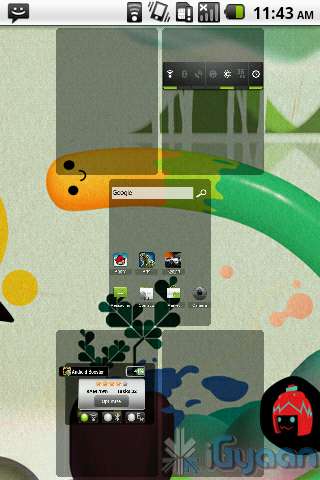
    While its an extremely awesome device for its price, it definitely has its ups and its down . With limited WiFi range and useless front camera this device lacks little and gives more. Good things include impressive build quality, a great photo camera, Android 2.2, wifi hotspot, easily root-able ( with possibility of custom rome). This device is a little understated by the company. The UI is much improved and a launcher from the market like ADW launcher can make this device a gem with pinch home screens, and smooth scrolling. 

    The Micromax Andro A70 is a good package for someone who wants to enter the Android ecosystem, or even a good upgrade for an A60 user. This device is also an excellent secondary device for a expensive smartphone. 

    We say go for it!

    [xrr rating=3.5/5 label=”We Rate it: ” imageset=shiny_yellow_star display_as=fraction_stars]

    Video Sample

    Unboxing Video

    Full Review

    Image Gallery

    Developing……

     UPDATE: 

    We got news from Micromax for Gingerbread and Video Calls : Read Here

    iG Test Labs

  • Samsung Shows of the New Galaxy Tab 750 / 10.1 in Video Demo – Full Interface walkthrough

    Samsung Shows of the New Galaxy Tab 750 / 10.1 in Video Demo – Full Interface walkthrough

    Samsung’s latest tablet is getting all the attention it deserves, the company has now made a full demo of the User Interface walkthrough. 

    Not only is the tablet thin and light its easy to use, says the video demo. Demonstrating the new multitasking features and the dedicated multitask button, makes us wonder why other companies haven’t thought of it. 

    It is also the first tablet to have individual speakers of either side, full stereo sound. Samsung sneakily also shows off the dock in the video, which makes the device, that tad bit more special.

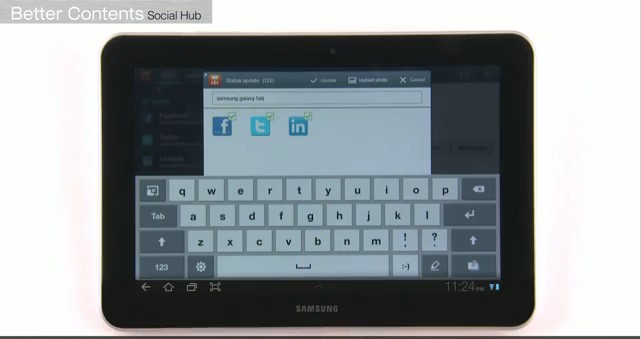
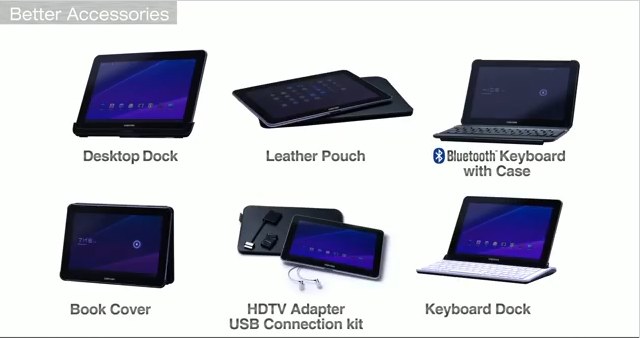
    The Samsung Bookshelf and new TouchWiz Keyboard are also shown off in the demo. The video also details the Social Hub , additional accessories and a detailed demo of the Music Hub which is Samsung’s own version of the music store.

    Check it out.

    Don’t forget to read our EDIT : Its Time To Tabulate

  • Edit: Its time to Tabulate with the Galaxy Tab 750

    Edit: Its time to Tabulate with the Galaxy Tab 750

    Its one of those things that takes time to reach its prime potential. Tablets were introduced in 2010 and primarily a couple of brands ruled the market. With the iPad eating the largest slice of the market share, Android tablets started to pour in by the second half of 2010.

    The Original 7 inch Galaxy tab was the first true Android tablet to be launched in India. While it filled a major void that was left in the market due to the unavailability of the iPad, people were not quite ready for a switch to tablets and the tablets weren’t quite ready for human consumption.

    2011 marked the era of the Tablets, with advancements in technology that allowed for powerful devices to be manufactured at prices well within the buying power of the consumer, Tablets have taken the market by storm, bent it, made space and created a new segment of electronic goods.

    The year started with many tablets, The iPad 2 being the most impressive and the most dominating, followed by low numbers of the Motorola Xoom, RIM Playbook and others. Samsung had announced plans of launching the 10 inch tablet before the announcement of the iPad 2, but later changes in design and specs caused a major delay in the actual release date of the device.

    Most are calling this tablet a true iPad 2 rival, a market favorite of sorts. So, in a market like India where people are finally making space in their life for tablets, where does the Samsung Galaxy Tab 10.1 or the Indian Galaxy 750 fit in? 

    Here is our EDIT  on why the Galaxy 750 is special for us and the Indian Market.

    Galaxy 750

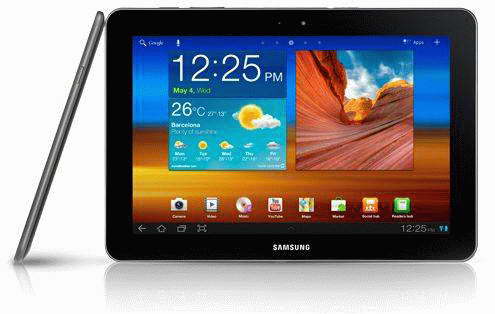
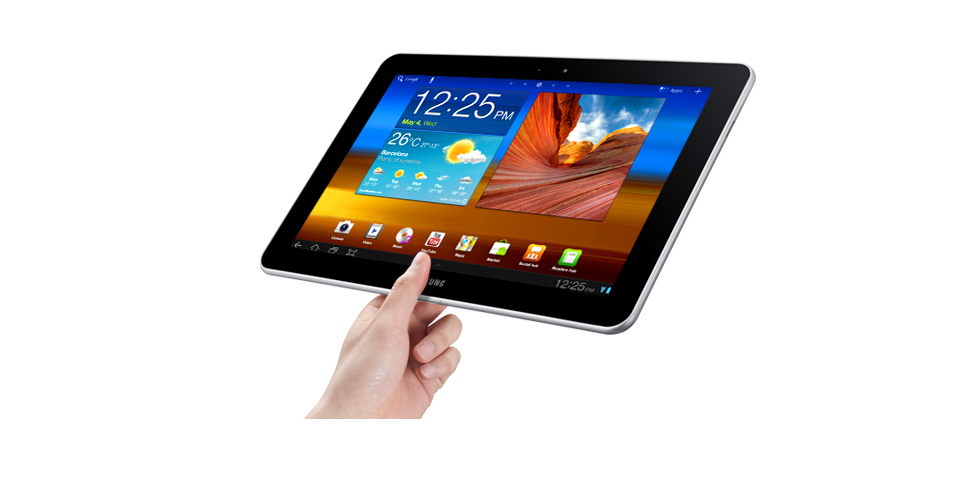
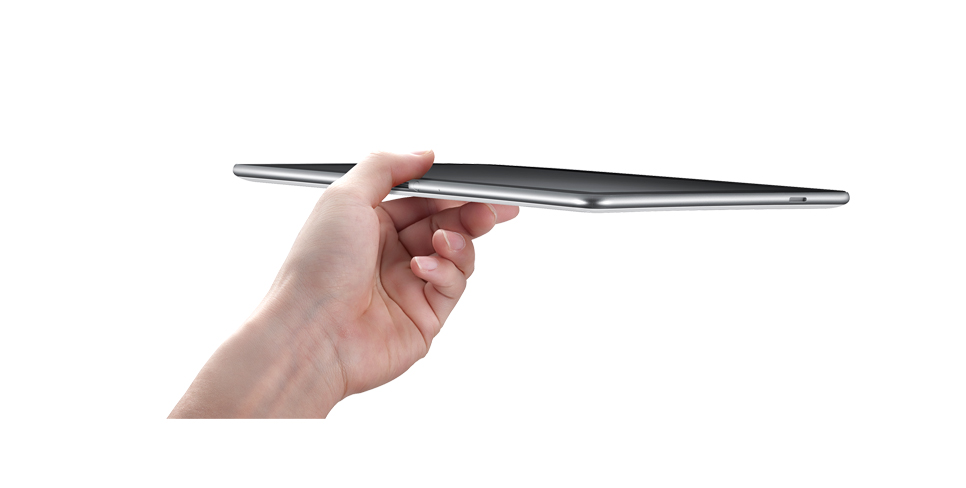
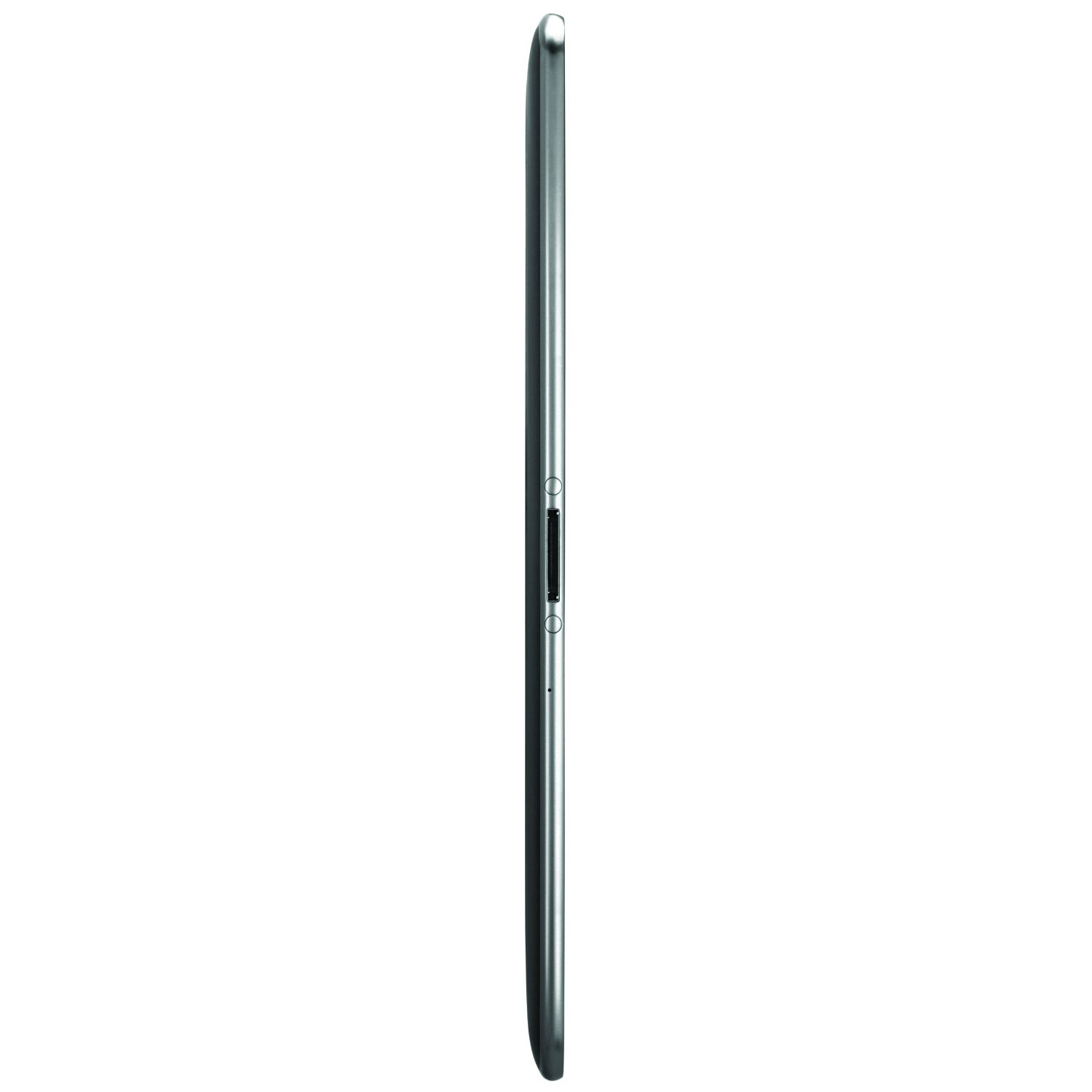
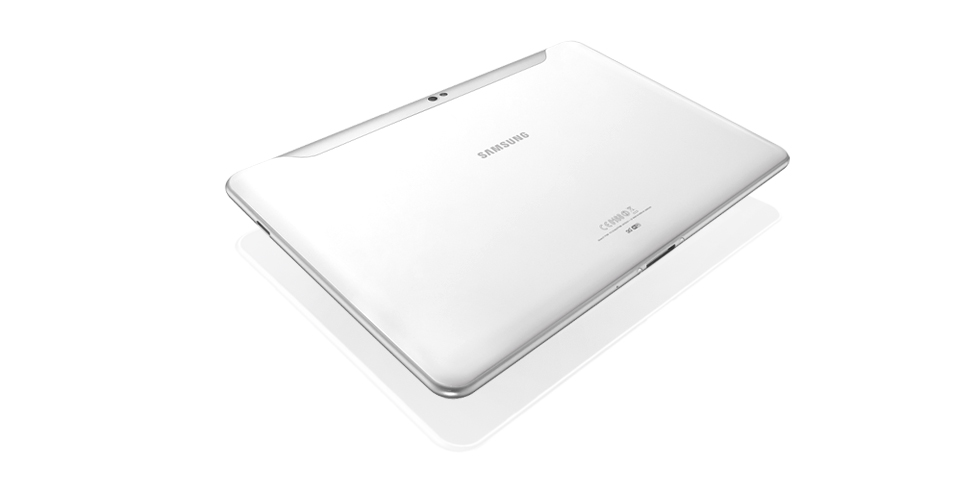
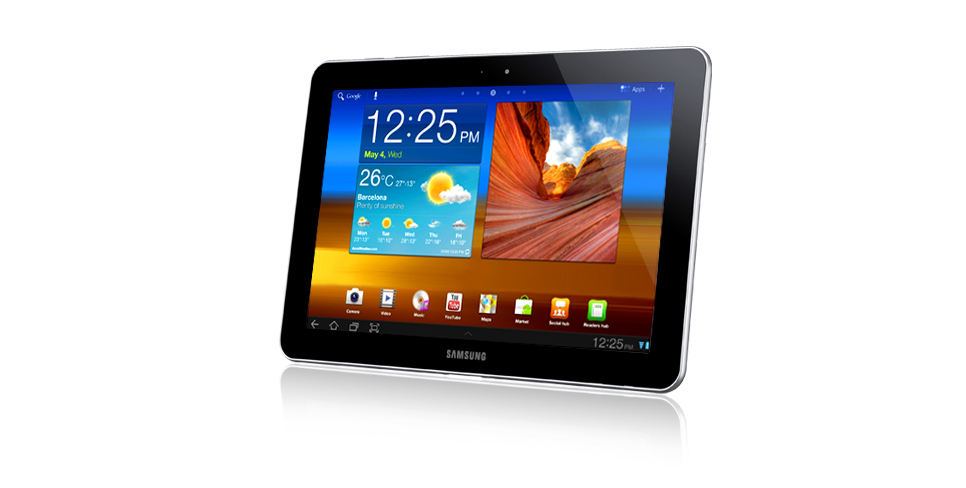
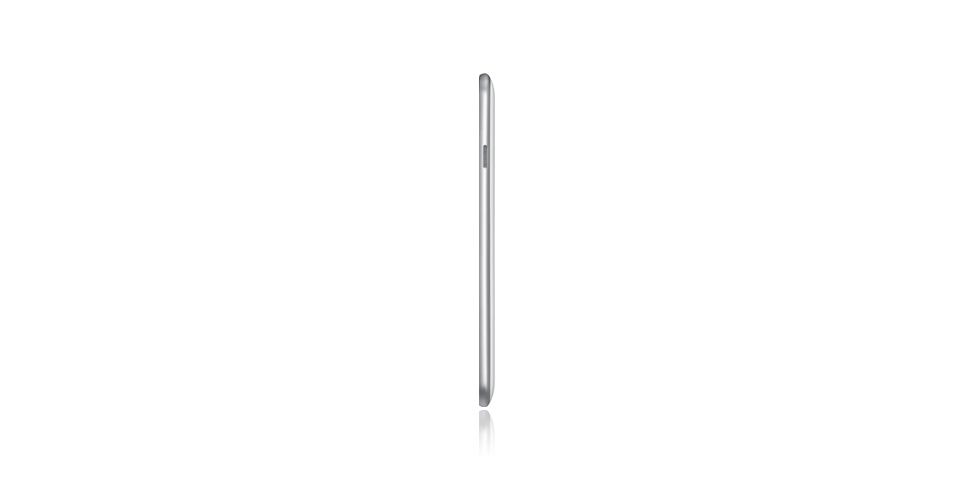
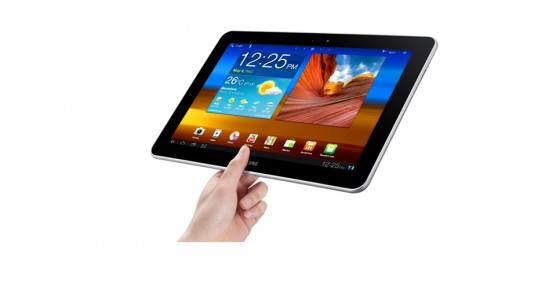
    We already handled the earlier Tab ( thicker version), but for reasons unknown the device was never released and its a good thing. The new Galaxy 750 is just 8.6mm, it is 0.2mm thinner than the iPad 2. and weighing only 565g it’s also 36g lighter than the Cupertino tablet. The device is brilliantly built from from to back and is easily held in one hand. The shape and the design of the Tablet along with a good mix of materials make it feel like a luxury.

    The Galaxy 750 runs Android Honeycomb 3.1, which is the latest version of Android meant for Tablets. This brings about much more usability to the device including  resizable widgets and a better application management system as shown by us in out preview of Honeycomb.

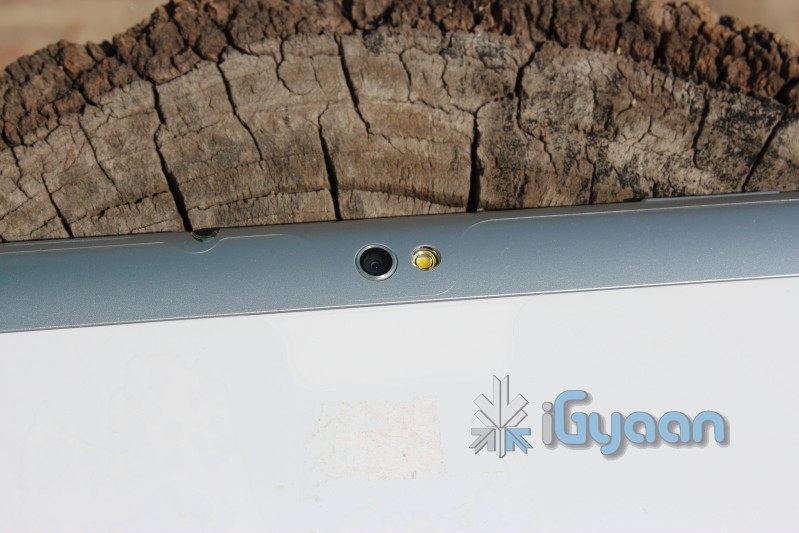
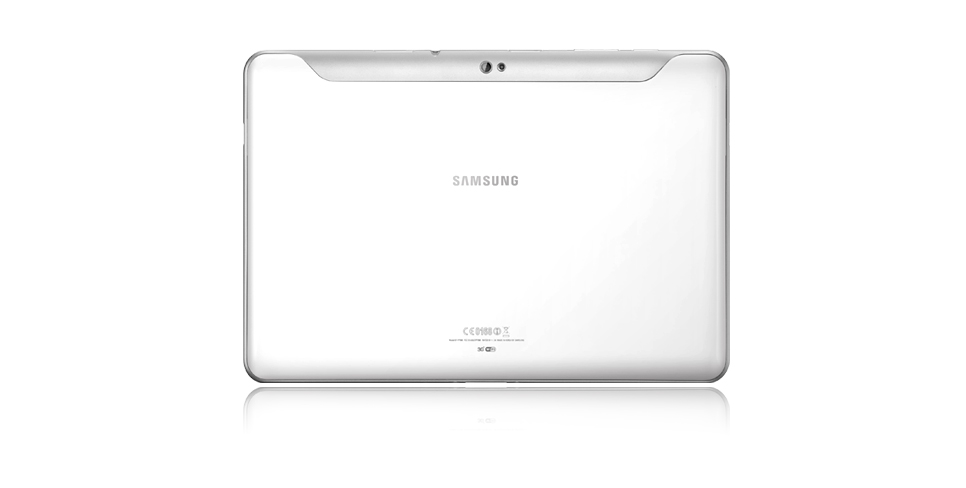
    The newer Galaxy 750 also drops the 8mp rear camera for a 3mp one, which doesn’t bother us and is still far superior than the iPad 2’s unknown less than 1Mp camera.

    TouchWiz

    The Galaxy 750 also adds the newer version of TouchWiz on what is usually a boring interface. TouchWiz not only makes the user interface on the device more attractive to look at, but also adds a whole host of features. The inbuilt task manager, ram management, Voice functions and several multimedia enhancements make the experience a lot better.
    No Chains

    One of the biggest deciding factors for the device has to be the fact that, people want to use a Tablet as a replacement for a laptop or a netbook. The iPad does not fulfill that gap because of the closed structure of iOS. While ruling the mobile structure , iOS does not quite answer to the day to day requirements for a tablet user. 

    Basic file sharing is disabled in iOS, where as Android allows all sorts of file sharing. The device also has the ability to read from USB host devices, but itself lacks a usb port. The Galaxy 750 will require a proprietary cable and will be able to read content from USB hard drives or flash sticks. Making it a far better laptop/netbook replacement than any other Tablet in the market.

    The fact that the Galaxy 750 runs Android, also means that its an easily customizable device, if you don’t like the theme or layout, you can change it. Widgets make it easy to stay up to date on all sorts of information, from stocks to weather, from social networking to emails, new releases and quick actions. The widget- laden interface is a lot of fun to interact with and is also one of the primary reasons we like Android.

    Companion

    The Galaxy 750 can also be the perfect travel companion, not only for business, but also for fun. Download the Kindle App or read a book from the Samsung bookshelf, watch movies on the stunning 1280x800px display which is exceptionally bright. The Galaxy 750 also has a 4 way motion sensor, a Gyroscope, which would make the gaming experience better than any other tablet in the market, including the iPad 2. Samsung also uses this technology for panoramas in the camera and for navigating through the UI like in the case of the Galaxy S2.

    If you didn’t consider buying a tablet prior to this, the time is now. Samsung have brought Tablets, especially Android Tablets, to a place where no one has been able achieve before. A portable media centre which begs attention, a device powerful enough to replace a netbook or even a laptop. Enterprise emails and Office Apps are already on the device along with a 16GB storage (expandable). The device also features a dual core 1 GHZ NVidia Tegra 2 processor with 1 GB of Ram dedicated to the Tablet.

    The Future of tablets is here and its Time to Tabulate with the Galaxy 750.

    Until something better shows up anyway! 

    We can’t express how excited we are to unbox and review this device for you guys! If you have some special requests please leave them in the comments below.

    [polldaddy poll=5388771]

    Full Specs for the Galaxy 750


    Image Gallery
  • Samsung Galaxy Tab Launching Tomorrow 10 Aug – Live Webcast

    Samsung Galaxy Tab Launching Tomorrow 10 Aug – Live Webcast

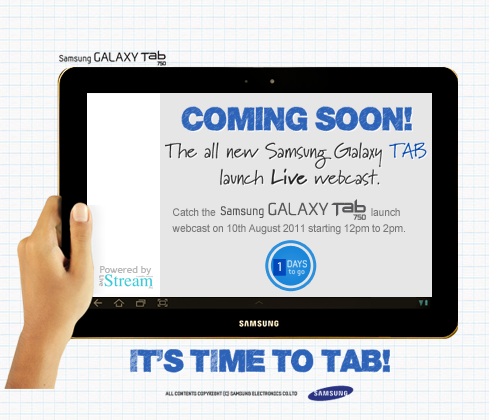
    Samsung is launching the new Galaxy Tab 10.1 Tomorrow in India , shimpents will Start arriving 18th August. The date as reported Earlier by iGyaan was 25 Aug, but looks like the company is in a hurry to push the Tablet out to the consumers.


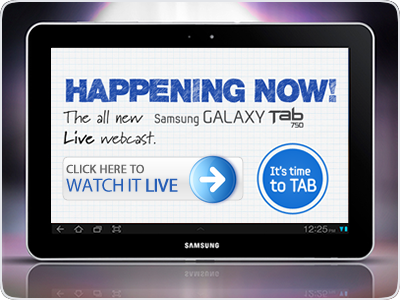
    LIVE WEBCAST


    Samsung Galaxy Tab 750 Launch

    We also had a chance to get our hands on with the earlier 10.1 inch model (thick), check out the video below.


    Full Spec Sheet


    [Samsung Facebook]

  • MSI unveils the lightest Tablets in India with its WinPad Enjoy series (PR)

    MSI unveils the lightest Tablets in India with its WinPad Enjoy series (PR)

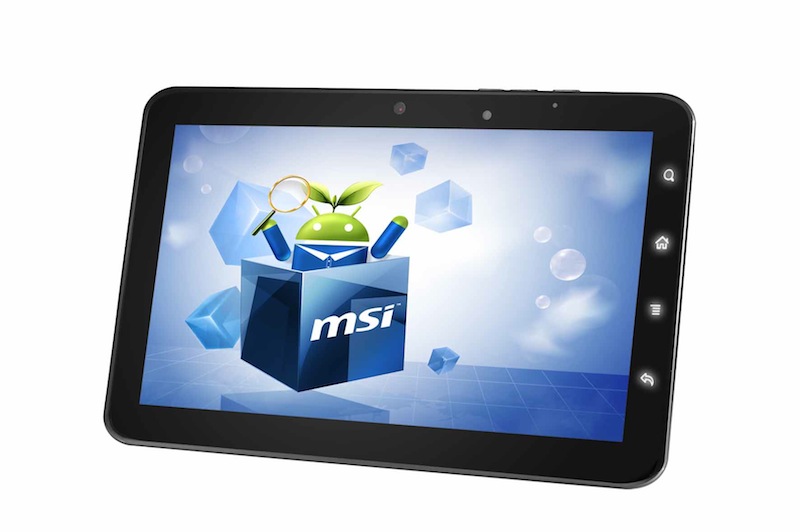
    MSI has announced two new tablets in India with its WinPad Enjoy Series of Tablets. Powered by a 1.2 GHz ARM Cortex-A8 processor and 512 Mb of RAM the tablets are full of interesting specs

    • Wi-Fi and Bluetooth® 2.1 
    • 7″ 800 x 480 (16:9), 10” 1024 x 768 (4:3) display with multi-touch capability 
    • Android™ 2.3.3 Gingerbread operating system 
    • Adobe® Flash® 10.1 support 
    • Dual 2 MP camera 
    • 512 MB DDR3 RAM 
    • ALS (Ambient light sensor), G-Sensor (Accelerometer)
    • E-Compass, Vibration, GPS (Optional) 
    • Storage 4 GB internal storage space 
    • I/O Ports Mini-USB, mini-HDMI, 3.5 mm 2 in 1 headphone + microphone jack 
    • Micro-SD card slot (Max 32 GB) 
    • Battery Life Target 4-5 hours 
    • Rechargeable Lithium Battery 3.7V/4000mAh 
    The tablets are also touted as the worlds lightest tablets. The tablets are priced very competitively with the 7 inch at Rs. 13,999/- and the 10 inch at Rs. 14,999/- making them the first tablets below the 15k mark to be launched in India. If you don’t consider the unbranded ones.
    Enjoy series has been designed keeping the ultimate end-user in mind; it offers productivity while on the go and, provides more ways to have fun and connect with friends. Whether surfing the Web or even enjoying the latest hit movies.
    Eric Kuo, General Manager, MSI India

    We are trying to get our hands on the devices so you can expect a full review shortly. 
    You can also order the tablets directly from the MSI India website.

    [toggle title_open=”Collapse” title_closed=”Read The Press Release” hide=”yes” border=”yes” style=”default” excerpt_length=”0″ read_more_text=”Read More” read_less_text=”Read Less” include_excerpt_html=”no”]

    NEW DELHI, Aug. 05, 2011 — After creating a footprint in the Notebook & PC components category, MSI India is set to redefine the Tablet revolution by launching their latest Enjoy series tablets in India today. The Enjoy series would be available in two variants – Enjoy 10 (a 10 inch Tablet) & Enjoy 7 (a 7 inch Tablet), priced at Rs 14,999 & Rs 13,999 respectively. 

    Last year, MSI had also unveiled first Windows 7 based tablets in India – the WINPAD. 

    The new Enjoy series provide breakthrough brilliant new design and style and exceptionally fast performance with its 1.2 GHz ARM Cortex-A8 processor and 512 Mb of RAM. This will translate into faster web-browsing, movie experience, video calls, gaming etc. ARM Cortex-A8 is a low power, high performance processor solution. Powerful hardware accelerators provide optimized hardware performance for high-end application. 

    Commenting on the latest offering, Eric Kuo – General Manager, MSI India said “Enjoy series has been designed keeping the ultimate end-user in mind; it offers productivity while on the go and, provides more ways to have fun and connect with friends. Whether surfing the Web or even enjoying the latest hit movies”. 

     The slim and light design of the Winpad Enjoy makes it easy for sharing the best moments with your family and friends. All the functions of a computer: Your apps, the internet, photos, music, videos, eBooks, 3D games and email. Additionally, with front and rear cameras, people can also make live video calls using a variety of available video chat applications available in the Android Market. Android market place to instantly access hundreds of thousands of apps. 

    The tablet showcases the innovations of the Gingerbread user experience – including an interactive, customizable home screen with moveable widgets, notifications and tabbed browsing. 

    Other key features of the Enjoy series include: 

    • Wi-Fi and Bluetooth® 2.1 
    • 7″ 800 x 480 (16:9), 10” 1024 x 768 (4:3) display with multi-touch capability 
    • Android™ 2.3.3 Gingerbread operating system 
    • Adobe® Flash® 10.1 support 
    • Dual 2 MP camera 
    ·        512 MB DDR3 RAM 
    ·        ALS (Ambient light sensor), G-Sensor (Accelerometer), E-Compass, Vibration, GPS (Optional) 
    ·        Storage 4 GB internal storage space 
    ·        I/O Ports Mini-USB, mini-HDMI, 3.5 mm 2 in 1 headphone + microphone jack 
    • Micro-SD card slot (Max 32 GB) 
    ·        Battery Life Target 4-5 hours 
    • Rechargeable Lithium Battery 3.7V/4000mAh 

    You can also order the tablet online, in India with just a click on a tab. Just visit the website: http://in.msi.com/ 

    About MSI: 

    Founded in August 1986, MSI (Micro Star International) is a world-class leading company specializes in the design and manufacture of mainboards, graphic cards and notebooks. MSI is now the world No.1 graphic card manufacturer and in the Top-3 in mainboards. According to Displaybank, MSI was the No.4 Netbook supplier in 2008 and being ranked as Top 10 NB Brand in the worldwide market based on shipments. MSI Computer India Pvt. Ltd. initiated its local presence as a licensed office in 2005 and has become a fully functional subsidiary in 2007. 

    [/toggle]

  • iG Exclusive : Samsung Galaxy Tab 10.1 to Launch on Aug 25

    iG Exclusive : Samsung Galaxy Tab 10.1 to Launch on Aug 25

    Look what we know and want to tell you, the simply brilliant Samsung Galaxy Tab 10.1 with Honeycomb OS is coming for you officially by Samsung this month on August 25.

    We got this information directly from our own little birdie at Samsung’s office. According to our source the company is planning a massive advertising campaign for the Galaxy Tab 10.1 and may also launch combo offers that will include discounts on purchase of both the Tab and the S2. 

    Pricing information is still blurry, but according to our source the tablet may be pegged upwards of 35k during launch. Although the company is expected to bring about multiple combo offers, like free case and screen protector, dock , etc.

    Either way you can expect us to be on top of the information chain, and expect a full fledged unboxing – review cycle as soon as we get our hands dirty with it.


    We also had a chance to get our hands on with the earlier 10.1 inch model (thick), check out the video below.


    Full Spec Sheet


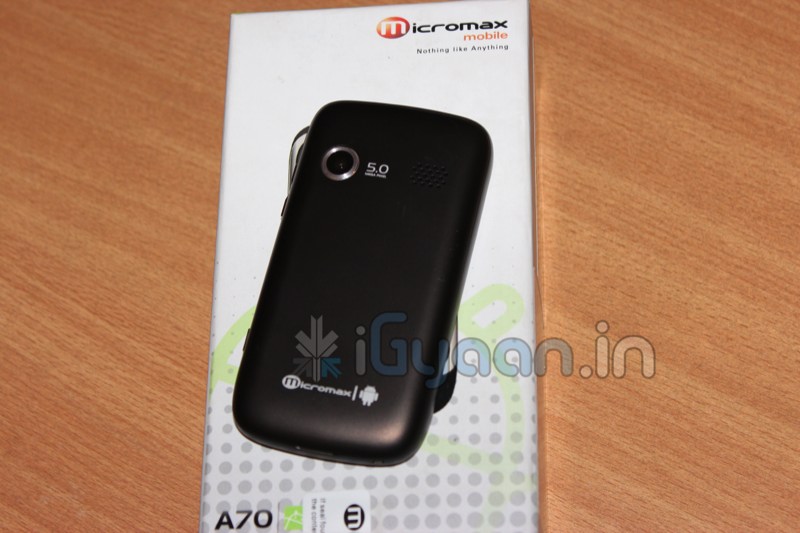
  • Epic Sunday Treat : Micromax Andro A70 Unboxing and Hands On

    Epic Sunday Treat : Micromax Andro A70 Unboxing and Hands On

    Here it is, we got over a thousand requests for the Andro A70 Unboxing and Review, while the review process is on, check out the unboxing and hands on below.

    Key Features Include

    •   Android 2.2 (Froyo)
    •   Camera Primary 5.0 MP Secondary – VGA
    •   600MHz Processor
    •   8.128cm Multi Touch Capacitive Screen
    •   M! – apps –  application store by Micromax
    •   WCDMA 2100 MHz
    •   HSDPA 7.2 Mbps
    •   Mi-Fi Pocket Wireless Internet
    •   GPS             
    •   Wi-Fi 802.11 b/g
    •   Battery 1450mAh
    •   Proximity Sensor
    •   Gravity Sensor
     Price : Rs. 7599/-

  • ASUS Launches Eee Pad Transformer Tablet in India

    ASUS Launches Eee Pad Transformer Tablet in India

    Asus has Launched the Eee Pad Transformer tablet in India, with the optional dock.

    The 16Gb WiFi only version was launched for Rs. 32,899/- and the optional dock will run you back Rs. 7500/-.

    • 10.1-inch IPS display (1280×800 pixels)
    • 1GHz dual-core Tegra 2 SoC processor
    • 1GB of RAM
    • 8 hours of battery life
    • 5MP rear autofocus camera 
    • 720p HD video recording
    • mini HDMI, microSD/SD, and microUSB

    The laptop dock has a full sized keyboard, a touchpad, 2 USB ports, and a battery pack, giving it up to 14 hours of usability.

    Honestly if you ask us the device seems a bit expensive for the price, especially since the company will launch an upgraded Transformer 2 Tablet later this year in India.

  • Ideum Takes On The Microsoft Surface With Its Ultrathin Multitouch Table

    Ideum Takes On The Microsoft Surface With Its Ultrathin Multitouch Table

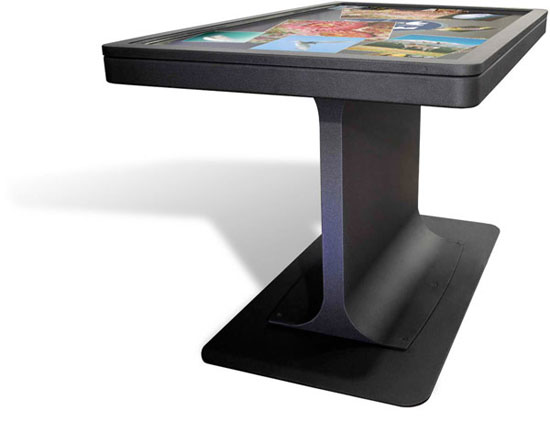
    Microsoft’s Surface Table hasen’t quite taken the world by storm. This is probably due to the table’s bulky size and hefty price tag. I you are one of those people who was more upset with the table’s size than its price tag, Ideum hopes that you will be interested in its MT-55 multi-touch table.

    Instead of sitting in a box, Ideum’s table is more like a flat-screen TV mounted on a stand. The table, which is only 3 inches thick, costs a whopping $18,000. The screen features a 5,000,000:1 contrast ratio and has a 178o viewing angle and supports a 64-bit copy of Windows 7. The viewing angle is important because it means that even someone whose peeking over the edge of the table will be able to see the display clearly.

    Multi-touch table’s may become the rage someday, but until the price comes down, and they create more software specifically for this kind of application, we don’t think that they’re going to sell too many.

  • Pioneer Attacks the Surface with the Discussion Table

    Pioneer Attacks the Surface with the Discussion Table

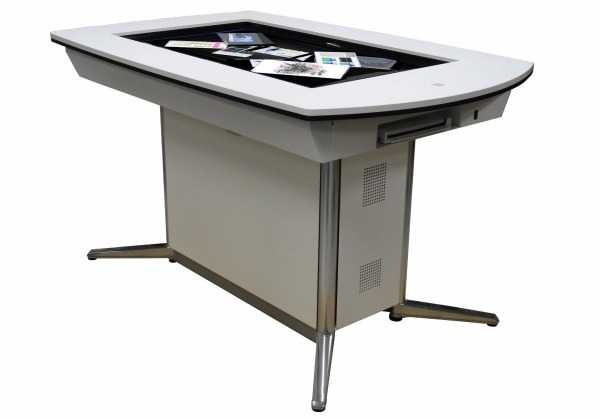
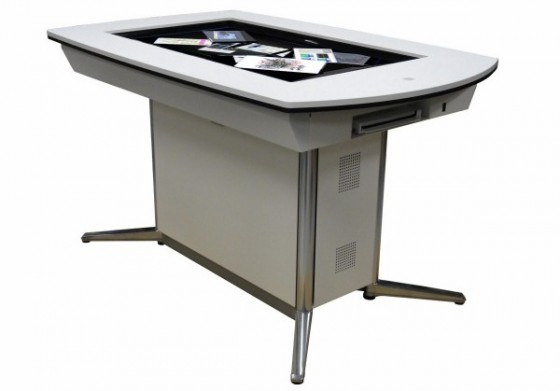
    Microsofts Surface has already arrived in India, but is still not mainstream, with the initial instances of the product in early 2008, the Surface has still not made it to homes and offices as it dreamed. But looks like Pioneer has an answer. Enter : The Discussion Table.

    Launching in Japan in JULY this Table has pretty interesting specs

    • 52-inch, 1920 × 1080, multitouch glass slab
    • Core i7 processor and 6GB of RAM
    • Windows 7 and an interface called SCHEDA
    • Ability to wirelessly pull content from laptops, tablets, smartphones and cameras
    • Document to digital doc Scanner
    • The table is also tele-conference enabled

    [Pioneer]

  • Acer Launches the Iconia Android 2.3 Smart Phone in India – Ships it next Month

    Acer Launches the Iconia Android 2.3 Smart Phone in India – Ships it next Month

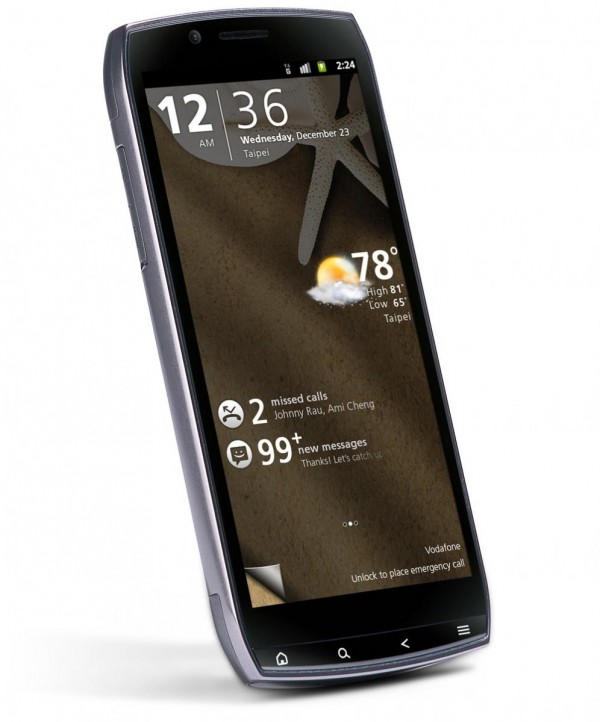
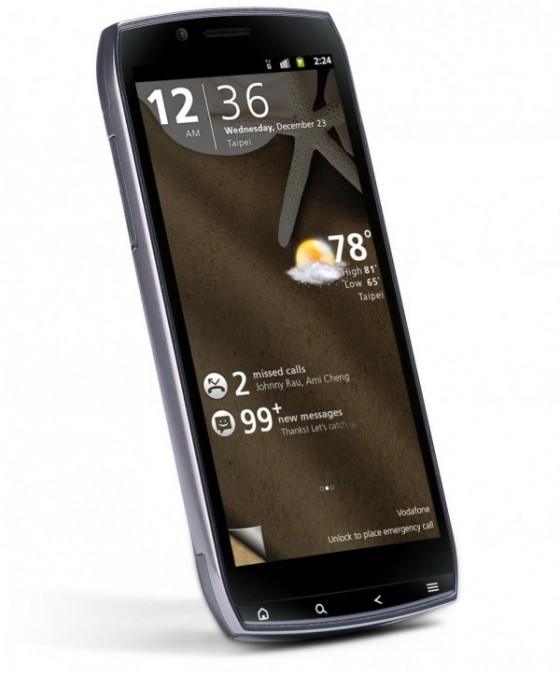
    Acer launched or should we say spoke about the new Iconia Smart in India. While the launch announcement was made the product is yet to start selling. It features


    • 4.8 inch display with HXGA (1024×480) resolution
    • 1GHz Snapdragon processor
    • 8 GB Internal Memory
    • HDMI port
    • DLNA support
    • Android 2.3 (Gingerbread) OS
    • Acer UI 4.2
    • 3G Connectivity
    • Wi-Fi 802.11 b/g/n
    • Bluetooth 2.1 with A2DP
    • 8 megapixel camera with autofocus and LED flash
    • HD (720p) video recording
    • 2 megapixel front-facing camera
    • 3.5mm jack
    • Dolby Mobile sound enhancement
    • 512 MB RAM
    • 512 MB ROM
    • 8 GB internal memory + microSD
    • 32 GB expandable memory
    • Six-axis gyro sensor
    • MicroUSB 2.0
    • A-GPS
    • HDMI port
    • Up to 500 hours stand-by time
    • Up to 11 hours talk-time
    • 1500 mAh battery

    With no official price on this 4.8″ monster , It is speculated to be in the market range of 30K INR.

iGyaan Network
Privacy Overview

This website uses cookies so that we can provide you with the best user experience possible. Cookie information is stored in your browser and performs functions such as recognising you when you return to our website and helping our team to understand which sections of the website you find most interesting and useful.