Tag: new feature

  • Snapchat Releases A Rebuilt Android App Promising Faster Performance

    Snapchat Releases A Rebuilt Android App Promising Faster Performance

    Snapchat, a popular multimedia messaging platform has faced its fair share of problems previously. The Android version of its application has always been complained about not being on par with the performance of its iOS counterpart. While the app was fairly stable and easy to work with on the latter, the former faced a lot of lags and continuous slowdowns which resulted in a sub-par experience. The company has freshly announced a new, rebuilt version of its Android application which promises a more refined, lag-free user experience. 

    Snapchat’s New Android App

    The new Snapchat app for Android OS is a complete overhaul of the platform. However, it doesn’t bring any drastic visual changes to the table but instead relies on fixing the problems it faced on the inside. Notably, the Android and iOS versions of the messaging platform were identical visually and feature little to no differences in terms of controls and usability. The issues that users faced, as mentioned above were mainly performance related, which Snapchat claims will be fixed with the new update, and bring it on par with the iOS version. Interestingly, previous issues with fixing the Android app according to the company was the diverse range of devices that the platform boasted of, with each running on different internals and sporting differently sized displays. This made optimisation difficult for each device.

    Also Read: Best Fitness Trackers Available In India Under Rs. 3,000

    Another issue that the users faced previously was the disparity between feature distributions. While the iOS app received new features including filters and menu options right as they were announced, it took weeks and sometimes even months until the said feature made its way to the green side. The company has said that in future, the Android version may even get features faster than its iOS counterpart. Previously, due to the aforementioned issues, users of Snapchat on Android were reported to switch to rival platforms like Instagram, which caused a substantial dent in the company’s revenue last year.


  • PUBG Mobile Adds Rocket Launcher, New Zombie Mode In Latest Update

    PUBG Mobile Adds Rocket Launcher, New Zombie Mode In Latest Update

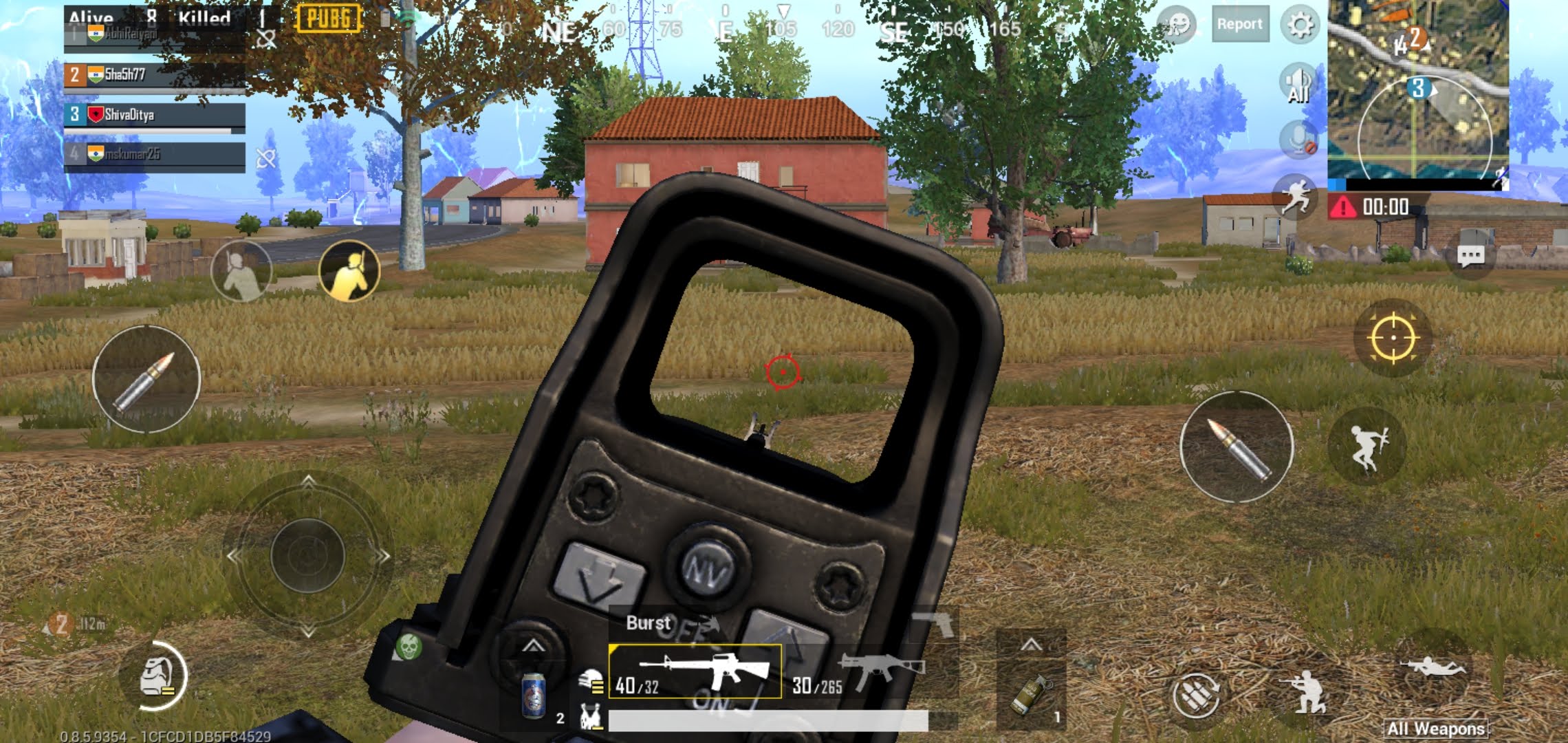
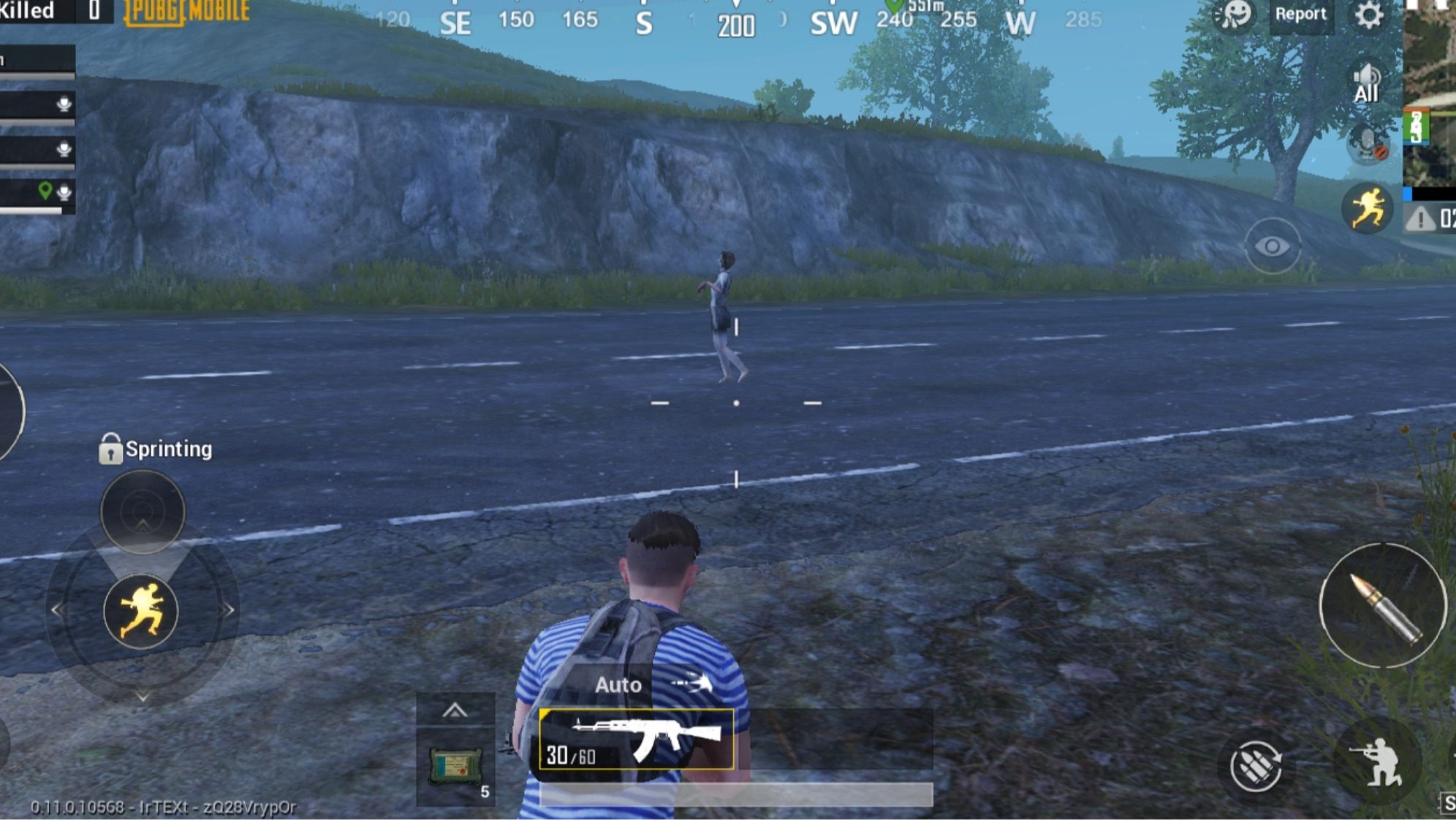
    PlayerUnknown’s Battlegrounds or PUBG Mobile, in the one year it has been available, has quickly grown to become one of the most popular smartphone games of all times. Tencent, the team behind the game, has added a host of new features in the latest beta update. The latest update carries the version 0.12.0 and adds features like new weapons, event and an all-new spectate functionality. 

    What’s New?

    The latest update of PUBG Mobile is available to download for selected users under the beta program. The biggest noticeable change is the addition of a new Zombie Mode. Available under the event section, the description of it says, ‘Collect supplies during the day and fend off zombies at night. Survive until the rescue arrives to win!’. The text suggests gameplay wherein players would need to exterminate or ward off the zombies for a selected time period until rescue arrives. Notably, this will be different from the existing Zombie mode wherein players need to eradicate the Zombies and also fight off other players to be the last one standing.

    The update to PUBG Mobile also adds new weapons. The first weapon added is a Rocket Launcher and was highly anticipated by the players. Another weapon is an explosive crossbow, which would blow up when hitting the target. These two weapons are expected to be exclusive to the new Zombie Mode and will not be available in the normal game. A friendly spectate is also being added to the game. This would let a players friend spectate them while playing. It will also display the player’s information and the number of people watching. The crosshair colour, which is used to aim in the game, can now be changed.

    Also read: Apple Arcade: Which Are The Top Games So Far?

    A male voice for the quick chat feature is also being added to PUBG Mobile. This would exist separately with the voice currently available and will be given as an option. For the login screen, a new cosmetic change will be available. An eagle, termed as a companion, will be added to the character’s shoulder which would feature emotes. While not a big change, it will add an ornamental update to the existing game. Unfortunately, it is not known when the above features will be available in the stable update of the mobile game, but their addition to the beta mode insinuates that it may be added in the following weeks. 

  • WhatsApp For Android Finally Gets A Dark Mode

    WhatsApp For Android Finally Gets A Dark Mode

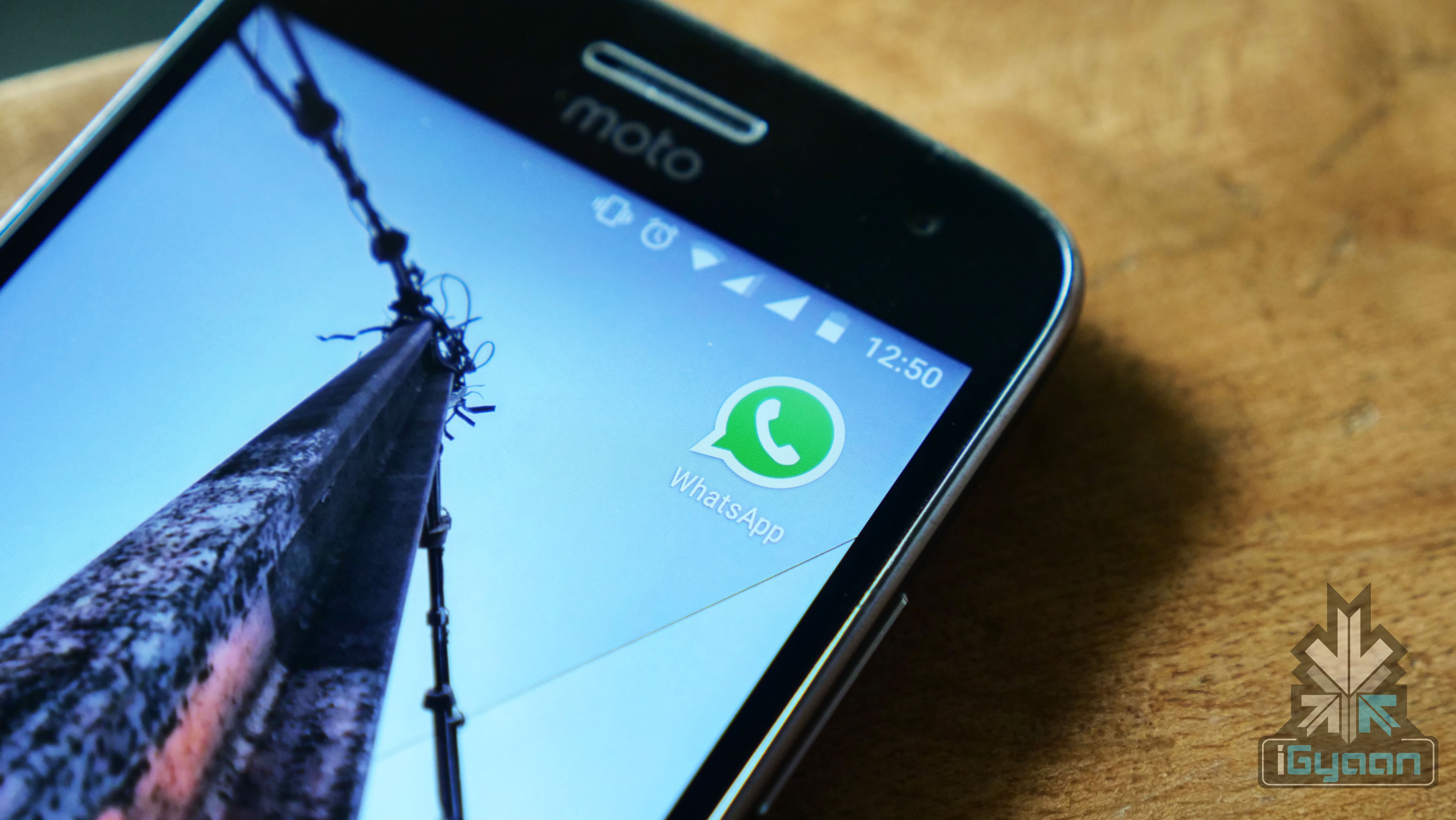
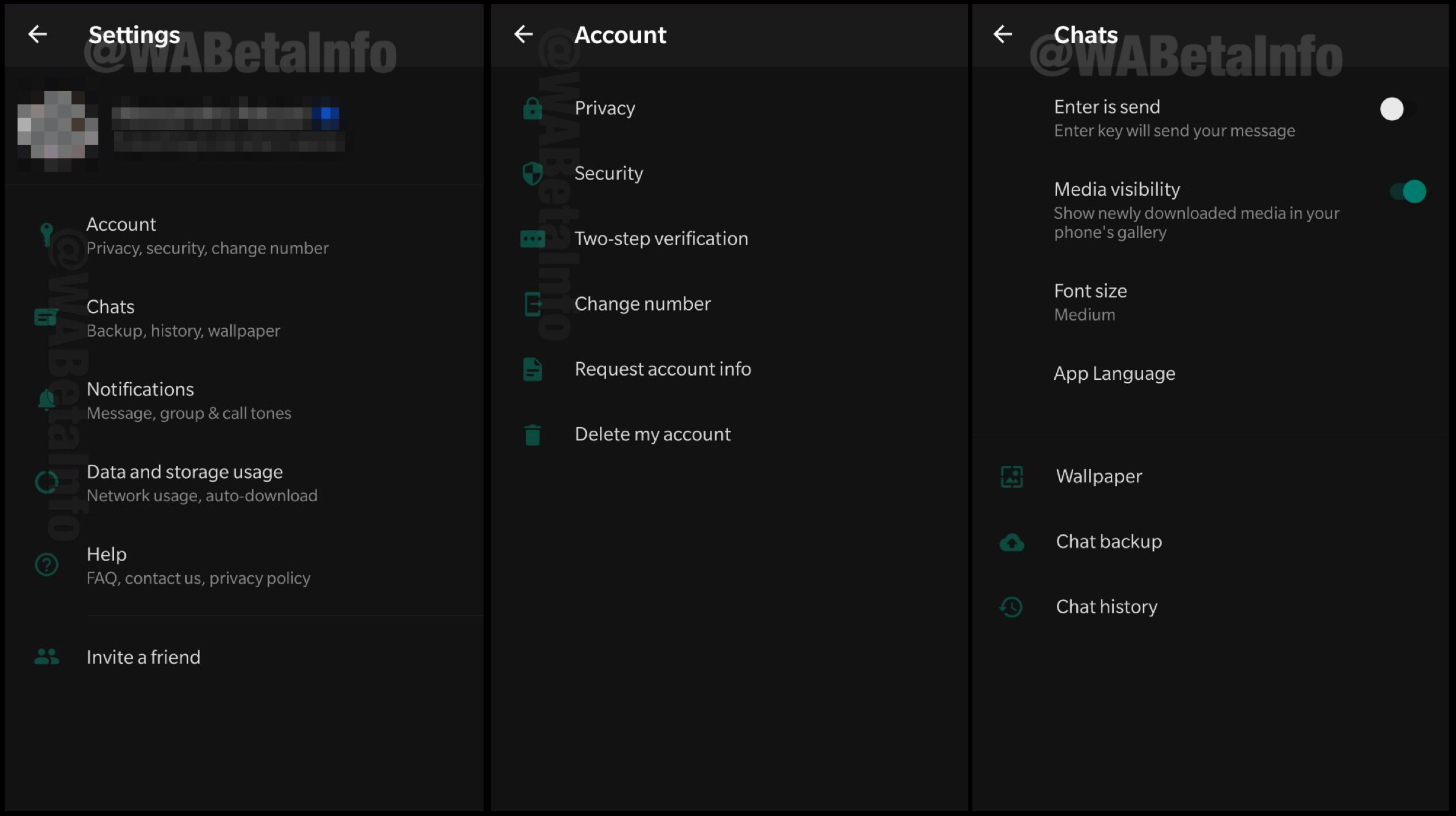
    After countless speculations and leaks, popular instant messaging application WhatsApp has started testing out the highly anticipated dark mode for Android. This feature has limited availability and was spotted in the Beta build of the software. Leaked screenshots reveal how the alleged dark mode will look like in WhatsApp.

    WhatsApp Dark Mode

    The leaked screenshot of the WhatsApp dark mode feature has been claimed to be of the version 2.19.82 of the software. Even though the feature is live, many Beta users have claimed that the feature is not available on their devices. A few weeks ago, it was reported WhatsApp is redesigning the settings page of the Android app. It has since been insinuated it was done to ensure compatibility with the new feature.

    The dark mode feature that has been leaked on WhatsApp for Android is currently only available in the settings menu. There have been reports that the chat window will retain its signature green accent colour for the foreseeable future. It is been speculated that the developers are trying to incorporate a better, darker version of the already existing chat window. The dark mode feature is expected to be rolled out in the following weeks in the stable version of the software.

    Also read: Samsung Galaxy A2 Core Gets Bluetooth Certification, Launch Imminent

    The dark mode feature has been included by many developers and manufacturers in their software lately. This is because it supposedly helps in saving battery life on OLED displays because the darker areas of the screen require little to no pixels to light up. It also helps in reducing the strain on the user’s eyes in dark environments. However, instead of a solid black colour, the dark mode of WhatsApp on Android is more of greyscale in nature. This will help in reducing the eye strain but might not be of much help in increasing the battery life of the smartphone. 

  • Xiaomi Poco F1 Gets Game Turbo Mode For Better Gaming Performance

    Xiaomi Poco F1 Gets Game Turbo Mode For Better Gaming Performance

    Xiaomi launched the Poco F1 smartphone last year in India. The device was an instant success owing to its competitive, flagship specifications at a lucrative price. In a recent software update to the handset, the company has added the Game Turbo mode. This should enable better performance on the smartphone for gaming or similar resource-intensive tasks. 

    Game Turbo Mode On Poco F1

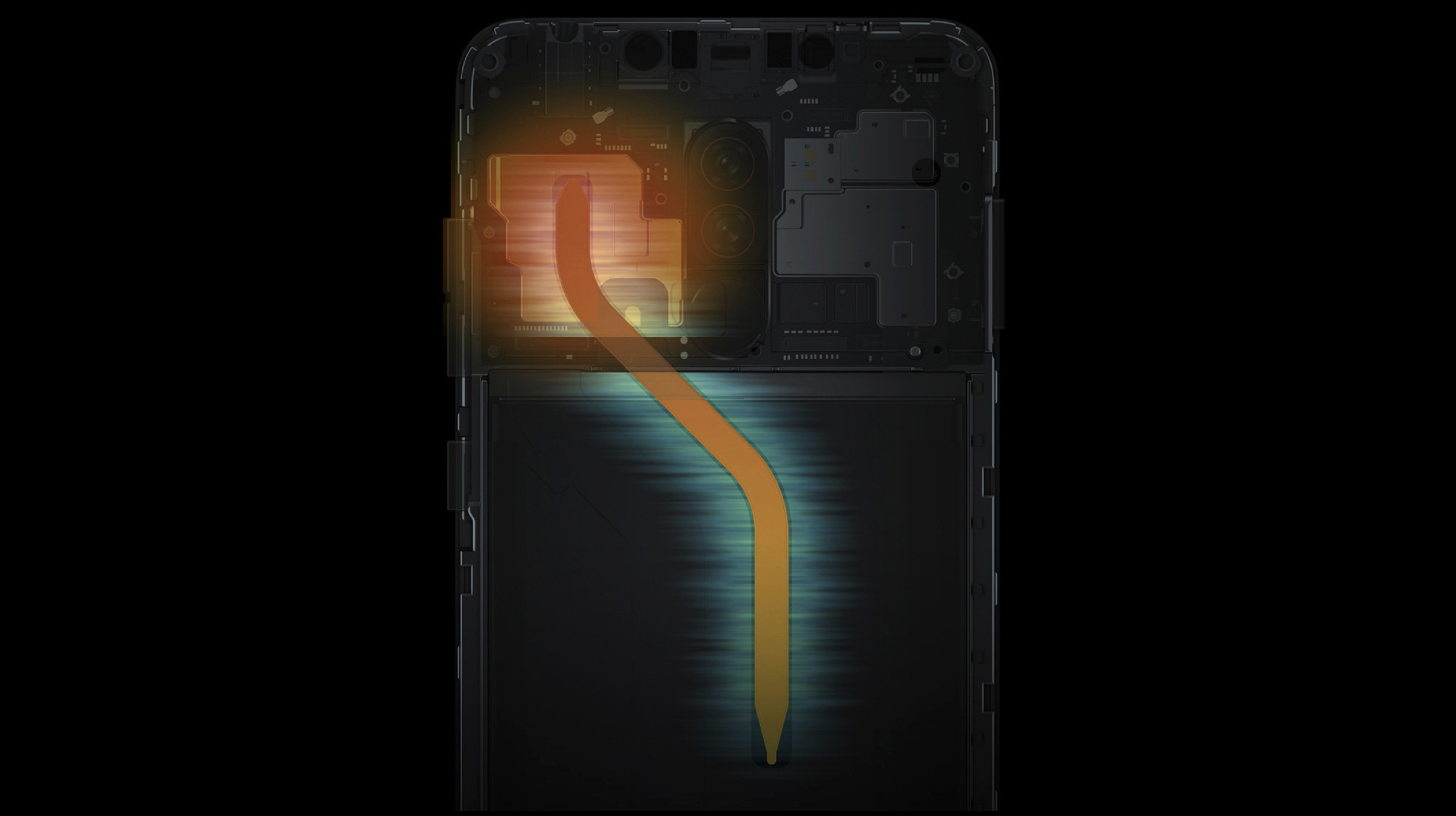
    In the latest update to the MIUI 10 operating system on the Poco F1, the company has added a Game Turbo Mode for the smartphone. The feature is responsible for optimizing the CPU power and the RAM of the device according to the game running on it. The performance is also balanced according to a particular game scene. So, for example, if a game has an area that has a lot of textures and layers, which usually is graphically intensive, then the CPU and GPU load will be increased. In the case of a graphically challenged environment, the load on the performance will be reduced.

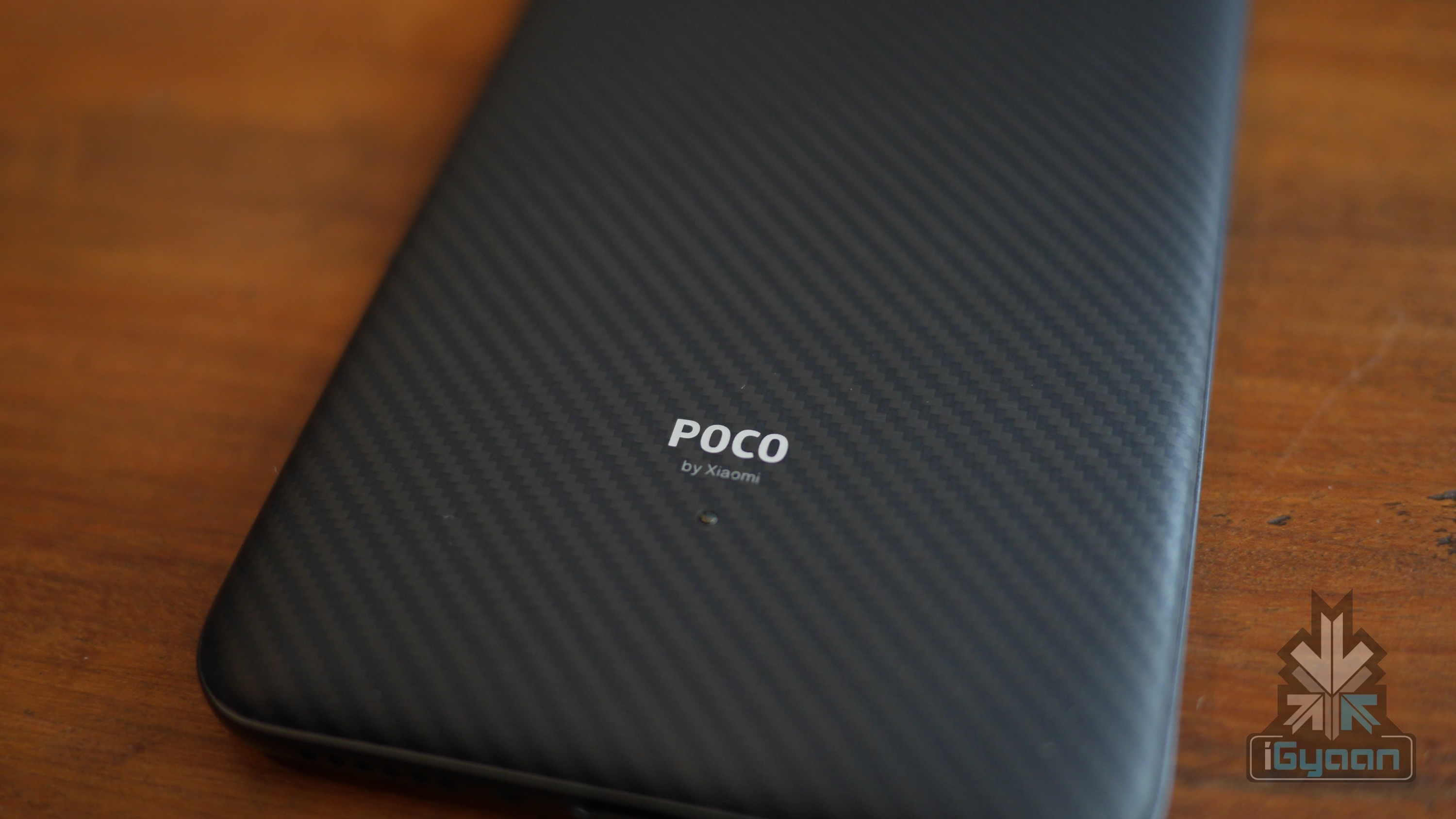
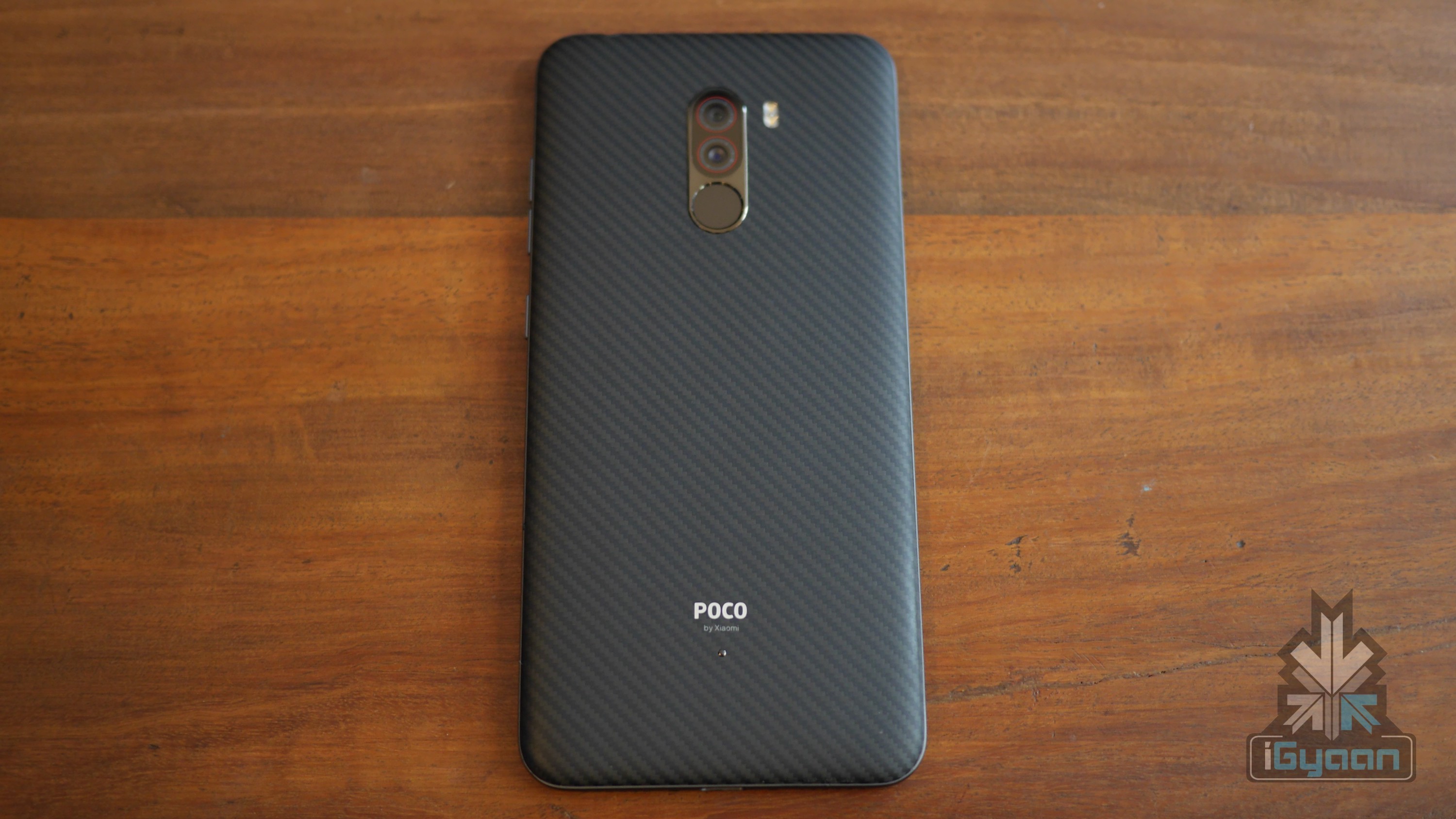
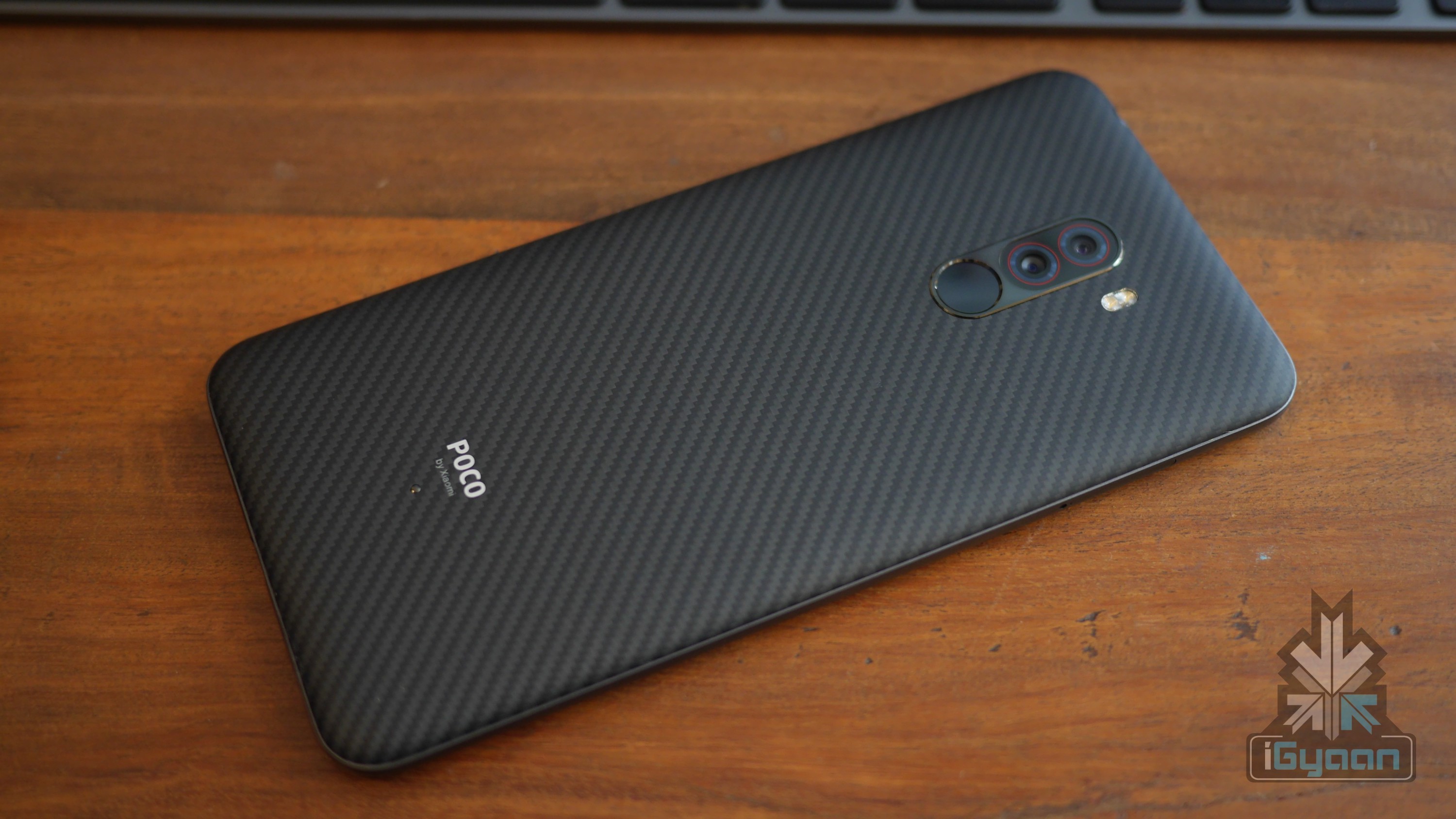
    Xiaomi Poco F1

    To recall, Poco F1 was launched as the most affordable smartphone in the market with the 10nm Snapdragon 845 SoC. The chipset was seen in many Android flagship devices last year and has an Octa-core CPU with Adreno 630 for graphics. The frame of the handset is made from polycarbonate. The front is dominated by a 6.18 inch IPS LCD display with a resolution of 2246 x 1080 px. There are minimal bezels on all sides, barring a significant chin and wide notch on the front. For biometrics and security, there is a rear mounted fingerprint sensor with support for face unlock technology.

    The Poco F1 is powered by a 4000mAh battery with 18W fast charging support via the bottom mounted USB Type-C port. In terms of optics, the smartphone has a dual rear camera setup consisting of a 12MP sensor with f/1.9 aperture and a secondary 5MP sensor for depth effects. For selfies, there is a 20MP camera with f/2.0 aperture housed in the notch up front. For memory and storage, it is available in up to 8GB of RAM and 256GB of internal storage.

    Also read: PUBG Mobile Six-Hour Ban Lifted, Developers Issue Apology

    As far as pricing is concerned, Poco F1 has received a temporary price slash which makes the prices of the smartphone start from Rs 19,999 for the version with 6GB RAM and 64GB ROM. The variant with 6GB RAM and 128GB onboard storage starts at Rs. 20,999. The model with 8GB of RAM and 256GB internal storage will be available for Rs. 27,999. 

  • Twitter Camera Makes Sharing Photos And Videos Easier

    Twitter Camera Makes Sharing Photos And Videos Easier

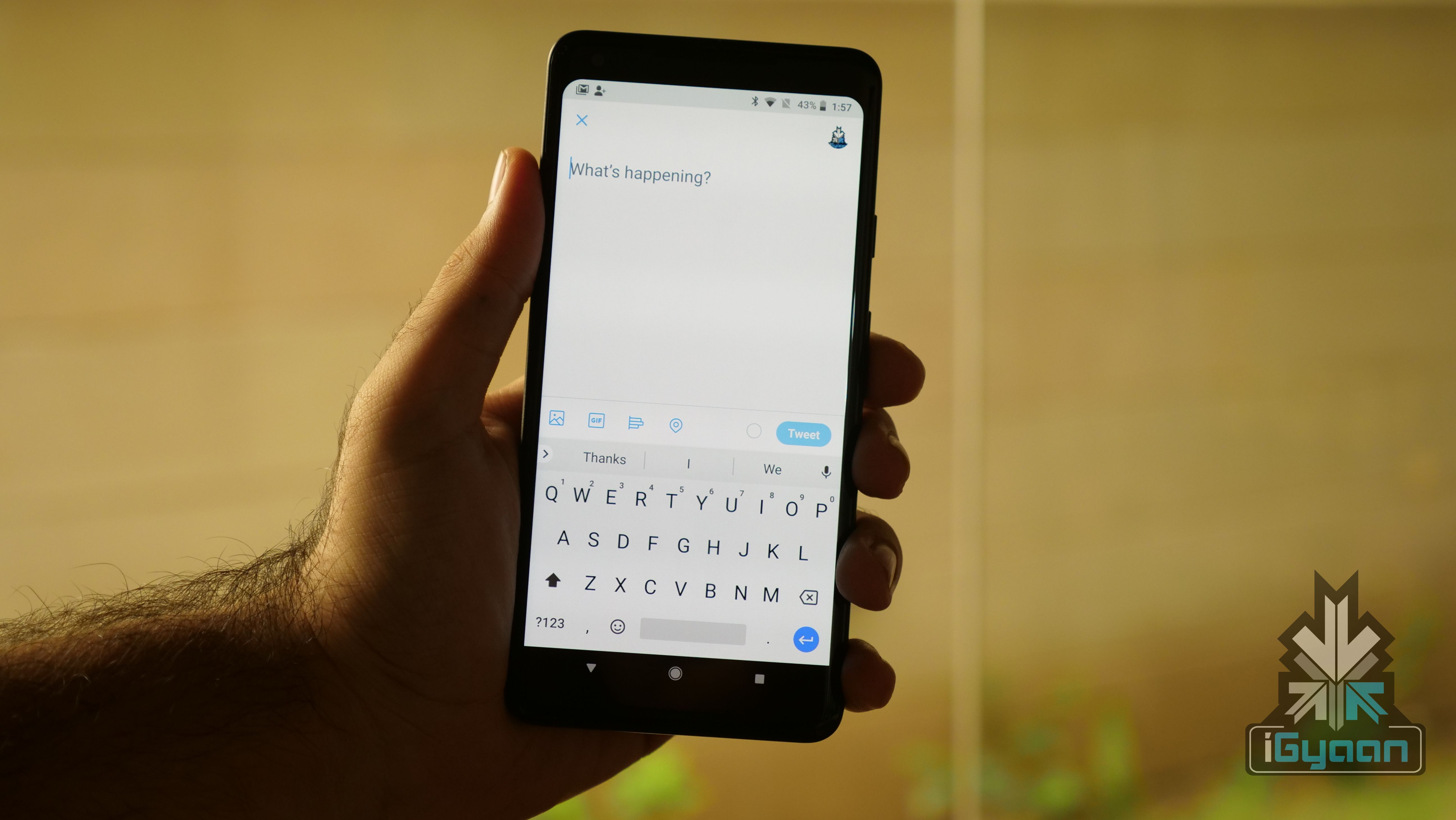
    Popular microblogging service Twitter has announced the latest feature to its smartphone application. Called Twitter Camera, this enables users of the app to share pictures and videos instantly with their followers. The feature will be released in phases for users of the Twitter app for Android and iOS. The company announced the rollout on its official Twitter handle.

    Twitter Camera

    https://twitter.com/Twitter/status/1105815777616191489

    The new Twitter Camera can be accessed from within the official application by swiping left from the home screen. It reveals a similar layout to the Facebook camera, a rival counterpart of the feature. With the new addition, users can now click a picture by tapping the shutter button on the bottom. A long press of the button will record a video, which again can be shared instantly. Another option on the bottom right reveals a ‘LIVE’ button, which, as the name suggests, allows sharing live videos. There is also a flash toggle and an option to switch cameras on the top right corner.

    In the new Twitter Camera, sharing the media from the app will also look different than before. Instead of the text being on top and important elements of media hidden away; the new update will make the media stand out on its own. The text embedded in the tweet will be shown below it and the size of the tweet will also be substantially larger.


    Notably, the Twitter Camera feature draws heavy inspiration from Instagram, Facebook and Snapchat, which also allows similar content sharing technology. However, the latter applications have additional features like AR stickers and hands-free recording. Twitter hasn’t announced what new features it will incorporate in the future, but it may add the aforementioned functionalities in later versions of the app.

    Also read: Facebook, Instagram, WhatsApp Down For Users Around The World

    The new Camera feature on the Twitter application is one of the biggest updates the microblogging website has incorporated on its platform. This move is seen as a reply to the ever-increasing hold of rival services.

  • YouTube Rolling Out Fact Checking Feature To Combat Fake News

    YouTube Rolling Out Fact Checking Feature To Combat Fake News

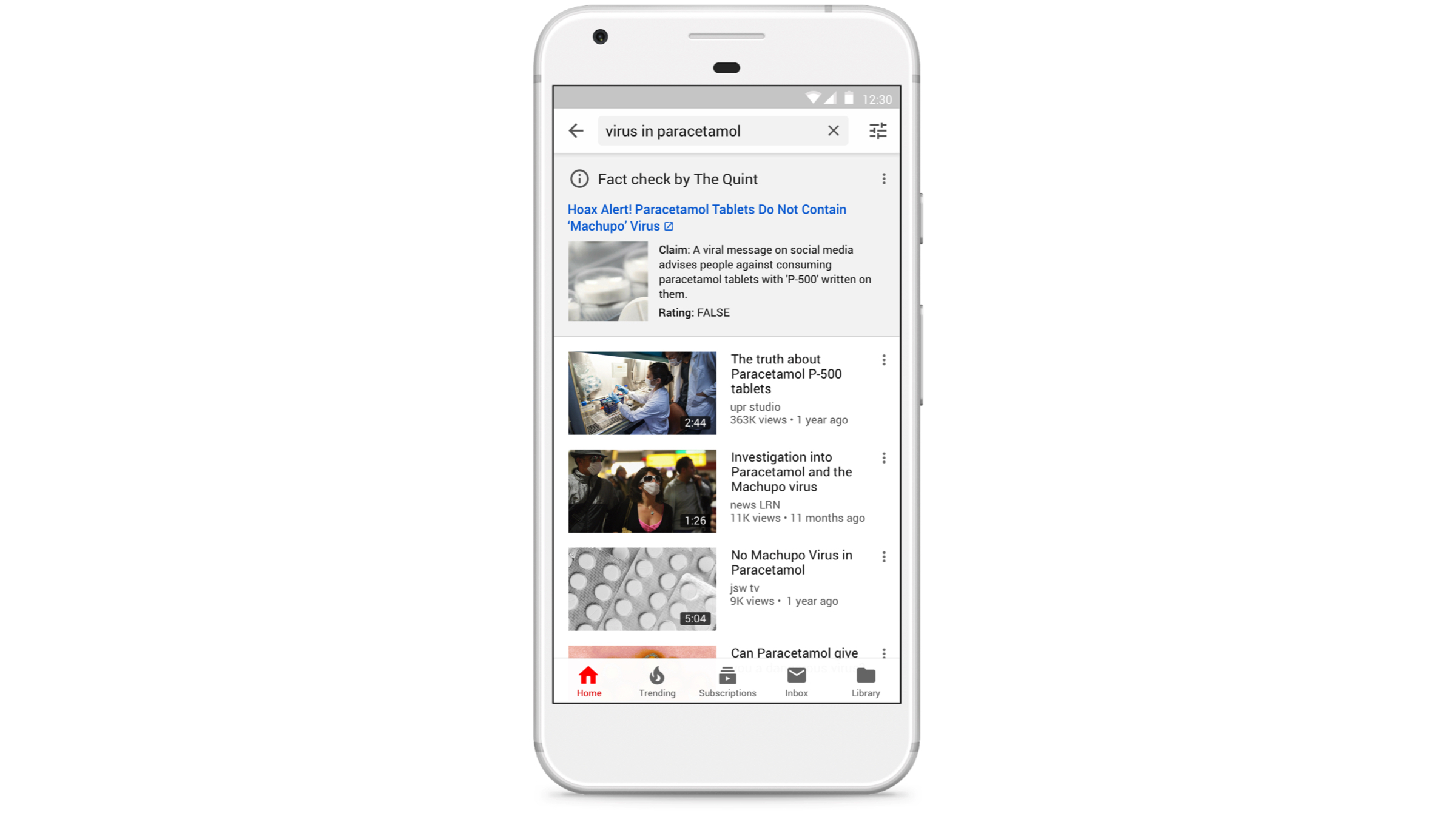
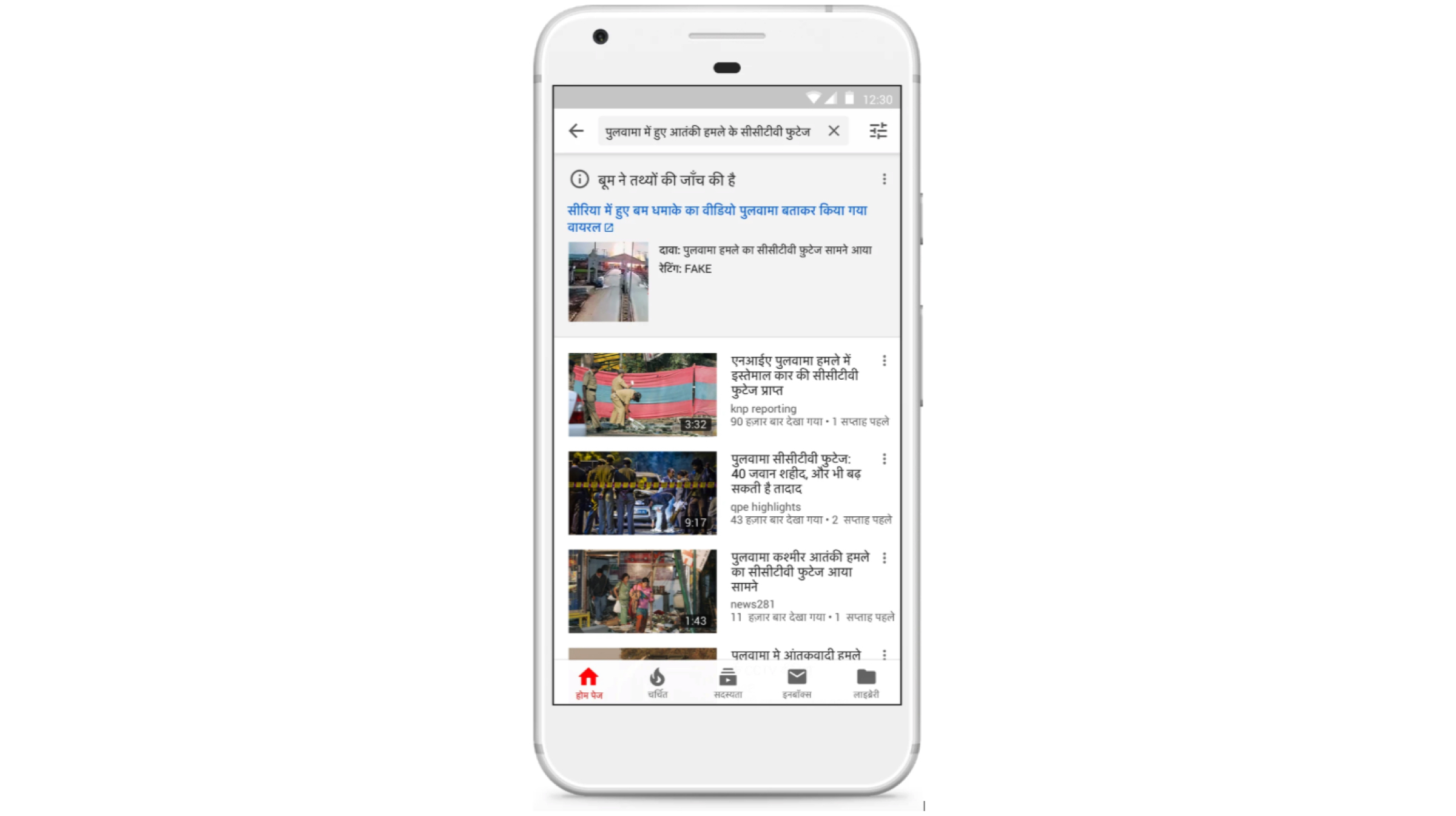
    In a bid to eliminate fake news from its platform, YouTube has started rolling out a fact-checking feature in its smartphone application. The feature is currently available for limited users as part of a testing program. While its public rollout is also expected to follow soon. As of now, the feature is only confined to Indian smartphone users, with a worldwide release to follow suit. 

    YouTube Fact Checker

    The fact checks on the YouTube app will be displayed in the search results of queries which are most susceptible to be fake and manipulative. Videos based on the query, explaining the real information will be displayed on the top, inside the information pane. The fact checks will appear as content from YouTube’s partner sites concerning the particular search query. Results are available in the Hindi and English language currently, with more languages to be added soon.

    Notably, YouTube will use information from around six verified services in the country to exhibit the aforementioned panels in India. Many of the same services are also working with Facebook to check misinformation on its platform and in apps like WhatsApp and Instagram. YouTube has been trying hard to curb malpractices on its platform. A few weeks ago, it started demonetizing and disabling comments on videos which had objectionable content. This move by the company to curb fake news is seen as a positive step and may prove to help in dispersing true and unadulterated information to the audience via the globally used platform.

    Also read: Google To Add More Smartphones To The Android Q Beta List In 2019

    Interestingly, YouTube is not looking to ban the objectionable content it is targeting. Fake news has been a problem in the online space particularly in India for the past few years. Previously, WhatsApp also tried to curb the spread of false news on its platform via advertisements cautioning its users. And, as the General Election have also been announced, the spread of misleading information on platforms like YouTube, Whatsapp and Facebook may increase in the following weeks.

  • Chrome Canary Android App Gets A Dark Mode; Google Chrome App To Follow Suit

    Chrome Canary Android App Gets A Dark Mode; Google Chrome App To Follow Suit

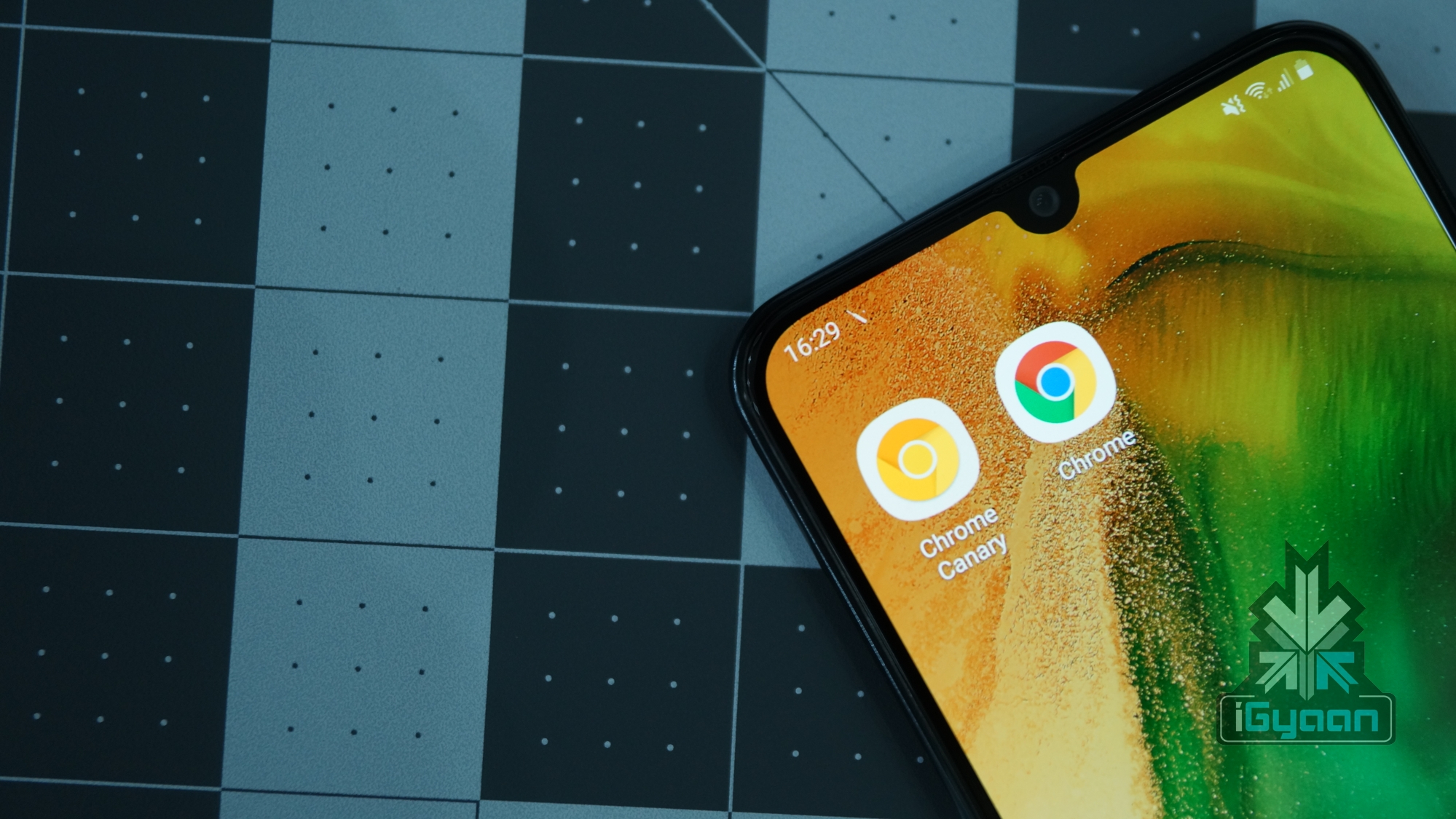
    Looks like Google Chrome for Android is all set to join the ever-expanding list of apps that support a native dark mode. In the latest update to Chrome Canary, a dark mode has been added which can even be forced to be applied to websites. The Chrome Canary app has been known for testing out features before releasing them to the stable Chrome browser. It may be an indication that Google is planning to introduce the long-awaited feature in the following weeks.

    Chrome Canary Dark Mode

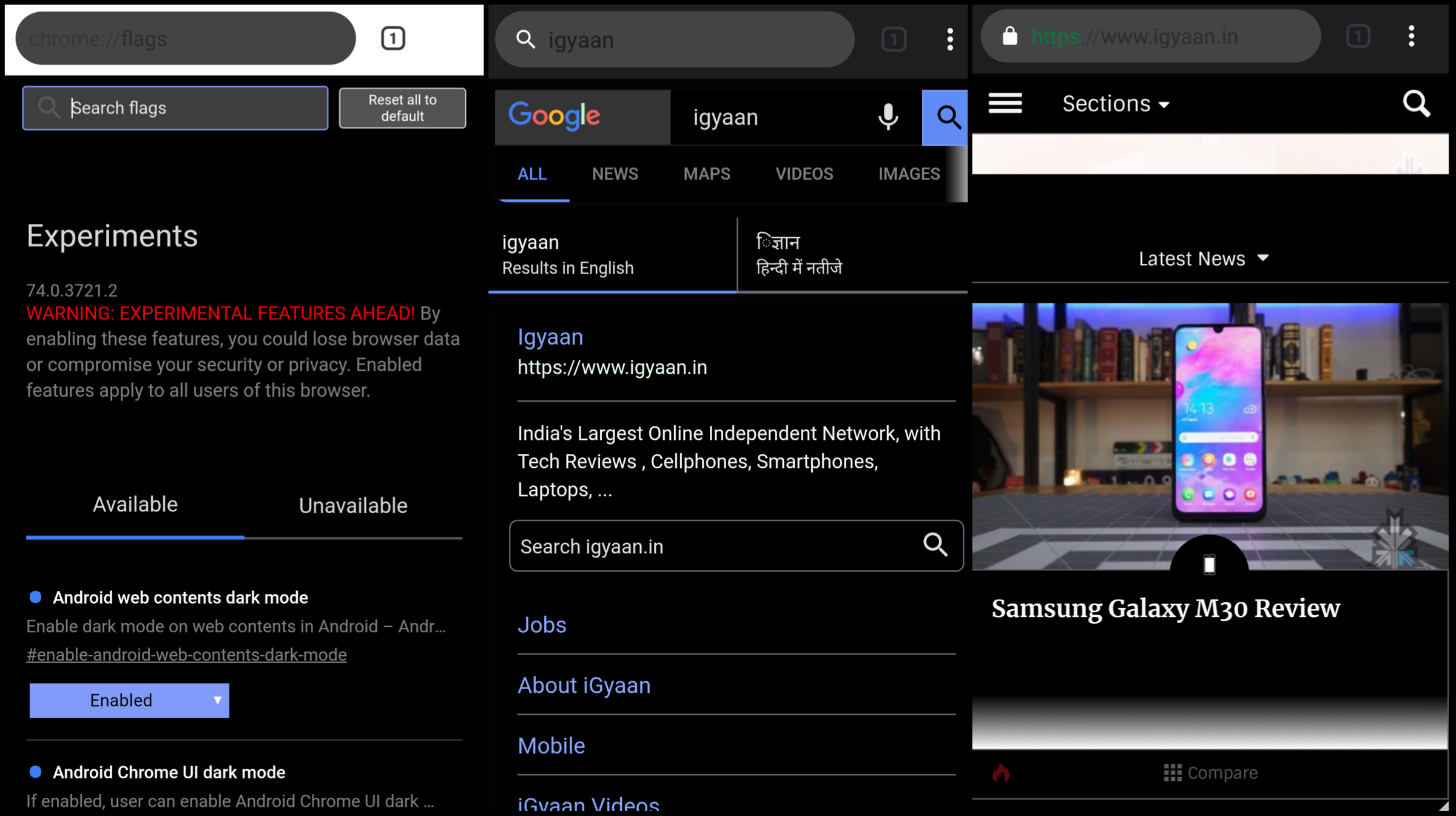
    The dark mode has been included in the latest version of the Chrome Canary app having version number 74.0. To activate the feature, users will need to toggle the feature flags in the latest update by typing ‘chrome://flags’ in the URL bar. Then the user needs to hover over to the search menu and type dark mode in the query box. Then a toggle of ‘Android web contents dark mode’ is required to switch from default to enabled. If an additional toggle titled ‘Android Chrome UI dark mode is enabled, a new option called ‘Dark mode’ is added into the applications settings. Choosing to turn this on will make the UI of the browser shift into greyscale.

    The dark mode on the Chrome Canary apps makes use of an aggressive fix to make the background of the websites dark, even if they are not originally themed so. This is assumed to achieved by inverting colours of the website which may end up making the websites look different than before. One word of caution though, the app is unstable to use. This is clear right off the bat as the Play Store listing of the app highlights this aspect right in the title. Moreover, Chrome feature flags is a developer feature and can cause hindrance in the usage of the application due to unresolved bugs.

    Also read: Whatsapp To Introduce Dark Mode, Advanced Search In Updates Soon

    But one thing is clear if Google is trying to experiment with a native dark mode in Google Canary, the feature is most likely to make its way into the Chrome browser once the company has fixed all the bugs. Unfortunately, the release for the stable update is not known yet but is expected to roll out in the subsequent weeks.


  • Samsung Will Finally Allow Users To Remap The Bixby Button

    Samsung Will Finally Allow Users To Remap The Bixby Button

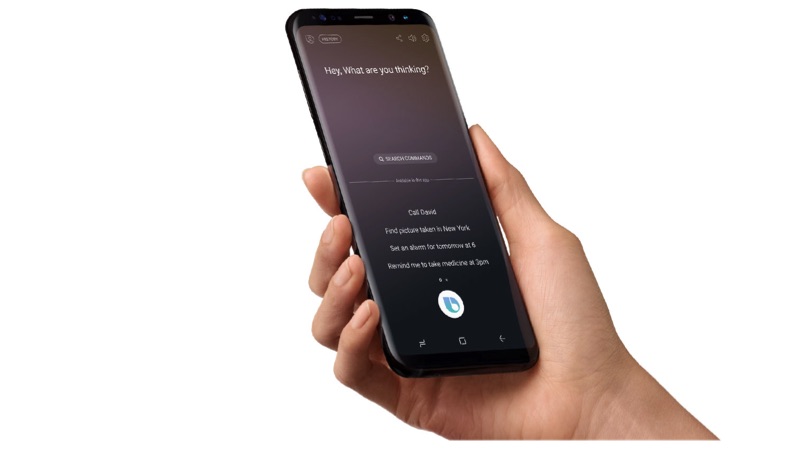
    Samsung has time and again proved its hardware prowess with its flagship smartphones. The devices offer cutting-edge design and features but they always had an Achilles heel, their software. The software that the company provides with the handsets has not always fared well with the audience. Introducing Bixby in 2017 made their problems worse as they gave users a voice assistant they didn’t ask for. The company also added a non-remappable button to the mix, making problems worse. But Samsung has announced that its flagships running Samsung’s latest OneUI will get an option to remap the infamous Bixby Button.

    Samsung Bixby Remapping

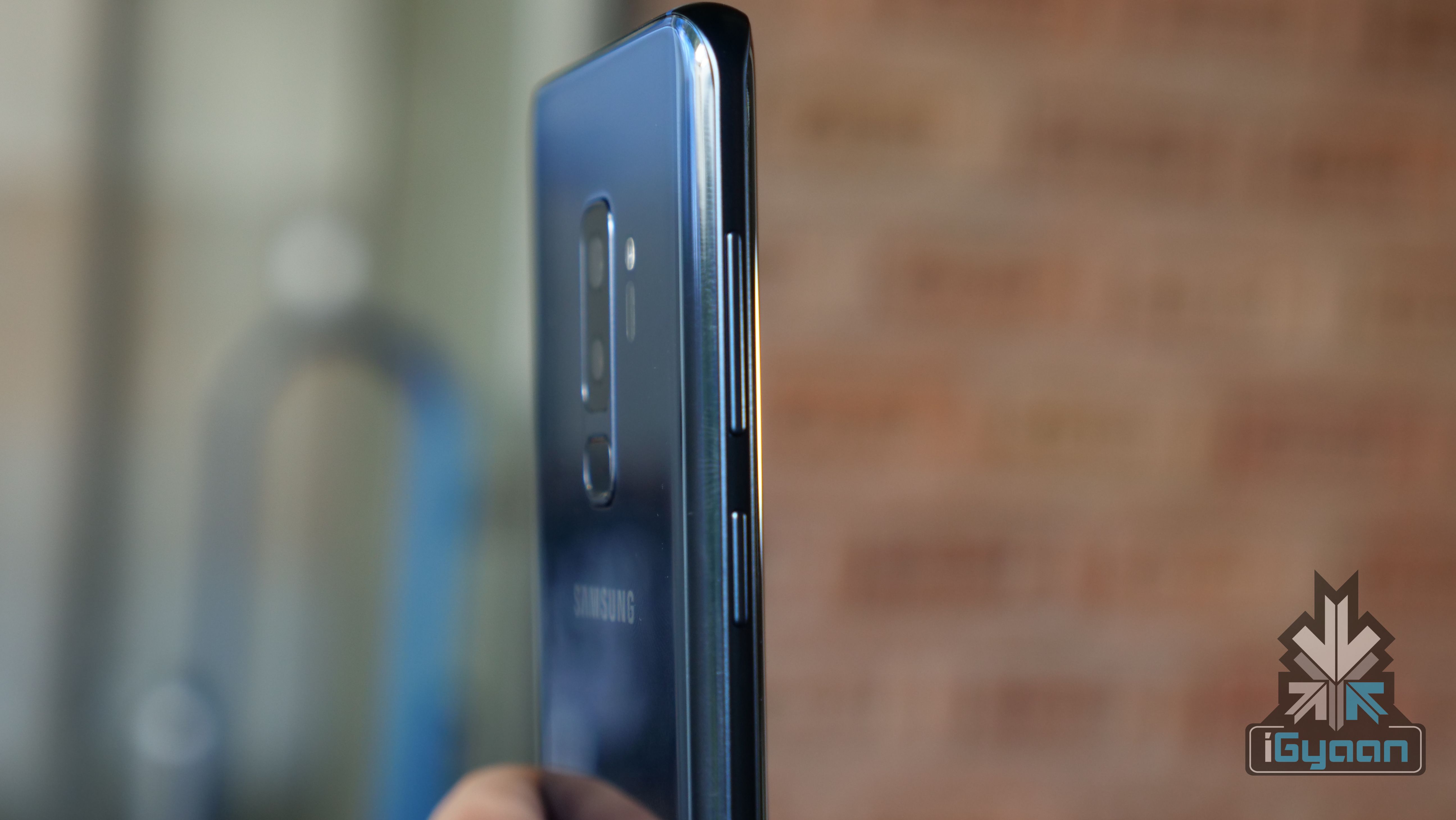
    Samsung recently started updating its yesteryear’s flagships to Android Pie based OneUI. These devices include the Galaxy S8 and S8+, Galaxy Note 8, Galaxy S9 and S9+ and Galaxy Note 9. These devices are also set to get the option to remap the Bixby Button to a third party app. The option is currently only available in the latest Galaxy S10 series of smartphones. Notably, the Bixby button works via three methods, a single press, a double press and a long press on the button activates the voice assistant. After the update, it will be possible to remap it to a third party app using any of the above functions. For example, if you set a single press on the button to open the camera, a double and a long press would still activate Bixby. 

    Also Read: HTC Announces The Vive Focus Plus With Revamped Motion Controllers

    Samsung’s decision to allow the Bixby button to be remapped may come as a reason to rejoice for many users. It is expected to make using the company’s flagships convenient by providing the ability to remap the button to any app. Bixby as a voice assistant has not seen the popularity that Samsung may have expected it to be. According to a study, the users of the assistant are as low as 4% in the US. Unfortunately, the company has not provided any information about the timeline of the update for older devices, but it is expected to arrive in a few weeks.

  • Android To Replace The Back Navigation Button With Gestures In Android Q

    Android To Replace The Back Navigation Button With Gestures In Android Q

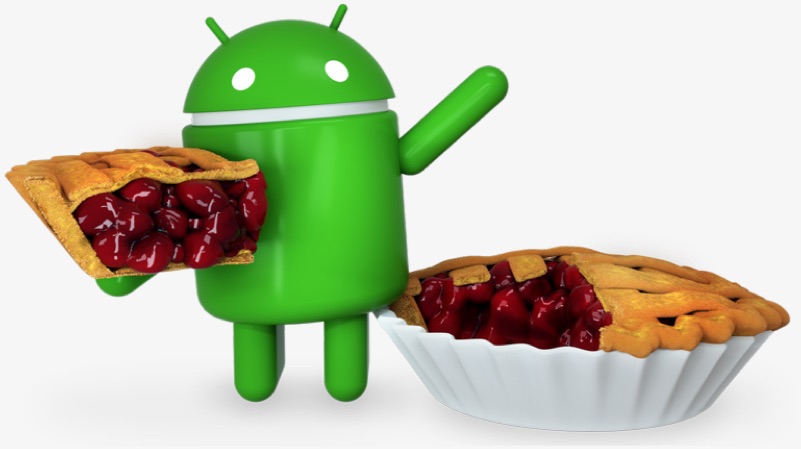
    The latest version of Google’s mobile operating system, Android 9 Pie was launched in August last year. The version included many changes in UI and introduced the long-awaited navigation gestures. The navigation gestures saw the removal of the multitasking navigation button from Android OS and instead it relied on just the ‘pill’ style navigation.

    Android One Android Go Stock AndroidThe back navigation button was still present on the OS and made an appearance whenever in an application. This half-baked approach turned out to be polarising with many people ending up liking the change; and many people straight-up hating it. Recent reports suggest Android will let go of the back navigation button completely and instead rely upon gestures in the upcoming Android Q.
    Android Q Gestures

    A device running a leaked version of Android Q revealed that Google may be planning to forego the back navigation button entirely in favour of one pill navigation. This would allow the users to go back with a single left swipe on the home ‘pill style’ button. This is expected to make Android easier to navigate and more intuitive. Notably, Google was inspired by Apple when it introduced gestures with the latest generation of Android. 
    Android Pie Android 9 Google

    Going by the release schedule Google follows while releasing the developer preview of the devices, the first developer preview of Android Q is expected to be out in a few weeks. It is, however not expected to introduce new gestures with the initial release. Google may wait for the second developer preview to reveal them, which will see the light of the day at the Google I/O 2019, a developer conference scheduled for the month of May. The new version of Android is also expected to bring in changes like a native dark mode, smoother transition animations, revamped app permissions and a new desktop mode. Earlier reports also claimed that Android Q may also support FaceID like face authentication.

    Also read: Sony Teases The Launch Of Xperia XZ4 In The New Teaser Video

    The new gestures that are speculated to arrive with the new version of Android, seem like a step in the positive direction for the operating system. The final, stable build of Android Q is expected to be out in August. It will be when Google also uncovers what desert this generation will be called.

  • Twitter May Add The Option To Edit Tweets Soon

    Twitter May Add The Option To Edit Tweets Soon

    Twitter as a medium has been really popular to get updates by the seconds on all whats happening around the world. But the Achilles heel of Twitter has always been not getting an option of editing tweets. There has been a lot of discussion over the topic and Twitter didn’t give a firm reply. Recently, the CEO of Twitter Jack Dorsey said on the Joe Rogan Podcast that Twitter is considering adding the functionality of editable tweets.

    In his discussion, when asked about the functionality, Rogan said “You could build it as such so maybe we introduce a 5-second to 30-second delay in the sending. And within that window, you can edit. The issue with going longer than that is it takes that real-time nature of the conversational flow out of it.”

    Editable Tweets- A Boon or Bane?

    The quest for editable tweets is nothing new. Since a long time, some famous people have been asking for the feature. Popular Tech YouTuber Marques Brownlee has voiced his opinions many times over the past few years.

    The idea of Tweets that are editable for a while seems like a good one for now, if people can see the edit history. This would make the platform more transparent, which its already quite is. The time period that Twitter would decide to let edits happen isn’t known yet.

    Read more: 11-Year Old Moves To Court To Ban PUBG

    It seems that the micro-blogging site is headed in the right direction. This change may also lead to more people interested in the platform, something Twitter has wanted do for years.

  • Samsung Smartphones With Always-On Displays Get Support For GIFs

    Samsung Smartphones With Always-On Displays Get Support For GIFs

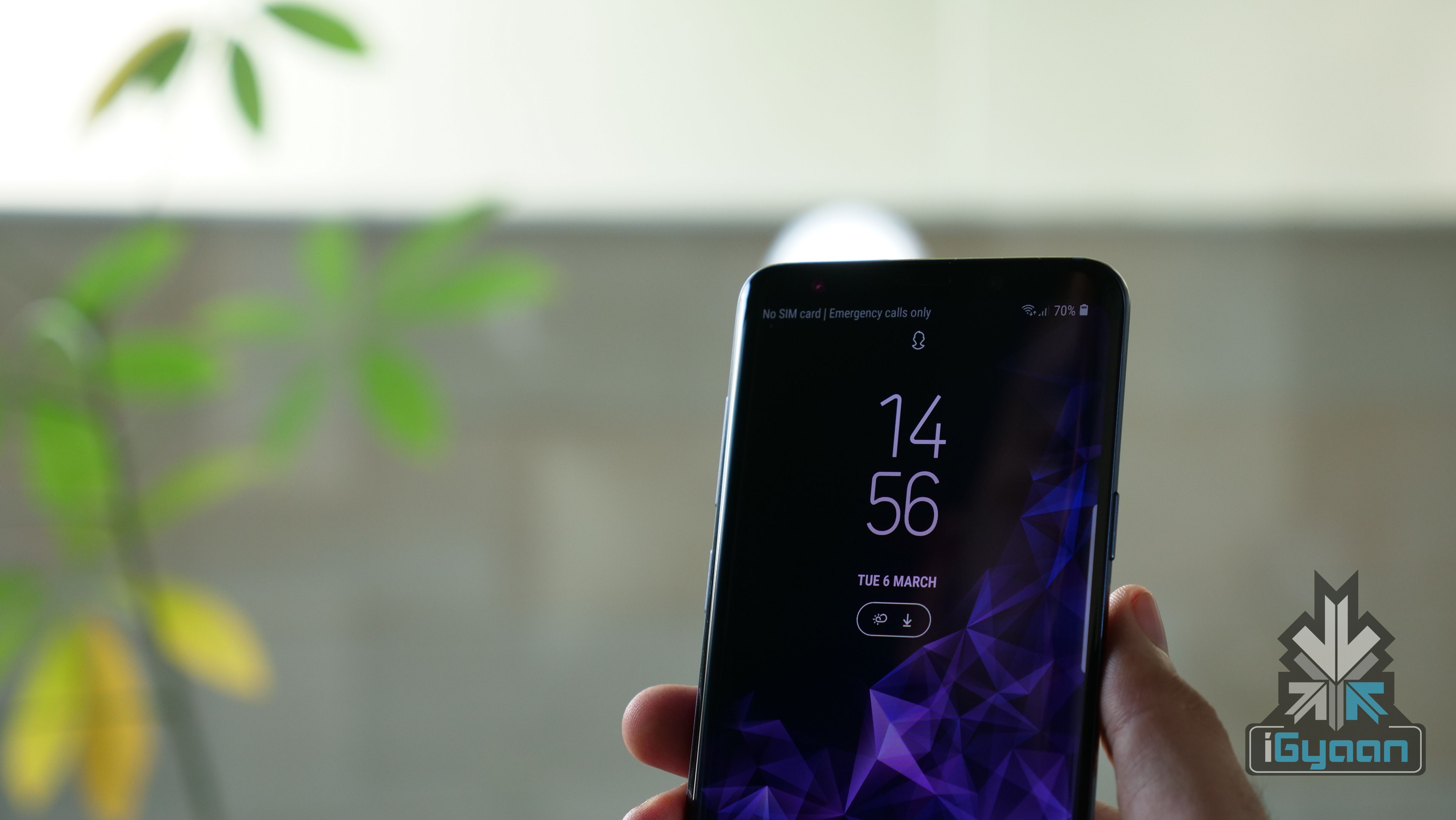
    Samsung has silently added support to showcase GIFs on its smartphones with Always on Display (AOD). Always On Display is a feature where the phone’s screen is off, except for the clock and notification icon. This features required an AMOLED panel, and it only works in the Samsung flagship series smartphones.

    To get this feature working, you should have AOD application version  3.2.26.4. If you are running on the latest version, then select ‘set always on display image’ and select a GIF. However, note that the app can only rear GIF formatted pictures, not .webp. Similarly, if the GIF is too long, the app will recommend it to trim down to a specific time frame.

    Always On Display

    Once, you lock your smartphone, the GIF will animate for a once and will stay in the fixed frame after that. Additionally, one can also set a super slow motion video recorded on the Galaxy S9/S9+ as an AOD picture as well.

    This feature will work on devices including, the Samsung Galaxy S9/s9+, Galaxy S8/S8+ and the Galaxy Note 8. If you are yet to receive this update and you don’t want to wait. Then, click on this link to manually download the APK and sideload it. However, we don’t recommend sideloading third-party apps as they might goof-up your smartphone.

  • Your Facebook Profile Picture Can Soon Be a GIF

    Your Facebook Profile Picture Can Soon Be a GIF

    Facebook has just updated a new profile picture feature for iOS users. Now, your Facebook display picture could be a GIF of yourself.

    iOS users will have to check their profiles on the mobile app in order to find the notification. Once on the app, you’ll have to click on the ‘more’ tab and select your name to go to your profile. Then you will be asked to add a new summary bio. After editing that you’ll have to loop a profile video.

    For this, you will find an icon between the camera and video symbol on your profile picture. Click on that, and pick whether you want to take a video or upload one. The video is supposed to be only seven seconds long.

    The last step is to add featured photos, for this you will find a space for inserting five pictures below the ‘About Me’ section. You’re done. Your profile will look somewhat like this now :

    desktop gif facebook
    Image Source : wired.com

    However, there are a couple of things you need to know about this feature. Firstly, that it’s not yet available to all users and as of now, just a select few have got it. Secondly, the profile GIF can be viewed all across Facebook, but can only be edited via the mobile app. So go check your Facebook as soon as possible and tell us what you think about this cool new feature.

iGyaan Network
Privacy Overview

This website uses cookies so that we can provide you with the best user experience possible. Cookie information is stored in your browser and performs functions such as recognising you when you return to our website and helping our team to understand which sections of the website you find most interesting and useful.