Tag: samsung india

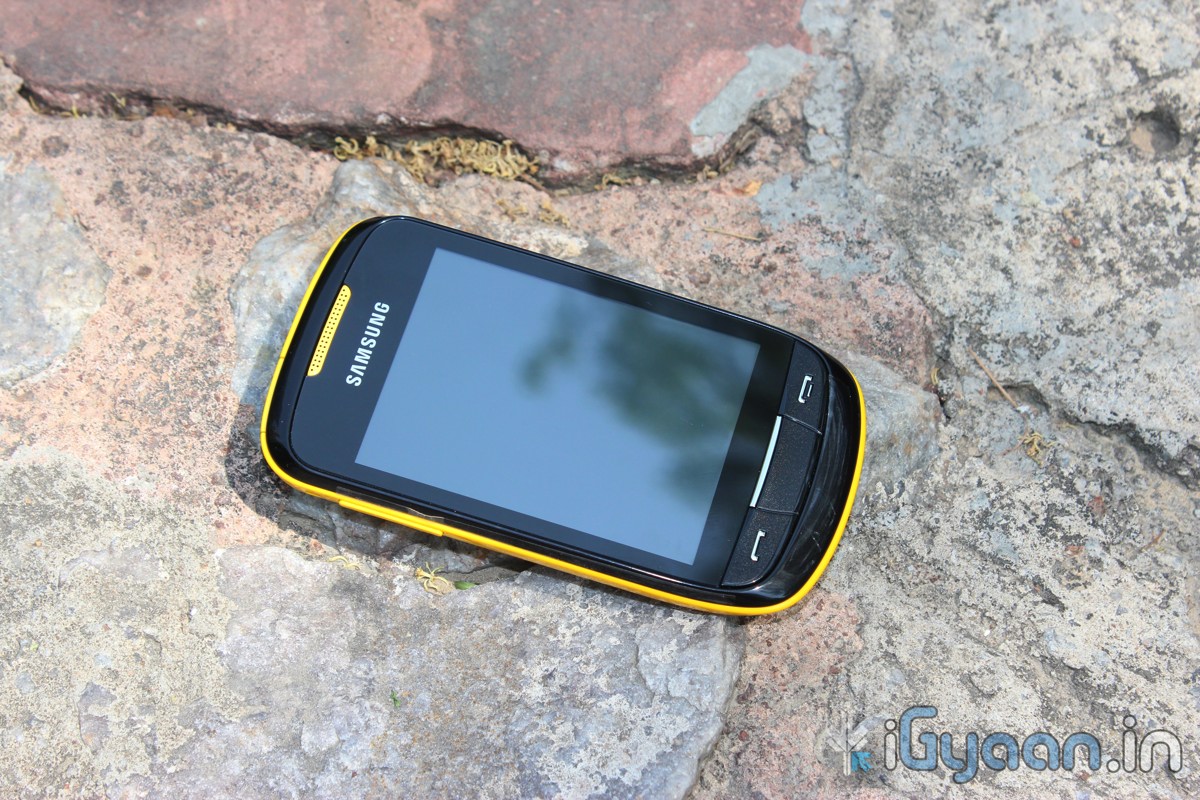
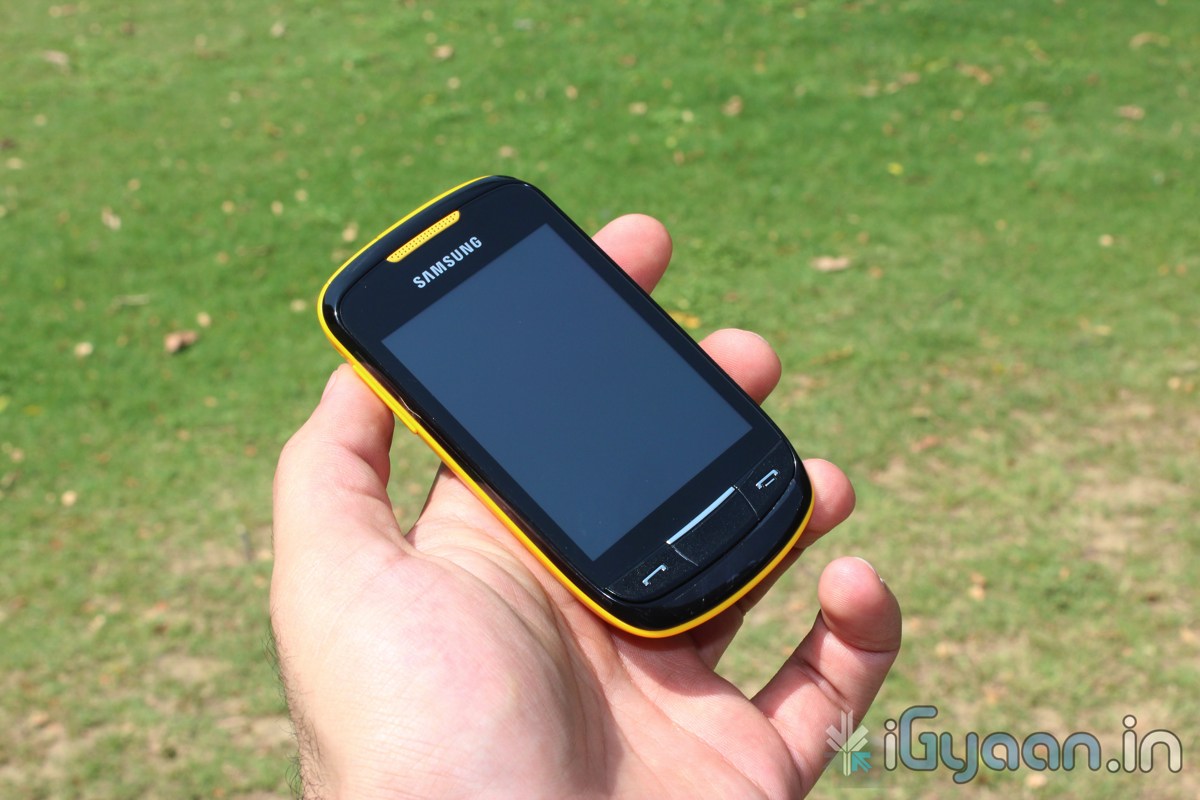
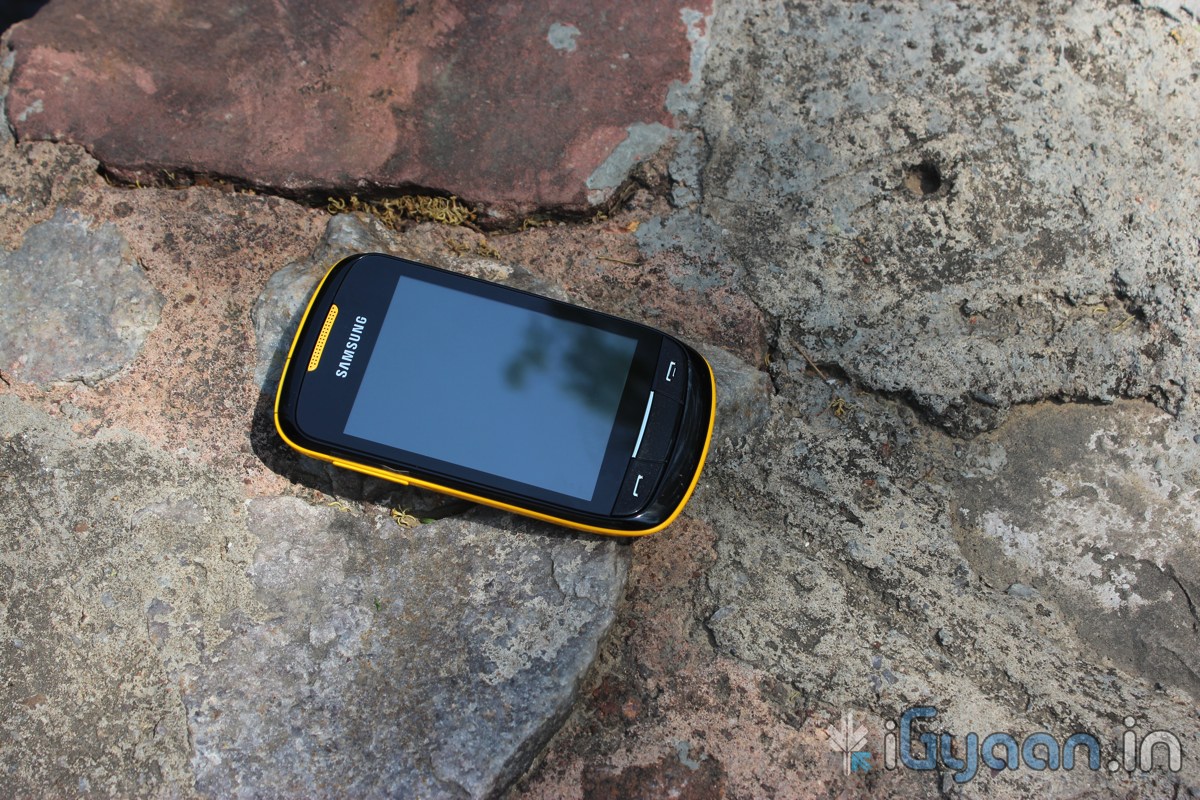
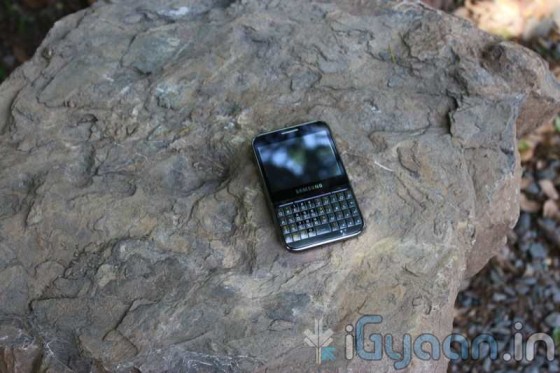
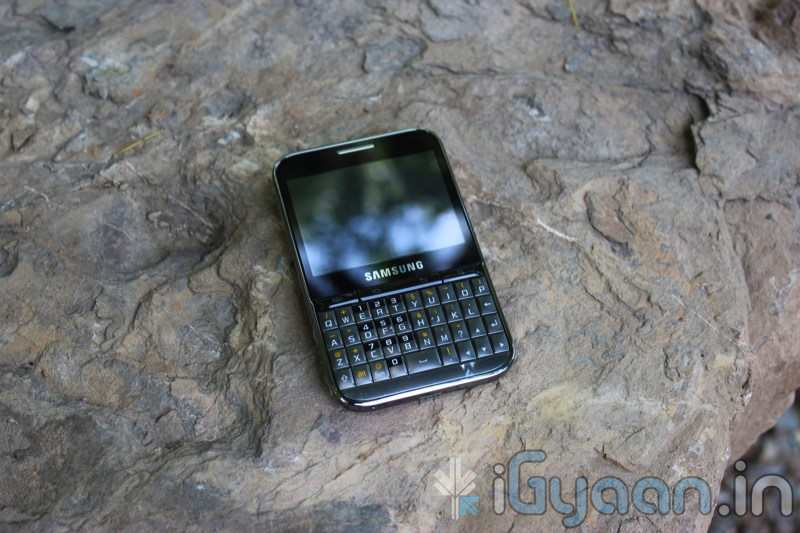
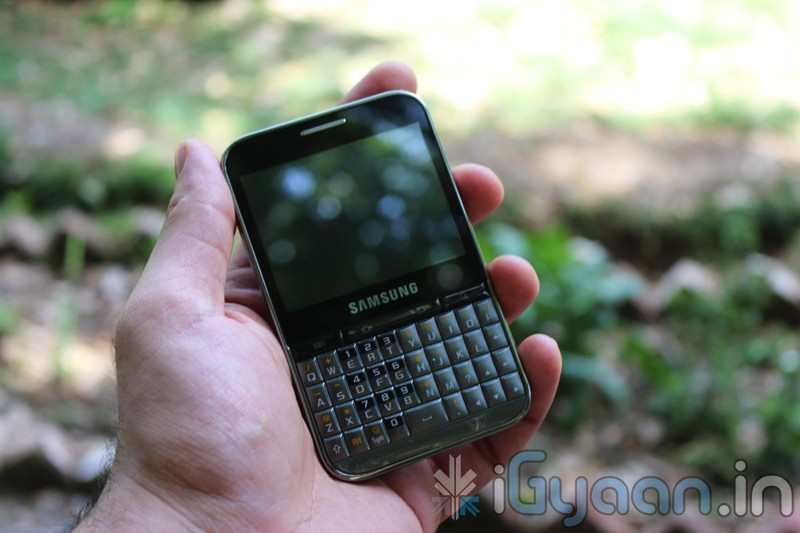
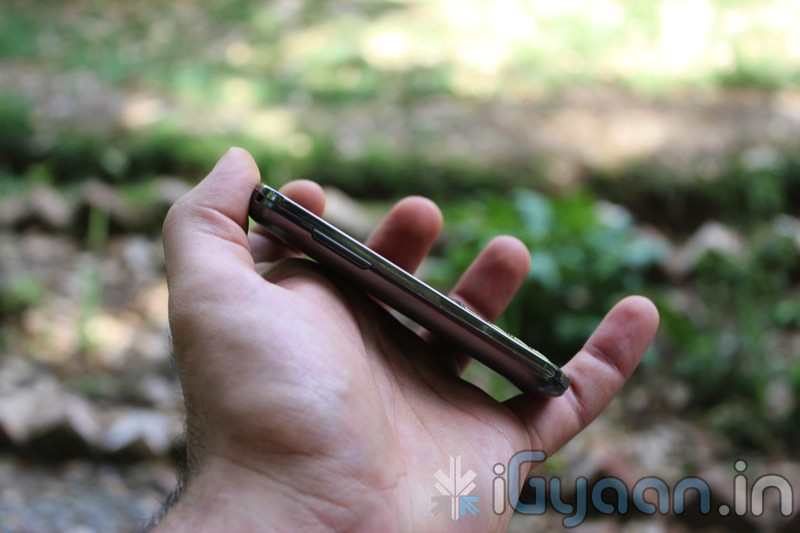
  • Samsung Launches Champ Deluxe Duos (C3312) in India

    Samsung Launches Champ Deluxe Duos (C3312) in India

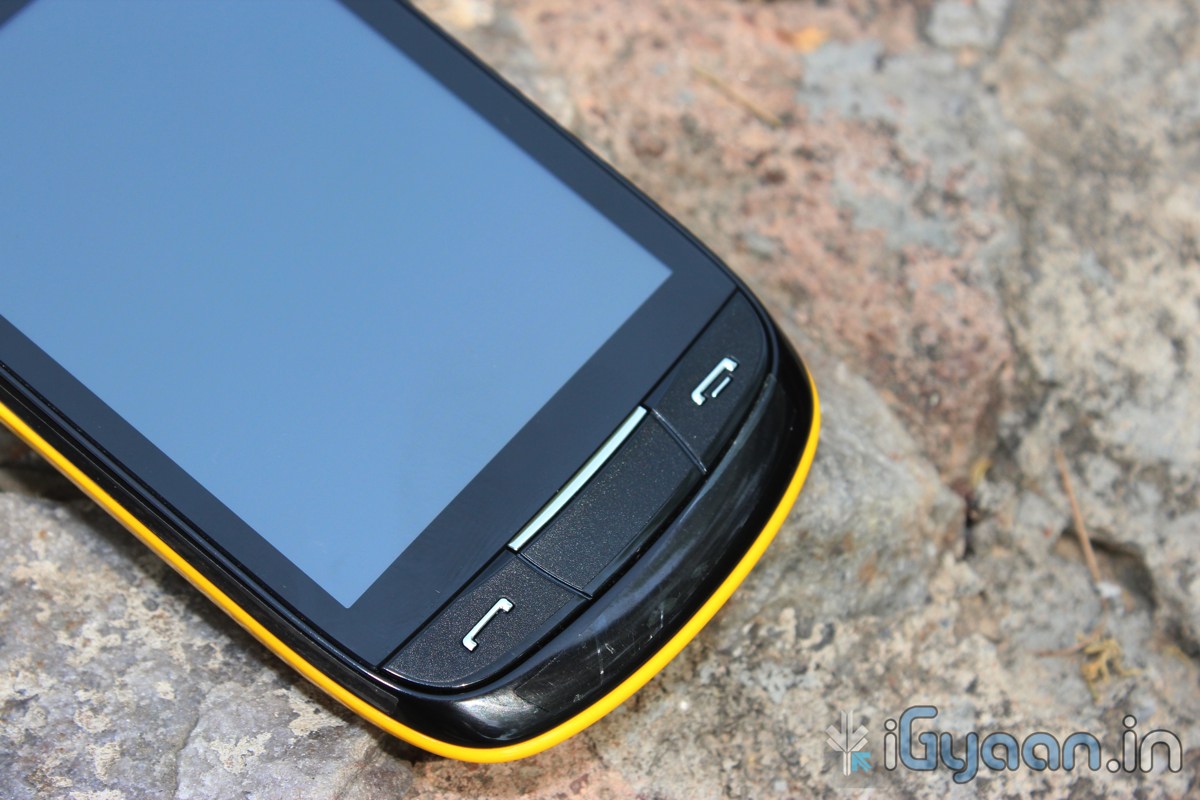
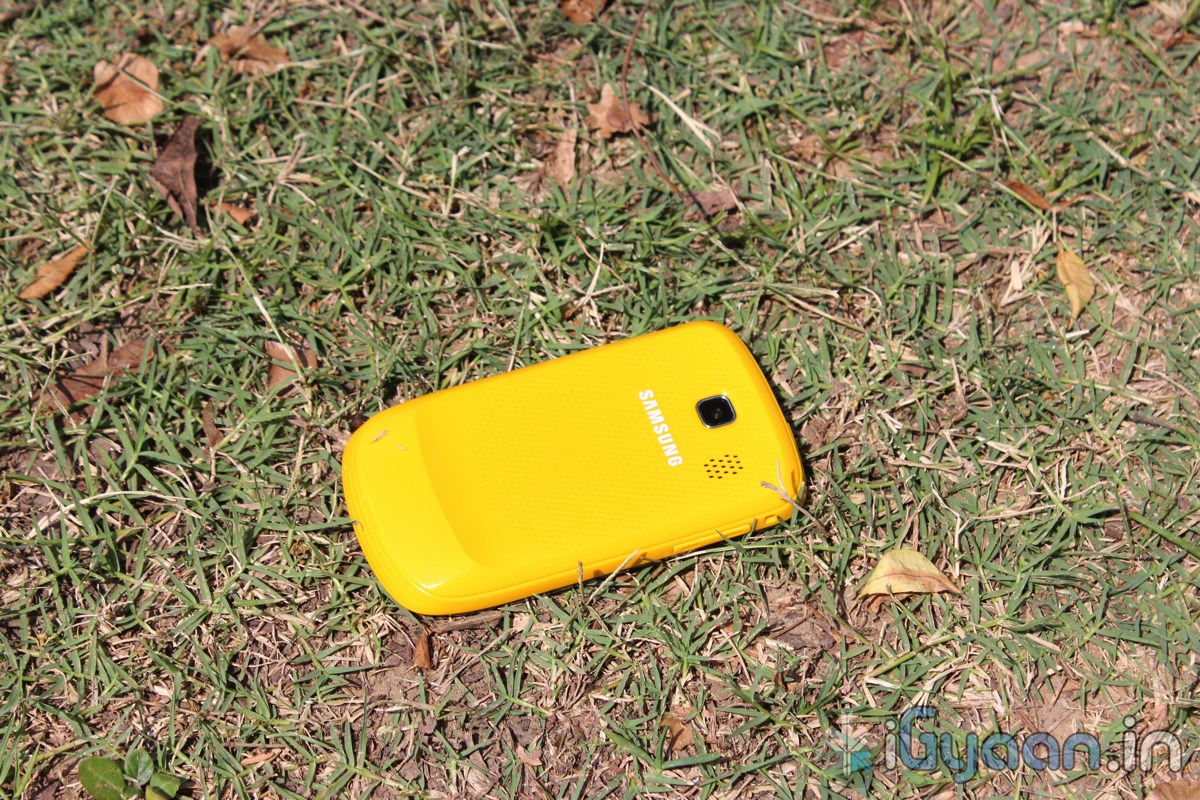
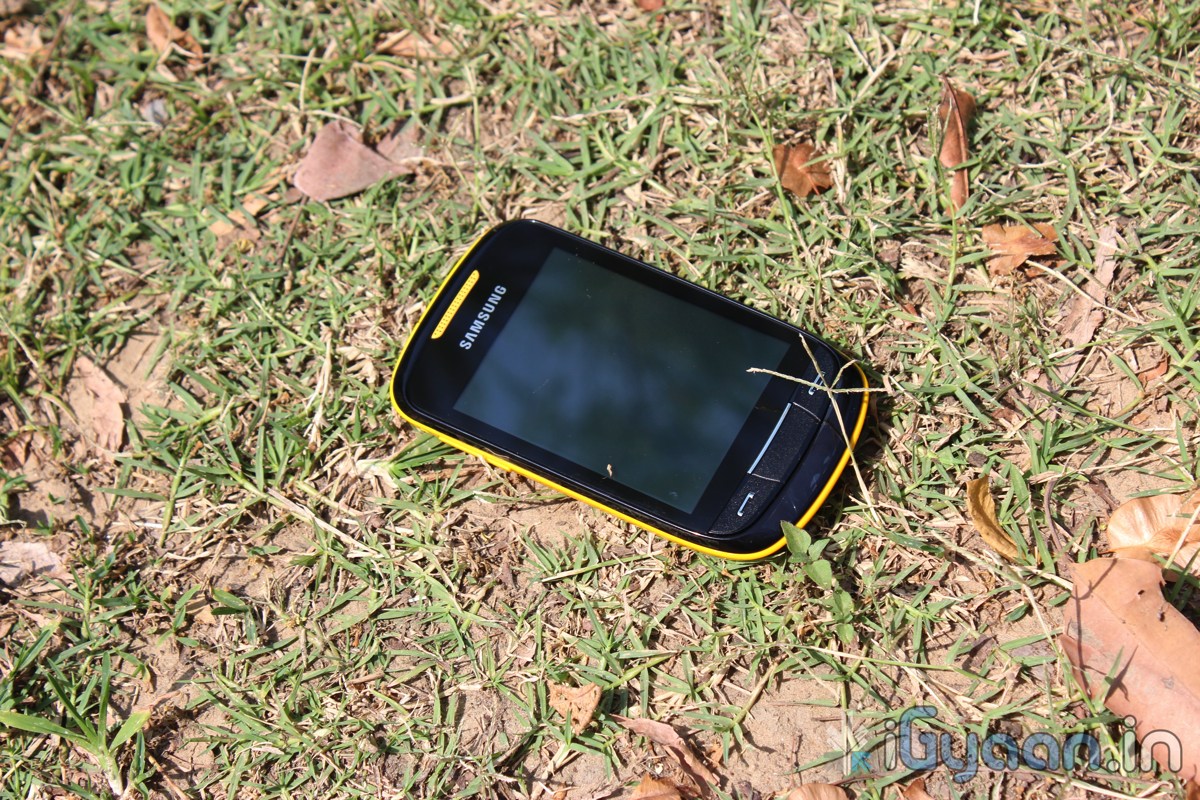
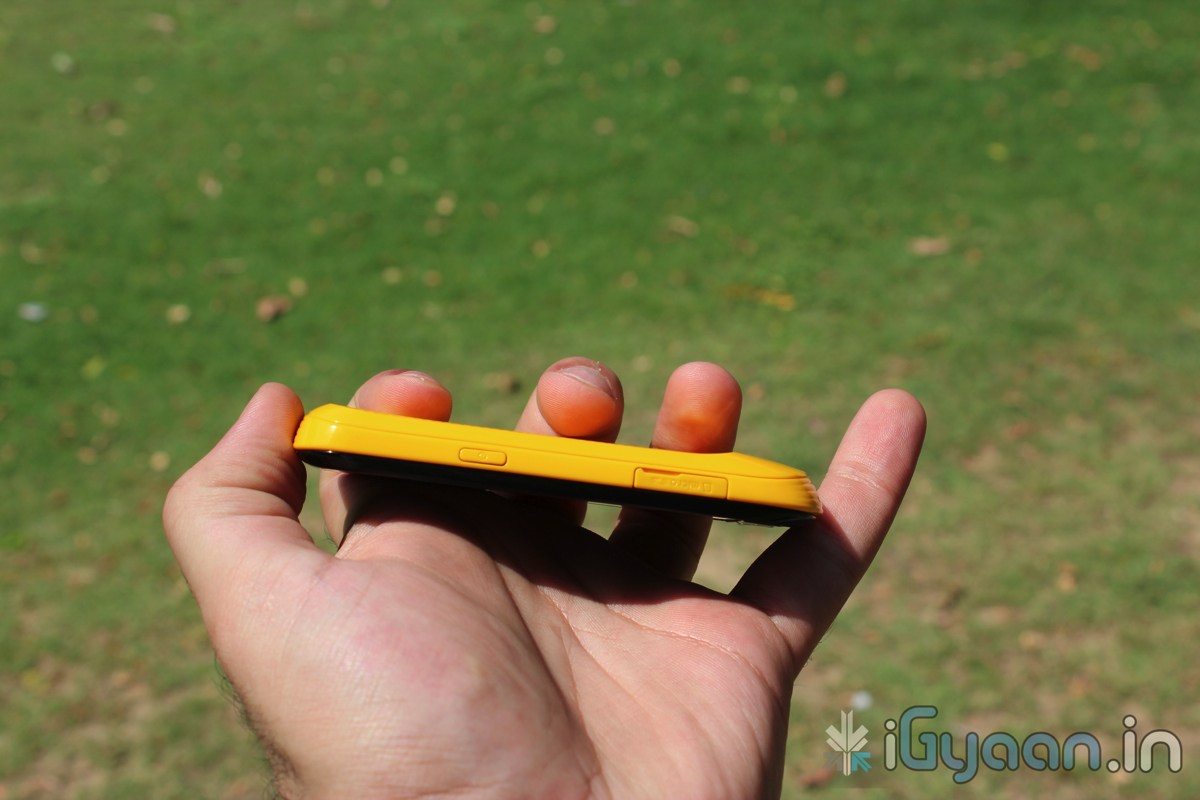
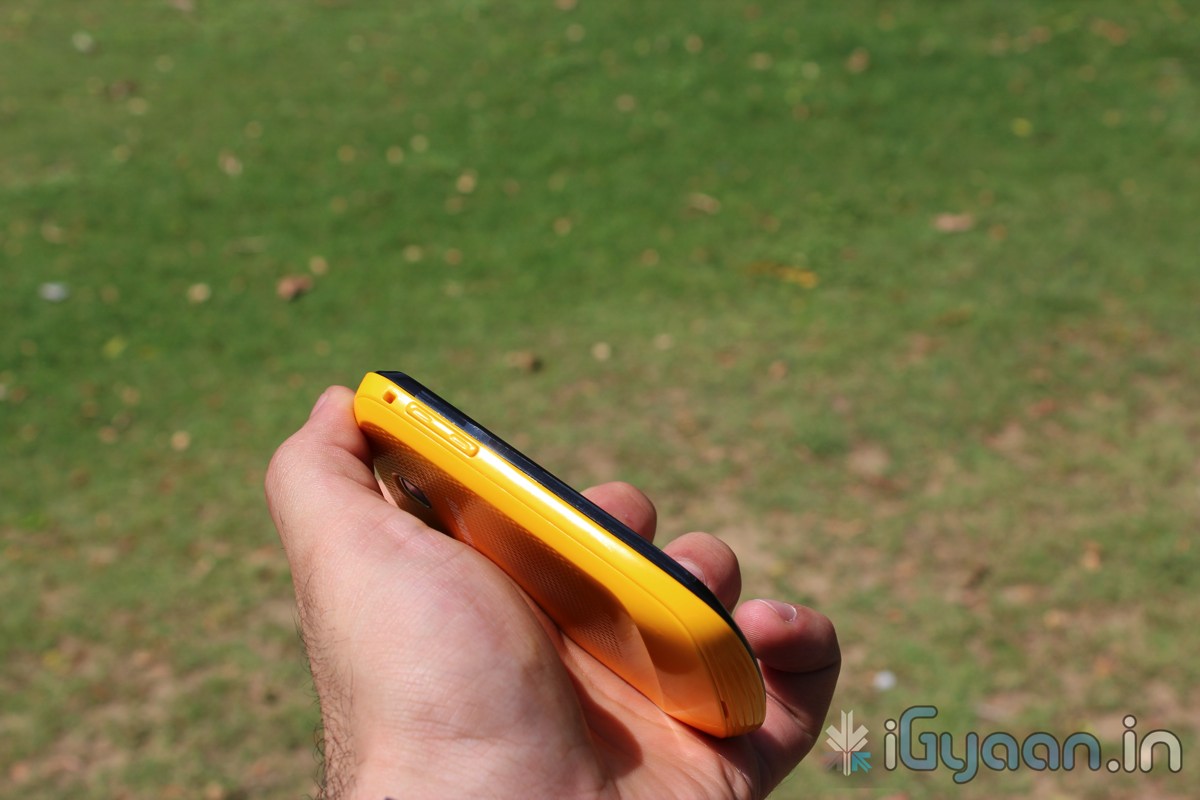
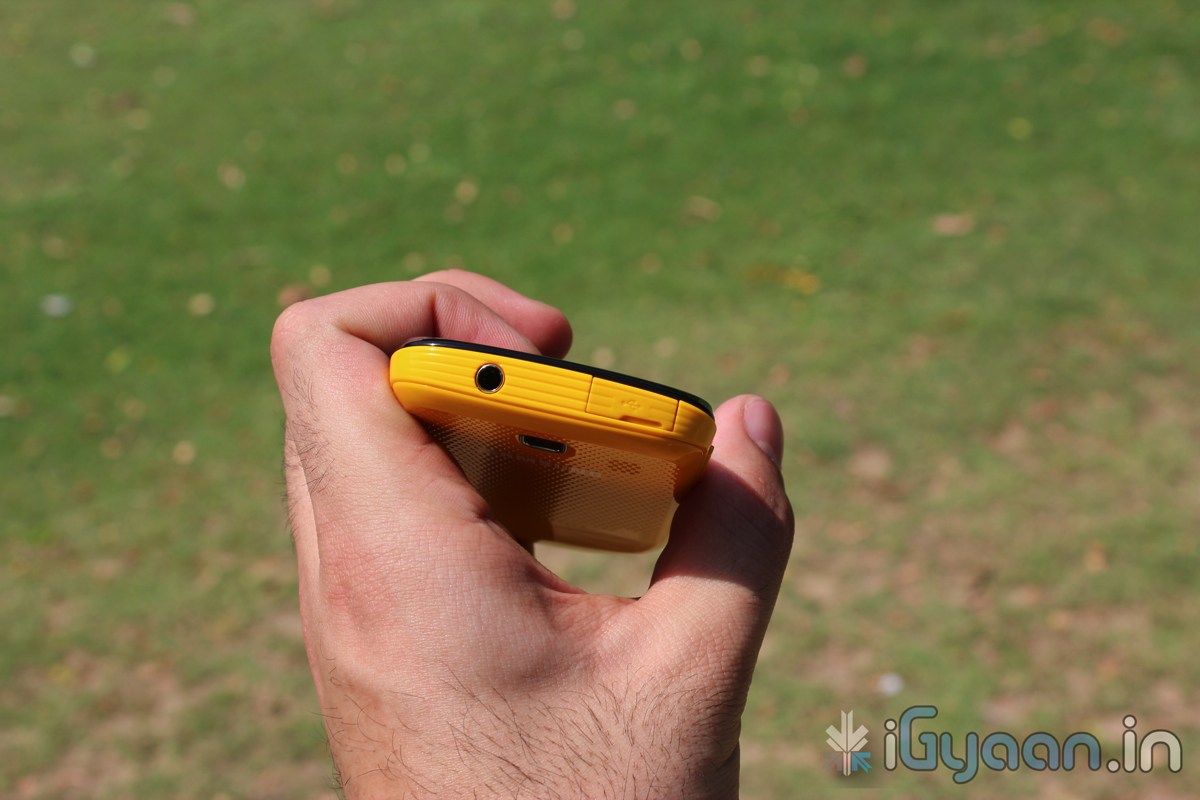
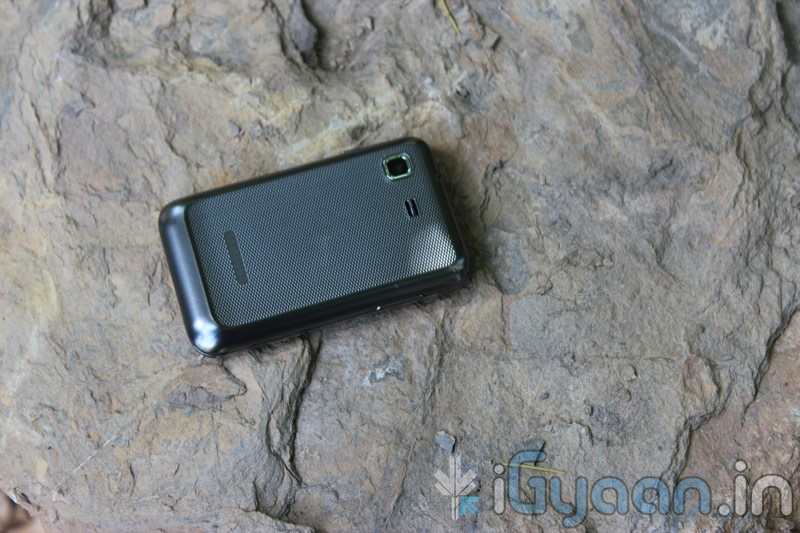
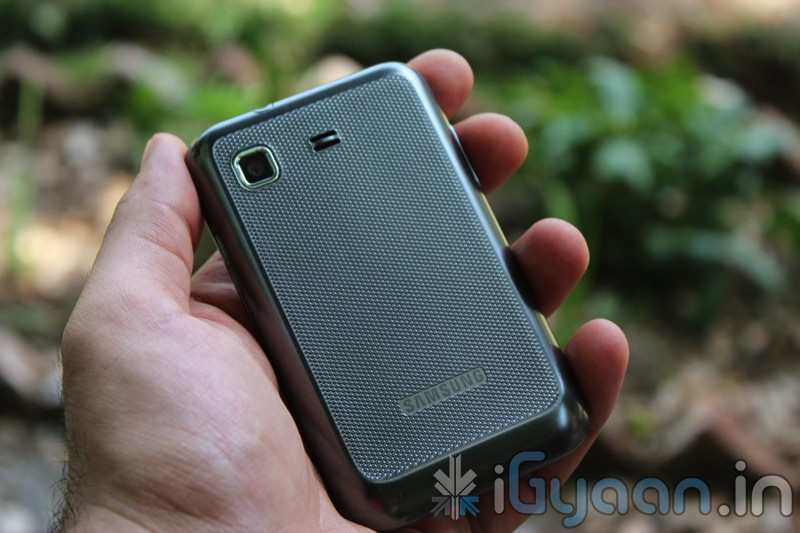
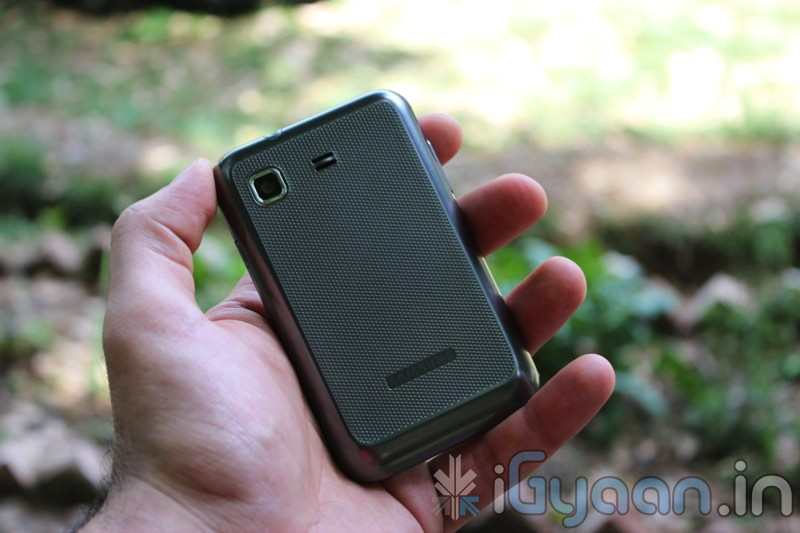
    In an effort to boost its affordable Champ phones, Samsung has launched the new Champ Deluxe Duos (C3312) in India. The new budget touchscreen phone has Dual Sim capabilities along with a 2.8 inch touchscreen. It also boasts Touchwiz UI on top of what appears to be either Brew OS or Samsung lower form of BADA. 

    Some Apps Like Facebook, Twitter,Yahoo, MSN and  GTalk come preinstalled along with Samsung’s popular ChatOn application.The OS has a Virtual QWERTY keyboard, Hindi language input and dual-SIM dual-standby support.

    Other Specifications Include:

    • GSM Dual-Sim
    • 2.8 inch TFT capacitive touchscreen with 240 x 320 pixels resolution
    • 3.5 mm jack
    • microSD card support upto 32GB
    • EDGE
    • Bluetooth 3.0
    • microUSB 2.0
    • 1.3 megapixel camera
    • FM Radio
    • 1000mAh battery

    Owners will get unlimited Free Music and unlimited Free Games from Samsung Hub / Samsung World and Samsung Apps. The device will also come preloaded with tons of free apps.

  • Samsung Omnia W Review

    Samsung Omnia W Review

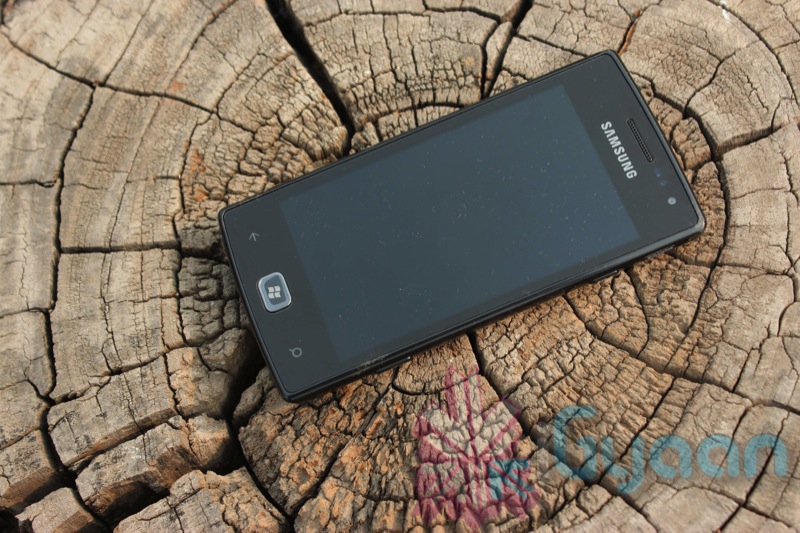
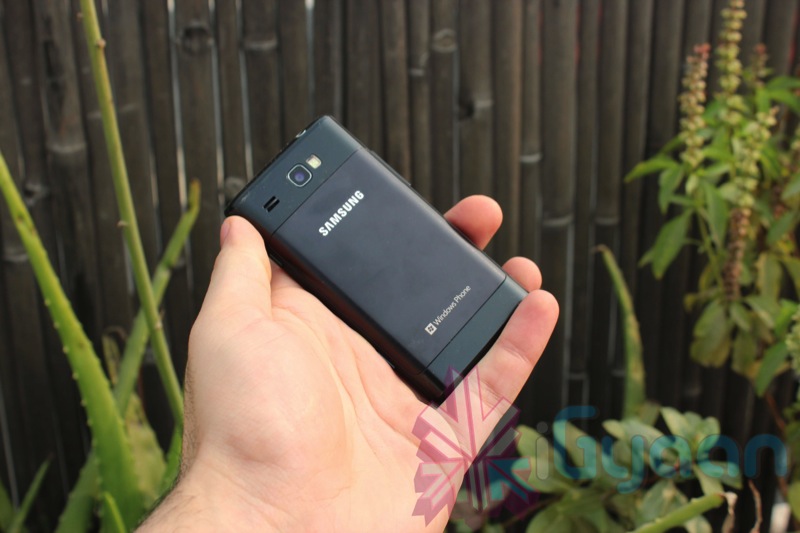
    Samsung has actually reigned supreme in the year 2011, and looks like the year 2012 will be in their hands too. The Omnia W is a representation of what a company like Samsung is capable of. The device is considerably cheaper than its competition but has excellent specs and usability. Here is our review on the Samsung Omnia W ( Wonder).


    Build Quality 

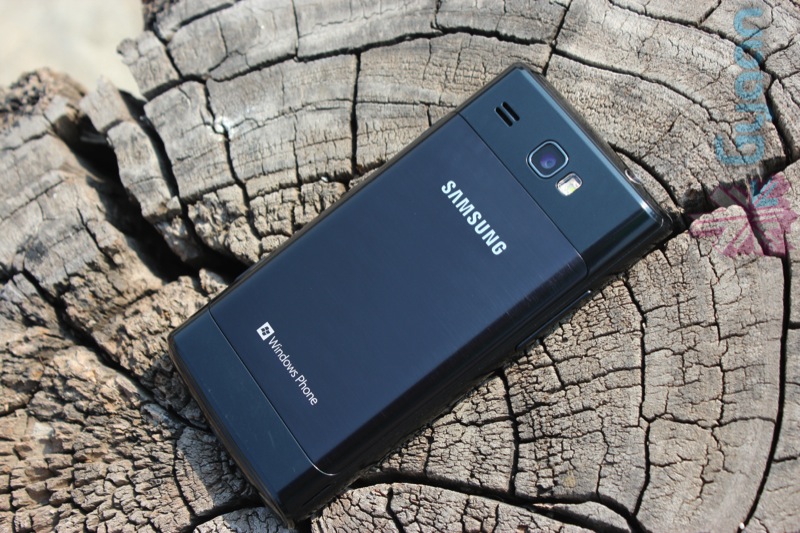
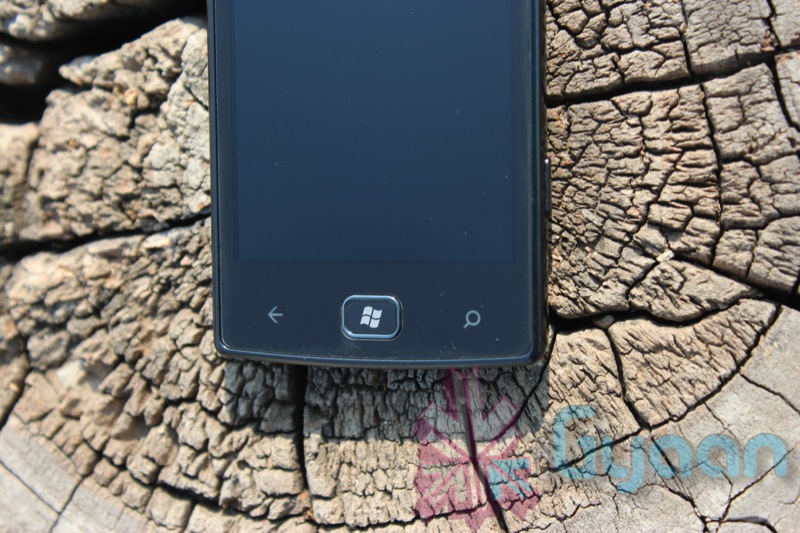
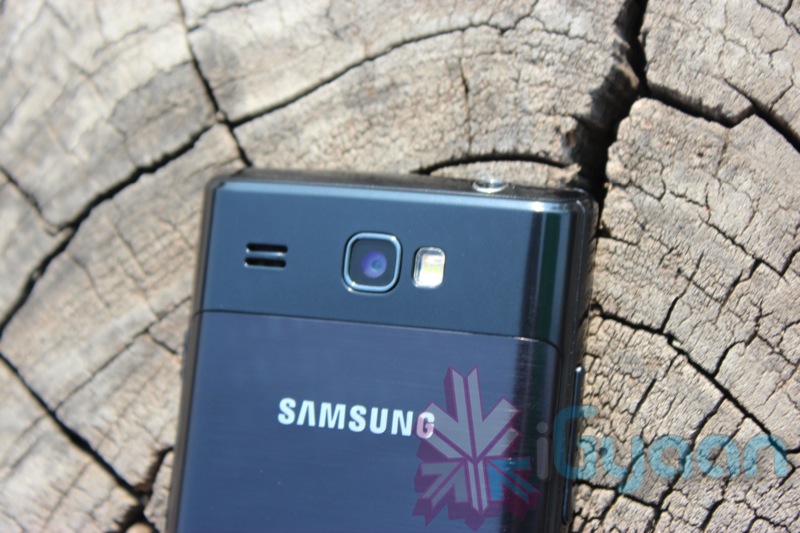
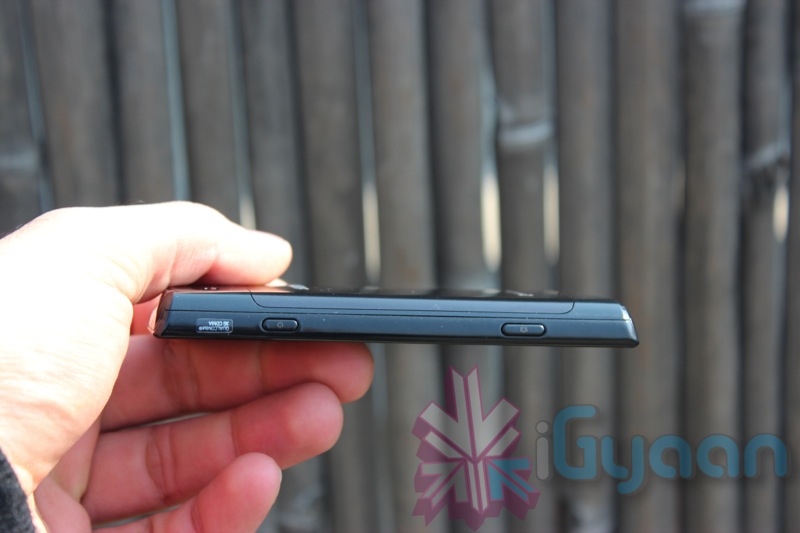
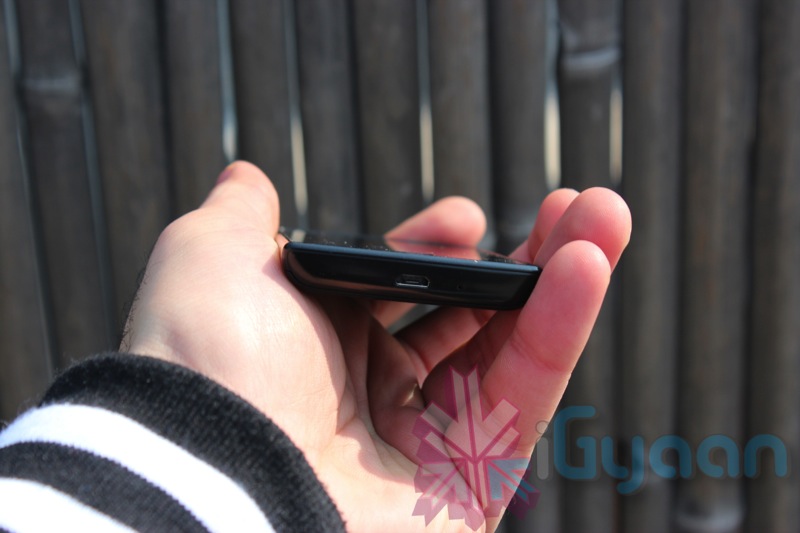
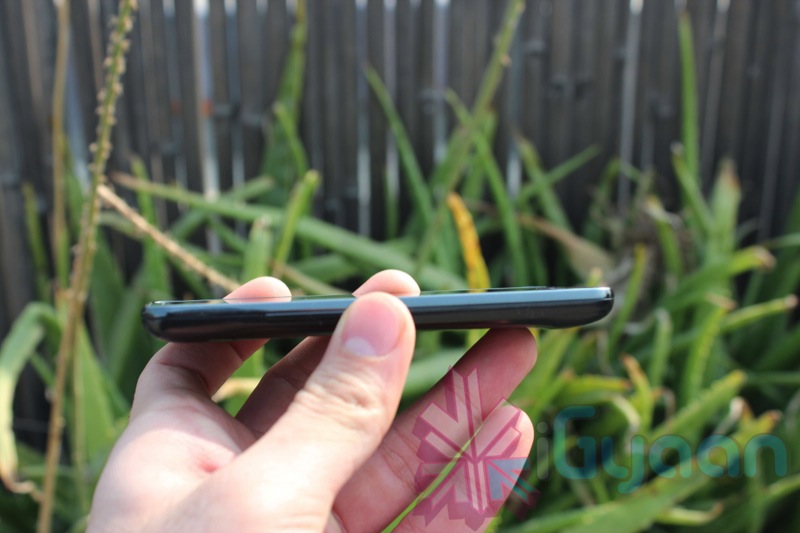
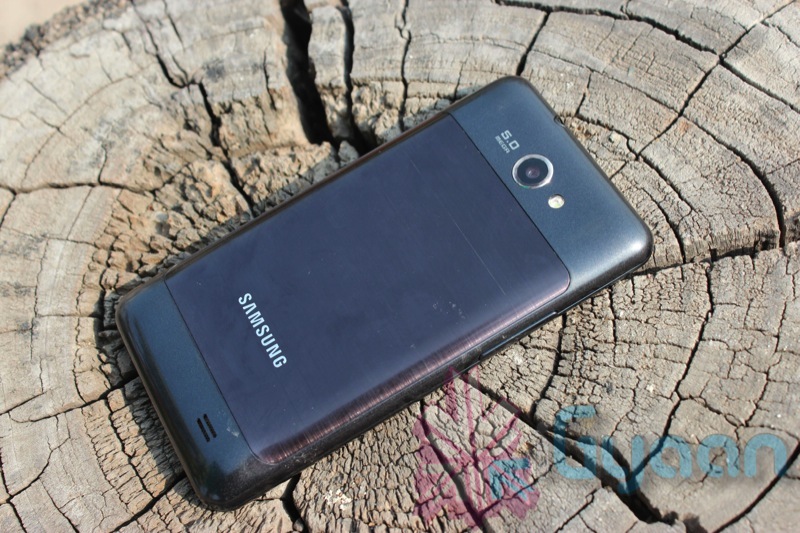
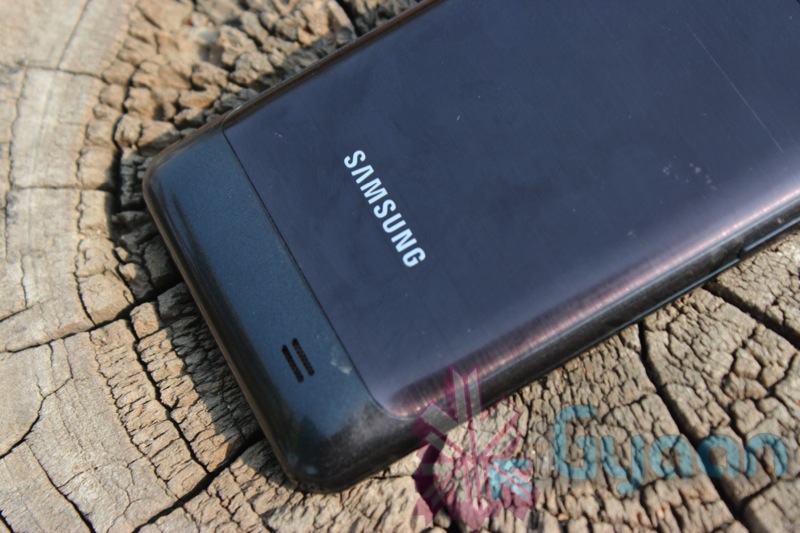
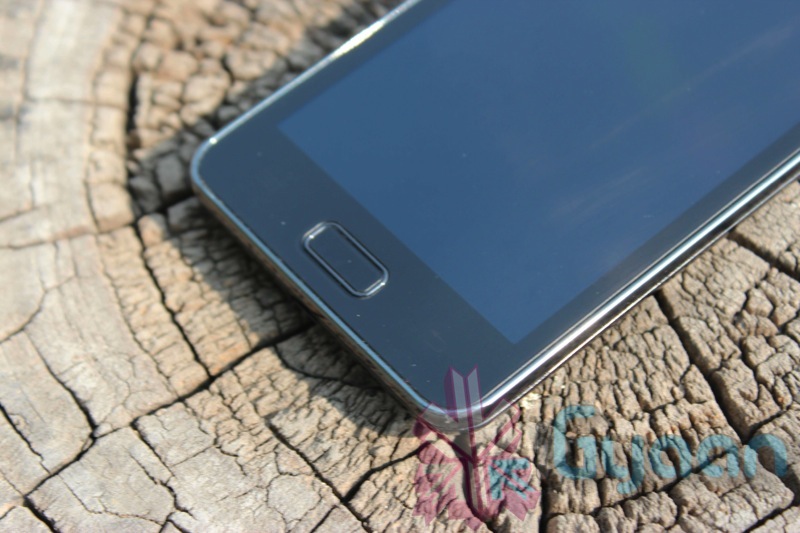
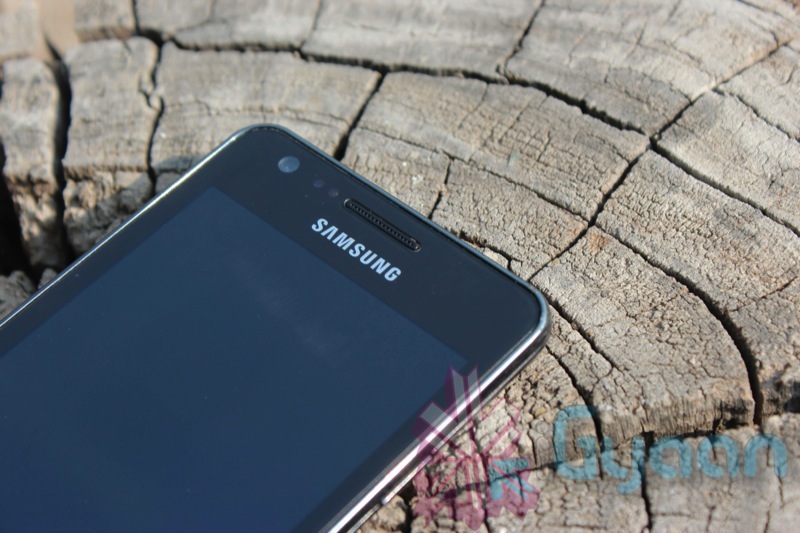
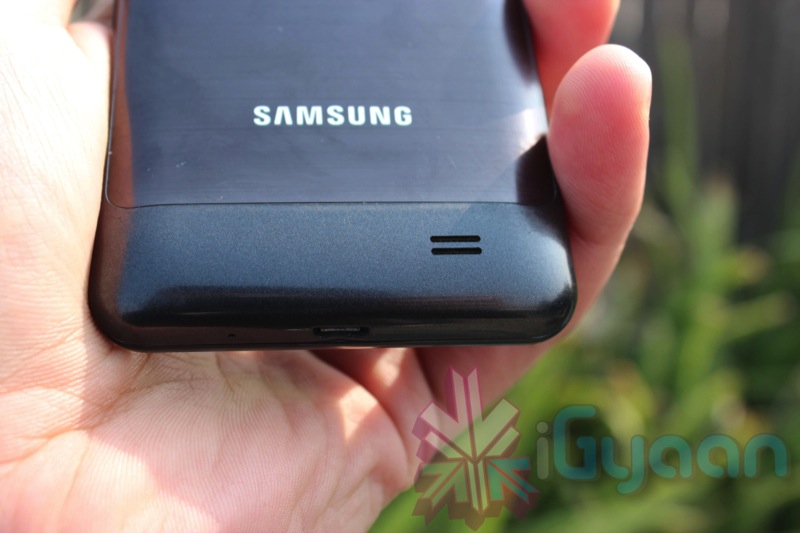
    The Omnia W is well built, not the best build you would find in this price range, but definitely well built. The construction is all plastic and appears flimsy, but is actually quite good. The back panel has some shell/metal elements that have a brushed and painted look , to try and give the device a little more elegance than it actually deserves, that part may not have been achieved. Buttons are well raised and fairly easy to use. The front bezel is a hair higher than the glass front, protecting the display from flat falls. Overall the device should do well in day to day usage.

    Specs

    •  1.4GHz  processor
    • 512MB RAM
    • 3.7-inch display
    •  480×800 resolution
    • 8GB storage
    • 5MP camera
    • 720p HD videos
    • 1,500 mAh battery
     

    Camera, Display and Multimedia

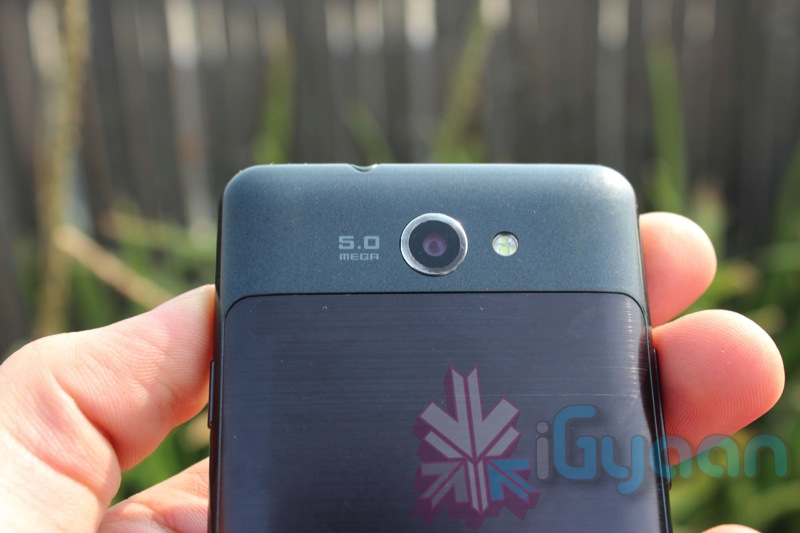
    The camera on the Omnia is a 5 mega pixel autofocus camera, with impressive light capture, the camera is one of the best cameras in its class of phone. The autofocus is fast, although you have the ability to tap to focus aswell, images can be clicked almost instantly. Video on the other hand is capped at a 720p HD quality, we often wonder why companies do not design the cameras to deliver 1080p, either way, video capture will require a lot of ambient light and indoor video is poor. The front camera is only good enough for low bit video calling , and should solve the purpose unless your friend on the other side is viewing your video on a big screen TV, if so is the case you will look like a character from Minecraft.

    The display is a beautiful Super AMOLED display is a Samsung PenTile display which means that two red subpixels, two green subpixels, and one central blue subpixel is placed in each unit cell of the display. In layman words, its an old technology developed by Samsung back in 1990, and is still used in some of their devices. The display matrix arrangement has often received critique, and is not appreciated well. We however, found that the display was able to reproduce color well and had good deep black levels. The display is excellent for viewing video and and playing games. If you have a thing for the “world wide web”, or a bookworm within, then the display is capable of crisp fonts / texts on the screen for easy viewing. Outdoor visibility is low-poor, due to the inherent problems in AMOLED screens.

    With limitations to the kind of files that can be played back on the device, it does not compete with an Android device. Bluetooth is locked and file transfer denied, for most of the things. However, whatever Windows can play natively will work on the phone, and you can always sync up using Zune, or Windows Phone Connector. The speaker is loud enough for music and watching movies. The included earphones are above average, but will not satisfy the bassphile. 

    Phone and Messaging

    A capable phone is what the Omnia W turned out to be. The earpiece and mic war loud and clear, and network connectivity was strong. In our standard 3 hour call test the Omnia dropped the call twice exactly at 1 hour 51 mins , both times. No network drop was faced in the overalll testing and we are quite happy with the result.

    As we have already stressed enough, the WP7 keyboard is one of the best in the world, we don’t need to say that its really good on the Omnia W. It has predictive text and autocorrect, and it is a super fast keyboard, no complaints. The messaging and email capabilities are good, the OS is connected well to Facebook and Twitter and should serve you well.


    Internet, Battery and Operating System

    The internet is a domain which is not properly tapped on the Omnia, with limitations of the browser in terms of javascript and flash. That being said it is one of the fastest internet browsers out there. The screen is great for website browsing and even better to read daily news stories from iGyaan. With a host of apps from the marketplace you can actually find your fix for the web.

    Battery life is impressive on the Omnia W with upto 2 days of standby and 5 hours of talk time. The battery fares well while gaming and heavy graphic games can be played for a good 2-3 hours. Music playback should last 10 hours while video lasts about 4-5 hours.

    The OS is a different playing field in the world of iOS and Android, as we mentioned in our previous Reviews. The interface is one of the cleanest and snappiest out of the lot, and there is no crashing or lagging from the interface even when multiple tasks are running ( Surprising since Windows is the name attached). The marketplace is also ever-growing with a host of applications and games, the future of Windows Phone looks bright. With no access to file sharing over bluetooth and native file compatibility, the closed system may be a let down for some. Samsung has added Video Calling to the OS to make it a little worthwhile. Samsung also offers multiple apps to make the experience a bit better. The included AllShare will allow for you to stream media to other Samsung Devices.

    Conclusion

    One of the best phones available at the price range, if you are not happy with the Android OS. or the way it looks. Also to consider the OS is as fast and responsive as iOS if not faster. A good smartphone with inbuilt office documentation capabilities and one that supports Microsoft SkyDrive. If you are a true windows junkie, the interconnectivity will impress, the lack of script execution may limit the experience. But overall the phone is a complete mix of Phone, Smartphone and PMP.


    We Rate It : 4/5

    Price Rs. 17499/-


    Video Unboxing

    Video Review

  • Edit: The Rise and Rise of the next Giant : Samsung

    Edit: The Rise and Rise of the next Giant : Samsung

    2011 was a year of Samsung, the company has taken the consumer electronics market by storm, grabbing attention one way or another. Samsung also led as India’s number one manufacturer for mobile phones in all categories. From basic feature phones to high end Smart phones, the company has managed to challenge all odds and gain the market respect.

    But all this does not come cheap, Samsung employs a huge amount of its annual earning into marketing. In 2011 alone Samsung is estimated to have spent over US $ 2 Billion in advertising their products. Out of which a major 40% is targeted towards mobile devices and 6-7 % towards new phones. Samsung also deploys twice that amount into market research and development, so that its teams know what the next big thing from the company is going to be.

     
    Galaxy S2

    In 2011 Samsung took a huge stab at Apple’s dominant spot as the world leader in smartphone sales. By quarter 3 2011 Samsung had replaced Apple as the world most selling smartphone manufacturer ( if you consider number of handsets and not just one model of handset). Samsung Galaxy S2 was the phone that changed everything for Samsung, the new innovations in the field of mobility that challenged design and construction, and innovative softwares threw huge limelight on Samsung’s potential in this market space. Android  loyalists were drawn by Samsung’s willingness to answer to their demands and stuffing their handsets with all features requested (and more) by the users.

    Who ever imagined a device like the Galaxy Note, a fully capacitive screen that had massive scribbling promise, a handwriting recognizing monster with the capabilities of real time editing and project handling. Live annotations and screen captures were there in previous Samsung handsets, but the precision with with the Note is able to do these tasks is excellent. People want change and innovation and that what Samsung has started to give to its users. 

    The South Korean company is earning high praise for the design of its new line of OLED television sets, its oversized Galaxy Note smartphone and its

    Galaxy Tab 750

    new line of laptops, dubbed Series 9. Samsung has held the title of the top TV maker for the past six years, and recently surpassed Apple Inc. to become the world’s top smartphone manufacturer. Samsung posted a US$4.5-billion profit in the most recent quarter, one of the best in the company’s history.

    The Company now has set its sights on the personal computer and tablet markets, hoping to replicate the success the company has had in its smartphone and television businesses. Targeting their efforts at Apple, Hewlett-Packard Co. and Dell Inc, companies which are current leaders in the domain. This won’t be easy for Samsung either especially because globally they don’t even fall in the top 5 PC manufacturers category.

    nx System Camera

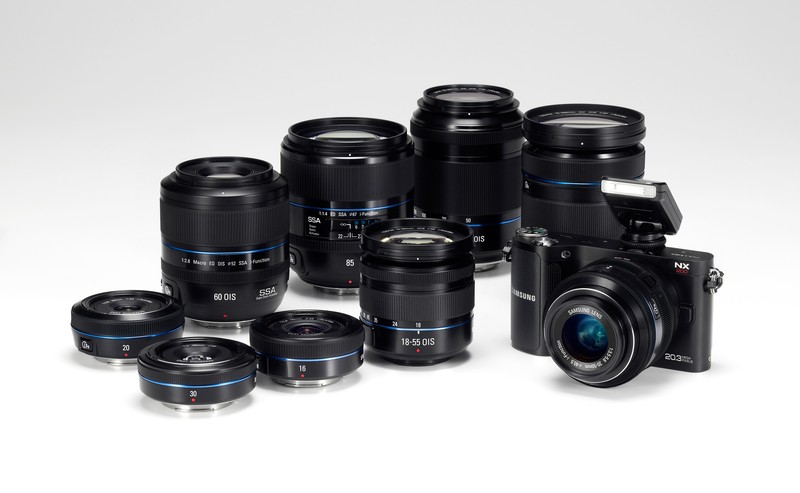
    One of Samsung’s biggest strengths is its component manufacturing facilities. Samsung itself manufactures 75% of the components used in its TVs, PCs and smartphones, enabling the company to innovate and test new products quickly. Samsung is also emerging big in a category seldom seen with asian companies, Cameras. With a exciting range of digital point and shoot cameras from the company, including innovative flip lcd type cameras. The company also has pioneered the professional SLR segment with their range of NX cameras, that are getting  appreciation from professional Photographers.


    The future of the brand also seems bright, as people have less and less faith in Apple’s ability to give what the users want. The next revision of the iPad and the iPhone 5 no longer seem as exciting as the Samsung Galaxy S3 or the Galaxy Tab 3 headed our way in 2012. 

    Its been a long time since our last edit, this one was long over due. The smartphone industry is ever changing, with constant evolutions in a battlefield of major companies and small startups. In a world where companies become large in a matter of months and fall even faster, we can only guess what the future holds in the massive divide. 

  • iGyaan Holiday Guide : Extreme Phones 21,000 and UP

    iGyaan Holiday Guide : Extreme Phones 21,000 and UP

    The end of the year is upon us, and what better  way than to look at the amazing phones of 2011, the top list, or the commercial giants. Here is a list of Smartphones which we think make sense in the Bracket from 21-40 thousand. Of course we only list our favorites. 

    Missed the Other Guides ? Check them Out:

    Best Phones in Rs. 20,000/-

    Best Phones in Rs. 15,000/-

    Best Phones in Rs. 10,000/-


    Android 

    Possibly the largest category in this guide we have literally more than 15 phones that can fit in this price range, so we take out what we think is the best of the lot.


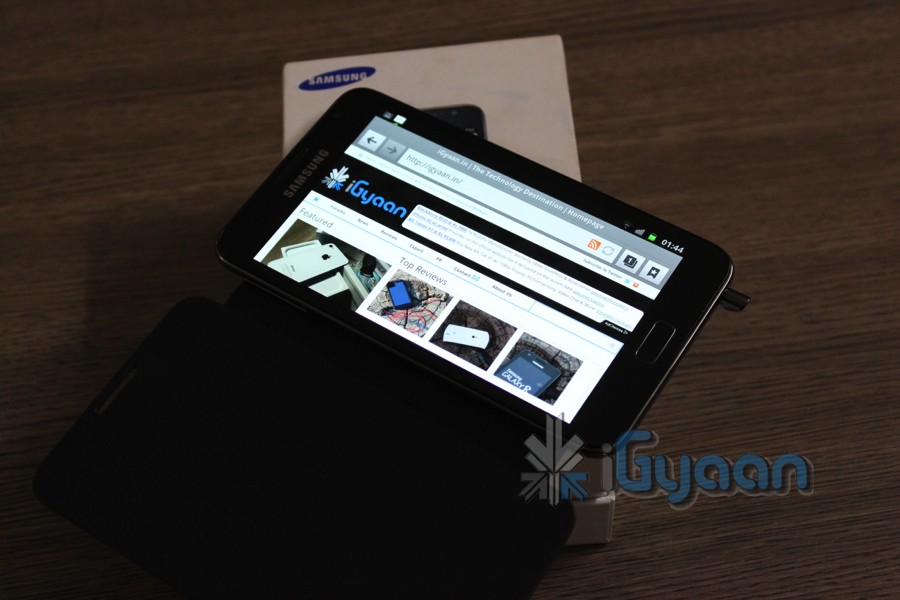
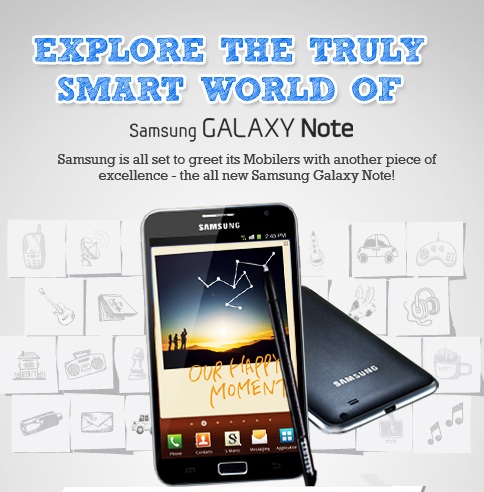
    Samsung Galaxy Note (Rs. 32000) : Phone? Tablet? Relax its a Galaxy Note! The best Android device money can buy today in India. The Note features a massive 5.3 inch screen with an awesome Super Amoled Display ( beautiful), it also has a S-Pen which is a capacitive pen with more features than a stylus ever had before : Detailed here. The Note also has a fast 1.4GHz processor, 16 GB storage, Android 2.3 with confirmed ICS. 8MP camera + front camera with Video calls. Check out our Unboxing and Hands On : Review is out Shortly!


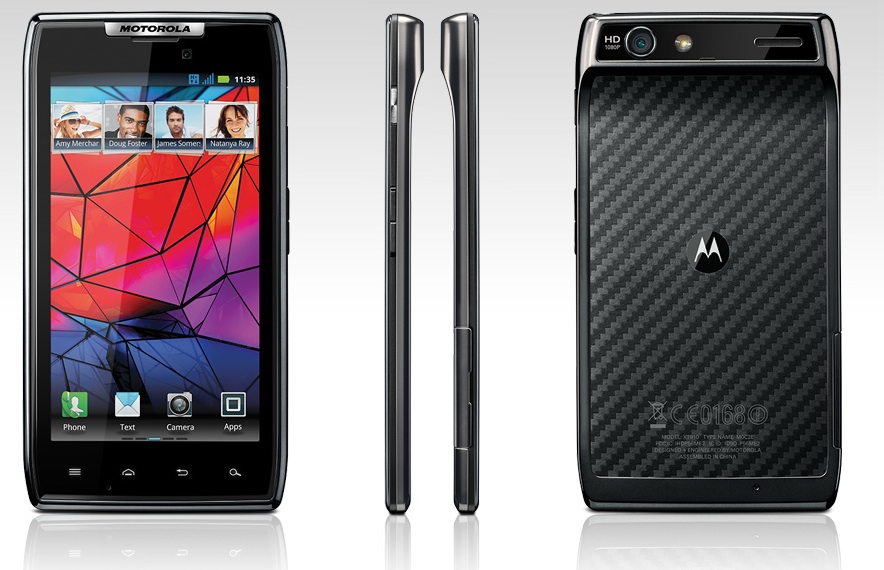
    Motorola Razr XT910 ( Rs. 33990) : The slimmest phone in the Android Series, Motorola has revived the Razr brand, with just a 7.1mm thickness for a smartphone. The device is powered with a 1.2 GHz dual core ARM Cortex A9 processor, the RAZR also packs in 1 GB of RAM and a PowerVR SGX540 GPU. A 4.3 inch super AMOLED advanced display make for the best viewing with a qHD resolution. 8MP camera allows great pictures and Full HD video recording 1080p. Our Review Out Shortly!


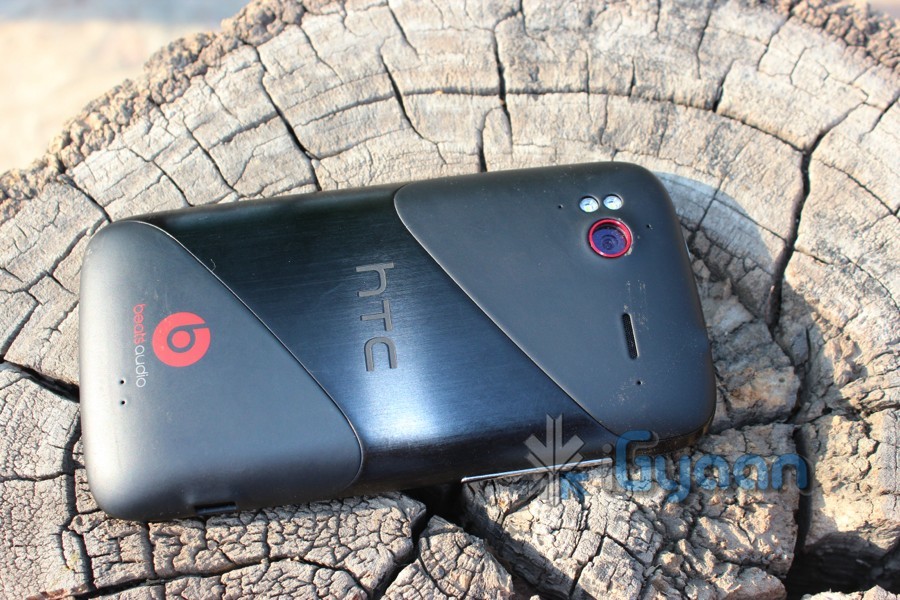
    HTC Sensation XE ( Rs. 32000) and XL ( Rs. 37000) :  While we really recommend HTC phones simply because of brilliant build qualities, we feel that they are overpriced and thus they share the third spot in the Android Lineup. The XE packs Beats audio and iBeats , 1.4 GHz processor a great 4.3inch qHD screen and Sense UI on top of Android 2.3.4. Our Review covers it in-depth. The XL is just a bigger version of XE with a much bigger price tag. The specs are strange, a 480x800px resolution, a 1.5GHz processor and Android 2.3. Its a way to express that you love HTC phones and thats it. Need we say our review is out shortly!


    HTC Evo 3D (Rs. 35000) : Want to jump on the 3D bandwagon? this is the device to choose. The LG Optimus 3D is a cheaper alternative, but we feel that the HTC is a better device. Specs include 1.2 GHz dual core processor, an Adreno 220 GPU based on a MSM 8660 chipset and 1 GB of RAM. An auto-stereo-scopic Display makes 3D viewing without 3D glasses possible. The 4.3inch display has a qHD resolution and the device has HTC Sense on Android 2.3 – to be upgraded to ICS and newer Sense in 2012. Our unboxing and Video Review cover the Evo 3D extensively.


    Samsung Galaxy S2 (Rs. 28,000) : The best selling Android Premium smartphone in 2011, the Samsung Galaxy S2 is truly an amazing device. An upgrade to the Galaxy S, the S2 brought a lot of firsts for Samsung. An 8 MP camera with stunning pictures and full HD video, a beautiful Super AMOLED Plus display which hosts Android 2.3 with Touchwiz –  flick and  tap. A large in-built memory of 16 GB and is expandable up to 32 GB, good battery life and a gorilla display. This device truly answered all questions that buyers had in 2011. Check out our Full Review.

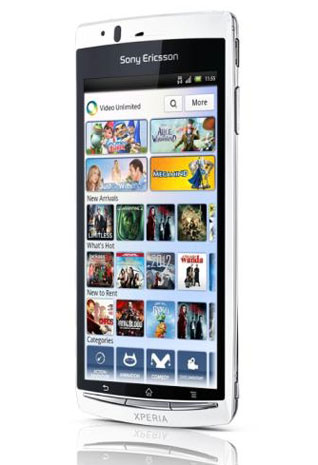
    Sony Ericsson Arc S ( Rs. 28000) : No its not the best phone for the money thats why it falls under the S2, The SE ARC S is the only SONY entrant in our list, because of the beautiful Timescape UI and the stunning Bravia Engine on the display. Powered by a poor old 1.4 GHz Qualcomm Scorpion processor and Adreno 205 GPU, no this does not make this device incapable. The UI is stable and the performance is excellent from the device. 


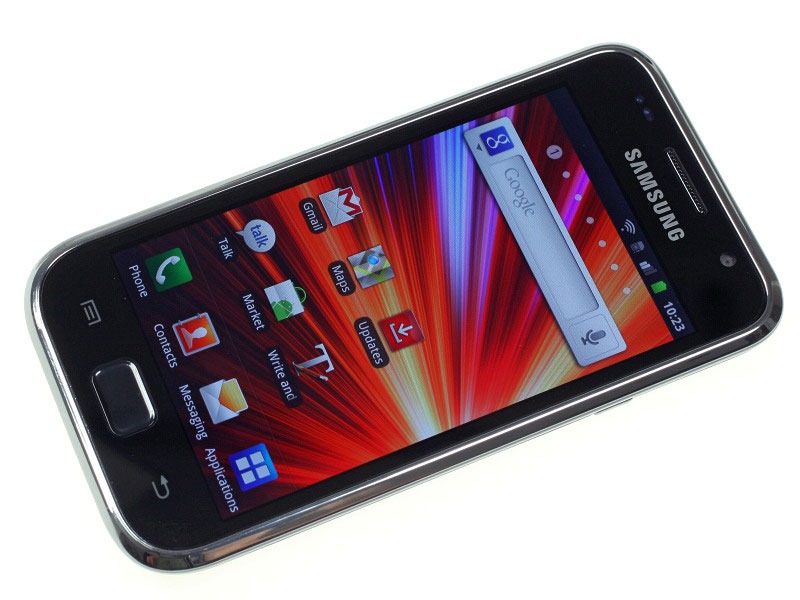
    Samsung Galaxy S Plus ( Rs. 21000) : The Lowest range handset in our list, powered by the same processor as the ARC S , 1.4GHz Scorpion, The S Plus is exactly what the name says, a plus to the Galaxy S.  8GB memory and 512MB RAM, a Super Amoled Display. The funny thing is you get better specs on a cheaper device the Galaxy R ( Rs. 18800) .


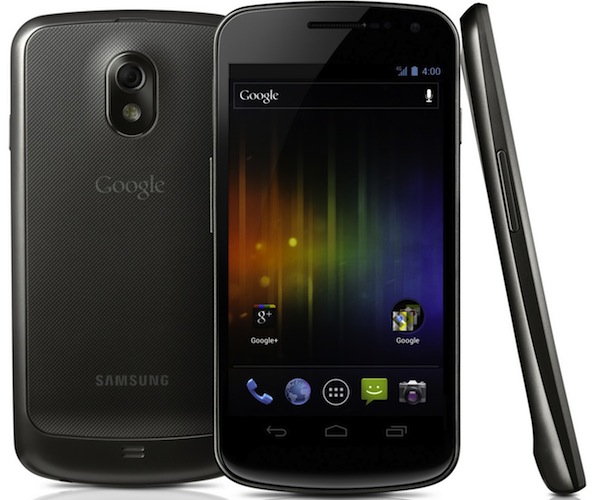
    The Galaxy Nexus didn’t make our list because its not officially available in India, Yes it should be at the top of the list, considering ICS is already on board and a 720 x 1280 px, 4.65 inch Super Amoled Capacitive touchscreen, a Dual-core 1.2 GHz Cortex-A9, 16GB internal storage – Optional 32GB . The phone also has a 5MP camera with full HD video and a front camera for native 3G video calls. A lot more specs than we can list here. The phone enters India end January 2012, you can get it from ebay ranging 35-45k. Best of luck!


    Apple

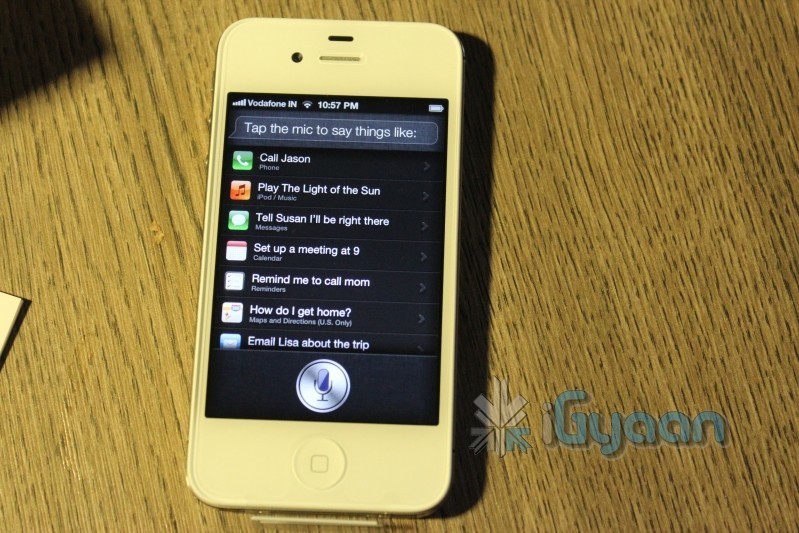
    iPhone 4S (Rs. 44900) : The Apple of everyone’s eye, the Apple iPhone 4S is the flagship phone from Apple this year. With millions sold within weeks its also one of the most sold handset in 2011 (considering iPhone 4). The new iPhone 4S brings the A5 chipset with dual core capabilities, best in class 8MP camera with full HD video and Image stabilization ( 5 Lens system). The highest resolution Retina Display. But the most popular thing of 2011 is Siri, the voice activated Assistant that follows your every command. Check out our Unboxing : Review Shortly 

    iPhone 4 ( Rs. 32,000) : Yes two Apple devices made our list, the iPhone 4 is the taster for those unwilling to shell out big buck for the bigger brother. Still you get iOS5, iCloud and Siri after jailbreak of course. The iPhone 4 has a 5 MP rear illuminated camera, the same Retina display, Front facing camera for FaceTime calls and Millions of Apps from the iOS AppStore. The iPhone 4 is a perfect device for those with the budget and the urge to jump over to iOS while Apple unveils the next-gen iPhone sometime in 2012 for big buck. Of course we reviewed it back in the day.

    Blackberry

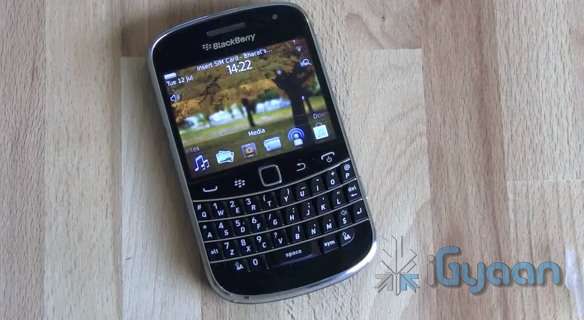
    Bold 9900 ( Rs. 31000) : The Bold 9900 is the flagship Bold from RIM. The same keyboard layout from the original bold 9000, with a new capacitive touchscreen, a super slim profile and BB OS 7 . The only disappointment is the poor fixed focus 5MP camera. The 9900 is a businessman’s powerhouse, especially if you are a previous BB user. The device has excellent mail capabilities and of course has BBM. The new OS 7 also supports a lot more new age apps and games. The phone features a 1.2 GHz processor , 768 MB of RAM, 2.8-inch capacitive LCD and 8GB storage. Our Video Here

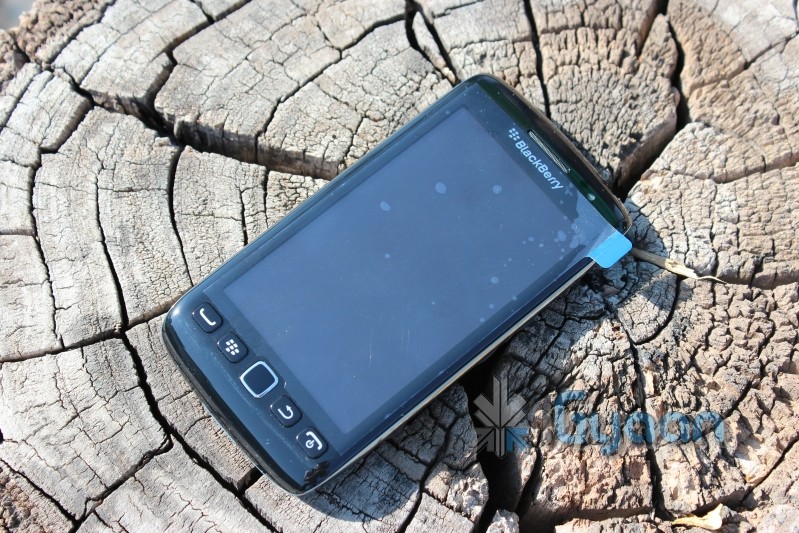
    Torch 3 / 9860 ( Rs. 28000) : Our Second BB recommendation, the beautiful screen and the full touch display make the device feel really nice in the hands. Liquid graphics on a 3.7-inch TFT capacitive touchscreen. 4GB internal storage and 768MB ram. BB OS 7 and new age emailing and messaging, excellent media capabilities and an excellent form factor. A great Blackberry for those looking for a BB – iPhone Hybrid (minus iOS) . Our Video Here 


    Windows Phone

    HTC Radar (Rs. 23000) : Our first recommendation simply because of Price vs Features. The Radar has a beautiful build quality with WP7.5 Mango running on top of a 1 GHz Qualcomm Scorpion processor. The 3.8-inch Super LCD screen has a resolution of 480 x 800 pixels and look great. The device has a 5MP camera and a 0.3 MP front camera no 3G video calls though. Check out our full review. If you don’t really rely on Build quality, a better and cheaper alternative is the Omnia W for 18,990

    NOKIA Lumia 800 ( Rs 28900) : The Amazing Everyday, no not yet ! Yes this is Nokia’s Answer to Android, but is it the right answer? The device runs WP7.5 Mango with proprietary Nokia Apps ( not really since we ported them to HTC)  but the device has a 1.4 GHz Qualcomm Scorpion processor, 512 MB of RAM and 16GB of onboard storage. Lumia 800 has a 8MP camera with full HD recording, but wait! where is the second camera? Our Review and Comparison with Omnia W comes out shortly.
  • Samsung Omnia W i8350 – Unboxing and Hands on

    Samsung Omnia W i8350 – Unboxing and Hands on

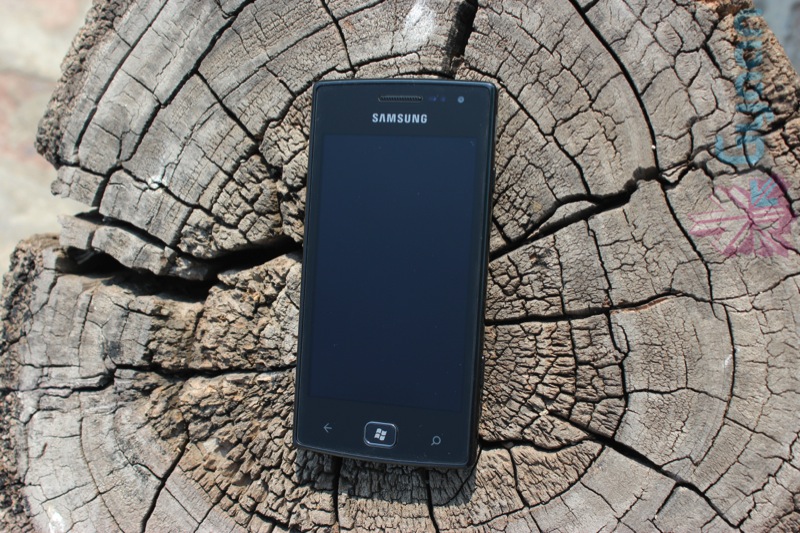
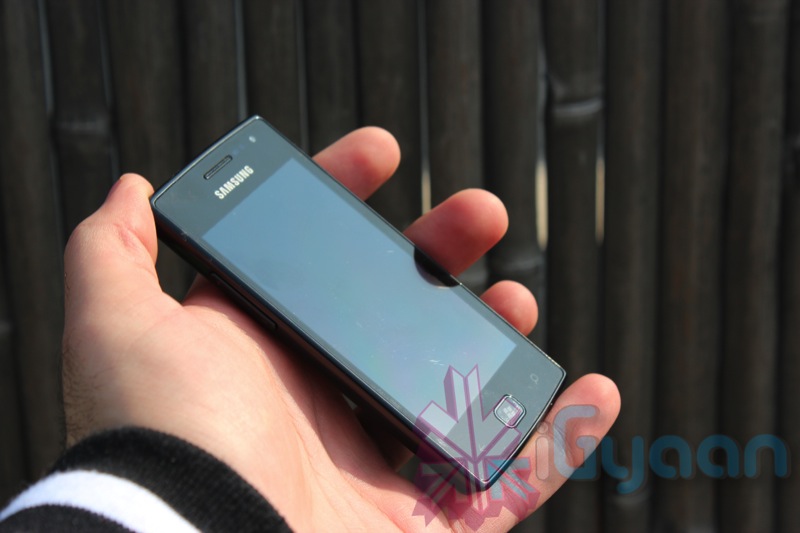
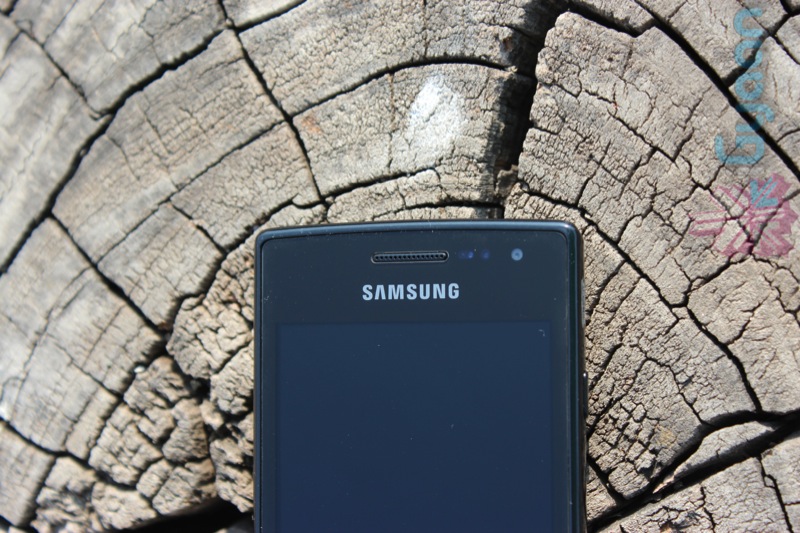
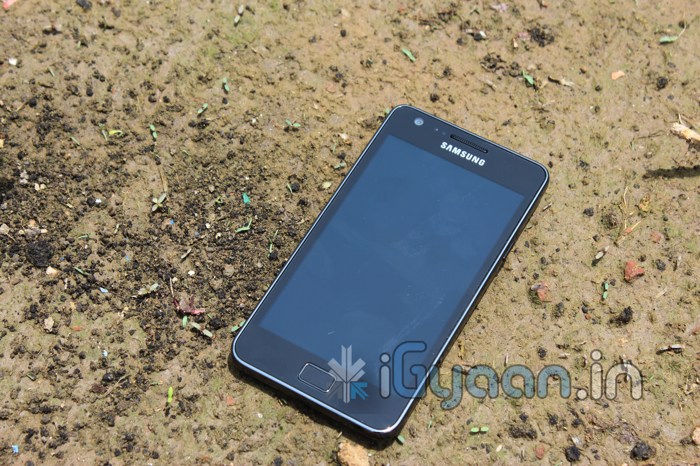
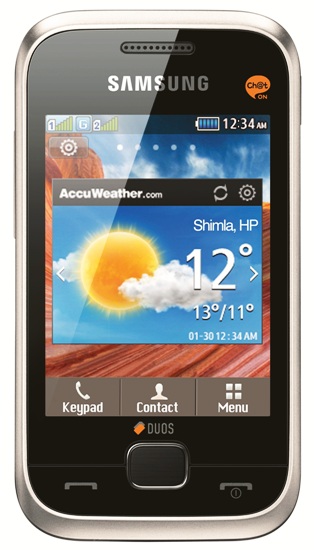
    Samsung Omnia W is the first official Windows Phone from Samsung in India. The smartphone has been aggressively priced seeing the massive launch from Nokia for their Lumia Series. The Samsung Omnia however beats the odds of the Nokia Lumia series trumping them in a certain aspects. The Omnia W weighs just 115 gms making it a fairly light phone. The 3.7 inch Super AMOLED screen is exceptionally vivid and has rich deep black levels. The form factor and over all size of the device is very comfortable in the hand.

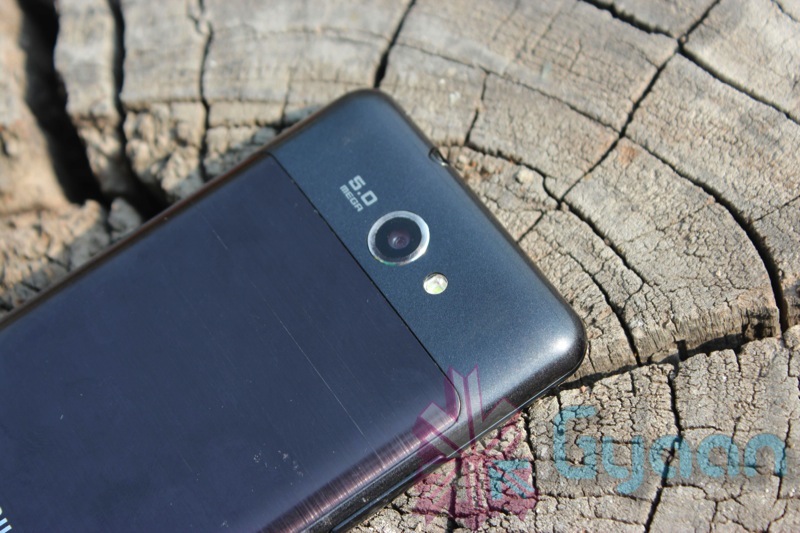
    The Omnia W features a 5 MP camera with autofocus and LED flash, 720p video recording and a front facing VGA camera for video calling. The Omnia W also has a 1.4 GHz Scorpion processor and Adreno 205 GPU. It has 8 GB storage, 512 MB RAM, along with GPS, AGPS for location and high speed HSPA connectivity. The omnia comes with Windows Phone 7.5 mango and is currently available in black color for Rs. 19,900/-. Check out our Video unboxing below and stay tuned for a Full Review out Shortly.
    iG Tech Labs.

  • Samsung Galaxy R i9103 Second Review ( Price Drop Version)

    Samsung Galaxy R i9103 Second Review ( Price Drop Version)

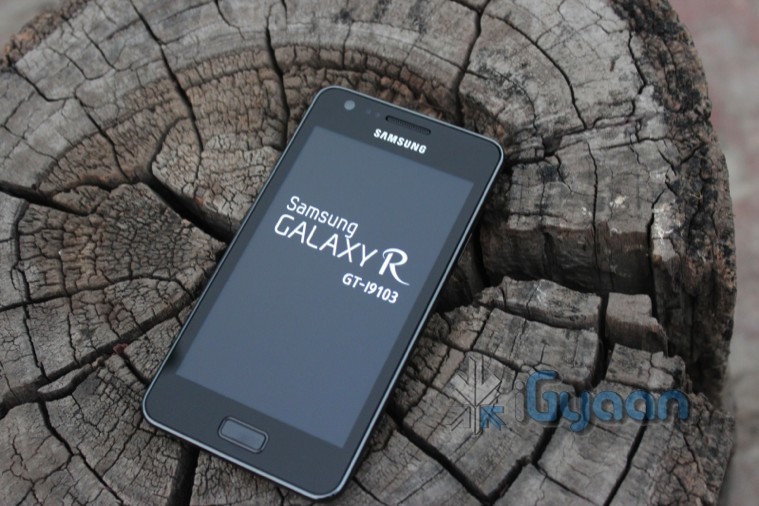
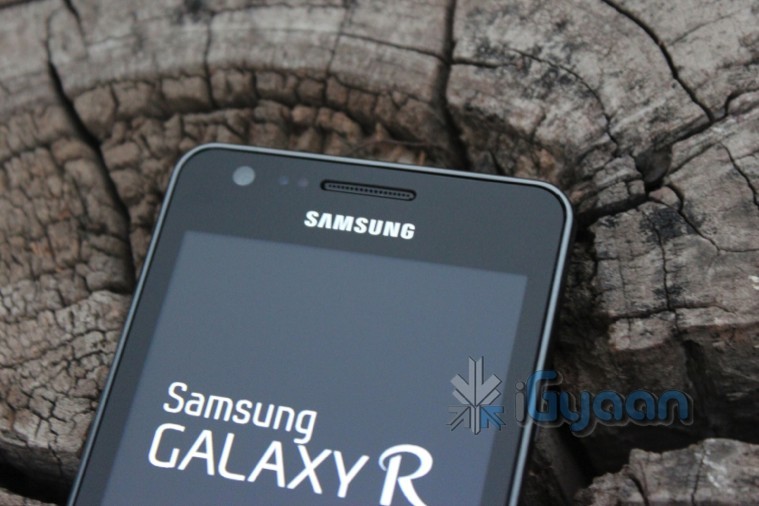
    We got over a thousand requests to review the Samsung Galaxy R especially after the price drop. The device originally launched at Rs. 27000, just a little shy of the price of the Galaxy S2, but now the phone  is priced at a mere 20,800 , also available at online retailers for a discount of 1000 using a coupon. Making it the best under 20k handset, here is why.


    Build Quality and Design

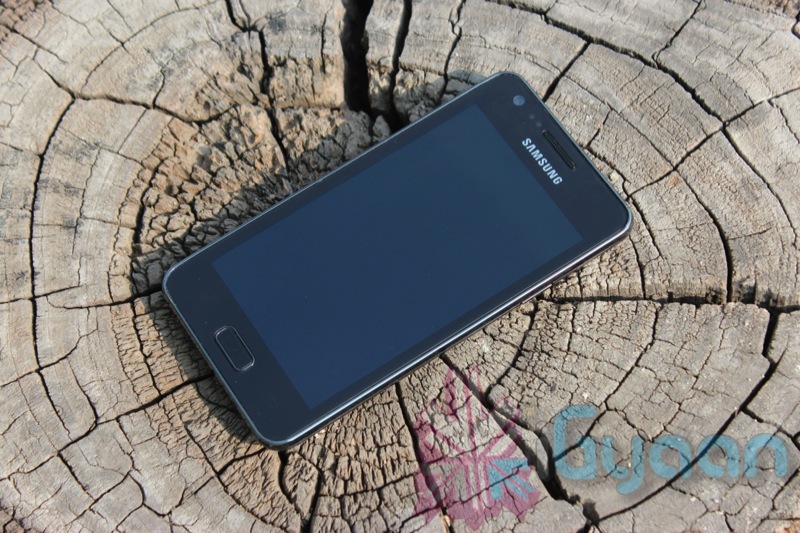
    Not the best build quality by Samsung, the Galaxy R lacks precious looks and precious materials. The back panel especially fades away after just light use, the scratch resistant front display is not so scratch resistant after all. We did face some issue with the power button and it turned out to be really fidgety. Apart from the downsides, we did like the look of the handset and it does feature some great elements, including a nice sized, tactile home button along with a nice chrome bezel.

    The design is identical to the S2 but is much fatter than the powerful predecessor. The back of the device makes it look a bit ugly, and since it fades easily the look worsens day by day.

    Hardware and Multimedia

    Now that the price is so different, we see that there is a slight difference b/w the specs of the S2 and the R.

             
    COMPARISON
    Samsung Galaxy R I9103
    Samsung Galaxy S 2 I9100 
       
     
    Platform
    Operating Freq GSM – 900, 1800 GSM – 850, 900, 1800, 1900; UMTS – 2100    
    OS Android v2.3 (Gingerbread) Android v2.3 (Gingerbread)    
    User Interface TouchWiz TouchWiz 4.0    
    Java        
    Processor 1 GHz ARM Cortex A9, Dual Core 1.2 GHz ARM Cortex A9, Dual Core    
    Graphics ULP GeForce Mali-400 MP    
     
    Display
    Type Super Clear LCD Super AMOLED Plus    
    Size 4.2 Inches 4.27 Inches    
    Resolution WVGA, 480 x 800 Pixels 800 x 480 Pixels    
    Colors 16 M 16 M    
     
    Camera
    Primary Camera 5 Megapixel 8 Megapixel    
    Secondary Camera  VGA 2 Megapixel    
    Flash LED LED    
    Video Recording 1280 x 720 1920 x 1080, 30 fps    
    HD Recording HD HD, Full HD    
    Other Camera Features Geo-tagging, Smile Detection, Auto Focus, Image Editor Auto Focus, Shot Mode, Photo Effects, White Balance, Geo-tagging, Face and Smile Detection    
    Zoom   Digital Zoom    
     
    Dimensions
    Size 66 x 125 x 9.5 mm 66.1 x 125.3 x 8.4 mm    
    Weight 135 g 116 g    
     
    Battery
    Type Li-lon, 1650 mAh 1650 mAh    
    Talktime   18 hrs (2G), 8 hrs (3G)    
    Standby Time   710 hrs (2G), 610 hrs (3G)    
     
    Memory and Storage
    Internal 8 GB 16 GB    
    Expandable Memory Slot Micro SD, upto 32 GB Micro SD, upto 32 GB


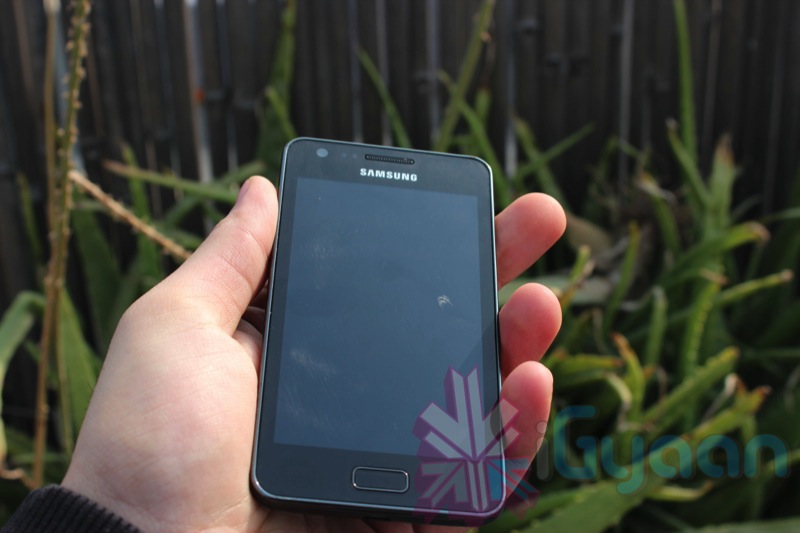
    The camera on the device is a 5MP snapper and it gives out decent image quality and 720p video, the LED flash is also good enough to illuminate low lit subjects, but don’t expect it to fill a room. Images are as crisp as can be from a 5Mp sensor, the quality when compared to a 5MP snapper from the iPhone 4 is a bit lower. 720p video is smooth and without jitters and we will soon upload a video sample to demonstrate that.

    The screen is not anything like the Super AMOLED Plus display on the S2 but the SLCD display is the same size and same pixel resolution, also the same color density and is a exceptionally bright display with great outdoor visibility. The display is try capable of playing good video and the device supports unto 1080p video playback without any issues.

    Audio on the device is loud, a bit louder than the S2 we presume, the earpiece did give us some problems as we mentioned in the unboxing, but somehow the volume keeps going up and down in the earpiece and we suspect its a software thing. Mic works great without any problem.

    The NVidia Tegra 2 chipset is well supported in the gaming developer community, so expect to find more games work on this device than were supported on the S2 initially. Let us mention that all sort of games play brilliantly.
    Call Quality and Messaging

    The network is great and no breakages in sustained network, even while traveling. We did however face low signal in key areas like flyovers and tower changes. Audio is good, but like we mentioned the earpiece can get a bit bothersome.

    The device also supports video calling over 3G networks which is a great add-on to those who want to use this feature, although we prefer services like Skype and Fring which work great too.

    Messaging works great on the nice and large screen, with the ability to switch to Swype which is inbuilt into the system you can enhance the experience of typing. You can also switch to a flurry of available keyboard replacements in the Android Marketplace to best suit your needs of typing.

    Battery Life 

    The battery life on this device is varied out of the box you will struggle to pass a few hours with the device, you will need to charge it at least twice a day if not more. But we found easy fixes, and we have discussed these with Samsung and we believe that a software update should rectify the problem soon. Turn off Wifi, background data sync and Mobile data, when not in use and here are the results

    Talk time 2G : 5 hours

    Talk Time 3G :  4-4.5 Hours

    Standby Time : 2 Days- 3 Days

    Internet usage : 8 Hours over Wifi

    Video Playback : upto 6 hours constant video


    Conclusion 

    The device is an exceptional device especially after this price drop, it does lack proper construction, but has a set of features that are difficult to match at this price. The only thing that comes close to this device is the LG Optimus 2X  with almost the same price and the same chipset. The Galaxy R has a newer built of Android and will definitely get the ICS update. The Galaxy R also has TouchWiz UI which we prefer over the one on LG. We also believe that the device is well supported in the developer community and has a larger user base.

    Samsung Galaxy R is a great purchase and a brilliant holiday gift.

    We Rate it 4.0/5.0 

    Images

    Unboxing Video

    New Review


  • Timing Update : Samsung Galaxy Note Launch is Today, We go Live Here!

    Timing Update : Samsung Galaxy Note Launch is Today, We go Live Here!

    Samsung is launching the Galaxy Note Tomorrow at  1:30 PM, We will go live from the event and try to get a Hands on with the device.

    So catch all the action live here:

    And bookmark this page

    November 2 – 2011 

    Update launch has  now been postponed by 1 and a half hour and will now happen at 

    1:30 PM Nov 2nd.


    ..

  • Samsung Galaxy R Unboxing and Review

    Samsung Galaxy R Unboxing and Review

    The Samsung Galaxy R is the company’s attempt at making their success story with the Samsung Galaxy Slcd move over to the higher segment. Read on through to understand why we don’t recommend this device.


    Build and Hardware

    The i9103 is build in traditional samsung fashion, making “plastics feel like metals” look, which makes the device look great and feel great in the hand. But what makes it better is the fact that its styled almost along the lines of the Galaxy S2, which is Samsung’s Flagship. The overall use of materials and build quality is good if not better than the S2.

    In terms of Hardware Specs the Galaxy R fails to stand up to serious competition that the S2 gives.

             
    COMPARISON
    Samsung Galaxy R I9103
    Samsung Galaxy S 2 I9100 
       
     
    Platform
    Operating Freq GSM – 900, 1800 GSM – 850, 900, 1800, 1900; UMTS – 2100    
    OS Android v2.3 (Gingerbread) Android v2.3 (Gingerbread)    
    User Interface TouchWiz TouchWiz 4.0    
    Java        
    Processor 1 GHz ARM Cortex A9, Dual Core 1.2 GHz ARM Cortex A9, Dual Core    
    Graphics ULP GeForce Mali-400 MP    
     
    Display
    Type Super Clear LCD Super AMOLED Plus    
    Size 4.2 Inches 4.27 Inches    
    Resolution WVGA, 480 x 800 Pixels 800 x 480 Pixels    
    Colors 16 M 16 M    
     
    Camera
    Primary Camera 5 Megapixel 8 Megapixel    
    Secondary Camera  VGA 2 Megapixel    
    Flash LED LED    
    Video Recording 1280 x 720 1920 x 1080, 30 fps    
    HD Recording HD HD, Full HD    
    Other Camera Features Geo-tagging, Smile Detection, Auto Focus, Image Editor Auto Focus, Shot Mode, Photo Effects, White Balance, Geo-tagging, Face and Smile Detection    
    Zoom   Digital Zoom    
     
    Dimensions
    Size 66 x 125 x 9.5 mm 66.1 x 125.3 x 8.4 mm    
    Weight 135 g 116 g    
     
    Battery
    Type Li-lon, 1650 mAh 1650 mAh    
    Talktime   18 hrs (2G), 8 hrs (3G)    
    Standby Time   710 hrs (2G), 610 hrs (3G)    
     
    Memory and Storage
    Internal 8 GB 16 GB    
    Expandable Memory Slot Micro SD, upto 32 GB Micro SD, upto 32 GB


    Display, Camera and Multimedia

    The device is after all a good spec’d phone, so expect great performance in terms of the display and sound quality. The display is not as vivid as the one on the S2 simply because of the lack of an AMOLED screen. The speakerphone we found was a bit more organized with its audio quality. 

    The device features a 4.2 Inch SLCD which appears to be washed out in front of the high intensity black of the S2’s Amoled display. Although both rank in at the same resolution the S2 has a slightly larger 4.27 inch screen. Watching videos and browsing websites is great in the combination of the internal hardware and external display. The device fares well agains competition like the Optimus 2X , but then again if you can spend a couple thousand and get the S2 why wouldn’t you?


    Phone and Battery

    So here is the segment where there is an actual improvement. The earpiece is exceptionally clear, and sounds great when on a phone call, the mic pics up your audio without the effect of any breakage and overall network connectivity is robust. 

    The device also has a greatly improved battery life over the S2, with a decent talk time of 5-7 hours depending on usage , we were pretty impressed to see that the device delivered upto 24 hours of music playback.


    OS and UI

    The device runs Android 2.3.5 and atop that is the TouchWiz UI from Samsung, now the interface is the same on the galaxy S2, but somehow it looked really dull on this device, possibly because of color usage and definitely because of the SLCD. the UI also adds a large variety of good widgets which make the daily usage of the phone a wonderful experience. 

    Conclusion

    The device is a great alternative to the Samsung Galaxy S2, but not at this price range(Available for Rs. 27,000). It offers far less features to justify just a 1.5-2k price gap between the R and the S2. Our recommendation is DON’T BUY THE GALAXY R, instead get the S2 or some similar device from another manufacturer.

    Video Unboxing and Review

  • Update : How to Install Android 2.3.4 Gingerbread on the Samsung Galaxy 5  (i5500 / i5503) + Cyanogen Mod 7.1

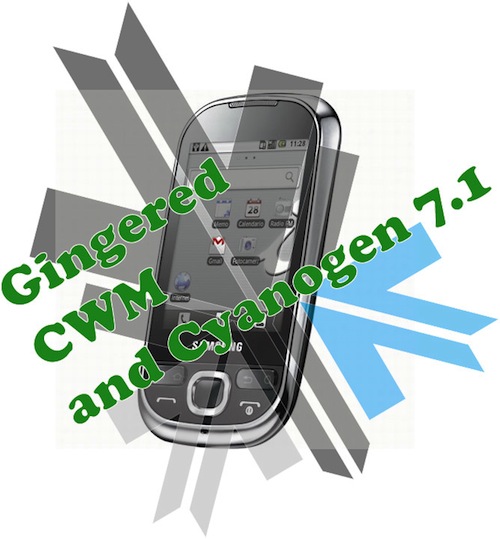
    Update : How to Install Android 2.3.4 Gingerbread on the Samsung Galaxy 5 (i5500 / i5503) + Cyanogen Mod 7.1

    Update : Oct 9th 2011

    The Guide has been updated to include the latest rom update. For those who have already used this guide and are on the Madteam rom v1.0 (those who used the guide from Aug 15th) use the steps at the bottom of the page to upgrade.

    New iGyaan Guide 

    Did you think it was possible?, we didn’t either!. But following various guides and tweaks we were able to get Cyanogen mod 7.1 running on the Samsung Galaxy 5, Yes the 1.5 year old device from Samsung.

    The big differences we saw:

    • Tremendous improvement in battery life, almost fixes any battery leaks.
    • Fast and responsive OS Android 2.3, no lag and no jitters.
    • Clean looking UI + Cyanogen mod tweaks
    • Best Part : Nexus S style : CRT TV lock animation

    This Guide was put together using our own experience, and its here to help you out.

    Note: Like any other unofficial guide, there is a high chance that you might brick your phone.  iGyaan is in no way responsible for that and you are following this at your own risk.
     
    Okay so lets begin!
    Here is what you need 
    1. The iGyaan Galaxy 5 Pack : Download Here
    2. A Galaxy 5 : Duh!
    3. Widows PC
    4. USB – Micro USB data cable
    5. Patience and Humility.
    6. A MicroSD card with over 1GB free space.

    Step 1 (Important)

    • Backup all your contacts and files.
    • Sync your device to your Gmail Accounts

    Step 2 (Device Prep)

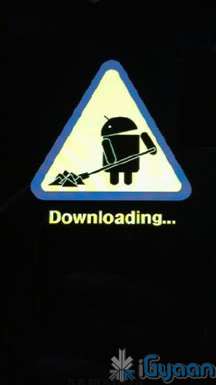
    • Time to put your Galaxy 5 in download mode
    • Power off your Galaxy 5
    • Hold Volume Down + Home + Power Button 
    • You should see the Download Screen
     

    Step 3 (Install Recovery)

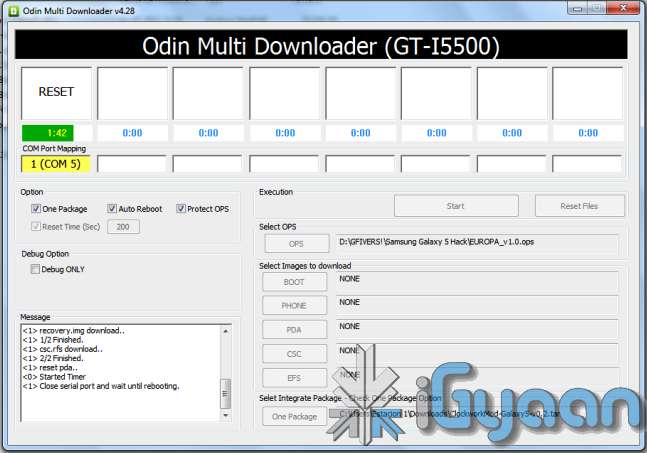
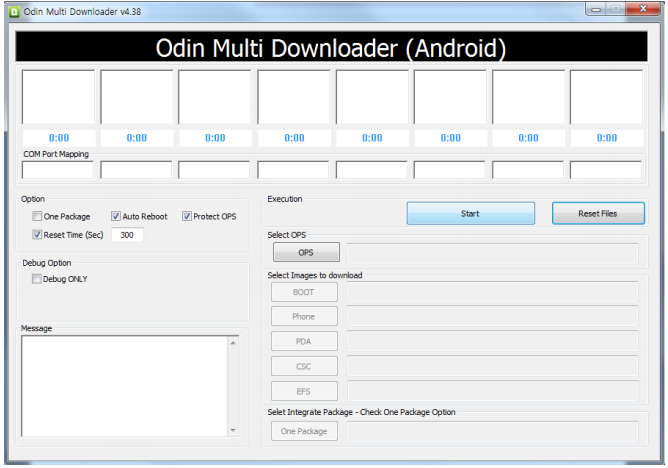
    • Fire up ODIN (found in the iGyaan Galaxy 5 pack)
    • Select the EUROPA_v1.0.ops  in the OPS field ( also in the iGyaan Pack)
    • Select One Package and ClockworkMod-Galaxy5-v0.4.tar in the one package Field
      (Also in the iGyaan Package downloaded earlier.)
    • Connect your phone to your pc via usb cable, wait for it to show up in ODIN
    • Once it shows up click START ( follow the images below)


    IMPORTANT 


    Your Device Should now boot up in Clockwork Recovery like the image below.

    WARNING : DONT UNPLUG OR REBOOT your PHONE HERE.


    Step 4 (Copy files)

    • Using the D pad or Volume +/- buttons browse to Mounts and storage
    • Once in mounts and storage select “Mount USB Storage”
    • Your memory card will show up on your PC
    • Copy the “update-cm-7.1.0-RC1-MADTEAM-v1.6-signed.zip” to the memory card ( found in the iGyaan package)
    • Once copied, Safely remove /eject the memory card mount from your PC
      (Do not remove it from the phone and do not reboot the phone
    • Press the  back button several times, till you reach the main screen as the image above.

    Step 5 (Backups)

    • Browse to Backup and Restore
    • and select backup ( let the device backup your existing rom on the memory card)
    • Once done press the back button to come back to the main recovery screen.

    Step 6  (Install Prep)

    • Browse to Wipe date /factory reset and initiate it by selecting “yes”
    • Browse to wipe cache / initiate it by selecting “yes.”
    • Browse to advanced : Wipe dalvik cache.

    Step 7 (Install the Rom)

    • Browse to “Install zip from SD card”
    • Choose “Select zip from SD card”
    • Select the “update-cm-7.1.0-RC1-MADTEAM-v1.6-signed.zip” we copied to the memory card earlier.
    • Initiate it by selecting “yes”

    Step 8 (One more thing!)

    • Once its done Reboot by selecting reboot system now from the main menu
    • At this moment your device will boot in Cyanogen Mod 7.1 for Galaxy 5. on Android 2.3.4
    • Its not over yet!
    You will still need the Google Apps package to get the Market , Gmail, etc

    Step 9 (Install Google Apps)

    • Once your phone is booted press the power button
    • Select “reboot”
    • Select “recovery” 
    • You will boot back into Clockwork Recovery
    • Go to Mounts and Storage and select “Mount USB storage”
    • Connect your device to a PC
    • Download and copy the following file to the memory card of your phone : Google Apps iGyaan.zip
    • Once copied  : come back to main recovery screen and select “Install zip from SD car”
    • Select the “select zip from sd card” and choose “google apps iGyaan.zip” : install by selecting “Yes”

    Step 10 ( Final Steps)

    • Once all the above is done : reboot your phone
    • You will be boot into Cyanogen Mod 7.1 , but this time you will get the “Tap Android to Start” screen.
    • Follow the directions on the screen.

    Enjoy your newly revamped Galaxy 5.!

    This rom comes highly recommended, we installed it on our Galaxy 5 and its almost like a new phone, its much faster cleaner and much more stable than the Samsung Official Rom. this rom also improves the battery life by more than three times.

    Leave your feedback below, and if you were able to do it properly.
    If you have any problems post all your questions in the iGyaanforum.com thread over HERE 


    Steps to Upgrade if you have used the Old Guide


    Step One

    • Download the new iGyaan Package : Here 

    Step Two

    • Use a usb cable / sd card reader to copy the file “update-cm-7.1.0-RC1-MADTEAM-v1.6-signed.zip” to the SD Card root folder (the file is in the iGyaan Package) 

    Step Three

    • Reboot into recovery using the Rom Manager And choose “backup and restore”

        Next Create a new Backup.

    Step Four

    • From the Recovery main screen select “install zip from SD Card”
      and choose the file you copied above

    Step 5

    • Once the install is complete reboot the device and wait for it to load : first boot can take upto 15 minutes


    Enjoy the update with tons of bug fixes !


    As always the guide here is for informational purposes, iGyaan is not responsible for any softwares being used here and are courtesy their original developers. We therefore take no responsibility for any damages that may occur to your device.

  • Samsung Corby 2 S3850 Unboxing and Review

    Samsung Corby 2 S3850 Unboxing and Review

    The Samsung Corby 2 is the successor to the original Corby, a might successful college/ ladies phone. So, the corby 2 has huge shoes to fill, the question here arises weather or not it can fill them. We take a look at the new Corby 2 and see its capability in the exact situation where a lot more competition is available even from the likes of Samsung themselves.

    BUILD QUALITY and HARDWARE

    The build quality of the new Corby 2 is far superior to its predecessor. The plastics are well weighed and the switchable panels are form moulded and fit perfectly like a glove without creaks or sounds.

    As far as hardware is concerned the Corby 2 has two major changes (corby 2 = 2 changes hah). Seriously the addition of a capacitive touchscreen will definitely attract previous Corby owners to buy the new improved Corby 2. But wait there is WiFi onboard so that means faster internet and easily downloaded Apps.

    SPECS and FEATURES


    Camera & Display

    • Camera – 2.0 Mega Pixels, Resolution 1600×1200 Pixels, (VGA)Video
    • Screen Display – 3.2 inches, Resolution 240×320 Pixels
    • Color – TFT Capacitive Touch Screen with 256K colors

    Special Features

    • Accelerometer
    • Digital Natural Sound Engine
    • Social networking integration with live updates
    • TouchWiz UI
    • Find Music recognition service
    • Organizer, Document viewer
    • Voice memo
    • Audio, Video Recorder & Playback
    • MP3, MP4 Player
    • MP3, WAV Ring tones, Vibration
    • 3.5 mm Headphone Jack
    • Stereo FM radio with RDS
    • Speaker Phone

    Message Support

    • SMS, MMS, Email, Push Email
    • Instant Messaging
    • Predictive Text Input

    Connectivity

    • Connectivity Options – Bluetooth v3.0, Micro USB v2.0, Wi-Fi 802.11 b/g/n
    • Data Modes – GPRS 32 – 48 Kbps, EDGE, WAP 2.0/xHTML, HTML Internet Browsing

    Memory

    • Internal Memory – 26 MB
    • Expandable Memory-  16 GB MicroSD/Card Slot
    • Phone Book – Contacts, Photo call
    • Call Records – Yes

    Battery Power

    • 1000 mAh Li-Ion Standard Battery
    • Battery Life – 620 hours
    • Battery Talk Time – 9.30 hours

    Mobile Size and Looks

    • Size – 109.9 x 60.6 x 11.7 mm
    • Weight –  102 grams
    • Body Colors – White, Pink, Yellow & Black


    MULTIMEDIA and CAMERA

    The Speaker is nice and loud, Wifi enables users to watch youtube videos (read iGyaan videos) directly on the phone, The lack of 3G somewhat limits the Multimedia aspect on the go, the screen resolution is also somewhat a disappointment at 240×320 px with only 256 colors. Although, movies and videos can still be streamed via wifi and loaded onto the memory card and the device is ready to serve its master.

    The camera is a poor demonstration of keeping the price of the phone low. But, then what all do you expect in a phone that costs merely minimum wage + couple of hundred. But, hey there are effects and scene modes and brightness setting and movie mode, The quality of which is as bad as you think it is. If you want a phone with a camera, that you will use, this is definitely not it.


    PHONE and MESSAGING

    Thank you Samsung for making us work hard with the resistive screen to make us understand that a capacitive screen is heaven sent. The dialer and messaging on the keyboard just seem to improve tenfold simply because of the touchscreen improvement. The call quality is decent with little or no dropped calls. Volume at both ends is good and no issues there. An overall performer in the phone department.

    The messaging in portrait does not bring up a QWERTY keyboard but switch to landscape and “boom” a QWERTY experience the keyboard is fast and intuitive with the text prediction and large keys make it fun to use. So, Messaging and Phone systems are  sorted in this device and will not disappoint basic users at all.

    OTHER

    The Touch-wiz 3.0 UI is a great add-on , the BADA-esque interface is a great improvement, with widgets and a notification panel make this device a better Smart-phone than the Corby ever could have been. The interface is hugely colorful and the icons are large and easily readable. The interface is pleasing to the eyes and the menus are fast and responsive.


    CONCLUSION

    The Corby 2 is a huge improvement over the Corby, But, is it enough with a host of Android devices from companies like Micromax and Spice the corby seems lost. There is still however a charm about the Corby brand and those loyal to it should definitely upgrade to the new Corby 2. Build and Phone is impressive along with good multimedia, But, a poor camera and a average display. The touchscreen is a massive improvement and Wifi adds to the experience.
     

    [xrr rating=3.5/5 label=”We Rate The Corby II” imageset=shiny_yellow_star display_as=fraction_stars]

    VIDEO UNBOXING AND REVIEW


  • Samsung Galaxy Pro Quick Video Preview

    Samsung Galaxy Pro Quick Video Preview

    Here is a Quick Video Preview of the New Samsung Galaxy Pro

  • Samsung Galaxy Pro GT B7510 Unboxing and Hands On – iG in The Mountains : Update with Video

    Samsung Galaxy Pro GT B7510 Unboxing and Hands On – iG in The Mountains : Update with Video

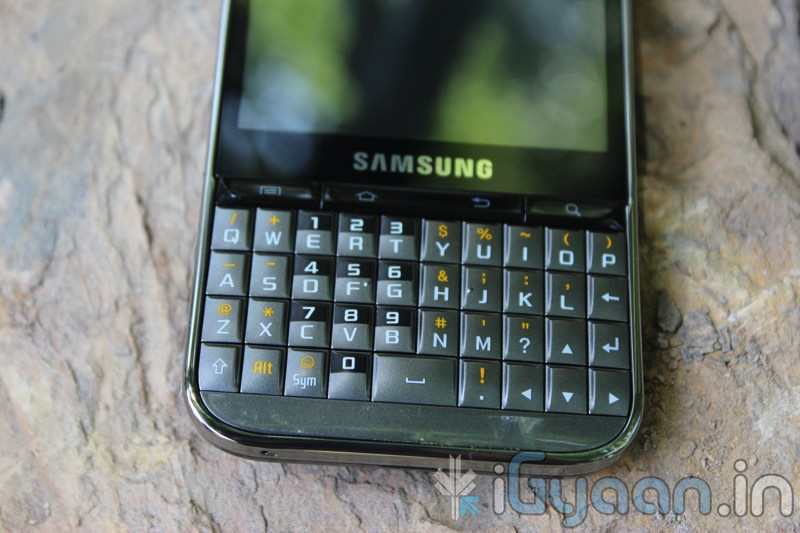
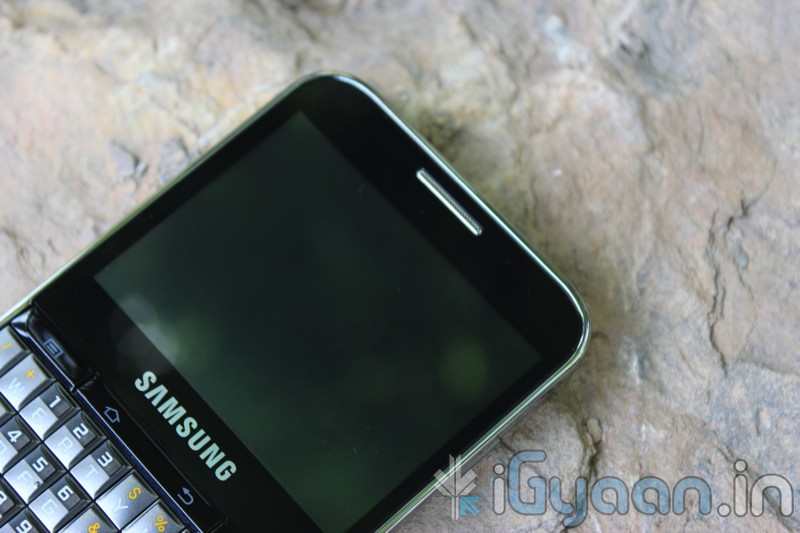
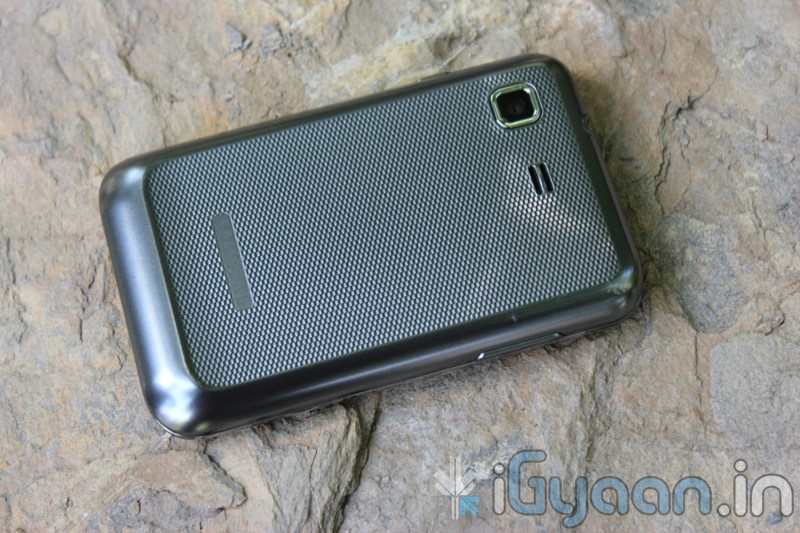
    We went on a road trip See Here . So we decided to bring some review goodness along : Check out the new Samsung Galaxy Pro GT B7510

    This is the First Dual Input (Touch and Qwerty) Android Phone from Samsung in a CandyBar form

    Samsung Galaxy Pro GT B7510 Tech Specs

    • Network : HSDPA 7.2Mbps 900/2100 / EDGE/GPRS 850/900/1800/1900
    • OS : Android 2.2 Froyo
    • Display : 2.8? LQVGA (320×240) TFT-LCD
    • Processor : 800MHz Processor
    • Camera: Main(Rear): 3.0 Mega Pixel Camera AF
      (Single Shot, Beauty Shot, Panorama Shot, Smile Shot, Action Shot)
    • Video : Codec : MPEG4/ H.264/ H.263/ WMV/ RV/ DivX/ Xvid
      Playback : WVGA @30fps
      Recording : QVGA @ 30fps
    • Audio :MP3, AAC, AAC+, eAAC+, WMA, RA
    • 3.5mm Ear Jack & Speaker, Stereo FM Radio with RDS, Voice Recorder
    • Enterprise Solutions : Microsoft Exchange ActiveSync
      ThinkFree Editor
      Value-added Features
    • A-GPS
    • Bluetooth® technology v 2.1
    • USB 2.0
    • Wi-Fi 802.11 (b/g/n)
    • Accelerometer, Light, Digital Compass, Proximity
    • 512MB + 2GB inbox + microSD (up to 32GB)
    • 66.7 x 108.6 x 10.65mm, 103.4g
    • 1350mAh
    • Talk Time : up to11 hours
    • Standby Time : up to 620 hours


    Check out the Pictures Below.

  • DIY : How to Install Android 2.3 Gigerbread on you Samsung Galaxy Ace

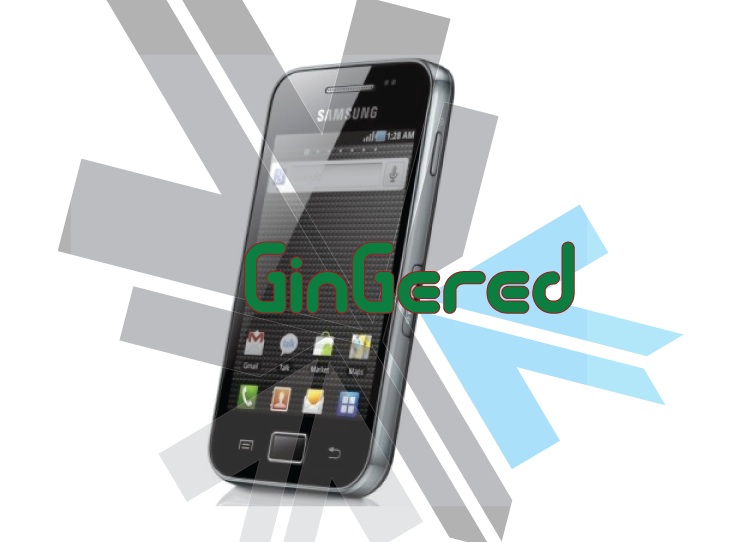
    DIY : How to Install Android 2.3 Gigerbread on you Samsung Galaxy Ace

    Today we are going to show you how to Install GingerBread 2.3 on your SAMSUNG GALAXY ACE mobile PHONE.


    What you will NEED!


    1. A Samsung Galaxy ACE (DUH!).

    2. The 2.3 Firmware S5830( click here to download password =  samfirmware.com).


    3. ODIN downloader (click here to  download). and USB Driver (Click HERE)

    4. OPS files (click here to download).

    5. A windows PC + samsung data cable.


    Important NOTES:

    If you get errors after upgrade : i.e. error: phone application has stopped working or get constant crashes,do the following:

    To fix phone not working, initiate restore phone to factory settings command from Settings – Privacy

    TAKE SERIOUS CONSIDERATION BEFORE UPGRADING AND HAVE YOUR BACKUP IMAGE READY IF SOMETHING GOES WRONG – use the OLD FIRMWARES: (All backup images can be found here)

    • Make sure your device is fully charged!
    • BE sure to backup all your data!
    • You are doing this at your own risk, Although, This will NOT void your warranty!
    • Your phone does not need to be rooted to get this working.


    AFTER BACKUP – FACTORY RESET YOUR PHONE BY ENTERING THE FOLLOWING CODE

    *2767*3855#


    STEP 1

    Download all the files above, and make sure you have the latest version of KIES software installed.

    STEP 2

    Extract the RAR to get a .tar file.

    STEP 3


    Open ODIN Downloader.

    MAKE SURE you select One Package, Auto Reboot and Protect Ops checkboxes.

    Select the Ops file (the file we downloaded earlier).

    And finally select the tar package we extracted from the RAR downloaded earlier.

    (You can also extract the rtar and select packages indivisually)


    NOW CLOSE ODIN.

    STEP 4

    Backup you phone and data with the KIES software (after you are done exit KIES)

    Turn OFF the Galaxy ACE and remove the Battery

    Reinsert The Battery and Press the following buttons together

    CENTER HOME BUTTON + POWER BUTTON + VOLUME DOWN Together

    Hold the buttons together till you see the downloading screen


    STEP 6 (Final Step)

    CLICK START and wait for process to finish, once done your device will automatically reboot and will have Android 2.3 running on it.

    A Few Things you will notice with 2.3

    • The rom runs faster but uses more RAM
    • Video now is up to 640x480px
    • Camera can’t auto focus.
    • The interface is overall nicer looking and runs smooth
    • There are a lot of bugs and it may crash frequently

    Test this out at your own risk, if you have feedback please leave it below

    Rom Files courtesy (samfirmware.com)

  • Samsung Launches the New Galaxy Pro in India : Specs, Features and Price

    Samsung Launches the New Galaxy Pro in India : Specs, Features and Price

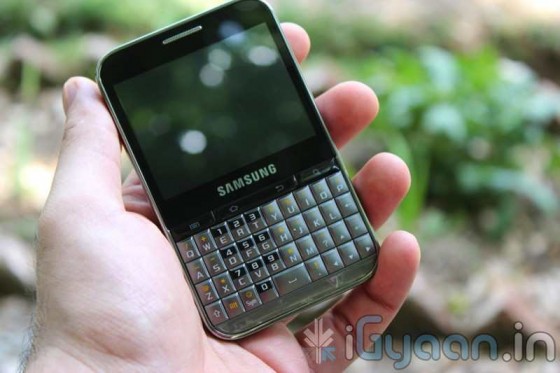
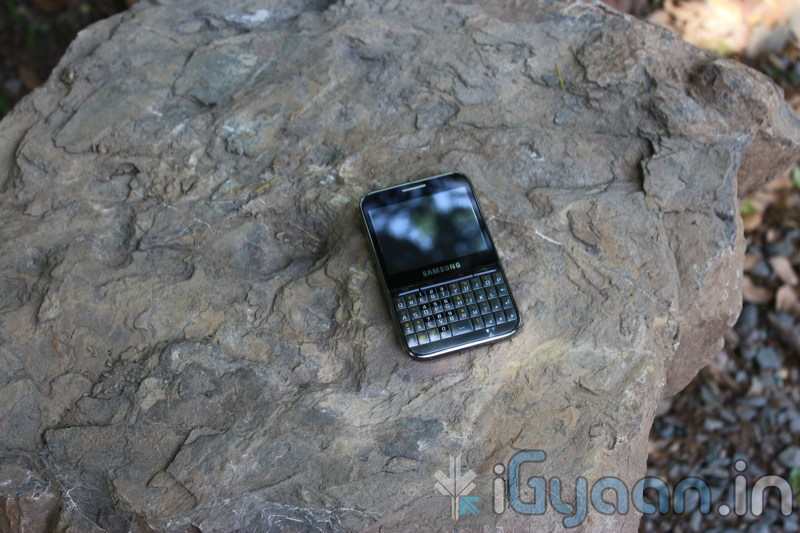
    Samsung just announced the new Samsung Galaxy Pro in India. The QWERTY + Touchscreen Android Phone is targeted at the business segment, delivering the Applications and open source nature of Android plus enterprise features of Business class phones.


    The device is Priced at 12990/-  check out the full specs below and hold on till we get a device for unboxing and review.


  • Live Video from Samsung Forum 2011 : Samsung Series 9 Laptop Launched : Hands On : Super slim Core i5 / i7 (PR)

    Live Video from Samsung Forum 2011 : Samsung Series 9 Laptop Launched : Hands On : Super slim Core i5 / i7 (PR)

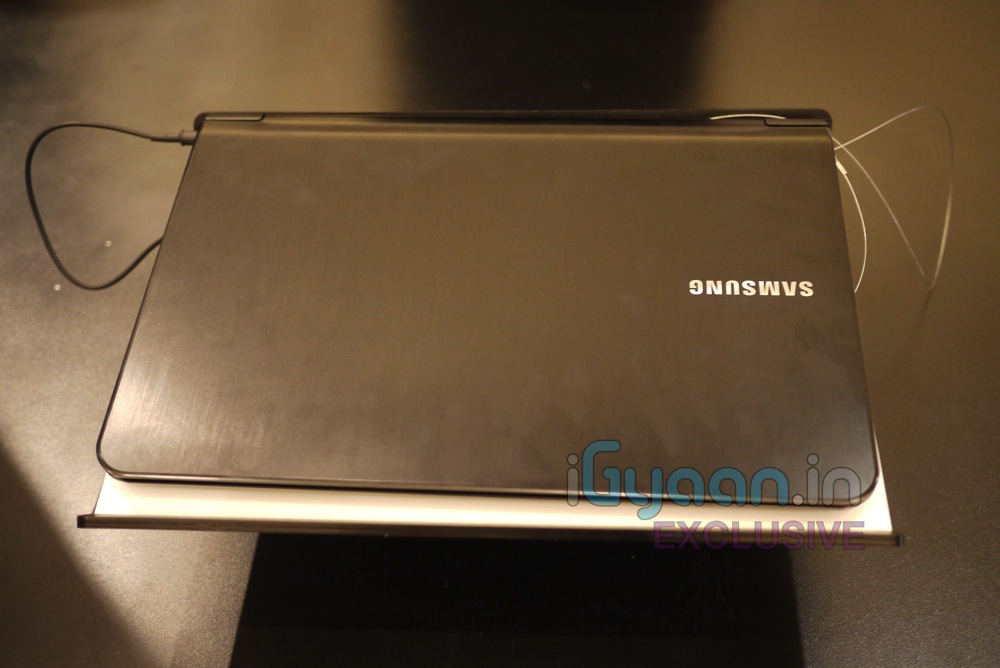
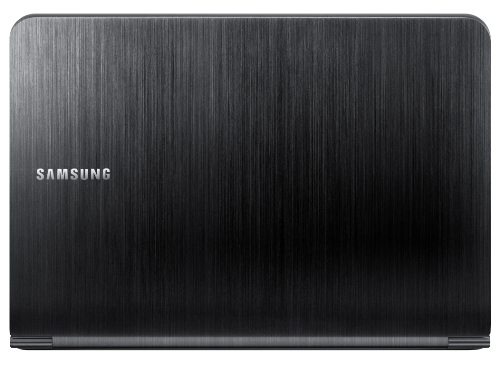
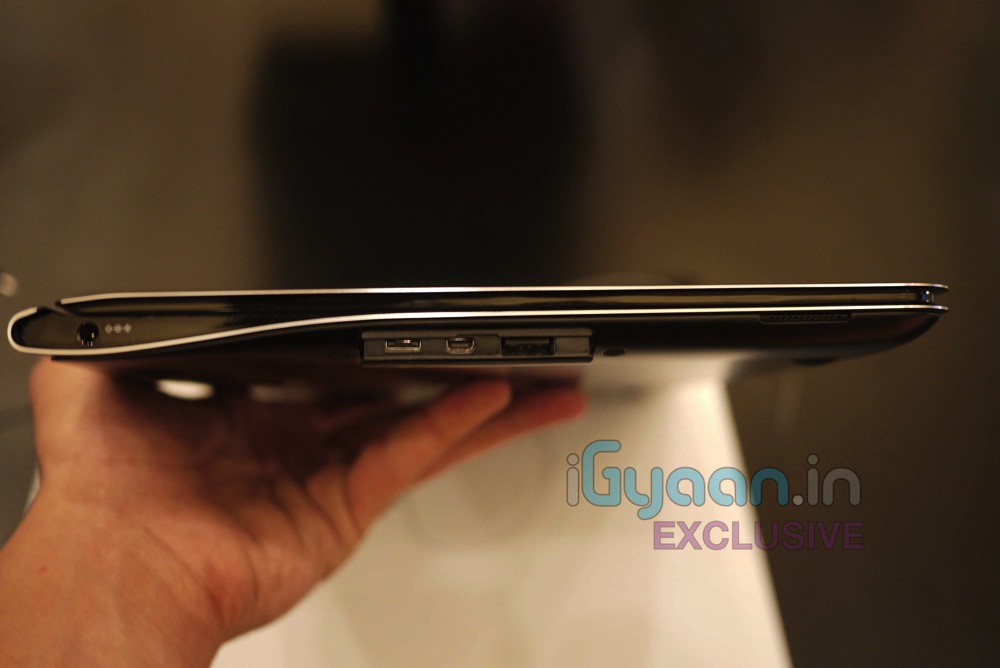
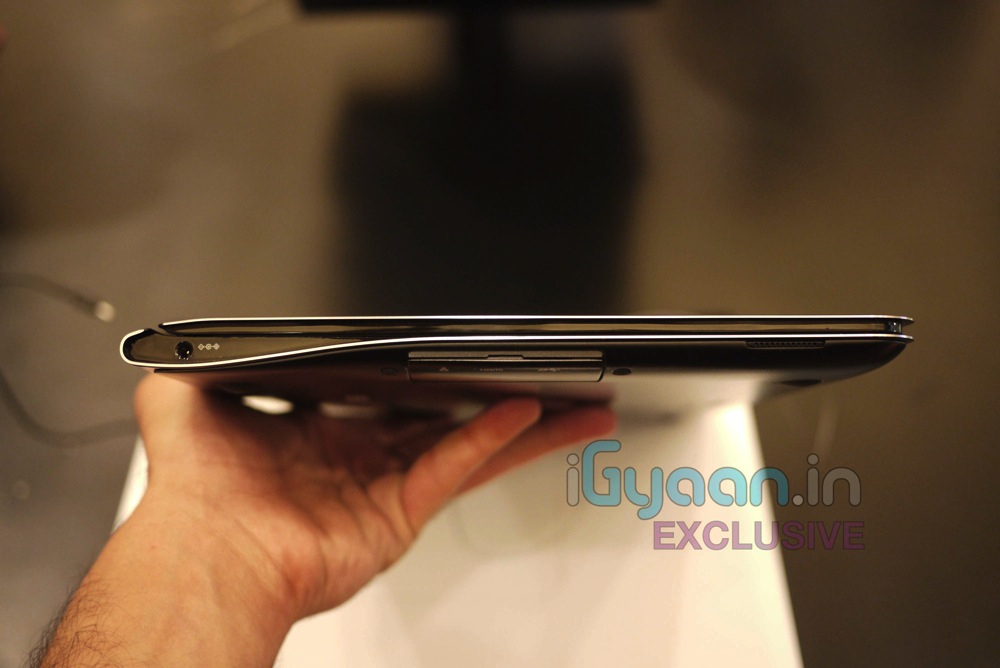
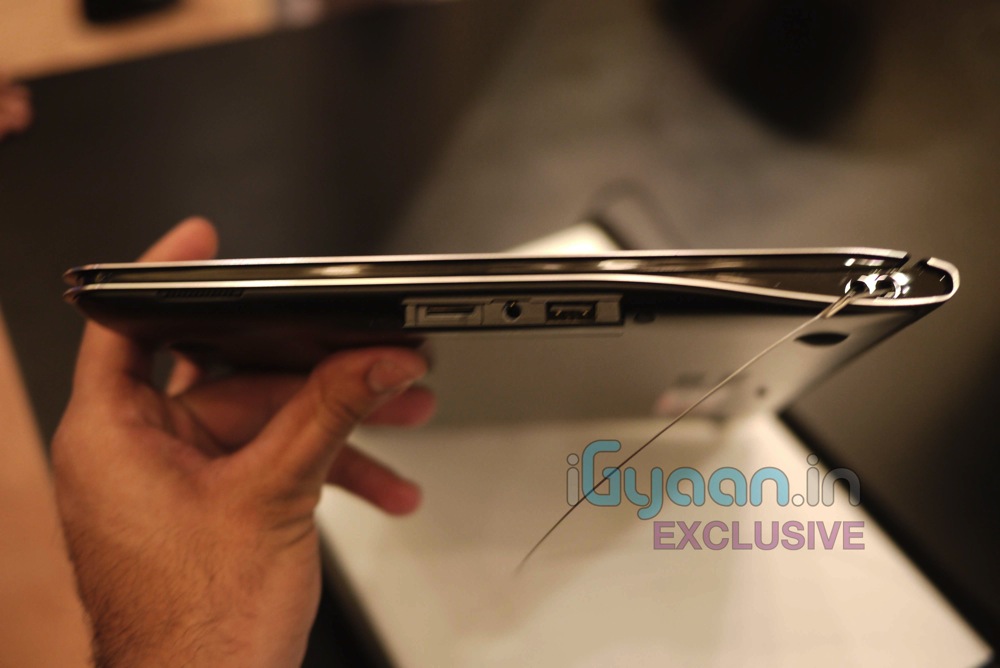
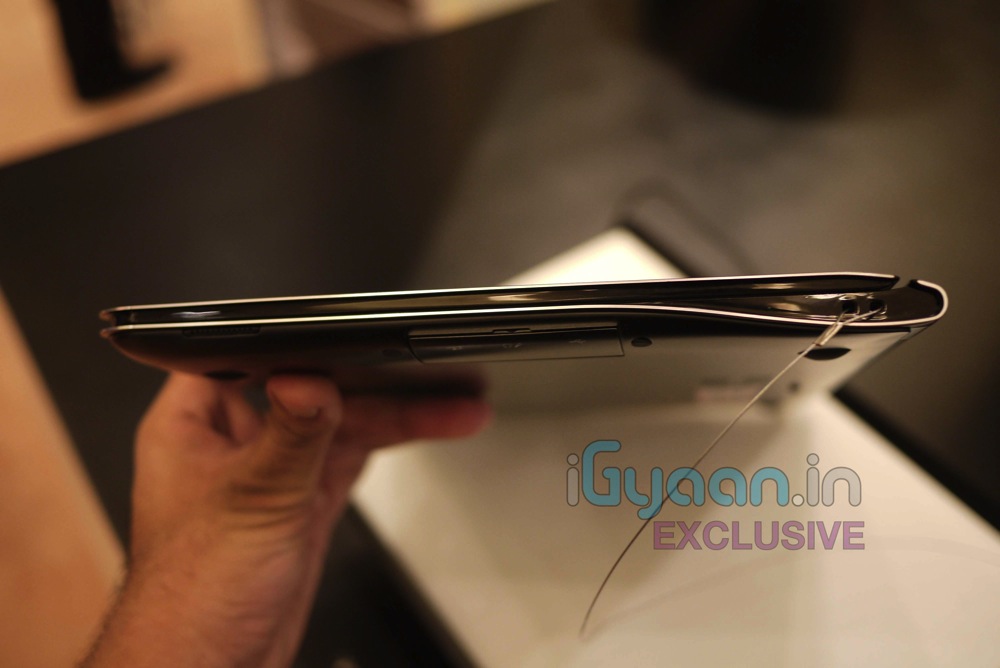
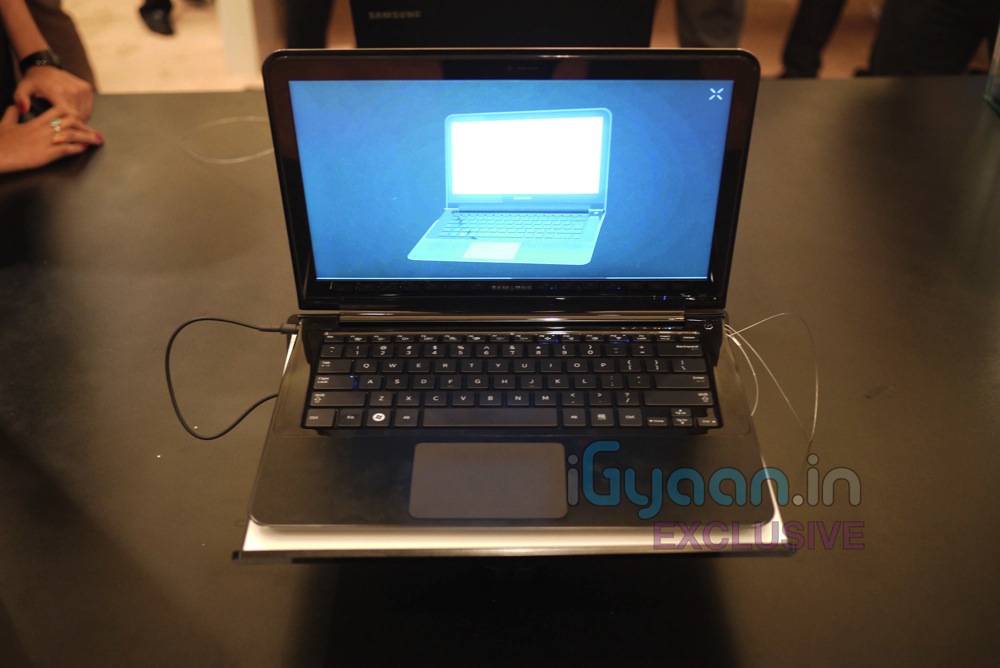
    We are live at the Samsung Forum 2011 here in New Delhi. We got some hands on Time with the new Samsung Series 9 Laptop. The devices are super slim and will come in variants of i5 and i7 Intel processors. with 128Gb and 256GB SSD options in 13 inch duralumin chassis. Super light at just 1.3 KGS


    FIRST LOOK VIDEO (iGyaan Exclusive)

    Price : Starting just under 1,00,000/- INR for the 13 inch i5 Version

    Availability : 3rd week April 2011
    Processor
    • Intel® Core™ i5 and i7 Processor options

    Operating System

    • Genuine Windows® 7 Home Premium (64-bit)

    Display

    • LED HD Screen
    • 13.3″ SuperBright Plus widescreen display
    • 400 nits, up to 16 million colors, HD LED Backlit anti-glare display

    Graphics

    • Intel® HD Graphics 3000

    Memory

    • 4GB DDR3 System Memory
    • 8 GB Max. System Memory

    Storage

    • 128 /256 GB Solid State Drive

    Multimedia

    • 3 W Stereo Speaker (1.5 W x 2) with HD Audio
    • 1.3 MP HD Webcam

    Communication

    • 802.11 b/g/n WiFi
    • Bluetooth V3.0 High Speed

    I/O Ports

    • HDMI Input
    • Headphone Jack
    • Mic-in
    • 1 MicroSD Slot
    • RJ45 LAN
    • 2 USB Ports (1 Chargeable)

    Input Devices

    • 81 Key Keyboard
    • Touch Pad

    Security

    • Samsung Recovery Solution

    Power

    • 40 Watt AC Adapter
    • 6-Cell Lithium, 6300 mAh, up to 7 hours of battery life*

    Design

    • Duralumin Design

    Dimensions

    • 12.9″ (W) x 8.9″ (D) x 0.62″ ~ 0.64″ (H)

    Weight

    • 2.88 lbs. with Standard Battery / 1.3 KG

    Warranty


    • 3 Year


    FULL PR

    Samsung Notebook Series 9

    The Samsung Notebook Series 9 marries innovative design and performance for a new dimension in mobile computing

    The Samsung Notebook Series 9 is a premium notebook for consumers who pursue the best of everything: design, performance and usability. With a weight of only 1.31kg (2.89lbs.), measuring only 16.3mm (0.64inches) in depth and with a screen size of 13 inches, the Samsung Notebook Series 9 combines the latest technology with mobile computing experience to drive the market forward in terms of design, display and overall capabilities.

    Crafted from duralumin, a lightweight material that is twice as strong as aluminum and normally used in advanced aircraft design, the Notebook Series 9 underwent an exhaustive testing process to ensure it is durable enough for use at home and on the go. In terms of design, the sophisticated beauty of the flowing line on the side of the Notebook Series 9 is a key design concept that gives it an aerodynamic and sleek style much like a premium sports car.

    Additionally, the notebook’s SuperBright Plus display with 400nit brightness, which is two times brighter than conventional displays, as well as its vibrant Color reproduction (16 million colors) and Super Contrast ratio (1,300:1), makes it one of the most beautiful notebook displays on the market.

    Product Specification

    CPU: Second Generation Intel® CoreTM i5 Processor

    Storage (max): 128GB Solid State Drive (256GB)

    Screen: 13.3-inch HD LED-backlit SuperBright Plus display (400 nit)

    Resolution: 1366×768

    Battery: Lithium Polymer; Max 7.7 hours (Battery Mark v 4.0.1)

    Weight: 2.89 lbs


iGyaan Network
Privacy Overview

This website uses cookies so that we can provide you with the best user experience possible. Cookie information is stored in your browser and performs functions such as recognising you when you return to our website and helping our team to understand which sections of the website you find most interesting and useful.