Category: iGyaan

Everything Exclusive to iGyaan

  • iOS 7 A Quick Review (Recap)

    iOS 7 A Quick Review (Recap)

    Apple today announced the next version of their popular mobile os platform dubbed simply “iOS 7”. While it is traditional “Apple” to bring out requested changes with a lot of hype, this time around Apple has actually overhauled the entire OS.

    iOS 7 actually puts together a great mix of design and usability and the fact that Apple has incorporated features that were missing from the OS makes it a lot more exciting. Lets start off with a few of the highlighted features.


    ios 7 screen shots 17

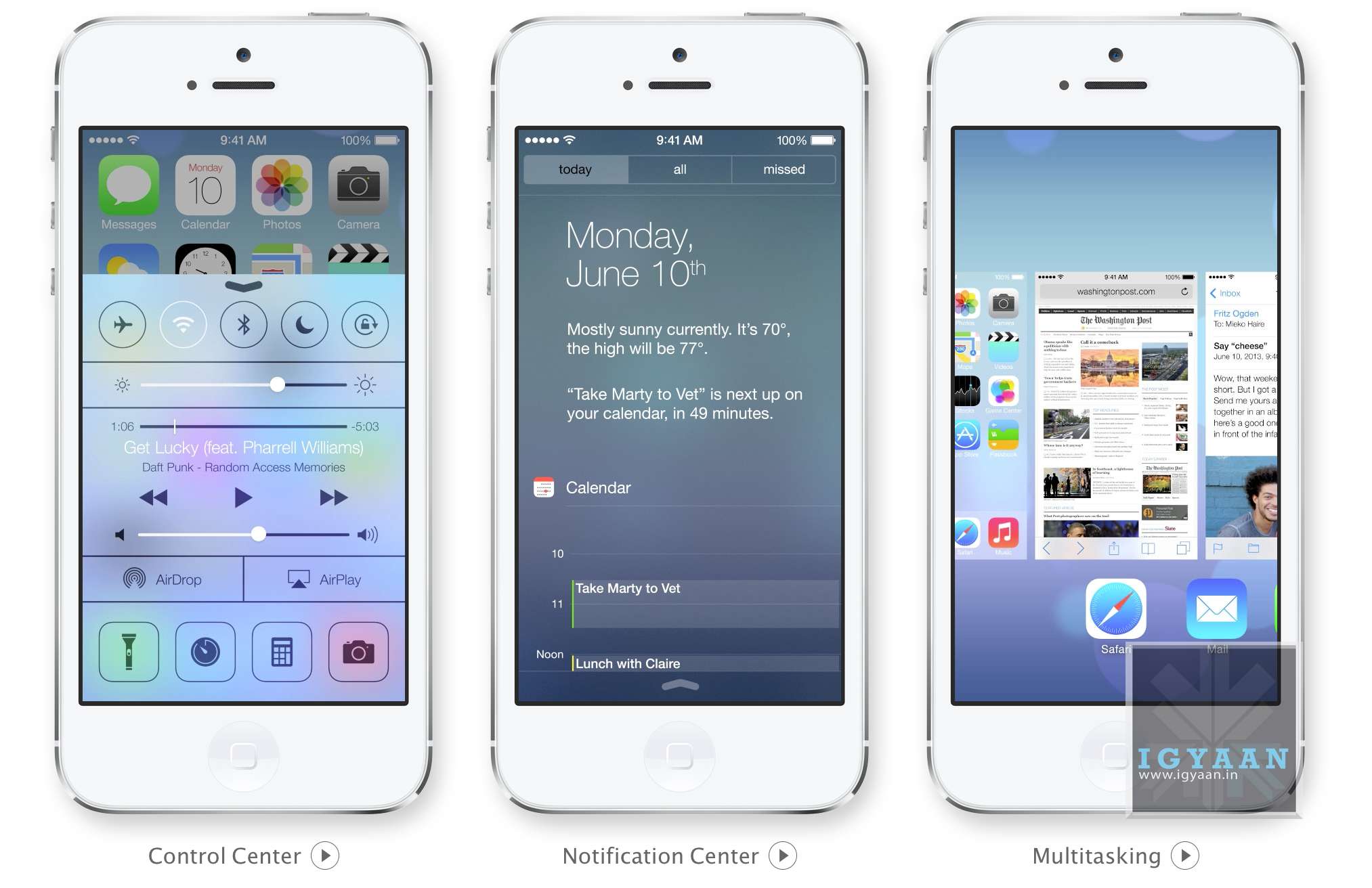
    iOS 7 Control Center:

    Apple has simply added all you could ask toggles into iOS, Wifi, Bluetooth, Airplane mode, and even brightness can now be accessed by simply swiping from the bottom of the screen. Access Do Not Disturb or Lock your screen’s orientation or Play, pause, or skip a song. Connect to AirPlay-enabled devices. Quickly access your flashlight, timer, calculator, and camera.

    This has been one of the most anticipated features on iOS especially after the huge success of the toggles in Android, Apple has created a whole new gesture to access just toggles from the bottom of the screen.


    ios 7 screen shots 13
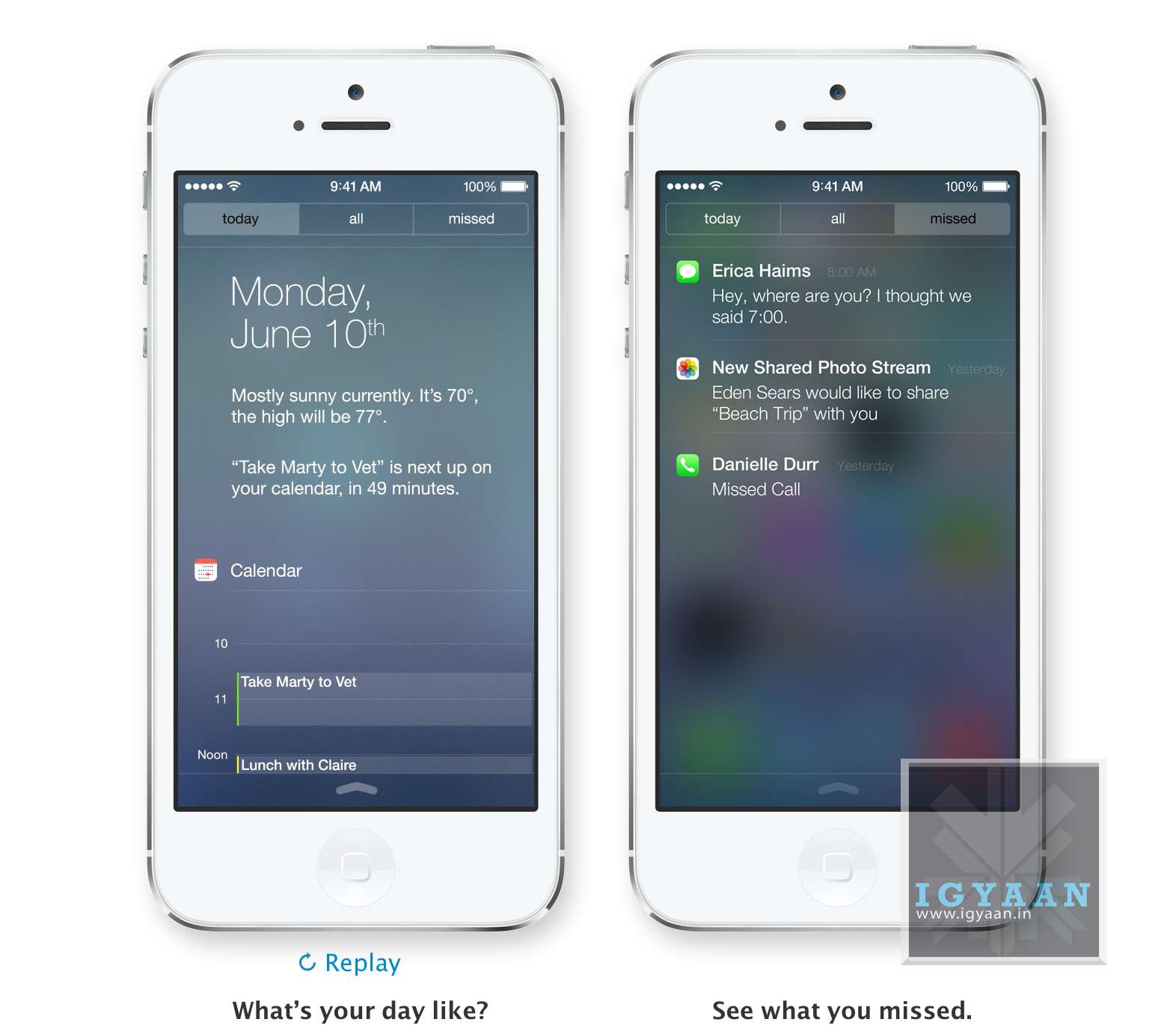
    Notification Panel in iOS 7

    iOS7 Notification Center : Today 

    The Notification center in iOS 7 will come with a Today tab, that will only give you notifications that are relevant today; birthdays, reminders, appointments and weather etc. You can access Notification Center from any screen, including the Lock screen. Just swipe down.


    ios 7 screen shots 16iOS 7 Multitasking

    With iOS 7 Apple has allowed all App developers to access Multitasking built into the OS, which will now enable better battery utilization and allow apps to run in the background while you focus on other tasks. The good thing is that iOS 7 learns when you like to use your apps and can update your content before you launch them. So if you are up every morning checking up on Facebook and Instagram, the feeds will be updated just before you check daily. 

    Quitting and managing background apps uses the new card style design. Press the Home button twice to see preview screens of the apps you have open. To quit an app, just swipe it up and out of preview. iOS 7 also automatically schedules updates during power-efficient times. Like when your device is on and connected to Wi-Fi you device will be magically updated.


    iOS 7 Camera and Photos

    Along with changing the design of the camera interface Apple has added a square picture feature right into iOS 7, allowing users to create those famous 4×4 stills and add filters. Honestly, we can’t wait to try out the new filters.

    iOS Photos app has been a long list of clicked images from a camera roll, almost impossible to navigate, and that changes with iOS 7. Apple has added new features into the photos app called Collections, Moments, and Years ; essentially smart groupings of your photos and videos based on time and place. Tap Years and all your shots fill the screen. Each year holds Collections, like your trip to out of town and in that Collection are distinct Moments like from a monument on the trip or even a restaurant. An incredibly wonderful way to use all the meta data collected by the camera.
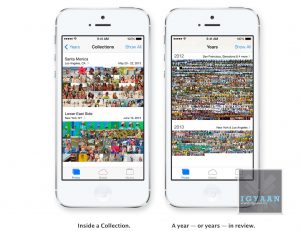
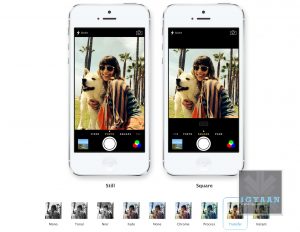
    Photo Streams have also been updated to allow other users to add into your Photostream to allow for one consolidated Photostream between groups or even between 2 people.


    AirDrop on iOS 7
    AirDrop on iOS 7


    iOS 7 AirDrop

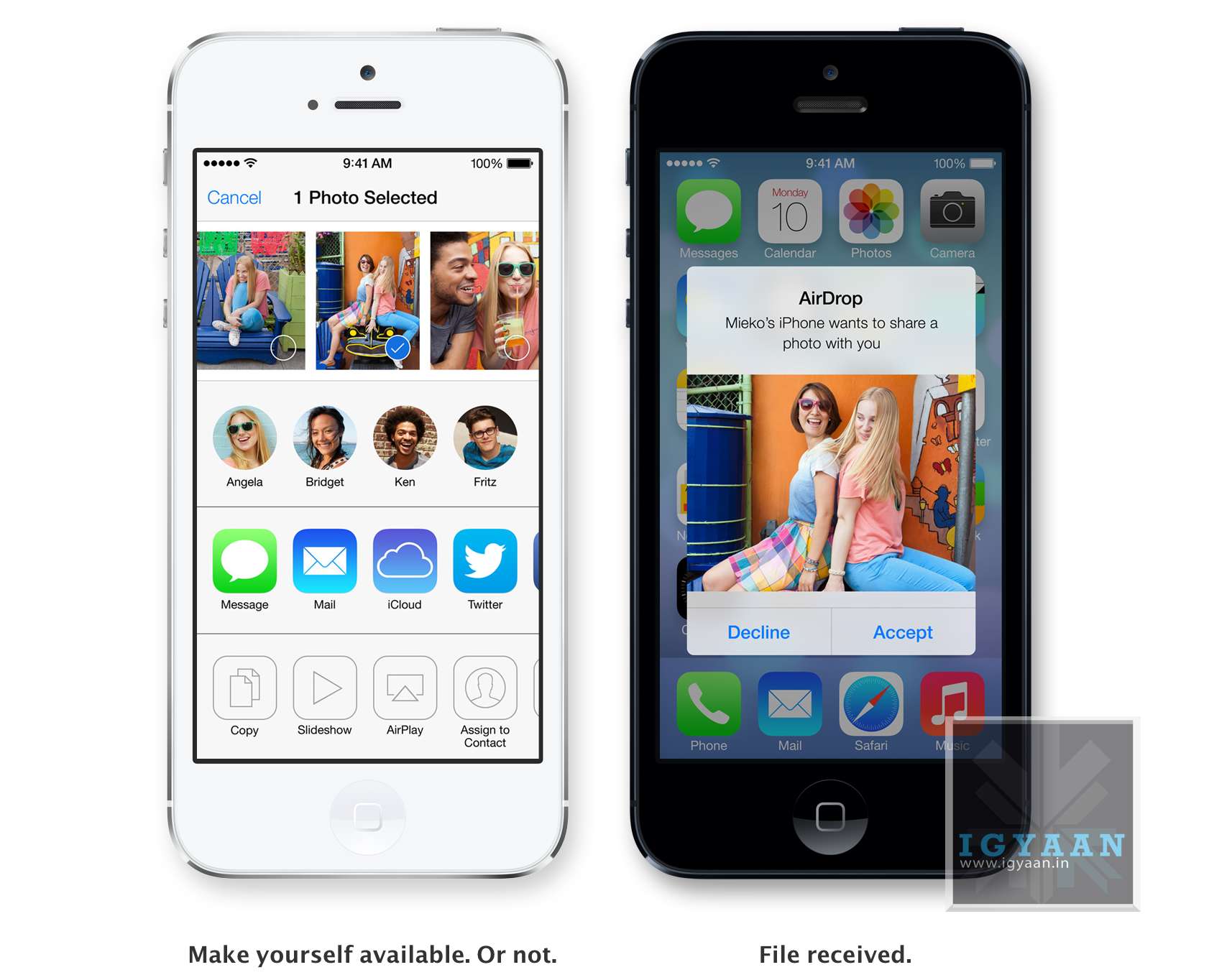
    Airdrop has been excellent on the Mac, and sharing files is easier than ever. Apple has implemented the same features into iOS and now finally after almost 7 years of existence Apple devices will be able to share files amongst themselves via Airdrop.  The feature will allow users to easily share photos, videos, contacts — and anything else from any app with a Share button. This will be available to other developers so they can build it into their apps. 

    iDevices on iOS 7 are automatically visible in AirDrop to the contacts nearby running iOS 7. But you can also make yourself visible to anyone nearby using iOS 7 or to no one at all, almost like bluetooth, but via WiFi. Recipients can choose to save whatever you send. When they do, the content is saved right where it needs to be and files can be shared to multiple users together.


    ios 7 screen shots 7
    Safari


    iOS 7 Safari

    Safari was updated on the new Mac OS X Mavericks and the same features comes to the new Safari on iOS 7. Buttons and bars stay hidden until one scrolls to reveal them, more content is then available on the screen.Browsing is now based on swipes , swipe left or right to go back or forward a page. 

    Just like with Safari on mac, the URL bar now allows you to search and Safari automatically suggests the closest match to what you’re looking for. The new Safari on iOS 7 lets you scroll your tabs in a new Vertical Cover-flow type UI. Shared links allows users to see all the URLs in theTwitter timeline, who posted them, and what they had to say about them. The new Reading list also enables you to remember something you read about. 

    However, one of the best features of iOS 7 Safari has to be the integration of iCloud Keychain. iCloud can now remember your account names, passwords, and credit card numbers for you. And Safari can enter them automatically whenever you need to sign in to a site or shop online. It works on all your iOS 7 devices and your Mac computers running OS X Mavericks. This feature makes life a lot easier for everyone, while security may be a concern initially, but one consolidated password vs a hundred makes life easier. Passwords are also suggested by Safari automatically for new signups, but we are unsure if this feature comes to Mobile Safari.


    ios 7 screen shots 8
    iTunes Radio


    iOS 7 iTunes Radio

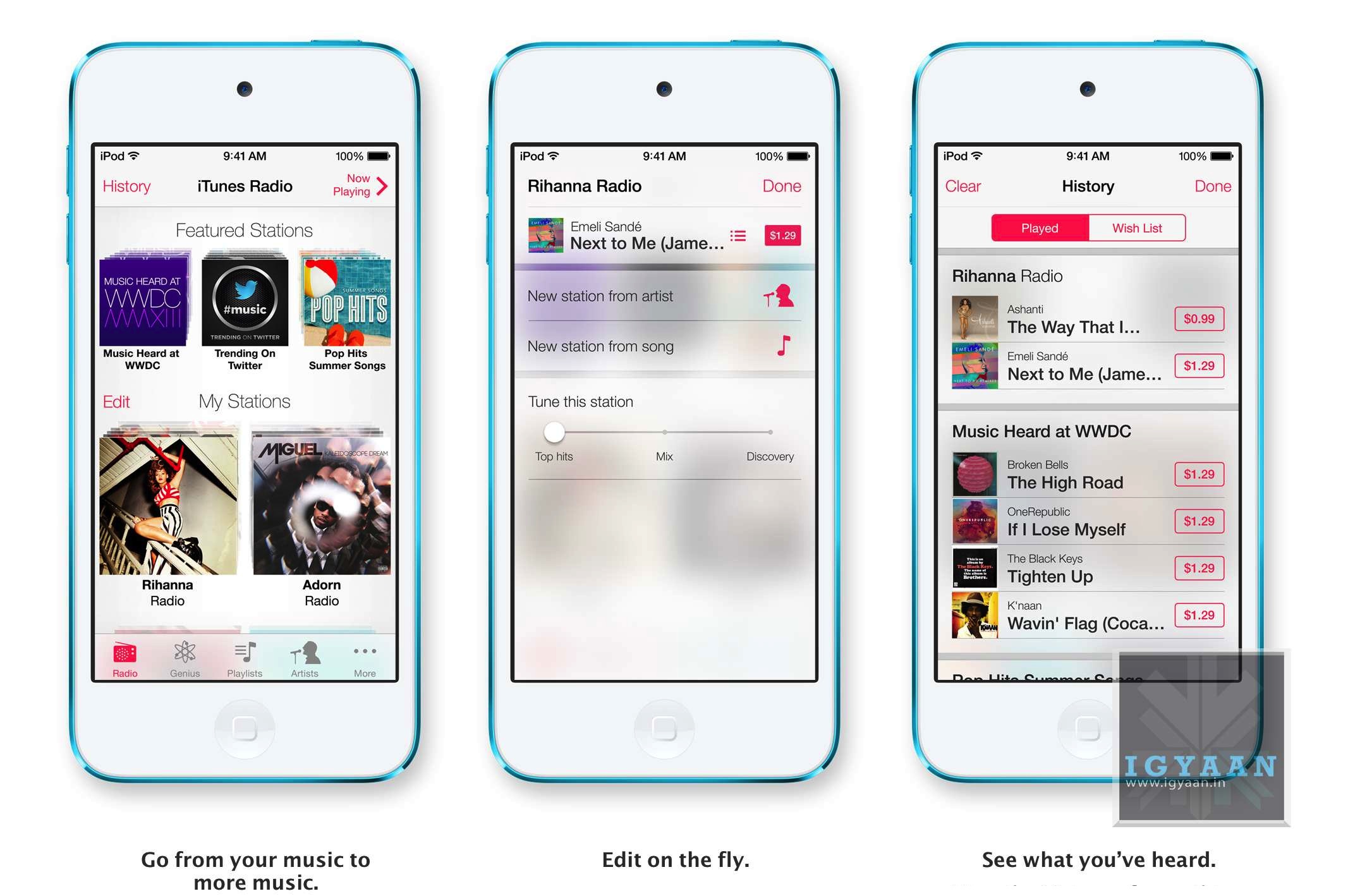
    Apple’s answer to all the streaming music services, iTunes Radio features streaming radio stations directly in the Music App. It personalizes your listening experience as you listen more and more and makes songs play automatically to your preferences from the past. You can access Featured Stations, stations inspired by music you choose or already listen to, and more than 200 genre-based stations. The Ability to create new playlists ; stations while you listen in is great and you can also see a list of all the songs you have heard and instantly purchase them if you like from the iTunes Store. The only downside iTunes Radio will only be available to the US at launch. 


    ios 7 screen shots 10
    Siri on iOS 7


    Siri on iOS 7

    Siri has been a true driver of sales for Apple, and rebuilding Siri was one of the things Apple was expected to do. The new Siri has a brand new voice, which is less robotic and more fluid. You can also change the sex of the voice from Female to Male and even select between several languages. 

    Siri is faster at answering questions and checks more sources, such as Bing, Wikipedia, and Twitter. And it takes on extra tasks, like returning calls, playing voicemail, controlling iTunes Radio, and more

    The new Siri UI looks good too, when you ask Siri something, audio waves move across your screen, letting you know Siri is listening and processing your request. Answers are now shown directly in Siri, including web search results. You now also get results from Wikipedia and Twitter. 


    ios 7 screen shots 3
    Find My iPhone


    iOS 7 Find My iPhone

    The biggest most notable change in Find My Phone is the ability to lock the lost device from future activations, making a stolen iPhone a simple paper weight. In case a lost phone cannot be recovered, the person who finds it cannot own it, because turning off Find My iPhone or erasing your device requires your Apple ID and password. Find My iPhone can also continue to display a custom message, even after your device is erased. And your Apple ID and password are required before anyone can reactivate it. Which means your iPhone is still your iPhone.


    ios 7 screen shots 15
    App Store on iOS 7


    iOS 7 App Store

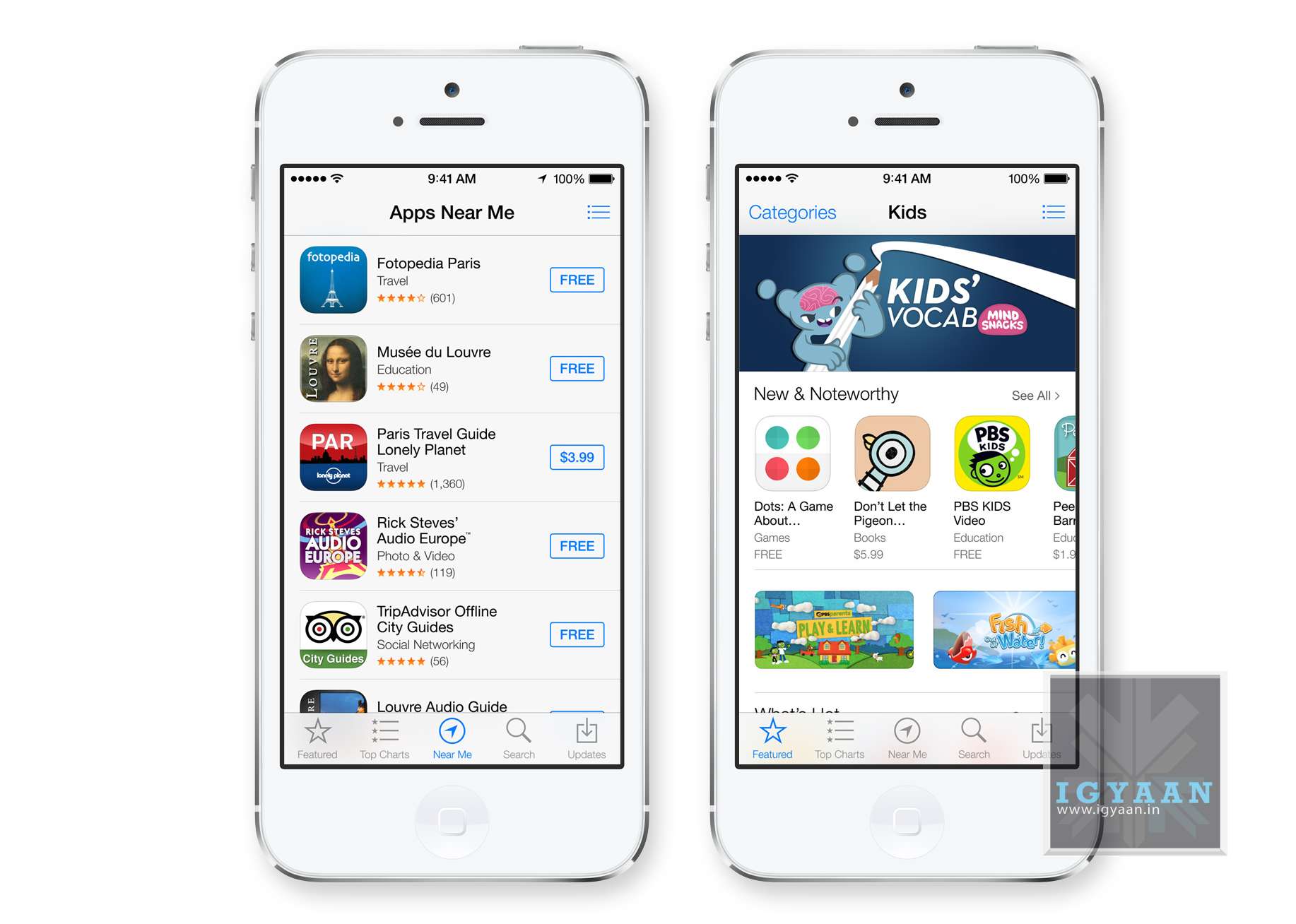
    Apple has really played with location based services in the past and with the new iOS 7, the App Store shows you a collection of popular apps relevant to your current location.A special Kids category spotlights the best apps for children based on age. So now selecting apps for toddlers will be easy. iOS 7 also keeps your apps up to date automatically so you don’t need to go into the App store and update them manually. 


    ios 7 screen shots 2


    iOS 7 in Car

    While this feature may never reach Indian cars, it is worth noting that this may lead a revolutionary change to the way mobile devices connect with vehicles. I

    If your vehicle is equipped with iOS in the Car, you can connect your iPhone 5 and interact with it using the car’s built-in display and controls or Siri Eyes Free. Now you can easily and safely make phone calls, access your music, send and receive messages, get directions, and more. It’s all designed to let iPhone focus on what you need, so you can focus on the road.

    Many companies have claimed to offer these features via Bluetooth, and apps within ecosystems of iOS and Android but a total package of in car access would be great to have. 


    Apple has finally delivered on expectations for a lot of anticipating owners of iDevices. Even though most of the features could have been implemented in previous edition of the mobile OS, Apple’s new iOS 7 brings a refresh to an almost stale OS in desperate need for change. Has Apple managed to woo the audience? We think so! But, how these features actually work will determine the capability of the new iOS 7, because no body would like another iMaps fiasco!

     [youtube id=”sqyJrUCxp0k” width=”100%” height=”300px”]
  • Hands-On With The Blackberry Q10 At India Launch

    Hands-On With The Blackberry Q10 At India Launch

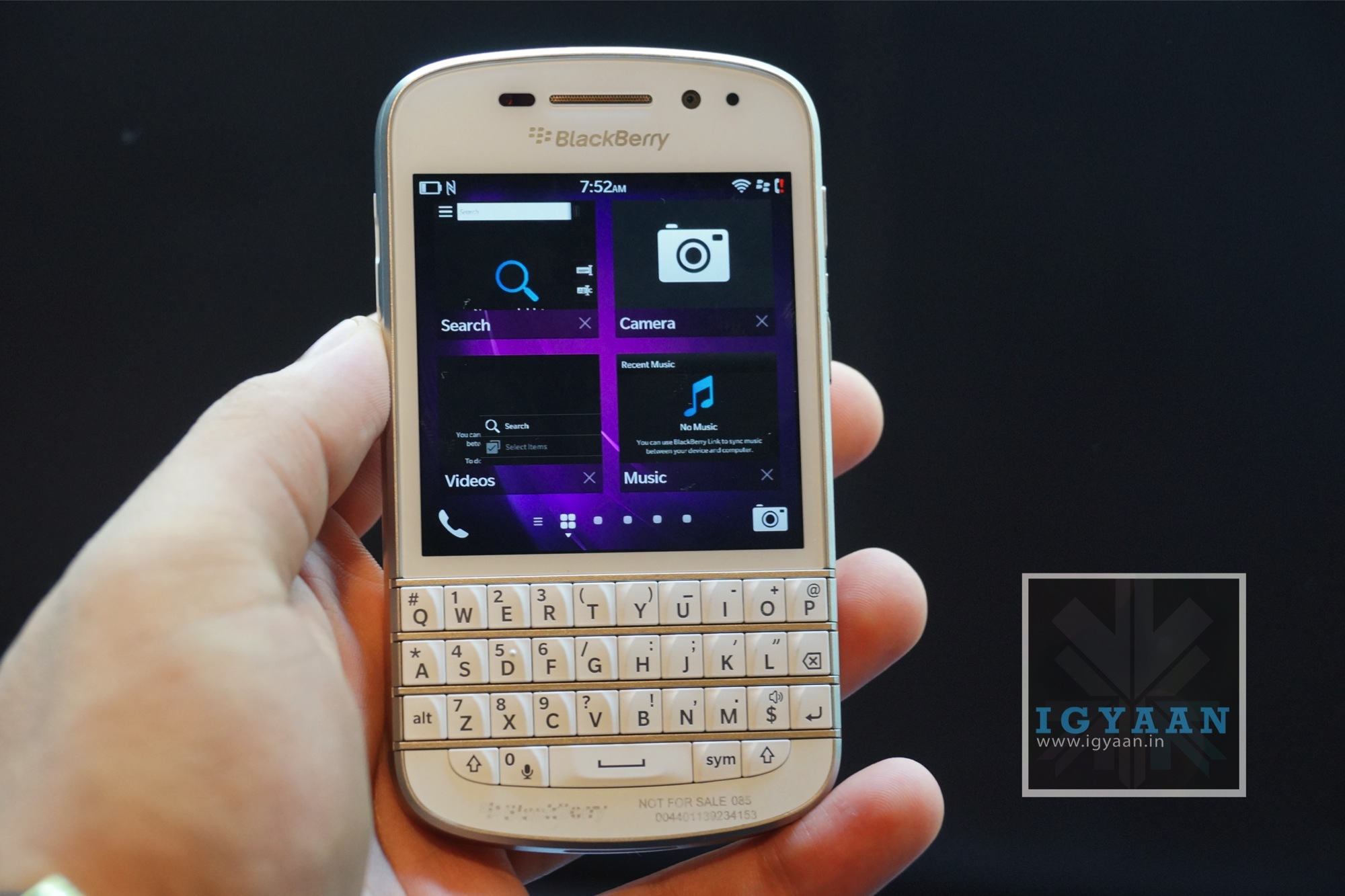
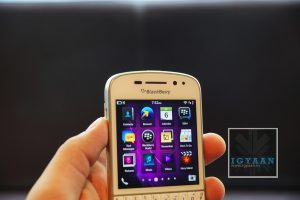
    Blackberry today launched the first Blackberry 10 powered QWERTY device, the Blackberry Q10 (read here).  

    BlackBerry believes there is a niche for QWERTY-based smartphones in today’s mobile space with around 80 per cent of users wanting large-form touch-only devices like the iPhone 5, Galaxy S4, and HTC One – that explains the decision to launch the Z10 first. We wen’t hands-on with the device. 

    Blackberry Q10 Initial Impressions

    The BlackBerry Q10 is the first phone to land running the BlackBerry 10.1 operating system update. As a result, the Q10 is a joy to use, mostly.

    Blackberry q10

    Jumping through menus and reverting back to the home screen is prompt and fuss free. Opening apps, however takes that fraction of a second longer than desired. 

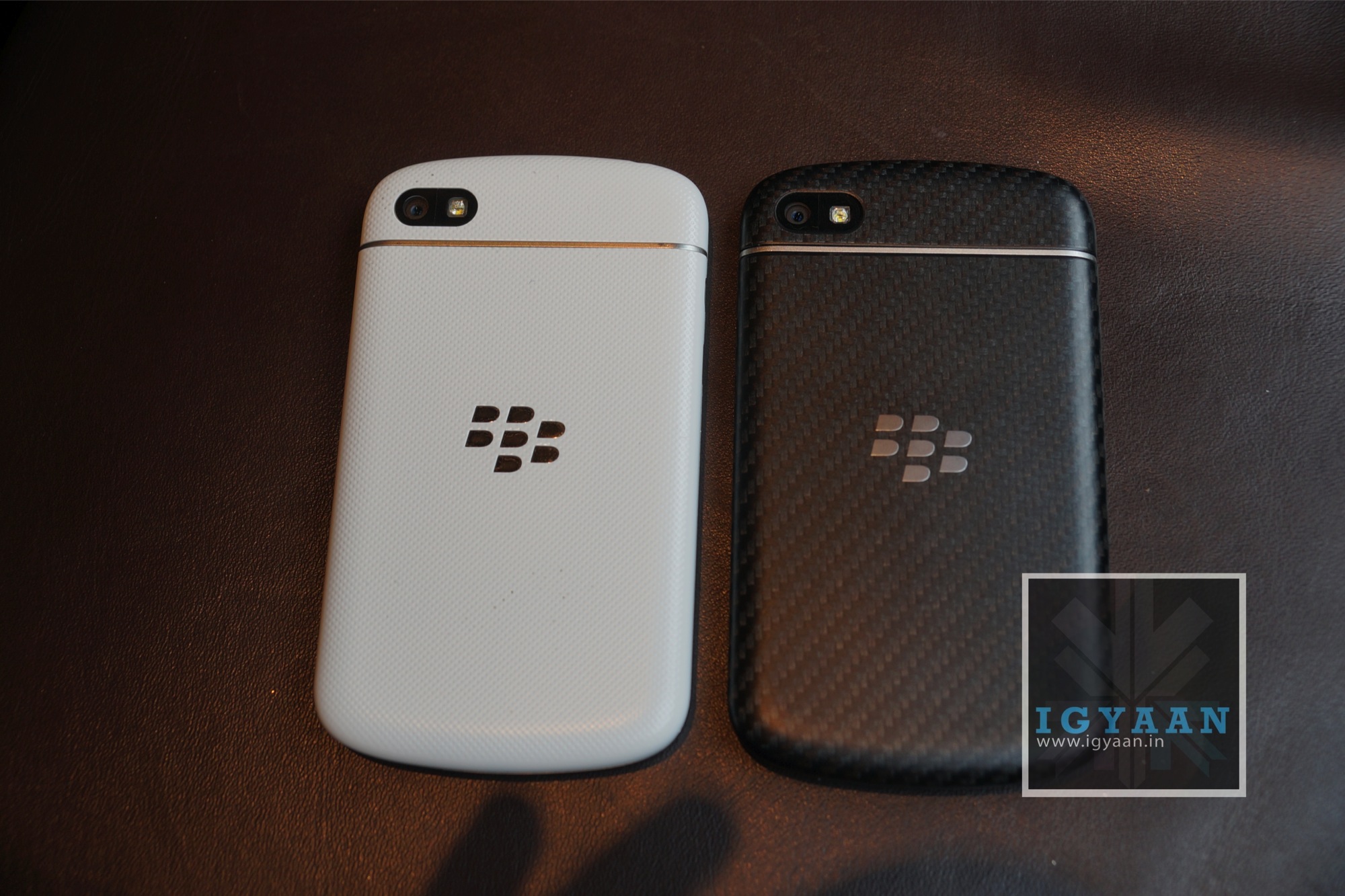
    After looking at the Blackberry Q10 in images on the internet for quite some time, we had the impression that it would be a small device. Instead, the Blackberry Q10 feels great in the hand, with beveled edges all around the plastic back. There is a black steel edge around the entire device and a glass front above the keyboard.

    Blackberry q10

    The back comes with a gray tweed-over-black pattern, which Blackberry claims is unique to each Black Blackberry Q10. The white Blackberry Q10 has a glossier look and feel to it and it does not have the poly carbonate weave at the back.

    Overall, it looks and feels elegant, refined and professional. 

    Blackberry q10

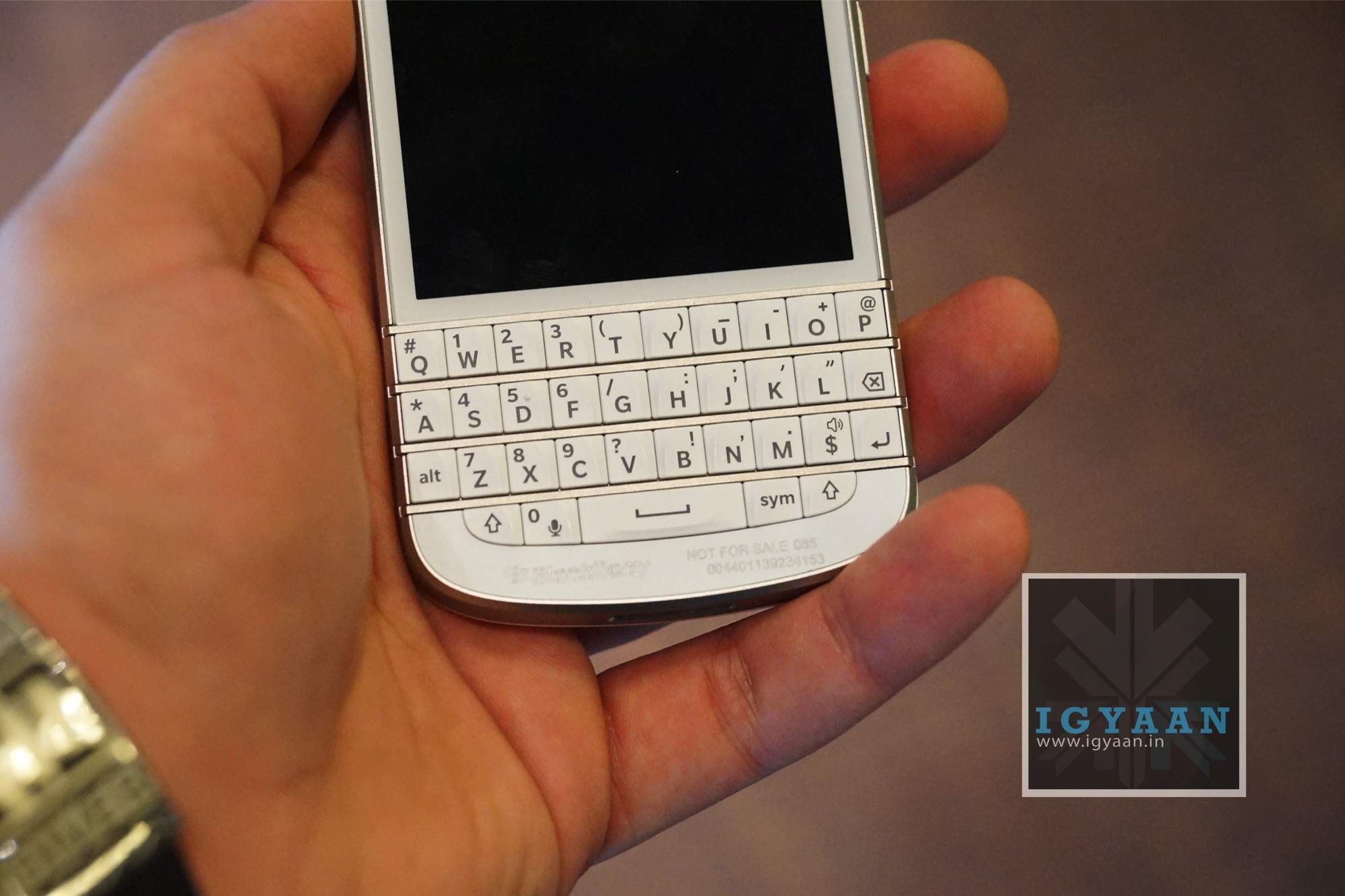
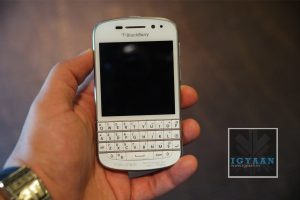
    Moving on to the keyboard, one thing to note is that the once curved keyboard has now been straightened out and the metallic frets separating the rows of characters are now slightly raised for improved tactile feedback – in other words you should be able to feel where your thumbs are on the board more easily. The break in the keys is a nice clean look however and the overall size of the keyboard is similar to previous devices. Impressive. 

    Blackberry q10

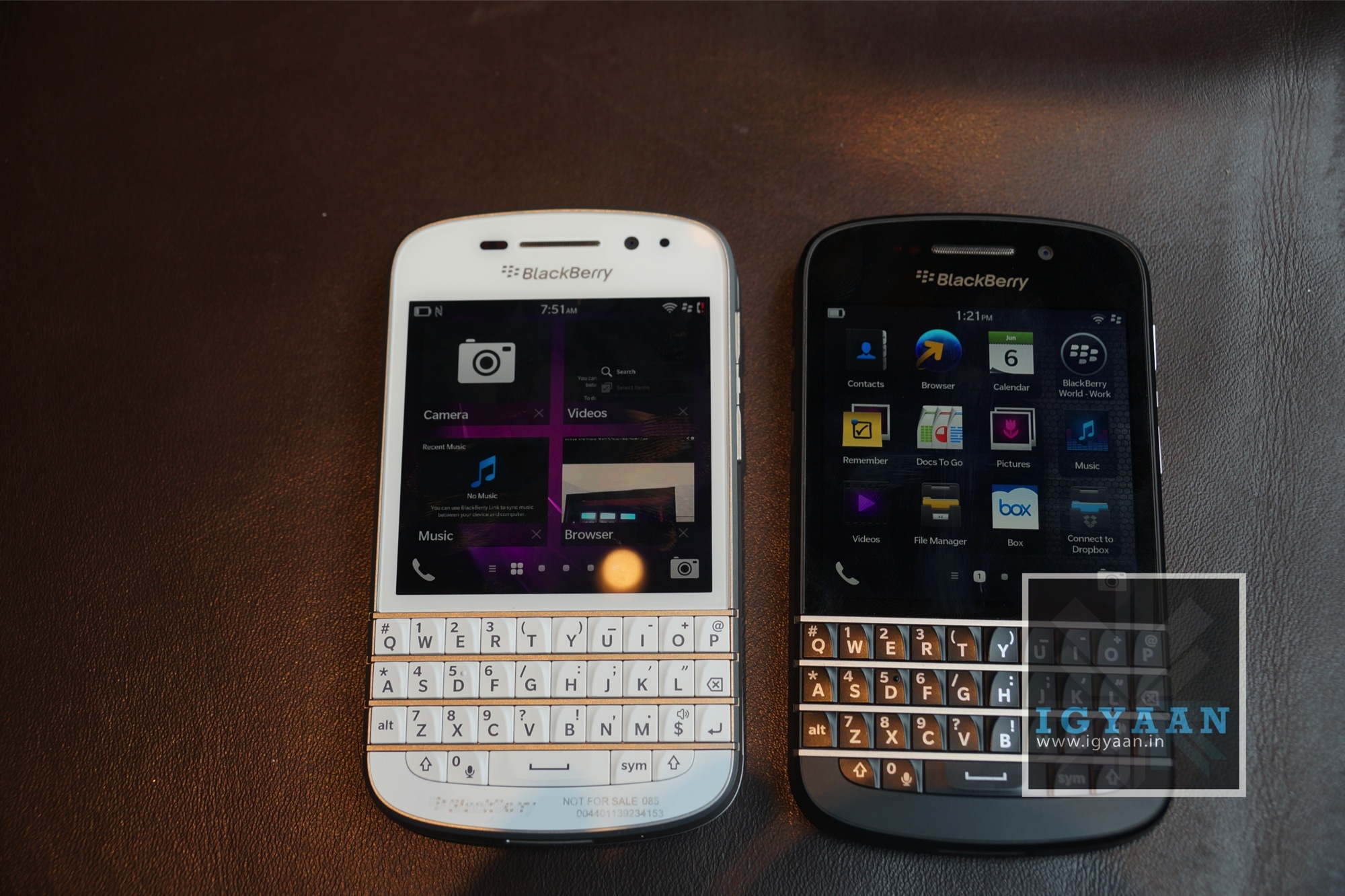
    The Blackberry Q10 has a 3.1-inch Super AMOLED touchscreen, albeit with a square 720 x 720 resolution rather than a widescreen aspect like a typical touchscreen phone. It’s a necessary trade-off to fit in the keyboard, but it does mean any video you watch is squashed and hard to view. The screen looks neat though, and the bright and bold Super AMOLED display does a good job of making everything pop.

    The Q10 uses a removable 2,100 mAh pack that’s plenty large enough given the relatively compact screen. It is reported that BlackBerry has even taken advantage included some darker color schemes for BlackBerry 10 apps, to take advantage of the fact that AMOLED uses less power for dimmer parts of the display.

    Blackberry q10

    Also, we were really impressed with the Blackberry Q10’s browser. Pages load quickly over cellular or Wi-Fi means, and well laid out options and quick access to shortcuts make the Q10 browser is efficient and business like. The QWERTY keyboard makes inputting URL’s a breeze, with no pop-up digital display crowding out on-screen content. It also has an option to load flash content. 

    An impressive feature for business customers is that they can take advantage of BlackBerry’s new Balance feature, which made its debut with the Z10. With Balance, a user can blend both work and personal email streams into a single email stream. (Phones with BES advanced policies set require users to go to separate work and personal email inboxes.) Other apps are divided into separate work and personal containers.

    Blackberry q10

    To make Balance or these advanced policies work, users must be connected to a BES server, which in most cases means an enterprise buys the server to locate behind the firewall.

    In conclusion, we’d like to say that for existing users, the Q10 is an obvious upgrade: it’s the best QWERTY smartphone available in the market today, but that may have more to do with the fact that very few manufacturers are interested in revisiting that segment.  It is fast, snappy, and has that old-school Blackberry feel to it. However, we feel that the Blackberry Q10 is overpriced by at least Rs. 10,000, and the company will have to reconsider it over time. 

    Full review coming soon!

  • Breaking: Samsung Galaxy S4 Mini is heading to India Early July forRs 24,990

    Breaking: Samsung Galaxy S4 Mini is heading to India Early July forRs 24,990

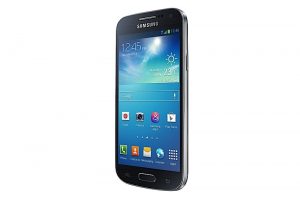
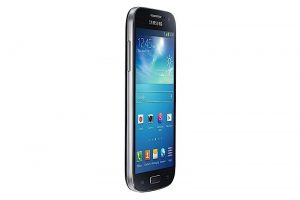
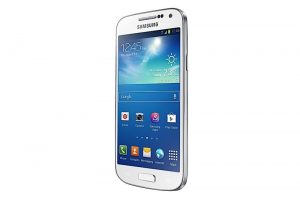
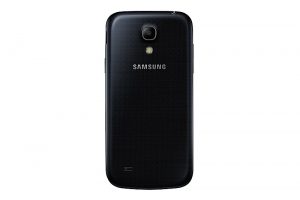
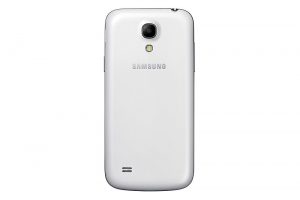
    Yesterday Samsung announced a “Mini” version of the Samsung Galaxy S4, while it may be mini in comparison to the original Galaxy S4, the Galaxy S4 Mini is still a pretty big phone. Defining the large handsets making Korean company’s dream for the future. The specs include a 1.7GHz dual-core processor, Android 4.2.2, GPS, GLONASS, WiFi, 8GB internal memory (expandable up to 64), and 1.5GB of RAM.

    The display is a 4.3-inch Super AMOLED qHD display which will horribly disappoint onlookers, all juiced up by a 1,900mAh battery. But this news is old!, Our tipster within Samsung has confirmed that the plans for the launch of this phone have already been penned down and the Hardware will arrive as soon as early July and will also be kept in the under Rs. 25,000 price bracket. 

    The Galaxy S4 Mini from Samsung India, will be offered up in two variants a dual sim version and a single sim version, with a possibility of LTE enabled Single Sim variant. However, our source made it clear that he was unaware if both dual sim and single sim variants will be launched together. 

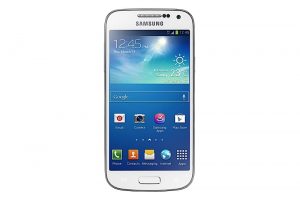
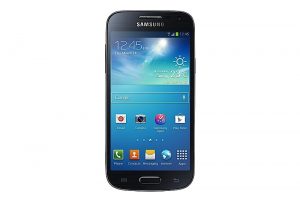
    The Galaxy S4 Mini will be offered up in the same two colors as the big brother White Frost and Black Mist. More details when available. 


    [toggle title=”Press Release”]SAMSUNG INTRODUCES THE GALAXY S4 MINI
    A powerful, compact smartphone designed to fit busy lifestyles

    London, UK – May 30, 2013 – Samsung Electronics today announced the Galaxy S4 Mini, a powerful, compact version of its bestselling smartphone, the Galaxy S4. The Galaxy S4 Mini delivers the superior performance, intuitive ease-of-use and sleek design of the Galaxy S4 in a portable chic and compact design.

    Simon Stanford, Vice President of IT & Mobile Division, Samsung Electronics UK & Ireland said: “Demand for the Galaxy S4 has been phenomenal since it launched in April and we hope to build on this success with the Galaxy S4 Mini. This new handset is the ideal smartphone companion for anyone who wants a compact device packed with innovation.”

    With a 4.3″ qHD Super AMOLED display, the Galaxy S4 Mini offers stunning images and content. At just 107g, the lightweight and compact design enables you to carry and use the device easily with one hand. The Galaxy S4 Mini also boasts powerful performance, equipped with a 1.7GHz dual core processor and supports many of the same intuitive features as the Galaxy S4, designed to enhance different aspects of life.

    Capturing Memories
    The Galaxy S4 Mini allows you to capture important moments in life with an 8-megapixel rear-facing camera as well as a 1.9-megapixel HD front-facing camera. Special features include Sound&Shot, which stores sounds and images together, Panorama Shot which allows you to take a full view of what you are seeing, and Story Album, which automatically arranges photos in a smart format – photos taken by Galaxy S4 Mini are automatically gathered and saved according to your timeline, geo-tagging information or specific event, to create a photo album. You can also receive travel assistance and information services through the S Travel preloaded app which can even recommend a new trip and provide destination guides.

    Sharing and Connecting
    The Samsung Galaxy S4 Mini means you can share content with others around you easily. Simultaneously listen to the same music and play the same games as your friends with Group Play, and chat with multiple friends with animations, video and voice recording added to messages using ChatON.

    Environment Features
    The Galaxy S4 Mini features S Translator, for instant translation using text or voice on applications including email, text message and ChatON. You can also control your environment through WatchON’s IR remote which transforms the device into a remote to control your home entertainment systems including TV, set-top box and DVD player. Content available includes live TV, cable TV and VOD based on the information provided EPG (Electronic Program Guide). In addition, Samsung Link* will help you share content across multiple Samsung digital devices. *Available in select countries. Previously called AllShare Play.

    Wellbeing Features
    The Galaxy S4 Mini keeps you up to date with health and wellbeing information. Downloadable from Samsung Apps, S Health enables you to monitor your calorie balance. It can calculate each step taken daily, monitor sleeping patterns, calculate weight and share real time heart rate information**. Adapt Display provides an optimal viewing experience, customised for each type of application, and Adapt Sound offers an optimal level and type of sound, personalised for each user. ** Functionality such as monitoring weight, heart rate and sleeping patterns is possible through the use of fitness accessories which are sold separately.

    Availability
    The Galaxy S4 Mini will be available in two colours – White Frost and Black Mist. There will be a 4G LTE version, 3G version, and 3G Dual Sim version. Details on which variants will be ranged in the UK and the UK shipping date will be announced in due course.[/toggle]

  • Nokia Lumia 520 Review

    Nokia Lumia 520 Review

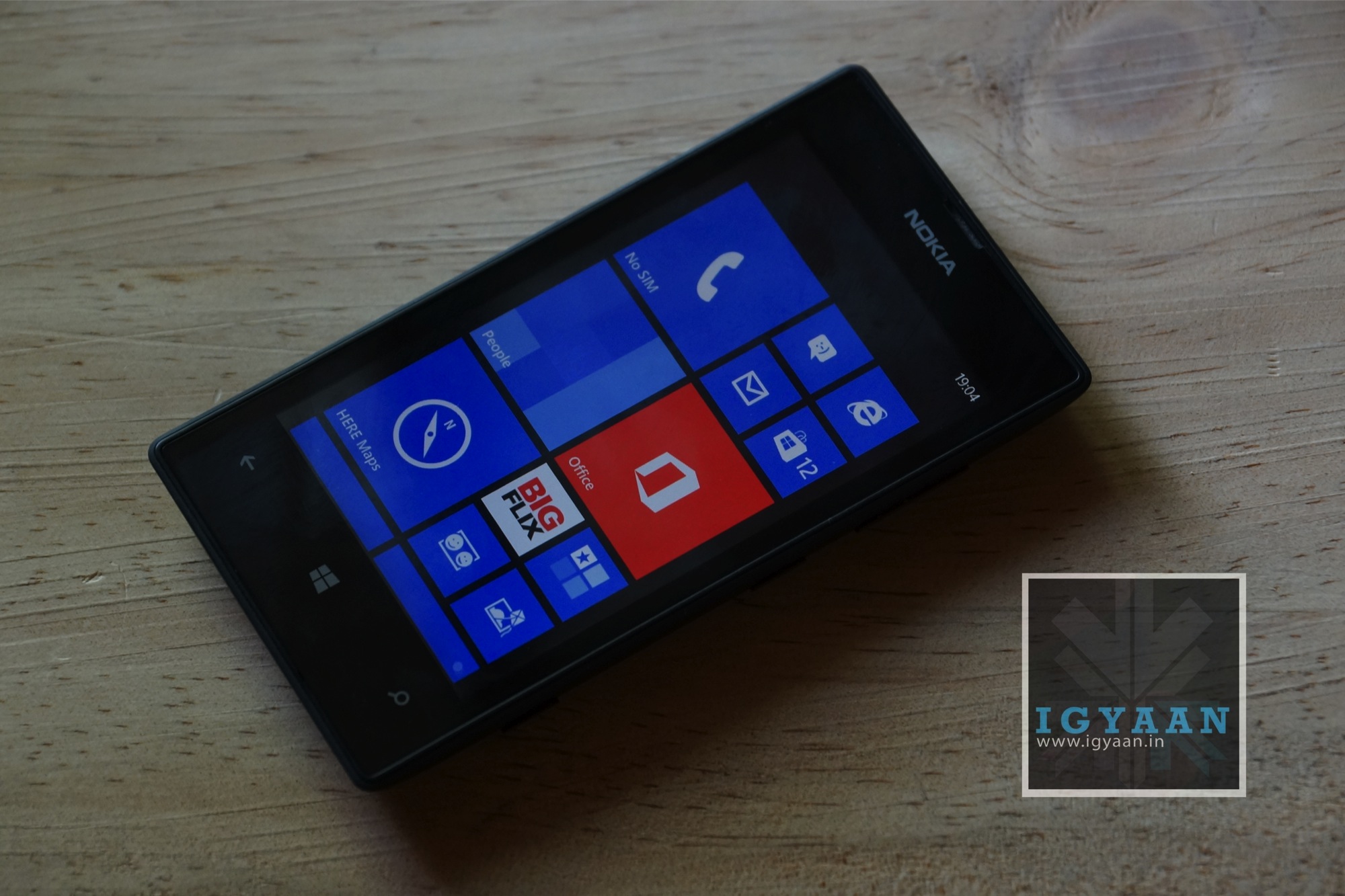
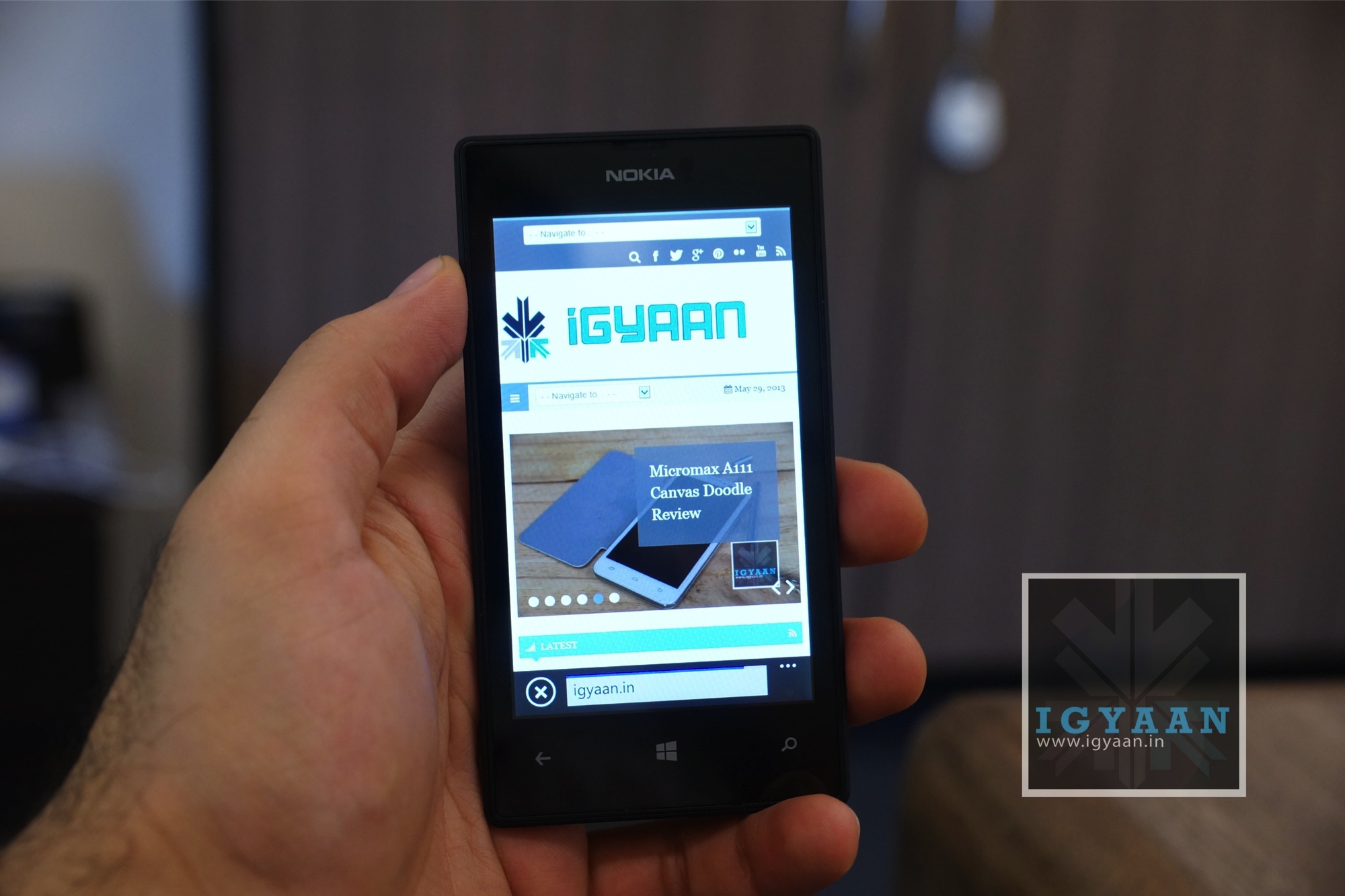
    Nokia Lumia 520 is the Windows Phone 8 version of the highly successful Nokia Lumia 510 which was the cheapest Windows Phone 7 device. The Lumia 520 continues that moniker for the Windows Phone 8 series buy brings about major changes in the mix. Here is our review of the Lumia 520;

    nokia Lumia 520 review 2

    Build and Design

    [pullquote_left] Designed for energetic youth[/pullquote_left]One of the best things about Nokia’s Lumia 520 is the design and build profile. Nokia has been ever known to build high quality phones and the 520 is no less. The wonderful use of colors in the entire range also falls down onto the 520, the price bracket where the most playful market space of the energetic youth exists. 

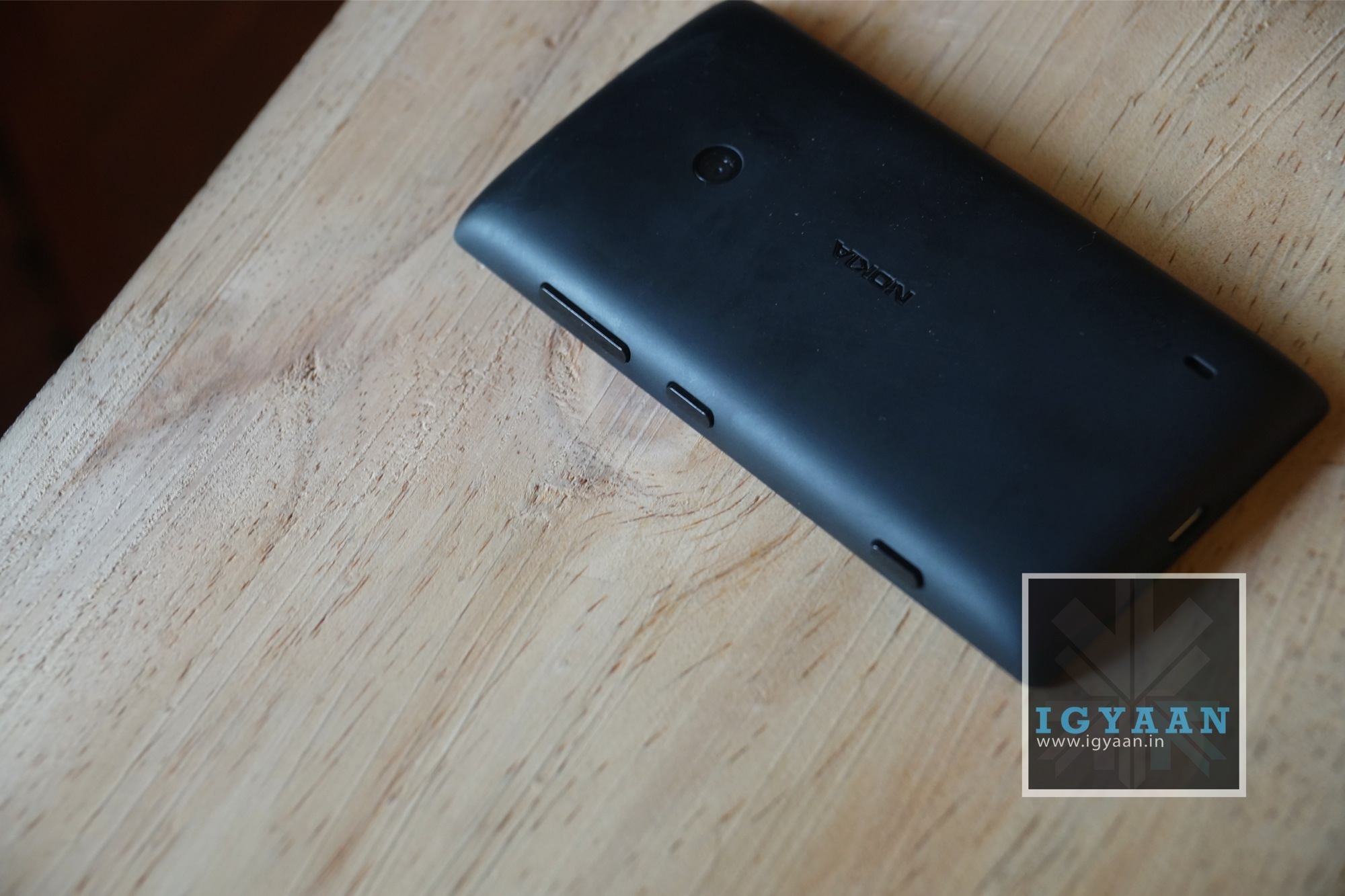
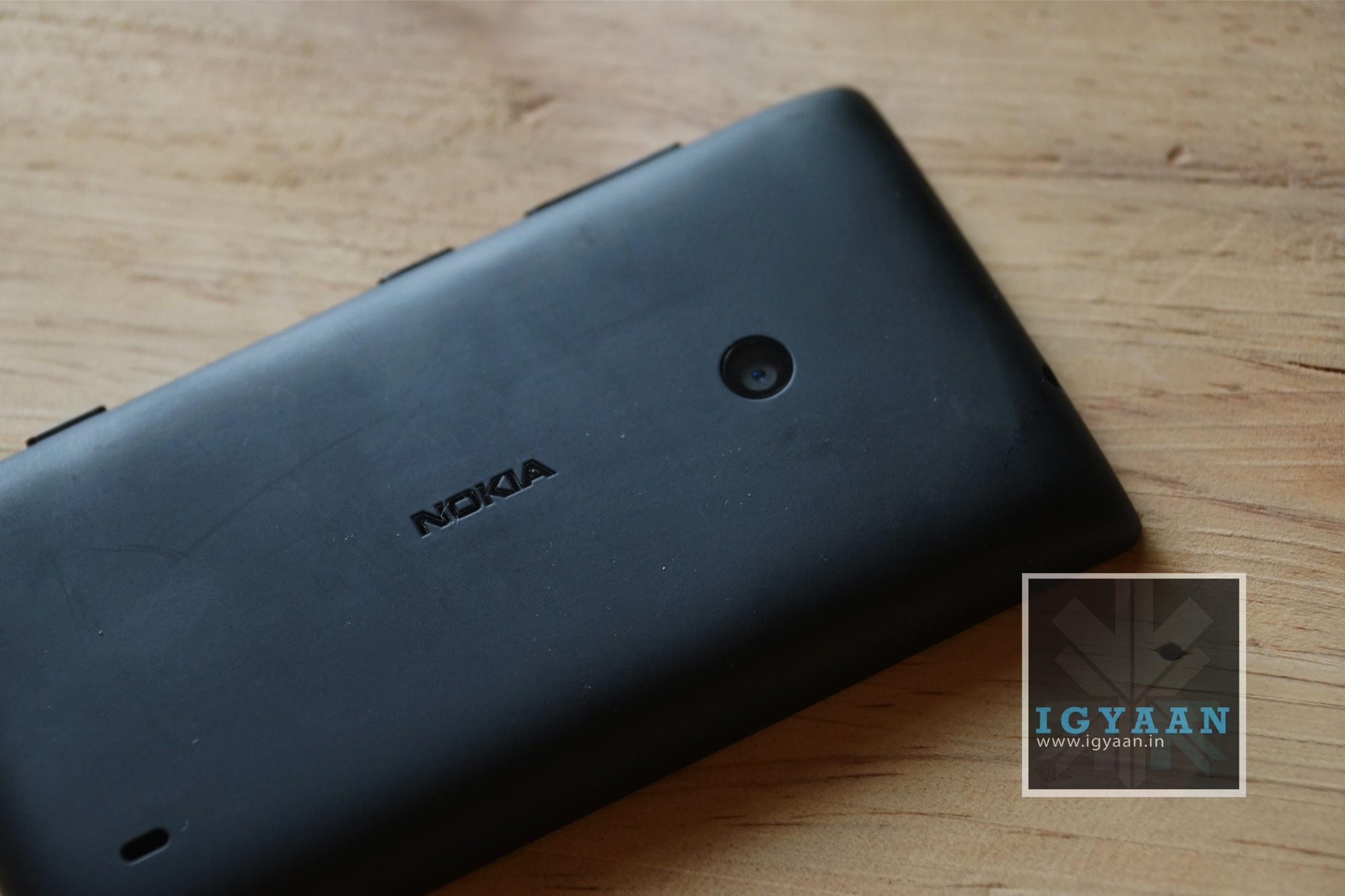
    Of course in comparison to the higher ups the Lumia 520 feels a tad bit less refined, almost nimble, in front of the higher ups in the Lumia lineup. But it is comfortable to hold, and feels very sturdy in the grip of your palm. The back curves out softly into the edges ensuring a more cosy fit and feel also ensuring that the phone appears to be a lot slimmer than its 9.9 mm profile. 

    nokia Lumia 520 review 3

    The buttons are kept black on all colors keeping a keen sense of contrast alive on the handsets. The phone weighs in at 124 gms and hence is not  the lightest phone available, but is well within the small category.


    Display and Hardware

    The Display on the Lumia 520 is a 4 inch 480 x800 px IPS LCD display making it extremely pleasing on the eyes, fairly bright outdoors and good at color reproduction. The display also has excellent viewing angles, which ensures the maximum use of the larger 4 inch display. 

    nokia Lumia 520 review 6

    The innards are a mix of a dual-core Qualcomm Snapdragon S4 Plus processor, clocked at 1GHz, along with 512MB of RAM and expandable storage ( upto 64 GB) along with the fixed 8 GB of inbuilt space. You will also get 7 GB of Skydrive storage with each Lumia phone. The Graphics are handled by a capable Adreno 305 GPU.

    A few things that might bother users is the lack of a front facing camera and the missing LED flash on the rear  5 megapixel flasher. The 1430 mAh battery will remind you of the olden Nokia days due to its looks and removable nature.

    Windows 8 and Smartphone usage

    Nokia has really helped Windows grow as an ecosystem. With the Lumia 520, Nokia has once again got the Windows Phone experience close to the masses. Nokia adds a lot of custom apps and enhancements to make the Windows experience a lot better with their navigation, music and camera filters appealing truly to the masses (especially in India) . With the amber update due soon users will be able to use the FM radio on these phones, making them truly one for the masses, additional features including smart camera will also be released with the Amber update.


    In its current form Windows Phone 8 is a somewhat adolescent OS, maturing two folds from its initial years, we still wouldn’t call it a fully mature OS. Many users will miss the customizations and the liberties enjoyed with the likes of Android. Those upgrading from Symbian, Java or even Blackberry 7 OS will really appreciate it for its worth. 

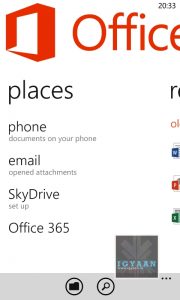
    [pullquote_right]Office on the no-go[/pullquote_right]The size of the display is good enough but not big enough to get real office work done. Office integration exists and can be accessed on this phone, but the Nokia Lumia 520 seems cramped, especially when comparing it with slightly bigger Windows phone hardware. 

    The application base is growing on a daily basis, and even though developers prefer Android and iOS because of sheer market size, the ease with which apps can be made for Windows Phone encourages a lot of developers. 

    nokia Lumia 520 review 4

    Camera and Multimedia

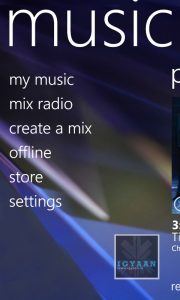
    [pullquote_left]free unlimited Music[/pullquote_left]The included Nokia Music service giver users access to free unlimited Music for upto three moths, after which they have to opt in for a pricing plan. With this service users can literally listen to any kind of music and even create offline playlists to listen to later on. The screen is slightly dim, but bright enough for enjoying videos and images, audio playback is great as is video streaming and playback. Music through headphones is loud, but the included earphones are disappointing. 

    nokia Lumia 520 review 16

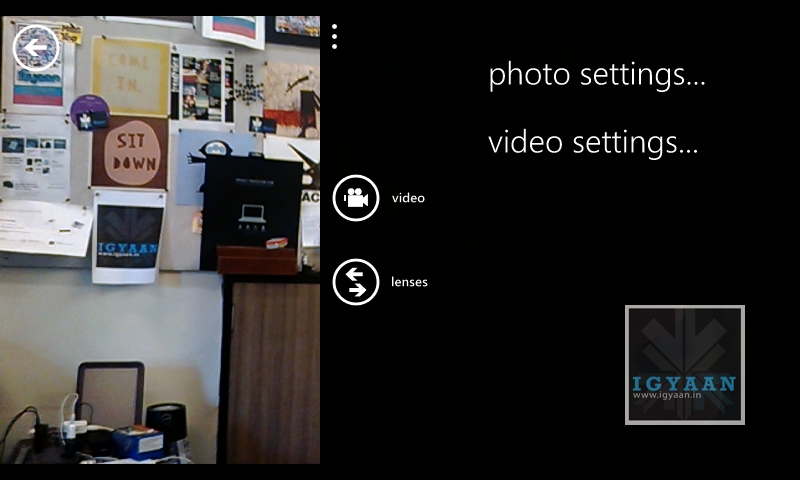
    The camera is a pretty basic 5 megapixel snapper, with a lot of noise and disturbance is low light images, affected more so by the lack of a flash module. The response from the camera is a little delayed, so you will need to steady your hand after you click a picture and wait for the preview to appear before you can move ahead. This will also be a problem if you have fast-moving subjects like kids or even pets. You still get camera lenses, so you can add filters or stylize your images, and the upcoming Smart camera will also be a great addition to the camera.

    Phone, Networks and Battery

    The phone call quality is solid, and networks are strong. With little or no disturbances on either end, you can hear callers great and the microphone picks you up for the person on the other end of the high bid spectrum.

    nokia Lumia 520 review 13

    Battery life will be a concern for users. With lost of features constantly asking for connectivity the Nokia Lumia 520 barely gets on through the day. Talk time is established at around 4 hours with Nokia’s claim of 9 hours nowhere near it. The 1430 mAh battery seems a little small for the hardware on the inside of this phone honestly and with apps like Nokia music constantly pinging servers, battery life is a big worry. 

    nokia Lumia 520 review 5

    Verdict

    Nokia has yet again made it possible for almost everyone to own Windows Phone 8, the hardware is good, responsive and well-built. Nokia  also ensures that users throughly enjoy the Windows Phone experience with their Lumia 520, thanks to the included apps and services, with more to come in the Amber update. However cost cutting measures are clearly evident, the lack of a front camera and LED flash for the rear camera, a strangely small battery and the lack of support for NFC, which even though is not a big deal today, comes in each of the other Lumia hardware via external covers if not natively. But considering the price of Windows phone devices, at its current price, the Lumia 520 offers a lot more than owners can bargain for. 

    nokia Lumia 520 review 0

    The Nokia Lumia 520 is a great all round package for people on the go, and people online, those who don’t delve too much into apps and customizations and don’t fear trying something new. The Nokia Lumia 520 is also a great switch from a cheaper Android device and also a good upgrade to the older Lumia 510 incase you plan it.

    Video Review


    [youtube id=”mQB8FqCi9WE” width=”100%” height=”300px”]

    [tabgroup]

    [tab title=”Buy Now” icon=”icon-shopping-cart”] [/tab]

    [/tabgroup]

  • Nexus 4 for India Review

    Nexus 4 for India Review

    Nexus 4, a smartphone that launched last year was speculated to arrive India soon after its global availability. The Nexus 4’s rumored launch dates for India got shunned, and prospective owners dealt with a lot of delay before the phone finally launched. LG brought the Nexus 4 to India under the assumption that the Indian people still wanted it. Was the company right ? Does the Nexus 4 bring about a world of difference in the way one looks at Android ? Lets find out!

     LG Google Nexus 4 India Review iGyaan 32

    Nexus 

    [pullquote_left]The Way Google Intended[/pullquote_left]A line of Mobile devices manufactured by an OEM brand selected by Google to lead into the area of expertise and build the Android flagship for that particular year. Apart from the lack of any form of software or network customizations or restrictions, they also have unlock-able bootloaders and are the first devices to receive instant Android Operating System updates. 

    In most cases Nexus units are responsibility of Google, sales in a particular country are pushed by Google and availability is also based on Google’s interest to bring forth the device. In India however, the only Nexus phone to have been made available prior to the Nexus 4 was the Nexus S. Just as the Nexus 4 was ignored in India initially, the Galaxy Nexus was not launched at all, despite huge demand for the successful handset. 

    LG decided to bring the Nexus 4 on their own accord, thanks to high public interest. Initially plans to bring in the Nexus 4 were sacked as the company thought it was not going to do well enough. The first few lots of Nexus 4 handsets also faced manufacturing issues, keeping the Nexus 4 virtually sold out, due to limited supplies. 

    LG Google Nexus 4 India Review iGyaan 38

    Build Quality, Design and Hardware 

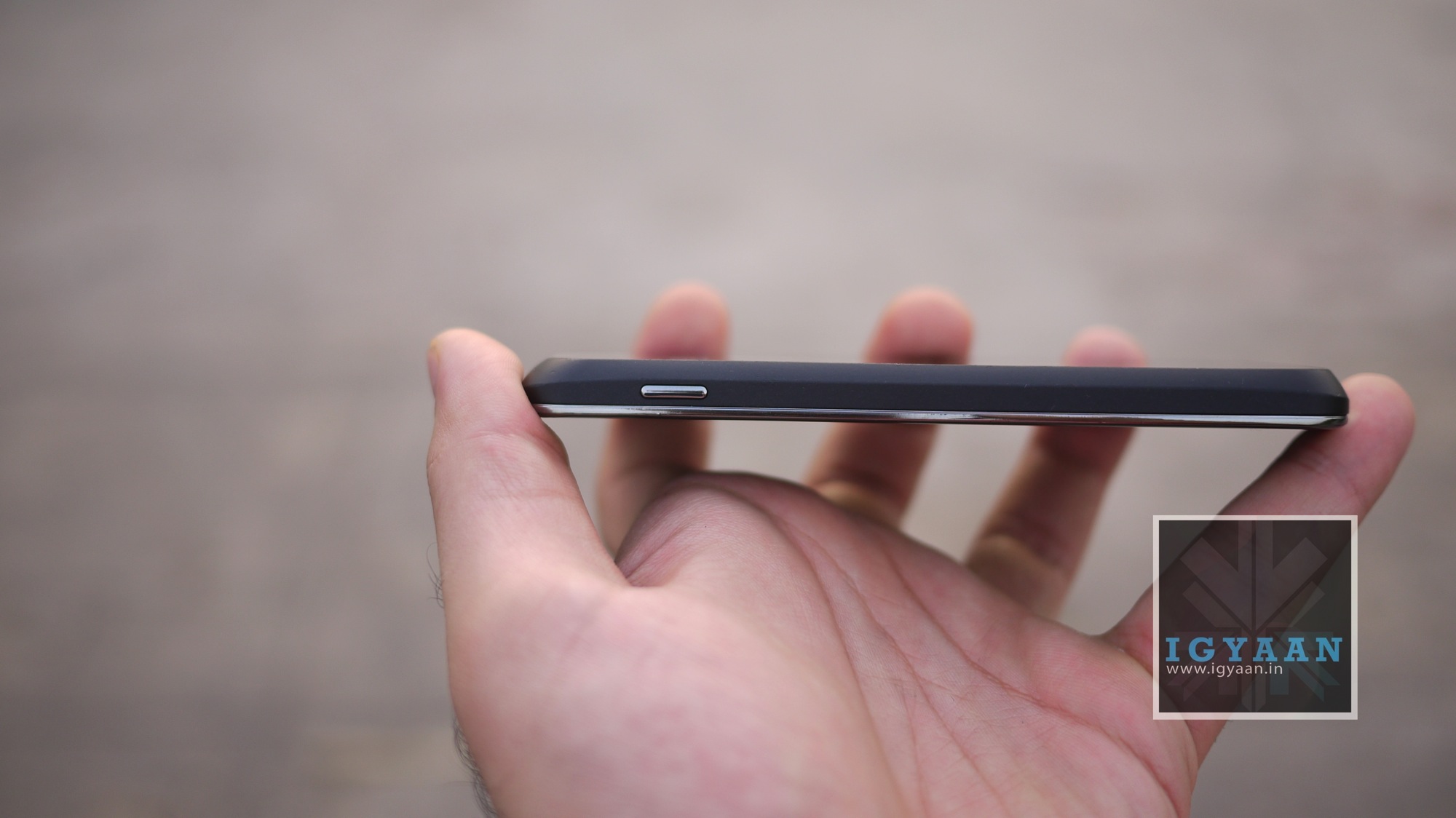
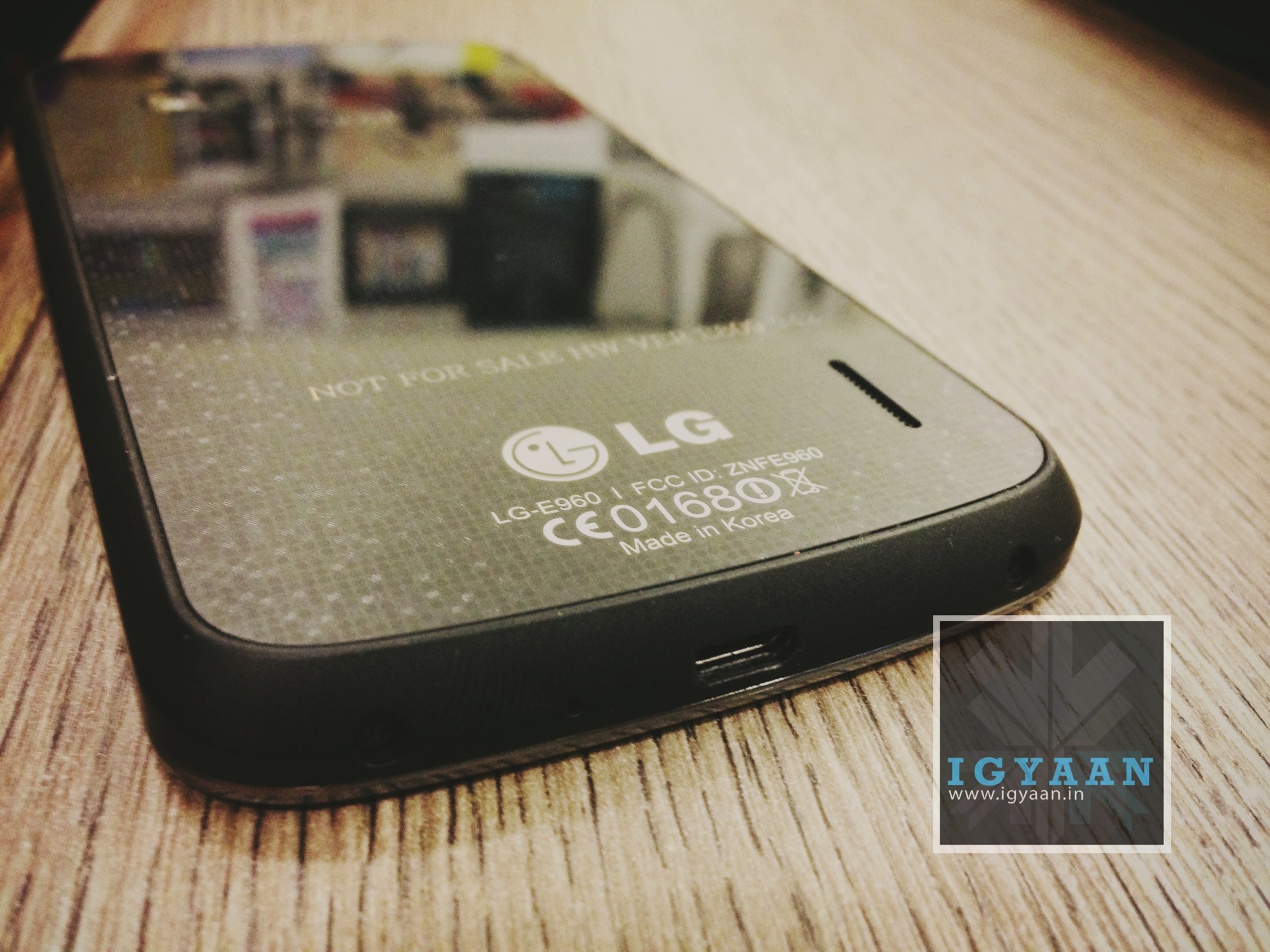
    There is no question that the initial look at the design reminds us of the iPhone 4/4s with a glass front and a glass back fused on either sides of a solid shell. The difference here is that LG has actually rounded the device out a lot, the front blends into the solid plastic bezel which then flattens out into a glass back. 

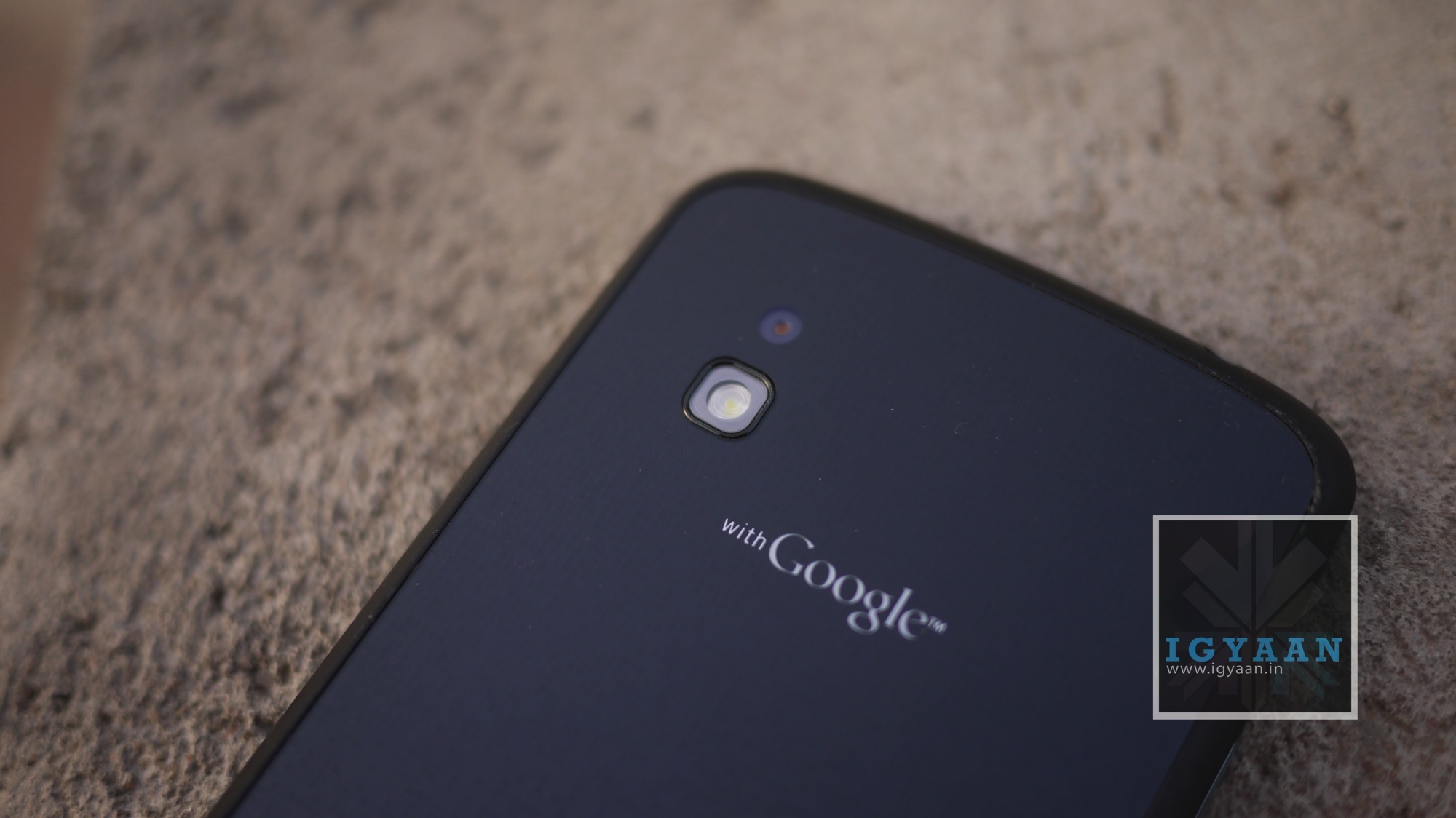
    Problems with the Nexus 4’s back glass cracking in the heat have been aplenty and still exist. But, some are fortunate enough to not have that issue, the problem however persists. If the Nexus 4 is left in the sun, or put through intensive activities that cause the device to heat up, the glass back around the camera lens develops hairline cracks. 

    LG Google Nexus 4 India Review iGyaan 24

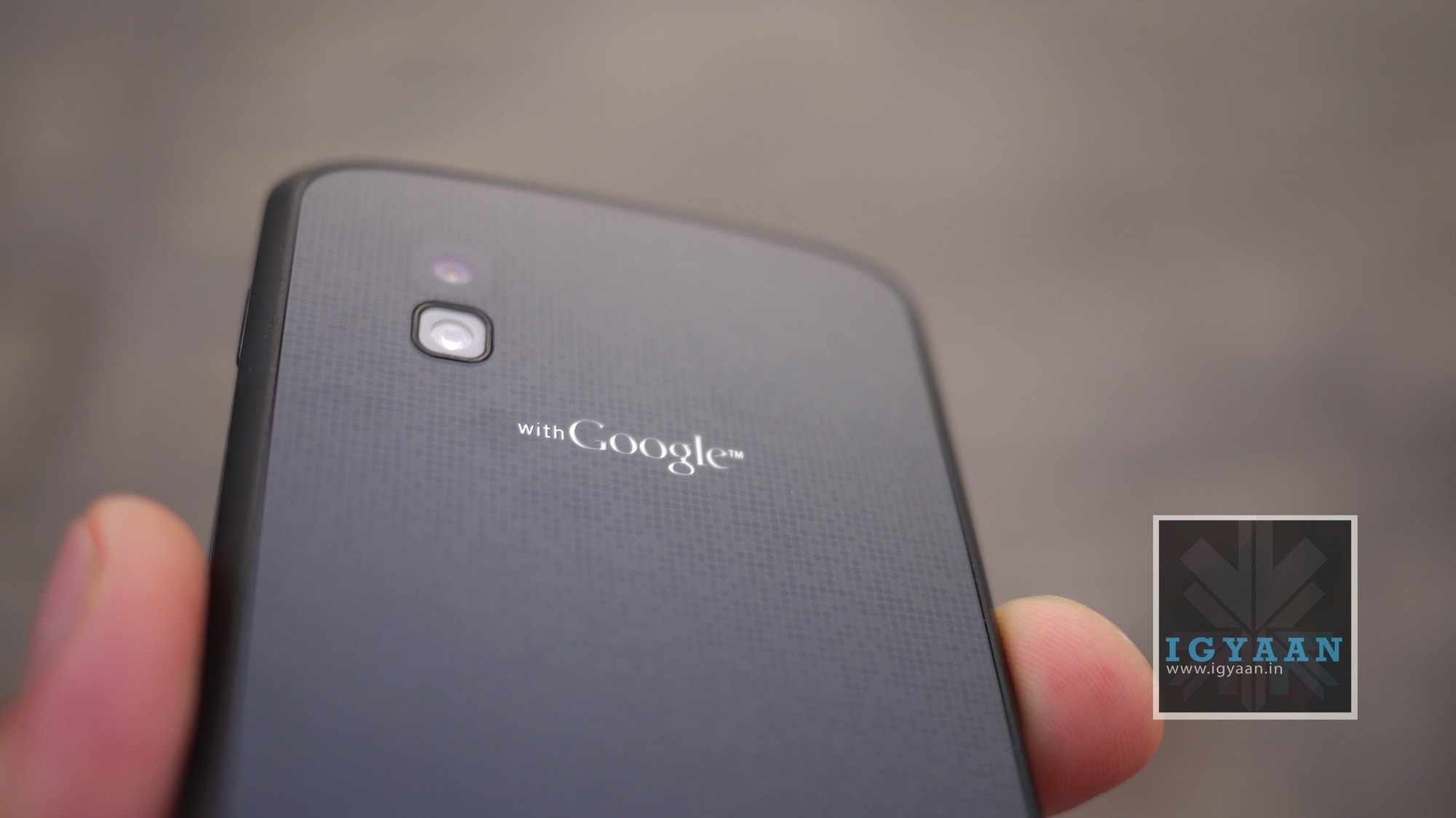
    Apart  from the cracking issues, the Nexus 4 is noticeably well built and definitely has a very premium design factor. The dotted, glittery back glass makes the device shimmer in the slightest gleam of any light, almost making the Nexus 4 appeal to a artsy tingle in the brain. Somewhat making you feel the sense of passion towards a mere black piece of Android Jelly Bean hardware.

    LG Google Nexus 4 India Review iGyaan 26
     

    Speaking of hardware, the Nexus 4 has just the right amount to justify the price unlike some seriously strange mistakes for India. Powered by a 2100 mAh Li-Po battery the Nexus 4 runs a Quad Core Snapdragon S4 Pro Krait processor clocking in 1.5 GHz of raw unadulterated silicone hum. The impressive Adreno 320 GPU ensures graphics performance along with 2 GB of RAM and 16 GB of fixed – non expandable storage for the Nexus 4. Google however ensures that each Android user now gets 15 gigs of cloud storage, incase you would like to consider that as a value addition. 

    LG Google Nexus 4 India Review iGyaan 46

    The front of the Nexus 4 has a brilliant LG display, True HD IPS Plus capacitive touchscreen with a 768 x 1280 px resolution clocking in a good 318 ppi. The addition of Gorilla Glass 2 on the front as well as the back give the phone strength, the unibody shell adds reinforcement. The back has a 8 Megapixel camera which is said to be quite terrible, we found otherwise (see below), the camera also does 1080p video at 30 fps. The front carries a 1.3 MP camera, only as good as it gets, capable of shoddy imagery and video. 


    Un-Salted Beans 

    (Stock Android Experience) 

    The fact that the Nexus 4 runs a stock version of Android actually has a lot of people in turmoil, we hope we can clarify some doubts. The Nexus 4, infact any Nexus phone, runs a stock unadulterated un-skinned version of Android out of the box. That means no – task manager, no floating weather animations and definitely no fancy dual picture camera shots. But the key word here is essentially “out of the box”, the Nexus 4 also give you, on the other hand, the maximum flexibility with the Android operating system. An unlock-able bootloader means the minute you get hold of the Nexus 4, you can root it and get developing. 

    [pullquote_left]Felxibilty with the Interface[/pullquote_left]The ability to use custom ROMs and skins is then endless, install widgets and apps from select manufacturers or even add your own custom UI, this is what truly makes the Nexus 4 experience fun. However the customization and open-ness is not for everyone. Some people want fancy UI’s out of the box. Pick up a Galaxy S3 and you have things like multi-window and fancy multi layer User interface, but with the Nexus 4 you have a bland boring flat UI from the get go.

    A first few days of the custom UI aside, you soon start playing with the Android open-ness and start trying to modify the phone to do interesting things. Splashing different user interfaces or even different launchers, different ROMs each day. It’s a time-consuming process, but on that makes you truly appreciate Android. As with each customization you find out another thing your phone is capable of. 

    Some on the other hand will love the vanilla experience, the way Google intended for Android to be, fast and snappy and completely flat.

    LG Google Nexus 4 India Review iGyaan 42

    Camera, Multimedia and Gaming

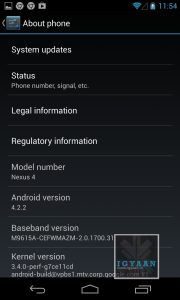
    The camera on the Nexus 4 has been critiqued heavily for not being close to expectations set by Google. With the latest Android 4.2.2 update from Google we found that the camera sensor although not the best, is quite good. Images are almost always in focus, well composed, rightly saturated and for those who stick to auto easily captured. A lot of flexibility is available on the Nexus 4 for the camera. Check the sample below. 

    IMG_20130527_183954

    [pullquote_left]Washed out, But only in Comparison![/pullquote_left]When put in comparison to the Optimus G the Screen of the Nexus 4 appears to be washed out. The Optimus G’s display is a lot more deep and vibrant, whereas the Nexus 4 appears to be a little less effective. Many argue that the Galaxy S3 available at a similar price has a display which is a lot more appreciated. However, the Nexus 4 has a well-balanced display that not only works indoors it works great outdoors as well. Problems arise when you start comparing individual aspects of the display with other devices. The Nexus 4 is a great device for multimedia, audio is loud and crisp from the speaker and well handled during video playback. Whether you like online or offline multimedia the Nexus 4 can deliver a great performance. 

    Gaming is also well handled by the Nexus 4, the Adreno 320 is one of the most celebrated GPU of today’s hardware market. With the Nexus 4 you will see most games supported out of the box, incase you wish to download unsupported ones, you can do that by a simple root. The ample amount of graphics power and sufficient RAM make the hardware quite capable of gaming, in fact the only real problem gamers would end up facing with the Nexus 4 is the limited storage. 

     LG Google Nexus 4 India Review iGyaan 47

    Performance, Phone and Networks

    The Nexus 4, although launched last year, at current price is capable of dethroning most celebrated handsets. The pure OS experience not only gets quicker updates, but is a way to truly experience Android in its full potential as a smooth user interface. Apart from being the easiest day-to-day phone, users will realize soon that the Nexus 4 is capable of deep levels of multitasking, and expertly handled process distribution thanks to the great processing brain on the inside of the Nexus 4. 

    Mostly the performance of the Nexus 4 becomes evident in the initial uses, however for those who truly like to exploit the handset. The ability to root and install an overclocked kernel will speed up the performance. The most recent version allows up to 1.944 GHz on the 4 cores – Wow!

    The phone call quality and networks remain excellent, ensuring good usage of the handset’s primary function; calling. Network quality remains pristine even during commutes and the callers are audible pretty nicely through the earpiece. 

    LG Google Nexus 4 India 10

    Battery Life

    Battery life is sufficient out of the box on the Nexus 4, if you do a lot of gaming you might want to underclock and undervolt your Nexus 4 to get an additional 90 minutes of on-screen time. Running stock though you get a good mix of battery life through a day – 5-6 hours of talk time, an hour of browsing, half hour of gaming and few hours of music can also be included.


    3G ON

    Pure Talk time : 7 Hours

    Pure Standby : 48 Hours
    Pure Gaming : 3.5 Hours 
    Pure Online : 6 hours
    Pure Music 8 – 10  hours[/tab]


    3G OFF

    Pure Talk time : 8.5 Hours
    Pure Standby : 54 Hours
    Pure Gaming : 4 Hours 
    Pure Online : 7 hours (wi-fi)
    Pure Music 8-10 hours[/tab]

    LG Google Nexus 4 India 11

    Verdict

    [pullquote_left]Your Playground[/pullquote_left]Although a little late, the Nexus 4 has launched in India at an excellent price mark, lower than similar hardware equipped handsets, yet the first one to get updates. The Nexus 4 is also the most flexible hardware and a pretty premium looking handset. However, The Nexus 4 does lack the basic microSD expansion, possesses a sub par camera module, and somewhat cheeky display in comparison to its brother the Optimus G. That being said, if you want to experience Android, the way it was intended to be, then the Nexus 4 is your playground and Android is your sport. Even if that is not the case the Nexus 4 will satisfy!

    Hands on Video


    [youtube url=”http://www.youtube.com/watch?v=zQypYqoF_lI”]

    Full Review Video

    [youtube url=”http://www.youtube.com/watch?v=BMJzXBJv5Y8″]


  • Samsung Galaxy Mega 5.8 and 6.3 launched in India Rs. 25,100 and Rs. 31,490 : (Hands On) (PR)

    Samsung Galaxy Mega 5.8 and 6.3 launched in India Rs. 25,100 and Rs. 31,490 : (Hands On) (PR)

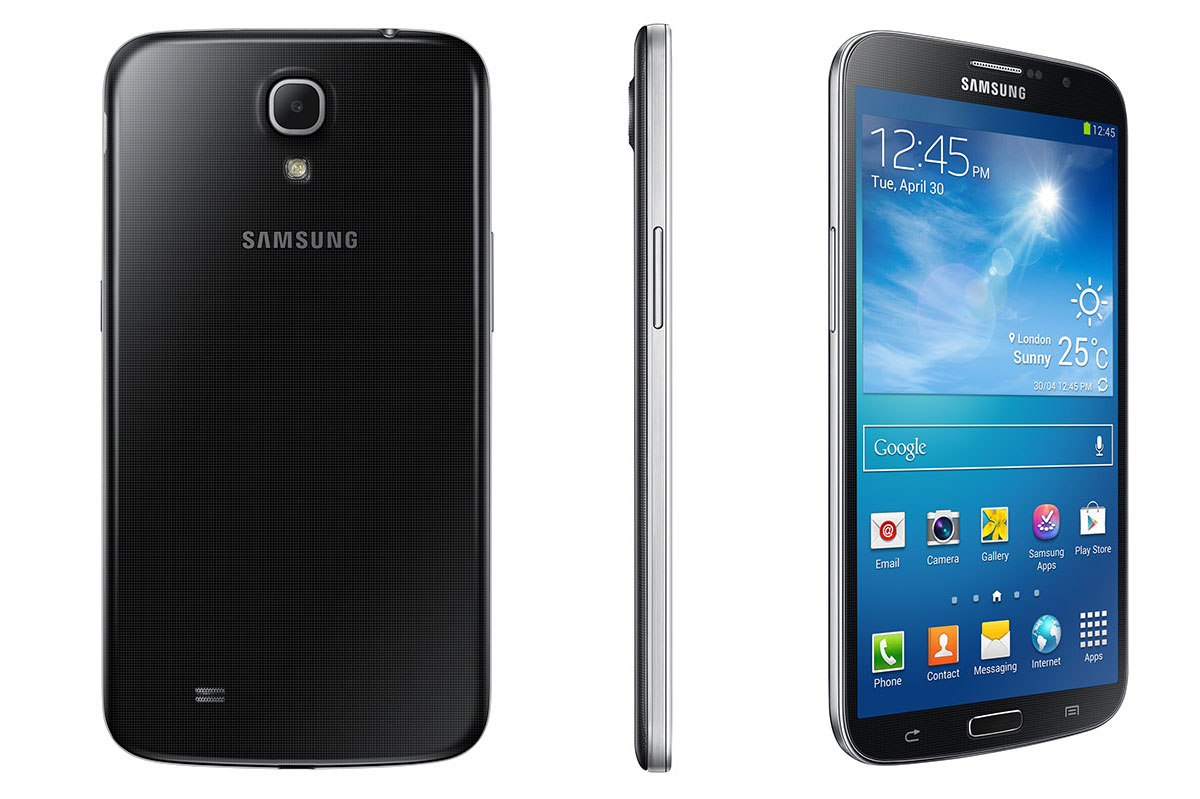
    Samsung has just launched the Galaxy Mega 5.8 and the Galaxy Mega 6.3 in India at a fairly reasonable price difference between the handsets. The Galaxy Mega 5.8 goes on sale for Rs. 25,100 while the Galaxy Mega 6.3 will be launched for Rs. 31,490. 

    Galaxy Mega Initial Impressions

    The first thing you will say once you handle these phones is “these phones are gigantic”, for reference in front of the Galaxy Mega 5.8 and 6.3 the Galaxy S4 looks considerably puny. The Galaxy Mega phones still remain slim and easily handle-able, thanks to the software tweaks using the phone with one hands is easy. Samsung’s “One Handed Use” a feature that puts keyboards and calling buttons on the primary hand side of the phone, just like it did on the Galaxy Note 2, extends its capabilities on the Galaxy Mega phones. 

    Loaded with Android 4.2.2 the Galaxy Mega phones resemble the Galaxy S4 with respect to UI looks and feel, and despite the major spec difference the handsets are quite snappy and responsive. The display on the Galaxy Mega 5.8 is a 5 point multi-touch, which is quite disappointing for a handset of this value and screen real estate.

    Both, the Galaxy Mega 5.8 and the Galaxy Mega 6.3 come with dual core processors, the one on the Galaxy Mega 6.3 is manufactured by Qualcomm, whereas the Galaxy Mega 5.8 carries the same chipset found in the Galaxy Grand, made by Broadcom.

    The Galaxy Mega phones have 8 MP cameras and front facing 1.9 MP cameras, with the possibility of 1080p video capture at 30fps. The Galaxy Mega 6.3 however will also get the Smart Camera features from the Galaxy S4 along with UI features like Multi Window and Air View. 

    Check out our Hands on Images below and stay tuned for the Video.


    Samsung Galaxy Mega 6.3 Images


    Samsung Galaxy Mega 5.8 Images


    Samsung Galaxy Mega Hands on Video

    [youtube id=”VuyRU-HwzUs” width=”100%” height=”300px”]


    Samsung GALAXY Mega 6.3 inches Product Specifications


    Display

    6.3-inch HD Super Clear LCD

    Processor

    1.7GHz Dual Core processor

    OS

    Android 4.2 (Jelly Bean)

    Camera

    Main (Rear): 8 megapixel rear-facing camera

    Sub (Front): 1.9 megapixel front-facing camera

    Camera Feature

    Auto ,Beauty Face, Best Photo, Best Face , Continuous Shot , Best face , Sound & Shot , Rich Tone (High Dynamic Range),Panorama , Sports , Night

    Video

    MPEG4 , H.263,H.264, VC-1, VP8

    Recording/playback :1080@30fps

    Audio

    MP3, OGA , AAC , AAC+ , Eaac+ ,WMA, AMR-NB /WB

    FLAC , PCM , MID , IMY

    Services

    &

    Additional

    Features

    Group Play: Share Music, Share Picture, Share Document, Play Games

    Story Album, S Translator

    Air View, Multi Window, Pop Up Play

    Samsung ChatON mobile communication service

    Samsung WatchON

    Samsung Link, S Travel , S Voice 2.0

    Connectivity

    Wi-Fi a/b/g/n/ac, WiFi Direct

    BT 4.0(BLE), USB 2.0 H/S

    GPS?GLONASS, NFC, MHL

    Sensor

    Accelerometer, light, Geomagnetic, Proximity, Gyroscope

    Memory

    16GB Internal Memory (microSD up to 64GB) ? 1.5GB RAM

    Dimension

    167.6 x 88 x 8.0 mm , 199g

    Battery

    Standard battery, Li-ion 3,200 mAh


    Samsung GALAXY Mega 5.8 inches Product Specifications


    Network

    HSPA?21/5.76

    Display

    5.8-inch QHD TFT

    Processor

    1.4GHz Dual Core Processor

    OS

    Android 4.2 (Jelly Bean)

    Camera

    Main (Rear): 8 megapixel rear-facing camera

    Sub (Front): 1.9 megapixel front-facing camera

    Camera Feature

    Auto , Beauty Face, Best face , Continuous Shot , Best Photo, Sound &Shot , Panorama , Sports

    Video

    MPEG4, H.263 , H.264 , VC-1, DivX , Xvid , VP8

    Recording/Playback: 1080@30fps

    Audio

    MP3, OGG,AAC , AAC+, eAAC+ ,WMA , AMR-NB/WB , FLAC , PCM , MID , IMY

    Services

    &

    Additional

    Features

    Group Play: Share Picture, Share Document and Play Games

    Story Album, S Translator

    Multi Window

    Samsung ChatON mobile communication service

    Samsung Link, S Travel , S Voice 2.0

    Google Mobile

    Services

    Google Search, Google Maps, Gmail, Google Latitude,

    Google Play Store, Google Plus, YouTube, Google Talk,

    Google Places, Google Navigation, Google Downloads, Voice Search

    Connectivity

    Wi-Fi a/b/g/n, WiFi Direct

    BT 4.0(BLE), USB 2.0 H/S

    GPS?GLONASS

    Sensor

    Accelerometer, Geomagnetic, Proximity, Light, Gyroscope

    Memory

    8GB Internal Memory (microSD up to 64GB) ? 1.5GB RAM

    Dimension

    162.6 x 82.4 x 9.0 mm,  182g

    Battery

    Standard battery, Li-ion 2,600 mAh


    [toggle title=”Press Release”]‘Stay smart, Live Large’ with Samsung GALAXY Mega
    New GALAXY Mega models offer the latest smartphone features with an extensive viewing experience.
    Delhi, May 28, 2013 – Samsung Electronics Co., Ltd, a global leader in digital media and digital convergence technologies, today announced the launch of Samsung GALAXY Mega, a device that combines the portability and convenience of a smartphone with the power, multitasking capabilities and extensive viewing experience of a tablet. Two models of Samsung Galaxy Mega , with 5.8 inches and 6.3 inches screen sizes , are being launched .The newest addition to the GALAXY family , the Mega series balances an optimal viewing experience on a large screen, yet is ultra-thin and portable enough to put into a pocket or hold in one hand. The GALAXY Mega offers a mix of popular smartphone and tablet features such as an effortless user experience, a split screen, multitasking between video and other apps and more.
    “Consumers in India as in other parts of the world are preferring the larger screen displays in their Smartphones owing to the time they spend doing more with their devices – staying connected with their work and friends/family , web browsing , extensive multimedia viewing and more,” states Mr. Vineet Taneja , Country Head , Samsung Mobile and Digital Imaging Business .“To meet the varying lifestyles of our consumers, we are very pleased to offer the GALAXY Mega which further enriches the product portfolio of our award-winning GALAXY series.”
    Best of Both Worlds
    The GALAXY Mega is an ideal choice for customers who want to get the most out of their device: device that brings great quality at an even greater value. The GALAXY Mega enables an exceptional widescreen view for various applications including web browsing, video, and SNS.
    The GALAXY Mega is also light and thin for incredible portability and easy, convenient mobile phone use. Customers can stay connected with a variety of new phone features including:
    Group Play: Enables easy content sharing of games, documents and pictures
    Samsung Link: Easily streams photos, videos, notes, or music to your television, tablet or computer

    S Translator: Say or text what you need translated into the GALAXY Mega, and it will provide instant translation, using text or voice translation on applications including email, and ChatON.

    Productivity and Multimedia for the Multi-Tasker
    GALAXY Mega users will accomplish more with the rich, interactive experience and increased usability of the widescreen mode. Split screen capability for a variety of applications including email, messages, ‘MyFiles,’ ‘S Memo,’ and more, makes for increased efficiency. With the popular ‘Air View’ feature available in the Galaxy Mega (6.3 inches), customers can preview information in emails, photos in Gallery, and speed dial contacts.
    The GALAXY Mega is equipped with an enhanced 8 megapixel rear-facing camera with a 1.9 megapixel front-facing camera, along with a variety of camera modes including ‘Sound & Shot’ (captures 9 seconds of sound and voice together as the picture is taken to capture moments), ‘Sports’ and more. The device also packs various newly-introduced features for endless entertainment, including: ‘S Travel’: Provides trip information, local guides and resources and more and ‘Story Album’: Allows customers to create albums of daily events, keep special moments in one place using a timeline, geo-tag information and publish digital albums in hard copy.
    Both GALAXY Mega 6.3 inches and 5.8 inches run on the latest Android 4.2 Jelly Bean experience, and feature Dual Core Processor, spacious internal storage along with up to 64GB of expandable memory to store favorite apps, music, videos, photos and more. The devices’ advanced software also facilitates more efficient processor use for improved battery life, meaning users can enjoy longer talk time and multimedia use.
    Product Pricing: The Samsung GALAXY Mega 5.8 inches will be available in the market within a week , while the GALAXY Mega 6.3 inches will be introduced in the market in mid June 2013. While the GALAXY Mega with 5.8 inches qHD TFT Display screen is priced at Rs 25,100/- , the GALAXY Mega with 6.3 inches HD Super Clear LCD Screen is priced at Rs. 31,490/-.
    The GALAXY Mega is being launched with special offers from RCom and Vodafone . RCom customers buying Samsung GALAXY Mega will get 2GB data per month free for 3 months as well as unlimited access to Big Movies Library , unlimited WhatsApp , Twitter , Facebook during this period . Vodafone customers too will get access to 2GB data download per month free for two months (3G + 2G).
    About Samsung Electronics Co., Ltd.
    Samsung Electronics Co., Ltd. is a global leader in technology, opening new possibilities for people everywhere. Through relentless innovation and discovery, we are transforming the worlds of televisions, smartphones, personal computers, printers, cameras, home appliances, LTE systems, medical devices, semiconductors and LED solutions. We employ 236,000 people across 79 countries with annual sales of US$187.8 billion. To discover more, please visit www.samsung.com.
    Note to Editors:
    Samsung GALAXY Mega 6.3 inches Product Specifications
    Display
    6.3-inch HD Super Clear LCD
    Processor
    1.7GHz Dual Core processor
    OS
    Android 4.2 (Jelly Bean)
    Camera
    Main (Rear): 8 megapixel rear-facing camera
    Sub (Front): 1.9 megapixel front-facing camera
    Camera Feature
    Auto ,Beauty Face, Best Photo, Best Face , Continuous Shot , Best face , Sound & Shot , Rich Tone (High Dynamic Range),Panorama , Sports , Night
    Video
    MPEG4 , H.263,H.264, VC-1, VP8
    Recording/playback :1080@30fps
    Audio
    MP3, OGA , AAC , AAC+ , Eaac+ ,WMA, AMR-NB /WB
    FLAC , PCM , MID , IMY
    Services
    &
    Additional
    Features
    Group Play: Share Music, Share Picture, Share Document, Play Games
    Story Album, S Translator
    Air View, Multi Window, Pop Up Play
    Samsung ChatON mobile communication service
    Samsung WatchON
    Samsung Link, S Travel , S Voice 2.0
    Connectivity
    Wi-Fi a/b/g/n/ac, WiFi Direct
    BT 4.0(BLE), USB 2.0 H/S
    GPS?GLONASS, NFC, MHL
    Sensor
    Accelerometer, light, Geomagnetic, Proximity, Gyroscope
    Memory
    16GB Internal Memory (microSD up to 64GB) ? 1.5GB RAM
    Dimension
    167.6 x 88 x 8.0 mm , 199g
    Battery
    Standard battery, Li-ion 3,200 mAh

    Samsung GALAXY Mega 5.8 inches Product Specifications
    Network
    HSPA?21/5.76
    Display
    5.8-inch QHD TFT
    Processor
    1.4GHz Dual Core Processor
    OS
    Android 4.2 (Jelly Bean)
    Camera
    Main (Rear): 8 megapixel rear-facing camera
    Sub (Front): 1.9 megapixel front-facing camera
    Camera Feature
    Auto , Beauty Face, Best face , Continuous Shot , Best Photo, Sound &Shot , Panorama , Sports
    Video
    MPEG4, H.263 , H.264 , VC-1, DivX , Xvid , VP8
    Recording/Playback: 1080@30fps
    Audio
    MP3, OGG,AAC , AAC+, eAAC+ ,WMA , AMR-NB/WB , FLAC , PCM , MID , IMY
    Services
    &
    Additional
    Features
    Group Play: Share Picture, Share Document and Play Games
    Story Album, S Translator
    Multi Window
    Samsung ChatON mobile communication service
    Samsung Link, S Travel , S Voice 2.0
    Google Mobile
    Services
    Google Search, Google Maps, Gmail, Google Latitude,
    Google Play Store, Google Plus, YouTube, Google Talk,
    Google Places, Google Navigation, Google Downloads, Voice Search
    Connectivity
    Wi-Fi a/b/g/n, WiFi Direct
    BT 4.0(BLE), USB 2.0 H/S
    GPS?GLONASS
    Sensor
    Accelerometer, Geomagnetic, Proximity, Light, Gyroscope
    Memory
    8GB Internal Memory (microSD up to 64GB) ? 1.5GB RAM
    Dimension
    162.6 x 82.4 x 9.0 mm, 182g
    Battery
    Standard battery, Li-ion 2,600 mAh

    ? Availability and launching time of the services may differ by region.
    ? Android, Google, Google Search, Google Maps, Gmail, Google Latitude, Google Play, Google Plus, YouTube, Google Talk, Google Places, Google Navigation, Google Downloads and Voice Search are trademarks of Google Inc.
    ? All functionality, features, specifications and other product information provided in this document including, but not limited to, the benefits, design, pricing, components, performance, availability, and capabilities of the product are subject to change without notice or obligation.[/toggle]

  • Sony to launch the Weather-resistant Xperia Tablet Z in India 29th May Rs. 44990/-

    Sony to launch the Weather-resistant Xperia Tablet Z in India 29th May Rs. 44990/-

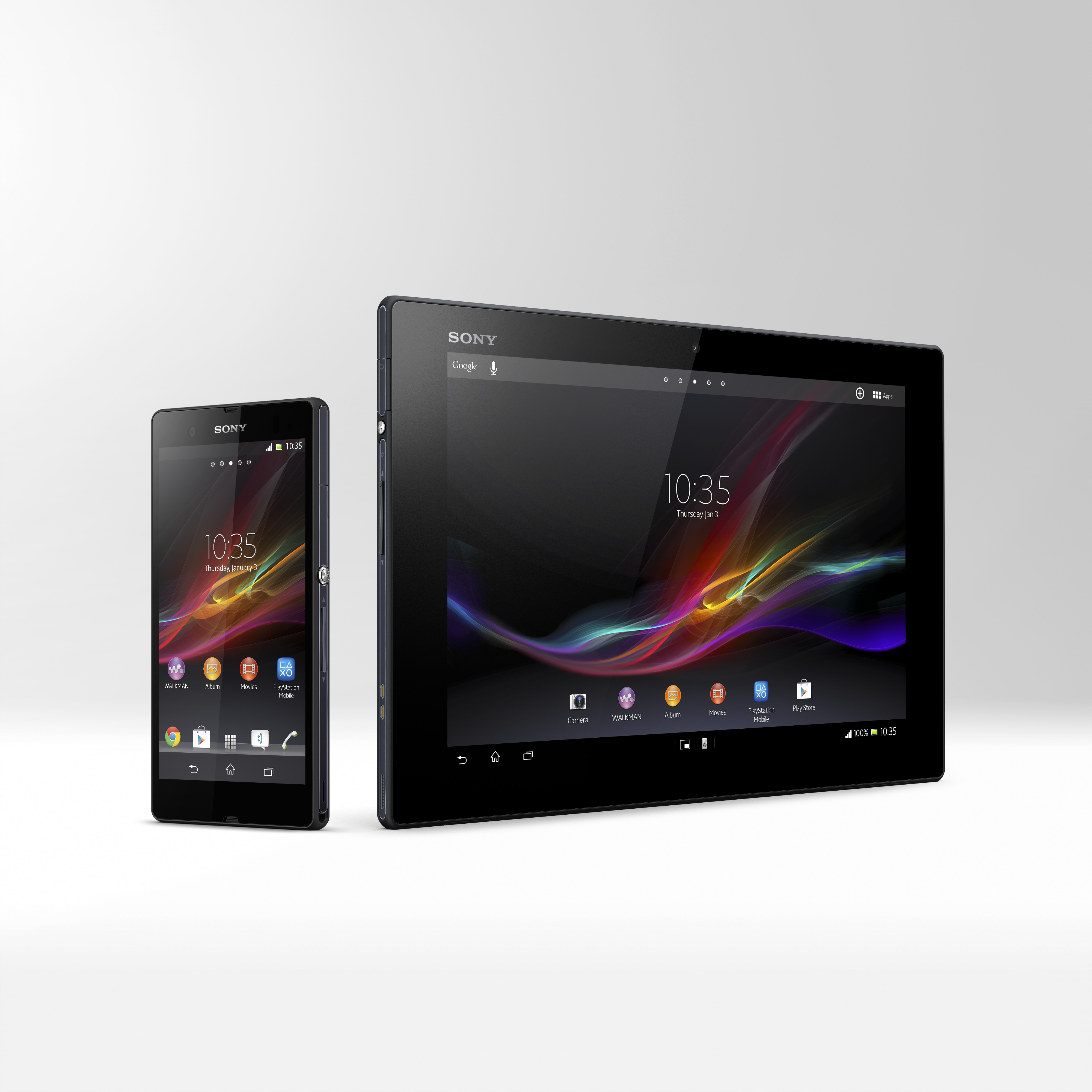
    Sony’s weatherproof Xperia Tablet Z was shown off at the launch of the Xperia Z, but the company did not announce its arrival into the Indian Market. Up until now anyway! Sony India has confirmed that the Sony Xperia Tablet Z will be available starting Wed 29th May in India for a price of Rs. 44990/-.

    Sony has a lot of firsts for the Xperia Tablet Z, including the thinnest tablet title. The Xperia Tablet Z measures in at only 6.9 mm making it the slimmest tablet in the world. The Tablet runs Sony custom TimeScape UI on top of Android 4.1 and will also get the Android 4.2 update later this year. 

    Hardware wise the tablet comes with a 1.5GHz quad-core Qualcomm Snapdragon S4 Pro chipset along with an Adreno 320 GPU and 2 Gigs of RAM. You also get 32 GB of flash storage and dual HD cameras with a 8 MP main camera and a 2.2 MP front camera both capable of 1080p video. 

    The Xperia Tablet Z is LTE equipped and comes with a micro SIM slot for network connections over GSM networks. A 6000 mAh battery powers the tablet a sealed Xperia Z design form keeps it water resistant and dust proof. We will get you live updates from the launch on our social networks as well as on iGyaan, stay tuned. 

    Watch below as Bharat checks out the Xperia Tablet Z:


    [youtube id=”cUITOdPgQgM” width=”100%” height=”300px”]


    [tabgroup]

    [tab title=”Buy Now” icon=”icon-shopping-cart”] [/tab]

    [/tabgroup]

  • Samsung To Launch Galaxy Mega 5.8 and 6.3 Tomorrow in India – Get the Juicy updates

    Samsung To Launch Galaxy Mega 5.8 and 6.3 Tomorrow in India – Get the Juicy updates

    Samsung is all set to launch the Galaxy Mega in India tomorrow for an expected price of Rs. 27,999/- and 29,999/- as an MRP of the product’s two variants. The Handset which has gained quite some hype in India is expected to beat sales of the Galaxy Grand, and also be the next hot category for the company. 

    The Galaxy Mega comes in two variants one with a 5.8 inch screen and one with a 6.3 inch screen, although both may not be launched tomorrow there is a high possibility that they will be shown off. 

    Specifications on these devices consist of Dual core processors, and an unusual 1.5 GB of RAM for the handsets. The 5.8 inch version has a QHD display 190 ppi density, whereas the 6.3 inch will come with a 1280 x720 p display with a 233 ppi density.

    The Galaxy Mega 6.3 sports a Qualcomm Snapdragon processor clocked at 1.7 GHz whereas the Galaxy Mega 5.8 comes with a Broadcom chipset similar to the one  found in the Grand. Other inclusions have the 8 megapixel cameras with 1080p video on both phones and a front facing 1.9 MP camera. Both Galaxy Mega 5.8 and 6.3 come with 8 GB of inbuilt storage and 64 GB expandability via microSD. 

    The Galaxy Mega 6.3 sports a 3500 mAh battery whereas the Galaxy Mega 5.8 will come with a 2600mAh battery. While these specs are from the global variants of the handsets the Indian variants of the handsets could have slightly different specifications. 


  • Micromax A111 Canvas Doodle Review

    Micromax A111 Canvas Doodle Review

    Micromax attempts yet another handset in the Indian Market with the new A111 Canvas Doodle, trying to grab the attention of budget seekers. The Quad Core  smartphone is Micromax’s take on making a budget Note series smartphone. But, does the Micromax A111 Canvas Doodle fulfill that promise? lets find out.

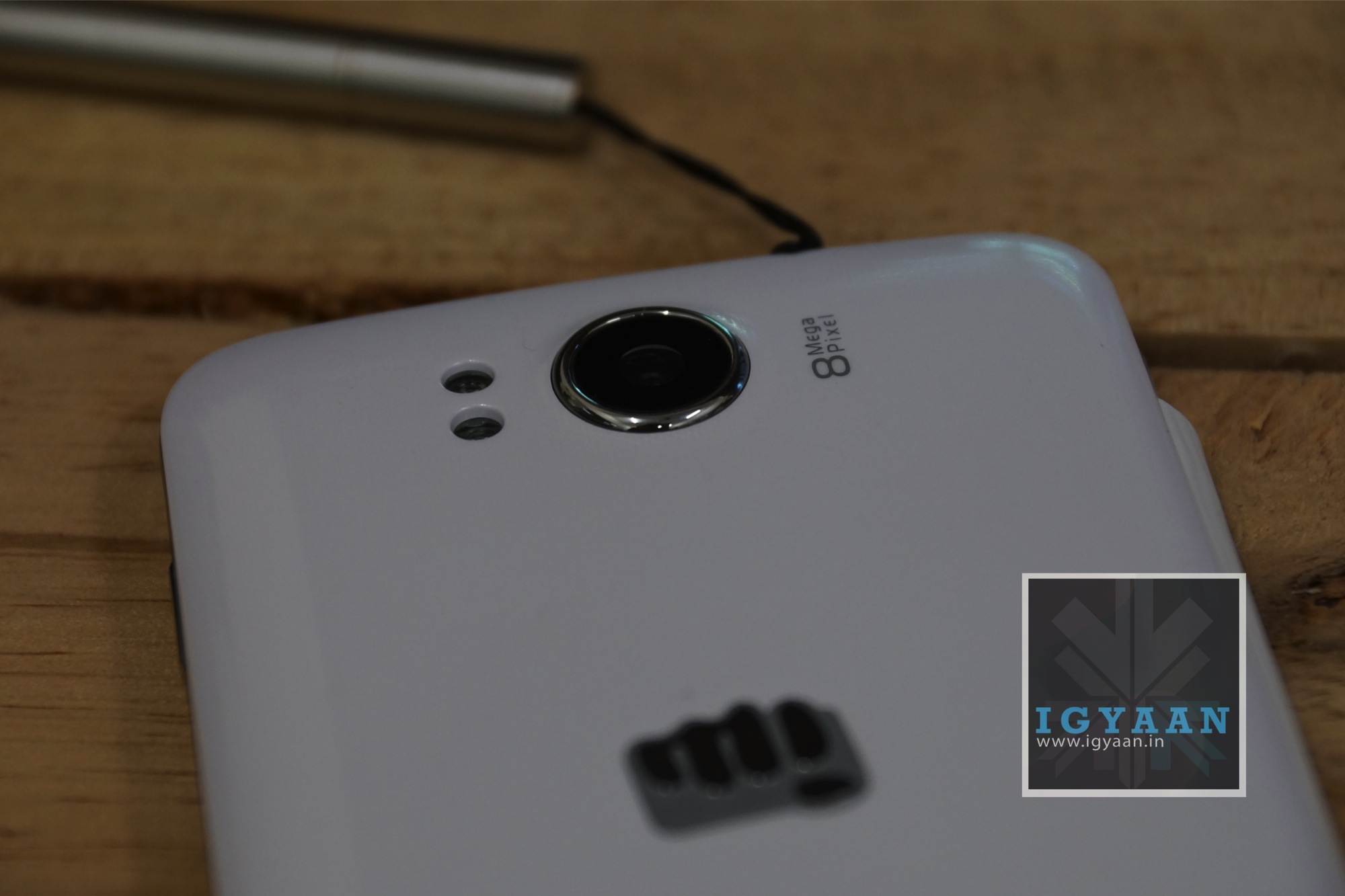
    Micromax A111 Canvas Doodle 7 

    Build Quality, Hardware and Design

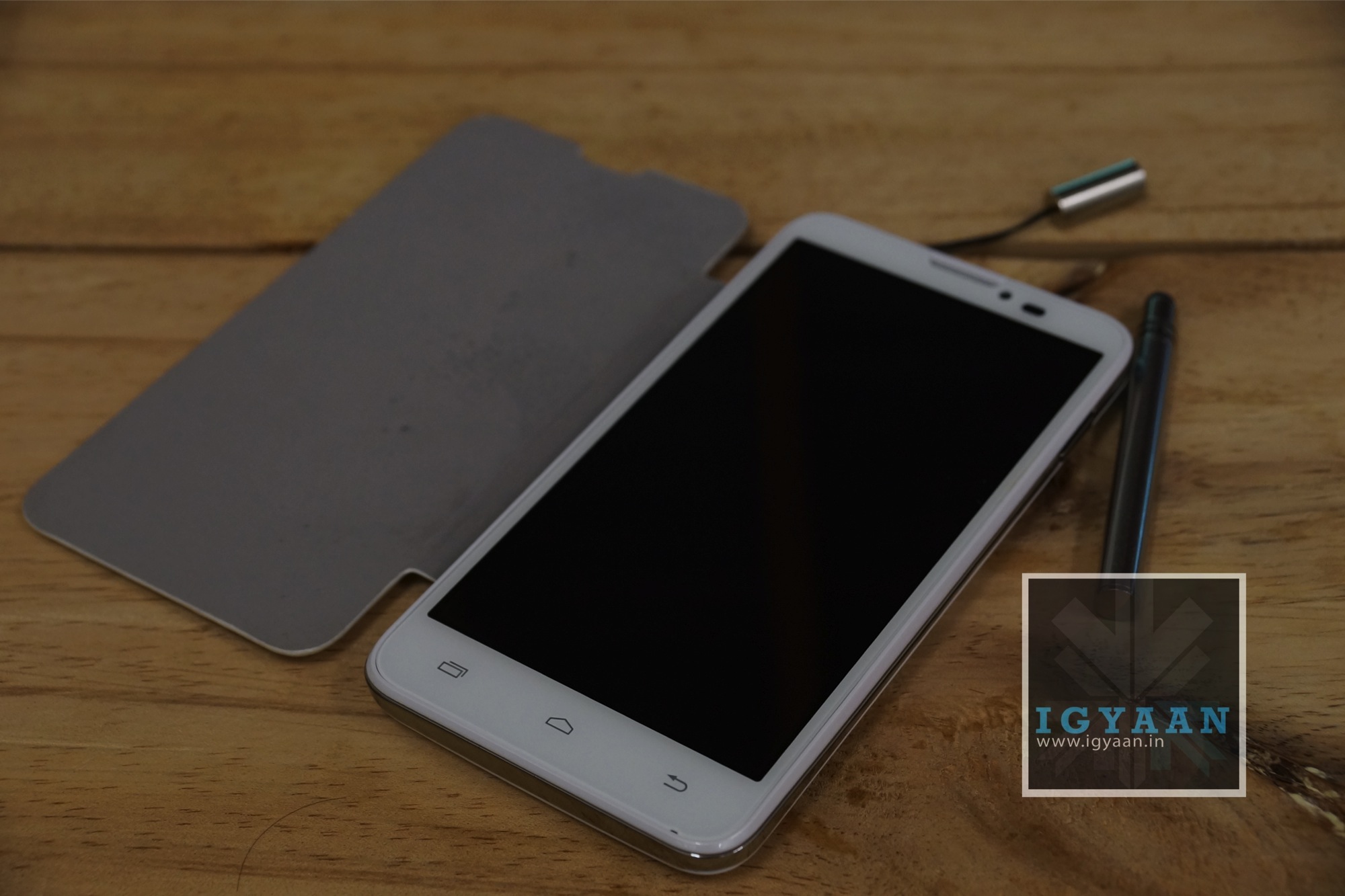
    The Micromax A111 Canvas Doodle isn’t exceptionally well built, but has just the right mix of elements that make it a fairly durable phone. The plastics and the back panel are solid and do not have any rattle in them what so ever. The included flip cover is a poorly made cover and will not last the users a long time, the fact that the white colored faux-leather material is not coated also makes it a dirt and grime magnet. However, it does do its job of protecting the front screen of the Micromax A111 Canvas Doodle, which thankfully takes a different design approach from the previous Canvas series smartphones.

    The insides are laced with a thick layer of Qualcomm grease, in other words a Qualcomm MSM8225Q Snapdragon chipset runs the Canvas Doodle. The RAM is kept at a lowly 512 MB, and storage a mere 4 GB. The good thing however, is that the phone when provided with a class 10 microSD card, converts that into the main storage. This truly expands the capability of the device and makes Micromax’s Canvas series highly desirable (at least the new units). The front of the phone has a large 5.3 inch 480 x 854 px display which will not win any points in the resolution department, but is surely a large display. 

    Micromax A111 Canvas Doodle 3

    Cameras on the Micromax A111 Canvas Doodle include an 8 MP main shooter and a 2 MP secondary shooter. Both of which are fairly good  in their respective capabilities. You will also get video calls over 3G from the front facing camera.

    The Micromax A111 Canvas Doodle take a design leap in a new direction, making the phone a lot more squarish and flatter vs the wobbly and curved design of the previous generation of Micromax Canvas phones. The bold new logo on the back, although appreciated by some, is almost like an eyesore on a fairly well finished smart phone, which constantly reminds you that you own a “punch” flavored smart phone.

    [youtube id=”JBo949WJJ3U” width=”100%” height=”300px”]

    The Doodle of Jelly Beans

    (OS and Usage)

    “Doodle”! Honestly, a year ago if a phone with this name would have appeared in the market, it would have been ridiculed to death. But the market is different today, and we have heard of anything from “dream” to “titanium” to “grand” and even “iris” so nobody really cares if their smart phone is called Doodle. Now, coming to the point, the Micromax A111 Canvas Doodle was named such due to the inclusion of the stylus and the overall appeal of the smartphone as a pen input device. Unfortunately, the Micromax A111 Canvas Doodle comes no where near that, the included stylus is the most horrible stylus you can get for a phone, it is too small to hold, does not extend, and worst of all; does not work properly on the Micromax A111 Canvas Doodle.

    Fortunately for Micromax, they do get redeeming points because, the freebies aside, the phone is quite a capable handset. With dual sim and the storage extended the phone manages to run smoothly and will not crash in daily chores. The internet experience is pleasing and the overall usage of the phone will not be a let down. 

    If you are seriously considering this device for the included stylus and drawing capabilities, investing in a tablet and a Rs. 1000 stylus will get you more than the Jelly Bean Doodle. The Micromax A111 Canvas Doodle is quite capable in other aspects and due to a firly common resolution will support most of the apps from the Google Play store, including high end games, which we tested in the gaming video. See below. 

    Multimedia, Camera and Gaming

    [pullquote_left]The oodles of the Doodle! [/pullquote_left]We have understood, mostly from our readers, that the maximum number of sales happening in these so called “budget phablets” are happening with the youth or the younger crowd. The usage of the phone survives around social media, networking, Multimedia consumption and creation along with leisure activities that include some gaming. The Micromax A111 Canvas Doodle seems to be a good balance in all, while not being premier in either. 

    Due to the nature of the Android Eco System, the Micromax A111 Canvas Doodle is capable of all forms of social media and networking. You have apps for Facebook, Pinterest, Flipboard (subscribe to iGyaan on Flipboard ) and Instagram, just to name a few. You have all forms of other apps that let you interact between networks and socialize over multiple platforms. The internet experience is good too, the Micromax A111 Canvas Doodle has WiFi and 3G access allowing you to connect to high speed internet (if present) and access all forms of networks. The internet browser is fairly smooth and capable, while many a replacement are available in the Android Google Play store, to improve the online experience. 

    The Camera on the Micromax A111 Canvas Doodle is an 8 MP autofocus camera capable of capturing good pictures provided light is ample, a little into the darkness and the distortion in the images is clear. See some samples below. The front camera is also quite handy for clicking self portraits for that new Facebook profile picture or even group party shots. Since the Camera app is not custom designed, it will be better if you opt in for a premium app from the Play store. 

    Sample Images

    Gaming on the Canvas Doodle was surprisingly good, it played all forms of games from tennis to NOVA 3 and handled them quite capably. Most high end games will run with reduced graphics, but will play smoothly enough to be able to enjoy the gameplay. 

    [youtube id=”aZPl-BX6e1g” width=”100%” height=”300px”]

    Gaming Video

    [youtube id=”QxraVTRuTeY” width=”100%” height=”300px”]

    Phone, Networks and Battery

    The networks and phone call capability on the Micromax A111 Canvas Doodle is excellent, with little or no network issues, and great connectivity throughout, you will have no complaints with the phone. The dual sim is still standby, so if you are connected on one, the other remains off or out of reach. We also have issue with only one slot being 3G, its high time that companies start adapting the Samsung approach and making phones that let you switch 3G internally vs a sim slot capable of 3G and another for 2G. 

    The battery is good for one day with average usage, but if you are a heavy user expect to charge it twice. 

    [tabgroup]

    [tab title=”Battery Life with 3G ON” icon=”icon-headphones”]Talk time : 5 Hours
    Standby : 48 Hours
    Gaming : 3.5 Hours 
    Online : 6 hours
    Music 8 hours[/tab]

    [tab title=”Battery Life with 3G OFF” icon=”icon-headphones”]Talk time : 6 Hours
    Standby : 54 Hours
    Gaming : 3.5 Hours 
    Online : 6 hours (wi-fi)
    Music 8.5 hours[/tab]

    [/tabgroup]

    Micromax A111 Canvas Doodle 4

    Conclusion 

    The Micromax A111 Canvas Doodle offers you up with a capability of being a Note-worth competitor, while failing miserably at that, it by itself is quite a satisfying product. A well balanced phone with a new design and decent hardware on the inside. It balances between all the tasks you could expect from a phone while leaving out performance from any. If you are opting in for a well balanced device, the Micromax A111 Canvas Doodle will not disappoint, But, of you are looking for a single important feature, be it pure gaming, Online capabilities or even a great camera, The Micromax Canvas Doodle is not the phone you want to get. 


    Video Review

    (Pending)


    [button_2 color=”#71889c” size=”button-med” icon=”icon-shopping-cart” float=”left” text=”Buy Now” link=”http://gizmolution.com/Details.aspx?ID=726″ id=”doodle”]

  • Microsoft Unveils The Xbox One!

    Microsoft Unveils The Xbox One!

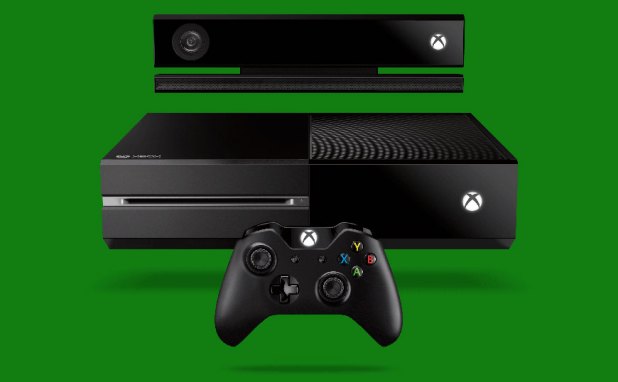
    Microsoft’s next-generation console is finally here, the Xbox One.

    The Xbox One is all black and features a two-tone finish with both matte and gloss in equal measure; a slot-loading Blu-ray optical drive sits out front on the left face, while a power button with the traditional incomplete circle symbol is emblazoned on the right side (which looks to be touch-based). A new Kinect was also unveiled, and it powers the console — “Xbox On” is being trumpeted as the most important feature.

    “Team Xbox is on a new mission,” Don Mattrick, president of the interactive entertainment business, said.”And that mission is focused on making this an entertainment console.”

    He said the goal is to build a system that lines up games, television and software and that the most important part is that it must be “simple, instant and complete.”

    “It is time for technology to step behind the curtain and you and your entertainment to take the stage,” Mattrick said. 

    Yusuf Medhi, senior vice president of Microsoft’s interactive entertainment business, unveiled how voice input can be used to control Xbox One. It will also respond to gesture controls. 

    “Xbox On” turns on the hardware to power up an instant-on system with a new Home dashboard that is near-identical to Microsoft’s Windows 8 operating system.

    xbox one

    There’s instant switching from the Xbox One dashboard to live television (which seems to confirm that HDMI-in rumor). People using Skype on Xbox One will be able to do group chats now.

    Mark Whitten, corporate vice president of Xbox LIVE, said the console can detect your heartbeat when you are exercising, using the Kinect sensor.

    Screen_Shot_2013-05-21_at_1.10.33_PM

    The Xbox One’s controller was created with game players, Whitten said. It will have improved ergonomics and a new d-pad. “This is your controller,” he said. The triggers now have a built-in rumble system, which Microsoft’s calling “Impulse Triggers,” and there’s now also a redesigned D-pad. The battery compartment, meanwhile, is much smaller than the previous version.

    Whitten said the Xbox One will use more power than the entire world did in 1999.

    EA said that it is developing four games for Xbox One: FIFA, Madden NFL, NBA Live, and UFC, which will release within the next 12 months.

    EA Sports Ignite has been unveiled: “to blur the line between real and virtual.” It will utilize the Xbox One’s exclusive updates for enhanced game play.

    “Sports are as much about your head as your feet or your hands,” Microsoft said.

    Forza Motorsport 5 announced for Xbox One and will be available at launch. Microsoft Studios plans to launch 15 new games in the first year of Xbox One, including 8 brand new franchises.

    More developing…

  • HTC One Review

    HTC One Review

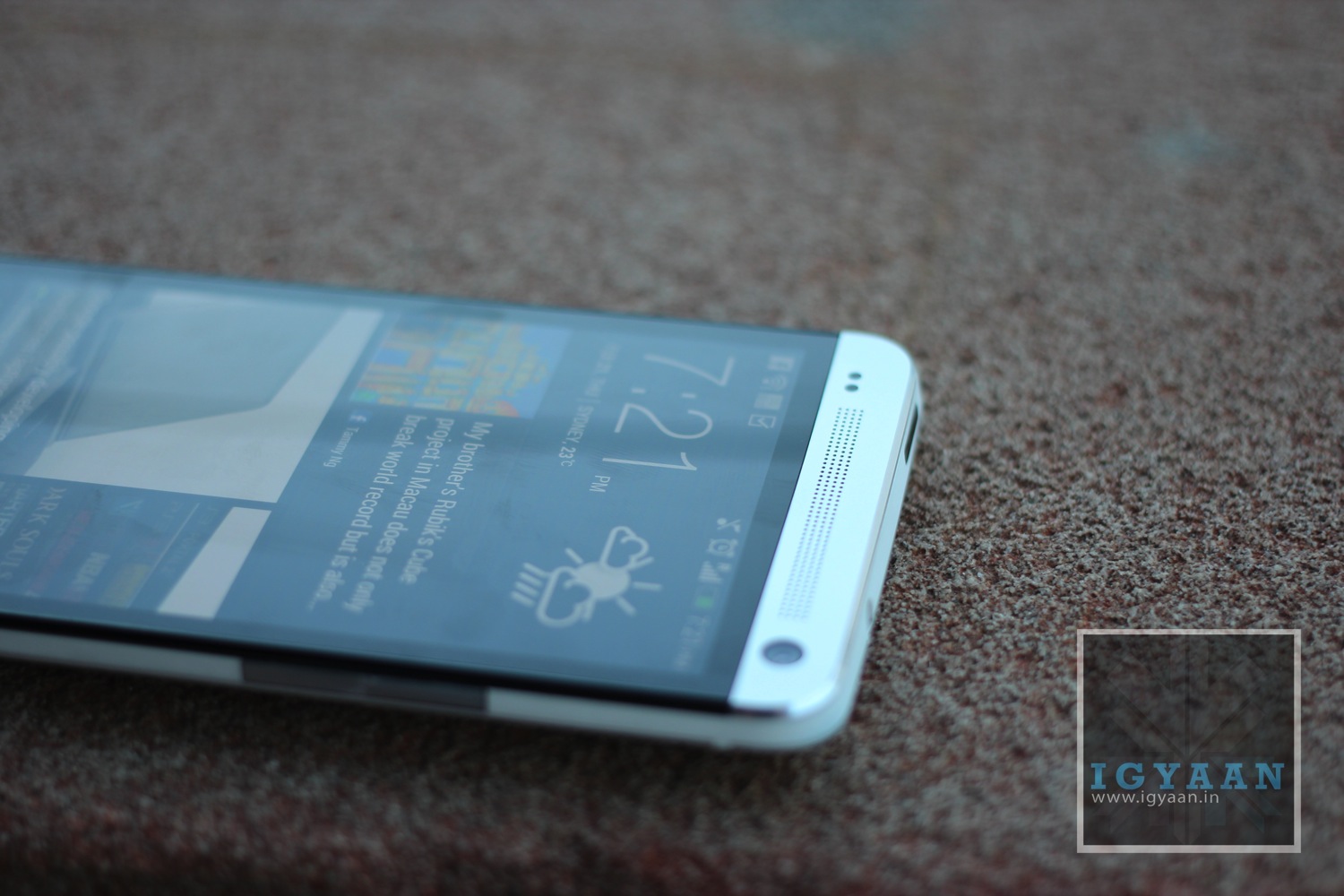
    HTC has been flirting with Android phones from the beginning of the Ecosystem, But they only recently picked up pace thanks to the HTC One Series. The new HTC One, also referred to as the M7 is a beginning of a whole new design philosophy for the company. Does the HTC One feature all that is required to be the king of the robotic Jungle? Lets Find out.

    HTC One Hands On iGyaan 37

    Build Quality and Design

    [pullquote_left]Ecstatic Expression on your Face![/pullquote_left]From the moment you handle the HTC One for the first time, you get this ecstatic expression on your face, you are wow’d by the design and simply amazed by the display. A shiver passes through your hands as you feel the Unibody design fit inside you hand almost perfectly as if it was designed for it. 

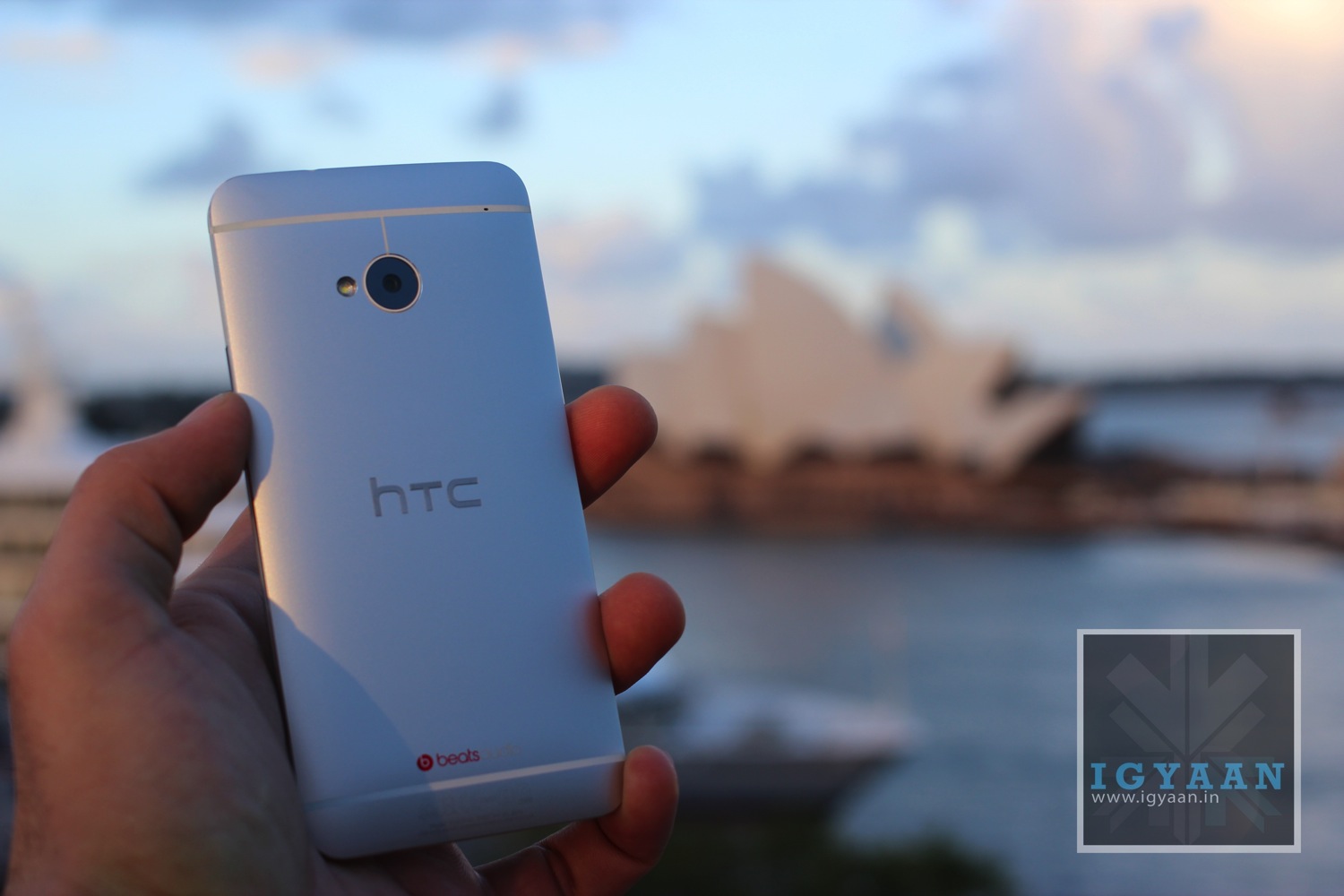
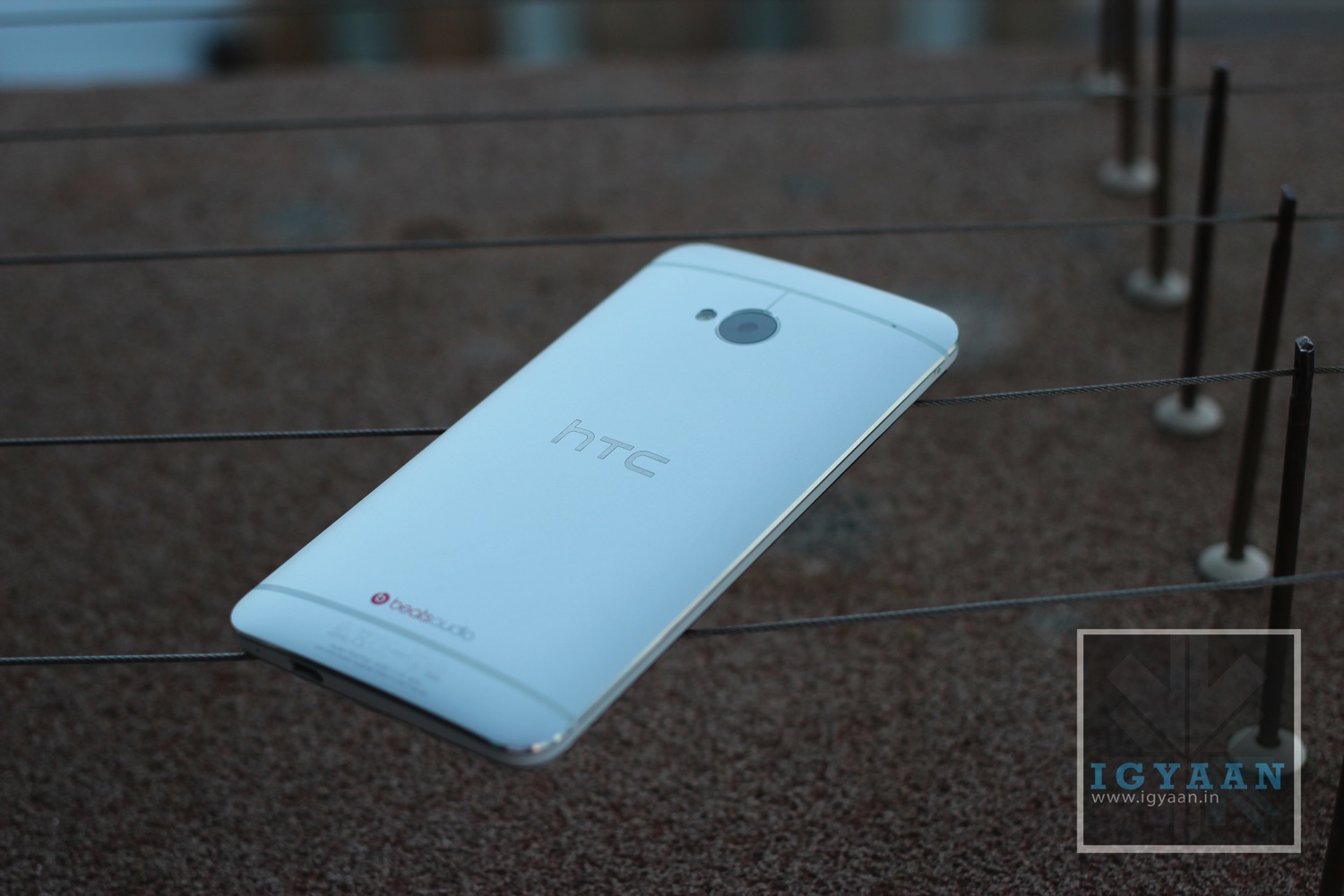
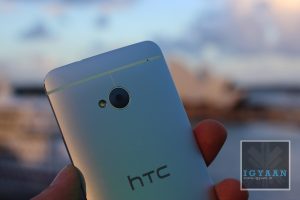
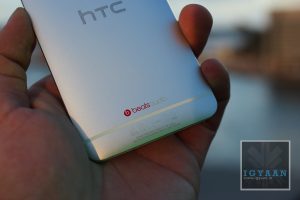
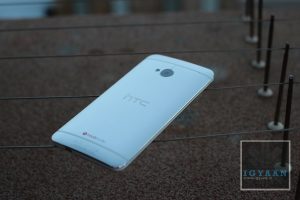
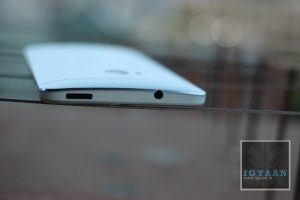
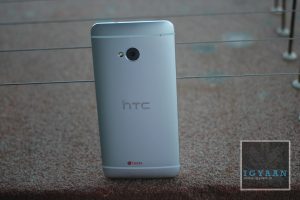
    The HTC One is cast from a single shell unibody Aluminum block, that curves at the back but is flat in the front. The two network bands that run across the back add network strength and aesthetic value to the complete mixture. Also embedded in the back is a subtle HTC logo. 

    htc

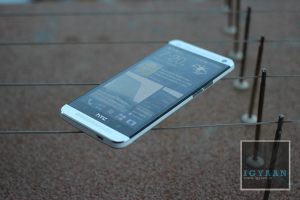
    The build, although very tough and robust, feels very damage friendly. The front has Gorilla Glass 2 , but does not have a lay on the table design, in other words if you lay the phone on the screen, the glass will touch the surface that you lay the phone on. The phone seems so metallic in-fact, that every time you hold it, you worry about it getting dented, if you nick it against a door or a table edge. The fear quickly goes away as you start to use the phone and realize how tough, and scratch resistant the back of the phone is.

    The Design strategy infuses the technology they learnt in making the HTC Windows Phone 8 and a mix of their research and experience with metals in the past with their Desire series. The HTC One is a perfect balance, of build quality, design, aesthetic and that wonderful Awe factor it causes in you everytime you pick it up. 

    [youtube id=”2jGmZcdFxi0″ width=”100%” height=”300px”]

    Hardware

    [pullquote_left]right fuse of external and internal[/pullquote_left]HTC has packed the HTC One with just the right amount of specs. Even when a product can never be ahead of technology, the HTC One is a right fuse of external and internal technology. Powered by a 2300 mAh non – replaceable battery, the HTC One carries a Qualcomm Snapdragon 600 Chipset with a wonderfully snappy QuadCore 1.7 GHz CPU. The Graphics are provided by a Adreno 320 GP which remains superior in terms of Mobile Graphics rendering. This intense capability is supported by 2GB of RAM and 32 or 64 GB of storage. 

    HTC One Hands On iGyaan 40

    The Back features an Ultrapixel Camera which has a larger pixel size, making it sufficient at just 4 MP, and the front features a 2.1 MP snapper, both capture full HD video. The main camera is also assisted by an LED flash. 

    The Gorgeous front features a 4.7 inch 1920 x 1080p IPS LCD 3 display with an intense 469 ppi making is one of the highest pixel density phones in the market. 

    UltraPixel Camera on the HTC ONE

    Ultrapixel is a word that does not exist in the dictionary, or at least that was the case before the HTC One. The camera comprises of a larger sensor and a larger size of the pixels that combine together to form the sensor. The camera combined with the software on the inside of the HTC One the is able to capture extremely high detail in an image. The large sensor and pixel size also opens up the sensor to low light subjects, allowing for better image quality in dim lighting conditions. 

    [youtube id=”oUWbQhewqbM” width=”100%” height=”300px”]

    The images come out extremely sharp to about a 8×12 inch size, post which you will see degradation of the images. 

    We found that the Video Captured by the HTC One is wonderfully vivid and captured without any stutter, rolling shutter was at a minimum and almost no aliasing was seen in the video. The Autofocus keeps jumping in and out during video especially if you are close to your subject, this can be painfully bothersome while recording or even while playing back. This is however fixed by turning off Continuos AF during video capture at the cost of loss of focus. 

    The HTC Zoe feature within the camera is a wonderful add on, not only does it create beautiful timelines and videos demonstrating your photo groups it also allows you to modify pictures, remove photo bombers, and a lot more. This truly enables a social sharer to stay on top of his game adding just a right amount of usefulness. 

    We did a comparison of the cameras of the top smartphones, and HTC One performed excellently well in low light and landscape capture.

     [youtube id=”HfYr69uVZPk” width=”100%” height=”300px”]
     

    BlinkFeed and HTC Sense

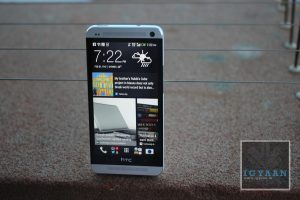
    Here is where we begin to applaud HTC again, whether the BlinkFeed UI is useful or not, HTC with their new ONE has attempted to totally change the norm. While most companies just upgrade the UI, HTC revamps it time and again. They changed it with Sense 4.0 and now they changed it again with the new BlinkFeed on Sense 5.0.

    HTC One Hands On iGyaan 33

    [pullquote_right]practicality and ingenuity[/pullquote_right]A lot of previous owners will complain at the removal of features of the past HTC Sense UI. But, the new experience is a great mix of practicality and ingenuity. Blinkfeed on the HTC One is nothing more than an aggregator, it collects your favorite news streams, your Social Networks and even your connections to display them in a beautiful, seamless,  Flipboard-esque interface which will also remind you of the Windows Phone UI. 

    The information is clean and laid out quickly and beautifully, almost making you go back to it again and again. The other features of HTC Sense are also found in the UI, the Music App, Car Mode, Flashlight App, big chunky widgets and the oh so famous Weather / Flip clock widget are all there. 

    The HTC TV app is not currently available in India, and currently cannot be manually configured. The Power button does have an IR blaster inbuilt so it does function as a remote, but the functionality will be added at a later time. You should possibly be able download 3rd party apps to enable this feature soon.

    [youtube id=”a-qLHE_6xfQ” width=”100%” height=”300px”]
     

    Display and Multimedia

    The HTC One has a gorgeous 1920 x 1080p display, and honestly it looks absolutely stunning, even outdoors. The LCD3 technology with an IPS panel and extremely high pixel density set it apart for the mix. The Screen floats right on top with the touch panel, thanks to the fused display technology borrowed from LG, touching the HTC One feels like touching the elements of the display. 

    HTC One Hands On iGyaan 51

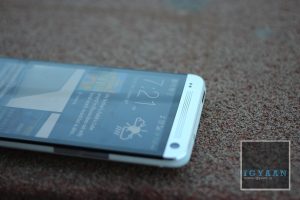
    [pullquote_right]eliminates muffling[/pullquote_right]Watching Videos, playing games and other forms of media is fantastic thanks to HTC BoomSound, a wonderful thought of putting the Stereo Speakers in a forward facing manner, makes the audio extremely accurate and clear. It also eliminates muffling due to accidental finger touches and is easily heard especially while playing games. 

    The HTC One also contains a FM radio which does require a headset to be connected for reception. Audio from the included earphones is absolutely great and in the history of in box earphones, these have to be one of the better ones if not the best. Beats audio is available throughout the array of hardware that you can connect to the Smartphone. 


    Performance and Battery

    The HTC One came out on top in terms of performance tests. The hardware is quite capable of handling all the tasks that you can throw at it with wonderful accuracy and flair. The chipset can handle, multitasking, heavy gaming and performance tasks with ease and still have power to calculate under formulas. 

    Benchmarks for the early developer build beat all scores of the market at the time. For reference the latest build of the HTC One scores a fantastic 12030 on Quadrant, without tweaks of any kind. 

    The phone does heat up a lot with extended use, which is normal for any smartphone, but the extended use of metals is what makes it uncomfortable to hold or even pocket.

    [youtube id=”wijp79uCwFg” width=”100%” height=”300px”]
    Battery on the HTC One is wonderfully managed by the interface, when not in use (aka; standby) the phone barely drains at all unlike other Android devices, the Blinkfeed can be configured to refresh manually to even improve battery life a tad bit more. Often times we found battery life to be good enough to go on into day two. 

    [tabgroup]

    [tab title=”Battery Life with 3G ON” icon=”icon-headphones”]Talk time : 5 Hours
    Standby : 48 Hours
    Gaming : 3.5 Hours 
    Online : 6 hours
    Music 8 hours[/tab]

    [tab title=”Battery Life with 3G OFF” icon=”icon-headphones”]Talk time : 6 Hours
    Standby : 54 Hours
    Gaming : 3.5 Hours 
    Online : 6 hours (wifi)
    Music 8.5 hours[/tab]

    [/tabgroup]

    Phone and Networks

    HTC has always been able to handle networks and phone capabilities in their devices, same is the case for the HTC One. The networks remained strong throughout and audio whether incoming or outgoing was crisp as ever. In our days of testing the phone, we had but only a few dropped calls, which can easily be blamed on the lack of network coverage. 

    HTC has kept it usual features for phone capabilities, loud ringer in the pocket, flip to mute etc are all included making handling of phone calls an easy recipe. 

    Conclusion

    The HTC One is not a perfect smartphone, no smartphone is. But the HTC One, comes as close as it can to delivering a perfect balance between many elements that make up todays smartphone. It is a flagship so it is priced high, but with that price it brings about a sense of achievement, a sense of ownership and pride. A mixed bag of feelings and emotions emerge when you hold and use the HTC One for the first time. Most people cannot stop themselves from passing a smile when they first handle this behemoth of a device. A great phone, a wonderful crisp display enabling a joyful multimedia device and a performance warehouse of the tech junkie. Sure it lacks a lot of software patches and gimmicks, but in entirety of usage it lacks almost nothing.


    Full Review Video

    [youtube id=”1qN9lIzd0_0″ width=”100%” height=”300px”]
    Images

  • We are Hiring ! Work at India’s most famous Technology Website

    We are Hiring ! Work at India’s most famous Technology Website

    Yep, iGyaan is hiring and we are looking for a crack whip team. We have lots of positions open and are looking for the Best of the best of the best. If you think you got what it takes check out available jobs below and Apply Here : Work at iGyaan

    Positions open 

    1. Full Time News Coverage (Positions open : 4): Work at the iGyaan office where all the magic happens, and cover the latest in tech trends, play with all the exciting equipment and latest gear. People with great english, and communications skills, a flair for writing and preferably with past experience of the same. Since we will be 24×7 soon, we need a few night owls 


    2. Full Time Review Writer: (Positions Open : 2) : If you have worked with tech before, then we want you to work with us. Experience with reviews is a must, appropriate knowledge and a good sense of humor comes together. Needless to say Written and spoken english needs to be perfect for written and video reviews.


    3. Remote Coverage (Positions Open : 3) : A lot of people write to us wanting a job, well here is your chance. If you cant come into the office, then we can have you write from home. The work is still the same, News coverage and original articles. Again needless to say, proficiency in english and a flair for writing is a must.


    4. Video Editors (Position Open :1) : If you can chop and skew footage like nobody else, we are looking for you. Mention your background and softwares worked on. This is an in-office position since videos need to be edited. Need to be in Delhi and good at what you do, You can get advanced training, and will learn more and more everyday.


    5. Social Media Handler (Position Open 1) :  In Office or remote, You need to be good with handling Social accounts. Skills needed are proficiency in english, conversational ability, humility and a keen sense of marketing. Facebook, Twitter and Youtube management experience is a boon.


    6. Operations Manager  (Position Open 1) : The title speaks for itself, Office management will include HR activities and Marketing related experience. Client meetings and presentation skills are required. Good Spoken english and conversational capabilities are a boon. In Office Full Time position.


    Click Here to Apply : iGyaan.in | Work at iGyaan ! – iGyaan.in 

  • Micromax A115 Canvas 3D Review

    Micromax A115 Canvas 3D Review

    Micromax has recently taken the budget smart phone market with their Canvas Series in India. The Micromax A115 Canvas 3D is another addition to the lineup. Cheaper than the Canvas 2 at launch, the Canvas 3D adds a 3D Stereoscopic Display into the mix. Lets see how it fares out in our full review.

    Display in 2D mode
    Display in 2D mode

    Build Quality and Design

    The Canvas series of phones including the Canvas 2 and Canvas HD are nicely built phones from Micromax. The Micromax A115 Canvas 3D takes it one step ahead. The back of the device is now coated with a soft touch material that makes the phone seem more robust and easy to handle. While the whole chassis is made of plastic it is able to withstand a couple of drops and high intensity jerks. 

    In terms of design the Micromax A115 Canvas 3D will be easily spotted from a distance, the unique build and design will also set it apart for those who want slightly premium looking phones. The ID of the phone resembles more HTC devices vs their previous obsession with Samsung Design. The phone does not appear to be the strongest phone at this time or even price, however it is well-built , looks and feels good in the hand. 

    [youtube id=”sJhvi6qdRhM” width=”100%” height=”300px”]
    Hardware

    The insides are laden with the previous-gen Mediatek 6577 chipset, which in terms of performance lacks behind, in comparison to many of the other devices available at a slightly higher price. Inbuilt storage remains at 4 GB, but the minute you insert a micro SD card the internal storage combines with the card enabling up to 34GB of capacity (32GB card + 2GB onboard). The RAM on the Canvas 3D is lower than required at 512 MB and you will see the grunt of it during gaming and application usage. 

    The Micromax A115 Canvas 3D’s name comes from the 5 inch 480 x 800 px Glasses-Free Stereoscopic 3D display, which turns on in certain applications including the 3D YouTube videos, certain apps from the 3D HUB and Picture preview. The camera is a 5 MP camera that combines two individually clicked images to make a 3D image, unlike other 3D phones which have dual sensors. 

    The power source is a 2000 mAh battery pack and is capable enough, read the battery section below. 

    3D Mode
    3D Mode

    Micromax A115 Canvas 3D and its Use

    [pullquote_left]Economies of Scale vs Economies of Fail[/pullquote_left] So, a 3D display in a budget phone, what does that mean? Essentially, there are only two ways a technology becomes cheaper. One; if a tech has reached its saturation point, and enough development and numbers produced to make the process work for it, to make it cheaper (Economies of Scale). Two; if the technology was not successful to begin with and the stocks and design frameworks liquidate (Economies of Fail?). Well, Glasses Free 3D on mobile phone may as well be a part of the latter, while many companies including LG and HTC tried to make Glasses Free 3D phones. They were just not appreciated by the world, and eventually that technology thrown out. Nintendo used the Glasses Free 3D on their portable gaming console and that just did wonderfully well. The fact remains that the 3D technology is still at far from becoming mainstream, simply because it just does not look that good. 

    So thanks to the effect of expensive phones with this technology not being successful, the technology became cheaper, cheap enough to get fitted inside an under Rs. 10,000 phone for users to enjoy 3D content. Unfortunately there is no ALL time 3D switch , or any form of 2D to 3D conversion engine. 

    The content on 3D is also decent enough and enjoyed once in a while, and not all the time. So at the end it only plays to the fact that you have 3D in your phone, but you will not use it a lot. 

    Camera and Multimedia

    The camera on the Micromax A115 Canvas 3D is a Fixed Focus 5 MP camera, that has a software ability to capture 3D images. Unlike standard 3D cameras which have two lenses, the Lens on the Micromax Canvas 3D utilizes time shift and user movement to capture a 3D image. The images are half decent and truly may not pass off as 3D images, unless the user is professionally focusing on the angle and the distance of the shot from the first click. Video shot is also poor quality, and is not shot in 3D mode. You do not have auto focus or tap to focus what so ever, the phone does recalibrate white balance and ISO for every picture taken.

    Multimedia performance is good, you can enjoy 3D content on the Micromax Canvas 3D without the need of glasses. The viewing angles improve once in 2D mode, but are not great in 3D mode. The Micromax A115 Canvas 3D also has good sounding audio from the main speaker as well as through headphones.

    [youtube id=”It_A9ayPcdM” width=”100%” height=”300px”]
    Performance, Gaming and UI

    Basic UI navigation within the interface was fast and fluid, we did face a bit of lag and it seemed that the phone held back when it came to performance. While the Canvas 2 did really well for Micromax, the Canvas 3D has the same performance only reduced by the 3D display’s punch of the graphics card.

    In the case of the Micromax A115 Canvas 3D, almost all games are downloadable and installable thanks to the storage on memory card option. But, even though the phone can download, install and run almost all games, only basic games will work perfectly on this phone. The Canvas 3D does not have the capability of performing in games like NOVA 3 and Modern Combat 4, simply because of the lack of power under the hood. See out Gaming Video below. 

    The UI remains mostly vanilla, with only the addition of basic things like quick toggles in the notification panel, and custom apps and icons. Every other UI element looks and performs vanilla with the Android 4.1.2 Jelly Bean OS, which comes as stock on the Micromax A115 Canvas 3D. 

    [youtube id=”EryyoYQFLRs” width=”100%” height=”300px”]
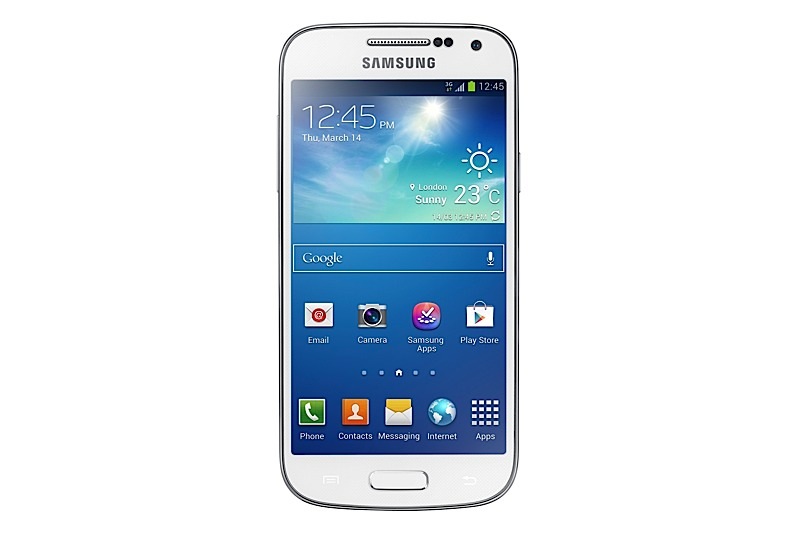
    Phone and Networks

    Phone call quality remained good throughout, with little or no dropped calls keeping the network strength in the high range. While the microphone and earpiece are great to use the Speakerphone is not as loud as some would expect.

    Switching b/w Sim cards maybe still a problem, since both SIM slots don’t support 3G outright, only one fixed slot will run 3G at a time, creating issues in low or no network areas for that sim. You will get stuck on 2G or no data network on both sim cards.

    Battery life

    The Micromax A115 Canvas 3D has varied battery life as we demonstrate below, in normal usage the phone lasted a good 5-6 hours on talk time, add any online access etc., the battery life for talk time drops to just 3 hours. 

    [tabgroup]

    [tab title=”Battery Life with 3G ON” icon=”icon-headphones”]Talk time : 5 Hours
    Standby : 48 Hours
    Gaming : 2-3
    Online : 5 hours
    Music 7 hours[/tab]
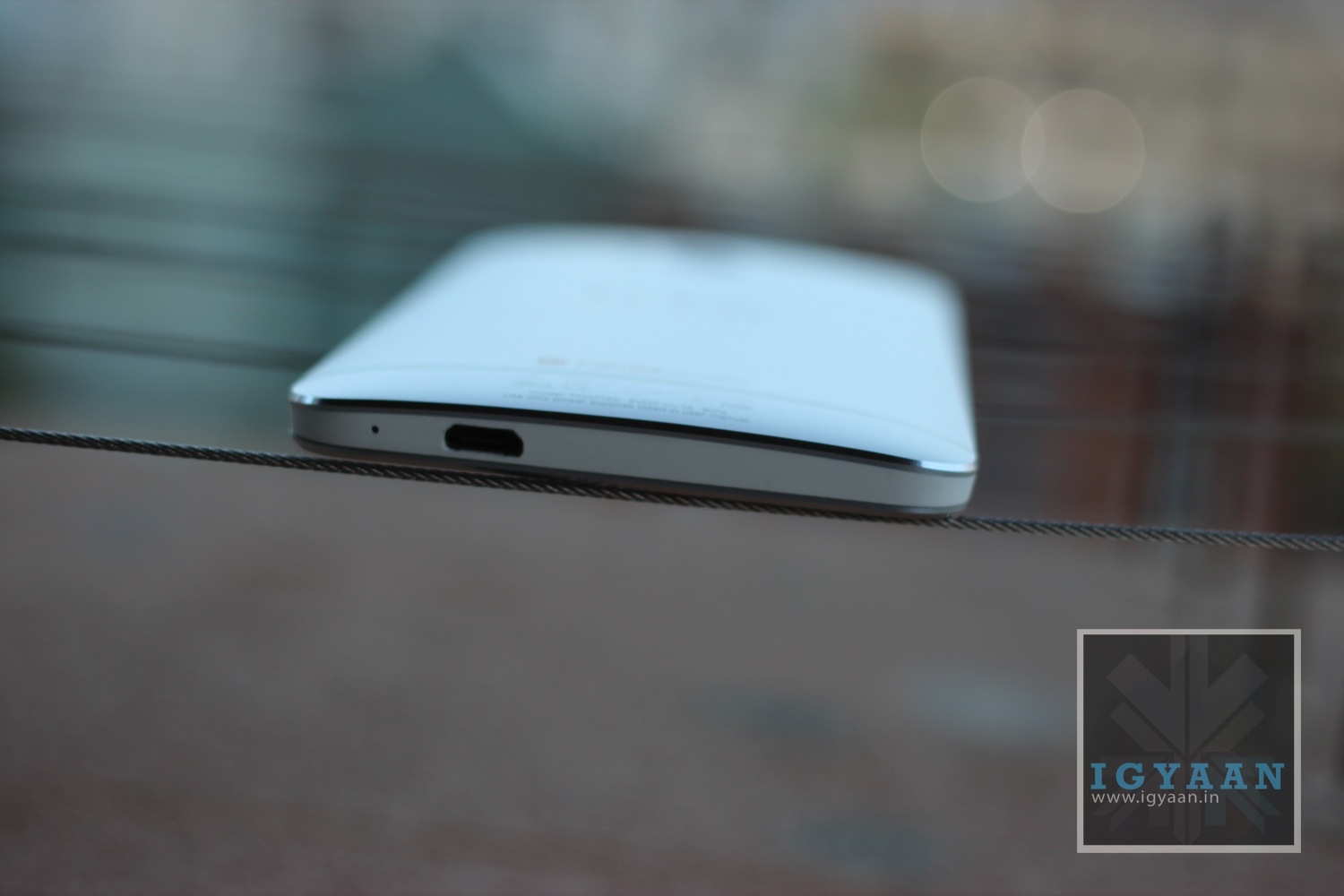
    [tab title=”Battery Life with 3G OFF” icon=”icon-headphones”]Talk time : 6 Hours
    Standby : 54 Hours
    Gaming : 3
    Online : 5 hours
    Music 7 hours[/tab]

    [/tabgroup]

    Conclusion

    While The Micromax Canvas 3D brings to the market which no other company is offering in the price bracket, one truly needs to understand the give and take for it. Does one really need the 3D feature? why not. If you are getting the same performance like other products in the price bracket and yet you get additional features, why would you refuse. For the sake of the argument, the A115 is as good as the A110 but with 3D powers.

    If you want performance and gaming capabilities, you should seriously reconsider your price bracket, No, you cannot get a Samsung Galaxy S4 replacement in Rs. 10,000 not yet anyway.

    More than anything the Micromax A115 Canvas 3D gives you yet another option in this wide array of phones in the market. If you were considering the A110 the A115 is another option to consider. In Our opinion Micromax has held back on their hardware capabilities and should have used the newer Mediatek Chipset instead of the outdated underpowered MTK 6577.

    Full Review Video

    (upcoming)

    Images

  • Micromax A115 Canvas 3D Gaming Video – iGyaan

    The Micromax Canvas 3D allows for games to be downloaded directly on the memory card , hence allowing a lot (more…)

iGyaan Network
Privacy Overview

This website uses cookies so that we can provide you with the best user experience possible. Cookie information is stored in your browser and performs functions such as recognising you when you return to our website and helping our team to understand which sections of the website you find most interesting and useful.