For the past few months, Windows 8.1 Release Preview users have been able to test drive the latest Internet Explorer – Internet Explorer 11. Now Windows 7 users are getting that same opportunity.
Microsoft announced today that the Internet Explorer 11 Release Preview is now available on Windows 7. Just like the Windows 8 version, IE11 will make extensive use of hardware acceleration. According to Microsoft, this new version is about 9% faster than IE10 and 5% faster than the developer preview. Microsoft also claims Internet Explorer 11 is 30% faster than any other browser.
Microsoft also has removed the prefixes from the Pointer Events API for HTML5. That means that the API will no longer an IE-specific flag to work in non-IE browsers. The API governs how the browser reacts to input from multiple “pointers,” including mouse, pen, and touch screens, which are of utmost importance to Microsoft now that most Windows 8 hardware ships with touch screens.
“This release also signals the final preview release before general availability of IE11 for Windows 7 later this fall,” said Roger Capriotti, Microsoft’s senior director of product marketing for Internet Explorer, in a statement.
No word yet on the final release, but given the timing, certainly by the end of the year, we’re guessing within 30 days of the general availability of Windows 8.1.
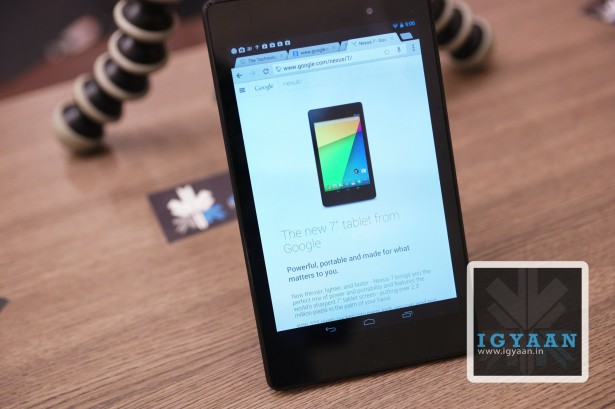
Last year the Google Nexus 7 became the best 7 inch tablet on Android, only because the best 10 inch tablet turned out to be the Nexus 10. This year the Nexus 7 is back in a sleeker and more refined format, only to tackle the title yet again. This is iGyaan’s review of the new Nexus 7.
Build Quality and Hardware
[pullquote_left]Slimmer, Taller, and Thinner[/pullquote_left]
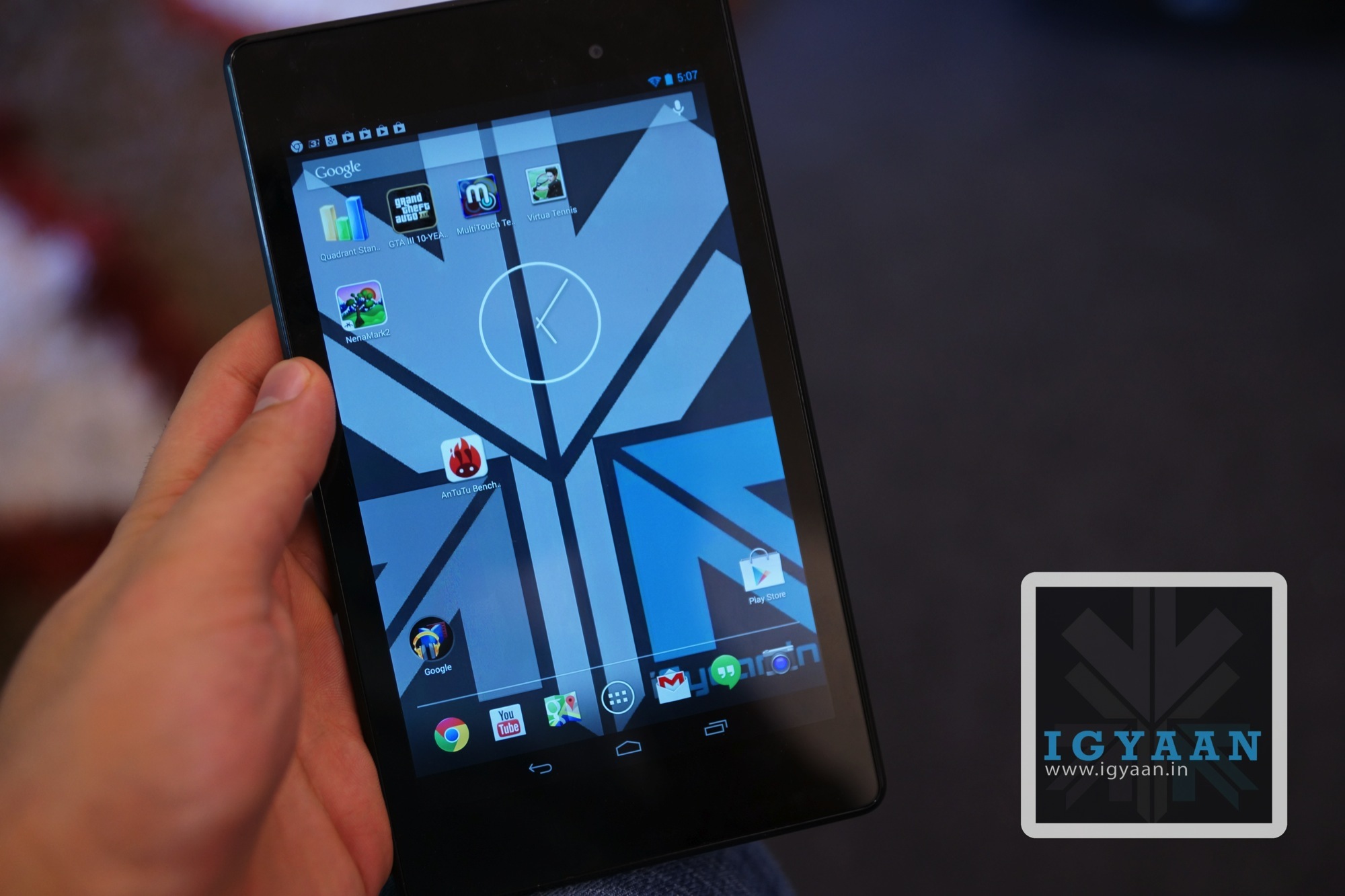
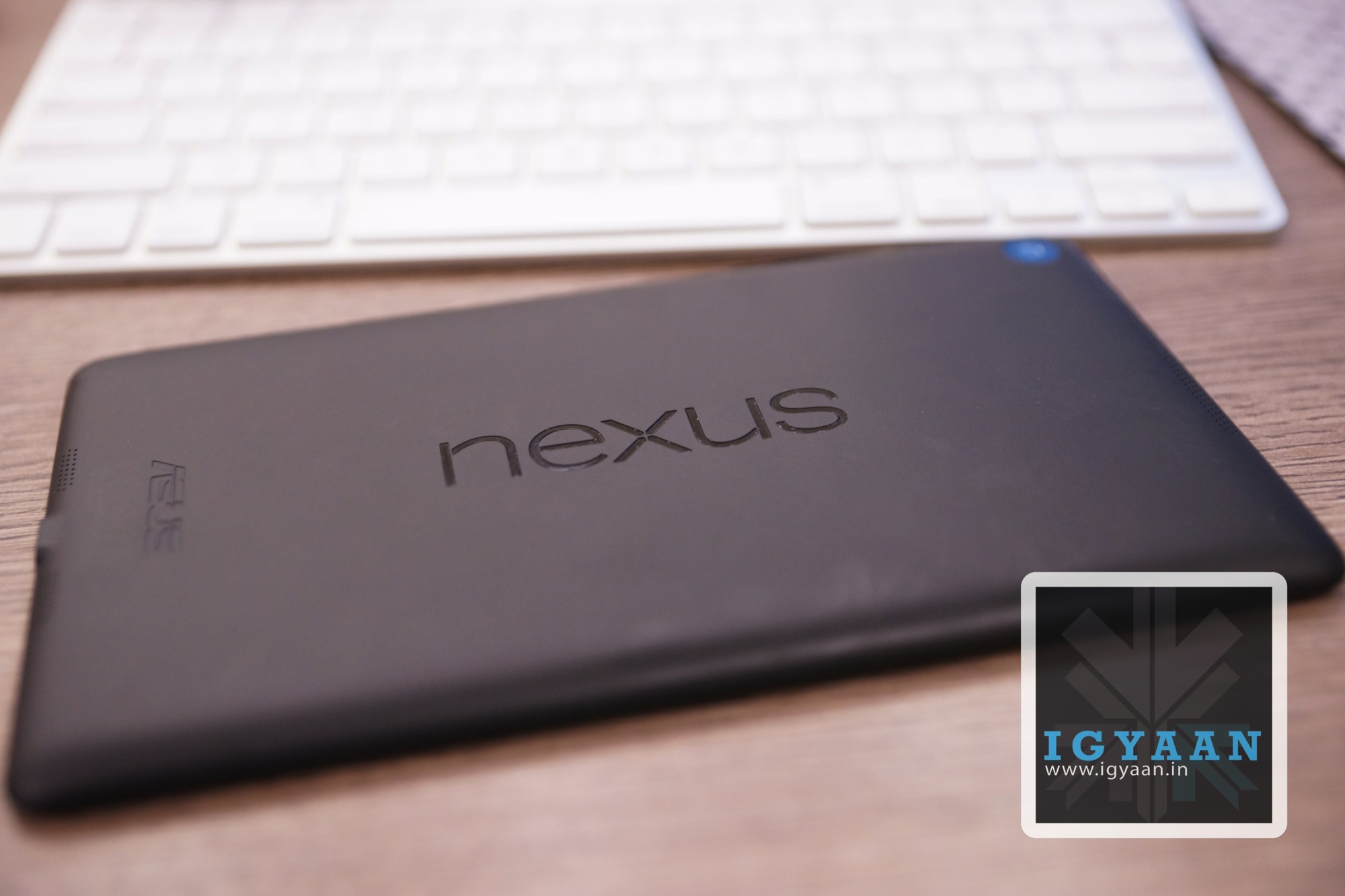
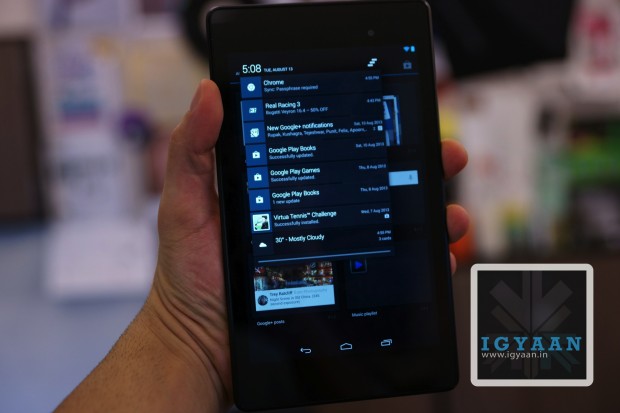
Setting the standards yet again the new Nexus 7 from Google offers the perfect mix of the right build and design you would expect from a tablet today. The back of the Nexus 7 loses the ribbed texture, only to be replaced with a plain soft touch back panel which not only is more comfortable to hold but also adds to the aesthetic. The new Nexus 7 2013 is slimmer, taller, and thinner than the first edition of the market breaking Android tablet.
The front of the new Nexus 7 2013 is laden with a Gorilla Glass display that stretches out to 7.02 inches and features a high resolution of 1920 x 1200 px, simply dwarfing any and every tablet in the market today when it comes to the display resolution. The overall pixel density of the display rests at 323 ppi and the Touchscreen will accept a 10 point touch input.
The Innards are comprised of a Quad core Qualcomm Snapdragon S4 Pro chipset with a 1.5 GHz Krait CPU and an impressive Adreno 320 GPU which is clocked at 400 MHz. The 3950 mAh battery provides the juice and the optics are defined by a 5 MP main shooter and a docile 1.2 MP forward facing peephole. All this is supported by fixed internal storage options of 16 GB and 32 GB along with 2 GB of RAM.
Display and Multimedia
Who says extra pixels are not good? On a larger screen the more pixels you can get the less they seem. The New Nexus 7 2013 finds this balance in the display size and pixel density nearing the retina stature for small handhelds. The display is gorgeous no matter what you do with it, movies, browsing and even gaming. The display delivers with vivid colors and excellent viewing angles.
The new Nexus 7 is a great content consumption device you will almost always enjoy picking up the tablet. The interface is instant in terms of response and the overall multimedia experience is just shy of what you could expect from a flagship tablet. The only real downside is the lack of enhanced audio, the inbuilt speakers, although stereo and well placed, simply are not enough.
Cameras
The new Nexus 7 2013 is US $ 20 more expensive than last years edition, most of which can be blamed on the additional 5 MP camera at the back of the tablet. The new camera may be an addition in price, but a lot of owners will accept is as a welcome addition and a valid additional expense.
The camera is no design and engineering marvel, with flat pictures and no real points of emphasis, it is just a camera on a tablet which may as well not have been there. Pictures from the main camera are prone to loss of focus and sometimes exposed inaccurately causing a severe problem in the overall feel when using the new Nexus 7.
Video capture is also average, with a lot of shake getting carried through to the 1080p footage.
Nexus Performance and Gaming
One of the biggest reasons the Nexus 7 came out on top last year was the fact that the tablet ran a completely vanilla Nexus rom with no customizations. Same is the case with newer edition Nexus 7 2013, the experience of pure Android makes performance of the device a notch better, the tablet a notch more responsive than any other custom Tablet UI including those from Samsung and Sony.
Gaming has been best defined in our video below. But, to elaborate a little more, the perfect size of the tablet, the light weigh and the hardware on the inside promises an unmatched gaming experience. You really will appreciate the Adreno 320 Graphics and the S4 chipset in action along with the ample 2 Gigs of RAM which make for an exciting gaming experience.
The new Nexus 7 2013 is more a tablet than its predecessor. Since a modern day tablet has to be portable, powerful, thin and light yet capable of long hours of use, the new Nexus 7 fits those criterion like a glove. The new Nexus 7 is a perfect balance, where on one hand it give you the portability you will need, on the other it offers up the performance you will demand. The tablet choses to look good while doing it as well.
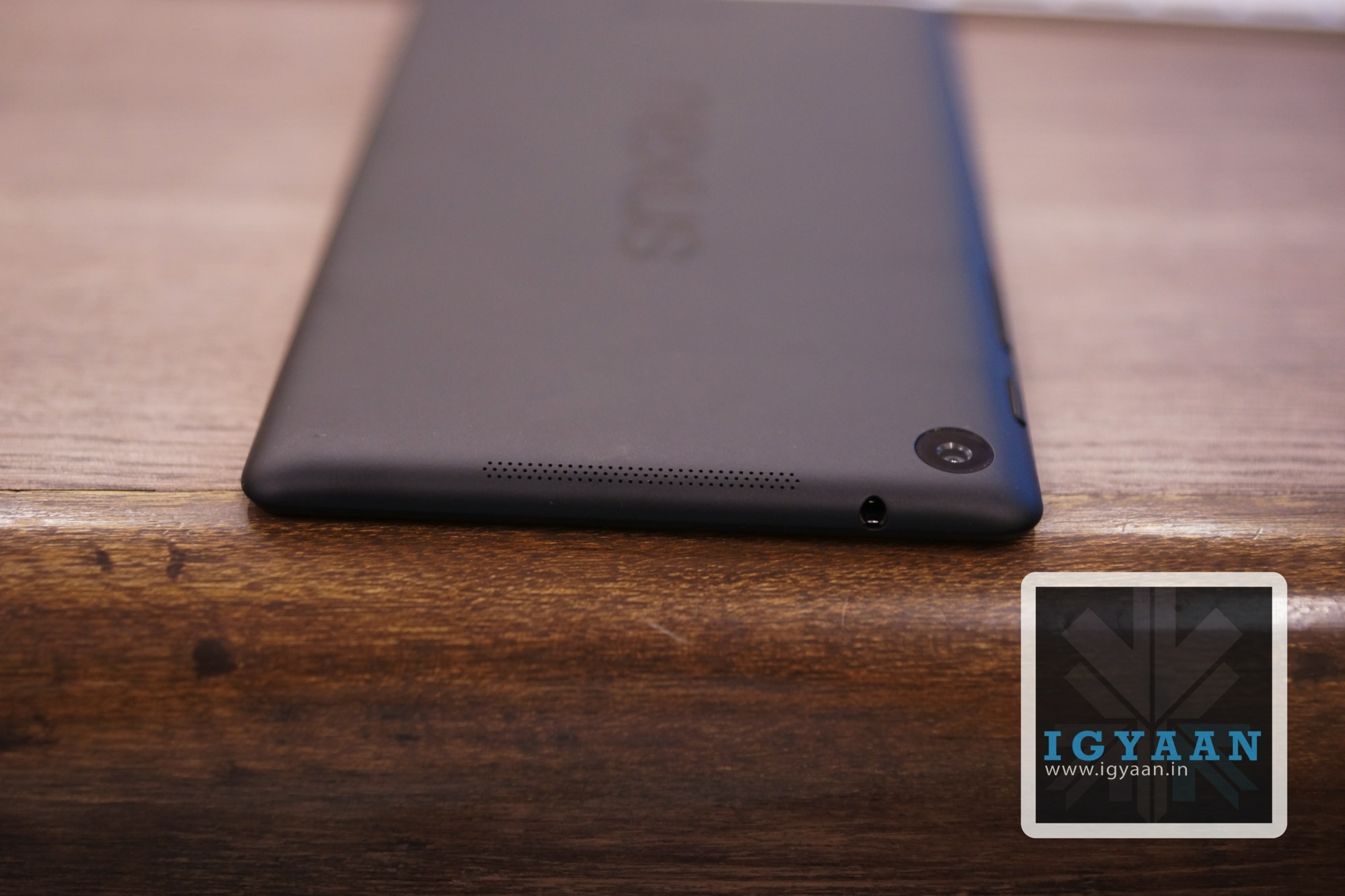
Charging port and Speaker
Buttons Layout
Analogue TV OUT
smooth UI
still pocketable
Conclusion
Since the lower strata of the market is crowded by tablets of the third edition, the slightly expensive Nexus 7 provides the ultimate satisfaction. But since no one is ever fully satisfied, the Nexus 7, just like the iPad, will never be a phone. Honestly, we don’t want it to be a phone, the 4G variant will offer up data on the go for those who need it. The new Nexus 7 has the highest resolution display, the best gaming performance, good looks and portable yet solid construction. Need we say more?
The new Nexus 7 gets tablet of the year 2013 (till September) from iGyaan.We expect the new Nexus 7 to launch in India soon, for pricing and more details click here.
Nokia has long lost the major chunk of the market it used to own, and it is not easy to come down from the 80% market share to a lowly 15%. Despite the continued efforts of the the Finnish manufacturer, the market seems to not want to adapt to their ecosystem anymore. Fortunately for Nokia, countries like India still exist and devices like the Nokia Asha 501 are the only Asha (ray of hope) the company may have at surviving their toughest time yet. Does the Nokia Asha 501 cut its place out in the market which is now dominated by cheap Chinese replicas.
Build Quality and Hardware
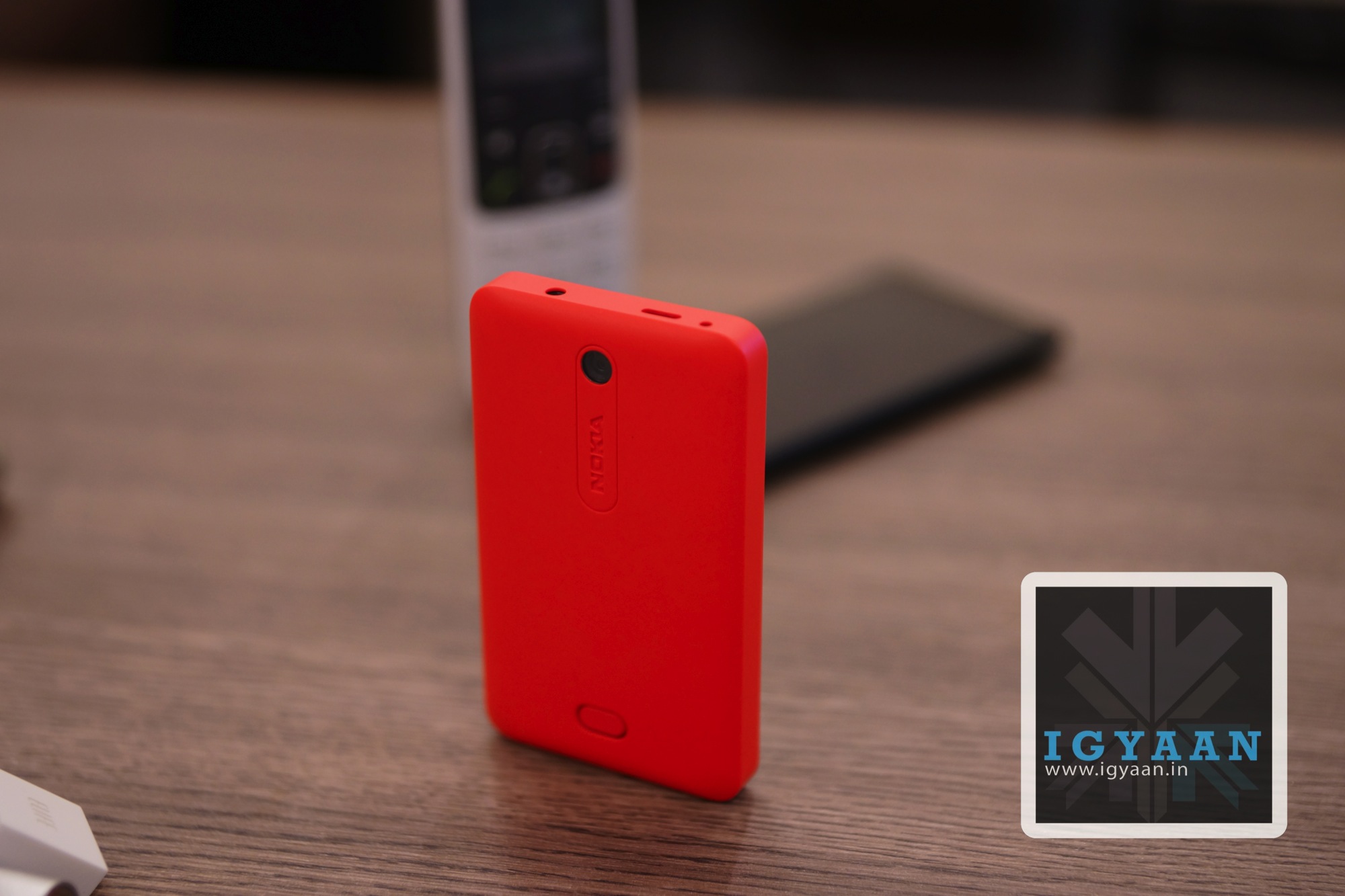
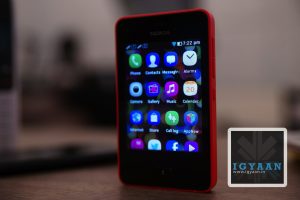
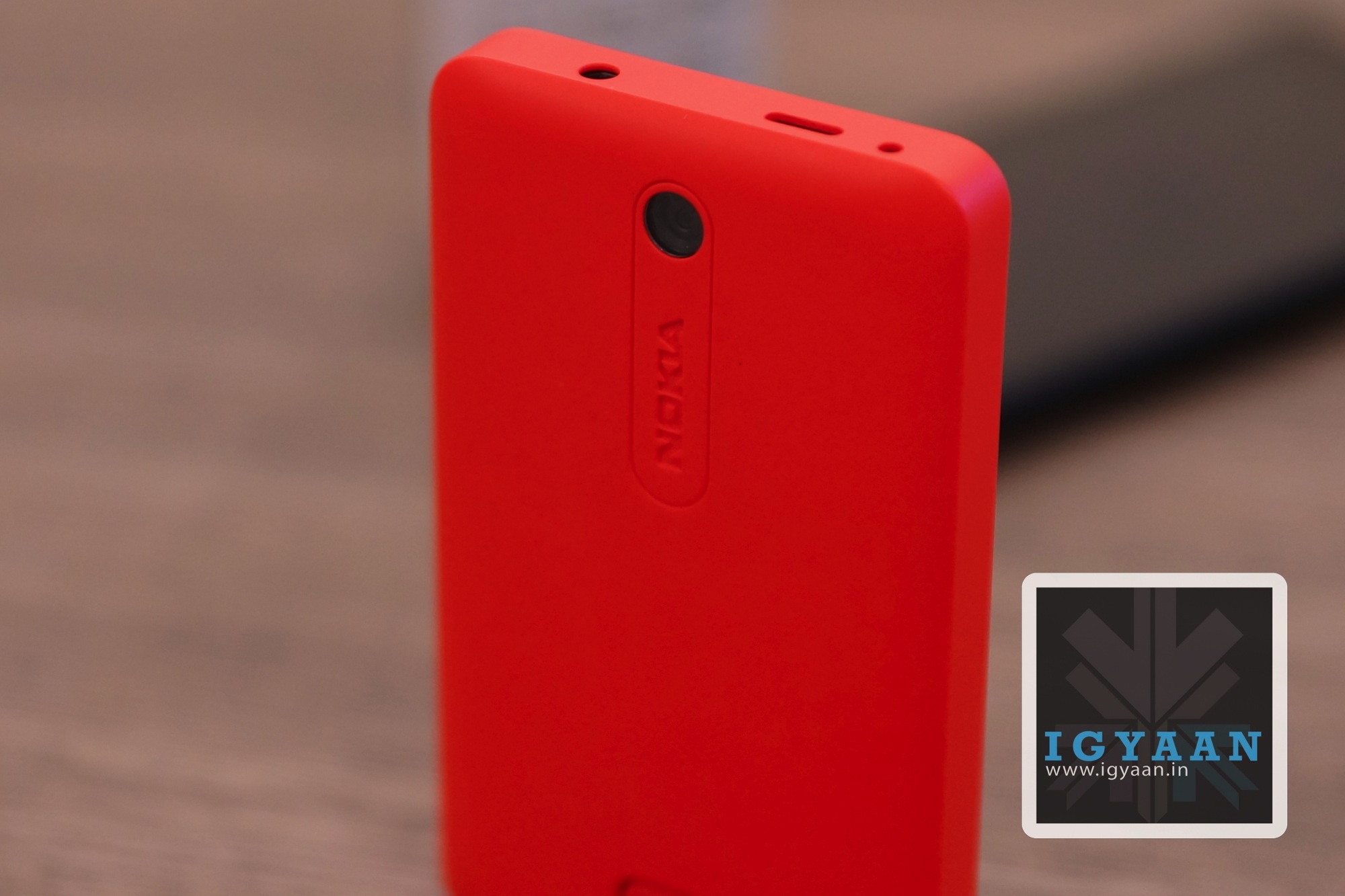
Impressive. That is the only word that comes to mind the minute you pick up the Nokia Asha 501, its almost nostalgic. Suddenly Nokia has been able to remind us why we have so many MEMEs about the Nokia 3310. Nokia has once again focused on making a sturdy and strong device, that will promise to last long through the battles of life. The Nokia Asha 501 also targets the youth with a array of beautiful color options including Cyan, Green, White, Black and the “Pinkenta” that we got (seriously !)
With its Unibody-esque ( the shell is openable) design and polycarbonate feel, which is actually plastic make this phone really robust. The quality of materials used has actually shown off in the end result and will be appreciated for a long time to come.
On the hardware front all is sketch, in an age where people want to know everything about the workings of their phone, the 3 pieces of relevant information here are : 3 inch screen, 1200 mAh battery and 3 MP camera. All of which are in the 3 negatives; below par, below standard and below competition.
Software and UI
Nokia has done something fascinating with the new “ASHA” UI, which makes is a lot more appealing. The number of interactions required by a user before execution have been considerably reduced with the new Nokia Asha 501.
The new ASHA interface truly is a rebuild of S40 which is a rebuild of Symbian which means you have JAVA on this phone. Which means that you should not expect an experience close to any Smartphone that you have ever seen, in fact despite Nokia’s huge software attempt, the UI is slow, boring and sort of dated.
Coming down from an Android, best of luck transferring contacts! Despite the series of softwares available, its still not done automatically via Gmail.
Sure you get Nokia Music and Express Browser that do work well and the music service is truly worth the value. You also get FM radio, but you still need a headset ( incidentally the one in the box is color coded to the color of the handset).
Phone and Battery Life
The Dual Sim Nokia Asha 501, is one hell of a phone, and that is what it is. The modern marvel of Nokia build engineering and possible Meme star (part deux) has immaculate network reception along with impressive voice handling and transmission. No network lag during travel and little or no disturbance through usage. In todays low/no network enviorment, the phone works as great indoors as it does outdoors.
The battery life is another gem in the treasure chest, over 12 hours of talk time on our test, with endless standby. The company claimed 17 hours of talk time and over 600 hours of standby actually seem possible with time.
Camera and Multimedia
Dont think this phone is limited in terms of features, you get a pretty impressive browser that actually impressed us with the promptness with which is handled many websites including iGyaan. The video playback from Youtube over Wifi is smooth and lag free and the speaker is pretty loud.
The 3 MP camera is a feature that you get but may never use, the images are poor and composed without a pop of color, are flat and underexposed. Low light conditions will remind you of the days of 3310 indeed, where a no camera is better than any camera at all.
Conclusion
The Nokia Asha 501 is not supposed to be a Smart Phone, even though the company may be leading the world to believe so. The Asha 501 is a fantastic phone, built with an impressive quality and attention to detail, and a battery life that puts the big dogs to shame the market over. Unfortunately Nokia fails to communicate this to potential buyers, when its trying to show off features like music playback and Facebook access, which truly are not the highlights of this phone.
The Nokia Asha 501 is a fantastic second phone, I’d buy one just because its that good a phone, which that good battery life, but that is all there is to it. Several options in the Rs. 5000 price bracket offer Smartphone-features especially if the phone is loaded with Android. We have listed a few options below.
The iBerry Auxus Nuclea N1 was announced recently and promised a lot of fanfare, the device brings a lot more to the table than is expected from devices this value, but does it stand a chance? Lets Find Out in our Review of the iBerry Auxus Nuclea N1.
Build Quality and Hardware
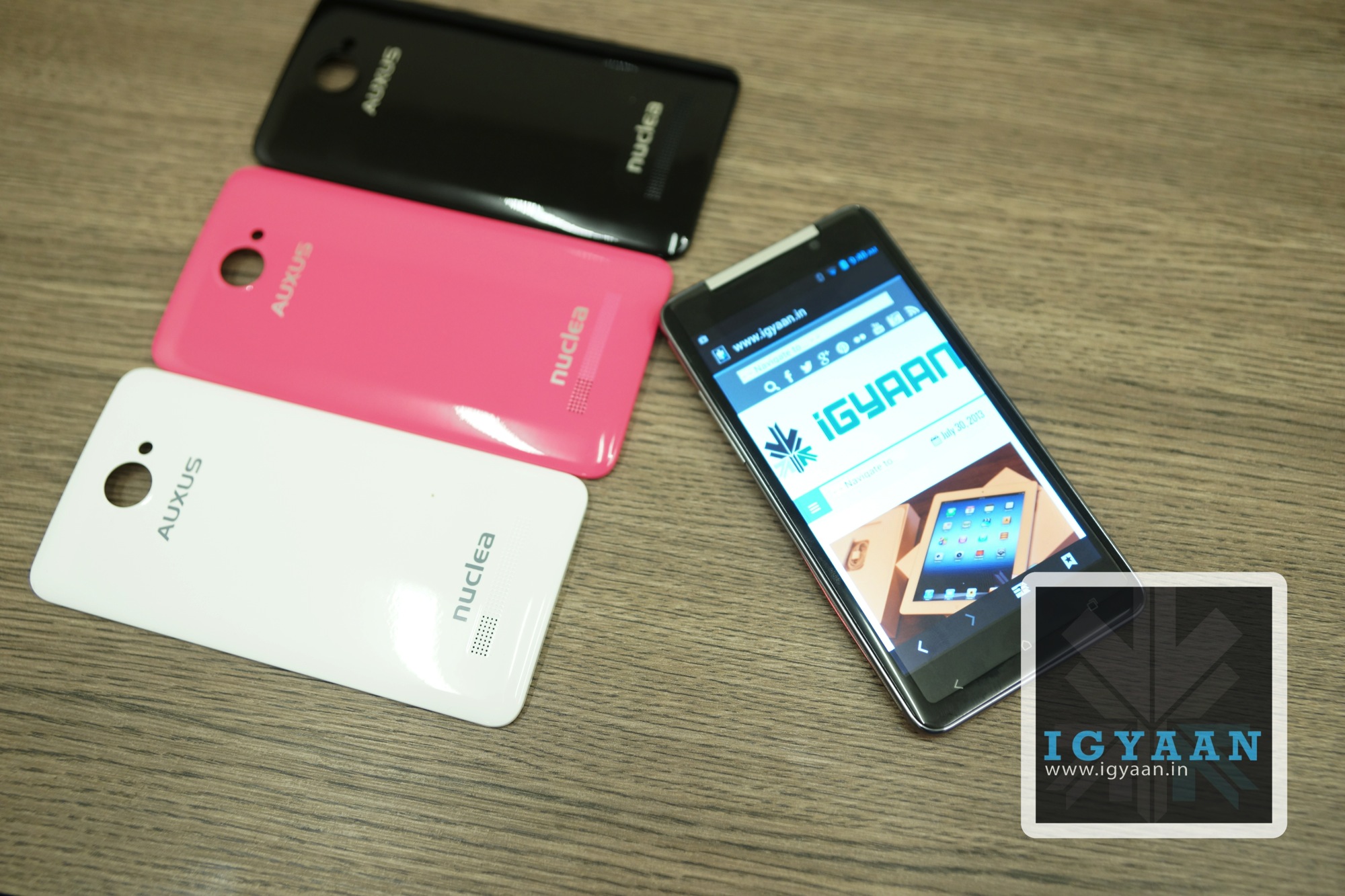
The iBerry Auxus Nuclea N1 resembles the HTC Butterfly, a mix of the first butterfly in looks and a paint job that resembles the newer HTC Butterfly. The device itself has been assembled out of plastic but feels quite robust. The front sports gorilla glass which claims a 20% increase in toughness and breakage/scratch resistance.
The right mix of hardware has made this device a lot more appreciable, thanks to a full HD display, a quad core chipset, 1 GB RAM, a set of 13 and 8 MP Cameras, 4 GB storage and 64 GB Expandability vis MicroSD cards (although our 64 GB class 10 Sandisk card refused to work).The battery on paper is also fairly sufficient with the 2800mAh badge.
The front of the iBerry Auxus Nuclea N1 has a OGS display which is pitched at 1080p, the full HD resolution is gorgeous and is a pleasure to have on any device. What is also fascinating is the fact that the display nicely moulds out into the bezel that looks good and gives the device the upper edge in terms of looks. The display is only faintly visible outdoors and lacks the excessive brightness you would expect from a display with a 1080p resolution, but so do most of the higher end flagships. Viewing angles are great and you get a nice overall perspective when watching movies, browsing through pictures and other consumption models.
Multimedia consumption on the device is great as well thanks to the overall mix of the hardware and software. The Display mixed up with a variety of Apps available from the Google Play store make this a jumble of multimedia. Internet is well experienced on the handset and display plays a major role in multimedia which seems to be fulfilled thanks to the high resolution.
Gaming
The RAM optimization on the iBerry Auxus Nuclea N1 is a major drawback on this handset, which really comes to create issues in Gaming. Any game around the like of Dead Trigger and Virtual Tennis will perform great on the handset, but playing games like Asphalt 7 and NOVA 3 will require constant reboots and RAM Optimizing software. Watch our experience below.
The Cameras on the iBerry Auxus Nuclea N1 are nothing but hype, the 13 MP snapper is average when it comes to image production, the BSI sensor helps but images are not composed correctly, with a lot of color fringing and imbalance in the light input, the sensor only seems mediocre in front of Samsung S4’s 13 MP. The front 8 MP shooter is just for numbers and does not even justify the moniker, watch some samples in the video review.
Phone, Messaging and Overall Performance
The iBerry Auxus Nuclea N1, did fairly well in phone call tests, we did face a few dropped calls while traveling, but it is safe to say they could be cell switch drops and not necessarily hardware related. The touch screen is very responsive and the multitouch input ensures that your messaging will not be hindered while using the device, especially for typing weather you go for it in portrait or landscape.
Android 4.2 Jelly Bean as an OS is a good thing to have, especially since it is fairly recent, but the lack of optimization of Software and Hardware is the biggest flaw of this handset, in day to day use you may not feel the impact, but the minute your RAM usage gets exceeded the phone becomes a big drama queen, and throws tantrums until you pull down the covers and give the battery a quick swap. Constant reboot is the only solution to optimizing this otherwise great handset. The company claims to be working on a fix, but the fact that the phone has reached the market with such a major flaw speaks a lot about the lack of testing, especially since the company needed this handset to break into the market. Not that the phone is a complete failure, its a great handset , but truly lacks in performance, and no one but the engineers and testers at the outfit are to blame.
Despite the frequent outbursts of RAM mismanagement and the dire need to reboot the handset you will be quite happy to know that the phone will manage 5 – 6 hours of talk time on an average day and the battery life should be good enough to take the beating from an average consumer for 24 hours. The software if updated with a fix for the battery issues will bring about a positive change in the battery life, which will only add to the already impressive value.
Conclusion
Smartphones have become increasingly confusing nowadays, with endless choices and price brackets to choose from, one really needs to understand what he is getting into. While its always great to have a well built phone ( as the iBerry Auxus Nuclea N1 is ) with a mix of high end hardware ( just like the iBerry Auxus Nuclea N1 has) for a relatively low price ( which the iBerry Auxus Nuclea N1 is available at), it is also essential to ensure that the phone works, and works the way its supposed to. A future fix will fix anything, but at the present stage when the phone is available, with no real software fix in sight, the performance the heating up and RAM mismanagement, make us ask you to avoid this handset, till the time the company fixes the issue anyway.
If that takes too long we have a whole array of handsets coming in from Samsung, Gionee, SOny and even Nokia that offer up a wonderful bundle of usage.
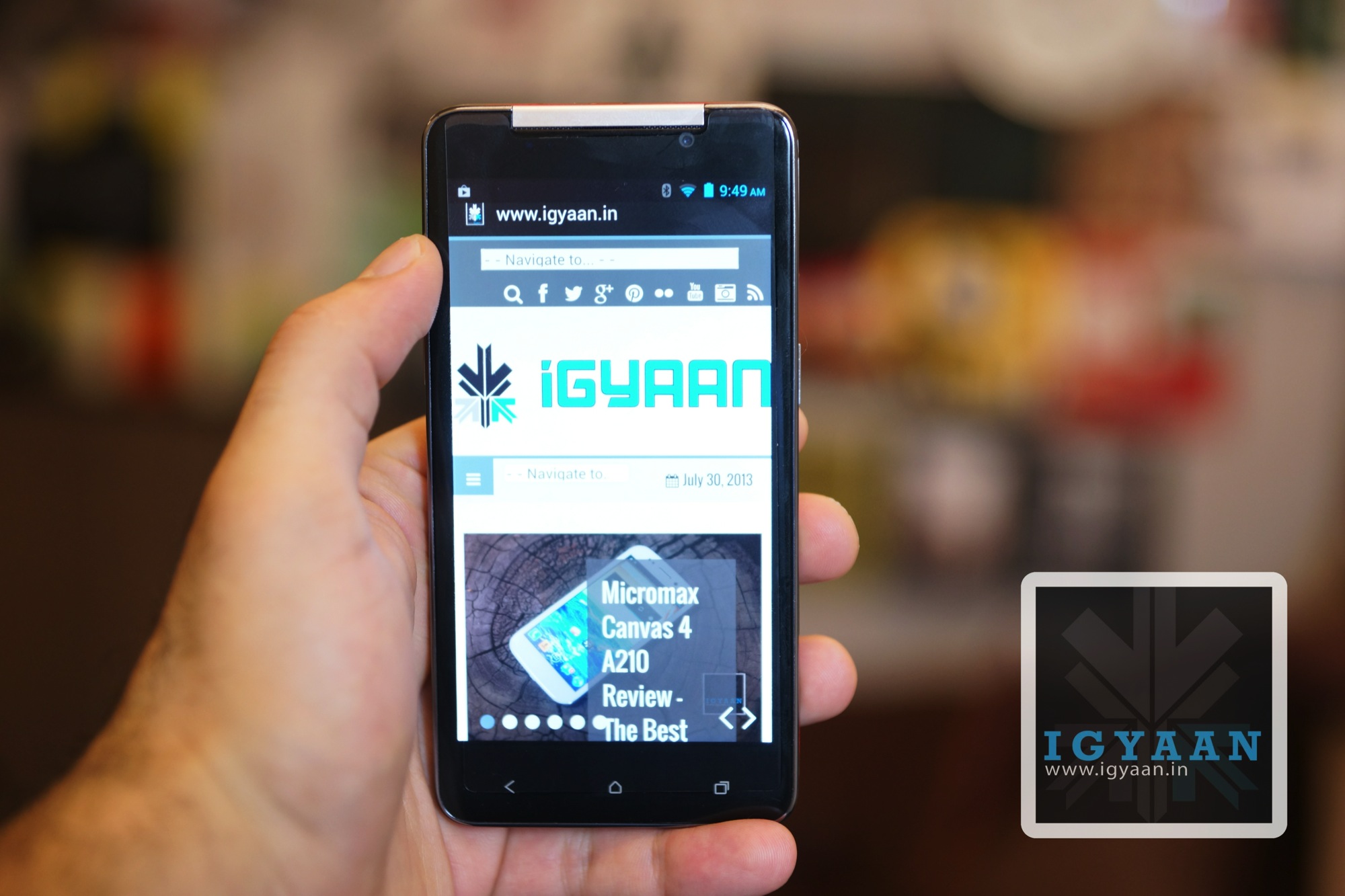
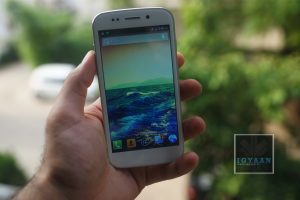
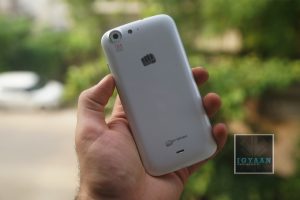
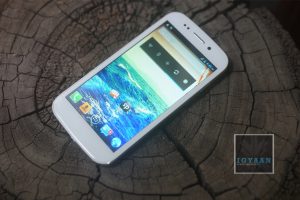
Micromax has forever been associated with cheap and budget phones, earlier with feature phones now with budget Android phones. With the Micromax Canvas 4 A210 the company tries to find a balance between the desires of the market and a stable ecosystem. The Micromax Canvas 4 A210 has been perceived a big negative mark on the company’s ever tarnished reputation, So is the Micromax Canvas 4 A210 the marvel of innovation Micromax claims it to be? or is it just another attempt at making more money, lets find out.
Build Quality and Hardware
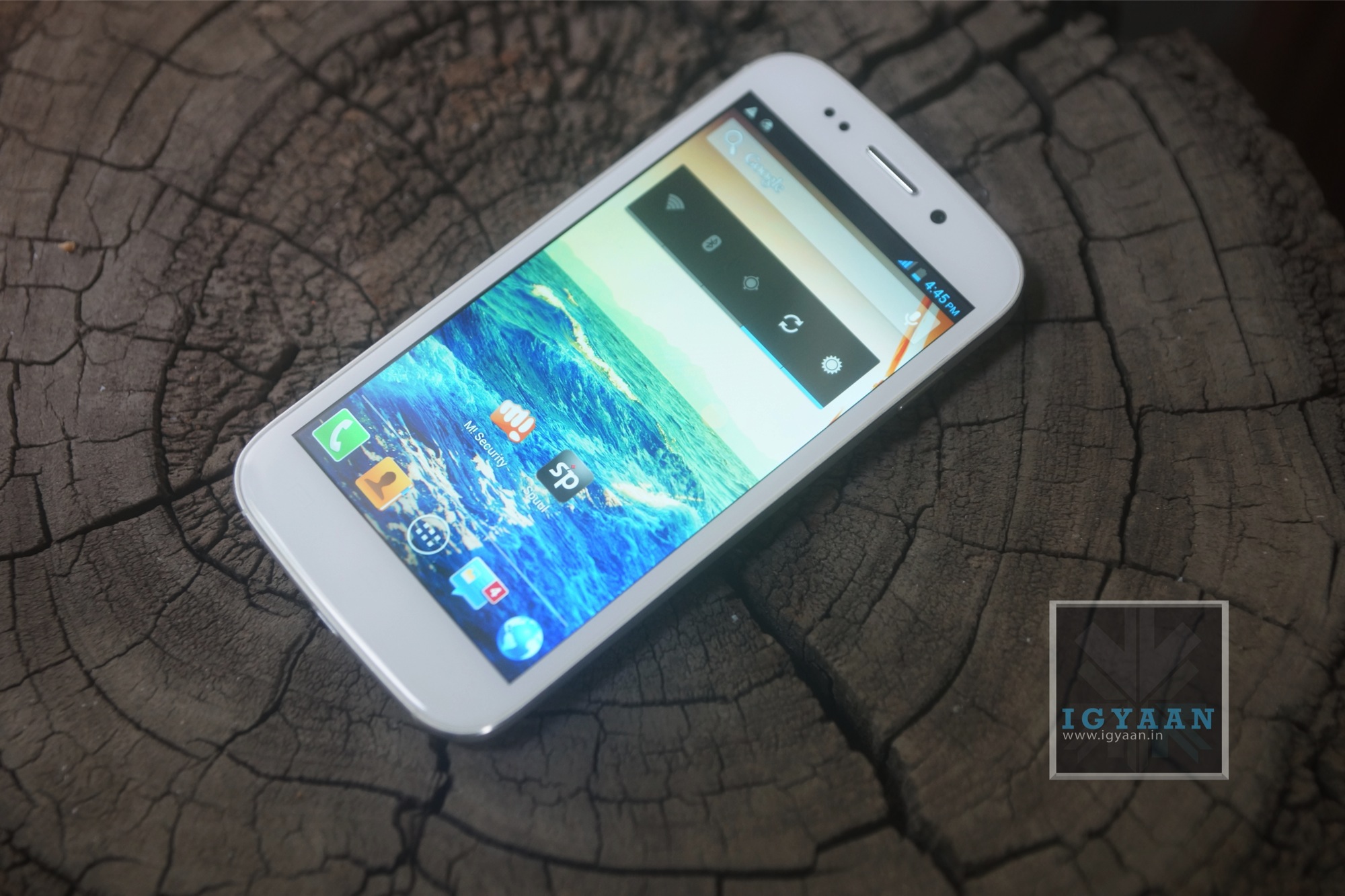
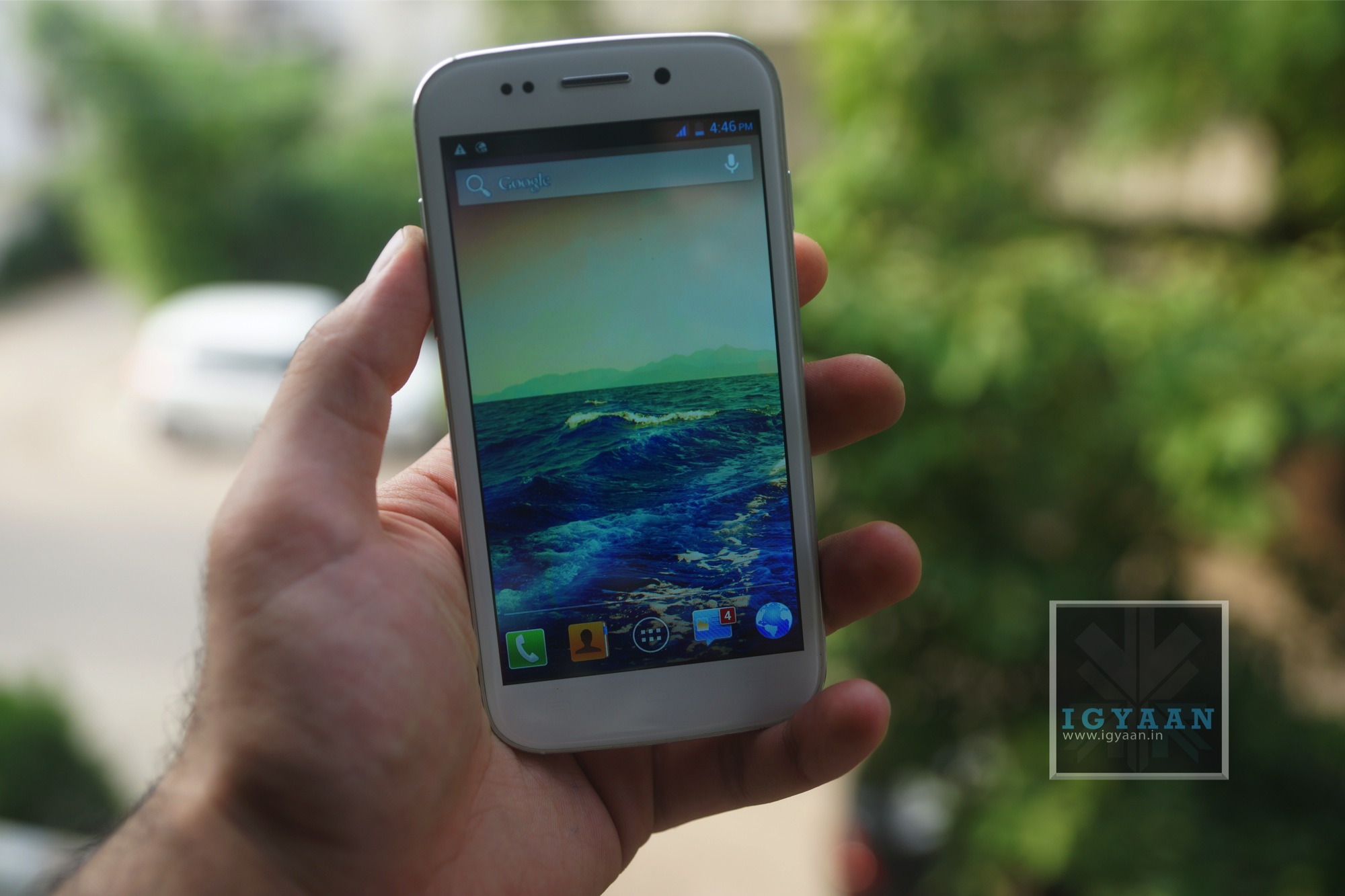
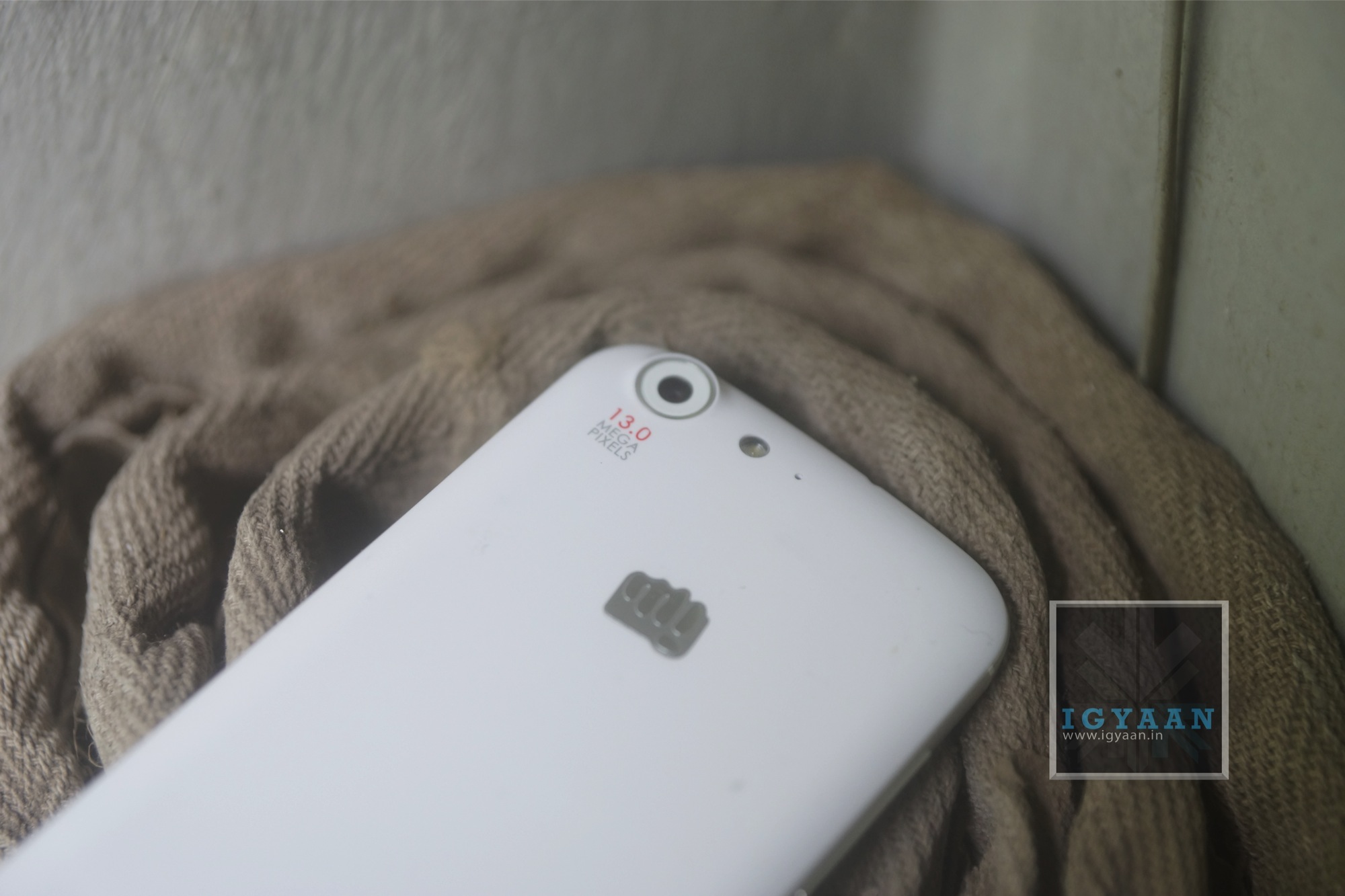
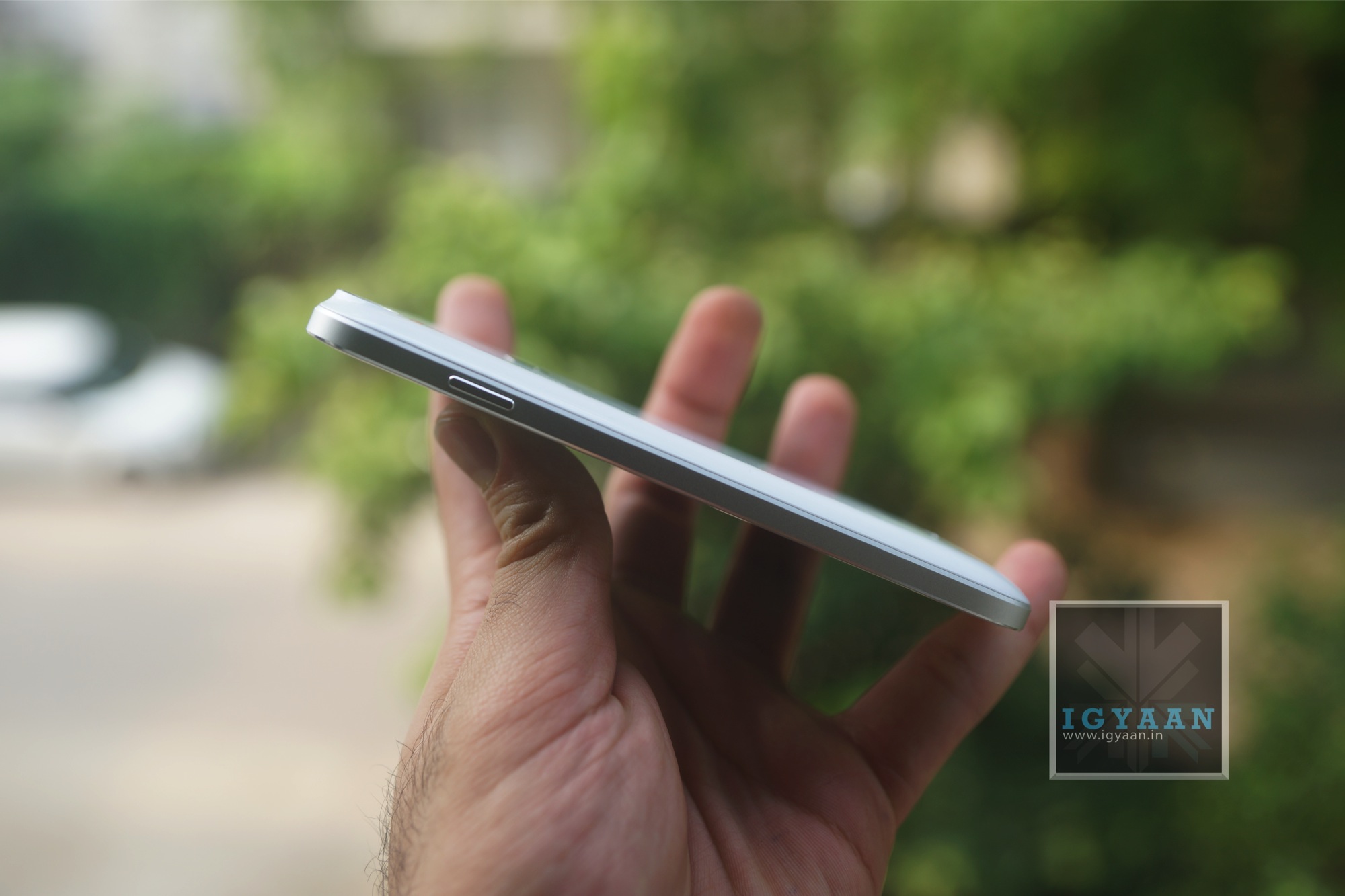
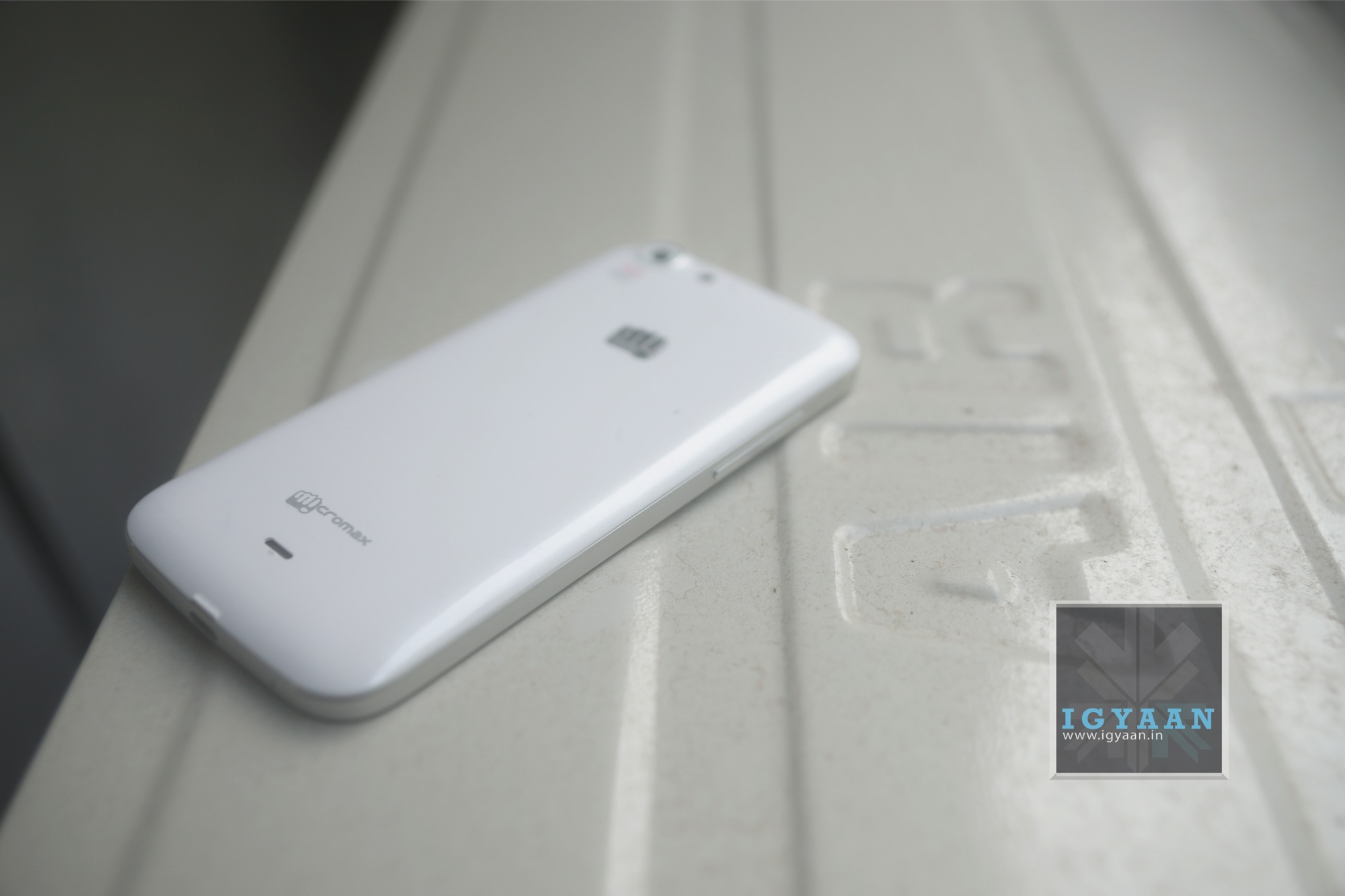
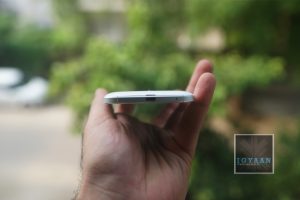
The Micromax Canvas 4 A210 is exceptionally well built, it uses the two elements found in the worlds most popular handsets, the steel bezel and frame of the iPhone and the plastic back panel of the Samsung Galaxy series. The end result is a beautiful looking device that fits well in the hand and feels great to use. The plastics on the Micromax Canvas 4 A210 are cleverly used and remain at a minimal, whereas no serious strengthening has been utilized to the glass.
On the inside of this phone is a Mediatek 6589 chipset that offers up 1.2 GHz on Quad cores and a sufficient Power VR SGX GPU. On the inside is 16 GB of Storage and 1 GB of RAM, whereas the cameras are fitted with a 13 MP BSI Sony Sensor with full HD capabilities and a front facing 5 MP shooter also with 1080p capabilities. The display is a 1280 x 720p 5 inch display and the overall device offers quite a balanced mix of hardware and build quality. Although many companies are offering higher specs with similar handsets, the build quality on the Micromax Canvas 4 comes out on top.
The Micromax Canvas 4 A210 uses a new type of display, unseen on any of the company’s earlier devices, the display has a serious blue hue imbalance, but is exceptionally visible outdoors compared to the previous Gen display. The 1280 x 720p resolution was a major let down for many a buyers because of many rumors that pitted the phone equipped with a 1080p display. All “unethical journalism” aside the display is great for almost all requirements including gaming and multimedia, however it never hurts to get more resolution even if you don’t need it.
The touchscreen is very responsive and the display is perfectly fused into the body of the device, a lower resolution display also ensures better battery life considering that this device only has a 2000 mAh battery which you can read more about in the battery section below.
Multimedia, Gaming and OS
The Micromax Canvas 4 A210 is based on Android 4.2 and is mostly a vanilla interface, some basic customizations have been added to give additional UI features. “Blow to Unlock” for one is and example of a feature that has been added which may actually be liked by some, we personally feel that it is a waste of battery and a serious red flag to safe mobile phone usage.
Micromax has also added some features like smart pause on Samsung devices, a software feature which uses the sensors and front camera to detect when a user looks away, while watching a video , and pauses the video. Some fun UI elements like bouncing notifications and alerts in the lock screen add to the user experience.
We feel that Micromax now needs to work on a proprietary UI for Android on their devices, much like TouchWiz or Sense, they need to develop a UI which will truly make their devices unique. For now the Micromax Canvas 4 is based on vanilla android and mostly third party modifications which may or may not be activated.
If you aim to do some gaming on the Canvas 4, you will be happy to know that most games work out of the box and work well. On the occasion some heavy spec’d games will hang or crash, which can only be expected.
Watching videos and movies is great especially thanks to the great display and loud speaker, but you do start to miss a full HD experience if you have had one.
One thing which really changes the perception of the Micromax Canvas 4 A210 is the camera with its f2.2 lens equipped Sony BSI 13 MP sensor. The camera is the same unit used in the Xperia Z and performs exceptionally well. The camera also works great in low light conditions and captures great videos. The front facing camera is a bit of overkill, unless you do a lot of self portraits. The front camera is great but only if you have ample lighting, and honestly we don’t deny that sometime soon in the future front cameras may also start to get a dedicated flash diode.
The camera module is far too advanced for the software that has been included in the Canvas 4, and if you manage to root your device using our method, you can easily install the camera app ported from other devices. Any camera app that will give you additional manual controls is the app you are looking for.
A word to the wise, if you plan on doing macro photography with this camera, Autofocus will not be your friend. An add on lens might also be helpful.
The camera has great image composition ensuring great color reproduction and great crisp focus. If you intend to use auto mode the included app works fairly well and will not disappoint. Wait for our detailed camera review.
Performance
if you are looking for extreme performance on this smartphone you are actually looking in the wrong place, you are better off buying a Nexus or HTC One if that is your objective. The Micromax Canvas 4 A210 aims to achieve a few things and extreme performance is not one of them. The phone is pretty good for what its worth, gaming is decent, day to day usage is excellent, multitasking works great and for once the OS is quite stable.
The Micromax Canvas 4 A210 will get you through most of the tasks you can put it through and then some, but it will not satisfy the tweak hungry junkies. The chipset has its limitations and they can’t be witnessed in the day to day usage of an average user.
Micromax as a Company
We take off from the regular review process to point out a couple of things to our readers, The Micromax Canvas 4 is very identical to the Blu Life One, in fact it may as well be the same phone. Both companies Micromax and Blu have many things in common, they are both young companies and they both have the same vendors. But, Blu handsets will never come to India, because the company is presently focused in the Americas, just like Micromax’s main focus is in India. Even though we got many requests to compare the two handsets we feel it is unnecessary at the least.
Micromax has taken a bold step and tried to take care of the biggest concern of users with the improved build of their handset, in doing so the cost of their handset has gone up considerably . That tied with the inflated cost of the US $ made it a pricing fail for the company, and we feel Micromax is a bit premature to be entering the sub 20k market with handsets based on Mediatek chipsets in fact the same chipset that goes in sub 10k handsets. But, what most people are neglecting is the use of quality materials and components is bound to raise costs, the Sony 13 MP sensor itself justifies such a bump in pricing.
Micromax is no Samsung when it comes to customer satisfaction, hell even Samsung are not that great. The company aims to become a big mobile brand, but it is presently far from that goal simply because of their dependence on readily available products and components.
Battery Life
The Canvas 4 has slightly low battery life and the constant use of included apps does not help. On average you will get 3-4 hours of continuos talk time. Features like smart pause and blow to unlock will really mould your battery life usage and are best avoided. Real Life Tests:
Talk Time : 4 Hours on 3G / 6 Hours on 2G
Internet : 3 Hours on 3G / 5 hours on Wifi
Music : Upto 12 Hours
Video : 3 Hours
The Good
Micromax has for once tried to focus on the user experience more than the specs, the Micromax Canvas 4 A210 is extremely well built when compared to competition and even their own previous phones. The warranty for the Canvas 4 ensures that if your phone is damaged or defective (within warranty guidelines) you instantly get a replacement phone. Software elements like smart stay and smart pause that usually require expensive devices to begin with.
The cameras are also an advantage on the Canvas 4 and those with a taste for mobile photography will truly come to appreciate the device for that. The phone achieves what most phones by sector 2 manufacturers dont, premium feel.
The Bad
The price for one is a little off the mark, a 15k price point would appear to be a more worthy option for the Canvas 4. The OS is still mostly stock and with the added bloatware and software gimmicks, we are not impressed.
Conclusion
There is no doubt that the Micromax Canvas 4 A210 is the best Canvas / Micromax phone till date, but with the impending release of iBerry Nuclea N1 and a series of devices already in the market. The decision is truly in the hands of the buyer, the company is attempting to change its ranks in the smartphone market and the Micromax Canvas 4 A210 may be that very device. Once Micromax realizes the market status and drops the price by 1500- 2000 this very well may be the best smartphone in the market in the Rs. 15000 price bracket, but until then this seems like an investment which may not yield a return worth of value.
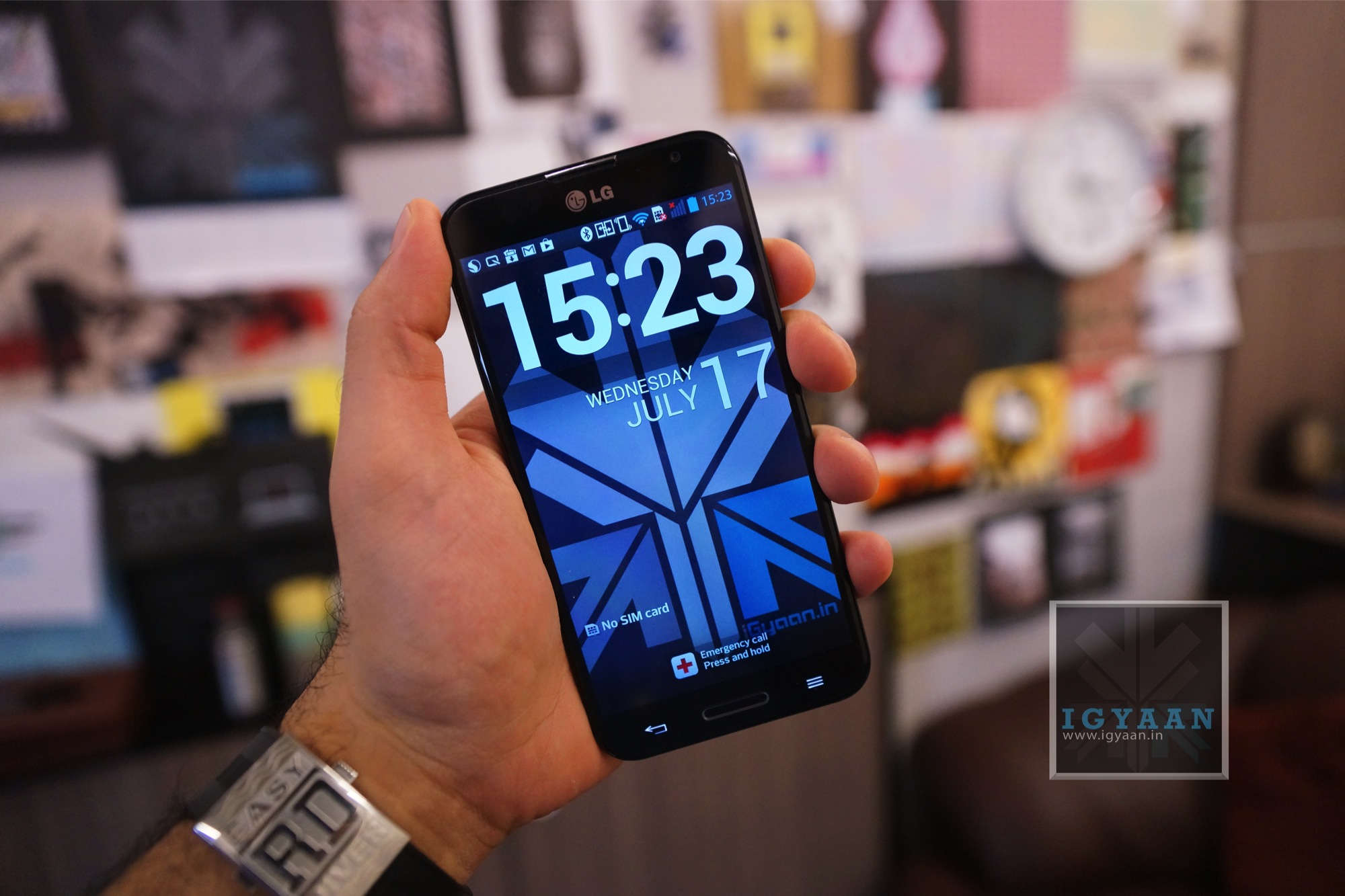
LG has mostly faced challenges in releasing devices in India, they have either been too late (i.e. Nexus 4 ) or too early (Optimus 3D) in some cases awkward ( Optimus VU) and in some cases they have failed to hit the hammer on the nail (Optimus G). With the new LG Optimus G Pro, the company seems to have almost all the things right except the massive price difference in the US $ when the competition launched their phone and when LG launched their phone. The LG Optimus G pro is available for a price of Rs. 38990 , but does it justify that value? Lets Find Out !
Build Quality and Hardware
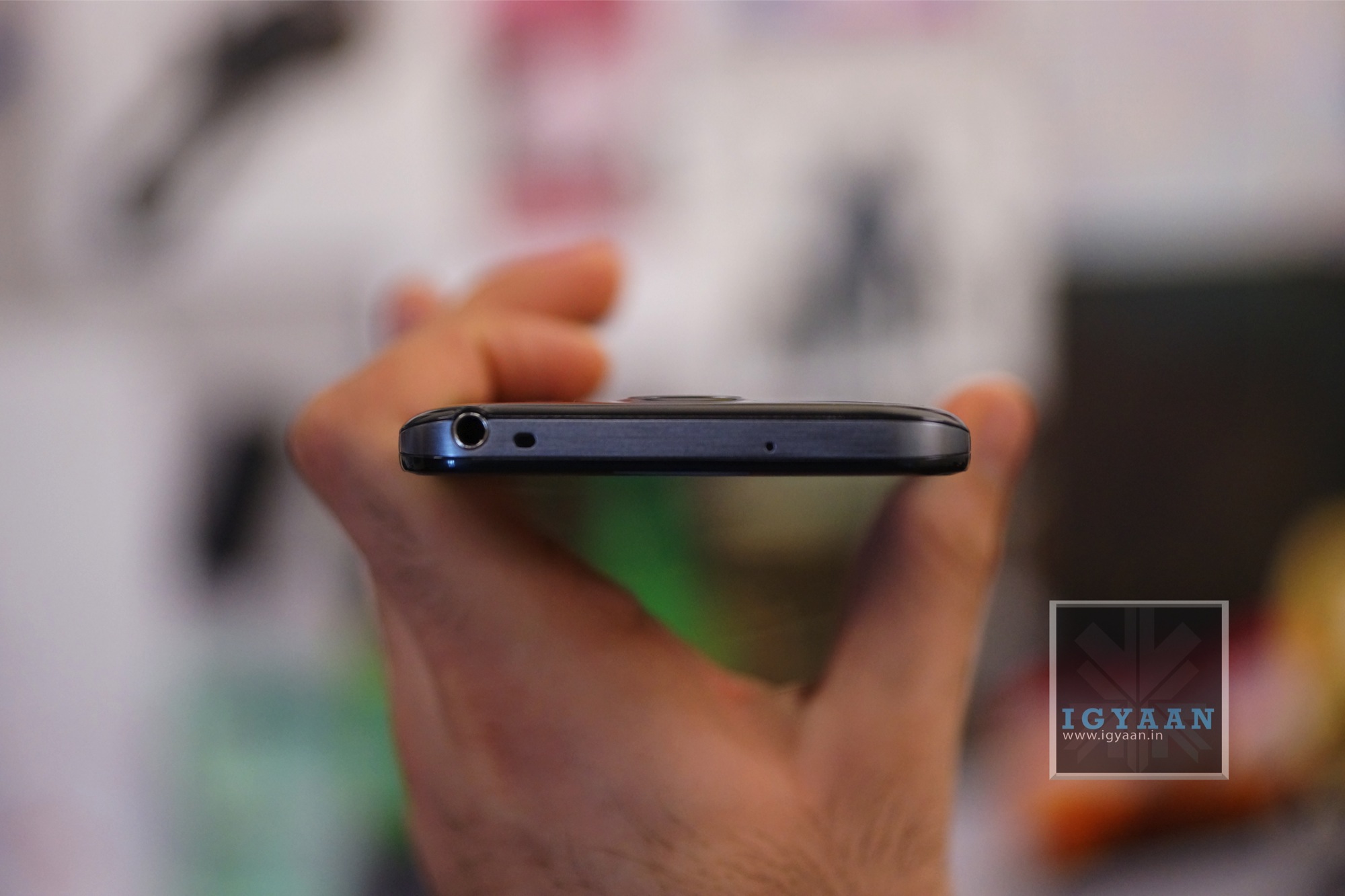
The build quality of the LG Optimus G Pro is nowhere near the HTC One, in fact it appears as if the Korean Manufacturers (read: Samsung and LG) like building their phones with plastic as the major component. The LG Optimus G Pro however is no light weight and can hold its own when it comes to build. The construction is solid and don’t expect any rattle or shake from the device.
The LG Optimus G Pro looks very identical to the Galaxy Note 2, maybe LG is playing on the worlds new weakness for Galaxy devices, as Samsung played for iPhone’s love.
The hardware on this phone is as big as the device itself, Qualcomm’s crazy fast quad-core Snapdragon 600 processor clocked at 1.7GHz, with the Adreno 320 GPU, 2 Gigs of RAM and a total of 32 GB of storage.
The cameras include a set of fantastic full HD capable sensors, with a 13 MP main camera and a 2.1 MP front facing camera which we will talk more about below.
The LCD on the LG Optimus G Pro is not as bright as the Optimus G, where the screen felt just fantastic, here it seems a little dull. The display is big and wonderful no doubt, but it is definitely not the best display out there. LG usually throws in IPS displays and the viewing angles are great, the same is the case with the new LG Optimus G Pro and its IPS Plus LCD display. Add to the great colour reproduction and a 10 point multitouch panel overlay, which works really well.
Not only is the display fantastic, so is the audio. The Speakers are loud so if you are watching movies or videos or even playing games, you will be quite pleased with the capabilities of the LG Optimus G Pro.
The main camera on the LG Optimus G Pro, yields out great compositions, with a impressive hold on color correction and white balance. You can also manually adjust most of these things, but the auto mode is mostly accurate and can really deliver great pictures. The camera also has several shooting modes, including panorama, quick bust etc all of which work really well.
The HD video captured on the LG Optimus G Pro also gets stabilization among other effects. The video comes out nice, has little noise during the day and is well balanced in low light. You can also activate the infamous dual camera mode allowing your video to be captured while you capture the world.
The Phone call capability of LG Optimus G Pro is strong and we found networks to be exceptionally potent. The signal strength is almost always proper and we found little or no noise distortion when on calls.
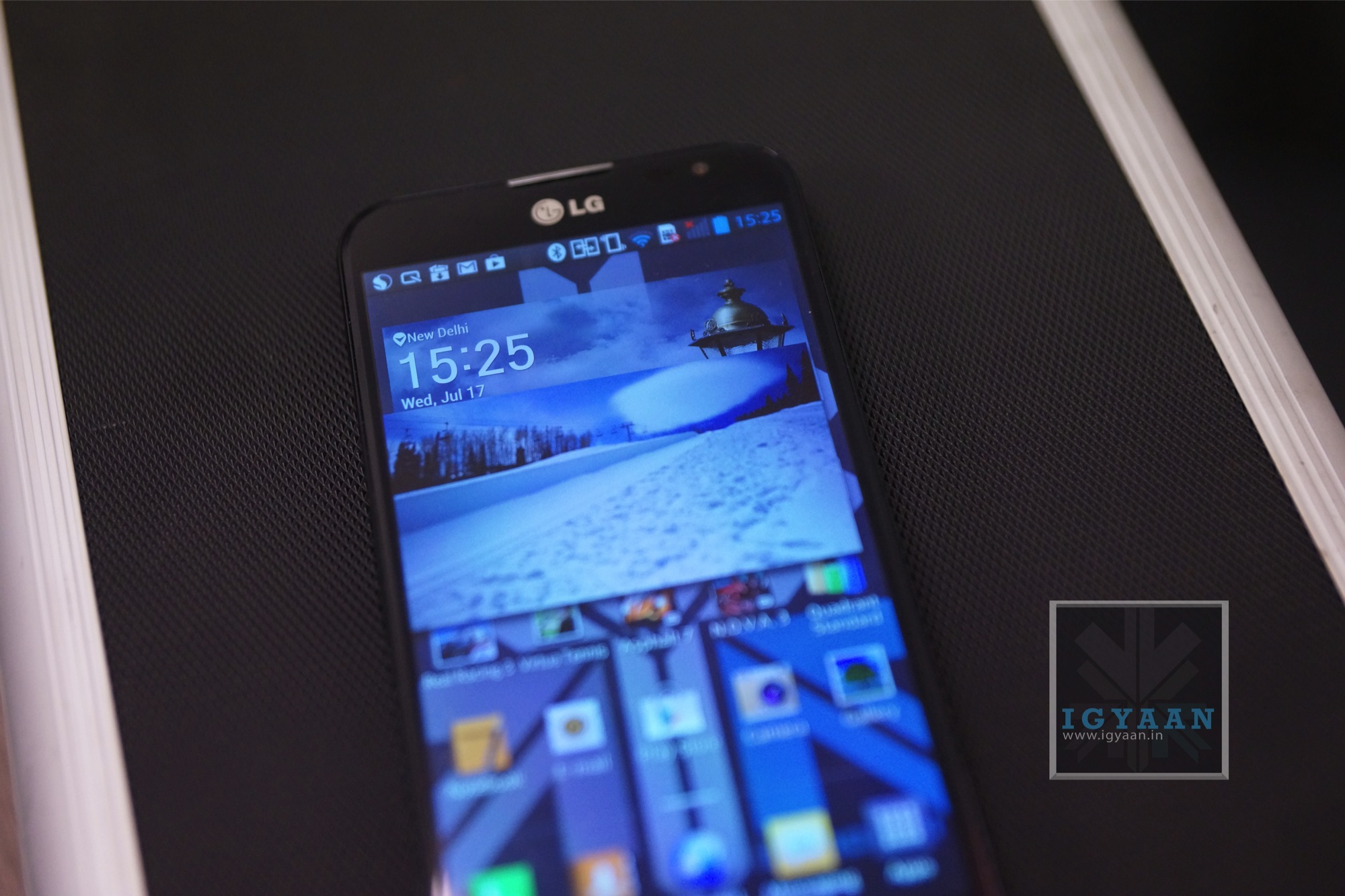
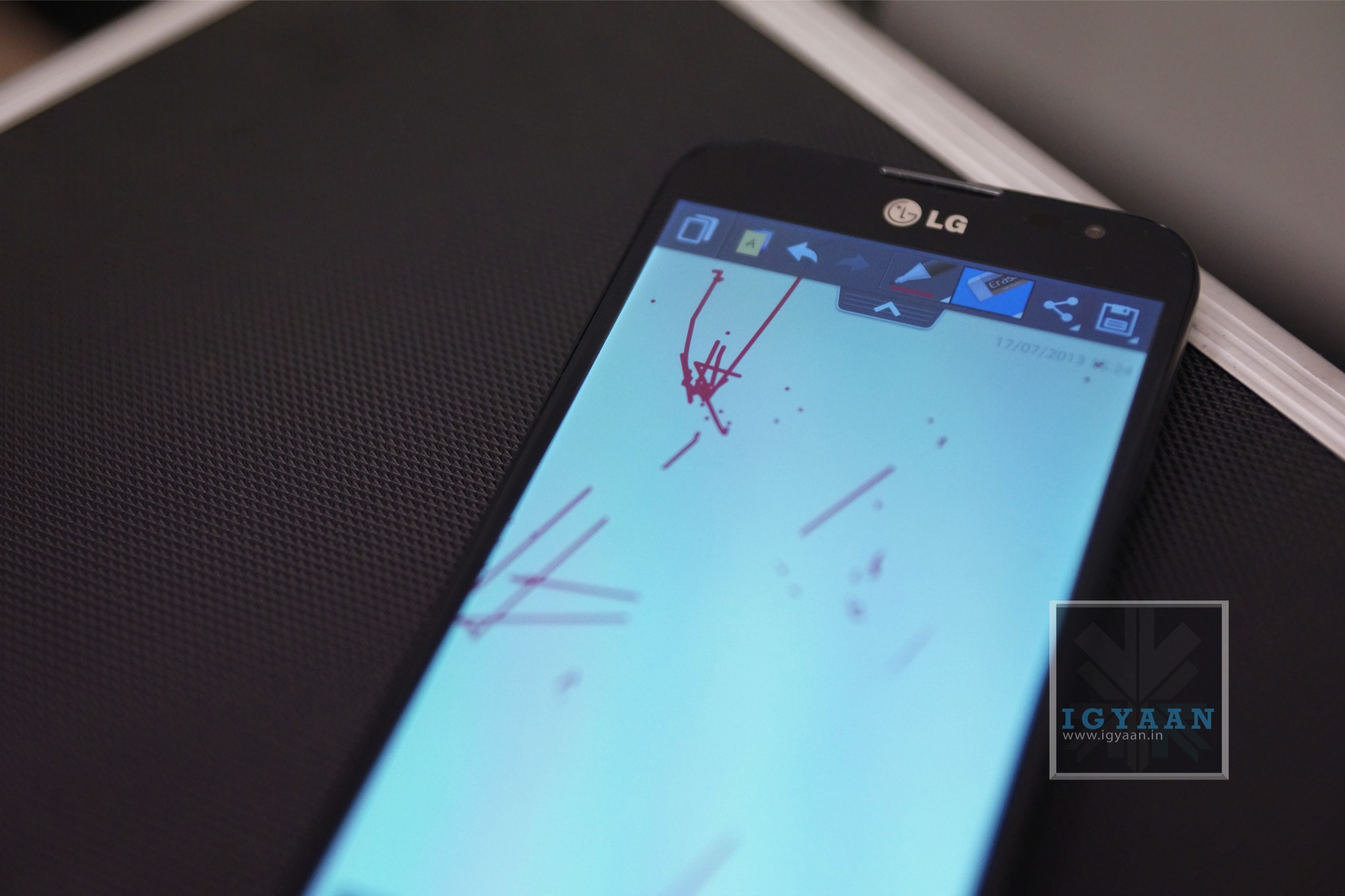
The Optimus UI on the new Android Jelly Bean interface makes for a great experience, including several apps that actually work really well. The quick remote app on the LG Optimus G Pro controls more things than any remote app out there, it even remembers your AC and lets you control it with the flick of a finger. There are many other features like quick apps, Qslide and quick toggles, the quick note also lets you scribble directly on the screen and then later save it as a note.
The UI itself however, is not so pretty looking. It looks kind of clustered and reminds you of a messy lifestyle vs a more refined and organized one on other manufacturer overlays.
Battery is superb on the LG Optimus G Pro and will last you a really long time. We got good 6-7 hours of talk time over dodgy 3G reception, which is actually really fantastic. Below is the complete test result.
If you really want a big phone then this has to be it. The phone is fantastic, it’s fast to boot and responsive throughout, plays games great and has excellent cameras. It is large enough to a point where using it with one hand would simply be foolish, even if you have large hands like mine. The UI is the biggest let down and simply can be written over with a tap of a button.
If big is your thing then the LG Optimus G Pro is the right kind of slab for you.
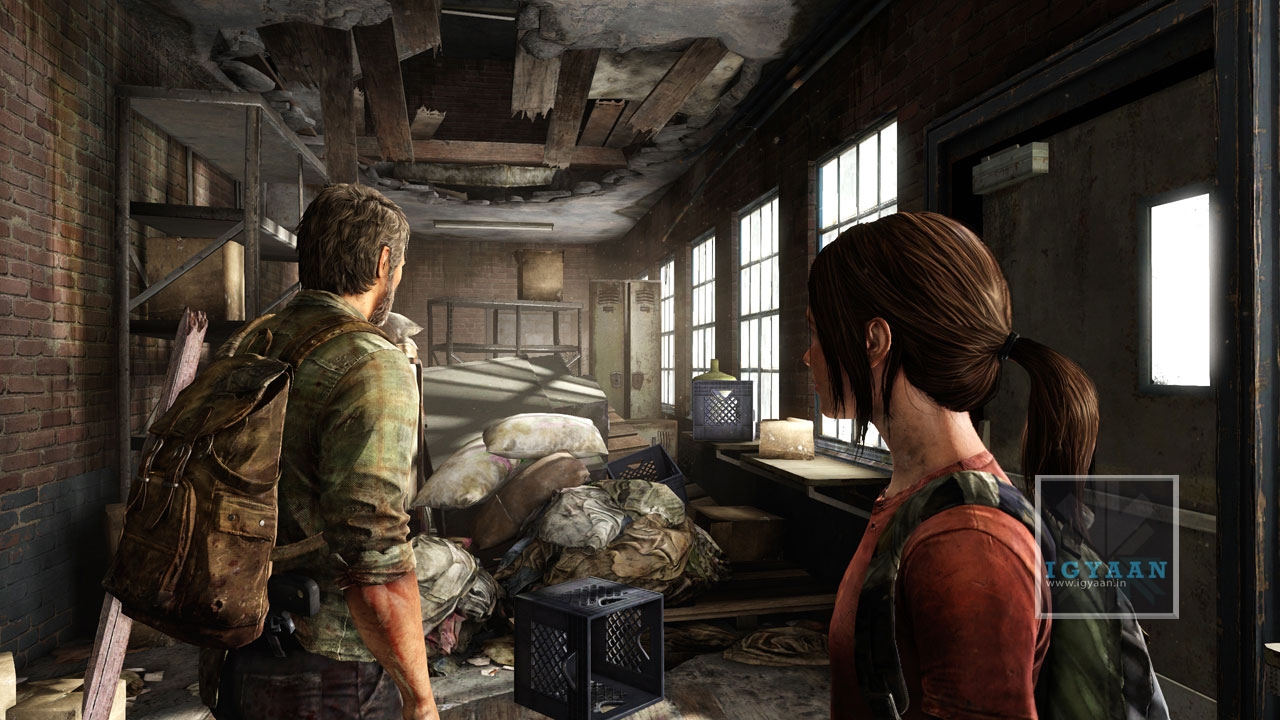
While Sony may be busy announcing its next generation console, their present iteration is still doing strong. The Last of Us is a Sony exclusive title developed by company’s Naughty Dog studios, for the PS3. The game plays on the zombie apocalyptic post world era, that we all have come to love and expect, yet there are some exciting new additions to the overall storyline and gameplay experience.
Joel and Ellie
Storyline
The Game begins with the normal life of main character Joel, and how it suddenly gets affected an outbreak that causes the Zombie Fungus Cordyceps to start spreading like wild bushfire. The gameplay is set in the United states and shows how everywhere, post this outbreak, there is utter pain and chaos. The character, like any hero is destined to help end the problems of the world by delivering a solution, where he needs to travel across the badlands of the United States.
Unlike any other Zombie game the Last of Us is designed in a different manner, and you simply cant expect instant hardcore action from the game. The game storyline is slow and progresses as the character fights various kinds of zombies, human enemies known as hunters and the government which basically controls everything. The story as it progresses reminds you from time to time the hopeless situation of the world and how the Joel fights on despite that. The game essentially takes off from the typical end of humanity scenario, but chooses to tell a story about the two people that travel across the pain stricken world in an attempt to revive humanity.
The gameplay is full of beautiful backdrops, amazing sceneries of the untouched wilderness and the post fungus cities which are destroyed and collapsing. The game developer has ensured that each scenery and backdrop shows the status of the world and each new backdrop tells a brand new story about what has happened.
As the game progresses the secondary character Ellie starts to take limelight as she becomes closer and closer to Joel. Their relationship is strengthened by Ellie’s constant need to oppose the exacting situation and Joel constant efforts to keep things under control. Ellie has been born into this world and has no idea what the real world is like, her constant need and discussions to find out what the world was, make for some of the best ingame scenarios.
The story line is beautifully presented and ensures that you build a relationship with the characters as the game progresses. The game defines what possibly is the best ever story written for the Playstation.
Post World Cities
Gameplay
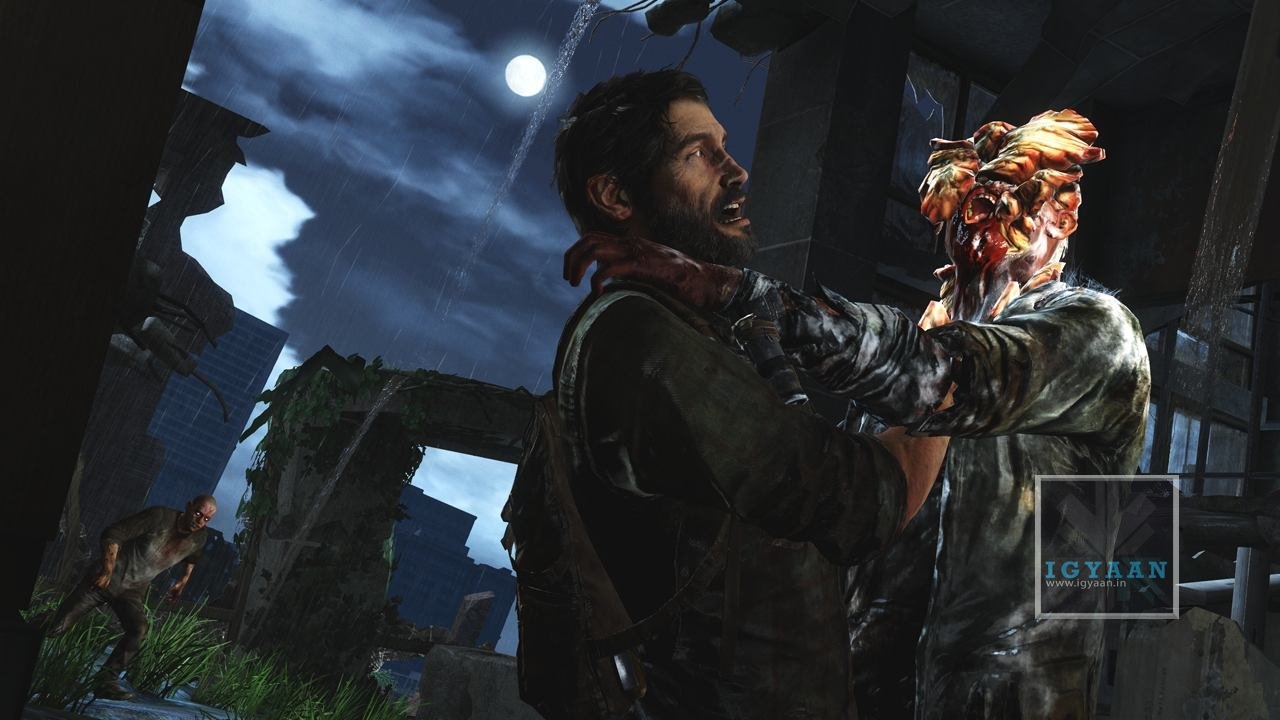
What the storyline builds, the gameplay delivers! With a vast variety of interesting elements that make it a truly exciting and entertaining experience. Despite the fact that the game has many enemies throughout the story, the major focus remains on the infected. Cordyceps infested humans become rage hungry monsters that don’t eat or kill, they simply bite and infest others. The main elements of the infected are the runners that are basically the pawns of the enemies, the clickers are the bishops, blind yet brutal and many other higher ups that define the bosses of the infested chains.
Infected Clicker
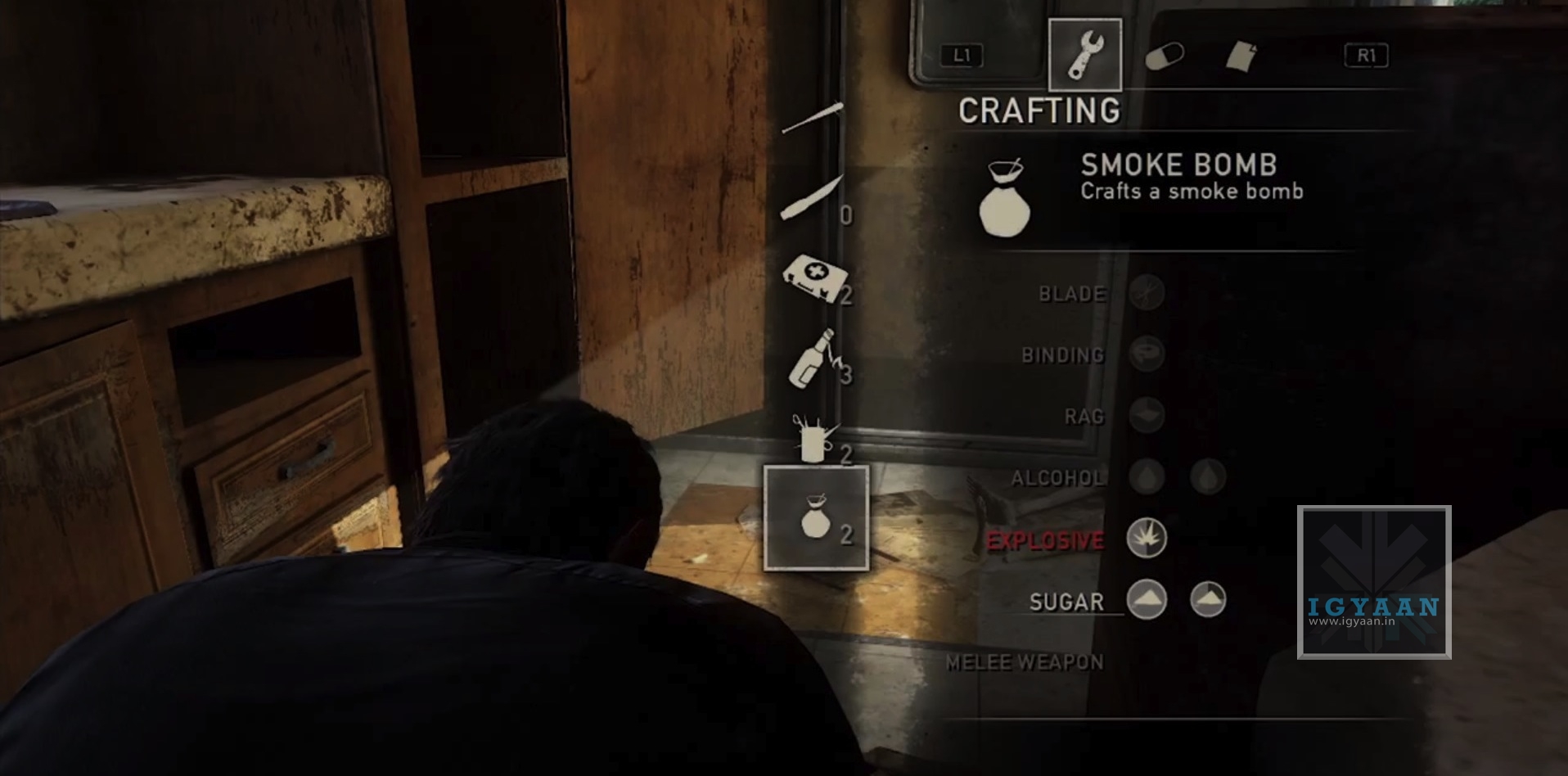
Gameplay becomes intense and inflicts a sense of fear in the gamer as the infected arrive, while Joel has a vast majority of mainstream weapons to his disposal including pistols, automatic guns and even crossbows, the most interesting element of the gameplay is the characters ability to forge destructive weapons from the post world scavenging. While ammo is mostly scarce, hard to find and carried in a limited quantity, the handcrafted grenades, smoke bombs and throat slitting shivs are manufactured from items found on the map, including broken scissors, alcohol and pieces of cloth. All this crafting happens real time and the gamer is in constant stress especially when the threat is nearby.
Nearby Hunter
While the gameplay is close to perfection it may lack the certain finesse and responsiveness that users may expect from a actions scenario game like the Last of Us. The progress is slow and the expansive storyline, mixed in between intense gameplay, tends to take from the mood of the excitement. There are also stages where the characters are simply walking while figuring out their path, which may truly frustrate some.
Multiplayer
Although the Last of Us was not designed to be a multiplayer, the game does a wonderful job of that as well. Making you the leader of a group of survivors, scavenging and fending off enemies, you have to constantly explore the map and ensure that you are on top of the situation and in control of your team that often finds itself surrounded by problems. The multiplayer may not be the main concept but is a well appreciated addition to the overall experience of the Last of Us.
Conclusion
There is no doubt that the Last of Us is possibly the most beautiful game on Playstation 3, and the extensive work behind the tile truly shows from the start to the finish. The story is involving and creates a sense of relation and there comes a point where you actually start to feel bad for the state of the situation. The gameplay adds a lot of action and thrill, and literally keeps your heart pounding, especially when the higher-up infected are around. There is really nothing more you could ask for from a game.
If you own a Playstation 3 and are looking for a game that will keep you busy for hours and days, while making your heart pound and your thumbs smashing the controller, look no further.
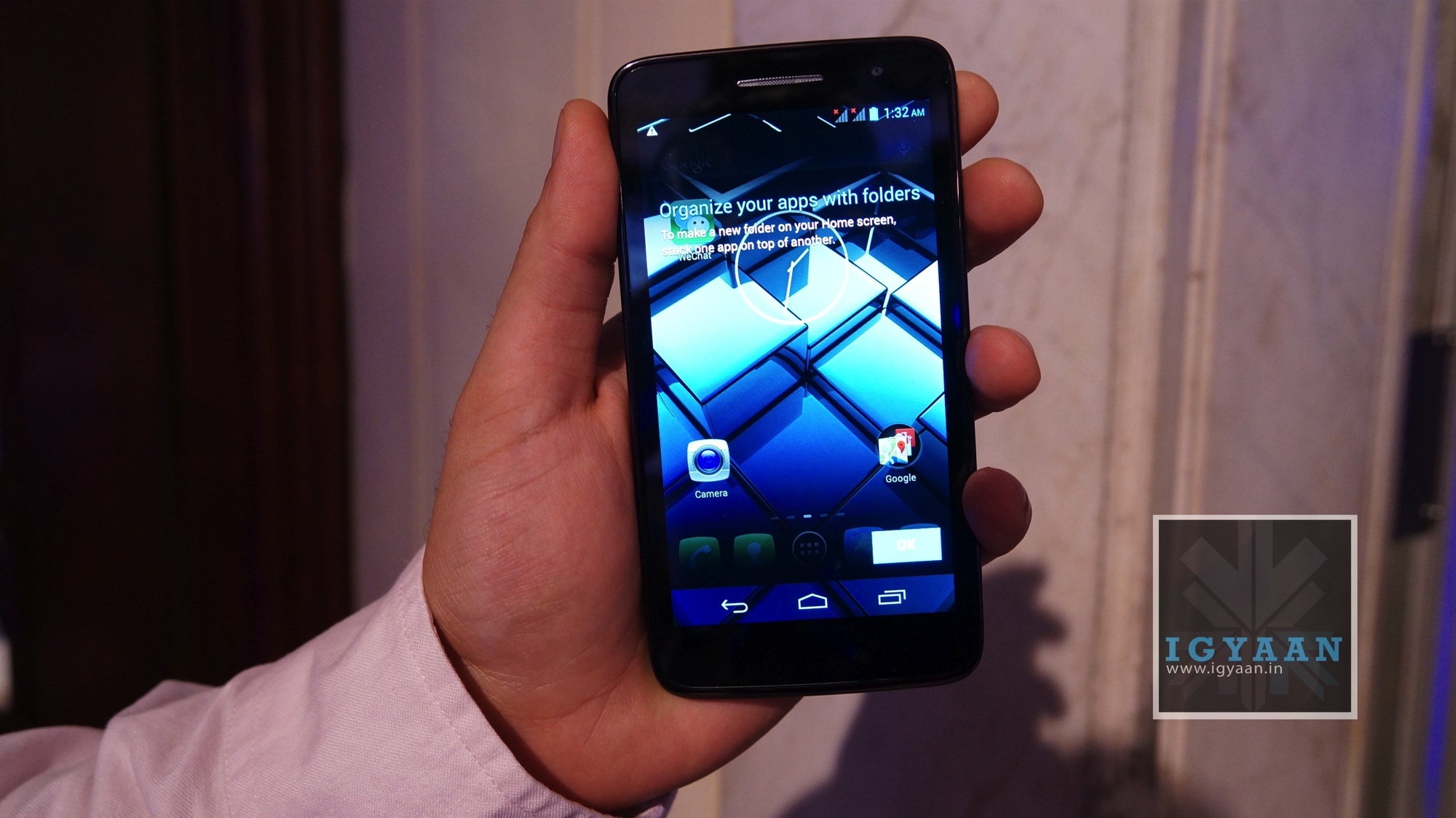
At its launch event, Panasonic talked a lot about the emphasis and effort that went into the design process of the phone. The idea was to keep it simple and functional. They went for a clean black front with rounded edges and a glossy back. There is a 5-inch screen (with a scratch-resistant Asahi Dragontrail glass) towards the front with the earpiece grill, front-facing camera and a bunch of sensors at the top. There are no touch capactive buttons on the device.
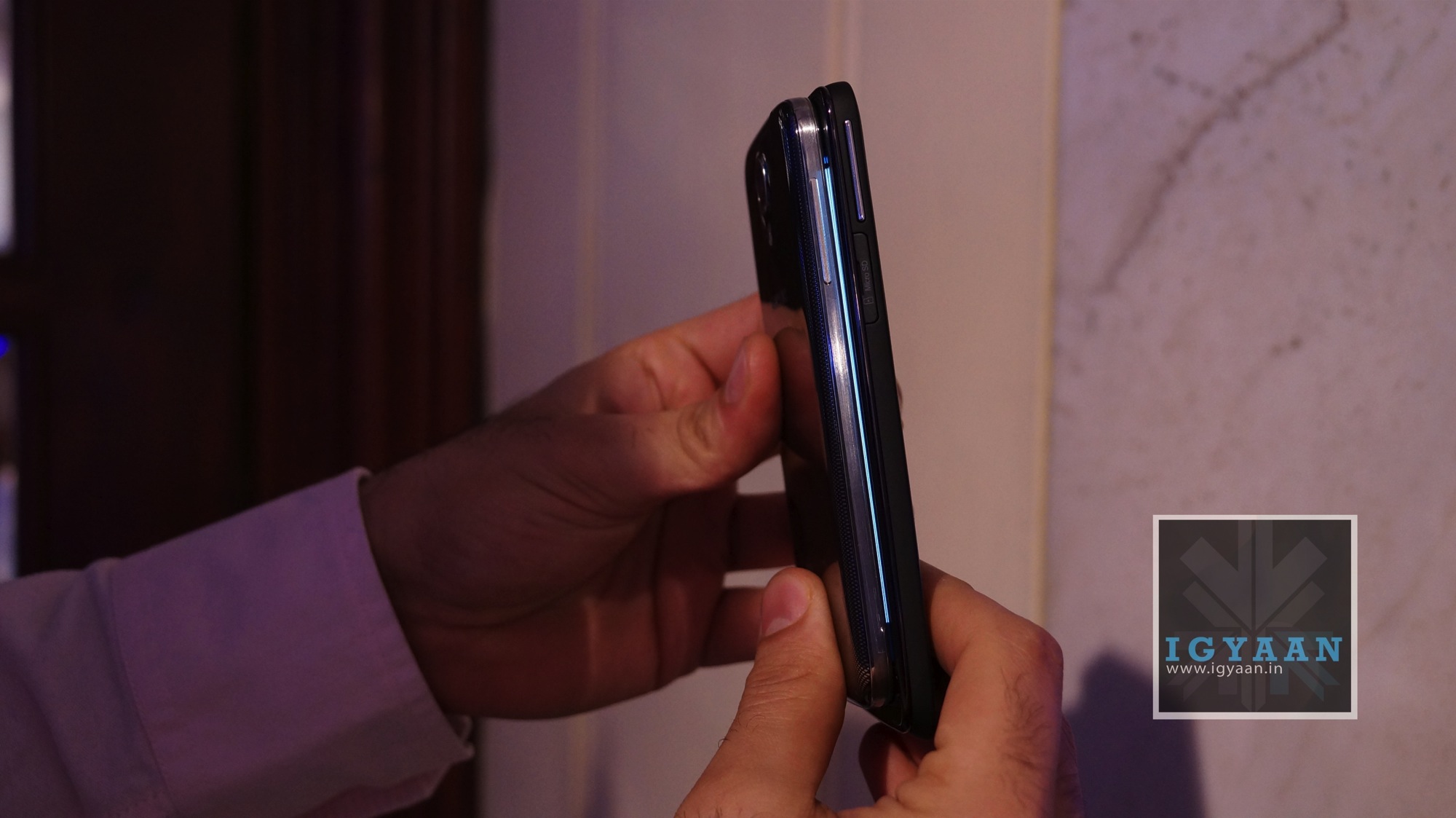
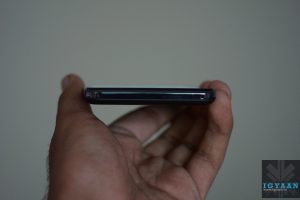
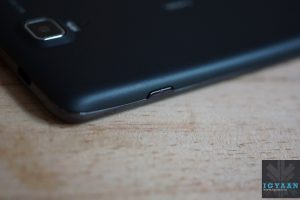
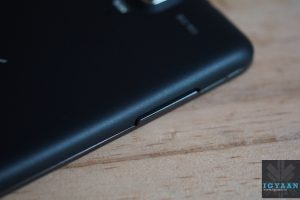
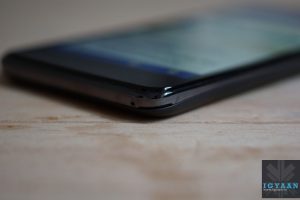
At the top of the phone, you have the 3.5mm jack besides the plastic power button. Towards the right you have your volume rocker and right below it, the spring loaded micro SD card slot. The left side of the phone houses the two micro SIM card slots and a micro-USB port beneath it.
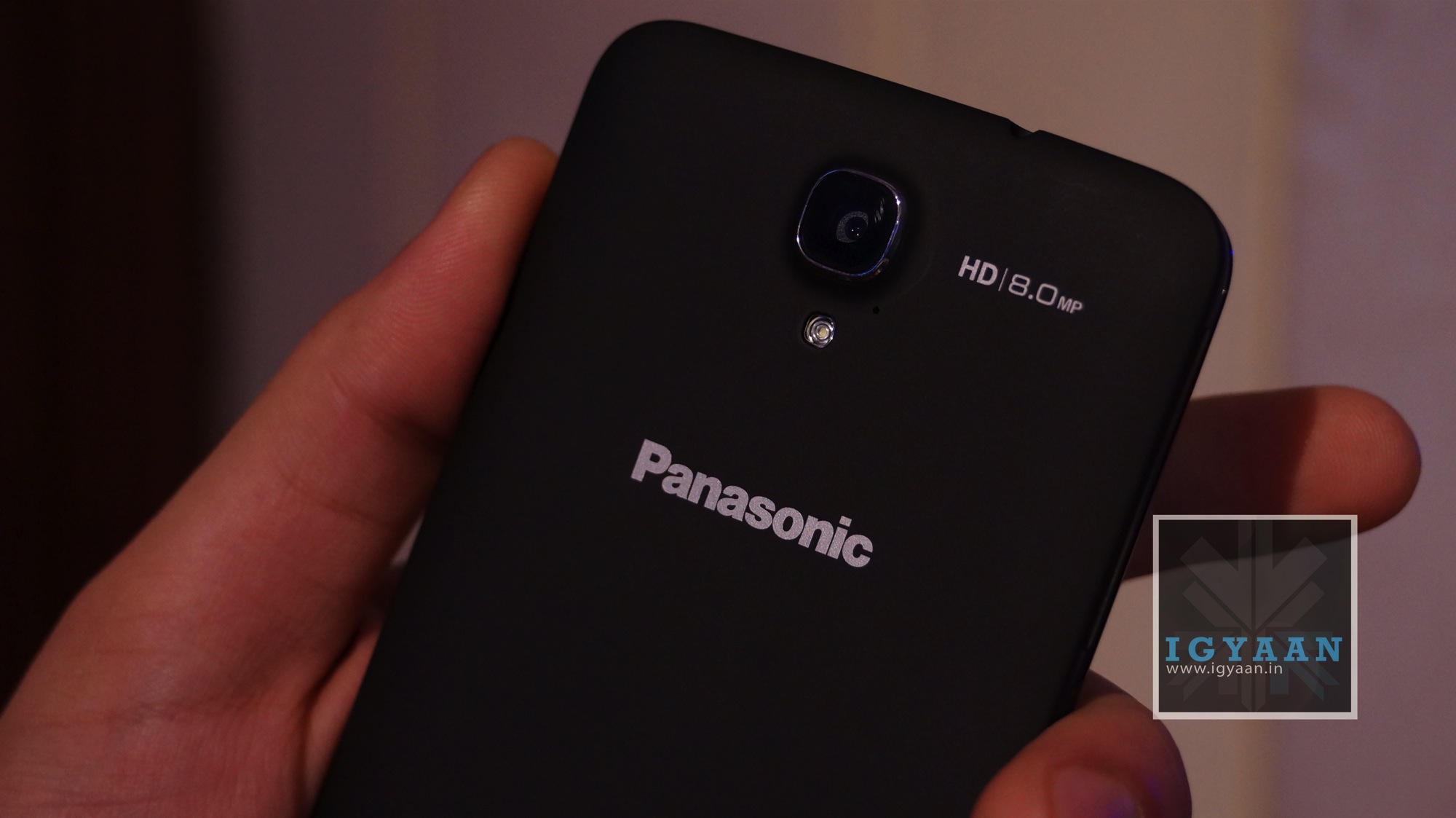
The glossy back (the black Panasonic P51 has a soft rubber finish back) is not removable and houses the 8MP camera and the LED flash.
Overall, the build quality of the Panasonic P51 is quite impressive and the device feels really solid in your hands.
Specifications and Hardware
The Panasonic P51 is powered by a Quad Core 1.2 Ghz Mediatek MT6589 CPU. The quad core chip is of the Cortex A7 architecture, and is coupled with a PowerVR SGX544MP2 GPU for graphics. The Panasonic P51 also has 4 GB of internal storage and 1 GB of RAM.
It has a 5 inch 1280 x720p HD IPS LCD display. For imaging the Panasonic P51 also has an 8 MP main camera and a 1.3 MP front facing camera capable of HD video.
This 3G enabled phone from Panasonic also has Dual Sim Capabilities and has a massive 2500 mAh battery, and despite that remains 8.5 mm slim and 135 gms in weight.
Display and Multimedia
The display on the Panasonic P51 has a pixel density of 294 ppi, which makes it as good as any in this segment. The colour reproduction though seems a tad unnatural and the display has a slightly bluish tint to it. Since it is an IPS display, outdoor visibility and viewing angles are really impressive. Brightness is adequate too. Overall, the display is definitely one of the best in this segment. For scratch resistance, Panasonic has used Asahi Dragontrail glass, which is claimed to be better than the popular Gorilla Glass.
Due to the high quality display, the video playback on the device is again a pleasant experience. Couple this with a decent speaker and you have a really capable media consumption device.
The built in browser of the Panasonic P51 isn’t quite up to the mark. While text clarity was good due to the sharpness of the display, zooming and kinetic scrolling seemed a bit off.
Gaming on the Panasonic P51 was not up to our expectations. Quite a lot of games stopped in between and loading time seemed quite long. You can watch our gaming review video below.
The rear camera on the Panasonic P51 takes quite decent outdoor images. Colour reproduction and exposure are good and the only problem we had was with the over-sharpness of the images. Indoor images were not quite up to the mark. Even with the flash turned on, images turned out quite dark and under-exposed.
The same was the case with the video recording on the device, with outdoor videos coming out quite nice. The Panasonic P51 picked up ambient noise quite nicely too. To avoid shakes while recording it has incorporated software based image stabilisation.
Box Contents
Panasonic provides you with a magnetic flip cover along with the Panasonic P51, which clicks onto the back of the device. The device also comes along with a stylus, but unfortunately it does not have a port to stow the stylus away.
Conclusion
Priced at about Rs. 22,000, the Panasonic P51 seems overpriced given the fact that a lot of manufacturers offer more or less the same features in their smartphones for a lot less money. What works for the Panasonic P51 is its nice display and an impressive camera. Other than that, there is no real feature in this device that would make it feel like a device worthy of a recommendation in its segment.
In a segment that is adding devices by the minute, it is imperative to pay attention to the design of your device to make it stand out. With the Lava Iris 504Q, Lava went for a simple and sleek design. No big bezel or funky colours hogwash.
At first glance, the Lava Iris 504Q is really similar to the HTC Butterfly. At the front there is a 5″ display with a HTC Butterfly like speaker grill at the top, and the proximity sensor, front-facing camera next to it. There are three touch-capacitive buttons under the screen, which are backlit and provide haptic feedback.
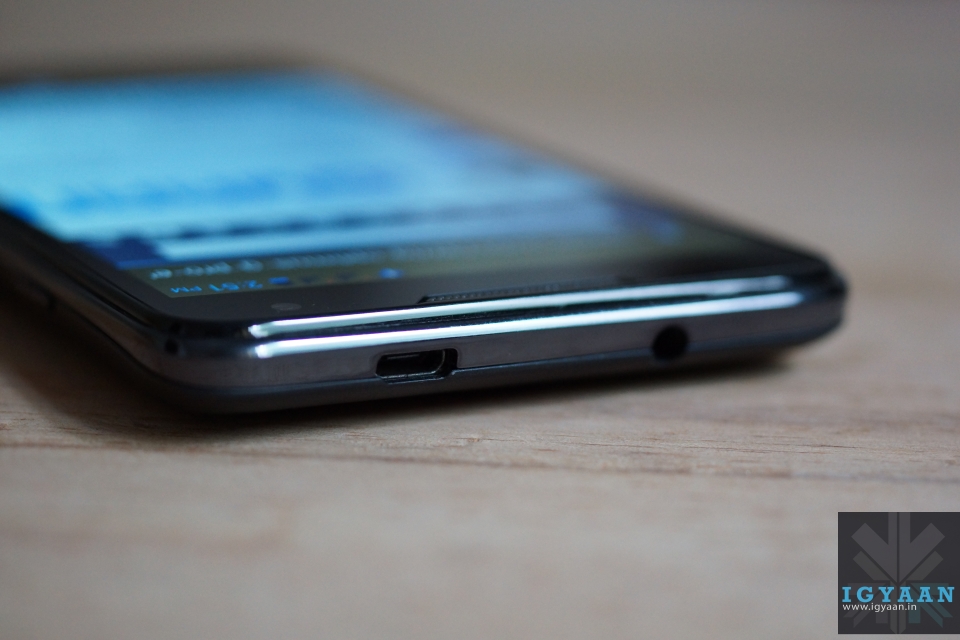
Towards the right of the device you have a power button, volume rockers towards the left, a microphone at the bottom and your 3.5mm headphone jack along with a micro-USB port at the top.
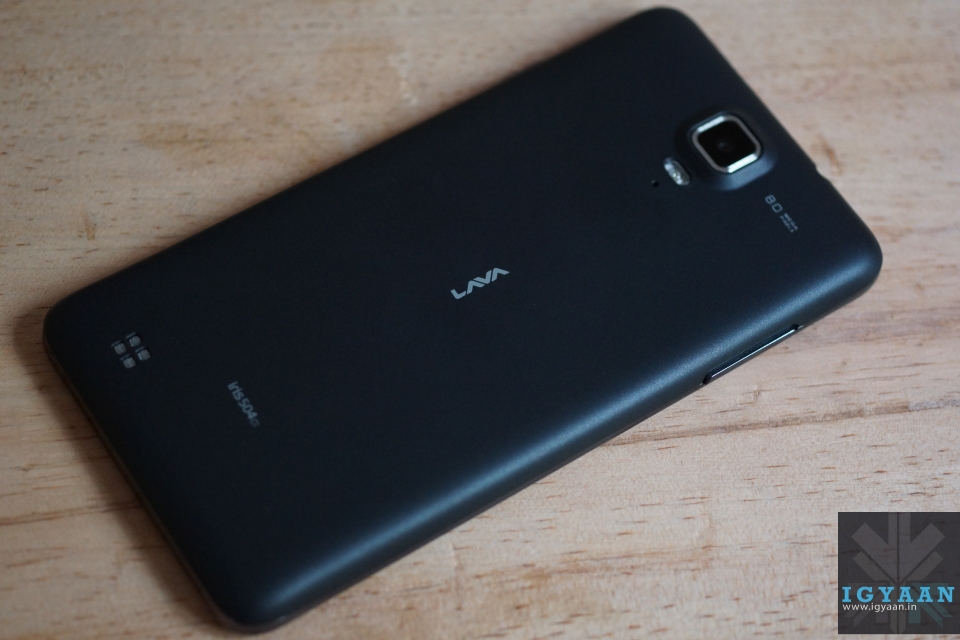
The slightly-curved back- cover of the device has a soft rubber like finish, even though it’s made of plastic, which gives it a really premium feel. It also makes it less prone to finger prints and scratches.
An 8 MP camera + flash, and a secondary noise-cancelling microphone grace the back of the device, which has its speaker grill towards the bottom left side. A small LAVA logo sits right in the middle of the device. Lava has managed to get a good balance of subtle branding and design to ensure the phone does not look overly flash and cheap.
With its dimensions of 140 x 73 x 8 mm and 140 Gms weight, it is really comfortable to operate.
The build quality is splendid as well, no squeaking noise, no loose parts. Everything about the Lava Iris 504Q feels downright solid. So a big thumbs up to Lava as far as build quality and design are concerned.
Specifications And Hardware
The hardware list on the Lava iris 504Q is pretty common on the market, a 5 inch 1280 x 720p screen, 1.2 GHz quad core MediaTek MT6589 processor, a mix of 8 MP and 2 MP cameras, 1 Gig of RAM and a 4 GB storage. Lava is trying various software tweaks to appeal to the market like gestures for the image gallery and clicking pictures. It is essentially a Dual-SIM GSM + CDMA smartphone.
You also get a microSD card slot, Wi-Fi, Bluetooth 3.0, 3G, and 2000 mAh battery. Detailed tech specs are given at the top.
Display And Multimedia
The display on the Lava Iris 504Q is definitely one of the most impressive in this segment. It employs OGS (One Glass Solution) technology which basically means that there is zero gap between the screen and the glass on top of it.
With it being an iPS display, viewing angles were bound to be decent, but what impressed us most was the colour reproduction of the panel. Bright, vivid colours and deep blacks make the Lava Iris 504Q feel like a device from a segment higher than the one it is aimed for. Outdoor visibility is decent as well but the one thing that left us slightly disappointed was that Lava didn’t opt for a scratch resistant display.
Moving on to the mutli-media experience of the device, the Lava Iris 504Q has a custom Lava music player bundled along with it. The app, called Fusion, basically is a replacement for your stock music app, and provides a radio streaming option as well. If we talk about the audio quality, it is sufficiently loud and clear, but due the placement of the speakers, more often than not one tends to muffle the speaker while holding the phone.
Video playback on the Lava Iris 504Q was bound to be a joy, given its excellent display. Again, colours were rich and the phone can handle most formats including MP4, AVI, MKV and MOV. The screen size aids the multimedia experience by providing more screen real estate.
The stock browser on the Lava Iris 504Q is really impressive. Apart from smooth scrolling and zooming, it provides a host of options like offline reading and searching, which are found in Google Chrome. Text is sharp and easy to read, so overall the browsing experience is quite satisfying.
The Lava Iris 504Q’s benchmarks scores were decent. It scored above the Canvas HD in our tests. You can watch the benchmarks video below.
The Lava Iris 504Q has an 8MP camera with a BSI sensor. The camera app itself is well laid out and provides a bunch of settings and modes including HDR, Panorama, ISO settings, Exposure settings etc.
Starting with outdoor shots, the colours seemed slightly unnatural and overly saturated. The camera tends to over-expose images, and we were expecting slightly more from the Iris 504Q. Macro-shots though seemed much better. Good background blur and sharp detailing. The gesture feature, which we will talk about below, can be used to capture images as well.
Indoor shots were a big disappointment however. Even when there was a decent amount of lighting in the room, the Lava Iris 504Q clicked completely unusable images. The flash seemed too weak to aid the process of indoor imaging. So if low-light camera performance is one of your main requirements, you might want to give this one a miss.
Video recording is done at 1080p in mp4 format. While we did not find any major flaws with the quality of the video, the Lava Iris 504Q again over-exposed the shots a bit.
Network, Phone Call And Messaging
Phone call quality was very good and we have no complaints with the way the Lava Iris 504Q handles networks. The network holds good throughout the day and you will seldom find the need to wait for a network flash to get over.
The keyboard on the Lava Iris 504Q is quite similar to the stock Android keyboard. It is well laid out and can be customized according to your needs via the Google Play store.
The Lava Iris 504Q provides support for a GSM and a WCDMA SIM card. Network on both was strong throughout our tests.
Gesture Support
The Lava Iris 504Q packs in gesture support to separate itself from the herd of devices in this segment. While it may sound good on paper, we personally feel that it’s more of a gimmick than a useful addition. It does not work with all applications and when tried with the camera app, we were left searching for the option to turn it off. The Lava Iris 504Q kept clicking pictures even when we weren’t ‘swiping’ our hands in front of the display.
Conclusion
Overall, the Lava Iris 504Q is a smartphone that hopes to distinguish itself from the crowded budget smartphone market with its excellent display and simplistic design. While it may not lag behind the others as far as performance is concerned, we feel that Lava could have done a better job with the camera on the device. If you can overlook that, then the price of Rs. 13,499 seems right for the device.
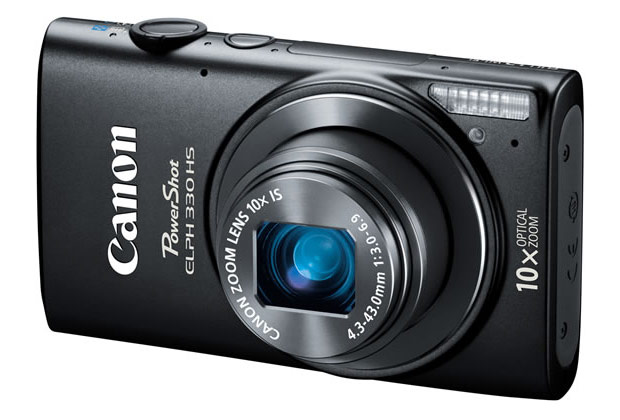
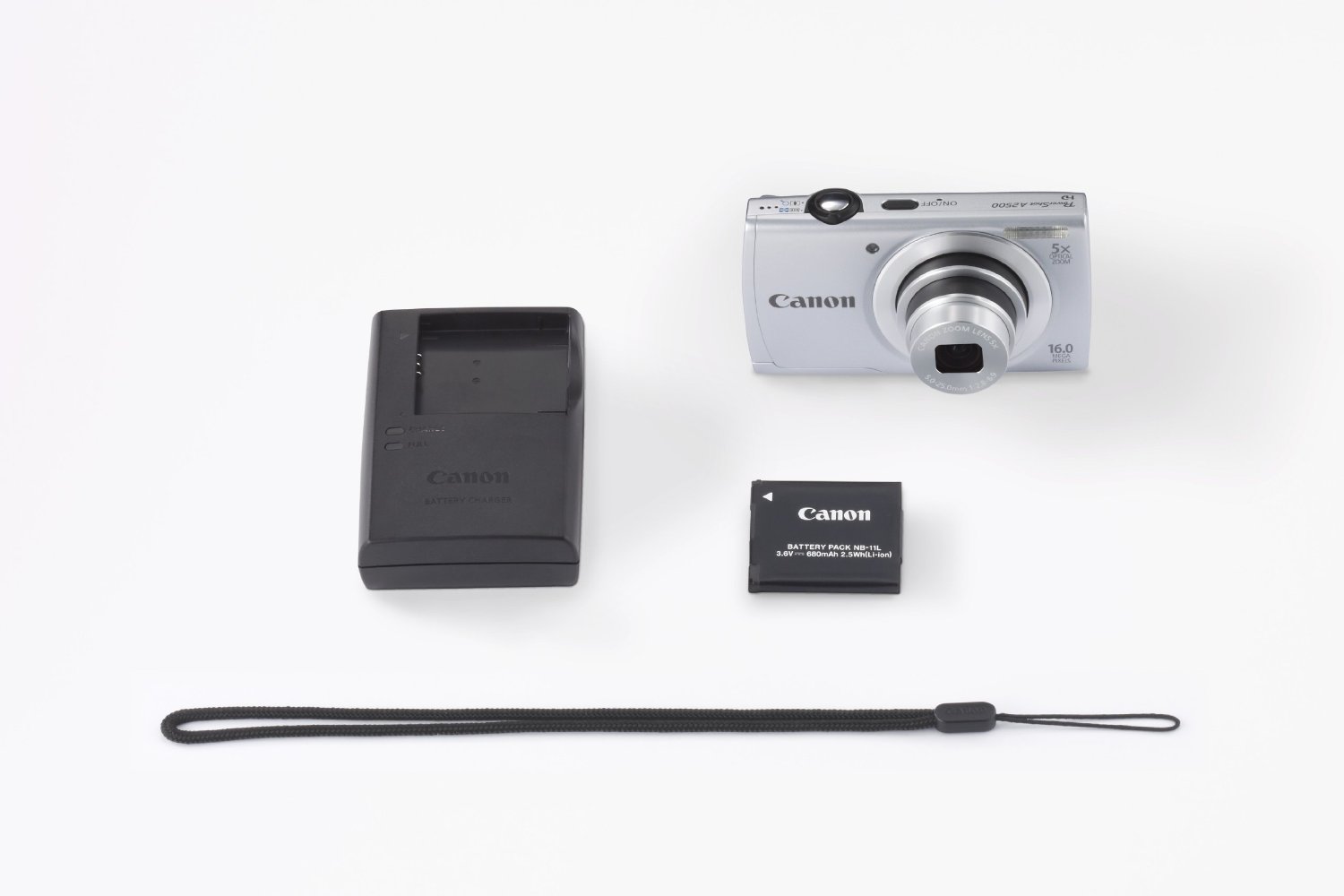
Canon has revamped one of its entry-level pocket camera, the PowerShot A2300, with the PowerShot A2500.
The Canon Powershot A2500 employs the same 16-megapixel 1/2.3-inch CCD sensor, the same DiGiC 4 processor, the same 5x optical zoom lens that delivers from 28mm wide angle (max aperture of f/2.8) to 140mm equivalent telephoto (max aperture of f/6.9) range, the same 2.7-inch, 230,000-dot LCD display and the same basic 720p HD video capabilities.
Build Quality And Design
At 125 gram weight, Canon PowerShot A2500 is among the lightest cameras around. It is solidly built and has a silver accent towards the front of the camera that separates it from its predecessor.
At the back there is the LCD monitor with a control panel comprising of a 5-way D-pad and buttons for video recording, help, playback and menu.
Space for battery and SD card are at the bottom while USB port is located to the right. It uses a li-ion battery pack and the PowerShot A2500 also features Canon’s new ECO Mode which saves power so you can take more pictures on a single charge.
Performance
The images we shot from the Canon PowerShot A2500 seemed a little lackluster. The colour reproduction felt slightly unnatural and the images weren’t sharp enough. Outdoor images were decent though. Indoor images however, were not up to the mark. You can check out the sample images and video in our video review below.
The Canon PowerShot A2500 employs Canon’s Smart AUTO Mode, which recognizes up to 32 different shooting situations and selects the camera settings for no-fuss picture taking. Creative filters available include Fisheye Effect, Toy Camera Effect and Monochrome.
As the Canon PowerShot A2500 does not feature Optical Image Stabilization, videos were quite shaky and low light imaging as a result was unsatisfactory. There’s digital image stabilization, but that typically works by raising ISO sensitivity and noise levels to increase your shutter speed and reduce blur – not necessarily what most shooters are looking for.
It records 720p HD video at twenty five frames per second and 640 x 480 VGA video at 30 frames per second. It picked up background audio quite nicely though, and the 5x zoom came in handy.
Conclusion
if you’re not picky about your photos, take mostly outside shots and primarily share them with friends and family online, then the price of the Canon PowerShot A2500 at Rs 5,500 is just right.
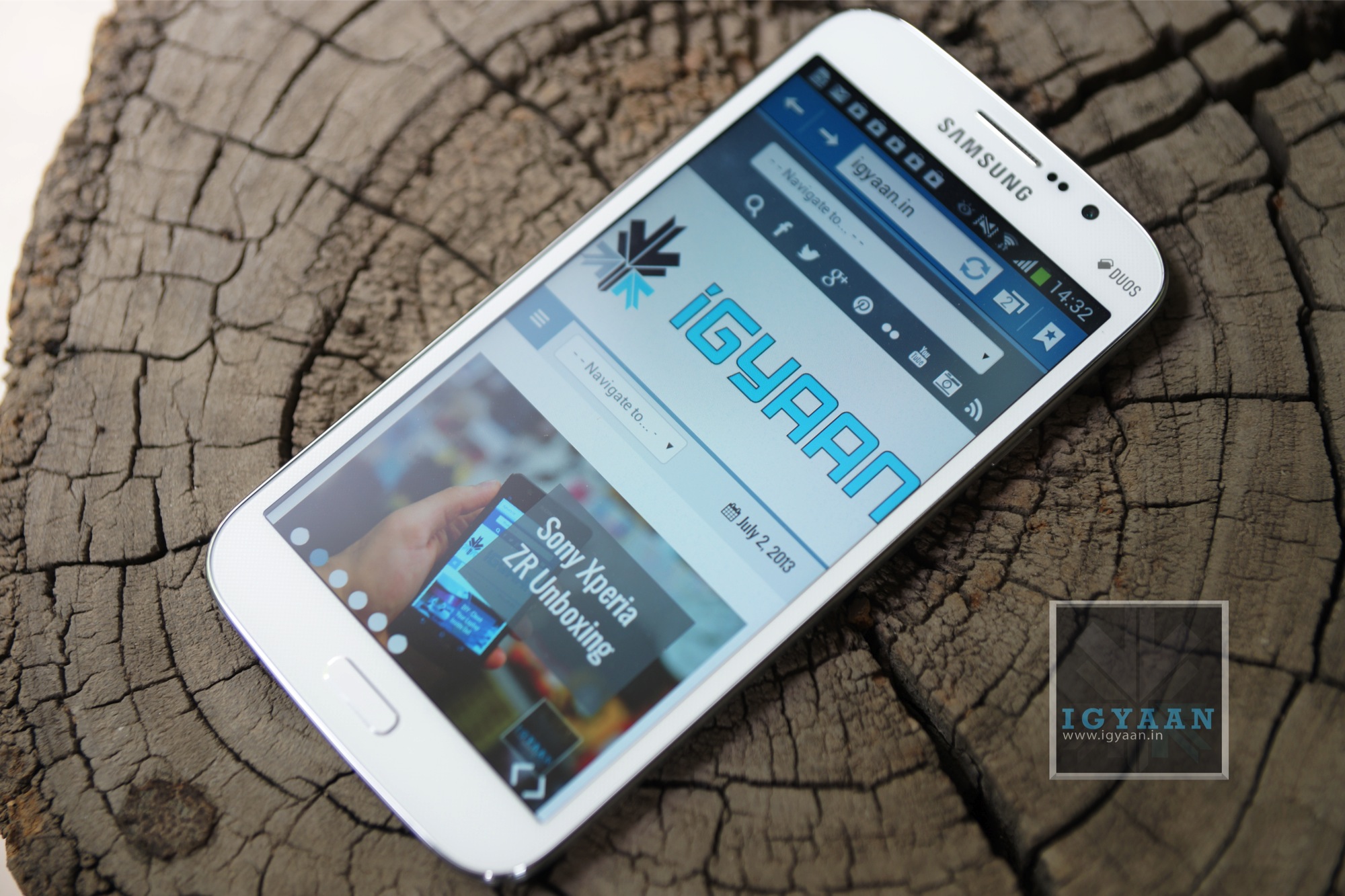
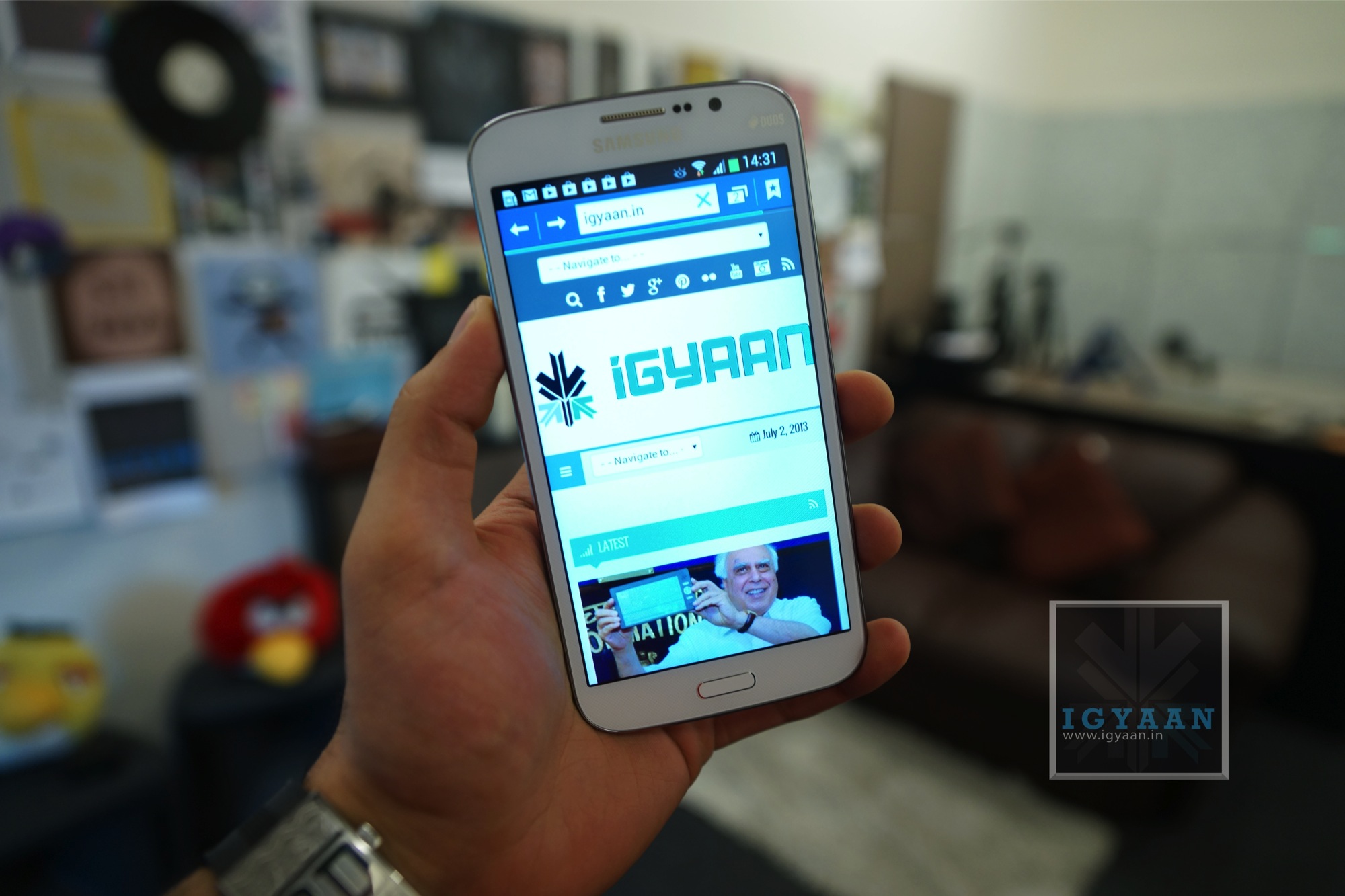
Samsung in the recent times has bombarded the market with phones of all sizes, but mostly of the same shape. The Galaxy Mega 5.8 is a blown up Galaxy Grand and it appears to behave in a similar manner. Lets see if the Galaxy Mega 5.8 is really the value for money smartphone that Samsung claims it to be.
Build Quality and Design
[pullquote_left]It’s the little details that are vital. Little things make big things happen.[/pullquote_left]
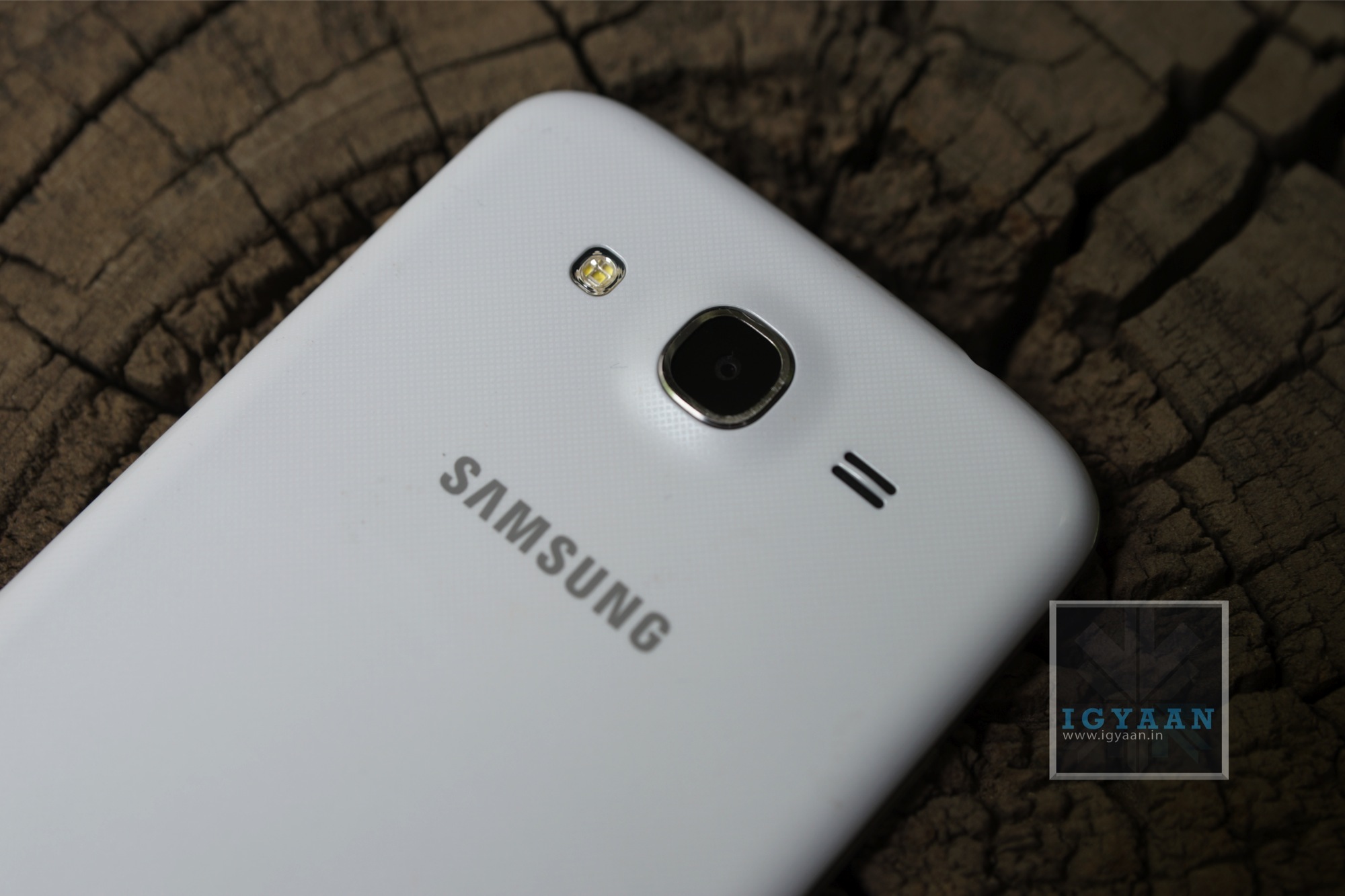
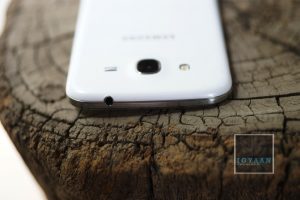
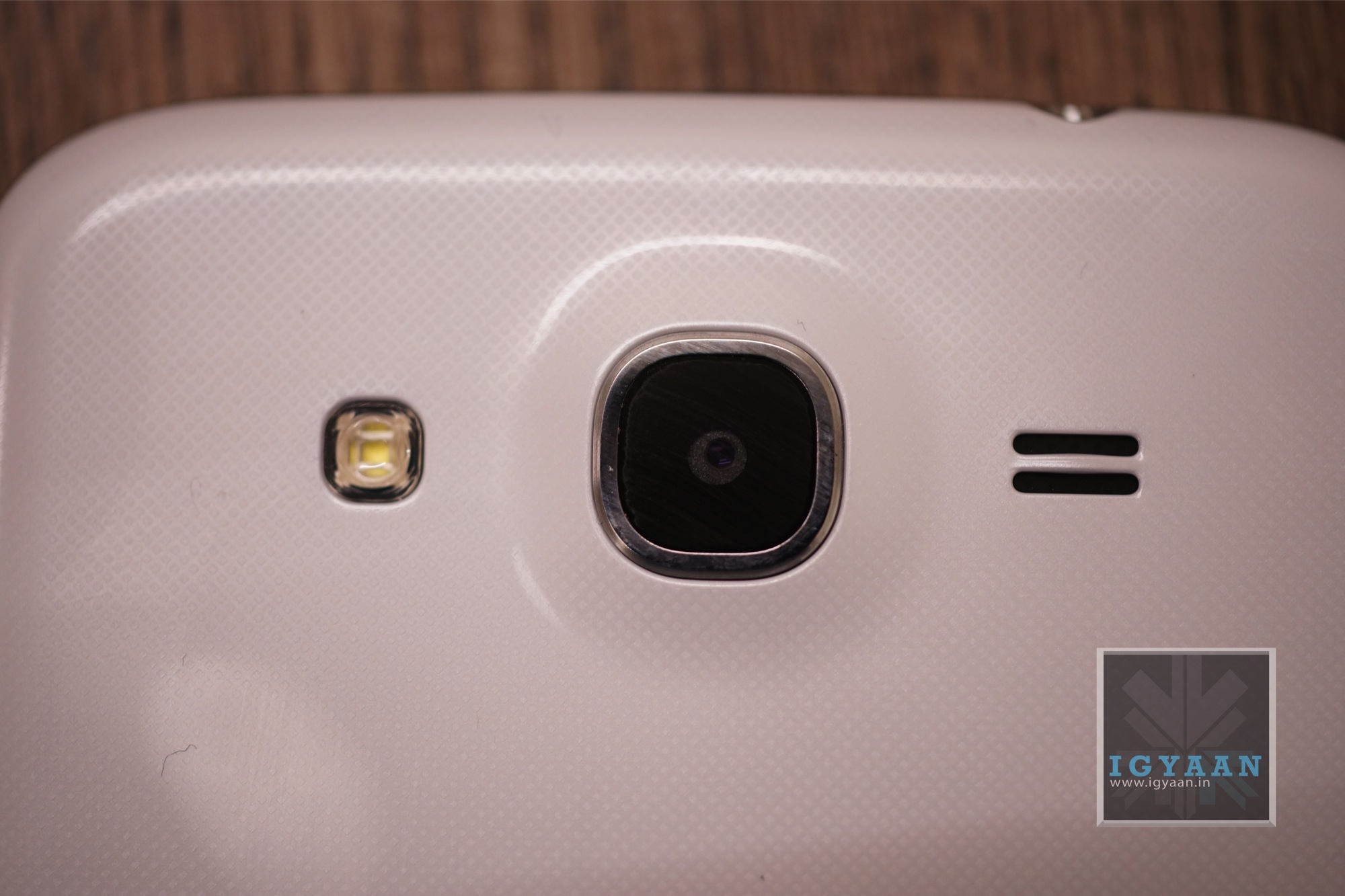
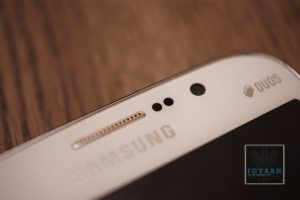
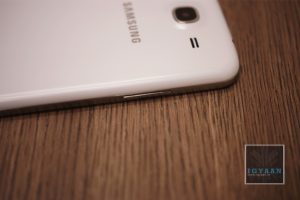
The Galaxy Mega will remind you of every other Samsung phone till date, maybe even many other Samsung phones to come. Built with the same plastic as seen on many-a-Samsung device, the Galaxy Grand fails to impress. First impression of the Galaxy Mega 5.8 will show you either a larger S4, a Galaxy Grand, or a slightly different Note 2, so for innovative new design points; Samsung gets a big zero.
The problem with the design is that despite being old, it still works. People still love the shape and the handleability of the phone, and the first look creates a instant connect with the brand, making this design an identifier, or even a statement for some.
Samsung has truly disappointed us with the hardware on the Galaxy Mega 5.8, not that it is really old, considering that the Galaxy Grand was launched in February 2013. Today a few months is as good as a year, even more if you compare it to 2 years ago. The Broadcom chipset still holds its ground and the benchmark performance is not all that bad, the CPU is Dual-core clocked at 1.4 GHz. The Galaxy Mega adds a bit of RAM to reach the 1.5 GB mark and retains the 8 GB capacity. The cameras are also a stark reminder with the 8 MP main and the 1.9 MP secondary. What is different is the large 5.8 inch capacitive touch screen, with its 540 x 960 px resolution gives a bare 190 ppi, which on parer sounds really low for today. The display however is great and we will explain that in the next segment.
The Battery on the Mega 5.8 is a 2600 mAh cell and for some reason it seems Samsung has managed to manage it quite well, there is a significant improvement in battery life.
The Galaxy Mega 5.8 as the name suggests has a Mega display, a 5.8 inch smartphone is not really a divine though. In the early days the idea was to make phones smaller and more compact. Today as smartphones begin to replace basic forms of computing screens are getting bigger and bigger. The Galaxy Mega’s 5.8 inch display is still smaller than its 6.3 inch sibling, but is quite an interesting display. For one, it does not appear to be much larger than the Note 2 thanks to the design strategy employed by Samsung. The display is also bright and crisp despite its low ppi. This may be because of sheer size of the screen, you tend to hold it further than you would a traditional smartphone, say 3.5-4.5 inch. The screen however uses what Samsung calls a “display enhancement engine” that reduces the noise and pixellation on the display as it does in their televisions, this seems to work well on the Mega 5.8.
The speakerphone on the Mega is fantastic, it is really loud, but not in a painfully distorted way, it sounds good through videos, music and even games. It does not however compete with HTC One’s Boomsound which has a more direct sound delivery approach. The sheer size of the screen makes consuming media enjoyable and almost stress free, and the chipset is more than capable of handling HD video playback and streaming.
The camera app on the Samsung Galaxy Mega 5.8 has been brought down from the Galaxy S4 which is initially inspired from the Galaxy Camera. With multiple shooting modes the camera app gives a lot of versatility to the user. Interesting shooting modes like “Best Photo”, “Best Face” and “Sound and Shot” worked really well on the S4, and they work just as great on the Galaxy Mega 5.8 .
Video is captured at Full HD and employs anti-shake if you need it from the main UI, the front camera however- captures 720p video. You can also add some effects to your pictures in the Auto Mode.
The Samsung Galaxy Mega 5.8 runs on Android 4.2.2 and slaps on a large lump of their popular Touchwiz UI. The interface brings many elements to make this device larger than life. For starters you have smart features, Smart Stay : Keeps your display on as long as you stare at the device. You do have motion gestures ; Screenshots by a palm swipe and muting the device by simply moving your hand on top of the phone.
[pullquote_left]E.T. fingers are a must[/pullquote_left]
The old elements of the TouchWiz UI are intact too, with features like Direct call (lift the phone from within a message to call), Smart Alert, tilting to zoom into pictures or gallery. Pan device to move the Icons or browse a zoomed in Image and even Flipping the device to Mute or pause.
The One handed use feature borrowed from the Galaxy Note 2, makes it slightly easier to dial on the Galaxy Mega 5.8, and also use the calculator. What we find funnily missing however is this feature in the main keyboard. You simply cannot use the keyboard with the same hand you are holding the phone with, unless you have gigantic E.T. fingers.
The Touchwiz UI adds more to the experience, a nice notification panel with scrollable toggles, a task manger and even “S-Voice” (Samsung’s long ignored voice assistant). Samsung often ignores required features in these phones, for example a phone of this size would do wonderfully well as a remote, but since the hardware is absent there is really no point.
Phone, Networks and Battery
The Samsung Galaxy Mega 5.8 is a dual sim smartphone (micro Sim), while the technology to have two sim cards running in the same device may exist, Samsung chooses to not employ it in their latest iteration of the big phone. Phone call handling is easy and simple, and once you get the hang of it you become a master of the device.
The network is solid and we faced almost zero to none dropped calls. We saw a frequent full signal bar, whether in software or in reality the network performance on the Galaxy Mega 5.8 is excellent. Voice is clear through and through, and while both ends of the phone call get clear and crisp audio streams. The speakerphone also keeps up with its name and is sufficiently loud for hands free voice calls.
Battery life is great on the Galaxy Mega and despite the fact that it has a mere 200 mAh increase from the Galaxy Grand’s 2400 mAh, and taking into consideration the increase in display size, the battery performance is far superior.
Talk time : 5.5+ hours
Internet : 6 hours
Music : 10 Hours +
Video : 4+ Hours
Average battery life : 1 Day +
Conclusion
The Samsung Galaxy Mega 5.8 is no magical innovation and does not really create a wow statement, except probably “Wow its Big!”, which actually may be good enough for a lot of people. The blown up version of the Galaxy Grand actually improves on many things, including a larger yet better display, an improved battery life and a great camera. The price difference however seems a bit much for these.
The Galaxy Mega 5.8 is a phone that might as well be the next big thing, but, the problem here may be that its just too big to be an everyday phone. All size judgements aside Samsung has really managed to increase their portfolio across different price segments, but here a Galaxy S3 for Rs. 27,000 seems a lot more promising and portable. The Galaxy Mega 5.8 also does not have multi-window a feature which now comes out of the box on the Galaxy S3.
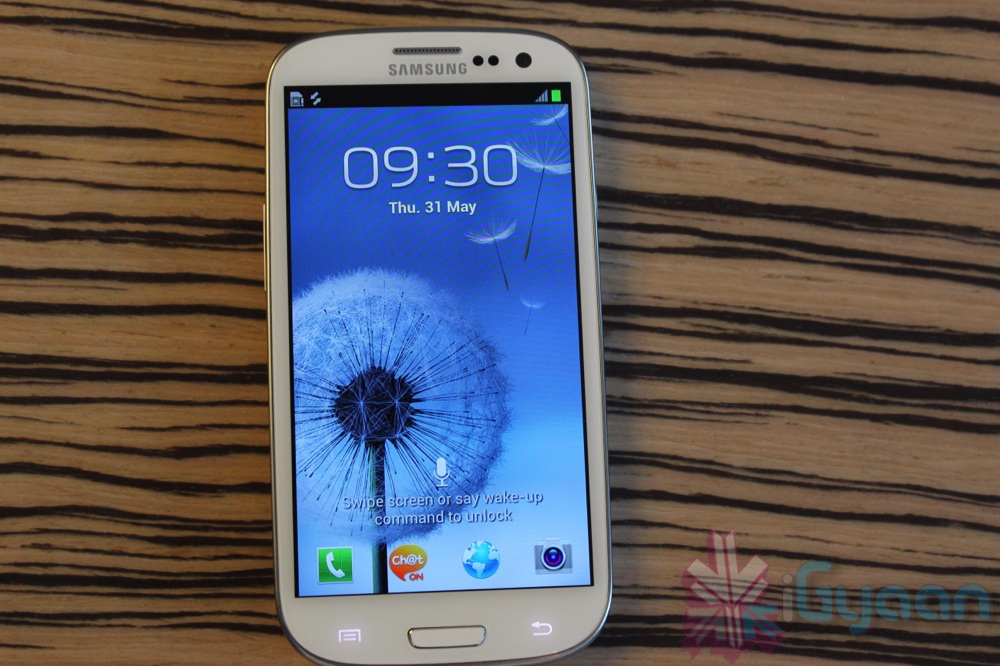
As requested by our viewers, Bharat Nagpal unboxes the Pebble Blue version of the Samsung Galaxy S3. The box contains a 2100 mAH battery, Stereo headphones with changeable earbuds and a microphone, a mains plug with USB sync charge cable, a Quick start guide and a Warranty card. The MRP of the device is INR 42,000 but is available in the market for around INR 36,000.
We will be coming out with a full in-depth review soon, so stay tuned!
Check out our unboxing, hand-on, video and image samples and launch videos here :
In this video Bharat Nagpal unboxes the More Color Gem Lucent Hard Case for the iPhone 4/4s. It is a bumper case and has a snap-on mechanism. The cut-outs on the case are really well spaced and accurate. The only drawback of the case is that it is only slightly raised above the surface the phone which may lead to some scratches. . It is available in the market for $29 (INR 1500)
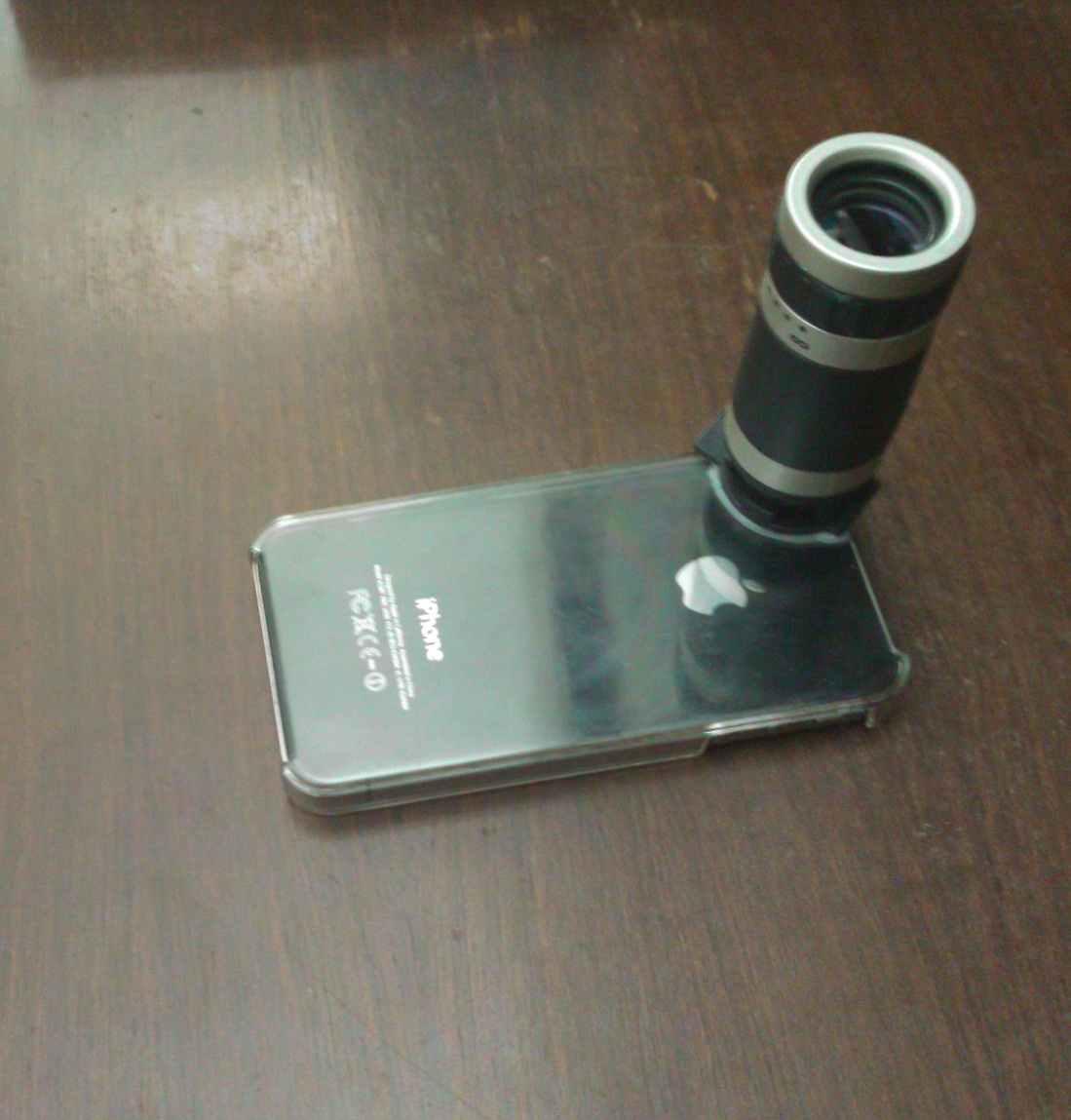
We recently got our hands on a rather interesting accessory for the iPhone 4/4s, the 6x Zoom lens. It is available online at ChinaBuye at a price of $14, shipping included.
The package includes the zoom lens, a plastic case and a cleaning cloth.
When you hold the lens in your hand, the first thing you will notice is that it is light weight but well built. There are no loose parts but the plastic cover provided with the lens has a tendency to gather dust and scratch your phone.
Mounting the lens on the case is a bit difficult but once it’s on it stays put. The focus ring towards the front lens helps you adjust the focus while shooting a video or taking a photo. The focus range is 3m-infinity with a field of 9 degrees.
While testing it outside, we noticed that getting a steady image from the lens is a very tough task and it would be better to use it by mounting your device on a tripod stand. However, the lens does provide a very considerable zoom and is ideal for shooting far-placed objects. The only drawback we found was the shakiness of the lens.
Overall, given its cost, the zoom lens is a good purchase.