Tag: Microsoft Windows 10

  • Windows 10 Plagued With Zero-Day Vulnerability With May Update

    Windows 10 Plagued With Zero-Day Vulnerability With May Update

    Microsoft released its latest Windows 10 update that boasts of numerous improvements. However, the changes bring about a new form of security threat for the freshly updated Microsoft Windows 10 operating system. Since Microsoft had announced the aforementioned update on May 21st, it is safe to assume that the update would still need a couple of days to be more widespread.
    WindowsThe update brings new things to the table such as Windows Sandbox and refreshes the Start menu to be simpler on newer devices. Microsoft with this updated software brings a change in the manner Windows 10 handles reserved storage. Furthermore, Cortana has now been moved from the search tab as well.

    Microsoft has been known to have a passive approach to the release of their software updates, hence most users would not be receiving the said update immediately. To check if the update is available clicking on the Windows Update option under Update and Security can be found in the System’s Settings. 

    Zero-Day vulnerability or 0-Day vulnerability, for those not aware of technical jargons, is a computer vulnerability that has not been discovered by the vendor or main party in concern (here Microsoft). The classification remains until the main party acknowledges the issue that can be abused by exploiters/hackers.
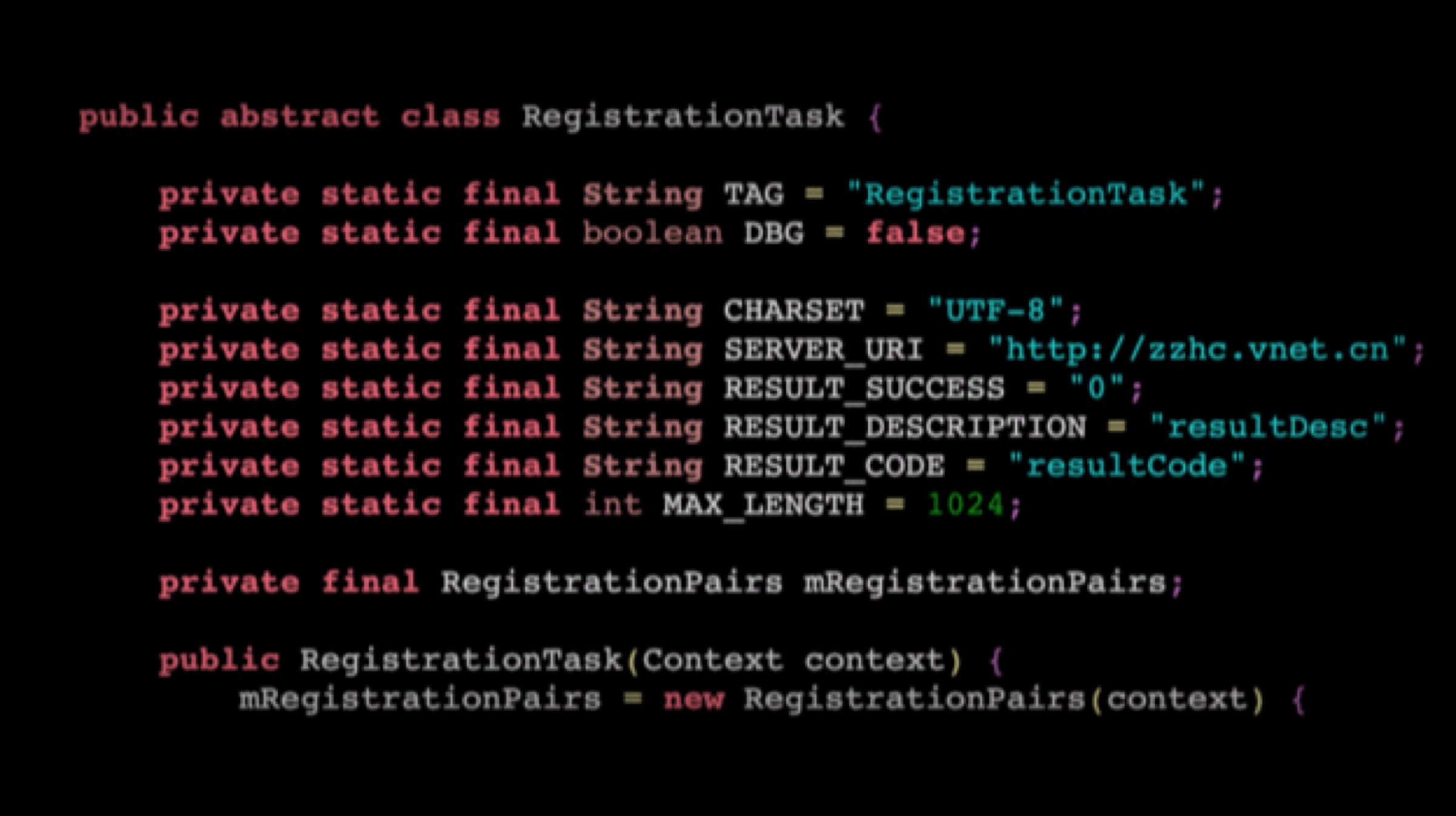
    A researcher named SandboxEscaper published the exploit code on GitHub and released a video of how the exploit can be abused. SandboxEscaper has been known to have discovered other such zero-day exploits. The vulnerability in question targets the local privilege escalation (LPE) that allows third-party complete access to the machine by granting them administrator status over the actual user. In other words, a users computer may be remotely accessed by those who seek to gain access.

    Also Read: Xiaomi Black Shark 2 To Be Retailed Via Flipkart In India, Launching On 27 May

    The zero-day cannot be exploited in and of itself but paves the way for other methods to have more of an effect when used simultaneously. SandboxEscaper reports that the Windows Task Scheduler is the vulnerability that makes the exploit possible. If the hacker used a particular .job file in the Windows Task Scheduler after gaining access to the computer, it grants administrator access to the system giving the hacker unwarranted power to change fundamental settings on the PC.

  • Windows 10 Will Lose These features With the October 2018 Update

    Windows 10 Will Lose These features With the October 2018 Update

    With over 700 million devices running on Windows 10, Microsoft is constantly working on updating the operating system. The upcoming October update of Windows 10 will see a lot of features being discontinued but most of them are actually being incorporated into other features. Many elements which are not being actively developed as of now, will not be updated and will probably be removed by the update after this one.

    What you will lose:

    The most important feature in this list is the snipping tool. The sniping tool is used by many people to  capture screenshots and specific portions of the screen. The feature in itself is not being removed, its just being moved. It is being incorporated into Microsoft’s new Snip & Sketch app. The Snip & Sketch app will let you use the exact same features as the snipping tool. It will have an additional feature to delay the snip from being taken.

    Also Read: Microsoft Will Let You Use Windows 7 Till 2023, But It Comes With A Cost

    The Hologram App is one that has also been added to the list. This is because it is being replaced by the Mixed Reality Viewer. With this, you can still view 3D art in virtual reality. The same can also be edited in the Paint 3D application.

    The Phone Companion App will also be discontinued. This does not mean that you will lose the functionality associated with this. The features of this app will be incorporated into the Phone page under settings. To see a list of everything that has been changed, you can visit this website.

    Microsoft will also be dropping the OneSync service. This syncs data across the Calendar, Mail and People apps. However, Microsoft has introduced a sync engine to the Outlook application which will carry out the same task. The new update is called Windows 10 version 1809 and will arrive in October. The rollout will be spread over a period of several months however and it will take some time for all the features to arrive to your system.


  • Windows 10 Spring Update Will Get A New ‘Timeline’ Feature

    Windows 10 Spring Update Will Get A New ‘Timeline’ Feature

    Microsoft is in the final stage of launching the next big software update for Windows 10 called ‘Spring Creators Update’. The company is yet to announce the launch date of the update. However, according to a source, the update will go live on the 10th of April. In fact, this date collides with Windows 10 Creators Edition launch date. There are a lot of changes and new features included in the upcoming major software update from Microsoft.

    The update will be first tested with a set of users in the initial wave. Later on, the update will be made available for the rest of the users. In fact, the update might take months to land on your device. If you are an eligible Windows Insider, then you will be able to test the RTM (Release To Manufacturing) build before April.

    New features

    The spring update will have plenty of new features. The update will improve the user experience on Microsoft Edge browser, new action centre, and a task view feature. Similarly, there are minor UI refinements, which improves the overall user experience. The most interesting feature of this update is the new Timeline feature.

    The task view will be renamed as Timeline, which allows a user to go back up to 30 days to edit a document or pick up a task. These apps/tasks will be listed according to time. However, every app will not support this feature. Most of the Microsoft applications like Word, Edge, Powerpoint will support this feature from the beginning.

  • Windows 10 Mobile Is Done And Dusted

    Windows 10 Mobile Is Done And Dusted

    Windows OS powered mobile phones have seen a decline in market share since the resurgence of iOS and Android. The Windows OS run mobile phones came into being way before Apple and Google unveiled their operating systems. Having been active in the smartphone industry even after seeing a considerable decline, Microsoft has finally seen the writing on the wall, that there aren’t enough people using Windows 10 Mobile or enough apps to make it viable.

    Corporate vice president of Windows 10 and head of Microsoft’s “PC-Tablet-Phone” division, Joe Belfiore, said took to Twitter Sunday to announce that Microsoft will continue to support Windows 10 Mobile with bug fixes and security updates, but new features and hardware are no longer a priority for the company.

    According to the most recent sales figures from Kantar Worldpanel, Windows phones account for just 1.3 percent of the market in the US, while BlackBerry is at 0.3 percent. Compare that with Android’s 64 percent share of new phone sales and 34 percent for iOS, and you can see why Microsoft has taken this step.

    Microsoft tried to leverage its legacy and dominance in the PC space by billing the Windows 10 smartphones to have the “everywhere OS” that would let users shift seamlessly between desktop, tablet and mobile. But, lack of apps and the increasing dominance of Android and Apple in the smartphone space didn’t let the Windows 10 platform flourish.

    Joe Belfiore continued to say on twitter that Microsoft has tried “very hard” to provide incentives for app developers to get apps onto Windows Mobile but, the “volume of users is too low for most companies to invest” in the ecosystem.


  • Microsoft Windows 10 Preview Released with Built-In Eye Tracking

    Microsoft Windows 10 Preview Released with Built-In Eye Tracking

    Microsoft announced its Windows 10 tester edition on 2 August 2017. The new Windows 10 Insider Preview Build 16257 includes support for a beta version of Eye Control aka built-in eye tracking feature and improvements to Edge, Console, input, and Windows Defender Application Guard (WDAG). This is the ninth build of the upcoming Windows 10 Fall Creators Update, which is slated to arrive in September.

    The Windows 10 Insider Preview was introduced as a service, setting it aside from its predecessors in terms of built. This could mean that the regular updates would include a little more than just bug fixes, maybe new features. But first here’s a look at the newly added and updated features.

    Eye Control

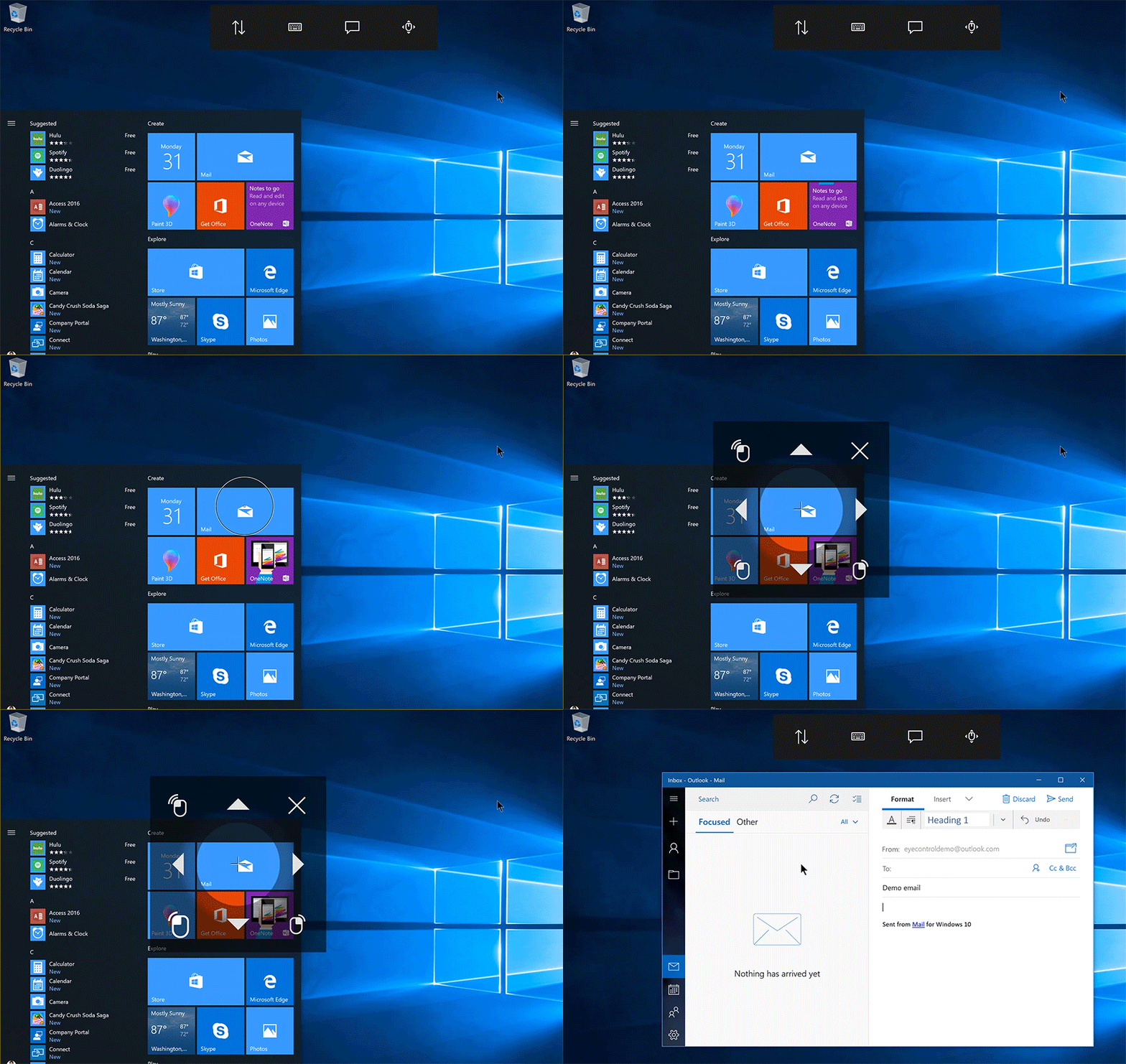
    The major addition to the Windows 10 preview is the Eye Control technology which would make the Windows 10 much more accessible to people with disabilities. The eye tracking feature will make it easier for people to operate an on-screen mouse or keyboard and convert text-to-speech. The Eye Control feature requires a compatible eye tracker – Tobii Eye Tracker 4C, to access the windows OS.  The Tobii Eye Tracker 4C enables a user to carry out tasks which were previously accomplished via a physical mouse or a keyboard with just their eyes.

    In the preview blog post, Microsoft mentioned that it will be supporting only the US English language keyboard layout but plans on adding more layouts sometime in future.

    Microsoft Edge

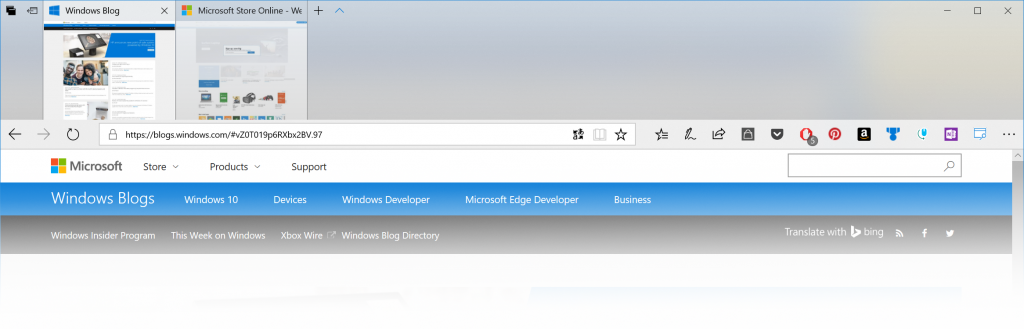
    Apart from the eye tracking feature, Microsoft Edge was also updated for a more modern look in the browser frame and other fixes for copying images, closing tabs in full screen mode and tab ordering. According to the company, ” The use of Acrylic material provides depth and transparency to the tab bar and other controls” and button animations are “more responsive”.

    Microsoft also made changes to the address bar. So now, when you click and drag the text it will remain under the cursor, even if the address bar isn’t in focus. Whereas , previously the text would shift as the “http://” appeared, making it difficult to edit the URL.

    WDAG and Input Upgrades

    As for input improvements, the touch keyboard now launches faster from the taskbar and the bugs in dictation and Japanese keyboards have been fixed. WDAG has also received performance upgrades, specific to container launch times. The tool has also received new status strings for providing more detailed information when starting up, plus networking and launching bug fixes.

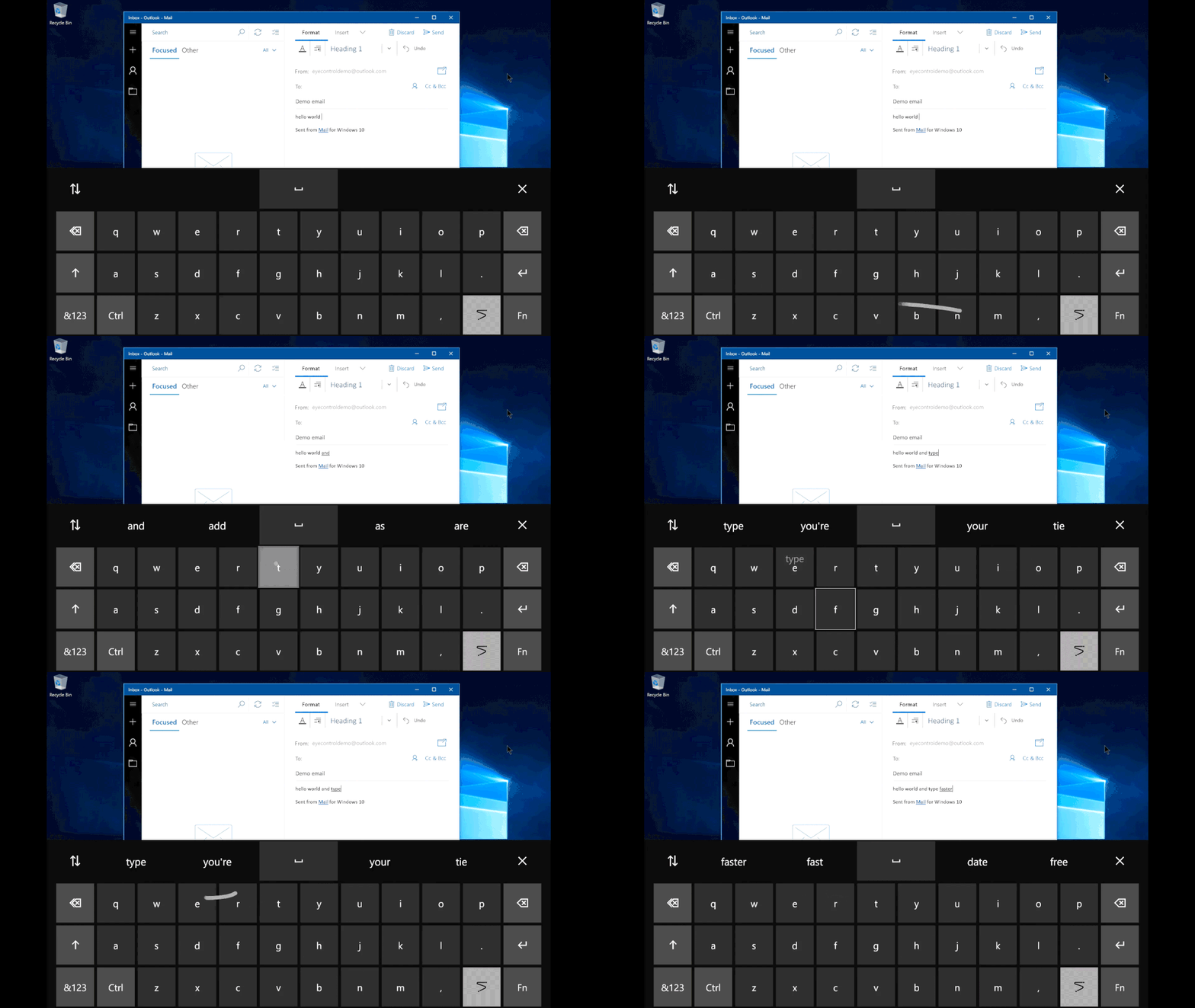
    Aside to the general improvement and fixes, Microsoft introduced another feature included in Eye Control called “shape writing,” . This feature allows a user to speed up typing by just looking at the first and last letters of a word and “simply glancing at letters in between.” And to make things easier, a “hint of the word predicted will appear on the last key of the word,” but if the prediction is incorrect, it can be swapped with another predicted alternative.

    Shape Writing

    It’s still unclear when the built-in eye tracking will roll out as a fully baked feature. But, it may not be long before we see a fully functioning version of the new Windows 10.

  • People, MS Paint Is Officially Dead

    People, MS Paint Is Officially Dead

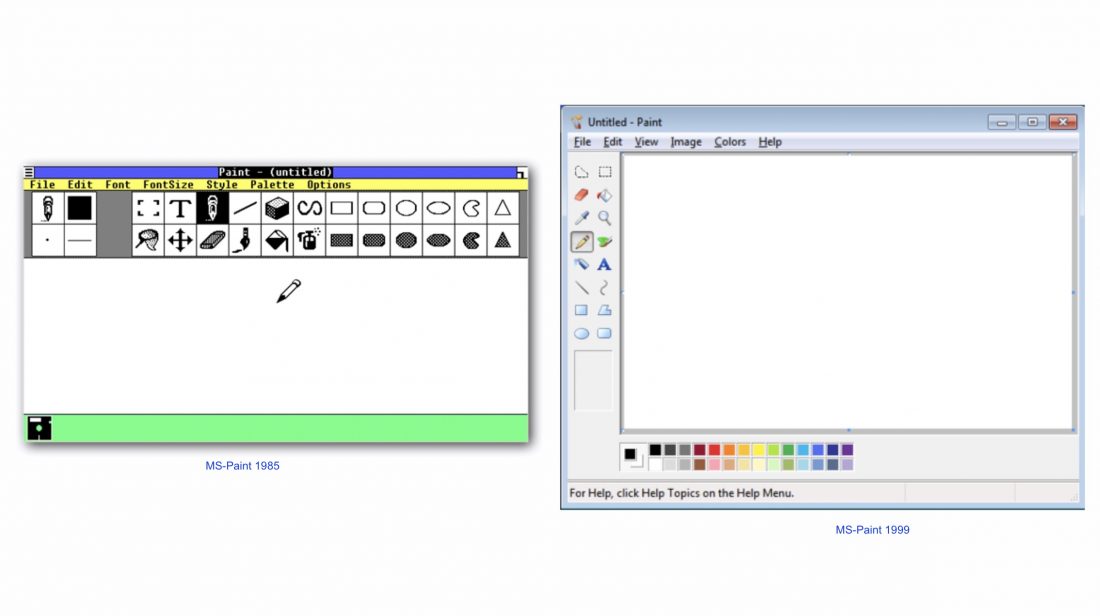
    The good ol’ MS Paint, the tool that inspired the lot of us to become artistes is getting ‘deprecated’, according to Microsoft. In a recent announcement by Windows, it listed out the features and software that will be in the Windows 10 Fall Creators Update. The iconic MS Paint was first introduced by Microsoft back in 1985 ie 32 years ago! MS Paint will be missed, not for its functionality but for just being, well Paint. It’s like that old t-shirt which doesn’t fit you anymore but you can’t give it away either because it was cool a several year ago. MS Paint getting the axe doesn’t come as much of a surprise though, as Microsoft is now pushing Paint 3D as the next big thing in their repertoire.

    As per the announcement, don’t expect MS Paint to vanish off the face of the earth just yet, as it states that MS Paint will ‘deprecated’ rather than ‘removed effective immediately.’ What this essentially means is that the software is not in active development and can be removed in the future updates. MS Paint will be available through the App Store with its functionality integrated with paint 3D. If you’re wondering what this Paint 3D is, then here’s a small introduction: It is nothing like our ‘masterpiece creator MS Paint.’As the name suggests, it is designed to make in 3D. Paint 3D will let users turn parts of photos, artwork into full-fledged 3D objects. It was announced back in April 2017 with the Creator’s Update. It also lets users work on a 2D image and convert it into 3D artwork.

    MS Paint is here to stay, it will just have a new home soon, in the Windows Store where it will be available for free.

    The final word on when MS paint will be removed in its entirety is not out there, yet. The Windows 10 Creators’ Autumn update will start rolling out soon, although a definitive date has not been announced, expect the gradual removal MS Paint as soon as the update starts rolling.

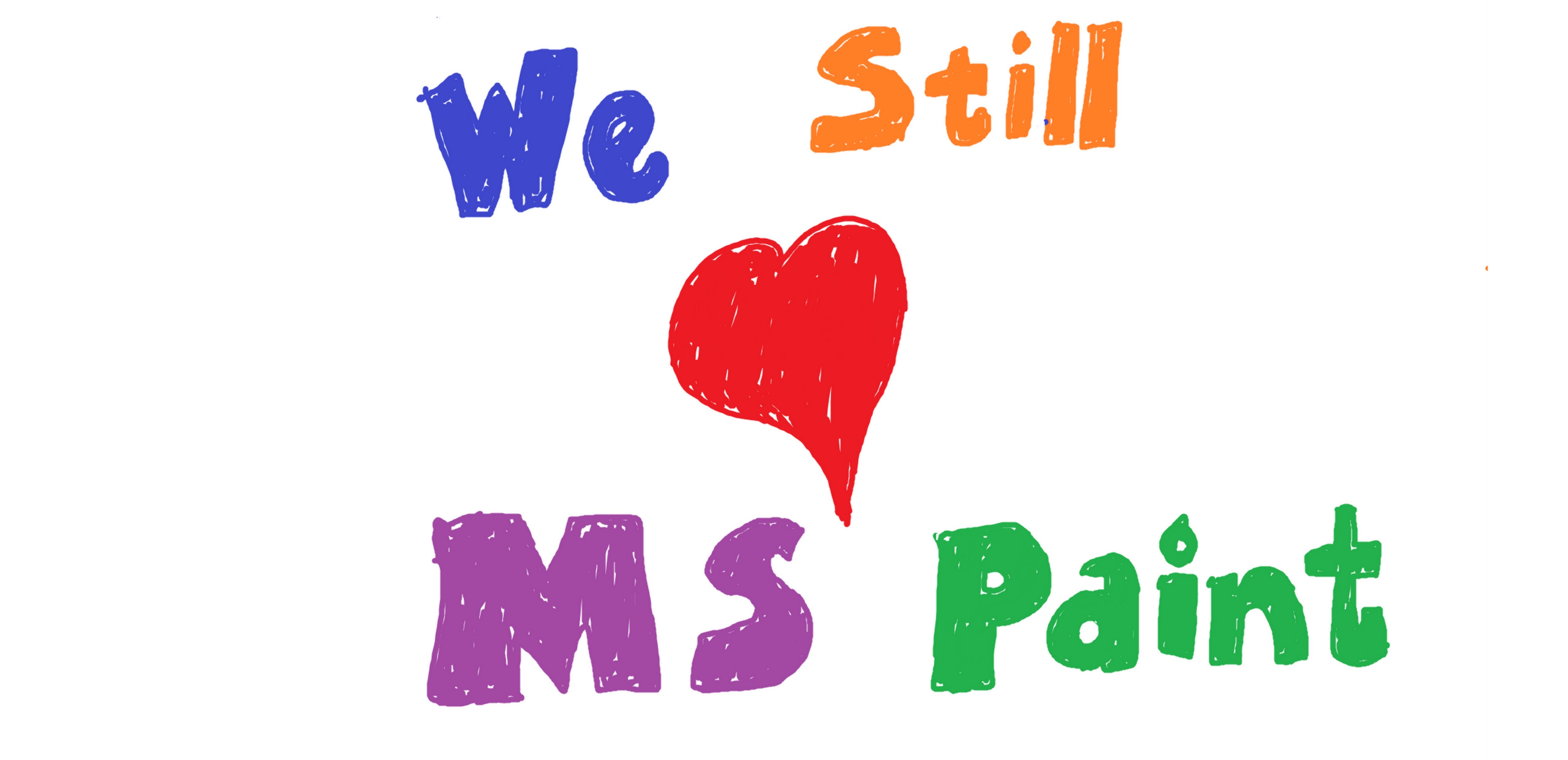
    Till then enjoy this MSPaint creation :


  • Microsoft Announces List Of Lumia Phones That Will Receive The Windows 10 Upgrade

    Microsoft Announces List Of Lumia Phones That Will Receive The Windows 10 Upgrade

    The Windows 10 update for desktops, laptops and tablets is on a roll. Yesterday, Microsoft began rolling out the update yesterday and it managed to be downloaded by over 14 million people, worldwide. But serious questions were asked by consumers about the availability of the new operating system on their smartphones. The company said the OS will start rolling out smartphones from November. Today, the company has confirmed which Lumia devices will receive the updates first.

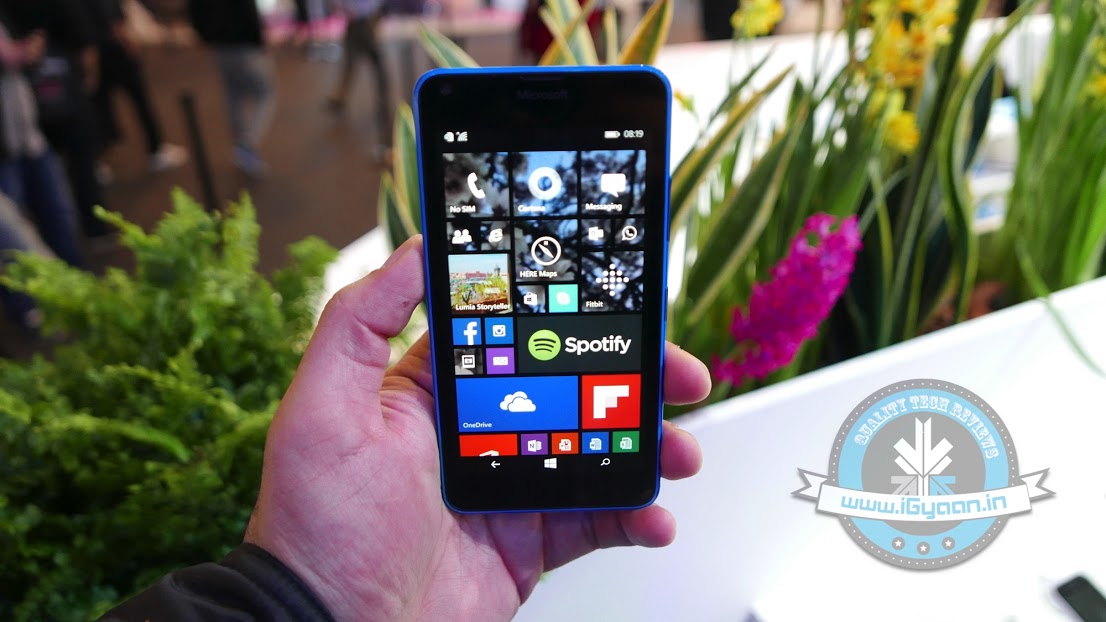
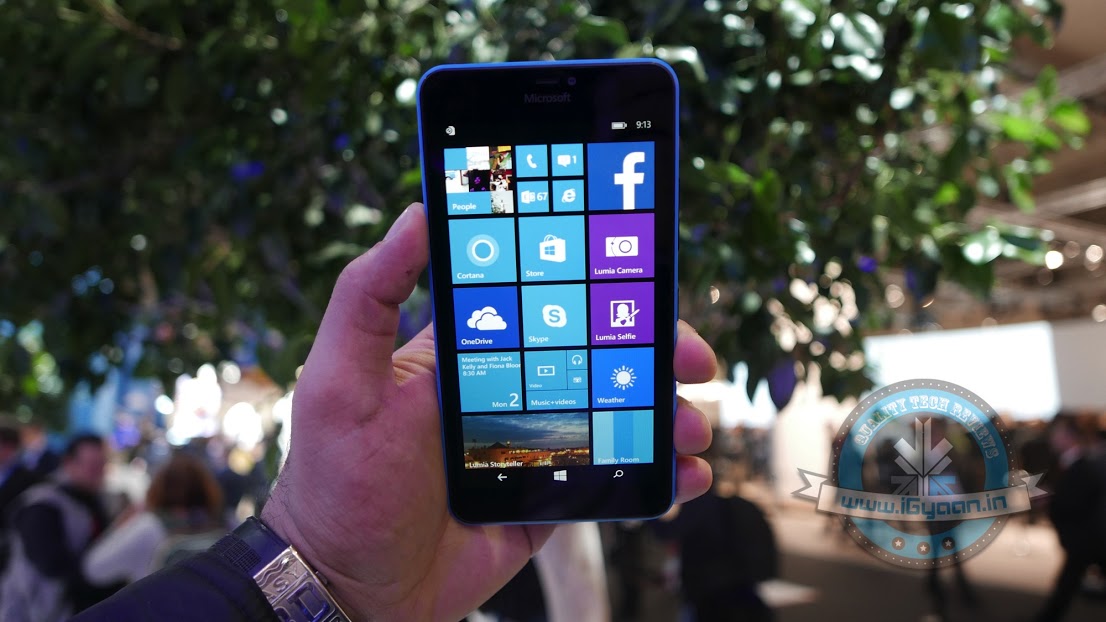
    Microsoft announced that the devices which will receive the OS update are: Microsoft Lumia 430, Lumia 435, Lumia 532, Lumia 535, Lumia 540, Lumia 640, Lumia 640 XL, Lumia 735, Lumia 830, or Lumia 93. The firm announced the list which it said “will receive a free upgrade when available”, but vague wording made it unclear if these devices would be the first to be upgraded, or if they might be the only ones to get updated.

    lumia 640XL  17
    Nokia Lumia 640 XL will be receiving the Windows 10 upgrade.

    Many notable devices like the Lumia 520 and the Lumia 630 and 635 are missing from the list. The company assured that the upgrade will eventually be brought to every device running on Windows Phone 8.1 Update 1 or Update 2, with the most recent Lumia Denim firmware. But, Microsoft also said that not every Windows 10 feature will be available in the mobile version. One of them is the Windows Hello biometric security feature.

    Windows 10 Mobile will be bringing in a lot of positive changes to the whole Lumia interface, introducing an updated Action Centre, new Microsoft Edge browser, and universal apps like Maps, Calendar and Photos, among others. Cortana would also be starred in the OS, now with cross-platform and cross-device integration stretching to Android and iOS, apart from desktops. Also new, are features like the One-Handed mode.

    Windows 10 Upgrade Website

    The Windows 10 Operating System is taking place on a global scale. Microsoft’s official online store has listed the Home version under Rs 7,999 and the Pro version for Rs 14,999. For those users who are using Windows XP and earlier versions, or are assembling new PCs or laptops need to purchase the software. And, for those who are operating original Windows 7 and Windows 8, you are eligible for the free upgrade.

  • Mozilla Unhappy About Extra Effort to Change Default Browser in Windows 10

    Mozilla Unhappy About Extra Effort to Change Default Browser in Windows 10

    If you’re one of the 14 million users around the world who has installed Windows 10, you know what we’re talking about. Windows 10 has made Microsoft Edge as the default browser, and while the reviews have been positive so far, it is far from perfect. So, when users try to make Mozilla or Google Chrome the default browser, they are redirected to the Settings, from where they can then change the default browser. While the procedure is easy, the effort has doubled and Mozilla is not happy at all.

    In an open letter penned to Microsoft CEO Satya Nadella, Mozilla’s CEO Chris Beard says that it “now takes more than twice the number of mouse clicks, scrolling through content and some technical sophistication for people to reassert the choices they had previously made in earlier versions of Windows. It’s confusing, hard to navigate and easy to get lost.”

    windows default
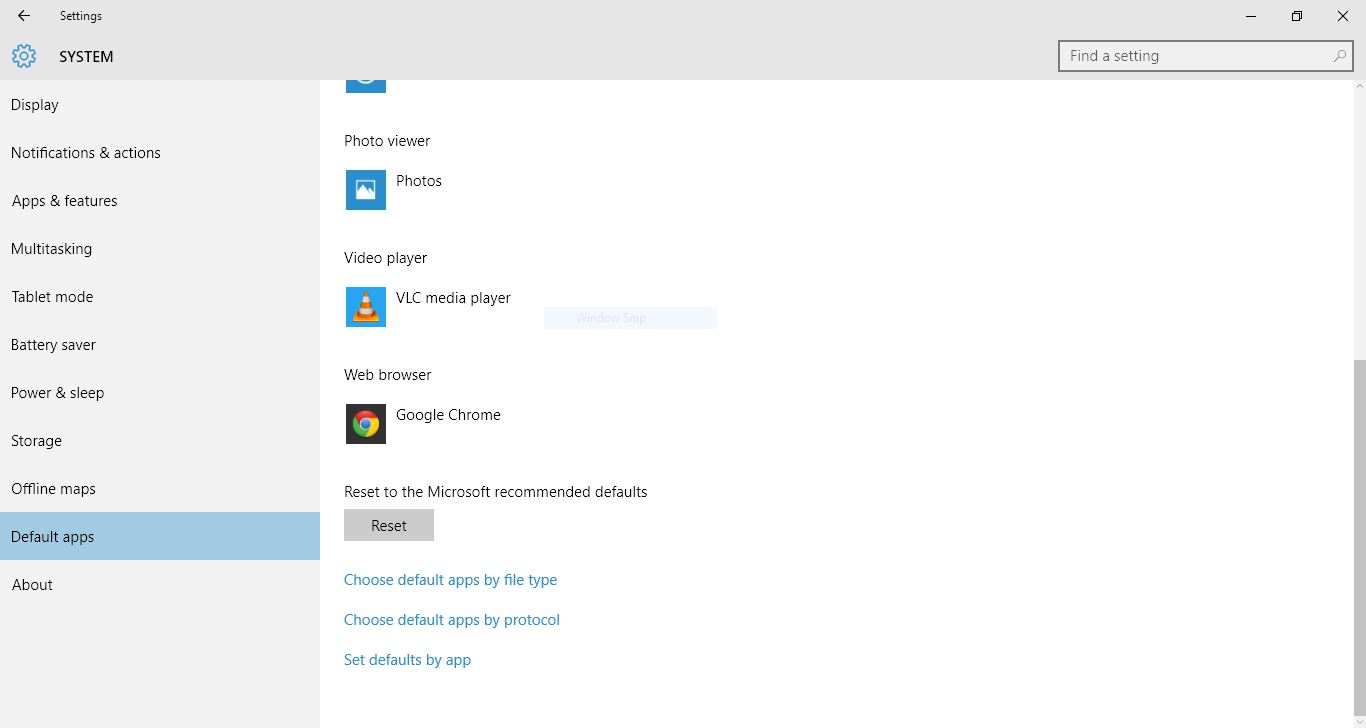
    To change your default apps, you have to go to Settings>System>Default Apps.

    The default setting not only applies to the web browser but also to video files, music, photos and pretty much everything. In a blog post dated May, 2015, Microsoft explained that the move was made to reduce unwanted noise created by prompts. Not to forget, Microsoft has spent years and resources to develop Edge and has worked very hard to remove the ink stain known as Internet Explorer.

    Following the open letter, Microsoft has released a statement saying: “We designed Windows 10 to provide a simple upgrade experience for users and a cohesive experience following the upgrade. During the upgrade, consumers have the choice to set defaults, including for web browsing. Following the upgrade, they can easily choose the default browser of their choice. As with all aspects of the product, we have designed Windows 10 as a service; if we learn from user experience that there are ways to make improvements, we will do so. “

  • Here’s What We Know About Windows 10 So Far

    Here’s What We Know About Windows 10 So Far

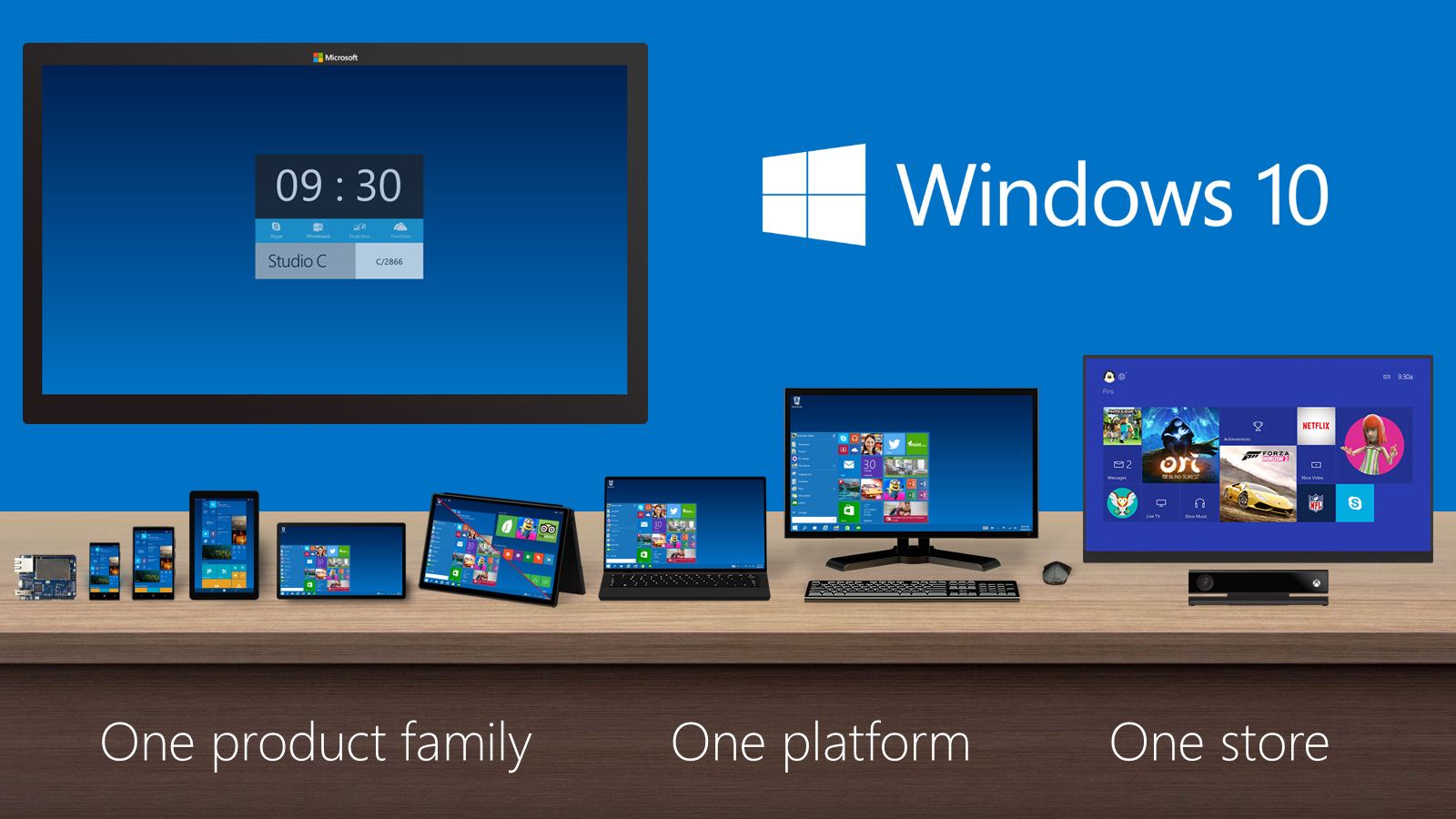
    Windows is by far one of the most widely used OS in the world. It’s also known that Windows XP has been the most popular version of Windows, to the length that it took two years for Windows 8.1 to surpass XP. With Windows 10, Microsoft has taken a multi-platform approach, meaning that your Xbox, phones and other Microsoft products will run on the same OS.

    Microsoft is pulling out all the stops to make Windows 10 available worldwide. From free upgrade to new features, the company has been building up the hype for its new OS day by day. Still, existing Windows users are still confused about certain things like, whether they are eligible for free upgrade or when can they get Windows 10.

    Here’s what we know about Windows 10 so far. We hope that we are able clear your doubts.

    Am I eligible for free upgrade?

    The most frequent question riding on Windows users’ minds, to which Microsoft has changed its answer from time to time. First, it was reported that anyone who uses a copy of Windows 7 or 8.1, genuine or not, will get a free upgrade. The company changed its statement saying that the users using pirated version will not get free upgrade.

    windows_10

    If you use a genuine copy of Windows 7 or 8.1, you will get a free upgrade. You can simply click on the Windows logo on the right side of the taskbar and reserve your free upgrade.

    If you use a pirated version of Windows 7 or 8.1, you will not get a free copy of Windows 10. There is a way to get a free copy though. If you decide to install a preview version of Windows 10 as part of the ‘Windows Insider’ program, you will get a free upgrade as long as you keep receiving the pre-release updates. If you install the preview version, upgrade to the final version on July 29th and then opt-out of pre-release updates, you will not receive the free copy.

    When will I receive my free copy of Windows 10?

    If you are a regular Windows 7 or 8.1 user, and have registered for your free copy of Windows 10, you will not receive it on July 29. On that day, Microsoft will roll out the new OS to the Windows Insiders. Since the majority of the world has registered for the free upgrade, it is obvious that not all of them will receive it on the same day. That is why Microsoft will start notifying reserved systems in parts, which means you will get your free copy of Windows 10 after you have been notified post July 29.

    How do I register for my free Windows 10 upgrade?

    You will see a Windows logo on the right side of your taskbar. Click on the logo will open up a window. Click ‘Reserve your free upgrade’ and enter your Microsoft Account ID. Select the menu and choose ‘View Confirmation’. If this window appears, it means you will be notified about your free upgrade:

    windows 10

    How much space is needed for Windows 10 upgrade?

    According to Microsoft, the Windows 10 upgrade requires only 3GB of space. How much time it takes to download 3GB will depend on your Internet connection.

     Will I lose my personal data after I upgrade to Windows 10?

    Microsoft says that your files and applications will be safe. However, we recommend you to create a backup of your personal files. As far as softwares are concerned, applications like anti-virus will be uninstalled during the update while keeping its settings. If you have a current subscription, Windows will reinstall using the preserved settings.

    Now that your basic doubts have been cleared, we hope that you and us will enjoy Windows 10 when it comes on 29 July.

  • Microsoft Officially Announces Windows 10 Release Date

    Microsoft Officially Announces Windows 10 Release Date

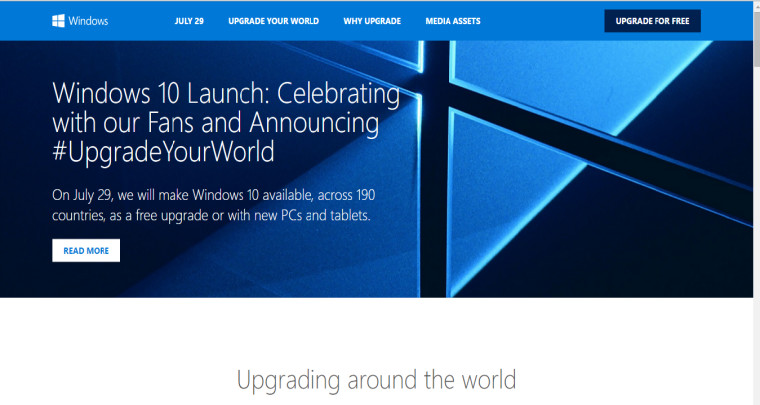
    Microsoft had earlier announced that the consumer version of its newest OS, Windows 10, will arrive this summer. Keeping up its promise, the software major today announced the release date of its latest Windows iteration. The much-awaited operating system will be available to download on computers and tablets running Windows 7 and 8.1 from July 29th onwards. Windows-running smartphones are expected to receive an update later this year.

    Terry Myerson of Microsoft stated in the official blog post –

    On July 29, you can get Windows 10 for PCs and tablets by taking advantage of the free upgrade offer, or on a new Windows 10 PC from your favourite retailer. If you purchase a new Windows 8.1 device between now and then, the Windows 10 upgrade will be available to you and many retail stores will upgrade your new device for you.

    Recently, the hardware and software giant commented on a blog post stating that Genuine Windows 7 and Windows 8.1 customers will be upgraded to Windows 10 for free and will continue receiving ongoing Windows innovation and security updates for the supported lifetime of that device. On the other hand, customers using pirated softwares have been recommended to purchase a licensed copy.

    Microsoft is also sending a notification to genuine Windows users, clicking which, a slide show appears giving a slight glimpse of Windows 10. The new version brings back the Start Menu (that was missing in Windows 8), Continuum, a virtual assistant Cortana, the revamped browser Microsoft Edge that is fast and organised, and many other features. The software will launch in 190 countries.

    Windows10_1

    [pullquote_right] Microsoft recently confirmed that there will be no Windows 11 [/pullquote_right]

    Microsoft recently confirmed, that the firm is quitting the revision of Windows operating system and confirmed there will be no Windows 11. The company wanted perfection in the latest Windows as it aims to standardize Windows 10. Microsoft intends to make Windows a service. That means, instead of releasing versions of Windows every couple of years, they will be sending out regular updates to Windows just like Apple’s OS X.

    Click here for more information about Windows 10.

  • Candy Crush Will Be Included With the Windows 10 Update

    Candy Crush Will Be Included With the Windows 10 Update

    We all have played a fair deal of classic games like Solitaire, Minesweeper and Hearts since the existence of Windows. As for Windows 10, these games will automatically be installed in the system. In addition to these, Microsoft is also tagging partners along to bring in their contribution of games to the new OS. The latest to join the Microsoft wagon is King’s widely popular sugar-filled game, Candy Crush.

    According to Windows Blog, Candy Crush Saga will come automatically for customers that download or upgrade to Windows 10 during the launch. This version includes cross-play with iOS and Android devices.

    It will quite be an unique experience playing Candy Crush on Windows 10’s smooth OS. King Digital Entertainment turned quite some heels when the game was first released for Facebook in 2012 and made its way to iOS, Android and Windows devices in the same year.

    Back in March, Microsoft announced the release of the highly-anticipated Windows 10. The company said that the latest OS would come this summer in over 190 countries and 111 languages. As stated by TechCrunch, Windows 10 will release at the end of July.  It is a free upgrade as long as customers claim this offer in the first year of the OS in the market.

    For information on the unique features of Windows 10, click here.

  • It’s Official! Microsoft Extends Android and iOS App Support for Windows 10

    It’s Official! Microsoft Extends Android and iOS App Support for Windows 10

    The day before, the news of Microsoft planning to roll out a fresh feature came to light, which could bring the plethora of Android apps for Windows users. Now at the Annual Build Conference, Microsoft confirmed the authenticity of the reports. Last night, Microsoft revealed its plan to bolster the piddling share of its Windows Phone market and announced that the new Windows 10 can run the reworked Android and iOS apps. The company unveiled Software Development Kits (SDKs) that allows developers of Android and iOS to port their apps on the Windows platform.

    Microsoft wants to offer the 1 billion associated loyal Windows customers the vast apps ecosystem that the company had not been able to develop since long. Two new SDKs will do the porting of apps. For the Android developers, American tech behemoth is allowing to leverage Java and C++ code to make Windows apps, and iOS developers will use the Objective-C code developed by Microsoft.

    Microsoft’s Executive Vice President of Operating Systems Terry Myerson commented at the event –

    Windows 10 is going to enable you to reuse your Web code, your .NET and Win32 code, your Android, Java and C++ code, to build amazing new applications, bringing the code over, extending it, putting it in the Windows Store, and reaching 1 billion Windows 10 customers.

    Today, we’re announcing that you will be able to compile the same Objective-C code that’s being used in iOS applications within Visual Studio on Windows. Enabling you to leverage that code and extend it with the capabilities only found on the Windows platform.

    Developers don’t have to put much effort in making apps from scratch. Just a few tweaks in codes and the apps will be ready to run on all Windows devices, automatically fitting the different screen sizes. Microsoft is also looking towards shifting the existing apps on Windows 7 and Windows 8 to the latest Windows 10. The firm mentioned that 16 million .NET and Win32 apps were still being used every month on Windows 7 and Windows 8, so their importance cannot be overlooked.

    On the first day of the conference, Microsoft previewed the .NET Core for Windows, Linux and Mac OS X. ‘Visual Studio 2015 Release Candidate’ was also released that makes it easier for developers to build universal applications and deploy them to Windows, Linux, iOS and Android platforms.

    The company hasn’t come up with the release date of Windows 10 yet, but it is speculated to release in or before fall.

  • Microsoft Introduces ‘Microsoft Edge’, the New Windows 10 Browser

    Microsoft Introduces ‘Microsoft Edge’, the New Windows 10 Browser

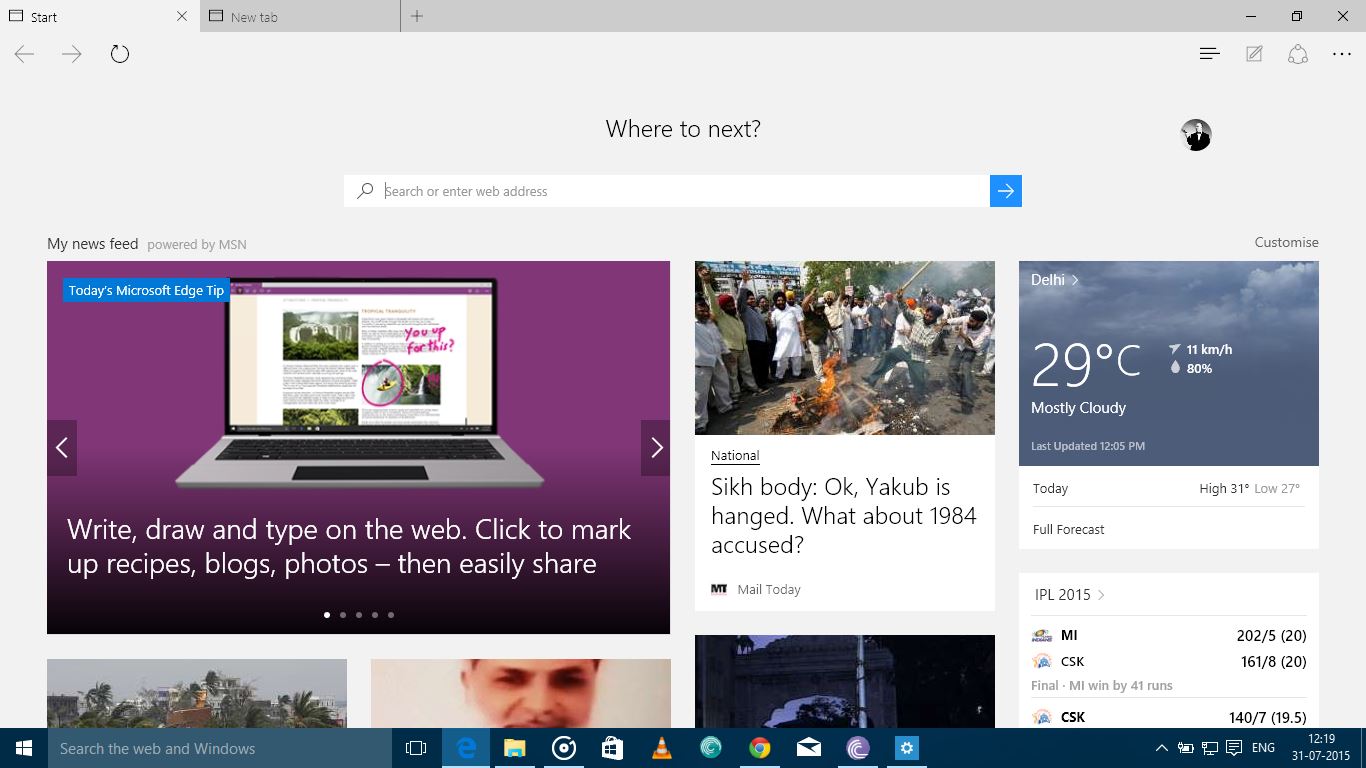
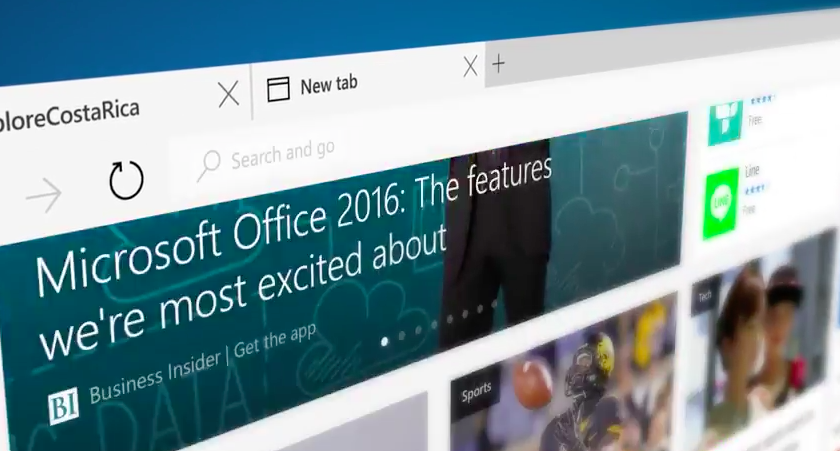
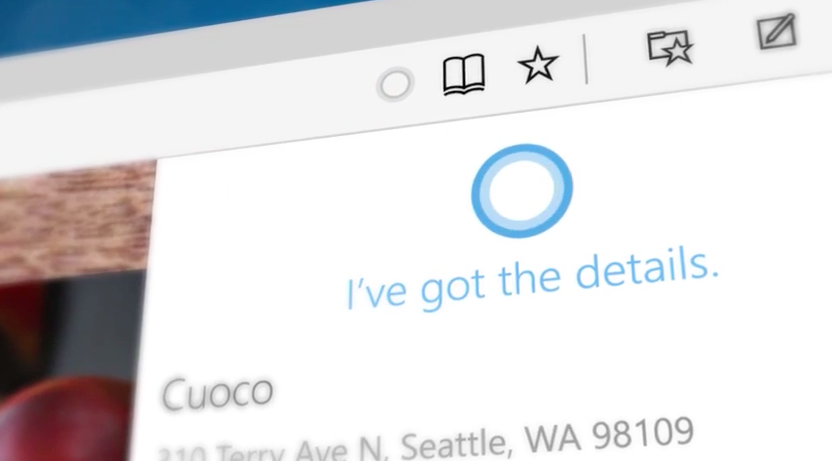
    Work on a new browser for Windows 10 has been underway since January. For months it  had been codenamed as Project Spartan, today Microsoft has finally unveiled this browser with a new name, Microsoft Edge. New features like faster rendering, voice assistant Cortana, note-taking mode, customizable reading note, these gave the Project Spartan an ‘edge’ upon the traditional Internet Explorer.

    Here are the new developments:

    Break-up with Internet Explorer

    It is definitely a replacement for the Internet Explorer because it features a new and faster rendering machine called EdgeHTML. With a basic and minimal designing layout, it looks like a browser from the future. It will be set as the default browser for Windows 10 and, as claimed by Microsoft, the only one that will be used by the customers.

    windows 10

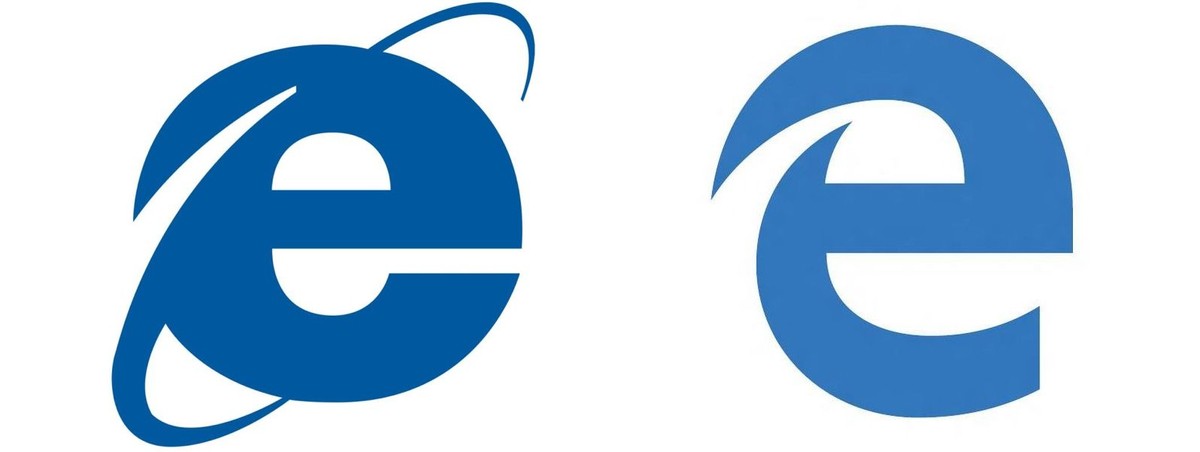
    Microsoft Edge’s logo

    Logo of the Edge browser does not stray far from its original logo of the Internet Explorer. The lower-case Explorer ‘e’ was not exactly a favourite among users after the entry of Mozilla or Chrome. The Edge’s logo is almost the same, just added a futuristic look to convey a message that it knows where it came from.

    edge logo
    Then and Now

    Edge will not support Extension until after RTM

     Though the browser is loaded with new features like Cortana, customizable reading note, etc., the company says the browser is not yet ready to be integrate RTM support on Microsoft Edge. It has said the Edge will continue to iterate through updates in the Windows Insider Program. Although still far off, Microsoft is now making it easier for developers to port extensions from other browsers.

    Check out the video below by Microsoft introducing Microsoft Edge

    https://www.youtube.com/watch?v=iH1D31YHsgY

  • Microsoft Expected to Roll Out Windows 10 by July End

    Microsoft Expected to Roll Out Windows 10 by July End

    Back in March, Microsoft announced the release of the highly-anticipated Windows 10. The company said that the latest OS would come this summer in over 190 countries and 111 languages. Microsoft hasn’t yet disclosed when the latest Windows is going to debut, but we have some details about its arrival.

    As stated by TechCrunch, Windows 10 will release at the end of July. The online tech publisher contacted some officials who disclosed the release date of the next Windows OS.

    continuum windows 10

    In October 2014, Microsoft released the Technical Preview of Windows 10 that allowed users to view and test the new OS first hand. The Redmond-based firm has high expectations from its latest operating system and is offering it free for its Windows 7, 8.1 and Windows Phone 8.1 users for one year. The new Windows marks the comeback of the Start Menu, which was absent in the previous Windows 8 version. It has some exceptional features like Project Spartan and Cortana. With Project Spartan, users can have an all-new experience while browsing the web. Further developments include tweaks and enhancements to its menu, screen, and other features like Cortana.

    For more information on the unique features of Windows 10, click here.

  • Microsoft Developing a Windows 10 ROM For Android Devices

    Microsoft Developing a Windows 10 ROM For Android Devices

    Microsoft has announced today that it will be bringing its premier operating system, Windows 10 to 190 countries around the world this summer. The company also hinted at plans to expand its market share in the portable devices market. Microsoft’s collaboration with Xiaomi also led to many speculations in the market as to how the Chinese smartphone powerhouse would play in Microsoft’s plan to expand its mobile market share. The details aren’t out yet, but it seems Microsoft is offering a ROM that will replace Android to make Windows 10 the primary OS of a smartphone.

    Microsoft has announced that under its deal with Xiaomi, a select group of Mi 4 ‘Power users’ will get a chance to test the new Windows 10. Xiaomi made clear that it is not a partnership between the two companies, and Xiaomi is just “assisting” Microsoft in its efforts.

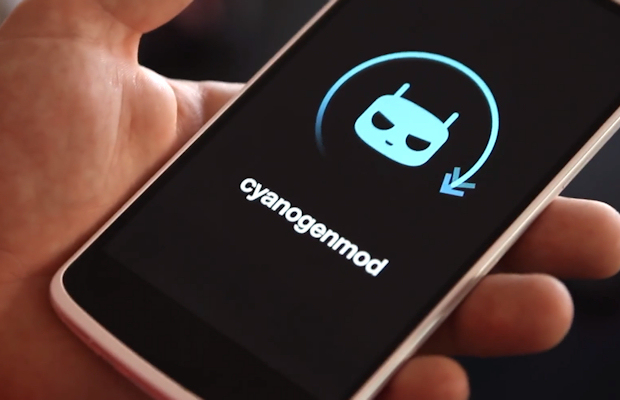
    The new ROM doesn’t offer dual-boot solution, and Windows 10 becomes the default OS of the smartphone. It is comparable to the CyanogenMod or any other custom ROM. The ROM is basically designed to get Android users to try Windows 10 native user interface and the Windows-centric apps. This, Microsoft hopes will encourage the users the to switch from Android to Windows OS.

    Just like custom ROM's like CyanogenMod, users can easily install and try out Windows 10 on their Android devices.

    At present, Microsoft is testing the ROM in China but it is definitely planning on expanding its reach to other countries. It has started with Xiaomi as the company has a proactive user base that constantly sends back feedback through the companies portal. Microsoft will find it easier to gather suggestions and feedbacks through Xiaomi’s already available infrastructure.

    Microsoft is trying hard to find takers for its smartphone devices. According to the last IDC listing Android is a behemoth in the smartphone market which controls 82.3 percent of the global smartphone market followed by Apple’s iOS which holds 13.8 percent while Microsoft Windows Phone OS accounts for just 2.7 percent at present.

    Microsoft has also talked about introducing advanced features which let users connect and work on their desktop and mobile devices seamlessly. If these features work in Microsoft’s favour, you can anticipate a rise in Microsoft’s smartphone market share because in the desktop OS space, Microsoft still rules with a comfortable majority. In fact, at present, the various Windows OS’s (Windows 7,8, 8.1) are running on over 69% of the computers while Windows XP accounts for about 19% of the global market. By offering unique interconnectivity features, Windows can attract its massive desktop user base to give its smartphone ecosystem a try.

iGyaan Network
Privacy Overview

This website uses cookies so that we can provide you with the best user experience possible. Cookie information is stored in your browser and performs functions such as recognising you when you return to our website and helping our team to understand which sections of the website you find most interesting and useful.