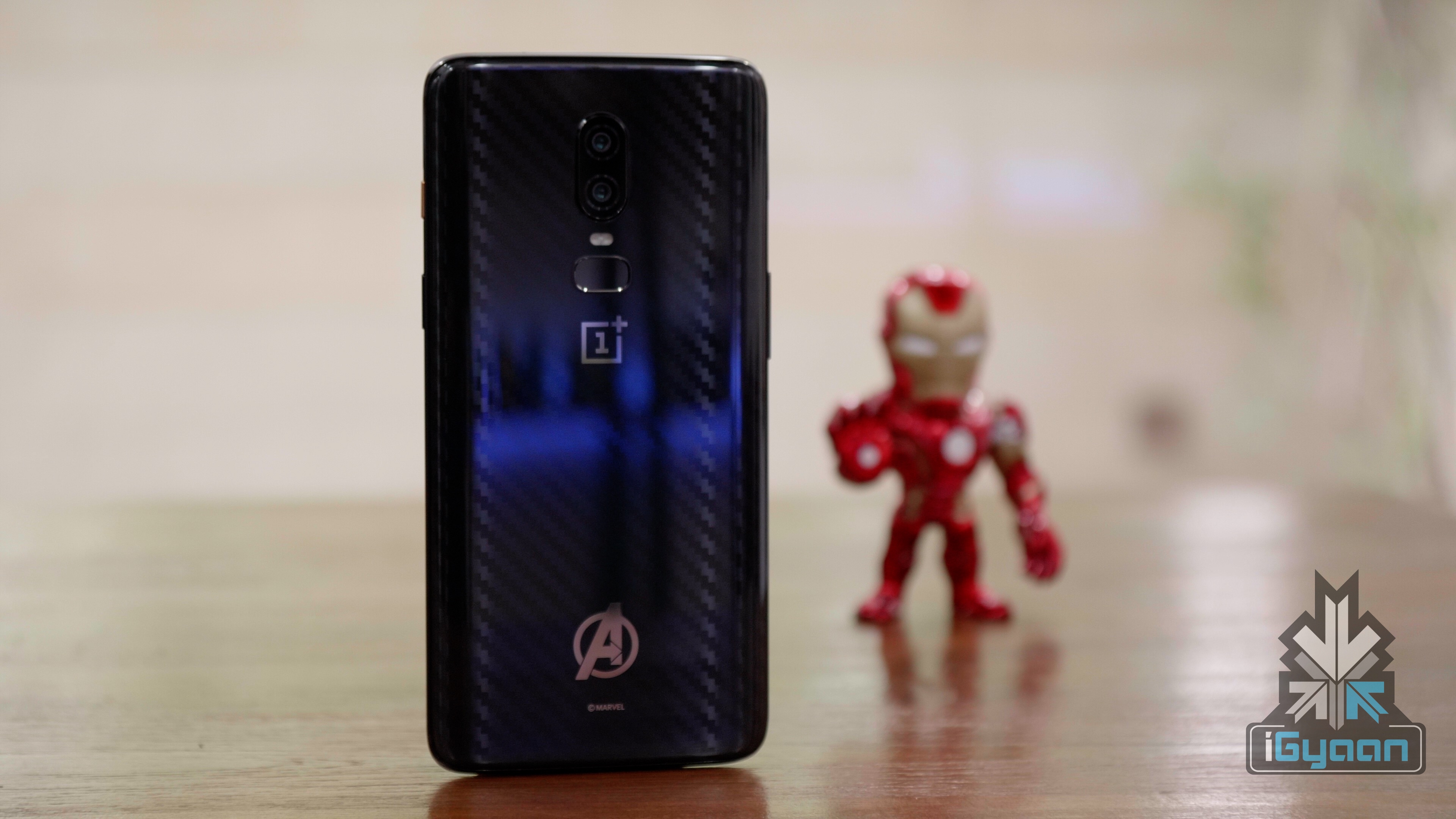
OnePlus is known for keeping close to popular media and trends. Previously, the company had unveiled a Star Wars version of the OnePlus 5T which enabled pseudo holographic easter eggs. Since then, the company has collaborated with other big names, such as Marvel, for its Avengers edition as well. Now, it was discovered a while back that the Fnatic game mode has a hidden Easter Egg that gives three unique wallpapers.

Fnatic Game Mode
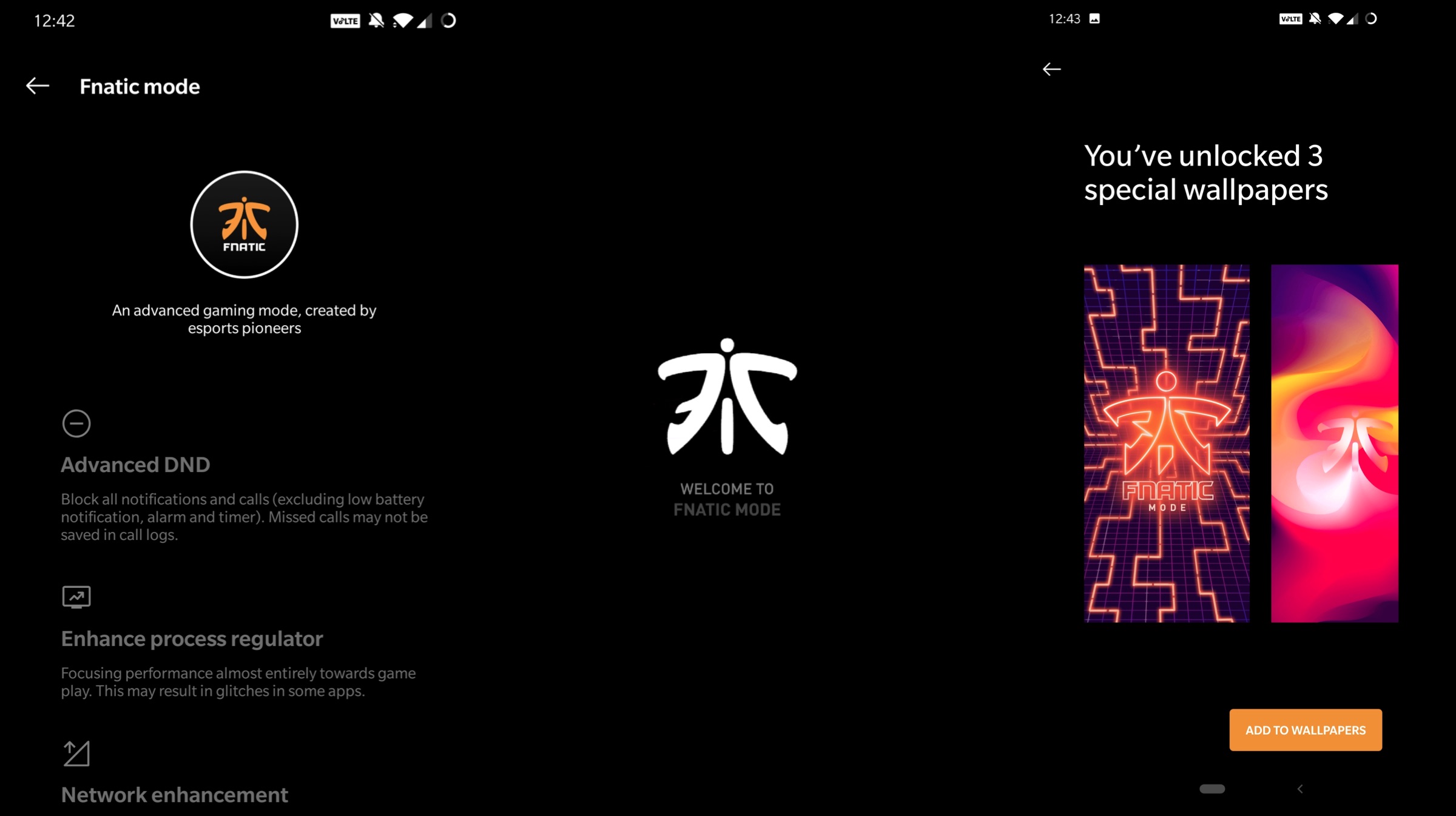
Fnatic is an esports organization which trains and has many teams for different games that compete professionally at international levels. Fnatic as an esports name is one of the best and most renowned in the industry. It has collaborated with OnePlus for many esports related tournament and even made an appearance in the latter’s smartphones. OnePlus with its latest iterations (OnePlus 7 and 7 Pro) introduced Fnatic Gaming mode which enhanced the gaming experience on its flagships. The easter egg went unnoticed for a while now but has been finally uncovered
Steps To Get The Fnatic Easter Egg
- Open Settings to get to Utilities and then Gaming Mode.
- Locate Fnatic Game Mode and click on it.
- Now, users will be taken to the Fnatic mode which has the logo of the organization. Tap on it 5 times.
- After this, users will get a type prompt in which they must input “alwaysfnatic” without the quotes.
- You’re done! Just select view in wallpapers to add the new wallpapers on your default stock gallery to apply them.
Also Read: OnePlus Reveals Name And Logo Of Its Upcoming Smart TV
It should be noted that the feature is also available on OnePlus 6 and 6T owners. However, you must update your smartphone to the latest OxygenOS 9.0.16 build. The feature was first found on the latest generation from OnePlus but the predecessors are now compatible as well. Check out the new feature and let us know in the comments section down below if you liked it.
Leave a Reply