Category: iOS

  • iOS 16 Public Beta Has Arrived, And Here’s How You Can Download It Right Now

    iOS 16 Public Beta Has Arrived, And Here’s How You Can Download It Right Now

    Apple released the latest iOS 16 developer beta last month during WWDC 2022. However, since developer betas require an Apple Developer Program membership and the OS is not considered stable, not many download it. Beta software is also not recommended for daily use as it can be super buggy and problematic. Apple has just launched the public beta for iOS 16, which is free and should be a bit more stable, since it is designed for public testing. All one has to do is sign up to the Apple Beta Software program, enrol your device and install the config file to get iOS 16 on your device.


    Here’s how you can update your iPhone to iOS 16.

    Do note that you should take the necessary precautions before updating like backing up your device if you want to roll back to iOS 15.

    Step 1: Sign up for Apple Beta Software Program

    After backing up your device, here are the steps you should follow

    • Go to the Apple Beta Software Program website on your iPhone.
    • Tap on the Sign-Up button at the bottom of the page.
    • You can use either Touch ID or Face ID to login into the Apple ID attached to your iPhone.
    • Read and accept the Apple Beta Software Program Agreement.

    On the next page, scroll to the bottom to Get Started enroll your iOS device, which should be hyperlinked. This will take you to another page, where Apple will give you everything you need to do to download and install iOS 16 public beta on your iPhone.


    Step 2: Installing the iOS 16 public beta configuration profile

    Once you scroll down the page, you’ll reach a section called Install Profile. You will need to install a configuration profile on your iPhone if you want to download and install the iOS 16 public beta to your device.

    A configuration profile basically allows a third party to manage your device, Apple in this scenario. While one can have valid concerns about whether this is a privacy breach or not, this configuration profile simply allows Apple to deliver and manage the iOS 16 public beta on your iPhone.

    To install the profile, click on the blue Download profile button and then tap Allow in the following pop-up prompt. After that, go to the Settings app and click Profile Download at the top of the page, after which it should you a window for the iOS 16 public beta configuration profile. Click install, enter your passcode and further follow onscreen instructions. Finally, restart your phone to get the OTA iOS 16 public beta update.

    Step 3: Download and install iOS 16 public beta
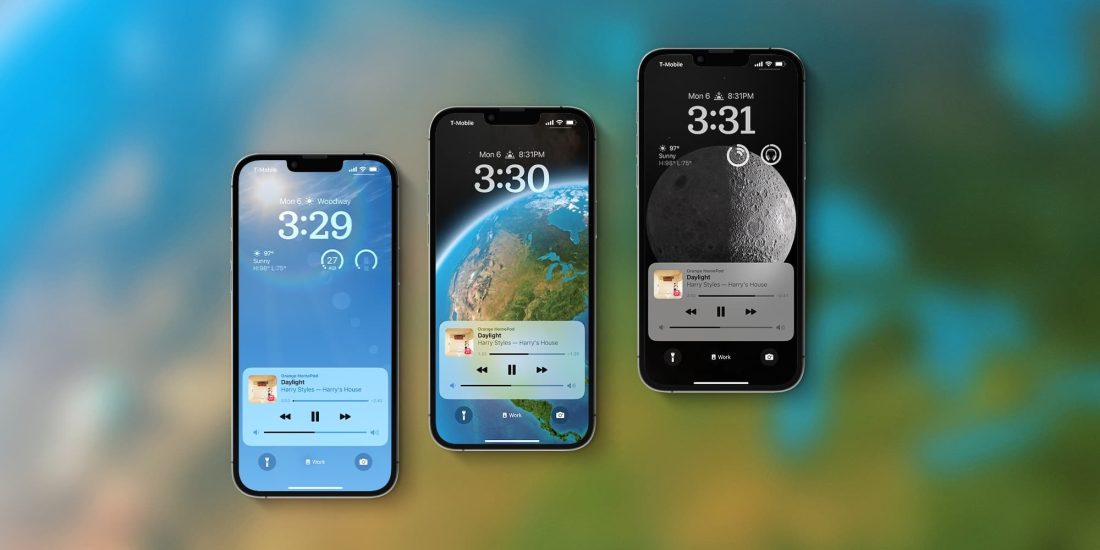
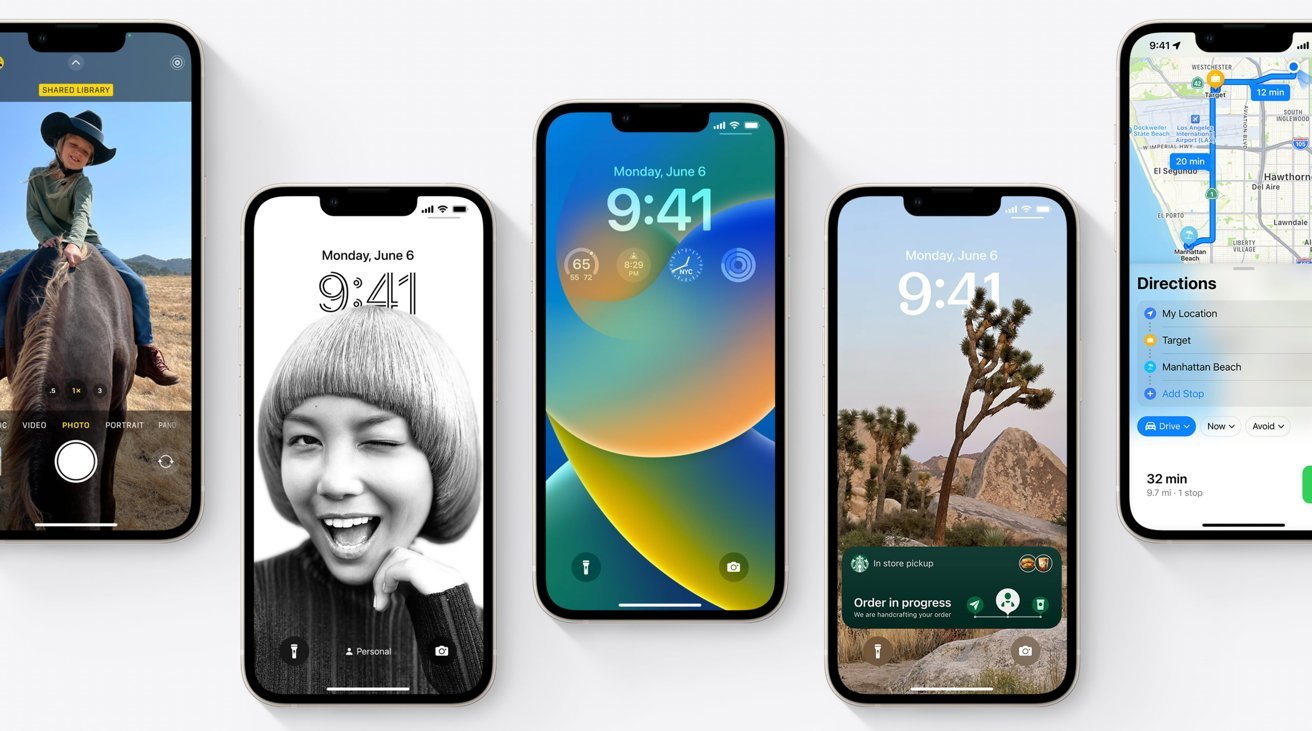
    iOS 16 Lockscreen

    After your iPhone boots up, go to Settings > GeneralSoftware Update, hit Download and Install and enter your passcode to begin the process of updating to iOS 16 public beta. If for some reason you do not see the Download and Install option, try waiting for a short while or clear some of your memory to make space.
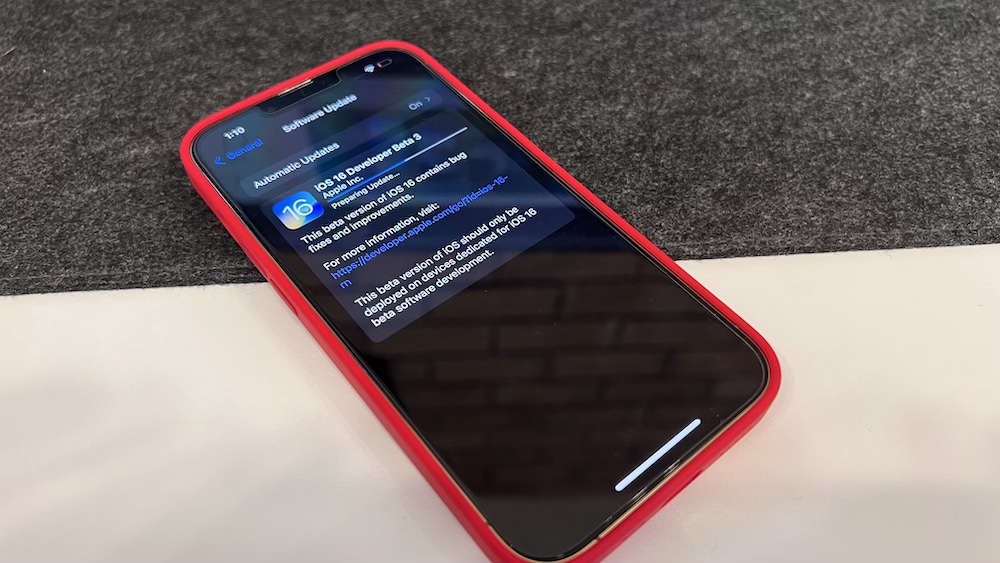
    You won’t be able to download and install iOS 16 on your device if you don’t have enough internal memory. Once everything is sorted, you should be seeing a loading bar that will show the estimated time of download. After the download is complete, reboot your device and wait for iOS 16 public beta to install. Once your iPhone is booted up, you should be seeing the new iOS 16 public beta running on your device.
  • Google Researchers Discover Six Serious Security Flaws In The Apple iPhone

    Google Researchers Discover Six Serious Security Flaws In The Apple iPhone

    Apple released its routine iOS 12.4 update for iPhones and iPads earlier this month. The update, like most software updates by the company claims of patching newly found security flaws and bugs. Now, in the latest report, it has been revealed that most of these serious security flaws that were patched in the iOS 12.4 update were originally discovered by Google security researchers. Out of the total six bugs reported, five have been already fixed, with one unknown flaw still remaining unchecked.

    About The Security Flaws

    The aforementioned security flaws in the latest version of iOS were found by two members of Google’s Project Zero bug-hunting team. These two people are named Natalie Silvanovich and Samuel Groß, who alerted Apple immediately upon finding the flaws. While what vulnerabilities were discovered have not been revealed for obvious security purposes, they have been claimed to be interactionless. This means they can be exploited without any interaction from the user of the iPhone. The flaw has been found in the smartphone’s iMessage application.

    Among the total six security flaws found by Google, at least four relied on the attacker/hacker sending malicious code to an iPhone. It is recommended that users of the Apple iPhone who still have not updated their device, do so at the earliest. The remaining security flaw that still hasn’t been patched, is expected to be fixed with the next update of the iOS software.

    What Is Project Zero?

    Google

    Also read: The Samsung Galaxy M20s Will Feature a Massive 5830 mAh Battery

    Project Zero is a team of security analysts that are employed by Google. The team is aimed at finding zero-day vulnerabilities; that is bugs in software before they are found by anyone else for malicious use. These vulnerabilities, if left unchecked can be exploited by various criminal organisations, hackers and many intelligence agencies. Project Zero was announced by Google on the 15th of July 2014 and has been responsible for finding many serious security flaws with major software and devices.

  • Leaked iOS 13 Screenshots Reveal Dark Mode, New Reminders App

    Leaked iOS 13 Screenshots Reveal Dark Mode, New Reminders App

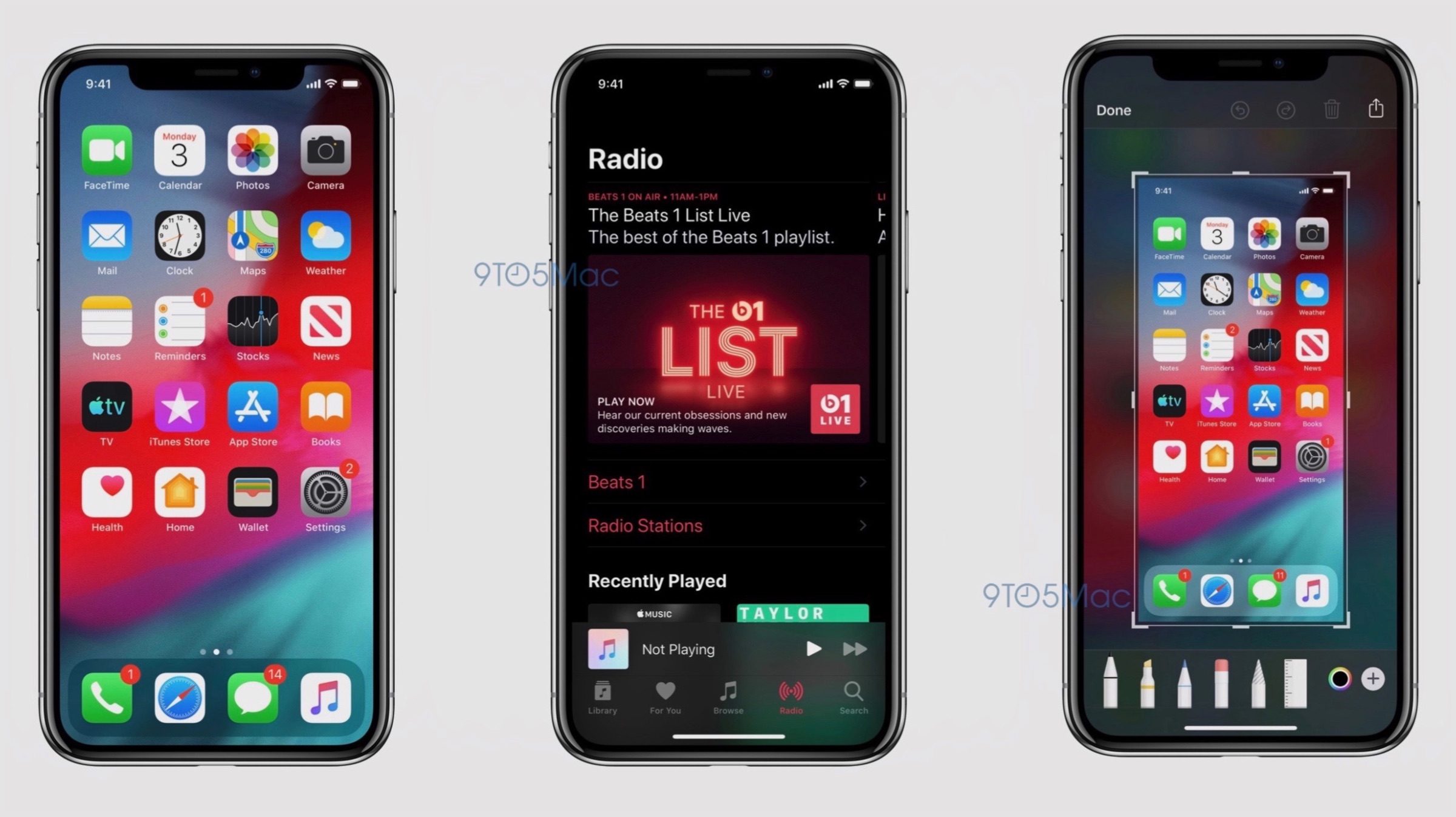
    American technology giant Apple is all set to begin the annual World Wide Developer Conference (WWDC) from the 3rd of June. The company uses the event to showcase its newest software to developers and enthusiasts. Like every year, it is expected that the next iteration of Apple’s operating system for its iPhones, iPads and iPods will be introduced at the event. Purportedly called the iOS 13, it is expected to bring about significant changes in the operating system, some details of which have leaked in the past. Now, a reputed source has obtained some screenshots alleged to be of the iOS 13. These confirm the presence of a native dark mode and an overhaul of the Reminders app. 

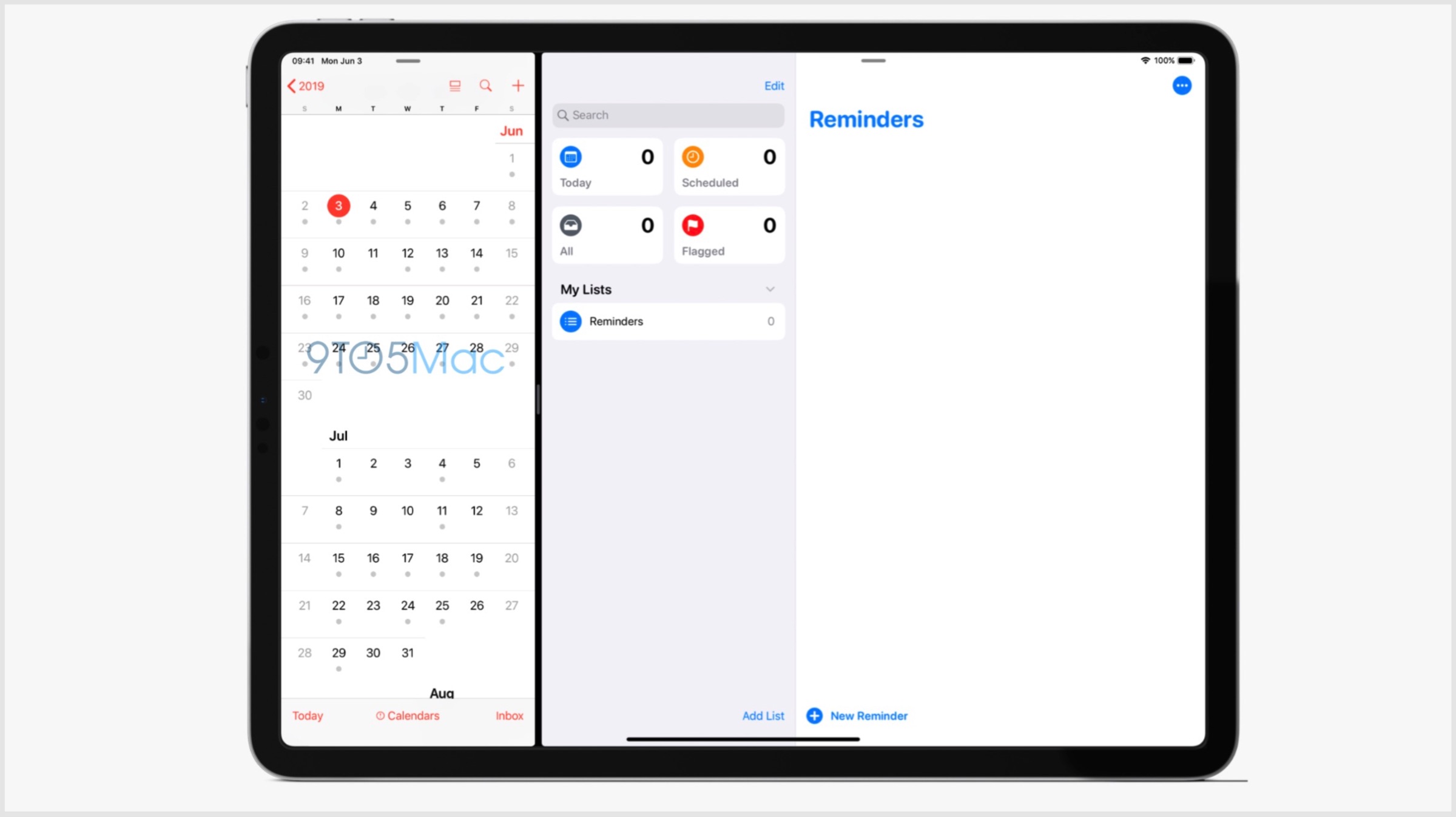
    iOS 13 Leaked Screenshots

    Apple iOS 13

    The leaked screenshots of the iOS 13 as mentioned above, confirm the presence of a native dark mode. While this feature has been leaked to be present in the software several times in the past, the images all but confirm it will be provided as an option. Turning on this setting will reportedly switch the system applications to a greyscale shade. Darker colours are easier to use at night and provide the device with a different appearance; so the feature has been highly anticipated in iOS for quite a while now. The second change visible from the leaked images is the new screenshot editor. Instead of showing a grey background after a screenshot, the upcoming iOS 13 will have a blurred version of the wallpaper; with more intuitive tools on the bottom. On iPad, this tray holding the tools can be dragged around the screen.

    Apple iOS 13

    Also read: Apple WWDC 2019, Launches, What To Expect

    The Reminders application on iOS 13 will also be receiving a major design overhaul. On the iPad, it will have a large sidebar with boxes corresponding to “Today”, “Scheduled”, “Flagged” and “All”. This will also include a search box with a collection of the list of reminders. Apple is expected to announce the beta version of the software on the 3rd of June; with a wider rollout to follow later in the year. With iOS 13, the company may phase out devices older than 2015’s iPhone 6s.

  • Apple Sends Out Invites For WWDC 2019, iOS 13 To Be Unveiled On June 3

    Apple Sends Out Invites For WWDC 2019, iOS 13 To Be Unveiled On June 3

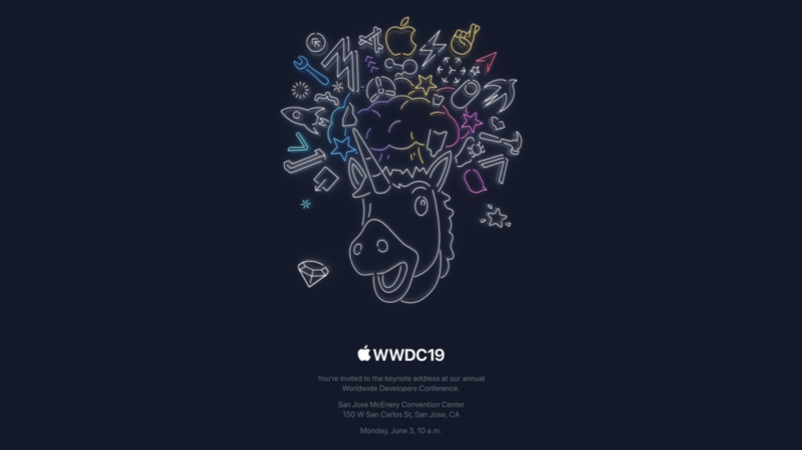
    American technology giant Apple holds its annual World Wide Developers Conference (WWDC) each year to showcase its software prowess to the world. Much like the Google I/O, it is also aimed at developers to create new applications for the company’s products. It was earlier known that the WWDC 2019 will be held from the 3rd of June to the 7th of June. Now, the company has sent out official invites confirming the same and it has been revealed the event will be held at the San Hose McEnery Convention Center, San Jose, California. On the first day of the event that is June 3, the release of Apple’s upcoming Operating System (OS) for iPhones and iPads, the iOS 13 is also expected.

    Apple WWDC 2019

    Apple WWDC 2019 iOS 13

    The 2019 edition of the WWDC event as mentioned above, will take place next month. Like each year of the conference, Apple is expected to showcase the advancements they have achieved with their software. The OS that the company is expected to showcase a new version of is the iOS for its mobile devices, macOS for its computing devices, watchOS for Apple Watch wearable and tvOS for Apple TV. It is also speculated that Apple will provide additional information regarding its new services namely its Credit Card, TV+ and Arcade game subscription service. In the past few years, the company has also launched hardware at the event. But, with the latest launch of updated MacBook Pro earlier this week, it is all but confirmed the WWDC 2019 will focus on software only.

    Apple WWDC 2019 iOS 13

    Also read: ARM Terminates All Ties With Huawei After US Ban

    Out of all the aforementioned software by Apple, the most anticipated remains to be the iOS 13. It will be a successor to the iOS 12 launched at the last year’s WWDC and is expected to bring out major changes to the design and usability. The changes that are expected in the iOS 13 is the introduction of Dark Mode, Undo Actions in the keyboard, a new multitasking switcher for iPads and an upgraded Mail app. The latest version of the OS is expected to be better optimised for one-handed use for the upcoming iPhones and iPads. Its Beta version may be announced on June 3 with a wider rollout to be followed later in the year.

  • Apple’s iOS 13 To Get Dark Mode, New Undo Actions And More: Reports

    Apple’s iOS 13 To Get Dark Mode, New Undo Actions And More: Reports

    Apple is scheduled to kickstart its developer’s conference, called WWDC on the 3rd of June this year. The company is expected to announce the latest version of iOS, the operating system used in the iPhones and iPads. Allegedly called the iOS 13, it is expected to bring about a plethora of changes to the software. Fresh reports claim the update will introduce the much awaited dark mode and a new undo action among many others.

    iOS 13: What To Expect?

    The upcoming iOS 13 from Apple as mentioned above, will introduce a host of changes in the operating system. The biggest change in the update will be the introduction of dark mode. According to reports, this will be a system-wide implementation and will be available as an option in settings. The final implementation may end up looking like the dark mode on the latest MacOS Mojave, which was rolled out last year. The second significant change will be applicable to the iPads running on iOS 13. With the new software, the ability for apps to have multiple windows will be added. These windows will contain individual sheets which can be attached/detached. The new update is expected to make multitasking better on the iPads.

    Bezel-Less
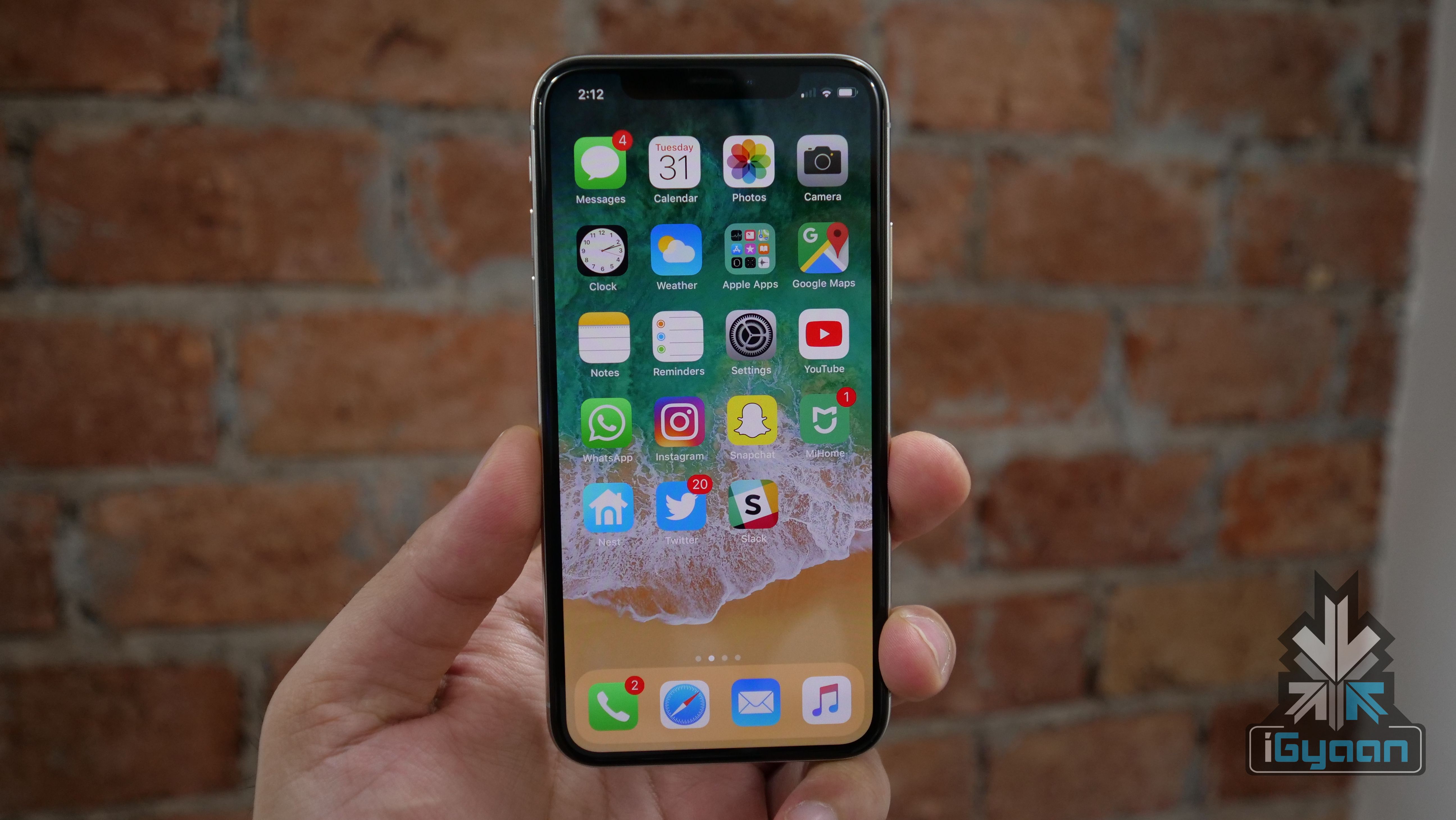
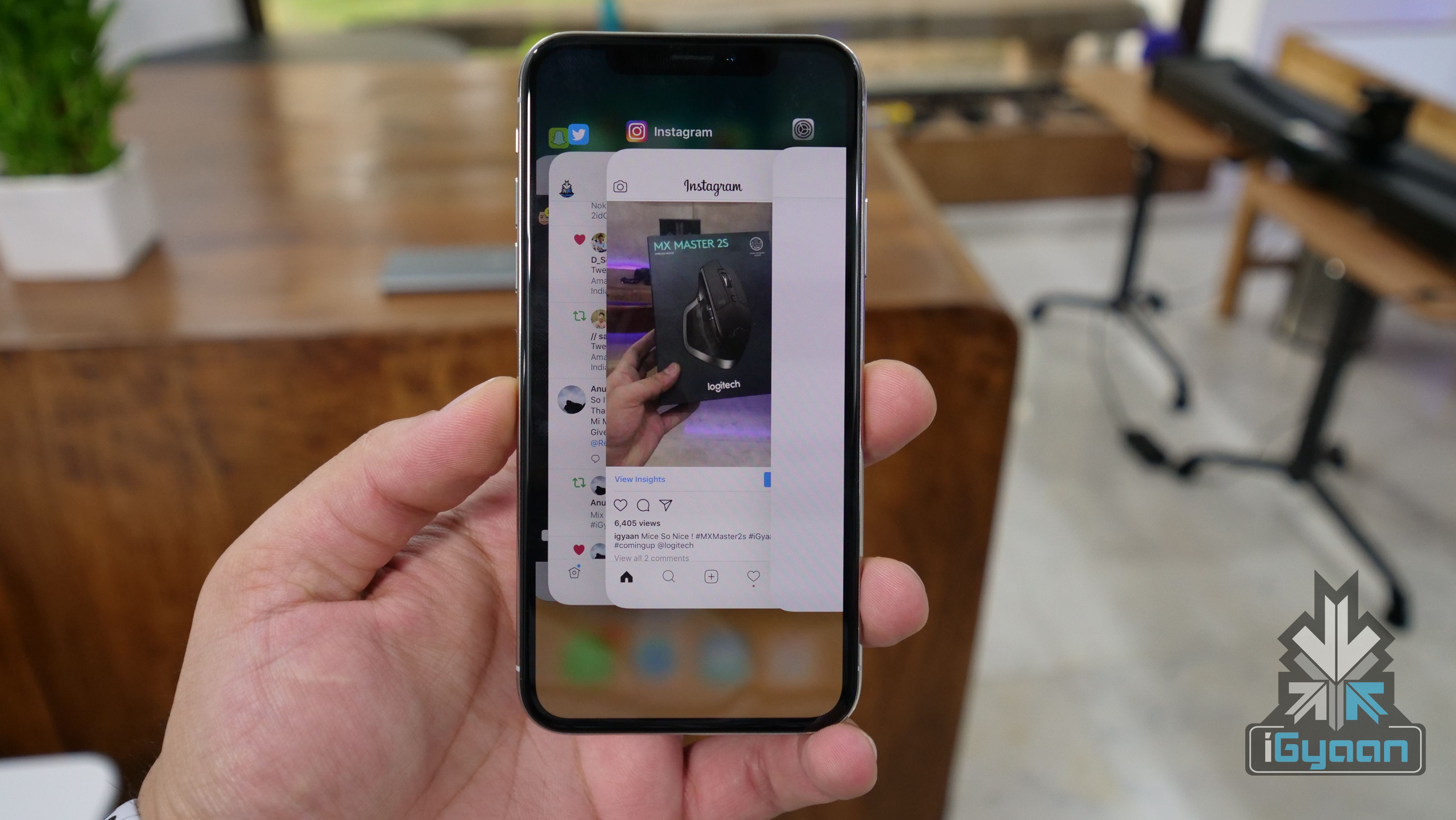
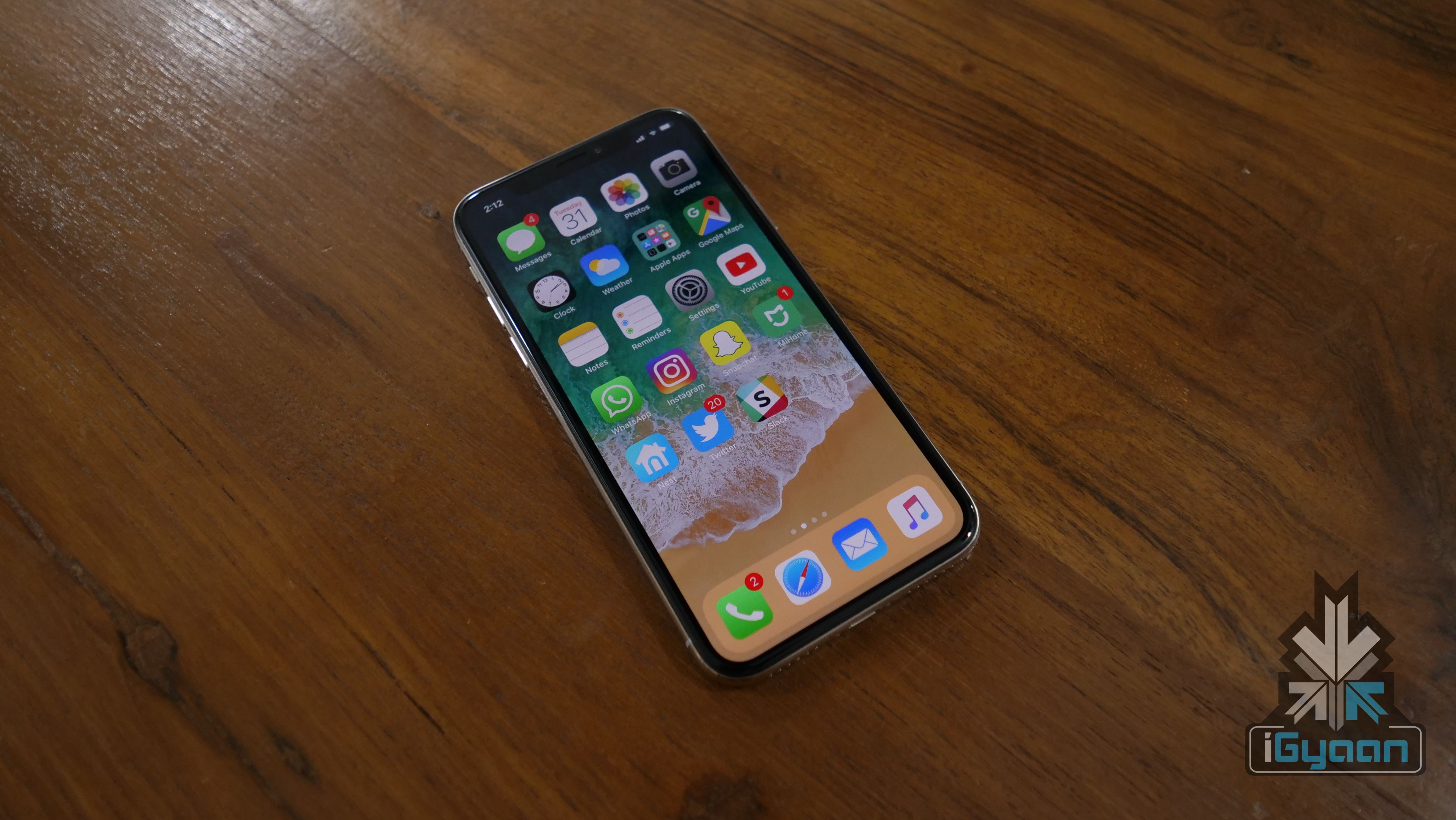
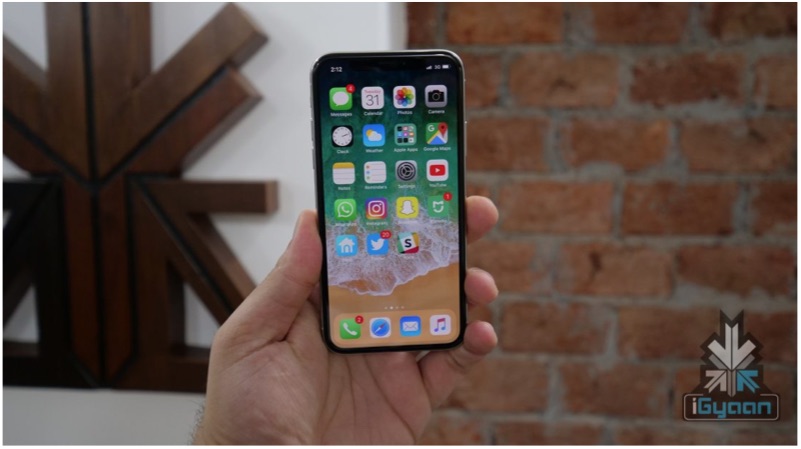
    iPhone X

    Another overhaul in the upcoming iOS 13 will be regarding the undo system. In previous generations, users could physically shake the device to undo the last typed characters on the keyboard. The latest update will change this as a new three-finger tap gesture will replace the aforementioned actions. With the new iteration, users will be able to slide left or right after the three fingers tap to undo or redo their actions respectively. With iOS 13, the company will also add a new font management panel to access font settings more easily.

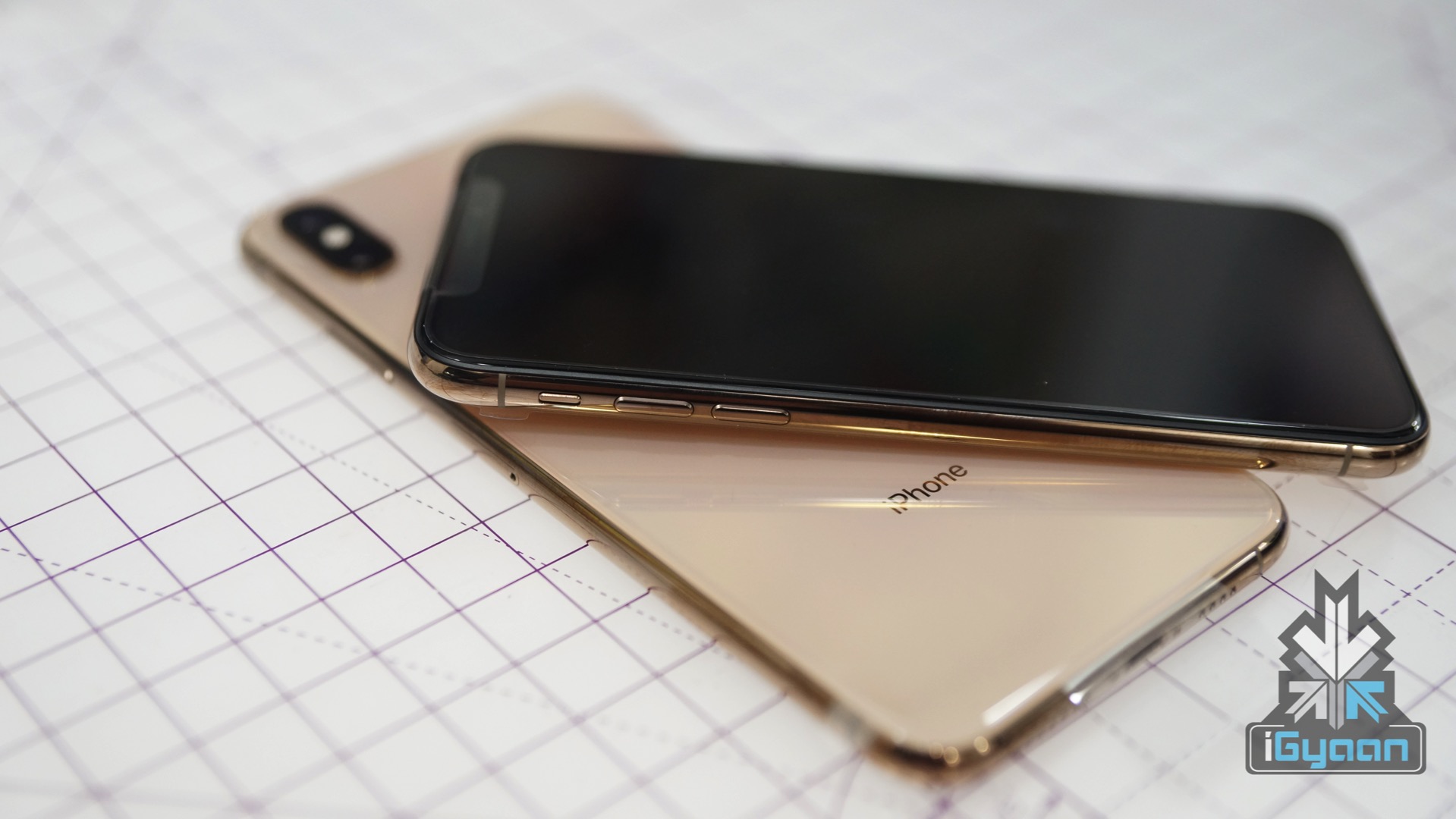
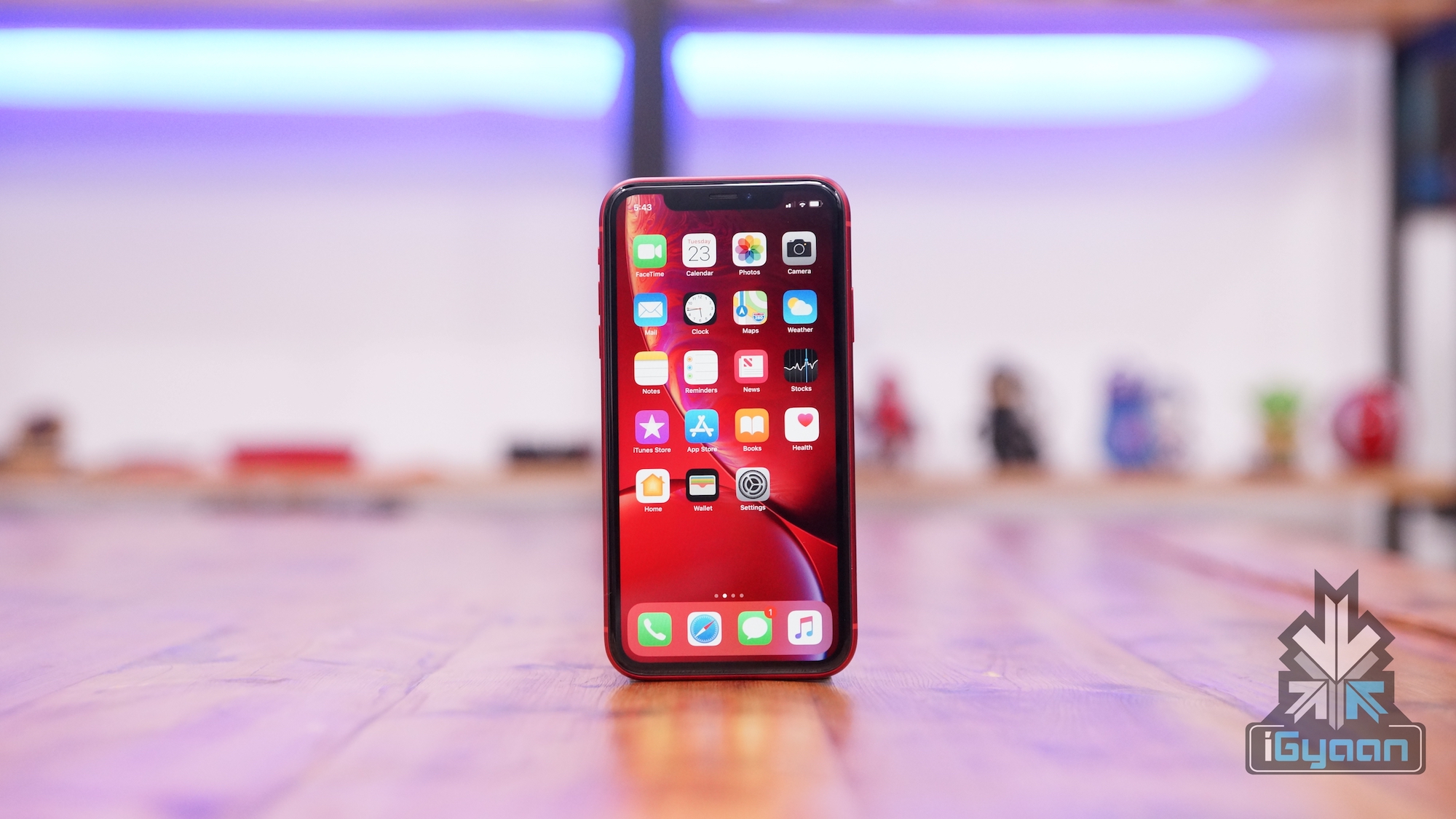
    iPhone XR

    Also read: PUBG Mobile v0.12.0 Update Introduces New Weapons, Enhanced Zombie Mode And More

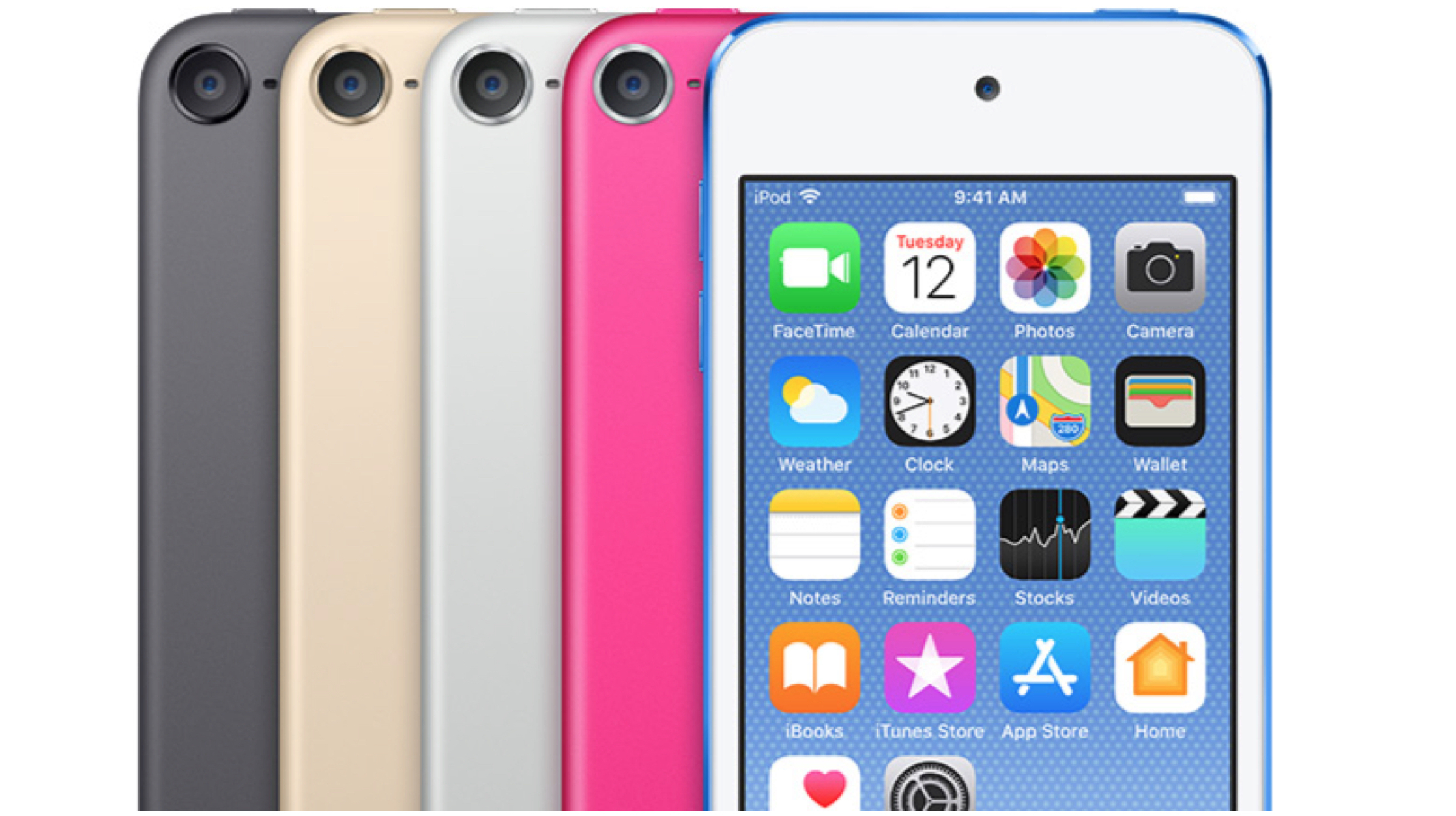
    Other notable changes in the forthcoming iOS 13 will be an upgraded Mail app. The new app will be capable of organising messages into categories like marketing, travel or not important. Similar to third-party email apps, the new, updated Mail app will also be able to categorise messages as “read later”. Like the above-mentioned software, the Reminders app will also get a major overhaul. The voice assistant for Apple devices, Siri will also be better at rejecting noises such as laughter or crying babies with the iOS 13. The latest operating system will hit iPhones and iPads later this year. All the devices from iPhone 6s and above, iPad Mini 2 and above and the iPod touch 6th Gen is expected to receive the update.

  • Apple Has Successfully Fixed The Eavesdropping FaceTime Bug

    Apple Has Successfully Fixed The Eavesdropping FaceTime Bug

    Last week was a tough one for Apple, as iOS devices were hit by a major bug in the Facetime application. Furthermore, a Facebook project was caught spying on users that violated Apple’s Enterprise Developer Program policies. Fortunately, Apple was able to revoke Facebook’s enterprise certificate on its devices that halted the cruel project. 

    What Is The Eavesdropping Bug?

    Last week a 14-year old high school student from the US discovered a bug on Apple’s iOS devices that ran on iOS 12. The teenager discovered that iOS 12 devices would allow users to listen to another FaceTime user by calling them and adding themselves to a group call before the contact answered. This case caused a huge stirrup as iOS devices were previously considered significantly secure than its Android counterparts. 

    Apple’s Solution

    After the eavesdropping bug was originally discovered, Apple manually disabled the servers that allowed FaceTime connectivity. Apple has released iOS 12.1.4 update for iPhone, iPod Touch and iPad that has successfully fixed the FaceTime bug. Also, the FaceTime servers have now been reset and are functioning properly. 

    Google’s Shocking Revelations

    Also Read: AMD Has Launched The World’s First 7nm Based GPU, Radeon VII In India

    After the iOS 12.1.4 update, an apex Google security engineer, Ben Hawkes on his Twitter revealed that the new update has also fixed two vulnerabilities. Shockingly, the executive claimed that both the vulnerabilities were exploited in the wild as zero-day.  A zero-day vulnerability is a software, hardware or firmware flaw unknown to the manufacturer until hackers leverage that flaw to conduct a cyber attack. 


  • Apple To End Support For iOS 13 On Older Devices

    Apple To End Support For iOS 13 On Older Devices

    One things Apple users have an advantage over any smartphone maker is the software. The brand has been consistent enough to update even some of its older devices seamlessly. But it looks like Apple will change things up a bit as a report from an Israeli website The Verifier. The report says that Apple is soon ending support for iOS 13 on older devices. The news comes after lower than expected sales of the newer iPhones. It was to the excellent software support on older devices to make it run like new. These two news may be related to each other more than you think.

    Possible Devices That May Be Affected

    Out of the current Apple devices, these are the devices that are expected to be affected by this change.

    iPhones:

    • iPhone 6s 
    • iPhone 6s Plus
    • iPhone 6
    • iPhone 6 Plus
    • iPhone SE
    • iPhone 5s

    iPads:

    • iPad Mini 2
    • iPad Mini 3
    • iPad Mini 4
    • iPad Air
    • iPad Air 2

    iPod:

    • iPod touch 6th generation

    This might be step on Apple’s part as the recent decline in iPhone sales has been attributed to the lack of the need to upgrade. Or it may be that Apple is phasing out these devices due to older hardware. Whatever may be the case, Apple might release the iOS 13 in the coming months. And the features it will bring would be most applicable to the newer devices, so the decision makes sense. But with Apple pushing updates to devices for as long as they do, makes them still the most backwards compatible OS makers.

    Also read: Samsung Galaxy A90 To Have A Pop Up Selfie Camera

    Apple has been pretty consistent with updating their older devices. The iOS 12 update reached to the iPhone 5s, a six year old device. This news may be a big deal for the people who have purchased an older Apple device recently. But this move by Apple may result in the increase of sales of the newer devices.
     

  • Apple iOS 12.1.2 Update Brings Fix For eSIM Activation Bugs

    Apple iOS 12.1.2 Update Brings Fix For eSIM Activation Bugs

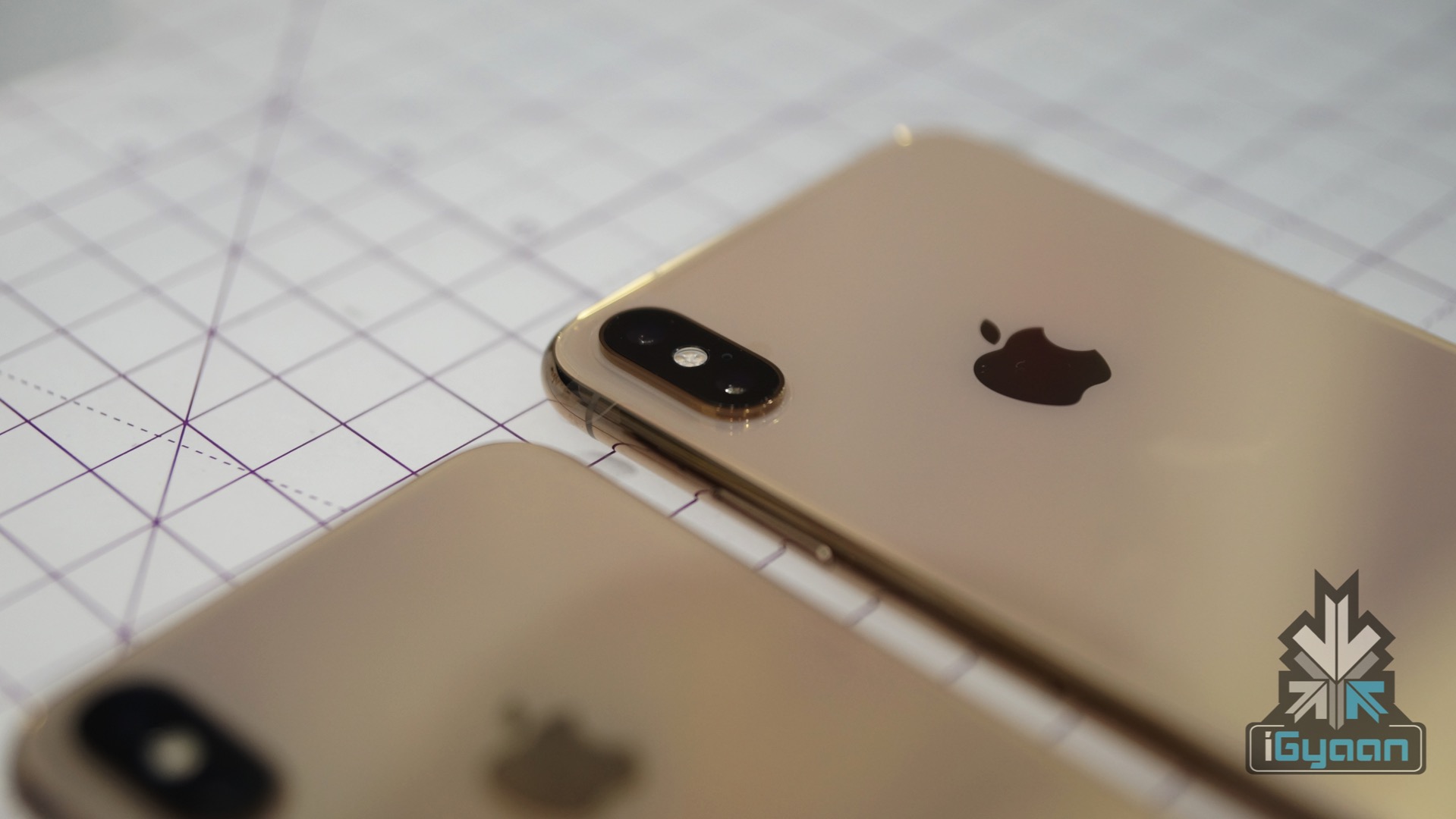
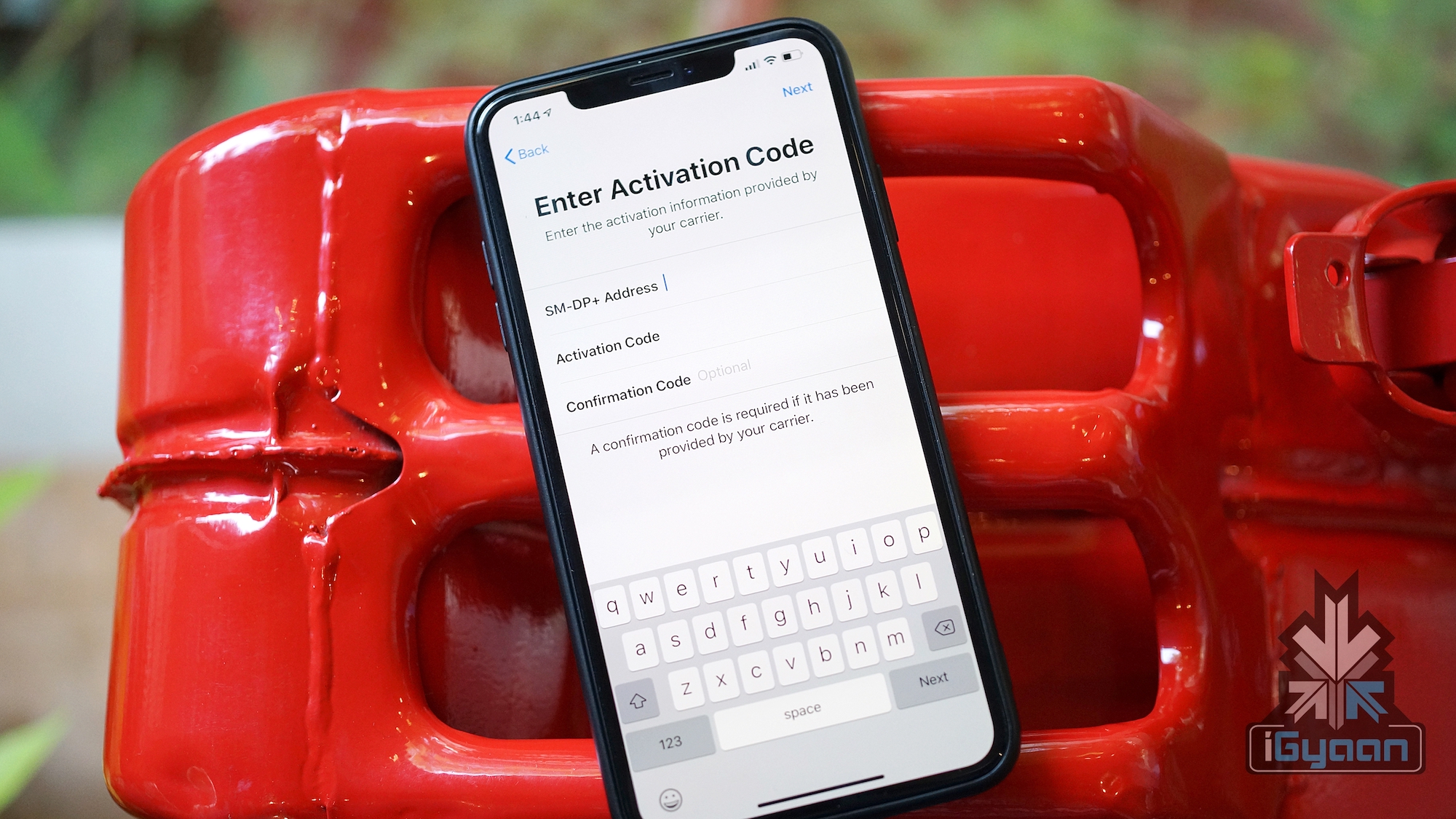
    The eSIM was one of the features bought in with this year’s lineup of iPhones. The feature now enables the iPhones to be dual-SIM, something that had been missing from the Apple flagship devices for a long time. However, the eSIM feature did take its sweet time to reach users, and came with its own set of bugs and issues. Now, Apple has pushed out the iOS 12.1.2 update which not only brings a way to expand the eSIM capabilities of the phone, but also fixes issues with eSIM activation.

    The release note for the update says that it fixes bugs with eSIM activation for iPhone XR, iPhone XS and iPhone XS Max. This issue was being reported by users around the world, and now is being addressed with the latest update. The update also fixes a few more things, which have to do with the issues affecting Apple in China as well. This had to do with the fact that select iPhone devices did not allegedly comply with the patent regulations set by Qualcomm. This would result in a ban in the sale of certain iPhone models, and can hurt Apple’s sales pretty bad, as China is its third largest market. 

    The iOS 12.1.2 is compatible with all iOS 11 compatible devices. This includes iPhone 5s or later, iPad mini 2 or later and 6th generation iPod touch or later. The update will be prompted automatically, however Beta testers might need to unroll their devices for the update to appear.

    Also ReadeSIM Technology Explained : Why Do More Phones Not Have It

    What Is eSIM?

    The eSIM is an electronic SIM card, as the name suggests. It replaces the physical SIM cards which are used in smartphones these days. This allows for a lot of space inside the phone to be freed up, whcih can be used to incorporate other technology. As manufactures are looking to make phones sleeker, while sitting phones with more technology, eSIM is a great way to do the same. The eSIM also has another interesting feature. For example, you can register a number of eSIM cards on your phone, giving you the ability to switch between carriers without the need to swap out physical SIM cards every time.

  • Apple To Roll Out iOS 12.1 Update With New Emojis & Group FaceTime

    Apple To Roll Out iOS 12.1 Update With New Emojis & Group FaceTime

    The latest Apple iOS 12.1 for the iPhone, iPad & iPod Touch will be released today under the free software update. The update will add multiple new features to the current devices like new emojis, real-time Depth Control for portrait mode, Group FaceTime and dual SIM support. Additionally, the update might fix the ‘beauty-gate’ issue that has affected iPhone XS & iPhone XS Max’s front selfie camera.

    Dual SIM iPhone

    The Dual SIM support is new to the latest Apple iPhones which include the iPhone XS, iPhone XS MAX, and iPhone XR. The new iPhones have one physical sim card slot and an additional in-built eSIM which is programmable for the second number. This iOS update will bring support for the second SIM to other phones as well. The update also displays the currently active SIM and the network indicator in the Control Centre.

    However, the Chinese variant of iPhones doesn’t support eSIM card. Hence, the Chinese variant has a slightly different hardware to accommodate the two physical SIM cards.

    All New Emojis

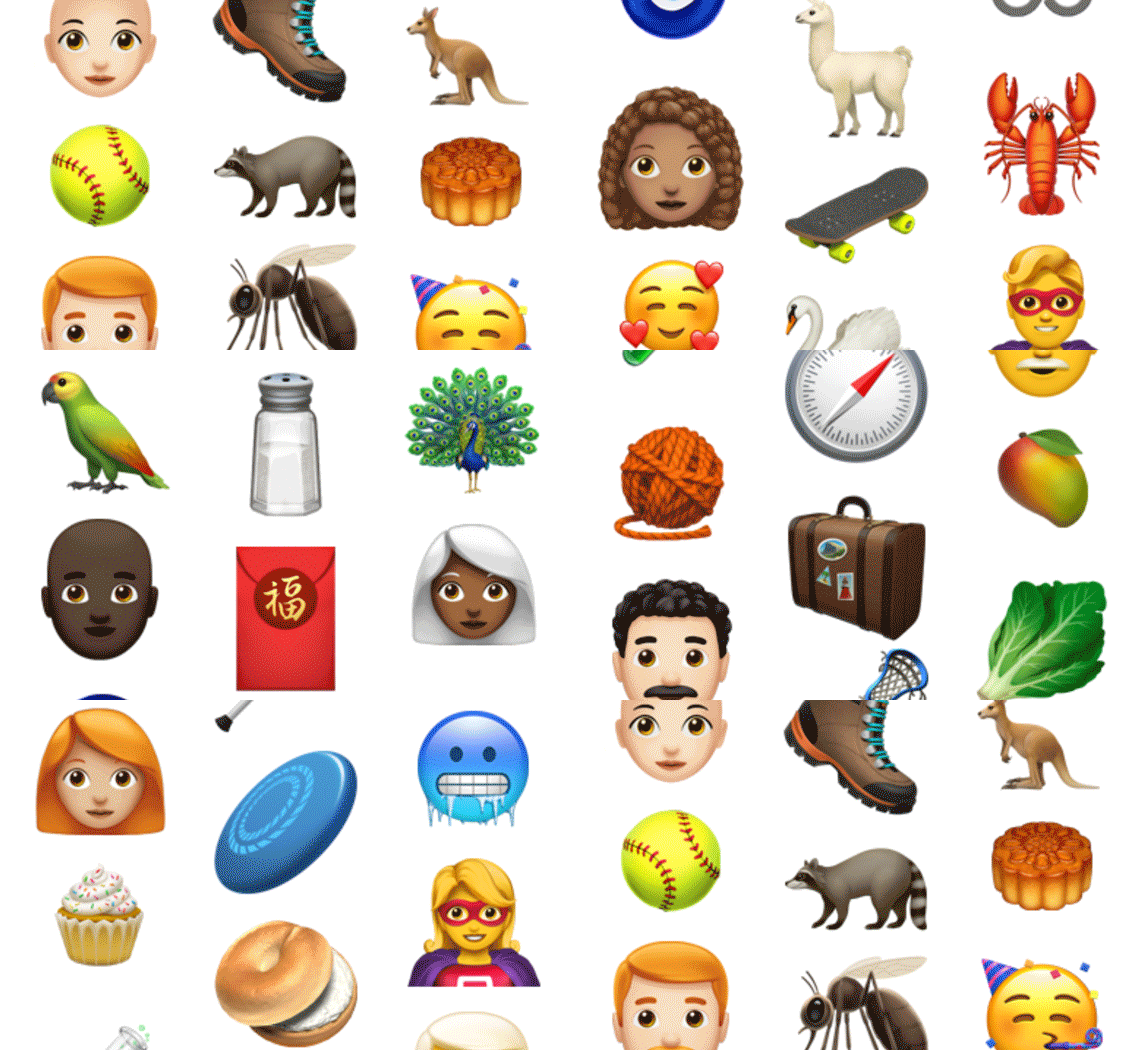
    The initial release of iOS 12 added the customizable memojis and four new Animoji characters. The latest iOS 12.1 will add human-like emojis including bald people, redheads and several other characters.

    Group Facetime

    With iOS 12, Apple completely redesigned the video and audio calling app, FaceTime. The redesign adds memoji, animoji support and effects like stickers. The latest iOS 12.1 will support group video calling between up to 32 individuals. The latest FaceTime software is built with Apple’s iMessage and it allows users to leave or join the ongoing call without reconnecting.

    It is noteworthy that some devices running on the iOS 12.1 will not support group video chat due to hardware limitations. The unsupported devices include iPad mini 2, iPad mini 3, iPad Air and phones released prior to the iPhone 7. However, they do support audio group chat.

    Real-Time Depth Control Support

    The Portrait mode on the new iPhones creates a dept effect by adding a background blur to the subjects in the photo. The iPhone XR, XS, and XS Max already allow editing the amount of background blur from the photos app.

    Also read: OnePlus 6T Unboxing And Hands On Video

  • iOS 12 Now On 50% iPhones and iPads

    iOS 12 Now On 50% iPhones and iPads

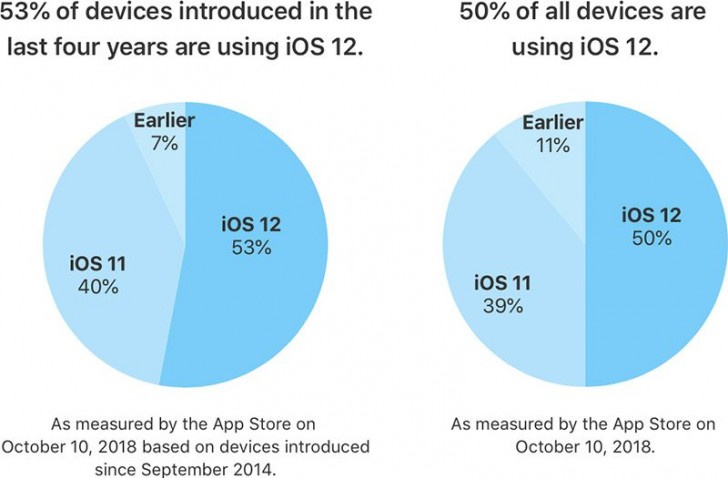
    Apple has revealed that 50% of users are now running iOS 12 on their devices. This is a comparatively good number as opposed to the iOS 11 which had seen a slow start and lesser acceptance. Apple also adds that on only counting the devices launched in the last four years, the number shoots up to 53%.

    Also Read: New Apple iPad Pro And Apple Pencil 2 Set To Launch

    While iOS 12 is running on 50% of the devices, iOS 11 takes the second place with 39% share of all the devices. This is a much faster adoption rate as compared to many of the previous versions of iOS. The ribs because the latest version offers an improvement in performance for older devices, which makes them faster than before. This is seen on the iPhone 6 Plus, for example.  After the update, apps launch upto 40% quicker and the keyboard appears over 50% faster on the iPhone 6 Plus. Along with this, animations are smoother and more responsive, along with scrolling in apps or entering the multitask view.

    iOS 12 does bring along a few minor bugs which were a topic of discussion for many. The ‘charge gate’ and ‘beauty gate’ issue was a problem but a fix was provided by the iOS 12.1 update. However, a few issues have popped up due to the update. Apparently, devices are now sending iMessages to the wrong people, cellular reception is poor and some users are not able to receive calls. Additionally users are also complaining about the lack of Bluetooth and Wi-Fi connectivity. Users are also reporting increasing battery drain with the iOS 12.1 update.

    2018 Apple iPhone new iphoneHowever, iOS 12 is being widely accepted by all its users and is available for almost all the devices released in the past few years. The Android OS on the other hand, is not doing so well in this sphere. As per last months reports, only 0.1 percent of Android Devices are running the latest Android 9 Pie. This means that over 99% of Android devices do not run the latest version of the OS. Only 19.2 percent of the devices are running Android Oreo. The slow spread of Android maybe due to the large number of devices present in the market. Additionally, manufactures continue to launch smartphones that are not running the latest variant of Android.

  • Digital Photo Professional Software From Canon Now Available In iOS

    Digital Photo Professional Software From Canon Now Available In iOS

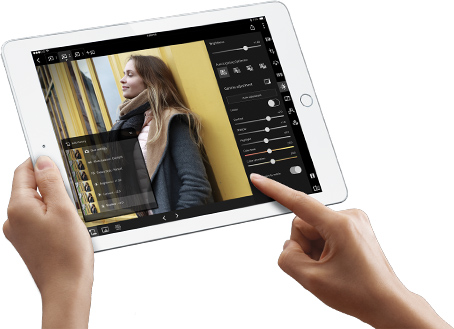
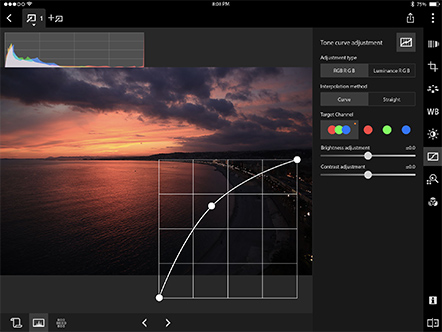
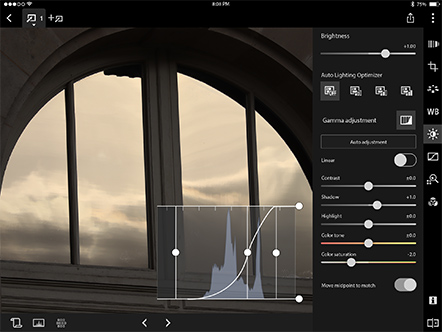
    Given that most photographers use Macbooks, iPads and other Apple devices, Canon’s entry into the iOS eco-space is quite late. A large part of Canon’s DPP software has been finally ported to iOS App Store. This will allow a Canon camera to connect to Macbooks and iPads. Users can now edit CR3 and JPEG files. The images can be viewed and saved on the cloud as well. The Camera connect app, which is widely used by photographers as well, can be used to remotely control your camera. When one shoots images on the camera, it can directly be viewed on the iPad. This lets photographers to see the details in their images on a bigger screen. Apple is known for their great display and photographers can see their images live using Canon’s software.


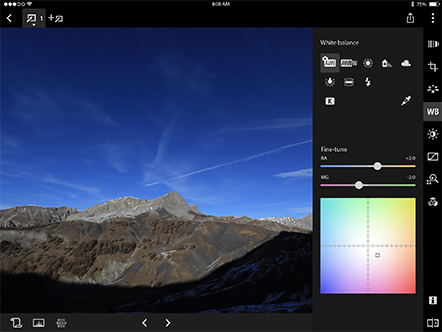
    With this software one can work on Cropping, Picture Style, White Balance, Brightness, Gamma level, Saturation, Tone Curve, Colour and more. It is also compatible with Android smartphone and tablet versions 4.4/5.0/5.1/6.0/7.0/7.1/8.0/8.1. The Camera Connect app also makes it easy to change camera settings, take pictures and video and even apply GPS data. It is however advisable to switch off user data if one is concerned about security.

    Another great feature of this software is DPP express which allows you to process and edit the images on your tab or laptop. It offers multiple editing history which can help a person to retrace and delete certain steps along the way while editing. One can create upto four editing histories and mix and match certain editing steps. The software will be compatible on newer iPads running running iOS 11 or higher. DPP Express can be downloaded from the App Store.

  • Google Maps To Work On Apple CarPlay With iOS 12

    Google Maps To Work On Apple CarPlay With iOS 12

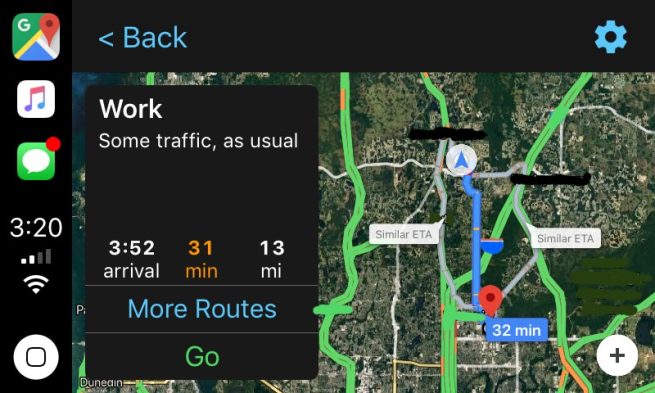
    Apple announced iOS 12 at its recent launch event held on 12th September. The update will be rolled out on Monday, September 17th and will be available to many. An exciting feature that iOS 12 will bring is the addition of Google Maps and Waze to CarPlay.

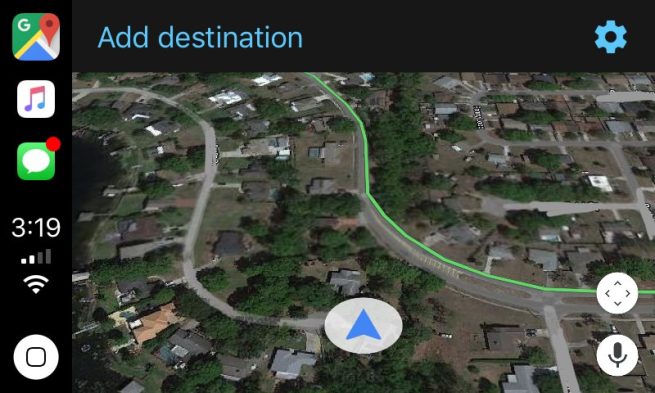
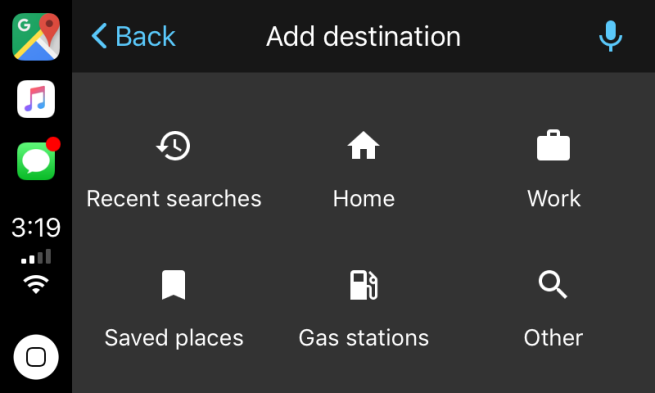
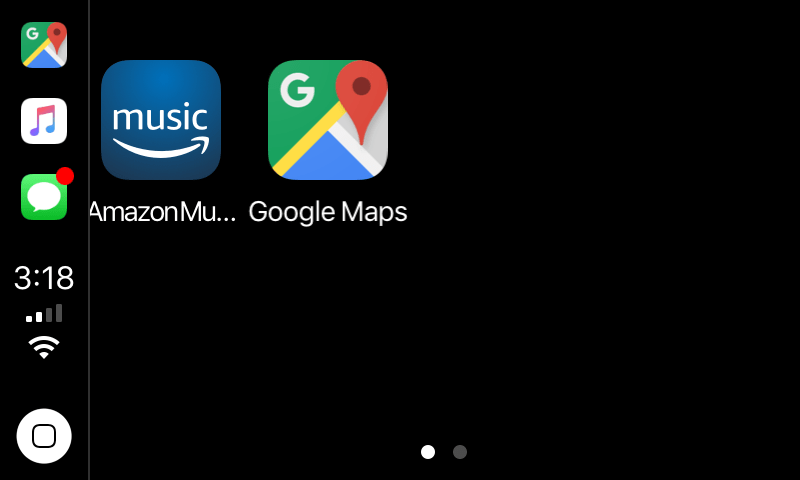
    Screenshots which show Google Maps integrated with Apple CarPlay have emerged and they have got everyone excited. As seen in the pictures, the Google Maps icon takes the navigation slot in the sidebar, which was earlier only occupied by Apple Maps. More images show the familiar arrowhead and map tiles, which are rendered by Google. The map is also available in both cartography and satellite modes. A microphone icon present on the screen also points out that voice search will be available.

    CarPlay was announced in 2014 and works as an alternative to poor navigation software generally available in cars. By connecting your iPhone to your car, CarPlay will mimic its interface on to your dashboard. This is a much safer alternative to looking at your phone while driving or using a car mount.


    However, the biggest complaint that CarPlay users had is the fact that they could not use Google Maps and were stuck with Apple Maps when it came to navigation. This is no longer an issue as with the new iOS update, users will be able to access not only Google Maps, but many other apps as well.

    The access to Google Maps on Apple CarPlay is relatively restricted. It will only be available to iOS Beta Testers. For now, users will have to upgrade to iOS 12 when it rolls out on Monday and wait. Once Google Maps and other compatible apps are updated to be integrated with Apple CarPlay, users can utilise the full experience.

  • iOS 12: Everything You Need To Know

    iOS 12: Everything You Need To Know

    The first day of the World Wide Developer’s Conference 2018 was an eventful one. Many expected announcements were made and a few anticipated features were yet again snubbed. One of the highlights of WWDC 2018 was the unveiling of iOS 12. The next iteration of Apple’s mobile operating system which will, according to the company, see the biggest software roll-out yet. Apple announced that all the devices that were updated to iOS 11 will receive an update to iOS 12. Here is a list of all the iOS 12 compatible devices:

    • iPhone 5s
    • iPhone 6/6 Plus
    • iPhone 6s/6s Plus
    • iPhone SE
    • iPhone 7/7Plus
    • iPhone 8/8Plus
    • iPhone X
    • 12.9-inch iPad Pro (2017)
    • 12.9-inch iPad Pro (2016)
    • 10.5-inch iPad Pro
    • 9.7-inch iPad Pro
    • iPad Air 2
    • iPad Air
    • iPad (2017)
    • iPad Mini 4
    • iPad Mini 3
    • iPad Mini 2
    • iPod touch 6th generation

    One of the issues with iOS 11 was that older devices became agonisingly slow with the new update. Apple has conceded that with iOS 12, the older devices will be about 40% faster and app-load times will be significantly lesser. This is great news for people who are still clinging on to their iPhone 5s or iPhone 6 and would want to upgrade to the latest version of iOS. Apple followed through with Tim Cook’s earlier remarks about iOS 12. The new version will not be a huge visual upgrade, in fact, it will be a performance upgrade for all devices, and not just older iPhones and iPads.

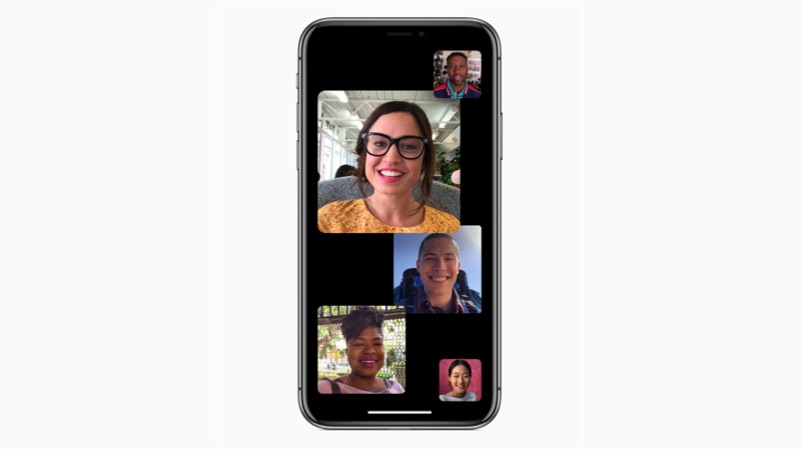
    Apple also introduced a group calling feature in FaceTime.  Group FaceTime makes it easy to chat with multiple people at the same time. Participants can be added at any time, join later if the conversation is still active and choose to join using video or audio from an iPhone, iPad or Mac — or even participate using FaceTime audio from Apple Watch. Another interesting feature is the use of Memoji within FaceTime which just adds an extra bit of fun to video calls.

    Apple also introduced a few features to Siri, Apple’s AI voice assistant. One of the new features added to Siri is Shortcuts. This will allow any app to access Siri using a particular phrase which can be personalised. Apps will have an ‘add to Siri’ option. For example, if you say “Siri I lost my keys,” Siri will automatically open the Tile app. Siri will also track a user’s activity within an app and predict actions for users at specific times. For example, if a user orders a coffee in the morning, Siri will automatically notify them to order the coffee with the usual order pre-decided.

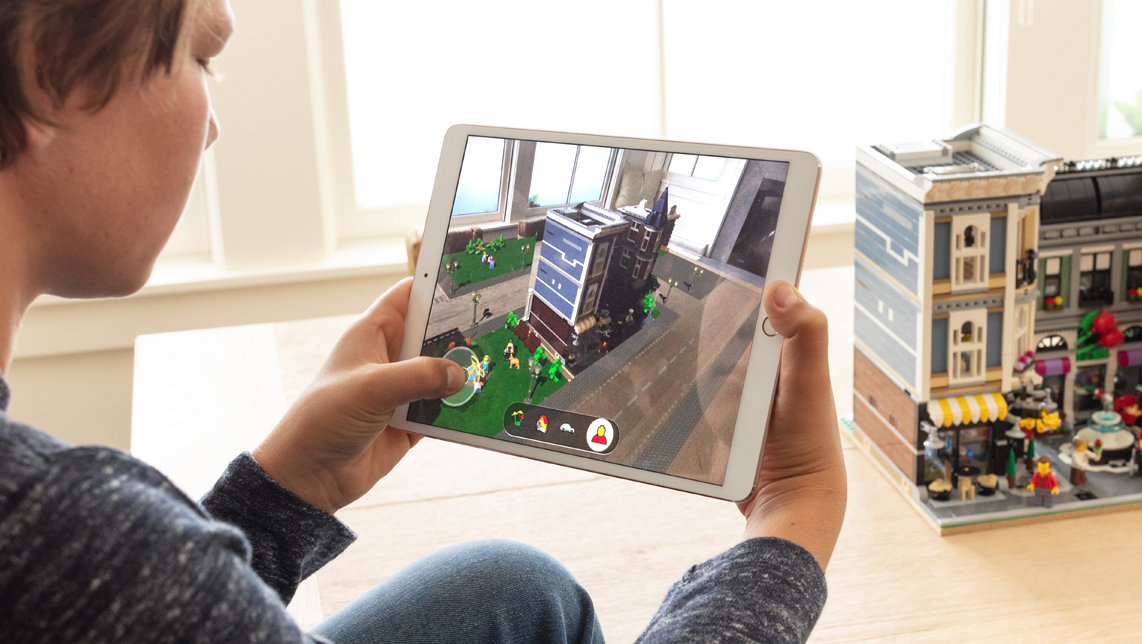
    Apple also claimed that new AR features will be introduced to iOS 12. One of the features is the new AR app called, Measure. As the name suggests, the app lets users measure real-life objects thanks to AR. It also automatically recognises rectangles and gives instant measurements. Impressively, the app can also measure in 3D, which means you can measure more than just the length or breadth of an object.

    Apple also unveiled the AR sharing experience thanks ARKit 2.0. This means that developers can create apps that will let multiple users share the same experience or play the same game. Won’t be too long before we AR Beer Pong being played on iPad Pros in dorm rooms.

    One of the biggest pain points of iOS users has been notifications. Any moderately social media savvy user knows the struggles of managing notifications from different apps on an iOS device. With iOS 12, Apple has addressed this issue. One of the most talked-about features of iOS 12, before WWDC began, was notifications.
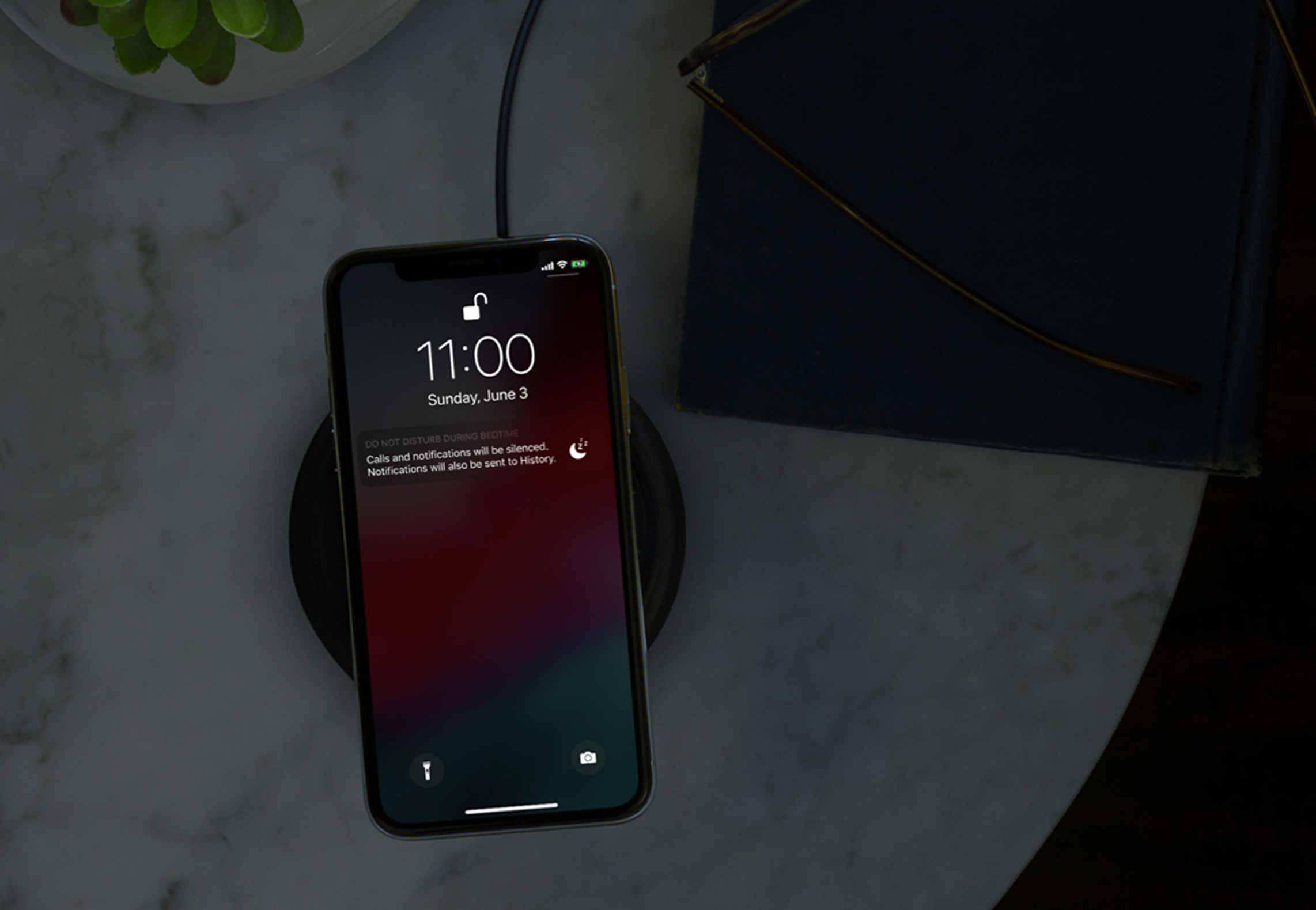
    First up is Do Not Disturb mode for notifications. This means that during a user’s specified ‘Night Time’, the iPhone won’t display any notifications. The iPhone won’t light up for a notification meaning less disturbance and users will be able to deal with the notifications once they’re up.

    Must Read: WWDC 2018: macOS Mojave With Dark Mode Unveiled

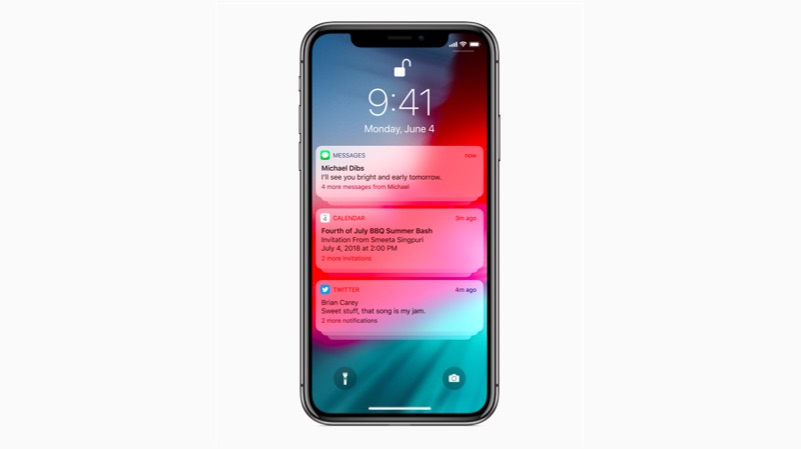
    The second important feature is grouped notifications. Unlike any iOS versions so far, iOS 12 will group all the notifications from one app resulting in a much less cluttered lock screen and notification panel. With one swipe, users will get an option to either manage, open or dismiss all the notifications at once.

    On paper, these are very important updates to iOS, especially for users with older devices. Many people were anticipating a Dark Mode to make its way to iOS but, they’ll have to make do with Smart Invert for the time being. Apple did, however, commit to the Dark Mode but, on macOS Mojave instead. Whether iOS 12 will be that performance upgrade everyone was hoping for, only time will tell as we expect the final version of iOS 12 to roll-out a few days after the 2018 iPhone lineup is launched.

  • Apple’s Memoji Feature Will Let Users Create Personalised Animojis

    Apple’s Memoji Feature Will Let Users Create Personalised Animojis

    At WWDC 2018, Apple unveiled the new version of iOS which will see to iOS devices later this year. Along with new features to Siri and a better notification management, Apple also unveiled new additions to Animojis. In September, Apple introduced Animojis along with the iPhone X and for all the fancy Face ID tech it possessed, Animojis soon became its most famous feature. Apple appears to have recognised that and has gone a step further Memoji.

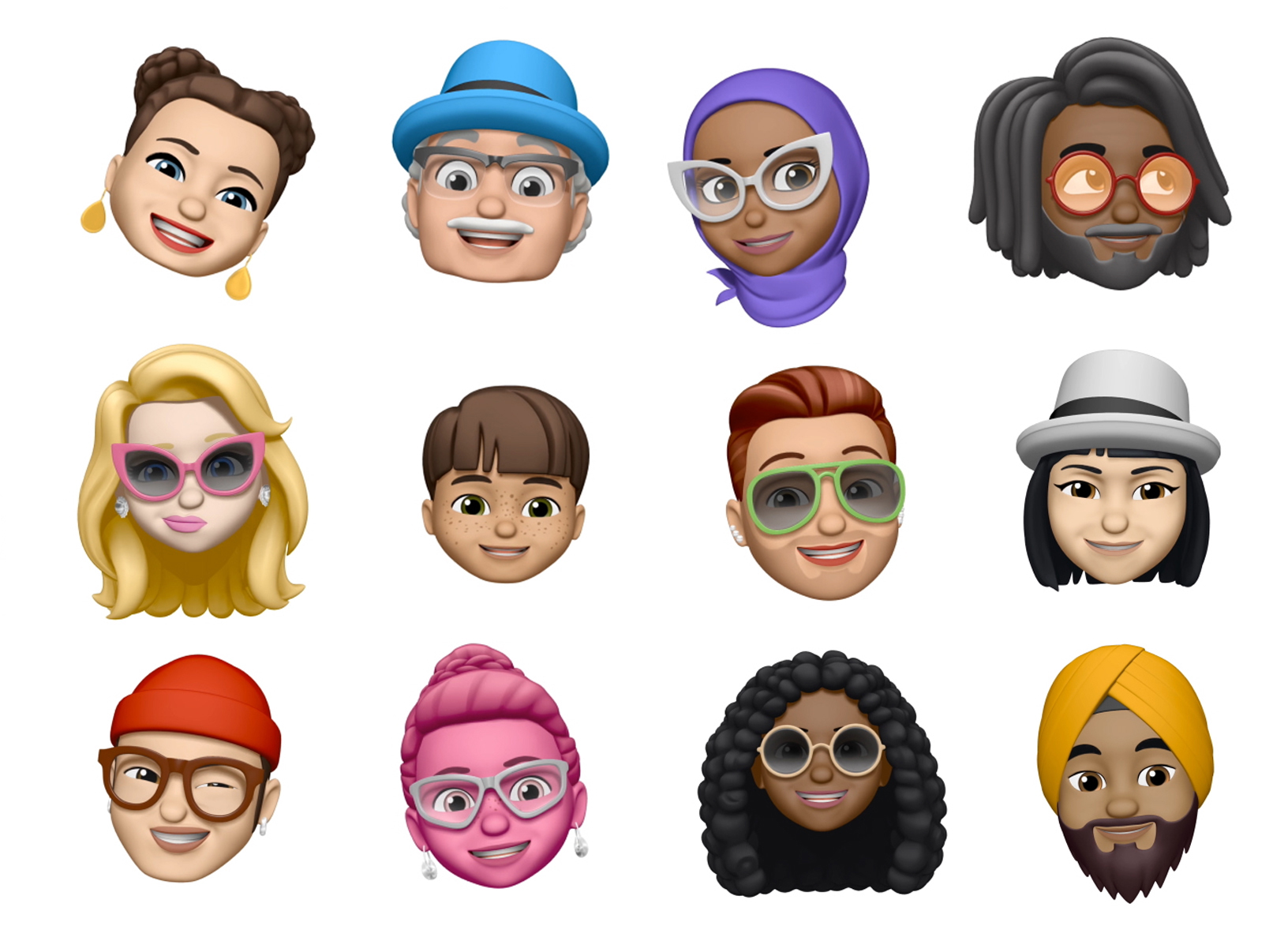
    Memoji is what Samsung tried to do with AR Emojis and did not succeed. In iMessage, where you would usually select an Animoji, users will soon be able to swipe right and click on the add button to create a custom Memoji. In this window, users will be able to build their own Animoji-type characters from the ground up. Apple will let users decide minute details like freckles, hair colour, hair style, accessories like hats, glasses and more. Once done, users can save it to use in iMessages, or it can be overlaid on the user’s own face while taking a selfie.

    Animojis also get a new feature which Apple quipped as “revolutionary,” Tongue Detection. Bizarrely enough, many users were disappointed that animojis did not track their tongues. Well, Apple has admittedly addressed that very specific complaint and users will be able to use their toungue to express through animojis as well. Along with tongue detection, animojis also get new characters like a ghost, koala, tiger, and T-rex.

    With Samsung’s attempt failing to take off, it will be interesting to see how Memoji takes off with iOS 12.

  • WWDC 2018: iOS 12 Launched With Performance Updates And New AR Capabilities

    WWDC 2018: iOS 12 Launched With Performance Updates And New AR Capabilities

    The first day of Apple’s World Wide Developer’s Conference kicked off in San Jose, California today. Historically, WWDC has concentrated on the software aspect of Apple’s portfolio. At WWDC 2018, Apple unveiled iOS 12, the successor to iOS 11 which was seeded to compatible devices in September 2017. iOS 12 will be seeded to the iPhone 5s and newer, meaning an iPhone launched in 2014 will run on the latest version of iOS.

    While iOS 11 had a rocky start, about 81% of iOS devices run iOS 11 at this point. Compared to this, only 6% of Android devices run on the latest version of Android Oreo. Apple has announced that all the devices that received the iOS 11 update will also receive the iOS 12 update. The company claims that this is the biggest software roll-out so far. Here is a list of all the iOS devices which will receive the iOS 12 update later in the year:

    • iPhone 5s
    • iPhone 6/6 Plus
    • iPhone 6s/6s Plus
    • iPhone SE
    • iPhone 7/7Plus
    • iPhone 8/8Plus
    • iPhone X
    • 12.9-inch iPad Pro (2017)
    • 12.9-inch iPad Pro (2016)
    • 10.5-inch iPad Pro
    • 9.7-inch iPad Pro
    • iPad Air 2
    • iPad Air
    • iPad (2017)
    • iPad Mini 4
    • iPad Mini 3
    • iPad Mini 2
    • iPod touch 6th generation

    With iOS 12, Apple has confirmed what it claimed a few months ago. Tim Cook said that iOS 12 will concentrate a lot more on performance than the visuals. Since older devices like the iPhone 5s, iPhone 6 will be updated to iOS 12, the company claims that this won’t slow down the performance. In fact, app load times could be two times faster with the new iOS update.

    AR

    Google introduced some really cool features to Google Lens at the Google I/O. Apple has also claimed that new AR features will be introduced to iOS 12. One of the features is the new AR app called, Measure. As the name suggests, the app lets users measure real-life objects thanks to AR. It also automatically recognises rectangles and gives instant measurements. Impressively, the app can also measure in 3D, which means you can measure more than just the length or breadth of an object.

    Apple also unveiled the AR sharing experience thanks ARKit 2.0. This means that developers can create apps that will let multiple users share the same experience or play the same game. Won’t be too long before we AR Beer Pong being played on iPad Pros in dorm rooms.

    Siri

    Siri, Apple’s AI voice assistant is the oldest in the industry right now. However, with Google Assistant’s advancements, it has fallen behind the pecking order in the last year or so. With WWC 2018, Apple was expected to announce a major overhaul to Siri, considering how the new iOS version concentrates on performance and efficiency more than anything else. However, while Apple did introduce new Siri functionalities, there weren’t any major announcements regarding Apple’s famed voice assistant.

    One of the new features added to Siri is Shortcuts. This will allow any app to access Siri using a particular phrase which can be personalised. Apps will have an ‘add to Siri’ option. For example, if you say “Siri I lost my keys,” Siri will automatically open the Tile app. Siri will also track a user’s activity within an app and predict actions for users at specific times. For example, if a user orders a coffee in the morning, Siri will automatically notify them to order the coffee with the usual order pre-decided. This means that the user just has to tap on the notification and confirm the order. Similarly, if a user is late for a meeting, the search brings up an option to text another person that you’re late.

    Notifications

    One of the biggest pain points of iOS users has been notifications. Any moderately social media savvy user knows the struggles of managing notifications from different apps on an iOS device. With iOS 12, Apple has addressed this issue. One of the most talked-about features of iOS 12, before WWDC began, was notifications. With Google doing so much for users to handle notifications more efficiently, Apple’s response was well anticipated. And it looks like Apple has delivered.
    First up is Do Not Disturb mode for notifications. This means that during a user’s specified ‘Night Time’, the iPhone won’t display any notifications. The iPhone won’t light up for a notification meaning less disturbance and users will be able to deal with the notifications once they’re up.

    The second important feature is grouped notifications. Unlike any iOS versions so far, iOS 12 will group all the notifications from one app resulting in a much less cluttered lock screen and notification panel. With one swipe, users will get an option to either manage, open or dismiss all the notifications at once. This will come in handy for a lot of people who don’t necessarily turn off notifications of a lot of apps.
    Apple’s Digital Well-Being

    At Google I/O, one of the main themes was an average user’s worrying usage time of a smartphone. Apple appears to have addressed this issue as well with iOS 12. Apple wants its users to spend a limited amount of time on their iPhones and their iPhones will in fact remind them of that. Users can set a time limit to certain apps they feel they’re “addicted” to. Once that time runs out, the iPhone will display a window that says it is time to move on. Users then have the option to either close the app and move on or ignore the warning and extend their time on the app.
    This will work on all iOS devices which means that whether you’re on your iPhone or iPad, you can spend a limited time on Instagram. This will come in handy for parents as well, as they try to limit their child’s usage of electronic devices. The timing can be set to any app and the notification goes to every iOS device connected to the certain Apple ID.

iGyaan Network
Privacy Overview

This website uses cookies so that we can provide you with the best user experience possible. Cookie information is stored in your browser and performs functions such as recognising you when you return to our website and helping our team to understand which sections of the website you find most interesting and useful.