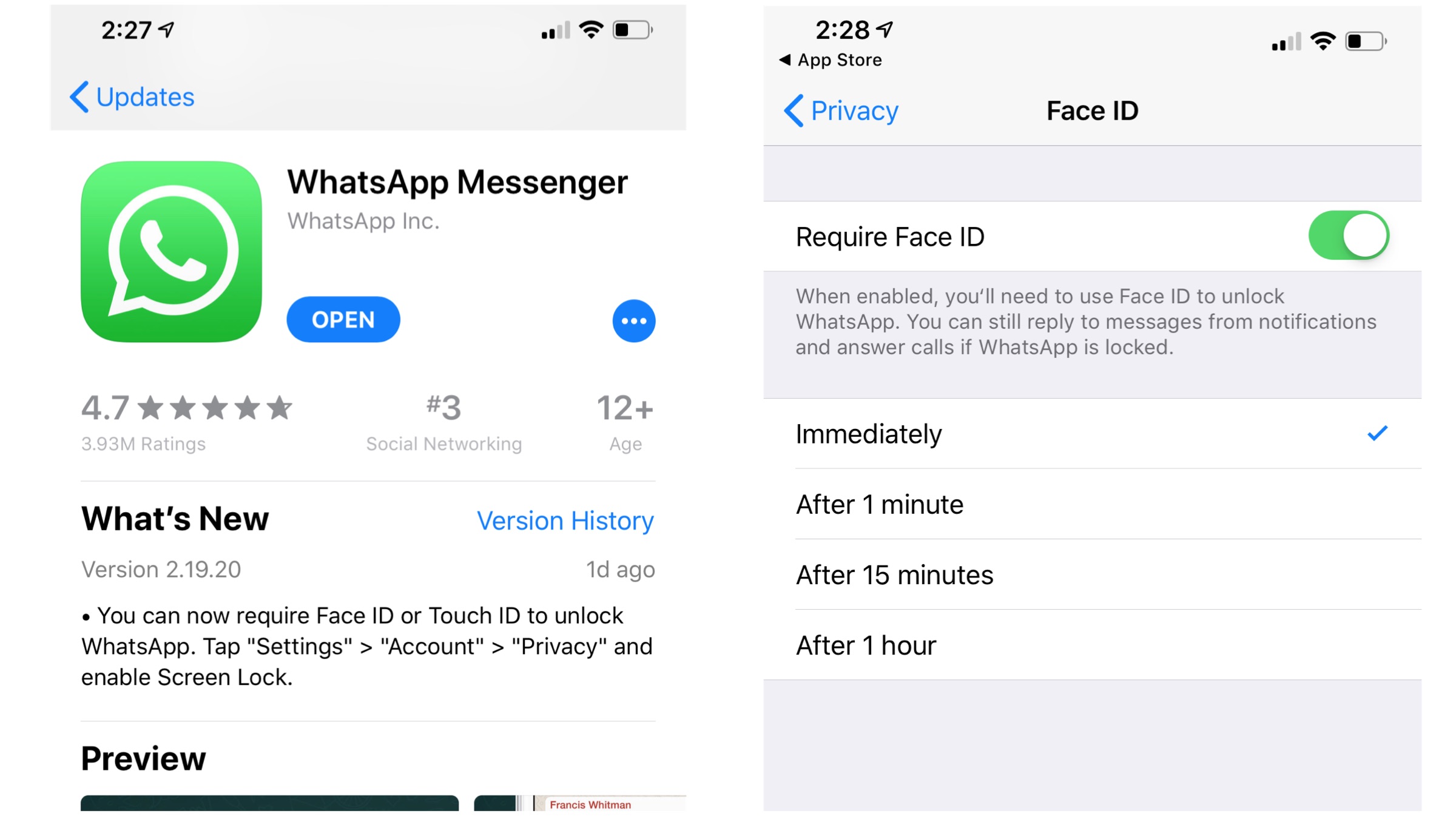
Whatsapp, the world’s most used IM (Instant Messaging) platform has finally brought its FaceID and TouchID authentication to it’s iOS beta users. First spotted by WABetainfo, the new feature has been introduced with the latest 2.19.20.19 update. This update now adds a fingerprint lock, or TouchID, to all its conversations.
Previous Encryption
The company already introduced end-to-end encryption to all its instances in 2016. With the introduction of this new feature, whatsapp is even more secure, because it eliminates any snooping from your device. Read on to find out how you can avail the latest changes to the widely used social messaging platform.
How To Enable FaceID/TouchID Authentication?
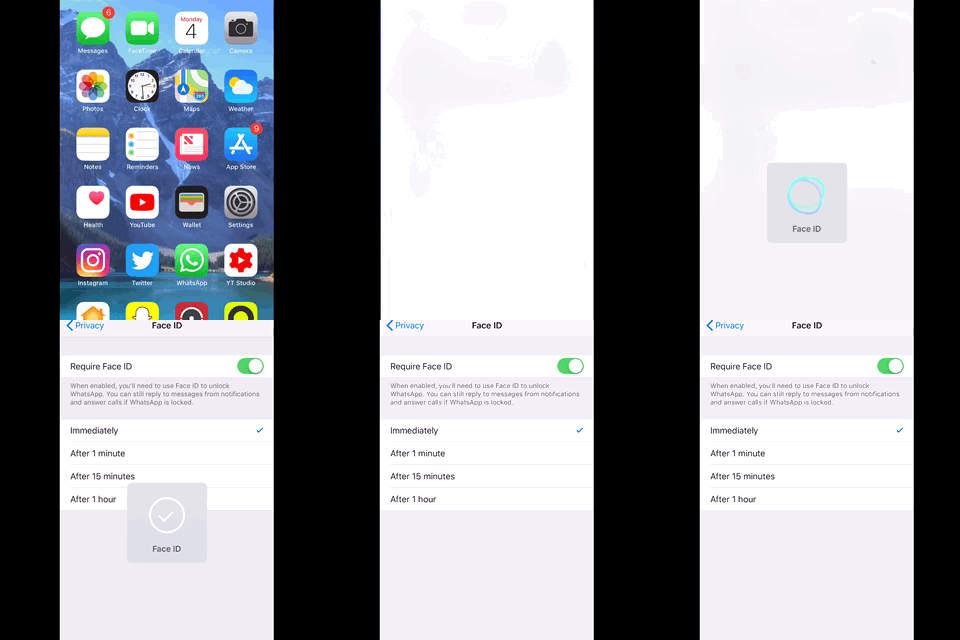
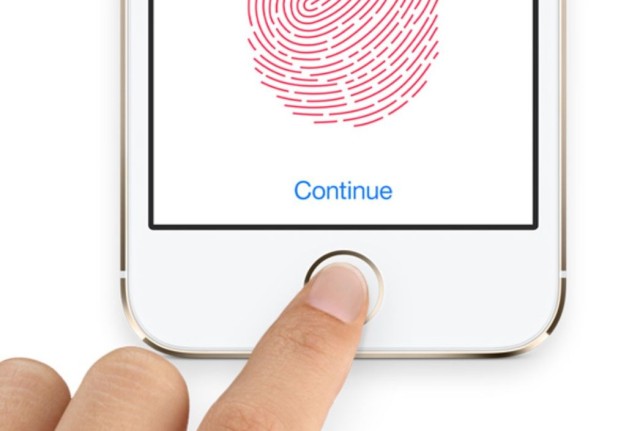
If you have the iPhone X or above, you can use Face ID to get into the application. And if you have one of the older iPhone versions, don’t worry, because the app will use your TouchID to encrypt your chats. To turn this extra piece of security on, just launch the app, and go to Whatsapp Settings > Account and click on Privacy. You will then need to select your screen lock from your settings menu. One thing to note here is that fact that you can still reply to messages from the locked screen if you’ve allowed access.
Once you’ve configured this, you’ll have to restart your Whatsapp application to get the new authentication feature to work. Whatsapp will then authenticate you in order to use the app. You need not worry if you can’t get in. There’s a failsafe, which allows you to enter the app by just entering your passcode. It’s simple as that.
 Also Read : Google Removes 29 Malicious Photo-Editing Apps From Play Store
Also, with the new update comes the option to select and download a specific sticker from the sticker pack. But the chats authentication is certainly Whatsapp’s focus here. Are you excited about this added security layer? Share your views with us in the comments below
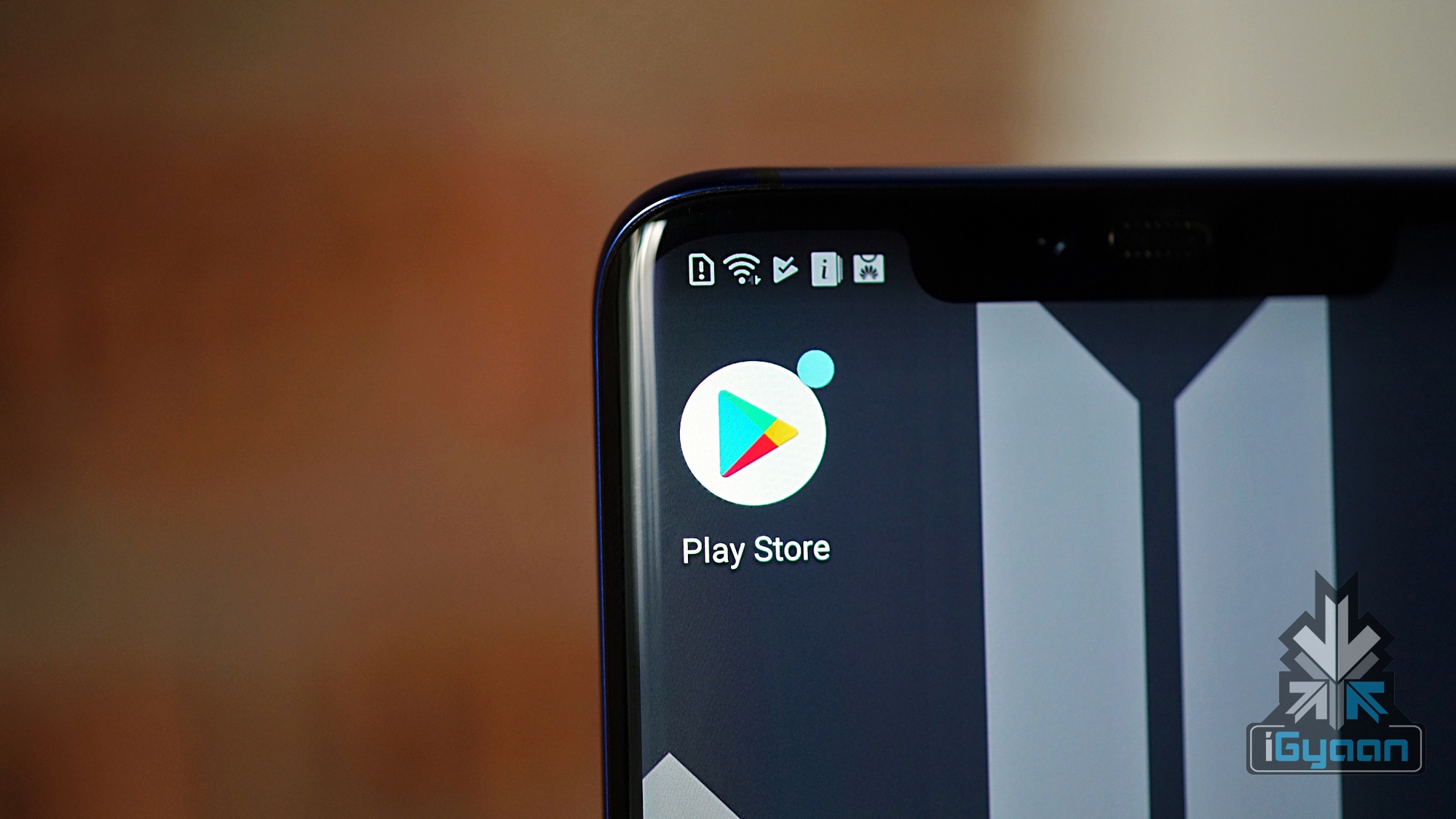
 As reported, several apps which are downloaded from the Play Store tend to display objectionable links and content on their screens. The links and clickable content then redirects the users to ‘scam’ websites, where information is misused. Supposedly, these ‘fake’ apps can access remote ad configuration servers for performing their phishing attacks. Previously, Google banned some Crypto-mining apps from their Play Store, due to policy changes by Google in July 2018. It also banned Chrome crypto-mining apps from the Chrome store. Crypto-jacking was a pretty common activity at that time. Hackers used to take over user’s devices for crypto-mining, even on mobile devices.
 Also Read :
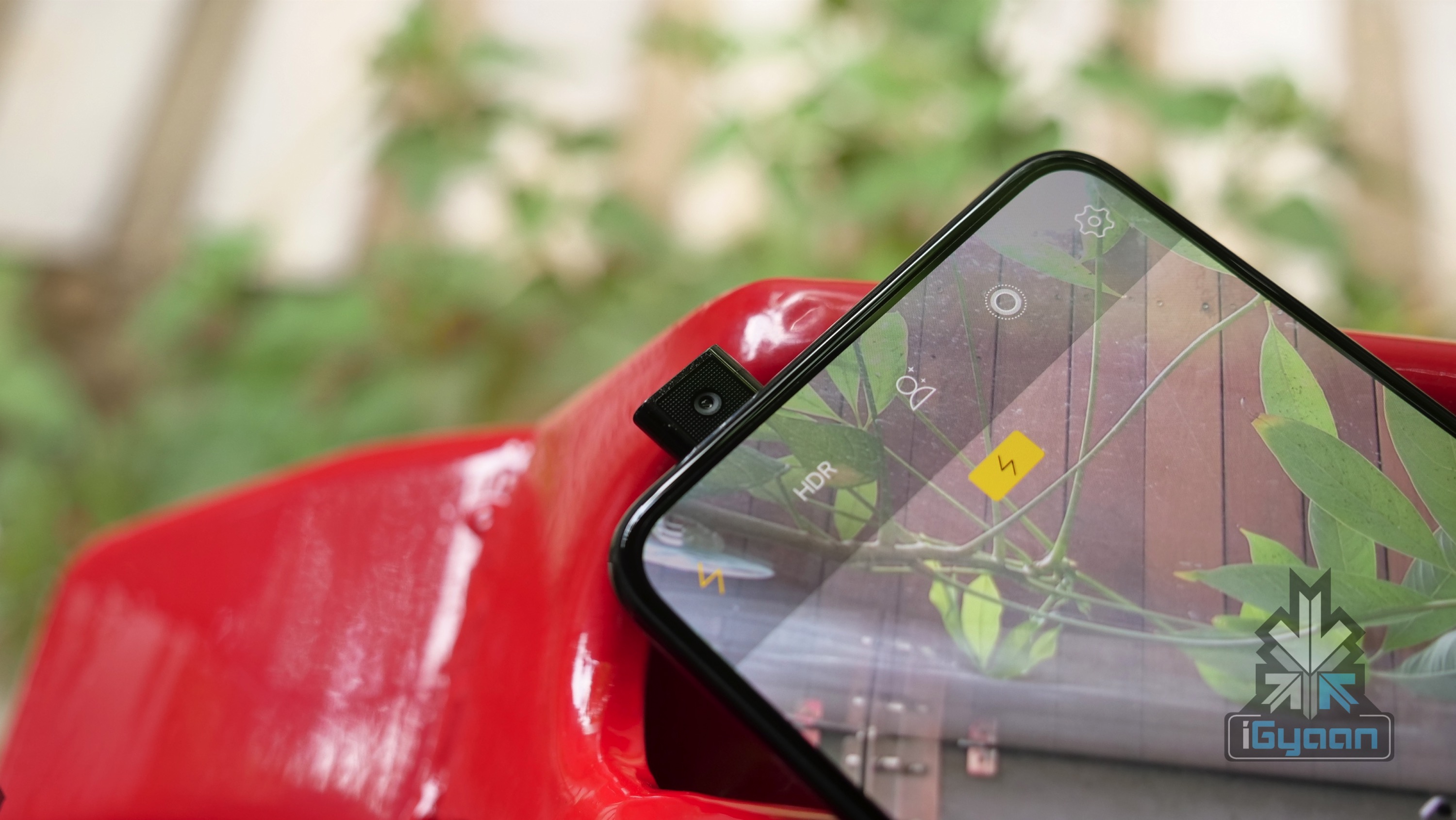
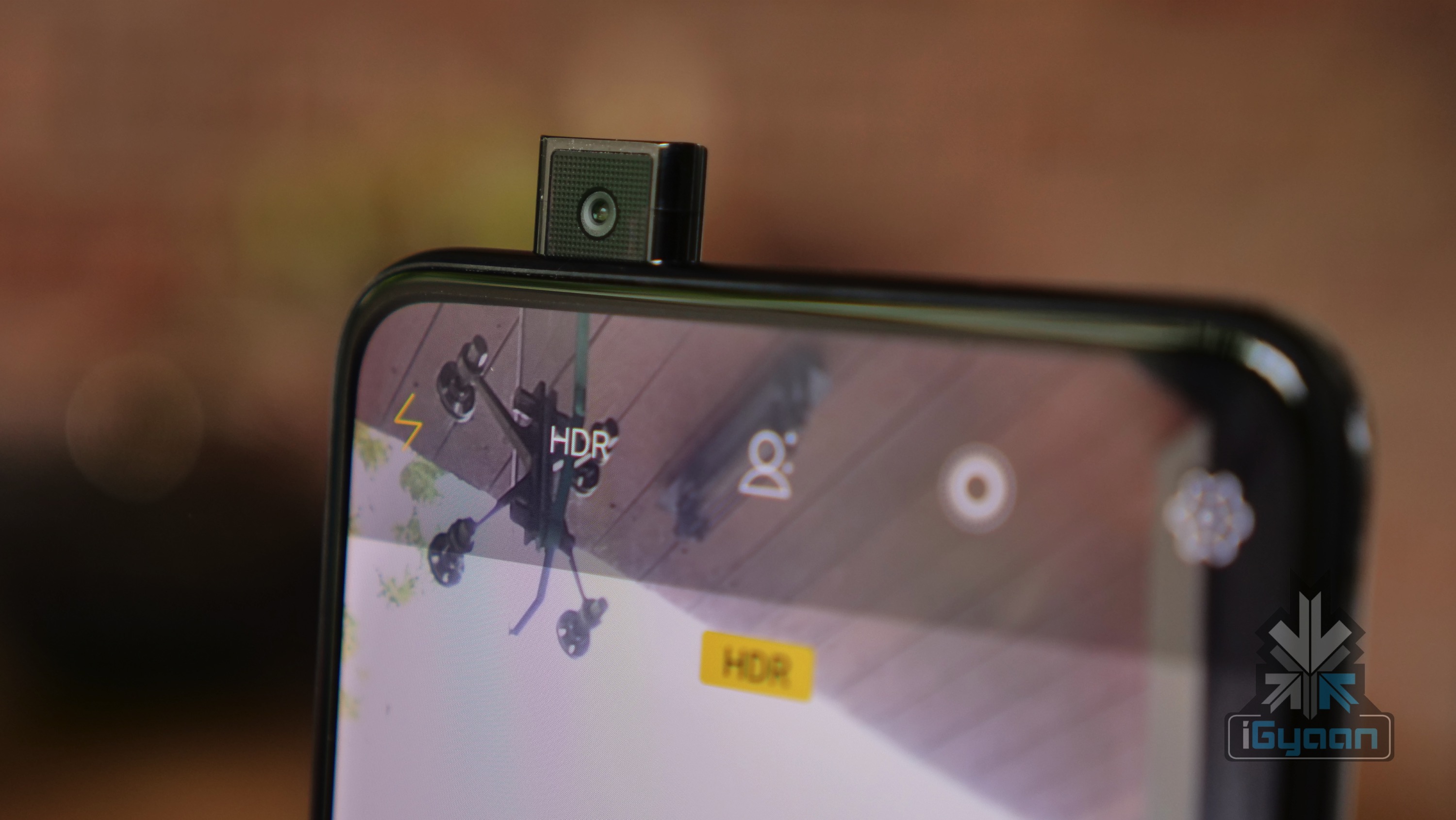
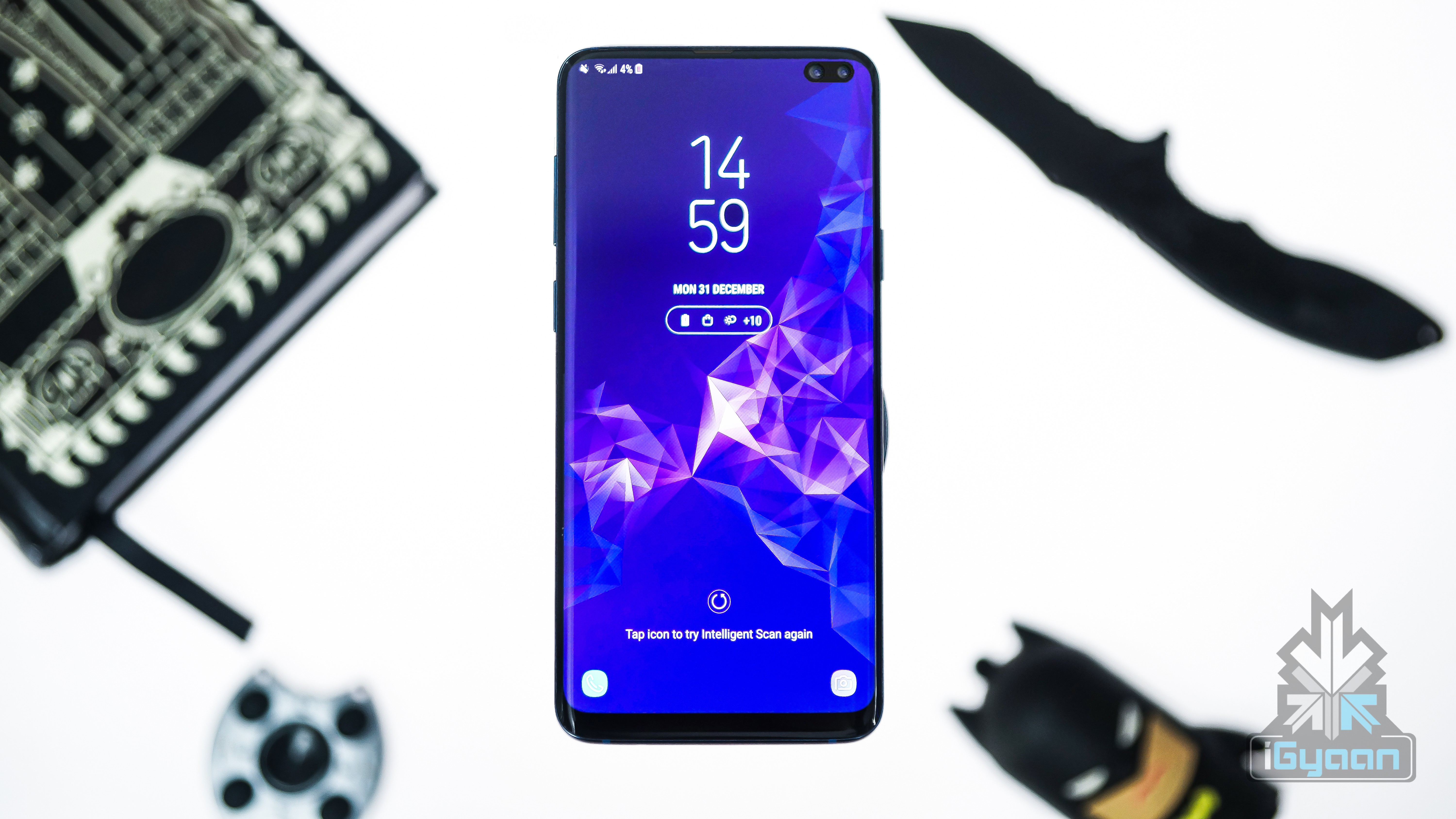
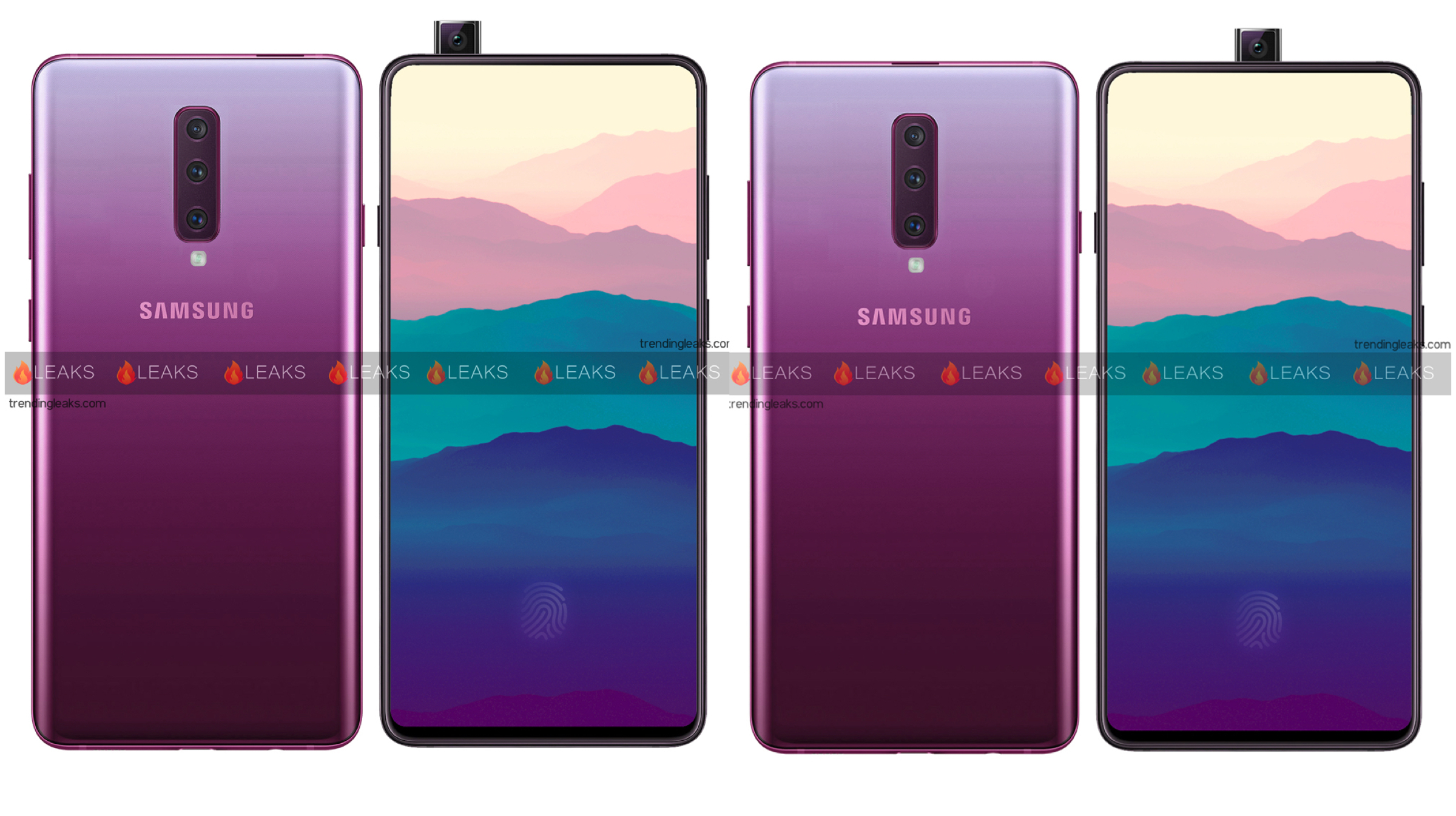 Samsung launching a pop up selfie camera smartphone may be a big deal for the industry. A big smartphone maker jumping into the trend could see more mainstream phones with the feature. And while we don’t have much information about the Galaxy A90 right now, the guys over at TrendingLeaks have made up a concept on how the Galaxy A90 may look like.



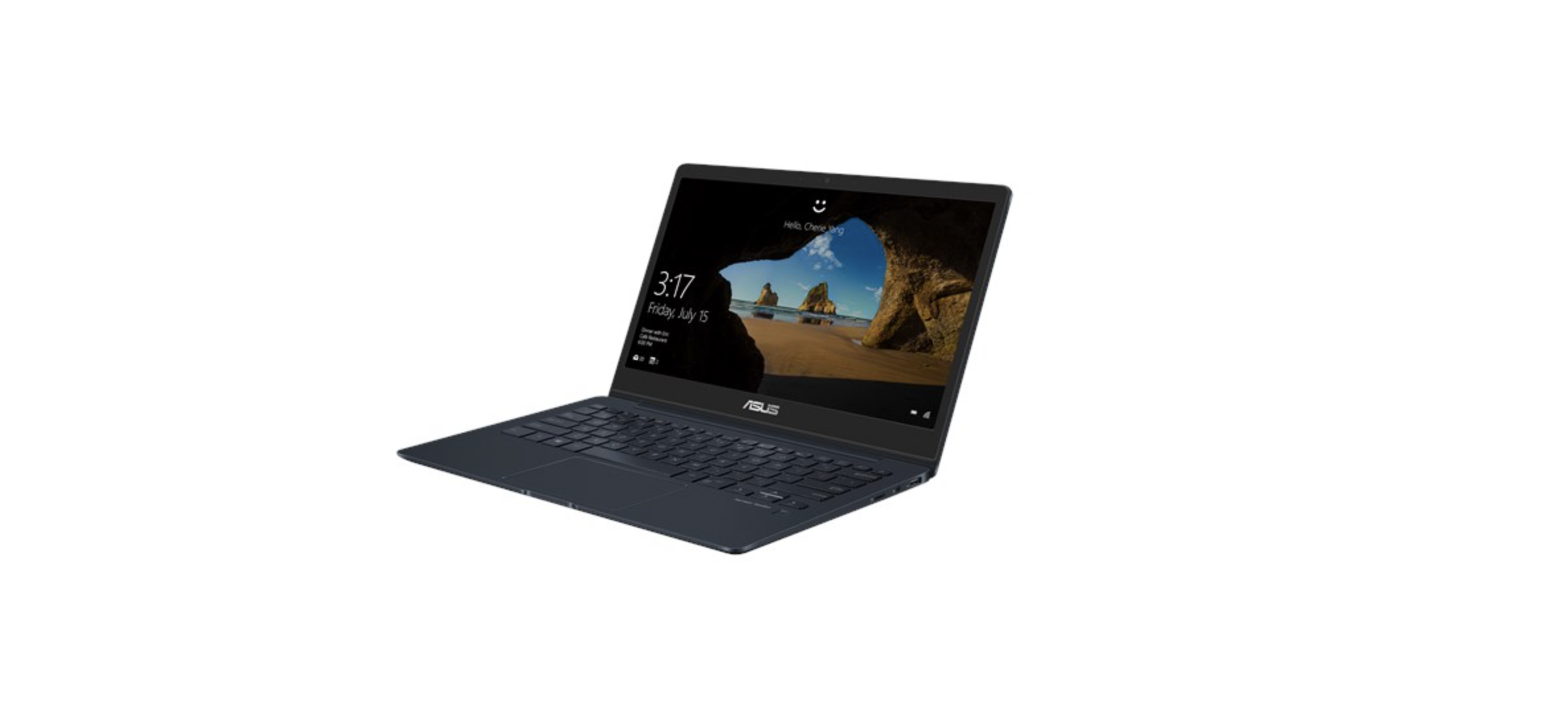
 The ASUS ZenBook 13 in just 16.9 mm thin. Featuring a 13.3 inch Full-HD display with a NanoEdge design, the ZenBook 13 achieves a 95% screen-to-body ratio. With ultra-thin side and bottom bezels (2.8mm-3.3mm), it claims to be the world’s smallest 13 inch laptop. If you think the small screen at 13 inches is an issue, the display is optimized for 178-degree viewing angles. We think that this makes it a great device overall.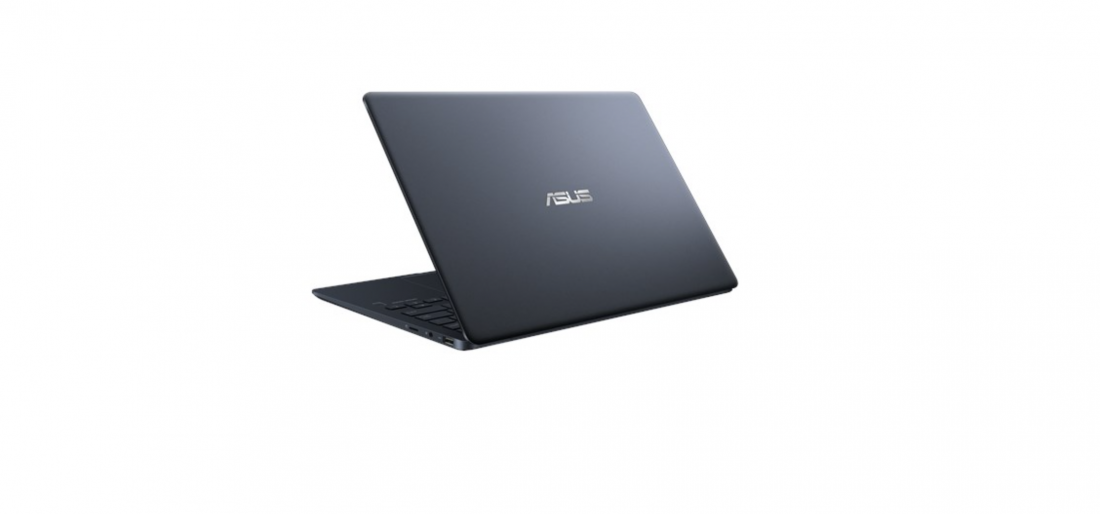
 The next iteration in the ZenBook series is the ASUS ZenBook 14, which will be 0.63 inches thin. The 1.09kg notebook will sport a 14-inch Full HD display, with a 92% screen-to-body ratio. Again, this is possible because of very thin bottom and side bezels. Again, it will be available in the same processor options as the ZenBook 13, with similar graphic options.
  Also Read :