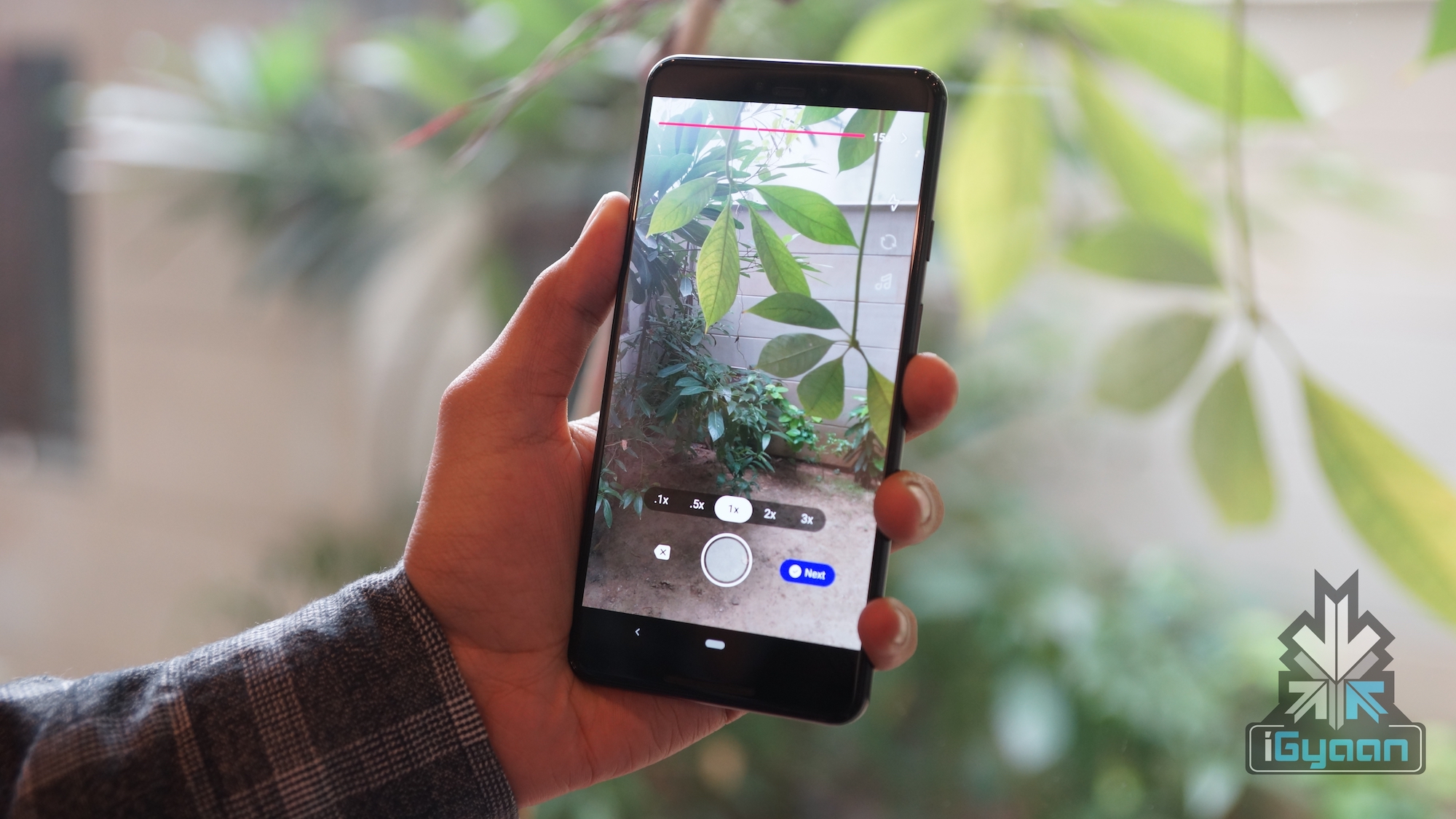
Facebook was one of the first globally accepted social media platforms. It is a platform that combines a wide variety of social medias ranging from simple messaging to photo and video sharing. But with passing time, social media is evolving and changing. Niche specific apps are on the rise, like chat focused WhatApp and photo sharing app Instagram. Both of which Facebook acquired for $ 19 billion and $ 1 billion respectively. A new social media segment that has seen phenomenal growth in recent times is video/lip syncing applications. China based TikTok is the current leader in this segment. To get a slice of this rapidly booming sector, Facebook has launched their Lasso app.
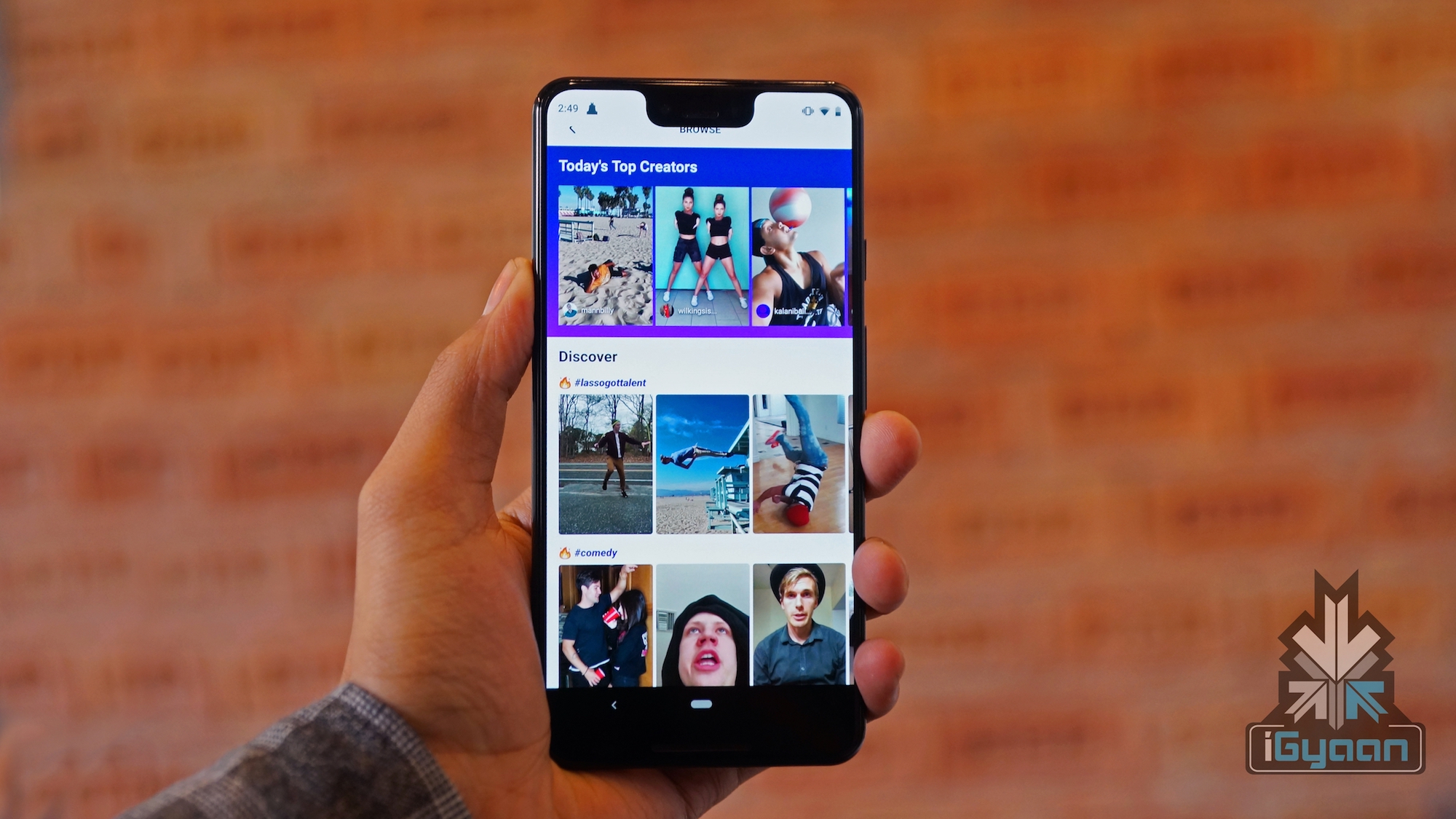
Facebook has taken this step to bring back teens who are slowly moving away from the platform, when compared to last year. The Lasso app lets users create short fun clips with a lip syncing option. You can sign in to the app with your Instagram credentials or create an account by linking it to your Facebook. Additionally, the Lasso videos can be shared on Facebook and Instagram. The sharing feature will be added later.
Features
Cool Camera Tools & Effects- High quality video editing tools, text on video/music and a lot more effects from in app camera.
Massive Music Library- It has one of the biggest music library which range from trending pop hits to vintage classics. Facebook claims users can find each and every song on the app.
Latest Hashtags & Challenges- The app suggests trending hashtags and also the ones which might become a trend soon.
Share Directly To Facebook- The app being a part of the Facebook ecosystem, allows users to easily share videos on Facebook with a single tap.
Lasso is available for both Android and iOS devices. The app is currently available in selected regions as Facebook is gathering feedback and reviews from users.
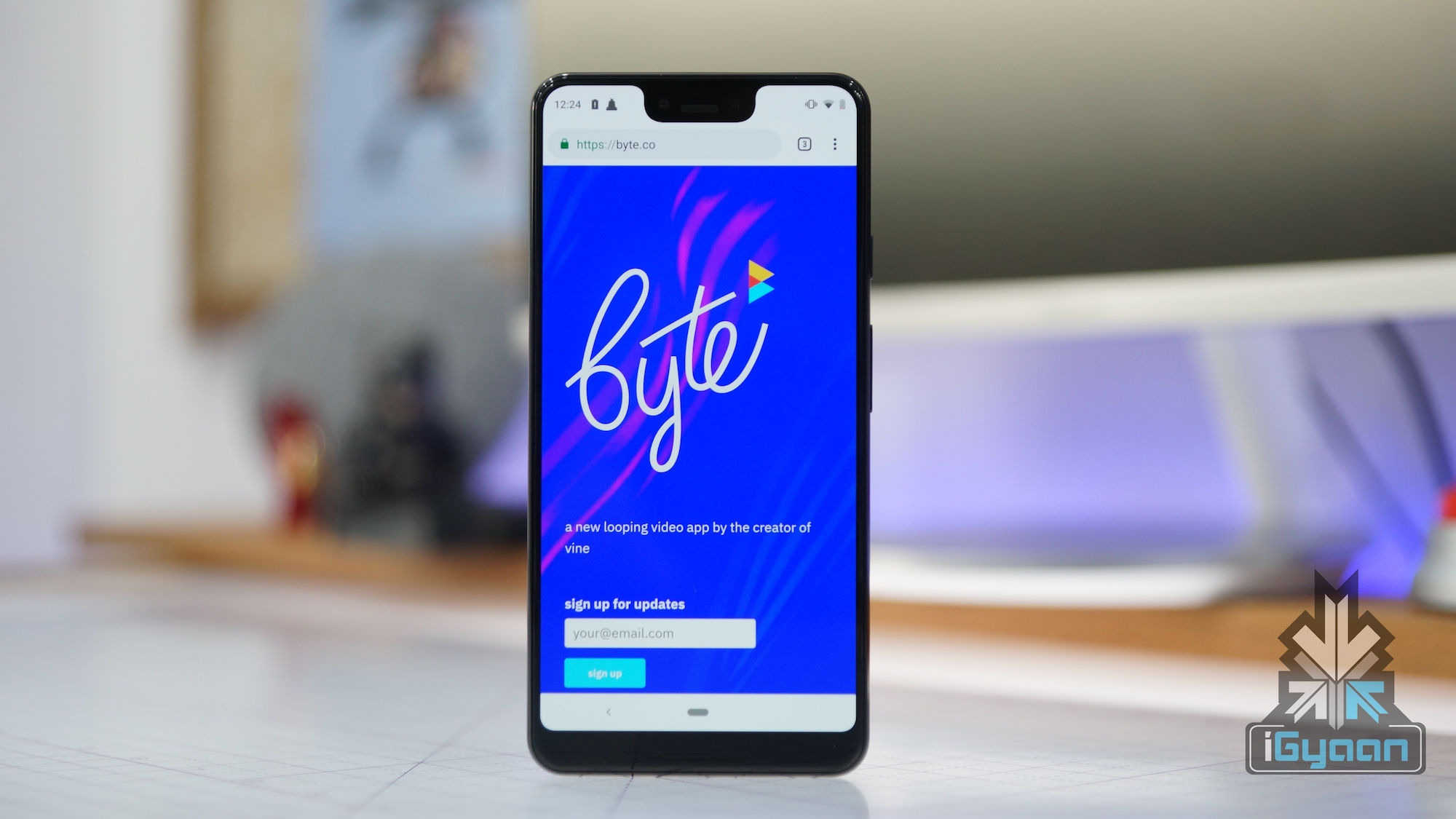
HD Video cameras on smartphones opened a lot of possibilities for app developers. One such video looping application was the wildly popular Vine app. It allowed users to share 6 second clips which turned out to be a highly successful phenomenon. Twitter bought the app for 30 Million $ in 2012 even before its official launch. Recently, the co-founder of Vine, Dom Hoffman has announced the successor to his first app, which will be released in Spring 2019.
The Concept & What Happened With Vine
Vine was the platform that kick-started the career of many stars like YouTuber Logan Paul and singer Shawn Mendes. Logan Paul and his brother Jake Paul started making vines in their high school and are now one of the highest earning YouTubers. Similarly, Shawn Mendes also joined the platform at age 15. After which he gained a lot of attention after his first vine went viral.
But, Twitter had to shut down Vine back in January 2017 due to a couple of reasons. Some of them include fierce competition from Instagram, Twitter’s cash crunch and no scope of ads because the clips were only 6 seconds long. From being one of the highest downloaded free application on Apple’s app store it vanquished into darkness and was ultimately shut down. Albeit, Twitter keeps the video archive alive online.
Dom Hoffman has previously talked about creating a V2 of the Vine app. But it was only recently that he tweeted that the app will be called byte and will be a successor to Vine. A website and a twitter page of the app is already online. The twitter page has reached 68k followers which indicates people are hyped about the Vine successor.
Although, not much detail about the byte app is available, Dom Hoffman says that they have a solid concept and proper funding for the upcoming app. However, times have changed and so has the competition. TikTok, another video looping app has seen tremendous growth in recent times. Competing with it will be hard for byte. The true fate will only be revealed after the app is launched and available for download.
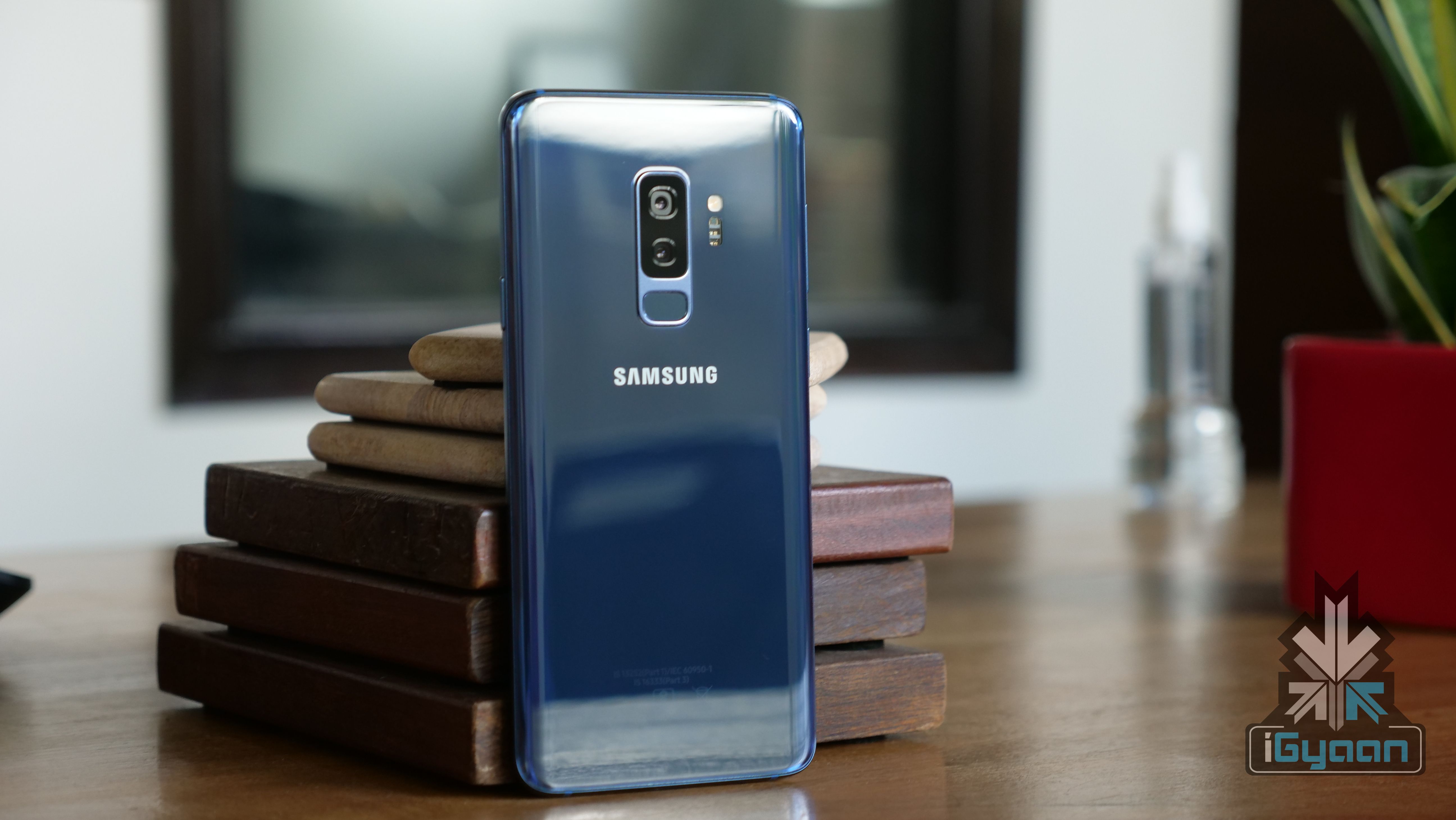
Samsung recently announced that their flagship phones; the S9 and S9+ will get the new Android Pie update that is based on the new One UI, in January. The announcement was made at the Samsung Developer Conference (SDC 2018) in San Francisco, California. There have been several complaints from consumers stating that Samsung’s UI has a lot of clutter and is confusing. Apple on the other hand has always kept their user interface simple and made it very user friendly. This is one of the many reasons that consumers have accepted Apple so readily in the past.
What’s New?
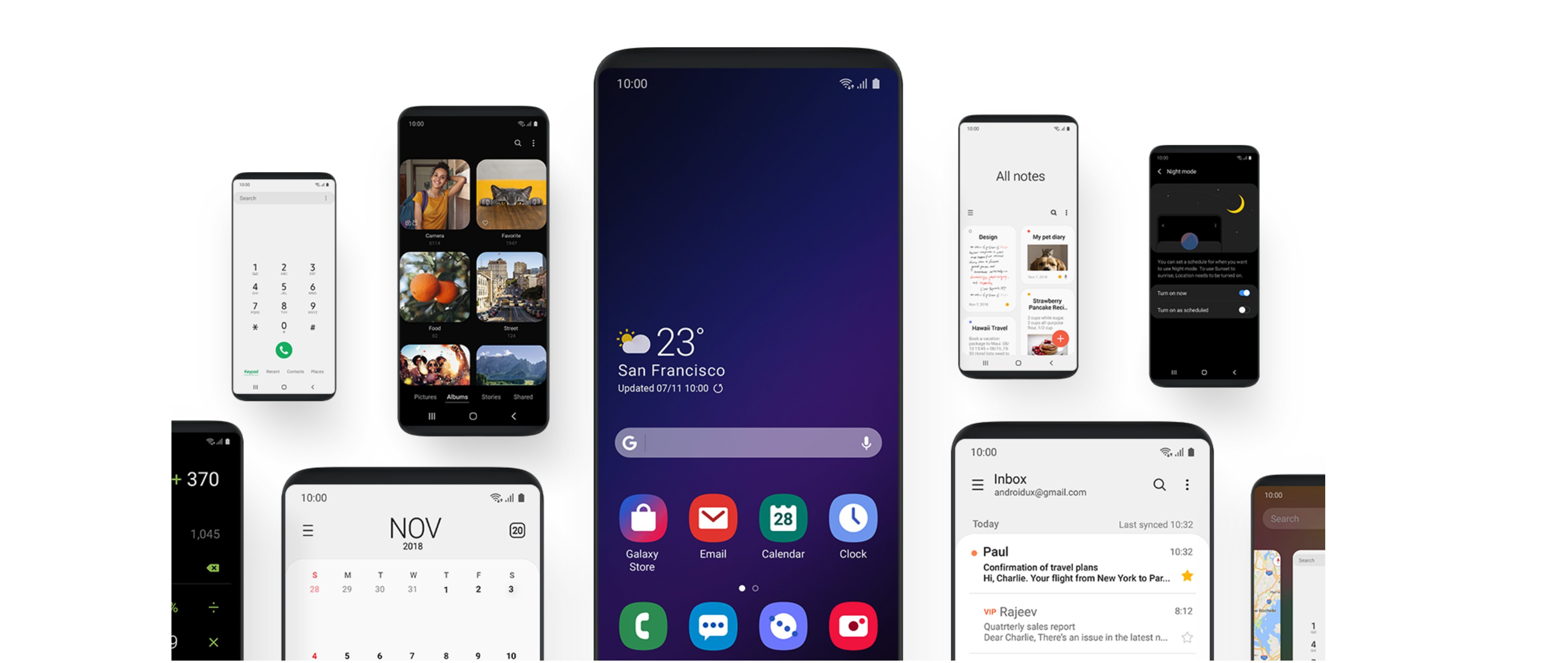
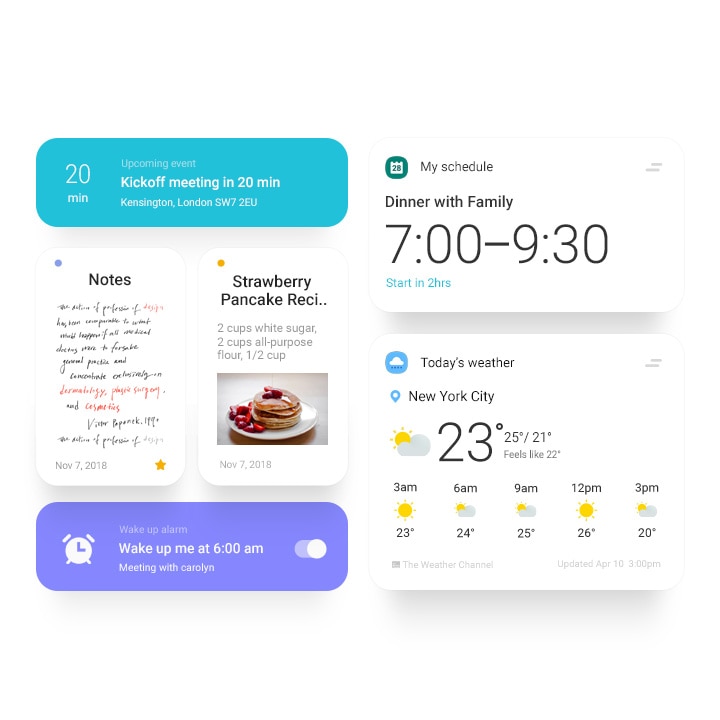
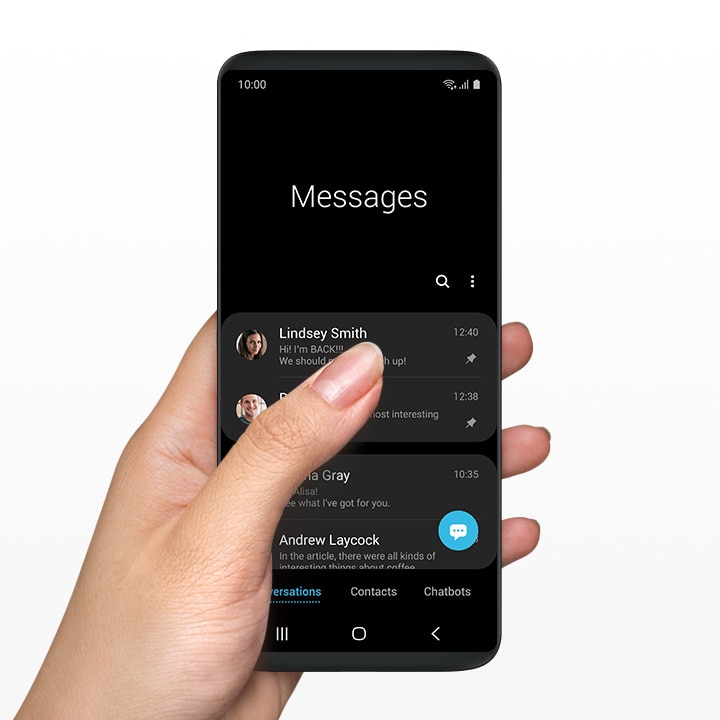
Samsung’s new UI is clean, simple and looks very much like stock Android with a personal touch from Samsung. The landing page is very clean, the home screen is clutter free and the icons looks quite good as well. We also expect this lighter UI to make the phone perform better. But our guess in that department is as good as yours. At least until we get our hands on the UI. The new UI will make one- handed use better. This is easily visible in their Settings page, Dialler, Clock, Albums and more, which starts from the lower half of the screen.
They are calling the top part the ‘viewing area’ and the bottom part the ‘interacting area’. Apart from this, the gallery has been completely redesigned as well, with bigger icons making it easier to identify the image you are looking for. The overall design cue seems to find a lot of influence from Stock Android, infusing their old TouchWiz UI.
Samsung’s S8 which saw it’s release early in 2017 will reportedly not get the new user interface. The open beta program for Android 9 Pie will reportedly start to roll out in the US, Germany and South Korea later this month. Other Asian and European countries will receive the beta at a later stage but no date has been mentioned as of now.
PUBG or PlayerUnknown’s Battlegrounds is an online multiplayer game that has taken over the mobile gaming industry by storm. With every update the game gets additional features and it recently received the night mode update. A reddit user u/AtomR reports that the PUBGM 0.11 Chinese Beta update brings multiple new features. The Light-speed adds features like MK47 mutant rifle and Tuk-Tuk rickshaw which are already available on the PC version of the game
New Features
Besides the Tuk-Tuk rickshaw and MK 47 mutant rifle, the reddit user reported multiple other additions in the Chinese Light-speed update.
Guns will get a new Laser sight attachment that will ease in pointing a target at the enemy.
The Miramar and Erangel areas will get a new weather update which includes rain.
The new update does not seem to have any Snow Season Map. However snow can be randomly seen in different areas like the current Autumn area.
The molotov cockatil gets new fire animations.
New death cam reply feature which enables players to respond to their killer before dying.
The reddit user also shared a link to a YouTube video which he claims to be a trustable source. The video demonstrates almost all the new features from the new update.
Oneplus 6 users were wary of whether the new software updates on the OnePlus 6T will bleed to the older model or not. At the launch the company declared that all the new software features will arrive at the Oneplus 6 as well. Now the new update is here and lets go over the features once more!
New Navigation Gestures
In the last update, there were several issues that users complained about. Using the Gesture Navigations made it difficult for the user to summon the Google assistant. Now with the new update, you can access the Google Assistant using the power button. Many new gestures are also added. The gestures are now much more fluidic and looks better. The overall experience is completely different. Switching between apps is also quite different.
Improved UI
The user interface has been changed quite a bit. Although it is not apparent at first glance, the User Interface has smaller changes that make using the Oneplus 6 on a day to day basis much easier and smoother. According to the company, it has a dedicated team that solely focusses on making the machine Fast, Stable and Efficient and this team is aptly named Team FSE. This includes a Reading mode that makes the screen darker and makes it look like it has a matt finish. The dark mode now also darkens the notification panel, menu and everything else to go dark. For the reading mode, specific applications such as Google Play Books and Kindle can be preset to open in reading mode only.
Night Mode and Studio Lighting
A massive change in terms of the camera include the addition of Night Mode and Studio Lighting. The night mode, through software changes, enables better night mode photography. The improved night time camera capabilities will enable the Oneplus 6 to take better low light images. The nightscape reduces the ISO and the shutter speed and compared to the usual 5 seconds required to take a night shot, the Oneplus will take 2 seconds thus reducing the chance for camera shake. The studio lighting enables normal portraits to get a better lighting that does not make it look unnatural. This mode accentuates the facial features and allows for better portraits.
Other changes include the usual updated Android security patch which OnePlus is quite regular with. The screenshot experience has also received an update. The update also implements a new Google quick search box design. The zooming gesture and magnification in the gallery also improves with this update.
According to OnePlus, the update will roll out in stages. A few users will receive the update today while a broader rollout will begin in the next few days.
Instant messaging is a type of technology that offers real-time message and media transmission over the internet. It dates back to the early 90’s and some of the first platforms were AOL instant messenger and Yahoo’s Ytalk. But the launch of modern smartphones has completely revolutionised instant messaging and taken it to another level. WhatsApp and Facebook messenger are the prime examples of new era of Instant messaging. However, there are multiple other IM applications and software that have their own distinctive attributes and USP’s. Here is a list of 5 such applications that are available on both Android and iOS platforms.
1.) Hike
Hike messenger is a free instant messaging app developed in 2012. It offers support for 10 languages and allows support for both text messaging and audio calls. One key highlight of Hike messenger is its offline chat ability that allows sending messages to users even if they don’t have an active internet connection. Some other distinctive features of Hike are a Hidden mode, 20,000 free stickers, better security and many more.
The Hidden mode allows users to hide their chat with specific contacts that stay invisible from the main chat screen. Hike has an option to enable 128-bit encryption so hackers cannot tap into messages even if they are connected to the same Wi-Fi access point.
Highlight- Extensive Features
2.)Skype
Skype was initially released in 2003 and was later taken over by Microsoft in 2011 for $ 2.9 Billion. It was one of the first pieces of software to offer video chat functionality. The mobile version of Skype offers free voice, video, and text messaging support. Talking about video calls, Skype mobile supports simultaneous calls with up to 24 contacts. Like other IM’s, it also allows sharing photos and videos with saved contacts.
Highlight- Best Video Call Support
3.)Discord
Discord is a cross-platform text and voice chat app that is specifically designed for gamers. It allows creating separate channels for different topics and subjects. The user can easily see which of the team members are currently online and what game they are playing. In Discord, a user can easily send invite links to new members to join a particular group.
Discord is a web-based instant messaging application hence, the users can log in from any device and view conversations. Unlike WhatsApp that can only function on one device at a given point of time. Additionally, users can also share their screencast with friends and participants.
Highlight- Made For Gamers
4.)Signal
Signal is an instant messaging application built with security in mind. It was developed in 2013 and supports 31 international languages. It is an open source messaging app hence, it allows anyone to verify its security by auditing the code. Signal is the only private messenger to offer this level of security. It supports Group chat, text messaging, audio/video calling and private media sharing.
Highlight- Security
5.)Slack
Slack is a cloud-based team collaboration instant messaging service which was founded in 2013. It allows groups, communities or teams to join via a specific invitation link or manually by the team admin. It integrates a large number of third-party services like GitHub, Google Drive, Dropbox, IBM Bluemix and many more which come handy in development environments in companies.
Slack is freemium software which means its basic functions are free to use but also offers paid features like unlimited app integration and ability to search more than 10,000 archived messages.
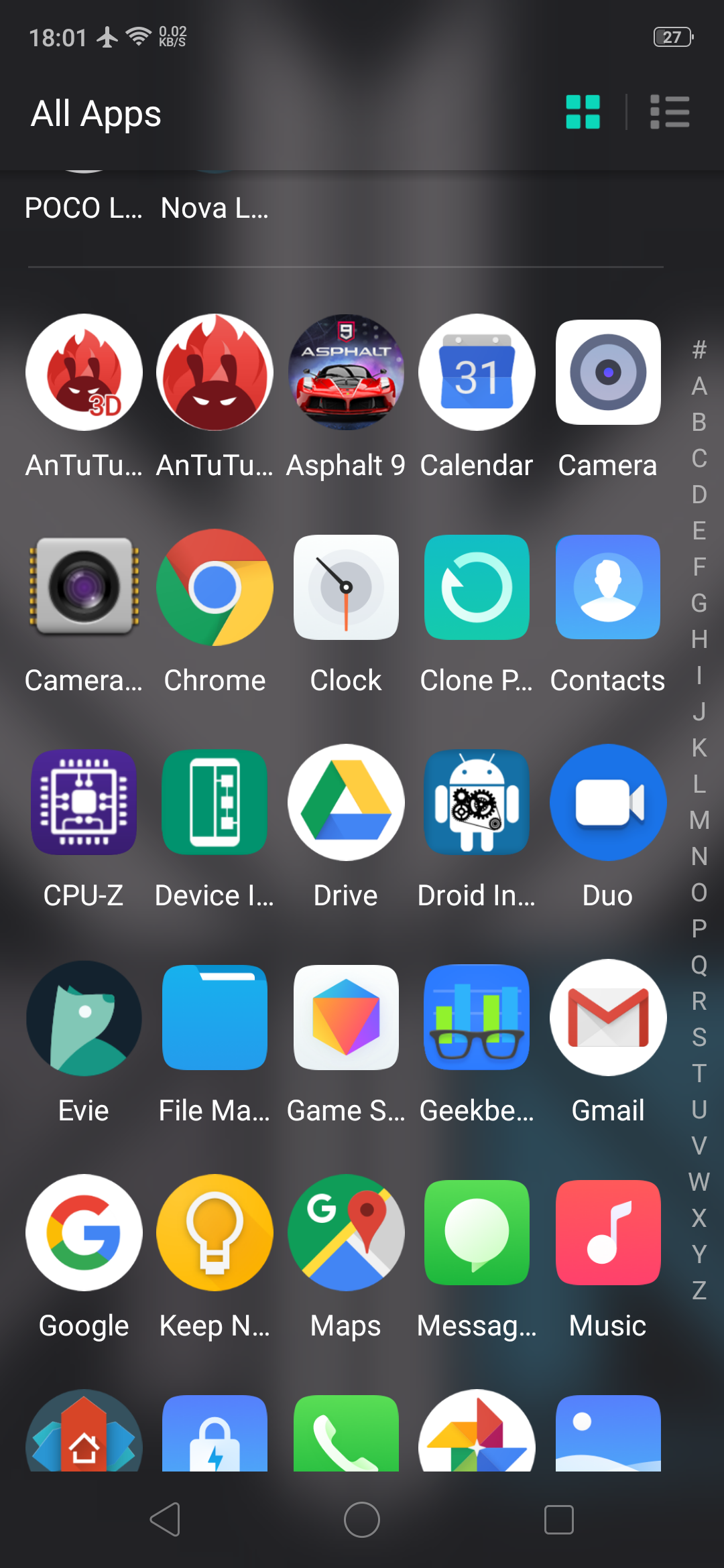
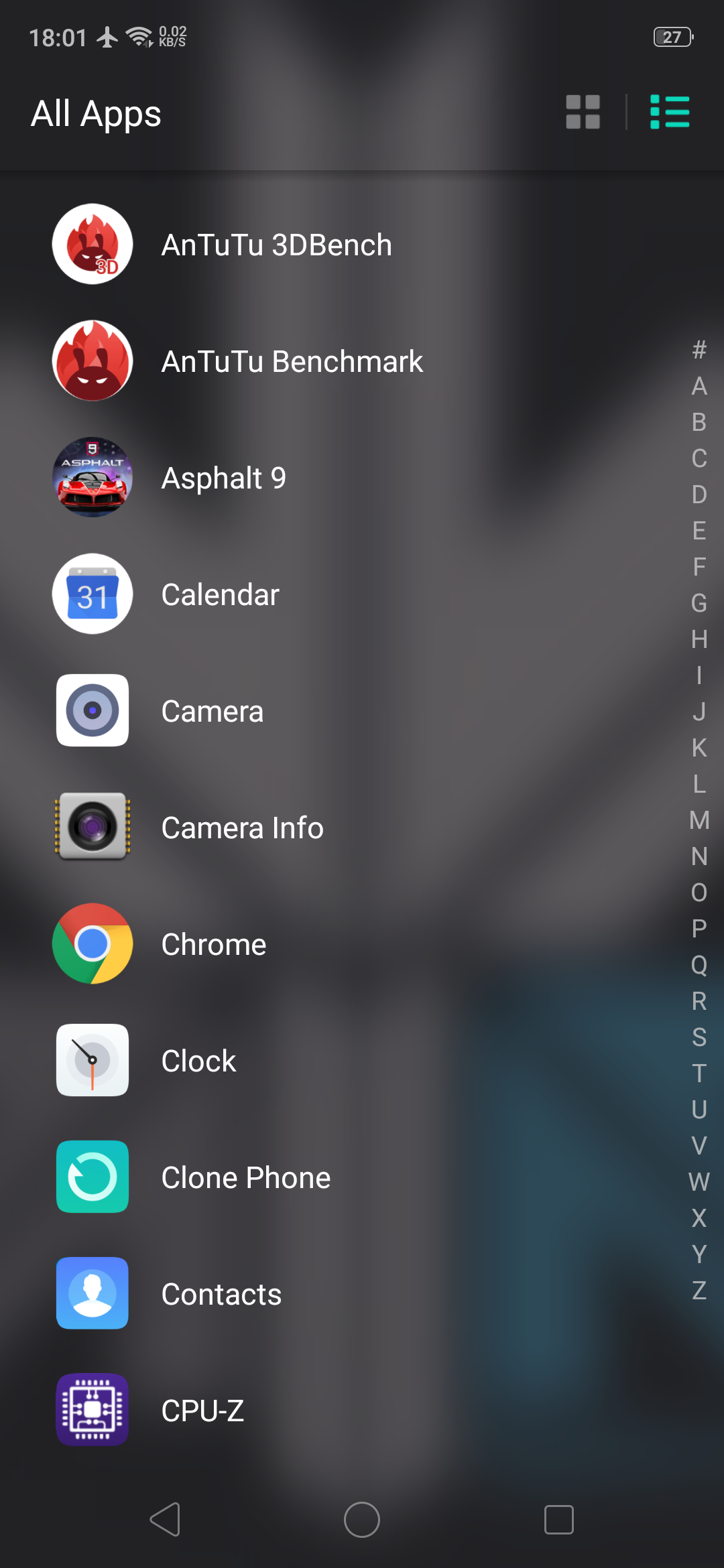
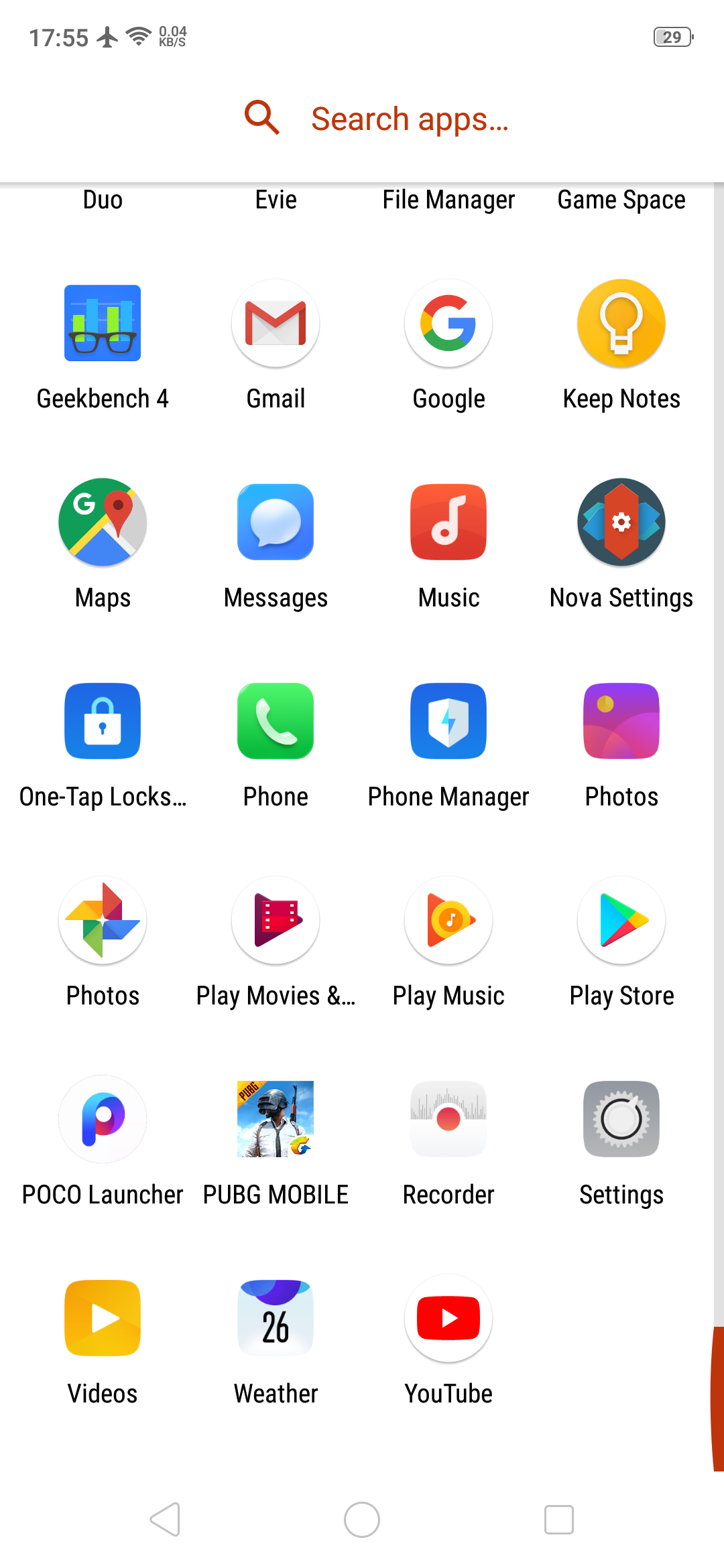
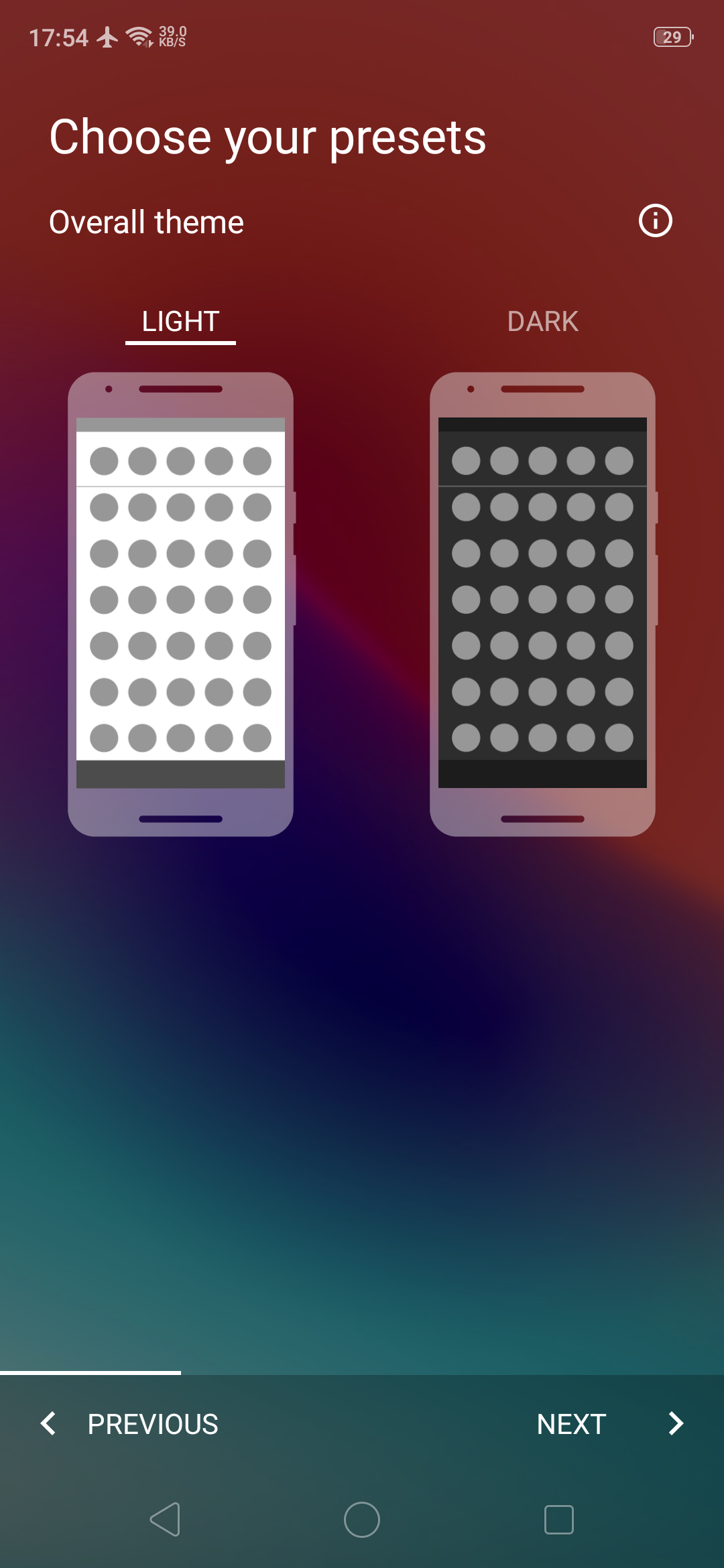
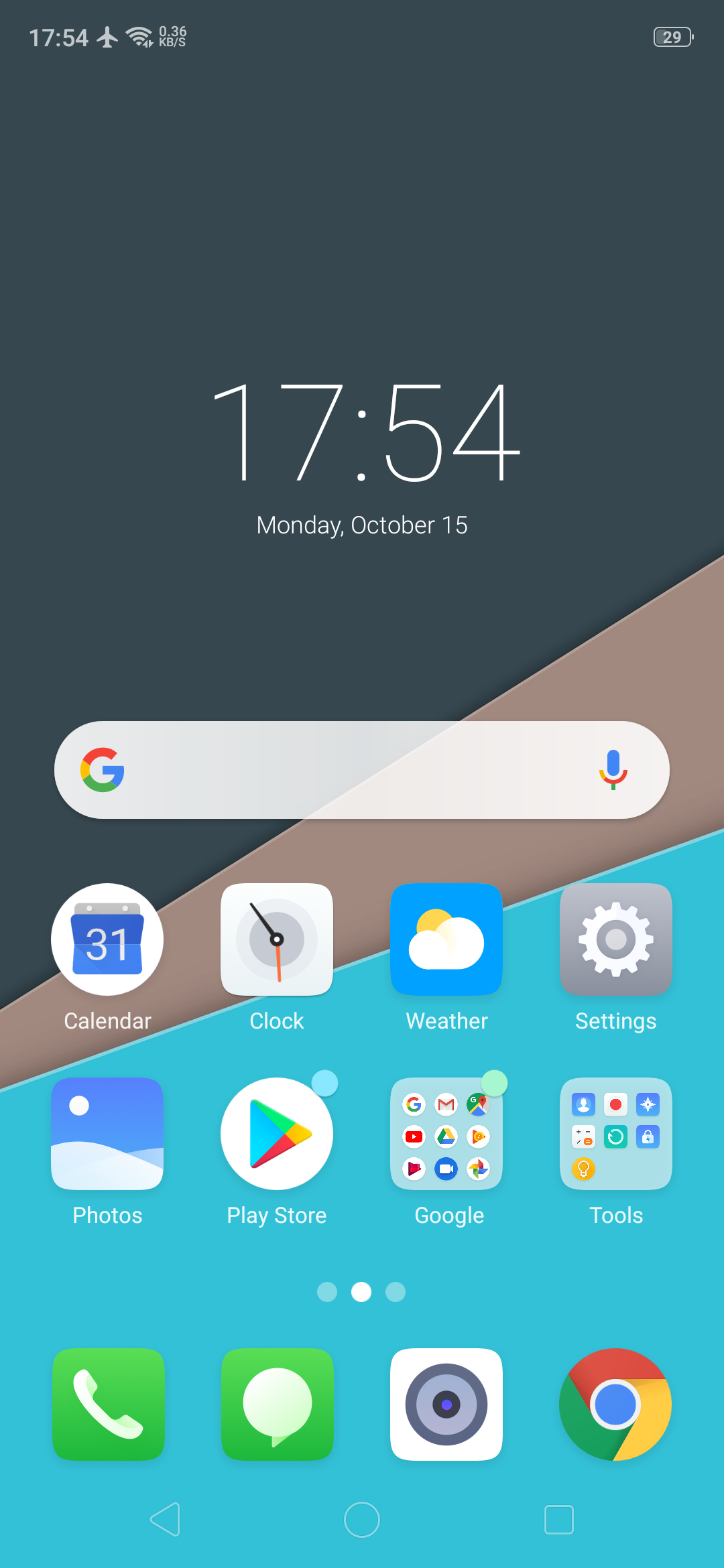
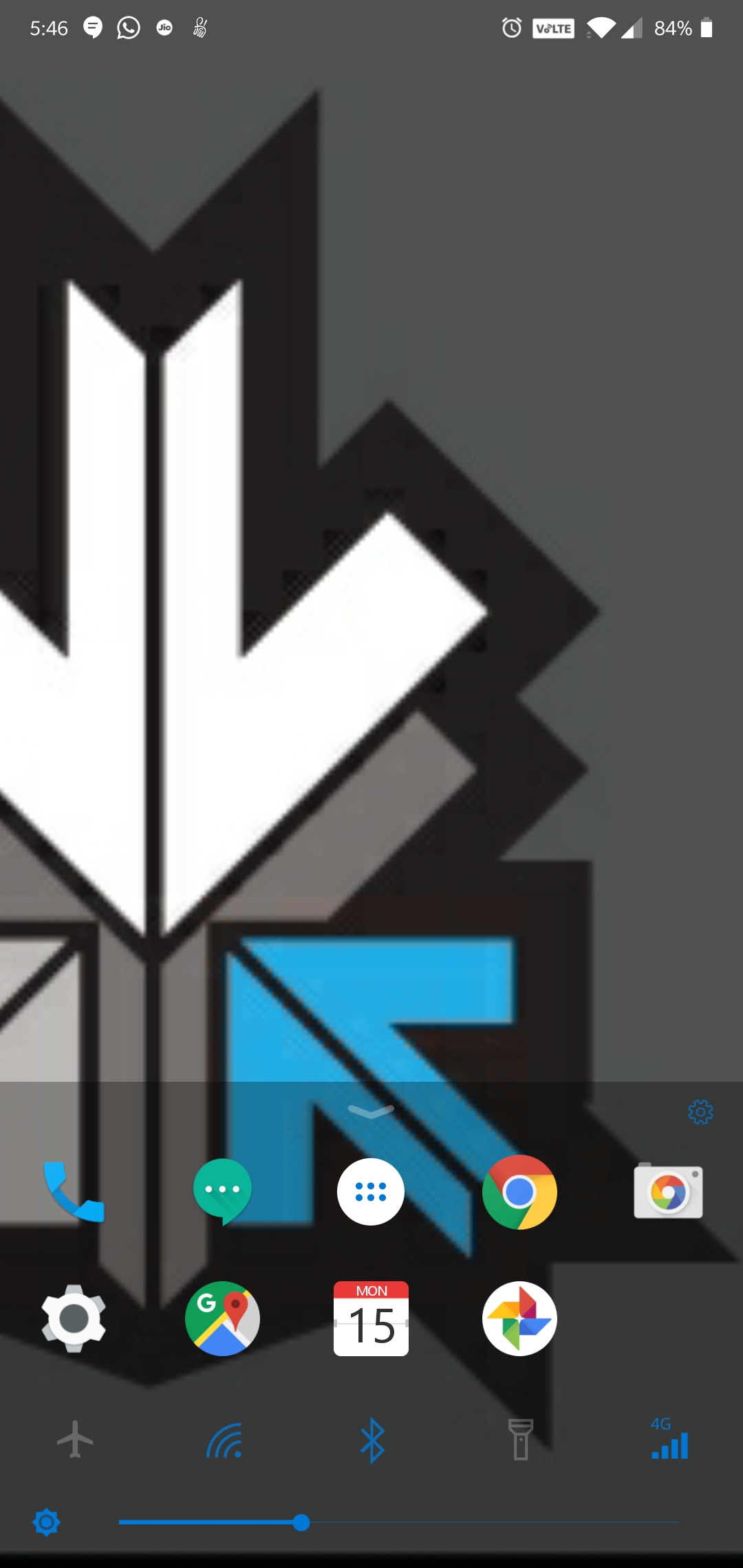
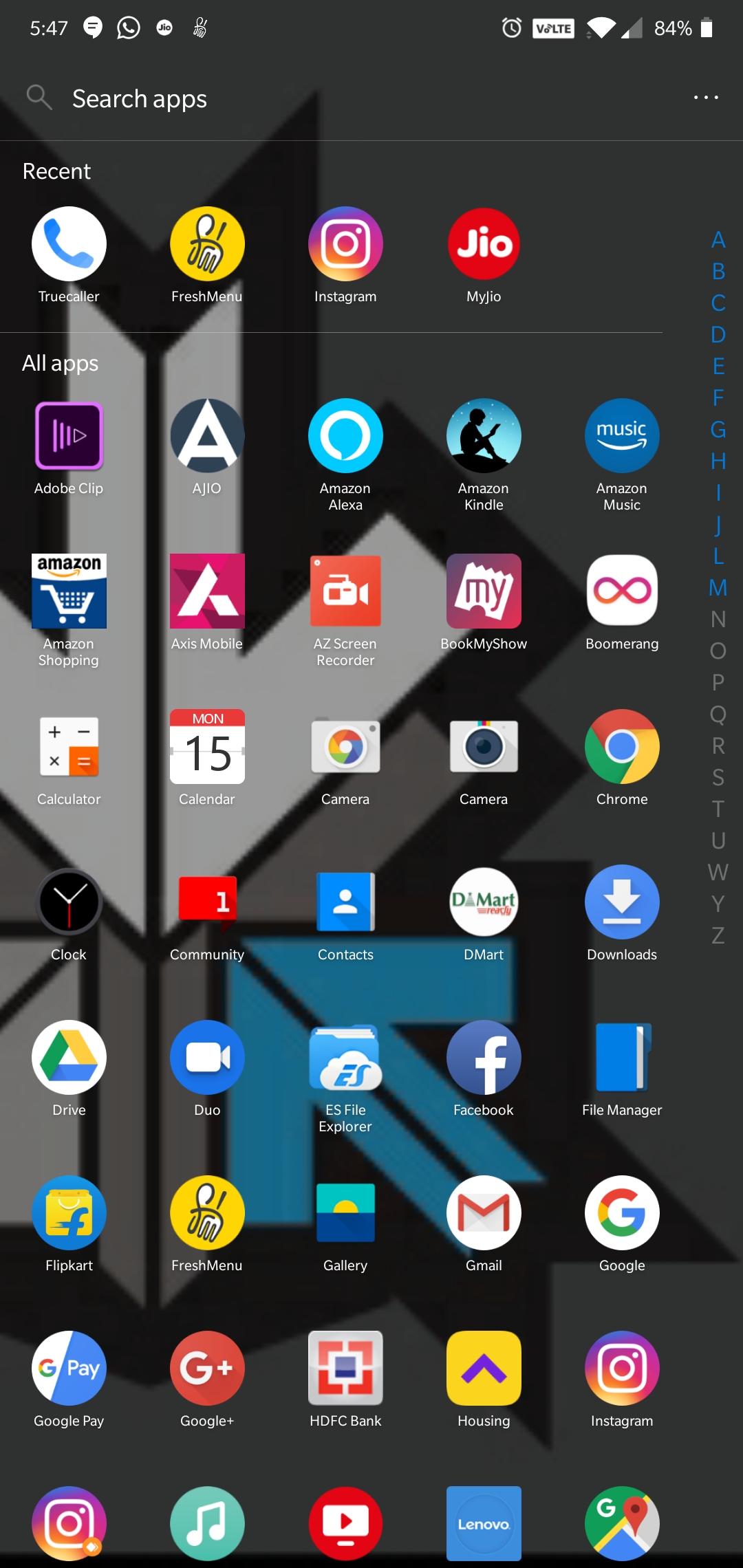
Android launchers allow you to get a totally different user experience from your existing smartphone. The capabilities of these launchers are infinite ranging from theme customization to swipe gestures to battery boost by managing background apps.
Evie Launcher:
Evie launcher is a home screen replacement that was designed with performance in mind. It has an alphabetic app drawer with a translucent background that makes it look very pretty. Apart from the looks, the key features of this Android launcher are custom shortcuts which can be user created, quick navigation that allows you to instantly access all apps with a swipe up. The launcher also supports personalization so the user can change app icons, manipulate icon size or customize the layout.
Play store Rating: 4.7
Nova Launcher:
This is one of the first 3rd party Android launchers. It is available for download as a free version or a paid version with added functionalities. The free version has a customizable App Drawer, color control for label folders and unread badges. The paid version includes gestures like swipe, pinch, and double tap to open your favourite apps, custom app drawers to create new tabs or folders, etc. Overall, it is a very robust and swift android launcher.
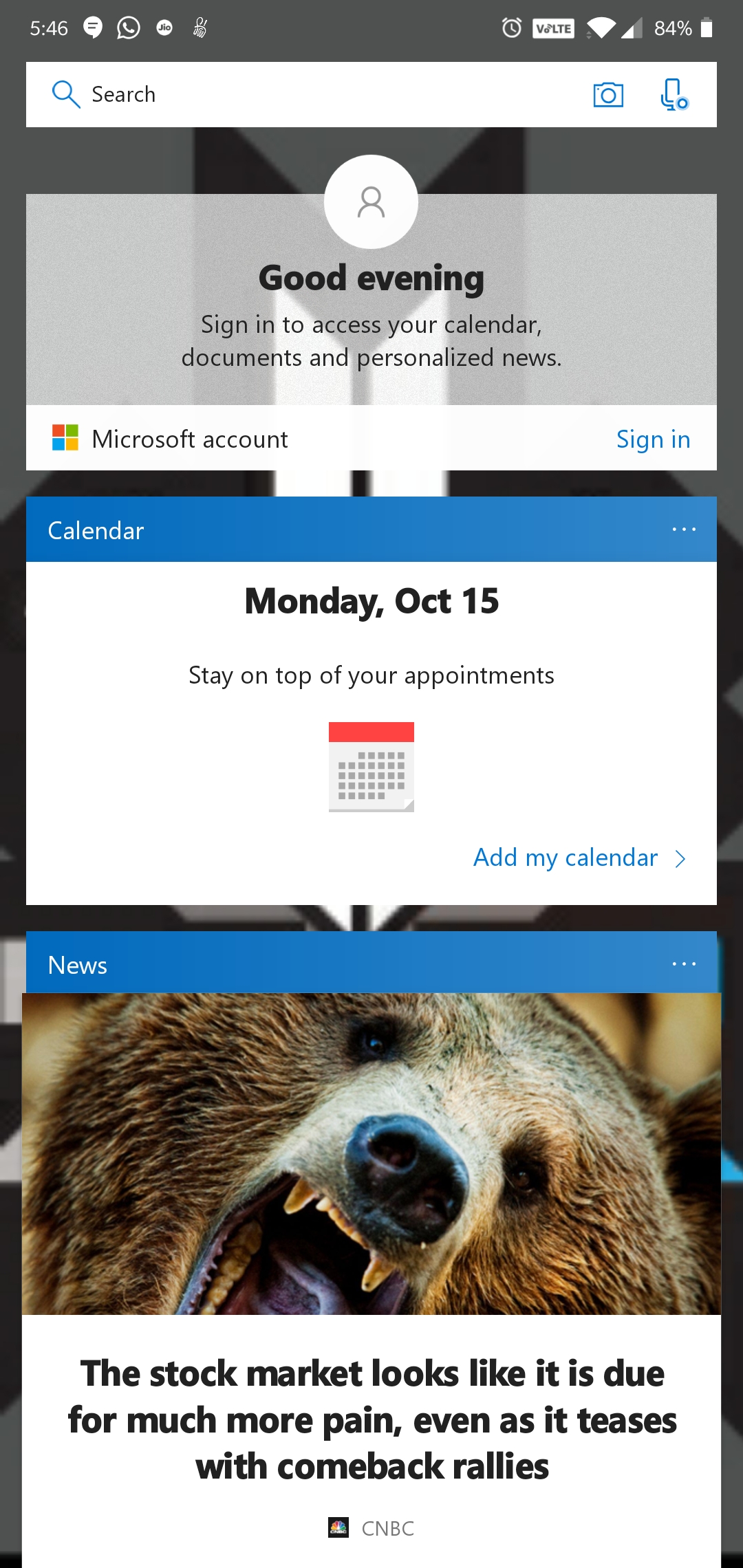
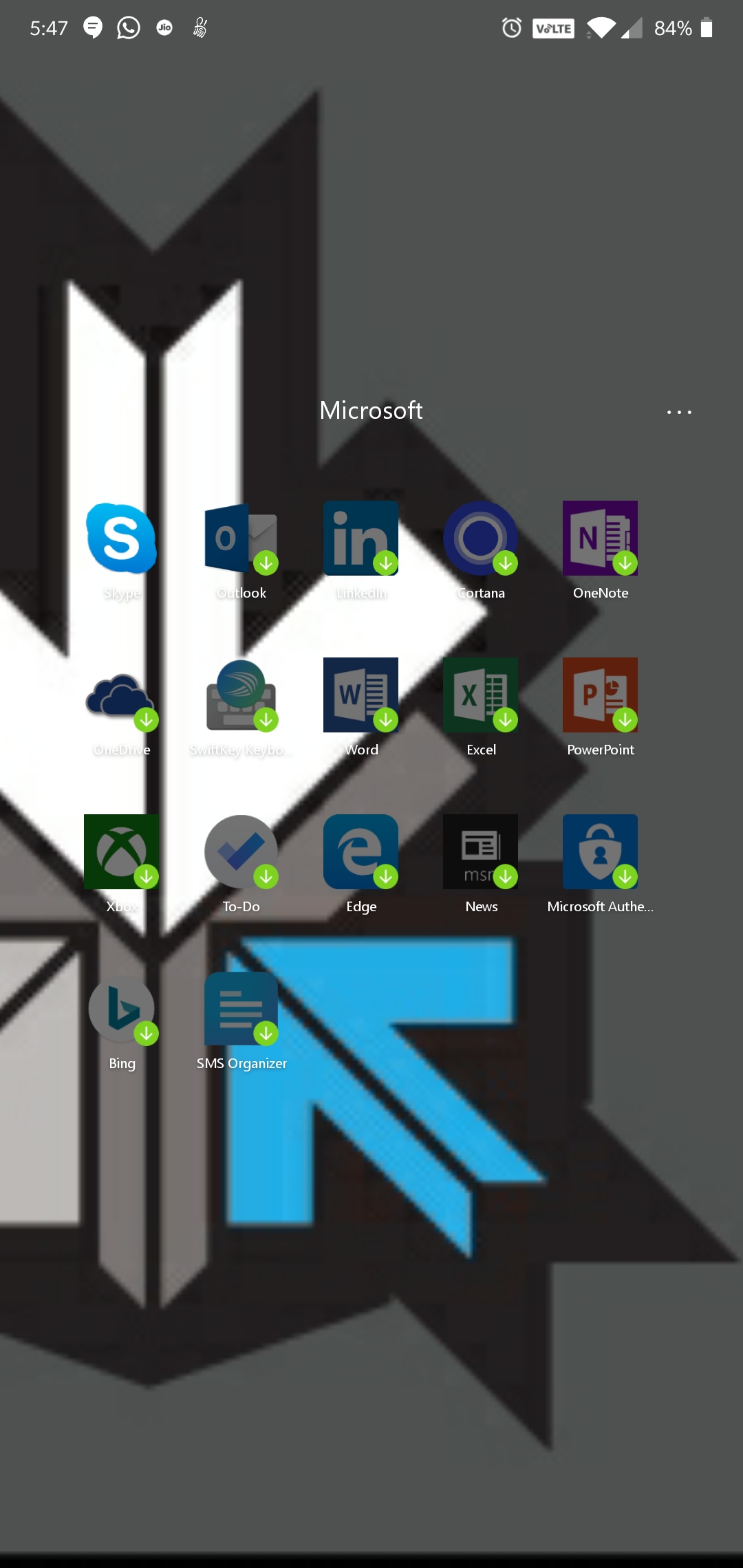
This is Microsoft’s attempt at making an Android launcher and is surely influenced by the Windows design and themes. The launcher has a quick search bar with photo and audio search capabilities with Bing as the default search engine. It has Cortana support, which is Microsoft’s personal voice assistant. The launcher has a swipe up toggle menu for easily turning on/off options like Wi-Fi, Bluetooth, Rotation lock, etc.
Play store Rating: 4.6
POCO Launcher:
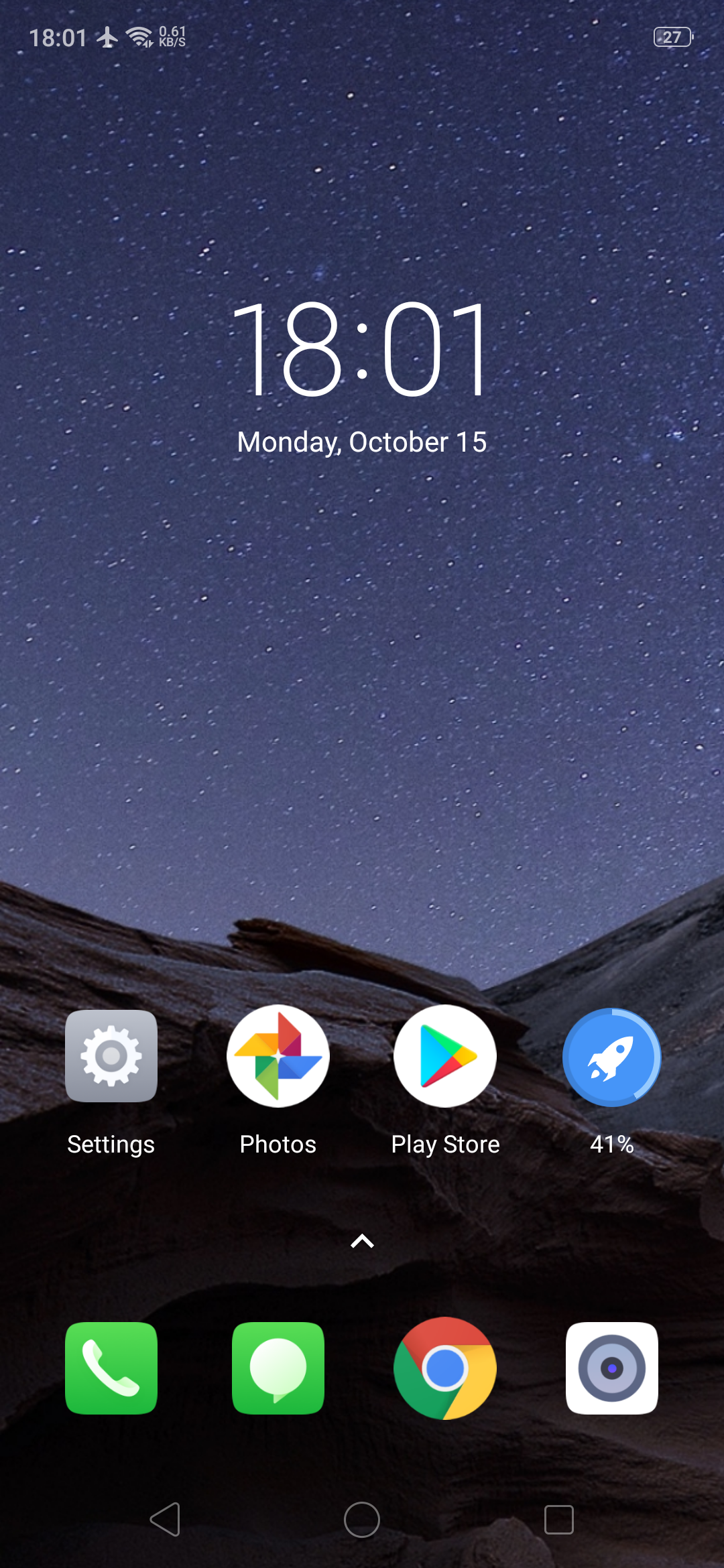
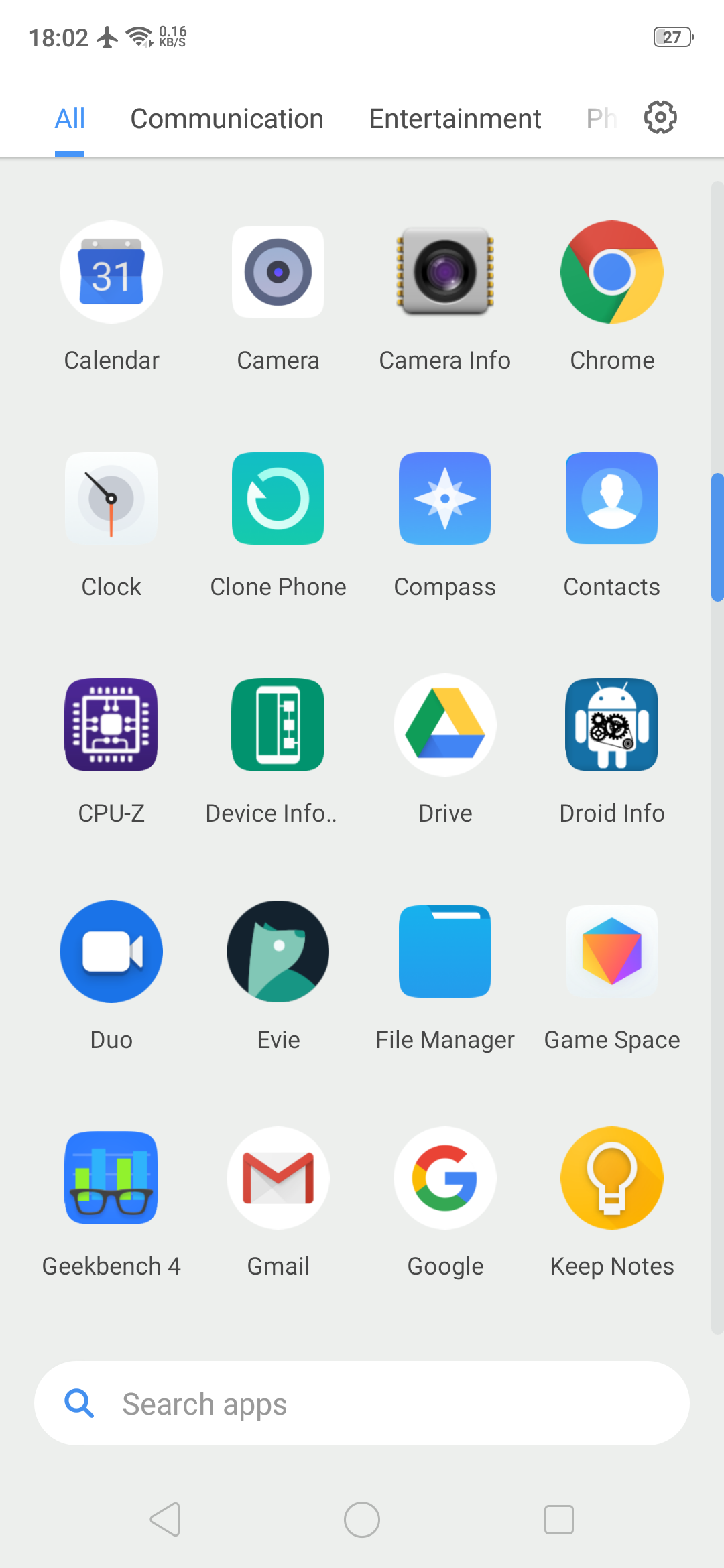
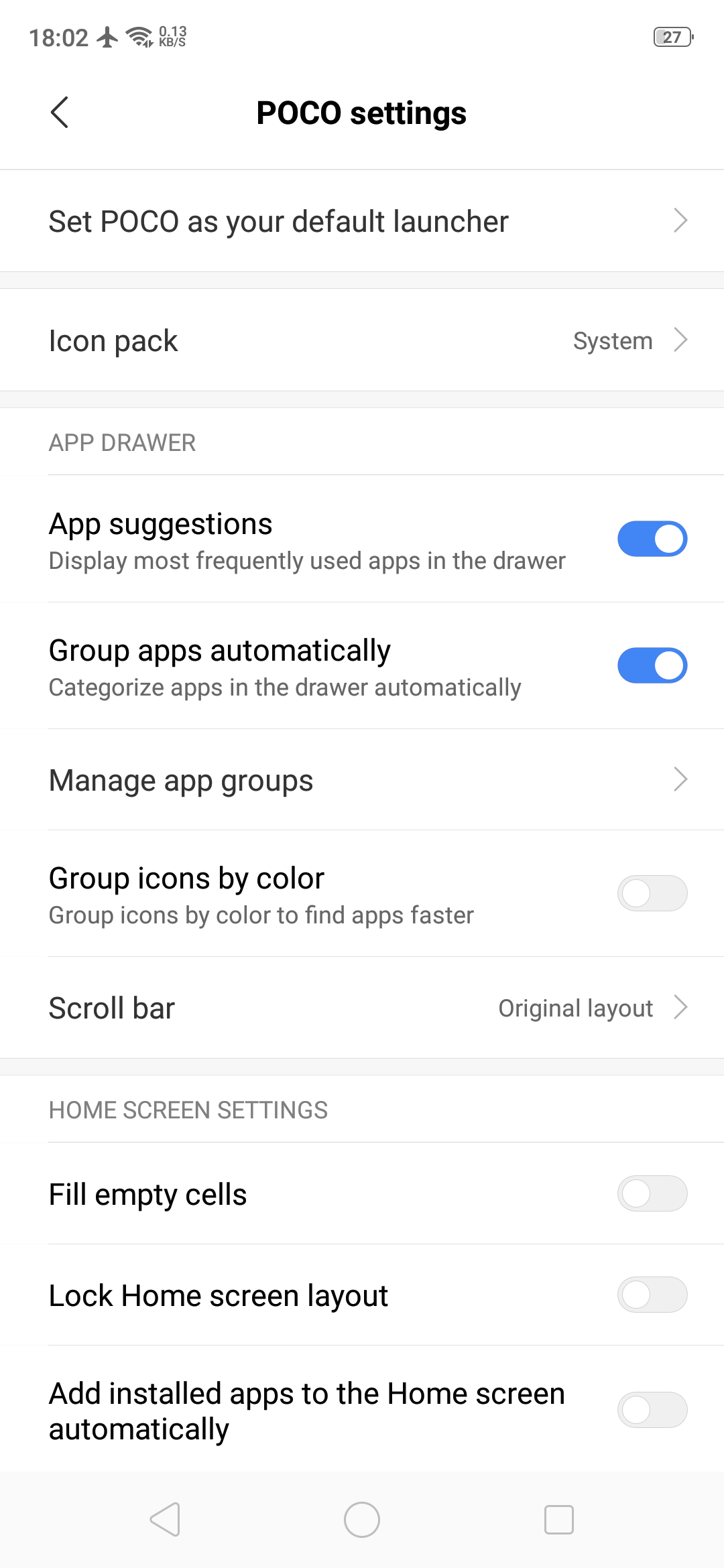
POCO Launcher is the same launcher that the budget flagship smartphone Poco F1 has. It is fully customizable with a beautiful design and is super fast and light. Some key features include convenient search with recommended apps, easy app management by category and privacy protection by hiding private app icons.
Play store Rating: 4.2
Pixel Launcher:
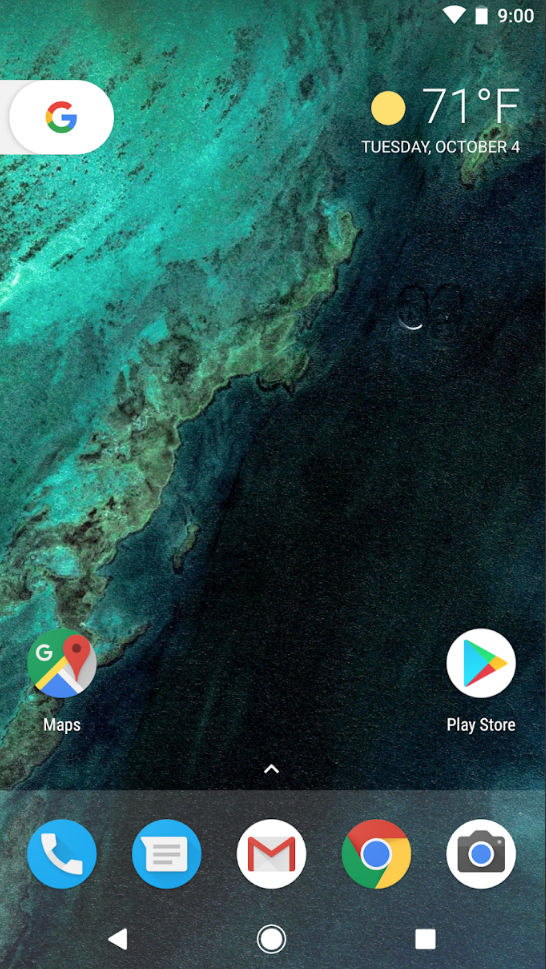
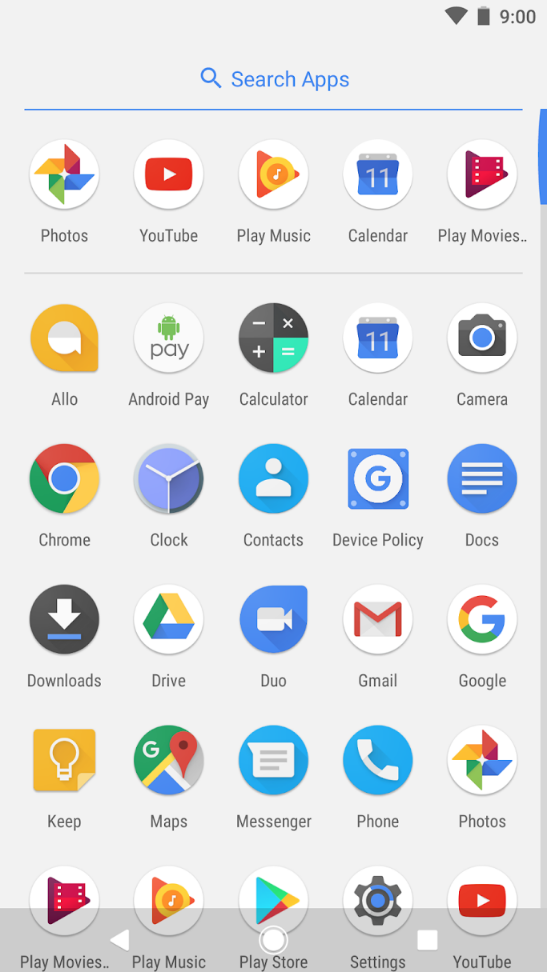
Pixel Launcher is the home screen experience straight from the Pixel phones by Google. Key features of this Android launcher are quick access to Google search from the primary home screen, app suggestions, swipe right from home screen for Google news cards and personalized information like upcoming birthdays of friends. The Android launcher is very simple and easy to use which is synonymous to Google’s vision of using technology.
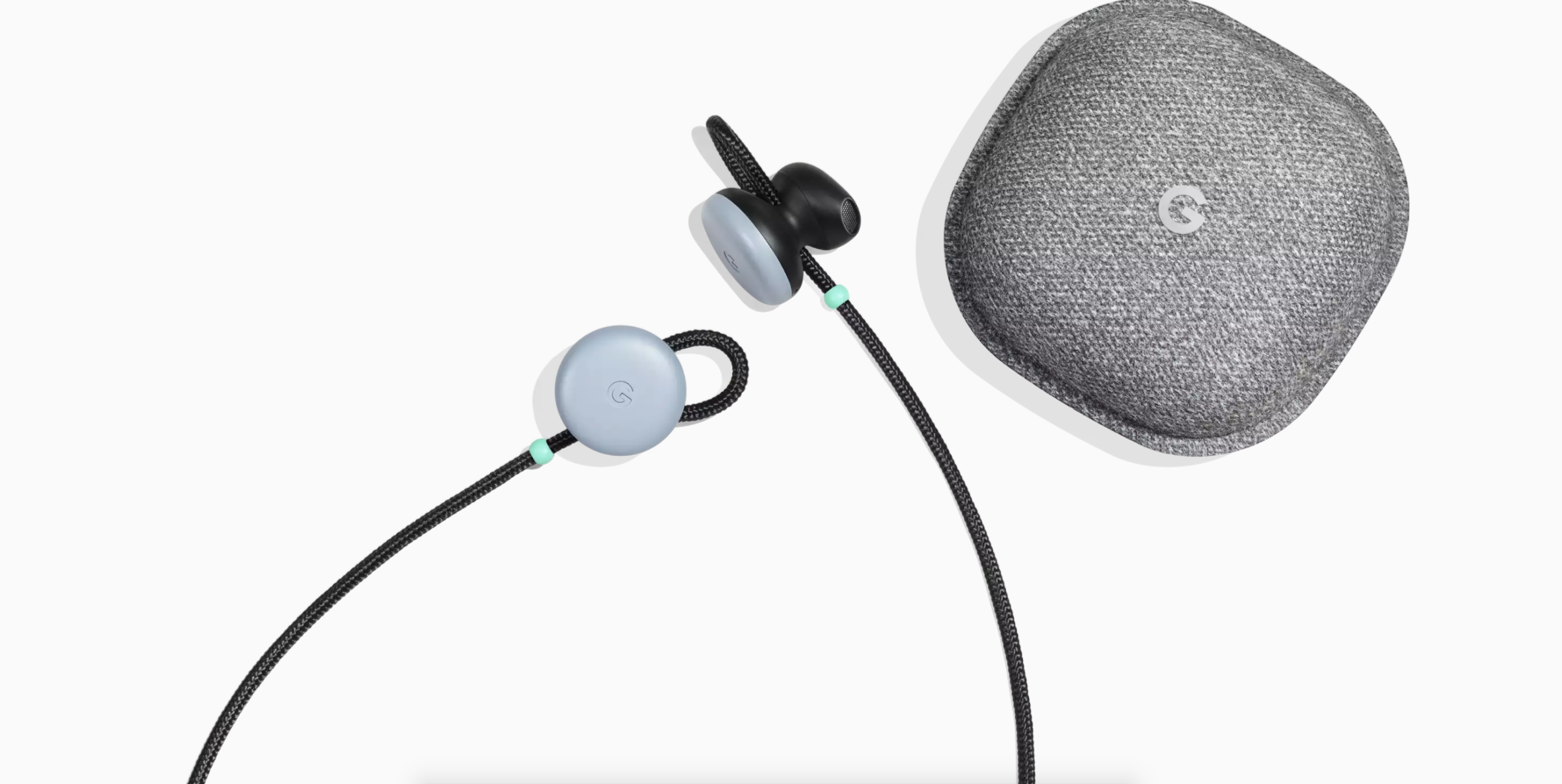
The Google Pixel Buds are a pair of AI powered earphones which were launched back in 2017. They pack a lot of features such as touch controls, asking for directions, skipping songs and interaction via the Google Assistant. One of the greatest feature this integration brought is the ability for real time translation of languages. Earlier, this really cool feature required for you to have the Pixel Buds and a Pixel smartphone. Now, Google has opened up support for other Google Assistant enabled headphones and all Android devices.
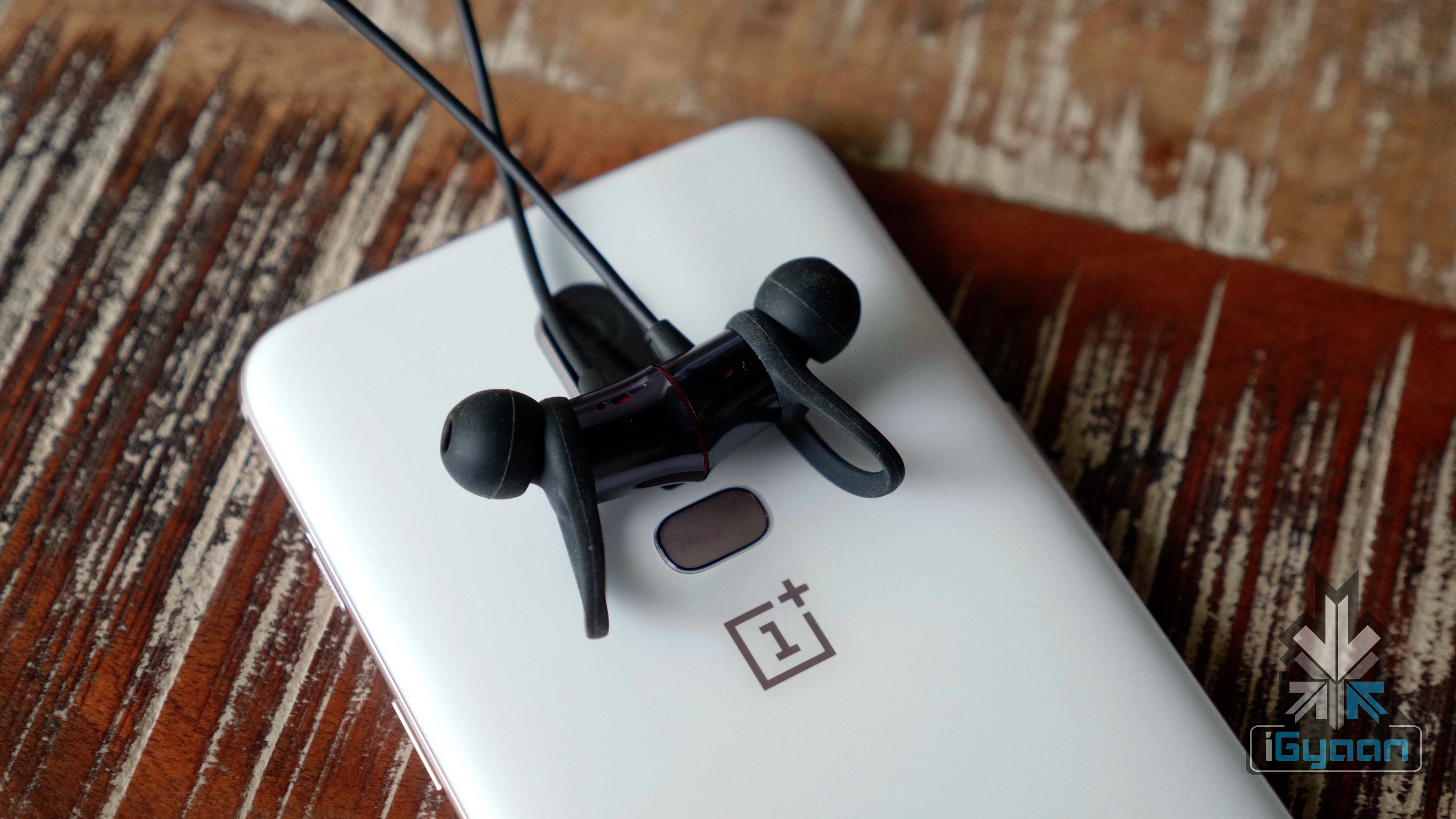
Demonstrated at last year’s made by google event, the Pixel Buds can translate what a person in front of you is saying. They then translate your reply and play it back to them via the speakers of your Pixel Device. While this is a really helpful and cool feature, it didn’t really pick up. This is because the Pixel Buds weren’t a hit with customers and not everyone has a Pixel smartphone. However, this will change with the new announcement. Now you can access this feature using any Android device coupled with a Google Assistant enabled headphones. The list of headphones which are capable of doing this at the moment is not very long. It includes the JBL Everest 710GA, Bose QuietComfort 35 II, Sony WH-1000XM2, Sony WI-1000X, OnePlus Bullets and a few more.
Those having any of the above headphones along with an Android device with Google Assistant, will now be able to use the real-time translation feature. Google announced this through the support page for the Pixel Buds. However, one still needs an active data connection to use this feature.
The Google Pixel Buds are Google’s answer to the Apple Air Pods but did not live up to the expectations that the company had. However, this move by Google will surely change the way people use headphones.
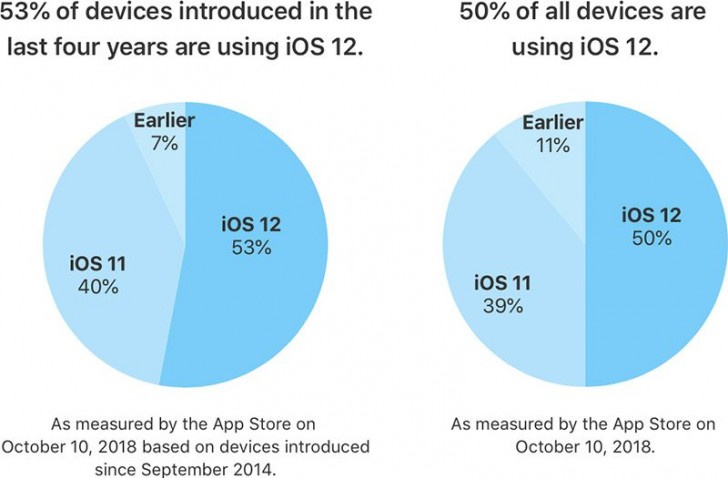
Apple has revealed that 50% of users are now running iOS 12 on their devices. This is a comparatively good number as opposed to the iOS 11 which had seen a slow start and lesser acceptance. Apple also adds that on only counting the devices launched in the last four years, the number shoots up to 53%.
While iOS 12 is running on 50% of the devices, iOS 11 takes the second place with 39% share of all the devices. This is a much faster adoption rate as compared to many of the previous versions of iOS. The ribs because the latest version offers an improvement in performance for older devices, which makes them faster than before. This is seen on the iPhone 6 Plus, for example. After the update, apps launch upto 40% quicker and the keyboard appears over 50% faster on the iPhone 6 Plus. Along with this, animations are smoother and more responsive, along with scrolling in apps or entering the multitask view.
iOS 12 does bring along a few minor bugs which were a topic of discussion for many. The ‘charge gate’ and ‘beauty gate’ issue was a problem but a fix was provided by the iOS 12.1 update. However, a few issues have popped up due to the update. Apparently, devices are now sending iMessages to the wrong people, cellular reception is poor and some users are not able to receive calls. Additionally users are also complaining about the lack of Bluetooth and Wi-Fi connectivity. Users are also reporting increasing battery drain with the iOS 12.1 update.
However, iOS 12 is being widely accepted by all its users and is available for almost all the devices released in the past few years. The Android OS on the other hand, is not doing so well in this sphere. As per last months reports, only 0.1 percent of Android Devices are running the latest Android 9 Pie. This means that over 99% of Android devices do not run the latest version of the OS. Only 19.2 percent of the devices are running Android Oreo. The slow spread of Android maybe due to the large number of devices present in the market. Additionally, manufactures continue to launch smartphones that are not running the latest variant of Android.
It has just been a few hours since the Pixel 3 and 3 XL launch and we are seeing the Google Camera app APK popping up on the internet. The APK won’t have all the features that a Pixel 3 device can utilise and most devices haven’t been listed in the Google Camera Port list yet.
What’s different?
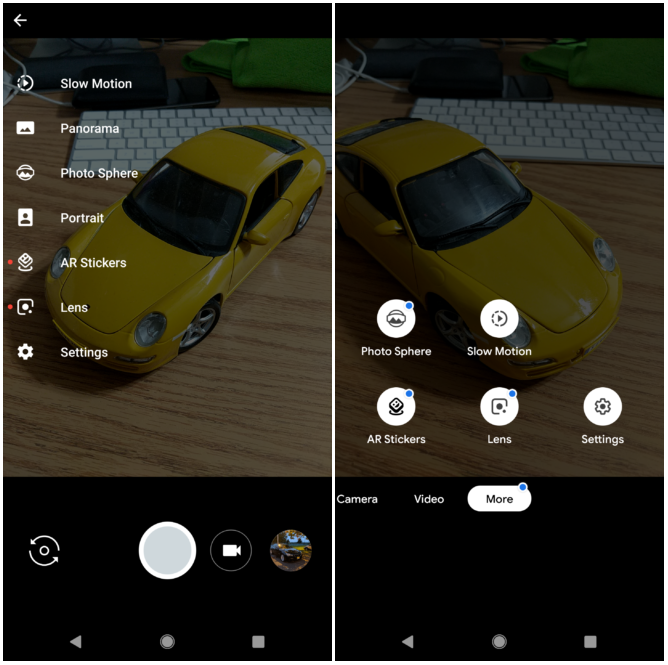
The first thing that one notices is the redesigned UI. Swiping right opens up options for slow motion, Panorama, Photo Sphere, Portrait, AR Stickers, Lens and Settings. Instead of appearing as a list, it now appears as round icons on the bottom half of the screen. The bottom half also has the Camera, Video and More options. This looks much cleaner and makes it easier to swap between modes easily and quickly. The Panorama mode has arrows instead of dots which many phones like the Oneplus 6 already use. Top Shot and Night Sight will only work on Pixel devices but most features other than that are usable on other devices as well.
Here is a before/after photo of the camera app as published by a developers website and these are the changes:
The Pixel 3 will start at $799 and £739. The 3 XL starts at $899 and £869. The Pixel 3 and Pixel 3 XL have a 5.5-inch and 6.3-inch display respectively. They are available in 64GB and 128GB storage options. Many are speculating if the 4GB RAM would be enough for a flagship device. The Snapdragon 845 chip is a welcome change to see. Of all the features that got consumers excited about, the Google Camera app and dual front cameras drew significant attention. It will be great to see if the new app and it’s AI are able to improve image quality in future.
The Pixel camera hardware features a 12-megapixel sensor with autofocus, dual pixel phase detection, OIS, EIS, f/1.8 aperture. On the front, it has dual 8-megapixel cameras with one wide angle lens for selfies. Google Pixel Slate, Pixel Stand and Home hub were some of the best devices at the show. Let us know what you think about the new Pixel 3 and 3XL in the comments below!
The Google Voice Access app has been launched and provides an entirely hands-free experience to users. The feature is only available on Android phones as of now and lets you navigate through apps, compose and edit text, and talk to Google Assistant. The tech giant has made this app keeping in mind the millions of people with motor and mobility impairments.
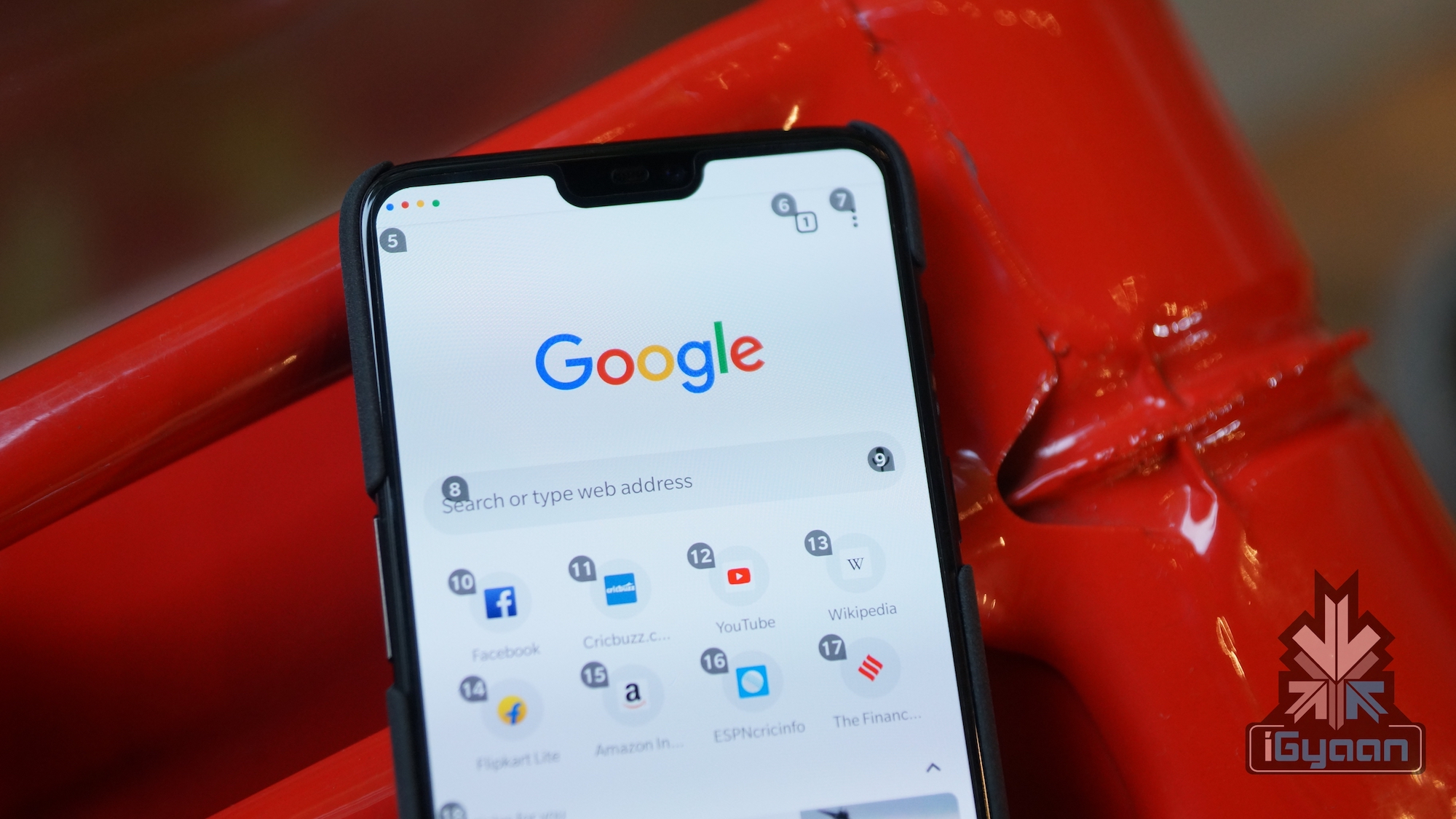
The app provides a much more extensive experience as compared to the Google Assistant. With the new app, you can “click buttons”, control apps, scroll and navigate app screens and basically do almost anything, without having to touch the phone. While Google has built the app to help people with disabilities, those without a disability can use it too. The app will is handy in tight situations like cooking or when one has got their hands full.
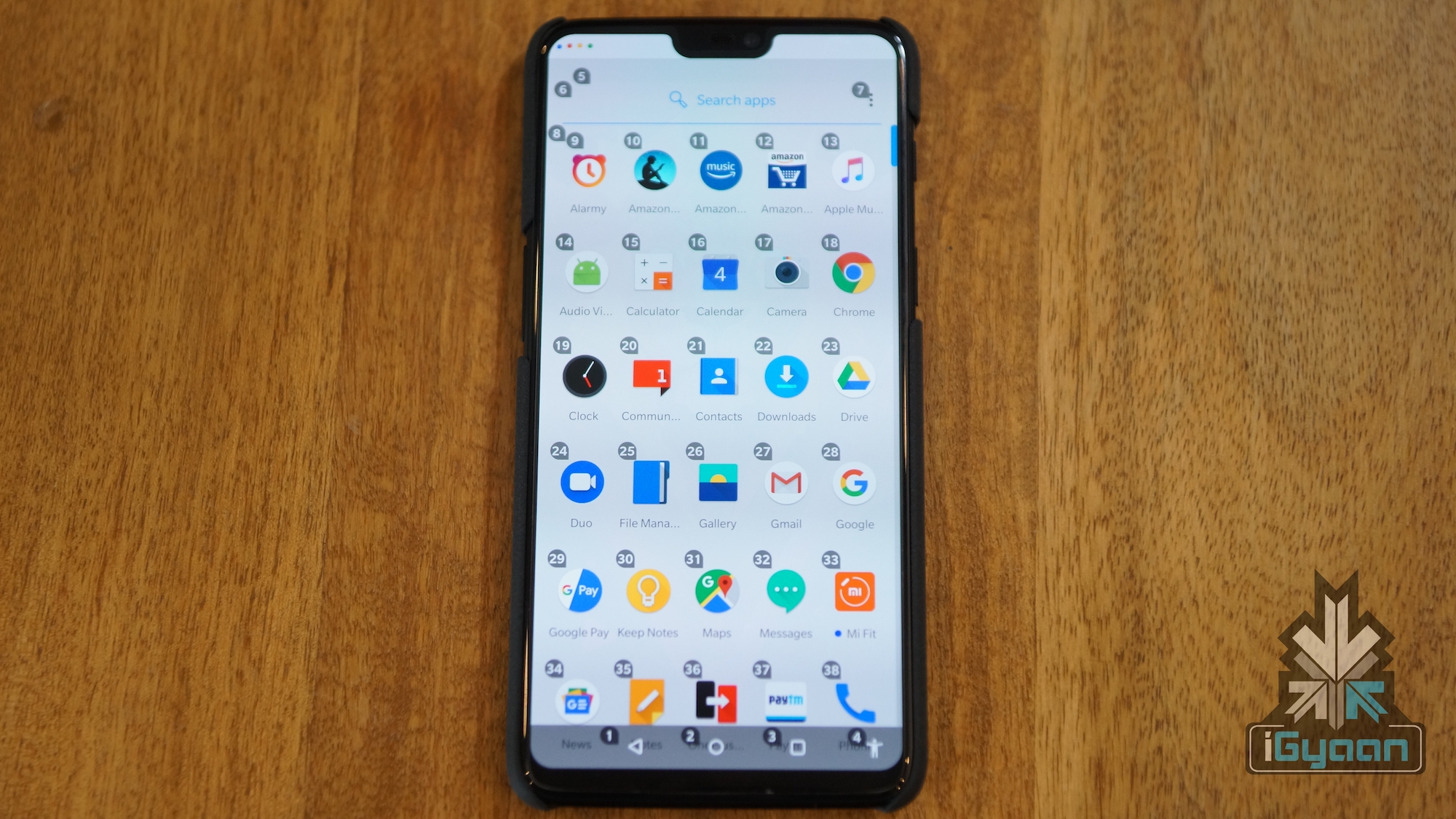
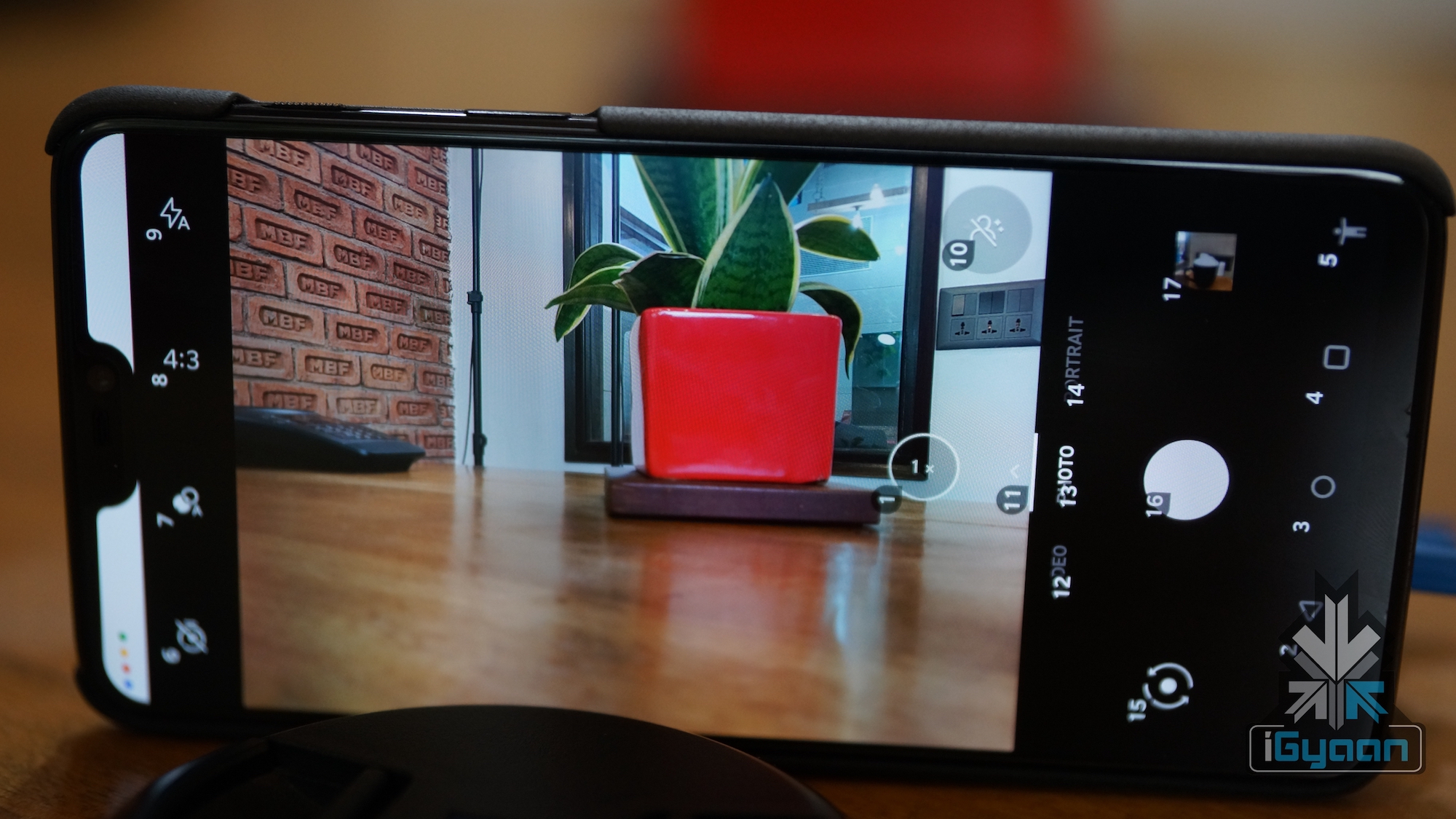
It works through a system which places numbers on the screen, which you can call out to access those features. Simply call out the number and the app will perform the specific task or open the feature. To get a better understanding the position of numbers, take a look at the image below.
Other than this, you can also instruct your smartphone to “turn up the volume” or “turn off device”. You can also change these in the settings menu. You can also instruct the device to scroll up or down through a menu. The app also helps you send whole messages and has simple editing tools as well. You can tell the app to change or delete certain words and even delete entire lines. You can also access the full list of commands under the “show all commands” section in the settings menu.
The Google Voice Access App is available Globally on the PlayStore for free. As of now, it only supports English language and Google is bringing additional languages to the app soon.
With over 700 million devices running on Windows 10, Microsoft is constantly working on updating the operating system. The upcoming October update of Windows 10 will see a lot of features being discontinued but most of them are actually being incorporated into other features. Many elements which are not being actively developed as of now, will not be updated and will probably be removed by the update after this one.
What you will lose:
The most important feature in this list is the snipping tool. The sniping tool is used by many people to capture screenshots and specific portions of the screen. The feature in itself is not being removed, its just being moved. It is being incorporated into Microsoft’s new Snip & Sketch app. The Snip & Sketch app will let you use the exact same features as the snipping tool. It will have an additional feature to delay the snip from being taken.
The Hologram App is one that has also been added to the list. This is because it is being replaced by the Mixed Reality Viewer. With this, you can still view 3D art in virtual reality. The same can also be edited in the Paint 3D application.
The Phone Companion App will also be discontinued. This does not mean that you will lose the functionality associated with this. The features of this app will be incorporated into the Phone page under settings. To see a list of everything that has been changed, you can visit this website.
Microsoft will also be dropping the OneSync service. This syncs data across the Calendar, Mail and People apps. However, Microsoft has introduced a sync engine to the Outlook application which will carry out the same task. The new update is called Windows 10 version 1809 and will arrive in October. The rollout will be spread over a period of several months however and it will take some time for all the features to arrive to your system.
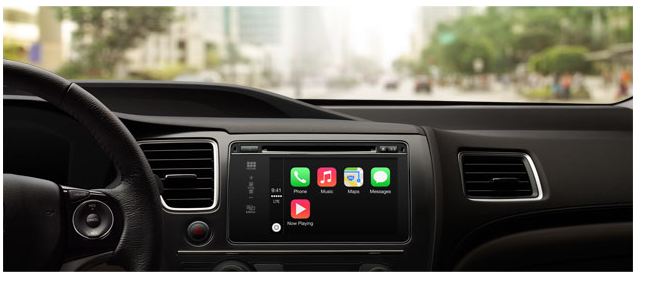
Apple announced iOS 12 at its recent launch event held on 12th September. The update will be rolled out on Monday, September 17th and will be available to many. An exciting feature that iOS 12 will bring is the addition of Google Maps and Waze to CarPlay.
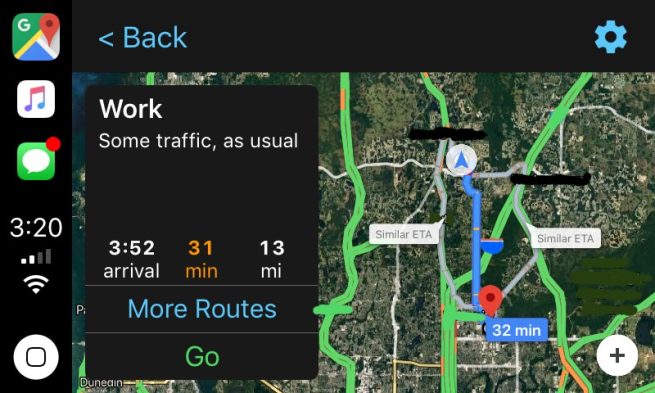
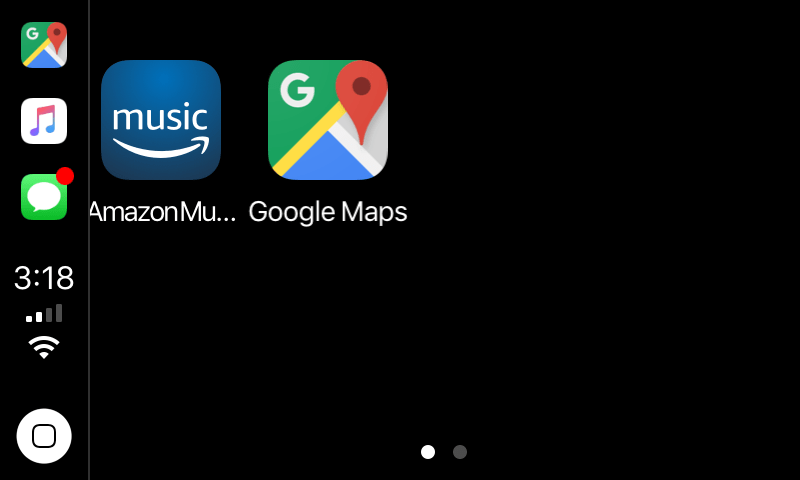
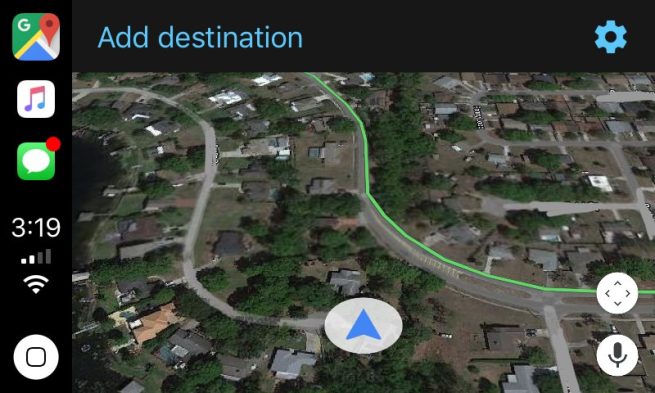
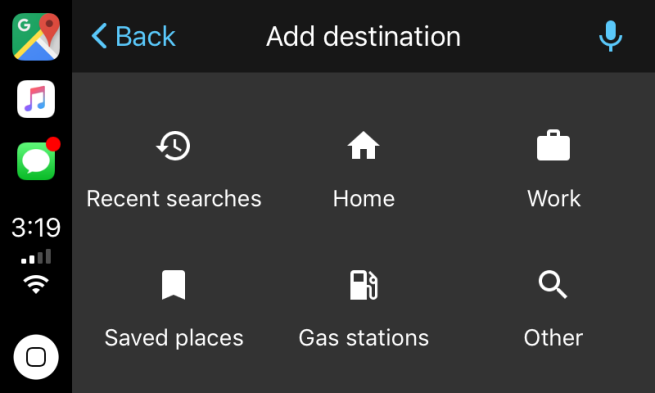
Screenshots which show Google Maps integrated with Apple CarPlay have emerged and they have got everyone excited. As seen in the pictures, the Google Maps icon takes the navigation slot in the sidebar, which was earlier only occupied by Apple Maps. More images show the familiar arrowhead and map tiles, which are rendered by Google. The map is also available in both cartography and satellite modes. A microphone icon present on the screen also points out that voice search will be available.
CarPlay was announced in 2014 and works as an alternative to poor navigation software generally available in cars. By connecting your iPhone to your car, CarPlay will mimic its interface on to your dashboard. This is a much safer alternative to looking at your phone while driving or using a car mount.
However, the biggest complaint that CarPlay users had is the fact that they could not use Google Maps and were stuck with Apple Maps when it came to navigation. This is no longer an issue as with the new iOS update, users will be able to access not only Google Maps, but many other apps as well.
The access to Google Maps on Apple CarPlay is relatively restricted. It will only be available to iOS Beta Testers. For now, users will have to upgrade to iOS 12 when it rolls out on Monday and wait. Once Google Maps and other compatible apps are updated to be integrated with Apple CarPlay, users can utilise the full experience.
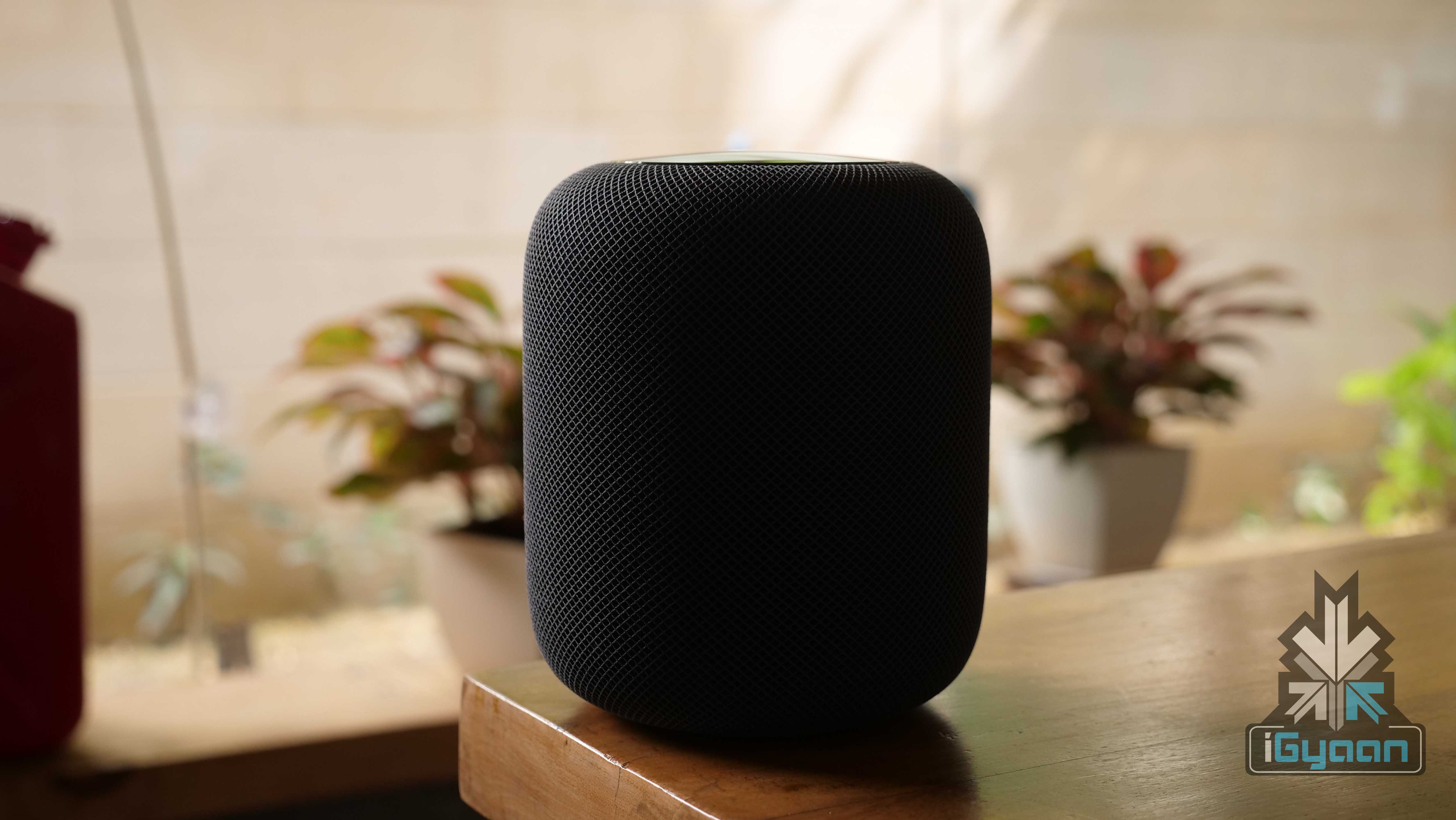
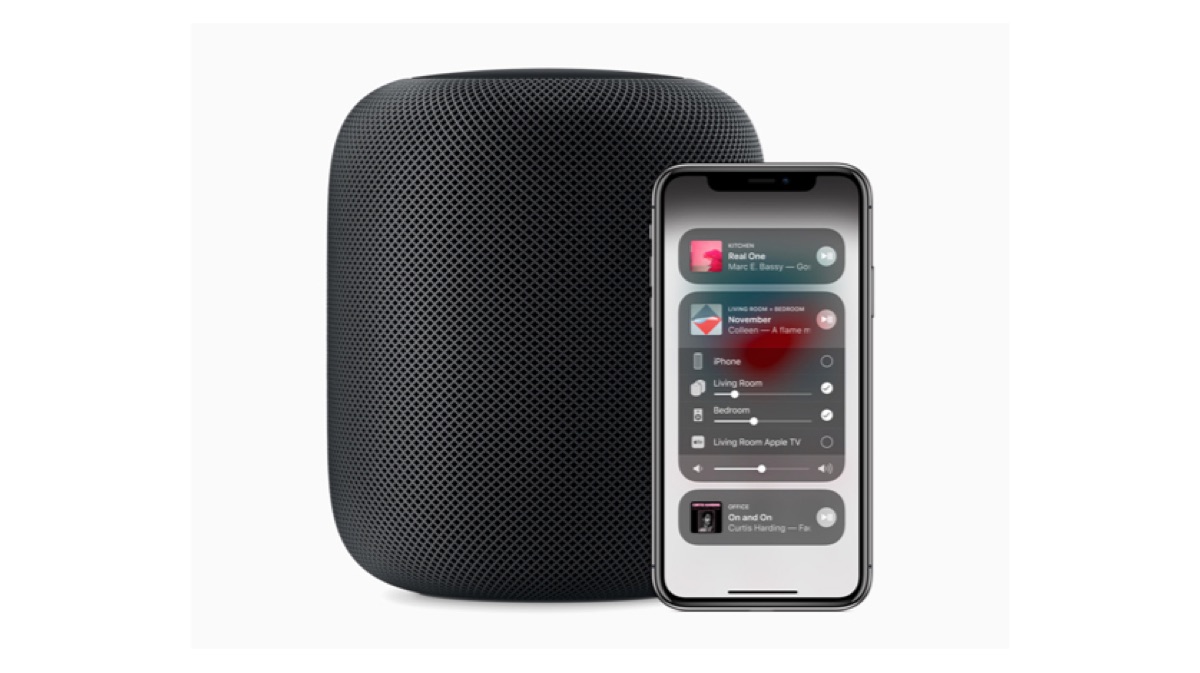
Although the highlight of the Apple Special event last night was the lineup of new iPhones, Apple did manage to slip in a little bit extra. The Apple HomePod is going to be receiving a few new features. These will probably bring it up to speed with its competition in the smart speaker segment.
The update involves increasing the capability of Siri with respect to the HomePod. Other than these features, Apple has also added support for a few languages in the HomePod. The device now supports Spanish in the US, Spain and Mexico and expands support in Canada with Canadian French.
With Siri on HomePod, you can also access these new features:
Search by lyrics: Until now, users could ask Siri to play a specific song. Now, you can ask Siri to play any song. Even if you can’t remember the name. Just say “play the song that goes like this…” and Siri will do the needful.
Set multiple timers: This is a big boon for those who are working on a project with multiple steps or someone setting up for a big dinner party. With multiple timers, you can ask Siri to keep you on track for getting that cake out of the oven, making sure you switch on those new lights and much more.
Make and receive phone calls: Now, HomePod lets you make and receive calls directly. You can also ask Siri to know who called incase you missed a call. To make a call, you can speak out a number or the name of the person you want to call.
Find my iPhone: This feature lets you ping for your iPhone in case you cannot figure out where you left it. This is already available in the Apple Watch.
Siri Shortcuts: HomePod users will now be able to set multiple actions into play with just one command. This is pretty similar to Alexa and Google Routines. What this means is you can program Siri to perform multiple actions using a single command. For example, “Hey Siri, good morning” is a single command. With this Siri could order your morning coffee, turn on your kitchen lights and share your calendar appointments for the day.
The launch date for this update is not known. It is expected around the time the iOS 12 is rolled out. That is on 17th September. Apple has not announced the update for India.
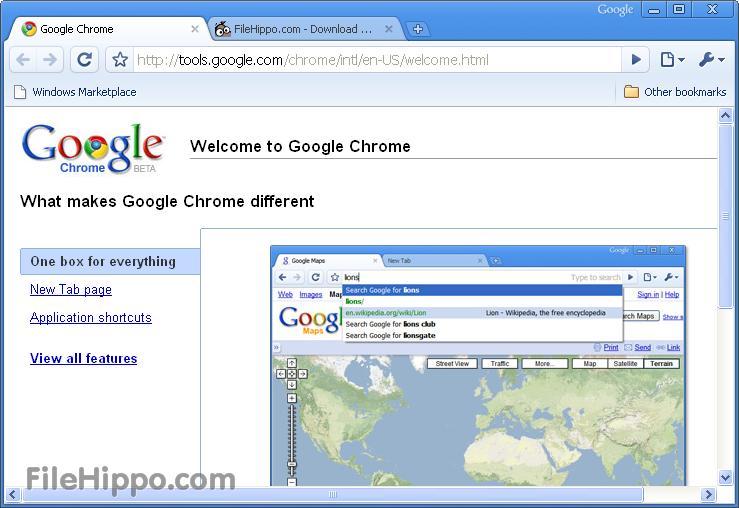
10 years ago, Google brought the Chrome internet browser into this world. At a time when Firefox was battling the giant Internet Explorer and Safari was used by a few, Chrome marched in and built an empire for itself. Most switched to Google Chrome around 8 years back, and since then, have never looked back.
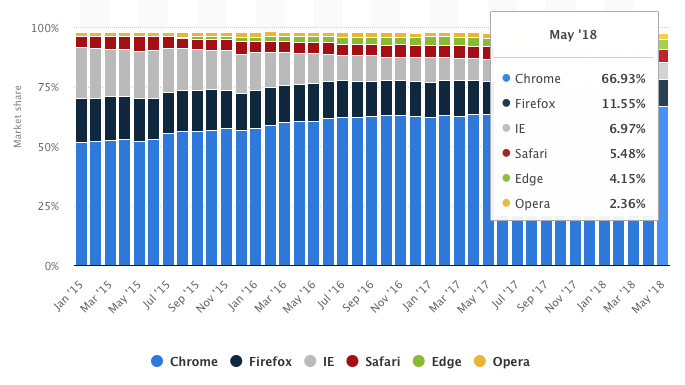
Google officially introduced Chrome in 2008 and it supported Windows at that time. By 2009, the company released Chrome for Mac Os and Linux as well. Fast forward to 2018 and Chrome now holds more than 60% of the internet browser market share, way ahead of its competition, the closest holding 11 %. The journey has been incredible, both for Google and the users. So here’s a look at 10 years of Chrome and the revolution that it brought along.
The Rise and Fall of Microsoft:
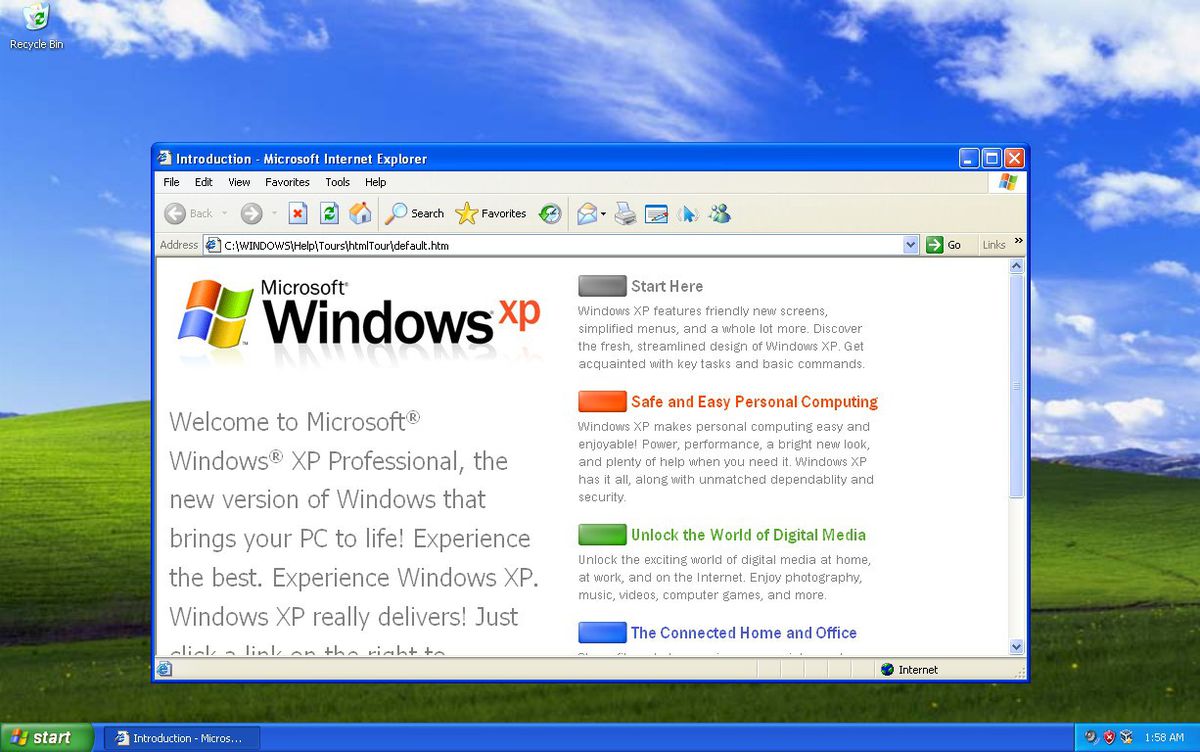
In the early 2000’s, the only competition Microsoft had was from Netscape. After it gained certain victory over Netscape, Microsoft now dominated the market, mostly because it had no rival. Microsoft introduced the Internet Explorer 6 along with Windows XP. Internet Explorer 6 worked very well with certain features of XP and came into a booming internet market. The users of Windows XP utilised IE 6 to access the web and soon it became synonymous with the internet for those users. IE 6 continued to rise in popularity and soon commanded more than 90% of the market. The top position gave Microsoft the power to do what it felt, or so it thought. Microsoft started disregarding open web standards and policies. Most websites started optimising themselves for IE 6, giving one the best experience.
With the rising popularity of the web, were set which would help developers design sites to work across various browsers and platforms. Microsoft largely ignored these standards. With the rising popularity of IE 6, developers had no other way out than to optimise their websites for IE.
Soon competition rose in the form of Firefox and it came out with new features such as tabbed browsing and a pop-up blocker. With IE 7, Microsoft introduced tabbed browsing and a few other features to ensure its relevance is up to date. However, it didn’t make much of an effort to improve its compliance with web standards. The criticism against Microsoft started growing.
Enter: Google Chrome!
Google Chrome came crashing down on this. It focused on web standards and passed the Acid 1 and Acid 2 tests. These tests determined the degree of compliance with web standards that a browser exhibited. Microsoft had not been able to pass these tests at that point of time.
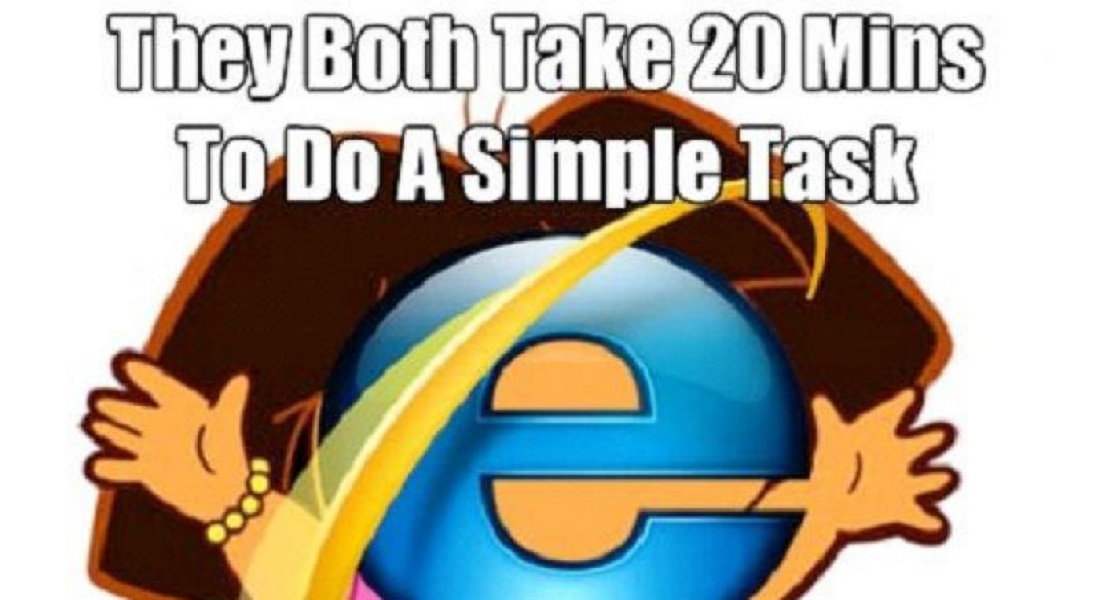
The entry of Google Chrome made the Internet Explorer a Meme Favourite
Soon, developers started moving towards Chrome as they could now build better websites based on web standards. Now Microsoft had two threats to worry about and the internet browser battle ensued. Google used components from Apple’s WebKit rendering engine and Mozilla’s Firefox to help build Chrome. It also made Chrome’s source code available openly under the name Chromium Project.
One of the most important features that Chrome brought with it was that of sandboxing. In simple words, sandboxing ensured that the contents of one tab stay in that tab. For example, if you accidentally access a sit which has malware or has been hacked, the sandboxing feature ensure that the other tabs will not be affected. Furthermore, the malware from that tab won’t spread into other parts of your computer. Sandboxing also helps in increasing the speed and stability of Chrome.
Soon, Chrome evolved to become something that was just more than a browser for PC’s. Over the years, it has grown to be one of the most preferred browsers for laptops, mobiles and tablets as well. Numerous applications such as Opera and Steam also use Chrome’s Blink engine.
However:
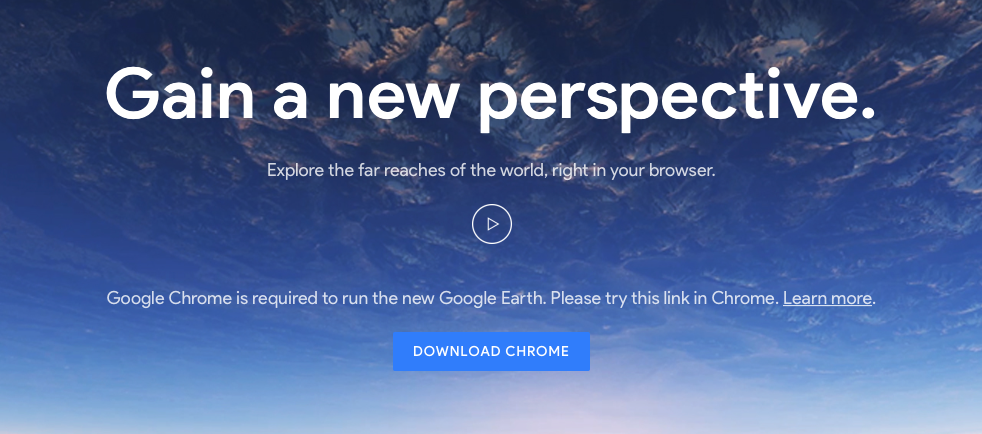
It is not all sunshine for Google. Recently, Google has drawn criticism as some allege it is stepping into the same spot that Microsoft did years back. With the development of new apps that ‘work best with chrome’ on the rise, some comparisons can certainly be drawn. Apps like Google Meet, Allo, YouTube TV, Google Earth, and YouTube Studio Beta block Microsoft Edge from accessing them and instruct users to download Google Chrome instead.
The use of the Google homepage for the ‘propagation’ of Chrome is also something which cannot be ignored Since google is the most widely used search engine, millions of people visit the homepage every day. If you happen to visit the page through a browser other than google, numerous messages will suggest that you download Chrome instead of the regular browser.
Companies other than Google are also making ‘Chrome only’ apps and websites optimised for Chrome. This surely does remind us of Microsoft’s tactics with IE 6. This is ironic, considering that Google Championed the cause of sticking to open web standards.
The Future:
Via Bleeping Computer
Over a decade, Chrome has evolved into a platform and it is no longer just an internet browser. Chrome books are extremely successful and perform a majority of tasks revolving around the browser. Considering the fact that it has grown to such an extent within this time, it is exciting to think about what it may bring in the coming few years.

 Facebook has taken this step to bring back teens who are slowly moving away from the platform, when compared to last year. The Lasso app lets users create short fun clips with a lip syncing option. You can sign in to the app with your Instagram credentials or create an account by linking it to your Facebook. Additionally, the Lasso videos can be shared on Facebook and Instagram. The sharing feature will be added later.