Category: Apps and Software

Games, Apps, Softwares, Operating Systems and Software Hacks

  • Honor 7X Gets Face Unlock Feature Via New Software Update

    Honor 7X Gets Face Unlock Feature Via New Software Update

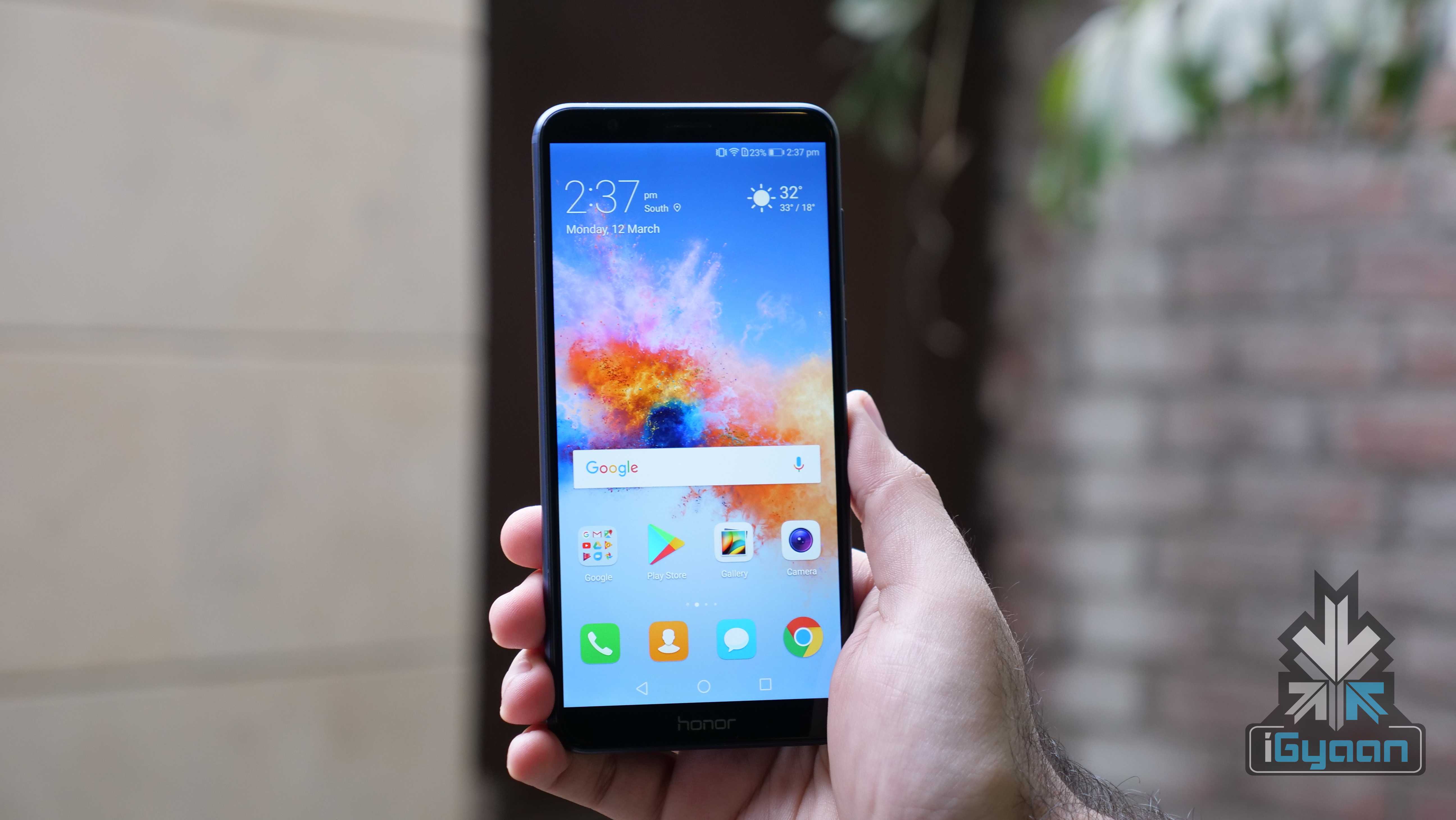
    Honor launched the Honor 7X in India back in December 2017. The company subsequently announced that the Honor 7X will soon get the revered Face Unlock feature. The company has delivered on the announcement and rolled out the new feature to Honor 7X via an OTA. Priced at Rs 12999, it is one of the best smartphones in the price bracket with its dual-camera setup and 18:9 aspect ratio.

    P Sanjeev, Vice-President, Sales, Huawei Consumer Business Group said:

    Face Unlock Intelligent feature is usually available in flagship level smartphones, however, Honor in its endeavor to deliver unmatched smartphone innovation to the Indian consumers has introduced this feature in the coveted Honor 7X
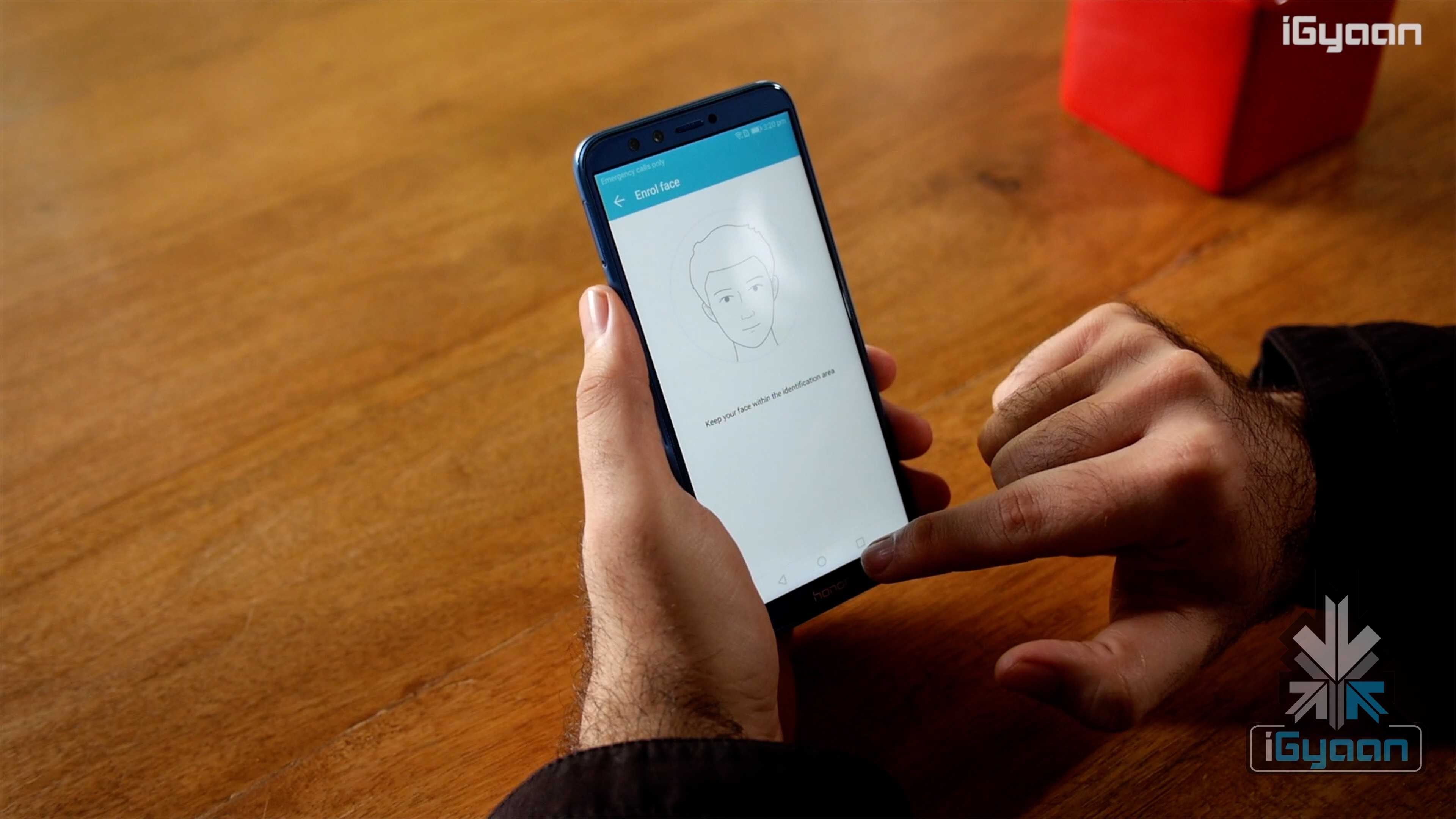
    The Huawei OTA update will be incrementally rolled out to all Honor 7X devices by mid-March. It is worth noting that the Honor 7X is the third Honor device after the View10 and Honor 9 Lite to receive the Face Unlock feature. In its price bracket, only the Xiaomi Redmi Note 5 Pro has Face Unlock.
    Honor 9 Lite Face Unlock
    Face Unlock Features

    With Face Unlock, users can unlock their smartphones without reaching for the fingerprint sensor. This comes in even more handy with the Honor 7X since its fingerprint sensor is placed on the back. Hence, it is easier to unlock your device when it’s laying flat on a surface. With the new feature, you can also hide your notifications for other via smart notifications. This basically means that the notification preview will be hidden unless the phone detects the stored face.

    Honor 7X Specifications

    The Honor 7X has a 5.9 inch LTPS IPS LCD display with a 2160 x 1080 px display which translates into an 18:9 aspect ratio.

    Under the hood, the Honor 7X has the HiSilicon Kirin 659 chipset, Mali-T830 MP2 GPU, 4GB of RAM and 64GB onboard storage. The onboard storage is expandable up to 256GB via microSD card. The device is powered by a 3340 mAh battery which charges via a micro USB slot.
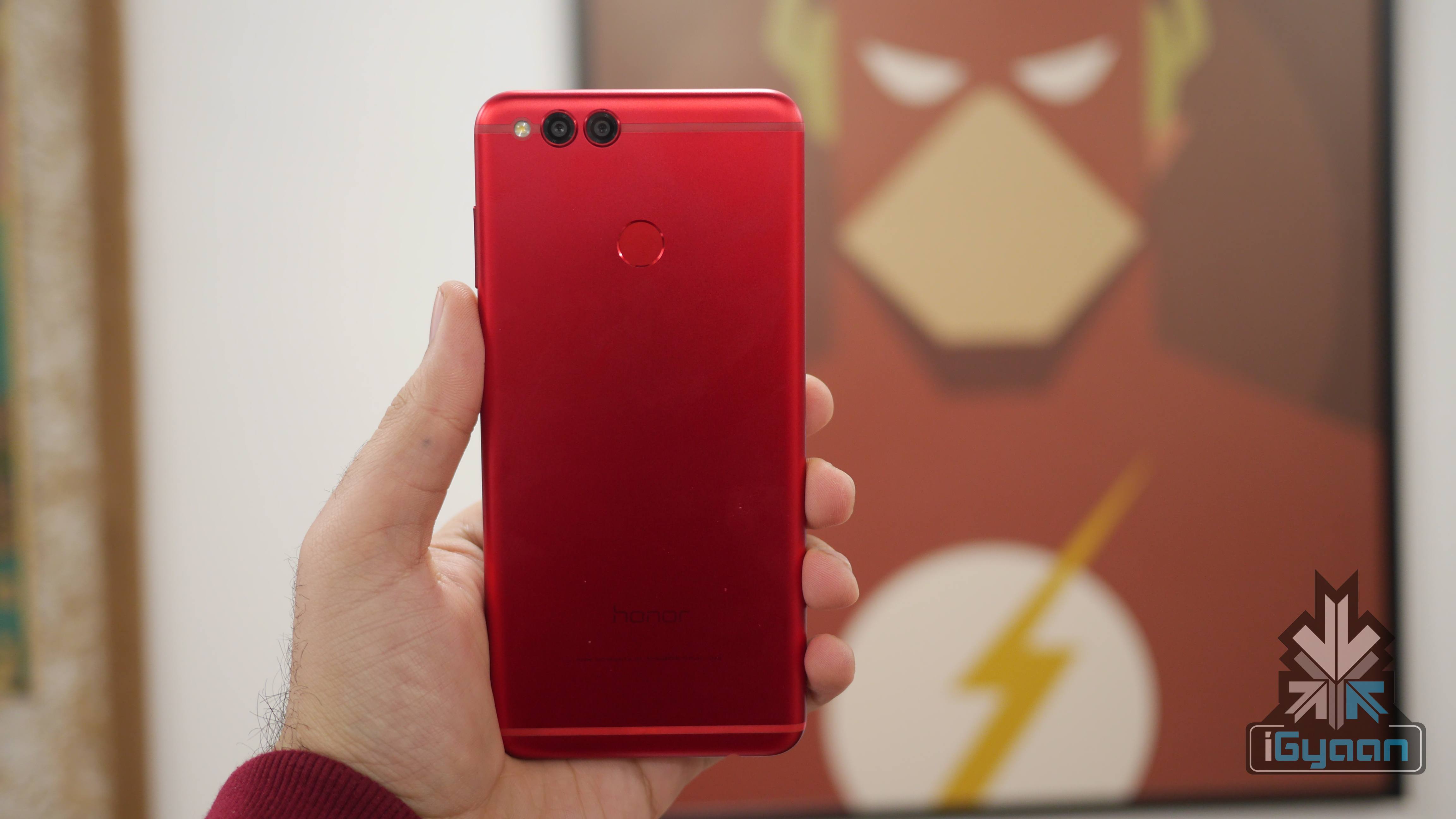
    The smartphone has a dual camera setup at the back. The camera setup at the back has PDAF and records 1080P videos at 30fps. On the front is an 8MP camera which also records 1080P videos.

    • 5.9 inch IPS LCD
    • HiSilicon Kirin 659
    • 4GB RAM
    • 32GB/64GB expandable storage
    • 16MP+2MP depth sensor
    • 8MP front camera
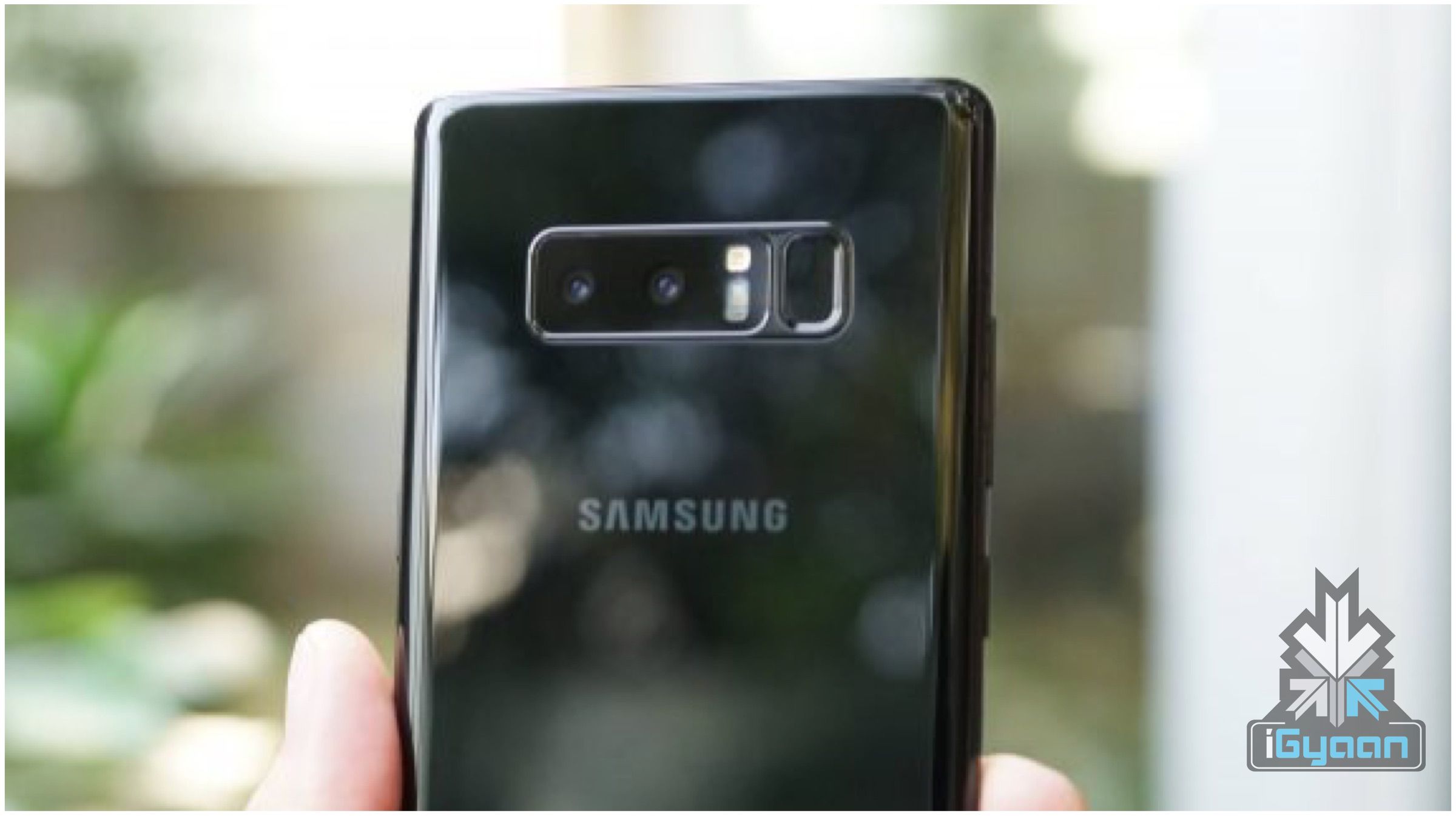
  • Samsung Galaxy Note8 Android 8 Oreo Update To Be Rolled Out By End Of March

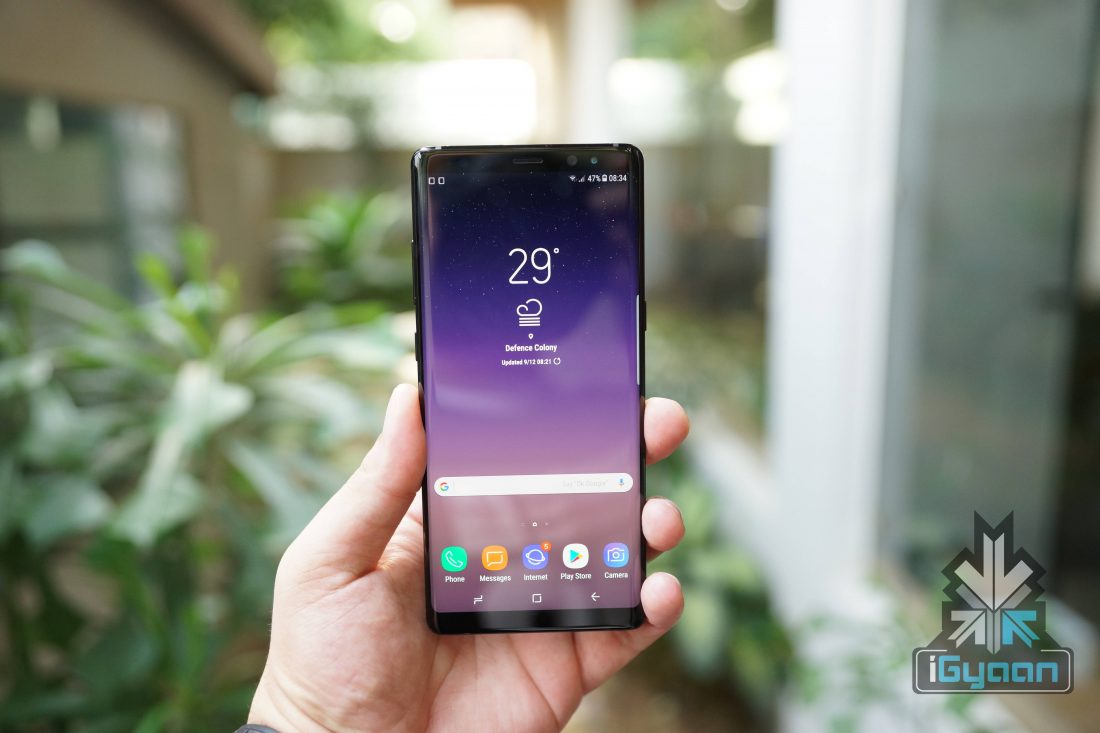
    Samsung Galaxy Note8 Android 8 Oreo Update To Be Rolled Out By End Of March

    Samsung launched the Galaxy S9 and S9+ in India for a starting price of Rs 57,900. The smartphone comes with a new dual aperture camera with the latest software update. The company has already updated the Galaxy S8 and S8+ smartphones with Android 8 Oreo. However, the Galaxy Note8 is yet to receive Android 8 Oreo update, which was, in fact, is the newer model compared to the S8.

    Galaxy Note8

    Samsung’s official Turkey website lists the upcoming devices that will receive Android 8 Oreo update. According to the website, the Galaxy Note8’s update is scheduled to go live on the 30th of March. Similarly, the website also lists few other devices, which will receive the Android 8 Oreo update.

    Smartphone
    Date
    Samsung Galaxy Note8 30th of March
    Samsung Galaxy S7 13th of April
    Samsung Galaxy S7 Edge 13th of April
    Samsung Galaxy A7 2017 25th of May
    Samsung Galaxy A5 2017 25th of May
    Samsung Galaxy A3 2017 25th of May

    The above-mentioned smartphones will receive the Android 8 Oreo update. However, this does not mean that these are the only devices that are eligible for the Android 8 Oreo update.


  • Top Instant Messaging Apps For Android

    Top Instant Messaging Apps For Android

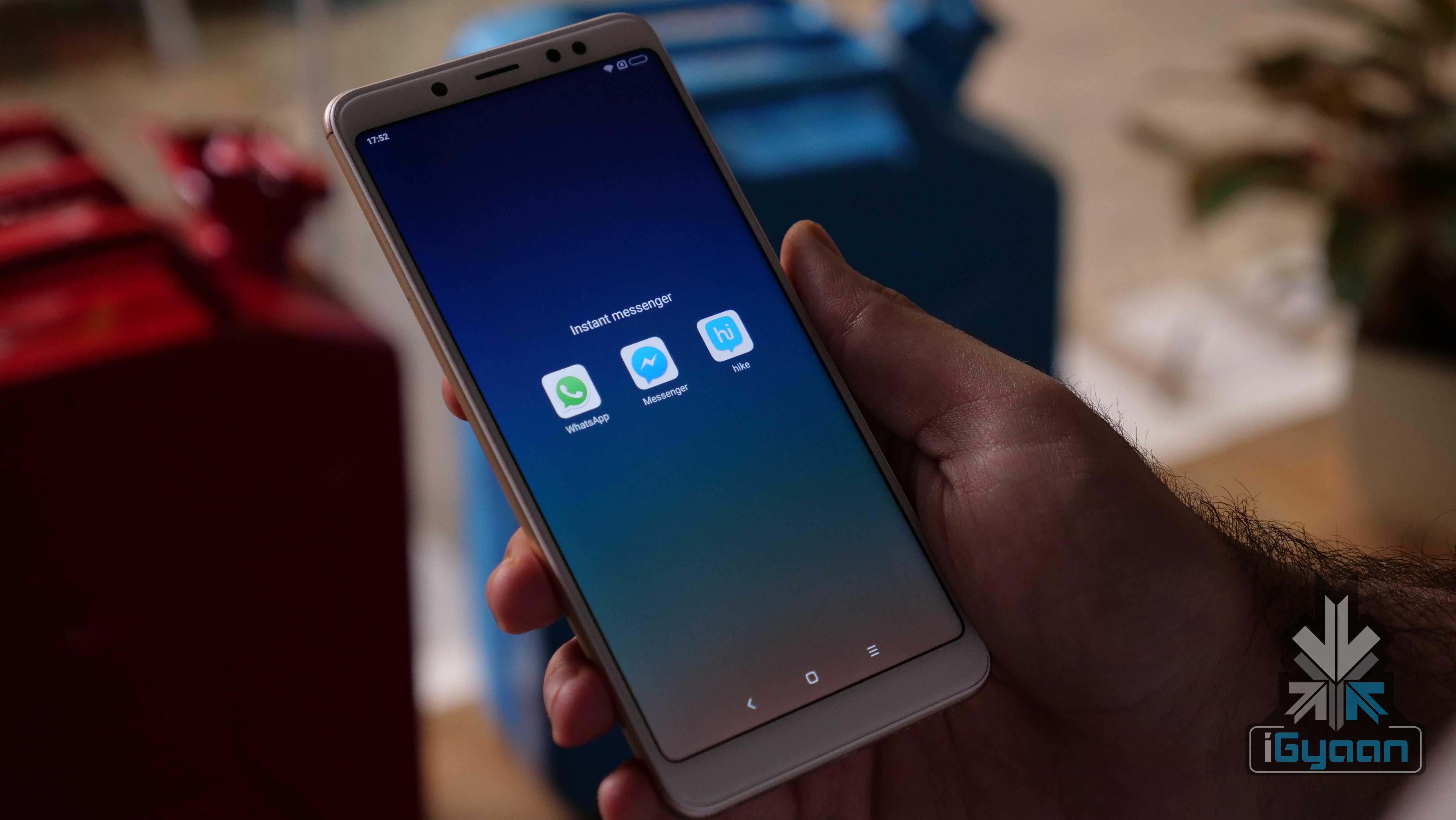
    Not a long time ago, we used to send wishes through postcards, which was later replaced by SMS. However, the rise of the internet has made SMS services redundant. Instant messengers have evolved into more than just text messaging mediums. Users can do things like international video calling to sending money, all in one single app. While these apps are free to use, the internet is the only prerequisite.

    The instant messengers help for all kind of stuff. From making an international video call to sharing a presentation. However, usually, the only requirement of these apps is the internet. Almost all the instant messengers work fine in either cellular data or a Wi-Fi network. So, here are the top three instant messengers available for Android. However, these three apps are universally compatible, which means they work fine on iOS as well.

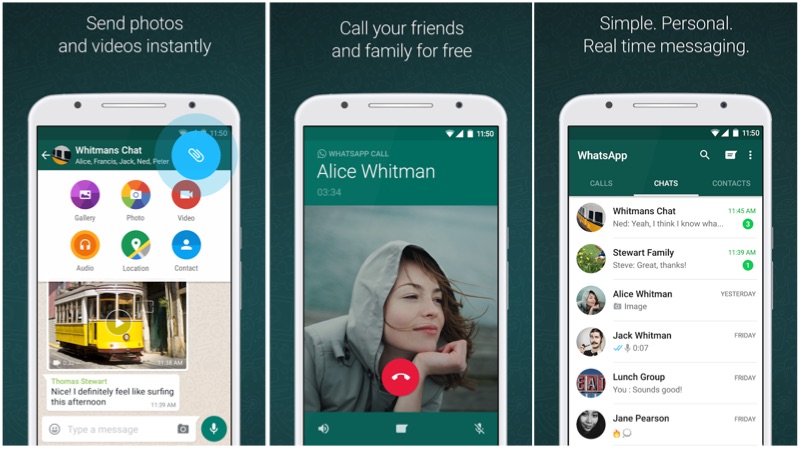
    WhatsApp

    Without a doubt, WhatsApp has become the most famous instant messaging apps in the world. While there are a few anomalies here and there, almost everyone with a smartphone has WhatsApp nowadays.  The free to use business model with no in-app ads make this one of the best messengers in the business. One can create groups and add up to 256 members.

    Pros:

    • Free to use
    • Ad-free user experience
    • Free voice and video calls
    • Simple UI
    • WhatsApp Pay

    Cons:

    • Requires an active SIM card for activationInstant Messengers
    Facebook Messenger

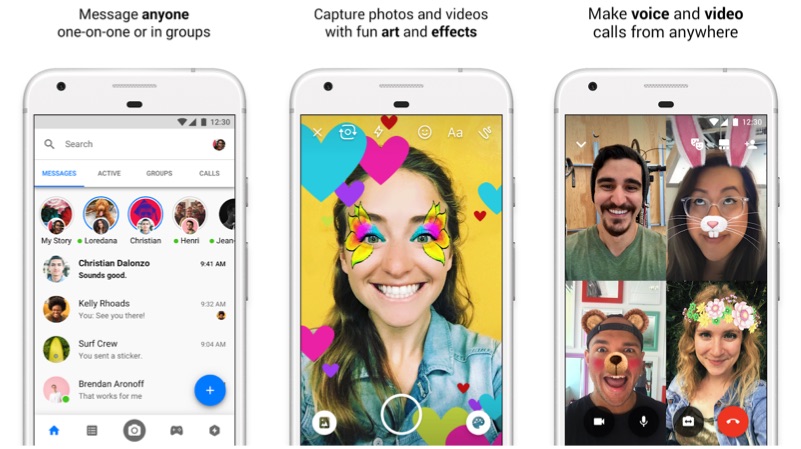
    The Facebook Messenger was something that was forced on to us. Facebook made the Messenger a standalone app and removed the option of chat from its main app. Hence, anyone with a Facebook app, had to move on to the Facebook Messenger as well. But, it has turned out to be a great messaging app, especially for people extremely active on Facebook. However, it has the option of replacing the standard SMS app as well.

    The messenger has two sections, where it differentiates the messages and the active users. The active users are highlighted using a green dot. One can also initiate voice and video calls with a single touch of a button.

    Pros:

    • Free to use
    • Material UI
    • Free voice and video calls

    Cons:

    • In-app ads
    • App consumes a lot of space
    • Complex user experienceInstant Messengers
    Hike

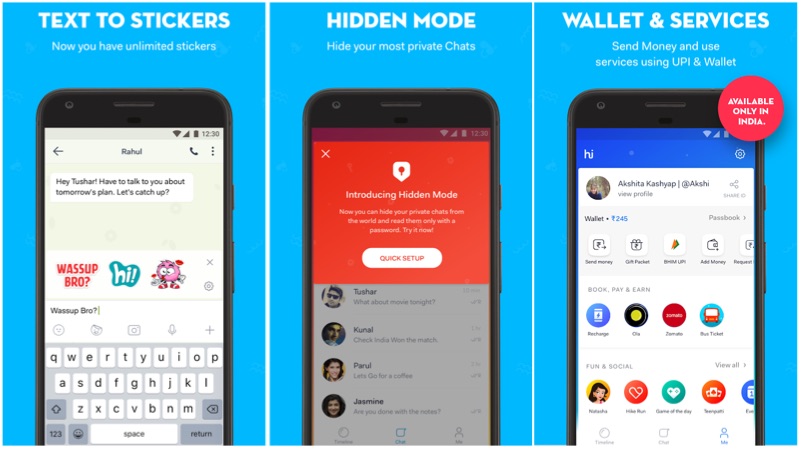
    This is also an interesting instant messenger. Though it resembles WhatsApp, it has its own added advantage. The app comes with a hidden mode, where users can hide their secrete chats. This app also offers free stickers, which can be used instead of words to express a certain feeling. In fact, the app has stickers based on Indian celebrities and their famous dialogues as well.

    Pros:

    • Groups chat with up to 1000 members
    • UPI based Hike wallet
    • Gift packs

    Cons:

    • Small user base
    • In-app adsInstant Messengers

    [poll id=”60″]

  • Apple Music For Android Gets A UI Update

    Apple Music For Android Gets A UI Update

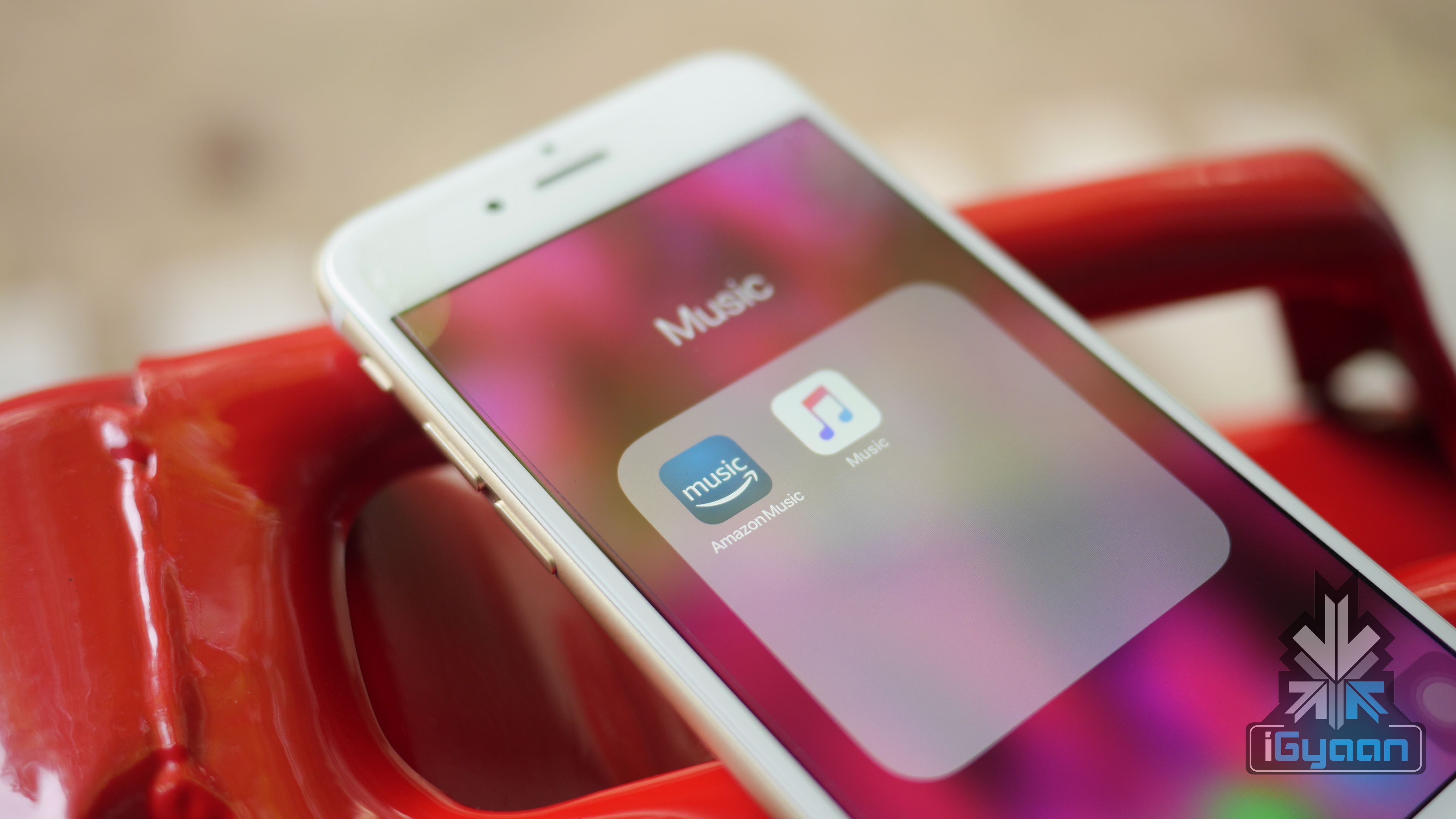
    Apple Music is the second most popular music streaming service in the world after Spotify. The subscription plan is priced at Rs 120 per month or Rs 1,200 per year in India. The music streaming service has about 45 million songs in its library. The company also offers free three months trial, by accepting debit/credit card details. One has to sign up using Apple ID, which can then be used on multiple Android or iOS devices. However, one can stream only on one device at a time.

    Apple Music is free to download from Google Play Store. However, it needs an Apple ID and subscription to access the content. However, it is worth noting that Apple Music is only compatible with Android devices running Android 4.3 or newer version.

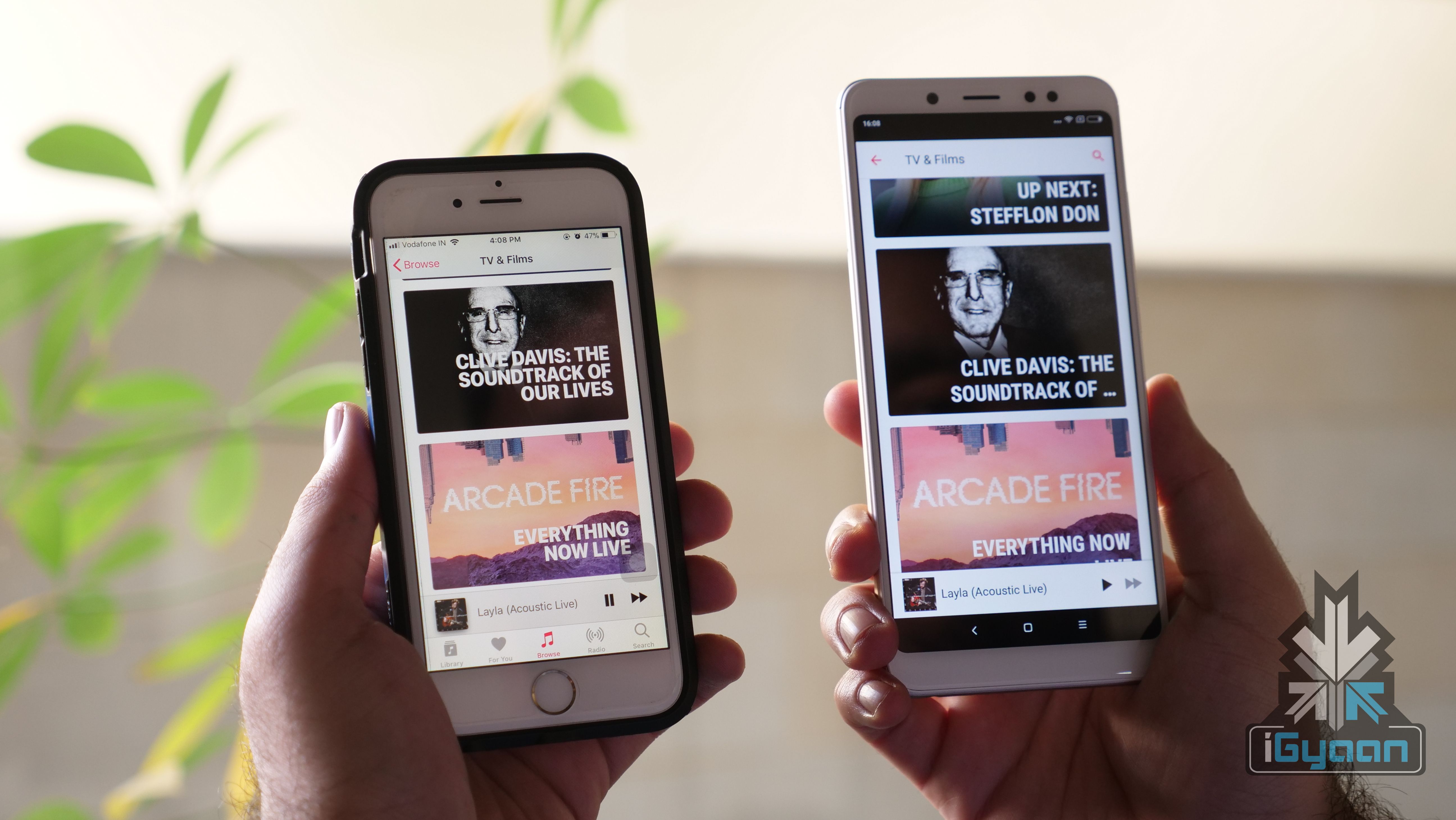
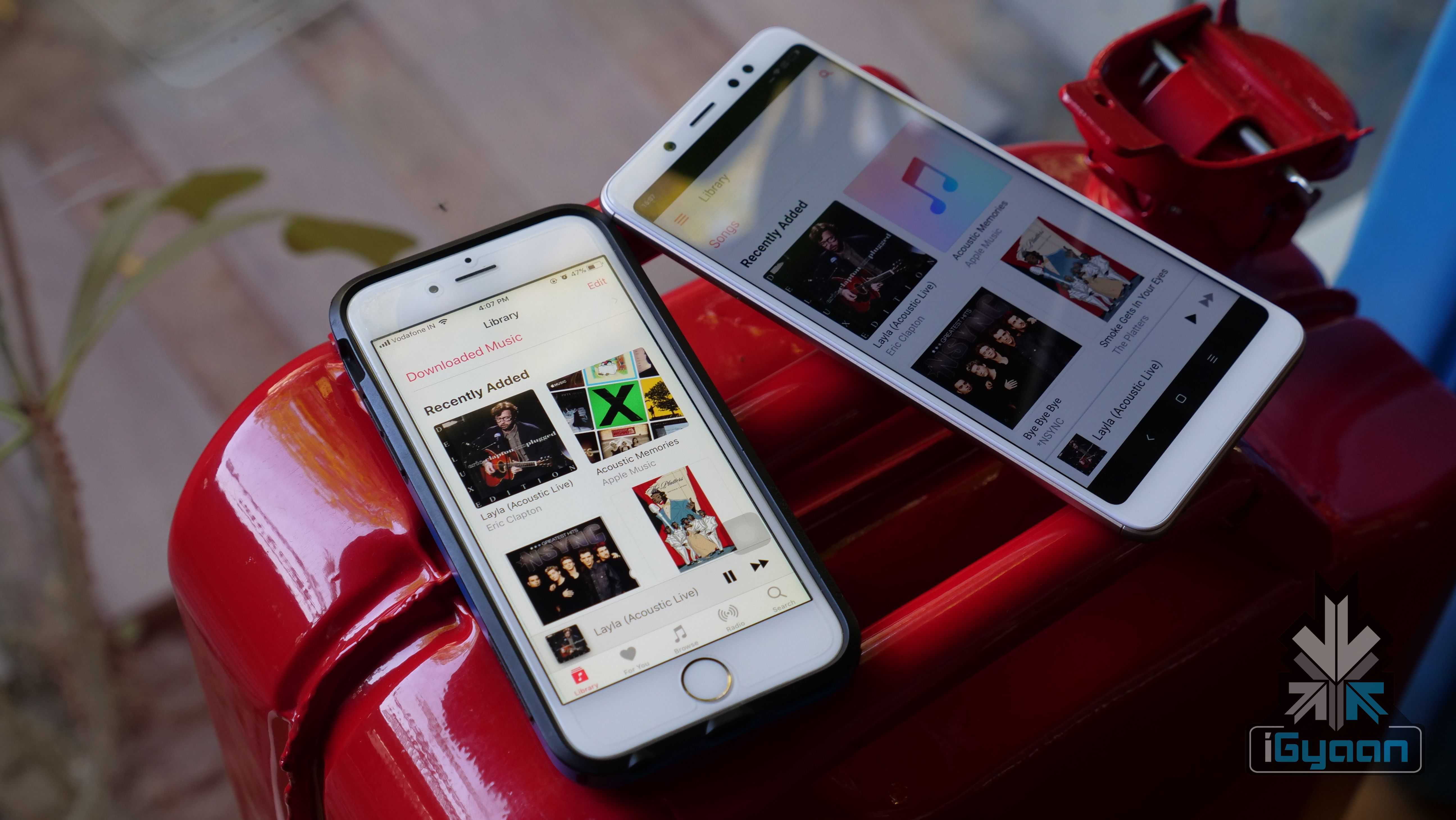
    Now, Apple has silently updated the Apple Music for Android OS. After the latest update, the Apple Music on Android looks much cleaner and similar to the iOS counterpart. Similarly, the update also fixes some of the stability issues, which now offers a more fluid music playback experience.

    The music video feature was available on the Android OS from 2016. However, the UI experience was not at par with its iOS counterpart. With this update, Apple has unified the UI of Apple Music on Android and iOS devices. This gives Apple an edge over YouTube which still lacks background playback capability. However, with Android 8 Oreo’s Picture-In-Picture mode, YouTube videos can be played while performing other functions. This, however, is still not possible on iOS.

    New features on Apple Music for Android version 2.4
    • Option to watch music videos in full screen or now playing window
    • Watching music video while browsing the library
    • Listening to a music video in the background, while surfing third-party application
    • Adding your favourite music video to a playlist and watch them subsequently


  • Google Lens Now Available For All Android Devices

    Google Lens Now Available For All Android Devices

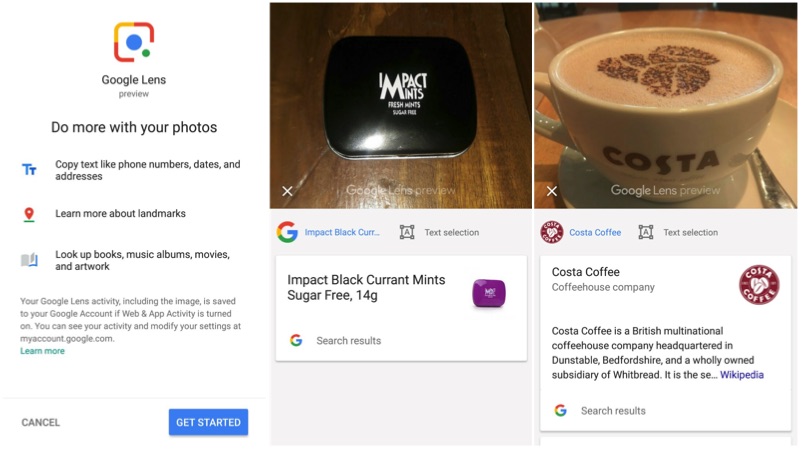
    Google introduced the Google Lens at I/O 2017. Subsequently, the Google Pixel 2 and the Pixel 2 XL became the first smartphones to feature Google Lens. Google has officially announced that the Lens feature will be available for the Android users via Photos app. Photos is a preparatory app/platform from Google, which offers unlimited cloud storage for storing standard quality photos and videos.

    The users will receive an update in the next few days, which enables them to use the Lens via Photos app. Similarly, the update in will available for iOS users in the upcoming week.

    Features of Google Lens
    • Identify the type of flower in the picture
    • Provide details regarding the show/movie in the picture
    • Providing information about a hotel/restaurant
    • Getting contact details out of a document/visiting card

    The Lens feature is restricted to English language users. However, as of now, there is no information about the rollout of the feature for the other language users.

    The users with flagship smartphones will also receive camera-based Google-lens and the Google Assistance app in the coming weeks. However, there is no exact time frame has been given from Google regarding the rollout.

    The AI-based app from Google helps to get information on the wide-range of objects or places. This AI technology is used to get information on objects, buildings and products. Similarly, the company is working on a newer algorithm to distinguish between different animals. In fact, this will help the tourists, who are in a new place and wants to get information on different places. However, Google Lens will not work on everything, at least in India.

  • Florence Game Coming Soon To Android

    Florence Game Coming Soon To Android

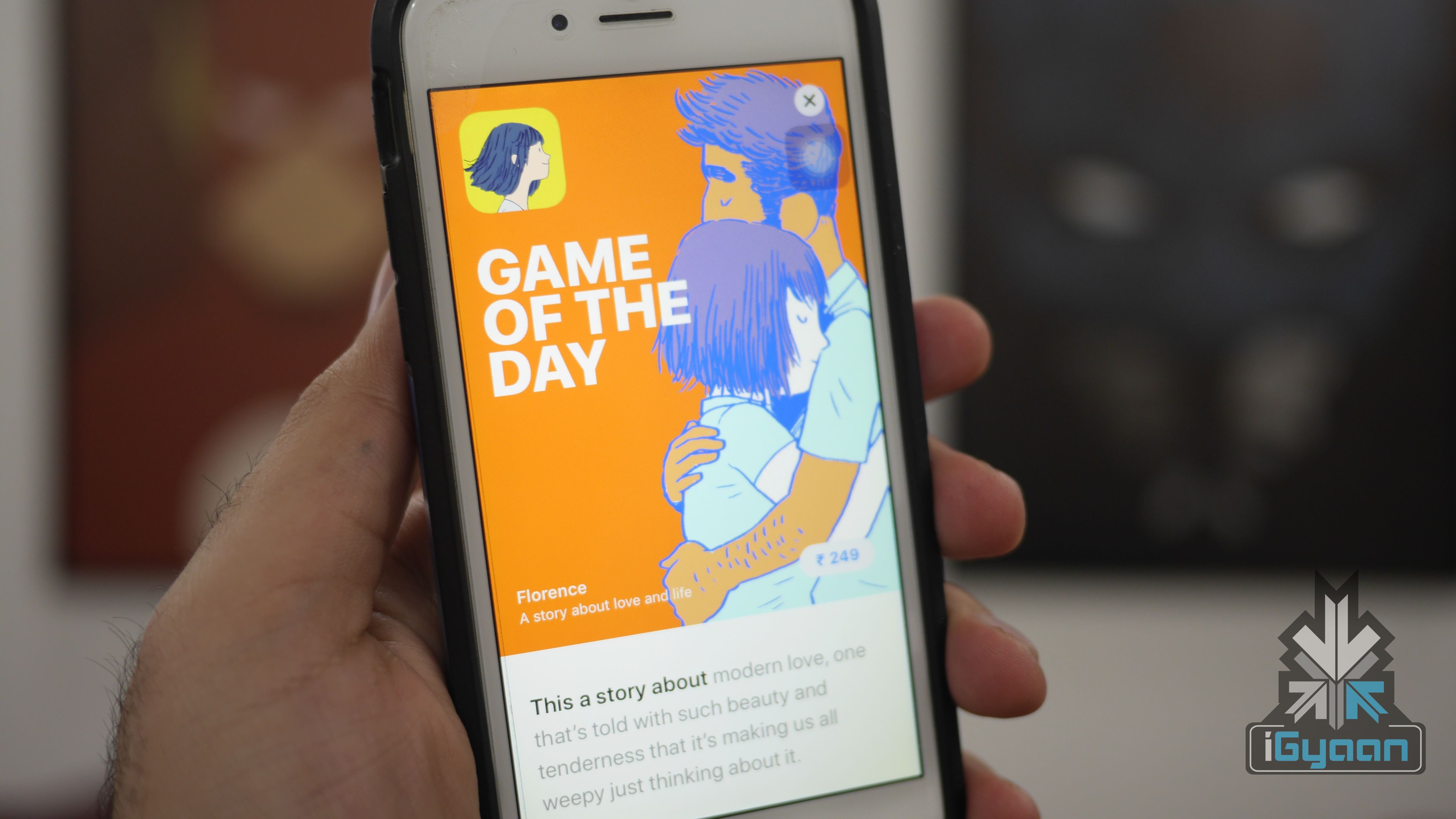
    Annapurna Studios is all set to launch it’s critically acclaimed Florence Android OS. The novel-like game is already available on iOS for US$ 2.99. The game is based on the romantic situations of the lead character Florence Yeoh. The app was originally released for iPhones and iPads on Valentine’s day. In fact, the game has received a positive response from users as well as reviewers.

     The studio behind “Florence”

    Florence

    Florence is the first gaming title from the Monument Valley designer Ken Wong’s Mountain studio. The concept has been brought to the mobile platform by Annapurna Interactive. In fact, this is the company that is behind the trending iOS titles like Flower and the puzzle game, Gorogoa. So, the company might launch the Android versions of these as well.

    The game has webcomic-like visuals which look really impressive. In fact, it looks similar to old-school oil paintings. The game is all about discovering yourself by solving simple puzzles. If you are looking for a game with a narrative screenplay, then this could be the game that you can consider.

    As of now, the company has not announced any launch date or pricing. However, it will be a paid app, just like the iOS counterpart.

  • Amazon Prime Music Launched in India

    Amazon Prime Music Launched in India

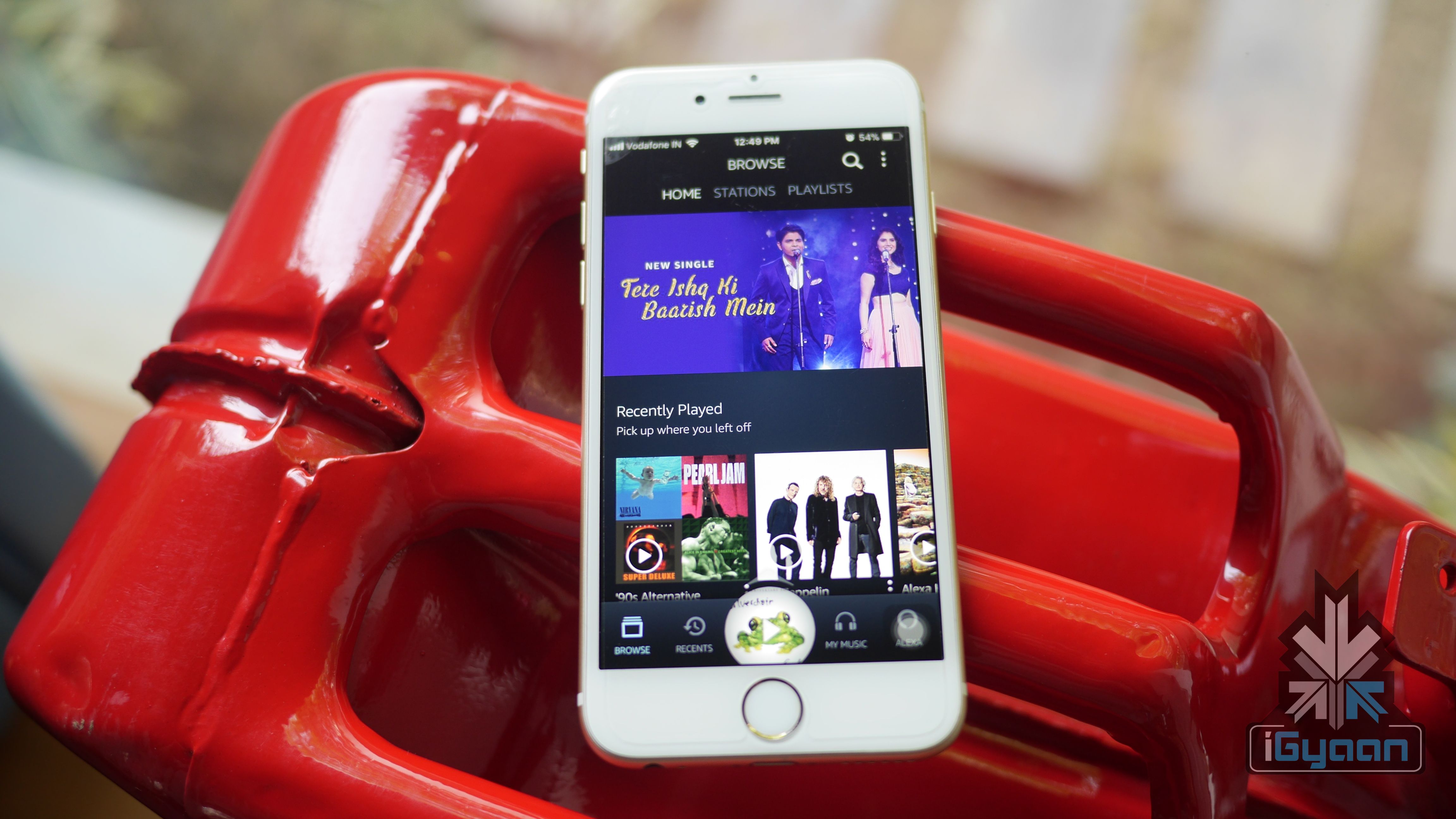
    Amazon’s Prime Music service now available in India. The Amazon Prime music app can be downloaded from Android or iOS App Store. Similarly, users can also use the service using a standard web browser.

    Amazon was testing the Amazon Prime Music In India from last 4 months. However, it was only available for the Amazon Echo users.

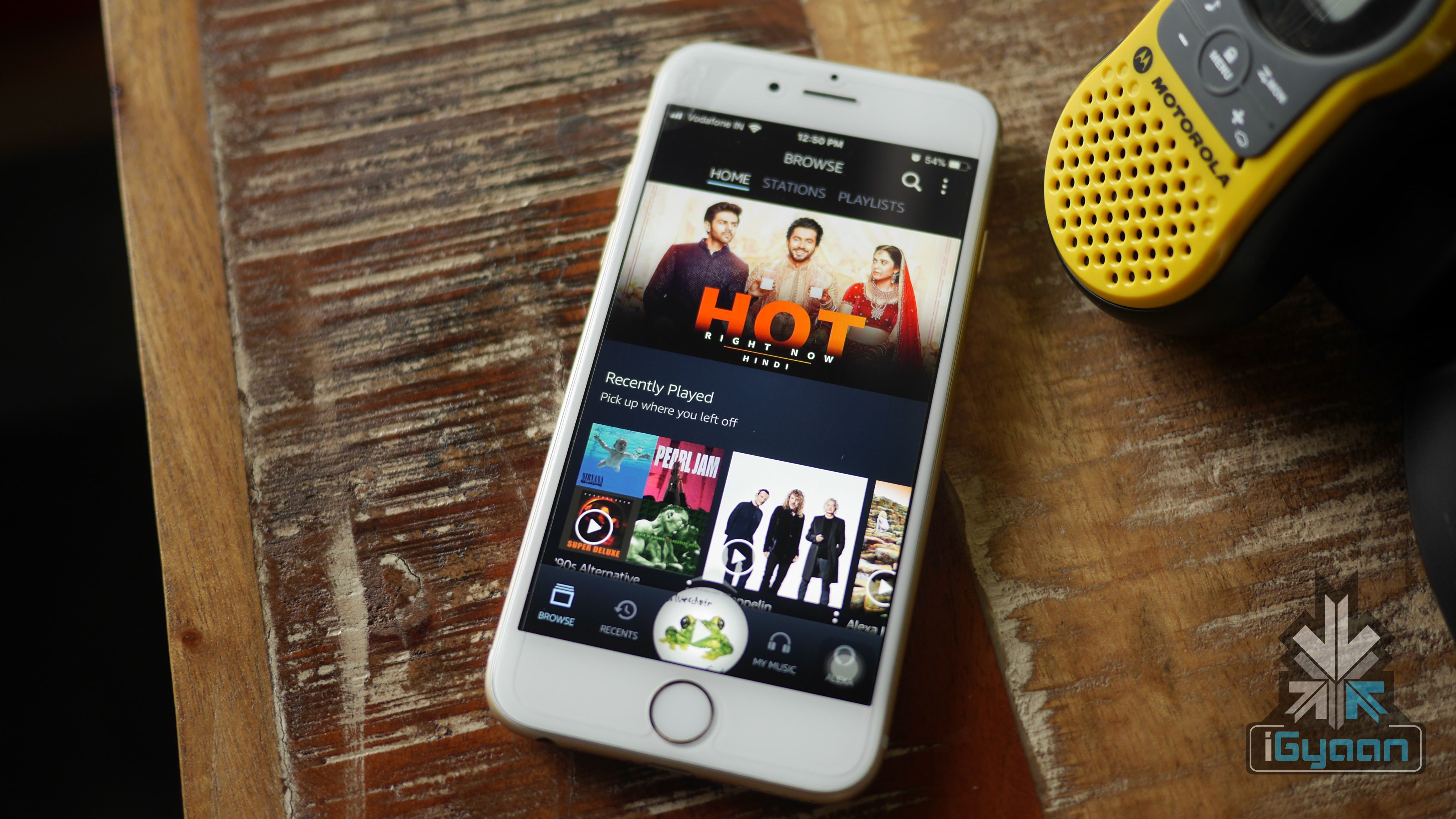
    The Amazon Prime Music is an ad-free music streaming service from Amazon with more than 10 million songs. If you are an Amazon Prime customer, then you can use the service right away without any additional cost.

    Features:

    The Amazon Prime Music has a curated music playlist in 12 Indian languages. The overall UI looks clean and the song selection is also impressive. The company has also integrated Amazon Alexa into the music player.

    If you have a favourite song, then the song can be saved in offline mode to reduce data usage. The Prime Music offers complete ad-free experience.

    Conclusion:

    With the launch of Amazon Prime Music, the company is offering a lot of a lot of services for just Rs 1000 subscription. In the first few hours of using this streaming service, it has impressed me with the choice of song selection. This might convince me to continue the subscription to the Amazon Prime.

  • Android P: What To Expect

    Android P: What To Expect

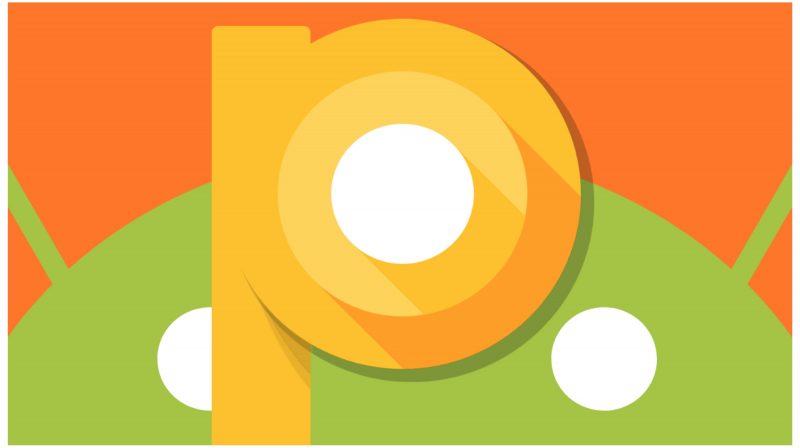
    With the launch of Android 8 Oreo, Google natively introduced features like notification dots and always on display. However, the upcoming Android P is expected to build upon that introduce more features:

    Five expected Features of Android P:

    Support for notch

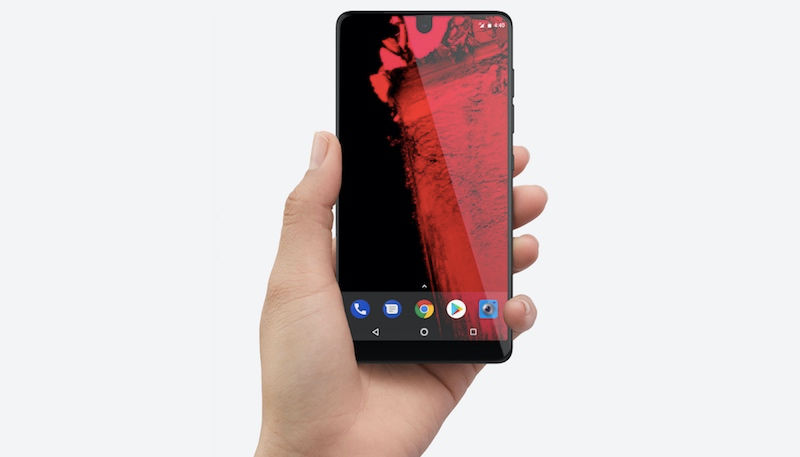
    Android P is expected to support smartphones with a notch. Though Android already have smartphones with the notch (Essential Ph-1) the inclusion of support for notch will have a major impact on the Apps and layouts. In fact, the upcoming Pixel 3 is also expected to embrace the notch.

    notch
    Essential Ph-1

    Dark mode

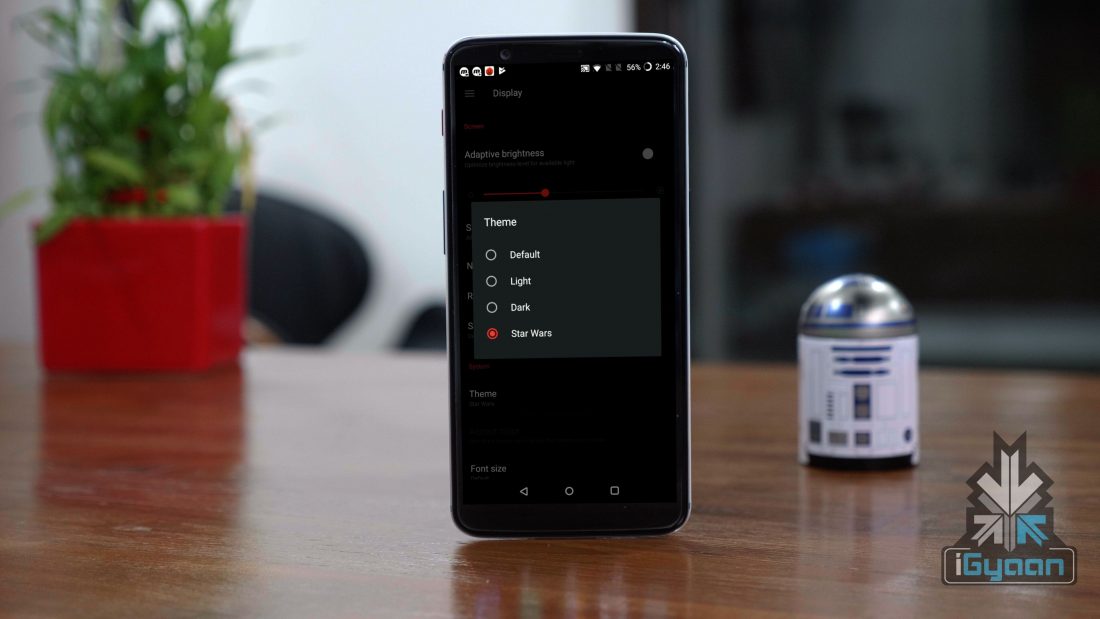
    This is probably the most anticipated feature of Android OS. In fact, few smartphone OEMs like Samsung and OnePlus does support dark mode, which has a huge impact on the battery life of the device, that too on a device with an OLED display.

    Strict privacy controls

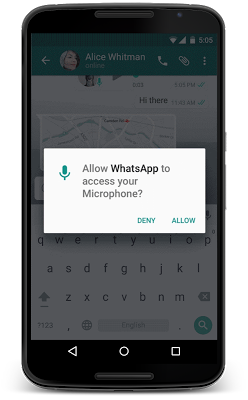
    Users security has been the biggest all-time concern for the smartphones powered by Android OS. The Android 6 Marshmallow came with the option to ask permission to use certain features of the phone. The Android P will take this to the next level with additional control over the microphone, camera, and internet accessibility. However, MIUI has this option from last four years.

    Solving the OS fragmentation issues

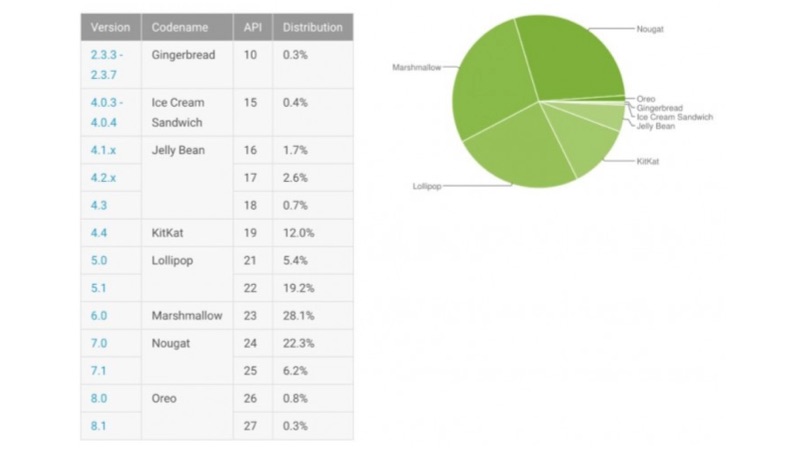
    Starting with the Android P with the help of Project Treble, Google will push faster OS updates to more smartphones. In fact, smartphones like the Honor View10 and the Xiaomi Redmi Note 5 Pro are expected to be the first set of smartphones to support Project Treble.

    More customisation options

    The Android P is expected to offer more customisations, compared to the earlier versions of the Android operating system. Google might release the Google Pixel launcher for the general public. As of now, the Pixel launcher is limited to a small number of smartphones. Though it is available on Google Play store, it is incompatible with most of the smartphones.

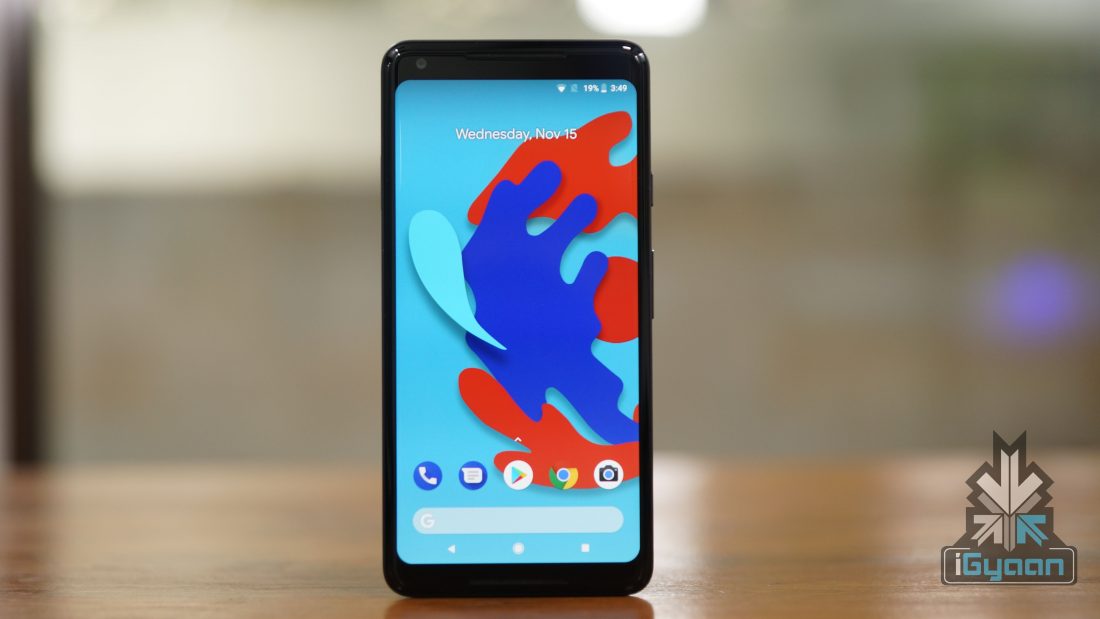
    Pixel 2 XL Runs Android 8 Oreo
  • Top 5 Android Launchers For Free

    Top 5 Android Launchers For Free

    Different smartphones come with different UI. Luckily, in Android, the UI can be changed by just installing a third party app. The possibilities of making your smartphone unique are unlimited. You can make it look like an iPhone, or like the new Pixel 2 with stock Android user interface.

    The support for custom themes, icon packs, and font styles are the major ingredients of a good launcher. These launchers will help to customise your smartphone without rooting or installing custom ROMS. Here are the top 5 Free Android Launchers:

    Nova Launcher:

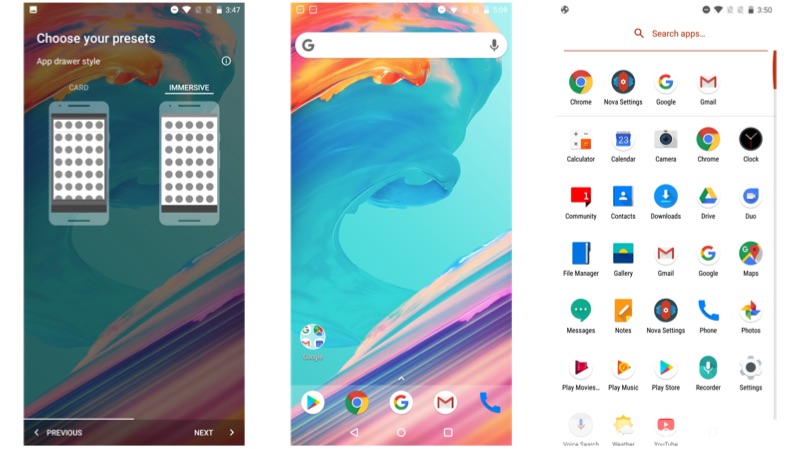
    Nova Launcher is our first pick, which offers unlimited possibilities of customisation. However, if you want to get most out of this launcher try to purchase the pro version, which will be available for Rs 99. You can choose between stock Android like UI or with a UI with no app drawer.

    Pros:

    • Ability to choose between Light or Dark theme
    • Ability to choose app drawer action to customise the style of app drawer
    • Search Bar on the top of app drawer

    Cons:

    • No gesture support in the free version
    • No option for group and hide apps in free version
    • Limited scrolling effect
    Buzz Launcher:

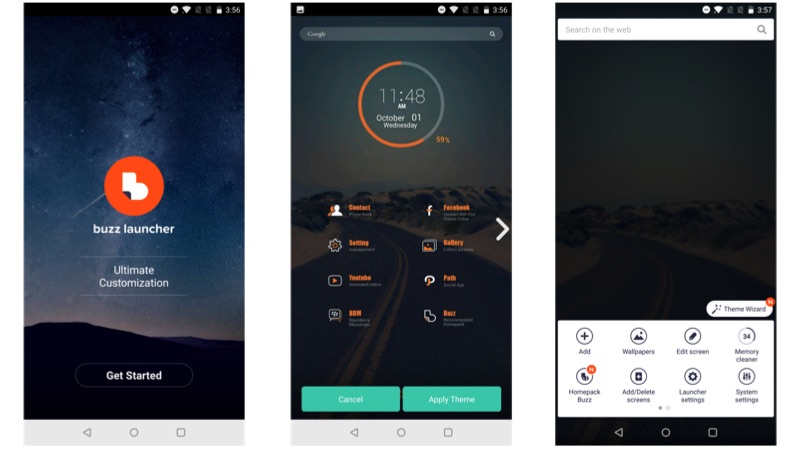
    Buzz launcher is the most different looking launcher of the lot. The UI has different elements with a new way of the organisation of apps and widgets.  In the app drawer, the apps automatically arrange themselves into a pre-defined folder, which gives a more clean look.

    Pros:

    • One of a kind user interface
    • Support for social media widgets
    • Clean UI design

    Cons:

    • Might confuse some users on the setup page
    • Ads show up as promoted apps
    • Ad-free version is not available
    Z Launcher:

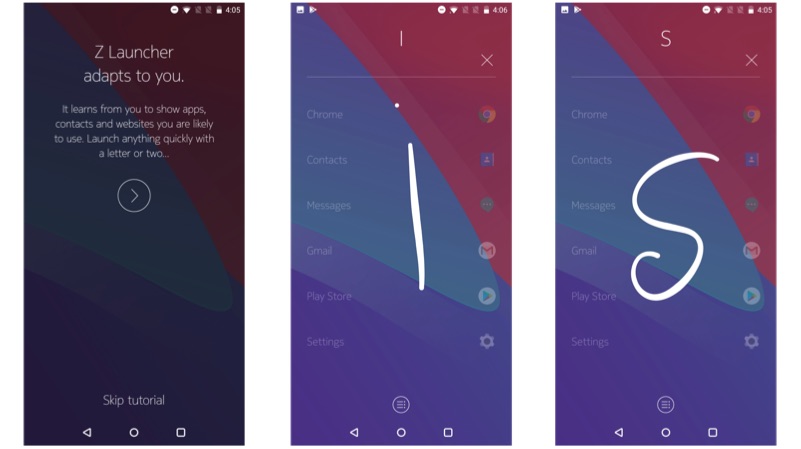
    The implementation of Z launcher is based on gesture support. The launcher looks minimalistic with easy to use user interface. The app drawer has a unique way of stacking up the apps vertically.

    Pros:

    • Easy to user interface
    • Gestures work almost all the time
    • Ability to change icon pack or theme pack

    Cons:

    • No third party theme support
    • Still in beta version
    • No support for widgets
    Microsoft launcher:

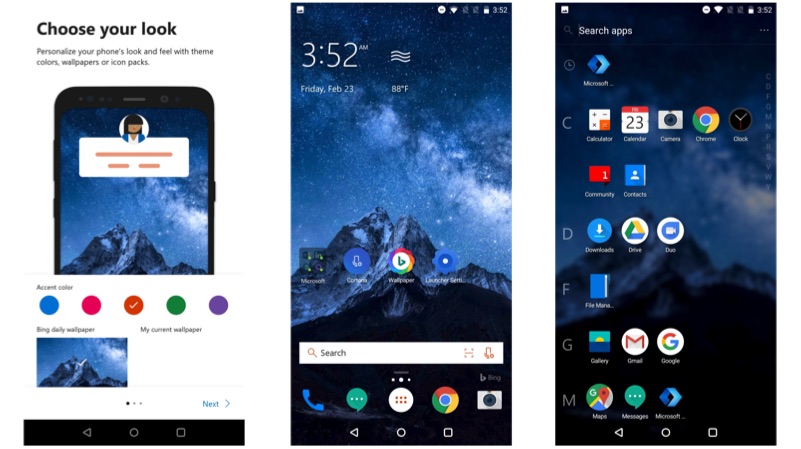
    Microsoft launcher is one of the lightest launchers that we found. It uses simplistic user interface with an overall black and orange theme. The apps in the app drawer are arranged according to alphabetic order.

    Pros:

    • Custom window with latest news information depending on the region
    • Built-in Cortana voice assistant
    • One touch wallpaper change support from Bing

    Cons:

    • No ad-free version
    • Replaces Google search with Bing
    • Requires Microsoft account for additional features
    Go Launcher Z:

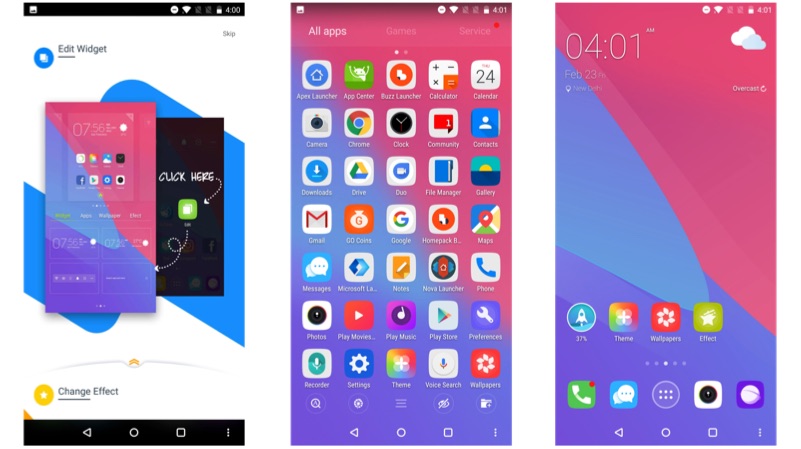
    This is a retro looking launcher with 3D style animations. The launcher comes with custom icon pack, which is customisable. The online library offers an unlimited supply of wallpapers.

    Pros:

    • Retro looking launcher
    • Customisable 3D animations
    • Support for third-party icon packs

    Cons:

    • Looks bit dated
    • Comes pre-installed with third-party apps
    • Ad-free version costs Rs 300
  • Samsung Galaxy S8 Android 8 Oreo Update Resumes

    Samsung Galaxy S8 Android 8 Oreo Update Resumes

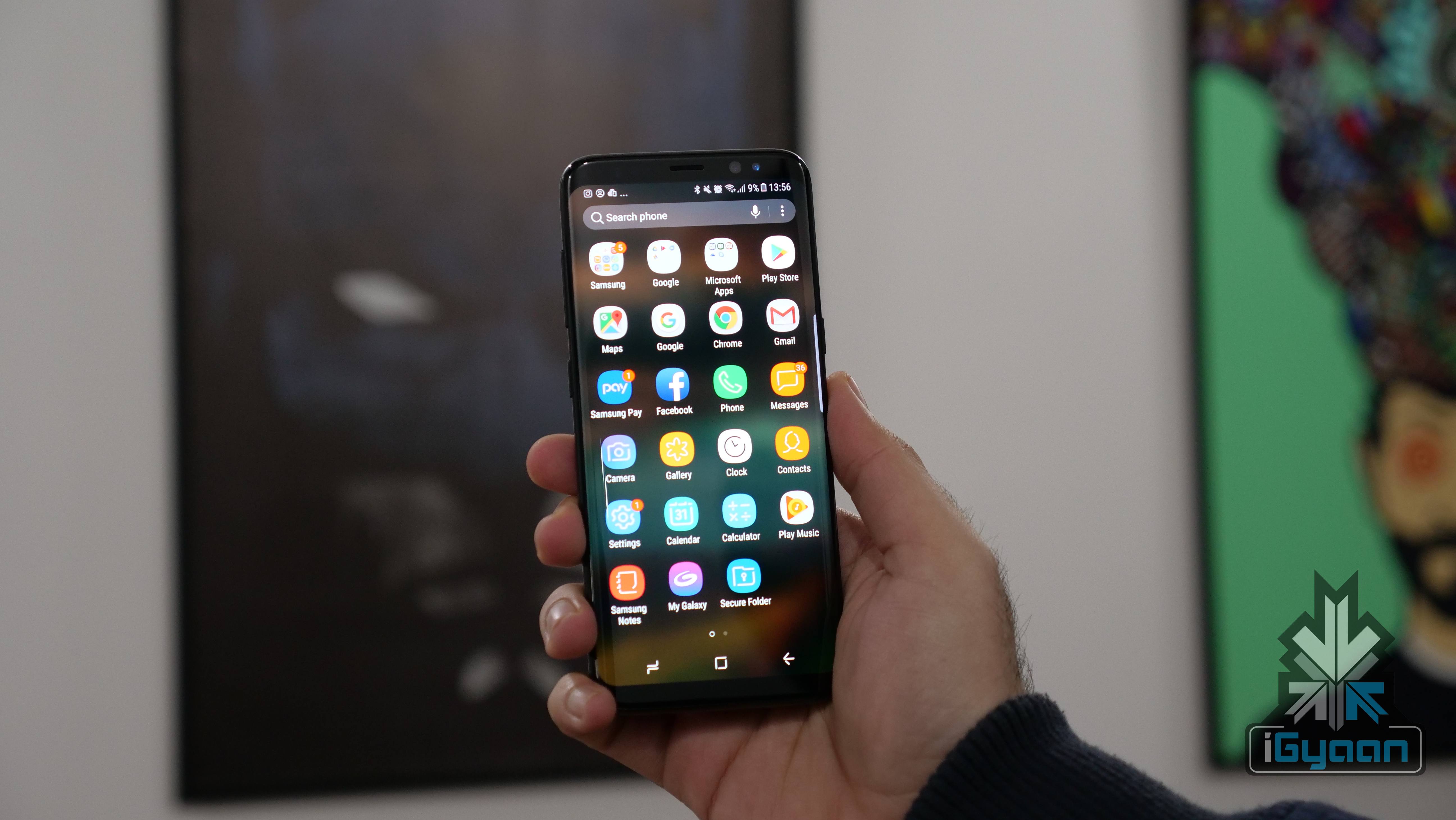
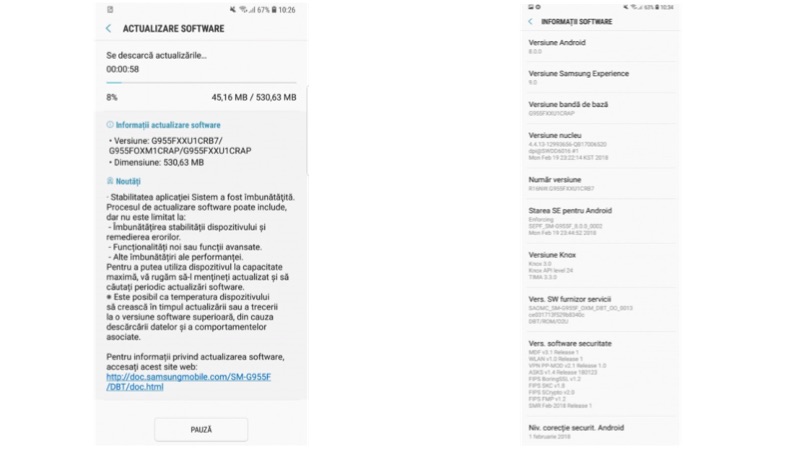
    The Samsung Galaxy S8 and the Galaxy S8+ have started receiving Android 8 Oreo update for the second time. The first update was suspended for the fact that, the smartphone after update started rebooting. With the new update, the company has issued that issue.

    The software update comes with software version G950FXXU1CRB7 for the Galaxy S8 and G955XXU1CRB7 for the Galaxy S8+. The update weighs at about 530MB for those who are on the first batch of Oreo update. However, originally, the update weighed at around 487MB. 

    Whats new in Experience 9 UI?

    The Oreo update on the Galaxy S8 and the Galaxy S8+ comes with Samsung’s new UI called Experience UI 9.0, with a new style of home page and icons. It also updates the smartphones from Android 7 Nougat to Android 8 Oreo.

    The light effect for the notifications is customisable, by taking the advantage of AMOLED screen. More customisations for the lock screen has been added, including support different clock options. However, it still misses out on the third party widget integration.

    There are additional system-level modifications enables an overall smoother UI experience. With this update, the Android App shortcuts are also included in the stock launcher.

    Specifications:

    The Galaxy S8 and the Galaxy S8+ has a 5.8-inch and a 6.2-inch QHD+ with Gorilla Glass 5 protection. Under the hood, the smartphone was powered by either Snapdragon 835 or Exynos 8895 chipset with 4GB RAM and 64GB storage. However, the company did launch a special version of S8 with 6GB RAM and 128GB storage for the Chinese market.

    These phones had a 12 MP main camera with OIS and 4K video recording capability up to 30fps. The 8 MP front-facing camera was also capable of recording video footages up to 2k resolution.

  • Top 5 Free Music Players For Android

    Top 5 Free Music Players For Android

    Music is the strongest form of magic. Listening to music cheers any soul that requires relaxation. In fact, we have multiple genres of music. Hindustani, Karnatik, Folk are originally from India, whereas Hip-Hop, Rock, Pop, and RAP belongs to western countries. Be it the 90s Jazz or the latest I am in love with the shape of you, everyone has a different taste in music.

    With the mobile data plans getting cheaper day by day, these music players not only play locally saved tracks but can stream the latest song at free of cost.

    Here are the top music players that are available for Android smartphones for free of cost.

    Hungama:

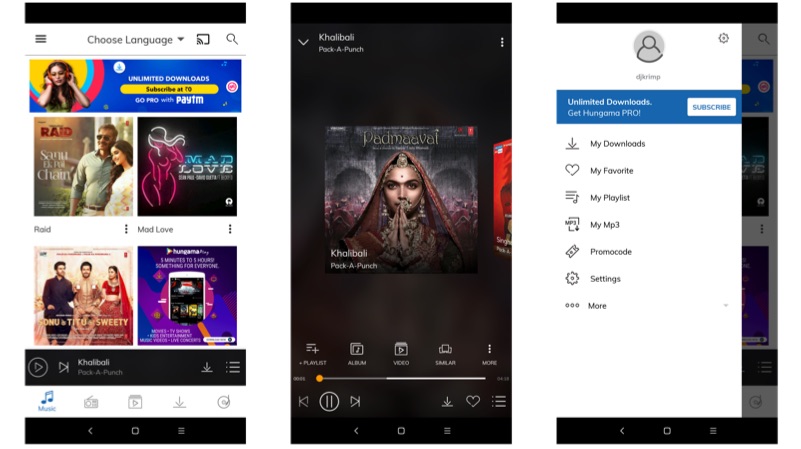
    Hungama is one of the oldest music player, that exists. The clean user interface is one of the highlights of the Hungama. One can play songs which are locally saved on the smartphone or just search for newer song altogether. The app is free to download, however, one can also choose a premium version which offers ads free user experience with the free MP3 download. In fact, this is the only app that allows the native MP3 download. The app looks a bit dated, with an unpolished user interface. The Hungama Pro plan stars at Rs. 99 per month.

    Pros: Free music streaming + offline download

    Cons: Boring user interface with annoying ads

    Gaana:

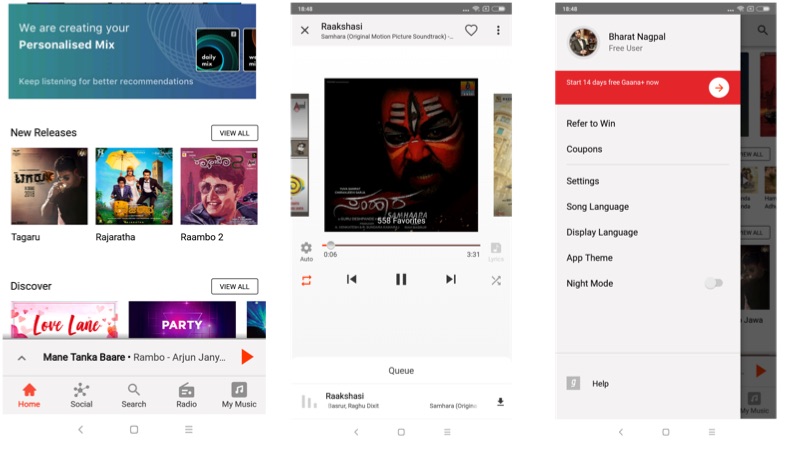
    Gaana is pretty similar to Hungama, with a few drawbacks. One can stream free music on Ganaa, but one has to subscribe to Gaana+ to save tracks offline. The app is free for download, which plays in-app ads in the free version. If we look at the UI, the Gaana looks more polished than that of the Hungama. The choice of music is unlimited, you can choose from Hollywood to Bollywood. One can experience premium Gaana Plus service for free for the first 14 days, later on, one has to pay Rs. 99 per month.

    Pros: Modern user interface

    Cons: No option for offline downloads for free

    SoundCloud:

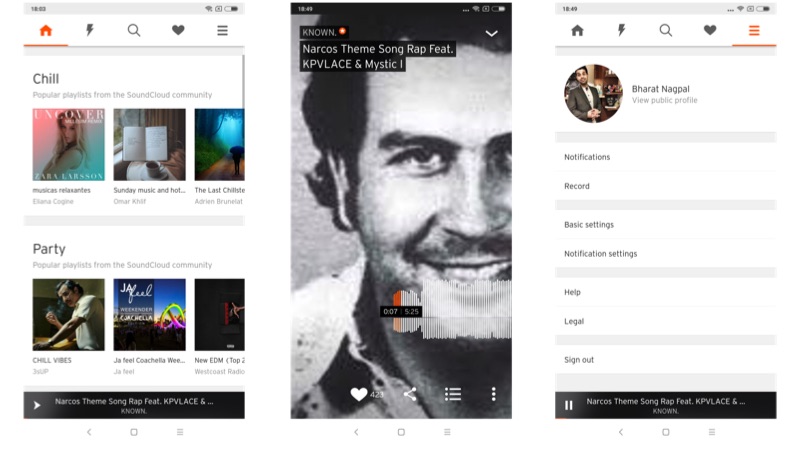
    SoundCloud is one of the most used music distribution services. The Berlin-based company provides a platform for users to create, record, or to share the originally created music or sound bits. Most of the music found on SoundCloud is created by users. It also gives a platform for the new music creators with free access to the ever-growing library. However, this app cannot play native MP3 files, which makes it a bummer.

    Pros: Brilliant UI with unique music collection

    Cons: Doesn’t support native MP3 playback

    JioMusic:

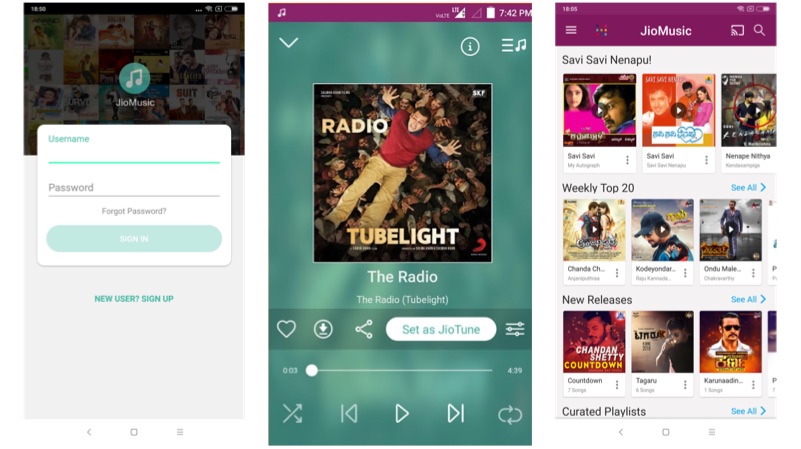
    This is one of the best free music apps for the Android platform. It offers ad-free user experience, free streaming, free offline-downloading. However, the access is limited to Jio network users. One has to have a Jio SIM card with an action plan to use this application. Using Jio Music, one can set caller tune for free of cost at a click of a button.

    Pros: Ad-free UI with extensive library of music

    Cons: Restricted to Jio network

    Wynk:

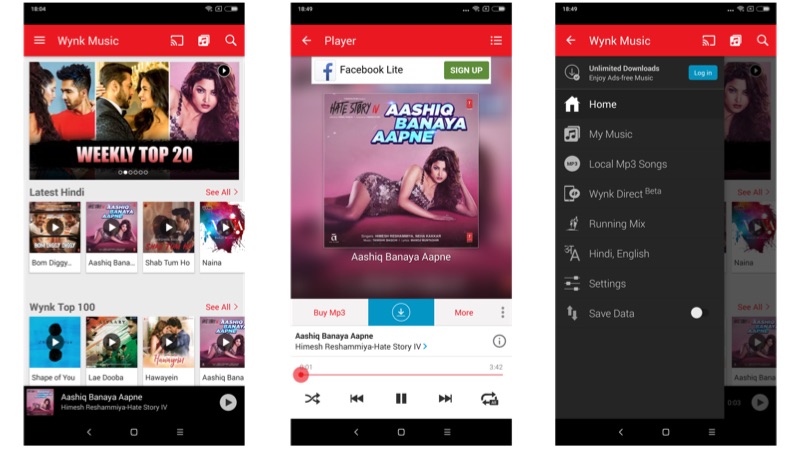
    This music service is run by Airtel. Users of Airtel network will get free access to millions of songs, but the experience is not ad-free. To get ad-free user experience, one has to make get a premium account by paying Rs.99 per month. If you are an Airtel user, then Wynk is a must-have application, which can fulfil all your music needs.

    Pros: Open to all with a privilege for Airtel users

    Cons: ads playing between the music

  • Google Has Made It Harder To Steal Images From Google Images

    Google Has Made It Harder To Steal Images From Google Images

    Google has updated its Google Image search which might have huge repercussions. The company took to Twitter to announce that it has removed the “view image” button from image search. Therefore, the company has made it difficult for people to save copyrighted images directly. The update might seem small but, it is a huge change in the grand scheme of things.

    What Has Changed?

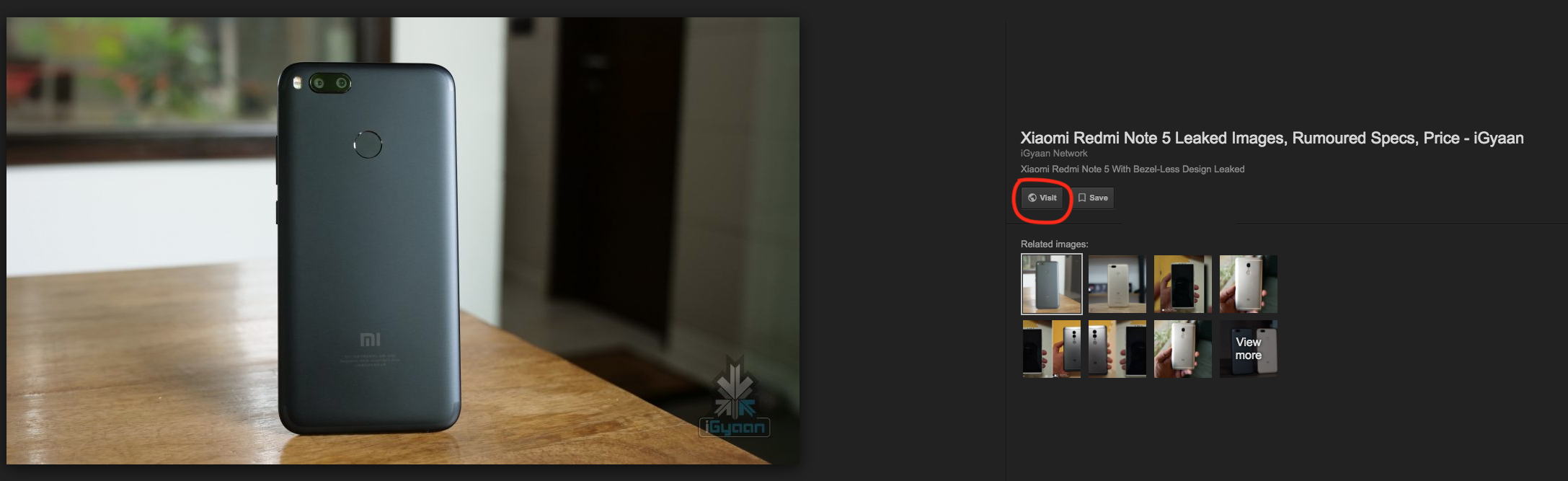
    The company has essentially eliminated the “view image” button. This button was once the direct link to a high-resolution version of the image. This was a huge concern for photographers, publishers and stock image sites for obvious reasons. As this button essentially allowed users to access the original version of the image without visiting the source site.

    Now, users will be able to visit the source site “visit” button. This means that in order to steal an image, the user will have to go to a source site which means an additional step. The timing of the move is worth noting here. In early-February, Getty Images announced a licensing partnership with Google.

    Google

    Back in 2016, Getty Images filed a complaint against Google. It accused the company of anti-competitive practices within Google Images. It said that Google was “distorting search results in favour of its own services.” Therefore, users did not have an incentive to visit source stock websites likes Getty to download the original image.

    Getting rid of the “view” button is definitely a significant move. However, whether this will curb copyright infringement or not is yet to be seen.

  • Samsung Galaxy S6 And Other 2015 Flagships To Get Android 8 Oreo Update

    Samsung Galaxy S6 And Other 2015 Flagships To Get Android 8 Oreo Update

    In a debate of Android vs iOS, Android loses out when it comes to software support. The argument holds true that slightly older Android phones do not get the kind of software support older iPhones get. Samsung appears to be changing that with its line of flagship smartphones. A day after it started rolling out Android 8 Oreo update for the Galaxy S8 and S8+, it appears that even its 2015 flagship devices will get Android 8 Oreo update.

    Now, when the smartphones will get this update is anyone’s guess as of now. The Samsung Galaxy S6, S6 edge, S6 edge+, and Galaxy Note5 will be the 2015 devices that will get the Android Oreo update. Manufacturer Development pages for these devices on T-Mobile’s official website say the carrier “and the device manufacturer have agreed to support a new software update.” This new software update will be Android 8 Oreo!

    It looks like a lot of Samsung smartphones will receive Android 8 Oreo update this year. Recently, a few users in Vietnam received the Oreo update even though there were no prior beta programs or an announcement of any sorts. That looks like an error but, it does prove that the smartphone will eventually get Android 8 Oreo update.

    A few weeks ago, a Samsung customer rep accidentally let slip that the Galaxy S6 will get Android 8 Oreo update in January or February. If true, the software update should not be far away.

  • MIUI 9 Is Coming To These 40 Xiaomi Smartphones

    MIUI 9 Is Coming To These 40 Xiaomi Smartphones

    Xiaomi has announced 40 of its smartphones, some dating back to 2012, will receive MIUI 9 update soon. MIUI 9 was officially launched in India back in November along with the Redmi Y1 and Redmi Y1 Lite.

    The list of the smartphones that can be upgraded to MIUI 9 are Xiaomi Mi Mix 2, Mi Note 3, Mi 6, Mi Max 2, Mi 5X, Mi Mix, Mi Note 2, Redmi 5, Redmi 5 Plus, Redmi Note 4X, Redmi Note 5A, Redmi 5A, Mi 5, Mi 4, Mi 3, Mi 2, Mi 5C, Mi 5s, Mi 5s Plus, Mi Max, Mi 4s, Mi 4C, Mi Note, Redmi 4X, Redmi 3S, Redmi 3X, Redmi 4A, Redmi 4 high version, Redmi Note 2, Redmi Note 3, Redmi Note 4, Redmi Pro, Mi 2S, Redmi 2, Redmi 2A, Redmi 1S, Redmi Note, Mi Pad 3, Mi Pad 2 and Mi Pad.

    One of the most noticeable aspects of this announcement is that some smartphones in the list were launched more than six years ago. In a world where new smartphones are launched with old software and two-year-old devices lose support from their OEMs, this move by Xiaomi is commendable.

    As far as MIUI 9 is concerned, here are a few key features of the new version of MIUI.

    Faster App Launching Speed

    One of the main criticisms of MIUI has been its sluggish nature and the slow speed of general usage even in the flagship devices. Keeping that in mind, Xiaomi has promised much faster app launching speeds and navigation between multiple apps will be snappier as well. Performance enhancements are always welcome and this looks to be a step in the right direction for the Chinese giant.

    Split-screen

    The split-screen feature was one of the major upgrades in Android Nougat and a plethora of phones from mid-rangers to flagships have embraced this handy little feature. Xiaomi, on the other hand, has launched it just now with MIUI 9 and it’s a welcome update.

    Under The Hood Updates

    Xiaomi has also introduced MIUI 9 with a few features that run in the background for example application prioritisation. This basically means that apps in the foreground will use up more power, but that has been on Android for a while. It also has better cache management, a new file system and a bunch of other tweaks to make the user experience crisper and snappier.

    There is no timeline defined by the company regarding the seeding of the update. For 40 devices, the seeding might be a slow process but, owners of smartphones like the Redmi 1S will not mind it.
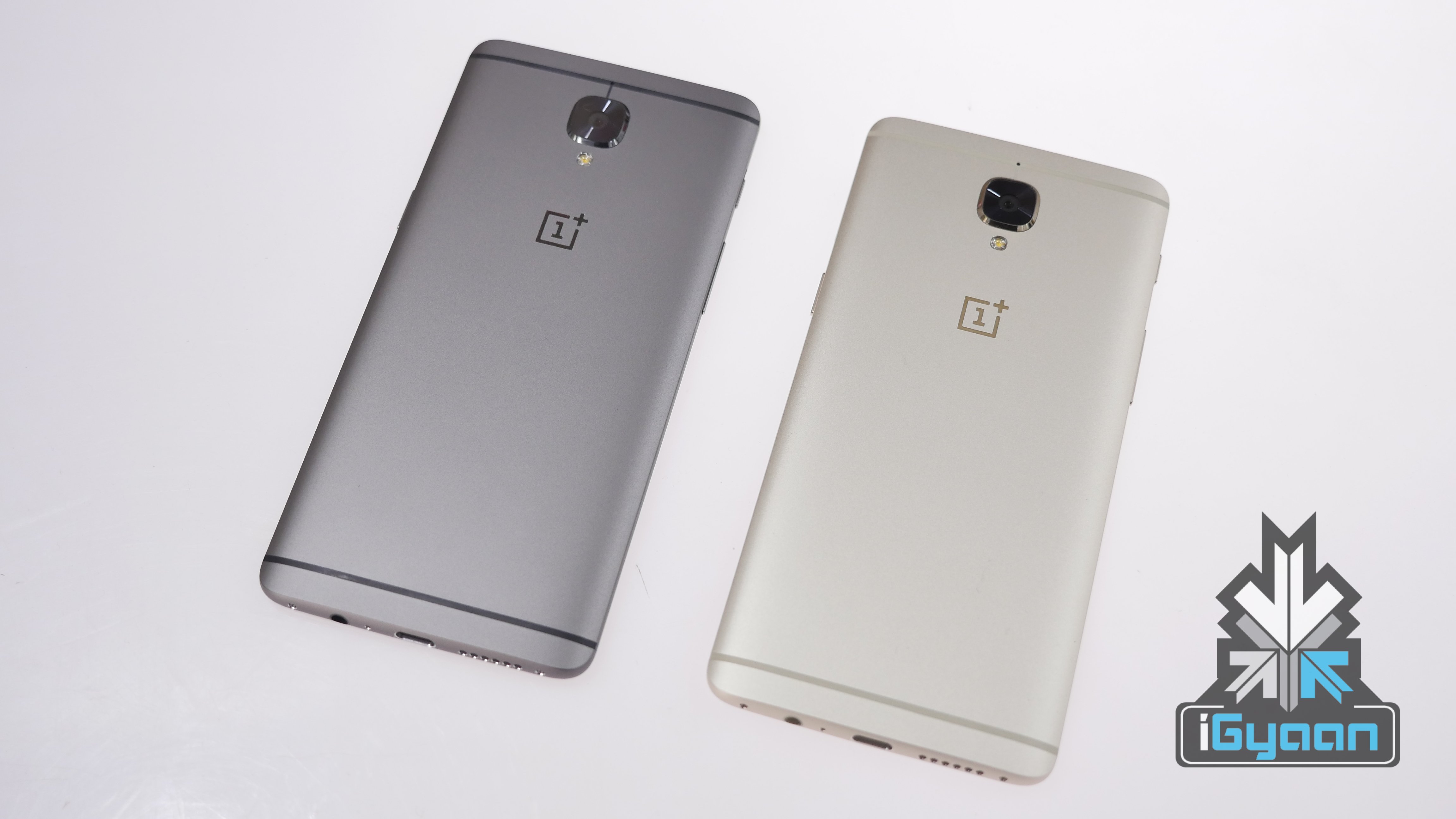
  • OnePlus 3, 3T To Get Face Unlock Feature

    OnePlus 3, 3T To Get Face Unlock Feature

    OnePlus 5T was launched back in early-November 2017 as a refreshed variant of the OnePlus 5. The OnePlus 5T has a modern design with thin bezels and a tall display and has a different camera setup at the back as well. However, OnePlus introduced another feature in the OnePlus 5T that was a first for the company, Face Unlock. Subsequently, the company announced that the OnePlus 5 would soon get Face Unlock via an OTA update and the company’s co-founder, Carl Pei asked OnePlus 3 and 3T users to voice their opinion and demand the Face unlock feature for their devices.
    https://twitter.com/getpeid/status/946428911688323072

    After a couple of weeks of putting out that tweet, Pei has confirmed that the OnePlus 3 and 3T users will get a beta version of Face Unlock via an OTA update. This is possible because OnePlus’ facial recognition is purely software-based, unlike Face ID.

    [amazon_link asins=’B0756ZFXVB’ template=’ProductAd’ store=’igyaan-21′ marketplace=’IN’ link_id=’54df3e1c-f82e-11e7-a722-d954e19208da’]

    The intention behind face Unlock on the OnePlus 5T was the convenience, since the fingerprint sensor was moved to the back. Face Unlock is an easier way to unlock your smartphone, however, it is not as secure as other facial recognition systems such as Apple’s. OnePlus conceded this after Face Unlock received great reviews for incredibly fast and accurate and ideal lighting conditions, that this system can not be used for bank transactions or storing data.

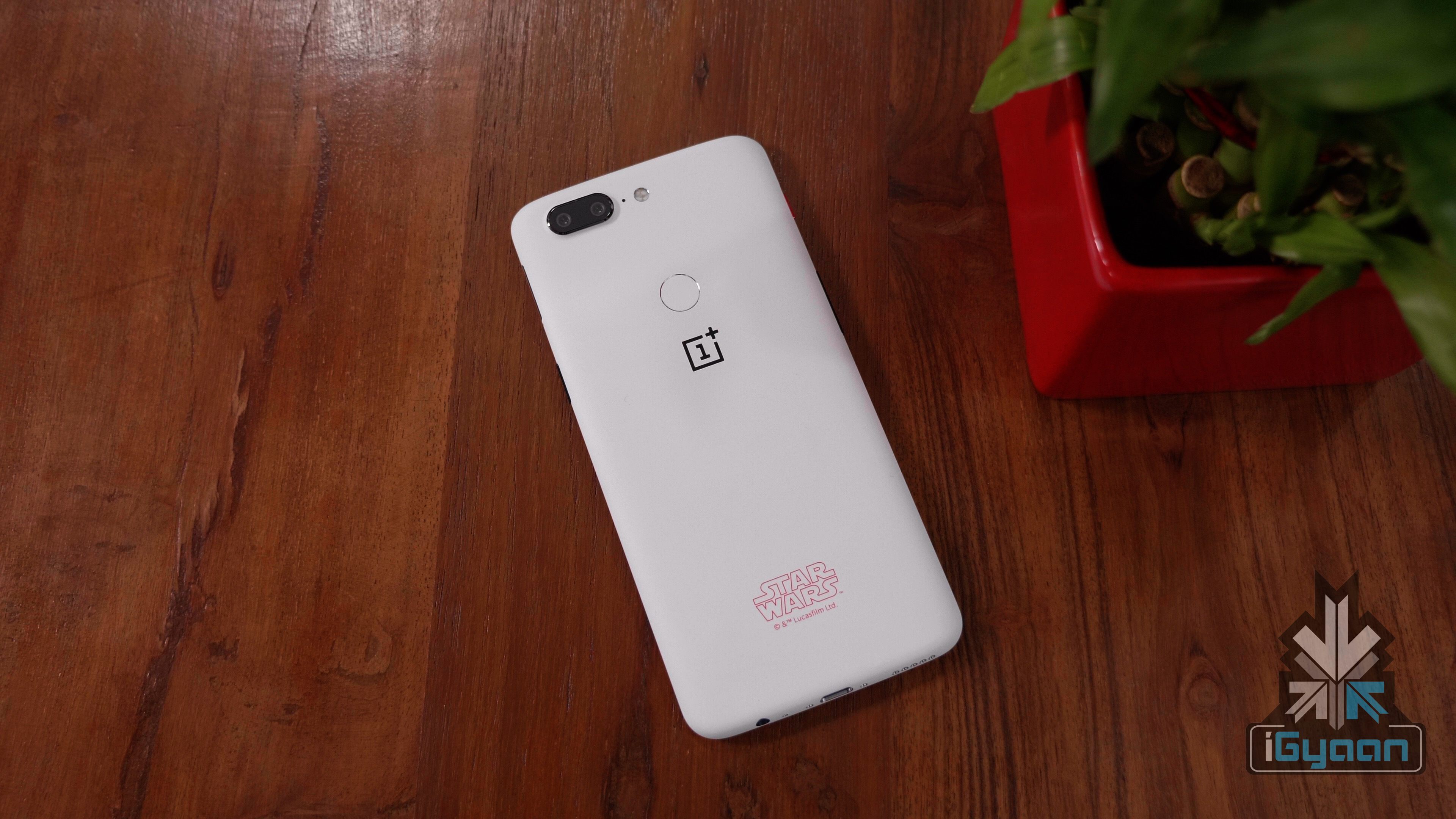
    OnePlus 5T

    OnePlus is not the only company to come up with its facial recognition system, Huawei unveiled its own technology and even claimed that it is faster and more accurate than Face ID while being secure enough for bank transactions. Samsung has been implemented iris scanning on its smartphone for some time now, and there are reports that the upcoming Samsung Galaxy S9 and S9+ will be even more accurate.

iGyaan Network
Privacy Overview

This website uses cookies so that we can provide you with the best user experience possible. Cookie information is stored in your browser and performs functions such as recognising you when you return to our website and helping our team to understand which sections of the website you find most interesting and useful.