Category: Tech

Latest Technology News, Alternative, Bio-Tech, Medical, R&D and Innovations

  • Apple Faces Flak for Apple Watch’s Terrible Battery Life

    Apple Faces Flak for Apple Watch’s Terrible Battery Life

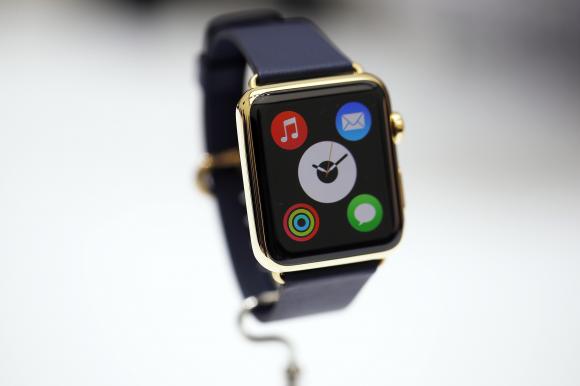
    Apple may have announced the Apple Watch but there are still very limited details about the smartwatch available. We’re still uncertain about when it might be available. And obviously, one of the biggest concerns is its battery life. Smartwatches are judged on the bases of their battery life; no one needs another device that needs constant recharge. It seems Apple Watch is no different.

    9to5Mac reported, the iPhone maker is having trouble achieving the target battery life for the Apple Watch. Apple has aimed for its upcoming smartwatch to last a full day on a single battery charge, but the reality may fall short of the goal.

    According to the report, Watch’s beefy processor and high quality screen hogs in the battery juice really fast, severely impacting the battery life of the smart watch.  It might only last 2.5 to 5 hours of battery life on active use.

    Apple watch Features Design 18

    The company hoping to achieve its goal of three days on standby mode and four days in sleep mode. But the wearable device may last only two to three days in either standby or low-power mode, according to 9to5Mac. The Apple Watch was expected to change the scenario of poor battery life of smartwatches. However,  the Apple Watch’s battery life doesn’t sound much better than already-available smartwatches.

    The battery life has remained a source of concern for Apple over the past year, and was a contributing factor for Apple pushing back the retail launch from an originally planned late 2014 to early 2015.

    The company has now set a March shipping date for the smartwatch. The Apple Watch will be priced at $349 and will be available by early 2015. It will come in three variations – Apple Watch, Apple Watch Sport and the Apple Watch Edition. The wearable will be compatible with iPhone 5, 5S, 5C, 6 and 6 Plus.

  • 10 Useful Things To Do With Your Old Laptop

    10 Useful Things To Do With Your Old Laptop

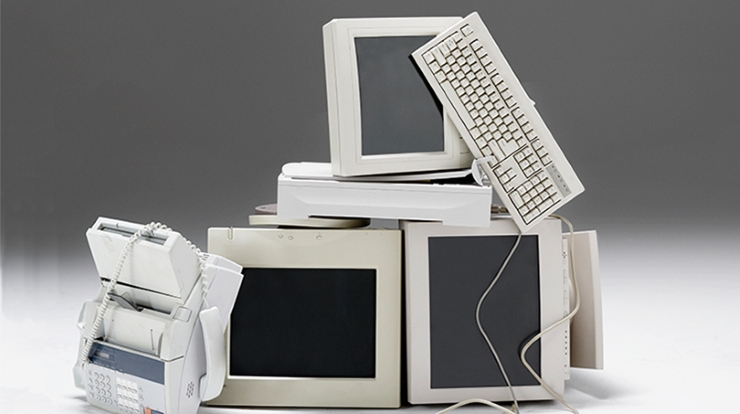
    Despite everyone’s assumptions, the geek inside you is not always privy to the latest and greatest technology. If you’re stuck with an old, slow, crappy computer, there are a few things you can do to make the best of a bad situation. Whether it’s a desktop computer or a laptop, whether or not it’s broken, and no matter how old it is, it can still be useful to you.

    1. Sell The Working Parts
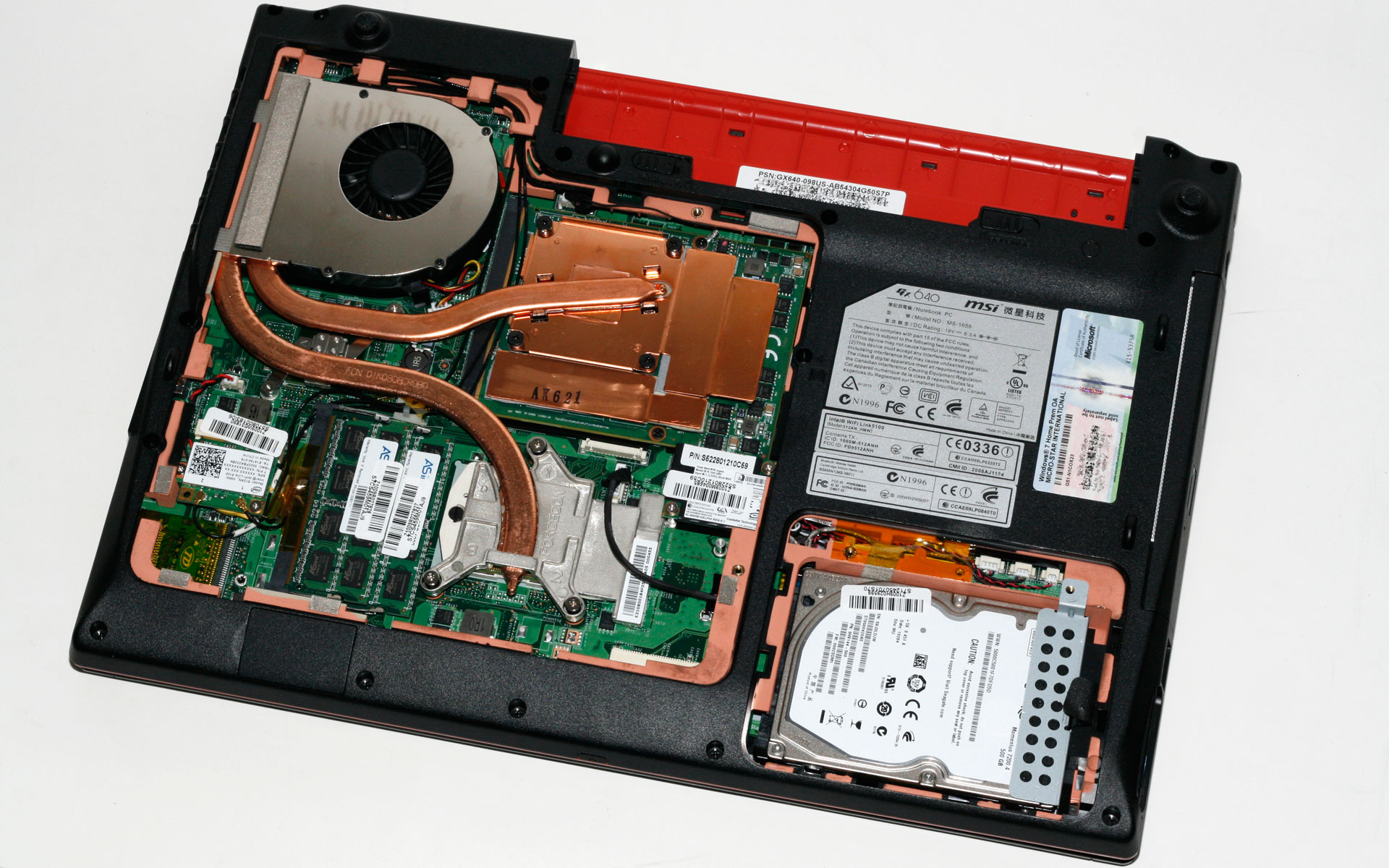
    internal laptop

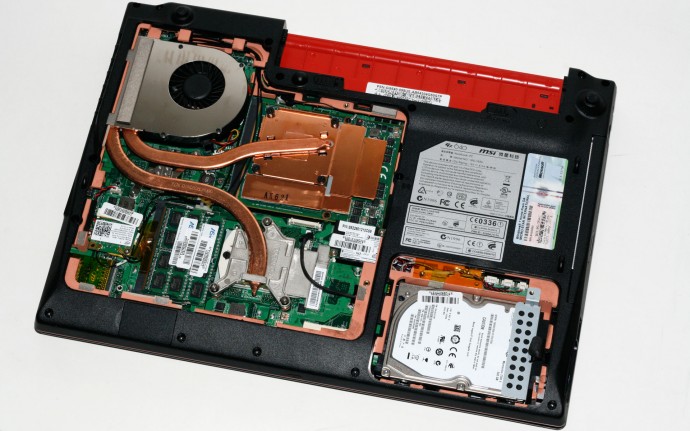
    You can dismantle your entire broken computer or laptop and sell the working parts online. Hard drive, RAM, A/C adapters, motherboards, graphics and audio cards, and even an intact case will get you some cash. It might not make your old laptop useful, but you may be able to save up some extra money to buy those cool headphones you’ve been eyeing for months.

    2. Install a Light Weight Operating System

    archbang

    If nothing seems to workout, one of the best things you can do is install a new operating system altogether. It’ll definitely shake up your workflow, but with enough commitment, you can use one of the many Linux-based OS to give your computer a major speed boost. If you are already familiar with Linux, we will recommend ArchBang, otherwise Ubuntu or Chrome OS might work well for you.

    3. Turn it into a Wi-Fi Hotspot

    LibrarySymbolLaptop-WifiBl

    Well, this one of the best things you can do with your old laptop. Turn your laptop into a hotspot for sharing an Internet connection via Wi-Fi. There is a step-by-step guide on Windows XP or 7 and there is also the option of using 3rd party software. Specifically, Connectify. If you’ve already got a router with Wi-Fi, run Ethernet on the laptop and with Connectify you can create a secondary network using the same Internet connection.

    4. Use it as a Digital Photoframe
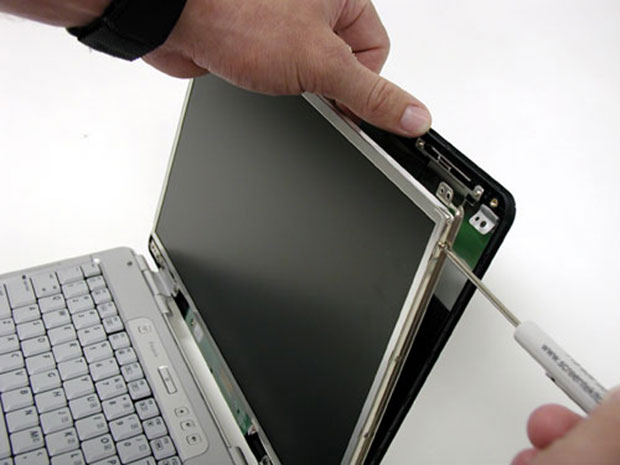
    laptop-screen

    If your laptop’s screen is fine, you can use it to build a cheap digital photo frame. With a working wireless connection you could even make it show your latest photos. There are loads of DIY instructions available online. So, go ahead and experiment.

    5. Create an External Hard Drive
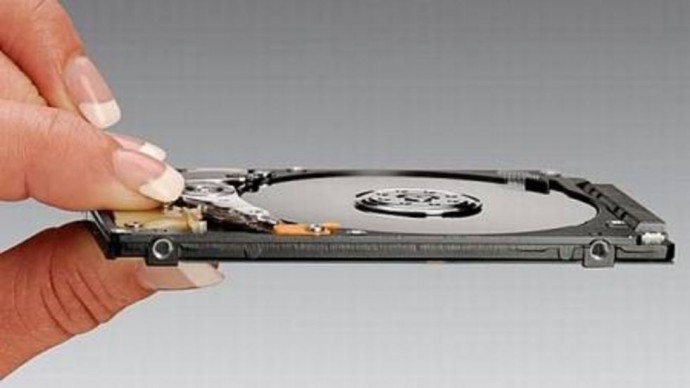
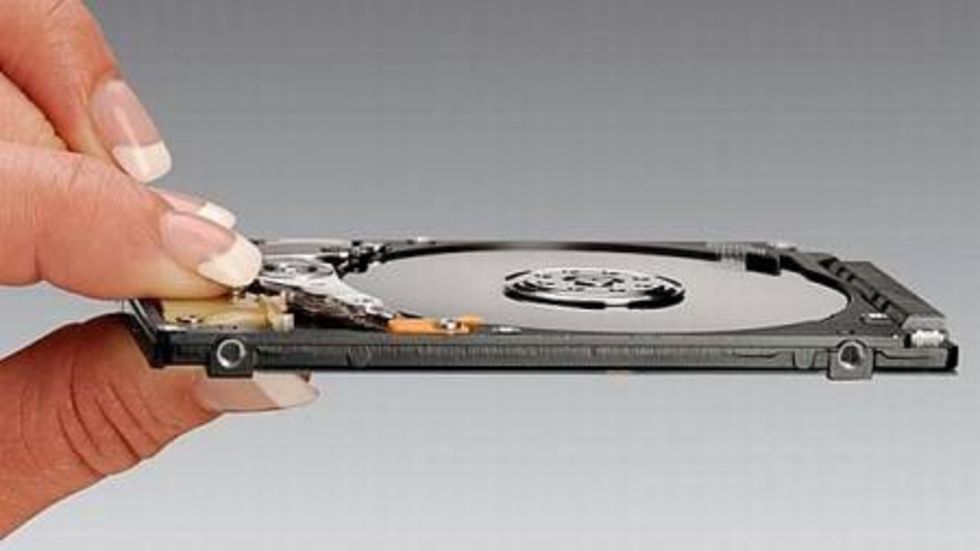
    hard disk

    If parts of your laptop or desktop computer hardware are broken, you can salvage the working parts. So if the hard drive is still working, you can dismount it and transform it into an external and portable hard drive for your new computer. You’ll have to invest in a USB caddy, which can be bought online easily.

    6. Use it as a back-up machine

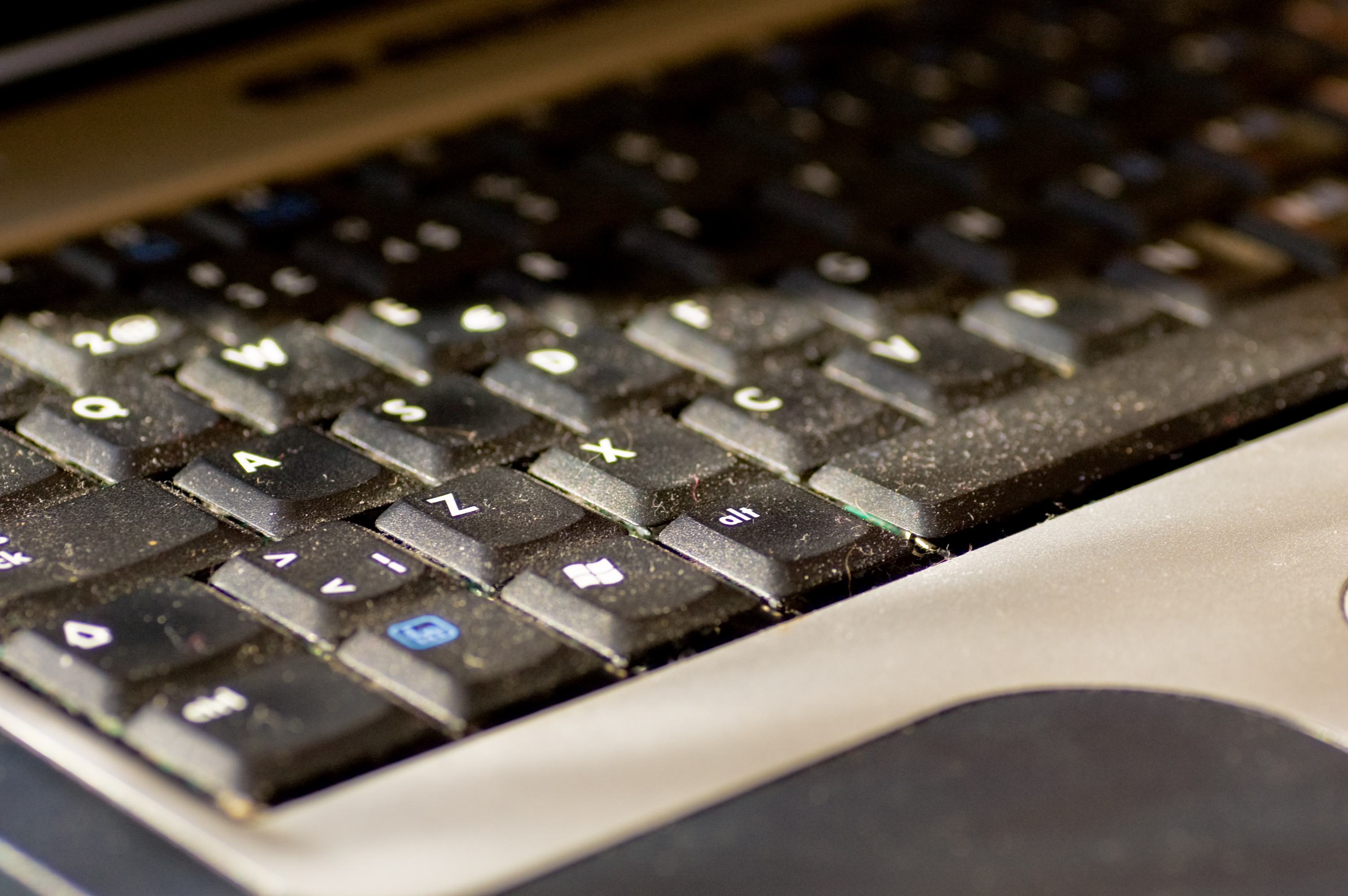
    Dusty keyboard

    Lets face it, in this digital world we are struggling with information overload. The floods of gigabytes have taken over our lives, be it professional or personal. This is where your old laptop can be useful for you. Use it as a back-up machine where you can save your photos, documents and video.

    7. Home server for file sharing
    freenas

    Heard about network attached storage? It is like a server for your home or small business network, used for storing files that you share with all the PCs on a particular network. If you’ve got an old PC with lots of storage drive space, you don’t need to buy a NAS, you can make one. FreeNAS is a software program for doing just that, and it’s then accessible by any OS on your network. FreeNAS will also stream media to mobile Operating Systems like iOS and Android and you can even control the user access.

    8. Turn it into a guitar amp
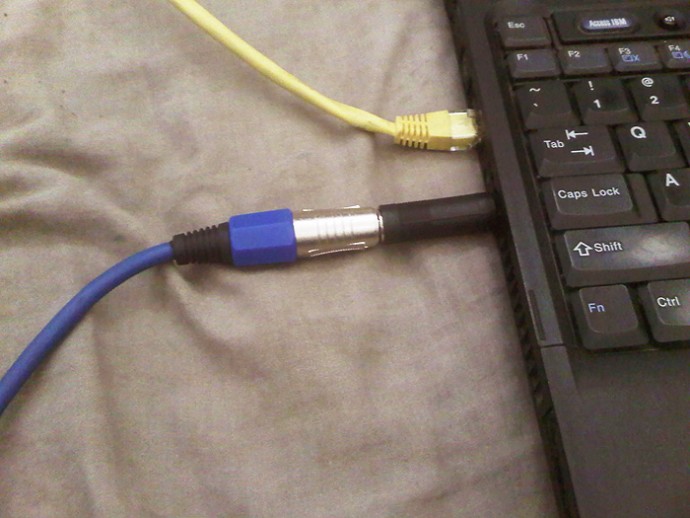
    laptop-ready

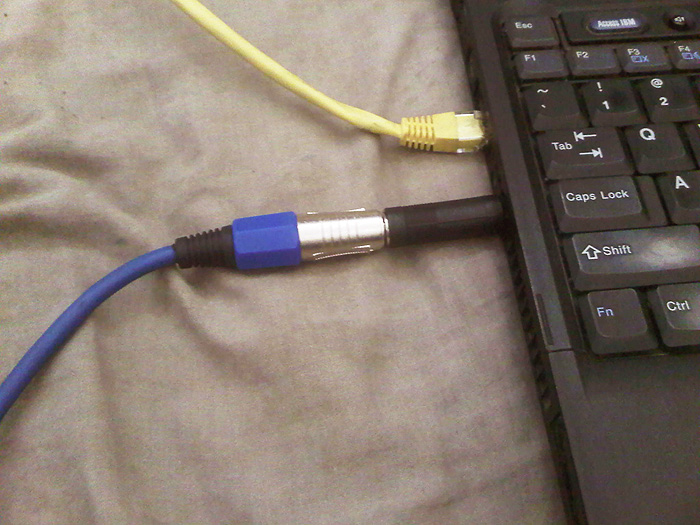
    You can turn your laptop into a guitar-ripping audio workstation. Using an older laptop that might not have the fastest processor will work for basic MIDI programming by connecting an audio interface and controlling a virtual amp.

    9. Home Surveillance

    ispymg

    If that laptop has an integrated webcam (most of them do), you can put it for a good use. Reinstall Windows XP or higher and grab a copy of iSpy. Use it to monitor the house, employees, babysitters, kids, pets, and more. You can covertly or overtly watch the goings-on via a Web page or apps on iOS and Android.

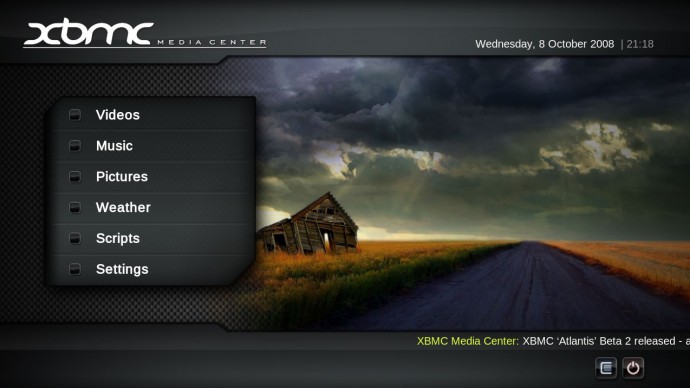
    10. Turn it into a Media station
    XBMC-Media-Center_1

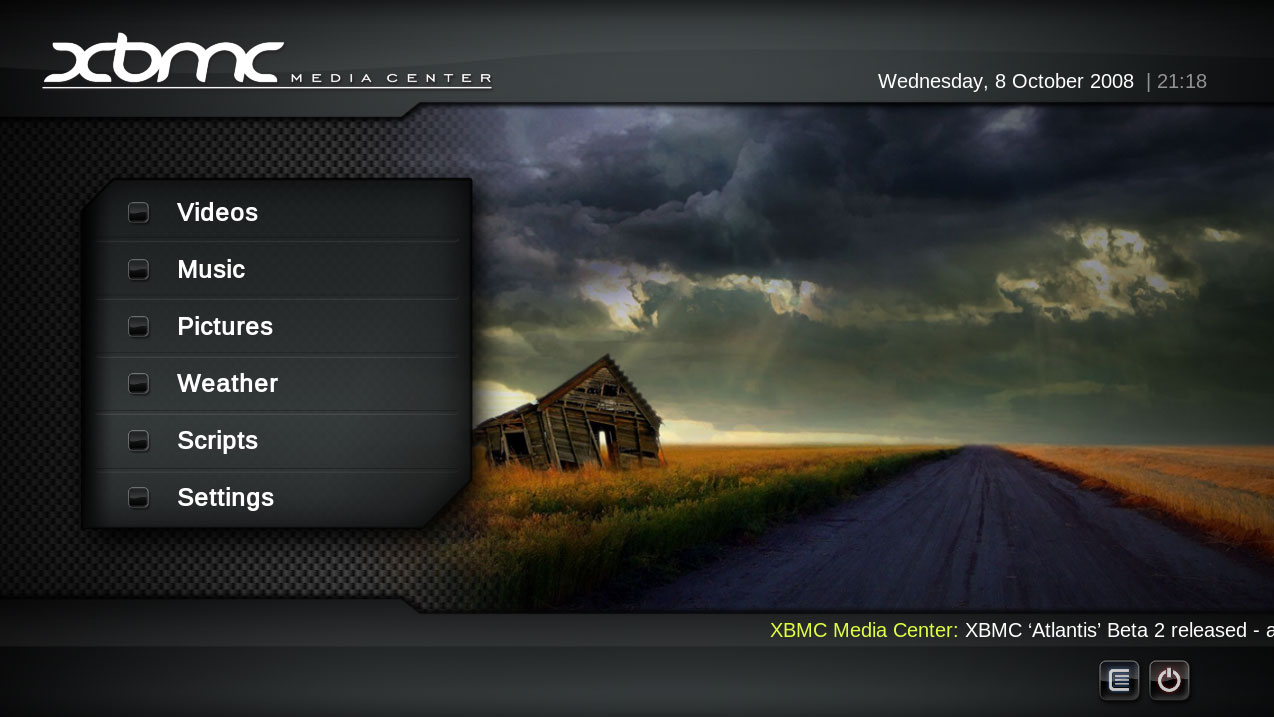
    Load all your music and videos onto this computer, if necessary, supply it with an external hard drive. You can now set up your favorite media player, listen to Last.fm, install a TV tuner card, record movies, record music from radio stations, download MP3s, stream music throughout the house using wireless speakers etc.
  • The Five Most Blatant iPhone Knock-Offs

    The Five Most Blatant iPhone Knock-Offs

    Whether we like or not, a few things that Apple has a knack of doing other rivals simply do not. Especially when it comes to design where its attention to detail is just impeccable. There is no denying there are some gorgeous looking Android phones in the market, but none of them can match up to the benchmarks set by Apple.
    Needless to mention, iPhones are one of the best smartphones ever manufactured. Every iPhone launch leaves us in awe that creates a strong desire to own an iPhone. But most of us are not willing to spend our entire hard earned savings to own this beauty.

    Hence, a lot of manufacturers have cashed in on this void by creating iPhone rip-offs. Well, it’s not a bad thing to take inspiration from one of the best phones in the world, of course, we’re not sure if Apple feels that way. Here are some of the recent iPhone knock-offs:

    1. Lenovo Sisely S90

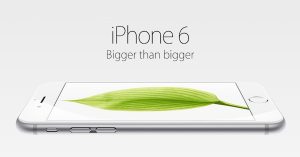
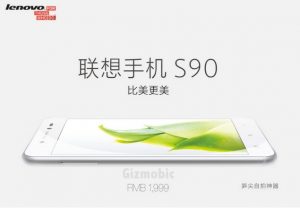
    Lenovo launched an iPhone 6 look-alike in a relatively sneaky way dubbed as the Lenovo Sisely S90. Barring similar looks, Lenovo took it to another level as its promotional images were also uncannily similar to that of the iPhone 6. The 5 inch phone has the exact same dimensions as the iPhone 6 with a thickness of 6.9mm and weight of 129g.

    2. Samsung Galaxy Alpha

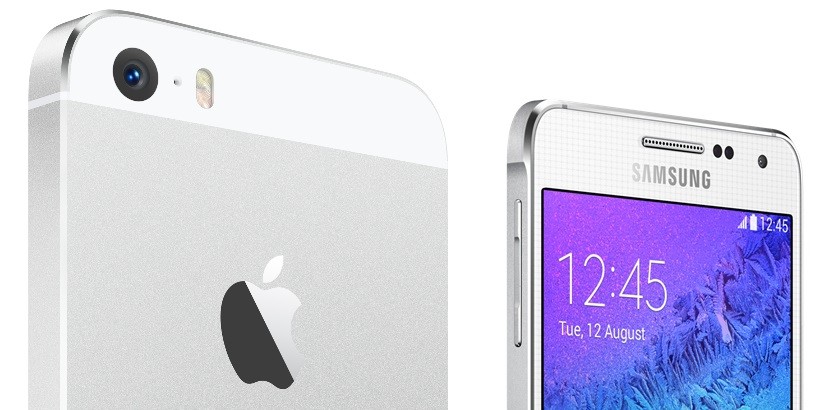
    There’s something deceptively familiar about Samsung’s Galaxy Alpha. It’s the company’s first attempt at using metal in its smartphones that annoyingly looks like an iPhone, including the 4.7 inch screen size and the rounded edges. So much for innovation and design.

    img6


    3. Micromax Canvas Win 121

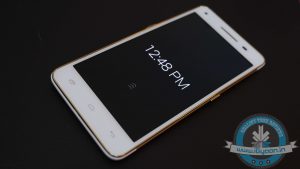
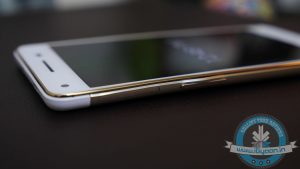
    The Canvas 4 Plus will make headlines of its own. However, it may be the iPhone 6 plus’ bendgate that influences this one. It has a similar slim form factor, rounded edges and was also bendable.

    In our unboxing of the phone, just because the phone looks so similar to an iPhone, we lightly attempted a bend test and it bent out of shape which led to some awkward moments in our test lab.

    3. Huawei Honor 6

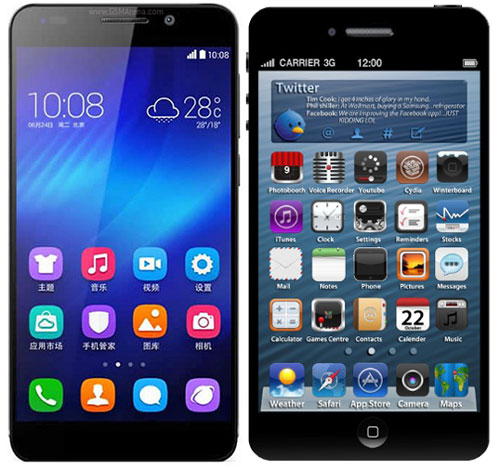
    The Honor 6 also has striking similarities in terms of its design and form factor. It has similar looking bezels above and on the screen while it also comes in deceptively similar colours to the iPhone. The main difference being the lack of a home button.

    siphone rip-offs

    4. Huawei Ascend P7

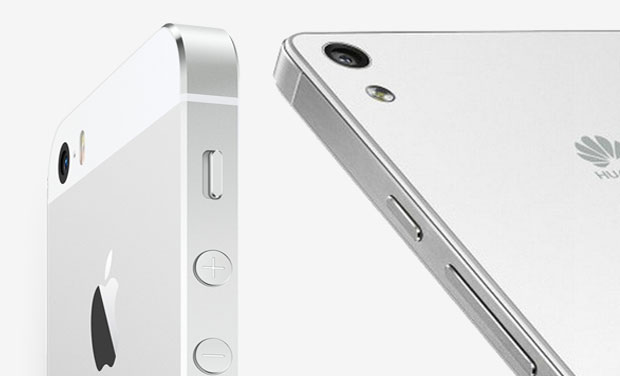
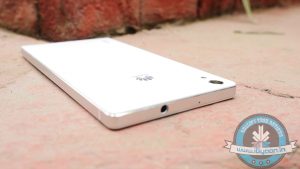
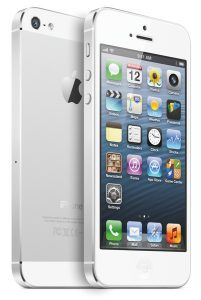
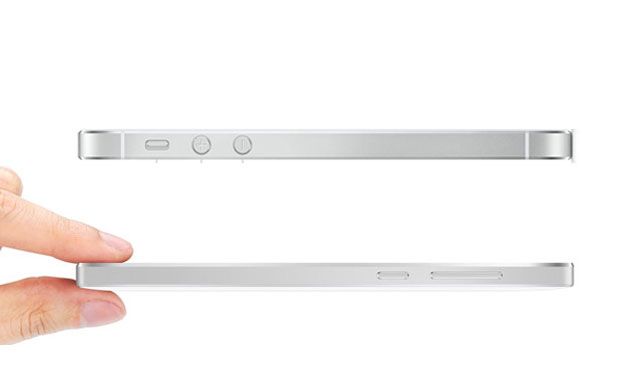
    The Ascend P7 is probably the only phone that manages to give that uber iPhone feel. It is reminiscent of the iPhone 5s, with the same flat rounded rectangular form factor. The sides and top of the phone are also garnered with premium anodized aluminium band just like the iPhone.

    Apart from looks, the Ascend P7 has also taken a few obvious cues from iOS. The P7 features no app grid. Instead, it has an iOS style setup where icons for every app are spread across multiple home screens.

    It’s probabaly the best manifestation of an iPhone, though we’re not sure what Apple would think of that.

    4. Lava Iris X1

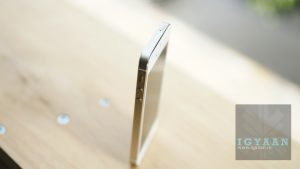
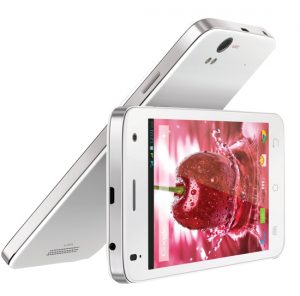
    Lava Iris X1 has the looks of an iPhone 4S with the same button and camera layouts along with slightly rounded edges. Hats off to Lava, this is a proper iPhone 4S rip-off but obviously you won’t be getting that Apple experience.

    5. Xiaomi Mi4

    The Chinese manufacturer has heavily borrowed features from Apple and has come out with a relatively worthy clone. Barring the phone’s back panel, everything about the phone from the stainless steel band covering the edges along with the glass covering the front resembles the iPhone.

    Xiaomi-Mi4
    Apart from the above-mentioned iPhone look-alikes, there are a couple of other devices which are awfully similar to the iPhone. So, if it’s the design of the iPhone that invigorates you, then maybe some of these options may be worth your money. But obviously it’s not going to get you that authentic Apple experience (no, even installing a launcher won’t help). Alas, what the Cupertino giant says is apparently true — “If you don’t have an iPhone, well you don’t have an iPhone”.

    What’s your favourite iPhone Knock-Off, do let us know in the comments section below.

  • Lollipop Out for Moto G (1st and 2nd Gen) Users in India

    Lollipop Out for Moto G (1st and 2nd Gen) Users in India

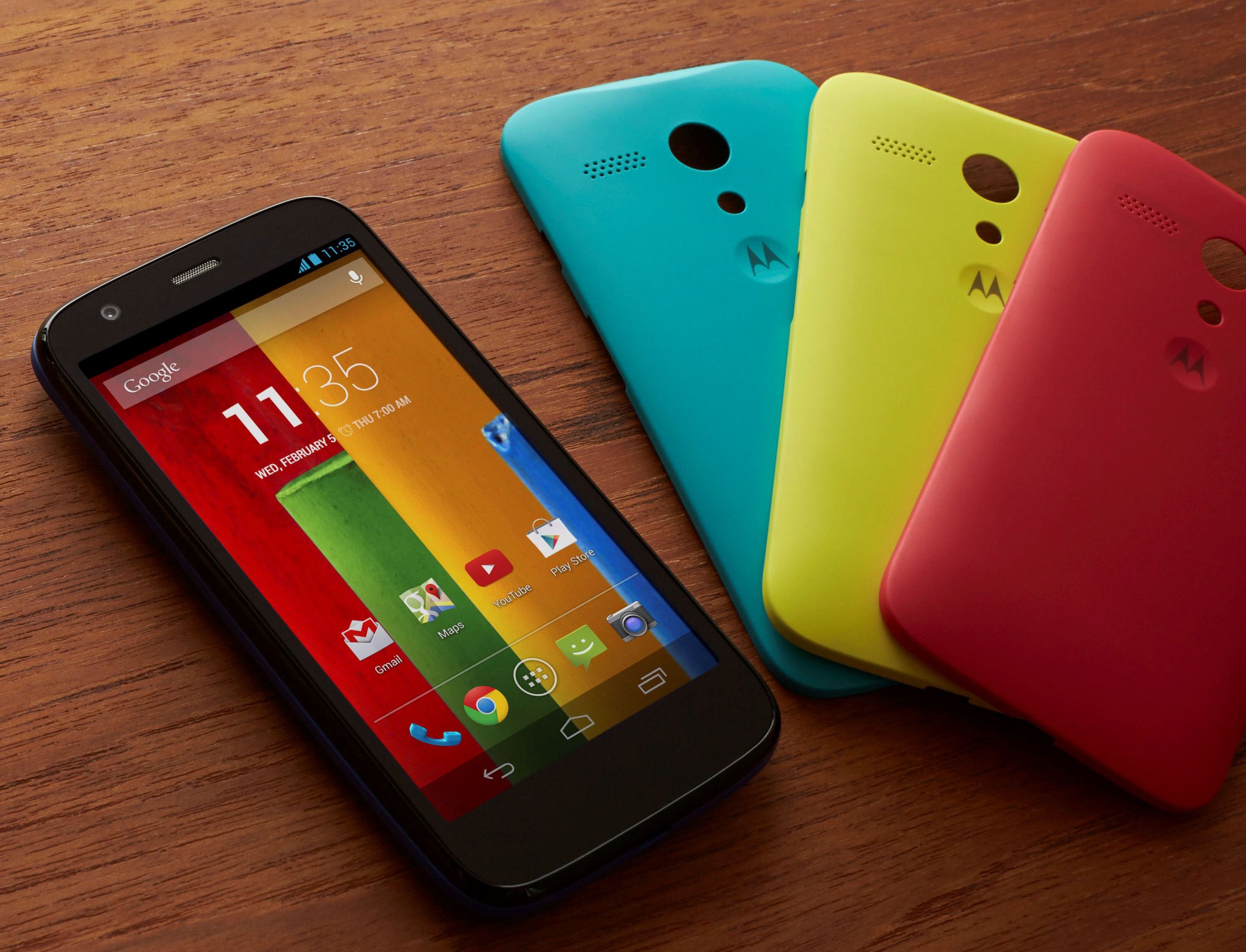
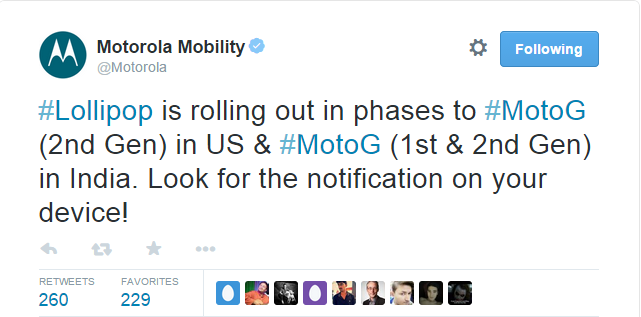
    Earlier today, Motorola announced that it has started rolling out Android 5.0 Lollipop for Moto G and Moto G (Gen 2) devices in India. The update is also out for the Moto G (2nd Gen) users in the US.

    The company stated that the OTA update is releasing in phases and users can look for it on their devices. Meanwhile, some of you may not find it instantly, and it may take a day or two.

    moto lollipop

    With added fluidity through UI of the new Lollipop, users will now experience improved natural touch screen interactions. Besides that, the new Android update lets you have a look at the notifications on the lock screen itself and facilitates dismissing them without unlocking it. In all, it offers users a pure, bloatware-free and seamless Android experience.

    To check for an update on your device, go to Settings > About Phone > System Updates. Download the same, and once it’s done, you’ll feel like you’re holding a completely different device in your hand.

    Motorola is one of the best companies out there in terms of timely updates. The devices launched by the company get proactive support from the enterprise. So, if you are a Motorola owner, the wait for your Lollipop will shortly come to an end.

  • Microsoft Announces “The Next Chapter of Office”, Due Later This Year

    Microsoft Announces “The Next Chapter of Office”, Due Later This Year

    Amongst all the chatter regarding the Windows 10 event, Microsoft announced yesterday that it will be releasing its next big Office suite this year.

    Called the Office 2016, it will be generally released in the second half of this year. The company didn’t announce much more about Office 2016 , however, it is not hard to guess what to expect, given the history of the product.

    Microsoft has been focusing more and more on optimizing Office for mobile, but Office 2016 will be best for desktop computers. The platform will include “compelling new experiences” that will be highlighted more in the coming months. So for now, details remain vague.

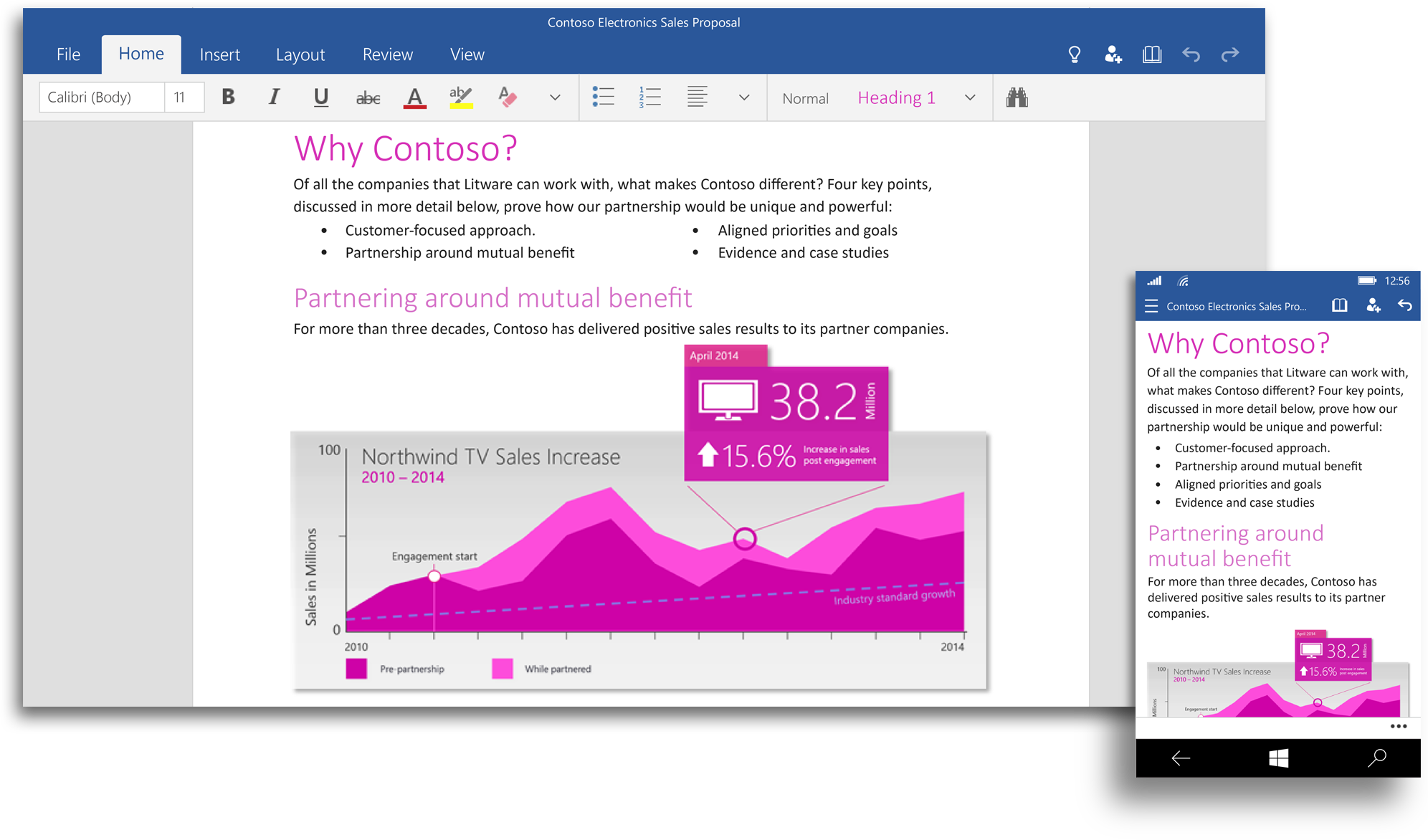
    office 2016Microsoft is also building a set of Office apps for Windows, designed to accept touch input, the company calls it “Office for Windows 10.” Office for Windows 10 offers touch-optimized versions of Word, Excel, PowerPoint, OneNote and Outlook that work great on small screen devices like your phone and tablet, as well as with the Microsoft’s giant Surface Hub.

    However, Office 2016 will be different from the unified Office for Windows 10. According to the company, the Office 2016 will remain the comprehensive Office experience we’re long familiar with, best suited for a PC with a keyboard and a mouse.

    The touch optimized Office apps will be pre-installed for free on phones and small tablets running Windows 10 and available to download from the Windows Store for other devices. The Office universal apps will be available with the Windows 10 Technical Preview in the coming weeks and general availability is on the cards for later this year.

    Watch below for the preview of Office for Windows 10:

  • Get WhatSIM to Use WhatsApp Anywhere in the World Without the Internet

    Get WhatSIM to Use WhatsApp Anywhere in the World Without the Internet

    WhatsApp has all but replaced SMS. The service has gained a massive following and has about 700 million monthly users. The hitch with the service is that you always need the internet to stay connected with your contacts. But a new SIM called WhatSIM will let you access WhatsApp anywhere in the world without the need of the internet.

    Sounds too good to be true? Well, this is for real. WhatSIM has been invented by Manuel Zanella, who is also the founder of ZeroMobile, Italy’s first Global Mobile Operator for low-cost roaming. The company offers the SIM for a price of €10 with an additional €5 shipping charge. Once purchased, the SIM can be used for an entire year without any subscription fee.

    WhatSIM finds the best network in the region and automatically shifts to it thus giving you non stop connectivity to whatsapp.
    WhatSIM finds the best network in the region and automatically shifts to it thus giving you non stop connectivity to WhatsApp.

    The company claims that WhatSIM can be used anywhere in the world as it connects to the provider with the best coverage and signal wherever you are. If you change your position, it automatically searches for a new provider. If a better one is available, it connects by itself without you even noticing.

    The service only takes care of texts. For other features such as videos, images, audio, etc, you would need to buy credits. These credits start from €5. You will require 150 credits to send photos, 600 credits to send videos and 30 credits to send voice texts. The recharge will begin February 26. So if you are a globetrotter or simply living in a land with awful internet connectivity, then WhatSIM may be a good option for you.

  • HTC Will Reportedly Bring Out a Plus Variant of One M9 With a Fingerprint Scanner

    HTC Will Reportedly Bring Out a Plus Variant of One M9 With a Fingerprint Scanner

    Mobile World Conference (MWC) is fast approaching with the promise of new and exciting flagships. Rumour mill is working fast to give us all the hints we want about the devices we are excited about. Just recently we saw some images of alleged the upcoming HTC One (M9) flagship.

    Now, another variant of HTC’s popular flagship has surfaced on the internet. Leakster Leaksfly claims that the the device will be named HTC One M9 Plus and will feature a slightly different design as well as come with a few extra features than the regular HTC One M9 flagship.

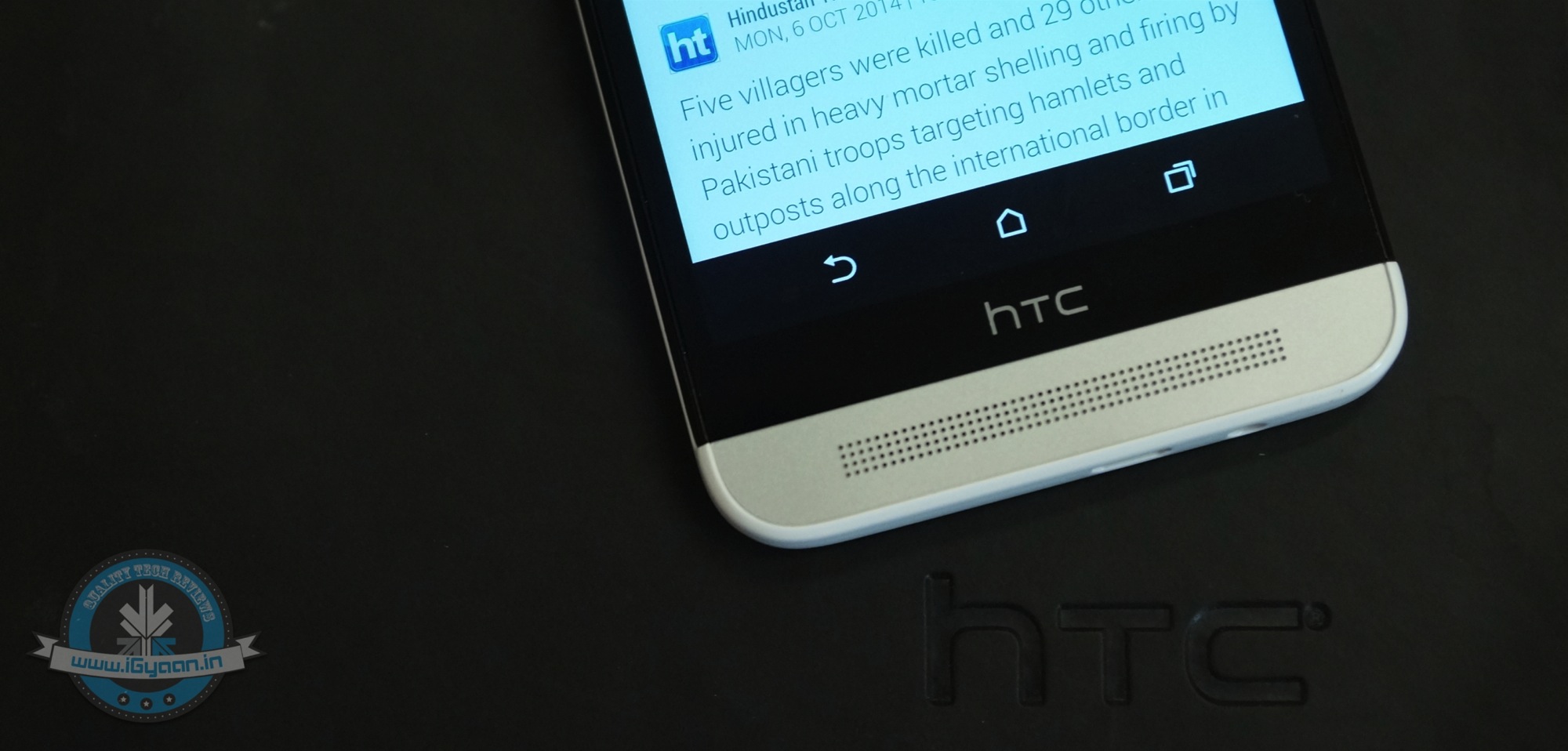
    The alleged M9 Plus has slightly different design than what we expect from HTC’s flagship. The most evident change is the new physical home button replacing the usual speaker at the bottom. The inclusion of physical bottom is strongly hinting the presence of fingerprint scanner but nothing can be confirmed as yet.

    htc one e8 20
    The speakers at the bottom will be replaced by a fingerprint scanner

    The front camera sensor looks bigger than the usual, which may hint at a 13MP camera sensor like the HTC Desire Eye. But the overall design seems similar to the previous flagships. Talking about specifications it is said that the Plus variant may come with a 5.5-inch 2K display with the latest Snapdragon 810 under the hood. It will have 3GB RAM and will support 4G LTE networks. Detailed camera and connectivity specs have not yet been leaked.

  • Original YotaPhone Sees Major Price Cut, Now Available for Rs. 12,999

    Original YotaPhone Sees Major Price Cut, Now Available for Rs. 12,999

    Amazing announcement has arrived from the Russian smartphone company Yota. The first-generation YotaPhone has seen a jaw-dropping price cut of Rs. 10,500, and now is available at a price of Rs. 12,999 exclusively at Flipkart. The introductory price of YotaPhone was Rs. 23,499.

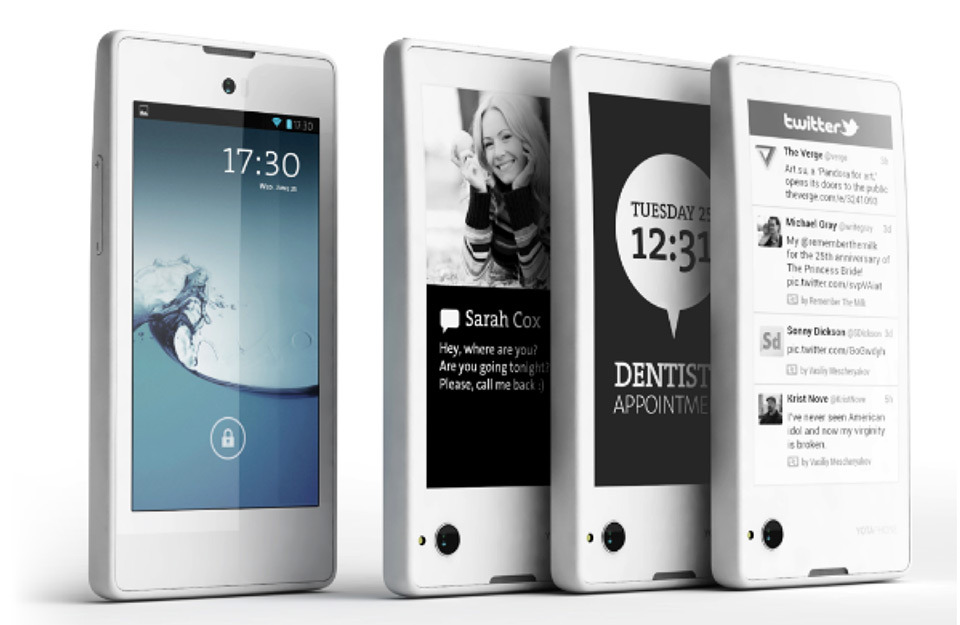
    yotaphone-01

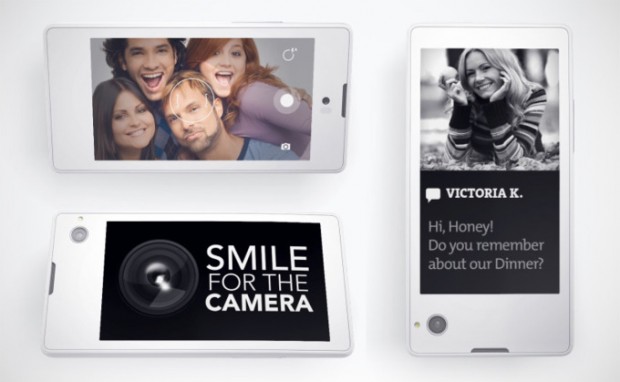
    YotaPhone is the world’s first dual-display device that has one LCD screen and another E-Ink display. The phone came in light at CES event 2013 and started rolling out in December that year. The original YotaPhone is powerful and competes with the latest high-end phones. It flaunts a 4.3-inch HD display and an E-Ink display of the same size. The device is powered by a dual-core Snapdragon 400 processor clocked at 1.7 GHz paired with 2 GB of RAM. Running on Android 4.2.2 Jelly Bean, the phone houses 32 GB of inbuilt storage. A 13MP rear snapper and a 1MP secondary shooter sits on the top of the handset.

    The company has announced yet another device in the Yota line-up, YotaPhone 2, which has been available in the European market since last month. The company said that the YotaPhone successor will soon head to China and remaining Asian nations by early 2015. The handset will come at a price tag of RUB 33,000 in Russia, which translates to Rs. 37,500.

    The price drop is an indication that the YotaPhone 2 might hit the Indian shores soon. In the sub-15000 category, YotaPhone becomes a must.

  • Twitter Brings ‘While You Were Away’ Feature for iOS Users

    Twitter Brings ‘While You Were Away’ Feature for iOS Users

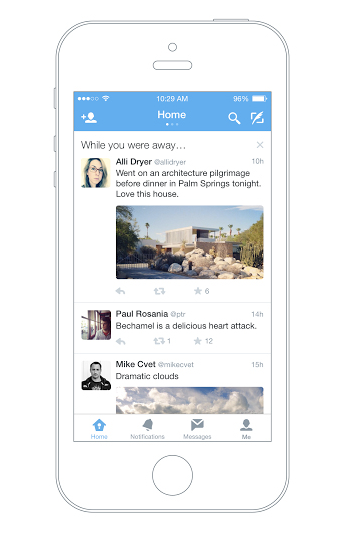
    Twitter has officially announced a feature that will help users recapitulate the tweets they have missed since the last login. Termed as ‘while you were away’, the feature is only available for iOS users as of now.

    twitter while you were away

    With this new feature, the iOS users will notice a snapshot once they are logged in. This snapshot will combine the missed tweets that can be those that are relevant to you or that are popular. While some may have queries about how the app could choose what users want to see; the new feature makes the selection as per an algorithm. This algorithm takes care of engagement along with other user habits. Based on all these facts, the app makes a list and pops it up at the time of login.

    The company says that it aims to keep up the users with the fast running world. The latest feature will dig out information and compile it for you so that you never miss out anything and stay up to date even if you are not on Twitter 24*7. The official blog post reads –

    No matter how much time you spend on Twitter. With a few improvements to the home timeline we think we can do a better job of delivering on that promise without compromising the real time nature of Twitter.

    Although, the feature is available only on iOS devices for now, the company has assured everone that they will soon roll it out on the Android app and website twitter.com.

  • Google Reportedly Launching its Own Wireless Carrier Service This Year

    Google Reportedly Launching its Own Wireless Carrier Service This Year

    Google is the front runner in the Internet search business and from the recent announcement, it is clear that it has plans to conquer space as well. The company has partnered with Elon Musk to connect the world through space-based internet. Now, recent reports have surfaced which say that Google will penetrate deep into the telecom sector by launching its own wireless service.

    According to the report, Google plans to directly sell the mobile phone plans to the end customers. The company will be handling calls and mobile data. Google is in talks with Sprint and T-Mobile to buy wholesale access of these carriers. If sources are to be believed then users can see the Google network later this year.

    rural-internet-nepal

    Codenamed ‘Nova’, the project is led by the Executive of Google Nick Fox. The firm wants to offer creative plan pricing, says a leading publishing daily. By bringing out a carrier service, Google would be able to have a better control on the devices manufactured by them.

    It’s still under wraps that where the company will launch its services, what will be the charges and what all manufacturers are involved. As the internet giant is dealing with Sprint and T-Mobile (available in the US), it will affect the US market and the carriers in the regions will be pressurised to cut down the price in order to sustain their user base.

  • 9 Super Cool Features of Windows 10

    9 Super Cool Features of Windows 10

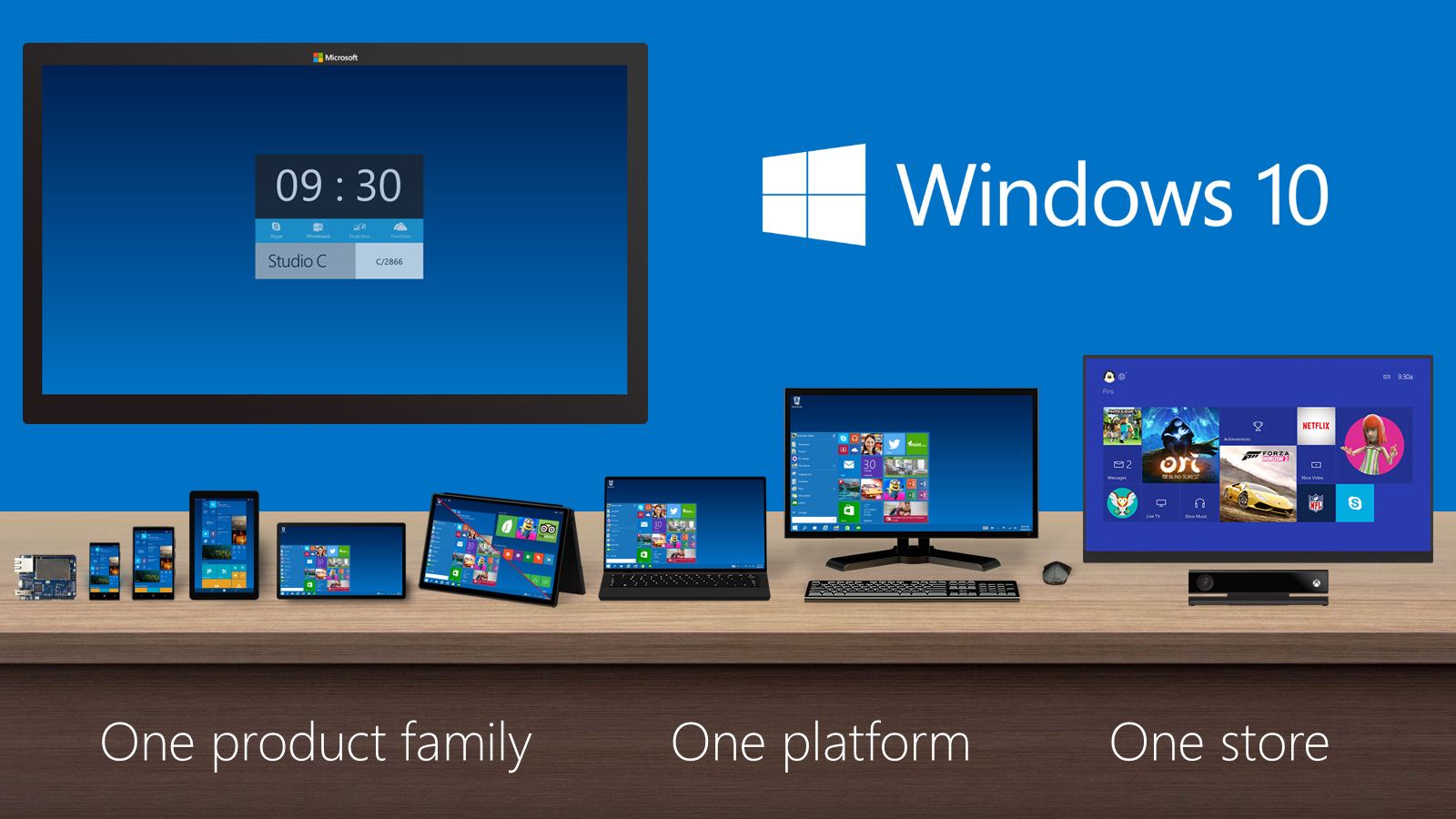
    Last night, Microsoft lifted the veil off the consumer version of its much-anticipated operating system Windows 10. The event saw some amazing offerings that were absent in the business version of Windows 10, launched in September the preceding year. Microsoft announced that its new upgrade would be same on all platforms and would be more user-friendly and impressive that ever before.

    We have summed up Top 9 features that make Windows 10 unique-:

    1. Start Menu

    Start-screen-in-Windows-10

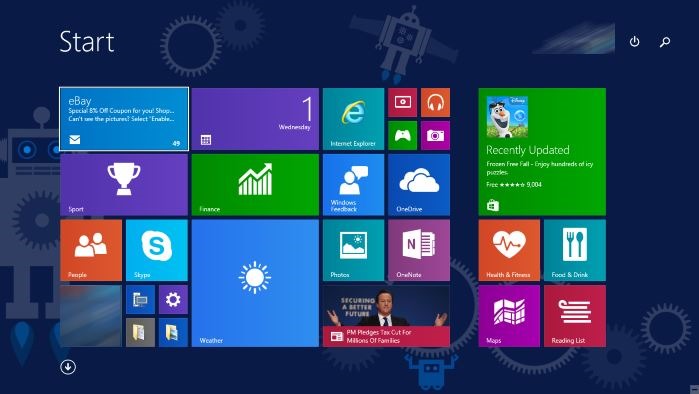
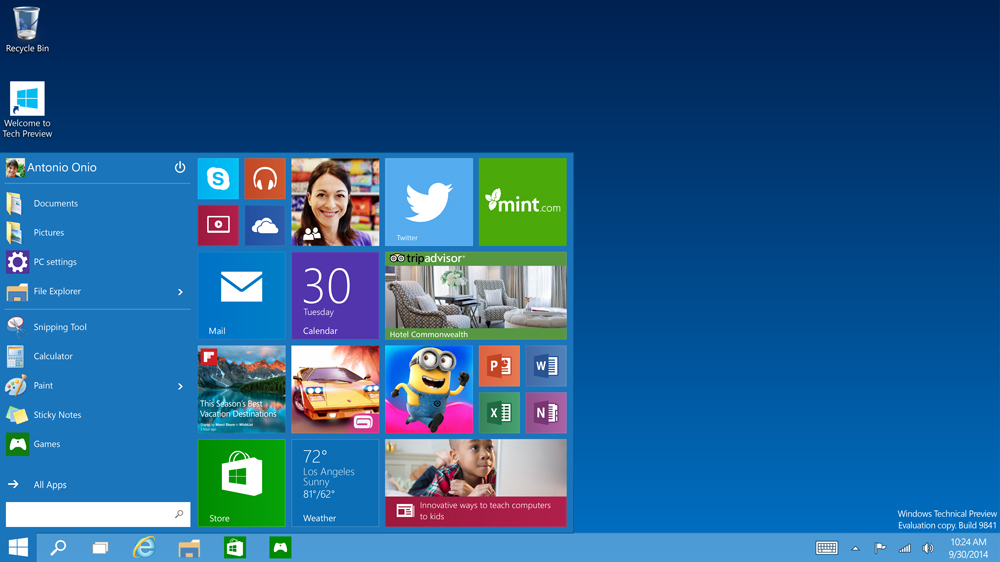
    To start off, Microsoft has added the much-needed tool that was absent from Windows 8 and 8.1 – the Start Menu. People longed to see this on their desktop for past three years, and finally Microsoft has put it back. The new Start menu combines the old-school start icon along with the modern user interface that makes it more comfortable for users to go through.

    2. Action Center

    Windows-10-Action-Center

    Settings have tweaked, to give a cleaner and more understandable look. Windows 10 pushed the fragmented Settings menu and Control Panel out to encompass a unified settings menu called Action Center. Action Center brings together all the frequently used options like Wi-Fi, Bluetooth and more. The refreshed settings shelter all the regular buttons, through which one can instantly switch the Wi-Fi, Bluetooth and other selections on and off.

    3. Continuum

    continuum windows 10

    Continuum is a highly anticipated addition to the Windows 10. Continuum is just like Apple’s Continuity feature that allows you to switch from PC to mobile or tablet from where you left. The feature is designed specifically for convertible devices, switching almost instantly from a mouse and keyboard to a tablet screen.

    4. Notifications Sync

    windows 10 sync

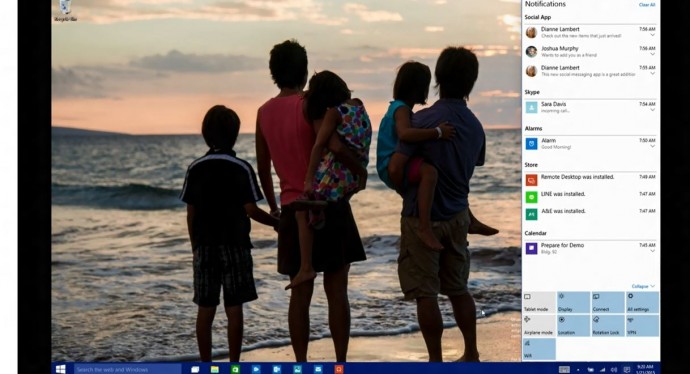
    Microsoft has made full use of its ‘common interface for all platforms’ and has included the notifications syncing feature. With this new tool, notifications will get synced across devices, and once you have dismissed some notifications on a mobile, it will not obstinately pop up again when you switch on your laptop or tablet. Now that’s something really thoughtful by Microsoft.

    5. Cortana

    cortana pc

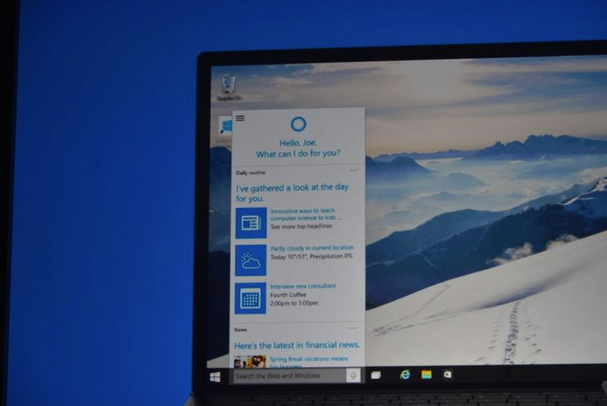
    The special feature that separates Windows 10 from its predecessors is the intelligent personal assistant Cortana. Cortana will serve as a primary search tool that will look for you. Its reminder capabilities are unparalleled. Not only this, Cortana is much more than a simple robot. Through Cortana you can interact with the device making lif very easy on the go.

    6. Universal Windows Apps

    Windows_10_universal app

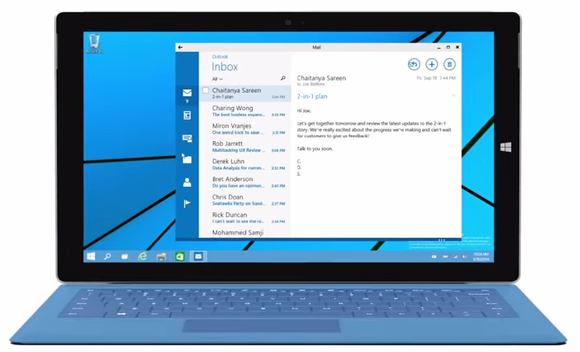
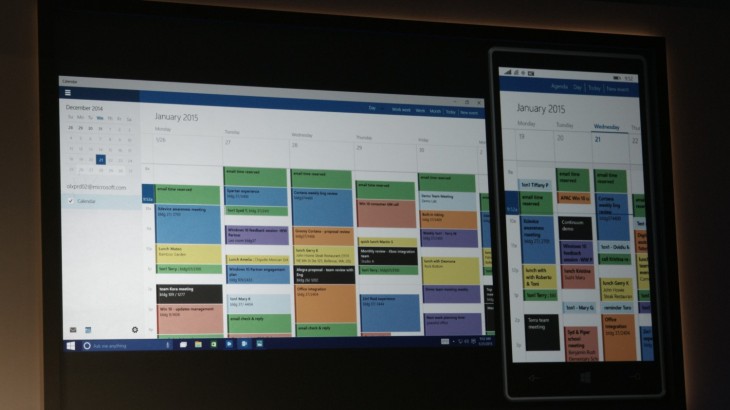
    One thing that will benefit Window Phone users is the universal Windows apps. The company has added some new apps that will run on computers, mobile, tablet and as well as on the Xbox One, and has improved the already existing apps. The list of new adoptions includes Outlook that has been modernised to cover comprehensive styling and extra formatting capabilities. Calendar app has been made consistent on all the platforms and Photos has been pinched to remove duplicates.

    7. Project Spartan

    spartan

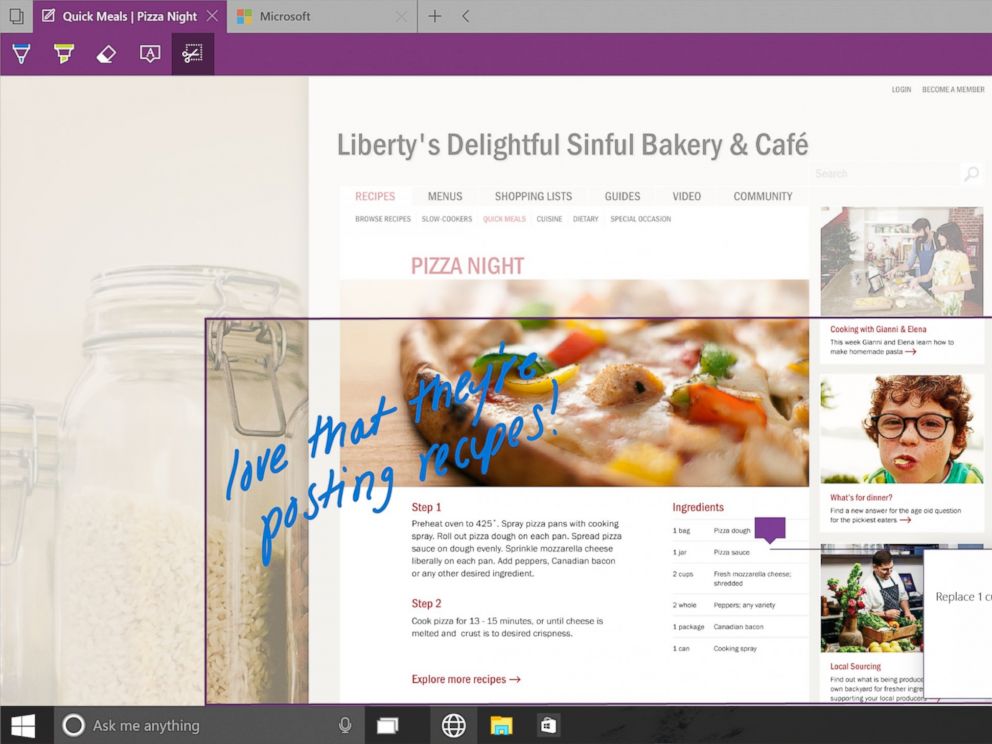
    The new browser that’s launched with Windows 10 is dubbed Project Spartan. The main highlight of this browser is its use in social networking. With Spartan, users can send websites with highlights and annotations added to them, something which is not available in any web browser right now. Also, Cortana is deeply integrated with Spartan to make life easier for the non savvy folk.

    8. Xbox Live

    xbox live windows 10

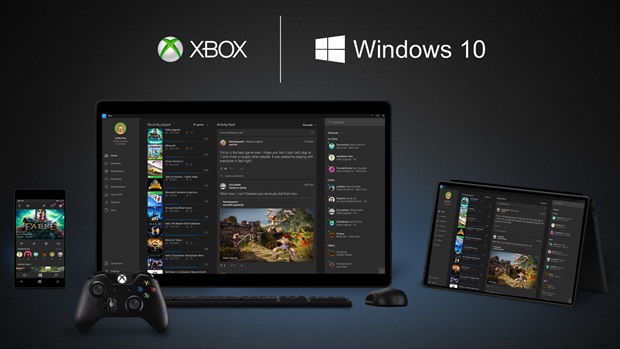
    There is something for hardcore gamers as well. With the new Xbox app, Xbox Live, on Windows 10, gamers can chat with their pals, share browsed video game clips and can record their games as well. The app also enables you to edit videos as per your willing.

    9. Improved Design and Interface

    windows_10

    Microsoft has proved that it has an eye for details. Users will notice the modern touch given to the icons. With fully-adjustable keyboard, integrated Message and Skype app, Windows 10 is more clean and swift.

  • Another Price Glitch by Amazon in the Yu Yureka Flash Sale

    Another Price Glitch by Amazon in the Yu Yureka Flash Sale

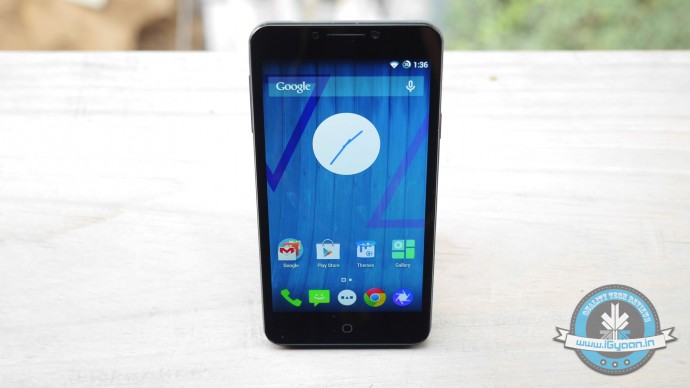
    The second flash sale for Yu Yureka ended quickly and as expected, it sold out within seconds. The users who registered for the sale or the ones who registered to buy the smartphone before 13th January were eligible for the sale. The company offered 15,000 units this time around.

    Last flash sale was surrounded by controversies. Amazon billed some costumers Rs. 3,500 more than the MRP of Rs. 8,999. It seems that the same happened this time around; a number of Yu Yureka units were being sold for a price tag of Rs. 12,500.  Last time, Amazon acknowledged the error in the device billing and offered the amount back to the customers in the form of coupons.

    Amazon Yureka Price Glitch
    Yureka priced at Rs. 12,500 instead of Rs. 8,999

    The second glitch makes us wonder whether if it is an honest mistake or a deliberate attempt to lure buyers into spending more than they intended.

    Thanks for the tip, Saurav.

    Update 2:50PM January 22nd – Meanwhile, the company has sent us an email celebrating the success of second flash sale of Yu Yureka. The company mentioned that they sold all the 15,000 units in just 4 seconds.

  • 15,000 Yu Yureka Units Up For Grabs Today

    15,000 Yu Yureka Units Up For Grabs Today

    The second installment of the Yu Yureka Flash sale is going start shortly. Micromax’s official e-commerce affiliate Amazon India is all geared up for the sale which starts at 2PM. Users who registered to buy the smartphone before 13th January, will remain pre-registered and can take part in the sale like the last time.

    In the last flash sale, there were 10,000 unit up for grab. However, this time the company is offering 15,000 units. During their first flash sale, Micromax claims to have sold these 10,000 devices in three seconds.

    Cynogen OS

    Last week, Yu Yureka flash sale was surrounded by controversies. There was confusion over the actual number of devices sold; also, billing was made to some customers at price higher than its official price. Later, Amazon acknowledged the error in the device billing. It offered to fix the glitch and reimburse the extra amount back to the customers.

     SPECS

    YU YUREKA

    Display 5.5 inch IPS LCD
    720×1280 px
    Gorilla Glass 3
    RAM 2 GB
    Storage 16 GB – (12 GB free)
    Battery 2500 mAh
    Processor Qualcomm Snapdragon 615
    CPU 1.5GHz  Octa-core
    GPU Adreno 405
    Front Camera 5 MP
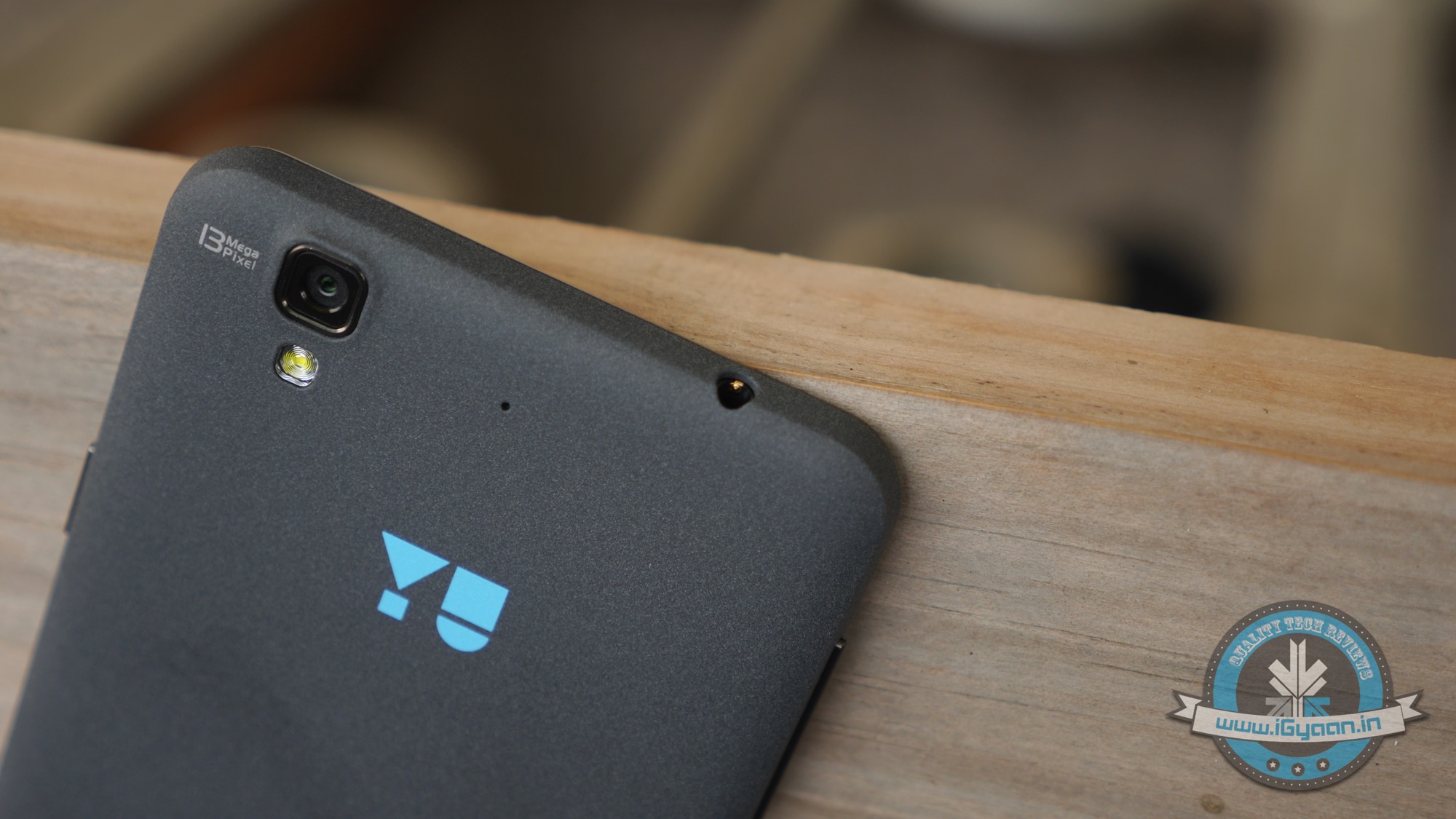
    Rear Camera 13 MP
    Price (Click for Updated Pricing) Rs. 8,999
    Special Features Cyanogen OS 11

    Yu Yureka has undertaken the online flash sale route to market their devices similar to the Xiaomi; however it will interesting to observe whether this strategy will prove successful to revive the brand of Micromax.

  • The 7 Most Important Announcements Made at Microsoft’s Windows 10 Event

    The 7 Most Important Announcements Made at Microsoft’s Windows 10 Event

    Microsoft was serious when it called yesterday’s Windows 10 event as the unveiling of the ‘next chapter’ for the software giant. The company not only showed that it’s slowly moving away from its past failures but also managed to introduce some wildly futuristic concepts.

    We are listing the top 7 announcements from yesterday’s Windows 10 event.

    1. Cortana Comes to the desktop

    cortana pc

    Microsoft’s sassy virtual assistance has become first amongst others to get a desktop support. As rumored earlier, you can find Cortana just next to the task bar on your Windows 10 desktop. Cortana will be able to answer your typed or spoken questions and open documents from your local library or OneDrive. The PC version of Cortana can also take notes and tailor your experience. For example, Cortana is also integrated with a new Maps app which enables her to remind you where you have parked your car or how much time will it take to reach home. Along with this, Cortana will regularly pop-in with the latest updates on flights, football scores, stocks or whatever she understands you like, with course of time.

    2. Gamers Delight

    microsoft-xbox

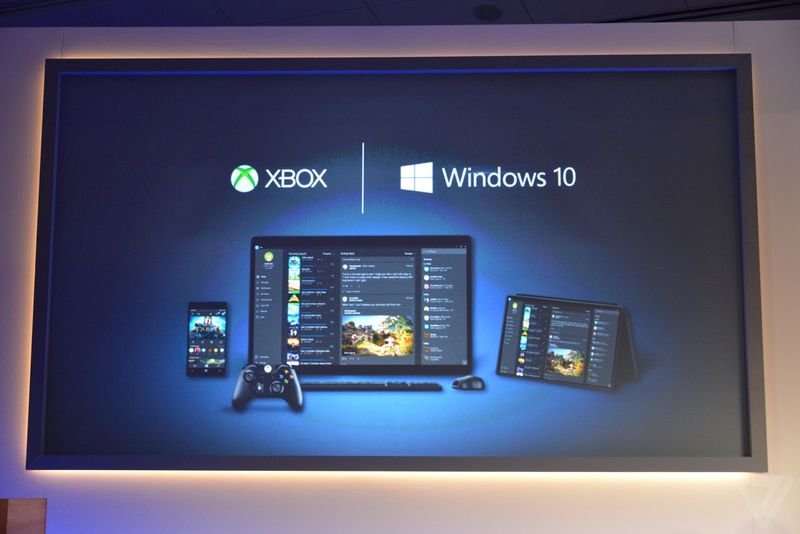
    This is the announcement that made us exclaim in delight. We have been ranting about the defunct PC gaming network and Games for Windows Live being inadequate. Well, Microsoft changed it with yesterday. The company announced a new Xbox app on every Windows device allowing you to view your games collection and chat with people on Xbox Live. And the bigger news is that with Windows 10, you can stream Xbox One games to any PC or tablet. You’re no longer restricted to the gaming console. Streaming will require a one-time set up to establish a relationship between the devices, after which Xbox One games can be accessed on a Windows 10 device by clicking on the game’s name in the Windows 10 Xbox App.

    3. Goodbye Internet Explorer, Hello Spartan!

    spartan

    Spartan has been in the news for sometime now. Microsoft’s new browsing app is a cleaner browser with a lot of shiny new features. There’s a “note-taking mode” that lets you draw over pages with a stylus or add comments with a keyboard, then save the results on OneNote. A clean “reading mode” formats a page like a book and adds a syncable reading list that’s basically “Pocket for Microsoft” or Safari’s page-saving feature. Another added bonus – Spartan has Cortana built into it.

    4. Return Of the Start Menu

    Start-screen-in-Windows-10

    The new OS update is so radical it prompted Microsoft to skip straight from Windows 8 to 10. One of the biggest iterations in Windows 10 is the return of Start Menu. It not only made its come back with the new upgrade but is also said be better than ever. Windows 10’s Start Menu will now expand to a full-screen view that looks like Windows 8.1’s home screen. A new Android-style Action Center provides quick access to Wi-Fi options, Bluetooth, and other settings. Along with this Microsoft has also added the Continuum feature which is designed specifically for convertible devices, switching almost instantly from a mouse and keyboard to a tablet screen.

    5. Giant Display For Enterprise

    surfaceHub

    Surface hub is a giant 84-inch 4K screen meant for the workplace.The 4K display has a built-in camera, speakers, mics, Bluetooth and NFC along with a stylus as a main input device for its touchscreen interface. The new display is the outcome of Microsoft’s acquisition of Perceptive Pixel, a research company it acquired in 2012. The idea is to provide enterprises with a one stop solution for meetings with members – appearing via Skype, drawing on screen and easily sharing work between everyone’s devices.

    6. HoloLens

    MSHoloLens_MixedWorld_LivingRoom_LongBrowser_RGB-500x333

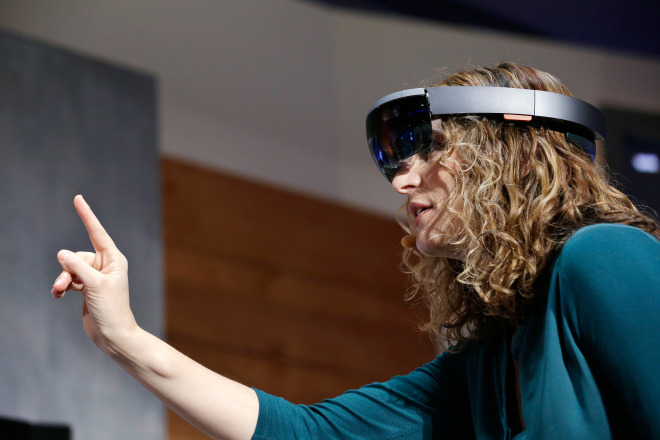
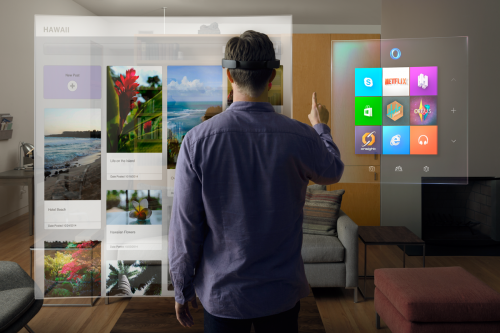
    As mentioned above, the company has also announced a wild and futuristic hardware. We were talking about HoloLens. The Microsoft HoloLens is a see-through visor that overlays holographic imagery over the real world. Born as the project codenamed as Project Baraboo, or sometimes just “B”, Hologram is powered by a new processor, what the company called a holographic processing unit. It’s equipped with sensors to detect the real world and gestures of the users, as well as holographic sound. It has no wires and doesn’t need to connect to phones or PCs.

    7. Unified Role of OneDrive

    microsoft_onedrive

    With Windows 10, OneDrive will become an important aspect of the unified app system. It will allow documents to sync across devices. Cortana has also been integrated with OneDrive and now can search documents in your cloud storage through your PC. OneDrive will also play a bigger role in photo and music section with Windows 10. For example, music will sync between devices using OneDrive. Up until now, OneDrive was focused on just photo and document sharing.

  • Check Out Microsoft’s New Browser ‘Project Spartan’

    Check Out Microsoft’s New Browser ‘Project Spartan’

    Anyone who has been a fan of Windows, has also made fun of Internet Explorer. With the rise of new and lighter internet browsers like Google Chrome and Mozilla Firefox, Internet Explorer lost the race miserably. The main reason was the heavy size of the browser and its inability to catch up with the latest trends such as extension support, tools and much more.

    However, with an exciting new announcement at yesterday’s event, Microsoft has taken its first step to change all that. At the Windows 10 event, Microsoft announced the much-talked about browser app which is codenamed Project Spartan. Microsoft’s new browsing app is a clean browser with a lot of shiny new features and convenient integrations with other Microsoft services.

    There’s a “note-taking mode” that lets you draw over the pages with a stylus or add comments with a keyboard, then save the results on OneNote. So picture this, while you’re browsing through a webpage, you spot an important sentence; you can use this tool to highlight the section and then share it further.

     A clean “reading mode” formats a page like a book and adds a syncable reading.

    spartan
    Note Taking Mode

    But these are not the major features of the new browser app. Just like everything else Microsoft announced yesterday, Spartan has Cortana built into it. Microsoft has taken a big leap with Cortana for Windows 10. Considering that the company joined the race much later than rivals Apple and Google, it’s good to see that Cortana has been deeply integrated in the company’s offering.

    With a slew of interesting new features, Spartan seem like a great replacement for the Internet Explorer. It promises to be a simple, fast and smart browser that efficiently ditches Internet Explorer’s dismissal brand image.

iGyaan Network
Privacy Overview

This website uses cookies so that we can provide you with the best user experience possible. Cookie information is stored in your browser and performs functions such as recognising you when you return to our website and helping our team to understand which sections of the website you find most interesting and useful.