Tag: Android

  • Rovio Rolls Out Angry Birds Transformers for Android

    Rovio Rolls Out Angry Birds Transformers for Android

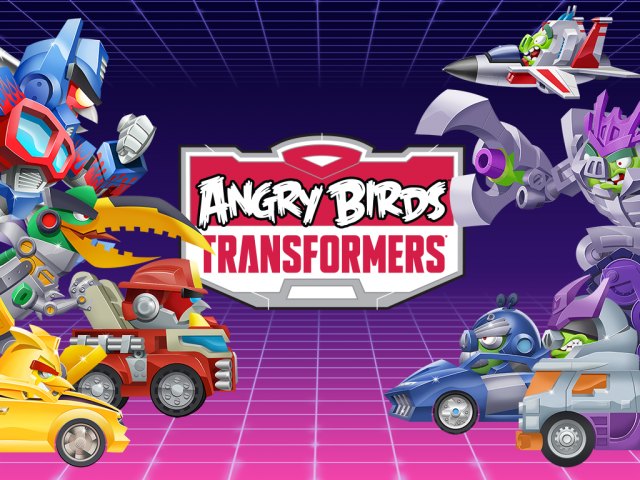
    As expected, Rovio Entertainment, makers of once-popular Angry Birds, has released Angry Birds Transformers for the Android platform. This means, the new Angry Birds game, about 129 MB in size, is now available for download via Google Play.

    Announced back in June, this new mobile game is very different from the previous Angry Birds games, and features the popular Angry Birds characters running and using a range of different weapons hitting targets in the background including pigs, buildings and more.

    In the latest title by Rovio, the birds and pigs have been transformed into ‘Autobirds’ and ‘Deceptihogs’ (inspired by Transformer’s Autobots and Decepticons), respectively. More of a run-and-gun shooting pastime, the game accomplishes what it sets out to do – provide Android users with an easy pick-up-and-play time killer. You control the attack of a chosen transformer which will blast the pigs in the background, as they balance on physics-based platforms.

    The Angry Birds Transformers for Android is compatible with devices running on Android 4.0 and higher. The game also comes with in-app purchases. Last month, the company launched Angry Birds Stella globally, available on Android, iOS, Amazon Fire, BlackBerry 10 OS and NOOK platforms. In the Angry Birds Stella, Stella and friends try to save Golden Island from the villains, Gale and the wicked green pigs.

  • Award-Winning App from iOS ‘djay’ Finally Comes to Android

    Award-Winning App from iOS ‘djay’ Finally Comes to Android

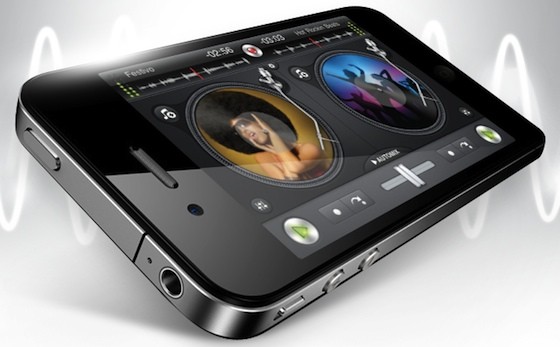
    Apple always had an upside when it comes to sophisticated apps. iOS has long been the king in terms of music performance and production apps. But now, Algoriddim, the team behind the popular music mixing app djay, has launched it for Android through the Google Play Store and Amazon App Store, making the app its first on Google’s platform.

    The dj-ing software was demoed onstage at the iPad 2 launch and it won Apple’s much craved Apple Design Award in 2011 and Apple’s App of the Year award in over 100 countries. Djay is so well-liked that it’s even being pre-installed on many of the Apple’s demo units in store.

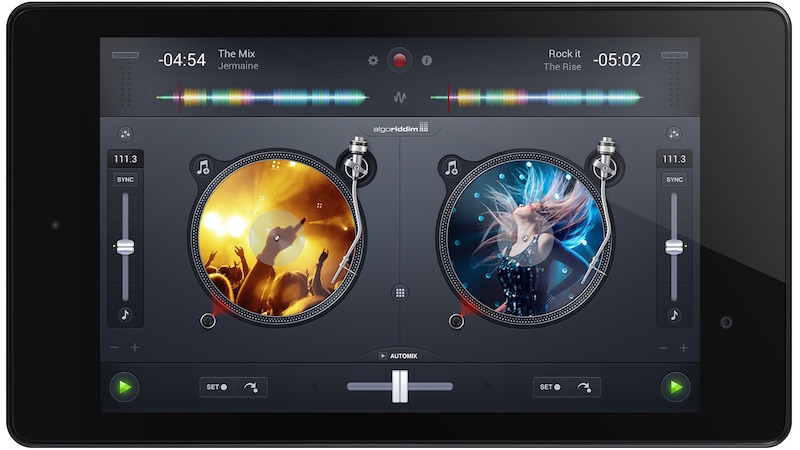
    djay_android_tablet

    Djay 2 gives you a pair of virtual turntables on which you can load any music from your library or through Spotify (premium account required). Just about everything you can do on real turntables, you can do with djay 2. It’s not limited to the capabilities of physical turntables, though. This app has a full suite of audio effects, waveform views, a drum machine, auto-synchronization, and more.

    Spotify music is streamed directly to djay, so you don’t even need the Spotify app installed – simply log in through the music selection pane – and it performs as if the music was stored locally on your device as long as you’re online. You can pick up a seven-day free trial of Spotify Premium to use with djay through the app if you aren’t already a subscriber.

    This is a huge feature especially if you don’t typically sync your music library to your device or have a storage limitation that prevents syncing huge libraries. If you do save music directly on your device, djay for Android includes fast access to your own music library with the native Android user interface for quickly picking the desired music and returning to the turntables.

  • Android 5.0 Lollipop Out on 3rd November, Here’s a List of Devices Confirmed to Receive the Update

    Android 5.0 Lollipop Out on 3rd November, Here’s a List of Devices Confirmed to Receive the Update

    A note sent to app developers which was obtained by Android Police informs developers that the Software Development Kit for Android 5.0 is now available. It further advises developers that they can start working and testing their apps on the Android 5.0 platform. It concludes by revealing that Android 5.0 will be available to consumers starting 3rd November.

    This is quite predictable as Google has already said that the refreshed Nexus 6 phone and Nexus 9 tablet will be available early November. Both of them, will come loaded with the latest Android 5.0 Lollipop. It only makes sense for Google to start rolling out the update for existing devices around the same time.

    Typically, as we have seen in the past, Google’s own Nexus devices are the first ones to get latest updates, which is followed by other mobile manufacturers. Google has officially confirmed that its entire Nexus range will be updated to Android 5.0 in the coming weeks. HTC has already said that it will start rolling out Android 5.0 on the HTC One M8 and HTC One M7 worldwide,  “within 90 days of receiving final software from Google”. Meanwhile, Motorola has revealed that its plans to update the first and second gen Moto X and Moto G and other devices with Android 5.0 later this year.

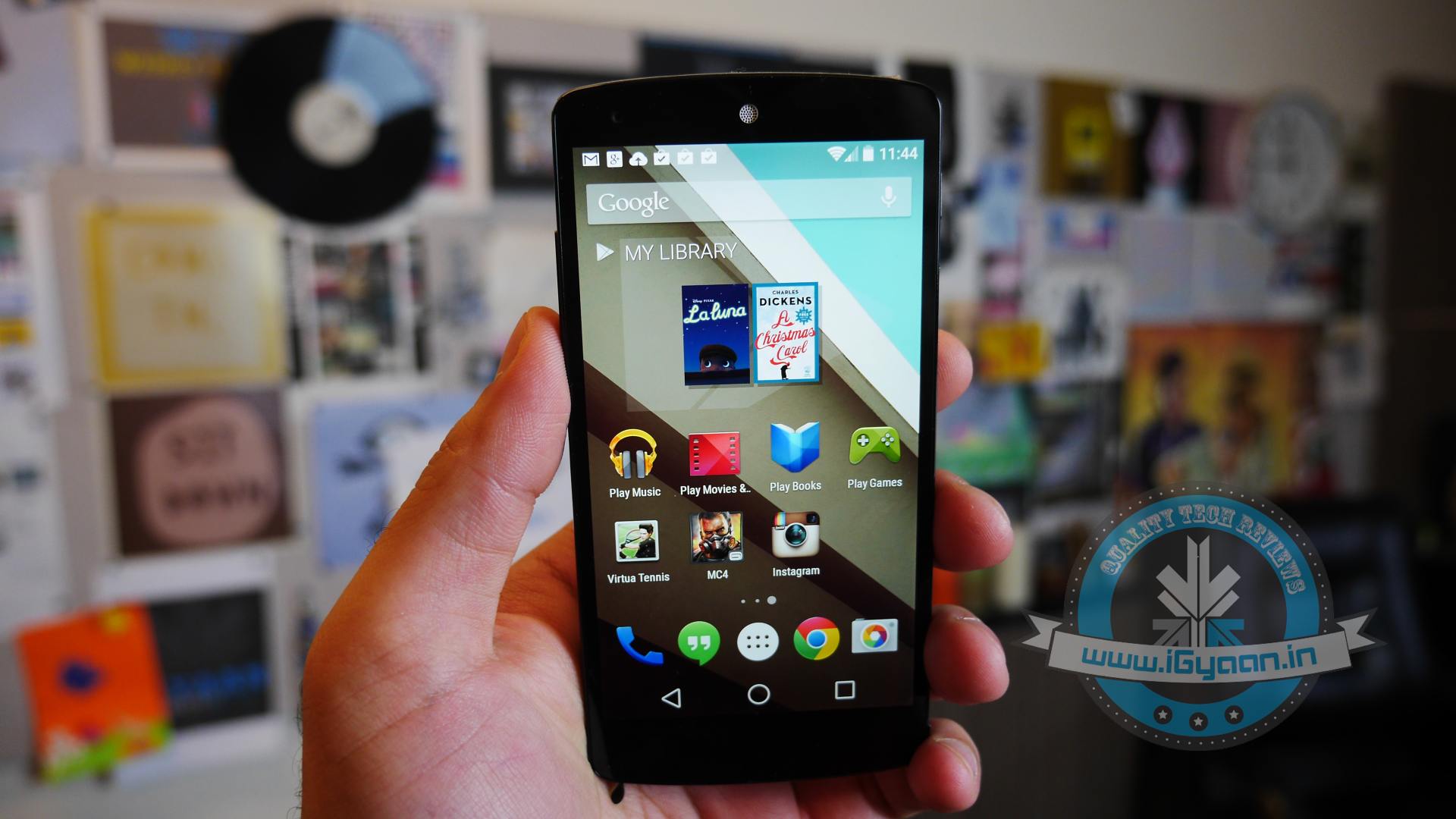
    There’s a whole new look and feel to Android 5.0 Lollipop, courtesy of a concept called Material Design, it paints richer colurs, adds more depth and has more white space. Along with that, it also adds a new notification setup, offers new ways to multitask and has a new battery saving mode. Check out our in-depth article about What to expect from the Android 5.0 Lollipop.

    Now the question is, will your device make it to the list where this update will be rolled out? We’ve compiled a handy  list, with all the devices that will get the new Android Lollipop update.

    Did yours make it?

    Google

    • Nexus 4
    • Nexus 5
    • Nexus 7 (2012)
    • Nexus 7 (2013)
    • Nexus 10

    Google Play Edition

    • HTC One (M7)
    • HTC One (M8)
    • Samsung Galaxy S4
    • Moto G
    • Sony Z Ultra
    • LG G Pad 8.3

    Android One

    • Micromax Canvas A1
    • Spice Dream UNO
    • Karbonn Sparkle V

    Motorola

    • Motorola
    • Moto X
    • Moto X 2nd Gen.
    • Moto G
    • Moto G 4G LTE
    • Moto G 2nd Gen
    • Moto E
    • Droid Ultra
    • Droid Maxx
    • Droid Mini

     Sony

    • Xperia Z
    • Xperia ZL
    • Xperia ZR
    • Xperia Z1
    • Xperia Z1s
    • Xperia Z Ultra
    • Xperia Z1 Compact
    • Xperia Z2
    • Xperia Z2 Tablet
    • Xperia Z3
    • Xperia Z3 Compact
    • Xperia Z3 Tablet Compact

    HTC

    • One (M7)
    • One (M8)
    • One mini
    • One mini 2

    NVIDIA

    • SHIELD Tablet

    Xolo

    • Xolo One

    OnePlus

    • OnePlus One

    For those of you wondering about Samsung devices, we expect the Galaxy S5, S4, Note 3, Note 4, Tab S 8.4 and Tab S 10.5 to receive the update, although it is not official as of yet. We will update this post as soon as new devices are confirmed or begin to receive Lollipop updates.

  • Sundar Pichai to Now Oversee Crucial Strategic Operations at Google

    Sundar Pichai to Now Oversee Crucial Strategic Operations at Google

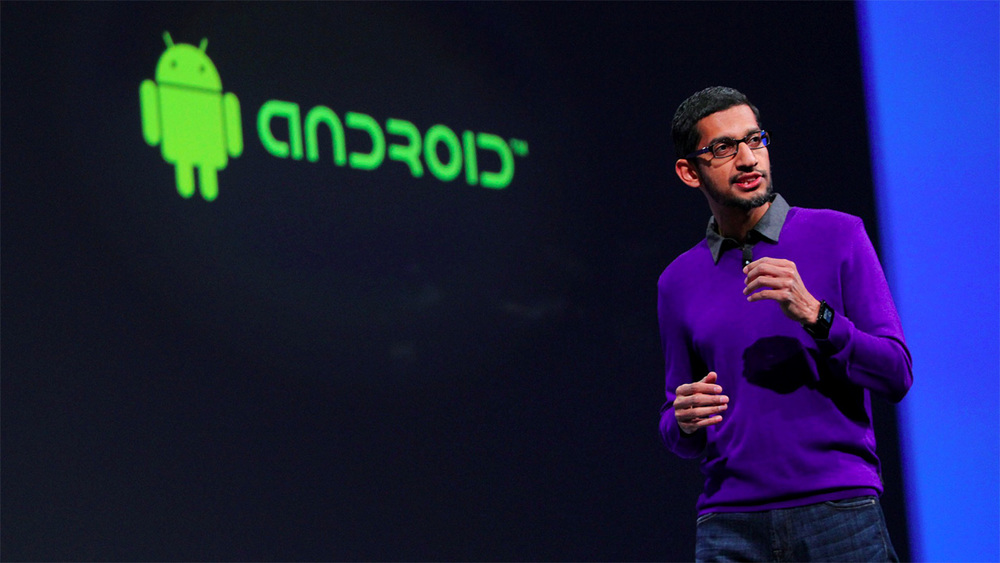
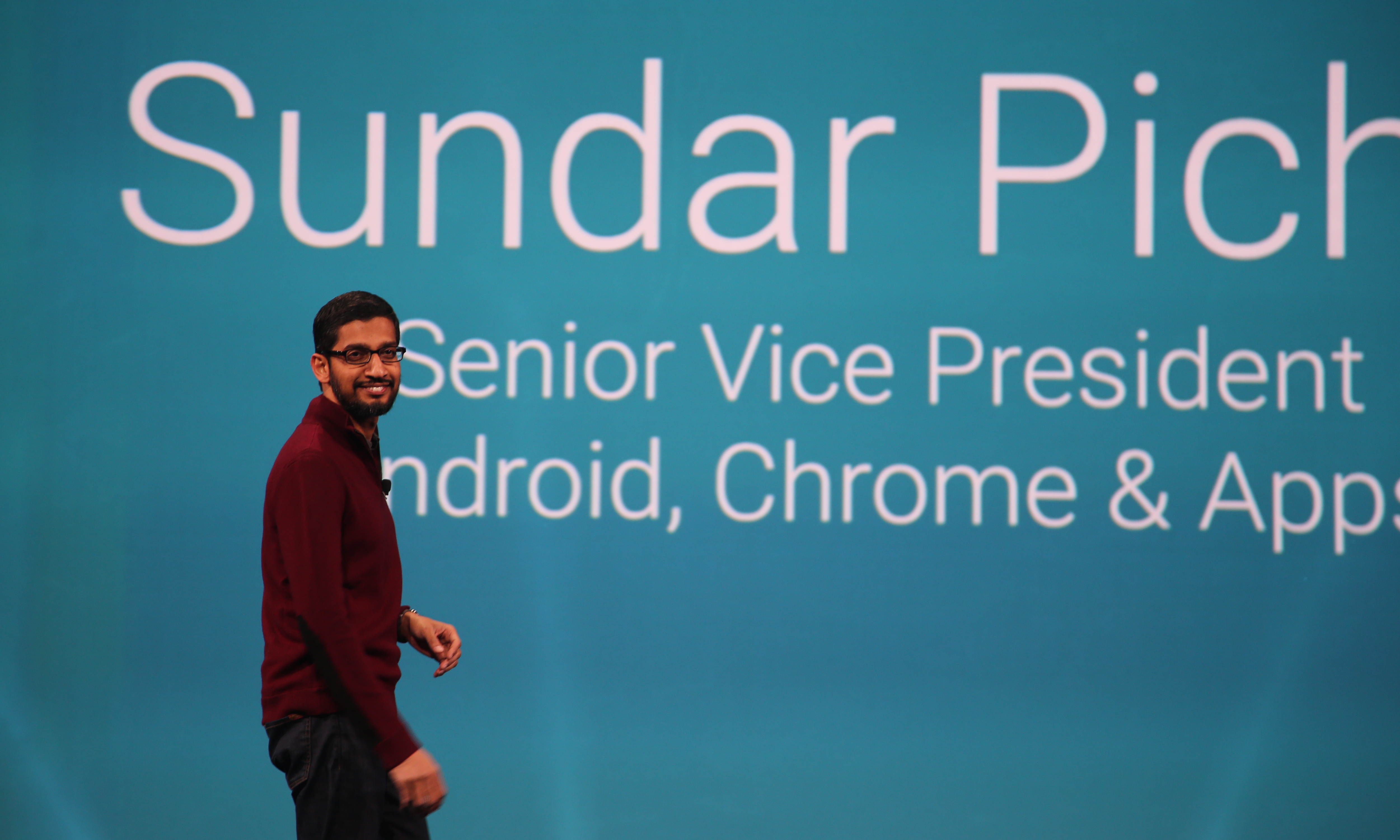
    A few days ago we reported about Satya Nadella becoming one of the highest paid tech execs, now it seems like another Indian is  speedily climbing the ladder of success. Google’s Sundar Pichai, who already heads some of the company’s most strategic businesses, has been given more responsibility. CEO Larry Page wants to focus more on overall business strategy, off loading some of his responsibilities to Pichai.

    Pichai, who already heads the most widely used OS in the world – Android, along with that he’s incharge of Google Chrome, and oversees the company’s suite of apps including Gmail and Docs. Under the organization reshuffle, he will be heading research, search, maps, Google+ social network, ads and infrastructure.

    sundar-pinchai

    With Google coming under pressure from investors as their profits and revenue did not meet their targets in the third quarter, Page decided to off load some of his reponsibilities to focus more on the overall business growth. Some financial analysts fear that Google’s business is slowing down, despite its search and advertising business still generating a revenue of $50 billion a year. Page can now have direct supervision over a number of divisions including YouTube, along with business and operations.

    Chennai-born Pichai, has become a well known figure inside the company after he took over Android. He has been working for the company since 2004 and has a master’s degree in engineering from Stanford University. His early works included being a part of the team that developed Google’s search toolbar.

  • Android 5.0 is Lollipop

    Android 5.0 is Lollipop

    After monte of initial release the Android 5.0 version has been made official and its called Lollipop (sorry not ladoo). The OS was mostly known as Android L since its announcement and now it has finally been named along with the launch of the three flagship products, the Nexus 6, the Nexus 9 and a $99 Nexus player.

    Google has been kind to confirm that Android 5.0 Lollipop is coming to the Nexus 5, Nexus 7 and Nexus 10 along with Google Play edition devices, in the coming weeks.

    Motorola gets dibs on first lineup, as Motorola’s most new launches will get Lollipop almost as soon as Nexus devices.these include both generations of the Moto X and Moto G (including the US LTE model), Moto E, and US based Droid Maxx, Droid Mini and Droid Ultra.

    Expect to hear from other companies in a while, although HTC’s new launches including the HTC Desire 820, new Desire Eye will ship with Android L out of the box later this month, hence the delay in launch.

  • Clarion Brings Out an Android-Based Infotainment System in India

    Clarion Brings Out an Android-Based Infotainment System in India

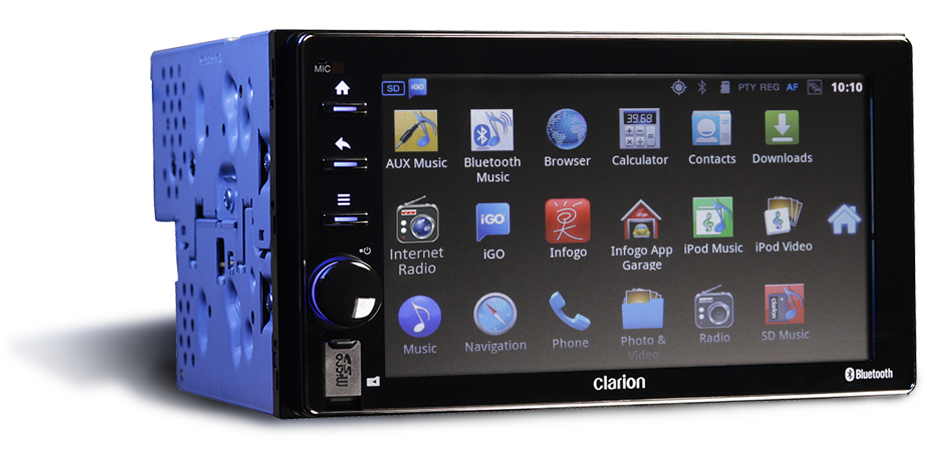
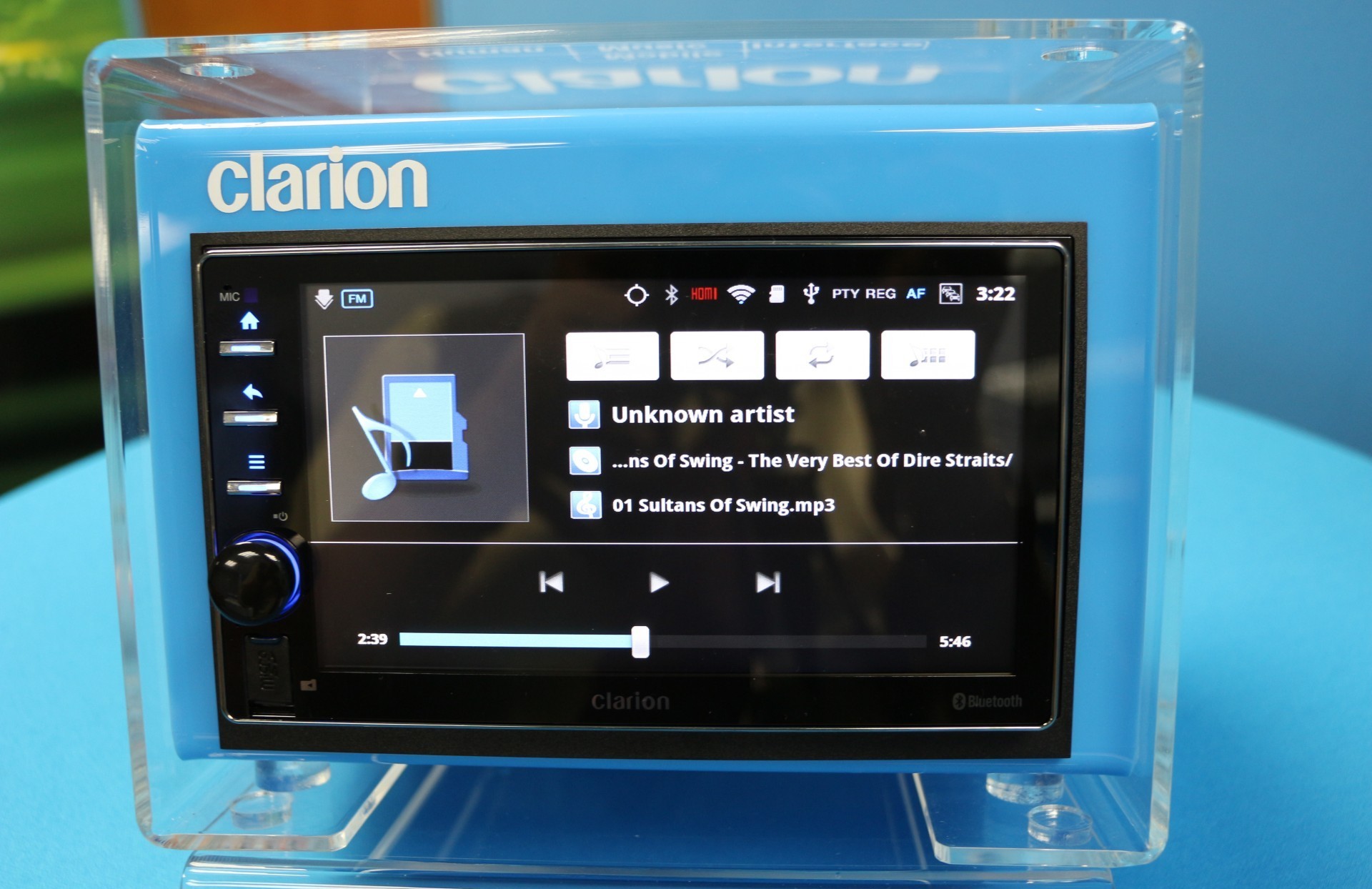
    Last night at an event held in New Delhi, Clarion, a Japanese manufacturer of car infotainment and communication system, launched Clarion AX1. Clarion AX1 is a first of its kind Android based car stereo in India.

    According to the company, Clarion AX1 is a complete infotainment device and promises a new and exciting experience for all gadgets and tech enthusiasts. The Android based infotainment system is compatible with any smartphones and allows you to browse the internet through Wi-Fi connectivity. However, there’s no Google Play, so you’ll be downloading apps through Clarion’s own app store in which maps are handled by iGO.

    IMG_9855

    Running of Android 2.3.7 Gingerbread with automotive customization, the Clarion AX1 Car Stereo is equipped with 6.5-inch LCD capacitive display together with an ARM Cortex-A8 processor and 1GB of RAM. In addition to more traditional IVI features such as AM/FM radio, GPS navigation and Bluetooth streaming, Clarion AX1 includes leading-edge features such as Wi-Fi connectivity and portable hotspot/tethering, app store access to buy and download music, compatibility with Android smartphones/tablets, audio/video playback via USB and SD input, full HD to enjoy videos in 1080p, 6.5-inch capacitive multi-touch display and rear camera input capability.

    Clarion has also tied with T-series which will give the users access to wide range of music albums and songs. The Clarion AX1 is priced at Rs. 55,990 and will be sold exclusively through Supreme Audiotronics in India.

  • Top 5 Android Games that you Should Download Right Away

    Top 5 Android Games that you Should Download Right Away

    Android app market (Play Store) is flooded with both paid and free game apps. Whether you want games that will last the length of a commute, or want to be lost in a port of GTA where you spend hours mowing down pedestrians and making money out of murder, there is a game on here for you. In the recent time most of the apps that are free usually feature in-app purchases adding premium offerings, which in some cases are not half bad e.g. Smash it!

    We are listing top 5 Android games that you should download right away.

    5. The Room Two ( Rs. 190)

    room two

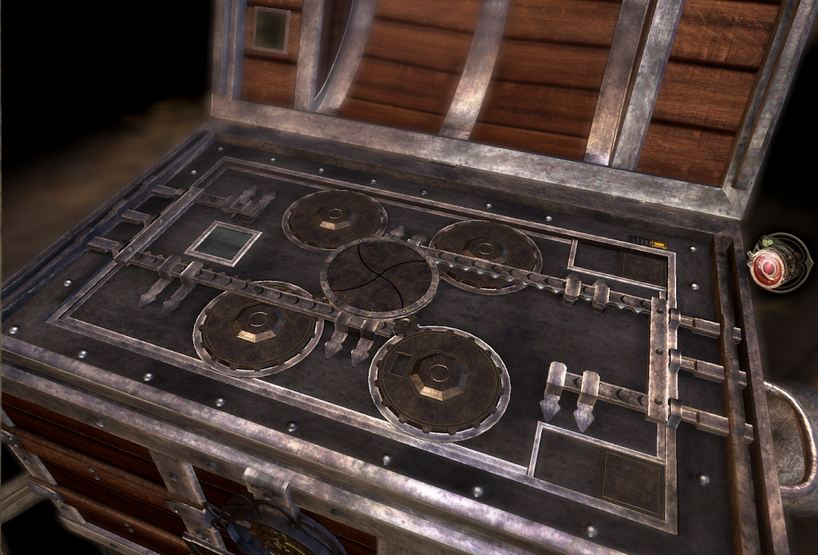
    The Room Two, a sumptuously strange but an amazing puzzle game. You spend minutes at a time examining a series of locked boxes, hunting for keys and mechanisms, deciphering puzzles, searching for signs through your sinister revelatory eyeglass. When you find the right one and put it in the right place, what follows is gorgeously rewarding: keys turn, doors unlock, boxes impossibly unpack themselves and become different, weirder boxes, always with the exact perfect sounds for the movements as they happen. This is a game of incredible polish wonderfully suspenseful sound and graphic design.

    4. Injustice : God Among Us (Free)

    Injustice

    Not every type of game can make the seamless transition from a console or computer onto the touch screen of your Android device. Injustice: Gods Among Us being no exception to this. However, if you compare it with other android games, it is one of the best game out there. The graphics of Injustce: Gods Among Us are, without doubt, quite stunning. The characters are the highlight of the game. It’s amazing to get to  fight with some of your favorite superheroes (and villains).

     3.  Apparatus (Free)

    appuratus

    It is one of the most addictive game you will ever play. Developers have done a good job by providing the Android world with such a creative and addictive game. You can create a complex structure from small parts and build a machine which can outclass other competitors in every respective field. Once you get hold of this game you won’t be able to put down your phone even for a second.

    2. Chaos Rings II (Rs. 750)

    chaos ring 2

     An amazingly beautiful fantastical world where life is at the brink of destruction, as usual, and the chosen one has to kill five people to save the world, and one of the five is an innocent child. Whether this hero can carry out his duty is the decision that lies in your hands. It is an exhilarating adventure ample for players of all ages who are devotees of science fiction and futuristic scenery. The game requires 1 GB of memory, so make sure you have it available before proceeding to download.

    1 Modern Combat 5: Blackout (Rs. 390)

    mordern combact

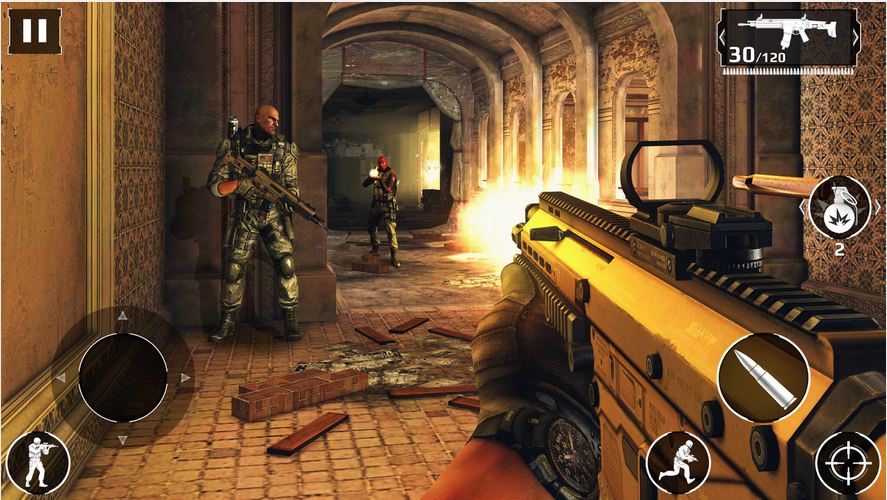
    Modern Combat 5: Blackout is the best first-person shooter on smartphones and tablets. You can create a squad, add your friends and test your individual and team skills against other squads in dynamic multiplayer warfare. Modern Combat 5 steals the show when it come to customization. Before a fight, or after dying, you can choose from Assault, Sniper, Heavy Assault, or Recon. Each of the classes has a number of weapons and accessories you can unlock by playing the game and gaining experience.

  • 7 Reasons Why Android is The Undefeated King in India

    If you ever raise the question, ‘Which is the best OS for smartphones?’, it is inevitable that you will end up in an endless argument that is likely to turn into name-calling. While there are other mobile platforms, Apple’s iOS and Google’s Android have been dominant contenders in the game.

    Both companies enjoy the support of loyal fans who religiously follow every minute update and change made to the mobile platforms. But, we are the country of budget phones and a ‘value for money’ market. Android makes a perfect companion of these ideals.

    Here we are listing 7 reasons why Android is the undefeated king in the Indian smartphone market.

    7. Google Now works better than Siri in India

    google now

    Even Apple acknowledges this. Google Now is much better and functional in our country. It is not only faster than Siri at answering your questions but it also does a much better job at recognizing Indian accents. Furthermore, you also have an option of downloading the speech recognition files to the device for offline use in Android devices.

    6. App publishing in Android is a lot easier

    Android-Apps-Games

    Publishing an Android app is as easy as child’s play. Once you are done making the app, you just have to sign up via a handy Eclipse wizard, and you have an APK file that can run on any device. You can email it, put it up on a web site, or upload it to Google Play and make it available worldwide within the hour. Even better, you can check install statistics and crash reports, including stack traces which identify the exclusive line of code that went wrong, and you can upload a bug-fix version immediately. On the other hand, it is a nightmare to publish an Apple app.

    5. Wide range of sharing options

    sharing-icons-13

    Android powered devices gives option of sharing media files through any installed app with sharing capabilities. That means if you want to share media file through Blogger, Tumblr, Instagram or Pinterest or any other social media app you can do it easy on Android OS devices. However, iOS restrict you to the pre-installed apps such as Message, Mail, Twitter, Facebook, and Flickr for media sharing.

    4. No mandatory Multimedia apps for Android

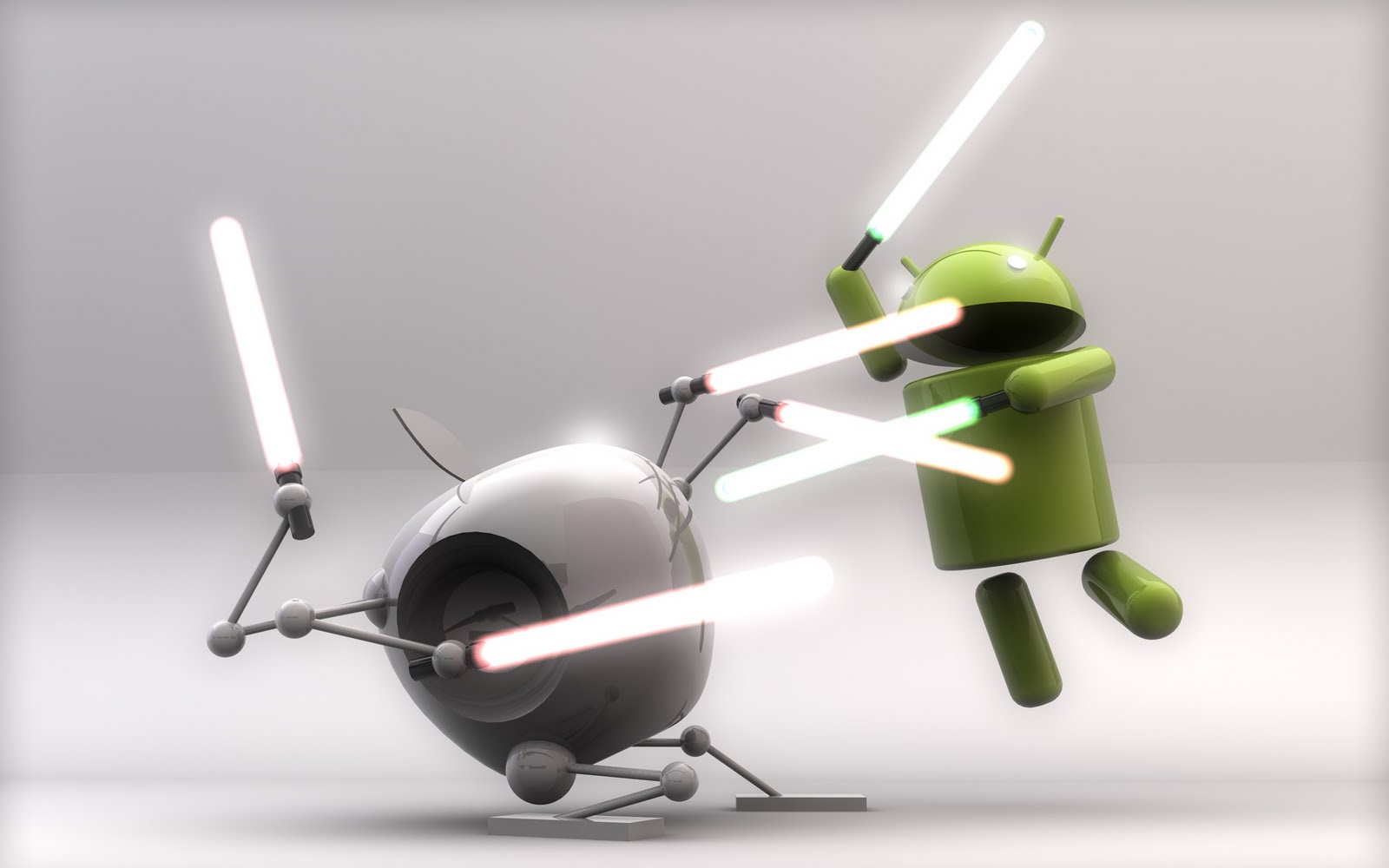
    android-vs-ios-lightsaber

    Apple needs iTunes to sync your music and iPhoto for pictures to your iOS smartphones which is a huge drawback especially for people who use Windows on their PCs and Laptops. On the other hand, Android isn’t as bothered about where your music or pictures comes from. You can just plug in your device to your laptops or PC using a USB cable and transfer music and other multimedia files with an ease.

    3. Its customizability

    appdroids

    If the stock Android look doesn’t suit your taste you can customise your Android smartphones. Sky is the limit with various launchers, themes and what not, available on the Play Store. You can even download an iOS 7 theme, if that is what you are into. And yes, on most Android phones, you can unlock your device to any app you want, which comes handy when you use certain apps regularly.

    2. Free Apps vs Premium Apps

    android-apps

    It’s true Apple App store offer you many premium quality apps but most of them are paid. On the other hand, Google’s Play Store offers far more options than the App Store. Play Store has an array of genres and categories which offers amazing app (including third party apps) mostly for free or for minimal charges.

    1. Android comes in Budget Friendly phones

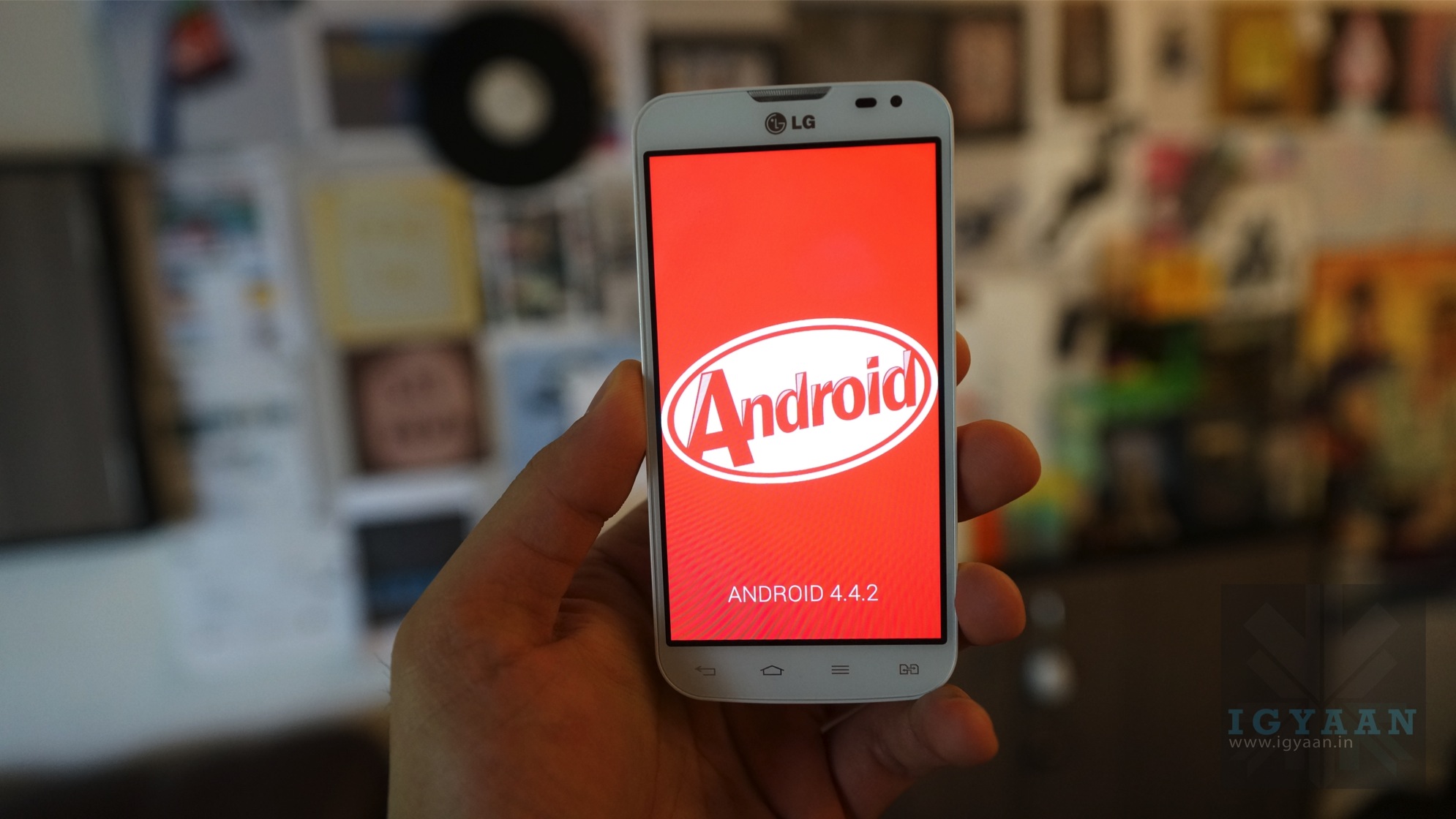
    android kitkat igyaan

    Android is an open source OS and is available for any manufacturer to use, while iOS is available exclusively on the devices that Apple manufactures. This makes a huge difference as Apple’s iPhones are high-end expensive phones. For an Indian, value for money matters. You can find Android OS in the extensive price range from Rs. 3,000 to 70,000. Hence, we conclude, Android is the true king of smartphones in India.

  • Facebook is Forcing Android Users To Download the Messenger App

    Facebook is Forcing Android Users To Download the Messenger App

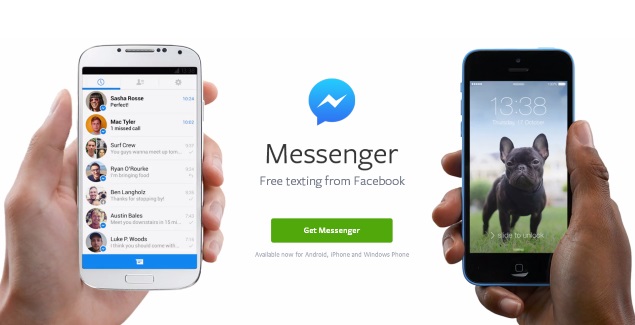
    Facebook announced on Monday that it will be removing the messaging feature from its mobile app over the next few days, and requiring people to use its standalone Messenger app instead. Hence, forcing users to download the Messenger app to chat with Facebook contacts on their mobiles.

    “In the next few days, we’re continuing to notify more people that if they want to send and receive Facebook messages, they’ll need to download the Messenger app,” a Facebook spokeswoman said.

    facebook_messenger_app_officialpage

    The change follows through on a plan announced in April and for now affects Facebook’s mobile app on iOS and Android. You’ll be able to send and receive messages on the desktop as before. The social networking giant told TechCrunch that it had seen “positive results” in Europe in terms of user engagement, and so decided to move ahead with rolling-out the standalone app to everyone.

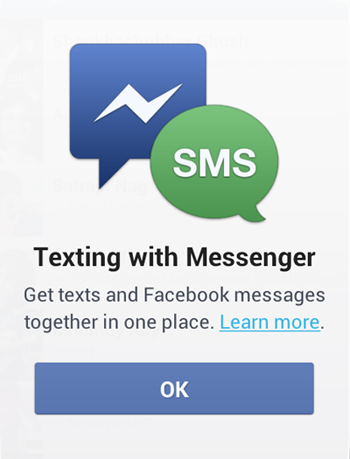
    Facebook-messenger-sms-integrationThe company notes that users can continue to chat via the main Facebook app on iPad tablets, feature phones, Windows Phone devices, via Paper app, and the Web-based desktop interface. The company said that this move is to make the Facebook messenger, the best app for messaging. It is also an effort to avoid any confusion that might arise from having two mobile products for the same thing.

    The move will also greatly increase the number of people who use Facebook Messenger. CEO Mark Zuckerberg said on the company’s earnings call last week that Facebook was looking to turn Messenger into an important business. Messenger currently has more than 200 million monthly active users—just under a fifth of Facebook’s total user base. It can handle Internet-based voice calls, group chats, and exchanging photos and short videos, as well as sending text messages.

    Facebook says the change will help improve the performance of both the apps over time. It’s already working to improve Messenger; the company recently hired the former PayPal President David Marcus as part of a push to build new capabilities for Messenger, possibly including payments.

    Earlier this year, Facebook had announced an agreement to acquire WhatsApp, which also handles Internet-based messaging. Along with that the company also launched its own Snapchat-like app called Slingshot which is not well received.

    Slingshot may not have performed to the company’s expectations, but when you have a billion plus subscribers, you have the freedom to force them to use an additional app which only performs a part of the function that the current app does. But we are ourselves are so addicted to this man’s creation that we will do as he commands and give some more of our phone storage and RAM to conquer.

  • Top 6 Apps Exclusively Available For Android Users

    Top 6 Apps Exclusively Available For Android Users

    1. Swift Keyboard

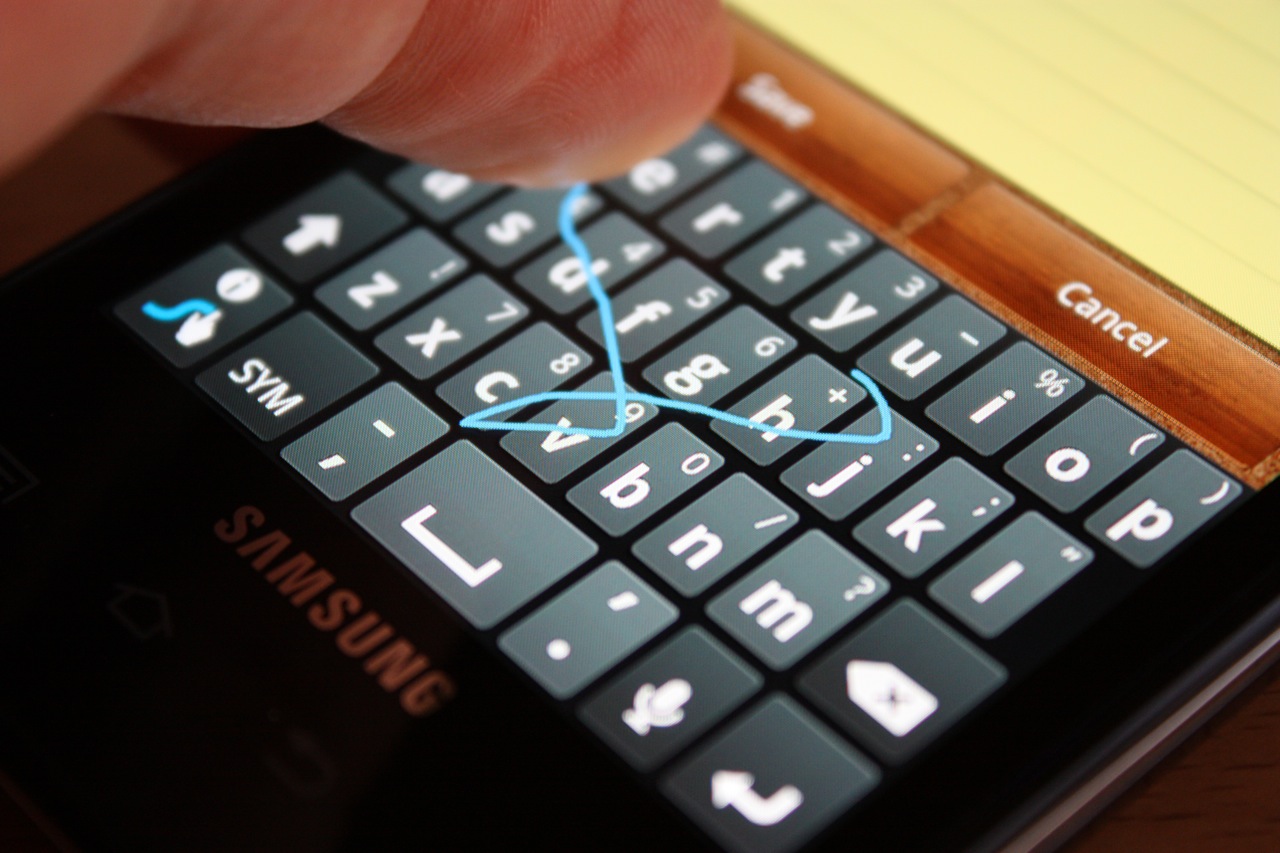
    Swype

    Don’t like Apple’s on-screen keyboard? Tough luck, you can’t change it! Most flagship Android phones are coming out with the swype keyboard; however if not available the swift keyboard app can be downloaded. This feature enables you to swipe across the keyboard; and once you get the hang of it, it’s incredibly fast. It is however, expected that iOS 8 will be launched with this feature.

    2. ES File Explorer

    ES-File-Explorer

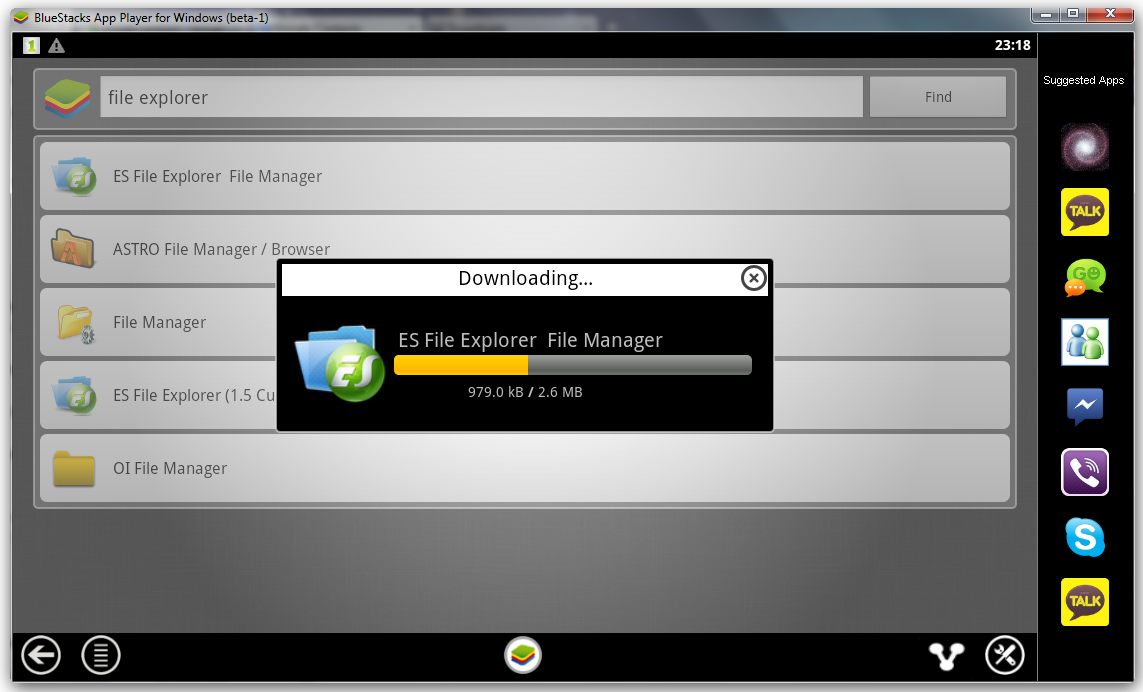
    ES File Explorer gives you the ability to control your Android device just like a PC. You can manage your files and applications, kill unwanted tasks and upload files and folders to your favorite cloud service. This app however is not available on iOS

    3. Cover Lock Pattern

    pattern lock

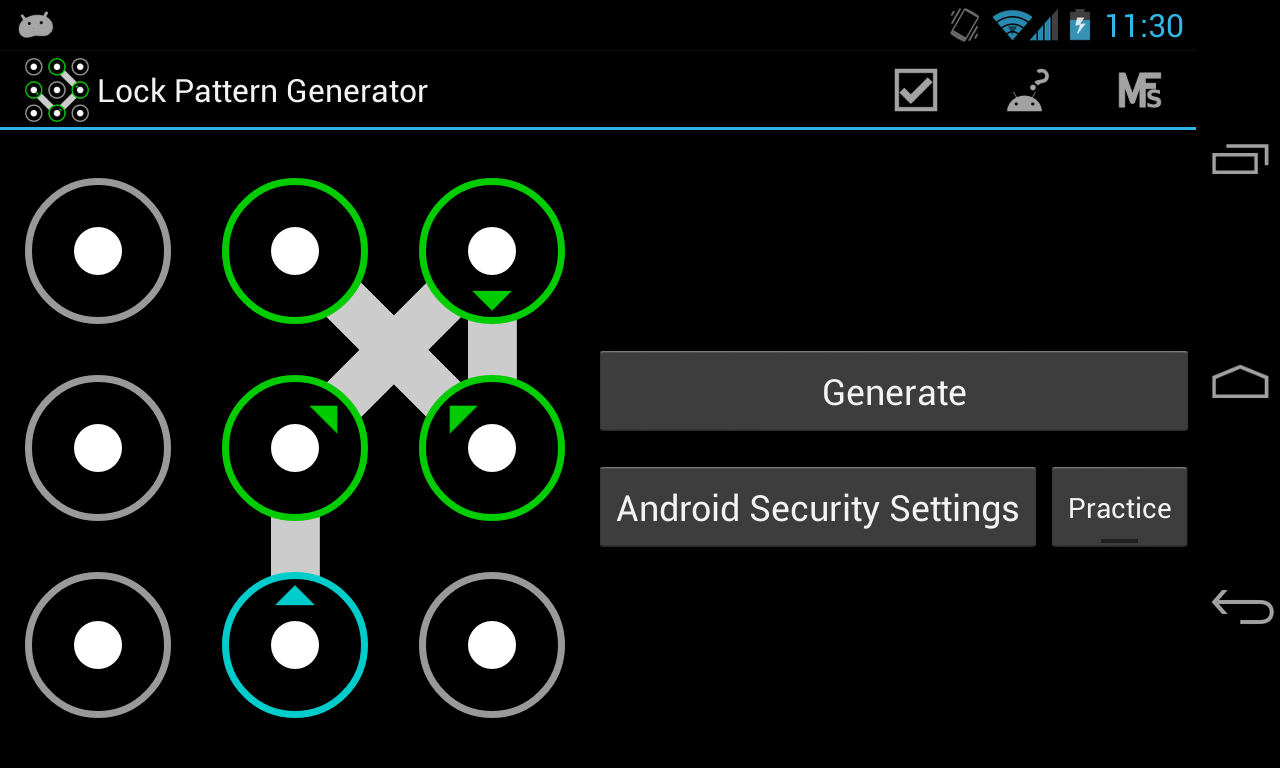
    The Lock Screen is another bit of iOS many people would like to customize, and once again on Android there are all kinds of apps that Apple owners can only envy.

    4. Link Bubble

    link_bubble

    Imagine you find an interesting link on Twitter. Link Bubble will let you click on it and then load it in the background while you continue using Twitter. Once you close the app, the link will be available for your viewing pleasure. It can be tough to remember all the cool stuff you see online, so Link Bubble makes it easier for you to keep track of everything.

    5. Tasker

    Tasker

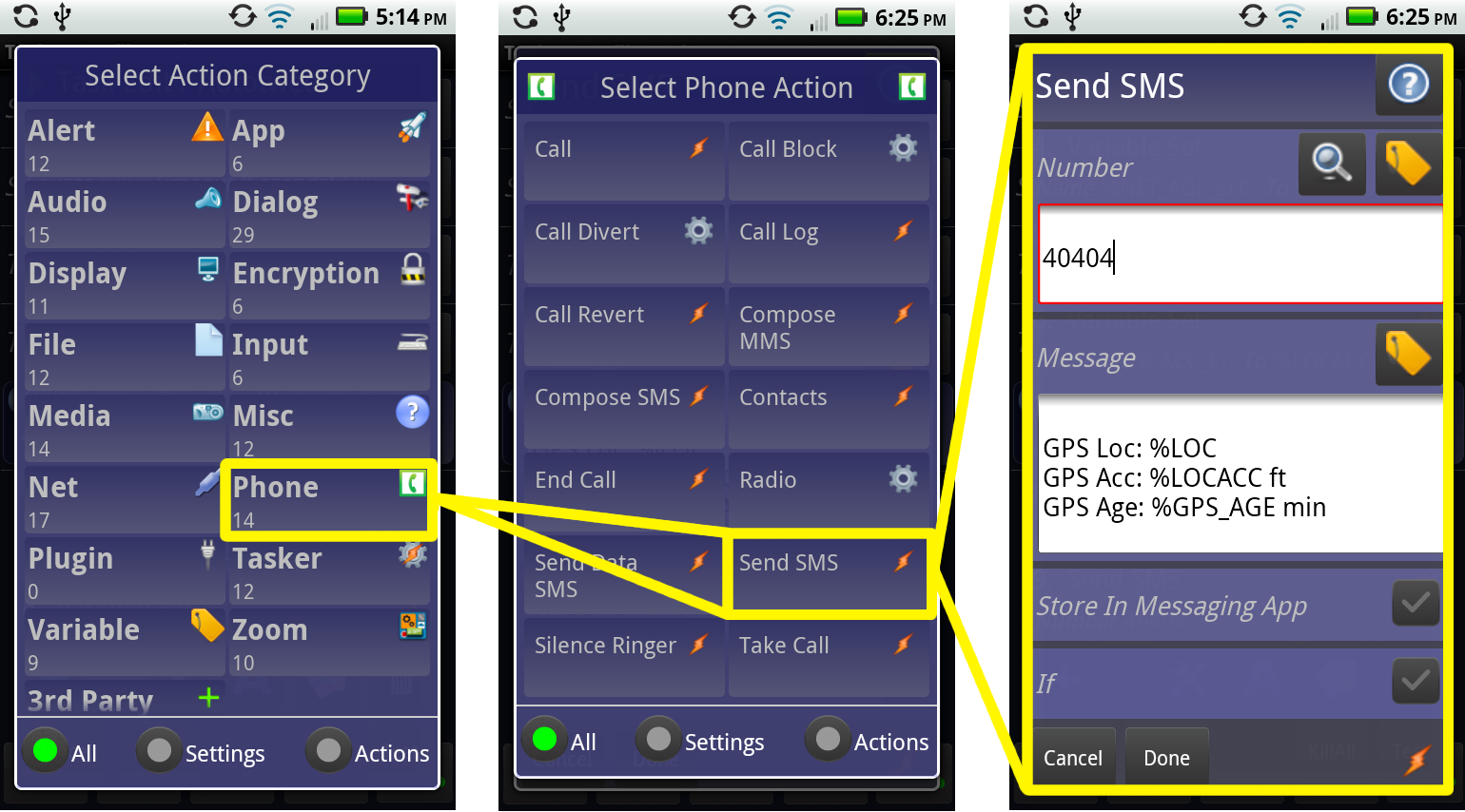
    Tasker contains more than 200 actions and triggers that let you control various aspects of your device. Tasker could well be the poster child for Android apps: it’s a little intimidating at first, but the things it can do are incredible.

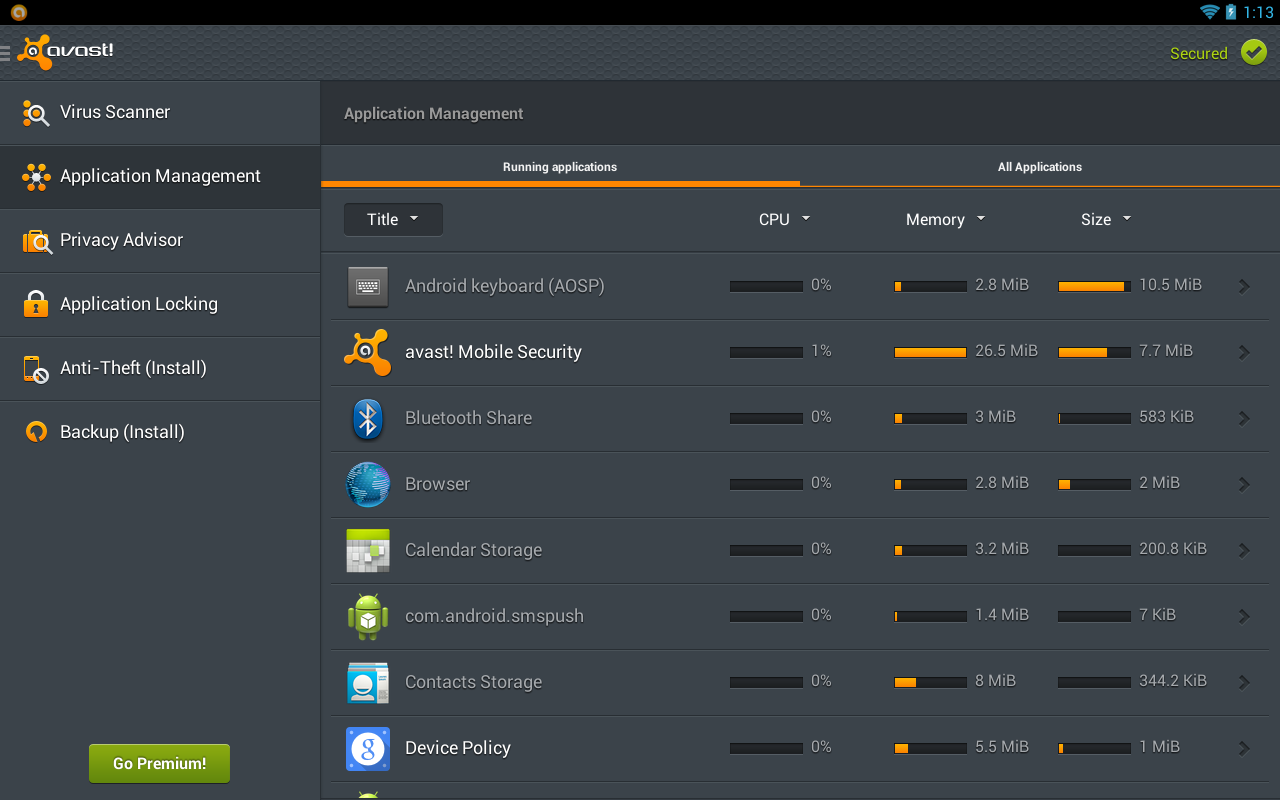
    6. Avast Mobile Security

    Avast Security

    In addition to keeping your Android handset free of malware, Avast Mobile Security and Antivirus lets you lock specific apps so other users can access them without your permission. It is one of the best security software for your phone.

  • Xiaomi Mi3 Review : Get it Now!

    Xiaomi Mi3 Review : Get it Now!

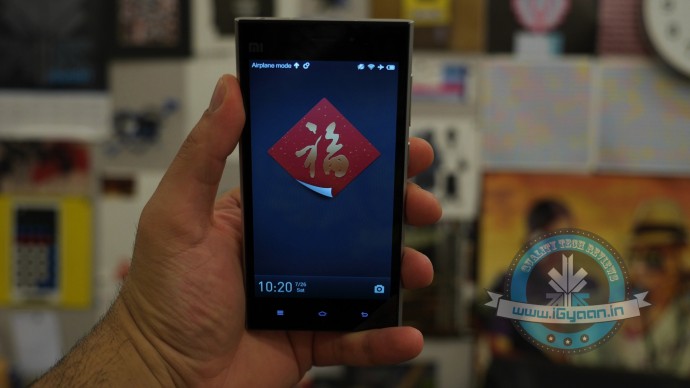
    The era of saying, “that’s a Chinese phone” in a negative manner may have finally ended, and that will be purely thanks to the fact that a lot of Chinese manufacturers are ready to put that norm to rest.

    With Gionee taking the market horses by the reins last year, Xiaomi is the latest player and is ready to play in the heated battle zone with the right approach for India.
    Xiaomi mi3 Review 12

    OVERVIEW

    India is the most price sensitive market in the world, one of the largest markets for Mobile Phone users, even those who switch handsets frequently. The country is flooded with manufacturers and brands trying to reach a level of excitement in the mobile space. With the Xiaomi Mi3, the Chinese manufacturer hit the right note with Indian buyers, by simply launching the product. There was a huge demand for a good budget phone; However Xiaomi dissolved their overheads by launching the product at a marvellous price of Rs 13999/- for the 16 GB variant.

    The stocks are very limited, and only those who preregister can buy the phone. Every few days the phone will go on sale on shopping website Flipkart, making it excruciatingly difficult to own one right now. What makes it more painful is the long list of dealers who have multiple accounts on Flipkart, waiting to snatch this phone, just so that they can sell for a markup.

    Is the handset really worth all that worship? Let’s find out.

    BUILD QUALITY AND HARDWARE

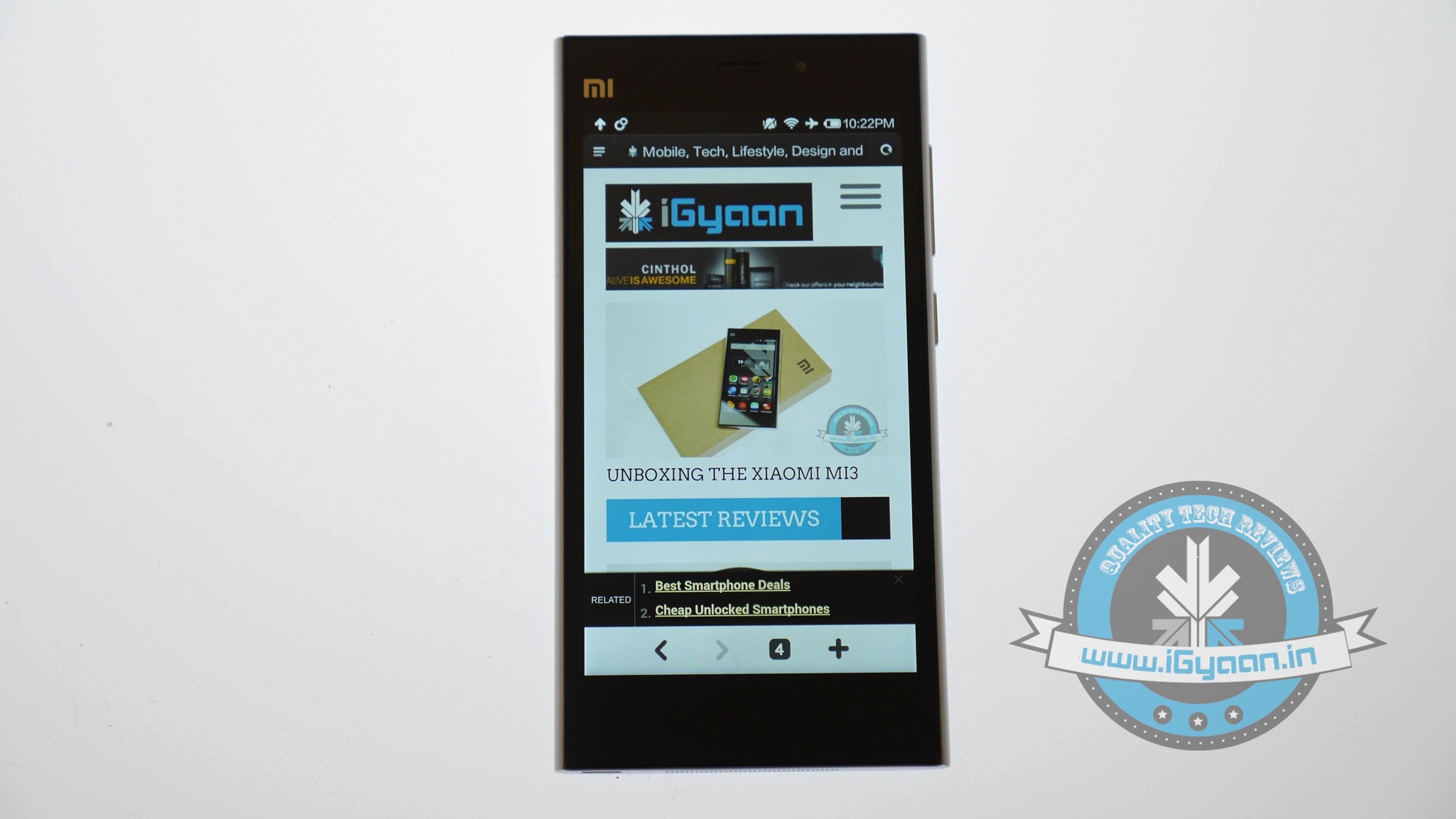
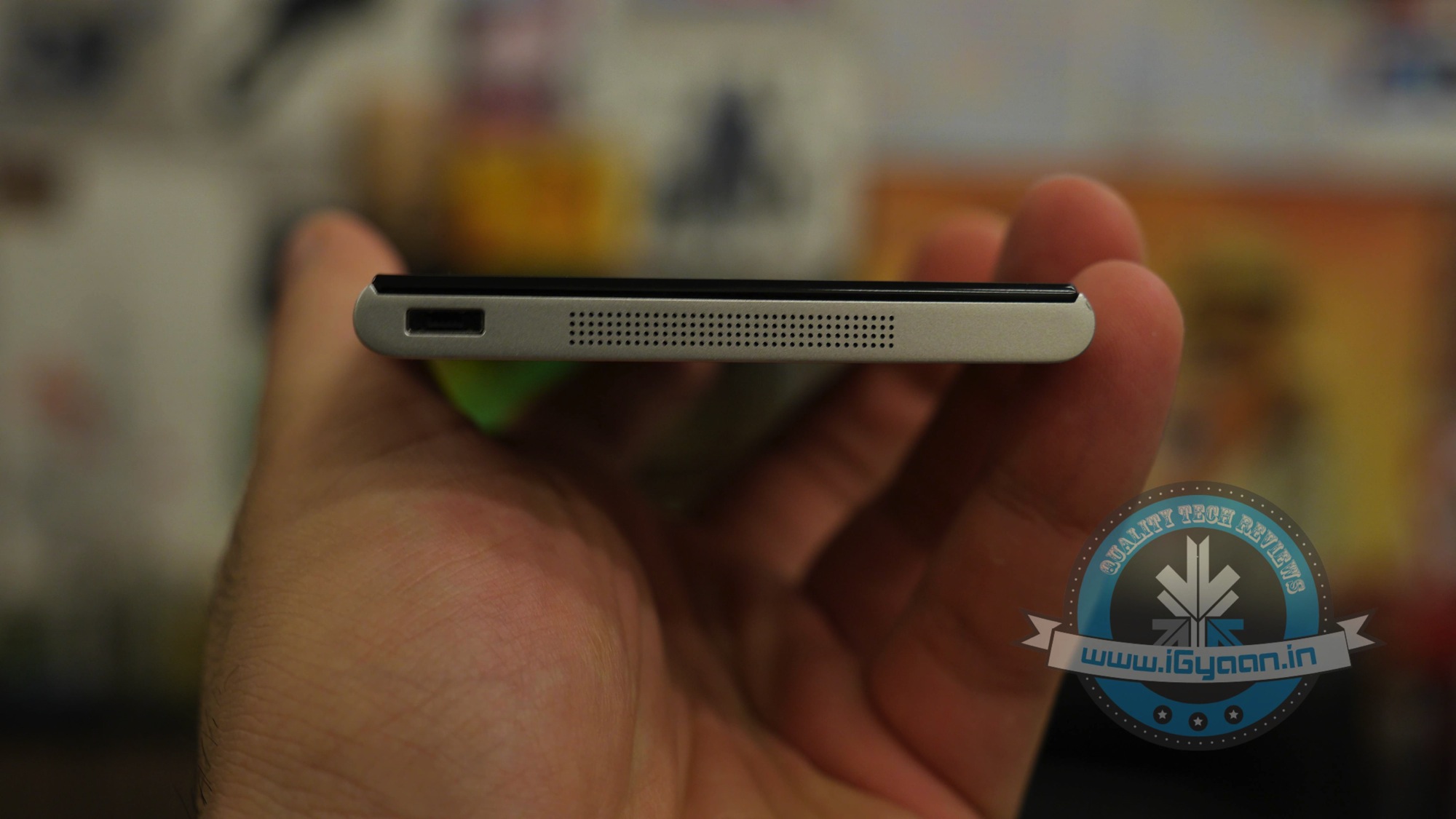
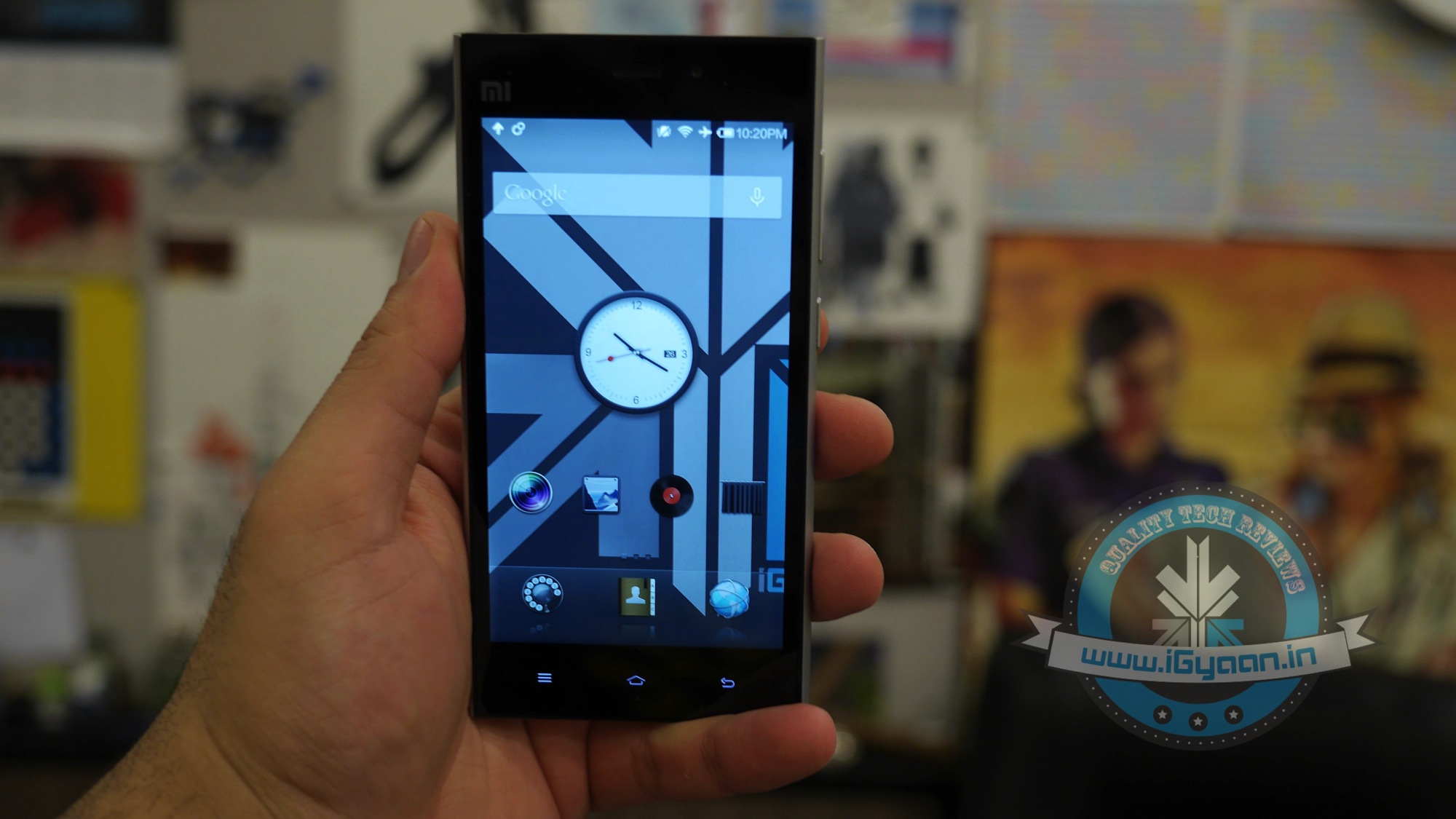
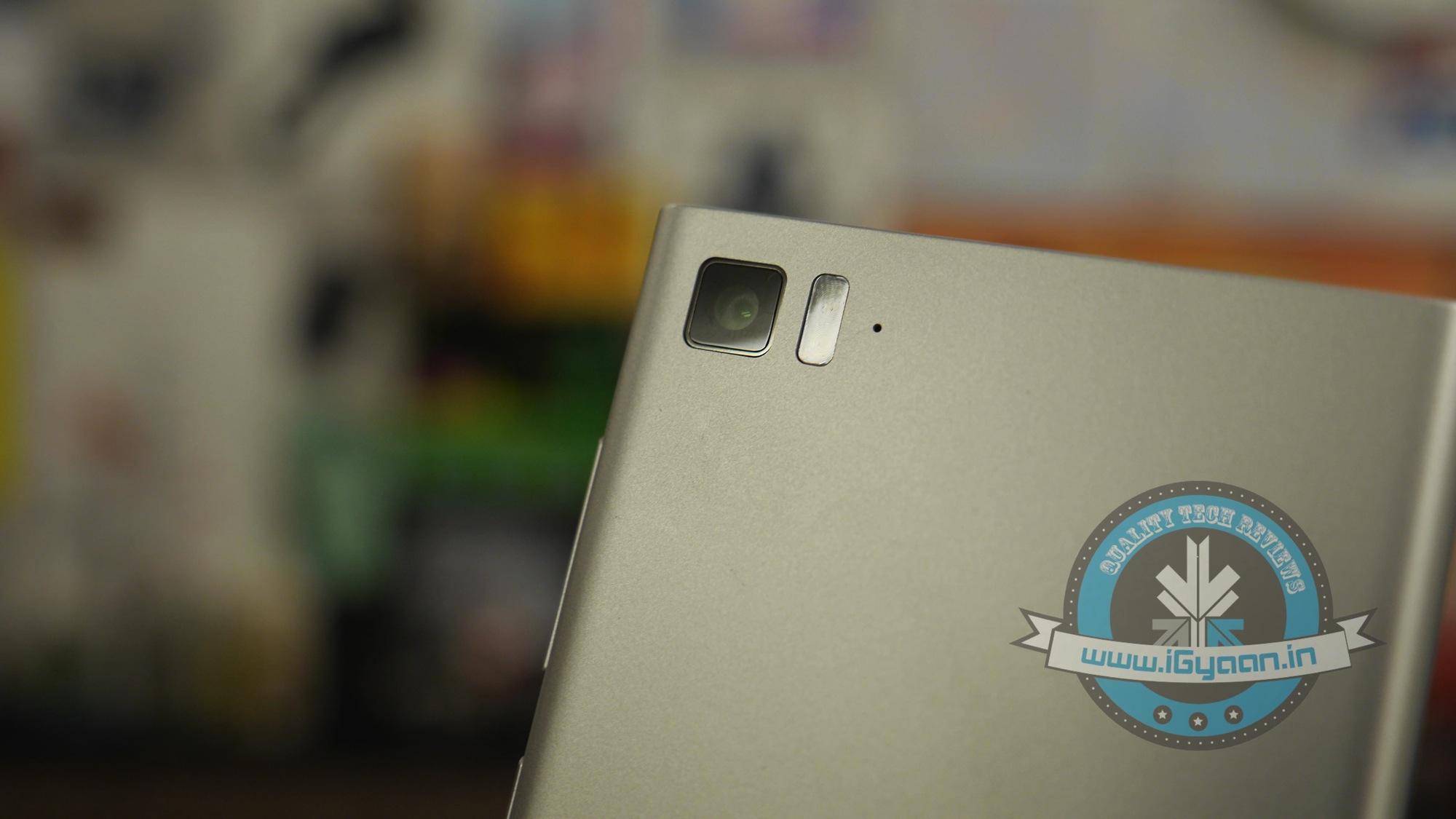
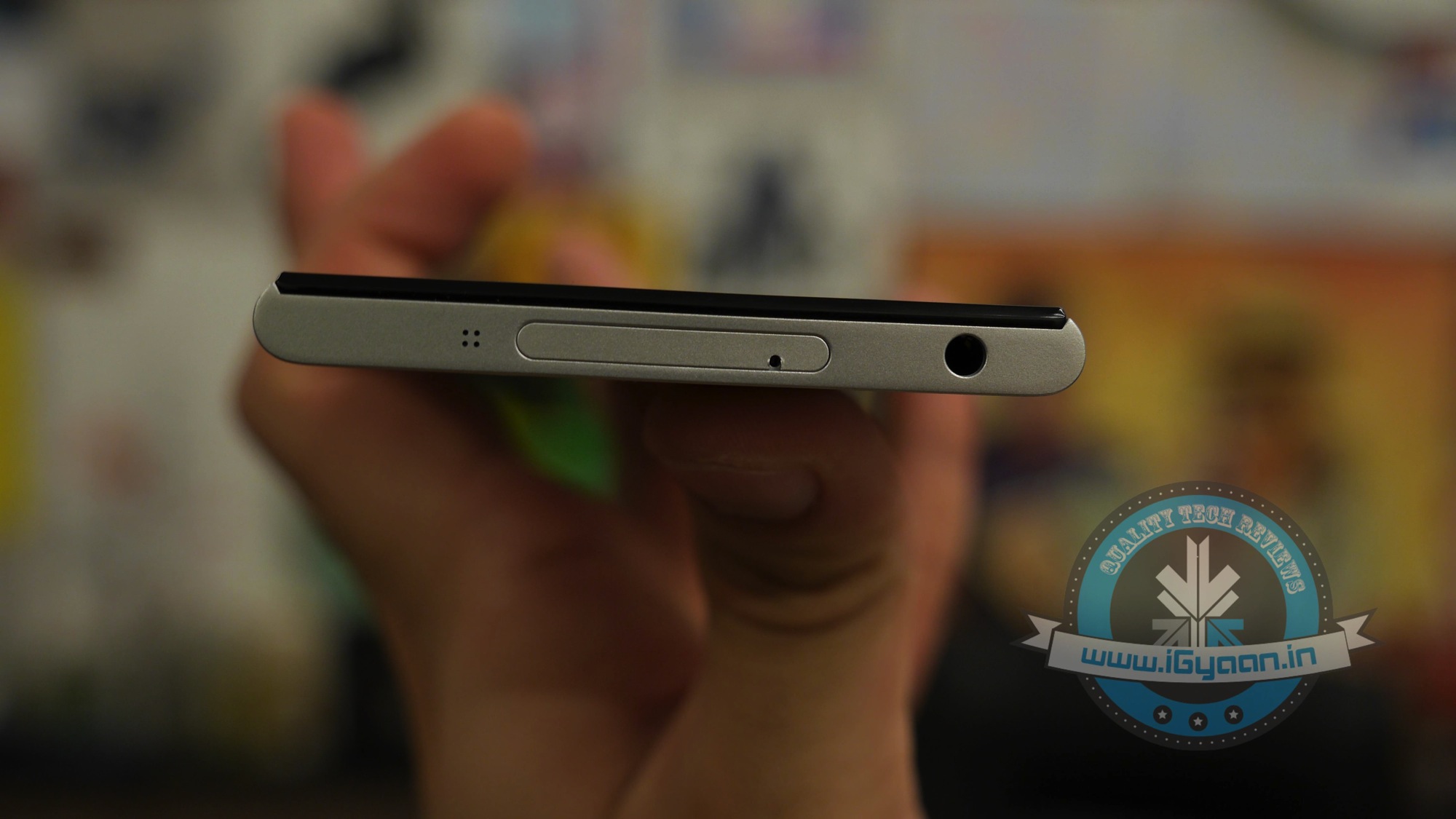
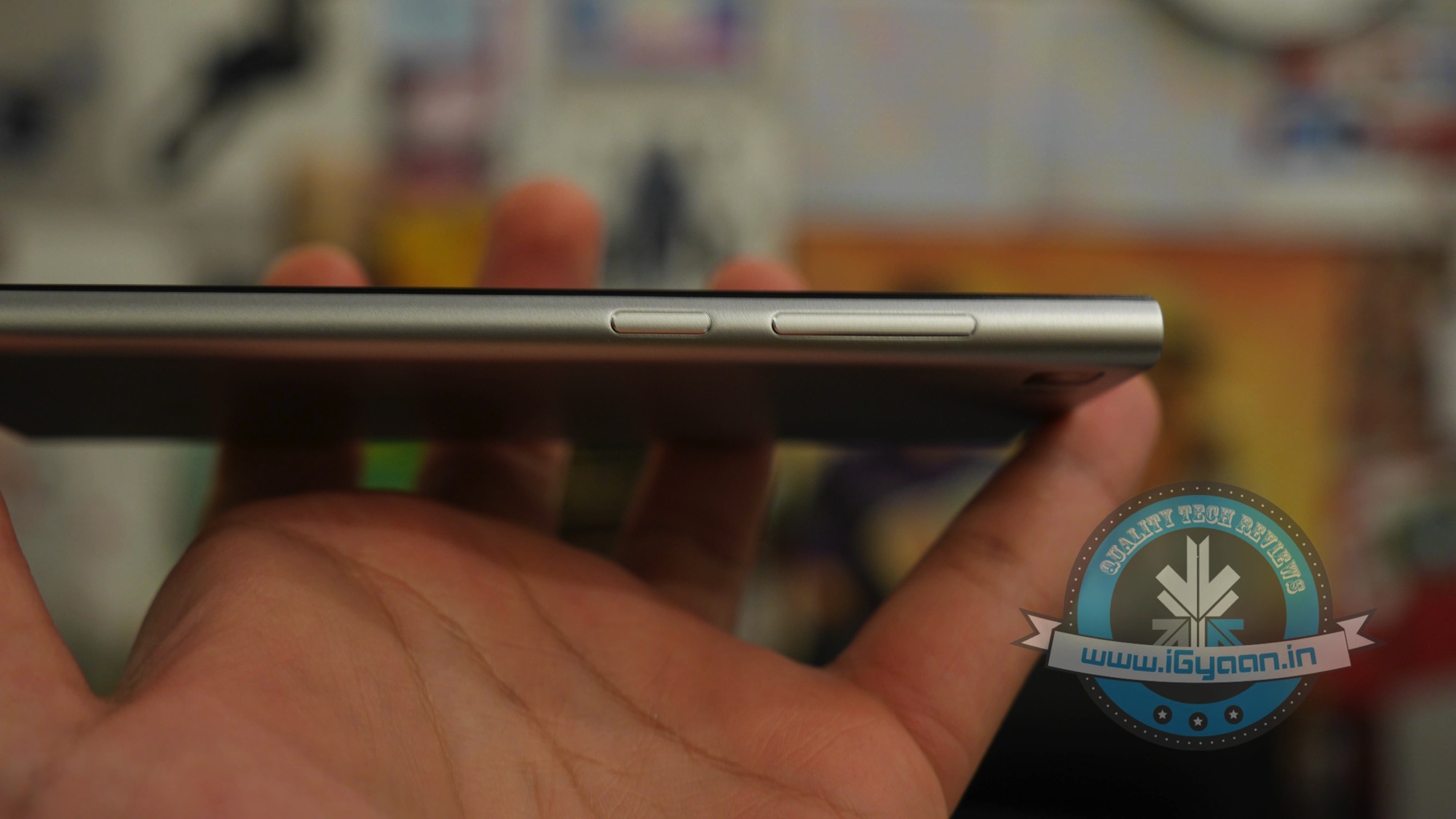
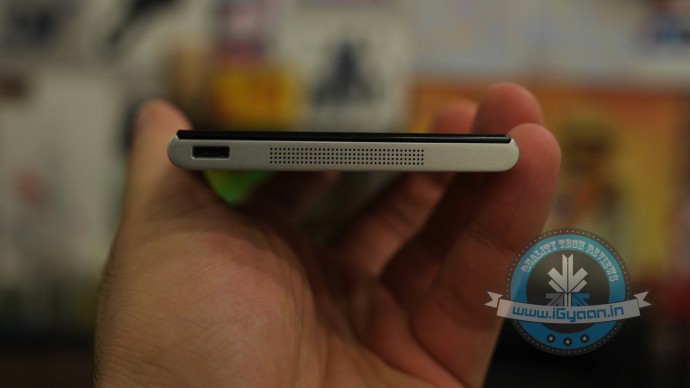
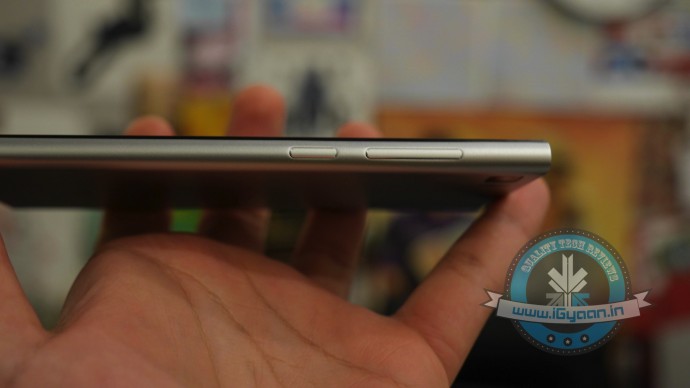
    Let’s say this, finding a phone this well made, for this price, is practically impossible. The Xiaomi Mi3 is encased in a solid brushed aluminium shell and laden with Gorilla Glass 3 in the front. Possibly one of the only phones with a reinforced micro USB port, the Xiaomi Mi3 has held no bars in design and build quality.

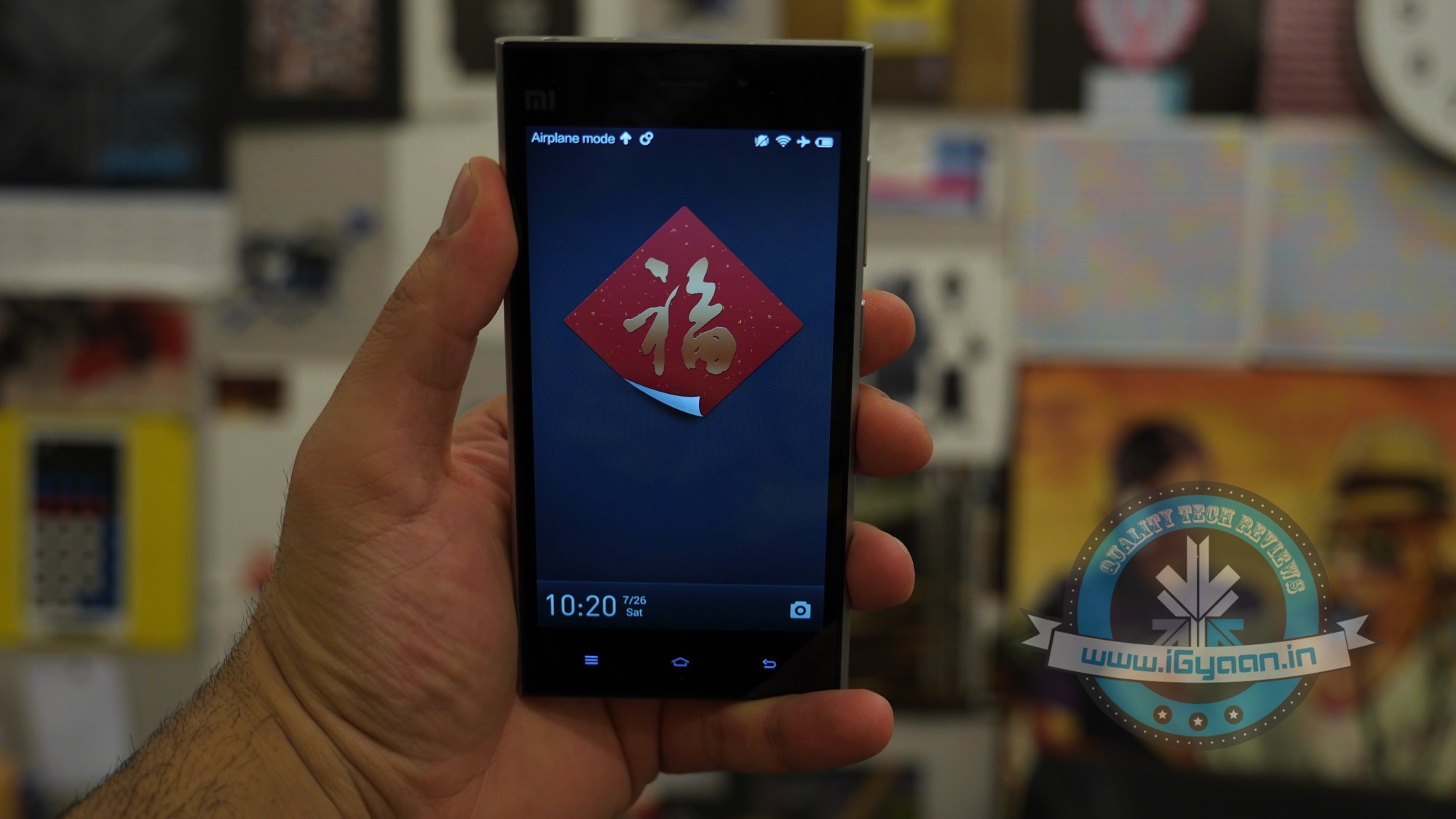
    The rigid frame also gives it fantastic looks and the rounded sides and edges relate to the fit in the hand, and it all feels great. Each time you pickup the Mi3 the first words out of your mind would be “No way this costs only Rs. 13999?.
    Xiaomi mi3 Review 9

    Hardware wise, the Xiaomi Mi3 is pretty top notch, unlike its latest version; the Mi4, the Mi3 carries a Snapdragon 800 chipset with quad cores clocked at 2.3 GHz, a full HD 1920 x 1080p IPS LCD display made by Sharp or LG, 2 GB of RAM, 16GB of storage and a whopping 3050 mAh battery. Apart from that you get the Adreno 330 GPU and Bluetooth 4.0 LE along with Wi-Fi 802.11 a/b/g/n/ac.

    Just putting the parts together will cost you more than a phone. However someone at Xiaomi has the right contacts with suppliers.
    Xiaomi mi3 Review 10

    ANDROID AND MIUI

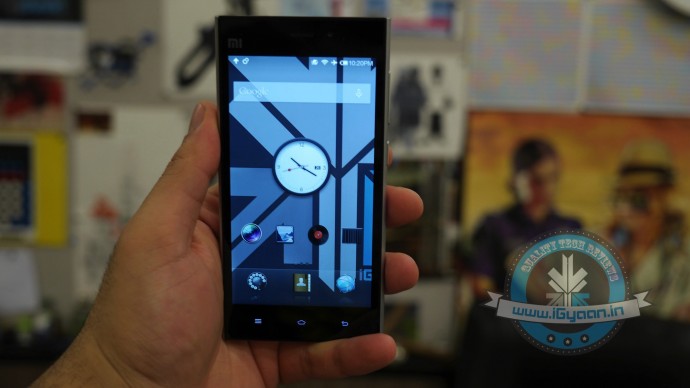
    The Xiaomi Mi3 in India comes preloaded with Android 4.4.2 out the box, which is skinned with MiUi, a very iOS like skin which does not contain an application drawer. The UI is fast and snappy and offers a lot of customisations including themes which can be downloaded from the Mi Store. The Mi3 will give full access to the Play Store and allow for launcher downloads as well as launcher replacement if so be the case.

    The UI is snappy and not laggy at all, the phone has good multitasking capabilities and will blaze through the live applications, despite few software glitches, that may often cause slowdowns and crashes.

    PERFORMANCE AND GAMING

    The phone is a beast for the price range. It does not break any records as per say, but is truly top notch in its price bracket, in fact pretty much compares to phones in double the price bracket. The phone runs through mostly all our tests and scores good results in our benchmark tests.

    Test

    Score

    Quadrant Benchmark 20376
    Antutu Benchmark 30537
    Nenamark 60.0 FPS

    As far as gaming is concerned, the Mi3 can handle anything that is thrown at it, basically, any game that exists on Android will run on the Mi3, which is mostly thanks to the heart of the handset being a Snapdragon 800 – one of the most stable chipsets when it comes to apps and software.

    We gamed on the Mi3 extensively and found it to be seamless and smooth, although the 16 GB runs out, and it runs out fast. You would be better waiting for the 64 GB variant if gaming is your bit because space is tight.

    The Xiaomi Mi3 is excellent in day to day use and offers excellent performance, whether its running apps or multitasking, you will not be disappointed.

    MULTIMEDIA AND CAMERA

    The Xiaomi Mi3 has a beautiful display with excellent viewing angles and a full HD resolution. Xiaomi has gone as far as calling it a “retina” display, because the panels are made either by LG or Sharp, both of which supply to Apple for the iPhone.

    The display is big and bright, and you will enjoy consuming media on this phone, the audio is excellent out of the 3.5mm jack, and you will be happy with the overall experience. The onboard speaker is not overly loud, but can be adequate, of course, which could be different for different folks, we would have liked a better speaker though.
    Xiaomi mi3 Review 6

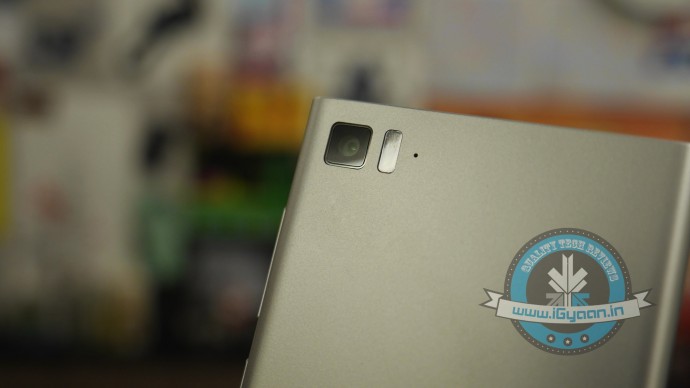
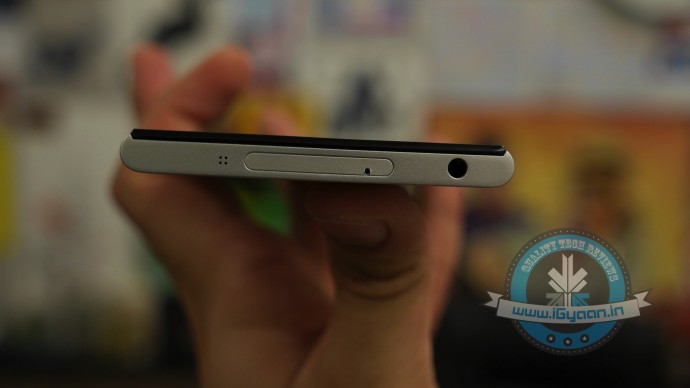
    The camera is the best in class, with a 5 element lens and f2.2 aperture, the 13 MP shots are right on the money. The colours are accurate, and images are perfectly sharp. Low-light performance is excellent, and video is good. The front camera is good for 2
    MP shots which will more than suffice for the selfie nerd in you.
    Xiaomi mi3 Review 8

    PHONE AND BATTERY LIFE

    Phone networks are strong, and network performance is good where we tested (Delhi/NCR and Mumbai), the phone supports 3G networks mostly globally and without issues in India. There is no 4G/LTE and expecting it would be inappropriate.

    Battery life is impressive thanks to a well balanced chipset, which helped us get through almost two days without a recharge on the 3050 mAh battery pack.

    Talk Time 6-7 hours
    Music 19 hours
    Internet 10+ Hours

    CONCLUSION

    Just a few months ago, Motorola broke the bank in India by launching the Moto G in this price bracket using a similar sale strategy (the Flipkart way). Now Xiaomi seems to have this in their pocket for the Xiaomi Mi3 and possibly for the Mi4 in the near future. There are several complaints, already of handsets with faulty Sim card trays, heating issues and handsets that refuse to boot or get charged.

    Around 35-service centres will offer, support and Flipkart has a brilliant reverse pickup for faulty and dead on arrival products. So device and support “should not be” a problem. However, there is no clarity on who is behind the sales, an Indian partner or the company itself? How dedicated are they and how serious do the consider one of the larger mobile markets?
    Xiaomi mi3 Review 7

    With confirmed news of the new Mi4 coming soon, and OnePlus showing interest in India, the Mi3 may be a miss for some. However for those who need a phone now, it doesn’t get any better than this. If you were considering a last generation Nexus 5, this overthrows that with half the price. Get the drift? Now get the phone!

    Buy Now

    [tw-column width=”one-half”]

    GOOD THINGS

    • Excellent Build
    • Uber Hardware
    • Stunning Looks
    • Android 4.4 and MiUi
    • Excellent Performer
    • Great Battery

    [/tw-column]

    [tw-column width=”one-half” position=”last”]

    BAD THINGS

    • No Official Company to find
    • Flipkart only Sales
    • Limited Units
    • Faulty on Arrival Units

    [/tw-column]
  • Google with Udacity Offers You a Course in Android App Development

    Google with Udacity Offers You a Course in Android App Development

    Android is going places. There is no other operating system that has been integrated simultaneously in so many multiple platforms. From Mobiles, Tablets, Gaming Consoles to Television and Cars, Android seems like it’s taking over everything. Now all this integration requires apps and developers who make that app. With over a billion devices activated, Android is here to stay for a considerable while. A lot many people have shown interest in making apps but they don’t have the skill sets for it. Google understands that and has tied up with Udacity.

    Install-Android-L-Beta-on-Nexus-5-620x465
    You can be a part of the Android ecosystem with this course

    The program is called “Developing Android Apps: Android Fundamentals” and the course is exactly what the name suggests. The program aims at giving assistance to programmers who don’t have the skillsets to make android apps.

    Google Developer Reto Meier, Dan Galpin, and Katherine Kuan will train potential Android developers. Their curriculum gives step by step instructions in building an app. The course will also teach the basics of mobile app development in general and Android development in particular. The best part, you can get personalized support and feedback from the instructor.

    By the end of the 8 week course, programmers would be able to build a cloud-connected Android app, and understand the tools, principles, and patterns that underlie all Android development.

    For applying to this course you need a strong working knowledge of Java or another object-oriented programming language. Access to an Android device is not compulsory but is advisable for this course.

    The program on Udacity is free for a 2 week trial after which the course costs $150/month, which is pretty reasonable as it comes with verified certificates on completion. So if you have an idea for a brilliant app but were limited by your programming capability, this is an opportunity for you. Most importantly, just remember that there is no stupid idea, the living proof for that is an app called YO (yeah, that exists.) So go ahead, maybe your app will be the next silly app to be valued at $10 million, this one is harder to believe but is true too.

  • DIY : Install Android L On a Nexus Device Right Now

    DIY : Install Android L On a Nexus Device Right Now

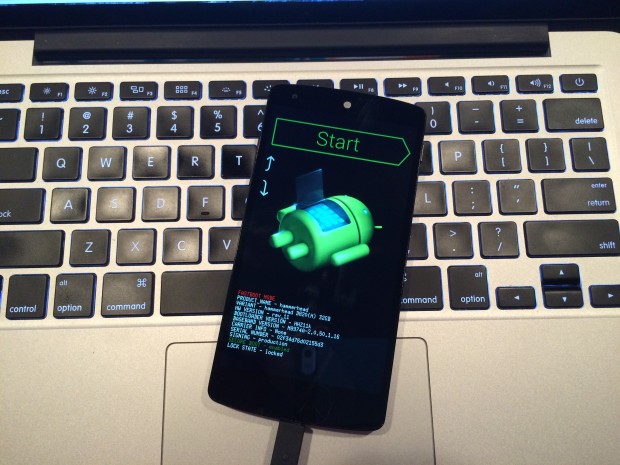
    At the I/O 2014 conference, Google showcased the latest version of Android, known only as L until its official launch later this year. Now, Google is offering an Android L Developer Preview, which is essentially an Android L Beta that comes complete with Android L factory images for the Nexus 7 and Nexus 5. You will need these Android L factory images to install the Android L Beta on your device. In addition you will need to install the Android SDK or at least ADB and Fastboot.

    Android L may not yet be ready for prime time, but a preview version is now available for Nexus 5 and Nexus 7 (2013 Wi-Fi model), giving users the option to get comfortable with the slew of changes it introduces. Here is how you can download and install it.

    P.S. Don’t forget to Back-up first.

    Also, if you are just interested in our detailed look at Android L : Hit the bottom ! or Click Here.

    google_android_l_developer_preview_screenshot_googleio

    What you Need

    • The Android SDK Tools, that you can download from Google Developers
    • The Android L preview factory image for your Nexus 5 and/or 2013 Wi-Fi Nexus 7, that you can also download from Google Developers.
    • A program that can handle archived files, like 7-Zip or WinRAR.

    How to do it

    Step 1.

    Before you can install the Android L Beta to Nexus devices you will need to install ADB and Fastboot to your computer. This is a program that runs on your computer to connect to your Android through a USB cable and flash the Android L Beta to your device.

    HOW TO INSTALL ADB ON WINDOWS

    If you are using a Windows machine, including up to Windows 8 and Windows 8.1 you can use the 15 second adb installer to streamline the process.

    Download the ADB installer for Windows. Find the file, right-click on it and choose Run as Administrator. When prompted you need to give the app access to run as an administrator. After the app launches type a Y and enter to select yes to Install ADB & Fastboot, to intsll ADB/Fastboot systemwide and to install Drivers. When a new window pops up follow the steps to install the drivers.

    After this is installed you should be ready to install the Android L Beta on the Nexus 5 and Nexus 7.

    HOW TO INSTALL ADB ON MAC, LINUX & CHROMEOS

    Nexus Tools makes it easy to install ADB on a Mac, Linux or even ChromeOS. All you need to do is open Terminal on your computer and paste in the code from xda.

    This will install ADB and Fastboot on Mac, Linux and Chrome OS without the need to do anything else.

    After the script completes you can type ADB or Fastboot to start running either program.

    Step 2.

    If you are on a Mac/Linux/Chrome OS jump to Step 12
    Windows PC folks; go to the folder where Android SDK Platform-tools is located (in my case, its path is C:\Program Files (x86)\Android\android-sdk\platform-tools) and copy the following files to the Root folder:

    • AdbWinApi.dll;
    • AdbWinUsbApi.dll;
    • fastboot.exe.

    Step 3.

    While in the Root folder, extract the Android L preview factory image to the same location. This will create a new folder inside Root, which name depends on the device.

    Step 4.

    Open the folder and copy all of its contents to Root.

    Step 5.

     Now, you have to install the correct drivers for your Nexus 5 and/or Nexus 7. Here is what you need to do:

    • After connecting the device to the PC, power the Nexus off.
    • Turn on your device in fastboot mode; the key combination for your device is either volume down + power  or volume up + volume down + power.
    • From Device Manager (Computer -> Properties -> Device Manager) identify your device (it will show up with a yellow exclamation mark icon).
    • Right click on it, select Update Driver Software and then select Browse my computer for driver software.
    • Select Let me pick from a list of device drivers on my computer.
    • From Have Disk… option manually install the android_winusb.inf driver ( its location may be same as C:\Program Files (x86)\Android\android-sdk\extras\google\usb_driver). Accept any prompts that may appear.
    • Select the Android ADB Interface option when given the option. Accept any prompts that appears.

    Step 6.

    Enter fastboot mode, open a command prompt window in the Root folder (while pressing the Shift key, right click inside it and select Open command window here) and use the fastboot devices command.

    Step 7. 

    Open a command prompt in the Root folder. Use the fastboot oem unlock command to unlock the bootloader. A prompt will show up on your Nexus device; use the volume keys to select Yes and press the power button to validate. This command will erase all personal data from the device.

    Step 8. 

    Use the flash-all.bat command to perform a clean install of the Android L preview. Alternatively, you can also open the file with the same name from the Root folder.

    Step 9.

    Using Notepad, open the flash-all.bat file (or, right click on it and select Edit). To avoid any issues make sure that your Nexus device is disconnected from the PC beforehand.

    Step 10.

    Identify the fastboot -w update sequence. Remove the -w so the sequence is fastboot update. Save the changes.

    Step 11. 

    Connect your Nexus device to the PC in fastboot mode. Open the flash-all.bat file in the Root folder.

    Android L 1

    Step 12

    For Mac/Linux/ Chrome OS users

    Extract the downloaded Android L file onto a folder on your desktop named “android”

    Now open a Terminal window and type the following:

    adb reboot bootloader
    (this will reboot your device into fastboot mode)

    In Fastboot type:

    fastboot oem unlock

    Then hit enter. Follow the on-screen instructions and choose to erase the device. Wait a minute or so for it to unlock. This removes everything on your device.

    Now Go into your desktop folder in Terminal

    cd /USER/desktop/android
    (replace "USER" with your username)
    
    Then type in the following
    sudo ./flash-all.sh
    (wait about 5 minutes and your phone will reboot into Android L)

    And you’re done. Following these steps your device will run the Android L preview. Be aware that you may encounter bugs due to it being in an earlier stage of development. In case you wish to go back to KitKat, you can apply the same steps as detailed in this article, but using a KitKat factory image instead. 

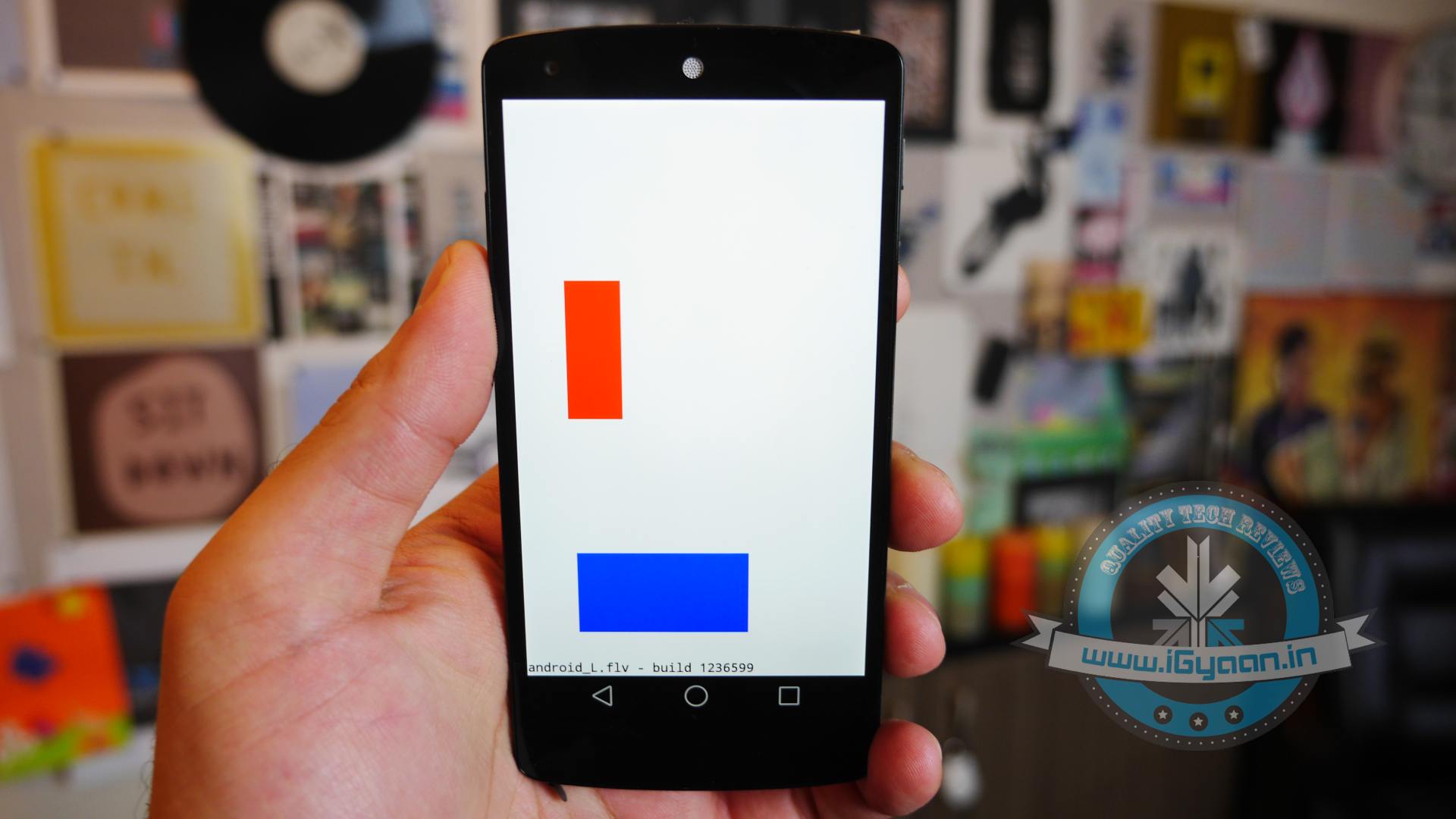
    Hands on with Android L

    Here is what the Animation looks Like:

  • The Android War : Gionee S5.5 Vs HTC Desire 816 Vs Sony Xperia M2 Vs Micromax Canvas Gold

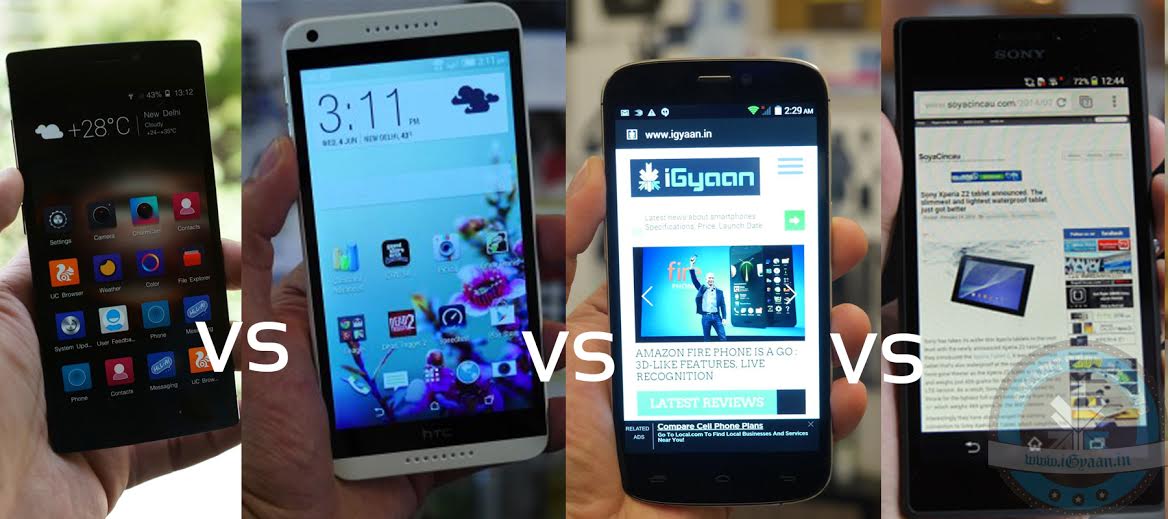
    The Android War : Gionee S5.5 Vs HTC Desire 816 Vs Sony Xperia M2 Vs Micromax Canvas Gold

    Android market has come up with some of the best devices this season. The flagship Android segment has always been on war, and these four are in their most bloody mood. HTC Desire 816, Micromax Canvas Gold, Gionee S5.5 and Sony Xperia M2 are the front runner in the INR 20-25,000 category.

    The international brands Sony and HTC have been challenged quite effectively by the domestic contenders Micromax and Gionee.  Let’s have a quick blow by blow of where each phone bests its opponents.

    Phone Gionee S5.5 HTC Desire 816 Sony Xperia M2 Micromax Canvas Gold
    Price Gionee Elife S5.5
    INR 21,500
    HTC Desire 816

    INR 23,990

    Sony Xperia M2 Dual
    INR 19,300

    Micromax-Canvas-Gold-A300-150x150

    INR 21,799


    Operating System Android (4.2) Android (4.4) Android (4.3) Android(4.4.2)
    Display 5 inches
    Screen Type: Super AMOLED Capacitive Touch Screen
    Details: 16M Colors
    Screen: 1920 X 1080
    5.5 inches
    Screen Type: Super LCD2 Capacitive Touch Screen
    Details: 16M Colors
    Screen: 1280 X 720
    4.8 inches
    Screen Type: TFT capacitive touchscreen
    Details: 16M Colors
    Screen: 960 X 540
    5.50 inches
    Screen type Capacitive
    Resolution 1080×1920 pixels
    Camera 13 MPTouch Focus, Face & Smile Detection

    13 MP

    Geo-Tagging, Touch Focus, Face Detection, Simultaneous HD Video and Image Recording, HDR

    8 MP

    Geo-Tagging, Touch Focus, Face and Smile Detection, Image Stabilization, HDR, Panorama

    16 MP

    Architecture, Electronic Image Stabilization, Cheese, Burst, Face Beauty Mode, Live Photo Mode, Auto Gesture Mode, HDR Mode

    CPU 1.7 GHz MediaTek MT6592, Octa-Core 1.6 GHz Qualcomm MSM8928 Snapdragon 400, Cortex-A7, Quad Core 1.2 GHz Qualcomm MSM8226-0 Snapdragon 400, Cortex-A7, Quad Core 2 GHz octa-core MediaTek MT6592T processor
    RAM
    2 GB
    1.5 GB
    1GB 2GB
    Internal Storage 16 GB 8 GB  8 GB 32GB
    Battery 2300 mAh, Non-Removable, Lithium-Ion 2600 mAh, Non-Removable, Lithium-Ion Polymer 2300 mAh, Non-Removable, Lithium-Ion Li-Polymer 2300 mAh, Removable, Lithium-Ion

    All phones are the best their manufactures offer in this price category. Gionee certainly gets an extra point for its ultra slim S5.5, but Desire 816’s build quality steals the show. The new Micromax Gold offers a 16MP camera with a wide range of features it doesn’t have much competition against the 13MP in S5.5 and Desire 816; and the 8MP in Xepria M2. Also, the Micromax Gold champagne-colored body makes it a great looker, with 32 GB of internal storage and 2 GB RAM. In the end, the efficiency of the device is based on the needs of the user.

  • Android Vs Firefox OS : Beginning of the New ‘Low-End Phone’ Era

    Android Vs Firefox OS : Beginning of the New ‘Low-End Phone’ Era

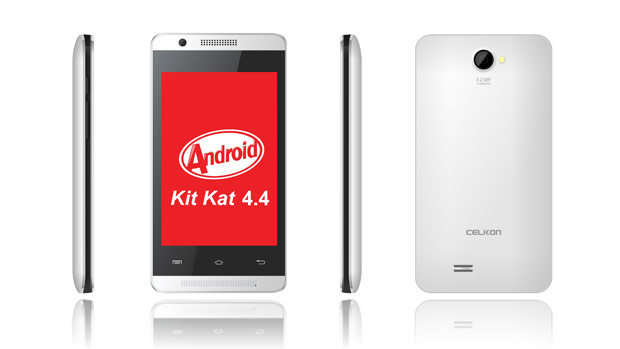
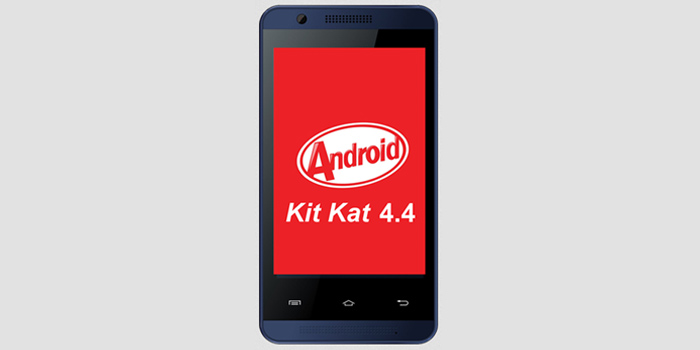
    Celkon debuted its Campus A35K this week, it joined the ever growing club of affordable Android KitKat Smartphones in India. With a price tag as low as Rs 2,999 in an exclusive partnership with online marketplace Snapdeal.com, this device does indeed have quite a proposition on its hands, but how well will it work? Let’s find out.

    The front surface is a 320 x 480 pixel display of 3.5 inches in size. The device itself is enclosed inside a 119mm x 63mm x 10.7mm body and its overall weight comes up to 102gms. A 1GHz processor powers it from within, gaining what little assistance it can from just 256MB of RAM. Touted as the cheapest Android KitKat-operating system based Smartphone, the handset has dual-SIM slot and supports Wi-Fi, Bluetooth, Micro-USB, and AGPS connectivity options along with 3G connectivity. It comes equipped with a disappointing 1400mAh battery, but then again we can’t complain much considering the face that its priced so cheap.

    14614-304

    Android KitKat is the latest version of the Google-owned operating system. While the market is flooded with devices based on the previous generation of JellyBean OS, handset makers are now focusing on launching devices with Android KitKat.

    The price segment this phone caters to is still ruled by the old world feature phone. The new entrant is said to be eliminating most of these buttons phone soon.

    Also, Indian phone makers Intex and Spice have decided to bring Mozilla’s Firefox OS to India. Intex calls its device the Cloud FX. The company said that the phone will be priced around Rs.2000, thereby bringing the Smartphone experience to the last group of people untouched by it. Spice on the other hand has just given a July release timeframe and announced that its phone will be a dual Sim device.

    This may bring a revolution in the low-end phone segment mobilizing bigger players to enter that arena. If any one device in this segment works, there is a possibility of new trends in this segment. With major companies like Google and Facebook investing in initiatives to connect the massive unconnected population with internet, operating systems like these which facilitate cheaper devices which will further lead to more global interconnection.

iGyaan Network
Privacy Overview

This website uses cookies so that we can provide you with the best user experience possible. Cookie information is stored in your browser and performs functions such as recognising you when you return to our website and helping our team to understand which sections of the website you find most interesting and useful.