Tag: iOS

  • Here’s an Important WhatsApp Update for iOS That Everyone Missed Out On

    Here’s an Important WhatsApp Update for iOS That Everyone Missed Out On

    Most iPhone users have trouble admitting it, but iOS comes with several limitations. One of the major restrictions has been the absence of easy inter-app sharing; more specifically, sending images from the Photos app to WhatsApp directly.

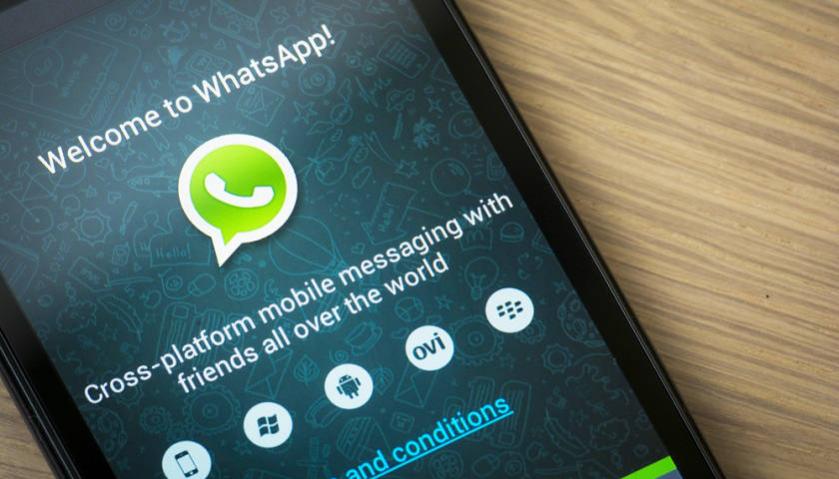
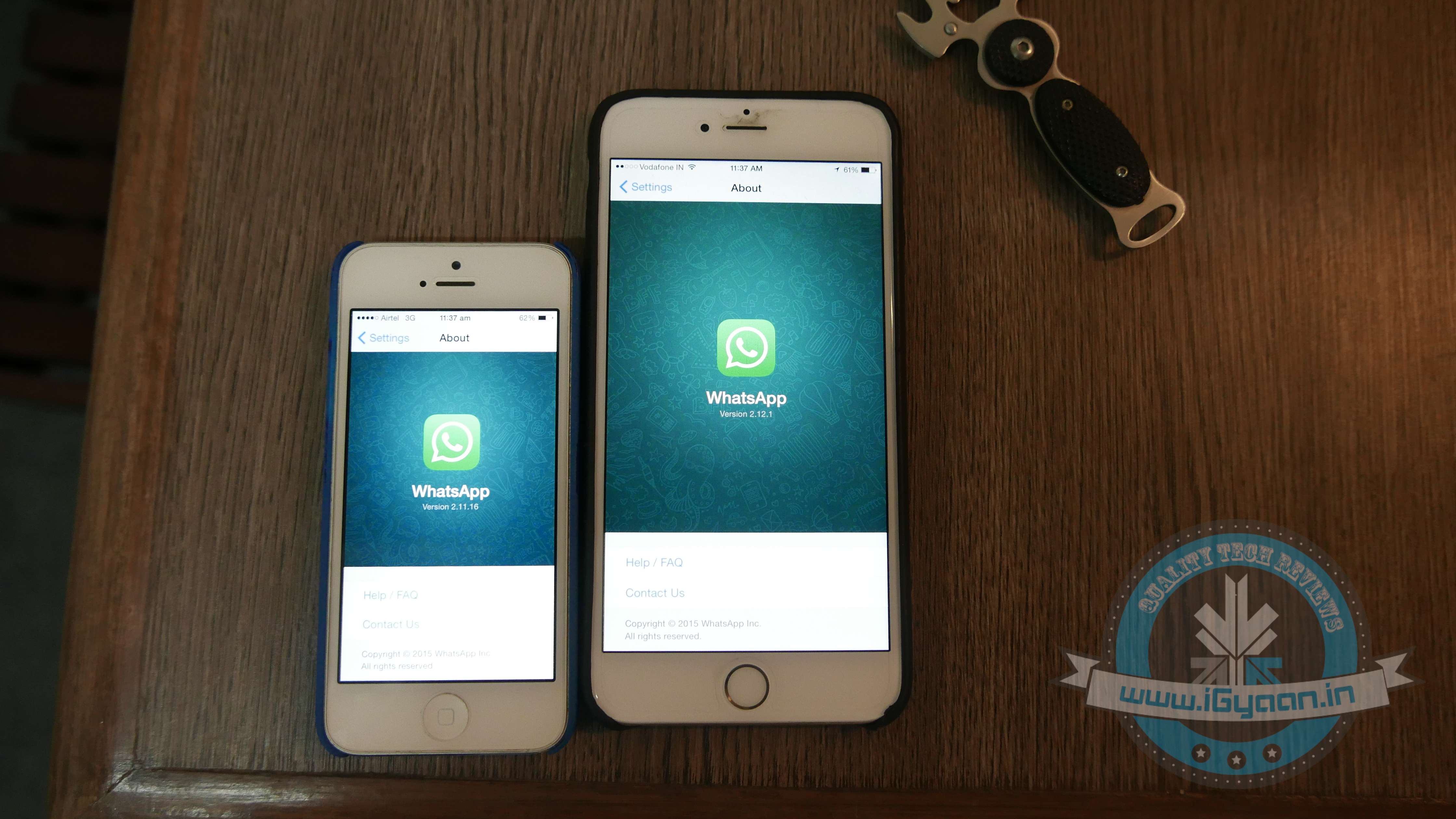
    The new WhatsApp update, Version 2.12.1, other than adding the much-awaited voice calling feature, finally gives iPhone users the right to directly share an image from the Photos app with a WhatsApp contact.

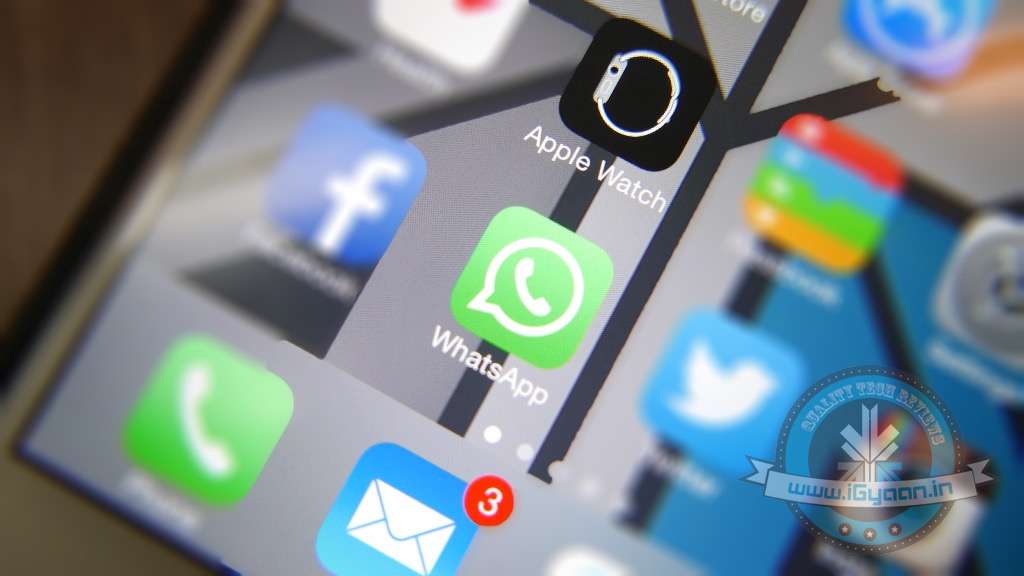
    WhatsApp 3
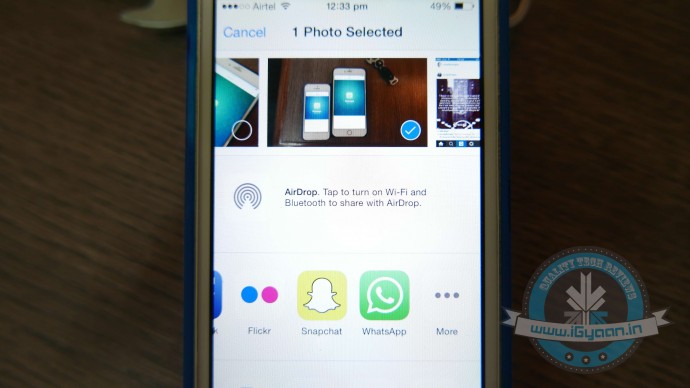
    The WhatsApp icon has been added to the list of ‘Share’ options.

    A feature that Android users have always enjoyed, was a tiresome detail missing from iOS. Earlier if an iPhone user was scrolling through old pictures on his/her smartphone and decided he/she wanted to share one that was clicked in 2013 with a friend via WhatsApp. They would have to open the WhatsApp app, find the friend, and then scroll back in time to retrieve the picture. The new WhatsApp update now cuts back on the long procedure and makes it super easy to share images.

    To enable the setup, you would first need to install the update. Then open the Photos App, choose an image and click on the Share button. Scroll through the end of the list and click on ‘More’. From the list of apps, you now have WhatsApp added as one of the sharing options. Enable it, and you’re good to go.

    For more details on the new update, click here.

  • WhatsApp Brings Voice-Calling to iOS Along With Few More Features

    WhatsApp Brings Voice-Calling to iOS Along With Few More Features

    It’s been a while since the cross-platform mobile messaging app debuted its much-talked about free calling service on Android platform. The iOS users were left behind with no access to this feature, but now WhatsApp has released the calling tool for iOS users as well.

    WhatsApp update with version 2.12.1 hit the iTunes Store, which states that upgraded app will feature voice-calling on iPhone. Users can make a call to any of their friends and relatives across the globe using the cellular data. WhatsApp stated that it has started rolling out the service, and it will slowly reach all iOS devices “over the next several weeks.”

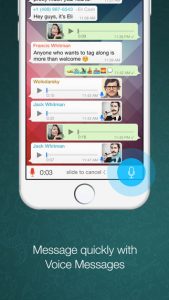
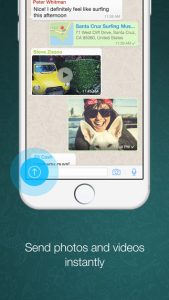
    The latest version is not just about the voice-calling update and introduces a slew of other features, making use of iOS 8’s sharing extensions. With the new version installed, users would be able to share photos, videos, and links right to WhatsApp from other apps. To know more about the useful inter-app sharing improvements, click here. 

    iPhone users can now also edit contacts directly from the app. One can capture photos and videos within WhatsApp and can send multiple videos before cropping them. A caption can also be added along with the photos, just like Android app.

    Meanwhile, WhatsApp recorded a steep increase in its active user base. The CEO of the company said that it now serves 800 million active users, which was 600 million nearly four months back. Covering the iOS users as well, Windows is the only platform left where the voice-calling is still to arrive.

  • Halo: Spartan Strike is Now Out for iOS, Steam And Windows

    Halo: Spartan Strike is Now Out for iOS, Steam And Windows

    Halo is back again with its newest top-down shooter game. Partnering with Vanguard Games, Microsoft Studios and 343 Industries have launched Halo: Spartan Strike. The new story is touted to be different from previous releases.

    The new story is based in the Halo universe on New Mombasa in the year of 2552. The game consists of 30 different levels while maintaining the objective of leading the UNSC troops through jungles and cities against Covenant and Promethean foes. For aid, the player has a huge arsenal of weapons, abilities and vehicles. In addition to this, players can buckle up against each other in a variety of weekly challenges to earn the top spot on the leaderboard. The achievements can be earned to attain new avatars or emblems on Xbox One.

    halo spartan strike

    The game is available for $5.99 on iOS, Windows and Steam. For iOS and Steam users, you can also avail Halo: Spartan assault as a bundle for $9.99. The Indian Windows Store lists the game for Rs. 379. Once purchased on any Windows device, this game can be played across different platforms too. This includes syncing of the game data and progress, as long as it is connected to Steam.

  • Microsoft Brings Document Scanning App ‘Office Lens’ to Android and iOS

    Microsoft Brings Document Scanning App ‘Office Lens’ to Android and iOS

    Microsoft’s last year release ‘Office Lens’ was a big hit in the Windows app arena – and for good reason. The mobile scanning app is a handy tool that lets users take picture of a document and convert it into a editable file format. The same application has now arrived for Android and iOS smartphones, as confirmed by Microsoft.

    The hardware and software firm announced through its official blog post that it has released an Android Preview of the Office Lens on Google Play Store and a full-fledged version of the app for iOS users on the Apple Store. The app is free for download on both the platforms and one can start editing their pictures once the scanning tool is installed on the device.

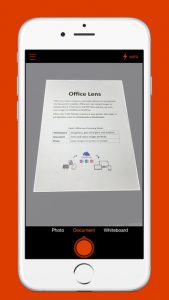
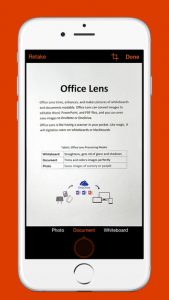
    The uses of Office Lens are varied. As mentioned above, the tool turns a phone into a scanner and scans the picture of the required document, such as menus, receipts or business cards. The cropping feature is pre-installed within the app through which users can cut the required image and discard the rest. The desired image then converts into an editable file which can be saved it in any format of your choice, i.e. Word, PowerPoint presentation or PDF.

    Untitled1

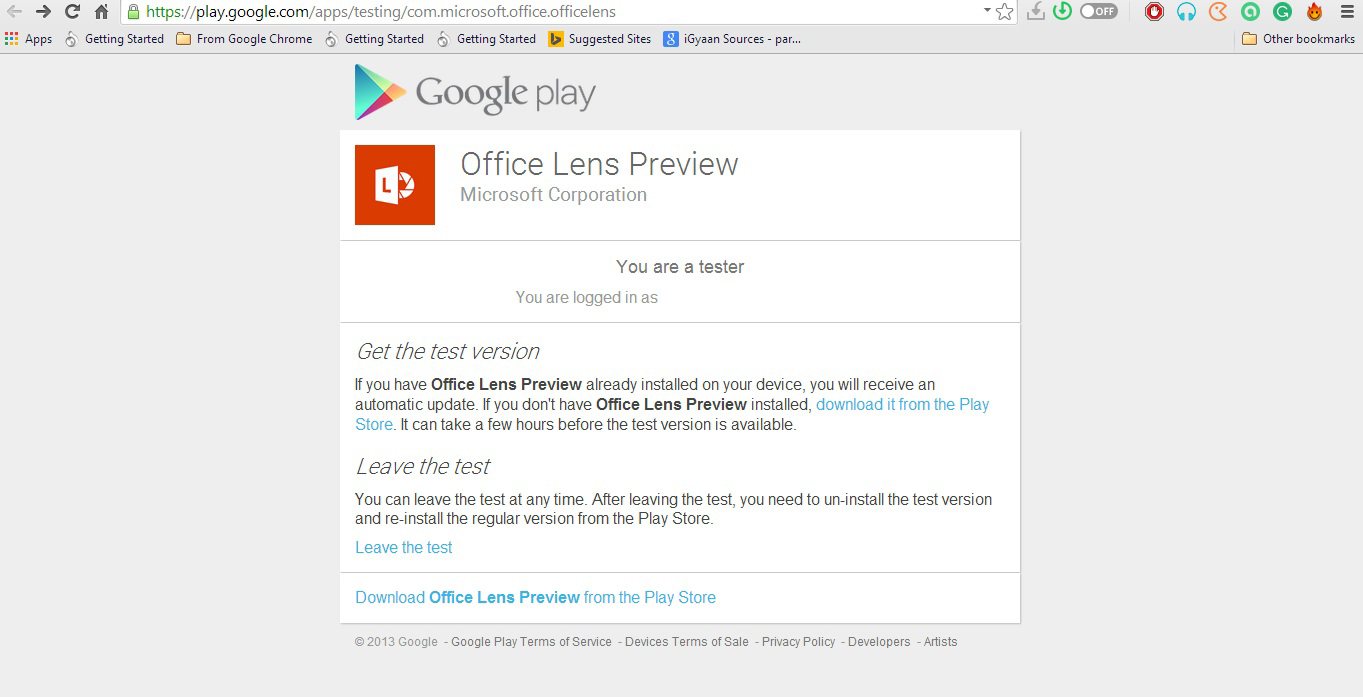
    Meanwhile, Android users have only received a preview of the app. Users can experience the amazing features of the app only when they join Microsoft Office Lens Android Preview community on Google+. However it’s easy to get the application, but the company could have shrinked the process to one-click download, as they have done for iOS users. For now, Android users have to follow these three steps: Join Community > Become a Tester > Download ‘Office Lens Preview’ from Play Store.

    Microsoft has made Office Lens a cross-platform productivity tool from a Windows-only app. The company is well aware of the reach of the Android and iOS platforms and, hence, is pushing the largely appreciated feature from the minute share of the Windows market to the colossal app communities.

  • iOS Users to Get WhatsApp Voice Calling in a Couple of Weeks, Says Founder

    iOS Users to Get WhatsApp Voice Calling in a Couple of Weeks, Says Founder

    WhatsApp recently led a direct assault at telecom companies’ core business, voice calling. By introducing the voice calling feature, WhatsApp became a complete phone utility in itself. The feature is being rolled out gradually on Android and WhatsApp’s founder has announced that iOS users of the app will be bestowed with voice calling feature really soon.

    WhatsApp’s co-founder, Brian Acton was speaking at Facebook’s F8 developers’ conference when he made the announcement. He said iOS users will be getting the voice calling update in a “couple weeks”.

    There have already been a few unofficial efforts towards bringing the feature on iOS through jailbroken iPhones, but an official version is definitely better and secure.

    As the date mentioned by the company is still vague, you can expect it to take a few weeks more. Facebook Messenger chief, David Marcus had said that WhatsApp had spent years creating and testing the voice calling feature before bringing it to Android phones. So maybe it’s better to wait a few weeks to get a fully functional voice calling feature instead of bug filled versions that may be available now.

    It would also be interesting to see how the telecom companies respond to this as it’s a major threat to their core business. If past is an indication, they might steeply increase the price of data packs and may also try to take initiatives to break the internet. This is no ordinary feature, and we should anticipate a major legal battle soon between the old powers and the new innovative tech developers over the future course of communication technology.

  • Switching From Android to iOS? This iGyaan Guide Will Help You Out

    Switching From Android to iOS? This iGyaan Guide Will Help You Out

    Switching phones with different operating system is easy, but transferring data between the two can be a task. If you are an Android user and are planning to switch to iOS, then you might be concerned about your contacts, music, calendar, photos and videos. This guide will assist you in making a smoother and effortless shift between the two ecosystems.

    The first rule of safe data transfer is backing your device. This way, even if you are stuck at any step, you will have the data with you. Once all your data is backed up, follow the directions below and get started:

    Shift Contacts, Mail and Calendar

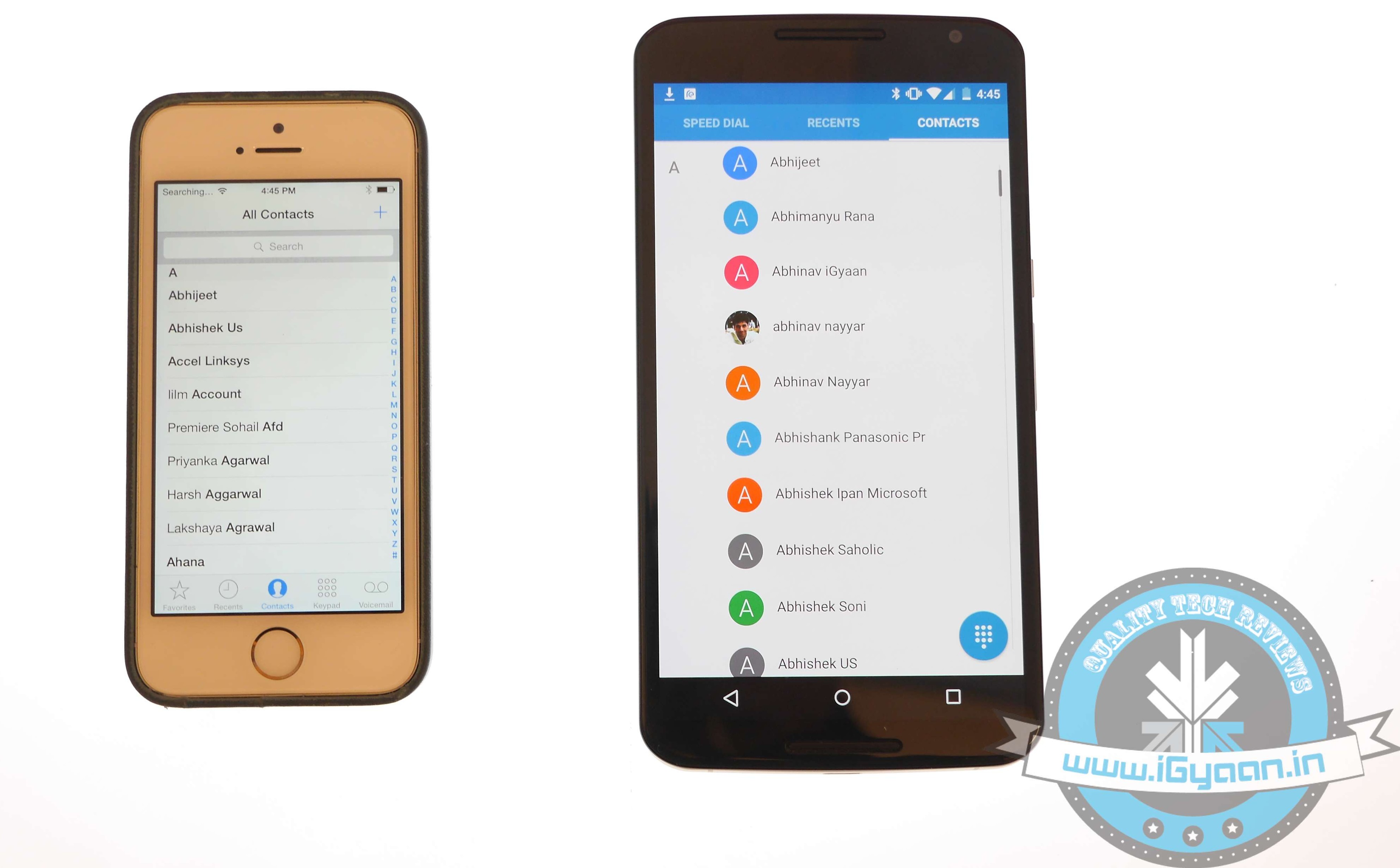
    iOS vs Android 11

    One of the easy and quick methods to transfer contacts, emails, and calendar to the iOS is by syncing your Gmail account. Go for the below-mentioned steps on your Android:

    • Go to Settings > Accounts > Google
    • Click on your Gmail account and tap on Sync Gmail, Sync Calendar and Sync Contacts
    • This will sync your selected information to your Gmail account. Now open your iPhone and perform the following steps:
    • Choose Settings > Mail, Contacts, Calendars and add your Gmail account
    • Enable all the options like Mail, Contacts, Calendar and Notes if you wish.

    Transfer Photos and Videos

    iOS vs Android 7

    If you don’t wish to lose the pictures and videos on your Android, then Copy My Data or PhotoSync would be the best option to go for. Perform the below-mentioned method to transfer photos, as well as videos:

    • Download and install PhotoSync (or Copy My Data) on both iOS and Android.
    • Open PhotoSync on Android and make a selection of the pictures
    • Tap on the minuscule, Refresh-like red button on the top and select Phone in the next window that will appear
    • Tap on the iPhone name in the other window or type in IP address in case it doesn’t appear automatically
    • The transfer will begin.

    Transfer Music

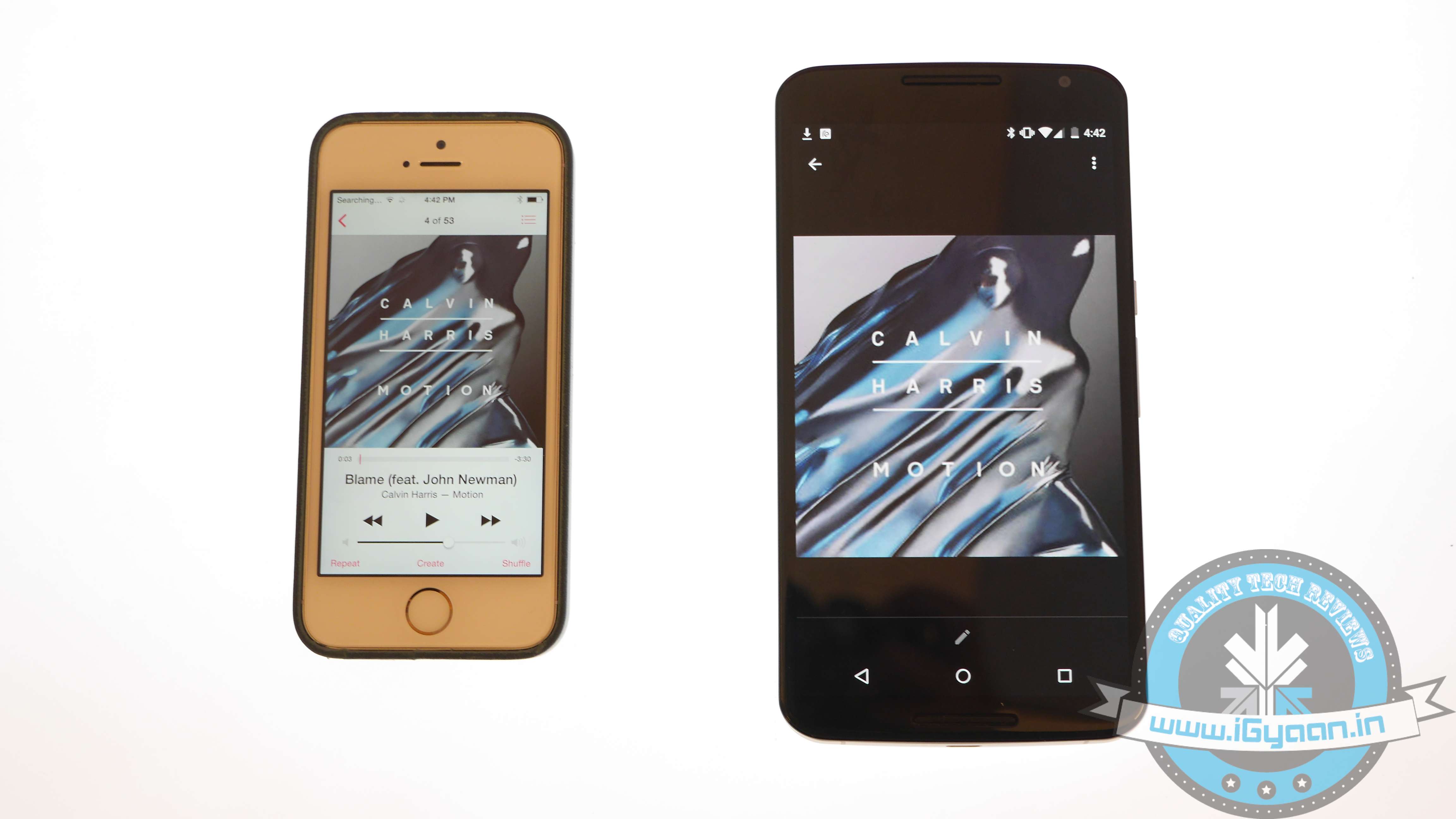
    iOS vs Android 13

    Music transfer from Android to iOS conveniently through iTunes. Read and replicate the steps below:

    • Plug in the Android device to a computer and copy your collection to it
    • Install iTunes and go to Library > Music > File > Add Folder to Library.
    • Copy all audio files you want to have on your device
    • Now without closing the iTunes, attach your iPhone to the computer
    • Click Sync on the dialogue box that appears on attaching the iPhone

    All your songs will now appear on your iOS device.

    Transfer Messages

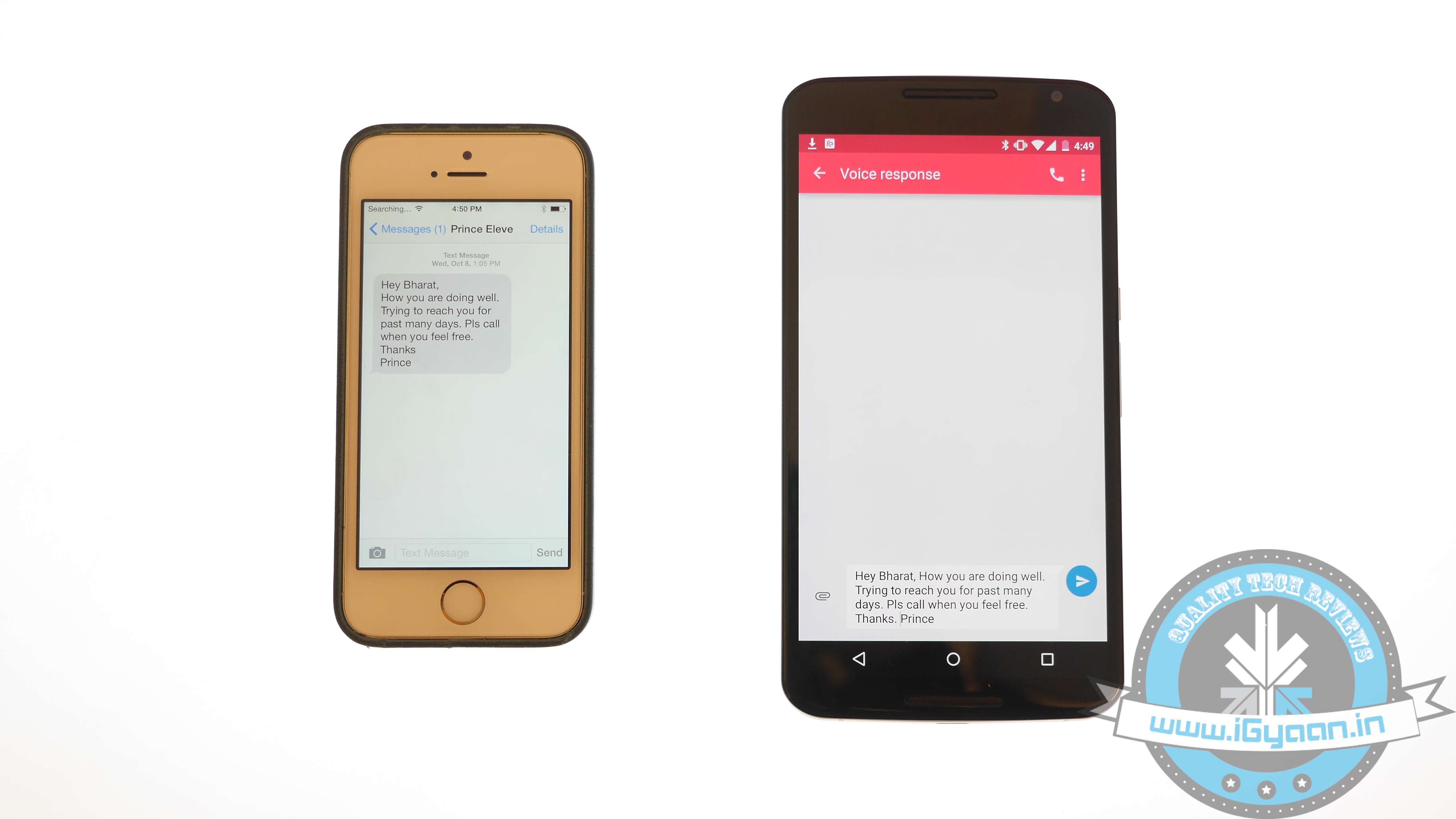
    iOS vs Android 2

    There are moments your messages carry important information and losing them is no option. Well, this means that you have to shift your messages to the new iOS device. Message transfer is a stressful task, but we have figured out the easiest way for you.

    • Download the Phone Transfer app on your computer
    • Connect both Android and iOS via USB to the PC.
    • A window will appear with Android device on left and iOS on the right. Flip the two if it’s not the case as the destination phone has to be on right.
    • Click on Text messages and deselect the rest and press Start Copy

    You can now read the transferred messages on the iOS devices.

    If you want to know how to transfer data from an iOS device to your Android device, then follow this easy guide.

  • Twitter Brings ‘While You Were Away’ Feature for iOS Users

    Twitter Brings ‘While You Were Away’ Feature for iOS Users

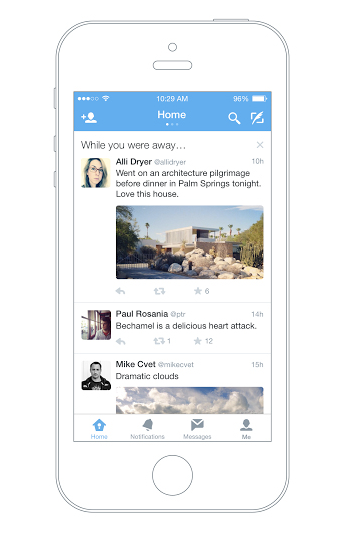
    Twitter has officially announced a feature that will help users recapitulate the tweets they have missed since the last login. Termed as ‘while you were away’, the feature is only available for iOS users as of now.

    twitter while you were away

    With this new feature, the iOS users will notice a snapshot once they are logged in. This snapshot will combine the missed tweets that can be those that are relevant to you or that are popular. While some may have queries about how the app could choose what users want to see; the new feature makes the selection as per an algorithm. This algorithm takes care of engagement along with other user habits. Based on all these facts, the app makes a list and pops it up at the time of login.

    The company says that it aims to keep up the users with the fast running world. The latest feature will dig out information and compile it for you so that you never miss out anything and stay up to date even if you are not on Twitter 24*7. The official blog post reads –

    No matter how much time you spend on Twitter. With a few improvements to the home timeline we think we can do a better job of delivering on that promise without compromising the real time nature of Twitter.

    Although, the feature is available only on iOS devices for now, the company has assured everone that they will soon roll it out on the Android app and website twitter.com.

  • 5 Weather Apps That Offer Much More Than Just a Climate Update

    5 Weather Apps That Offer Much More Than Just a Climate Update

    Gone are those days when weather apps were used just to forecast climatic conditions. With the technological advancements today, we can fetch much more information than finding out if it would be cloudy today or it’s going to rain.

    We are listing top 5 weather apps that are worth some space in your clustered app collection.

    1. Swackett

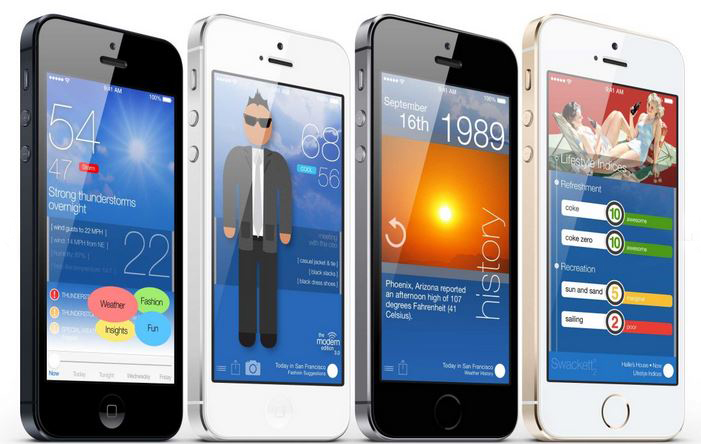
    swackett

    This is a fun new app that puts to use the general weather data into information that is specific and useful if you are planning for outdoor games. It rates the climate from excellent to poor for activities like golf, ski, tennis, etc. Also, it facilitates a visual weather reporter suggesting you how to dress in accordance with the environment through crafted people symbols called peeps. These swackett peeps sometimes carry an umbrella and the other times a jacket, depending upon the weather outside.

    Platform: Swackett is compatible with both iOS and Android devices.

    2. Weather and Clock Widget

    Screenshot_2014-12-22-12-31-44

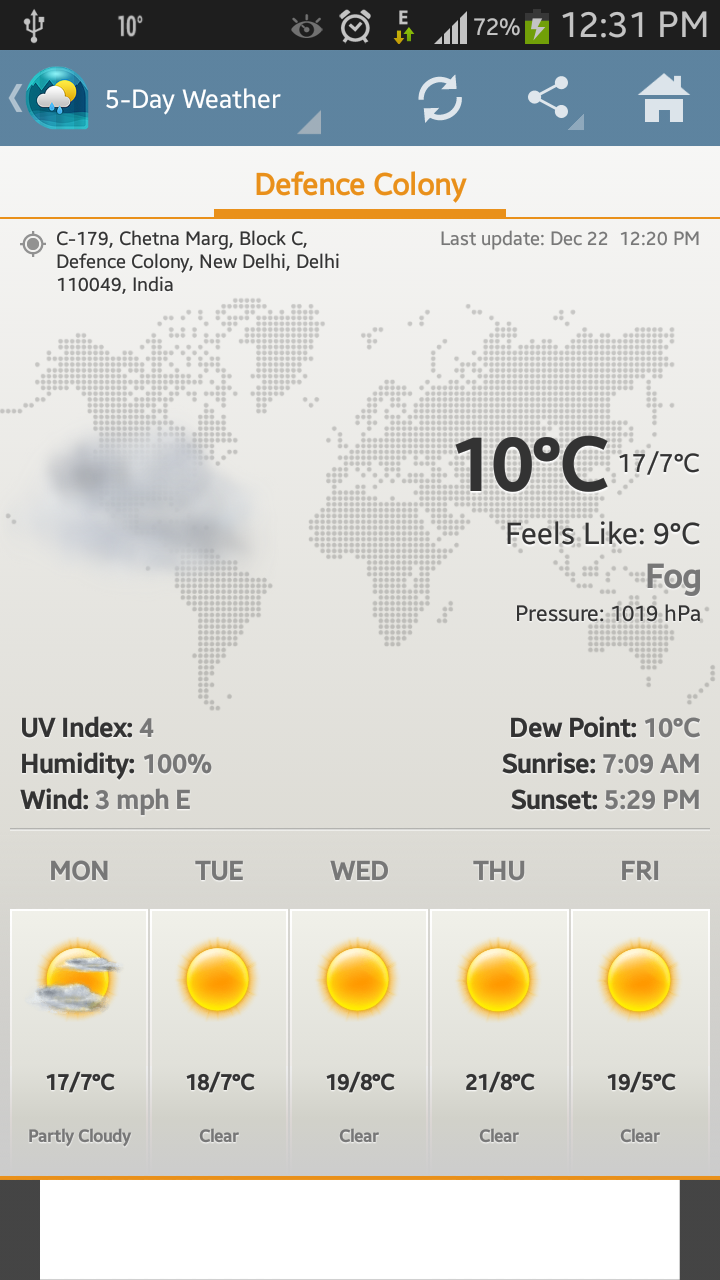
    Weather and Clock Widget is a must-have app in our collection. Like other weather apps, it keeps users updated with the climate outside along with informative sunrise and sunset timings. Additionally, it supplements operators with other important facts like humidity, pressure, wind speed and direction. Along with the recorded temperature, the app gives precise weather notification with ‘feel like’ temperature. Besides that, the app assists users locate the exact position that they are presently at. That means, it acts like a map as well.

    Platform: The app is supported by Android phones only and is absolutely free.

    3. WeatherBug

    weatherbug

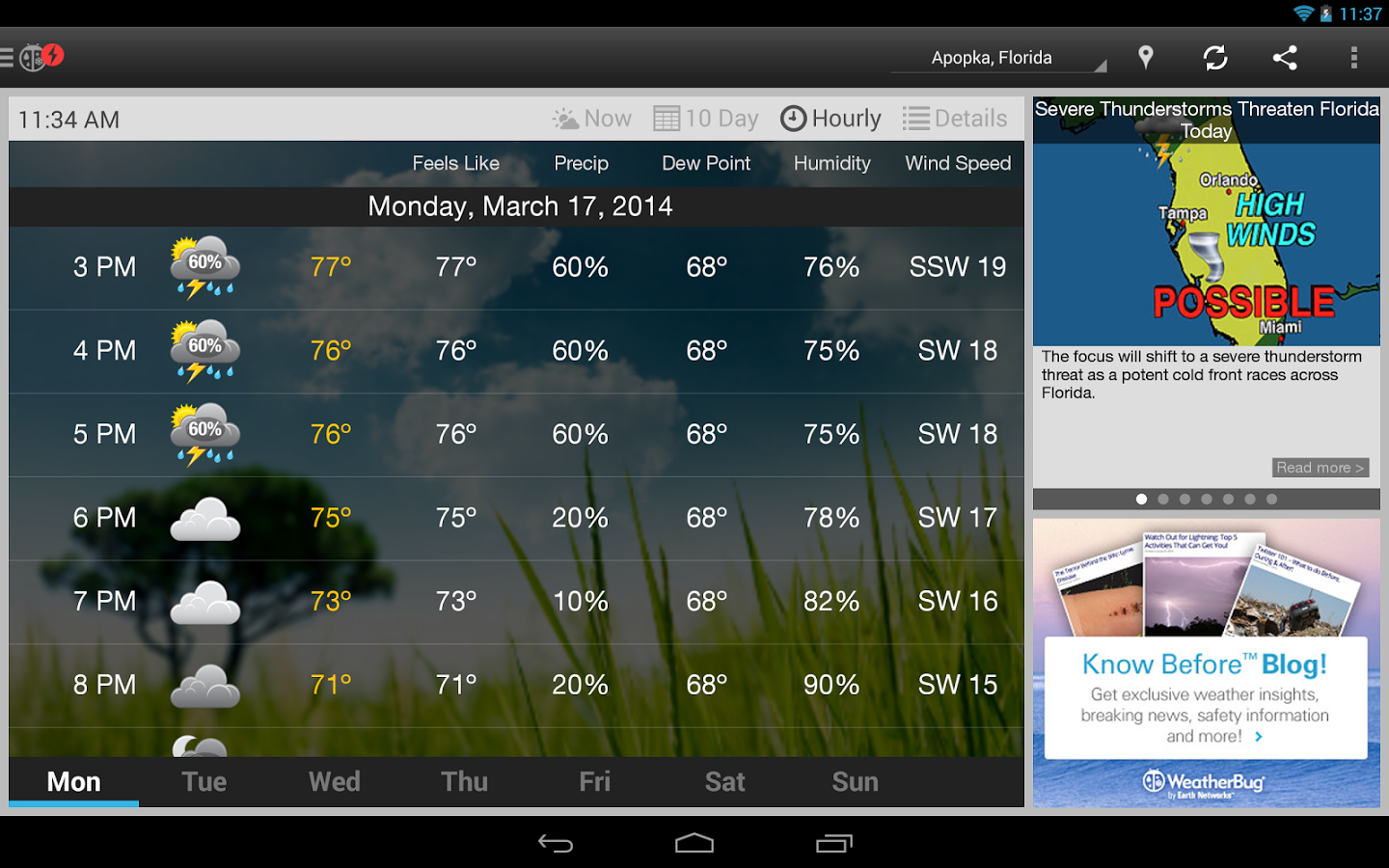
    WeatherBug is an easy-to-use application to keep a check on weather. Together with basic temperature notifications, the app comes with build-in alert system to warn operators if any significant change in weather can be felt in next few hours. It informs users about hurricanes, floods and other severe weather conditions. The USP of the application is that it displays a playable radar image of the forecast. This enables one to see from where the weather is coming from and in which direction it is moving. This app has one of the best radar features. Also, the warning system will alert you if you’re actively tracking that region.

    Platform: It goes with both iOS and Android platforms.

    4. The Weather Channel

    Screen Shot 2014-12-22 at 12.44.28 PM

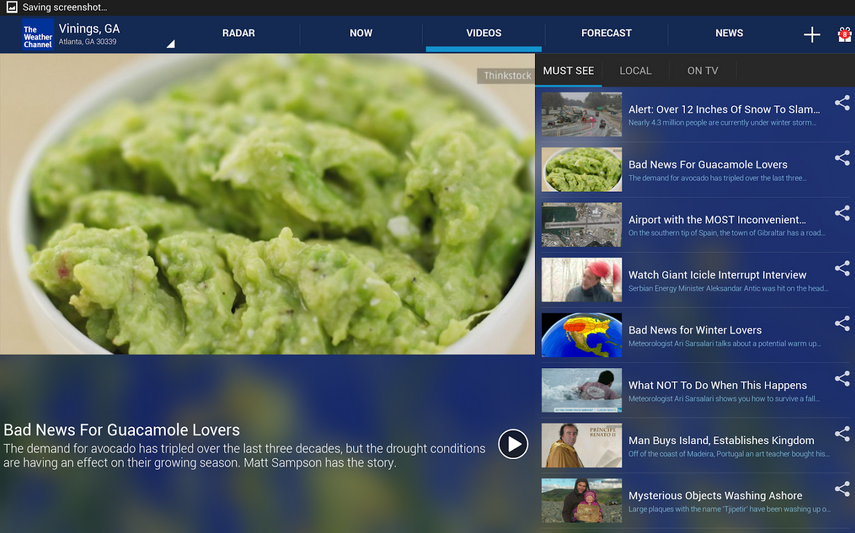
    The Weather Channel is among the highly downloaded weather apps. It provides accurate and up-to-date information about the temperature outside. Its features include usual gamut of weather conditions like wind speed, dew point, pressure, humility and more along with 36 hours and 10 days forecast options. Other features include options like Radar, Now, Videos, Forecast and News.

    Platform: It is compatible with iOS and Android devices.

    5. Yahoo! Weather

    yahoo-weather

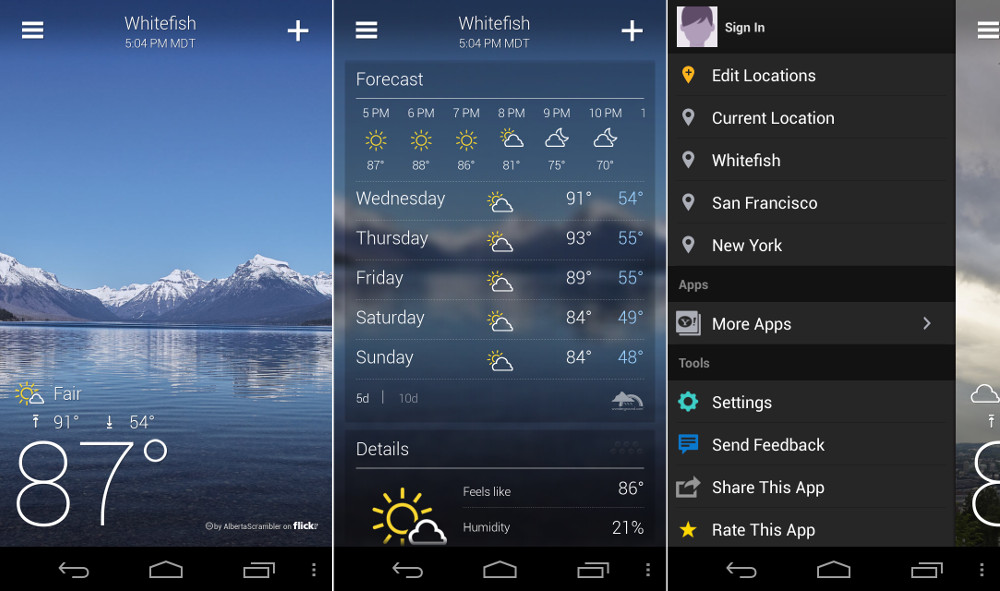
    The winner of 2013 Design Awards by Apple, Yahoo! Weather is an app that will make your home screen gorgeous. It displays the image of users’ location along with weather notification, time and other specifications. It exhibits interactive radar, heat and satellite maps, which are neat. Also, one can get detailed weather forecast of up to 5 days to plan things accordingly.

    Platform:Both iPhone and Android devices support the app.

  • Facebook Plans to Take on Apple’s Monopoly Over the App Business

    Facebook Plans to Take on Apple’s Monopoly Over the App Business

    It is no secret that Apple has dominated the $45 billion market with its App Store. Even though Android ecosystem has proliferated to almost 80% of the market globally, iOS has taken over the major chunk of the app store revenue on its side.

    The main reason being iOS users are more than ready to spend money on apps than Android users. Android being an open source OS comprises of users that may or may not like to spend money on apps, hence, the revenue differs. So the best apps are developed first for Apple’s iOS mobile operating system. Only if they are successful do companies produce an Android version, often months or years later. However, Facebook is planning to change this game.

    According to the folks at Facebook Europe, the dominance of Apple is about to weaken soon. Facebook’s Europe, Middle East, and Africa platform director Julien Codorniou while talking to Business Insider suggested that the new trend he is seeing is going to favour Android. According to him, Android is very rapidly catching up iOS in terms of revenue generation. He also mentioned that there days, many developers, especially game developers, are going for Android first in the European market.

    Parse
    Facebook is planning to tap into situation with its own Parse app development platform, and favour Android big time.

    “There is a pattern coming from Eastern Europe. The Russian developers develop on Android first because of a big audience, and it maybe being easier to develop. They liked the fact that they could submit a new version of the app every day. [With Apple, you have to get each new version of the app approved before it hits the App Store. There is no version approval for Android.] This is a trend that I see and I think it is going to accelerate.”

    Facebook is planning to tap into the situation with its own Parse app development platform and favour Android big time. Codorniou believes that Parse virtually erases the two-step iOS/Android development process, letting companies release new apps on both platforms at the same time. If apps are released at the same time on Android, it erases one of the key selling points of the iPhone, which is users who want the cool new apps must be Apple users in order to get them.

    Codorniou has a team of promoters for spreading the word: “As of today, I have four guys from my team in Paris talking to Android developers about the greatness of Parse, Facebook login, app links, app events, all of these things we introduced at f8. It’s a very important bet for us.”

  • ‘WireLurker’ Malware Threatens to Attack Apple Devices

    ‘WireLurker’ Malware Threatens to Attack Apple Devices

    Apple’s loyal users have long thought themselves safe from all sorts of notorious malware and viruses. However, a new report from Palo Alto Networks has suggested that Apple devices are at risk of a virus described by researchers as ‘the biggest scale’ malware they have ever seen.

    Dubbed WireLurker, the malware targets both Mac as well as phones and tablets running iOS, when connected using a USB cable. When a mobile device is connected to the infected Mac, the virus spreads and installs nasty apps.

    According to a research conducted by Palo Alto Networks, “WireLurker monitors any iOS device connected via USB with an infected OS X computer and installs downloaded third-party applications or automatically generated malicious applications onto the device, regardless of whether it is jailbroken. This is the reason we call it “wire lurker”. Researchers have demonstrated similar methods to attack non-jailbroken devices before; however, this malware combines a number of techniques to successfully realise a new brand of threat to all iOS devices. WireLurker exhibits complex code structure, multiple component versions, file hiding, code obfuscation and customised encryption to thwart anti-reversing”

    screenshot-2014-10-18-16-37-10

    WireLurker is not the first malware developed for Apple devices, but it is the first of its kind in many respects and only the second-known malware family to attack iOS devices through Mac OS X via USB. The malware is currently contained in China, where it appears to have originated on a third-party Mac app store called Maiyadi. However, the malware is under active development, and anybody downloading any unlicensed apps on Mac or connecting iOS devices to an unknown computer could be vulnerable.

    Apple said that it has begun blocking the malware. “We are aware of malicious software available from a download site aimed at users in China, and we’ve blocked the identified apps to prevent them from launching,” the company stated. “As always, we recommend that users download and install softwares from trusted sources.”

  • Apple Event : Yosemite to be Available from Today and iOS 8.1 from Monday.

    Apple Event : Yosemite to be Available from Today and iOS 8.1 from Monday.

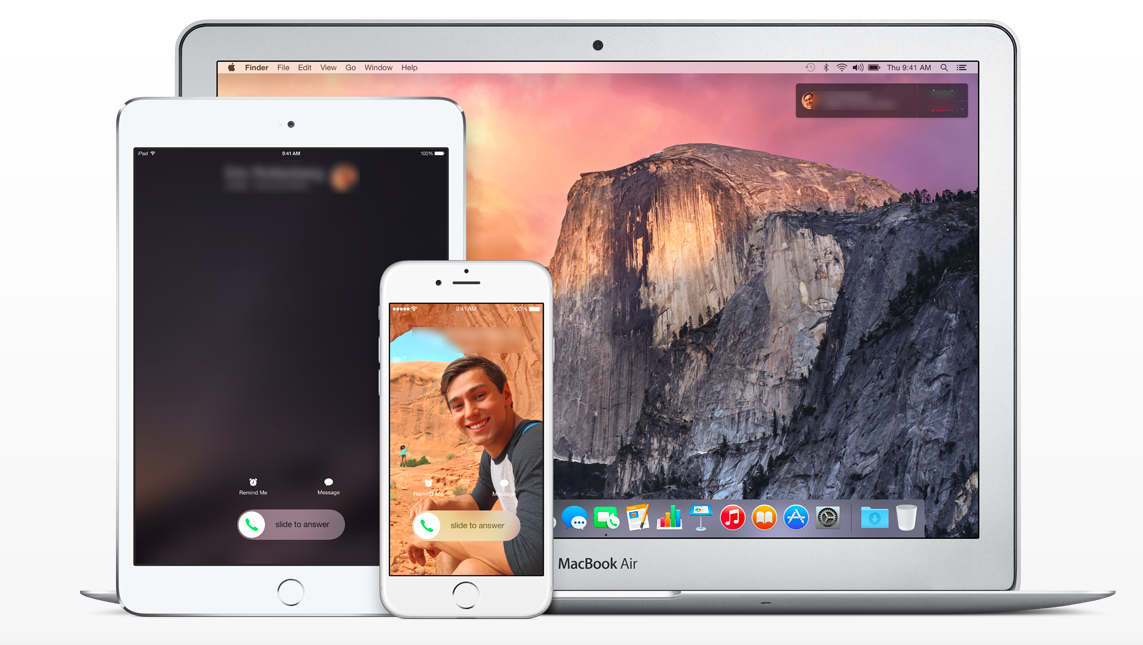
    Taking continuity to the next level. Apple definitely is the first company to benefit from this because of its enormous hardware ecosystem. OS X Yosemite is the upcoming eleventh major release of OS X, Apple Inc.’s desktop and server operating system for Macintosh computers and it will be available from today. It can be downloaded from the Mac App Store for Free.

    Yosemite gives you mirrored access across all Apple platforms for instant access. For example, the iPad recognizes what you’ve been working on and prompts you about it. You can stop working on the Mac, pick up your iPad and start working on your project right way without a second of lag. There is no need for third party apps. There is no need to open a cloud app and download the file, it’s always there.

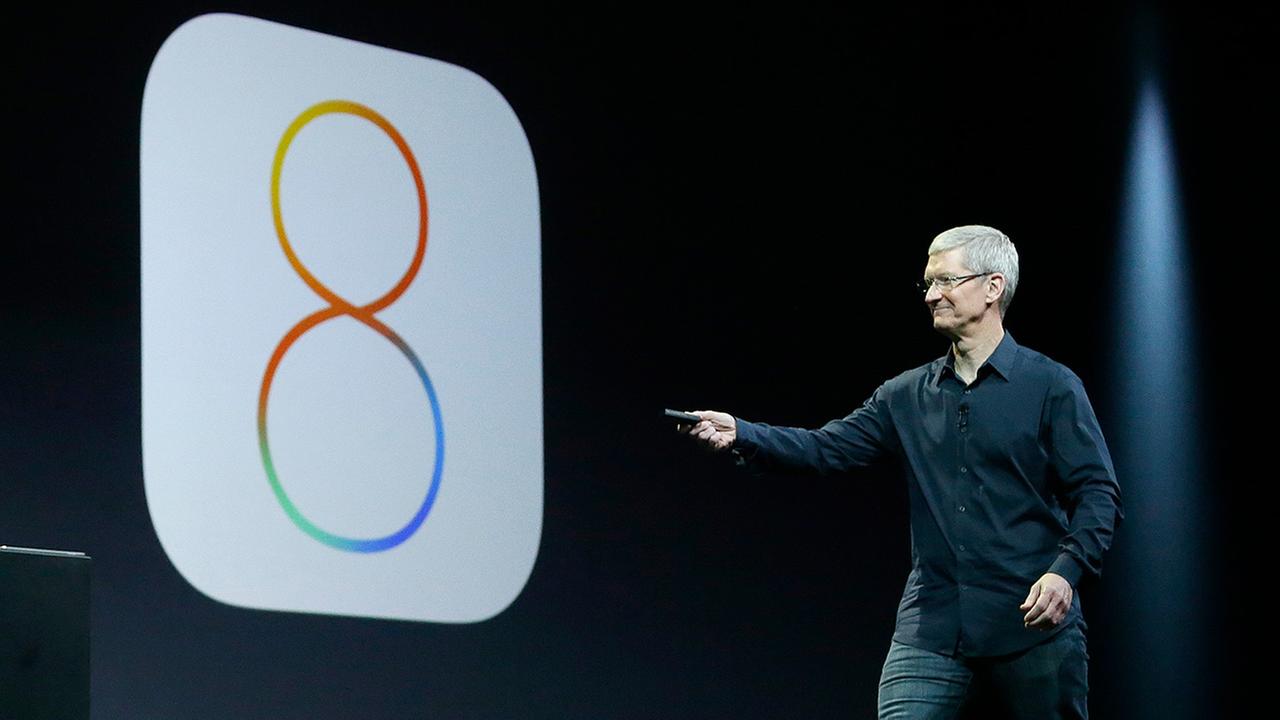
    iOS 8

    Along with Yosemite,  Apple is bring out the updated version of iOS. They’ve spent time and effort taking in user feedback and have updated the problem-prone update.  iOS 8.1 brings the Camera Roll and iCloud Photo Library in beta, a feature that allows you to store all of your photos from all your devices in the cloud.

  • Google’s Play Newsstand App Comes to iOS

    Google’s Play Newsstand App Comes to iOS

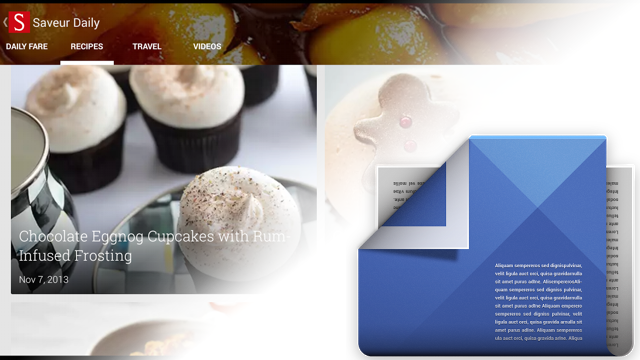
    Today the Google Play Newsstand replaced the iOS app ‘Current’ on the Apple Play Store. If you use the Current app on your iOS device, you’ll be prompted to update to Newsstand.

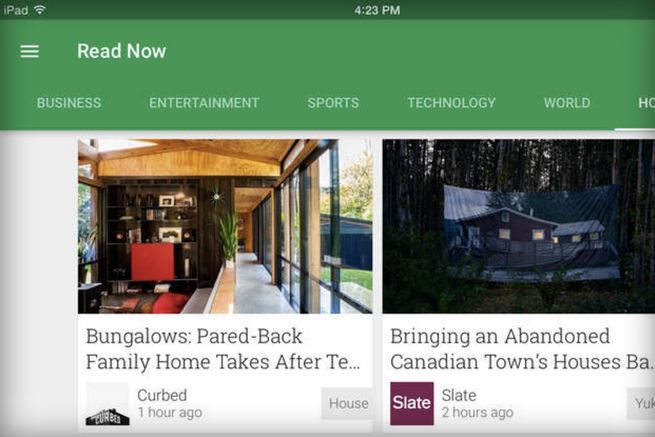
    The app offers a central place for reading articles from select newspapers, magazines, and websites. The offering includes support from hundreds of publishers covering news, sports, business, entertainment, and other topics, and you can also add in RSS feeds for any blogs or sites that don’t yet have a dedicated Newsstand page.

    newsstand ios

    The app also supports video and audio content from some publishers, and you can bookmark it to read later if you don’t have time to finish them on the spot. Essentially Google Play Newsstand is an integrated app that combines the features of Flipboard and Pocket.

    The app is amazingly user friendly, running on iPhones as well as iPads with equal efficiency and ease. The Google Play Newsstand is available on iOS App store for free.

  • Getty Images Releases New Free App for iOS Called Stream

    Getty Images Releases New Free App for iOS Called Stream

    Six months ago, Getty Images dropped the watermark for the bulk of its collection, in exchange for an open-embed program that will let users drop in any image they want, as long as they add a footer at the bottom of the picture with a credit and link to the licensing page.

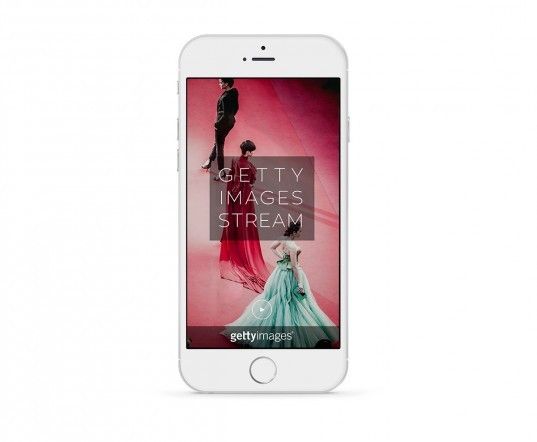
    Now, the company has released an iOS app designed to help you browse and share its massive collection. New app, which is called Stream, lets you search Getty’s archives to find images that you can legally share and embed for non-commercial purposes on blogs and social media.

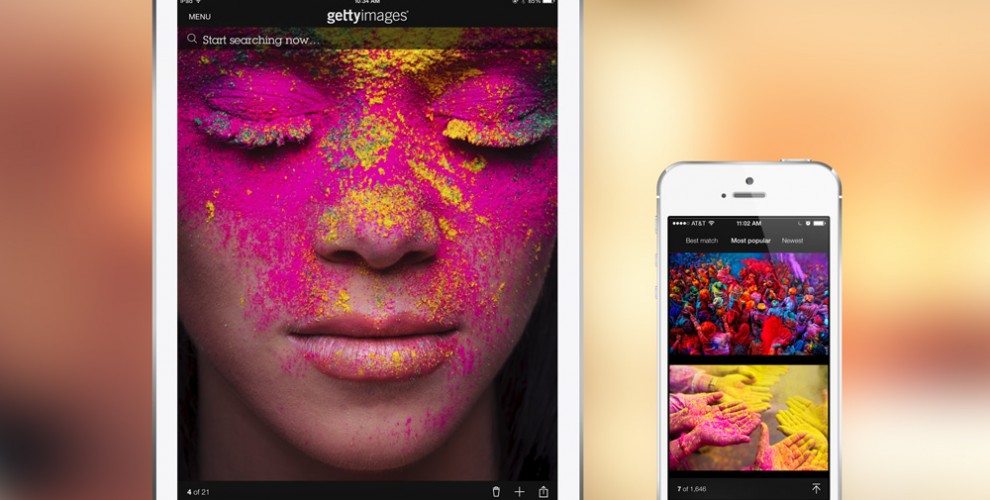
    stream_ondevice_loading_b-537x442.0

    The app also allows you to browse photo streams created by Getty editors in categories like news, sports, entertainment and special section called “archival,” which highlights photos of historical significance. It connects to Airplay which lets you display a stream on Apple TV. Also, the app gives you options of social media sharing  directly from the app interface.

    stream1

    However, you can not copy the image to your camera roll, instead, you can “copy” an image, which saves an embed code to your clipboard. This gives the company control over the image and could eventually be used to earn money by inserting advertising or collecting user information.


  • 7 Reasons Why Android is The Undefeated King in India

    If you ever raise the question, ‘Which is the best OS for smartphones?’, it is inevitable that you will end up in an endless argument that is likely to turn into name-calling. While there are other mobile platforms, Apple’s iOS and Google’s Android have been dominant contenders in the game.

    Both companies enjoy the support of loyal fans who religiously follow every minute update and change made to the mobile platforms. But, we are the country of budget phones and a ‘value for money’ market. Android makes a perfect companion of these ideals.

    Here we are listing 7 reasons why Android is the undefeated king in the Indian smartphone market.

    7. Google Now works better than Siri in India

    google now

    Even Apple acknowledges this. Google Now is much better and functional in our country. It is not only faster than Siri at answering your questions but it also does a much better job at recognizing Indian accents. Furthermore, you also have an option of downloading the speech recognition files to the device for offline use in Android devices.

    6. App publishing in Android is a lot easier
    Android-Apps-Games

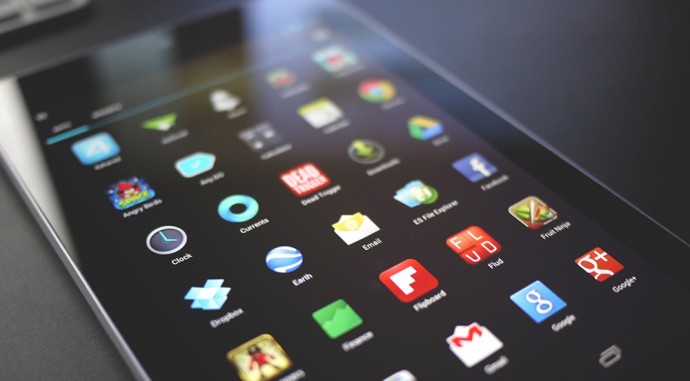
    Publishing an Android app is as easy as child’s play. Once you are done making the app, you just have to sign up via a handy Eclipse wizard, and you have an APK file that can run on any device. You can email it, put it up on a web site, or upload it to Google Play and make it available worldwide within the hour. Even better, you can check install statistics and crash reports, including stack traces which identify the exclusive line of code that went wrong, and you can upload a bug-fix version immediately. On the other hand, it is a nightmare to publish an Apple app.

    5. Wide range of sharing options
    sharing-icons-13

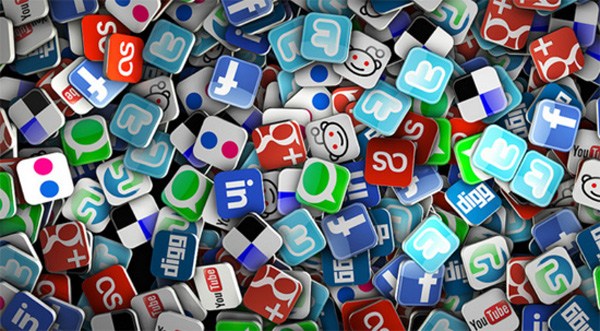
    Android powered devices gives option of sharing media files through any installed app with sharing capabilities. That means if you want to share media file through Blogger, Tumblr, Instagram or Pinterest or any other social media app you can do it easy on Android OS devices. However, iOS restrict you to the pre-installed apps such as Message, Mail, Twitter, Facebook, and Flickr for media sharing.

    4. No mandatory Multimedia apps for Android

    android-vs-ios-lightsaber

    Apple needs iTunes to sync your music and iPhoto for pictures to your iOS smartphones which is a huge drawback especially for people who use Windows on their PCs and Laptops. On the other hand, Android isn’t as bothered about where your music or pictures comes from. You can just plug in your device to your laptops or PC using a USB cable and transfer music and other multimedia files with an ease.

    3. Its customizability
    appdroids

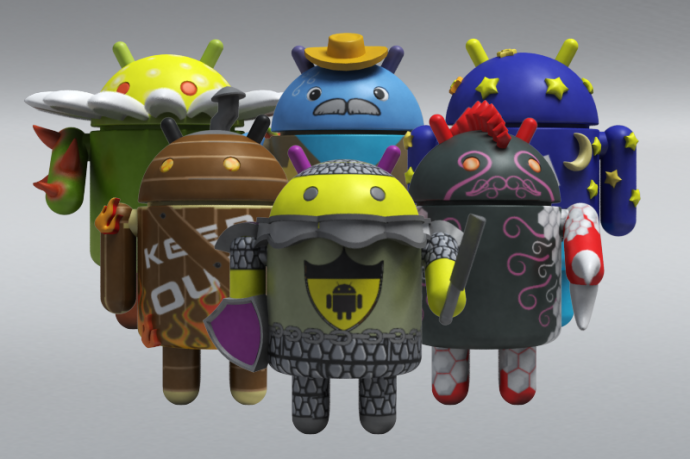
    If the stock Android look doesn’t suit your taste you can customise your Android smartphones. Sky is the limit with various launchers, themes and what not, available on the Play Store. You can even download an iOS 7 theme, if that is what you are into. And yes, on most Android phones, you can unlock your device to any app you want, which comes handy when you use certain apps regularly.

    2. Free Apps vs Premium Apps
    android-apps

    It’s true Apple App store offer you many premium quality apps but most of them are paid. On the other hand, Google’s Play Store offers far more options than the App Store. Play Store has an array of genres and categories which offers amazing app (including third party apps) mostly for free or for minimal charges.

    1. Android comes in Budget Friendly phones
    android kitkat igyaan

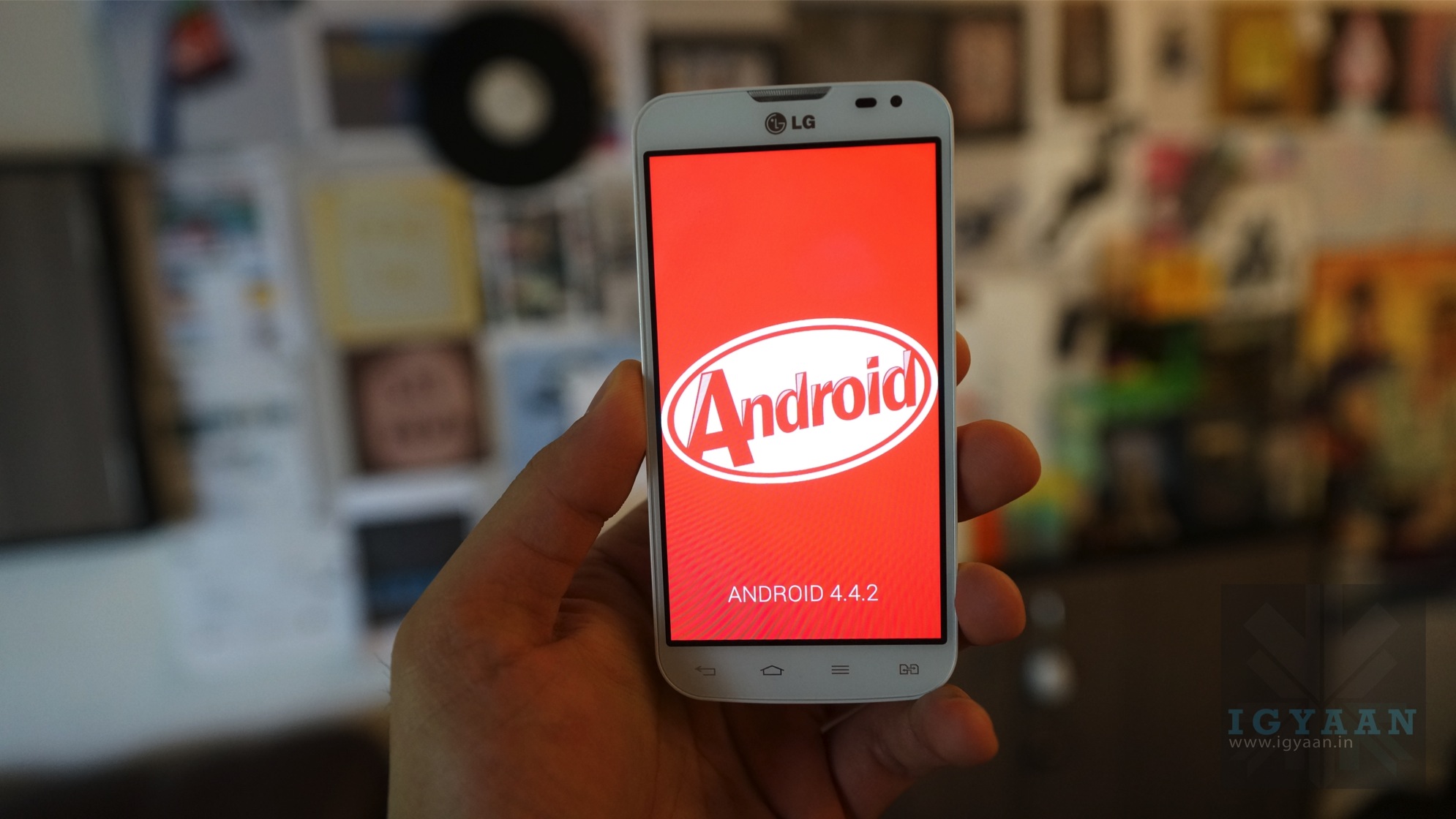
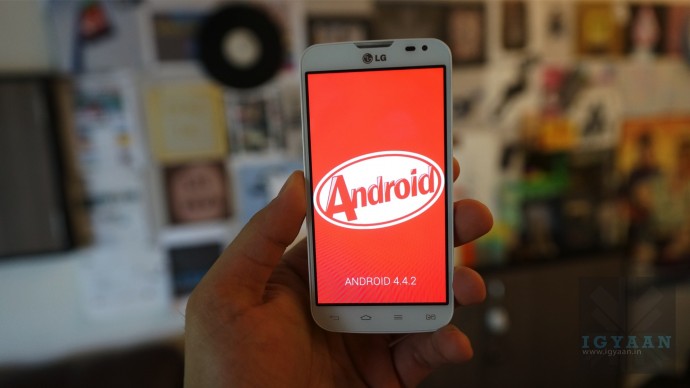
    Android is an open source OS and is available for any manufacturer to use, while iOS is available exclusively on the devices that Apple manufactures. This makes a huge difference as Apple’s iPhones are high-end expensive phones. For an Indian, value for money matters. You can find Android OS in the extensive price range from Rs. 3,000 to 70,000. Hence, we conclude, Android is the true king of smartphones in India.
  • Researchers Hack Android and Expose Security Flaws

    Researchers Hack Android and Expose Security Flaws

    Android has become one giant monster of a success with over 50 per cent of market share. It has been integrated across multiple devices and is gaining new grounds each day. Its evolution has been appreciated and its next operating system, the Android L will come out soon. But it seems like researchers at the Riverside, University of California, are about to throw a wrench in the works of the Android.
    The research team hacked into the Android operating system by disguising malicious software in the form of an app. What was a surprising find was that Gmail was one of the easiest app to hack, and the researchers had a success rate of 92% in hacking the app. So its probably not a good idea to leave your compromising information in your Gmail account.

    The researchers say that there is a misconception in people’s minds that mobile apps cannot interact with each other; this hack will show that it’s a myth. They also made clear that they tried the hack on Android, but it might work on iOS and Windows OS too, as they too allow apps to access shared memory on the device.

    gmail
    Gmail was one of the easiest apps to hack.

    The researchers brought forward some serious security flaws in the system. They were able to track all that the user was doing on their phone.

    They were able to hack into apps like H&R Block, Amazon, Newegg, WebMD and Chase Bank. The Chase bank app’s hack revealed some stomach-churning revelation. The bank allows users to pay in checks by just taking the image of the checks. The researchers were able to hack the app and steal the image thereby gaining access to the user’s bank details and signature, which is really scary.

    Google, on the other hand, said that it appreciated the efforts of the researchers. They say that this kind of research teaches them some important lessons that will help to make their system stronger and more efficient.

    At a time when major enterprises are shifting to the mobile solutions for their businesses, this hack might create some hurdles for the device and operating system companies. Hopefully, now that the hackability of the system has been established, the companies will seriously consider the issue and resolve it as soon as possible. And the researchers should keep going on doing their good work.

iGyaan Network
Privacy Overview

This website uses cookies so that we can provide you with the best user experience possible. Cookie information is stored in your browser and performs functions such as recognising you when you return to our website and helping our team to understand which sections of the website you find most interesting and useful.