Category: iGyaan

Everything Exclusive to iGyaan

  • Huawei Ascend P7 Full Review

    Huawei Ascend P7 Full Review

    Huawei has added some rather interesting devices in its product range. Its recent addition Honor 6 was a unique piece of hardware primarily focused on performance. Now, the Chinese manufacturer has added another device to its smartphone portfolio with the launch of Ascend P7. The company apparently made some bold claims during the P7’s launch event in France saying that the phone can outclass the best of flagships including the likes of Samsung Galaxy S5 and the HTC One. Last year’s release P6 was a gorgeous looking phone but struggled because of an underpowered chipset.

    So, has the company rectified its past mistakes and is the P7 the mid-range smartphone that the company claims it to be?

    SUMMARY

    Priced at Rs. 26,990, the P7 is certainly an expensive device from a budget manufacturer. It will be available for sale in the Indian market starting 30th November. To a certain extent, it defies Huawei’s image as a budget manufacturer as the Ascend P7 can be deemed as one of the fanciest phones produced by the company. It may not be as crammed with features like the other flagships, but is it better than other handsets in the same price bracket; we’ll find out.

    HARDWARE

    In comparison to its previous iteration, the Ascend P7’s hardware is cranked up a bit. It has Huawei’s in-house 1.8 GHz Kirin 910T quad-core CPU, Mali-450 GPU and 2 GB RAM on show, which should be up to the task.

    Specifications

    Ascend P7

    Display 5-inch Full HD (1920×1080 pixels) 445ppi
    Processor HiSilicon Kirin 910T quad-core 1.8 GHz
    Storage 16 GB + microSD
    RAM 2 GB RAM
    Camera 13 MP AF BSI F2.0, with Flash
    8 MP Front
    Battery 2500mAh
    Operating System Android 4.4 KitKat Emotion UI 2.3

    BUILD AND DESIGN

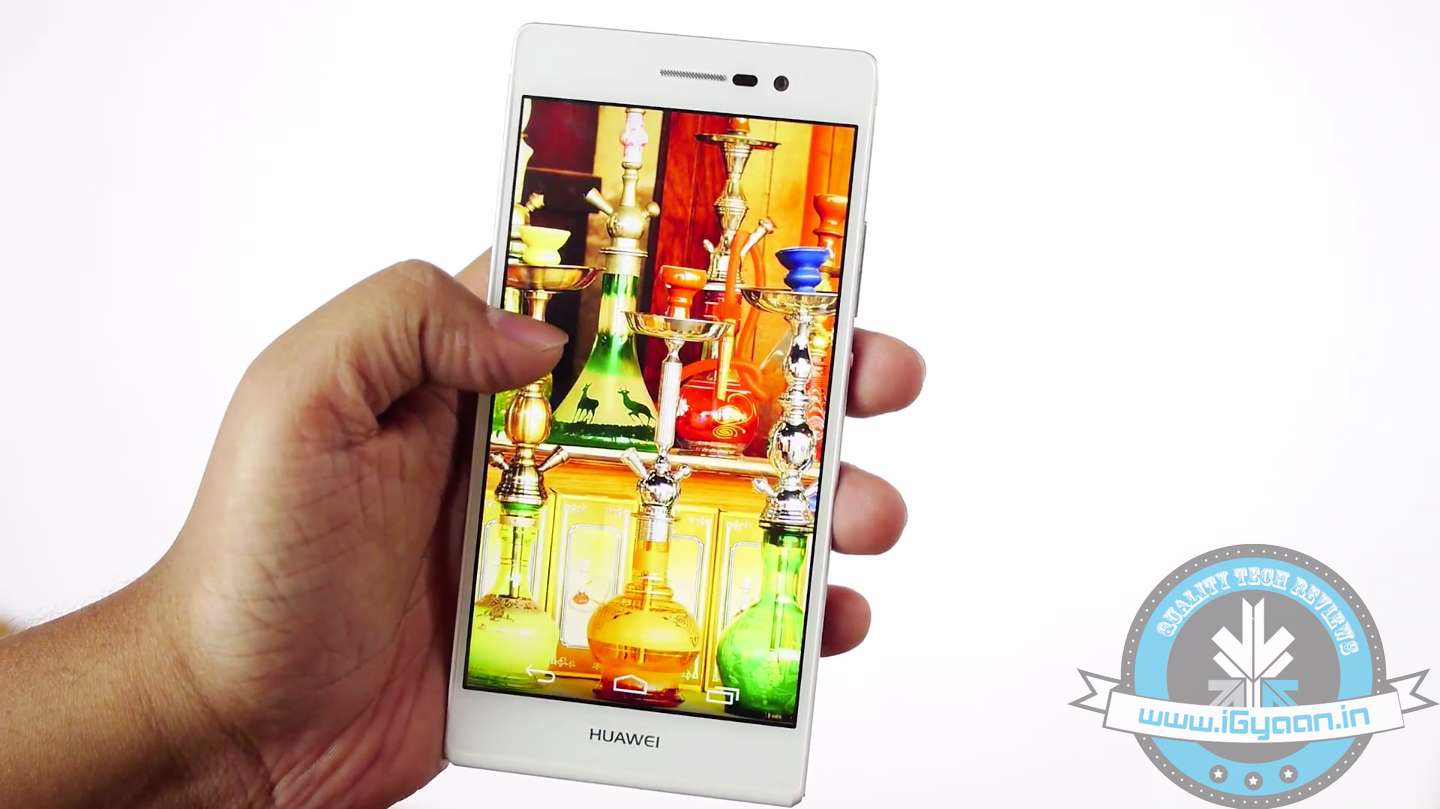
    At first glance, the Huawei Ascend P7 looks like a blend of the iPhone 4 and the Xperia Z. It’s a neat looking equipment and does feel like a premium built phone while in hand. Its slim form factor makes the phone slip easily into your pocket. It measures only 6.5 mm thick and weighs a mere 124 grams.
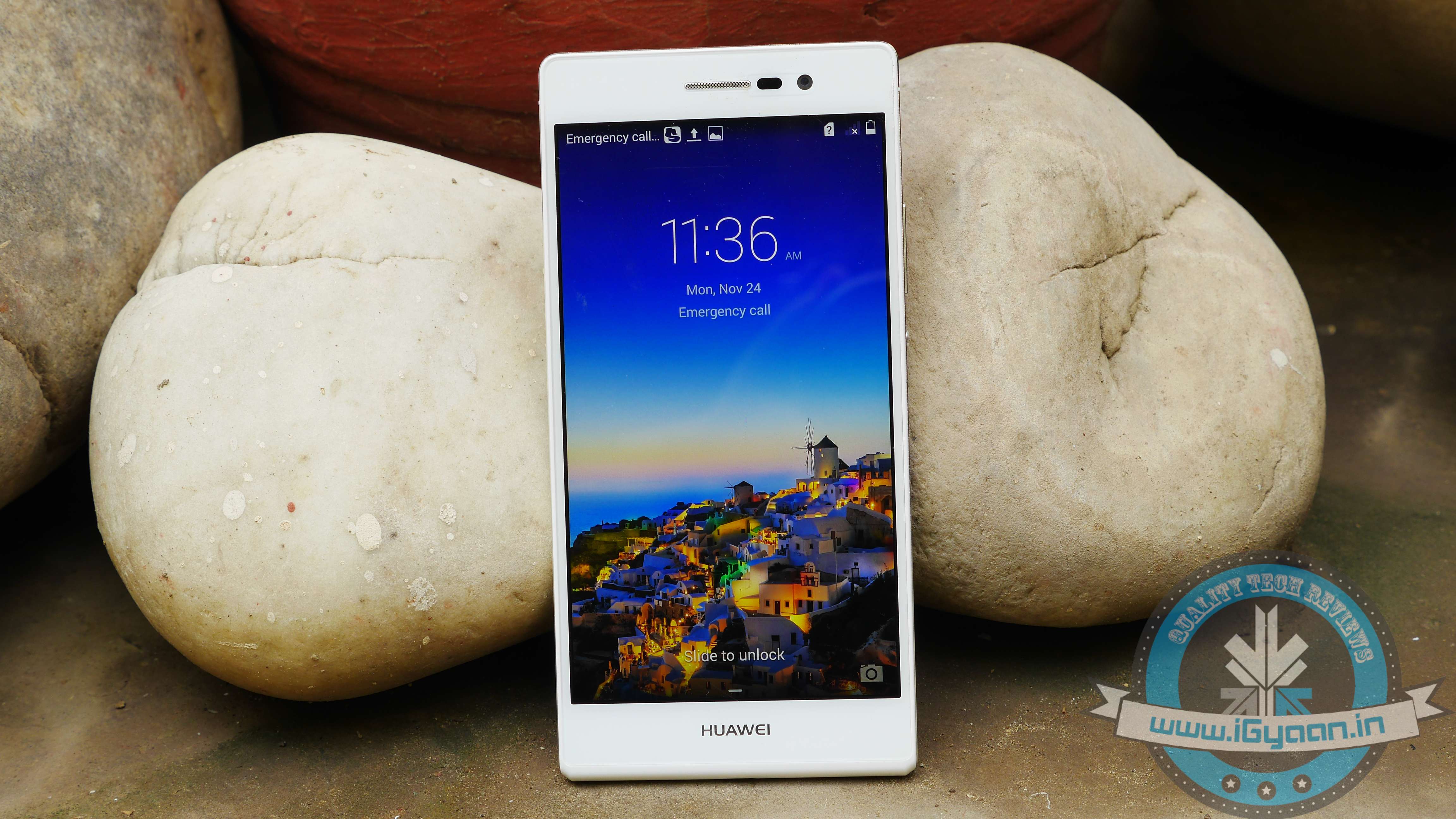
    ascend p7 1We were pretty impressed with the way phone looks and feels. It can easily compete with more established flagships when it comes to looks. The overall feel of the phone is quite brilliant. With the right size, it has just the right amount of chrome and metallic accents, subtle logos along with simply laid out buttons.
    p7 2

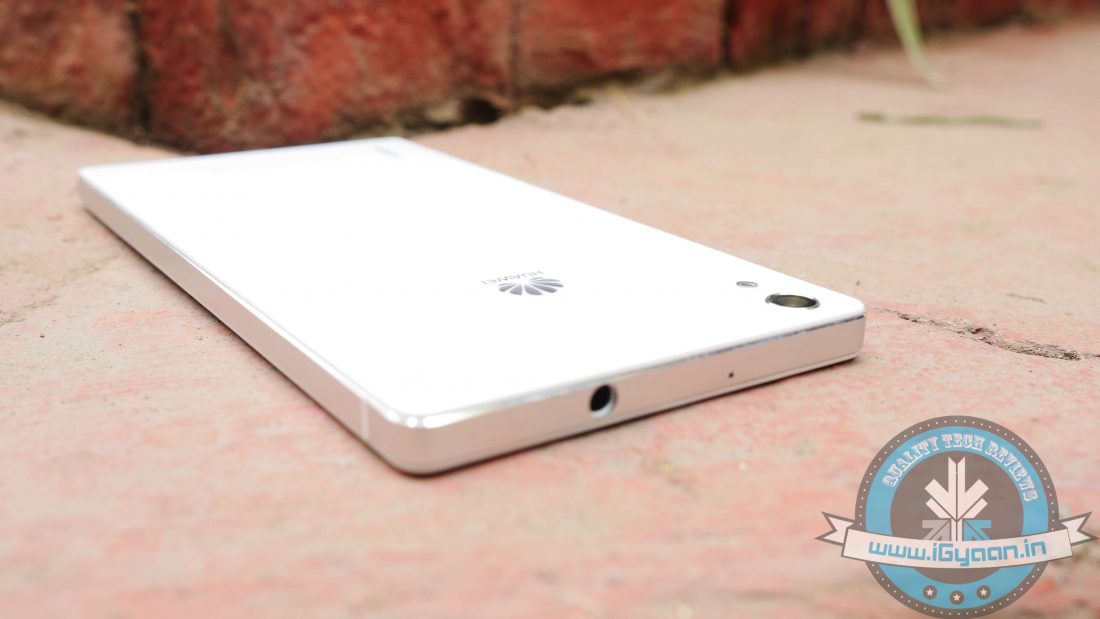
    It has a nice minimalistic design and finish, so you won’t feel shy flaunting your device amongst your peers. The front houses a speaker, a light sensor, and a massive 8MP selfie cam. On the bottom, we have a microUSB port for charging, while the 3.5 mm jack rests on the top. The left-hand side has no keys and slots, so the right side houses the microSIM and microSD trays. Along with the trays lays the power button mounted in the centre, very reminiscent of Sony’s Xperia range. A nice metallic finish runs along the side of the device, giving it a more premium look.
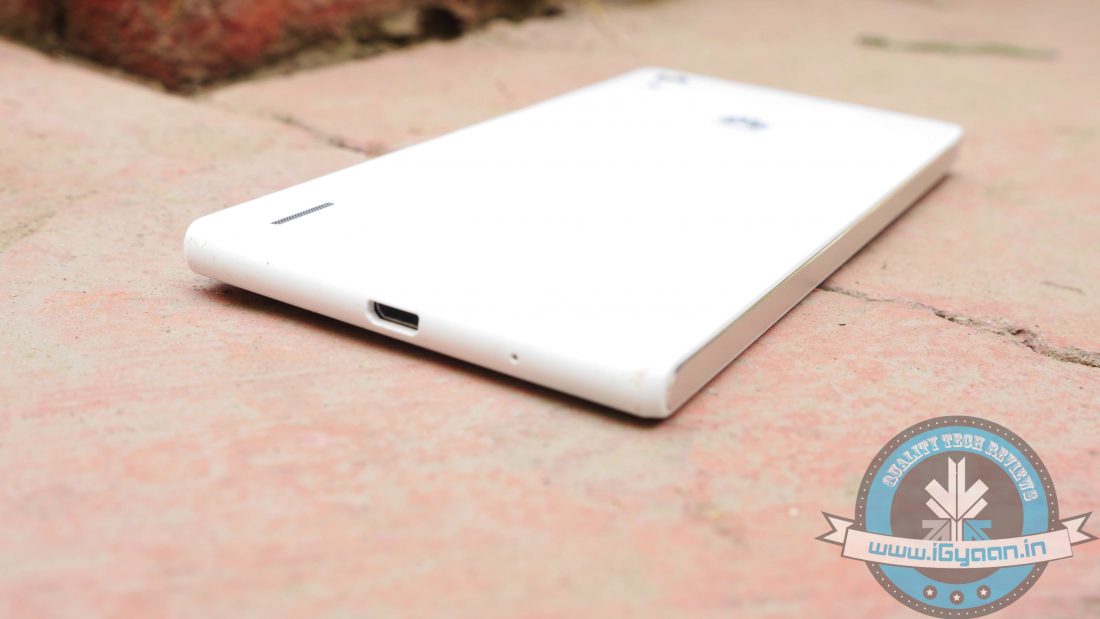
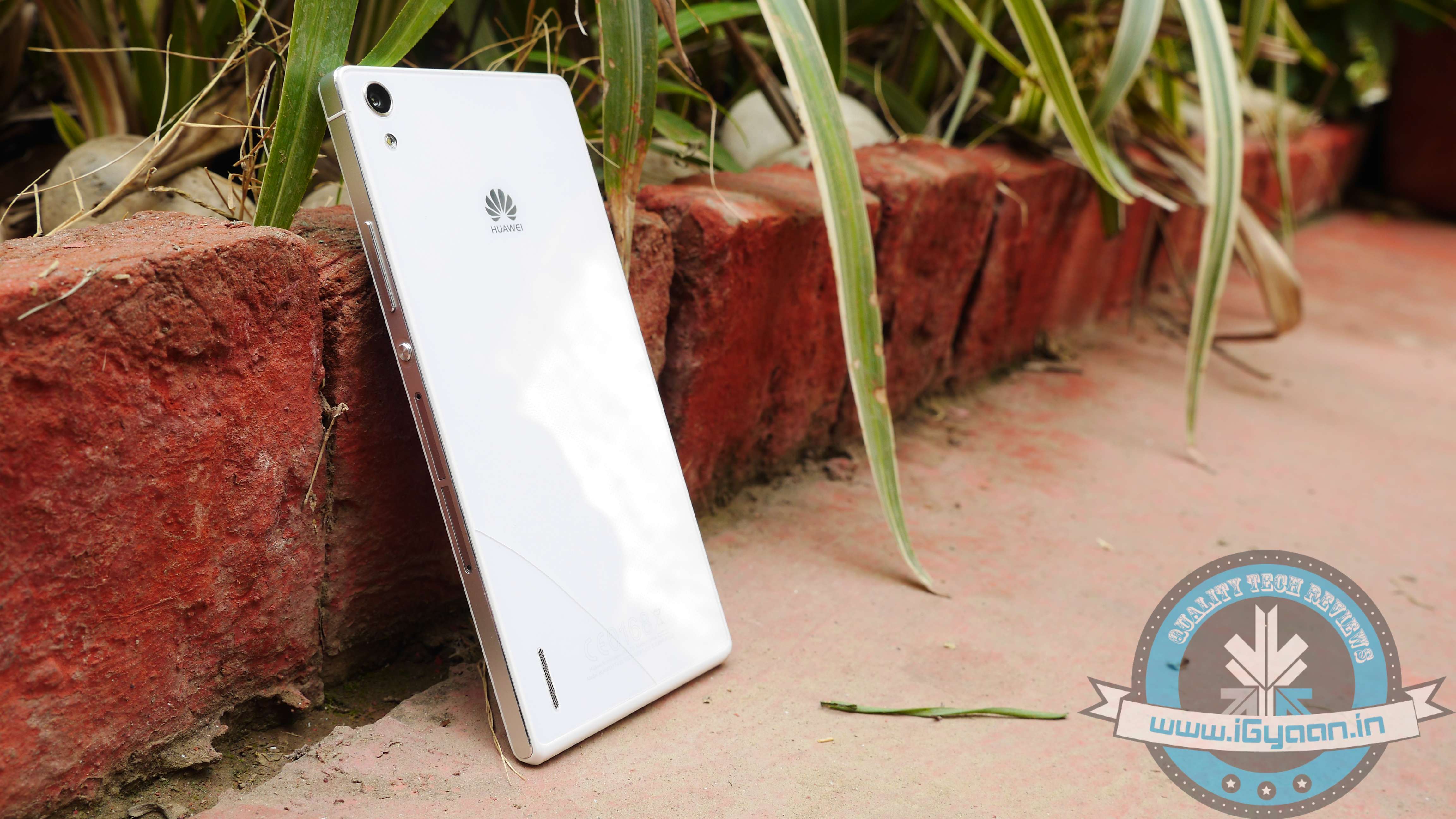
    Turn the phone around, and we see the elegant and subtle non-removable glass back panel with a neat looking finish.
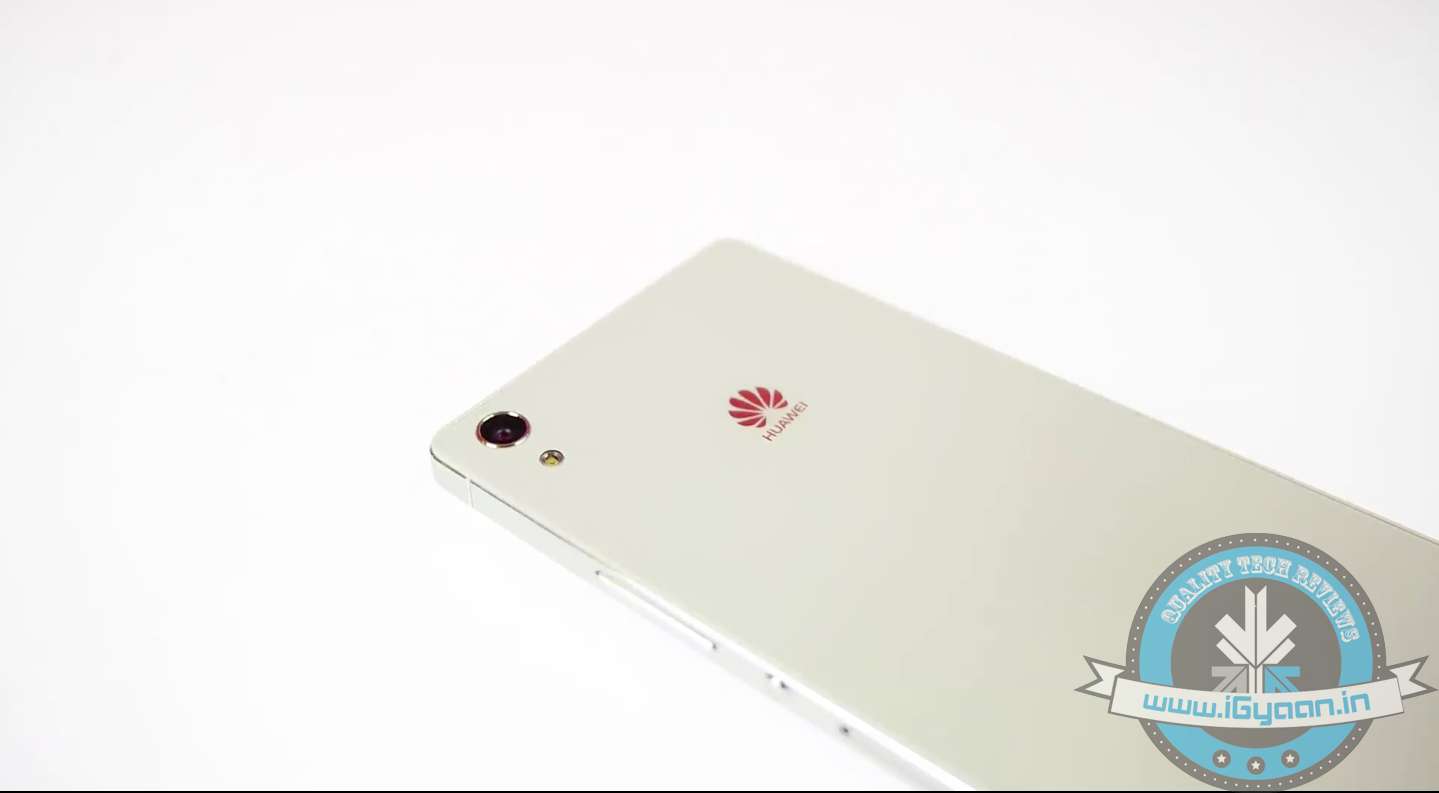
    Screen Shot 2014-11-22 at 5.33.15 PMThe only downside with design would be the glass back, which makes the device slippery. So, if you have a tendency to slip your phone often, we recommend you to buy a case. In addition, the glass back is made up of very delicate plastic material, which can easily crack. So, make sure you have a case. Apart from that, the design and build of the phone is top notch.

    DISPLAY AND CAMERA

    The Huawei Ascend P7 has a 5-inch display with Corning Gorilla Glass 3. It has a Full HD 1080p display, which is quite impressive and is by far one of the best displays we’ve seen. The 5-inch screen is just lovely and bright with good viewing angles, and enough contrast allows users to watch even the gloomiest of flicks with crisp and sharp details. There are no flaws with the display and it was kind of hard to point out a fault with the phone’s display quality. Bright colours and sharp texts coupled with great viewing angles are as good as a smartphone’s display can get, well unless you get a device with a QHD display.

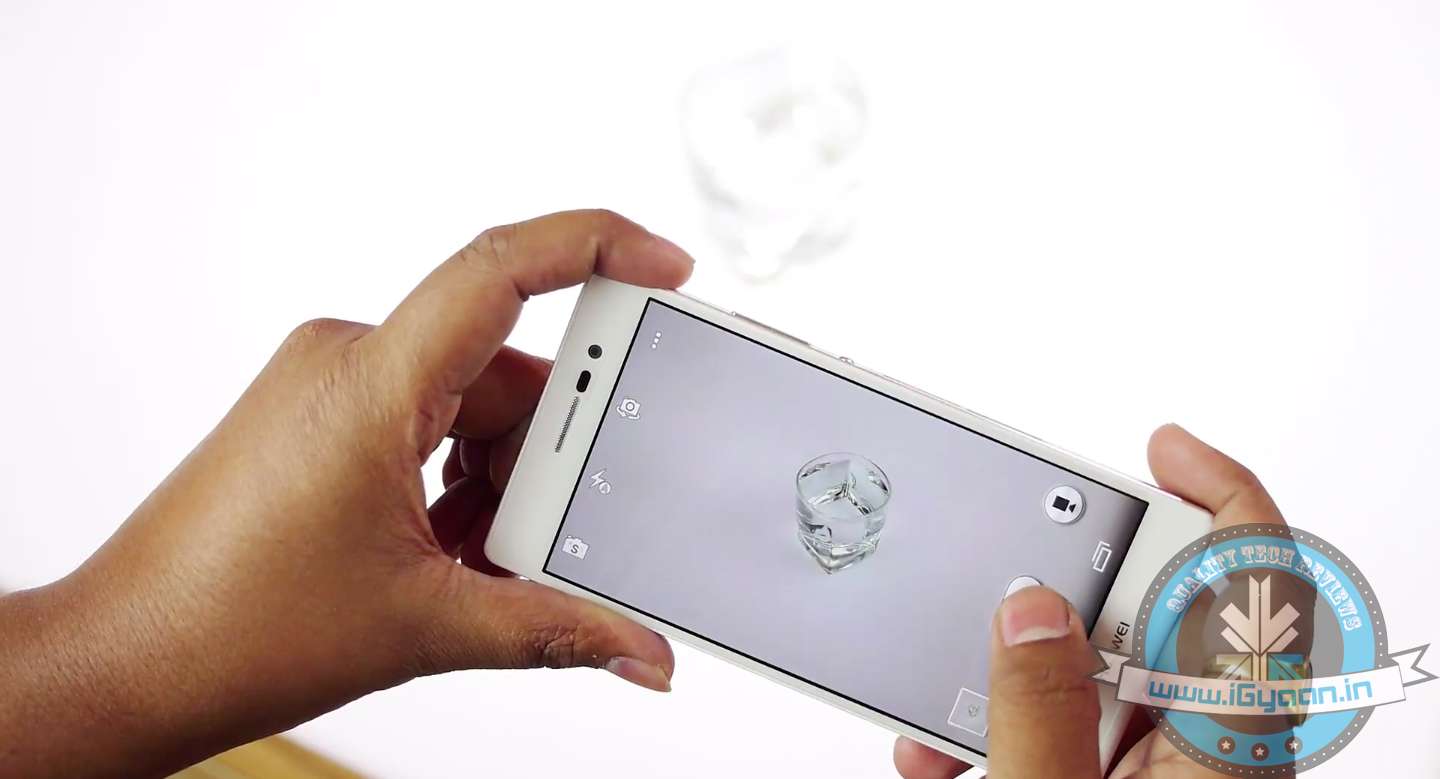
    Screen Shot 2014-11-22 at 5.41.54 PMThe optics on the Ascend P7 are quite remarkable. Both rear and front snappers are a delight, with the primary camera equipped with a 13MP Sony BSI sensor. Shutter Lag time is negligible, while response times are just too good. The auto focus is swift, and colours offer the right depth. Meanwhile, the staggering 8 MP front camera takes care of all your selfie needs. The front camera performs astonishingly well, with end results being more than satisfactory. It also includes a front-facing panorama option for wider shots and selfies. The camera app has the same overlay for its menu found in the Xperia Z2. Main options include a selection of shooting modes, with Huawei’s ‘Smart’ shooting feature coming as default. There are a lot of interesting filters, including HDR, Smile detection and Object tracking with a few minor tweaks offered by the manufacturer.
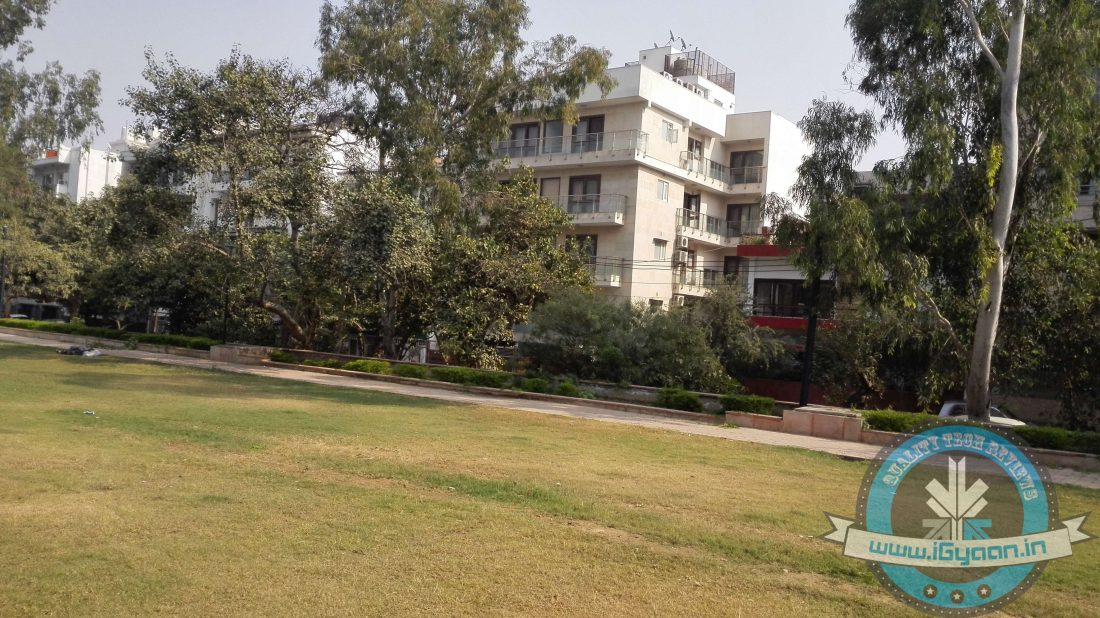
    Screen Shot 2014-11-22 at 5.37.55 PMOverall, we were pretty satisfied with the phone’s camera performance. Images rendered were bright and clean and looked superb in full resolution. Have a look at the samples below:
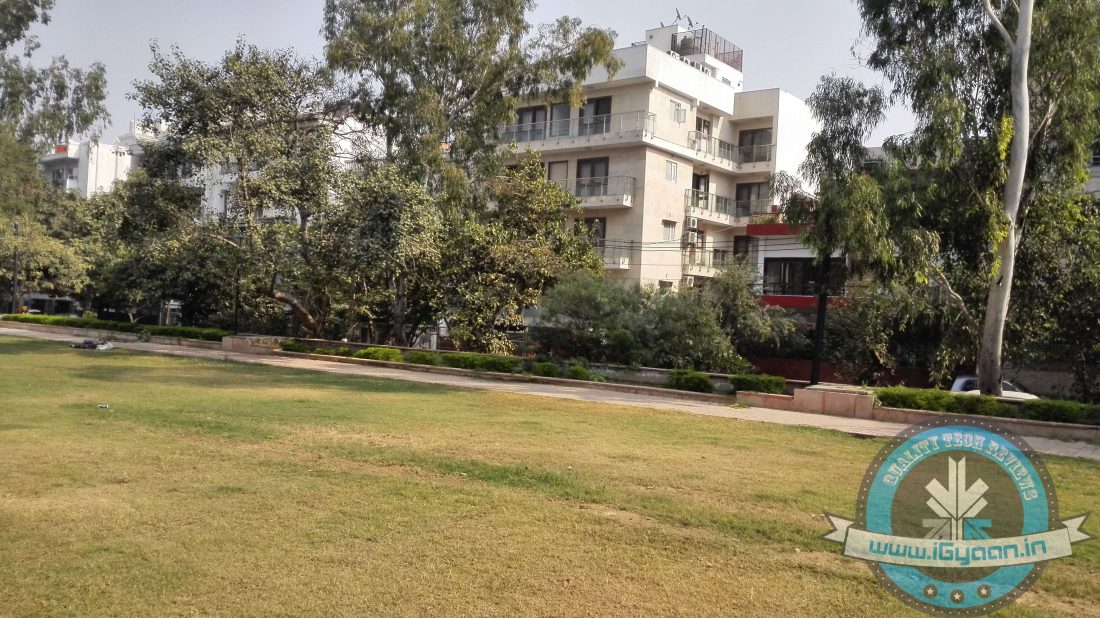
    While, video mode is not that impressive. It works fine and you’ll be able to record videos but we rather not talk about it.

    MULTIMEDIA AND PERFORMANCE

    A blend of advanced hardware combined with fantastic display, multimedia experience on the phone is rather satisfactory. The external speakers position is apt for watching movies and playing games, with sound coming from the centre of the device rather than from the sides. The audio output is quite impressive and should suffice without the need for putting on your headset. It is loud, clear and does not distort even at high volume. The Full HD 5-inch display just takes the whole experience of watching videos and playing games to a whole new level.

    The phone’s benchmark scores fall way behind other flagships, but as we know with benchmarks, they do not tell the whole story. It can handle tweeting, making calls, browsing, watching a video at ease without any major hiccups or stutters.

    We were a tad worried about its gaming performance looking at the benchmark scores, but boy the Ascend P7 proved us wrong. It ran graphically intensive 3D titles like Asphalt 8 and other games running on full juice without any hassles. The phone’s quite impressive when it comes to daily usage and the fluidity as it performs tasks pretty well and quick.

    SOFTWARE

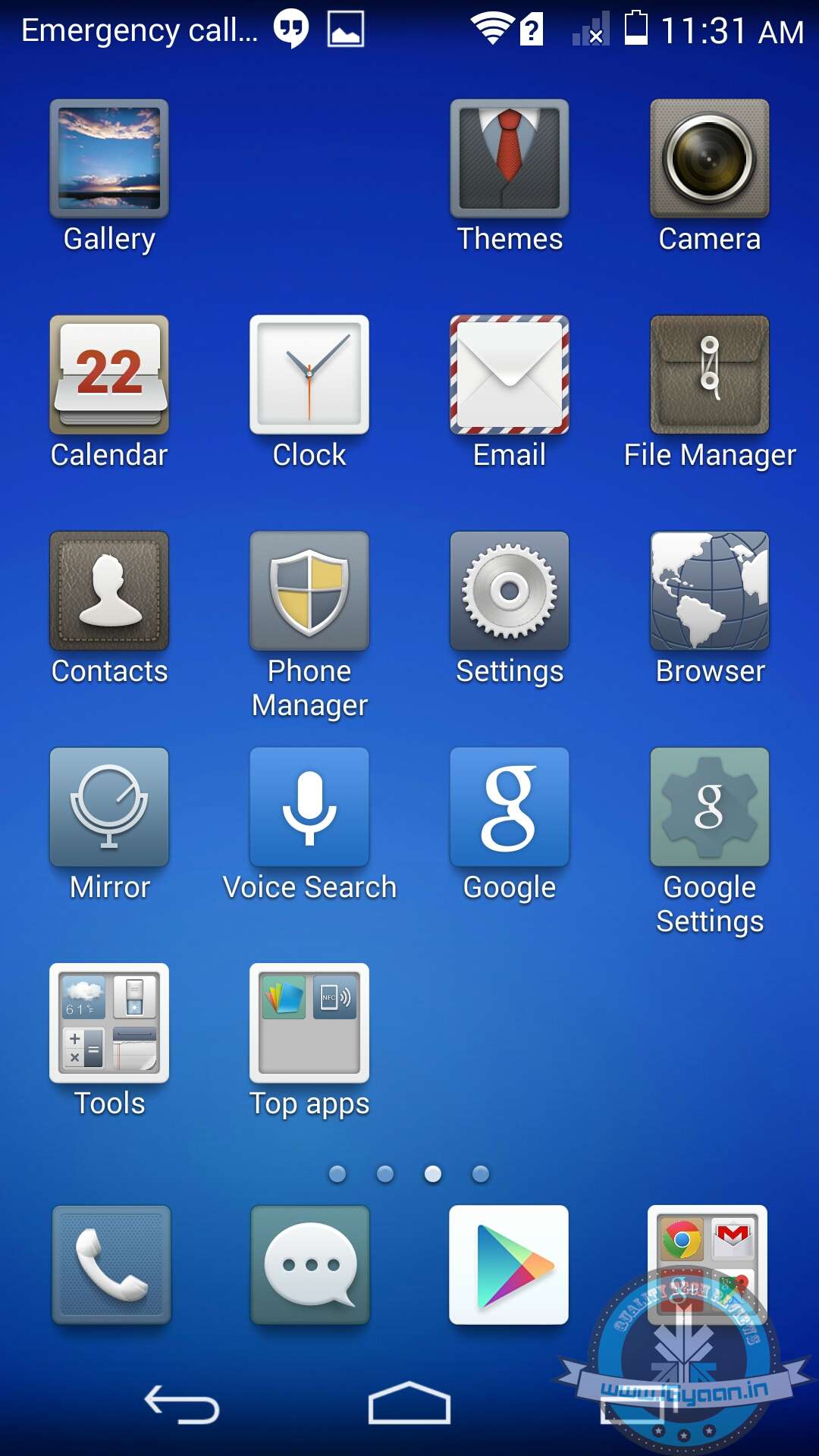
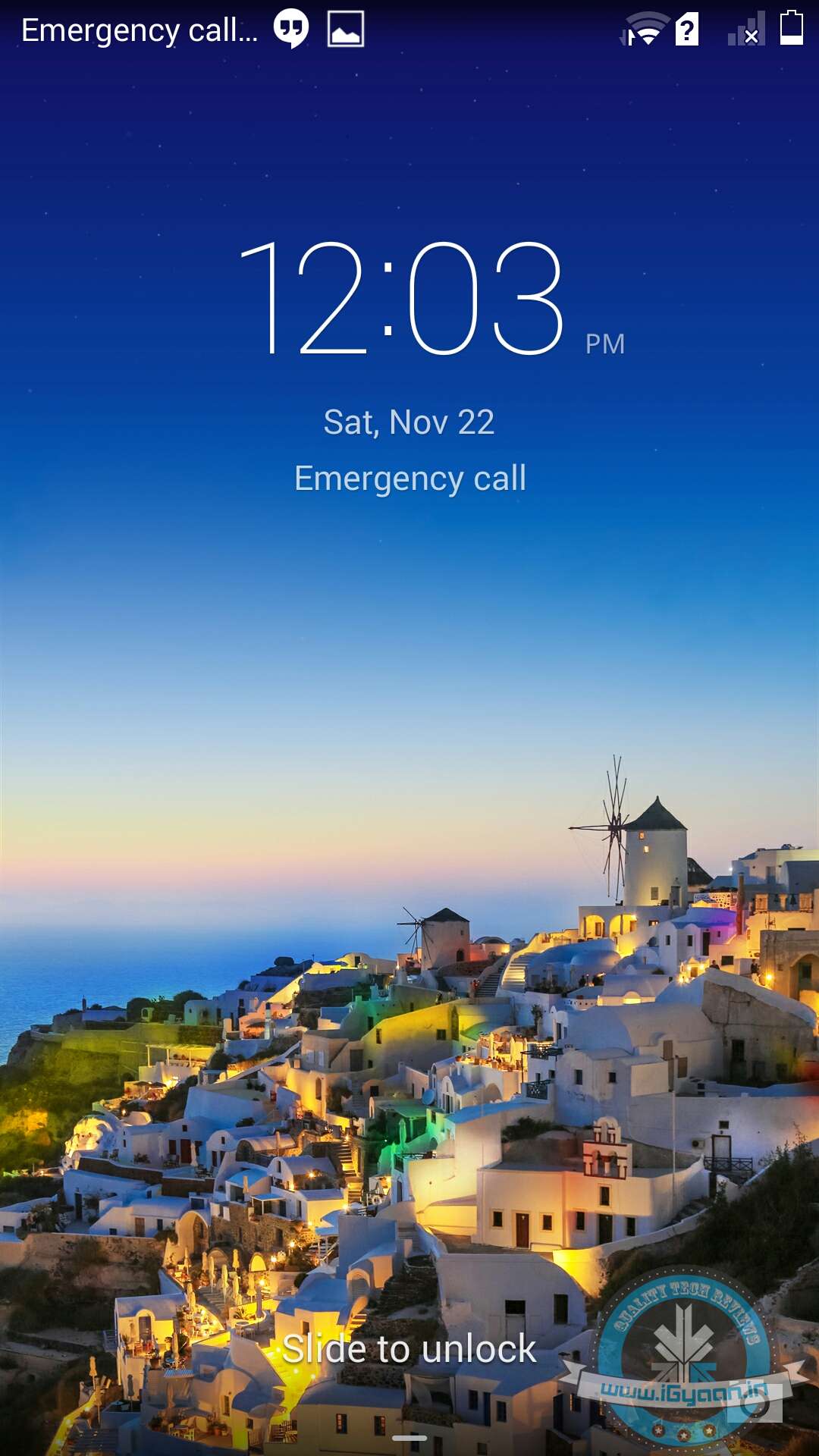
    The Ascend P7 runs on Android 4.4 KitKat with Huawei’s Emotion UI 2.3 skin atop. The first thing Android users will notice is the absence of the app tray. Huawei has removed Android’s two-stage launcher, so all apps rest on multiple pages of the home screen – just like iOS. Huawei has crammed several utilities into folders in an attempt to prevent the home screen look unnecessarily cluttered. But it happened the other way round, it just made the home screen look all the more cluttered. So one needs to get used to things a bit and do some shuffling around to get the desired results. Even the app icons look childish and are not so pleasing.

    Meanwhile, the home screen comes preloaded with weather, music, gallery and Google search widgets. There’s also a ‘Me’ module, which apparently can offer instant access to single favourite contact, but it’s rather useless. However, there is a wide array of customisation options, and you can tweak the icons and environment according to your preference.
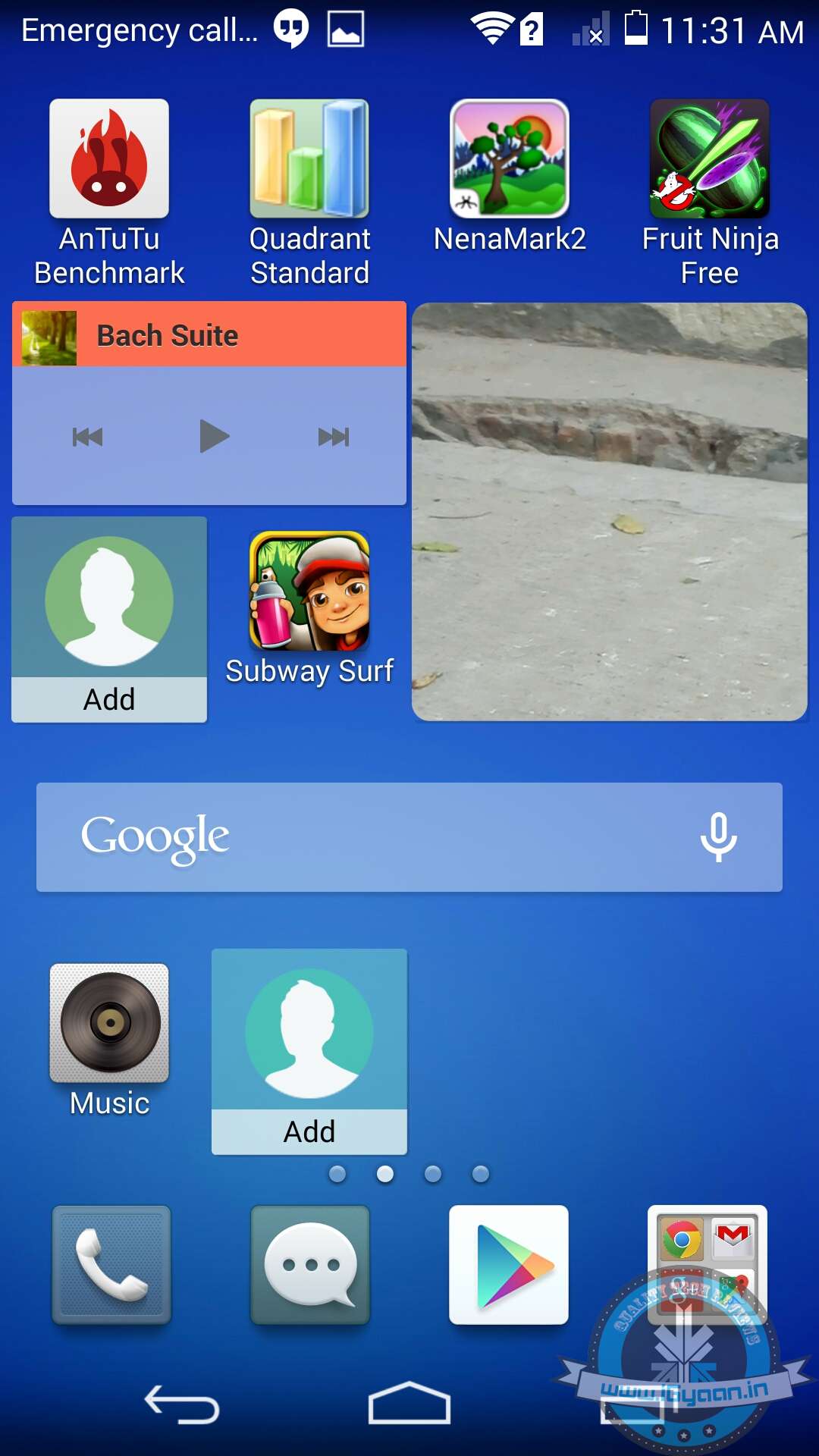
    There’s also an option to add a suspend button – a floating launch button with a ring of shortcuts that hovers around the screen. It may come in handy for certain users, offering instant access to utilities like messaging, note-taking, and music playback.

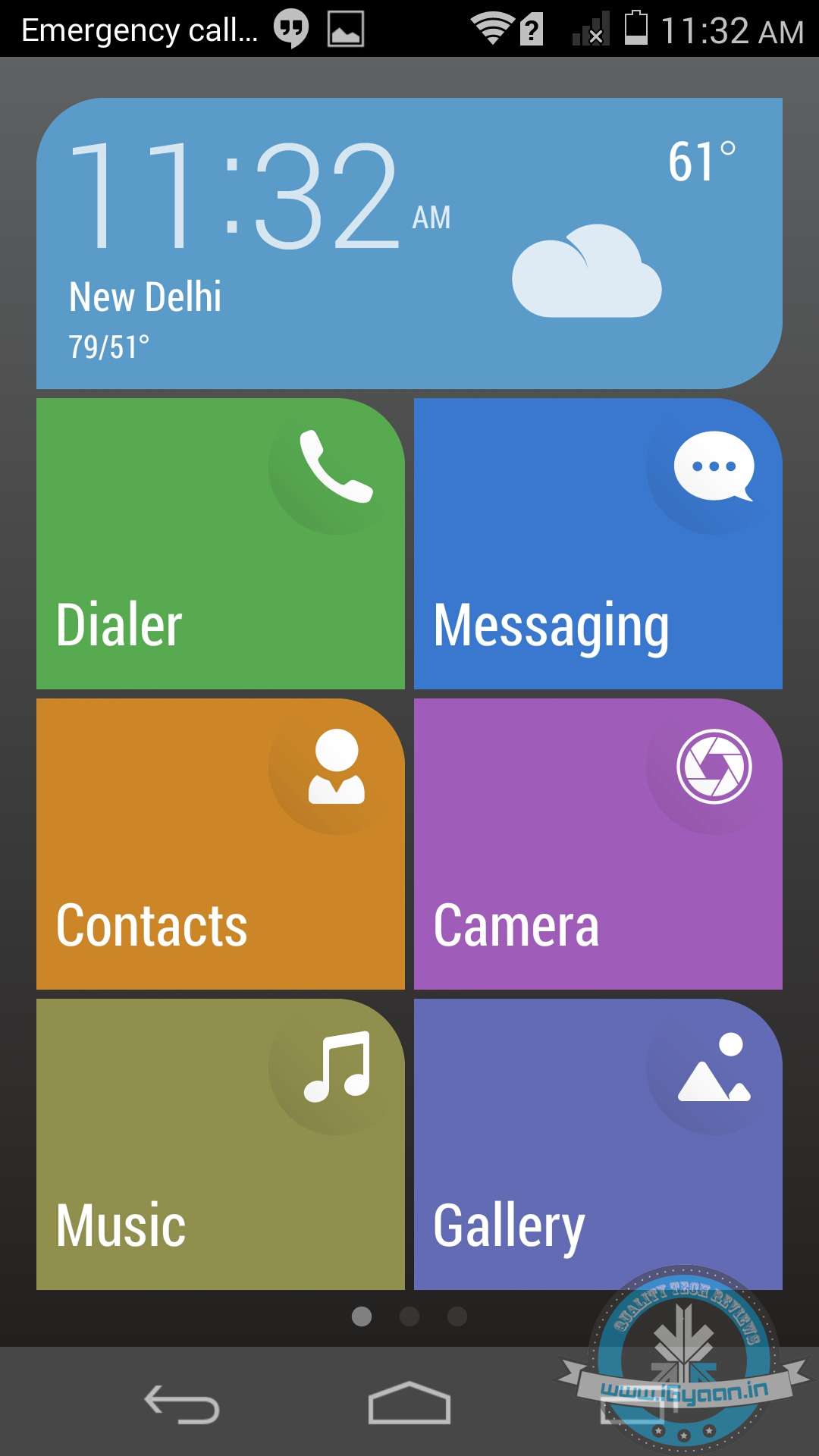
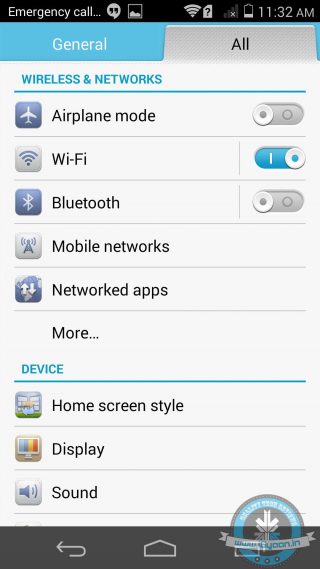
    In the Settings menu, Huawei has added two home screen styles, Standard and Simple. While ‘Standard’ is a regular application and widget layout, ‘Simple’ turns your home screen into more of a Windows Phone (adding massive icons to apps and features). It certainly will be useful for the first-time smartphone users or for those who may not have a very good eyesight.

    Multitasking in the Ascend P7 is done in the usual Android style, with right hand on screen button popping up a list of recently used apps.

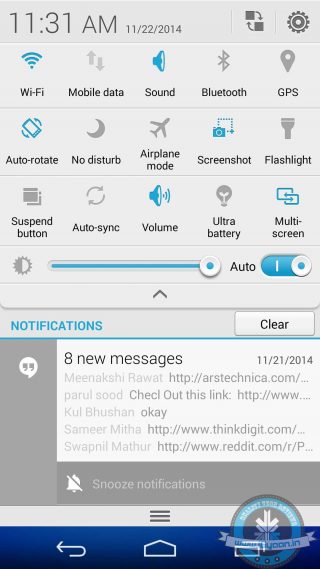
    Meanwhile, the pull down notifications tab forms an integral part of the Android ecosystem, and here Huawei has tweaked a bit. A collection of five toggles are housed at the top when you first pull down the notifications, another pull down reveals more controls. These can be customised according to user’s preferences as a seperate menu lets you customise the order in which they appear.
    All in all, there are no noticeable performance issues apart from a few home screen jerks when the phone was under heavy usage. It’s a snappy and reliable device. Though, users will notice a lot of battery saving notifications popping up time and again, which can be annoying at times. Along with that, the UI is not as standard and intuitive that we see with other smartphones.

    PHONE NETWORKS AND BATTERY

    Phone network is quite good. We had no issues with the audio quality of incoming or outgoing calls. It latches onto networks quite easily, and we did not experience any call drops both indoors as well as outdoors.

    The Huawei Ascend P7 houses a 2500mAh battery, which is slightly less than the Galaxy S5 (2800mAh) and larger when compared to the 2300mAh battery of the Nexus 5. In our battery test, we ran a 90-minute media file on full brightness and with ‘Wi-Fi turned on’. By the end of the video, the battery went from 100% to 71%.

    That’s not awful, but it’s neither great too. The battery can easily suffice for a whole day of normal usage.

    CONCLUSION

    From decent specs, great camera, awesome display to super sleek and good looks, Huawei Ascend P7 has all the features that you wish in a smartphone. If you’re to judge a phone solely on benchmark scores, the Ascend P7 might put you off but its real time performance is top notch.

    At a price tag of Rs. 26,990, the Ascend P7 seems to be a little overpriced. There are a lot of worthy alternatives to consider like the Nexus 5, the Moto X, LG G2, Samsung Galaxy S5 in this price bracket.

    The phone’s performance is satisfactory, though it would have been more of a catch if Huawei had created a budget marvel like the Moto G. On the contrary, the company has tried to match up the P7 with other top flagships, and it just falls short.

    Had it been priced under Rs. 20,000, it would have been a great alternative to the mid-segment masters.

    [tw-column width=”one-half”]

    GOOD THINGS

    • Great Design and Build Quality
    • Awesome Full HD display
    • Superb Camera
    • 8MP selfie Camera

    [/tw-column]

    [tw-column width=”one-half” position=”last”]

    BAD THINGS

    • Video Recording below par
    • Low Benchmark score
    • Slippery back panel

    [/tw-column]

     

  • Top 5 Websites that Let You Send Fax for Free

    Top 5 Websites that Let You Send Fax for Free

    Before there were emails and video conferences, fax machines were the convenient mode of instant communication. It was one of the fastest way to send important documents and memos across the sea. However, there were some glitches and it led to the wastage of paper. You needed a print out of the document first to send it over. Fax is still deep-rooted in many parts of the world. Some enterprises still hold on to the fax machines for their documentation and office matters. In case you don’t have a fax machine, you have to run around looking for shops to send a fax. But not anymore.

    Here is a list of websites that will send your faxes for free:

    1. eFax

    efax

    Well, as the name suggests, this is one of the most popular websites to send faxes over the internet. However, eFax is not a free service but you get 30 days trial. You will get a local fax number to send and receive faxes. This service is running since 1977 across 49 countries including India. After the free trial, you can go for a monthly plan.

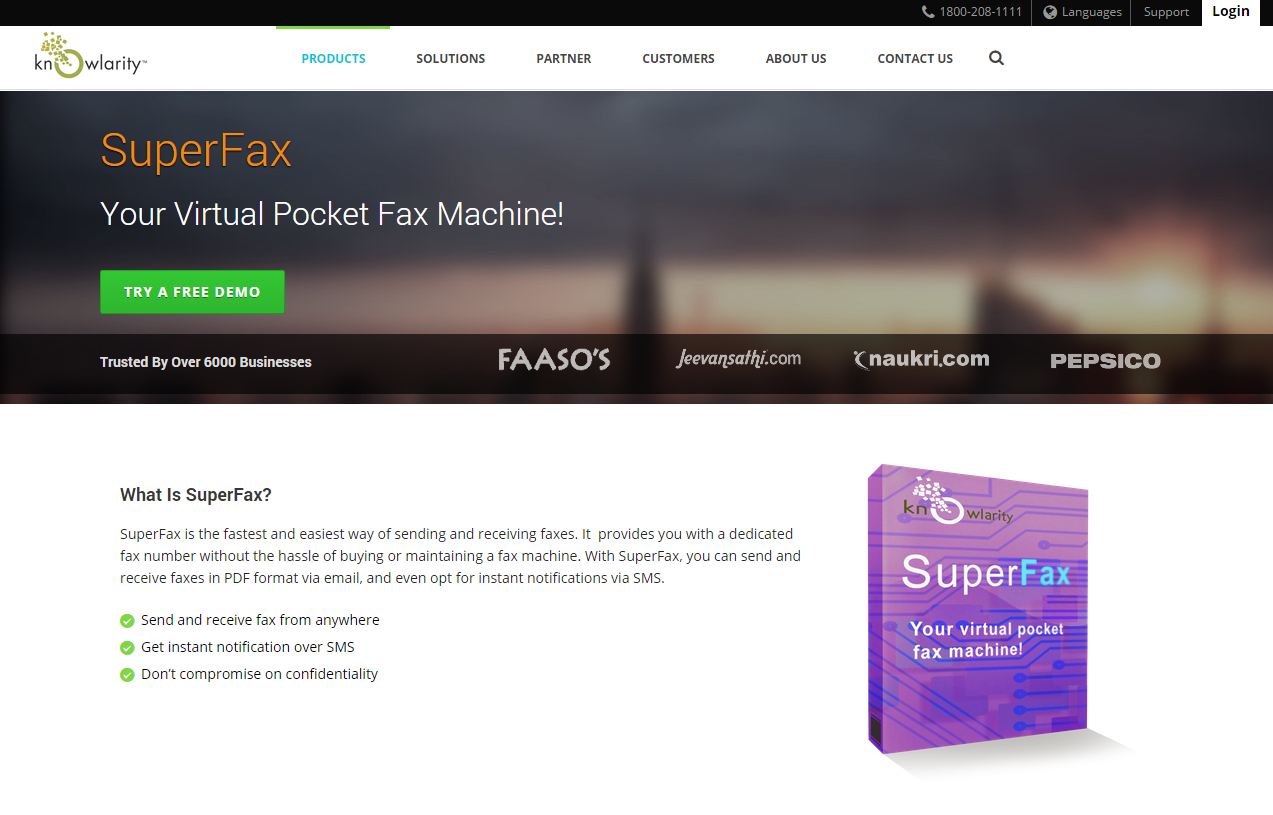
    2. Superfax

    superfax

    It is the most popular website with pricing in Indian currency and office in India, which adds credibility. It is an email to fax service which gives you free demo account for three days. You will get 10 incoming and outgoing faxes with the demo account. After three days, you can sign up for an annual or a lifetime plan.

    3. Speedfax

    speedfax

    Another Indian company, SpeedFax is also an email-based service to send and receive faxes. You get three days trial pack and after that you can go for six months or one-year plan.

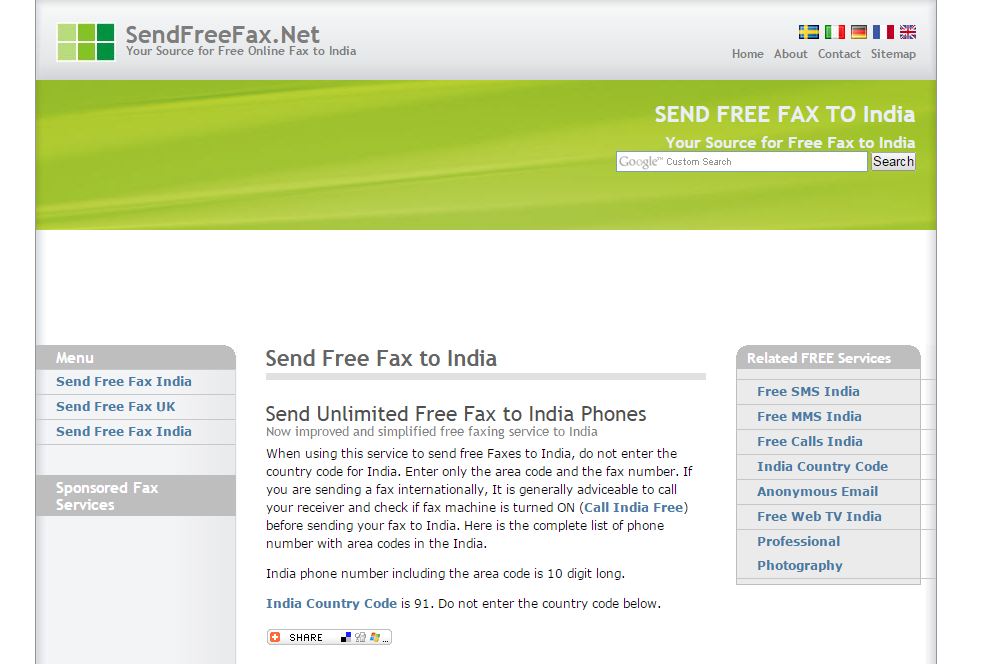
    4, SendFreeFax

    sendfreefax

    Sending a fax from this is similar to sending an online SMS. This service is only for Indians and it is absolutely free. To use this service, you do not have to enter a country code. It is basically a hassle-free service, however, we can’t comment on the credibility of the website.

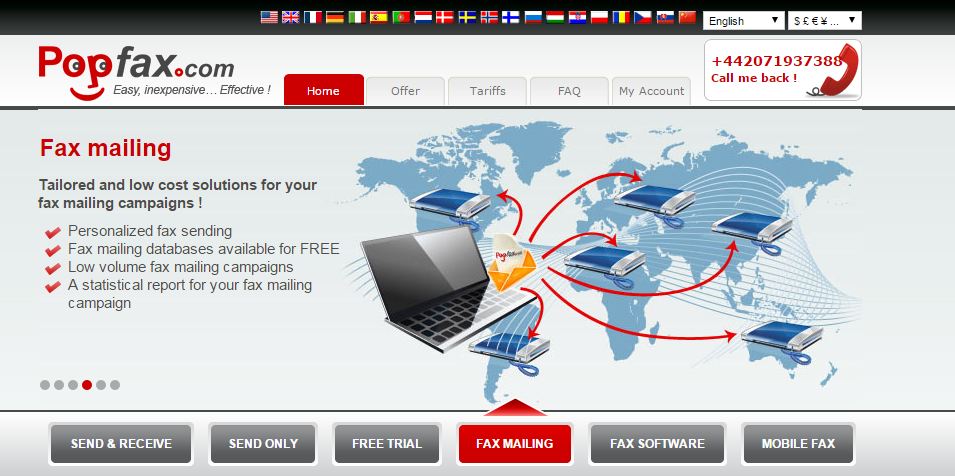
    5. Popfax

    popfax

    It is quite the same service as all the above with one added advantage. You can use this service from your mobile and yes, you do not need credit card to use this trial. The website provides services in 500 cities across 20 countries.

  • Winter is Coming: Gadgets You Need Before the Cold Bites

    Winter is Coming: Gadgets You Need Before the Cold Bites

    The winter season is almost here. If you are living in places of higher elevation, you might have already started experiencing the chills. Now winters are the best season to step outside if you live in the tropical side of the planet, but the drippy nose sure spoils the fun. Well, in the age of technology, there is a lot of stuff you can get that can keep you warm while letting you hit that picnic that you’ve been waiting for through the grueling summer months.

    We decided to present some tech fixes to battle the chill and make the best of this season.

    1.    USB Heated Blanket

    USB BLANKET

    You are in an office where the most protection you get from the winter is the layers of clothes you put on yourself. Well, there is a savior for you to get warm and cozy while others shiver around you. The blanket comes with a heating pad which can be removed for washing, you know because all that heat is bound to induce some sweat off you.

    2.    USB heated Gloves

    USB heating gloves

    With the body taken care of, its time to address the issue of the parts of the body that are mostly exposed, the hands. Here a USB heated gloves will come in handy. The best part of this “device” is that even when it stops working, it would still be a working pair of gloves.

    3.    USB heated Mouse pad

    If you are not into gloves then, there is a convenient option for you. The mouse pad comes with a heating plate that heats it up to a comfortable temperature. This might literally be the first thing you’ll dip your hands into. And looking at the funky design options that are offered, you’d want to have these babies everywhere.

    4.    Earmuff’s with inbuilt headphones

    You might be asking right about now, we get that, USB’s are a great source of preserving body heat, but what about the commute to office? Well technology has even got you back here. Headphones are a must for the commute but what if they keep those exposed ears covered while you take the arduous journey to your workspace.

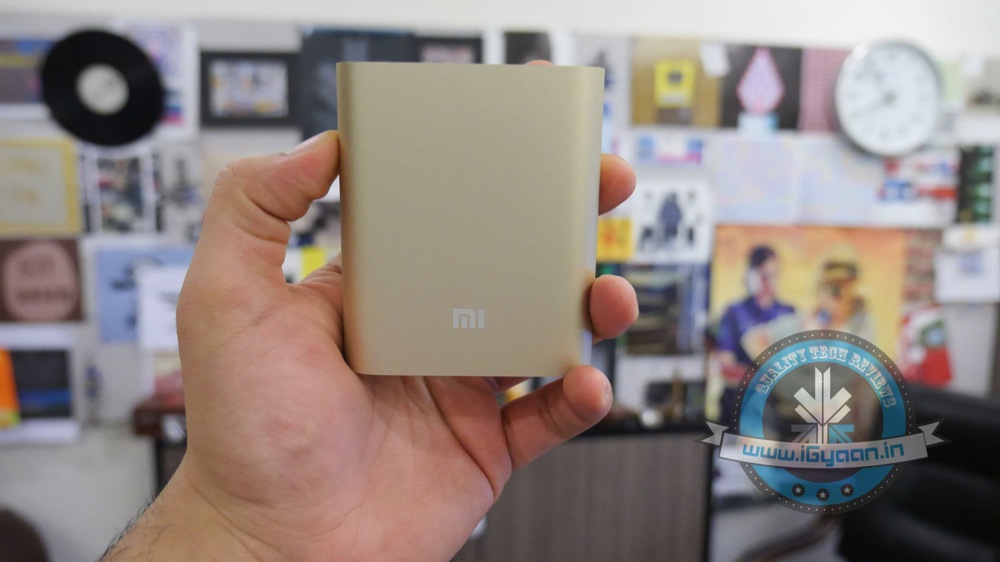
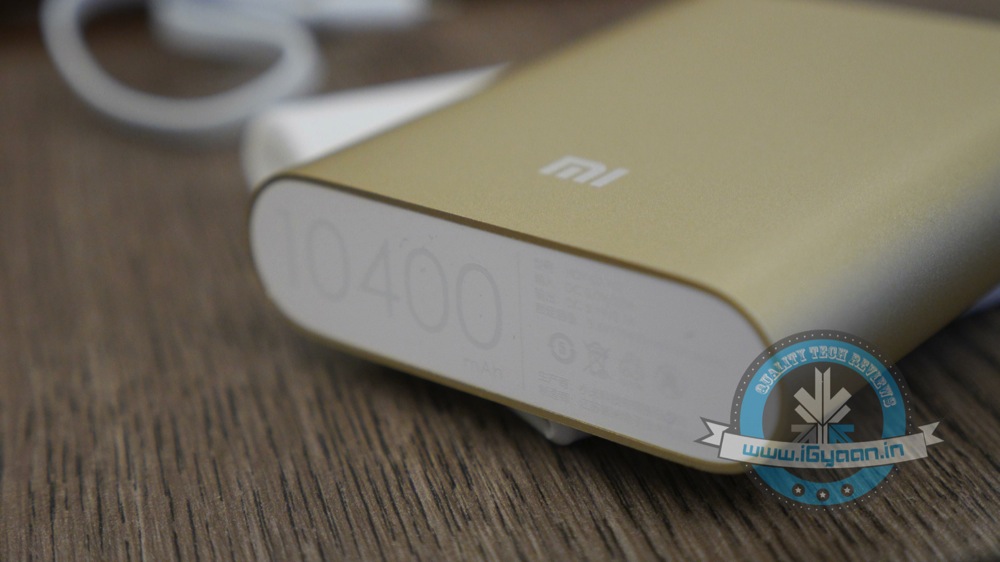
    5. Xiaomi 10400mAh Mi Power Bank

    Xiaomi power bank 10400 0

    Now that we have listed all the cool stuff that you can use to feel warm and cozy, the power source comes into question. Not everyone has an office job so how do you get the juice to your warmer devices when you are away from your computer. The answer lies in power banks. With massive backup and a cheap price tag, Xiaomi’s power bank is ideal for long trips and is a great energy source on the move.

    These are some great gadgets to help you beat the chill. If you have some suggestions for some cool gadgets that help you heat up, please feel free to share it with us.

  • Tips and Tricks to Make Sure You’re Never Left Stranded With a Drained Battery

    Tips and Tricks to Make Sure You’re Never Left Stranded With a Drained Battery

    It’s no mystery that smartphones are big time battery hoggers. Given the diverse range of multi-function capabilities, battery life has always been a concern for developers, manufacturers and users. Surely, the smart move would always be to have your charger handy. But life doesn’t always go according to the plan. Fortunately, there are plenty of options you can opt to stem the flow of juice from your device.

    Here are some essential tips to make sure your phone battery never dies when it is actually needed.

    1. Let the battery drain once in a while

    For optimum performance, ‘reboot’ your battery whenever you can by waiting to charge until the battery is down to about 10 percent. Then, charge it up to 100 percent—and remember not to overcharge it. Overcharging actually reduces a battery’s capacity, and every rechargeable battery can only go through the cycle a limited number of times.
    2. Minimise notifications

    icloud

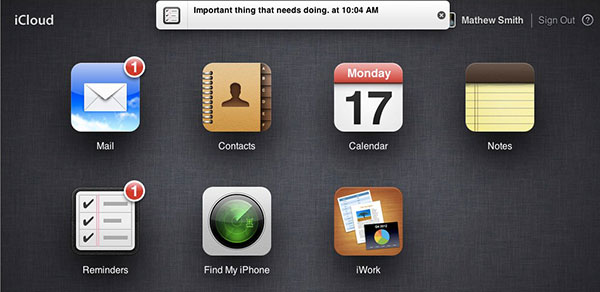
    With constant connectivity to the Internet, we tend to get notifications on our smartphones all the time – be it updates on the latest news, emails, high scores from games, add-ons for apps etc. But I’m sure that you would only want to be notified about the more essential events like new text messages or messages from WhatsApp.  Set ‘Sleep time’ or ‘Blocking mode’ to switch off Wi-Fi and mobile data when you don’t need them. If your phone is basically off limits at work, set your device to not ring, vibrate or connect to the internet while you’re at work. Likewise, you can set your phone to Airplane mode when you’re asleep, or use sleep or blocking modes to set up limits for what your phone does during certain times of the day, whether that’s while you’re asleep, at work or in a meeting.

    3. Update your Apps regularly

    your-apps-appupdates

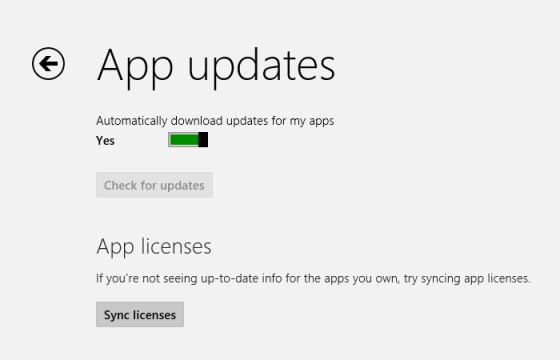
    Keep your apps up to date. Developers often release updates for apps and games that offer improved optimisation and this can have a big impact on the battery life. If you discover a battery hog, then consider removing it. Don’t use task killer apps. Also, keep your smartphone as cool as possible. Sitting in direct sunlight on the dashboard of your car will actually drain the battery faster.

    4. Turn off ‘in-active Apps’

    Windows Phone Wifi

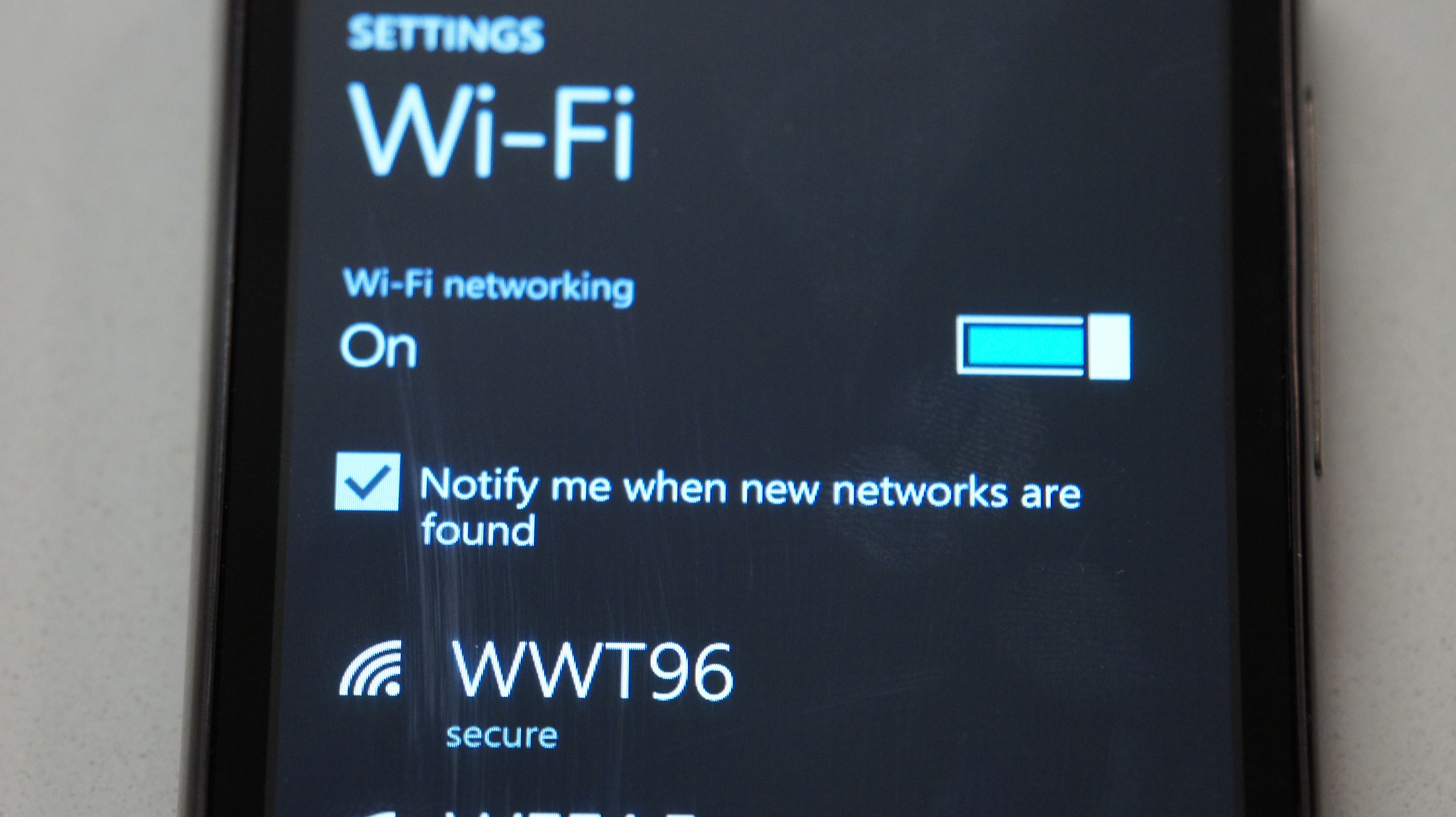
    It is amazing that today’s phones have LTE, Wi-Fi, NFC, GPS and Bluetooth, but do you really need them all round the clock? Your phone lets location-based apps reside in the background, and the constant drain of your battery will become noticeable, fast. Wi-Fi hogs a lot of juice on all devices because it’s always searching for a signal. You can also turn off 4G LTE if you happen to be somewhere without a strong signal. Keep the screen as dim as you can stand it, and close apps when you are done with them. This way, they don’t run in the background. Extend the refresh time: Set your email to get new messages every 15 minutes (or even longer) rather than as soon as they arrive on the server. And whenever possible, put your device to sleep. Also, unless you really need that added awareness, turn off vibration. It actually takes more power to vibrate your phone than it does to ring it.

    5. Invest in a Mi Power Bank

    Its massive capacity can handle all your charging needs for the weekend
    Its massive capacity can handle all your charging needs for the weekend

     Power Banks are the most popular and convenient way of charging your phone on the go. Xiaomi has two offerings at present in the power bank category.With massive capacity and modest pricing, the devices are perfect for the juice thirsty smartphone batteries. The Chinese electronics giant had launched 5200 mAh and 10400 mAh power bank variants. Read our full review of them here.
    6. Battery Cases

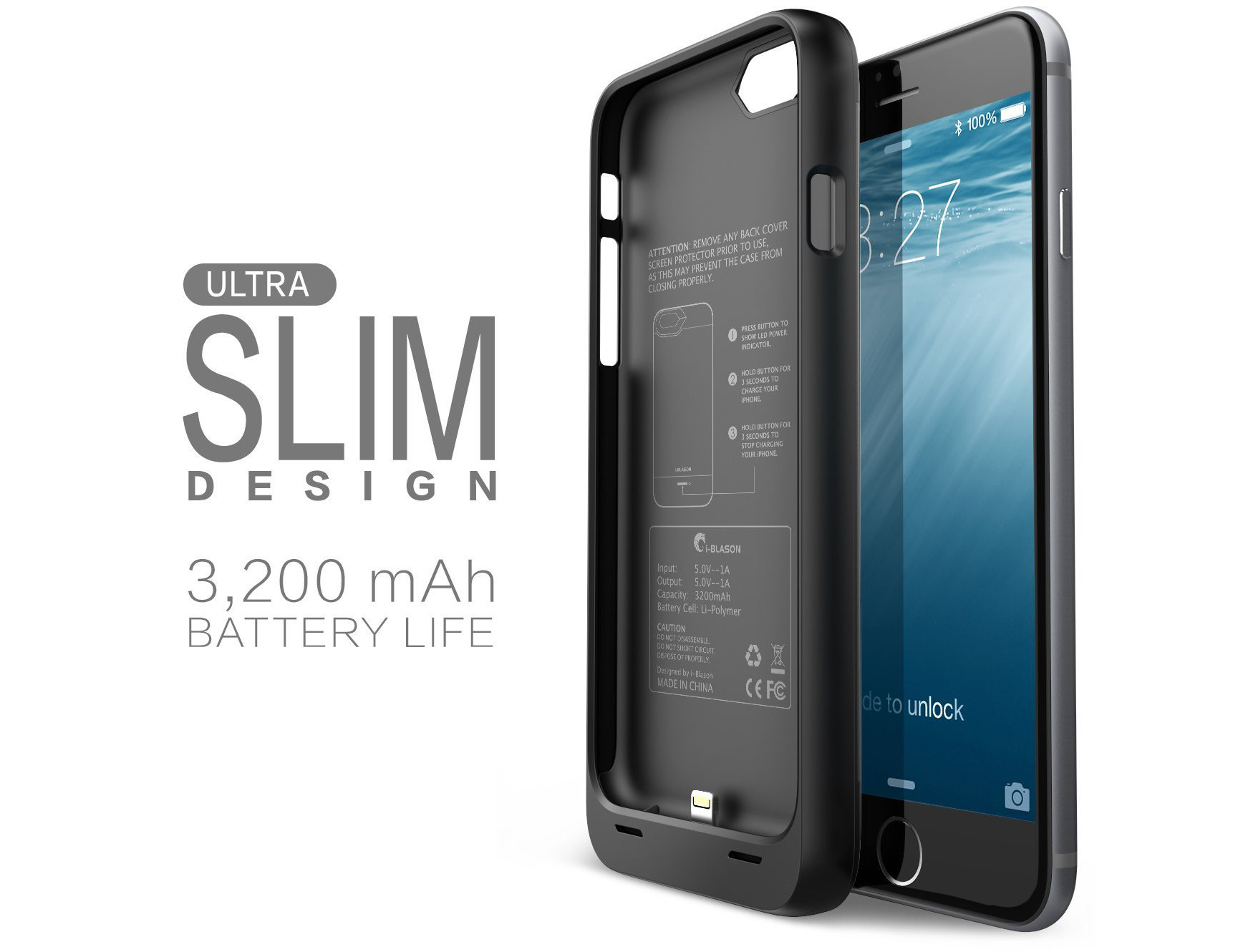
    i-Blason-Apple-iPhone-6-4.7-Inch-External-Protective-Battery-Case-74.99Battery cases combine a hardware enclosure, which protects your phone with an extended battery life that can double your phone’s endurance. You can find models compatible with popular phones from a variety of manufacturers. Also, carrying a power bank might be a tedious option when you are traveling and are during fieldwork for long hours. So, we’re listing some of the best ones for you:

    1. i-Blason cases for iPhones: i-Blason power cases come with amazing advantages which can help you charge your iPhone to 100% battery capacity while working, shopping, or travelling. They are fabricated with impact-absorbing materials and comes with rechargeable battery up to a 4700 mAh capacity battery.
    2. Mugen Power Battery Case for Moto G : Specifically for Moto G, this battery case provides you with 2800 mAh of extra battery. The case has a robust design which, according to makers, can withstand handfull of slips and falls.
    3. ZeroLemon for LG G3 : Rugged Zero Shock Hybrid Protection Case, ZeroLemon case includes Free High Quality Screen Protector and yes a whooping 9000 mAh extended battery (probably the world’s highest).
    4. Samsung Extra Battery Kit for Note 4 : This isn’t exactly a battery case, however it is as useful. The Spare Battery Charger is great for when your battery is low, but you need to continue using your device and are not able to attach it to a wall outlet. Samsung extra battery kit charges your battery without needing to connect the handset. Simply slip the battery into the storage compartment and connect your charging cable. The size of this charger makes it easy to charge at home or on the go.
  • Here’s How You Can Get Android Lollipop 5.0 Right Now on Your Nexus 5

    Here’s How You Can Get Android Lollipop 5.0 Right Now on Your Nexus 5

    Google has started rolling out Android Lollipop 5.0 update for Nexus 5. You can expect the new update soon on your device via OTA in the coming days. However, there are some of us who don’t want to wait anymore. It is true that the OTA method is the most convenient way to upgrade your phone. However, we don’t mind doing some hard work to get the new upgrade.

    So, here is how you can get Android Lollipop 5.0 right now on your Nexus 5.

     Things you’ll need:

    • A Windows computer installed with ADB and Fastboot.
    • Android Lollipop ROM for the Indian version of the Nexus 5. Download it Here.
    • USB drivers for Nexus 5. Download it Here.

     How to do it:

    1. Go to the phone Settings and make sure the Developer mode is enabled.

    2. Put the downloaded Lollipop Zip file into a new folder in the desktop and rename it according to your preference.

    3. Make sure the USB debugging option is on; you can find it under Developers option in your phone’s ‘Setting’ window.

    Nexus 5 Lollipop3

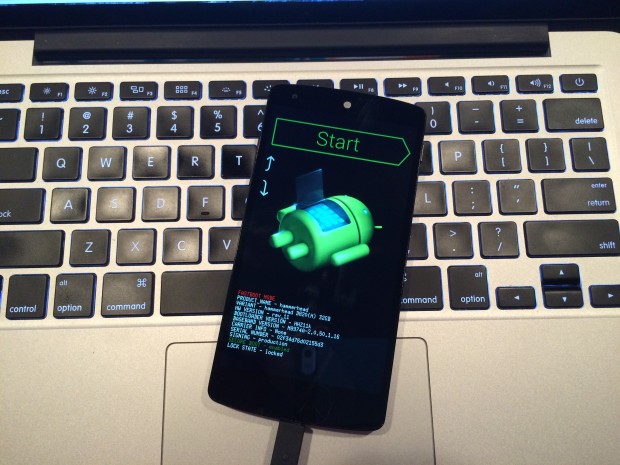
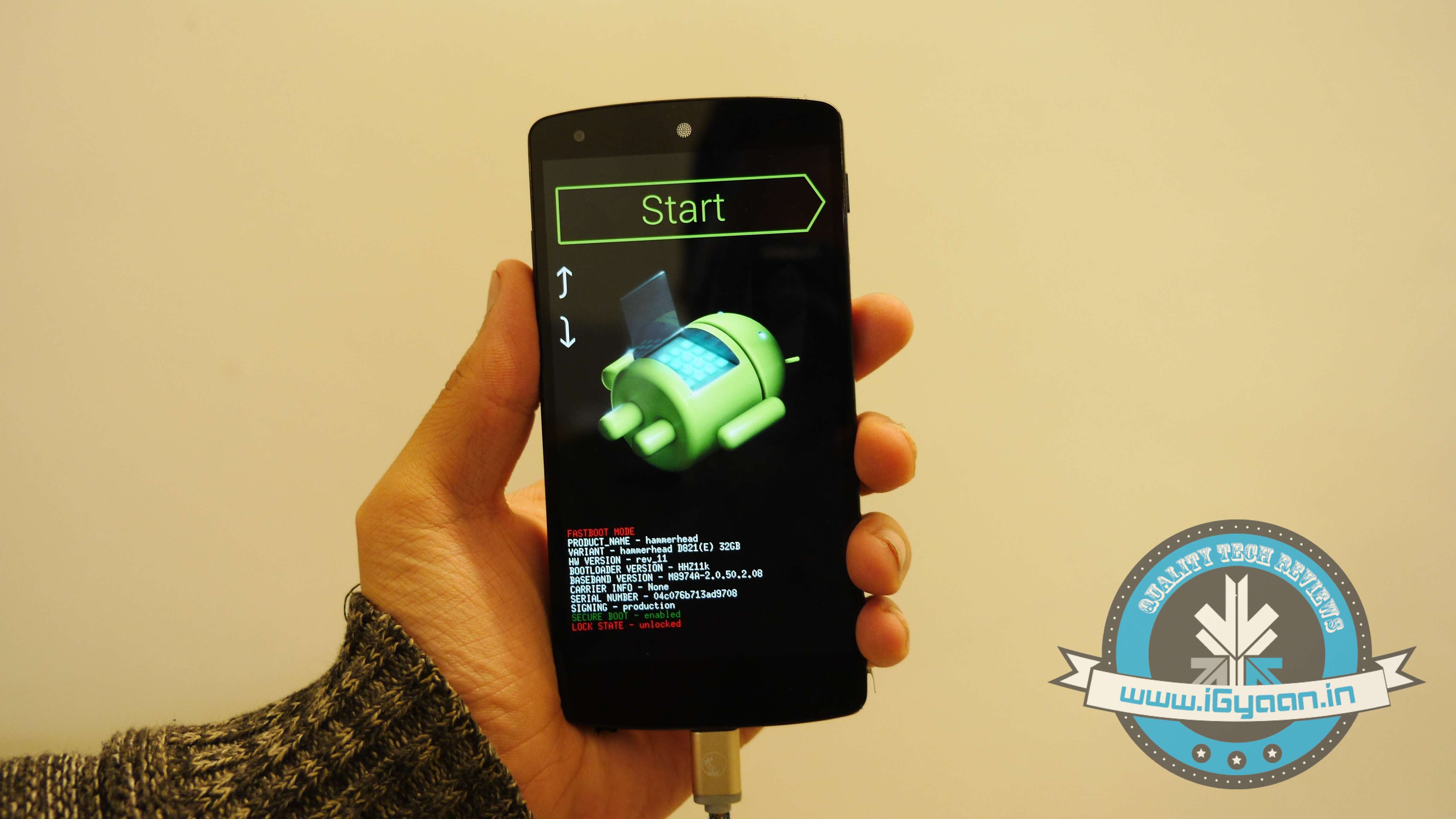
    4. Switch off your phone. Now press Volume Down + Power button simultaneously. This will switch on the phone in Fastboot. You will see Start written in big letters on the top of the screen. Use volume buttons to navigate to Recovery Mode. Once found, select it using the Power button.

    Nexus 5 Lollipop2

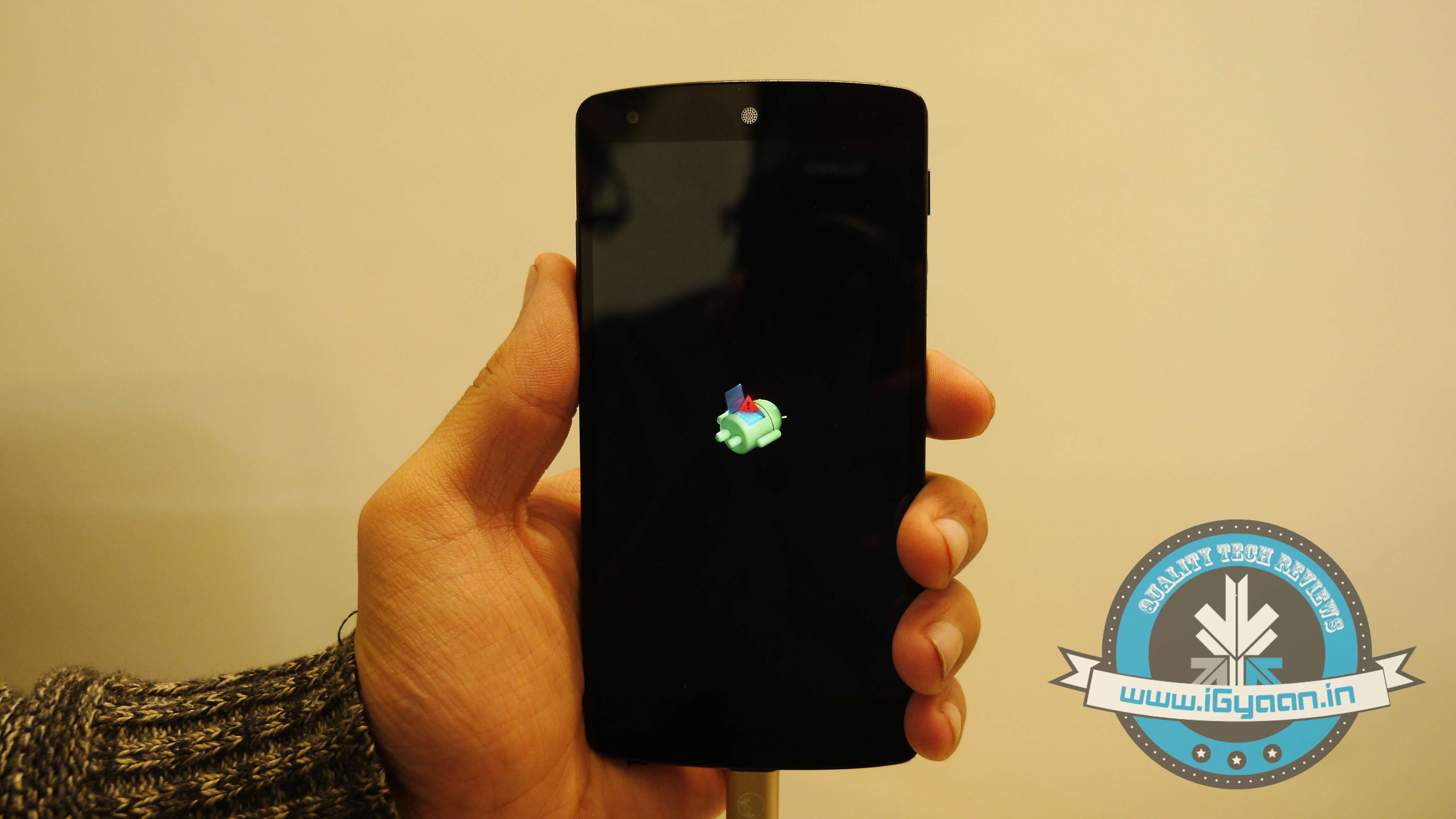
    5. You’ll see small Android robot lying flat with a red mark over its belly. Now press the Power button for a couple of seconds and press the Volume Up button once while holding the power button. This will turn on the ADB mode in your device. If it doesn’t, try it again starting from step 4.

    6. Once the phone is in Recovery Mode, use volume buttons to highlight ‘apply update from ADB’ and press Power button to select it.

    Nexus 5 Lollipop5

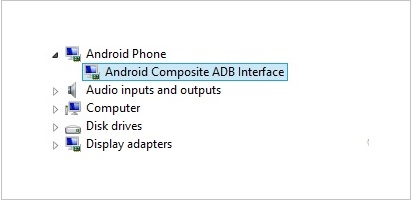
    7. Connect your phone with the PC via USB. Make sure the PC recognises the device as Android phone with Android Composite ADB Interface functionality in your computer’s Device Manager. If not, uninstall the drivers and install them again.

    Nexus-5-Driver-Installation-Completed

    8. Now press ‘Windows+R’ on you keyboard to launch RUN and type ‘cmd’ to open the Command window.

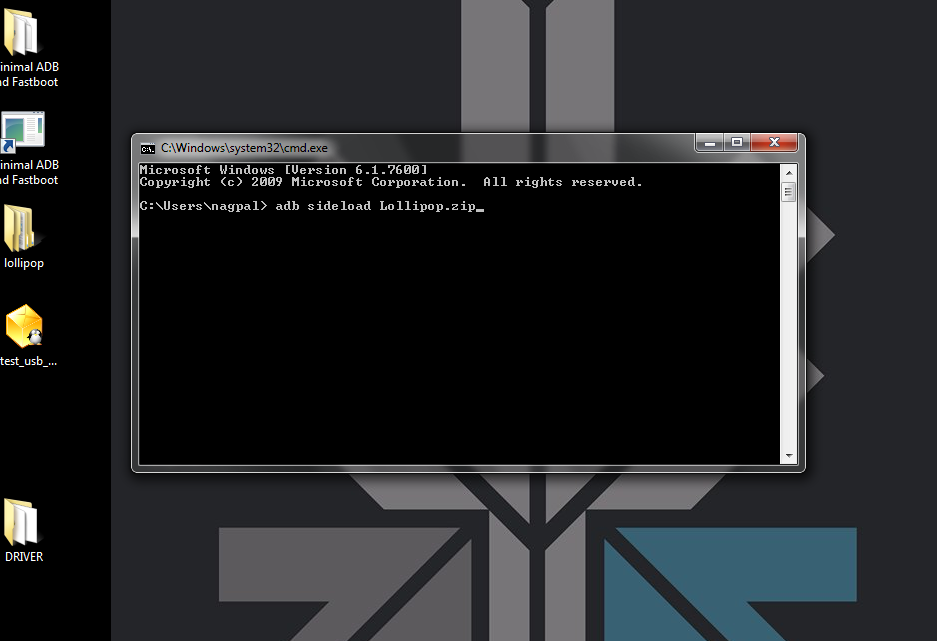
    9. Type ‘adb sideload <name of the Lollipop zip file>’. For example, if your file name is Lollipop.zip, then write: adb sideload lollipop.zip and press Enter.

    cdm

    10. Now,  you will see that the ROM will be copied onto your phone. This way, Lollipop will be installed. The whole process will take around 10 minutes.

    lollipop

    TIP: If you get confused or lose the track somewhere in between, press the Volume Up, Volume Down and Power buttons together to reboot the phone. And remember, never ever pull it off charging.

  • Revisiting Nokia : Discovering Everything That the Fallen Titan Did For the World

    Revisiting Nokia : Discovering Everything That the Fallen Titan Did For the World

    With the release of the new Lumia branded phones by Microsoft, Nokia died as a mobile phone brand. For most, it’s not just a phone brand; it was a revolutionary change maker. It created, nurtured and took the mobile business to its maturity. We have now reached a point of tremendous concentration in the mobile market and the company who started it all has bid farewell. Nokia is like a grandparent; it did its part and then departed, leaving behind a lasting legacy of  a communication infrastructure that has brought gigantic leaps in the growth of human civilization.

    Journey To The Mobile Business

    Nokia's paper mill on the banks of River Nokianvirta in 1868.
    Nokia’s paper mill on the banks of River Nokianvirta in 1868.

    Nokia began as a paper mill back in 1865 with its second mill going up in the town of Nokia in Finland. The name ‘Nokia’ is derived from the river Nokianvirta, on the banks of which the company was established.

    The company expanded to working with rubber, electricity, and cables. Nokia rubber boots become a bona fide design classic, still on sale to this day by the name Nokian, albeit under new owners.

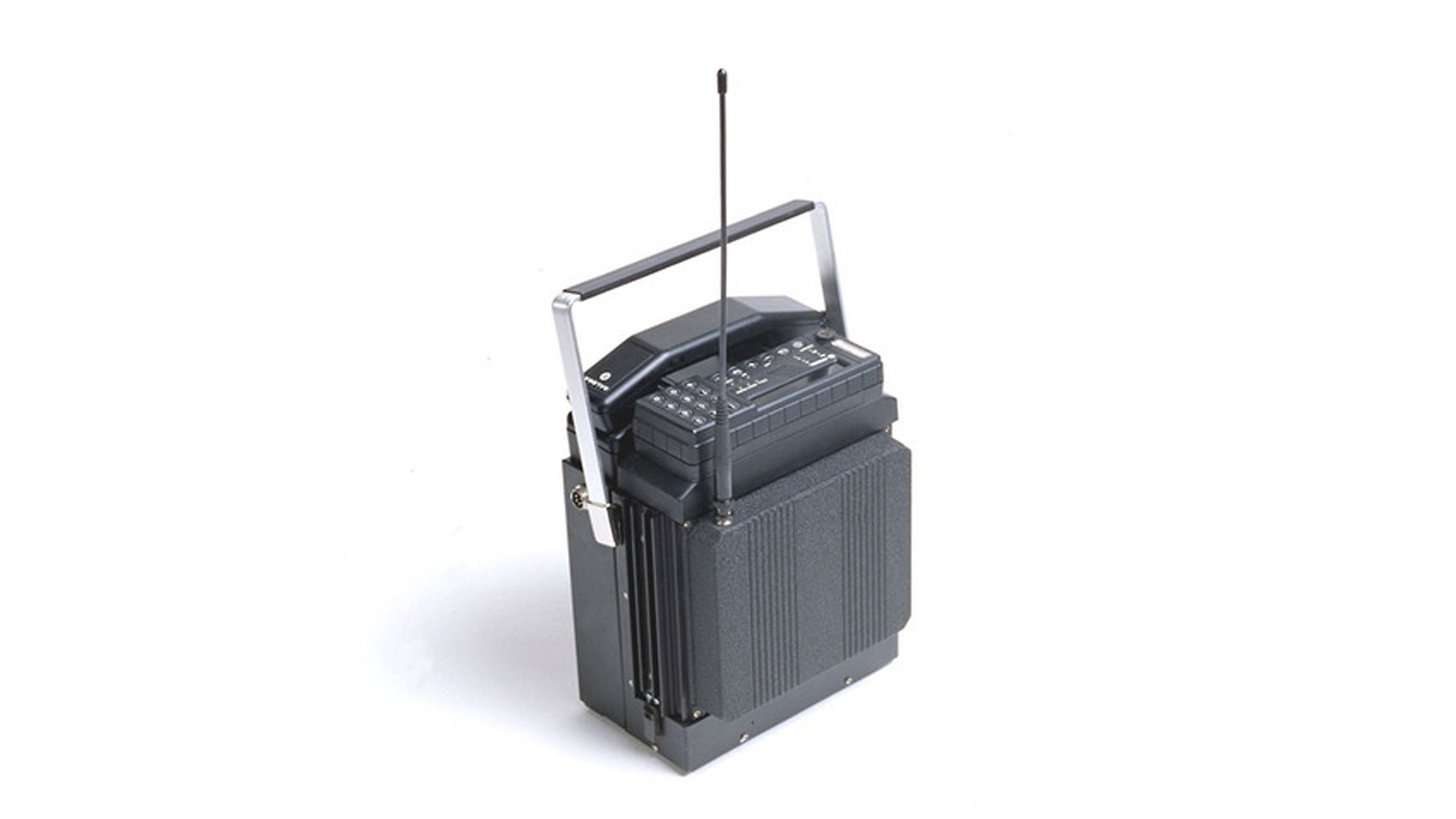
    Let’s fast forward to ’60s when the company made its foray into electronics. Nokia developed a host of electronic devices including radio telephones for the army. In 1979 Nokia took its first steps into telephony by creating Mobira Oy in a JV with Finnish TV maker Salora, and they created the Nordic Mobile Telephone (NMT) service. This was the world’s first international cellular network and in the 80s, Nokia launched its first car phone called the Mobira Senator.

    The Mobira Senator was the companies first car phone.
    The Mobira Senator was the companies first car phone.

    In the 1970s and 1980s, Nokia developed the Sanomalaitejärjestelmä (“Message device system”), a digital, portable and encrypted text-based communications device for the Finnish Defence Forces.

    In 1987, Nokia launched the Mobira Cityman, the first mobile phone that would run on the company’s NMT network. At 800 grams and priced at $6,308, it may be heavy and pricey by today’s standards, but the device soon hit cult status when Mikhail Gorbachev was photographed using the device.

    Nokia also tried its hands at personal computing.
    Nokia also tried its hands at personal computing.

    In the 1980s, Nokia’s computer division Nokia Data produced a series of personal computers called MikroMikko, which it later sold to Fujitsu. It briefly tried its luck again in the personal computer market in August 2009 with the introduction of the Nokia Booklet 3G mini laptop. It was not commercially successful but was appreciated for its integrated 3G modem, high-resolution screen, exceptional battery life and its fan-free design.

    World’s first commercial GSM call was made in 1991 in Helsinki over a Nokia-supplied network, by Prime Minister of Finland Harri Holkeri. Also, the first device to be used to make a satellite call in 1994 was a Nokia device. Nokia truly started the mobile revolution.

    The Devices

    Nokia 1011 was the first mass-produced device from Nokia. The design of the device was quickly copied into making pencil boxes for kids. The memory could hold 99 numbers and had a price tag of $1600.

    Nokia 3310 announced on 1st September 2000, has now become a cult classic. There are unlimited internet memes based on the “Hulk-ness” of the device. Touted in humor as the only Man-Made thing that can incapacitate the Hulk. Nokia sold over 126 million pieces of the 3310 which had a 96×48 pixel display. You could take off the front and back panel and replace it with the color of your choice. It was the first phone to allow 459 character SMS messaging.

    Nokia 2110 was the first phone to come with the Nokia tune. It is estimated that the Nokia Tune is heard worldwide an estimated 1.8 billion times per day, approximately 20,000 times per second. It has been the icon of Finnish corporation Nokia since the 1990s.

    Introduced in 2002, the Nokia 3510 was the first color phone from the company. It was also the first mass market GPRS device.

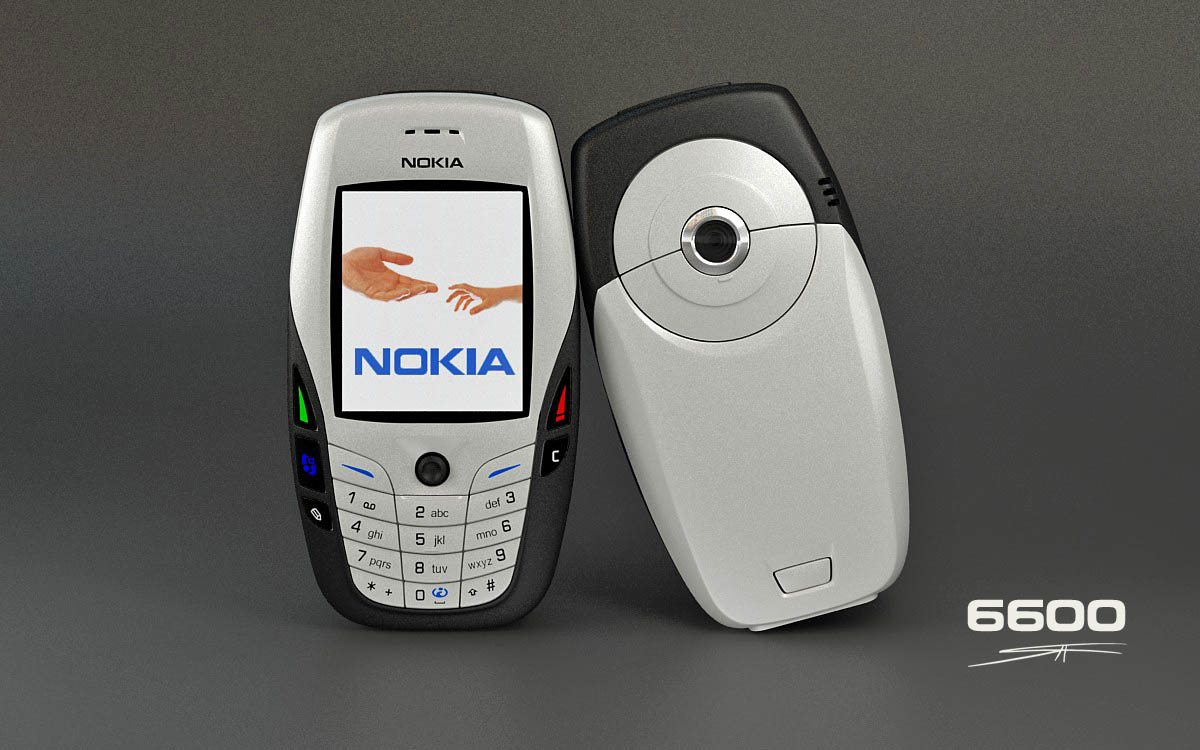
    The 6600 was one of the most popular devices and was almost the star of the movie, Cellular.
    The 6600 was one of the most popular devices and was almost the star of the movie, Cellular.

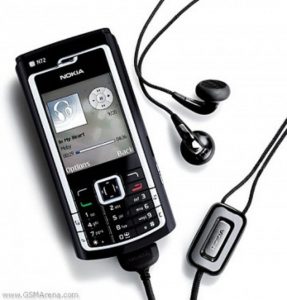
    The Nokia 6600 was a prolific device that was launched in 2003. The owners of the phone flaunted its VGA camera, Bluetooth and expandable memory. It was the first Nokia and Symbian device to sell over a million.

    The devices from Nokia were also known for its superior camera performance. Thanks to its popularity amongst the users worldwide, at one point Nokia was the biggest digital camera manufacturer in the world. It surpassed all other conventional camera makers.

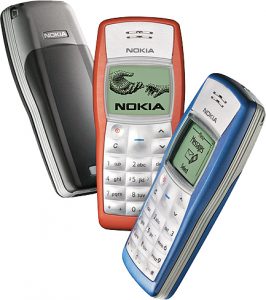
    The company has set records after records during its stint at the top of the food chain. In fact, the Nokia 1100 is the bestselling phone yet, selling over 250 million devices. At its peak the company sold 475 Million devices back in 2008, a feat that is still unchallenged.

    So What Remains of Nokia

    Following the departure of the mobile and services division of the company, the company is now has three business groups: Mobile Solutions, HERE, and Technologies. The company is currently headed by India-born Rajeev Suri.

    Nokia's Mapping service Here is one of its remaining businesses.
    Nokia’s Mapping service Here is one of its remaining businesses.

    In 2007 Nokia acquired Chicago-based company NAVTEQ, which was the largest maker of automotive. This set the path to Nokia’s Here Maps. The mapping system is one of the few business retained by Nokia following its acquisition by Microsoft. Nokia will be now selling the mapping data to navigation providers like Garmin, BMW, Oracle and Amazon.com. It will now be available as a service across multiple platforms like Android and iOS.

    India born Rajeev Suri will be heading Nokia in its new era.
    India born Rajeev Suri will be heading Nokia in its new era.

    Nokia Networks, which is a wholly owned subsidiary of Nokia will also stay back with the company. It is a multinational data networking and telecommunications equipment company. They provide business services like Customer care support, fixed-mobile convergence, Hosting, IPTV, Mobile TV, WCDMA frequency reforming. It also provides connectivity solutions to governments, railways and airways.

    Nokia had developed a new operating system called MeeGo. When it shifted to Windows phone, the MeeGo team left Nokia to form an independent phone company called Jolla. The phones recently arrived in India.

    Another brand that is the offspring of Nokia is the luxury smartphone maker, Vertu. It was established by Nokia as a wholly owned subsidiary in 1998. For long the company used Symbian OS before shifting to Android recently. The phones are known for their stratospheric price and handcrafted luxury devices.

    nokia-logo-with-hands copy

    The journey of Nokia was long, arduous and for the most part rewarding. The company deserves credit and respect for spearheading the mobile revolution across the world. For the folks who saw the transition of the mobile world in the past two decades, the name Nokia brings a lot of memories of personal communications through what are now archaic devices. The mobile world has come a long way, but the fingerprints of Nokia will be visible everywhere. We don’t know what the future holds for Nokia, but we sure hope that it pulls a ” Motorola” and has a chance to rise from its ashes. RIP you Tech Giant.

    Timeline

    1. 1982: Nokia created the world’s first car phone, the Mobira Senator. It was paired with the Nordic Mobile Telephone analog standard and weighed around 22 pounds.
    2. 1987: the portable Cityman was Nokia’s first handheld mobile phone. It weighed a little over 1.7 pounds and cost about $5,456.
    3. 1994: Nokia launched the 2100 with the now iconic Nokia ringtone.
    4. 1997: Launches Snake, one of the most widely recognized mobile games of all time.
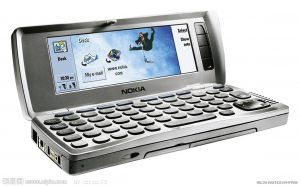
    5. 1996:  The Communicator 9000 of was the first all-in-one phone of Nokia’s kind. It had email, web browsing, fax, word processing and spreadsheet capabilities came for $800.
    6. 2000: Nokia 3310, the hulk of the mobile world is launched, and it sells 126 million units sold worldwide. Later becomes a popular internet meme.
    7. 2002: Nokia 7650 for around €600 was Nokia’s first Camera phone.
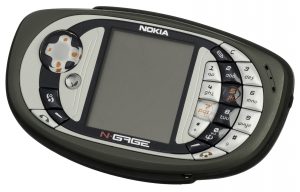
    8. 2003: N-Gage, World’s first gaming phone.
    9. 2008: 5800 Xpress Music release was Nokia’s first all-touch smartphone, but Apple was out with its iPhone and Android was coming up around this time.
    10. 2011, Nokia debuted its first Windows Phone, the Lumia 800.
    11.   2014, Microsoft acquires Nokia’s Mobile and Services business and puts an end to Nokia’s existence as a mobile brand.
  • iGyaan Weekly Tech Roundup

    iGyaan Weekly Tech Roundup

    This week, November truly began. WhatsApp came up with the biggest news for Indians that got all of them really excited. The best Android device, Nexus 6 finally got listed and is ready for the first users to get their hands on the epic device. On the gaming front, GTA V got a first person update that will surely make the epic game more exciting. On the auto front, Rolls-Royce introduced its multi-crore offering in India and also found a customer for it.

    So we decided to list out how the week fared for the tech world.

    1. Vice President of WhatsApp, Neeraj Arora announced that because India has a low concentration of credit cards for online payment, they will be offering the service for free to Indian users. [button link=” https://www.igyaan.in/88974/whatsapp-free-lifetime-india/” size=”small” text_size=”beta” newtab=”on”]Click Here For More![/button]

    2. GTA announces First Person Mode with the new update: [button link=” https://www.igyaan.in/88834/gta-first-person-mode-ps4-xbox-receive-update/” size=”small” text_size=”gamma” newtab=”on”]Click Here For More[/button]

    3 Nexus 6 is listed on Indian Play store for Rs. 44,000 for the 32 GB variant: [button link=”https://www.igyaan.in/89050/nexus-6-play-store-for-rs-44000/” size=”small” text_size=”gamma” newtab=”on”]Click Here For More![/button]

    4. Oneplus finally announced its India plan. The One will be priced at Rs. 25,000 for the 64 GB variant. The phone can cause seismic shifts in the mid segment. : [button link=”https://www.igyaan.in/88608/oneplus-one-2/” size=”small” text_size=”gamma” newtab=”on”]Click Here For More![/button]

    5. Rolls-Royce dropped the Ghost Series II in India. The car costs a princely sum of Rs.4.5 crores. With its 6.6-litre V12 engine, the ultra-luxury sedan can do the 0-100 km/h sprint in just 4.7 seconds, and can reach an electronically limited top speed of 250 kmph. : [button link=”http://www.autogyaan.com/11826/rolls-royce-ghost-series-ii-india/” size=”small” text_size=”gamma” newtab=”on”]Click Here For More![/button]

    6. Popular Indian hatchbacks have failed the safety tests conducted by NCAP(New Car Assessment Programme.) The cars are the popular Maruti Suzuki Swift and the Nissan Datsun Go.: [button link=”http://www.autogyaan.com/11803/indian-hatchbacks-fail-ncap-safety-tests/” size=”small” text_size=”gamma” newtab=”on”]Click Here For More![/button]

    7. Xiaomi plans to take on GoPro on its turf. The chinese company wants to introduce its action camera which would be capable of recording 30 fps 4K video, as well as 120 fps 1080p video. It can pose some serious threat to GoPro’s stranglehold on the market. It is expected to be priced at RMB 999 which translates to around Rs.10,000.: [button link=” https://www.igyaan.in/89171/xiaomi-gopro-camera/” size=”small” text_size=”gamma” newtab=”on”]Click Here For More![/button]

  • Top 10 Tips and Tricks for Samsung Galaxy Note 4

    Top 10 Tips and Tricks for Samsung Galaxy Note 4

    Samsung’s Note franchise is known for its vast amount of features, which are equally useful for business and consumer purposes. The latest addition to this series, Galaxy Note 4, comes with a functionality that is overwhelming and a thoroughly cleaned-up TouchWiz interface that makes getting around the device straightforward and easy. However, there are fairly ample amount of things you’ll never come to know about your new Note 4 until you take a good look inside its menu.

    We are listing top 10 essential tips and tricks for Samsung Galaxy Note 4.

    1. Use of Motion Gestures

    Samsung Note 4 Features 2

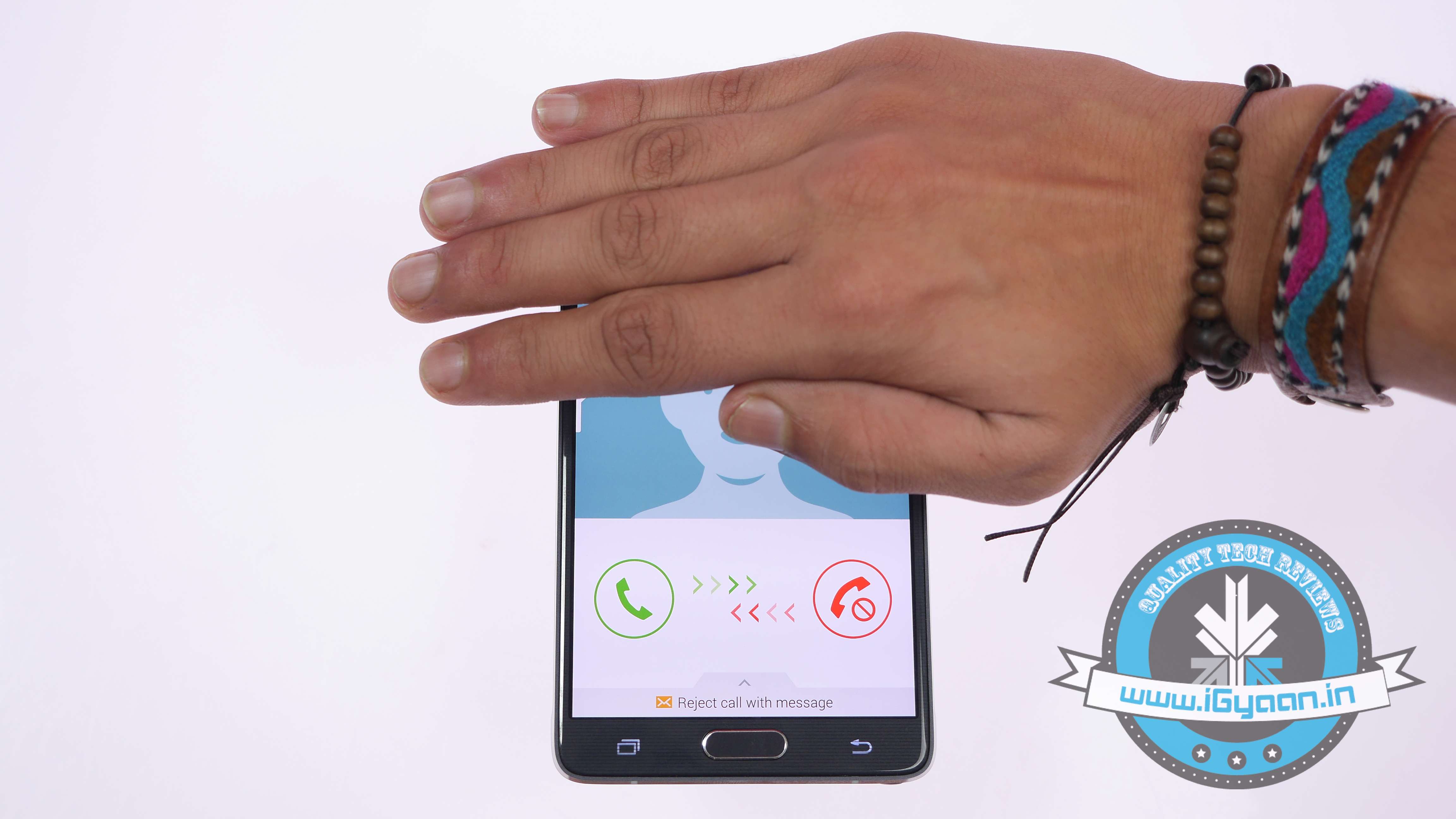
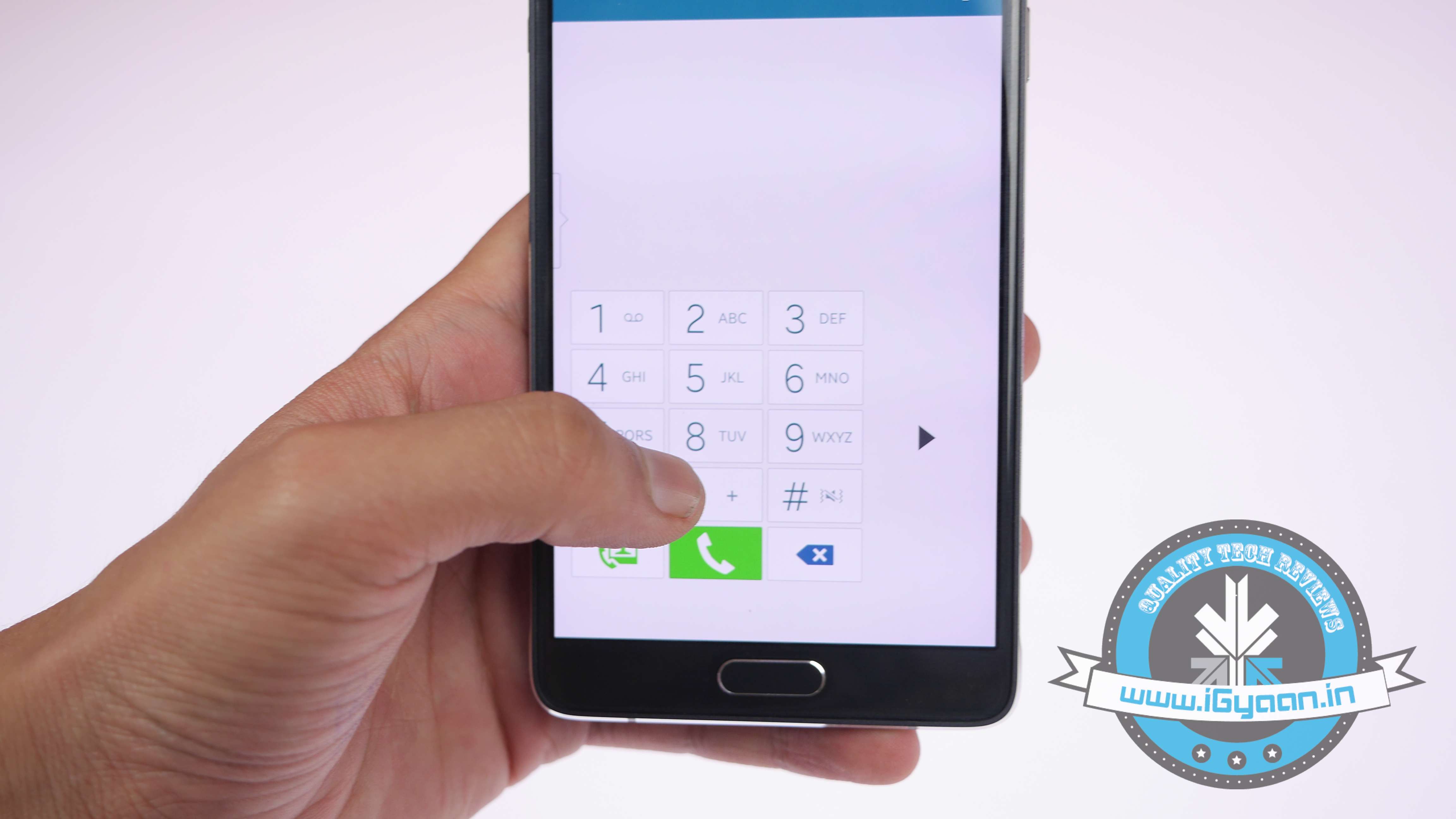
    Samsung has added some very convenient hand gesture controls in the new Note 4. The Note 4’s Motions and Gestures setting lets you customise a number of gesture controls. Switch on ‘Direct Call’ and it will let you pick up and hold the phablet to your ear to make a call to a predefined default number. The option of ‘Smart Alert’ will make your device vibrate to indicate new notifications and events when you pick it up. The ‘Mute/Pause’ option lets you mute incoming calls or alarms by turning the device over or placing your palm over it. Finally, ‘Palm Swipe to Capture’ lets you place the side of your hand on the screen and swipe it across to capture a screenshot.

    2. Customise your Notification Bar

    Samsung Note 4 Features 0

    You can customise the Quick Settings directly from the Settings panel. Also, you can drag the panel down from the top, tap the Quick Settings icon, and then tap the pencil icon to start editing.

    3. Use One-handed Operations

    Samsung Note 4 Features 12

    Samsung has added loads of features to make one-handed operations more manageable. Under Settings > One-handed operation, you can choose from three different one-handed utilities. First one is the option of reducing the screen size that lets you adjust the screen size and layout by swiping out from the midpoint or either edge of the app. One-handed input compacts the apps down like the Dialer, in-call buttons, and Samsung keyboard. As soon as the on-going app compacts, the Side key panel will pop up Android’s navigation buttons on the screen so that you can access them quickly.

    4. Wider Selfies

    Samsung Note 4 Features 10

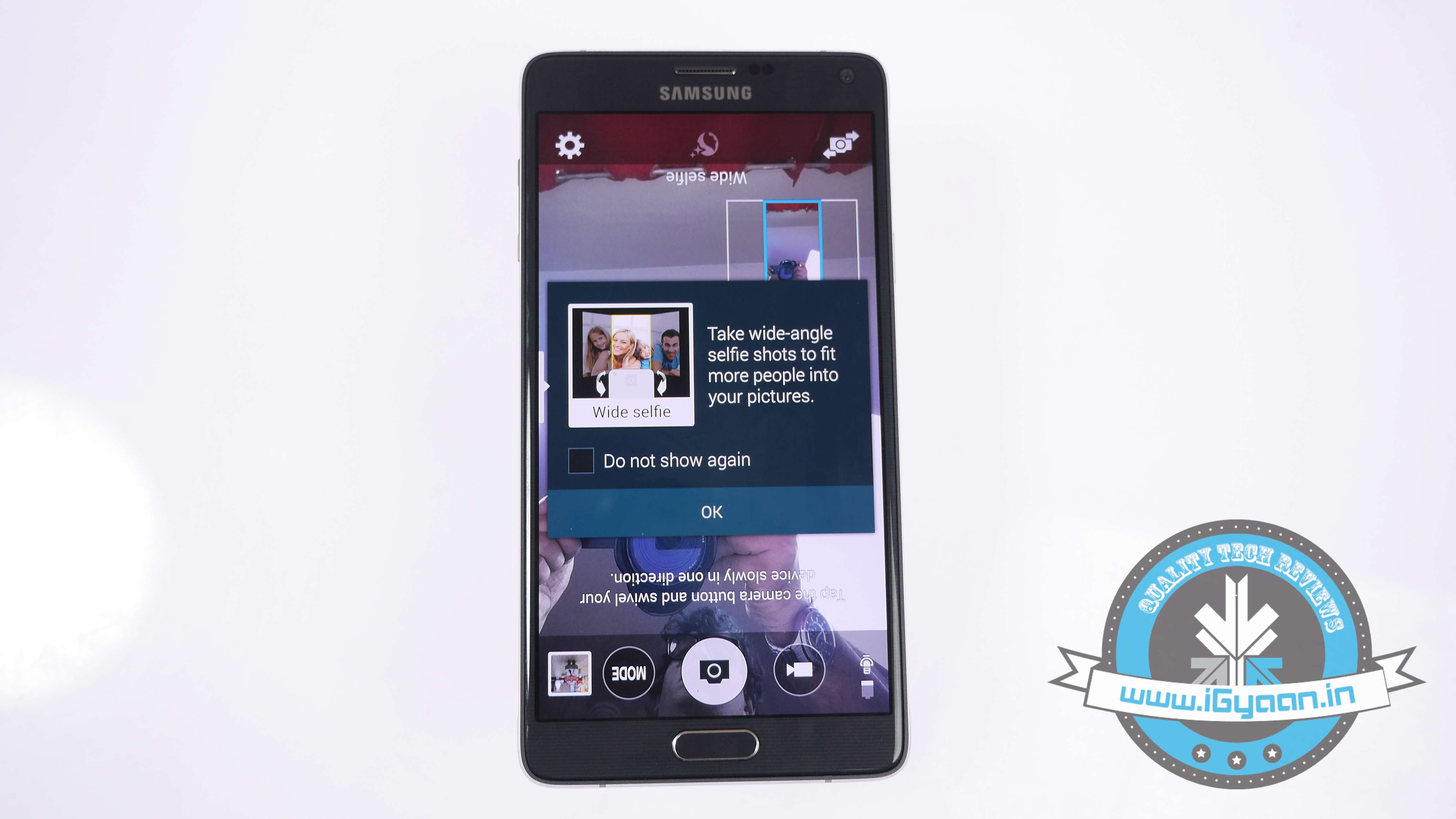
    Catering to the worldwide selfie trend, Samsung has added a Panorama-like selfie feature which lets you take wider selfies. Open your Note 4’s camera, switch to front camera, tap ‘Mode’ and hit the ‘Wide selfie’ option. Put your finger on the heart rate sensor and lift it to take a photo, and say ‘Cheese’. You’ll get a panorama-like outline which you have to fill by tilting the device left and right. When the blue frame has reached each end of the white frame, your spacious selfie is done.

    5. Use Alternative Commands to Snap Pictures

    Screenshot 2014-11-08 13.01.16

    Tap anywhere on the screen inside the camera app—just not on the shutter button—and then tap the Settings icon. Tap again for more settings. Tap on the volume key towards the bottom of the screen. From here, you can set the volume, whether it’s to snap a photo or record a video. Also, it acts as a zoom controller. In that same settings menu, you can turn on the voice control to take photos or record videos.

    6. S-Pen’s Improved Functionalities

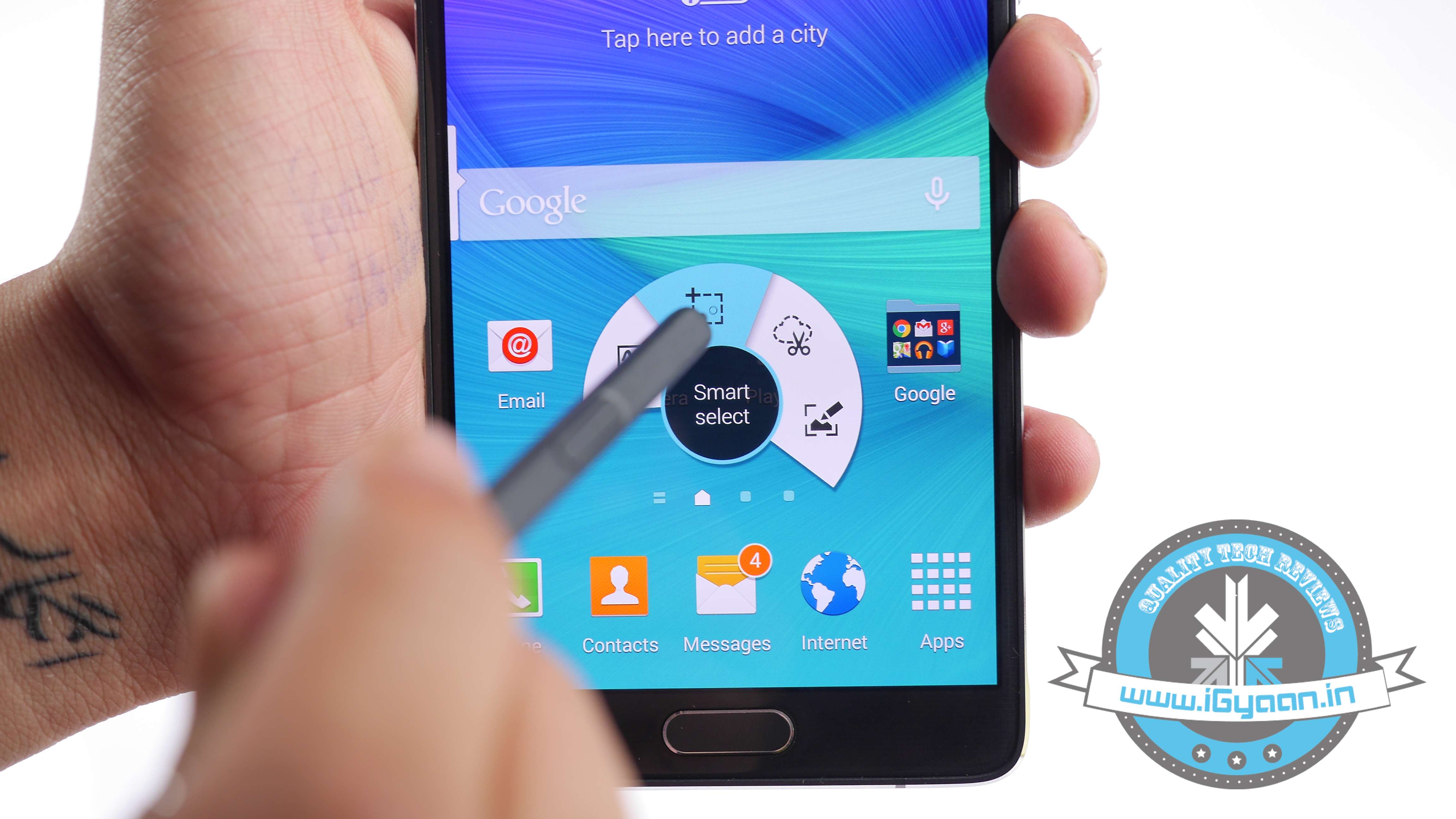
    Samsung Note 4 Features 1

    One of the primary distinguishing features of Galaxy Note 4 is the integrated S Pen functionality. The S Pen has been around since the original Samsung Galaxy Note and has got better with every new release. The Air Command pop-up menu launched with the Note 3 and it has refined largely for the S Pen and large display of the Note line. One improvement that is tough to demonstrate is the increased pressure sensitivity from 1,000+ to over 2,000+ level. The most convenient feature is the ability of the S Pen to select multiple images by dragging it around the screen, more like you do it with your mouse on your desktop.

    7. Use your Note 4 with Gloves

    Samsung Note 4 Features 8

    Because, why not? It’s going to be winter soon and you’re probably going to be sporting gloves until next April. It’s hard to use a phone with gloves on. Fortunately, you can increase the Note 4 display’s touch sensitivity from the settings menu, so you don’t have to take those gloves off just to send a text message. And also, you won’t have to look forward to frost-bitten fingers anytime soon.

    8.  Play with Depth of Field

    Samsung Note 4 Features 4

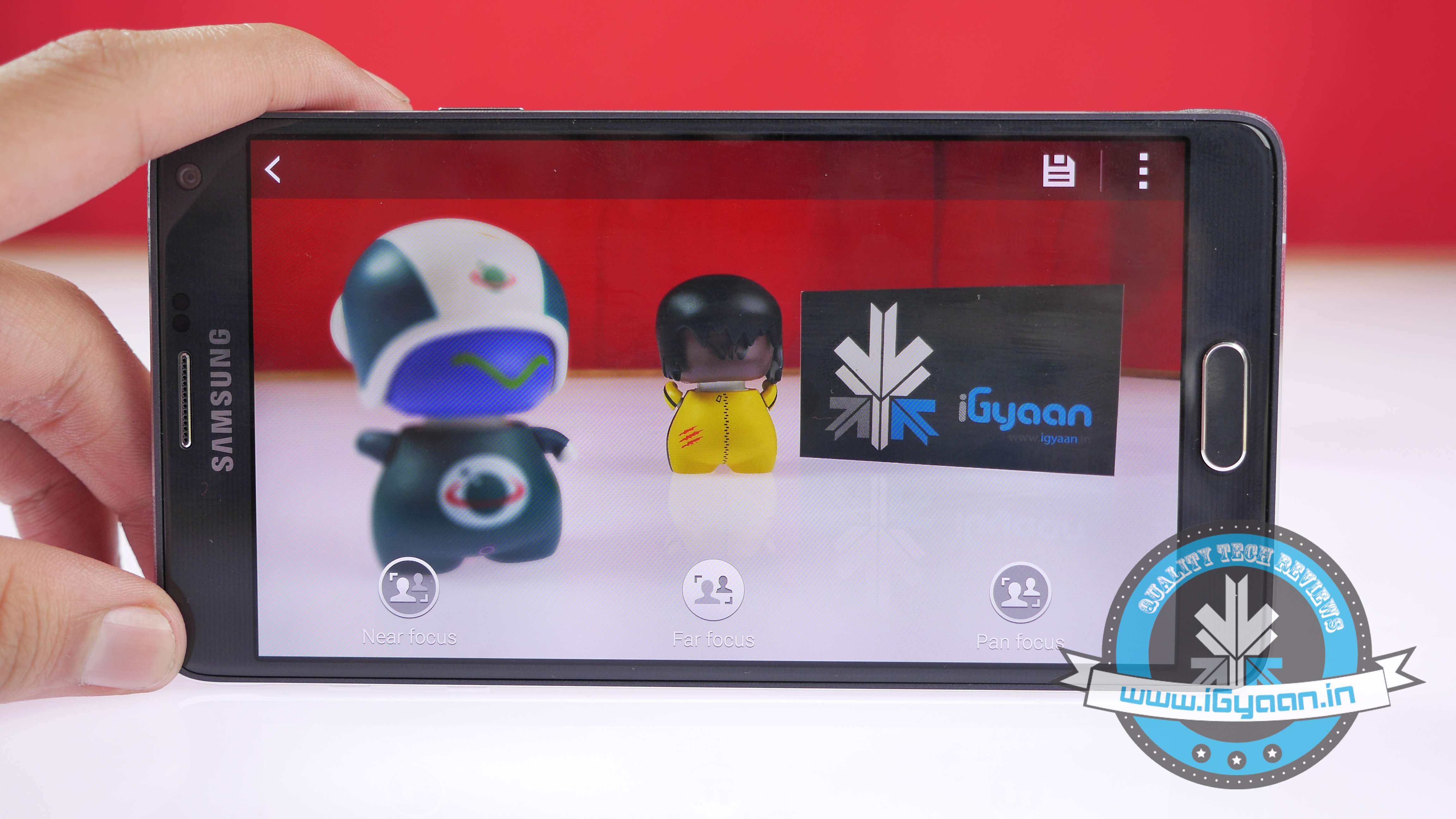
    Samsung followed suite of HTC by bringing in the Selective Focus feature. To enable it, open Camera, tap Mode, Selective Focus, and take a photo as usual. There are ‘Near focus’, ‘Far focus’, and ‘Pan focus’. The first makes the object of your photo stand out against a blurred background, the second does the opposite, and the last one makes both the subject and the background noticable.

    9. Get Notified when a Doorbell Rings or your Baby Cries:

    Samsung Note 4 Features 11
    There is built-in doorbell detector and baby crying detector in the new Note 4. When your phone detects these respective sounds, it makes the smartphone vibrate. You can find both these options in the Settings, Accessibility, Hearing, Sound detectors menu.

    10. The Music Square

    Samsung Note 4 Features 9

    Samsung has added an interesting feature in Note 4’s built-in Media player, called Music Square. You can find it inside the app’s three-square menu. The square has an algorithm which analyses your songs and matches them to four-mood categories. You can also create a mood-based playlist.

    Check out our video below and subscribe to our YouTube channel for the newest updates here:

  • Samsung Galaxy Note 4 Unboxing and Hands On

    Samsung Galaxy Note 4 Unboxing and Hands On

    The new addition to Note series was first unveiled at this year’s IFA Berlin and it arrived in India a month back.  Here’s a first look at Samsung’s new flagship, watch the full video here:

    SPECS

    SAMSUNG NOTE 4

    IPHONE 6 PLUS

    SONY XPERIA Z3

    LG G3

    Display 5.7 inch QHD 5.5 inch Full HD 5.2 inch Full HD 5.5 inch QHD
    Processor  2.7GHz Quad-core Snapdragon 805 1.4 GHz Dual-core A8 chipset 2.5 GHz Quad-core Snapdragon 801 2.26 GHz Quad-core Snapdragon 801
    RAM 3 GB 1 GB 3 GB RAM 3 GB
    Storage 32 GB 16/64/128 GB 16/32 GB 16/32GB
    Expandable Upto 64 GB  – 128 GB 128 GB
    Main Camera 16 MP  8 MP 20.7 MP 13 MP sensor
    Front Camera 3.7 MP  1.2 MP 2.2 2.2MP sensor
    Battery Removable 3220 mAh  Non-removable 2915 mAh Non-removable 3100 mAh 3,000mAh
    Operating System Android 4.4.4 iOS 8 Android 4.4.4 Android 4.4.2
    Miscellanous S-Pen Reachability Water-Proof Knock Code


  • Samsung Galaxy Alpha Unboxing and Hands On

    Samsung Galaxy Alpha Unboxing and Hands On


    Specs  Samsung Galaxy Alpha Samsung Galaxy S5 iPhone 6 Moto X (Gen 2)
    Display 4.7 inch 720p HD (312 ppi) 5.1 inch Full HD (432 ppi) 750 x 1334 pixels, 4.7 inch (326 ppi) 1080 x 1920 pixels, 5.2 inch (424 ppi)
    Processor Exynos 5 Octa 5430 (1.8GHz quad-core Cortex A15 + 1.3GHz quad-core Cortex A7) Exynos 5 Octa 5422 (Quad-core 1.9 GHz Cortex-A15 & quad-core 1.3 GHz Cortex-A7) Apple A8, Dual-core 1.4 GHz Cyclone (ARM v8-based) Qualcomm Snapdragon 801,Quad-core 2.5 GHz Krait 400
    RAM 2 GB 2 GB 1 GB 2 GB
    Storage 32 GB (non-expandable) 16/32 GB (expandable upto 128GB) 16/64/128 GB (non-expandable) 16/32 GB  (non-expandable)
    Camera 12 MP Main, 2.1 MP Front 16 MP Main, 2 MP Front 8MP Main, 1.2 MP Front 13 MP Main, 2 MP Front
    Battery 1860 mAh 2800 mAh 1810 mAh 2300 mAh
    Operating System Android Kitkat v4.4.4 Android Kitkat v4.4.4 iOS 8, upgradable to iOS 8.1 Android OS, v4.4.4 (KitKat), upgradable to Android L

  • Hands On : Micromax Canvas 4 Plus

    Hands On : Micromax Canvas 4 Plus

    Micromax has dropped a few handsets in the past months, that have made big news. The Canvas Nitro, Canvas Gold and the A1 Android One Phone, are a few examples of products that made headlines. The Canvas 4 Plus will make headlines of its own, however, it may be the iPhone 6 plus’ bendgate that influences this one.

    The Canvas 4 plus, is a new entrant and features a 5-inch 1280 x 720 p display along with an octa core Mediatek chipset, 1 GB of Ram and micro SD card expansion. The phone is might slim at just 7 mm thick and boy, does it bend easily.

    In our unboxing of the phone, just because the phone looks so similar to an iPhone, we lightly attempted a bend test and it bent out of shape. We didn’t go all the way, as it would totally ruin the review of the phone. However, once the whole mumbo jumbo is over we might give it another go.

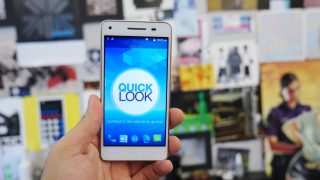
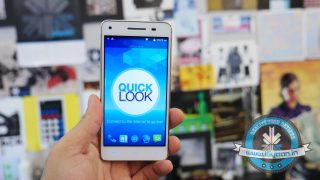
    The phone also shows signs of warming up during basic usage and especially so during browsing the internet. The phone comes preloaded with a bunch of applications and the Quick Look blinkfeed-esque interface that takes away from the user experience and you will find yourself trying to remove them sooner than expected.

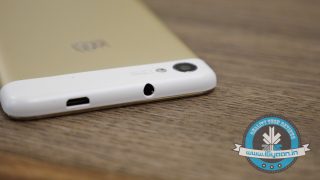
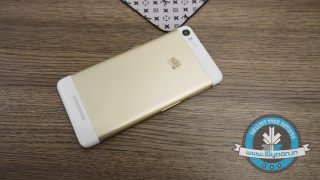
    The phone other than the bending issues feels good in the hand and has metallic buttons, however the bending really makes you worry about the build and the plastic top and bottom parts come off easily at the back.


    Specs

    Micromax Canvas 4 plus

    Gionee Elife S5.1

    Gionee Elife S5.5

    Huawei Ascend P6

    Display

    720×1280 pixels, 5.0 inches 720×1280 pixels, 4.9 inches 1080×1920 pixels, 5.0 inches 720×1280 pixels, 4.7 inches

    Processor

    MediaTek 1.7GHz octa-core Qualcomm Snapdragon 400 Mediatek MT6592, Octa-core 1.7 GHz Cortex-A7 Huawei K3V2
    Quad-core 1.5 GHz Cortex-A9

    RAM

    1 GB 1 GB 2 GB 2 GB

    Storage

    16 GB (expandable upto 32GB) 16 GB (non-expandable) 16 GB (non-expandable) 8 GB/16 GB

    Camera

    13 MP rear, 5 MP front 8 MP rear, 5 MP front 13 MP rear, 5 MP front 8 MP rear, 5 MP front

    Battery

    2000 mAh 2100 mAh 2300 mAh 2000 mAh

    Operating system

    Android 4.4.2 Android 4.3 Android OS, v4.2 (Jelly Bean), upgradable to v4.4.2 (KitKat) Android OS, v4.2.2 (Jelly Bean), upgradable to v4.4.2 (KitKat)
  • iGyaan Gift Guide : Top 5 Gadgets for Your Sister

    iGyaan Gift Guide : Top 5 Gadgets for Your Sister

    The festive season is the time to show love to your family. From Dussehra till the beginning of the new year, Indians have a lot of reasons to celebrate and no celebration is complete without gifts. However, it is always a task to find the perfect gift for your loved ones. Don’t worry, iGyaan is here. We’ve already covered brothers and mothers, now we are listing 5 gadgets to gift your high-tech sisters this season.

    [row cols_nr=”2″]

    [col size=”6″]

    5. Portronics Bubble speaker

    Portronics-Music-Bubble-17592442-2928a8f6-41ec-4cae-89be-54977bda5d0c-jpg

    Music bubbles are portable rechargeable battery powered AUX speakers.They come with inbuilt AUX cable which makes them convenient to connect to mobile phones, Mp3 players and laptops. The speakers are available in 5 colour variants.

    [/col]

    [col size=”6″]

    4. Skullcandy Dime

    16714-110

    Skullcandy Dime is a part of the company’s new offering exclusively for girls. It features amazing floral design and graphics. Not only do these look good, the sound quality is excellent. It delivers accurate levels of sound, giving good quality lows. The music does not tear up or quiver when you turn the volume up high. Overall, they deliver a balanced sound. Skullcandy engineers have done a good job with the female centric Rex drivers for the speakers.


    [/col]

    [/row]

    [row cols_nr=”2″]

    [/row]

    [row cols_nr=”2″]

    [col size=”6″]

    3. Mi 10400 mAh Power Bank

    Xiaomi power bank 10400 0

    The Mi power bank has a textured anodized aluminum casing that covers the entire battery and has a smooth metallic finish and fits in your hand. It is claimed to be water and corrosion resistant. The company claims that the Mi power bank is capable of charging the MI3 for about 2.5 times, an iPhone for 4.5 times and an iPad 1.5 times to full capacity, which is quite impressive.

    [/col]

    [col size=”6″]

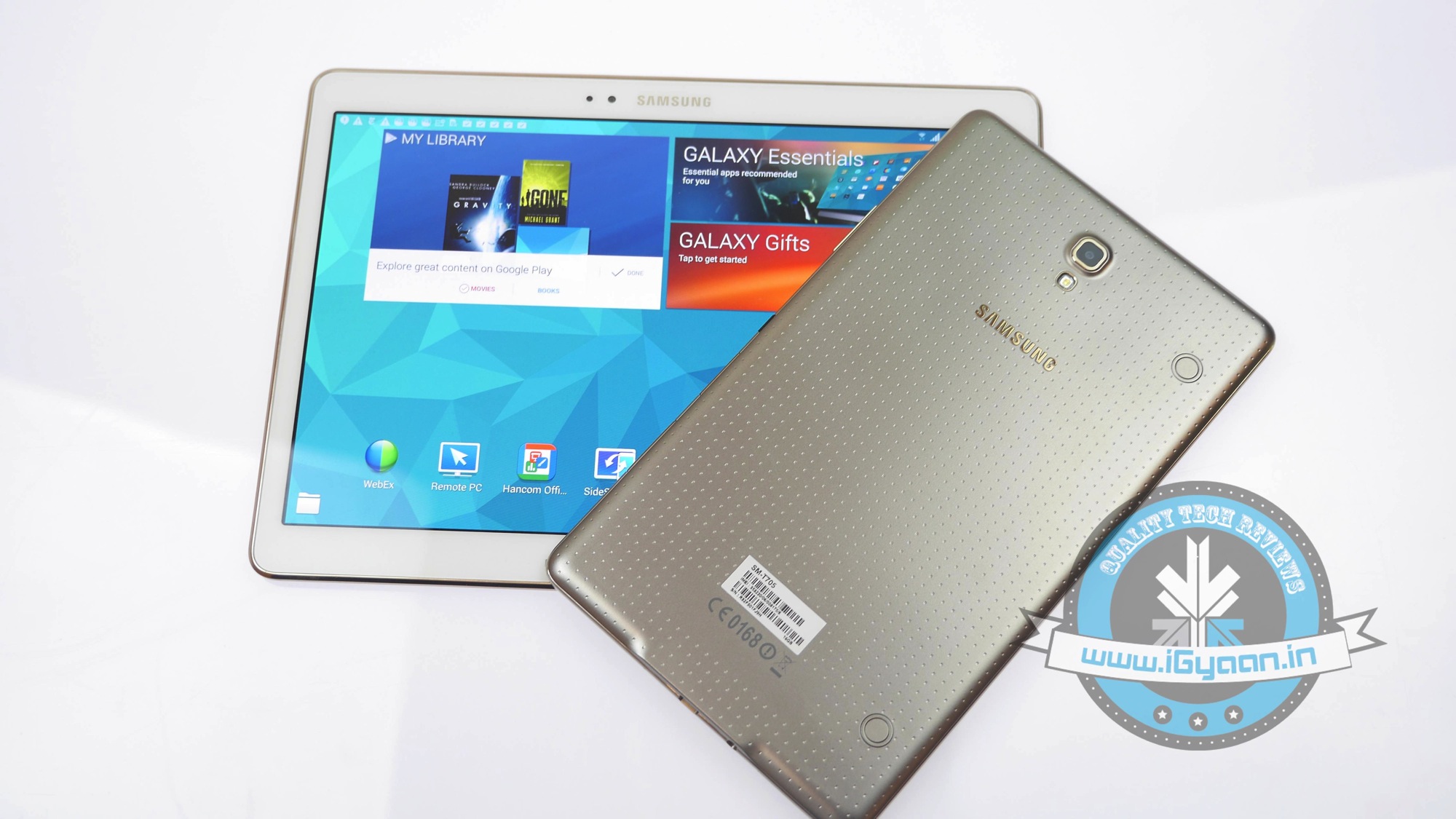
    2. Samsung Tab S

    Samsung Galaxy Tab S Image 18

    Tab S’s display is just phenomenal, it’s like taking the display of the Note 3 and blowing it up to fit the size and then adding 4 times the pixels. It’s bright, extremely vivid and beautifully saturated. It is also a pretty large Super AMOLED display, considering a couple of years back Samsung was dealing with issues manufacturing a 4-inch Super AMOLED panel with Full HD capabilities.

    [/col]

    [/row]

    1. Sony Xperia C3 Dual

    xperia-c3-your-best-look-5d74f64dc5dc3685189dc0aae746533e

    Help your sister up her Instagram game with the Sony Xperia C3 Dual. The Xperia C3 sports an 8-megapixel autofocus rear camera along with LED flash. The smartphone is Sony’s first to come with a 5-megapixel front-facing camera along with an LED flash reason, for which it is touted as a pro-selfie phone. The front-facing camera features a wide-angle view to capture a group selfies.

  • Adobe Shows Off the Mind-Blowing Future of Photoshop

    Adobe Shows Off the Mind-Blowing Future of Photoshop

    These days Adobe is expanding its Creative Cloud offering with the new cloud based Photoshop software, which is on its beta testing stage right now. But, the company is not limiting itself to cloud and desktop software. In a recent video post, Adobe demonstrated some of the future possibilities for its creative applications Photoshop, Illustrator, and Premiere, when used on various professional devices.

    Through Adobe Creative Cloud, users are able to access the applications across smartphones, tablets, laptops and desktops, making the creative process seamless and intuitive. While some of the techniques shown in the video are very far from being released to the public, it’s still a good showcase of the exciting possibilities that could result from this partnership.

  • Diwali Giveaway : Asus Zenfone 4 and Xiaomi In-Ear Earphones

    Diwali Giveaway : Asus Zenfone 4 and Xiaomi In-Ear Earphones

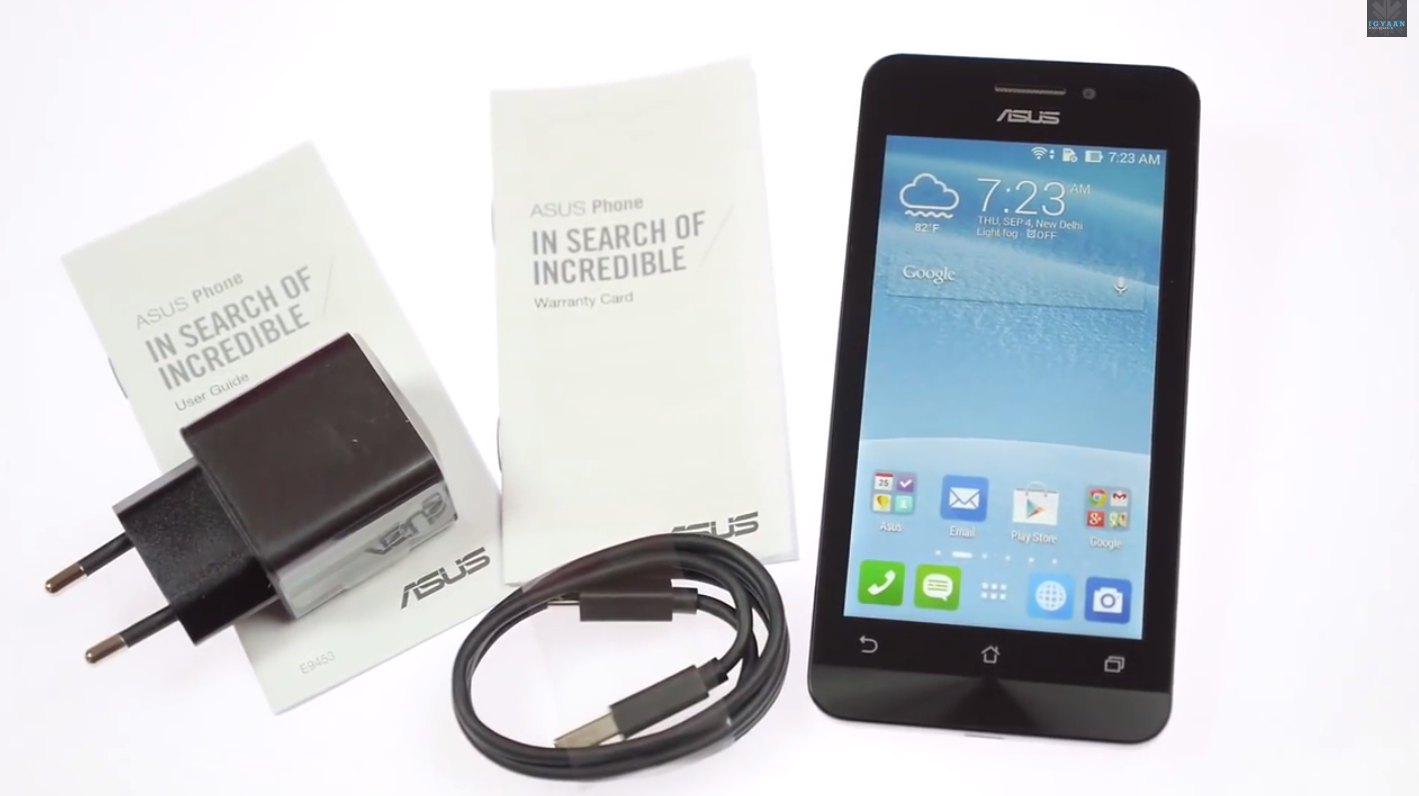
    Consider this the beginning of many exciting giveaways to come for this festive season. With this giveaway, we give you the chance to win a pair of these sleek earphones by Xiaomi and the Asus Zenfone 4. Simply enter the sweepstakes below.

    Follow the instructions carefully and read the terms and conditions on the form as well as given here. This Giveaway is open only for residents of India.

    a Rafflecopter giveaway

    Watch our unboxing and hands on video with the Asus Zenfone 4 here:

  • Tips For a Happy Traveler: 5 Best Websites to Check and Apps to Download

    Tips For a Happy Traveler: 5 Best Websites to Check and Apps to Download

    All great travel apps have one thing in common: they all solve problems you don’t even realise you have. Whether they’re helping you in easy and quick navigation, pointing you in the direction of authentic local nosh or simply showing you how to ask after a toilet in Japanese, you need to pick and choose which one works for you best.

    Here are our picks of apps and websites for the best travel experience you can have:

    Ultimate Travel Packing Guide

    Ultimate-Travel-Packing-List

    Do you travel often, reach your destination, unpack your things, and ask yourself, ‘Where is my toothbrush?’. It happens to the best of us because it’s far easier to create a mental list of things to pack in the week leading up to your departure than it is to actually remember them all when you’re packing. The logical thing to do would be to create a small travel pack or make a list of things to pack as you remember them. Ultimate Travel Packing List is a little web app that generates a list of things you should pack based on your gender, the length of your trip, the climate you’ll be experiencing, and the nature of your trip. 

    Seatguru

    seatgurucom1

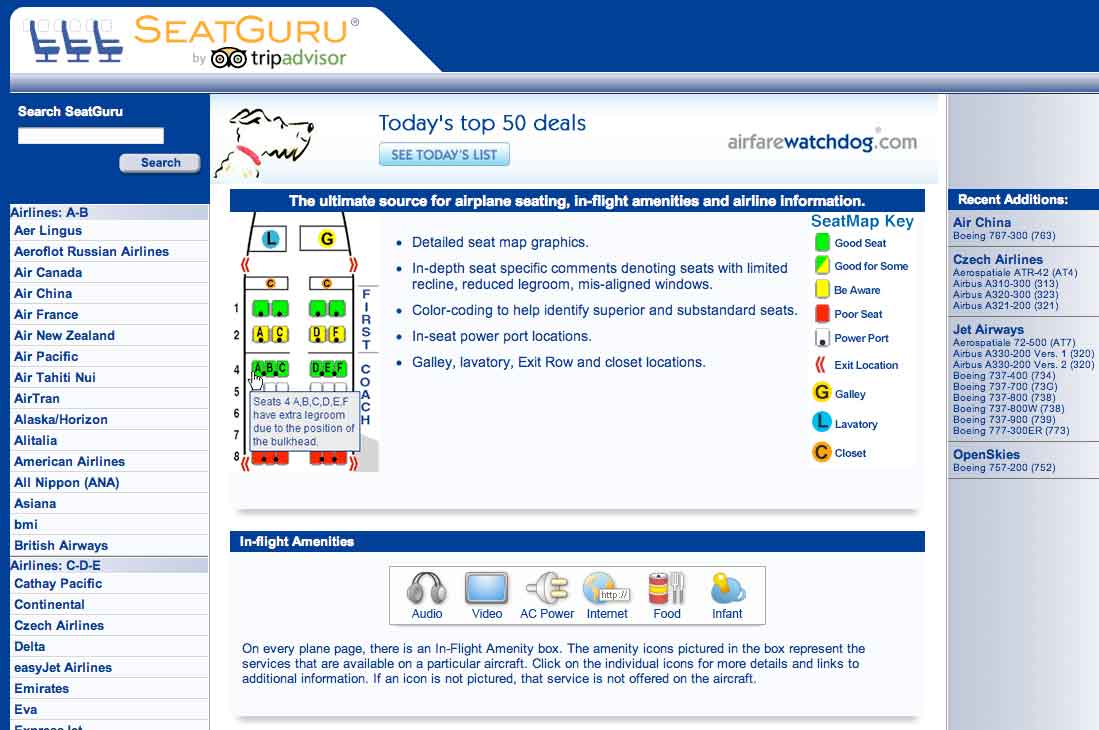
    Which seats are the best seats on the plane? Since airlines began charging for everything from a checked bag to a bag of peanuts, the answer is, “Whichever ones I don’t have to pay extra for.” SeatGuru provides commercial cabin seat maps, advising travelers which seats in the cabin to select or not select when booking a flight. The free app lets you access over 700 seat maps from over 100 airlines. It features advice and insights drawn from over 45,000 passenger reviews, so you can always find the best seat before you fly. Plus, the new app now helps you compare and find great low airfares from low-cost carriers, big online travel agencies, and the airlines themselves. You can even set up real-time flight alerts that monitor your flight arrival time and other information.

    Bing Travel App

    Screenshot.216116.1000004

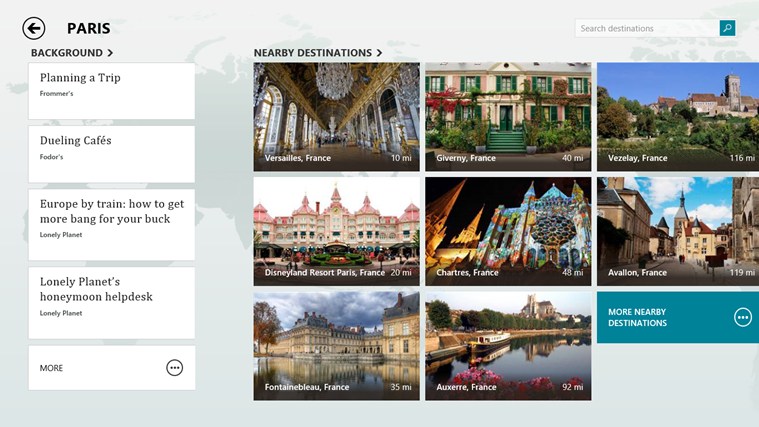
    The Bing Travel app lets you explore over 2,000 destinations from all over the world through beautiful photos and panoramas. Travel guides, booking tools, real time currency conversion, and weather provide everything you need to turn travel inspiration into your next great trip. Enable location services for Bing Travel Beta, so they can have more specific recommendations. For example, the destinations section recommends several places near New York. Each destination displays a summary syndicated from Frommer’s, traveler photos, attractions, restaurants, and hotels. Prices for hotel rooms are displayed by the app, grabbing rates from services like Booking, Kayak, Travelocity, Expedia, and more. Click on the rate you like and the web browser opens for you to continue the booking on that particular site.

    Tripit

    flight

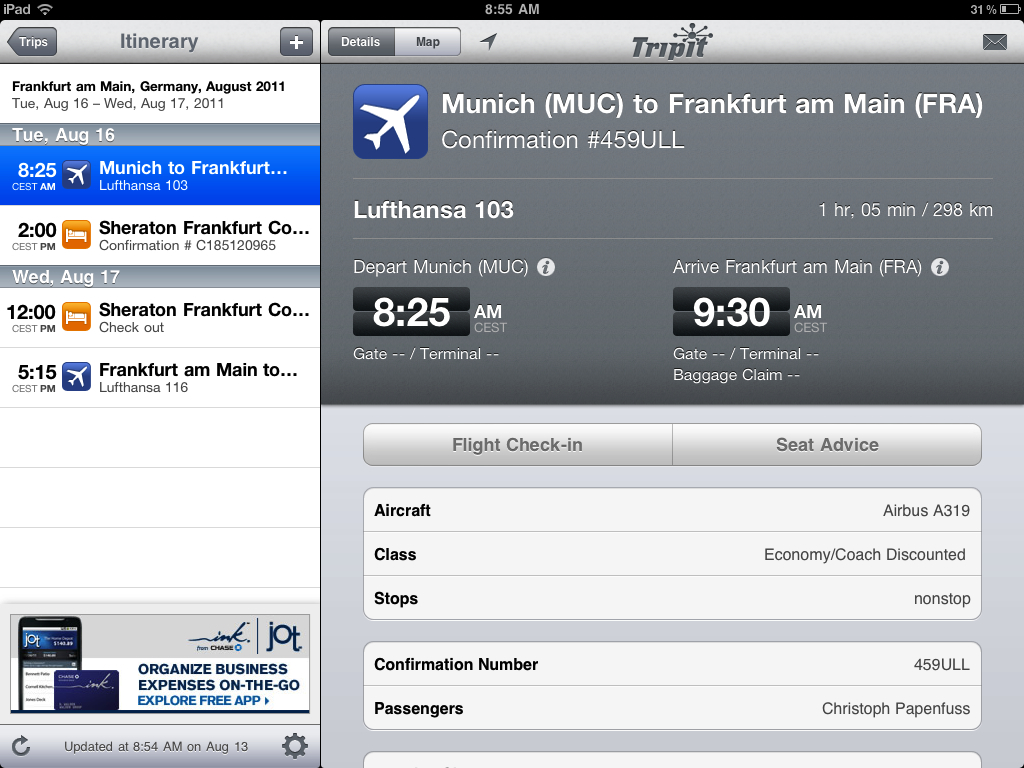
    The iPhone app TripIt offers a unique service to travelers. It automatically connects to your email accounts, finds travel-confirmation emails, and turns them into a neat, complete itineraries. TripIt is familiar with purchases you make on all the major search and booking sites, such as Orbitz and Kayak, as well as airlines, car rental services, hotels, restaurant reservations, and much more. If TripIt misses an important travel email, you can forward it along, and the service will either figure out what to do with info or stick it to the side until you can review and type in the details manually.

    Uber

    Uber-Taxi

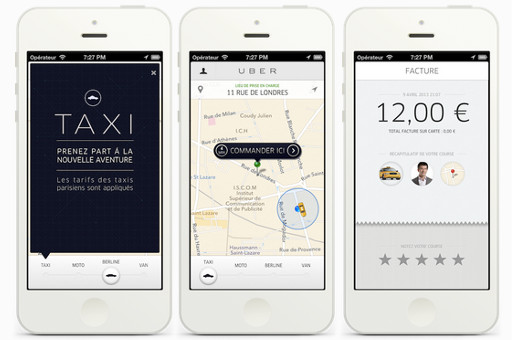
    Uber hit 100 cities recently, and what many call the fastest growing cab company in the world is adding more cities fast. When you open the app in any of the 100-plus Uber cities and order a car, the app will estimate the arrival time and send a text saying your driver is on the way. A small photo with the driver’s name and phone number pops up on the app, while a car icon on the map shows you in real time where the car is located. Cash isn’t an issue, Uber bills your credit card at the end of the ride. Both users and drivers can rate each other at the end of the ride using the app for other users to view. Rather than a cheap taxi app with prices similar to local cabs, in Asia Uber provides a luxury experience, with much higher prices and limo chauffeurs.

iGyaan Network
Privacy Overview

This website uses cookies so that we can provide you with the best user experience possible. Cookie information is stored in your browser and performs functions such as recognising you when you return to our website and helping our team to understand which sections of the website you find most interesting and useful.