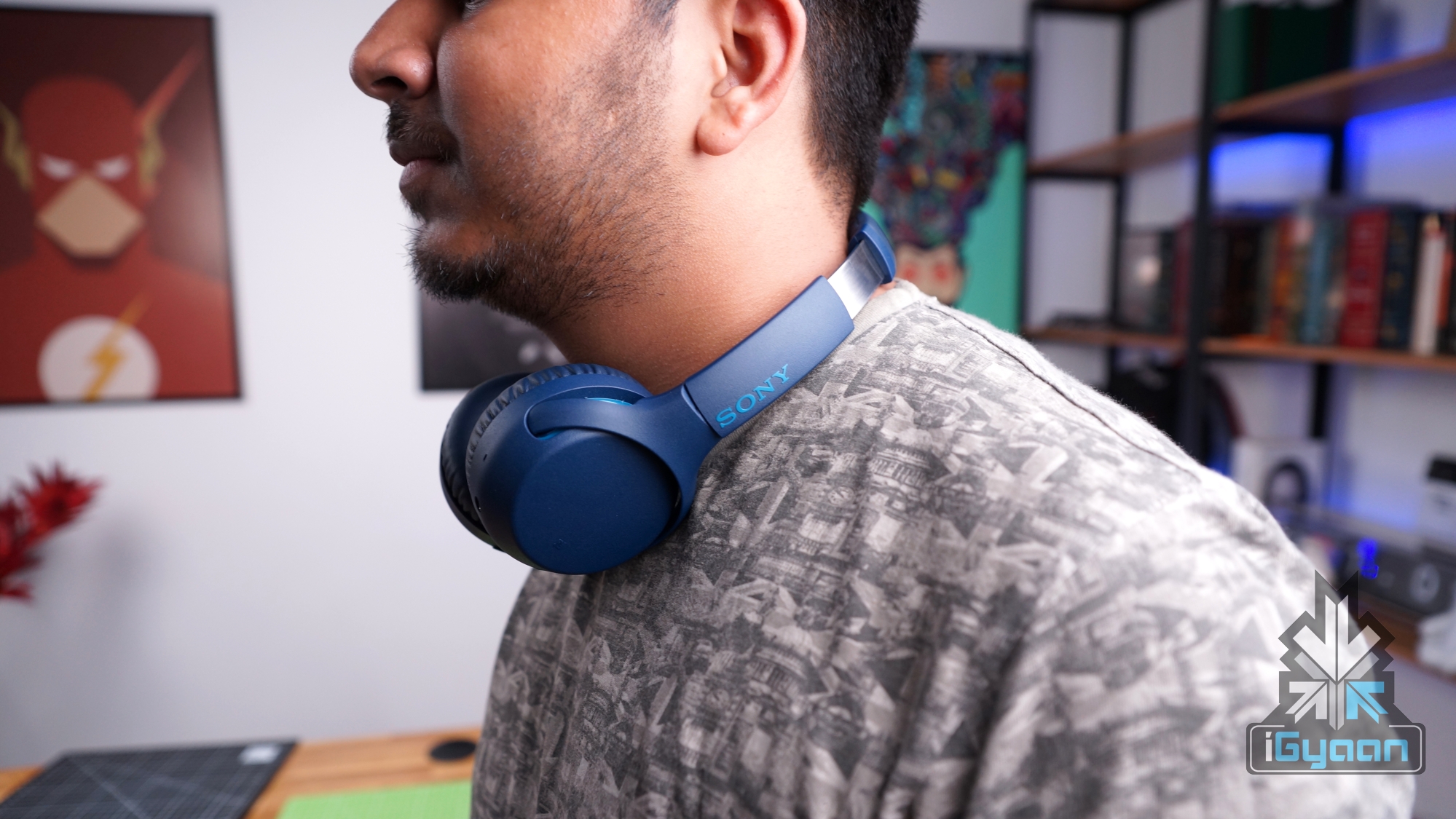
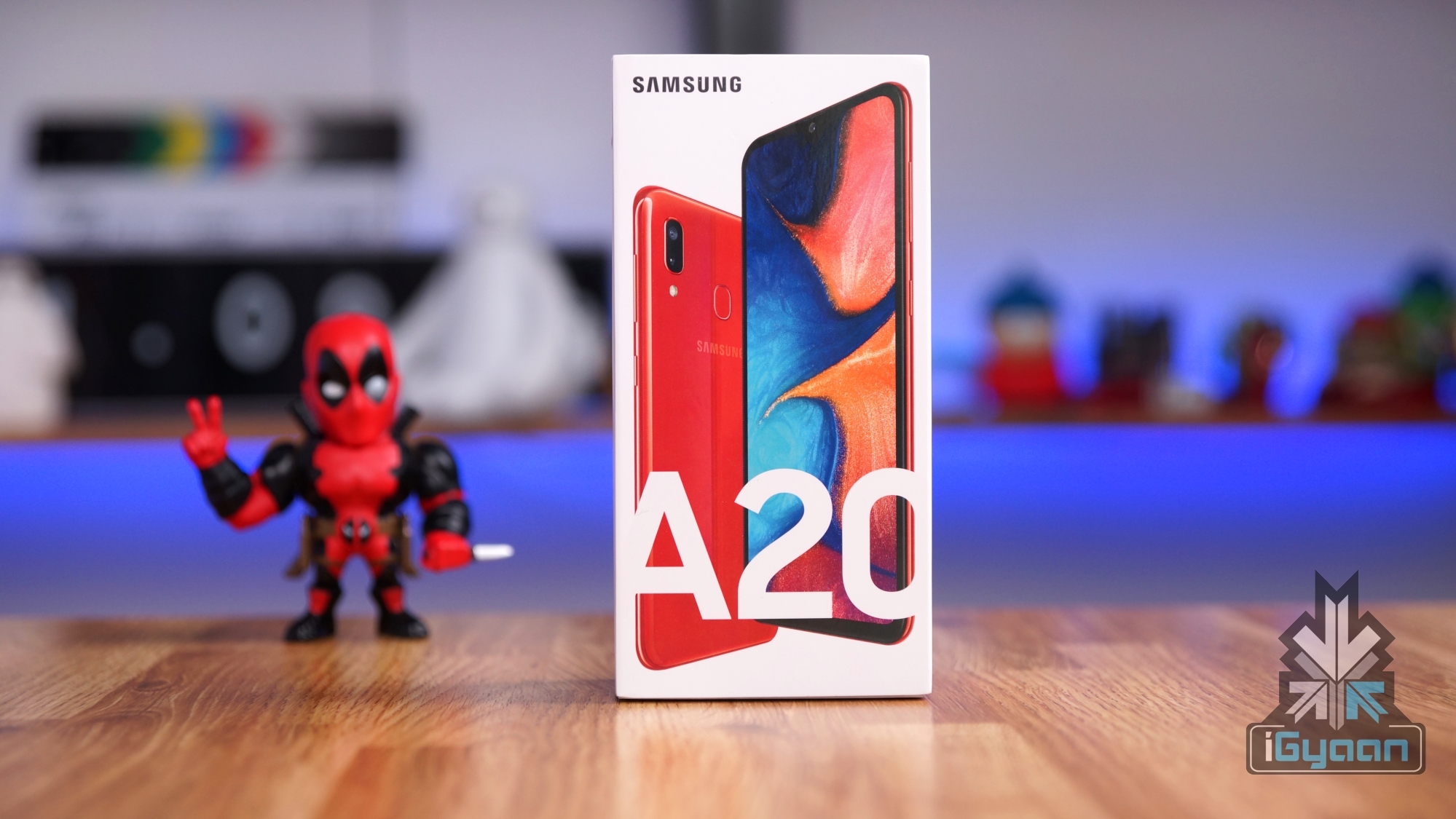
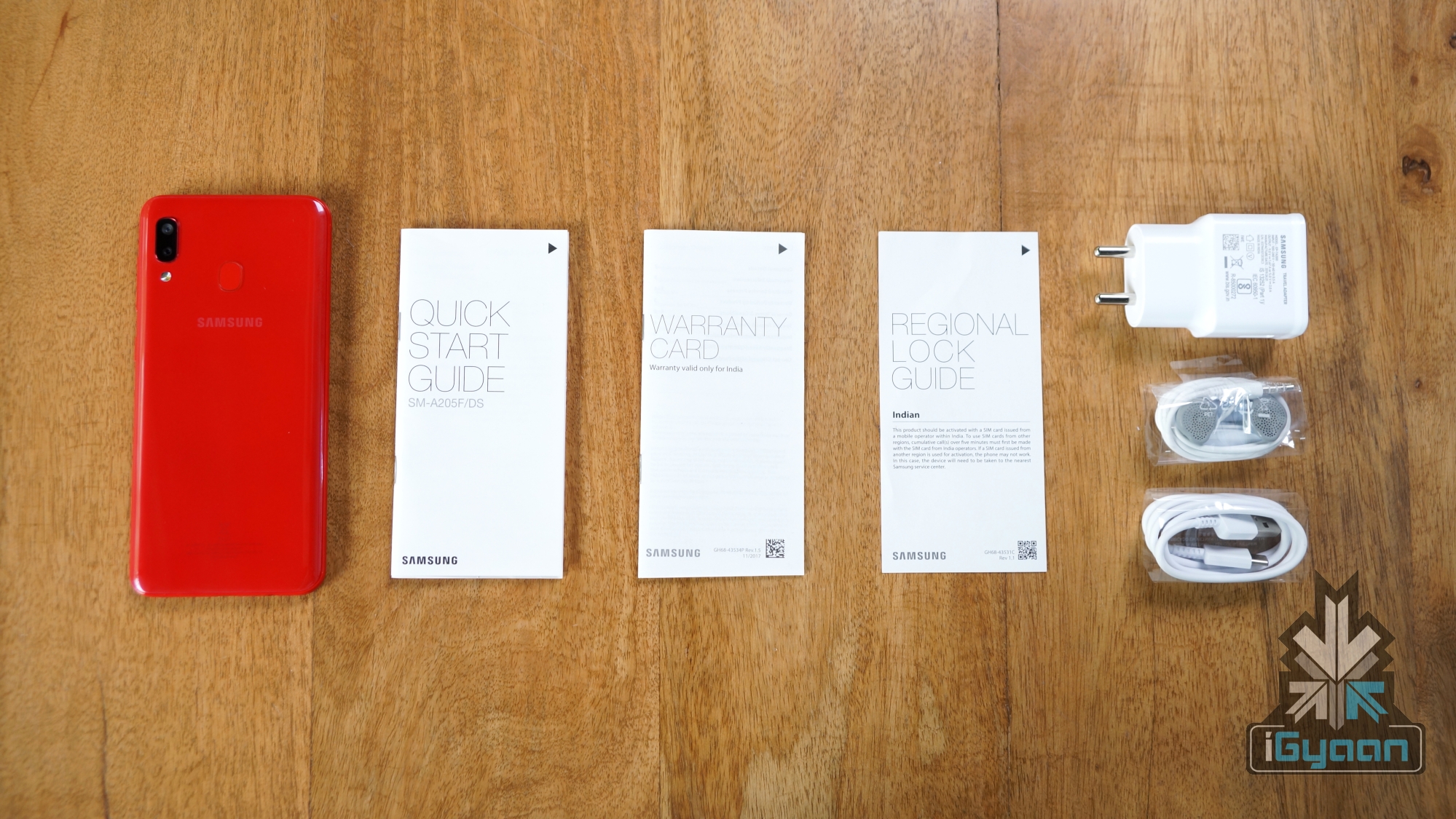
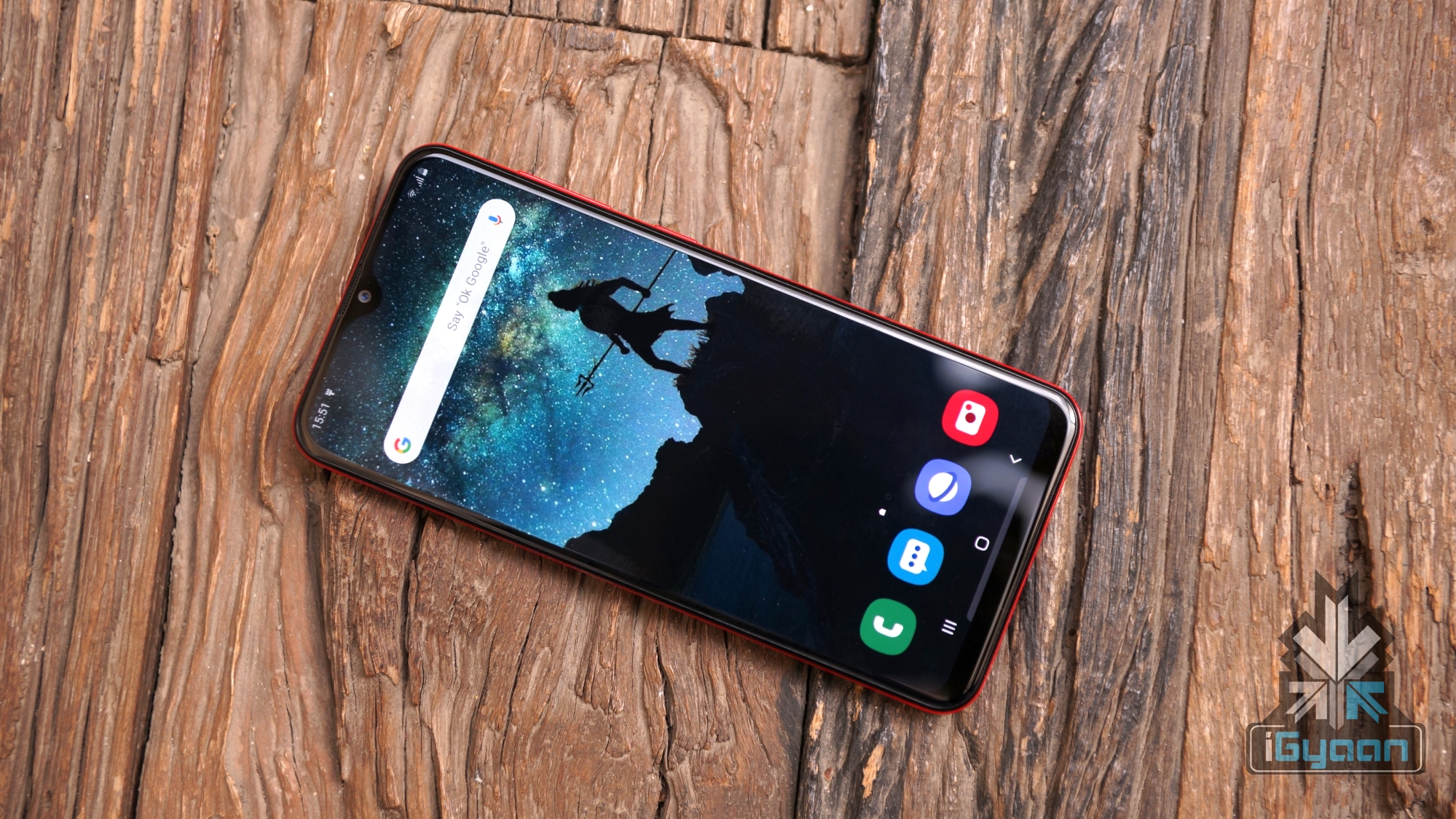
For the 5th anniversary of Xiaomi’s entry into India, the Chinese company has entered the wireless headphones markets again. This time the company has offered an over the ear wireless headphones dubbed, Mi Super Bass Wireless Headphones. The review will be divided into multiple bases to give a detailed report on our experience with the new headphones. You can also check out our video review of the product on our YouTube channel.
https://youtu.be/KlozFFWbW38
Build
Xiaomi’s Mi Super Bass Wireless Headphones are made entirely out of plastic giving it a very light weighted feel. The headphones offer soft cushioning for its ear cups with padding on the upper portion of the headband as well. Furthermore, the headphones are more compact than most in the price range and should fit with both small and large heads with the help of its expandable headbands. Notably, despite being made of plastic, the headphones are really durable with our stress tests showing commendable flexibility and bending capabilities. The headphones also arrive with a pair of well-built aux cable and microUSB charger that is wrapped neatly via a rubber band for better storage.
Design
Xiaomi’s Mi Super Bass Wireless Headphones look premium from afar with elegant gold accents surrounding the ear cups rims and the headband. However, it is only the case from a distance. After holding the headphones you are reminded of its plastic feeling build quality owing to its really lightweight nature. For those interested in a premium glossy or metal built headphones, the Mi Super Bass might not be the right choice you.
Connectivity
One of the key features offered by Mi Super Base Wireless Headphones is the inclusion of Bluetooth 5.0 connectivity. The newer technology is compatible with older Bluetooth 4.0 or even 4.2 models but will perform more reliably with newer phones. The latest version of Bluetooth offers a wider range of connectivity with lesser frequent stutters or lags whilst in use. Additionally, a 3.5mm audio cable is also offered in the box for those who do not wish to connect via Bluetooth or have run out of battery.
Battery Life
Xiaomi claims that the Mi Super Bass Wireless Headphones can run for 20hrs on a single charge via the microUSB cable. It turned to be more or less true in our tests that neared the company promises. Hence, it means that depending on usage habits, users can expect the headphones to last days on end at a single charge. Finally, the added feature of a 3.5mm headphone jack is a major plus point as the battery can no longer be a concern on the go if users carry the audio cable.
Sound Quality
As the name suggests, the Mi Super Bass Wireless Headphones offer deep bass that translates to a better listening experience. The sound range is above average and struggles during the highs in a song but manages to finish off with good sounding lows. We also tested the headphones with games on both PC and mobile with PUBG Lite and PUBG Mobile. In our experience, the sound of bullets, explosions and even footsteps were clear and crisp so we can recommend this to casual gamers.
Xiaomi’s Mi Super Bass Wireless Headphones are available in two different colour accent variants, namely Gold and Red. Both versions is offered from Xiaomi at an affordable price of INR 1,799. The headphones were launched alongside Redmi’s K20 series and follow the same general formula of providing a solid value for money. Conclusively, we recommend these headphones for people looking for good sounding headphones at this price point, however, those that are looking for solid build quality, you might want to skip this one.
Reiterating on what was said before, it is the perfect time to be a PC gamer. NVIDIA had announced its RTX SUPER series cards at Computex 2019 and will mark the first refresh of its latest-gen graphics cards. Historically, Team Green has always led the charts in performance over its competitors. Even with the vanilla RTX series cards, the company has managed to stay ahead of any new-gen graphics cards released by AMD. We have already reviewed the RTX 2070 SUPER and now we see how the RTX 2080 SUPER holds up in its comparison.
Notably, the RTX SUPER series will replace their vanilla versions except the RTX 2060. Both standard RTX 2070 and 2080 will cease production to make room for the nominally faster SUPER variants. The review will follow a similar format as the prior tests and feature multiple categories to give detailed information to our readers.
Design
One of the key defining design element that the RTX 20 SUPER series feature is a new mirror finish on the steel front. The metallic texture is extremely reflective and houses the new name of the new SUPER GPU. RTX 2080 SUPER features a dual fan set up which is a welcoming change over the GTX 10 series single blower style fans. It enables a better thermal management system overall. The side houses GeForce RTX branding which is backlit by a green LED providing the graphics card with a minimalistic yet attractive aesthetic. We appreciated the sleek design, however, the design may vary depending on which 3rd party you buy it from. The version we tested was the Founder’s Edition sold directly by NVIDIA. Users can also expect triple fan variants from other retailers like Zotac, Gigabyte, MSI and much more.
Synthetic Benchmark
Users should keep in mind synthetic benchmarks record raw performance which does not always translate to a real world performance in games. Nevertheless, synthetic benchmarks do allow for better measurement of graphics cards productivity capabilities like video editing and rendering for professionals.
Geekbench 4 In Geekbench, the OpenCL benchmark has the RTX 2080 SUPER receiving a 300,000 score. The score is 10-15% boost over its predecessor the RTX 2080 but a significant bump over the RTX 2070 SUPER. Interestingly, the RTX 2080 SUPER sits right above the RX 5700 XT from AMD and below the RTX 2080 Ti.
Time Spy Time Spy test under the 3DMark benchmarking software tested the RTX 2080 SUPER on a 1440p resolution. The result was a score of 10,227 and a 60+fps average; it is a nominal bump over its predecessors as even the 2070 SUPER came really close with comparable performance. We observed a similar trend across benchmarks with 2080 SUPER sitting in between the 2080 Ti and 2070 SUPER.
Time Spy Port Royal (Ray Tracing) 3DMark also offers a special benchmarking tool that can put the ray-tracing capable NVIDIA cards to the test. Port Royal with DXR enabled offered a score of 6185 with an average fps nearing 28.86fps. Its a minor improvement over the RTX 2070 SUPER which nears the 6000 marks as well and trails behind the RTX 2080 Ti that scored over 7000.
MSI Kombsutor (Stress Test) MSI Kombustor is a stress testing app that runs a rendering frame for the GPU to measure its endurance during load. The RTX 2080 SUPER reached 90% usage and during a 15-minute run, it barely crossed the 80-degree mark during our test. The frame rate counter sat stably at 280-290fps with no signs of thermal throttling.
Gaming Benchmarks
PlayerUnknown’s BattleGrounds PUBG was tested on 3 different resolutions while being set on the highest graphical settings possible. At 1080p the game performed admirably with framerates crossing 140fps; while On 1440p, the game managed to average around 120fps with occasional drops to 100fps during explosions in an open environment. 4K or 2160p saw the card take a massive hit in performance but still put out a stable and smooth 60fps on the high native resolution.
Battlefield V Similar to PUBG, Battlefield V was also run on three different resolutions to see any notable difference in performance. RTX 2080 SUPER managed to score an average of about 150fps while at 1440p it managed only about 100fps. All the settings were focused for the best graphical fidelity possible and 4K performance reached a stable 70fps.
Metro Exodus Metro Exodus was a title launched with support for NVIDIA’s latest ray-tracing technique. It was one of the first game to do so and we tested the game with DXR settings on at 1080p. When the game ran on 1080p and DXR off, we saw an average of 140fps at maximum settings. After DXR is turned on we see a notable hit in performance and the game drops to an average of 90 fps and when DLSS was turned on the performance got bumped to 120fps. At 1440p, the RTX 2080 SUPER managed to churn out an impressive average of 130fps and even managed to offer a stable 60fps on 4K native resolution.
Cooling & Noise
NVIDIA is renowned for a better thermal management solution over any of its competitors. Team Green has optimised its cards for optimal performance without overheating at all times. The MSI Kombustor test was a good wat to test it out and during loads, the GPU managed to hit the 80 degree Celsius mark with fans running on 57-58dBa audio levels. On idle, the card is still pretty audible at 52-53dBa and has a temperature within the 40-50 degree Celsius range during rest. All in all the RTX 2080 SUPER is a powerful card which should rarely face thermal throttling during peak gaming operations.
Driver Support
The GeForce RTX 2080 SUPER graphics card is the latest entry in the RTX SUPER series and is bound to receive the latest drivers. NVIDIA has already announced drivers for popular AAA game titles prior to the actual launch. The support will enhance graphical fidelity during gameplay and will also complement its ray-tracing solutions for great visuals. The list of the latest game titles that have been optimised by NVIDIA includes Wolfenstein: Youngblood and Madden NFL 20. Both games are the latest instalment in their respective franchises; a free copy of Youngblood will be available with the purchase of any RTX SUPER series graphics card from NVIDIA.
Price & Conclusion
NVIDIA’s GeForce RTX 2080 SUPER is available for a price tag of INR 61,400 in India (USD 599 in the US). Buyers should note that the above-mentioned price is for the Founder’s Edition from NVIDIA. The graphics card will be sold by various 3rd party retailers such as MSI, Zotac, Gigabyte, and many more may carry a slightly different price tag. For more information regarding availability, readers can check out NVIDIA’s official website; for those who wish to buy peripherals for an even greater gaming experience can also check out NVIDIA’s G-sync monitors.
The RTX 2070 SUPER retails for the INR 43,600 and USD 499 and offers performance on par with the RTX 2080. The tests have shown that the RTX 2080 SUPER offers only a marginal boost of performance over the last iteration. An average of 10-15% increase in performance is observed all the while carrying an additional INR 20,000. It is strongly recommended for people who are leaning more towards 1440p or 1080p gaming with ray tracing enabled to go for the RTX 2070 SUPER. The card is a powerful contender at a reasonable price point and should offer similar performance to its elder sibling. If gaming enthusiasts do wish to spend extra for the sweet 4K 60fps then look no further than the RTX 2080 SUPER.
It is one of the best times to be a PC gamer. Both team green and team red have just unveiled its GPU lineups and they are a piece of work. AMD has seemingly kicked off this pseudo arms race of producing affordable yet powerful graphics card in the market. The Computex 2019 keynote had no doubtedly stirred NVIDIA to launch its SUPER cards just 10 months after its RTX lineup. It would mark the shortest reign of any team green generation. Now, we will see how the NVIDIA GeForce RTX 2070 SUPER holds true from the company’s promises.
The RTX lineup from NVIDIA is being replaced by the new RTX SUPER series after AMD had apparently surpassed some of its cards. Team green claims that a noticeable 15-20% boost in performance will be seen across the board by SUPER cards over the vanilla RTX series. The review will be divided into different categories to cover all of the bases.
Design
NVIDIA has moved over from its angular centric cosmetics that it had featured with its past iterations of GTX 10 series cards. Team green has matured with its latest RTX cards that have an elegant and streamlined design philosophy. The GeForce RTX 2070 SUPER features a twin fan blade set up at the front which is housed in a mirror sheen metallic body. Notably, the last gen GTX cards features only a single blower fan setup. A rectangular shape is what we associate with any GPU design but the precision cut steel brick aesthetics have a unique charm to them. The front and the back carry the branding while the side has an LED backlit version of the same. All in all a great fit for minimalistic gamers after a plain aesthetics build.
Synthetic Benchmark
It should be noted that synthetic benchmark records raw performance and does not always translate to better performance in game. However, for productivity purposes these tests do matter and we have ran tests on the following benchmarking softwares.
Geekbench: In Geekbench, the OpenCL benchmark has the RTX 2070 SUPER receiving a 270,000 score. The score is reportedly a 10-15% boost over its predecessor the RTX 2070.
MSI Kombustor: The MSI benchmark is mainly to stress test the GPU to measure throttling or loss in framerates during the test. It averaged around a stable 460fps in the 10 minute test of the benchmarking software with no signs of throttling whatsoever.
PCMark 10: The RTX 2070 SUPER achieved a score of 5279 pitting it in the same scoring range as the last gen GTX 1080 Ti and vanilla RTX 2080; and a bit over last years RTX 2070.
Gaming Benchmarks
NVIDIA RTX 2070 SUPER is an upper range graphics card after all, so the focus on the test will be on the 4K range as it is more than capable of dishing out 120+ FPS at max settings on 1080p for most games. So, to see how the sub $500 video card performs we had every game set to its highest possible settings, this includes V-Sync & Motion Blur being turned off on the high resolution. Anti-Aliasing will be turned on to the highest as well to see just how far the card can go. We have tested the GPU on the following games by using NVIDIA’s proprietary benchmarking software FrameView.
Wolfenstein II: The NewColossus: Historically, the Wolfenstein franchise have been optimised for AMD graphics card. However, the RTX 2070 SUPER showcased great performance at 4K. We observed the game averaging around 70fps with occasional dips to low 60s and jumps to 80fps. No input lags or stutters were recorded during the testing and the performance held relatively stable even during the most intensive fire fights and explosions.
PlayerUnknown’s BattleGrounds: One of the most popular multiplayer game has had many issues regarding stability and frame rate in its performance. In our tests, the game on the highest graphical settings averaged 55fps for the most part. Notably, in door environments and gun fights were closer to 60 fps; while we saw dips to high 40s when out in the open which looked rather stunning. Minor input lag was observed during the red zone bombardment.
Apex Legends: Apex Legends, similar to PUBG, has been infamous for random frame drops and stutters during high intensive gameplay. Since the game is based on Valve’s Source Engine (also powering CS:GO & DOTA 2), capable rigs are known to power through even on the highest settings. NVIDIA’s 2070 SUPER ran the game really well with averages on 60fps which occasionally faced stutters dropping it to low 50s and indoor scenes bumping it to the 70s. For the most part, the game ran smooth even on the highest setting at 4K.
Cooling & Noise
NVIDIA’s graphics card are known to traditionally consume lesser power, have lower temps and run quieter over its competitors. It holds true in this regards as well. The GeForce RTX 2070 SUPER reached the lower 79 degrees Celsius during our stress tests. With prolonged use 80+ degree Celsius is possible but it is highly unlikely that most users would hit those high temperatures. The fans on the Founder’s Edition reached 54-56dB under heavy load and are as capable of any triple fan iterations that are sold from other brands like MSI or Gigabyte. Due to efficient draw of power and the subsequent cooler temps, the fans run less harder and also make less noise. It is one of the better video cards if cooling and noise are users concern.
FrameView
NVIDIA has just unveiled a new integrated frame benchmarking & power mapping tool by the name of “FrameView”. The new software enables accurate real-time information regarding game performance like FPS and average FPS across multiple percentile, power drawn from the board, completely customisable overlay and even a log file for analytics. The feature is currently in beta and can be downloaded directly from NVIDIA’s official website. Notably, the software was used to obtain gaming benchmarks seen above for this review.
Price & Conclusion
The cryptocurrency mining fad had left the PC components market in disarray and we finally see a great comeback being made from the company. AMD and NVIDIA are neck in neck in the mid range GPU market which only encourages competition that benefit consumers. We strongly recommend this card to gamers that are looking for great performances at a reasonable price tag.
The upper range card is being sold for $499 (INR 43,600 in India) with various 3rd party versions also being available. Considering the launch price of the vanilla RTX 2070 ($599) and the last gen flagship GTX 1080 Ti ($699), the NVIDIA RTX 2070 SUPER is well worth its price for the competitive performance offered. Hence, the launch of this card also shifts the price range of upper range GPUs to a lower cost of entry.
Taiwanese electronics giant Asus launched its latest flagship smartphone, the Asus 6Z in India on the 19th of June. The device was first launched in Valencia Spain on the 16th of May. It succeeds the ZenFone 5Z which was announced last year and boasts of notable improvements in design, camera and the performance department over its predecessor. The device offers top tier specifications and goes up against some of the best devices in the segment like the OnePlus 7. But is the Asus 6Z the new flagship killer in town or is just an underwhelming offering by the company?
The 6Z has a glass sandwich design with a metal chassis for reinforcement. The front of the smartphone is dominated by a large display with 92 percent screen to body ratio. As the front is nothing but the display, there is nothing to see here, apart from the earpiece at the top. To our surprise, Asus has accommodated a tiny LED notification light on top of the display which is becoming a rarity these days.
The right side of the device makes room for the volume rocker, the power and a dedicated Google assistant button while the left side of the device is occupied the dual SIM + microSD card slot. The bottom of the Asus 6Z accommodates the USB Type C port, 3.5 mm audio jack and the loudspeaker grille while the top of the device houses the flip camera that can be used as both front camera and rear camera.
We reviewed the Midnight Black coloured variant of the Asus 6Z which looks and feels premium. The back of the smartphone houses the vertical dual camera setup with the flash. The fingerprint scanner and the company logo is also present on the rear of the device. Overall, the device is solidly built and the design while nothing new, feels fresh. However, we recommend using a case as it can easily slip out of your palm owing to the glass back. Also, the case will prevent the fingerprints which the device easily attracts.
The Asus 6Z is a solidly built device, with a heavy yet reassuring feel in the hand. We tried to manually dislodge the camera mechanism but it did not budge. This implies what lengths the company has gone to in making sure the camera lasts a long time. One thing to note though, the Flip Camera mechanism is only rated for 1,00,000 uses. But it is a result of standardised testing done in a lab, so in real life, the longevity of the mechanism may vary depending on the user.
[section label=”Display”]
Display
The Asus 6Z has a 6.3 inch LCD display which has a resolution of 2340 x 1080px. Unlike most modern smartphones, the device has no obstructions like a notch or a punch hole cutout. This makes for an impressive 92 percent screen to body ratio on the handset, which feels immersive to watch multimedia content on. One issue we have with the display is the maximum brightness. The panel does not offer great brightness levels outdoors. This impacts the legibility and users will have to squint to make out any content on the device.
In terms of quality, the display on the Asus 6Z offers good sharpness, excellent colour reproduction and good contrasts. Unfortunately, as it uses an LCD panel, there are no deep blacks or impeccable viewing angles like in OLED displays. No fret though, as the LCD panel itself is of good quality and should be great for day to day usage.
[section label=”Performance”]
Hardware & Performance
The Asus 6Z is kitted with the latest and greatest from Qualcomm, the 7nm Snapdragon 855 SoC. The chipset is comprised of an Octa-core CPU and the Adreno 640 GPU. It is coupled with up to 8GB of RAM and 256GB of internal storage options. In terms of hardware alone, the smartphone is right up there with the heavyweight champions of this year. The device, along with impressive specs, has a few software tricks up its sleeve. It offers a feature called GameGenie, which will free up RAM and lets users stream content on YouTube and Twitch, turn on do not disturb mode etc. without leaving the game.
With high-end specifications, the Asus 6Z performs admirably in day to day tasks. It is also an excellent performance while gaming. Playing games like PUBG Mobile, Asphalt 9 and Shadow Fight, the smartphone selected the highest settings. We did not notice any major frame drops while playing the games and the performance was smooth and consistent. However, the device does get a little warm on the back in a 30-minute session of PUBG Mobile.
Using benchmarking applications like Antutu and Geekbench on the Asus 6Z does not tell a different story either. While testing the Antutu benchmark, we got an impressive score of 3,74,021 which is on par with the competition. In Geekbench, the device registered a single core score of 3,448 points and a multi-core score of 10,509 points. As is evident from the numbers, the handset will go through everything thrown at it without breaking a sweat.
[section label=”Software & UI”]
Software, UI & Multimedia
The Asus 6Z runs the company’s custom UI version 6 by the company on top of Android 9 Pie. The previous generations of the software were disregarded for the excessive bloat and diverting from Stock Android. It seems like the company has taken a note of that. The smartphone’s UI is almost stock, with minimal bloatware and fast animations, which make it a joy to use.
The Asus 6Z supports the basic Android navigation gestures which are bundled with Android 9 Pie. These let users go back with the dedicated back button on the left, a single tap on the centre pill takes you home and a swipe up on it brings out the multitasking menu. Dragging the pill to the right lets users scroll across various applications open in the background.
In terms of sound quality, the Asus 6Z has a single bottom firing speaker which has decent sound output. One downside of the setup is how easy it is to block the speaker grille while holding the device in landscape mode. Audio output via the Bluetooth is great which provides for a good listening experience.
[section label=”Camera”]
Camera
The major attraction on the Asus 6Z is its unique Flip Camera mechanism. It uses a special motor made of liquid metal to rotate the camera setup 180 degrees. As a result of which, there is no selfie camera on the device as it uses the main camera for taking front facing images and videos. This serves as an advantage for the smartphone as the high-resolution sensors on the back have a lot to offer.
In terms of optics, the Asus 6Z has a dual camera setup, comprised of a 48MP primary sensor and a 13MP secondary wide angle sensor. The primary sensor is the ubiquitous Sony IMX 586 sensor also found in handsets like the OnePlus 7 Pro. The camera app bundled with the smartphone is easy to use and has most of the controls laid out on the bottom for easy access with one hand.
Asus 6Z Primary Camera
Asus 6Z Primary Camera
Asus 6Z Ultra Wide
Asus 6Z Low Light
Asus 6Z Outdoors
Asus 6Z Night Mode
In terms of quality, the 48MP primary camera takes great photos. The quality and details are top notch with excellent contrasts. The post-processing adds a little too much saturation but it may fit the taste of some people. An added advantage with the camera is the wide-angle camera, which allows it to fit a lot more in the frame. Like most modern smartphones, there is also a dedicated night mode. This takes a while to take the image but increases the exposure. Images clicked in this mode have better detail but it is no match for Pixel’s Night Sight.
Asus 6Z Primary Camera Selfie Sample
Asus 6Z Primary Camera Selfie Sample
As the flip mechanism allows for the camera to take front facing shots too, selfies on the Asus 6Z are excellent. The images are as good (because it is the same camera, duh!) which makes for a really fun experience. Portrait mode provides great subject separation and video output is one of the best out there. While the smartphone does not have Optical Image Stabilisation (OIS), it uses Electronic Image Stabilisation which churns out stable footage. In terms of Video recording, the device can record in 4K resolution at up to 60fps.
Additional features
There are also some neat tricks that you can do with the Flip Camera on the smartphone. The camera can be placed at a custom angle from 0 to 180 degrees. To do this, there are two options, one via dragging the selfie camera icon up or down or by toggling the volume rockers. It also allows for an auto panorama mode, which as the name suggests taking automatic panoramas with you in it. There is also a neat motion tracking feature, but it is a little slow and doesn’t work every time.
Side Note: While the camera on the Asus 6Z is commendable and offers many features, the housing becomes too hot to touch after a few minutes of usage. The use of moving parts on the smartphone may affect its life in the longer run.
[section label=”Battery”]
Battery and Connectivity
The Asus 6Z is powered by a mammoth 5000mAh battery which can be charged using the bottom mounted USB Type-C port. The battery life of the device is great, with us getting a screen on time of about seven hours on medium usage. The massive battery, combined with stock Android provides the smartphone with acceptable battery life.
In terms of connectivity, the Asus 6Z has WiFi 802.11 b/g/n, Bluetooth 5.0 and also supports 4G VoLTE. The smartphone faced no problems in latching on to Wi-Fi networks and performed as expected. Call quality on the device was excellent, with the earpiece producing loud, crisp audio. The handset was able to perform equivalent to its rivals when it is about network and connectivity.
[section label=”Other Features”]
Other Features
The Asus 6Z has a rear-mounted fingerprint scanner and supports the ever popular face unlock technology. In our usage, we found the fingerprint scanner to be quick in unlocking the smartphone. As the biometric sensor is placed on the rear, it is inaccessible when placed on a flat surface. For those occasions, face unlock usually serves as a handy feature. Although as the smartphone uses a flip mechanism, this is also useless while laying flat on a table. Face unlock also takes a good second to work, as the machine needs to work fully and retract after detecting your face.
The dedicated Google Assistant button is one of the key highlights of the Asus 6Z. Like mentioned above, the button can be pressed to summon the digital voice assistant. With the smartphone, three individual functions have been mapped to the button. Pressing it once will bring up the Google Assistant which can be used to input commands. Clicking the button twice brings up the Assistant dashboard to glance through updates, while a long press on the button turns on the microphone until the key is pressed. This function works like a walkie talkie and is a good addition for quick or longer commands.
[section label=”Verdict”]
Verdict
The Asus 6Z is a worthy flagship that offers everything you can ask for in a smartphone. It has a big, beautiful display, great software, capable cameras and a solid design. However, there are a few caveats to it, like not enough brightness outdoors and the use of mechanical parts, which may affect the longevity of the device. While the parts feel well built and will not wear off anytime soon, there is still a percentage of uncertainty with moving parts. But, if we ignore all of that and focus on the present, then the smartphone does give the OnePlus 7, even the 7 Pro a run for its money.
If you are in a market for a smartphone under Rs. 40,000, the Asus 6Z will not disappoint you. It is truly the newest Flagship Killer in town. However, there are also excellent options such as the aforementioned OnePlus 7, Nubia Red Magic 3 and the Black Shark 2. The latter two of which are gamer oriented and will also offer a lot more if you are into mobile gaming.
It is not often that Indian television ventures into dystopian worlds, in-fact Leila marks the first ever Indian Television Show to feature a dystopian India in the not so near future. A world ruled by religion and divided by categories and caste. Sounds a lot like the present, but may be a just a over imagined version of an expected reality of our future, at least from the creators mindset.
Storyline
Based on Prayaag Akbar’s book “Leila,” the Netflix original series talks about a dystopian India in the 2040s called “Aryavarta”. In Aryavarta intercaste marriages are illegal and water and basic life resources are scarce.
The storyline is strong and heart wrenching, but also slow at times. All characters introduced in the show are new, and hence only by episode 2 does the viewer get any grasp of what is happening in this world.
The communities and religions are divided into sectors and ruled with an iron fist. Delinquents are picked up by Repeaters, Aryavarta forces and sent to purifying camps, where they undergo “Shuddhi Parikshas”. And are brainwashed into the new world order.
Shalini (Huma Qureshi) is the protagonist, post marrying a Muslim, Rizwan (Rahul Khanna). Is taken to a “Purifying camp” by Repeaters and her daughter “Leila” is now missing. The story follows six episodes of Shalini navigating this new world and locating her daughter.
Cinematography
The show is shot entirely in Delhi, so those familiar with places like Nehru Place, Lodhi gardens and our famous Garbage dump will easily relate to the show.
Leila is also the first Indian show that manages a dystopian world that seems believable, and even though it shows a general propaganda machine it is evident that the creators of the show managed a tastefully shot future.
There are parts which seem annoying, the use of current generation cars, and homes, and while they show a walled city separated from the “doosh” ( an untouchable caste in the show) technology is still very outdated. These is also a poor use of drones in one of the episodes that is extremely cringe.
Use of current cars, breaks the future
Certain parts of the show create the concept of a future with good use of graphics show a wide use of holographic technology, modern tablets and scanners that scan chips embedded in wrists of citizens behind tattoos.
Despite the lack of a perfect future from a cinematography perspective the show is shot beautifully and then graded well. Even parts of the show shot in garbage dumps look great and really capture the mind of the viewer. There is an overcast throughout the show which really engulfs you, and makes the entire prospect believable.
The show is also available in both English and Hindi, originally shot in Hindi, but voiced over by the same actors in English.
Verdict
The show seems similar to the Handmaids Tale, from design and storyline, especially in the early episodes. However it takes a different twist as it progresses.
Taste full use of futuristic technology throughout the show. Including this foldable glass laptop !
It is also clear that some characters are not properly suited for their roles initially. Especially Bhanu (played by Siddharth) who is Shalini’s minder and only by the 4th episode seems comfortable with the role.
This is the best portrayal of a propaganda based system of government, from a design and execution perspective. The world, however, seems tiny and characters are less. The show constantly revolves around a small region which makes the imaginative scope of Aryavarta small. The rulers of Aryavarta all seem extremely close and the shows creators seem to be in a rush to introduce characters on a grand scale.
The story line is also slower than one would like, but the show is beautifully crafted and engulfs you with intrigue and shock. Certain aspects of the show will make you reflect your own choices and this is what makes Leila special.
We would like to see Leila return for several more seasons, and create a larger world with a deeper storyline. The 6 episode show seems to near a closing, but there is a lot expected from the future from the show.
Leila is grippy and exciting, and is an exceptional watch, as it sets a benchmark for TV shows in India. Now if they could just use some electric cars and more graphics we would be thrilled.
HMD Global has launched the Nokia 4.2, its latest budget smartphone in the Indian market on the 7th of May. At a price of Rs. 10,990, it goes head to head against the proven champion of the segment, the Redmi Note 7. With a legendary name behind it and a clean build of Android, is it the budget smartphone to buy in 2019?
We find out in our Nokia 4.2 Review
What’s In The Box?
Nokia 4.2
Power Adapter
MicroUSB Cable
Earphones
SIM Card Ejector
Quick Start Guide
Warranty Card
Build Quality & Design
As far as the build quality and design is concerned, Nokia has not strayed far in taking inspiration for the Nokia 4.2. It features glass on both sides with a polycarbonate frame for reinforcement. The design makes it look a lot like the Nokia 6.1 Plus which was launched last year. The front of the smartphone is dominated by a 5.7-inch display with a waterdrop notch on top of it.
The right side of the Nokia 4.2 houses the volume rockers and the power button. Interestingly, the power button also features the notification LED, which as the name suggests lights up whenever the device receives a new notification. Unconventionally, the left side of the smartphone has a dedicated Google Assistant button which can be used to summon the voice assistant. This side houses the Hybrid SIM card tray which can either accept two nano SIM cards or one SIM card and a memory card up to 400 GB. While the top of the handset accommodates the secondary noise cancellation microphone and the 3.5mm headphone jack, the bottom has the microphone, micro USB port and the speaker grille lined up together.
We reviewed the Black coloured variant of the Nokia 4.2 which looks subtle and premium. The back of the smartphone houses the vertical dual camera setup with the flash. The fingerprint scanner and the Nokia logo is also present on the rear of the device. Overall, the Nokia 4.2 features a solid build quality known to the company’s devices and the smartphone feels robust in the hand. The small and compact form factor of the smartphone ensures it is easy to use with one hand. However, we recommend using a case as it can easily slip out of your palm owing to the glass back. Also, the case will prevent the fingerprints which the device easily attracts.
Display
The Nokia 4.2 has a 5.7-inch display with a resolution of 1520 x 720 px. The sides of the device have thin bezels while there is a significant chin at the bottom. To maximise the screen real estate, the company has implemented a waterdrop style notch on the smartphone, which is becoming increasingly common in the segment.
In terms of quality, the TFT display of the Nokia 4.2 offers good colour reproduction and average contrast levels. Being a TFT display, you will not get deep blacks or saturation like seen in the Galaxy A20 which incorporates an AMOLED panel. However, the display should be fine for daily use and media consumption, even though we would have preferred a panel with higher brightness levels that facilitate outdoor usage. Given the smartphone competes with the likes of the Redmi Note 7 which has a FullHD display, the display is not the strong suit of the Nokia 4.2.
Hardware & Performance
The Nokia 4.2 features the Snapdragon 439 SoC coupled with 3GB of RAM and 32GB of Internal Storage. In terms of day to day usage, the smartphone performed well and we faced zero lags while switching between applications with several apps running in the background. The humble amount of RAM is enough for keeping light applications in memory.
While the general performance was fine, gaming on the Nokia 4.2 is another territory altogether. While playing PUBG Mobile, the game chose low settings by default and medium frame rates when opened for the first time. The gameplay was average, with minor frame drops and stutters. The next game we tried was Asphalt 9 Legends racing game, which selected the lowest graphics setting by default. Its gameplay was smooth, with playable frame rates and zero stutters. Overall, the performance on the Nokia 4.2 is below average, but gaming on the smartphone is an underwhelming experience.
Using benchmarking applications like Antutu and Geekbench on the Nokia 4.2 does not tell a different story either. While testing the Antutu benchmark, we got a score of 80,061 which is significantly lower than the competition including the Galaxy A20 or the Redmi Note 7. In Geekbench, the device registered a single core score of 898 points and a multi-core score of 3322 points. As is evident from the numbers, the handset should be fine for day to day usage but is not made for performance enthusiasts.
Software, UI & Multimedia
The Nokia 4.2 runs a stock build of Android 9 Pie with Android One Certification. This essentially implies the smartphone will get guaranteed updates to major Android versions for at least two years and security updates for three years. As this is a stock build of the OS, there is no bloatware or customisation from Nokia, which is appreciated.
The Nokia 4.2 supports the basic Android navigation gestures which are bundled with Android 9 Pie. These let users go back with the dedicated back button on the left, a single tap on the centre pill takes you home and a swipe up on it brings out the multitasking menu. Dragging the pill to the right lets users scroll across various applications open in the background.
In terms of sound quality, the Nokia 4.2 has a single bottom firing speaker which has decent sound output. One downside of the setup is how easy it is to block the speaker grille while holding the device in landscape mode. Audio output via the Bluetooth is above average which provides for a good listening experience.
Camera
While the Nokia 4.2 ships without any customisations out of the box, the company has bundled its homegrown camera app. The application is similar to ones found in other Nokia devices. All the major controls are laid out thoughtfully which provide for easy with one hand. There is also a Pro mode, which can be accessed by swiping up on the shutter button. This mode lets users select image properties like shutter speed and ISO manually.
Rear Camera Daylight Sample
Rear Camera Indoor Sample
Rear Camera Indoor Sample
Rear Camera Low Light Sample
The Nokia 4.2 has a dual rear camera setup consisting of an f/2.2 aperture equipped 13MP sensor paired with an f/2.2 aperture equipped 2MP depth sensor. Images captured in daylight from the smartphone are above average, with decent contrast and natural colours. One gripe we have about the camera is that it can be a little slow to process the images. Images captured in low light are below average, with softer colours and a visible loss of detail.
Rear Camera Bokeh
Rear Camera Bokeh
Rear Camera Bokeh
Like most modern smartphones, there is a Bokeh mode which is dicey on the Nokia 4.2. While the subject separation is good and the device does a decent job of recognising depth, the colours in the result look very artificial. This effect is most prevalent in the day and with good lighting.
Front Camera Sample
Front Camera Sample
Front Camera Bokeh
Front Camera Bokeh
For selfies, the Nokia 4.2 has an f/2.0 aperture equipped 8MP sensor housed in the notch on top of the display. Images from the front camera are generally great, with accurate colours and good detail. There is a live bokeh mode which also works well. The results are far from what the best can churn out but are worthy enough to be shared on social media.
Battery and Connectivity
The Nokia 4.2 is powered by a 3000mAh battery which can be charged using the bottom mounted micro USB port. Frankly, we would’ve prefered a USB Type C port and faster charging than the provided 5 W charger can offer. The battery life of the device is also average, with us getting a screen on time of about four to five hours on medium usage. The low-resolution screen, combined with stock Android provides the smartphone with acceptable battery life.
In terms of connectivity, the Nokia 4.2 has WiFi 802.11 b/g/n, Bluetooth 4.2 and also supports 4G VoLTE. The smartphone faced no problems in latching on to Wi-Fi networks and performed as expected. Call quality on the device was excellent, with the earpiece producing loud, crisp audio. The handset was able to perform equivalent to its rivals when it is about network and connectivity. Notably, the SAR value of the Nokia 4.2 is 0.79 W/Kg which is well in the safe limit set according to the Indian standards.
Other Features
The Nokia 4.2 has a rear-mounted fingerprint scanner and supports the ever popular face unlock technology. In our usage, we found the fingerprint scanner to be a little slow in unlocking the smartphone. As the biometric sensor is placed on the rear, it is inaccessible when placed on a flat surface. For those occasions, the face unlock is a handy feature. Interestingly, there are two ways to set up facial recognition on the Nokia 4.2. The first one takes a while to unlock the smartphone but is a lot safer. The second option, which can be turned on in settings, unlocks the handset much faster but the security aspect of it takes a backseat.
The dedicated Google Assistant button is one of the key highlights of the Nokia 4.2. Like mentioned above, the button can be pressed to summon the digital voice assistant. With the smartphone, three individual functions have been mapped to the button. Pressing it once will bring up the Google Assistant which can be used to input commands. Clicking the button twice brings up the Assistant dashboard to glance through updates, while a long press on the button turns on the microphone until the key is pressed. This function works like a walkie talkie and is a good addition for quick or longer commands.
Verdict
The Nokia 4.2 is a smartphone in a completely new lineup for the company. While it offers a solid build, premium design, stock Android with Android One and the Google Assistant button, its performance and cameras leave a lot to be desired. In a segment where versatile cameras like in the Galaxy A20 and great performance like seen in the Redmi Note 7 is a thing; the Nokia 4.2 doesn’t have a lot of features to justify its asking price.
Nevertheless, if you want a smartphone from a brand offering a good after-sales service and software experience, the Nokia 4.2 might just work out for you. However, the Redmi Note 7 has proven itself as a complete package and is an excellent value for money device. We found the Nokia 4.2 to be an underwhelming offering from the company; and recommend you also check out smartphones like Samsung’s Galaxy M20, the Galaxy A20, the Redmi Note 7 or the company’s own Nokia 5.1 Plus if you’re looking for a great budget device.
The WH-XB700 are the latest addition to Sony’s wireless headphones family. For audiophiles, the Sony WH-XB700 provide a good set of features at a competitive price. One of the highlighting features of these headphones is Extra Bass, and that is an aspect most “regular” headphone users are willing to bet their money on. Let’s deduce where the Sony WH-XB700 delivers and where it could’ve done better.
Inside The Box
Sony WH-XB700 Headphones
Instruction Manual and Warranty/Safety Guide
3.5mm AUX cable
USB Type-C cable
Build Quality And Design
The Sony WH-XB700 are fabricated from high grade plastic with a smooth matte finish. The framework of the headphones is made of metal though. More metal would have been appreciated in the build of the WH-XB700. The ear cups have a swivel design, implying that the Earcups can rotate around the pivot. This will make it convenient for users to slip these headphones inside their backpacks . Weighing at just around 195 grams, these may be one of the lightest headphones in this segment
The Sony Logo is neatly embossed above both the earcups. The headphones look good enough to make a style statement. The headphones have an on-the-ear, or supra-aural design, implying that they rest on the ears rather over them.
The earcup’s pads, as well as the headband’s cushioning, are made out of memory foam. This material feels very premium and comfortable even when used for longer periods of time. The extending strips along with the framework are designed out of metal, which allows for considerable freedom of movement. Even upon stretching the ear cups apart, they seemed to retain their original shape upon restoring. Noteworthy, owing to the light weight of the Sony WH-XB700, they tend to sway “dangerously” when you move around while wearing these, so you might want to be careful when you take them out for a run.
The left earcup houses the power button (which also doubles up as the pairing button). In addition, it accommodates the 3.5mm audio jack, USB Type-C port, the notification LED and a “Custom” button, which will be discussed in detail later. On the other hand, the right earcup houses the volume rockers and the play/pause/answer calls button.
Audio Quality
The primary defining feature of any headphones is its audio quality. The Sony WH-XB700 operate within a frequency range of 20-20,000 Hz with 44.1 kHz Sampling and have an impedance of 37 ? (ohms). The headphones are quite loud, clocking in at a loudness level of 103 decibels. The 30mm Neodymium driver churns out evenly distributed frequencies, but it’s really the lows where the headphones excel. At higher volumes, negligible distortion in the sound is present. Even though Sony has laid emphasis on the lower frequencies here, there is a profound focus on the highs as well, which make them a pleasure to listen to.
The headphones are advertised with “Extra-Bass”, and they live up to their name. The ample amount of bass goes easy on the ears, delivering a rich experience. Plus, the headphones sport the “Vocal Clarity” feature, which enhances the experience if you are listening to a podcast or watching a lecture. Noise isolation is not that great, but that is expected considering the supra-aural design of the headphones.
Audio is captured via the microphone present on the right earcup, and in the course of usage, the microphone quality is mediocre when it comes to answering calls indoors. Furthermore, the audio doesn’t bleed a lot when you have the headphones on. Advanced tweaking of the sound quality and bass levels can be done via the Smart Headphone Connect app, which is available for both Android and iOS devices. Firmware updates are also pushed to the WH-XB700 via the same app.
Connectivity Options
In terms of connectivity, the Sony WH-XB700 features Bluetooth v4.2, NFC (Near Field Communication), a USB Type-C port and a 3.5mm headphone jack for those times where you run out of battery. To pair the headphones with your smartphone via Bluetooth, the user needs to simply hold down the power button and the headphones will pop-up on your smartphone’s Bluetooth devices list. Like other headphones in this range, the Sony WH-XB700 cannot be connected to multiple devices simultaneously. They have to be disconnected from one device in order to connect to another one.
The WH-XB700 also supports one-touch NFC pairing, where users can just stream music to their headphones by touching their NFC-enabled devices with the headphones. One thing to note is that there is a significant loss in audio quality when the headphones are connected via the 3.5mm AUX cable. Similarly, all the buttons present on the headphones stop functioning when the headphones are connected passively.
Battery Life And Additional Features
The Sony WH-XB700 features a Li-ion battery, which promises a battery life of 30 hours, and we tested that out. Interestingly, on the maximum value and bass levels, the headphones were able to churn out the aforementioned time with ease. The headphones can be charged via the USB-Type C port which is mounted on the left earcup. They also provide a 90-minute playback time after a 10-minute charge time, which can be helpful for users who are on-the-go. Overall, the headphones take a bit more than 4 hours to attain maximum charging capacity. And if you do manage to run out of battery, you always have the option to use them with the 3.5mm AUX cable.
As previously mentioned, the Sony WH-XB700 headphones have a “Custom” button on the left earcup which can be mapped to either Alexa or Google Assistant dependent on user preferences. We noticed that the button was very responsive, as it immediately launched Google Assistant on our device in all instances. However, as mentioned previously, the Custom button only works in wireless mode. Nonetheless, we found the custom Assistant button very convenient and is welcoming addition.
In a nutshell, the Sony WH-XB700 is a pretty good deal considering it checks most of the boxes in the list. Rich and punchy bass, low distortion levels, rich highs and lows, and that’s just the audio quality. The headphones have a good battery life, support a host of connectivity options and look good on the ears.
The only drawbacks that are worth mentioning are some aspects of the build quality, such as the lack of any metal accents. The fact that the headphones tend not to be very stable while wearing them might be a bit pesky for those who like to listen to music while running. Noteworthy, the Sony WH-XB700 don’t ship with a carrying pouch or hard case in-the-box. Although not a deal breaker it is worth taking into consideration.
Another worthy option in the same segment is the JBL Tune 600, which provides passive noise cancellation and deep, punchy bass. For almost INR 1,500 less, you can also try out the Sennheiser HD 4.40 Bluetooth headphones, which are a good buy considering its price. The Sony WH-XB700 is a pair of good sounding headphones, and audiophiles who want a set of portable cans should definitely go for them.
Samsungs latest entrant in the Galaxy A lineup of smartphones is the Galaxy A20. Priced at Rs. 12,490, it goes head to head with the likes of the Redmi Note 7 and the company’s own Galaxy M20. With a modern design and competitive specifications on paper, can the Galaxy A20 compete with the best in the segment or it is just a disappointing budget handset from the company?
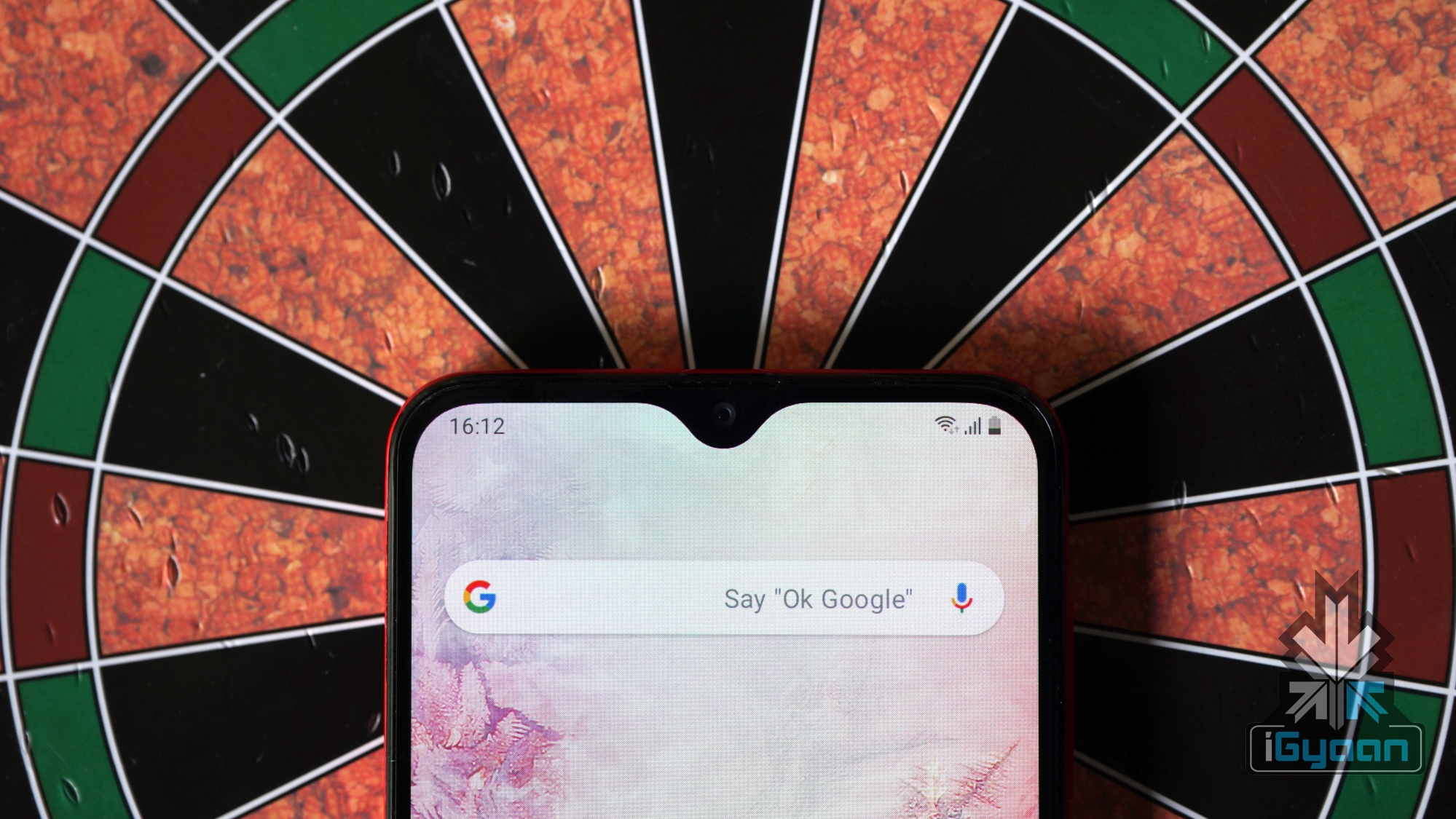
One look at the Galaxy A20 and you would know Samsung has stuck to the basics while making the smartphone. The device is entirely made out of plastic with a design similar to the Galaxy A30. The front of the handset has a 6.4-inch display which has an Infinity V notch on the top and a considerable chin on the bottom.
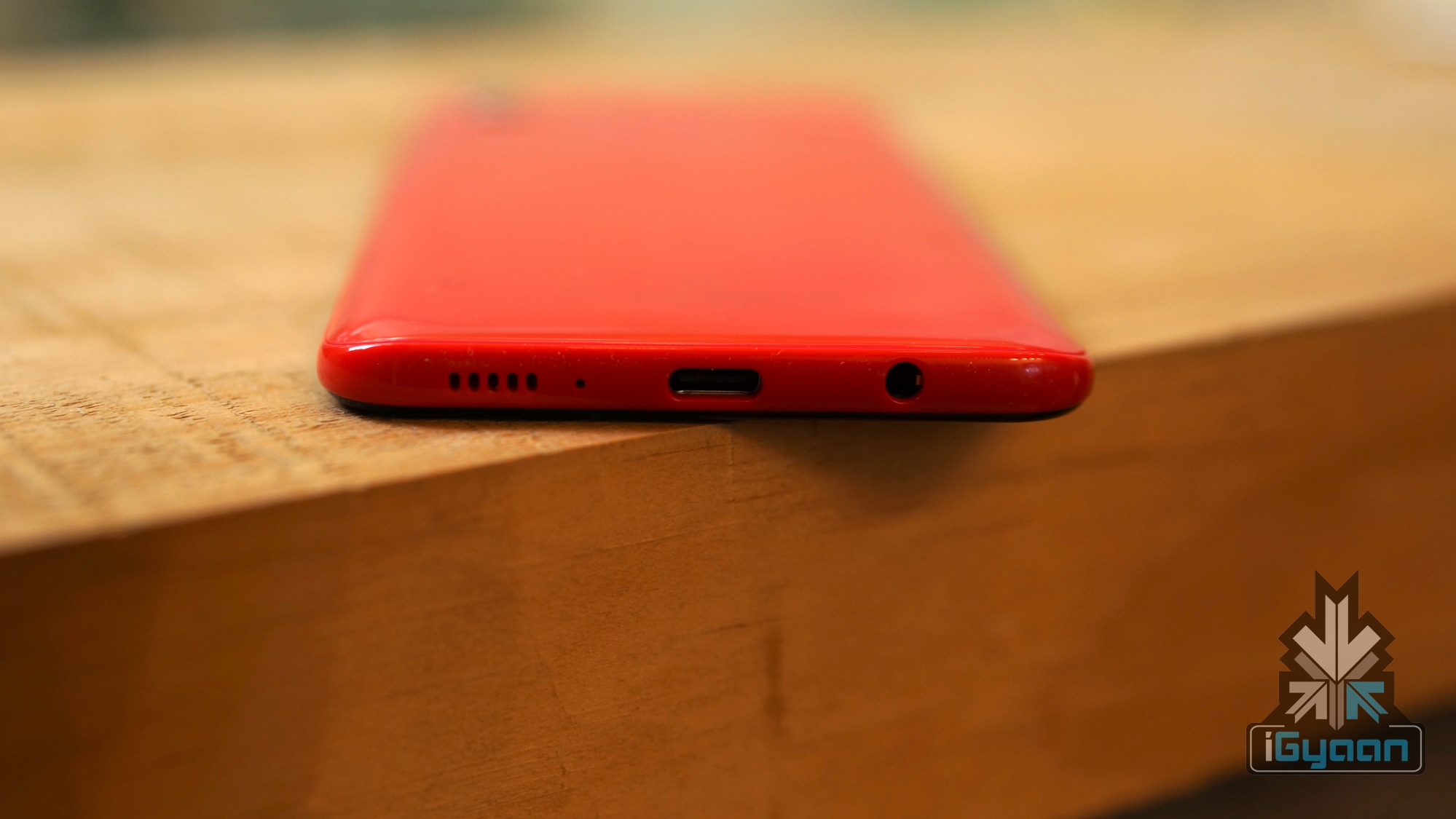
The right side of the smartphone houses the volume rockers and the power button; while the left side remains completely empty except for the SIM card tray which also has a dedicated microSD card slot. The top of the device has a secondary noise cancellation microphone. At the bottom, there is a 3.5mm headphone jack along with the USB Type-C port and the speaker grille lined up together. The Galaxy A20 features a solid build, with a back that makes it look like glass.
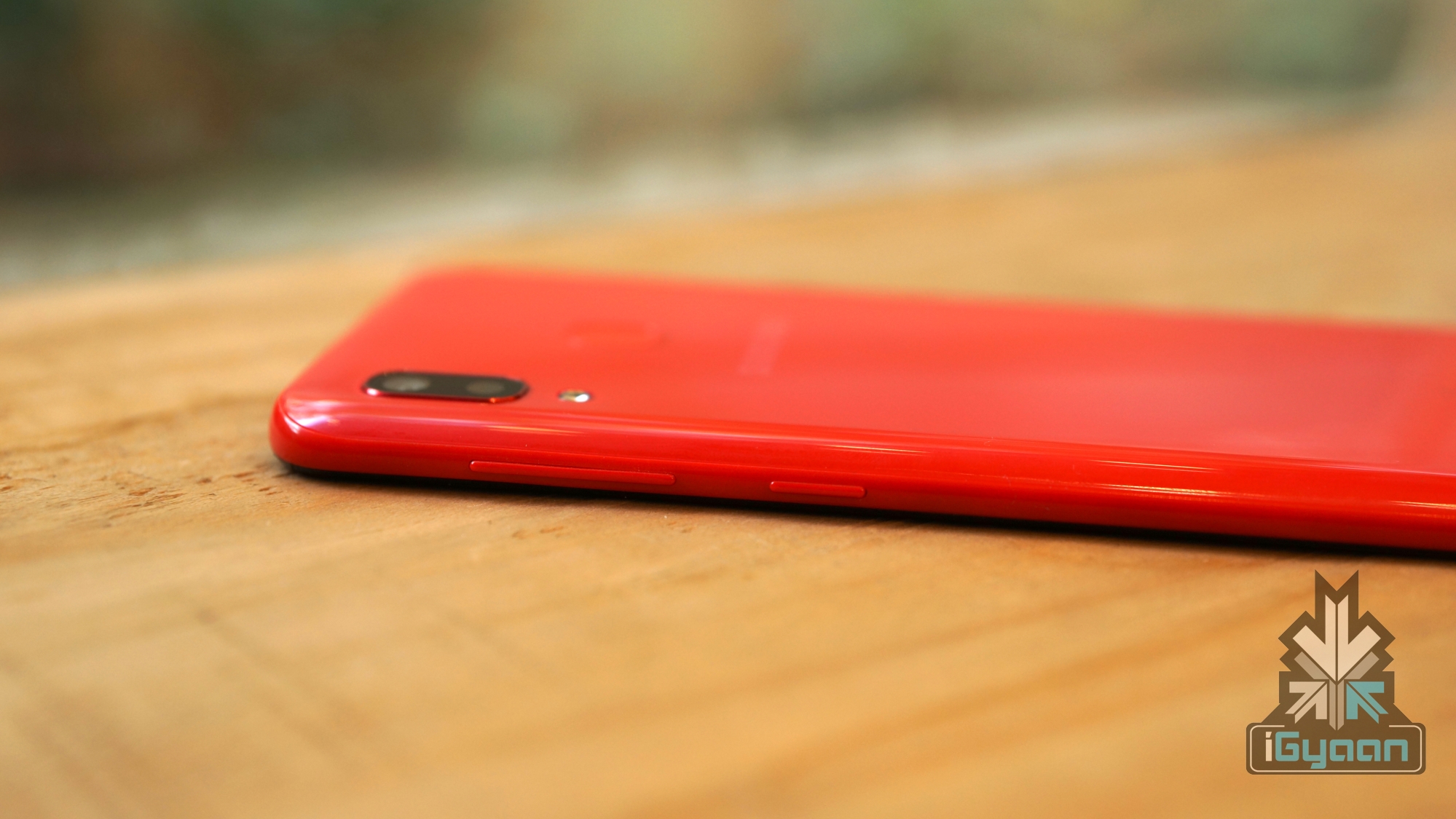
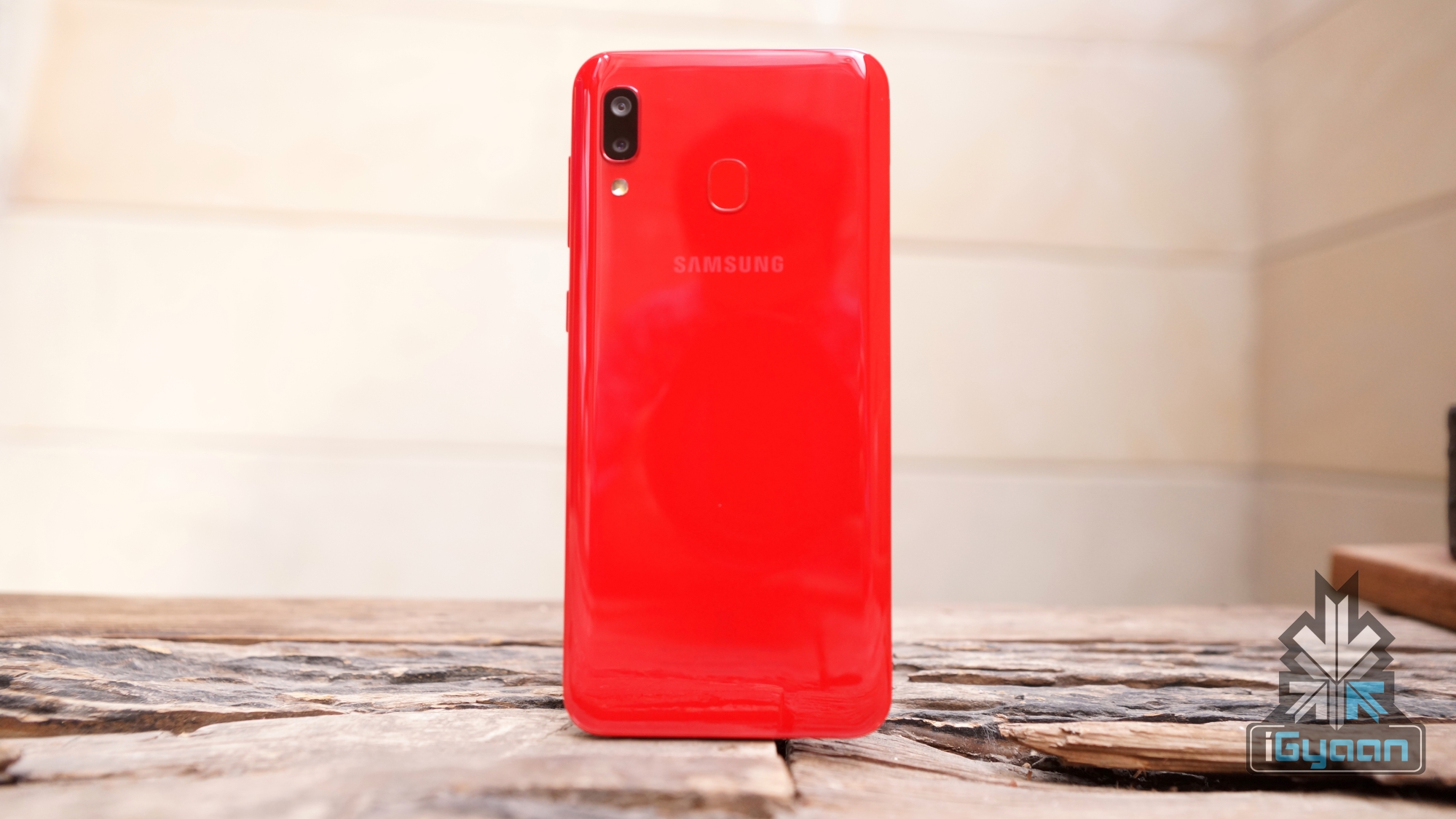
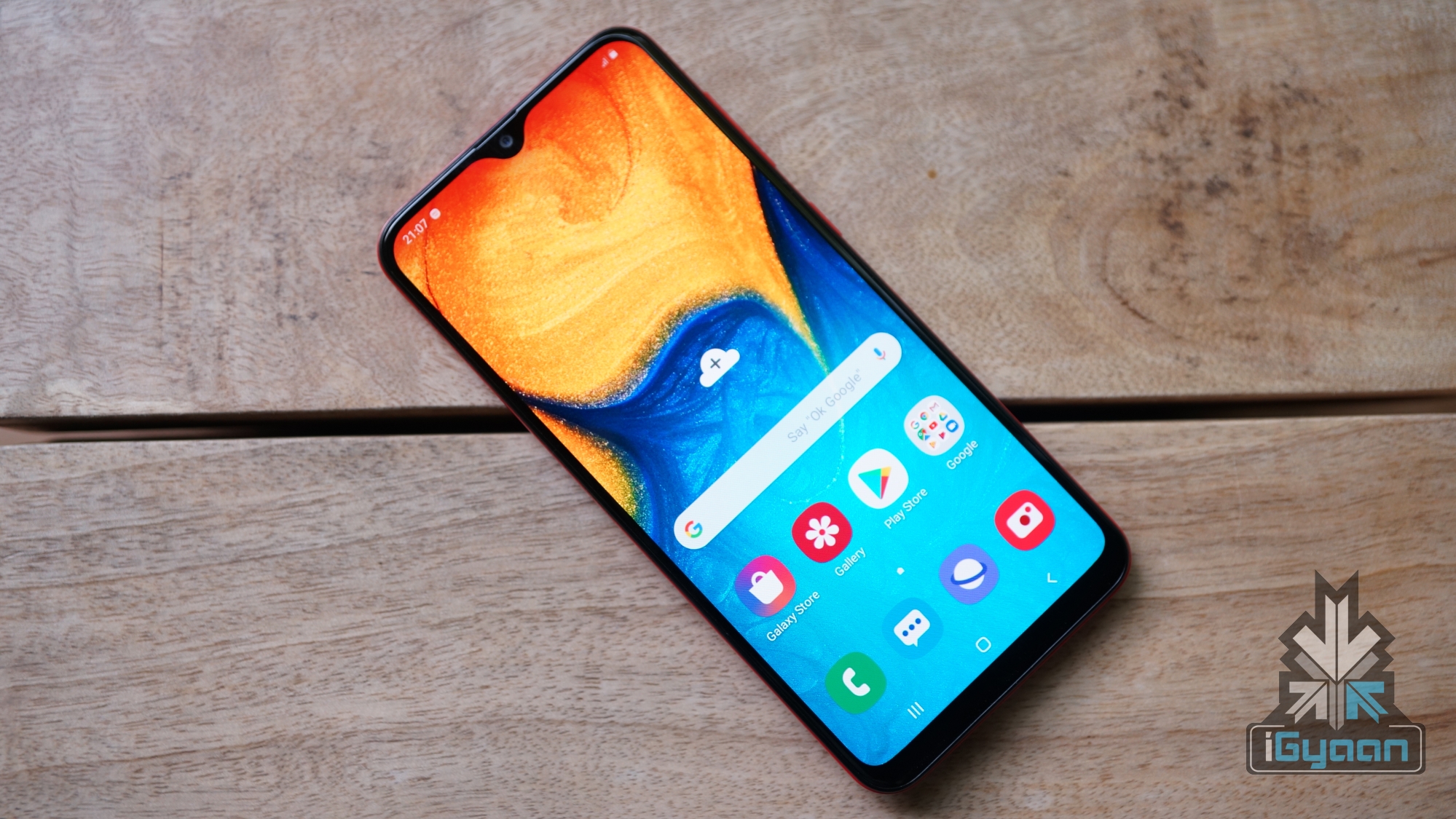
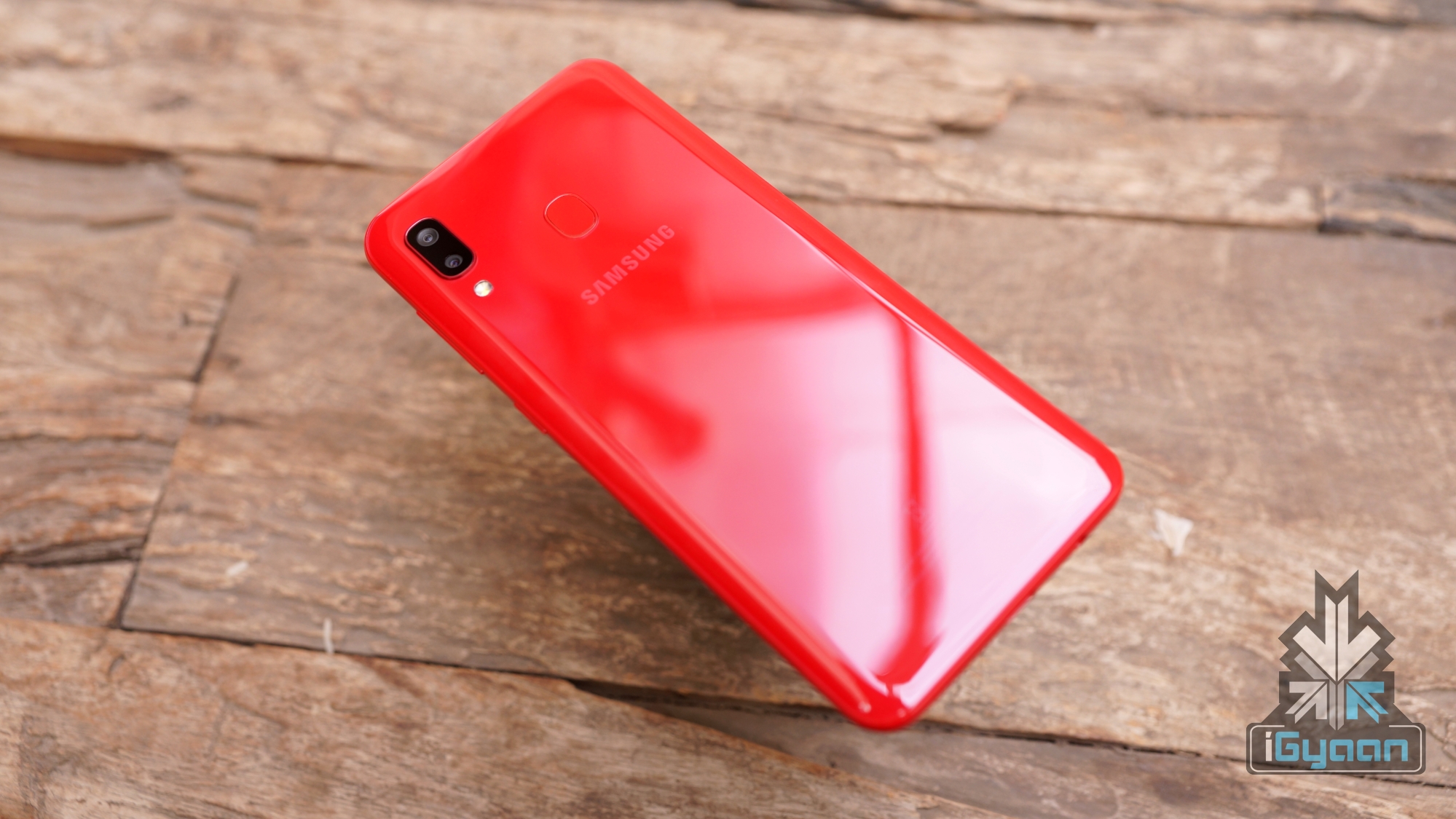
Our review unit is the red coloured version, which has a glossy finish to it. The popsicle coloured back of the Galaxy A20 houses the vertical dual camera layout with the LED flash like most modern smartphones. When it is laying flat on its back, the smartphone wobbles a bit due to the slightly protruding camera bump. The device has a fingerprint reader on the back with the Samsung branding present right below it.
While the design of the Galaxy A20 is nothing new, the smartphone looks good and the red colour of our unit definitely attracts attention to it. Using a case is recommended as the back is extremely glossy and easily attracts fingerprints to it. Additionally, a case would also cover the camera bump to an extent, minimising the previously mentioned wobble.
Display
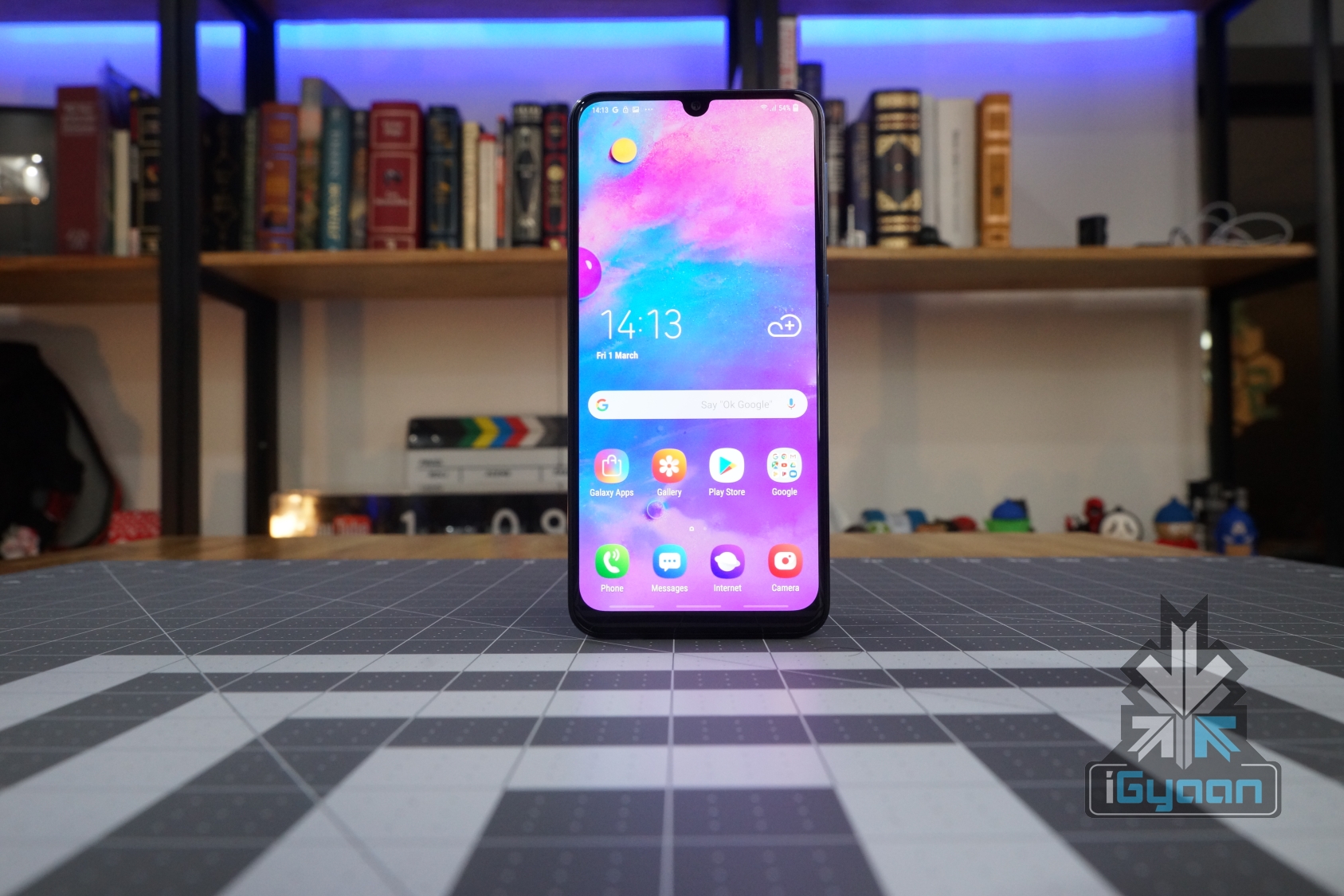
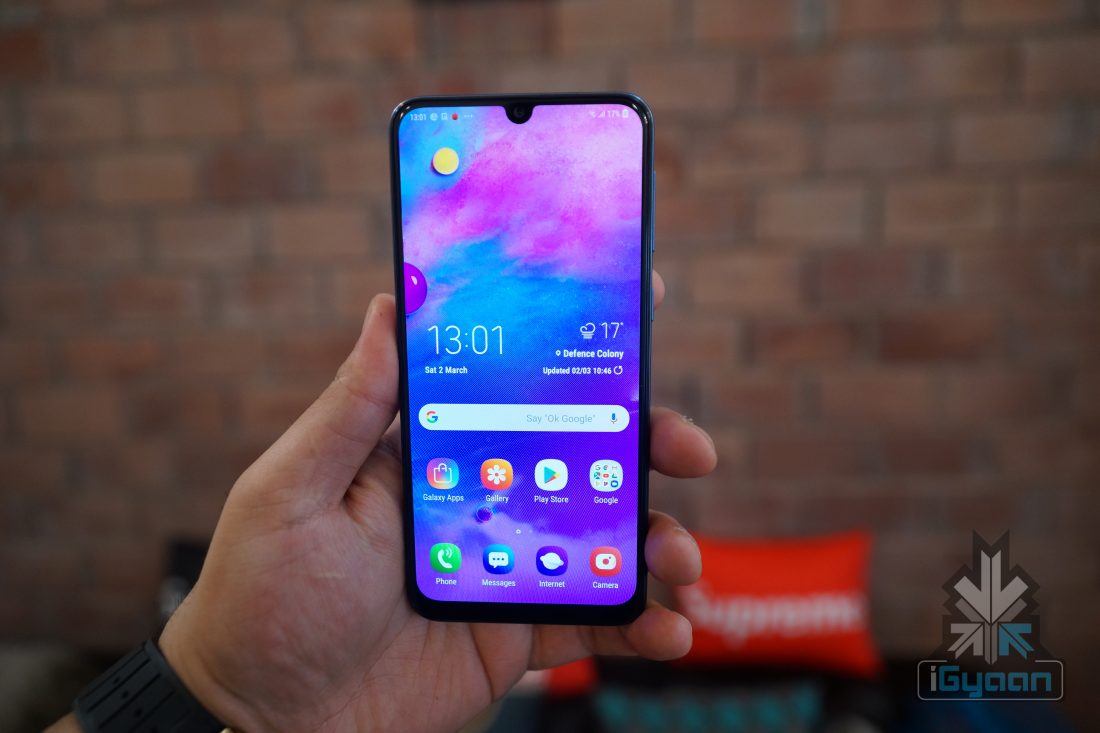
The display on the Galaxy A20 is marketed as one of the highlights of the smartphone. It has a 6.4 inch Super AMOLED display with a resolution of 1560 x 720 px. To increase the screen real estate of the device, Samsung has used an Infinity V style notch on the top of it.
In terms of quality, the Galaxy A20 has a great display for multimedia consumption. The colours have great contrast, the blacks are deep, there are good viewing angles and the brightness outdoors is sufficient. However, due to the low resolution, the sharpness takes a backseat. The display on the Galaxy A20 is great for watching videos and playing games, although we would’ve appreciated a Full HD display in the device. Given, it competes with devices like the Redmi Note 7 that has a display panel with Full HD resolution.
Hardware & Performance
The Galaxy A20 features the Octa-core Exynos 7884 SoC, combined with 3GB of RAM and 32GB of onboard memory. For day to day tasks, the smartphone performs well, and we faced zero lags while switching between applications with several apps running in the background. The humble amount of RAM is enough for keeping light applications in memory. Gaming, on the other hand, is another experience on the Galaxy A20.
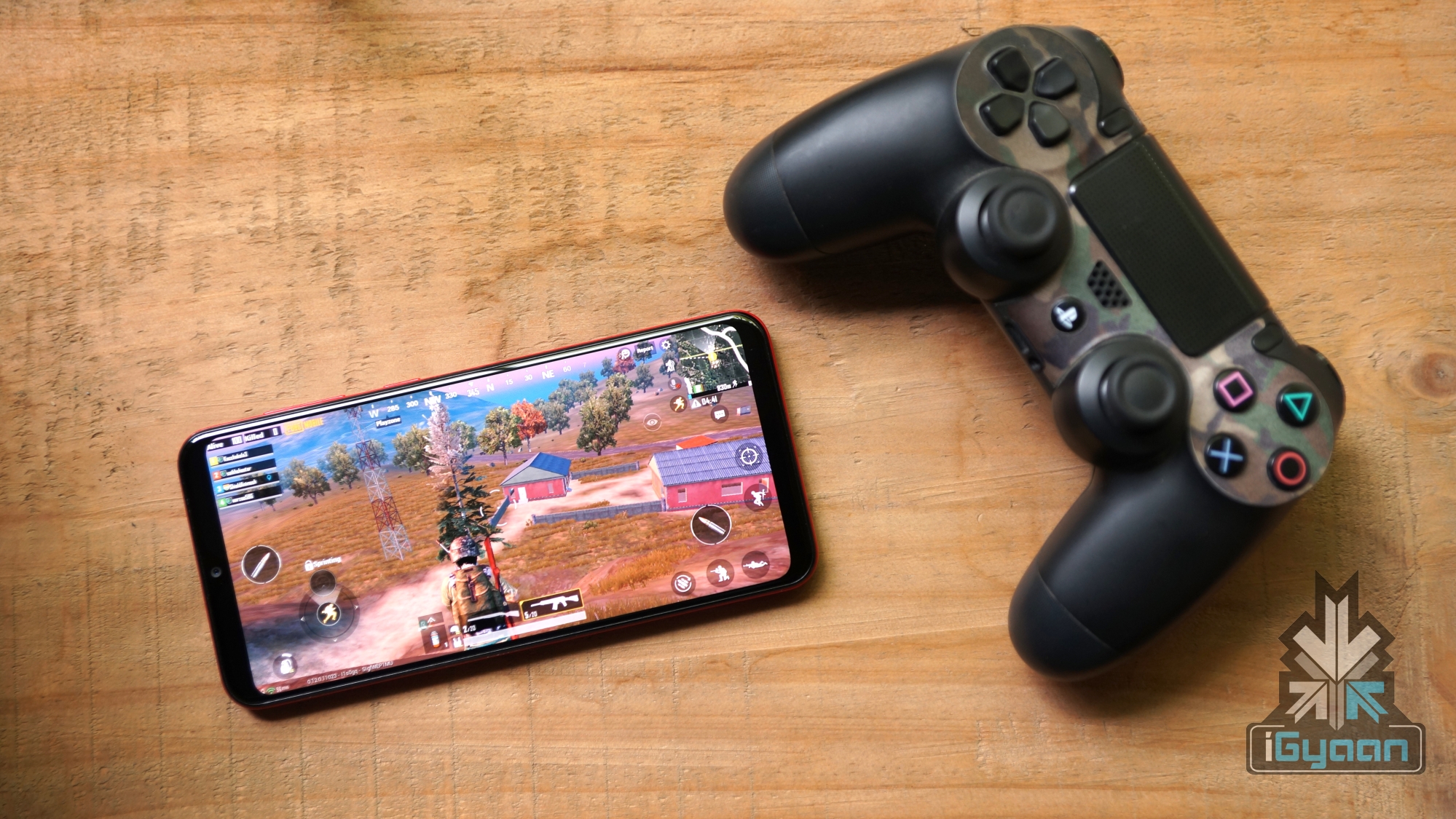
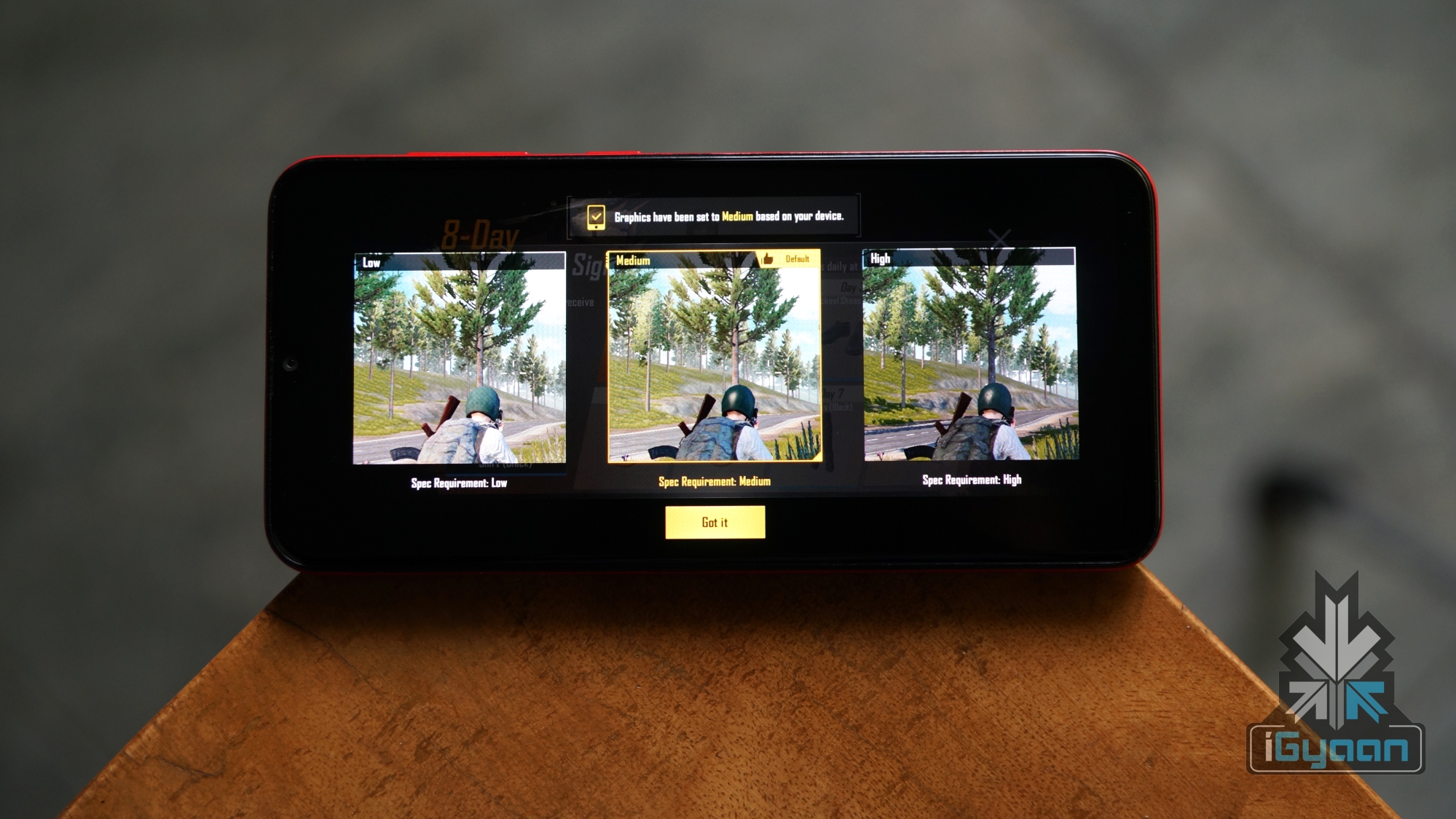
While playing games like PUBG Mobile on the device, it surprisingly chose the medium setting by default but gave unplayable frame rates at the setting. Selecting a low graphics setting and the smooth frame rate option churned out a playable experience. While there were a few frame drops, the gameplay was stable enough, combined with the skills of the player, we were able to earn a satiable Chicken Dinner.
Another game that we tried was Need For Speed: No Limits, which is a racing game that for the larger part ran without any frame drops. The gameplay was mostly smooth and we didn’t encounter any hiccups while playing it or rather hitting into the walls due to the insufficient game skills.
There was a bug that we encountered however which exited any game or heavy application that was opened for the first few times. After opening the app for more than two times, the bug seemed to vanish automatically. After the initial few times, we did not face the issue again.
In terms of benchmarks, the Galaxy A20 scores slightly less than the smartphones in the price range. While testing the Antutu benchmark, we got a score of 95,067 which is significantly lower than the competition including the Galaxy M20 or the Redmi Note 7. In Geekbench, the device registered a single core score of 1217 points and a multi-core score of 3694 points. As is evident from the numbers, the handset should be fine for day to day usage but is not made for performance enthusiasts.
Software, UI & Multimedia
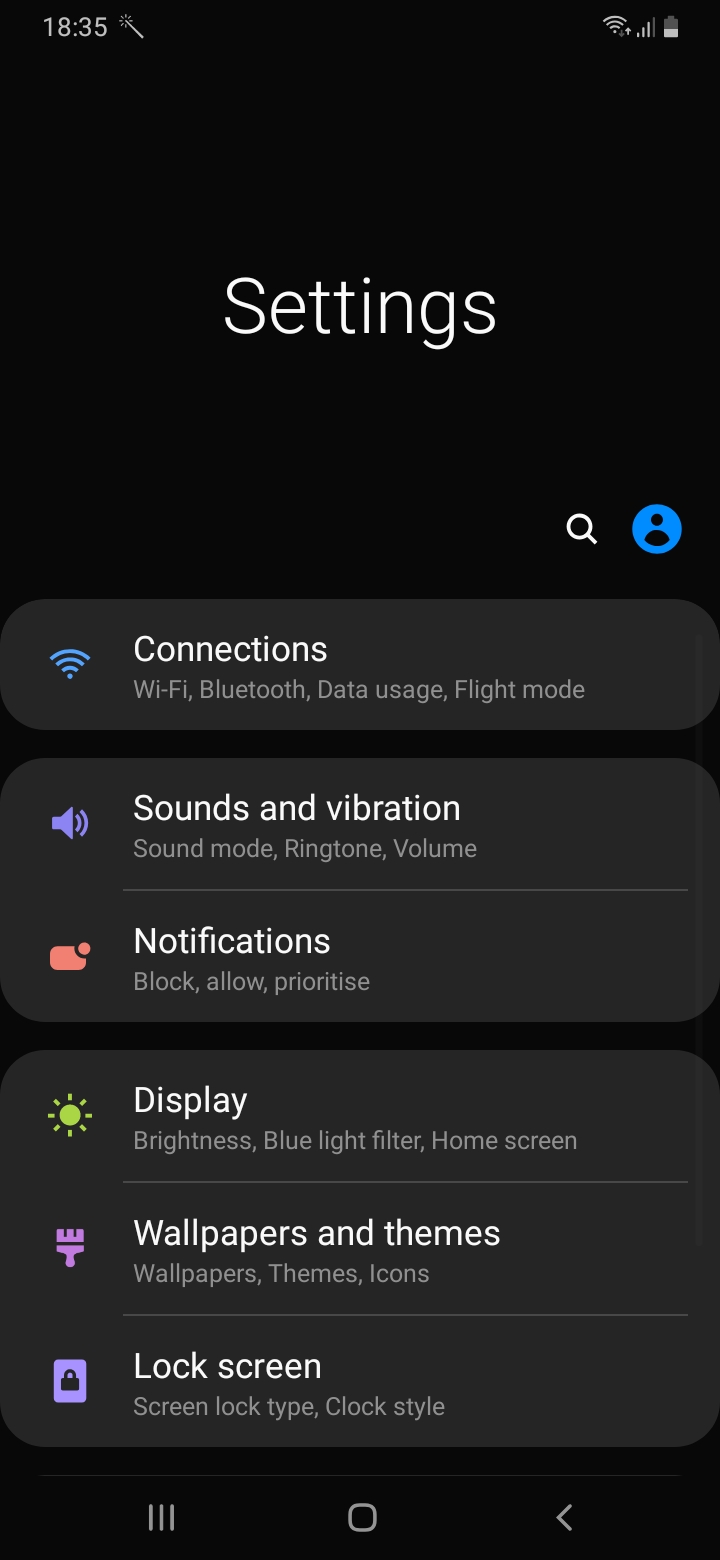
The Galaxy A20 runs on the company’s latest OneUI version 1.1 on top of the current Android 9 Pie. Like the other smartphones running the software, the Galaxy A20 offers a refined software experience. There is a native dark mode inside the settings which makes the whole UI suited for use in dimly lit environments. Notably, this setting helps in prolonging the battery backup on the smartphone.
Dark Mode on OneUI
Dark Mode on OneUI
The icons in OneUI are big and the menus easy to access and reach. Unfortunately, there is no Always On Display despite having an AMOLED panel which although is not a dealbreaker. The UI also supports gestures in addition to the conventional navigation buttons. These gestures use an upward swipe from the left to go into the multitasking menu. To go back, a swipe up from the right is required while swiping up from the centre takes you to the home screen. There is also support for Samsung Pay Mini on board, which is activated by a swipe up from the bottom of the display below the navigation buttons.
In terms of sound quality, the smartphone has a single bottom firing speaker which has decent sound output. One downside of the setup is how easy it is to block while the speaker grille while holding the device in the landscape mode. Audio output via the Bluetooth is above average which provides for a good listening experience.
Camera
The Galaxy A20 has an all new camera app that ships with the OneUI. It seems to be inspired by the camera UI of iOS and Pixel devices. All the controls are lined up within the reach of one hand. The app also uses a swipe gesture to switch between the front and the back cameras which is an appreciable feature.
Galaxy A20 Camera App
Galaxy A20 Camera App
Galaxy A20 Camera App
Video output from the rear and the front camera is locked to 30fps in 1080p resolution. There is also an option to record videos with the ultra-wide angle camera. Sadly, there is no option of switching between the different sensors while recording video.
Galaxy A20 Rear Camera
Galaxy A20 Rear Camera
Galaxy A20 Rear Camera
Galaxy A20 Rear Camera
Galaxy A20 Rear Live Focus
Galaxy A20 Rear Live Focus
The Galaxy A20 has a dual rear camera setup consisting of an f/1.9 aperture equipped 13MP sensor and an f/2.2 aperture equipped 5MP Ultra-wide sensor. Images captured in daylight have good contrast and saturation levels typical to Samsung devices. One downside of the images is the loss of detail which occurs due to an aggressive image processing.
Like most modern smartphones, there is a portrait mode called Live Focus inside the camera app. The background blur is average at best, giving you results that have a decent background separation.
Galaxy A20 Wide Angle
Galaxy A20 Wide Angle
Galaxy A20 Wide Angle
An added bonus the Galaxy A20 has over its competitors is the presence of an ultra-wide sensor on the rear. While the sensor does not pack high resolution, it helps in providing a wider field of view. Switching between both the lenses is fun and we found ourselves intrigued by the secondary sensor which illustrates the versatility of this kind of camera setup.
Galaxy A20 Front Camera
Galaxy A20 Front Camera Live Focus
Galaxy A20 Front Camera
For selfies, the Galaxy A20 has an f/2.0 aperture equipped 8MP camera housed in the notch on top of the display. Images from the front camera, like the results from the rear, perform well in good lighting. However, the colours are a little washed out and the details are not properly retained. But, if you’re a casual user of the front camera, the quality should be perfectly fine for occasional usage or sharing on your favourite social media platform.
Battery and Connectivity
The Galaxy A20 is powered by a 4000 mAh battery which supports 15W charging via the bottom mounted USB Type-C port. A significant size of the cell in the smartphone, combined with a low-resolution display ensures a great battery life overall. With a light to medium usage, the battery will easily last you more than a day. The average screen on time we received in our usage was around seven hours.
In terms of connectivity, the device supports Wi-Fi 802.11 b/g/n and Bluetooth v4.2. The Galaxy A20 faced no problems latching on to a Wi-Fi signal nor did it have any trouble connecting to a pair of Bluetooth headsets. Unfortunately, as it is a budget device, there is no support for the 5Ghz network band on Wi-Fi. The call quality of the smartphone was excellent, with clear sound output through the earpiece which is housed in the notch. Even in an area where signals are generally weak, the smartphone performed admirably. Noteworthy, the Head SAR value of the Galaxy A20 is just 0.389 W/kg which is significantly lower than it’s Chinese rivals.
Other Features
The Galaxy A20 has a rear mounted capacitive fingerprint sensor and also supports the increasingly popular face unlock technology. Both of these technologies help in swiftly accessing the smartphone. The fingerprint scanner is effective in unlocking the device, but it takes a good second to do so. Face unlock, on the other hand, is a faster albeit less safe option but is useful when the handset is lying flat on a table as the rear-mounted fingerprint sensor is inaccessible in this state. One more notable feature the smartphone has is the aforementioned triple card slot. The user can simultaneously insert two nano SIM cards and a microSD card which can go all the way up to 512GB.
Verdict
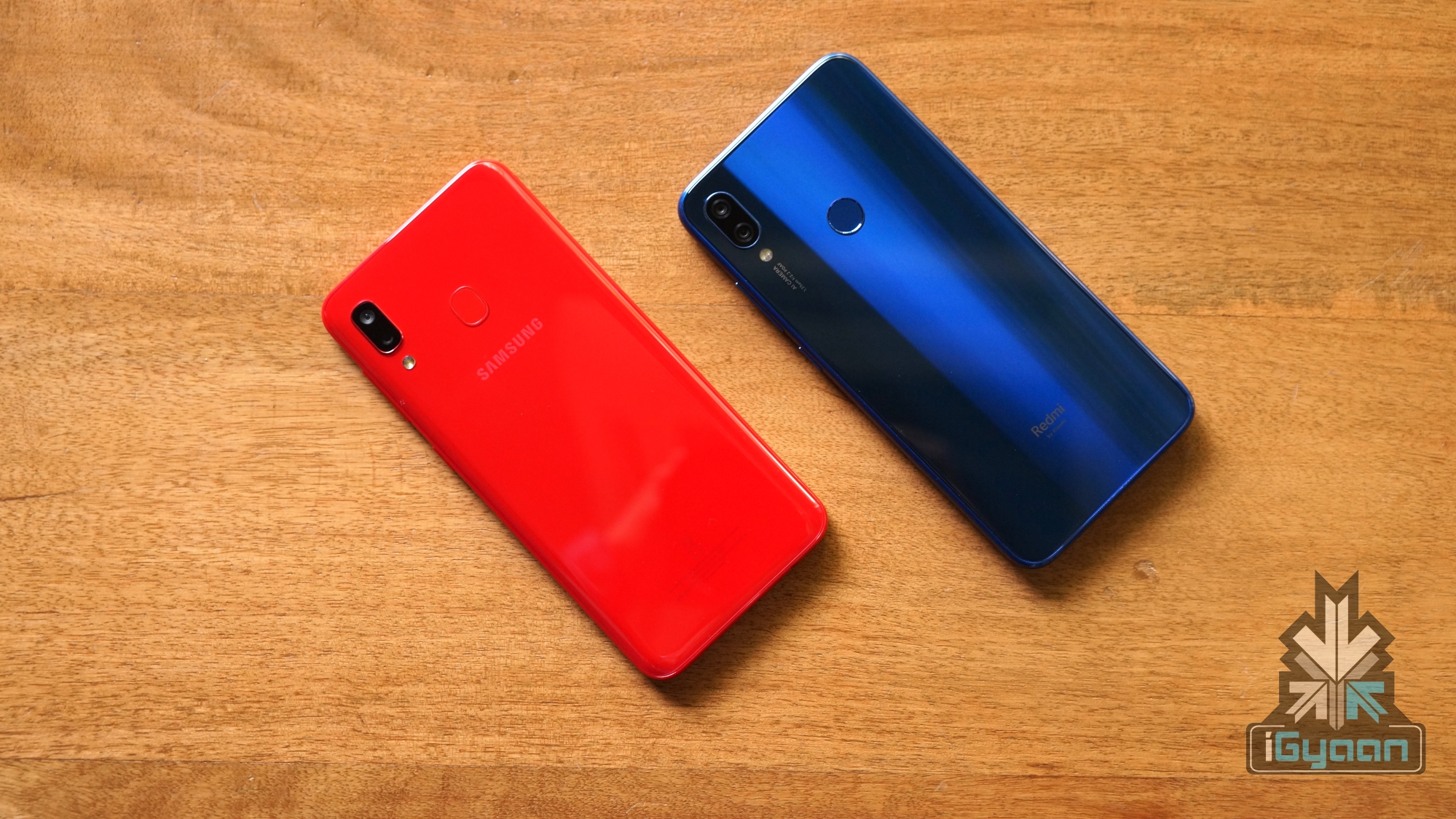
Galaxy A20 (Left) & Redmi Note 7 (Right)
The Galaxy A20 represents a new line of budget smartphones by Samsung and provides some competitive specs at a lucrative price. While the device is a compelling option in the price range, it still leaves a lot to be desired. With a more high-resolution display, slightly better gaming performance and a more detail-oriented camera, it would’ve made it a strong competitor to the Redmi Note 7.
If you’re in the market for a smartphone from a brand offering great service support, a great display, long lasting battery and versatile cameras, the Galaxy A20 is a good option for the price. On the other hand, if you are looking for a phone that offers the best value for money, the Redmi Note 7 might be your best bet. However, if you’re adamant on buying a Samsung device and want better performance, display and cameras, we recommend you check out the Galaxy A30 or the Galaxy M30 which cost slightly higher than the Galaxy A20 but offer great value for money.
Samsung has had a rough couple of years. Post the recall of the Galaxy Note 7, Samsung laid low and didn’t advertise their devices much. A strategy which may have been well thought of. However, it had drastic implications on the brand’s sales. Samsung continued to sell its flagship phones like the Galaxy S8 and S8 Plus and even the Galaxy Note 8 was well received. What took a hit was the sale of budget devices, which is where the Galaxy M30 fits in.
The fragmentation within Samsung’s own lineup of products also didn’t help the company push numbers. Between the Galaxy J series, the On series and many others they experimented with, Samsung was losing ground fast to their Chinese counterparts.
The Galaxy M series is Samsung trying to understand the market. A complex economy driven by specs and not durability or after sale service. A market that is more prone to price cuts and discounts than any other. And a consumer who frequently changes his/her phone simply because a new model is available.
Has Samsung finally cracked the market with the M series and namely the Galaxy M30? Let’s find out in this Review.
Build Quality and Design
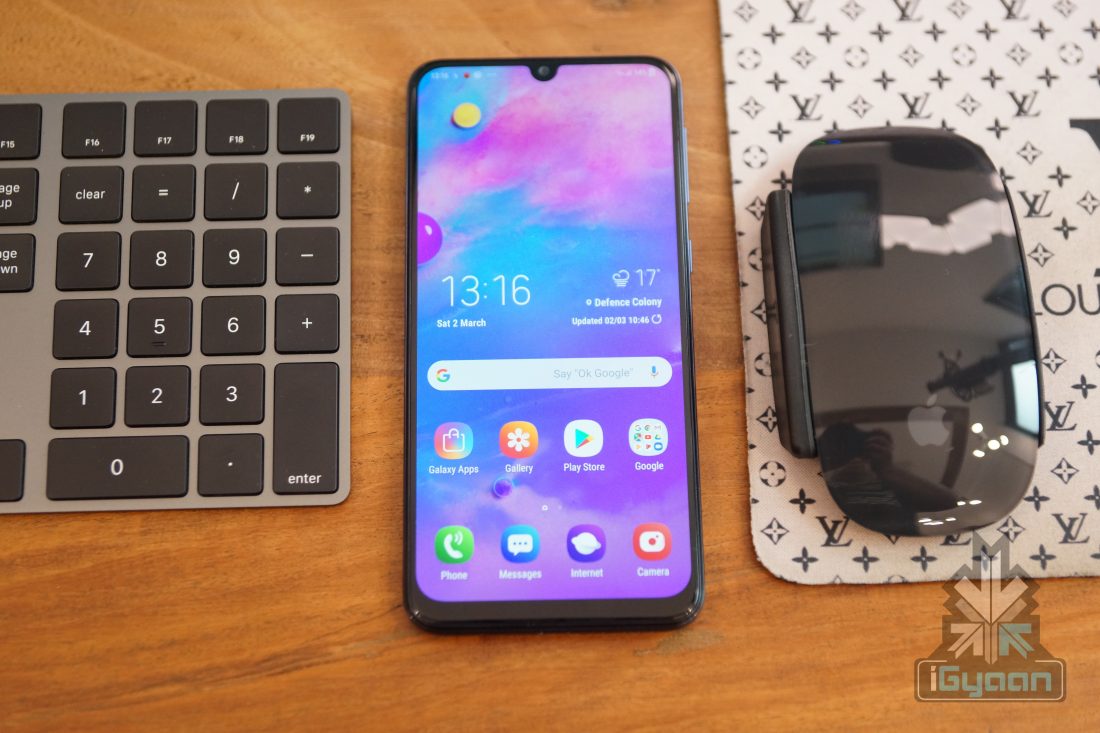
It is not difficult to see that Samsung has taken many of its design cues for the Galaxy M30 from the existing smartphone market in 2018. The tear drop notch display, the gradient back and a bezel less front. The cameras at the back also sit flush with the phone and so does the fingerprint sensor, which is usually depressed on some devices. the phone feels premium and has a robust frame. The device does not bend, wiggle or rattle from anywhere.
The build is plastic which means it scratches easily and the back despite its nice metal finish may start to lose lustre soon. There is also no ingress protection, whether water or dust, although expecting that in this price bracket may be too much in early 2019. We expect that to start happening towards the end of the year.
The phone is 8.5mm thin despite the large battery and thick plastic build. It fits quite comfortably in the hand and does not feel heavy.
Display
Samsung really has cracked the market here. The Samsung Galaxy M30 features a Super AMOLED display with a 2280 x 1080 px resolution and a 394 ppi density. The display is not only punchy and colourful, it is bright and easy to view indoors and out. The viewing angles are excellent and Samsung has managed to accurately set the colour profile. Although for those with specific requirements the display colour can be optimised.
It also has the always on feature which as the name suggests keeps the screen on at all times to display clock even when the device is locked. Noteworthy, this feature only draws less power from the battery. Therefore, the users can keep this feature turned on without stressing that it would affect the battery performance.
The display covers over 90% of the front of the phone although a considerable chin dawns the bottom of the front. The camera cutout is minimal and if you enable Face Unlock, a small light runs across the camera notch while you try to unlock the phone, looks fancy.
Cameras
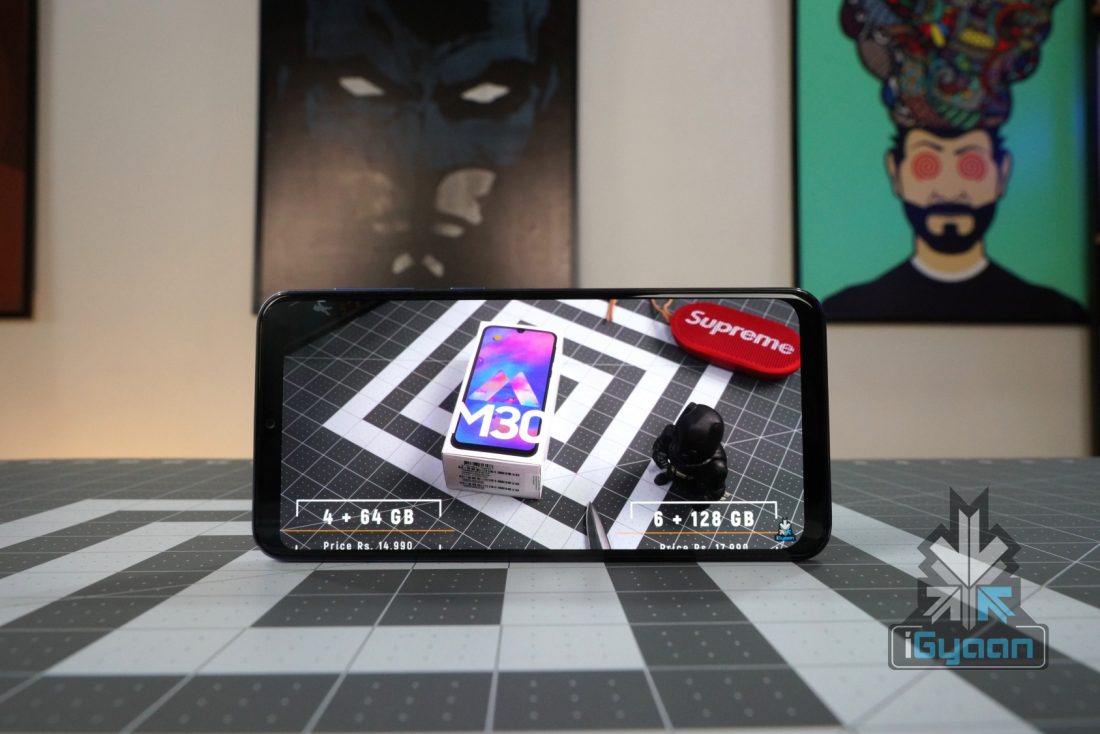
The Samsung Galaxy M30 features three cameras at the back; a 13 MP primary camera and two 5 MP sensors, one which measures depth. While the other is an UltraWide sensor. While the ultra wide sensor is great for the occasional landscape shot or group photo. The primary camera is great for everyday usage. You get accurate color and good low light performance ( which you do not with the ultra wide sensor), and some of the Live Focus features will be used throughly by owners of the phone.
The phone camera UI is familiar and easy to use, and the camera produces good results consistently. Images are sharp, in focus have good color and contrast. The HDR works great and there are some manual controls for ISO and shutter.
The video is restricted to 1080p, but again the video result is good and colour is accurate. You can also stretch the video to the display format of 2280x1080px for widescreen video.
Rear Live Focus
Rear Auto
The front camera also produces good results with quick and accurate focus and sharp images. A 16 MP f/2 shooter at the front means you can get good results in low light. Software based live focus is available on the front camera as well.
Hardware and Performance
The Galaxy M30 runs on the Exynos 7904 it is a 14 nm chip with an Octa core CPU and a Mali-G71 MP2 GPU. The way the cores are laid out allow for better battery management, with two 1.8 GHz performance cores and 6 1.6 GHz daily cores. And while it is easy to fault Samsung for not using Snapdragon chips, Exynos chipsets work well and have consistently delivered long lasting performance on Samsung devices, also because much like Apple, Samsung optimises the hardware well with the software.
That being said, some of the performance scores leave a lot to be desired from the Galaxy M30 especially in comparison to the Snapdragon devices.
The phone does manage to run most games well and even PUBG works on high graphics even though medium is recommended, with good performance from the device. The phone also has a game booster which allows users to disable notifications and calls while allowing focus and allocating hardware resources to the game. Thereby improving the overall gaming experience ever so slightly.
The Galaxy M30 is also available in both 4 GB and 6 GB variants, and if you are serial gamer and have the extra money the 6GB version will allow for more simultaneous apps and a smoother overall gaming experience.
Daily usage from the phone is impressive, and while multitasking is good the phone does seem to lack a certain fluidity, which could be more and Android Oreo thing. Since the phone ships with the older version of Android out of the box.
Software, UI and Multimedia
Another thing that has kept Samsung users unhappy has been their slow Android updates and less refined UI. While Samsung has had consistently one of the best UI skins for Android, it has been fragmented and difficult to operate through. The new One UI solves that with smoother animations and a minimalistic design. But, the Galaxy M30 does not have that yet. Samsung plans to update the whole M series to Android 9 and with that the One UI, when and how is presently unknown.
The UI is pretty refined on the Galaxy M30 and Samsung has included navigation gestures, with the ability to disable those annoying bottom tabs. The gestures work great but certain things are missing from the phone. There is no Samsung Pay or even Pay mini yet. The Always on display is missing despite a Super AMOLED screen and the dark mode seen on the newer A series phones is also missed on the M30.
However, all these are simple software related issues and can easily be resolved with a software update.
The phone does support HD streaming and has the Wildvine L1 certification. The display and speakers are great for consuming content and the phone also has Dolby Atmos for enhanced audio via headphones.
Phone, Battery and Security
The Samsung Galaxy M30 takes two SIM cards in dedicated slots along with a third slot for microSD expansion ( 512 GB worth). Both SIMs support VOLTe and also LTE data connectivity. Call quality and network strength is good and audio both from the speaker and microphone is impressive. The phone also has good noise cancellation for the microphone and manages to cancel out most of the background noise during calls.
With a massive 5000 mAh battery the Galaxy M30 offers multiple day battery life. With a conservative approach you can see your phone run into day three. With heavy usage we found the phone to have upwards of 20% battery at the end of the day, this is with several hours of gaming and video consumption.
Talk Time : 8 Hours
Music Playback : 36+ hours
Video : 10+ Hours
Gaming Online : 4 Hours
( Battery life tests are done in controlled conditions, and may vary from scenario to scenario)
The fingerprint sensor is fast on the Galaxy M30, and easy to setup. Samsung offers the ability to lock down certain folders and apps, along with certain other features. The phone also offers a less secure face unlock which helps quickly unlock the phone using the camera.
Other Mentions
The Samsung Galaxy M30 also offers a 15 Watt charger inside the box. The phone has a USB C port which makes it somewhat future ready.
The Samsung Galaxy M30 also has a very low SAR value of 0.409W/KG Head.
Conclusion
The Samsung Galaxy M30 is a fantastic flagship to the Galaxy M series. It is priced well and offers some really good features including a Super AMOLED display and a 5000 mAh battery. And while the Redmi Note 7 Pro’s recent launch in India will make it difficult for users to decide, ( A comparison of the two will be out shortly), Samsung also made decisions difficult with the launch of the Galaxy A30. Samsung does offer best in class service and support which will help a buyers end decision if they plan to use the phone for a long time. Plus the added Samsung brand name may help aid the decision. Either way the Samsung Galaxy M30 is a compelling device, and if you are considering buying it, the decision of buying it will be a good one.
Xiaomi’s new Mi Band 3 is the latest in the series of fitness bands offered by the smartphone giant. The Mi Band and Mi Band 2 were popular as they were offered at a very attractive price. The Mi Band 3, has also been launched at a lucrative price, but that is not all. Xiaomi has also ensured that the price is not the only thing which makes the Mi Band 3 attractive. Loaded with features such as an improved heart rate sensor, a pedometer, a bigger display and much more, we try to find out if the Mi Band 3 is worth it.
[section label=”Build Quality & Design”]
Build Quality & Design
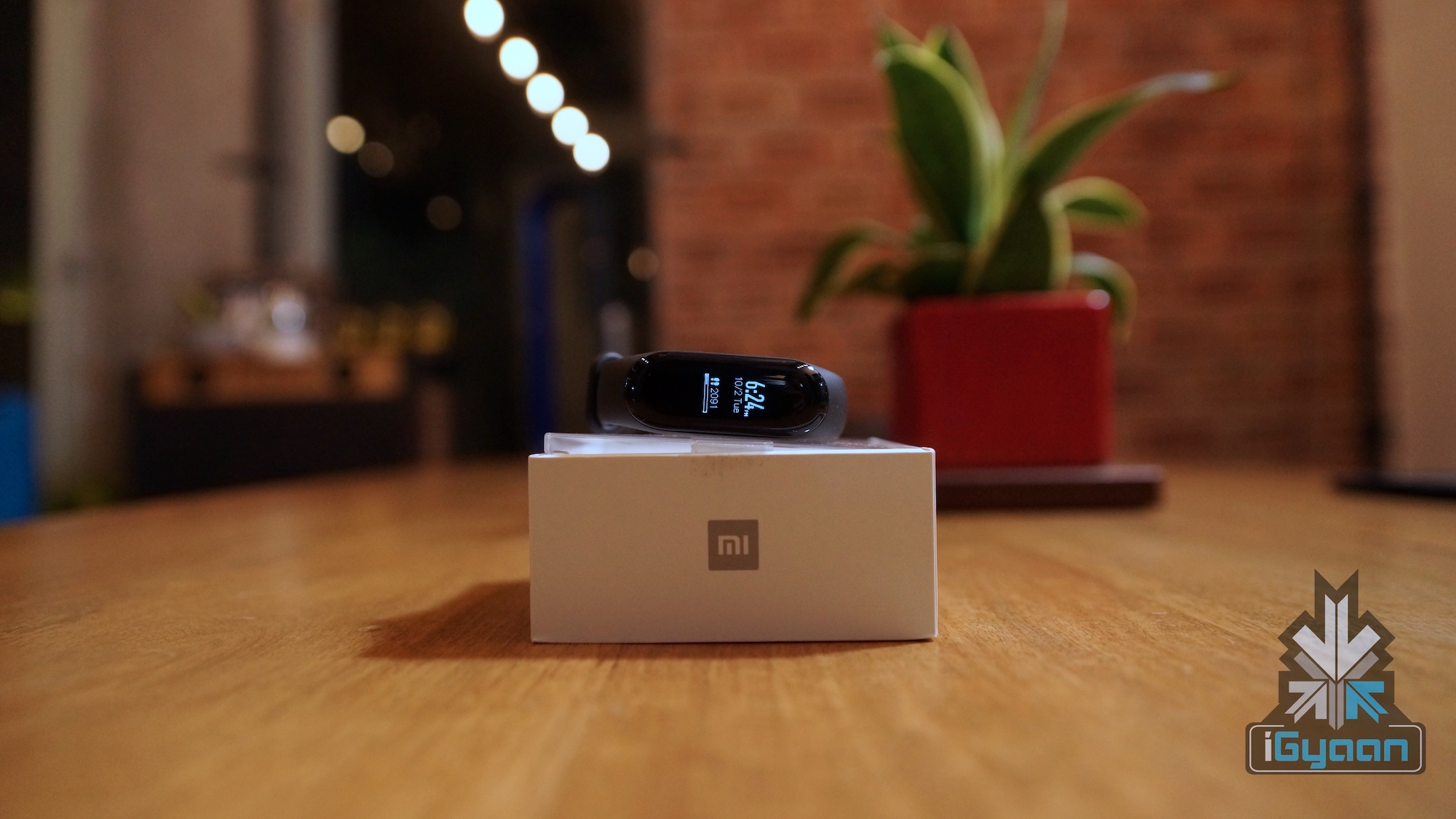
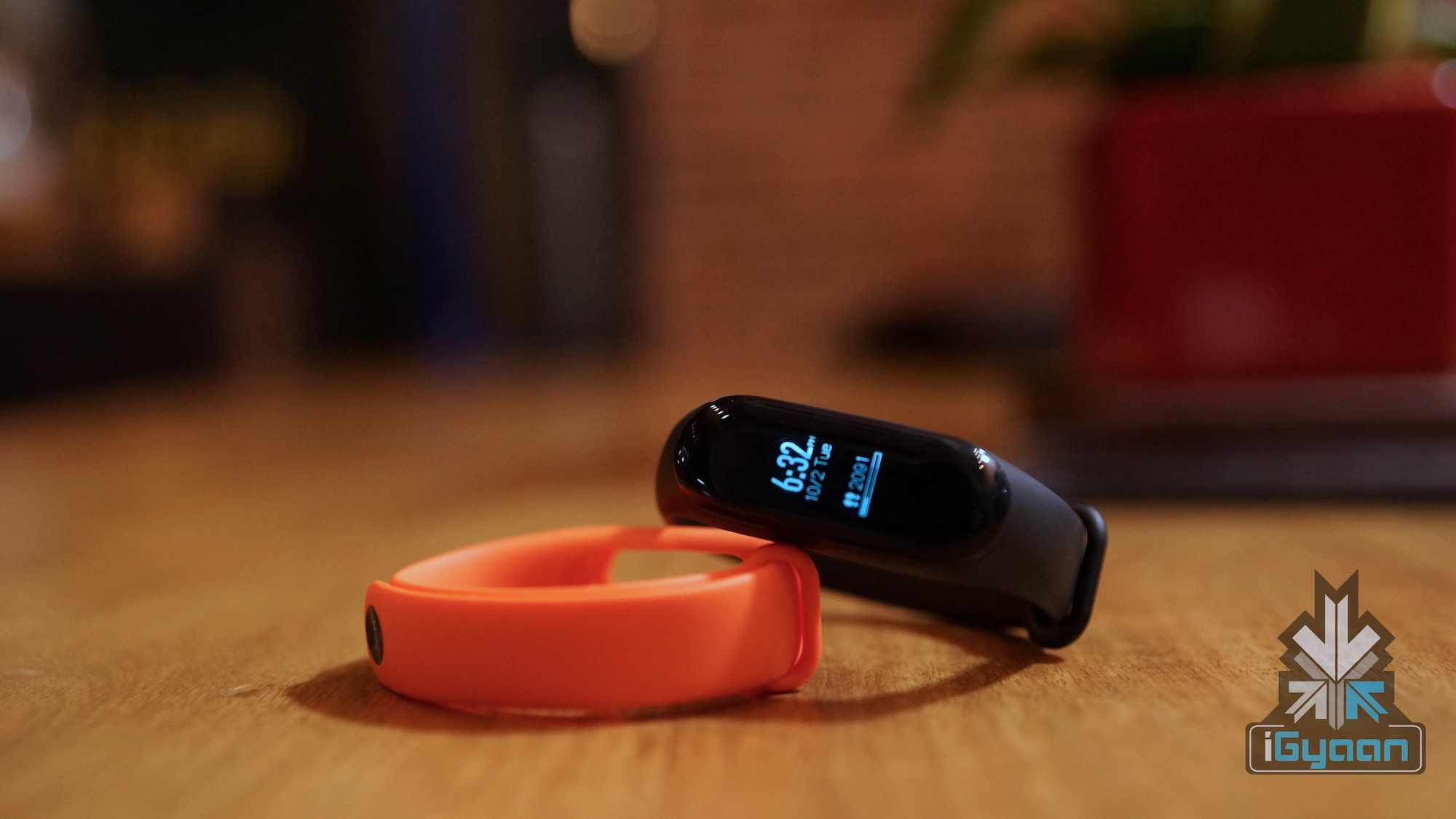
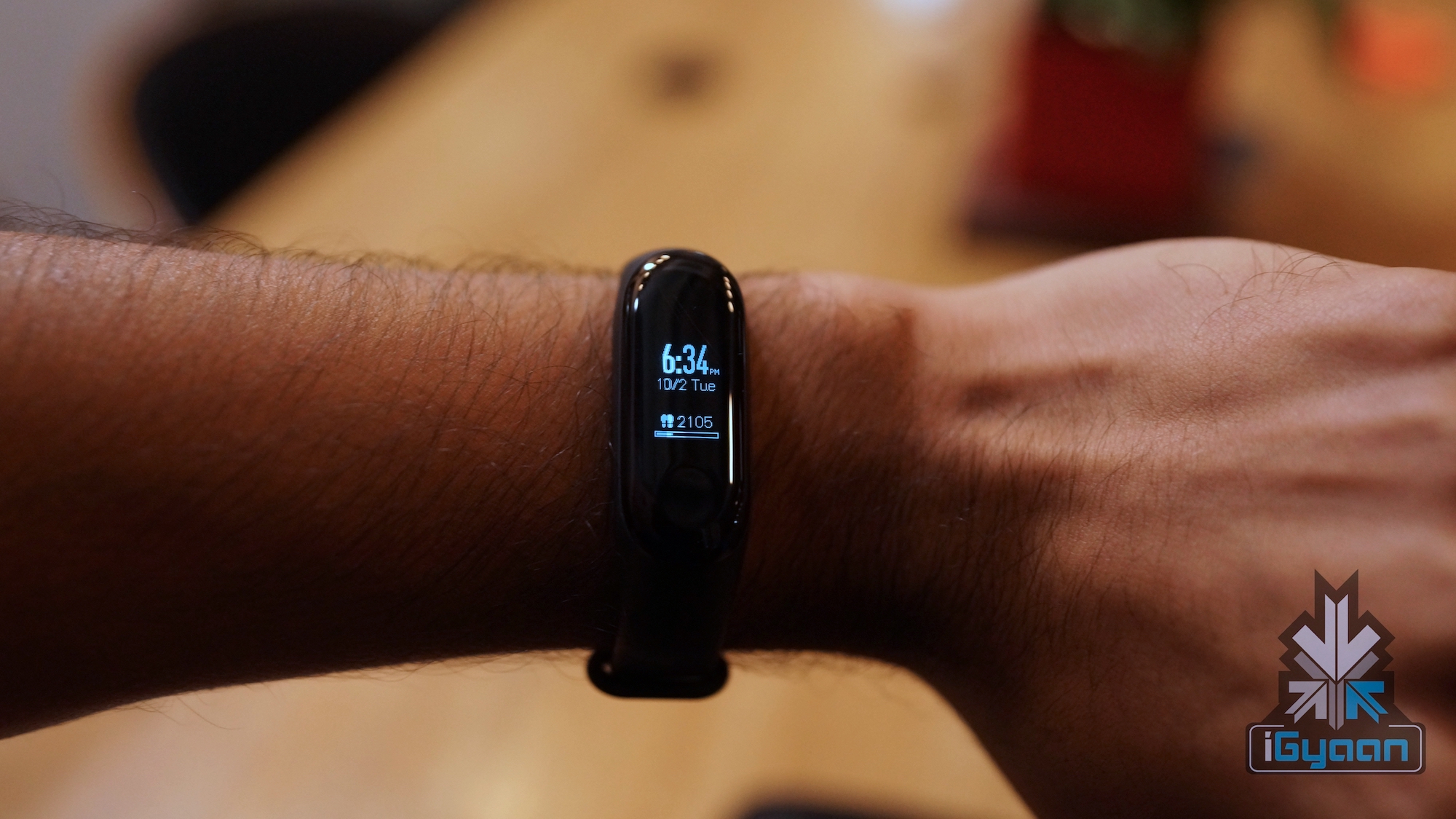
The Mi Band 3 looks pretty much the same when compared to the previous generation, but features a bigger OLED screen and a new strap. The new strap is very sturdy and made of Thermoplastic Elastomer. The Mi Band 2 received complaints from users regarding its strap which left their hands itchy and irritated. The new strap on the other hand is very comfortable and convenient to wear and you don’t realise it sitting on your hand. The strap is adjustable up to 21.6 cm, easily fitting hands of all sizes. The strap is also available in different colours, and the black that we have looks good and has a great finish.
The band is resistant to dust and sweat and doesn’t get accumulate dirt even with extensive use. The Mi Band 3 has an IP rating of 5 ATM which means that the device is water and dust resistant. It is water resistance to 50 metres, therefore using it in heavy rain or even a swimming pool should not be a problem. The display however, is not that durable and can get scratched easily. We recommend that you install a screen protector for your Mi Band 3. Xiaomi has also fixed the issue of the tracker getting loose or falling out of the strap which was prevalent with the Mi Band 2. Now, its secured so well that sometimes one finds it difficult to take it out. The tracker by itself weighs 8 grams and combined with the band, it weighs 20 grams. Overall, the device is built well and most importantly doesn’t feel like you have something sitting on your wrist as you go through your day.
[section label=”Display”]
Display
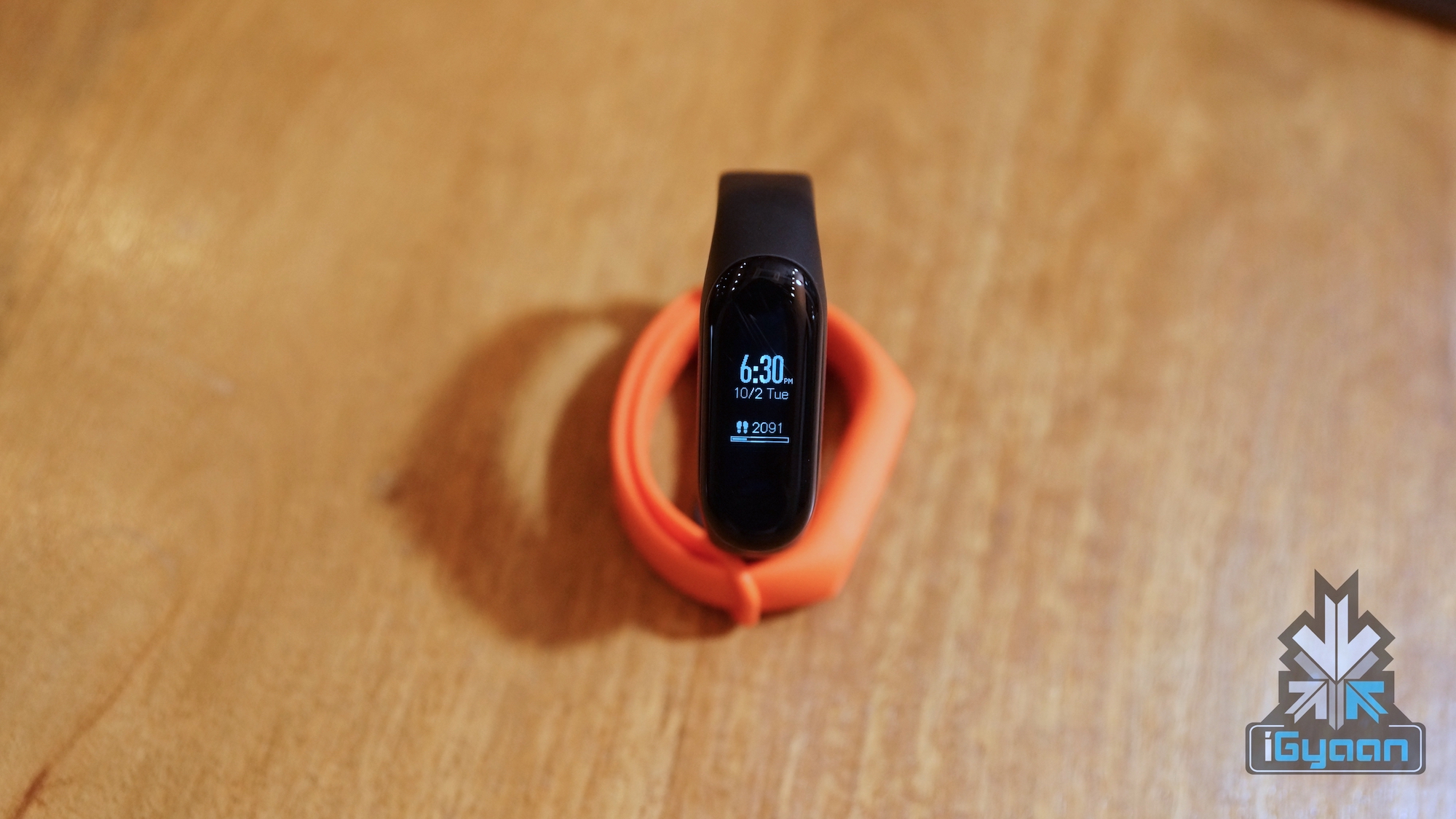
As mentioned before, the Mi Band 3 has a bigger, 1.9 cm OLED display. Since the display is OLED, it helps in improving the battery life. It is all touchscreen and easy to navigate through. The touch can be unresponsive at times but it is mostly effective. It works well even when it is in contact with water. In fact, it sometimes works even more smoothly when covered with water! The display has good viewing angles and is very crisp indoors. It’s not the best in direct sunlight, but you can view it if you put in some effort.
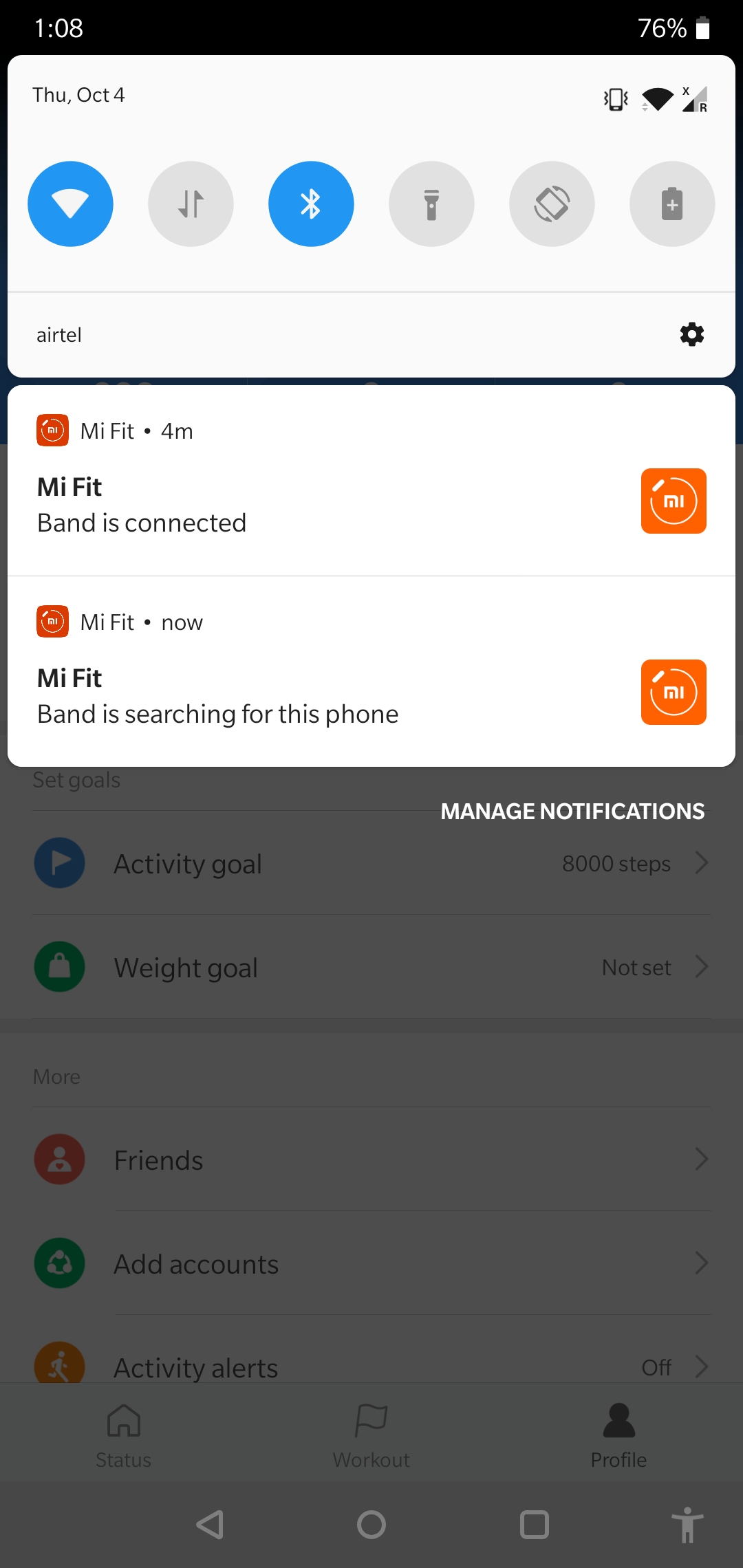
A lot of users had complained of the lack of an always-on display on the earlier Mi Band. An always on display will let you view information such as the time and date without the need for waking the screen up from time to time. Xiaomi hasn’t provided a solution for this yet and has instead provided a twist to wake feature with the Mi Band 3. The twist to wake function can be activated through the MiFit app. Once in the app, you need to navigate to the ‘Profile’ section. Here, you click on your device, which is the Mi Band 3. Scroll down a bit and you will see the ‘lift wrist to view info’ option which you can enable. The function activates the screen every time you twist or raise your wrist. However, it does not work well all the time and you might have to repeat the action twice or thrice to get the display going. You can also customise the watch face through the Mi Band itself, choosing from three different options.
[section label=”App Integration”]
App Integration
The Mi Band 3 also packs a lot of cool features other than that of a regular fitness band. The band depends heavily on app integration to utilise most of the features. The app in itself can be confusing at times and could be simplified. The setup process is somewhat tedious and it takes a while to get a clear idea of the layout of the app. After some familiarisation, you will find access to a whole lot of options.
For those of you who were wondering about music controls, the app does not support this. If you are playing music, the band does not even recognise it, therefore being able to control it is out of the question. The Mi Band 3 does not have NFC support, despite many Mi Band 2 users looking forward to it.
[section label=”Fitness”]
Fitness
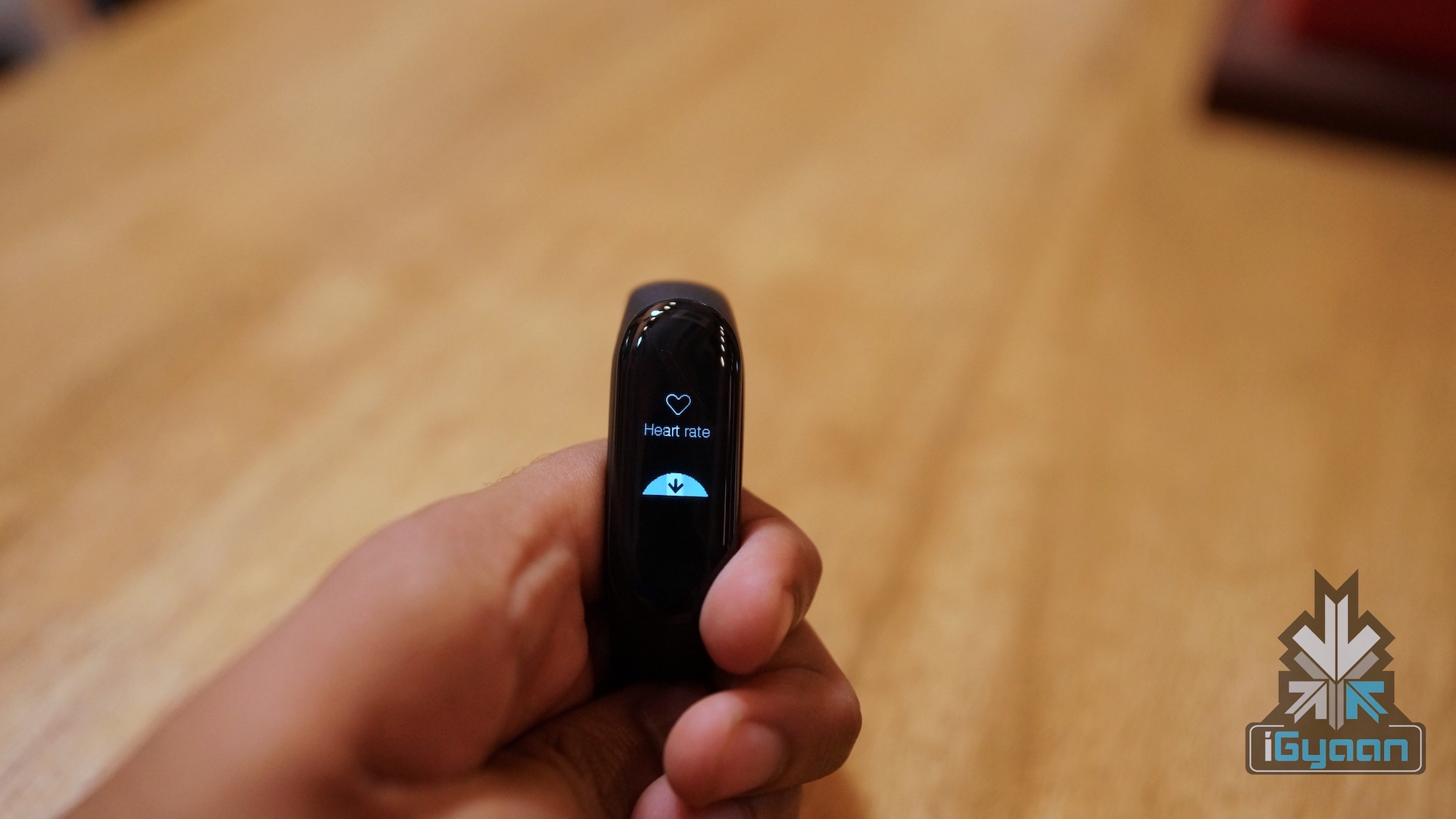
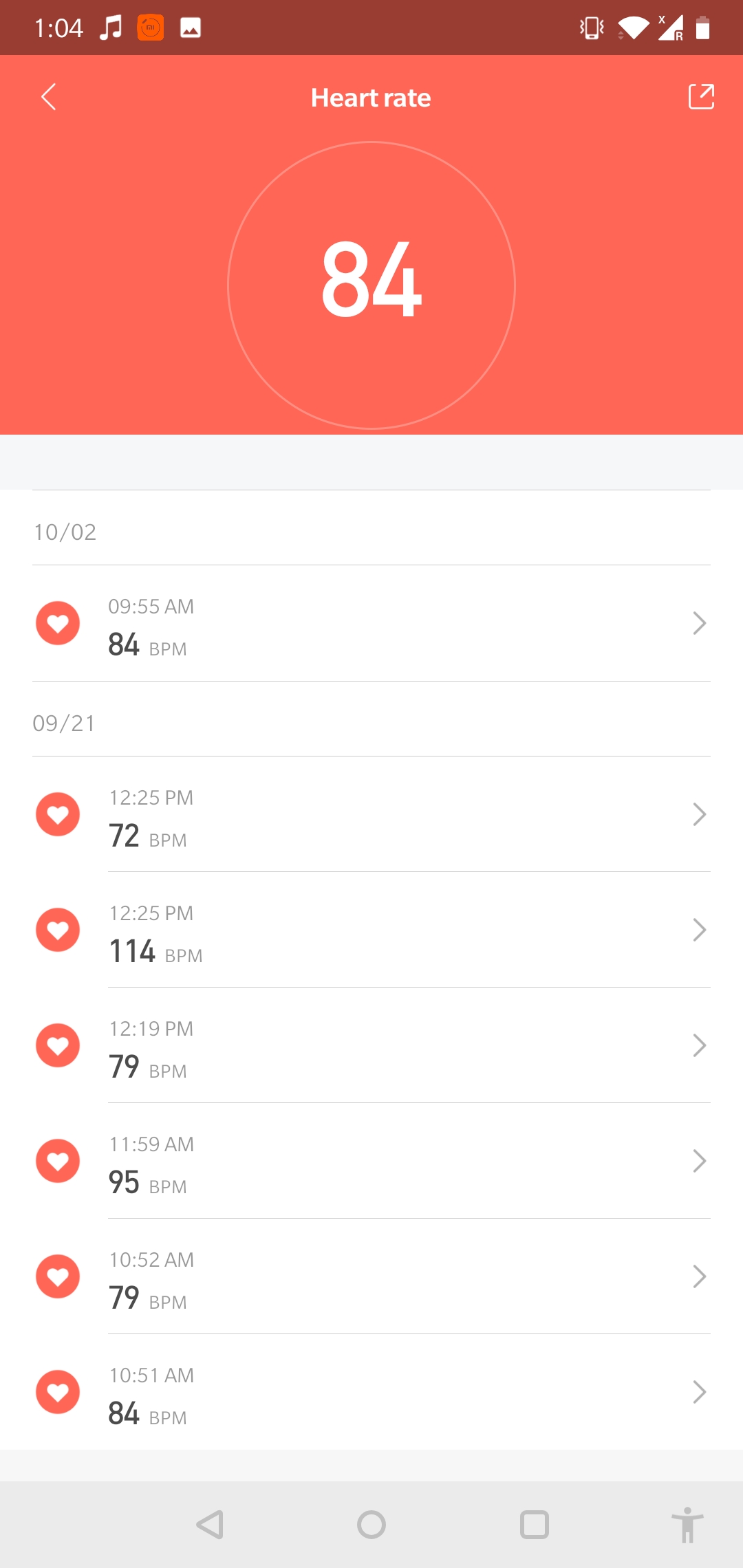
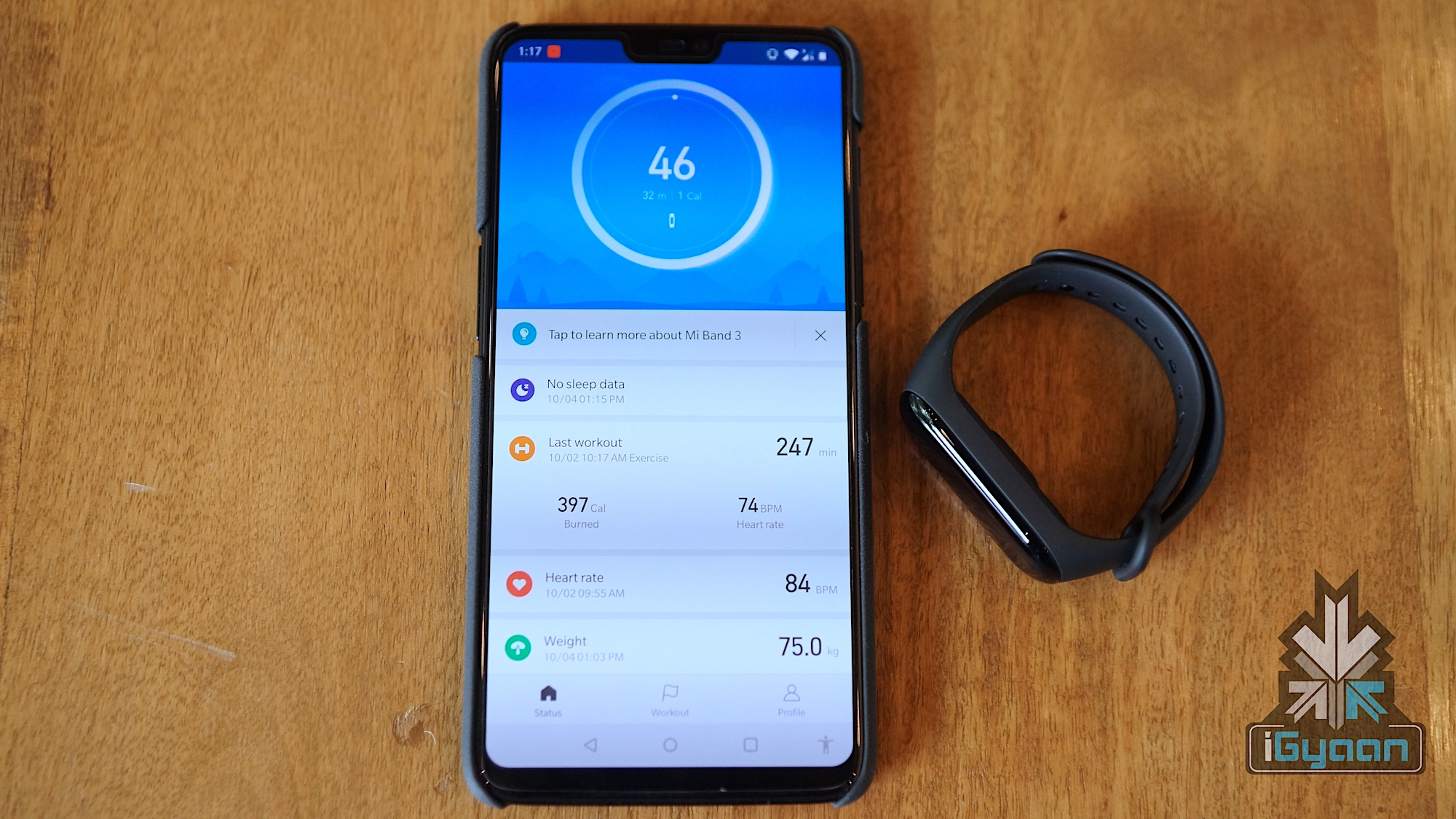
Essentially being a fitness tracker, the Mi Band 3 packs a lot of features. It features a heart rate sensor, which is a definite improvement over that of the Mi Band 2. The heart rate sensor was surprisingly accurate on many occasions. On comparing the data with that of the Apple watch, we found the readings to be identical. Through the app, you can view your heart rate data and keep a track of it over days and weeks. The heart rate sensor is a good feature for people with health issues or those who are simply health conscious.
However, it is not recommended to be fully dependant on the data for an accurate depiction of your health. The heart rate sensor also takes quite a toll on the battery life of the Mi Band 3. Frequent use of the feature will bring down the battery life of the device to a couple of days. On the flip side, not using the feature so much will ensure a better battery life.
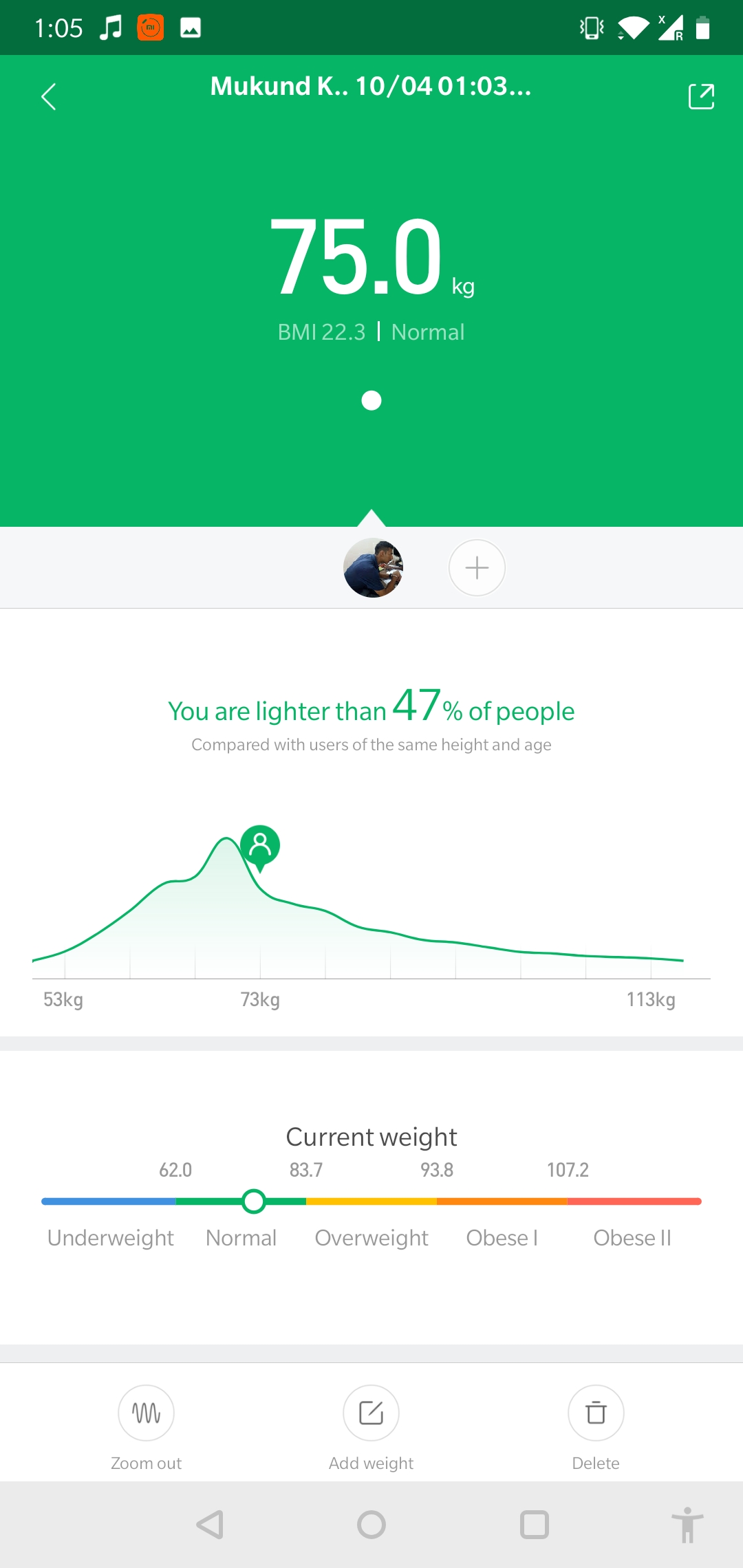
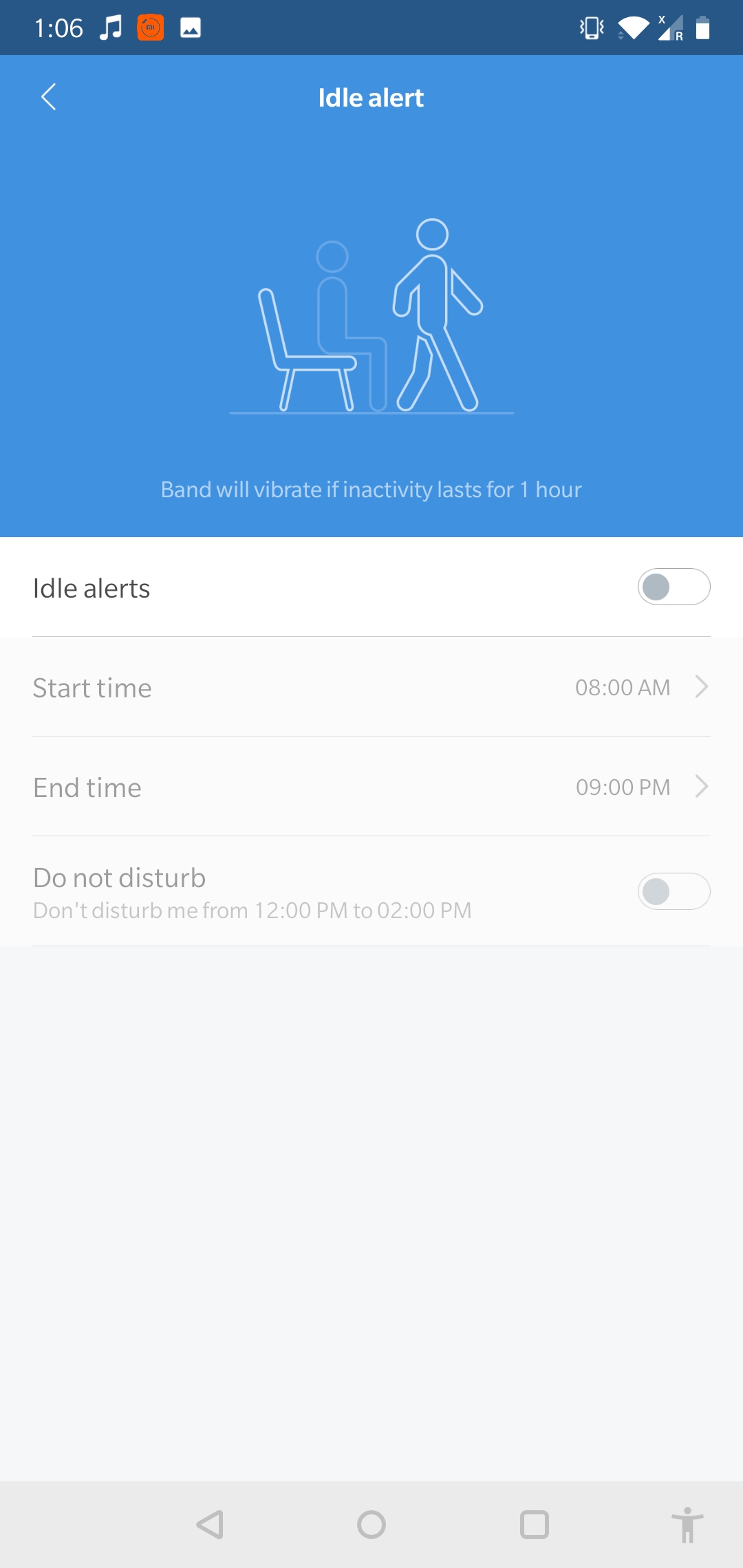
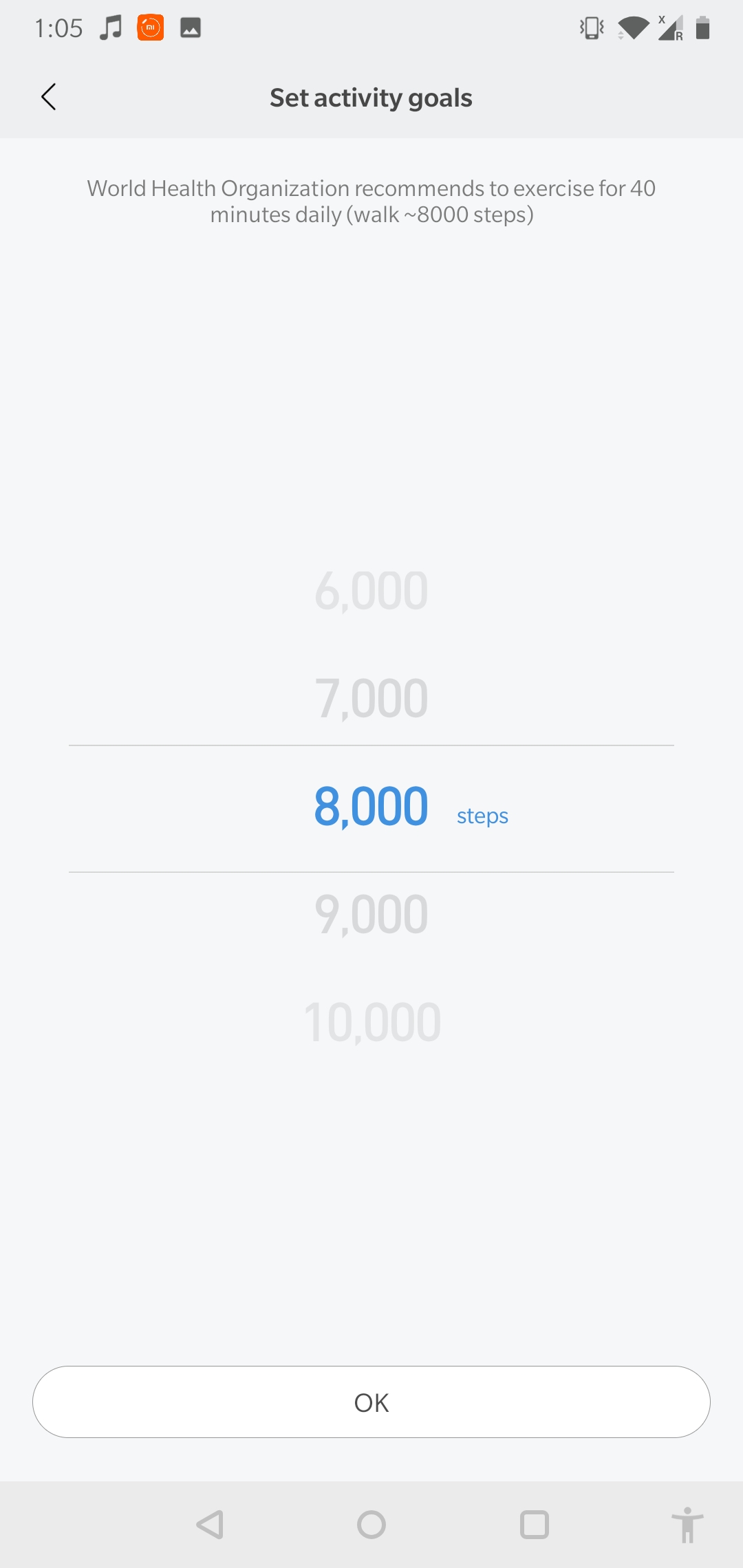
The device has a pedometer, a calorie tracker and a distance tracker. The pedometer is still not very accurate and sometimes records steps even while you’re just sitting. However, while you’re on the move, it does provide pretty accurate data. Additionally, you can also add a step goal through the app. You can also set a weight goal. The app does not help you reach these goals much but does give you a summary of your activities for the day and how much closer you are to your goal. You can also program the app to give you hourly reminders to get up and move if you’ve been sitting for too long.
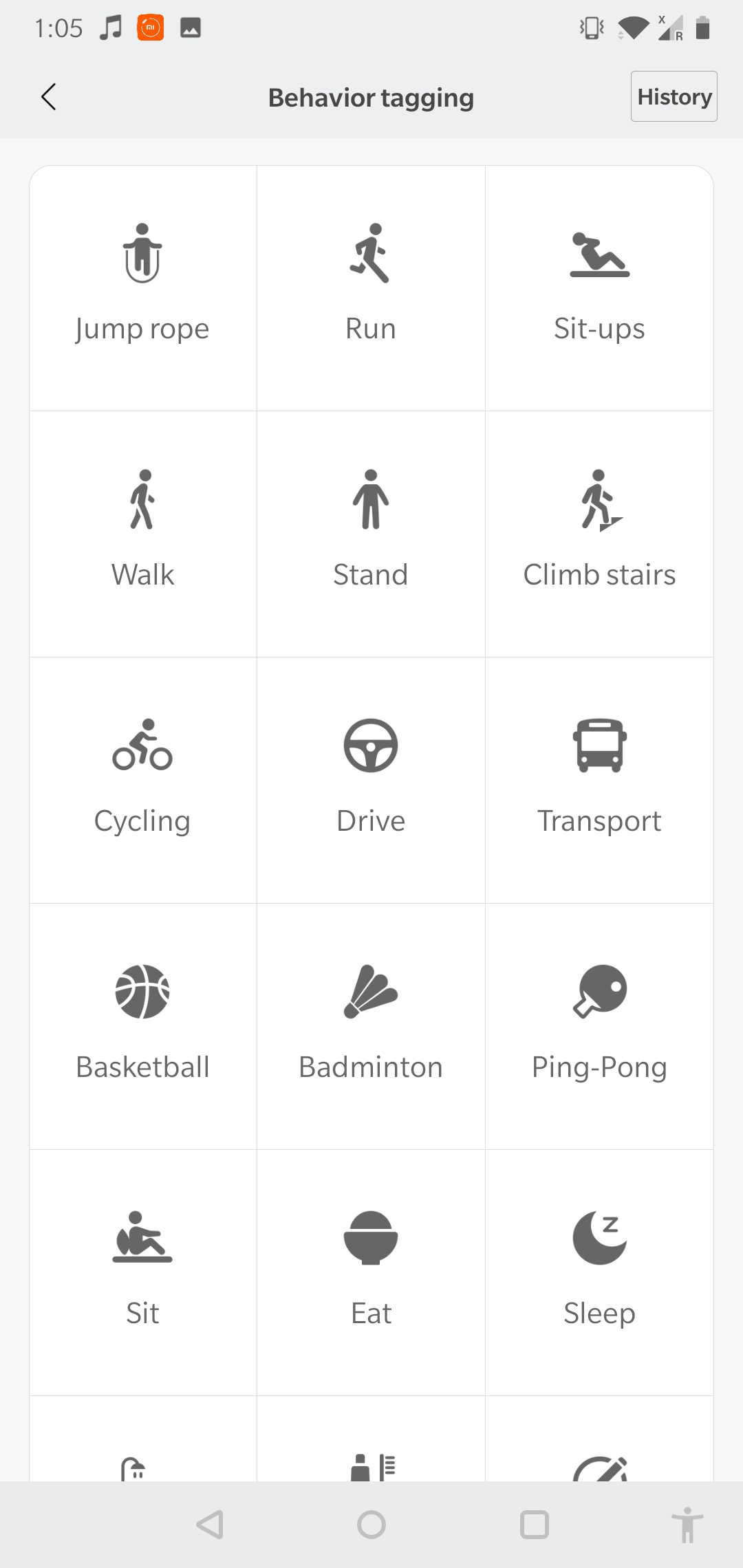
Also featuring on the Mi Band 3 is a dedicated exercise mode. This is a letdown as the exercise mode is not at all specialised and just records the duration of your exercise and the number of calories you burnt. There is no option to define what kind of exercise you did, nor does it give you any comprehensive feedback. A ‘solution’ has been provided for this under the behaviour tagging section in the app. This lets you tag your activity for a certain duration or time period under various options such as running, swimming, badminton, etc.
With the Mi Band 3, you also get sleep tracking. The band tracks your sleep and gives you a comprehensive breakdown of the quality of your sleep. It divides your sleep into various parts such as ‘deep sleep’, ‘light sleep’ and more. The app also allows you to record how you feel when you wake up. This helps you track your sleep and accordingly make changes in your schedule. The Mi Band 3 also has a stopwatch, which is useful during a workout or a run.
Apart from the above-mentioned features, you can also add friends through the app. This is done by scanning the QR code on the app. Once you have added someone as your friend on the app, you can then track their activities and oddly enough, their sleeping patterns. Xiaomi claims a battery life of 20 days with the new Mi Band 3. But the battery life varies with how much you use it and what features you use. The heart rate sensor takes a toll on the battery and the band may just end up lasting for around a week with intense usage.
[section label=”Notifications”]
Notifications
Another upgrade with the Mi Band 3 is the notifications feature. Now, you can receive all the notifications that are on your phone, directly to the Mi Band. This eliminates the need to keep your smartphone with you all the time or keep checking it. You can choose and add those apps from which you want to receive notifications. You can receive WhatsApp and text messages. These notifications are read-only and there is no way to reply to them through the band. Similarly, you get a notification when someone is calling you, however, you can only reject the call and not answer it or talk back through the Mi Band 3. You need to connect the Mi Band 3 to your smartphone via Bluetooth to do this.
[section label=”Standalone Tracker”]
Standalone Tracker
However, one does not always have to keep their phone connected to the Mi Band 3 via Bluetooth. You can also use the device as a basic fitness tracker. It will give you access to features such as the pedometer, heart rate sensor, calorie tracker and stopwatch. You will not be able to receive notifications and the data from your Mi Band 3 will not sync with the app until your phone is connected to the device. Being connected to the Mi Band 3 does not mean that you cannot connect to another device via Bluetooth. If your smartphone has Bluetooth 4.0 or above, it will connect to another device while being connected with the Mi Band 3 at the same time
[section label=”Verdict”]
Verdict
For a price tag of Rs 1,999, there is only so much that a device can offer. But the Mi Band 3 actually offers much more. Despite the fact that it is a budget fitness band, it does not lag behind in terms of features. Most of the features in the band are as effective as they are attractive. So if you’re looking for a fitness band on a budget, the Xiaomi Mi Band 3 is the way to go.
The sixth generation of Motorola’s highly acclaimed Moto G series has launched in India. The Moto G6, initially launched back on Apilr 19th in Brazil has made its way to India for a starting price of Rs 13999. The Moto G6 is the successor to the Moto G5s which was launched in August 2017 and it will go on sale via Amazon exclusively.
The Moto G6 is a significant upgrade over the Moto G5s in terms of design and build quality. During the Moto G5s launch, there were premium smartphones with the 18:9 aspect ratio but, not many budget devices had adopted the feature. Since then, however, the 18:9 aspect ratio has become the norm across the board. The Moto G6 follows the norm as well and has thin bezels around the display with an 18:9 aspect ratio.
Ever since Apple got rid of the headphone jack on the iPhone 7, the interest in Bluetooth earbuds has increased a lot. To counter the lack of the headphone jack, Apple launched the AirPods, a pair of truly wireless earbuds which have been well-received. Many companies followed that up by launching their own take on truly wireless earbuds. Air Nano By CrazyBaby is truly wireless earbuds that are priced at US$ 99 (Rs 6700 approx.) and are available in a bunch of different colours.
We have had the Air Nano By CrazyBaby for about two months. The earbuds are comfortable and come with a carrying/charging case of the same colour as the earbuds. With 5 minutes of charge, the case can provide up to 90 minutes of battery life for the earbuds which can be useful during crunch times. After a full charge, the earbuds provide up to 3 hours of music playback or 4 hours of talk time.
Unlike a majority of wireless earbuds, the setup process for Air Nano is very simple. You don’t have to pair the two earbuds with each other, which is a case for many earbuds in the market. The earbuds have Bluetooth 5.0 and a user has to simply turn them on and pair them with their smartphone. iPhone users will be able to see the battery life of the earbuds in the notification bar on top.
On the 28th of February, Amazon launched its Prime Music service in India. The new music streaming service joins the ever-growing list of music streaming services in India. While the likes of Saavn, Gaana, Wynk are free to use, Prime Music comes at a cost. It is exclusively available for Amazon Prime users only. Unlike something like Apple Music where you pay just for the music streaming, you get services like Prime Video and free one-day delivery with Amazon Prime subscription. So, how does the Amazon Prime Music stack up in the real world? Let’s find out!
Subscription
Amazon Prime service was launched in late-2016 at Rs 499 per year. That, however, has now increased to Rs 999 per year. At first, the subscription meant free one-day delivery but, it soon launched Amazon Prime Video in India. Ever since then, the video streaming service has consistently added international and local Indian content which has been appreciated across the table. With Amazon Prime Music, existing users don’t have to pay anything extra and simply need to sign in using their Amazon account.
Essentially, when you renew your Prime subscription, you pay for three services which, in a grand scheme of things, is a pretty decent amount. While we would always love things to be free, the Prime subscription for these services is pretty good. However, the conundrum is for people who don’t have a subscription. In that case, if you just want a new music streaming service, then Amazon Prime Music does not make sense. For Android users, Apple Music has made some great changes recently and costs only Rs 120 per month. So, just the Prime Music on its own is not a great value proposition.
App And UI
The Prime Music app for iOS weighs in at about 65MB, which means people still using a 16GB iPhone should not have trouble installing this app. The Android version of the app comes with a similar weight. The app UI is pretty neat and simple. The dark theme is refreshing but, there isn’t an option to enable or disable it. The four toggles at the bottom help you navigate between offline music library, Alexa and recently search/played songs.
The app also has a few gestures involved. The now playing screen gets minimised into a circle between the four bottom toggles. Once minimised, you can drag the circle to the right to move to the next song or drag it to the left to move backwards. This is a nifty feature especially when you’re browsing songs within the app while listening to something else. Instead of pulling up the Now Playing screen or the control centre, you can shift between songs.
In Apple Music, the bottom bar has the option to skip a song or pause it but, no option to go back to a song. Also, gestures are the future, and the Prime Music app uses them pretty well.
One inexcusable feature missing from this paid streaming service is lyrics. While it is not a commonly used feature, it should be available for users who pay for a music streaming service. Apple Music, for example, has this feature and so does Gaana, which is, in fact, a free streaming service. Maybe, the feature will be added in a future update.
Music Library
Amazon has not been open about the total number of songs in its library. Hence, it is not possible to compare it with other services like Apple Music or Google Play Music. But, what we can say is that we found almost all the songs we searched for. Right from Where’s My Man by Velvet Underground to Attention by Charlie Puth. That, usually, is the litmus test for music streaming services if it can find a very old song and a very new song.
The interesting feature of Amazon Prime Music is its local language music. We were able to find the Telugu song Blockbuster and the Kannada song Gamanava. What we were not able to find was indie content by Indian musicians. This is where Saavn is excelling thanks to its Saavn’s Artists Original division. So, if you are into indie music and mainly independent Indian artists, then the Prime Music library won’t suffice.
Like a lot of other music streaming services, it also has curated playlists that get more accurate with more usage. We listen to a lot of classic rock and a few curated playlists had some great songs that we hadn’t heard of. And honestly, there is nothing better than to discover new songs that become an instant favourite. For example, we discovered Today by The Smashing Pumpkins and it is now a part of every playlist we listen to here.
Alexa within the app is a hit or a miss. Unless you have an Echo device or can’t type, Alexa remains unused. A lot of the times, Alexa fails to recognise a song we ask for and then just delays the time for us to start playing that song. Even famous songs like Thats The Way by Led Zeppelin was not recognised by Alexa in our daily usage.
At the end of the day, a music streaming service without a lot of music titles is a failure. Amazon Prime has most of the songs people would commonly listen to. But, the lack of independent music artists means that many young listeners would choose a different service.
Verdict
It is pretty simple, if you have an Amazon Prime subscription, then the Prime Music is great. You essentially have a music and video streaming service for a price of Rs 999 per year. Compared with Apple Music’s Rs 120 per month and Google Play Music’s Rs 99 per month, and Prime Music is a steal! But, is it worth spending a thousand rupees just for the music streaming service? No. There is Saavn that has good independent music titles and is a free service albeit, annoying ads.
At the end of the day, the Amazon Prime Music as a package with other Amazon services is a great deal. On its own, it will be hard to convince customers to pay for it.
With several television brands in the country trying to cash in on the big screen market, Xiaomi has finally launched their Mi TV 4 in India. The LED panel is Xiaomi’s first entrant into the market of television displays in the country but not the last. The television goes on sale on the 22nd of February at an aggressive price of Rs. 39999. This price point allows Xiaomi to capture a market that traditionally chose smaller displays for a better feature set. But, is the Xiaomi TV worth the money? Let’s find out!
Design and Build
The Mi TV 4 has a brilliant design with minimal use of materials. The panel is left mostly bare and is strengthened by a single sheet of brushed steel backing to Add support to the otherwise flimsy screen. At the thinnest point, the television is only 4.9mm thin. While the television does widen out at the bottom where most of the electronics are housed. The stand is also made out of solid metal and is extremely sturdy, with it the television weighs in at 17.8 Kilogram. Without the stand at a comfortable 17.2 KG, the television is easily wall mountable using the 400 x 200 mm bracket at the back. The wall mount is not included.
Stand
Wall Mounting screws
Design wise the television has a pleasing look. The TV is mostly black in colour with no real flashy materials and a subtle Mi logo at the bottom front. This allows the TV to fit into the best of living spaces. There is no doubt that most wouldn’t mind installing this TV in their homes.
The MI TV Supports HDR10
The Panel
The Mi Tv 4 uses a premium range 54.6 inch Samsung VA panel. It has a static contrast ratio of 6000:1 and a viewing angle of 178º (vertical and horizontal). The Panel boasts a 85% NTSC colour gamut which is more than its sRGB sibling, however not as wide as the P3 colour gamut now becoming popular. With a 3820 x 2160 px resolution, the panel boasts a solid pixel density of 80 ppi considering its 54.6 inch display size. The screen offers a 60Hz refresh rate (vertical frequency) and does also support HDR. This makes the Mi TV 4 a unique proposition at the price point it sells at.
The Smart TV
The Mi TV 4 runs Android TV with a MIUI TV skin and a Patchwall interface. This allows for Xiaomi to display content for viewers in a unique way. The included IR controller allows the TV to also natively control your Set Top boxes. Interestingly, almost all Set-Top box providers of the country are already supported.
Patchwall AI Allows For Better Content Curation
The Patchwall interface uses AI (according to Xiaomi) to display your content in easy to view boxes on the Home screen. What is also great is that the Mi TV 4 can display content not only from the streaming services but from your Set Top Box as well. So , if there is a show that you may want to watch, it will display the current run duration of the show and also the reaming time, so that you can decide whether you want to catch it now or wait for the Re-run.
Content-wise at the moment the MI TV 4 only supports content from Hungama Play, and does not presently support streaming apps like Spuul, Netflix or Prime Video. Because it is a Android TV based television we were able to Side-load the play store and Netflix on the TV, both of which did not run properly on the television.
IR Transmitter for Set Top Box
The Remote
Xiaomi is said to be working with providers like Netflix and Prime Video to get those apps fully available on the Mi TV 4 and that may happen soon.
Display Performance and Gaming Capability
The display despite being an EDGE LED lit panel has really good local dimming, and control over black levels. The colour reproduction is vivid and accurate, being based on the NTSC color gamut the TV supports a wide 85% range. You will truly enjoy the HDR experience on the TV if you can manage to get your hands on a device which will allow you to score some HDR content on this display. We used an Apple TV 4th Gen with 4k HDR and it works flawlessly. The television also supports Amazon’s Fire stick with 4K and HDR along with PS4 pro with HDR. Users can also easily connect and use traditional PS4 consoles or regular 1080p streaming or casting devices like Chromecast.
The Panel supports HDR10 and plays back Dolby Vision content. However, does not support the full range of Dolby vision. According to Xiaomi, if there is enough content and demand the company will enable Dolby-Vision on the panel, and it should co-incide with the enabling of apps like Netflix which stream Dolby Vision content. The display performance especially in HDR, with how much it enhances the viewing experience is truly impressive. The Mi TV 4 also has 3 HDMI 2.0 ports which means that you are future ready to plug in HDR capable devices into the unit.
Due to the 60hz refresh rate and an 8ms response time, it also makes for a good Gaming TV. But, definitely not something seasoned gamers will enjoy. There is an input lag of 38ms according to our testing.
However, for simply plugging in your PlayStation (especially Pro with HDR outputs) or connecting it to a gaming rig, the TV can add a giant screen experience to an otherwise dull gaming environment.
Conclusion
The Mi TV 4 is exactly what India needs to bring down the crazy prices of the TV market. The Mi TV 4 shows that quality panels can be manufactured at really user affordable prices and that they can perform equally well. Expect this TV to sell out quickly, and aggressively in every flash sale that the company holds. Once enough televisions are out there, streaming services like Netflix and Prime Video will have no option but to get on board.
With such a demand for this TV, also come a lot of questions.
FAQ
Does the Mi TV 4 run on Android?
Yes, the Mi LED Smart TV 4 runs on MIUI TV with a Patchwall AI interface which is based on Android TV. Patchwall is different from a standard Android TV UI and is definitely much more intuitive. It has features such as endless scroll and single page content display.
What is the Refresh Rate of the TV?
The refresh rate of the Mi LED Smart TV 4 is 60Hz.
What Streaming Services does the Television support?
Right now, the TV supports Hungama Play and YouTube (though a browser). Xiaomi has confirmed that it is working on bringing more content providers on board.
Does the Television support downloaded Apps?
No, you do not need to download any apps. Xiaomi has said that it will push out consistent updates and that users don’t have to manually update the TV. The TV will automatically get updated as long as it is connected to the internet. If and when Xiaomi adds Netflix, a new update will automatically add it to the list and you can simply just log in.
How thin is the Mi LED TV 4?
At its thinnest, the Mi LED TV 4 is only 4.9mm thick (or thin).
Does the Television work with Bluetooth Headphones?
The Mi TV 4 has Bluetooth 4.2, hence, it works with Bluetooth headphones and Bluetooth speakers. However, there is no headphone jack on the TV. It also works with Bluetooth receivers.
Does the Mi TV 4 come with a Soundbar?
The Mi TV 4 in China and certain other markets was launched with a sound bar. However, the Soundbar will be sold separately at a later date in India.
What is the Input Lag of the Mi TV 4?
The input lag of the TV is 38ms while the response time is 8ms.
Does the Mi LED TV 4 Support Sideloaded apps?
You can sideload apps, however, they are not working right now. Maybe the support will come in a future update. We tried installing Netflix and Google Play store, which did install, but, did not work.
Warning: Sideloading apps like Google Play services at this moment breaks the functionality of the TV.
Launched at a price of Rs. 29999, Honor took everyone by surprise with the pricing of the Honor View10. With a flagship HiSilicon Kirin 970 chipset, the Honor View10 has the potential to be the best smartphone in the under Rs. 30,000 price category and even compete with the likes of the OnePlus 5T and Mi Mix 2, both of them although, are priced much higher.
The Honor View10 brings in a few things that no other smartphone in this category or even a bit pricier than the View10 offers. With Honor’s focus on AI and superior camera quality, does the Honor View10 deliver on its price and is it the ultimate flagship killer? Let’s find out.


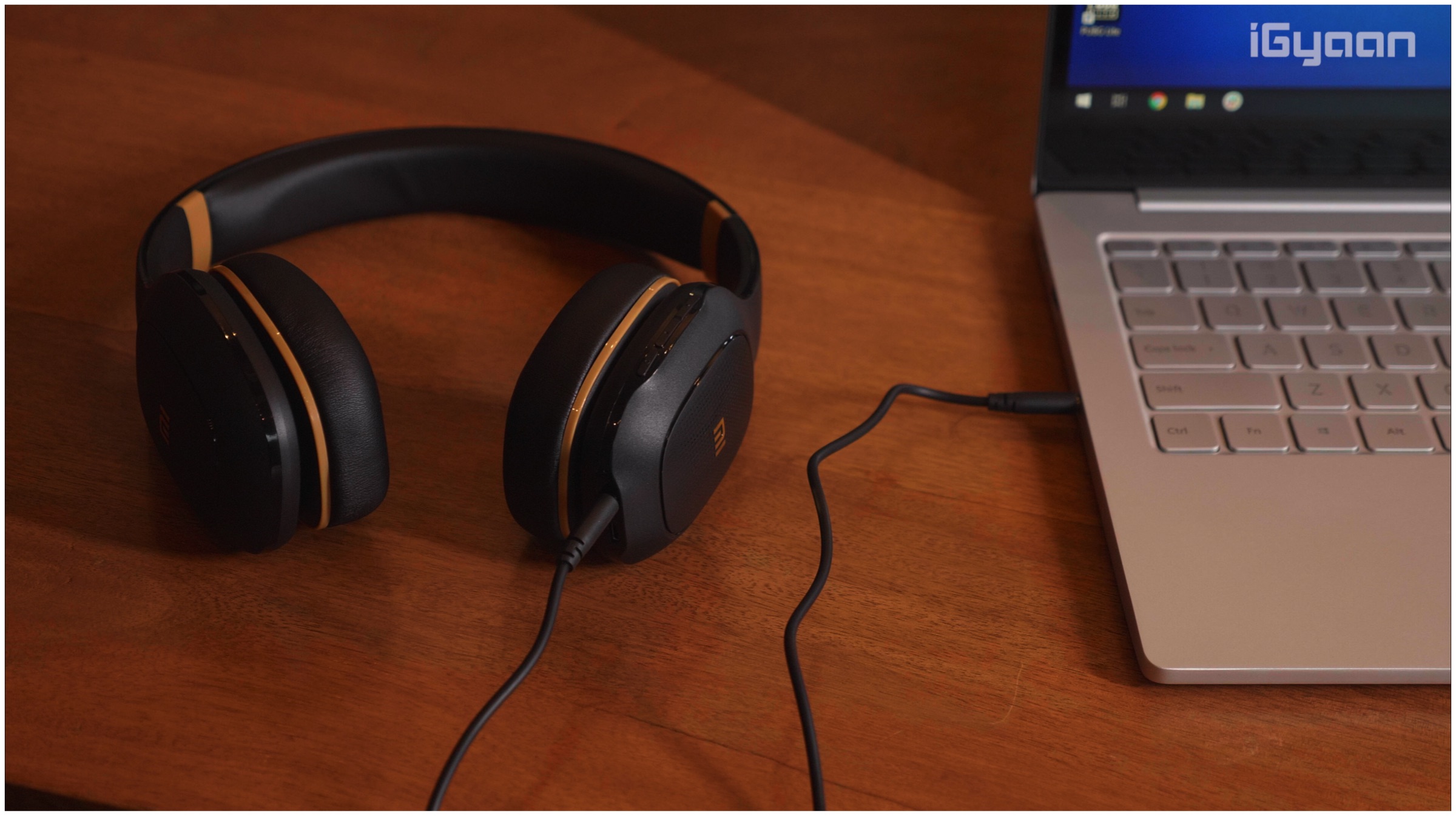
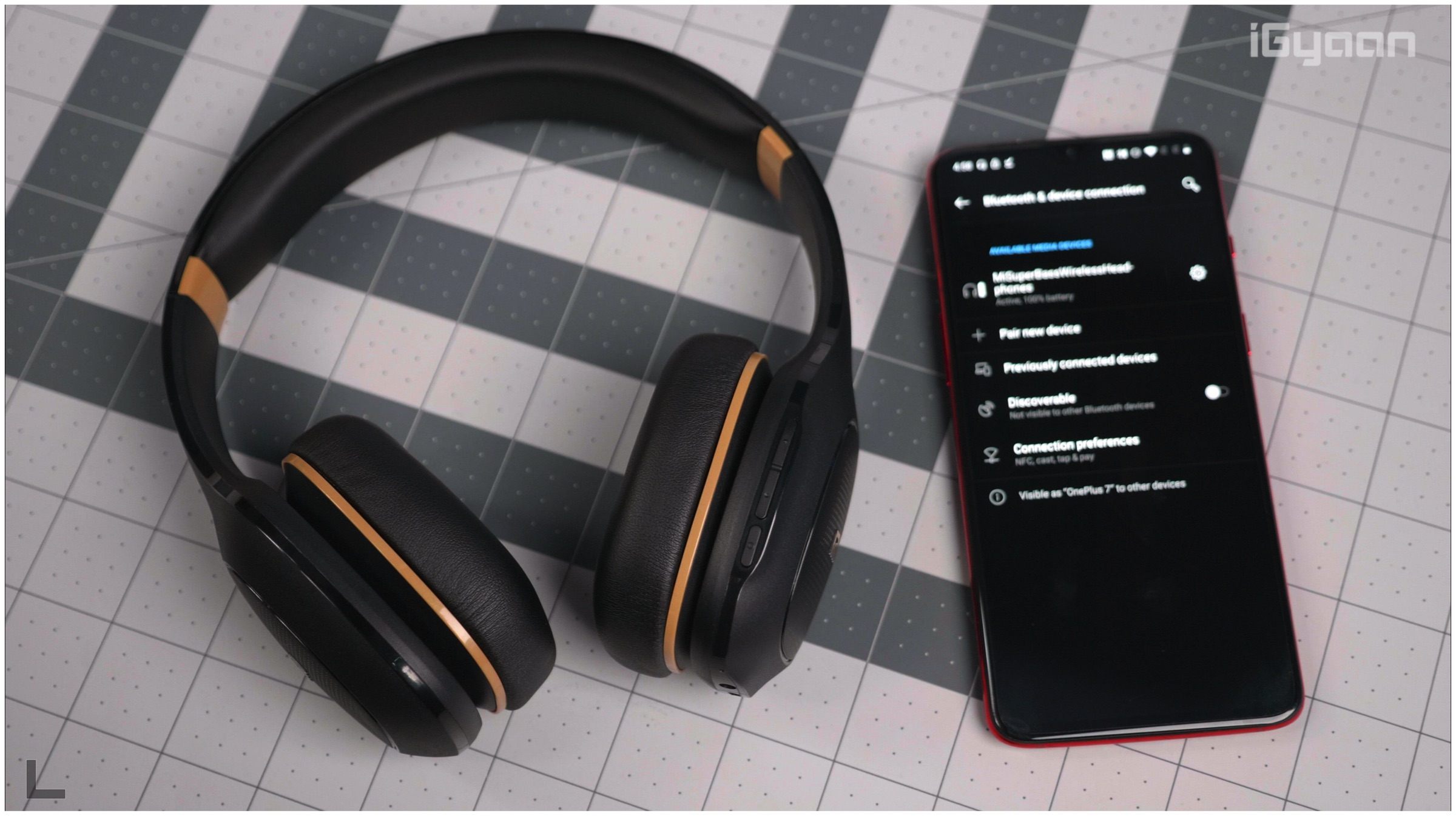
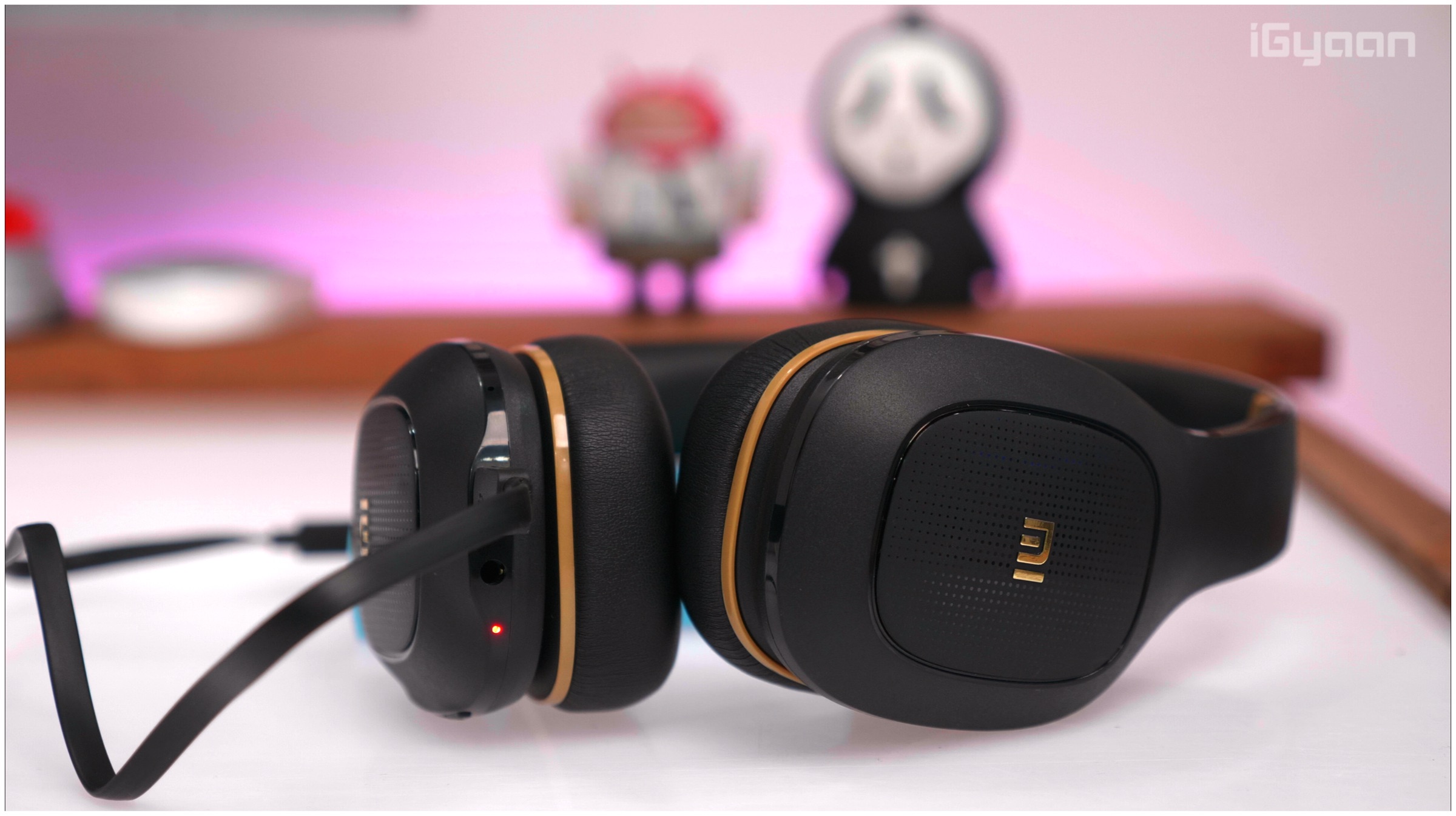
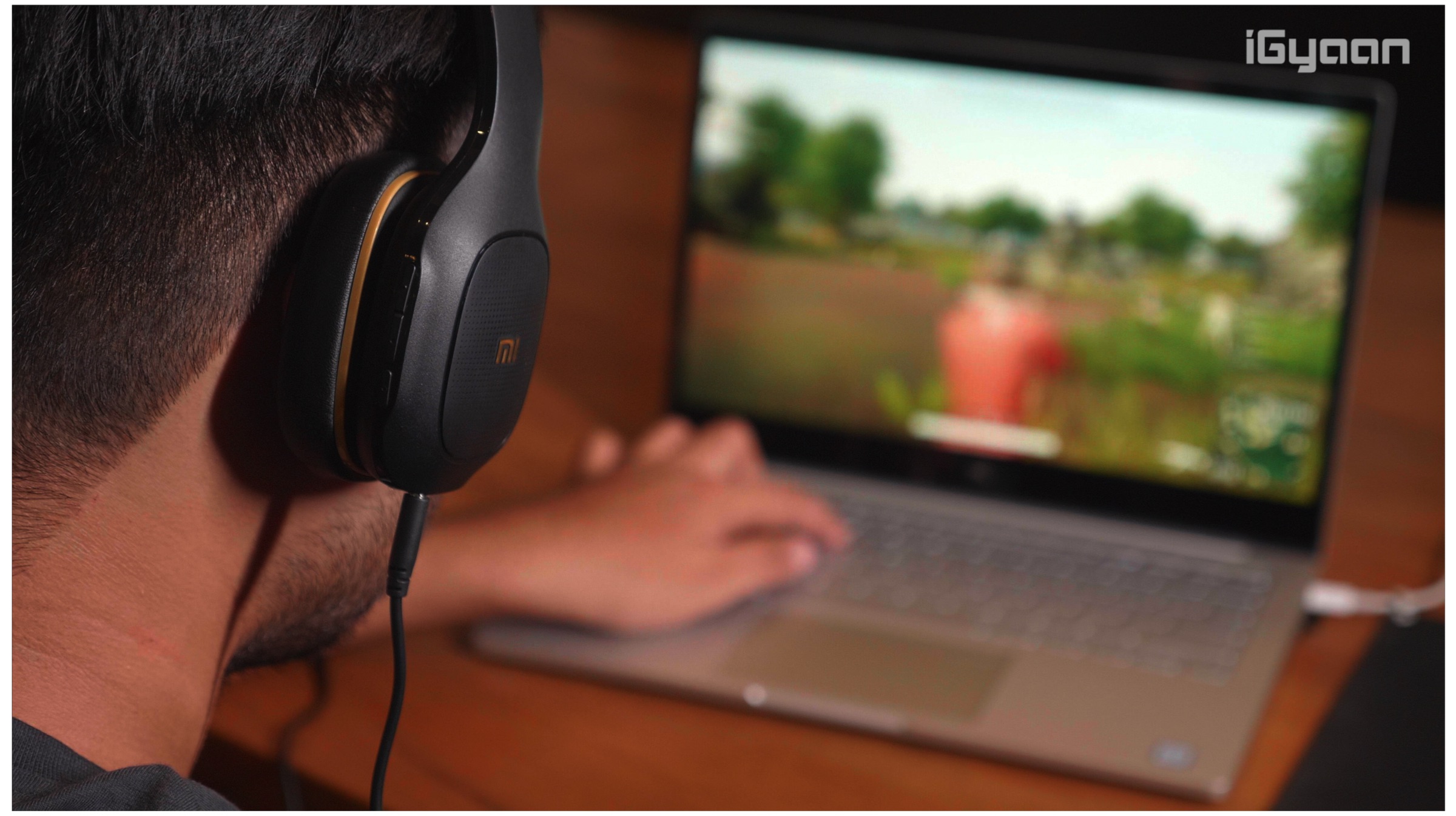
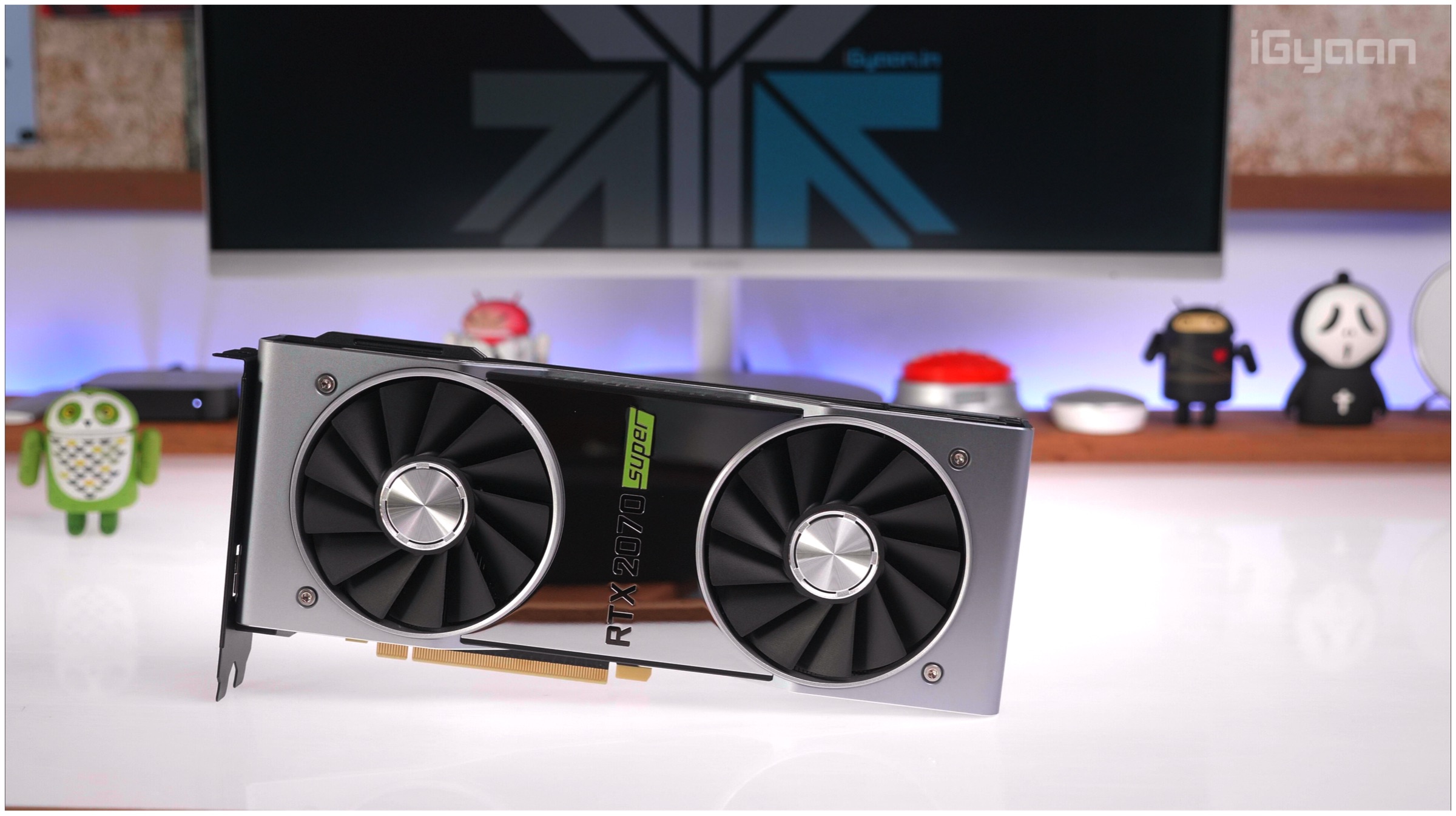
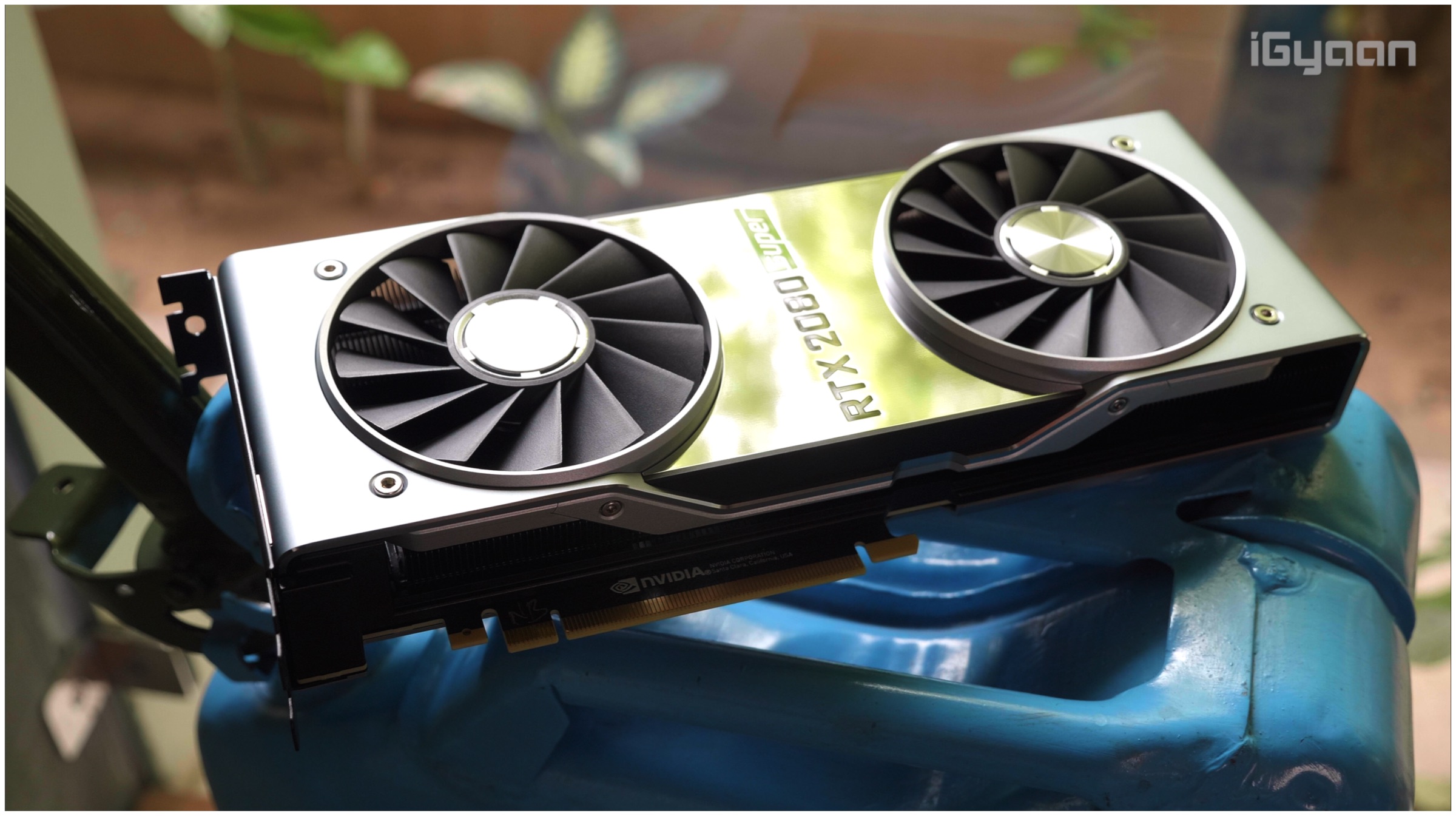
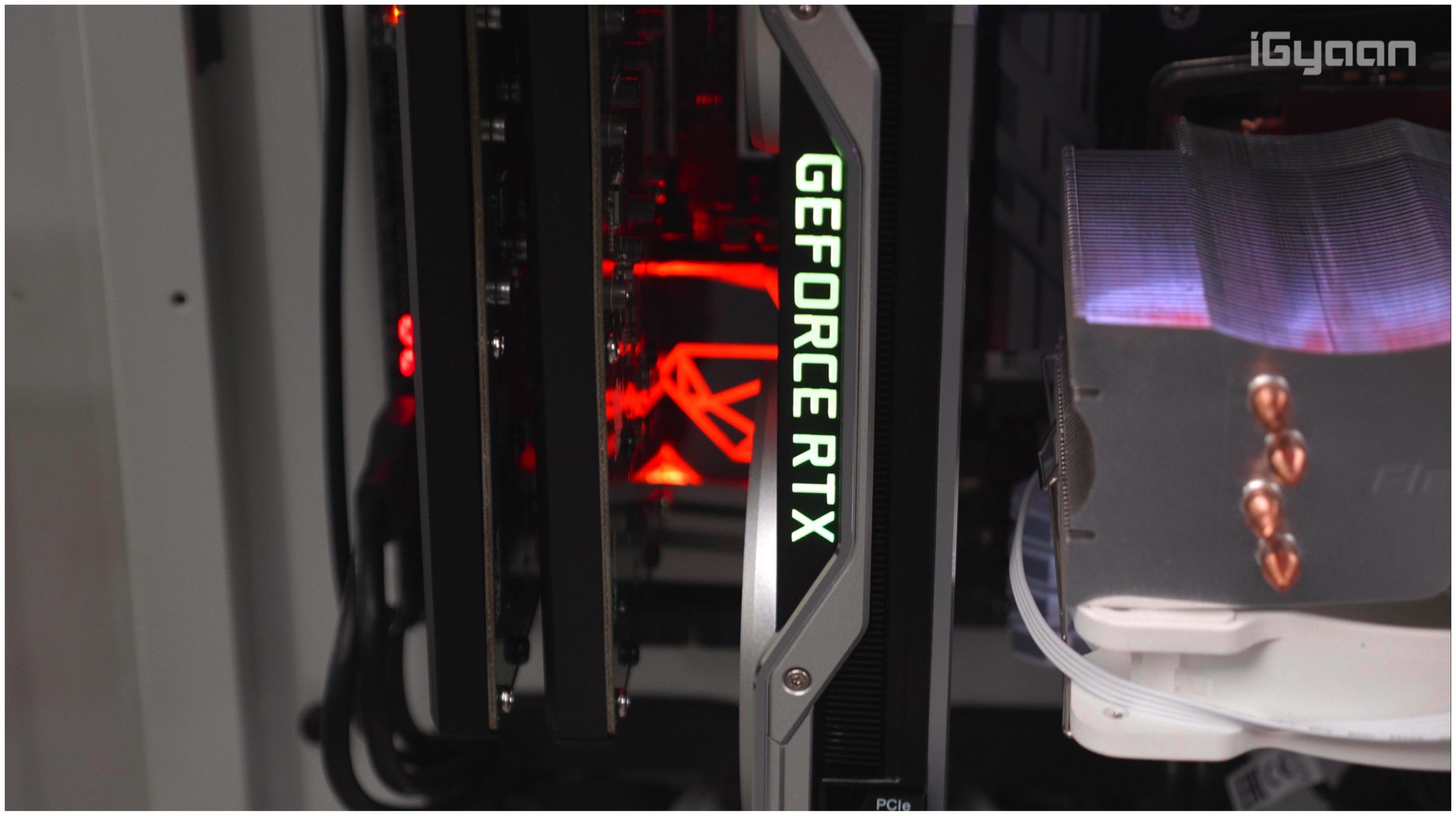
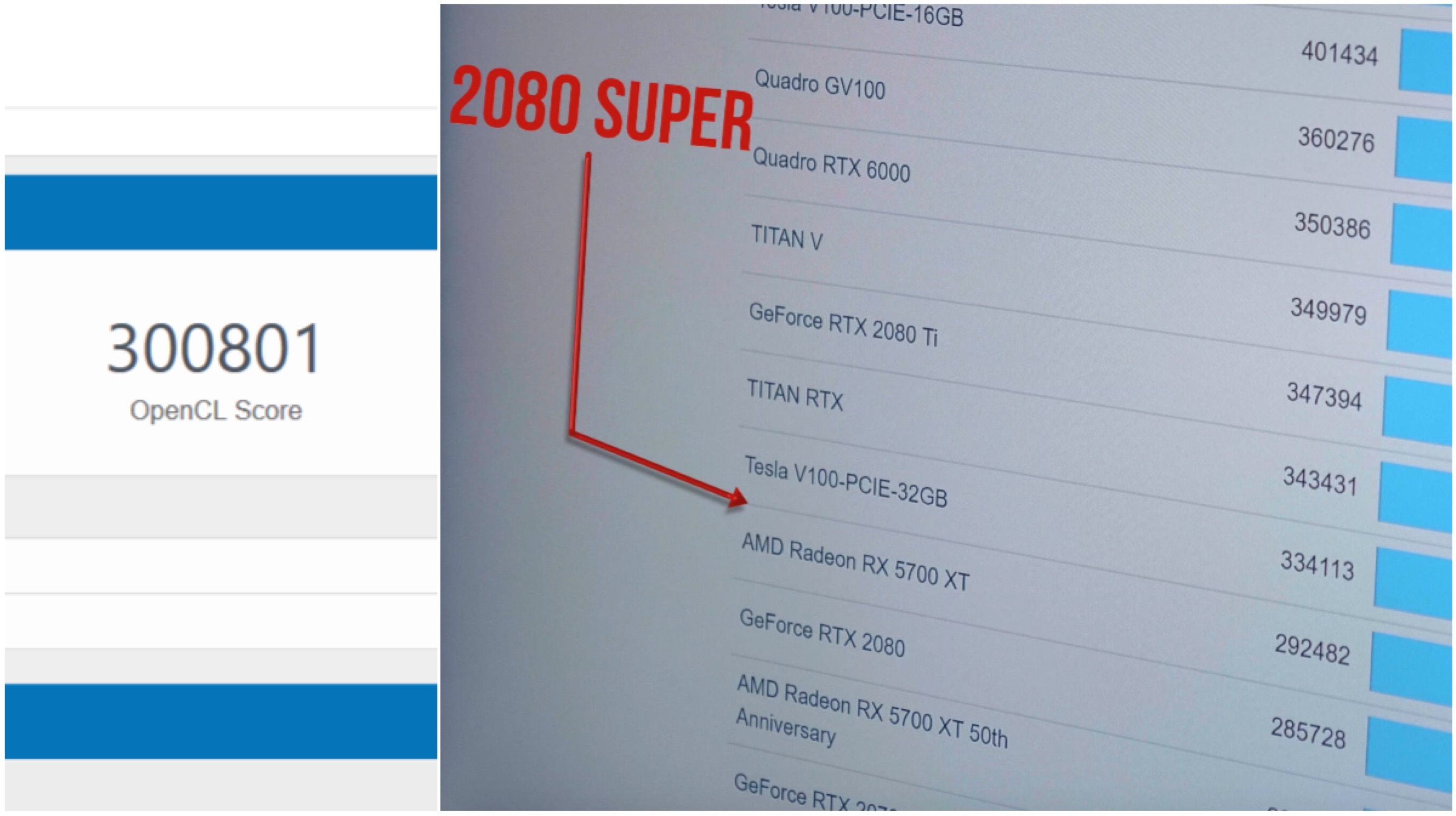
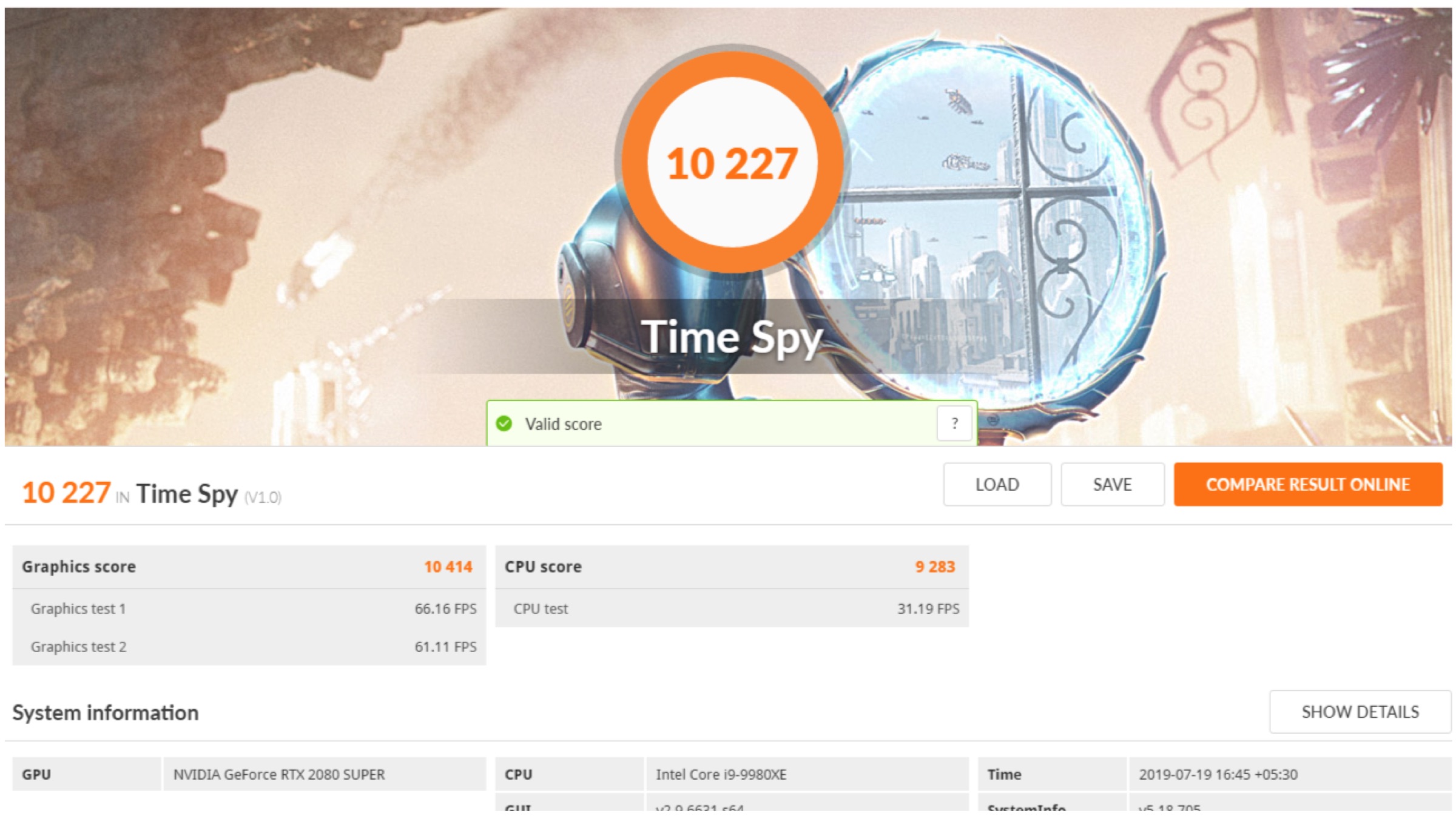
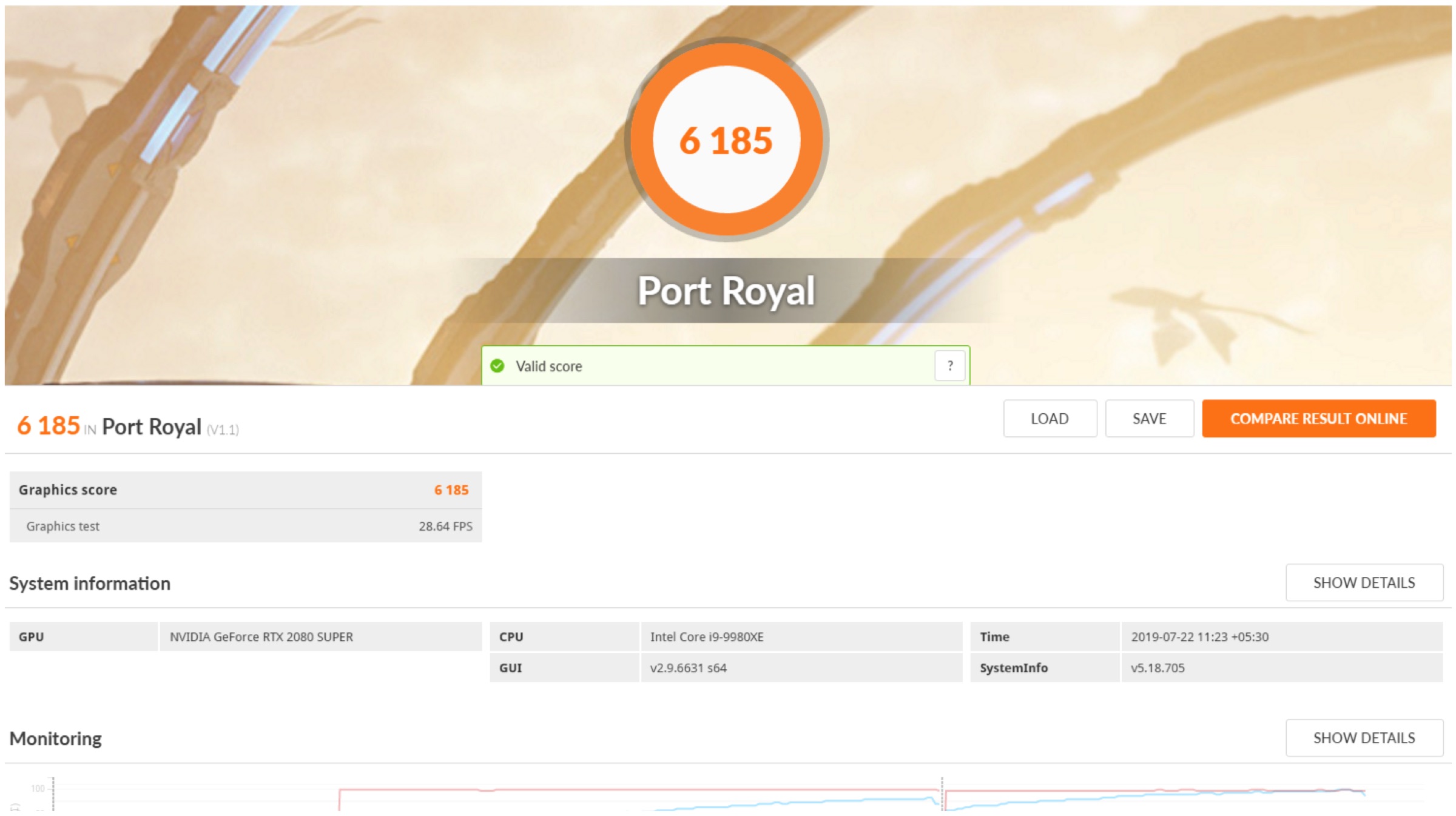
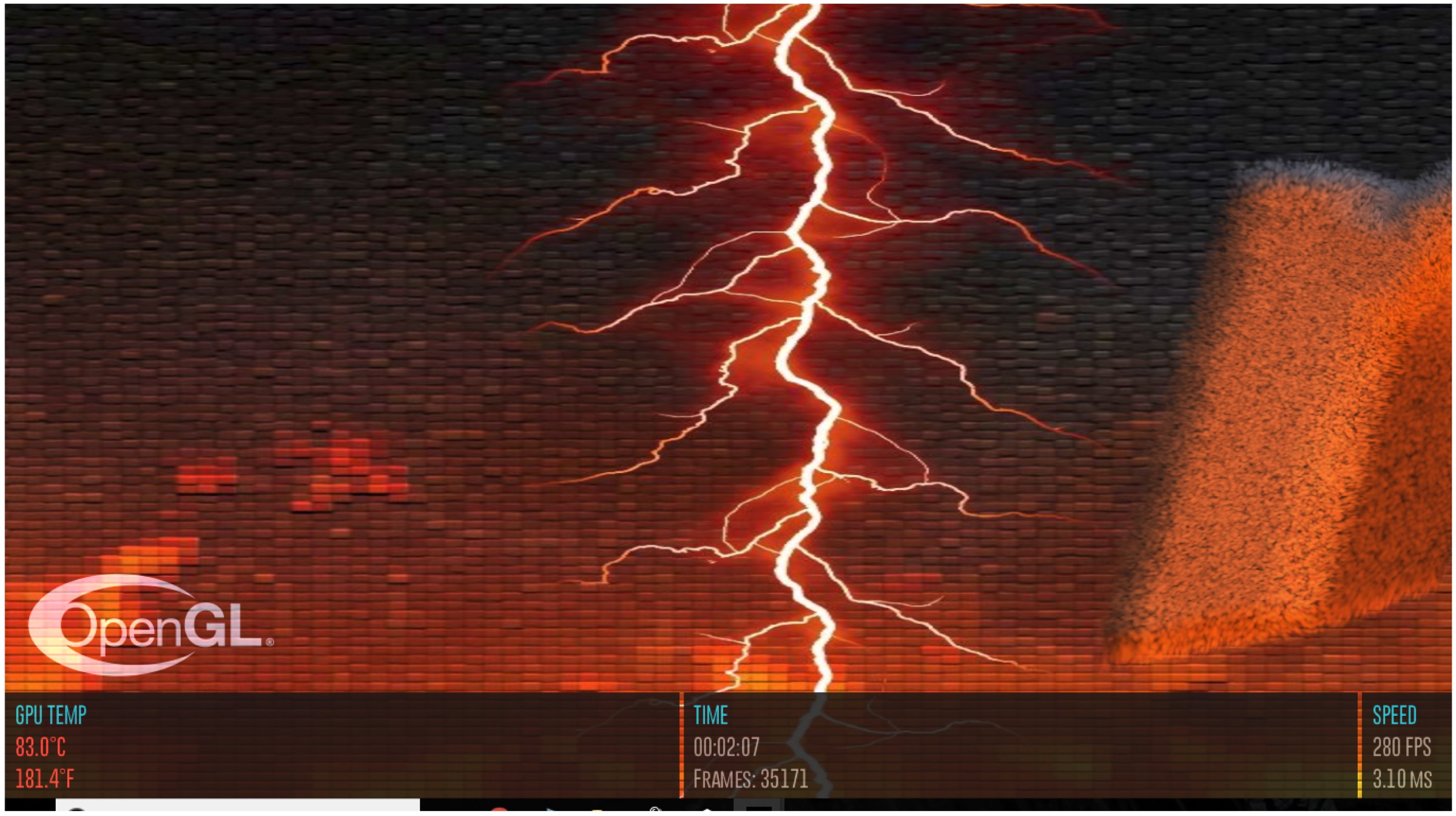
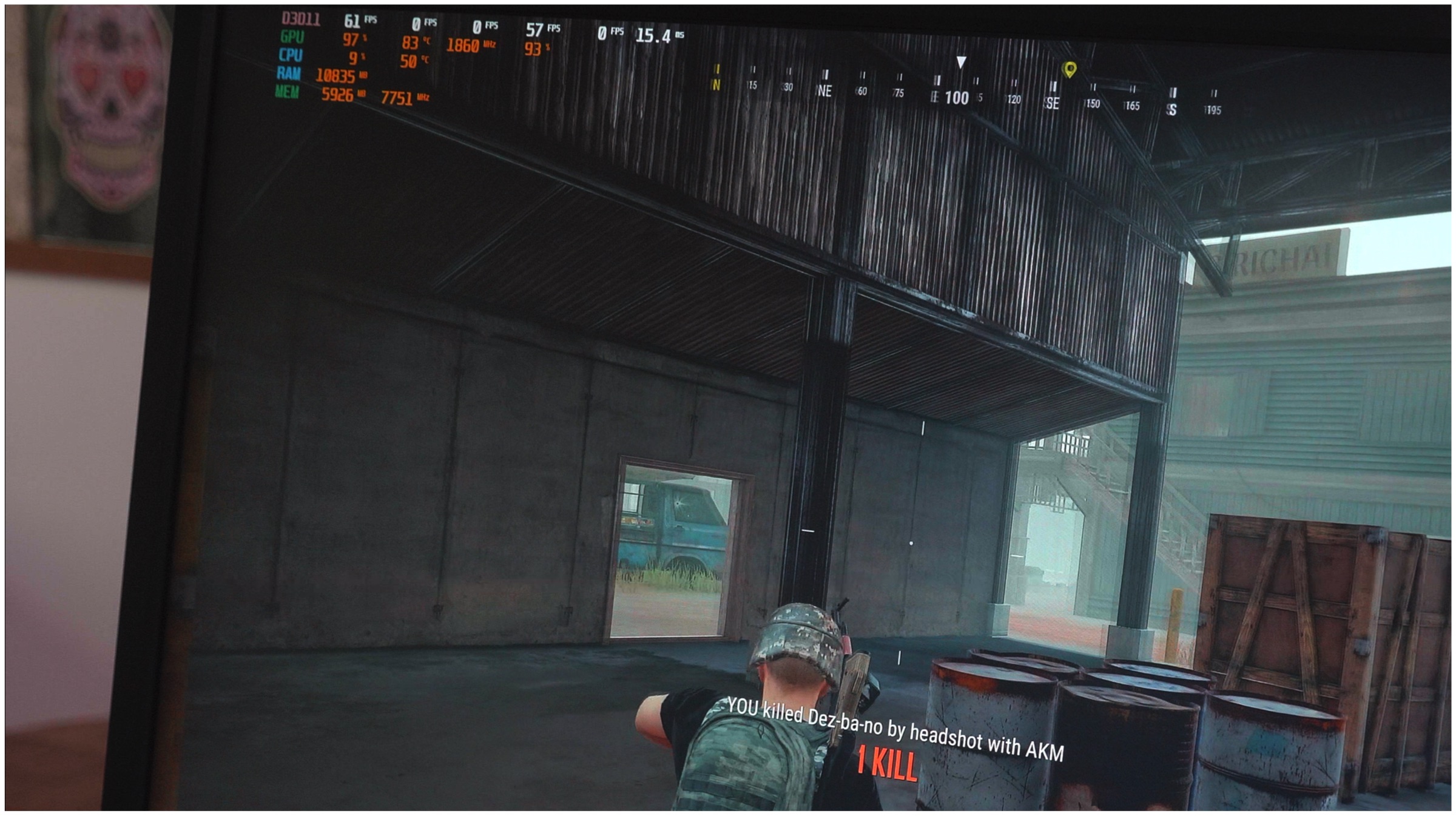
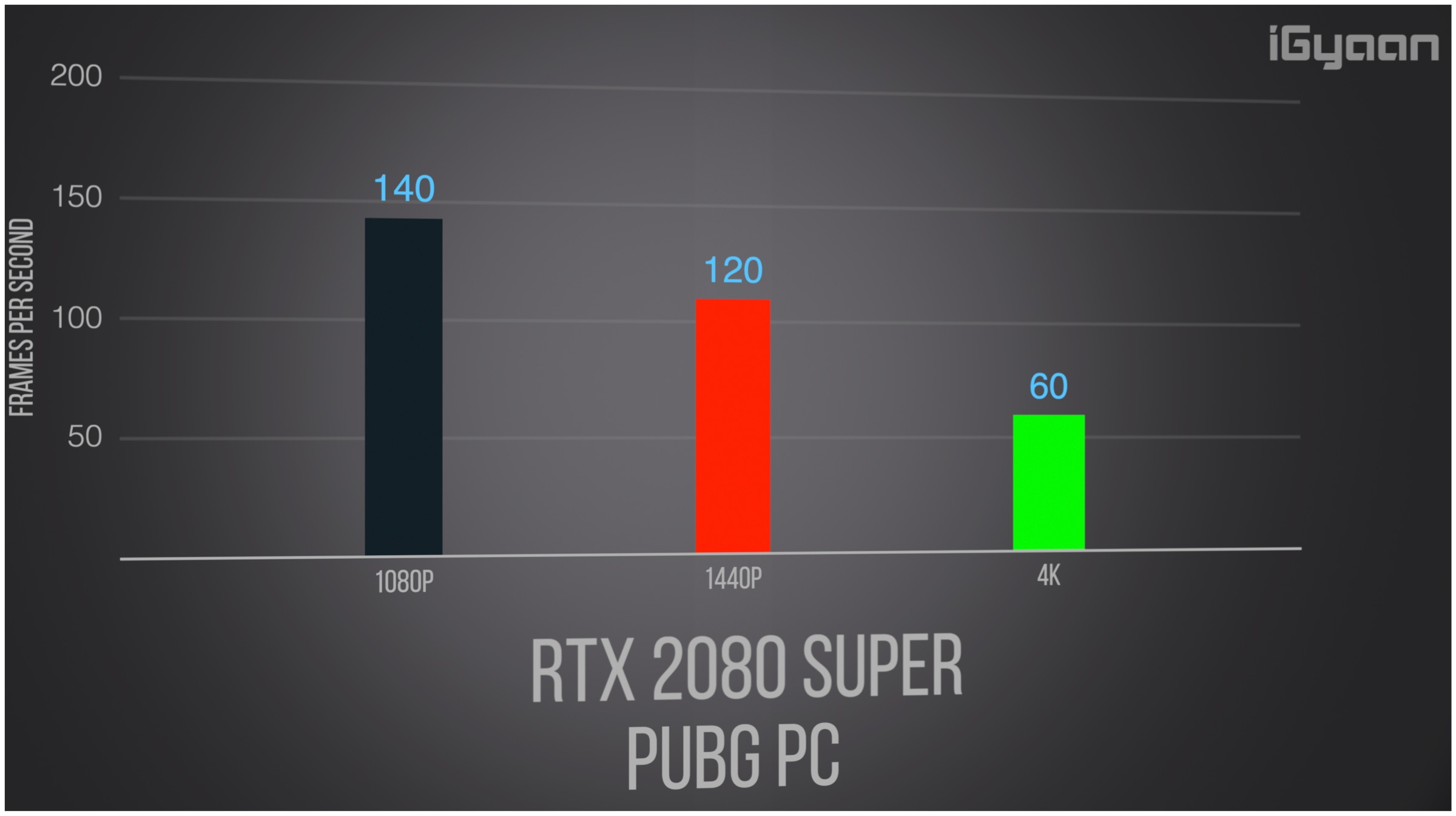
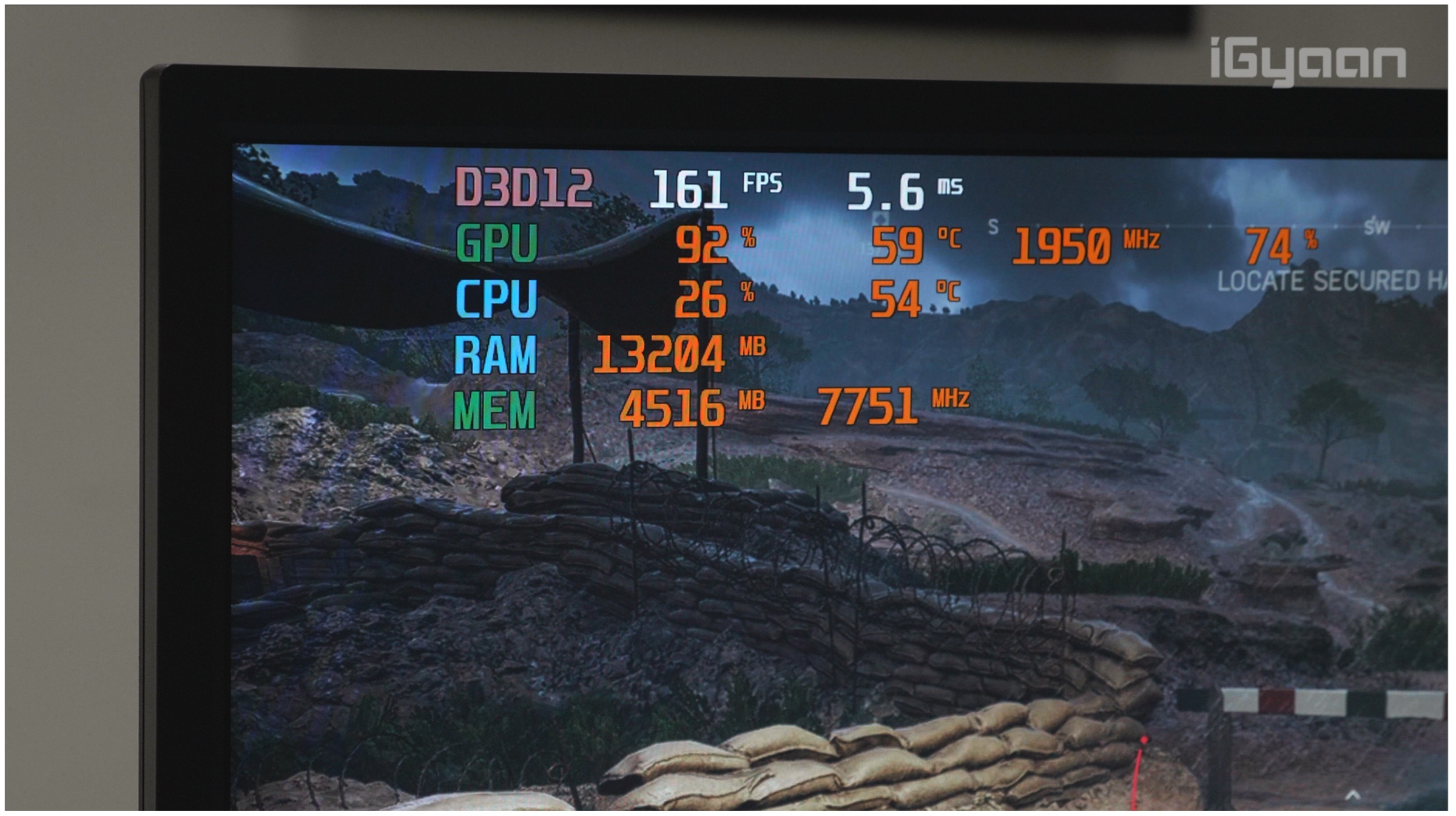
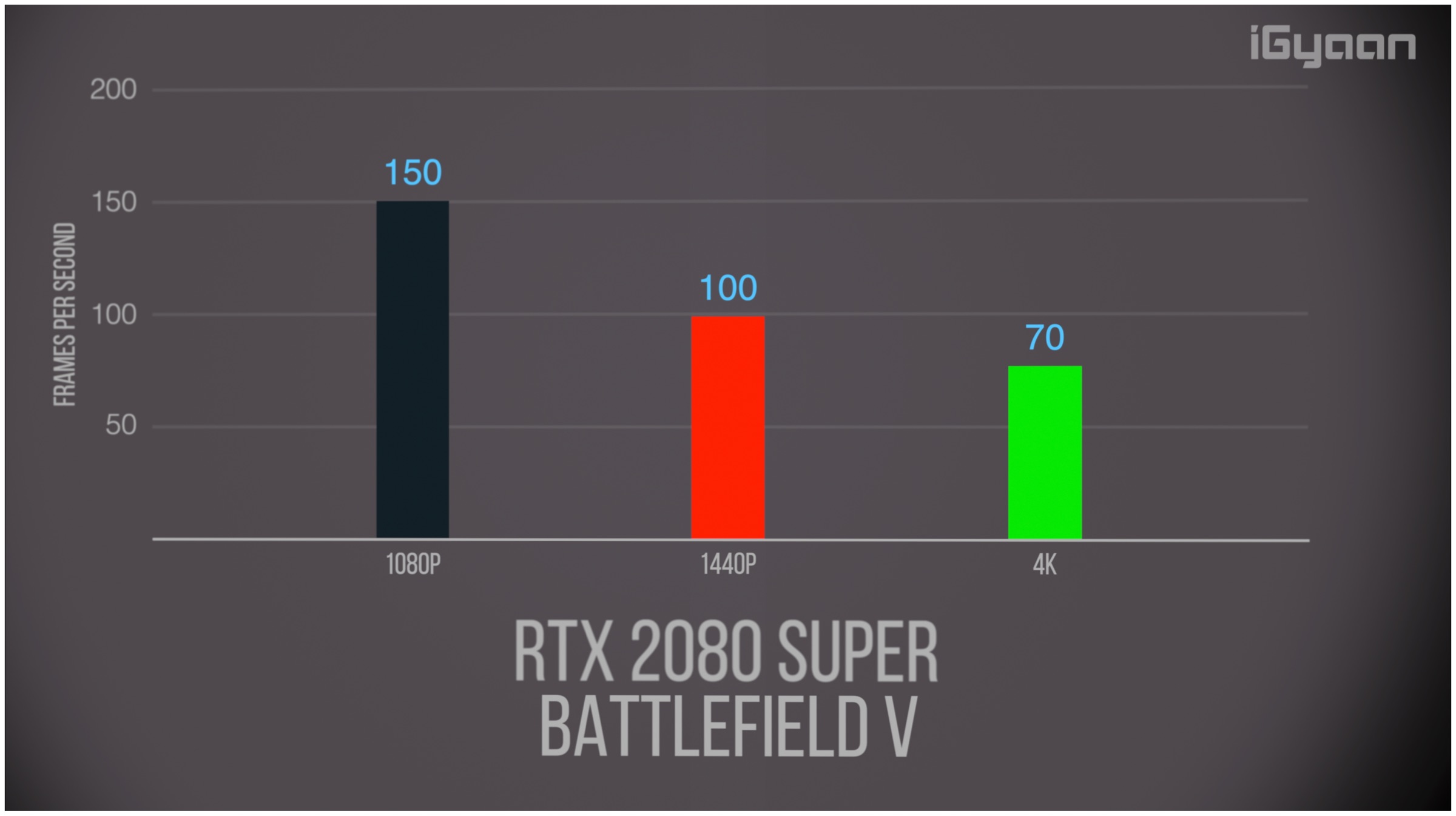
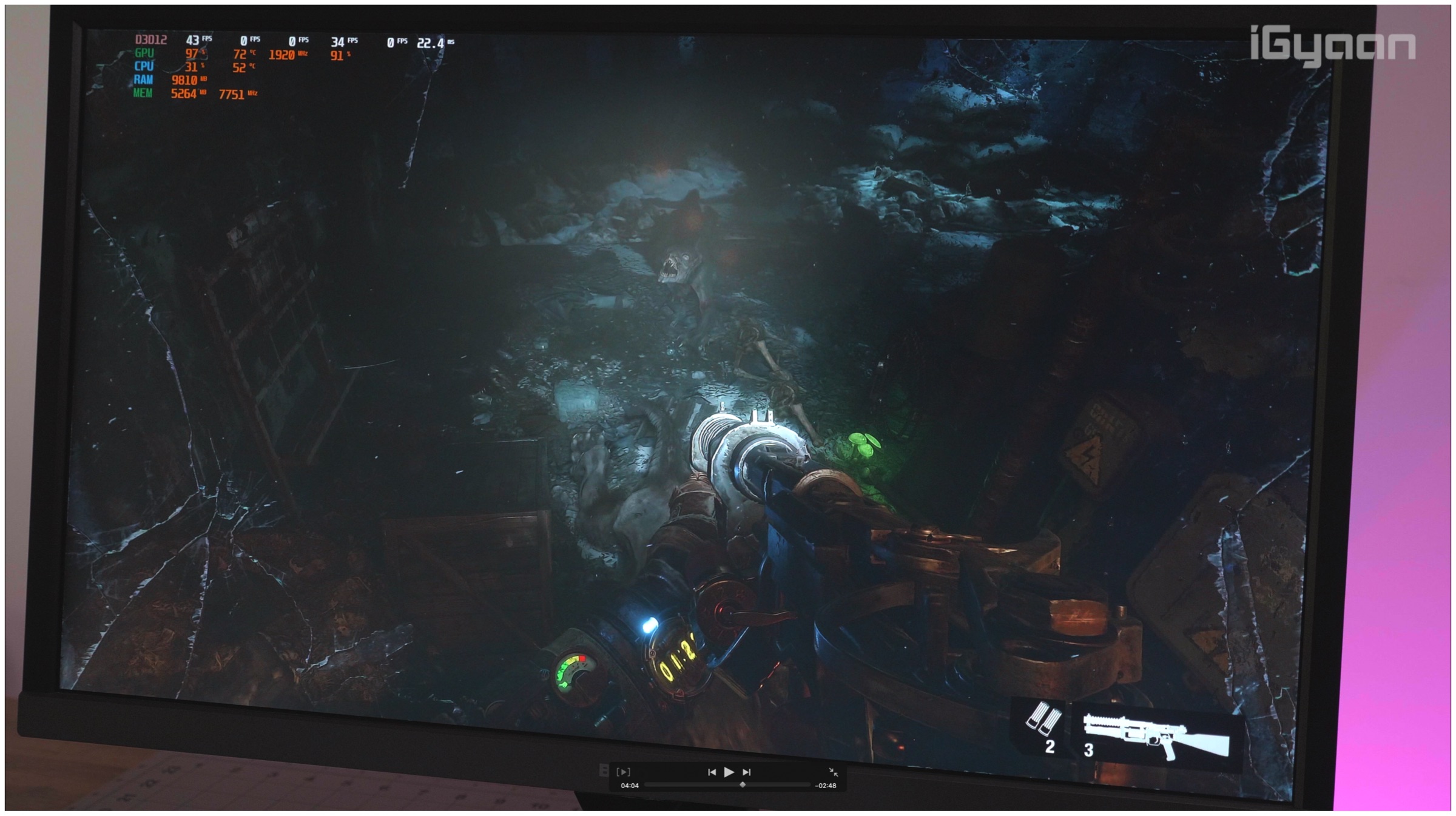 Metro Exodus was a title launched with support for NVIDIA’s latest ray-tracing technique. It was one of the first game to do so and we tested the game with DXR settings on at 1080p. When the game ran on 1080p and DXR off, we saw an average of 140fps at maximum settings. After DXR is turned on we see a notable hit in performance and the game drops to an average of 90 fps and when DLSS was turned on the performance got bumped to 120fps. At 1440p, the RTX 2080 SUPER managed to churn out an impressive average of 130fps and even managed to offer a stable 60fps on 4K native resolution.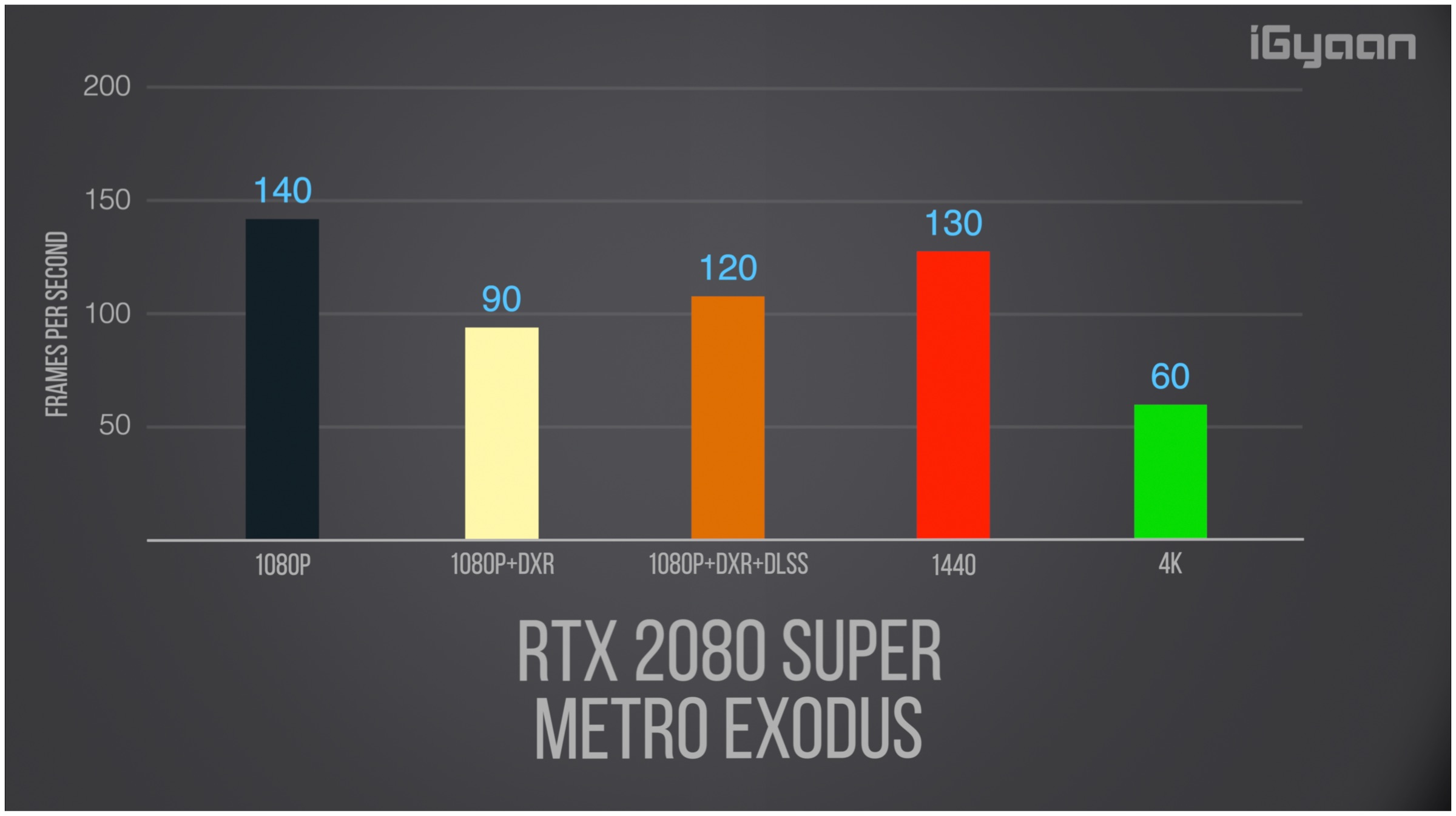
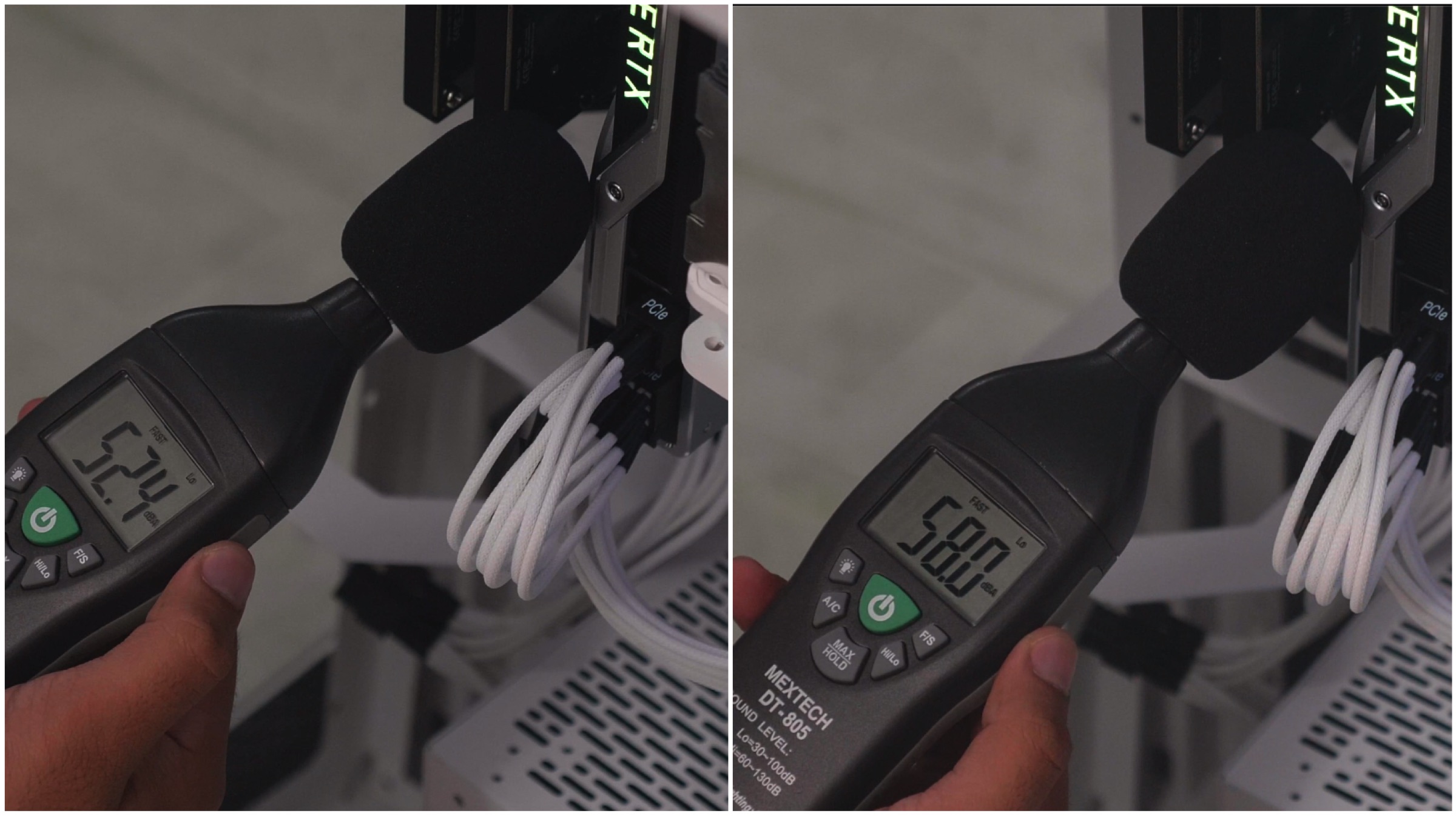
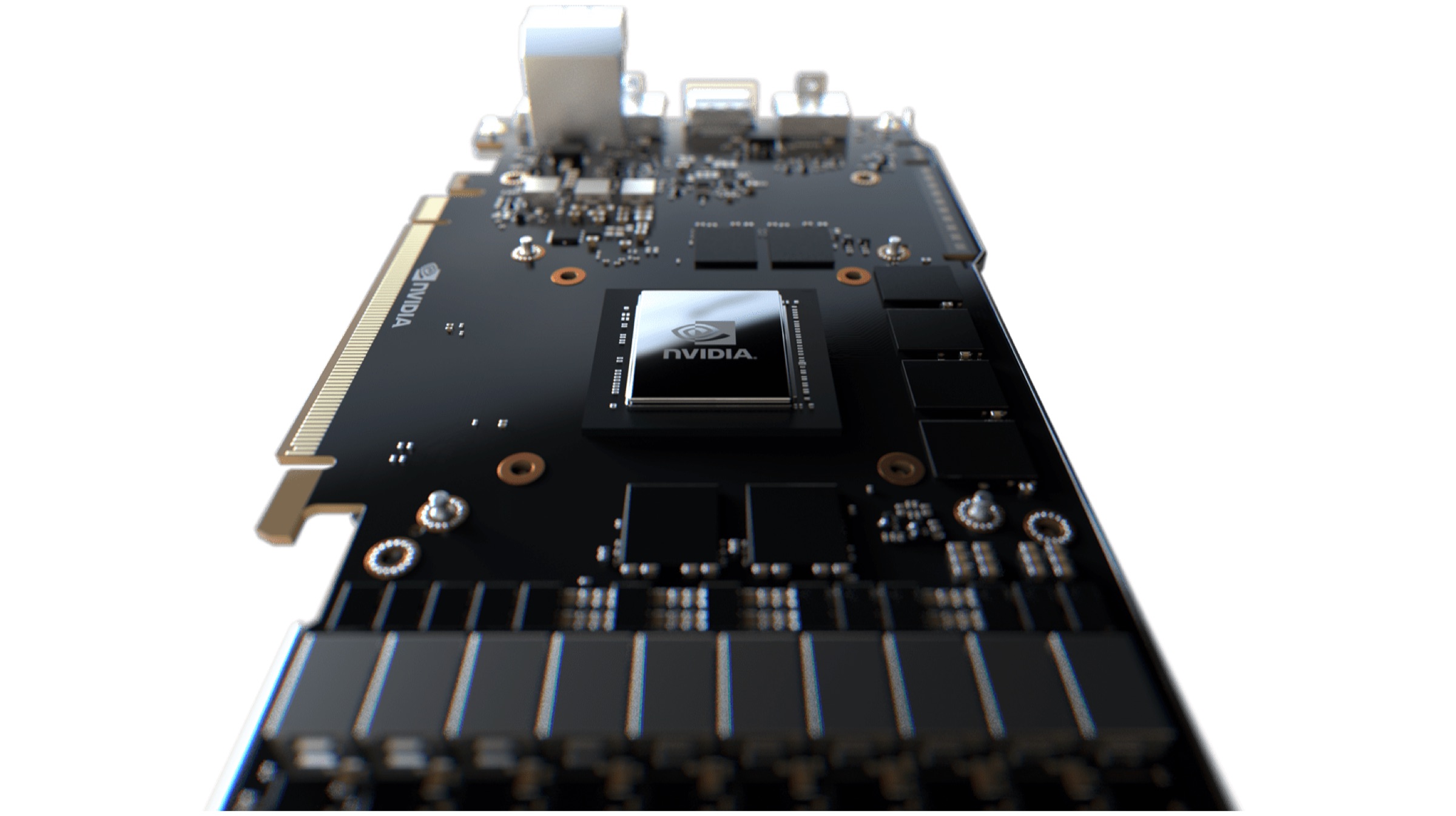
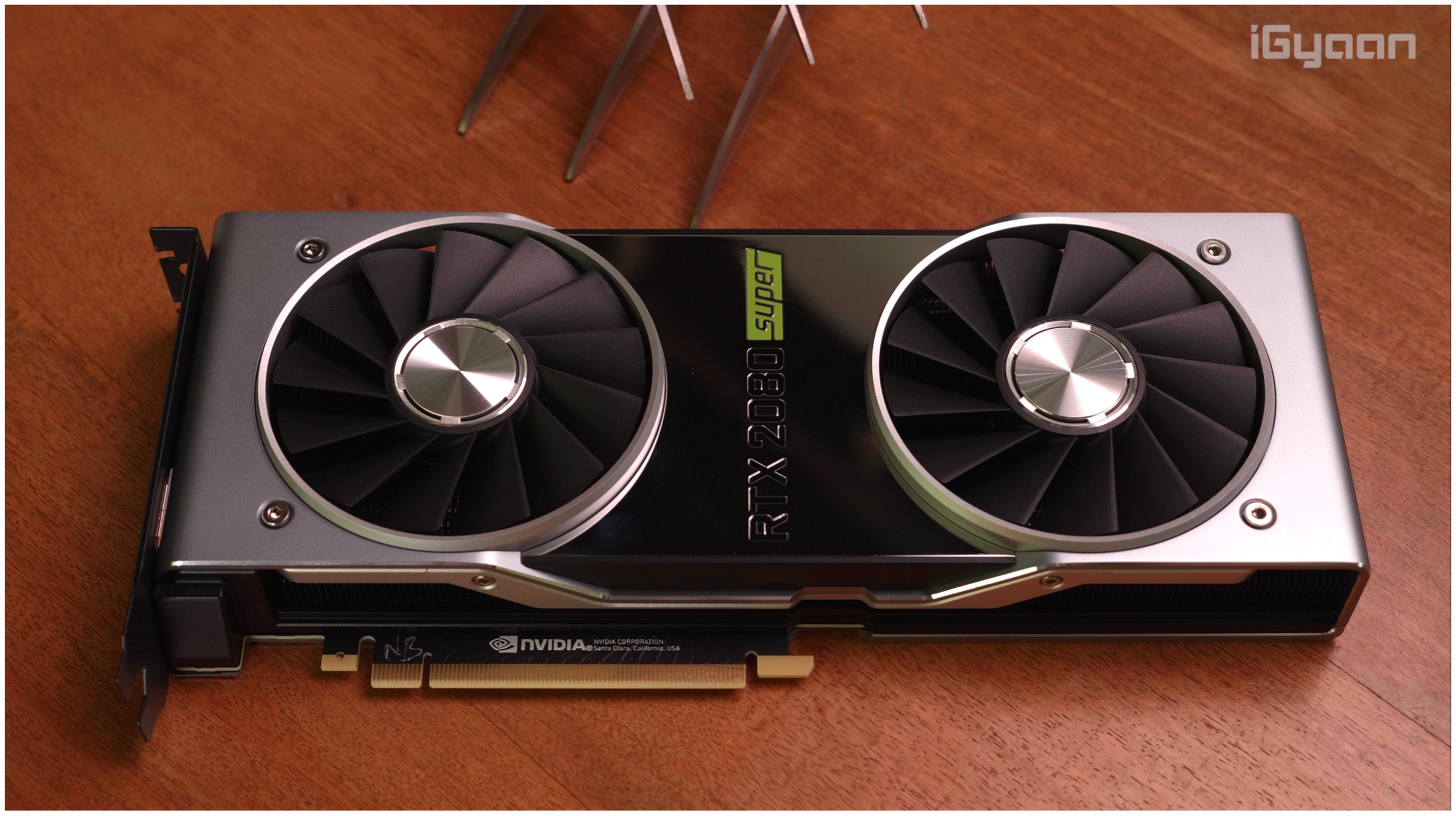
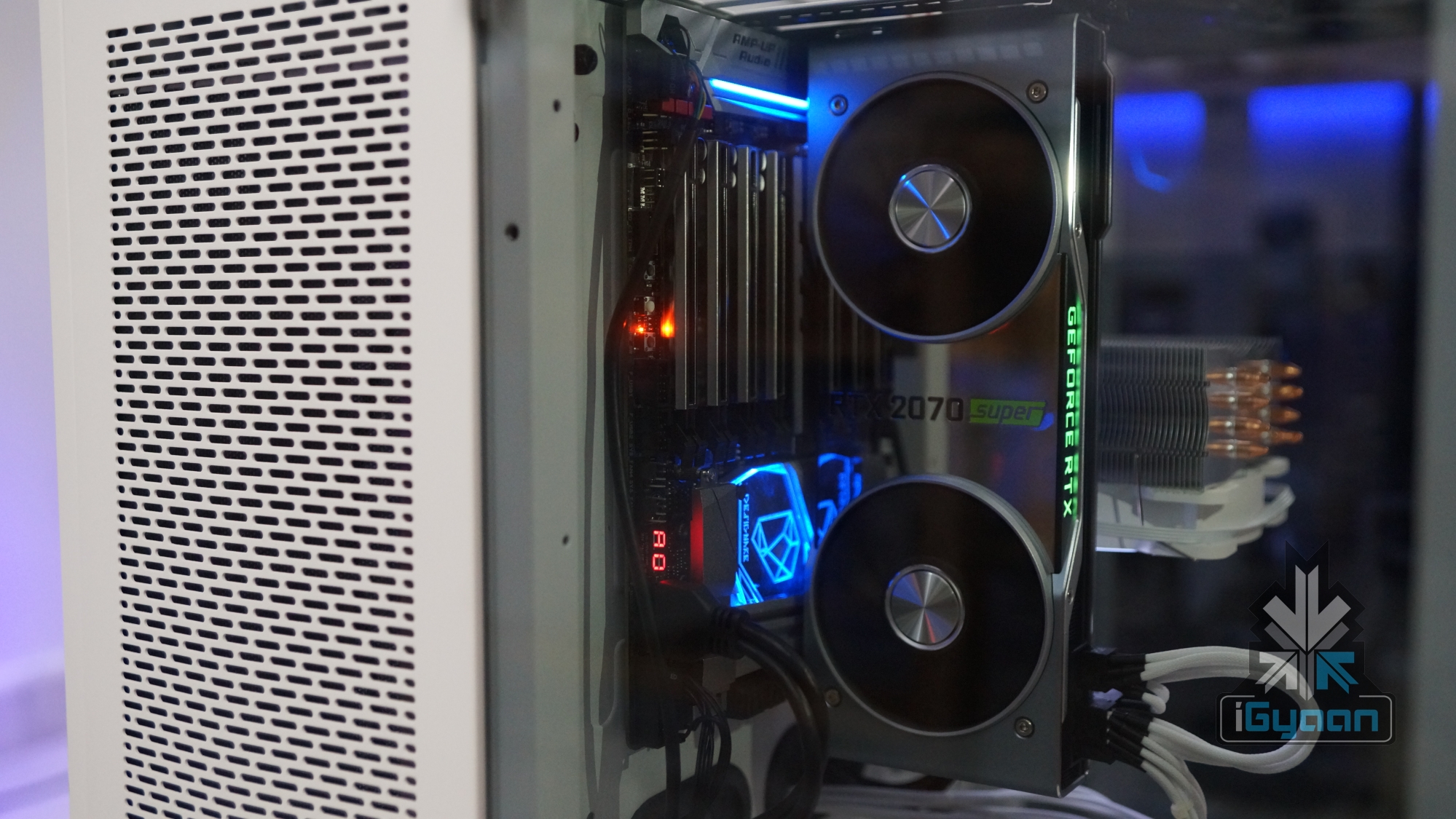
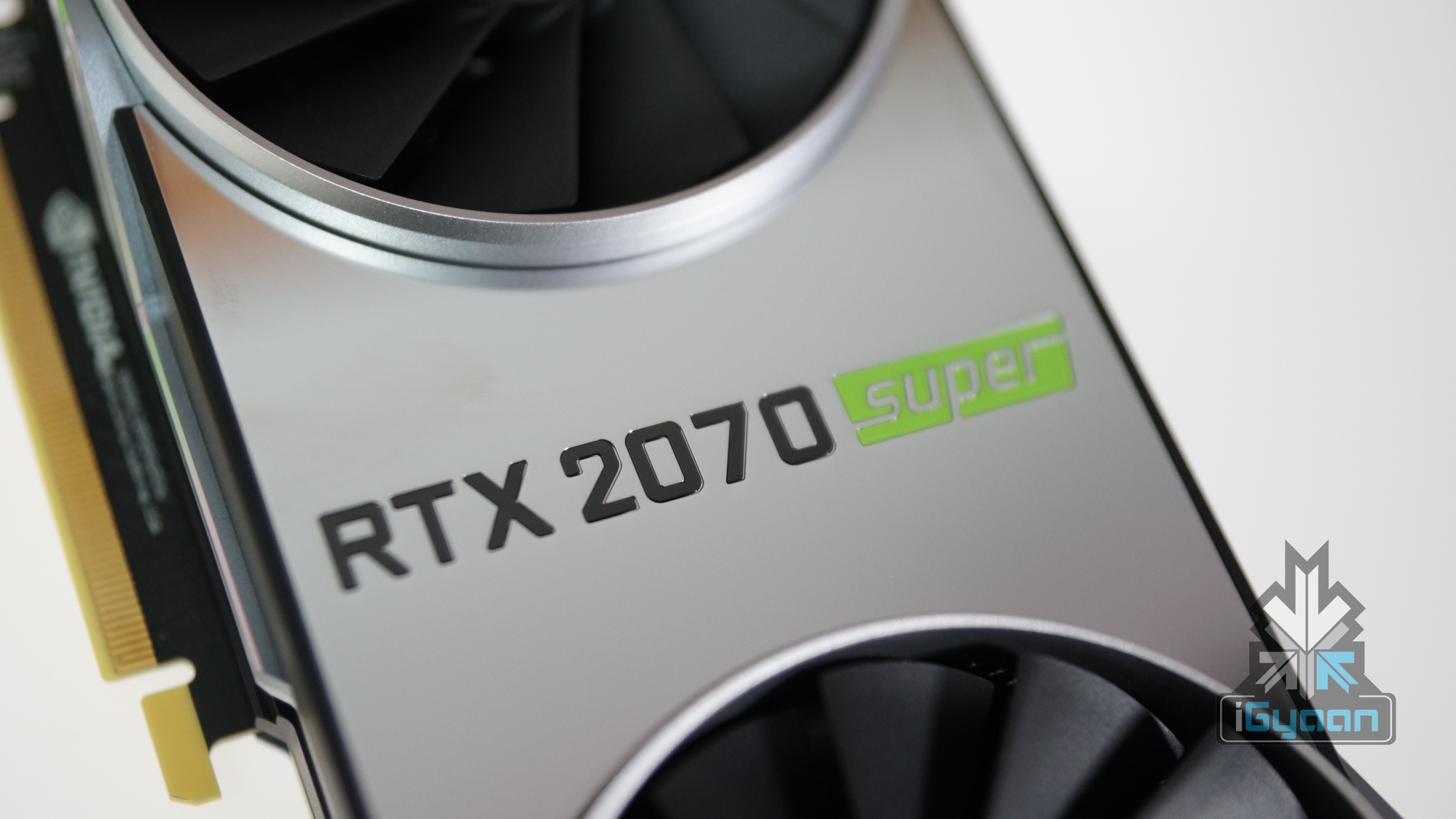
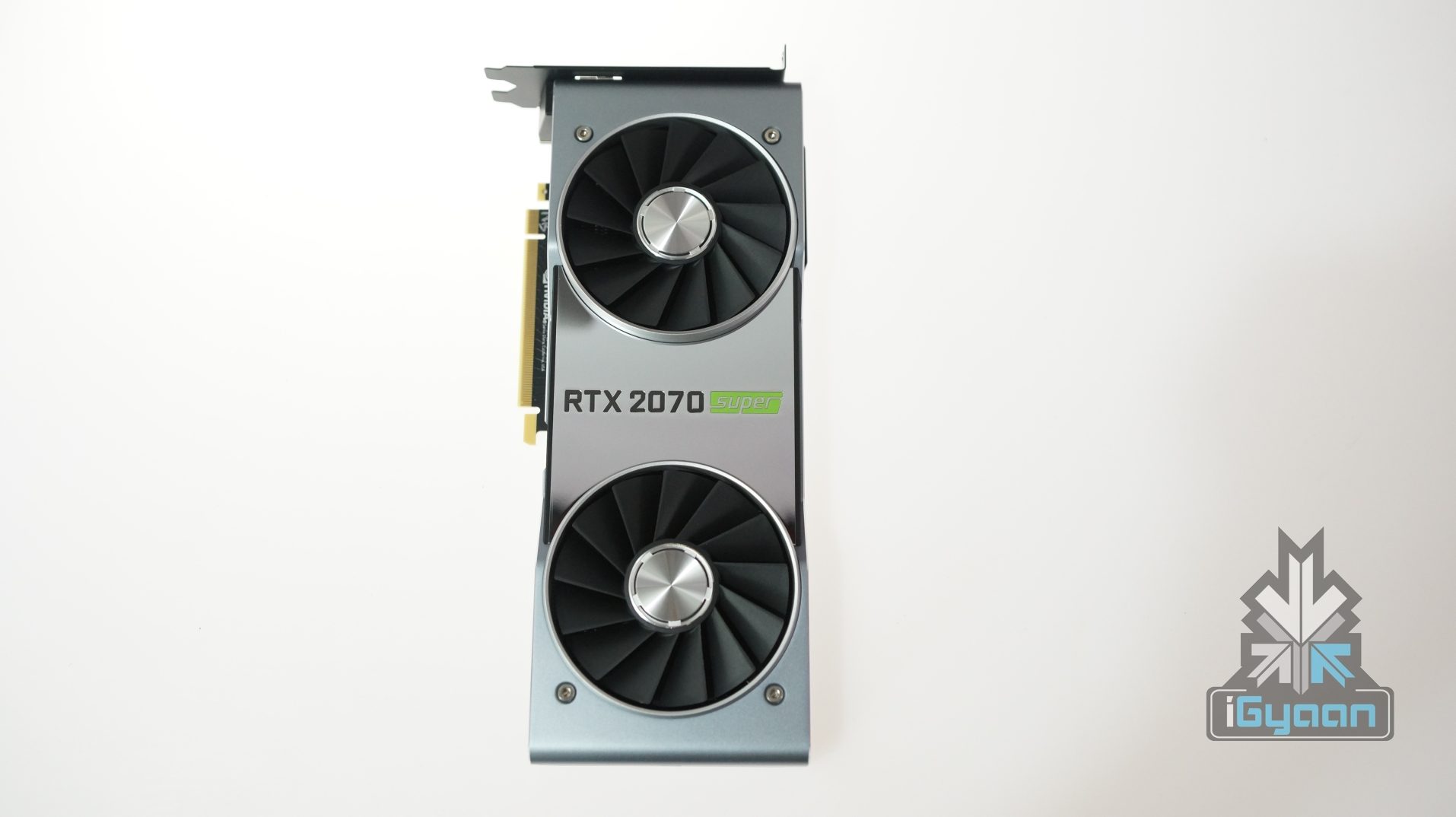
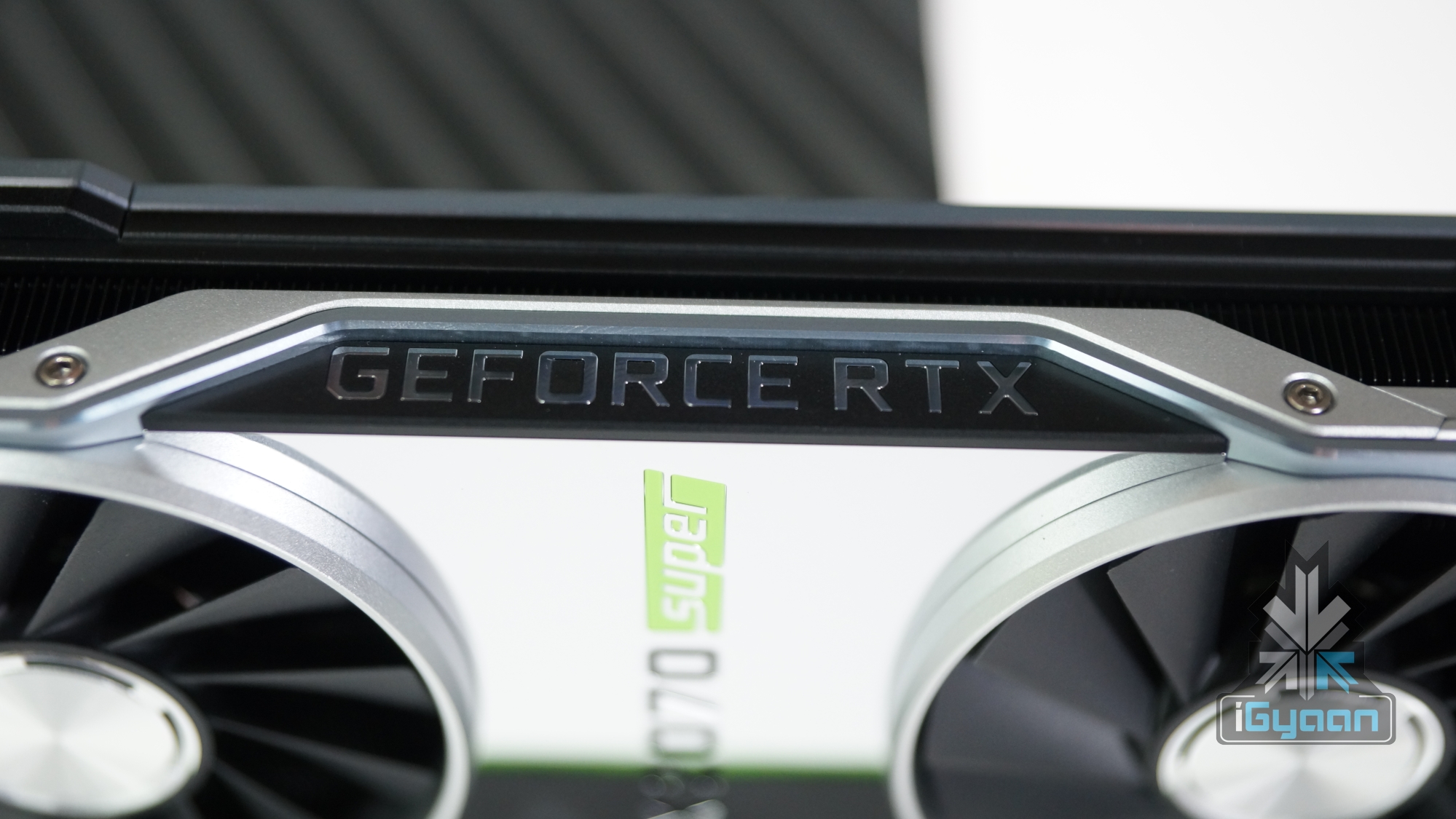
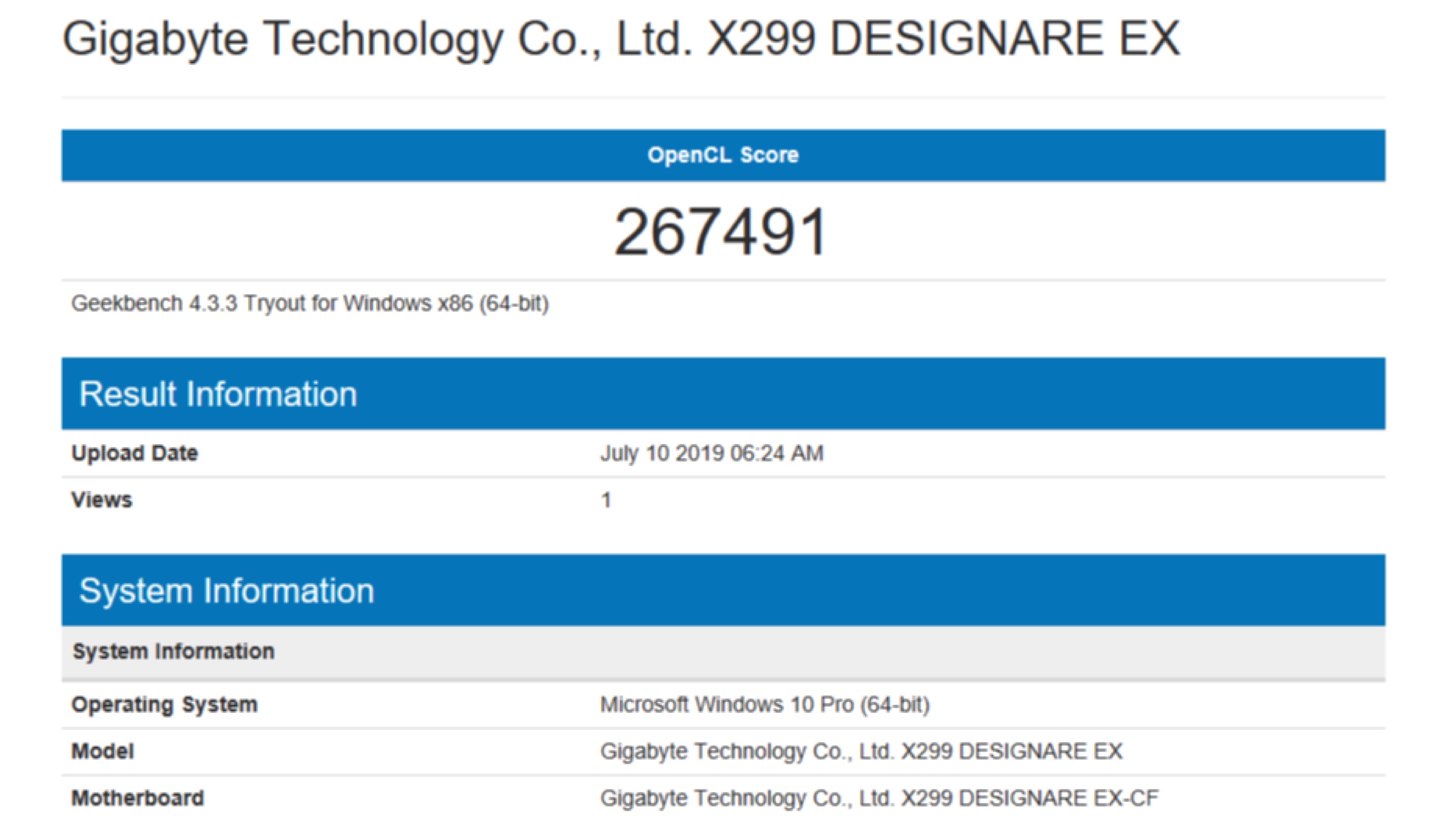

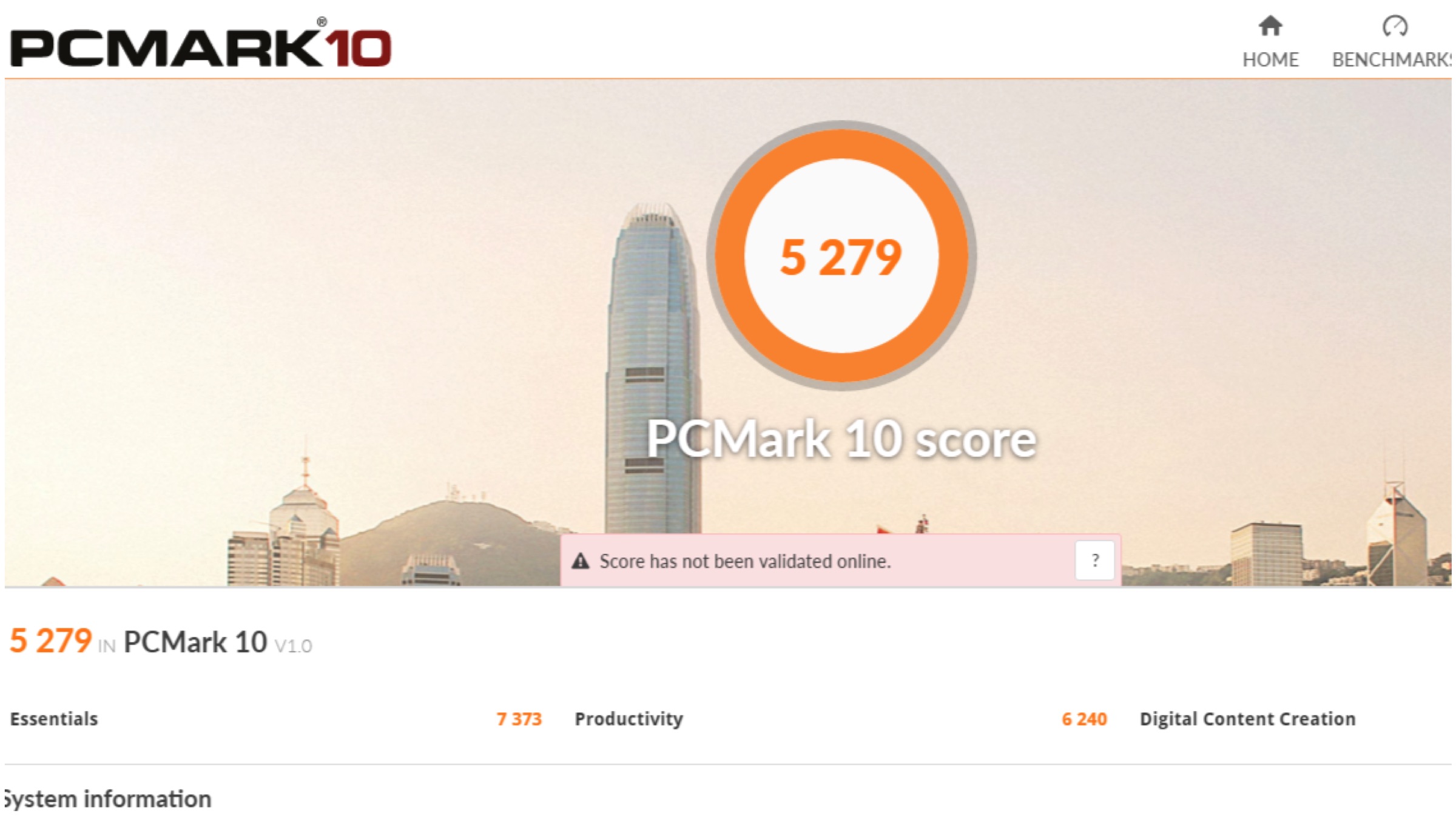
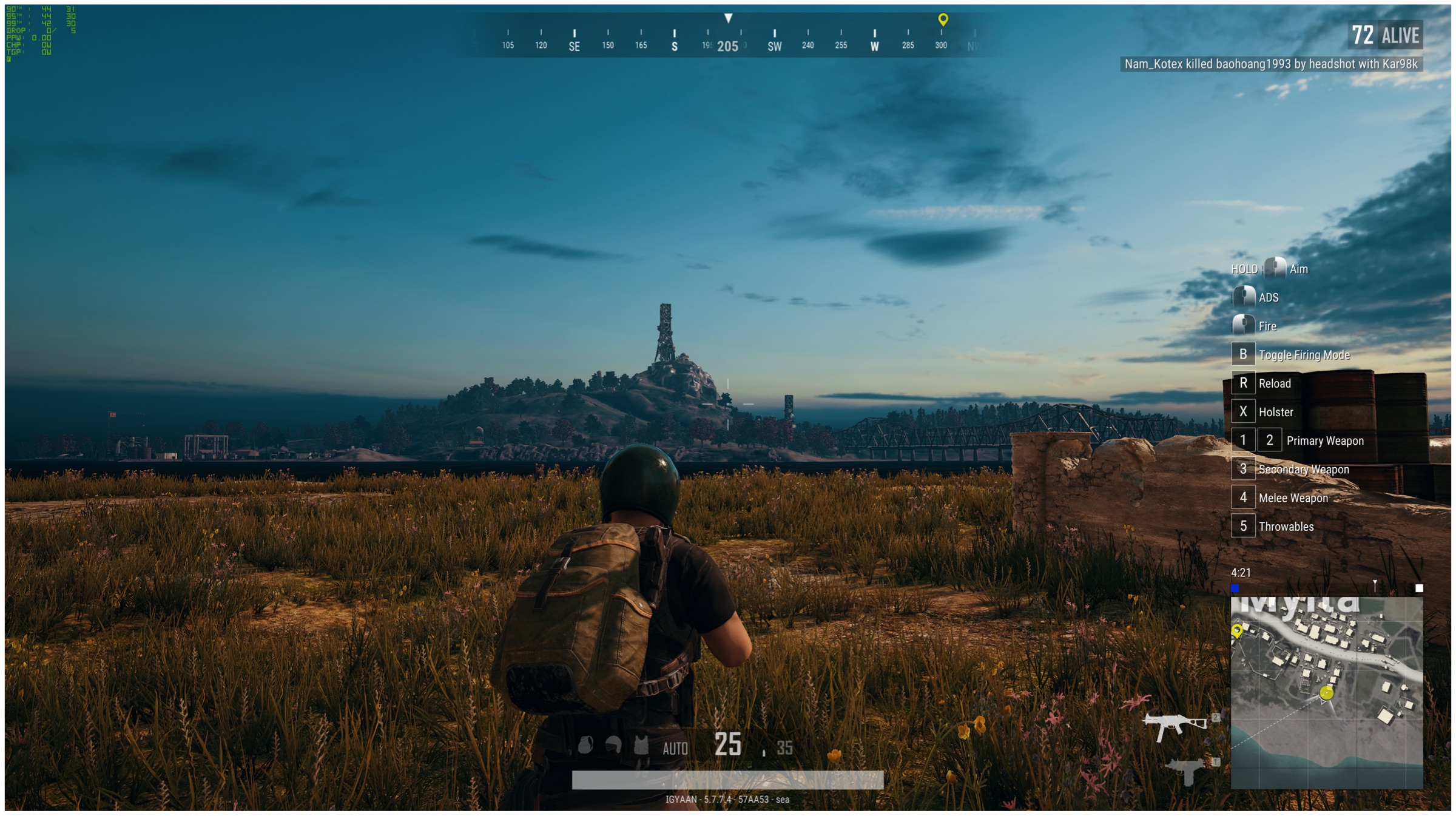

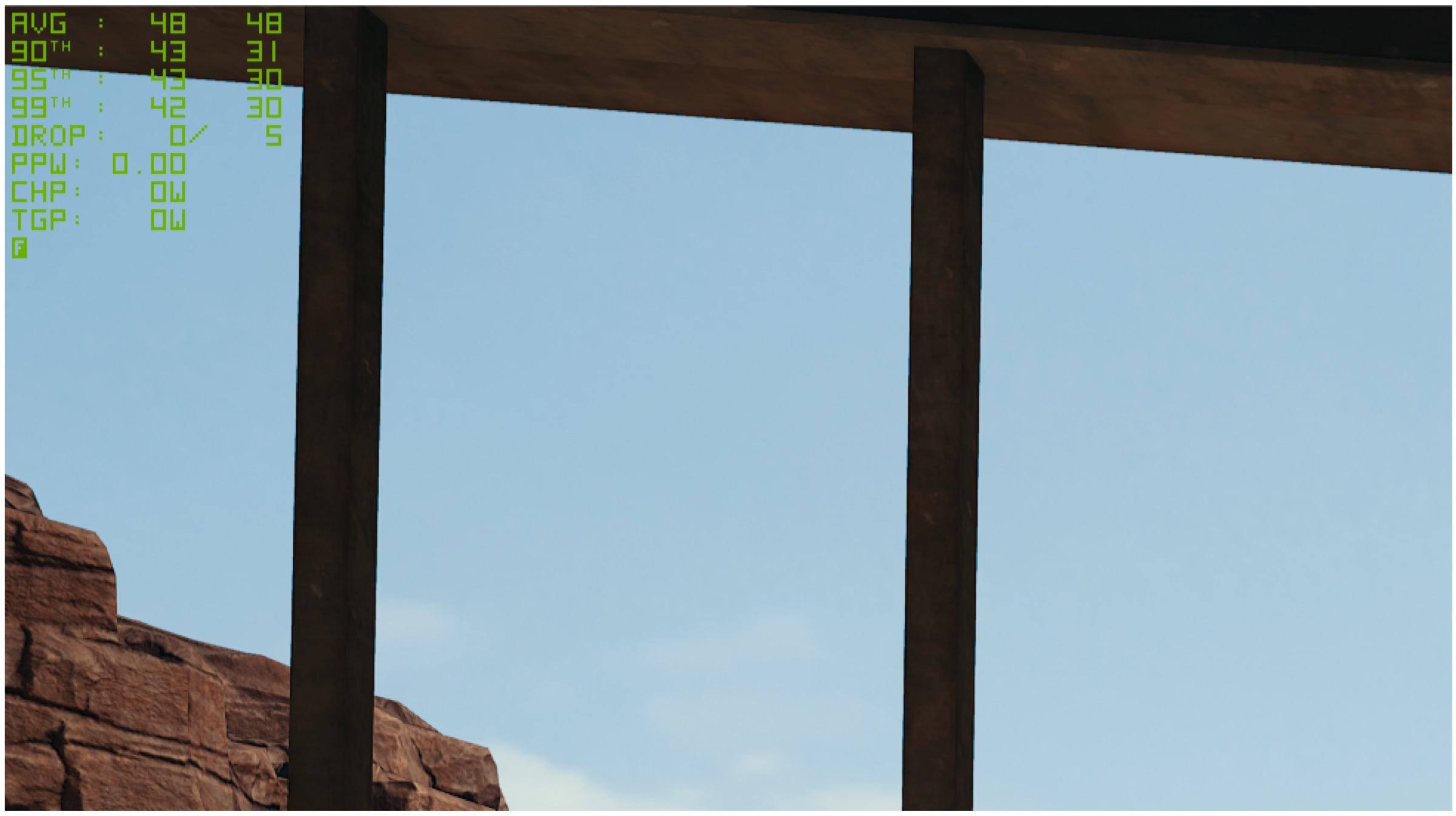
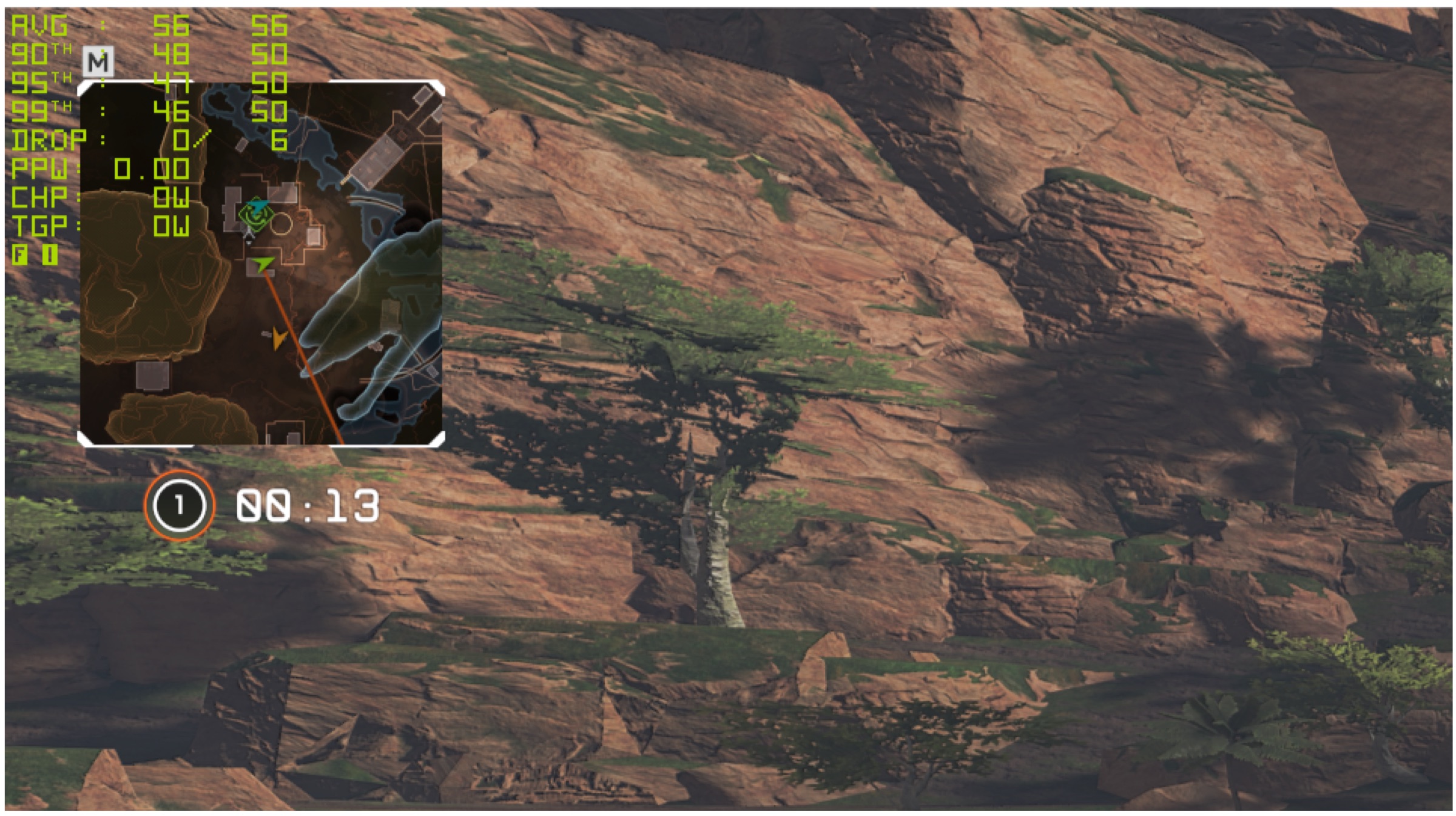
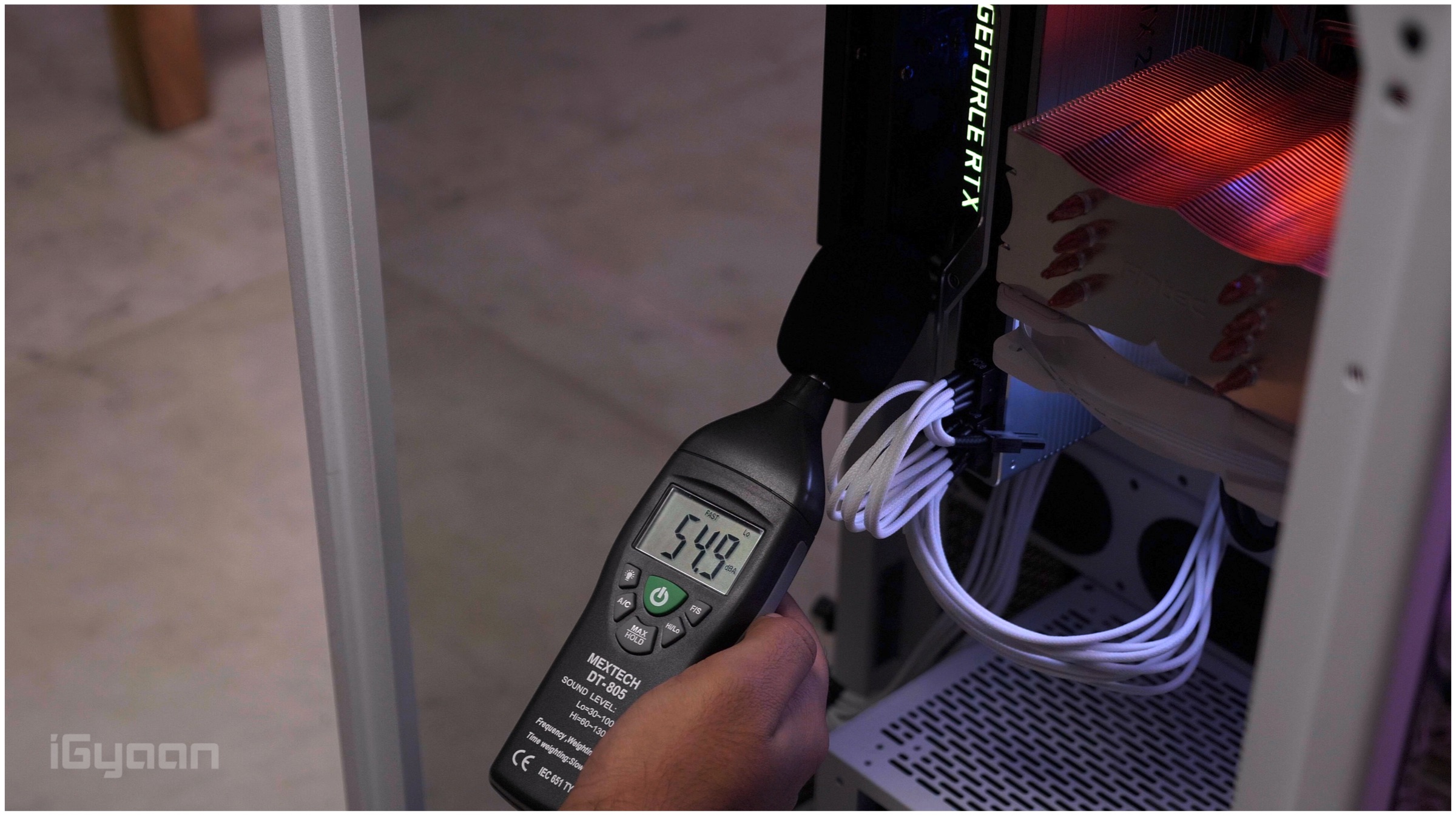
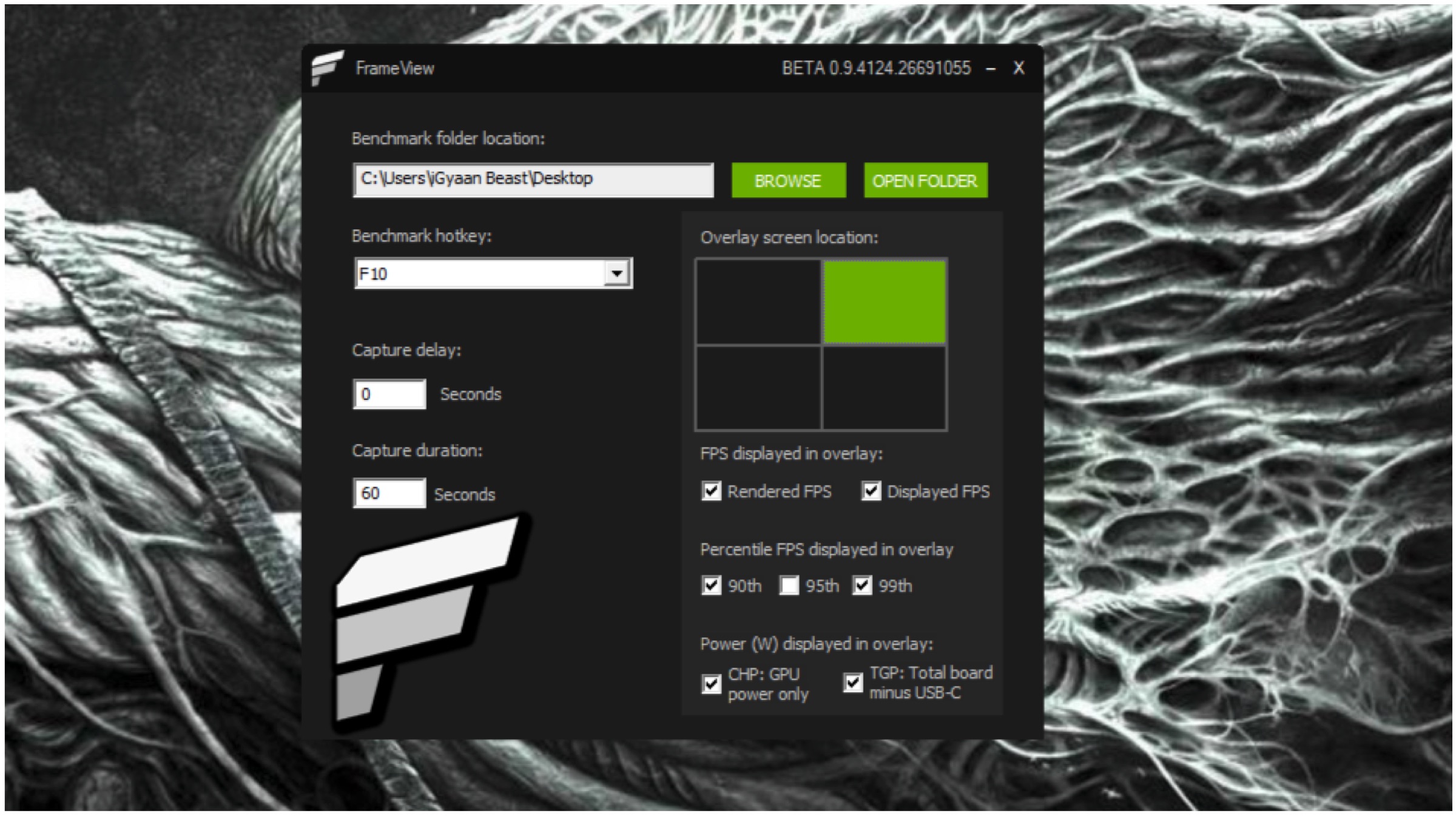
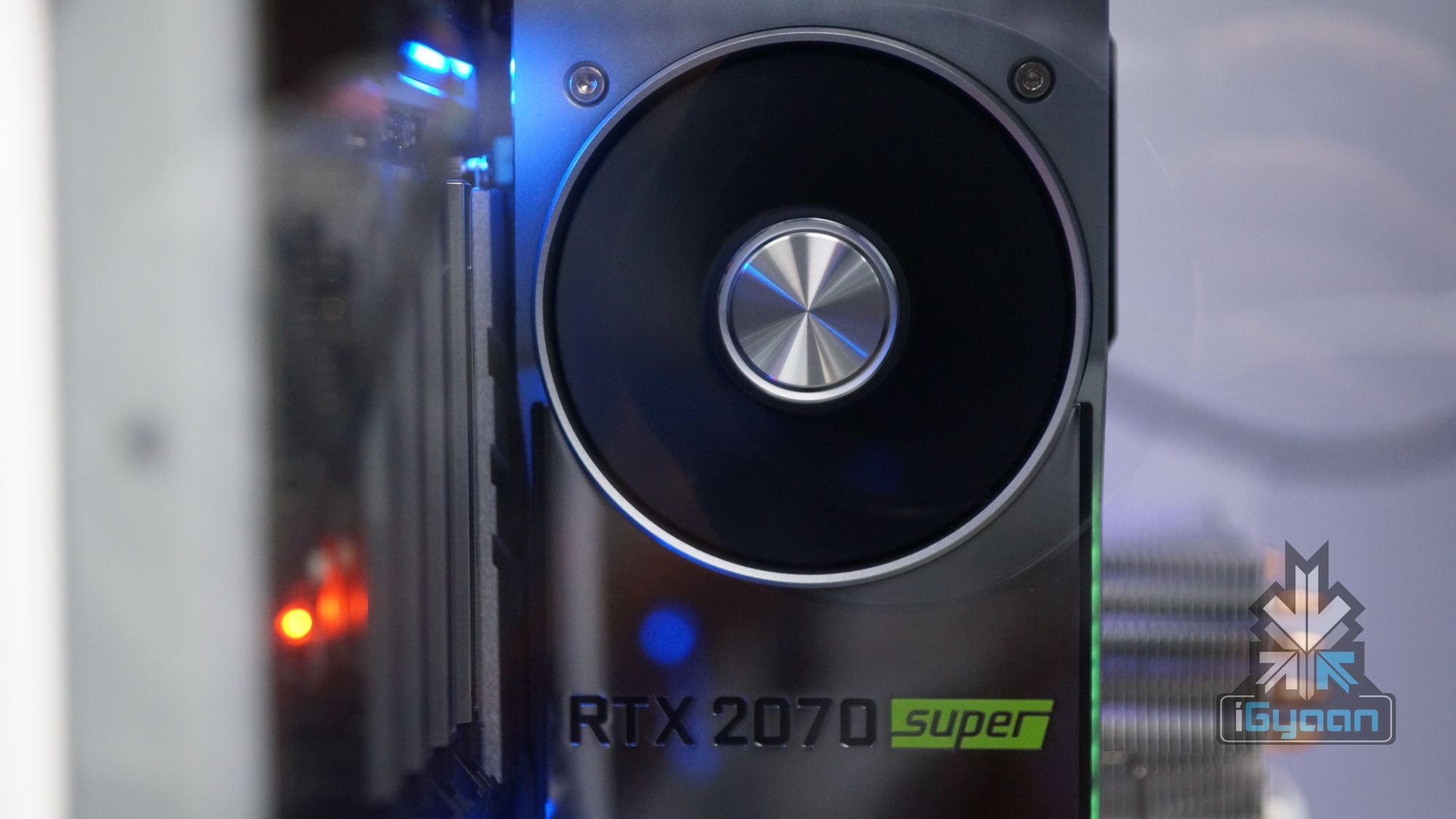
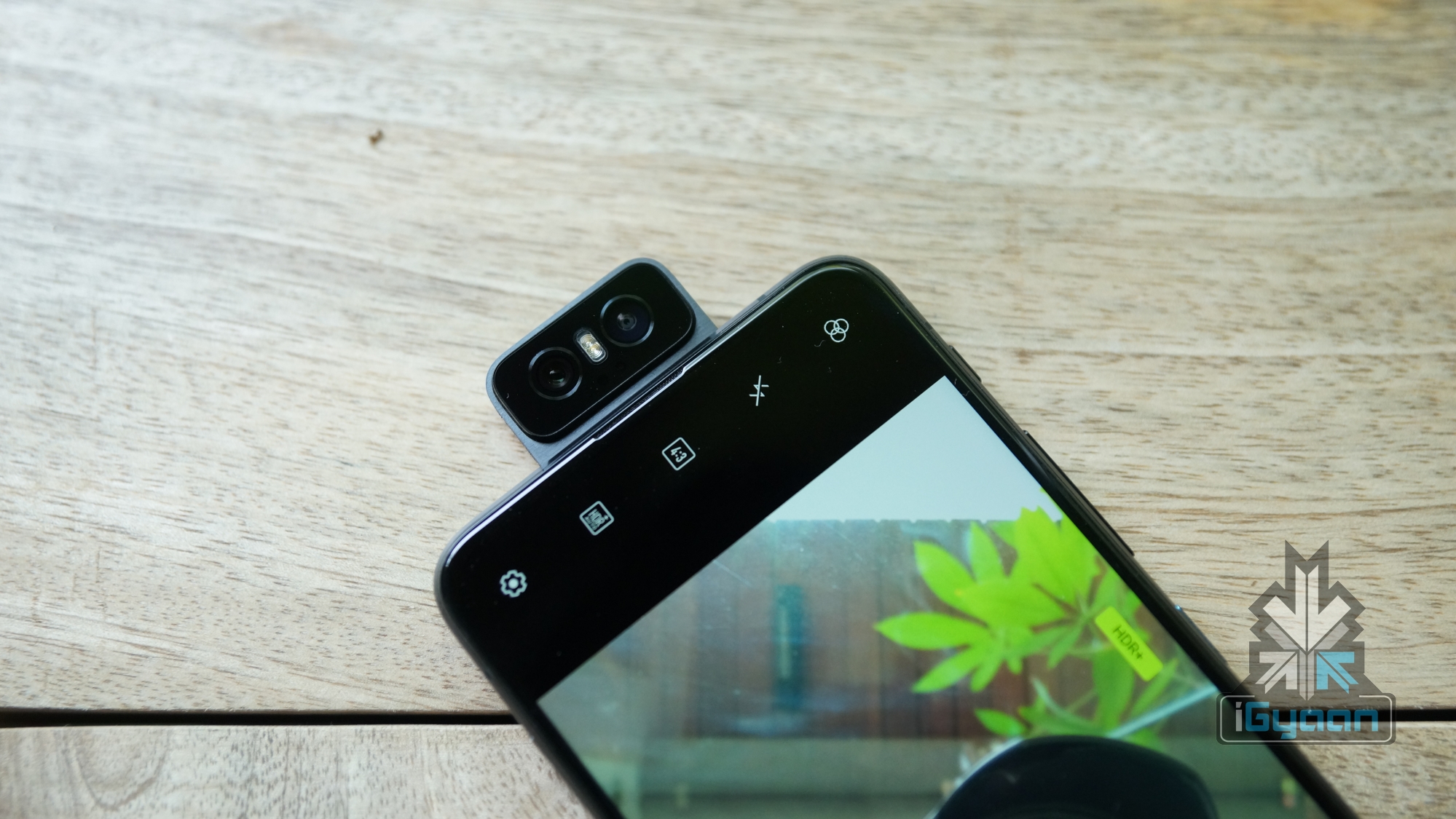
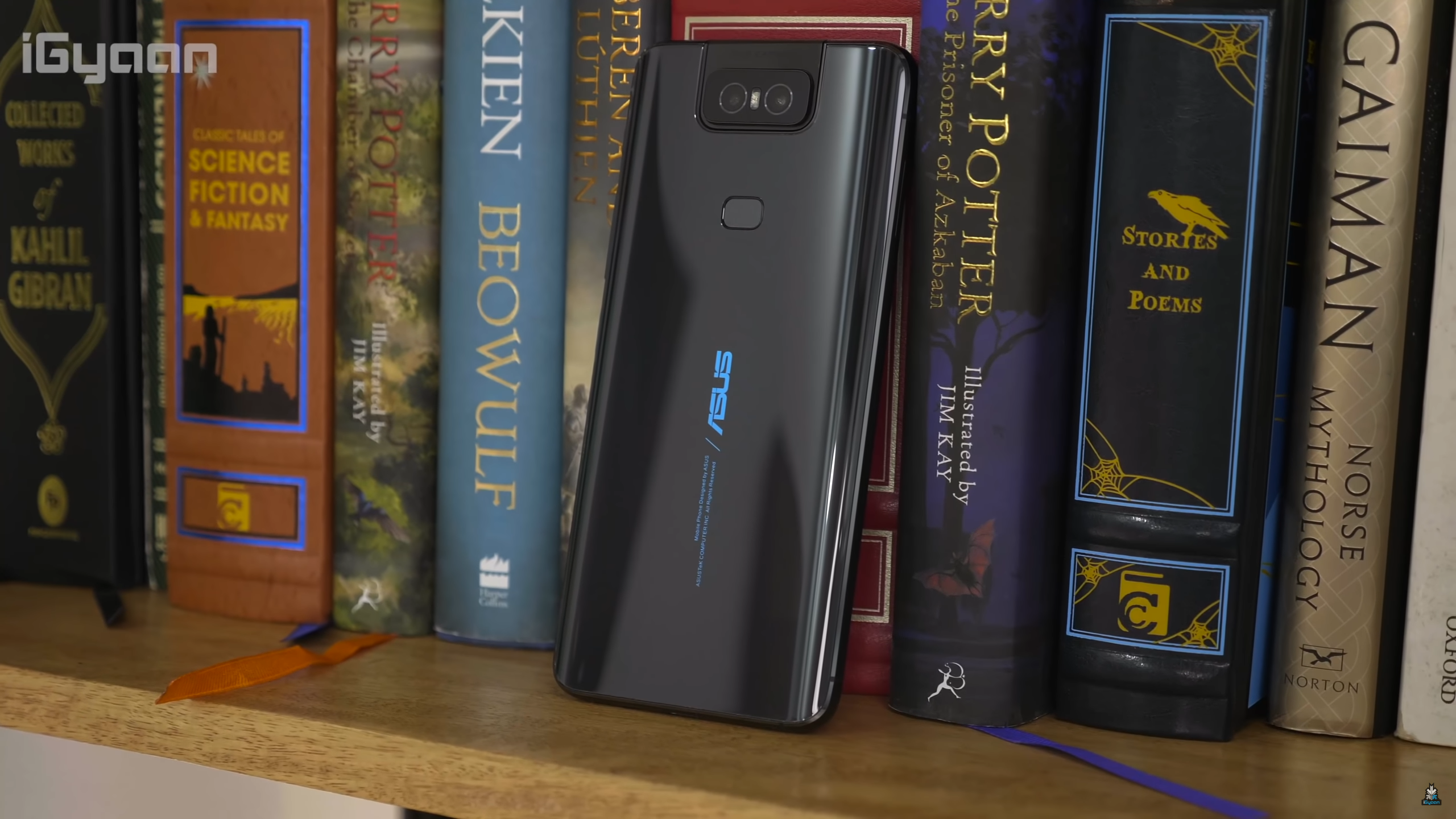
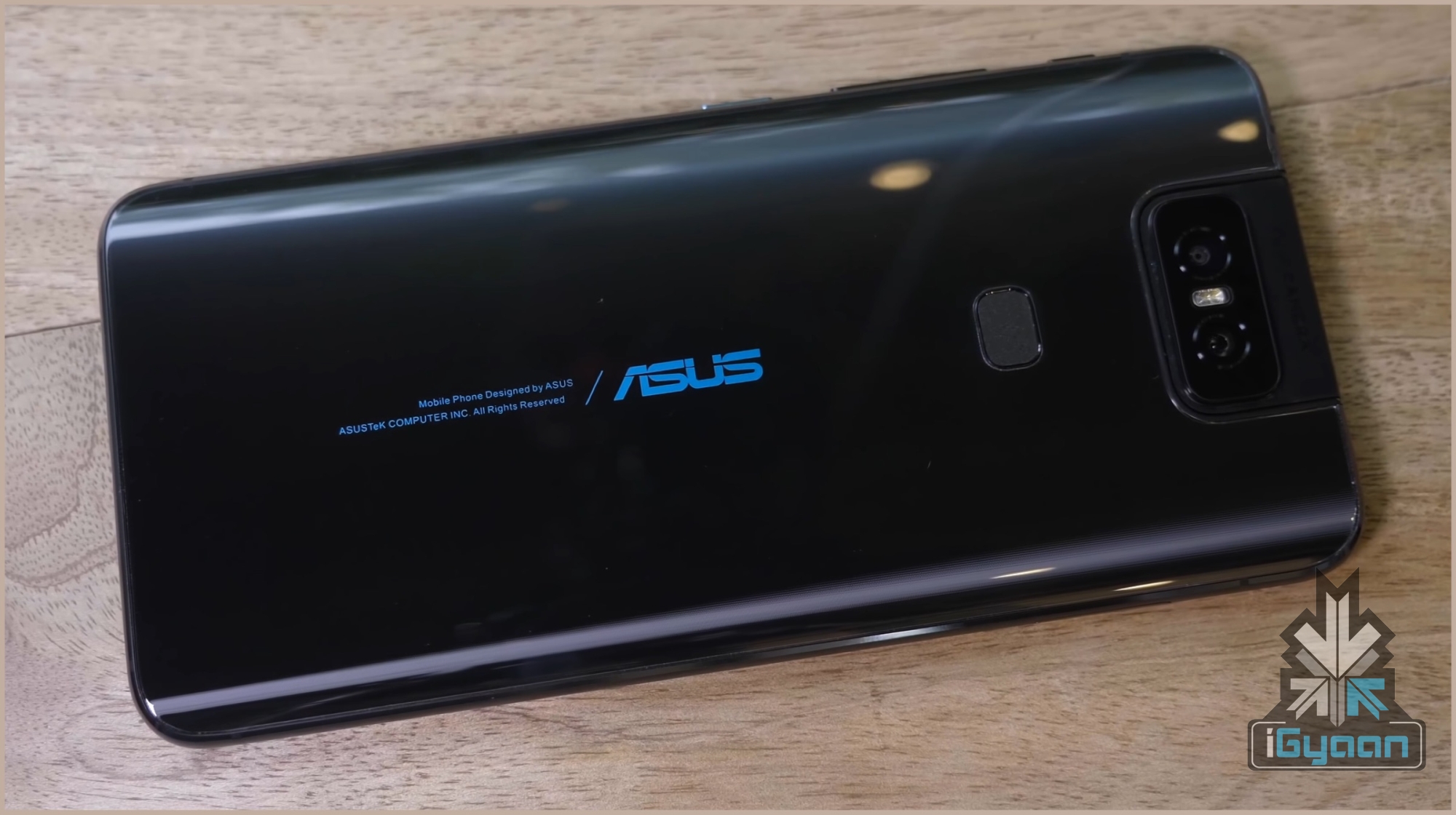
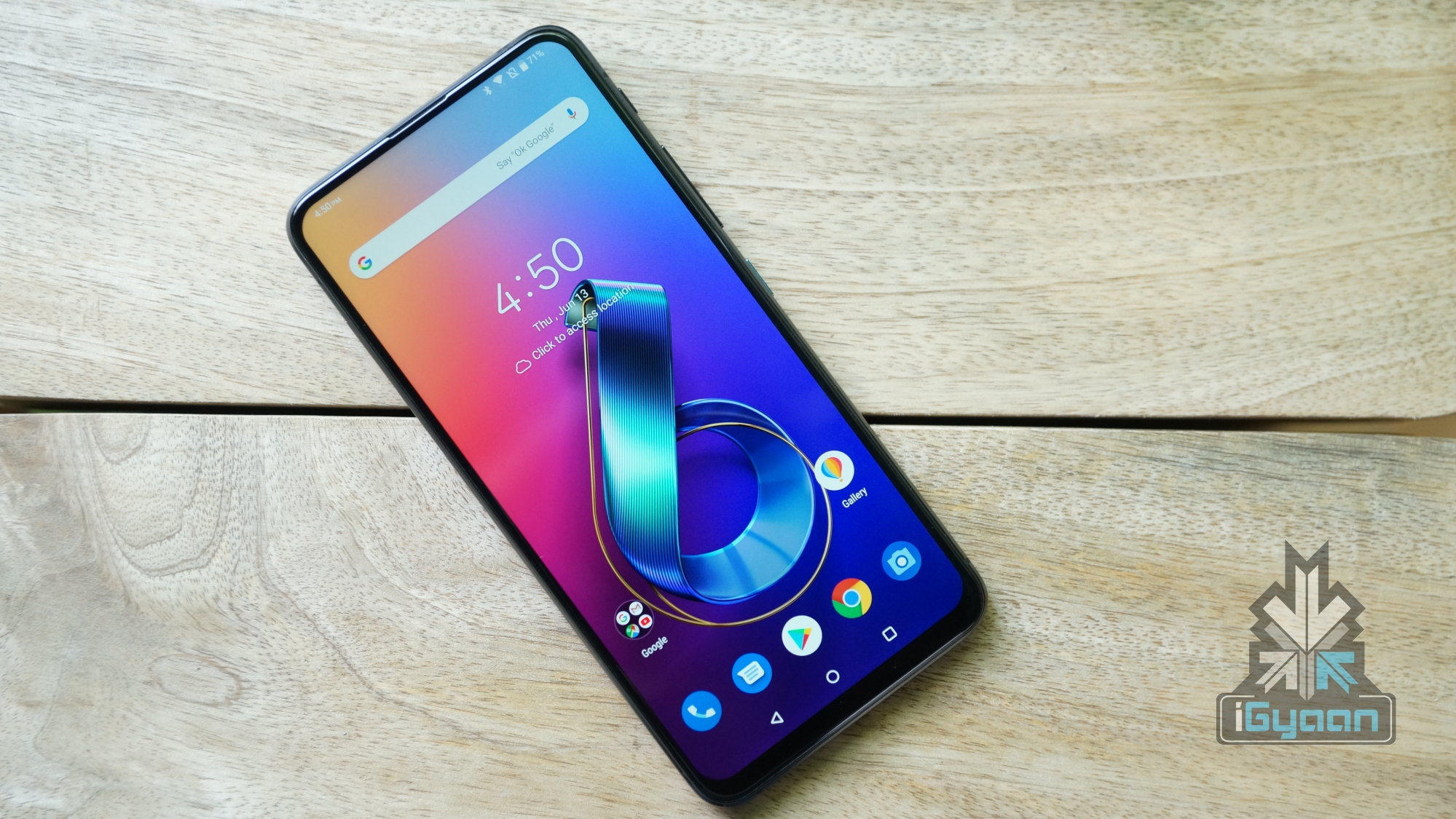
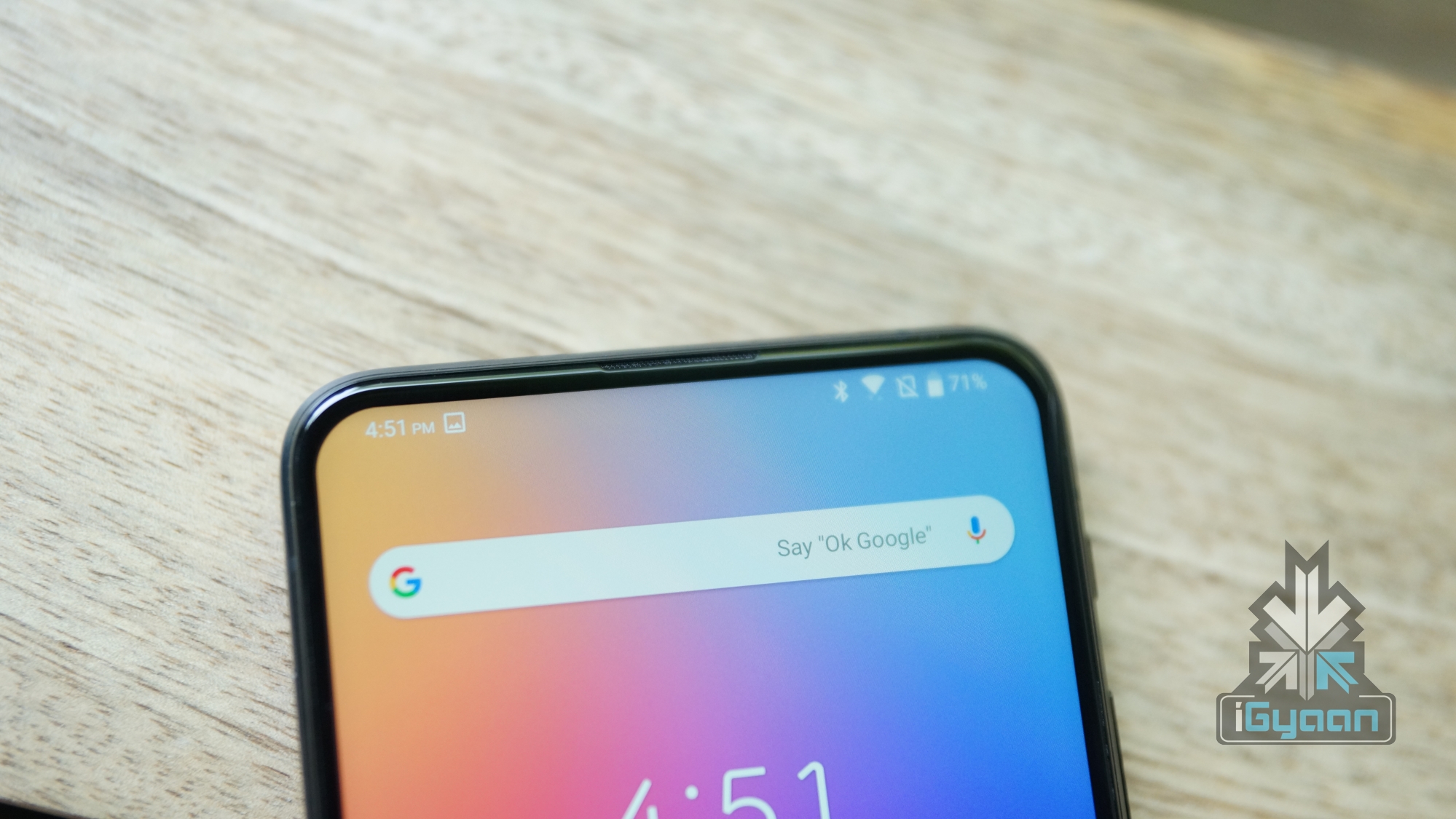
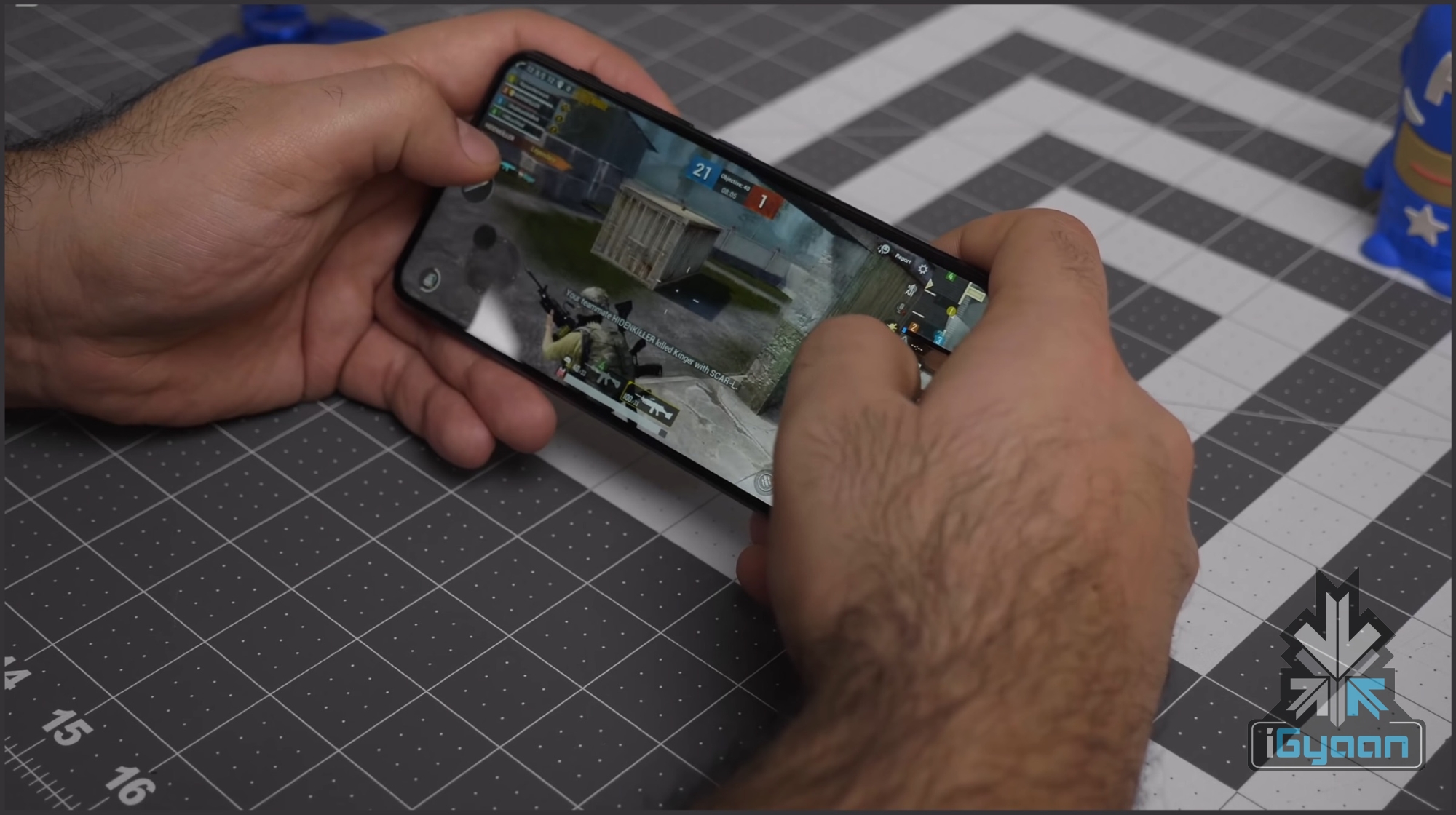
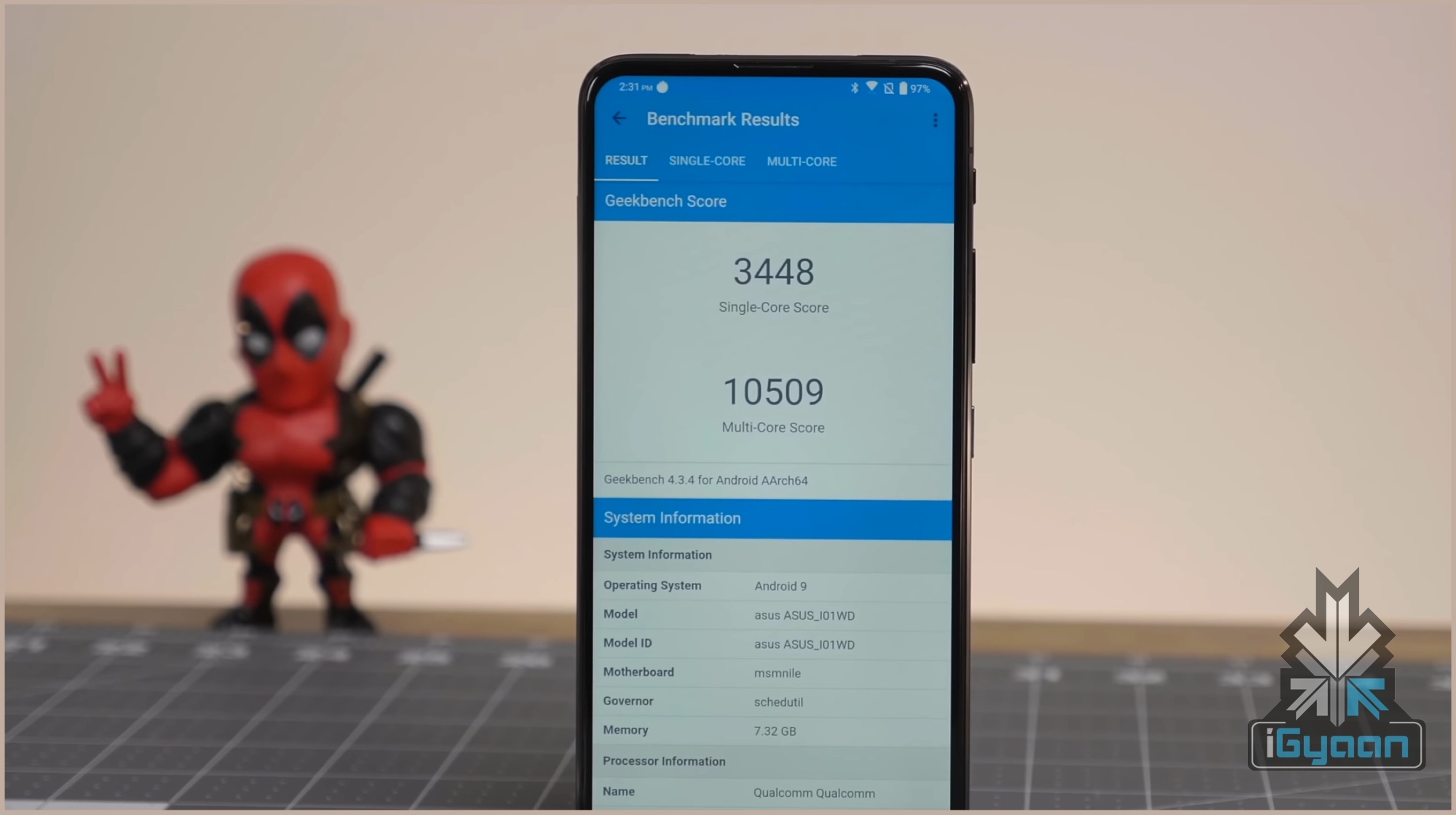
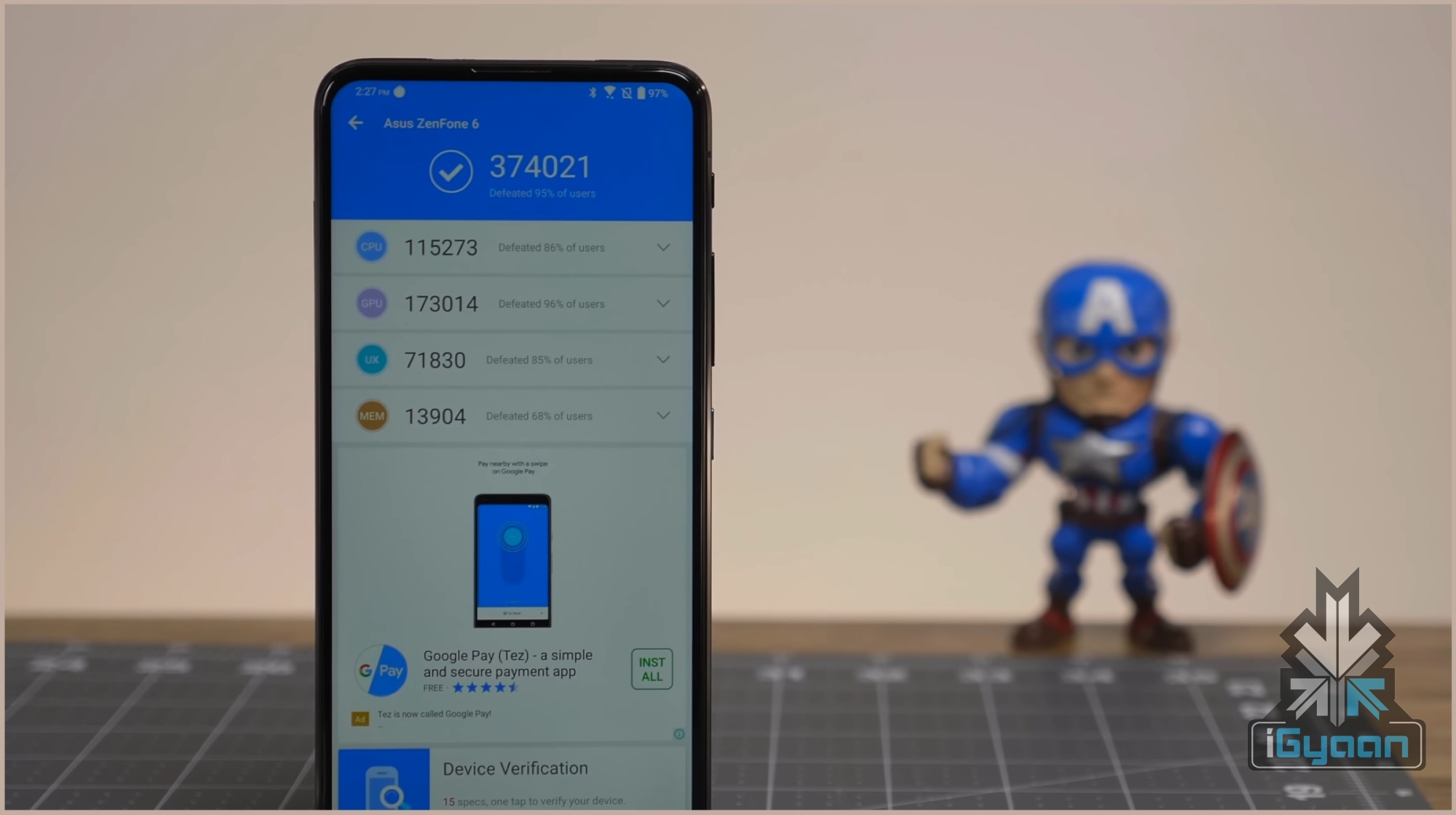

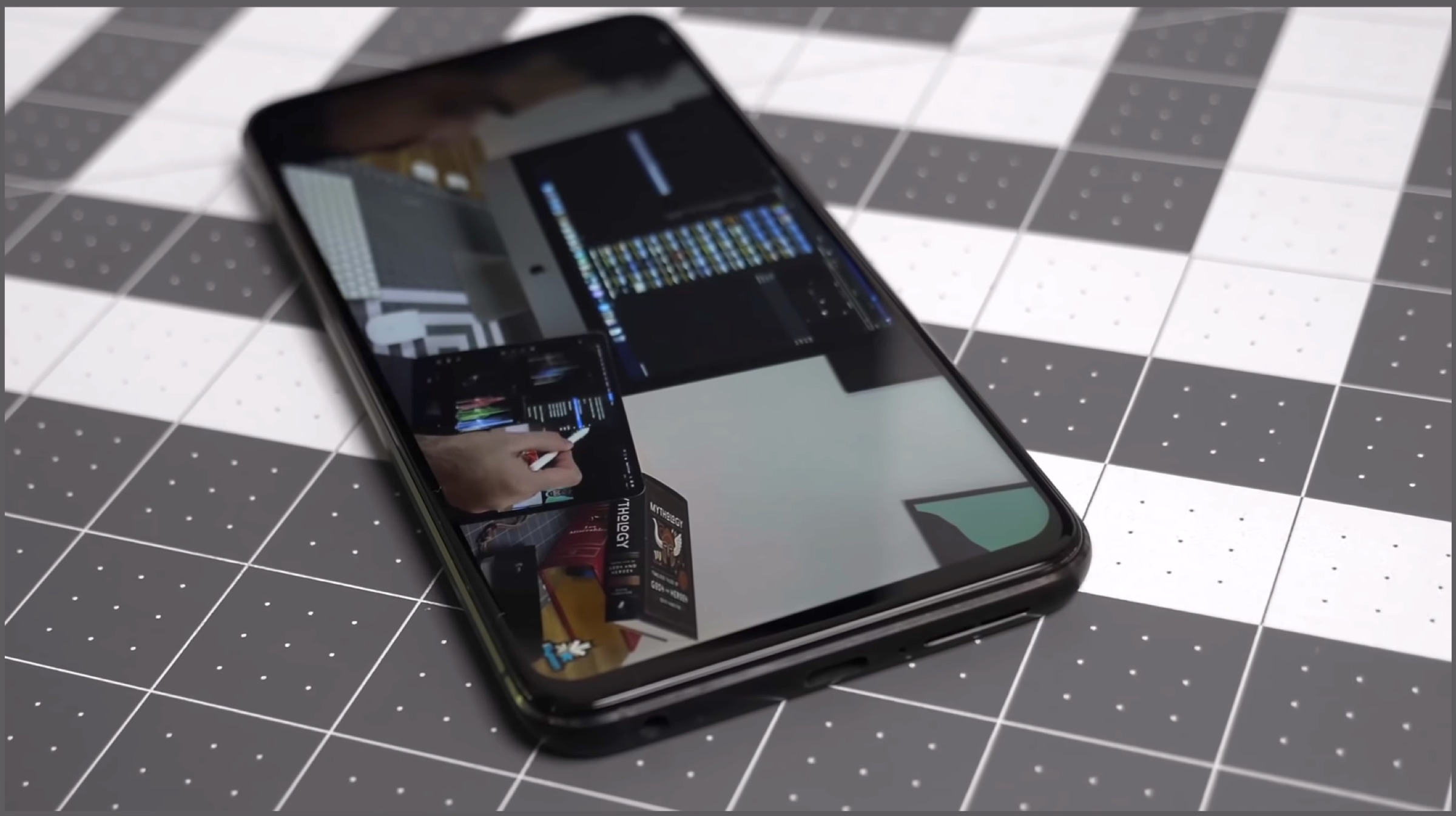
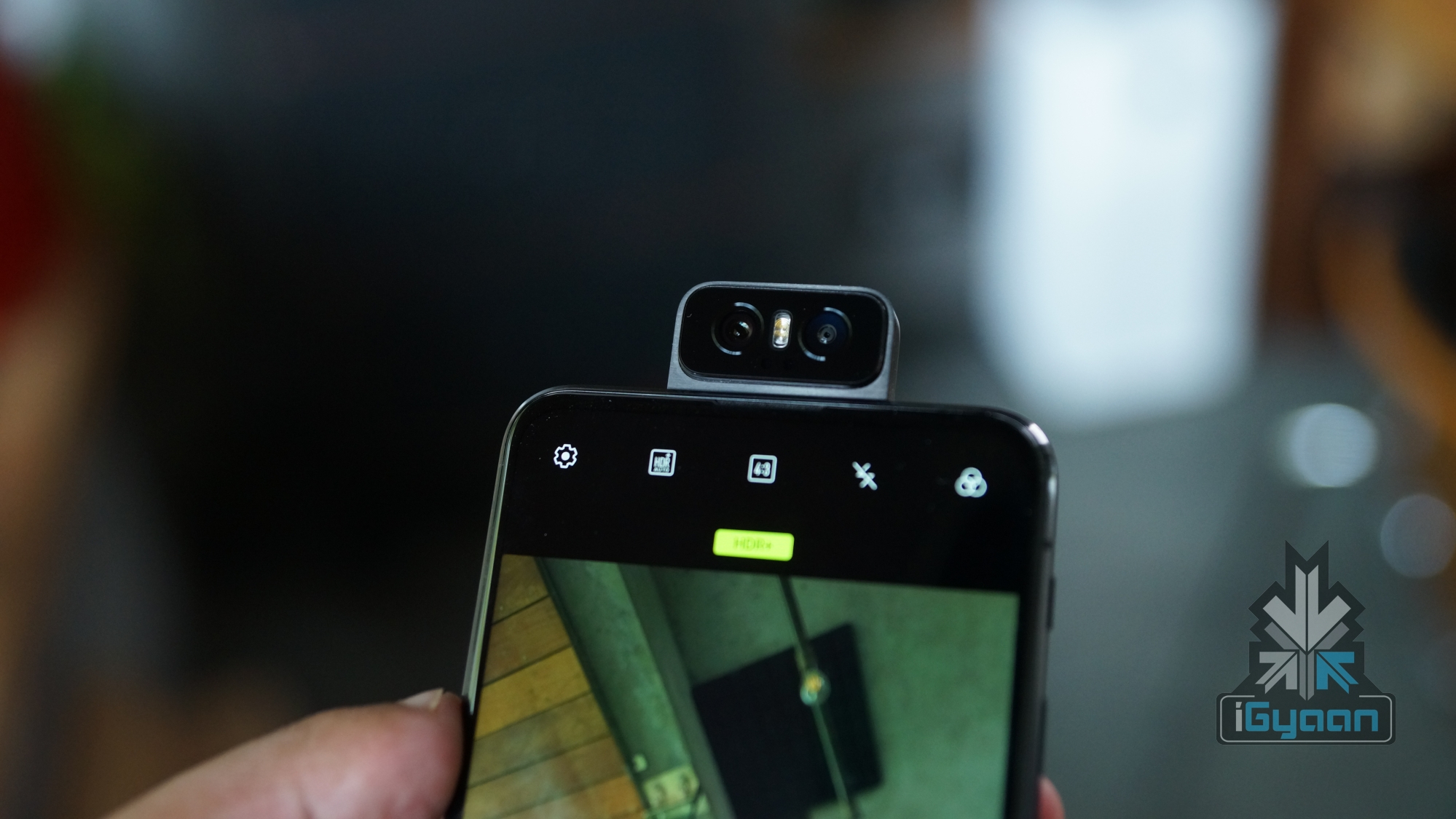
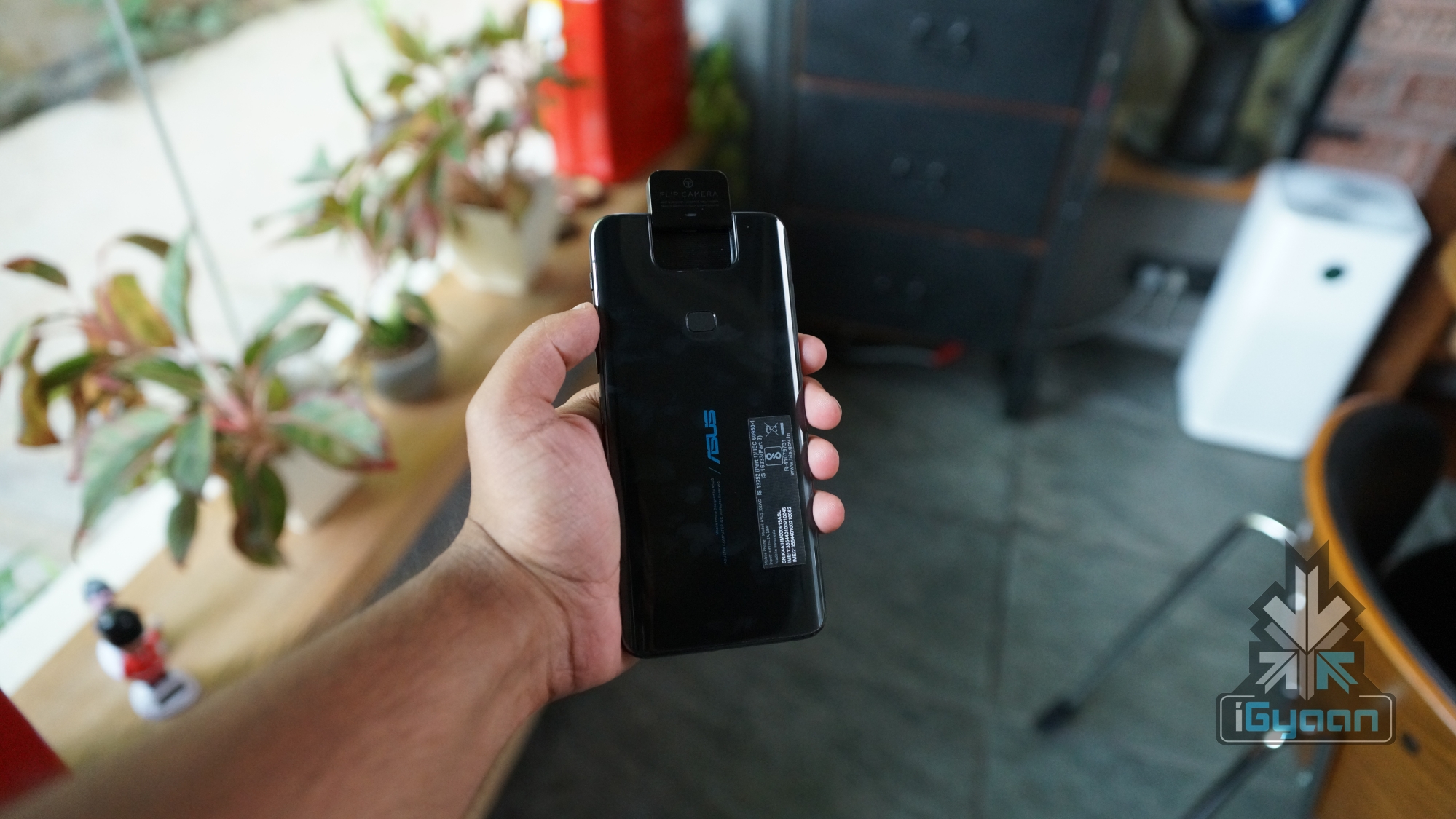








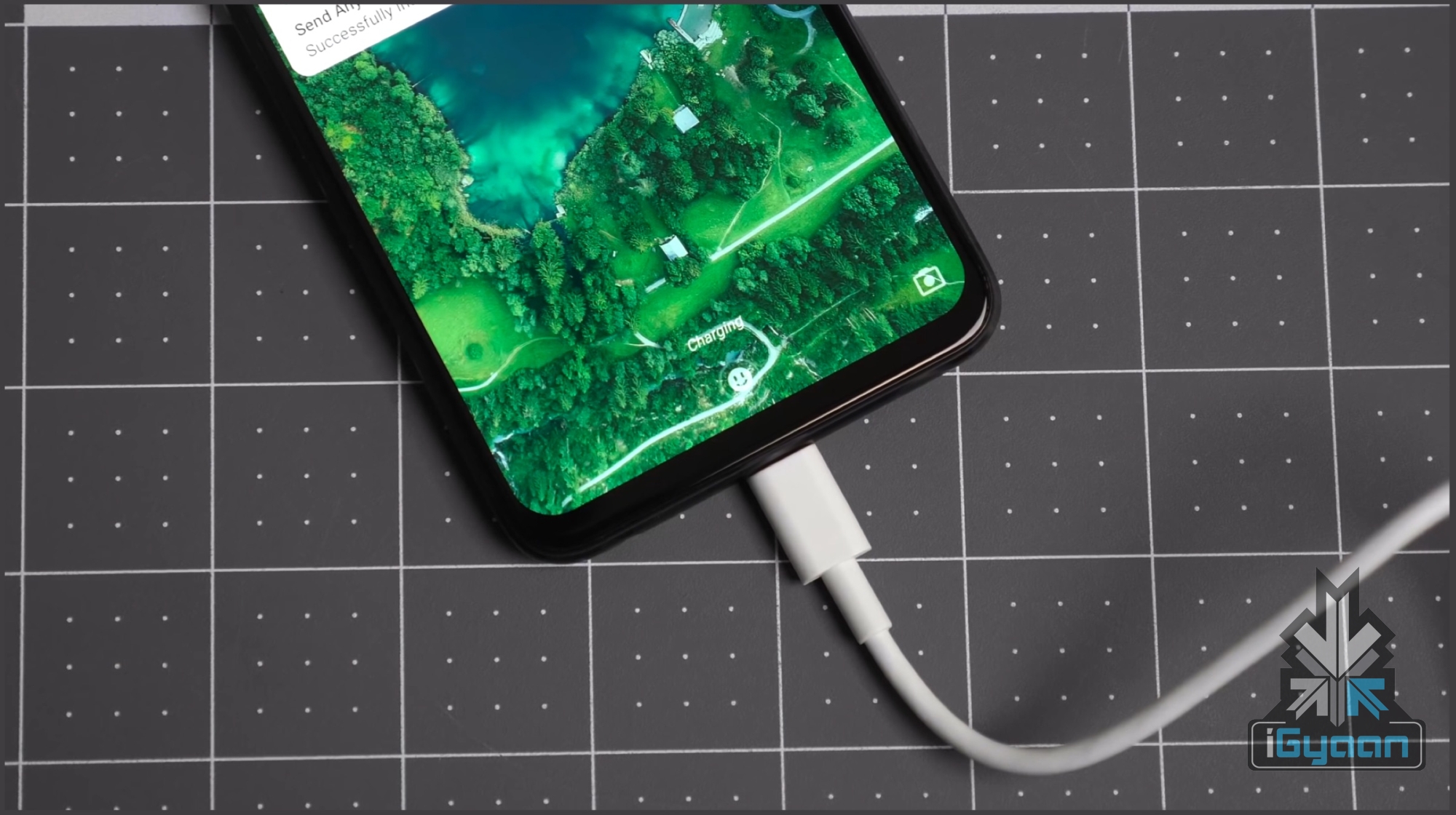
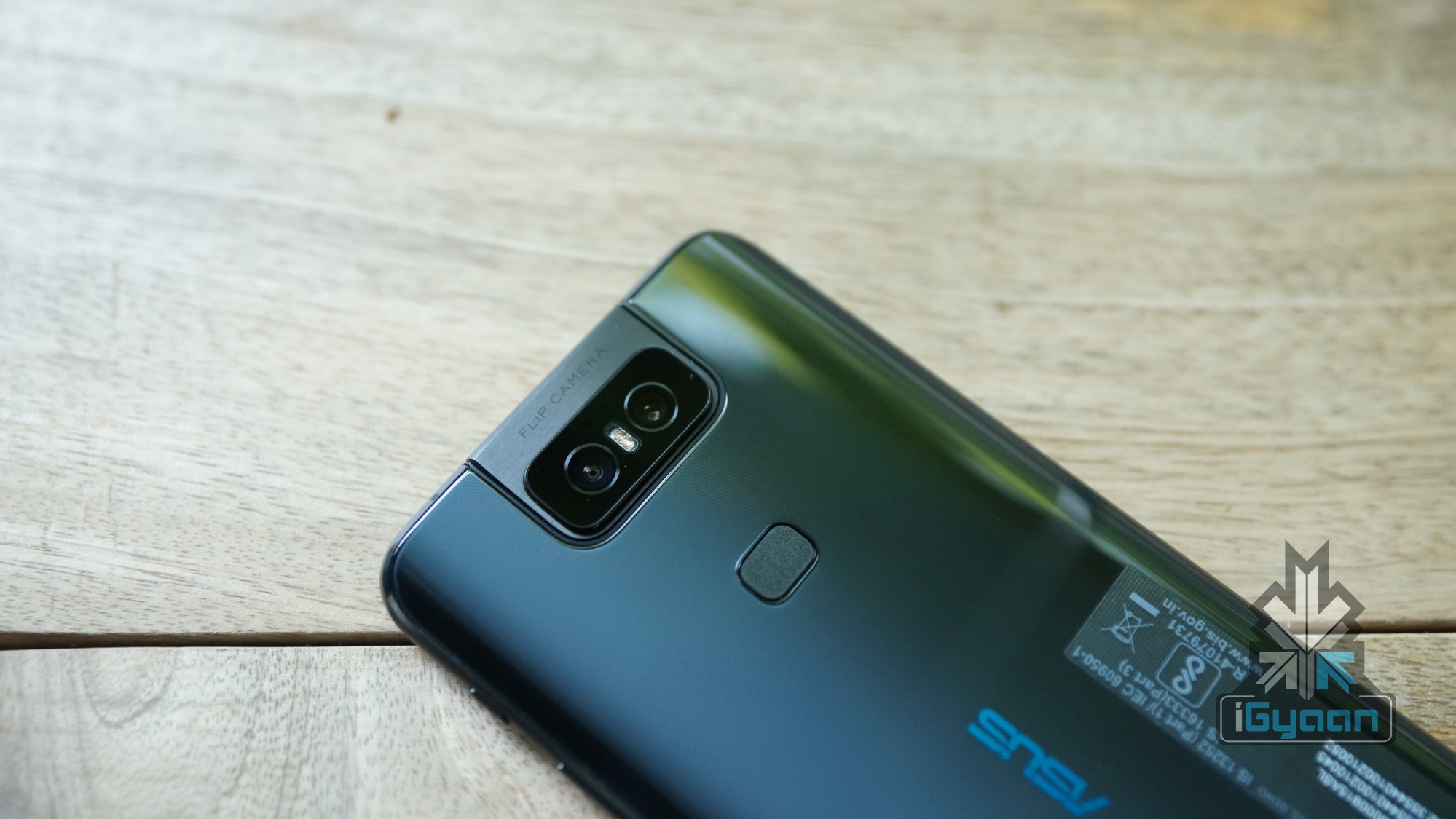
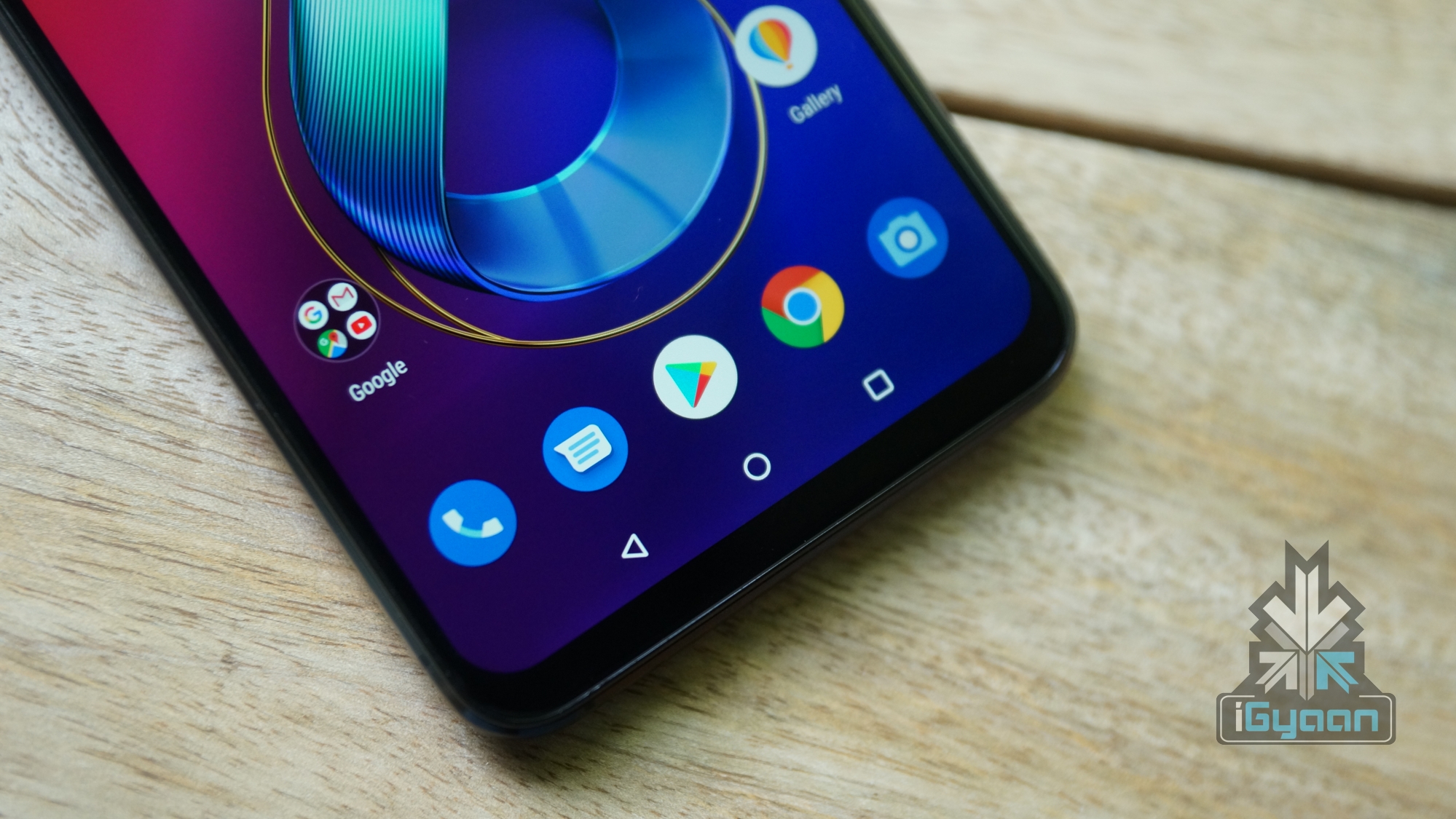





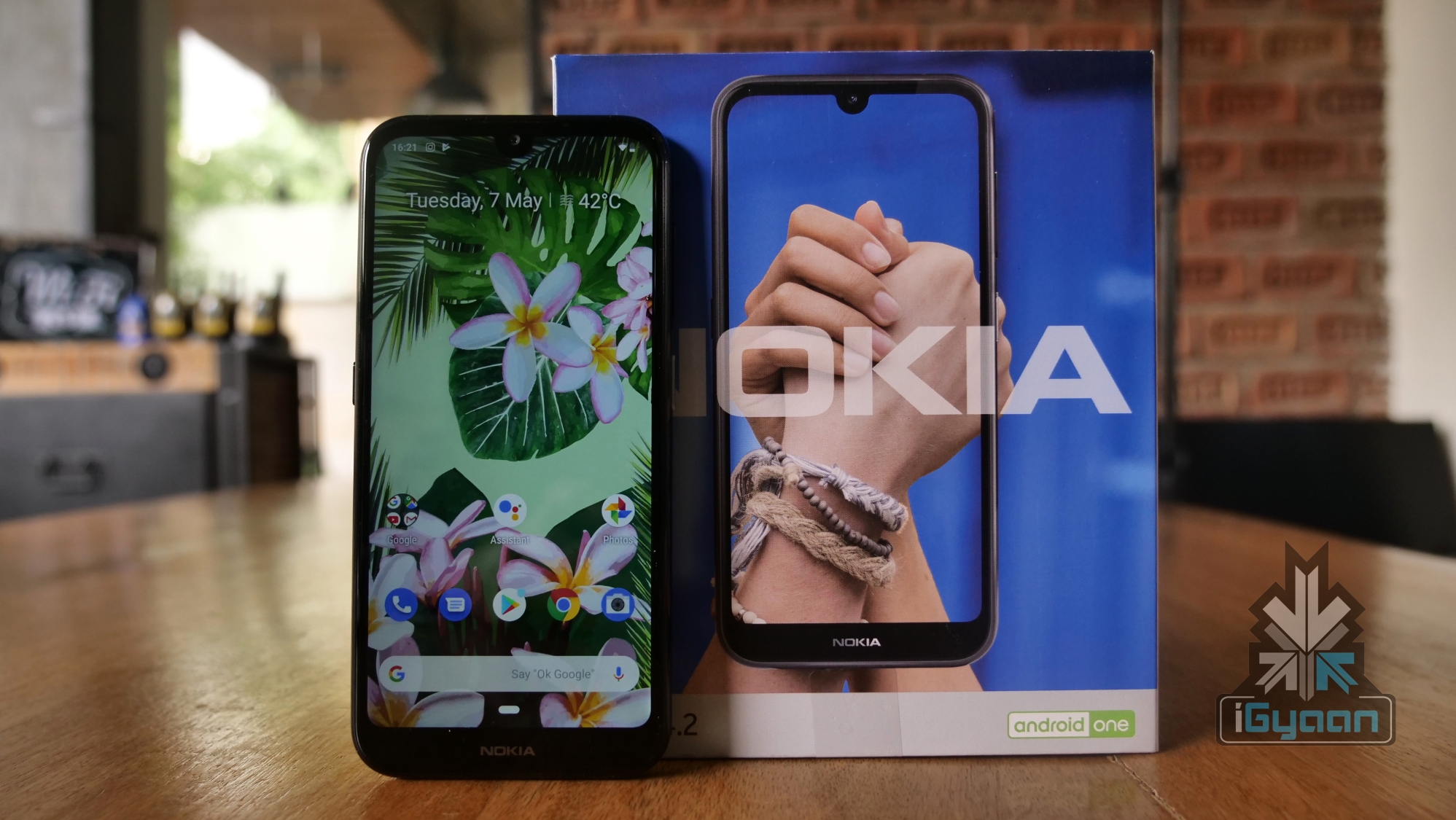

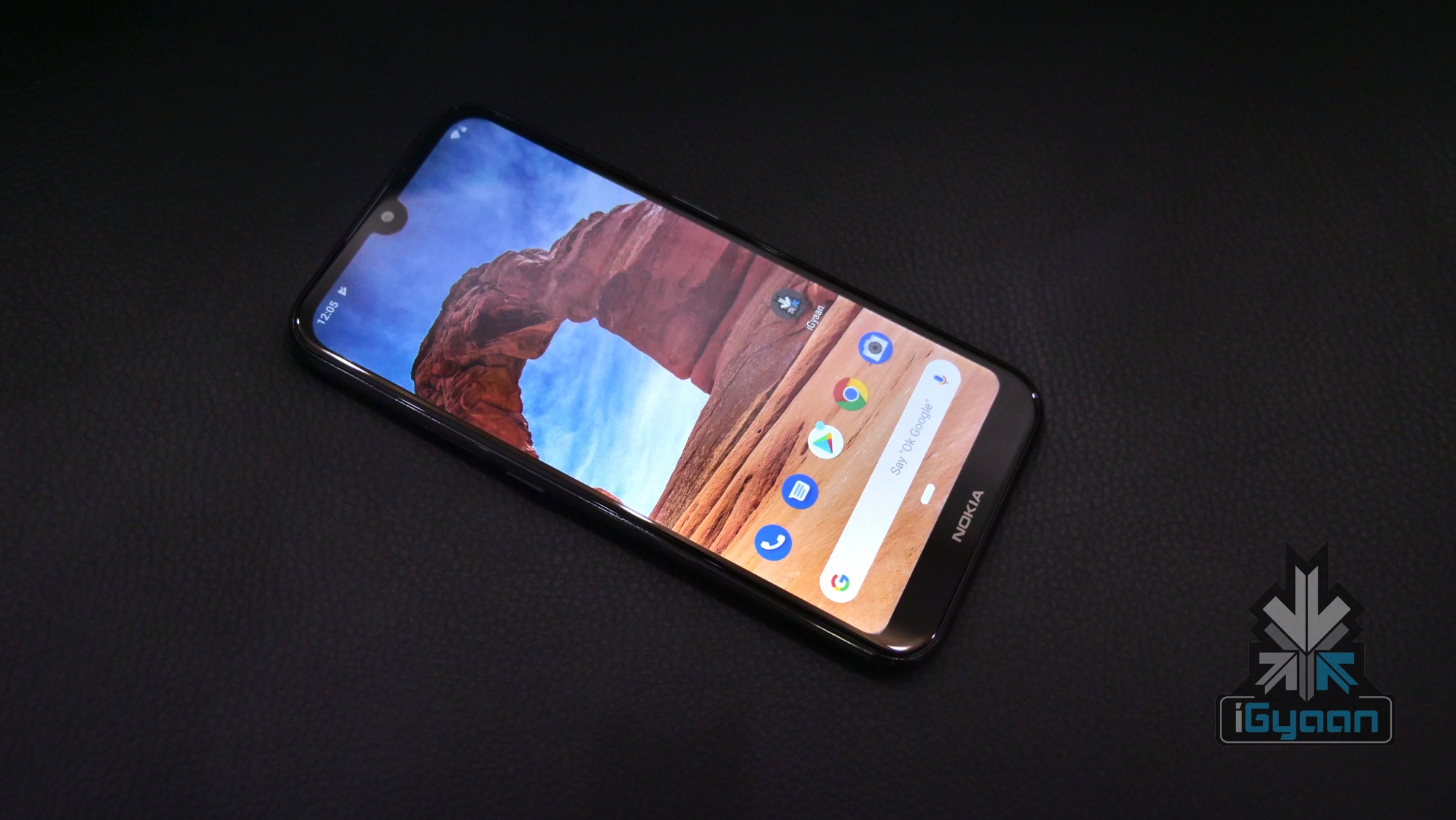
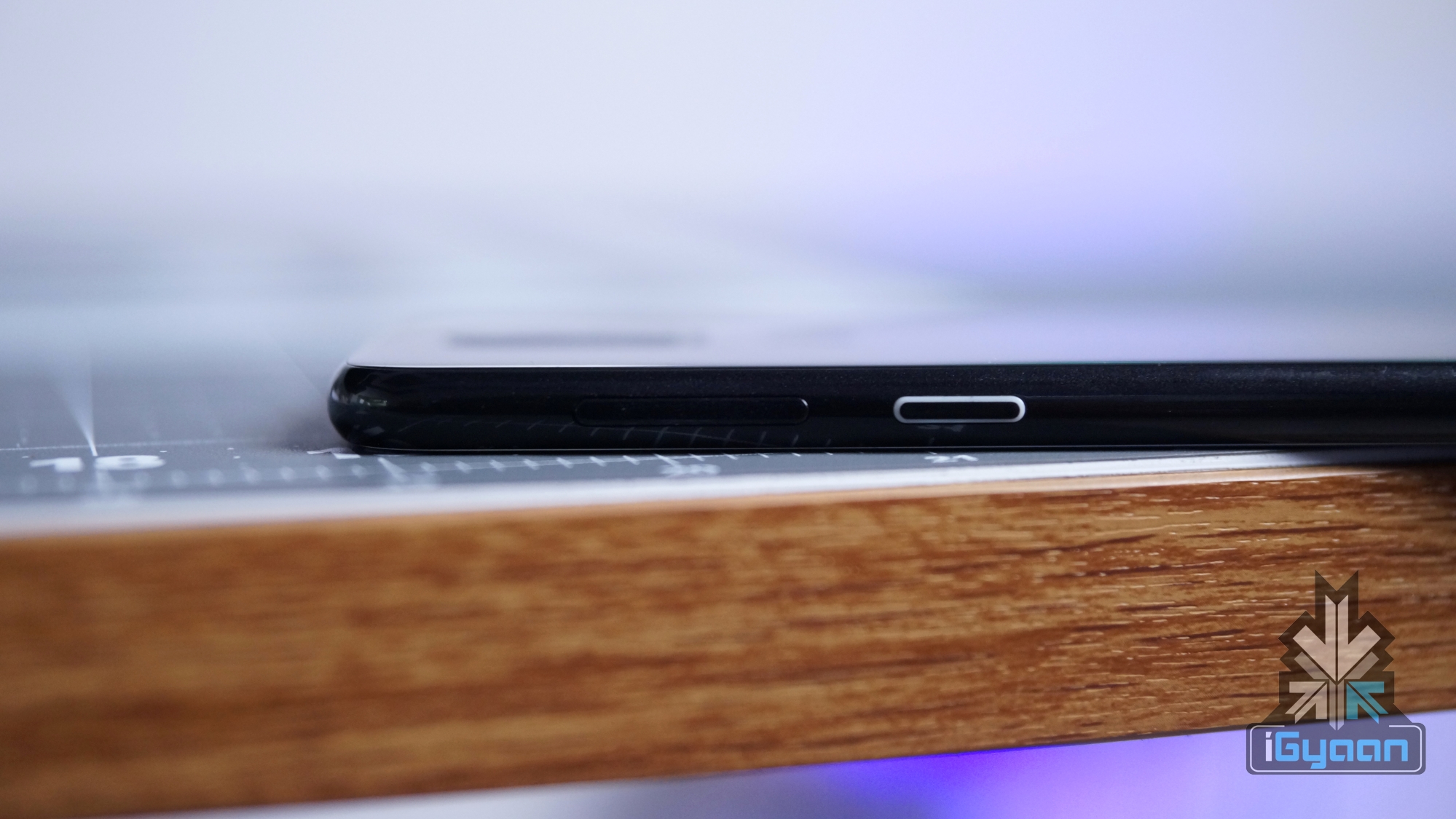
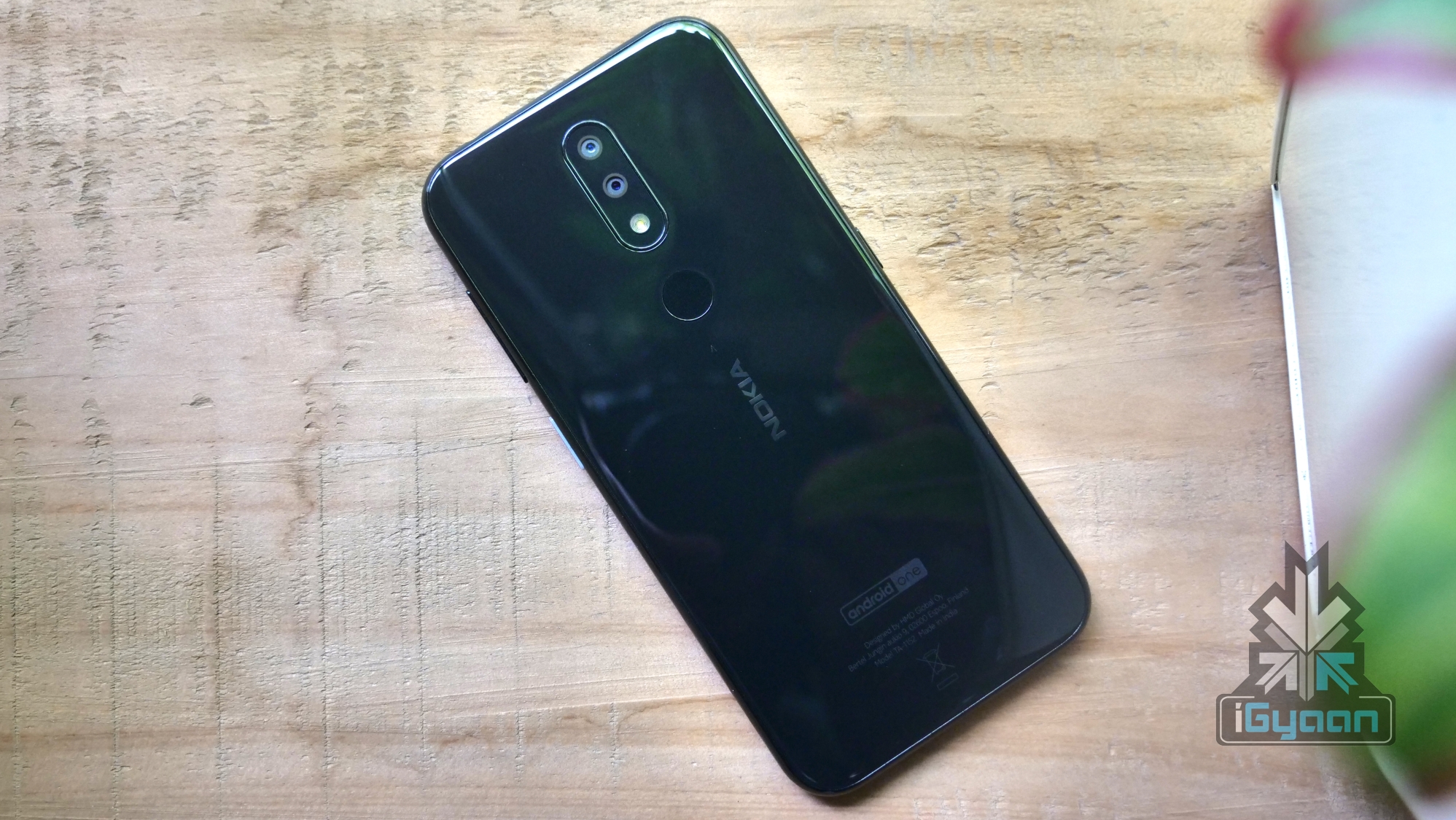
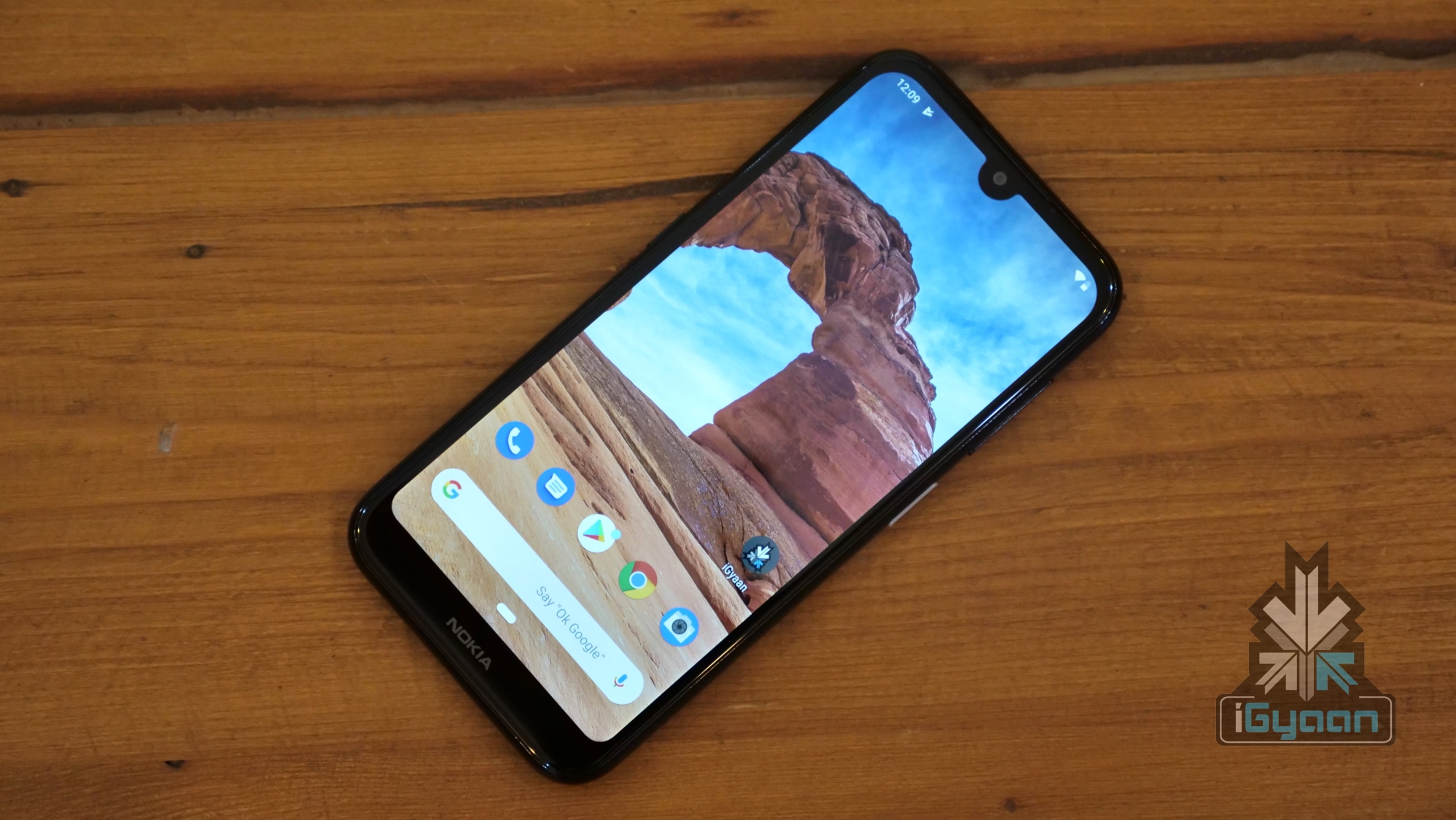
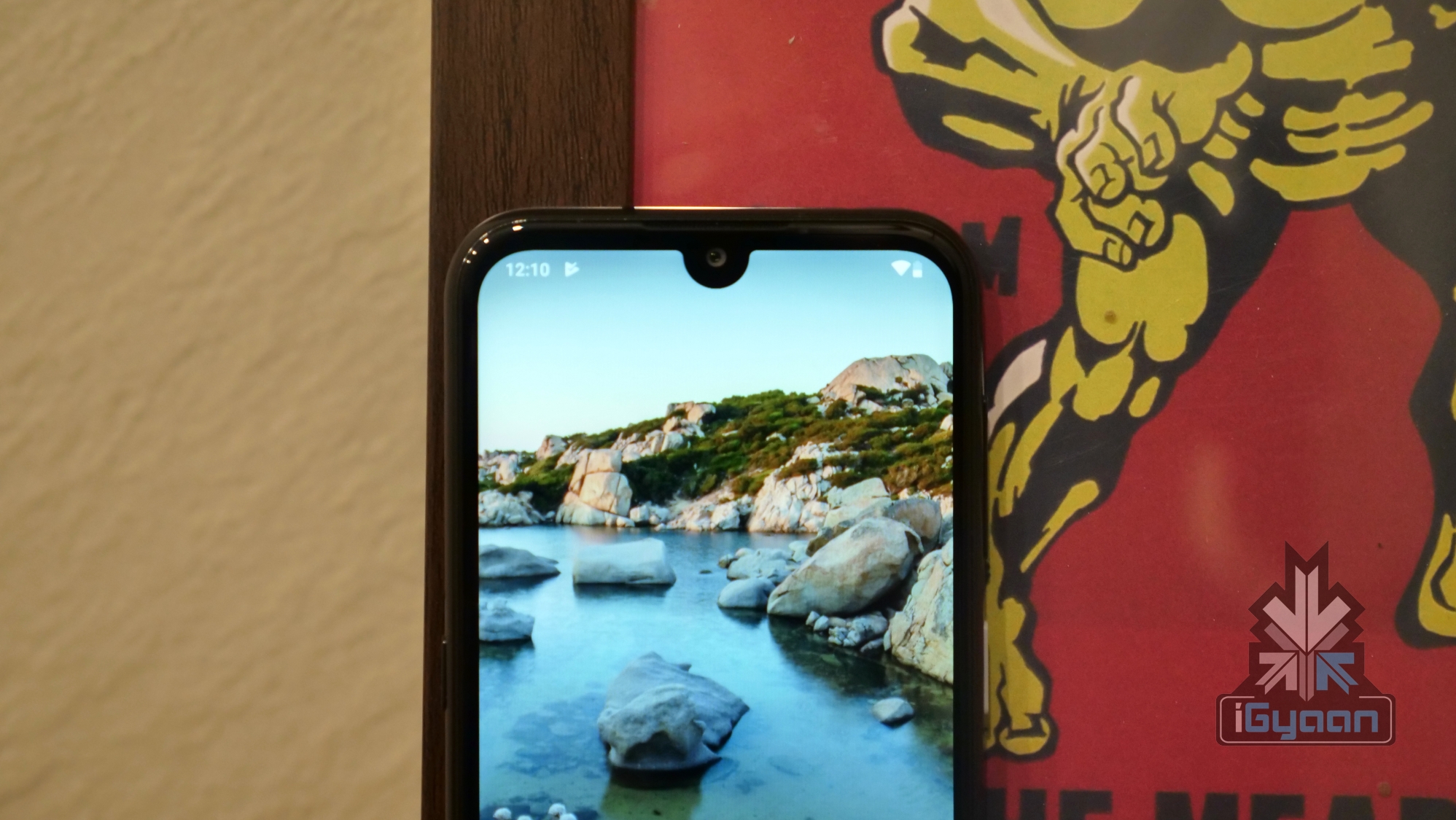
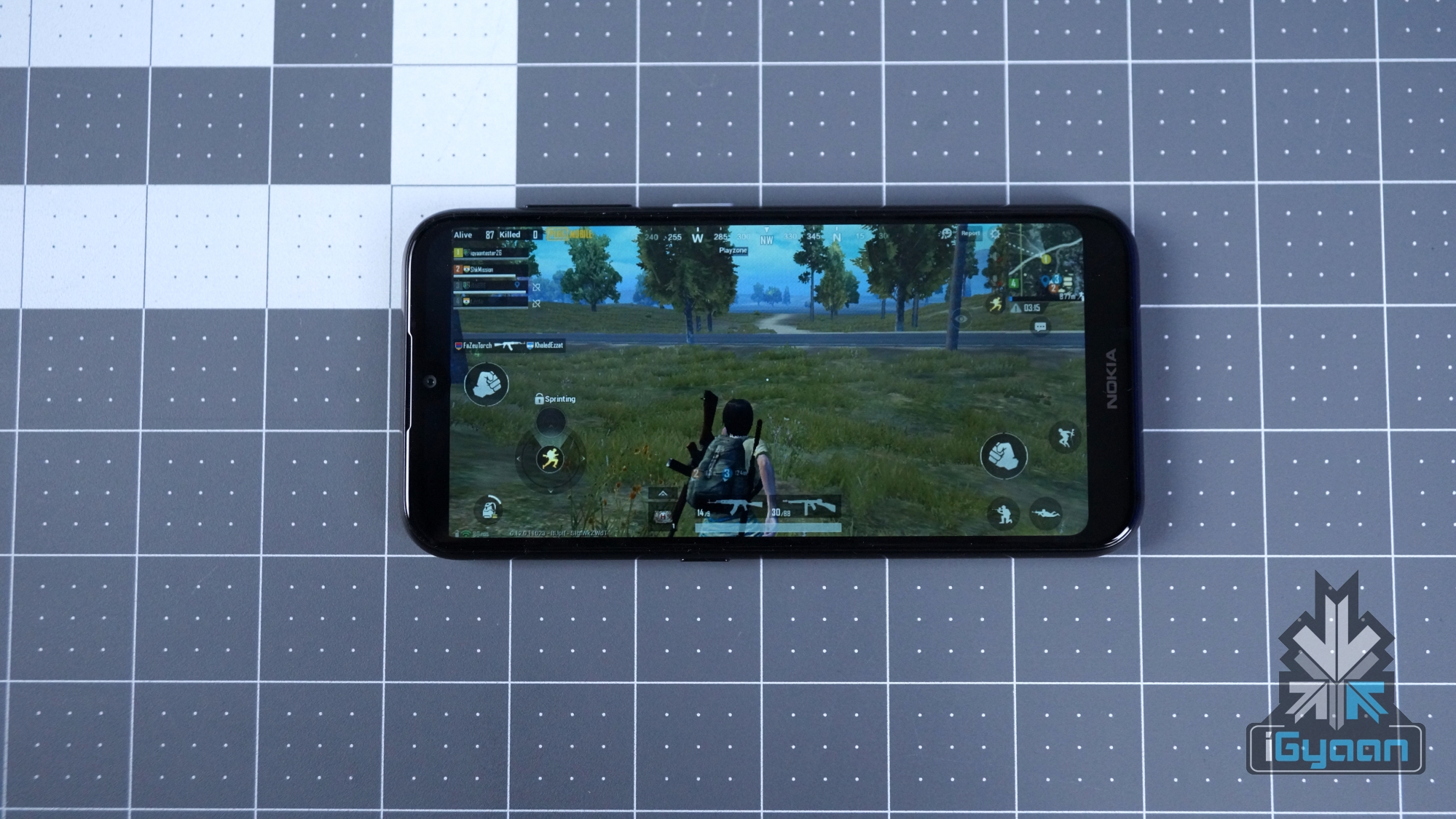
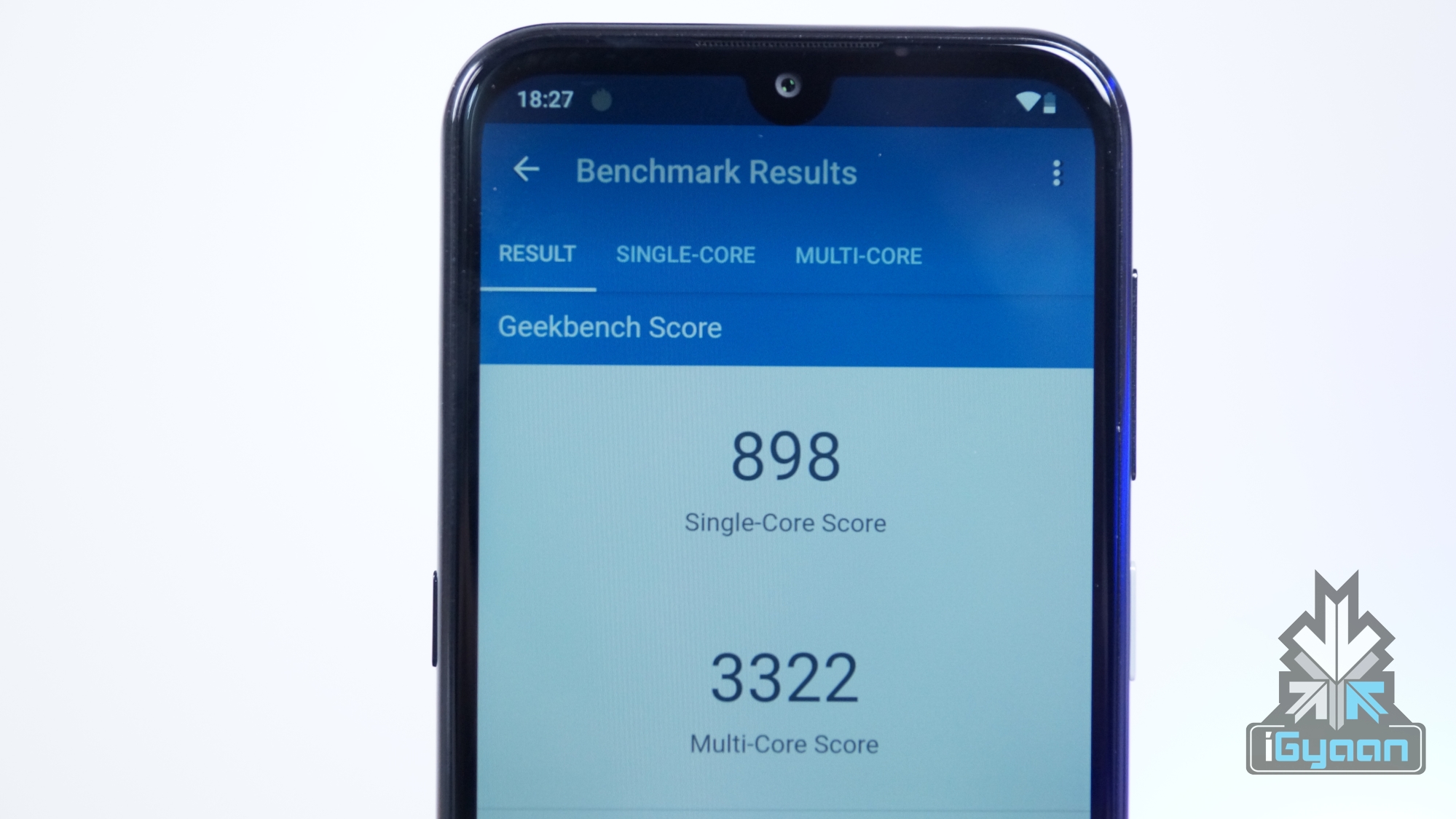
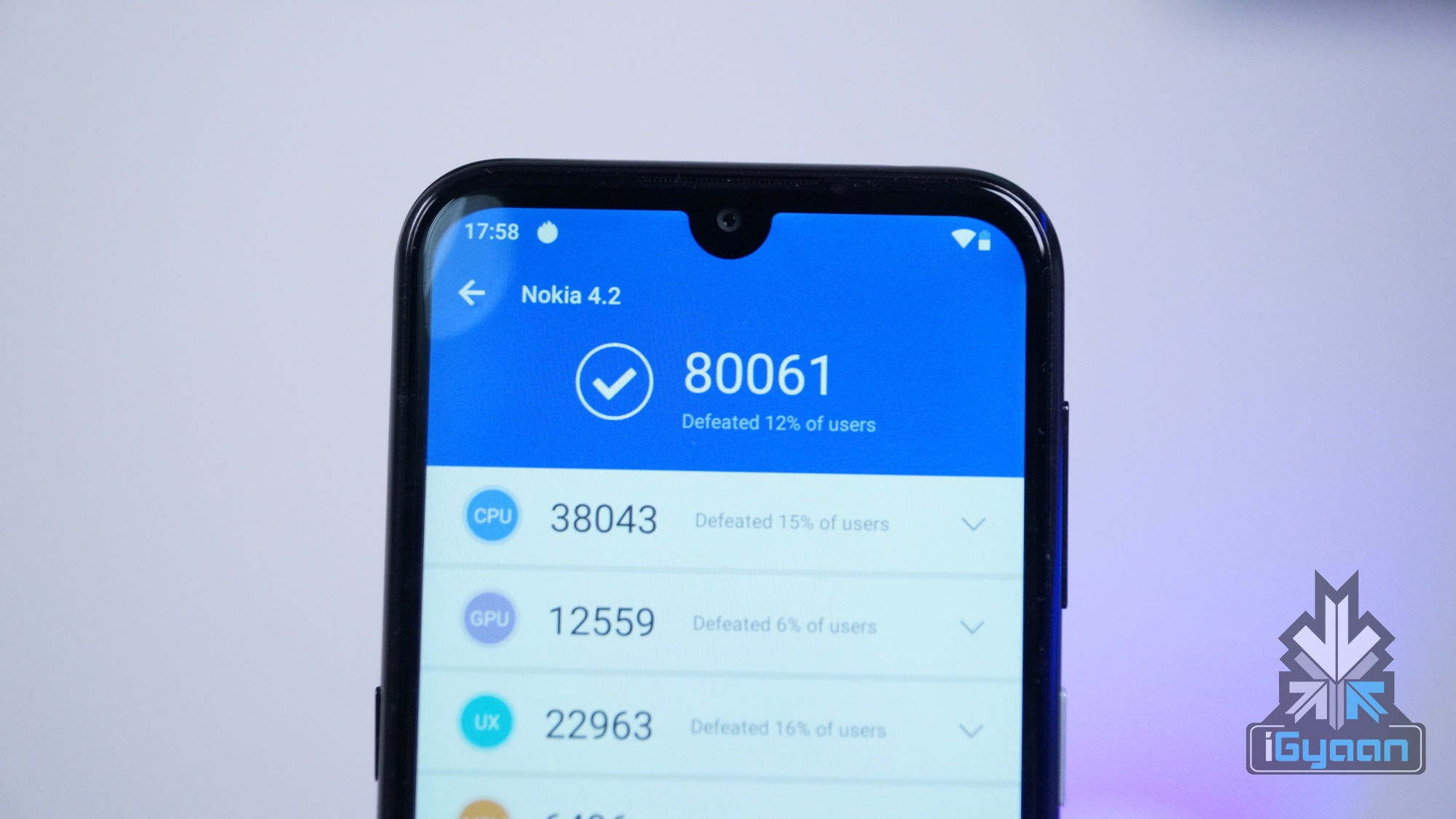
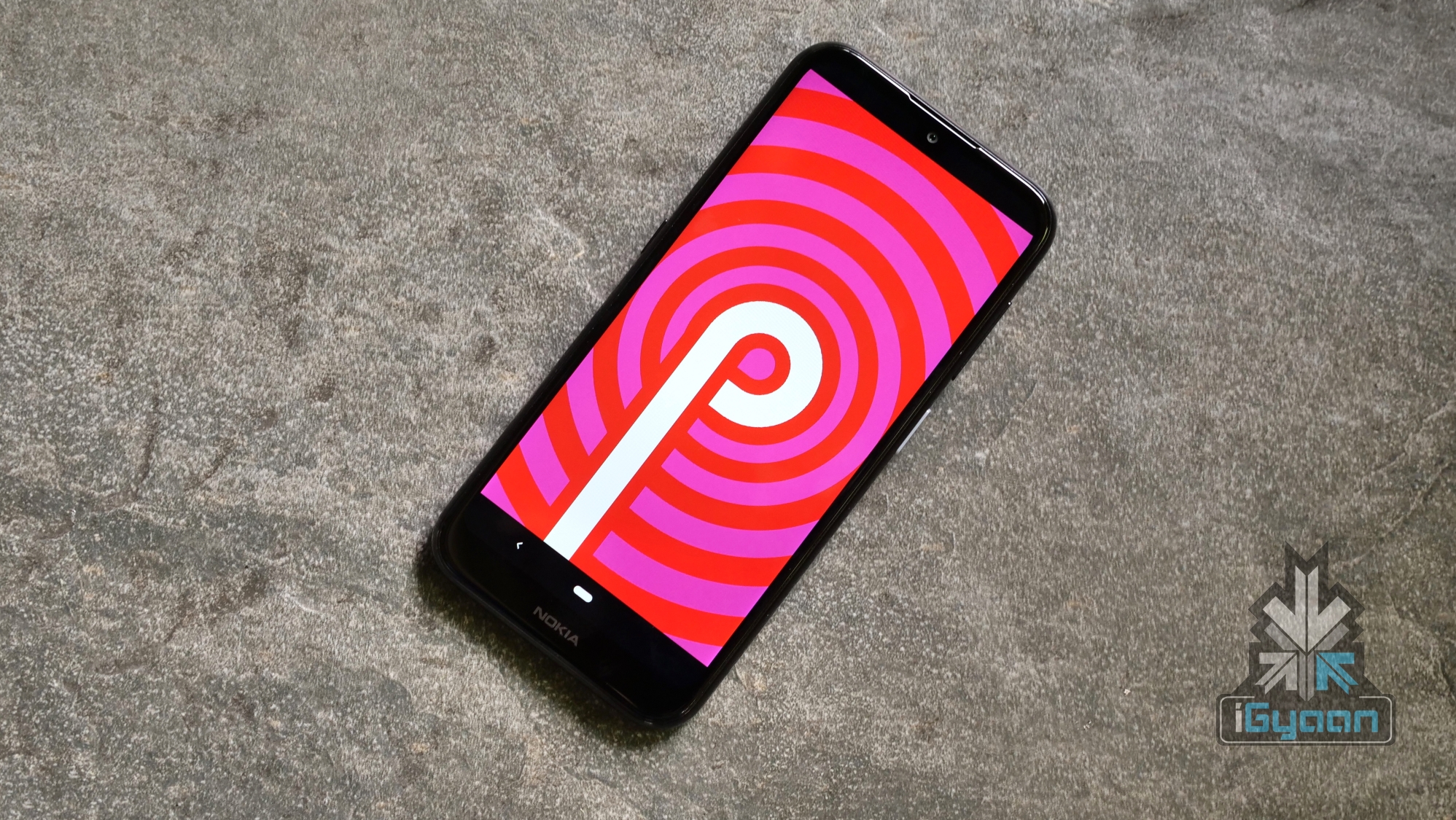
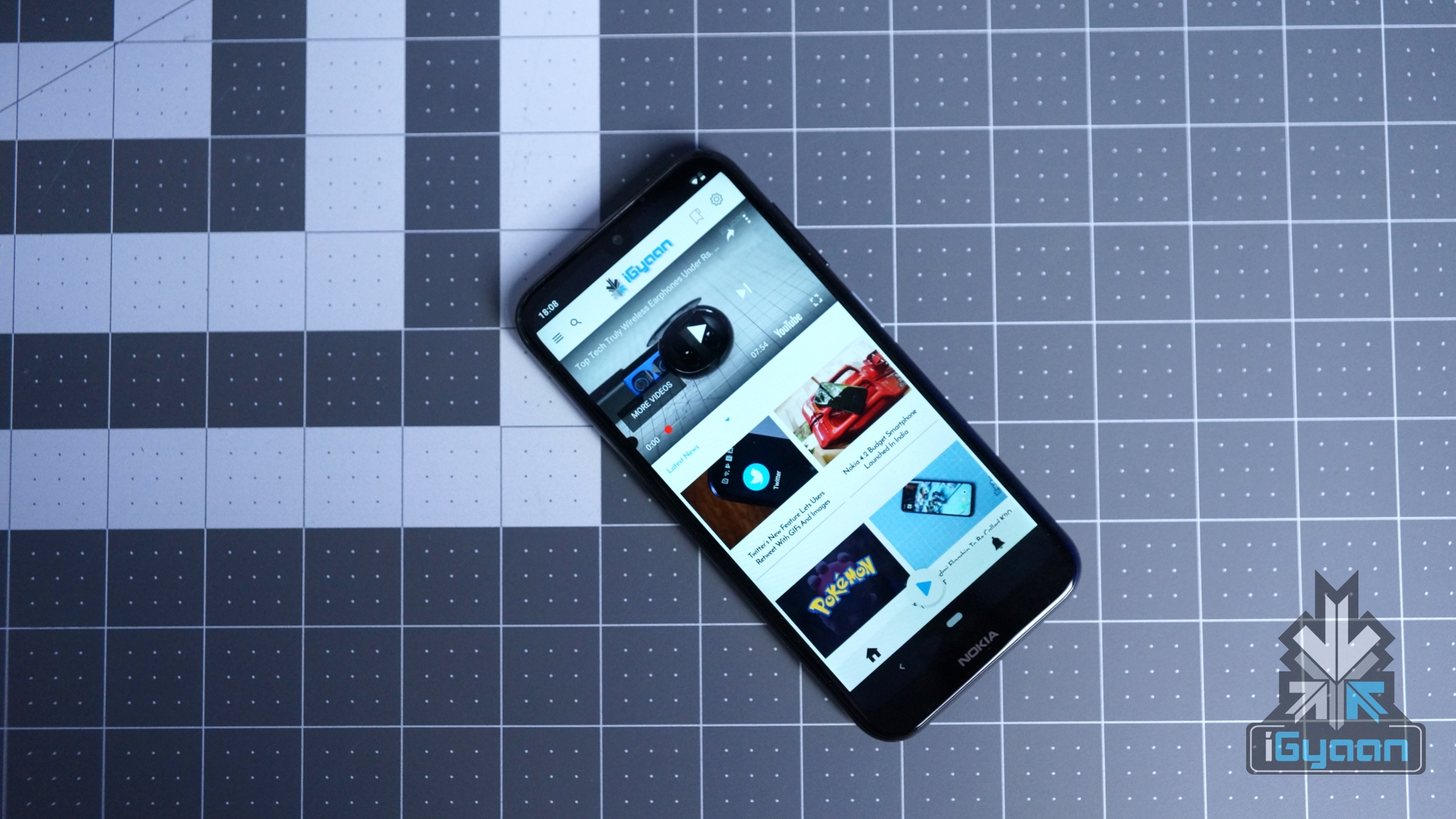
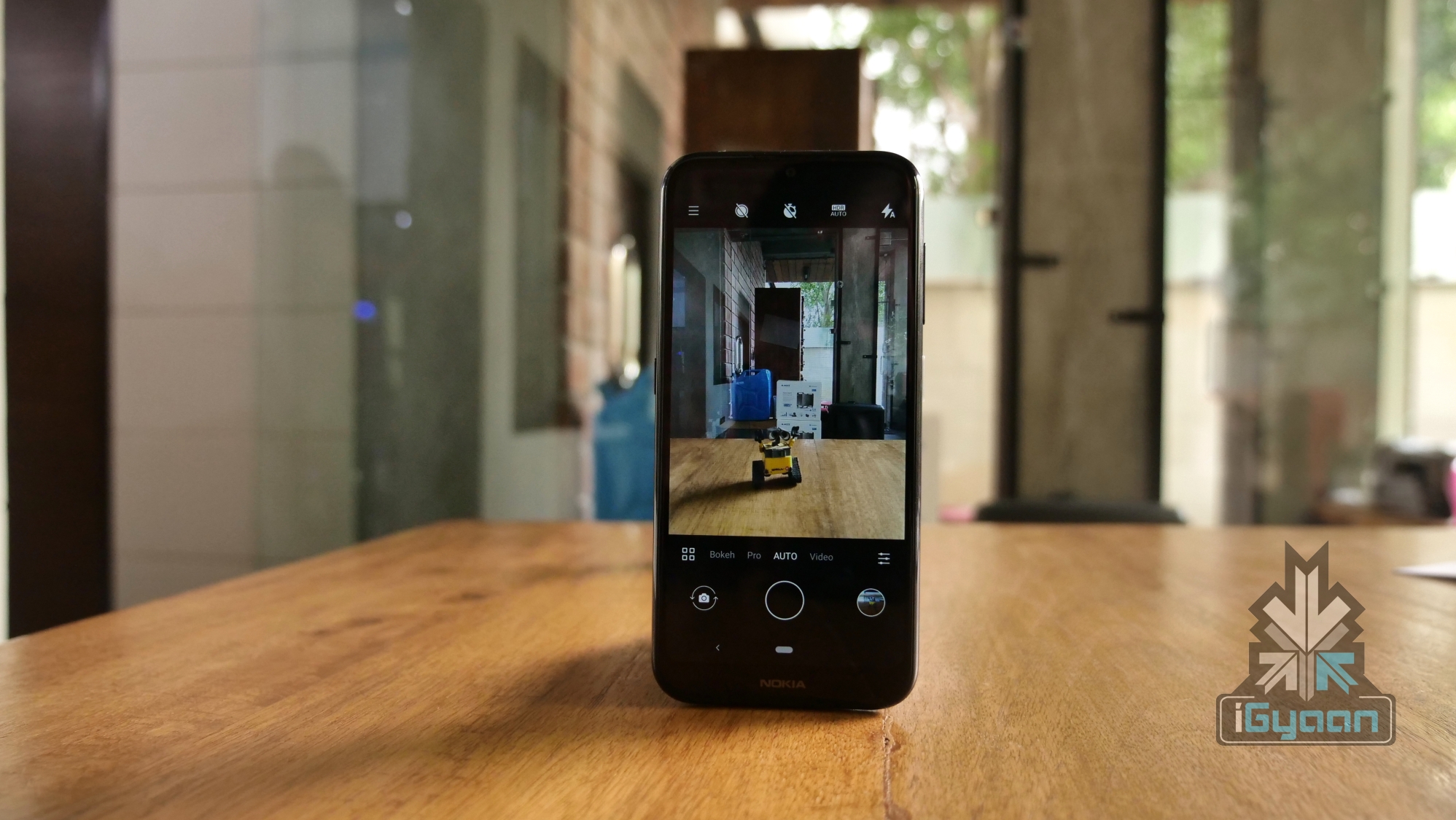

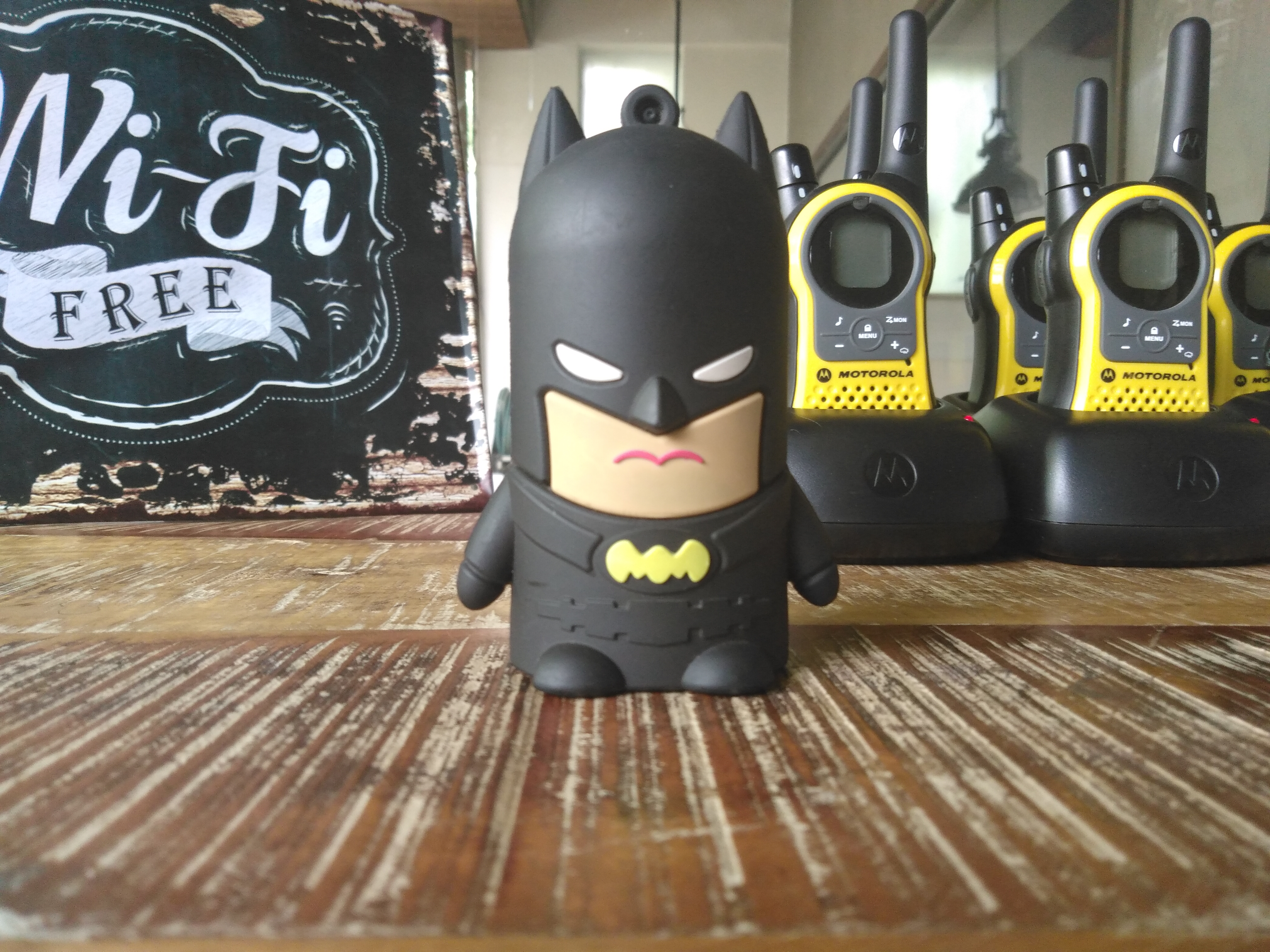








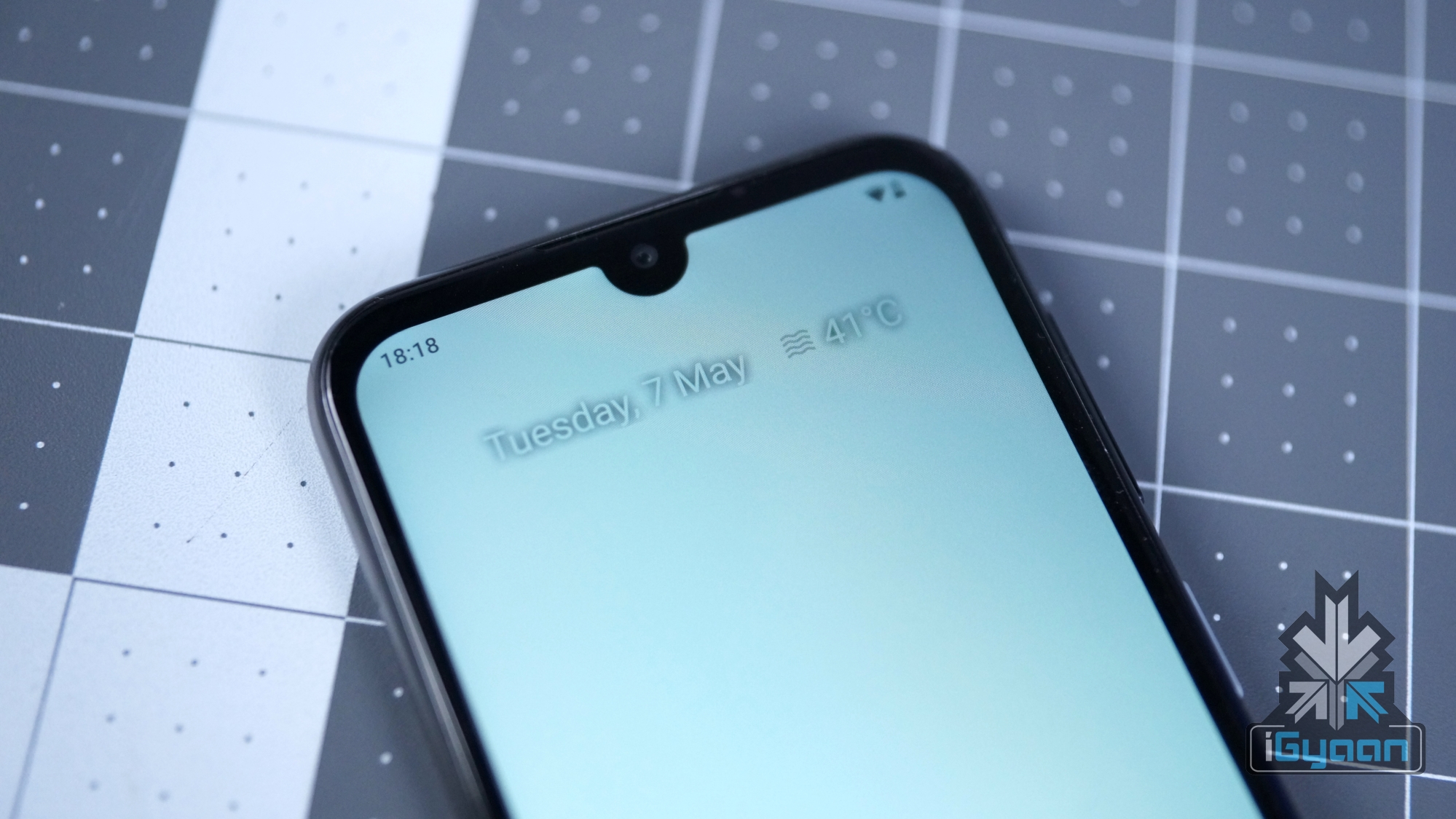
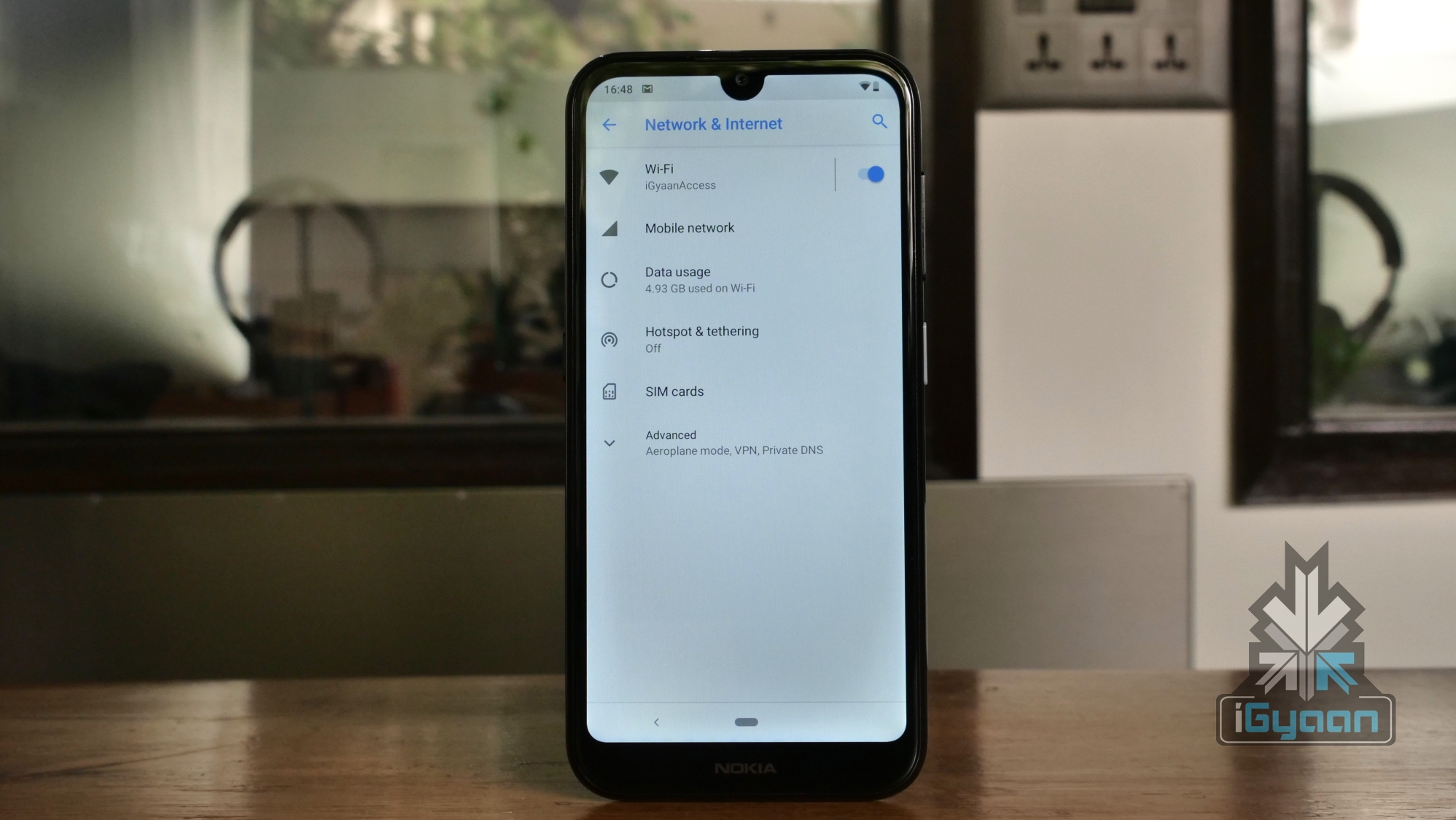
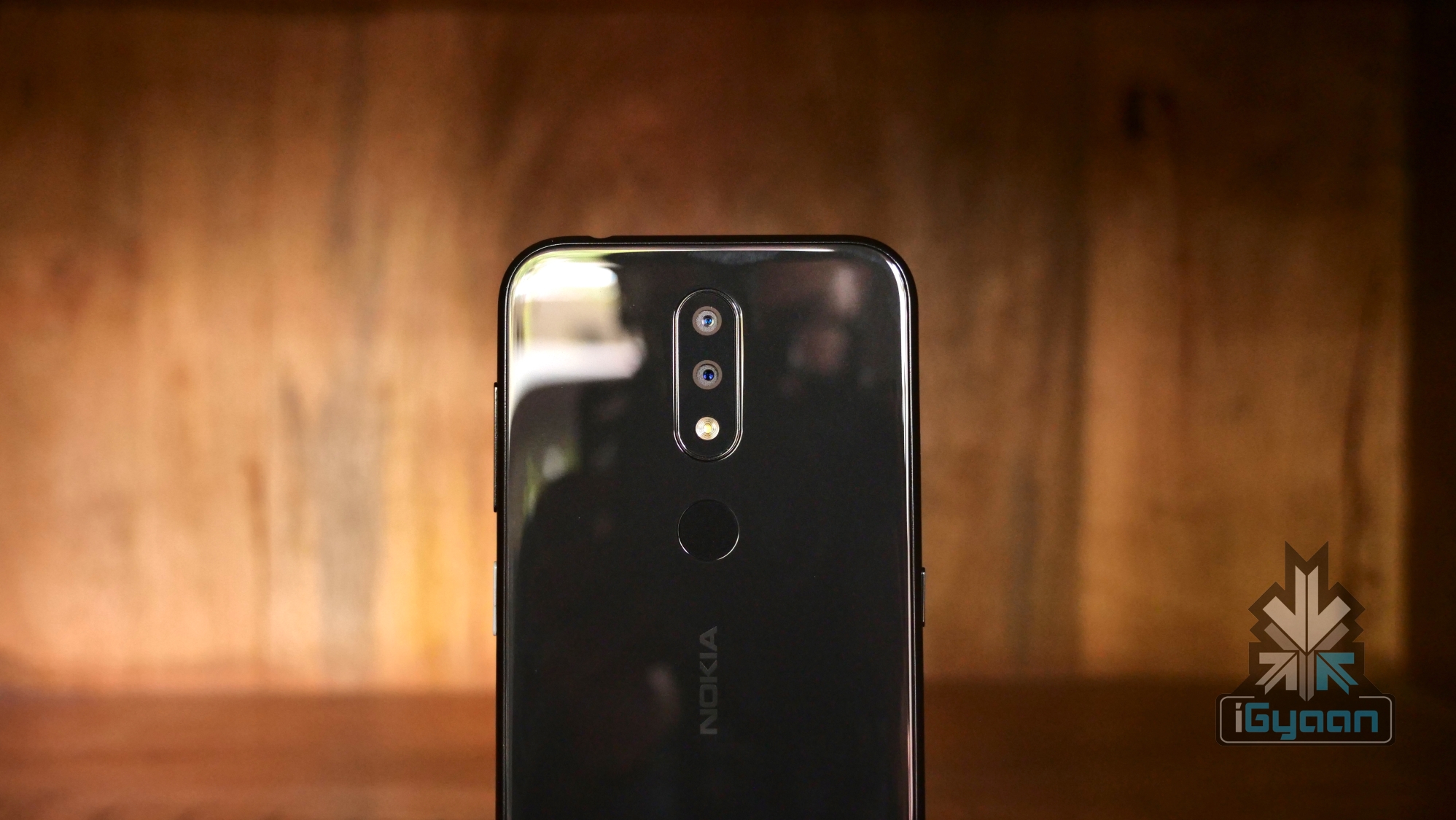
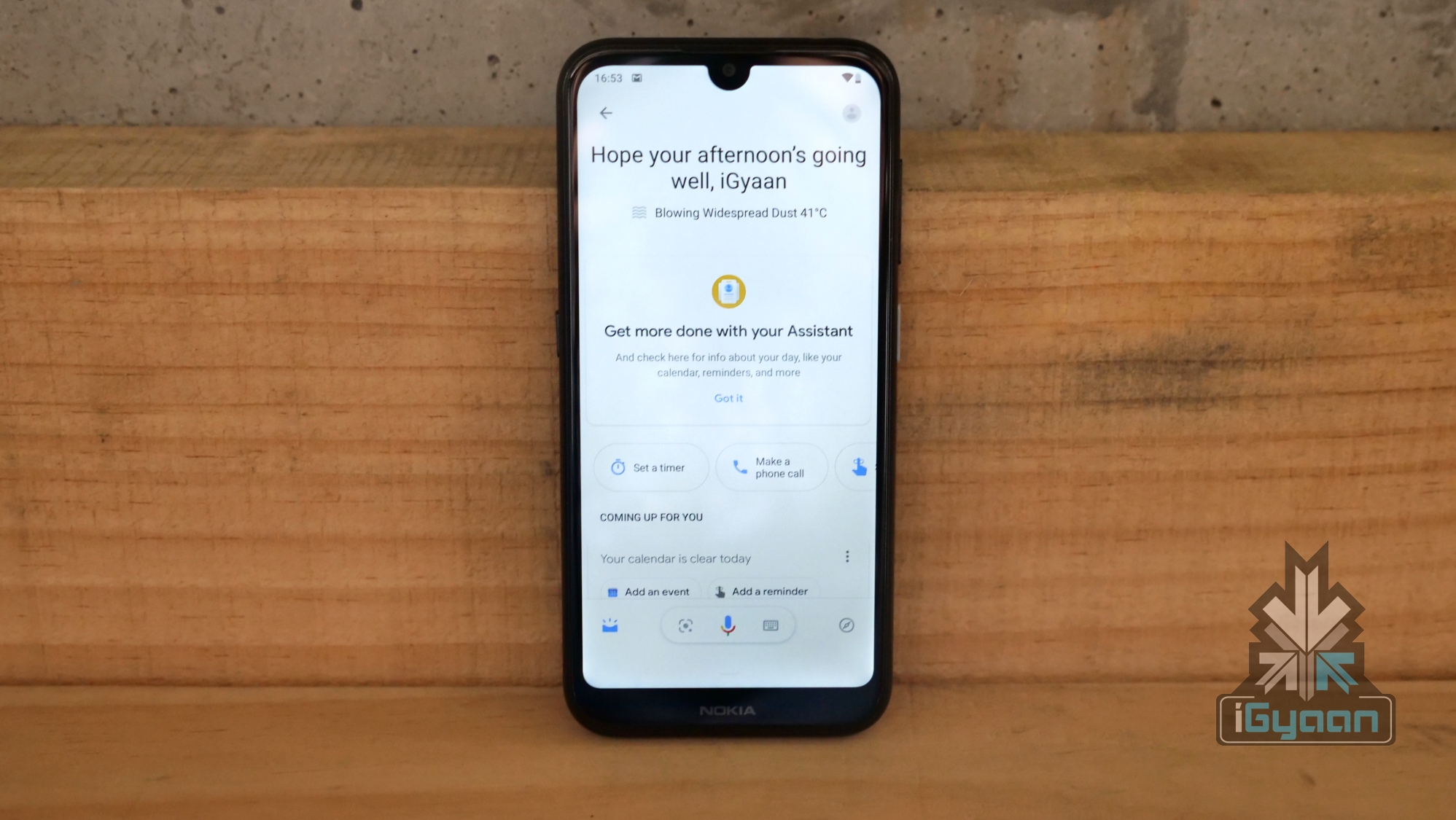
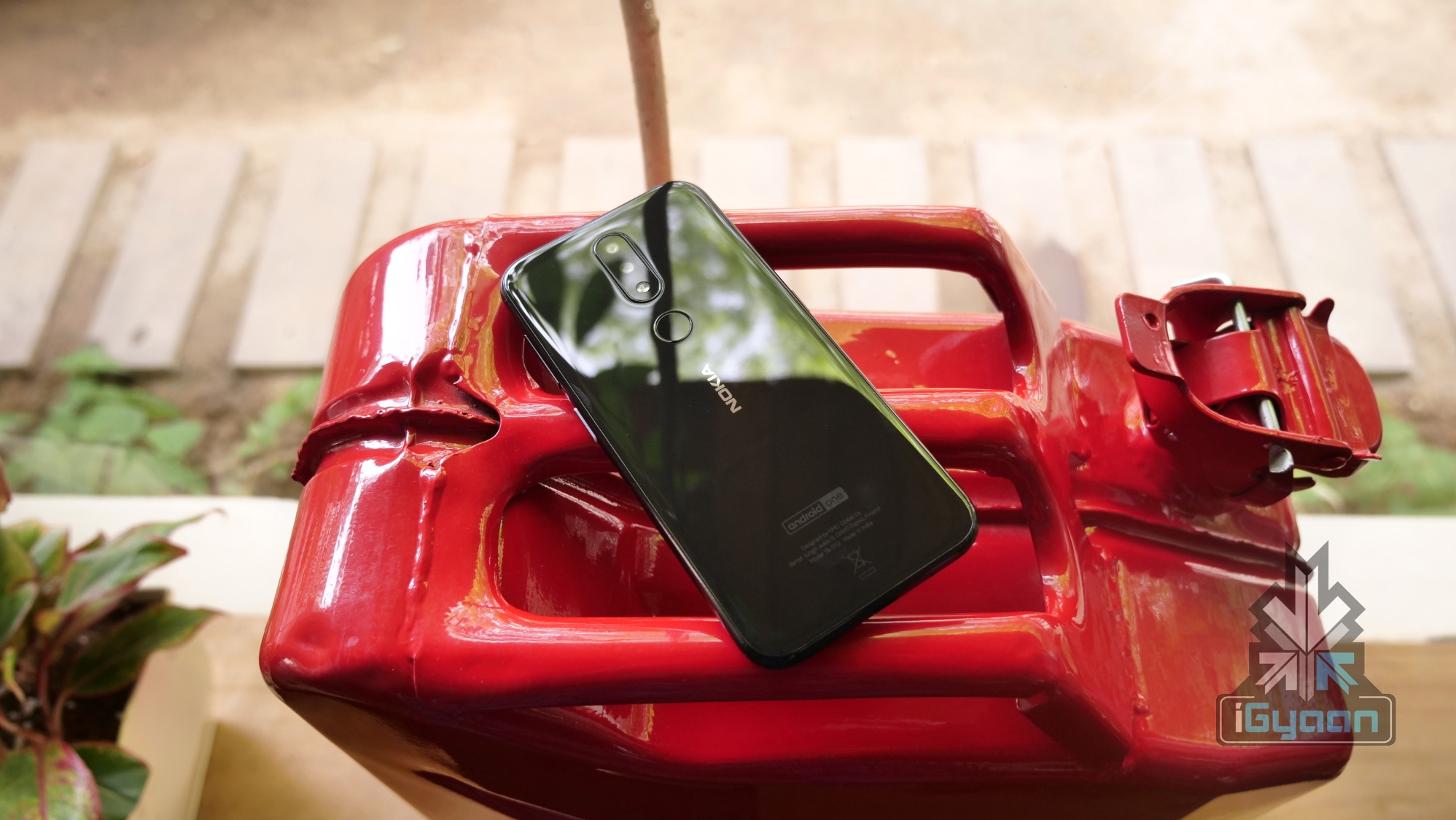
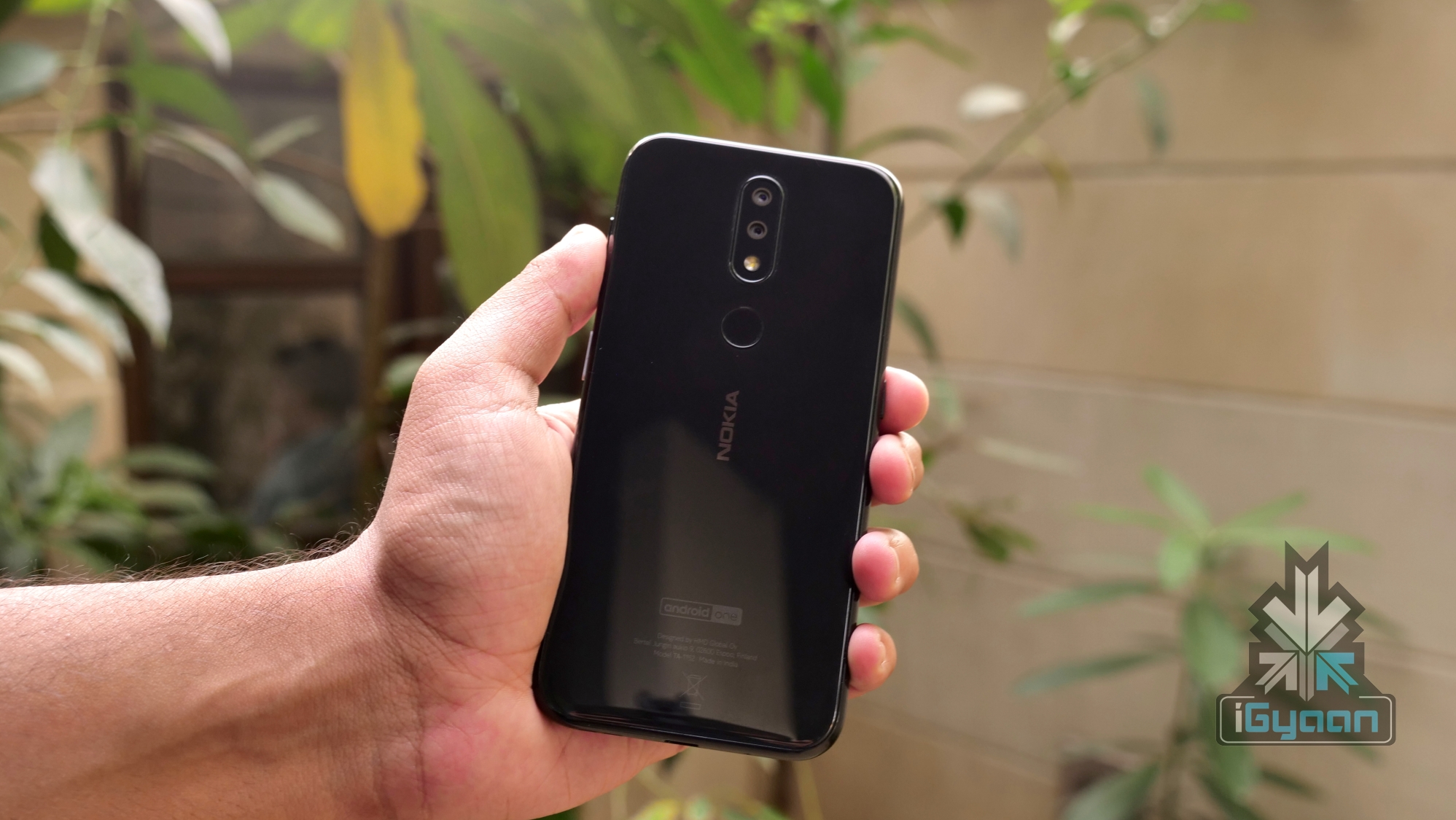
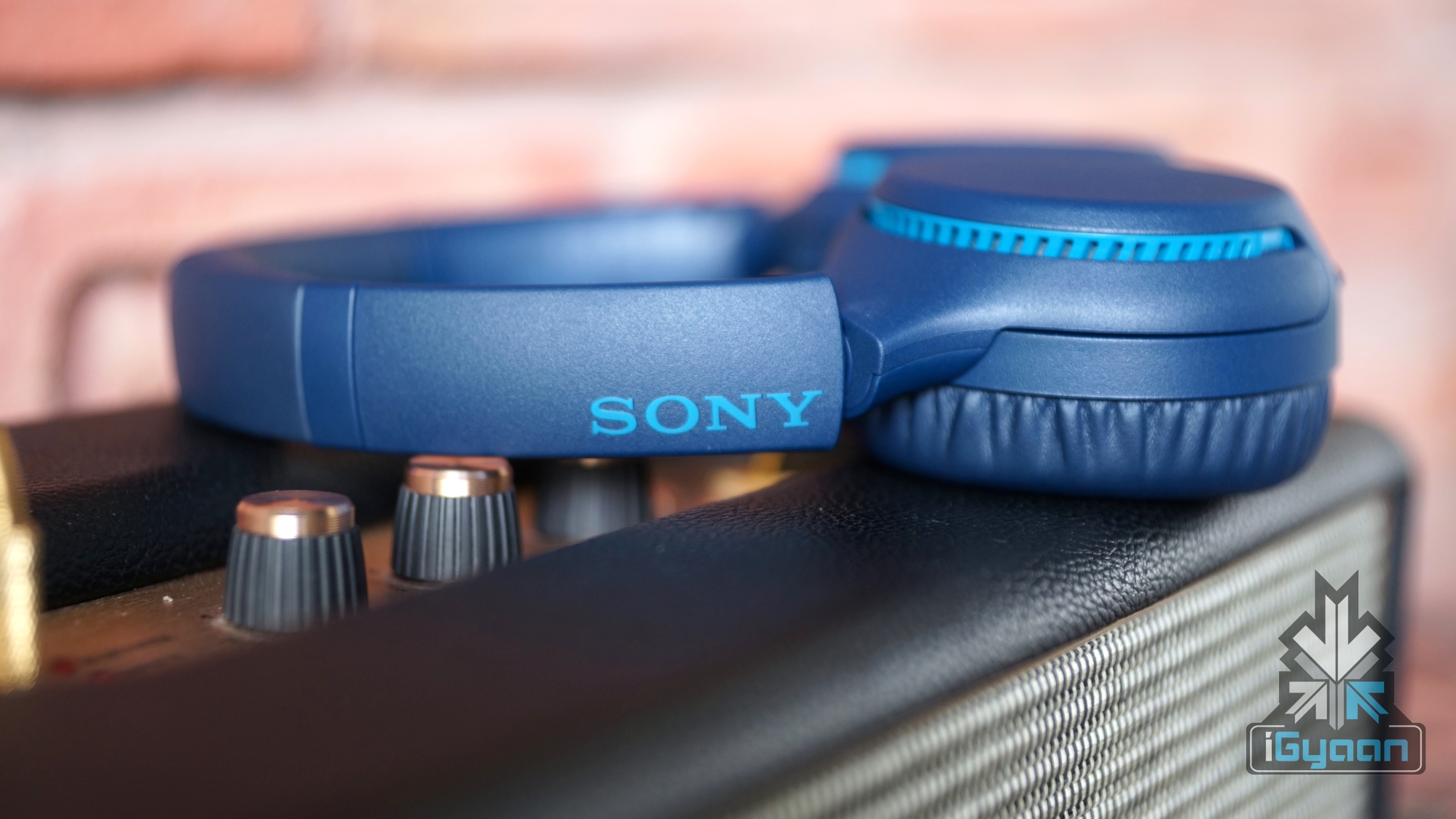
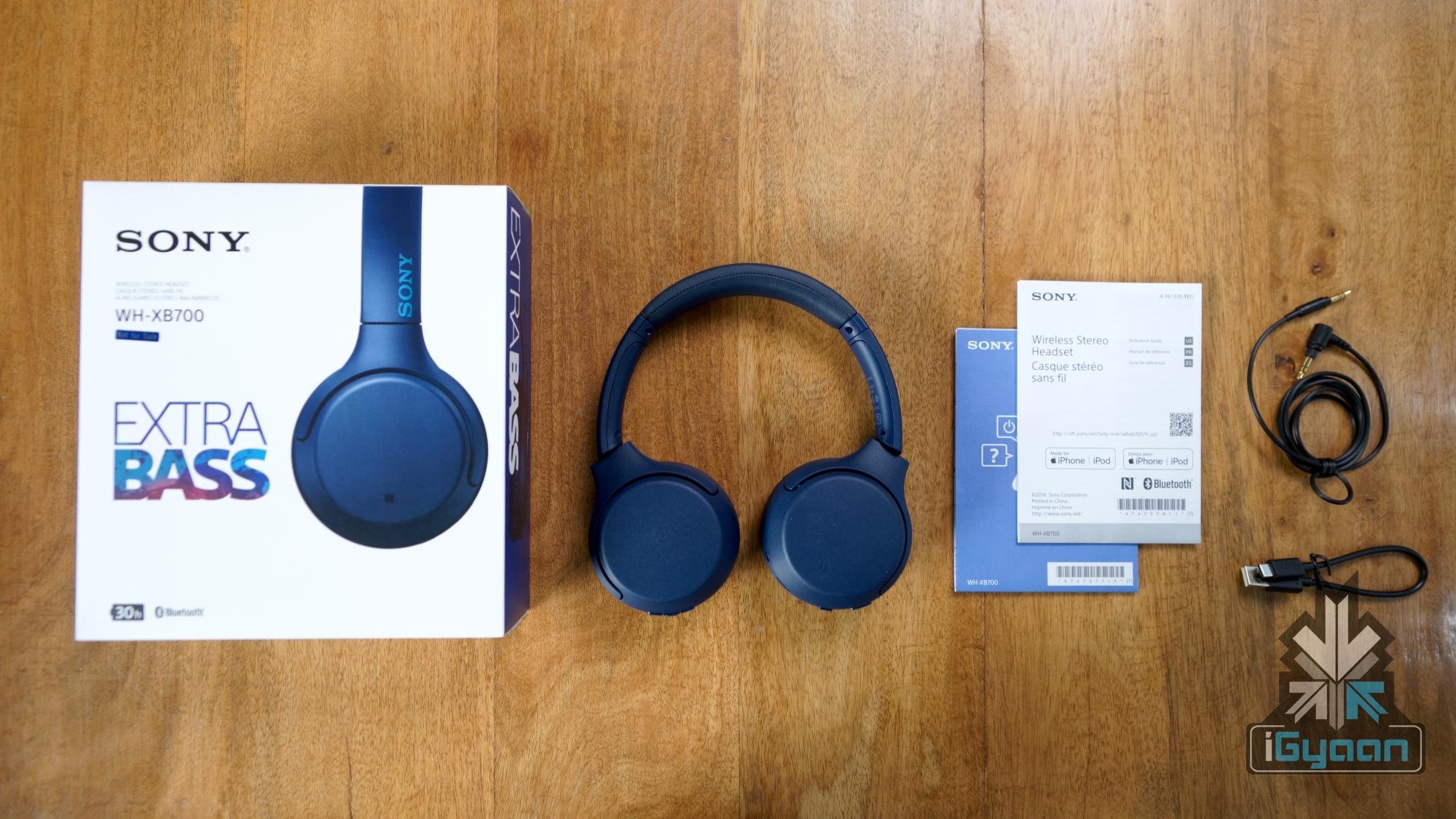
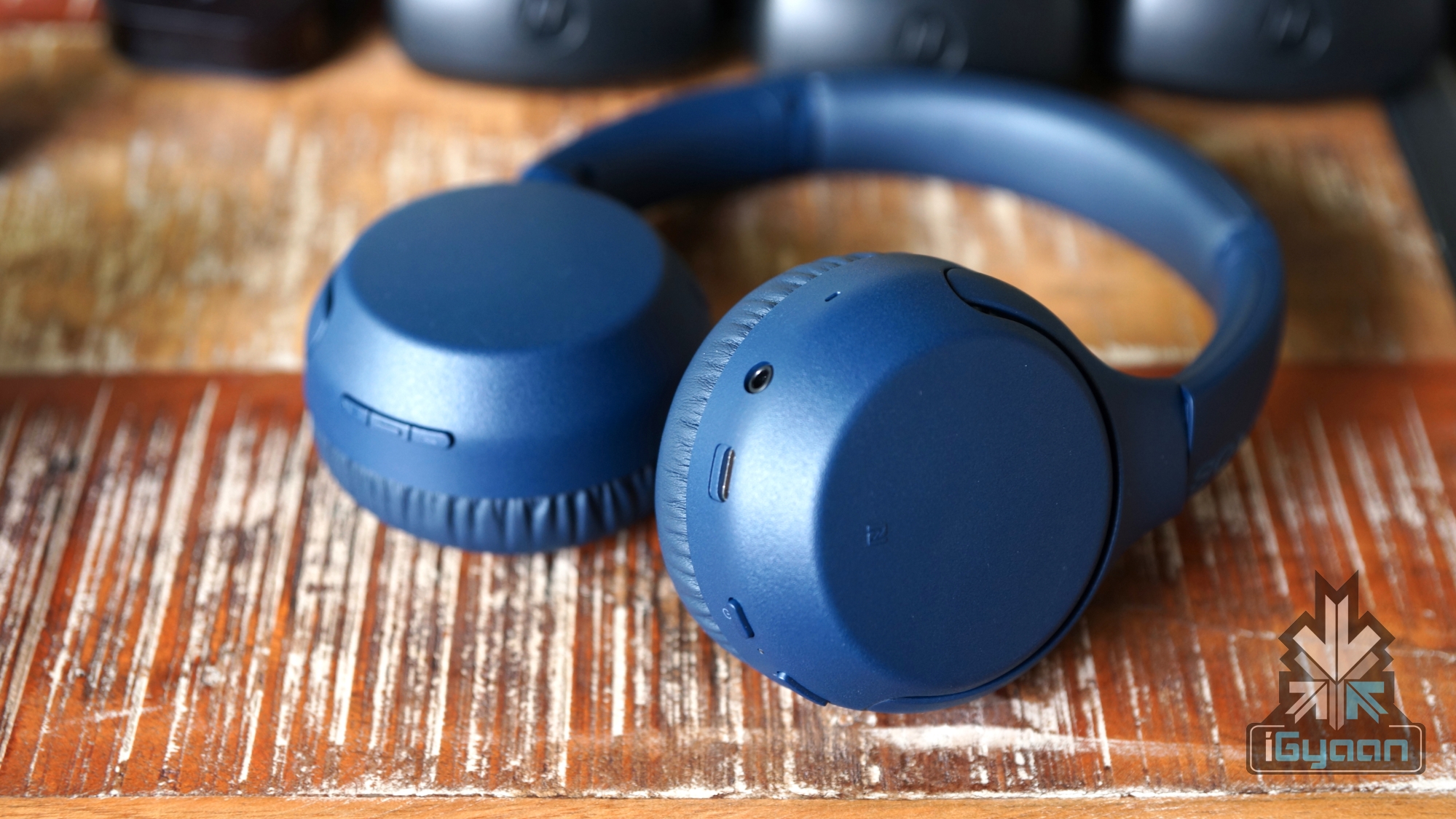 The Sony WH-XB700 are fabricated from high grade plastic with a smooth matte finish. The framework of the headphones is made of metal though. More metal would have been appreciated in the build of the WH-XB700. The ear cups have a swivel design, implying that the Earcups can rotate around the pivot. This will make it convenient for users to slip these headphones inside their backpacks . Weighing at just around 195 grams, these may be one of the lightest headphones in this segment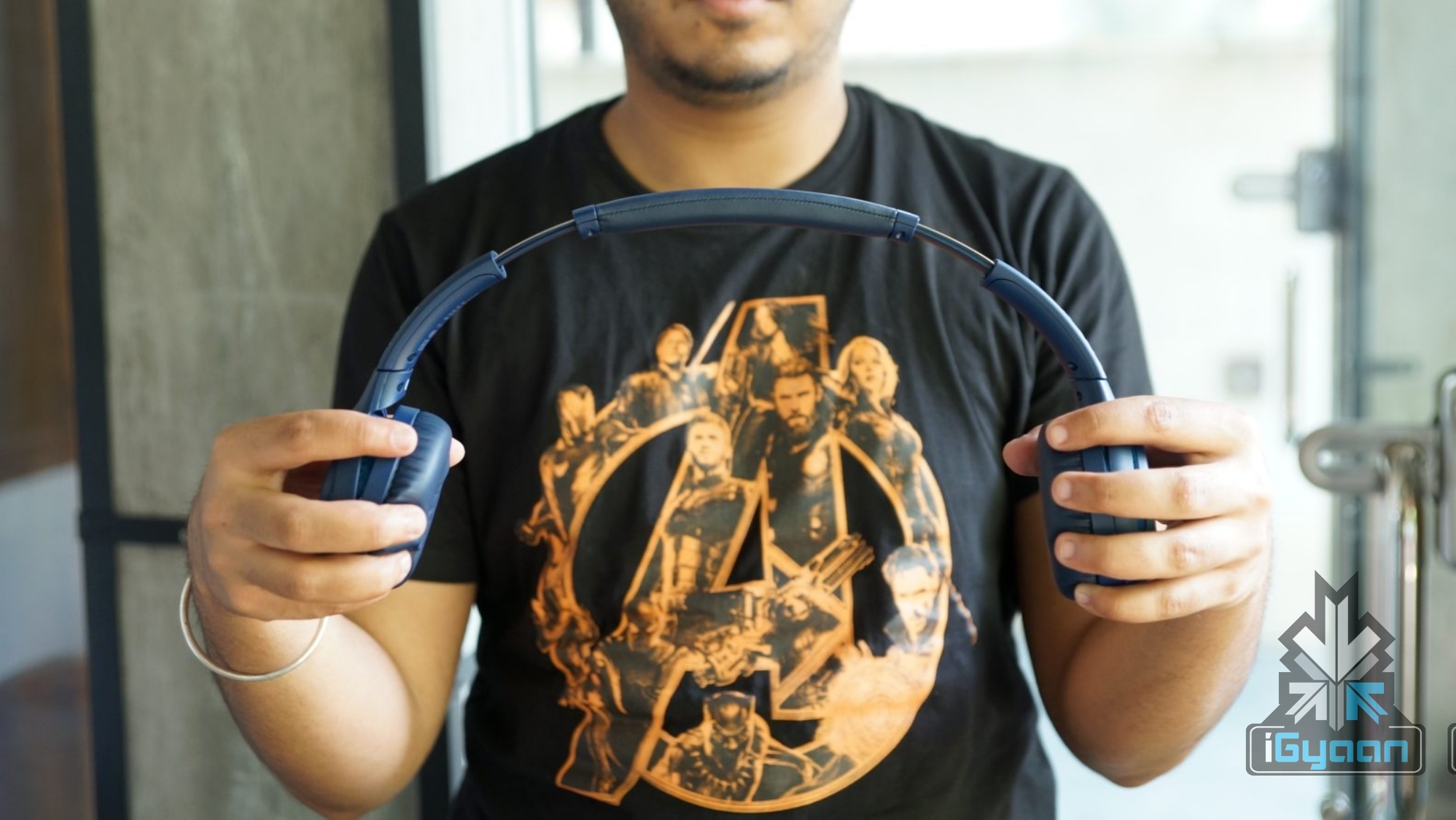
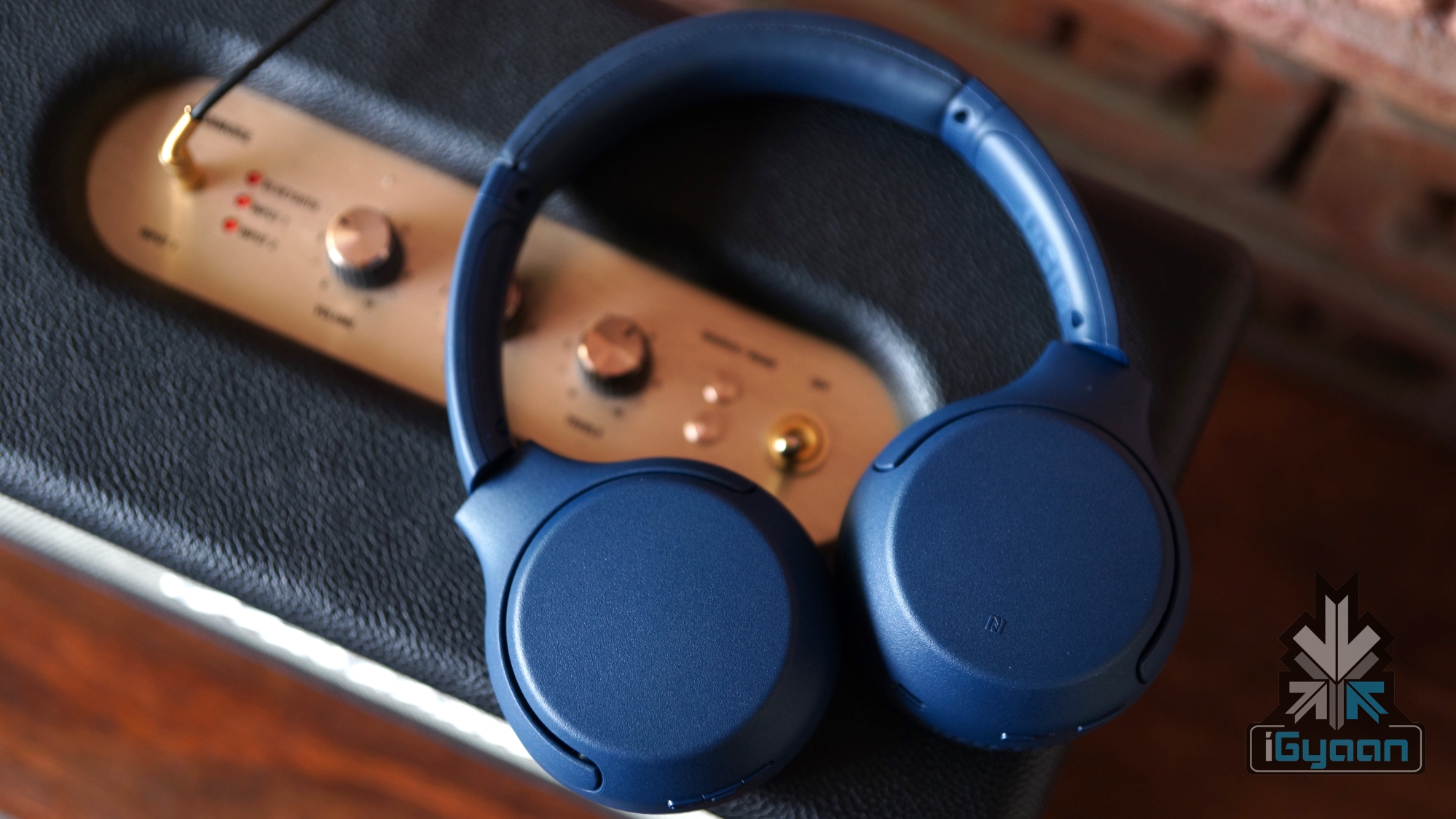 The primary defining feature of any headphones is its audio quality. The Sony WH-XB700 operate within a frequency range of 20-20,000 Hz with 44.1 kHz Sampling and have an impedance of 37 ? (ohms). The headphones are quite loud, clocking in at a loudness level of 103 decibels. The 30mm Neodymium driver churns out evenly distributed frequencies, but it’s really the lows where the headphones excel. At higher volumes, negligible distortion in the sound is present. Even though Sony has laid emphasis on the lower frequencies here, there is a profound focus on the highs as well, which make them a pleasure to listen to.
 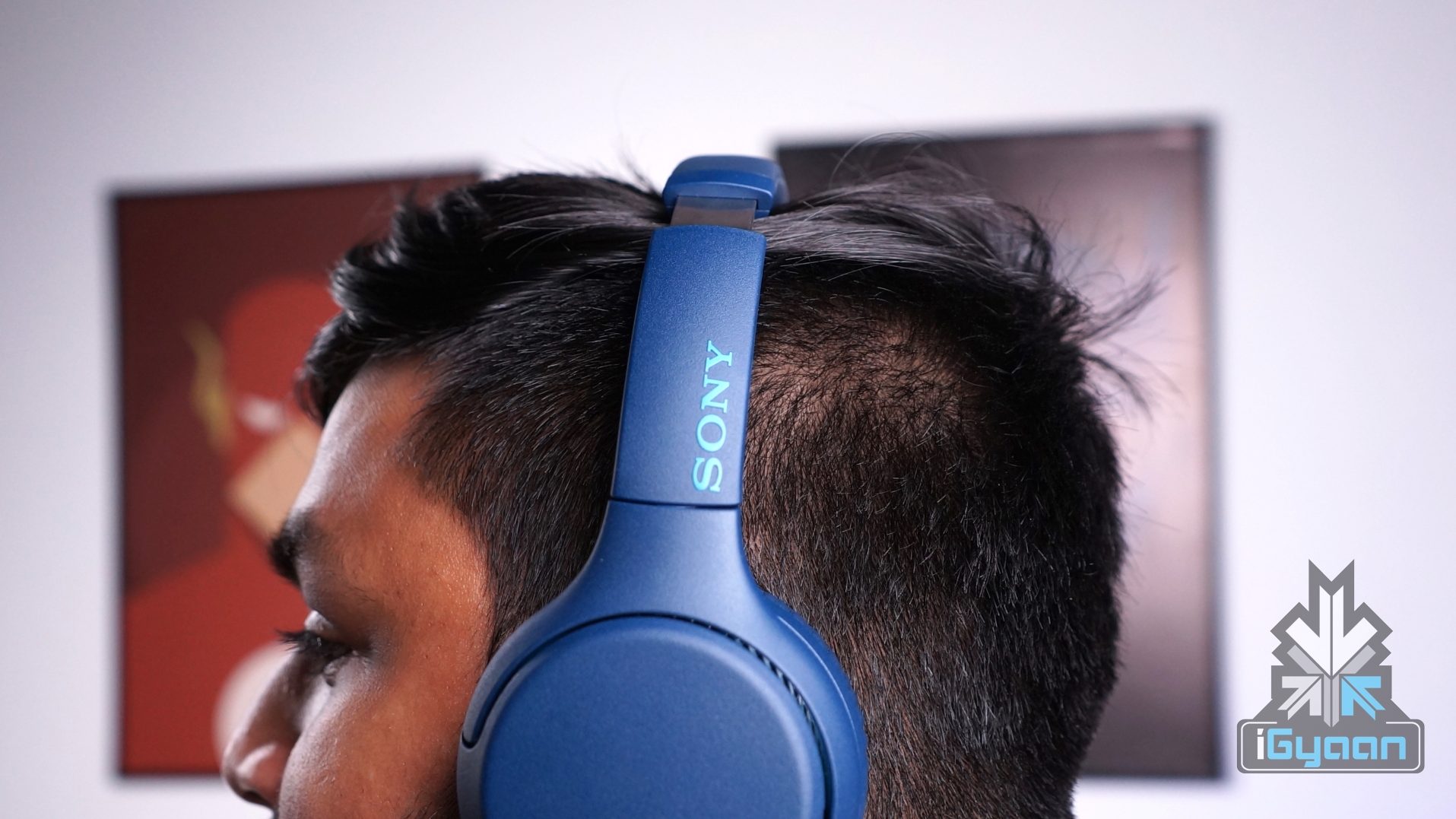 The headphones are advertised with “Extra-Bass”, and they live up to their name. The ample amount of bass goes easy on the ears, delivering a rich experience. Plus, the headphones sport the “Vocal Clarity” feature, which enhances the experience if you are listening to a podcast or watching a lecture. Noise isolation is not that great, but that is expected considering the supra-aural design of the headphones.
 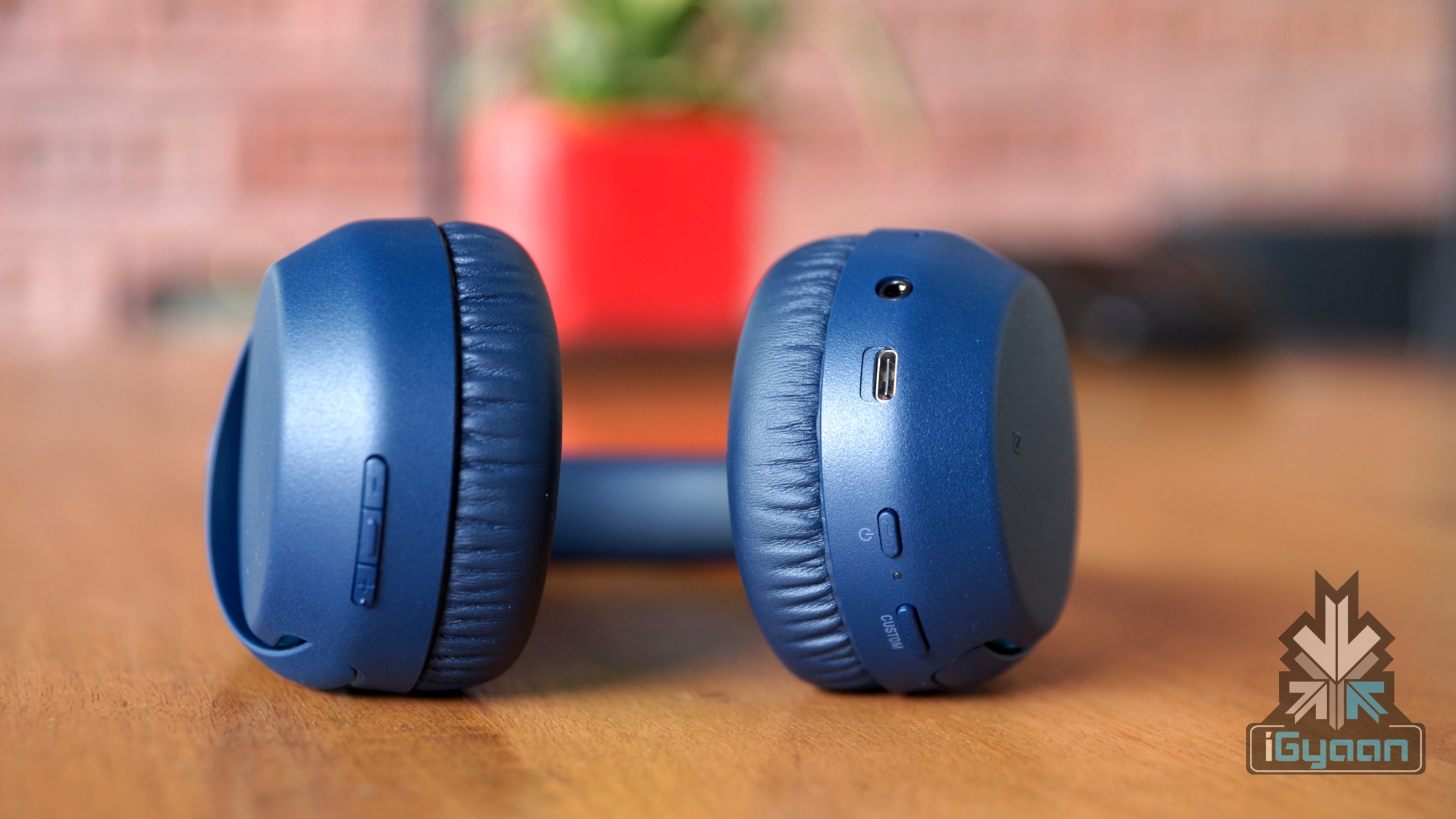 In terms of connectivity, the Sony WH-XB700 features Bluetooth v4.2, NFC (Near Field Communication), a USB Type-C port and a 3.5mm headphone jack for those times where you run out of battery. To pair the headphones with your smartphone via Bluetooth, the user needs to simply hold down the power button and the headphones will pop-up on your smartphone’s Bluetooth devices list. Like other headphones in this range, the Sony WH-XB700 cannot be connected to multiple devices simultaneously. They have to be disconnected from one device in order to connect to another one.
 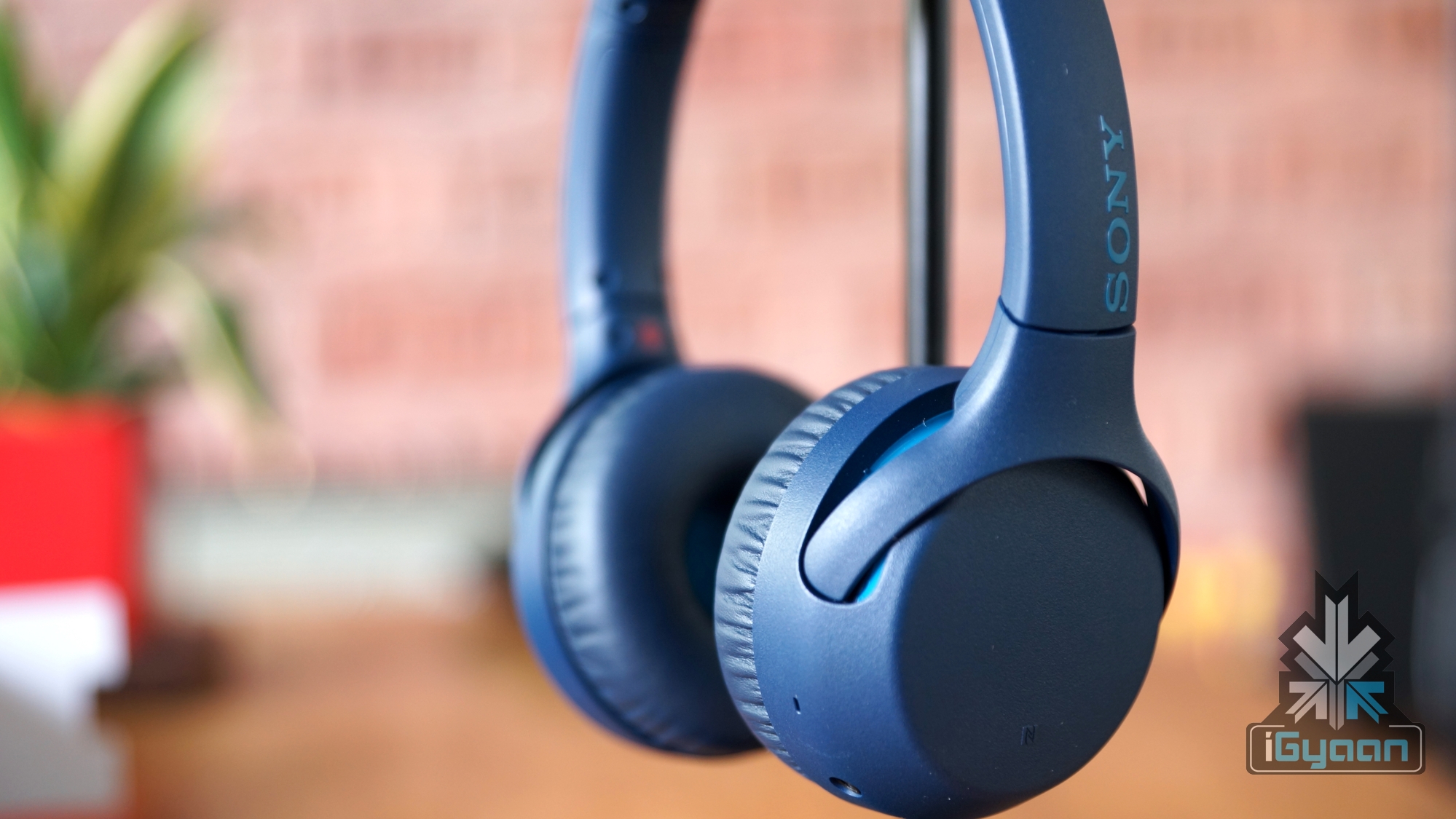 The Sony WH-XB700 features a Li-ion battery, which promises a battery life of 30 hours, and we tested that out. Interestingly, on the maximum value and bass levels, the headphones were able to churn out the aforementioned time with ease. The headphones can be charged via the USB-Type C port which is mounted on the left earcup. They also provide a 90-minute playback time after a 10-minute charge time, which can be helpful for users who are on-the-go. Overall, the headphones take a bit more than 4 hours to attain maximum charging capacity. And if you do manage to run out of battery, you always have the option to use them with the 3.5mm AUX cable.
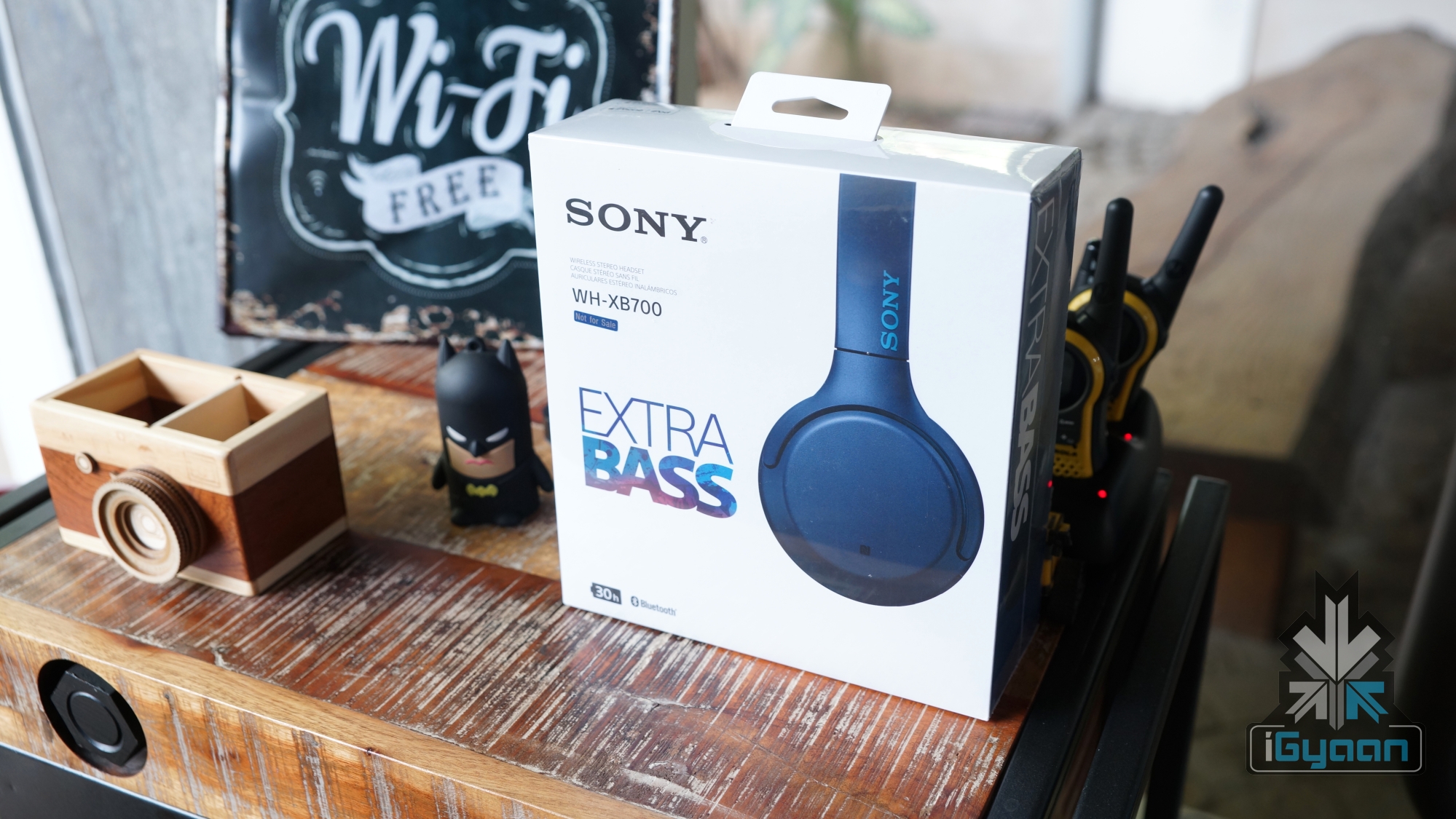 As previously mentioned, the Sony WH-XB700 headphones have a “Custom” button on the left earcup which can be mapped to either Alexa or Google Assistant dependent on user preferences. We noticed that the button was very responsive, as it immediately launched Google Assistant on our device in all instances. However, as mentioned previously, the Custom button only works in wireless mode. Nonetheless, we found the custom Assistant button very convenient and is welcoming addition.