Category: Apps and Software

Games, Apps, Softwares, Operating Systems and Software Hacks

  • Microsoft Windows 10 Overtakes Windows 7

    Microsoft Windows 10 Overtakes Windows 7

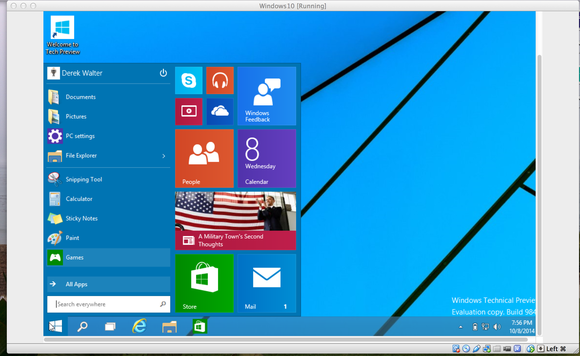
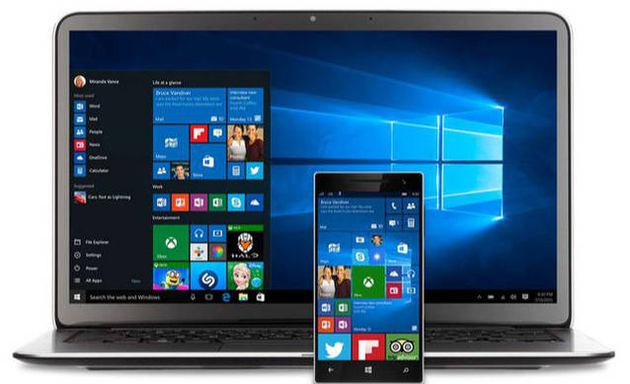
    According to a market research study, Microsoft’s Windows 10 has overtaken the famous Windows 7 in terms of number of users. Windows 10 has now 39.22% share followed by Windows 7’s 36.90% as of December, 2018. 
    Brief History of Windows 7 and Windows 10

    Windows 7 operating system was released in 2009 and it became one of the most successful operating systems in the world. Before that, Windows XP was a widely used platform. After a string of failure with Vista and Windows 8, Microsoft finally released the Windows 10. It was made as an OS that mixed the tablet, mobile and laptop formats in their design cue. The Windows 10 OS was well received, with additional features like Microsoft’s digital assistant – Cortana being just one click away. It mixed the App ecosystem with features that a personal computer or laptop has such as a full fledged desktop, start buttons etc. Microsoft Windows 10 had a great start. As high as 14 million devices adopted the new operating system in less than 24 hours of its release. It was a free upgrade and it changed the user experience drastically when compared to Windows 7. 

    Patch Tuesday

    Microsoft has also started an update cycle unofficially called Patch Tuesday. The updates occur on the second, and sometimes fourth, Tuesday of each month. Larger updates are pushed out in even-numbered months while smaller updates in odd-numbered months. Microsoft had also previously stated that Windows 10 would be the last version of the Windows platform. They had stated that the OS will be regularly changed and updated with time according to the demands of the industry. According to recent reports, Microsoft might be pushing the Windows 10 update forcefully even though Microsoft has vowed to not push updates on it’s users. The company has also very recently received flak for various issues cropping up on users’ devices after updates. It was also one of the reasons as to why one of the recent updates was pulled back as well. 

    It is yet to be seen how Windows tackles the constant issues with updates causing problems for users and how Windows 10 is developed and modified in the coming years, when bendable screen phones finally arrive. But for now, we will have to make do with the Windows 10 version and updates that we have. 
  • App Of The Day : Island : Secure Your Data And Apps

    App Of The Day : Island : Secure Your Data And Apps

    Data security is a big concern not only for governments and big corporations but the average smart device users as well. There have been several incidents of a data breach that have affected people from around the globe. Both iOS and Android operating systems are quite good at securing user data but certain apps can steal sensitive information stored on the user’s smart device. Even though Android operating system uses a sandbox environment that restricts applications from accessing unauthorised data. Some applications, however, can get a hold of user data and send it to offshore locations for malign purposes.
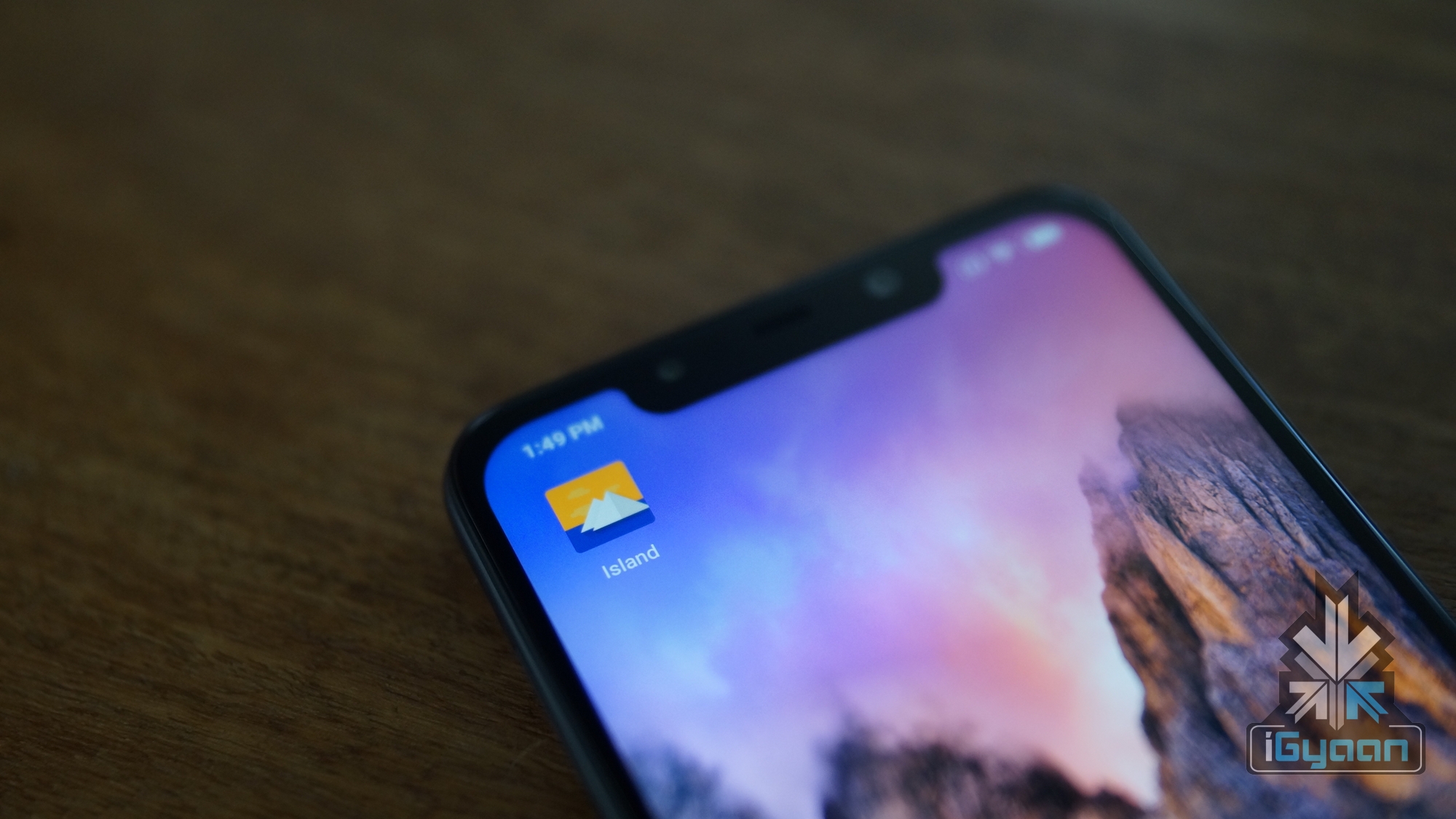
    Island

    Click Here To Download Island App

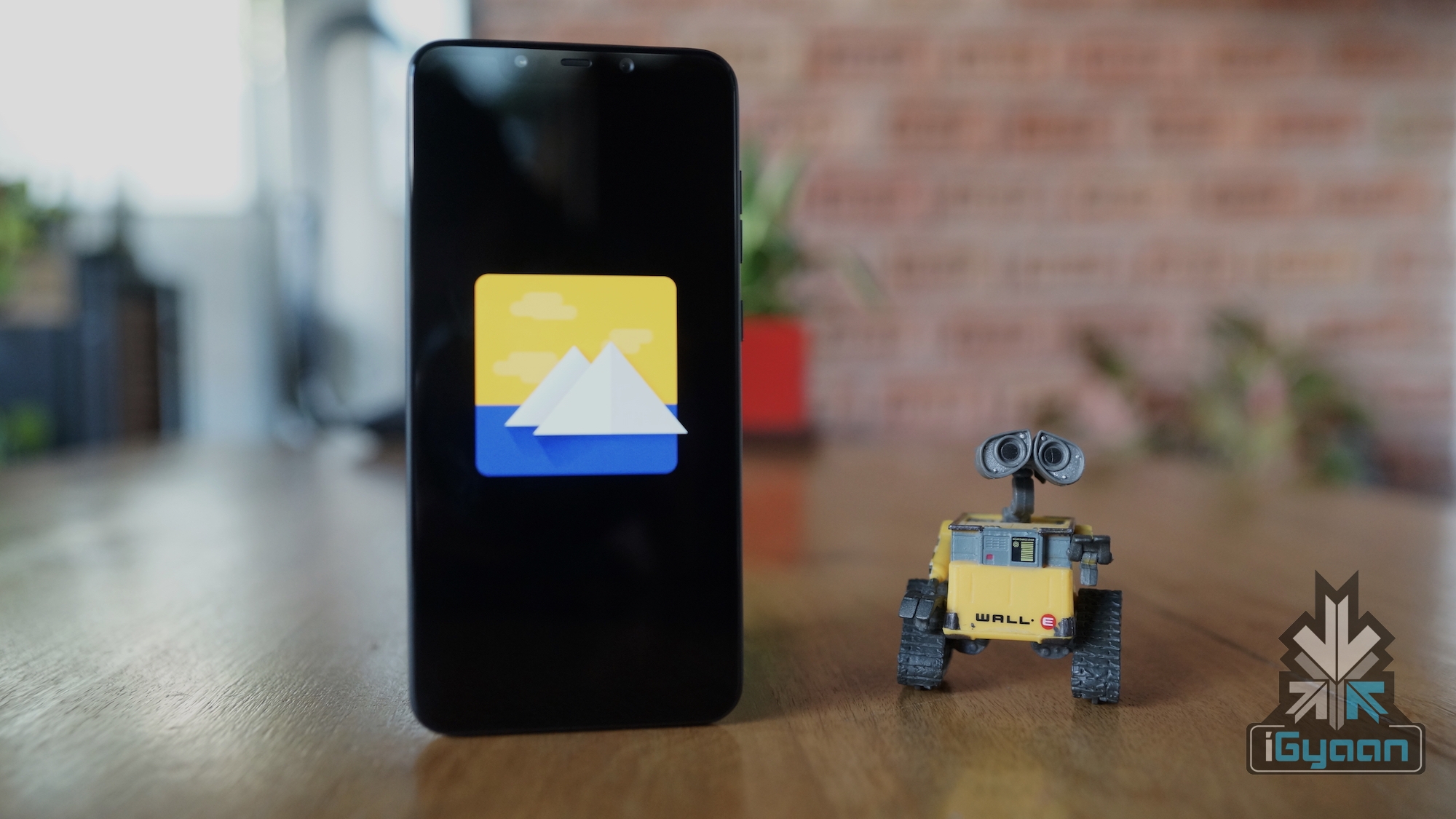
    Island is an application for the Android OS that allows users to manage data usage privileges of particular applications. The application is freely available from the Google Play store and it creates an isolated domain that the user can manage in accordance with their requirements.

    How Does It Work

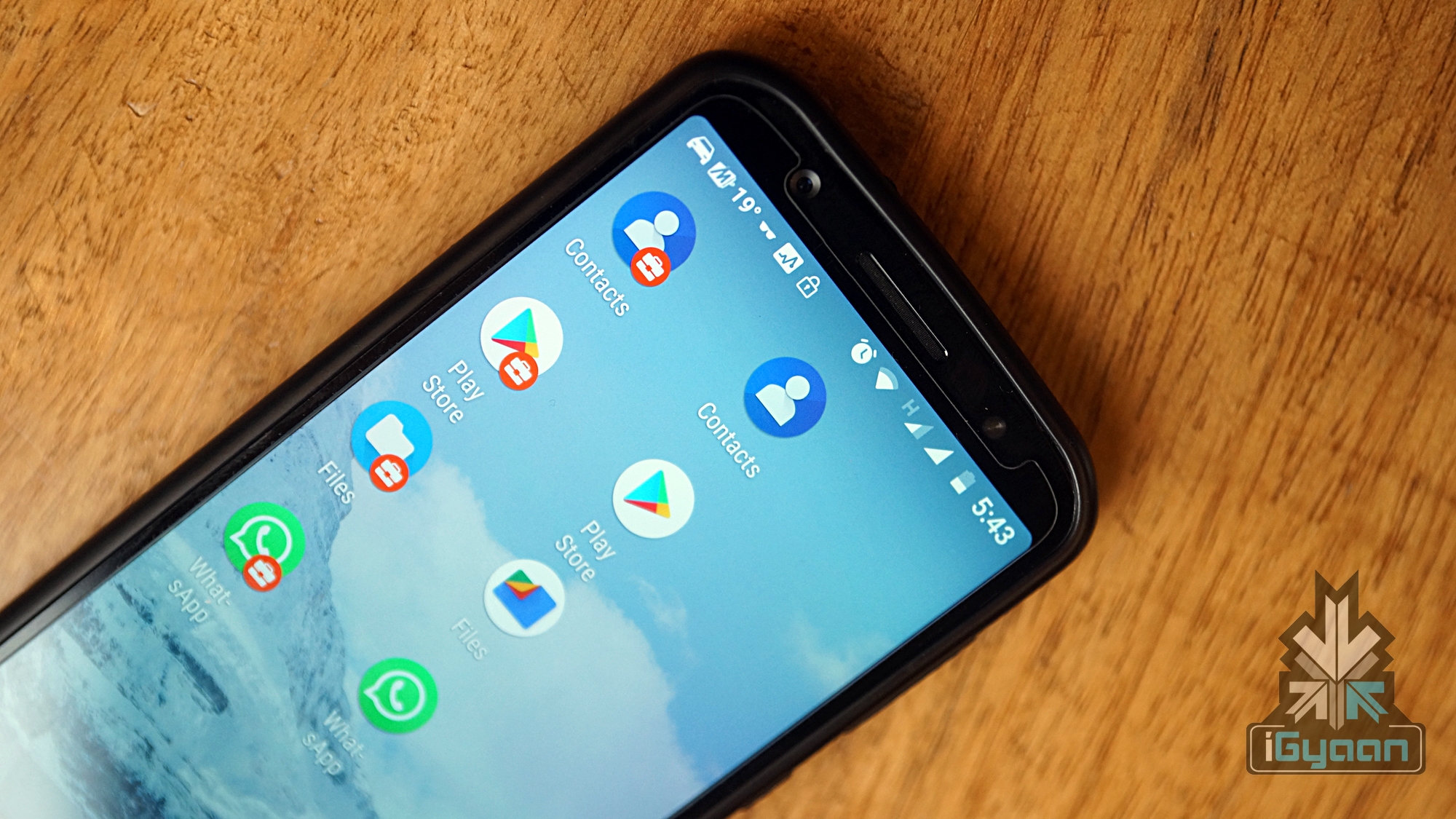
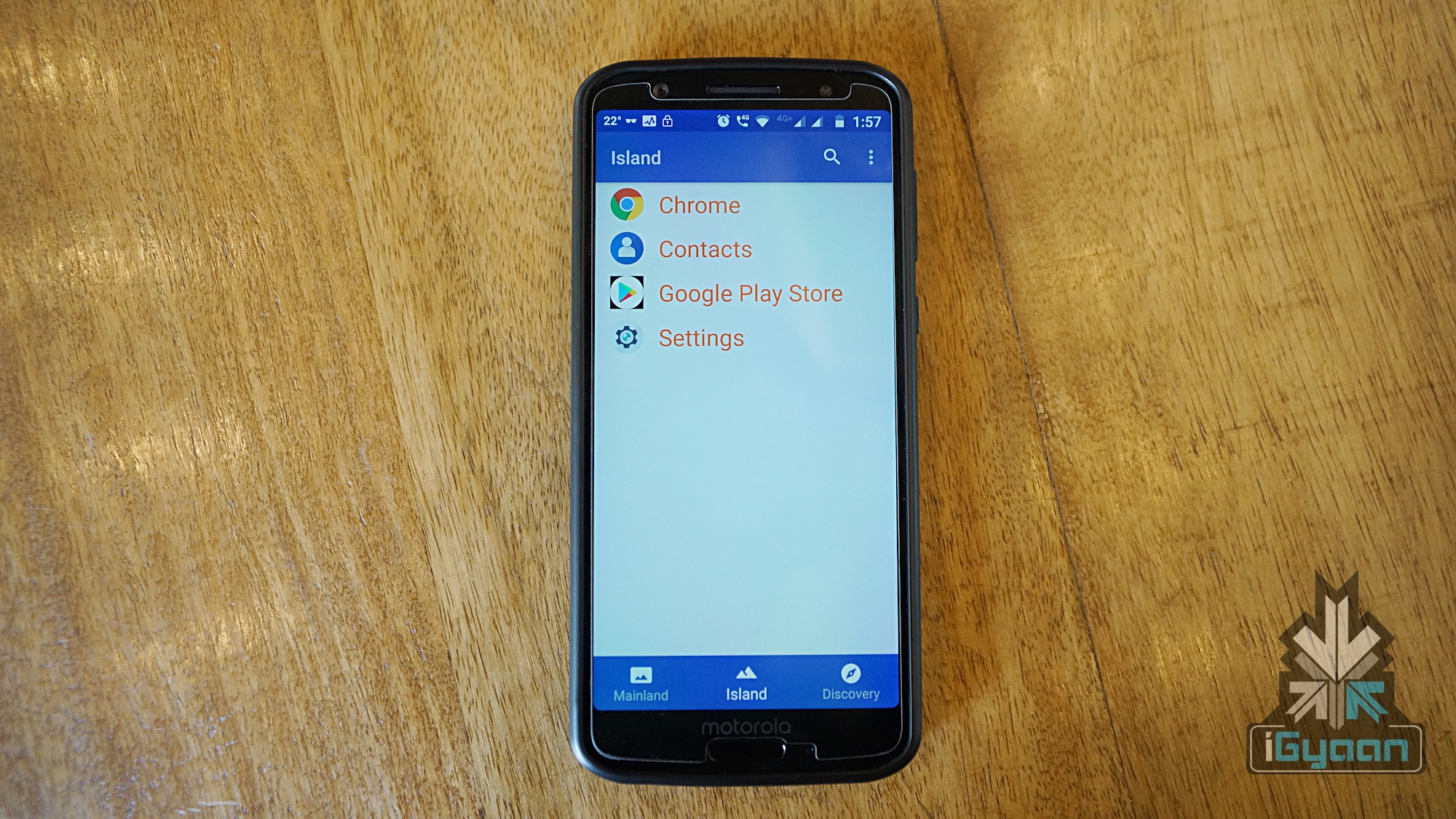
    The Island application for Android makes a clone of all the essential applications like the Play Store, file storage, and contacts. These applications reside within the same user account as the original applications however the data stored on both instances of application varies. The Island app has two tabs which are Mainland and Island. As the name suggests, the Mainland tab inhibits all the applications that are present on the device. Whereas, the Island tab only inhibit the applications that have been manually cloned by the user. The applications in the Island tab can only exchange data with other Island applications.

    The user can log into the Island Play Store with different mail id and download applications. The applications downloaded will only have access to the cloned apps that were also created by the Island app. Therefore, the user can store bogus contacts and files on the Island filesystem. This will allow the user to run potentially hazardous apps by providing them access to private user data.

    How Is It Different And Top Features

    Also Read: Samsung Galaxy A50 Will Feature A 4,000 mAh Battery And 24 MP Main Camera

    A lot of other applications like parallel space and dual space are also available on the Google Play Store. However, they do not provide the level of control that Island does. The list of top features is as follows:

    • It allows the user to manually freeze certain applications. The applications when in a frozen state will stay as is and cannot access the internet or perform any tasks in the background.
    • The bogus contact and file storage apps can trick applications to work smoothly. Other applications would not function normally if the user deprives an application from particular access rights.
    • Certain applications can be enforced to channelise data via a VPN server. Good use of this could be accessing a website from another region that is restricted in the user’s region. A lot of media corporations limit users from other regions to access their content.

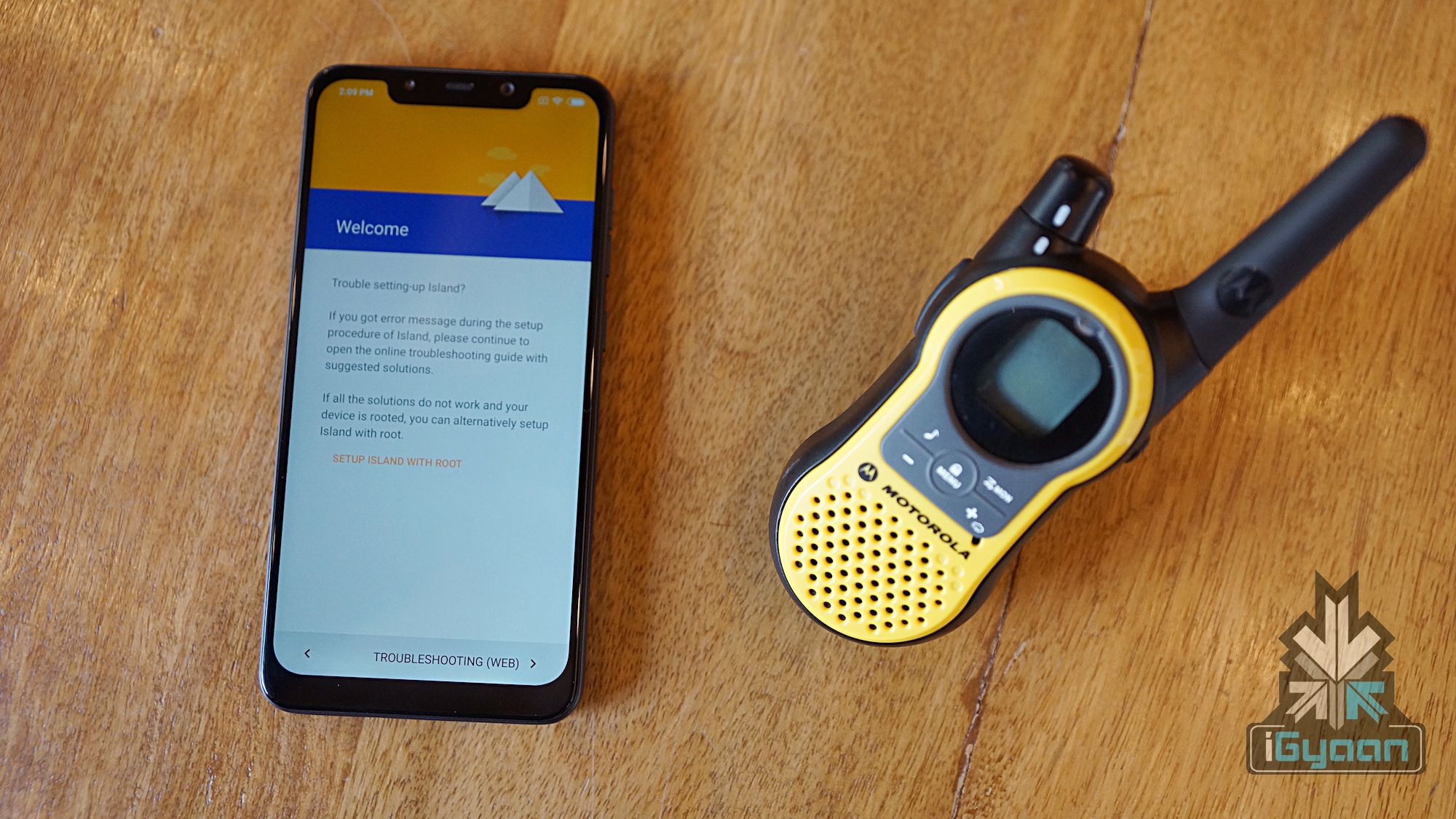
    Additionally, Island app on a rooted device provides an even higher level of control in comparison to a non-rooted device.

  • WhatsApp Will Soon Stop Working On These Mobile Phones

    WhatsApp Will Soon Stop Working On These Mobile Phones

    WhatsApp Messenger is a cross-platform messaging and VoIP application that was originally launched in the year 2009. At the time of its launch, only a handful of companies manufactured smartphones. Android and iOS are currently the leading smartphone operating systems but the scenario was completely different a decade ago. According to WhatsApp, 70 percent of mobile phones sold at that time had operating systems offered by Nokia and BlackBerry. While Android, iOS and Windows Phone OS were on less than 25 percent mobile phones sold at that time.

    Phones That Will Soon Stop Supporting WhatsApp

    Prior to the inception of smartphones, Nokia feature phones ruled the mobile kingdom. Even after the launch of Android and iOS smartphones, those feature phones would sell in huge quantities. However, due to cheap feature-laden smartphones, the sales of Nokia feature phones started falling sharply. It has fallen so much so that the only 0.5 percent of all WhatsApp supporting devices are Nokia S40 phones.

    Prior to the inception of smartphones, Nokia feature phones ruled the mobile kingdom. Click to Share

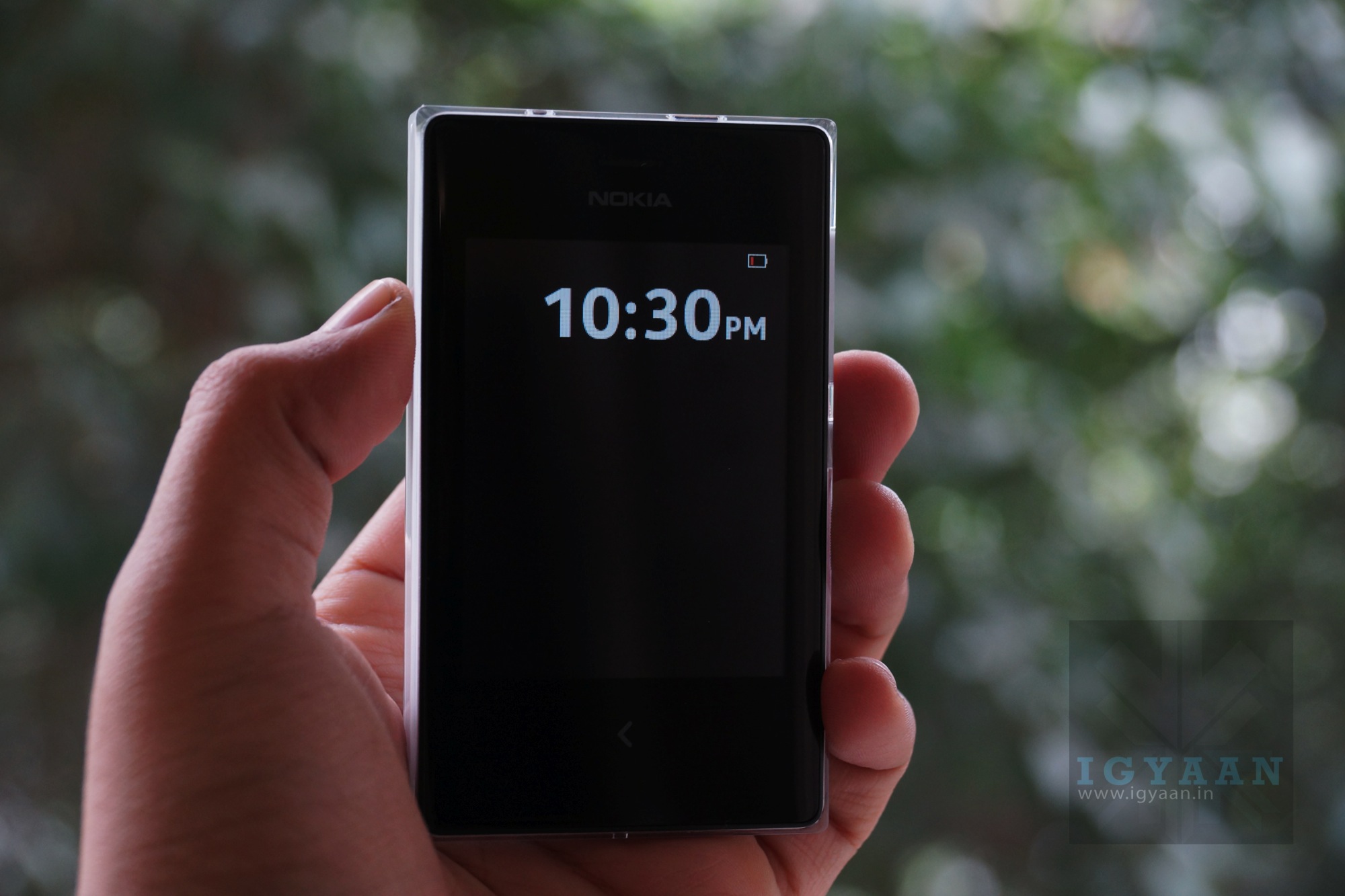
    After the doom of Symbian, Nokia launched the Asha series smartphones which were both affordable and supported a wide variety of apps. Some smartphones from the Asha series that support WhatsApp include Asha 200 series, Asha 300 series and the Asha 500 series. Till now these smartphones supported all the functions of WhatsApp but now the company has pulled the cord on these devices as well. Therefore, Series 40 Nokia devices will soon stop supporting WhatsApp. In addition to Nokia S40 phones, WhatsApp will soon axe support from a variety of other smartphones which are as follows:

    • Android device 2.3.7 and older- Support until 1 February 2020
    • iOS 7 and older versions- Support until 1 February 2020

    Also Read: Press Renders Of Nokia 9 PureView Leak

  • Fake Alexa App Tops Apple App Store Before Being Removed

    Fake Alexa App Tops Apple App Store Before Being Removed

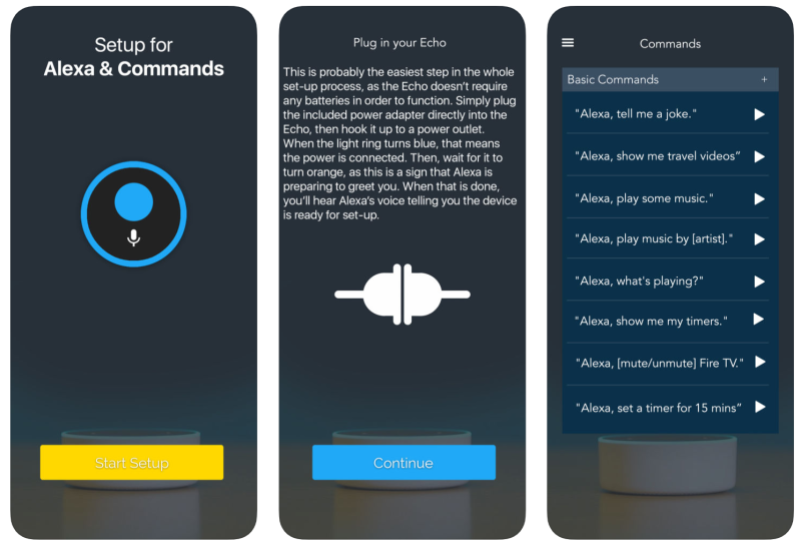
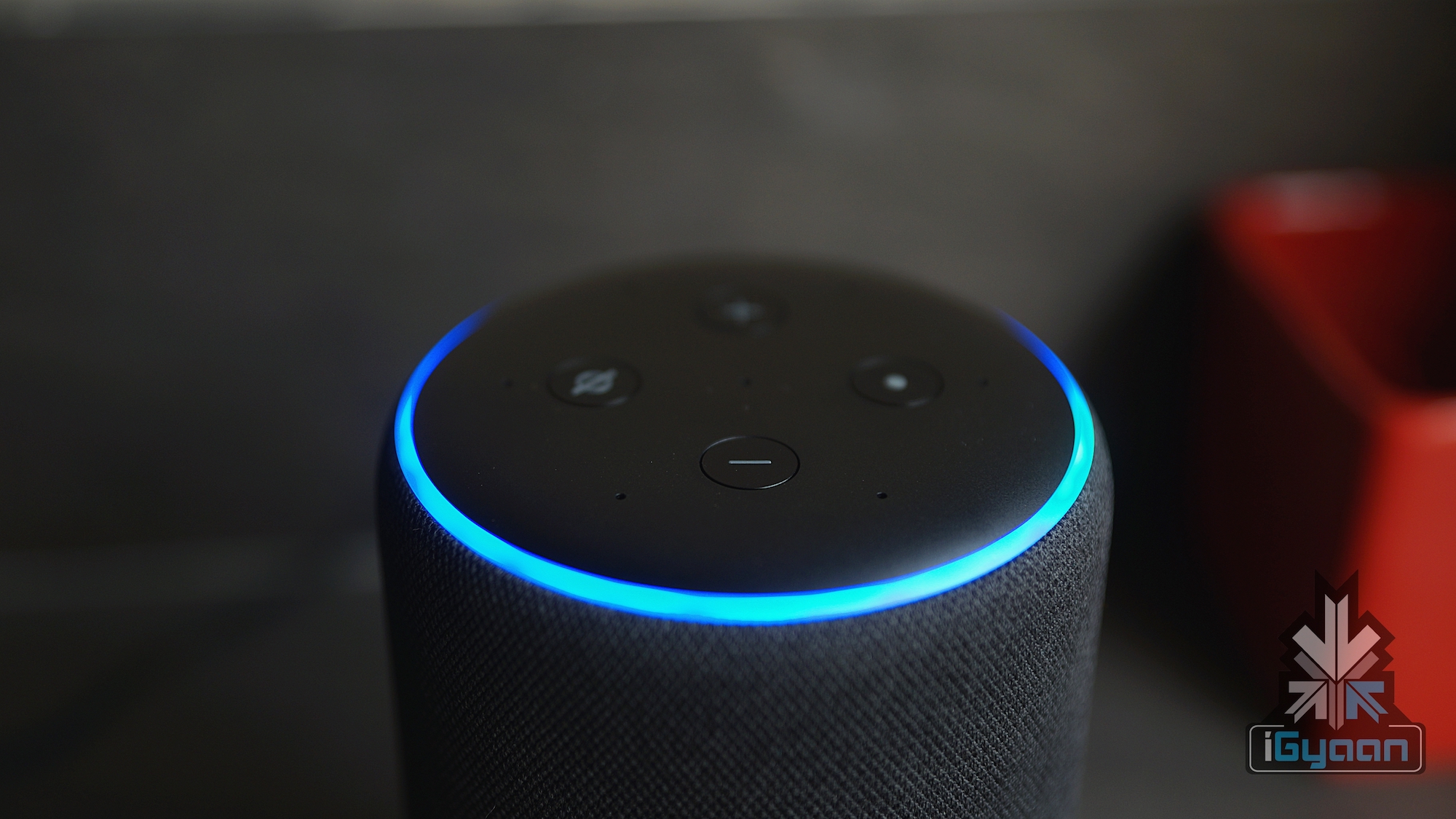
    Apple has been very strict with their App store and regularly checks on security of Apps that they enlist. A fake Amazon Alexa setup tool for iOS has become the sixth most downloaded app in the Apple Store’s Utilities category. However, this is not an Amazon madeApp but a third party App. Amazon Alexa based devices have been a smash hit since their launch. During Christmas this year Amazon Alexa servers failed in Europe due to an overload of users. This is a clear indication that a lot of users are calling out to the virtual assistant on their phones and their echo devices. This fake App seems to be taking advantage of the high popularity of Alexa.

    The App itself is very basic and looks nothing like the actual Alexa App. The App asks for the user’s IP Address, the serial number of the device and a name. The App has successfully fooled a lot of people and made it to the top charts on the Apple App Store. The app reportedly can access a large amount of the user’s data such as IP addresses, browser information, referring/exit pages and URLs, clickstream data, domain names and so on. The App may also be able to track the user’s location which could lead to larger privacy concerns.

    Apple has a very strict privacy policy for all Apps on the App Store. However, malicious apps have been known to pass the stress test and show up on the App Store. In September an App called Adware Doctor was reportedly sending user’s browsing data to China. But Apple promptly deleted the App after the knowledge of its malpractice.

    Update

    While the Alexa Setup app has now been removed from the App Store. It is only time before something like this happens again. That of-course, if Apple doesn’t strengthen its already strong barrier of entry for Apps.

  • OnePlus 5 And OnePlus 5T Start Receiving Android Pie Stable Update

    OnePlus 5 And OnePlus 5T Start Receiving Android Pie Stable Update

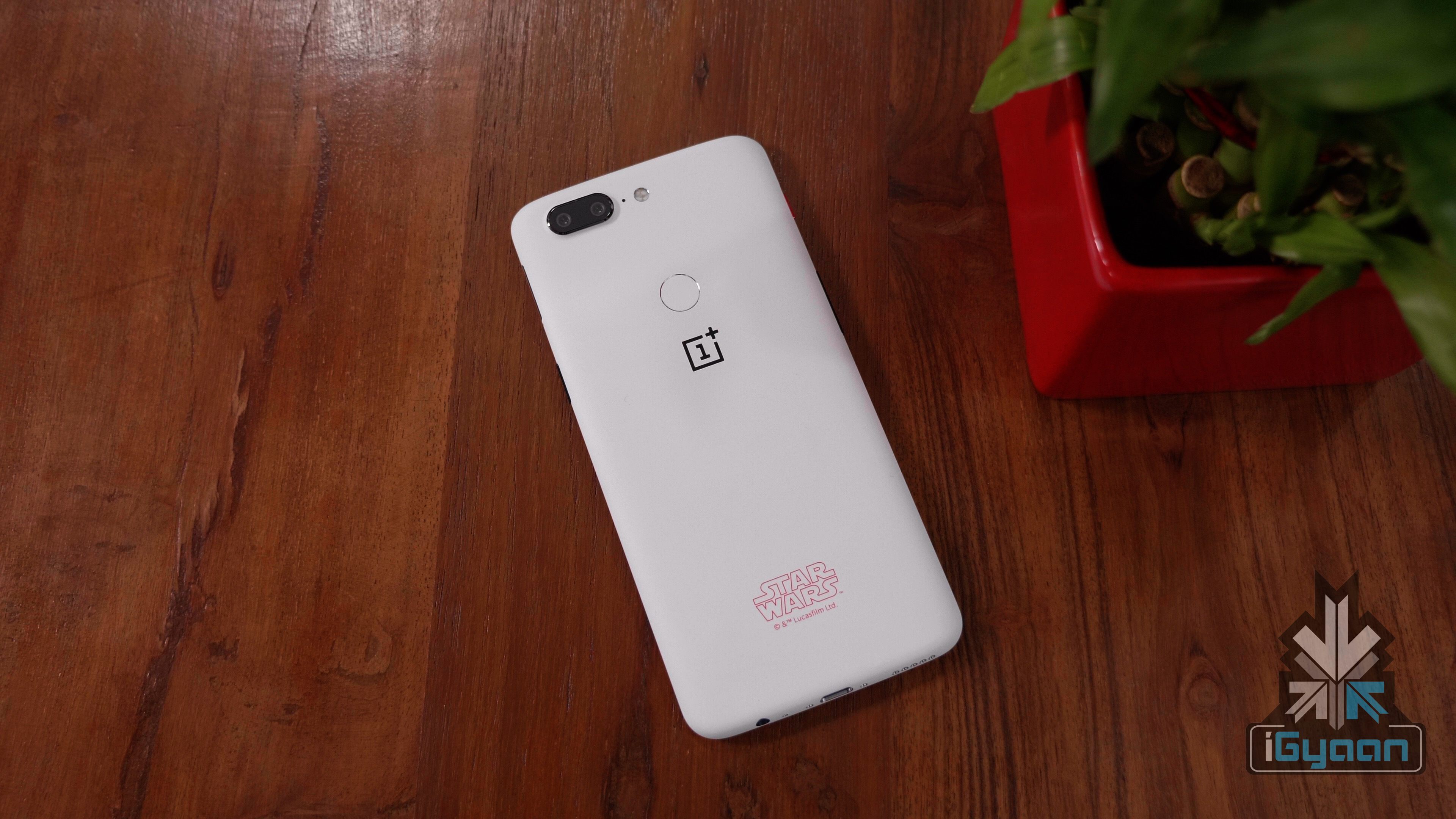
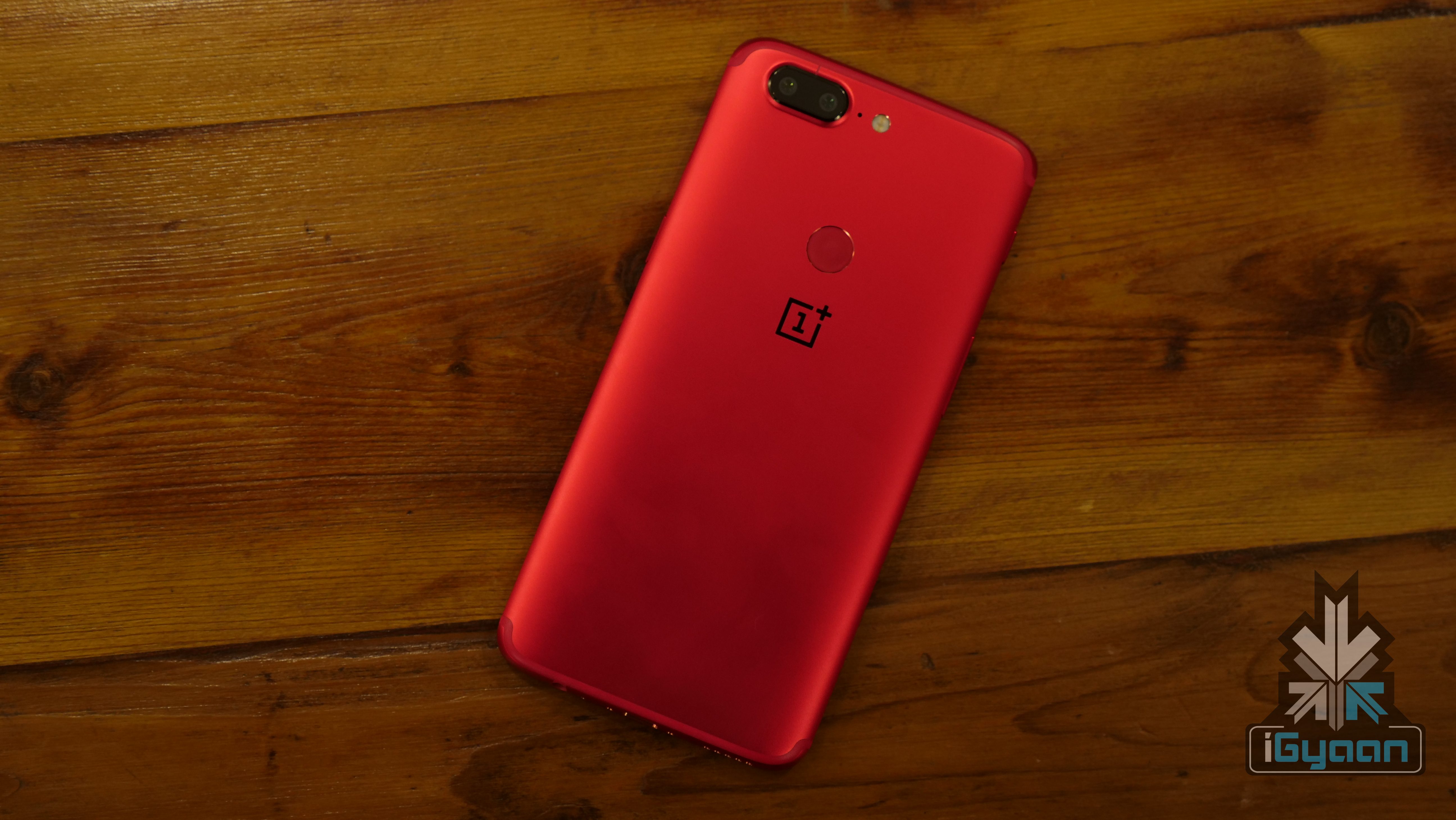
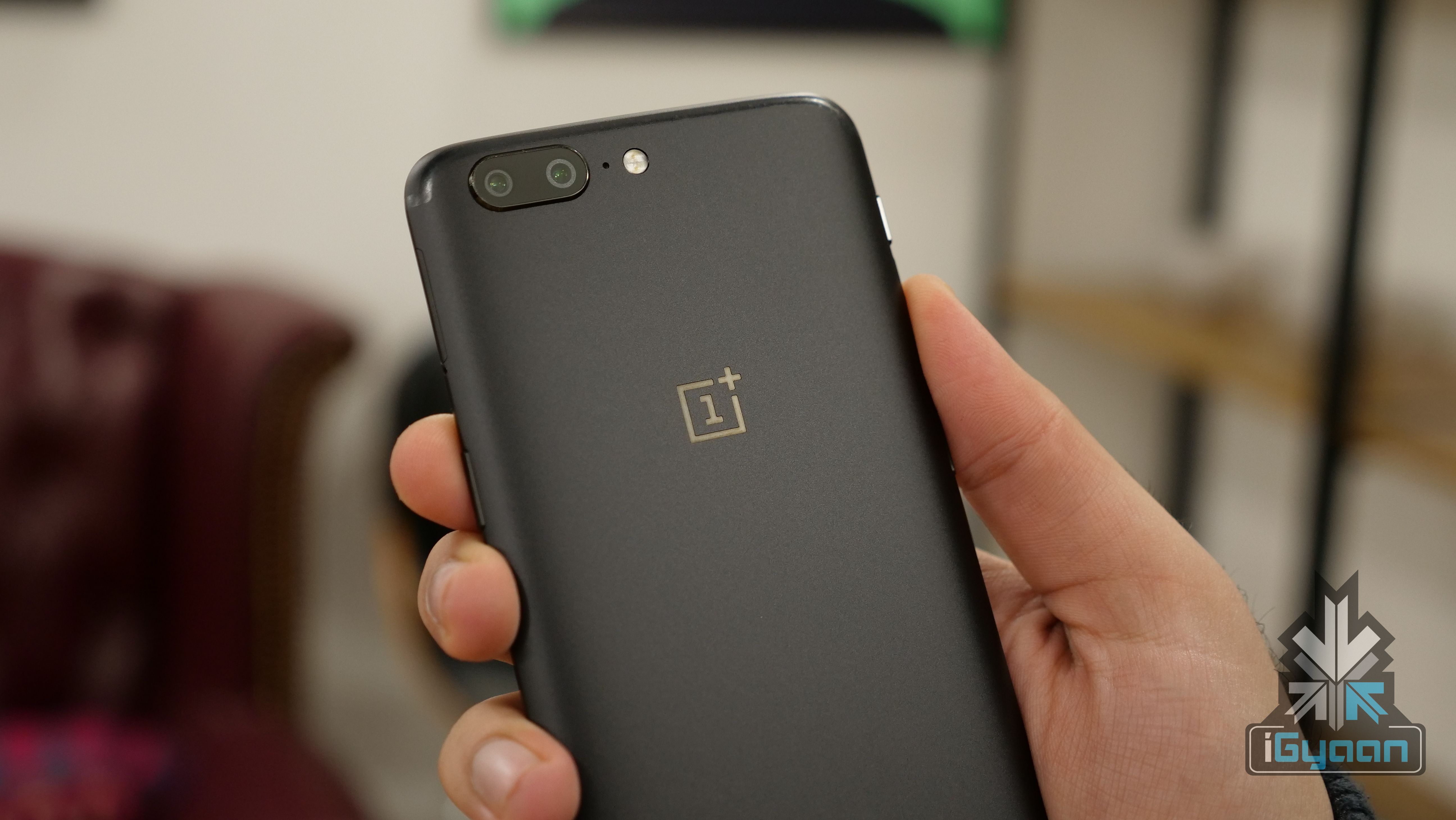
    The OnePlus 5 and OnePlus 5T were launched in 2017. Since their release, the OnePlus 6 and OnePLus 6T have also been launched. But this doesn’t mean that the company leaves them behind when it comes to software updates. OnePlus has started rolling out the Oxygen OS update to bring Android 9 Pie to these devices. Android 9 Pie is the latest version of the popular OS and was already present on the OnePlus 6 and OnePlus 6T. 

    The update was due, as OnePlus had released an Open Beta program for the same, a couple of weeks back. This would have ensured that any last minute bugs on the new update were brought to notice and immediately rectified. Now, the company is rolling out the Oxygen OS 9.0.0 update. The changes brought with the update are as follows.

    The first major change is the Android 9 Pie Operating System. Along with this, users get a brand new UI, for Android Pie. OnePlus 5T users also get new navigation gestures, however, this won’t reach OnePlus 5 users. Users also get an updated Android Security patch for December 2018. 

    OnePlus has also added a new Gaming mode, the Gaming Mode 3.0 This involves additional text notification mode and added notification for third-party calls. THe OnePLus 5 and OnePlus 5T also get a new Do Not Disturb mode with advanced and adjustable settings. The camera on both the devices now get Google lens support as well.

    Also ReadOnePlus 6T Giveaway: Win One of Six OnePlus 6T Smart Phones

    While the company has released the software, users must keep in mind that the distribution will be slow and will take time to reach every device. As of now, the update will only come to a few devices and if everything goes well, the company will start the mass rollout of the update. OnePlus has also requested users to report any bugs or errors in the update in their feedback forum. The update is surely a great Christmas gift for OnePlus 5 and OnePlus 5T users!

  • Xiaomi’s Mint Browser Is Now Available On The Play Store

    Xiaomi’s Mint Browser Is Now Available On The Play Store

    Xiaomi has lunched its Mint Browser on the Google Play Store. The browser is a lightweight version of an already existing browser which comes in-built along with MIUI. The Mint browser is however not restricted to just Xiaomi devices and can be installed on any Android smartphone. However, the browser is still not available in India, but should be made available soon.

    The Mint browser is a lightweight browser and it is designed to consume fewer resources. The browser is smaller and lighter in terms of download size, installation size, memory and data usage and many other arenas. The light weight nature and small size does have some issues as well. The browser isn’t really feature loaded, but it does have the bare necessities for every day use.

    The browser features an incognito mode. It also has a data sober mode which compresses images to save data. It does not have an ad-blocker which is a common feature among browsers these days. Also , the search engines which you can use is limited to Yahoo, which is the default and Google. To use an alternative like DuckDuckGo, you will have to set that as the default start page.

    It also features a night mode, which is a feature already found on the MIUI browser. This mode turns the webpages dark so as to decrease eye-strain at night. However, this night mode does have its drawbacks. The web page only switches to dark mode after the entire web page finishes loading. Until then, it stays in the original colours.

    Also Read : Apple Wont Ditch The iPhone’s Notch Till 2020

    However, unlike the other Xiaomi browser, this one is clean and free of annoying ads and pop ups. This means there are no notifications, promoted content, ads and pop ups. The app is available for free on the Play Store.

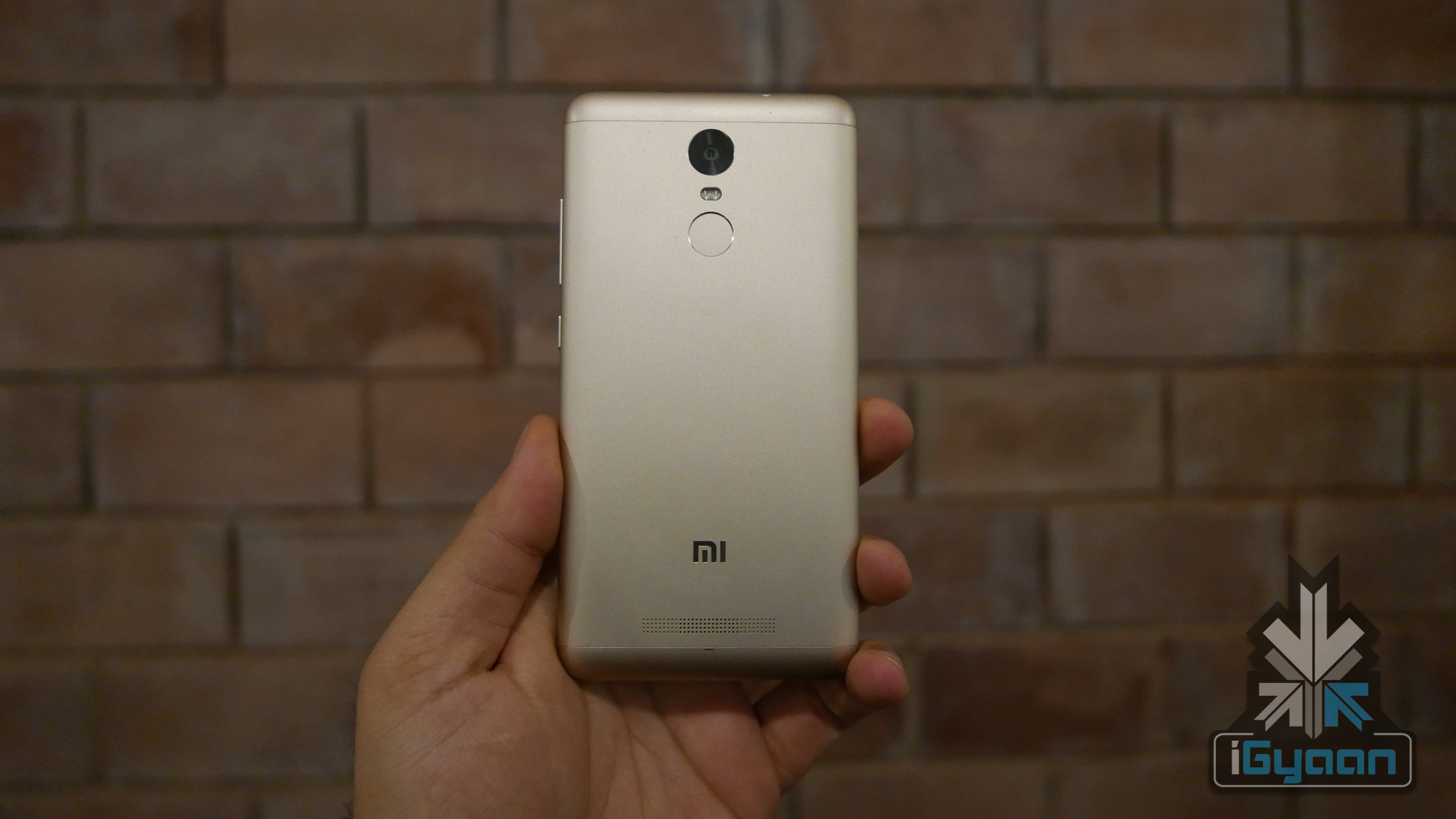
  • Xiaomi Redmi Note 3 Gets MIUI 10 Stable Update In India

    Xiaomi Redmi Note 3 Gets MIUI 10 Stable Update In India

    MIUI 10, the latest version of Xiaomi’s UI was introduced back in June this year. Earlier, the update was only being rolled out to a few models manufactured by the company, but now the update has become more widespread. Now, the Redmi Note 3 is the latest Xiaomi device to receive the MIUI 10 stable update in India.

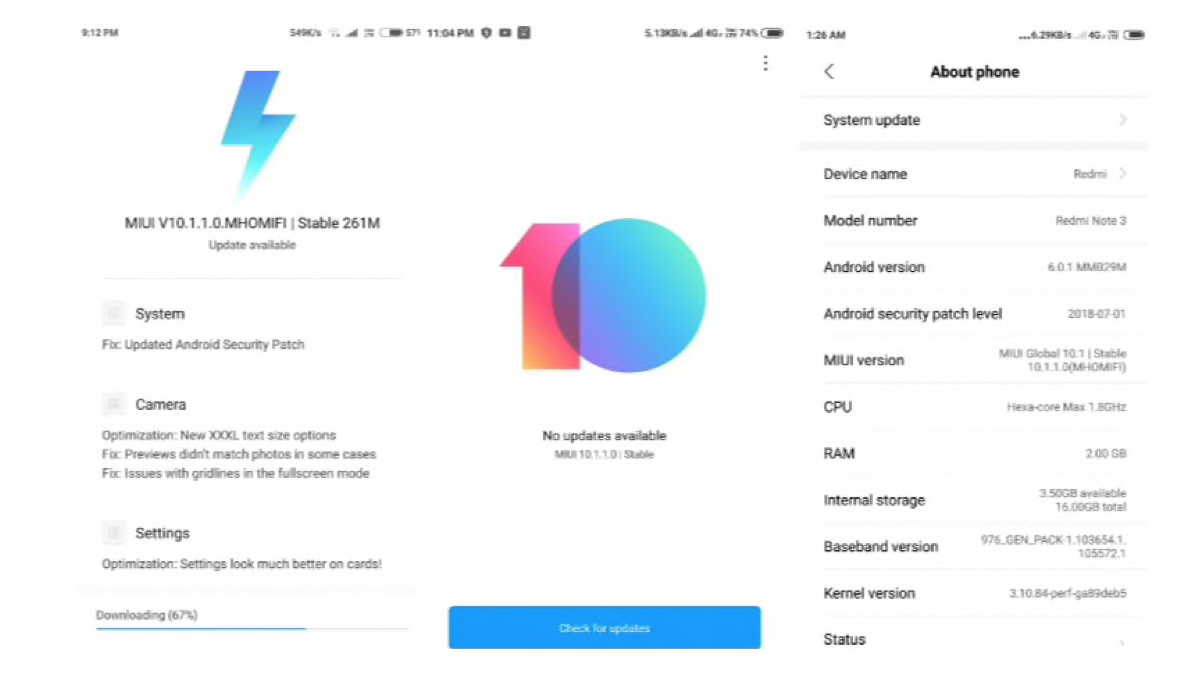
    Redmi Note 3 users have announced that they are receiving the MIUI Stable Update, on the Mi Forum and have shared screenshots of the same. This is the MIUI 10.1.1.0.MHOMIFI update and is based on Android 6.0 Marshmallow. It also has the July security patch update and is 261 MB in size. The stable version of an update is rolled out by Xiaomi after comprehensive testing. It is free from bugs and errors. This is different from beta versions which might have multiple bugs and issues.

    Update Features 

    The change log mentions the features and updates brought by MIUI 10. The update brings with it better camera optimisation. This includes a new XXXL text size option. There are also a few fixes for the camera. This include the issue where the previews didn’t match the photos in some cases and issues with gridlines in the fullscreen mode. With the new update, these issues will be fixed.

    The settings menu has also been optimised and now has a new design. A new, HomeScreen shortcut option has also been added with the update. The update also fixed an issue where the recording status wasn’t being updated int eh notification panel when a user paused the recording.

    Also ReadGoogle Increases Storage Limit To 20,000 Photos And Videos For Google Photos Albums

    The update is being rolled out over-the-air and therefore will take some time to reach all devices. However, you can keep checking for the update by accessing the ‘system updates’ option under ‘about phone’ in your settings menu.

  • Google Maps Auto Rickshaw Will Calculate Time And Price Of The Ride

    Google Maps Auto Rickshaw Will Calculate Time And Price Of The Ride

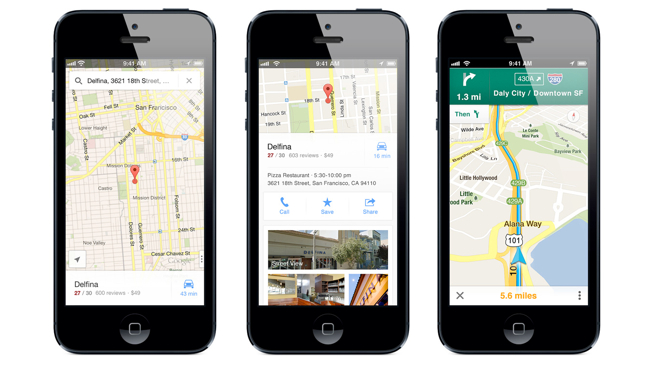
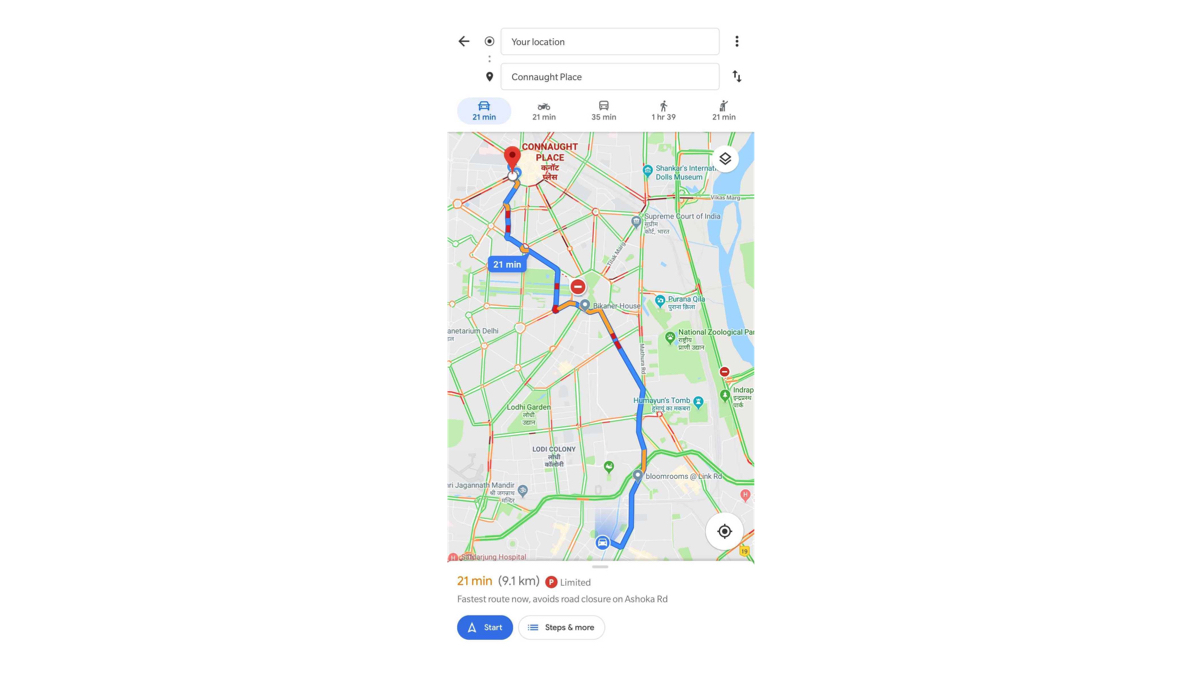
    Google has been rolling out country specific features for a long time and it’s Maps feature is one of the best navigation tools in the world. While there are many India-specific features already available, a new feature that has been recently introduced can be extremely helpful for a lot of residents as well as travellers. The new feature allows you to see how long it will take to reach your destination in an auto rickshaw. It also shows the estimated cost for the travel. Indian auto rickshaws are infamous for not using their fare meter and overcharging. Many rickshaws use the fare meter and take tourists around a longer route to get an inflated fare. So we checked out the new feature on Google Maps and it is pretty cool! See how it works:

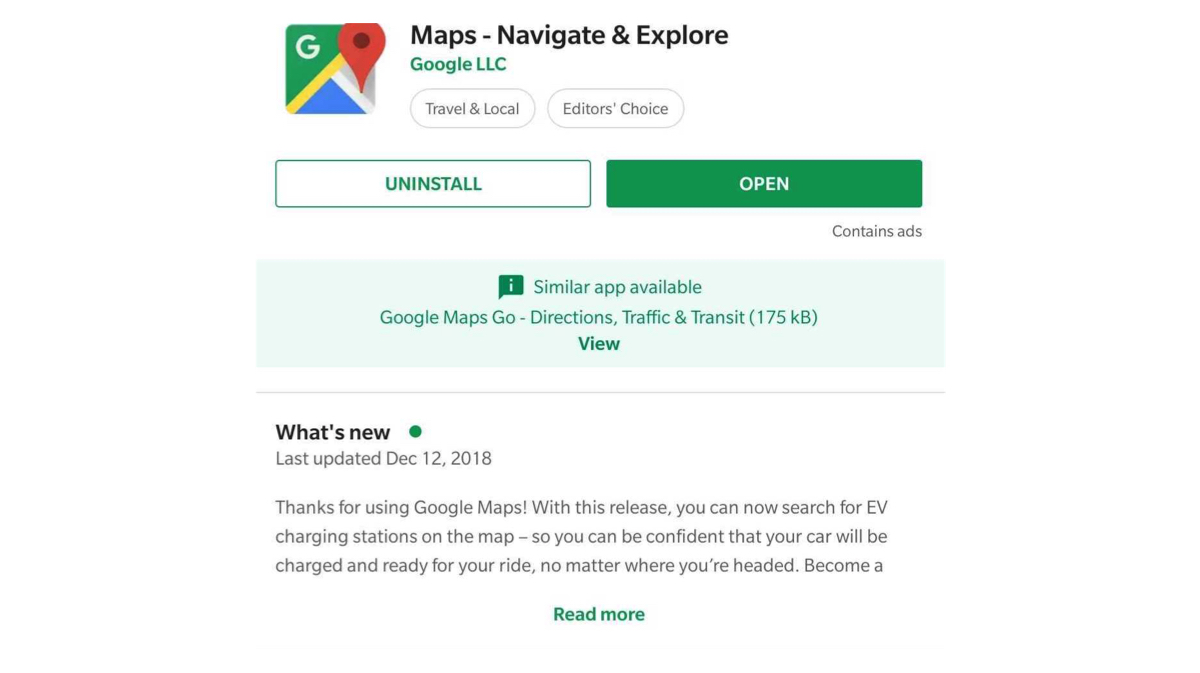
    First thing is to check if the Maps app is up-to-date or not. Then open the app and select the location you wish to visit.


    Second step is to select the mode of transport. Since the default is always a car or four wheeler, select the ‘Public transport’ section. This looks like a Train symbol which is on the right of the ‘Bike’.

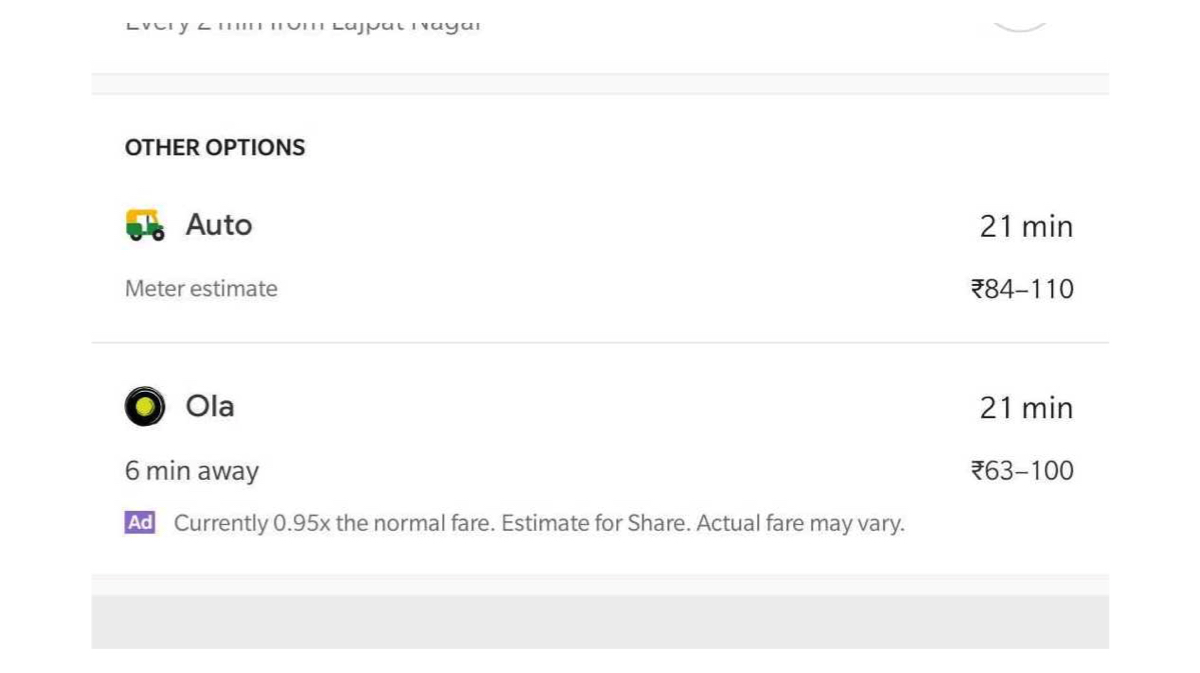
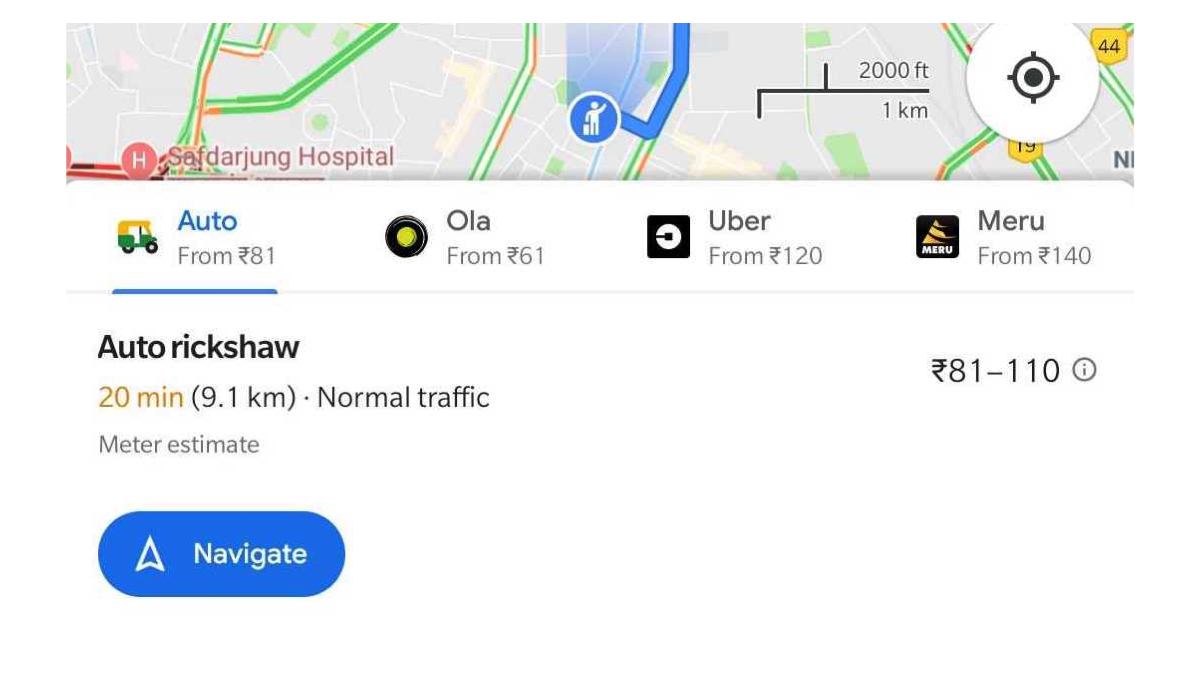
    Scroll to the bottom half of the screen on Google Maps and you will see an ‘Auto’ option in the ‘Other Options’ section. It shows the approximate cost and time taken for the journey.

    You can also find different options for Taxi aggregators such as Ola, Uber and Meru cabs which show the estimated cost and allow you to directly jump to the respective apps for booking.

    While the Auto feature in Google Maps is currently available in Delhi, the country’s capital, we hope Google rolls the feature out to other cities soon.

  • PUBG Wins Fan Favourite Game Of The Year At Google Play Best of 2018 Awards

    PUBG Wins Fan Favourite Game Of The Year At Google Play Best of 2018 Awards

    Google recently released a list of the yearly awards that they give out for the best apps. The list includes some well known apps as well as some little known apps which you may not have heard of! PUBG picked up a few awards. Read to find out more about the winners.

    The ‘Google Play Best of 2018’ has several different categories which are as follows:

    • Best App of 2018
    • Most Entertaining Apps
    • Best Self Improvement Apps
    • Most Competitive Games
    • Best Daily Helper Apps
    • Most Innovative Games
    • Best Hidden Gem Apps
    • Most Casual Games
    • Best Game of 2018
    • Best Indie Games

    List of Winners

    PUBG, which is one of the most downloaded games of 2018, picked up several of the awards in different categories. PUBG achieved the 100 million downloads milestone in August of 2018. It also won the Mobile Game of the Year at the 36th Golden Joystick Awards. The game currently has more than 100 million downloads and a 4.5 rating, from 8 million reviewers on Play Store. The Tencent Games’ creation took home  accolades in the ‘Best game’, ‘Most Competitive Title’ and ‘Fan Favourite’ award categories.

    The Best App of 2018 was awarded to ‘Drops’ an app that helps you learn 31 new languages. Meanwhile, the ‘Most Competitive Games’ category had other winners which include Warhammer Age of Sigmar: Realm War by Pixel Toys, Dragon Ball Legends by Bandai Namco Ent., Asphalt 9 by Gameloft and Badland Brawl by Frogmind.

    The award for the ‘Most Innovative Games’ were shared by Gorogoa by Annapurna, Umiro by DevolverDigital, Hero Hunters by Hothead Games, Battlelands Royale by FuturePlay and Life is Strange by SQUARE ENIX Ltd. The award for the Most Casual Games also had a few contenders which included The Sims Mobile by EA.

    Also ReadQualcomm Announces The Snapdragon 855 SoC With 5G Support

    In the category of ‘Best Indie Games’ the winners were Alto’s Odyssey by Noodlecake Studios, Reigns: GoT by DevolverDigital, Cube Escape Paradox by Rusty Lake, Returner 77 by Fantastic, yes and Evoland 2 by Playdigious. In the other categories, notable apps such as YouTube TV won the best app in the Fan Favourites category while The Walking Dead, Riverdale and The Big Bang Theory were declared the most popular TV shows.

  • No Decision To Shutdown Hangouts, Says Google Representative

    No Decision To Shutdown Hangouts, Says Google Representative

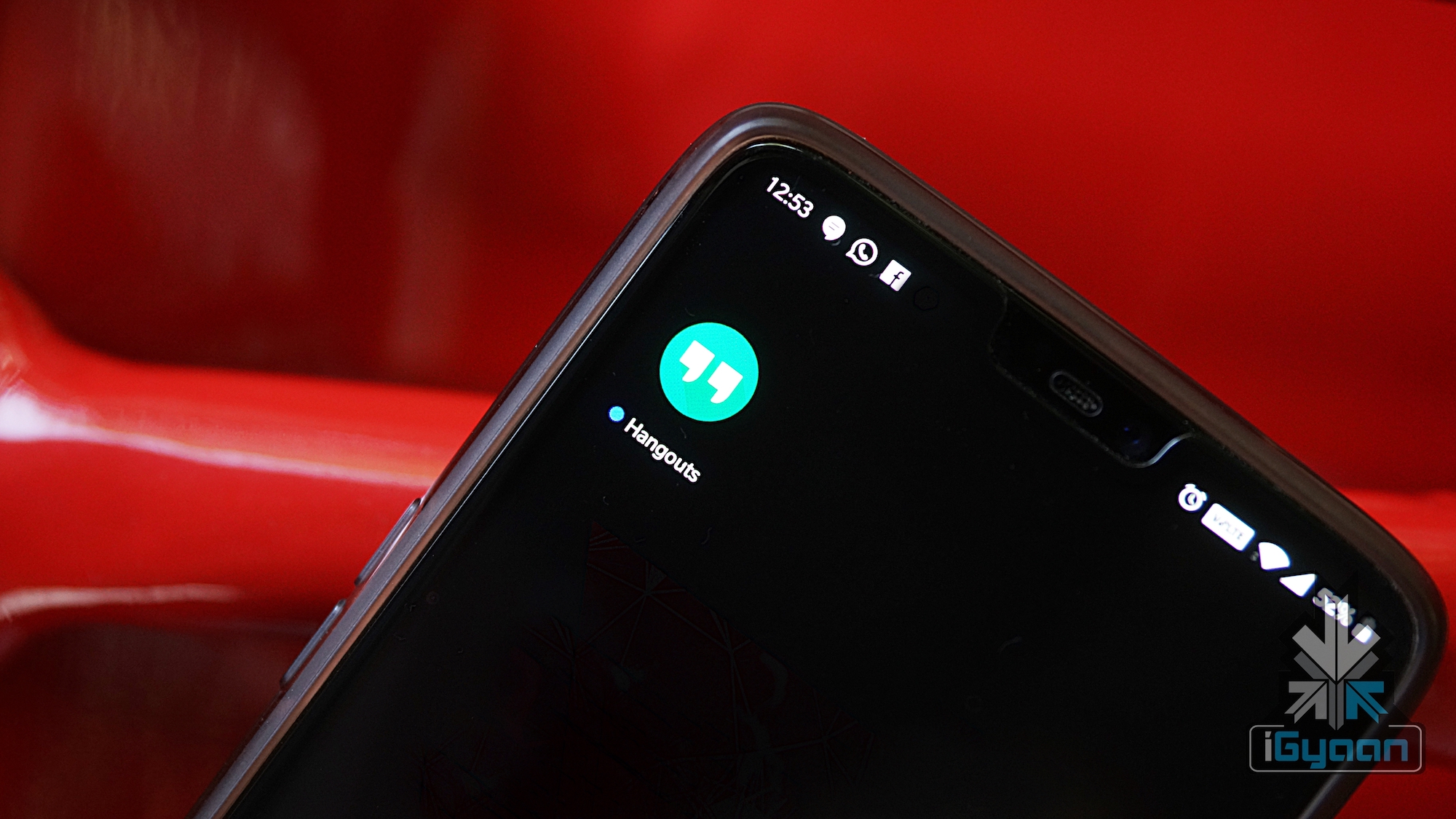
    Just a few days back, a lot of technology websites reported that google had planned to shut down their messaging app- Hangouts. However, according to the Product Lead of G Suit, Hangouts will not be shut down. Well, it won’t exactly be shut down, but the company plans to migrate the users to Hangouts Chat and Hangouts Meet. The company representative also clarified a few more aspects using tweets. They said that while Hangouts classic will be shut down, it does not imply the end of support for messaging provided by the app.

    Also Read: Google’s New Smartwatch Patent To Use Your Skin As A Touchpad

    Google’s Future Plans

    Google Hangouts is a communication platform that includes instant messaging, video chat and VOIP services. It is interesting to note that Hangouts itself was born from separate entities. These include Google Talk, Google+ Messenger (formerly: Huddle), and Hangouts, a video chat system present within Google+. The Google representative also commented that migration to Chat and Meet should be automatic. He also said that it should be invisible to the end user. Hangouts is not shutting down per se. But, it is going to disappear in a while, after all its users are successfully migrated. Google has previously also started and abandoned other apps and services such as Allo, Inbox and Reader.

    Other companies are known to create a single app for instant messaging and video chat. They have then worked on it to improve it over the years, instead of shutting them down to create a new platform. We will have to see how the company handles the huge amounts of users that currently use Hangouts. Competition has been high from Facebook Messenger which is built on top of the most popular social media platform, Facebook. WhatApp also has a huge user base, owing to its first mover’s advantage in the messaging industry.

  • Apple Allows TRAI’s DND App On iOS App Store To Avoid Facing Ban In India

    Apple Allows TRAI’s DND App On iOS App Store To Avoid Facing Ban In India

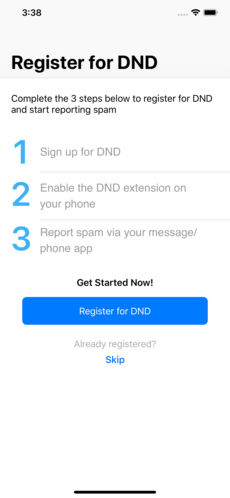
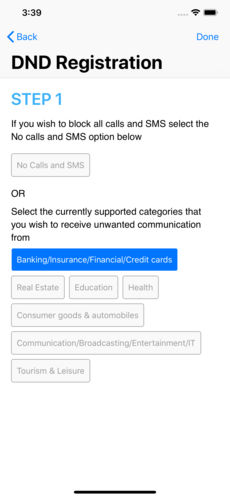
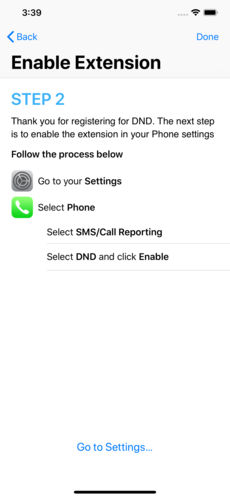
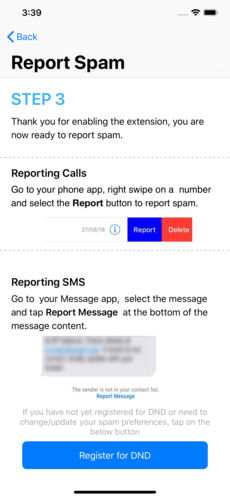
    The Telecom Regulatory Authority of India has finally succeeded in getting their App listed in the iOS app store. The App in question is the DND 2.0 app that they have created. Spam calls and spam messages have become a nuisance for Indians recently. This caused the Telecom authority to create the app that blocks all spam calls and messages. One can also report spam callers through this app. Indian smartphone users on an average receive anywhere between five to ten spam calls a day and this app aims to stop these calls.

    What Led To This Move

    The app saw it’s launch way back in 2016 and Android had allowed the app to be on the Play Store. However, Apple had not allowed it on their iOS App store citing security reasons. Apple had not allowed the App on their store because on installation, the app asks for permission to view the phone’s contacts, recent call history and messages. TRAI had given a January 2019 deadline for Apple to allow the app to the store. failing which they could face a country wide ban. The App store finally has listed the DND 2.0 app before the deadline. Apple had in a previous statement said that they comply with the laws of every country they do business in. The DND app listing is great news for iPhone users as they did not have a way to stop these calls up until now.


    Also ReadUpcoming Xiaomi Smartphone Gets FCC Certification

    The Do Not Disturb App is quite useful as it helps a smartphone user to register their mobile number under DND to avoid unsolicited commercial communication. It also stops telemarketing calls and texts. The app has an in- built anti SPAM engine which warns a user about spam SMS and incoming calls based on feedback of other users. TRAI’s DND app is available for free from the iOS App Store and it requires iOS 12.1 or later.

  • Huawei Successfully Tests Google’s Fuchsia OS On Honor Play

    Huawei Successfully Tests Google’s Fuchsia OS On Honor Play

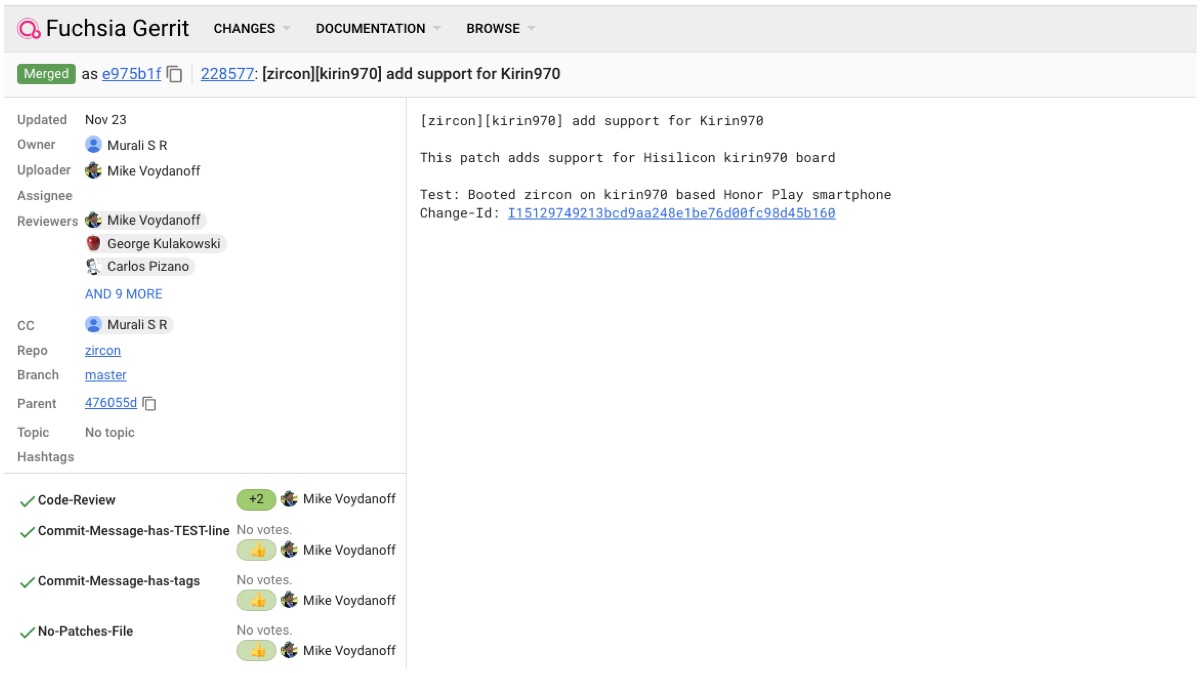
    American technology giant Google has been quietly working on an operating system called Fuchsia OS. The secret project first went live on GitHub as an open-source project back in 2016. Most noticeably, the Fuchsia OS, unlike Android and Chrome OS, does not use Linux Kernel. In fact, it uses the Zircon kernel that is derived from “Little Kernel”. Little Kernel is an operating system that was intended for embedded systems. Recently an update in the GitHub project repository reveals that a Huawei engineer was successfully able to boot Fuchsia OS on the Honor Play which features the Kirin 970 SoC.

    Honor & Fuchsia OS


    The latest patch adds support for the HiSilicon Kirin 970 SoC to the Zircon kernel. The device chosen to run the Fuchsia OS was the Honor Play. Apart from the Honor Play, the Kirin 970 S0C is also present on the Huawei P20 lineup, Huawei Mate 10 lineup, Honor 10, and Honor View 10. However, the latest development is of less importance to the end user for now. But this proves that Huawei is actively participating in the latest developments in the tech world. As they are also the first company to launch an Android smartphone with a 7 nm processor. Their Kirin 980 is a 7 nm processor which is present on the remarkable Huawei Mate 20 Pro.

    What Is Fuchsia OS?

    Also Read: More Details Of The Snapdragon 8150 Surface Online

    Not much detail about Fucshia OS is currently available, but it surely will be a cross-device OS. It means that it will run on a wide variety of devices ranging from smartphones to tablets or even laptops. Previously, Google has showcased a Pixelbook with the Fucshia OS. The initial impressions reveal that the OS is heavily inspired by material design. In conclusion, Google is planning something huge with the mystery OS and we expect Google to share at least some details about it soon.

  • Google Starts Rolling Out Duplex Service For Select Pixel Devices

    Google Starts Rolling Out Duplex Service For Select Pixel Devices

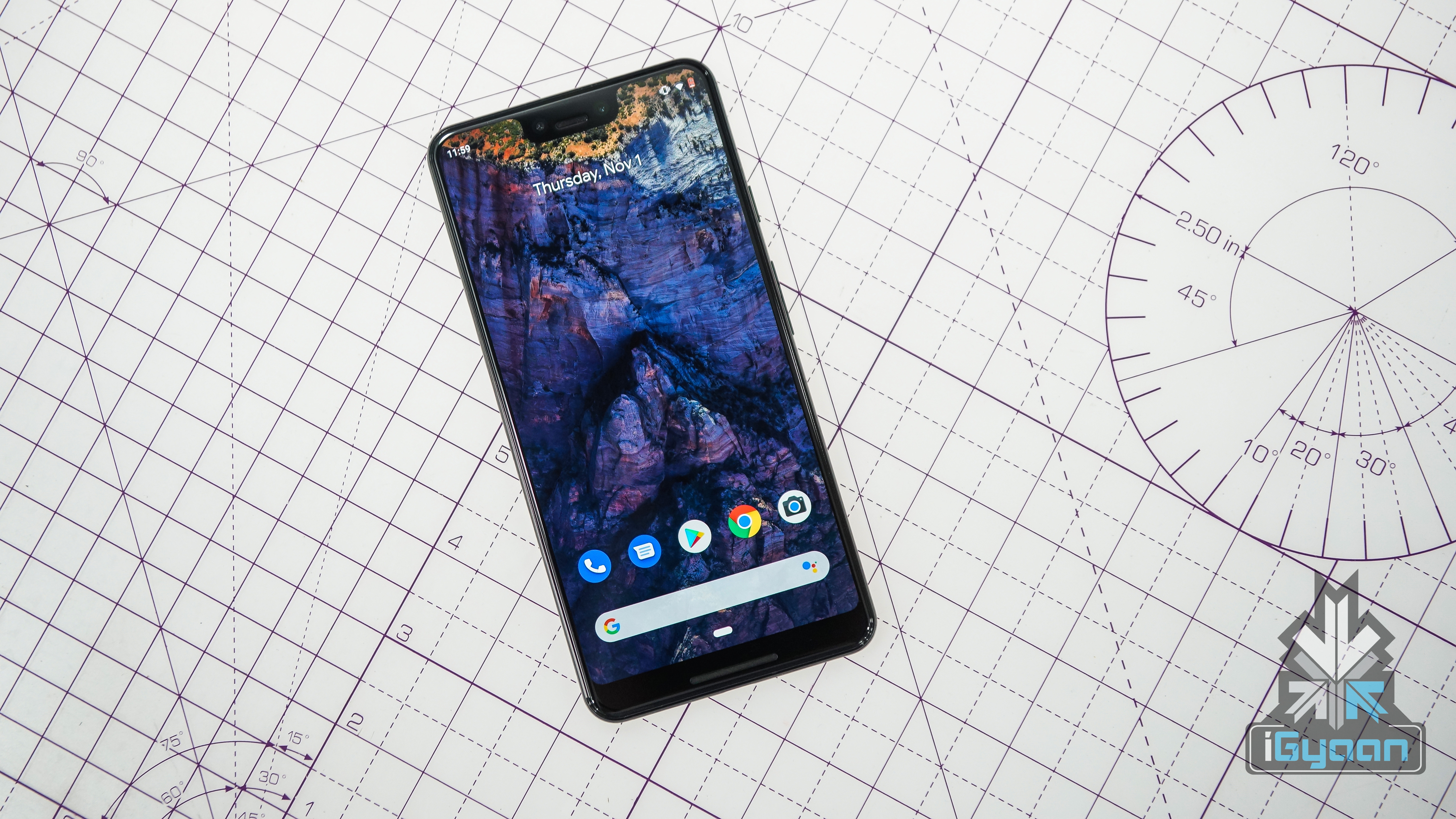
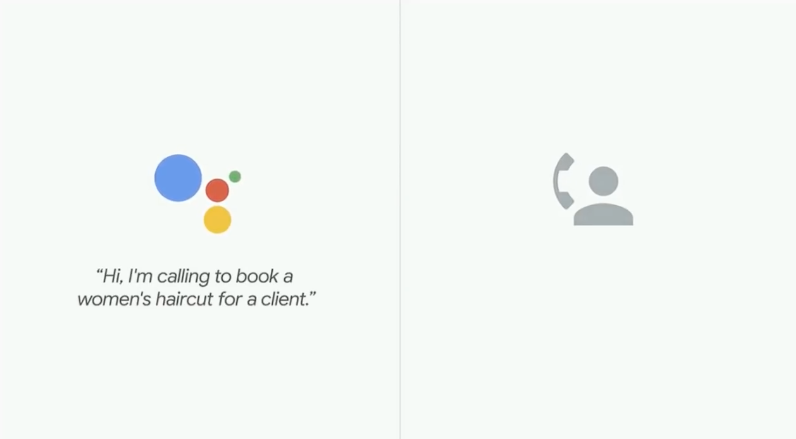
    Earlier this year, Google demonstrated various abilities of the Google Assistant at its developer conference. One of these, was the Duplex service. The Duplex service consists of an AI bot which calls up restaurants and salons, to book you appointments and make reservations for you. Although the idea seemed a bit far fetched at the point, the demo by Google really put everyone’s doubts to rest. And now, the service is rolling out to select Pixel devices in the US.

    What’s Duplex

    The Duplex service by Google was created in order to bridge the gap between those services which are listed online and those which are not. Google stated that more than 60 percent of businesses do not have an online booking service, which would mean that Google Assistant cannot make those appointments for you. Instead, Duplex will set up an appointment by actually calling up the service.

    The demo demonstrated by Google was both awesome and scary at the same time. With Duplex perfectly interacting with the human on the other end of the line and successfully booking an appointment, it seems like something out of a sci-fi movie. Not only does this tell us about the immense capabilities that AI has, but it also demonstrates as to how far technology can reach into our lives. 

    However, the service is not as easy to use as it sounds. First, you need to ask your Google Assistant to make a reservation for you at a specific restaurant. If you do not have a specific place in mind, you need to narrow it down by talking about the locality or cuisine you would like. It will then confirm a few more details such as the number of people, date and time and then go ahead to make the call. It will then continue to make the booking which you can view or cancel from the ‘My Reservations’ screen.

    The AI Future

    While this does sound ideal, and Google’s demo was also a bit dreamy, a video by VentureBeat shows that it is far more tedious. The service takes a good amount of time to gather information from you and you might as well make the call yourself in that much time.

    Also ReadChromecast Now Syncs With Google Home Speakers For Multi-Room Playback

    It will be interesting to see how many people actually find this useful and whether it picks up in terms of popularity. Another AI based service from Google, that of ‘call screening’ seems to be more practical than this. Call Screening lets you chose an option for the phone to ‘talk’ to someone who is calling you and presents that information on your screen. This will let you know who is calling in busy situations or help you avoid telemarketers.


  • Google Starts Rolling Out Its Neighbourly App Across India

    Google Starts Rolling Out Its Neighbourly App Across India

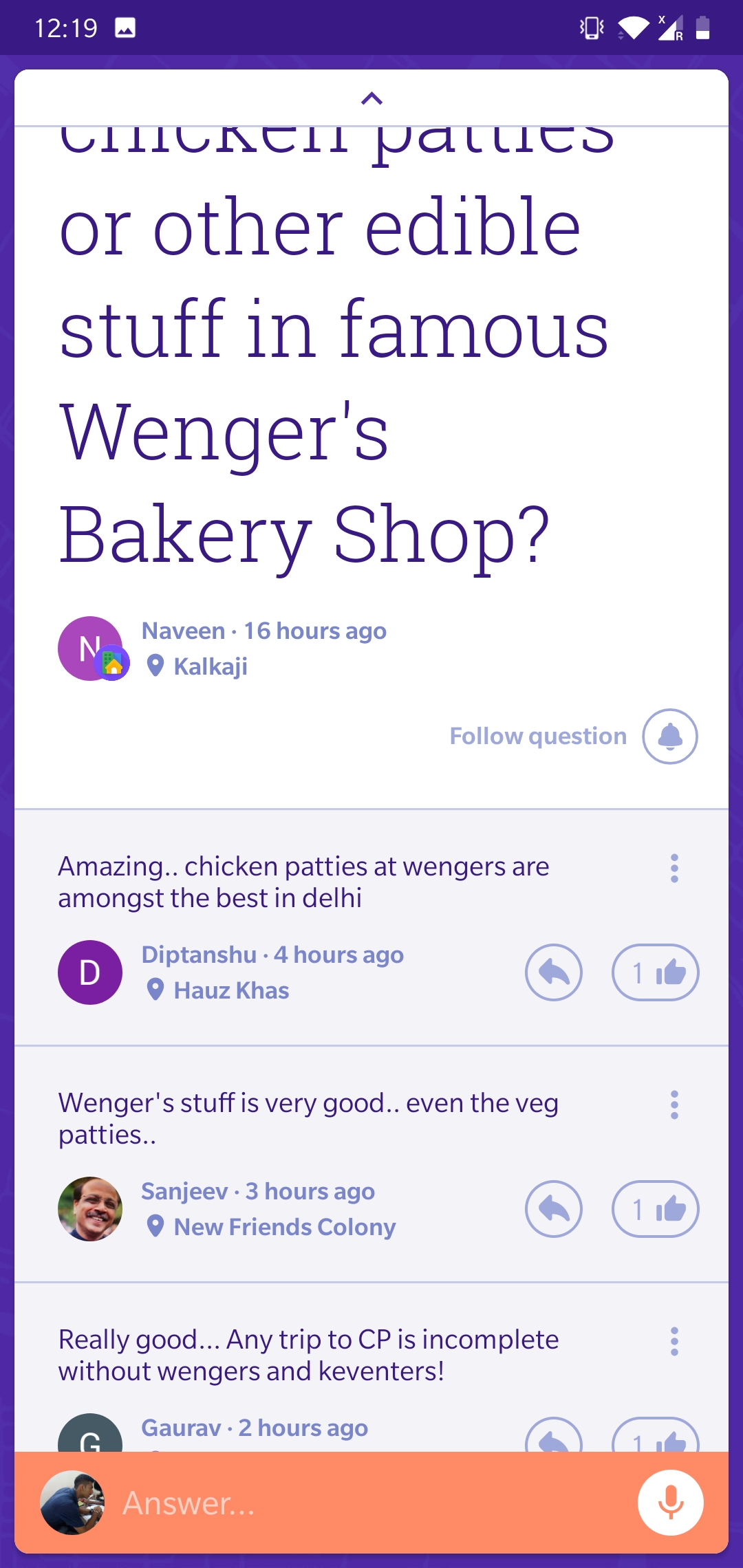
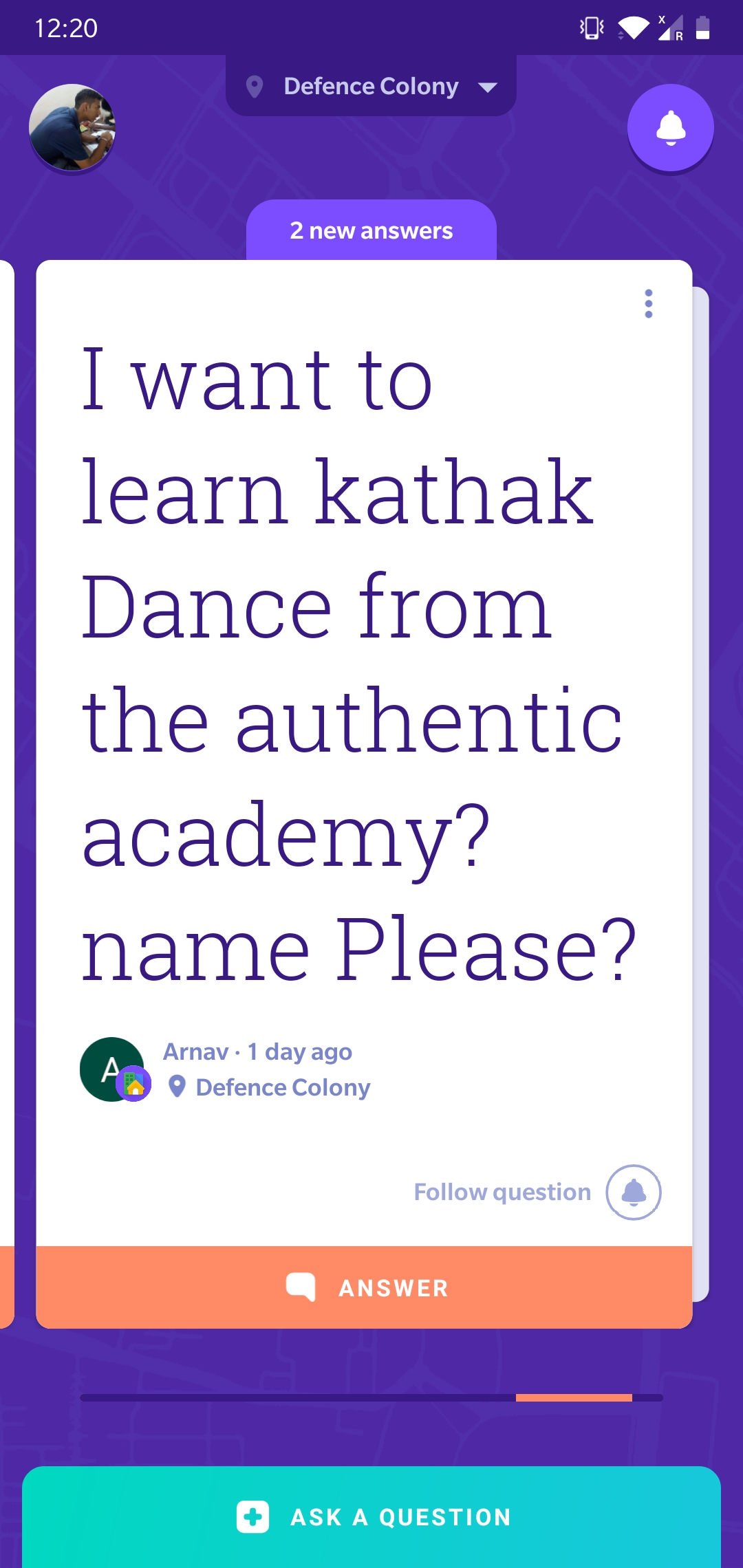
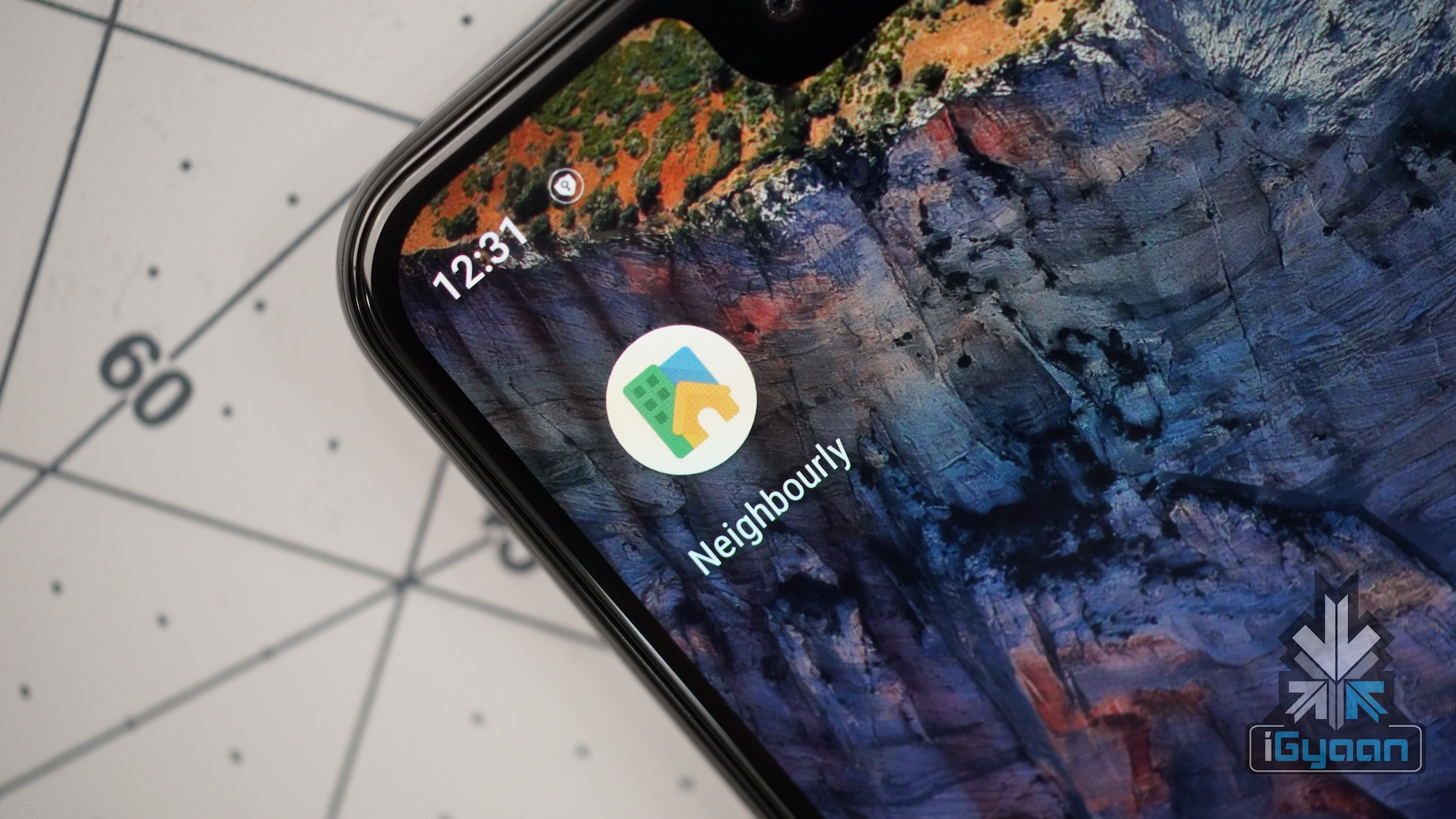
    The Neighbourly App by Google is meant to make your life easier, by just answering your questions. The app lets you post any question you would have, which would then be answered by people living in your locality. These could include questions regarding a good eating joint, a super market or guitar classes. Earlier, the app was only available in select cities, but now Google has started rolling out the app across India.

    The Rollout

    The neighbourly app was first introduced in Mumbai in May this year. Google then expanded it to cities such as Jaipur, Ahmedabad, Coimbatore and Mysore. By the start of this month, the app had more than 1.5 million downloads on the Play Store and had almost half a million people on the waitlist. Now, the app is being rolled out to all cities across India, starting with Delhi and Bengaluru, since these two cities topped the number of users on the waiting list.

    The Neighbourly app is Google’s way of bridging the ‘hyper-local’ information gap. Even with most of the services and providers listing themselves on Google or being listed, it is still difficult to find things specific to a certain need. This might include things like where one could find good books for a certain subject and the quality of food at a restaurant and its service.

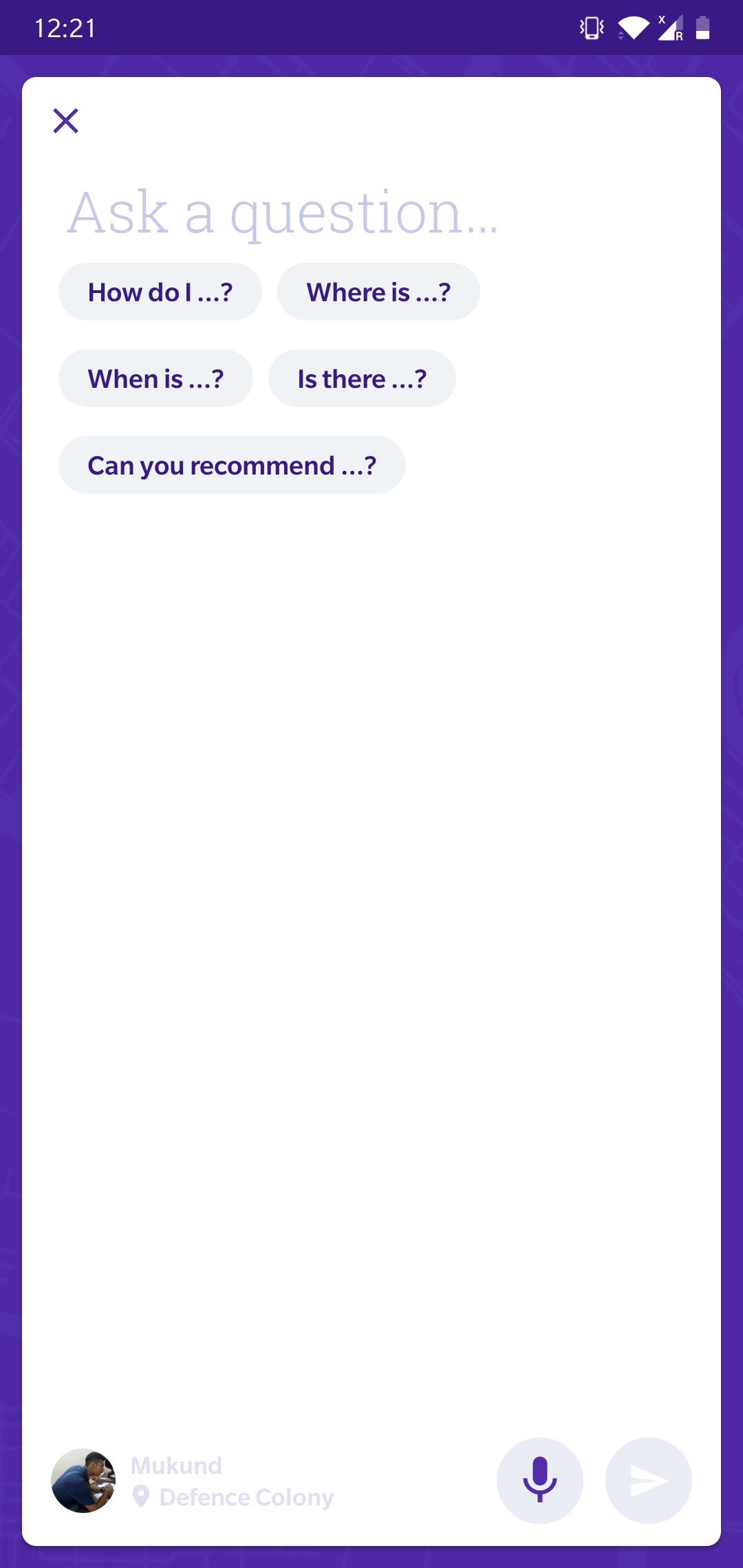
    The app does so by creating a very simple interface. You ask a question on the app, and based on their location, Google presents this location to people around you. Knowing the locality well, they would ideally provide the answers to your questions. Conversely, you can also view and answer other people’s queries. The app has a simple interface and you can also add multiple neighbourhoods, depending on where you use the app. You can also join other neighbourhoods. The app also has certain guidelines to ensure that a certain decorum is maintained within the app.

    Also Read:  Samsung Is Developing A Fourth, 6.7 Inch Galaxy S10 Variant

    While the app is a welcome change, we are yet to see how useful it actually will be. It most probably will be a pretty useful app and is a step towards integrating technology with our daily lives.

iGyaan Network
Privacy Overview

This website uses cookies so that we can provide you with the best user experience possible. Cookie information is stored in your browser and performs functions such as recognising you when you return to our website and helping our team to understand which sections of the website you find most interesting and useful.